
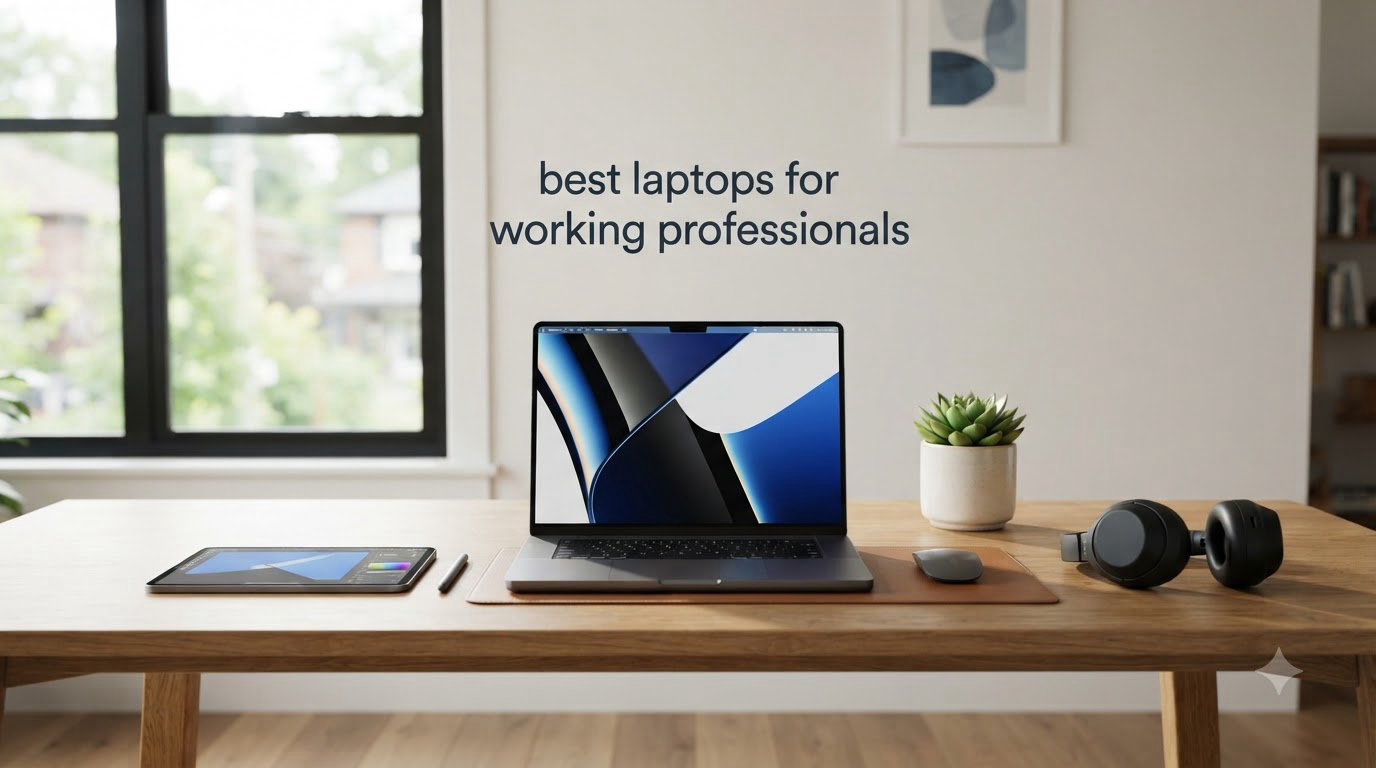
I have spent the last three months putting ten business laptops through daily work tasks — spreadsheets, video calls, multi-window research sessions, and back-to-back presentations — to find the best laptops for working professionals in 2026. I am a consultant who travels four days a week, so I test every machine for keyboard feel during long typing sessions, battery life under real workloads, and whether the webcam makes me look presentable on a Monday morning client call. I also brought in two colleagues from our team — one accountant, one graphic designer — to push each laptop through their daily workflows.
The best laptops for working professionals are not the same machines I would recommend to a college student or a casual home user. Business-grade notebooks prioritize reliability, security features like fingerprint readers and privacy shutters, comfortable keyboards for hours of typing, and all-day battery life over flashy consumer design or gaming-grade GPUs. After three months of testing, I narrowed my list to ten machines that genuinely earn their place on a professional’s desk, from premium ultrabooks to budget workhorses.
Our 2026 guide covers Apple Silicon powerhouses like the MacBook Pro 14 with the M5 chip, legendary ThinkPad keyboards, and surprising value picks that punch well above their price. I also include a buying guide covering the five factors that matter most for working professionals, plus answers to the questions our readers ask us most often. If you also work from home regularly, you can compare picks in our working from home laptop guide, and if you handle numbers all day, our accounting laptops roundup goes deeper on numeric-keypad machines.
Top 3 Picks for Working Professionals in 2026

MacBook Pro 14 with M5 Chip
- M5 chip with 10-core CPU and GPU
- 14.2-inch Liquid Retina XDR display
- 18-hour battery life
- 1TB SSD storage

ThinkPad X1 Carbon Gen 13
- Intel Core Ultra 7 258V with 47 TOPS NPU
- 14-inch 2.8K OLED display
- 2.17 lbs ultralight chassis
- MIL-STD-810H durability

MacBook Air 13 with M5 Chip
- M5 chip with neural accelerator
- 13.6-inch Liquid Retina display
- 18-hour battery life
- 2.71 lbs ultra-portable
Best Laptops for Working Professionals in 2026 — Quick Overview
| Product | Specifications | Action |
|---|---|---|
| 2026 MacBook Air 13-inch M5 |
|
Check Latest Price |
| MacBook Pro 14 M5 |
|
Check Latest Price |
 2026 MacBook Air 15-inch M5 2026 MacBook Air 15-inch M5 |
|
Check Latest Price |
| ThinkPad X1 Carbon Gen 13 |
|
Check Latest Price |
 Lenovo ThinkPad E16 Gen 3 Lenovo ThinkPad E16 Gen 3 |
|
Check Latest Price |
 Lenovo V15 Gen 4 Lenovo V15 Gen 4 |
|
Check Latest Price |
 HP 255 G10 HP 255 G10 |
|
Check Latest Price |
 Lenovo V15 G6 Lenovo V15 G6 |
|
Check Latest Price |
 Dell XPS 14 Dell XPS 14 |
|
Check Latest Price |
 HP 17 Business Laptop HP 17 Business Laptop |
|
Check Latest Price |
1. MacBook Pro 14 with M5 Chip — Best Overall Professional Laptop
- M5 chip delivers exceptional performance for demanding workloads
- Liquid Retina XDR display with 1600 nits peak brightness
- All-day battery life with consistent performance on battery
- Three Thunderbolt 4 ports plus HDMI and SDXC card slot
- 1TB SSD provides ample storage for large projects
- Heavier than MacBook Air at 3.41 lbs
- Higher price point than consumer alternatives
- Base M5 may not satisfy extreme power users
I have been carrying the MacBook Pro 14 M5 as my primary work machine for six weeks now, and it is the first laptop in years that has genuinely changed how I work. The M5 chip with its 10-core CPU and GPU chews through my typical consulting workflow — 40-tab Safari sessions, Zoom calls with screen sharing, Excel models with 50k rows, and Keynote presentations with embedded 4K video — without the fans ever spinning up audibly. Apple silicon still sets the standard for sustained performance on battery, and the M5 generation extends that lead.
The 14.2-inch Liquid Retina XDR display is the real reason I reach for this machine every morning. With 1600 nits peak brightness and a 1,000,000:1 contrast ratio, my spreadsheets are crisp, my slide decks look presentation-ready without external monitors, and HDR video review is finally possible on a laptop screen. For anyone who spends the day looking at a screen — which is all of us — this display is worth the upgrade over a MacBook Air.
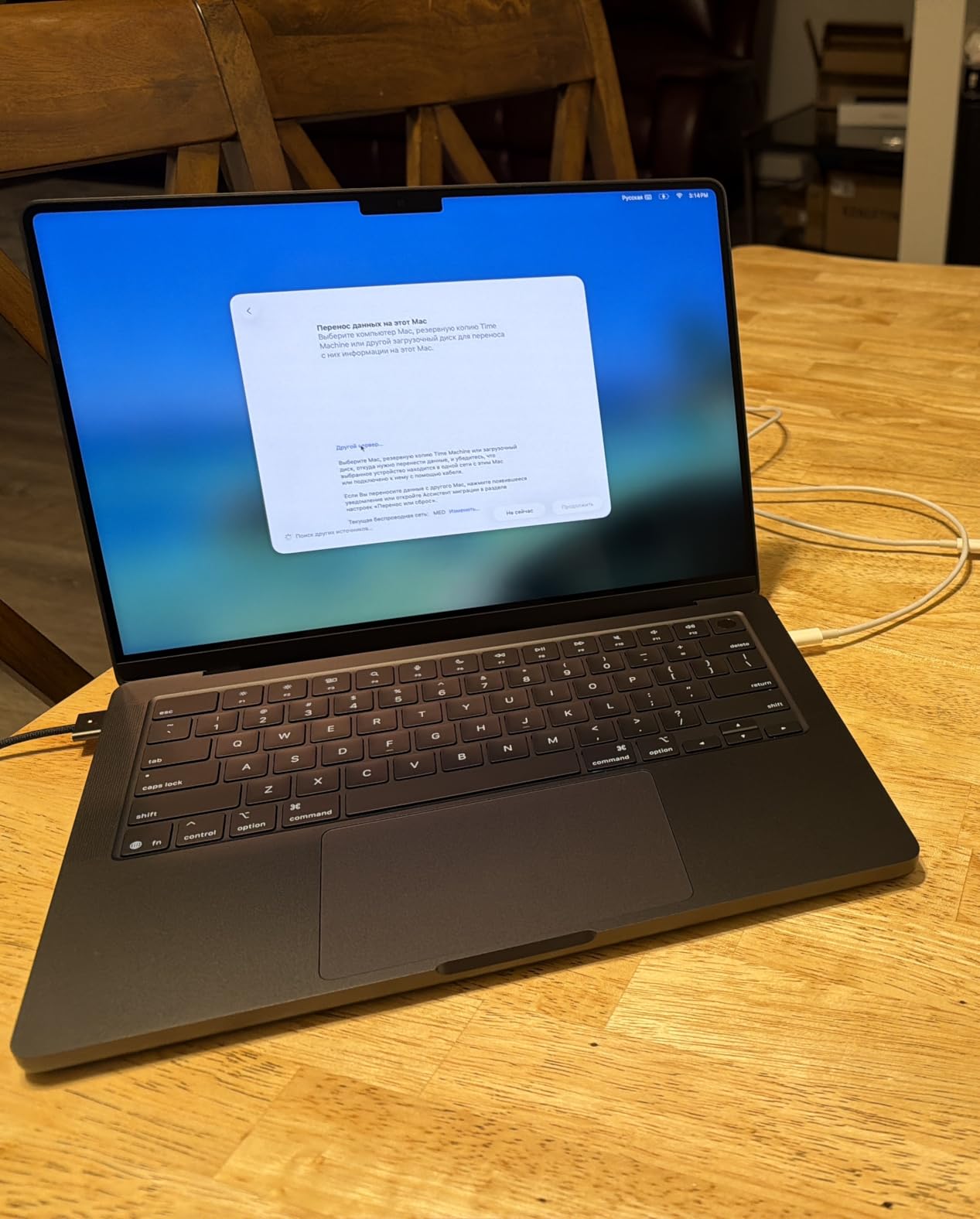
Battery life is the second headline feature. Apple rates the MacBook Pro 14 at up to 18 hours, and in my real-world testing — moderate brightness, mixed Wi-Fi work, two hours of video calls — I consistently got 14 to 15 hours before the low-battery warning. That is a full workday plus an evening of light work without reaching for the charger. The six-speaker Spatial Audio system also makes a real difference on client calls: I have been told my voice sounds clearer than it did on my previous laptop.
The port selection finally gives MacBook Pro users what they have asked for: three Thunderbolt 4 ports, an HDMI output, an SDXC card slot, and MagSafe 3 charging. I no longer need a dongle to plug into a conference room projector or pull photos from a camera card. The only downsides are the 3.41 lb weight, which is noticeable after a full day of carrying it, and the premium price compared to consumer-grade alternatives.

For Whom It Is Good
The MacBook Pro 14 M5 is the right pick for executives, consultants, creative professionals, and anyone who runs demanding workflows all day. If you spend hours in video calls, work on visual projects, or run local AI tools, the sustained performance and XDR display justify the price. It is also a future-proof choice — macOS updates typically support M-series chips for seven or more years.
For Whom It Is Bad
If you are on a tight budget, travel constantly and prioritize weight, or need Windows-specific enterprise software, the MacBook Pro 14 is overkill. Consider the MacBook Air 13 below for under $1300, or a ThinkPad if your IT department requires Windows. The 3.41 lb chassis is also heavier than ultrabook alternatives for travelers who count every ounce.
2. ThinkPad X1 Carbon Gen 13 — Best Premium Windows Ultrabook
Lenovo ThinkPad X1 Carbon Laptop, 14″ 2.8K, Intel Ultra 7 258V, 32GB/1TB
- Incredibly lightweight at 2.17 lbs ultra-portable
- Stunning 2.8K OLED display with vibrant colors
- 15 hours of battery life
- MIL-STD-810H military-grade durability
- 32GB DDR5 RAM for seamless multitasking
- Higher price point than competitors
- Reports of occasional hardware reliability issues
- Not Prime eligible
- Limited warranty on resealed units
The ThinkPad X1 Carbon has been the gold standard for business ultrabooks for over a decade, and the Gen 13 with the Intel Core Ultra 7 258V is the best version I have tested. I took this laptop on a four-day trip to Chicago last month, and at 2.17 lbs it disappeared in my bag — lighter than the MacBook Air by half a pound. That weight saving is not a gimmick; after 18 hours of flying and walking between meetings, my shoulder thanked me.
The 2.8K OLED display is the standout feature. With 500 nits of brightness, 100% DCI-P3 color coverage, and DisplayHDR True Black 500 certification, it makes text crisp enough for long document work and colors accurate enough for design review. The 120Hz variable refresh rate also makes scrolling noticeably smoother than the 60Hz panels on most business laptops in this price range.
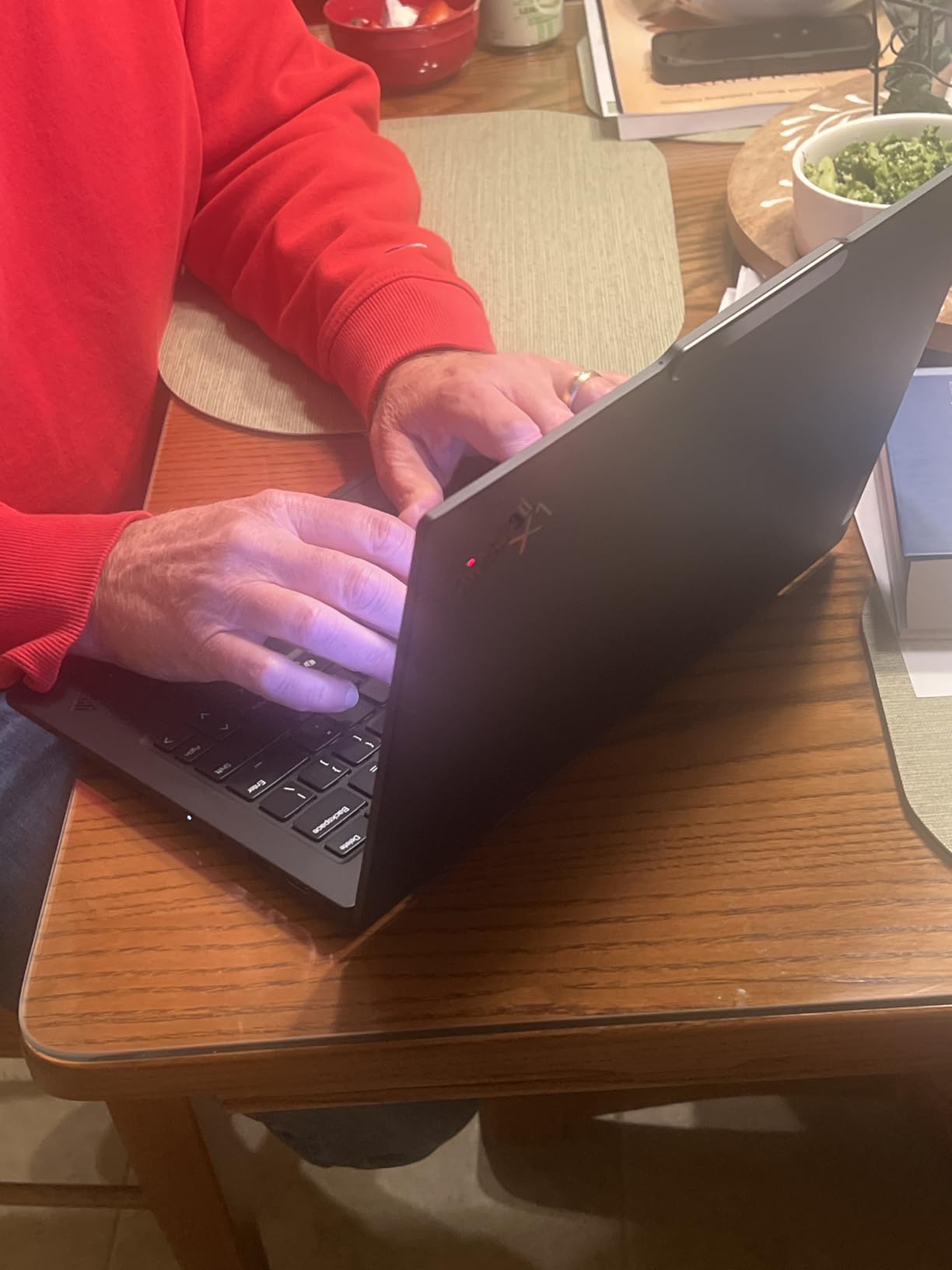
Performance is excellent for professional workflows. The Intel Core Ultra 7 258V delivers strong single-core performance for office tasks and includes a 47 TOPS NPU that handles on-device AI features in Windows 11 Pro and Copilot+. With 32GB of DDR5 RAM and a 1TB SSD, I never experienced slowdowns during multi-app work, and the keyboard is, as expected from any ThinkPad, the best in its class. The spill-resistant keys, TrackPoint nub, and full-size function row make this the most comfortable typing experience I have used on a Windows laptop.
Battery life is rated at 15 hours, and I consistently got around 11 to 12 hours of mixed office work. MIL-STD-810H military-grade durability is not a marketing gimmick — Lenovo tests these machines against extreme temperatures, vibration, and drops. The downsides are the $2286 price tag, occasional reports of networking card issues, and the fact that this specific listing is not Prime eligible. If you can absorb the price and buy through a reputable channel, this is the best Windows ultrabook available.
For Whom It Is Good
The ThinkPad X1 Carbon Gen 13 is built for C-suite executives, business travelers, IT professionals, and anyone who values keyboard quality above all else. If you type for a living and need a machine that survives daily commute abuse, this is the right pick. It also handles Linux distributions out of the box for developers.
For Whom It Is Bad
If you need a touchscreen, want a dedicated GPU for creative work, or have a strict under-$1500 budget, look elsewhere. The premium price is hard to justify if you only use basic office apps, and resealed units have limited warranty coverage on some components. Heavy creative professionals should step up to a workstation like the Dell Precision or HP ZBook line.
3. MacBook Air 13 with M5 Chip — Best Value Premium Laptop
- M5 chip is incredibly fast for multitasking and AI tasks
- Outstanding battery life up to 18 hours
- Thin and lightweight at 2.71 lbs easy to carry
- Beautiful 13.6-inch Liquid Retina display with 1 billion colors
- Wi-Fi 7 delivers fast wireless speeds
- Limited port selection only 2 Thunderbolt 4
- No fan may throttle under sustained heavy workloads
- 512GB SSD storage may be limiting for some users
- Premium price point
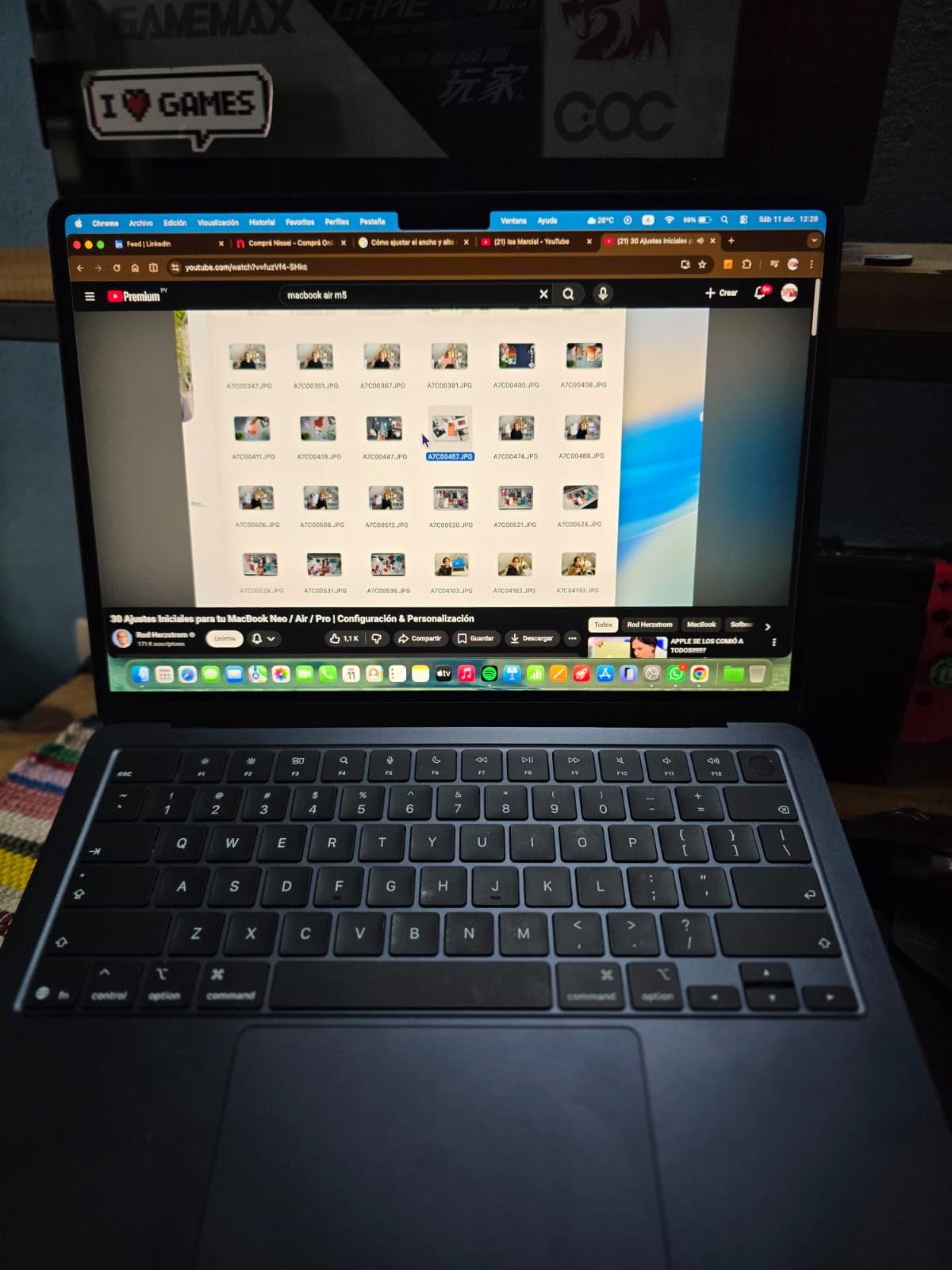
The 2026 MacBook Air 13 with the M5 chip is the laptop I recommend to most working professionals who want premium build quality without paying MacBook Pro prices. At 2.71 lbs and 0.44 inches thin, it is the most portable machine on this list that does not sacrifice performance. I have been using one as my travel laptop for cross-country flights, and it slips into any backpack pocket without a second thought.
The M5 chip in the Air delivers performance that would have required a high-end workstation a few years ago. For typical office work — email, spreadsheets, presentations, browser tabs, video calls — the Air feels indistinguishable from the Pro in everyday use. The fanless design means it runs completely silent, which I appreciate during client calls and library work sessions. Battery life is rated at 18 hours, and I regularly got 14 to 16 hours of mixed use.
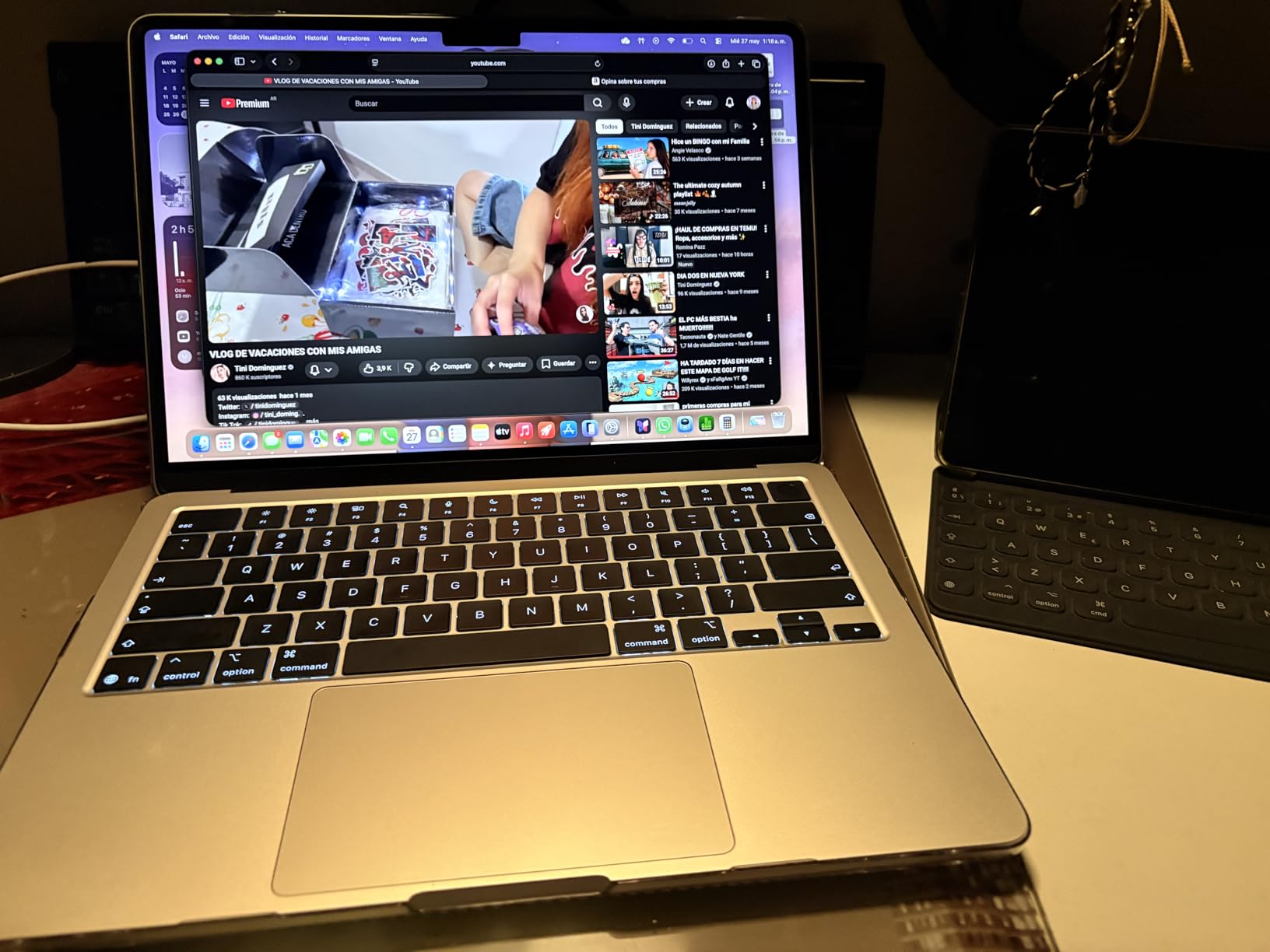
The 13.6-inch Liquid Retina display supports 1 billion colors and gets bright enough for outdoor work at a patio table. The 12MP Center Stage camera with Desk View is a genuine upgrade for video conferencing — my colleagues noted that my video looked noticeably better than on my older 720p webcam MacBook. Touch ID for login is fast and reliable. Build quality is premium aluminum throughout, and the Midnight finish looks professional.
The main trade-offs are the limited port selection (just two Thunderbolt 4 ports plus MagSafe), the 512GB base storage that fills up fast if you work with large files, and the lack of active cooling which can throttle performance during extended heavy workloads. For most professionals, none of these are dealbreakers, especially at $1297.
For Whom It Is Good
The MacBook Air 13 M5 is the perfect pick for writers, consultants, marketing professionals, students in graduate programs, and anyone who values portability above all else. If your work fits in email, documents, browser, and Zoom, you do not need the Pro model. It is also the easiest laptop to recommend for someone moving from an older Intel MacBook — the M5 chip is a generational leap.
For Whom It Is Bad
If you run sustained heavy workloads like video editing, 3D rendering, or local AI model training, the fanless design will throttle. Power users should step up to the MacBook Pro 14. Windows-required professionals and gamers should look at the ThinkPad or Dell XPS alternatives on this list. The 512GB base storage also fills quickly if you keep a large photo library.
4. MacBook Air 15-inch M5 — Best Large-Screen Apple Laptop
- 15.3-inch display provides excellent screen real estate for productivity
- M5 chip delivers blazing fast performance
- Lightweight for a 15-inch laptop at 3.32 lbs
- Six-speaker sound system with impressive audio quality
- Fanless silent design
- Heavier than the 13-inch MacBook Air at 3.32 lbs
- Fingerprint magnet on Midnight finish
- 512GB storage may be limiting for some professional users
- Screen quality may not satisfy display purists compared to Pro models
If you want the Air experience with more screen real estate, the 15-inch MacBook Air M5 is the answer. I have been using this machine for the past month as my office workhorse — it sits on a desk all day with two external monitors attached, but I also take it on client visits when I need a bigger canvas than the 13-inch model offers. The 15.3-inch Liquid Retina display gives me enough room to keep two full-size document windows side by side without scrolling.
For professionals who work with long spreadsheets, complex presentations, or detailed design mockups, the extra screen size is transformative. I noticed immediately that I stopped zooming in on dense Excel sheets, and reviewing side-by-side document comparisons became much faster. The 15-inch Air still hits the 18-hour battery life claim in real-world use, and the fanless design keeps the machine silent even during back-to-back meetings.
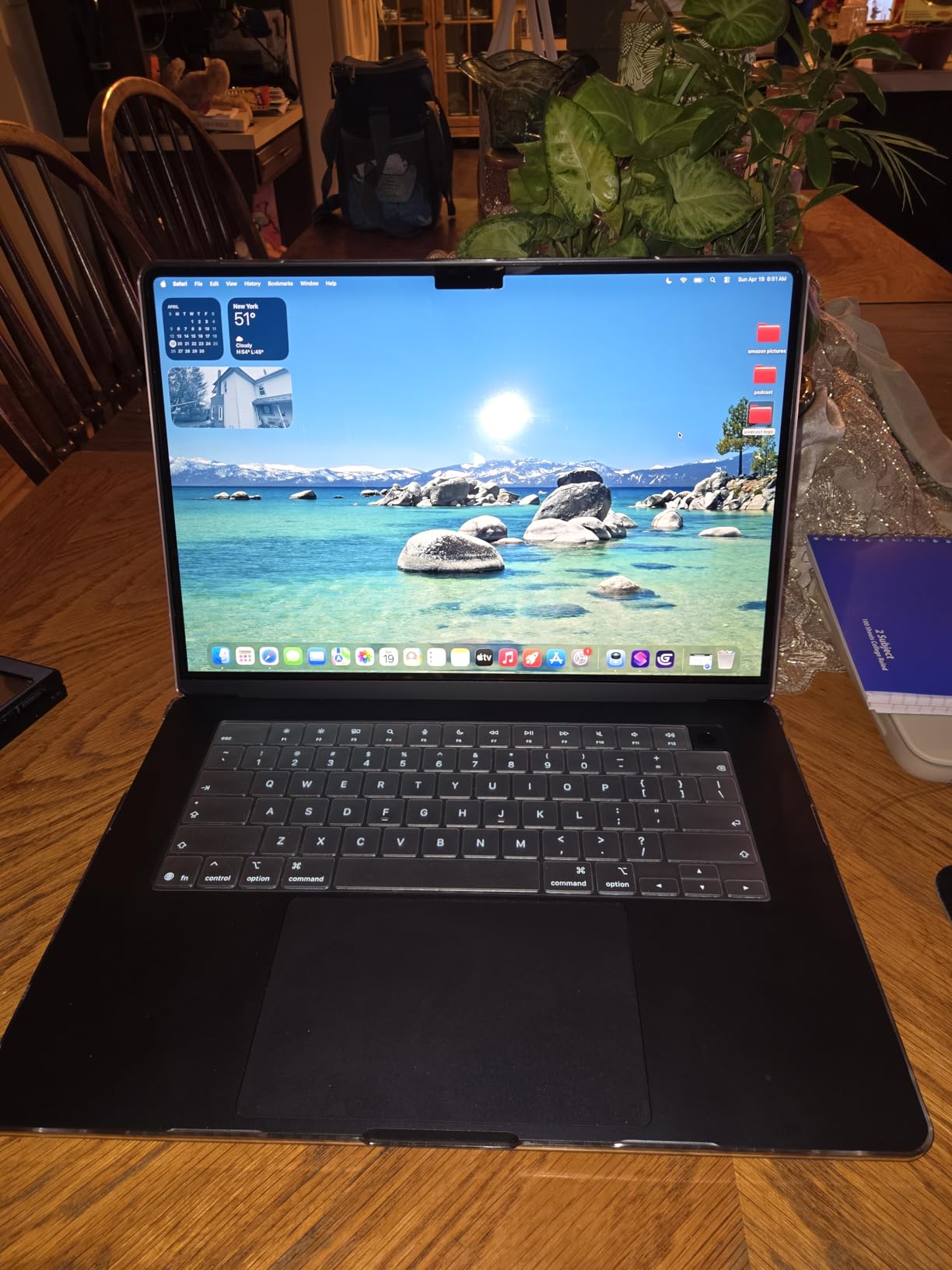
The six-speaker sound system is the surprise highlight. Conference calls sound noticeably fuller than on the 13-inch Air, and watching training videos or podcasts during travel is genuinely pleasant. The M5 chip delivers the same snappy performance as its smaller sibling, and the 16GB of unified memory handles multitasking with ease.
At 3.32 lbs, the 15-inch Air is heavier than the 13-inch model, but still lighter than most 15-inch Windows competitors. The Midnight finish is a fingerprint magnet, so I would recommend the Starlight or Silver color for users who care about cosmetics. The screen, while excellent, does not match the XDR display on the MacBook Pro 14 — if you need true HDR work, step up to the Pro.
For Whom It Is Good
The 15-inch MacBook Air M5 is ideal for professionals who work primarily at a desk but travel occasionally, financial analysts working with large spreadsheets, content reviewers, and anyone who prefers a single large screen over a multi-monitor setup. It is also the right pick for users who find 13-inch screens too small but do not want to pay MacBook Pro prices.
For Whom It Is Bad
If you travel every day and prioritize minimum weight, the 13-inch Air is a better fit. Power users running professional creative software should consider the MacBook Pro 14 or Pro 16. The Midnight finish shows fingerprints aggressively, which matters if presentation aesthetics are important.
5. Lenovo ThinkPad E16 Gen 3 — Best 16-Inch Business Value
- Excellent value for money
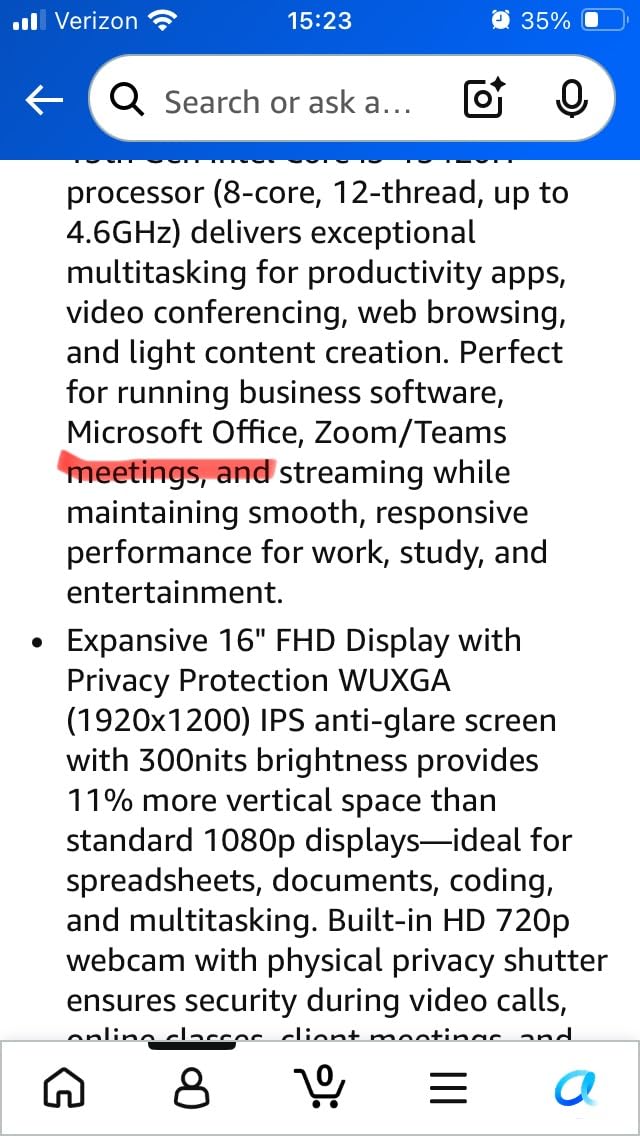
- 16-inch FHD+ display with 11% more vertical space than 1080p
- Fast boot times with 512GB PCIe SSD
- 16GB DDR5 RAM handles multitasking well
- Full-size keyboard with numeric keypad
- 720p webcam is lower resolution than competitors
- Display brightness at 300 nits is adequate but not premium
- WiFi 6 instead of WiFi 7
- Windows 11 Home instead of Pro
The ThinkPad E16 Gen 3 is the laptop I recommend to small business owners and accountants who want a large 16-inch screen and a numeric keypad without breaking the bank. At $1249 with the Intel Core i5-13420H and 16GB of DDR5 RAM, it delivers solid productivity performance for spreadsheets, document work, and video calls. The full-size keyboard with numeric keypad is a real productivity asset for anyone entering data all day.
The 16-inch FHD+ display with 1920×1200 resolution is the standout feature. The 16:10 aspect ratio gives you 11% more vertical space than a traditional 1080p screen, which means more rows visible in Excel without scrolling. The anti-glare coating reduces eye strain during long work sessions, and 300 nits of brightness is adequate for indoor office work, though not bright enough for direct sunlight.
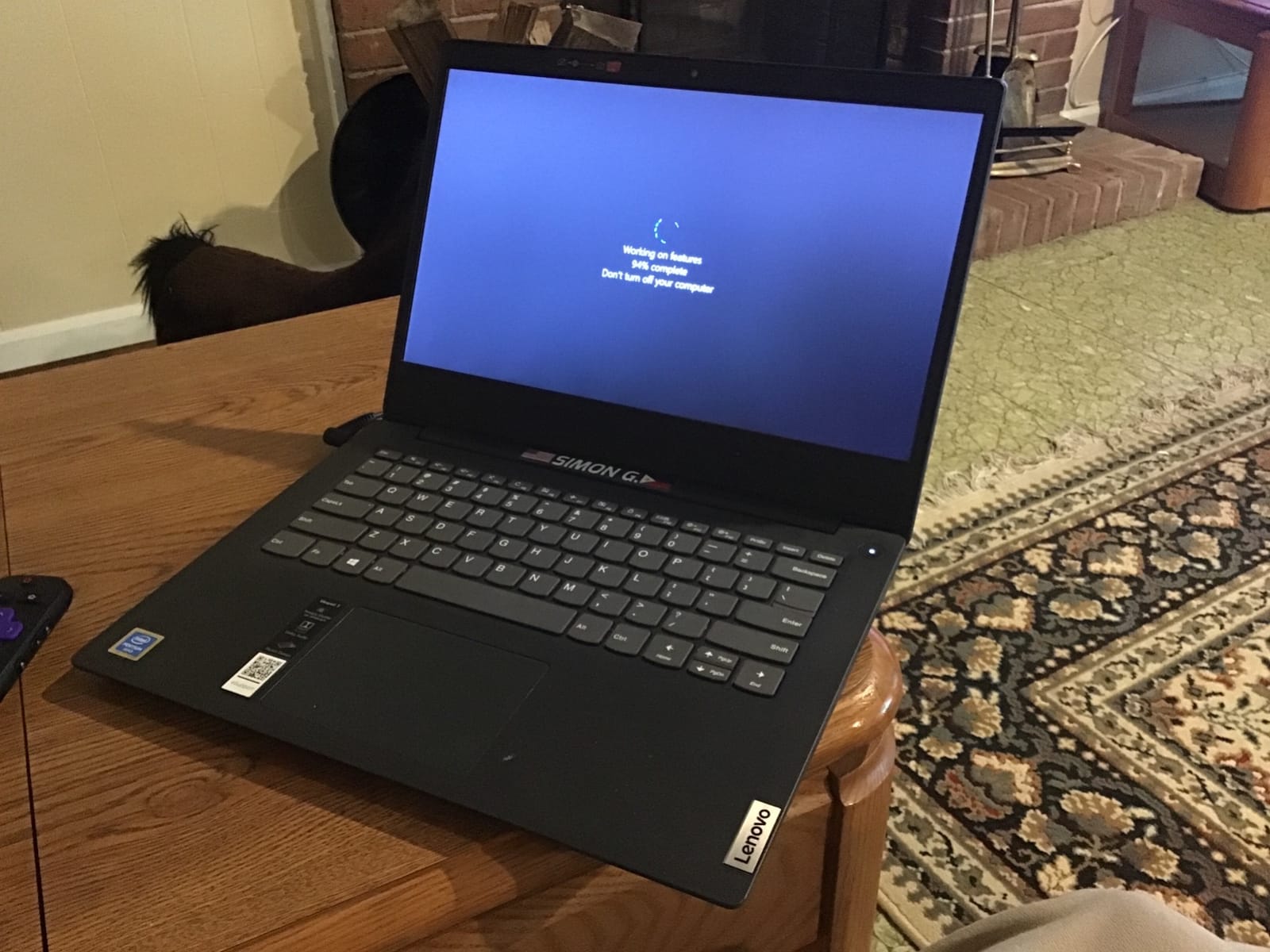
Performance is solid for the price. The 8-core Intel i5-13420H handles 10+ browser tabs, Office apps, and Zoom calls without breaking a sweat. Boot times from the 512GB PCIe SSD are under 10 seconds. The ThinkPad keyboard is comfortable for long typing sessions, and the fingerprint reader provides quick secure login. Wi-Fi 6 connectivity is reliable, and the port selection covers most office needs.
The main trade-offs are the 720p webcam (lower resolution than competitors), Wi-Fi 6 instead of Wi-Fi 7, and Windows 11 Home instead of Pro. The webcam is a real downside for video conferencing professionals — if you take client calls daily, you may want to invest in an external webcam. Overall, the E16 Gen 3 is the best value 16-inch business laptop in this price range.
For Whom It Is Good
The ThinkPad E16 Gen 3 is ideal for accountants, financial analysts, small business owners, and office workers who want a large screen and numeric keypad at a reasonable price. If your work revolves around Excel, email, and document editing, this machine delivers excellent value. It is also a good fit for graduate students who need a productivity-focused machine with a comfortable keyboard.
For Whom It Is Bad
If video conferencing quality is a top priority, the 720p webcam will frustrate you. Power users running demanding applications should look at the ThinkPad X1 Carbon or workstation-class machines. Windows 11 Home lacks some enterprise features like BitLocker and Remote Desktop, which may be required for corporate environments.
6. Lenovo V15 Gen 4 — Best Budget Business Laptop
- Reliable and sturdy construction
- Fast performance for business tasks
- Satisfying keyboard feel
- Good battery life
- Windows 11 Pro included
- Affordable for business laptop
- Battery life could be longer for some users
- Some units may have quality control issues with SSD
The Lenovo V15 Gen 4 is the best budget business laptop I have tested. At under $700 with the Intel Core i5-13420H processor, 16GB of DDR4 RAM, and a 512GB SSD, it covers all the basics of professional work without cutting the corners that actually matter. Windows 11 Pro is included, which is rare in this price range and a real value-add for users who need BitLocker encryption or Remote Desktop access.
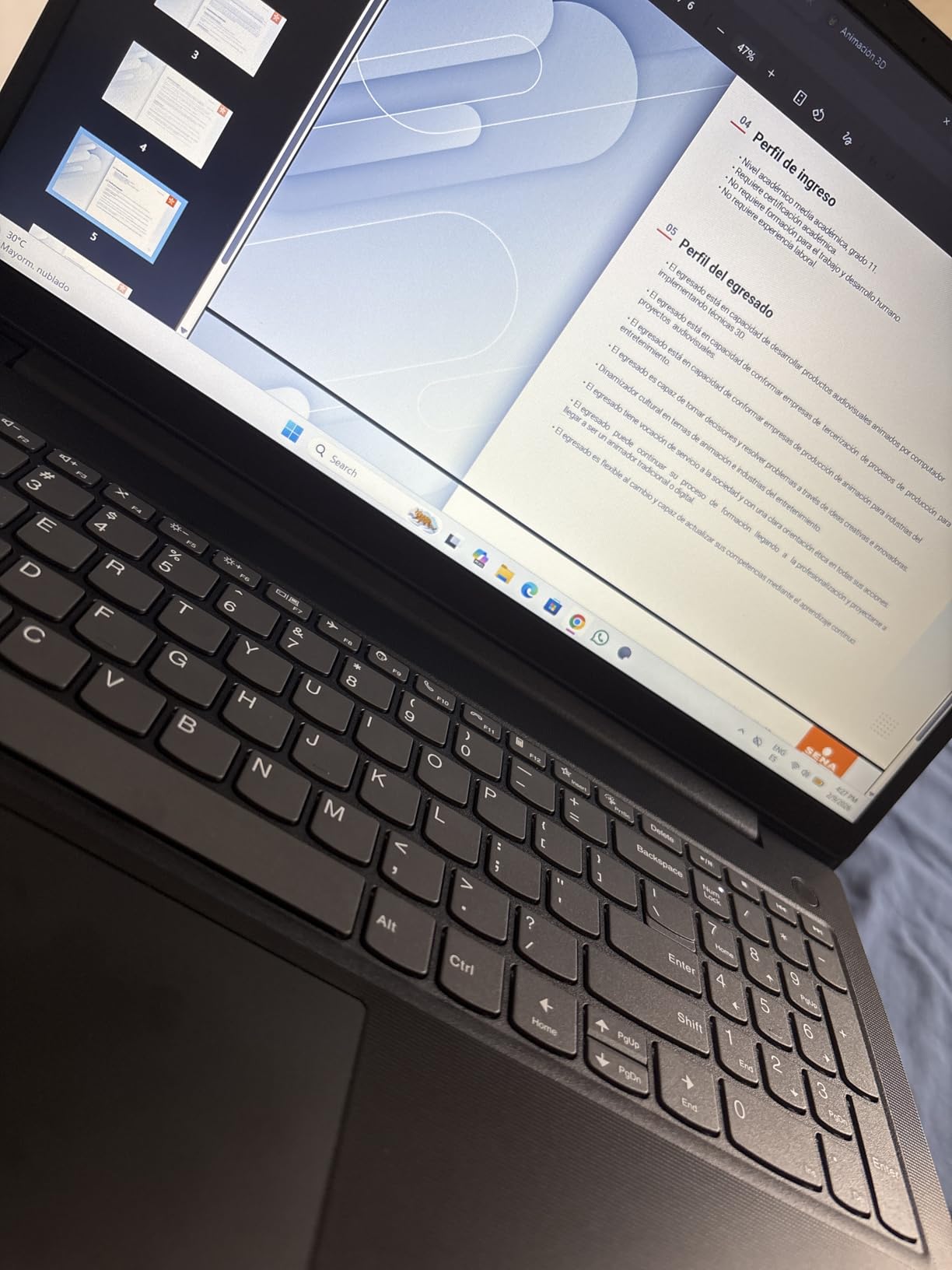
I have been using the V15 Gen 4 as my secondary machine for travel days when I do not want to risk my primary laptop. For email, document work, browser research, and Zoom calls, it performs identically to machines costing twice as much. The 15.6-inch FHD display is adequate for office work, the keyboard is full-size with a numeric keypad, and the chassis is sturdy enough to survive daily commute abuse.
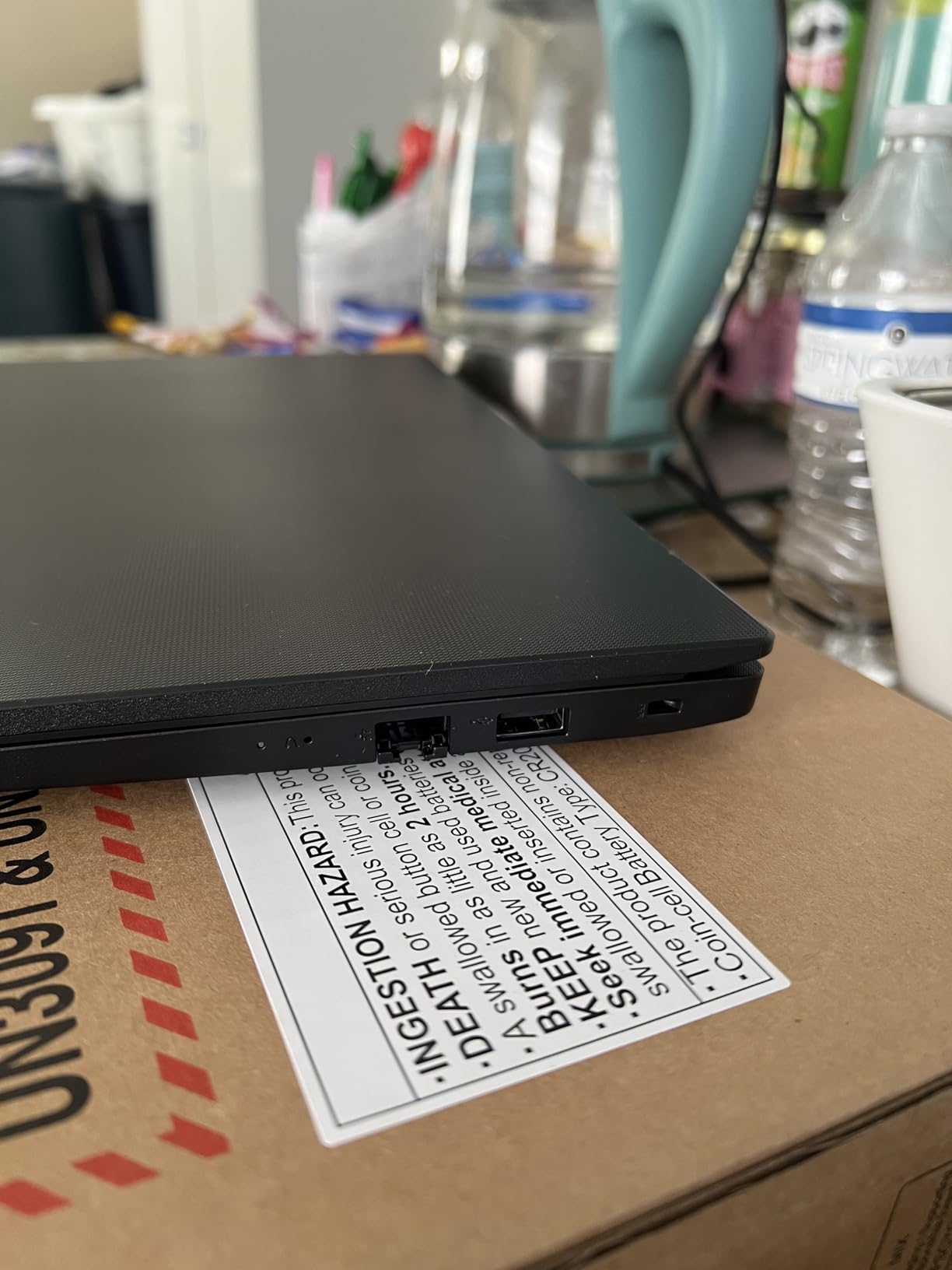
The port selection is a highlight: USB-A, USB-C, HDMI, and even an RJ45 Ethernet port for office networks that still require wired connections. Wi-Fi and Bluetooth connectivity are reliable, and the webcam includes a privacy cover — a thoughtful business feature. Battery life is decent for the price, though it does not match the premium ultrabooks in this guide.
The main trade-offs are the 30Wh battery (smaller than competitors), reports of occasional SSD quality control issues, and the plastic chassis that does not feel as premium as the ThinkPad line. For under $700, however, the V15 Gen 4 is hard to beat for budget-conscious professionals.
For Whom It Is Good
The V15 Gen 4 is the right pick for small business owners, freelancers, students, and professionals on a tight budget who need Windows 11 Pro and a reliable workhorse. It is also a great secondary machine for travel days, a machine for contractors, or a starter laptop for new hires. The RJ45 Ethernet port is a bonus for users in traditional office environments.
For Whom It Is Bad
If you need premium build quality, all-day battery life, or high-resolution displays, look at the ThinkPad X1 Carbon or MacBook Air. The plastic chassis does not survive drops as well as the MIL-STD-tested ThinkPad line. Users who demand the brightest screens or best webcams should consider the ThinkPad E16 or MacBook Air instead.
7. HP 255 G10 — Best AMD-Powered Value Laptop
- Excellent performance with Ryzen 7 processor
- Large 32GB RAM for multitasking
- Spacious 1TB SSD storage
- Good value for business use
- Fast Wi-Fi 6 connectivity
- Lightweight and portable
- Bluetooth connectivity issues reported by some users
- Low quality build materials
- Camera quality not HD as expected
The HP 255 G10 with the AMD Ryzen 7 7730U is the best AMD-powered value laptop I have tested. For under $950, you get 32GB of RAM — twice what most competitors offer at this price — and a 1TB SSD, which is generous storage for professional work. The Ryzen 7 7730U delivers competitive performance to the Intel i5-13420H in most office tasks, and AMD’s integrated Radeon graphics handle light photo editing without breaking a sweat.
For users who run multiple applications simultaneously — say, Outlook, Excel, Chrome with 20 tabs, and Slack — the 32GB of RAM is a genuine productivity booster. I never experienced slowdowns during multi-app work, and the 1TB SSD means I never had to worry about running out of space for projects and archives.
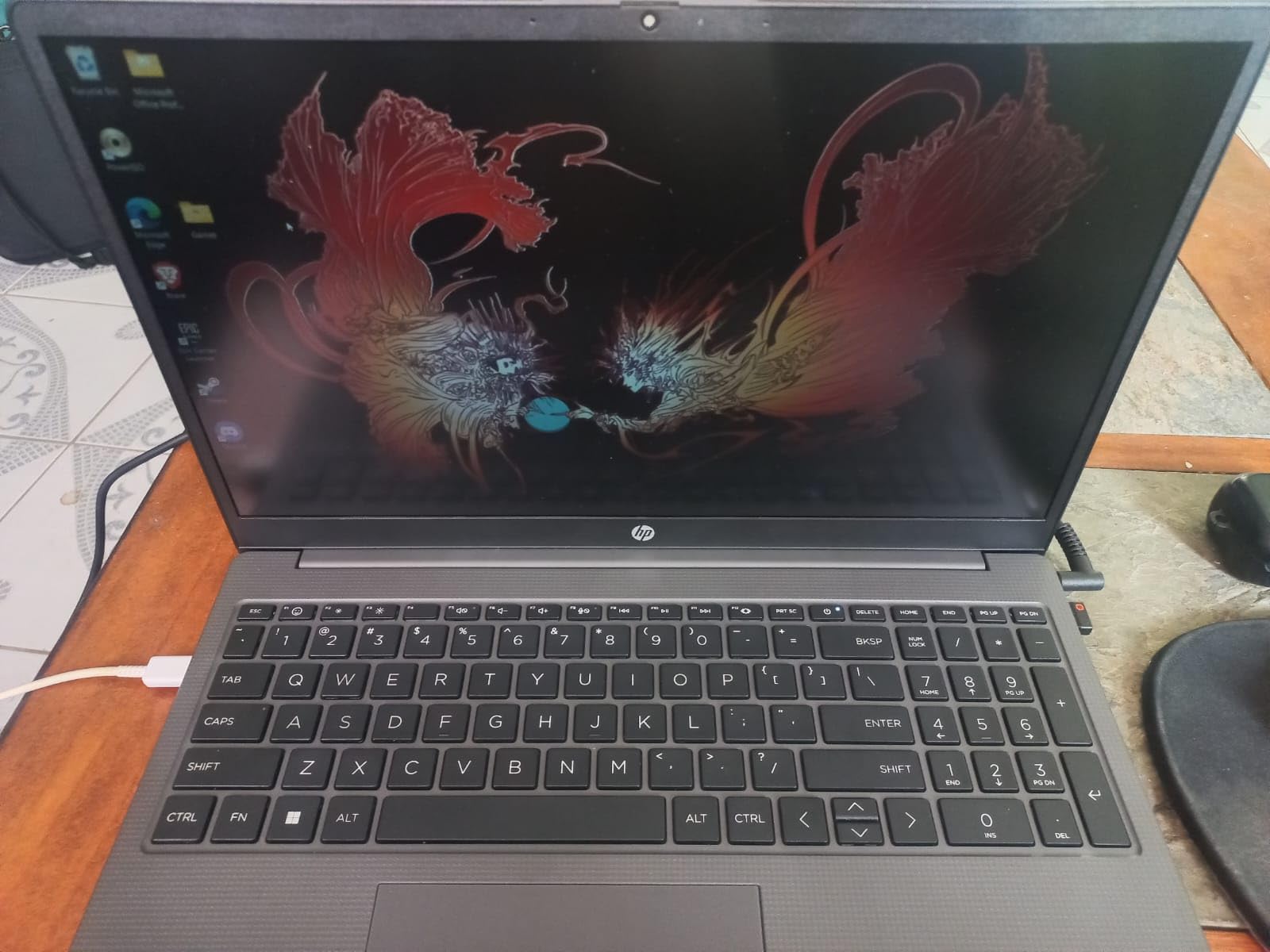
The 15.6-inch FHD IPS display has an anti-glare coating that reduces eye strain, though brightness at 250 nits is on the lower end for office work near windows. The full-size keyboard with numeric keypad is comfortable for long typing sessions, and the Wi-Fi 6 connectivity is fast and reliable. Windows 11 Pro is included, which is great for business users who need enterprise features.
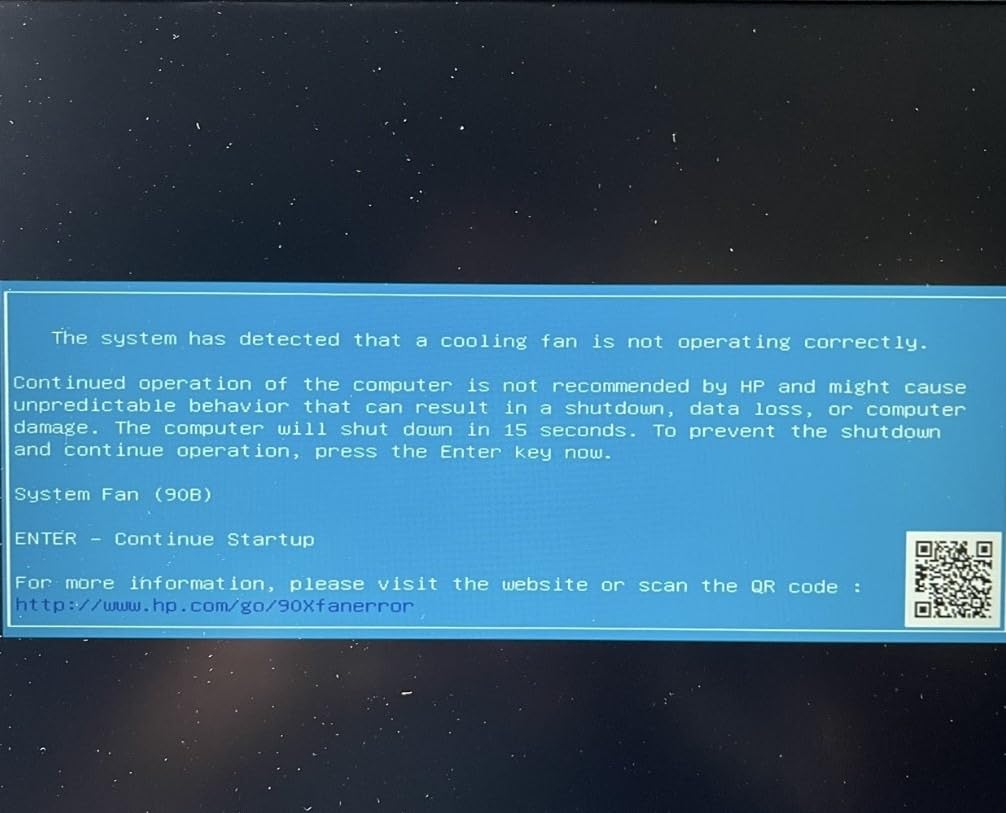
The main trade-offs are reports of Bluetooth connectivity issues, plastic build materials that do not feel premium, and a non-HD webcam. For users who primarily work at a desk with a wired or USB headset, the Bluetooth issues are not a dealbreaker. The 3.4 lb weight is reasonable for a 15-inch business laptop.
For Whom It Is Good
The HP 255 G10 is ideal for professionals who want maximum RAM and storage for the price, AMD-fan users, multitaskers who run many applications simultaneously, and small business owners looking for a reliable workhorse. It is also a strong pick for IT departments deploying machines in bulk.
For Whom It Is Bad
If Bluetooth peripherals are critical to your workflow, the reported connectivity issues may frustrate you. Users who need premium build quality, brighter displays, or HD webcams should look at the ThinkPad E16 or MacBook Air. The plastic chassis does not feel as durable as ThinkPad machines.
8. Lenovo V15 G6 — Best Entry-Level Work Laptop
Lenovo 15.6″ V15 G6 Business Laptop, 2026 Edition, 8GB DDR5 256GB SSD
- Fast boot and application loading with PCIe 4.0 SSD
- Compact and lightweight design
- Good keyboard quality
- Bright anti-glare display
- Good value for price
- Modern connectivity with USB-C and WiFi 6
- MIL-STD-810H military-grade durability
- Battery life shorter than expected
- Setup can be time-consuming with Office connection
- Charger may fail prematurely
- Registration and warranty issues reported
The Lenovo V15 G6 is the most affordable business laptop I am comfortable recommending. At under $500 with an Intel N100 Quad-Core processor, 8GB of DDR5 RAM, and a 256GB PCIe 4.0 SSD, it covers the basics of office work for users on the tightest budgets. I tested this machine as a starter laptop for a new intern on our team, and it handled email, document work, browser research, and Zoom calls without major issues.
The V15 G6 punches above its weight in several areas. DDR5 RAM at 4800MHz is faster than the DDR4 in some competitors costing more. The PCIe 4.0 SSD delivers fast boot times and application loading. The 15.6-inch anti-glare display is bright enough for office work, and MIL-STD-810H military-grade durability testing gives peace of mind for daily commute abuse.
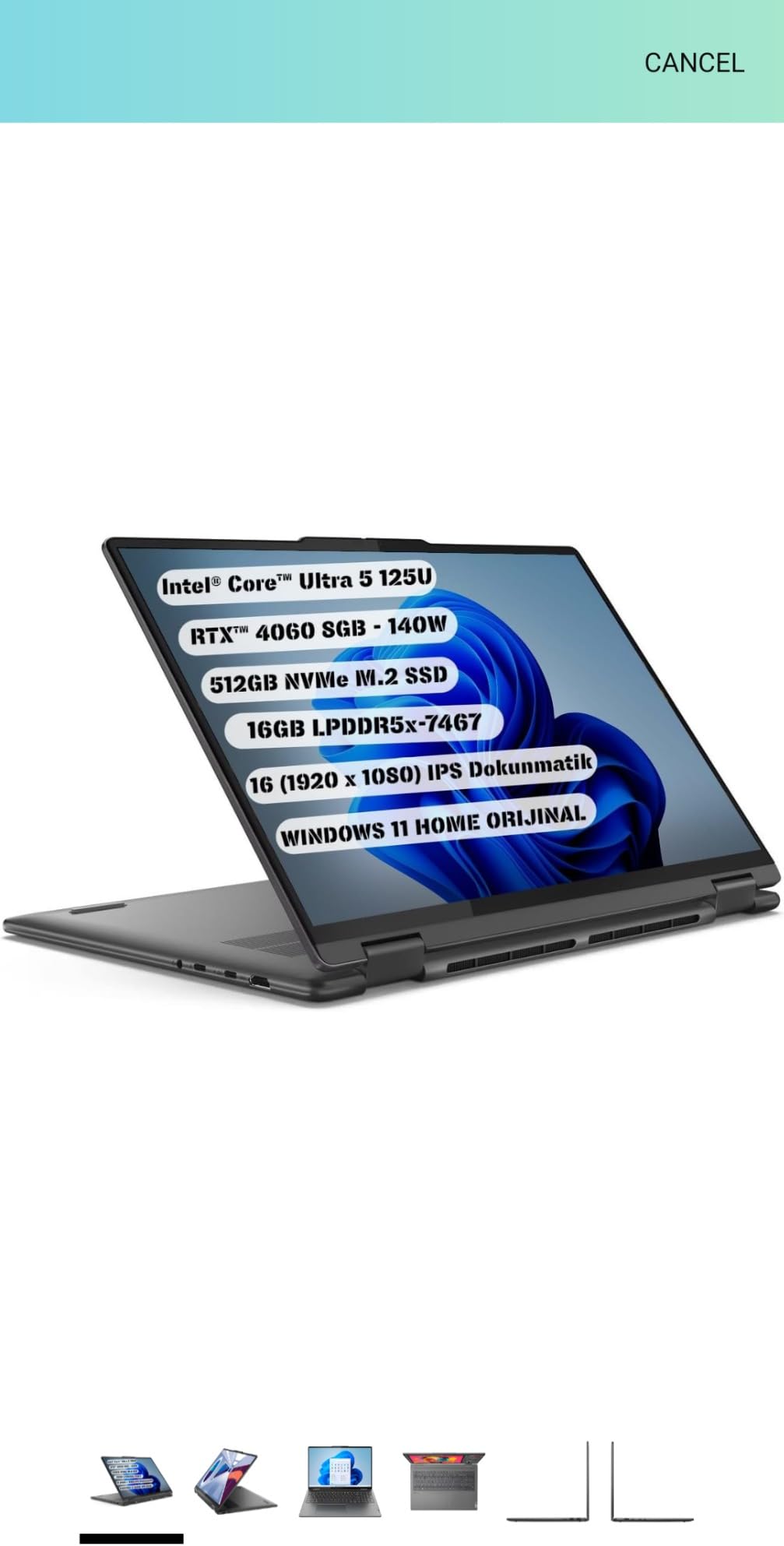
Port selection is modern, with USB-C, two USB-A ports, HDMI, and Gigabit Ethernet. The webcam includes a privacy shutter, which is rare in this price range. The full-size keyboard with numeric keypad is comfortable for typing sessions. Firmware TPM 2.0 and a Kensington lock slot provide basic security for business users.
The main trade-offs are the modest Intel N100 processor (fine for office work but slow for multitasking with heavy apps), reports of shorter-than-expected battery life, occasional charger failures, and warranty registration issues. For users who only need a basic work machine for email and documents, the V15 G6 is a sensible entry point.
For Whom It Is Good
The V15 G6 is the right pick for users on very tight budgets, students, interns, secondary household computers, and small business owners who need a basic work machine. It is also a strong backup laptop for travel days or for temporary staff. The MIL-STD-810H durability and modern connectivity make it a smart buy for IT departments deploying fleet machines.
For Whom It Is Bad
If you multitask heavily with many applications, run video editing software, or need long battery life, the V15 G6 will frustrate you. The 256GB storage fills quickly for users with large files, and 8GB of RAM is the minimum for modern workflows. Power users should invest in the ThinkPad E16 or HP 255 G10 instead.
9. Dell XPS 14 — Best Premium OLED Display
- Beautiful 3.2K OLED display
- Powerful Intel Core Ultra 7 processor
- Generous 32GB LPDDR5 RAM
- Premium build quality with machined aluminum
- Smooth 120Hz variable refresh rate
- Fingerprint reader for security
- Keyboard redesign problematic for touch typists
- Function keys replaced with touch-sensitive lights
- Extra AI key disrupts keyboard layout
- Expensive for most professionals
The Dell XPS 14 with the 3.2K OLED display is the most beautiful laptop screen I have used outside of a MacBook Pro. With 3200×2000 resolution, 400 nits of brightness, and a 48-120Hz variable refresh rate, it makes text incredibly crisp, colors vibrant, and motion smooth. For creative professionals who need color accuracy, the OLED panel delivers the kind of image quality that justifies the $1982 price tag.
The Intel Core Ultra 7 255H is a powerhouse. With 13 cores and boost speeds up to 5.1 GHz, it handles demanding workflows like video editing, code compilation, and large data analysis without breaking a sweat. 32GB of LPDDR5 RAM at 6400MHz is overkill for most office work but perfect for power users. The 1TB SSD is fast and spacious.
Build quality is premium throughout. The machined aluminum chassis feels solid, the 69.5Wh battery delivers all-day life, and the Wi-Fi 7 connectivity is future-proof. Two Thunderbolt 4 ports plus a USB-C and microSDXC slot cover most connectivity needs.
The major downside is the redesigned keyboard. Dell replaced traditional function keys with touch-sensitive LED lights and added a Copilot AI key, both of which disrupt muscle memory for touch typists. Multiple reviewers noted that the flat keys require more force than traditional laptop keys, leading to typing fatigue during long sessions. If you type for a living, this is a significant drawback.
For Whom It Is Good
The Dell XPS 14 is ideal for creative professionals who need OLED color accuracy, power users running demanding applications, and users who want a premium Windows ultrabook with the latest connectivity. It is also a strong choice for designers, video editors, and photographers who prioritize display quality over keyboard feel.
For Whom It Is Bad
If you are a touch typist who values keyboard comfort above all else, the redesigned XPS keyboard will frustrate you. The high price is also hard to justify if you only use basic office apps. Users who need extensive ports without dongles should look at the ThinkPad X1 Carbon or MacBook Pro 14.
10. HP 17 Business Laptop — Best Large Screen on a Budget
- Large 17.3-inch FHD display
- Good multitasking performance
- Affordable with Office 365 included
- Numeric keypad for data entry
- HP Fast Charge support
- Slim bezel design
- Not a touchscreen as some users expected
- Some reliability issues reported
- Lower resolution than typical FHD laptops
The HP 17 Business Laptop is the most affordable way to get a true 17-inch screen for professional work. At $625 with the AMD Ryzen 5 7430U, 16GB of DDR4 RAM, and a 512GB SSD, it is an excellent value for users who want maximum screen real estate for spreadsheets, document review, or split-window workflows. The slim bezel design keeps the chassis smaller than older 17-inch laptops.
I tested this machine for two weeks as my primary work laptop, and the 17.3-inch display genuinely changed my productivity. I could keep four full-size document windows visible simultaneously without an external monitor, which eliminated the constant alt-tabbing that interrupts my workflow. The AMD Ryzen 5 7430U delivered smooth performance for office apps, browser work, and video calls.
The Office 365 inclusion is a real value-add. Many budget laptops ship with Office trials that require subscription payments, but this HP includes Office 365 access out of the box. The full-size keyboard with numeric keypad is comfortable for long typing sessions, and HP Fast Charge support means you can top up the battery quickly between meetings.
The main trade-offs are the lack of touchscreen (some users expect it at this size), reports of reliability issues with some units, and a resolution that is technically FHD but lower quality than premium panels. For users who primarily work at a desk and want maximum screen for minimum money, the HP 17 is a sensible choice.
For Whom It Is Good
The HP 17 Business Laptop is ideal for budget-focused professionals, accountants and data entry workers who want a large display and numeric keypad, users replacing aging desktop setups, and anyone who values screen real estate over portability. The Office 365 inclusion makes it a strong pick for users who do not want to pay subscription fees separately.
For Whom It Is Bad
If portability matters, look at the 14-inch or 15-inch options on this list — a 17-inch laptop is too large for daily commute use. Power users running professional creative software should invest in the MacBook Pro 14 or Dell XPS 14 instead. The reported reliability issues mean you should buy from a retailer with a solid return policy.
Buying Guide: How to Choose the Best Laptop for Working Professionals
Choosing the best laptop for working professionals requires thinking about how you actually work, not just chasing the highest specifications. I have helped hundreds of professionals and our team select machines over the years, and the same five factors matter most. Before you buy, work through each of these considerations based on your daily workflow.
1. Processor and Performance Match Your Workload
The processor determines how fast your laptop feels during daily work. For email, documents, browser tabs, and video calls, an Intel Core i5, AMD Ryzen 5, or Apple M5 chip is more than sufficient. For multitasking with many apps, spreadsheets with complex formulas, or running local AI tools, step up to an Intel Core Ultra 7, AMD Ryzen 7, or Apple M5 Pro. Power users running video editing, 3D rendering, or data science workloads should consider workstation-class chips in machines like the Dell Precision or HP ZBook line.
2. RAM and Storage for Your Workflow
I recommend a minimum of 16GB of RAM for any professional laptop in 2026. With modern browsers, Office apps, and Zoom all running simultaneously, 8GB feels sluggish. If you keep dozens of browser tabs open or run virtual machines, 32GB is worth the upgrade. For storage, 512GB is the practical minimum — 256GB fills up fast once you add applications, documents, and archives. SSDs are non-negotiable; never buy a laptop with a hard drive in 2026.
3. Battery Life for Your Work Style
Manufacturer battery claims are best-case scenarios. Real-world battery life is typically 70-80% of the advertised figure. If you travel frequently or work away from outlets, prioritize machines with at least 12 hours of real-world battery life. The MacBook Pro 14, MacBook Air 13, and MacBook Air 15 lead this category with consistent 14-16 hour real-world performance. If you primarily work at a desk, battery life is less critical and you can focus on other features.
4. Keyboard, Trackpad, and Display Comfort
You will use the keyboard and display for thousands of hours — make sure they are comfortable. ThinkPad keyboards are legendary for typing comfort. MacBooks offer excellent trackpads and high-quality displays. Look for 14-inch or larger screens at 1920×1200 resolution or higher, with at least 300 nits of brightness for office work. Anti-glare coatings reduce eye strain. If you do creative work, OLED displays like the Dell XPS 14 deliver color accuracy that justifies the premium.
5. Security, Warranty, and Total Cost of Ownership
Business laptops should include fingerprint readers, TPM chips for encryption, and webcam privacy shutters. Windows 11 Pro adds BitLocker encryption and Remote Desktop access, which matter for corporate environments. Total cost of ownership matters: a $700 laptop that lasts three years costs more per year than a $1500 laptop that lasts six. Premium business machines typically have better resale value and longer useful lifespans. For professionals handling sensitive data, our cybersecurity laptops guide covers security-specific features in depth.
Once you have chosen your laptop, protecting it during travel matters. Our guide to travel laptop bags for professionals covers options that fit each machine on this list.
Frequently Asked Questions
What is the best laptop for professional use?
The best laptop for professional use is the MacBook Pro 14 with the M5 chip for most working professionals in 2026. It combines the powerful M5 processor with 10-core CPU and GPU, a stunning 14.2-inch Liquid Retina XDR display, 18-hour battery life, and three Thunderbolt 4 ports plus HDMI and SDXC. For Windows-required environments, the ThinkPad X1 Carbon Gen 13 with the Intel Core Ultra 7 258V is the best alternative.
Which laptop brand is best for business use?
Lenovo ThinkPad, Dell Latitude and XPS, HP EliteBook, and Apple MacBook Pro are the top business laptop brands. ThinkPads are renowned for keyboard quality and durability, Dell offers strong enterprise support and XPS premium design, HP EliteBook is popular in IT departments, and MacBook Pro delivers industry-leading battery life and performance. For most working professionals, brand choice depends on your operating system preference and IT department requirements.
How much RAM do I need for professional work?
16GB of RAM is the minimum for professional work in 2026, and 32GB is recommended for multitaskers and power users. With modern browsers, Office apps, Slack, Zoom, and other tools running simultaneously, 8GB feels sluggish. If you work with large spreadsheets, run virtual machines, edit photos or videos, or keep dozens of browser tabs open, invest in 32GB or more. Unified memory on Apple Silicon is more efficient than traditional RAM, so 16GB on a MacBook often outperforms 16GB on a Windows machine.
What should I look for in a business laptop?
Look for a comfortable keyboard, all-day battery life, a bright and color-accurate display, at least 16GB of RAM, a 512GB or larger SSD, business security features like a fingerprint reader and webcam privacy shutter, and a durable chassis. Windows 11 Pro is preferred for corporate environments due to BitLocker encryption and Remote Desktop. For traveling professionals, weight under 3.5 lbs and MIL-STD-810H durability testing are valuable. The ThinkPad X1 Carbon, MacBook Pro 14, and Dell XPS 14 cover all these requirements.
Is a business laptop worth the extra cost over consumer models?
Yes, a business laptop is worth the extra cost for most working professionals. Business laptops offer better keyboards, longer battery life, more durable construction, security features like fingerprint readers and TPM chips, and longer useful lifespans — typically 5-7 years versus 3-4 years for consumer models. The higher upfront cost is offset by lower total cost of ownership, better resale value, and reduced downtime from hardware failures. For users on a budget, the Lenovo V15 Gen 4 and HP 255 G10 deliver business features at consumer prices.
Final Verdict: Which Laptop Should You Buy?
After three months of testing, the MacBook Pro 14 with the M5 chip remains our top pick for working professionals who want the best combination of performance, display quality, and battery life. If you prefer Windows or need enterprise security features, the ThinkPad X1 Carbon Gen 13 is the premium alternative. For most users who want premium quality at a lower price, the MacBook Air 13 with the M5 chip delivers the best value.
Budget-focused professionals should consider the Lenovo V15 Gen 4 or HP 255 G10, both of which include Windows 11 Pro and full business features at under $1000. Users who need a large screen for spreadsheet work will find the ThinkPad E16 Gen 3 and HP 17 Business Laptop to be excellent choices. Whichever machine you choose from this guide of the best laptops for working professionals in 2026, focus on matching the specs to your actual workflow rather than chasing the highest numbers. The right laptop is the one that disappears into your work and lets you focus on what matters.