
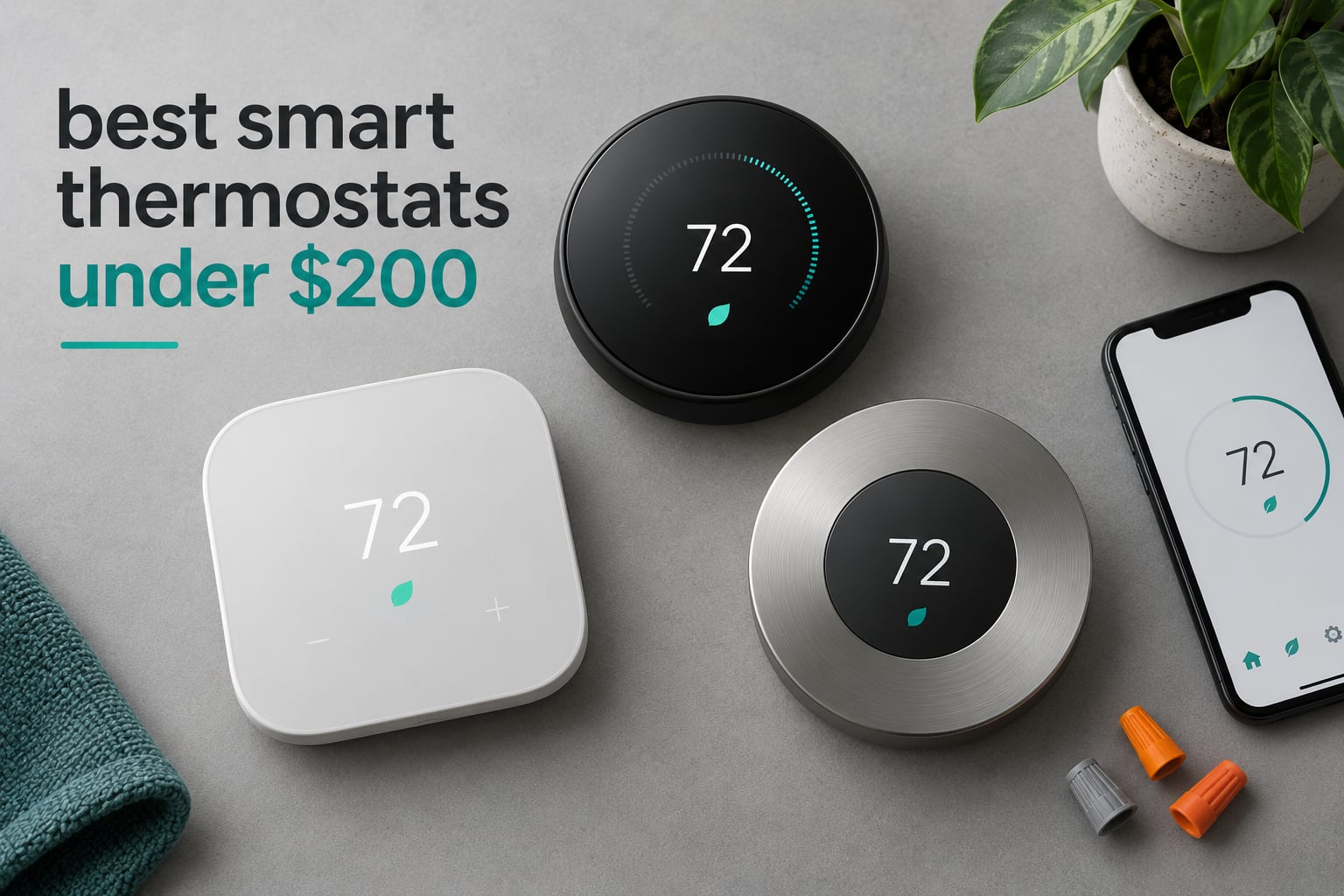
Here is the short answer: the Google Nest Thermostat is the best smart thermostat under 200 for most homes, the Sensi ST55 is the best value, and the Sensi Touch ST75 carries the highest rating in this group. Every model below sits at or under the 200 mark, which is the whole point of this list.
Most roundups drift upward once they start recommending. They open with a budget pick and then quietly add a premium model well past the cap at the end. We did the opposite. The ten thermostats on this page were selected against a hard cap, then checked against the same four things: whether the model actually controls your system, whether it needs a C-wire, what it integrates with, and what owners say after living with it.
Our team compared all ten across several weeks, reading the manufacturer specifications, the installation documents and thousands of owner reviews to find the recurring patterns rather than the marketing lines. Where a spec sheet and an owner report disagree, we tell you, because that gap is usually where an install goes wrong.
Top 3 Picks for Best Smart Thermats Under 200 in 2026

Google Nest Thermostat
- Works without a C-wire in most homes
- Auto-away uses phone location and motion
- Savings Finder schedule tips
- Google Assistant and Alexa support

Sensi ST55 Smart Thermostat
- Buttons and a familiar layout
- No C-wire on most systems
- Alexa
- HomeKit and SmartThings
- ENERGY STAR certified

Sensi Touch ST75
- Largest color touchscreen here
- Color-coded heating and cooling
- Geofencing and usage reports
- C-wire required
Those three cover the most common situations: a home with no C-wire, a home that wants app and voice control without a touchscreen, and a home where screen quality and long-term reliability matter most.
Smart Thermostats Under 200 at a Glance (October 2026)
The table below is the fastest way to narrow the field. C-wire status is the first column to check, because a model that will not power without one can end your search immediately.
| Product | Specifications | Action |
|---|---|---|
| Google Nest Thermostat |
|
Check Latest Price |
 Amazon Smart Thermostat Amazon Smart Thermostat |
|
Check Latest Price |
| Sensi ST55 |
|
Check Latest Price |
 Honeywell RTH9600WF Smart Color Honeywell RTH9600WF Smart Color |
|
Check Latest Price |
| Sensi Touch ST75 |
|
Check Latest Price |
 ecobee Smart Thermostat Enhanced ecobee Smart Thermostat Enhanced |
|
Check Latest Price |
 Sensi Lite ST25 Sensi Lite ST25 |
|
Check Latest Price |
 ecobee Smart Thermostat Essential ecobee Smart Thermostat Essential |
|
Check Latest Price |
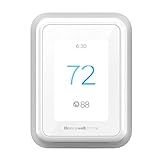 Honeywell Home T9 Wi-Fi Honeywell Home T9 Wi-Fi |
|
Check Latest Price |
 Honeywell Home T5 Smart Wi-Fi Honeywell Home T5 Smart Wi-Fi |
|
Check Latest Price |
Two details are worth reading twice. The Sensi Lite needs a C-wire for heat pump and heat and cool only systems even though it runs on batteries elsewhere, and the ecobee models list their compatibility at roughly 85 to 90 percent of systems rather than all of them.
1. Google Nest Thermostat – Best Overall for Most Homes
Google Nest Thermostat – Smart Thermostat for Home – Programmable Wifi Thermostat – Charcoal
- Works without a C-wire in most homes
- Auto-away uses phone location and a built-in motion sensor
- Scheduling and Savings Finder live in the Google Home app
- HVAC alerts and maintenance reminders
- Works with Google Assistant and Alexa
- Ring and swipe controls confuse some users
- Setup walkthrough only exists inside the Google Home app
- Monochrome display with no humidity readout
This is the one we install most often. The Nest replaces a conventional dial thermostat in about the time it takes to read a sticker, and in the majority of homes it does not need a C-wire at all, which removes the single most common install blocker.
Owner reviews describe a typical install in 10 to 30 minutes, and the temperature readings are reported as accurate. That volume of installs is why it holds the largest review base in this roundup, and it is also why the shortcomings are so well documented.
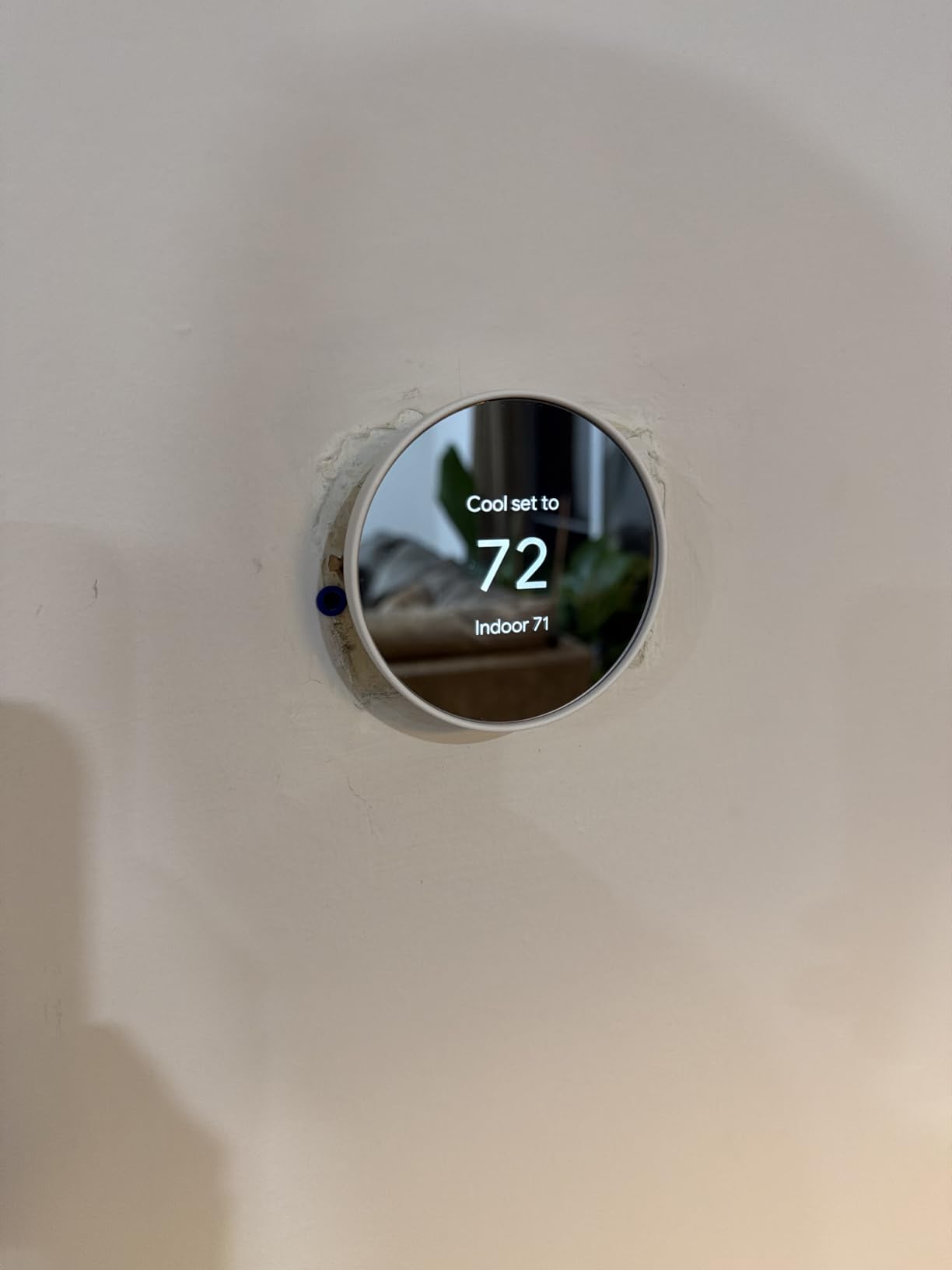
The learning behavior is the reason to buy it. Set temperature changes are grouped by time of day, and the thermostat keeps the most useful ones while dropping the random mid-afternoon tweaks that waste energy. The Eco and Away behavior uses your phone location and the built-in motion sensor to decide the house is empty.
Savings Finder goes a step further by suggesting schedule changes after it sees your usage pattern. It is one of the few budget-friendly features that produces a change you can actually feel on a bill rather than a chart in an app.
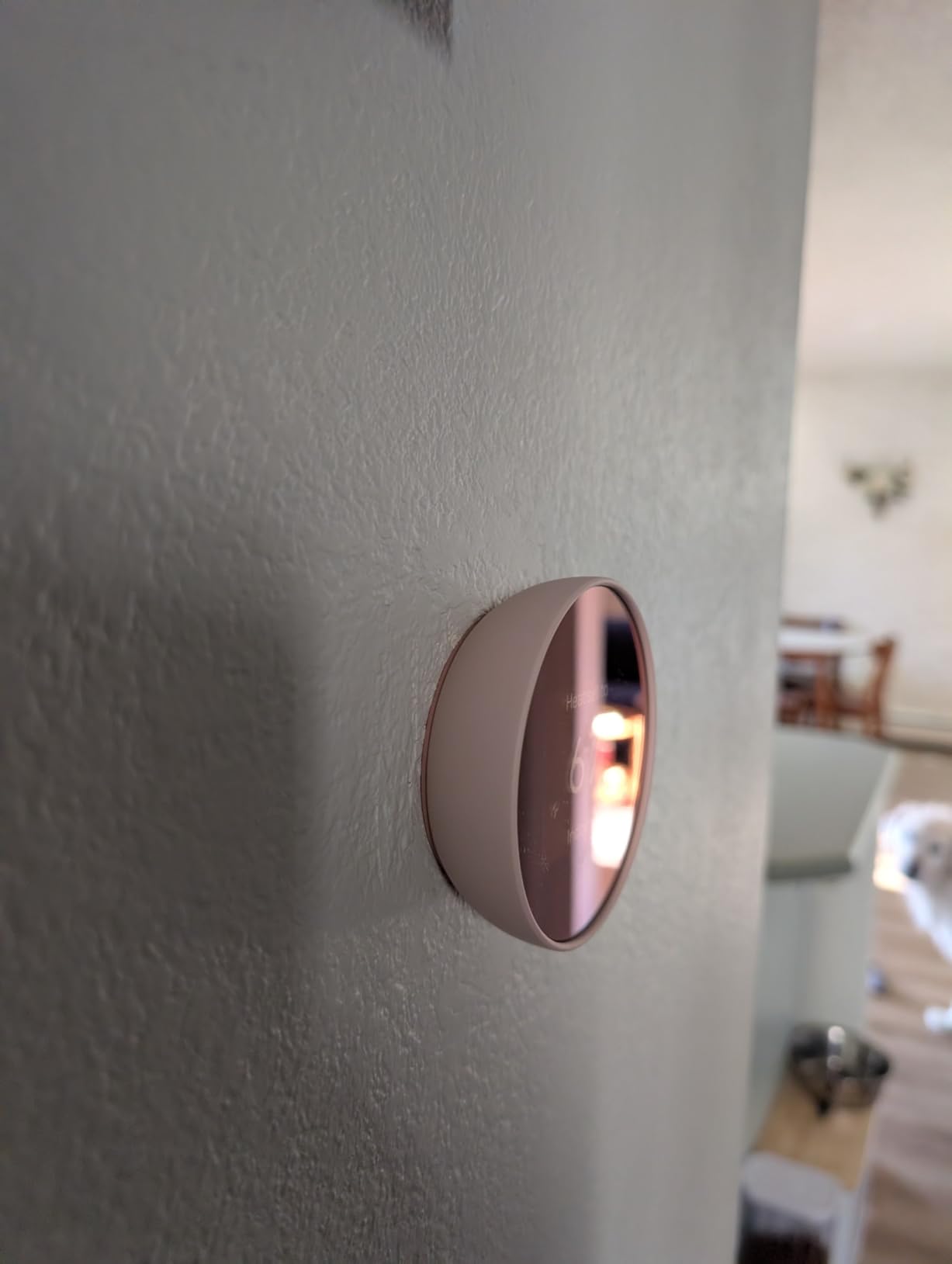
The Nest runs without a C-wire on most standard systems
Manufacturer guidance is clear that heating-only, cooling-only, zone-controlled and heat pump systems may need a C-wire or a power accessory. For a typical central air and gas furnace combination, the batteries handle it.
Wi-Fi supports both 2.4 GHz and 5 GHz bands, and Bluetooth Low Energy handles the initial pairing, which makes setup quicker on routers that split the two frequencies.
The Nest is the wrong pick for room-by-room control
There are no accessory room sensors here, so comfort is measured in one place on the main floor. If your upstairs runs warmer than your downstairs, no schedule on this thermostat will fix that gap.
Reviewers also flag the ring and swipe interface as hard to learn for older users, and the display is monochrome with no humidity readout. Around 13 percent of reviews are one star, concentrated on setup friction rather than hardware failure.
2. Amazon Smart Thermostat – Most Versatile for Alexa Households
Amazon Smart Thermostat, Save money and energy, Works with Alexa and Ring, C-wire required
- Low cost of entry into app and voice control
- Alexa and Ring integration for control away from home
- Simple home
- away and sleep scheduling
- Runs on proven Honeywell Home hardware
- C-wire required
- so some installs need an adapter
- Limited feature set against touchscreen models
- Basic non-color display with little on-device feedback
The hardware comes from Honeywell Home, which matters more than it sounds. This is the same engineering pedigree as the pricier Honeywell models, trimmed down and dropped into an Alexa-first package.
Comfort zones are the feature that separates it from a plain programmable thermostat. Connect supported Alexa devices and the thermostat creates trigger zones that respond to presence events rather than a fixed clock.
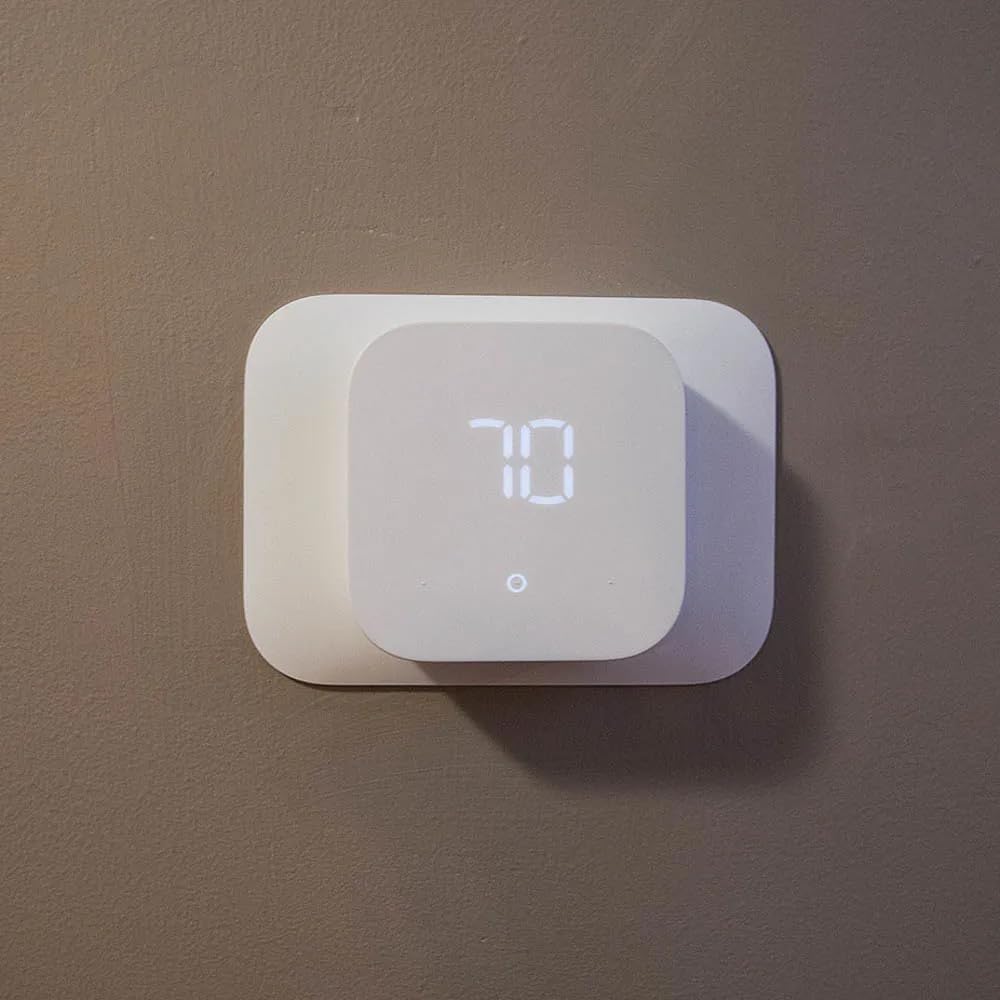
For a rental, a condo or a first home, this is the shortest path between a manual dial and a phone-controlled system. Installation is guided inside the Alexa app, and a rebate information email is sent after purchase if your utility offers one.
It is ENERGY STAR certified, and the EPA estimate for ENERGY STAR thermostats puts annual energy bill savings near 90 dollars for a typical household. Treat that as a general figure rather than a promise for your specific system.
The Amazon Smart Thermostat keeps app control at the low end of the range
At the bottom of this price range you normally give up app control, schedules or both. This one keeps all three, which is why it earns a place on a strict cap list instead of being filtered out with the other entry-level models.
Owners accept the pared-back feature depth as a fair trade. Reviewers describe it as dependable rather than exciting.
Plan for a C-wire or an adapter before buying
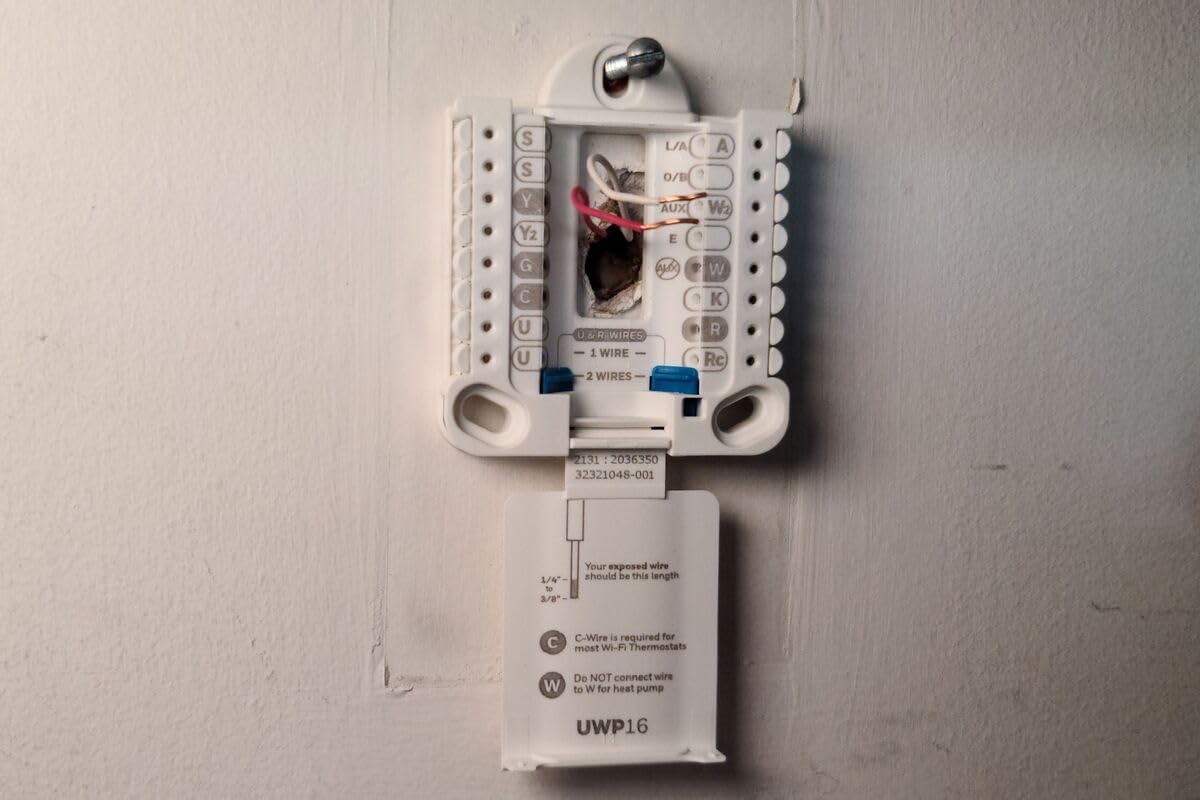
A C-wire is required, which is the one hard rule. Older homes without one need an adapter or a new wire run, and that is the main reason an otherwise cheap install becomes expensive.
It also does not display humidity, does not support accessory room sensors, and offers very little on the physical unit itself. Everything interesting happens in the app.
3. Sensi ST55 Smart Thermostat – Best Value Overall
- Typically a 10 to 15 minute install over the existing wall plate
- Buttons and layout feel like a conventional thermostat
- Very flexible per-day scheduling with copyable templates
- Works with Alexa
- HomeKit and SmartThings
- Shows temperature and humidity on the unit and in the app
- High and low alert thresholds cannot be adjusted in the app
- Can struggle to join 2.4 GHz networks on dual-band routers
- Small non-color display against premium models
- Occasional first registration failure
If you want one recommendation that fits the most houses, this is it. The ST55 combines a no-C-wire design with physical buttons, a wide range of voice and smart home support, and a three year warranty that is longer than most of the Honeywell models here.
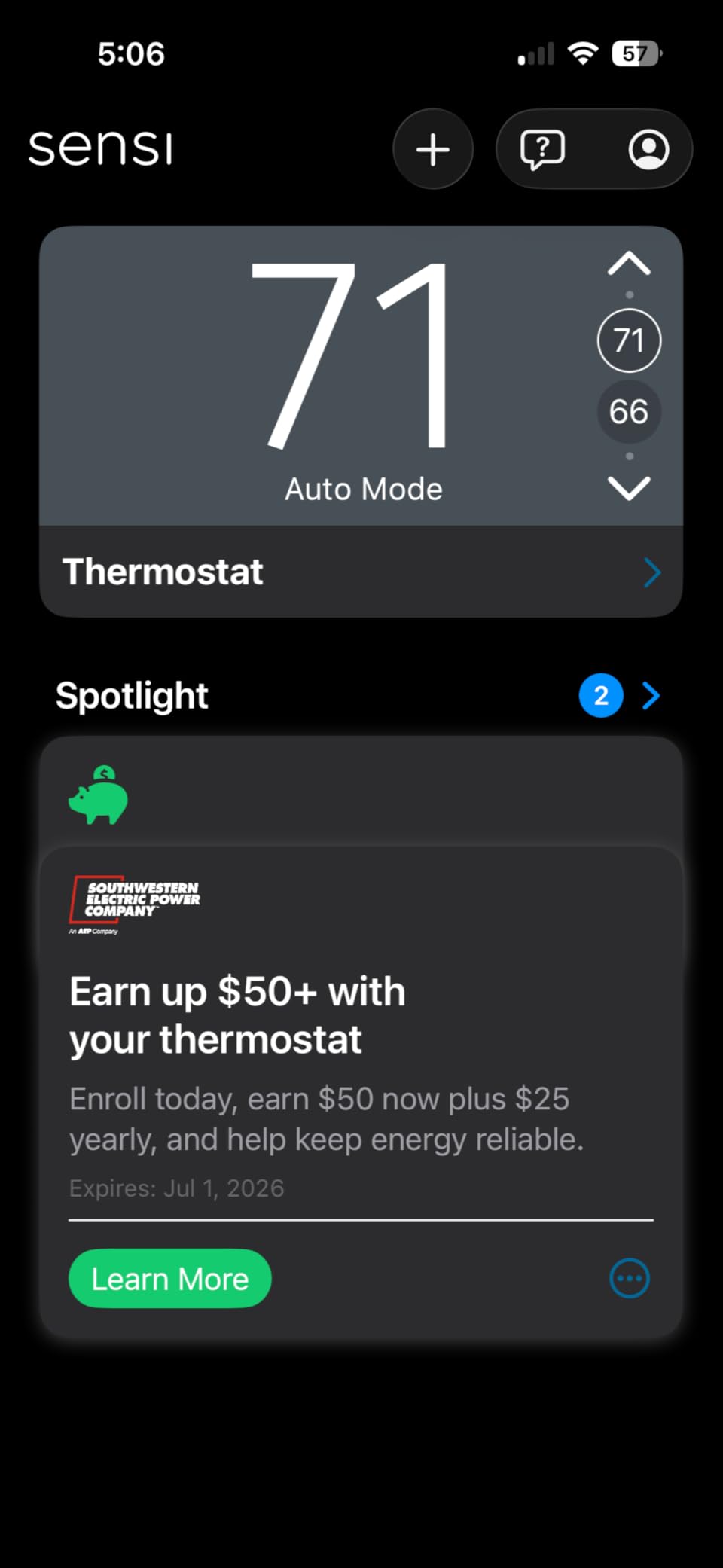
Reviewers repeatedly describe a 10 to 15 minute install, often directly over the old wall plate with no patching. The backplate has a built-in level, and the app walks through wire identification step by step.

The 5 inch LED display is not a touchscreen, and that is a feature in a house with kids or a shared wall. Nothing changes by accident, and the interface stays the same as a conventional thermostat.
Scheduling is the deep part. Per-day programming is flexible enough to copy a schedule template across days, which saves real time compared with rebuilding six evening periods six times. Sensi states it does not sell personal information to third parties.
The ST55 is the rare Wi-Fi thermostat that skips the C-wire
The common wire is not required in most applications, so it works on two-wire boiler systems and older installs where a Nest would stall. Heat pump and heat and cool only setups are the exceptions, so check your equipment first.
Around 75 percent of its reviews are five star, and the recurring complaints are narrow: fixed alert thresholds and occasional trouble pairing with routers running a combined 2.4 and 5 GHz network in smart mode.
The ST55 is a poor fit for Apple-only homes that want sensors
HomeKit works, but there are no Sensi room sensors to pair, so accuracy is measured only at the thermostat. If you already run a whole-home sensor system, this adds scheduling without adding spatial data.
It also runs on AA batteries rather than a C-wire, which means the display goes dark if power is interrupted for an extended period.
4. Honeywell Home RTH9600WF Smart Color – Best Color Touchscreen
Honeywell Home RTH9600WF Smart Color Thermostat ENERGY STAR Wi-Fi Programmable Touchscreen Alexa Ready – C-Wire Required
- Customizable full-color touchscreen that is easy to read
- Shows indoor and outdoor humidity plus a daily forecast
- Flexible programming with app
- Alexa
- Google and IFTTT support
- Works with forced air
- hot water
- steam and heat pump systems
- ENERGY STAR certified with rebate guidance
- C-wire or a power adapter is required
- Smart Response can pre-adjust temperatures in surprising ways
- Voice control handles temperature better than mode changes
- Larger and heavier than slim budget models
This is the mid-range Honeywell with the screen people notice. The color touchscreen is customizable, and the home screen carries indoor and outdoor temperature, humidity and a forecast, which is more at-a-glance information than any other model under the cap.
It handles forced air gas, oil or electric, hot water and steam, plus heat pumps with electric backup. It does not work with 120 to 240 volt electric baseboard heat, so line-voltage homes need a different approach entirely.
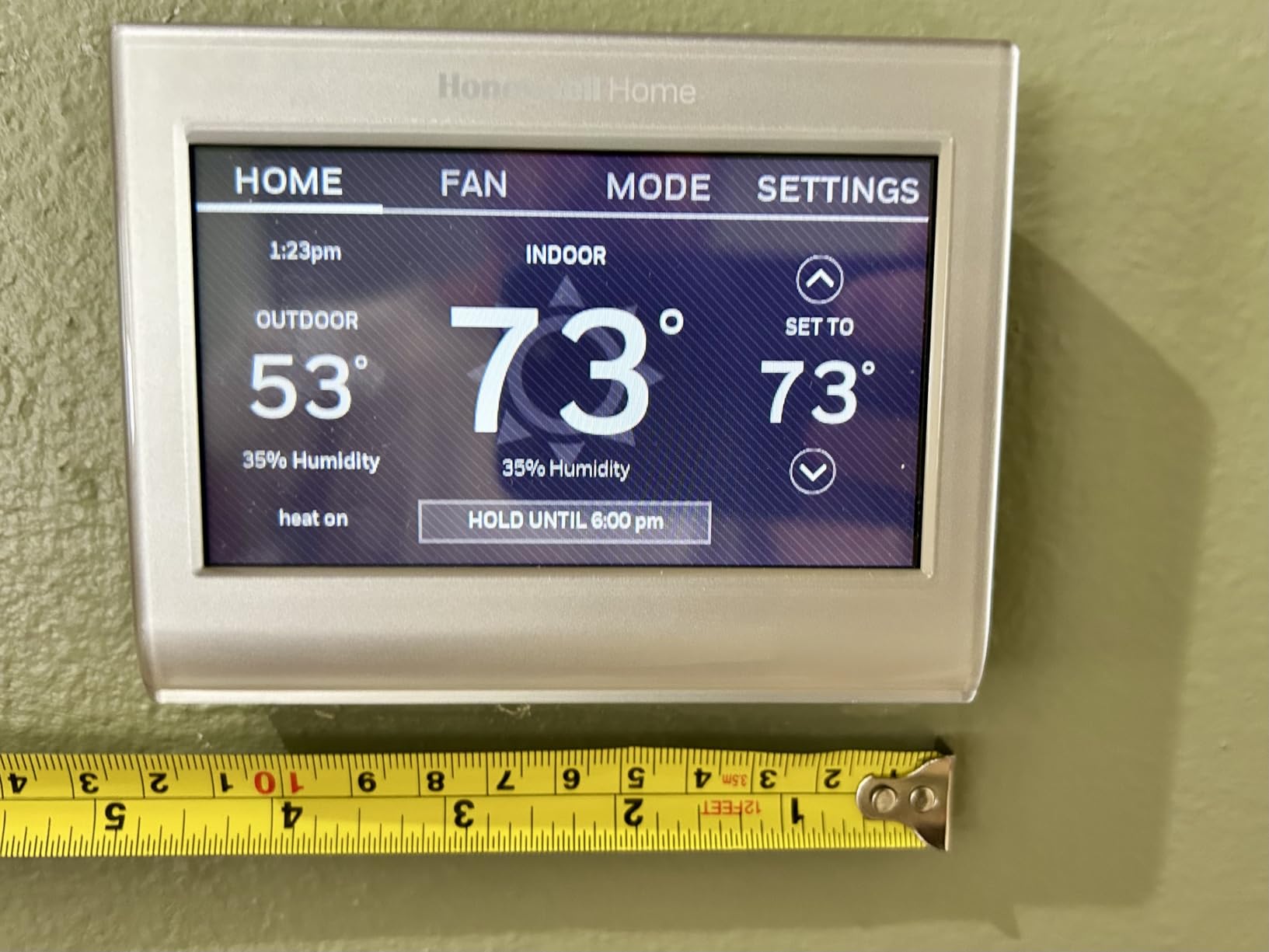
Smart Response Technology is the feature to understand before you buy. It learns how long your system takes to heat and cool, then starts early to reach the set temperature on time. Some owners find the pre-adjustments surprising at first, since the temperature can drift before the schedule says it should.
Monthly energy reports and personalized savings tips are included, and roughly 72 percent of its reviews are five star across a very large review base.
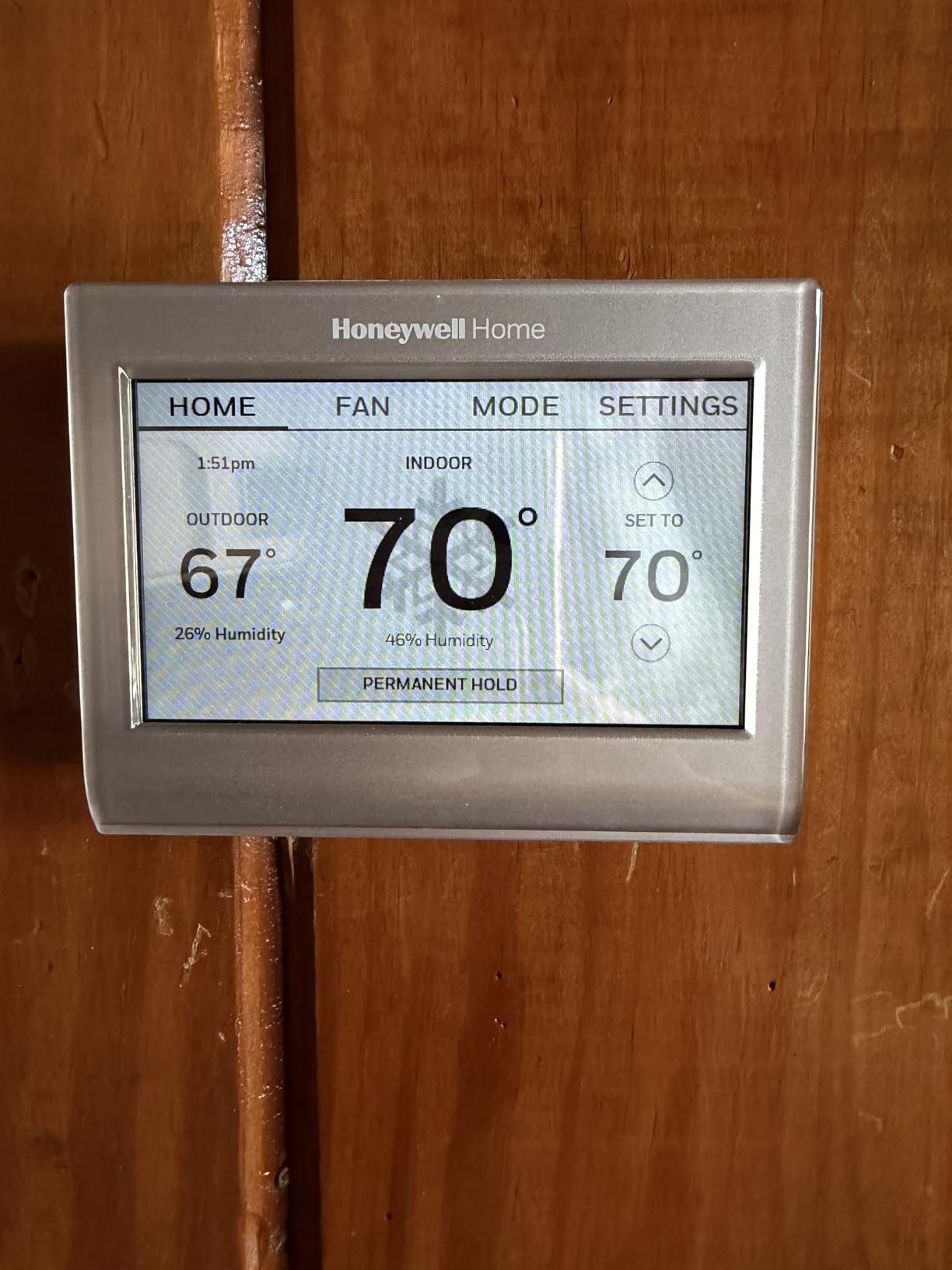
The RTH9600WF puts the most useful data on one screen
Outdoor humidity and a daily forecast are unusual at this price and genuinely reduce the need to open a phone app. For anyone who reads the thermostat several times a day, that changes the experience more than voice control does.
The body is 4.75 inches wide and weighs 11.2 ounces, which is noticeably bulkier than the slim budget units. Plan the wall space before ordering.
Buyers should confirm the C-wire situation first
A C-wire power adapter is required in homes without a C-wire, so this is not a no-wire install. It is also the most literal of the voice models in this group, accepting temperature commands more readily than mode changes.
If humidity precision matters to you, note that on-device readings are convenient but should be checked against a standalone sensor before you trust them for a decision.
5. Sensi Touch ST75 – Best Rated With the Largest Display
- Largest color touchscreen in this roundup
- Screen background color-codes heating and cooling
- Highest average rating at 4.5 with 77 percent five star reviews
- App-guided wiring plus a built-in level
- Screen lockout keeps children from changing settings
- C-wire required and no battery compartment for backup
- Can struggle to join combined 2.4 and 5 GHz smart mode routers
- Registration limited to US and Canada time zones
- Touch interface needs more deliberate taps
The ST75 holds the highest average rating in this group, and the reason is consistency rather than any single feature. Long-term owners describe it as the unit HVAC installers trust most, with very few connectivity complaints across thousands of reviews.
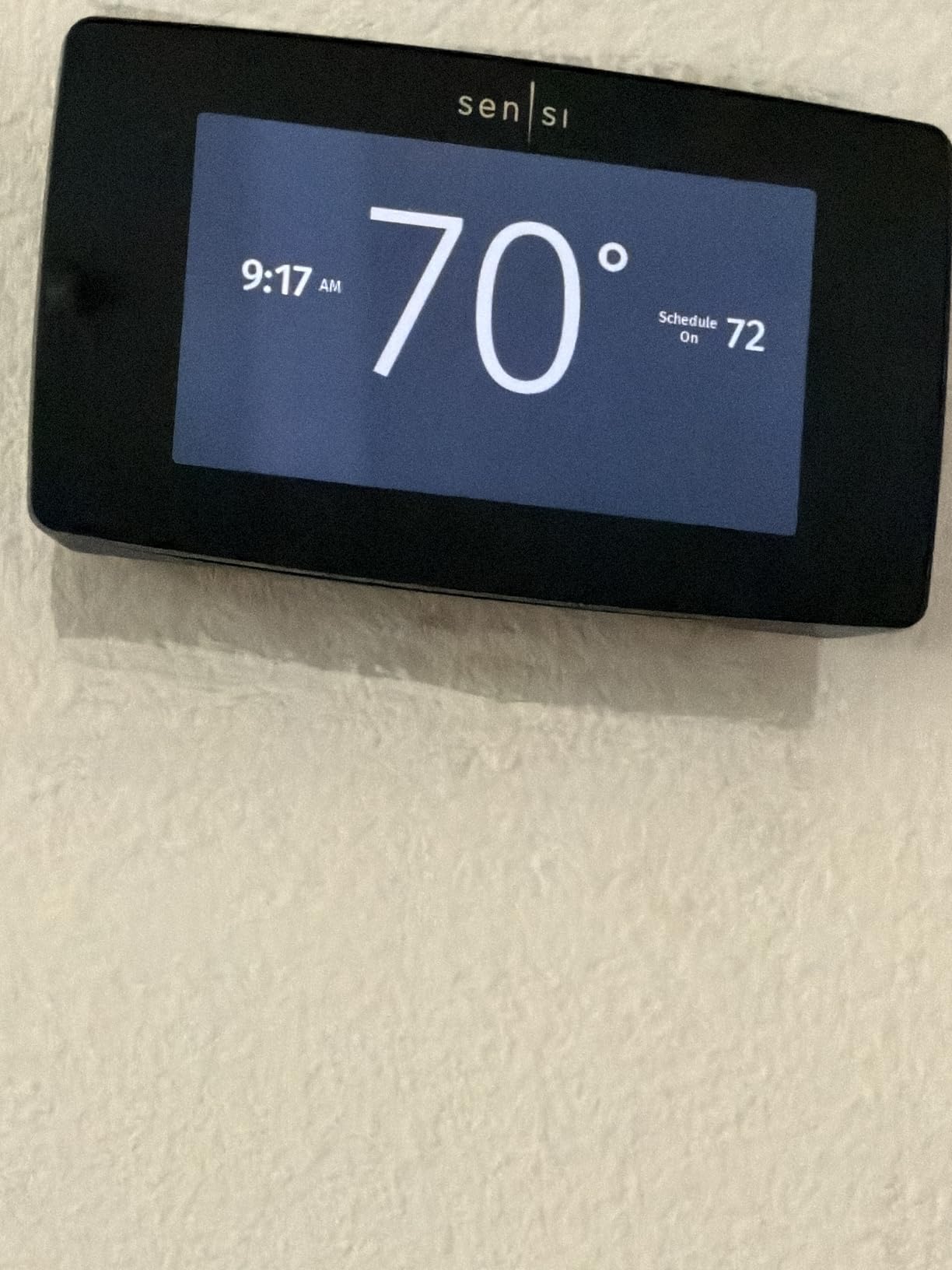
The display is the selling point at 4.3 inches. It is readable from across a room, and the background changes color to show heating in red or cooling in blue, which removes the guesswork about whether the system is currently running.
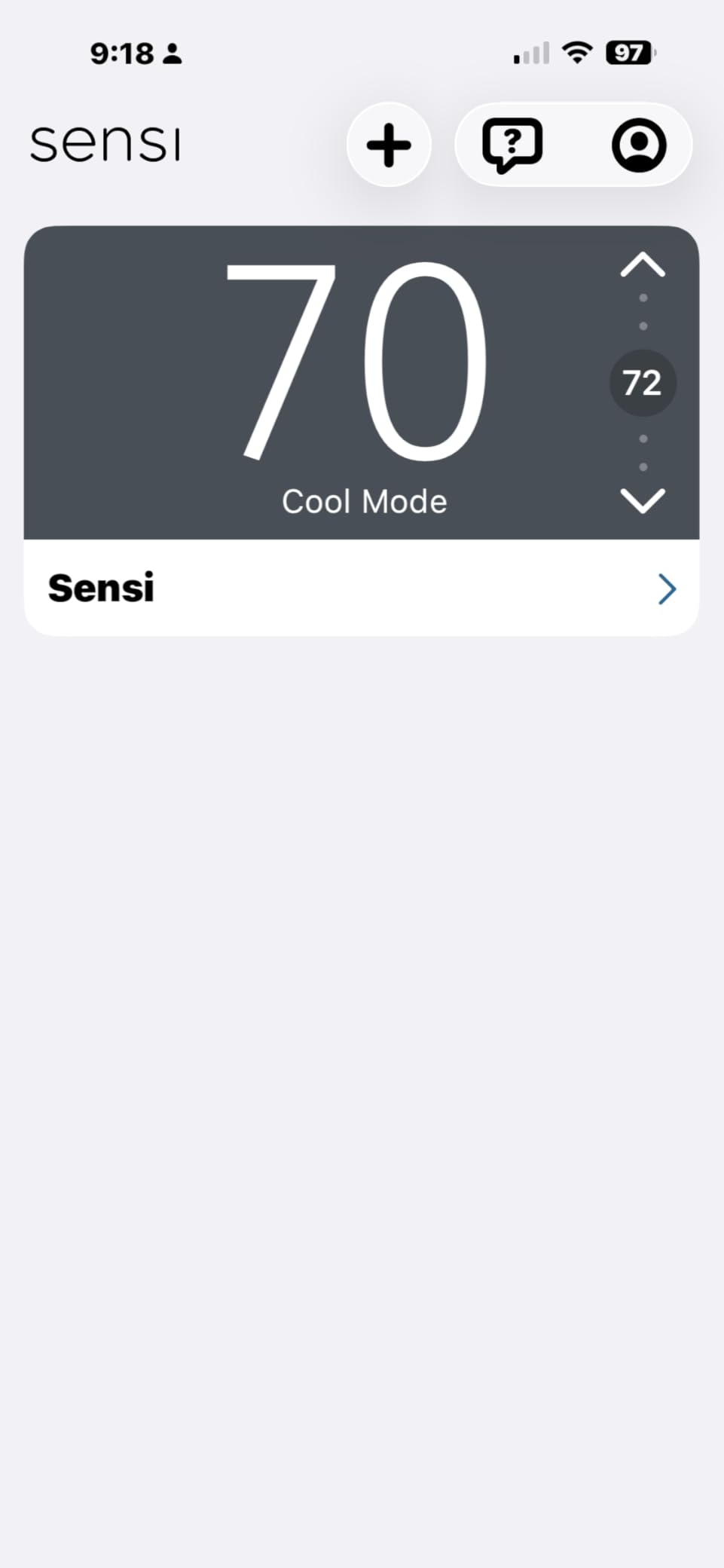
Brightness control and a touch lockout are both built in, so the screen can be dimmed at night and protected from wandering children. Geofencing, programmable schedules and energy usage reports all run through the Sensi app for Android and iOS.
Install is guided by app-based wire identification, illuminated easy-click terminals and a built-in level on the backplate, which keeps the job near 15 minutes for most people.
The ST75 works well with whole-house humidifiers
Owners running humidification on the heating cycle report the scheduling and set-point control behaves as expected. That is a real advantage when the same thermostat has to coordinate heating and moisture rather than only temperature.
A filter indicator and HVAC maintenance reminders add small savings on consumables, and auto changeover handles heat and cool systems without manual switching.
The ST75 needs a C-wire for every function
This is the strictest power requirement in the roundup. The C-wire is required for all functions including basic operation, and despite the specification listing AA batteries there is no compartment for backup.
Registration is limited to United States and Canada time zones and regions, which rules it out for vacation homes in other countries. The touch interface also takes more deliberate taps than a button thermostat.
6. ecobee Smart Thermostat Enhanced – Best for Occupancy Sensing
ecobee Smart Thermostat Enhanced, Programmable Wifi Thermostat
- Built-in occupancy sensing with preheat and precool
- eco+ uses weather and grid activity to tune usage
- Power Extender Kit and Trim Kit included in the box
- Works with Alexa
- HomeKit and SmartThings
- Polished app with clear schedule and energy views
- Sits at the very top of the range under the cap
- SmartSensors for room control are sold separately
- Heavy metal body at about 0.45 kg
- Compatibility checker is worth running before buying
The Enhanced packs the most hardware features of any model on this list, and the reason is the sensor built into the unit itself. Occupancy detection lets it preheat or precool before you arrive rather than waiting for you to walk in and adjust.
eco+ goes further by combining your routine, comfort preferences, local weather and grid activity. When electricity is cleaner or cheaper on a given schedule, the thermostat shifts its recovery timing accordingly.
Compatibility is listed at roughly 90 percent of HVAC systems, which includes air conditioners, boilers, furnaces, heat pumps and humidifiers. The remaining cases are unusual wiring, and the online compatibility checker answers most of them in a minute.
Notably, the Power Extender Kit and Trim Kit ship in the box, so a home without a C-wire can install cleanly without a second purchase. That alone removes a common extra cost.
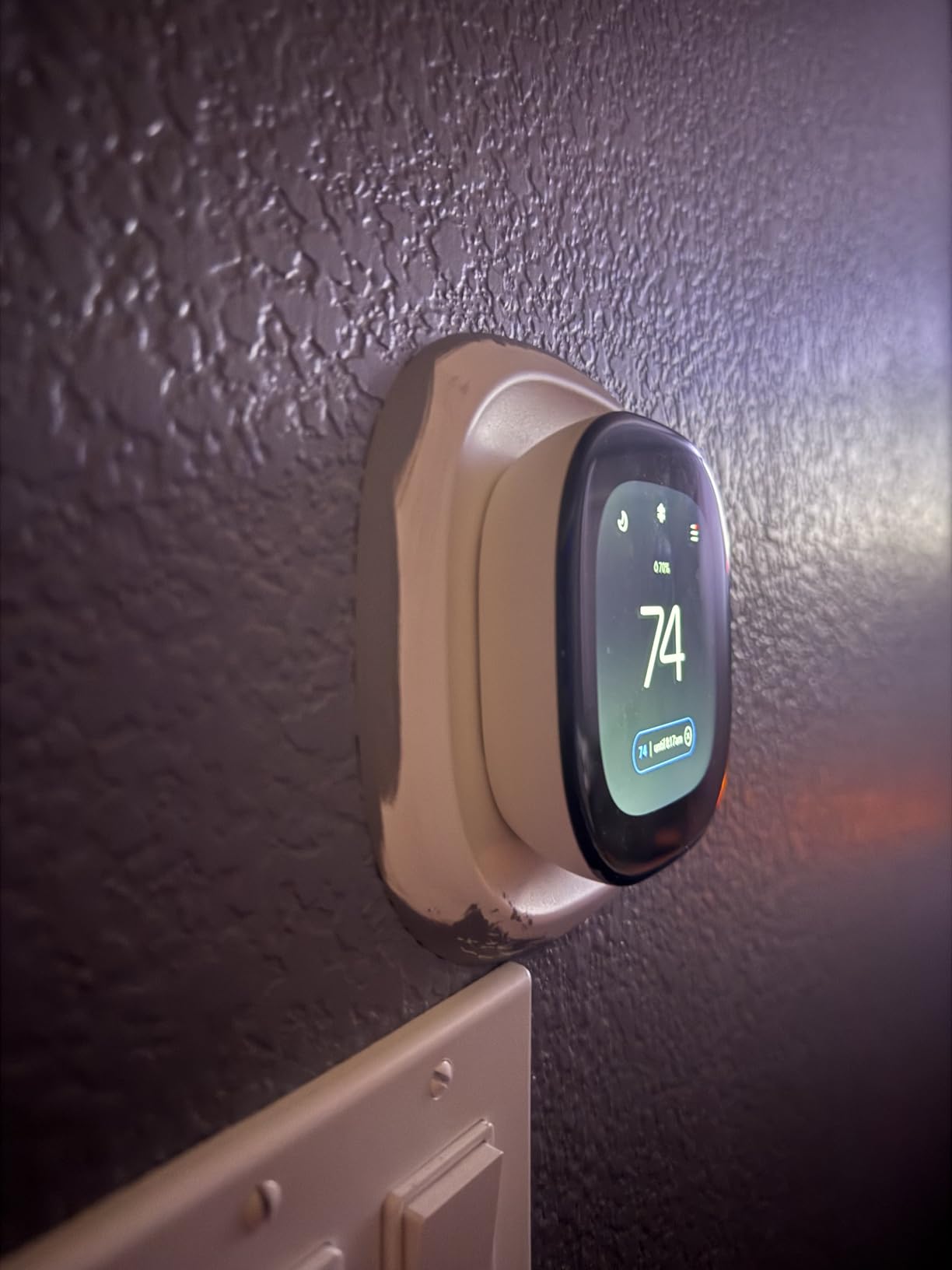
The Enhanced is the only pick here with built-in presence detection
Every other model in this roundup decides you are away from a phone location. This one also senses the room. In a home with an inconsistent schedule, that single difference produces noticeably better comfort.
SmartSensors still unlock room-by-room control, but they are a separate purchase, and at the top of the range there is little headroom in the budget for them.
The Enhanced is heavy and needs a compatibility check
The metal body weighs about 0.45 kg, which is more than double the weight of the plastic budget units. It is fine on a standard wall, but it is not a lightweight device.
Reviewers who checked compatibility first report no surprises at install. Those who skipped the check are the source of most wiring complaints in the reviews.
7. Sensi Lite ST25 – Best for Homes With No C-Wire
Sensi Lite Smart Thermostat, WiFi, Alexa, DIY, Energy Star Certified, ST25
- One of the lowest-cost Wi-Fi options that still schedules and syncs to a phone
- Often installs in 10 to 15 minutes on an old four-wire system with no C-wire
- Large display numbers are easy to read
- Fewer settings compared with larger models
- Works with Alexa
- Google and SmartThings
- Recurring Wi-Fi drops reported by a portion of owners
- Highest one-star share at 16 percent
- Battery life can run shorter than expected depending on wiring
- No color display
- US and Canada registration only
The Lite is the most affordable way into the Sensi app ecosystem, and its reason for existing is compatibility with old wiring. Owners install it on four-wire systems with no C-wire in 10 to 15 minutes, where most competitors would need an adapter first.
It runs on two AAA batteries or a C-wire, so you can install before running any new wire and add power later. The built-in level and step-by-step app instructions handle the rest.
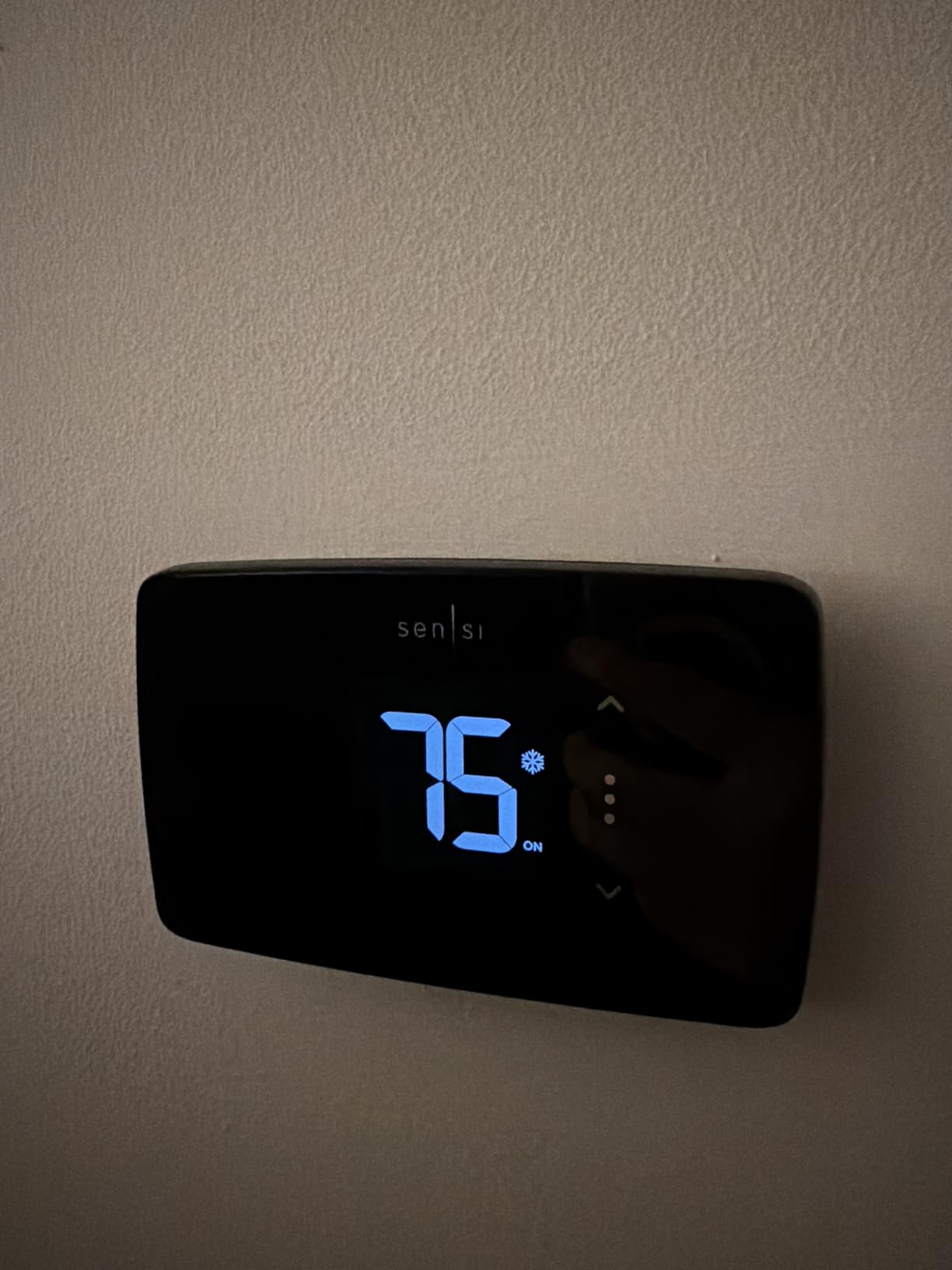
Fewer settings is often the point. The interface is uncluttered, the display numbers are large enough for aging eyes, and the app covers scheduling, geofencing and remote access without padding the hardware with menus nobody uses.
Sensi states it does not sell personal information or use thermostat data for advertising, which is a meaningful privacy position when you are putting a connected device in a hallway.
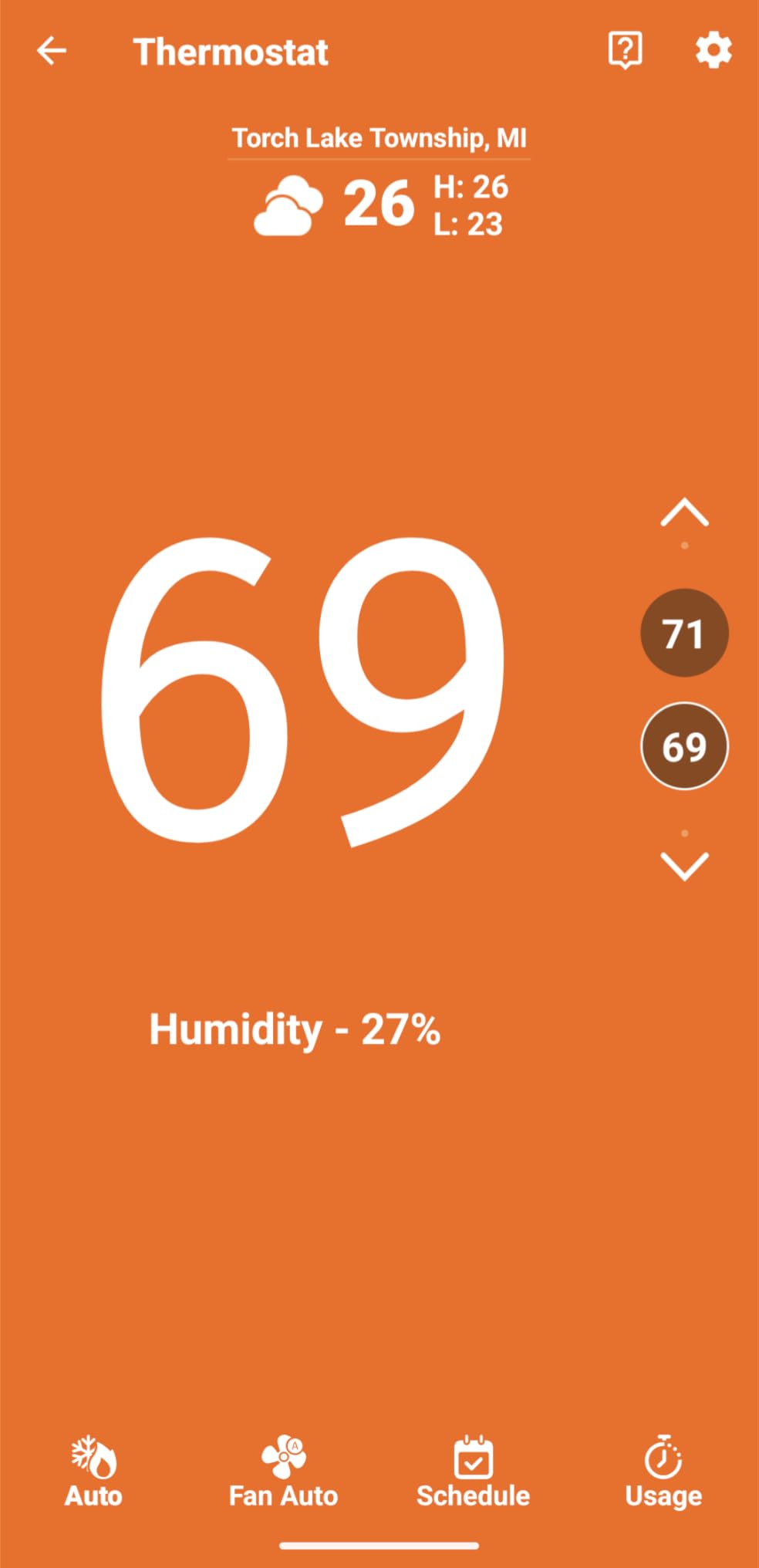
The ST25 is the best budget pick for legacy wiring
It covers basic systems that some competitor thermostats reject outright, which is exactly the situation a renter in an older building faces. Roughly 23 percent projected HVAC energy savings is claimed for the ENERGY STAR certified design.
It is also eligible for many local utility rebates, which can offset the hardware cost in the first year if your provider participates.
The ST25 has the weakest connectivity record here
Intermittent Wi-Fi drops and finicky 2.4 GHz pairing are the most repeated complaints, and 16 percent of its reviews are one star, the highest share in this group. If your router uses a combined network with smart mode, expect to spend time pairing.
Heat pump and heat and cool only systems require a C-wire here, so check your equipment before assuming the battery path applies to you.
8. ecobee Smart Thermostat Essential – Best for Apartments and Condos
ecobee Smart Thermostat Essential – WiFi Thermostat, Energy Star Certified
- Puts the ecobee app and ecosystem at a mid-range price point
- Auto-scheduling
- auto-away and eco+ time-of-use features included
- Works with Apple HomeKit
- Google Assistant and Alexa
- Free software upgrades over the product life
- Compact round body that fits small walls
- Power Extender Kit and SmartSensors sold separately
- Compatibility checker needed because it covers about 85 percent of systems
- Newer model with a smaller review base than the rest of this group
The Essential is the compact option, and at 3.2 ounces with a 3.62 inch round body it is one of the lightest thermostats on this list. It suits condos, rentals and secondary homes where the thermostat shares a wall with a light switch.
You still get the parts of ecobee that matter: automatic scheduling, auto-away and eco+ features including indoor humidity detection, a schedule assistant and time-of-use preheat and precool.
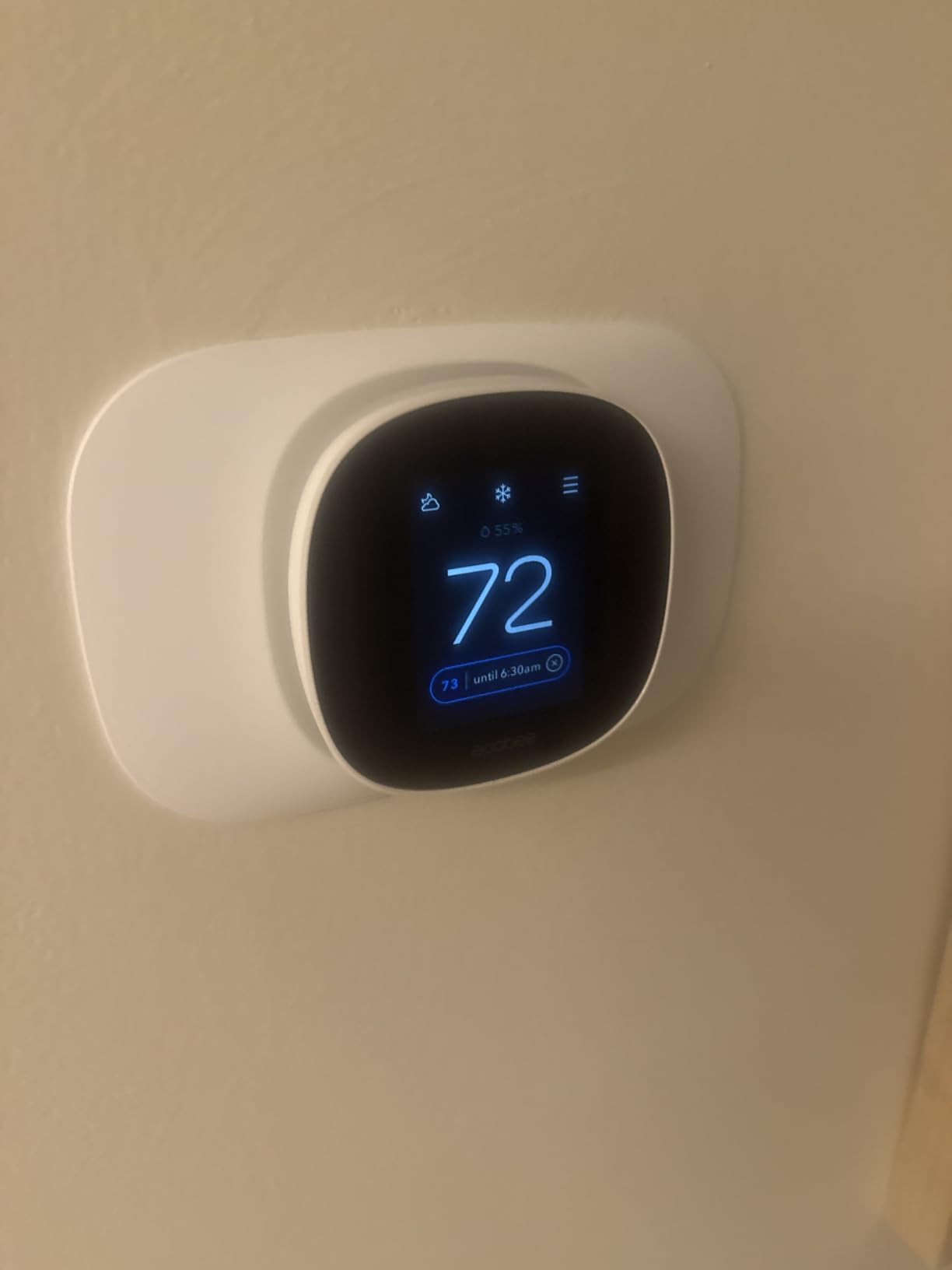
Compatibility covers about 85 percent of 24 volt systems, spanning gas, oil, electric, dual fuel, forced air, heat pumps and boilers. That covers a very wide mix of equipment, though the Power Extender Kit for homes without a C-wire is a separate purchase.
Free software upgrades extend the feature set over time, which matters for a newer model with a smaller review base than the rest of this group.
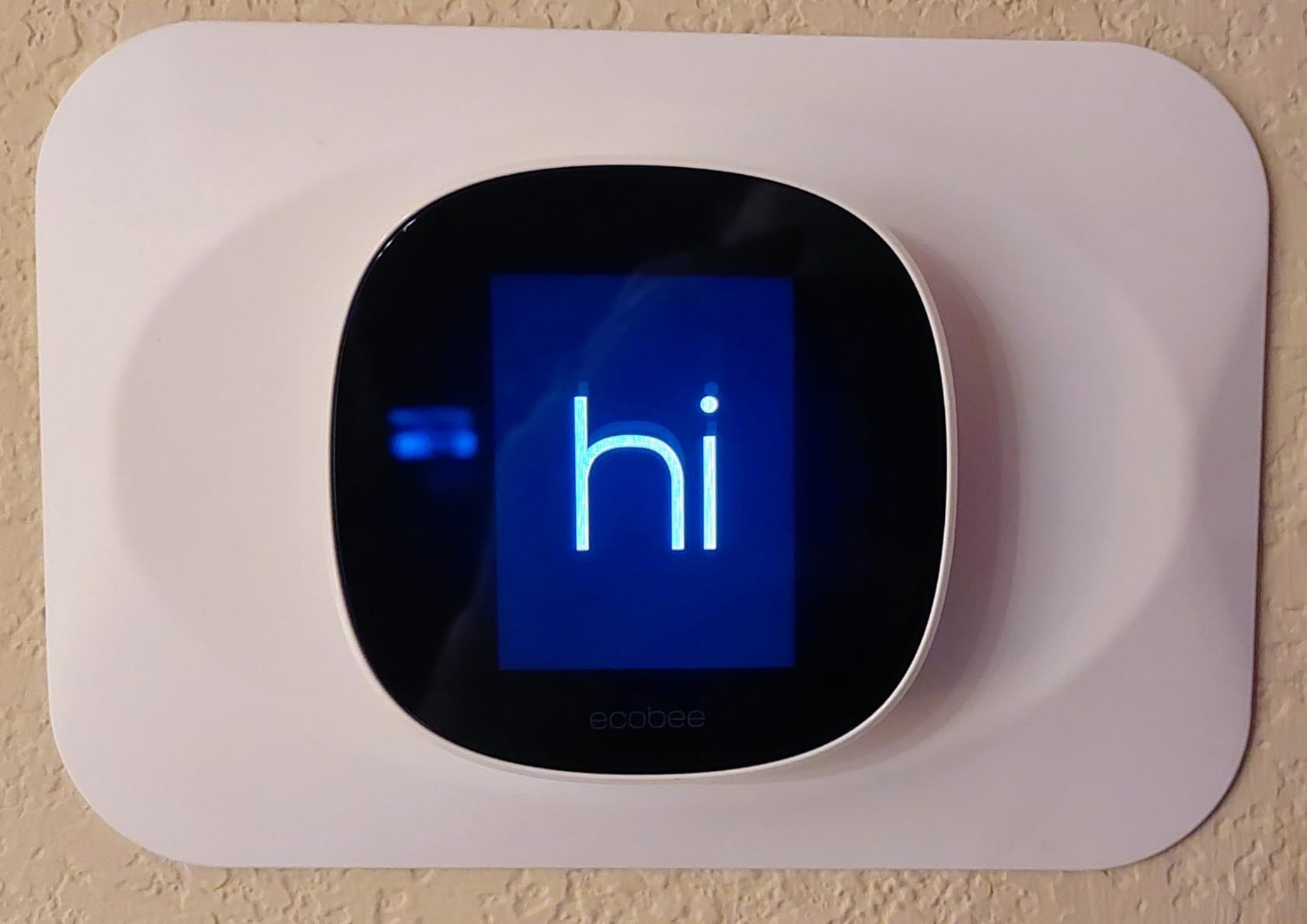
The Essential is among the smallest here without losing the app
Many small Wi-Fi thermostats cut the screen down until it is unreadable from a normal distance. This one keeps a color touchscreen at 3.74 inches while staying under four inches wide overall.
Accessory costs decide whether it beats the alternatives
Both the Power Extender Kit and SmartSensors are extra purchases. In a home with no C-wire, that second cost can erase the advantage over models that bundle the kit in the box.
Reviewers are also adjusting to a newer release, and the smaller review base means the long-term install record is still being written.
9. Honeywell Home T9 Wi-Fi – Best for Room Sensors
Honeywell Home T9 WiFi Smart Thermostat, Smart Room Sensor Ready, Touchscreen Display, Alexa and Google Assist
- Best-in-class room sensor support
- choose which sensor or average drives temperature by schedule
- Supports both 2.4 GHz and 5 GHz networks
- Geofencing home and away mode in the Resideo app
- Backlight color-codes cooling
- heating and idle
- Power adapter included in the box
- C-wire required and hunting the common wire can take a long time
- Fan speed is fixed to AUTO or CIRCULATE
- Resideo app sometimes needs a restart for correct readings
- Humidity reads high against standalone sensors
The T9 is the reason many people stay on Honeywell, and the room sensor support is the concrete feature. You can assign sensors as occupancy or temperature-only probes on a schedule, so the bedroom can drive temperature at night while the living room takes over during the day.
It also supports both 2.4 GHz and 5 GHz networks, which removes the single most common smart thermostat install problem. Installs are often 15 minutes when a C-wire is present, and the UWP wall plate makes later upgrades plug and play.
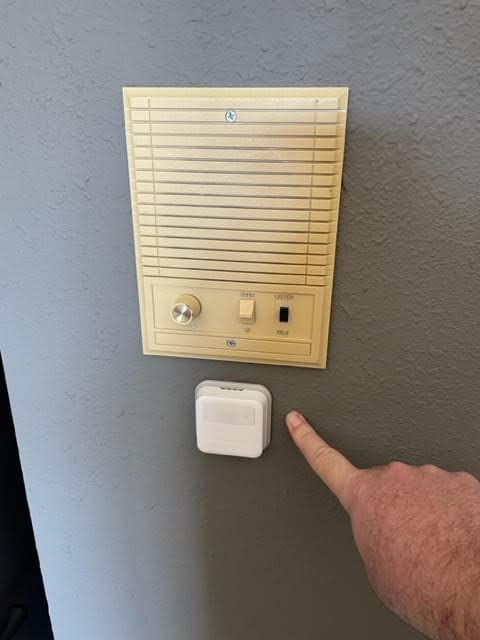
Long-term owners report very few connectivity problems, and 74 percent of reviews are five star. Users also report noticeably better temperature response than a Nest third generation thermostat, which is a real difference when you are comparing how fast a room actually reaches set point.
Monthly energy reports, filter and temperature alerts, and a CIRCULATE fan mode that runs roughly 30 minutes per hour round out a solid feature set.
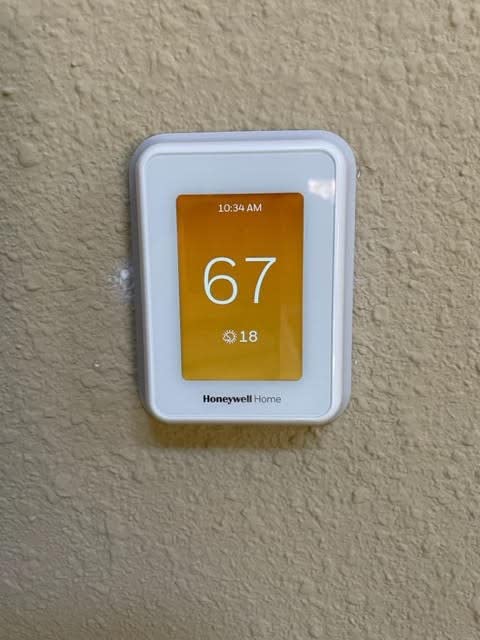
The T9 offers the most flexible room sensor scheduling here
The ecobee models can take optional SmartSensors for room-by-room comfort, but the T9 lets you choose per schedule whether a single room or an average of several drives the temperature. In a home with a hot upstairs that is the difference between comfort and constant manual adjustment.
Occupancy assignment per sensor is what makes it work well with a normal family schedule rather than a fixed average.
The T9 punishes homes without an easy C-wire
A power adapter ships in the box, but a C-wire is still required, and identifying the common wire on older equipment can stretch a 15 minute job into a much longer troubleshooting session.
Fan speed is not adjustable beyond AUTO and CIRCULATE, humidity readings run about 10 percent high against standalone sensors, and the app occasionally shows stale data until restarted.
10. Honeywell Home T5 Smart Wi-Fi – Best for Utility Rebate Lookups
- Dependable seven-day flexible scheduling
- Geofencing home and away mode from phone location
- Built-in utility rebate finder and demand response support
- Works with Alexa
- Google Assistant and HomeKit
- Compact square body that is easy to read
- C-wire power adapter required in many homes
- No color display and no room sensor support
- Not compatible with heating-only oil furnaces without a C-wire
- Less feature depth than the T9 or the color-screen Honeywell models
The T5 is the sensible middle of the Honeywell line, and the rebate finder inside the app is more useful than it sounds. Many utilities offer money back for an ENERGY STAR thermostat, and this model surfaces the program for your area and supports demand response participation.
Scheduling is seven-day and flexible, and geofencing handles home and away mode from your phone location so the house drops temperatures the moment the last person leaves.
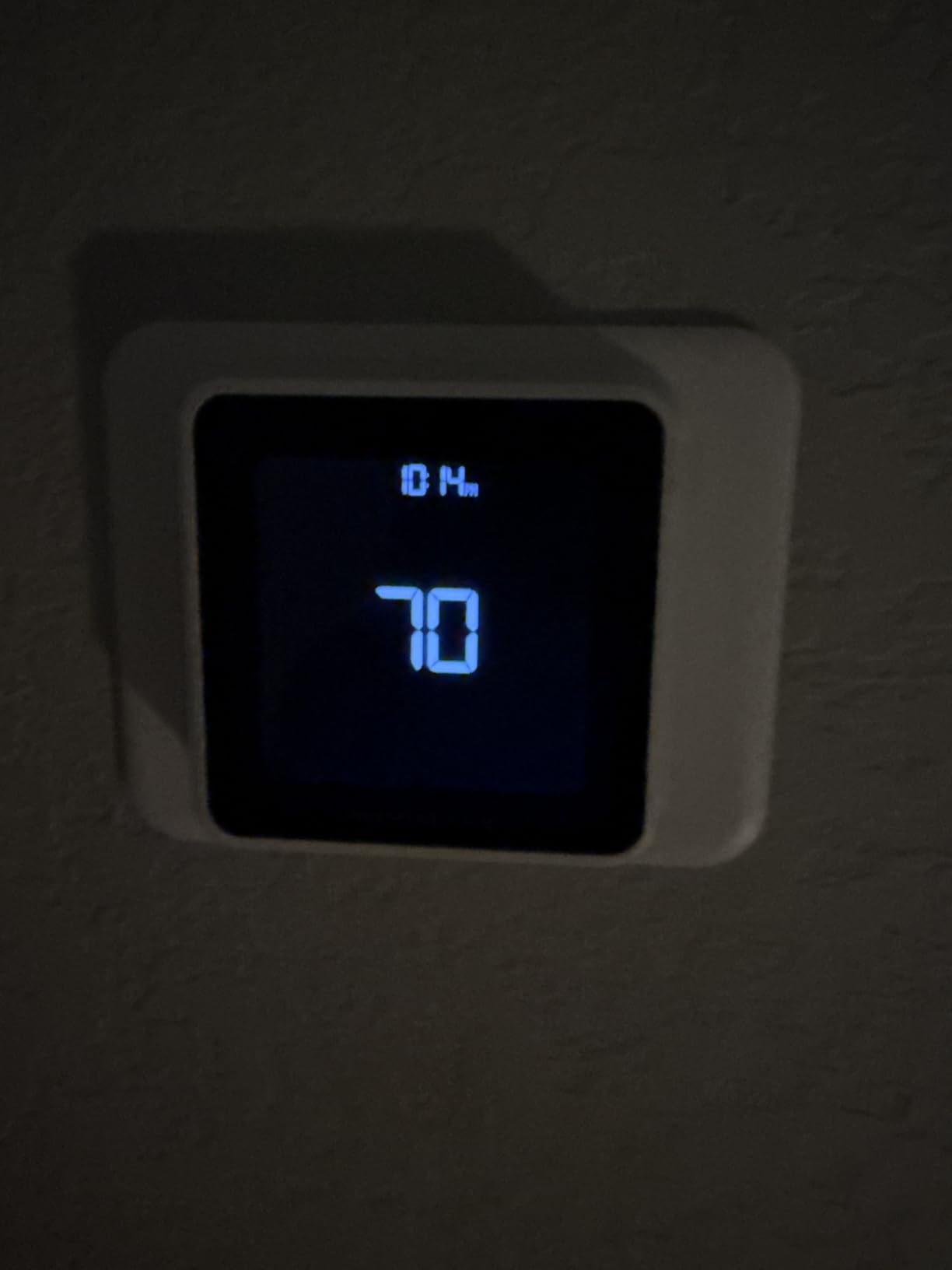
It weighs 3.2 ounces and has a square 4.06 inch footprint, so it takes up less wall space than the color-screen Honeywell. Seventy-one percent of its reviews are five star, which is a solid record for a lower-cost model.
Scheduling alone is reported to save 8 to 16 percent on heating and cooling bills, which is a lower but more conservative claim than some competitors make.
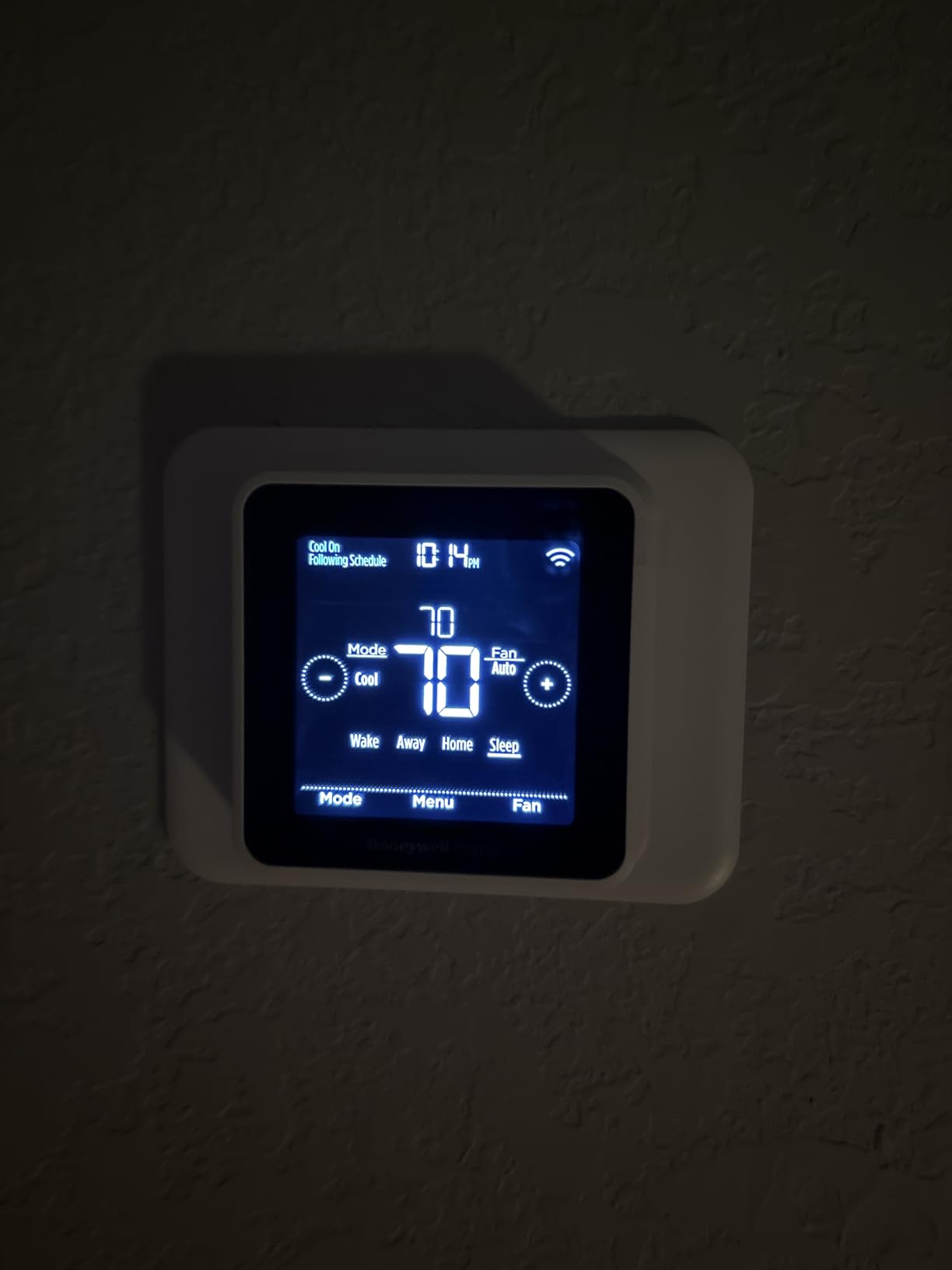
The T5 is a safe middle pick when the system is ordinary
For a standard gas furnace and central air setup, this covers scheduling, geofencing, voice control, energy reports and HomeKit without the learning curve of the higher-end models. Nothing here is experimental.
It works with Amazon Alexa, Google Assistant, Apple HomeKit and the standard iOS and Android apps, so ecosystem choice is not a constraint.
Heating-only oil furnace owners need to check first
The T5 works with most heat and cool oil furnace systems but not with heating-only oil furnaces that lack a C-wire. A C-wire power adapter is required in many homes regardless.
There is no color display and no room sensor support here, so anyone planning a sensor-based setup should look at the T9 instead.
How to Choose a Smart Thermostat Under 200
Check the C-wire before you fall in love with a display
The C-wire carries continuous power to the thermostat so the Wi-Fi radio, the display and the clock stay alive. Without it, most smart thermostats either run on batteries with reduced features or need a power adapter.
Look at the wiring behind your current thermostat. A labeled C or a bundle going straight into the wall is a good sign. If you see only two wires to a device with no display, assume you need an adapter and budget for it.
Match the thermostat to your HVAC type, not the other way around
A heat pump needs a thermostat that speaks heat pump, meaning it can command stage 2 auxiliary heat and delay recovery to protect the compressor. Owners comparing the same system call Honeywell temperature sensors consistently more accurate, and the staging logic is the part most likely to be lost with the wrong model.
Two-stage systems need a unit that drives both stages. Line-voltage electric baseboard heat at 120 to 240 volts is a different category entirely and is not covered by any Wi-Fi thermostat in this roundup.
Geothermal and ground-source loops add their own sizing and staging variables. Our guide to the best smart thermostats for geothermal systems covers the specific requirements there.
Decide which smart home you already live in
Support for Alexa, Google Assistant, HomeKit and SmartThings varies by model. If your household already runs one voice assistant, matching it is worth more than any single thermostat feature.
Home owners in the communities we reviewed repeatedly name ecobee as the default recommendation when features matter more than simplicity, while Sensi and ecobee are both called out for working reliably with Alexa. Honeywell is praised for sensor accuracy, which is a different argument entirely.
Budget for accessories and install, not just the thermostat
Power adapters, Power Extender Kits, room sensors and SmartSensors are all sold separately on some models. The ecobee Enhanced bundles the kit in the box while the ecobee Essential does not, which is the kind of detail that changes the real total.
Check whether your utility offers a rebate before buying. Rebate amounts vary widely by region, the Honeywell T5 has a rebate finder built into its app, and the Sensi Lite is listed as eligible for many local programs.
Expect roughly 10 to 23 percent, not miracles
Savings cited in smart home communities cluster around 10 to 23 percent on heating and cooling, and manufacturer claims sit in the same range. The Sensi models are designed around 23 percent, the Honeywell T5 reports 8 to 16 percent, and the ecobee Enhanced claims up to 26 percent.
The gap between claim and result usually comes down to whether your system was previously on a manual dial. Our guide to the best smart thermostats for energy savings breaks down where the savings actually come from.
How to Check for a C-Wire and Install a Smart Thermostat
Most installs in this group take 15 to 30 minutes. The steps below cover the common case.
1. Turn the thermostat to Off, then switch the HVAC system off at the breaker before touching any wire. 2. Remove the old faceplate and photograph the existing wiring so you can restore it if needed. 3. Identify the wires by letter, which the app will label for you during setup. 4. Confirm a C-wire is present, then mount the new backplate and use the built-in level to keep it square. 5. Connect the wires to the labeled terminals and snap the display onto the backplate. 6. Power the system back on and finish pairing in the app on your phone.
Call an HVAC technician instead when your system is line-voltage, when you have a dual fuel setup with a complex zone board, or when the wiring does not match any label. Our guide to the best smart thermostats for multi-zone systems explains why zone control changes the wiring picture.
Also worth knowing: if you run zoned or large homes where one thermostat cannot cover the space, the best smart thermostats for large homes covers the sizing question directly.
Do Any Thermostats Under 200 Charge a Subscription?
No. None of the ten models on this list charges a subscription, and none of them paywalls the core features behind a paid tier.
Scheduling, geofencing, away modes, energy reports and app control are all included at no ongoing cost. Optional hardware such as ecobee SmartSensors and Honeywell Smart Room Sensors is a one-time purchase, not a recurring fee, and works only on the models designed for it.
This matters because subscription confusion is the most common complaint in smart home forums, and it was the top-ranked question in our own research. The honest caveat is that vendors can change their software model later, so check the current terms before buying.
Frequently Asked Questions
Is Sensi better than Honeywell?
It depends on the model. Sensi wins on installations that lack a C-wire, since the ST55 and ST25 run on batteries and use a familiar button layout, while the ST75 carries the highest rating in this group. Honeywell wins on display quality, sensor accuracy and room sensor support, which the T9 handles better than anything else under the cap. For an ordinary gas furnace and central air setup, both are reliable and both cost well under the ceiling.
Is ecobee or Nest better?
ecobee is the stronger choice if features matter, because the Enhanced adds built-in occupancy sensing, eco+ logic and a bundled Power Extender Kit. The Nest is the better choice if you want the lowest install barrier, since it often runs without a C-wire and the learning schedule needs almost no input. The Nest also has far more owner reviews, which makes it easier to research problems before you commit.
Is a Wi-Fi thermostat worth it?
For most households, yes, because the savings come from scheduling, away modes and not heating an empty house. Community figures cluster around 10 to 23 percent on heating and cooling, and manufacturer claims sit in the same range. The biggest gains show up when you upgrade from a manual dial, and the smallest show up when the previous thermostat already had a good schedule. Remote access and alerts are worth something even when the savings are small.
What is a heat pump thermostat?
It is a thermostat designed to control a heat pump rather than a conventional furnace and air conditioner. It can command stage 2 auxiliary heat and delay recovery so the compressor is not short-cycled in cold weather. Choosing a heat pump compatible model preserves those staging and safety features. If you need guidance beyond this list, our guide to the best smart thermostats for heat pumps covers the details.
Do smart thermostats need a C wire?
Many do, but not all. The Google Nest Thermostat and the Sensi ST55 and ST25 can run without a C-wire in many homes, while the Amazon Smart Thermostat, the Sensi Touch ST75 and the Honeywell models require one or need a power adapter. Heat pump and heat and cool only systems usually require a C-wire even on battery-powered models. If your wiring is unclear, open the current thermostat and check for a wire labeled C before you order.
What is the cheapest smart thermostat worth buying?
The Amazon Smart Thermostat and the Sensi Lite ST25 are the two lowest-cost routes here to real app scheduling rather than a basic dial. The Sensi Lite often installs on older four-wire systems with no C-wire, which makes it the cheaper total once adapter costs are counted. The Amazon option is the pick for an Alexa household, and the Honeywell Home T5 adds geofencing, a rebate finder and HomeKit support. Wiring is the deciding factor between them.
Which smart thermostat under 200 has the highest rating?
The Sensi Touch ST75 has the highest average rating in this roundup, supported by more than 14,000 owner reviews and 77 percent five star ratings. The Sensi ST55 follows with a 4.4 average across more than 23,000 reviews, and the ecobee Smart Thermostat Enhanced also scores 4.4 on a smaller review base. The Google Nest Thermostat has the most reviews of any model here, though its 4.1 average reflects more mixed sentiment about setup.
Are smart thermostats worth the money?
They are worth it when you replace a manual dial and actually use the schedule and away modes. The Sensi models are designed around 23 percent savings, the Honeywell T5 reports 8 to 16 percent, and the ecobee Enhanced claims up to 26 percent, so expect a range rather than a fixed number. None of the models here charges a subscription, so there is no ongoing cost to recover. Check for utility rebates before you buy, since many providers rebate ENERGY STAR thermostats.
Conclusion: The Best Smart Thermostats Under 200
The Google Nest Thermostat is the best smart thermostat under 200 for most people, because it skips the C-wire on most systems, learns your schedule without supervision, and carries the largest owner review base of anything we looked at.
Choose the Sensi ST55 if you want a familiar button layout and the broadest smart home support, the Sensi Touch ST75 if display quality and the highest rating matter most, and the ecobee Smart Thermostat Enhanced if you want the thermostat to sense when you are home. The Honeywell Home T9 is the pick when room sensors are the priority, and the Sensi Lite ST25 is the answer for older wiring.
Every model in this guide sits at or under the 200 mark, none of them charges a subscription, and the difference between the right and wrong pick comes down to your wiring and your HVAC type rather than the display.