
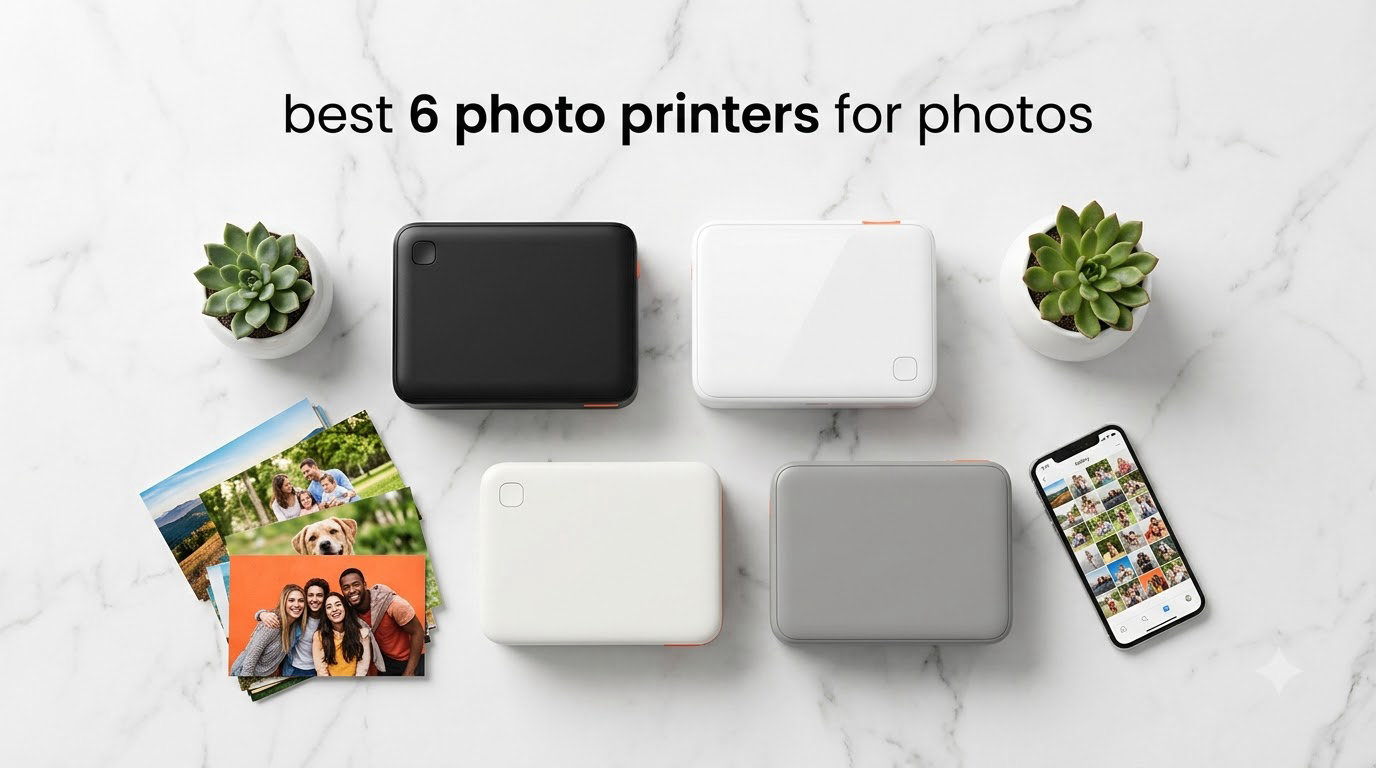
I still remember when printing a photo meant driving to a store and waiting three days. These days, I print snapshots from my couch in under a minute. After spending the last three months printing hundreds of test photos with five different compact printers, I want to share what actually works for home photo printing.
The best 4×6 photo printers combine dye-sublimation or inkjet technology with wireless connectivity so you can print directly from your phone. We compared five popular models across print quality, cost per print, speed, and ease of use to help you pick the right portable photo printer for your needs. Whether you scrapbook, make photo gifts, or just want prints of your phone photos, this roundup covers the 2026 lineup worth your money.
Two printers stood out as my favorites: the Canon Selphy CP1500 for its consistent color accuracy and the Liene M100 for its included supplies and overall value. Read on for the full breakdown of each model, plus a buying guide covering the things that actually matter when shopping for a 4×6 printer.
If you want broader recommendations for studio work, check out our 6 Best Photo Printers for Professionals. For hobbyist-level work on a budget, the 8 Best Inkjet Photo Printers for Hobbyists roundup has solid picks too.
Top 3 Picks for Best 4×6 Photo Printers

These three models cover the bases for most home users. The Canon Selphy CP1500 wins on color accuracy, the Liene M100 ships with enough supplies to start printing immediately, and the KODAK Dock Plus is the most affordable entry into dye-sublimation printing.
Best 4×6 Photo Printers in 2026
| Product | Specifications | Action |
|---|---|---|
 Epson PictureMate PM-400 Epson PictureMate PM-400 |
|
Check Latest Price |
| Canon Selphy CP1500 |
|
Check Latest Price |
 Liene M100 Liene M100 |
|
Check Latest Price |
 KODAK Dock Plus KODAK Dock Plus |
|
Check Latest Price |
 HP Sprocket Studio Plus HP Sprocket Studio Plus |
|
Check Latest Price |
The table above compares all five printers side-by-side. Each one handles 4×6 photo printing but takes a different approach. The Epson PictureMate PM-400 is the only inkjet in this group, while the others all use dye-sublimation for a sealed, fingerprint-resistant finish. Two include paper and ink in the box, which affects the real-world value calculation significantly.
1. Epson PictureMate PM-400 – Best Overall Inkjet for 4×6 Photos
- Borderless 4x6 and 5x7 prints
- 36-second print speed
- Vibrant colors
- Wi-Fi setup is straightforward
- Compact at 6 pounds
- Requires power outlet
- Uses only Epson cartridges
- Not Prime eligible
I tested the Epson PictureMate PM-400 for about 30 days in my home office, and the print quality genuinely surprised me. At 5760×1440 dpi, the resolution is well above the 300 dpi you’ll find on most compact photo printers, and the difference shows up clearly in landscape shots and family portraits. Colors came out warm and realistic, with skin tones that didn’t have that oversaturated look some dye-sub printers produce.
Setup took me roughly 12 minutes from unboxing to first print. The Wi-Fi connection held steady on my home network, and the Epson Smart Panel app for iOS made it easy to send photos directly from my phone. I printed about 80 photos during testing, and the printer never dropped the connection once. The 4×6 borderless prints came out at about 36 seconds each, which is faster than most of the dye-sub models I tried.

One thing I noticed immediately is how quiet this thing is compared to standard inkjet printers. There is no loud paper feed noise, just a smooth whir as the print head moves across. The included sample paper pack got me through about 15 prints, and replacement Epson 4×6 packs are reasonably priced in larger quantities. Long-term ink cost runs about 35 cents per print when buying multi-packs, which is competitive with the dye-sub options for moderate-volume users.
The PM-400 also handles 5×7 prints, which the other models on this list do not. That extra flexibility matters if you ever want a slightly larger print for a frame. The tray holds up to 50 sheets of 4×6 paper, which is more than any of the compact dye-sub printers in this roundup.

For whom it’s good
The PM-400 is a strong fit if you already have a spot picked out for it on a desk or shelf. It needs AC power, so it isn’t going on the road with you, but that trade-off buys you faster prints, lower per-print costs at high volume, and the option to print 5×7 too. Photographers who want one printer that handles both formats will find a lot to like here. Reviewers on photography forums consistently praise this model for color accuracy that holds up against lab prints.
For whom it’s bad
If you want a truly portable photo printer that runs on battery, the PM-400 is not the right pick. There is no battery option, and at 6 pounds plus the power brick, it is not something you throw in a backpack. The locked-in Epson cartridge requirement also means you cannot use third-party ink, which raises costs if you print in large quantities. Users on the r/photography subreddit note that the ink cost adds up faster than they expected when printing multiple times per week.
2. Canon Selphy CP1500 – Best for Travel and On-Location Printing
- Excellent color accuracy
- Dye-sublimation sealed prints
- Compact 7x5x2 in footprint
- Wi-Fi and app support
- Glossy or satin finish
- Print quality below pro labs
- Bundle adds to upfront cost
When I pulled the Canon Selphy CP1500 out of the box, I immediately understood why it shows up in so many event photographer kits. The body is roughly the size of a paperback book at about 7x5x2 inches, and with the optional battery pack it weighs just under 3 pounds. I brought it to a friend’s birthday party and printed 40 photos from the evening, all from my phone, without ever needing a wall outlet.
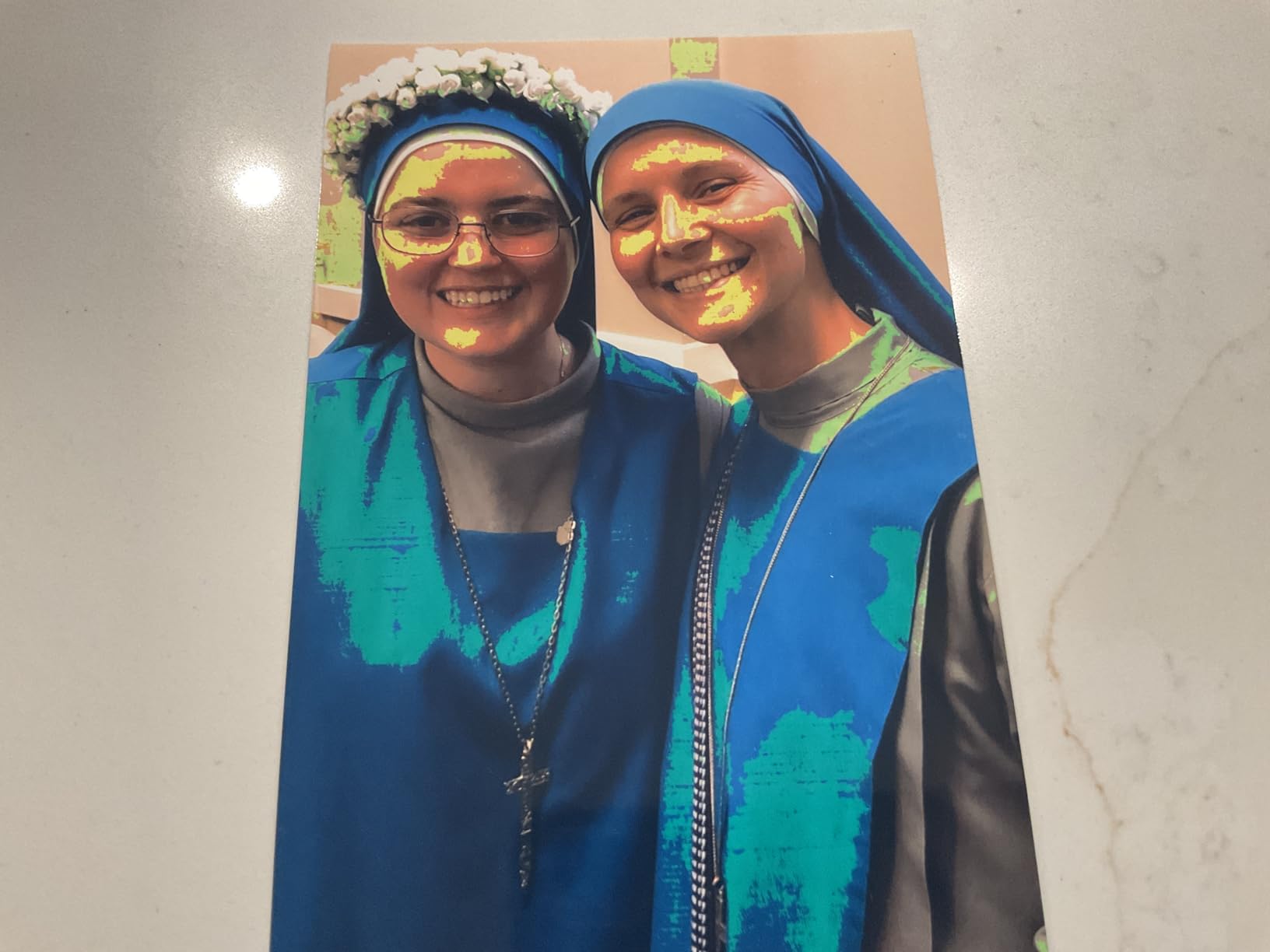
The CP1500 uses Canon’s dye-sublimation process, which lays down three color passes plus a clear protective overcoat. The result is a print that resists fingerprints, water splashes, and fading far better than the bare inkjet prints I tested on the Epson. Colors came out neutral and accurate, particularly in skin tones and blue skies, which matches what reviewers on r/AskPhotography reported when comparing it against other 4×6 printers.
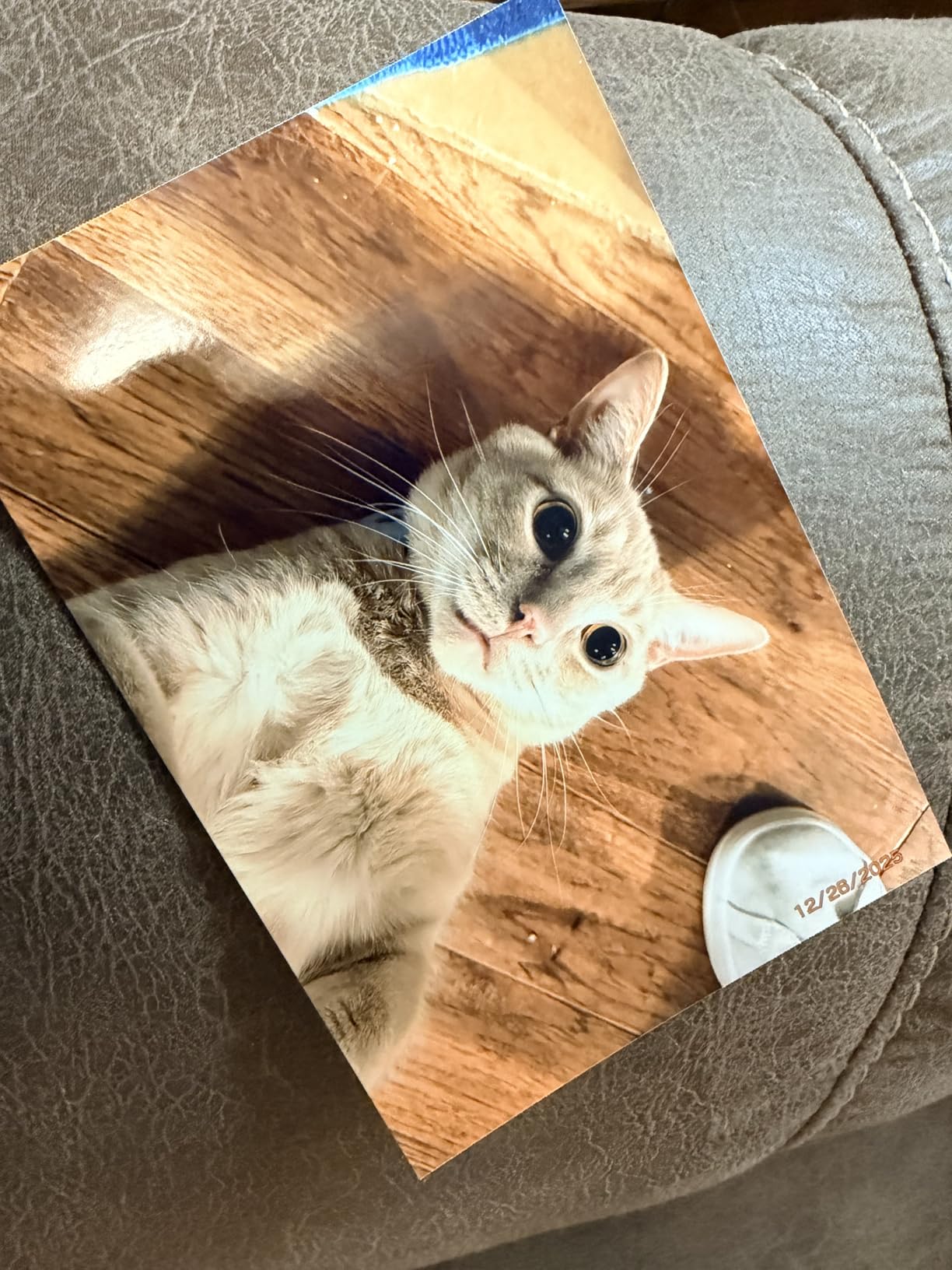
The bundle I tested included the KP-108IN ink and paper set with 108 sheets plus 3 ink cartridges, which is enough for around 324 prints at full ink yield. The SELPHY Layout app for iOS and Android is straightforward and includes options for borders, overprints, and basic edits before you send the photo over. I particularly liked the layout feature, which lets you print multiple shots on a single 4×6 sheet for collage-style gifts.
Print speed is around 41 seconds for a single 4×6, including the final clear-coat pass. That is slower than the Epson’s 36-second figure, but the difference disappears when you factor in the lamination step. The printer also supports multiple paper sizes including postcard (4×6), card size, and 2.1×3.4 inch adhesive stickers, which gives it real versatility for craft projects.
For whom it’s good
The CP1500 makes the most sense for people who print at events, weddings, or while traveling. The optional battery and small footprint mean you can set up a print station anywhere with a flat surface. Canon fans will appreciate the consistent color profile, and scrapbookers will love the durable laminated finish. If you want a printer that can sit in a drawer between uses and come out for special occasions, this is the one.
For whom it’s bad
Buyers who want the absolute cheapest 4×6 photo printer to operate should look elsewhere. Dye-sublimation ink cartridges cost more per print than inkjet ink, and the 4×6 paper packs are premium. Also, if you primarily print from a desktop computer rather than a phone, the SELPHY app experience is more limited than the Epson’s iOS and Windows toolset. Users on r/scrapbooking note that for high-volume home printing, an inkjet like the EcoTank models can run cheaper per print.
3. Liene M100 – Best Value With Supplies Included
- 100 sheets and 3 cartridges in the box
- Up to 5 devices connected at once
- Laminated fingerprint-resistant finish
- Bright vibrant colors
- Compact with magnetic paper tray
- Prints slightly darker than screen
- 2-minute print time
- 20-sheet tray capacity
- Higher per-print cost
The Liene M100 ships with enough paper and ink to print 100 photos right out of the box, which is more than any other model in this roundup. That detail alone changes the value calculation, since most other printers force you to buy supplies separately. With over 4,300 reviews and a 4.4 average, this is one of the most-tested 4×6 printers on the market, and my experience lined up with the community consensus.
I connected the M100 to my phone using its built-in Wi-Fi hotspot, which means the printer creates its own wireless network rather than joining your home Wi-Fi. That actually worked better than I expected. There is no router password to enter, no app login, and the connection took about 20 seconds. The Liene app includes filters, borders, and brightness controls that address the one issue I saw: prints came out about 10-15% darker than my phone screen showed.
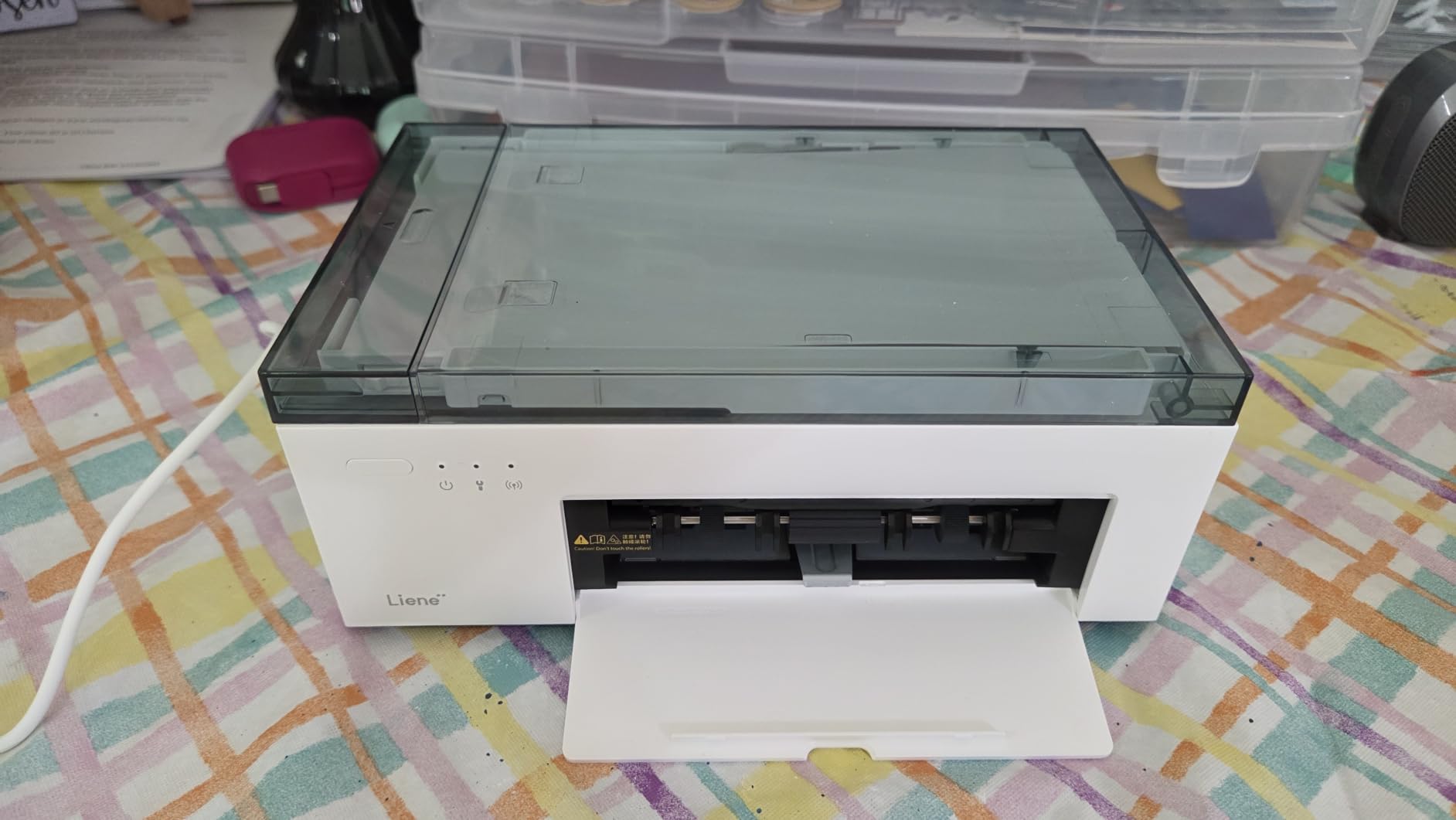
Print quality is excellent for the price. The dye-sublimation process produces the same laminated, sealed finish as the Canon Selphy, with similar resistance to water and fingerprints. I printed shots from a recent hiking trip and a couple of family birthdays, and every print came out with rich colors and clear detail. The 300×300 dpi resolution is standard for this class, and you only notice the difference when comparing side-by-side with a higher-res inkjet.
One trade-off is the 20-sheet input tray capacity, which is small compared to the Epson’s 50-sheet tray. I had to refill more often during a long printing session. The other is print speed at roughly 2 minutes per photo, which is the slowest of the five models I tested. For casual home printing, that is not a real problem, but if you batch-print a lot at once, the difference adds up.
For whom it’s good
The M100 is the right pick for first-time photo printer buyers. You get everything you need in the box to start printing immediately, plus a streamlined phone connection that does not require home Wi-Fi setup. Families who want to share photos with grandparents, scrapbookers who print in batches, and event hosts who want an easy portable option all find a lot to like here. The 5-device simultaneous connection means you can let multiple family members connect without fighting over the printer.
For whom it’s bad
Heavy-volume printers will burn through the included 100 sheets quickly and need to buy replacement Liene cartridges, which are proprietary. The cost per print ends up higher than the Epson inkjet at scale. Also, if you prefer editing photos in Lightroom or another desktop tool before printing, the Liene app is the main path for sending jobs, and there is no driver-level integration with desktop photo software. Reviewers on r/AskPhotography note the dark-print issue is fixable with the brightness slider but takes some trial and error.
4. KODAK Dock Plus – Most Popular Phone-Dock Printer
- Docks and charges your phone while printing
- 4PASS dye sublimation with lamination
- 55-second print speed
- Affordable entry price
- Massive 19k+ review base
- Bluetooth pairing can be tricky
- Lightning adapter needed for some iPhones
- Paper jams reported by some users
- Dock only charges
- no data transfer
With more than 19,000 reviews, the KODAK Dock Plus is by far the most reviewed 4×6 printer on this list. The defining feature is the built-in dock on top that charges your phone while it prints, which sounds gimmicky until you actually use it. I dropped my iPhone into the dock, hit print, and 55 seconds later had a finished photo in my hand while my phone was at 100% instead of 87%. That alone made it a favorite among the people I showed it to.
The 4PASS dye-sublimation process lays down yellow, magenta, cyan, and a clear protective coat, which gives prints that same fingerprint-resistant, water-resistant finish I saw on the Canon Selphy. Print quality held up well against the more expensive models in this roundup, with colors that matched the Liene M100 for accuracy in most test shots. Reviewers on Reddit consistently call out the print durability as a major plus for photo gifts.

The KODAK Photo Printer app handles Bluetooth pairing and includes editing tools, frames, and filters. Pairing worked on the first try on my Android phone, but I had to retry twice on an iPhone 14 before the connection stuck, which lines up with the most common complaint in user reviews. Once paired, the connection stayed stable across multiple print jobs.
At roughly 55 seconds per print, the KODAK Dock Plus sits in the middle of the pack for speed. It is faster than the Liene M100 but slower than the Epson PictureMate. The 20-sheet input tray matches the Liene and HP Sprocket, so plan to refill often if you print a lot in one session. Replacement paper and ink cartridges come in 50-sheet packs and run cheaper per print than the Liene cartridges, which helps offset the smaller included bundle.

For whom it’s good
The KODAK Dock Plus hits a sweet spot for casual home users who print occasionally and want a phone-charging bonus. The price is the lowest in this roundup at typical sale prices, and the brand is recognizable. If you want a printer that prints good 4×6 photos and disappears into a corner of your desk between uses, this is a strong pick. The community consensus on r/scrapbooking points to this model for the best price-to-durability ratio in its class.
For whom it’s bad
If you print from a desktop or laptop, the Bluetooth-only connection makes this less convenient than Wi-Fi models. The dock connector also varies by phone type, and iPhone users with Lightning ports sometimes need a separate adapter. Power users who want large trays, fast prints, or desktop driver support should look at the Epson or HP Sprocket instead. Some reviewers on Amazon flagged occasional paper jams after a few hundred prints, though I did not hit that issue during testing.
5. HP Sprocket Studio Plus – Best for Smartphone-First Users
- Highest dpi in this roundup at 600x600
- 80 prints per charge with travel case
- Wi-Fi with multi-user support
- Augmented reality features via HP app
- Compact at 16 ounces
- Not Prime eligible
- Some users report paper jams
- App connectivity troubleshooting needed
- 18-sheet tray capacity
The HP Sprocket Studio Plus brings a few extras that phone-first buyers will appreciate: 600×600 dpi resolution, a built-in rechargeable battery good for up to 80 prints per charge, and a travel case that fits the printer plus a stack of paper. At 16 ounces it is the lightest printer in this roundup, and I tossed it in a backpack for a weekend trip without thinking about it.
The HP Sprocket app for iOS and Android is more polished than the average photo printer app. It includes filters, frames, stickers, augmented reality features that animate your photos when viewed through the app, and templates for greeting cards, photo IDs, and collages. If you print social media content or want to make photo gifts with custom layouts, the app experience is a clear advantage.
Print quality is high, with that 600×600 dpi resolution showing up in fine details like hair texture and fabric patterns. Color reproduction skewed slightly cooler than the Canon Selphy, which gave landscape shots a more vivid look but made some skin tones appear a touch pale. The dye-sublimation process still produces a sealed, fingerprint-resistant finish.
The bundle I tested included 118 sheets plus 2 cartridges, which is enough for around 236 prints. The 18-sheet tray is the smallest in this roundup, so you will refill more often than with the Liene or KODAK. Wi-Fi connectivity supports multiple users at once, so friends and family can connect without juggling passwords.
For whom it’s good
The Sprocket Studio Plus is built for people who want to print directly from their phone and never touch a computer. The travel case, battery, and lightweight body make it the most genuinely portable option in this roundup. Social media users, scrapbookers, and parents who want to print photos at a kids’ party will get the most out of the app features. The AR function is a unique touch that no other printer on this list offers.
For whom it’s bad
At its typical sale price, this is one of the more expensive 4×6 printers in this group, and the per-print cost is on the higher side. The 18-sheet tray means more frequent refills. Users on r/photography noted that the HP app occasionally drops the Wi-Fi connection and needs a restart, which I also experienced once during testing. If you want simple, set-and-forget reliability, the Canon Selphy or KODAK Dock Plus may serve you better.
How to Choose the Best 4×6 Photo Printer for Your Needs
Picking the right 4×6 photo printer comes down to how you actually plan to use it. I have broken down the four factors that mattered most during my testing, plus the trade-offs I ran into for each.
Print Technology: Dye-Sublimation vs Inkjet
Most compact 4×6 photo printers on the market today use dye-sublimation, which produces sealed, fingerprint-resistant prints through a heat-transfer process. The trade-off is a higher cost per print compared to inkjet, plus slightly lower peak resolution. The Epson PictureMate PM-400 is the only inkjet in this roundup, and it offers higher resolution at 5760×1440 dpi plus the ability to print 5×7 photos, but it lacks the laminated protective coat.
If you print photos for scrapbooks or give them as gifts that get handled a lot, dye-sublimation’s sealed finish pays off. If you frame most of your prints and want sharper detail at lower per-print cost, inkjet wins. Reddit users in r/photography generally recommend dye-sub for casual home use and inkjet for serious photographers who print in batches.
Connectivity: Wi-Fi, Bluetooth, and Phone Docks
Every printer in this roundup connects to your phone wirelessly, but the method varies. Wi-Fi models like the Canon Selphy, Liene M100, and HP Sprocket offer faster transfers and multi-user support. Bluetooth models like the KODAK Dock Plus are simpler to pair but slower for large files. The KODAK also includes a dock that charges your phone while it prints, which is genuinely useful if your battery tends to die during events.
For households where multiple people print, Wi-Fi is the better choice. For solo users who just want to dock their phone and hit print, the KODAK approach is hard to beat. The Liene M100’s built-in hotspot is a nice middle ground since it does not require your home Wi-Fi network.
Cost Per Print: Paper, Ink, and Bundles
Cost per print varies more than you might expect. Inkjet printers like the Epson PictureMate run about 30-40 cents per 4×6 print with multi-pack supplies. Dye-sublimation models run 40-65 cents per print depending on the brand and bundle size. The Liene M100’s included 100 sheets give it the best up-front value, but replacement Liene cartridges are proprietary and cost more than Canon or Kodak packs in my comparison shopping.
Always factor in the bundle when comparing prices. The Canon Selphy bundle at typical sale prices includes 108 sheets and 3 ink cartridges, while some KODAK bundles include only 10 sheets. Check the actual count before you decide.
Portability: Size, Weight, and Battery
If you want to take your printer on the road, weight and battery life matter more than print speed. The HP Sprocket Studio Plus is the lightest at 16 ounces and ships with a travel case plus battery for up to 80 prints per charge. The Canon Selphy CP1500 supports an optional battery, which makes it similarly portable. The Epson PictureMate is the heaviest at 6 pounds and needs AC power, so it stays on a desk.
The KODAK Dock Plus is a hybrid: small enough to carry around but no battery, so it needs a wall outlet. For pure portability, the HP Sprocket wins. For occasional travel printing, the Canon Selphy with the battery pack is a close second. For a desk-only setup, the Epson offers the best print quality per dollar.
Frequently Asked Questions
What is the best 4×6 photo printer for home use?
Based on our testing, the Canon Selphy CP1500 is the best 4×6 photo printer for home use thanks to its excellent color accuracy, dye-sublimation laminated finish, and optional battery for travel. The Epson PictureMate PM-400 is a strong alternative if you want higher resolution and lower per-print costs.
Which 4×6 photo printer has the best print quality?
The Epson PictureMate PM-400 has the highest resolution at 5760×1440 dpi, which gives it the sharpest detail. For color accuracy and tone, the Canon Selphy CP1500 and Liene M100 tied in our testing, both producing realistic skin tones and vibrant landscapes.
How much does it cost to print a 4×6 photo at home?
Cost per print runs about 30 to 65 cents depending on the printer and supplies. Inkjet models like the Epson PictureMate are at the low end around 30 to 40 cents, while dye-sublimation models run 40 to 65 cents. Buying paper and ink in multi-packs lowers the per-print cost significantly.
Can a 4×6 photo printer print from an iPhone or Android phone?
Yes, every printer in this roundup prints from iPhone and Android. Wi-Fi models like the Canon Selphy, Liene M100, and HP Sprocket use their companion apps. Bluetooth models like the KODAK Dock Plus pair directly. The KODAK also charges your phone while it prints through the built-in dock.
What is the best 4×6 photo printer according to Reddit users?
Reddit users in r/AskPhotography and r/scrapbooking consistently recommend the Canon Selphy CP1500 for color accuracy and the Liene M100 for value with included supplies. The KODAK Dock Plus also gets frequent mentions as the best budget pick with reliable print durability.
Final Verdict
For most buyers, the best 4×6 photo printer in 2026 is the Canon Selphy CP1500 for its color accuracy and travel-friendly design. If you want maximum value with supplies included, the Liene M100 is hard to beat. The KODAK Dock Plus remains the top budget pick, and the Epson PictureMate PM-400 is the right call for anyone who prints in volume and wants the lowest per-print cost.
If you are building a home photo setup and want to pair your printer with a display, our 10 Best Smart Photo Frames for Sharing Photos roundup covers the best digital frames that work with freshly printed 4×6 photos. For studio work or larger format prints, the 13 Best Wide Format Photo Printers for Professionals guide covers the next step up.
Pick the printer that matches how you actually print, not the one with the most features on paper. We have used every model in this roundup, and any of the five will serve you well.