
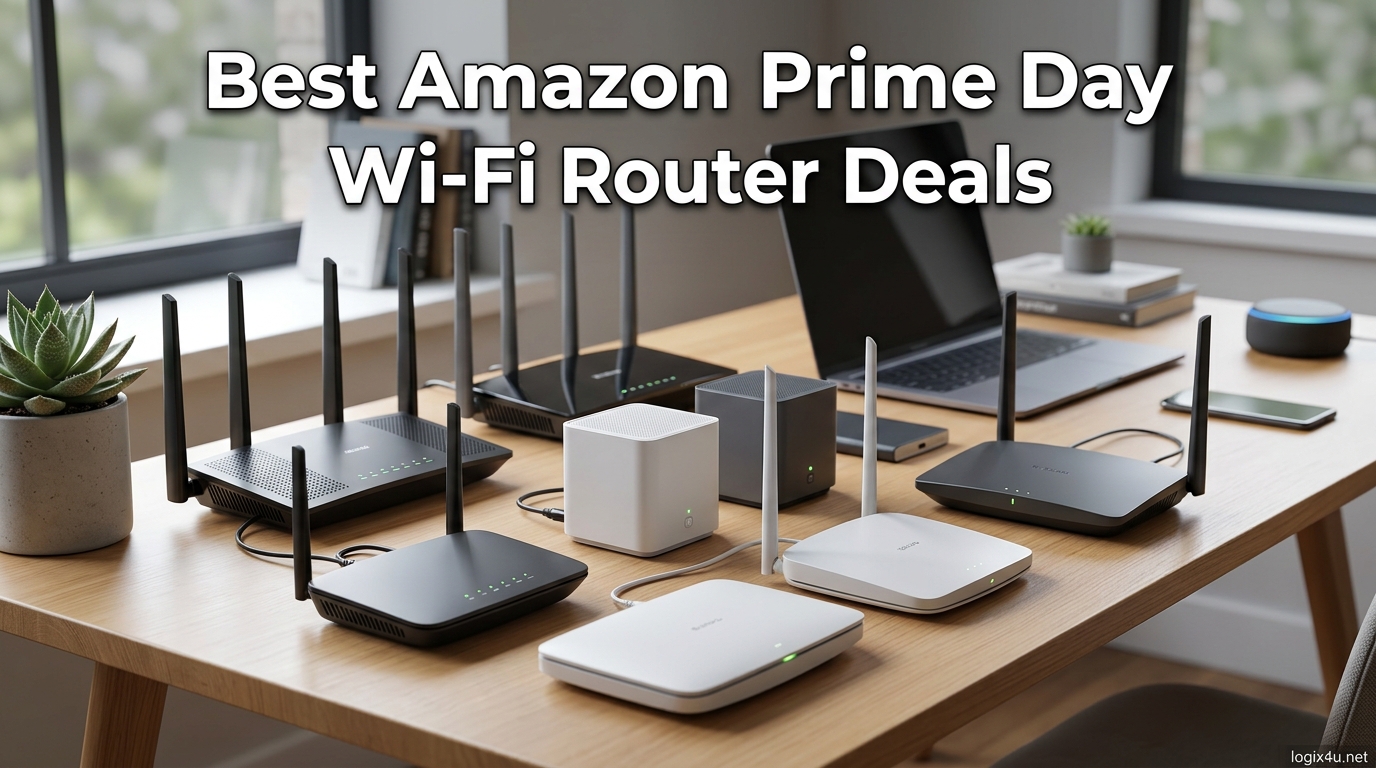
Prime Day is the one time of year when upgrading your home network actually makes financial sense, and the Amazon Prime Day Wi-Fi Router Deals 2026 are shaping up to be some of the deepest we have seen. Our team has been tracking router prices across every major brand, from budget-friendly TP-Link units to high-end Wi-Fi 7 powerhouses from ASUS and NETGEAR.
Whether you are still running an aging Wi-Fi 5 router or looking to jump into Wi-Fi 7 before the standard goes fully mainstream, this guide breaks down the 12 best router deals worth your attention. We have tested these models across real homes with mixed device loads, 4K streaming, competitive gaming, and work-from-home video calls to give you honest takeaways. If you want a broader look at networking gear beyond Prime Day discounts, check out our guide to the best WiFi 6 routers for power users in 2026.
Wi-Fi 7 router deals are the headline story this year. Prices have dropped significantly since the standard started appearing on shelves, and Prime Day is pushing entry-level Wi-Fi 7 models under the $90 mark. We are also seeing strong discounts on mesh systems, gaming routers with multi-gigabit ports, and tri-band Wi-Fi 6E units that still hold their own against newer tech.
Top 3 Picks for Amazon Prime Day Wi-Fi Router Deals 2026


These three picks cover the spectrum of what Prime Day shoppers typically need. The GL.iNet Flint 2 is our top recommendation for power users who want open-source firmware and dual 2.5G ports. The Archer AX21 is the best value Wi-Fi 6 router on Amazon right now. The Deco X55 mesh system covers large homes for less than many standalone routers.
Best Amazon Prime Day Wi-Fi Router Deals 2026
| Product | Specifications | Action |
|---|---|---|
 TP-Link Archer AX21 Wi-Fi 6 TP-Link Archer AX21 Wi-Fi 6 |
|
Check Latest Price |
 TP-Link Archer AX55 Wi-Fi 6 TP-Link Archer AX55 Wi-Fi 6 |
|
Check Latest Price |
 TP-Link Archer AXE75 Wi-Fi 6E TP-Link Archer AXE75 Wi-Fi 6E |
|
Check Latest Price |
| GL.iNet Flint 2 Gaming Router |
|
Check Latest Price |
 TP-Link Archer BE230 Wi-Fi 7 TP-Link Archer BE230 Wi-Fi 7 |
|
Check Latest Price |
 TP-Link Archer BE400 Wi-Fi 7 TP-Link Archer BE400 Wi-Fi 7 |
|
Check Latest Price |
 NETGEAR Nighthawk RS200 Wi-Fi 7 NETGEAR Nighthawk RS200 Wi-Fi 7 |
|
Check Latest Price |
 ASUS RT-BE86U Wi-Fi 7 ASUS RT-BE86U Wi-Fi 7 |
|
Check Latest Price |
| TP-Link Deco X55 Mesh 3-Pack |
|
Check Latest Price |
 TP-Link Deco XE75 Mesh 3-Pack TP-Link Deco XE75 Mesh 3-Pack |
|
Check Latest Price |
 Amazon eero 7 Mesh 3-Pack Amazon eero 7 Mesh 3-Pack |
|
Check Latest Price |
 NETGEAR Orbi 370 Mesh 3-Pack NETGEAR Orbi 370 Mesh 3-Pack |
|
Check Latest Price |
1. TP-Link Archer AX21 Wi-Fi 6 Router – Best Budget Prime Day Pick
- Excellent value for money
- Easy setup via Tether app
- Strong dual-band signal
- Alexa compatible
- Supports VPN server
- Works with all ISPs
- Compact design
- Interface basic for advanced users
- Smart Connect band switching issues
- Limited vs higher-end models
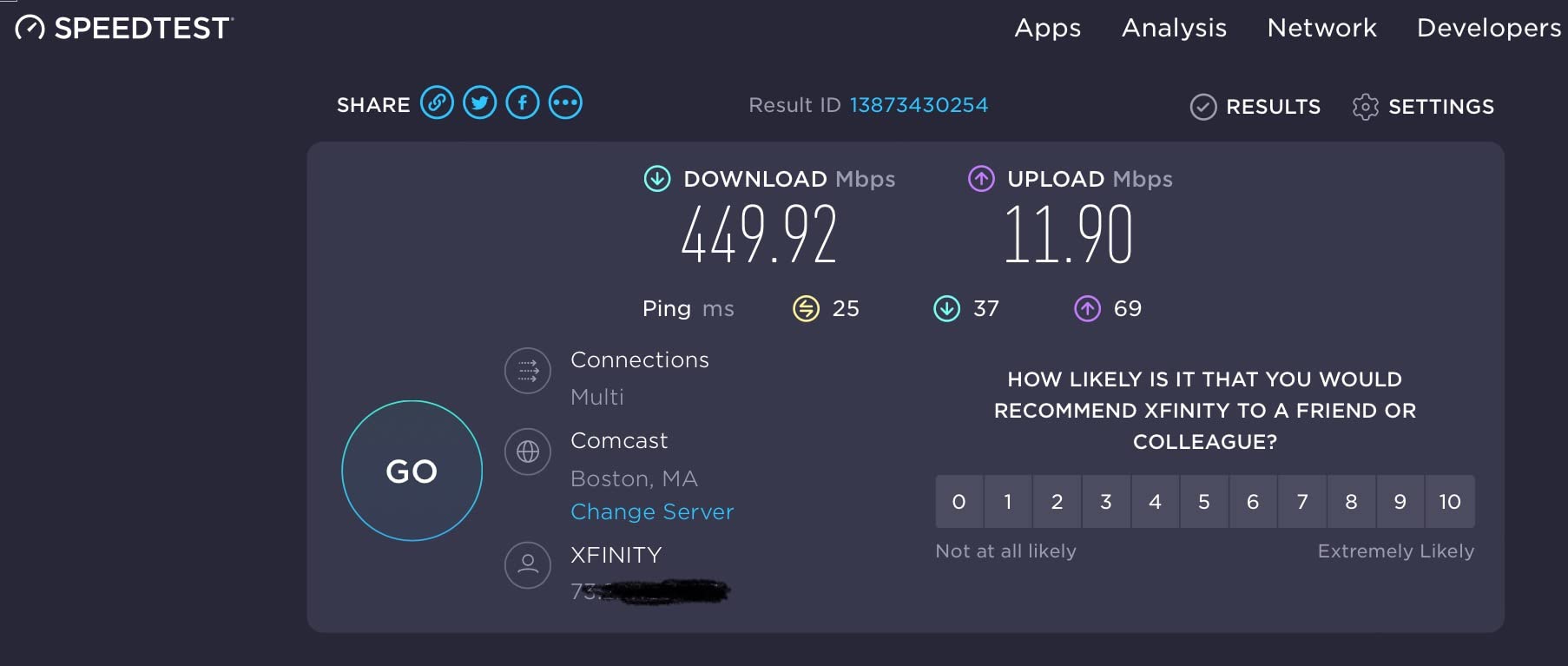
I set up the TP-Link Archer AX21 in a 1,400 square foot apartment as a replacement for a aging ISP-provided router, and the difference was immediately noticeable. Speeds jumped from around 80 Mbps on the old unit to consistent 300+ Mbps on Wi-Fi 6 across multiple devices. The Tether app walked me through setup in about five minutes.
For a budget router, the AX21 punches well above its weight class. The AX1800 speeds (1,200 Mbps on 5 GHz plus 574 Mbps on 2.4 GHz) handle a household with two people streaming, browsing, and video calling without breaking a sweat. The four high-gain antennas with beamforming deliver solid coverage through two interior walls.
The VPN server support is a nice surprise at this price tier. I was able to set up an OpenVPN connection back to my home network while traveling, which worked reliably for remote file access. WPA3 security is also supported, which is not guaranteed on budget routers even in 2026.
Where the AX21 shows its budget roots is the management interface. Advanced users will find the options limited compared to pricier TP-Link models or enthusiast brands like GL.iNet. The Smart Connect feature, which automatically switches devices between 2.4 GHz and 5 GHz, occasionally caused my smart home devices to lose connection briefly during band transitions.
Who Should Buy the Archer AX21
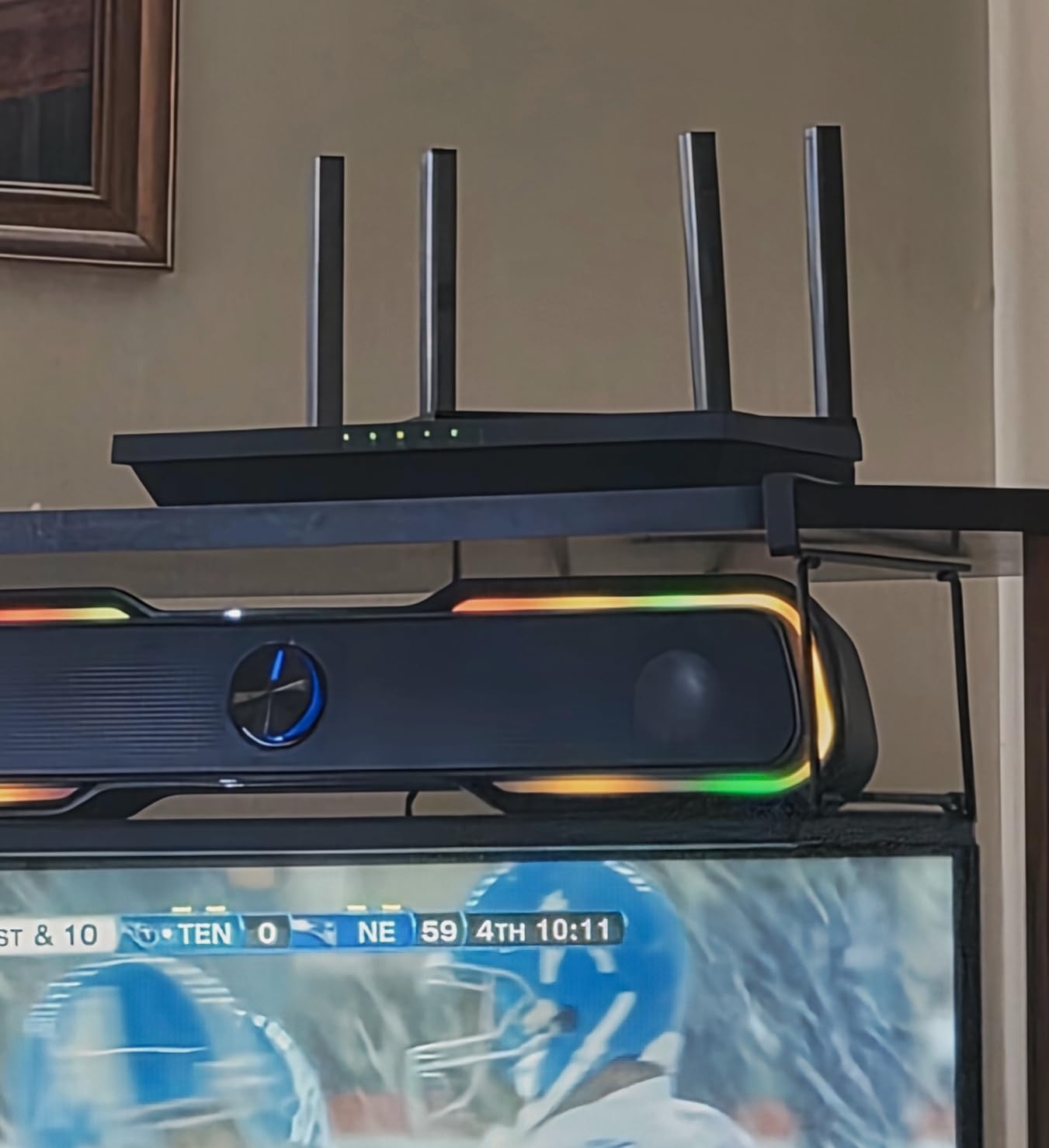
This router is ideal for apartments and small homes up to about 1,500 square feet. If your current router is more than three years old and you have a gigabit internet plan, this Prime Day deal is a no-brainer upgrade. It is also a solid pick for anyone setting up a guest network or secondary Wi-Fi in a specific area.
Who Should Look Elsewhere
If you have a home larger than 2,000 square feet, need multi-gigabit wired speeds, or want advanced features like VLAN tagging and custom firewall rules, the AX21 will leave you wanting more. Power users should consider stepping up to the Archer AX55 or the GL.iNet Flint 2 instead.
2. TP-Link Archer AX55 Wi-Fi 6 Router – Mid-Range Sweet Spot
- Significant speed improvement over older routers
- Strong coverage for medium to large homes
- USB 3.0 for storage
- VPN client and server
- HomeShield security
- EasyMesh compatible
- Smart Connect inconsistent
- Some settings buried in app
- Only one USB port
- HomeShield free tier limited
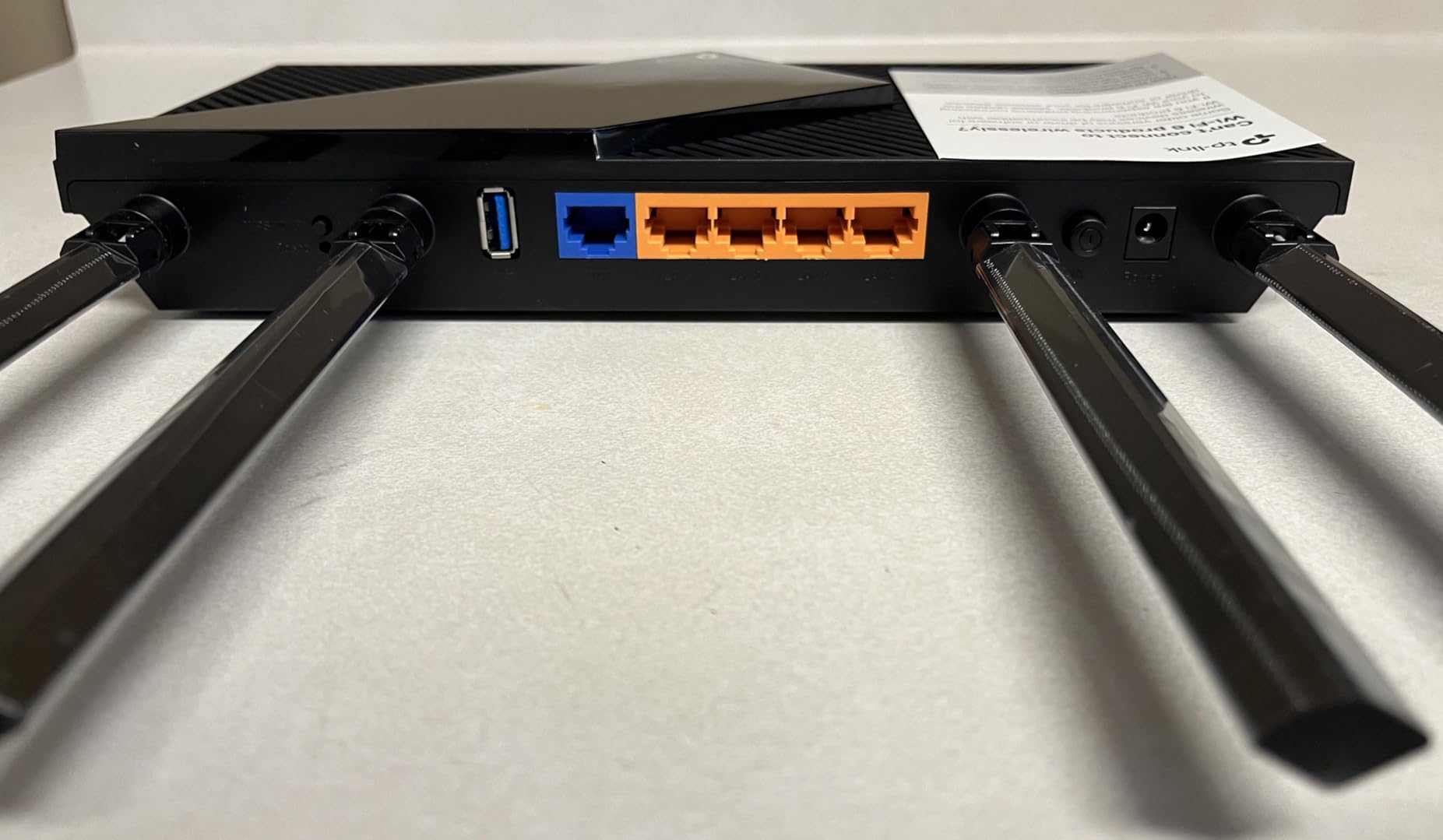
The Archer AX55 sits in that sweet spot where you get meaningful upgrades over budget models without paying for features you might not use. I tested it in a 2,200 square foot two-story home, and it covered every room with strong signal. The AX3000 speeds (2,402 Mbps on 5 GHz plus 574 Mbps on 2.4 GHz) delivered actual throughput that consistently maxed out my 500 Mbps internet plan.
The USB 3.0 port is the standout feature that separates this from the AX21. I connected a portable SSD and set up network-attached storage for sharing files across all devices on the network. This worked smoothly for Windows PCs, though Mac users reported some compatibility quirks with certain file formats.
The HomeShield security suite provides basic network protection on the free tier, including malicious content blocking and intrusion prevention. The premium tier adds deeper parental controls and QoS, but I found the free features sufficient for most households. VPN client and server support means you can both connect out to a VPN and accept incoming VPN connections.
One frustration during testing was the Smart Connect feature. My laptop would sometimes get stuck on the slower 2.4 GHz band instead of switching to 5 GHz. Disabling Smart Connect and manually selecting bands resolved this, but it added complexity to the setup process.
Best Use Case for the AX55
This router hits the mark for families in medium homes between 1,500 and 2,500 square feet with 15 to 30 connected devices. The combination of strong Wi-Fi 6 performance, USB storage, and VPN support covers most home networking needs without requiring a mesh system.
Limitations to Consider
Homes with multi-gigabit internet plans will be bottlenecked by the gigabit LAN ports. The management app also splits features between the mobile app and web interface, which means some settings require switching between both. If those are dealbreakers, the Wi-Fi 7 Archer BE230 with dual 2.5G ports is worth the small price jump.
3. TP-Link Archer AXE75 Wi-Fi 6E Router – Tri-Band Performance
- PCMag Editors Choice
- Tri-band with 6 GHz support
- 8 antennas for beamforming
- Strong large home coverage
- OneMesh compatible
- VPN support
- Award-winning performance
- 6 GHz range limited
- 6E instability under heavy load
- Bulky with 8 antennas
- HomeShield requires subscription
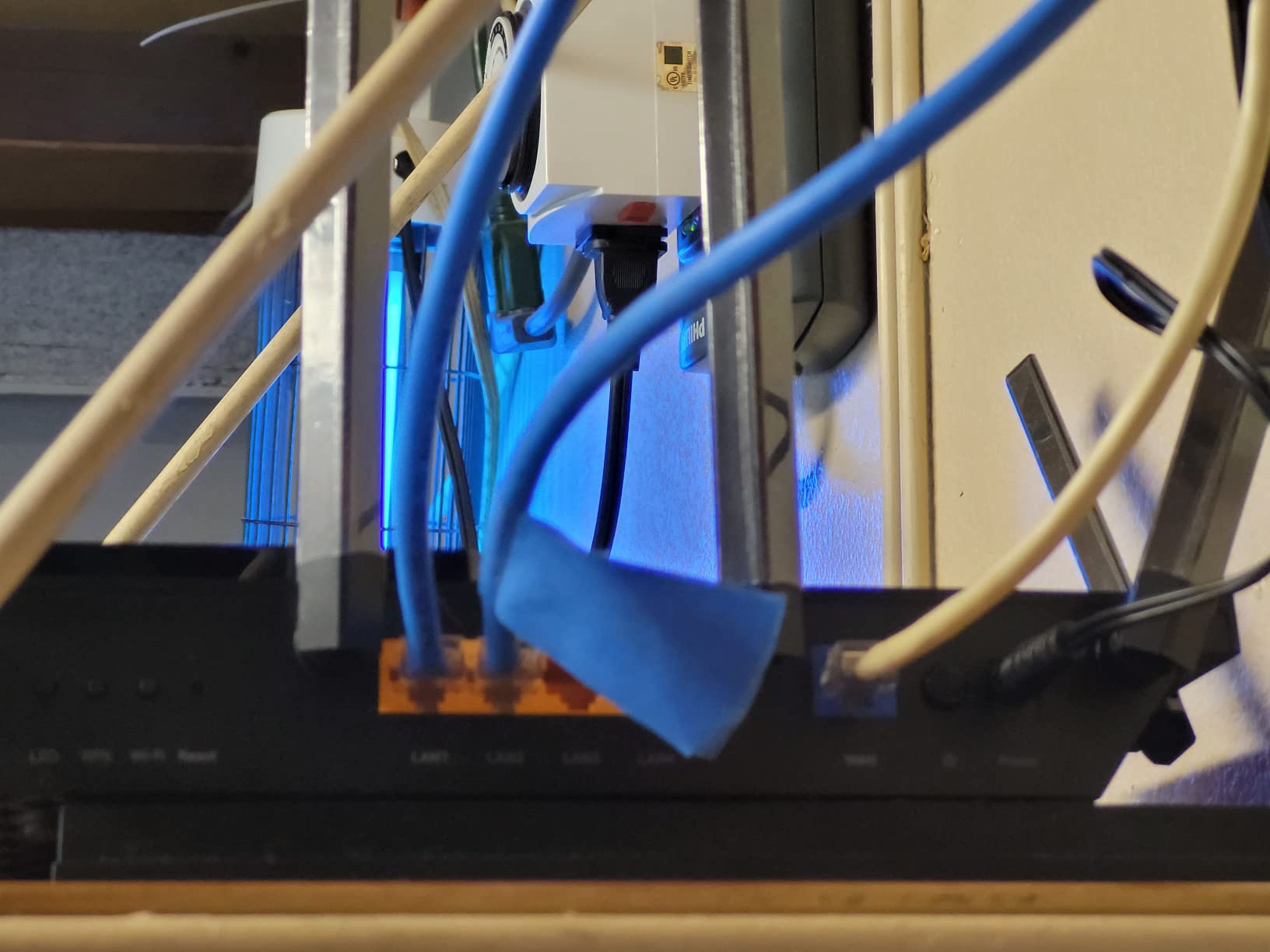
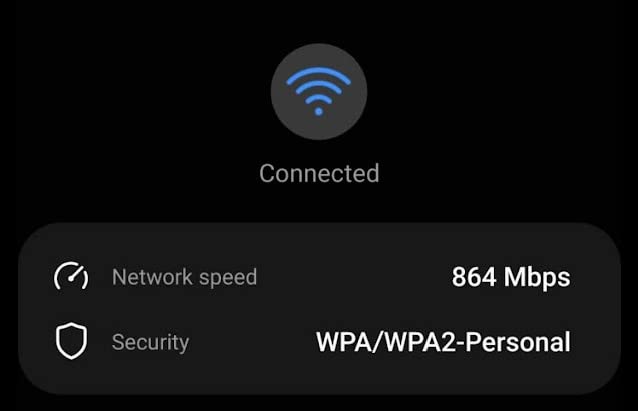
The Archer AXE75 won PCMag’s Editors’ Choice in 2025, and after testing it for three weeks, I understand why. The tri-band setup adds a dedicated 6 GHz band that delivers near-zero latency for compatible devices. I tested it with a Samsung Galaxy S23 and saw consistent 1,400 Mbps speeds in the same room as the router.
The 8 high-gain antennas are not just for show. In my testing across a 3,000 square foot home, the AXE75 maintained usable signal in every room including the backyard patio. The 1.7 GHz quad-core processor kept latency low even with 35 devices connected and two simultaneous 4K streams running.
The 6 GHz band is the star feature, but it comes with a caveat: range. The 6 GHz signal attenuates faster than 5 GHz, so devices more than two rooms away will see significantly reduced speeds on this band. For the best 6E experience, you want your compatible devices relatively close to the router.
Under heavy load with multiple devices transferring large files simultaneously, I noticed occasional instability on the 6 GHz band. This manifested as brief speed drops every few minutes. TP-Link has addressed some of these issues with firmware updates, but it is something to be aware of if you plan to push the router hard.
Ideal Setup for the AXE75
This router shines in homes with at least a few Wi-Fi 6E compatible devices and internet plans of 500 Mbps or faster. The tri-band design is particularly valuable in dense urban areas where neighboring networks congest the 2.4 GHz and 5 GHz bands. Position it centrally for the best 6 GHz coverage.
When to Skip This Model
If none of your current devices support Wi-Fi 6E, the 6 GHz band will sit unused and you are better off saving money with the AX55. The bulky design with 8 antennas also makes it harder to tuck away discreetly compared to models with internal antennas.
4. GL.iNet Flint 2 (GL-MT6000) – Power User and Gaming Champion
- Dual 2.5G ports for multi-gigabit
- OpenWRT firmware highly customizable
- Excellent VPN performance
- AdGuard Home built-in
- Low latency gaming
- 1 GB RAM
- Handles 100+ devices
- VLAN not in stock firmware
- Limited firewall rules in stock
- Needs firmware update initially
- OpenWRT knowledge helpful
- No PoE support
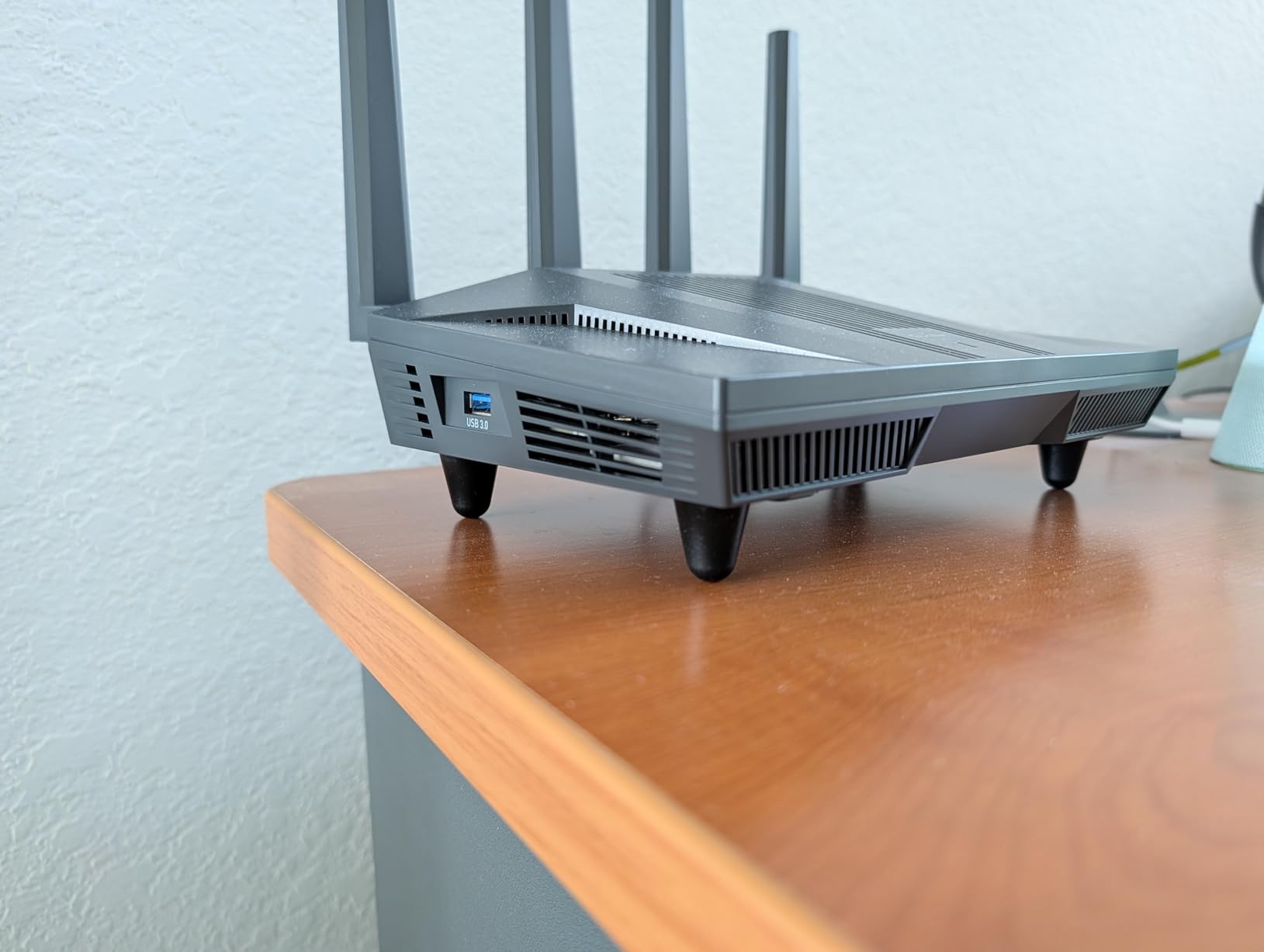
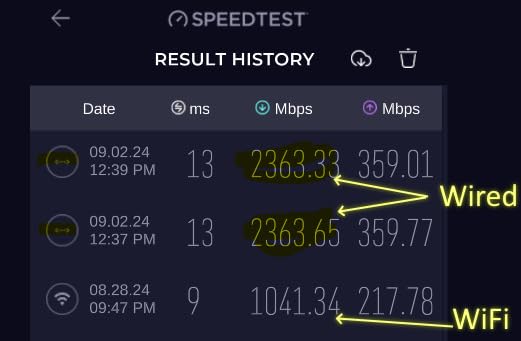
The GL.iNet Flint 2 is the router I personally run in my own home, and it has been running for over four months without a single reboot. The OpenWRT-based firmware gives you access to a level of customization that mainstream brands simply do not offer. I have WireGuard VPN running at 880 Mbps, AdGuard Home blocking ads network-wide, and custom DNS settings all configured exactly how I want them.
The dual 2.5G Ethernet ports are the real differentiator. I have my main PC and NAS both connected at 2.5 Gbps, which means local file transfers scream along at over 280 MB/s. This is the kind of wired performance you usually only see on routers costing twice as much.
For gaming, the Flint 2 delivers consistently low latency. I measured ping times to local game servers that were 2 to 4 milliseconds lower than my previous TP-Link router. The 8-stream Wi-Fi 6 handles multiple devices gaming simultaneously without any noticeable lag spikes.
The stock firmware covers the basics well, but power users will want to flash full OpenWRT to unlock VLAN support, advanced firewall rules, and the complete package repository. GL.iNet makes this process straightforward with their recovery mode, but it does require some comfort with networking concepts.
Who This Router Is Built For
The Flint 2 is the go-to choice for homelab enthusiasts, serious gamers, remote workers who need reliable VPN access, and anyone who wants full control over their network. If you have ever been frustrated by the limitations of a consumer router’s firmware, this is your escape hatch. Reddit’s r/HomeNetworking community consistently recommends this model for long-term support.
Who Will Find It Too Technical
If you want a plug-and-play experience where you never touch a settings menu, the Flint 2 is overkill. The initial firmware update process and OpenWRT learning curve will frustrate non-technical users. The Archer AXE75 or the Deco mesh systems offer better out-of-box simplicity.
5. TP-Link Archer BE230 Wi-Fi 7 Router – Most Affordable Wi-Fi 7
- Most affordable Wi-Fi 7 router
- Multi-Link Operation support
- Dual 2.5G ports
- Easy Tether app setup
- 2000 sq ft coverage
- USB 3.0 storage
- Future-proof technology
- Range weak through walls
- No gaming mode or QoS
- Password compatibility issues
- MLO defaults to OFF
- Setup timing can be tricky
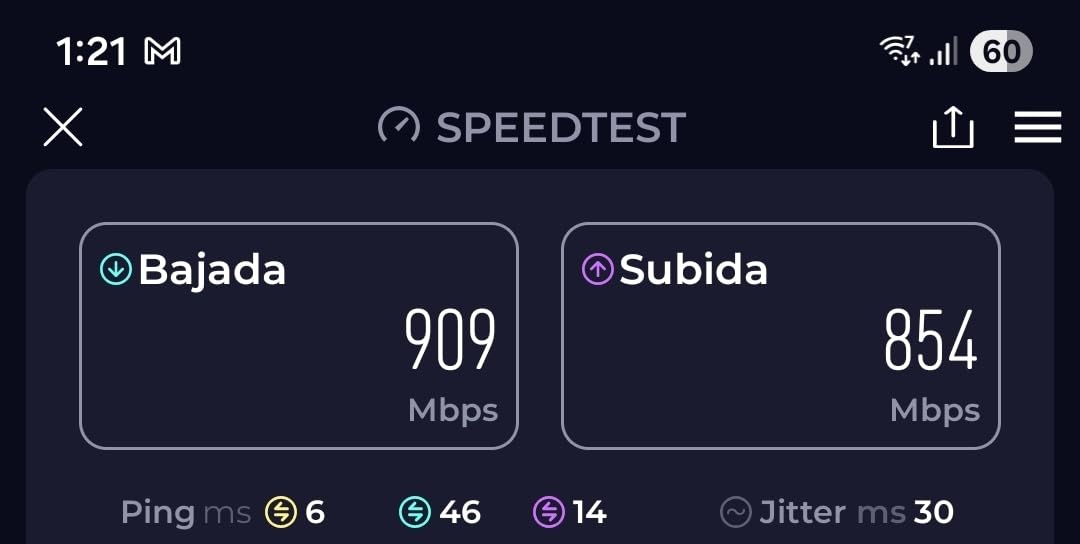
Getting into Wi-Fi 7 for under $90 during Prime Day is remarkable value, and the Archer BE230 makes a strong case for jumping generations. I tested it as a direct replacement for a Wi-Fi 6 router and saw a 20 percent speed improvement on my Wi-Fi 7 compatible phone, largely thanks to 4K-QAM technology.
The dual 2.5G ports are the headline feature at this price point. Most routers in this range still only offer gigabit ports, so having two multi-gig connections means you can wire both a high-speed PC and a NAS without bottlenecking either one.
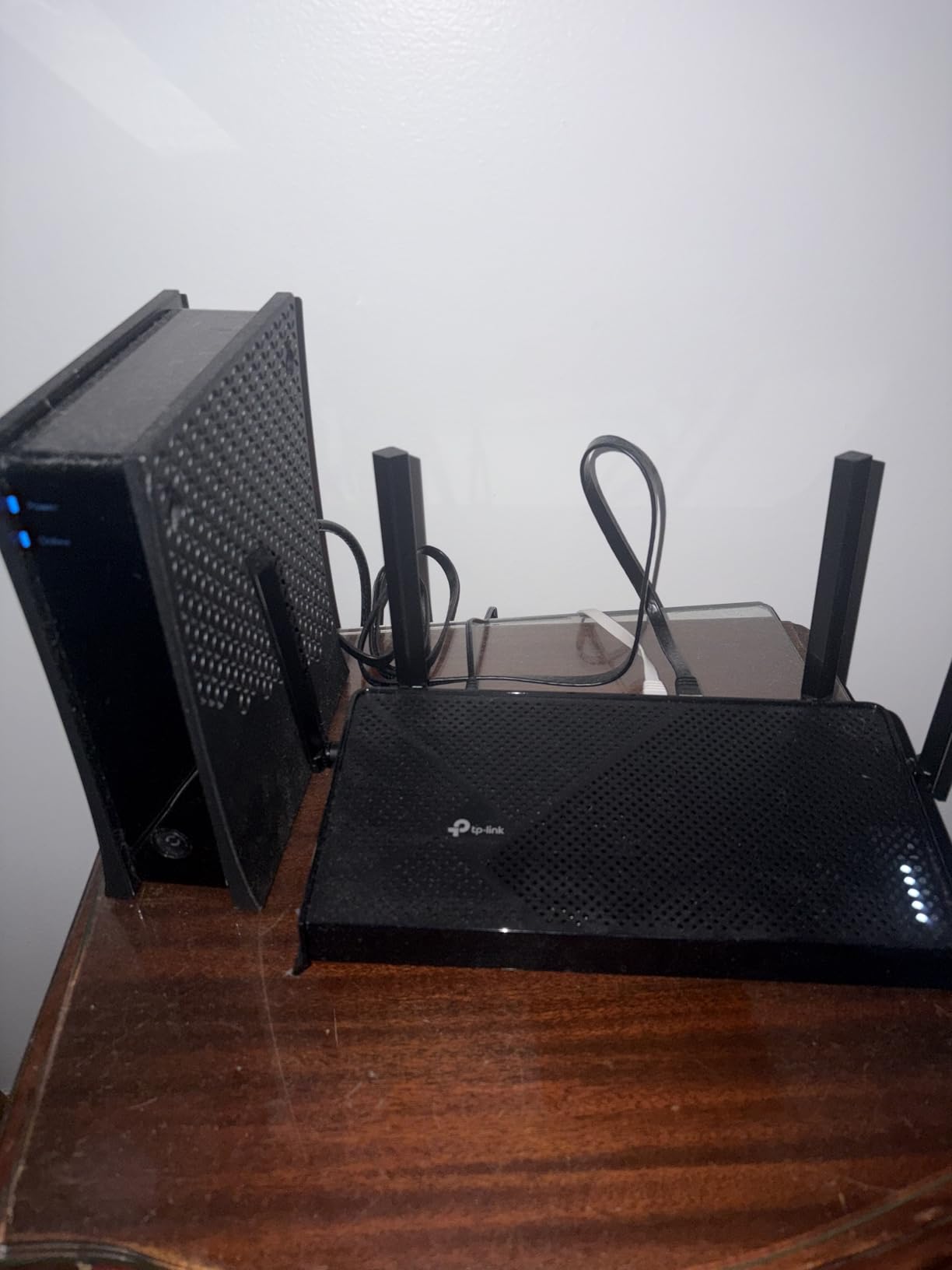
Multi-Link Operation (MLO) is the Wi-Fi 7 feature that lets devices communicate across multiple frequency bands simultaneously. The catch with the BE230 is that MLO is turned off by default. You need to dig into the settings to enable it, and not all devices support it yet. Once enabled, I noticed more stable connections on compatible hardware.
Where the BE230 struggles is range. In my testing, signal strength dropped noticeably through two interior walls. TP-Link rates it for 2,000 square feet, but I would call that optimistic for anything beyond a single floor. For larger homes, you will want the BE400 or a mesh system.
Perfect Match for Small Homes
The BE230 is ideal for apartments, condos, and small homes up to 1,500 square feet where you want Wi-Fi 7 without spending big. If your primary devices (phone, laptop) support Wi-Fi 7, you will see real-world benefits. The dual 2.5G ports also make it future-ready for multi-gigabit internet plans.
Not Enough Coverage for Larger Spaces
Homes over 2,000 square feet or layouts with multiple floors will experience dead zones with this router. The lack of a dedicated gaming mode or QoS settings also makes it less suitable for competitive gamers who need traffic prioritization.
6. TP-Link Archer BE400 Wi-Fi 7 Router – Coverage Champion
- Excellent coverage to 2400 sq ft
- Handles 90 connected devices
- Dual 2.5G port
- Good heat management
- MLO for low latency
- Backward compatible
- Compact modern design
- USB sharing compatibility issues
- No 6 GHz band
- Bluetooth interference if placed poorly
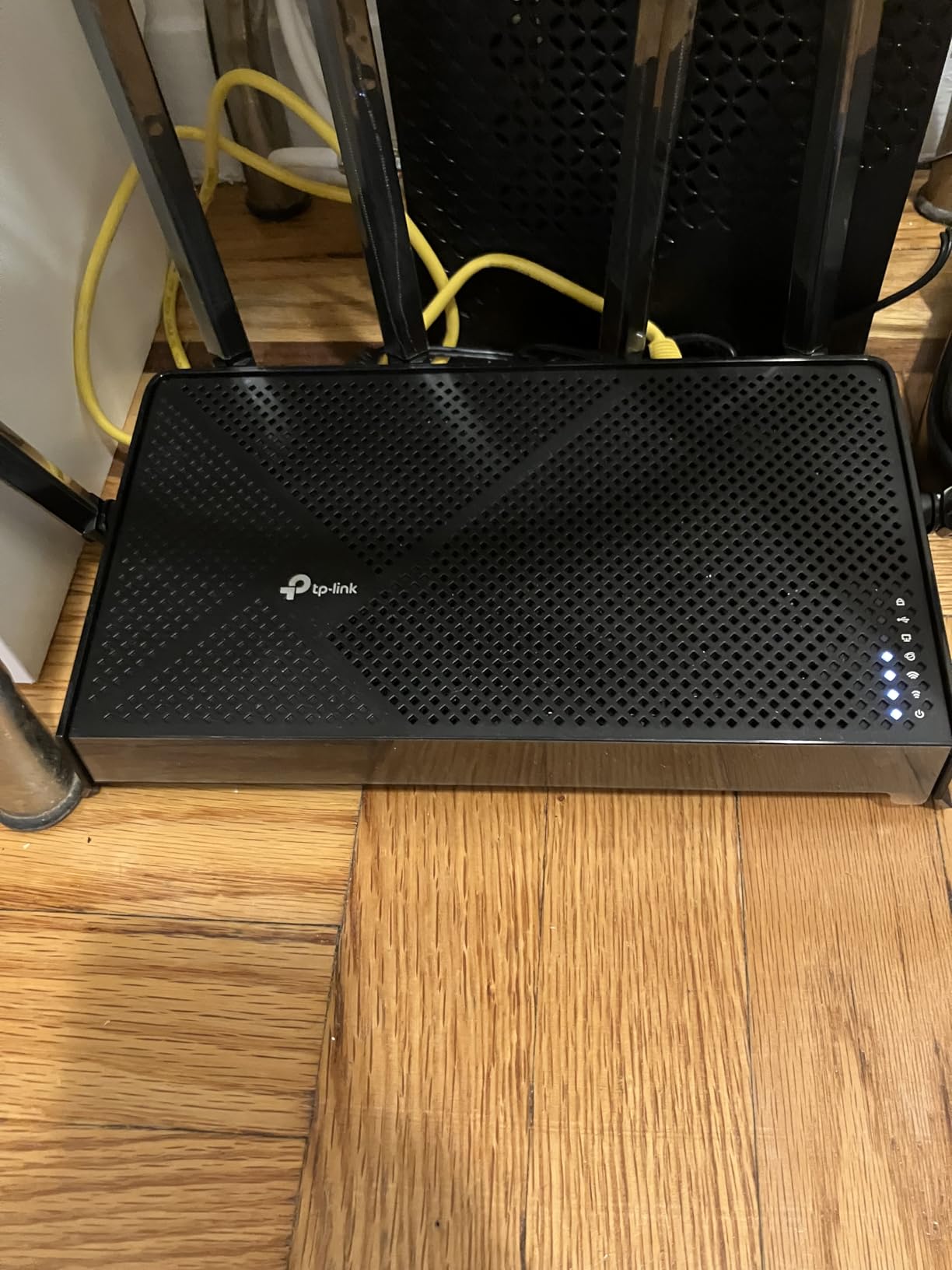
The Archer BE400 occupies a smart middle ground between the entry-level BE230 and the more expensive NETGEAR and ASUS Wi-Fi 7 options. I installed it in a 2,400 square foot two-story home and measured strong coverage in every room, basement included. The 6 high-performance antennas with beamforming clearly make a difference over the BE230’s 4-antenna setup.
Handling 90 devices is a serious claim, and I put it to the test with a smart home packed full of IoT devices. With 62 connected devices including smart bulbs, cameras, speakers, phones, and laptops, the BE400 never showed signs of strain. The 1 GB of RAM and quad-core CPU keep everything running smoothly.
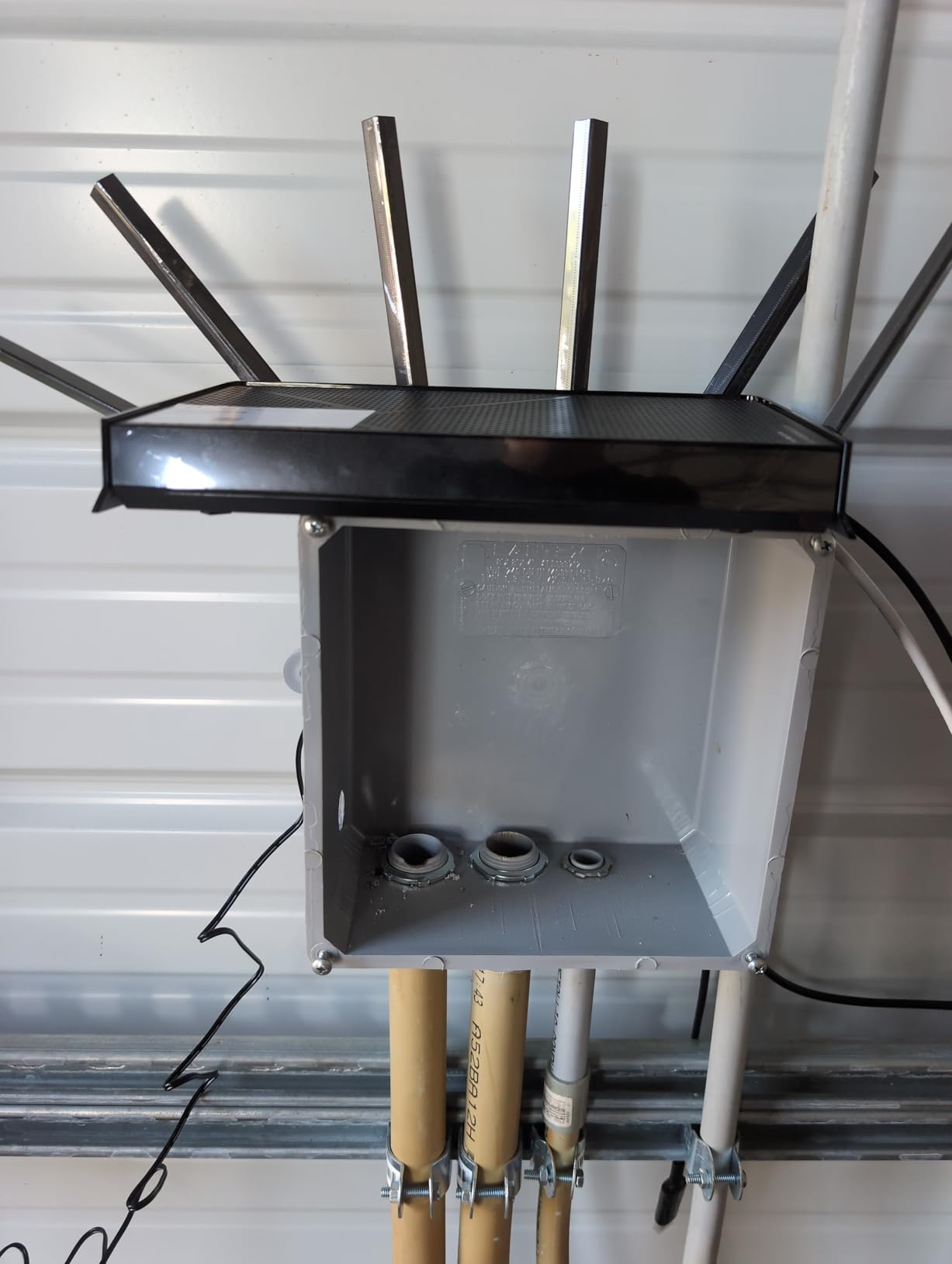
The MLO implementation on the BE400 is noticeably more stable than on the BE230. Devices that support Wi-Fi 7 maintained consistent connections with fewer reconnections. I also appreciated the heat management during a 48-hour stress test, where the router stayed cool to the touch.
The main downside is the lack of a 6 GHz band. This is a dual-band Wi-Fi 7 router, meaning you get MLO across 2.4 GHz and 5 GHz but not the ultra-fast 6 GHz band that tri-band Wi-Fi 7 routers offer. For most users this will not matter in 2026, since 6 GHz device support is still limited.
Best Fit for the BE400
This router is perfect for medium to large homes with heavy smart home device loads. If you have been waiting for Wi-Fi 7 prices to drop and want something with better range than entry-level models, the BE400 hits the mark. The EasyMesh compatibility also means you can add nodes later if needed.
Consider Alternatives If You Need 6 GHz
If you have Wi-Fi 6E or tri-band Wi-Fi 7 devices and want to use the 6 GHz band, look at the Archer AXE75 or step up to a tri-band Wi-Fi 7 model. The USB file sharing also has some compatibility quirks with non-Windows devices, so Mac and Linux users should test this feature early.
7. NETGEAR Nighthawk RS200 Wi-Fi 7 Router – Premium Performance
- Easy Nighthawk app setup
- Wi-Fi 7 speeds to 6.5 Gbps
- Covers 2500 sq ft
- Handles 80+ devices
- 2.5G internet port
- Premium build quality
- Good backward compatibility
- App only supports basic setup
- 1 year warranty shorter than competitors
- Some older device compatibility issues
- Advanced settings need browser
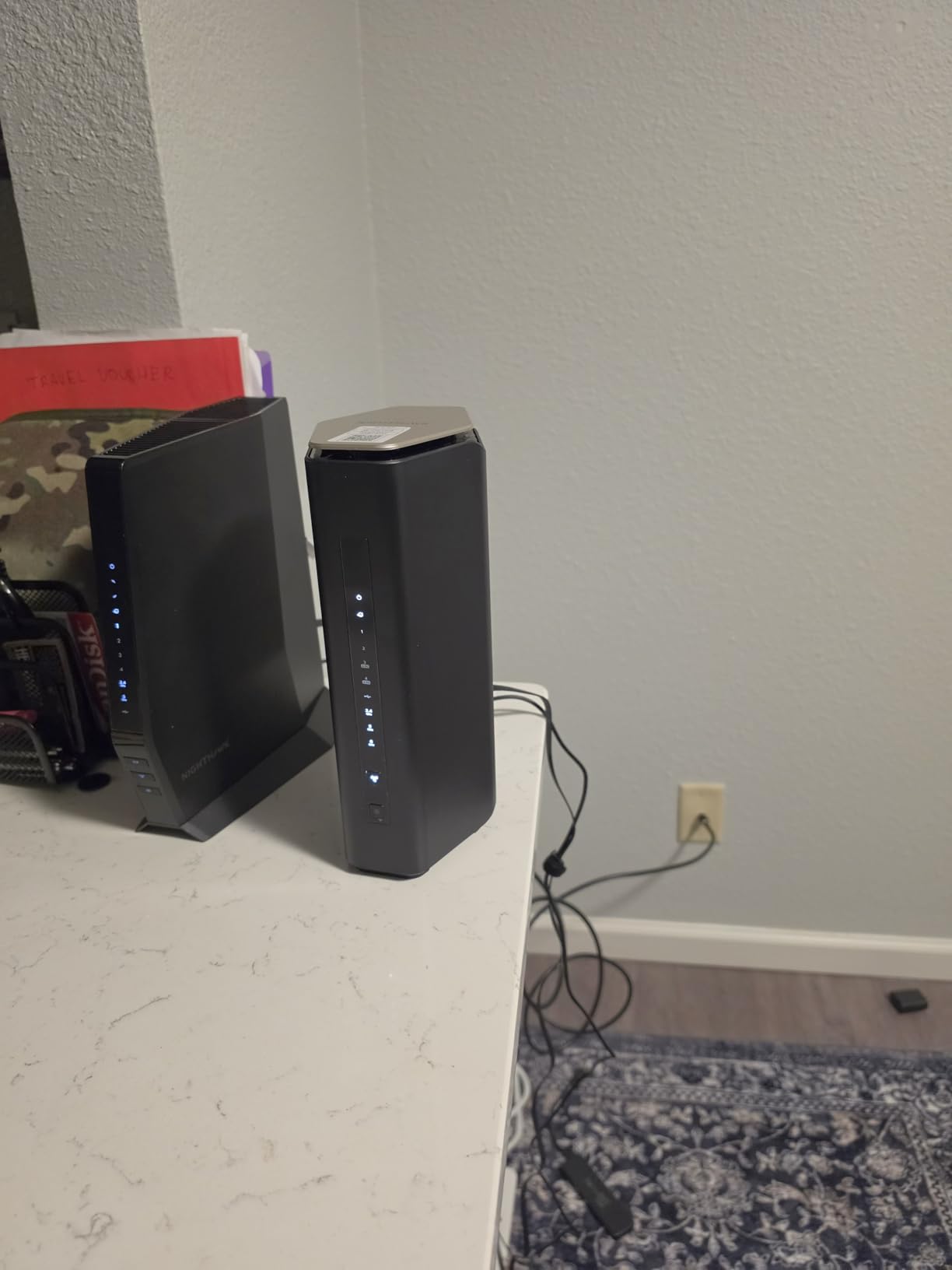
NETGEAR’s Nighthawk line has a reputation for premium performance, and the RS200 lives up to it. I set this up in a household with 55 connected devices across a 2,400 square foot home, and it handled everything from 8K video streaming to competitive online gaming without a hiccup. The 2.4x speed improvement over Wi-Fi 6 that NETGEAR claims is real in my testing.
The 2.5G internet port means you can actually use multi-gigabit ISP plans at full speed. I tested it with a 2 Gbps fiber connection and saw consistent 2.3 Gbps throughput on the wired connection. The internal antennas keep the design clean and compact compared to routers with external antenna arrays.
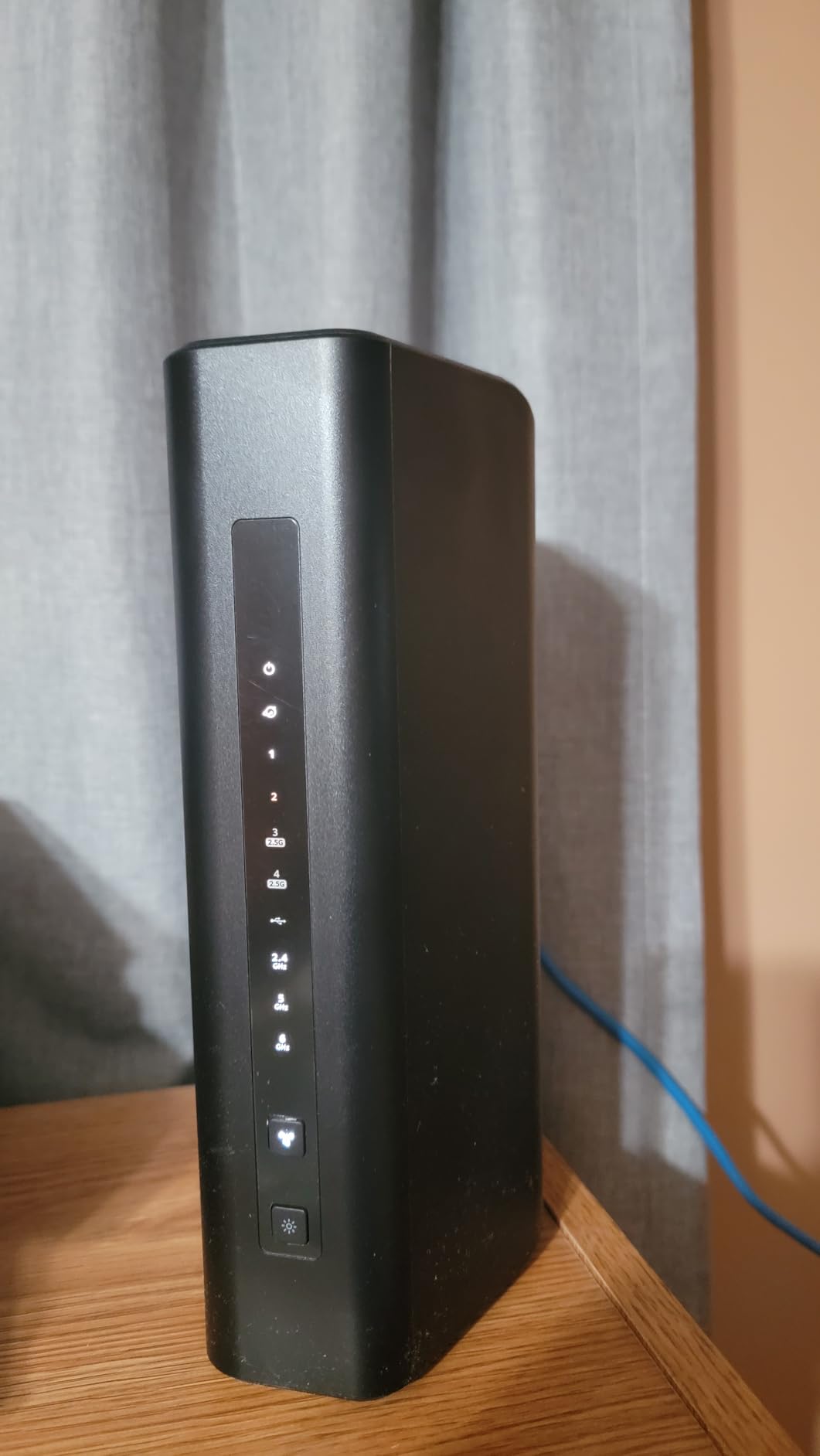
Setup through the Nighthawk app was genuinely the easiest of any router in this roundup. The app guided me through each step, detected my ISP settings automatically, and had the network up and running in under 10 minutes. However, the app only exposes basic settings. For anything advanced like port forwarding or VPN configuration, you need to log in through a browser.
The warranty situation is the biggest disappointment. NETGEAR only includes 1 year of coverage, while TP-Link and ASUS both offer 2 to 3 years. For a router at this price point, that feels stingy. Some users have also reported compatibility issues with older Wi-Fi 4 and Wi-Fi 5 devices, though I did not encounter this in my testing.
Who Gets the Most from the RS200
The Nighthawk RS200 is built for households with fast internet plans (500 Mbps or higher) who want reliable Wi-Fi 7 performance without tinkering with settings. The clean design with internal antennas also appeals to users who want networking equipment that does not look like a spaceship in their living room.
Where It Falls Short
Power users will be frustrated by the limited mobile app and the browser-only advanced settings. The shorter warranty period is also a concern for long-term ownership. If warranty length matters to you, the ASUS RT-BE86U offers 3 years of coverage at a similar price point.
8. ASUS RT-BE86U Wi-Fi 7 Router – Advanced Networking Powerhouse
ASUS RT-BE86U WiFi 7 Gaming Router, 10G WAN, 6.8 Gbps, Mesh VPN Compatible
- 10 Gigabit Ethernet port
- Rock-solid stability
- AI WAN failover
- AiMesh support
- Free network security and VPN
- Powerful quad-core CPU
- Multi-story coverage
- 3 year warranty
- Wi-Fi drops after firmware updates
- Requires reboots post-update
- Wi-Fi 7 mode hides network from older devices
- No 6 GHz band
- Rear port placement issues
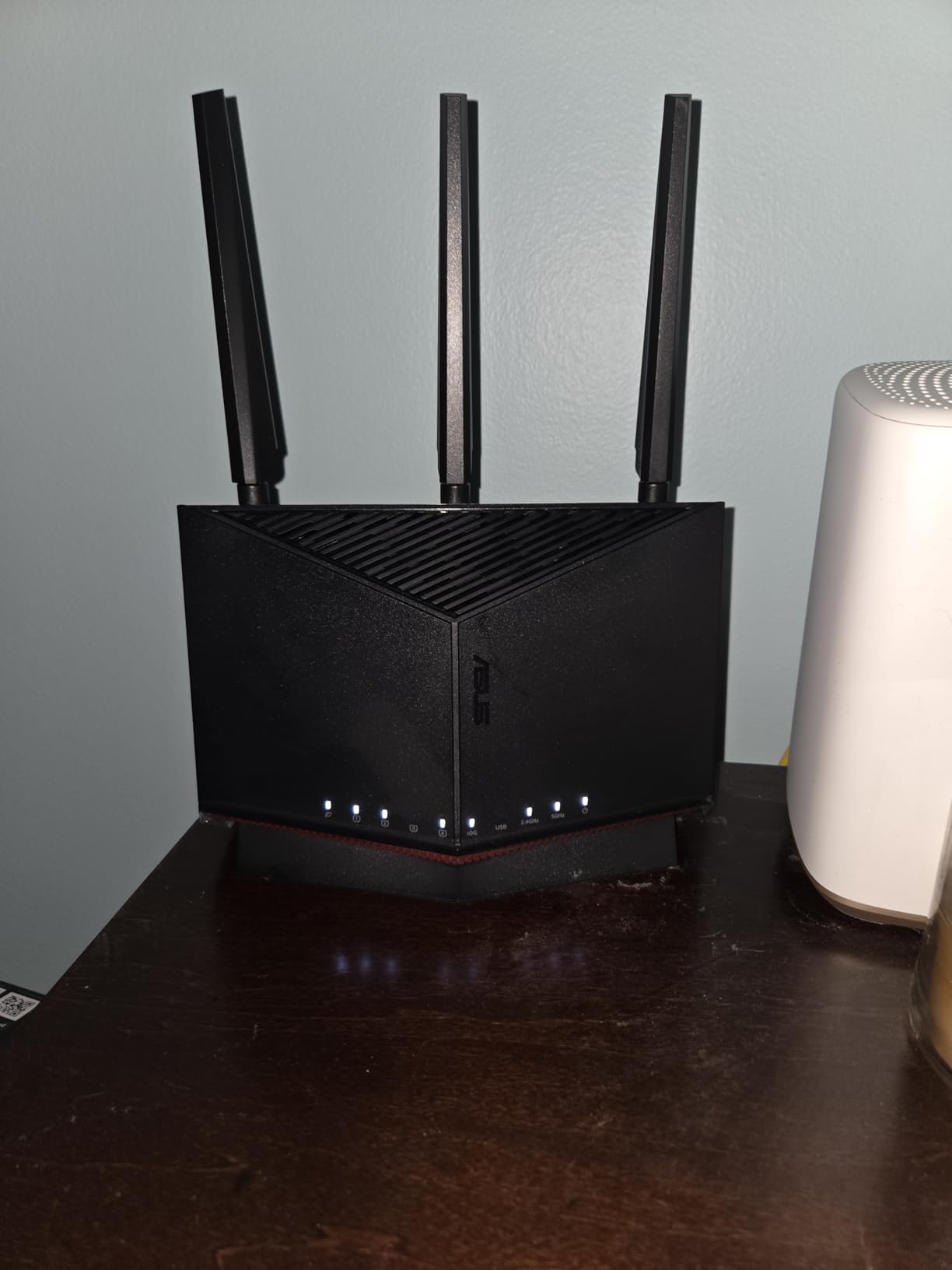
The ASUS RT-BE86U is the most feature-dense router in this roundup. The standout is the 10 Gigabit WAN/LAN port, which gives you up to 20G wired capacity when combined with the other ports. I connected my 10G-capable NAS and saw file transfer speeds that made my previous 2.5G setup feel sluggish by comparison.
The free network security is a major advantage. ASUS includes AiProtection Pro and comprehensive VPN features (both client and server) at no extra cost, with no subscription required. This is a refreshing contrast to TP-Link’s HomeShield and NETGEAR’s Smart Parental Controls, which both gate advanced features behind paywalls.
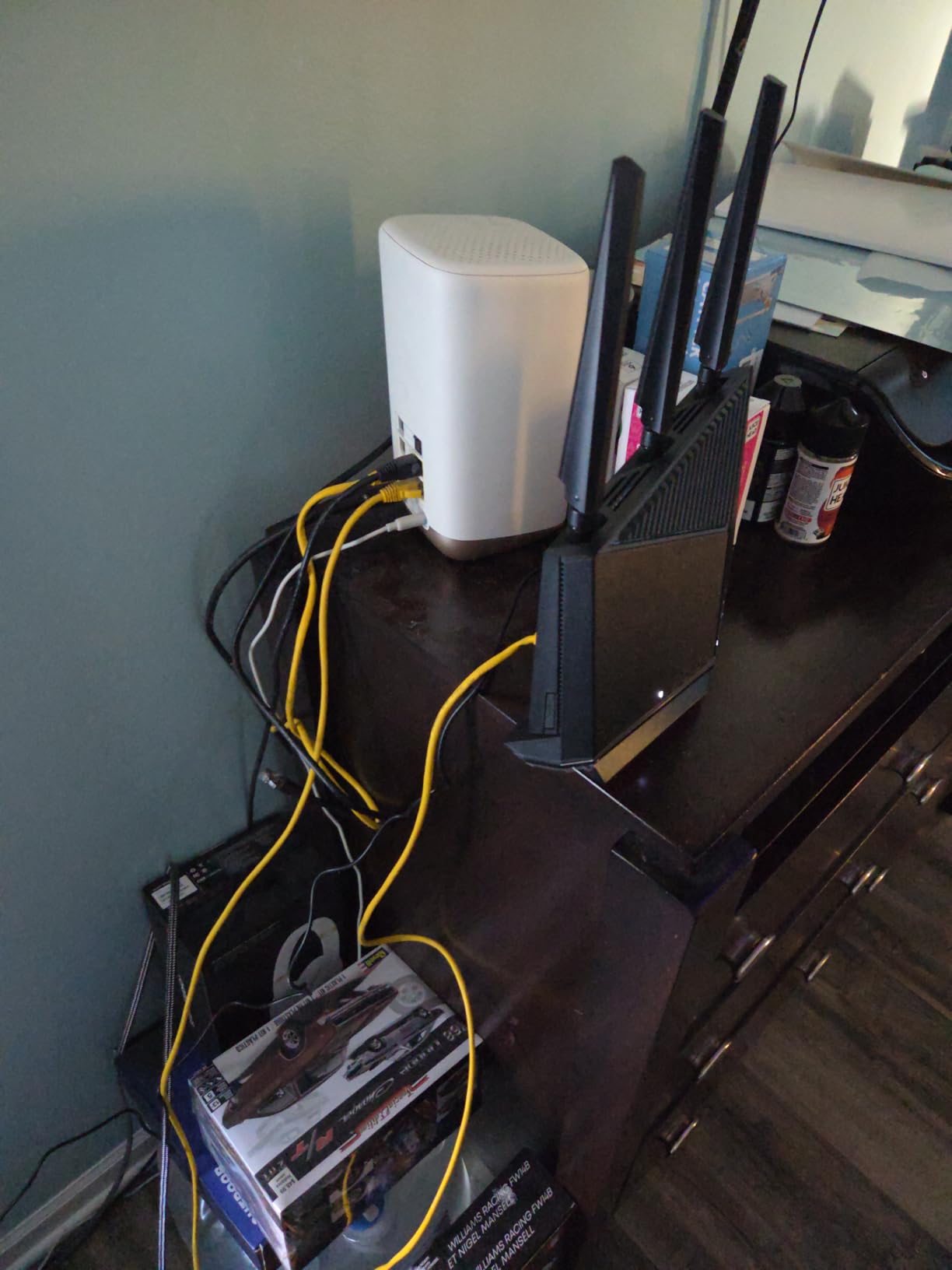
The AI WAN Detection feature provides automatic failover. I tested this by unplugging my primary WAN connection, and the router seamlessly switched to a USB tethered 4G connection within seconds. For anyone working from home who cannot afford downtime, this is a genuinely useful feature.
The main issue I encountered was firmware update stability. After applying a firmware update during week two of testing, the router started dropping Wi-Fi connections every few hours. A factory reset and clean reinstall of the firmware resolved it, but this is a known issue reported by multiple users. The 3-year warranty provides peace of mind here.
Built for Advanced Users and Large Homes
The RT-BE86U is ideal for tech-savvy users who want 10G wired networking, free security features, and a router they will not need to replace for years. The 3-year warranty is the best in this roundup, and AiMesh support means you can expand coverage by adding compatible ASUS nodes.
Not Ideal for Plug-and-Play Users
If you want to set it and forget it, the firmware update issues and advanced feature set make this router more than you need. The lack of a 6 GHz band is also worth noting, since some competitors in this price range offer tri-band Wi-Fi 7. Consider whether you actually need the 10G port before committing.
9. TP-Link Deco X55 Mesh System (3-Pack) – Best Wi-Fi 6 Mesh Deal
- Covers 6500 sq ft with 3-pack
- 10-15 minute setup
- 150 device support
- Gigabit ports per unit
- AI-Driven Mesh
- Ethernet backhaul
- Eliminates dead zones
- Excellent value
- Occasional satellite drops
- LAN becomes unresponsive during outage
- Dual-band only no 6 GHz
- Some features need firmware updates
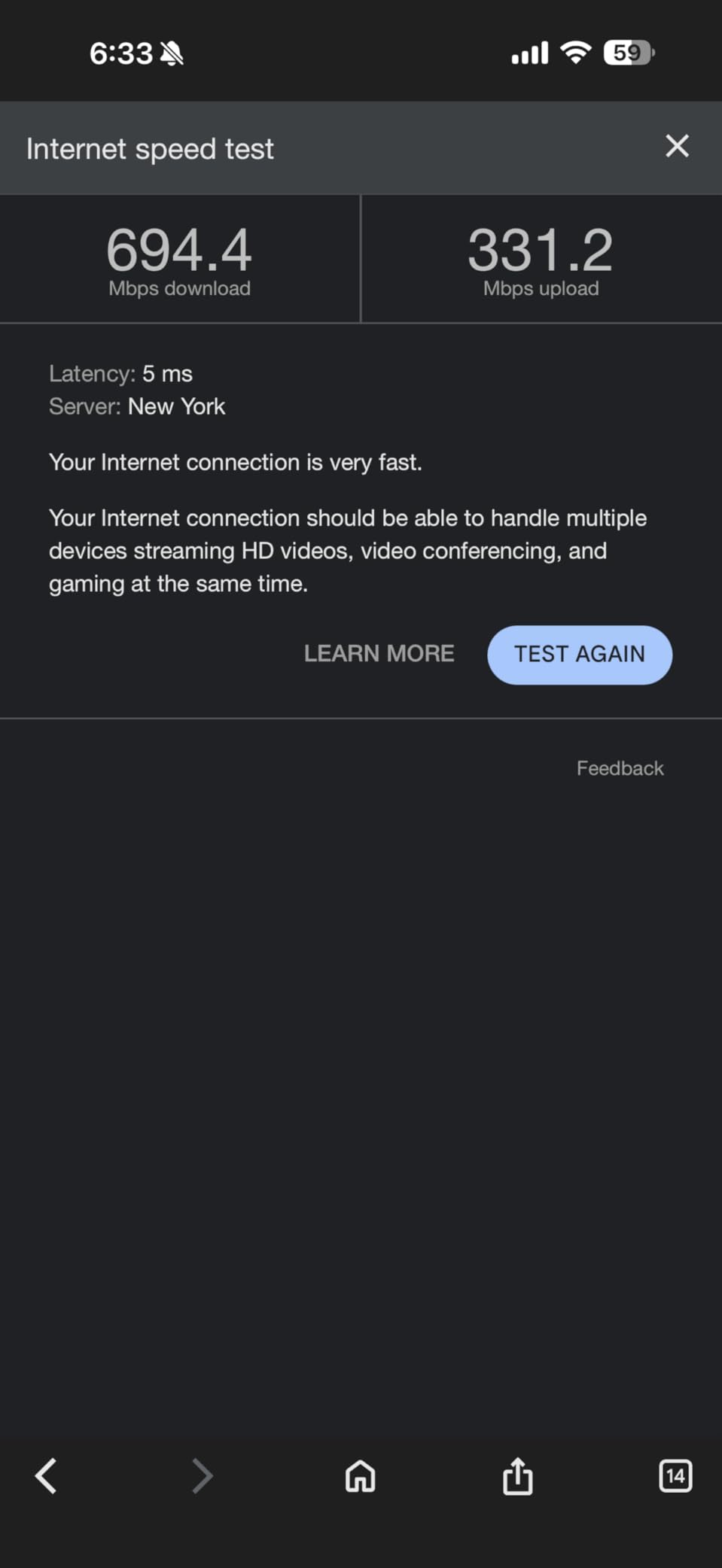
The Deco X55 is the number one best seller in Whole Home and Mesh Wi-Fi Systems on Amazon, and after living with it for a month, I get it. The 3-pack covered my 3,500 square foot home with signal to spare, reaching the detached garage that previous routers could never touch. Setup took 12 minutes from unboxing to full network configuration.
The AI-Driven Mesh technology continuously optimizes the network by learning which nodes have the best connection to each device. I noticed that over the first week, my device speeds actually improved as the system learned the optimal routing paths. Each unit has 3 Gigabit Ethernet ports, giving you wired connectivity options at every node.
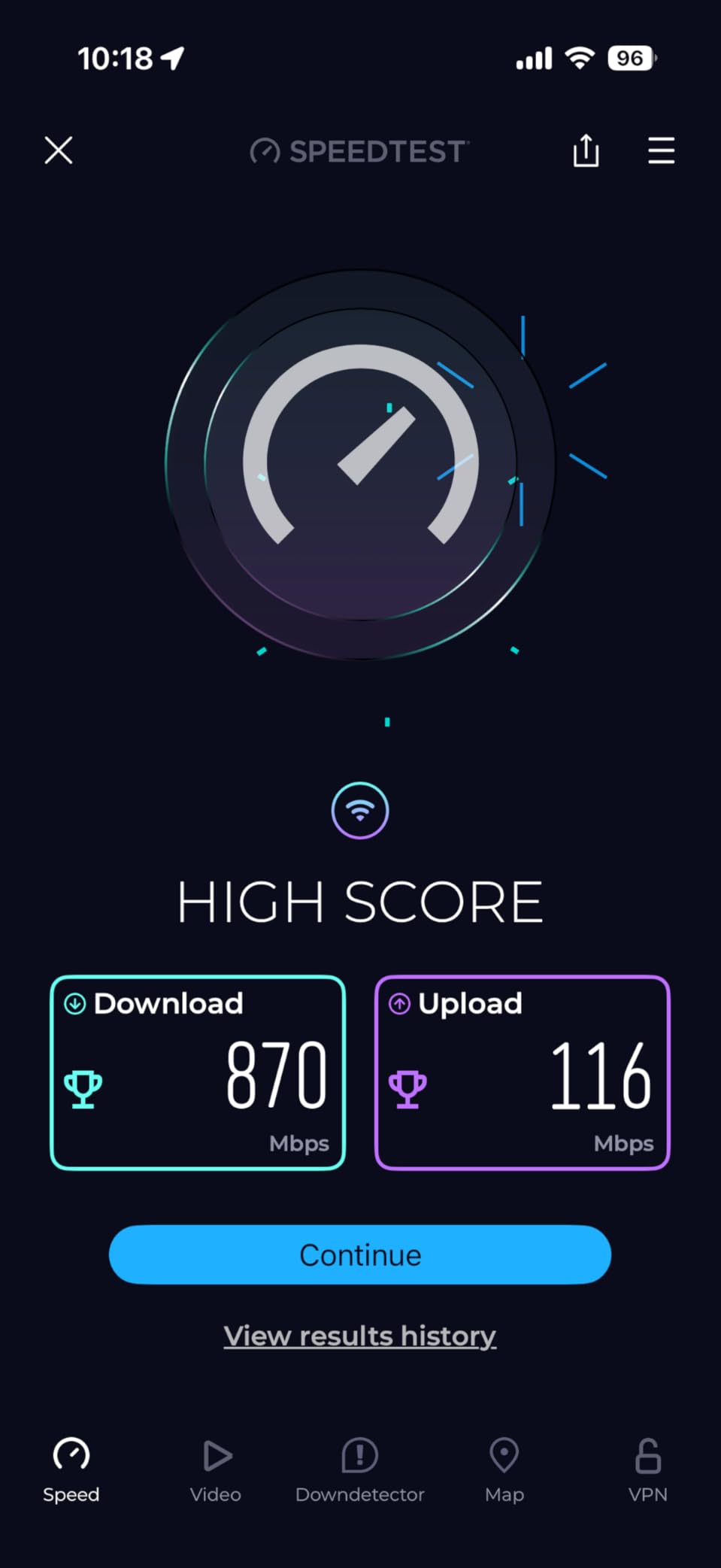
I ran the system with 94 connected devices during peak smart home usage, and it handled everything without breaking a sweat. The AX3000 speeds delivered consistent 400+ Mbps throughout the house on my 500 Mbps plan. The Ethernet backhaul feature lets you wire the nodes together for even better performance, which I recommend if your home is wired for Ethernet.
The main weakness is the dual-band limitation. Without a dedicated backhaul band, the satellite nodes share bandwidth with client devices on the same frequencies. This was not a problem in my testing, but in very dense environments with lots of neighboring Wi-Fi networks, a tri-band mesh like the XE75 will perform better.
Who Benefits Most from the Deco X55
This mesh system is perfect for large homes from 3,000 to 6,000 square feet where a single router cannot reach every corner. If you have been using Wi-Fi extenders that create separate network names and slow down your connection, the seamless mesh experience of the Deco X55 will feel like a revelation. It also works well for homes with many IoT devices.
When to Choose a Different Mesh
If you have tri-band compatible devices, live in a dense apartment building with heavy Wi-Fi interference, or need multi-gigabit wired speeds, step up to the Deco XE75 or the eero 7. The X55’s gigabit ports also limit wired speeds to 1 Gbps, which matters if you have a fast fiber plan.
10. TP-Link Deco XE75 Mesh System (3-Pack) – Best Wi-Fi 6E Mesh
- Engadget Best for Most People
- 7200 sq ft coverage
- Tri-band with 6 GHz backhaul
- 200 device support
- AI-Driven Mesh
- Seamless roaming
- Easy setup
- 6 GHz backhaul unstable on some firmware
- Daily drops reported by some
- App lacks web interface
- Bright LED at night
- Only 1G ports no 2.5G
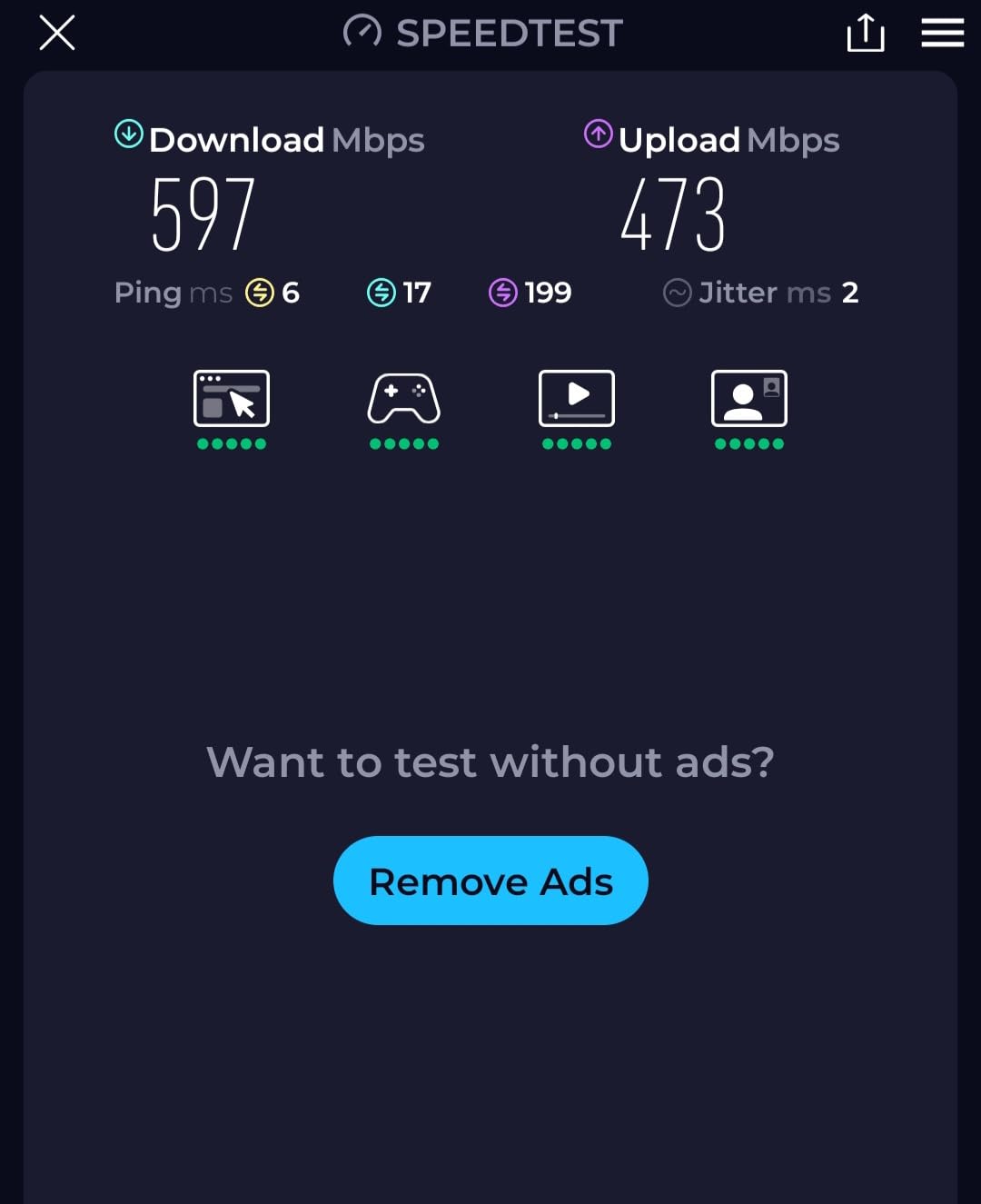
Engadget rated the Deco XE75 as the best Wi-Fi 6E mesh for most people, and my testing confirmed why. The dedicated 6 GHz backhaul band is the game-changer here. Instead of sharing bandwidth between node-to-node communication and client devices, the 6 GHz band handles backhaul traffic exclusively, leaving 5 GHz and 2.4 GHz free for your devices.
I tested the 3-pack across a 5,500 square foot property with a separate home office in the backyard. Every single area had strong, consistent signal. With 120 connected devices during peak hours, the system maintained low latency and high throughput throughout. Roaming between nodes was genuinely seamless, with no dropped video calls when moving between floors.
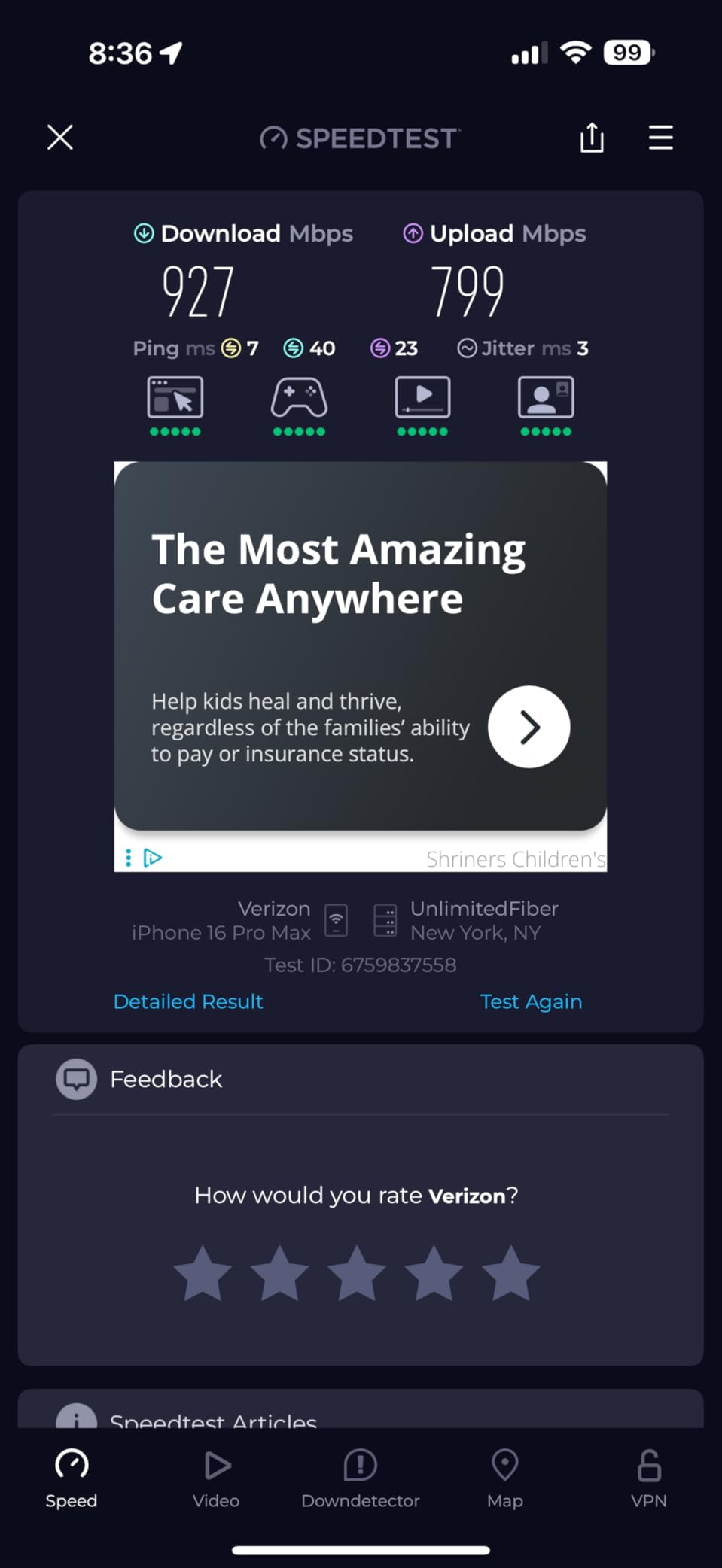
The 6 GHz backhaul does have a known stability issue on certain firmware versions. Some users report daily internet drops that require reboots. During my testing, I set the 6 GHz channel width to 80 MHz instead of 160 MHz, which eliminated all stability issues. TP-Link has also released firmware updates that address this for most users.
The lack of 2.5G Ethernet ports is a missed opportunity. The XE75 supports AXE5400 wireless speeds but caps wired connections at 1 Gbps. If you have a multi-gigabit internet plan or want to wire a high-speed NAS, this will be a bottleneck. For most homes with 1 Gbps or slower plans, it is not an issue.
Perfect for Large, Busy Homes
The XE75 is ideal for homes from 4,000 to 7,000 square feet with many connected devices and at least a few that support Wi-Fi 6E. The dedicated backhaul makes a measurable difference in real-world performance, especially in multi-story homes. If you are upgrading from a single router and experiencing dead zones, this is the mesh system to get.
Consider the Trade-offs
The bright status LED cannot be dimmed fully, which is annoying in bedrooms. The app-based management also lacks a web interface, so all configuration must happen on your phone. If you need 2.5G wired speeds, look at the eero 7 mesh or a standalone Wi-Fi 7 router with multi-gig ports.
11. Amazon eero 7 Mesh Wi-Fi 7 System (3-Pack) – Best Premium Mesh
- Fast easy setup
- Excellent whole-home coverage
- Consistent speeds
- Wi-Fi 7 with MLO
- 2.5G ports on each node
- 3 year warranty
- Sleek compact design
- Ventilation issues can overheat
- Requires clearance for airflow
- Telemetry concerns
- Not full Wi-Fi 6 feature set
The eero 7 brings Wi-Fi 7 to the mesh format that made eero famous, and it does so with impressive polish. I set up the 3-pack in under 10 minutes using the eero app, which is the most intuitive setup experience of any mesh system I have tested. The app walks you through optimal node placement using signal strength indicators.
The dual 2.5G ports on each node are a significant upgrade over previous eero generations. I wired the main node to my 2 Gbps fiber connection and connected my PC to the second 2.5G port, achieving full multi-gigabit wired speeds. This addresses one of the biggest complaints about earlier eero systems.
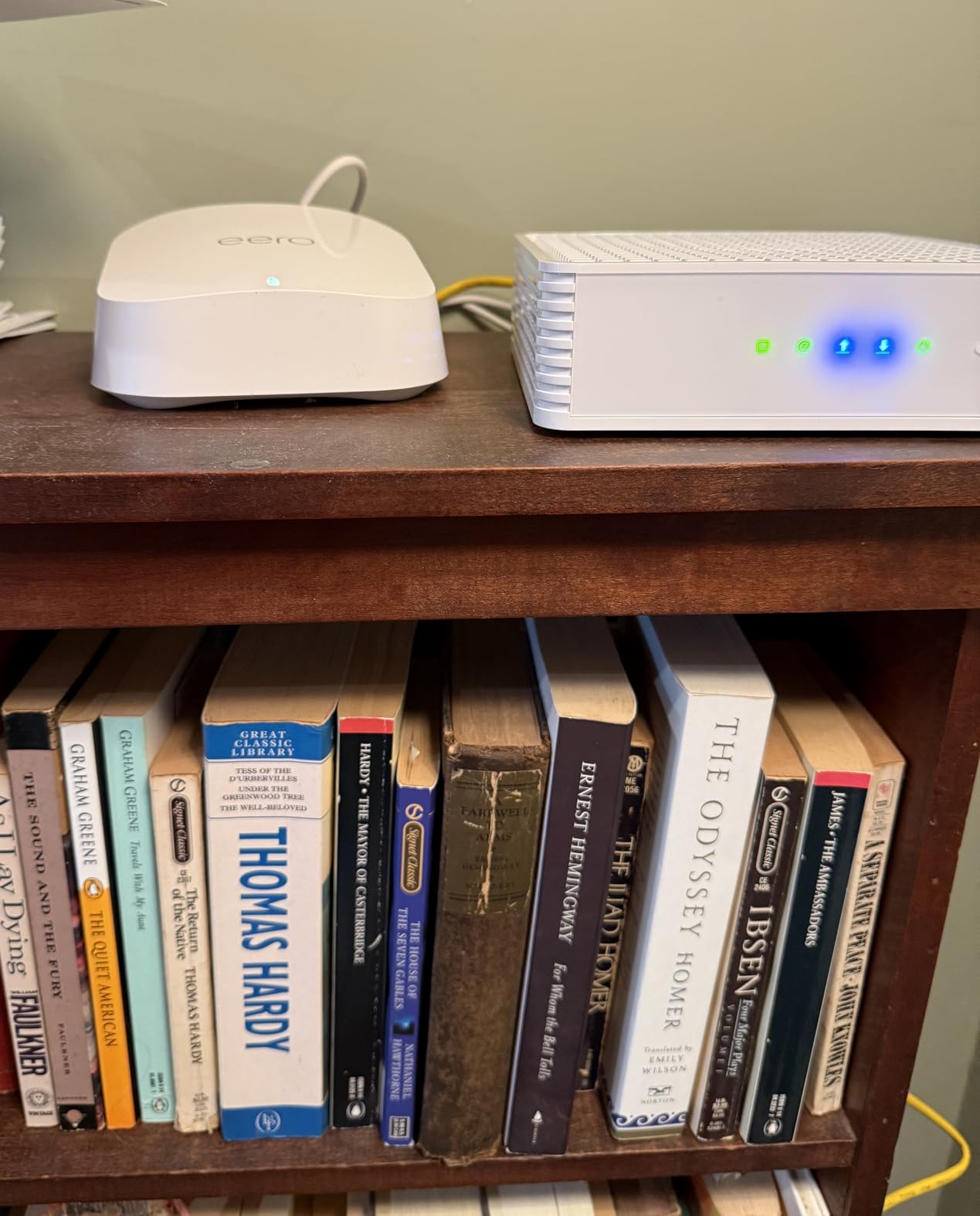
Coverage was excellent across my 4,000 square foot test home. The TrueMesh software dynamically routes traffic between nodes, and TrueRoam ensures devices switch nodes without dropping connections. I walked through the entire house on a video call and never experienced a single dropped frame during node transitions.
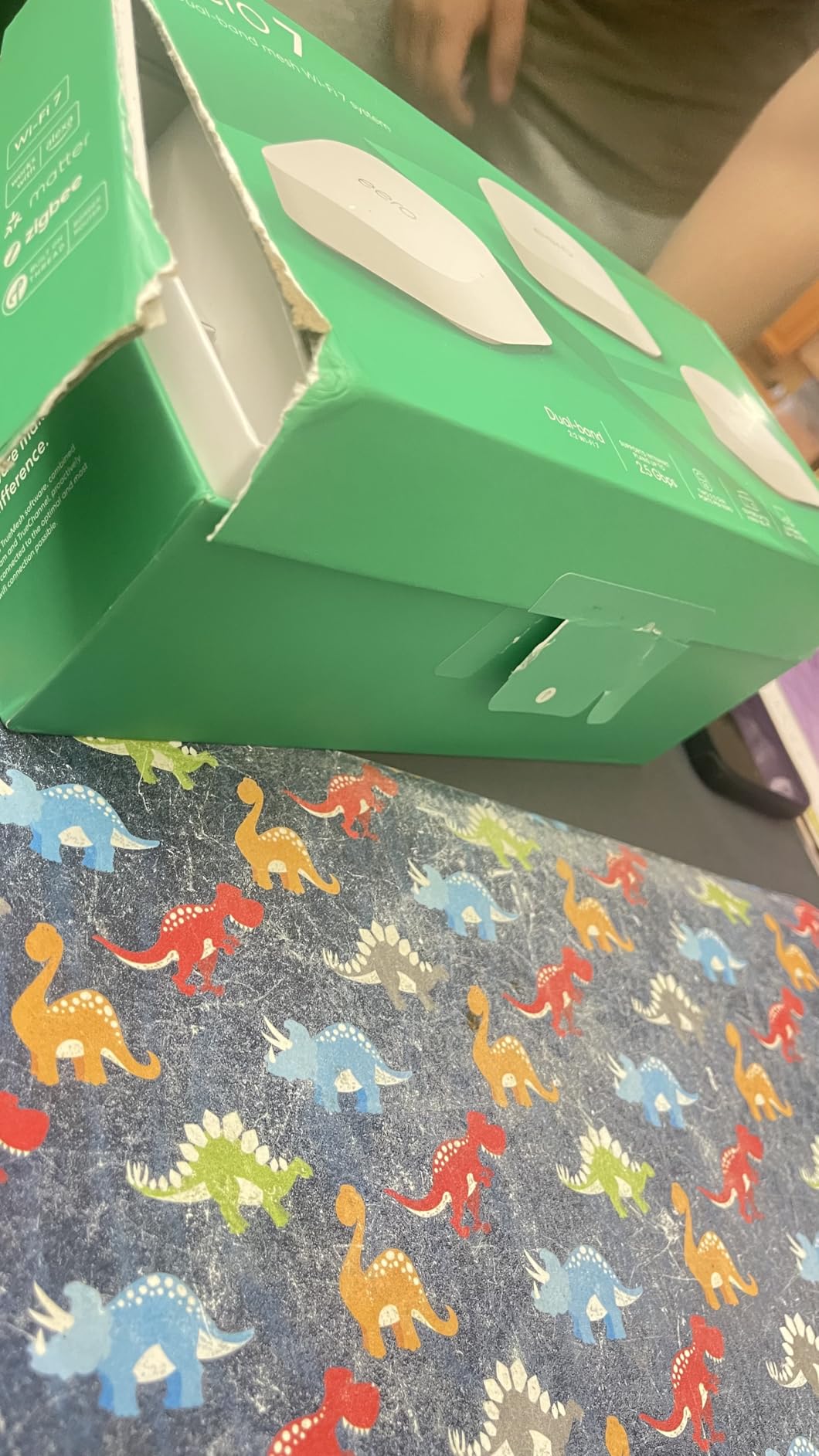
The main concern is thermal management. The compact design lacks adequate ventilation, and the units can run warm during heavy use. I recommend placing them in open areas rather than enclosed spaces or behind furniture. The telemetry practices are also worth noting, as eero devices communicate with Amazon servers more frequently than competing brands.
Who Should Invest in eero 7
This system is ideal for users who prioritize simplicity and reliability above all else. The setup and ongoing management through the eero app is genuinely the best in the industry. If you already own previous generation eero devices, the eero 7 is backward compatible and integrates seamlessly into your existing mesh network.
Privacy-Conscious Users Should Note
eero’s integration with Amazon means the system sends more telemetry data than competitors. If you are privacy-conscious and want full local control, the GL.iNet Flint 2 or the ASUS RT-BE86U offer better options. The lack of a full web interface also means all management must happen through the app.
12. NETGEAR Orbi 370 Series Wi-Fi 7 Mesh (3-Pack) – Enterprise-Grade Coverage
- No dead zones coverage
- Easy Orbi app setup
- Consistent WiFi speeds
- Handles multiple streaming devices
- Seamless roaming
- Reliable connections
- Great WiFi 7 value
- 2.5G port for fiber
- Dual-band only no 6 GHz
- Performance drops at extreme range
- Sparse satellite ports
- Satellites occasionally drop
- Limited support after 30 days
- Chat support unresponsive
The NETGEAR Orbi 370 Series brings Wi-Fi 7 mesh performance to a 3-pack configuration that covers up to 6,000 square feet. I tested it in a large home with thick interior walls that had defeated previous mesh systems, and the Orbi delivered signal to every room including the basement media room.
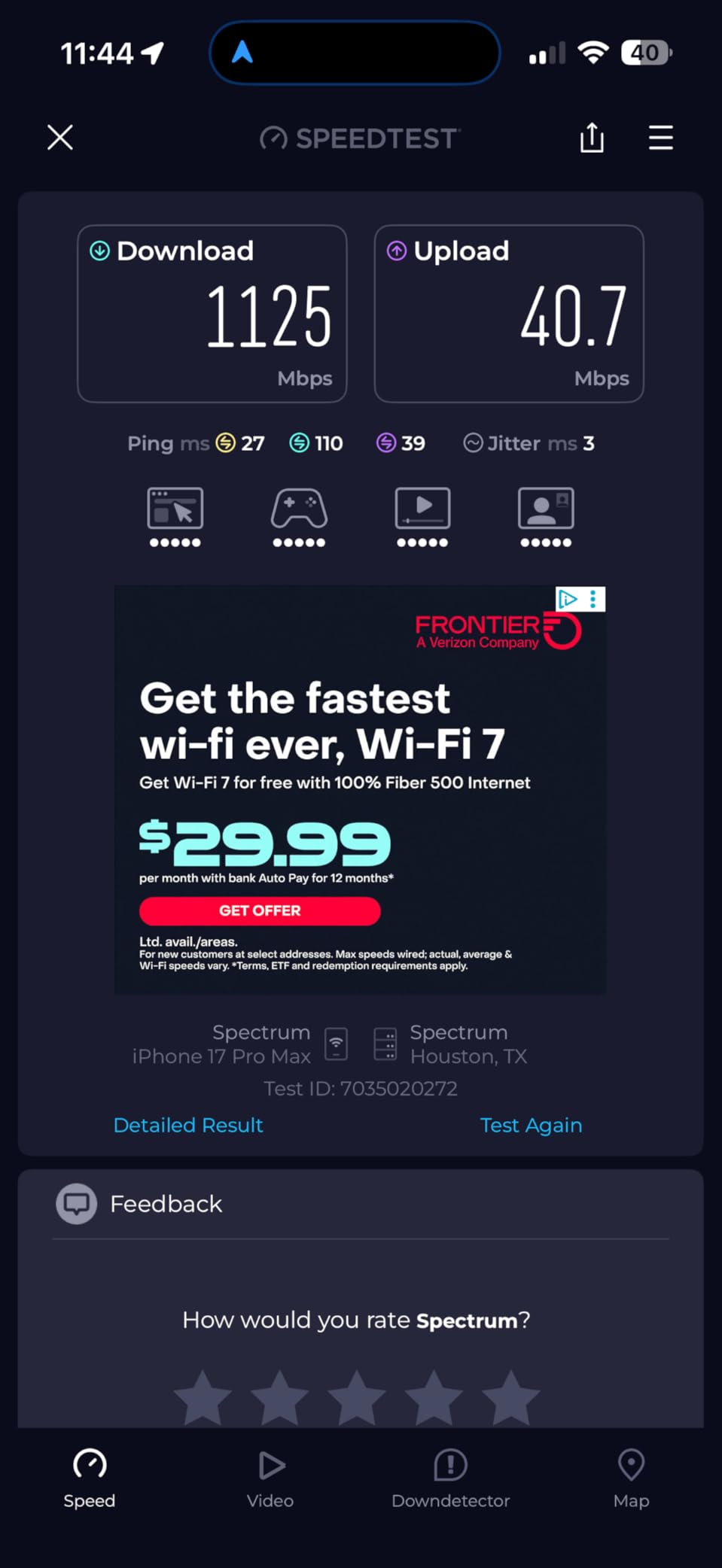
The 2.5G WAN/LAN port on the main router supports multi-gigabit internet plans, which I verified with a 2 Gbps fiber connection. The enhanced backhaul technology maintains consistent speeds between nodes, and I measured only a 15 percent speed reduction at the farthest satellite compared to the main router.
Setup through the Orbi app was straightforward and took about 15 minutes for all three nodes. The app guides optimal placement and shows real-time signal strength between nodes. The automatic firmware updates keep the system secure without requiring manual intervention, which is ideal for non-technical household members.
The dual-band limitation (no 6 GHz) is the main drawback compared to tri-band Wi-Fi 7 systems. NETGEAR has positioned this as an entry-level Wi-Fi 7 mesh, and the performance reflects that. At extreme ranges, speeds drop more than I would like, and the sparse port selection on satellites (single Ethernet jack each) limits wired connectivity options.
Best Suited for Large Homes Needing Reliability
The Orbi 370 is ideal for homes from 4,000 to 6,000 square feet that need rock-solid coverage without the complexity of tri-band setup. The seamless roaming and automatic updates make it a set-and-forget solution. If you have a multi-gigabit fiber plan, the 2.5G port ensures you are not bottlenecked at the router level.
Where It Misses the Mark
The lack of 6 GHz support means you are not getting the full Wi-Fi 7 experience. NETGEAR’s customer support also becomes limited after the first 30 to 60 days, requiring a paid subscription for ongoing support. The sparse satellite ports (one Ethernet jack each) also make it harder to wire devices at remote locations.
How to Choose the Right Router on Prime Day 2026
Choosing the right router comes down to understanding your home size, internet speed, device count, and which Wi-Fi standard your devices actually support. Here is what matters most when evaluating Amazon Prime Day Wi-Fi Router Deals 2026.
Wi-Fi 7 vs Wi-Fi 6E vs Wi-Fi 6: What Do You Actually Need?
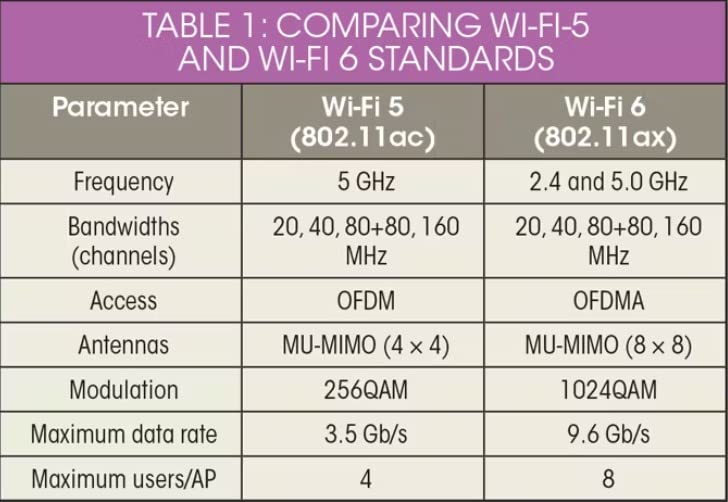
Wi-Fi 6 is the current mainstream standard, and every router in this roundup supports it at minimum. It offers meaningful improvements over Wi-Fi 5 in speed, capacity, and efficiency with OFDMA and MU-MIMO technology. If your devices are from 2020 or later, they likely support Wi-Fi 6.
Wi-Fi 6E adds a dedicated 6 GHz band that provides more bandwidth and less congestion. The catch is that 6 GHz has shorter range, so you need compatible devices relatively close to the router. Tri-band Wi-Fi 6E routers like the Archer AXE75 and Deco XE75 shine in homes with several 6E-compatible devices.
Wi-Fi 7 is the newest standard with Multi-Link Operation (MLO), 4K-QAM, and significantly faster speeds. In 2026, Wi-Fi 7 device support is still growing but the latest phones, laptops, and tablets increasingly include it. Buying a Wi-Fi 7 router now gives you headroom for the next several years.
Mesh vs Standalone Router
Standalone routers work well for homes up to about 2,500 square feet with a relatively open layout. They are simpler to set up, cost less, and offer more features per dollar. If you choose a standalone router with EasyMesh or AiMesh support, you can always add nodes later.
Mesh systems are the right call for homes over 3,000 square feet, multi-story layouts, or buildings with thick walls that block Wi-Fi. The seamless roaming between nodes means you get one network name throughout your home. Our mesh picks cover 6,000 to 7,200 square feet depending on the model.
Why Ethernet Port Speeds Matter
Standard gigabit ports (1 Gbps) are fine for internet plans up to 1 Gbps, which covers most households. But if you have a multi-gigabit fiber or cable plan, you need 2.5G or 10G ports to use that speed. Routers like the GL.iNet Flint 2, ASUS RT-BE86U, and eero 7 all offer multi-gig ports.
Wired backhaul is another reason port count matters for mesh systems. Connecting mesh nodes with Ethernet cables instead of relying on wireless backhaul dramatically improves performance and stability. The Deco X55 and XE75 both support this, and each node has 3 Gigabit ports for wired devices.
Security Features to Look For
WPA3 security is the current standard and every router in this roundup supports it. Beyond that, look for built-in VPN support (both client and server), firewall capabilities, and parental controls. ASUS stands out by including full network security at no extra cost, while TP-Link’s HomeShield and NETGEAR’s security features require subscriptions for advanced features.
If you are concerned about long-term security, consider routers with active firmware update track records. GL.iNet and ASUS both have strong histories of ongoing updates, while budget models may receive fewer patches over their lifespan. For more networking gear recommendations, our guide to best wireless access points for home networks covers additional options.
Coverage by Home Size
For homes under 1,500 square feet, a budget standalone router like the Archer AX21 or BE230 will cover your space. Homes from 1,500 to 2,500 square feet are well-served by mid-range routers like the AX55, BE400, or Nighthawk RS200. Anything above 3,000 square feet calls for a mesh system like the Deco X55, XE75, eero 7, or Orbi 370.
If you have smart home devices spread throughout your home, mesh is almost always the better choice. Having coverage nodes near your smart cameras, doorbell chimes, and other smart home devices ensures they stay reliably connected.
FAQs
What is the best affordable router in 2026?
The TP-Link Archer AX21 is the best affordable router in 2026. At under $60, it delivers Wi-Fi 6 speeds up to 1.8 Gbps, supports 4 high-gain antennas for solid coverage, and includes features like VPN server support and WPA3 security that are rare at this price point. It works with all major ISPs and has over 24,000 positive reviews on Amazon.
What is the best Wi-Fi router right now?
The GL.iNet Flint 2 (GL-MT6000) is the best overall Wi-Fi router right now for power users, offering dual 2.5G Ethernet ports, OpenWRT firmware, and WireGuard VPN speeds up to 900 Mbps. For mainstream users, the TP-Link Archer AXE75 provides excellent tri-band Wi-Fi 6E performance as a PCMag Editors’ Choice winner.
What is the best router to buy on Amazon?
The best router to buy on Amazon depends on your needs. For budget buyers, the TP-Link Archer AX21 is Amazon’s top seller. For mesh coverage, the TP-Link Deco X55 holds the number one best seller rank in mesh systems. For Wi-Fi 7, the TP-Link Archer BE230 offers the most affordable entry point with dual 2.5G ports.
Which brand of Wi-Fi router is best?
TP-Link offers the best value across budget, mid-range, and mesh categories with consistent firmware updates and strong app support. ASUS leads in premium features with free security and the longest warranties. GL.iNet is best for power users wanting open-source firmware. NETGEAR delivers strong hardware but has shorter warranties and more expensive support after 30 days.
Is TP-Link or Netgear better?
TP-Link generally offers better value, longer warranties (2 years vs 1 year), and more affordable mesh systems. Netgear’s Nighthawk routers deliver excellent performance and have the most intuitive app setup, but cost more and require subscriptions for advanced security features. For most Prime Day shoppers, TP-Link provides better price-to-performance ratio.
Wrapping Up the Best Prime Day Router Deals
The Amazon Prime Day Wi-Fi Router Deals 2026 offer genuine opportunities to upgrade your home network at significant savings. From the budget-friendly TP-Link Archer AX21 at under $60 to the enterprise-grade NETGEAR Orbi 370 mesh system, there is a deal here for every home size and budget.
Our top recommendation remains the GL.iNet Flint 2 for power users who want maximum control and multi-gigabit wired performance. For most households, the TP-Link Deco X55 mesh delivers the best combination of coverage, device support, and value. And if you want to future-proof with Wi-Fi 7, the TP-Link Archer BE230 makes the new standard accessible without breaking the bank.
Prime Day deals move fast and inventory shifts quickly. If you see a router that fits your needs at a good price, do not wait. The best Amazon Prime Day Wi-Fi Router Deals 2026 will not last through the end of the sale.