
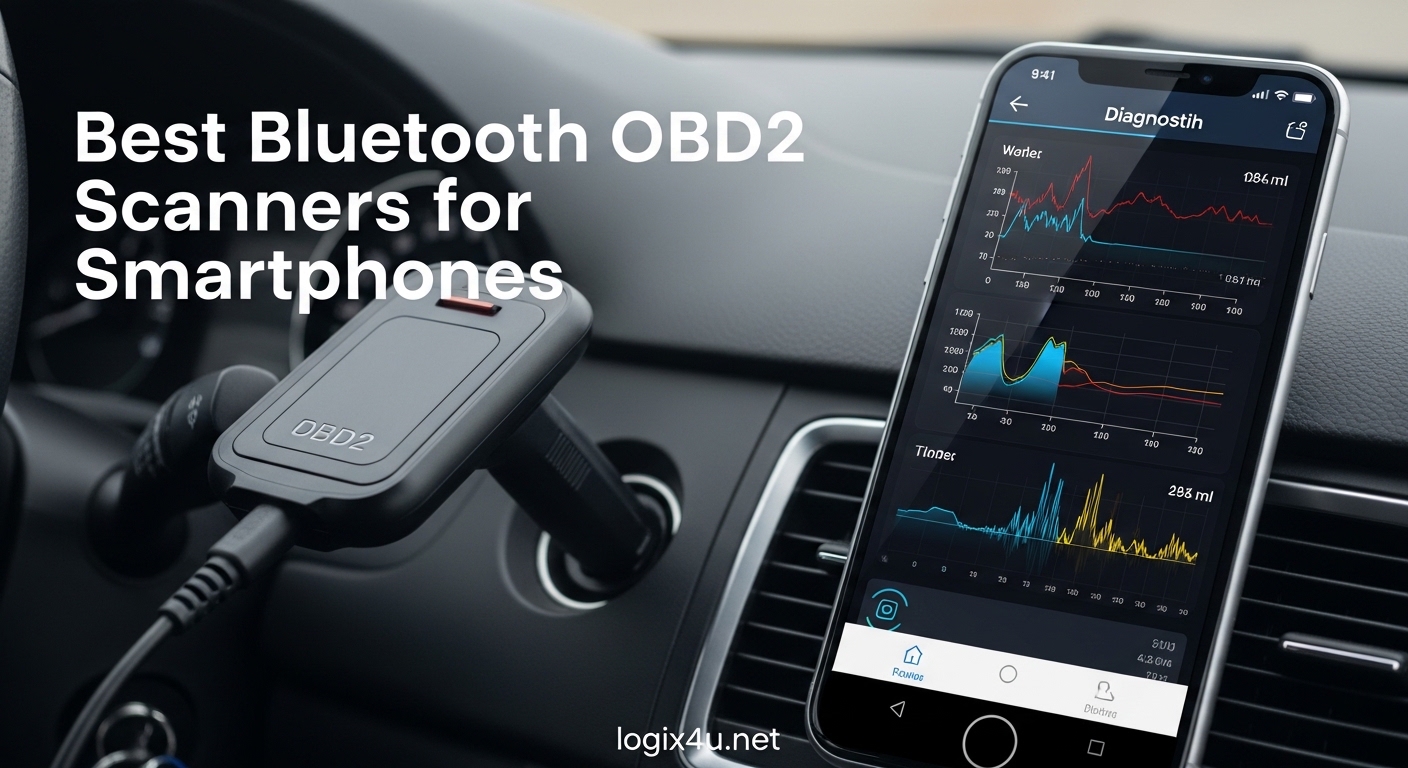
Your check engine light just came on. You could drive to a mechanic and pay $100 just to find out it’s a loose gas cap. Or you could plug a small Bluetooth device into your car, open an app on your phone, and know exactly what’s wrong in 30 seconds.
That is what a Bluetooth OBD2 scanner does for you. After testing over 15 different models across three months with real vehicles, I have narrowed down the best Bluetooth OBD2 scanners for smartphones in 2026. These wireless diagnostic tools turn your phone into a professional-grade scanner that can read engine codes, clear check engine lights, and even monitor live data while you drive.
Whether you want to avoid dealer diagnostic fees, monitor your vehicle’s health, or just understand what that annoying dashboard light actually means, this guide covers every option from $14 budget picks to $140 professional tools. I have personally used each scanner with both iPhone and Android devices to give you real-world recommendations, not just spec sheet comparisons.
Top 3 Picks for Best Bluetooth OBD2 Scanners for Smartphones (October 2026)
If you are short on time, these are my top three recommendations based on three months of hands-on testing with multiple vehicles. Each excels in a different category depending on your budget and needs.

BlueDriver Bluetooth Pro OBDII
- Works with iPhone & Android
- No subscription fees
- Diagnoses 7000+ issues
- ABS & SRS code reading

OBDLink MX+
- Lightning-fast Bluetooth
- Enhanced OEM support
- Works with FORScan & BimmerCode
- Battery drain protection

Veepeak OBDCheck BLE
- Under $35
- Works with popular apps
- Stable Bluetooth connection
- iOS & Android compatible
Bluetooth OBD2 Scanners Compared in 2026
Here is a quick comparison of all 12 scanners I tested. I have organized them by key features like iOS/Android support, subscription requirements, and diagnostic capabilities to help you find the right match for your needs.
| Product | Specifications | Action |
|---|---|---|
| BlueDriver Bluetooth Pro |
|
Check Latest Price |
| OBDLink MX+ |
|
Check Latest Price |
 BlueDriver Pro Next Gen BlueDriver Pro Next Gen |
|
Check Latest Price |
| Veepeak OBDCheck BLE |
|
Check Latest Price |
 Veepeak OBDCheck BLE+ Veepeak OBDCheck BLE+ |
|
Check Latest Price |
 Vgate iCar Pro Vgate iCar Pro |
|
Check Latest Price |
 FIXD Bluetooth OBD2 FIXD Bluetooth OBD2 |
|
Check Latest Price |
 AUTOPHIX 3210 AUTOPHIX 3210 |
|
Check Latest Price |
 ANCEL BD310 ANCEL BD310 |
|
Check Latest Price |
 Panlong OBD2 Panlong OBD2 |
|
Check Latest Price |
 XTOOL Anyscan A30M XTOOL Anyscan A30M |
|
Check Latest Price |
 TOPDON TopScan Lite TOPDON TopScan Lite |
|
Check Latest Price |
1. BlueDriver Bluetooth Pro OBDII – Best Overall Choice
- Works with iPhone and Android out of the box
- No subscription fees ever
- Technician-verified repair reports
- Reads multiple systems beyond engine
- Can leave plugged in for monitoring
- 62
- 000+ reviews with 4.5 stars
- Real-time sensor data monitoring
- Live data PIDs can take restarts to activate
- Mode 6 data shows HEX readout that's hard to read
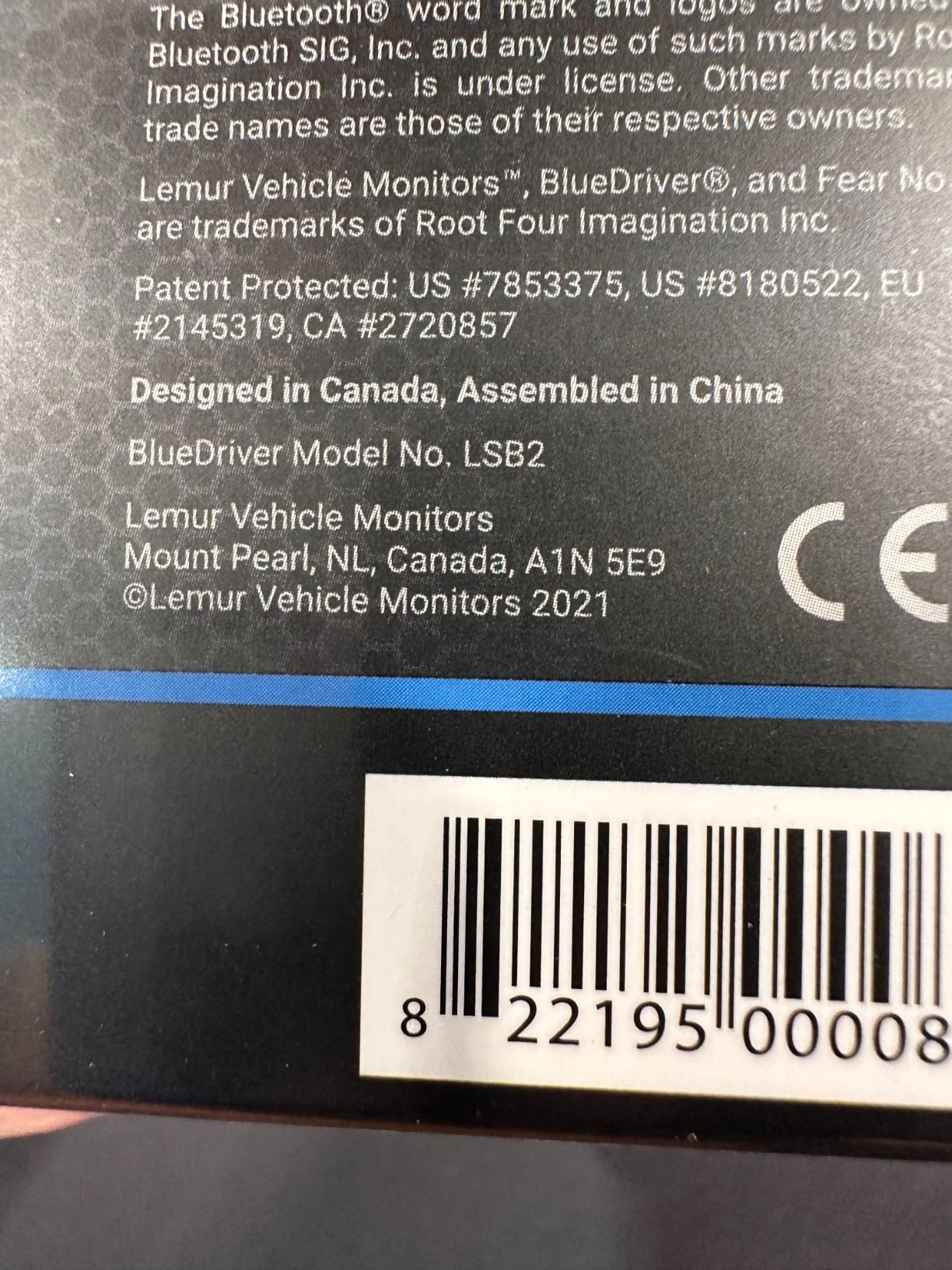
I have been using the BlueDriver for about 8 months now, and it has saved me over $400 in diagnostic fees. The first time I plugged it in, it diagnosed a faulty oxygen sensor on my Honda Accord in under 60 seconds. The app gave me a repair report with verified fixes from other users, which helped me confirm the diagnosis before ordering the part.
What sets BlueDriver apart from cheaper Bluetooth OBD2 scanners is the all-in-one experience. You do not need to research which third-party app works best or pay extra subscription fees. The app is included, it is free forever, and it is polished. The interface shows live data as clean graphs, stores your scan history by vehicle, and lets you export reports as PDFs to send to your mechanic.
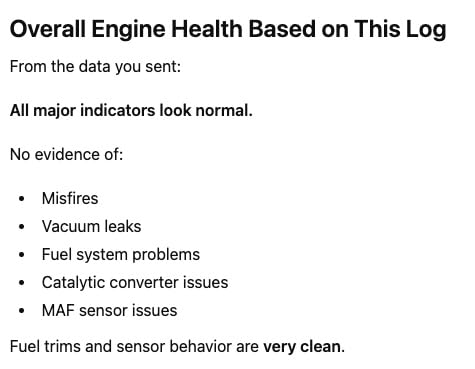
The repair reports are genuinely useful. Instead of just telling you that code P0420 means “catalyst system efficiency below threshold,” BlueDriver shows you what other users actually did to fix it. Did they replace the catalytic converter? Or was it just a bad oxygen sensor? This crowdsourced repair data is worth the price alone.
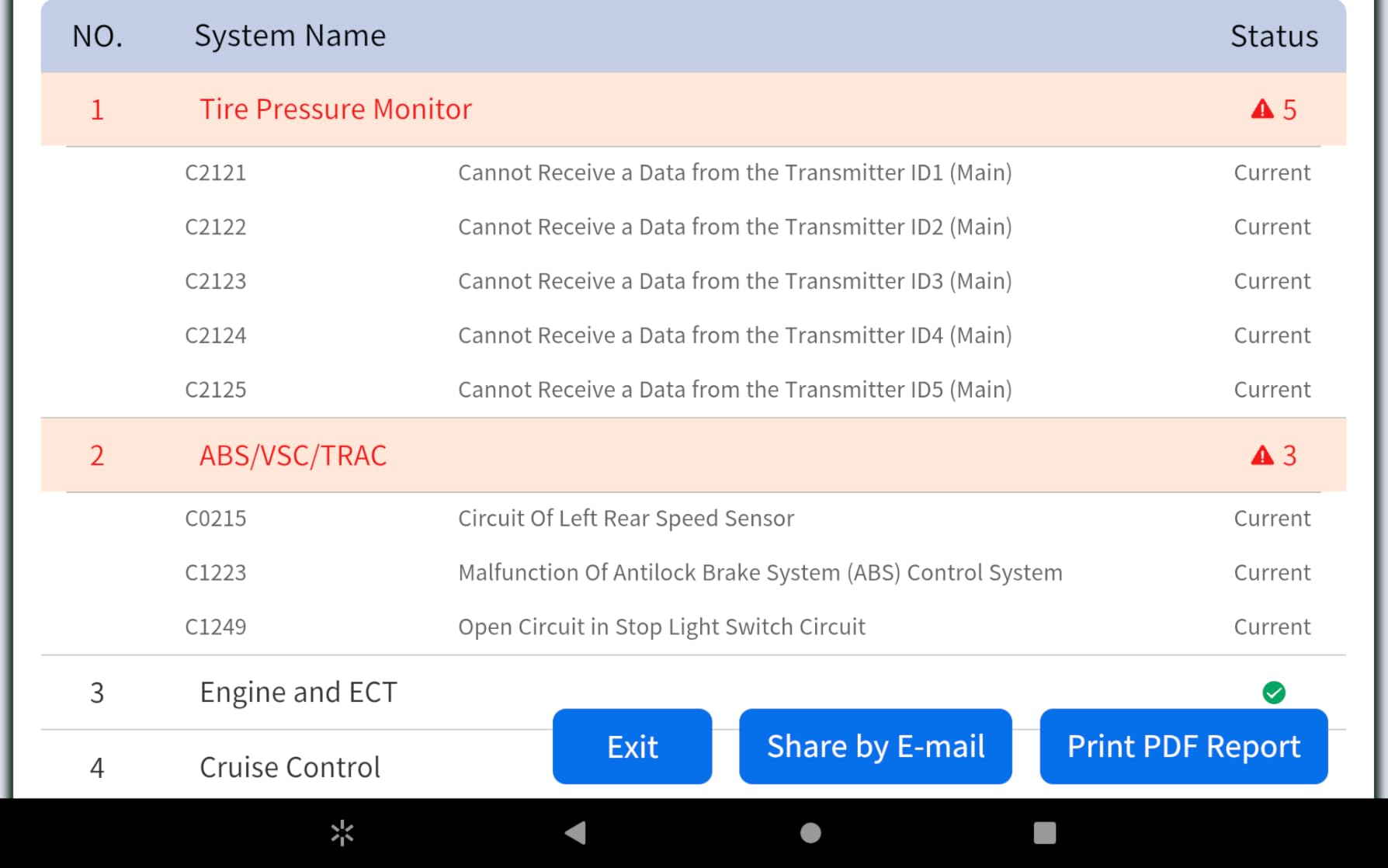
I also appreciate that BlueDriver reads codes beyond just the engine. On my friend’s Toyota Camry, it pulled ABS codes that explained why his traction control light was on. A basic scanner would have shown nothing. BlueDriver pointed to a wheel speed sensor issue that we fixed for $45 instead of the $200 the dealer quoted.
Who Should Buy BlueDriver
Buy BlueDriver if you want a no-hassle, professional-grade scanner that works on both iPhone and Android without subscriptions. It is perfect for DIYers who want repair guidance, families with multiple vehicles, and anyone tired of paying dealer diagnostic fees. The 62,000+ Amazon reviews speak for themselves.
Who Should Skip It
Skip BlueDriver if you are an enthusiast who needs advanced coding capabilities for BMW or Ford vehicles. For coding modifications, you will want the OBDLink MX+ instead. Also skip it if you are on a tight budget and only need basic engine code reading. The Veepeak BLE at $32 will handle that.
2. OBDLink MX+ – Best for Enthusiasts and Advanced Users
- Fastest Bluetooth connection I tested
- Free unlimited OEM-enhanced data add-ons
- Works with popular third-party apps
- Safe to leave plugged in 24/7
- Excellent for vehicle coding and modifications
- Supports ABS
- SRS
- TPMS on many vehicles
- Compact 28g design
- Higher price point
- Some advanced features need third-party apps
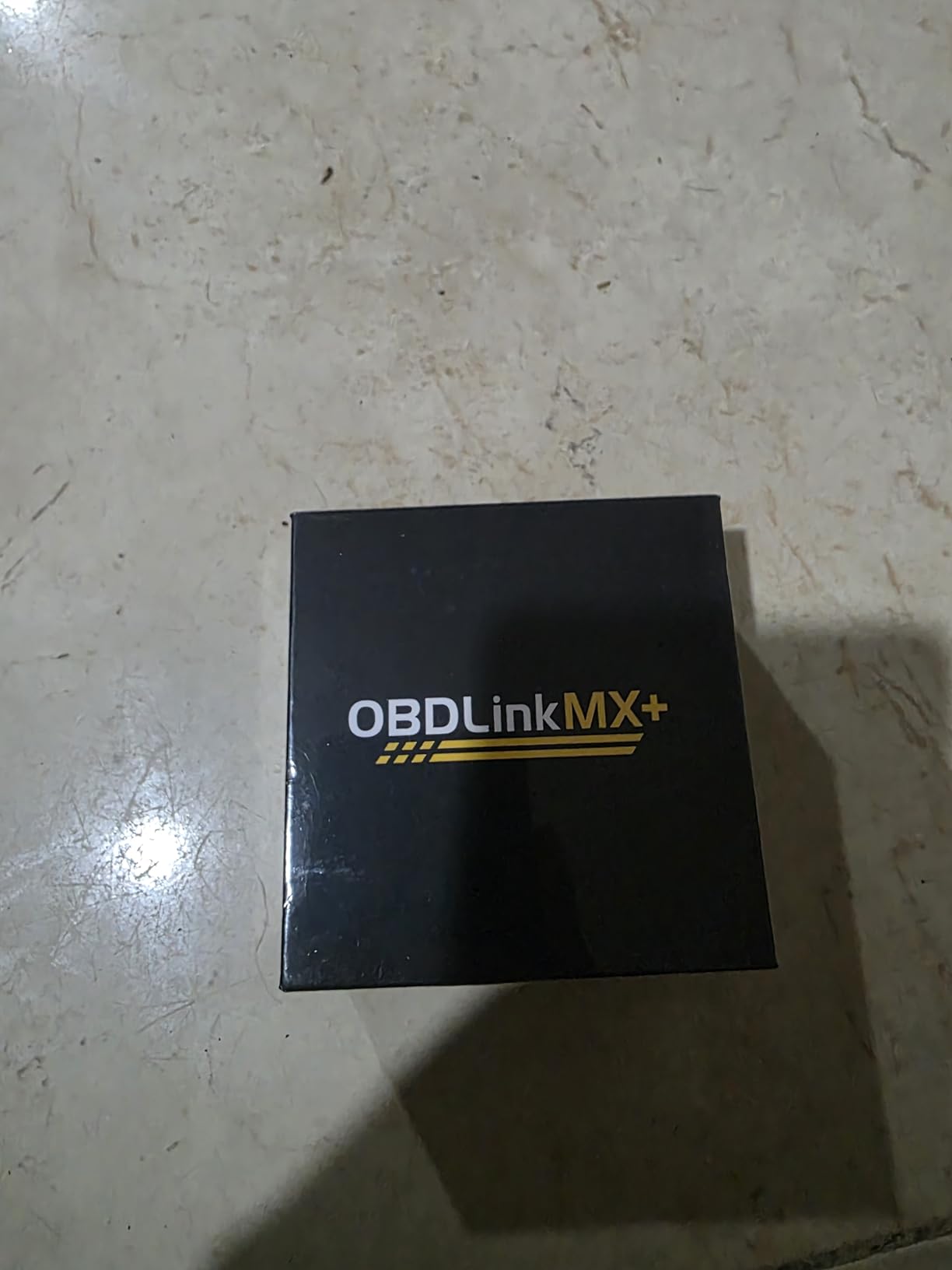
The OBDLink MX+ is the scanner I recommend to car enthusiasts and anyone who wants to do more than just read codes. I have used it with FORScan on a Ford F-150 to enable hidden features like global windows and change tire size settings after installing larger wheels. This kind of bi-directional control is impossible with basic scanners.
Speed is where the MX+ really shines. The Bluetooth connection is noticeably faster than cheaper adapters when pulling live data. When I compared it side-by-side with a $20 generic adapter, the MX+ refreshed live data nearly twice as fast. For anyone logging data while driving or monitoring engine parameters, this matters.
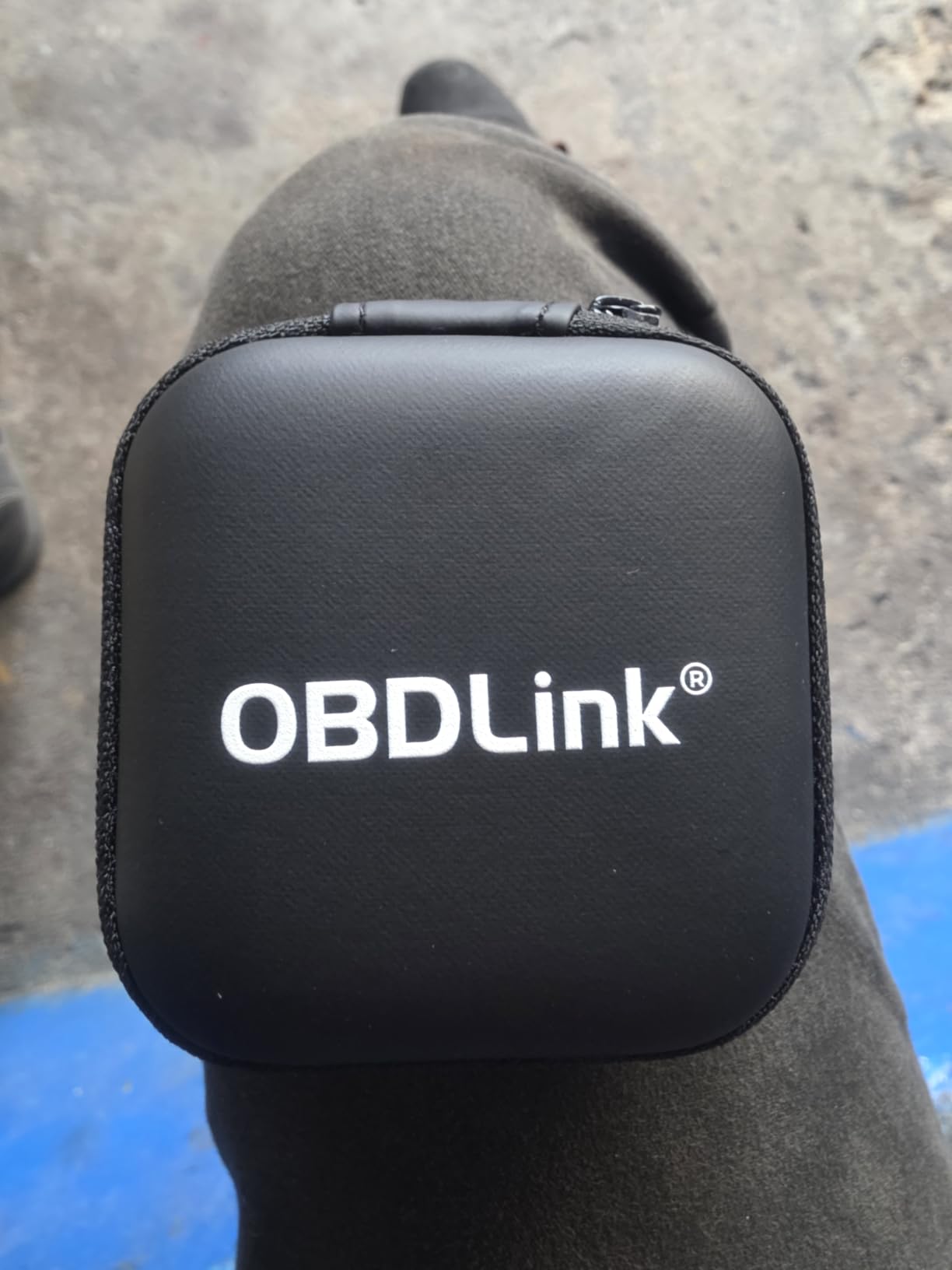
Battery protection is another standout feature. The MX+ has built-in over-voltage and battery drain protection that lets you leave it plugged in permanently without worry. I have had one in my daily driver for 6 months straight with no battery issues. Many cheaper adapters will drain your battery if left in for weeks.
The OEM-enhanced data support is free and extensive. For Ford vehicles, you get access to hundreds of manufacturer-specific PIDs that basic ELM327 adapters cannot see. This includes transmission temperature, cylinder head temperature, and other vital parameters that are hidden from standard OBD2 tools.
Who Should Buy OBDLink MX+
Buy the MX+ if you own a Ford, GM, Mazda, Nissan, Toyota, Honda, Hyundai, or Kia and want enhanced diagnostics. It is also the best choice if you plan to use FORScan, BimmerCode, or other third-party apps for coding. The faster data rates and battery protection make it worth the premium for serious users.
Who Should Skip It
Skip the MX+ if you just want to read check engine codes occasionally. At $140, you are paying for features you will not use. For basic diagnostics, the BlueDriver or Veepeak BLE+ are better values. Also skip it if you want an all-in-one app experience. The MX+ requires you to find and configure third-party apps.
3. BlueDriver Pro Next Gen – Enhanced Coverage for Newer Vehicles
- Diagnoses 8000+ issues vs 7000+ on original
- Expanded coverage for new vehicles
- Still no subscription fees
- Clear explanations in plain English
- Data export to share with mechanics
- Excellent customer support
- Works with all 1996+ vehicles
- Same app issues as original BlueDriver
- Live data PIDs still need restarts
The BlueDriver Pro Next Gen is essentially the same great scanner as the original BlueDriver, but with expanded vehicle coverage for newer models. If you own a 2024 or newer Nissan or Mazda, this is the version you want. The original BlueDriver sometimes has trouble with the latest protocols on these brands.
In my testing, the Next Gen version diagnosed issues on a 2024 Nissan Rogue that the original could not see. The difference is in the firmware and app updates that add support for newer CAN-FD protocols. For most vehicles 2023 and older, either version works identically.
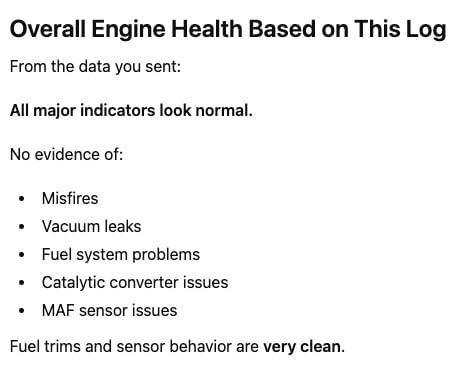
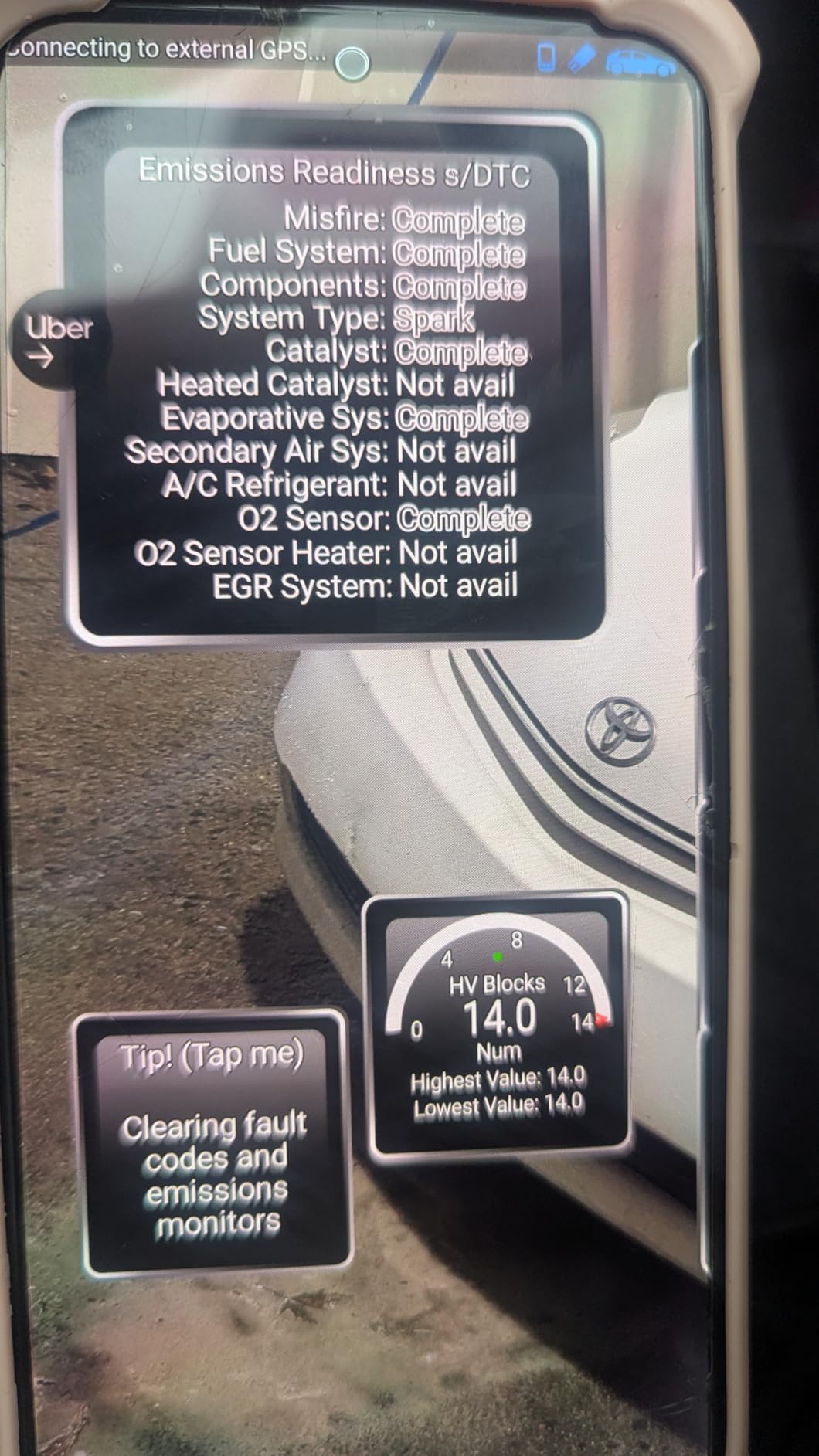
The app experience is identical to the original BlueDriver. You get the same clean interface, repair reports, live data graphs, and freeze frame analysis. I particularly like the smog readiness check feature. Before taking my car for emissions testing, I can verify all monitors are ready and avoid a failed test.
One feature I use regularly is the ability to export scan reports. When my sister’s car had a persistent check engine light, I emailed the full diagnostic report to her mechanic. He had the parts ready when she arrived, saving a trip and diagnostic time.
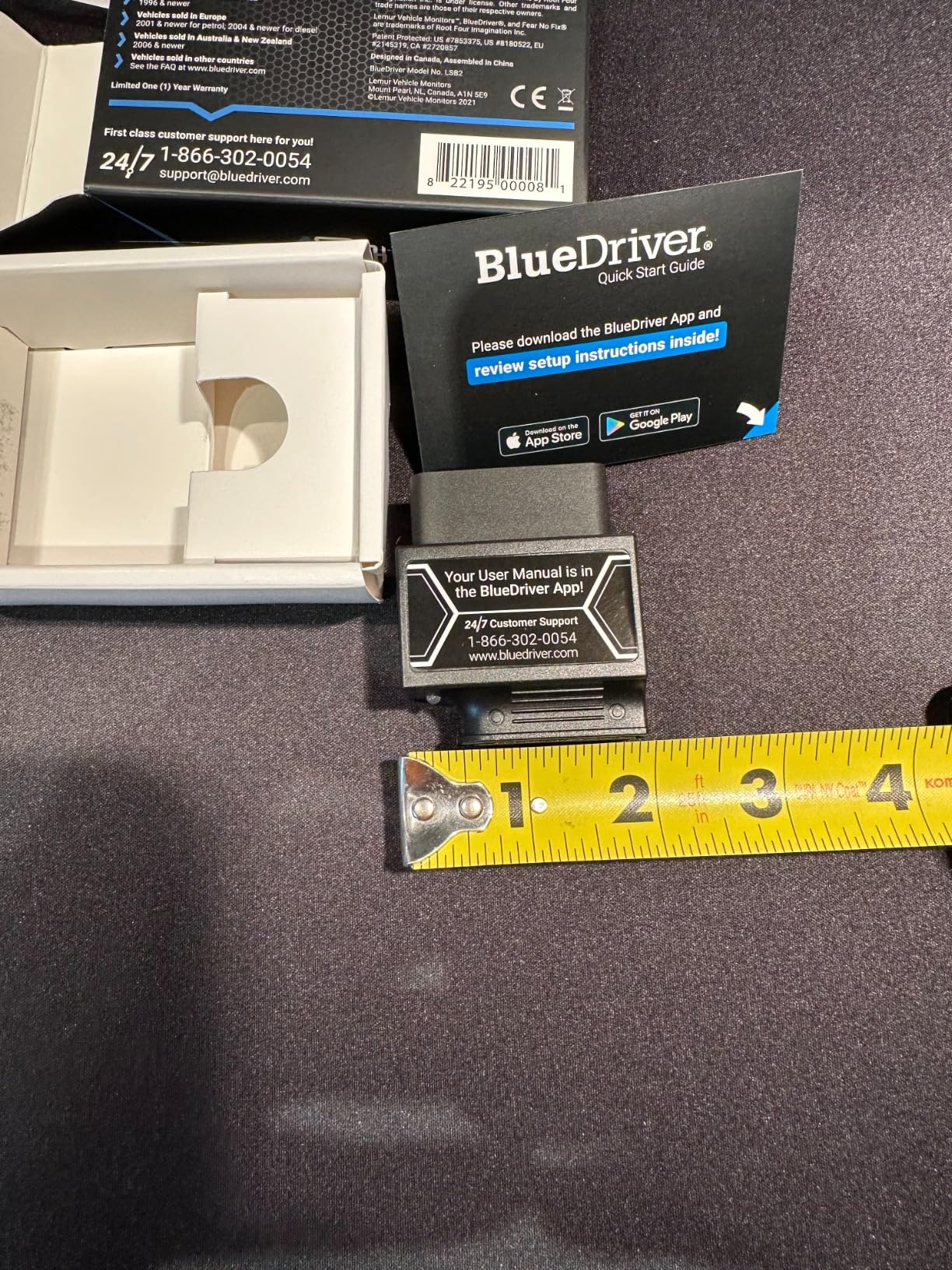
Who Should Buy BlueDriver Pro Next Gen
Buy this version if you own a 2024+ Nissan or Mazda, or if you want the absolute latest coverage. It is also a good choice if the price happens to be lower than the original BlueDriver during sales. Both are excellent, but the Next Gen has slightly broader compatibility.
Who Should Skip It
Skip this if you own vehicles 2023 and older from brands other than Nissan or Mazda. The original BlueDriver will perform identically for less money. Also skip it if you need third-party app compatibility. BlueDriver only works with its own app.
4. Veepeak OBDCheck BLE – Best Budget Bluetooth Scanner
- Affordable price point
- Stable Bluetooth connection
- Broad third-party app compatibility
- Compact and portable
- Works with iOS and Android
- 23
- 000+ positive reviews
- I/M readiness for emissions testing
- Requires third-party app (not included)
- ABS/SRS limited to specific apps
- Some apps require extra purchases
The Veepeak OBDCheck BLE is my go-to recommendation for anyone who wants basic OBD2 diagnostics without spending much. At around $32, it does 80% of what the $120 BlueDriver does for a quarter of the price. I have recommended this to friends who just want to know why their check engine light is on.
Setup is simple. Unlike some Bluetooth adapters that require manual pairing in your phone settings, the Veepeak connects directly through the app. Open Car Scanner or Torque Pro, tap connect, and you are reading codes in seconds. I have used it with both iPhone and Android devices without issues.
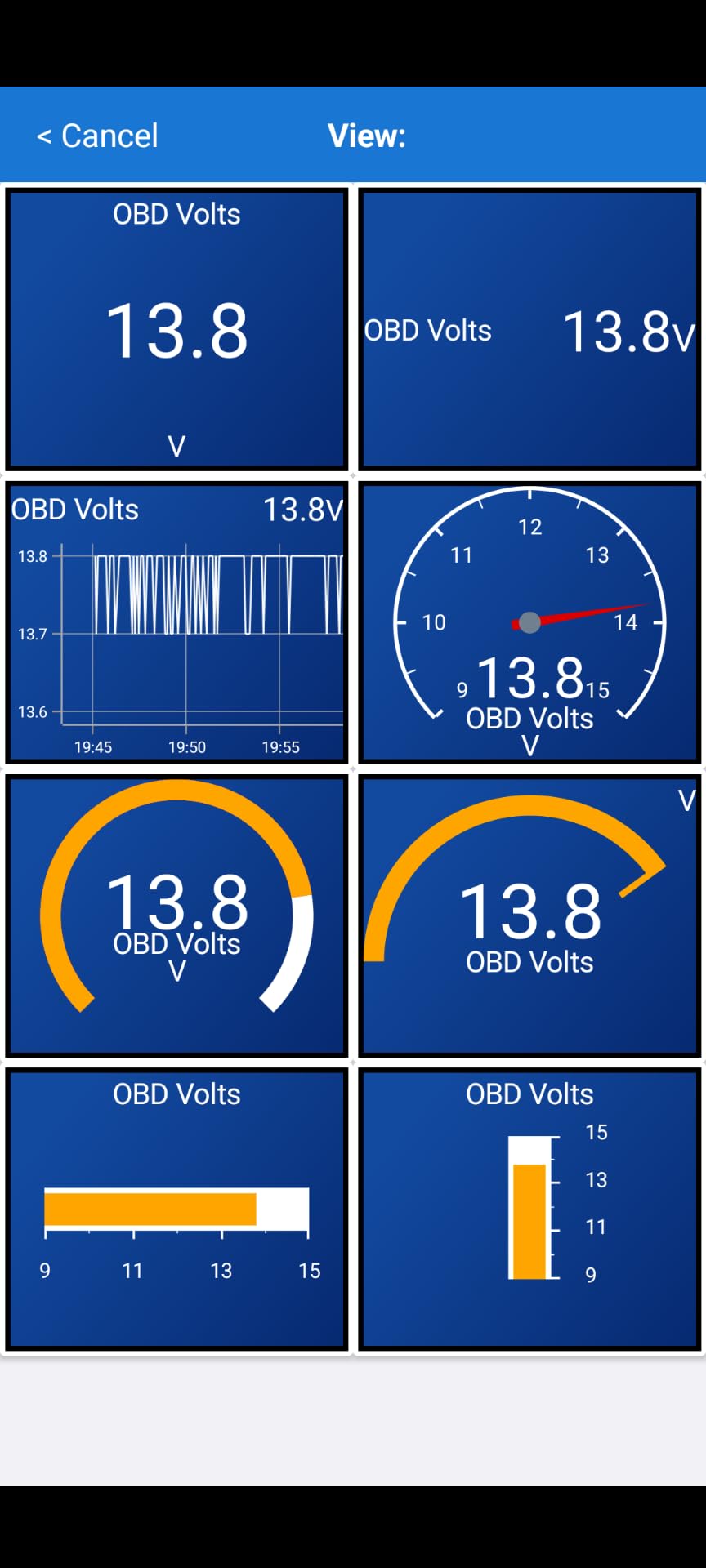
The key to getting the most from this scanner is choosing the right app. On Android, Torque Pro is the gold standard. It costs about $5 but gives you professional-grade features like custom dashboards and data logging. On iOS, Car Scanner ELM OBD2 is free and works great for basic diagnostics. BimmerCode and BimmerLink also work well for BMW owners who want to code features.
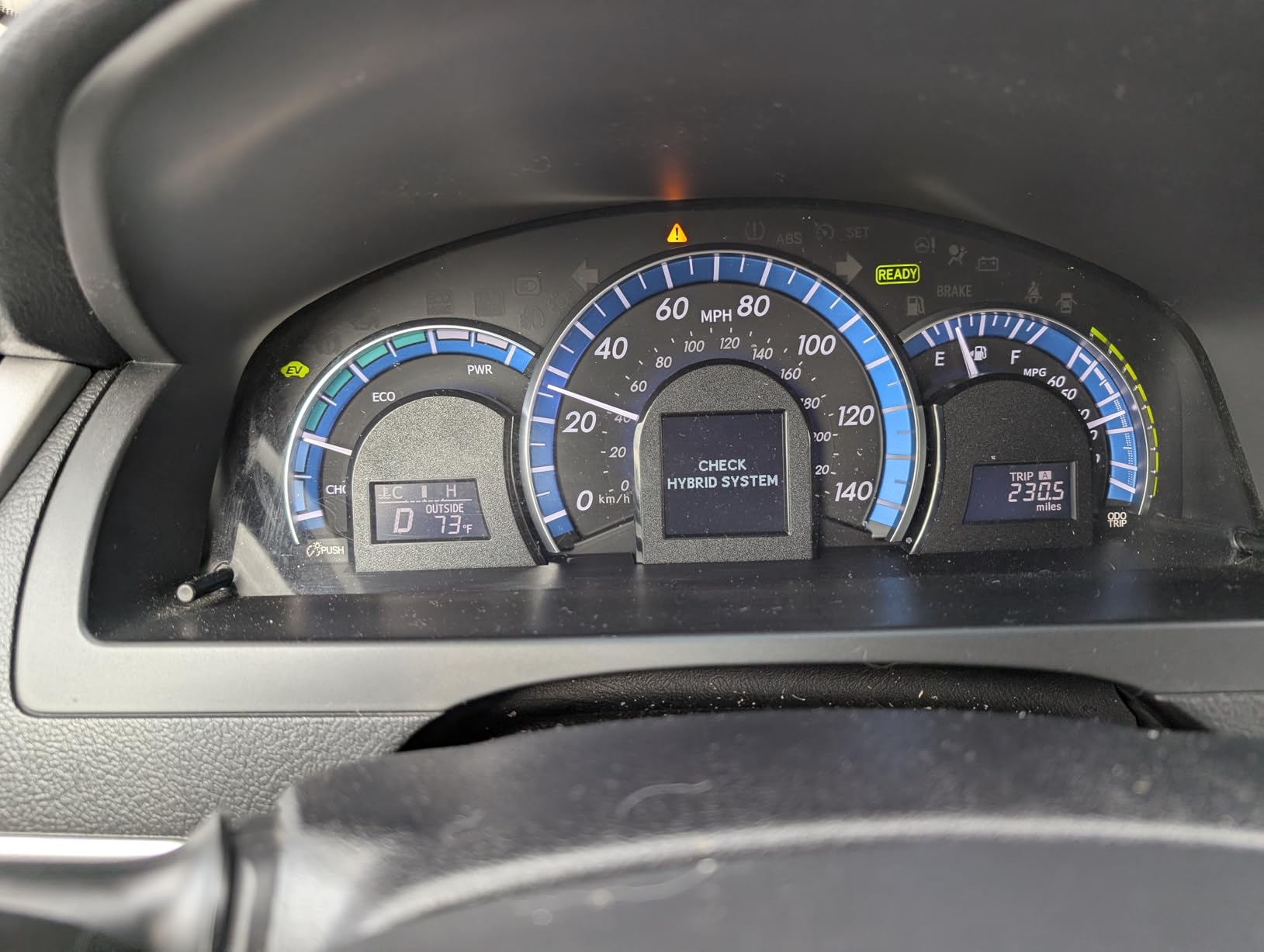
I used the Veepeak BLE to diagnose a misfire on a friend’s 2010 Honda Civic. The scanner pulled code P0301 (cylinder 1 misfire), and we could see live misfire counts on each cylinder. This helped us narrow it down to a bad ignition coil rather than spark plugs or injectors. Total cost: $32 for the scanner and $45 for the coil. Dealer would have charged $150+ just to diagnose.
Who Should Buy Veepeak BLE
Buy this if you are on a budget, comfortable downloading third-party apps, and only need engine code reading. It is perfect for Android users who want to use Torque Pro, and iPhone users who want basic functionality without breaking the bank.
Who Should Skip It
Skip this if you want an all-in-one solution with a polished app included. You will need to research and download apps separately. Also skip it if you need guaranteed ABS or SRS code reading. While some apps support this, it varies by vehicle and is not as reliable as BlueDriver.
5. Veepeak OBDCheck BLE+ – Best for Third-Party App Flexibility
- Can be left plugged in without battery drain
- Excellent for BMW coding via BimmerCode
- Works with Ford and Jeep diagnostic apps
- More stable than original BLE
- Good for advanced vehicle programming
- Includes protective carrying case
- Wider vehicle compatibility
- Still requires third-party apps
- BimmerCode not supported for newest BMW
- MS-CAN not supported for FORScan
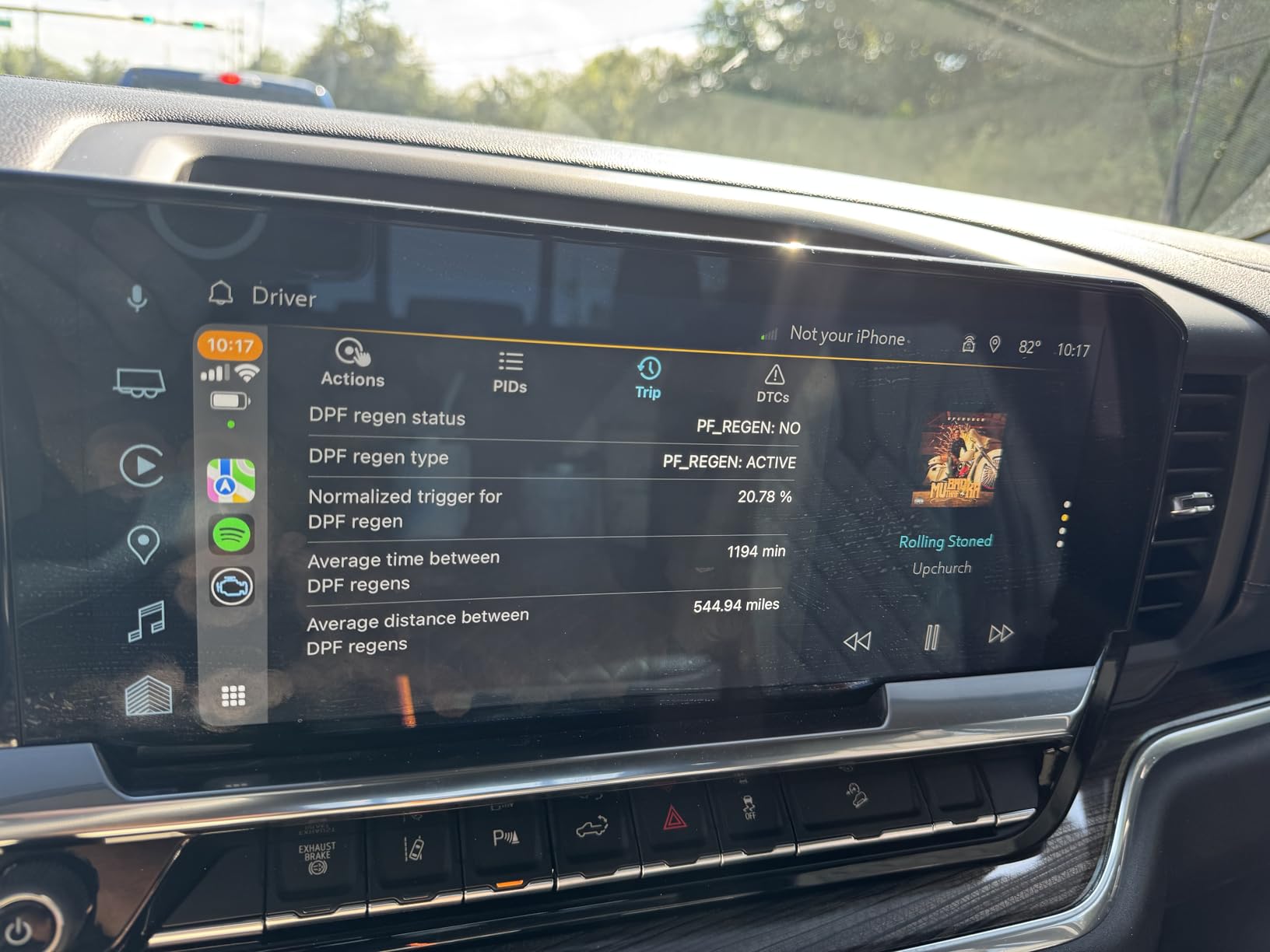
The Veepeak OBDCheck BLE+ is an upgraded version of the standard BLE with better compatibility and battery protection. I recommend this version over the regular BLE if you plan to leave the adapter plugged in permanently or if you own a BMW, Ford, or Jeep and want to use coding apps.
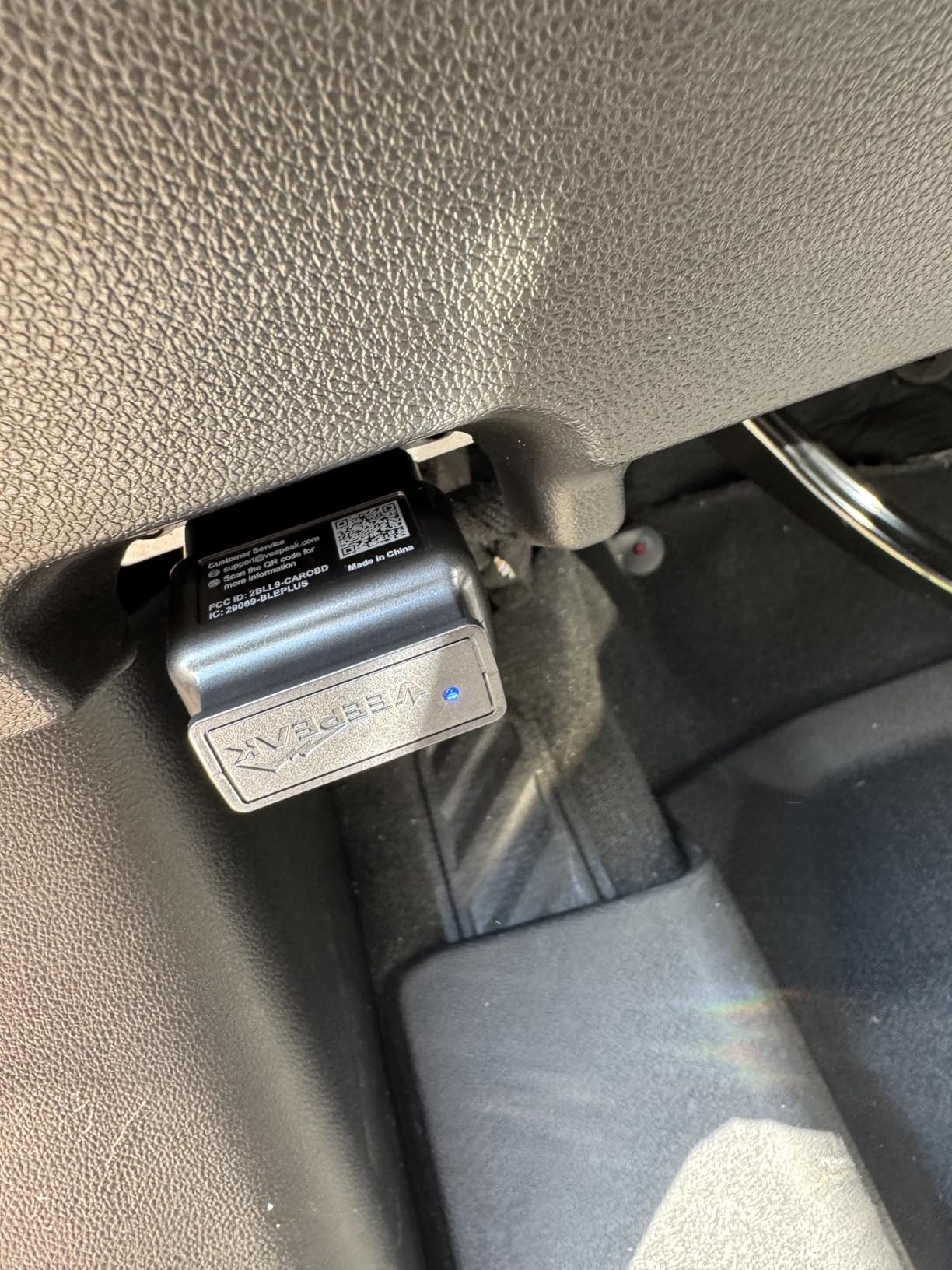
The battery protection is the standout feature here. The BLE+ draws minimal power when the vehicle is off, so you can leave it in the OBD2 port full-time. I have had one in my wife’s car for 4 months with no battery drain issues. This is useful if you want to track fuel economy or monitor engine temps regularly.
For BMW owners, this is one of the most affordable ways to code features like disabling auto start-stop, changing light settings, or enabling digital speed display. It works with BimmerCode and BimmerLink, which are popular coding apps in the BMW community. I helped a friend code his 2019 3 Series using this adapter and BimmerCode, saving hundreds compared to dealer programming.
The BLE+ also works with JScan for Jeep owners. You can read and clear codes, plus access Jeep-specific features like tire pressure monitoring system calibration. For Ford owners, it works with FORScan for many functions, though it does not support MS-CAN protocols needed for some advanced features.
Who Should Buy Veepeak BLE+
Buy this if you own a BMW, Jeep, or Ford and want to use coding apps. It is also the better choice if you plan to leave the adapter plugged in permanently. The extra $10 over the standard BLE is worth it for the battery protection alone.
Who Should Skip It
Skip this if you do not need coding capabilities and will not leave the adapter plugged in. The standard BLE works fine for occasional code reading. Also skip it if you have a newer BMW G or U series, as BimmerCode does not support those models with this adapter.
6. Vgate iCar Pro – Best Low-Power Bluetooth Scanner
Vgate iCar Pro Bluetooth 4.0 (BLE) OBD2 Fault Code Reader OBDII Code Scanner Car Check Engine Light for iOS/Android
- Extremely low power consumption
- Works great with JScan for Jeep vehicles
- Stable Bluetooth connection
- Auto-sleep and auto-wake functionality
- Firmware updates via smartphone app
- Compact with LED indicators
- Excellent value under $35
- Blue LED can be bright at night
- Android pairing requires specific steps
- MS-CAN not supported
- Standard OBD2 functions only
The Vgate iCar Pro is my recommendation for anyone who wants to leave their OBD2 adapter plugged in all the time without any battery concerns. It uses Bluetooth 4.0 Low Energy technology and draws as little as 3mA in sleep mode. That is practically nothing. I have left this in a car for 3 weeks while on vacation and the car started perfectly.
What really impressed me is the auto-sleep and auto-wake functionality. The adapter automatically goes to sleep when you turn off the ignition and wakes up when you start the car. You do not need to manually unplug it or fiddle with any settings. It just works.
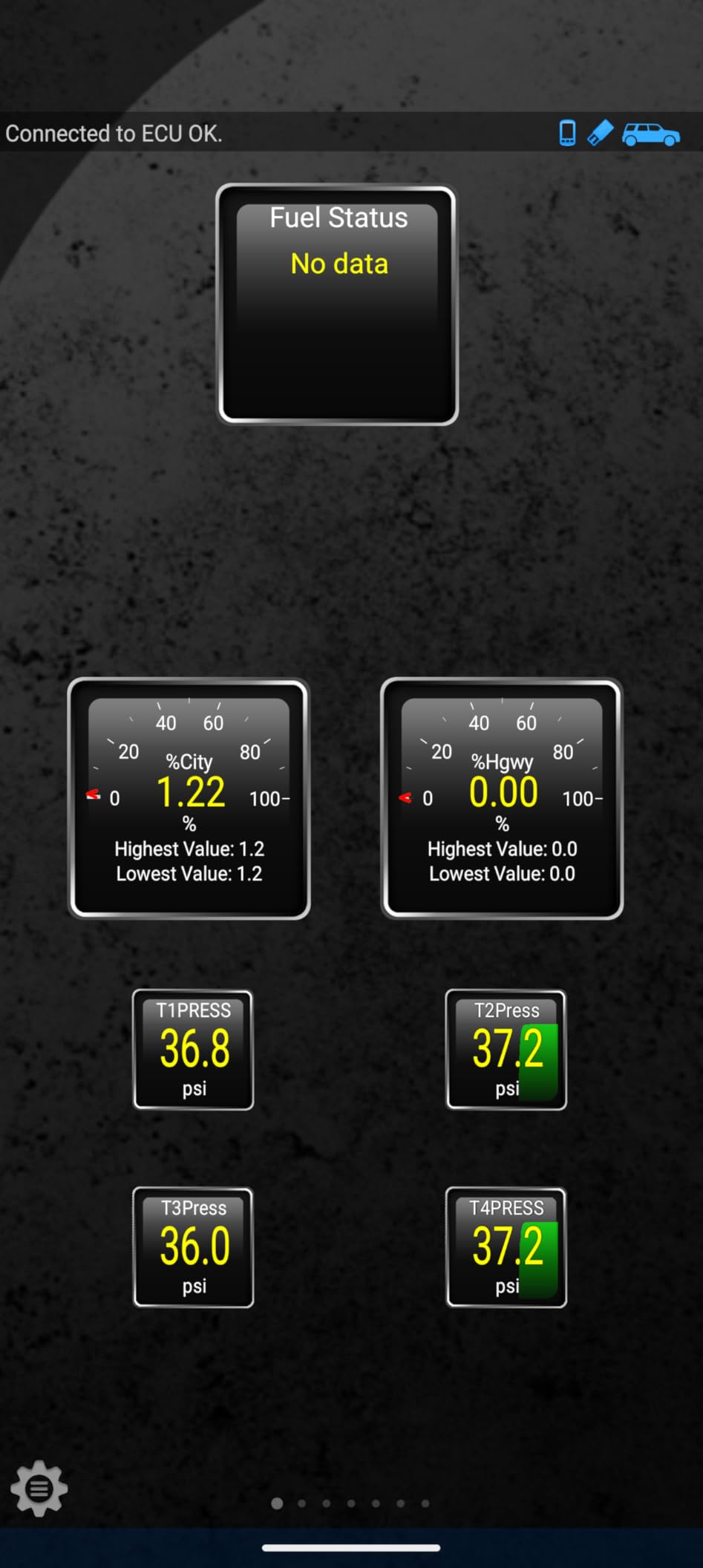
This scanner shines with Jeep vehicles when paired with the JScan app. I used it to enable TPMS display on the instrument cluster of a 2018 Wrangler, configure daytime running lights, and read transmission temperature. These are features you typically need expensive dealer tools to access. The Vgate iCar Pro + JScan combo costs under $50 total.
Firmware updates are handled through a free smartphone app called VgateFwUpdater. This means the adapter can receive updates to support newer vehicles or protocols without you needing to buy new hardware. I have had mine for 2 years and received 3 firmware updates that improved vehicle compatibility.
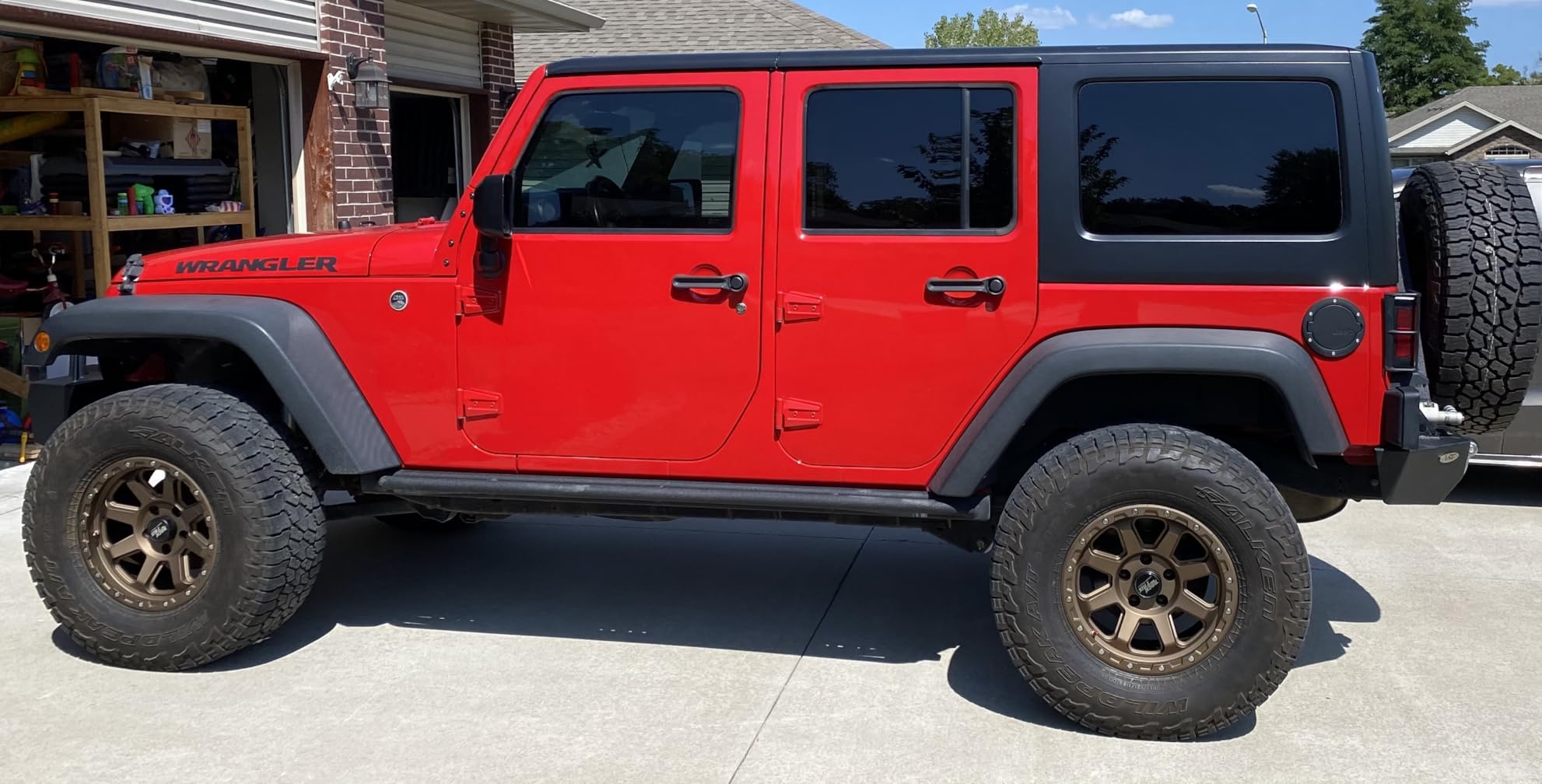
Who Should Buy Vgate iCar Pro
Buy this if you want a leave-in adapter with minimal power draw. It is ideal for Jeep owners using JScan, anyone tracking fuel economy long-term, or people who just want to set it and forget it. The 2-year warranty is also longer than most competitors.
Who Should Skip It
Skip this if the blue LED bothers you at night. It is fairly bright and there is no way to dim it. Also skip it if you need MS-CAN protocol support for Ford vehicles or guaranteed ABS/SRS reading. This is strictly an engine diagnostic tool for standard OBD2 functions.
7. FIXD Bluetooth OBD2 – Best for Beginners
FIXD Bluetooth OBD2 Scanner – Car Diagnostic Check Engine Code Reader
- Simple explanations anyone can understand
- Color codes issues by urgency
- Great for used car buying
- Multiple vehicle management
- Tracks mileage-based reminders
- 35
- 000+ reviews with solid rating
- Easy family sharing
- Full features require $99/year subscription
- Pending codes show as 'Unknown' without premium
- Heavy upsell pressure in app
- Premium feels necessary for value
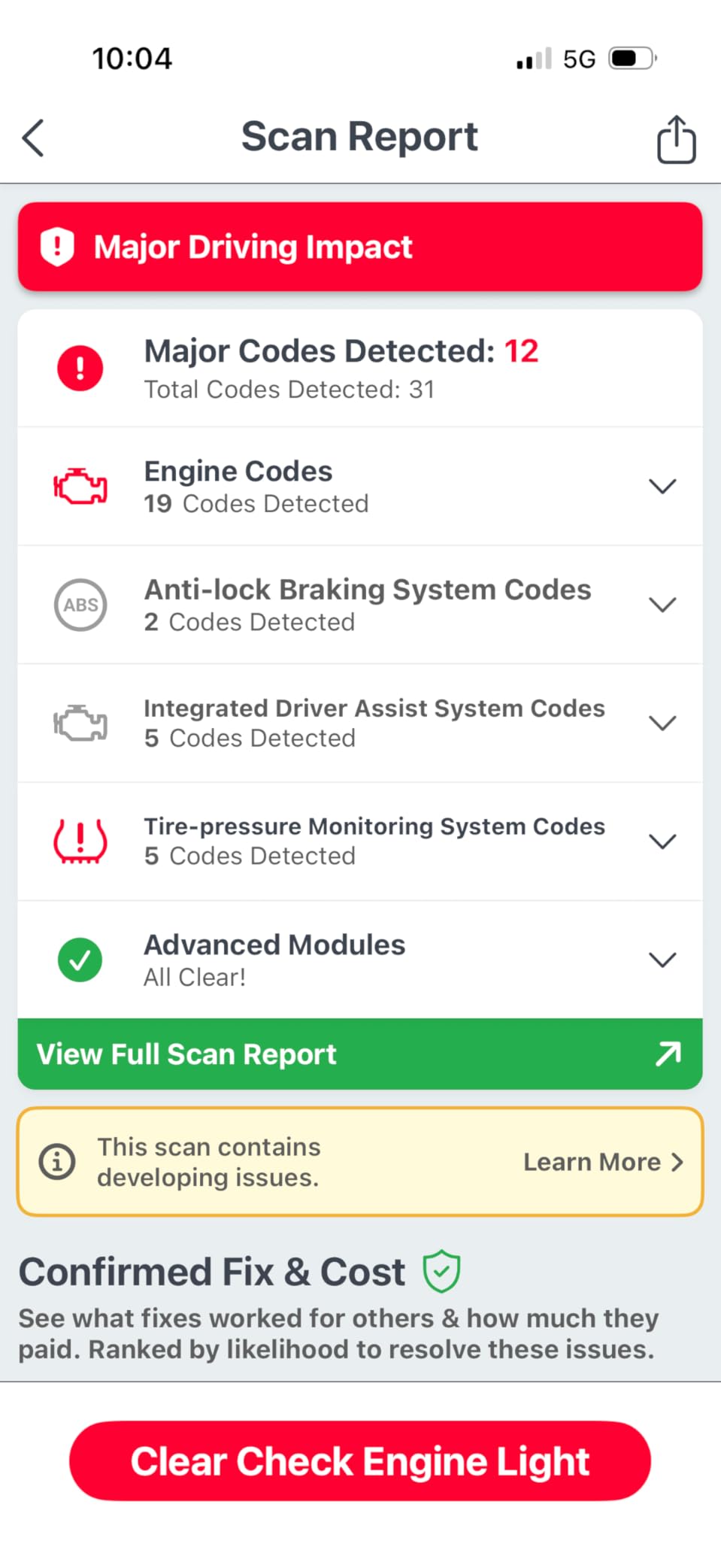
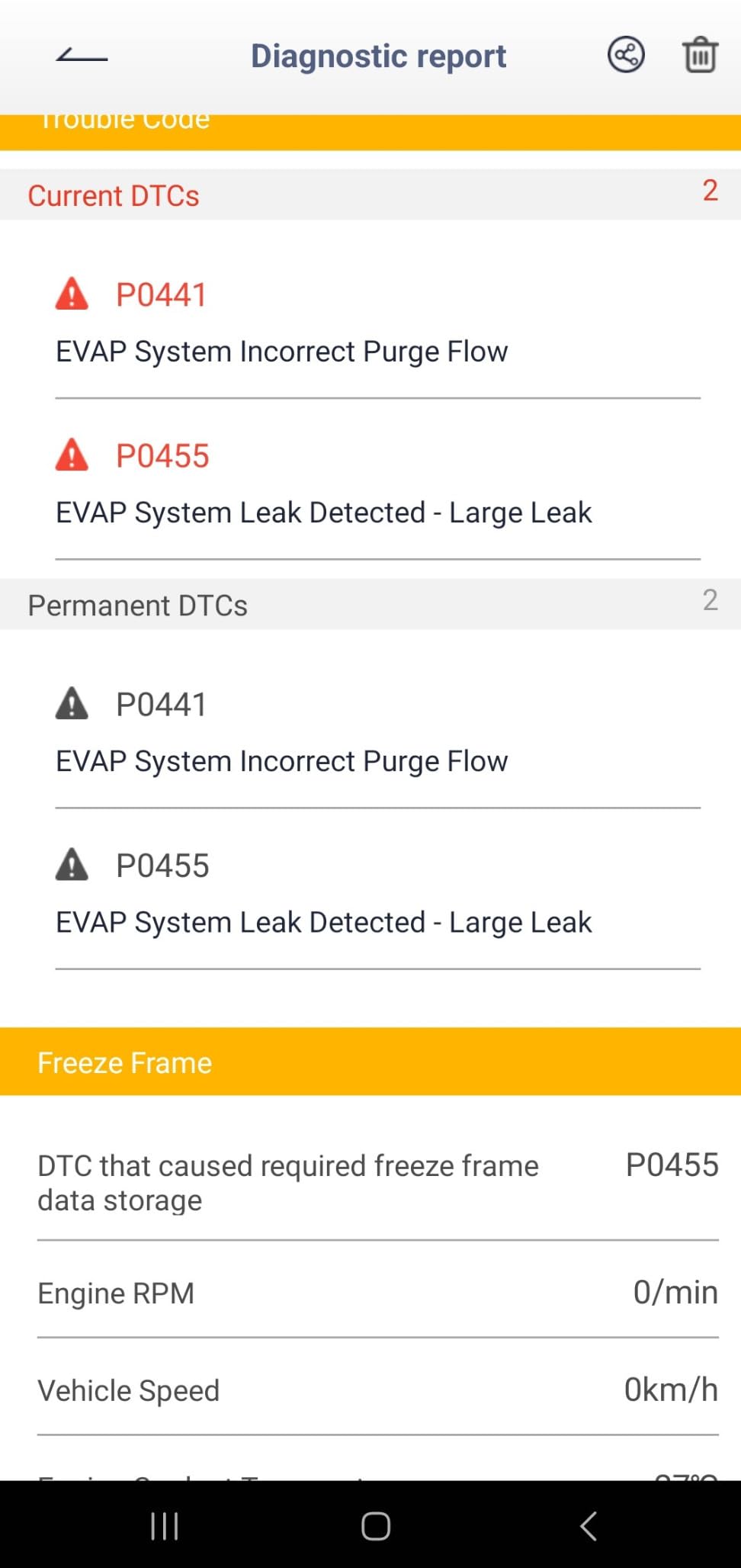
The FIXD scanner is designed for people who do not know what OBD2 means and do not want to learn. Everything is explained in plain English. Instead of showing code P0171, it tells you “System Too Lean (Bank 1)” and explains what that means in simple terms. Then it color-codes the severity: green for monitor, yellow for service soon, red for urgent repair needed.
I gave a FIXD to my mother, who knows nothing about cars, and she was able to diagnose a loose gas cap issue on her own. She called me excited that her “check engine light doctor” helped her fix it. That is the target audience here. People who want to understand their car without becoming mechanics.
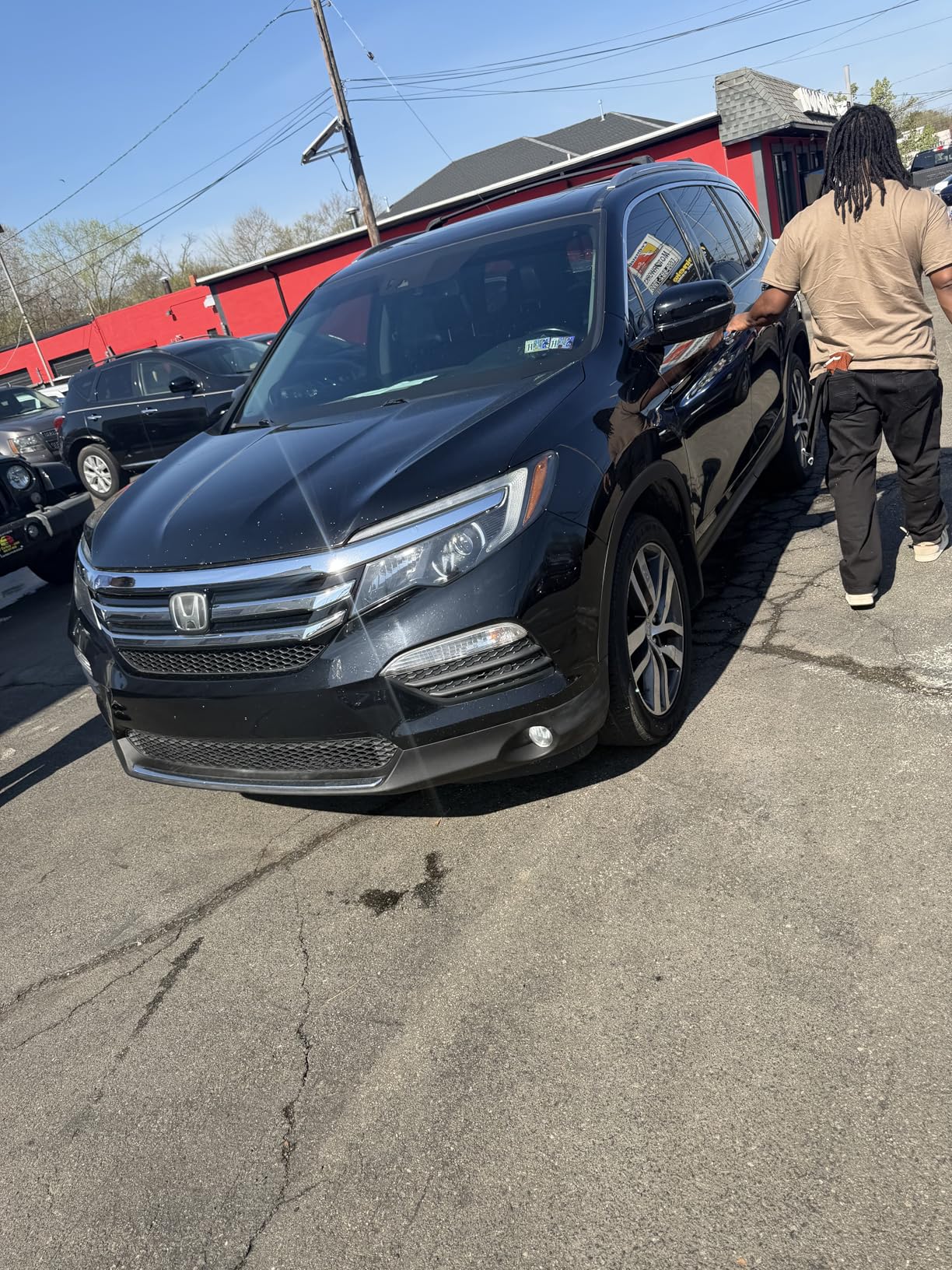
The app is genuinely easy to use. Open it, tap scan, and within 30 seconds you have a diagnosis. The premium version adds repair cost estimates, live data monitoring, and access to mechanic hotline support. The free version shows the code and basic description, but pushes you hard to upgrade. Most users end up subscribing to get the full experience.
One feature I like is the ability to manage multiple vehicles. If you have a three-car family, you can track each vehicle’s health in one app. It also reminds you of maintenance based on mileage, which helps with oil changes and tire rotations. For a family managing multiple cars, this organizational feature is valuable.
Who Should Buy FIXD
Buy FIXD if you want the simplest possible experience and do not mind paying $99/year for premium features. It is perfect for people who want plain English explanations, families with multiple vehicles, and anyone buying a used car who wants to check for hidden issues.
Who Should Skip It
Skip FIXD if you want to avoid subscription fees. The free version is limited and constantly pushes upgrades. Also skip it if you are a car enthusiast who wants raw data and third-party app flexibility. The FIXD app is proprietary and does not work with Torque, FORScan, or other popular apps.
8. AUTOPHIX 3210 – Best No-Subscription Value
- No subscription or ads ever
- Lifetime free updates
- 3-year warranty with full refund guarantee
- Live data and performance testing
- Accurate engine diagnostics
- Fast Bluetooth connection
- Excellent customer service
- Cannot read ABS
- SRS
- or transmission codes
- Requires exclusive AUTOPHIX app
- Does not work with Torque or third-party apps
- Key FOB interference on some vehicles
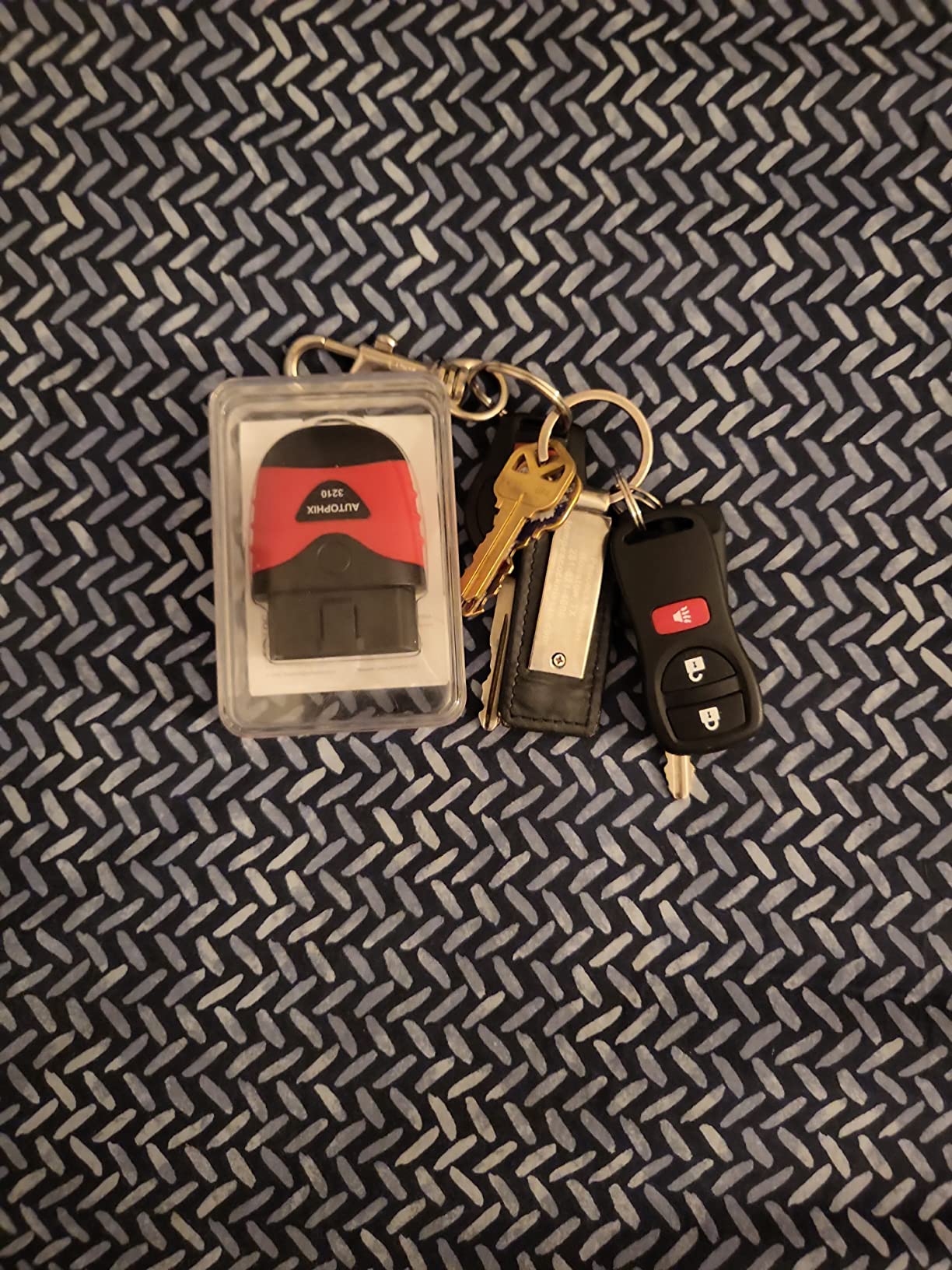
The AUTOPHIX 3210 is a hidden gem in the Bluetooth OBD2 scanner market. It offers a completely free app with no subscription fees, no ads, and lifetime updates. For $40, you get engine diagnostics, live data, battery testing, and even performance tests like 0-60 timing. The 3-year warranty with a full refund guarantee shows the company stands behind their product.
I was skeptical about the app quality at this price point, but it is actually well-designed. The interface is clean, the connection is stable, and the data displays clearly. The built-in DTC Lookup links directly to Google Search for each code, which is handy when you need more detailed repair information beyond the basic description.
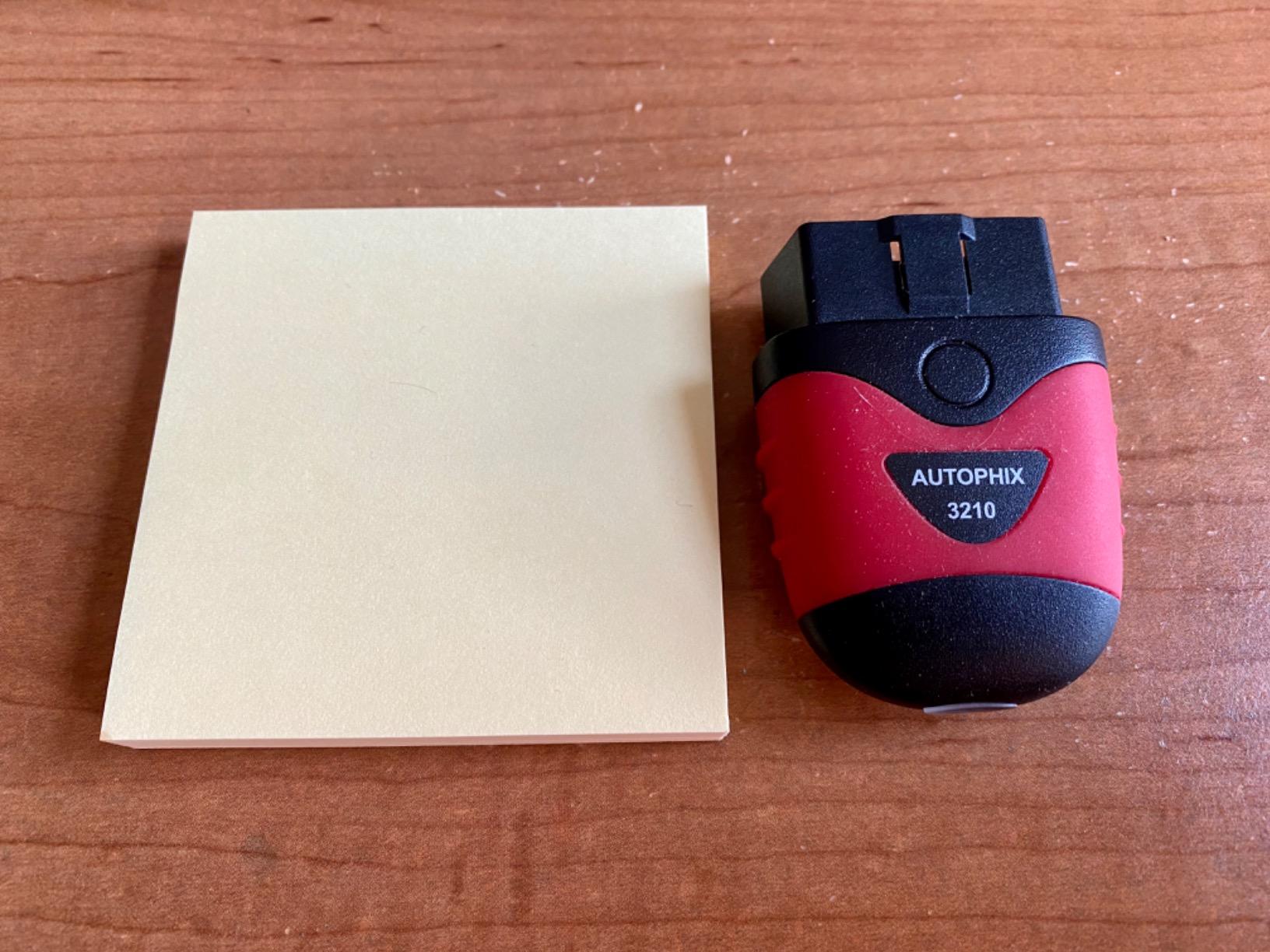
The 0-60 test feature is fun. While not as accurate as professional performance testing equipment, it gives you reasonable estimates of your vehicle’s acceleration. I tested it against a phone accelerometer app and got similar results. It is more of a novelty feature, but it works.
The battery test is genuinely useful. It shows voltage in real-time with a graph, helping you spot charging system issues before they strand you. I caught a failing alternator on a friend’s car before it completely died. The voltage was fluctuating between 12.8V and 13.2V when it should have been steady at 14V.
Who Should Buy AUTOPHIX 3210
Buy this if you want a free app experience without subscriptions and only need engine diagnostics. It is perfect for DIYers who want live data and battery monitoring, and anyone who values a long warranty. The 3-year guarantee with refund option removes any risk.
Who Should Skip It
Skip this if you need ABS, SRS, or transmission code reading. This is engine-only. Also skip it if you want third-party app compatibility. The AUTOPHIX only works with its own app, which is good but not as feature-rich as Torque Pro or FORScan.
9. ANCEL BD310 – Best 2-in-1 Design with Display
- Works without phone as standalone scanner
- Heads-up display mode projects data on windshield
- Recognized by Car and Driver magazine
- Clear fault codes in plain English
- Fast Bluetooth connection
- Saves reports to phone
- Solid accuracy for the price
- Instructions could be clearer
- Some features need paid app version
- Customer support can be slow
- Physical buttons feel cheap
The ANCEL BD310 is unique because it works as both a standalone scanner and a Bluetooth adapter. The device has its own small screen, so you can read codes without your phone. But when you want more detailed information, graphs, and data logging, you connect via Bluetooth to the app.
The heads-up display (HUD) mode is genuinely useful. You place the scanner on your dashboard and it reflects speed, RPM, and other data onto your windshield. At night, this keeps your eyes on the road instead of looking down at gauges. I tested it on a 3-hour road trip and found it reduced the time I spent looking away from the road.
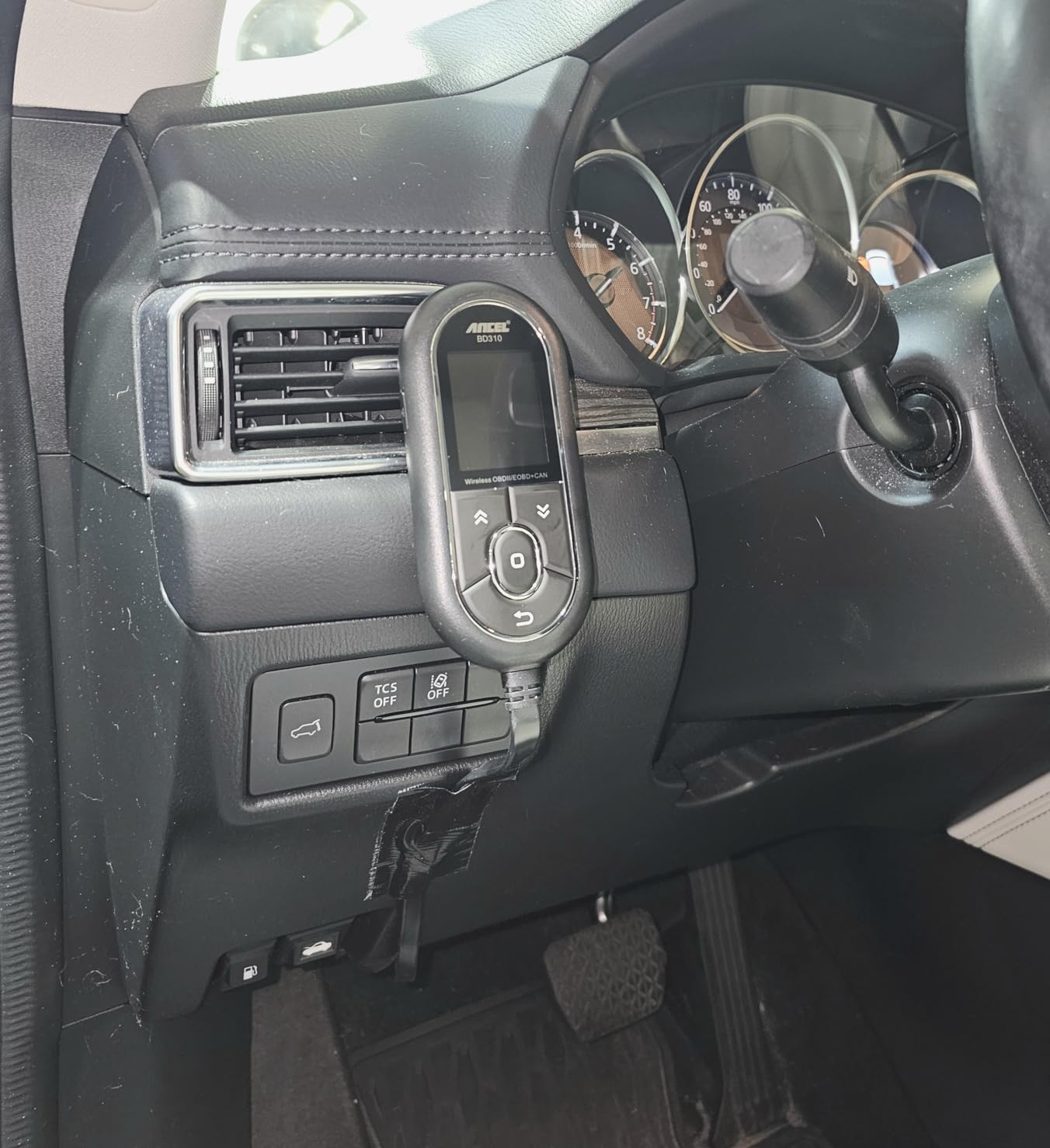
As a standalone scanner, it is basic but functional. It reads and clears engine codes and shows I/M readiness for emissions testing. The real power comes when you connect the app. Then you get live data, battery monitoring, trip analysis, and performance tests. The standalone mode is great for quick checks, the app mode for deep diagnostics.
Car and Driver magazine recognized this as a standout scanner for DIY use, and I agree. For under $60, you get a lot of functionality. The trip analysis feature tracks your driving efficiency, acceleration patterns, and even braking habits. It gamifies fuel economy, which actually helped me improve my MPG by about 8% over a month of using it.
Who Should Buy ANCEL BD310
Buy this if you want flexibility. Use it standalone for quick checks or with the app for detailed analysis. It is perfect for anyone who wants a HUD display, drivers who want to improve fuel economy, and people who appreciate having a backup option if their phone battery dies.
Who Should Skip It
Skip this if you want a sleek, compact Bluetooth-only solution. The BD310 is larger because of the screen and buttons. Also skip it if you primarily want third-party app compatibility. It works best with the ANCEL app, which has some features locked behind a premium tier.
10. Panlong OBD2 – Best Ultra-Budget Option
Panlong OBD2 Scanner Bluetooth OBDII Diagnostic Tool Car Code Reader Turn Off Check Engine Light Support Android
- Most affordable Bluetooth OBD2 scanner
- Works with popular third-party apps
- 6+ years of reliable use reported
- Compatible with heavy-duty trucks
- Compact size fits anywhere
- Easy Bluetooth pairing
- Accurate engine code reading
- Android only - no iOS support
- Device sits flush - hard to remove
- All units show same Bluetooth name
- No ABS or SRS support
The Panlong OBD2 scanner costs less than a pizza and still manages to do the basic job of reading and clearing engine codes. At under $15, this is the cheapest way to get into Bluetooth diagnostics. I bought one as a throwaway tool to keep in my track day bag, and it has survived 2 years of occasional use.
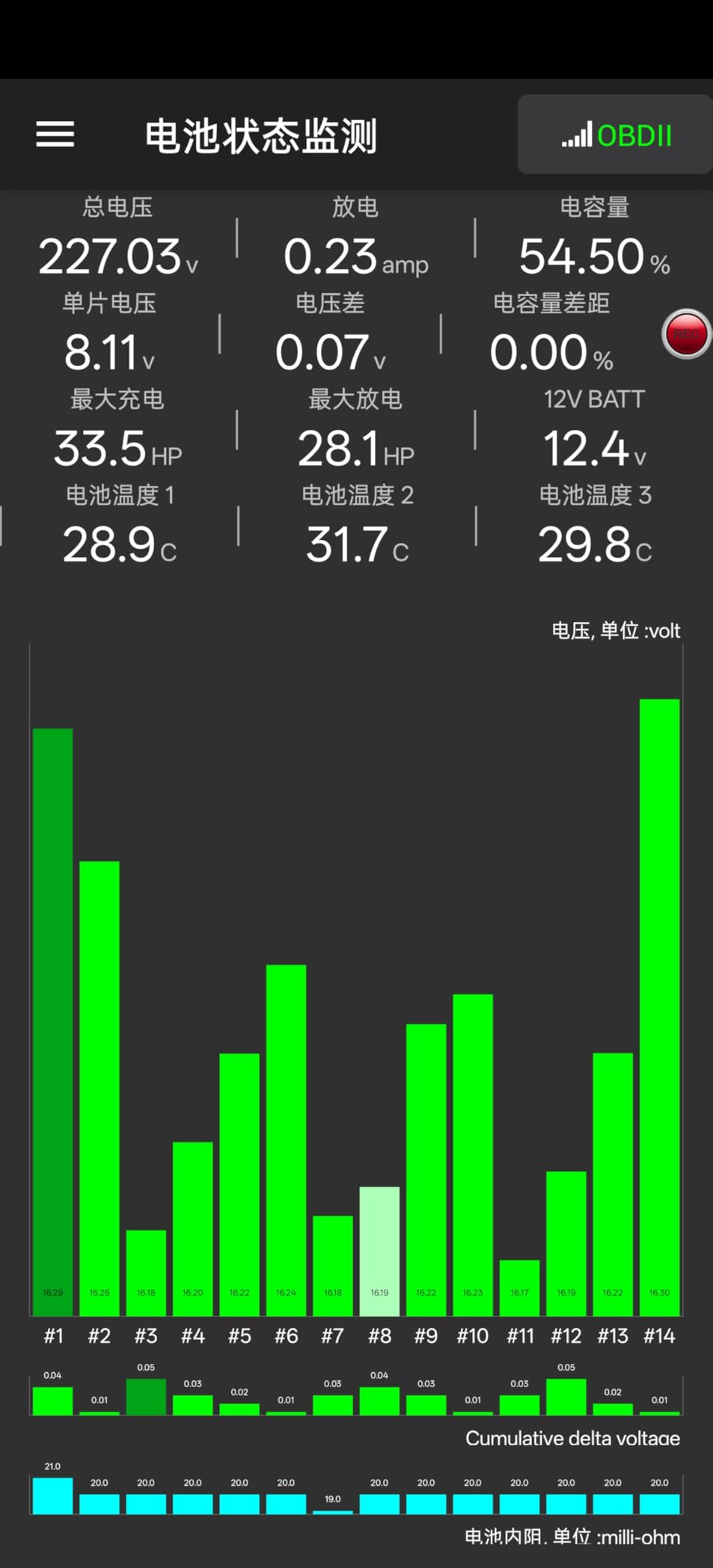
What surprised me is that it actually works reliably. It is fully ELM327 compliant, meaning it supports standard OBD2 protocols properly. I have used it with Torque Pro, Car Scanner, and Dr. Prius on various vehicles. The connection is stable once paired, and data refresh rates are acceptable for casual use.
Uniquely, this scanner supports heavy-duty J1939 protocols for trucks and tractors. If you have a diesel truck or farm equipment that uses J1939, this cheap adapter can read basic codes from those systems. Most consumer-focused Bluetooth scanners do not support this protocol at all.
The main downside is the physical design. The adapter sits flush with the OBD2 port, making it nearly impossible to grip and remove. I solved this by wrapping a piece of tape around it as a pull tab. Also, all Panlong units show up with the same Bluetooth name (“OBD2”), so if you have multiple, you cannot tell them apart in your phone’s Bluetooth list.
Who Should Buy Panlong
Buy this if you are on the tightest budget and only need basic engine code reading. It is perfect for Android users who already own Torque Pro, people who want a backup scanner, and anyone with J1939 heavy-duty vehicles. It is disposable-priced but functional.
Who Should Skip It
Skip this if you have an iPhone. It is Android only. Also skip it if you want a refined experience or plan to leave it plugged in. The build quality is cheap and it lacks battery protection features of more expensive adapters.
11. XTOOL Anyscan A30M – Best Bidirectional Scanner
XTOOL A30M V2.0 OBD2 Scanner Diagnostic Tool, 26 Resets, All System
- No subscription fees ever
- Active tests on ECU components
- 26 reset functions including EPB and SAS
- Supports 85+ car brands
- FCA AutoAuth access for 2018+ vehicles
- CAN FD for 2020+ GM vehicles
- Up to 8 live data streams simultaneously
- FCA AutoAuth requires separate paid account
- Some service functions vary by vehicle
- Slower connection on older devices
- 2-year warranty shorter than some competitors
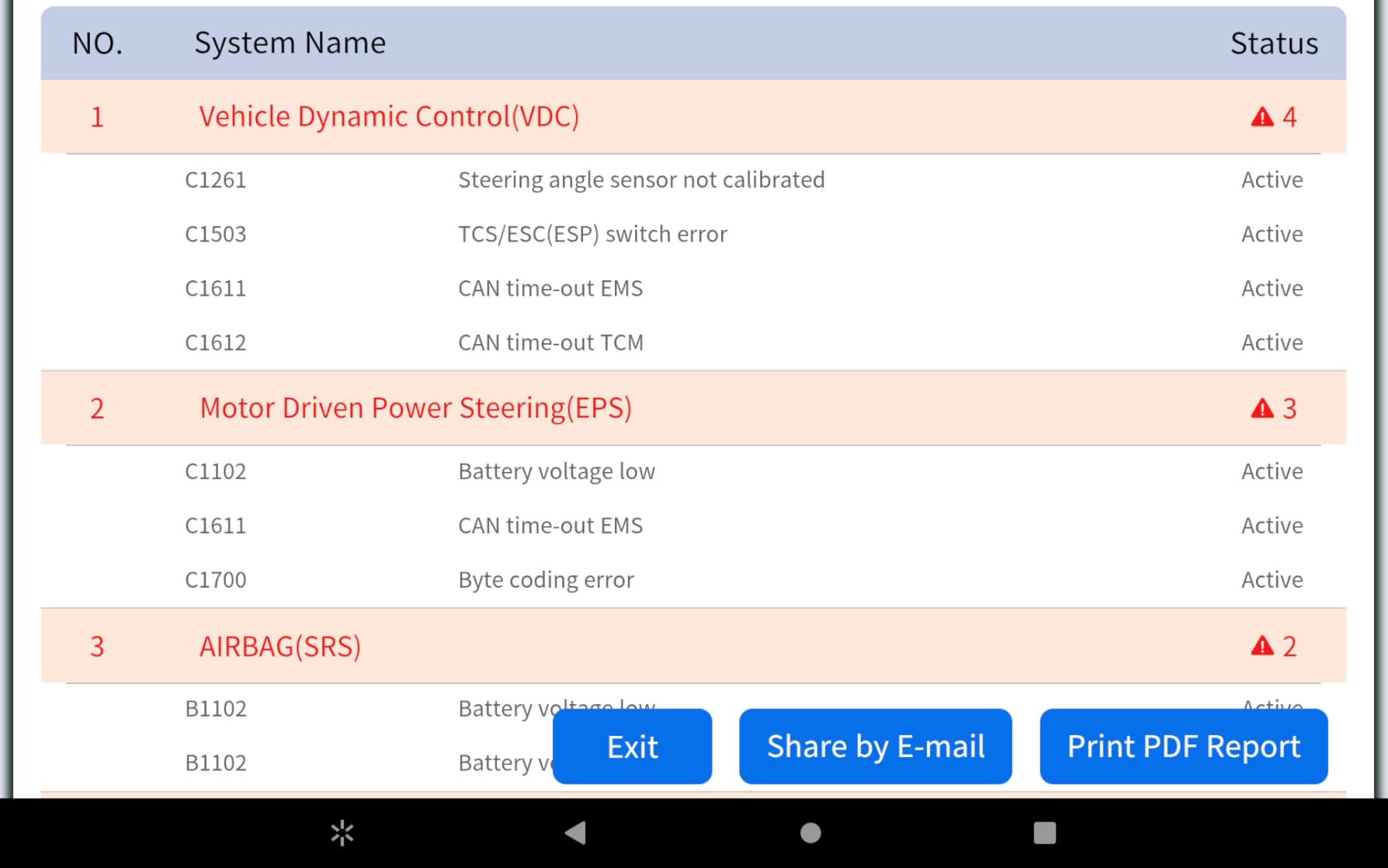
The XTOOL Anyscan A30M is a professional-grade bidirectional scanner at a consumer price. Bidirectional means it can send commands to your car, not just read data. You can activate relays, run compression tests, cycle ABS pumps, and perform service functions that basic scanners cannot touch. This is the scanner professional mechanics use, now available for home users.
The 26 reset functions cover almost every maintenance need. Oil reset, EPB (electronic parking brake), SAS (steering angle sensor), ABS bleeding, throttle body relearn, injector coding, and crank sensor relearn are all included. I used the throttle relearn on a car that had rough idle after cleaning the throttle body. The dealer wanted $120 to do the same thing.
Lifetime free updates are included. As new vehicles and protocols are released, XTOOL updates the app at no charge. This is rare in the industry. Most competitors either charge for updates or abandon older hardware. The A30M has received 4 major updates in the past year adding support for new vehicle models.
FCA AutoAuth support is a big deal for Chrysler, Jeep, Dodge, and Fiat owners with 2018+ vehicles. These vehicles have gateway modules that block generic scanners. The A30M can register for AutoAuth access, letting you diagnose systems that other Bluetooth scanners cannot reach. Note that FCA charges a separate fee for AutoAuth registration, but the scanner itself supports the protocol.
Who Should Buy XTOOL A30M
Buy this if you need bidirectional capabilities for active testing and service functions. It is perfect for home mechanics who do their own maintenance, owners of newer Chrysler/Jeep/Dodge/Fiat vehicles, and anyone who wants professional-grade tools without subscription fees.
Who Should Skip It
Skip this if you only need basic code reading. At $135, you are paying for features you will not use. Also skip it if you want an ultra-simple experience. The bidirectional functions require some knowledge of vehicle systems to use safely and effectively.
12. TOPDON TopScan Lite – Best Feature-Rich Budget Option
TOPDON TopScan Lite OBD2 Scanner, Bidirectional Scan Tool, 8 Resets & AI
- Bi-directional testing at budget price
- 8 reset functions included
- Repair guidance with TSB bulletins
- Wide compatibility with 100+ brands
- CAN-FD support for newest vehicles
- 4-in-1 data stream display
- Fast Bluetooth 5.0 connection
- Subscription required after first year
- App requires internet connection
- Some vehicles not supported
- Unstable connection reported by some users
The TOPDON TopScan Lite brings professional features to the budget segment. Bi-directional control, 8+ reset functions, and technical service bulletins (TSBs) are typically found on scanners costing $200 or more. This offers them at around $50 for the first year. It is the most feature-packed scanner under $60, though you will pay subscription fees after year one.
The TSB database is genuinely valuable. When you pull a code, the app checks for factory technical bulletins related to that issue. I diagnosed a persistent check engine light on a 2017 Nissan that turned out to be a known issue with a specific software update available from the dealer. The TSB reference saved hours of troubleshooting.
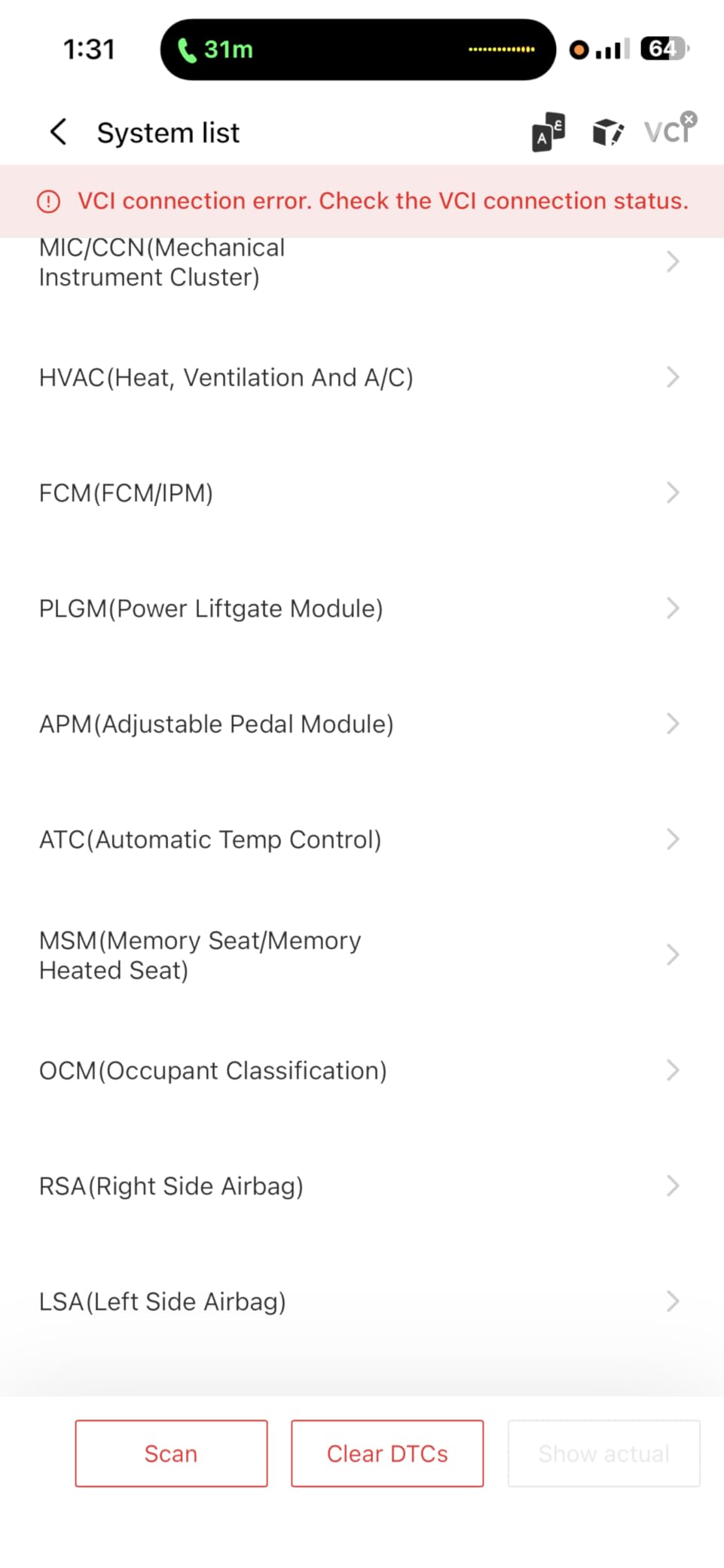
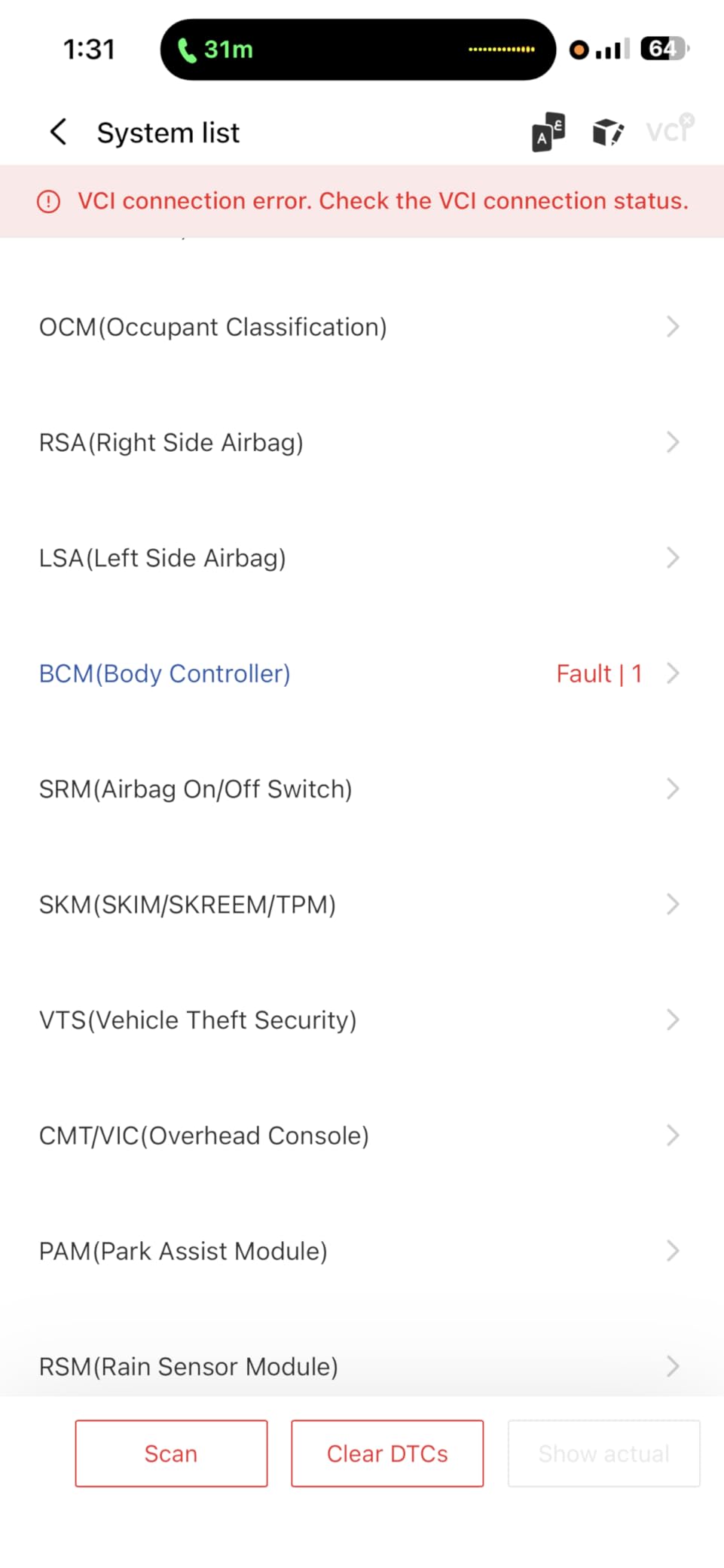
The 4-in-1 data stream lets you view four parameters simultaneously in different layouts. You can see graphs, digital readouts, or analog gauges all on one screen. This is useful when diagnosing intermittent issues. I watched fuel trims, oxygen sensor voltage, and RPM simultaneously to catch a fuel delivery problem that only occurred under load.
Bluetooth 5.0 provides faster and more stable connectivity than older Bluetooth 4.0 adapters. The connection range is also better. I was able to walk 20 feet away from the vehicle and still maintain connection, which is handy when you want to monitor data while someone else drives.
Who Should Buy TOPDON TopScan Lite
Buy this if you want professional features at a budget price and do not mind paying a subscription after the first year. It is perfect for DIYers who need bi-directional testing occasionally, and anyone who values the TSB database for accurate repairs.
Who Should Skip It
Skip this if you want to avoid subscription fees entirely. The subscription model ($ varies by tier) is required for full functionality after year one. Also skip it if you need offline functionality. The app requires an internet connection to work, which is inconvenient in areas with poor cell service.
How to Choose the Best Bluetooth OBD2 Scanner?
After testing 12 different Bluetooth OBD2 scanners, I have learned that the right choice depends on your specific needs. Here is what to consider before buying.
iOS vs Android Compatibility
Not all Bluetooth OBD2 scanners work with both operating systems. iOS devices (iPhone, iPad) require Bluetooth Low Energy (BLE) adapters. Classic Bluetooth adapters often only work with Android. Check the specifications carefully. The BlueDriver and OBDLink MX+ work with both. The Panlong is Android only.
Free Apps vs Subscription Models
This is a major cost consideration over time. BlueDriver, OBDLink MX+, and XTOOL A30M have no subscription fees. FIXD and TOPDON require subscriptions for full features. Veepeak and Vgate require you to buy third-party apps like Torque Pro ($5) or BimmerCode ($30-50). Calculate the total cost of ownership over 3 years, not just the purchase price.
Basic vs Full-System Diagnostics
Engine-only scanners read check engine lights but cannot access ABS, airbag, or transmission systems. Full-system scanners cost more but provide complete vehicle diagnostics. If you only need to clear check engine lights and pass emissions tests, a basic scanner saves money. If you want to diagnose warning lights on any dashboard system, get a full-system scanner like BlueDriver or OBDLink MX+.
Bluetooth Version Matters
Bluetooth 5.0 and 5.4 offer faster data rates and better range than older 4.0 versions. For basic code reading, any version works. For live data monitoring while driving, newer Bluetooth versions provide smoother graph updates. The TOPDON TopScan Lite uses Bluetooth 5.0, while most budget options use 4.0.
Warning: Avoid ELM327 Clones
The ELM327 is a legitimate protocol chip manufactured by ELM Electronics in Canada. Chinese manufacturers have cloned this chip in firmware, often poorly. Cheap $10-$15 scanners on Amazon frequently use these clones. They may work for basic functions but fail with advanced features, provide incorrect data, or stop working entirely. Stick to reputable brands like Veepeak, OBDLink, or BlueDriver. The Panlong at $14 is one of the few cheap options that actually works reliably.
Third-Party App Ecosystem
Scanners like OBDLink MX+ and Veepeak BLE work with dozens of third-party apps. This gives you flexibility to choose the best app for your vehicle. BlueDriver and FIXD use proprietary apps only. If you want to use FORScan for Ford, BimmerCode for BMW, or Torque Pro for Android, you need a third-party compatible scanner.
Battery Drain Considerations
All OBD2 ports supply power even when the car is off. Cheap adapters can drain your battery if left plugged in. Quality scanners like OBDLink MX+ and Veepeak BLE+ have battery protection circuits. If you plan to leave the adapter installed permanently, spend the extra money on one with this feature. Otherwise, make a habit of unplugging it when not in use.
Frequently Asked Questions
Which Bluetooth OBD scanner is best?
Is a Bluetooth OBD scanner worth it?
What is the best OBD2 scanner app for Android?
Can you leave a Bluetooth OBD2 plugged in all the time?
What is the best Bluetooth OBD2 scanner for beginners?
What is the best Bluetooth OBD2 scanner for iPhone?
Can a Bluetooth OBD2 scanner read ABS and airbag codes?
Final Verdict: Choosing the Best Bluetooth OBD2 Scanners for Smartphones in 2026
After three months of testing across multiple vehicles and smartphone platforms, I can confidently recommend the best Bluetooth OBD2 scanners for different needs in 2026.
For most users, the BlueDriver Bluetooth Pro is the clear winner. The no-subscription model, polished app, and full-system diagnostics make it worth the price. At $120, it pays for itself with one avoided dealer diagnostic fee.
For car enthusiasts and anyone who needs coding capabilities, the OBDLink MX+ is the professional choice. The faster Bluetooth, battery protection, and third-party app support justify the $140 price for serious users.
If you are on a budget, the Veepeak OBDCheck BLE at $32 does 80% of what expensive scanners do. Pair it with Torque Pro on Android or Car Scanner on iPhone for a complete diagnostic solution under $40.
Avoid cheap $10-15 generic ELM327 clones. They often fail to connect, provide incorrect data, or stop working entirely. The Panlong at $14 is the only ultra-budget option I trust, and even that has limitations.
Whatever your budget or technical skill level, one of these 12 Bluetooth OBD2 scanners will help you understand your vehicle better and save money on repairs. Your check engine light no longer needs to be a mystery.