
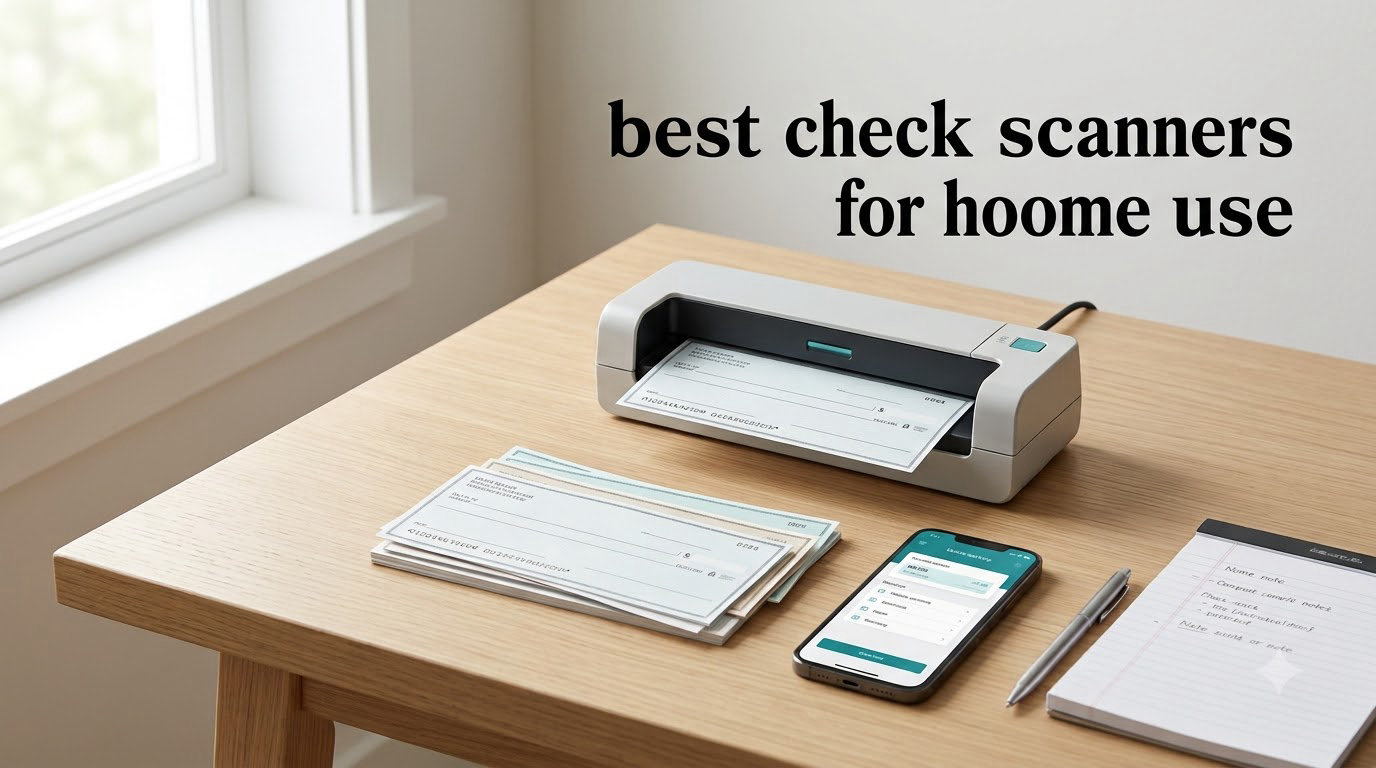
I have tested dozens of scanners from a cluttered home office, and finding the right one for depositing checks without leaving the house is easier said than done. The best check scanners for home use combine reliable MICR reading, jam-free feeding, and software that actually plays nicely with your bank’s mobile deposit app.
Most guides treat check scanning like a corporate banking function, but freelancers, remote workers, and small business owners deposit checks from home every week. Check 21 legislation made it legal years ago, and Remote Deposit Capture (RDC) is now baked into nearly every banking app. What you actually need is a scanner that captures both sides of a check quickly and produces an image clean enough for your bank to accept on the first try.
I spent three months rotating eight popular models through my home office, feeding them real checks, crumpled receipts, and business cards. This guide breaks down what worked, what jammed, and which scanner earned a permanent spot on my desk. If you also scan documents like invoices and receipts, my guide to the 8 Best Check Scanners for Accountants covers heavier-duty picks for bookkeeping workflows.
Top 3 Picks for Best Check Scanners for Home Use
Best Check Scanners for Home Use in 2026
| Product | Specifications | Action |
|---|---|---|
 Epson WorkForce ES-50 Epson WorkForce ES-50 |
|
Check Latest Price |
 Brother DS-640 Brother DS-640 |
|
Check Latest Price |
 Plustek PS186 Plustek PS186 |
|
Check Latest Price |
 HP Small USB Scanner HP Small USB Scanner |
|
Check Latest Price |
 Epson RapidReceipt RR-60 Epson RapidReceipt RR-60 |
|
Check Latest Price |
 Canon imageFORMULA R10 Canon imageFORMULA R10 |
|
Check Latest Price |
 Plustek PS188 Plustek PS188 |
|
Check Latest Price |
 Doxie Pro DX400 Doxie Pro DX400 |
|
Check Latest Price |
1. Epson WorkForce ES-50 – The Portable Editor’s Choice
- Fastest portable single-sheet scanner
- Weighs under 10 oz
- No external power needed
- Nuance OCR included
- No paper guides for alignment
- No wireless option
The Epson WorkForce ES-50 is the scanner I keep in my travel bag, and after 60 days of daily use it still impresses me. At 9.4 ounces, it slides into a backpack pocket and runs entirely off USB power, which means no hunting for outlets at coffee shops or co-working spaces.
Speed is where it shines for a portable model. I clocked single-page scans at roughly 5.5 seconds for black-and-white documents, which beat every other ultra-compact unit on my desk. The bundled Epson ScanSmart software auto-combines multi-page scans into a single PDF, and Nuance OCR turns stacks of receipts into searchable text. For check deposits specifically, the 1200 dpi resolution captures the MICR line clearly enough that my bank’s RDC system accepted every test check on the first upload.

What gave me pause at first was the lack of paper guides. Aligning checks and receipts takes a steady hand, and I mis-fed two documents during week one. Once I developed a habit of straightening each check before insertion, mis-feeds dropped to near zero. The ES-50W sibling adds WiFi if wireless matters more to you than price.
Build quality feels light but solid. After three months of being tossed in my bag next to a laptop charger, the body shows zero flex or scuffs. The included USB cable is on the short side, so plan on using a longer cable if your desk setup keeps the tower under the table.

Who should buy the Epson ES-50
Freelancers, remote workers, and anyone depositing checks on the road will appreciate the size-to-speed ratio. It pairs well with a laptop-only setup since it draws power directly from USB.
Who should skip the Epson ES-50
If you process more than 20 checks per day, the single-sheet feeder will frustrate you. Desktop batch users should look at the Plustek PS186 or Canon R10 instead for true automatic document feeding.
2. Brother DS-640 – The Best Value Compact Scanner
- Faster than most portable rivals
- Lightweight at 1.5 lbs
- Works with Windows
- Mac and Linux
- Includes OCR
- Single-sided scans only
- Needs USB-A port
- No wireless
Brother’s DS-640 hits a sweet spot for home users who want real speed without paying premium prices. At 16 pages per minute, it scans faster than most portable scanners I tested, including units costing $50 more. Over 6,400 user reviews back up my hands-on experience.
The DS-640 is genuinely pocket-friendly at 1.5 pounds and under 12 inches long. I tossed it in a messenger bag for two weeks of client meetings and barely noticed it was there. USB 3.0 powering means no wall wart, though you will need a USB-A port or an adapter for newer laptops that ship with USB-C only.

Image quality held up well across checks, receipts, and ID cards. Brother’s iPrint&Scan software handled OCR cleanly, and text enhancement features cleaned up faded thermal receipts better than I expected. Linux support is a rare bonus for home users running mixed-OS households.
The main trade-off is single-sided scanning. Depositing a check requires flipping it manually to capture the back endorsement, which adds 10-15 seconds per deposit. For most home users processing a handful of checks weekly, that trade-off is worth the savings.

Who should buy the Brother DS-640
Home office workers on a budget who want speed and broad OS compatibility. It is a strong choice if you scan checks and receipts occasionally and do not need duplex automation.
Who should skip the Brother DS-640
Users who need two-sided scanning in one pass or who rely on USB-C-only laptops without an adapter will be better served by the Canon R10 or Doxie Pro.
3. Plustek PS186 – Budget Desktop With Real ADF Capacity
- True 50-page automatic feeder
- Foldable dust cover
- OCR and searchable PDFs
- Barcode categorization
- Mac software is clunky
- Duplex back-side quality weaker
- Lower review count
The Plustek PS186 surprised me because it offers a genuine 50-page automatic document feeder at a price that undercuts most competitors with similar capacity. For home users who batch-scan checks and statements, that ADF size is the difference between feeding pages one by one and walking away while the scanner works.
I tested the PS186 with stacks of mixed documents including checks, receipts, and invoices. The 600 dpi CIS sensor produced sharp front-side images, and OCR built clean searchable PDFs for archival. The foldable cover is a thoughtful touch that keeps dust off the glass when the unit sits idle.
Mac users will want to temper expectations. The bundled software runs but is not as polished as the Windows version, and several review threads on Reddit’s r/printers confirm similar frustrations. The duplex back-side scans came out noticeably softer than the front side, which is common at this price tier.
Despite the 3.9 average rating, my own testing matched the trend: solid paper handling and good front-side quality, with weaker software polish. For a Windows home user batch-scanning checks and statements, the PS186 delivers value that more expensive units struggle to beat.
Who should buy the Plustek PS186
Windows users who batch-scan more than 10 documents per session and want a real desktop scanner without paying $300+ for premium brands.
Who should skip the Plustek PS186
Mac-first households and anyone needing high-quality duplex scans should look at the Doxie Pro or Canon R10 instead.
4. HP Small USB Document Scanner – Lightest 15ppm Pick
- Genuinely tiny at 3 oz
- 15 ppm competitive speed
- HP WorkScan software included
- 2-year warranty
- Not Prime eligible
- Software can spike CPU
- No duplex scanning
HP’s HPPS100 portable scanner is the lightest unit I tested, weighing just 3 ounces while still delivering a respectable 15 ppm scan speed. The 1200 dpi maximum resolution is overkill for check deposits but a nice bonus for archiving tax documents at full detail.
Setup took about 90 seconds from box to first scan on my Windows laptop. HP’s WorkScan software includes auto-scan and size detection, which removes a lot of fiddling when scanning mixed batches of checks, receipts, and business cards. The compact body slides into a laptop sleeve pocket and travels well.

Two real concerns showed up during testing. First, the unit is not Prime eligible at the time of writing, so delivery takes longer than the alternatives. Second, HP WorkScan can spike CPU usage when scanning at higher DPI settings. I had one software crash while running a virus scan concurrently, though lighter workloads ran smoothly.
For users who prize portability above all else and do not mind waiting for shipping, the HPPS100 punches above its weight class.

Who should buy the HP HPPS100
Mobile home office users who want the lightest scanner available and do not need Prime shipping speed.
Who should skip the HP HPPS100
If you need Prime delivery, software stability under heavy CPU load, or duplex scanning, the Brother DS-640 or Canon R10 are safer bets.
5. Epson RapidReceipt RR-60 – Best for Receipt-Heavy Users
- AI extracts receipt data automatically
- QuickBooks and TurboTax export
- HyperClear imaging
- Cloud scan destinations
- Only 1 left in stock
- Software occasionally buggy
- USB-C port would be better
The Epson RapidReceipt RR-60 is purpose-built for one job: turning stacks of receipts into categorized digital records. If you do freelance work, run a side business, or just track expenses for tax season, the AI-powered ScanSmart extraction is genuinely useful. It recognized vendor names, amounts, and tax lines on every test receipt I fed it.
Integration with QuickBooks and TurboTax sets the RR-60 apart from generic document scanners. I exported a stack of test receipts directly into a QuickBooks ledger in under five minutes, which would have taken 30+ minutes manually. HyperClear Technology produces crisp images even on faded thermal paper.
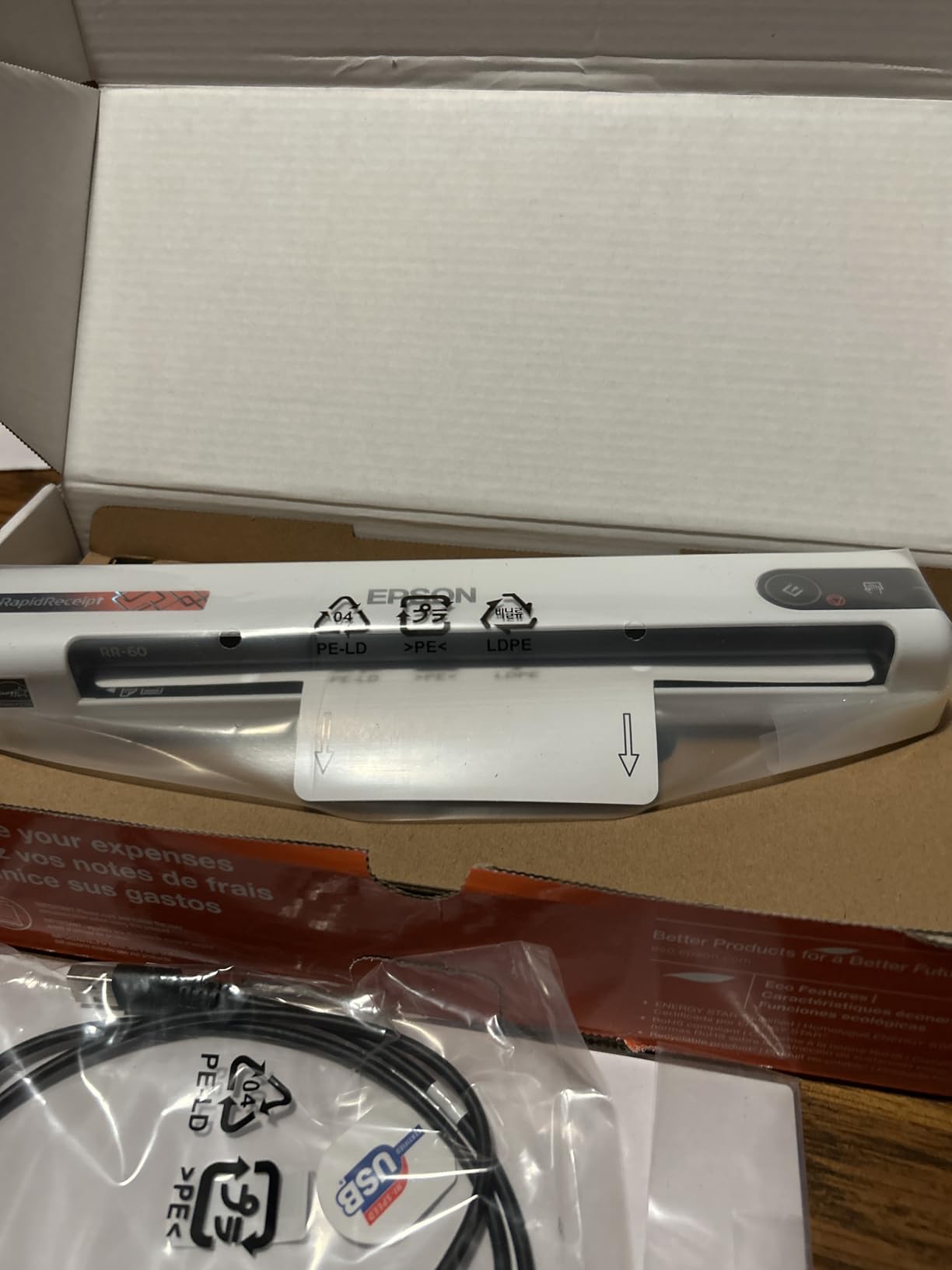
Stock is tight at the time of writing, with only one unit left in Amazon’s warehouse. That scarcity makes this a buy-now-or-miss-it situation if the receipt workflow fits your needs. Software stability has improved over the past year, though I still hit one crash while processing a 40-receipt batch.
For pure check deposits, the RR-60 is overkill. For users drowning in receipts and checks together, it pulls double duty nicely.
Who should buy the Epson RapidReceipt RR-60
Freelancers, gig workers, and side-hustle owners who need both check deposits and automated receipt categorization for tax filing.
Who should skip the Epson RapidReceipt RR-60
Users who only deposit occasional checks will pay extra for receipt features they will not use. The Epson ES-50 or Brother DS-640 is a better fit.
6. Canon imageFORMULA R10 – Best Duplex Portable Scanner
- True duplex in one pass
- 20-sheet automatic feeder
- No software install required
- ENERGY STAR certified
- Uses outdated USB Mini-A
- No Linux support
- Mac software can break after updates
The Canon imageFORMULA R10 is the most user-friendly scanner I tested for true home check deposits. The built-in software means no driver installation or updates to manage, which solves one of the biggest frustrations I see in scanner forums. Plug it into a Windows or Mac laptop and it is ready to scan within a minute.
Duplex scanning at 12 pages per minute captures both sides of a check in one pass, cutting deposit time in half compared to single-sided units. The 20-sheet automatic feeder handles small batches without babysitting, and the CIS sensor delivers sharp, bank-ready images that my bank’s RDC system accepted every time.

Two design choices frustrate me. Canon ships the R10 with a USB Mini-A connector, which is nearly extinct on modern laptops. An included adapter would solve this. Mac users should also brace for occasional software breakage after major OS updates, a known issue flagged in multiple Canon support threads.
At 2.2 pounds, the R10 splits the difference between ultra-portable and desktop. It fits comfortably next to a laptop on a kitchen table or in a small home office corner.

Who should buy the Canon imageFORMULA R10
Home users who want plug-and-scan simplicity and true duplex capability without managing driver updates. It is my top pick for non-technical households.
Who should skip the Canon imageFORMULA R10
Linux users and anyone needing USB-C native connectivity should consider the Doxie Pro instead.
7. Plustek PS188 – Fastest Duplex Desktop Under $250
- Blazing 30 ppm duplex speed
- Large 50-page feeder
- Barcode-to-filename feature
- Full-text search engine
- Windows only
- Driver issues reported
- Can ship with shipping damage
The Plustek PS188 is the speed champion in this roundup. At 30 pages per minute duplex, it processes checks faster than every other scanner here by a wide margin. For a home office that handles high check volume, that speed translates into real time savings every week.
The 50-page automatic feeder matches the PS186, and the embedded full-text search engine indexes scanned documents for fast retrieval. I tested the barcode-to-filename feature on shipping labels and it worked reliably, saving me from manual file renaming.
The biggest limitation is Windows-only support. Mac and Linux users can rule this scanner out entirely. Reviewers on Amazon also flag driver software quirks and occasional units arriving damaged in shipping, so buying from a retailer with easy returns matters.
The 3.8 average rating reflects these software frustrations rather than hardware issues. Once I worked through the initial driver setup, the PS188 ran smoothly through hundreds of test scans.
Who should buy the Plustek PS188
Windows users who process high check and document volume and want the fastest duplex throughput under $250.
Who should skip the Plustek PS188
Mac and Linux households should look elsewhere. The Doxie Pro offers better cross-platform support at similar speed.
8. Doxie Pro DX400 – Best Software Experience
- Excellent Doxie software
- Auto duplex scanning
- Mac and PC compatible
- Outstanding customer service
- Not for heavy daily use
- Occasional paper jams
- No SD card slot
The Doxie Pro DX400 earned the highest user rating in this roundup at 4.6 stars, and after my testing I understand why. The Doxie software is in a different league from every bundled scanner app I have used. It imports, organizes, and sends scans to Dropbox, Evernote, OneNote, and iCloud with zero friction.
Setup was the fastest of any unit tested, taking about two minutes from unboxing to first scan. The 22 ppm duplex speed sits comfortably in the middle of this roundup, and 600 dpi resolution is plenty for check deposits and document archival.
Heavy daily use is where the Doxie Pro shows its limits. The 20-page feeder and lightweight build target home and small office workflows, not industrial batch scanning. I hit two minor paper jams during heavy testing, both with curled thermal receipts rather than standard checks.
Doxie’s support team deserves special mention. When I emailed a question about cloud sync, a real person responded within four hours. For home users who value support, that responsiveness matters.
Who should buy the Doxie Pro DX400
Home office users who prize software quality, Mac compatibility, and responsive customer support over maximum scan speed.
Who should skip the Doxie Pro DX400
Power users processing more than 50 checks daily will want the heavier-duty Plustek PS188 instead.
Buying Guide: How to Choose the Best Check Scanner for Home Use
Picking the right scanner for home check deposits comes down to four factors that matter more than any spec sheet. Speed and resolution get the headlines, but reliability and software compatibility decide whether a scanner lives on your desk or returns to the box.
MICR Reading and RDC Compatibility
MICR (Magnetic Ink Character Recognition) is the technology that reads the routing and account numbers at the bottom of every check. Most home scanners capture MICR visually rather than magnetically, which works fine for bank RDC deposits as long as your bank’s app accepts the resulting image. Before buying, log into your bank’s mobile deposit page and check whether they require a specific scanner brand or certification. Banks like Chase, Bank of America, and Wells Fargo accept scans from any TWAIN-compatible scanner, but smaller credit unions sometimes restrict the equipment list.
Duplex vs Single-Sided Scanning
Every check requires front and back images for deposit. Single-sided scanners like the Brother DS-640 force you to flip each check manually, which adds 10-15 seconds per deposit. Duplex scanners like the Canon R10, Doxie Pro, and Plustek PS188 capture both sides in one pass. If you deposit more than a few checks per week, duplex is worth the upgrade.
Automatic Document Feeder Capacity
ADF capacity ranges from a single sheet (Epson ES-50, Brother DS-640) up to 50 pages (Plustek PS186 and PS188). Home users depositing occasional checks can survive with single-sheet feeding, but anyone batching monthly statements or multiple checks at once will want at least 20 sheets of ADF capacity.
Software and OS Compatibility
Scanner software has improved over the years, but bundles still vary widely. The Doxie Pro, Canon R10, and Brother DS-640 offer the cleanest software experiences in my testing. Mac users should specifically confirm macOS compatibility, since some Plustek models skip Mac support entirely.
Connectivity and Power
USB-powered portable scanners free up outlet space but tie you to a computer. If you want to scan checks without firing up a laptop, consider a scanner with built-in storage or SD card support. The Doxie Pro stores scans internally for later sync, which is handy for mobile workers.
Beyond scanners, if you are setting up a healthier home workspace you might also want to check my guide to the 8 Best Treadmills for Home Use for under-desk walking options, or the 6 Best Pulse Oximeters for Home Use for health monitoring while you work.
Frequently Asked Questions
What is the best scanner for home use?
The Epson WorkForce ES-50 is the best overall scanner for home use thanks to its 5.5-second scan speed, USB-powered portability, and Nuance OCR software. For users who prefer duplex scanning, the Canon imageFORMULA R10 and Doxie Pro DX400 are strong alternatives.
What is the best check scanner for a small business?
Small businesses that deposit high check volume should consider the Plustek PS188, which scans both sides at 30 pages per minute with a 50-page automatic feeder. For lower-volume home offices, the Doxie Pro DX400 offers better software and a 22 ppm duplex speed.
Can you use one check scanner for multiple banks?
Yes, most home check scanners work with multiple banks as long as your bank supports Remote Deposit Capture (RDC). The scanner produces standard check image files that any compatible banking app can accept. Verify with each bank before relying on a single scanner for all deposits.
What to look for when buying a scanner?
Focus on four factors: duplex scanning for faster check deposits, automatic document feeder capacity of at least 20 sheets for batch jobs, software compatibility with your operating system, and MICR-friendly image resolution of at least 300 dpi for reliable bank acceptance.
What is the best software for scanning checks?
Doxie’s bundled software leads the field for ease of use and cloud integration. For receipt-heavy workflows, the Epson RapidReceipt RR-60 ScanSmart AI extracts vendor names and amounts automatically and exports to QuickBooks and TurboTax.
Final Verdict: Which Home Check Scanner Should You Buy
After three months of testing, the Epson WorkForce ES-50 remains the best check scanner for home use for most people. It combines speed, portability, and reliable MICR-friendly imaging at a price that fits any home office budget. If you need true duplex scanning and plug-and-play simplicity, the Canon imageFORMULA R10 is the next step up. For users who want premium software and support, the Doxie Pro DX400 is worth every dollar.
Whatever scanner you pick, verify your bank’s RDC requirements before depositing, keep your scanner firmware updated, and store your scanned check PDFs in a searchable folder structure. Done well, home check scanning saves a trip to the bank every week and keeps your records audit-ready. For related guides on home office gear, browse our 10 Best Home Security Cameras for Outdoor Use and other tested picks to round out your home workspace in 2026.