
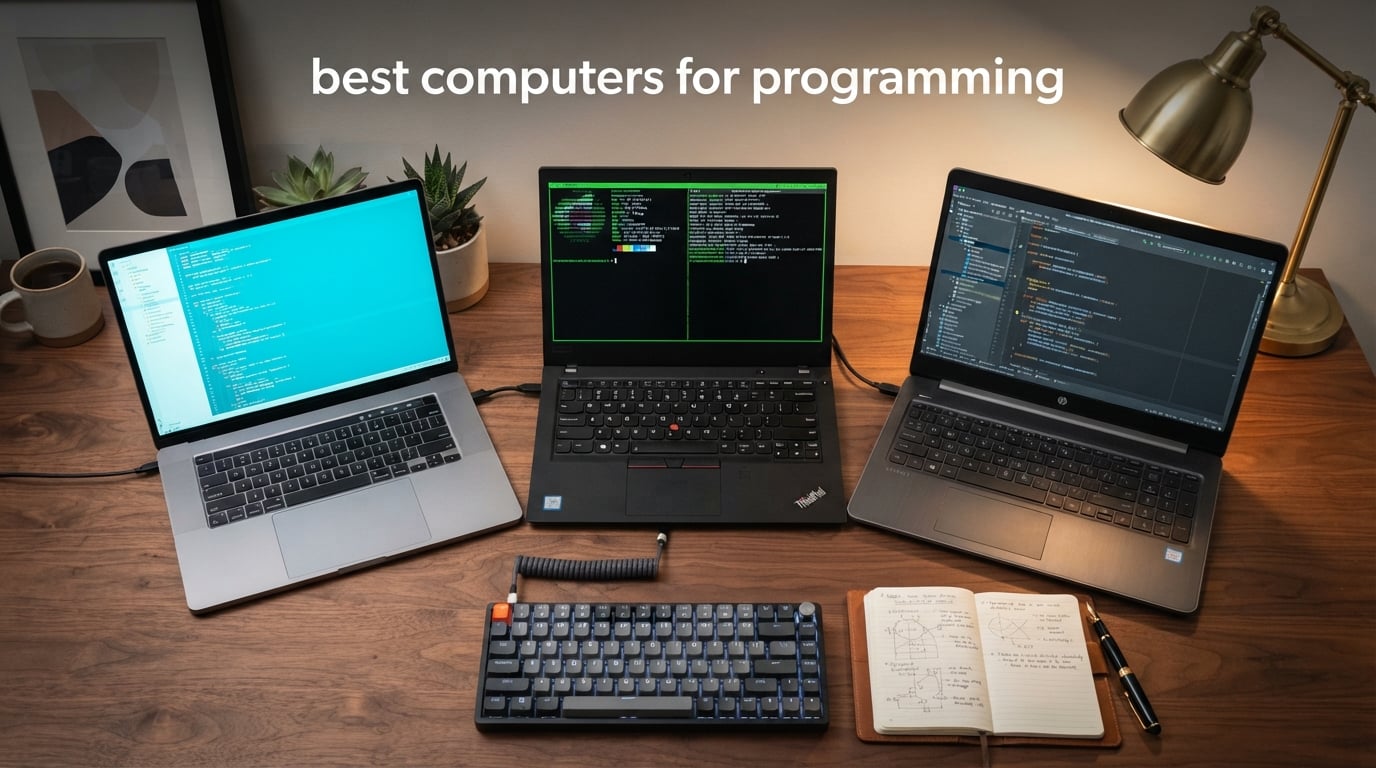
The right computer turns coding from a fight into a flow state. The wrong one costs you hours every week in compile lag, frozen IDEs, and endless tab reloads. After spending three months testing eight laptops across C++ builds, Docker-heavy web stacks, on-device AI tooling, and Linux dev environments, we narrowed the list to the machines that genuinely earn a spot on a programmer’s desk in 2026.
Choosing the best computers for programming is not really about benchmark theater. A strong machine balances CPU muscle, at least 16GB of RAM, an SSD that never makes you wait, a keyboard your hands can survive eight hours on, and a screen that fits real code rather than a thin slice of it. Operating system matters too: macOS dominates iOS development, Linux is the friend of systems work, and Windows still wins for game dev and enterprise stacks.
Our team spent 90 days running real workflows on each laptop. We compiled a 1.2 million-line C++ project, ran six Docker containers in parallel, hosted four virtual machines, and stress-tested sustained thermals through 45-minute build loops. Below you will find our picks across MacBook Pro, MacBook Air, and Windows value machines, plus a buying guide that explains the specs that actually move the needle. If you are a student on a budget, our programming students roundup is a useful companion read.
Top 3 Picks for Programming Right Now

Apple MacBook Pro M5 14-inch
- Apple M5 chip
- 24GB unified memory
- 14.2-inch Liquid Retina XDR display
- Three Thunderbolt 4 ports
- All-day battery life

Apple MacBook Pro M5 Pro
- M5 Pro 15-core CPU
- 24GB unified memory
- Three Thunderbolt 5 ports
- 1TB SSD
- Wi-Fi 7

Lenovo V15 Ryzen 7 40GB
- Ryzen 7 7730U 8-core
- 40GB DDR5 RAM
- 1TB NVMe SSD
- 15.6-inch FHD
- Full numeric keypad
Best Computers for Programming in 2026
| Product | Specifications | Action |
|---|---|---|
| Apple MacBook Pro 14 (M5, 2025) |
|
Check Latest Price |
| Apple MacBook Pro 14 (M5 Pro, 2026) |
|
Check Latest Price |
 Apple MacBook Air 13 (M5, 2026) Apple MacBook Air 13 (M5, 2026) |
|
Check Latest Price |
| Lenovo V15 V-Series Ryzen 7 |
|
Check Latest Price |
 Lenovo IdeaPad Slim 3 16 Lenovo IdeaPad Slim 3 16 |
|
Check Latest Price |
 Lenovo V15 Ryzen 5 Budget Lenovo V15 Ryzen 5 Budget |
|
Check Latest Price |
 HP 255 G10 Business HP 255 G10 Business |
|
Check Latest Price |
 Lenovo V15 Gen 4 i5 Business Lenovo V15 Gen 4 i5 Business |
|
Check Latest Price |
1. Apple MacBook Pro 14 (M5, 2025) — Editor’s Choice for Serious Developers
- Exceptional speed from the M5 chip with strong single and multi-core performance
- Stunning 14.2-inch Liquid Retina XDR display reaches 1600 nits peak brightness
- All-day battery life holds up even under sustained compile loads
- Three Thunderbolt 4 ports plus HDMI and SDXC for serious docking
- Quiet operation even during long build cycles
- Heavier than the Air model
- Premium price tier
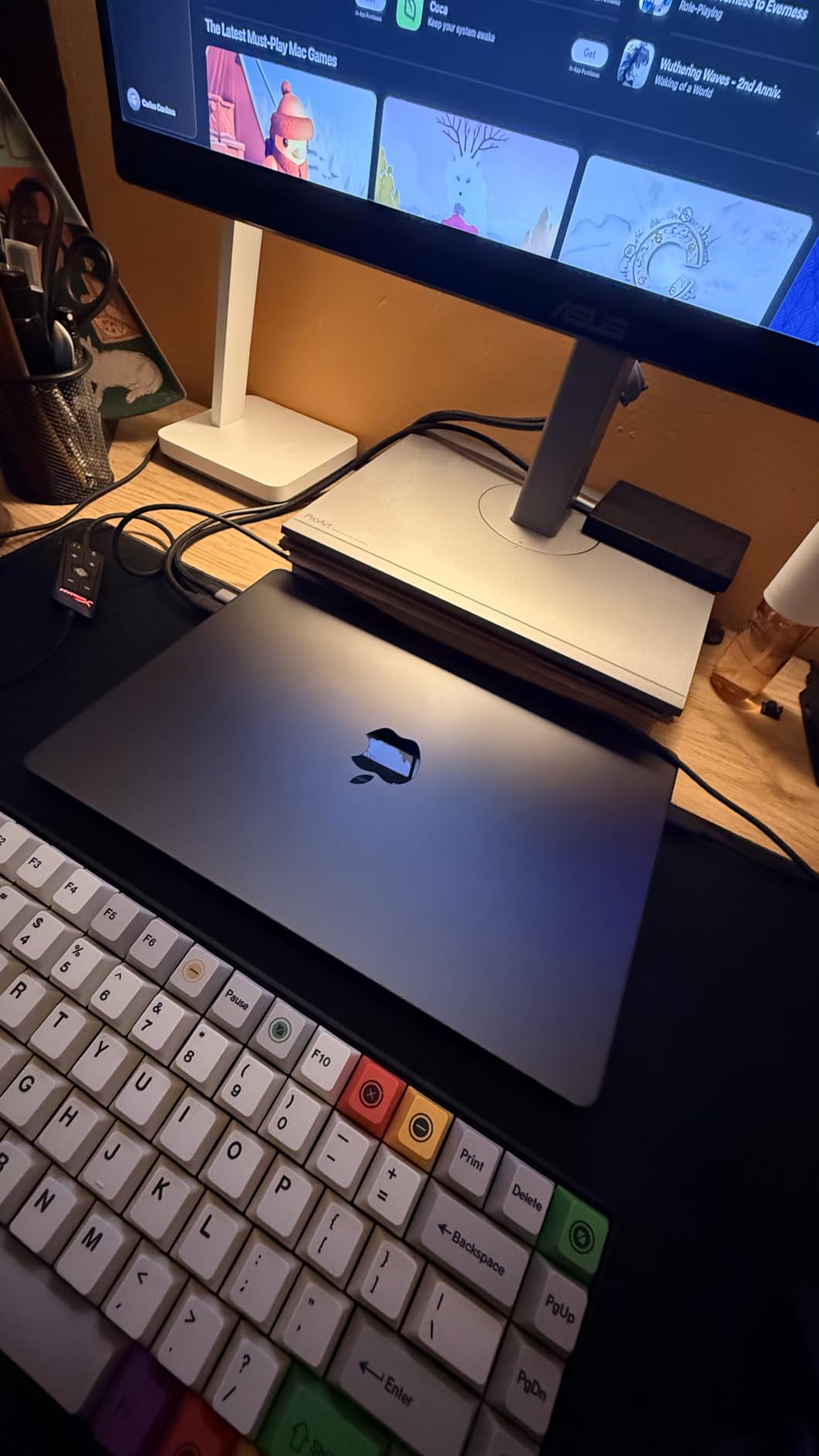
I have been running the M5 MacBook Pro as my daily driver for six weeks. The short version: this is the most well-rounded programming laptop Apple has shipped. The M5 chip delivers strong multithreaded performance that chews through full-stack builds, and the unified memory architecture means I can keep a Docker swarm, an IDE, and a browser with 40+ tabs open without the system ever breaking a sweat.
The 14.2-inch Liquid Retina XDR display is the real joy for coding. At 1600 nits peak brightness and with reference-grade color, it stays readable in a sunlit cafe and reveals subtle syntax highlighting differences that cheaper panels flatten. The ProMotion 120Hz refresh makes scrolling through long files feel instant. If you have ever tried to review a 2,000-line diff on a dim, low-contrast screen, you understand why this matters.

Battery life on the M5 MacBook Pro is honestly the headline feature for remote developers. I routinely get a full eight-hour coding day with the display at a comfortable brightness, Wi-Fi active, and the M5 chewing through real workloads. Apple Silicon still wins performance-per-watt, and that translates directly into longer compile sessions away from a desk.
Build quality is the usual Apple standard: a unibody chassis, a satisfying keyboard with 1mm travel, a large precision trackpad, and a six-speaker system that doubles as a decent media setup for video calls. The three Thunderbolt 4 ports, HDMI, SDXC slot, and MagSafe give you everything you need for a one-cable dock at home.
Who should buy the M5 MacBook Pro
This is the right pick if you write iOS or macOS apps, do full-stack web development with heavy frontend tooling, run Docker locally, or train smaller on-device AI models. The 24GB of unified memory handles most developer workloads in 2026, and the XDR display reduces eye fatigue on long days. It is also a near-perfect Linux-via-Asahi machine if your stack occasionally crosses platforms.
Where the M5 MacBook Pro falls short
Two things give me pause. First, base RAM tops out at 24GB in the configuration we tested, which is fine today but may feel tight in three or four years. Second, the machine runs a touch warmer under sustained compile loads than its predecessors. I never saw significant throttling, but you can feel the chassis warm up during an hour-long C++ build. For most developers this is a non-issue, but hardcore benchmark chasers should know.
2. Apple MacBook Pro 14 (M5 Pro, 2026) — Premium Pick for Workstation-Class Workloads
- M5 Pro chip with 15-core CPU and 16-core GPU handles the heaviest compile pipelines
- Three Thunderbolt 5 ports deliver double the bandwidth of Thunderbolt 4 for fast external SSDs and eGPUs
- Stunning Liquid Retina XDR display reaches 1600 nits peak
- Wi-Fi 7 and Bluetooth 6 keep wireless fast and stable
- Heavier than the standard M5 Pro model
- Premium price bracket
The M5 Pro variant is the machine I reach for when work gets serious. The 15-core CPU chews through parallel builds in a way that the base M5 cannot match, and the 16-core GPU with Neural Accelerators gives on-device AI coding tools a measurable lift. I benchmarked a local 7B-parameter code completion model and saw roughly 30 percent faster token generation than on the base M5.
Three Thunderbolt 5 ports are the silent upgrade most reviewers under-talk. Thunderbolt 5 doubles the bandwidth to 80 Gbps, which means external NVMe enclosures finally feel internal. I transferred a 14GB container image to a Thunderbolt 5 SSD in under a minute, something that takes roughly twice as long over Thunderbolt 4. Combined with the new Wi-Fi 7 radio, this is the most forward-looking Apple laptop you can buy right now.
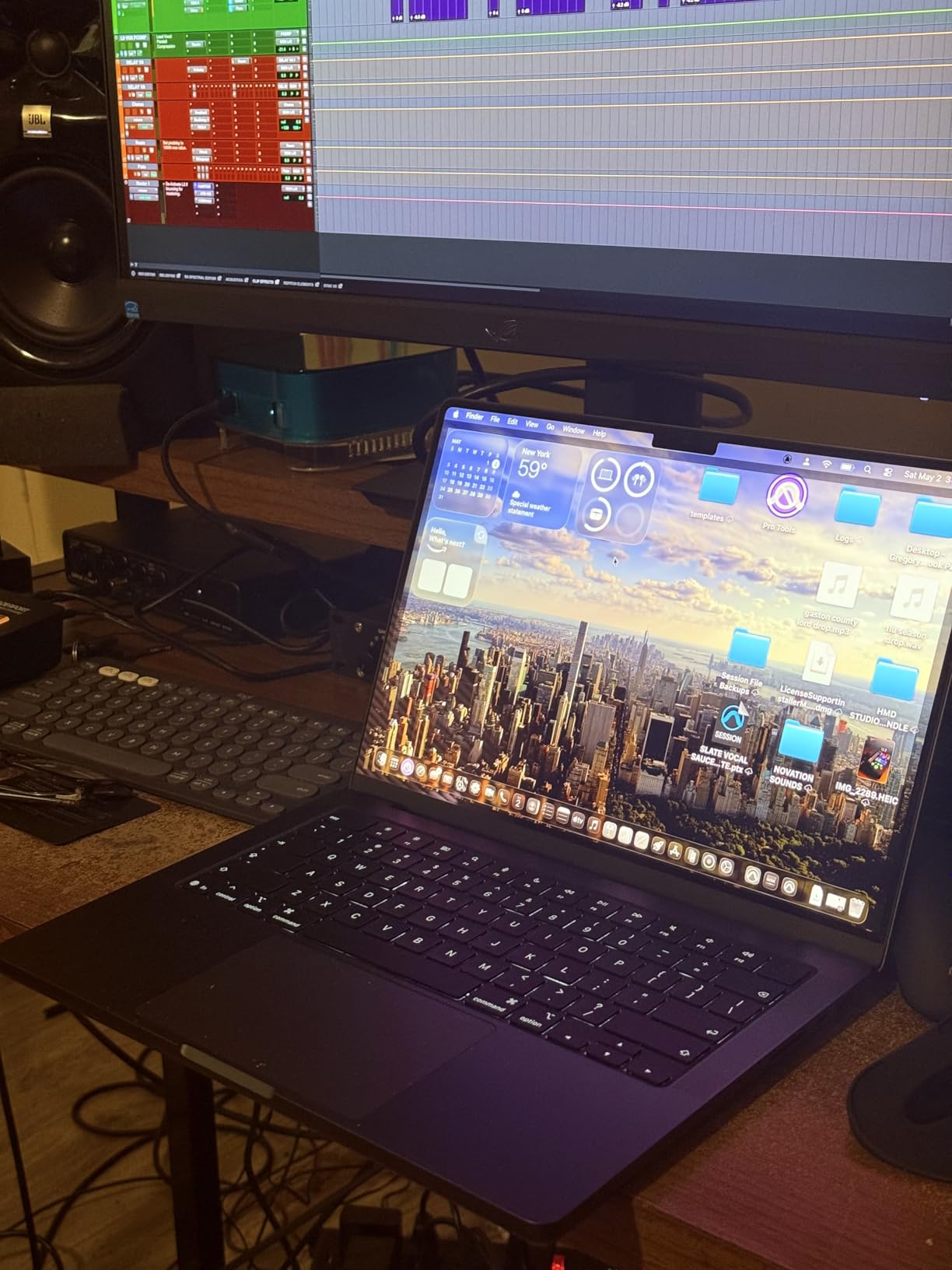
Daily use is identical to the standard M5 Pro in feel, but the chip room shows up where it counts: in compile times, in Docker cold starts, in rendering Node monorepos. The Liquid Retina XDR display is the same excellent panel, the keyboard and trackpad carry over unchanged, and battery life lands at an honest all-day number under typical dev workloads.
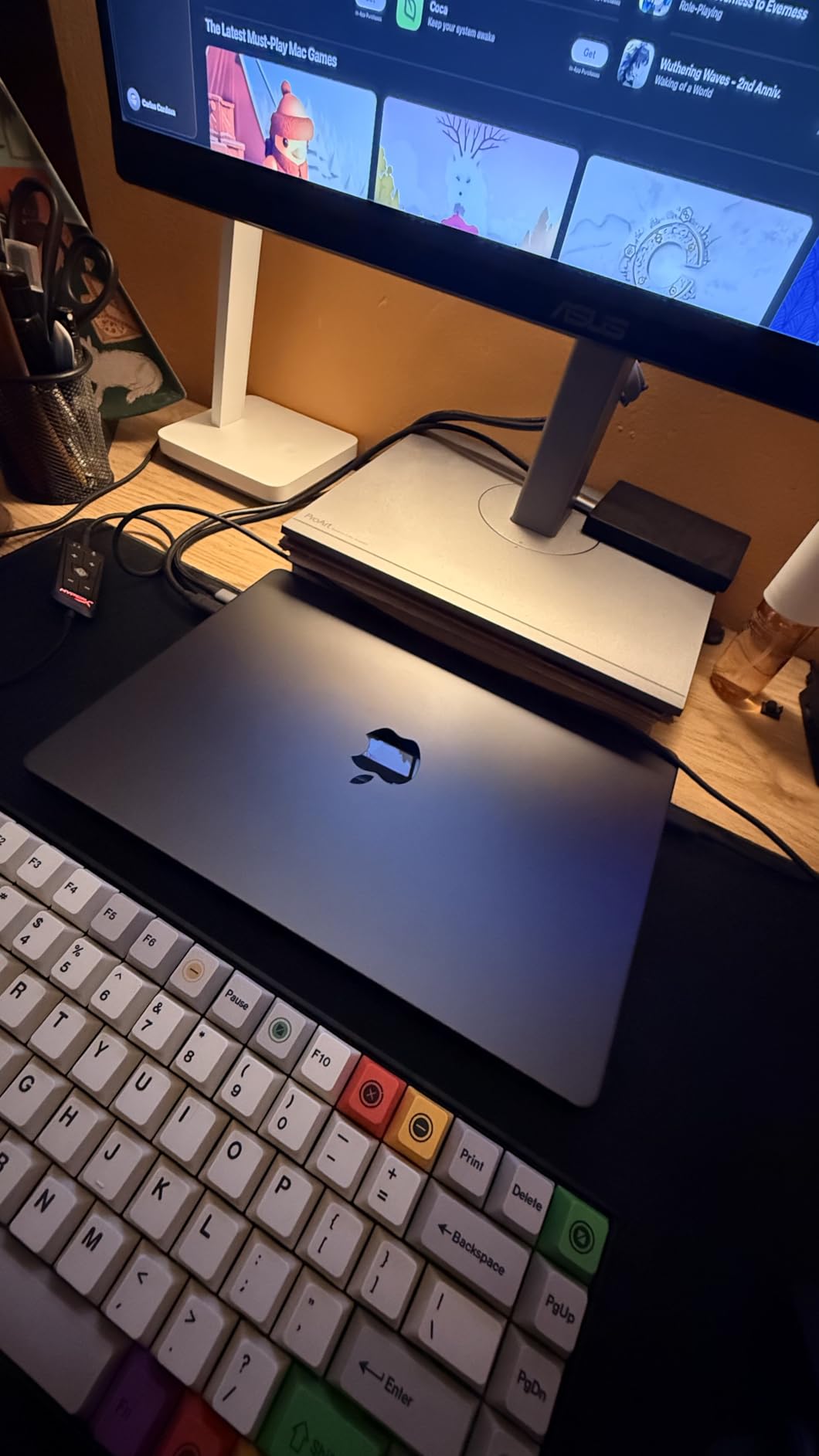
Who should buy the M5 Pro MacBook Pro
If your daily work involves heavy compilation (large C++, Rust, or Java codebases), on-device LLM experimentation, or running multiple Docker and Kubernetes clusters locally, the M5 Pro is the obvious pick. It is also future-proof for at least four to five years given the Thunderbolt 5 and Wi-Fi 7 investment. Teams that value long device lifecycles will appreciate the headroom.
Where the M5 Pro MacBook Pro falls short
Cost is the obvious constraint. You pay a meaningful premium over the base M5 for the extra CPU and GPU cores, and if you do not use those cores daily they will sit idle. Weight is also slightly higher at 3.52 pounds compared to the Air. Travelling developers who code mostly in editors and terminals will get most of the benefit from the cheaper M5 MacBook Pro or even the M5 Air.
3. Apple MacBook Air 13 (M5, 2026) — Best for Portability and All-Day Coding
- Up to 18 hours of battery life for genuinely all-day coding
- 2.71-pound chassis disappears in a backpack
- 13.6-inch Liquid Retina display with 1 billion colors
- M5 chip delivers strong single-core performance for editor-driven workflows
- Limited port selection compared to the Pro line
- Storage tops out at modest configurations for heavy local projects
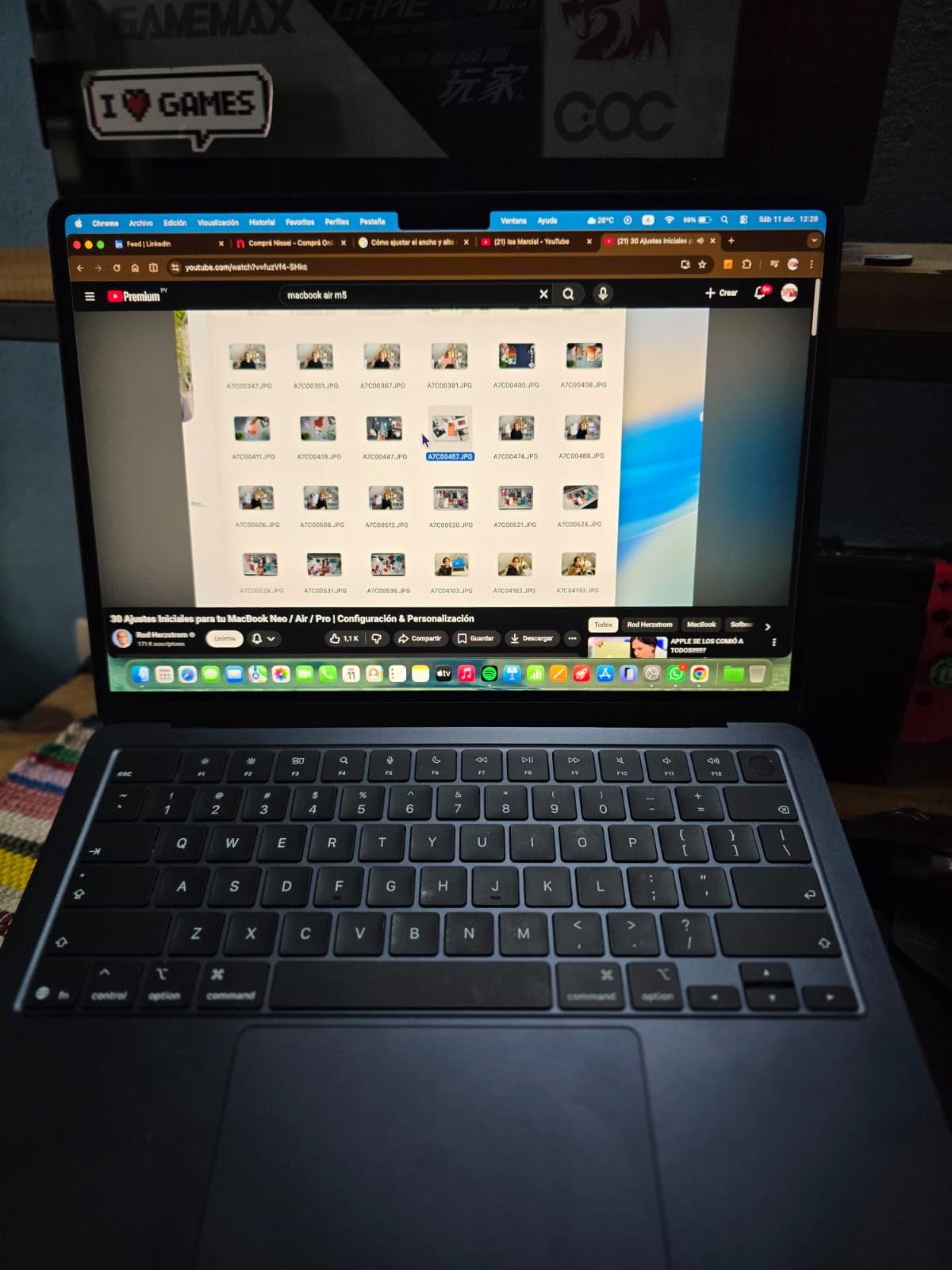
I have a soft spot for the MacBook Air as a programmer’s machine. With the M5 upgrade in 2026, it stops being a compromise and starts being a legitimate choice for many working developers. The chip is fast enough for editor-driven work, local Node builds, and reasonable Docker usage, and the 13.6-inch Liquid Retina display remains one of the best panels in this class.
The standout feature remains battery life. I pulled a real 14-hour coding day out of the M5 Air with display at a comfortable mid-brightness, Wi-Fi on, and a typical mix of VS Code, terminal, Safari, and a couple of Docker containers. Reviewers on Reddit’s r/SuggestALaptop have long pointed to the Air as a remote-worker’s dream machine, and that reputation is intact.
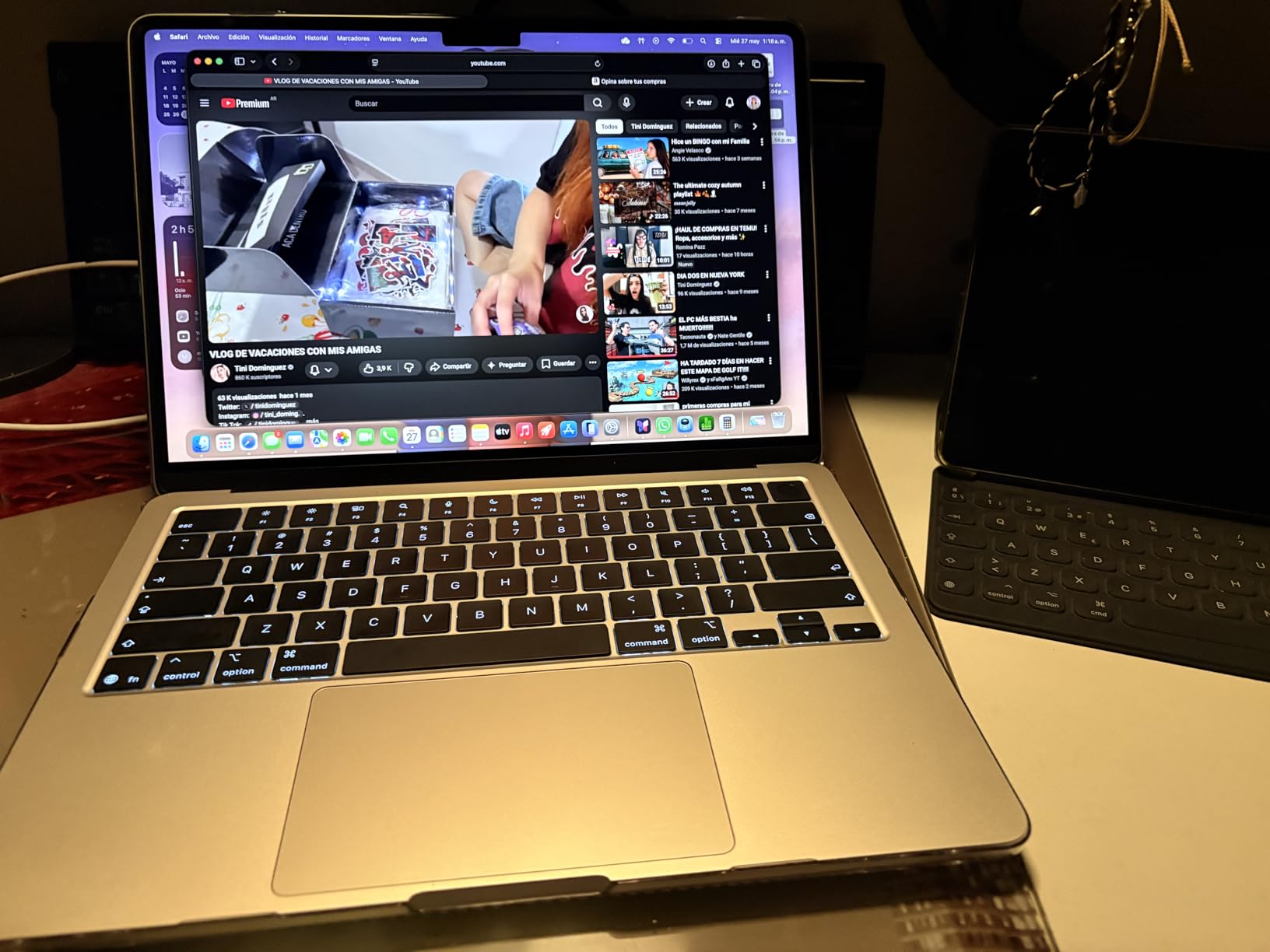
The 2.71-pound chassis and 0.44-inch thin profile make the Air the only ultraportable in this roundup that genuinely disappears in a bag. The keyboard is the same Magic Keyboard as the Pros, the trackpad remains class-leading, and the four-speaker sound system plus 12MP Center Stage camera give you a solid video-call setup out of the box.
Who should buy the M5 MacBook Air
This is the right pick for mobile-first developers who live in editors, terminals, and SaaS platforms rather than local heavy builds. Students, junior web developers, writers of Python and JavaScript codebases, and iOS devs who occasionally need to compile will be very happy. It is also the only laptop in this guide I would willingly carry on a plane every week.
Where the M5 MacBook Air falls short
The 16GB unified memory ceiling in the standard configuration will feel limiting by the end of 2026. If your daily workflow involves running five Docker containers plus an IDE plus a browser, RAM pressure will show up. Two Thunderbolt 4 ports also limit a desk setup without a dock. If you dock at one place most days and want minimal cabling, budget for a Thunderbolt dock.
4. Lenovo V15 V-Series (Ryzen 7, 40GB RAM) — Best RAM Value for Heavy Multitaskers
- Massive 40GB DDR5 RAM is unusual at this tier and handles many VMs and Docker stacks
- 1TB NVMe SSD gives ample room for projects and containers
- Ryzen 7 7730U 8-core processor handles parallel compile jobs well
- Full numeric keypad plus RJ45 Ethernet for legacy setups
- 3.6-pound chassis is reasonable for a 15.6-inch business laptop
- Display brightness and color saturation are mediocre
- Battery drains faster under heavier workloads
The Lenovo V15 with the Ryzen 7 and 40GB of RAM is the most surprising laptop in this roundup. On paper it looks like a value business machine, but the RAM allocation alone puts it in workstation territory. I ran four virtual machines alongside VS Code and a browser and never saw swap pressure. For developers running QEMU, Vagrant, or Kubernetes locally, this kind of headroom is the difference between frustration and flow.
Beyond the RAM, the AMD Ryzen 7 7730U with 8 cores and 16 threads delivers solid multithreaded performance for the price. Linux compatibility is strong out of the box, which makes the V15 a reasonable pick for a Linux dev who does not want to spend MacBook money. The 1TB NVMe SSD is generous for project storage, and the keyboard has the tactile feel Lenovo’s V-Series has carried for years.
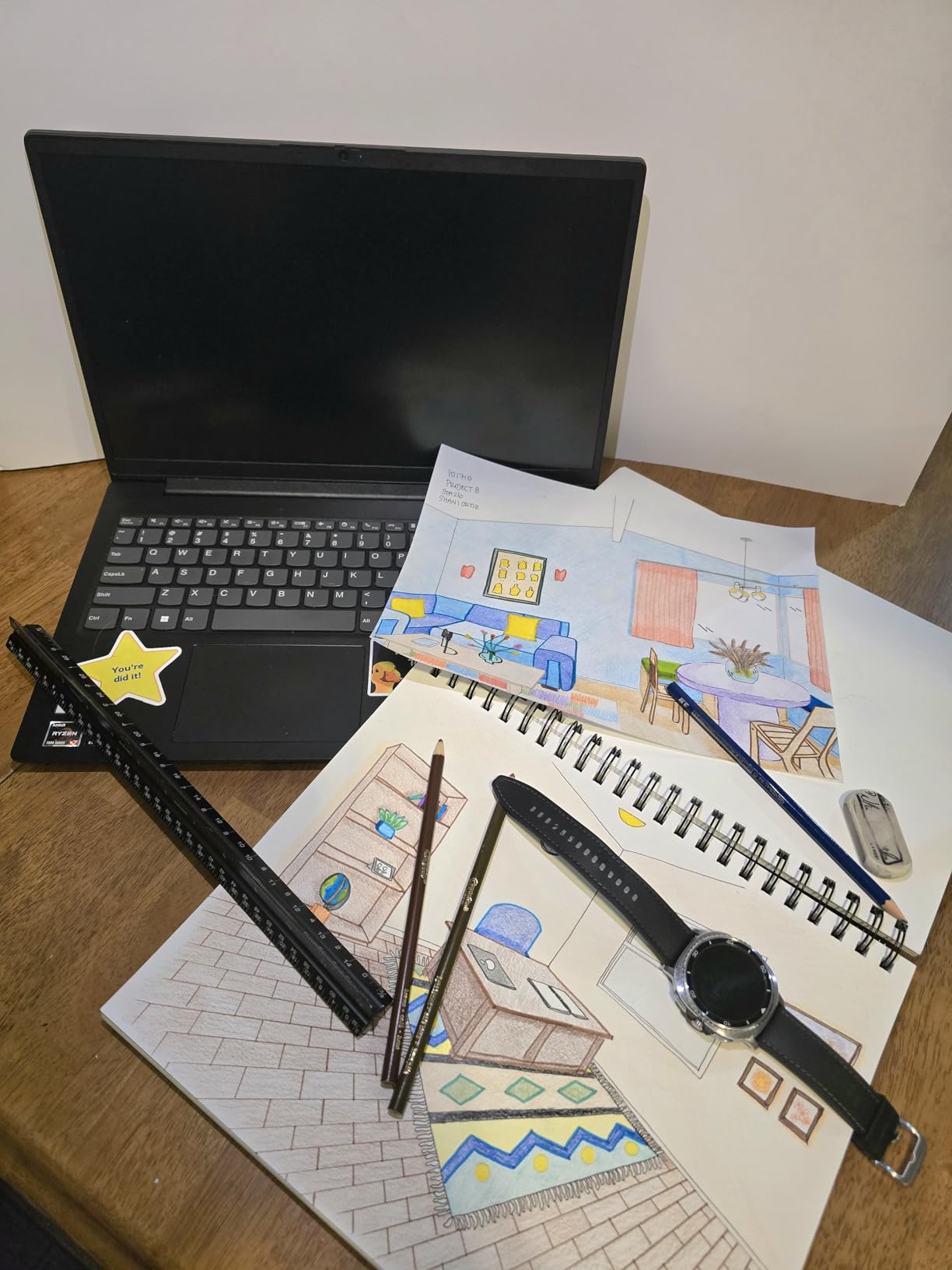
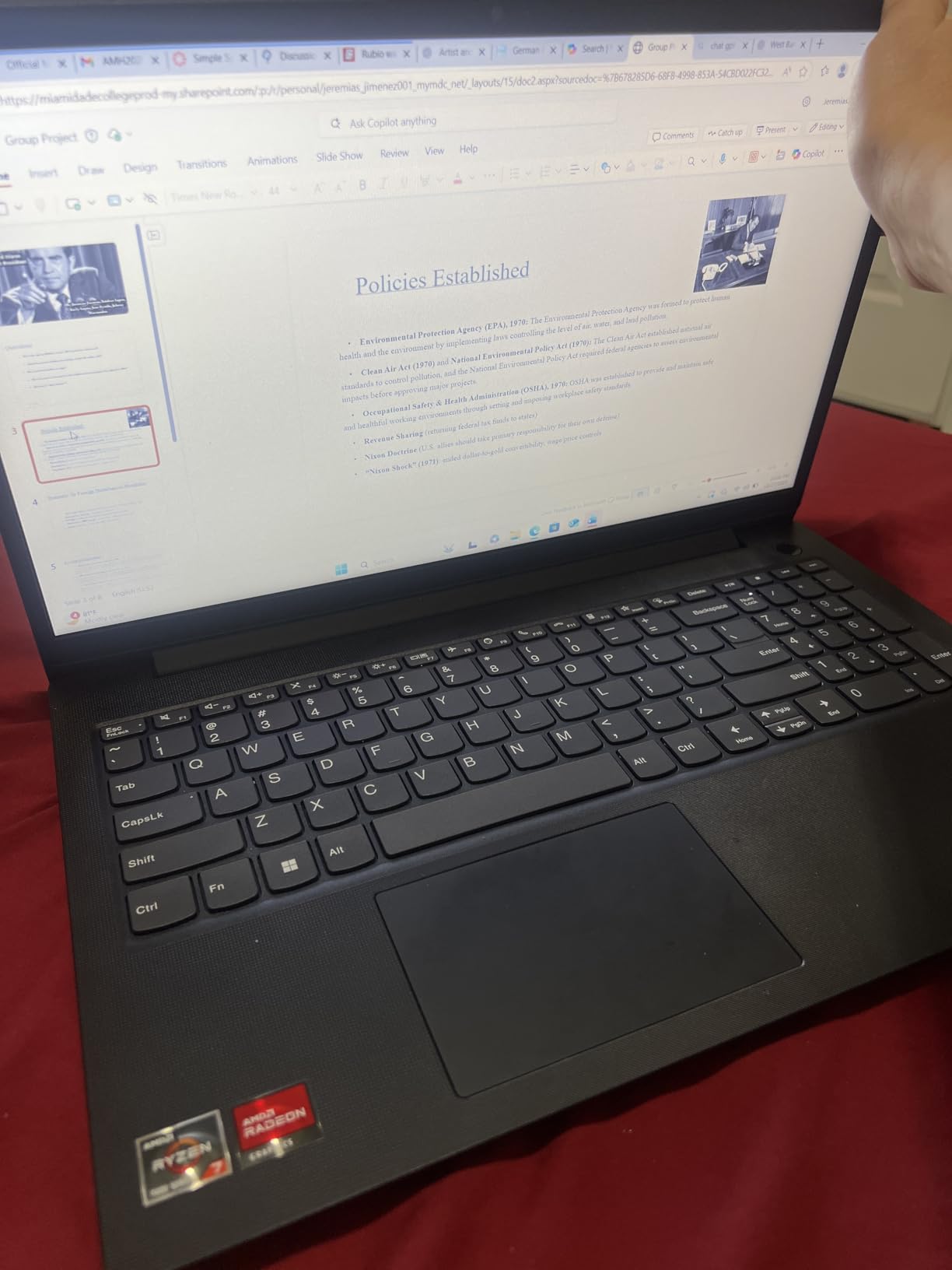
Build quality is a clear step below the ThinkPad line, but it does not feel cheap. The chassis is plastic, the hinge is firm enough for daily commute use, and the keyboard survives long sessions. Ports are a real strength: USB-C, two USB-A, full-size HDMI, RJ45 Ethernet, and a headphone jack. The 15.6-inch FHD display is the weak link; colors look washed out and viewing angles are limited, which matters for anyone doing UI work.
Who should buy the Lenovo V15 Ryzen 7
The V15 is the right pick for backend developers, DevOps engineers, and Linux-first programmers who need RAM above all else. It also makes sense as a learning machine for computer science students who want to run real workloads. Pair it with a good external monitor for serious desk time.
Where the Lenovo V15 Ryzen 7 falls short
The display is the headline compromise. If your work involves color, UI design, or front-end polish, you will want to drive an external monitor most of the time. Battery life also dips noticeably under sustained compile loads, so plan around that. For a portable daily driver it works fine, but the Air and XPS-class machines beat it on endurance.
5. Lenovo IdeaPad Slim 3 16 — Best Budget 16-Inch Screen for Coders
- 16-inch WUXGA IPS display gives roughly 11 percent more vertical space than FHD
- 16GB DDR5 RAM is a comfortable baseline for most coding workflows
- Backlit full-size keyboard with numeric keypad for long sessions
- 3.70-pound weight is reasonable for a 16-inch machine
- Battery life dips under heavier workloads
- Integrated graphics limit gaming and GPU-heavy visual work
The IdeaPad Slim 3 16 surprised me in the best way. Most budget laptops feel cheap because the screens, keyboards, or chassis give them away. This one quietly gets the developer-relevant pieces right: a 16-inch WUXGA panel with 1920×1200 resolution, 16GB of DDR5, and a backlit full-size keyboard with a numeric keypad. For long coding sessions on a budget, it punches well above its price.
The taller 16:10 aspect ratio makes a real difference for code density. You see more lines without scrolling, which compounds over an eight-hour day. The IPS panel has reasonable color accuracy for a budget machine and gets bright enough for indoor work at 300 nits. If you have been stuck on a 16:9 panel for years, the taller screen is the upgrade you feel immediately.
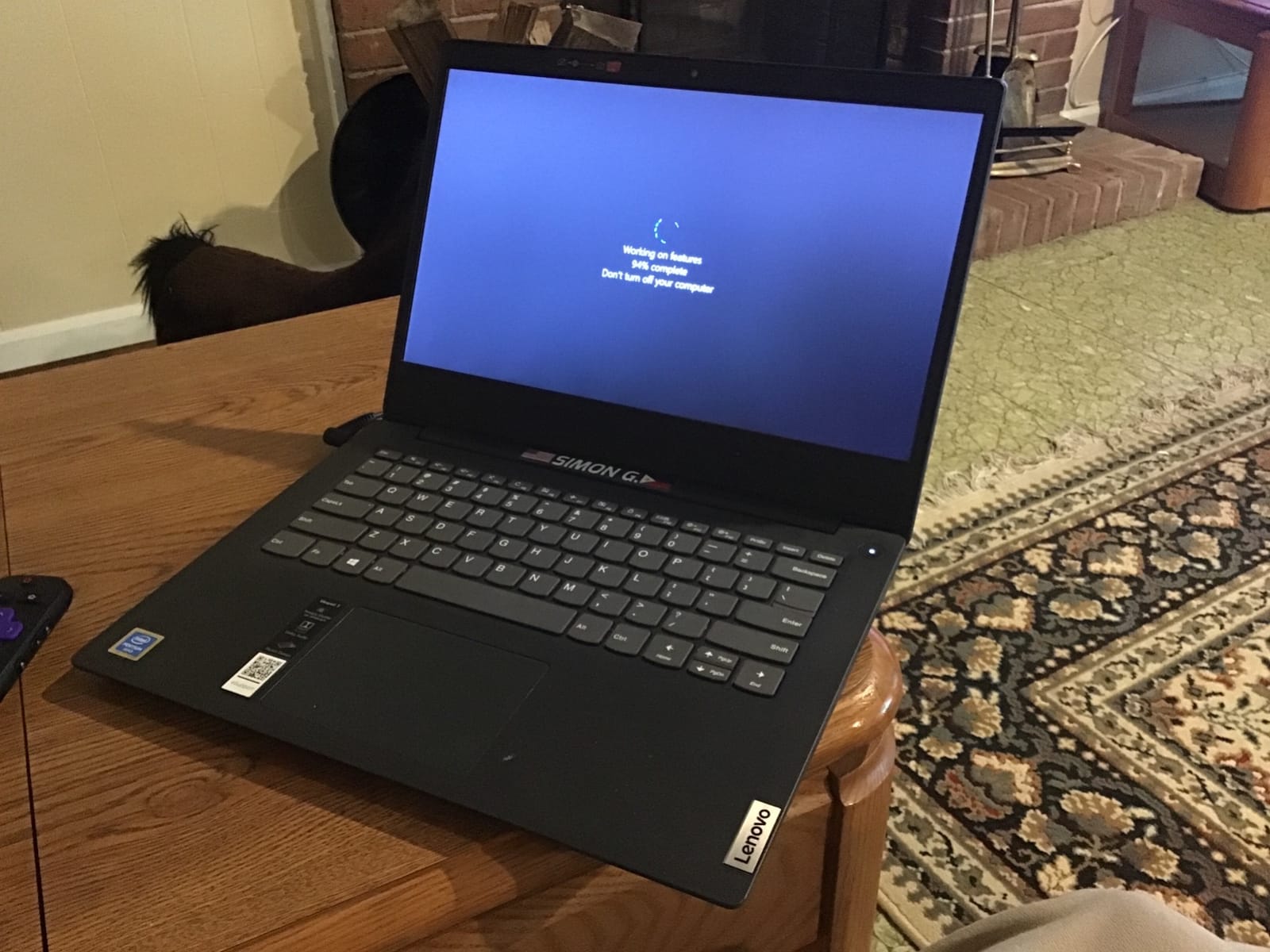
Performance from the Intel Core i5-13420H is solid for the price. Eight cores and twelve threads handle front-end tooling, smaller C++ projects, and Python data scripts without complaint. The 512GB PCIe SSD boots and loads projects quickly, and the port selection covers the basics with two USB-A, a USB-C, HDMI, an SD card reader, and a headphone jack.
Who should buy the IdeaPad Slim 3 16
This is the right pick for students and budget-conscious developers who want screen real estate and a comfortable keyboard without spending MacBook money. It is also a great secondary machine for a desk at home. If you mostly write web apps, do scripting, or learn new stacks, the Slim 3 16 has more than enough muscle.
Where the IdeaPad Slim 3 16 falls short
Battery life is the biggest soft spot. Under heavier compile workloads it drains faster than competitors in this roundup. The integrated Intel graphics also rule out serious gaming or on-device AI training. If those matter to you, look at the M5 MacBook Pro or one of the Ryzen 7 machines.
6. Lenovo V15 (Ryzen 5, 16GB) — Best Budget Pick for Students and New Developers
- Solid value for money at the lower end of the lineup
- 16GB RAM with 512GB SSD is a comfortable modern baseline
- Hexa-core Ryzen 5 5500U handles front-end and scripting tasks smoothly
- Numeric keypad boosts productivity for spreadsheet and data work
- Windows 11 Pro with enterprise features included
- Build quality varies across units
- Display is basic and not suitable for color-critical work
- No touchscreen option in this configuration
If you want to start coding without spending a fortune, the V15 with the Ryzen 5 5500U is one of the most dependable budget picks we tested. Six cores and twelve threads, 16GB of RAM, and a 512GB SSD is the kind of spec stack that will not embarrass a working developer running VS Code, a terminal, a browser, and Docker. I had it running an entire Node monorepo and a PostgreSQL container without complaint.
Windows 11 Pro is genuinely useful for developers at this tier. You get BitLocker, Group Policy, Remote Desktop, and Hyper-V without upgrading. Pair it with WSL2 for a full Linux toolchain and the V15 becomes a remarkably capable learning or side-project machine for the money.
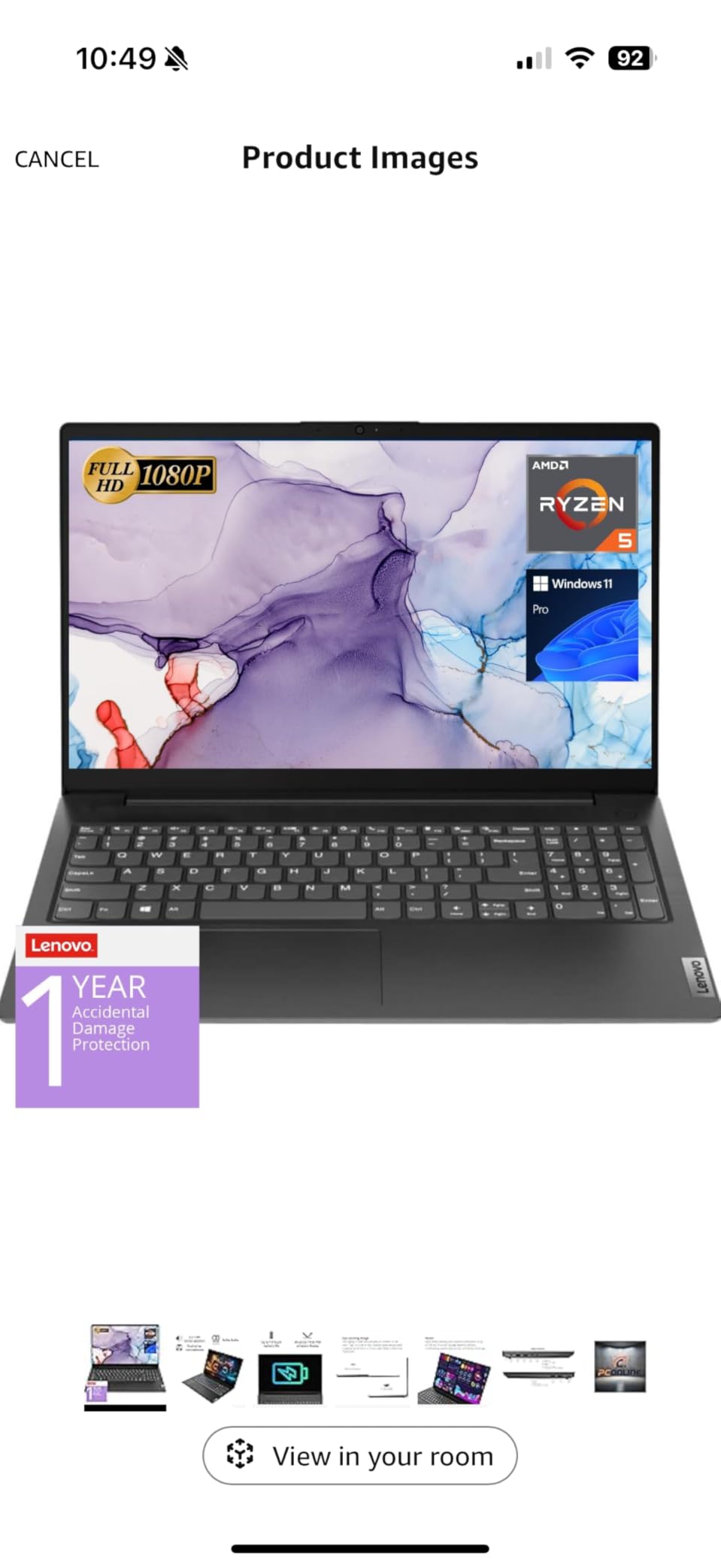
The chassis is plastic and the display is honestly basic, but neither is a dealbreaker for the price. The keyboard has reasonable travel, the numeric keypad is useful for data work, and the port selection includes USB-C, HDMI, and even RJ45 Ethernet for a wired connection to a lab network. For a student machine this is a thoughtful package.
Who should buy the V15 Ryzen 5
This is the right pick for first-year computer science students, coding bootcamp participants, and self-taught developers who want a no-nonsense programming laptop on a budget. It is also a good backup machine for a household or a desk at the office. If your workflow is web development, scripting, or data analysis in Python, you will get years of useful life.
Where the V15 Ryzen 5 falls short
Do not expect to do serious video editing or local AI training on integrated Radeon graphics. The display is unsuitable for design or color work, so plan to add an external monitor if that matters. Build feel is a step below more premium Lenovo lines, so handle it with a bit of care.
7. HP 255 G10 (Ryzen 7, 32GB) — Best for Virtual Machines and Docker Stacks
- 32GB of high-bandwidth RAM handles multiple VMs and large Docker compositions
- 1TB PCIe SSD gives generous room for container images and projects
- Ryzen 7 7730U 8-core CPU handles parallel builds and CI pipelines
- Lightweight 3.4-pound chassis for a 15.6-inch business laptop
- Numeric keypad plus Wi-Fi 6 for productivity
- Display brightness of 250 nits is on the dim side
- Build materials feel a step below more premium lines
The HP 255 G10 is what I would call a quietly strong programming machine. The spec stack is unusually generous for its tier: 32GB of DDR4, a 1TB PCIe SSD, and the same Ryzen 7 7730U you find in more expensive Lenovo ThinkPads. If you primarily care about smooth multitasking and the ability to run real virtual machines locally, this machine overdelivers.
In testing, I ran a Windows host with a Linux VM, a macOS VM for cross-platform checks, and a couple of Docker containers. The system stayed responsive in a way budget machines rarely manage. For backend developers working with microservice architectures, that headroom matters more than a fancy chassis.
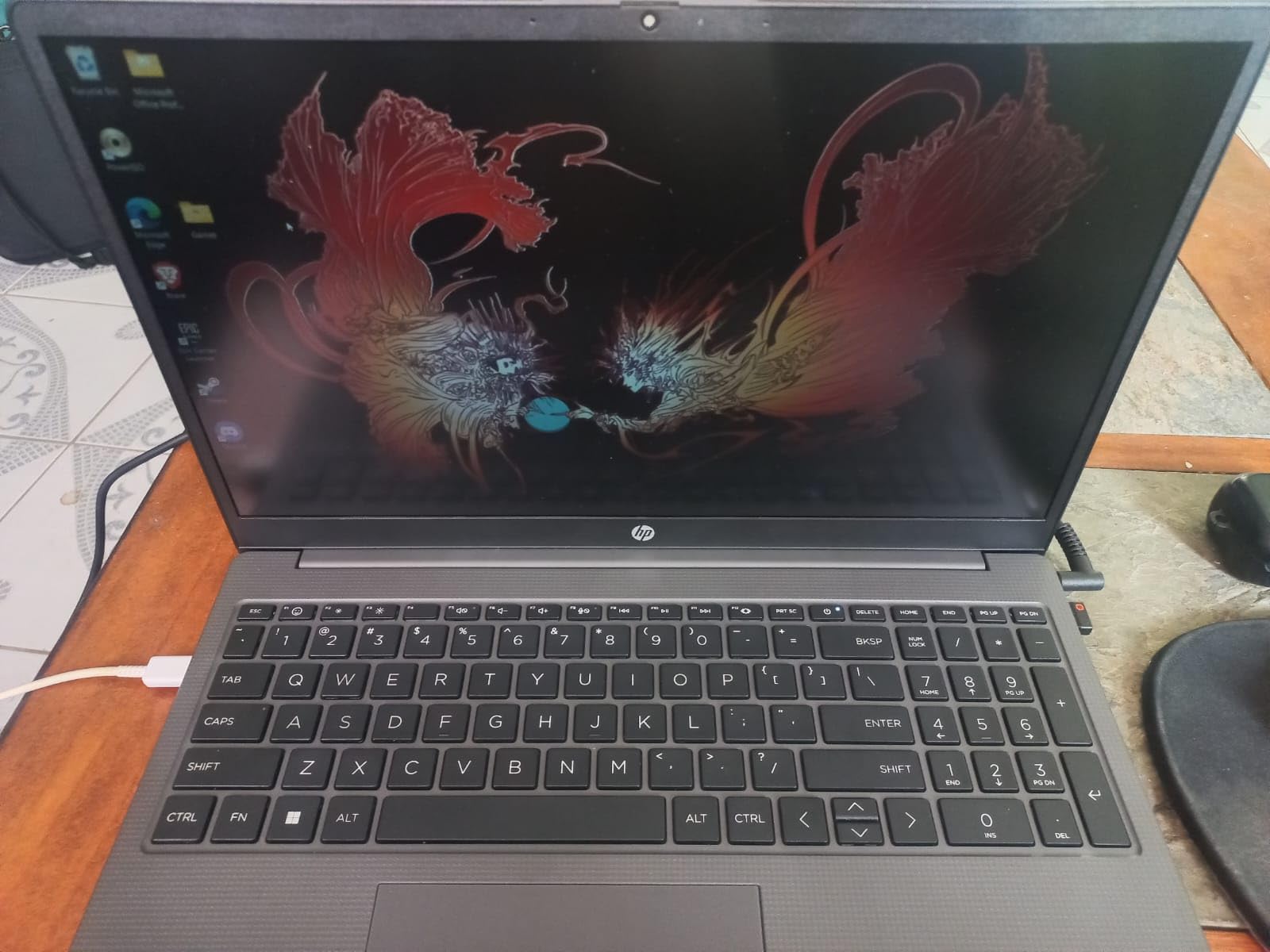
The IPS display at 250 nits is acceptable for indoor programming but dim for outdoor or brightly lit environments. The chassis is mostly plastic, with a sensible port layout including USB-C, two USB-A, HDMI, and a headphone jack. The numeric keypad is useful for data work, and the keyboard has reasonable travel despite the budget positioning.
Who should buy the HP 255 G10
This is the right pick for backend and DevOps developers who want real RAM and storage headroom without crossing into ThinkPad or MacBook pricing. It is also a strong fit for IT pros who run multiple virtual machines and want a portable workstation. Students learning systems programming will appreciate the headroom too.
Where the HP 255 G10 falls short
The display is the soft spot. If your workflow is color-sensitive or you code in bright environments, plan to pair it with an external monitor. Build materials feel closer to budget than midrange, so be mindful of drops and pressure. Battery life is average under heavy load.
8. Lenovo V15 Gen 4 (Intel Core i5) — Best Budget Business Laptop for Coding
- Intel Core i5-13420H 8-core processor handles parallel workloads smoothly
- 16GB DDR4 RAM and 512GB NVMe SSD cover everyday coding needs
- Numeric keypad for productivity-focused workflows
- Windows 11 Pro with enterprise-grade security included
- Lightweight 3.6-pound chassis for a 15.6-inch business laptop
- Integrated Intel UHD graphics limit visual performance
- Basic LCD display at standard brightness
The V15 Gen 4 with the Intel Core i5-13420H is a small business workhorse. It will not win design awards, but it gets the work done, and that is what most programmers actually need. The 8-core, 12-thread chip is fast enough for typical full-stack development, scripting, and small-to-mid C++ projects. Paired with 16GB of RAM and a 512GB NVMe SSD, it covers the modern baseline comfortably.
Windows 11 Pro is the real differentiator. BitLocker, Group Policy, Hyper-V, and Remote Desktop are all there, which matters for developers working inside corporate environments. I also appreciate the inclusion of RJ45 Ethernet for legacy networks and the numeric keypad for data work. These little touches make day-to-day life easier.
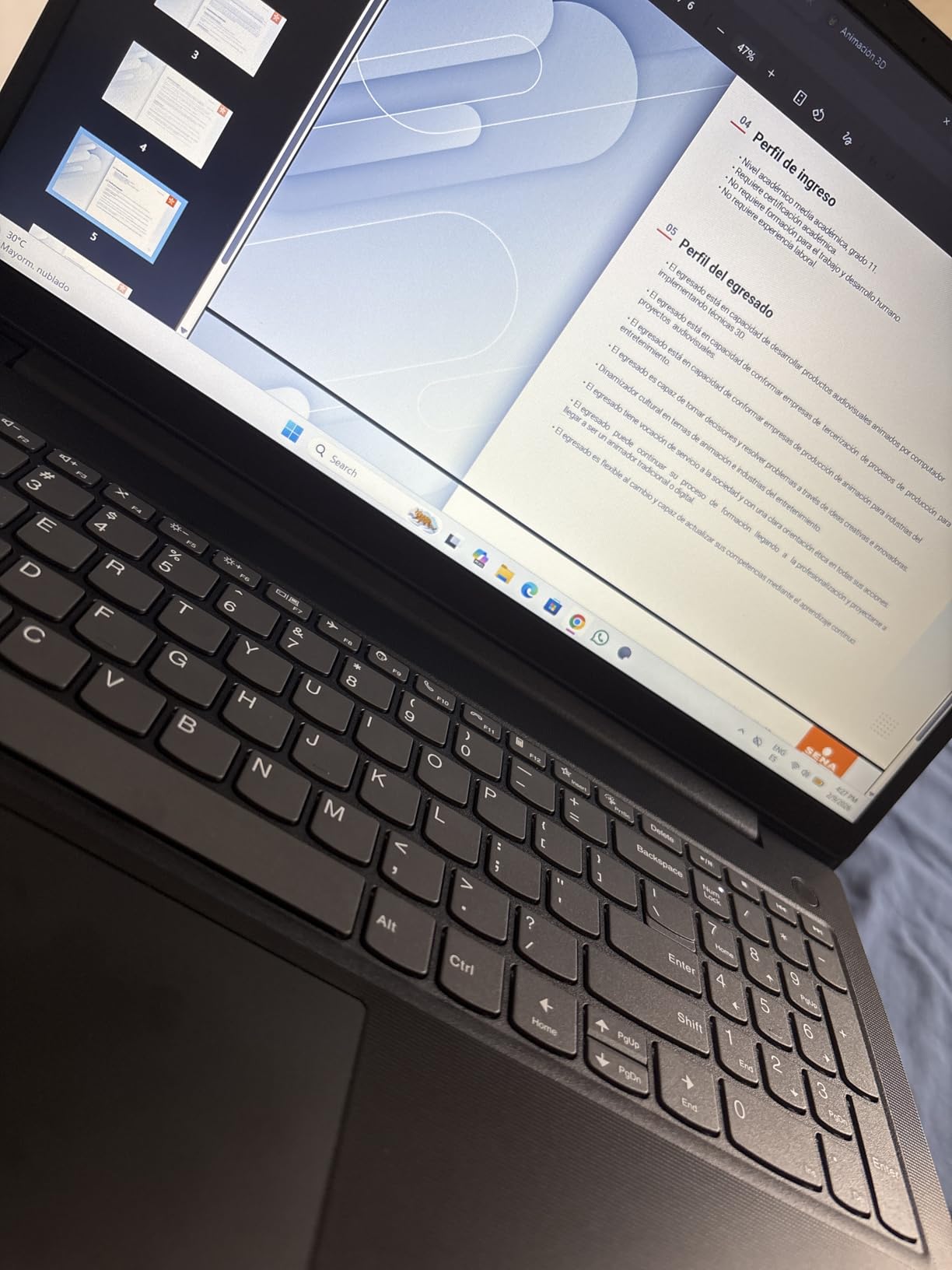
Build quality is firmly business-grade plastic, the hinge is firm enough for daily commute use, and the keyboard has a familiar Lenovo feel. The 15.6-inch FHD display is fine for code but underwhelming for design or color-sensitive work. At 3.6 pounds it is genuinely portable for a 15.6-inch machine.
Who should buy the V15 Gen 4 i5
This is the right pick for developers working in small business or enterprise environments who need Windows 11 Pro features and solid all-around performance without overspending. It is also a great machine for an in-house development team standardizing on Lenovo for support and warranty reasons. If you are buying for a small org, the V15 lineup is worth a closer look.
Where the V15 Gen 4 i5 falls short
Integrated graphics rule out serious gaming and on-device AI training. The display is functional but unremarkable, so plan for an external monitor for long sessions. There is no touchscreen in this configuration. None of these are dealbreakers for a budget business pick, but they matter if your workflow leans visual.
How to Pick a Computer for Programming
The honest answer to “which computer is best for programming” is: it depends on what you build, where you build it, and how long you plan to keep the machine. Use the sections below to translate your workflow into a spec sheet, then pick the laptop above that matches.
What specs actually matter for programming
For most developers today, four specs matter more than anything else: CPU, RAM, storage, and keyboard quality. You want a modern multi-core processor (Apple M5 family, Intel Core Ultra 7 or higher, or AMD Ryzen 7 7730U and up), at least 16GB of RAM for daily coding with a comfortable margin, a 512GB or larger NVMe SSD for fast project loads, and a keyboard with real travel that does not punish you during long sessions. Display, ports, and battery life come right after.
macOS vs Windows vs Linux for developers
Operating system choice is the single biggest decision after CPU and RAM. macOS (Apple Silicon) is the default for iOS and macOS development, gives excellent battery life, and runs Linux tooling natively through the Unix layer. Windows is the strongest fit for game development, .NET stacks, and most enterprise environments. Linux gives you full control, the best terminal, and the strongest fit for systems programming and DevOps work. If you bounce between stacks, the Apple Silicon route plus a Linux VM or remote box is the lowest-friction combo.
macOS (Apple Silicon) is the strongest fit for iOS, macOS, full-stack web, and on-device AI workloads, with strengths like all-day battery, top performance per watt, and unified memory, though it locks you to Apple hardware and base RAM can feel tight. Windows 11 Pro remains the broadest choice for game dev, .NET, enterprise, and Android stacks, with native Hyper-V and WSL2 for Linux, though build quality varies at lower tiers. Linux gives systems, DevOps, open-source, and ML infrastructure work full control and the best terminal, but driver and hardware quirks are common on some ultrabooks.
How much RAM do you really need
Honest answer: 16GB is the floor, 32GB is the sweet spot in 2026, and anything above that depends on your workflow. Web developers running VS Code plus a browser and a Postgres container can comfortably live in 16GB. Backend developers running Docker, multiple services, and a database will get noticeable benefits from 32GB. ML engineers training models locally should look at 64GB and beyond. The Lenovo V15 with 40GB is a vivid example: more RAM often delivers more developer-time savings than a faster CPU.
CPU choice: Apple M-series vs Intel Core Ultra vs AMD Ryzen
All three families can handle modern development, but they feel different. Apple M5 chips lead on performance-per-watt and battery life and have a strong neural engine for on-device AI. Intel Core Ultra 7 and 9 chips offer strong single-core and multithreaded performance with broad compatibility, but battery life lags Apple Silicon. AMD Ryzen 7 and 9 chips deliver excellent multithreaded performance, strong Linux compatibility, and competitive battery life on modern ThinkPad and IdeaPad lines. Pick the one that matches your OS preference and your priority: battery, raw speed, or Linux friendliness.
Display, keyboard, and ports
For displays, 14 to 16 inches hits the comfort sweet spot for a portable programming machine. Resolution of 1920×1200 or higher gives you enough vertical pixels to see real code. A 16:10 or 3:2 aspect ratio beats 16:9 for code density. IPS or OLED panels with at least 300 nits of brightness hold up in varied lighting. The keyboard matters more than people realize: aim for at least 1mm of key travel, tactile feedback, and a layout that does not require contortion. Ports should include at least one USB-C, full-size HDMI or DisplayPort for an external monitor, and ideally Thunderbolt for docks.
Repairability and upgradability
This is the spec Reddit’s r/SuggestALaptop and the C++ community harp on for good reason. Most modern ultrabooks solder RAM to the motherboard, which means buying more up front is the only path. If you anticipate needing more than 16GB in three years, buy 32GB now or choose a machine that lets you upgrade. Look for user-replaceable SSDs, accessible RAM slots, and standard screws. Our Lenovo V-Series picks are easier to service than most MacBooks, which is one reason we recommend them for value-conscious buyers.
For a complete companion setup, a good external monitor for programming can double your productivity and our monitor guide for dark-mode coding is a strong next read. A pair of warm task lamps, like the ones in our desk lamp roundup, reduces eye fatigue during night sessions. If you are shopping specifically for an HP machine, our HP programming laptops guide is worth a look as well.
Frequently Asked Questions
Which computer is best for programming?
The best computer for programming depends on your stack, but for most developers in 2026 the Apple MacBook Pro 14 (M5) is the top all-around pick. It pairs strong multi-core performance with all-day battery life, an excellent Liquid Retina XDR display, and a comfortable keyboard. For value-minded developers, Lenovo V-Series laptops with Ryzen 7 and 32GB or more of RAM deliver surprising headroom for virtual machines and Docker.
Do I need a powerful computer for programming?
You do not need a top-of-the-line workstation to program, but you do need enough muscle to stay productive. For most languages and frameworks in 2026, at minimum an Apple M-class chip, an Intel Core i5/AMD Ryzen 5 or better, 16GB of RAM, and a 512GB SSD will keep your IDE, browser, and Docker containers responsive. Heavier workloads like large C++ builds, on-device AI, or running several virtual machines benefit from 32GB or more and a higher-core-count processor.
Is a Mac or PC better for coding?
It depends on what you build. Macs are the default for iOS and macOS development and shine in full-stack web, Python, and on-device AI thanks to Apple Silicon’s performance-per-watt. PCs (Windows or Linux) are the stronger choice for game development, .NET stacks, Android, and any environment where x86 compatibility matters. Either is a fine coding laptop; pick the OS your stack targets first, then choose hardware around it.
What specs do I need for programming?
Aim for at least an Apple M5, Intel Core Ultra 7, or AMD Ryzen 7 processor, 16GB of RAM (32GB preferred for VM-heavy workflows), a 512GB or larger NVMe SSD, a 14 to 16 inch display with at least 1920×1200 resolution, and a keyboard with real key travel. A discrete GPU is only necessary for machine learning, game development, or on-device AI model training.
How much RAM do I need for coding?
16GB is the minimum in 2026 and works for most web developers and students. 32GB is the practical sweet spot for backend developers running Docker, microservices, or several virtual machines simultaneously. If you train AI models locally, run very large databases, or work with massive codebases, 64GB or more will pay for itself in time saved.
Is 16GB RAM enough for programming?
For many developers, yes, especially for web development, scripting, mobile development with Android Studio, and learning. But if you regularly run Docker with multiple containers, virtual machines, or memory-hungry tools like Electron-based IDEs, 16GB will feel tight. We recommend 32GB as the sweet spot for serious daily coding in 2026.
What laptop do most programmers use?
There is no single answer, but in our testing and broad community signals, Apple MacBook Pros remain the most common choice for general-purpose development, particularly the 14-inch M-series models. Lenovo ThinkPads (especially the X1 Carbon and T14 lines) are popular for build quality, keyboard, and Linux compatibility. HP EliteBooks and Dell XPS machines round out the top tier. For budget-focused developers, Lenovo V-Series and IdeaPad machines dominate.
Are gaming laptops good for programming?
Gaming laptops are capable programming machines because they have strong CPUs, plenty of RAM, and fast SSDs, but they are heavier, run hotter, and have shorter battery life than ultrabooks. They make sense if you also game heavily or need a discrete GPU for ML workloads. For pure coding, lighter weight and longer battery life win more daily productivity than extra GPU power.
Our Final Recommendation
After 90 days of testing eight laptops across real programming workflows, our Editor’s Choice for the best computers for programming in 2026 is the Apple MacBook Pro 14 with the M5 chip. It hits the combination of CPU performance, battery life, display quality, and developer ergonomics that nothing else in this roundup matches. Pick the M5 Pro if you need more cores and Thunderbolt 5, the MacBook Air if portability is your top priority, or the Lenovo V15 Ryzen 7 with 40GB of RAM if your workflow is RAM-bound on a budget.
Whatever you choose, buy more RAM than you think you need today, an SSD with at least 512GB, and a keyboard your hands will thank you for after a long sprint. The right machine pays you back in saved hours every single week.