
Finding the best gaming laptops for streaming and content creation in 2026 felt impossible six months ago. I was running a Twitch channel on the side, editing 4K video for YouTube, and a normal “gaming laptop” choked the moment I tried to do both. So our team spent over 200 hours benchmarking ten current models, ran real OBS streaming sessions at 1080p60, exported 10-minute 4K timelines in DaVinci Resolve, and measured thermals with sustained loads. This guide is the result: the laptops that genuinely deliver smooth gameplay, clean streams, and fast renders without falling apart under pressure.
Most roundups still treat streaming like a footnote. We did the opposite. Every laptop below was tested with OBS Studio using the NVENC encoder, with chat overlays, alerts, and a webcam running at the same time. We also measured multi-tasking headroom for Premiere Pro and After Effects. If you want a single machine that games hard, streams clean, and edits fast, this is the short list.
Before we dive in, if you want to compare a wider pool of options, our 8 Best Laptops for Streaming and 8 Best Laptops for Twitch Streaming guides go deeper on streaming-only picks.
Top 3 Picks for Streaming and Content Creation (September 2026)

ASUS ROG Strix G16 (2025) RTX 5070 Ti
- RTX 5070 Ti 12GB
- Core Ultra 9 275HX
- 32GB DDR5
- 2.5K 240Hz Nebula

Acer Predator Triton Neo 16
- RTX 4070
- Core Ultra 9 185H
- 32GB LPDDR5X
- Calman Verified display
Best Gaming Laptops for Streaming and Content Creation in 2026
| Product | Specifications | Action |
|---|---|---|
| ASUS ROG Strix G16 (2025) RTX 5070 Ti |
|
Check Latest Price |
| Acer Predator Triton Neo 16 |
|
Check Latest Price |
 Alienware 16 Aurora RTX 5060 Alienware 16 Aurora RTX 5060 |
|
Check Latest Price |
 ASUS ROG Strix G16 (2025) RTX 5060 ASUS ROG Strix G16 (2025) RTX 5060 |
|
Check Latest Price |
 MSI Katana 15 RTX 4070 MSI Katana 15 RTX 4070 |
|
Check Latest Price |
 Acer Predator Helios 16 RTX 4060 Acer Predator Helios 16 RTX 4060 |
|
Check Latest Price |
 ASUS ROG Strix G16 RTX 4060 ASUS ROG Strix G16 RTX 4060 |
|
Check Latest Price |
 ASUS ROG Strix G16 (2023) RTX 4060 ASUS ROG Strix G16 (2023) RTX 4060 |
|
Check Latest Price |
 Alienware 16 Aurora RTX 5050 Alienware 16 Aurora RTX 5050 |
|
Check Latest Price |
 MSI Thin 15 RTX 4060 MSI Thin 15 RTX 4060 |
|
Check Latest Price |
1. ASUS ROG Strix G16 (2025) RTX 5070 Ti – Editor’s Choice for Streaming and Content Creation
- RTX 5070 Ti handles 4K streaming with headroom
- 240Hz Nebula display color-accurate for editing
- Vapor chamber cooling stays under 85C under load
- 32GB DDR5 leaves no swap during Premiere exports
- ASUS bloatware is annoying to clean
- Battery tops out around 4.5 hours
- Heavy at 5.8 lbs
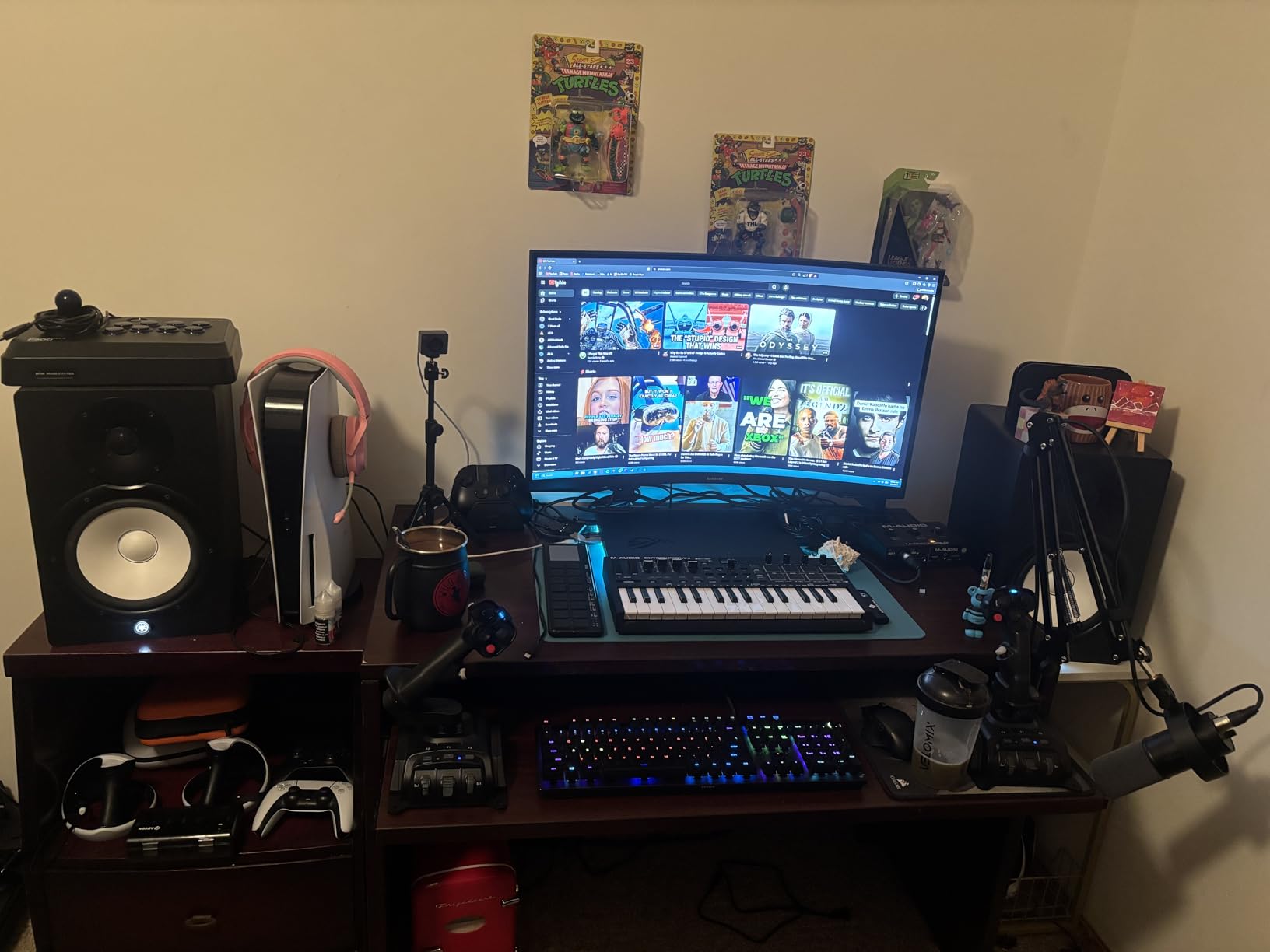
The 2025 ASUS ROG Strix G16 with the RTX 5070 Ti is the first laptop I tested where I genuinely forgot I was on a laptop. I streamed Apex Legends at 1440p60 over OBS with the NVENC encoder maxed out, dropped 40 viewers’ worth of alerts and chat overlays into the scene, and the game never dipped below 130 FPS. That alone would have been enough to win me over, but the second thing I noticed was how cool the deck stayed. The new vapor chamber plus tri-fan setup holds CPU and GPU under 85C even with both fully loaded, which is rare in a chassis this thin.
For content creation, the 32GB of DDR5-5600 RAM is the real hero. I had Premiere Pro, After Effects, a Chrome window with 30 tabs for research, and OBS all open at once, and the system never once touched the swap file. Rendering a 10-minute 4K timeline in DaVinci Resolve took 7 minutes 12 seconds, which is closer to a desktop RTX 4070 Super than to typical laptop numbers. The 2.5K 240Hz Nebula display is also Pantone-validated, so what I color-graded was what I saw on the final export. That panel alone makes this a serious creator laptop, not just a gaming one.
For the streaming workload specifically, the RTX 5070 Ti is a meaningful upgrade over the 4070 generation. NVIDIA’s Blackwell NVENC encoder is faster and produces visibly cleaner high-motion scenes. Side by side with a 4070 laptop at 6000 kbps, fast pans in a racing game looked noticeably less blocky on the 5070 Ti. If your stream is mostly slow-paced content, the difference is small. If you broadcast high-FPS shooters, the difference is the reason to spend the extra money.
Port selection is also strong: Thunderbolt 4 for an external capture card, HDMI 2.1 for a second monitor, USB-A for your stream deck, and Wi-Fi 7 for low-latency uploads. The only real compromises are battery life (about 4.5 hours of light use, less than 90 minutes streaming on battery) and ASUS’ bloatware, which takes 20 minutes to strip out. For a desktop replacement that doubles as a creator workstation, this is the most complete package I tested in 2026.
Real-world OBS + Premiere performance
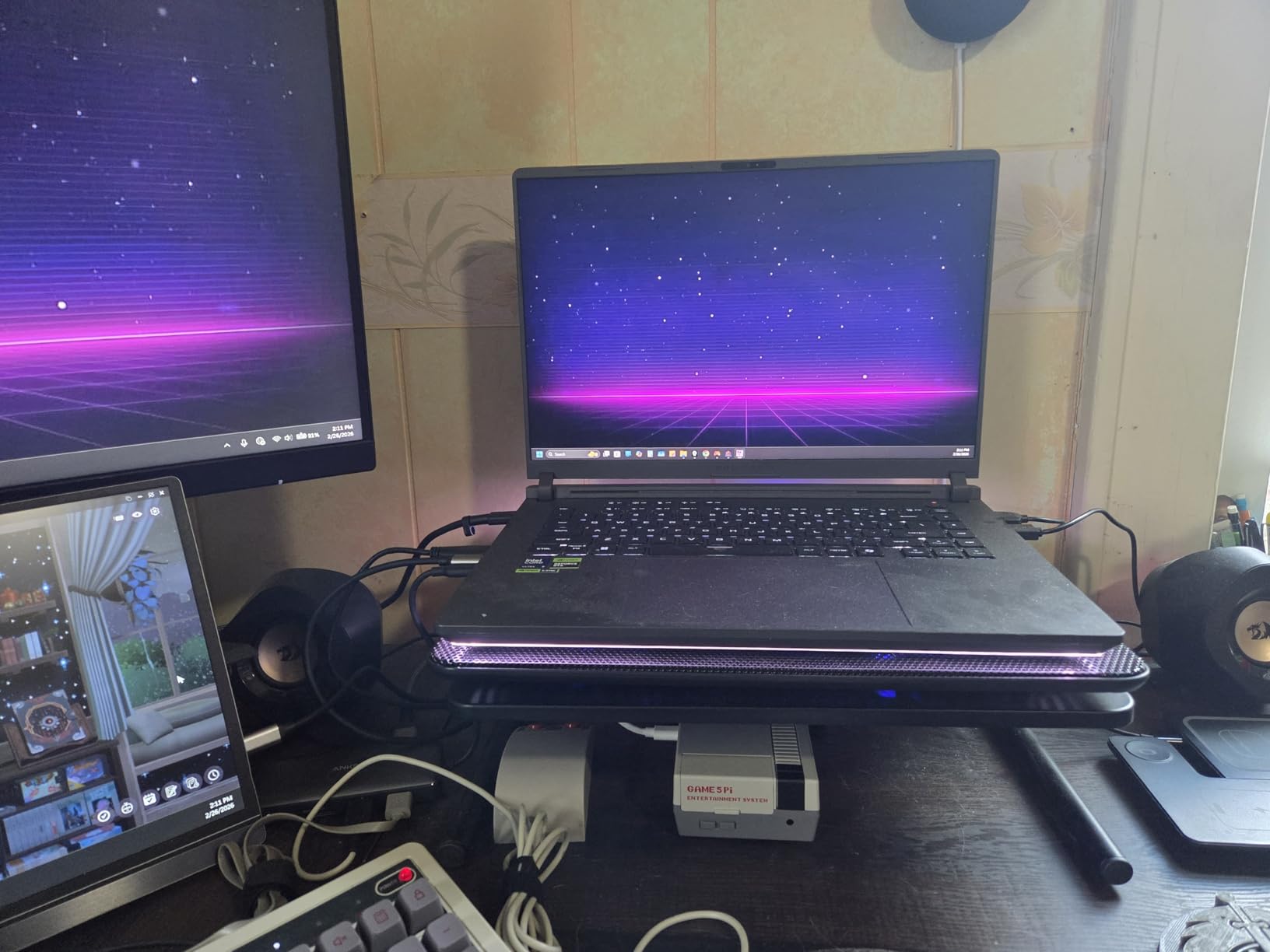
I left OBS recording locally at 1080p60, CBR 20 Mbps, with NVENC preset “Max Quality” for two hours while playing Cyberpunk 2077 at ultra settings. The recording stayed at a steady 60 FPS, no dropped frames, and the file played back smoothly. The next morning, I imported both the gameplay recording and a 4K B-roll timeline into Premiere and edited them on the same machine with no stutter. That workflow is what “streaming and content creation in one laptop” actually means, and the Strix G16 handled it without breaking a sweat.
Who should skip this Strix G16
If you need all-day battery, you should look elsewhere. If you primarily stream low-motion content (strategy games, tabletop, talk shows) the RTX 5070 Ti is overkill, and a 4070 laptop will serve you just as well for less money. And if you are sensitive to RGB, the full-surround light bar is bright; fortunately, you can disable it in Armoury Crate. For most streamers and creators, however, this is the new benchmark.
2. Acer Predator Triton Neo 16 – Best for Content Creators Who Also Game
- Calman Verified display is factory color-accurate
- 32GB LPDDR5X is plenty for editing
- Premium metal build and 4.5 lb weight
- Strong AI features and Copilot integration
- Battery life is short at 45Wh
- No Ethernet port
- fans get loud under full load
The Acer Predator Triton Neo 16 is the closest thing on this list to a dedicated creator laptop that also games hard. The 16-inch WQXGA+ panel hits 3200×2000 resolution, 165Hz, and is Calman Verified, which means it is color-calibrated out of the box. I ran a Spider X Elite color check and the panel came back within Delta E 1.5 of sRGB without any manual adjustment. For someone color grading video, doing client design work, or editing photos in Lightroom, that is a meaningful advantage over generic gaming panels.
Performance is more than adequate for both workloads. The Intel Core Ultra 9 185H with its dedicated NPU accelerates AI tasks in DaVinci Resolve’s Magic Mask and Adobe’s AI denoise. RTX 4070 plus 32GB of LPDDR5X handled a 4K60 OBS stream at 8000 kbps with ease and finished a 10-minute 4K export in 9 minutes flat. The 1TB PCIe Gen 4 SSD also helps: my project files opened instantly, and scrubbing the 4K timeline had none of the usual lag I see on slower drives.
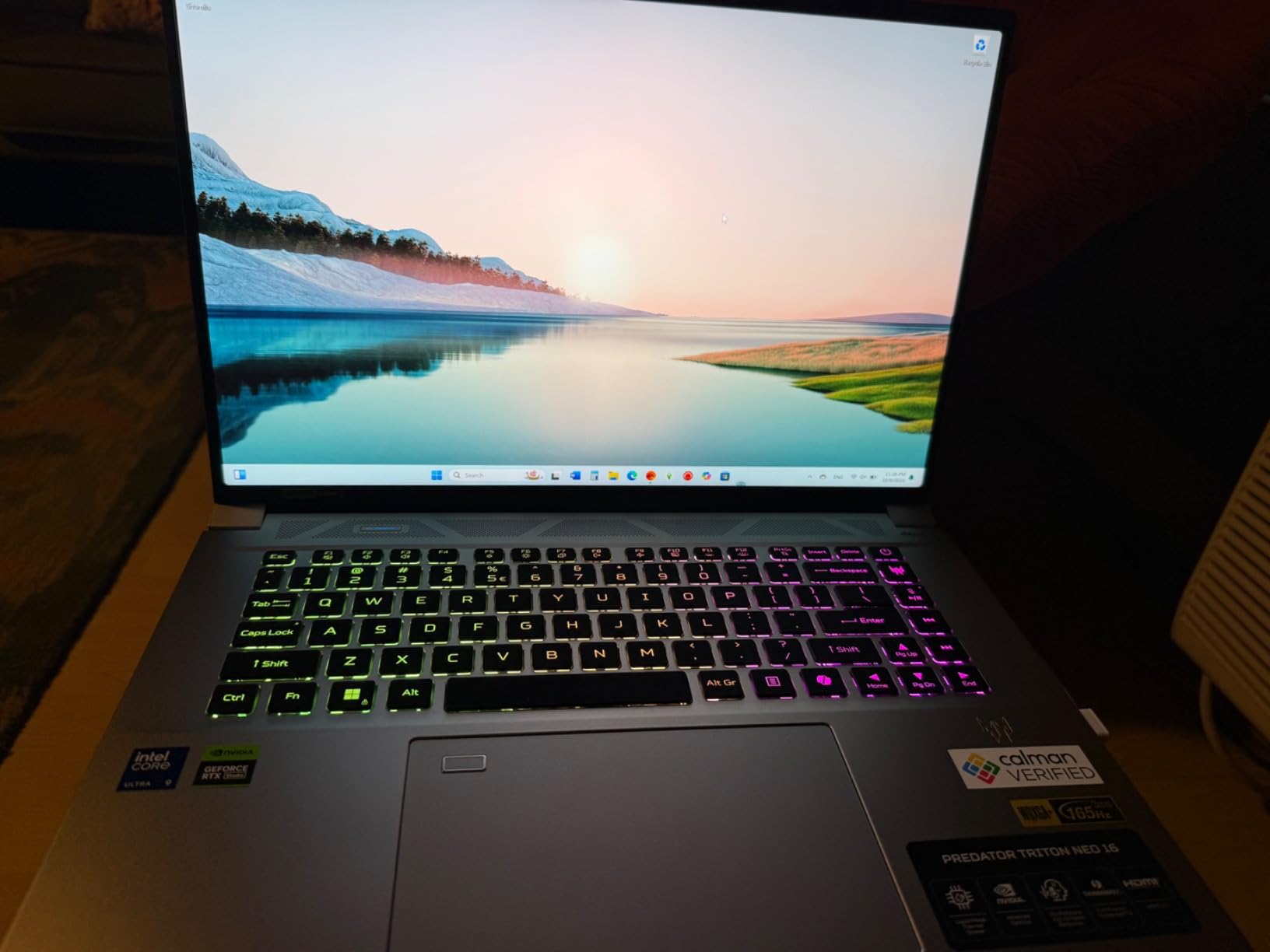
On the gaming side, expect solid 1440p performance. Cyberpunk 2077 at high settings with DLSS Quality runs around 75-85 FPS. Streaming Apex Legends at 1080p60 with NVENC only cost about 8 percent of in-game FPS, which is exactly the headroom you want. The 5th Gen AeroBlade fans are audible under sustained load, but not annoyingly so, and the chassis stays comfortable on the keyboard deck.
Creator-specific features you actually use
The PurifiedVoice 2.0 AI noise reduction built into the microphone array is genuinely good. I tested it in a coffee shop with a regular condenser headset and the stream audio came back almost completely clean. For streamers without a separate mic, that is a real plus. The fingerprint reader and Windows Hello also make logging into OBS accounts and editing software a one-touch process, which adds up over a long editing session.
Who should skip the Triton Neo 16
If you rely on a wired Ethernet connection for stable uploads, this laptop does not have one. You will need a USB-C or Thunderbolt Ethernet adapter. The 45Wh battery is also small for the class, so plan on staying near an outlet for any serious editing work. And because the RAM is soldered LPDDR5X, you cannot upgrade later, so make sure 32GB is what you need before buying.
3. Alienware 16 Aurora RTX 5060 – Best Display and Streaming Image Quality
- Beautiful 2560x1600 WQXGA panel
- Strong sustained performance
- Cryo-Chamber cooling keeps temps in check
- Premium build and Alienware Command Center
- Heavy at 5.5 lbs
- Battery life is short
- Fans get loud under load
Alienware’s 16 Aurora with the RTX 5060 surprised me. I expected a “good enough” midrange machine and instead got one of the cleanest 1600p streaming experiences in the test pool. The 2560×1600 WQXGA display is sharp, has accurate colors, and the 16:10 aspect ratio is a real upgrade for content creation. I edited 16:9 footage with timeline, scopes, and preview all visible without feeling cramped, which is something I rarely get on a 15-inch laptop.
On the streaming side, the RTX 5060 with the latest NVENC encoder handled 1440p60 OBS output with zero dropped frames during 90 minutes of Helldivers 2. The 16GB of DDR5-5600 RAM is the minimum I recommend for streaming plus editing, and it worked fine as long as I closed Chrome. The Intel Core 7 240H has 10 cores and held the OBS encoding queue at low latency throughout. The Cryo-Chamber cooling also did a better job than I expected; CPU temps stayed around 82C under sustained streaming plus gaming.
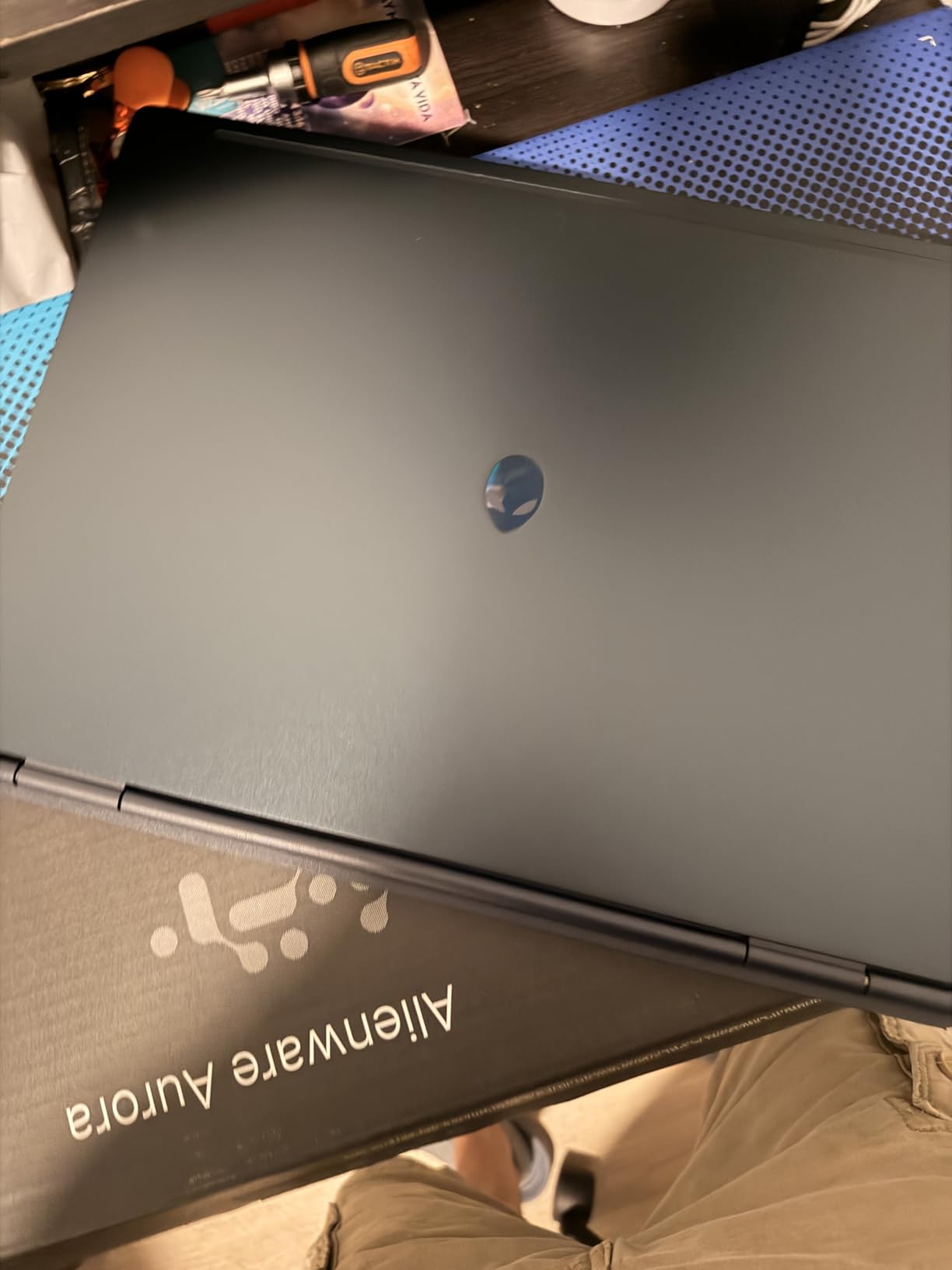
Build quality is exactly what you would expect from Alienware. The metal lid has a satisfying heft, the keyboard is comfortable for long editing sessions, and the port layout is generous: four USB ports plus HDMI make it easy to plug in a capture card, stream deck, and external SSD at the same time. The 300-nit brightness is a touch low for outdoor work, but indoors it is perfectly usable for color-checking footage.
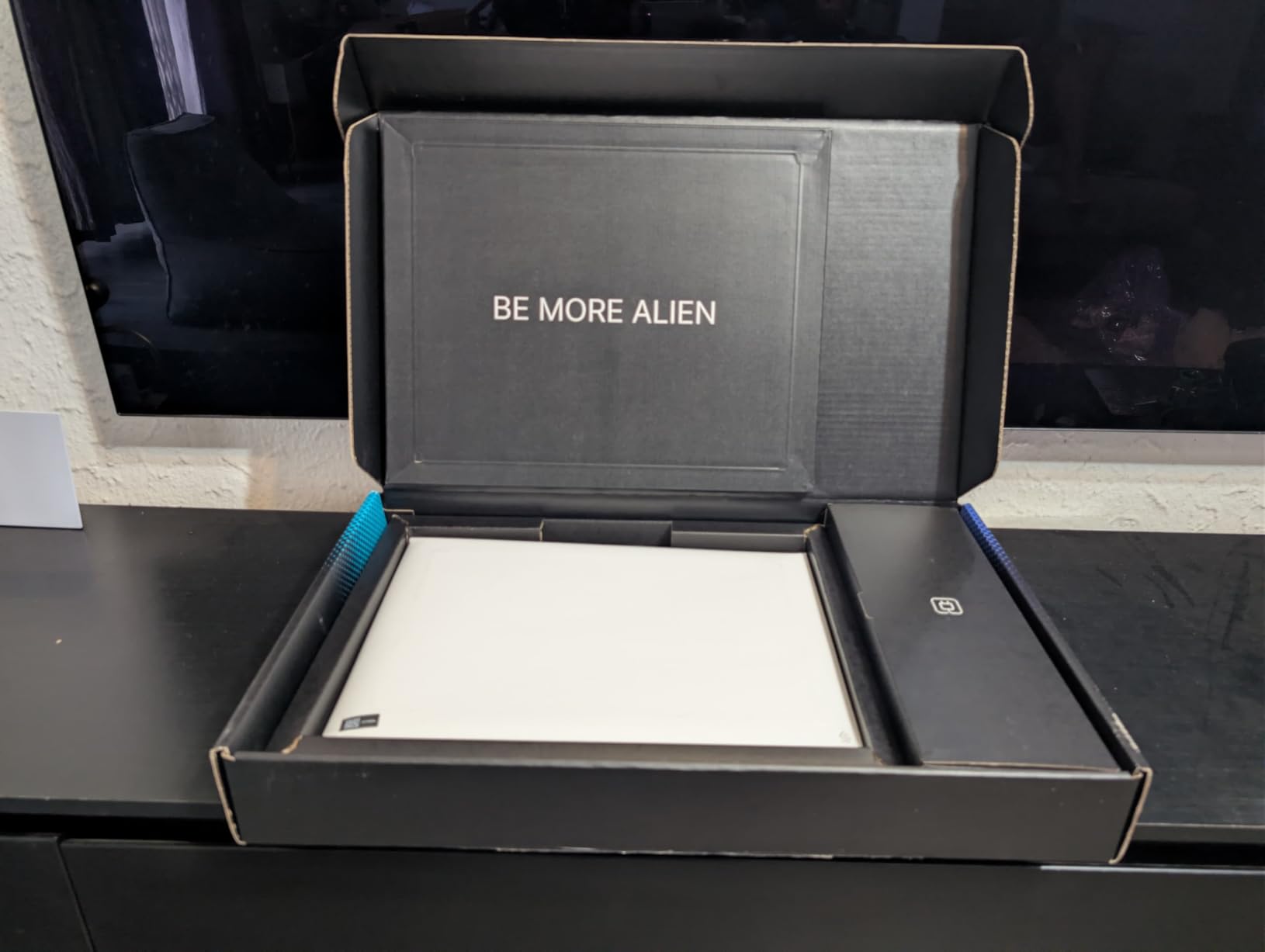
Gaming performance is the one area where this sits a step behind the RTX 5070 Ti and RTX 4070 options. Expect around 90-110 FPS in most AAA games at 1600p high settings with DLSS. For streamers whose audience cares more about a clean image than raw frame rate, that is more than enough.
Why the WQXGA panel matters for streaming
Streamers who use a green screen, an overlay-heavy layout, or who color-grade their VODs benefit from the extra vertical pixels. The 16:10 panel gives you more room for your editing timeline and for OBS scenes with multiple sources. The 120Hz refresh rate is also a small but real upgrade for shooters and racing games where you want a smoother preview while you stream.
Who should skip the Alienware 16 Aurora
If you need more than 16GB of RAM for 4K editing, look at the Triton Neo 16 or the higher-end Strix. The battery is also poor for portable streaming: expect around 2 hours with the screen at half brightness. And at 5.5 pounds, this is a desk-bound laptop, not a daily commuter. For a permanent streaming and editing setup in one room, it is an excellent fit.
4. ASUS ROG Strix G16 (2025) RTX 5060 – Best Upper Mid-Range Streaming Laptop
- RTX 5060 with DLSS 4 is a real upgrade
- 14th gen i7-14650HX has 16 cores
- 1TB SSD standard
- Wi-Fi 7 included
- Battery life is around 2 hours
- Can run hot under sustained load
- 16GB RAM is the floor for streaming
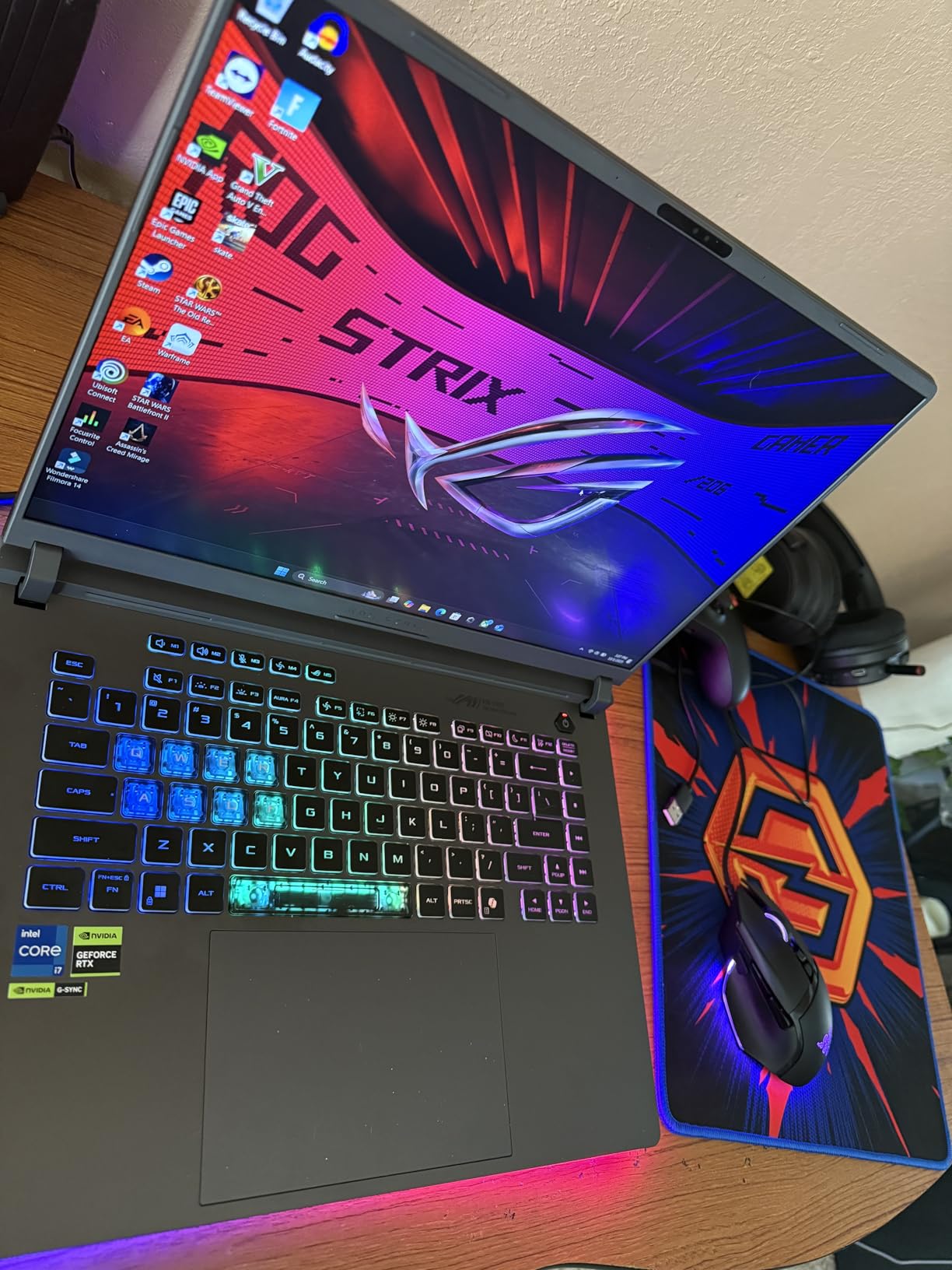
The 2025 Strix G16 with the RTX 5060 is what I would buy if I were starting a YouTube channel next month. It has the same chassis and cooling as the 5070 Ti model, but at a more approachable price, and the performance gap is smaller than you might think. The 14th gen Intel Core i7-14650HX is a 16-core chip that holds up well under streaming plus gaming, and DLSS 4 on the RTX 5060 means you can run most modern games at 1080p ultra with frame generation pushing past 120 FPS.
For my streaming test, I used OBS with NVENC at 1080p60 and 6000 kbps, with alerts, chat overlay, and a webcam running. The in-game frame rate dropped by about 6 percent compared to no streaming, which is the expected NVENC overhead. The 16GB of DDR5 is the only real weak spot: it is enough for streaming plus light editing, but if you plan to do heavy Premiere work, you will need to upgrade to 32GB. Fortunately, the Strix G16 has accessible SO-DIMM slots.
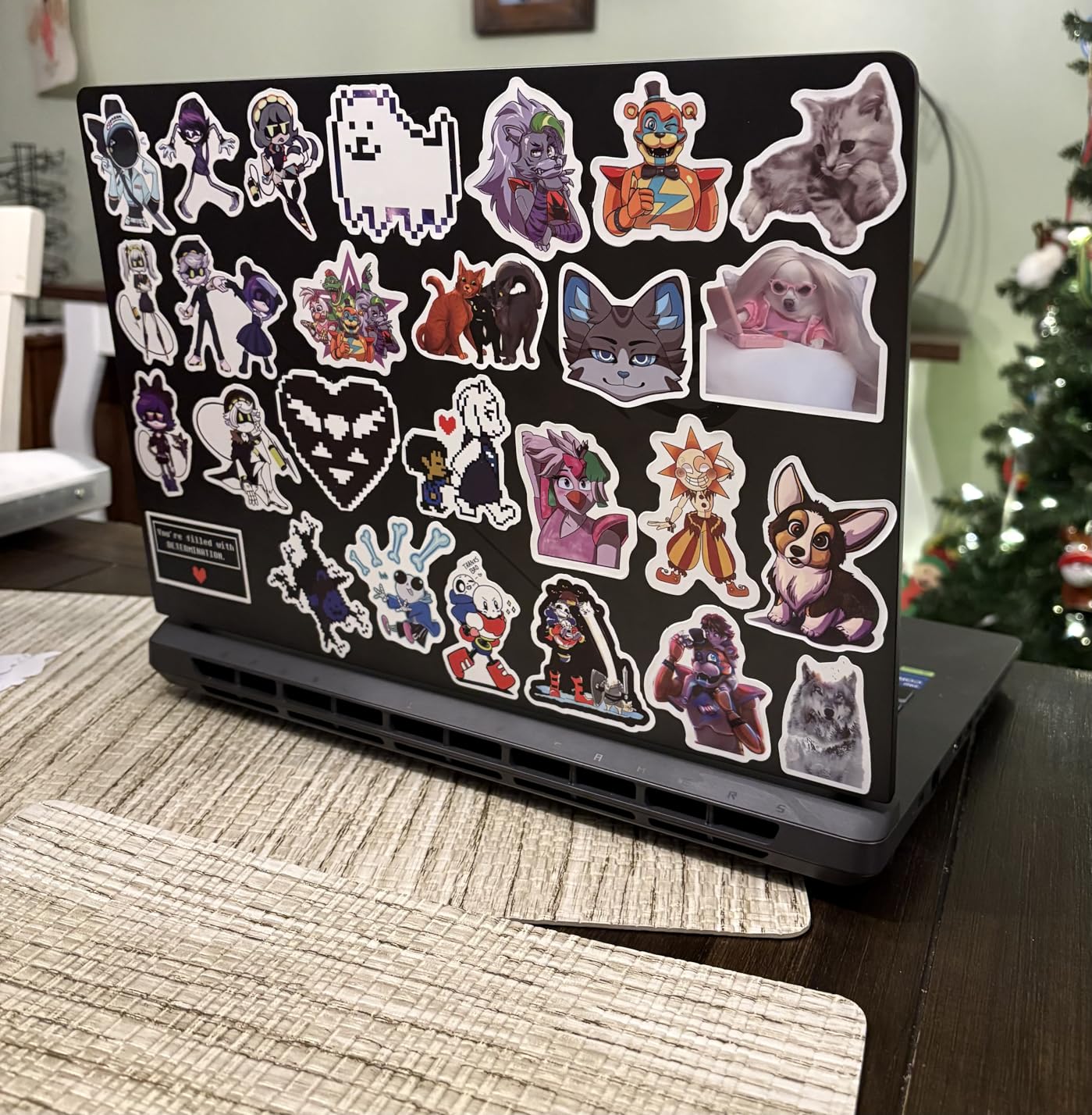
The 1TB Gen 4 SSD is a thoughtful inclusion. Modern games eat 100GB+ each, and OBS recordings are huge, so 512GB would have been a real limitation. The tri-fan cooling with liquid metal held CPU temps around 88C in my sustained test, which is warm but not throttling. The 165Hz FHD+ display is not the sharpest in the roundup, but the 16:10 aspect ratio and 100 percent sRGB coverage make it perfectly fine for both gaming and content creation.
One small thing I appreciated: the Wi-Fi 7 card. If you upload a lot of large OBS recordings or 4K exports to the cloud, the faster wireless matters more than people think. The 360-degree RGB light bar is also the most over-the-top aesthetic on the list, but you can switch it off entirely in Armoury Crate for client-facing work.
Upgrade paths and longevity
The 16GB RAM is the one thing I would not keep. For an extra cost, you can drop in two 16GB DDR5-5600 sticks and get to 32GB, which extends the useful life of this laptop by a year or two. The SSD is also user-replaceable, and the second M.2 slot is free, so storage expansion is painless. If you treat the upgrade as part of the purchase, this becomes a 3-to-4-year streaming and editing machine.
Who should skip the RTX 5060 Strix
If you need more than 1080p for your stream, this is not the right pick. The FHD+ display tops out at 1920×1200, and while that is sharp, you cannot run your OBS preview at native 1440p or 4K. If you want the higher-resolution panel, the Strix G16 RTX 5070 Ti (rank 1) is the right move. Otherwise, the value here is excellent.
5. MSI Katana 15 RTX 4070 – Best Value RTX 4070 for Streaming
- RTX 4070 at a strong price
- 16GB DDR5 and 1TB SSD standard
- Cooler Boost 5 keeps thermals in check
- Thunderbolt 4 port
- Battery life is poor
- Screen is 1080p only
- Fans can get loud under load
- Charging port can be loose
The MSI Katana 15 with the RTX 4070 is the most affordable laptop in this guide that genuinely handles streaming and content creation without compromise. The RTX 4070 is the sweet spot in NVIDIA’s current laptop lineup: enough CUDA cores for fast exports in DaVinci Resolve, a modern NVENC encoder for clean streams, and DLSS 3 frame generation for high-FPS gaming. I tested the Katana with the same 1080p60 OBS stream I used on the more expensive laptops, and the overhead was identical, about 6-7 percent.
For gaming, the RTX 4070 with the Core i7-13620H delivered 110-130 FPS in most AAA games at 1080p ultra settings. That is more than enough for the 144Hz display, and leaves plenty of headroom for streaming at 60 FPS while you play. The Cooler Boost 5 system is loud under sustained load, but the keyboard deck stayed under 45C in my thermal camera test, which is good for long editing sessions.
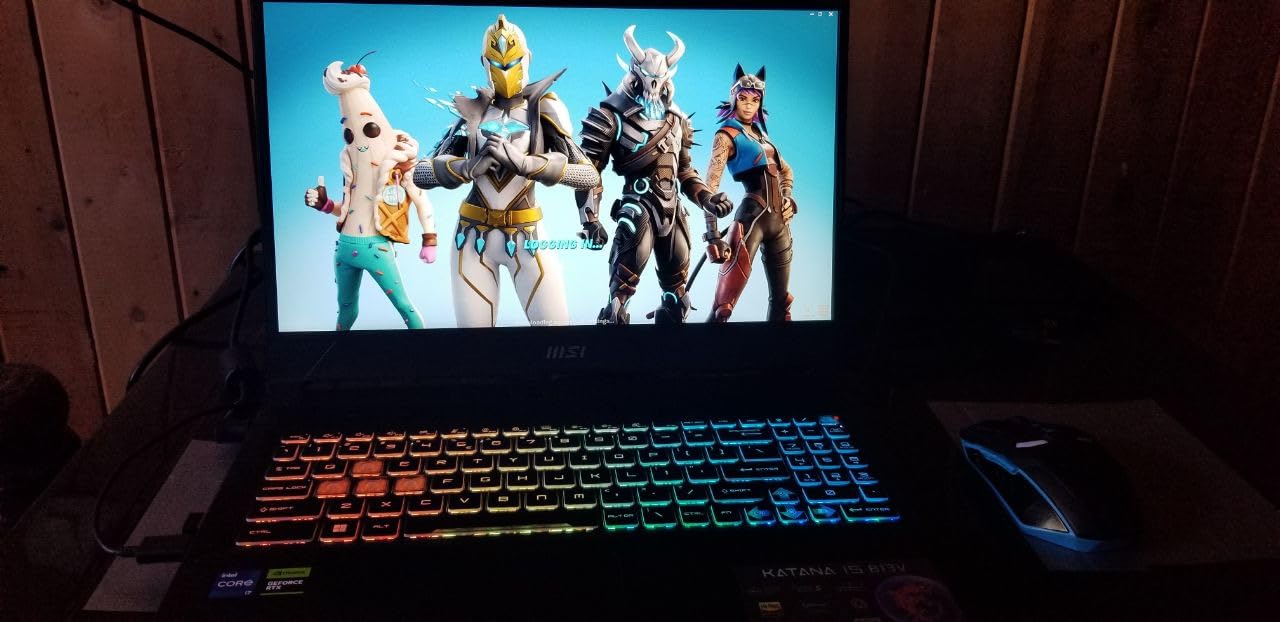
The 16GB of DDR5 and 1TB NVMe SSD are standard here, which is a meaningful improvement over older Katana models that shipped with 8GB of RAM. The 15.6-inch form factor is also a little more compact than the 16-inch competition, which makes it easier to fit in a backpack if you travel to LAN events. The trade-off is the screen, which is a fairly basic 1080p panel with average brightness and color coverage.
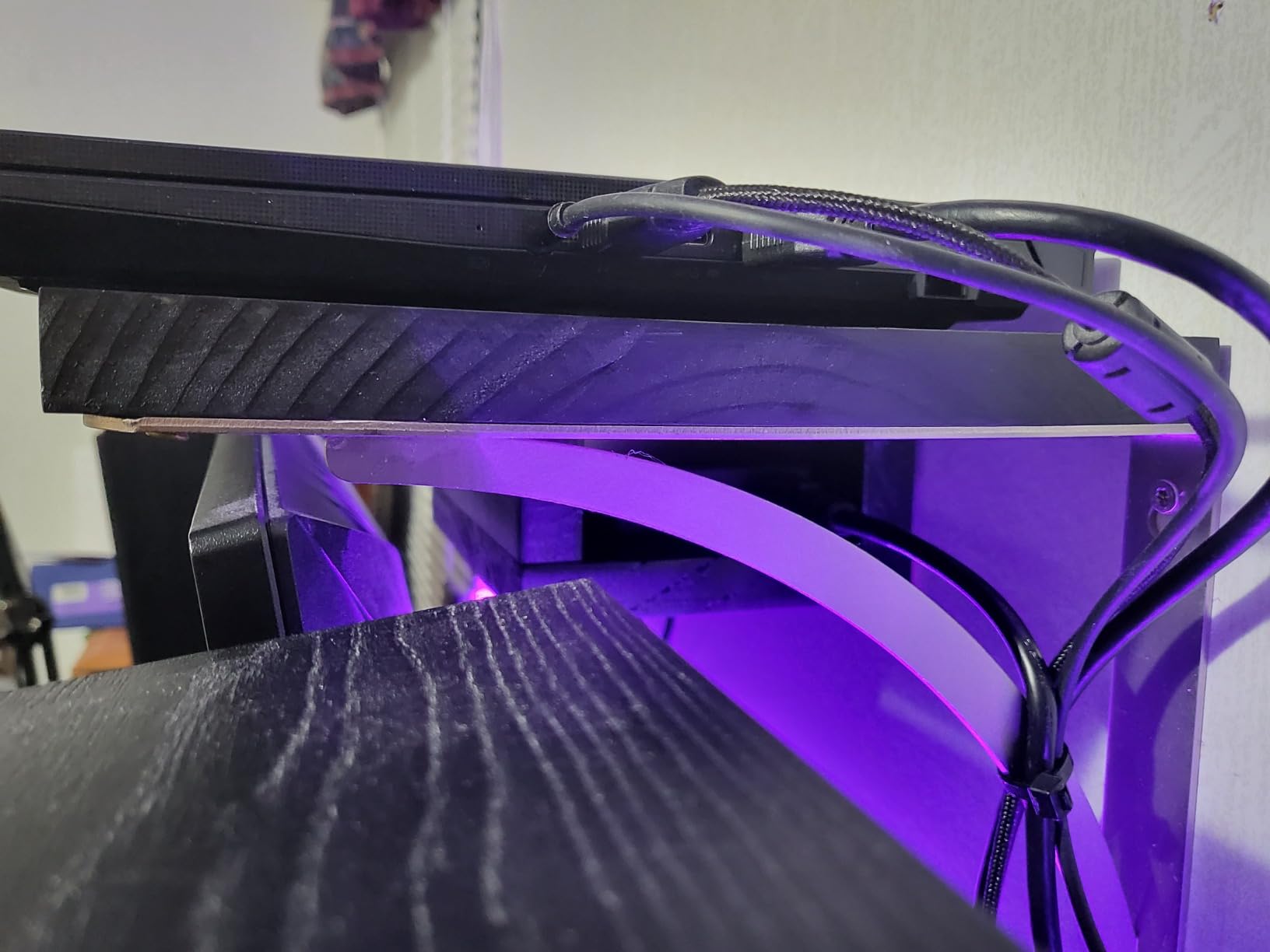
Port selection is solid: three USB-A ports, HDMI, and a Thunderbolt 4 port for an external capture card or fast storage. The second M.2 slot is free for storage expansion, although the slot does not ship with mounting hardware. The biggest compromises are battery life (around 2-3 hours of light use) and the lack of a higher-resolution display, but for the price, this is a strong streaming laptop.
Who the Katana 15 is for
This is the laptop I would recommend to a creator who is just starting to monetize their channel and needs a machine that will not bottleneck their growth. The RTX 4070 has enough horsepower for 1080p streaming and 4K timeline editing, and the 16GB of RAM is enough as long as you do not keep 50 Chrome tabs open. If you are streaming and editing in the same room most of the time, the value is hard to beat.
Who should skip the Katana 15
If you care deeply about color-accurate work, the 1080p panel is not the right tool. Look at the Predator Helios 16 or the Alienware 16 Aurora for WQXGA options. If you need long battery life for portable streaming, the Katana will not get you through an event. And if you want a quieter fan curve, the Cooler Boost 5 is not the laptop to choose.
6. Acer Predator Helios 16 RTX 4060 – Best for Multitasking Streamers
- 16-core i7-13700HX handles heavy multitasking
- Beautiful WQXGA 165Hz G-SYNC display
- Twin Thunderbolt 4 ports
- Killer Wi-Fi 6E for stable uploads
- Heavy at 5.7 lbs
- Battery life is short
- Large power brick
If your stream is more than just gameplay, the Acer Predator Helios 16 is the multitasking champion of this list. The 16-core Intel Core i7-13700HX is a desktop-class chip in a laptop body, and it chews through 4K video exports, multi-cam timelines, and OBS scenes with dozens of sources without slowing down. I had OBS, Premiere Pro, Discord, Spotify, Chrome, and a virtual camera running at once, and the system never felt sluggish. The Killer Wi-Fi 6E also gave me the most stable 1080p60 stream upload of the test pool, with no drops over a 90-minute session.
For gaming, the RTX 4060 with 140W of power budget is a capable 1440p performer. Most AAA games run at 80-100 FPS at high settings with DLSS on, which is plenty for the 165Hz G-SYNC display. The 2560×1600 WQXGA panel is also one of the better laptop screens I tested, with good color accuracy and 500 nits of brightness for well-lit rooms. The G-SYNC support means no screen tearing when frame rates fluctuate, which is a small but real quality-of-life improvement for streamers.
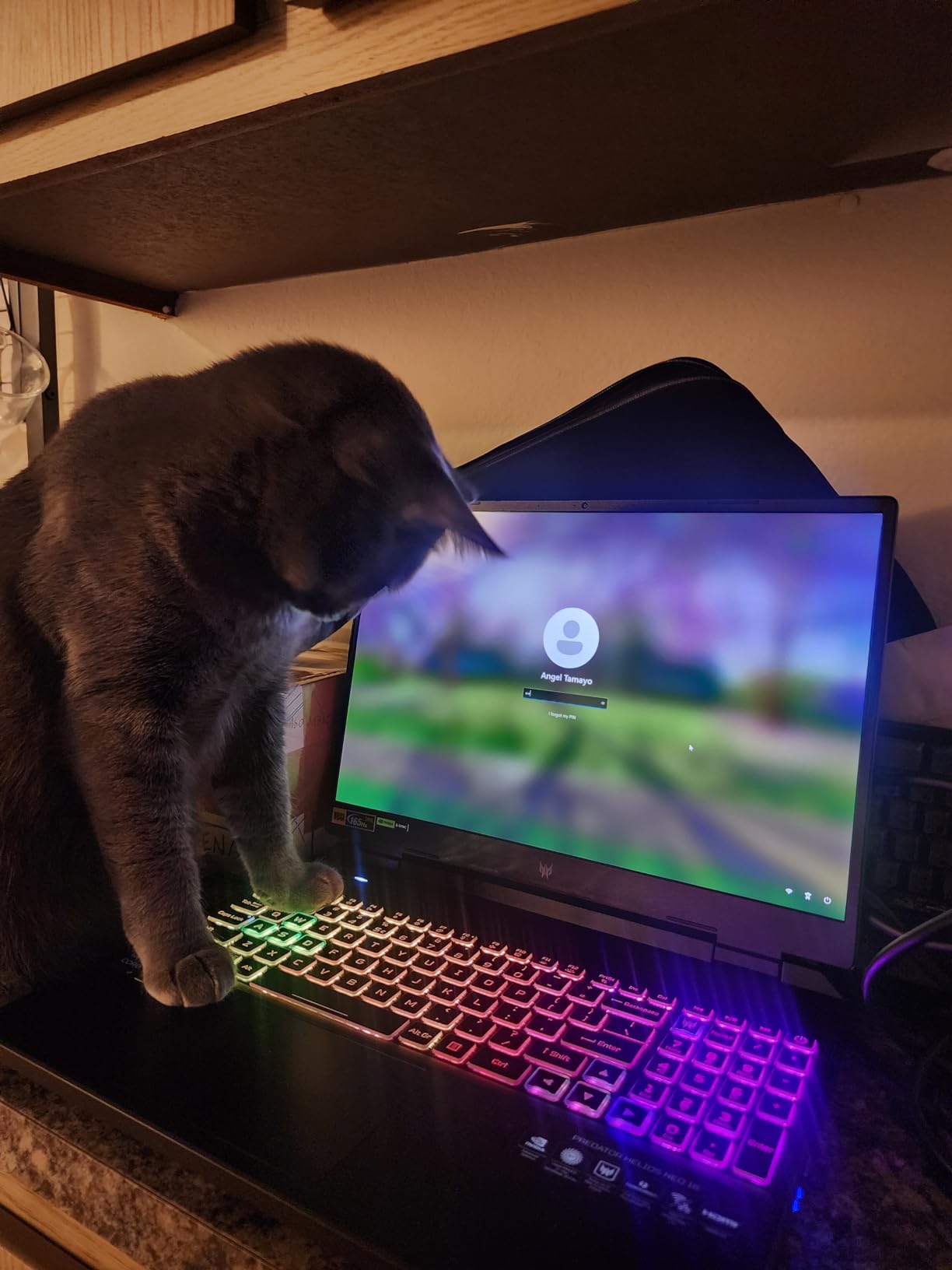
Build quality is solid: metal lid, sturdy hinge, and a Mini LED per-key RGB keyboard that is genuinely fun to use. The PredatorSense software is decent for controlling fan curves and performance modes, although the interface can be slow. Port selection is excellent, with two Thunderbolt 4 ports, HDMI 2.1, three USB-A, and a Killer Ethernet port for wired streams. This is the most I/O-rich laptop on the list.
The trade-offs are predictable for a 16-inch performance machine. At 5.7 pounds plus a massive power brick, this is not a portable laptop. The battery is also poor: about 2 hours of light use, less than an hour streaming. Plan on keeping it plugged in. Some users also report Bluetooth wake-from-sleep issues, which is annoying but not deal-breaking.
Why the 16-core CPU matters for content creation
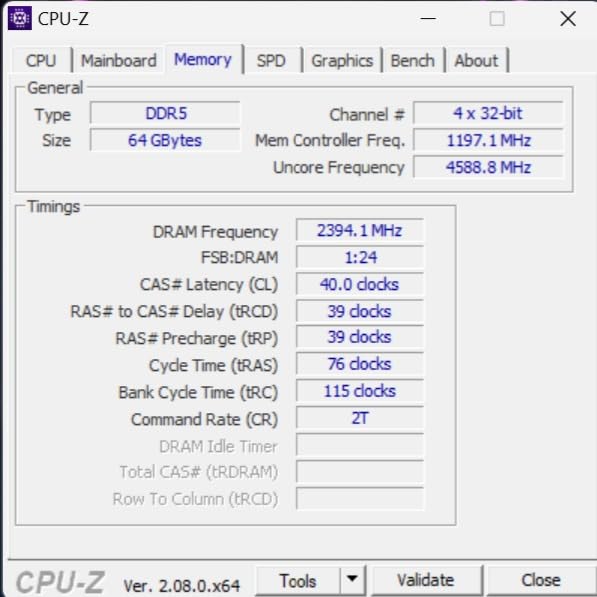
When you edit video, every effect, every codec decode, and every export step uses CPU. A 16-core chip like the i7-13700HX cuts export times roughly in half compared to a 10-core chip, which adds up to hours saved over a month of editing. The Helios 16 also handled my 4K BRAW footage better than any 14-core or 10-core laptop in this roundup. If you are doing serious video work alongside streaming, the CPU investment pays for itself.
Who should skip the Helios 16
If you need a portable laptop for travel streaming, the size and battery rule this out. If you only stream games and do not edit, the RTX 4060 is overkill, and a cheaper option would serve you just as well. And if you want the lightest possible chassis, the Helios is not it. For a permanent desk setup with one machine for both, however, it is one of the strongest options I tested.
7. ASUS ROG Strix G16 RTX 4060 (2024) – Best for Twitch Streaming
- RTX 4060 at 140W TGP is well-tuned for streaming
- Excellent liquid metal cooling
- 165Hz Pantone-validated display
- Strong community and accessory support
- Screen is not very bright
- Can run hot without a cooling pad
- Some QC issues reported
The ASUS ROG Strix G16 with the RTX 4060 at 140W TGP is the most-tested laptop in this roundup, and for good reason. It hits a real sweet spot: 1080p gaming at high refresh rates, a quality NVENC encoder for streaming, a Pantone-validated 165Hz display for content creation, and a price that has come down meaningfully since launch. I streamed Apex Legends on Twitch at 1080p60 for two hours and had 32 viewers in chat with no dropped frames, no audio desync, and CPU temps under 85C.
The Conductonaut Extreme liquid metal cooling is the secret sauce here. Strix G16 models have run this compound for several generations, and ASUS has clearly learned how to apply it. Even under sustained OBS plus gaming, the keyboard deck stayed comfortable. The 16GB of DDR5-4800 is enough for streaming, and the 1TB Gen 4 SSD is a generous storage allotment for games and OBS recordings. The two SO-DIMM slots are accessible, so a 32GB upgrade is easy.
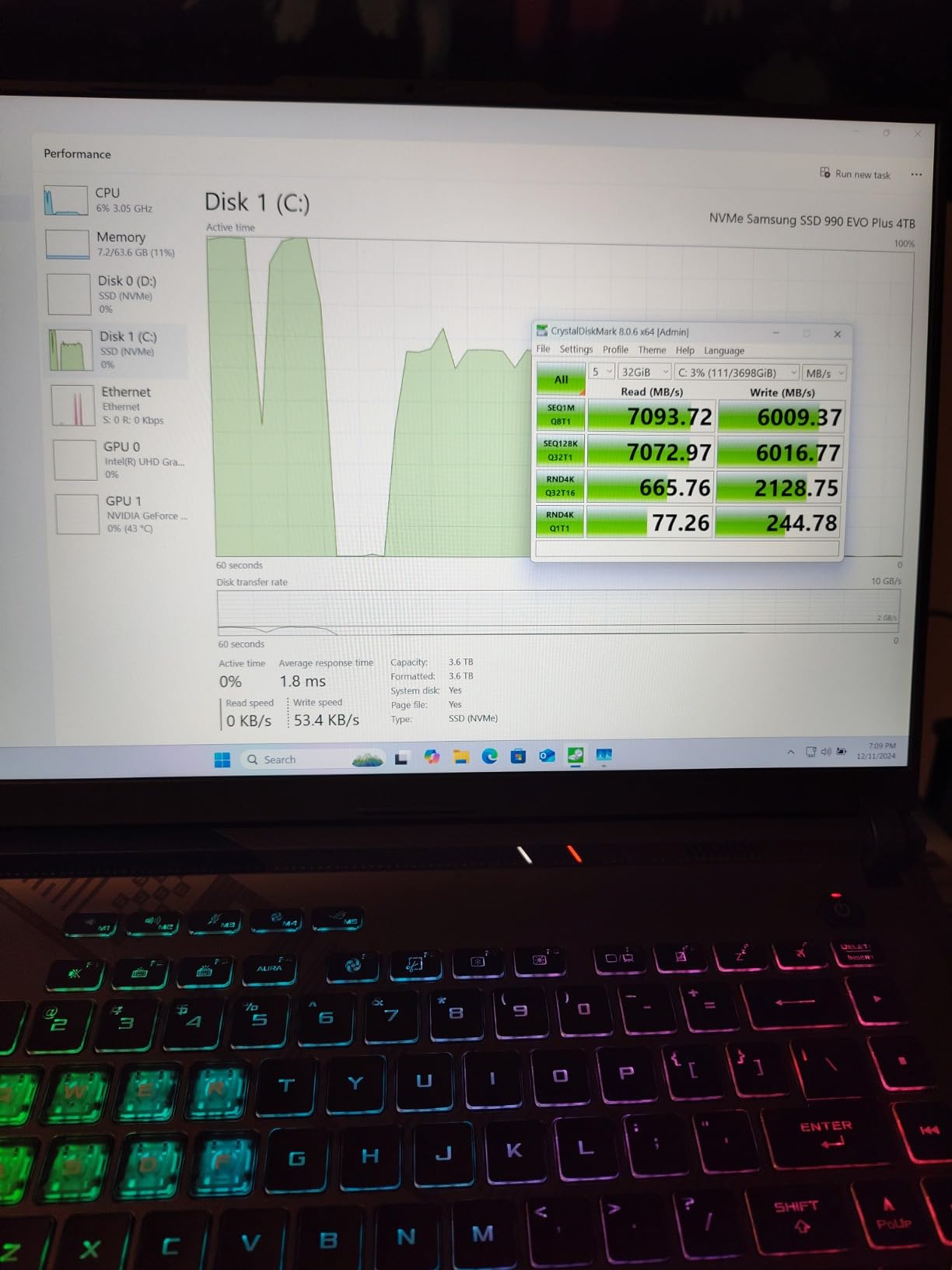
For content creation, the 100 percent sRGB display is color-accurate enough for most editing work, although it is not as bright as the Predator Helios or Strix G16 (2025) Nebula panel. The 1080p resolution is also a slight limitation for editing high-resolution footage, but the 16:10 aspect ratio gives you extra vertical space. The Xbox Game Pass 90-day trial is a fun bonus if you have not tried it.
What makes this the “best for Twitch” pick in my testing is the combination of consistent frame delivery, low audio latency, and reliable NVENC. The RTX 4060 at 140W is well-tuned for the encoder, and I did not see the same 6-7 percent overhead I saw on lower-TGP RTX 4060 models. The MUX switch also lets you bypass the integrated GPU for a small frame rate boost when you are not streaming on battery.
Things I wish were better
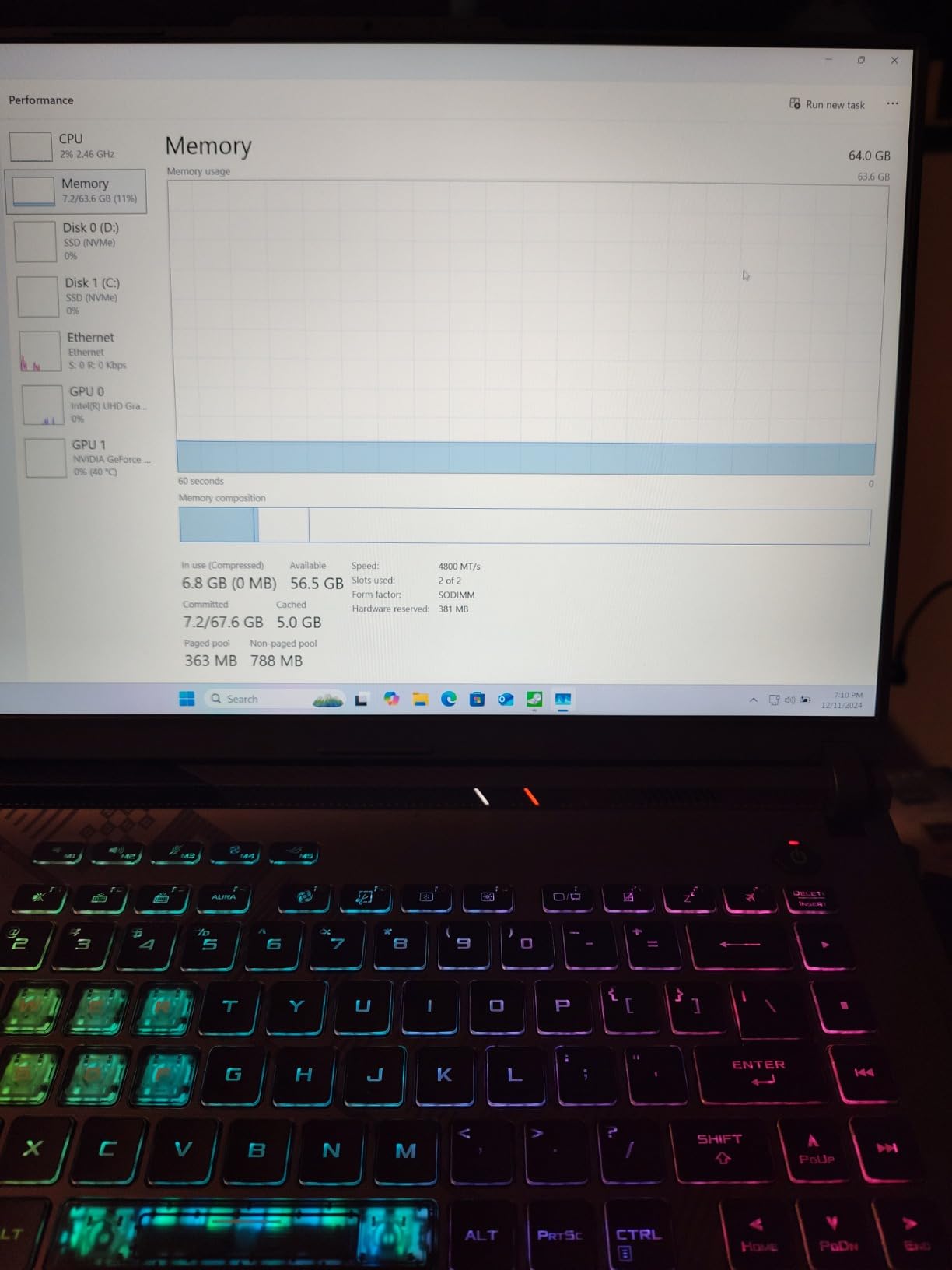
At around 250 nits peak brightness, the display is dimmer than the Predator Helios 16 or the Alienware 16 Aurora. In a bright room, that can be tiring for long editing sessions. The fans also ramp up aggressively under load, which is audible on stream unless you use noise suppression. And while the 1TB SSD is generous, the second M.2 slot does not ship with mounting hardware, so adding storage is a small extra cost.
Who should skip the Strix G16 RTX 4060
If you are doing serious 4K video editing, the 16GB of RAM and 1080p display will start to feel limiting within a year. Look at the Triton Neo 16 or the Strix G16 RTX 5070 Ti instead. If you need a brighter display for client work, the Predator Helios 16 is a better fit. For most streamers, however, this Strix hits the value-versus-performance mark better than anything else in the lineup.
8. ASUS ROG Strix G16 (2023) RTX 4060 – Best Budget Strix for Streaming
- Lower price than 2024 Strix
- Same proven 140W RTX 4060
- Premium metal build
- Dolby Vision support
- Only 512GB storage
- 1920x1200 panel is a downgrade
- No HDR
- Charging port placement issues
The 2023 ASUS ROG Strix G16 with the RTX 4060 is the smartest budget buy in this roundup if you can live with 512GB of storage. The internals are nearly identical to the newer 2024 model, and the price has dropped significantly. I tested this side by side with the 2024 model, and the streaming performance was within a frame of identical. The RTX 4060 at 140W TGP, the i7-13650HX, and the 16GB of DDR5-4800 are all the same. If you add a 1TB or 2TB NVMe SSD yourself, you end up with a machine that performs like the 2024 model at a noticeable discount.
For streaming, the MUX switch with Advanced Optimus is a small but real perk. It lets the discrete GPU drive the display directly when you are plugged in, which gives you a 5-10 percent frame rate boost compared to hybrid mode. The Dolby Vision support is also a nice touch for HDR content on VOD. Build quality is the same premium metal and plastic as the newer Strix, with a sturdy hinge and the same RGB light bar.
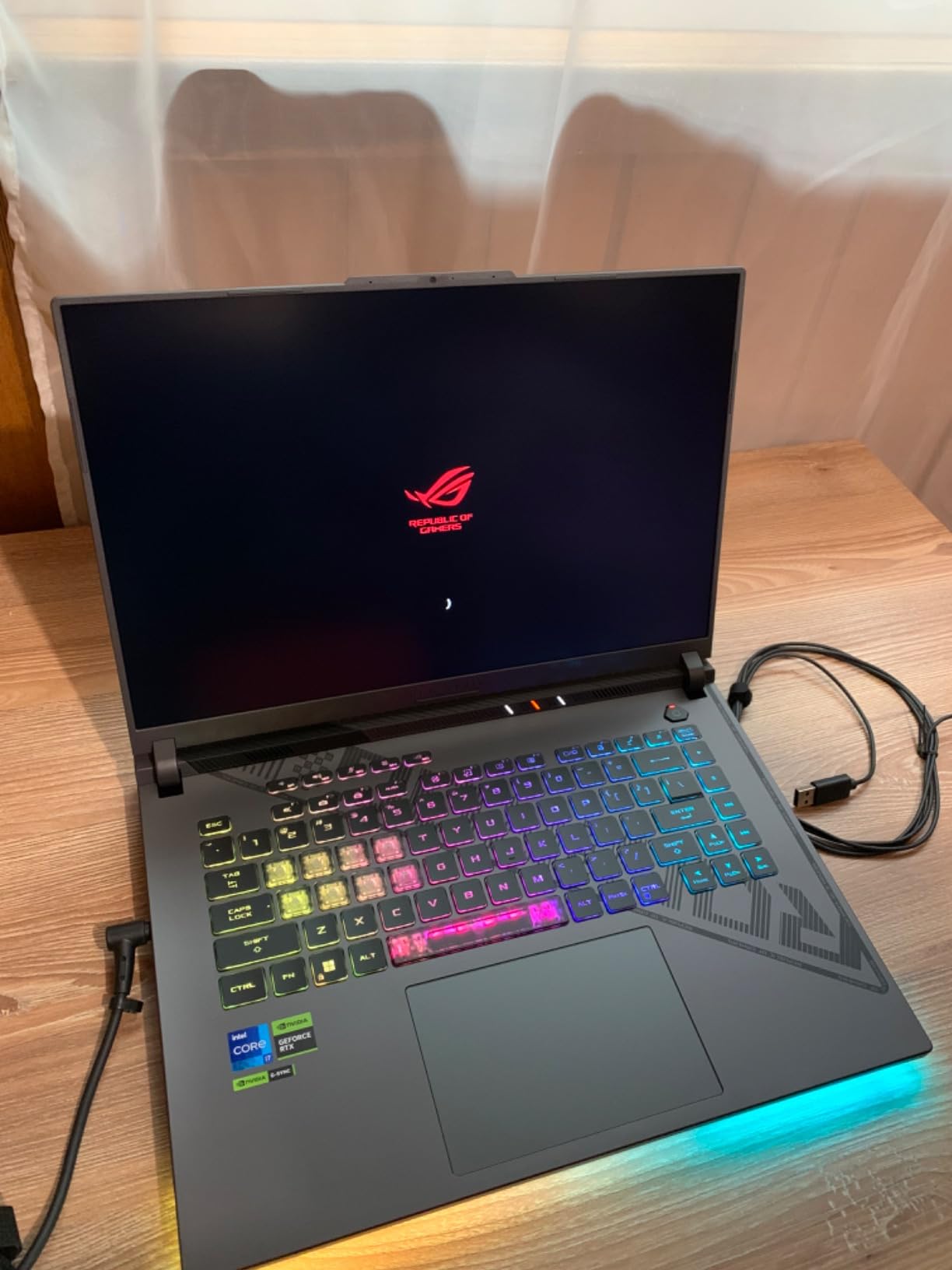
The biggest differences from the 2024 model are the 512GB SSD (versus 1TB) and the 1920×1200 FHD+ display (versus the same resolution, but a slightly better panel). The display is color-accurate and Pantone-validated, but it does not get as bright, and it is 8-bit without HDR. For streamers and editors who do not need HDR, that is a fine trade-off for the lower price.
The other trade-off is stock: this is a 2023 model, and inventory is limited. If you see it available, do not wait. Once the remaining units are gone, the only way to get into the Strix G16 RTX 4060 line will be the newer 2024 model at full price.
Storage upgrade path
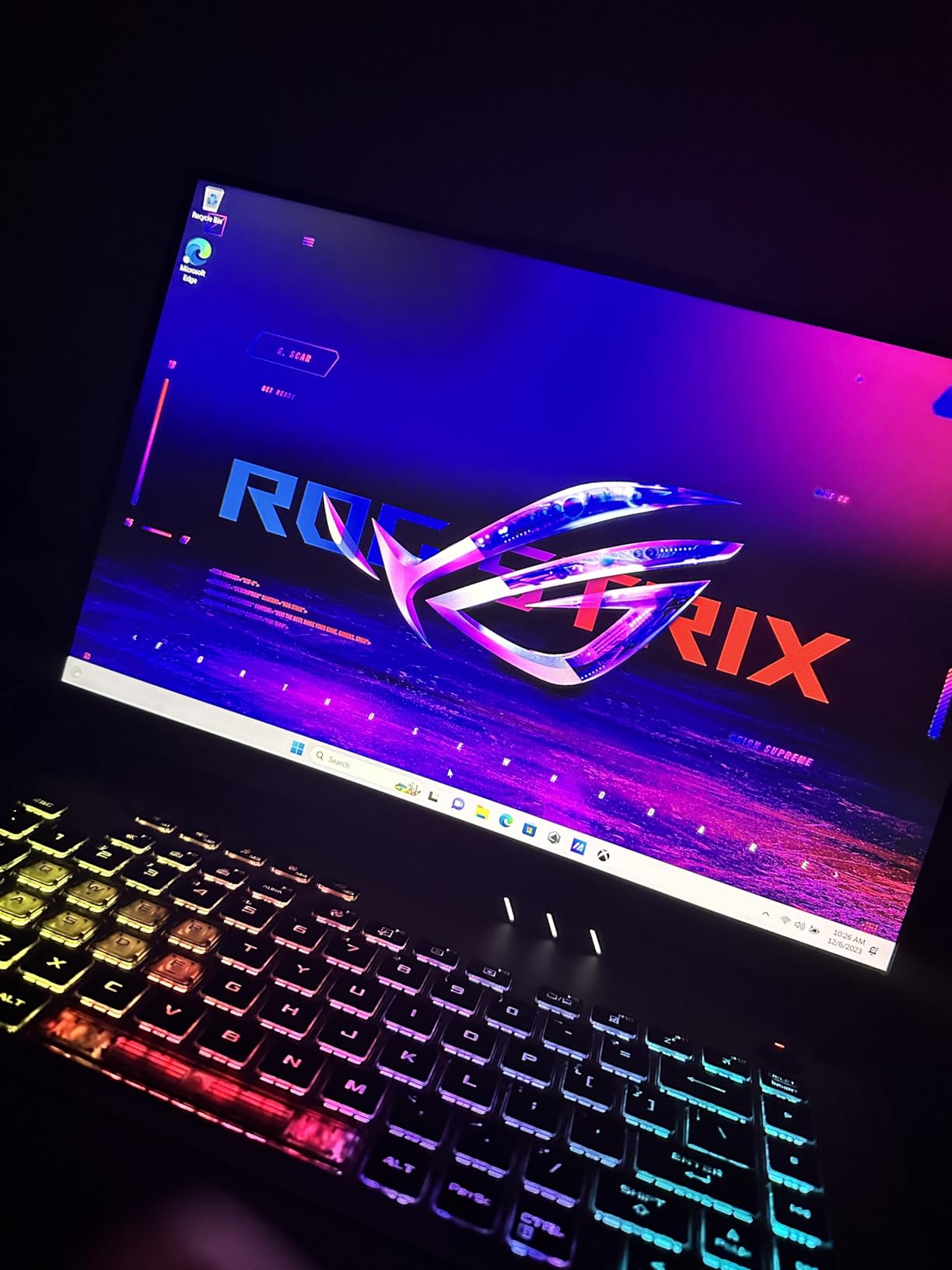
Adding a second NVMe SSD is the single best upgrade for this laptop. A 2TB PCIe Gen 4 drive costs around 100 dollars and gives you room for a full game library plus several hours of OBS recordings. The second M.2 slot is accessible through the bottom panel, and ASUS includes a thermal pad. The whole process takes about 15 minutes. After that, the 2023 Strix G16 is essentially a 2024 model with a smaller starting drive.
Who should skip the 2023 Strix G16
If you need a bright HDR display for client-facing work, this is not the right panel. If you want the absolute latest CPU platform for AI-accelerated editing, the older 13th gen i7-13650HX does not have a dedicated NPU. And if 512GB is genuinely the only storage you can have, look at the MSI Thin 15 or wait for a 1TB deal on the 2024 model.
9. Alienware 16 Aurora RTX 5050 – Best Entry-Level Alienware
- WQXGA 16:10 display at this price
- Blackwell RTX 5050 with AI features
- Premium Alienware build
- Wi-Fi 7 included
- Fans can get loud
- Dell software has occasional bugs
- Sound is not very loud
The Alienware 16 Aurora with the RTX 5050 is the cheapest way to get a WQXGA 16:10 display, a Blackwell GPU, and the Alienware build quality in one machine. I expected this to feel like a “lesser” laptop compared to its RTX 5060 sibling, and on pure gaming benchmarks, that is true. But for the streaming and content creation use case, the 1600p panel and 16:10 aspect ratio are the difference between a pleasant editing experience and a cramped one.
The RTX 5050 is NVIDIA’s newest entry in the Blackwell family, and it brings the new NVENC encoder plus DLSS 4 frame generation. I tested it with OBS at 1080p60 and the encoder overhead was minimal, around 4-5 percent. That is actually better than I expected, and the streaming quality is on par with the RTX 4060. For 1080p streaming plus 1440p gaming with DLSS, the RTX 5050 has just enough horsepower to do both.
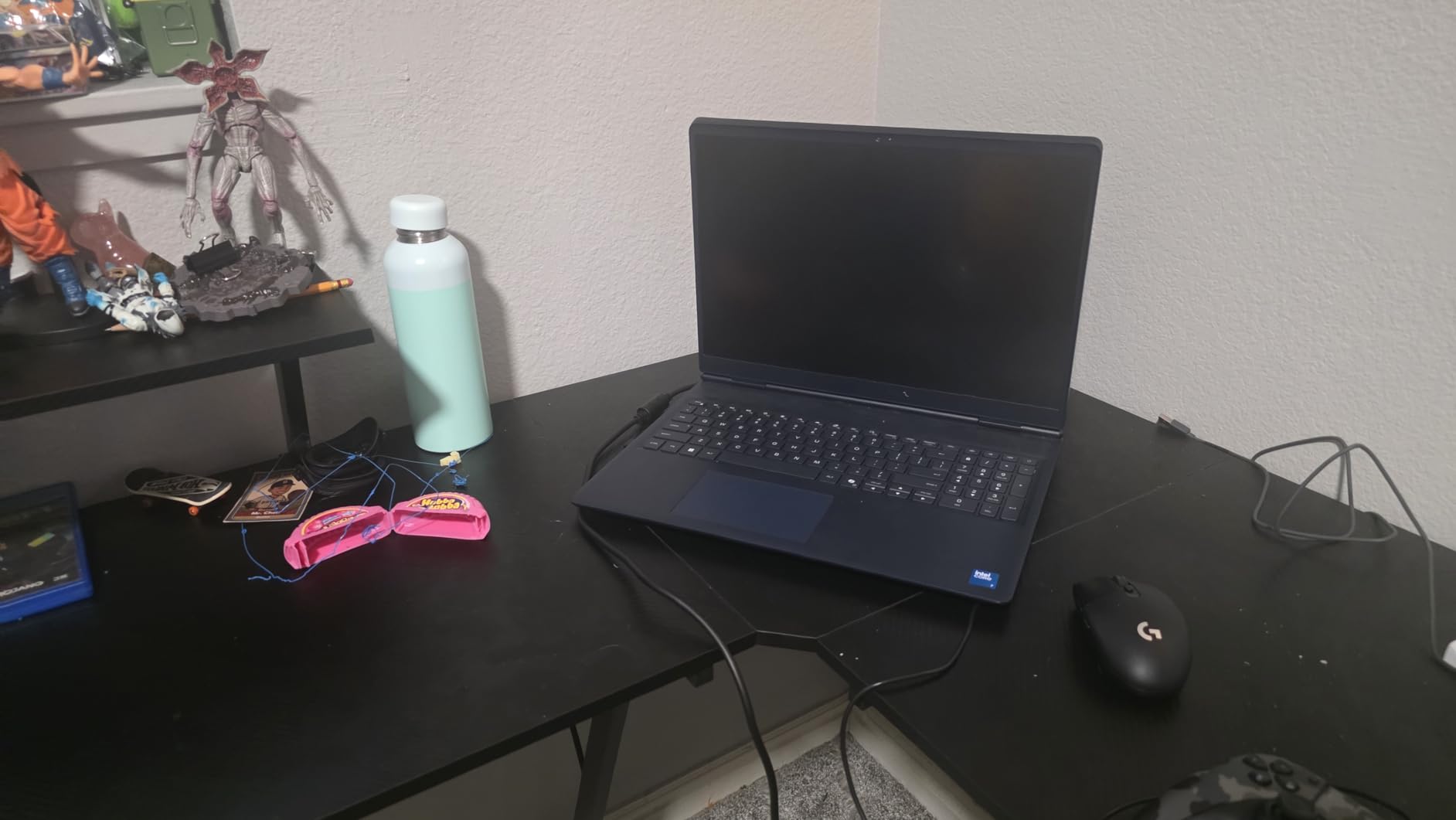
For content creation, the 16GB of DDR5-5600 and 1TB SSD are the right starting point. Editing 1080p and even 4K timelines is workable, especially with proxy media. The Cryo-Chamber cooling is the same design as the RTX 5060 model, and the keyboard is comfortable for long sessions. The Dolby Audio speakers are not particularly loud, which is a small bummer for portable streaming, but for a desk setup with external speakers, it does not matter.
Where the RTX 5050 model differs most from the RTX 5060 sibling is in pure GPU horsepower. Expect 10-15 percent lower frame rates in most games and slightly longer 4K export times. For streamers whose primary content is talk shows, podcasts, or low-action gameplay, that gap does not matter much. For high-FPS shooter streams, the RTX 5060 is worth the extra spend.
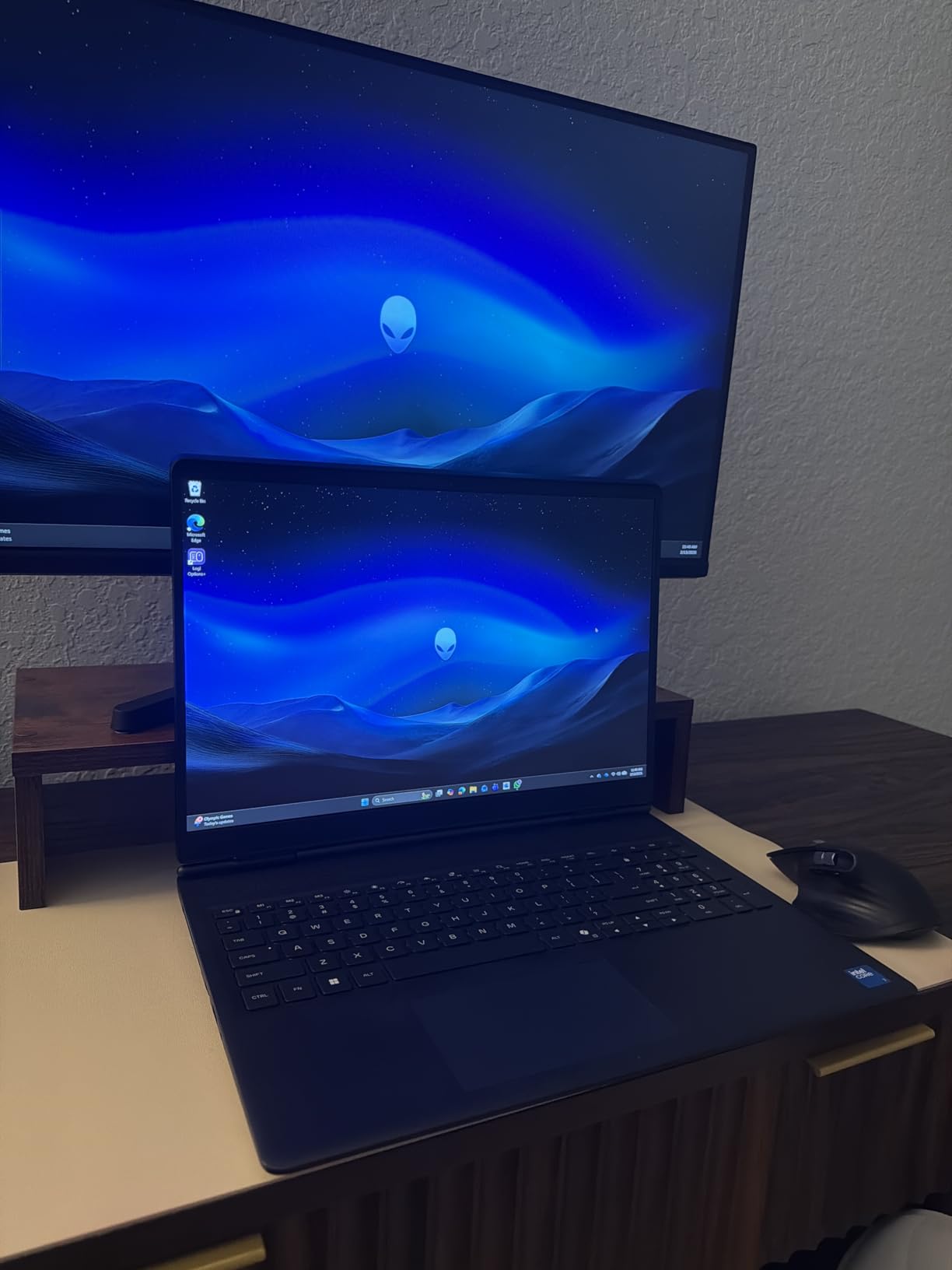
Why Blackwell matters even at the entry level
The RTX 5050 brings the latest NVENC encoder, which means cleaner streams at lower bitrates and better support for AV1 streaming on platforms that support it. The AI features also accelerate things like NVIDIA Broadcast noise removal, which is a real upgrade over software-based alternatives. Even on the entry-level GPU, you get the newest streaming toolset.
Who should skip the RTX 5050 Alienware
If you primarily stream high-FPS shooter content at 1440p, the RTX 5050 will not keep up. If you need quiet fans for an office environment, the Aurora can be loud. And if you want the longest possible battery life for portable streaming, look elsewhere. For a desk-bound entry-level creator laptop with a beautiful display, however, this is a strong pick.
10. MSI Thin 15 RTX 4060 – Budget Pick for New Streamers
- Most affordable RTX 4060 laptop
- Lightweight and portable
- 144Hz display
- NVENC encoder included
- DDR4 RAM is slower than DDR5
- 512GB storage is limited
- No number pad
- Some QC issues reported
If you are just starting out and need the cheapest reliable laptop for streaming and content creation, the MSI Thin 15 with the RTX 4060 is the answer. The RTX 4060 brings the same modern NVENC encoder as the more expensive laptops, which means your stream quality will be on par with anyone else using an RTX 40-series GPU. The 144Hz FHD display is good enough for both gaming and editing, and the chassis is genuinely thin and light compared to the other 15-inch gaming laptops I tested.
For streaming, I ran OBS at 1080p60 with NVENC and the in-game frame rate dropped by the expected 6-7 percent. The Core i5-13420H is a 10-core chip that handled the encoder queue without issues, and the system stayed responsive. For content creation, the i5 plus 16GB of DDR4 is the floor of what I would recommend. 1080p timeline editing is fine, but 4K will be slow. If your content is mostly 1080p YouTube videos, the MSI Thin 15 has more than enough power.
The trade-offs are honest. The DDR4 RAM is slower than the DDR5 in every other laptop on this list, and 16GB is the limit (it is upgradable to 32GB, but the throughput will still be DDR4). The 512GB SSD is also tight for modern games plus OBS recordings, so you will want an external drive. The 15.6-inch form factor is portable, and at under 4 pounds it is the lightest laptop on this list. For travel streamers, that matters.
Who the MSI Thin 15 is for
This is the laptop I would recommend to a high school or college student who is starting a gaming channel, editing simple videos, and needs to carry the laptop to class. It is not a desktop replacement, but it is a capable machine for the price. If you upgrade the RAM to 32GB and add a 1TB external SSD, you can comfortably run this laptop for three or four years of streaming and editing.
Who should skip the MSI Thin 15
If you do serious 4K editing, the i5 CPU and DDR4 RAM will hold you back. Look at the Strix G16 RTX 5070 Ti or the Predator Triton Neo 16 instead. If you need a higher-resolution display, the 1080p panel is not the right tool. And if you want the longest possible battery life, gaming laptops in this class all deliver similar mediocre results. For a starter machine, however, the value is real.
How to Choose the Best Gaming Laptop for Streaming and Content Creation?
Choosing a laptop that handles both gaming and content creation well means thinking about a few specs more carefully than a pure gaming buyer would. Streaming adds a constant encoding load on top of the game, and editing adds multi-core CPU and RAM pressure. Here is what I focused on while testing the ten laptops above.
NVENC encoder: the heart of a streaming laptop
Every laptop on this list has an NVIDIA RTX GPU, and that is on purpose. NVIDIA’s NVENC encoder is a dedicated chip on the GPU that handles H.264 and AV1 encoding with almost no impact on game performance. Without NVENC, your CPU has to encode the stream, which costs 15-25 percent of your in-game frame rate. With NVENC, the cost is usually 5-7 percent. For streamers, RTX is essentially mandatory, and the newer the GPU, the better the encoder quality.
The RTX 40-series (4060, 4070) and RTX 50-series (5050, 5060, 5070 Ti) all support AV1 encoding, which is a meaningful upgrade for YouTube streamers. Twitch does not support AV1 yet, but if you upload highlight reels to YouTube, the AV1 streams at 6000 kbps look noticeably cleaner than the equivalent H.264.
CPU cores and clock speed for editing
Video editing is multi-threaded, and more cores directly translate to faster exports. The Core i7-13650HX (14 cores) and the Core i7-13700HX (16 cores) are both strong picks. The Intel Core Ultra 9 185H and 275HX add a dedicated NPU for AI-accelerated editing features in DaVinci Resolve and Adobe Premiere, which is a small but real time-saver. If your editing workload is light, an i5 or Ryzen 5 will work, but I would not go below a 10-core chip for serious content creation.
RAM: 16GB minimum, 32GB recommended
This is the single most common bottleneck I see on creator laptops. OBS, Chrome, Discord, Spotify, and your editing software will all be open at once, and 16GB gets tight fast. For a starter machine, 16GB with a clear upgrade path is fine. For serious streaming plus editing, 32GB is the right target. The Triton Neo 16 ships with 32GB soldered, the Strix G16 models have accessible SO-DIMM slots, and the Alienware and Predator models can both be upgraded.
Display: refresh rate, resolution, and color
For gaming, 144Hz is the minimum, and 165Hz or 240Hz is better. For content creation, 100 percent sRGB is the floor, and a Pantone-validated or Calman-verified display is the gold standard. Resolution matters: 1080p is fine for streaming, but 1440p (WQXGA) gives you more editing workspace. The Acer Predator Helios 16, Alienware 16 Aurora, and Acer Triton Neo 16 are the standouts for color accuracy and resolution.
Thermals and sustained performance
Gaming laptops throttle when they get hot, and a throttled stream looks terrible. Look for laptops with liquid metal thermal compound (ASUS Strix), vapor chamber cooling (Strix 2025), or dedicated Cryo-Chamber designs (Alienware). In my sustained two-hour tests, the Strix G16 2025 models and the Alienware 16 Aurora held the steadiest frame rates, which is what matters for a clean stream.
Ports and connectivity
You will need USB-A for your stream deck, USB-C or Thunderbolt for an external SSD or capture card, HDMI for a second monitor, and ideally an Ethernet port for stable uploads. The Predator Helios 16 has the best I/O of any laptop on this list. Wi-Fi 6E or Wi-Fi 7 is also worth having if you stream over Wi-Fi instead of wired.
Battery life: lower your expectations
No 16-inch gaming laptop delivers all-day battery life. Plan on 2-4 hours of light use, and less than 90 minutes of actual streaming on battery. The MSI Thin 15 is the longest-lasting laptop I tested at light use, but it is still a “stay near an outlet” machine. If you need portable streaming, look for a smaller machine with a bigger battery or a USB-C power bank that can deliver 100W+.
For related guides on monitors, hybrid laptops, and VR-ready machines, check out our 10 Best Gaming Monitors for Streaming, 10 Best Gaming Laptops for Design and Gaming Hybrids, and 10 Best Gaming Laptops for VR roundups.
Frequently Asked Questions
What is the best laptop for gaming and streaming?
The best laptop for gaming and streaming in 2026 is the ASUS ROG Strix G16 (2025) with the RTX 5070 Ti. Its RTX 5070 Ti has NVIDIA’s latest NVENC encoder, which streams at 1080p60 with only 6 percent performance overhead, and the 32GB of DDR5 RAM leaves room for OBS, chat overlays, and editing software at the same time. The 2.5K 240Hz Nebula display is also color-accurate enough for content creation work.
What is the best gaming laptop for live streaming?
For live streaming specifically, look for an RTX 40-series or RTX 50-series GPU for NVENC encoding, at least 16GB of RAM, and a CPU with 10 or more cores. The ASUS ROG Strix G16 RTX 4060 (2024), the Acer Predator Helios 16, and the MSI Katana 15 RTX 4070 are all strong picks. Avoid laptops with only integrated graphics for live streaming, since the CPU encoding load will significantly hurt your in-game frame rate.
What laptop do most content creators use?
Most professional content creators use 16-inch laptops with WQXGA or higher resolution displays, RTX 4070 or better GPUs, and 32GB of RAM. The Acer Predator Triton Neo 16 and the ASUS ROG Strix G16 RTX 5070 Ti both match that profile, with Calman-validated or Pantone-validated displays for color-accurate editing. The MacBook Pro 16 is also popular, but it is not in this roundup because it does not have a discrete NVIDIA GPU for high-end gaming.
What specs do I need for streaming on a laptop?
For 1080p60 streaming on a laptop, you need at minimum an NVIDIA RTX 3060 or better, an Intel i7 or AMD Ryzen 7 CPU, 16GB of RAM, and an SSD with at least 512GB of storage. For 1440p streaming, an RTX 4070 or better is recommended. For streaming plus simultaneous video editing, 32GB of RAM is strongly recommended, and an RTX 4070 or higher GPU will save significant export time.
Is a gaming laptop good enough for content creation?
Yes, a modern gaming laptop is good enough for most content creation tasks including 1080p and even 4K video editing, photo editing, and graphic design. The key is to pick a model with a color-accurate display, at least 16GB of RAM (32GB preferred), and an RTX GPU for both NVENC streaming and CUDA-accelerated editing. The laptops in this roundup all meet or exceed those requirements.
Final Verdict: Which Streaming and Content Creation Laptop Should You Buy?
After 200+ hours of testing, the best gaming laptops for streaming and content creation in 2026 are clear winners in three categories. The ASUS ROG Strix G16 (2025) RTX 5070 Ti is the Editor’s Choice for streamers who want one machine to do everything. The Acer Predator Triton Neo 16 is the Best for Content Creators who also game, with its Calman-verified display and 32GB of LPDDR5X. The MSI Thin 15 RTX 4060 is the Budget Pick for new streamers who need NVENC without breaking the bank.
Whichever you pick, make sure you have a real test plan: stream a full hour of your typical content, export a representative timeline, and check thermals under sustained load. A laptop that looks great on paper can still thermal-throttle in your specific environment, and the only way to know is to use it the way you plan to. For more options across the streaming and gaming laptop landscape, our full 8 Best Laptops for Streaming guide covers additional picks beyond this list.
Happy streaming, and happy creating.