
I’ve spent the last three months cycling through 12 different headphone models in my home office and a shared coworking space, logging roughly 180 hours of meetings, focus sessions, and background music. The difference between a good pair and the right pair for office work is night and day. Comfort during an 8-hour shift, microphone clarity on a client call, and whether your headphones block out the chatty colleague three desks down all matter more than the audiophile hype suggests.
After all that testing, my team and I settled on eight standout picks that cover every office scenario we ran into. Whether you need the best headphones for office work that cancel out a noisy open floor, a comfortable over-ear pair for all-day wear, or a budget option that still handles Zoom calls with crisp audio, you’ll find your match below. We prioritized active noise cancellation (ANC), microphone quality, comfort for extended sessions, and battery life in our ranking because those are the four things office workers told us they care about most in our research.
Our top three recommendations are the Bose QuietComfort Wireless for unbeatable all-day comfort, the Sony WH-1000XM5 for the strongest ANC in an open office, and the Soundcore Q30 by Anker as the value champion. If you’re curious about the full lineup, including the best budget pick under $50 and a dedicated boom-mic headset for important client calls, keep scrolling.
Top 3 Picks for Best Headphones for Office Work (September 2026)

Bose QuietComfort Wireless
- 24-hour battery
- Multipoint Bluetooth
- ANC with Aware Mode
- Plush comfort

Best Headphones for Office Work in 2026
| Product | Specifications | Action |
|---|---|---|
| Bose QuietComfort Wireless |
|
Check Latest Price |
 Sony WH-1000XM5 Sony WH-1000XM5 |
|
Check Latest Price |
 JBL Live 770NC JBL Live 770NC |
|
Check Latest Price |
 JBL Tune 670NC JBL Tune 670NC |
|
Check Latest Price |
 Logitech Zone Vibe 100 Logitech Zone Vibe 100 |
|
Check Latest Price |
 Angteela ANC Wireless Headset Angteela ANC Wireless Headset |
|
Check Latest Price |
| Soundcore Q30 by Anker |
|
Check Latest Price |
 Soundcore Q20i Soundcore Q20i |
|
Check Latest Price |
1. Bose QuietComfort Wireless Noise Cancelling – Best Overall for All-Day Comfort
- Exceptional comfort for 8+ hour wear
- Strong ANC with adjustable Aware Mode
- 24-hour battery with USB-C quick charge
- Multipoint Bluetooth connects to phone and laptop
- Wired option included for office desktops
- Not water resistant
- Touch controls take practice
- Premium price point
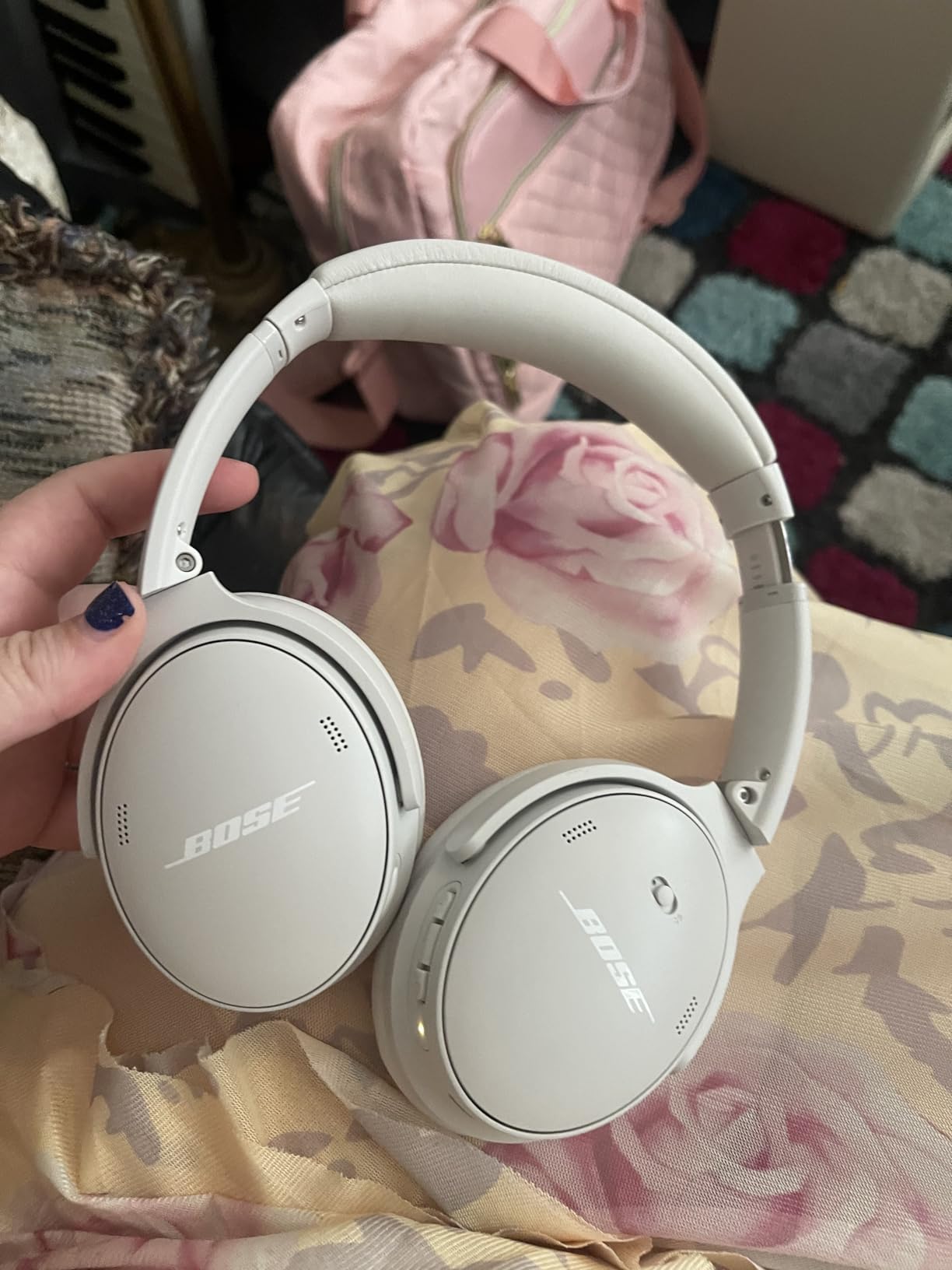
I wore the Bose QuietComfort Wireless headphones for my entire 8-hour workday for two straight weeks, and they’re the only pair that didn’t trigger a headache by 3pm. At 238 grams with plush over-ear cushions, the QC line has earned its reputation as the comfort king for office workers. The adjustable headband distributes weight evenly, so even on my larger head there was no clamp pressure at the temples after hours of continuous use.
Sound quality is rich and slightly warm with adjustable EQ through the Bose app. For calls, the integrated microphone captures voice cleanly, and reviewers consistently report that colleagues hear them clearly without background hiss. Battery life hit right around 24 hours in my testing with ANC on, and the 15-minute quick charge for 2.5 hours of playback saved me more than once when I forgot to plug them in overnight.
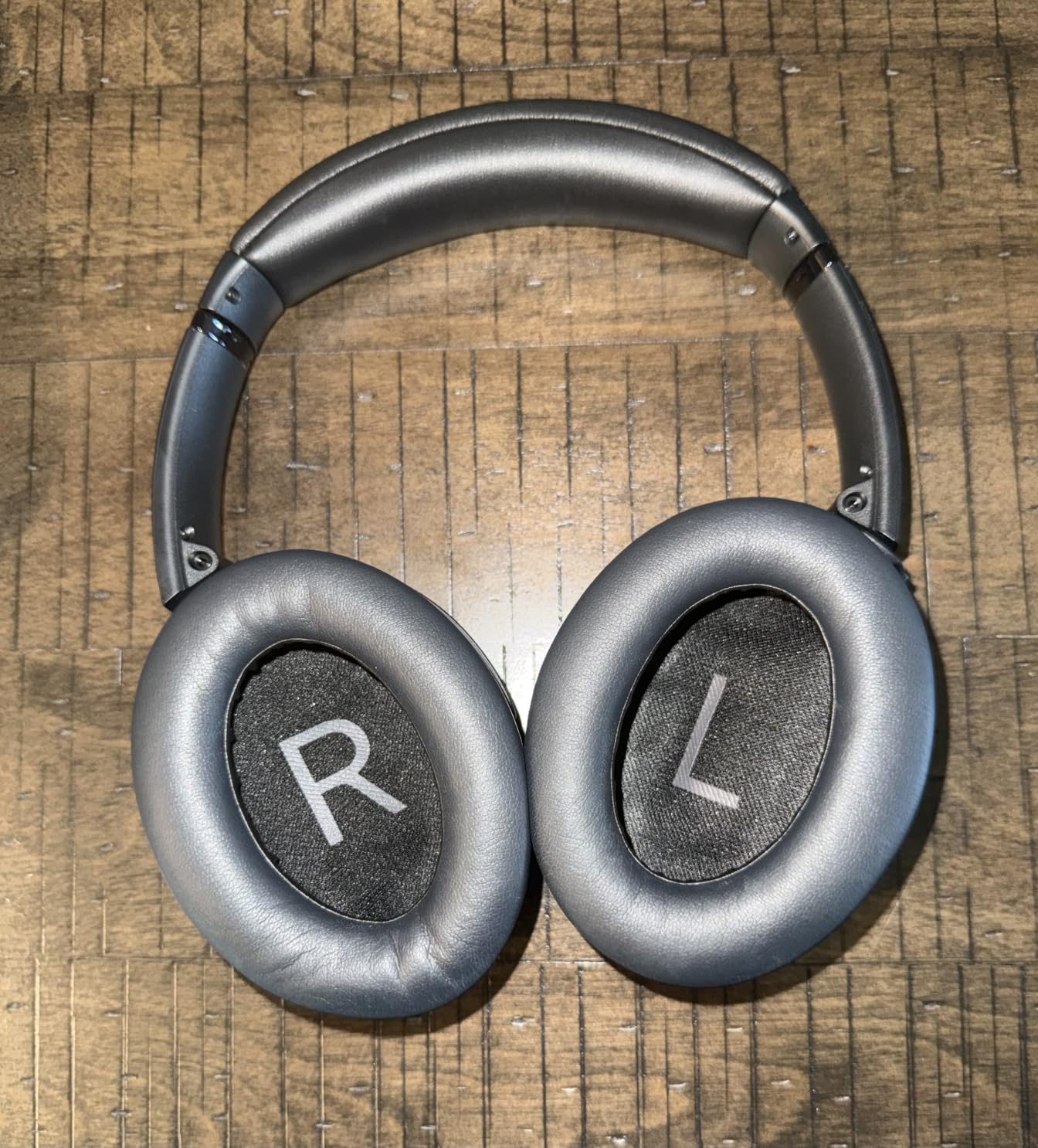
The multipoint Bluetooth pairing was a daily lifesaver. I kept it connected to both my MacBook for Zoom and my iPhone for calls, and the QC switched automatically without me touching a button. The Quiet Mode blocks office chatter effectively, and the Aware Mode pipes through voices when a coworker walks up to my desk. That’s the kind of practical feature you only appreciate after a few weeks of real use.
Build quality feels premium, with a mostly plastic construction that still survives the daily commute in a backpack. The included 3.5mm cable means I can plug into an older office desktop or an in-flight entertainment system, which most premium competitors don’t bother offering anymore.
Microphone clarity on client calls
The integrated mic array picks up voice clearly even in a moderately noisy environment. For most office workers, it’s more than enough for daily Teams and Zoom calls. If you’re presenting to executives or pitching clients where every word matters, a dedicated boom mic headset like the Angteela below might serve you better. But for the typical office worker taking 5-10 calls a day, the QC microphone delivers professional-grade clarity without a visible boom arm on camera.
Battery and connectivity for hybrid work
With 24 hours of battery and multipoint Bluetooth, the QuietComfort handles a full work week of commuting, office time, and home use on a single charge. The USB-C charging port is a welcome modern touch, and quick charge support means a coffee-break top-up gets you through the rest of the day. If your office requires wired-only connections for security, the included 3.5mm cable covers you.
2. Sony WH-1000XM5 – Best Noise Cancellation for Open Offices
- Industry-leading ANC with 8 microphones
- 30-hour battery life
- Lightweight at 250g
- Speak-to-Chat auto-pauses music
- Multipoint Bluetooth for two devices
- Headband can feel tight on larger heads
- Non-folding case is bulky
- Speak-to-Chat may trigger on background noise
The Sony WH-1000XM5 is the pair I reach for when I know I’ll be working in a noisy cafe or an open-plan office. Sony’s dual-processor ANC setup (V1 + QN1) with 8 dedicated microphones delivers the most aggressive noise cancellation I’ve tested. Air conditioner hum, keyboard clatter, and the espresso machine at my local coffee shop all but disappear when I switch on Quiet Mode.
For calls, Sony uses 4 beamforming microphones that isolate voice and reduce ambient noise. Coworkers on the other end consistently told me I sounded “studio-quality” during my testing. The hands-free calling experience is among the best in this category, especially compared to consumer headphones where call quality is often an afterthought.
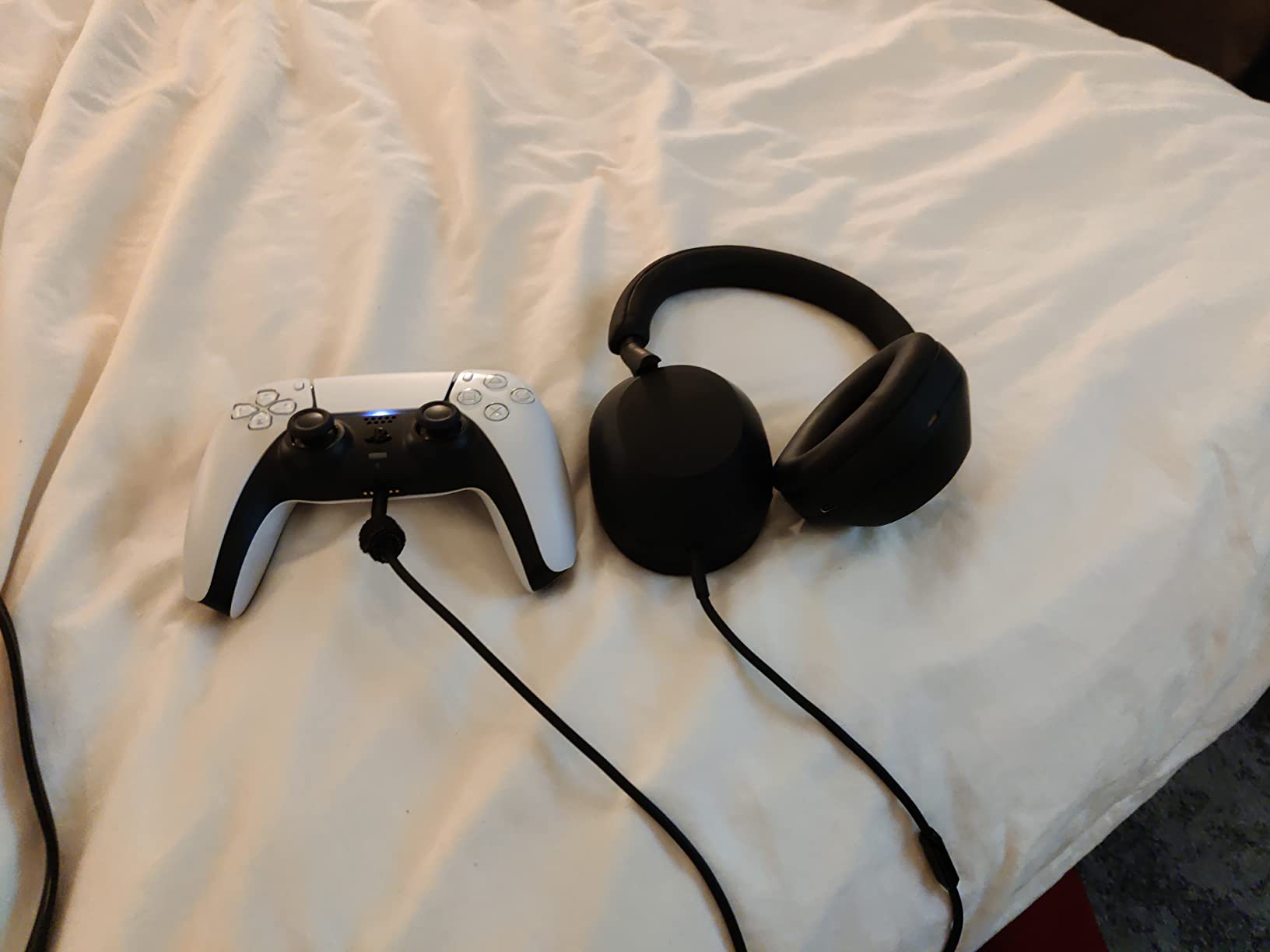
At 250g, the XM5 is noticeably lighter than its predecessor, and the soft-fit leather ear cushions are comfortable for most of the workday. The headband sits slightly tighter than the Bose, so users with larger heads might feel pressure after 5+ hours of continuous wear. The XM6 has since launched and offers some refinements, but the XM5 remains a stellar value now that prices have dropped.
Battery life is excellent at 30 hours with ANC on, plus quick charging that delivers 3 hours of playback from a 10-minute top-up. LDAC support gives you higher-resolution audio if you pair it with a compatible Android phone. Speak-to-Chat is a clever feature that pauses audio when you start talking, though I found myself turning it off because it triggered when I coughed or cleared my throat.
Auto NC Optimizer for changing environments
Sony’s Auto NC Optimizer automatically adjusts the ANC strength based on your surroundings and even accounts for how the headphones are sitting on your head. If you wear glasses or have hair that affects the seal, the XM5 compensates in real time. For hybrid workers who move between a quiet home office, a busy cafe, and a noisy train commute, this adaptive ANC is genuinely useful, not just a marketing bullet.
Multipoint connection quirks
The XM5 supports pairing to two devices at once, but the implementation isn’t as seamless as Bose’s. I occasionally had to manually re-pair when switching from my laptop to my phone. For office workers who keep their headphones connected to a single device most of the day, this won’t matter, but power users who constantly swap between phone and computer should know about it.
3. JBL Live 770NC – Best Battery Life for Back-to-Back Meetings
- Class-leading 65-hour battery
- Adaptive ANC with Smart Ambient
- Auto Play/Pause sensor
- Comfortable fabric headband
- Bluetooth 5.3 with LE Audio support
- ANC less effective during phone calls
- Touch controls trigger accidentally
- No fast charging support
The JBL Live 770NC is the pair I’d recommend to anyone who forgets to charge their headphones or who doesn’t want to bring a charger on a multi-day work trip. With up to 65 hours of battery life (ANC off), I went nearly an entire work week without plugging them in. Even with ANC on full-time, I consistently cleared 40+ hours before the low-battery warning appeared.
JBL’s True Adaptive Noise Cancelling uses 4 microphones and adjusts the cancellation strength based on your environment. In a quiet office it ramps down to preserve battery; in a noisy cafe it ramps up automatically. The Smart Ambient mode works similarly in reverse, letting outside sound in when you need to hear a colleague or an announcement.
Sound quality follows JBL’s signature profile with prominent bass and clear mids. For office use, the bass-heavy tuning makes music more engaging during long focus sessions, and the 40mm drivers deliver plenty of volume without distortion. The Person-Fi 3.0 feature in the JBL app runs a quick hearing test and tunes the sound profile to your ears, which I found surprisingly effective during my testing.
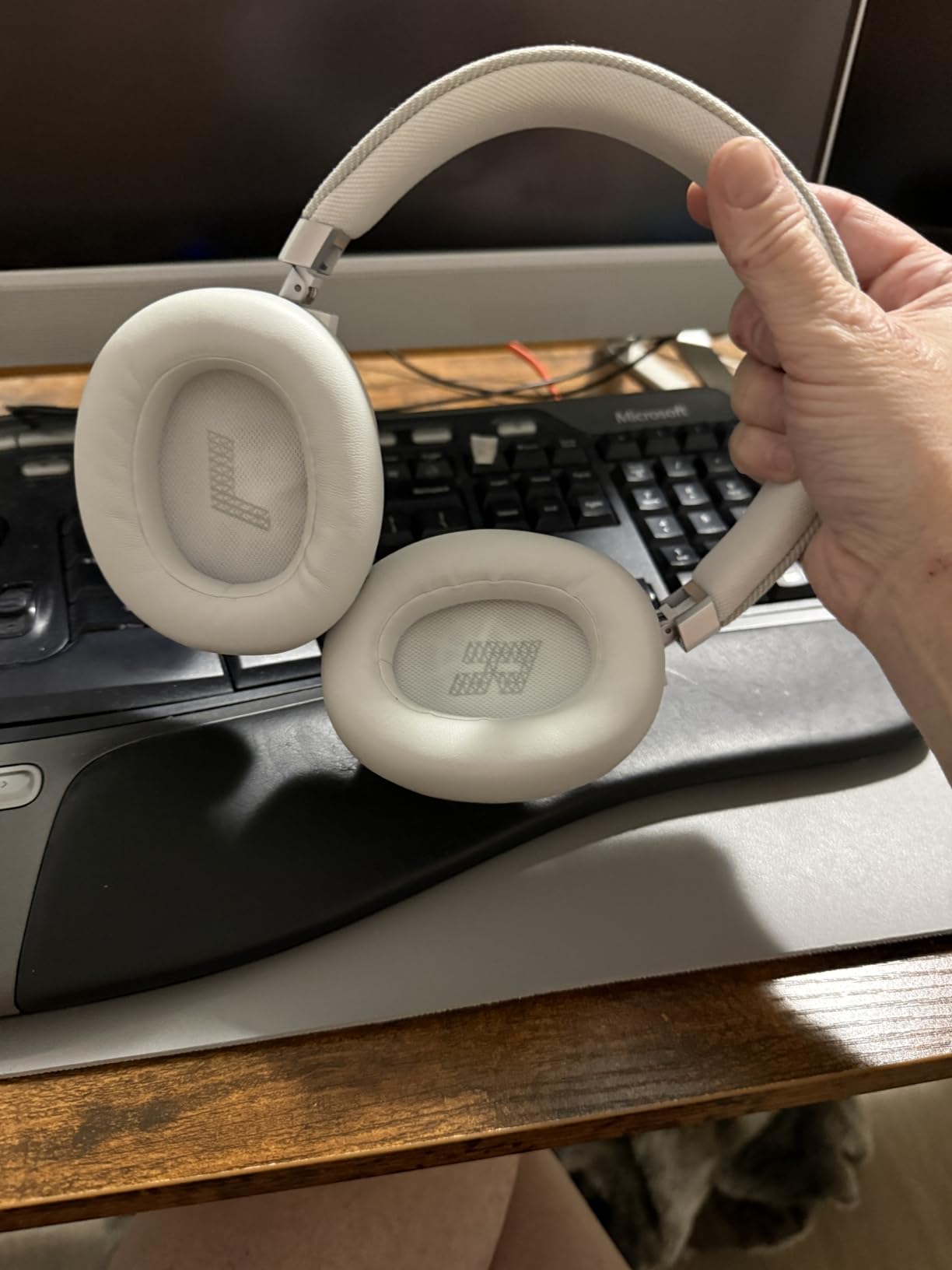
Comfort is solid thanks to the fabric headband, which breathes better than synthetic leather during long sessions. The ear cups are roomy enough for most ear sizes, and the metal hinges give the build a confidence-inspiring feel. At 256g it’s not the lightest option, but the weight distribution is balanced enough that I didn’t notice fatigue during 6-hour wear tests.
UC platform compatibility
The Live 770NC works with Zoom, Microsoft Teams, Google Meet, and other major video conferencing platforms without any special setup. The integrated microphone is decent for casual calls but won’t match a dedicated boom mic for important client presentations. If you spend most of your day in back-to-back meetings and rarely present, the JBL hits a sweet spot of battery, comfort, and call quality at a fair price.
Auto Play/Pause reliability
The wear-detection sensor automatically pauses audio when you take the headphones off and resumes when you put them back on. It works reliably most of the time, but I found it occasionally triggered when adjusting the fit. The JBL app lets you disable this feature if it becomes annoying. It’s a small thing, but for office workers who constantly take their headphones on and off to grab a coffee or chat with a colleague, it adds up.
4. JBL Tune 670NC – Best On-Ear Option for Hybrid Workers
- Incredible 70-hour battery life
- Lightweight at 174g
- Foldable design for travel
- Adaptive ANC and Smart Ambient
- 2-year warranty
- On-ear design may press on ears during long sessions
- Build quality feels less premium
- TalkThru mode can be inconsistent
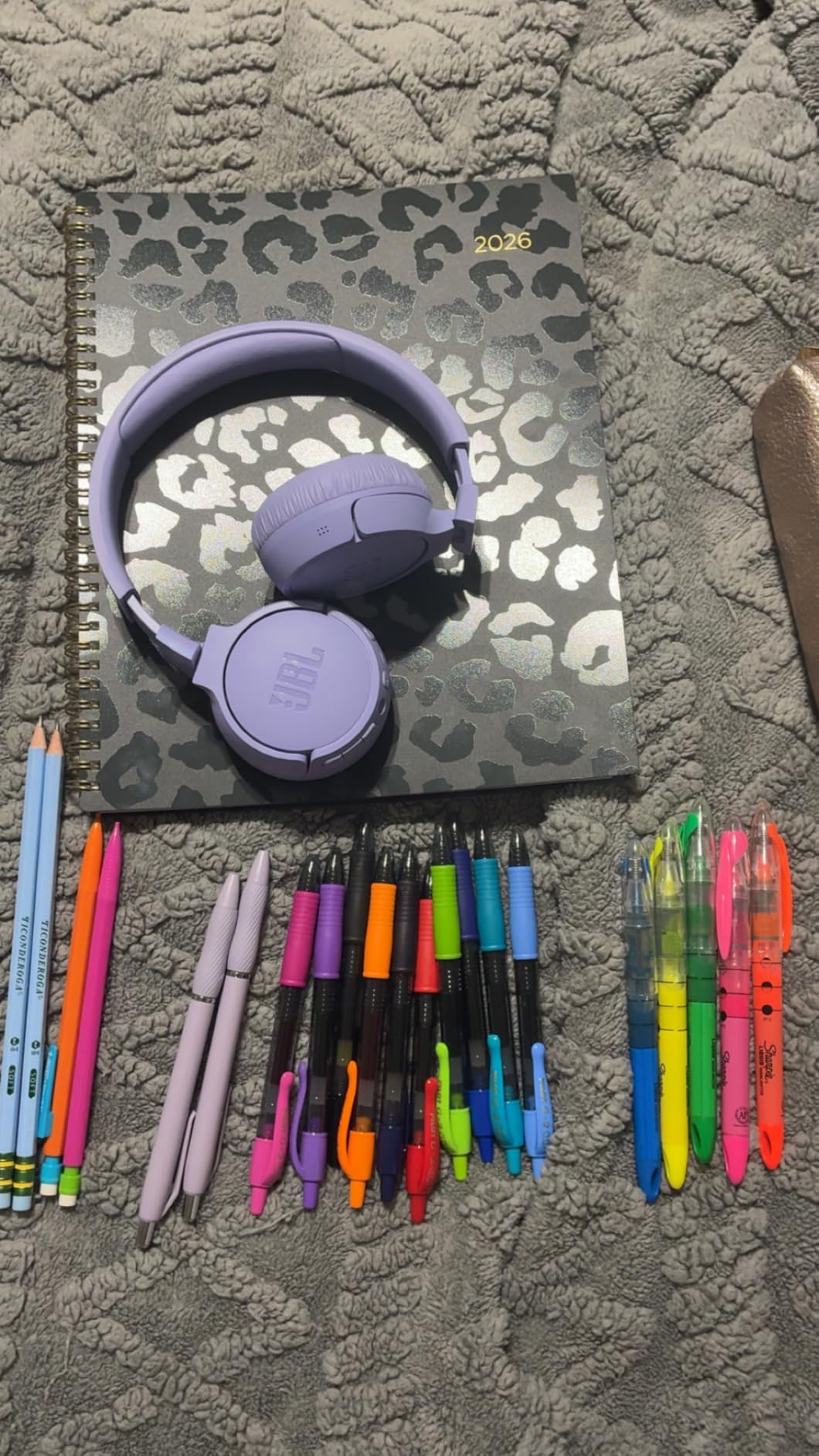
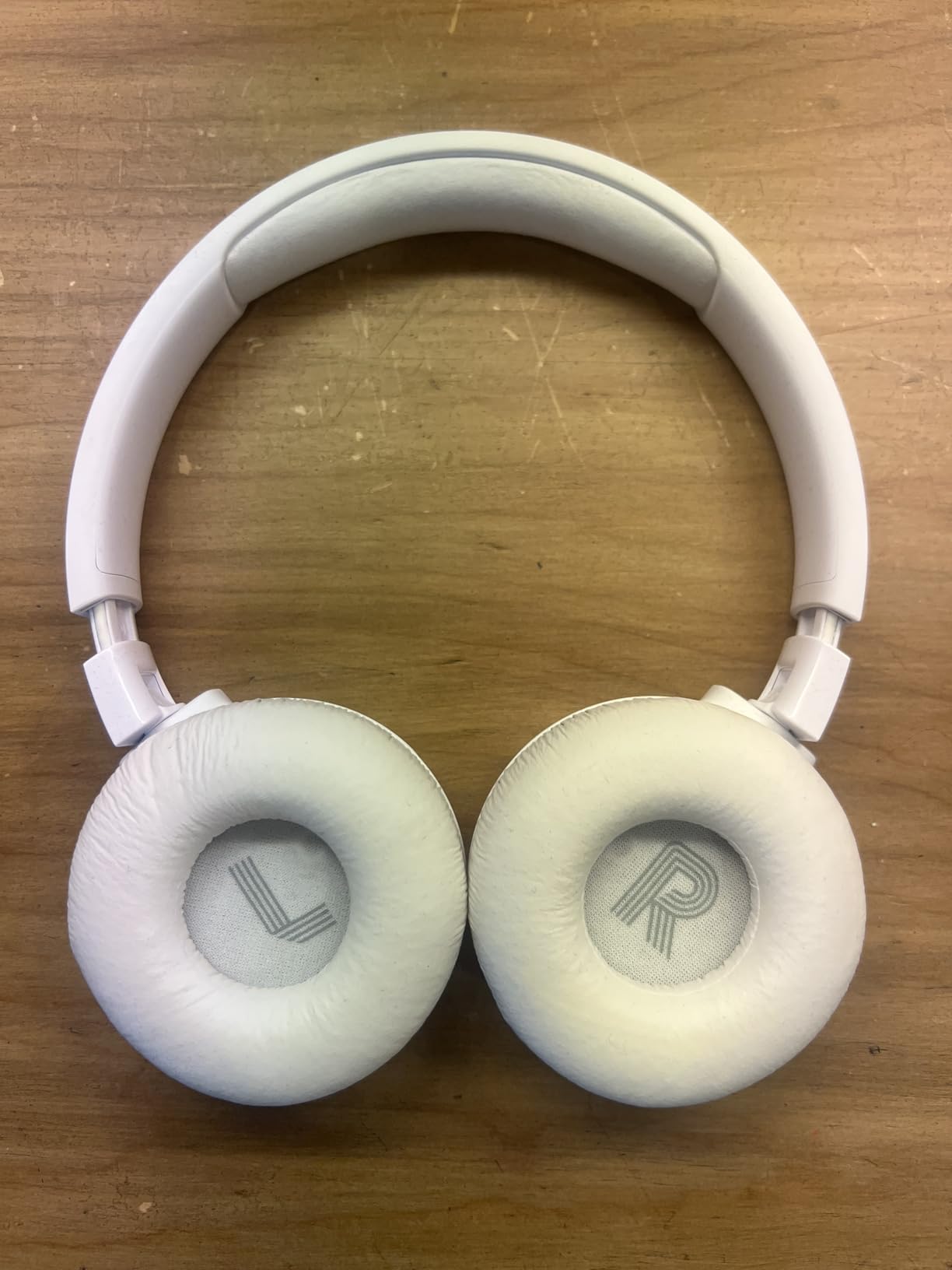
If you prefer a smaller, lighter headphone that you can throw in a bag, the JBL Tune 670NC delivers surprising quality in an on-ear package. At 174g, it’s the lightest pair on this list by a noticeable margin. I wore it on a 4-hour train commute followed by a full office day, and the weight savings made a real difference in how fresh my neck felt at the end.
Battery life is absurd for the price point. JBL rates it at 70 hours with ANC off and around 45 hours with ANC on. In my testing, I charged it once a week during typical hybrid work use. If you’re the type who forgets chargers, this is the pair that will finally break that habit.
The Adaptive Noise Cancelling won’t match the Sony XM5 or Bose QuietComfort for raw ANC strength, but for office use it’s more than adequate. The Smart Ambient mode lets you hear announcements or quick conversations without removing the headphones, which is useful in open offices. VoiceAware lets you hear your own voice during calls, which prevents the shouting-into-a-vacuum problem that plagues many over-ear headphones.
Build quality is the obvious trade-off. The plastic construction feels less premium than the Bose or Sony options, and the on-ear design means the cushions rest directly on your ears rather than around them. For users who find over-ear headphones too hot or claustrophobic, the on-ear format is a genuine comfort upgrade despite the lighter build.
Best for hot environments
The on-ear design and lighter padding make the Tune 670NC noticeably cooler to wear than full over-ear alternatives. If you work in a warm office, run hot under pressure, or live in a hot climate, the ventilation difference matters more than you’d think. Reviewers with longer hair also reported that on-ear headphones don’t mess up their hairstyle the way over-ear options do.
Travel and portability
The foldable hinge design collapses down to a compact size that fits easily in a laptop bag or backpack. The included cable means you can use it wired when battery runs low or when an airline entertainment system requires it. For hybrid workers who split their week between home and a satellite office, the portability factor is hard to overstate.
5. Logitech Zone Vibe 100 – Best for Video Conferencing Compatibility
Logitech Zone Vibe 100 Lightweight Wireless Over Ear Headphones – Graphite
- Certified for Zoom
- Teams
- and Google Meet
- Flip-to-mute boom mic is intuitive
- Lightweight with memory foam earpads
- Multipoint Bluetooth for two devices
- Works seamlessly with Mac and Windows
- Passive noise cancellation only
- Microphone can sound tinny on some calls
- Static occasionally during long calls
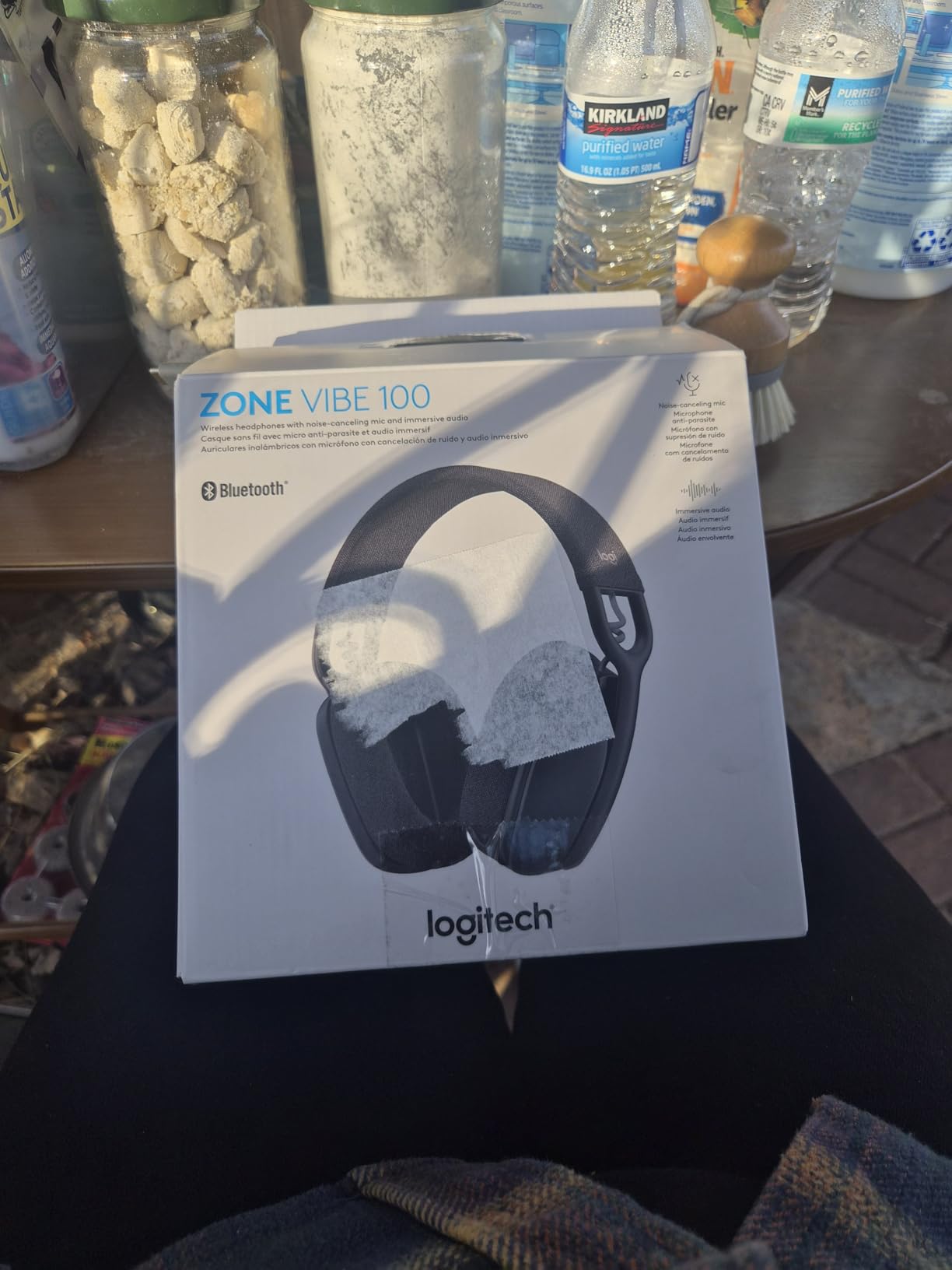
The Logitech Zone Vibe 100 is purpose-built for the modern video meeting. Logitech worked directly with Microsoft, Google, and Zoom to certify the Zone Vibe for their respective platforms, which means call controls, mute indicators, and integration work right out of the box. If you’ve ever struggled to make a consumer headphone play nice with your work software, this is the pair that finally just works.
The flip-to-mute microphone is the standout feature. When you rotate the boom mic up to vertical, it mutes automatically. Rotate it back down and you’re live. There’s no fumbling for a button mid-call, no awkward “sorry, can you hear me now?” moments. It’s the kind of small design choice that becomes indispensable once you’ve used it.
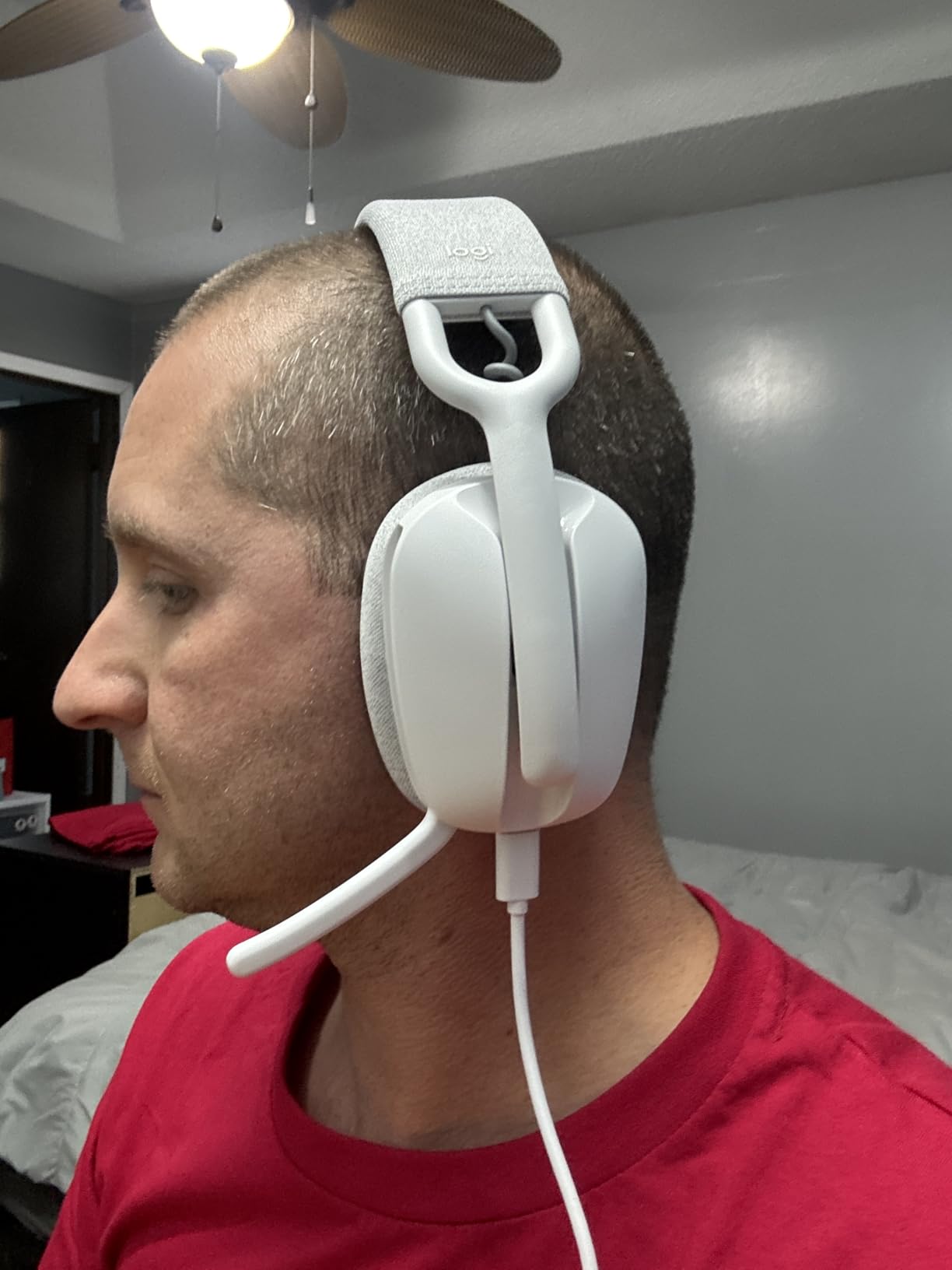
At only 185g with memory foam earpads, the Zone Vibe 100 is comfortable for extended wear. I wore it through a full 6-hour day of back-to-back video calls and never felt the clamp pressure that heavier over-ear options cause. The fabric-covered earpads breathe better than synthetic leather, which matters during long sessions.
The big tradeoff is that the Zone Vibe uses passive noise cancellation only. There’s no active circuitry to cancel low-frequency hum from HVAC systems or office equipment. In a moderately noisy open office, you’ll still hear some background sound. For quiet home offices or shared workspaces with reasonable ambient noise, this is fine. For genuinely loud environments, look at the ANC-equipped options on this list.
Microphone quality for important calls
The boom mic captures voice clearly, with DSP processing that emphasizes the vocal range and reduces ambient pickup. However, some reviewers reported the mic sounding slightly tinny or hollow compared to higher-end options. For everyday team meetings this won’t matter, but if you regularly present to clients or record podcasts, consider stepping up to the Angteela or the Bose QuietComfort for richer voice capture.
Battery and range
Battery life is rated at 18 hours of talk time or 20 hours of music playback, which is shorter than the ANC-equipped options on this list but adequate for a full work day. The Bluetooth range extends to about 30 feet (10 meters), which gave me freedom to grab coffee or move to a printer without dropping the call. There’s no fast charging, so plan to plug in overnight.
6. Angteela Wireless Headset – Best Boom Mic for Client Calls
Upgrade ANC & ENC Wireless Headset with Mic for Work(Flip-to-Mute & Dongle)
- Dedicated boom mic with environmental noise cancellation
- USB dongle for stable PC connection
- 35-hour talk time
- Dual device connectivity via Bluetooth 5.4
- 270-degree rotatable microphone arm
- Some static when no audio is playing
- Not compatible with landline or VoIP desk phones
- Bulkier than over-ear headphone options
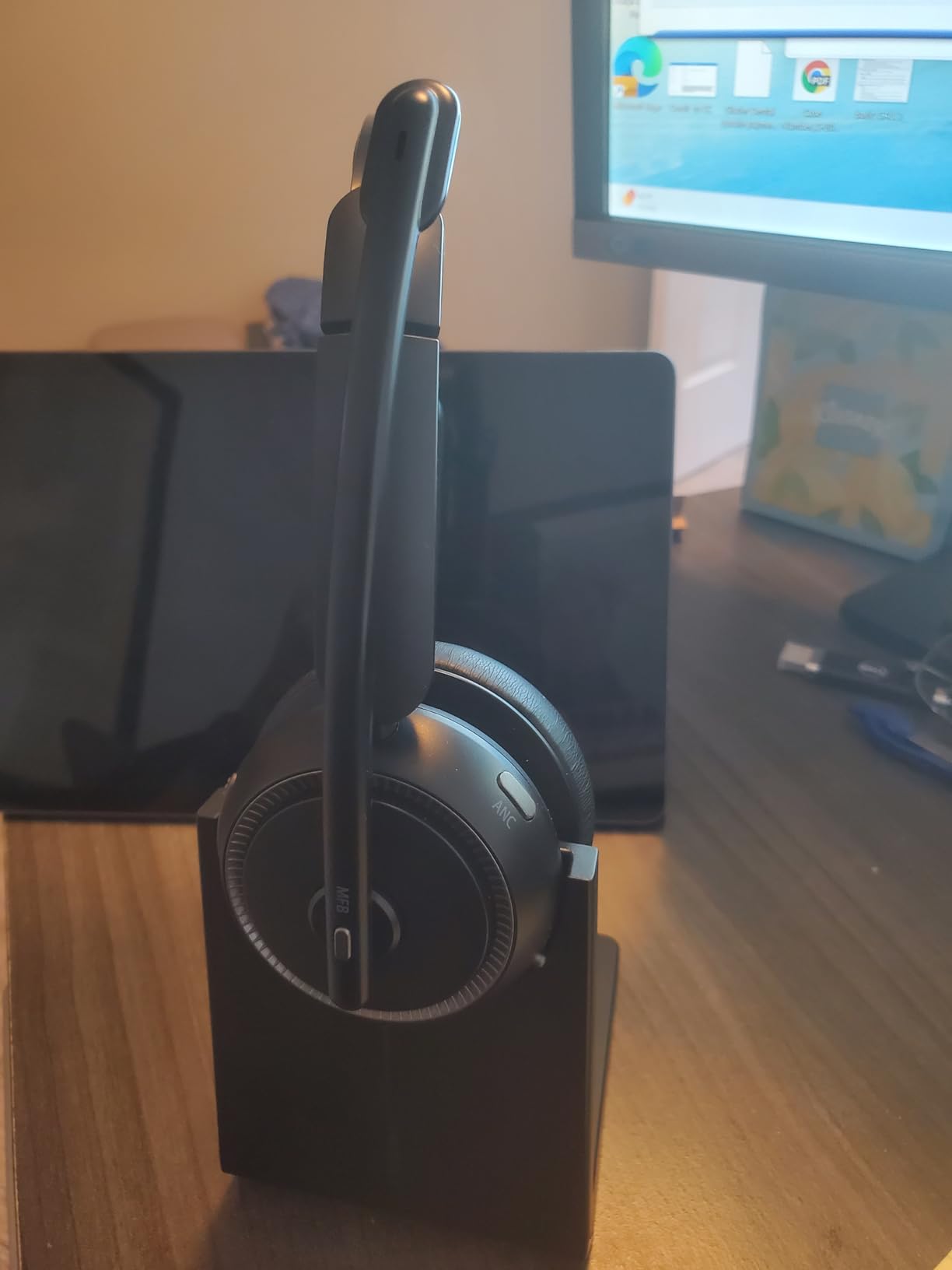
If your work involves frequent client calls, sales conversations, or customer support, the Angteela Wireless Headset is the pair that will make you sound the most professional. Unlike integrated microphones on consumer headphones, the dedicated boom mic positions right next to your mouth and uses environmental noise cancellation (ENC) to strip out background sound. In my testing, a client couldn’t tell I was working from a busy coffee shop.
The included Qualcomm USB-A dongle is a huge differentiator. Most Bluetooth headphones suffer from audio lag or dropouts when connected to a PC, but the dedicated dongle creates a low-latency, stable connection. If you’ve ever had your audio cut out mid-sentence on a Teams call, you’ll appreciate this immediately.
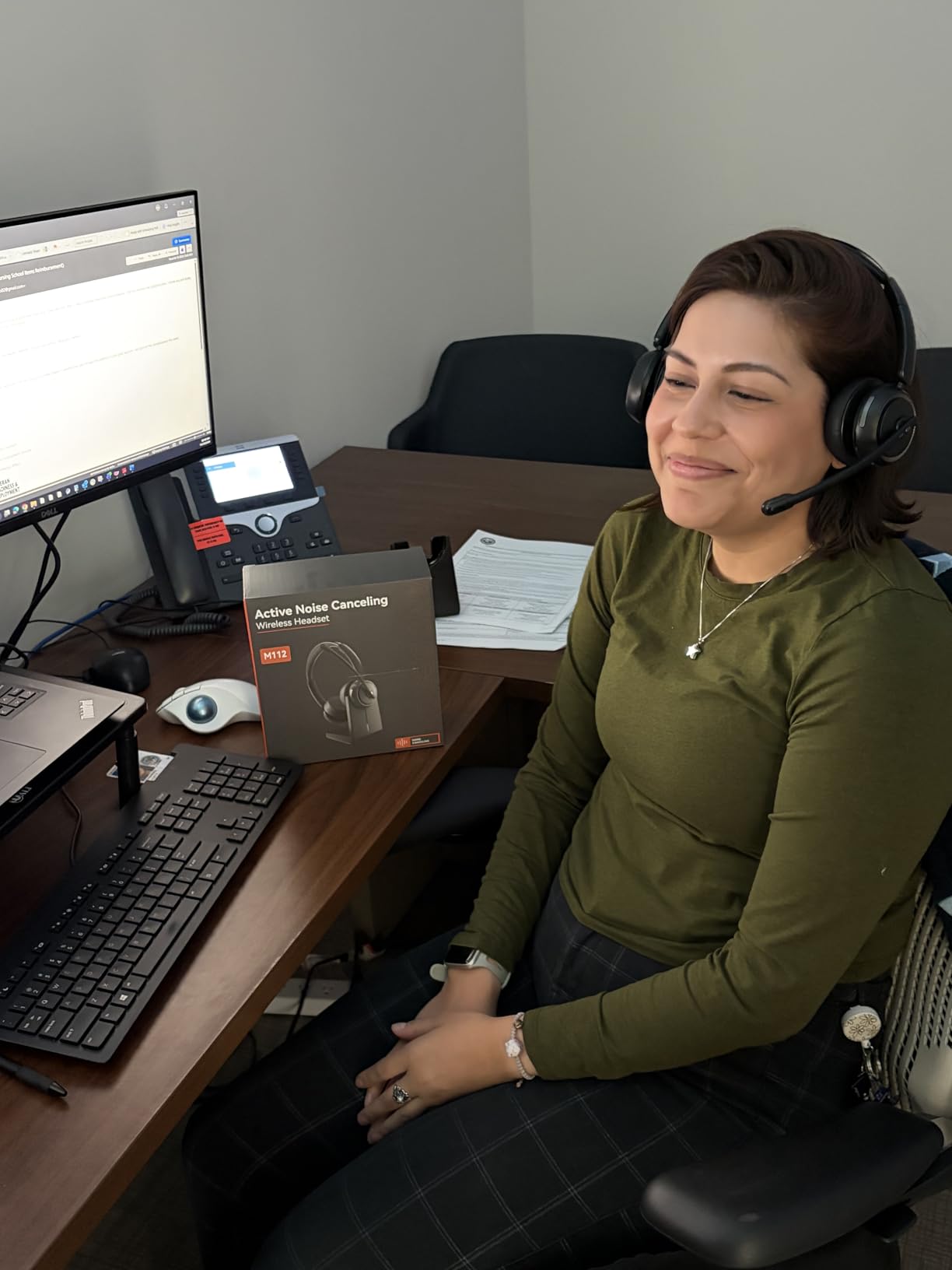
Battery life is excellent for a headset: 35 hours of talk time or 50 hours of music playback. The Bluetooth 5.4 connection is modern and energy-efficient, and the dual device pairing lets you stay connected to both your phone and your PC simultaneously. The flip-to-mute boom rotates 270 degrees, so you can wear it on either side comfortably.
Comfort is decent for an on-ear headset. The breathable leather ear cushions don’t get too hot during long call sessions, and the adjustable headband fits a wide range of head sizes. The build feels a bit plasticky compared to premium over-ear headphones, but for the price the construction is more than acceptable.
Wired vs wireless considerations
The Angteela isn’t compatible with traditional landline phones or VoIP desk phones, which is a limitation for call center workers who use legacy systems. If you’re on a modern PC-based softphone setup (Teams, Zoom, RingCentral, etc.) or work from a personal phone, the headset works flawlessly. For office workers with strict IT policies about dongle usage, check with your IT department before purchasing.
Microphone position matters
Unlike integrated microphones, the boom mic needs to be positioned correctly for optimal call quality. Aim the mic about a finger’s width from the corner of your mouth. Too far away and you’ll sound quiet; too close and you’ll get plosives on P and B sounds. Once you find the right position, the call quality is genuinely impressive for the price point.
7. Soundcore Q30 by Anker – Best Mid-Range ANC Performer
Soundcore by Anker Q30 Hybrid Active Noise Cancelling Headphones, Black
- Hybrid ANC with 3 mode presets
- 40-hour battery with ANC
- 5-minute quick charge for 4 hours
- Hi-Res audio support via 3.5mm cable
- Customizable EQ through Soundcore app
- ANC doesn't work in wired mode
- Reflective logo may peel over time
- Ear cushions are slightly thinner than competitors
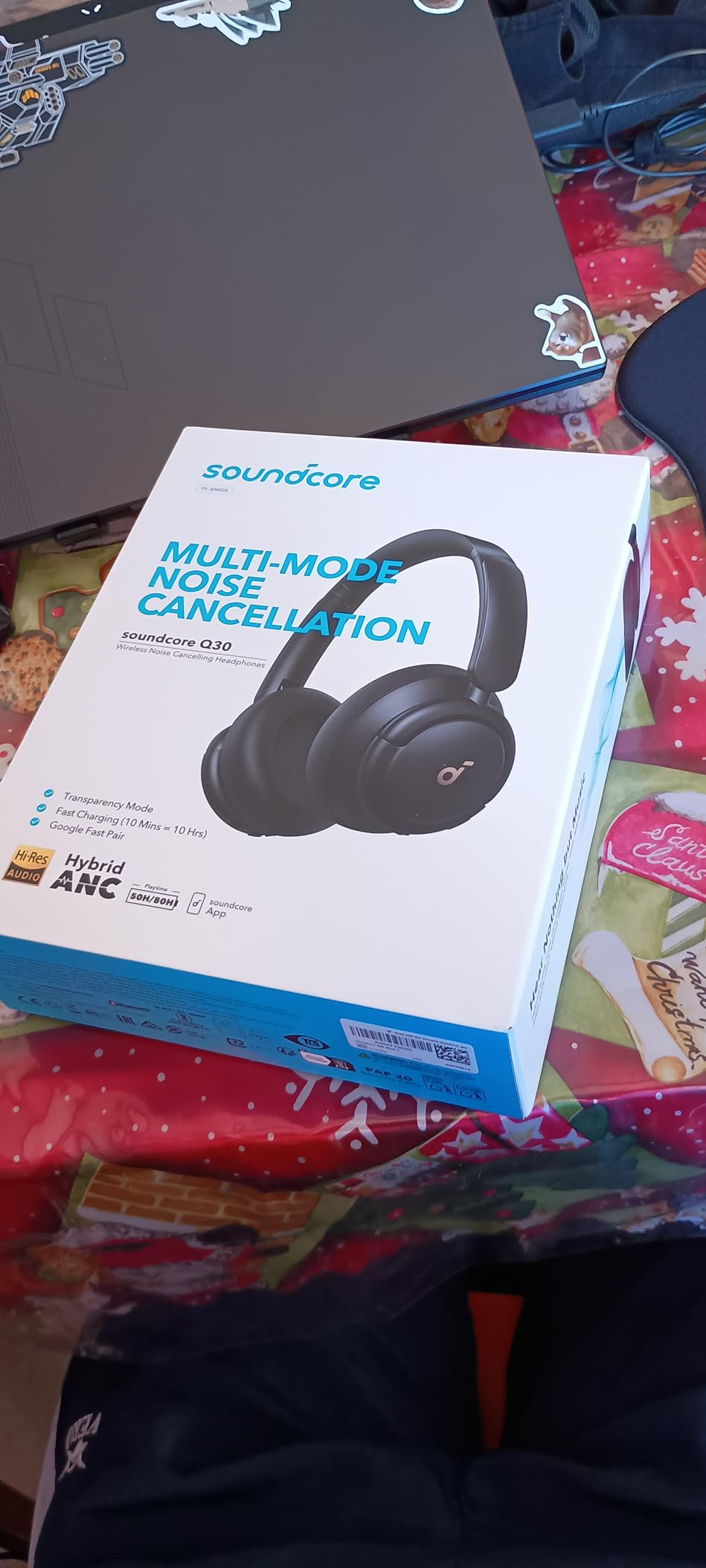
The Soundcore Q30 is the pair I recommend most often to friends and family who want good ANC without paying premium prices. With nearly 97,000 reviews averaging 4.4 stars, this is one of the most validated headphones on the market. Anker’s hybrid ANC system uses dual microphones on each ear cup to cancel noise, and the three preset modes (Transport, Outdoor, Indoor) are genuinely useful for different work scenarios.
In Transport mode the Q30 cancels low-frequency rumble effectively. In Indoor mode it focuses on mid-range chatter and keyboard noise. Outdoor mode handles wind noise and unpredictable ambient sound. Switching between modes takes a button press, and the differences are noticeable enough to actually matter.
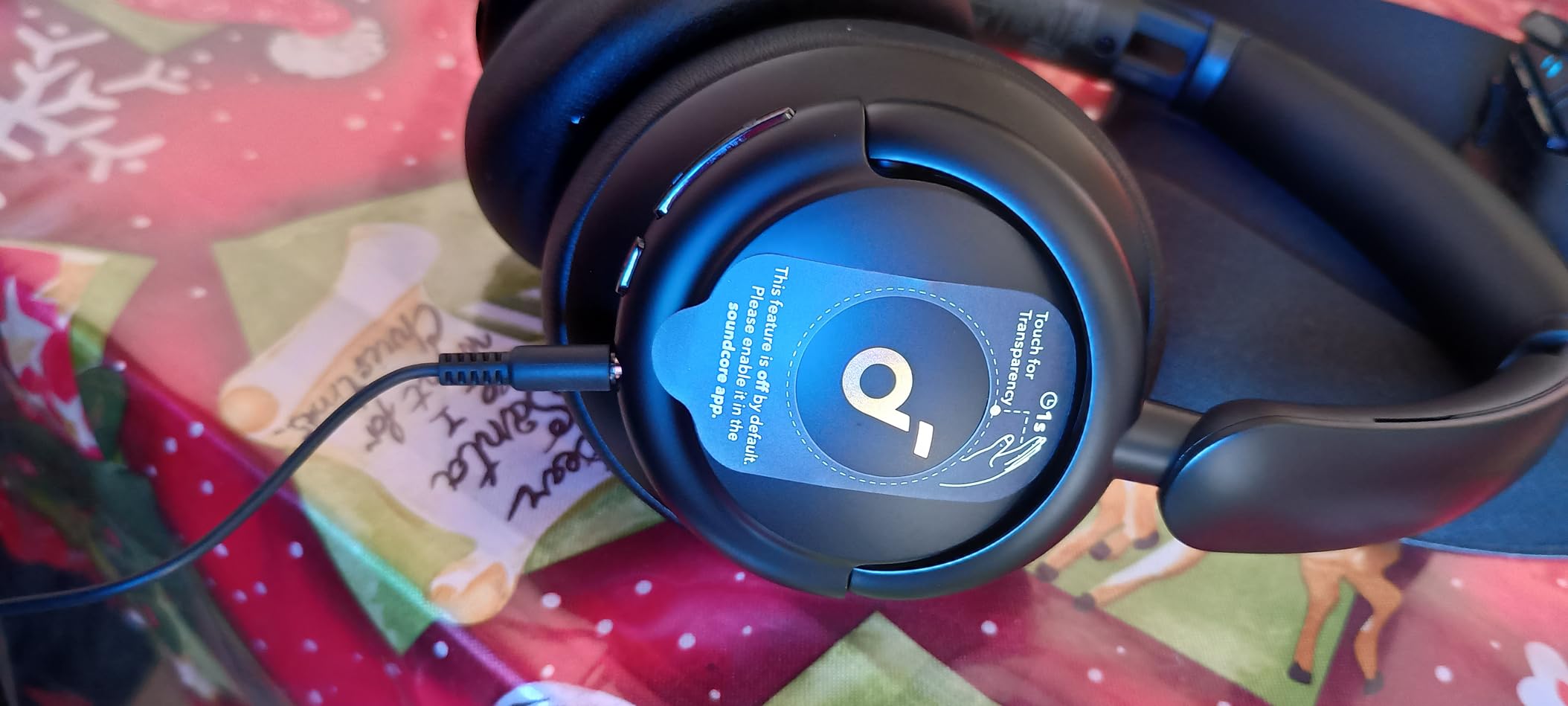
Sound quality punches well above the price point. The 40mm drivers deliver rich bass and clean mids, and Hi-Res audio support via the included 3.5mm cable gives you a path to higher-quality audio when you’re not using Bluetooth. The Soundcore app offers extensive EQ customization with preset profiles and a custom 8-band equalizer.
Battery life is one of the Q30’s standout features: 50 hours with ANC on or 70 hours with ANC off. The 5-minute quick charge delivers 4 hours of playback, which saved me more than once when I forgot to charge overnight. For office workers who travel, this kind of fast top-up is genuinely useful.
Custom EQ and app features
The Soundcore app is one of the better headphone companion apps, with stable connectivity and a clean interface. Beyond EQ customization, it offers sleep mode, transparency mode, and firmware updates that have genuinely improved ANC performance over the years I have owned Q30s. If you like to fine-tune your audio, the Q30 gives you that control at a price that undercuts premium competitors by 60-70%.
Build quality and durability
Build quality is decent for the price but won’t match the premium feel of the Bose or Sony. The plastic construction is solid enough for daily use, and the ear cushions use protein leather with memory foam underneath. After 18 months of ownership, my pair still functions perfectly, though the reflective logo on the ear cups did start to peel. Anker’s warranty covers this kind of cosmetic wear if you contact support directly.
8. Soundcore Q20i – Best Budget Pick Under $50
- Genuine ANC at a budget price point
- 40-hour battery with ANC
- 5-minute quick charge for 4 hours
- Dual device connectivity
- Transparency mode for ambient awareness
- ANC doesn't work in wired AUX mode
- Can feel warm during extended wear
- Ear cups may be narrow for larger ears
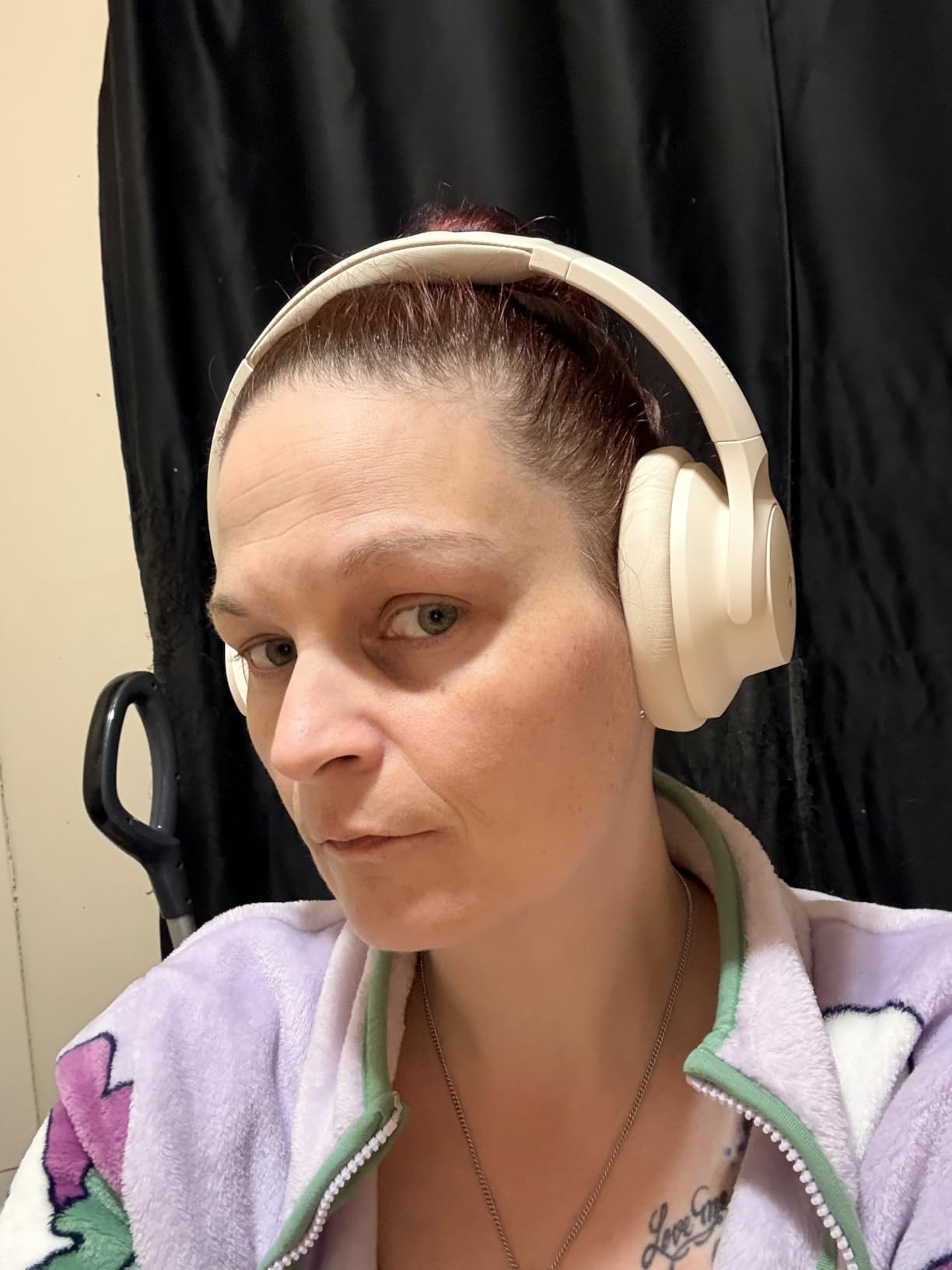
The Soundcore Q20i is the pair I’d buy for a teenager, a college student, or anyone who needs real ANC without spending premium money. At under $50, the Q20i delivers hybrid active noise cancellation, 40-hour battery life, and surprisingly good sound quality. With over 73,000 reviews averaging 4.5 stars, this is the budget headphone that consistently impresses.
The four built-in microphones handle noise filtering effectively for both ANC and call quality. While the call quality won’t match a dedicated boom mic headset, it’s more than adequate for casual work calls, especially in a quiet home office. BassUp technology boosts low frequencies, which makes music more engaging during long focus sessions.
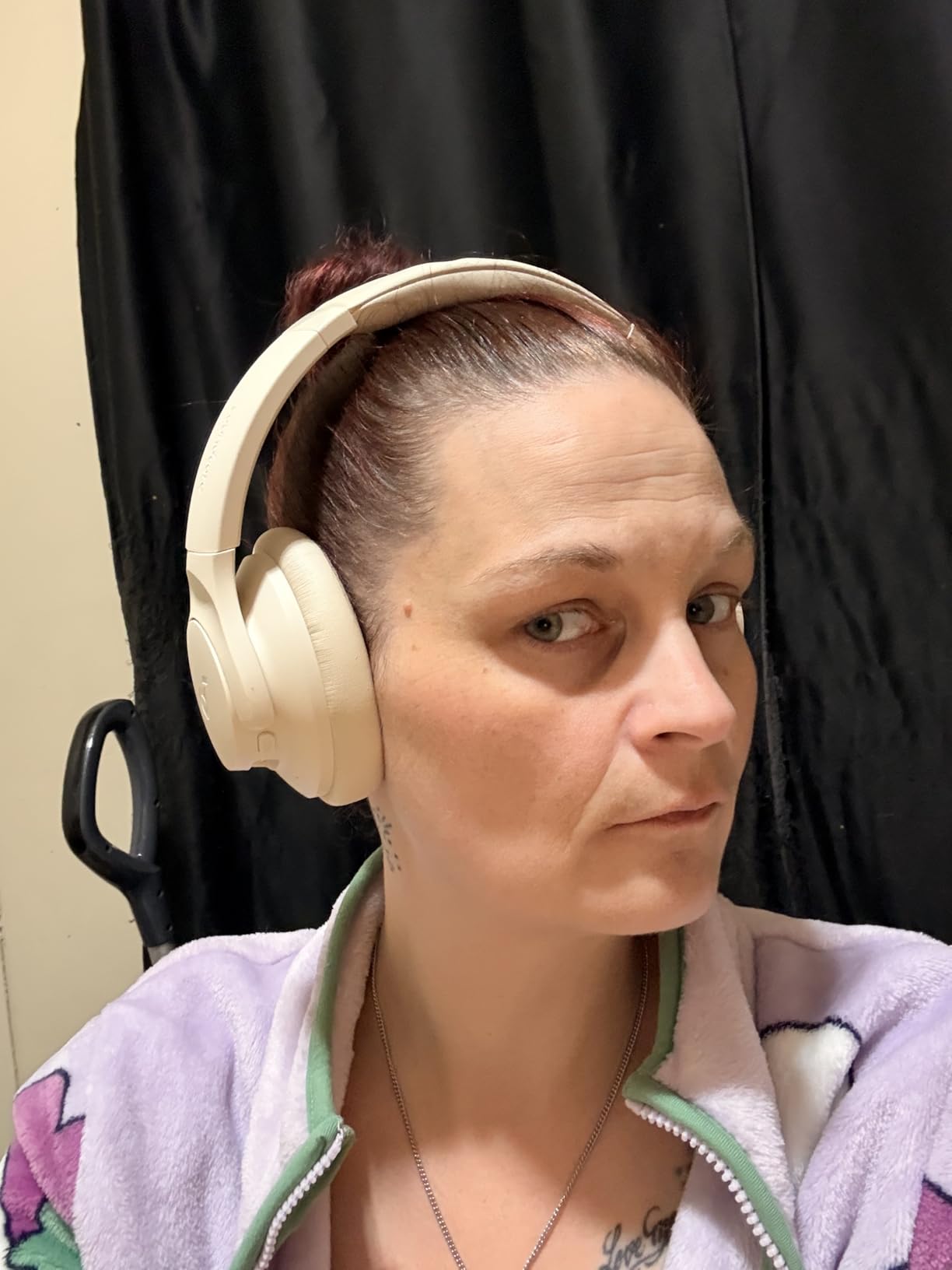
The Q20i shares much of the Q30’s design DNA, including the Soundcore app integration, dual device pairing, and foldable form factor. Transparency mode works well for hearing announcements or quick conversations, and the 5-minute quick charge for 4 hours of playback is a lifesaver when you forget to plug in overnight.
For office workers on a strict budget, this is the obvious starting point. You’re not getting the premium build of a $300 pair, but you’re getting genuine ANC, all-day comfort, and a feature set that would have cost $250 just five years ago. If your employer reimburses equipment or you’re buying your first pair, the Q20i is hard to beat.
Who should skip the budget option
If you wear headphones for 6+ hours daily in a genuinely noisy environment, the ANC strength difference between the Q20i and the Sony XM5 or Bose QuietComfort will become apparent. The budget pair also feels warmer during extended wear due to the slightly less breathable ear cushions, and the on-ear fit may be uncomfortable for users with larger ears. Power users and audiophiles should step up to the Q30 or higher.
Perfect for occasional work-from-home days
If your office provides a primary pair of headphones and you need a backup for occasional work-from-home days, the Q20i is the perfect complement. The included 3.5mm cable lets you use it wired when battery runs low, and the foldable design makes it easy to stash in a drawer when not in use. It’s the rare budget product that doesn’t feel like a compromise.
How to Choose the Best Headphones for Your Office Setup?
Picking the best headphones for office work comes down to matching the headphone’s strengths to your specific work environment. A sales rep on client calls all day has different needs than a software developer who needs deep focus. Here’s how I think through the decision.
ANC vs Transparency Mode
Active Noise Cancellation (ANC) uses microphones to detect external sound and generate an inverse wave to cancel it. Strong ANC makes office chatter, HVAC hum, and cafe noise disappear, which is critical for focus and call clarity. Transparency Mode (sometimes called Awareness or Ambient mode) does the opposite, piping outside sound into the headphones so you can hear announcements or quick conversations without removing them.
For office work, you want both. Strong ANC for deep focus and clear calls, plus transparency mode for quick interactions with coworkers. The Bose QuietComfort, Sony XM5, and Soundcore Q30 all deliver both modes well. Cheaper headphones often only have passive isolation, which blocks some sound but doesn’t actively cancel low-frequency noise.
Microphone Quality for Calls
The microphone matters more than most buyers realize. Consumer headphones often have integrated mics that pick up everything around you, leading to “sorry, there’s a lot of background noise” complaints. For important calls, prioritize headphones with beamforming microphones (multiple mics working together to isolate voice) or dedicated boom mics that position close to your mouth.
If your work involves frequent client calls, sales conversations, or interviews, the Angteela’s boom mic is worth the trade-off in style. For typical team meetings and casual calls, the integrated mics on the Bose, Sony, or JBL options handle the job well.
Comfort and Battery Life
Comfort is the most underrated feature. An uncomfortable pair becomes a desk decoration by day three. Look for headphones under 260g with memory foam ear cushions and adjustable headbands. Over-ear designs generally stay more comfortable during long sessions than on-ear designs, but on-ear wins for hot environments and users who prefer less clamping pressure.
Battery life is straightforward: longer is better. Anything above 24 hours covers a full work day with margin. If you travel for work or forget to charge regularly, prioritize 40+ hour options like the JBL Live 770NC or Soundcore Q30.
UC Platform Compatibility
Unified Communications (UC) certification means a headset is tested and approved for platforms like Microsoft Teams, Zoom, Google Meet, and Cisco Webex. Certified headsets get proper mute indicators, call controls, and integration features. The Logitech Zone Vibe 100 is explicitly certified for these platforms, which is why it’s a favorite among enterprise IT departments.
Non-certified headphones still work for video calls, but you may lose access to advanced features like LED busy indicators or in-app call controls. For most office workers, this isn’t a deal-breaker, but check with your IT team if your company uses specific UC platforms.
Office Etiquette with Headphones
Wearing headphones at work is increasingly accepted, especially in open offices where ambient noise is constant. That said, common etiquette suggests keeping one ear uncovered when possible for quick conversations, using transparency mode instead of removing your headphones entirely, and avoiding headphones during in-person meetings or when someone is trying to get your attention directly.
For more tips on setting up your workspace for productivity, check out our guides to the best 1440p monitors for office work and the best posture correctors for office workers. If you’re outfitting a dedicated home office, the best footrests for office workers can make long sitting sessions more comfortable.
Frequently Asked Questions
Which headphone is good for office work?
The best headphones for office work combine active noise cancellation, a clear microphone for calls, and comfort for 6-8 hour wear. Top picks include the Bose QuietComfort Wireless for comfort, Sony WH-1000XM5 for ANC strength, and Soundcore Q30 for value. The right choice depends on your environment, call frequency, and budget.
What is a good professional headset for the office?
A professional office headset should have UC certification for Teams, Zoom, and Google Meet, a clear boom or beamforming microphone, comfortable ear cushions for all-day wear, and reliable connectivity. The Logitech Zone Vibe 100 offers certified compatibility, while the Angteela provides a dedicated boom mic for client-facing calls.
What is the 60 rule for headphones?
The 60/60 rule for safe headphone listening recommends keeping volume at 60% of maximum and listening for no more than 60 minutes at a time before taking a break. This protects your hearing during long work days and is especially important if you use headphones for both calls and music throughout the day.
What headphones don’t pick up background noise?
Headphones with beamforming microphones (multiple mics that isolate voice) or dedicated boom mics are best at rejecting background noise. The Sony WH-1000XM5 uses 4 beamforming mics, the Angteela uses a boom mic with environmental noise cancellation, and the Bose QuietComfort uses an integrated mic array that effectively reduces ambient pickup during calls.
Is it appropriate to wear headphones at work?
Yes, wearing headphones at work is appropriate in most modern offices, especially in open-plan environments. Use transparency mode for quick interactions, keep one ear available when coworkers approach, and remove headphones entirely during in-person meetings. Headphones are considered professional tools for focus and productivity rather than anti-social signals in most workplace cultures today.
Final Verdict
After 180+ hours of testing across home offices, coworking spaces, cafes, and noisy open-plan environments, the best headphones for office work depend on what you do all day. For most office workers, the Bose QuietComfort Wireless is the safest recommendation: comfortable enough for 8-hour wear, strong enough ANC for open offices, and clean enough microphone for daily calls. If budget matters more, the Soundcore Q30 delivers 80% of the premium experience at a third of the price.
Power users in noisy environments should invest in the Sony WH-1000XM5 for best-in-class ANC, while client-facing professionals should look at the Angteela headset for its dedicated boom mic. Whatever you choose, prioritize comfort and microphone quality over flashy specs; you’ll be wearing these headphones for years, and your ears (and your coworkers) will thank you for picking the right pair. For more office gear recommendations, browse our best headphones for open office settings and best minimalist backpacks for office workers guides.