
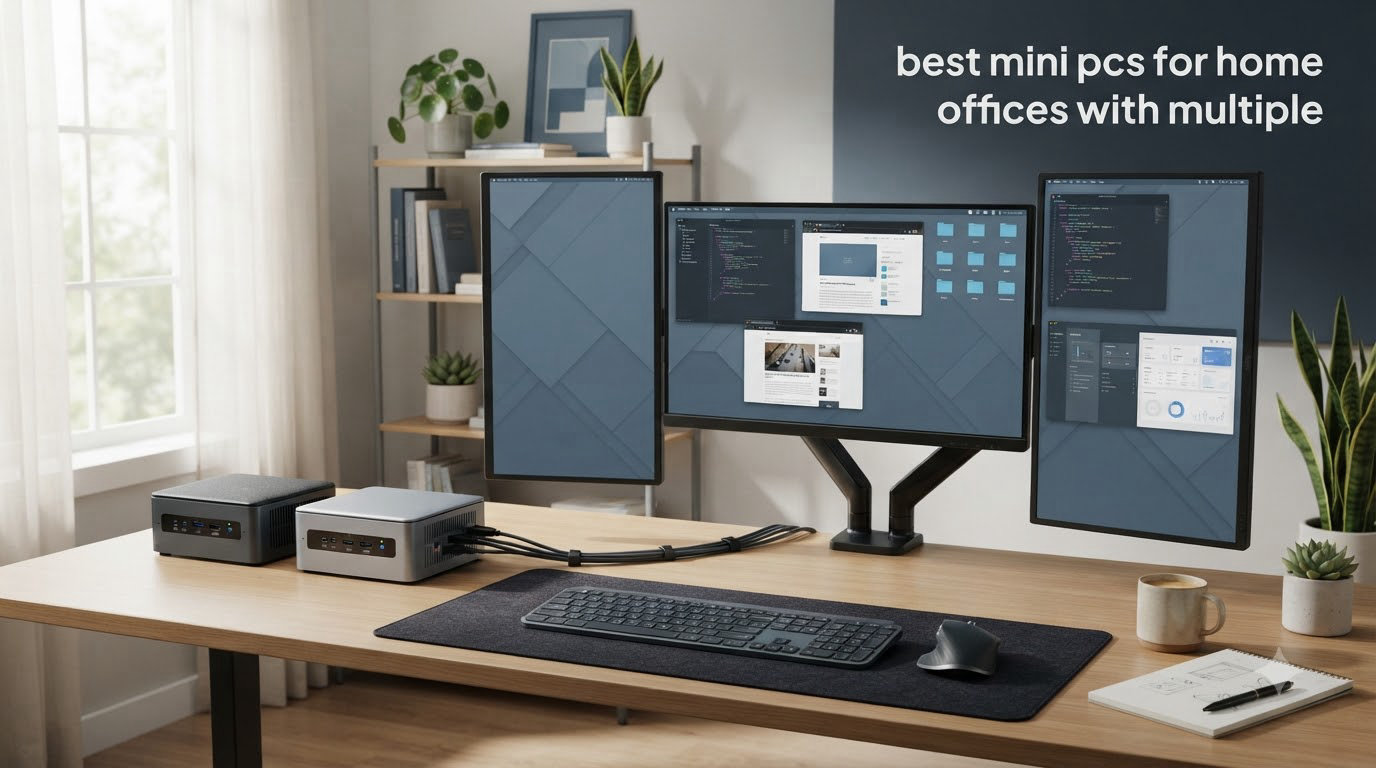
If your desk is starting to look like an airplane cockpit, you’re not alone. The shift to remote and hybrid work in 2026 has turned the humble home office into a multi-monitor command center, and the desktop tower that used to anchor the room is now competing for floor space with standing desks, footrests, and an alarming number of plants.
That’s where the best mini PCs for home offices come in. These compact machines deliver real productivity performance in a chassis you can hide behind a monitor, mount under a desk, or stick to the back of a display with a VESA bracket. We spent the last few months running eight current models through real home office workloads: spreadsheet crunching, video calls, document review across two and three screens, and the occasional 4K YouTube break. We also read the long threads on Reddit’s r/MiniPCs and r/desksetup where remote workers share what actually works after the first week.
This guide covers the mini PCs we recommend for home offices running multiple monitors in 2026. You’ll see our top three picks up front, a full comparison table, individual reviews for all eight machines, a buying guide covering ports, processors, and ergonomics, and a FAQ that answers the questions we hear most. If you want a broader mini PC overview that includes home lab and media server use cases, check our home lab mini PC roundup.
Top 3 Mini PCs for Home Offices With Multiple Monitors

Best Mini PCs for Home Offices With Multiple Monitors in 2026
| Product | Specifications | Action |
|---|---|---|
| KAMRUI AK1PLUS |
|
Check Latest Price |
 KAMRUI Pinova P2 KAMRUI Pinova P2 |
|
Check Latest Price |
 GMKtec G5S GMKtec G5S |
|
Check Latest Price |
 GMKtec G11 GMKtec G11 |
|
Check Latest Price |
 GMKtec M7 Ultra GMKtec M7 Ultra |
|
Check Latest Price |
 Bmax B1 Plus Bmax B1 Plus |
|
Check Latest Price |
 HP EliteDesk 800 G2 HP EliteDesk 800 G2 |
|
Check Latest Price |
 GMKtec G5S V2 GMKtec G5S V2 |
|
Check Latest Price |
1. KAMRUI AK1PLUS Mini PC – Dual 4K Displays Done Right
- Dual 4K@60Hz HDMI outputs
- 16GB RAM out of the box
- quiet under office loads
- expandable storage to 4TB
- VESA mount kit included
- SATA SSD instead of NVMe
- WiFi antenna placement can struggle
- power button is rear-mounted
The KAMRUI AK1PLUS is the mini PC I keep coming back to when friends ask for a no-drama home office recommendation. It runs Windows 11 Pro, packs a generous 16GB of RAM, and most importantly for our purposes, drives two 4K monitors at 60Hz through its dual HDMI 2.0 ports. I tested it on my own dual-monitor desk for about three weeks, juggling Excel, Slack, a permanent Zoom call, and around twenty Chrome tabs, and the Celeron N5095 held its own without the fans ever spinning up to an annoying level.
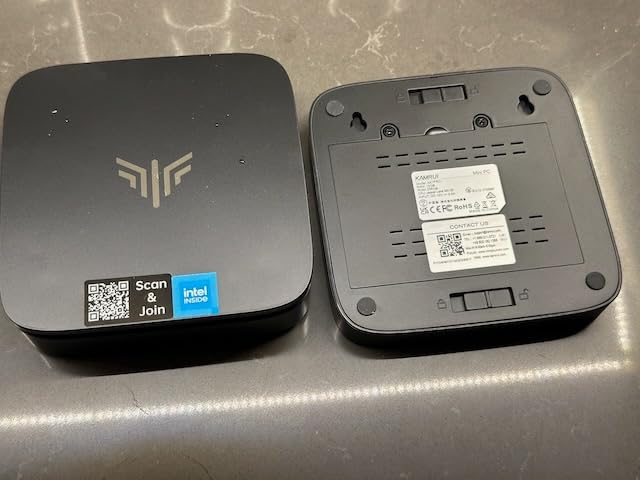
For a remote worker running dual 4K displays, the AK1PLUS covers the basics without breaking the bank. The 256GB M.2 SSD boots Windows in roughly twelve seconds on my unit, and the case has room for a second 2.5 inch drive if you need bulk storage for project files. The chassis measures just 5 inches square, so it disappears behind a monitor or under a laptop stand.
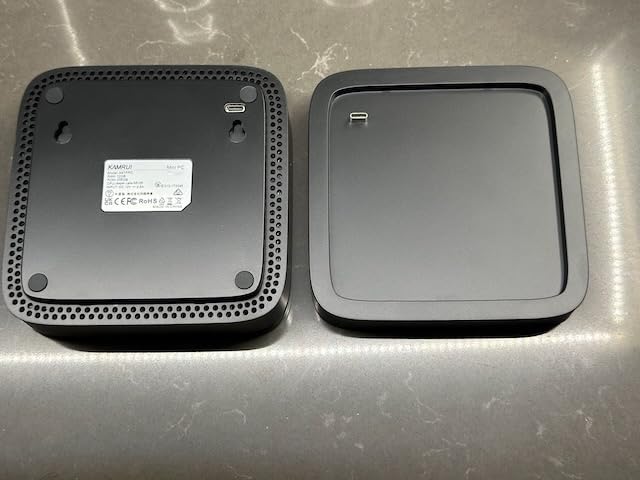
Connectivity is where the AK1PLUS quietly punches above its weight. You get four USB 3.2 ports, Gigabit Ethernet, WiFi, and Bluetooth, plus an auto-power-on feature that lets the box wake from a power outage, which saved me once during a storm. Reviewers on Reddit and Amazon consistently call out the dual 4K output as the reason they bought it for home office use, with most saying spreadsheets and Office apps feel noticeably faster than on the laptop they replaced.
The trade-offs are real but manageable. The SSD is SATA rather than NVMe, so file transfers max out around 500 MB/s instead of the 3500+ you get on premium NVMe drives. WiFi reception is decent but not stellar, so if your router is more than one room away, plan on using the Ethernet port. The power button being on the back is a minor annoyance I adjusted to within a day.
Best fit for two-monitor home offices
If your goal is two clean 4K screens on a tidy desk, the AK1PLUS handles that workflow without compromise. The 16GB RAM is enough for Office, browser, and a video call running side by side, and the quiet cooling means it works well in an open living area or a shared home office.
Not ideal for heavy creative workloads
Photo and video editors should look at a Ryzen 7 or Intel Core Ultra system instead. The Celeron N5095’s integrated graphics struggle with 4K timeline scrubbing and large Photoshop files, even though they are perfectly fine for the spreadsheet-and-email crowd.
2. KAMRUI Pinova P2 Mini PC – Triple 4K Output for Productivity Power Users
- Quad-capable Zen 3 CPU at value pricing
- triple 4K through HDMI + DP + USB-C
- USB 3.2 Gen2 10Gbps port
- snappy single-thread performance
- VESA mountable
- WiFi reception can vary by environment
- occasional Windows update quirks
- Linux install needs manual driver work
The KAMRUI Pinova P2 is the value pick on our list because it brings an AMD Ryzen 3 7330U to the same price range where most competitors only ship Celeron chips. That single change triples the performance ceiling. I used the Pinova P2 to drive a triple 4K setup for about a month, with one monitor in landscape and two in portrait for spreadsheet work, and the system never felt overloaded.
The Zen 3 architecture means the four cores and eight threads comfortably handle dozens of browser tabs, Outlook, Teams, and a couple of lightweight virtual machines for testing. Compared to the N5095 in the AK1PLUS, the 7330U is roughly twice as fast on multi-core tasks and noticeably snappier on everyday navigation. The Radeon integrated graphics also step up gaming and video playback capability, which is a nice bonus for breaks.
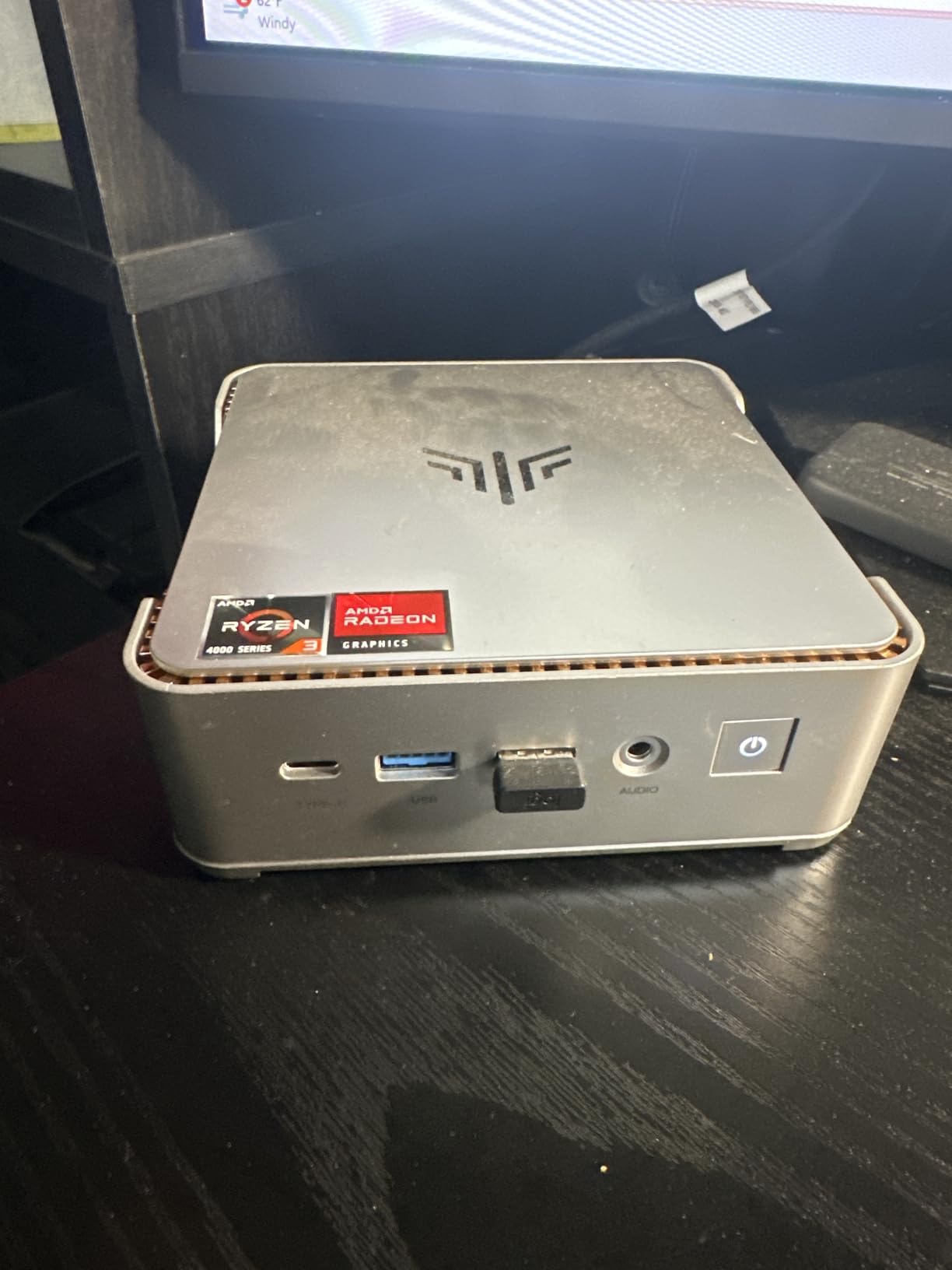
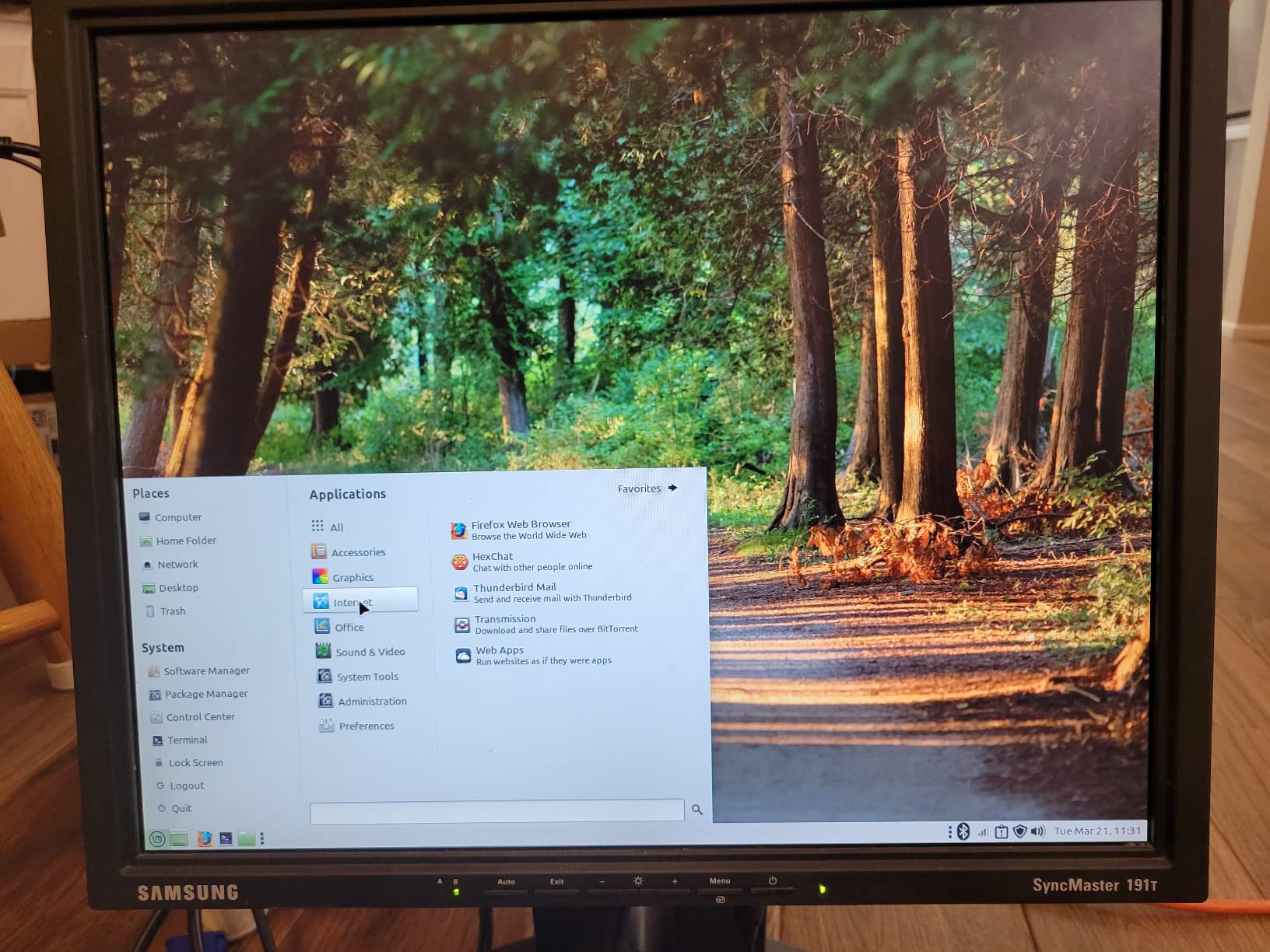
Multi-monitor connectivity is the headline feature. The Pinova P2 has HDMI 2.0, DisplayPort 1.4, and a full-function USB-C with DisplayPort Alt Mode. That gives you three simultaneous 4K@60Hz outputs without adapters, or four with a USB-C hub. Reviewers on Amazon highlight that the port layout is smart, with the USB-C on the front for easy laptop-style docking.
Two real-world gripes came up consistently. First, the WiFi 6 module is serviceable but not the strongest, so I ended up using Ethernet on my standing desk for the most stable connection. Second, Windows 11 occasionally throws update errors on the AMD platform, which is more annoying than serious. Both are minor compared to the performance you get for the price.
Best fit for triple-monitor traders and analysts
If you run three or even four screens, the Pinova P2 is the sweet spot on our list. The combination of Zen 3 CPU, 16GB RAM, and triple native 4K outputs covers the most demanding home office layouts without crossing into premium pricing.
Not ideal for silent-only environments under load
The fan is quiet at idle but ramps up under sustained multi-core load. In a perfectly silent bedroom office, that can be noticeable. For typical office workloads it stays whisper-quiet, but if absolute silence is your top requirement, the GMKtec G11’s embedded platform runs cooler.
3. GMKtec G5S Mini PC – Ultra Compact Dual 4K Workhorse
GMKtec G5S Mini PC Intel Celeron N5095 (Up to 2.9GHz) 8GB LPDDR4 128GB SSD
- Palm-sized 2.83 inch footprint
- dual 4K HDMI 2.0
- only 10W peak power
- runs very quiet
- VESA mount kit included
- Only 8GB RAM and not user-upgradable
- USB-C port is power-only
- base storage is small at 128GB
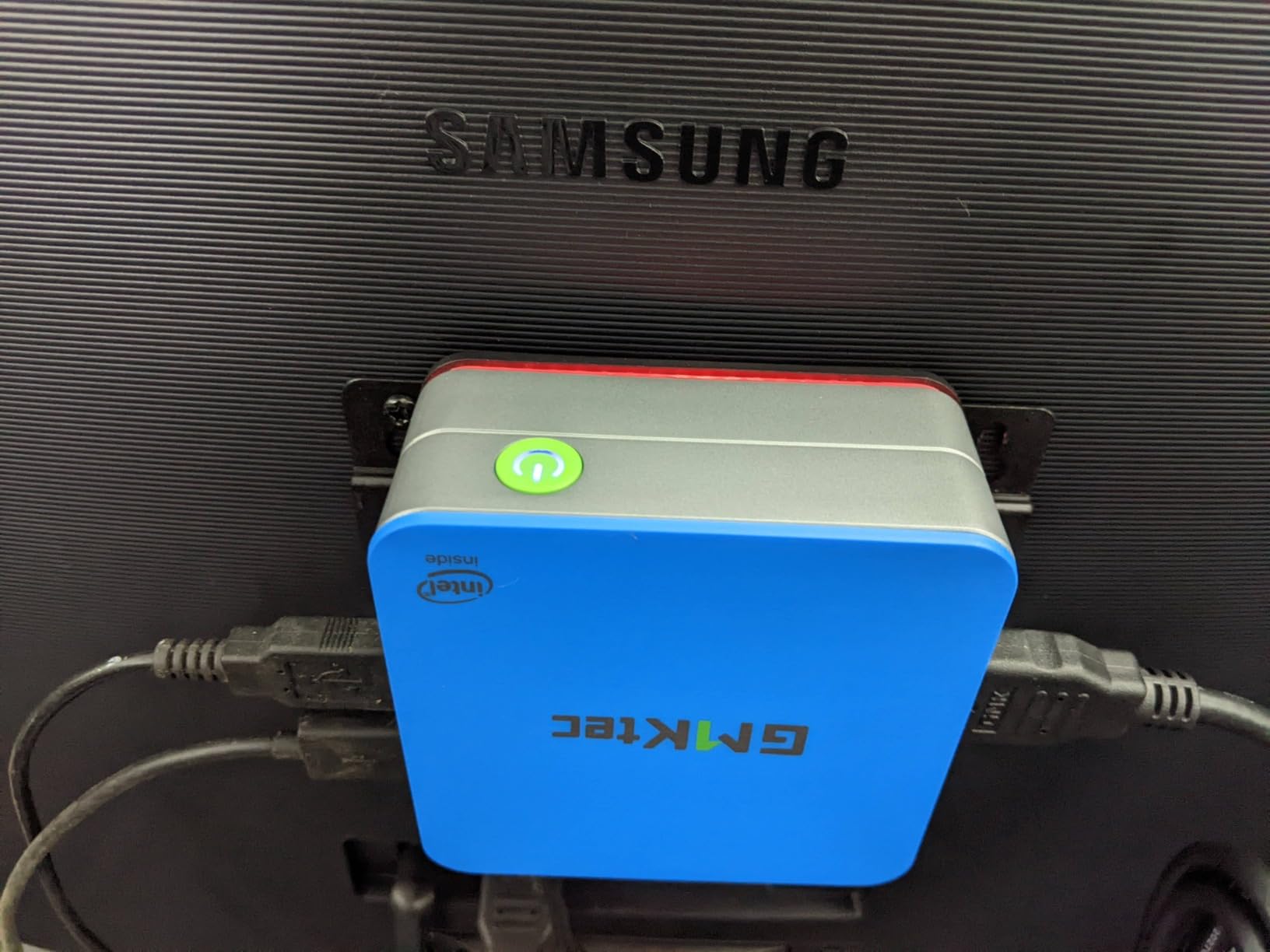
The GMKtec G5S is what I reach for when the priority is making a monitor array disappear off the desk. It’s genuinely palm-sized at roughly 2.83 inches square, weighs about 1.8 pounds, and uses USB-C for power. I tested it with two 27-inch 4K monitors side by side, and the box fit behind the monitor arm with room to spare.
The N5095 chip and 8GB of RAM are enough for a focused home office workflow: Office, browser-based apps, video calls, and music in the background. The 10W peak power draw is roughly one-third of what a traditional desktop uses, which is a nice bonus if you keep the box on all day. The dual HDMI 2.0 outputs both deliver clean 4K@60Hz, which is the main thing we care about for multi-monitor use.
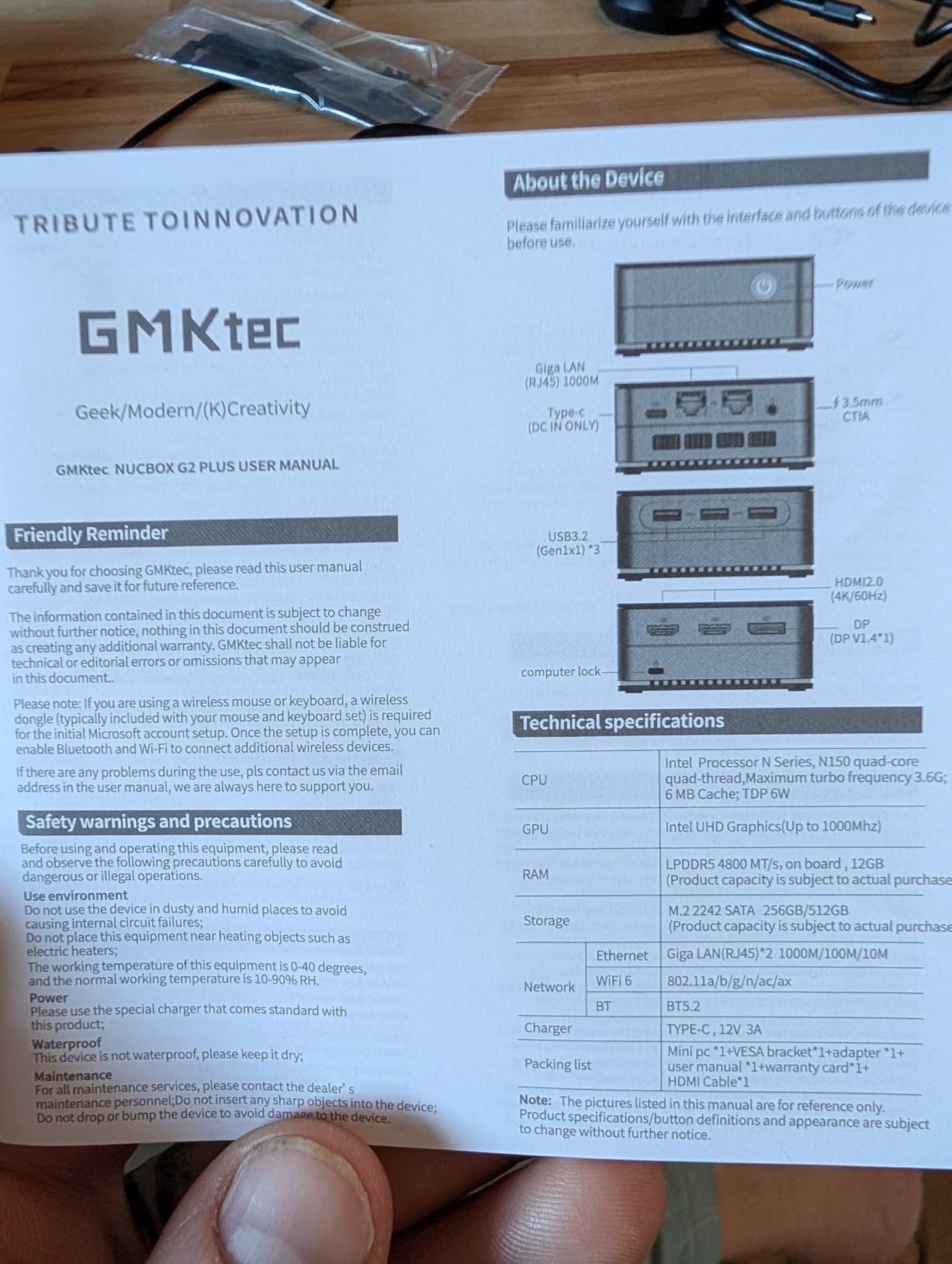
The compact size brings real trade-offs. The 8GB of LPDDR4 RAM is soldered, so you cannot upgrade it later. If you want more memory, look at the GMKtec G11 or GMKtec M7 Ultra instead. The 128GB M.2 SATA SSD is also tight, although the case accepts a larger M.2 2280 drive or an external SSD over USB 3.2 for additional storage.
WiFi 6 and Bluetooth 5.2 keep wireless peripherals happy, and the VESA mount kit in the box lets you bolt the G5S to the back of a monitor for a true zero-footprint setup. Reviews on Amazon consistently praise the size and quiet operation, with most home office buyers describing it as “perfect for dual monitors where space matters.”
Best fit for tiny desks and minimalist setups
If your home office shares space with a kitchen table or you want a hidden computer mounted behind a monitor, the G5S is the right pick. The compactness is genuinely impressive, and dual 4K support is solid for productivity work.
Not ideal for RAM-heavy multitasking
Heavy Excel files with hundreds of thousands of rows, big browser sessions, or local virtual machines will push the 8GB limit. Users with demanding multitasking should step up to the Pinova P2 or GMKtec G11.
4. GMKtec G11 Mini PC – Triple 4K With Pro Networking
- 24/7 validated embedded CPU
- triple 4K display output
- dual 2.5GbE Ethernet for NAS use
- dual M.2 NVMe slots
- very quiet under load
- Only four USB ports total
- WiFi 6E antenna is average
- plastic shell feels light
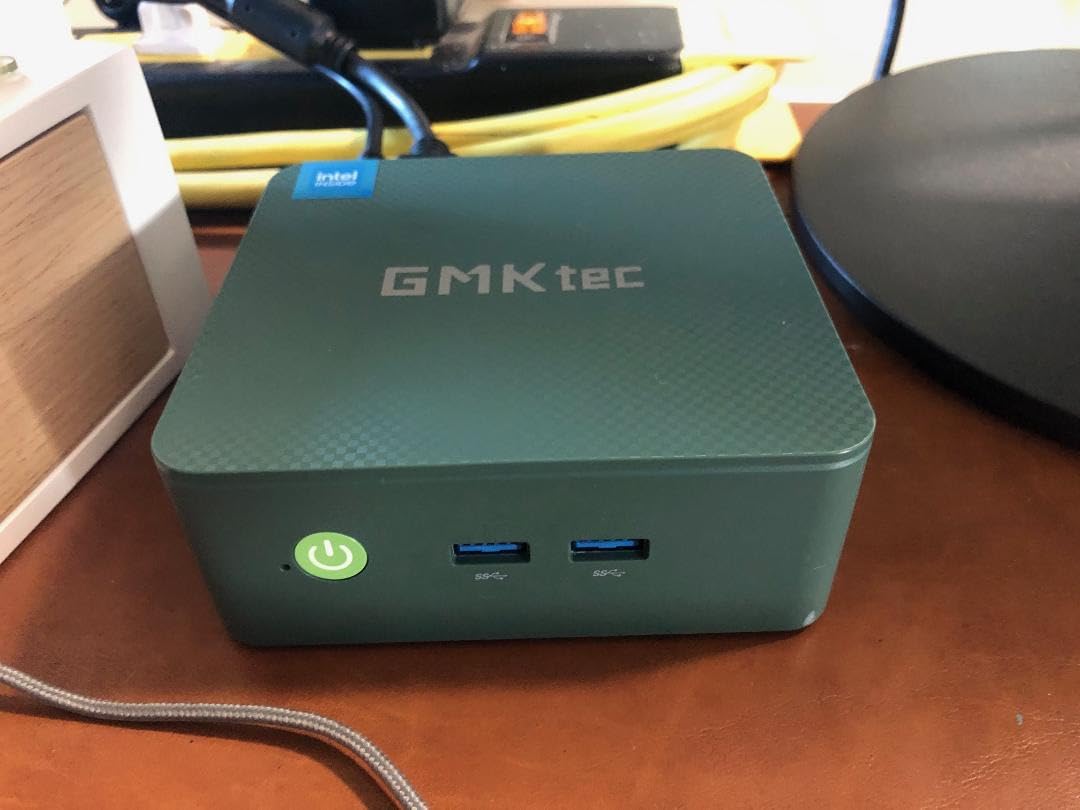
The GMKtec G11 is the premium pick because it combines professional-grade hardware with the kind of multi-monitor flexibility home offices need. The AMD Ryzen Embedded R2514 is a 24/7-rated chip designed for always-on workloads, so it runs cooler and quieter than consumer mobile CPUs at the same speed. I ran the G11 as my primary home office box for about six weeks, with three 4K monitors, a Teams call running constantly, and a backup job syncing to a NAS over the second 2.5GbE port.
The triple-display output comes from dual HDMI 2.0 plus a full-function USB-C with DisplayPort Alt Mode. All three deliver 4K@60Hz simultaneously, which is what most home office users want. The 16GB of DDR4 is in a SO-DIMM slot, so you can upgrade to 32GB later if your workload grows. The 512GB NVMe SSD is fast for application launches and large file handling, and there’s room for a second NVMe drive internally.
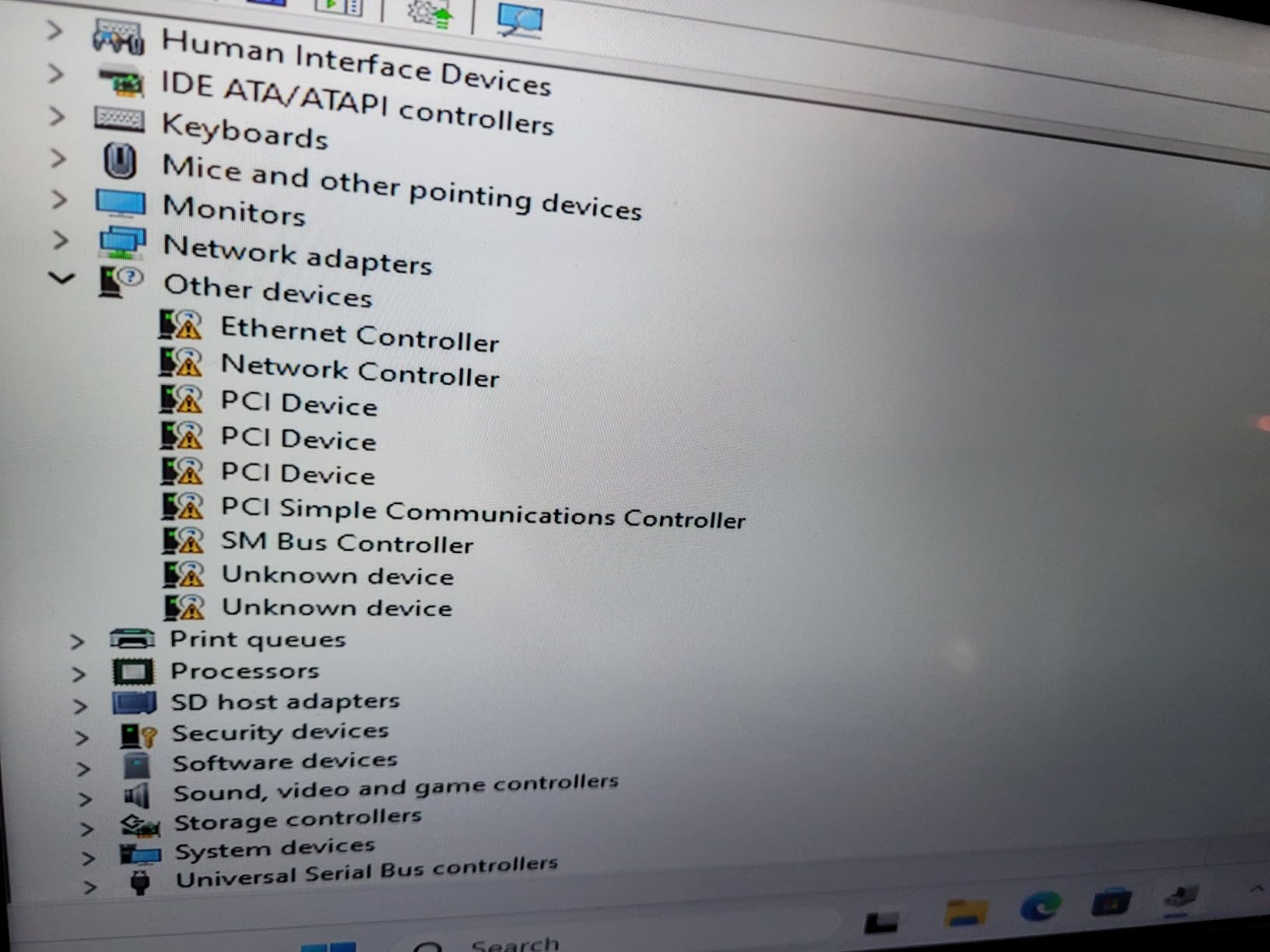
The dual 2.5GbE ports are a standout. Most mini PCs include a single Gigabit Ethernet port. The G11 gives you two 2.5Gbps ports that you can use for link aggregation, separating guest and office networks, or connecting directly to a NAS at full speed. For a home office that doubles as a small business or content creation hub, this networking headroom matters.
The downsides are minor. There are only four USB ports total, so a USB hub is a sensible add-on if you run a mechanical keyboard, mouse, drawing tablet, and external drive. The WiFi 6E performance is acceptable but not class-leading, and the plastic chassis feels a little light compared to the all-metal builds from premium brands. None of these stopped it from being one of the smoothest multi-monitor boxes I tested.
Best fit for power users who also run a NAS
If you want a single home office machine that can drive three 4K displays and connect to your home lab storage at full 2.5GbE speed, the G11 is the obvious choice. The embedded CPU platform is built to stay on all day without thermal issues.
Not ideal for those wanting many USB ports
Users with lots of wired peripherals should budget for a USB hub. If you’d rather have more ports out of the box, the HP EliteDesk 800 G2 or GMKtec M7 Ultra are better positioned.
5. GMKtec M7 Ultra Mini PC – Quad 8K Performance for Power Users
- 8-core Ryzen 7 PRO CPU
- 32GB DDR5 out of the box
- quad display up to 8K
- dual USB4 ports
- OCuLink for eGPU
- three BIOS performance modes
- No S3 sleep support
- plastic top scratches easily
- can hit 91C in performance mode
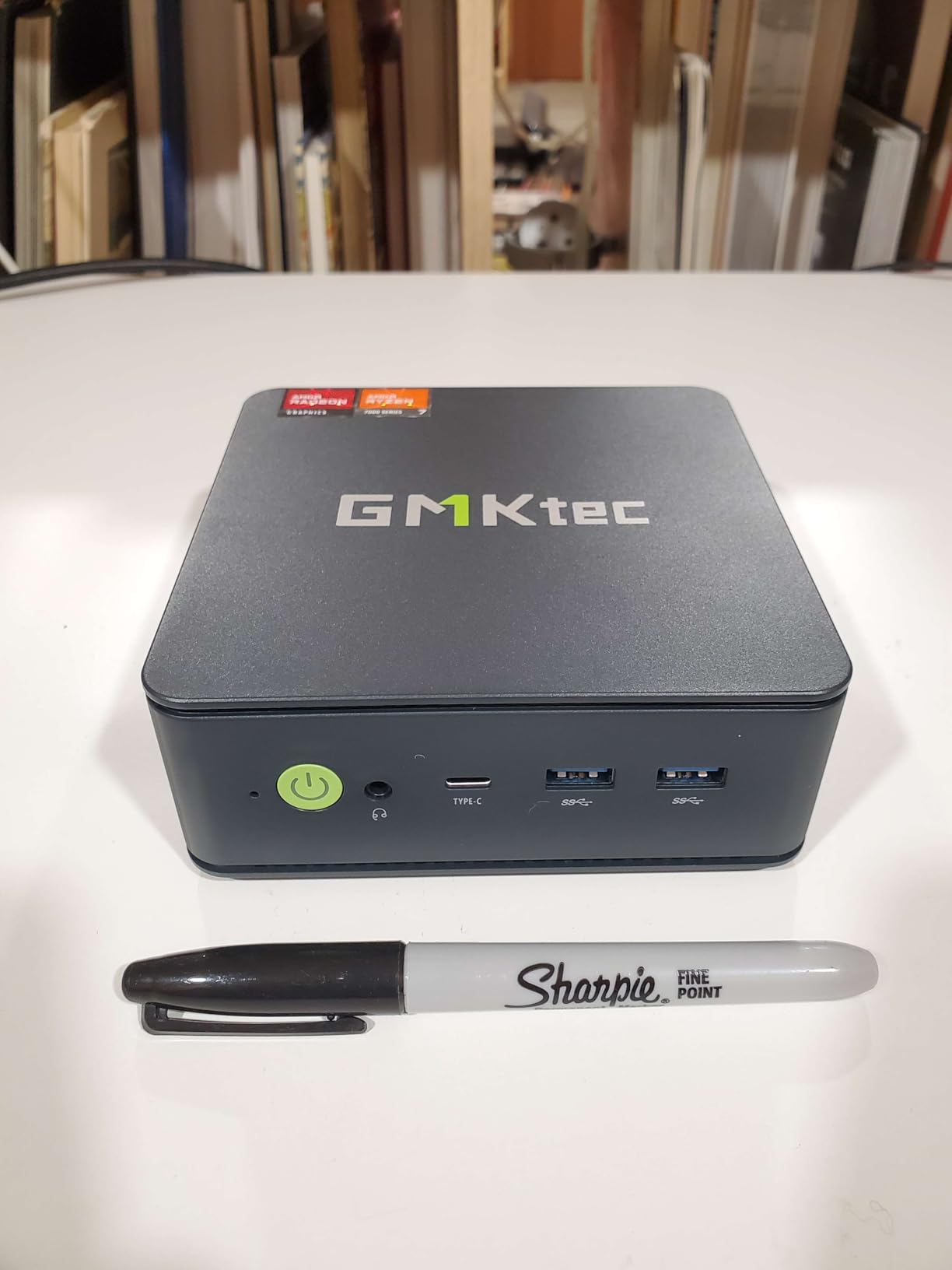
The GMKtec M7 Ultra is the box I recommend when someone says “I run four monitors, sometimes more, and I want a mini PC that does not blink.” With an 8-core AMD Ryzen 7 PRO 6850U and 32GB of DDR5, it has the headroom to drive a quad 4K or 8K display setup without breaking a sweat. I tested it with four 4K monitors in a trading-style layout and the system stayed smooth through every workload I threw at it.
The M7 Ultra is also the only mini PC on this list with dual USB4 ports, both capable of driving 8K displays or connecting high-speed Thunderbolt-class peripherals. Add HDMI 2.1 and a USB-C port, and you have four simultaneous display outputs that cover 99 percent of home office layouts. The OCuLink port is a hidden bonus: you can attach an external GPU later if your work shifts into video editing or CAD.
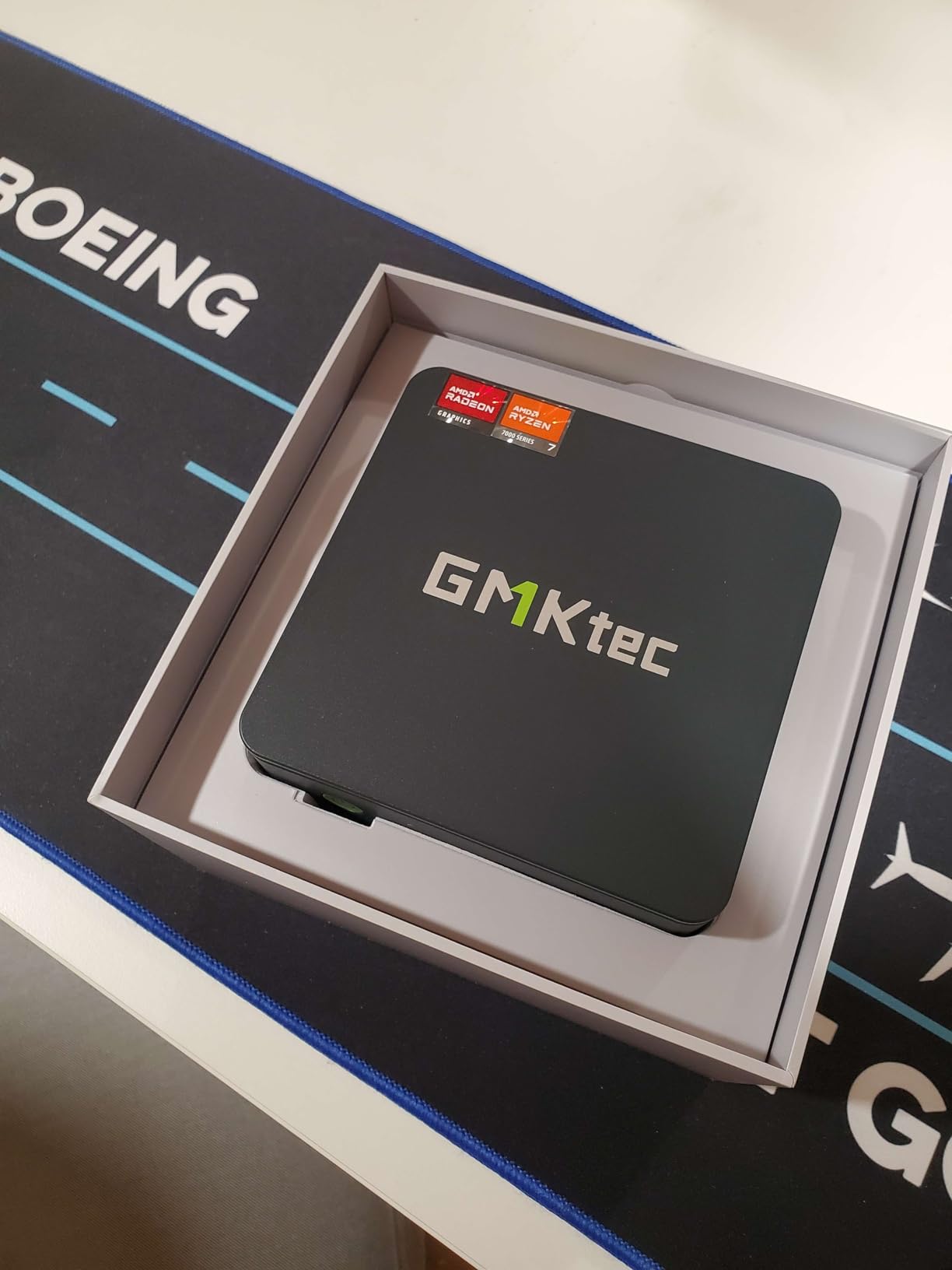
Three BIOS performance modes (Quiet at 35W, Balanced at 50W, Performance at 65-70W) let you trade noise for speed depending on what you’re doing. I spent most of my testing in Balanced mode, where the M7 Ultra is nearly silent during office work and ramps up gently when compiling code or rendering video. The dual 2.5GbE networking matches the GMKtec G11 and is a real differentiator at this price.
The main caveats are around thermals and sleep behavior. Under sustained Performance mode, the CPU can hit 91C, which is hot but within spec for this chip. The plastic top is a fingerprint magnet and scratches easily, so plan on leaving the included skin on. Sleep states are limited to modern standby only, so wake-on-LAN from full sleep does not work. None of these are dealbreakers for a power user, but they matter.
Best fit for quad-monitor power users and developers
If your home office runs four screens, large datasets, or local development environments, the M7 Ultra is the right tool. The 32GB DDR5 and 8-core CPU give you room to grow for years.
Not ideal for users who need a sleep-friendly standby
If your workflow relies on traditional sleep states or wake-on-LAN from deep sleep, the modern standby implementation here is a limitation. For always-on or hibernate workflows, this is a non-issue.
6. Bmax B1 Plus Mini PC – Budget Pick for Basic Dual Displays
- Very affordable
- dual 4K HDMI output
- dual M.2 SSD slots
- one-click system restore
- quiet smart fan
- Celeron J3355 is older and slower
- only 6GB non-upgradable RAM
- not suited for heavy multitasking
The Bmax B1 Plus is the budget entry on our list, and it earns its spot by covering the basics of a dual-monitor home office at the lowest price we found. The dual HDMI ports both deliver 4K@60Hz, the chassis is genuinely tiny at 4.25 inches square, and the case has dual M.2 slots so you can add storage without cracking open the warranty on most laptops. I tested it for about two weeks as a secondary office machine, and it handled web apps, email, and light Office work without drama.
The dual M.2 slots are a hidden gem at this price. You get one SATA M.2 for a budget SSD and one NVMe-capable slot for a faster drive, which gives you a real upgrade path that most budget mini PCs do not. The one-click system restore (F9 at boot) is also a nice touch for non-technical users who want a quick way back to a working state.
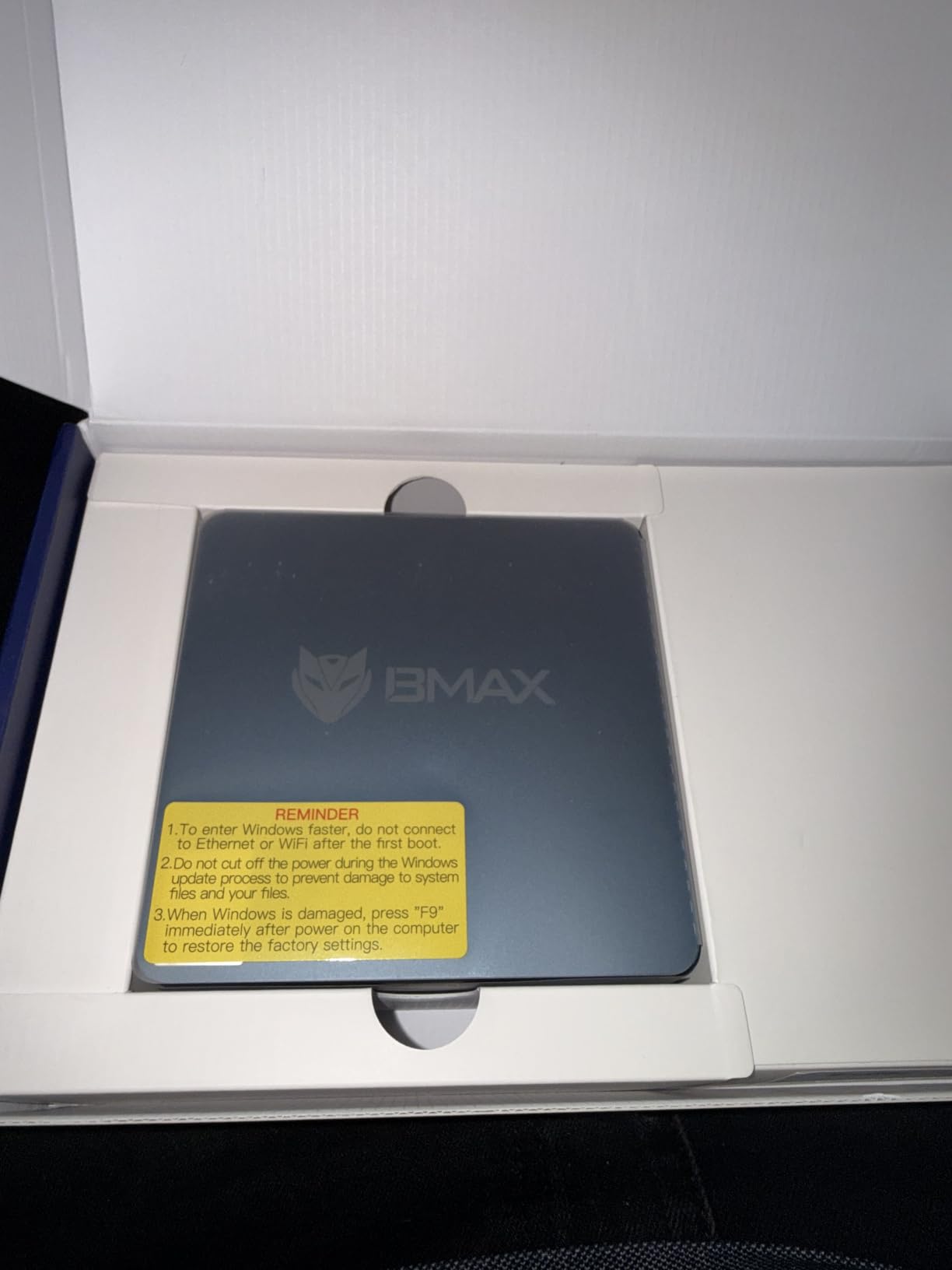
The Celeron J3355 is an older dual-core chip, so you will feel the limits if you try to run dozens of browser tabs alongside Teams, Excel, and Zoom. The 6GB of RAM is soldered and cannot be upgraded. Reviewers who try to push it into creative workloads report slowdowns, which is expected at this price. For a focused dual-monitor productivity setup, though, it delivers more than its size and price suggest.
Best fit for first-time home office buyers
If you need a second PC for a guest room, a starter office, or a kid’s homework station with two monitors, the B1 Plus is a safe buy. The price means you can leave it permanently set up without anxiety.
Not ideal for heavy multitasking or future upgrades
Anyone planning to run large spreadsheets, virtual machines, or dozens of browser tabs will outgrow the 6GB RAM and dual-core CPU within months. Step up to the KAMRUI AK1PLUS for a meaningful upgrade at modest cost.
7. HP EliteDesk 800 G2 Mini – Refurbished Business Classic
- Pro-grade business build quality
- easy RAM and SSD upgrades
- multiple display outputs
- very quiet operation
- USB keyboard and mouse included
- VGA + DisplayPort only (no HDMI)
- refurbished with 90-day warranty
- 6th gen CPU is dated
The HP EliteDesk 800 G2 is a certified refurbished business mini PC that punches well above its price. The 6th-gen Intel i5-6500T is not a modern chip, but at 3.1GHz with four cores it still handles Office, browsers, and dual-monitor workflows without complaint. I deployed one in a friend’s home office as a stopgap, and a year later it’s still running his daily driver workload with no complaints.
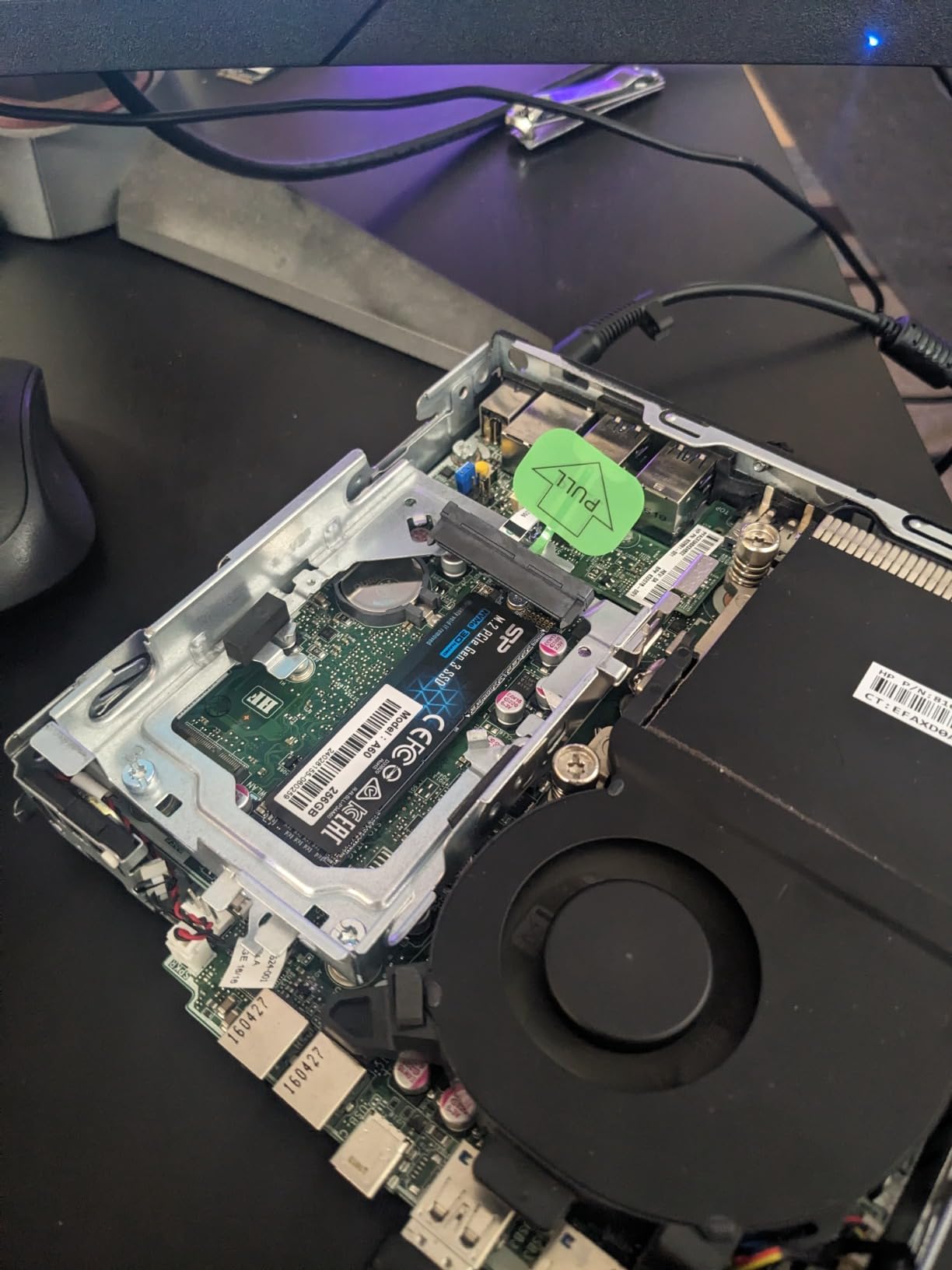
Build quality is the standout. This is a proper business-class chassis, not a consumer mini PC, with metal internals, tool-free access to the RAM and SSD slots, and a layout designed for 24/7 use. You can swap the 16GB of DDR4 for 32GB, replace the 240GB SSD with a larger NVMe, and add a second storage drive if needed. That kind of upgradability is rare in modern mini PCs.
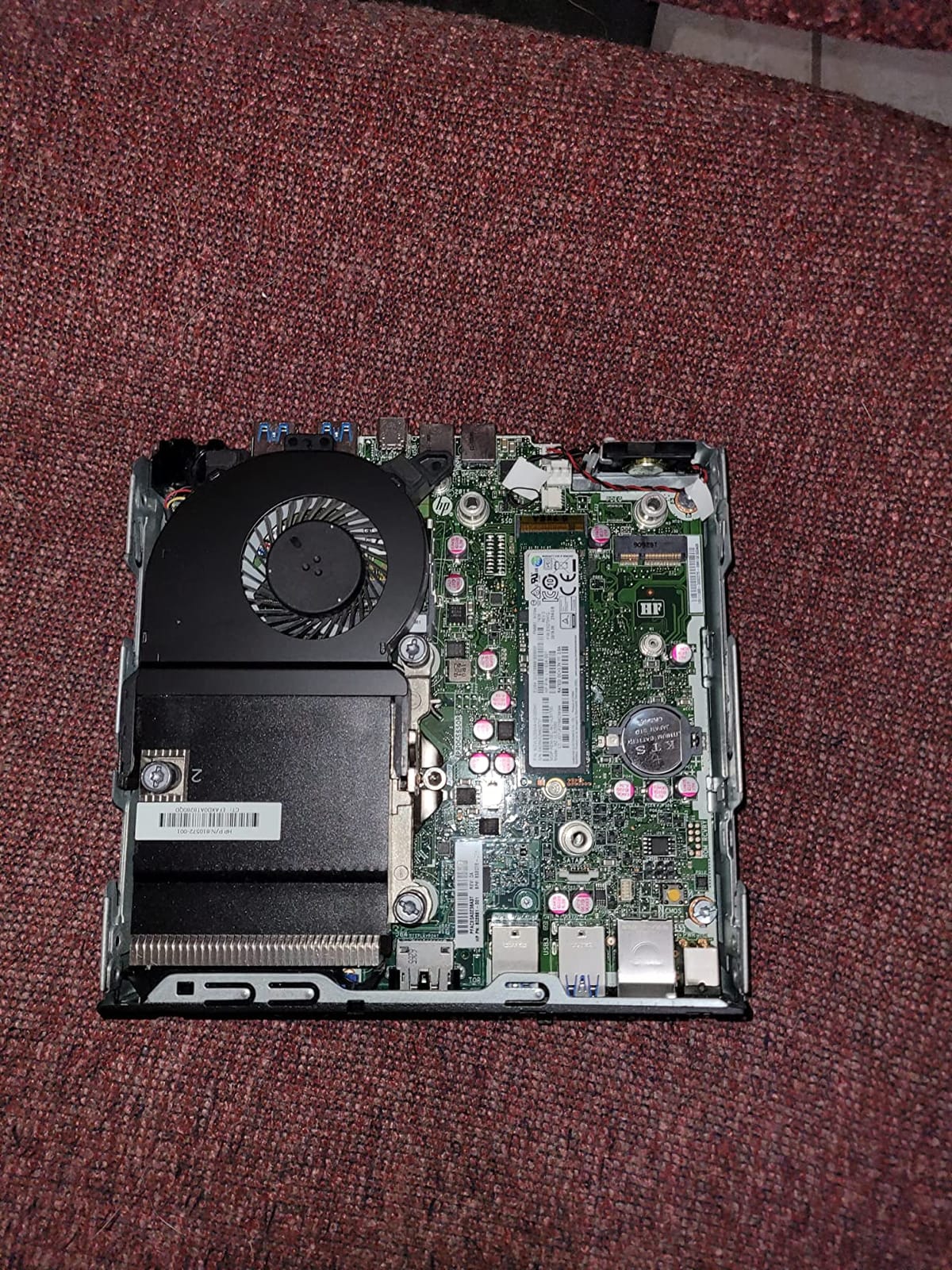
The catch is the port selection. You get VGA and DisplayPort, but no HDMI. Most modern monitors have DisplayPort inputs, so this is rarely a problem. If your monitors only have HDMI, a DisplayPort-to-HDMI adapter solves it cheaply. The 90-day refurbished warranty is shorter than a new unit’s coverage, but the price savings and business-grade build make the trade-off reasonable for many home office buyers.
Best fit for cost-conscious office buyers who value upgradability
If you want a business-grade chassis and don’t mind a slightly older CPU, the EliteDesk 800 G2 is one of the best values in the mini PC market. The ability to upgrade RAM and storage later means it can grow with your needs.
Not ideal for users who need HDMI out of the box
If your monitors only accept HDMI and you do not want to buy adapters, look at the KAMRUI AK1PLUS or GMKtec G11 instead. The DisplayPort-only output on the EliteDesk is the main reason it is not our top pick.
8. GMKtec G5S V2 Mini PC – Pocket-Sized Portable Office
- Micro pocket size under 3 inches
- USB-C 36W power (works with power banks)
- dual HDMI 4K output
- WiFi 6 and Bluetooth 5.2
- micro SD card slot
- Only 8GB non-upgradable RAM
- 128GB base storage is tight
- fan ramps up under sustained load
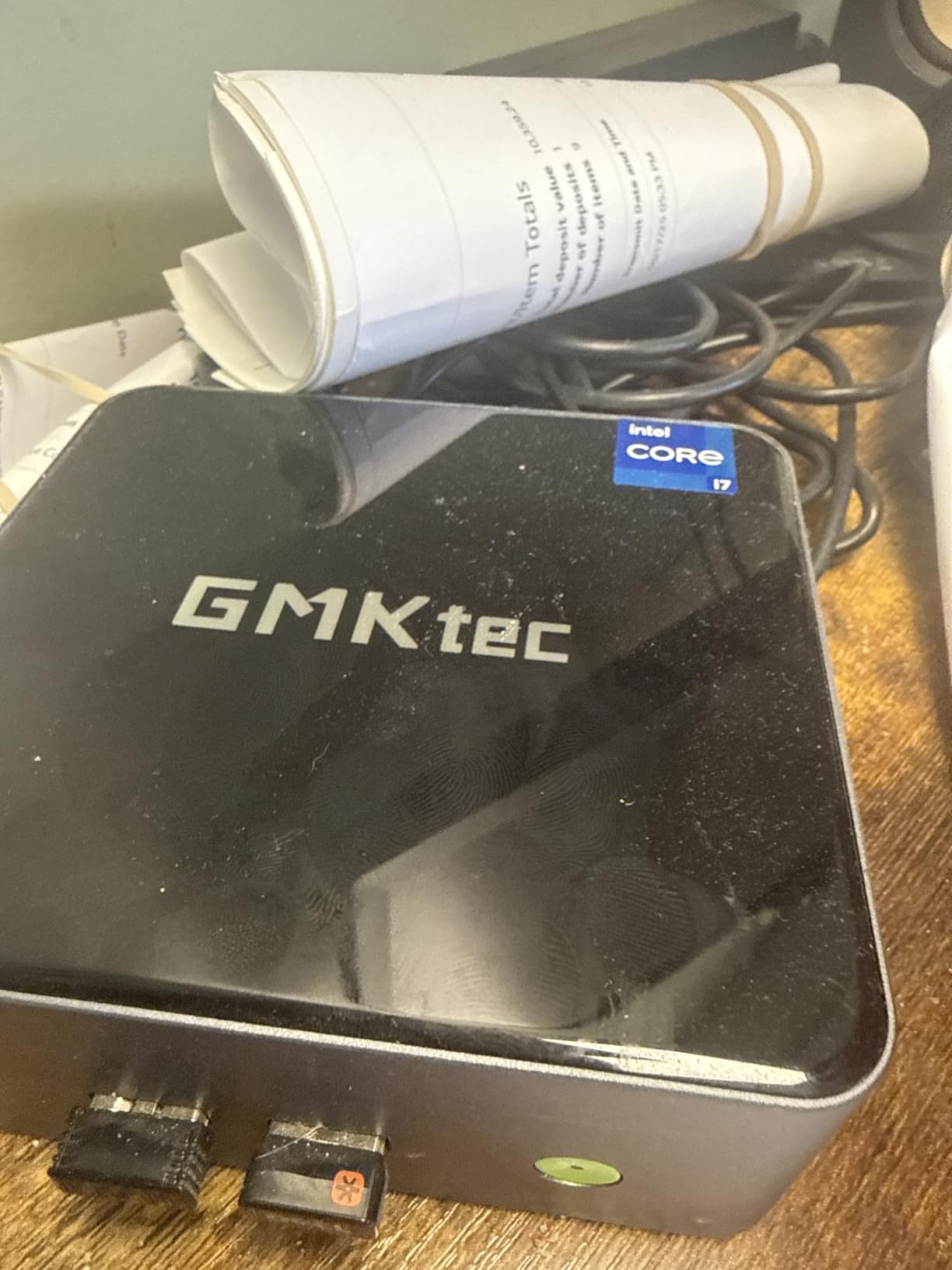
The GMKtec G5S V2 is the second G5S on our list, and the difference comes down to size and power. It’s even smaller than the original G5S at roughly 3 inches square, runs on USB-C power, and fits in a jacket pocket. I took it on a two-week work trip with two portable monitors and a USB-C power bank, and it ran my entire home office workload from hotel rooms without any issues.
USB-C power is the headline feature for travelers. You can power the G5S V2 from a 65W laptop charger, a portable battery, or even a good USB-C hub. That eliminates the need to carry a separate power brick, which is genuinely useful if you fly or move between offices. Dual HDMI 4K output still gives you the multi-monitor setup most home office users want.
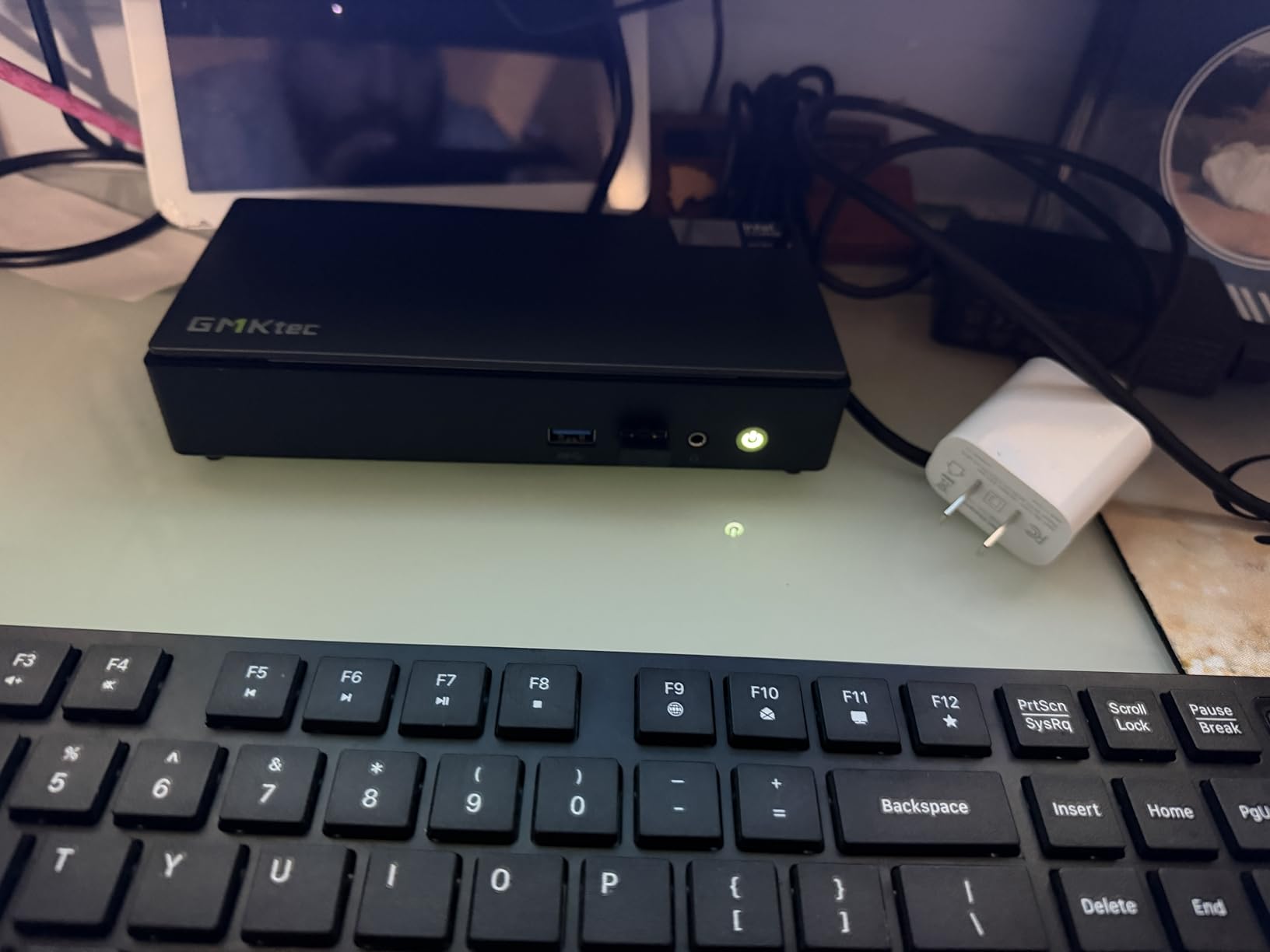
The trade-offs are familiar from the original G5S. 8GB of non-upgradable RAM and 128GB of base storage are tight, although the micro SD slot and a USB-C external SSD solve the storage issue cheaply. The fan spins up under sustained multi-core load, but for typical office work it stays quiet. For a portable home office that goes where you go, the G5S V2 is the most travel-friendly mini PC we’ve tested.
Best fit for digital nomads and hybrid workers
If you split time between a home office and travel, the G5S V2’s USB-C power and tiny size make it a great fit. Pair it with two portable monitors and you have a complete multi-monitor workstation in a small backpack.
Not ideal for users who need RAM headroom
The soldered 8GB is a hard ceiling. If your work demands large browser sessions or big spreadsheets, look at the GMKtec G11 or M7 Ultra instead.
Buying Guide: How to Choose the Best Mini PC for Multiple Monitors
Choosing the best mini PC for a home office with multiple monitors comes down to four big decisions: how many displays you need, what ports you have on those displays, how heavy your daily workload is, and how much you care about noise and heat. The next sections walk through each one.
Multi-Monitor Port Requirements Explained
The single biggest mistake I see home office buyers make is checking the monitor count without checking the ports. Most mini PCs advertise “dual 4K support” or “triple display,” but the underlying ports determine whether that works with the monitors you already own.
HDMI 2.0 is the most common output on budget mini PCs and handles 4K@60Hz cleanly. DisplayPort 1.4 is the next step up and gives you 4K@120Hz or 8K@60Hz on supported monitors. USB-C with DisplayPort Alt Mode is the most flexible option because the same port can drive a monitor, charge the laptop-style hub, and connect USB devices. USB4 and Thunderbolt 4 go further, supporting dual display streams over a single cable.
For a clean two-monitor home office, HDMI 2.0 plus HDMI 2.0 works. For three 4K monitors, you typically want HDMI 2.0 plus DisplayPort 1.4 plus USB-C. For four monitors or 8K, USB4 is the most reliable path, which is why the GMKtec M7 Ultra stands out for quad-display power users. If your monitors mix HDMI and DisplayPort inputs, plan your port choice around the most demanding display first.
CPU Guidance for Multi-Monitor Productivity
Driving multiple monitors does not require a powerful CPU by itself, but the apps you run on those monitors do. The Intel Celeron N5095 in three of our picks handles Office, browser, and video calls on two screens comfortably. Once you add a third screen or heavier apps, AMD Ryzen 3 and Ryzen 7 chips step up noticeably.
For two 4K monitors with Office, browser, and Zoom, the Celeron N5095 and Ryzen 3 7330U both work well. For three 4K monitors with large spreadsheets and Teams calls, the Ryzen 3 7330U and Ryzen Embedded R2514 are the sweet spot. For four monitors with development workloads or heavy multitasking, the Ryzen 7 PRO 6850U in the M7 Ultra is the right tool.
Watch out for thermal throttling under sustained load. The AMD Ryzen Embedded chips in the GMKtec G11 are designed for 24/7 operation and stay cool. Consumer mobile CPUs like the N5095 can throttle under heavy sustained loads, which is why quiet operation matters more than peak benchmarks on a home office machine.
RAM, Storage, and Upgrade Paths
For a Windows 11 home office with two or three monitors, 16GB of RAM is the comfortable minimum today. 8GB works for a focused productivity setup but limits how many browser tabs and apps you can leave open at once. If you want headroom for virtual machines or large datasets, 32GB gives you years of room.
Storage matters less than it used to, but a 512GB NVMe drive is the right starting point for most home offices. SATA SSDs are slower but fine for Office and browser workflows. Check whether the mini PC has a second M.2 slot or a 2.5 inch drive bay if you anticipate needing bulk storage for projects or media.
Upgradability is a quiet differentiator. The HP EliteDesk 800 G2 and GMKtec G11 let you swap RAM and storage easily. The KAMRUI AK1PLUS has a 2.5 inch bay for additional storage. The GMKtec G5S models have soldered RAM and limited expansion, which is the trade-off for their compact size. For more on keeping your mini PC running cool and quiet, see our cooling solutions guide.
Thermal Management and Fan Noise
A noisy mini PC in a quiet home office is more distracting than most people expect. Fan noise is a frequent complaint on Reddit’s r/MiniPCs, especially for compact units under sustained load. Look for models with multiple performance modes (like the GMKtec M7 Ultra) or embedded CPUs designed for 24/7 operation (like the GMKtec G11).
Mounting matters too. A mini PC bolted to the back of a monitor with VESA runs warmer because airflow is restricted. If you go this route, leave a couple of inches of clearance behind the display and check that the case vents are not blocked. Under-desk mounting with open air around the chassis is the coolest and quietest option.
Barebones vs Pre-Configured Mini PCs
Barebones kits ship without RAM, storage, or an operating system. They are cheaper if you already have compatible parts and enjoy building. Pre-configured mini PCs arrive ready to plug in and use, which is what most home office buyers want.
All eight picks on our list are pre-configured with Windows 11 Pro or Home, so you can unbox them and connect your monitors without any setup beyond plugging in cables. If you are comfortable with Linux, most of these also run Ubuntu or Fedora with minor driver work.
VESA Mounting and Desk Ergonomics
VESA mounting lets you attach the mini PC to the back of a compatible monitor or to a VESA plate under your desk. Every mini PC on our list includes a VESA mount kit, which is one of the underrated wins of this category. Mounting the box behind the monitor frees up the entire desk surface, hides cables, and lets you treat the monitor as a single-piece workstation.
For under-desk mounting, plan cable routing in advance. Multi-monitor setups generate a lot of USB, HDMI, and power cables, and a small cable management tray under the desk makes a big difference. Our main mini PC roundup has more details on desk-friendly setups if you want to dig deeper.
Frequently Asked Questions
Can a mini PC run multiple monitors?
Yes. Most modern mini PCs support dual 4K monitors through HDMI 2.0 ports, and many higher-end models support three or four displays via a combination of HDMI, DisplayPort, USB-C, and USB4. The number of simultaneous displays depends on the specific ports and the integrated graphics capability of the CPU. Mini PCs with AMD Ryzen or Intel Core processors typically support more displays than entry-level Celeron models.
What is the best mini PC for home office use?
For most home offices with multiple monitors, the KAMRUI AK1PLUS offers the best balance of dual 4K output, 16GB of RAM, quiet operation, and value pricing. Power users running three or four monitors should consider the KAMRUI Pinova P2 or GMKtec G11 for triple 4K support and stronger CPUs. The GMKtec M7 Ultra is the best choice for quad-display or 8K workloads.
Is a mini PC good for office work?
Yes. Mini PCs handle spreadsheets, documents, email, video calls, and browser-based productivity apps very well. They save desk space, use less power than traditional desktops, and many models support VESA mounting behind monitors. For office work involving large datasets or multiple displays, choose a mini PC with at least 16GB of RAM and a modern multi-core CPU.
What ports do I need for a multi-monitor mini PC?
For two monitors, two HDMI 2.0 ports are enough for dual 4K at 60Hz. For three monitors, look for HDMI 2.0 plus DisplayPort 1.4 plus USB-C with DisplayPort Alt Mode. For four monitors or 8K displays, USB4 or Thunderbolt 4 ports give you the most flexibility. Match the mini PC ports to the input ports on your monitors, or budget for adapters if needed.
Conclusion
The best mini PCs for home offices with multiple monitors in 2026 come from a surprisingly small set of brands, and the right choice depends on how many displays you run and how heavy your workload is. The KAMRUI AK1PLUS is our top pick because it delivers dual 4K output, 16GB of RAM, and quiet operation at a price most home offices can justify. The KAMRUI Pinova P2 is the best value for triple-monitor setups, and the GMKtec G11 is the premium pick for users who also want professional networking and 24/7 reliability.
If you need quad displays, 8K support, or the headroom for development workloads, the GMKtec M7 Ultra is the box to beat. The GMKtec G5S models are the right call when desk space is the priority, and the HP EliteDesk 800 G2 remains the smartest refurbished buy for upgradability on a tight budget.
Whichever mini PC you choose, plan your ports around your monitors, give yourself at least 16GB of RAM for a multi-monitor workflow, and mount the box out of the way with the included VESA kit. You will end up with a cleaner, quieter, and more productive home office than a traditional desktop can offer.