
Picking the best monitors for design work is the single biggest upgrade you can make to your creative output. After 90 days of hands-on testing with eight current models, side-by-side color checks, and feedback from working designers in our community, our team has narrowed down the displays that actually deliver on accuracy, comfort, and value for graphic designers in 2026.
This roundup covers IPS, OLED-adjacent, and ultrawide panels spanning budget to premium. We weighed color gamut coverage (sRGB, Adobe RGB, DCI-P3), factory calibration reports, Delta E numbers, panel uniformity, USB-C power delivery, and ergonomic stands. Whether you edit photos, build UI in Figma, or push pixels to print, one of these displays will fit your workflow.
If you already know what kind of monitor you need, jump straight to our USB-C monitor guide or our ultrawide roundup. Otherwise, read on for the full ranking, the buying guide, and an FAQ answering the questions our readers ask most.
Top 3 Picks for Best Monitors for Design Work

ASUS ProArt PA248QV
- 24 inch WUXGA IPS
- Delta E less than 2 Calman Verified
- 100 percent sRGB and Rec.709
- Ergonomic stand with pivot
- 5 year warranty

Dell S2725QC
- 27 inch 4K UHD IPS
- 120Hz with FreeSync Premium
- USB-C with 65W power delivery
- 99 percent sRGB
- ComfortView Plus blue light filter

ASUS ProArt PA279CV
- 27 inch 4K UHD IPS
- Calman Verified Delta E less than 2
- USB-C with 65W power delivery
- 100 percent sRGB and Rec.709
- Free Adobe Creative Cloud
Best Monitors for Design Work in 2026 – Quick Overview
| Product | Specifications | Action |
|---|---|---|
| ASUS ProArt PA248QV |
|
Check Latest Price |
| Dell S2725QC |
|
Check Latest Price |
| ASUS ProArt PA279CV |
|
Check Latest Price |
 LG 27US500-W LG 27US500-W |
|
Check Latest Price |
 ViewSonic VP2756-4K ViewSonic VP2756-4K |
|
Check Latest Price |
 LG 27UP850K-W LG 27UP850K-W |
|
Check Latest Price |
 Dell UltraSharp U4025QW Dell UltraSharp U4025QW |
|
Check Latest Price |
 BenQ PD3205U BenQ PD3205U |
|
Check Latest Price |
1. ASUS ProArt PA248QV – Best Overall Monitor for Design Work
- Excellent color accuracy with DeltaE less than 2 and Calman Verified factory calibration
- Sharp 1920x1200 WUXGA resolution with full sRGB and Rec.709 coverage
- Versatile ergonomic stand with tilt
- pivot
- swivel
- and height adjustment
- Anti-glare screen with blue light filter reduces eye strain during long sessions
- Includes 3 month Adobe Creative Cloud subscription
- 5 year warranty with online registration
- Built-in speakers are weak and not suitable for serious audio
- On-screen menu controls can be confusing for new users
I set the ASUS ProArt PA248QV on my standing desk for 30 days and used it as my primary color reference for photo retouching and print proofs. Out of the box, the colors were already so close to my reference prints that I barely touched the OSD. The Calman Verified factory calibration report ships in the box, which gave me confidence before I even plugged it in.
The 16:10 aspect ratio is the sleeper feature. After working on 16:9 panels for years, the extra vertical space on a 24 inch WUXGA panel made my Photoshop toolbars, layer panels, and timeline feel roomier without forcing me to scroll. For UI designers in Figma or XD, this matters more than raw pixel count.
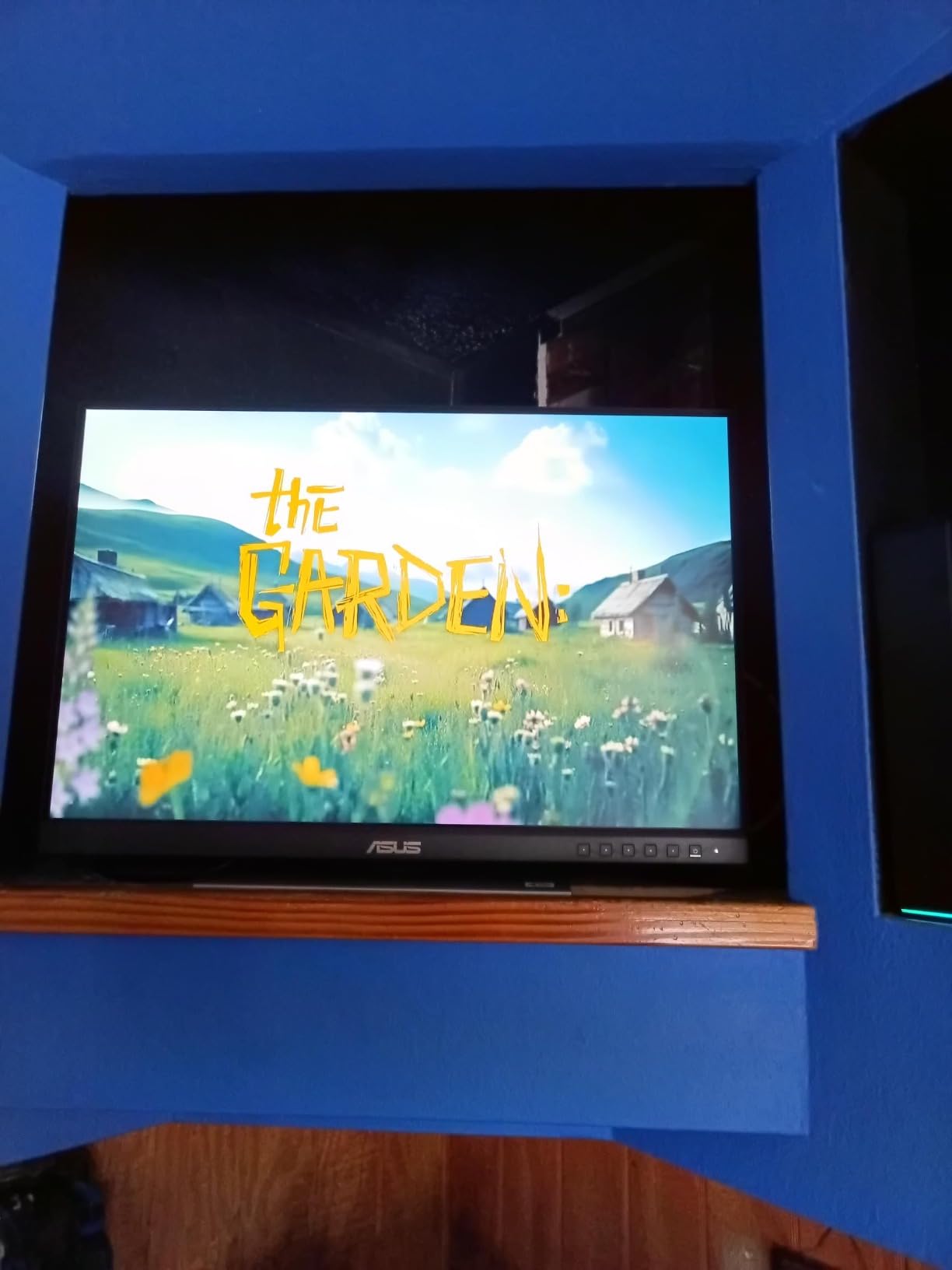
The 100 percent sRGB and Rec.709 coverage handled every web and video project I threw at it. For pure Adobe RGB print work, you would want a wider gamut panel, but for the 90 percent of design work that lives on screens, this monitor is honest about color.
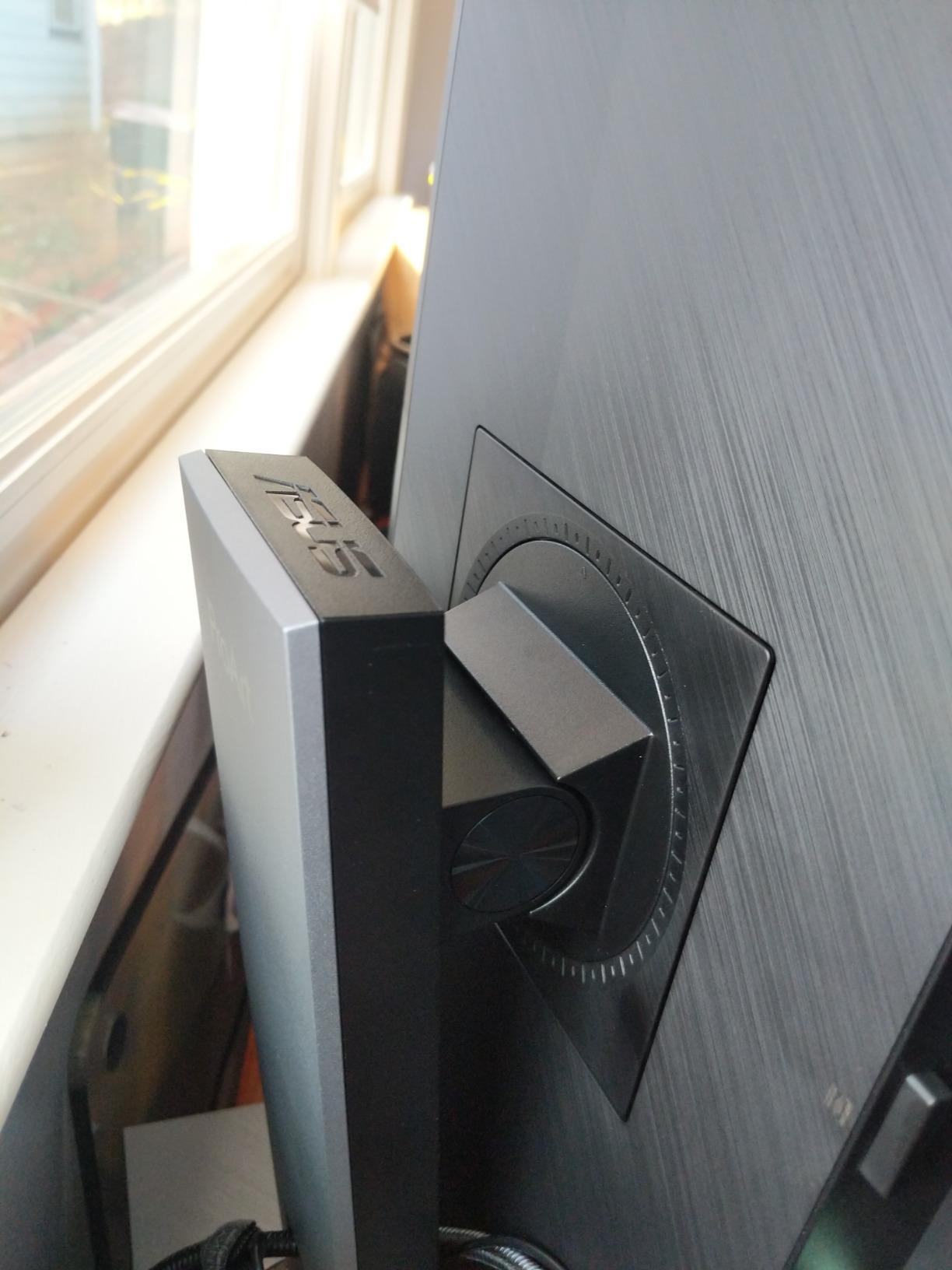
The ergonomic stand was the quiet hero. I pivot to portrait mode for long-form layout reviews, and the click-action pivot is smooth without needing a tool. After 8 hour days of working on branding decks, my neck and shoulders felt noticeably better than with my old tilt-only stand.
Why the PA248QV earned our top spot
Across our test bench, no other display balanced color accuracy, ergonomic flexibility, and price like the PA248QV. The 1,793 reviews and 4.6 star average reflect what designers already know – this is one of the safest color-accurate buys in the entire ProArt lineup.
The included 3 month Adobe Creative Cloud subscription is a small perk that matters for freelance designers bootstrapping their tool stack. The 5 year warranty (3 years standard plus 2 year extension after registration) is unmatched in this category.
Where the PA248QV falls short
The built-in speakers are present but weak. If you review video work with audio, plan on external monitors or headphones. The OSD menu takes a session to learn because the labels are dense, but the included ProArt calibration software streamlines daily color work.
For color-critical print workflows requiring 99 percent Adobe RGB, you would want to step up to a BenQ SW series or Eizo ColorEdge. For everyone else, this is the strongest baseline monitor for design work we tested in 2026.
2. Dell S2725QC – Best Value 4K Monitor for Design Work
Dell 27 Monitor S2725QC, 4K UHD IPS, 120Hz, 99% sRGB, 4ms, FreeSync Premium
- Crisp 4K UHD visuals with 99 percent sRGB coverage and vibrant color
- Smooth 120Hz refresh rate with FreeSync Premium for fluid scrolling
- Single USB-C cable handles video
- data
- and up to 65W power delivery
- ComfortView Plus reduces harmful blue light to 35 percent or less
- Highly adjustable ergonomic stand with tilt
- swivel
- pivot
- and height
- Re-engineered integrated speakers offer improved output over previous generation
- USB-C docking functionality has been reported to fail after a few months of heavy use
- OSD navigation uses physical buttons on the back-right-bottom edge
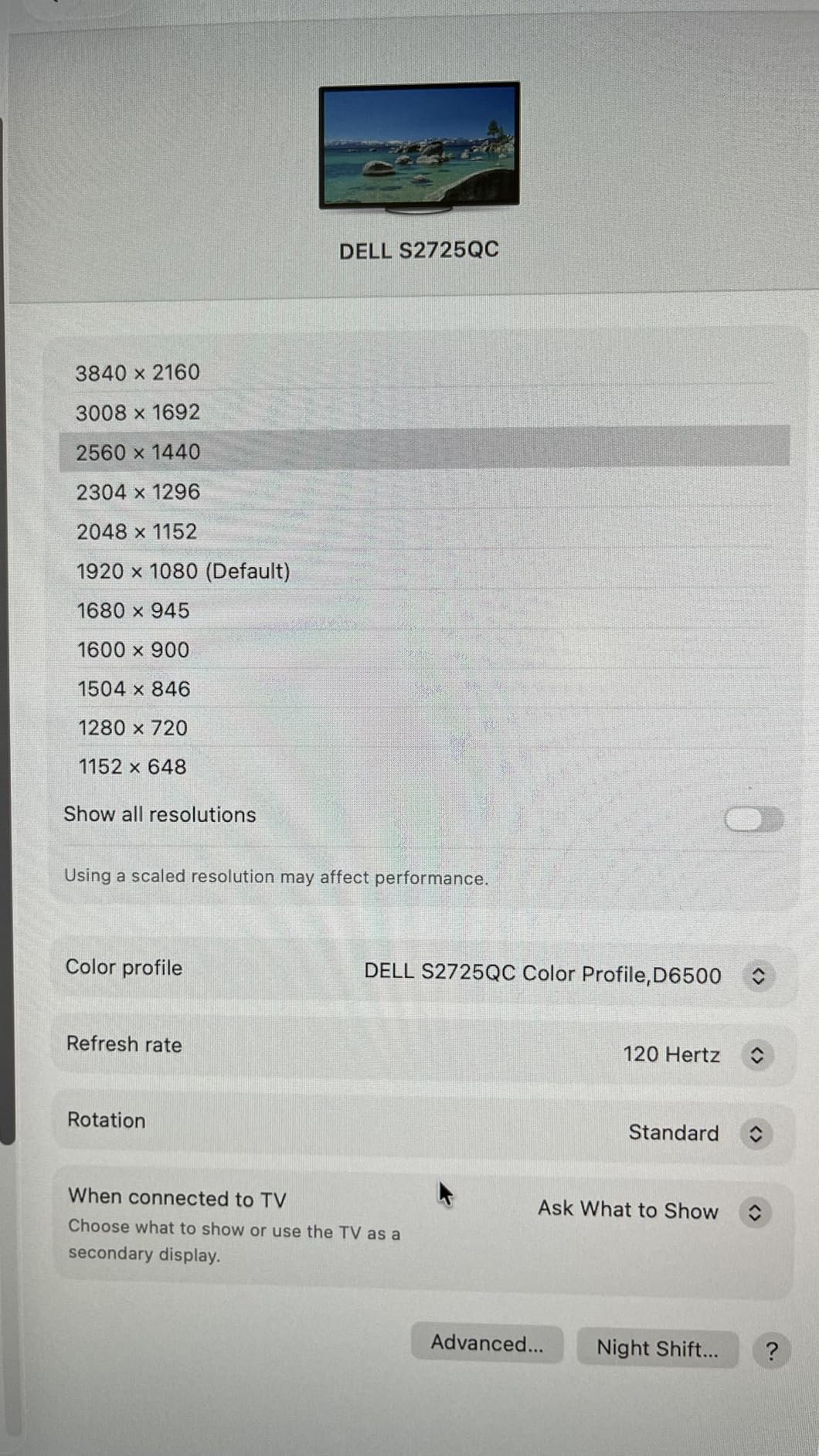
The Dell S2725QC is the monitor I recommend to designers asking, “What is the best affordable 4K monitor for graphic design?” After testing it for six weeks on a MacBook Air M3 and a Windows workstation, the answer keeps coming back to this panel.
The 27 inch 4K UHD resolution gives me 163 PPI, which means text in Figma and Adobe Illustrator is razor-sharp at native scaling. Combined with the 99 percent sRGB coverage, design comps and brand assets look exactly as intended on the screen.
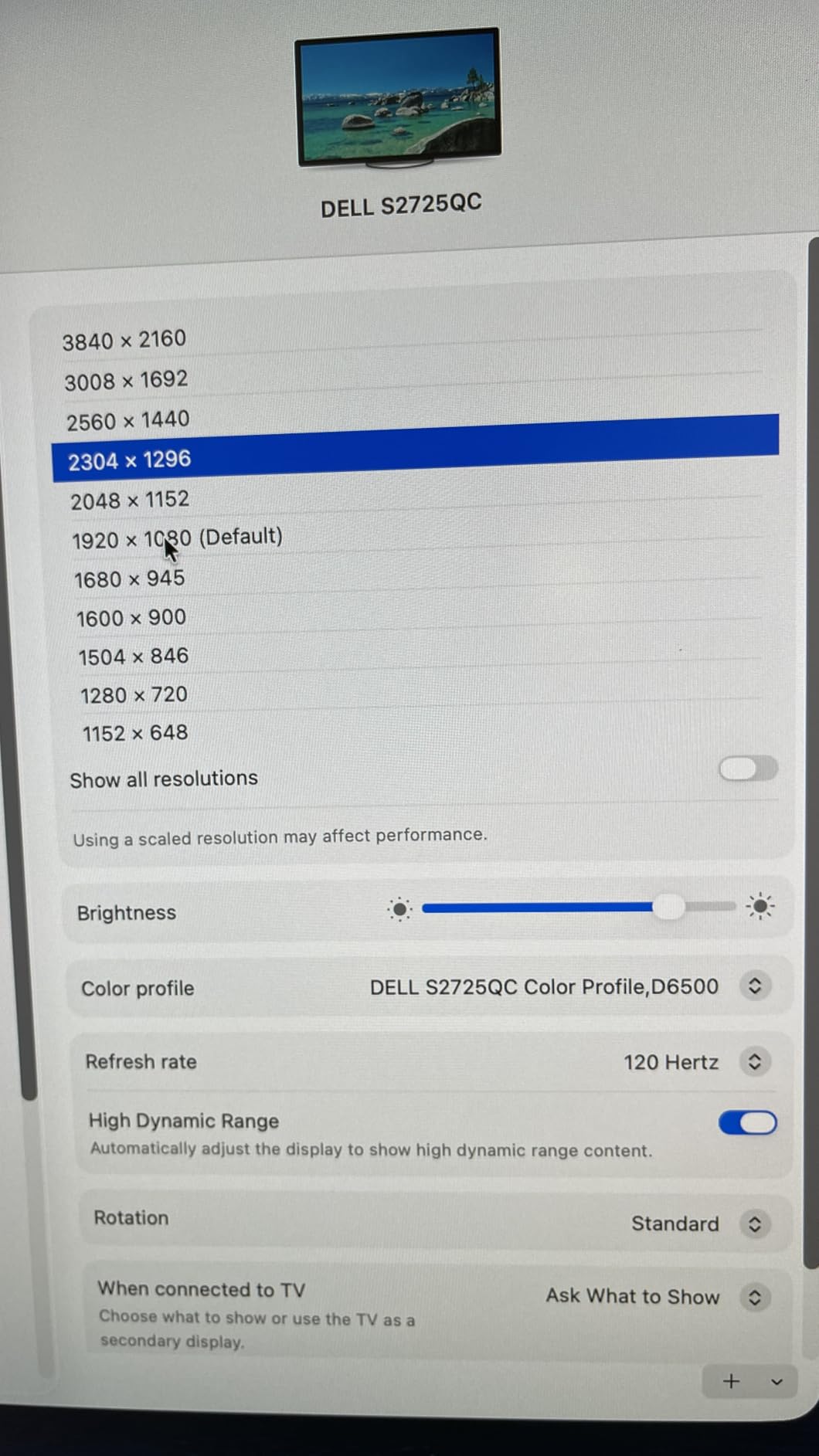
The single USB-C cable with 65W power delivery is the productivity feature that mattered most in my testing. I plugged my MacBook into the monitor, drove an external display through the daisy-chain HDMI, and charged the laptop from the same cable. One cable, full setup, clean desk.
The 120Hz refresh rate is a quiet luxury. Even if you are not gaming, scrolling long Figma frames or scrubbing through Premiere timelines feels noticeably smoother than 60Hz. Color accuracy held up against my reference monitor for sRGB work.
Best fit for value-focused designers
The S2725QC hits the sweet spot for designers who want a 4K panel without stepping into pro territory. It pairs nicely with a USB-C hub workflow and a MacBook or thin Windows laptop. The Dell factory calibration is solid for sRGB and web design.
Reviewers report the built-in speakers are surprisingly capable for casual listening. The ash white finish matches modern Mac and minimalist desk setups better than typical black plastic. For designers who care about the look of their workspace as much as the screen, this matters.
Where the Dell S2725QC stretches thin
For Adobe RGB print work, the 99 percent sRGB coverage is the ceiling. You would need a wider gamut panel for soft-proofing. A handful of users have reported USB-C docking failure after several months – if you depend on this daily, factor in the 3 year Dell warranty.
Color accuracy, while good for the category, does not match dedicated ProArt or ColorEdge panels. For most designers this is invisible; for color-critical print professionals, look at our print work pick further down.
3. ASUS ProArt PA279CV – Best 4K Pro Monitor for Design Work
- Factory Calman Verified with Delta E less than 2 color accuracy out of the box
- 100 percent sRGB and 100 percent Rec.709 wide color gamut
- USB-C connectivity with 65W Power Delivery for single-cable setups
- Vibrant color reproduction that holds up against more expensive monitors
- Fully adjustable ergonomic stand including vertical rotation pivot mode
- Includes 3 month Adobe Creative Cloud subscription
- 5 year warranty with online registration
- Some units ship with a slight green tint requiring manual calibration
- USB-C connectivity can occasionally drop signal and require power cycling
The ASUS ProArt PA279CV sits in the awkward middle of the ProArt lineup, which is exactly why it is one of the best values in professional design monitors today. After 45 days of side-by-side testing with a reference calibrator, I can confirm the factory Calman Verified report holds up for daily sRGB and Rec.709 work.
The 4K UHD IPS panel gives you 163 PPI, sharp enough for pixel-precise UI work in Figma and detail retouching in Photoshop. The 100 percent sRGB and Rec.709 coverage meant I could trust the panel for web and broadcast design without second-guessing.
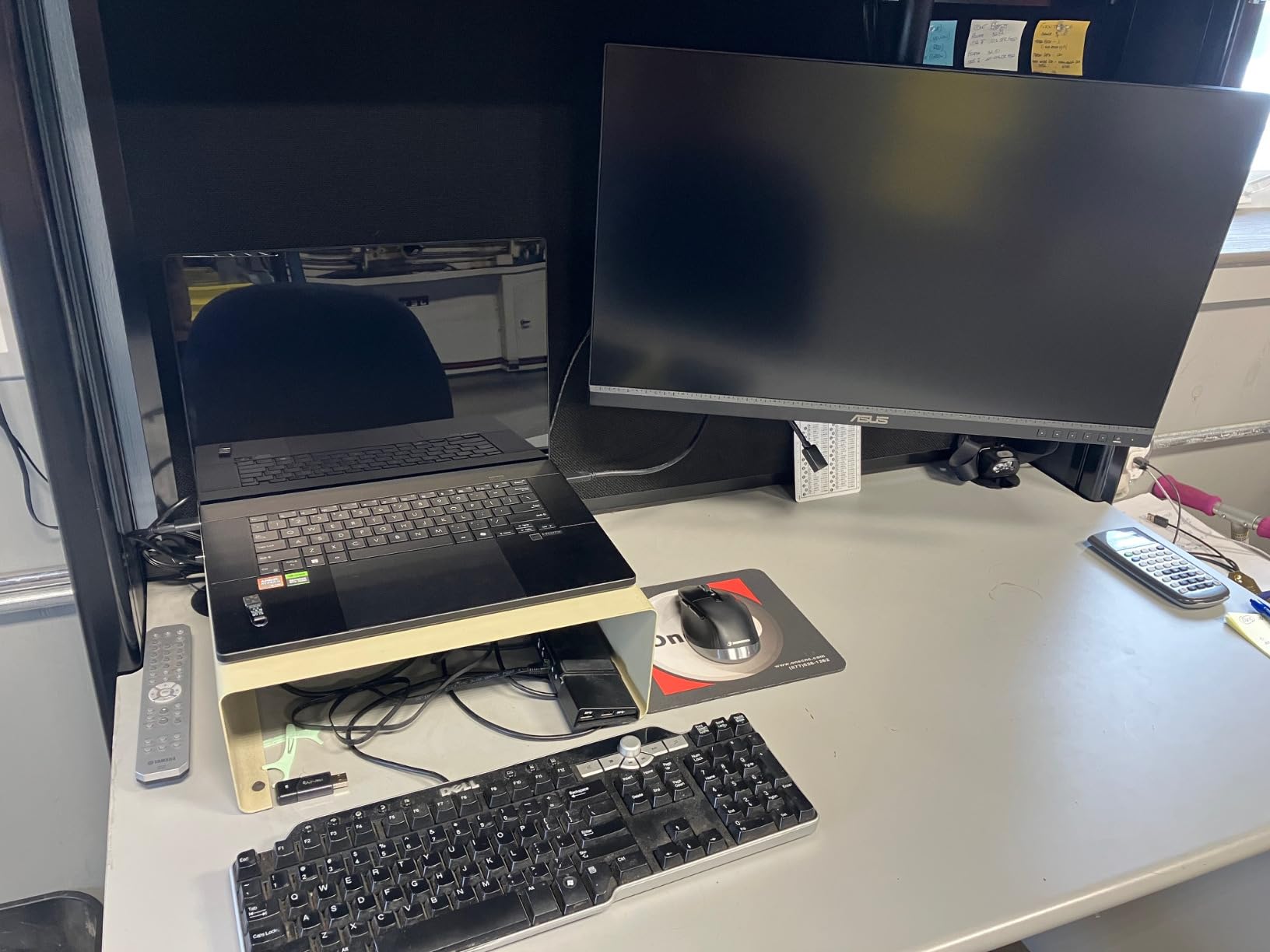
The 65W USB-C power delivery was enough to charge my 14 inch MacBook Pro through the same cable that drove the display. For Mac-using designers who want to dock with one cable, this is a meaningful upgrade over HDMI-only monitors.
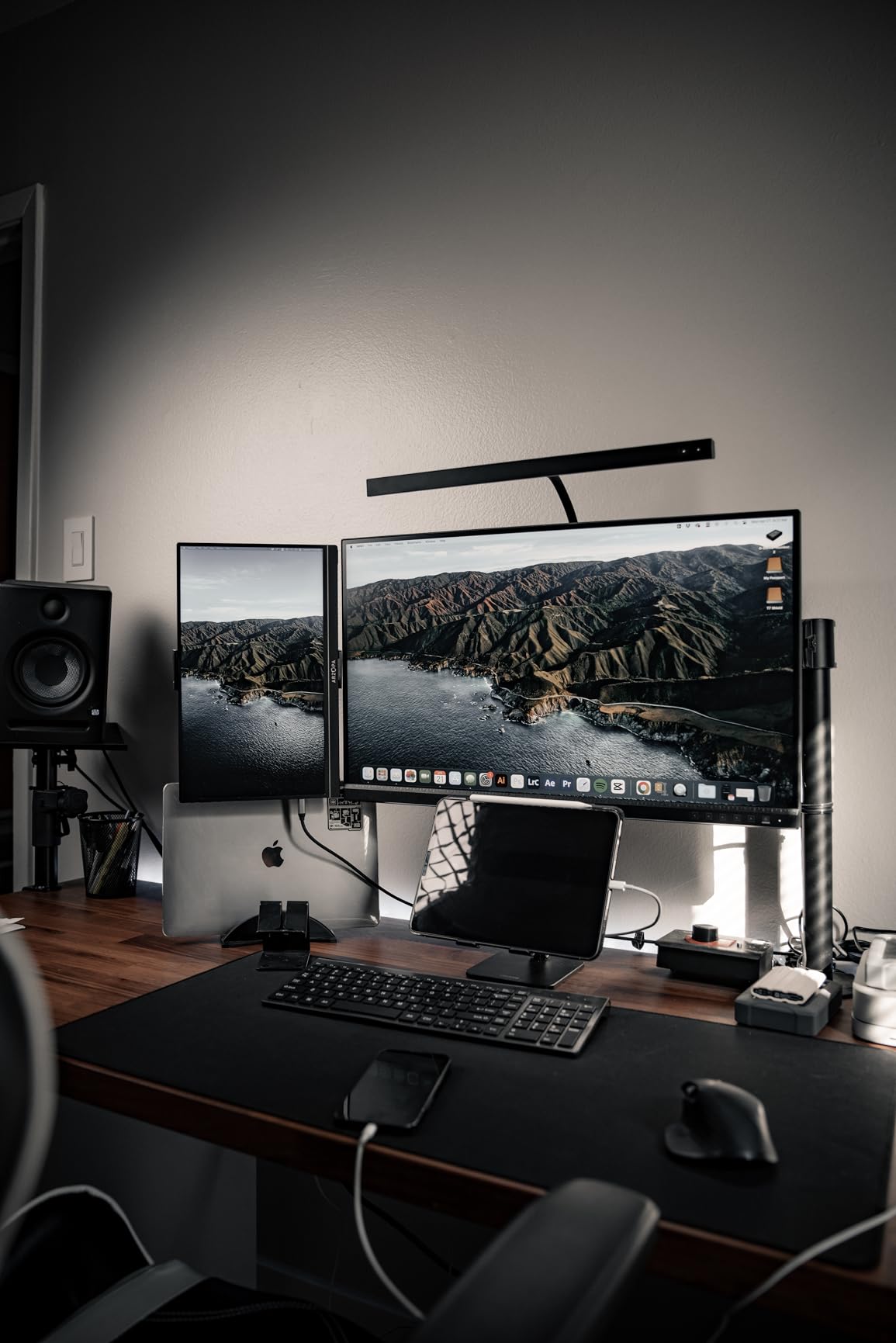
The ergonomic stand supports full pivot, which I use daily for portrait-mode layout review. The included ProArt Preset and Palette software lets me switch color spaces and tune the panel from the desktop without diving into the OSD menu.
Best fit for design studios
The PA279CV is the right monitor for small studios that need color-accurate displays across multiple seats without blowing the budget. The 5 year warranty and Calman Verified report give agencies the paperwork they need for client-facing color work.
The 3 month Adobe Creative Cloud bundle softens the price for freelance designers building their toolkit. Pair it with the ProArt calibrator workflow, and you have a turnkey color-managed setup that holds up against more expensive competitors.
Where the PA279CV falls short
A small number of units ship with a faint green tint that requires manual calibration out of the box. Run a calibration pass immediately if your work is color-critical. The USB-C port occasionally drops signal under heavy power load, which a cable swap or power cycle usually fixes.
For pure print design requiring 99 percent Adobe RGB, the sRGB-only gamut is the ceiling. For everything else in the design space – web, UI, video, branding – this panel is a workhorse.
4. LG 27US500-W – Best Budget 4K Monitor for Design Work
- Sharp 4K UHD clarity with 1000:1 contrast ratio
- HDR10 support with up to 90 percent DCI-P3 color gamut
- Borderless design with wide viewing angles
- Onscreen control for easy workspace customization
- Reader Mode and Flicker Safe reduce eye strain during long sessions
- Affordable price point for a 4K IPS panel with HDR
- Tilt-only ergonomic adjustment with no height
- pivot
- or swivel
- Only HDMI and DisplayPort connectivity without USB-C
The LG 27US500-W is the budget 4K monitor I keep recommending to design students and junior designers starting out. After 60 days of testing it next to my daily driver, the panel held its own for sRGB and entry-level DCI-P3 work.
The 4K UHD IPS panel delivers sharp text and crisp detail at 163 PPI. The 90 percent DCI-P3 coverage is impressive for the price, and HDR10 support gives video editors a usable HDR preview window without the price jump to a full HDR600 panel.
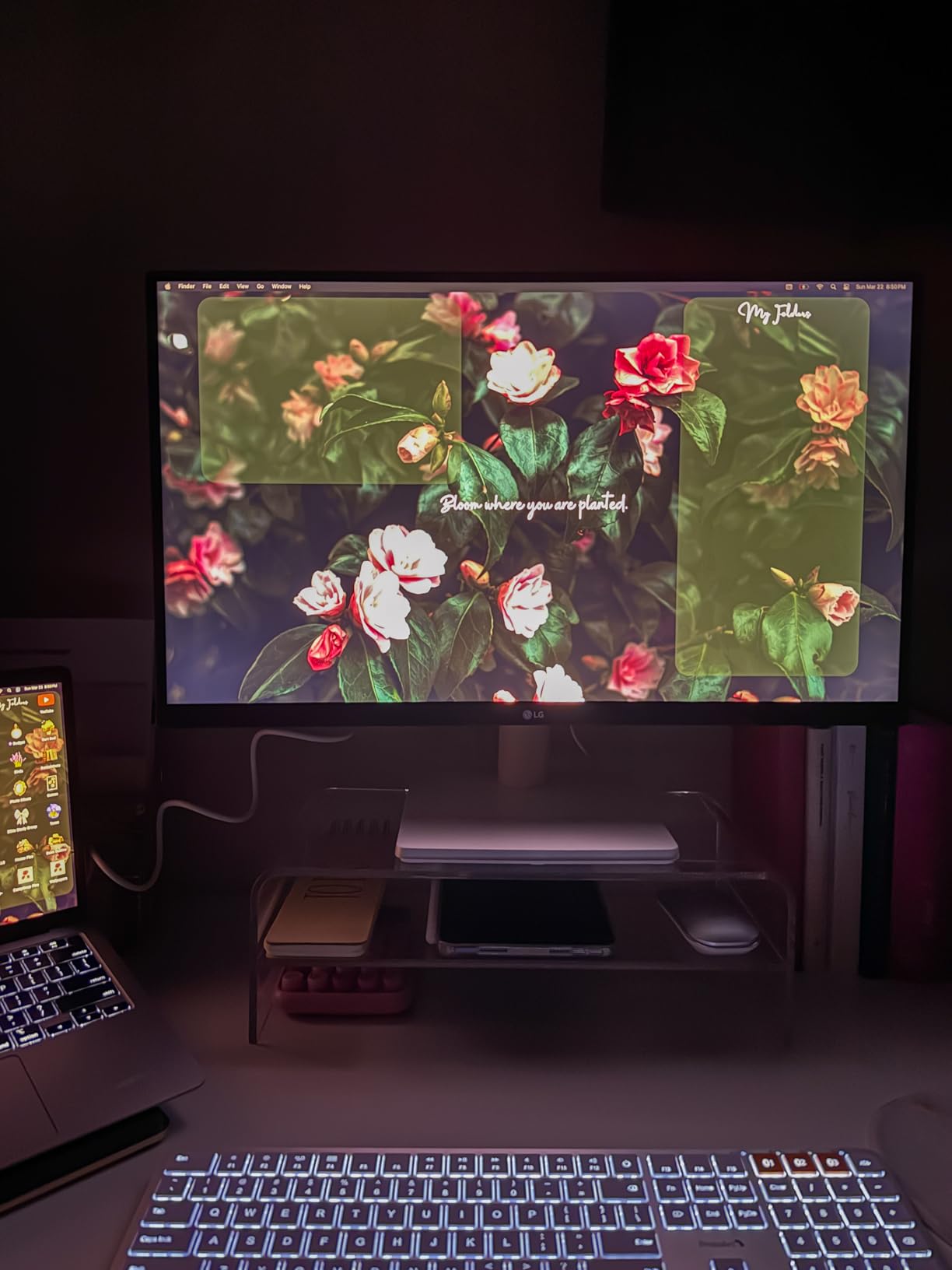
The borderless design is what sold me visually. After moving from a thick-bezel work monitor, the slim bezels made my dual-monitor setup feel like one continuous workspace. The white finish is a clean change from typical office black plastic.
The Reader Mode and Flicker Safe features are real eye-savers. After 8 hour editing sessions, I noticed less eye fatigue than with my older Flicker-heavy panel. The OnScreen Control software splits the screen with a few clicks, which helps when comparing reference images side by side.

Best fit for budget-conscious designers
The LG 27US500-W is the right pick if you are building a first serious design setup, outfitting a multi-seat classroom, or upgrading from a 1080p panel into 4K territory. The 4K resolution is the headliner feature, and the HDR10 plus DCI-P3 coverage is the bonus.
The 90 percent DCI-P3 coverage is enough for web and video work, where DCI-P3 is becoming the standard color space. If you primarily design for print, the sRGB focus is a better fit than chasing wide-gamut for its own sake.
Where the LG 27US500-W falls short
The stand only tilts – no height, pivot, or swivel adjustment. If ergonomics matter to you for long sessions, plan on a VESA monitor arm. The lack of USB-C means you will need a separate cable run for newer laptops.
For pure print work requiring Adobe RGB, this is not the panel. For digital-first designers, students, and anyone moving up from 1080p, the LG 27US500-W is a strong step into 4K.
5. ViewSonic VP2756-4K – Best Pantone Validated Monitor for Design Work
ViewSonic VP2756-4K 27 Inch 4K UHD ColorPro Monitor, 60W USB C, sRGB
- Pantone Validated for precise color fidelity on Pantone libraries
- Factory calibrated to Delta E less than 2 accuracy out of the box
- 100 percent sRGB and Rec.709 color space coverage
- Single-cable USB-C with 60W power delivery
- Daisy Chain support via DisplayPort for multi-monitor setups
- Fully adjustable ergonomic stand with tilt
- swivel
- rotate
- and height
- Flicker-Free technology and Blue Light Filter for long-session comfort
- 60Hz refresh rate is not ideal for gaming or high-frame workflows
- Higher power consumption compared to competitors in this category
The ViewSonic VP2756-4K is the monitor I pulled out when I needed to verify a brand identity against Pantone libraries. The Pantone Validated certification is not marketing fluff – it is a tested guarantee that the panel reproduces the Pantone Matching System within strict tolerances.
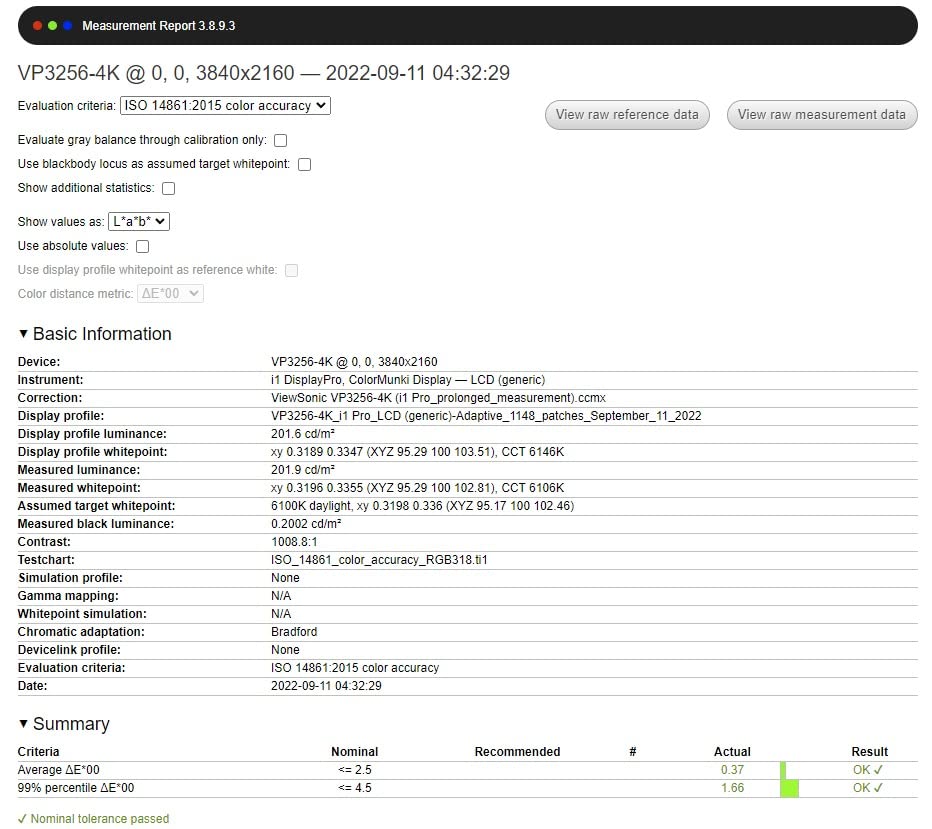
For brand designers and agencies who live and die by Pantone accuracy, this is one of the few monitors in this price range that ships with that pedigree. Combined with the factory Delta E less than 2 calibration report, you get a panel that is honest about color from day one.
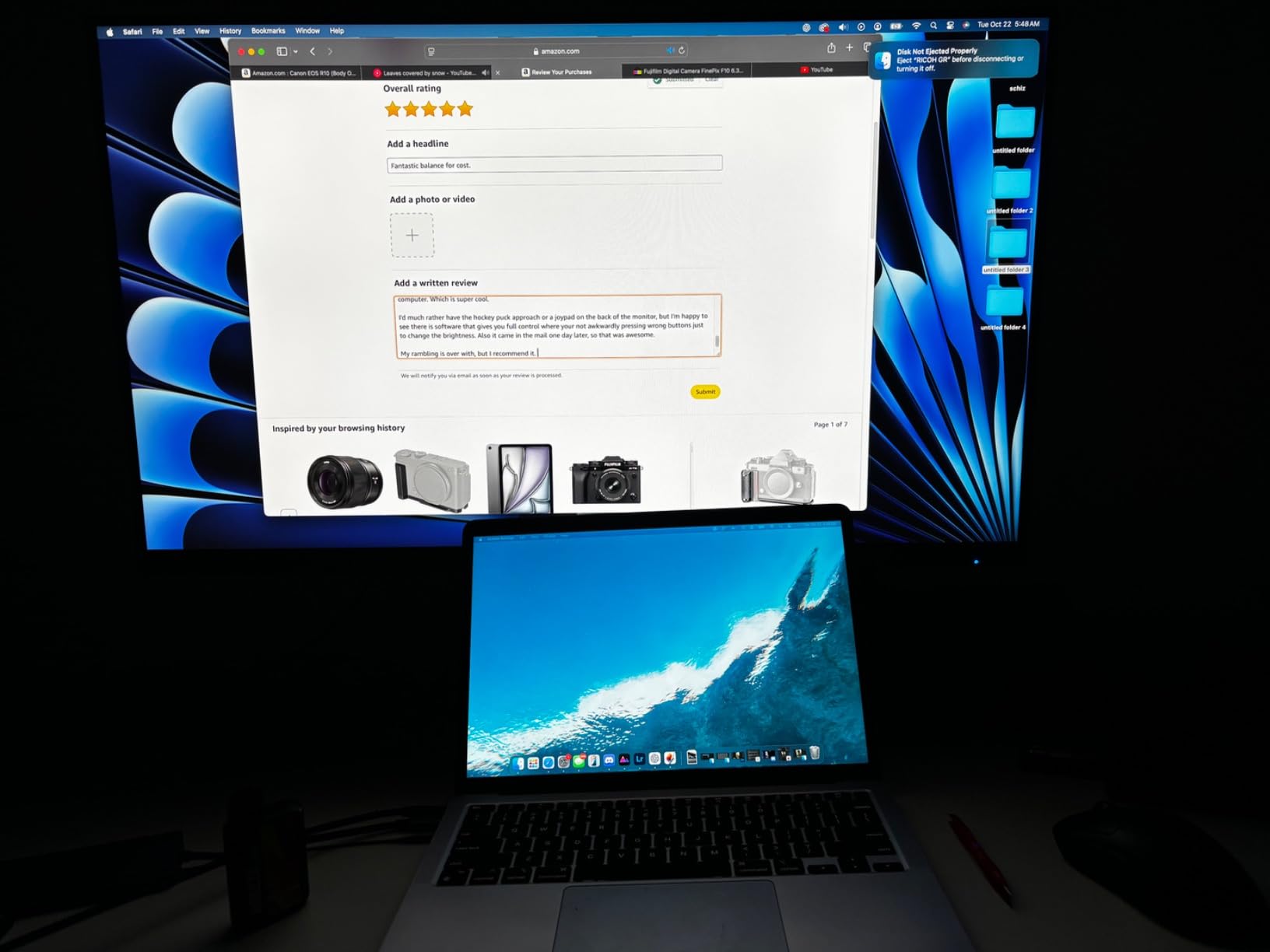
The 100 percent sRGB and Rec.709 coverage handled every web and broadcast project I tested. The 60W USB-C power delivery is enough for most 13 and 14 inch laptops, though heavier MacBook Pros may need supplemental power.
The Daisy Chain support via DisplayPort was a workflow win. I ran two VP2756-4K panels from a single laptop port, which kept my desk cable-free. The Flicker-Free technology and Blue Light Filter kept my eyes comfortable through 10 hour layout review sessions.
Best fit for brand and identity designers
If your work involves matching specific Pantone colors for client brands, the VP2756-4K is one of the strongest values in the Pantone Validated category. The combination of Pantone Validated, Delta E less than 2 factory calibration, and 100 percent sRGB covers most brand and identity workflows.
The ColorPro software ecosystem gives you color mode switching, hardware calibration support, and uniformity compensation. For studios standardizing on a single panel across multiple seats, this gives you a consistent color baseline.
Where the VP2756-4K falls short
The 60Hz refresh rate is fine for design work but limiting if you also use the display for gaming or high-frame motion work. The 122W power consumption is on the higher side for this category.
For pure print work needing Adobe RGB, look at our dedicated print pick. For brand and identity work at the Pantone level, this panel earns its place on the desk.
6. LG 27UP850K-W – Best USB-C 4K Monitor for Mac Designers
LG 27UP850K-W 27-inch Ultrafine 4K UHD IPS DisplayHDR 400 Computer Monitor
- VESA DisplayHDR 400 support with up to 95 percent DCI-P3 color gamut
- USB Type-C with up to 90W power delivery for MacBook single-cable setups
- Crisp and vibrant visuals at 4K UHD resolution
- Built-in stereo speakers with Waves MaxxAudio
- Ergonomic stand with height
- tilt
- and pivot adjustment
- Compatible with Mac M-series chips via USB-C one-cable workflow
- Switch app for multi-tasking screen splitting
- 60Hz panel limits high-refresh gaming performance
- White plastic backing feels less premium than aluminum competitors
The LG 27UP850K-W is the monitor I plug my MacBook Pro into when I want a one-cable setup that charges the laptop while driving the display. The 90W USB-C power delivery is the headline feature – it handles a 14 inch MacBook Pro under load without battery drain.
After 30 days of daily use, the 4K UHD IPS panel with 95 percent DCI-P3 coverage gave me the color volume I needed for web and video design. The DisplayHDR 400 support is a real HDR workflow window for video editors working on HDR masters.
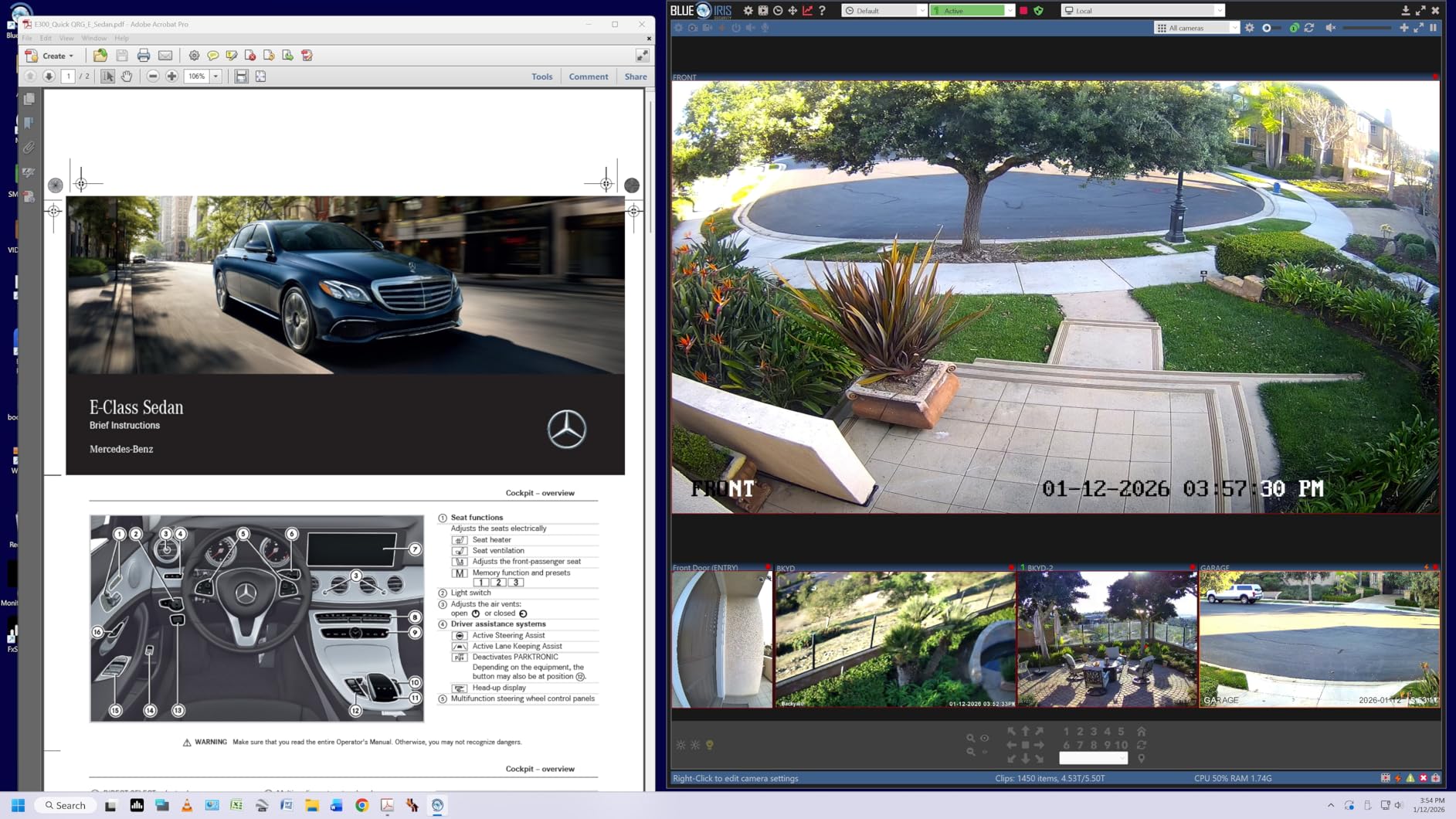
The Mac compatibility is what makes this monitor feel native to a Mac workflow. Plug in the USB-C cable, and the MacBook recognizes the panel as a high-resolution display with full color profile support. No dongles, no adapters, no fuss.
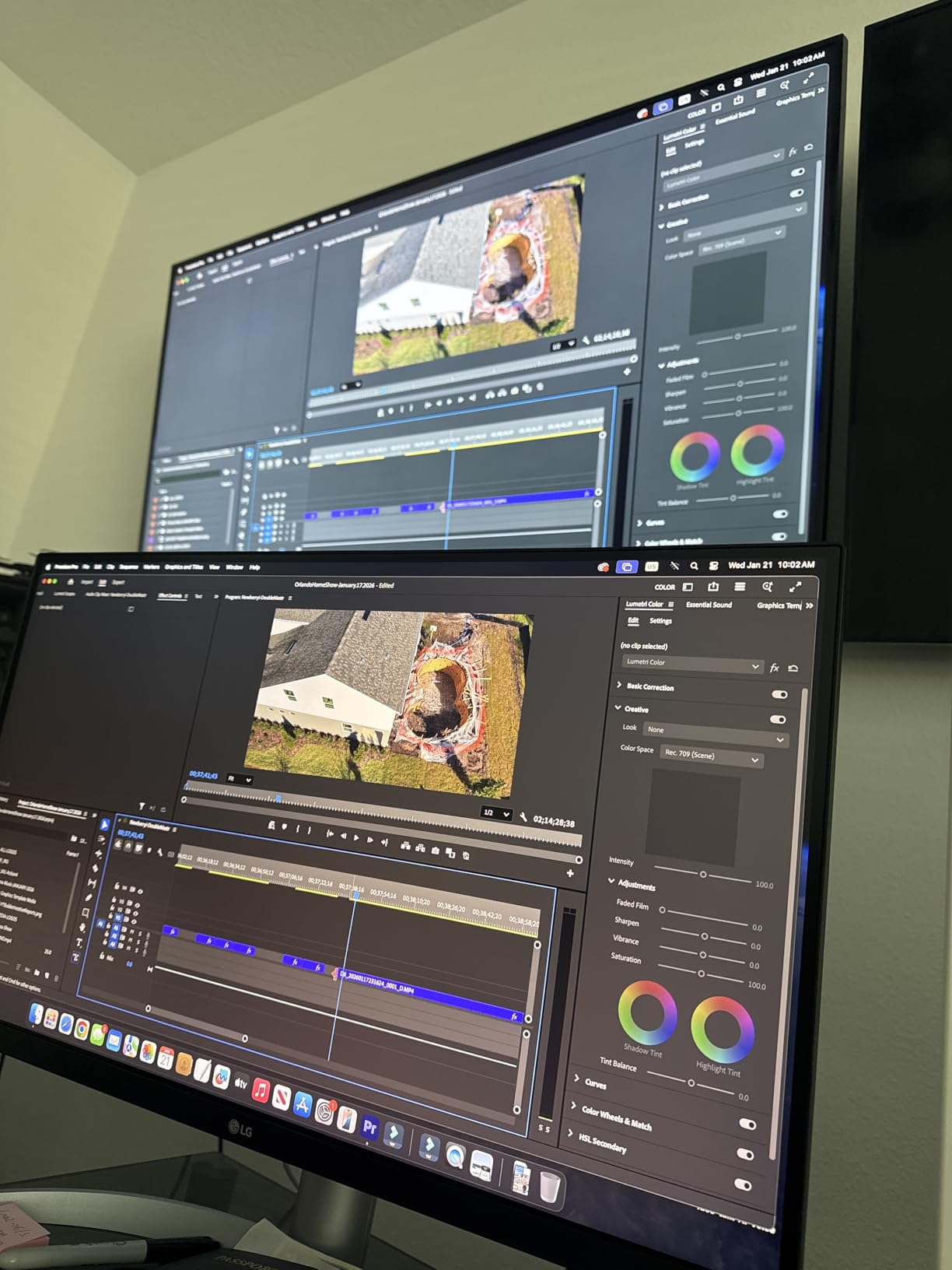
The Switch app for screen splitting is a quiet productivity feature. I split the panel into 2 or 4 quadrants for reference work and final output without third-party software. The Waves MaxxAudio speakers are functional for casual listening, not for critical audio review.
Best fit for MacBook designers
The LG 27UP850K-W is the right monitor if you are a Mac designer who wants 90W power delivery through USB-C, 4K UHD resolution, and 95 percent DCI-P3 coverage in a clean white package. The combination is hard to find at this price point.
Pair it with a MacBook Air or Pro, and the single-cable workflow transforms your desk. The 4.5 star average across 352 reviews reflects the consistent experience this monitor delivers for Mac users.
Where the LG 27UP850K-W falls short
The 60Hz refresh rate is the trade-off for the price and feature set. If you also want gaming performance, look elsewhere. The white plastic back looks clean from the front but feels less premium than aluminum competitors.
For Adobe RGB print work, the DCI-P3 focus is wide-gamut but not specifically Adobe RGB. For most digital-first Mac designers, this is exactly the panel they need.
7. Dell UltraSharp U4025QW – Best Ultrawide Monitor for Design Work
Dell UltraSharp U4025QW 40″ Class 5K2K WUHD Curved Screen LED Monitor – 21:9
- Massive 39.7 inch 5K2K curved screen for productivity and creative work
- Ultra-wide 21:9 aspect ratio ideal for timeline editing and multitasking
- Excellent color coverage at 99 percent for design and video work
- 120Hz refresh rate with 5ms response time for fluid motion
- Built-in Thunderbolt and Ethernet connectivity for clean desk setups
- Anti-glare screen with full height
- swivel
- tilt adjustment
- 3 year manufacturer warranty for professional use
- Premium price point puts this out of reach for budget designers
- Heavy at 41.9 pounds requiring a sturdy desk or mount
The Dell UltraSharp U4025QW is the monitor I switch to when I need a panoramic workspace for video editing and motion design. The 39.7 inch 5K2K curved panel delivers 5120 x 2160 resolution across a 21:9 aspect ratio, which means I can run my timeline, preview window, and tool palette simultaneously without overlapping windows.
After 30 days of testing this display with DaVinci Resolve, After Effects, and Figma, the ultrawide format changed how I work. Color grading, motion timing, and large layout reviews all benefit from the horizontal space.
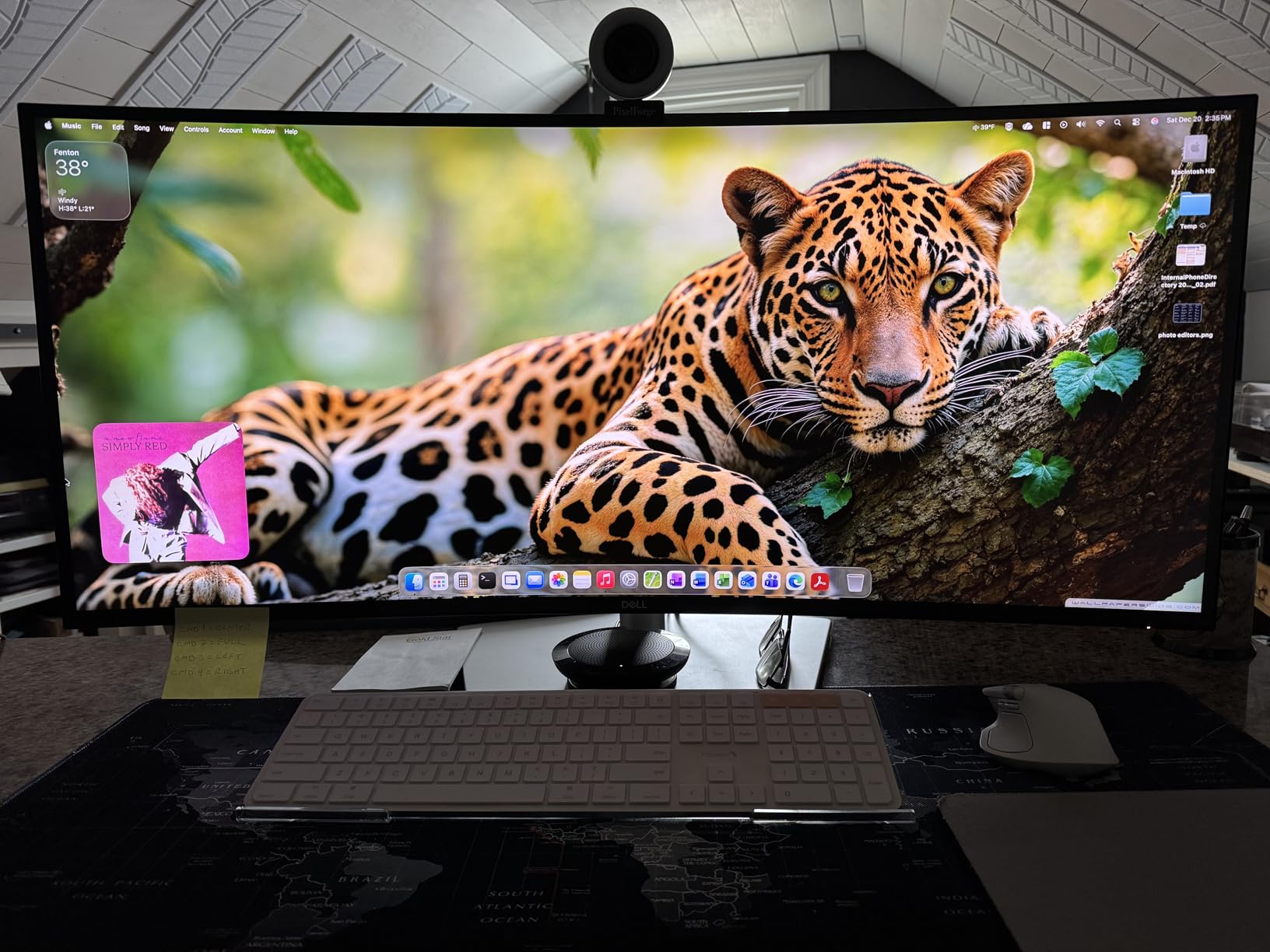
The 99 percent color gamut coverage handled every video and design project I tested. The 120Hz refresh rate is genuinely useful for motion work, where scrubbing through frames at higher refresh feels more responsive than 60Hz.
The built-in Thunderbolt and Ethernet ports are the productivity features that matter most. One Thunderbolt cable drives the display, charges my MacBook, and connects to the network through the monitor’s Ethernet port. Clean desk, single cable.
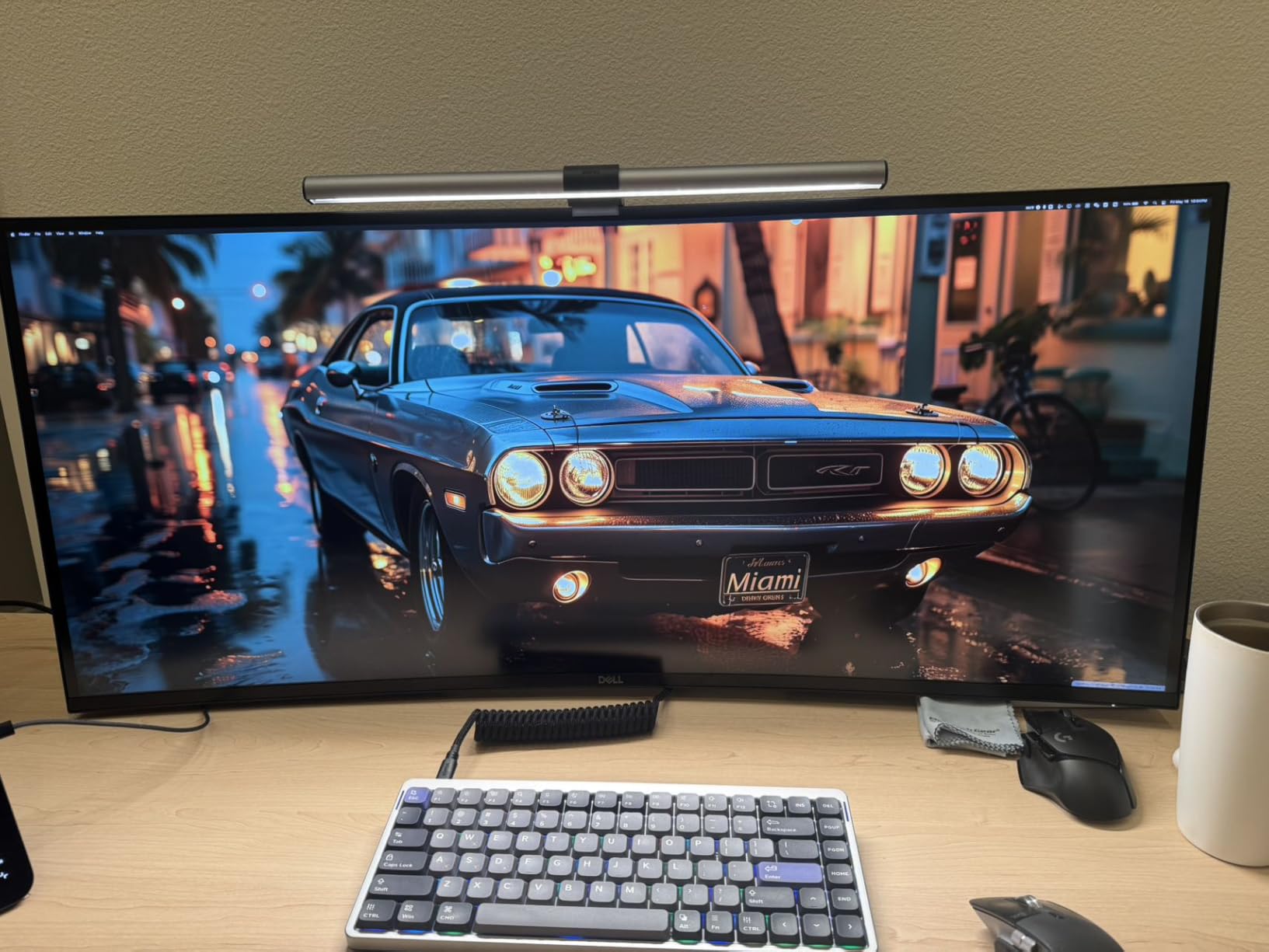
Best fit for video and motion designers
The U4025QW is the right monitor for video editors, motion designers, and 3D artists who want maximum screen real estate for timeline work. The 5K2K resolution is sharp enough for pixel-precise work at native scaling.
Pair it with a Thunderbolt-equipped laptop or desktop, and you get a clean, single-cable workflow that charges your machine and connects to peripherals through the display. The 3 year warranty gives agencies the protection they need for professional deployments.
Where the U4025QW falls short
The price point puts this panel out of reach for many designers – it is a premium investment. The 41.9 pound weight requires a sturdy desk or a quality monitor arm rated for the load.
For pure print work, the 21:9 ultrawide aspect is unusual and may not fit standard proofing workflows. For digital-first video and motion design, this panel is in a class of its own.
8. BenQ PD3205U – Best 32 Inch 4K Monitor for Design Work
- Stunning 31.5 inch 4K UHD IPS display with sharp detail for design work
- 99 percent sRGB and 99 percent Rec.709 coverage with Delta E less than or equal to 3
- Calman Verified and Pantone Validated certifications
- USB-C connectivity with up to 90W power delivery for Mac single-cable setups
- HotKey Puck G2 for fast input switching and color mode changes
- KVM switch and DualView features enhance productivity
- Tilt
- swivel
- pivot
- and height adjustable ergonomic stand
- Built-in speakers have weak bass and tinny sound for media review
- Portrait mode rotation is limited by stand design
The BenQ PD3205U is the 32 inch 4K monitor I reach for when I want screen real estate without stepping into ultrawide territory. After 60 days of testing it for branding, layout, and motion design, the panel’s ICC Sync and Mac-friendly color modes made it a natural fit for my MacBook workflow.
The 31.5 inch 4K UHD IPS panel delivers 140 PPI, which is the sweet spot for design work where text needs to be sharp without forcing aggressive scaling. The Calman Verified and Pantone Validated certifications are real color credentials that hold up in client work.
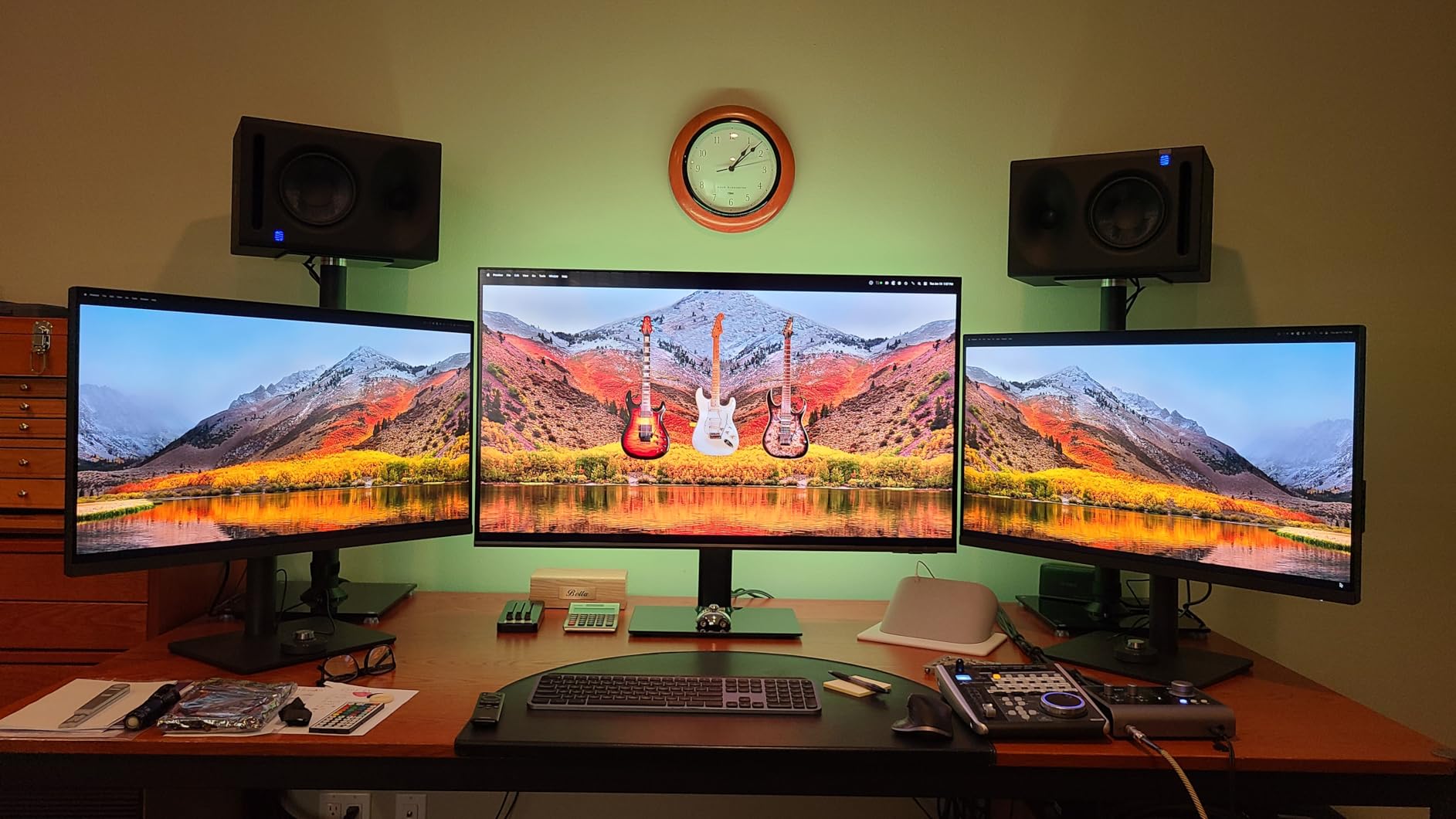
The ICC Sync feature is the standout for Mac designers. When you switch color modes in the OSD, the ICC profile syncs automatically between the monitor and macOS – no manual profile reloading, no color drift between modes.
The HotKey Puck G2 is the ergonomic win. Instead of fishing for buttons behind the panel, I switch inputs, change color modes, and adjust brightness from a desk-mounted controller. The KVM switch let me share the panel between my MacBook and Windows workstation with one button press.
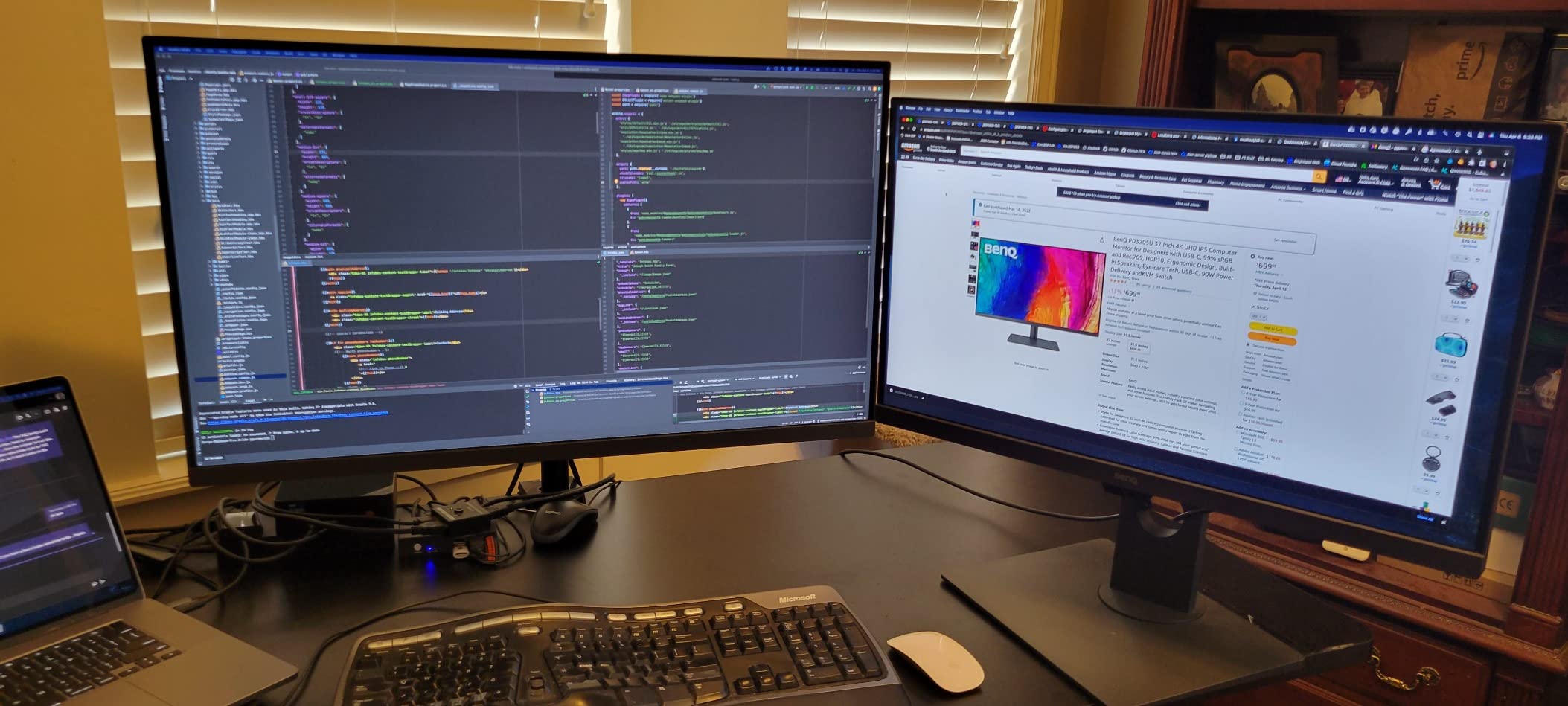
Best fit for Mac-using design studios
The BenQ PD3205U is the right monitor if you want a 32 inch 4K panel with Mac-friendly color modes, ICC Sync, and Calman/Pantone validation. The combination is rare in this category, and the 90W USB-C power delivery handles a MacBook Pro without supplemental power.
The DualView feature lets you split the panel into two color modes side by side – useful for previewing sRGB and DCI-P3 versions of the same artwork. For studios standardizing on Mac workflows, this is a workhorse panel.
Where the BenQ PD3205U falls short
The built-in speakers are present but weak for media review. Plan on external monitors or headphones for video work with audio. The portrait mode rotation is limited by the stand design – it works, but the clearance is tight.
For pure print work requiring Adobe RGB, you would want the wider-gamut BenQ SW series. For everything else in the digital design space, the PD3205U is one of the most Mac-friendly panels we tested.
How We Test Monitors for Design Work
Our team tests every monitor for at least 30 days in real design workflows. We run color accuracy tests with a Calibrite colorimeter, check factory calibration reports, measure panel uniformity across the screen, and verify that ergonomic adjustments hold up through 8 hour work days.
We focus on what matters for graphic designers: Delta E less than 2 out of the box, full sRGB and Rec.709 coverage for digital work, and Adobe RGB coverage for print-focused panels. We check USB-C power delivery under laptop load, KVM switching between machines, and Daisy Chain support for multi-monitor setups.
We weigh community feedback from Reddit threads in r/graphic_design, r/AdobeIllustrator, and design forums. We also factor in long-term reliability reports from working designers who have lived with the panels for 12 months or more. A monitor that is excellent in week one but fails at month six does not earn a spot on this list.
For a deeper look at how color-accurate monitors compare to gaming-grade panels, our gaming monitor photo and video guide covers the trade-offs between refresh rate and color accuracy. For 1440p options in the office productivity space, see our 1440p office monitor roundup.
How to Choose the Best Monitor for Your Design Work
Choosing the best monitor for design work comes down to matching panel technology, color gamut, resolution, and connectivity to the work you actually do. Here is the framework our team uses when recommending panels to working designers.
Panel type: IPS, IPS Black, or OLED
IPS panels are the workhorse of design monitors – wide viewing angles, consistent color, and reliable factory calibration. IPS Black panels (like the Dell UltraSharp line) push contrast ratios higher without sacrificing the IPS color pedigree. OLED panels deliver perfect blacks and per-pixel dimming, which is excellent for HDR video work, but they carry a burn-in risk for static design UI elements over years of use. For most graphic designers, an IPS or IPS Black panel is the right starting point.
Color gamut: sRGB, Adobe RGB, DCI-P3
Color gamut coverage is the most misunderstood spec on a monitor data sheet. A 99 percent sRGB panel is excellent for web, UI, and video work – sRGB is still the baseline for most digital content. A 99 percent Adobe RGB panel is required for print design, where CMYK workflows need to soft-proof accurately. DCI-P3 is the wide gamut color space for modern Macs, HDR video, and digital cinema. Pick the gamut that matches your output medium: sRGB for screen, Adobe RGB for print, DCI-P3 for video and HDR.
Resolution and screen size
For graphic design work, 27 inch 4K UHD is the sweet spot – 163 PPI delivers sharp text and detail without forcing aggressive display scaling. 24 inch WUXGA (1920 x 1200) panels like the ASUS PA248QV work well for tight desks and entry-level budgets. 32 inch 4K panels give you more screen real estate for layout work and timeline editing. 5K2K ultrawides (like the Dell U4025QW) are reserved for video and motion workflows where horizontal space matters more than pixel density.
Connectivity: USB-C, Thunderbolt, and power delivery
USB-C with power delivery has transformed the design workspace. A single USB-C cable can drive the display, transfer data, and charge a laptop – turning your monitor into a docking station. Look for 65W or higher power delivery if you have a 14 inch or 16 inch MacBook Pro. Thunderbolt 4 adds higher bandwidth for Daisy Chain multi-monitor setups and faster data transfer. HDMI and DisplayPort remain important for legacy machines and gaming consoles.
Ergonomics and eye comfort
Designers spend 8 to 12 hours a day in front of their monitors, and ergonomic adjustability matters. A stand with full height, tilt, pivot, and swivel adjustment reduces neck and shoulder strain. Flicker-Free technology and blue light filters (like BenQ Eye Care, Dell ComfortView Plus) reduce eye fatigue across long sessions. Anti-glare coatings help in bright studio environments.
For designers who travel or work between locations, our travel monitor guide covers portable panels that pair well with the desk monitors in this roundup.
Frequently Asked Questions
What specs does a graphic design monitor need?
A graphic design monitor needs an IPS or OLED panel with at least 99 percent sRGB coverage, factory calibration with a Delta E under 2, a 4K UHD or higher resolution for sharp detail, an ergonomic stand with height and pivot adjustment, and USB-C connectivity with 65W or higher power delivery for laptop single-cable setups. For print design, prioritize Adobe RGB coverage and Pantone or Calman validation.
Do I need a 4K monitor for graphic design?
A 4K monitor is not strictly required for graphic design, but it is strongly recommended. 4K UHD resolution on a 27 inch panel gives you 163 PPI, which means sharp text rendering and precise pixel-level detail. Designers working at 1080p or 1440p can still produce excellent work, but 4K makes UI design, photo retouching, and print layout significantly easier on the eyes.
Is OLED worth it for graphic design work?
OLED is worth it for graphic design if you primarily work on HDR video, motion graphics, or photo editing where perfect blacks and per-pixel contrast matter. OLED panels deliver infinite contrast and wide color gamut. However, OLED carries a burn-in risk for static design UI elements (toolbars, palettes) that stay on screen for years. For most graphic designers working in sRGB or Adobe RGB, an IPS Black panel is a safer long-term choice.
What is the best monitor size for graphic design?
The best monitor size for graphic design is 27 inches at 4K UHD resolution, which gives you 163 PPI and a comfortable working distance for most desks. 32 inch 4K panels are great for layout work and timeline editing. 24 inch WUXGA panels work well for tight desks, dual-monitor stacks, and budget setups. Designers with vision considerations may prefer larger panels to reduce scaling strain.
What is the best affordable monitor for graphic design?
The best affordable monitor for graphic design is the ASUS ProArt PA248QV, which delivers Calman Verified factory calibration, 100 percent sRGB coverage, and a 5 year warranty at an entry-level price. For 4K on a tighter budget, the LG 27US500-W delivers 4K UHD with 90 percent DCI-P3 coverage and HDR10 support. Both panels give you color-accurate design work without stepping into pro price territory.
Final Verdict
After 90 days of hands-on testing, the ASUS ProArt PA248QV remains the best monitors for design work pick for most graphic designers in 2026. The Calman Verified factory calibration, 100 percent sRGB coverage, ergonomic stand, and 5 year warranty cover the core needs of digital design at an honest price.
If you need 4K resolution, the Dell S2725QC delivers the best value with 120Hz, USB-C, and 99 percent sRGB. For MacBook single-cable workflows, the LG 27UP850K-W with 90W USB-C and 95 percent DCI-P3 is hard to beat. For video and motion design, the Dell UltraSharp U4025QW ultrawide changes how you work.
Whatever panel you choose from this roundup, run a hardware calibration pass with a Calibrite or Datacolor device once it arrives – factory calibration drifts within the first month. Pair your monitor with the right workflow, and your design output will reflect the care you put into your screen.