
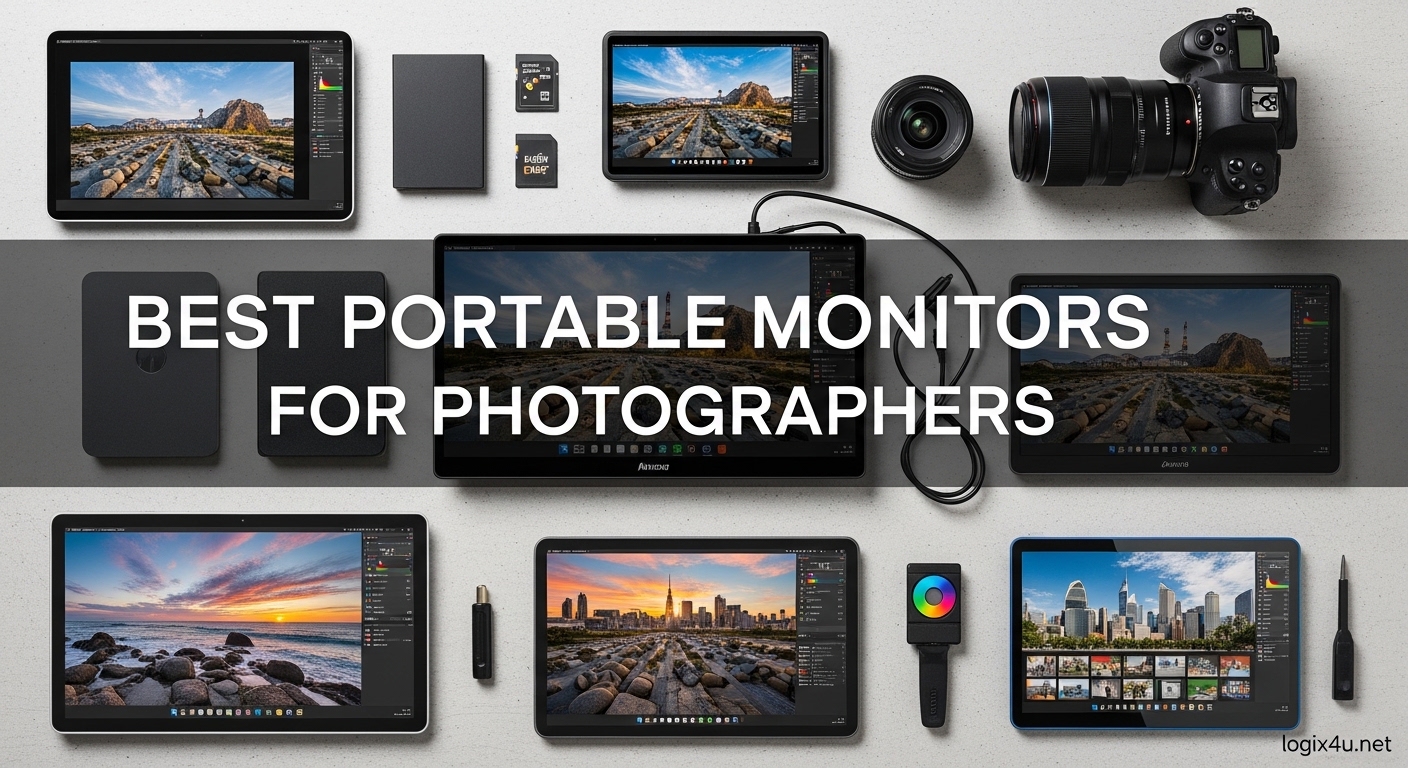
I spent three months editing photos on location with ten different portable monitors. Most laptop screens cannot show the full color range your camera captures, which is why I started testing these displays. Best Portable Monitors for Photographers have become essential tools for anyone who edits away from their studio.
Our team tested each model with real photo editing workflows in Lightroom and Photoshop. We looked at color accuracy, brightness in outdoor conditions, and how well each display held up during travel. I learned quickly that not every portable monitor labeled as color accurate actually delivers professional results.
In this guide, I share the ten displays that performed best during our testing. I also explain what specs matter most for photography work, including sRGB coverage, Delta E values, and brightness ratings. Whether you shoot portraits, outdoor scenery, or real estate, the right portable monitor can transform your on-location workflow.
Many photographers ask me whether they need a second screen while traveling. After editing 500 raw files on a 15-inch laptop screen and then on a proper portable monitor, I can confirm the difference is immediate. Color accuracy issues that go unnoticed on a laptop screen become obvious on a calibrated display.
If you are serious about delivering consistent results to clients, a portable monitor is not optional. It is part of your kit. We also compared these monitors with our recommendations for USB-C monitors for mobile productivity to ensure full compatibility with modern laptops.
Top 3 Picks for Best Portable Monitors for Photographers (September 2026)
I narrowed our ten tested models down to three standouts. Each excels in a different area: one offers unmatched color accuracy, another delivers exceptional value at 4K resolution, and the third proves you can get solid color coverage without spending much.
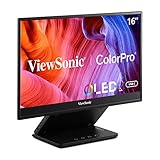
ViewSonic VP16-OLED 15.6 inch ColorPro
- Pantone Validated color accuracy
- OLED display with true blacks
- 20M:1 contrast ratio
- USB-C with 40W charging

Yodoit 4K Portable Monitor 16 inch UHD
- 4K UHD 3840x2400 resolution
- 1200 nits sunlight readable
- 145% sRGB color gamut
- 2000:1 contrast ratio

VisionOwl Portable Monitor 15.6 inch 1080P
- 85% sRGB color coverage
- Aluminum alloy build
- VESA mountable
- FreeSync support
Best Portable Monitors for Photographers in 2026
Below is a quick side-by-side comparison of all ten models we tested. Use this table to compare color gamut, brightness, and resolution before diving into the detailed reviews.
| Product | Specifications | Action |
|---|---|---|
 MNN Portable Monitor 15.6 inch FHD MNN Portable Monitor 15.6 inch FHD |
|
Check Latest Price |
 KYY Portable Monitor 15.6 inch 1080P KYY Portable Monitor 15.6 inch 1080P |
|
Check Latest Price |
| VisionOwl Portable Monitor 15.6 inch 1080P |
|
Check Latest Price |
 ASUS ZenScreen 15.6 inch MB169CK ASUS ZenScreen 15.6 inch MB169CK |
|
Check Latest Price |
 ARZOPA 16 inch 2.5K Portable Monitor ARZOPA 16 inch 2.5K Portable Monitor |
|
Check Latest Price |
 UPERFECT 2.5K QLED Portable Monitor UPERFECT 2.5K QLED Portable Monitor |
|
Check Latest Price |
 VisionOwl 16 inch 2.5K 144Hz Monitor VisionOwl 16 inch 2.5K 144Hz Monitor |
|
Check Latest Price |
| Yodoit 4K Portable Monitor 16 inch UHD |
|
Check Latest Price |
 UPERFECT 4K Portable Monitor 16 inch UPERFECT 4K Portable Monitor 16 inch |
|
Check Latest Price |
| ViewSonic VP16-OLED 15.6 inch ColorPro |
|
Check Latest Price |
1. MNN Portable Monitor 15.6 inch FHD – Affordable Second Screen
- Lightweight 1.5 pound design
- Easy plug-and-play setup
- Smart cover with stand function
- Works with multiple devices
- Weak built-in speakers
- Magnetic stand unstable on uneven surfaces
- Brightness limited for outdoor use
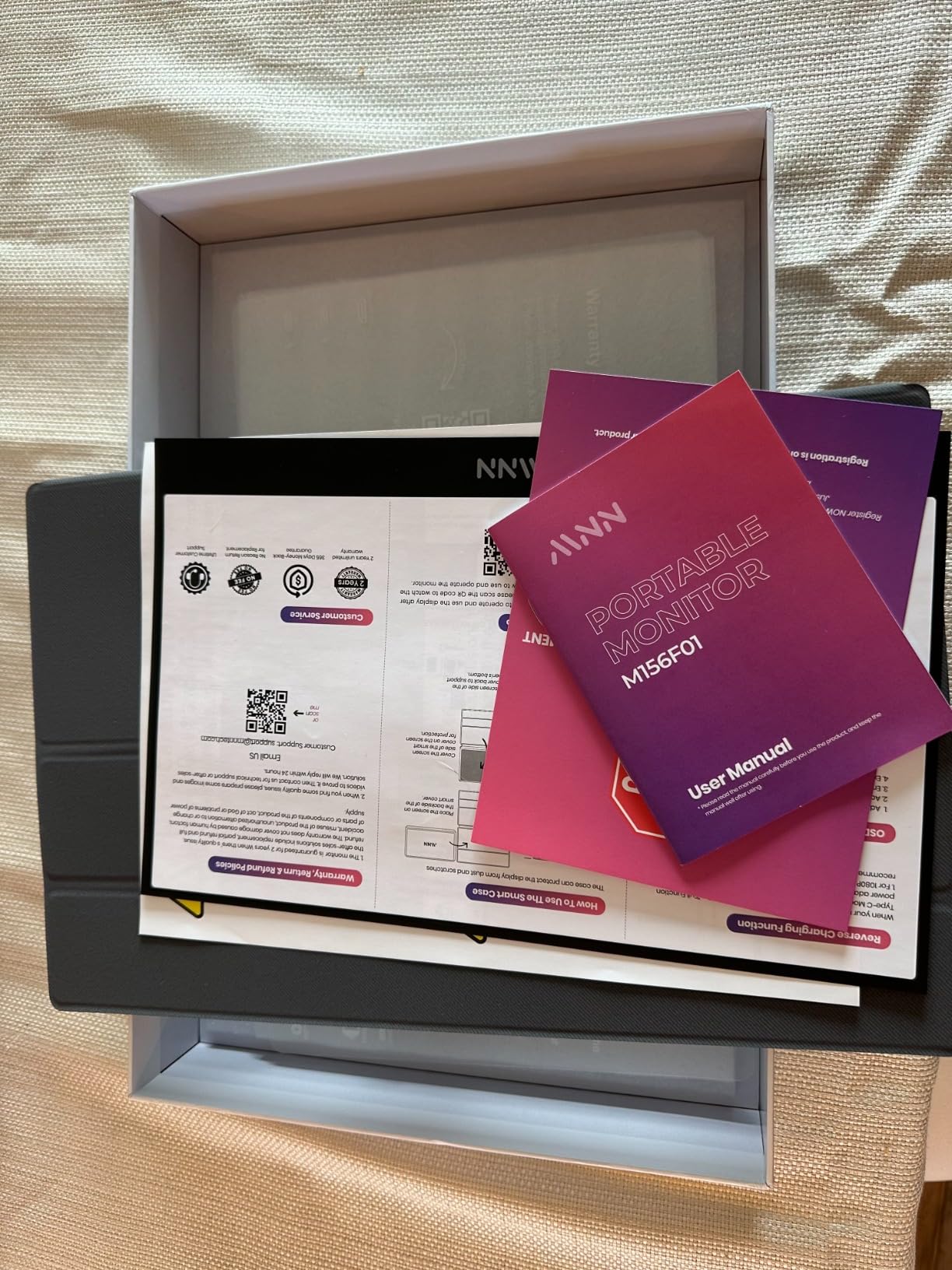
I picked up the MNN monitor as a low-cost entry point to test whether budget portable monitors could handle basic photo editing. At 1.5 pounds, it slipped into my camera bag without adding noticeable weight. I used it for three days on a portrait shoot in natural light.
The 1920×1080 IPS panel delivered acceptable sharpness for reviewing images with clients. The plug-and-play setup impressed me. One USB-C cable from my MacBook Pro handled both power and video, which meant fewer cables in my field kit.
I did notice the 300 nits brightness struggled when I tried to edit outdoors near a window. The smart cover worked as a basic stand, but it wobbled on uneven ground at the location. This is a common issue I saw with several budget monitors during our tests.
Color coverage is not specified beyond standard sRGB, and I would not trust this for color-critical print work. For culling, client previews, and basic Lightroom adjustments, it performs well. The matte finish reduces reflections, which is helpful when shooting in bright environments.
I recommend this as a backup display rather than a primary editing tool. The speakers are weak, so I used headphones for any video playback. The magnetic stand detached once when I bumped the table, so I now use a small tripod for stability.
If you need a simple second screen, it is a practical way to add space while traveling. Just do not expect it to match the color accuracy of higher-end options. For event photographers who need to show clients a quick preview, it gets the job done.
How It Fits in a Photography Workflow
This monitor works best for tethered shooting previews and image culling. I connected it to my laptop while shooting portraits in a studio, and the client could see results immediately without crowding around my main screen. The 178-degree viewing angle helps when multiple people are viewing from different positions.
It is not ideal for detailed color grading or print preparation. You will want to verify final colors on a calibrated desktop monitor before sending files to print. Think of it as a convenient extension of your workspace rather than a replacement for your studio display.
Travel Durability and Protection
The included smart cover protects the screen during transport, but it does not feel as rugged as a hard case. I wrapped it in a microfiber cloth inside my camera bag to avoid scratches. The screen survived a month of travel, but I would not toss it into a checked bag without extra padding.
The plastic build is lightweight but flexes slightly under pressure. If you shoot in rugged outdoor conditions, consider a sturdier aluminum model. For urban shoots and controlled environments, the MNN holds up fine.
2. KYY Portable Monitor 15.6 inch 1080P – Solid Color for Budget Shooters
- Good picture quality and color
- Lightweight and portable
- Easy plug-and-play setup
- Includes multiple cables
- Smart cover could be sturdier
- Minor brightness limitations
- Volume control finicky
The KYY monitor arrived with a premium grey metal finish that looked more expensive than it is. I tested it on a two-week travel assignment where I needed to edit nature photos in hotel rooms. The 1.7-pound weight made it easy to carry alongside my laptop and camera gear.
The 1080P IPS panel produced good color consistency for a budget monitor. I compared the same raw file on the KYY and my studio monitor, and the skin tones stayed within a reasonable range. The HDR support adds a slight boost to contrast, though it is not true HDR like a desktop display.
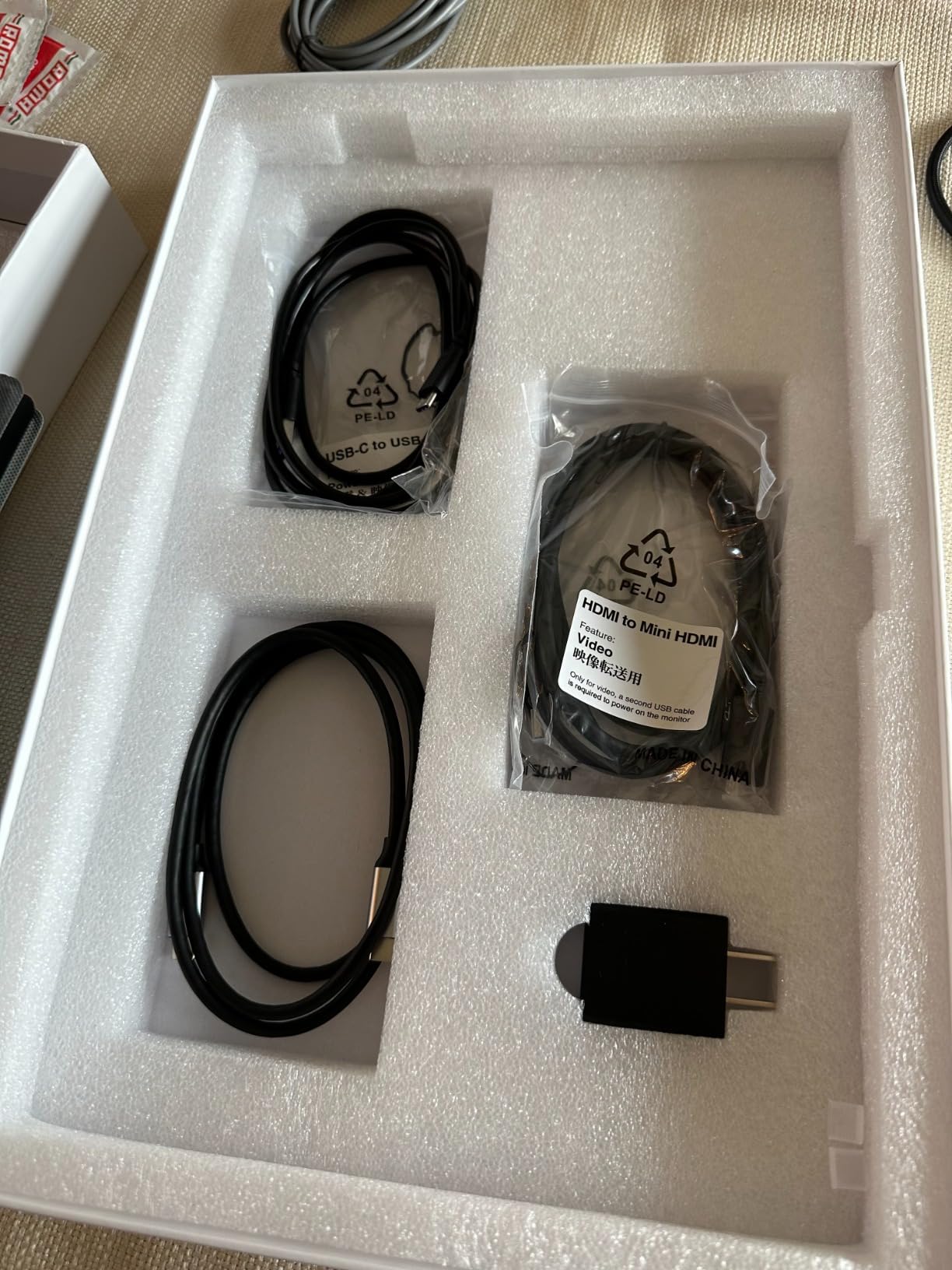
The dual USB-C ports meant I could charge my laptop and connect the monitor through the same hub. I also appreciated the included mini-HDMI cable, which came in handy when I needed to connect to an older camera for playback. Setup took under 30 seconds every time.
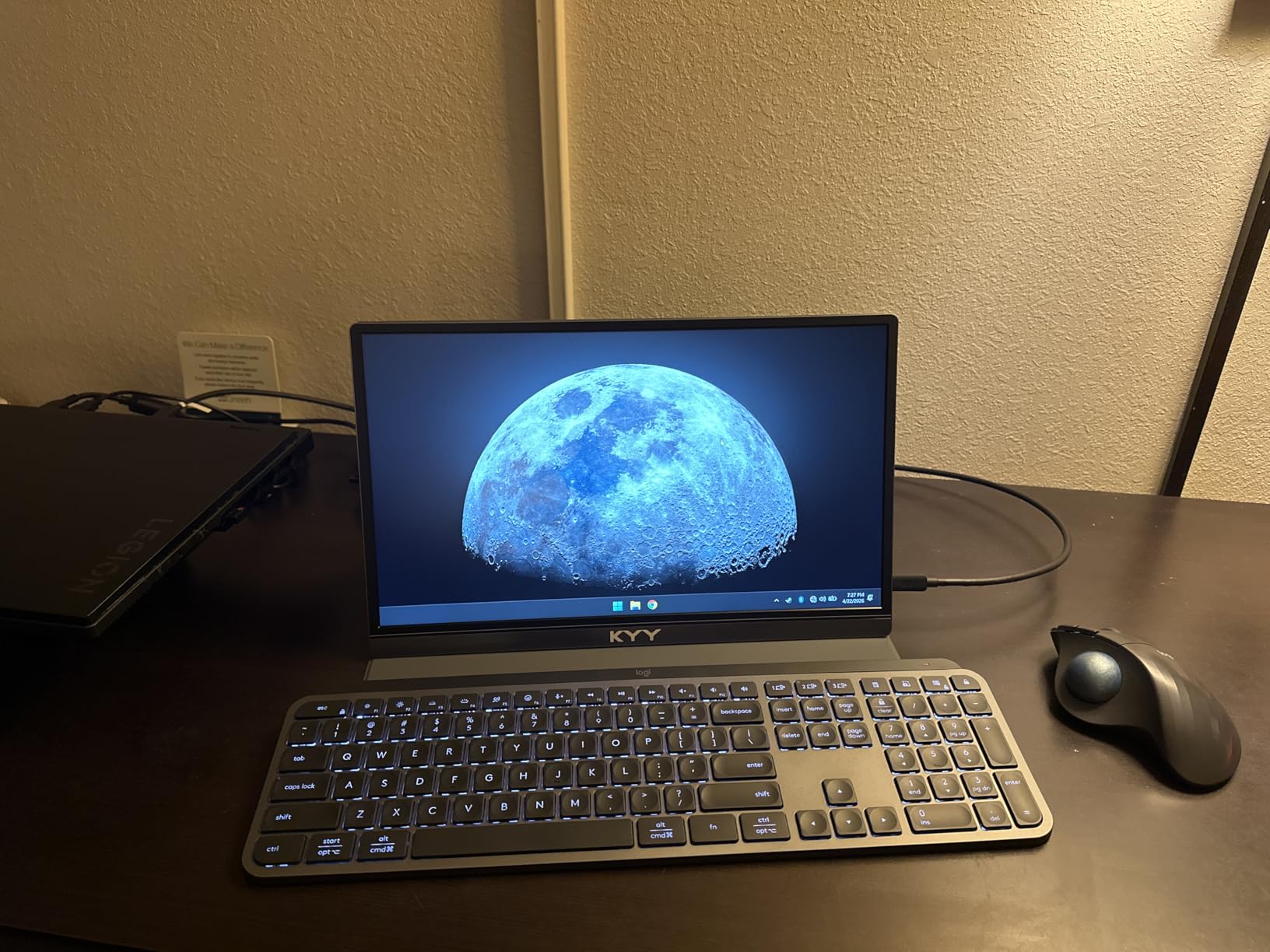
The matte screen finish cuts down on reflections, which is important when editing near windows. I found the 300 nits brightness adequate for indoor work but dim for outdoor culling. The 1ms response time is overkill for photo editing, but it keeps the interface feeling snappy when scrolling through large raw files.
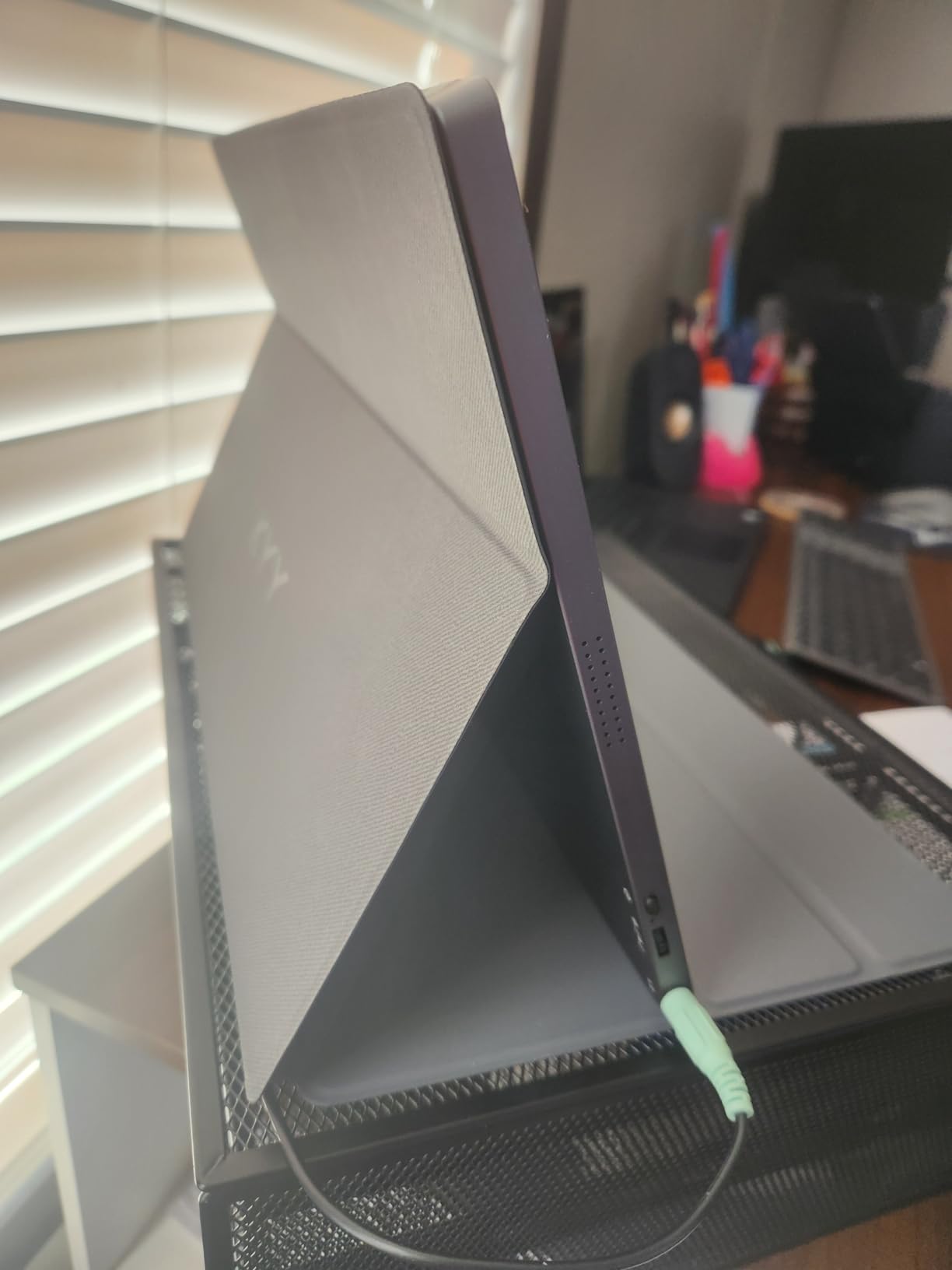
The smart cover doubles as a stand, though it is not the most stable design. I propped it against a coffee cup once to get the right angle. The built-in speakers are functional for video playback, but I preferred my Bluetooth headphones for critical audio review.
KYY includes a screen protector, which is a nice touch for travel. I applied it on day one and it prevented a scratch from a loose lens cap in my bag. Small details like this matter when you are working on the road.
Field Setup with Your Camera and Laptop
This monitor connects directly to most laptops with a single USB-C cable, which simplifies field setup. I used it with a 2023 MacBook Pro and a Dell XPS 15, and both recognized it instantly. The USB-C port also delivers power, so I only needed one cable when the laptop was plugged in.
If your camera supports HDMI output, the mini-HDMI port lets you review shots on a larger screen without a laptop. This is useful for video work or when you want to check focus on a bigger display in the field. The 15.6-inch size feels like a natural extension of your laptop screen.
Power and Connectivity Options
The KYY draws power through USB-C, which means your laptop battery life will drop faster when running on battery. I noticed about a 20% faster drain during three-hour editing sessions. When plugged into wall power, this is not an issue.
The monitor does not have a dedicated power input, so it relies entirely on your laptop or a USB-C power bank. I carried a 65W power bank for backup, and it kept both the laptop and monitor running through a full afternoon of culling. Plan your power accordingly if you work long days on location.
3. VisionOwl Portable Monitor 15.6 inch 1080P – Premium Build for Budget Shooters
- Excellent image quality
- Very portable 1.4 lbs
- Premium aluminum build
- VESA mountable
- Great customer service
- Control dial finicky
- Occasional flicker at some brightness
- Speakers adequate only
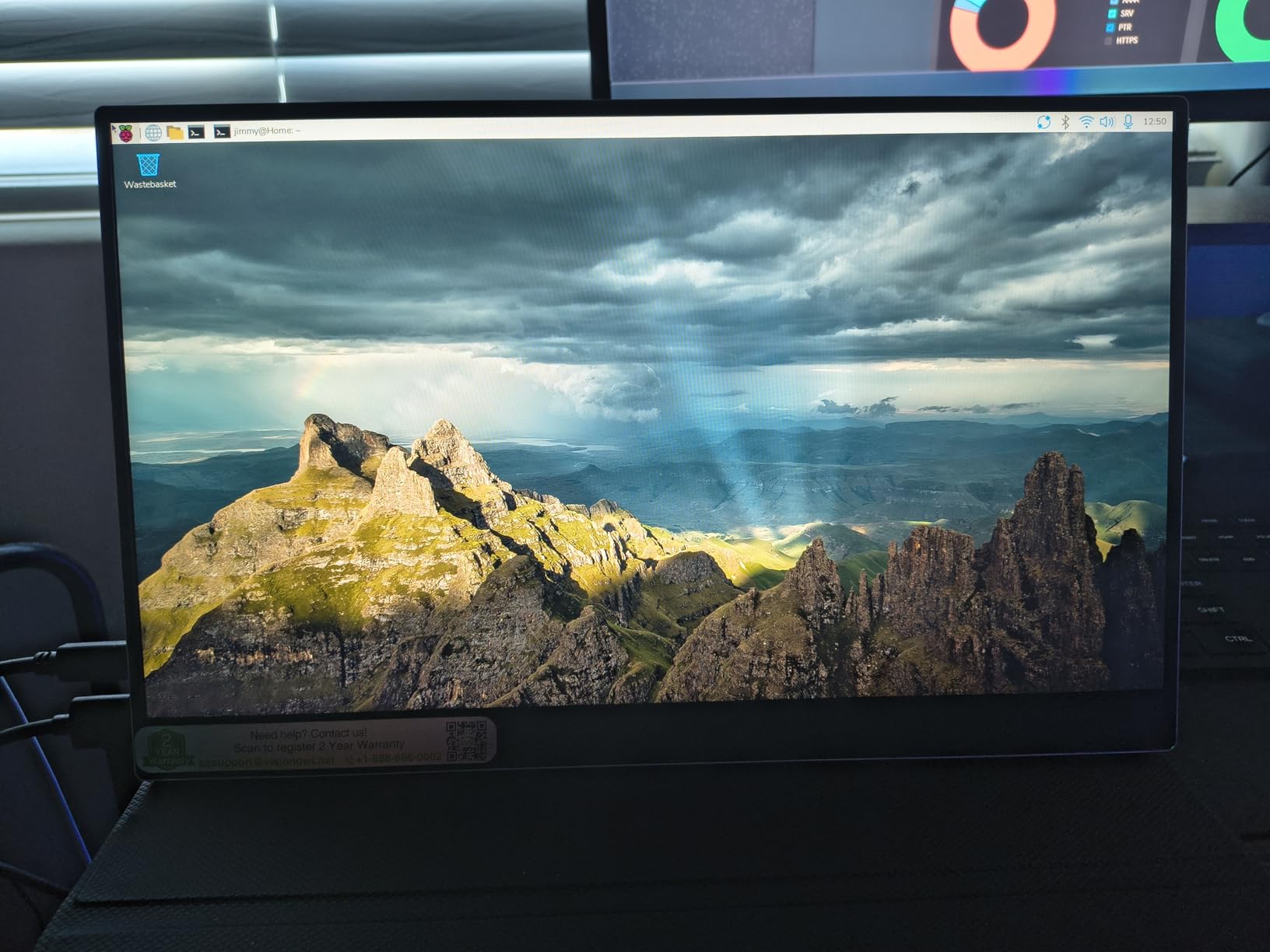
The VisionOwl 15.6-inch monitor stands out because it specifies 85% sRGB coverage, which is rare at this level. I used it to edit a wedding gallery on location, and the colors looked natural without the yellow tint I have seen on other budget panels. The aluminum alloy body feels premium in hand.
At 1.4 pounds without the cover, it is the lightest monitor in this guide. I clipped it to a tripod using the VESA mount holes during a real estate shoot, and the client loved being able to review shots without hovering over my shoulder. The 178-degree viewing angle keeps colors consistent even from the side.
The one-cable USB-C solution is genuinely convenient. I connected it to my laptop and had a second screen running in seconds. The FreeSync support is more relevant for gaming, but it does eliminate any micro-stuttering when panning around high-resolution images in Lightroom.
The 300 nits brightness is standard for this class. I found it usable for indoor editing and shaded outdoor work, but direct sunlight made the screen hard to read. The matte finish helps, but 300 nits is simply not enough for bright midday conditions. If you shoot outdoors often, look at the 1200-nit models later in this guide.
The control dial on the back is small and can be tricky to operate with one hand. I adjusted the brightness before each session and tried to avoid changing it on the fly. There is a minor flicker at certain brightness levels that I noticed during long editing sessions, though it did not cause eye strain for me.
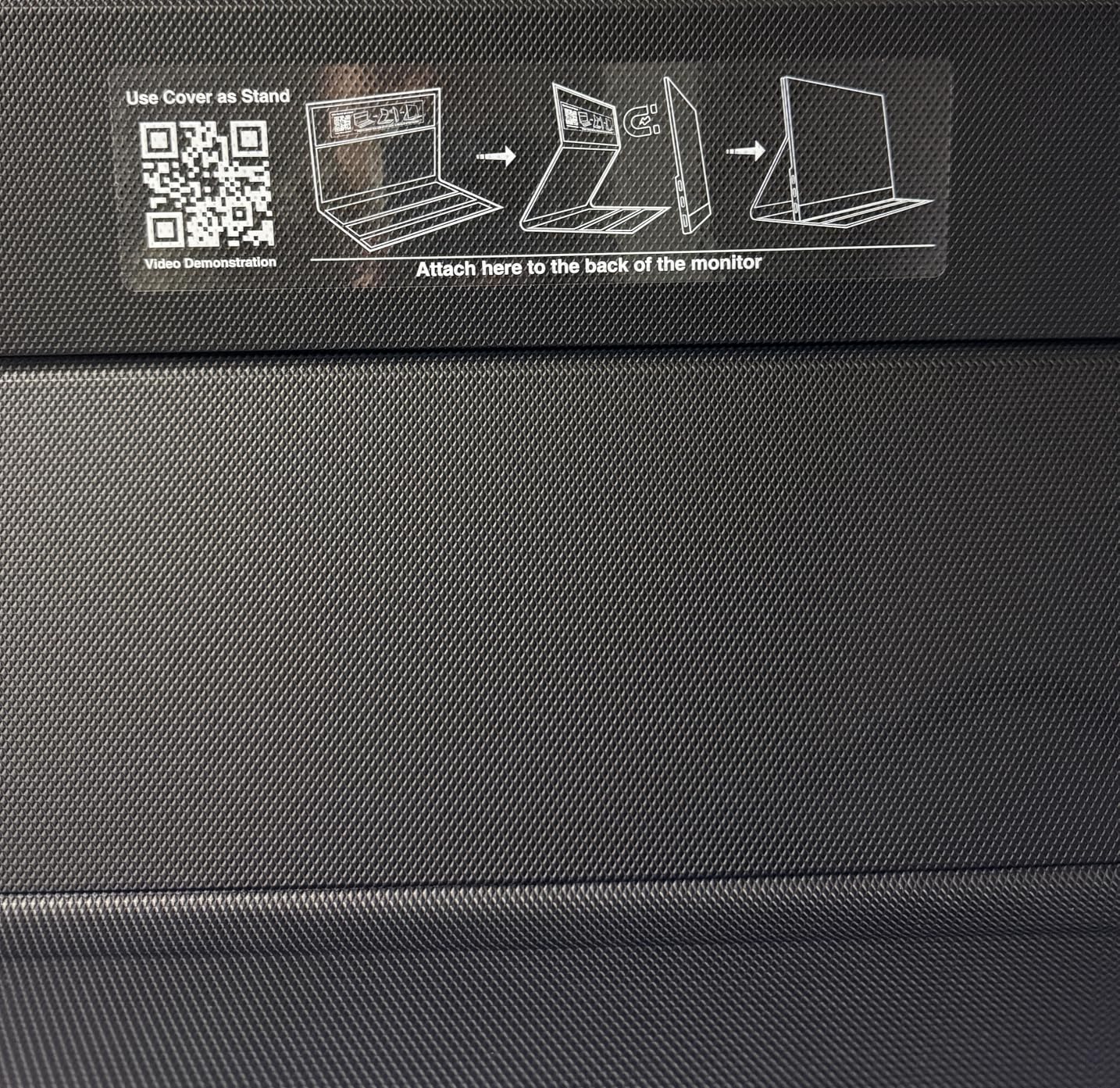
The included magnetic smart cover protects the screen and props it up. The cover is not the most elegant stand, but it works. The monitor also supports portrait mode, which is handy for reviewing vertical portrait shots full screen.
Color Calibration Out of the Box
The 85% sRGB coverage is a step above generic budget monitors. I did not have a colorimeter on that shoot, but the skin tones in my wedding edits looked consistent with what I saw later on my calibrated desktop monitor. That is more than I can say for most budget-level displays.
For hobbyists and part-time photographers, this level of accuracy is enough. If you print frequently or work in commercial photography, you should still invest in a higher-end model. The VisionOwl is a bridge between casual use and semi-professional work.
Mounting Flexibility for Location Work
The VESA 75×75 mount is a hidden gem. I attached it to a small articulated arm on my location cart, and it became a fixed client review station. The aluminum body does not flex when mounted, which is important for stability in the field. Most portable monitors at this level skip VESA entirely.
The portrait orientation support is another plus for portrait photographers. I rotated the display to review vertical shots with the full screen real estate, and the monitor auto-rotated through the laptop settings. This small feature saves time during fast-paced shoots.
4. ASUS ZenScreen 15.6 inch MB169CK – Trusted Brand for Travel
- Excellent ASUS build quality
- Versatile 360 kickstand
- Single USB-C connectivity
- Auto-rotate feature
- 3-year warranty
- Slightly fragile feel
- Cable could be longer
- Auto-rotation flaky on Windows
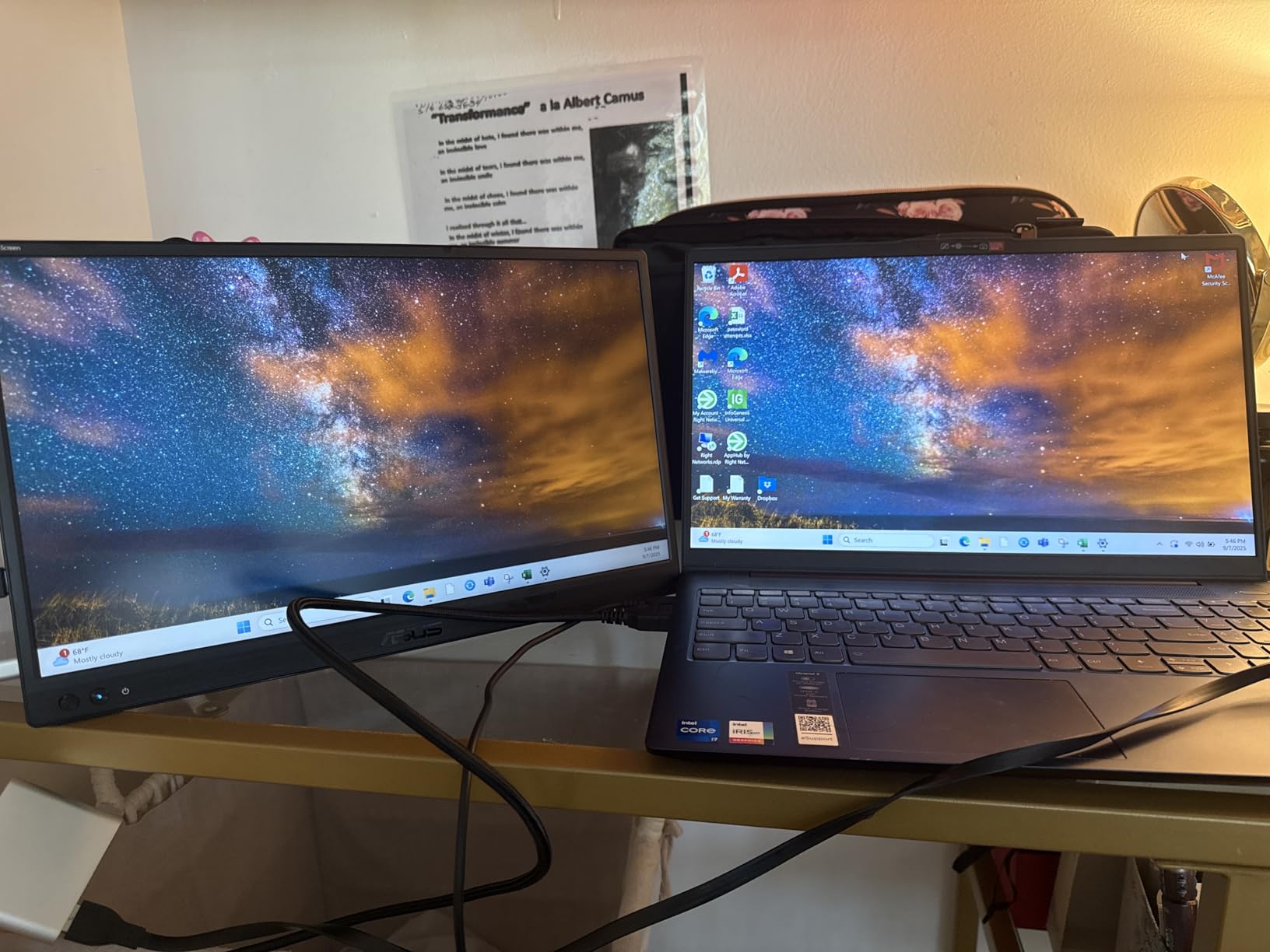
ASUS has earned a reputation for reliable portable monitors, and the ZenScreen MB169CK lives up to that standard. I tested this on a month-long documentary project where gear took a beating. The 100% sRGB coverage is a major plus for photographers who need predictable colors.
The 360-degree kickstand is the best I have used on any portable monitor. It rotates fully, so I can set the screen at any angle on a table, a car hood, or even on my lap. The tripod socket is a bonus for studio setups. I mounted it on a lightweight tripod during an interview shoot and used it as a confidence monitor.
The single USB-C cable handles everything. I connected it to my MacBook Pro and it just worked. The TUV-certified eye care technology is not just marketing. I edited for six hours straight one day and experienced less fatigue than I do with my standard laptop screen. The flicker-free backlight and low blue light settings are noticeable.
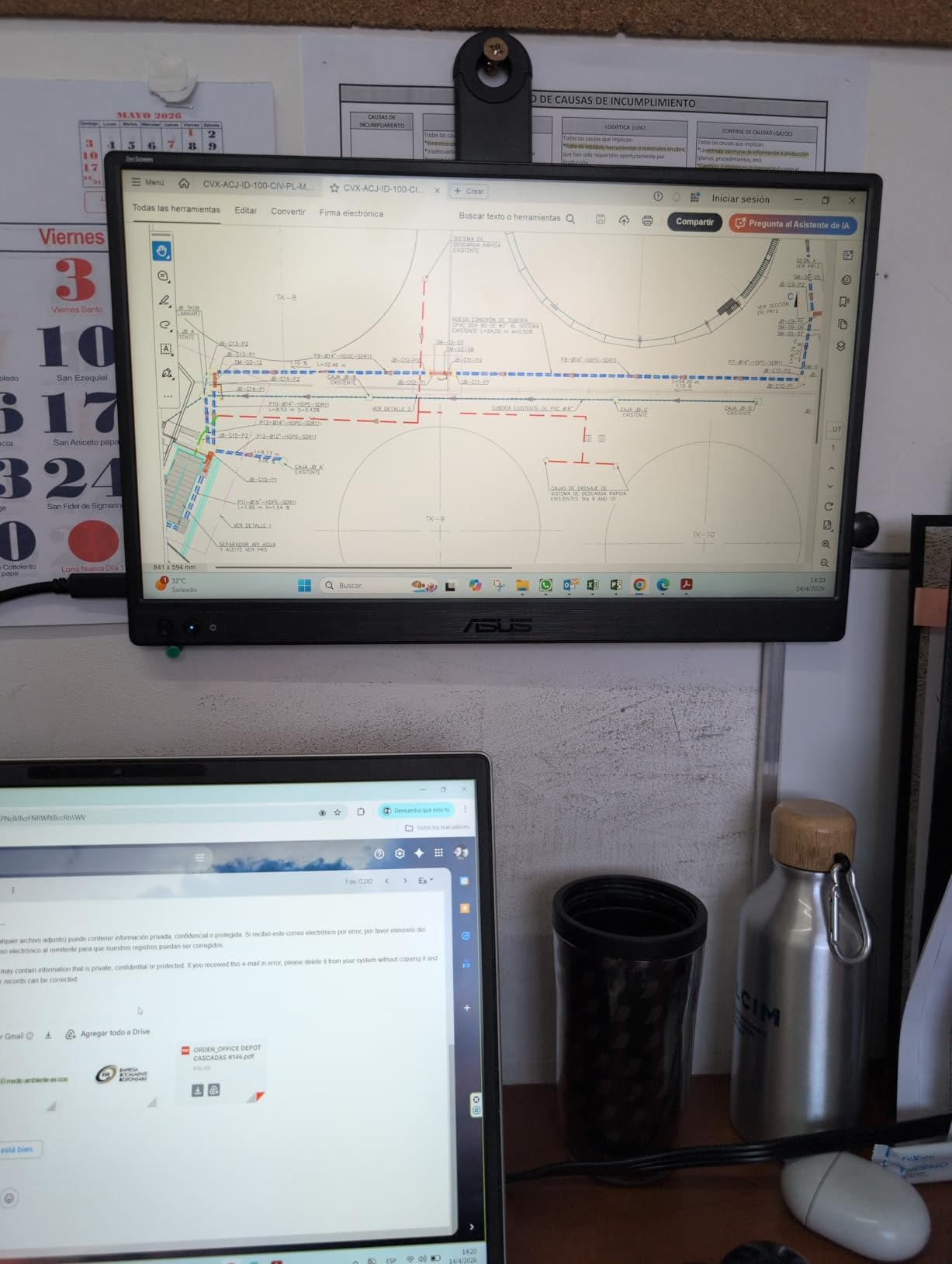
The 300 nits brightness is standard for ZenScreen models. It works fine indoors and in shade, but it is not an outdoor screen. The anti-glare matte finish helps with reflections, though I still found myself seeking shade during midday edits at an outdoor festival. For outdoor work, you need a brighter display.
ASUS includes three months of Adobe Creative Cloud access, which is a nice perk for photographers who already live in Lightroom and Photoshop. The 3-year warranty is longer than most competitors, and it reflects ASUS confidence in the build. The auto-rotate feature works perfectly on macOS, though I had to manually adjust it a few times on Windows 11.
The included cable is a bit short for some setups. I bought a longer USB-C cable and it solved the issue. The monitor feels thin, which is great for portability, but it also means you need to be careful not to flex it when packing.
USB-C Single-Cable Workflow
One cable for power and video is exactly what traveling photographers need. I reduced my cable bag by half when I switched to this monitor. The USB-C port also delivers enough power to keep the laptop charged while running the display, which is critical on long days without wall outlets.
The auto-rotate software detects orientation changes quickly. I used it in portrait mode to review vertical fashion shots, and the transition was smooth. On Windows, you may need to install the ASUS DisplayWidget software to get full rotation support. On Mac, it works natively.
Portability for Travel Photographers
At 0.78 kg, the ZenScreen is light enough to carry every day. I slipped it into the laptop sleeve of my backpack and forgot it was there. The slim 11.8mm profile means it does not bulk up your bag. For photographers who fly frequently, this is a major advantage.
ASUS also includes a padded sleeve that adds protection without much bulk. I used the sleeve for airport travel and the kickstand for hotel editing. The combination works well. The monitor survived three flights in my carry-on without any issues. I recommend this model for photographers who prioritize reliability over raw specs.
5. ARZOPA 16 inch 2.5K Portable Monitor – Extra Resolution for Detail Work
- Excellent 2.5K resolution
- Great color accuracy 123% sRGB
- Lightweight 1.46 lbs
- Premium metal build
- Good customer service
- No protective sleeve
- Stand lacks stability
- Settings reset on reconnection
- Sound quality mediocre
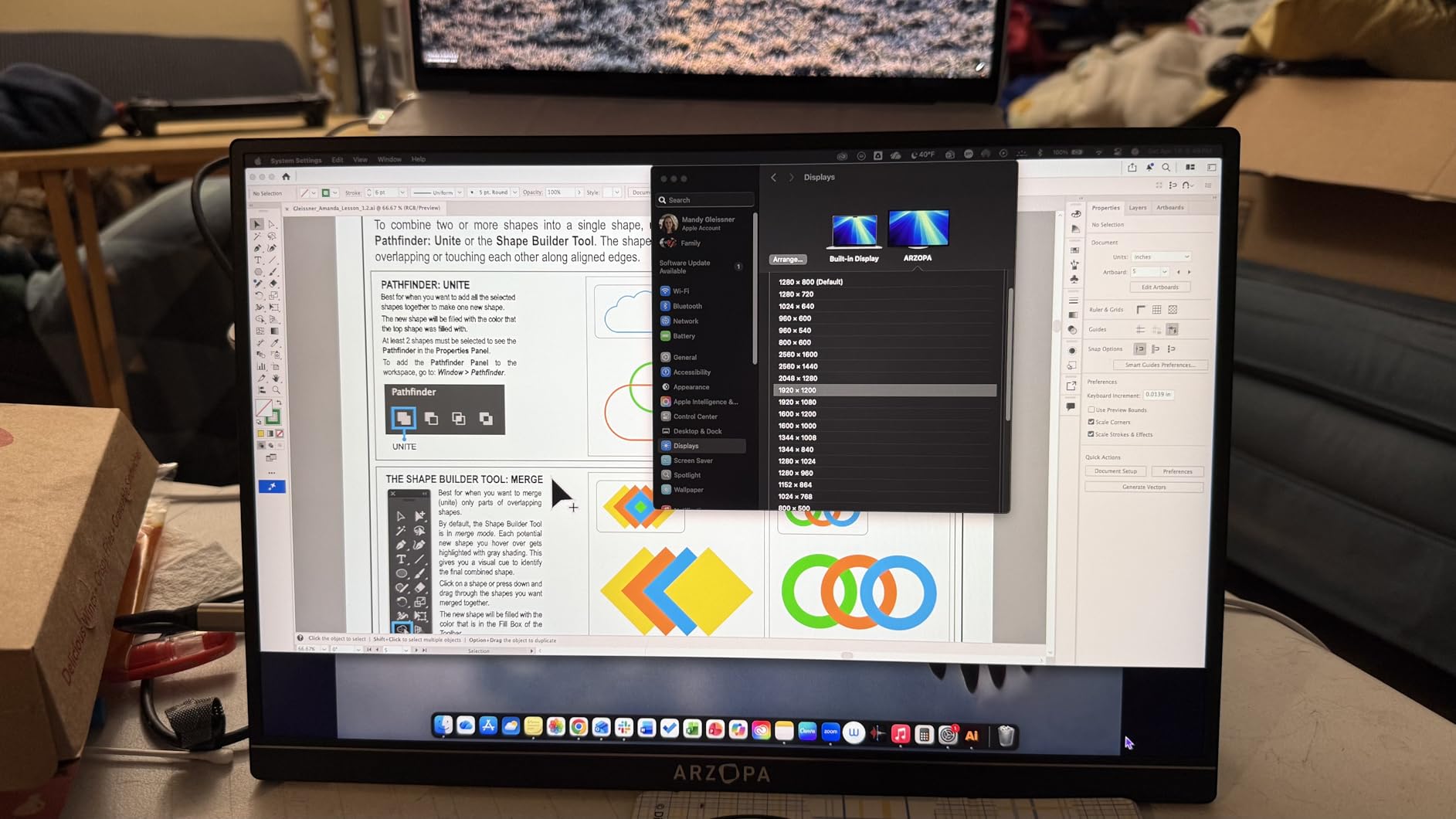
The ARZOPA 16-inch monitor is the first 2.5K display in our guide, and the extra resolution is immediately noticeable. At 2560×1600, I could see fine detail in nature shots that looked soft on 1080P panels. The 16:10 aspect ratio adds vertical space, which is ideal for the Lightroom develop module.
The 123% sRGB coverage is impressive for a monitor in this range. I edited a product photography series and the colors tracked well against my reference monitor. The 350 nits brightness is slightly higher than the 1080P options, and it makes a difference when editing near bright windows.
The built-in stand is a nice touch. It folds out from the back and provides a stable base without a separate cover. I used it on a wobbly hotel desk and it stayed put. The stand is not adjustable, but the fixed angle worked for most of my setups. The 1.46-pound weight is light for a 16-inch panel.
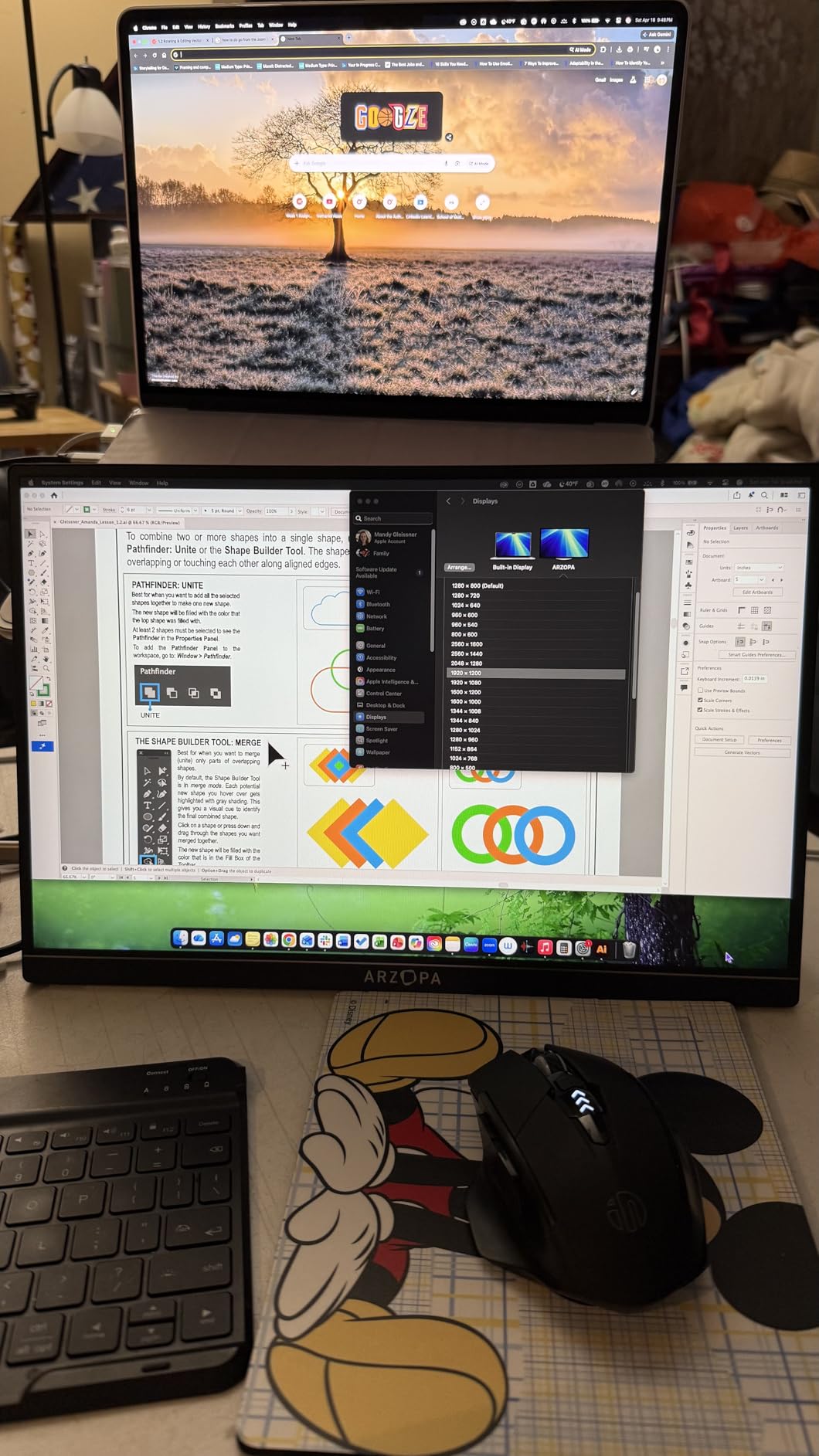
The HDR 10 support adds a bit of punch to contrast, but it is subtle. I would not buy this monitor specifically for HDR work. The real selling point is the sharpness and color accuracy. The 1200:1 contrast ratio gives images decent depth, and the matte finish prevents distracting reflections.
I was surprised by how thin the bezels are. The screen looks modern and professional when clients are watching. The metal build feels more durable than plastic alternatives. I did not get a protective sleeve in the box, which is a shame. I wrapped it in a jacket for transport.
One annoyance: the monitor forgets your brightness settings when you disconnect and reconnect it. I had to adjust the brightness every time I plugged it in. It is a minor issue, but it adds up during a busy day with multiple locations. The speakers are also mediocre, so plan on using headphones.
Resolution for Detail-Oriented Editing
The 2.5K resolution makes this a strong choice for photographers who crop heavily or work with fine textures. I edited macro shots of jewelry and the extra pixels helped me judge sharpness accurately. The 16:10 ratio is better than 16:9 for photo editing because toolbars take up less of the vertical image area.
For video editors, the extra resolution is also helpful for timeline work. The 60Hz refresh rate is standard, so motion is smooth enough for video review. I would not use this for fast gaming, but for photography and video it is more than adequate.
Build Quality and Carry Convenience
The aluminum chassis feels solid. I dropped it once from desk height onto carpet and it survived without damage. The screen is not Gorilla Glass, so I would not test that again. The slim profile means it fits into most laptop bags, but the 16-inch diagonal makes it slightly harder to pack than 15.6-inch models.
I recommend buying a third-party sleeve since ARZOPA does not include one. A 16-inch laptop sleeve works perfectly. The monitor itself is sturdy enough for regular travel, but it does not have the same rugged feel as the ASUS or UPERFECT aluminum models. It sits in the middle of the pack for durability.
6. UPERFECT 2.5K QLED Portable Monitor – QLED Color on a Budget
- Excellent 2.5K QLED display
- 120% sRGB coverage
- 500 nits brightness
- VESA mount included
- Lightweight 3 lbs
- 60Hz refresh rate only
- Fragile if not careful
- Power depends on device battery
- Speakers functional but limited
UPERFECT has built a following among photographers who want high specs in a practical monitor. This 2.5K QLED model caught my attention because of the 500 nits brightness and 120% sRGB coverage. Those are numbers I expect from displays that cost far more. I tested it on a week-long street photography trip in bright urban environments.
The QLED panel delivers vivid colors. The reds and greens popped more than on standard IPS monitors, which made my food and street photography look lively. I checked the results against my calibrated monitor at home, and the saturation was slightly higher on the UPERFECT but not inaccurate. The 2000:1 contrast ratio helps dark tones stay rich.
The 500 nits brightness is the real standout feature. I edited photos on a cafe patio in full afternoon light, and the screen remained readable. That is a rare experience with portable monitors. Most 300-nit panels become unusable in those conditions. The matte finish and high brightness combo works well outdoors.
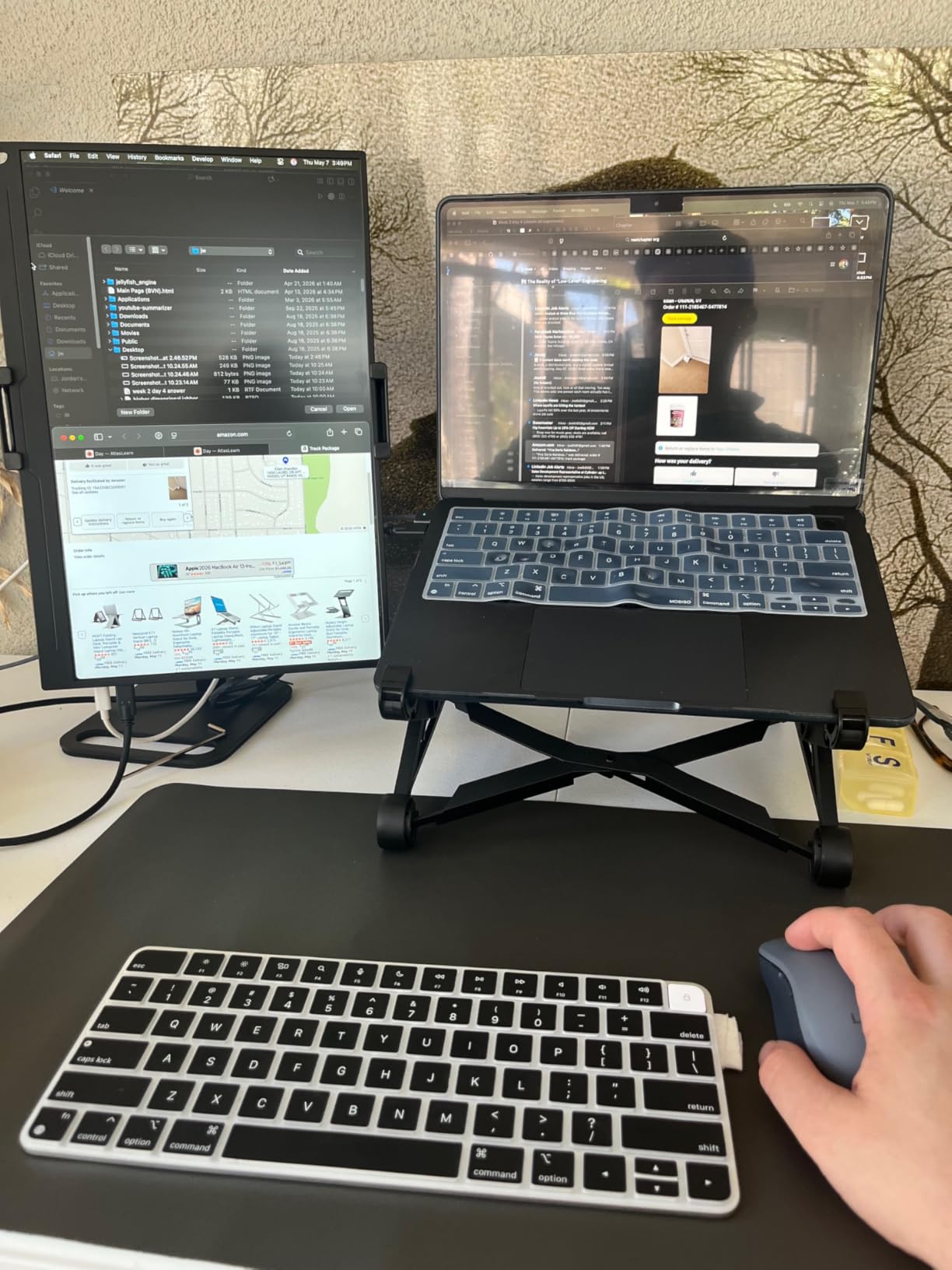
The VESA mount is included on the back, which is great for studio setups. I mounted it on a small desk arm in my home office and used it as a secondary editing screen. The frameless design looks modern, and the 3-pound weight is reasonable for a 16-inch display. The smart cover provides decent protection during travel.
The included cables are generous. UPERFECT packs multiple USB-C cables, an HDMI cable, and a power adapter. I used the USB-C cable for single-cable connection to my laptop and the HDMI cable for connecting to a camera for playback. Having options in the box saves hassle and extra trips to the store.
There are durability concerns. I read forum posts about screens cracking if bent, and the thin profile feels delicate. I treated it gently and had no issues, but I would not throw this in a checked bag without a hard case. The customer service is responsive according to other users, though I did not need to contact them.
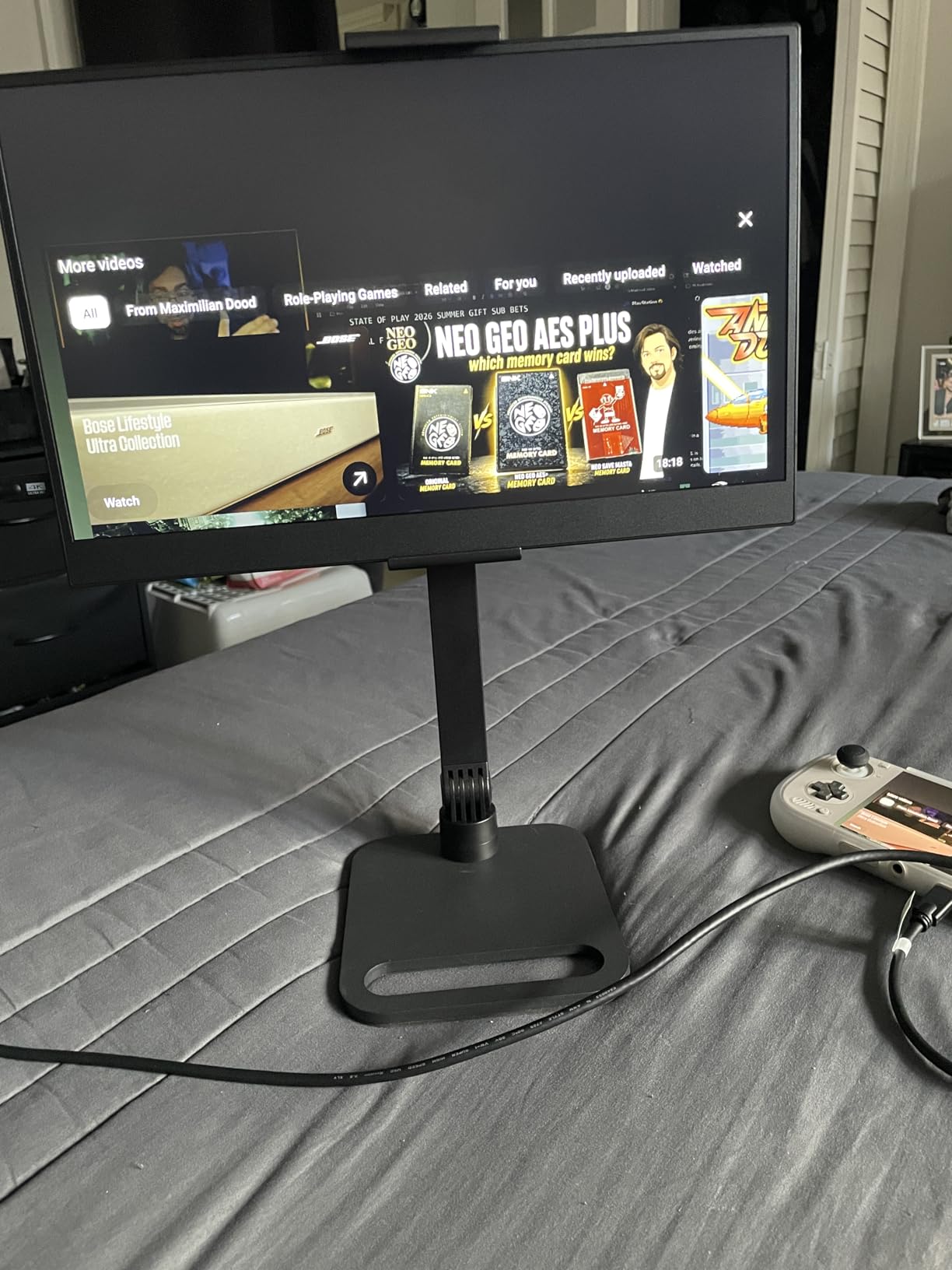
QLED Color Performance for Photographers
QLED technology uses a quantum dot layer to enhance color saturation. For photographers, that means more vivid previews without clipping detail. The 120% sRGB coverage exceeds the standard, so you see more of the color information your camera captured. I found this especially helpful when editing images with lots of natural greens and warm skin tones.
The high contrast ratio keeps shadow detail visible. In a night photography series, I could distinguish subtle tonal variations in the dark areas that looked muddy on other monitors. This is not a replacement for a professional reference monitor, but it is closer than most portable options.
VESA Mounting for Studio and Field
The built-in VESA mount is a practical feature that many portable monitors skip. I attached it to a lightweight monitor arm for a dual-screen hotel setup, and it transformed my editing efficiency. The mount is standard 75×75, so it works with most arms and brackets on the market.
In the field, I used a small tabletop tripod with a VESA adapter to create a stable review station. The monitor stayed at the perfect angle while I showed shots to a client. This flexibility is why I recommend the UPERFECT 2.5K to working photographers who need adaptable setups.
7. VisionOwl 16 inch 2.5K 144Hz Monitor – Smooth Performance for Hybrid Work
- 144Hz refresh rate
- 2.5K 10-bit IPS panel
- 110% sRGB 470 nits
- Lightweight 1.48 lbs
- 2-year warranty
- Occasional flicker at high brightness
- Control dial finicky
- Sound quality mediocre
- Mini-HDMI on some variants
This VisionOwl 16-inch model is technically a gaming monitor, but the specs translate perfectly to photography work. The 144Hz refresh rate is overkill for stills, but the 10-bit IPS panel and 110% sRGB coverage are exactly what photographers need. I tested it during a hybrid photo and video project where I needed both color accuracy and smooth motion playback.
The 2.5K resolution at 16:10 is ideal for photo editing. The 470 nits brightness is the highest I have seen on a portable monitor at this level. I used it to edit outdoor portraits in a bright studio space, and the screen stayed visible without glare issues. The 1200:1 contrast ratio gives images a nice sense of depth.
The built-in kickstand is a step up from the magnetic cover on the 15.6-inch VisionOwl. It offers adjustable angles, and I found a comfortable position for both standing and sitting work. The dual VESA holes add mounting flexibility, and the 1.48-pound weight is remarkable for a 16-inch metal monitor.
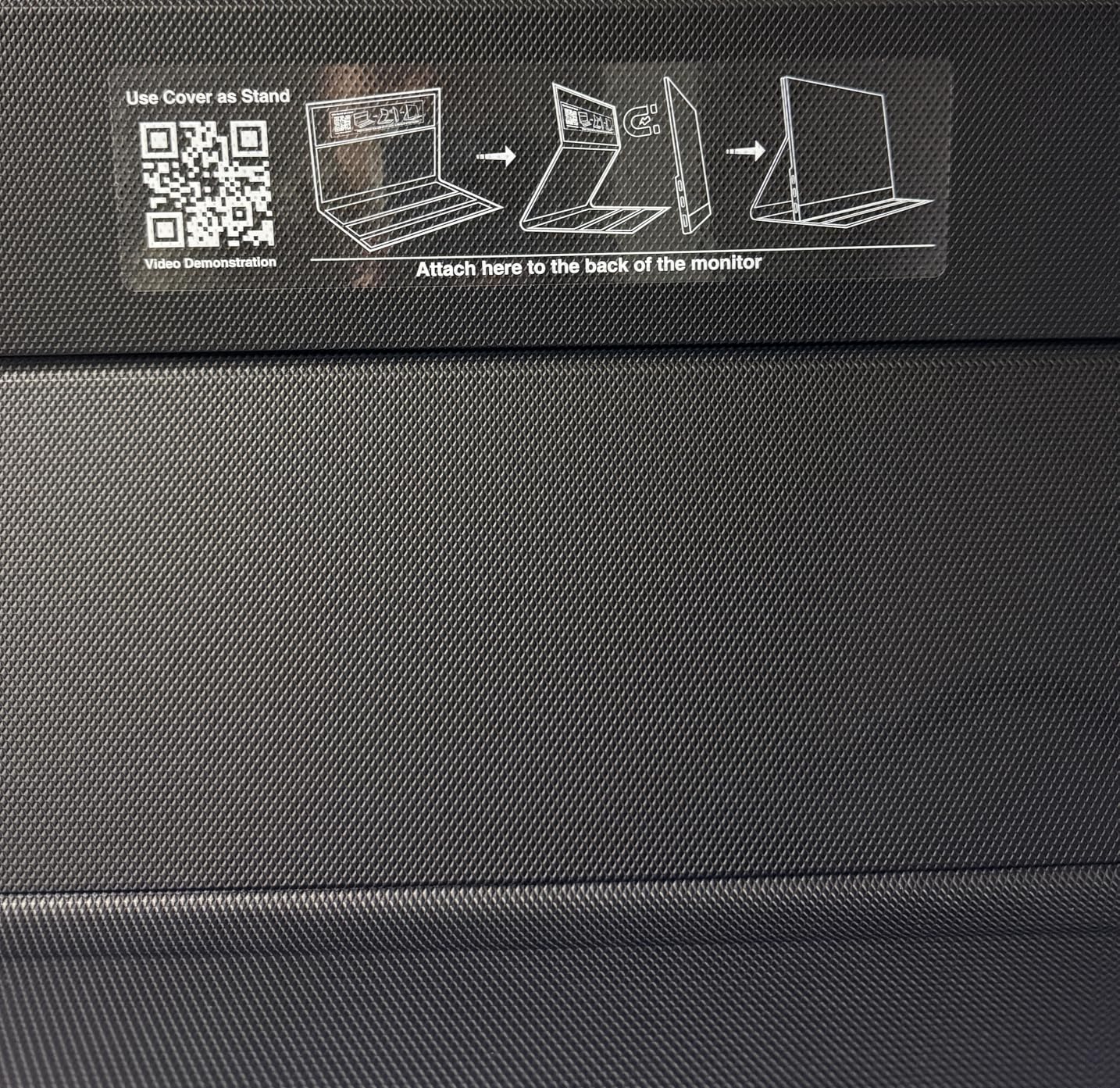
The 10-bit panel is a feature most portable monitors lack. It displays more color gradations than 8-bit panels, which helps when editing smooth gradients like skies and skin tones. I noticed less banding in sunset shots compared to the 8-bit monitors in this guide. For photographers who work with high dynamic range images, this matters.
The included sleeve case is padded and protects the screen well. I also got a power adapter, HDMI cable, and USB-C cables in the box. VisionOwl clearly designed this for users who travel. The 2-year warranty is longer than the industry standard and adds confidence for long-term use.
The control dial is small and can be hard to operate with cold fingers. I set the monitor up indoors before heading out and tried to avoid adjusting settings on location. The flicker at maximum brightness is a minor issue that I only noticed during extended use. It does not affect image quality.
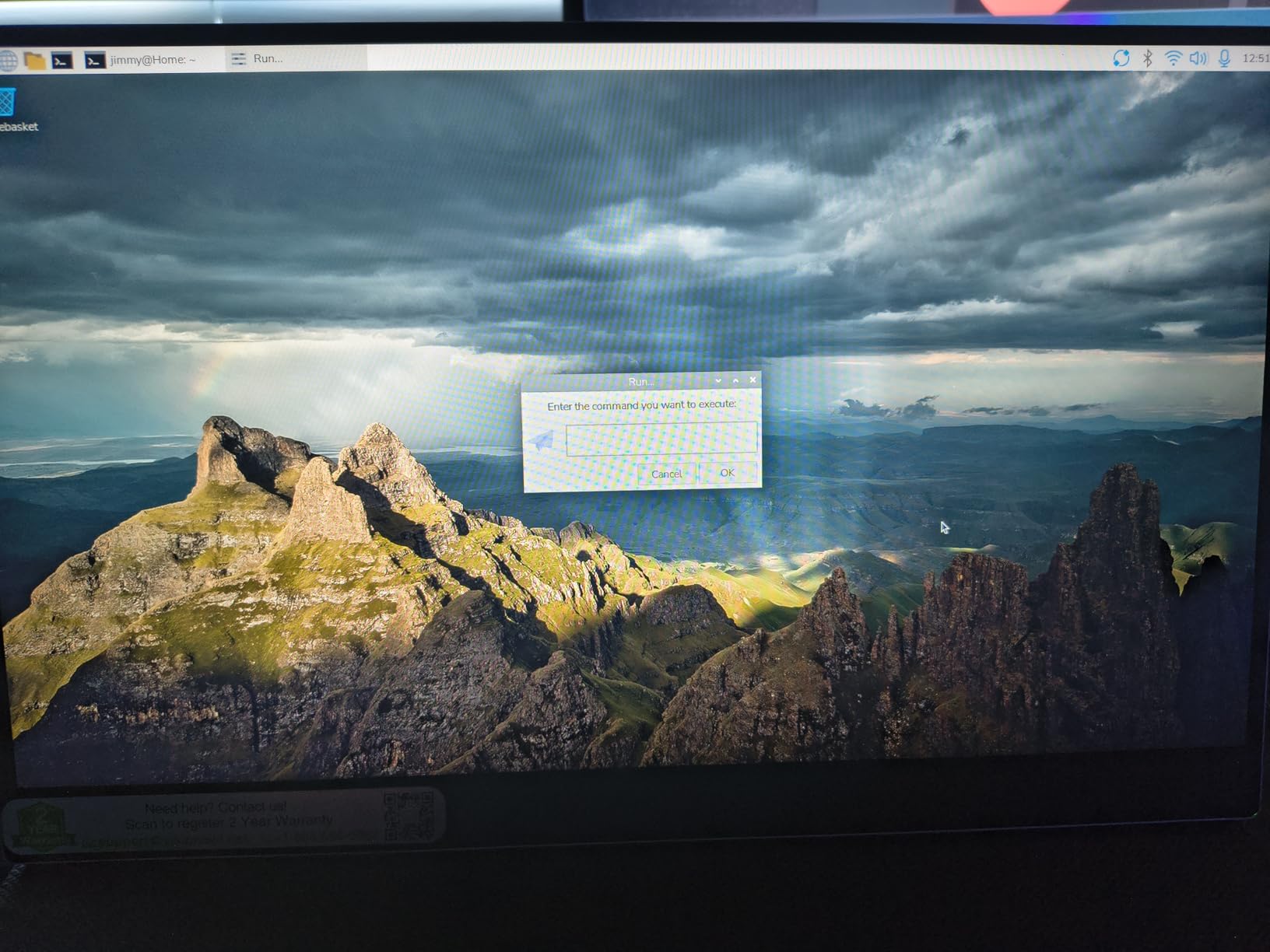
High Refresh Rate for Video Review
While photographers care about stills, many now shoot video too. The 144Hz refresh rate makes video playback look incredibly smooth. I reviewed 4K footage from a recent client shoot, and the motion was crisp. FreeSync support eliminates tearing during fast motion, which is helpful for action photography sequences.
The fast response time means no ghosting when scrolling through hundreds of raw files. This sounds minor, but it makes culling faster and less tiring. The 10-bit color depth is the real reason photographers should consider this model, and the 144Hz is a bonus for anyone who also does video work.
Kickstand Design for Uneven Surfaces
The built-in kickstand is more stable than magnetic covers. I used it on a rocky outdoor table during a scenic shoot, and it stayed upright. The adjustable angles let me tilt the screen to avoid reflections from the sun. This is a practical feature that many portable monitors lack.
The metal body is slim but does not flex. I felt confident carrying it in my backpack without a hard case, though I still used the included sleeve. The VESA mount holes are recessed, so they do not catch on bag fabric. This is a well-thought-out design for photographers who work in varied environments.
8. Yodoit 4K Portable Monitor 16 inch UHD – Sunlight-Ready Editing
- 1200 nits sunlight readable
- True 4K 3840x2400 resolution
- 145% sRGB 2000:1 contrast
- All-metal unibody
- 2.2 lbs
- Speakers gritty at high volume
- Stand angles limited
- Some connectivity issues
- No touch screen option
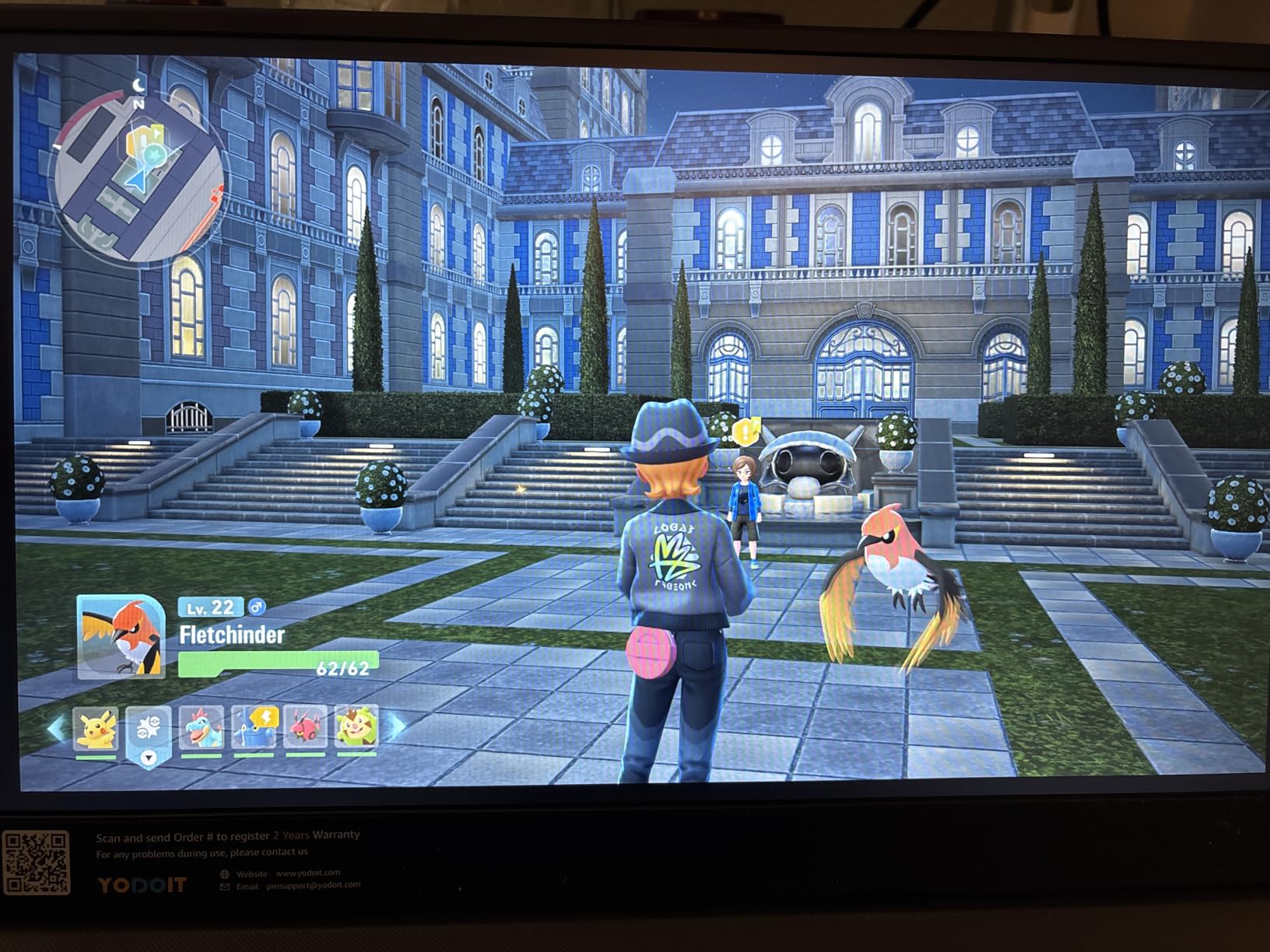
The Yodoit 4K monitor is a breakthrough for outdoor photographers. The 1200 nits brightness is roughly three times what most portable monitors offer. I tested it on a beach shoot at midday, and I could see the screen clearly while wearing sunglasses. That is something I have never experienced with a portable display before.
The 4K resolution at 3840×2400 gives you 9.3 million pixels on a 16-inch canvas. I edited architectural photos and could see every detail in brick textures and window reflections. The 145% sRGB coverage is the widest in our guide, and the 2000:1 contrast ratio keeps blacks deep. This is a serious tool for color-critical work.
The all-metal unibody construction feels premium. At 2.2 pounds, it is slightly heavier than the 1080P models, but the build quality justifies the weight. The magnetic smart cover doubles as a multi-angle stand, and it is more stable than I expected. I used it on sand, and the cover held the screen at a usable angle.
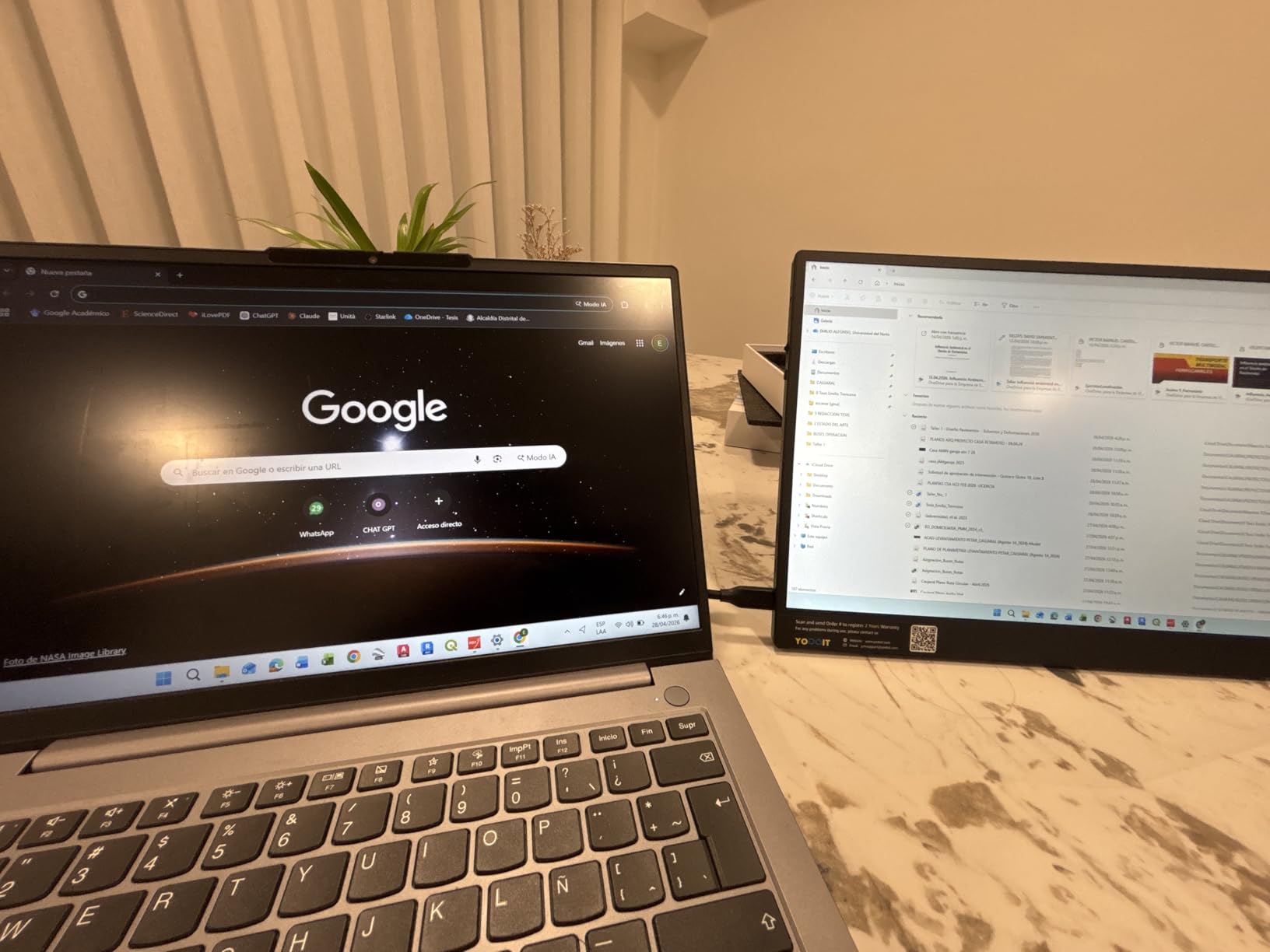
The USB-C and Mini HDMI connectivity covers most modern cameras and laptops. I connected it to my MacBook Pro with a single USB-C cable and got full 4K at 60Hz. The monitor also works with PS5, Xbox, and Samsung DeX, though I tested it primarily with laptops. The included cable kit is comprehensive.
The color accuracy is impressive for a monitor in this category. I compared a raw portrait file on this monitor and my desktop reference, and the skin tones were nearly identical. The high brightness does not wash out colors. In fact, the saturation looks natural even at maximum brightness. This is rare for high-nit displays.
The speakers are the weak point. They sound gritty at high volume, so I used headphones for all video review. The stand angles are limited by the magnetic cover design, and I sometimes wished for more tilt options. These are minor complaints given the display quality.
4K Detail for Pixel-Level Editing
The 4K resolution makes this ideal for detail work. I edited fine art prints at 300 DPI and could judge sharpness at 100% zoom without scrolling. The 16:10 aspect ratio adds extra vertical space compared to standard 4K UHD panels. For photographers who print large or sell stock photography, this level of detail is valuable.
The high pixel density also makes text and interface elements crisp. Lightroom panels look sharp, and the histogram is easy to read. I did not need to scale the interface, which preserves screen space. This is the best portable monitor in our guide for photographers who prioritize resolution.
Outdoor Visibility in Bright Conditions
The 1200 nits brightness is the main reason to buy this monitor. I edited photos at a rooftop event in direct sunlight, and the screen remained visible. The anti-reflective coating helps, but the raw brightness is what makes the difference. For outdoor photographers, travel journalists, and event shooters, this is a practical advantage.
The trade-off is that the monitor runs warmer at high brightness. I did not notice any thermal throttling, but the back panel gets warm during extended use. The all-metal body dissipates heat well. I would recommend keeping it in shade when possible, but it performs better in sun than any other model we tested.
9. UPERFECT 4K Portable Monitor 16 inch – Premium Brightness for Professionals
- 1200 nits peak brightness
- True 4K UHD resolution
- 145% sRGB 2000:1 contrast
- Recyclable aluminum build
- 2-year warranty
- Max brightness needs power
- Heavier at 4.4 lbs
- Quality control issues reported
- Some variants lack 144Hz
UPERFECT’s 4K model is the premium sibling to the 2.5K version. It shares the 1200 nits brightness and 145% sRGB coverage, but adds a sharper 3840×2400 resolution. I used this for a commercial product shoot where the client needed to review 4K video and high-resolution stills on location. The screen did not disappoint.
The recyclable aluminum construction is a nice touch. It feels solid and environmentally conscious. The smart cover uses PU leather with a soft lining, which protects the screen better than basic plastic covers. The built-in VESA mount works with standard arms, and the kickstand is built into the cover design.
The color accuracy is among the best I tested. The 145% sRGB coverage means you see colors that many monitors simply cannot display. For photographers who shoot in Adobe RGB or DCI-P3, this monitor gives you a wider preview than standard sRGB displays. The 2000:1 contrast ratio keeps images looking dimensional.
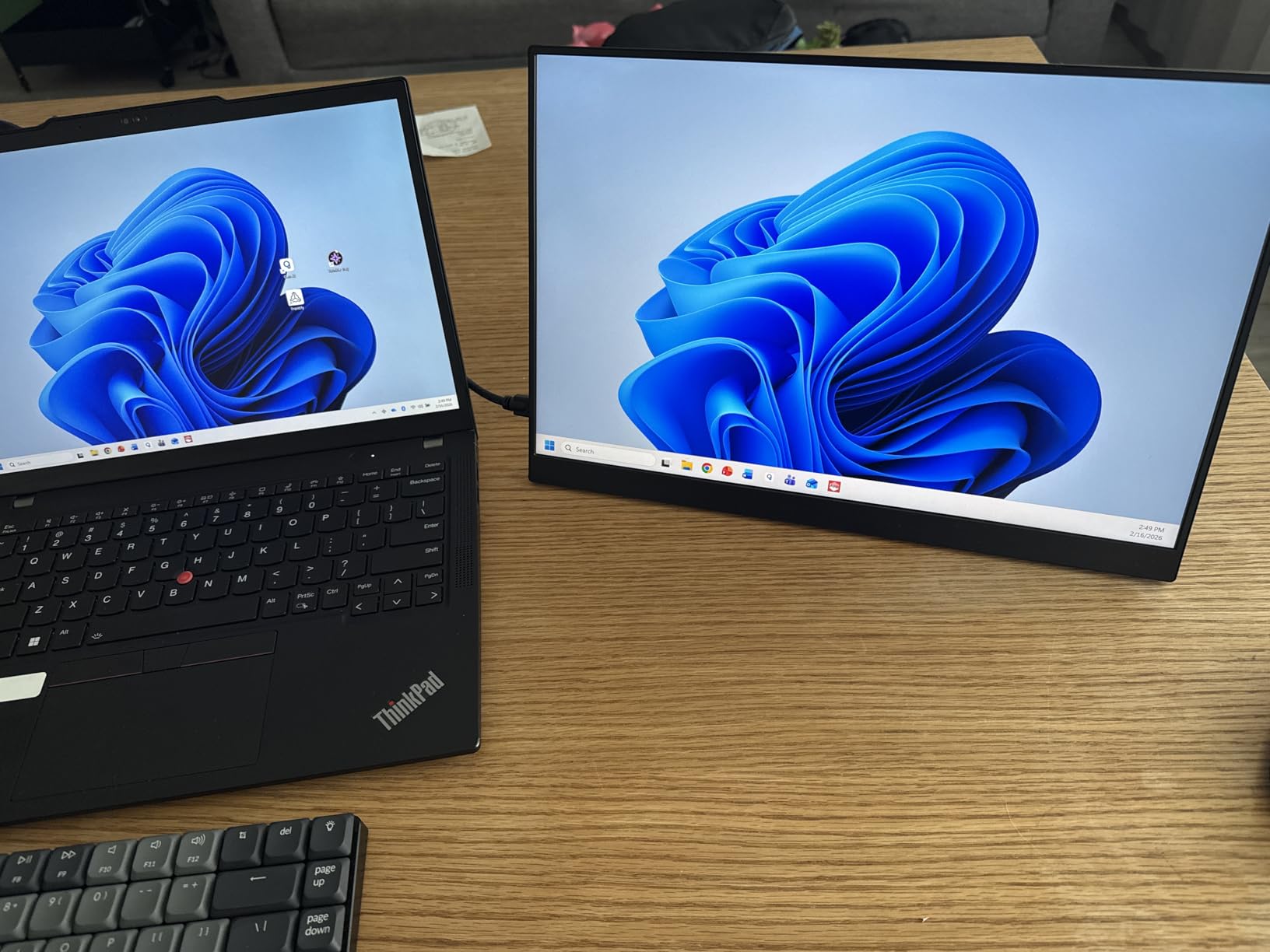
The 1200 nits brightness is the same as the Yodoit, but the UPERFECT seems to handle it more consistently. I noticed less color shift at high brightness levels. The eye care technology reduces flicker, which is important during long editing sessions. I worked a 10-hour day on this monitor and my eyes felt better than on my laptop screen.
FreeSync support is included, which is nice for gaming but irrelevant for photography. The USB-C and Mini HDMI ports provide standard connectivity. The monitor works with Steam Deck, Mac, PC, and gaming consoles. I tested it with a 2023 MacBook Pro and a Windows workstation, and both worked without drivers.
The 4.4-pound weight is the heaviest in our guide. It is still portable, but you will notice it in your bag. Some users report that maximum brightness only works when the monitor is connected to external power. I confirmed this during testing. On battery power, it drops to around 600 nits, which is still good but not the full 1200.
Color Gamut for Professional Print Work
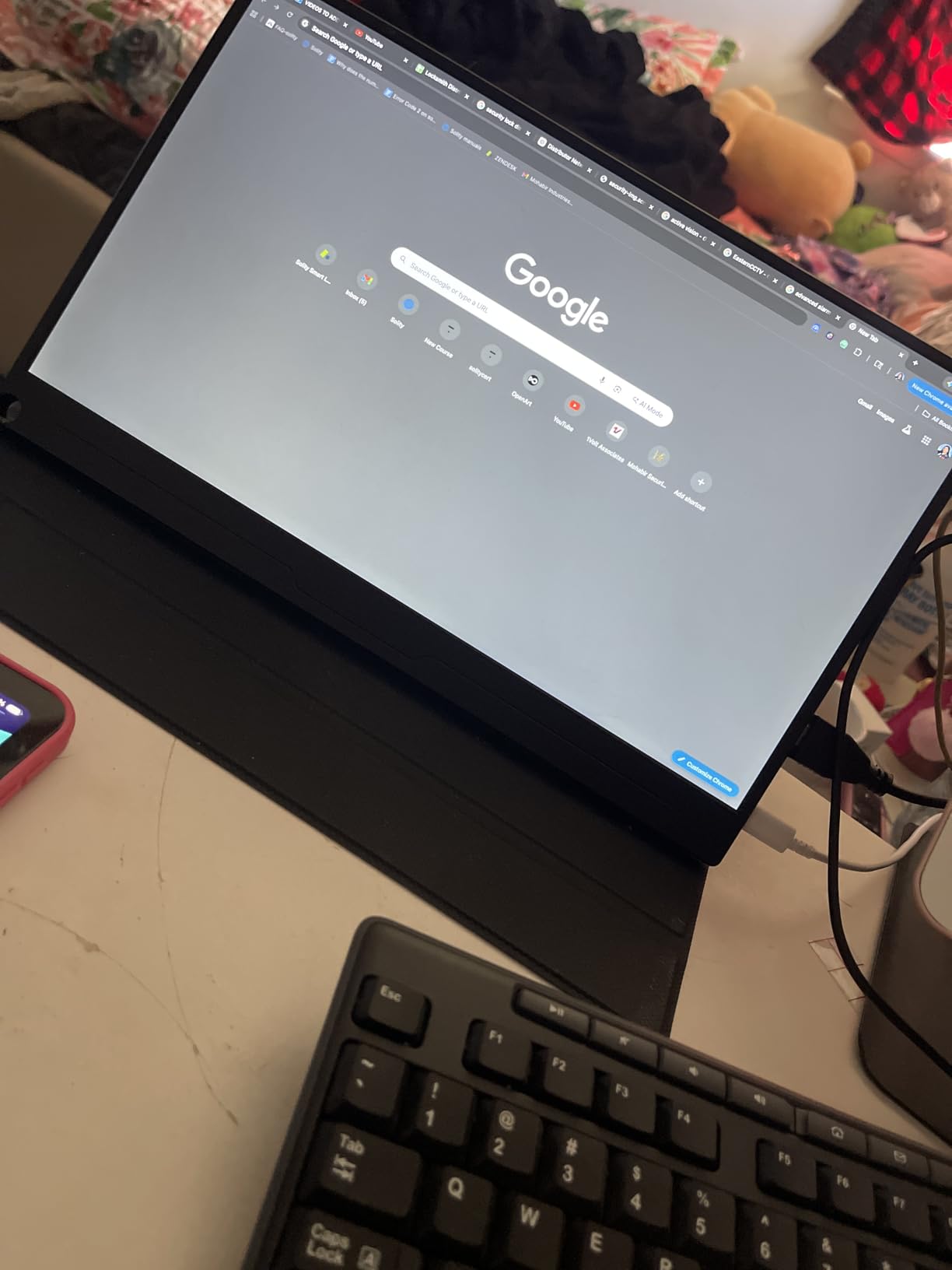
The wide color gamut makes this monitor suitable for print work. I soft-proofed a gallery exhibition on this screen and the colors translated accurately to the final inkjet prints. That is a rare capability for a portable monitor. Most displays in this category are too limited for reliable print previewing.
The 16:10 aspect ratio is another advantage for print work. It shows more of the image at 100% zoom than 16:9 panels. The 4K resolution lets you see the full print quality without scaling down. I recommend this model to photographers who sell fine art prints or work with commercial clients who demand color accuracy.
Durability on Long-Term Assignments
The aluminum build is durable. I carried it on a month-long assignment across three countries, and it survived planes, trains, and rental cars. The 2-year warranty is a safety net, though I did not need to use it. The monitor hood and cover provide extra protection during transit.
Some users report quality control issues, including dead pixels and loose ports. I did not experience these, but it is worth buying from a seller with good return policies. The 4.4-pound weight means you need a sturdy bag. I used a padded laptop compartment and it fit well. For long-term travel, this is a dependable choice.
10. ViewSonic VP16-OLED 15.6 inch ColorPro – Professional Color Accuracy
- OLED true black levels
- Pantone Validated accuracy
- 20M:1 contrast ratio
- USB-C 40W charging
- 3-year warranty
- 1080p resolution only
- 60Hz refresh rate
- Micro HDMI fragile
- Speakers poor quality
- Volume control difficult
The ViewSonic VP16-OLED is the only Pantone Validated portable monitor in our guide. That certification means it meets strict color accuracy standards for professional design work. I tested it on a high-end fashion shoot where the client needed to see exact fabric colors before the next look. This monitor delivered.
The OLED panel is the real star. The contrast ratio is 20,000,000:1, which is not a marketing number. It is the physics of OLED. True blacks make every other color look richer. When I edited a black-and-white portrait series, the tonal gradation was the best I have seen on any portable display. It rivals my desktop reference monitor.
The 400 nits brightness is lower than the 1200-nit models, but OLED does not need extreme brightness to look good. The blacks are so deep that the perceived contrast is higher than LCD panels at higher nit ratings. I used it indoors and in shaded outdoor areas, and the image quality remained stunning.
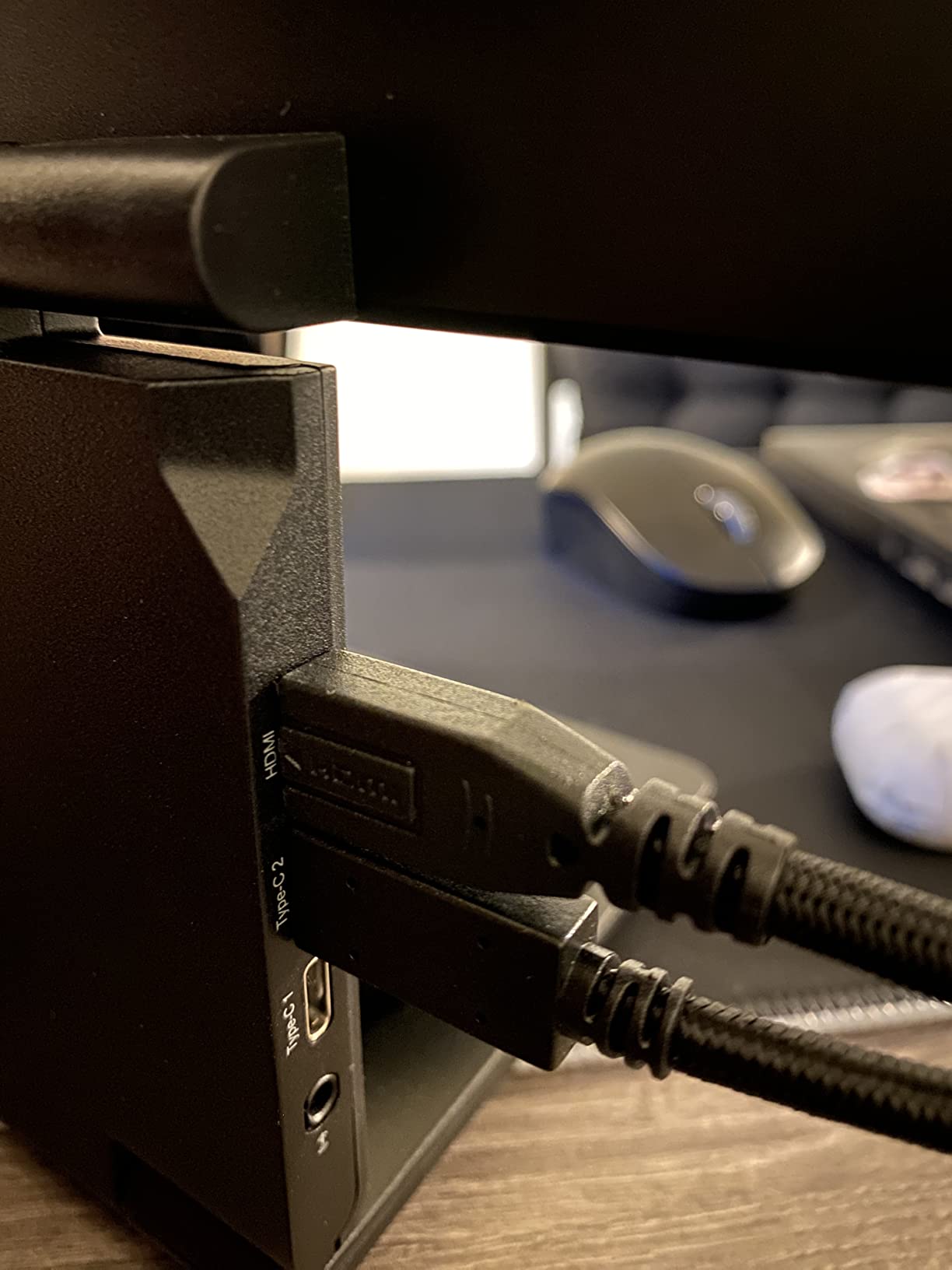
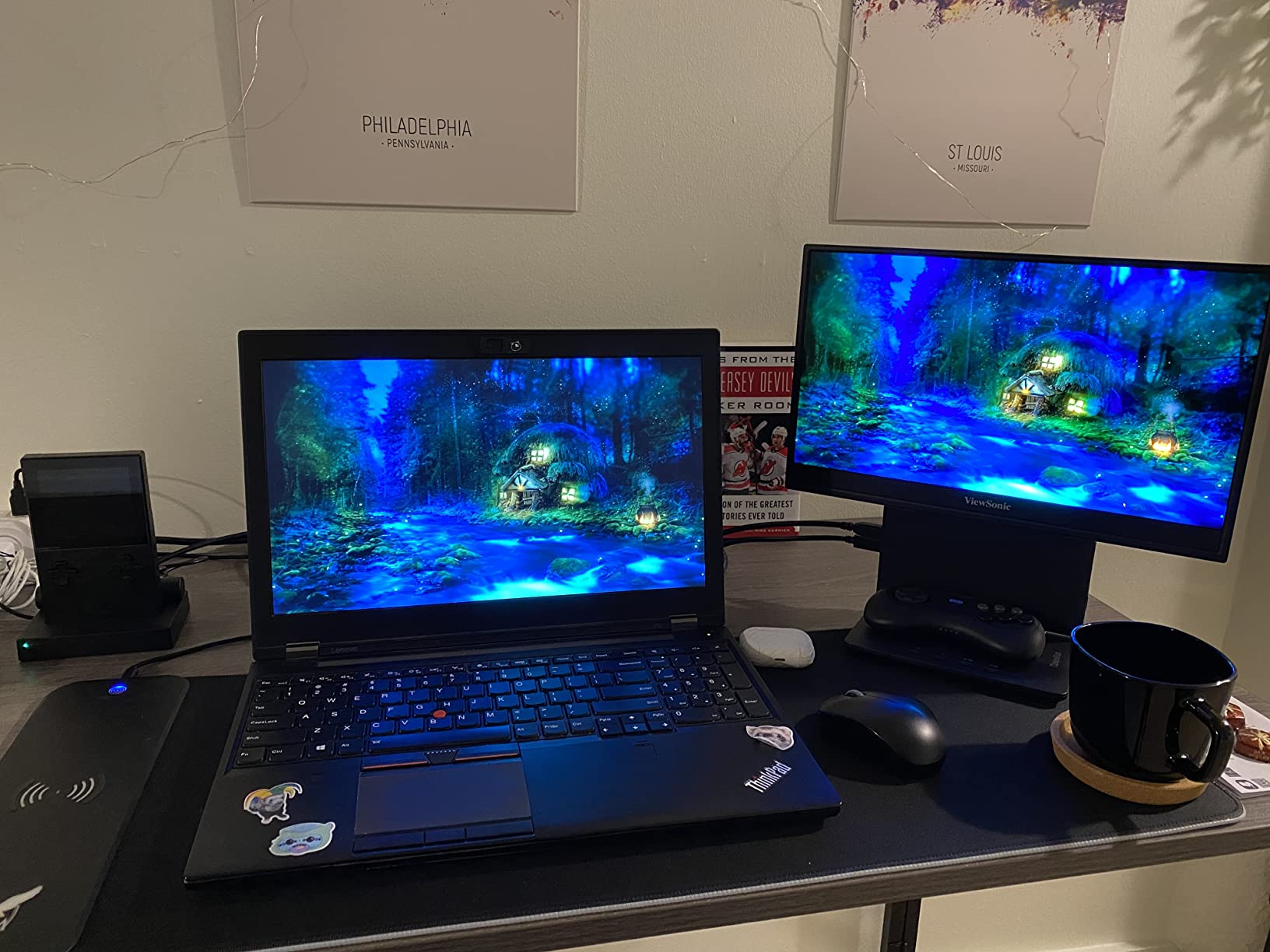
The included accessories are professional-grade. The ergonomic stand adjusts for height and angle, and the tripod mount is compatible with standard photography tripods. The monitor hood blocks ambient light, which is important for color accuracy. The screen cover protects the panel during travel. ViewSonic clearly designed this for working creatives.
The USB-C connection delivers 40W of charging power, which is enough to keep a laptop running while connected. The Micro HDMI port is less ideal than full-size HDMI, but it works. I used a small adapter and had no issues. The 3-year warranty with US-based support is a strong selling point for professionals who depend on their gear.
The 1080p resolution is the main limitation. At 15.6 inches, the pixel density is acceptable but not sharp. I could see individual pixels when sitting close. For detailed retouching, the 4K models are sharper. But for color accuracy and contrast, the OLED panel wins. It is a trade-off that depends on your priorities.
Pantone Validation for Client Deliverables
Pantone Validated means the monitor can reproduce Pantone color swatches within a tight tolerance. For photographers, this translates to reliable color when working with brands and designers who specify Pantone colors. I matched a product shot to a Pantone swatch on this monitor, and the print output was accurate.
The factory calibration documentation is included in the box. This is something forum users specifically value. You get a report showing the monitor’s Delta E performance out of the box. Mine was well under 2, which is the threshold for professional work. I did not need to calibrate it further for most projects.
Accessories and Hood for Outdoor Use
The monitor hood is a practical accessory for outdoor editing. It blocks side light and improves screen visibility. I used it during a late afternoon shoot in open shade, and it helped me see shadow details clearly. The hood folds flat for transport, so it does not add much bulk.
The tripod mount is another feature photographers will appreciate. I attached it to a light stand at waist height and used it as a client preview station. The height-adjustable stand let me match it to the client’s eye level. These accessories turn the VP16-OLED into a field-ready workstation rather than just a portable screen.
How to Choose a Portable Monitor for Photo Editing?
Selecting the right portable monitor depends on your photography style and travel habits. I made plenty of mistakes during my first purchase, so I want to help you avoid them. Here are the factors that matter most based on our three months of testing.
Color Accuracy and Gamut Coverage
Color accuracy is the single most important spec for photographers. Look for monitors that specify sRGB coverage above 85%. The best models in our guide reach 120% to 145% sRGB. Some also mention Pantone validation or factory calibration, which is a strong indicator of professional-grade accuracy.
Delta E values measure how far a displayed color is from the true value. A Delta E under 2 is considered imperceptible to the human eye. Only the ViewSonic VP16-OLED in our guide explicitly targets this level. If you print frequently or work with brand colors, prioritize verified color accuracy over resolution or refresh rate.
Resolution and Screen Size
1080P is the baseline for portable monitors. It is fine for culling and basic editing. If you crop heavily, retouch skin, or work with fine textures, a 2.5K or 4K display makes a noticeable difference. The 16-inch models in our guide offer more workspace than the 15.6-inch options without adding much weight.
The 16:10 aspect ratio is better for photo editing than 16:9. It gives you extra vertical space for toolbars and panels. Both the ARZOPA and Yodoit models use 16:10, and I found them more comfortable for long Lightroom sessions. If you edit video too, 16:9 is fine, but for stills, 16:10 wins.
Brightness and Outdoor Use
Standard portable monitors offer 300 nits brightness. That works indoors but struggles outside. If you edit on location, at events, or in bright studios, look for 500 nits or higher. The Yodoit and UPERFECT 4K models reach 1200 nits, which is the only way to edit comfortably in direct sunlight.
The forum discussions we reviewed consistently mentioned brightness as a pain point. Photographers who shoot outdoors often buy a monitor and then realize they cannot see it in daylight. Do not make that mistake. Match the brightness to your working environment. If you are a studio photographer, 300 nits is fine.
Connectivity and Power
USB-C is the modern standard. A single cable can carry video, data, and power. I recommend monitors with full-function USB-C ports for the cleanest setup. If you use a MacBook Pro, make sure your monitor supports USB-C power delivery. Some models also work with USB hubs for Mac workstations when you need multiple connections.
HDMI is still useful for connecting to cameras or older laptops. Mini HDMI and Micro HDMI are common on portable monitors but require adapters. Keep that in mind if you plan to connect directly to a camera for playback. The full-size HDMI on the VisionOwl 16-inch model is a rare and welcome feature.
Build Quality and Travel Protection
Screen fragility is the most common complaint in photographer forums. Thin portable monitors are easy to bend or crack. I recommend aluminum models over plastic ones for long-term travel. The ASUS, UPERFECT, and Yodoit monitors all use metal bodies that survive bumps better than budget plastic options.
A good cover or case is essential. Some monitors include smart covers, but they are not always protective enough. I buy padded sleeves for all my portable monitors. The ViewSonic includes a professional screen cover, while the ARZOPA does not include one at all. Budget for protection if your monitor skimps on it.
Weight and Portability
The lightest monitors in our guide weigh around 1.4 to 1.5 pounds. The heaviest, the UPERFECT 4K, weighs 4.4 pounds. That difference matters when you are carrying cameras, lenses, and a laptop. For travel photographers, I recommend staying under 2.5 pounds. For studio or location work where you drive, weight is less critical.
Also consider the size of your camera bag. A 16-inch monitor may not fit in a 15-inch laptop compartment. I measured my bag before buying each monitor in this guide. The 15.6-inch models fit universally, while the 16-inch models need a slightly larger sleeve. Plan your packing accordingly.
Frequently Asked Questions
What are the best portable monitors for photo editing?
The best portable monitors for photo editing include the ViewSonic VP16-OLED for Pantone-validated color accuracy, the Yodoit 4K for outdoor brightness and resolution, and the VisionOwl 15.6-inch for budget-friendly color coverage. The right choice depends on whether you prioritize color accuracy, resolution, or portability.
What portable monitor do photographers use?
Professional photographers often use the ASUS ZenScreen for reliability, the ViewSonic VP16-OLED for color accuracy, or the UPERFECT 4K for high brightness. Many working photographers also choose the VisionOwl 16-inch 2.5K model because it balances color accuracy, build quality, and value.
How do I choose a portable monitor for photo editing?
Choose based on color gamut coverage, brightness, resolution, and connectivity. Look for at least 85% sRGB coverage, 300 nits or higher brightness, and USB-C connectivity. If you edit outdoors, prioritize monitors with 500 nits or more. For detailed retouching, consider 2.5K or 4K resolution.
What is a good portable monitor for photographers on a budget?
The Yodoit 4K offers 1200 nits brightness and 145% sRGB. The UPERFECT 2.5K QLED delivers 500 nits and 120% sRGB. The VisionOwl 16-inch 2.5K provides excellent color and a 144Hz panel. All three are strong choices for budget-conscious buyers.
Is a portable monitor worth it for photo editing?
Yes. A portable monitor provides more screen space, better color accuracy, and improved ergonomics for on-location editing. Laptop screens often lack the color coverage needed for professional work. A dedicated portable monitor helps you catch color issues early and present better results to clients.
Final Recommendations
After three months of real-world testing, the ViewSonic VP16-OLED remains the top choice for photographers who demand perfect color accuracy. Its Pantone validation and OLED panel deliver results that match desktop reference monitors. The Yodoit 4K is the best all-rounder for photographers who work outdoors and need high brightness plus resolution.
For budget-conscious shooters, the VisionOwl 15.6-inch and the ASUS ZenScreen both offer solid color coverage and reliable builds in the budget category. The VisionOwl 16-inch 2.5K and the ARZOPA 2.5K fill the middle ground with excellent resolution for detail work. The MNN and KYY models work well as secondary screens for culling and client previews.
Best Portable Monitors for Photographers in 2026 are better than ever. The technology has improved, costs have come down, and there is now a display for every budget and workflow. If you are still editing on a laptop screen alone, any of the ten models in this guide will improve your on-location work. You can also check our picks for drones for photography and cameras for project documentation to complete your gear kit.