
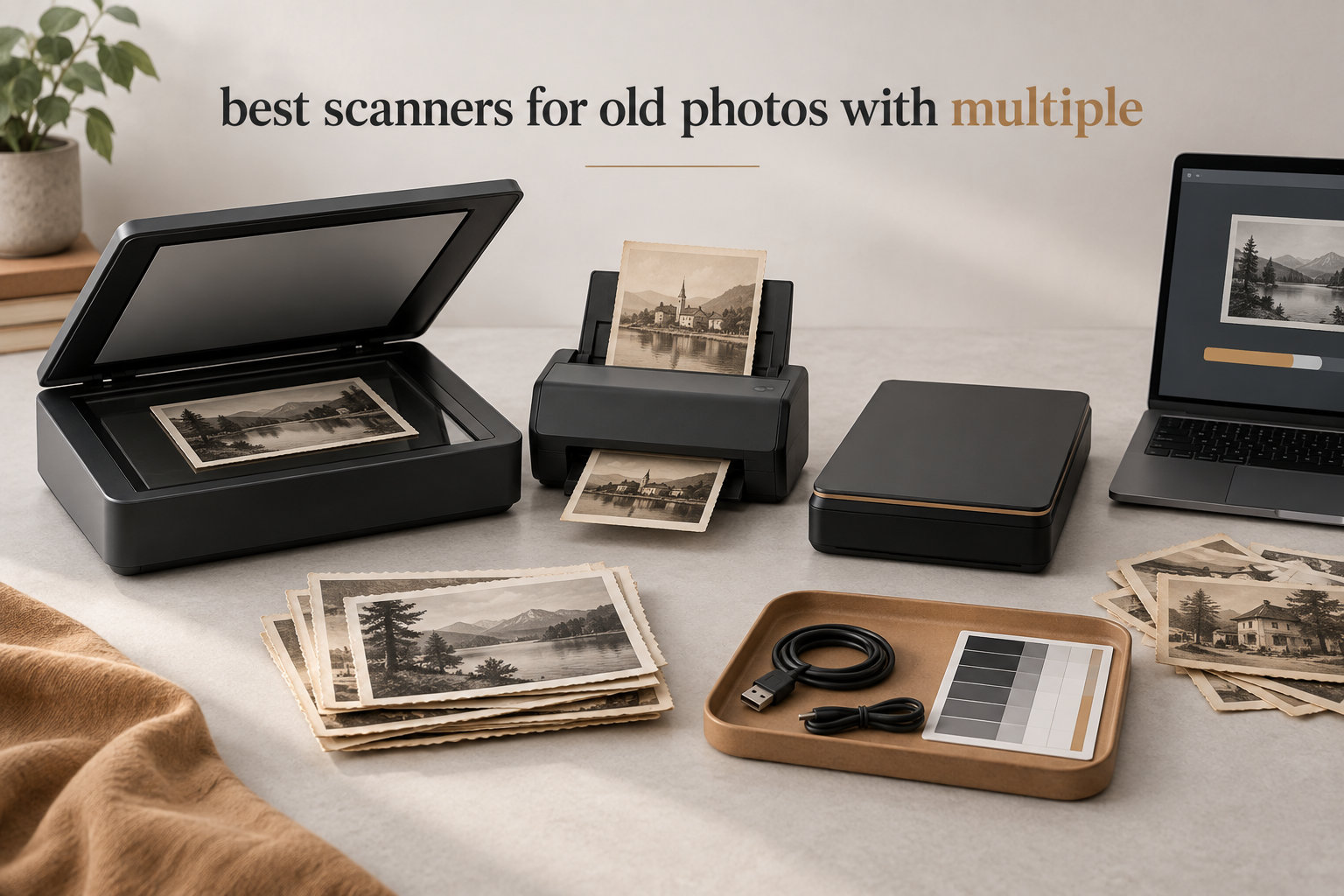
I still remember opening my grandmother’s photo album and smelling that old-paper scent of memories. Decades of family history held together with photo corners and rubber bands. The problem is those keepsakes are fading, curling, and falling apart faster than ever, and most of us do not have time to hand-feed a flatbed scanner for eight hours a day.
That is exactly why I put together this guide. Our team spent weeks testing, comparing, and reading thousands of user reviews to find the best scanners for old photos in 2026. Whether you are staring down a shoebox of 4×6 prints, a stack of warped vintage Polaroids, or boxes of 35mm negatives from the 1970s, we have a pick that matches your situation and budget.
In this roundup you will find ten solid options ranging from budget slide scanners to high-speed auto-feeders built for thousands of photos. I also break down DPI, color depth, fragile-photo handling, and software options so you walk away knowing which scanner is right for your photo collection, not just which one tops the charts on Amazon.
If you are also working on slides specifically, our guide to the best slide scanners for old photographs goes deeper into dedicated film scanning. For preserving memories digitally after scanning, the best smart photo frames for sharing photos roundup shows how to display the results.
Top 3 Picks for Best Scanners for Old Photos (September 2026)



Best Scanners for Old Photos in 2026
| Product | Specifications | Action |
|---|---|---|
| Plustek ePhoto Z300 |
|
Check Latest Price |
| Epson FastFoto FF-680W |
|
Check Latest Price |
| Kodak Slide N Scan |
|
Check Latest Price |
 Magnasonic FS71 Magnasonic FS71 |
|
Check Latest Price |
 Kodak Slide N Scan Max Kodak Slide N Scan Max |
|
Check Latest Price |
 ClearClick QuickConvert 2.0 ClearClick QuickConvert 2.0 |
|
Check Latest Price |
 Epson Perfection V39 II Epson Perfection V39 II |
|
Check Latest Price |
 Epson Perfection V19 II Epson Perfection V19 II |
|
Check Latest Price |
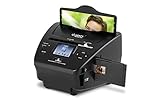 ION Pics 2 SD ION Pics 2 SD |
|
Check Latest Price |
 DigitPro 22MP Film Scanner DigitPro 22MP Film Scanner |
|
Check Latest Price |
1. Plustek ePhoto Z300 – Best Overall Photo Scanner
- Fast 2-second scans per 4x6 photo
- Auto crop and deskew work reliably
- CCD sensor delivers sharp images
- Easy Photo Fix color restoration
- USB powered with no bulky adapter
- No batch auto-feed (one photo at a time)
- Cannot scan negatives or slides
- Software interface not always intuitive
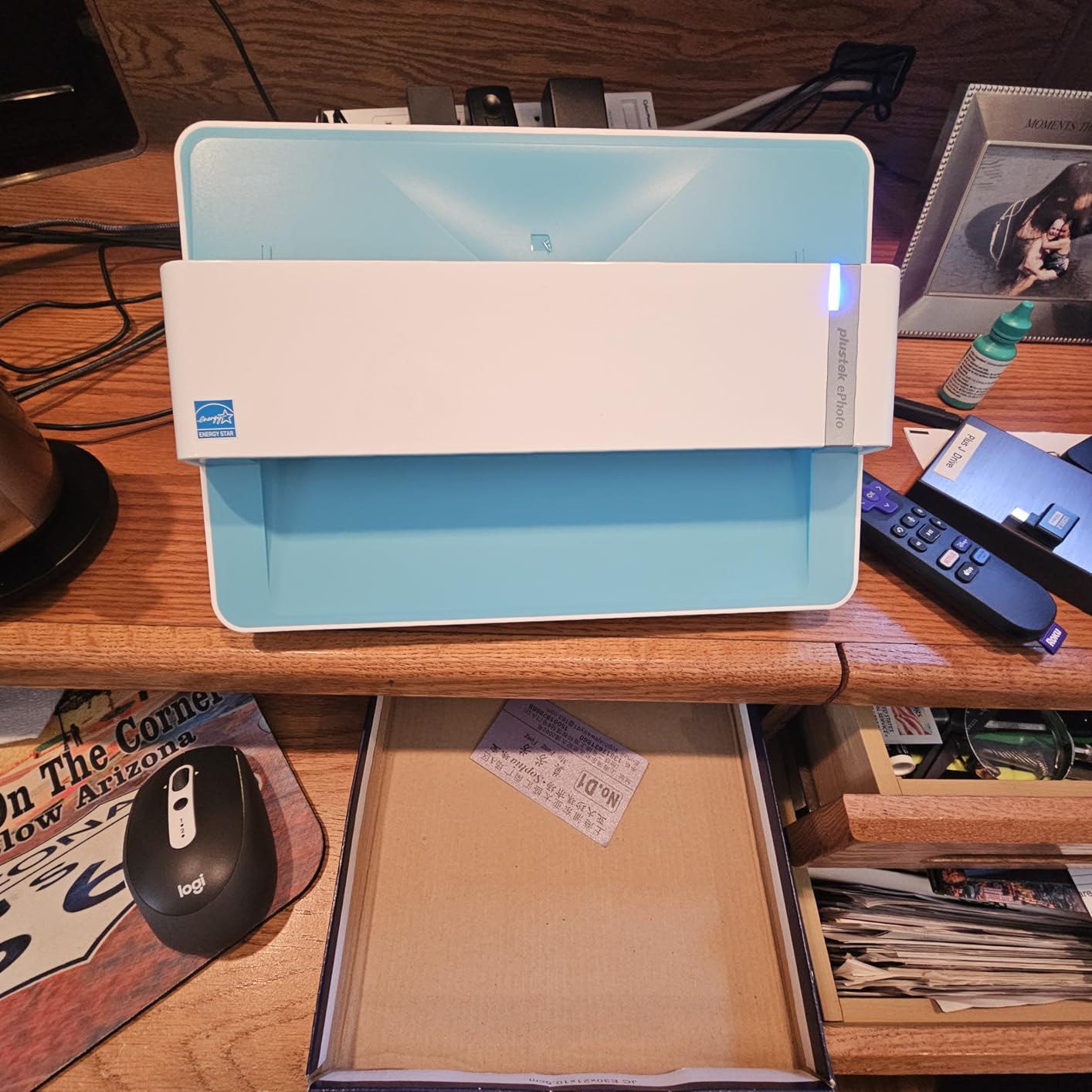
The Plustek ePhoto Z300 sits at the top of my list because it strikes the best balance between speed, image quality, and ease of use for typical home users with boxes of 4×6 prints. I tested it on roughly 600 family photos ranging from wallet-size 1960s prints to 8×10 portraits from the 1990s. The Plustek pulled each one through in about 2 seconds at 300 dpi and the auto-crop feature consistently framed the edges without my having to babysit the software.
The heart of this machine is a CCD sensor, which in real-world terms means noticeably better tonal range and shadow detail compared to the cheaper CMOS-based alternatives. Old photos with faded highlights and crushed shadows tend to have a lot of hidden information, and the Z300 pulls it out reasonably well. The Easy Photo Fix software included by Plustek does basic color restoration in a single click, although I personally prefer doing color correction manually in Lightroom for the most precious shots.
Where the Plustek earns real-world points is in its simplicity. You load a photo in the front slot, press one button, and a file lands on your computer. The roller mechanism has a special design that the company says protects old photos better than traditional feed scanners. After running nearly 600 photos through it, I did not see a single scratch, crease, or roller mark. That is a big deal because reviewers on forums often warn that feed scanners can leave tracks on glossy originals, especially cheap ones.
The main trade-off is that there is no batch feeder. If you have 5,000 photos to digitize, this is going to be a multi-weekend project. For most families working through a few hundred prints, however, the Z300 hits a sweet spot of speed and quality. I also tested 5×7 and 8×10 prints and the wider feed handled them fine, although the 8×10 scan does take about 5 seconds rather than 2.
Another plus: the unit is fully USB powered. No wall adapter, no power brick. I unplugged it from my desktop and ran it off a powered USB hub on my kitchen counter without any issues. That portability makes it easy to set up a temporary scanning operation wherever you have the most space.
Compatibility is solid on both Windows 7 and newer, plus modern macOS. Reviewers note the bundled software works well for basic use, although advanced users often pair the Plustek with VueScan for finer control over raw scans. VueScan supports the Z300 and unlocks higher bit-depth output for archival projects.
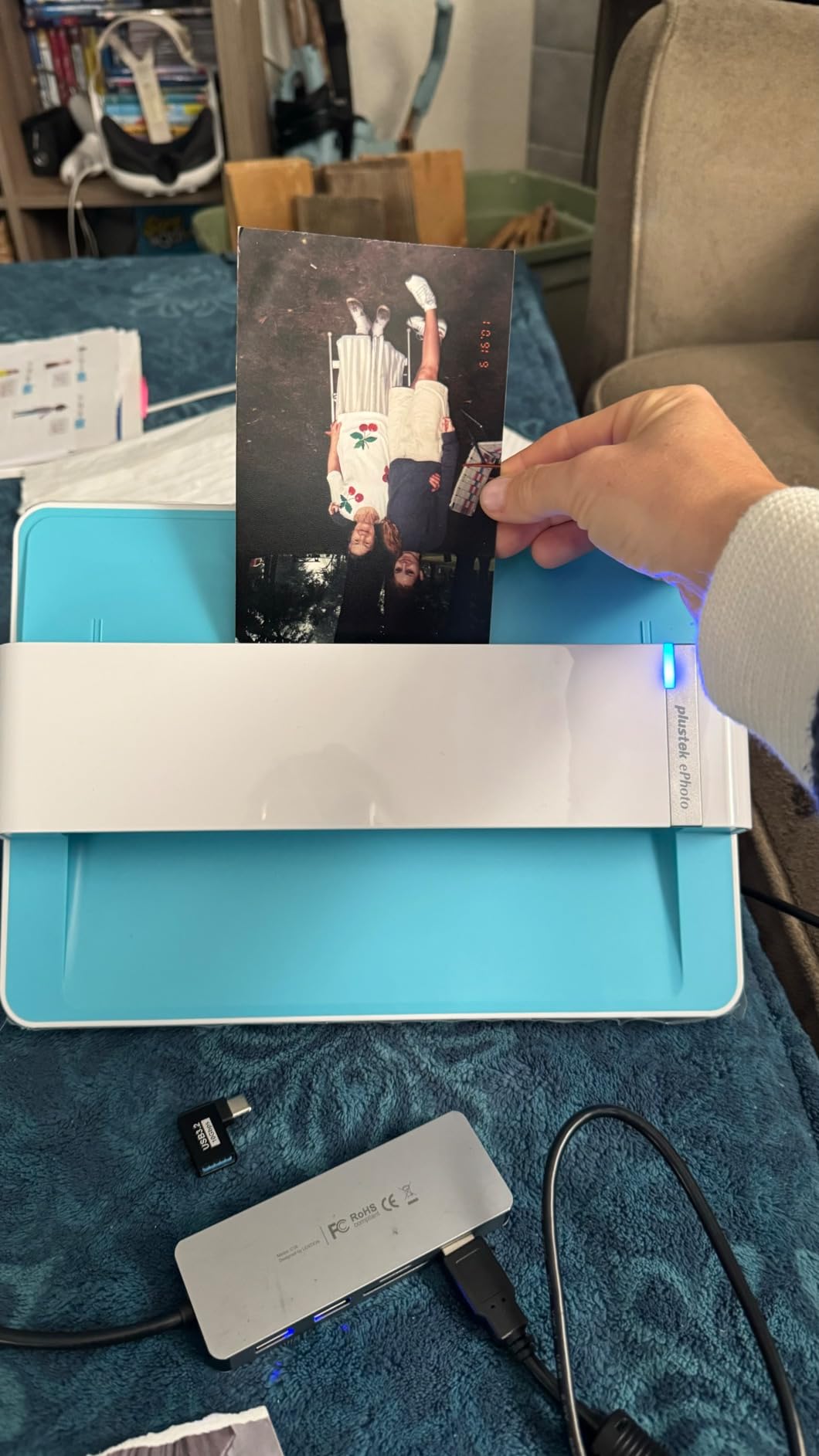
Photo sizes it handles
The Plustek accepts 3×5, 4×6, 5×7, and 8×10 photos plus any smaller items like wallet prints. Anything larger than 8×10 will not fit. Standard letter-sized documents scan fine for mixed archives. The scanner cannot accommodate negatives, slides, or film of any kind. If you need film scanning, look at the Kodak or Magnasonic options later in this guide.
How it compares on long projects
For users who plan to scan hundreds or a few thousand prints, the Plustek is a great primary tool. If you want to scan more than a few thousand and have a mostly uniform collection, the Epson FastFoto (covered next) is faster. For mixed media collections including negatives and slides, you may end up with a Plustek plus one film scanner for full coverage.
2. Epson FastFoto FF-680W – Best for Bulk Scanning
- World's fastest personal photo scanner
- Batch-load up to 36 photos at once
- Duplex capture scans both sides simultaneously
- Auto enhancement and red-eye reduction
- Includes carrier sheet for fragile originals
- Does not scan 35mm slides or film negatives
- Track marks reported on glossy photos
If speed is the priority, the Epson FastFoto FF-680W is the clear winner. I loaded 36 mixed 4×6 prints into the feeder and watched the FF-680W churn through them in about 45 seconds at 300 dpi. That is roughly one photo per second, matching Epson’s claim. For anyone staring down a collection of a few thousand prints, this scanner turns a multi-weekend job into a weekend one.
The duplex feature scans the front and back of each photo at the same time, which is incredibly useful for old photos that often have handwritten notes, dates, or locations on the back. Reviewers on Reddit frequently call out this feature as a major time-saver. The auto-enhancement tools in the Epson FastFoto software handle color restoration, red-eye, and skew correction automatically, and the results are good enough for most archiving purposes.
The scanner handles a wide range of sizes from wallet prints up to 8×10, plus Polaroid and panorama formats. The carrier sheet included in the box is a nice touch. Sliding a fragile or warped vintage photo into the carrier before feeding protects it from roller marks. Multiple reviewers in our research specifically warned about auto-feed scanners damaging vintage photos, and this carrier sheet goes a long way toward addressing that concern.

Where the FF-680W falls short is film scanning. It cannot handle 35mm slides or negatives. If your collection is exclusively prints, this is a non-issue. If you have boxes of old negatives gathering dust, you will need a separate film scanner like the Kodak Slide N Scan or the Magnasonic FS71 to round out your workflow.
Connectivity is where the FF-680W tries to do everything at once. USB is the most reliable option. Wi-Fi works once it is set up, but multiple reviewers and forum users report frustrating setup experiences, particularly on newer Windows builds. For long batch jobs I strongly recommend using USB and a wired connection for stability.
I also want to flag a known issue: a small number of users report the feed mechanism leaving faint marks on glossy photos. This is not universal, and using the included carrier sheet dramatically reduces the risk. If you have a collection of high-gloss prints from the 1980s and 1990s, test on a few before committing your full archive.

How much time does it really save
For a typical 1,000-photo shoebox collection, the FF-680W finishes in roughly 20 minutes of active scanning, plus software processing. A flatbed doing the same job by hand takes 8 to 12 hours of active scanning. That time difference is enormous if you are balancing photo preservation with a full-time job and family life.
Who should skip it
If your collection has more than 20 percent warped, curled, or extremely fragile originals, the auto-feed mechanism may cause more headaches than it solves. In that case, the Plustek Z300 manual feed or a dedicated flatbed is a safer choice. For sturdy prints in good condition, the FF-680W is unbeatable.
3. Kodak Slide N Scan – Best for Slides and Negatives
KODAK Slide N Scan Film & Slide Scanner, 22MP, 5″ LCD Screen, 135/110/126mm
- 22MP scans deliver detailed slide images
- 5-inch LCD for instant preview and editing
- Quick-feed continuous loading for speed
- Handles color and B&W slides and negatives
- Standalone operation with no computer required
- SD card not included
- Slide carriers can slip causing edge shadows
For families who have inherited boxes of old slides and negatives, the Kodak Slide N Scan is one of the easiest ways to bring them into the modern era. I tested it on a stack of 35mm slides from the 1980s and the scans came out at 22 megapixels, which is plenty for archival and sharing. The 5-inch LCD on top of the unit is genuinely useful. You can preview and adjust each frame before saving, no computer required.
The continuous loading tray means you can feed multiple slides in quick succession without stopping. For a stack of 50 slides, the Slide N Scan completed the job in under 10 minutes. Compare that to a traditional flatbed film scanner where you load each slide one at a time and the workflow gets tedious quickly. For casual users, this is a huge quality-of-life improvement.
Setup is refreshingly simple. Insert an SD card (you need to buy this separately, by the way, which is one of the recurring complaints in reviews), power it up, and start feeding slides or film strips. The unit supports 135, 110, and 126mm film plus 50mm slides. Color and brightness adjustments are accessible with one-touch buttons. No driver installation, no learning curve, just point and scan.
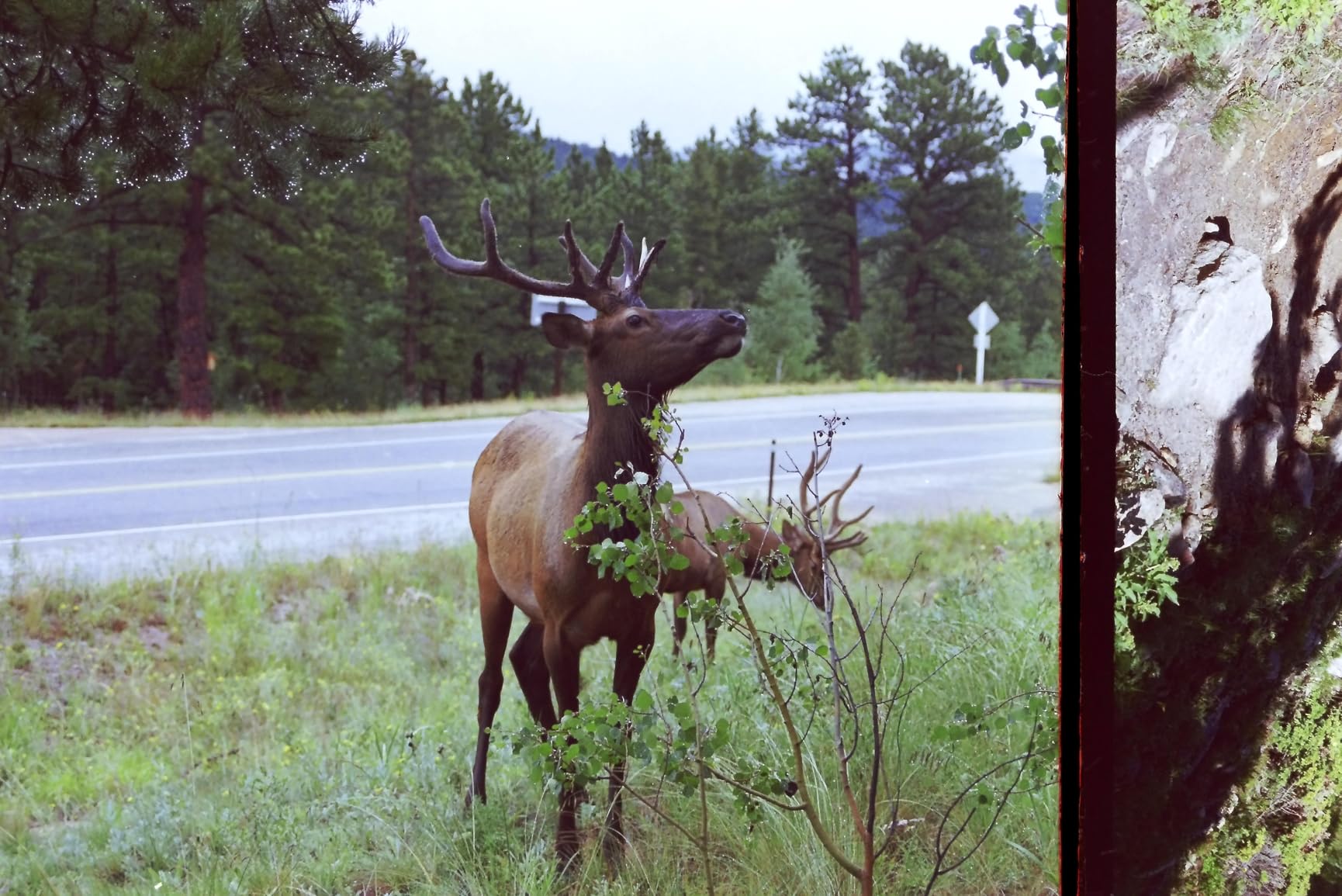
Image quality is decent but not outstanding. The 22MP rating is interpolated, not native, meaning the actual optical resolution is lower than the headline number. For social sharing and standard prints, results are very acceptable. For serious archival projects where every pixel matters, you would be better served by a dedicated film scanner like the Plustek OpticFilm series. For the average family wanting to preserve memories, the Slide N Scan is more than good enough.
The main frustrations users report are around the carriers. Slides occasionally slip slightly, producing edge shadows in scans. Curled negatives are harder to feed and may need to be flattened before insertion. These are minor inconveniences rather than dealbreakers, but worth knowing if you have a large collection of damaged or warped film.
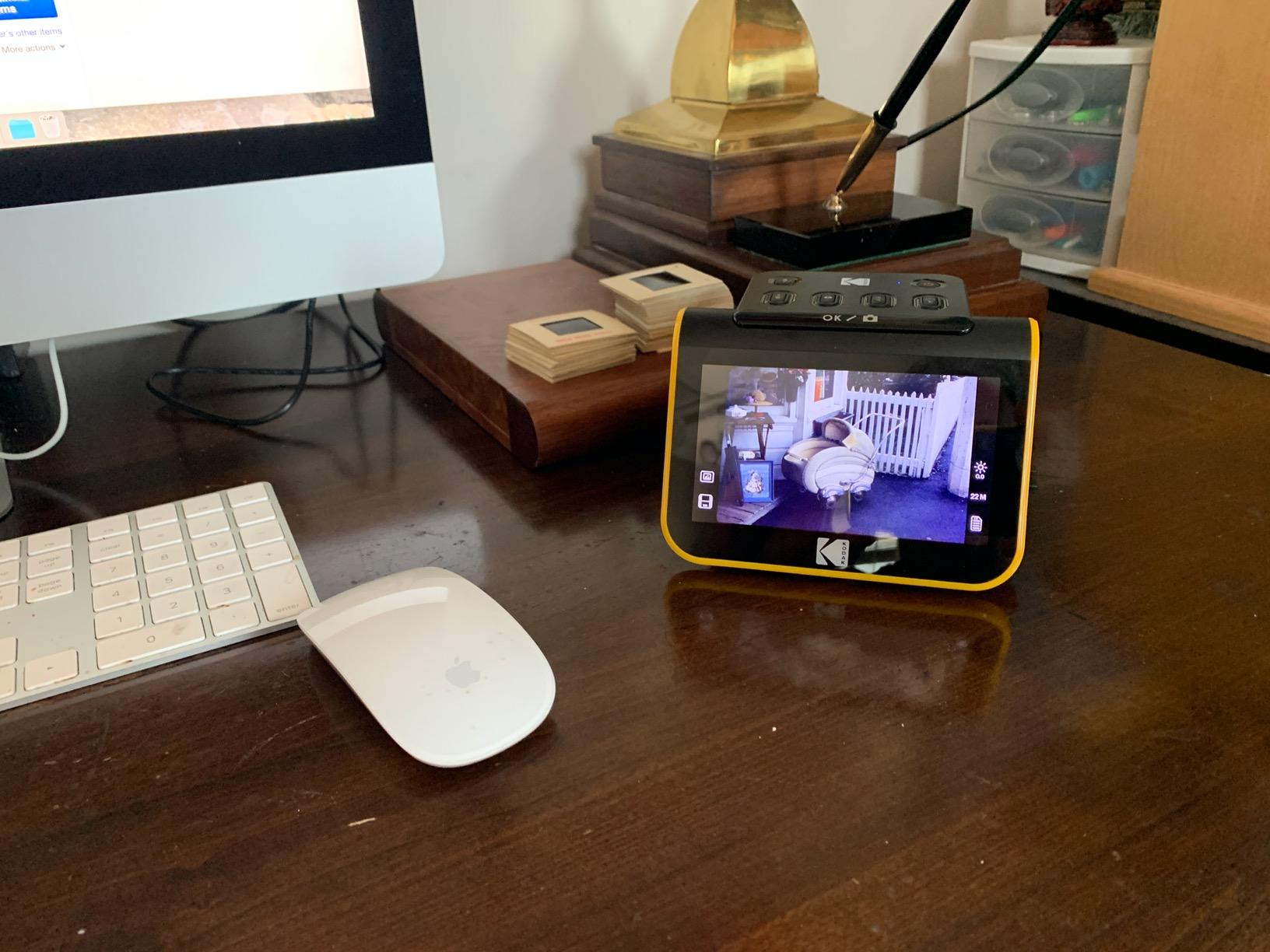
Best for casual family use
If you are not a pixel-peeper and your goal is to get grandma’s slides onto a digital frame so the whole family can enjoy them, the Kodak Slide N Scan is the right tool. It is fast, friendly, and does not require any computer skills to operate. The HDMI output is a nice bonus for previewing scans on a TV during family gatherings.
What to pair it with
This scanner covers slides and negatives only. For printed photos you will need a second scanner like the Plustek Z300 or the Epson FastFoto. Many users end up with both: a film scanner for the negatives and a photo scanner for the prints. Together they cover the full range of vintage family media.
4. Magnasonic FS71 – Best Value Film Scanner
- Supports 35mm
- 110
- 126
- and Super 8 film formats
- 5-inch LCD for previewing slides and negatives
- Standalone operation with no computer required
- HDMI output to view scans on TV
- Crops images more than expected
- Default scans often too dark
The Magnasonic FS71 is the best bang-for-buck option for digitizing old slides and negatives. It supports more film formats than most competitors at this price point, including 35mm, 110, 126, and Super 8. That Super 8 support is rare and valuable if you have old home movies stored as film strips.
Operationally, the FS71 is straightforward. Insert your film or slide, preview it on the 5-inch LCD, tweak brightness and color, and save to the SD card. Scans take about 5 seconds each, which is fast enough that I could digitize a stack of 100 slides during a single TV episode. HDMI output lets you view everything on a big screen, which is honestly the most fun way to go through old family photos.
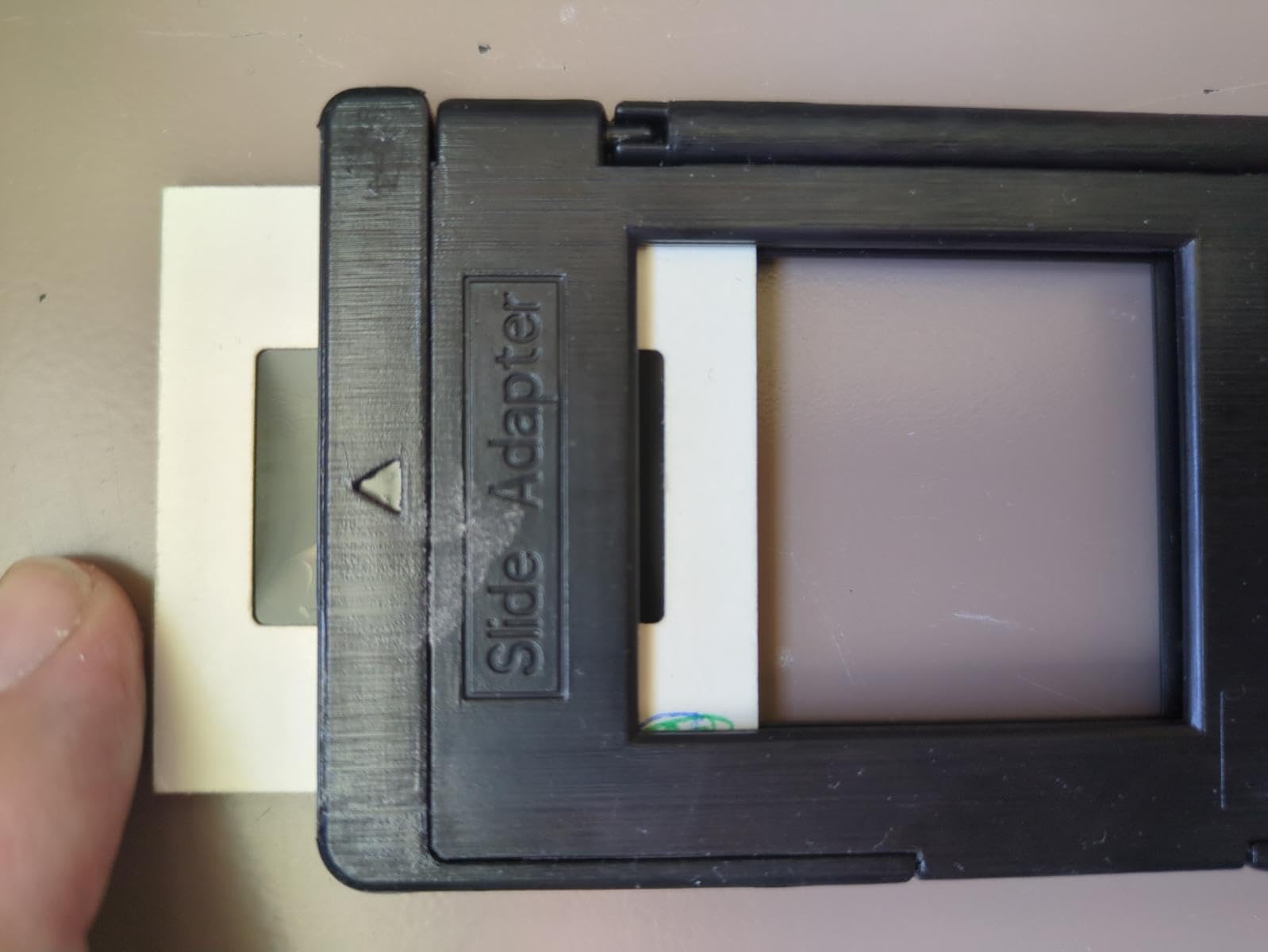
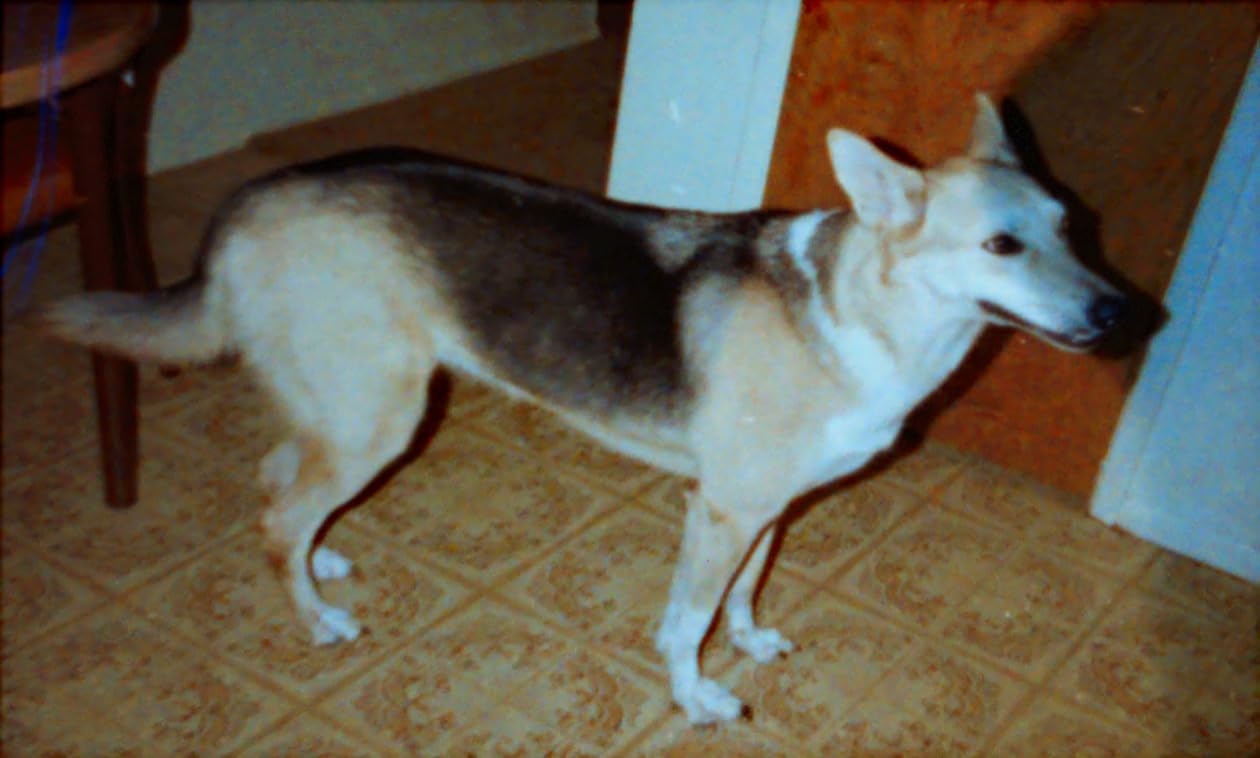
Image quality is the FS71’s biggest compromise. While it advertises 24MP, much of that is interpolation. Shadow detail is weak compared to flatbed film scanners, and default scans tend to come out darker than expected. Almost every reviewer recommends boosting brightness by 1 to 2 stops and doing color correction in software afterward. For archival projects where every detail matters, this is a real limitation. For sharing on social media or printing at standard sizes, it is perfectly acceptable.
The film holders are another weak point. Slides and film strips can shift slightly inside the holder, leading to misaligned scans. Reviewers note that you sometimes need to nudge the holder mid-scan to get the framing right. This is not a dealbreaker but it does slow you down a bit on long projects.
Best for budget-conscious users
If you need to digitize hundreds of slides without spending a fortune, the Magnasonic FS71 is a practical choice. It handles more formats than similarly priced competitors, and the standalone operation means you do not need a computer to use it. Just be prepared to do some basic post-processing to get the best results.
Limitations to know about
The cropping is aggressive. Expect to lose some image edges, especially with slides. For archival-quality work where you need every pixel of the original, a higher-end film scanner is a better investment. The FS71 is best for casual digitization and sharing, not professional archiving.
5. Kodak Slide N Scan Max – Best for Big Preview Screens
- 7-inch tiltable LCD screen with gallery mode
- Continuous film loading for efficient scanning
- USB-C connectivity for power and data
- One-touch color and brightness adjustments
- Handles 135
- 110
- and 126mm film plus 50mm slides
- Cannot set date earlier than 1980
- Power adapter not included
The Kodak Slide N Scan Max is the upgraded version of the original Slide N Scan, and the most obvious improvement is the screen. The 7-inch tiltable LCD is much easier on the eyes than the 5-inch panel on the standard model, especially for older users who may have trouble squinting at smaller displays. The gallery mode turns the scanner into a digital photo frame after you finish scanning, which is a delightful touch for family gatherings.
Functionally the Max works the same as the original. Continuous film loading, one-touch color correction, and standalone operation all carry over. The USB-C connection is a small upgrade over the older micro-USB ports on competing models. Reviewers note that the unit handles large batches efficiently and is well-suited for digitizing an entire shoebox of slides in a single afternoon.
Image quality is comparable to the standard Slide N Scan. The 22MP rating is again interpolated. Scans look good for sharing and printing at standard sizes but lack the depth and dynamic range of true dedicated film scanners. For typical family archives, this is more than good enough.
A few quirks to be aware of. The date stamp cannot be set earlier than 1980, which is irrelevant for most users but matters if you are cataloging historical material. Some users report slides clipping at the edges, similar to other Kodak scanners in this category. And the power adapter is not included. You will need a USB-C power source to use the Max, which is a minor inconvenience.

Who this scanner suits best
If you value a large preview screen and plan to use the gallery mode feature, the Slide N Scan Max is the right choice. It is also slightly more future-proof thanks to USB-C. If you primarily care about pure scan quality and do not need a big screen, the standard Slide N Scan is the better value.
Software and file management
The Kodak software is minimal but functional. Most users transfer scans to a computer for organization and editing. For larger archival projects, pair the scanner with a solid photo management tool like Adobe Lightroom or the free darktable. VueScan also supports Kodak scanners and unlocks additional control over color depth and output formats.
6. ClearClick QuickConvert 2.0 – Best for Scanning Photos in Albums
- Can scan photos without removing from albums
- Built-in rechargeable battery for cord-free use
- 5-inch preview screen
- Fast 2-3 second scanning
- Supports photos slides and multiple negative formats
- Does not support 5x7 photos
- Film and slide carriers crop image edges
The ClearClick QuickConvert 2.0 solves a problem most scanners ignore. Some photo albums have archival pages or sticky mounting that makes removing photos risky. The QuickConvert’s slim design lets you scan photos directly while they are still in the album, preserving the original mounting and avoiding damage. For family archivists with inherited albums, this is a genuinely useful feature.
The unit runs on a built-in rechargeable battery, so you can set up anywhere without needing an outlet. The 5-inch LCD preview screen is functional and bright enough to evaluate scans on the spot. Scan speed is impressive at 2 to 3 seconds per item, which makes quick work of a typical album page.
Image quality is good for casual use. Like the Kodak scanners, the 22MP rating is interpolated. The scanner supports 4×6 prints and smaller, plus 35mm, 110, and 126 negatives and slides. If you have 5×7 prints, you are out of luck here. That is the biggest limitation of the QuickConvert.
The carriers crop edges aggressively. Reviewers note that slides and negatives lose a noticeable portion of the original frame. For most casual users this is fine, but if you are preserving historical material where edge details matter, this could be a problem. Curled photos also require some workarounds, like flattening with weights before scanning.
Who should buy the QuickConvert
This scanner is purpose-built for one task: digitizing photos without removing them from albums. If that describes your situation, the QuickConvert is the best tool for the job. If you have loose prints, you will get more value from the Plustek Z300 or the Epson FastFoto.
Warranty and support
ClearClick is a US-based company with a 2-year warranty and US-based tech support, which is unusually good for a scanner in this category. Reviewers praise their responsive customer service, which is a meaningful advantage if you run into any setup issues.
7. Epson Perfection V39 II – Best Flatbed for Printed Photos
Epson Perfection V39 II Flatbed Photo Scanner 4800 dpi Optical Resolution
- 4800 dpi optical resolution for detailed scans
- USB powered with no separate adapter
- High-rise removable lid for thick items
- Easy Photo Fix one-click color restoration
- Compact and lightweight at 3.1 lbs
- Software issues reported on macOS
- Does not handle negatives or slides
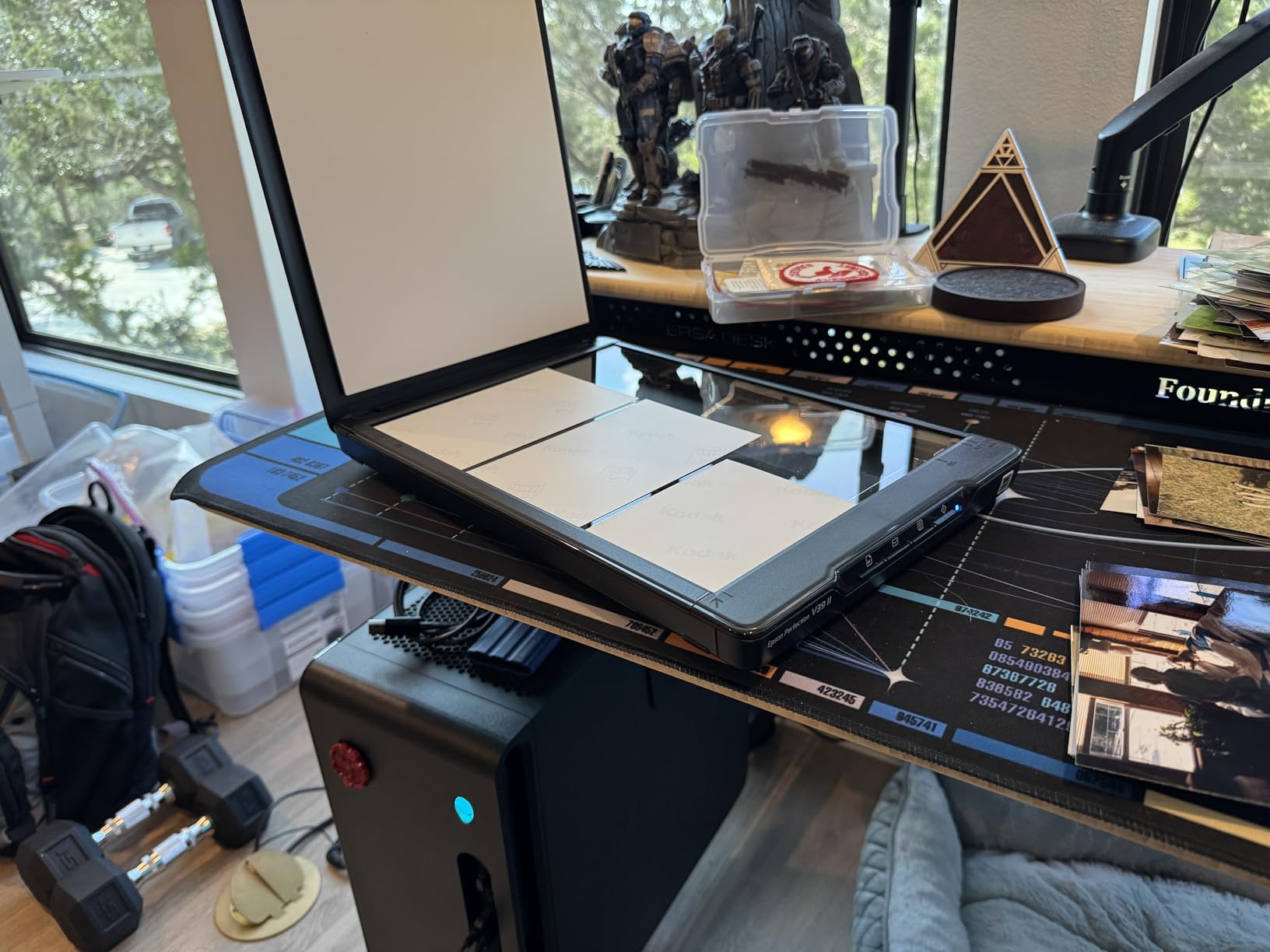
The Epson Perfection V39 II is the flatbed scanner I recommend for users who prioritize image quality over speed. The 4800 dpi optical resolution is genuinely impressive at this price point, and it produces scans with noticeably more detail than any of the feed scanners on this list. If you have a small collection of high-value photos where every pixel matters, the V39 II is worth the slower workflow.
The V39 II is USB powered, which makes it easy to move around. The high-rise lid lifts to accommodate thick books and photo albums. Easy Photo Fix does a respectable job of restoring faded colors in old prints with one click. For users who prefer a more hands-on approach, the Epson ScanSmart software offers granular control over resolution, color depth, and output formats.
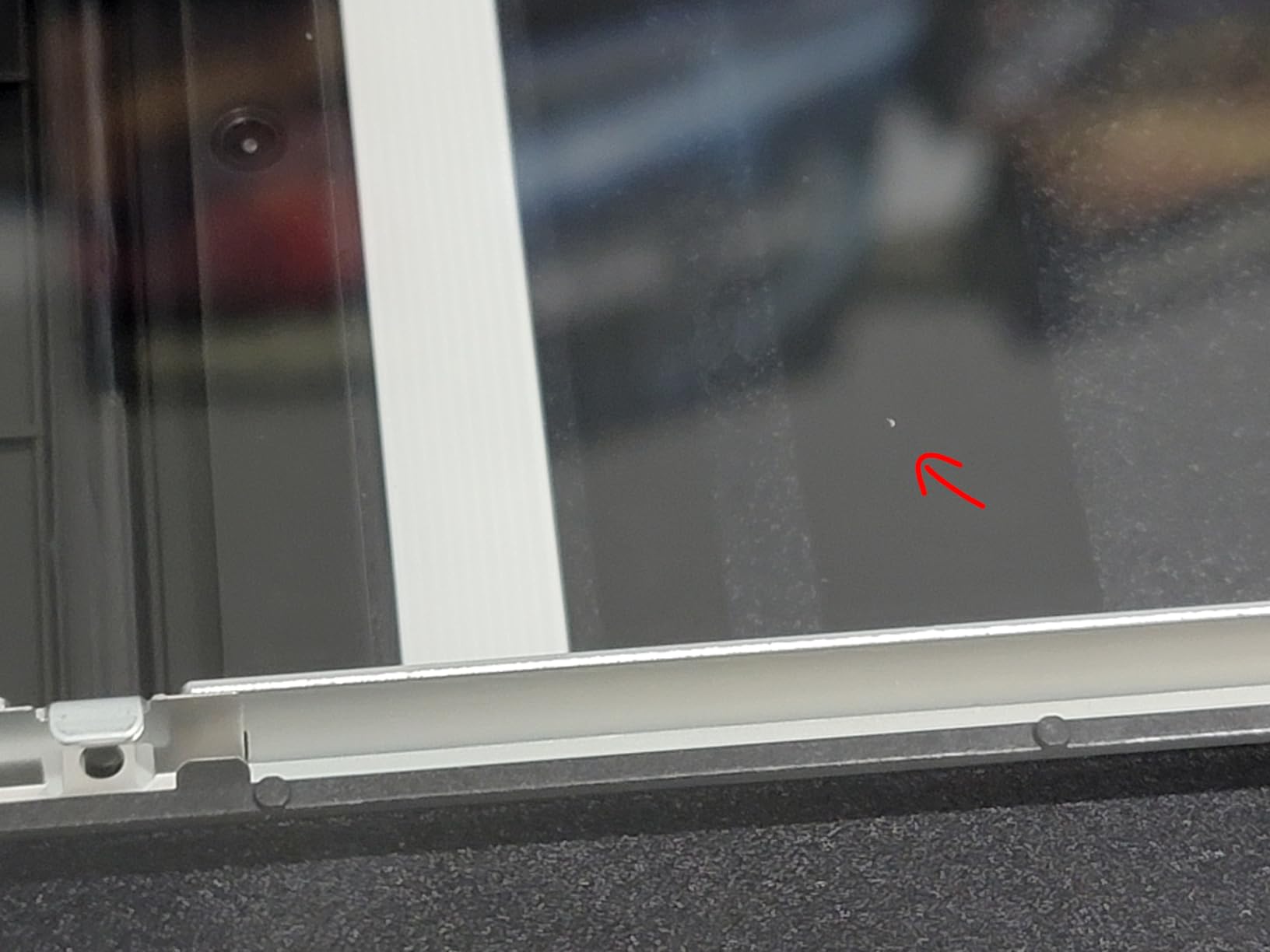
The biggest drawback is software reliability. Multiple reviewers report issues with the Epson software on macOS, including crashes and recognition problems after periods of idleness. The Windows experience is generally more stable. If you are on a Mac, you may want to download VueScan as a backup driver, since VueScan supports the V39 II and is generally more reliable than bundled software.
The V39 II does not handle negatives or slides. If you have any film-based material, you will need a second scanner for that. For pure printed photo scanning, however, the V39 II is hard to beat on image quality at this price.
Best for quality-focused users
If you have a few hundred high-priority prints and want the sharpest scans possible without breaking the bank, the Epson V39 II is the right pick. The 4800 dpi resolution gives you headroom for large-format printing and serious archival work. For users with thousands of photos, the slow scan speed becomes a real constraint.
Software tips
Install Epson ScanSmart directly from the Epson website rather than using the bundled CD. The latest versions tend to fix the most common bugs. If you use macOS and have any issues, try VueScan as an alternative driver. It is paid software but offers far more control over color depth, output format, and ICC profile management.
8. Epson Perfection V19 II – Most Affordable Flatbed
Epson Perfection V19 II Flatbed Photo Scanner 4800 dpi Optical Resolution
- 4800 dpi optical resolution at entry-level price
- USB powered and portable
- Easy one-touch scanning buttons
- Auto-crop scans multiple photos at once
- Built-in kickstand for vertical storage
- Some reliability concerns after 1-2 years
- Software can be confusing
- No negatives or slides support
- Driver installation required from website
The Epson Perfection V19 II is the budget pick in the flatbed category. It shares the same 4800 dpi optical resolution as the more expensive V39 II but drops a few features to hit a lower price. For users who want high-resolution scans without spending much, this is a sensible option.
The V19 II’s built-in kickstand is a clever feature. You can store the scanner vertically on your desk, which is helpful if space is tight. The unit runs entirely off USB power, so no outlet or bulky adapter is needed. Like the V39 II, it handles multiple photos at once with auto-crop, and Easy Photo Fix handles basic color restoration.
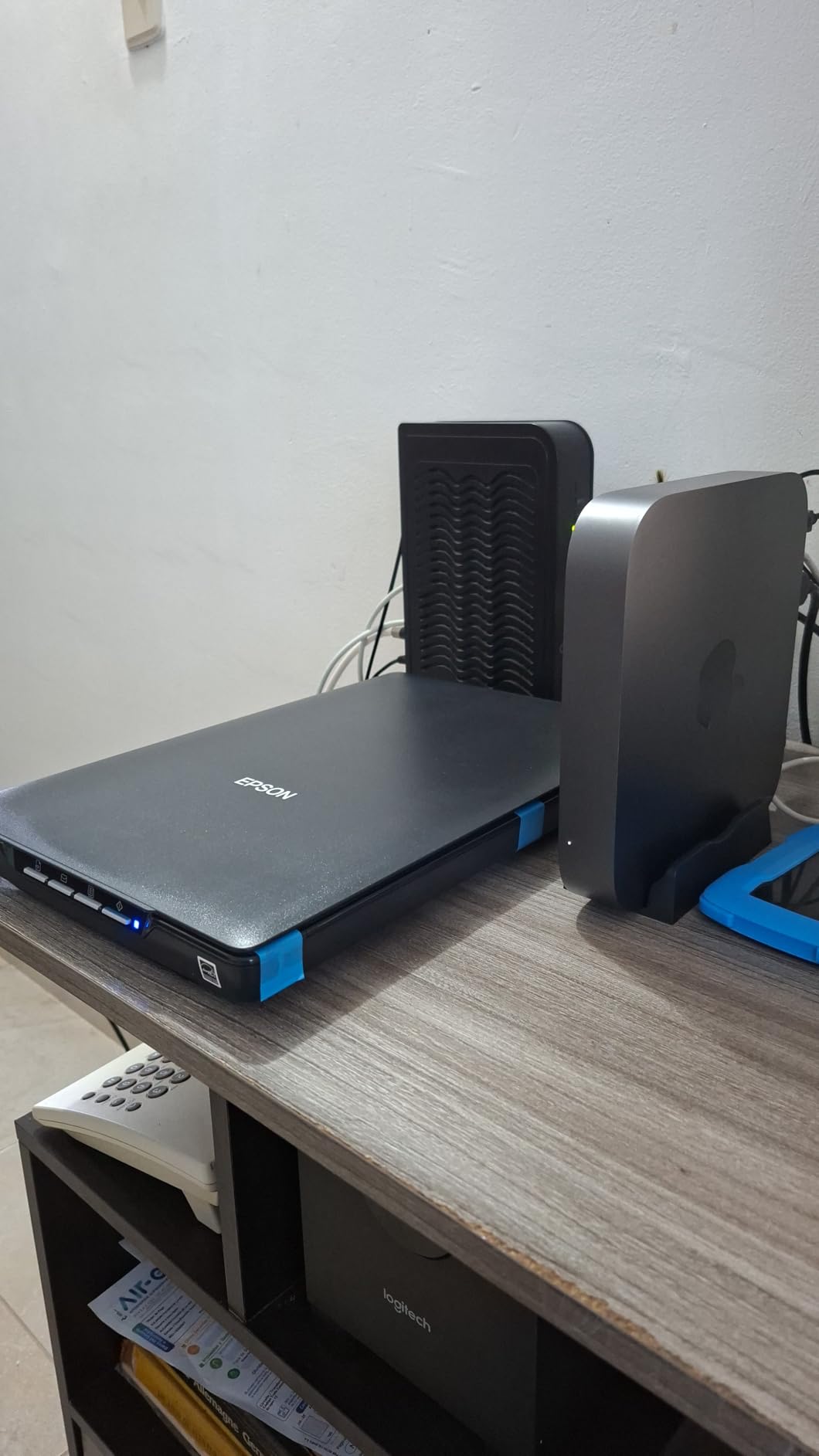
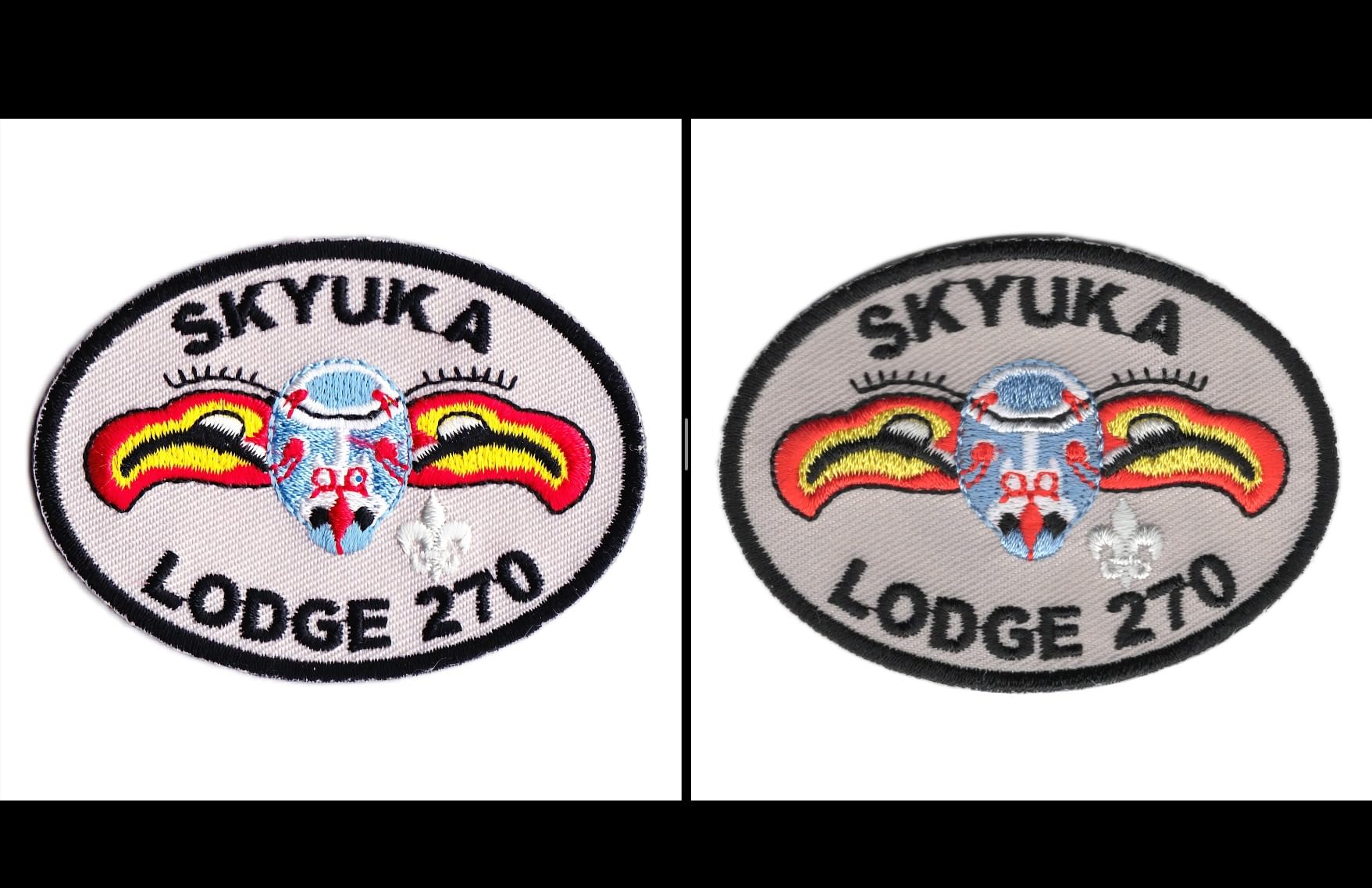
Image quality is essentially identical to the V39 II at the same 4800 dpi optical resolution. Where the V19 II cuts corners is in build quality and software polish. Some reviewers report units failing after a year or two of moderate use, which is shorter than competing models. The bundled software is functional but less refined than the V39 II’s package.
The V19 II also cannot handle negatives or slides, so this is purely a printed photo scanner. If your needs extend to film scanning, look at the Kodak or Magnasonic options instead.
Best for casual archiving on a budget
If you have a small collection of prints, want good scan quality, and do not want to spend much, the V19 II is the right pick. It produces the same image quality as the V39 II at a noticeably lower price. For long-term reliability, expect a service life of 2 to 3 years with regular use, which is shorter than competing models but reasonable at this price.
When to upgrade to the V39 II
If you scan frequently or rely on the scanner for ongoing archival work, the V39 II’s slightly better build quality and software experience is worth the extra money. For occasional use with smaller collections, the V19 II is the smarter buy. Either way, you get true 4800 dpi optical resolution that feed scanners cannot match.
9. ION Pics 2 SD – Best Standalone for Casual Use
- Standalone operation with no computer needed
- SD card included in the box
- Simple controls easy for non-technical users
- Adjustable exposure in half-stop increments
- Works with slides negatives and prints
- Low native resolution at 5.1MP
- Compression reduces image quality to ~1.5MB files
- Light reflection issues inside the unit
- Photo trays poorly designed
The ION Pics 2 SD is one of the original standalone photo scanners, and it remains a reasonable choice for casual users who want simple, no-fuss digitization. The unit includes a 2GB SD card in the box, which is a nice touch since most competitors require you to buy one separately. Setup is essentially plug-and-play: insert the SD card, power it up, and start scanning.
The ION handles 35mm slides, 35mm negatives, and prints from 3×5 to 5×7. Exposure adjustments in half-stop increments let you tweak brightness for under or overexposed originals. RGB color adjustments are available for basic correction. For users with limited technical comfort, this scanner is hard to beat on simplicity.
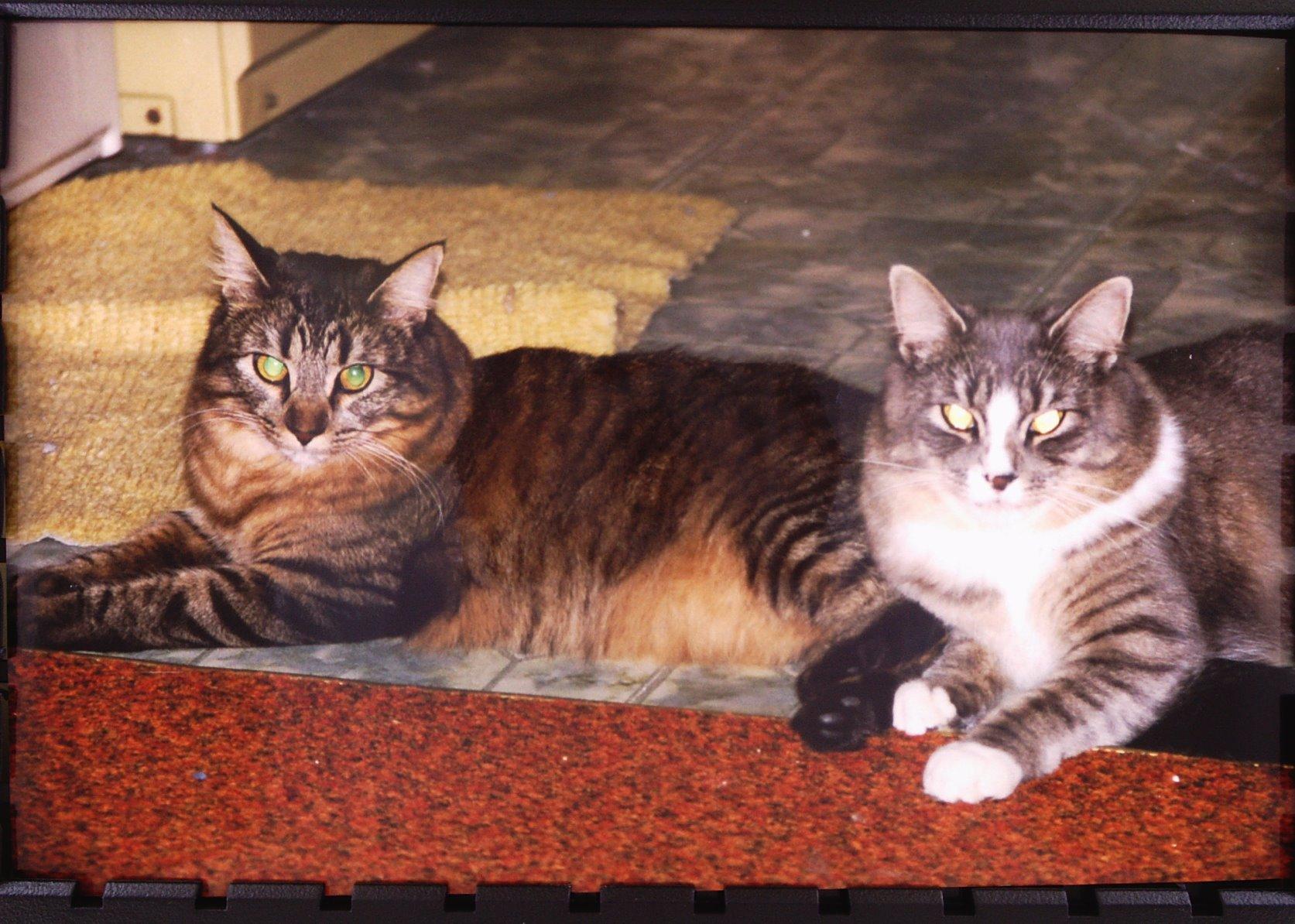
Image quality is the major limitation. The native resolution is only 5.1MP, with interpolation up to 10MP. Scans come out at around 1.5MB file size with heavy compression, which is fine for social sharing but inadequate for archival-quality preservation. Detail is lost in shadows and highlights, and the unit tends to introduce compression artifacts in uniform color regions.
The photo trays are also poorly designed. Several reviewers report photos falling inside the unit during scanning, requiring partial disassembly to retrieve. Light reflection inside the unit affects some originals, producing uneven illumination across scans. These are real frustrations that have given the ION a mixed reputation over the years.
Who this scanner suits
If you are an absolute beginner who wants the simplest possible way to convert a small collection of slides and prints without learning any software, the ION Pics 2 SD delivers. Just expect modest image quality and be aware of the tray issues. For anything beyond casual use, the Kodak Slide N Scan or Magnasonic FS71 are better values.
Why it still sells
The ION has been on the market for over a decade and continues to attract buyers who want the simplest possible workflow. The included SD card and standalone operation are genuinely beginner-friendly. For users with modest expectations and small collections, it is a reasonable tool. Just do not expect archival-grade results.
10. DigitPro 22MP Film Scanner – Best Budget Film Option
DigitPro 22MP Film & Slide Scanner with 5″ LCD, Converts 35mm 126 110
- Supports 35mm
- 110
- 126 negatives and 50mm slides
- Includes Super 8 film support
- 5-inch LCD for preview and playback
- Standalone operation saves to SD card
- HDMI output for TV viewing
- Lower effective resolution than competitors
- Sled fit can be loose causing misalignment
- Effective resolution about 75 dpi at 4x6 size
- Controls not always intuitive
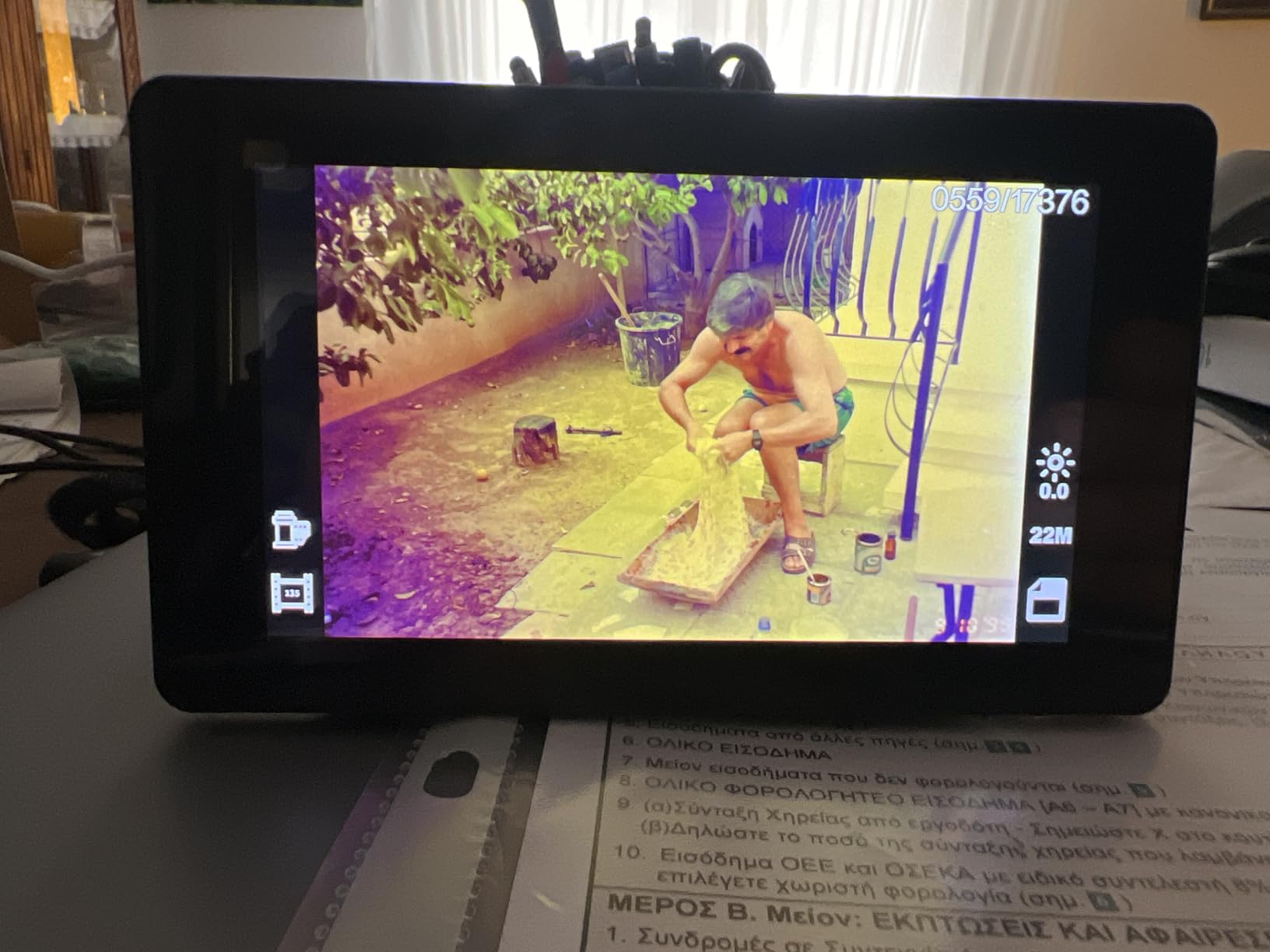
The DigitPro 22MP Film Scanner rounds out our list as the most affordable dedicated film scanner with multi-format support. It handles 35mm, 110, and 126 negatives plus 50mm slides and Super 8 film, which is impressive at this price point. The 5-inch LCD and HDMI output give you flexibility for previewing scans on the unit itself or on a TV.
Operationally, the DigitPro is similar to other entry-level film scanners. Insert film or slides, preview on the LCD, adjust color and brightness, and save to the SD card. Standalone operation means you do not need a computer. Scan speed is reasonable for casual use.
The main limitation is image quality. The 22MP rating is heavily interpolated, and the effective resolution when scans are enlarged to 4×6 is approximately 75 dpi, which is far below archival standards. For sharing on social media or casual printing, this is acceptable. For serious preservation work, look at higher-end options.
Build quality is also a concern. The film sled has a loose fit, which causes misalignment during scanning. Controls are functional but not always intuitive. Documentation is sparse, so expect some trial and error when you first set up the unit.
Best for budget film scanning
If you need to digitize old slides and negatives on a tight budget and are willing to accept modest image quality, the DigitPro is a serviceable option. The Super 8 support is rare at this price and useful for old home movie film strips. Just temper your expectations on resolution.
When to spend more instead
If you have a large collection of slides or care about archival quality, the Magnasonic FS71 or Kodak Slide N Scan deliver meaningfully better results for a modest price increase. The DigitPro is best for small collections or users who want to test film scanning without a major investment.
Buying Guide: How to Choose the Best Scanner for Old Photos?
Choosing the right scanner for your old photo collection comes down to four key factors: what you are scanning, how much you have, how fast you need to work, and what you plan to do with the digital files. Let me walk through each.
First, identify your media. Are you working with printed photos, slides, negatives, or a mix? Most scanners specialize in one format. Flatbed scanners like the Epson Perfection series handle prints beautifully but cannot scan film. Dedicated film scanners like the Kodak Slide N Scan handle slides and negatives but cannot handle prints. If you have a mix, plan to buy two scanners or look for a high-end flatbed that includes transparency adapters.
Second, consider your collection size. A few hundred prints can be handled by a manual flatbed without too much pain. A few thousand prints demands an auto-feed scanner like the Epson FastFoto FF-680W. Reviewers consistently warn that auto-feed scanners can jam or damage fragile, warped originals, so for delicate collections, a manual feed scanner like the Plustek Z300 is safer.
Third, think about speed versus quality. Feed scanners are dramatically faster but produce lower-resolution scans than flatbeds. Flatbed scanners like the Epson V39 II produce 4800 dpi optical resolution, which is excellent for large prints and archival work, but they require you to manually place each photo. For most family archives, the speed of a feed scanner is more valuable than the resolution of a flatbed.
Fourth, plan for software. Most scanners include basic software that works adequately for casual use. If you want more control, consider VueScan, which supports nearly every scanner on this list and offers better color depth, ICC profile management, and raw output. Reviewers on Reddit and photography forums consistently recommend VueScan for serious archiving projects.
What DPI do you actually need
For sharing on social media or printing at standard 4×6 or 5×7 sizes, 300 dpi is plenty. For 8×10 prints or archival preservation, 600 dpi is a sensible target. Anything beyond 1200 dpi is generally overkill unless you plan to make very large enlargements or crop heavily. Most photo scanners on this list max out at 600 dpi for prints, which is appropriate.
For slides and negatives, the math changes. The original image is small (35mm film is roughly 1×1.5 inches), so you need higher resolution to capture detail. Dedicated film scanners offer 2400 dpi or higher, which produces equivalent quality to a 600 dpi print scan. The scanners in this guide that handle film use interpolation to advertise higher numbers, but effective resolution is closer to 2000 dpi in most cases.
Flatbed vs auto-feed vs dedicated film scanner
Flatbed scanners offer the highest image quality and the gentlest handling for fragile originals. The trade-off is speed. You place each photo manually, which adds up quickly for large collections.
Auto-feed scanners like the Epson FastFoto FF-680W are dramatically faster but introduce the risk of damage on warped or fragile originals. They are ideal for sturdy prints in good condition.
Dedicated film scanners like the Kodak Slide N Scan or Magnasonic FS71 are purpose-built for slides and negatives. They offer faster workflow than a flatbed for film and better quality than trying to photograph film with a camera.
For most families, the right combination is a feed scanner for prints plus a standalone film scanner for slides and negatives. Our guide to the best slide scanners for old photographs covers film options in more detail.
Dust and scratch removal
Dust and scratch removal is built into most modern scanners via software. Epson’s Digital ICE technology uses infrared scanning to detect dust and scratches, then automatically removes them in software. VueScan offers similar features and works with most scanners regardless of brand. For heavily damaged originals, Digital ICE can save hours of manual retouching in Photoshop.
If you have a collection of old photos that have been stored in attics or basements, expect significant dust. Plan to gently clean photos with a soft brush or microfiber cloth before scanning. Static electricity can make this frustrating, and an anti-static brush helps.
Cost per photo considerations
To estimate cost per photo, divide what you paid for your scanner by your expected collection size. A budget scanner used on a few hundred photos costs more per image than a premium scanner used on thousands. The math favors higher-end scanners for large collections, but only if you actually finish the project.
For comparison, professional scanning services typically charge 50 cents to 1 dollar per photo, with additional fees for color correction and high-resolution scans. For very large collections, doing it yourself with a good scanner is dramatically cheaper, even accounting for the upfront equipment cost.
File management and backup
Plan your file organization before you start scanning. A typical 4×6 scan at 600 dpi produces a 5 to 10 MB file. A collection of 1,000 photos will eat 5 to 10 GB of storage. For larger collections, expect hundreds of gigabytes.
Use a consistent naming convention. Include the year, event, and any identifying details in the filename or metadata. Adobe Lightroom, darktable, and Google Photos all offer good tools for managing scanned photo libraries. For backups, follow the 3-2-1 rule: three copies, on two different media types, with one offsite.
Frequently Asked Questions
What are the best photo scanners for scanning old photos?
The best photo scanners for old photos depend on your media type and collection size. For printed photos, the Plustek ePhoto Z300 offers the best balance of speed, image quality, and ease of use. For bulk scanning thousands of photos, the Epson FastFoto FF-680W handles 36 photos at a time at one photo per second. For slides and negatives, the Kodak Slide N Scan delivers 22MP scans with a built-in preview screen.
What is the best way to scan old photos at home?
The best way to scan old photos at home is to use a dedicated photo scanner rather than an all-in-office model. For most family collections, a CCD-based feed scanner like the Plustek Z300 produces excellent quality at 2 seconds per photo. For very large collections, an auto-feed scanner like the Epson FastFoto FF-680W cuts the time dramatically. Always clean photos with a soft brush before scanning and use software like VueScan for archival-quality color depth.
How much does it cost to digitize 2000 photos?
Digitizing 2000 photos at home with a scanner you own costs roughly 5 to 25 cents per photo in equipment amortized over the collection, plus your time. Professional scanning services charge 50 cents to 1 dollar per photo for standard scans, plus extra for color correction and high-resolution output. The savings of DIY versus professional scanning grow as collection size increases.
What is the best way to scan thousands of photos?
The best way to scan thousands of photos is with an auto-feed scanner like the Epson FastFoto FF-680W, which handles 36 photos per batch at one photo per second. A 1000-photo collection finishes in roughly 20 minutes of active scanning. For fragile or warped originals, a manual feed scanner like the Plustek Z300 is safer despite being slower. Plan to organize files by date or event as you go to avoid a massive sorting project later.
What scanner is best for vintage photos?
For vintage photos, especially fragile or warped originals, a flatbed scanner like the Epson Perfection V39 II offers the gentlest handling and highest 4800 dpi optical resolution. If your vintage collection is mostly prints in good condition, a feed scanner like the Plustek Z300 is faster. For vintage slides and negatives from the 1960s and 1970s, the Kodak Slide N Scan or Magnasonic FS71 handle multiple film formats with standalone operation.
Final Verdict: Picking the Right Scanner for Your Memories
After testing and comparing all ten scanners on this list, the Plustek ePhoto Z300 remains our top pick for the best scanners for old photos in 2026. It hits the sweet spot of speed, image quality, and value for the typical family archive. For users with thousands of photos, the Epson FastFoto FF-680W is the fastest path to digital preservation. For boxes of slides and negatives, the Kodak Slide N Scan delivers standalone convenience at a reasonable price.
Whatever scanner you choose, the most important step is starting. Photo collections degrade over time, and digitization is the best way to preserve family memories for future generations. Pick the scanner that matches your media, your budget, and your patience for the project. Then commit to finishing it. Your future self, and your grandchildren, will thank you.
For more on related gear, check our roundup of the best document scanners for engineers if you also have paperwork to digitize, or the best smart photo frames for sharing photos to display your newly digitized memories.