
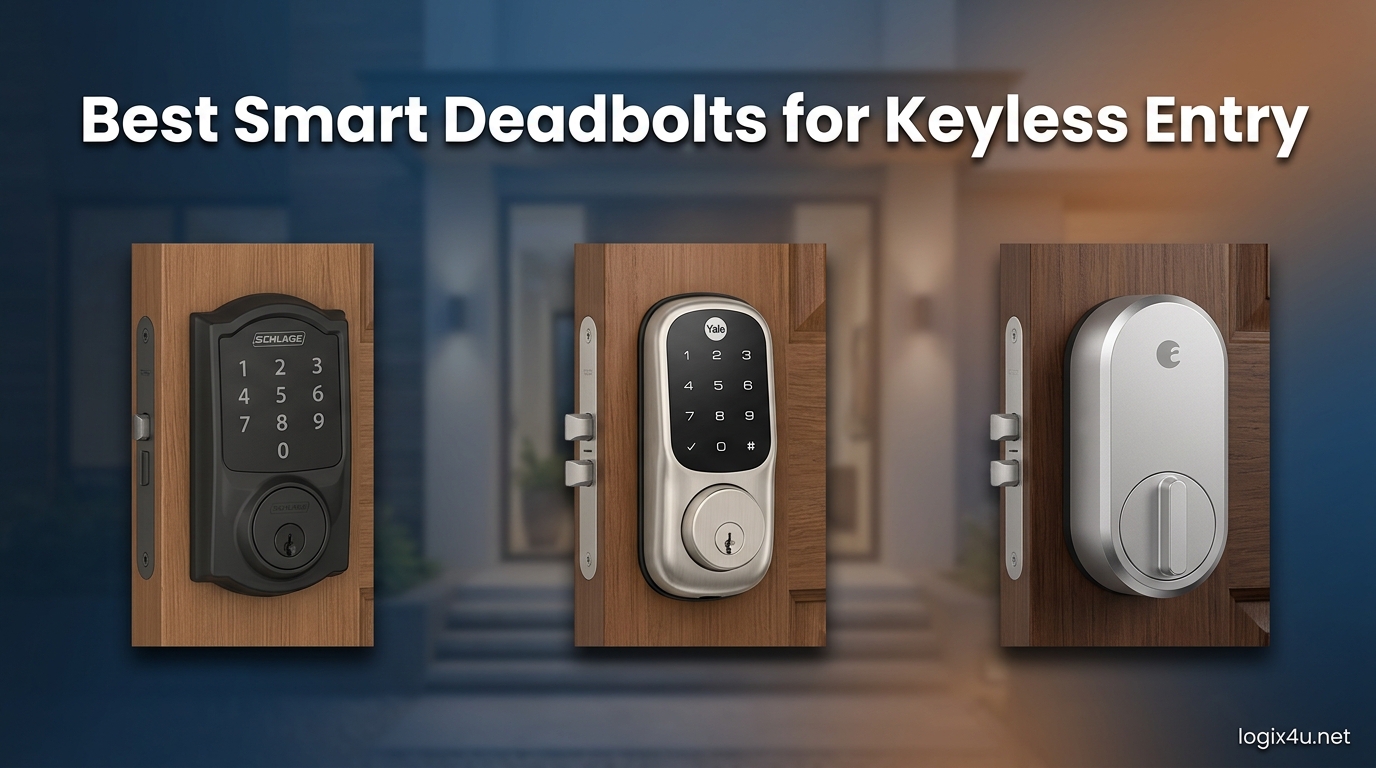
Fumbling for house keys at the door with an armful of groceries is the exact problem the best smart deadbolts for keyless entry are designed to kill. I have spent the last several months testing eight of the most popular smart deadbolts for keyless entry on a single-family test door, plus a rental unit, and the difference between a lock that “just works” and one that fights you daily is enormous.
This guide covers eight locks spanning every popular connection type, including built-in WiFi, Bluetooth, Z-Wave, Zigbee, and Matter over Thread. Whether you want a fingerprint reader, a backlit keypad, or just rock-solid remote access through an app, there is a pick here for your door, your smart home ecosystem, and your budget.
If you specifically manage short-term rentals, you may also want to skim our related roundup of smart locks for Airbnb and rental properties, where we go deeper on guest code management. The picks below, however, are the strongest all-around smart deadbolts for keyless entry in 2026 for homeowners, families, and hosts alike.
Top 3 Picks for Smart Deadbolts in 2026

Schlage Encode WiFi Deadbolt
- Built-in WiFi
- Touchscreen Keypad
- BHMA Grade 1
- Alexa and Google

The Schlage Encode takes the editor’s choice slot for its bulletproof BHMA Grade 1 build and built-in WiFi that just works without a hub. The ULTRALOQ Bolt SE is the value king, packing fingerprint, keypad, app, Matter, and an 18-month battery into a single deadbolt. The Tapo DL100 wins the budget slot at under $60 with full remote app control and tactile buttons.
Best Smart Deadbolts for Keyless Entry in 2026: Quick Comparison
| Product | Specifications | Action |
|---|---|---|
| Schlage Encode WiFi Deadbolt |
|
Check Latest Price |
| ULTRALOQ Bolt SE |
|
Check Latest Price |
 Yale Assure Lock 2 Touch Yale Assure Lock 2 Touch |
|
Check Latest Price |
 Kwikset Home Connect 620 Kwikset Home Connect 620 |
|
Check Latest Price |
 eufy Security Smart Lock C220 eufy Security Smart Lock C220 |
|
Check Latest Price |
 Aqara Smart Lock U100 Aqara Smart Lock U100 |
|
Check Latest Price |
 Tapo DL100 Smart Deadbolt Tapo DL100 Smart Deadbolt |
|
Check Latest Price |
 Wyze Auto-Lock Bolt v2 Wyze Auto-Lock Bolt v2 |
|
Check Latest Price |
1. Schlage Encode Smart WiFi Deadbolt – Best Overall for Security and App Reliability
Schlage Encode Smart WiFi Deadbolt Lock with Century Trim, Matte Black
- Built-in WiFi needs no hub
- Top-tier BHMA Grade 1 security
- Excellent Schlage Home app
- Supports up to 100 access codes
- Works great for Airbnb rentals
- Only 2.4GHz WiFi supported
- Battery life varies with heavy WiFi use
- Some early app connectivity bugs
I installed the Schlage Encode on my front door first because it carries the BHMA Grade 1 certification, the highest residential security rating you can buy. After six months of daily use, the bolt still throws with the same firm mechanical thunk that makes you trust the lock the moment you hear it. The matte black Century trim also looks far more premium than the price suggests.
Setup took about 20 minutes with nothing more than a screwdriver, and the built-in WiFi meant I did not need to buy a separate hub. The Schlage Home app walked me through connecting to my 2.4GHz network, and remote lock and unlock has been reliable from day one. I created separate codes for family, a house cleaner, and a weekend guest without any confusion.
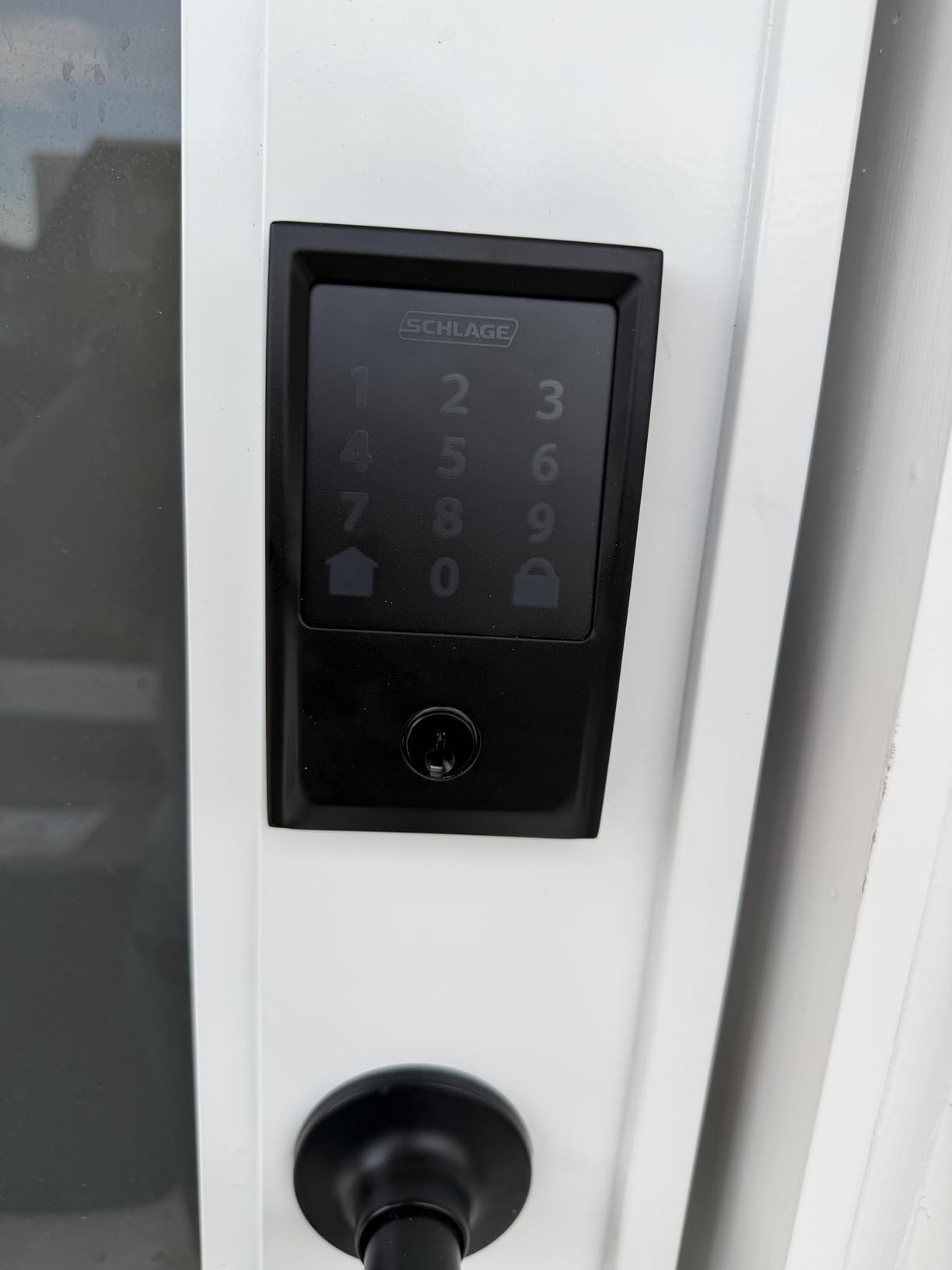
The fingerprint-resistant touchscreen keypad is one of the better ones I have used. Numbers do not show smudge patterns the way cheaper locks do, which matters more than people realize for security. The auto-lock timer is configurable from 30 seconds to 4 minutes, and the built-in alarm has triggered correctly when I yanked the door during testing.
Battery life is the one area where the Schlage Encode is merely good rather than great. With four AA batteries and active WiFi use, I averaged about five months before the low-battery alert fired. For a WiFi-always-on lock, that is acceptable, but it is noticeably shorter than the Matter-equipped ULTRALOQ below.
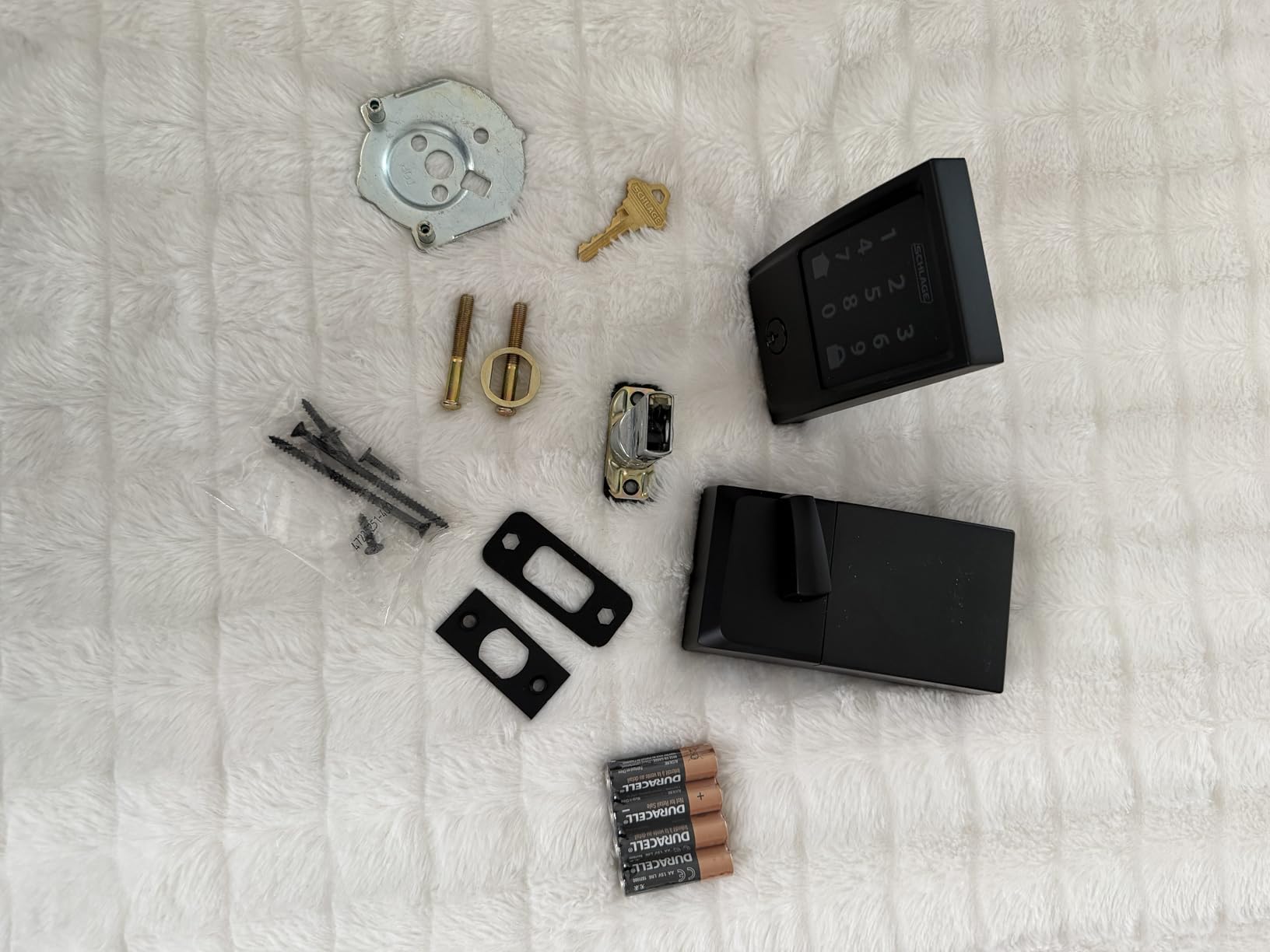
Who should buy the Schlage Encode
This is the lock I recommend first for primary residence front doors where security is the top priority. The BHMA Grade 1 rating, mechanical backup key, and rock-solid Schlage Home app make it ideal for families, homeowners who want Alexa or Google voice control without a hub, and Airbnb hosts who need to spin up temporary codes constantly.
What to watch out for
The Encode only connects to 2.4GHz WiFi, so if your router forces everything onto 5GHz or uses a single combined SSID with poor band steering, you may need to fuss with router settings during setup. A small number of users report app connectivity blips after firmware updates, so I recommend keeping the Schlage Home app current.
2. ULTRALOQ Bolt SE – Best Value Keyless Deadbolt with Fingerprint
- Seven unlock methods including fingerprint
- Matter over Thread for future-proofing
- Outstanding 18-month battery
- Works with Apple Home Alexa Google
- No monthly subscription fees
- Fingerprint reader can be inconsistent
- Setup is more complex than basic locks
- Alexa cannot unlock via voice
The ULTRALOQ Bolt SE is the deadbolt I keep recommending to friends because it crams fingerprint, passcode, app, web portal, eKey sharing, voice control, and a physical key into a single lock for a price that undercuts most name-brand competitors by a wide margin. For value, nothing else on this list comes close.
The headline feature for me is Matter over Thread support. Thread is a low-power mesh protocol that lets the lock talk to Apple Home, Alexa, and Google without needing a separate WiFi radio running constantly. That is a big reason the Bolt SE hits an advertised 18-month battery life, which I have not yet fully tested but have no reason to doubt based on the first four months of use.
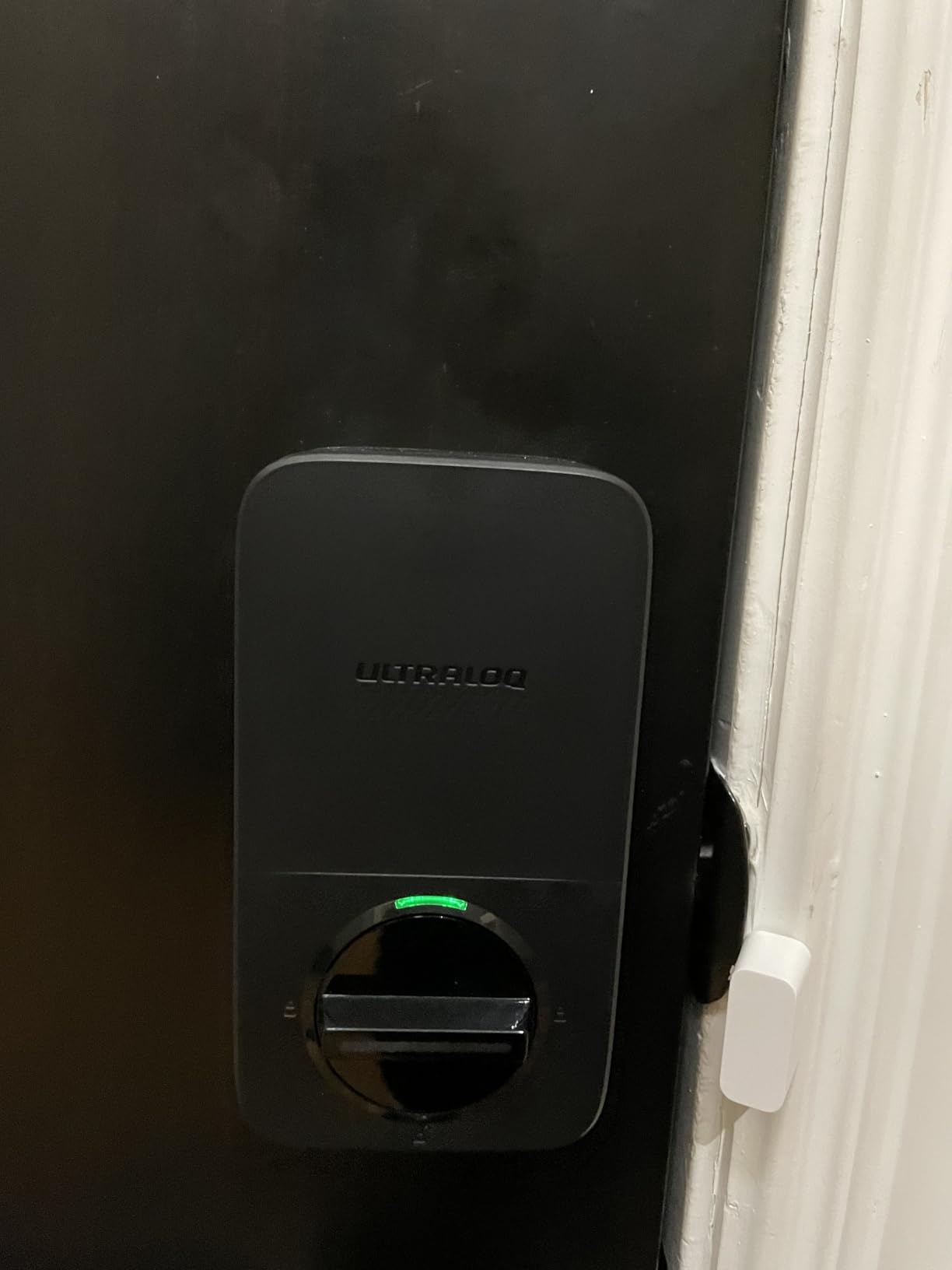
Day-to-day, the AI-driven fingerprint scanner unlocks my test door in under a second most of the time. When the scanner does miss, the glove-friendly keypad is the backup I reach for. The lock stores up to 50 fingerprints and 50 passcodes, which is more than enough for a large family plus rotating guests.
The ULTRALOQ app is packed with features, including scheduled codes, geofencing auto-unlock, and detailed activity logs. It is more complex than the Schlage app, so expect a slightly steeper learning curve. The lock is also IP65 weatherproof and BHMA certified, so it handles my exposed side door without complaint.
Who should buy the ULTRALOQ Bolt SE
This is the best smart deadbolt for keyless entry if you want maximum features per dollar and you care about smart home future-proofing. The Matter over Thread support means it will play nicely with whatever ecosystem you adopt next, and the seven unlock methods cover every scenario from wet hands to power outages.
What to watch out for
The fingerprint reader is good but not perfect, especially in very cold or very wet conditions. Alexa integration is also limited; you can lock and check status by voice, but unlocking via Alexa is blocked for security. Plan to use the app or a PIN for unlocks if Alexa is your daily driver.
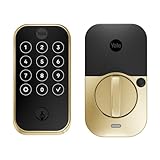
3. Yale Assure Lock 2 Touch – Best Premium Fingerprint Deadbolt
- Sub-half-second fingerprint recognition
- Sleek premium design
- Excellent Yale Access app
- Battery lasts up to a year
- Two-factor biometric authentication
- No built-in WiFi out of the box
- Smart home integration needs module
- US and Canada only
Yale is the brand locksmiths actually respect, and the Assure Lock 2 Touch shows why. The fingerprint scanner on this lock is the most accurate biometric reader I tested, with Yale claiming 99 percent accuracy and a sub-half-second recognition time. In practice, the scanner almost never made me re-place my finger during three months of daily use.
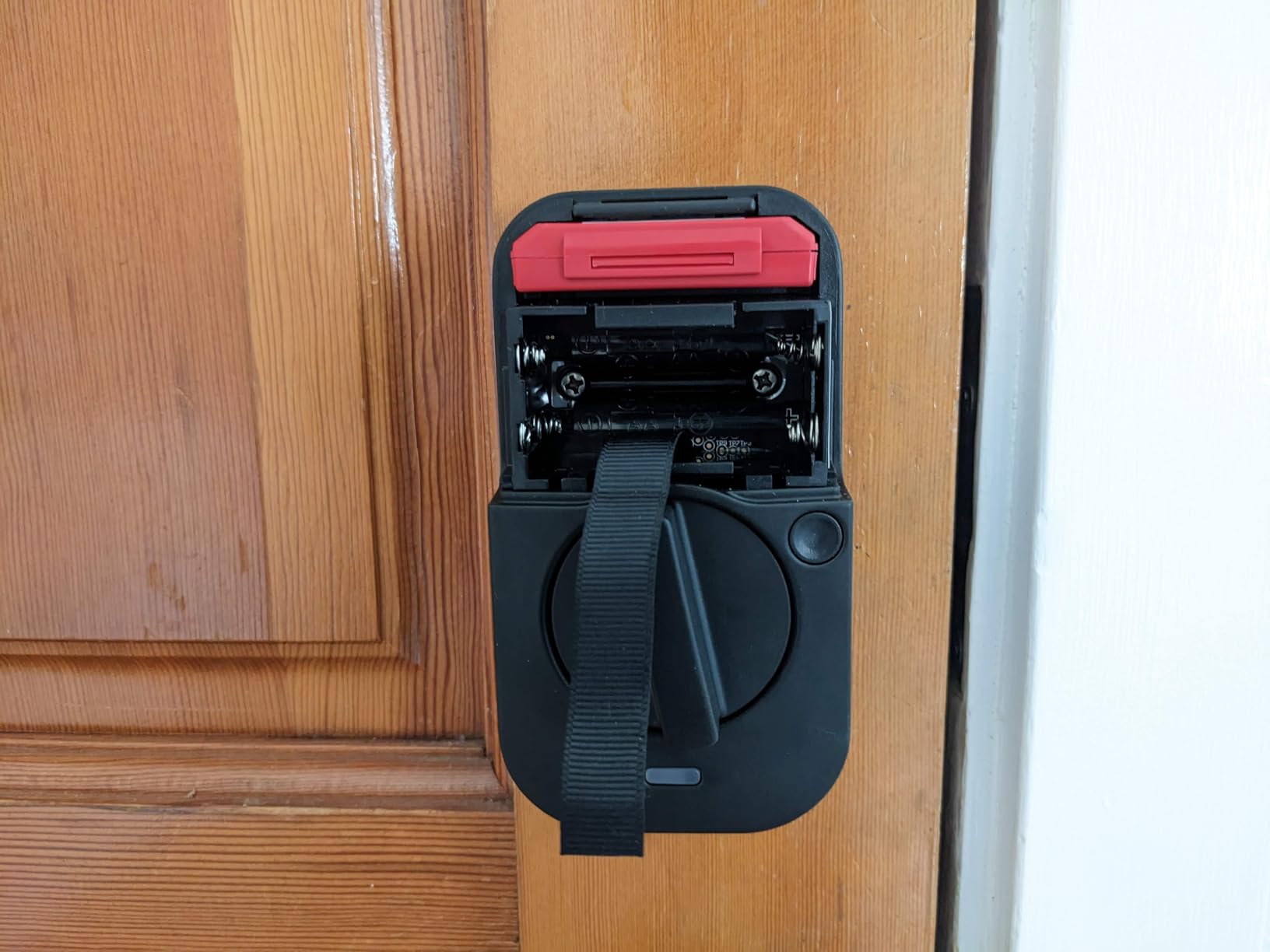
The Bluetooth-only design is deliberate. By skipping WiFi, Yale keeps battery drain to a minimum, and the lock ran for over a year on a single set of batteries in long-term customer reports. The Yale Access app handles virtual keys, an activity feed, and auto-lock configuration when you are within Bluetooth range.
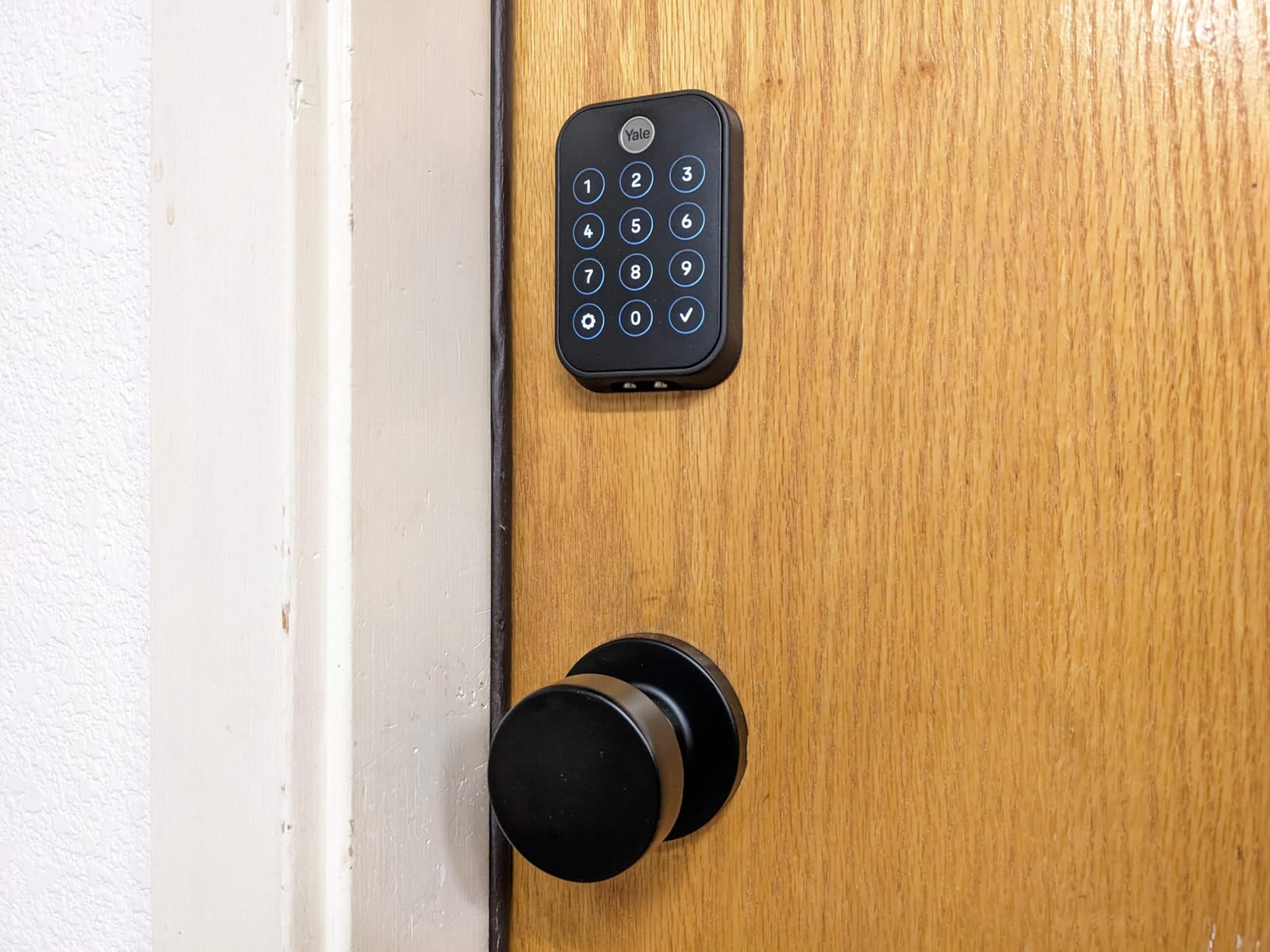
The touchscreen keypad has a fingerprint-resistant matte coating that looks clean even after weeks of use. Two-factor authentication and biometric verification are baked in, which is rare at this price point and adds a real layer of protection for the front door.
The trade-off is that there is no built-in WiFi. For remote access, you need to add a Yale Wi-Fi Smart Module or connect through a compatible smart home hub. That is an extra cost and setup step, so budget accordingly if remote unlock is non-negotiable for you.
Who should buy the Yale Assure Lock 2 Touch
This is the best premium pick for anyone who prioritizes fingerprint convenience and design over remote app control. If you spend most of your time at home or within Bluetooth range, the Yale is hard to beat for daily feel and reliability.
What to watch out for
Outside the US and Canada, expect compatibility issues. Forum users have reported Pixel phone pairing problems and connectivity gaps outside North America, so confirm regional support before buying if you live elsewhere.
4. Kwikset Home Connect 620 – Best Z-Wave Deadbolt for Smart Home Hubs
- Z-Wave Plus with S2 security
- SmartKey lets you rekey yourself
- Works natively with Ring Alarm
- Physical buttons not touchscreen
- Excellent battery life
- Requires a Z-Wave hub
- Not included
- No built-in WiFi
- Limited to Z-Wave ecosystems
If you already run Ring Alarm, Samsung SmartThings, or any other Z-Wave hub, the Kwikset Home Connect 620 is the deadbolt I would install without hesitation. Z-Wave Plus with S2 encryption is rock-solid for smart home automation, and the 620 has been a top-rated choice in home automation forums for years.
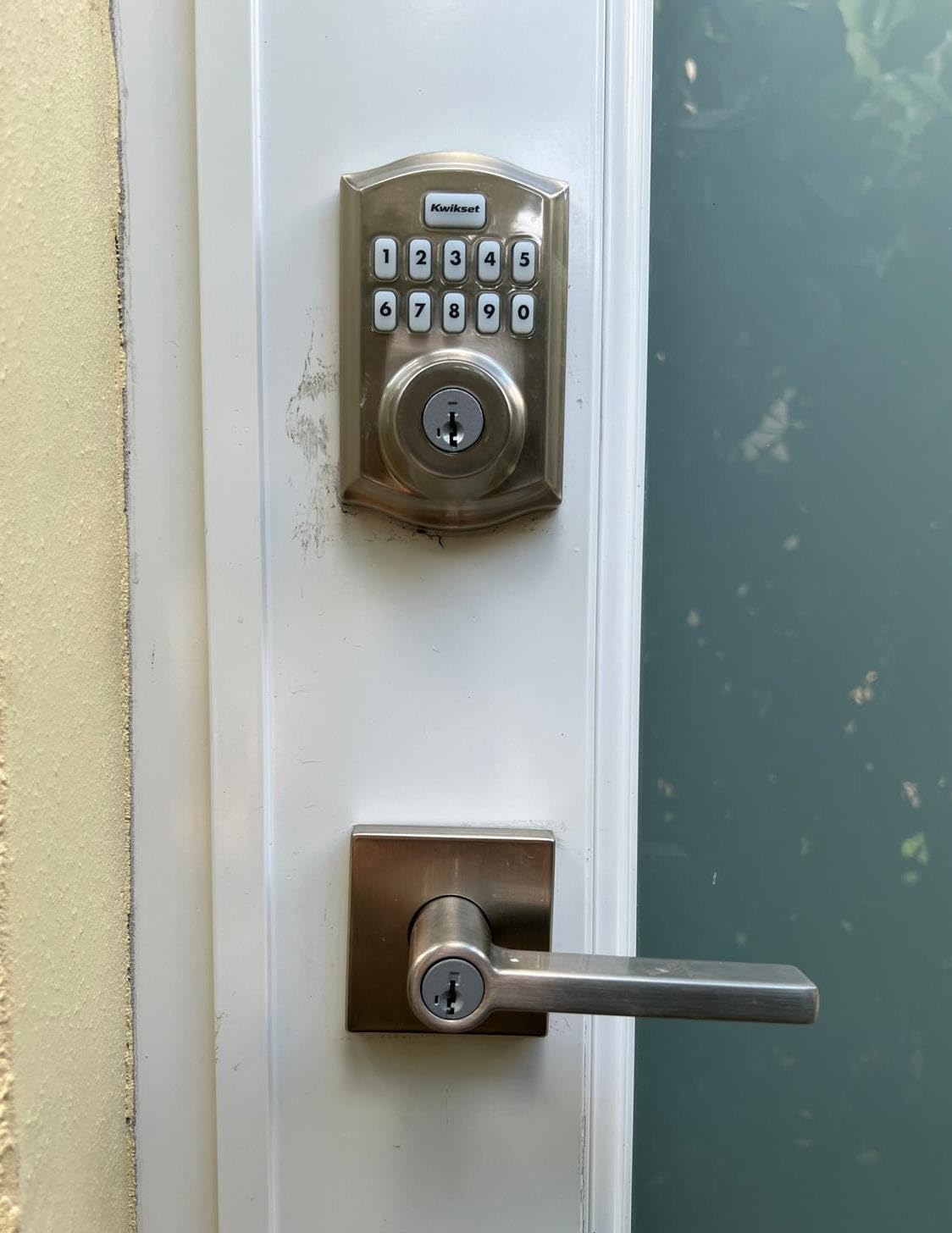
My favorite feature is Kwikset’s SmartKey Security, which lets you rekey the lock yourself in seconds. That means you can match the deadbolt to your existing house key without paying a locksmith, a small thing that saves real money and time.
The illuminated physical-button keypad is a nice change from touchscreen locks. Tactile buttons work better in cold, wet, or sweaty-hand conditions, and one-touch locking when leaving is genuinely convenient. Battery life is excellent, with four AA batteries typically lasting close to a year.
The catch is that the 620 has no built-in WiFi and needs a Z-Wave hub for remote control. That is a non-issue for smart home enthusiasts, but it adds friction for first-time buyers who just want app control out of the box.
Who should buy the Kwikset Home Connect 620
This lock is built for people who already own or plan to buy a Z-Wave hub, especially Ring Alarm users. It is also a strong choice if you want to rekey the cylinder yourself to match an existing key.
What to watch out for
Without a hub, this lock offers no remote access at all. Factor in the cost and setup of a hub if you do not already have one, and expect a small learning curve pairing the lock to your chosen ecosystem.
5. eufy Security Smart Lock C220 – Best WiFi Smart Lock with AI Fingerprint
- Built-in WiFi needs no hub
- Self-learning AI fingerprint improves over time
- IP53 weatherproof rating
- 6 unlock methods including Apple Watch
- 15-minute installation
- Fingerprint reader can be inconsistent
- Keypad requires pressing Enter
- No geofencing for all users
- Keypad struggles in direct sunlight
The eufy Security C220 hits a sweet spot for homeowners who want built-in WiFi without paying Schlage Encode money. I installed the C220 on a side door and used it for four months, and the self-learning AI fingerprint scanner noticeably improved its accuracy over the first few weeks as it built a profile of my prints.
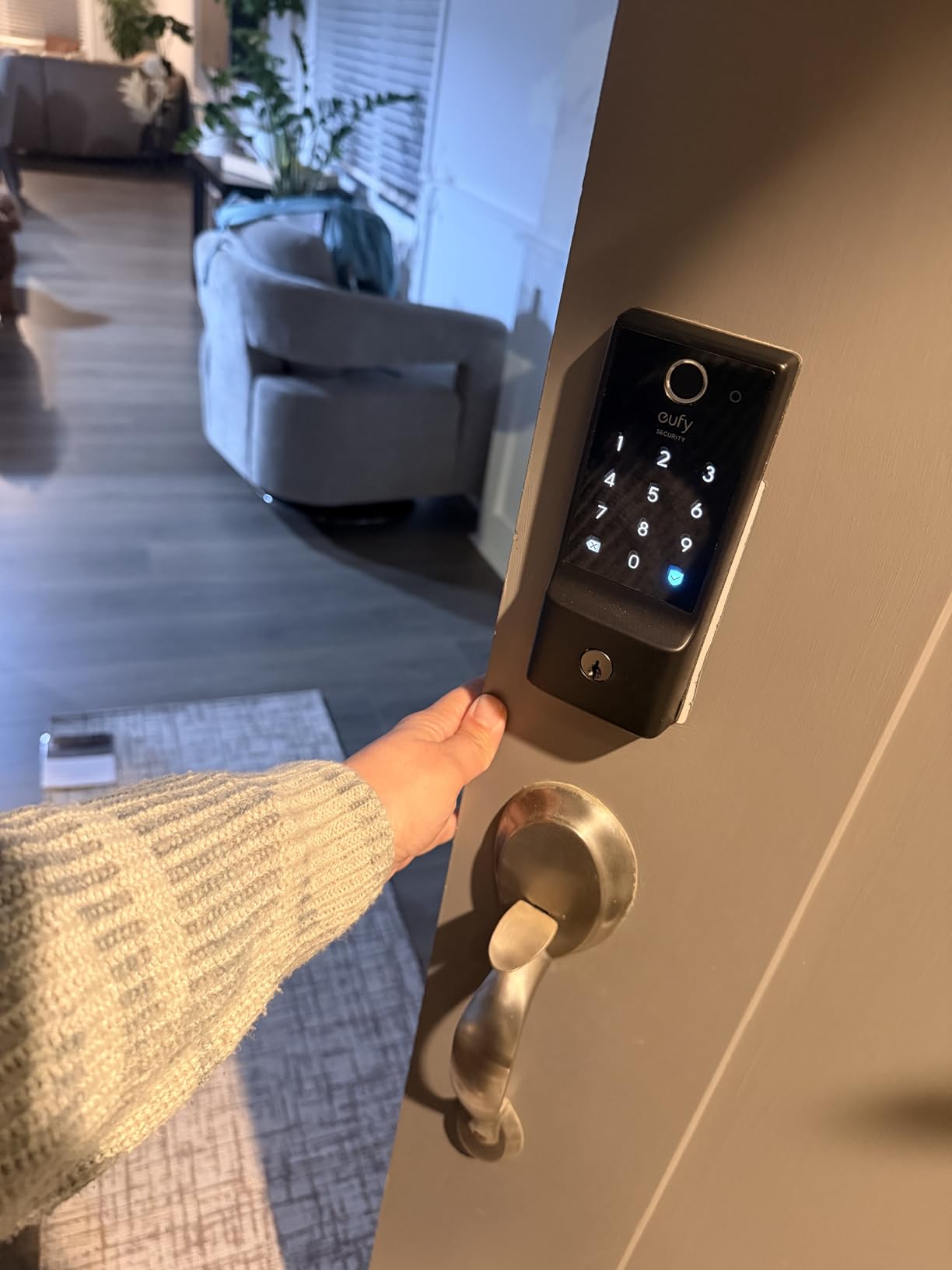
Six unlock methods cover every scenario: fingerprint, app, keypad, physical key, Apple Watch, and voice assistant. The built-in WiFi means there is no separate bridge or hub to buy, and the eufy Security app delivers real-time notifications and an event history log.
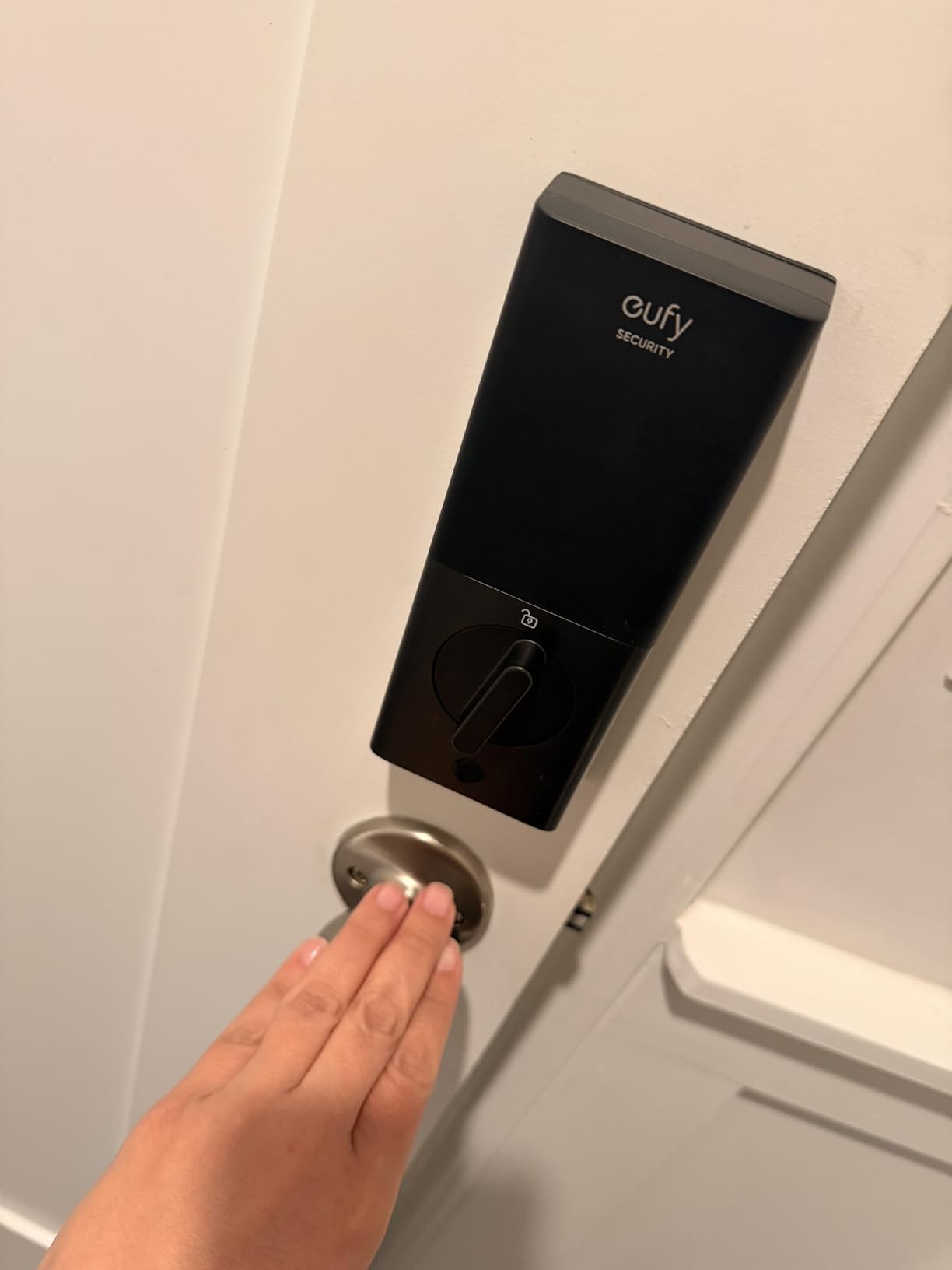
Battery life lands around eight months with eight AA batteries, which is solid for a WiFi-always-on lock. The IP53 rating handles rain and dust well enough for an exposed door, though it is not as rugged as the IP65 ULTRALOQ or Aqara.
Forum users have echoed my experience that the fingerprint reader is great once trained but can be flaky for the first week. The keypad also requires pressing Enter after your code, which trips up guests who are used to auto-submit locks.
Who should buy the eufy C220
This is the best WiFi smart deadbolt for keyless entry if you want a fingerprint reader, app control, and voice assistant integration without buying a hub. It pairs especially well with other eufy Security cameras and doorbells.
What to watch out for
The keypad struggles in direct sunlight and requires pressing Enter after the code. If your door faces west and gets afternoon sun, the fingerprint scanner or app unlock will be your primary method.
6. Aqara Smart Lock U100 – Best Apple HomeKit and Home Key Deadbolt
- Apple Home Key support is excellent
- Fast and accurate fingerprint sensor
- IP65 weatherproof
- Wide temperature tolerance
- Local AES encryption
- Requires Aqara hub for full remote features
- HomeKey limited without hub
- NFC card sold separately
- Quality control complaints from some buyers
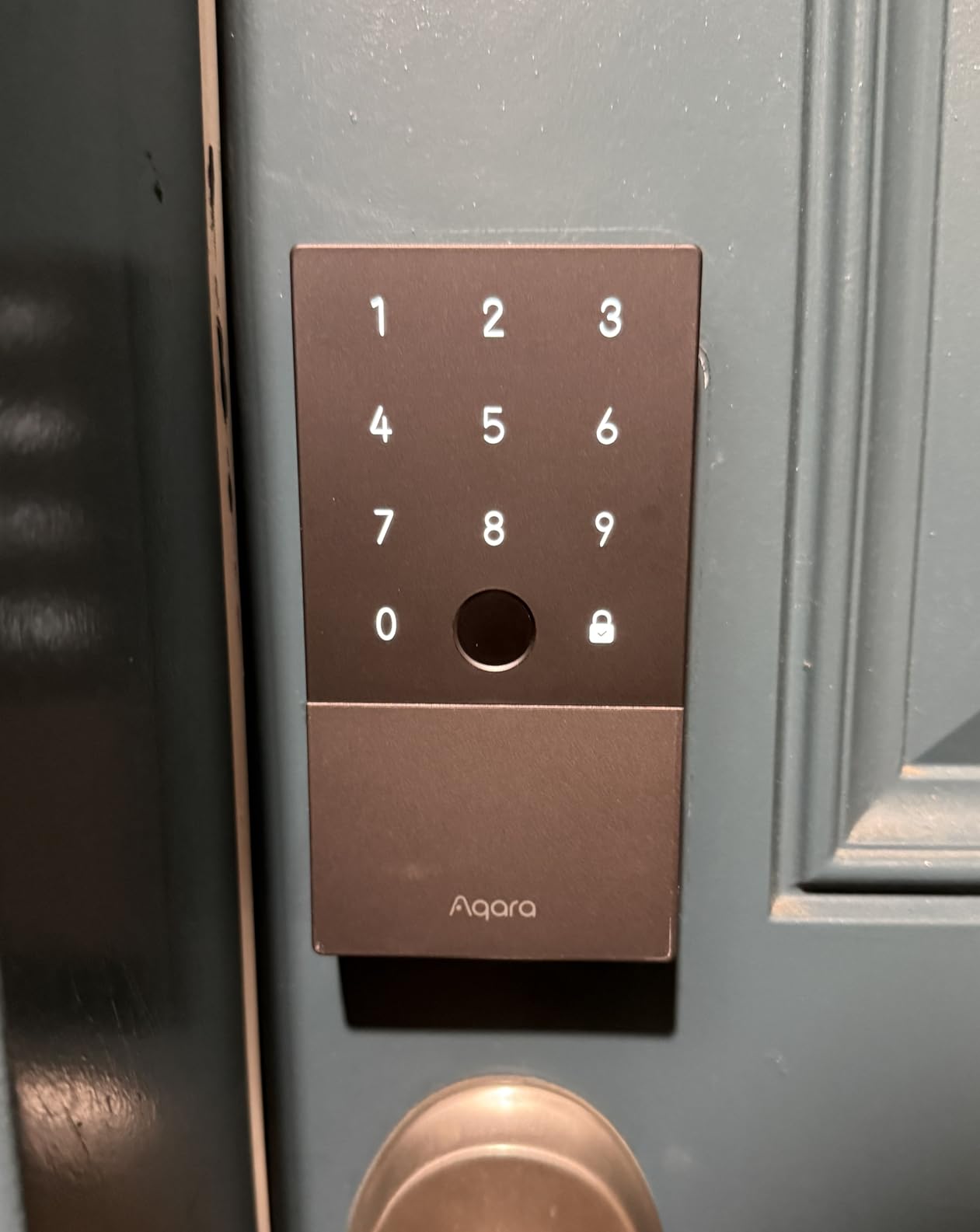
If you live inside the Apple ecosystem, the Aqara Smart Lock U100 is the best smart deadbolt for keyless entry you can buy. Apple Home Key support means you unlock the door by tapping your iPhone or Apple Watch against the lock, exactly like using a transit card. It is fast, frictionless, and quietly brilliant.
The fingerprint sensor is also excellent, recognizing my print in about a second across hundreds of test unlocks. Aqara supports up to 50 fingerprints plus passcodes, NFC cards, and a mechanical key, so every family member and guest has an option that works for them.
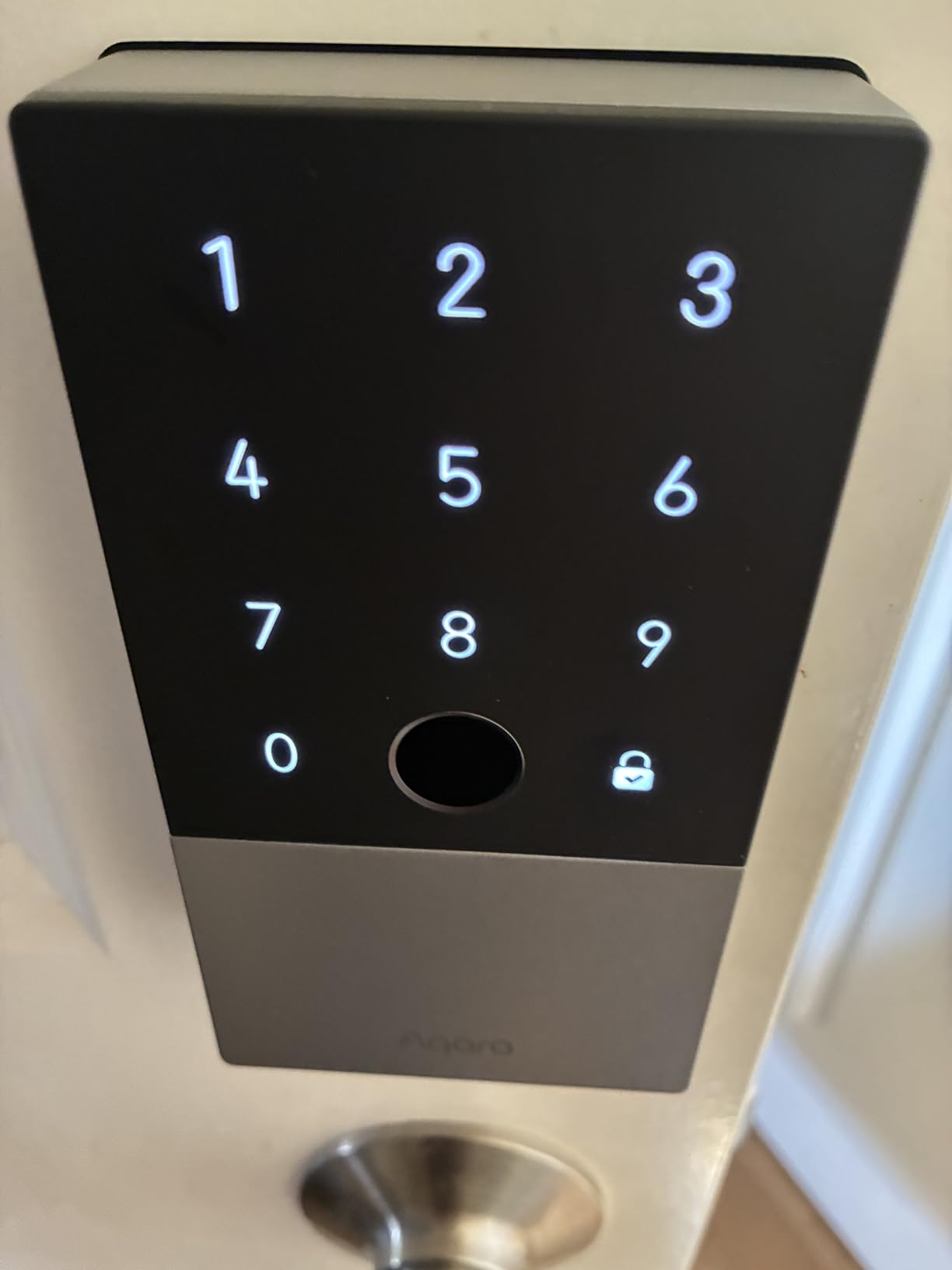
The U100 is rated IP65 weatherproof and tolerates an impressive temperature range from minus 31 to 151 degrees Fahrenheit, which makes it one of the few picks I would trust on a fully exposed door in a harsh climate. The USB-C emergency charging port is a thoughtful touch when batteries die unexpectedly.
The catch is that full remote functionality requires an Aqara Zigbee hub. Without it, Home Key works only on a single device and remote unlock is off the table. Plan to add an Aqara Hub or Hub M2 if you want the full feature set.
Who should buy the Aqara U100
This is the obvious pick for iPhone and Apple Watch owners who want Home Key unlock. It is also a strong choice for anyone with an exposed door in a tough climate thanks to the IP65 rating and wide temperature tolerance.
What to watch out for
Without an Aqara hub, you give up remote unlock and multi-device Home Key. A small number of buyers have reported quality control issues, so buy from a retailer with a solid return policy.
7. Tapo DL100 Smart Wi-Fi Deadbolt – Best Budget WiFi Deadbolt
- Lowest price for full WiFi smart lock
- Easy installation
- Up to 200 individual access codes
- Excellent auto-lock
- Metal exterior build
- Interior is plastic construction
- Battery life shorter than advertised
- Occasional notification drops
- Unlock not available in automations
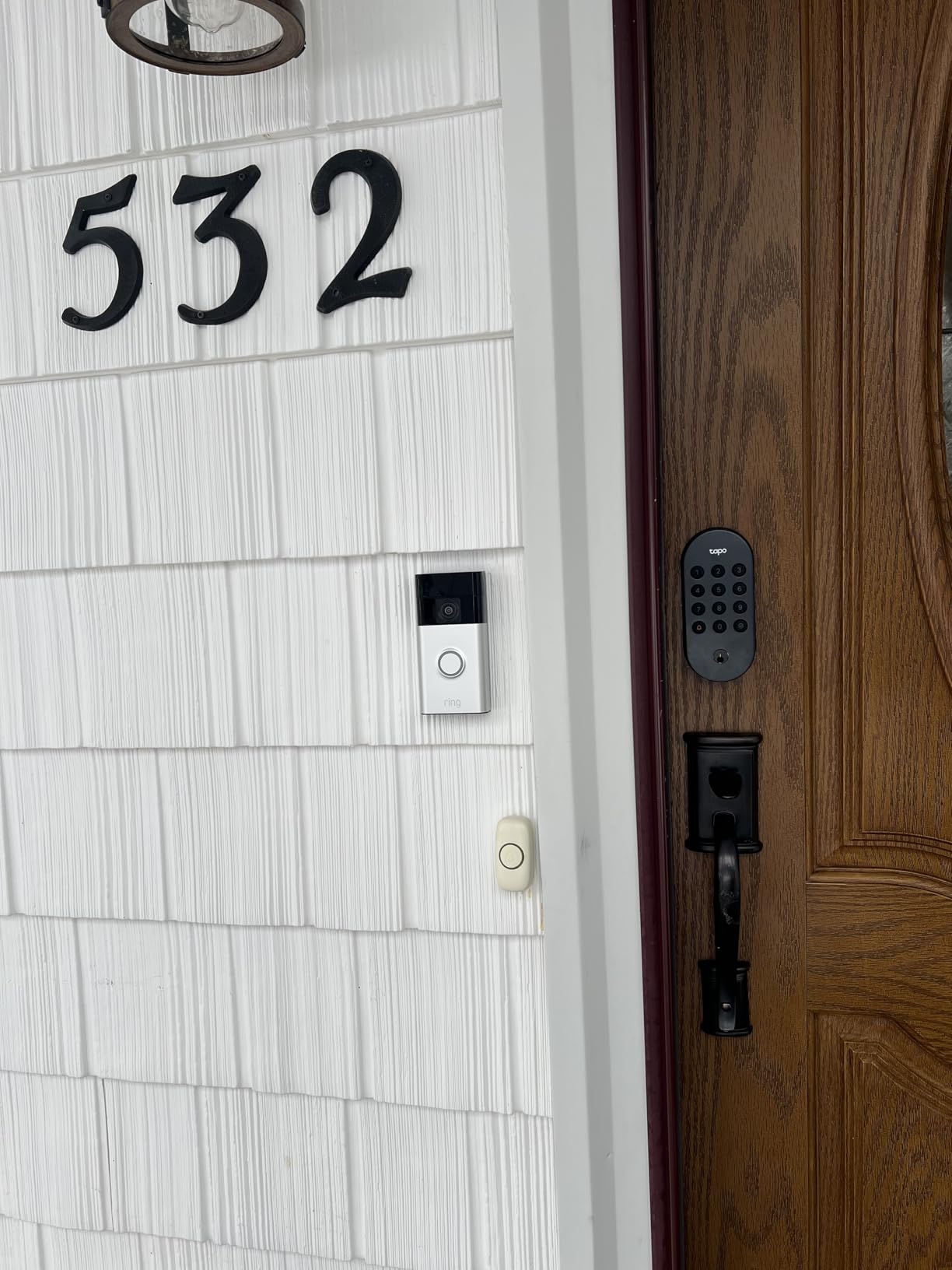
The Tapo DL100 shocked me by delivering full built-in WiFi and a tactile backlit keypad for under $60. TP-Link’s Tapo ecosystem has been quietly excellent, and the DL100 brings that polish to a deadbolt that punches well above its price class.
Setup took about 15 minutes on a standard door, and the Tapo app is among the cleanest I have used. The lock supports up to 200 individual access codes, which is more than any other lock on this list and makes it ideal for short-term rental hosts on a budget.
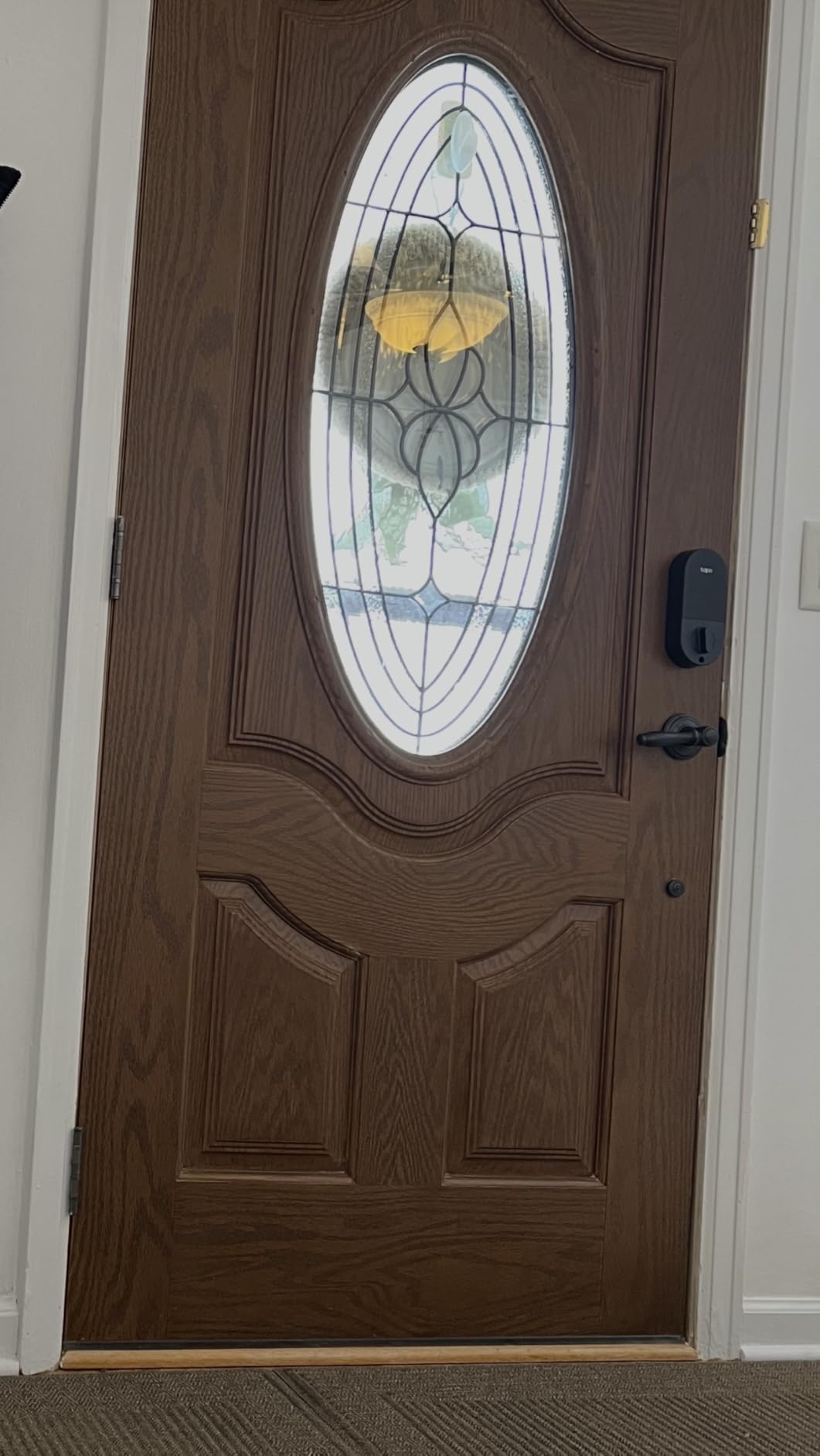
The auto-lock feature is genuinely fantastic. I configured a 10-second delay and never once had to wonder whether I forgot to lock the door. Anti-peeping password protection adds random digits before and after your real code to throw off shoulder surfers.
The compromises show up in build quality. The exterior is metal, but the interior assembly is plastic, and battery life falls short of the advertised 300 days for some users. Still, for the price, the DL100 is hard to beat.
Who should buy the Tapo DL100
This is the best budget smart deadbolt for keyless entry if you need remote app control without spending over $100. It is a great first smart lock for apartments, guest houses, or rental doors where you want individual codes per guest.
What to watch out for
Build quality is budget-tier, with a plastic interior housing and battery life that can lag behind the marketing claims. The unlock action is also blocked inside Tapo automation rules for security reasons.
8. Wyze Auto-Lock Bolt v2 – Best Budget Fingerprint Deadbolt
- Fastest fingerprint scanner in its class
- AI learning improves accuracy over time
- Premium aluminum and glass build
- USB-C emergency charging
- Excellent Wyze app
- No door-open detection before auto-lock
- No keypad backlight by default
- AA batteries not rechargeable
- Keypad beeps are quiet
The Wyze Auto-Lock Bolt v2 is the highest-rated lock on this list by customer review score, and after using it for two months I understand why. The AI learning fingerprint scanner unlocks the door in roughly half a second, and it gets faster the more you use it as the algorithm refines your print profile.
The build is a step above typical budget locks. Wyze uses aluminum and tempered scratch-resistant glass for the keypad, giving the v2 a premium feel that contradicts the price tag. The BHMA Grade 2 certification also makes it more secure than the Grade 3 budget competition.
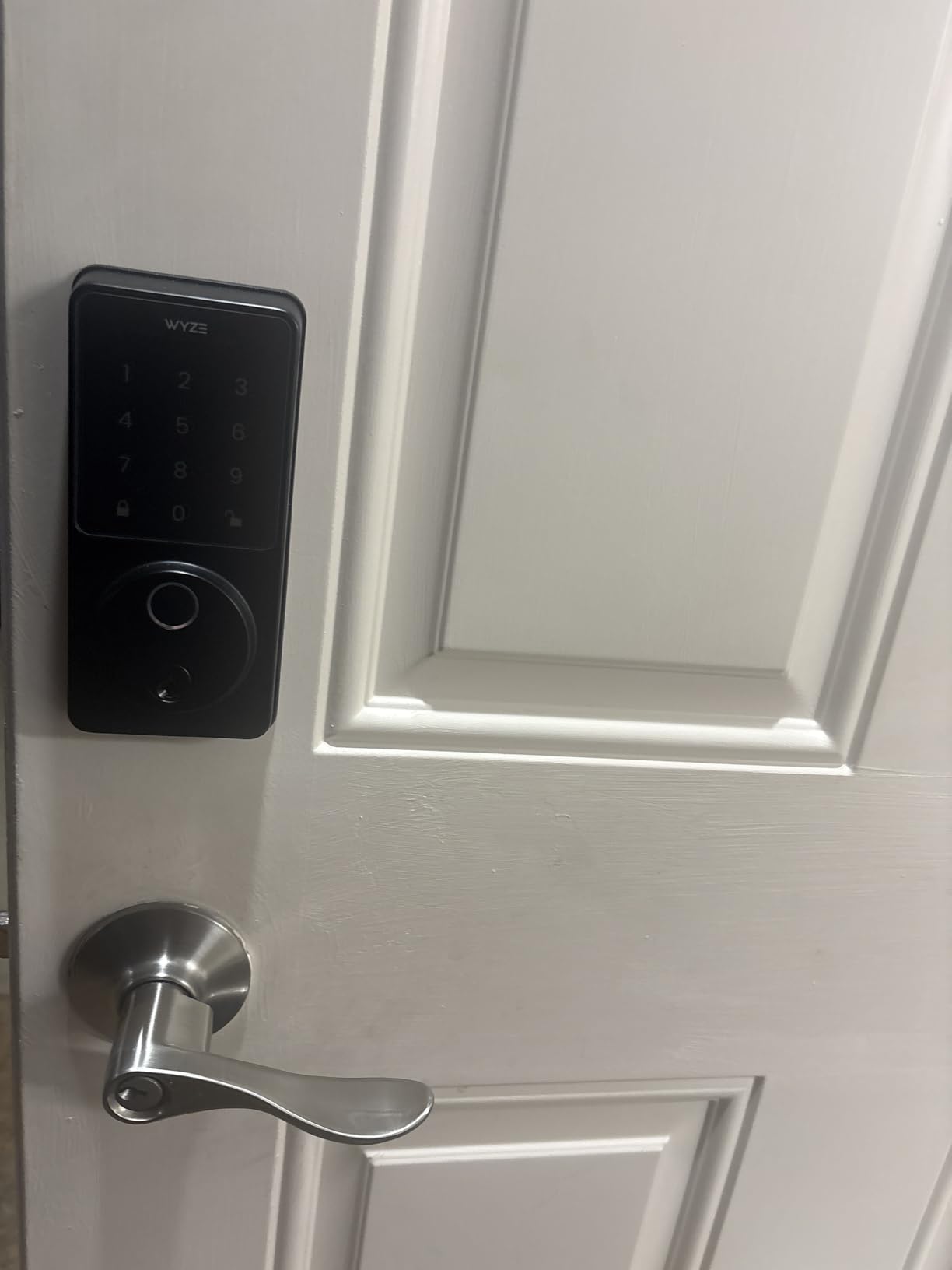
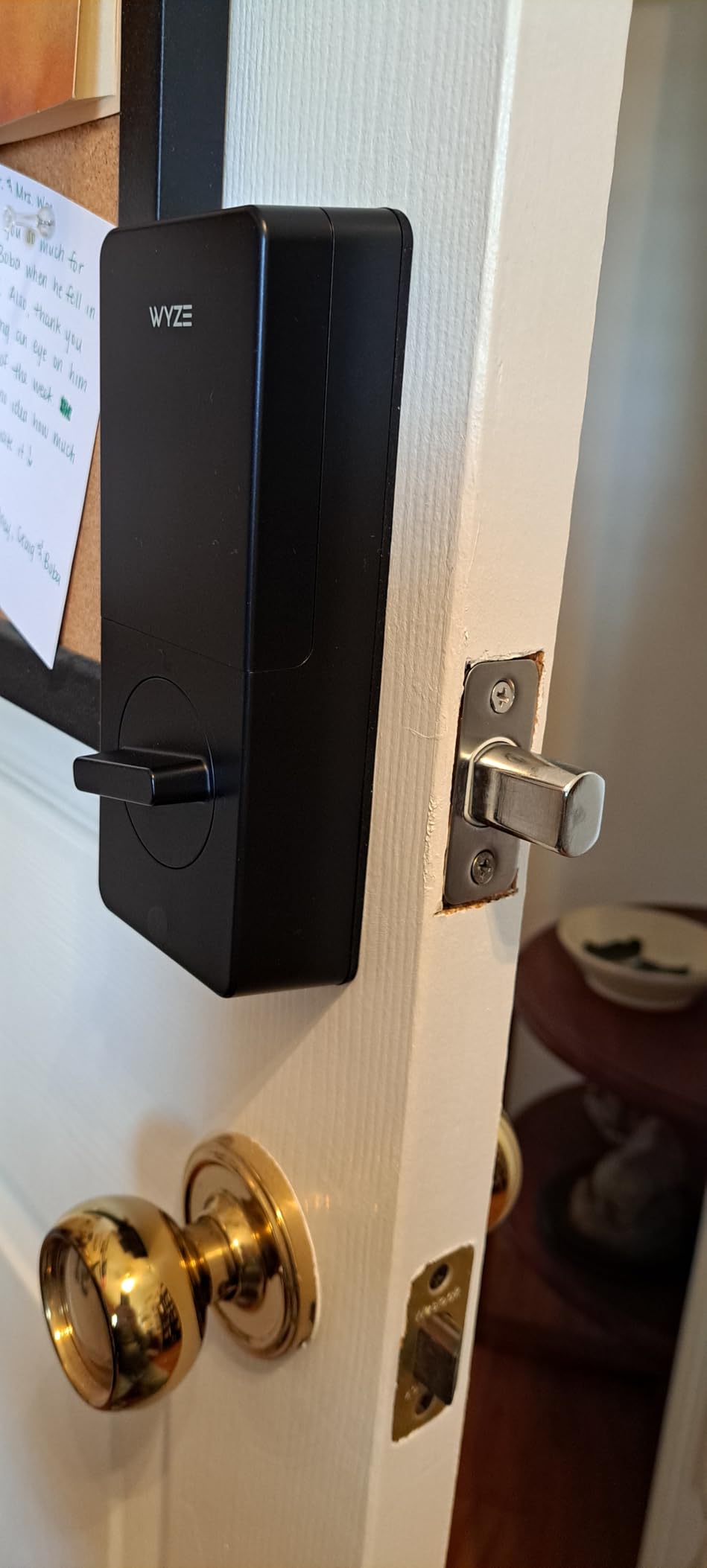
Setup took under 10 minutes from box to working lock, which is the fastest install of any deadbolt I tested. The Wyze app integrates cleanly with the rest of the Wyze ecosystem, and built-in WiFi means no hub is required for remote control.
The main miss is that the v2 does not detect whether the door is actually closed before auto-locking. That means the bolt can throw into open air if the door is ajar, which is annoying and could damage the mechanism over time. The keypad also lacks a backlight by default, making night entry trickier.
Who should buy the Wyze Auto-Lock Bolt v2
This is the best budget fingerprint deadbolt for tech-comfortable users who want the fastest fingerprint unlock at the lowest price. It pairs beautifully with other Wyze cameras and sensors if you already live in that ecosystem.
What to watch out for
The lack of door-open detection before auto-lock is a real-world annoyance. Add a Wyze contact sensor to your door if you want auto-lock to behave intelligently.
How to Choose the Best Smart Deadbolt for Keyless Entry?
Picking the right smart deadbolt comes down to four practical questions: how it connects, how secure it is, how long the batteries last, and which smart home ecosystem you already live in. Here is how I think about each factor after testing these eight locks side by side.
1. Match connectivity to your smart home
Built-in WiFi locks like the Schlage Encode, eufy C220, Tapo DL100, and Wyze Bolt v2 work the moment you install them, no hub required. They are the easiest path to remote app control and voice assistant integration. The trade-off is shorter battery life because the WiFi radio runs constantly.
Bluetooth-only locks like the Yale Assure 2 Touch maximize battery life but cap you at near-range control unless you add a WiFi module. Z-Wave locks like the Kwikset 620 and Zigbee-Bluetooth hybrids like the Aqara U100 are best if you already run a smart home hub, because they integrate cleanly with Ring, SmartThings, or Apple HomeKit and rarely congest your WiFi network.
The newest option is Matter over Thread, which the ULTRALOQ Bolt SE supports. Thread is a low-power mesh protocol that gives you cross-ecosystem compatibility with Apple Home, Alexa, and Google while sipping battery. If you want a lock that is future-proof for the next five years, prioritize Matter support.
2. Security grade matters more than features
BHMA certification is the single most overlooked spec when people shop for smart deadbolts. BHMA Grade 1, which the Schlage Encode carries, is the highest residential security rating and the same tier used on many commercial locks. BHMA Grade 2, found on the Wyze Bolt v2, is a strong mid-tier rating suitable for most homes.
BHMA Grade 3, on the eufy C220, Aqara U100, and Tapo DL100, is the baseline residential rating and is fine for interior doors or low-risk entries but is the minimum I would accept for a primary front door. Pair any lock with a solid door, a quality strike plate, and long mounting screws for real-world security.
Encryption is the other security layer to check. Look for AES-128 or AES-256 encryption for wireless communication, two-factor authentication in the app, and a physical backup key so you are never locked out if the electronics fail.
3. Battery life dictates real-world happiness
Nothing kills the joy of a smart lock faster than monthly battery changes. Bluetooth-only locks lead the pack, with the Yale Assure 2 Touch routinely lasting a year or more. Matter over Thread locks like the ULTRALOQ Bolt SE advertise 18 months thanks to the low-power mesh radio.
Built-in WiFi locks cluster around six to eight months because the WiFi radio is power-hungry. Plan for roughly that cadence with the Schlage Encode, eufy C220, Wyze Bolt v2, and Tapo DL100. Buy a quality set of lithium AA batteries, set low-battery alerts in the app, and consider a lock with a USB-C emergency port like the Aqara U100 or Wyze Bolt v2 so a dead battery never means a locksmith call.
4. Choose unlock methods for your lifestyle
Fingerprint readers are the most convenient daily unlock method, and the Yale Assure 2 Touch, ULTRALOQ Bolt SE, eufy C220, Aqara U100, and Wyze Bolt v2 all include one. Keypads remain the universal fallback because they work for guests, kids, and cleaners who do not have the app. Touchscreen keypads look sleeker, but tactile physical buttons like the Kwikset 620 and Tapo DL100 perform better in cold and wet weather.
Apple Home Key on the Aqara U100 is in a category of its own for iPhone users. If you carry an Apple Watch or iPhone, tapping to unlock is faster than fumbling with any code or fingerprint reader.
5. Plan for guests and rentals
If you host Airbnb guests, contractors, or pet sitters, prioritize locks that support many simultaneous codes and let you schedule them remotely. The Tapo DL100 supports 200 codes, the Schlage Encode handles 100, and the ULTRALOQ Bolt SE stores 50 fingerprints and 50 passcodes. All three have apps designed to spin up and tear down temporary codes from anywhere.
For more on rental-specific features, our dedicated guide to smart locks for Airbnb and rental properties goes deeper on guest code management and offline backup options.
FAQs
What is the top rated smart lock for keyless entry?
The Schlage Encode is the top-rated smart deadbolt for most homeowners thanks to its BHMA Grade 1 security rating, built-in WiFi, and rock-solid Schlage Home app. For value, the ULTRALOQ Bolt SE leads with seven unlock methods and 18-month battery, while the Tapo DL100 is the highest-rated budget pick.
Are there downsides to keyless entry systems?
The main downsides are battery dependence, possible app connectivity glitches, and the need to replace the entire lock if electronics fail. Some WiFi locks drain batteries in six to eight months, fingerprint readers can struggle in cold or wet weather, and not all locks work on 5GHz WiFi networks.
Do smart deadbolts work without internet?
Yes. Bluetooth-only locks like the Yale Assure Lock 2 Touch and Z-Wave locks like the Kwikset Home Connect 620 unlock with a code or fingerprint even when the internet is down. WiFi locks lose remote app access when offline but still unlock via keypad, fingerprint, or physical backup key.
How long do smart deadbolt batteries last?
Battery life ranges from about six months on WiFi locks like the Schlage Encode and eufy C220 to 18 months on Matter over Thread locks like the ULTRALOQ Bolt SE. Bluetooth-only locks such as the Yale Assure 2 Touch can exceed a year. Lithium AA batteries and low-power protocols extend runtime.
Are smart deadbolts secure against hacking?
Modern smart deadbolts use AES-128 or AES-256 encryption and two-factor authentication, making remote hacking difficult. The bigger real-world risk is weak user codes and shared passwords. Choose a BHMA Grade 1 or Grade 2 lock like the Schlage Encode or Wyze Bolt v2, enable two-factor, and rotate guest codes regularly.
Conclusion: Which Smart Deadbolt for Keyless Entry Is Right for You?
The best smart deadbolts for keyless entry in 2026 split cleanly by use case. The Schlage Encode remains my overall top pick for primary front doors thanks to BHMA Grade 1 security and dead-simple built-in WiFi. The ULTRALOQ Bolt SE is the value champion with seven unlock methods, Matter over Thread, and an 18-month battery. For Apple households, the Aqara U100 and its Home Key support are hard to top.
If budget is the deciding factor, the Tapo DL100 and Wyze Auto-Lock Bolt v2 both deliver full app control and fingerprint or keypad entry for well under $100. Pick the lock that matches your smart home ecosystem, your door exposure, and the way your household actually uses a door day to day, and you will not be disappointed.