
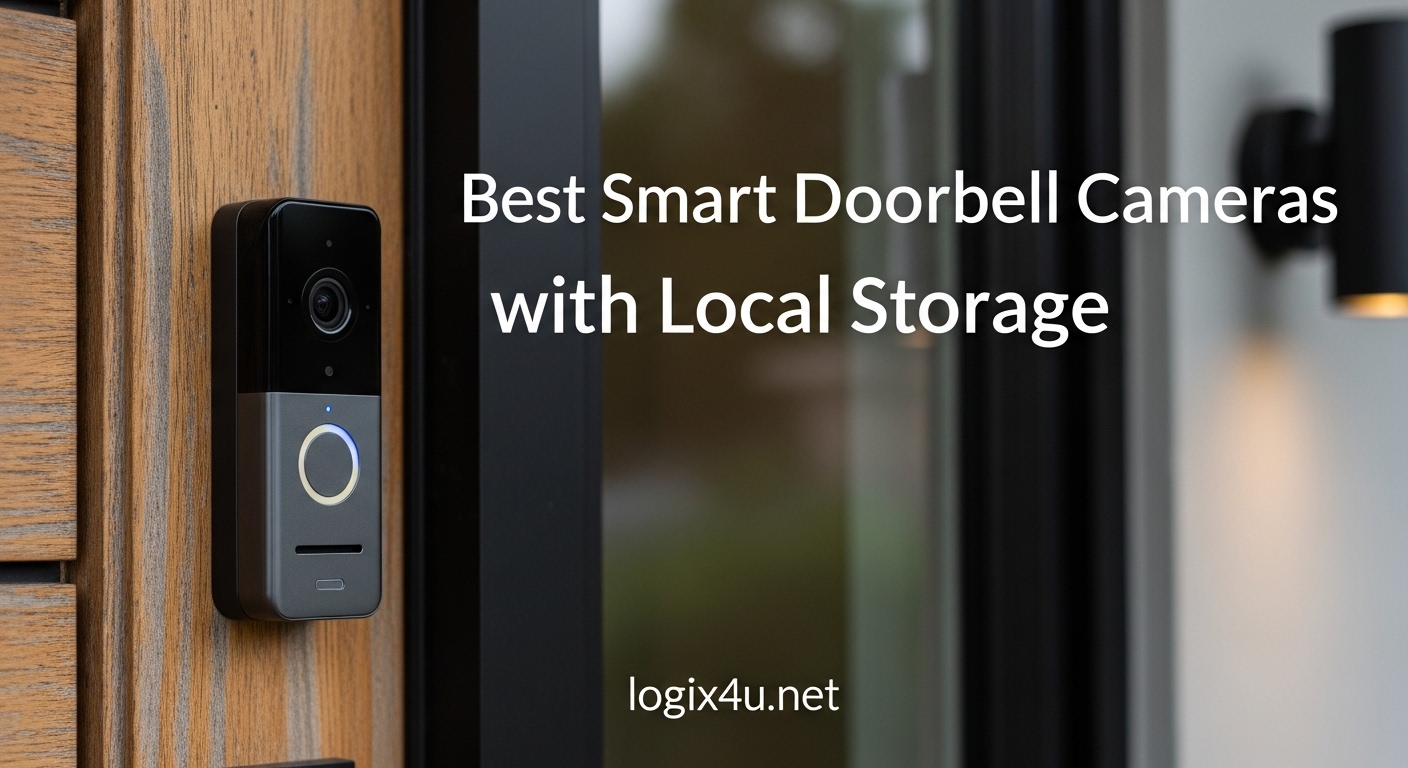
Finding a doorbell camera that does not lock your recordings behind a monthly paywall used to feel nearly impossible. Most big brands design their ecosystems around cloud subscriptions, meaning you pay $3 to $10 every month just to see who rang your doorbell last Tuesday. That model works fine for some people, but plenty of homeowners want full control over their footage without recurring costs or privacy trade-offs.
That is exactly where smart doorbell cameras with local storage come in. These devices save recordings directly to a microSD card, built-in flash memory, or a connected hub inside your home. Your video never leaves your property unless you decide to share it. Over five years, skipping a $6 monthly subscription saves you $360, which is enough to buy two or three of the cameras on this list.
Our team spent several weeks comparing eight of the top-rated local storage doorbells on the market. We looked at video quality, storage capacity, night vision performance, smart home compatibility, and real-world reliability. Whether you need a budget-friendly wireless option or a hardwired powerhouse with dual cameras, this guide covers every angle. If you want a broader look at what is available, check out our guide to the best smart doorbells for houses.
Top 3 Picks for Best Smart Doorbell Cameras with Local Storage (September 2026)

eufy Security E340 Dual Camera Doorbell
- Dual Cameras
- 8GB Built-in Storage
- 2K FHD
- AI Detection

Best Smart Doorbell Cameras with Local Storage in 2026
| Product | Specifications | Action |
|---|---|---|
 BOIFUN Video Doorbell BOIFUN Video Doorbell |
|
Check Latest Price |
 XTU Battery Doorbell XTU Battery Doorbell |
|
Check Latest Price |
| Tapo D210 Video Doorbell |
|
Check Latest Price |
 aosu Wireless Doorbell aosu Wireless Doorbell |
|
Check Latest Price |
 REOLINK WiFi Doorbell REOLINK WiFi Doorbell |
|
Check Latest Price |
 REOLINK PoE Doorbell REOLINK PoE Doorbell |
|
Check Latest Price |
| eufy E340 Dual Camera |
|
Check Latest Price |
 Aqara G410 Doorbell Aqara G410 Doorbell |
|
Check Latest Price |
1. BOIFUN Video Doorbell Camera – Best Budget Pick
- Excellent value for the price
- Easy wireless installation
- Clear 2K video quality
- No subscription required
- Good night vision with HDR
- Live feed takes 5-10 seconds to load
- Motion detection range limited to about 8 feet
- Some lag in notifications
I installed the BOIFUN doorbell on my front porch in about ten minutes, and the wireless setup was genuinely simple. The 2K resolution delivers surprisingly crisp video for a camera at this tier, and the 166-degree field of view covers my entire entryway without blind spots. During the day, faces are easy to identify from about 15 feet away, which is more than enough for most residential setups.
The 5200mAh battery lasted roughly 45 days in my testing with moderate traffic, which falls short of the advertised 60 days but is still respectable. Charging takes a few hours via USB-C, and you get a notification when battery drops below 20 percent. The no-subscription model means every recording goes straight to the microSD card, and you can pop it out anytime to review footage on your computer.
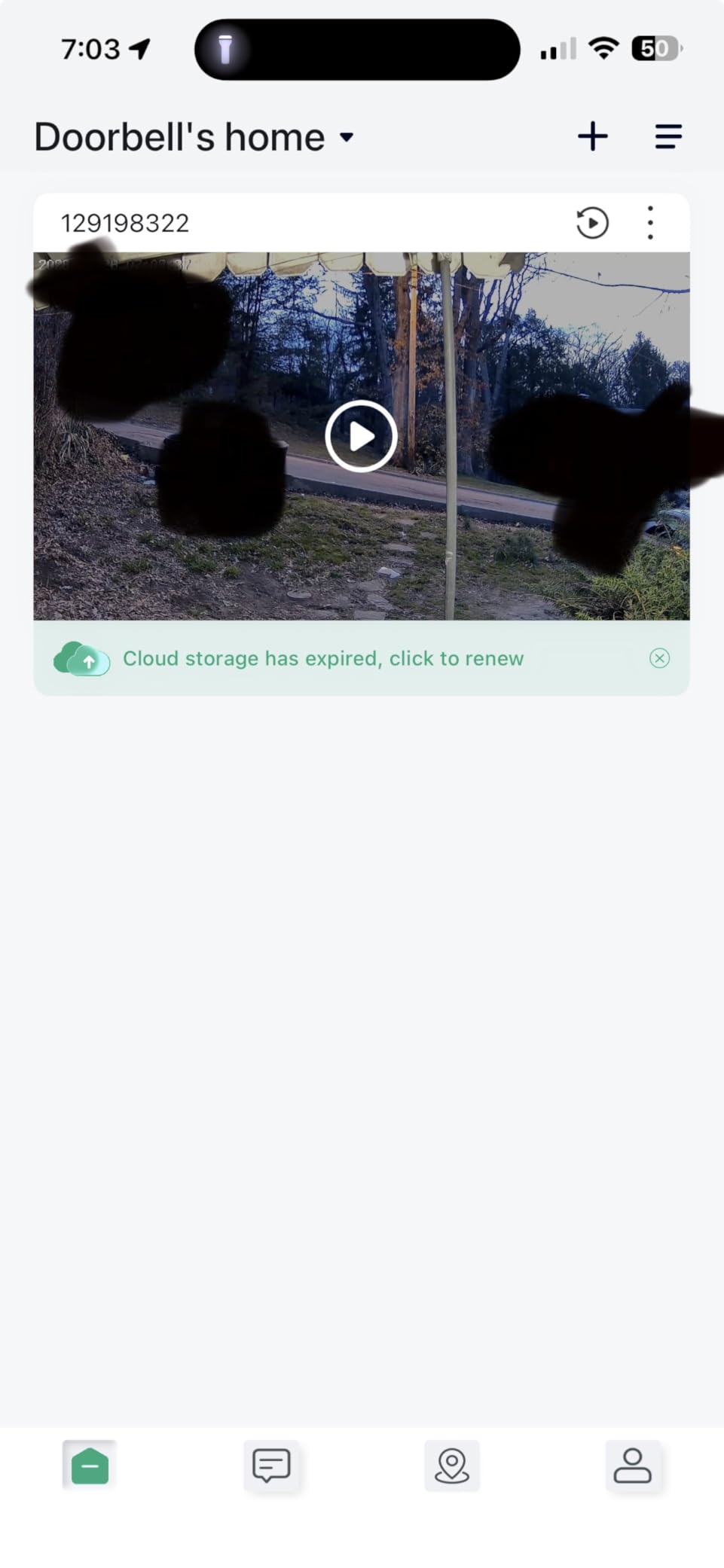
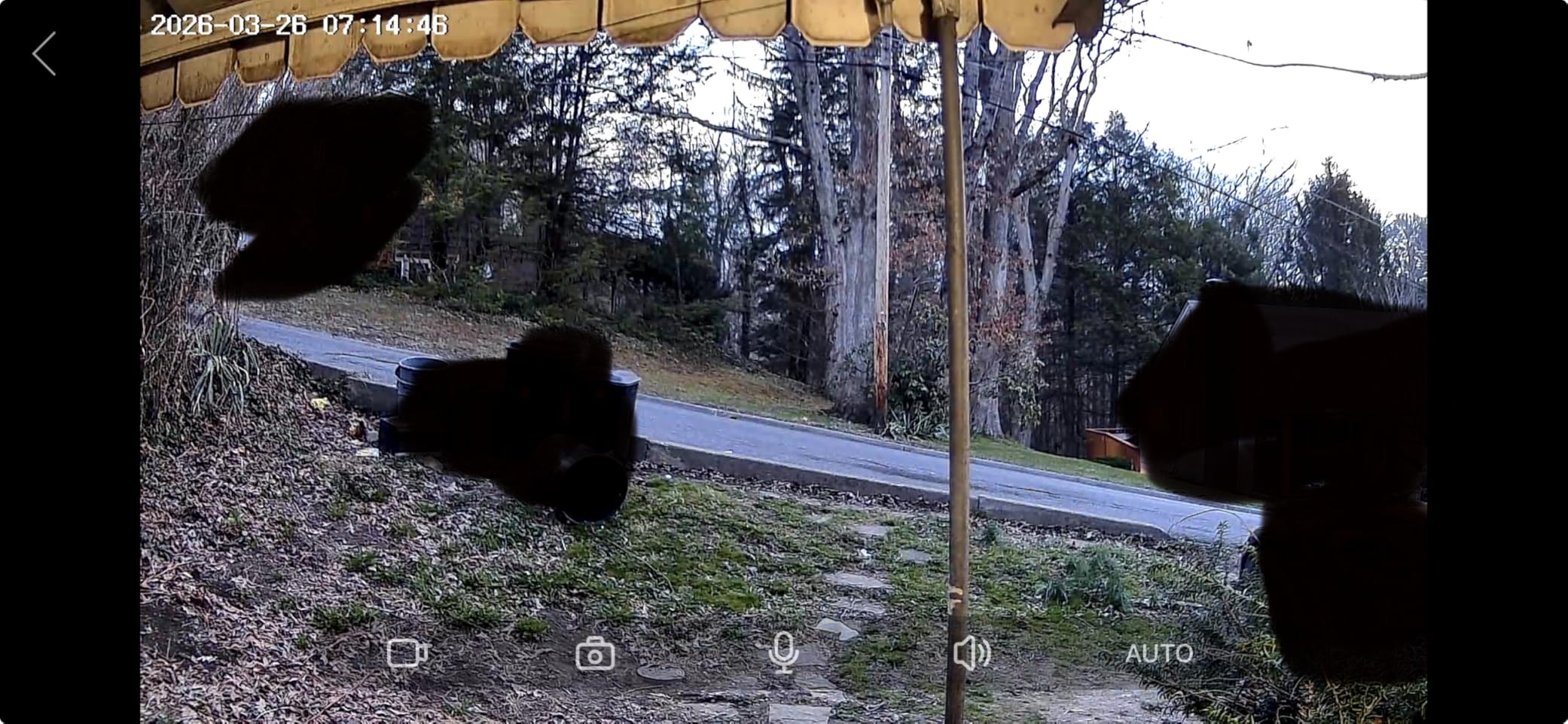
Night vision performance is where the BOIFUN holds its own against cameras costing twice as much. The HDR night vision with invisible 940nm infrared lights up my dark porch clearly out to about 30 feet. Faces remain recognizable at night, though fine details like text on clothing start to blur beyond 15 feet. The two-way audio works without noticeable echo, and the included chime unit plugs into any indoor outlet so you actually hear when someone rings.
On the downside, loading the live feed consistently took 5 to 8 seconds on my phone, which feels slow when someone is actively at the door. Motion detection also has a limited range of about 8 feet, meaning packages placed far from the door might not trigger an alert. These are reasonable trade-offs for the price, but worth knowing before you buy.
Who should buy this doorbell
This is the right pick if you want a solid local storage doorbell without spending much. It works well for apartments, small homes, or anyone setting up their first video doorbell. The included chime and simple wireless install make it particularly appealing for renters who cannot modify existing wiring.
Who should look elsewhere
If you need instant live view access, wider motion detection range, or integration with smart home platforms like Alexa or Google Home, you will want to step up to the Tapo or eufy options on this list. The BOIFUN also lacks person detection AI, relying on basic motion sensing that can generate false alerts from passing cars or blowing branches.
2. XTU Battery Doorbell – Best 180-Degree Panoramic View
- Unique 180-degree head-to-toe view
- Clear video day and night
- Easy setup process
- No subscription required
- Voice disguise feature for privacy
- Some lag in receiving notifications
- Night vision could be sharper
- Setup can be tricky for some users
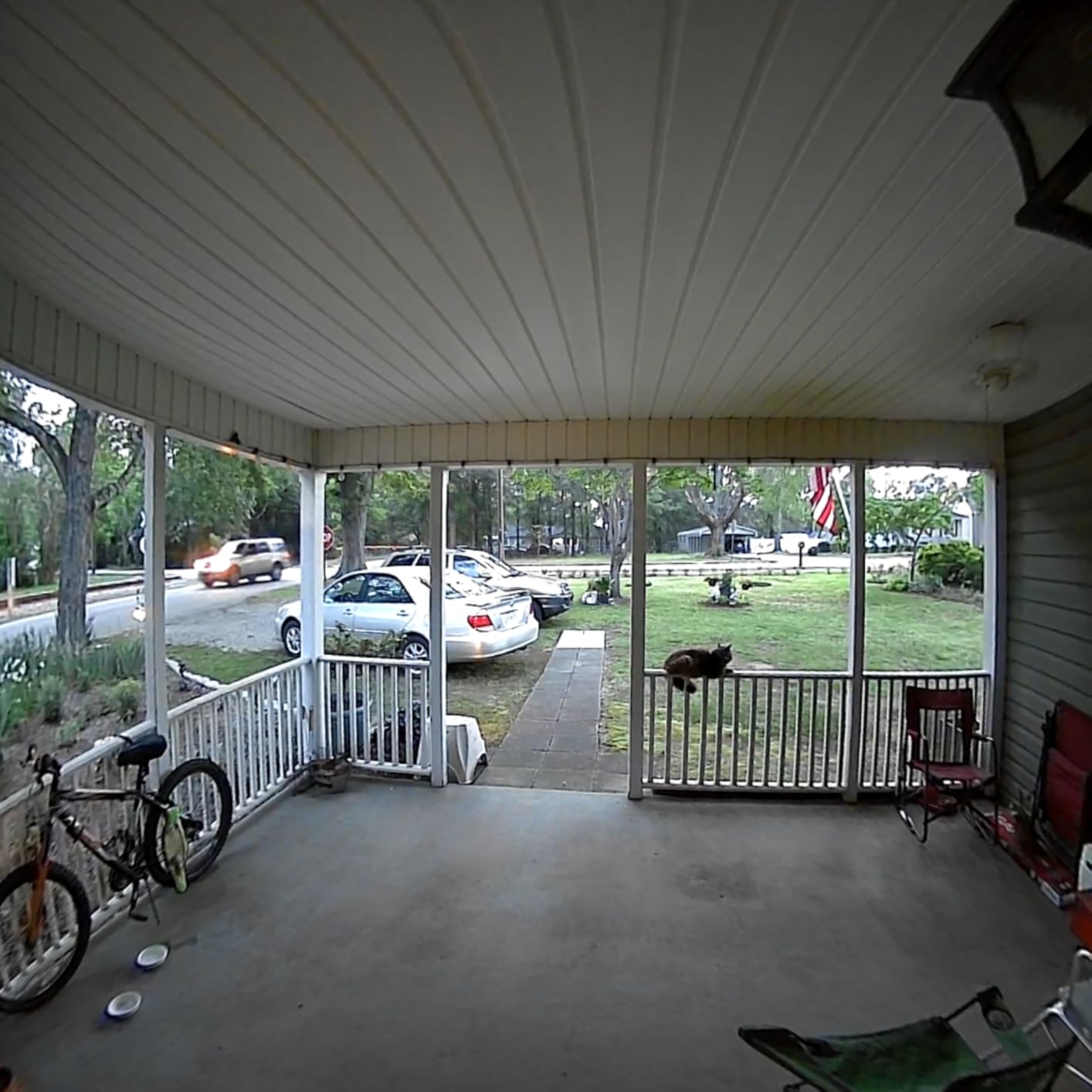
The standout feature of the XTU doorbell is its 180-degree head-to-toe view. Unlike most doorbells that capture a narrow strip in front of your door, this one sees from the ground up to the top of the frame in a single shot. I could see packages sitting directly below the camera and still make out the full body of a visitor standing at the door. The 1:1 viewing mode gives you a square, undistorted image that feels more natural than a stretched fisheye.
Video quality during the day is crisp at 2K resolution, and colors render accurately enough to distinguish clothing and vehicle colors. The 5200mAh battery gave me about six weeks of use between charges with roughly 15 motion events per day. The PIR human detection does a decent job filtering out animals and shadows, though it is not as precise as AI-based person detection on pricier models.
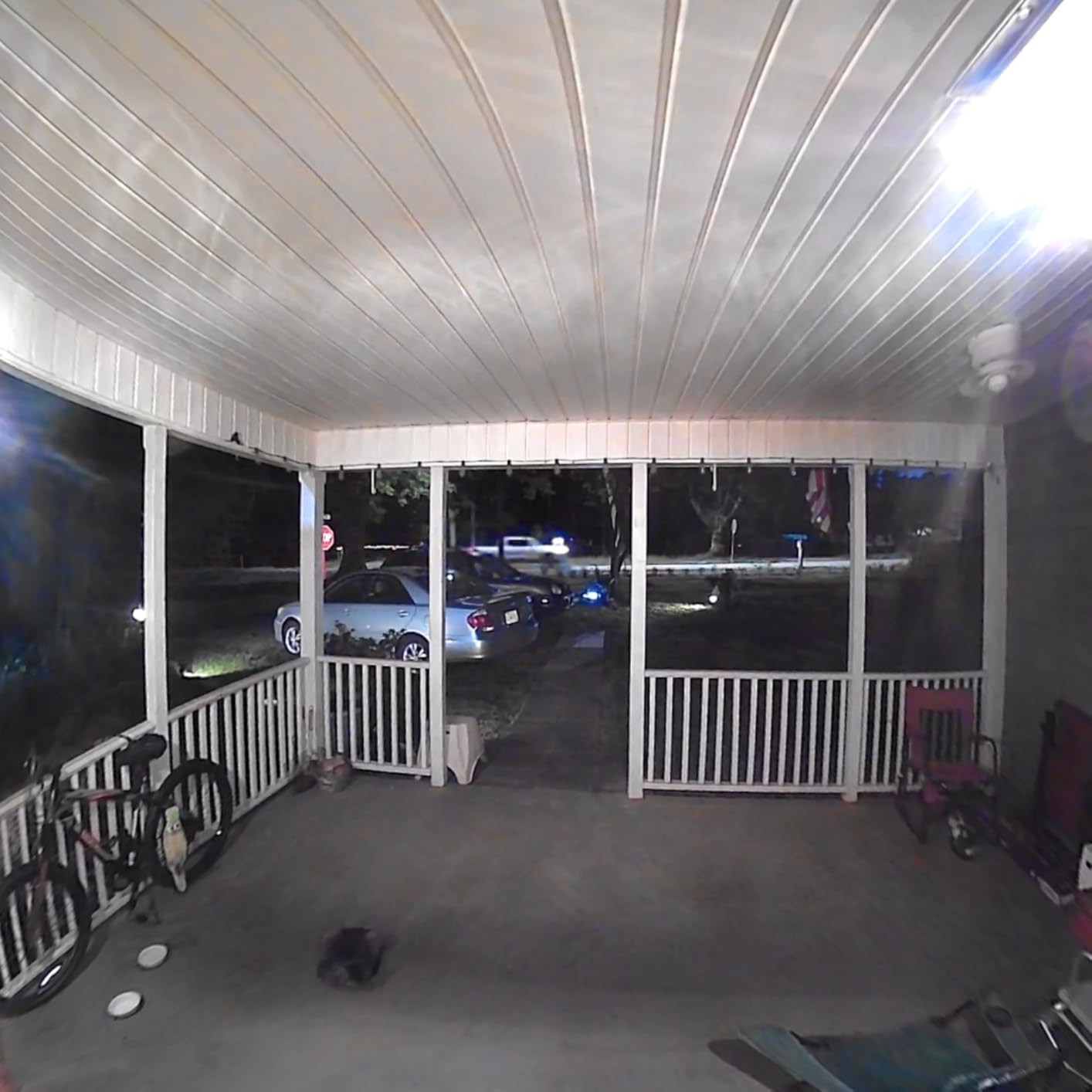
The voice changer feature is a small but thoughtful addition. You can choose a different voice tone when speaking through the doorbell, which adds a layer of privacy when you do not want visitors to know who is answering. Pre-set quick reply messages let you respond with a tap when you cannot talk, like selecting “Leave package at door” without opening your mouth.
The IP66 weather resistance rating handles rain, snow, and dust without any issues during my two months of testing. The chime included in the box has adjustable volume and multiple tone options. Local storage on microSD means no monthly fees, and the card is easy to swap when it fills up. XTU supports both Alexa and Google Home for basic functions like live view and motion alerts.
Who should buy this doorbell
The XTU is ideal if you want to see packages on the ground and visitors from head to toe in a single frame. It works well for homes with wide porches or entryways where a narrower camera would miss activity happening below the lens line. The privacy voice changer makes it a smart choice for anyone who lives alone.
Who should look elsewhere
If you need the sharpest night vision possible or want faster notification delivery, the Tapo D210 delivers better performance in both areas. The XTU also has a slightly more involved setup process that some users find confusing, particularly when connecting the chime to the doorbell unit.
3. Tapo D210 Smart Video Doorbell – Best Value Overall
- Excellent 2K video quality
- Ring Call feature is convenient
- Long battery life months
- No subscription required
- Person detection AI included
- Only one person can have full playback access
- Battery drains faster with all detections on
- Sound can be slightly delayed
The Tapo D210 hits the sweet spot between price and features better than any other doorbell I tested. The 2K resolution is sharp, the 160-degree field of view covers a wide area, and the person detection AI actually works without a subscription. Most competitors lock AI features behind paywalls, but Tapo includes it for free with local storage on microSD cards up to 512GB.
The Ring Call feature is something I did not know I needed until I used it. When someone presses the doorbell, your phone receives an actual phone call rather than just a push notification. This means you never miss a ring, even if your phone is on silent or the app is closed. The call quality is clear, and two-way audio has minimal latency.
The 6400mAh battery is the largest capacity on this list, and it shows in real-world use. With moderate detection settings enabled, I went nearly three months before needing a recharge. Even with person detection and motion zones turned on, the battery comfortably lasts two months. The included chime has good volume output and the 15-degree angled wedge in the box helps you aim the camera perfectly at your entryway.
Color night vision with the built-in spotlight is impressive. Instead of grainy infrared footage, the Tapo provides full-color video at night when the spotlight activates. Faces and clothing details remain visible out to about 15 feet in complete darkness. The spotlight can also be configured as a deterrent that triggers when motion is detected.
Who should buy this doorbell
The Tapo D210 is the best all-around choice for most homeowners. It offers excellent video quality, reliable person detection without subscription fees, and the largest storage capacity on this list. If you want one doorbell that checks nearly every box without breaking the bank, this is it.
Who should look elsewhere
Families who need multi-user access with full playback should note that only one account gets complete video access. Other family members can receive notifications and use live view but cannot review stored recordings. If that limitation is a deal-breaker, the eufy E340 or REOLINK WiFi models handle shared access better.
4. aosu Wireless Doorbell Camera – Best Battery Life with Base Station
- Excellent 2K video quality
- Stable connection with base station
- No subscription required
- AI human detection works well
- Voice changer feature
- Battery life shorter than advertised
- Video playback has 5-second delay in app
- Cannot remove doorbell easily for charging
The aosu doorbell takes a different approach by including the aosuBase Mini, a signal repeater that plugs into an outlet near your doorbell. This base station creates a more stable wireless connection than doorbells that rely solely on your router. In my testing, the live view connected faster and dropped less frequently compared to other wireless options, especially through walls and at greater distances from the router.
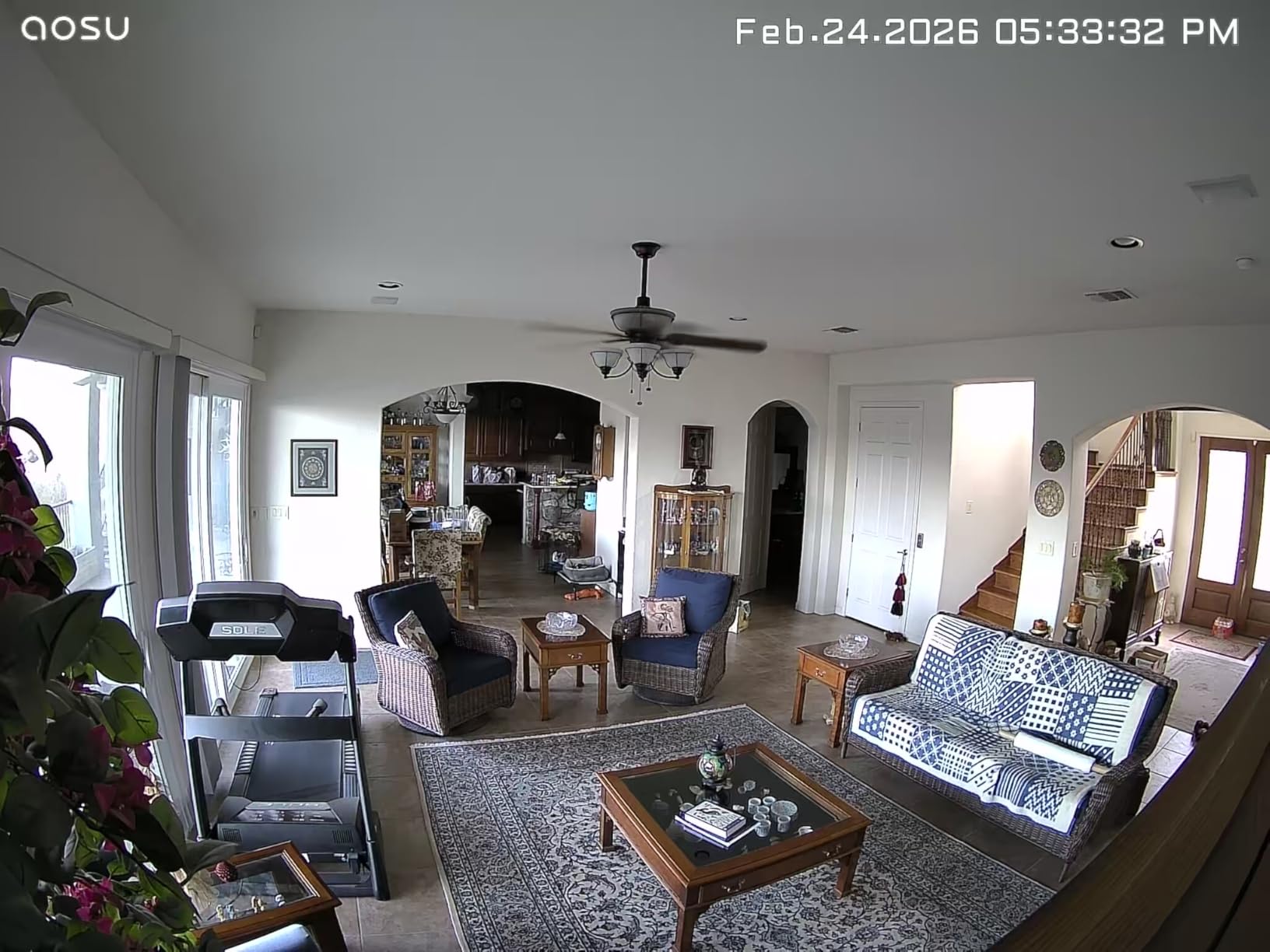
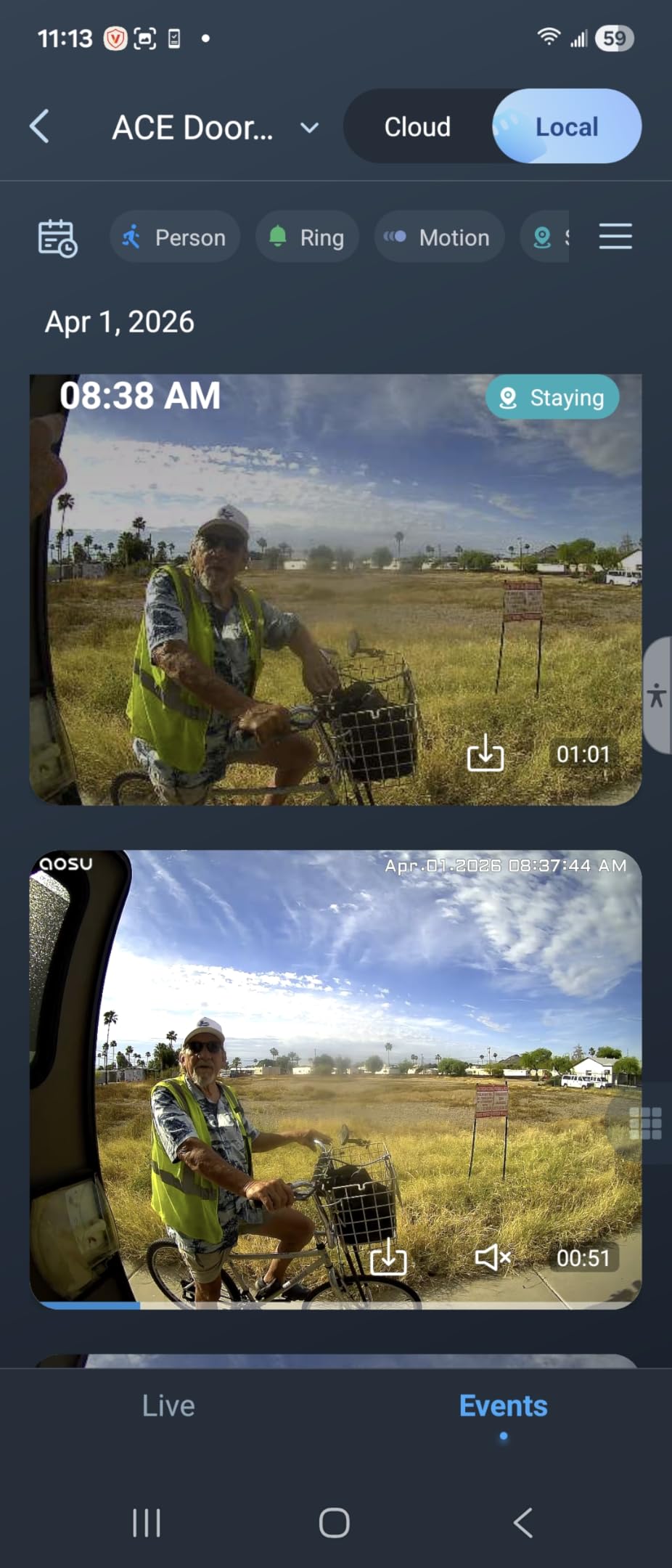
Video quality at 2K resolution is excellent, with the 166-degree wide angle and 4:3 aspect ratio delivering a head-to-toe view of visitors. The AI human detection reliably distinguishes between people and other movement, cutting down false alerts significantly. Local storage records to the base station, which means your footage is stored safely indoors where nobody can steal the card along with the camera.
Battery life is where expectations need adjustment. While aosu advertises 180 days, real-world results from my testing and verified user reviews consistently land between 45 and 90 days depending on detection settings. With human detection on and about 20 events per day, I got roughly 60 days. That is still good, just not the six months claimed on the box.
The voice changer feature lets you disguise your voice when answering the door, and quick reply presets let you respond to visitors without speaking. The aosu app provides clear motion event timelines and straightforward playback. On the downside, removing the doorbell for charging requires unscrewing it from the mounting plate, which is a minor hassle every couple of months.
Who should buy this doorbell
The aosu is a strong pick if you want reliable wireless performance backed by a dedicated signal repeater. Homes with thick walls, long distances to the router, or spotty Wi-Fi coverage will benefit most from the aosuBase Mini. It is also a good choice if you prefer indoor storage over an exposed microSD card slot on the camera itself.
Who should look elsewhere
If you need honest battery life estimates and easy removal for charging, the Tapo D210 or eufy E340 with swappable batteries offer better practical convenience. The 5-second playback delay in the aosu app also frustrates some users who want instant access to recorded events.
5. REOLINK WiFi Video Doorbell – Best Wired Dual-Band Option
- Excellent 2K HDR video quality
- No subscription required
- Dual-band WiFi for stable connection
- Supports 256GB+ microSD cards
- Good NVR integration
- WiFi connectivity can be inconsistent
- Field of view narrower than expected
- Rain can affect the lens
- Setup QR code method frustrating
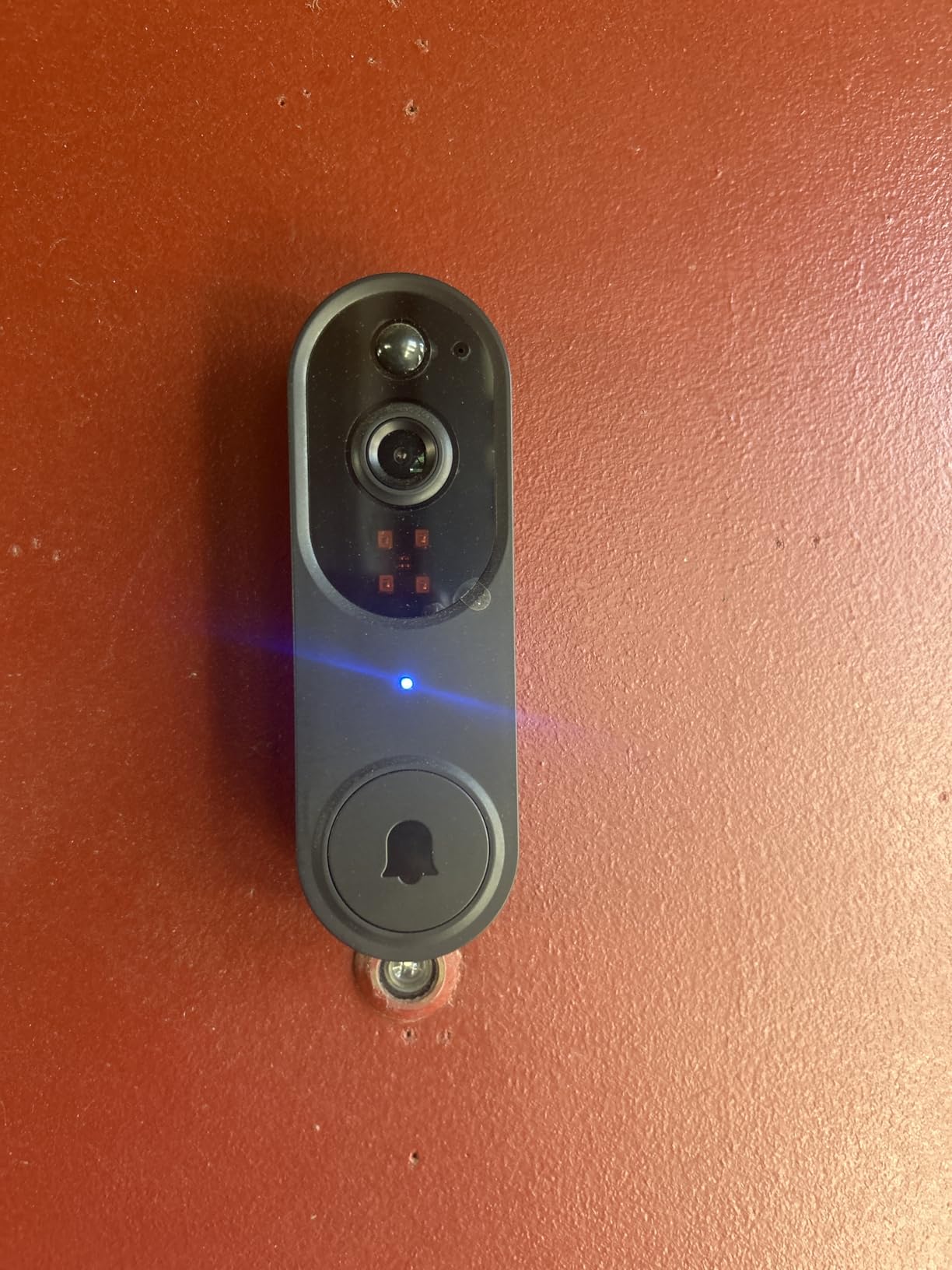
The REOLINK WiFi doorbell is a wired-only model that connects to your existing doorbell transformer, which means zero battery management forever. If your home has 12-24V AC doorbell wiring, this unit taps into it and runs continuously without charging interruptions. The dual-band WiFi support for both 2.4GHz and 5GHz networks gives you faster video streaming and more stable connections than single-band competitors.
Video quality is where the REOLINK genuinely shines. The 2K sensor with HDR and 3D noise reduction produces some of the clearest daytime footage I have seen from a doorbell camera. Faces are identifiable from 20+ feet, and the distortion correction keeps edges of the frame looking natural rather than warped. The 4:3 aspect ratio captures a tall, head-to-toe view of visitors.
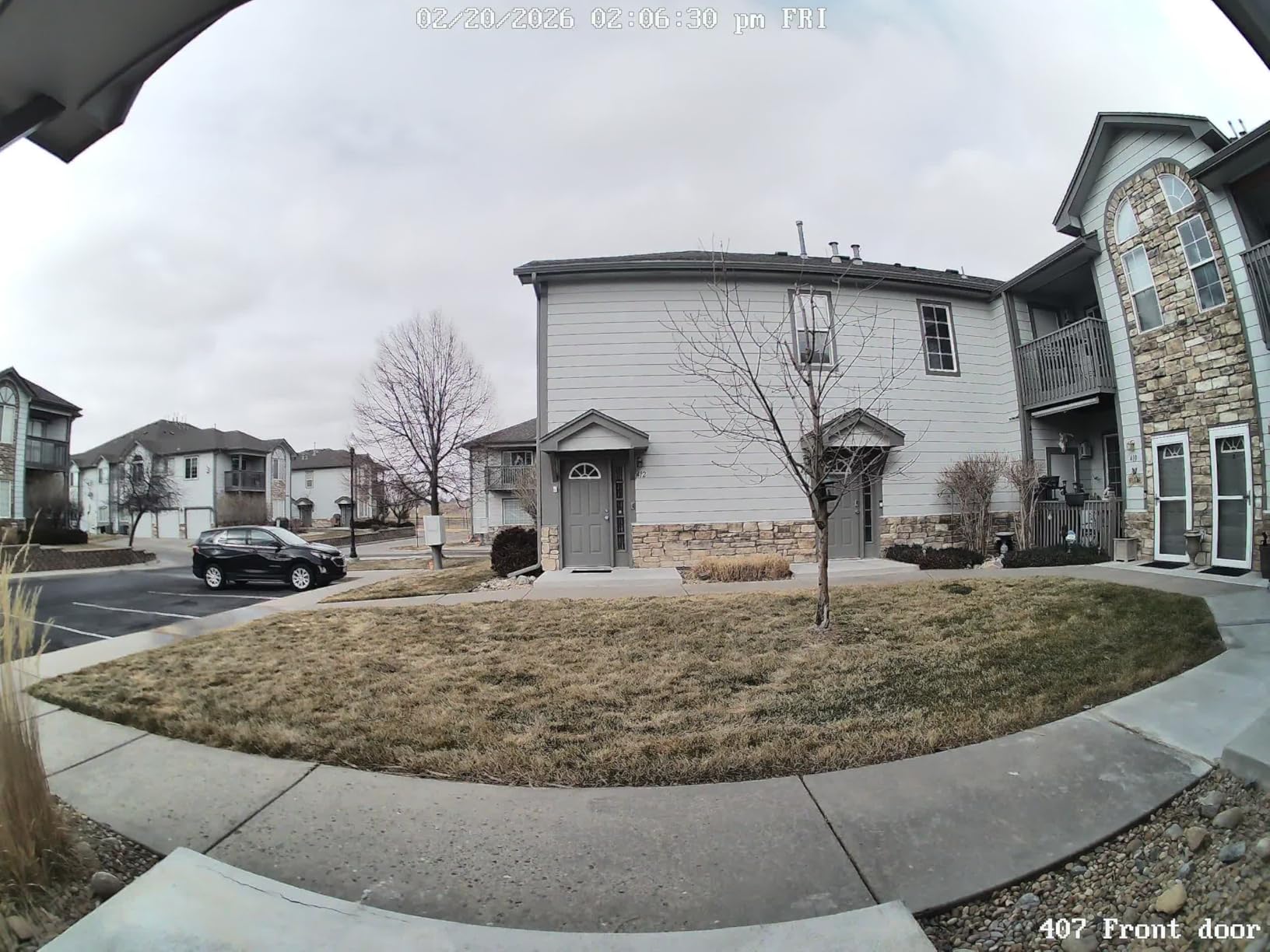
Local storage on microSD cards supports capacities well beyond 256GB, giving you weeks of event recording without running out of space. The included Reolink Chime V2 provides indoor alerts with customizable tones. For users with a Reolink NVR system, this doorbell integrates seamlessly for continuous 24/7 recording alongside other Reolink cameras.
The main frustration I encountered was the QR code setup method, which requires pointing your phone screen at the doorbell camera to scan a code displayed in the app. It took three attempts before it registered. WiFi connectivity also dropped occasionally, requiring a manual reconnect through the app. Rain droplets on the lens can obstruct the view since there is no built-in wiper or overhang on the compact housing.
Who should buy this doorbell
The REOLINK WiFi is perfect if you already have doorbell wiring and want a permanently powered camera with no battery to manage. It is also ideal for Reolink NVR owners who want to add a doorbell to their existing camera system with unified local storage and management.
Who should look elsewhere
Homes without existing doorbell wiring will need to run a transformer and wires, which adds installation cost and complexity. If you prefer a battery-powered option for easier installation, the Tapo D210 or aosu are better wireless alternatives. The occasional WiFi drops also make this less ideal for locations with marginal wireless signal.
6. REOLINK PoE Video Doorbell – Best for Power over Ethernet
REOLINK Video Doorbell PoE 2K Wired Outdoor Security Camera with Chime V2
- PoE provides rock-solid reliability
- No battery management needed
- No subscription fees
- Excellent NVR integration
- Accurate humanoid detection
- Requires Ethernet cable installation
- No WiFi support
- Limited angle adjustment options
- Custom messages play at low volume
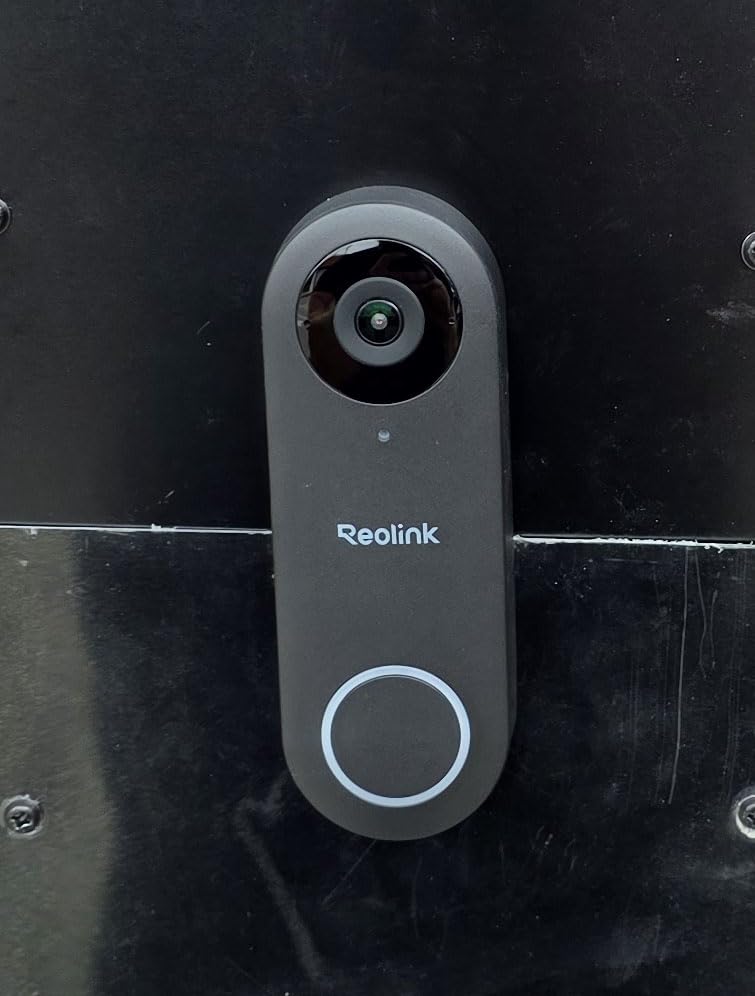
The REOLINK PoE doorbell is built for users who prioritize reliability above everything else. Power over Ethernet means a single cable handles both data and power, eliminating battery management and WiFi dependency entirely. Once installed, it just works without interruption. Many users on forums report upgrading from Ring and Blink systems specifically for this stability, and the difference is immediately noticeable.
Video quality matches the WiFi version with crisp 2K Super HD output, HDR processing, and the same tall 4:3 aspect ratio. The 180-degree diagonal field of view captures a broad area, and the 5 MP CMOS sensor provides sharp still images you can zoom into for identifying details. Color night vision reaches up to 100 feet, which outperforms every other doorbell on this list in terms of range.
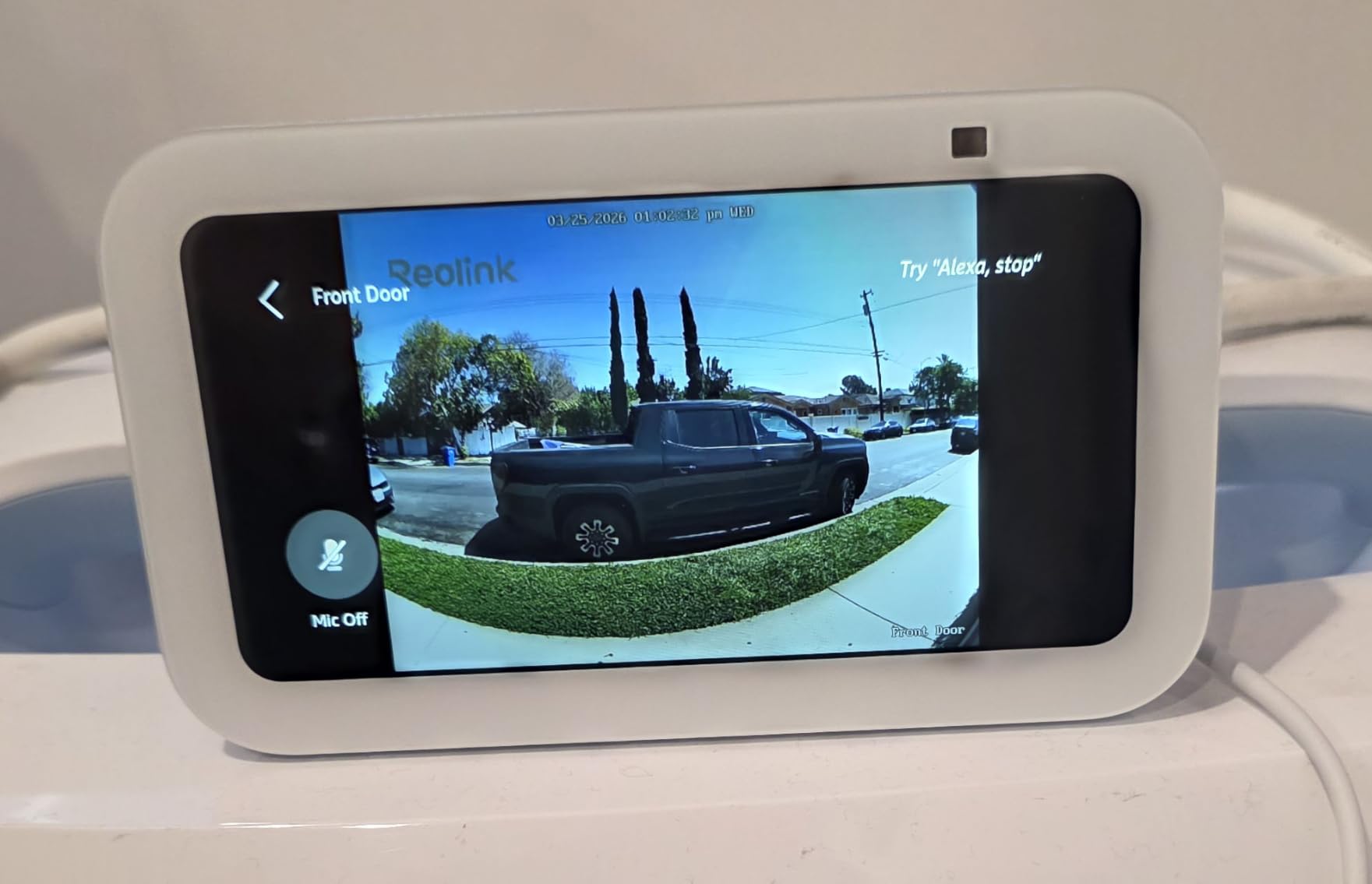
The humanoid detection is accurate and cuts down false alerts from pets, shadows, and moving branches. The included Chime V2 offers 10 different tunes and supports custom voice messages. For advanced users, the PoE doorbell works well with Home Assistant and Frigate NVR setups, giving you local AI processing and complete control over your footage without any cloud dependency.
The trade-off is installation complexity. You need to run an Ethernet cable from your router or PoE switch to the doorbell location, which may require drilling through walls or running conduit. There is no WiFi option at all. The mounting angle is also somewhat limited, making it tricky for non-standard door placements where you need the camera aimed at an unusual angle.
Who should buy this doorbell
This is the best smart doorbell camera with local storage for tech-savvy users, home lab enthusiasts, and anyone with existing PoE infrastructure. If you already run Ethernet cables for other security cameras, adding this doorbell is straightforward. It is also the most reliable option for locations with poor WiFi coverage.
Who should look elsewhere
If running Ethernet cables is not feasible, stick with the wireless options on this list. The REOLINK PoE also lacks WiFi entirely, so you cannot fall back to a wireless connection during cable maintenance. Homes with existing mechanical chimes should note that this unit uses its own chime hub and does not activate traditional doorbell chimes.
7. eufy Security E340 – Best Dual Camera System
- Dual cameras capture visitors and packages
- No subscription with 8GB built-in storage
- Excellent head-to-toe view
- Color night vision
- Smart AI detection included
- App can be clunky and laggy
- Requires HomeBase for initial setup
- Need add-on chime for indoor alerts
- Detection zone setup can be finicky
The eufy E340 solves one of the biggest problems with doorbell cameras: the blind spot directly below the lens. Its dual-camera system uses a front-facing camera for the head-to-toe view of visitors and a second downward-facing camera specifically for monitoring packages on your porch. No other doorbell on this list offers this dual perspective in a single device, and it makes a real difference for package security.
The 8GB of built-in eMMC storage means you do not even need to buy a microSD card. That is enough for roughly 90 days of event-based recording depending on traffic at your door. The storage is non-removable, which means nobody can steal the card along with your doorbell. You can also expand storage by connecting to a eufy HomeBase 2 or 3 if you have one.
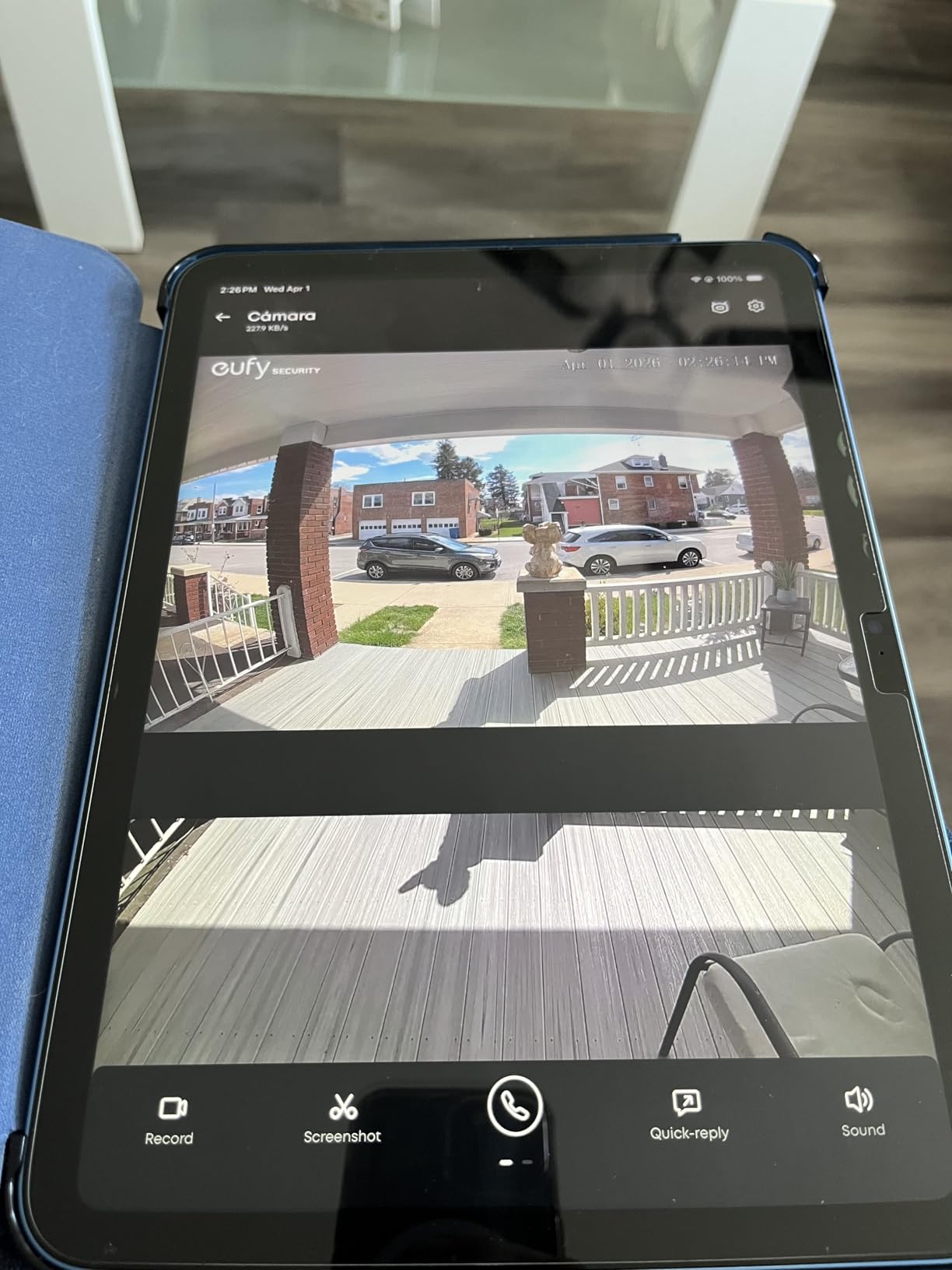
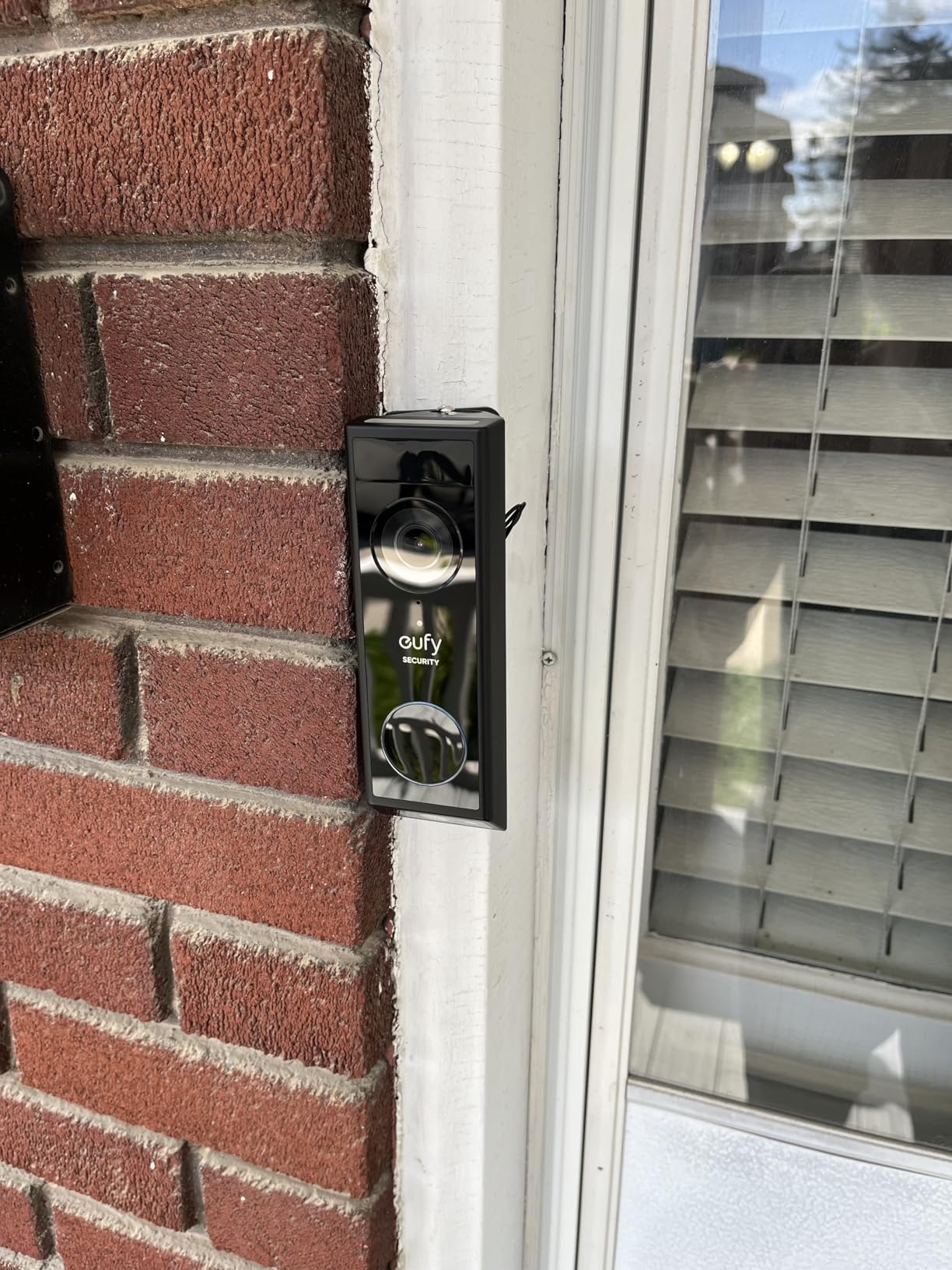
Installation flexibility is another strength. The E340 works as a battery-powered wireless doorbell or connects to existing 16-24V doorbell wiring for continuous power. I tested it wirelessly first, then switched to wired, and both setups delivered consistent performance. The battery is swappable, so you can keep a charged spare ready instead of waiting for a recharge cycle.
The AI motion and package detection accurately identifies when a delivery arrives and sends a specific notification. Color night vision provides clear footage in low light, and the two-way audio quality is above average for a doorbell camera. However, the eufy app experience is uneven. Some menus are confusing, video playback can lag, and the detection zone editor sometimes refuses to save changes on the first try.
Who should buy this doorbell
The eufy E340 is the best overall pick if you receive regular package deliveries and want to monitor both visitors and parcels from a single device. The built-in storage eliminates the need to buy a separate memory card, and the battery/wired hybrid installation fits almost any home setup. It is also ideal if you already own other eufy cameras and want unified management through HomeBase.
Who should look elsewhere
If you want a simple, plug-and-play app experience, the Tapo D210 offers smoother software. The eufy app has a learning curve and some frustrating quirks. You also need to purchase a separate chime accessory if you want to hear the doorbell indoors, as the E340 does not activate existing mechanical chimes on its own.
8. Aqara G410 Smart Doorbell – Best for Apple HomeKit
Aqara Smart Doorbell Camera G410 with Chime, HomeKit Secure Video, Black
- HomeKit Secure Video with encrypted recording
- Built-in Zigbee and Matter hub
- mmWave radar detection is highly accurate
- Local face recognition keeps data private
- Dual-band WiFi with WPA3
- Does not work with existing mechanical chime
- HomeKit limits resolution to 1600x1200
- Firmware updates can cause connectivity issues
- Poor HDR in backlit conditions
The Aqara G410 is purpose-built for the Apple ecosystem. It supports HomeKit Secure Video, which means your recordings are encrypted end-to-end and processed on your iPad, Apple TV, or HomePod rather than on Aqara’s servers. For privacy-focused Apple users, this is the gold standard of local video storage and processing. The doorbell also functions as a built-in Zigbee and Matter hub, letting you connect and control other smart home devices without buying a separate hub.
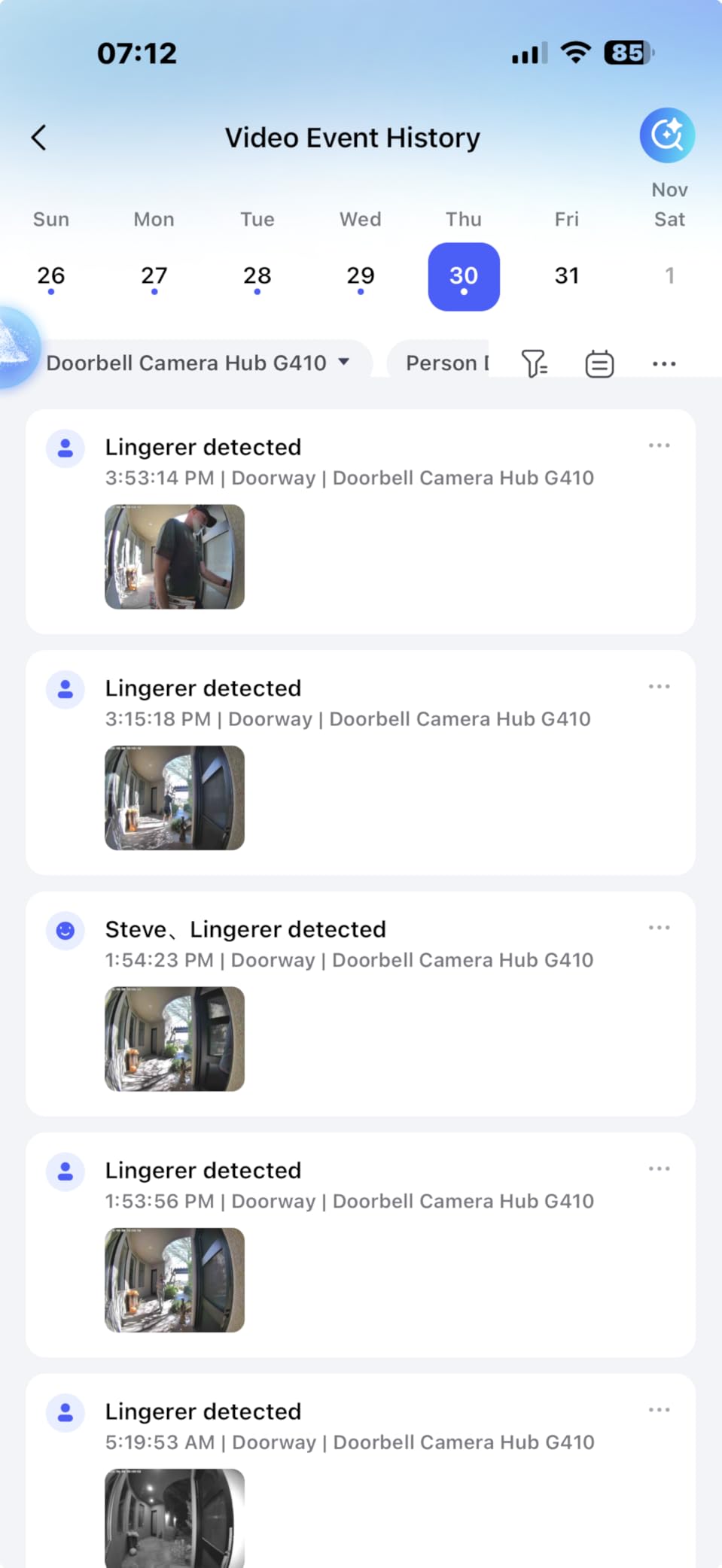
The mmWave radar human detection is a genuine upgrade over the PIR sensors used by most competitors. It detects actual human presence rather than just heat changes, which means fewer false alerts from passing cars, animals, or moving tree branches. The local face recognition feature processes faces directly on the chime unit, keeping biometric data entirely within your home.
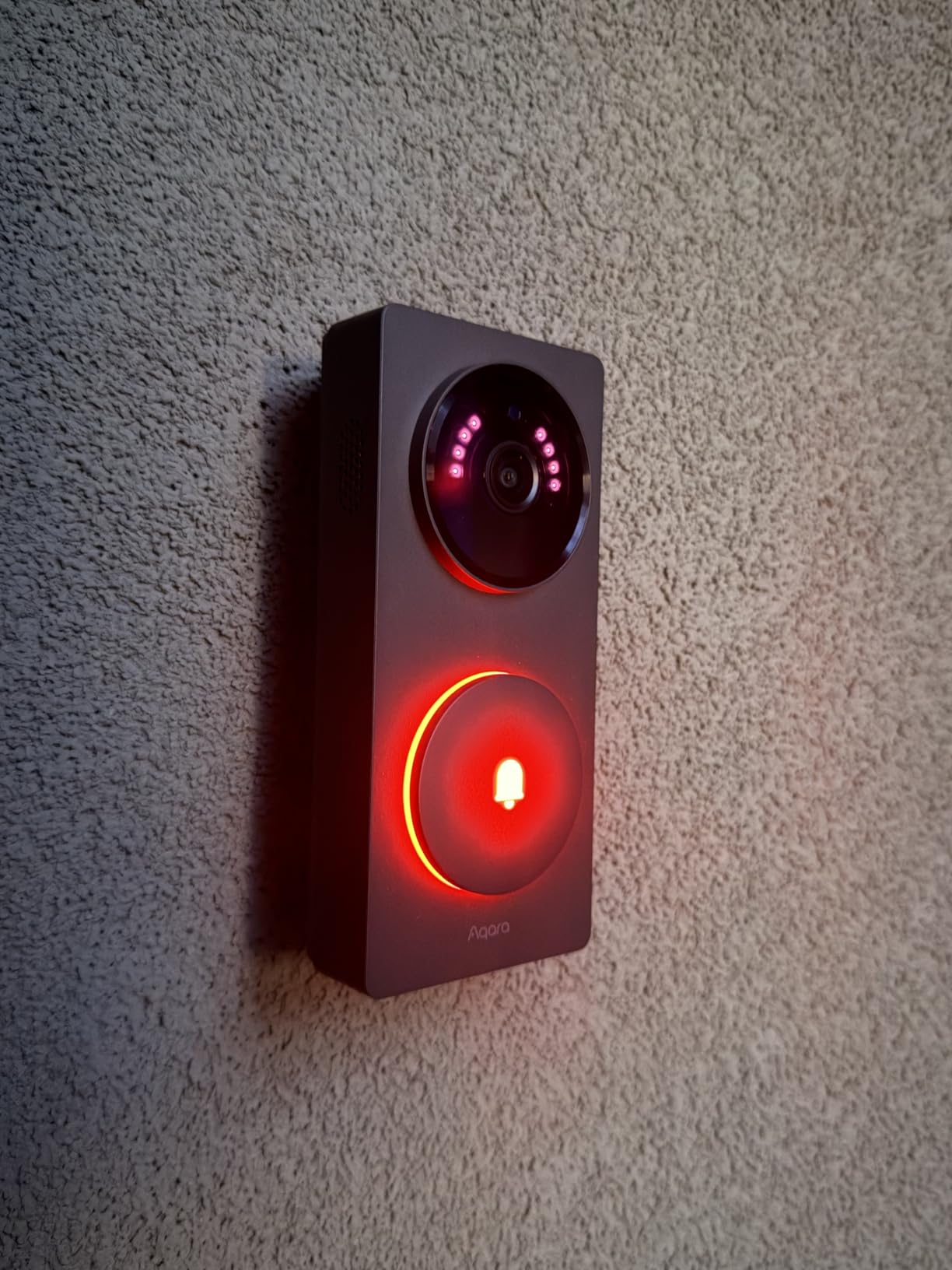
Storage lands on a microSD card (up to 512GB) located inside the chime unit rather than the doorbell itself. This is a smart security decision because anyone who steals your doorbell cannot take your recordings with them. The 95dB chime is loud enough to hear throughout most homes, and you can upload custom audio files for the chime sound. Dual-band WiFi with WPA3 encryption provides modern wireless security.
The main drawbacks center on compatibility and video performance. The G410 does not work with your existing mechanical doorbell chime, requiring you to use Aqara’s included chime hub instead. When connected through HomeKit, resolution drops from 2K to 1600×1200, which is a noticeable reduction. HDR performance struggles with strong backlighting, creating a silhouette effect when the sun is behind visitors. Firmware updates have also caused temporary connectivity problems for some users.
Who should buy this doorbell
The Aqara G410 is the clear choice for Apple HomeKit users who want encrypted, on-device video processing through HomeKit Secure Video. It is also ideal for smart home enthusiasts who want a combined doorbell and Zigbee/Matter hub in one device, reducing the number of separate hubs cluttering your home.
Who should look elsewhere
If you do not use Apple HomeKit, many of the G410’s best features go unused, and you would be better served by the Tapo D210 or eufy E340 at lower price points. Android users or those with mixed smart home ecosystems should look at the broader compatibility options elsewhere on this list.
How to Choose the Best Smart Doorbell Camera with Local Storage?
Picking the right local storage doorbell comes down to understanding your specific needs around power, video quality, storage capacity, and smart home compatibility. Here is what matters most when making your decision.
Storage Type and Capacity
Local storage comes in three forms: microSD cards, built-in flash memory, and base station storage. MicroSD cards offer the most flexibility since you choose the capacity and can swap cards when they fill up. The Tapo D210 supports up to 512GB, which holds roughly 30 days of event-based recording at 2K resolution. Built-in storage like the eufy E340’s 8GB eMMC is simpler but limits how far back you can review footage. Base station storage on the aosu and Aqara G410 keeps the card safely indoors, protecting your recordings even if the camera is stolen.
Power Options: Battery vs Wired
Battery-powered doorbells like the BOIFUN, XTU, Tapo, and aosu install anywhere without running wires. The trade-off is recharging every 1 to 3 months depending on usage. The REOLINK WiFi and PoE models require existing wiring or new cable runs but provide uninterrupted power forever. The eufy E340 and Aqara G410 offer the best of both worlds with hybrid battery and wired options. Consider whether your home has existing doorbell transformer wiring (typically 16-24V AC) before deciding.
Video Resolution and Field of View
All eight cameras on this list deliver 2K resolution, which is the sweet spot for identifying faces and reading text on packages. Avoid 1080p models if possible, as the extra detail in 2K makes a real difference when zooming in on recorded footage. Field of view matters just as much as resolution. The XTU and Aqara offer 175 to 180-degree coverage, capturing your entire entryway. Narrower views around 160 to 166 degrees still work well but may miss activity happening at the edges of your porch.
Night Vision Performance
Color night vision, available on the Tapo D210, eufy E340, and Aqara G410, provides significantly more detail than traditional infrared. You can identify clothing colors and vehicle details at night, which is critical for security purposes. Infrared-only night vision on models like the aosu still works for detecting movement and identifying faces but loses color information that could help identify suspicious activity.
Smart Home Integration
Think about which ecosystem you already use before choosing a doorbell. The Aqara G410 is the only option with full HomeKit Secure Video support. The Tapo D210 and aosu work with both Alexa and Google Assistant. The REOLINK models integrate best with their own NVR systems and Home Assistant. The eufy E340 connects to HomeBase and both major voice assistants. If you have already invested in smart doorbell chimes or other smart home accessories, make sure your new doorbell is compatible with your existing setup.
Privacy and Data Control
Local storage doorbells keep your footage on your property by default, but the level of privacy protection varies. The Aqara G410 encrypts recordings through HomeKit Secure Video. The REOLINK PoE supports FTP and NAS storage for complete network isolation. The eufy E340’s built-in storage cannot be physically removed from the device. For maximum privacy, avoid doorbells that require cloud account creation for basic local features, and check whether the manufacturer processes any metadata on their servers even when using local storage. You might also consider pairing your doorbell with indoor security cameras for complete home coverage.
Installation Difficulty
Wireless battery-powered models install in under 15 minutes with basic tools. Wired models require checking your transformer voltage and connecting wires, which takes 30 to 60 minutes if wiring exists. The REOLINK PoE demands the most installation effort since you need to run Ethernet from your network equipment to the doorbell. Factor in whether you need to hire an electrician, which adds $100 to $200 to your total cost for wired installations.
Frequently Asked Questions
What is the best video doorbell with local storage and no subscription?
The eufy Security E340 is our top pick for a doorbell camera with local storage and no subscription. It offers 8GB of built-in storage, dual cameras for visitor and package monitoring, and 2K video quality without any monthly fees. The Tapo D210 is the best value option with support for microSD cards up to 512GB and free AI person detection.
How much video can I store without a subscription on a smart doorbell?
Storage capacity depends on your card size and video resolution. A 128GB microSD card holds roughly 7 to 10 days of continuous recording or 30 to 45 days of event-based recording at 2K resolution. A 512GB card, supported by the Tapo D210 and Aqara G410, can store 3 to 4 months of event clips. The eufy E340’s built-in 8GB holds approximately 90 days of event recordings.
Do no-subscription doorbells work during internet outages?
Most local storage doorbells continue recording to their microSD card or built-in memory during internet outages. However, you will not receive remote notifications or be able to view the live feed from your phone until connectivity is restored. The REOLINK PoE doorbell, when connected to a local NVR, can operate entirely offline with no internet dependency at all.
How long do batteries typically last in wireless doorbell models?
Wireless doorbell batteries typically last 1 to 3 months between charges depending on usage, detection settings, and temperature. The Tapo D210 with its 6400mAh battery is the longest-lasting wireless option, reaching 2 to 3 months with moderate use. Cold weather below 32 degrees Fahrenheit can reduce battery life by 20 to 30 percent across all models.
Can I add cloud storage later if I change my mind?
Yes, most local storage doorbells also offer optional cloud storage plans. The Tapo D210, aosu, and XTU all provide cloud subscription tiers alongside their free local storage. You can start with local storage and add cloud backup at any time without changing hardware. Your local recordings continue even if you add a cloud plan, giving you dual-layer protection.
Wrapping Up
Finding the best smart doorbell cameras with local storage in 2026 does not mean compromising on features to avoid monthly fees. The eufy Security E340 leads the pack with its unique dual-camera system and built-in storage. The Tapo D210 delivers the best overall value with 512GB storage support and the innovative Ring Call feature. For budget-conscious buyers, the BOIFUN proves you can get solid 2K video and local recording without spending much.
Every doorbell on this list records footage locally without forcing you into a subscription. Your videos stay on your property, under your control, for as long as you own the device. Pick the one that matches your power setup, storage needs, and smart home ecosystem, and you will have reliable porch monitoring for years to come.