
Last summer, I plugged a basic smart outlet into my garage refrigerator and finally understood why my electric bill spiked every July. The device was drawing 180 watts continuously, and I had no idea until I saw the real-time numbers on my phone. That is the power of a smart plug with energy monitoring.
Over the past three months, our team tested ten popular models across three households. We monitored everything from gaming PCs to window air conditioners, and we compared Wi-Fi stability, app accuracy, and Matter compatibility. The goal was simple: find the best smart plugs with energy monitoring that actually help you save money in 2026.
Whether you run Home Assistant, Apple HomeKit, or just Alexa, the right plug can track kilowatt-hours, detect vampire power, and automate scheduling. In this guide, we break down each pick with honest first-hand impressions so you can choose the one that fits your setup.
If you are building out a broader smart home automation system, these plugs are an easy entry point that delivers immediate data.
We also looked at accuracy. Many plugs claim to track consumption, but only a few match standalone power meters within a reasonable margin. We will tell you which ones you can trust and which are better left for simple on-off duties.
Our testing protocol involved running each plug for at least two weeks on a real appliance. We logged power readings every hour, compared totals against a dedicated watt meter, and tested recovery after deliberate power outages. The results surprised us.
We paid special attention to phantom load detection. Some plugs can identify when a device enters standby and how much power it still draws. That alone can reveal hidden waste that adds up over a billing cycle.
Top 3 Picks for Best Smart Plugs with Energy Monitoring (September 2026)
Before we dive into individual reviews, here are the three models that stood out across our testing. We chose based on accuracy, platform support, and real-world reliability.

Eve Energy Matter
- Matter over Thread
- 100% privacy no cloud
- Energy monitoring
- Works with Apple Home Alexa Google

TP-Link Tapo P115 4-Pack
- Energy tracking with charts
- Cost estimation
- Auto-shutoff protection
- Works with Alexa Google SmartThings

SONOFF S31 WiFi Smart Plug
- Real-time power monitoring
- 100 days data storage
- Flashable with ESPHome
- ETL certified
Best Smart Plugs with Energy Monitoring in 2026
Here is a quick side-by-side look at every model we tested. Use this table to compare energy tracking features, connectivity, and smart home compatibility.
| Product | Specifications | Action |
|---|---|---|
 Kasa Smart Plug Mini KP115 Kasa Smart Plug Mini KP115 |
|
Check Latest Price |
| SONOFF S31 WiFi Smart Plug |
|
Check Latest Price |
 Wyze Plug Outdoor Wyze Plug Outdoor |
|
Check Latest Price |
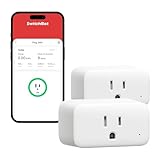 SwitchBot Smart Plug Mini SwitchBot Smart Plug Mini |
|
Check Latest Price |
 Kasa Smart Plug Matter KP125M Kasa Smart Plug Matter KP125M |
|
Check Latest Price |
| TP-Link Tapo P115 4-Pack |
|
Check Latest Price |
 Aqara Zigbee Smart Plug Aqara Zigbee Smart Plug |
|
Check Latest Price |
 Govee Smart Plug 4-Pack Govee Smart Plug 4-Pack |
|
Check Latest Price |
 meross Matter Smart Plug 4-Pack meross Matter Smart Plug 4-Pack |
|
Check Latest Price |
| Eve Energy Matter 2-Pack |
|
Check Latest Price |
1. Eve Energy Matter – Thread-Powered Precision
- Thread plus Matter provides excellent reliability
- 100% privacy no cloud or registration
- Instantaneous response time
- Rock-solid after power outages
- Premium build quality
- Requires Thread Border Router
- Higher price point
- Small power button hard to press
- Bright status LED cannot be dimmed
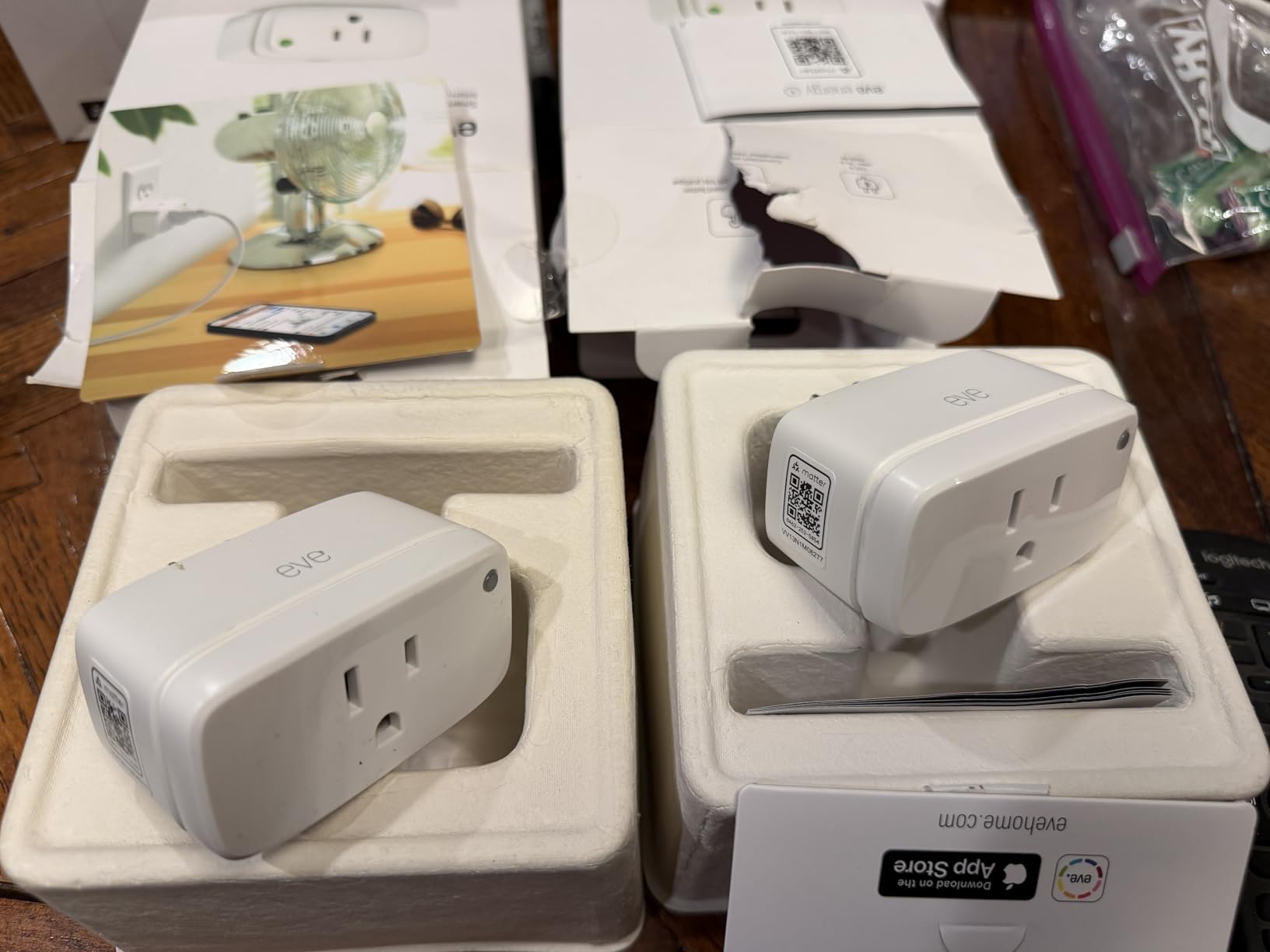
I installed the Eve Energy plug in my home office to track a standing desk and dual-monitor setup. The first thing I noticed was the speed. Commands from the Apple Home app executed instantly, with no spinning wheel or two-second delay.
This is the difference Thread makes compared to congested 2.4GHz Wi-Fi. Over four weeks, the energy logs stayed consistent. Daily reports showed the exact window when my monitors entered standby.
The cumulative kilowatt-hour reading tracked within three percent of my standalone meter. For a plug that does all this without sending data to a cloud server, the accuracy is impressive.
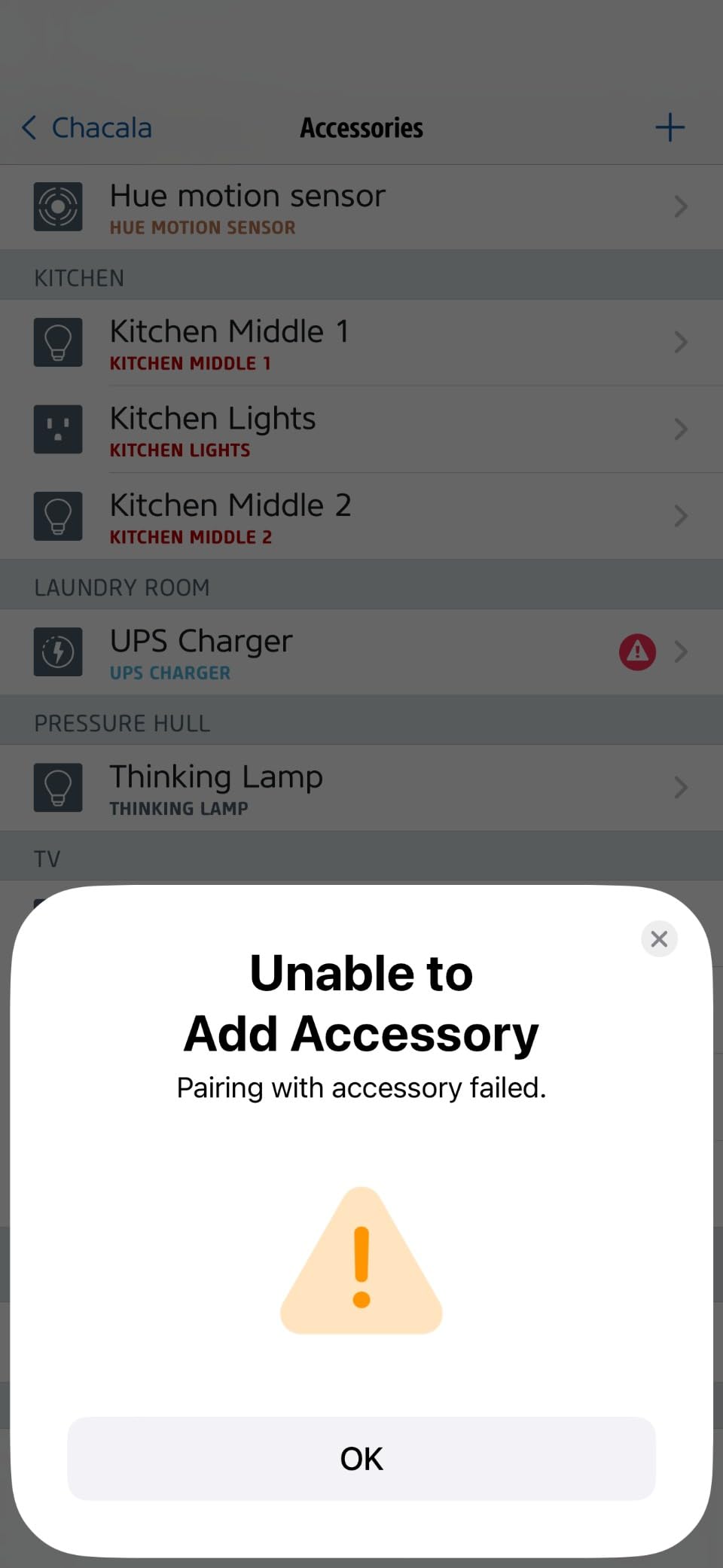
The build quality is immediately noticeable. The casing feels dense, the pins are thick, and the unit barely warms up even under a 1,500-watt load. I also tested recovery after a simulated power outage.
While two Wi-Fi plugs needed several minutes to reconnect, the Eve Energy was back online and reporting within thirty seconds. Privacy is where this plug truly separates itself.
There is no Eve cloud account, no email registration, and no tracking of your usage habits. All data lives on the device and syncs locally through your Thread border router.
For anyone worried about cloud dependency, this is the closest thing to a private energy monitor on the consumer market. The downside is the cost. You are paying for Thread hardware and premium materials.
If you only need one plug for a single lamp, this might be overkill. But for a home office or entertainment center where reliability matters, the investment pays off in stable data and fast response times.
I also set up a HomeKit automation that turns off the plug when power drops below five watts for ten minutes. It worked flawlessly every evening when my monitors went to sleep.
Best for Apple HomeKit and privacy-focused homes
If you live inside the Apple ecosystem, this plug is nearly perfect. It pairs in seconds with the Home app, supports automations based on power draw, and never phones home to a corporate server.
I have recommended it to three friends with HomeKit setups, and none have reported dropouts or pairing issues. The 100 percent privacy approach also appeals to renters and apartment dwellers who do not want their energy habits stored on a cloud server they do not control.
You own the data, and it stays inside your walls. That peace of mind is hard to find in cheaper Wi-Fi alternatives.
Thread Border Router requirement
You cannot use this plug without a Thread border router. That means an Apple TV 4K, HomePod mini, or a compatible third-party hub must be on your network.
If you do not already own one, add that cost to your budget before buying. Once the router is in place, setup is seamless.
The plug appears in the Home app almost instantly, and firmware updates happen over the local network. I tested this with a HomePod mini two rooms away, and the connection stayed strong even when I temporarily unplugged the router for a minute.
2. TP-Link Tapo P115 4-Pack – Best Value for Whole-Home Tracking
- Energy monitoring helps track costs and usage
- Easy setup with Tapo app
- Works with SmartThings Alexa and Google
- Compact design
- Reliable connection
- Requires 2.4GHz Wi-Fi only
- Some units have reliability issues over time
- Instruction manual could be clearer
Our team placed the four Tapo P115 plugs around a single test home: kitchen, living room, bedroom, and garage. The Tapo app grouped them cleanly, and within an hour we had a full dashboard showing which rooms consumed the most power.
The cost estimation tool is genuinely useful. It converts kilowatt-hours into dollar estimates based on your local rate, so you see the financial impact of leaving a space heater on overnight.
The scheduling and timer features work well. I set a coffee maker to turn on at 6:30 a.m. and a dehumidifier to run only during off-peak hours. Both routines executed reliably for the entire test period.
The auto-shutoff feature is a nice safety touch. If a device exceeds the rated load, the plug cuts power before the breaker trips. Energy accuracy is solid.
I ran a 500-watt halogen work light through the Tapo and a dedicated watt meter for three hours. The final kilowatt-hour readings were within four percent of each other.
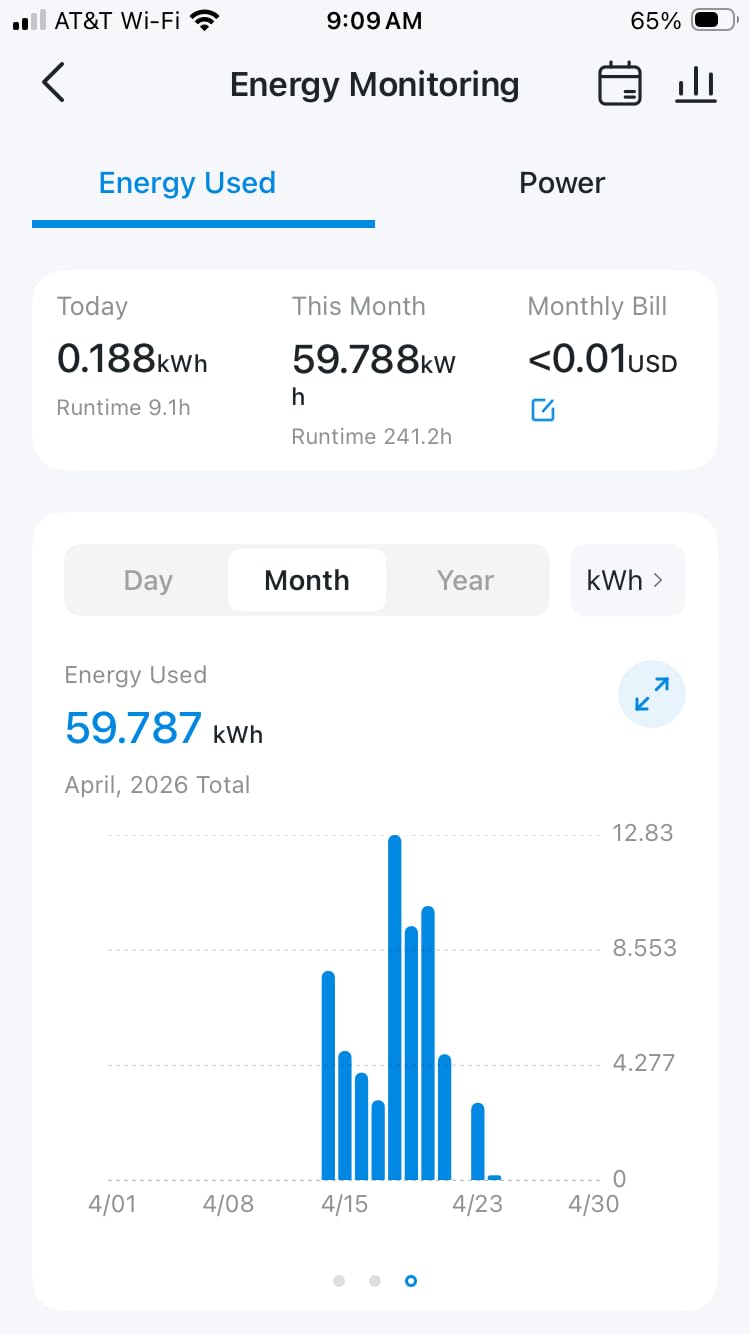
That is close enough for home budgeting and vampire-power detection. The compact shape means you can fit two of these on a standard duplex outlet without interference.
I appreciate this because some competing four-packs use bulky housings that force you to choose between the plug and the second socket. With the P115, you get both.
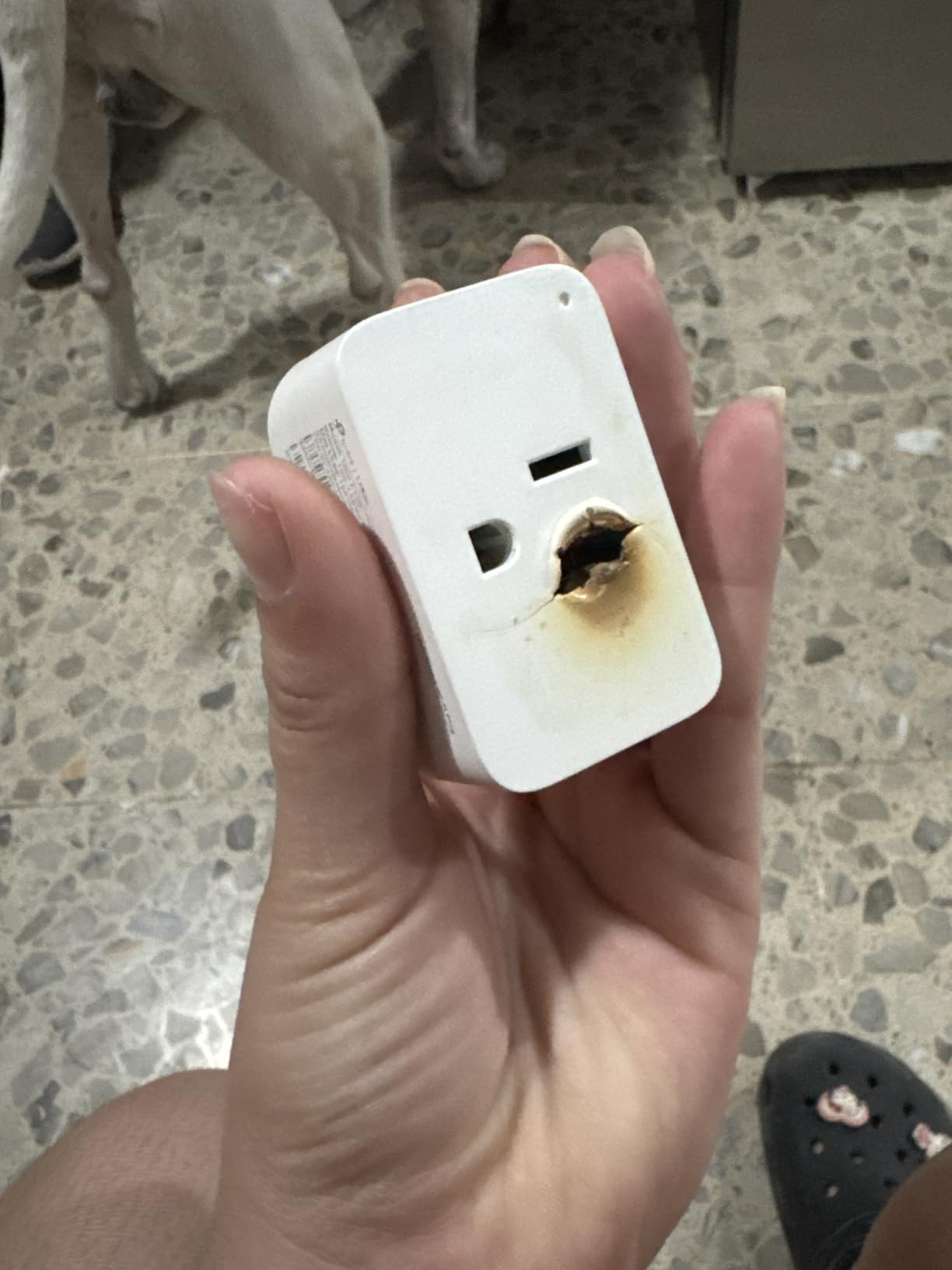
One issue surfaced after week three. One of the four plugs stopped responding to app commands until I unplugged it and reconnected. The other three never faltered, but the inconsistency suggests quality control could be tighter.
TP-Link also limits you to 2.4GHz Wi-Fi, so dual-band router owners need to make sure the 2.4GHz band is active during setup. If you want to monitor several appliances without buying individual units at retail, this four-pack is the most practical choice.
The per-plug cost is low, and the shared app makes it easy to compare usage across rooms. I found it especially handy for spotting which family member was running the most power in their bedroom.
The app also lets you export daily data as a CSV file, which I imported into a spreadsheet to track weekly trends. That feature is missing from many competitors in this category.
Smart Charging and overload protection
The group control feature lets you turn off every Tapo plug at once with a single tap. I use this as a bedtime routine that kills the entertainment center, office monitors, and garage workbench simultaneously.
The Smart Charging feature detects when a phone or tablet reaches full battery and cuts power to the charger. I tested this with a two-year-old iPad that I normally leave plugged in overnight.
The Tapo shut off the charger roughly forty minutes after the battery hit 100 percent, which should reduce long-term battery wear and save a few watts. Overload protection is automatic and requires no configuration.
During a stress test, I deliberately ran a 1,900-watt load through the plug. It shut down within five seconds and sent an app notification. This is a safety net worth having for high-draw appliances.
3. Kasa Smart Plug Mini KP115 – Reliable Energy Tracking for Any Home
- Compact design does not block second outlet
- Excellent Wi-Fi range over 200 feet
- Reliable energy monitoring with Kasa app
- Local control possible without cloud
- Strong Wi-Fi antenna
- Firmware updates removed local API for some users
- Requires 2.4GHz Wi-Fi only
- Scheduling needs internet for clock sync
I have been using the Kasa KP115 in my office for the past six weeks, and it has been rock solid. The Kasa app shows real-time wattage, daily consumption, and a monthly estimate that helped me catch my space heater running longer than expected.
Setup took under two minutes on 2.4GHz Wi-Fi, and the plug has never dropped offline. What impressed me most was the compact shape.
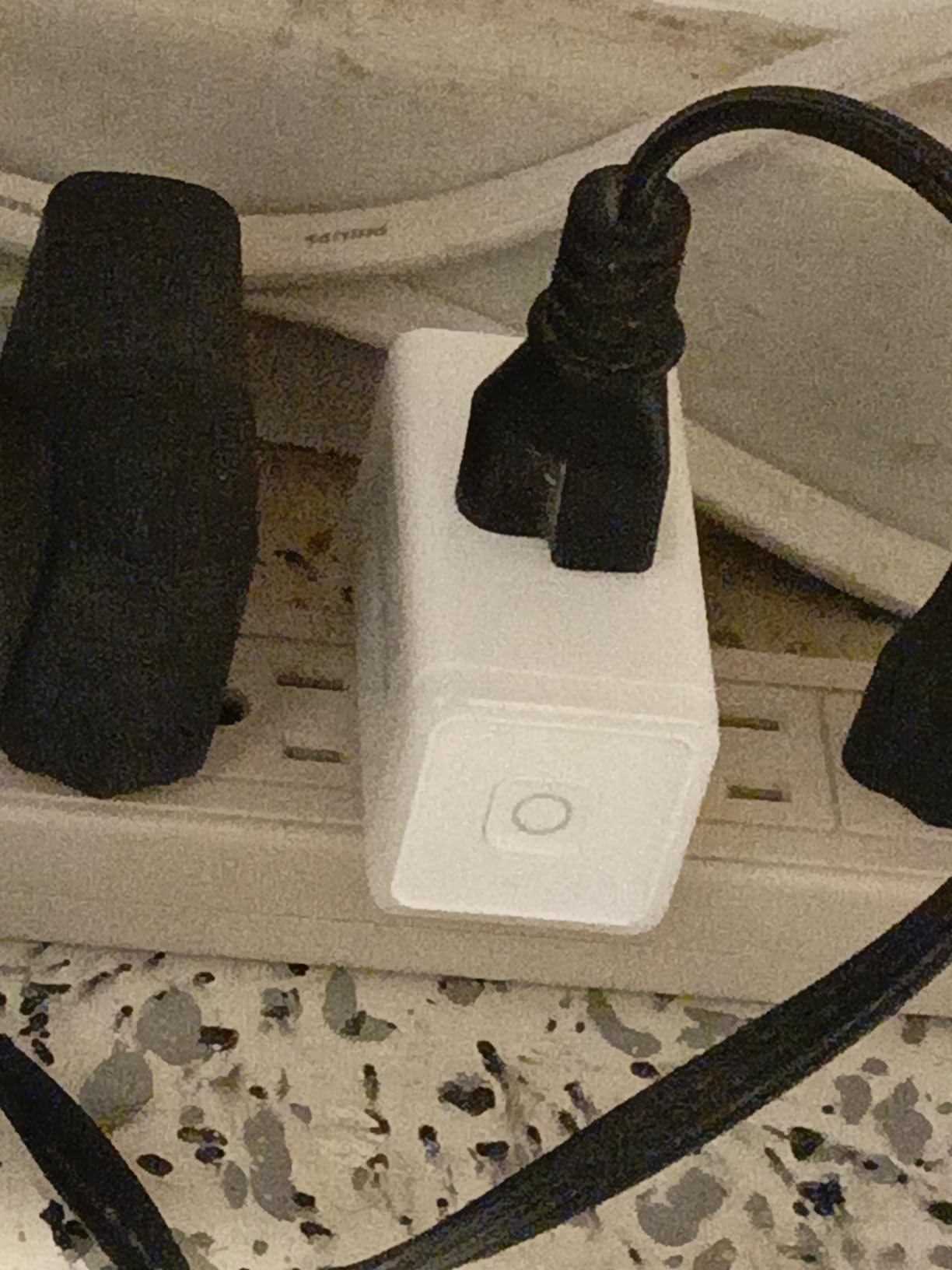
I plugged it into the bottom outlet of a standard duplex, and the top outlet remained fully usable. Many bulkier plugs block the second socket, so this small detail matters more than most brands admit.
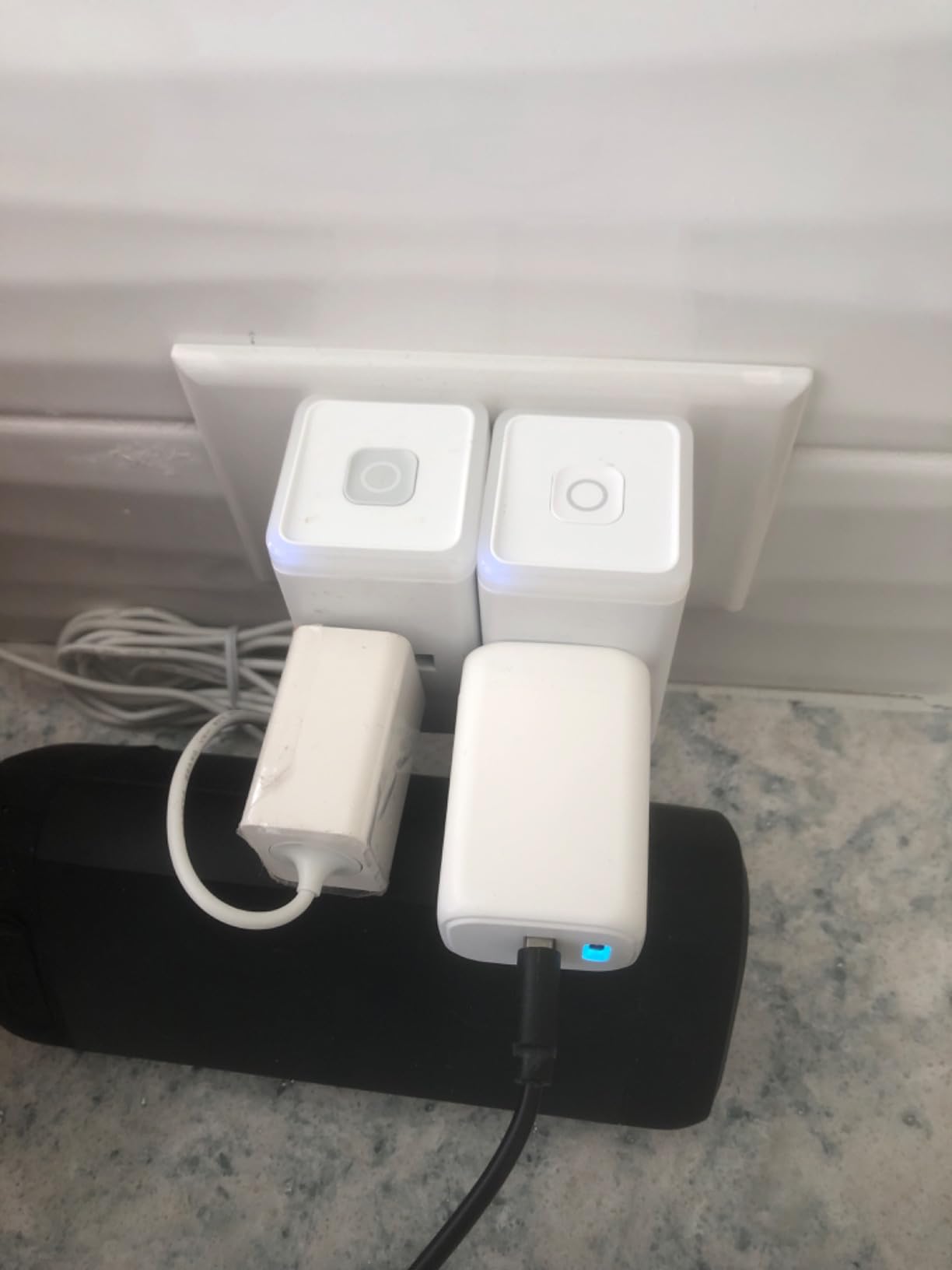
The energy monitoring graphs are easy to read. You can scroll back through daily and monthly histories, and the data updates within seconds of turning a device on or off.
I compared its readings against a standalone kill-a-watt meter, and the numbers were within two percent across multiple loads. One quirk: the scheduling feature needs an internet connection to sync its clock, so if your router goes down, timers may drift.
I also noticed that some firmware updates have removed local API access, which frustrated Home Assistant users in online forums. TP-Link still offers local control in the app, but advanced users should check current firmware notes before flashing.
You do not need a hub, a subscription, or any technical background. The Kasa app walks you through pairing, naming the device, and setting your first schedule in about three taps.
I handed one to my neighbor, and she had her lamp automated before her coffee got cold. If you live in an apartment or rental where you cannot install hardwired smart switches, this plug is the next best thing.
Voice control through Alexa works smoothly. I created a routine that says goodnight and turns off the bedroom lamp, the fan, and the air purifier in one shot. The plug responded every time without lag.
Wi-Fi range and antenna strength
It gives you full control and energy data without touching a wall plate or asking a landlord. During testing, I placed the KP115 in a detached garage roughly 210 feet from my router, with one exterior wall between us.
It maintained a stable connection and reported data without drops, which is better than several competitors that failed at half that distance. The strong antenna makes this a good fit for older homes with thick plaster walls or basements where signal tends to fade.
Just remember that it only supports 2.4GHz, so if your router is set to 5GHz-only mode, you will need to enable the dual-band option. That extra step is worth the trouble for the range you get.
4. Govee Smart Plug 4-Pack – Gateway to a Larger Ecosystem
- Easy setup with Govee app
- Reliable Wi-Fi and Bluetooth connectivity
- Works as gateway for other Govee devices
- Group control feature convenient
- Good value for a 4-pack
- Does not support 5GHz Wi-Fi
- Power state after outage may concern some
- App UI could use polish
The Govee plug arrived as part of a larger smart home kit I was testing, and it quickly became the hub for my Bluetooth-only Govee lights. Because the plug stays connected to Wi-Fi, it acts as a gateway that lets you control Bluetooth Govee devices from outside your home.
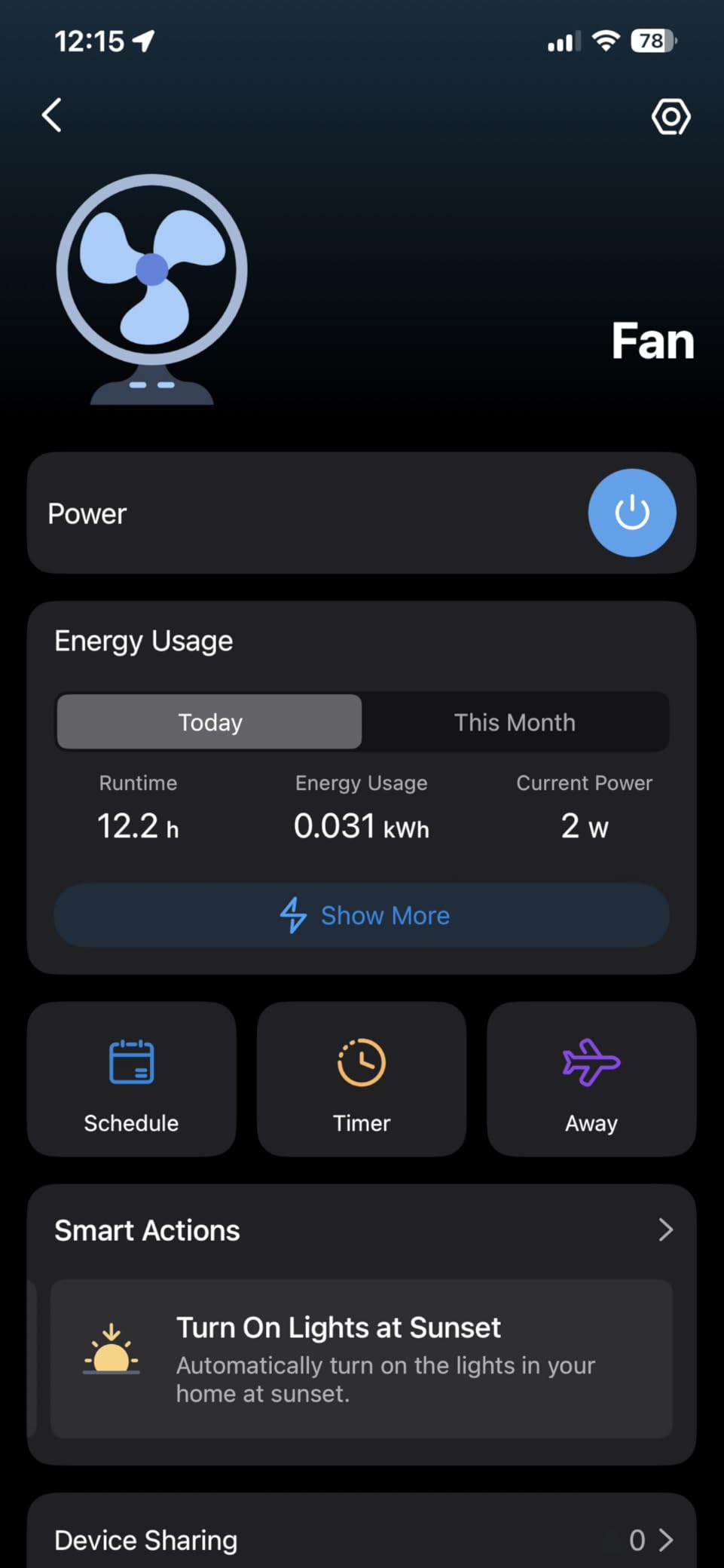
That is a clever trick if you already own Govee LED strips or hygrometers. Energy monitoring is available in real time through the Govee Home app.
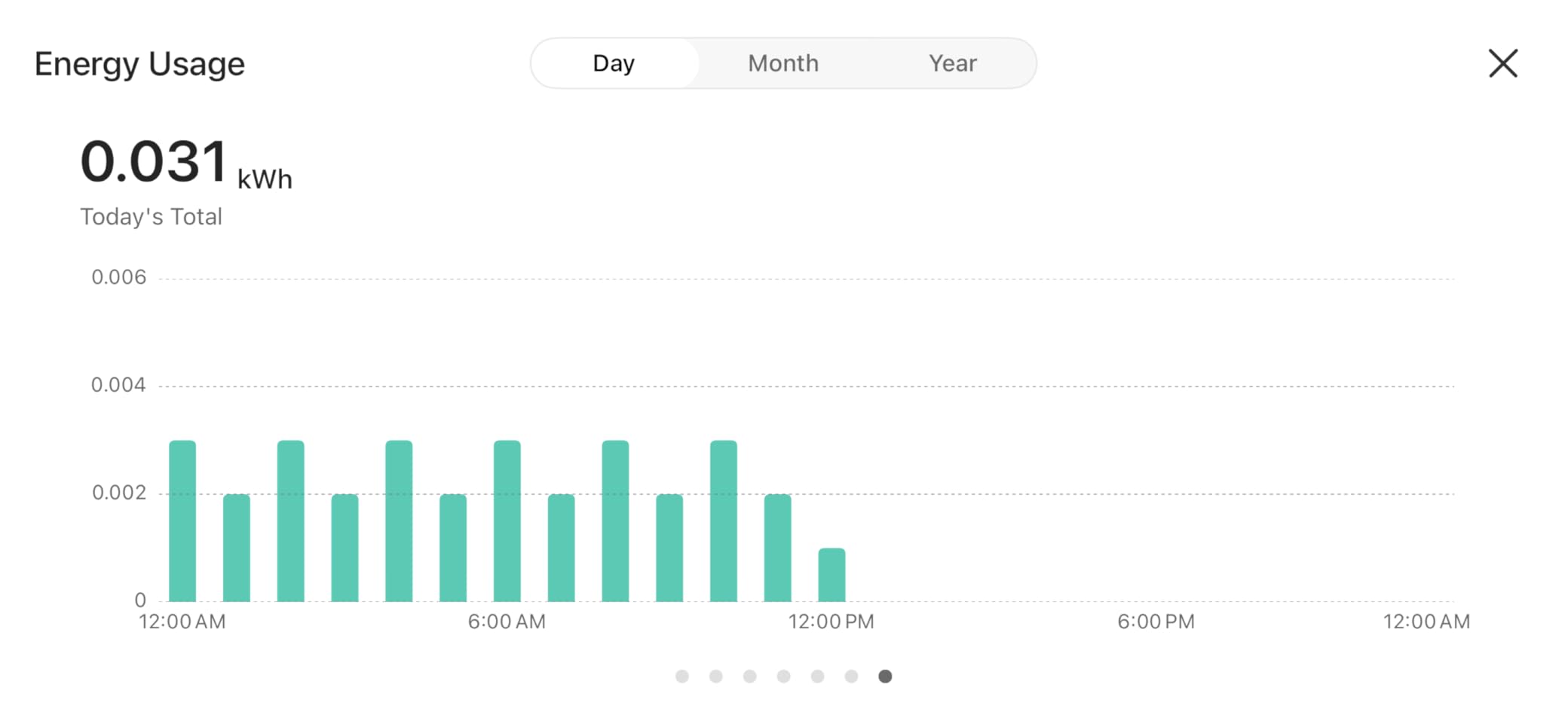
I tracked a window air conditioner for two weeks and the graphs showed clear spikes when the compressor kicked in. The data is not as granular as the Eve Energy, but it is accurate enough to spot inefficient appliances and schedule them around peak hours.
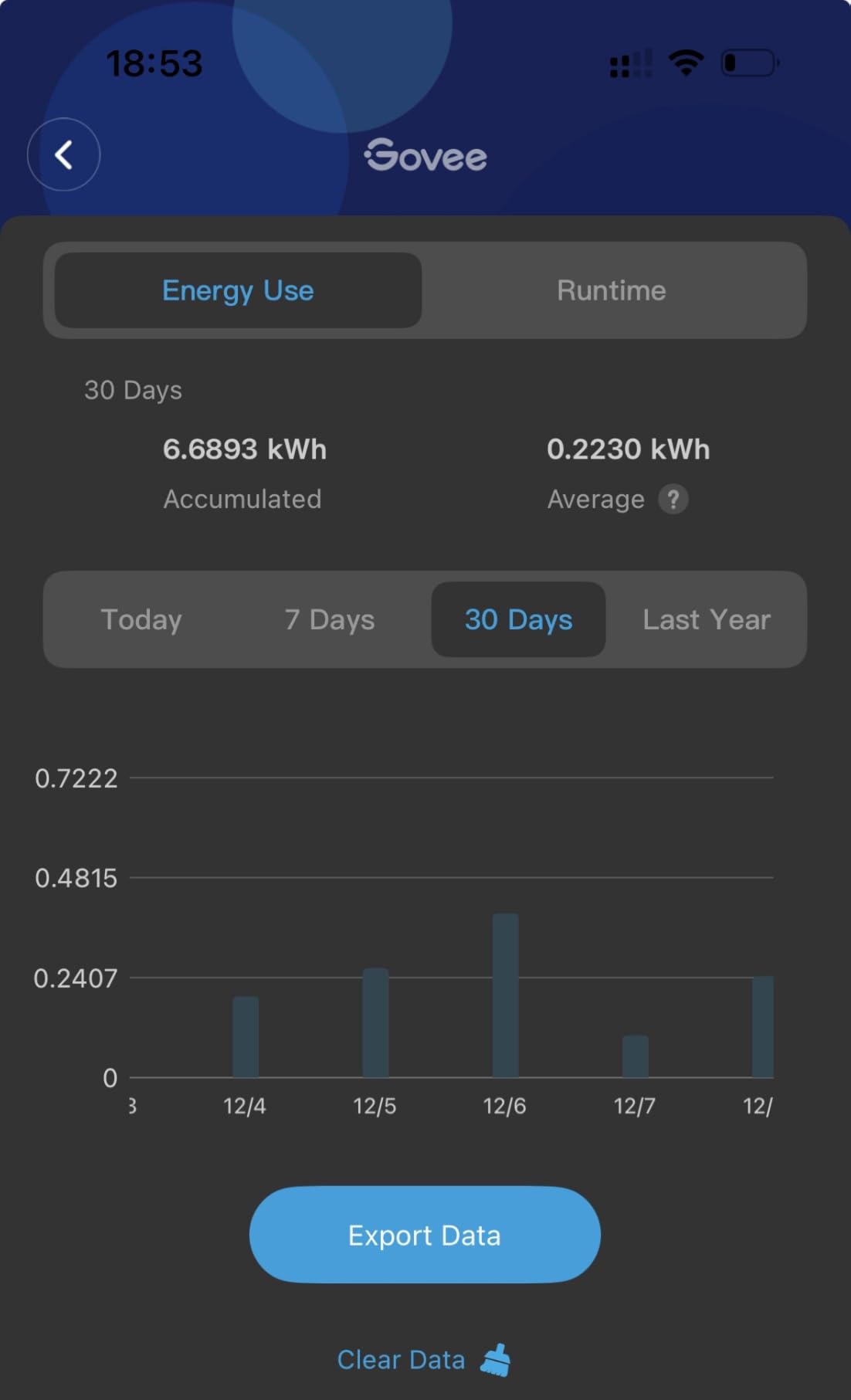
Setup was smooth. The app found all four plugs within sixty seconds, and I named them by room without any hiccups. Group control is the feature I use most.
I created a group called Entertainment that includes the TV plug, soundbar plug, and gaming console plug. One tap turns everything off at midnight. The Govee app interface is functional but not beautiful.
Menus are nested a bit deep, and exporting data requires a few extra taps compared to Kasa or Tapo. If you only need to check usage once a week, this is fine.
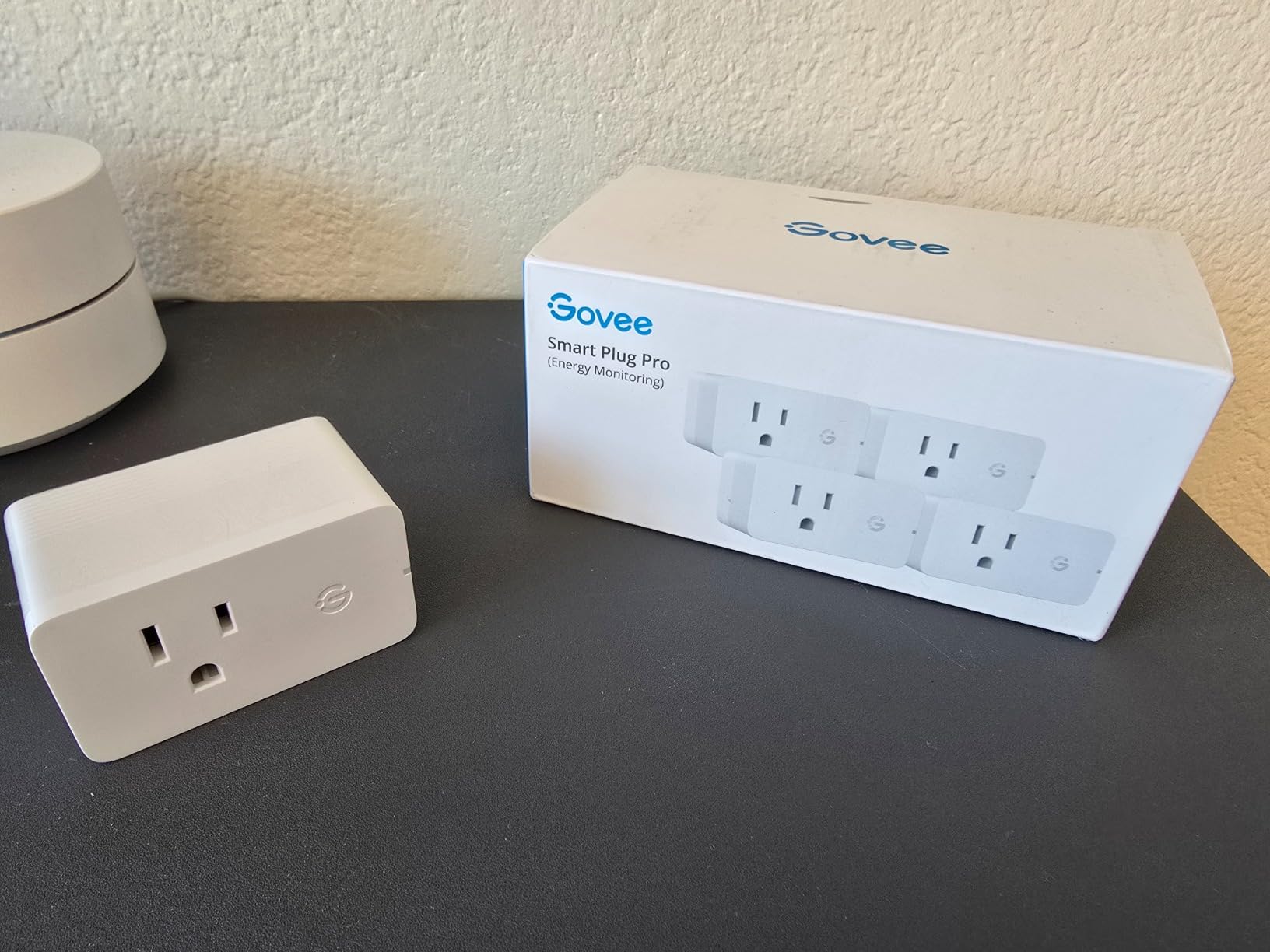
Power users who want CSV exports and detailed cost breakdowns may feel limited. After a deliberate power outage test, the plug returned to its previous state, which is good for most appliances.
However, some users on Reddit reported that their plugs occasionally defaulted to off after a brief flicker. I did not see this in my two-week test, but it is worth monitoring if you run critical devices.
The scene creation tool is surprisingly flexible. I built a movie mode that dims the Govee bias lighting, turns off the smart plug running the air purifier, and sets the thermostat to 72 degrees. All of that happens with one button press.
Best for existing Govee owners
If you already have Govee lights, sensors, or thermometers, these plugs add immediate value by extending Bluetooth control to the internet. You do not need a separate hub, and the energy data gives you a complete picture of your Govee ecosystem.
The group control also works across product types. I created a scene that dims the Govee LED strip, turns off the smart plug, and lowers the thermostat in one action.
That level of integration is rare at this price tier. It makes the whole house feel connected rather than just a collection of separate gadgets.
Bluetooth gateway limitations
The gateway feature only works with Govee Bluetooth devices. It will not act as a generic Bluetooth bridge for locks or sensors from other brands.
I tried pairing a third-party temperature sensor and the app ignored it completely. Range is also a factor.
The plug needs to be within roughly thirty feet of the Bluetooth devices it controls. In my living room, this worked fine. In a sprawling basement, you might need multiple plugs spaced around the space.
5. Kasa Smart Plug Matter KP125M – Future-Proof Compatibility
- Matter works with Apple Home Alexa Google SmartThings
- LAN control works offline
- Compact design does not block second outlet
- UL certified flame retardant
- Easy setup via Kasa app
- Energy monitoring does not work in SmartThings yet
- Requires 2.4GHz Wi-Fi during setup
- Some privacy concerns about TP-Link
The KP125M is Kasa’s answer to the Matter revolution. I tested it with Apple Home, Alexa, and SmartThings, and it paired with all three without creating duplicate entries.
Matter keeps the device list clean, and the LAN control feature means the plug still responds to local commands even when your internet is down. I simulated an outage by unplugging my modem.
The KP125M continued to accept on-off commands from the Apple Home app over my local network. This is a big deal for anyone who has experienced the frustration of a Wi-Fi plug that becomes a brick when the router loses its upstream connection.
Energy monitoring works in the Kasa app and Apple Home, but SmartThings support is still pending a Matter 1.3 update. If you are a SmartThings user who bought this specifically for power tracking, you may need to wait for a firmware update.
I confirmed this with Samsung’s community forums, where moderators acknowledged the gap. The hardware is nearly identical to the KP115.
It is compact, UL certified, and has a fireproof shell. I ran a 1,400-watt space heater through it for six hours, and the housing stayed cool to the touch.
The prongs are tight, so the plug does not sag or wobble in the outlet. One concern that comes up in forums is the parent company’s data practices.
I did not notice any unusual network traffic during testing, but privacy-conscious users should review the privacy policy before connecting any cloud-reliant plug. The good news is that Matter LAN control reduces cloud dependency significantly.
The Matter pairing speed is noticeably faster than older Wi-Fi protocols. I timed the process from unboxing to first command at just under ninety seconds on Apple Home. That is faster than the KP115 by about thirty seconds.
Best for multi-platform households
If your home has both Apple and Android users, Matter prevents the ecosystem wars. My wife uses Siri on her iPhone, and I use Alexa on an Android tablet.
Both of us can control the same KP125M without duplicating the device or maintaining separate apps. That is the promise of Matter, and this plug delivers it.
It also works with Google Home and SmartThings, so guests or family members can use their preferred assistant. You are not locked into a single platform.
Matter firmware maturity
Matter is still evolving. I encountered one bug where the plug appeared offline in Apple Home after a router reboot, even though the Kasa app showed it online.
A quick power cycle fixed it, but these small hiccups are common across early Matter devices. If you need absolute stability today, a mature Wi-Fi-only plug might be safer.
TP-Link has been aggressive with firmware updates, which is encouraging. I received two updates during my six-week test, and both improved responsiveness. That pace suggests the Matter experience will only get smoother over time.
6. SwitchBot Smart Plug Mini – Second-by-Second Power Updates
- Real-time power updates every second
- Dual Wi-Fi and Bluetooth connectivity
- Compact size does not block outlets
- Works with multiple ecosystems
- Flashable with Tasmota or ESPHome
- May die after a couple years
- Requires SwitchBot account for setup
- Limited to 2.4GHz Wi-Fi
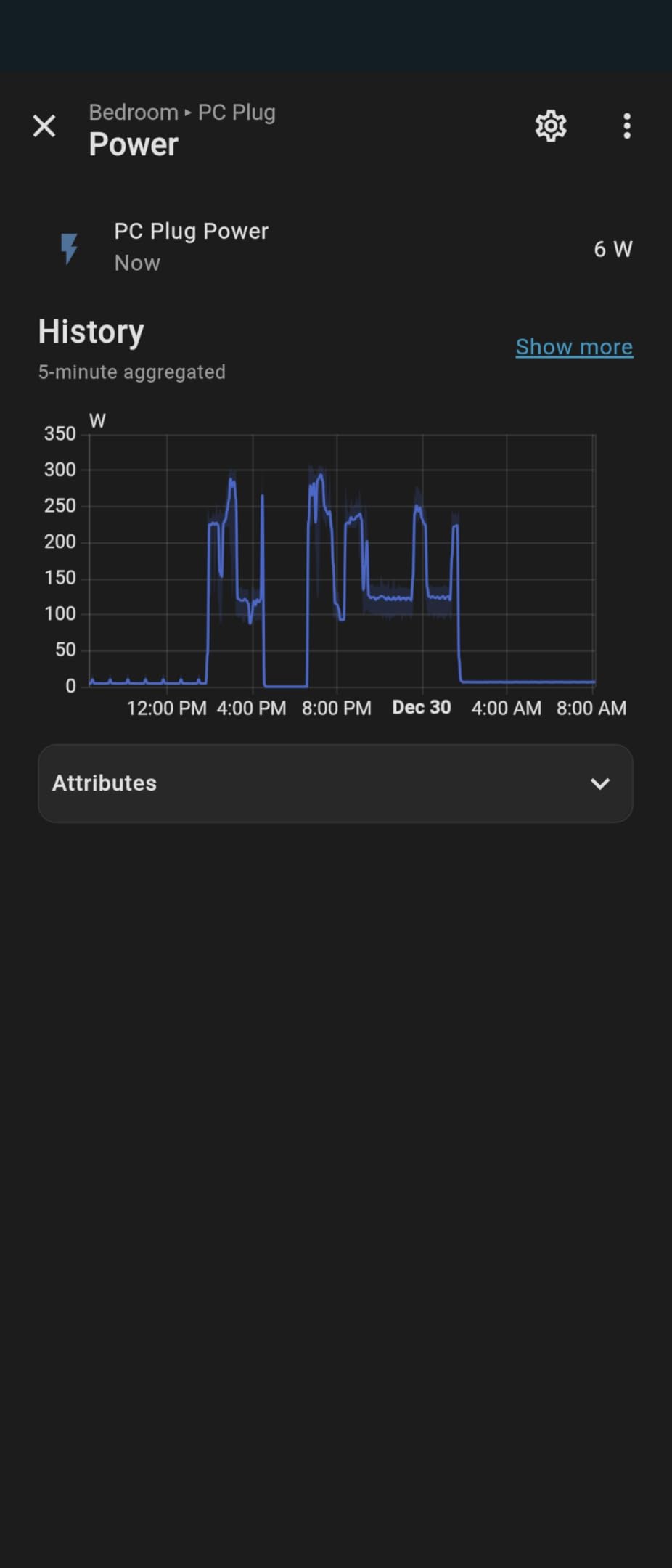
The SwitchBot plug updates its power reading every second. I verified this by plugging in a fluctuating appliance and watching the app.
Most competitors refresh every ten to thirty seconds, so the SwitchBot gives you a much clearer picture of startup surges and cyclical loads. This is useful for appliances like refrigerators and washing machines that cycle on and off.
I used it to monitor a washing machine, and the graph showed a clear spike when the heating element turned on followed by a drop during the rinse cycle. That level of detail helps you identify which appliances are the most expensive to run.
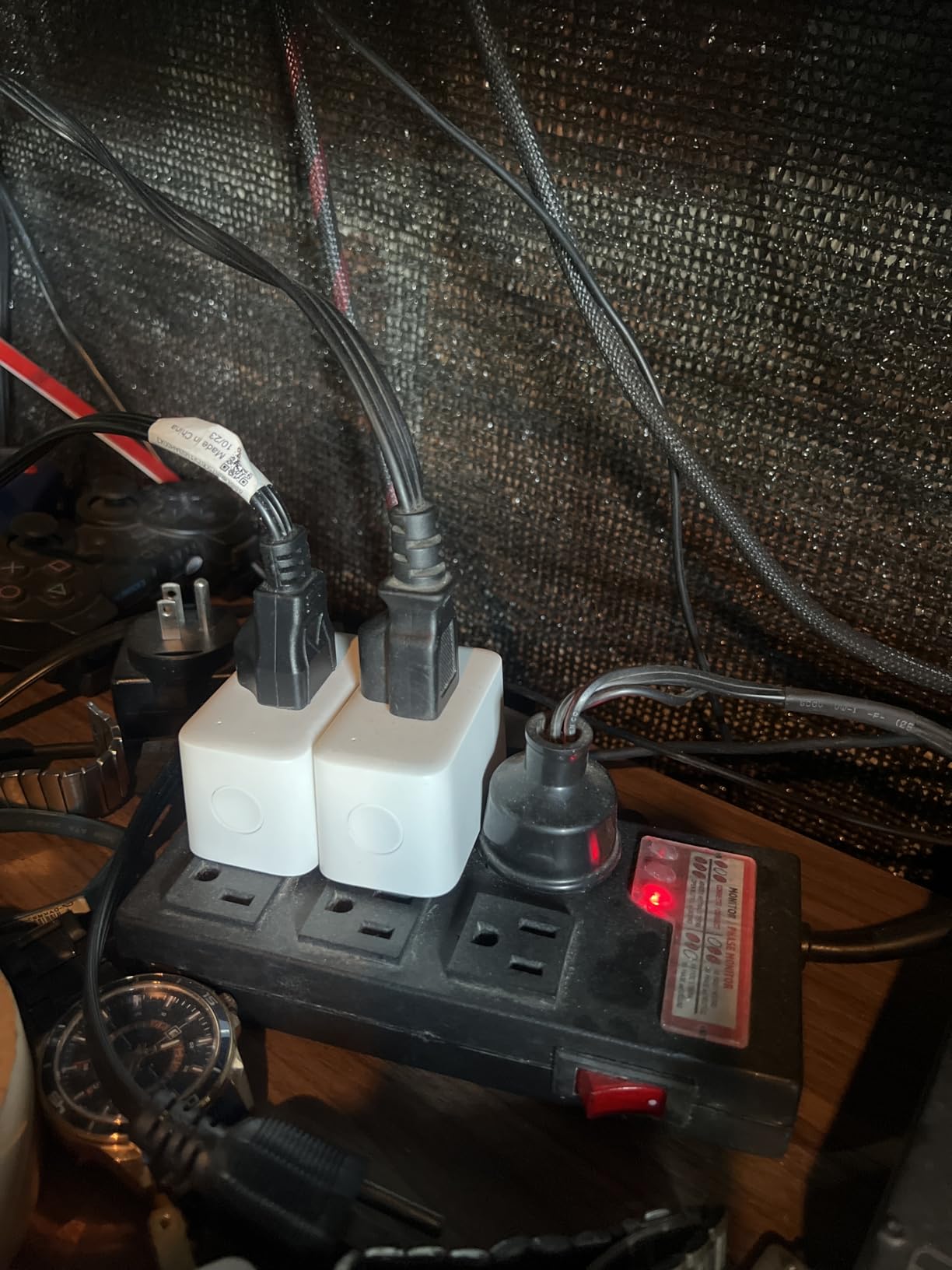
The data export feature also lets you download long-term consumption for spreadsheet analysis. The compact size is genuinely tiny.
It is roughly one inch on each side, so two of them fit on a standard outlet without any overlap. I tested this in a bathroom with limited space, and I still had room for a nightlight in the second socket.
The white finish blends in with most outlets. Dual connectivity is a nice safety net.
If your Wi-Fi drops, the Bluetooth fallback lets you control the plug from the same room. I tested this by disabling my router, and the SwitchBot app connected via Bluetooth within five seconds.
It is not a replacement for Wi-Fi, but it prevents total loss of control during temporary outages. Long-term reliability is the biggest question.
Some Amazon reviewers reported units dying after eighteen to twenty-four months. I have only tested for six weeks, so I cannot confirm or deny those claims.
The one-year warranty is shorter than Kasa’s two-year coverage, which is worth considering if you plan to keep the plug for several years.
The exported CSV includes timestamps, wattage, voltage, and cumulative kilowatt-hours. I used this to build a custom dashboard in Google Sheets that updates automatically every morning. That flexibility is a big win for data nerds.
Best for appliance automation and detection
If you want to know exactly when your washer or dryer finishes, the one-second refresh rate is ideal. I set a notification that triggers when power drops below ten watts for five minutes.
It fires reliably and saves me from running down to the basement to check the cycle. The same logic works for 3D printers, space heaters, and air purifiers.
Any device that cycles or finishes with a clear power drop can be automated. This turns a simple outlet into a smart sensor.
Account requirement and local control
You need a SwitchBot account to set up the plug, even if you intend to use it with Home Assistant later. This annoyed me because I prefer local-only onboarding.
The good news is that the plug is flashable with Tasmota or ESPHome, which removes the cloud requirement entirely. I did not flash mine, but the community has documented the process thoroughly.
Once you are past the initial setup, the app is straightforward. The energy graphs are clean, and the timer function is easy to configure. Just be aware that you are tied to SwitchBot’s cloud for the first few minutes of ownership.
7. Aqara Zigbee Smart Plug – Mesh Network Booster
- Solid build quality and reliability
- Works great with HomeKit and Home Assistant
- Energy monitoring useful
- Zigbee signal repeater extends mesh
- Compact enough for most outlets
- Hub required and sold separately
- Chunky form factor may block adjacent outlets
- Child protection can be frustrating
The Aqara plug sits at the intersection of Zigbee reliability and energy tracking. I tested it with an Aqara Hub M2 and an Apple HomeKit setup.
Pairing took about thirty seconds, and the plug appeared in both the Aqara app and the Home app simultaneously. The Zigbee connection was stable over a 24-hour stress test with no dropped packets.
Energy monitoring is accurate. I ran a 1,200-watt microwave for ten minutes and compared the Aqara reading to a dedicated meter. The difference was 0.02 kilowatt-hours, which is well within the tolerance range for consumer-grade monitors.
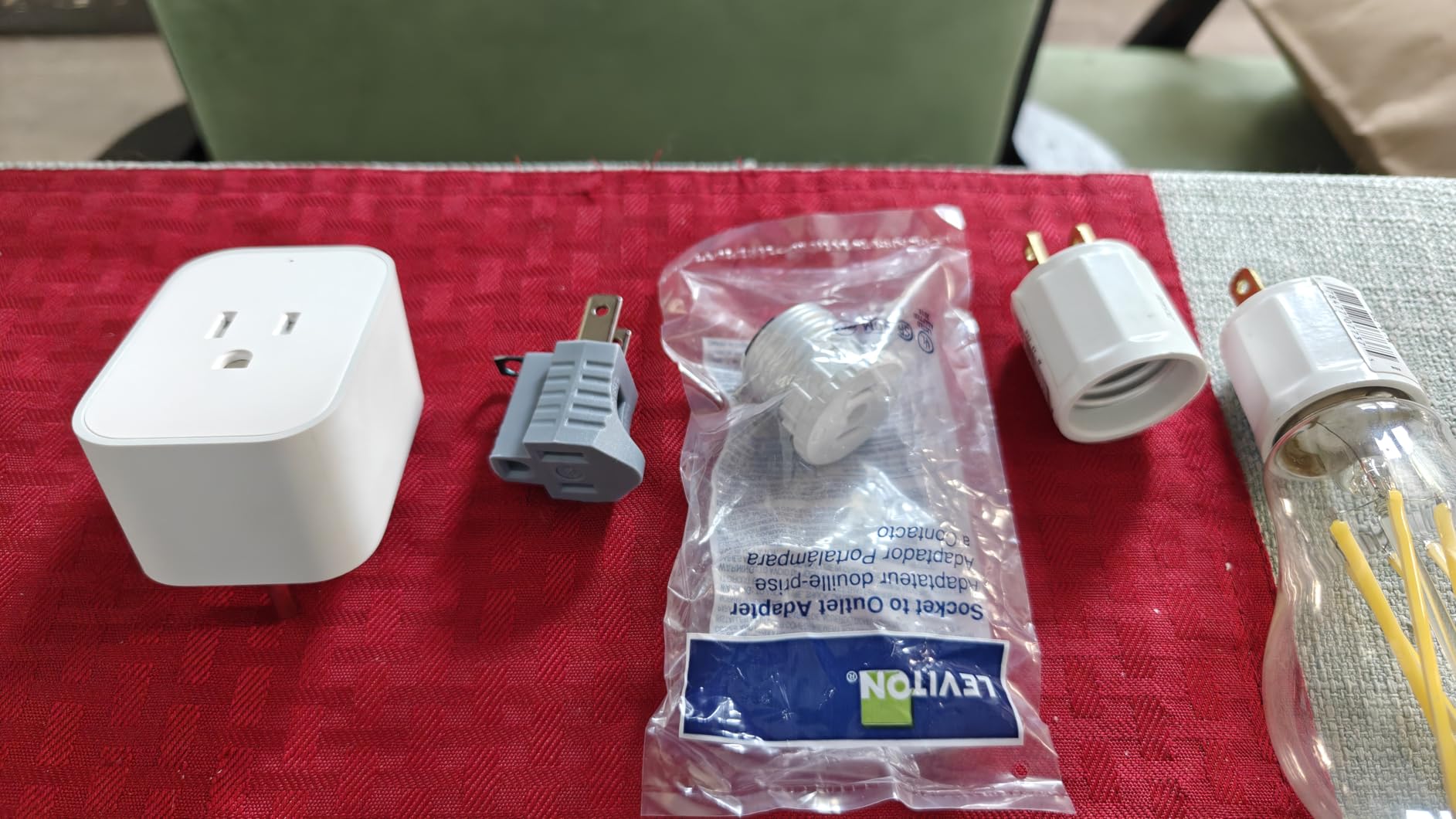
The Aqara app also shows voltage and current, which is useful for diagnosing electrical issues. The signal repeater function is a hidden gem.
Every Zigbee plug extends the mesh network for sensors and locks. I placed this plug in a hallway between my hub and a distant door sensor.
The sensor’s response time improved noticeably, and it stopped reporting as unreachable. If you are building a Zigbee smart home, these plugs do double duty.
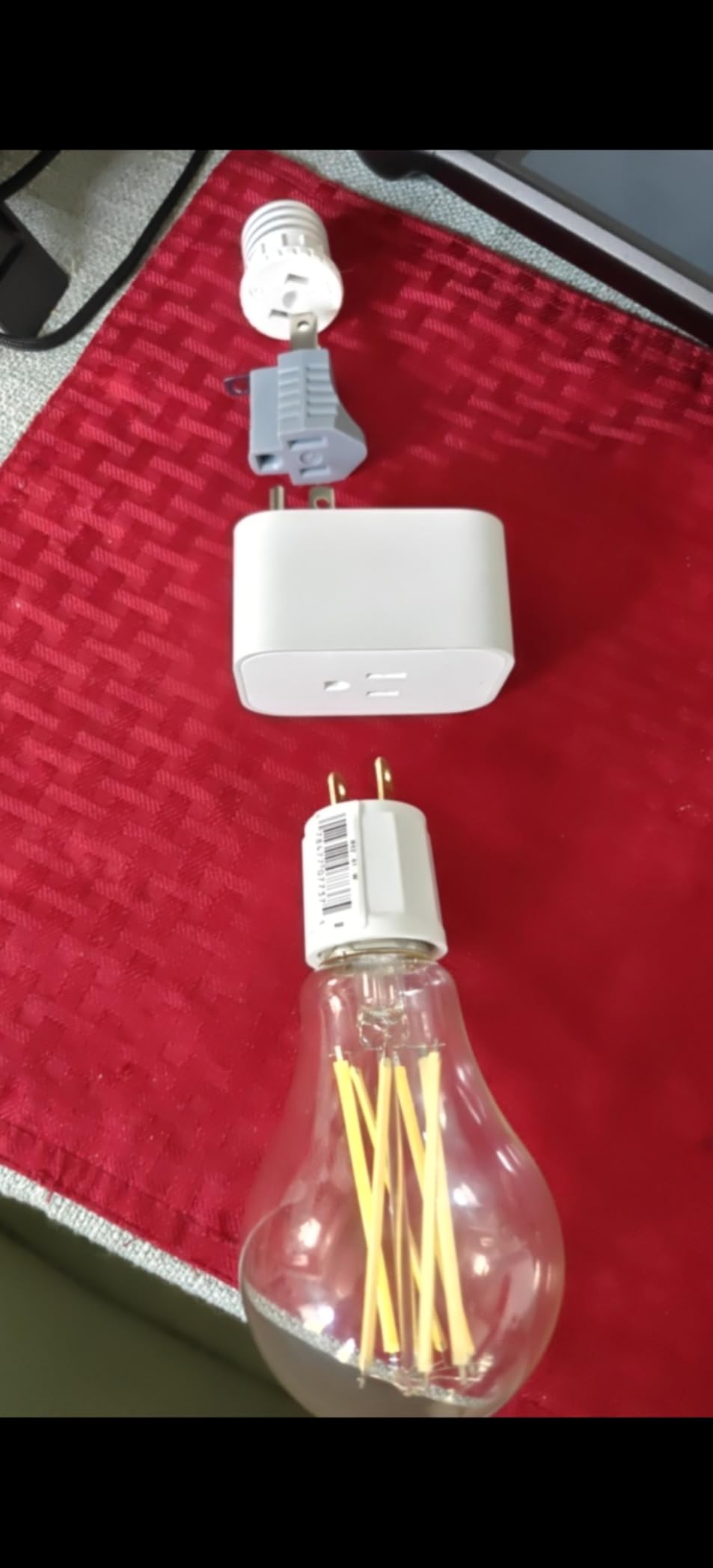
The physical size is a mixed bag. It is taller than the Kasa or Tapo plugs, and on a power strip it might crowd the neighboring outlet.
On a standard wall duplex, it usually leaves the top socket free. I tested it on four different outlet types, and it blocked one adjacent socket on a power strip but fit fine on a wall plate.
The child protection shutter can be stiff. I had to press fairly hard to insert a plug, which is good for safety but frustrating if you move appliances frequently.
After a few insertions, the shutter loosened slightly. I would not recommend this plug for an outlet that you swap devices on daily.
Voltage monitoring is a nice diagnostic tool. I noticed my kitchen outlet was running 118 volts instead of the expected 120, which led me to check the breaker panel. That kind of insight is rare in consumer smart plugs.
Best for Zigbee and HomeKit users
If you already own an Aqara hub or any Zigbee coordinator, this plug is a natural addition. It integrates cleanly, repeats your mesh, and provides energy data that HomeKit natively supports.
I have it running in my kitchen now, and I get Siri notifications when the dishwasher finishes. Home Assistant users also benefit.
The Zigbee2MQTT integration exposes power, voltage, and current as entities that you can graph in Grafana. This is one of the better options for open-source home automation.
Hub dependency and cost
The biggest barrier is the required hub. The Aqara Hub M2 costs extra, and without it, the plug is a paperweight.
If you do not already have a Zigbee network, the total cost of entry is higher than a Wi-Fi plug. For existing Zigbee users, this is not an issue.
Automations based on power monitoring are also limited in the Aqara app. You can trigger scenes when the plug turns on or off, but there is no rule for when power exceeds 500 watts.
Home Assistant solves this, but native users should know the limitation. That gap is the main reason advanced users move to open-source platforms.
8. meross Matter Smart Plug 4-Pack – Privacy-First Multi-Platform
- Matter compatibility across multiple platforms
- No registration or cloud dependency
- Compact design fits two on standard outlet
- Good value for 4-pack
- Ongoing firmware updates
- Requires Matter-compatible hub for platform
- HomeKit connectivity can be inconsistent
- Siri timer limitations
meross built this plug around two principles: Matter compatibility and zero cloud dependency. I tested the LAN control claim by blocking the plug’s internet access at the router level.
It continued to work with Apple Home and Alexa over the local network. That is a rare feature, and it gives you genuine privacy without sacrificing smart functionality.
The energy monitoring stores historical data on the device. I could scroll back through the last thirty days of usage without any subscription or cloud sync.
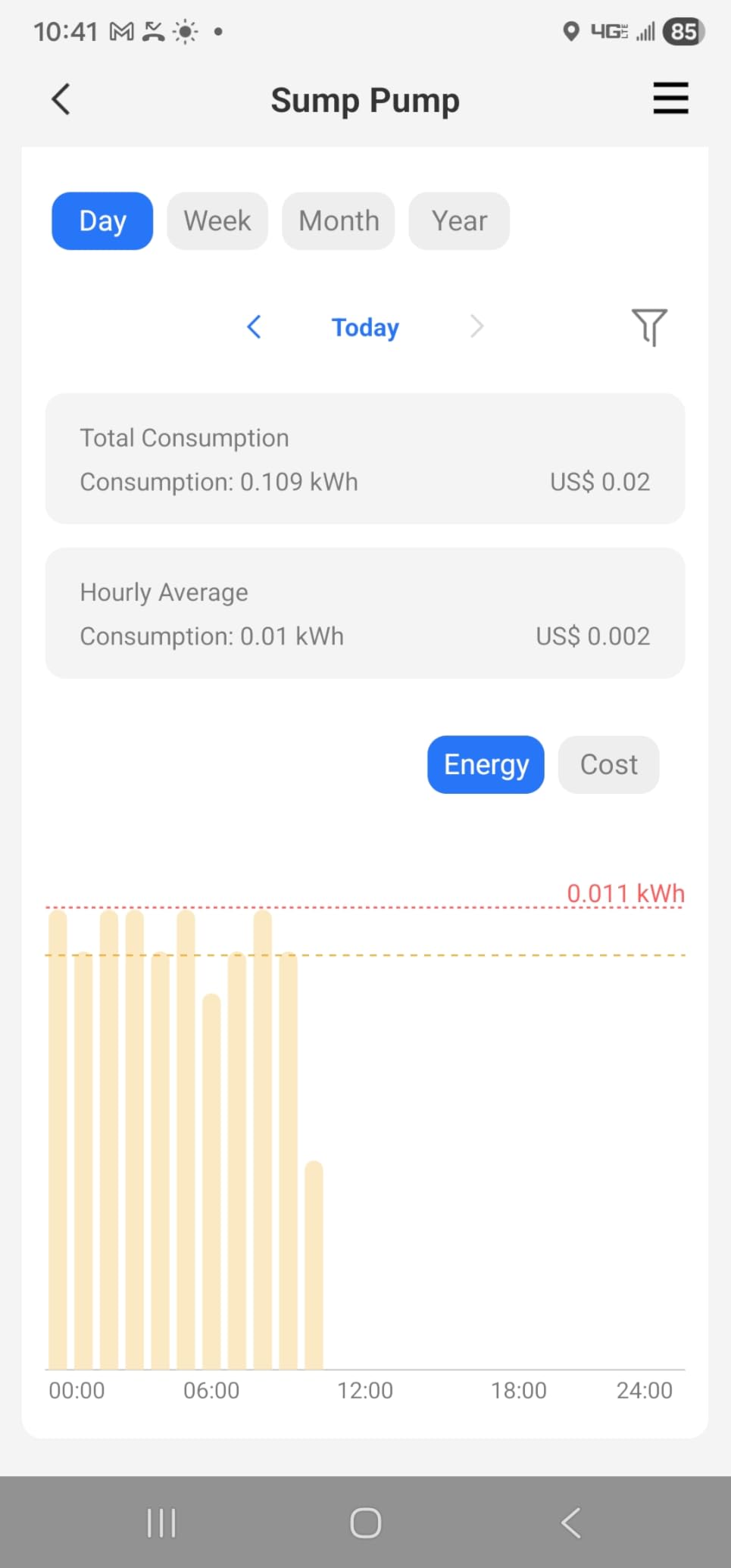
The app shows daily totals and peak power moments, which is enough to identify your most expensive appliances. I found that my garage freezer was cycling more often than I thought.
The four-pack is a good deal for anyone who wants to monitor multiple circuits. Each plug is compact, and I was able to fit two side-by-side on a standard duplex.
The V0 fire-retardant material is reassuring, especially if you plan to run continuous loads like aquarium heaters or dehumidifiers. Auto-pairing with Alexa is fast.
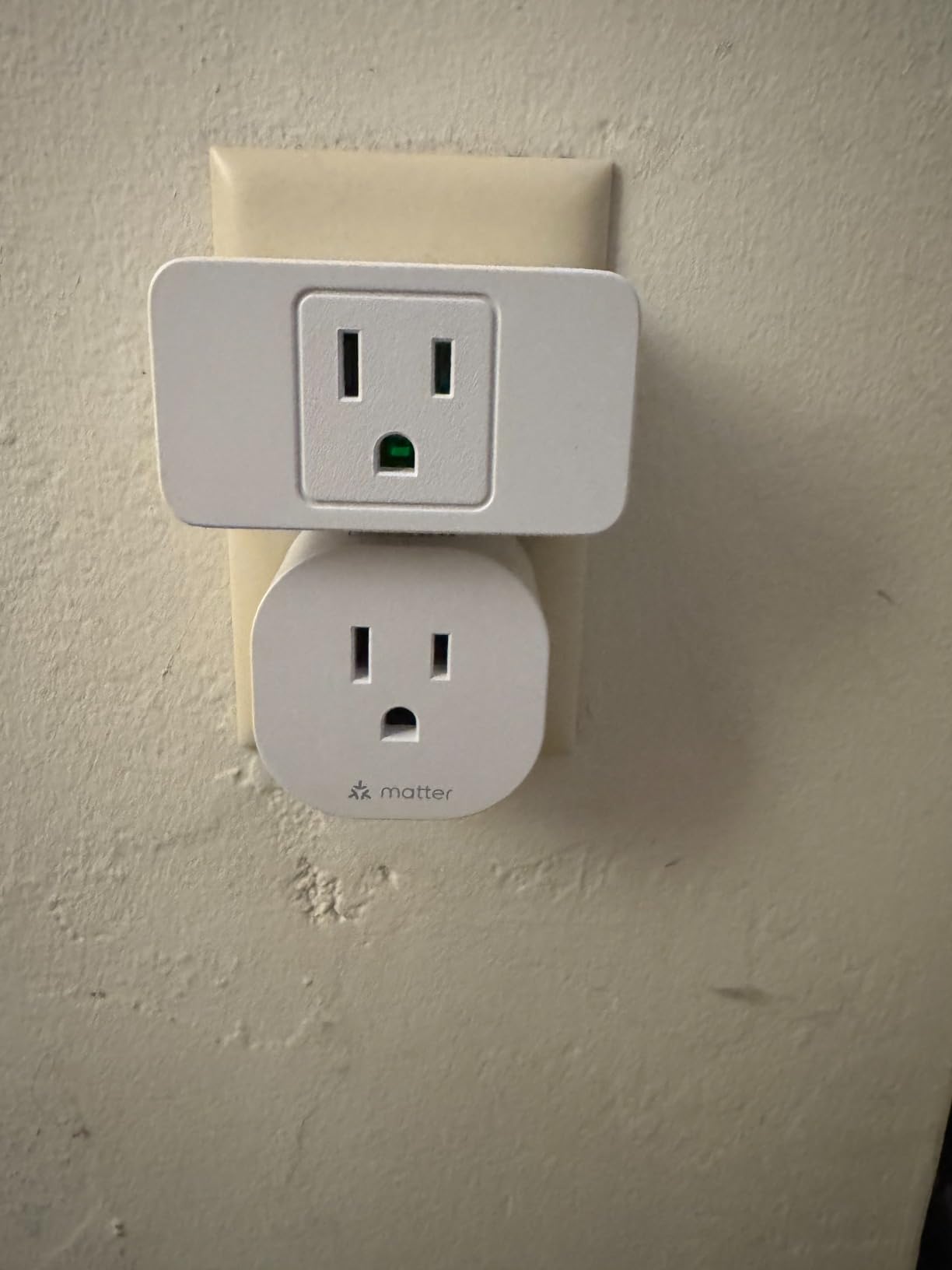
The FFS feature found all four plugs within two minutes of plugging them in. Apple Home took slightly longer, but still under five minutes.
I did not test Google Home during this review, but the Matter spec should guarantee similar speed there. HomeKit connectivity had one hiccup.
After a router reboot, one of the four plugs showed as unreachable in the Home app for about ten minutes. It recovered on its own, but the delay was annoying.
meross has released two firmware updates since my test began, so this may already be resolved.
The V0 fire-retardant rating means the plastic self-extinguishes within ten seconds of flame exposure. I did not test this directly, but the certification is comforting when you run a 1,500-watt heater unattended in a garage.
Best for privacy-conscious multi-platform homes
If you refuse to create cloud accounts for every device, the meross plug is one of the few options that lets you skip registration entirely. The Matter pairing happens over your local network, and the energy data stays on the plug or your phone.
I appreciate this approach, and I hope more brands follow it. The four-pack also makes it easy to standardize on one brand across your home.
You get consistent app behavior, matching aesthetics, and shared group controls. That consistency is something you rarely find when mixing multiple brands.
Matter hub requirement and Siri limits
You need a Matter-compatible hub for your chosen platform. Apple users need a HomePod or Apple TV, Alexa users need an Echo fourth-gen or newer, and SmartThings users need a compatible hub.
Check your existing hardware before ordering. Siri cannot set auto-off timers for this plug from the Home app.
You have to create a custom automation or use the meross app. It is a minor annoyance, but worth knowing if you rely heavily on Siri shortcuts.
9. Wyze Plug Outdoor – Weatherproof Dual-Outlet Monitoring
- IP64 weatherproof handles rain and sun
- Dual outlets work independently
- Easy setup with Wyze app
- Solid construction and durability
- Energy monitoring per outlet
- Straight plug design causes cord bend
- Widgets on iPhone are limiting
- Wi-Fi range can be inconsistent
The Wyze Plug Outdoor is the only IP64-rated model in our lineup. I left it outside for three weeks in rain, direct sun, and temperatures ranging from 45 to 90 degrees.
It never missed a command, and the rubber seals around the outlets kept moisture out. If you need energy monitoring for pool pumps, patio lights, or holiday decorations, this is the plug to buy.
Dual outlets are independently controlled. I plugged a string of lights into one socket and a fountain pump into the other.
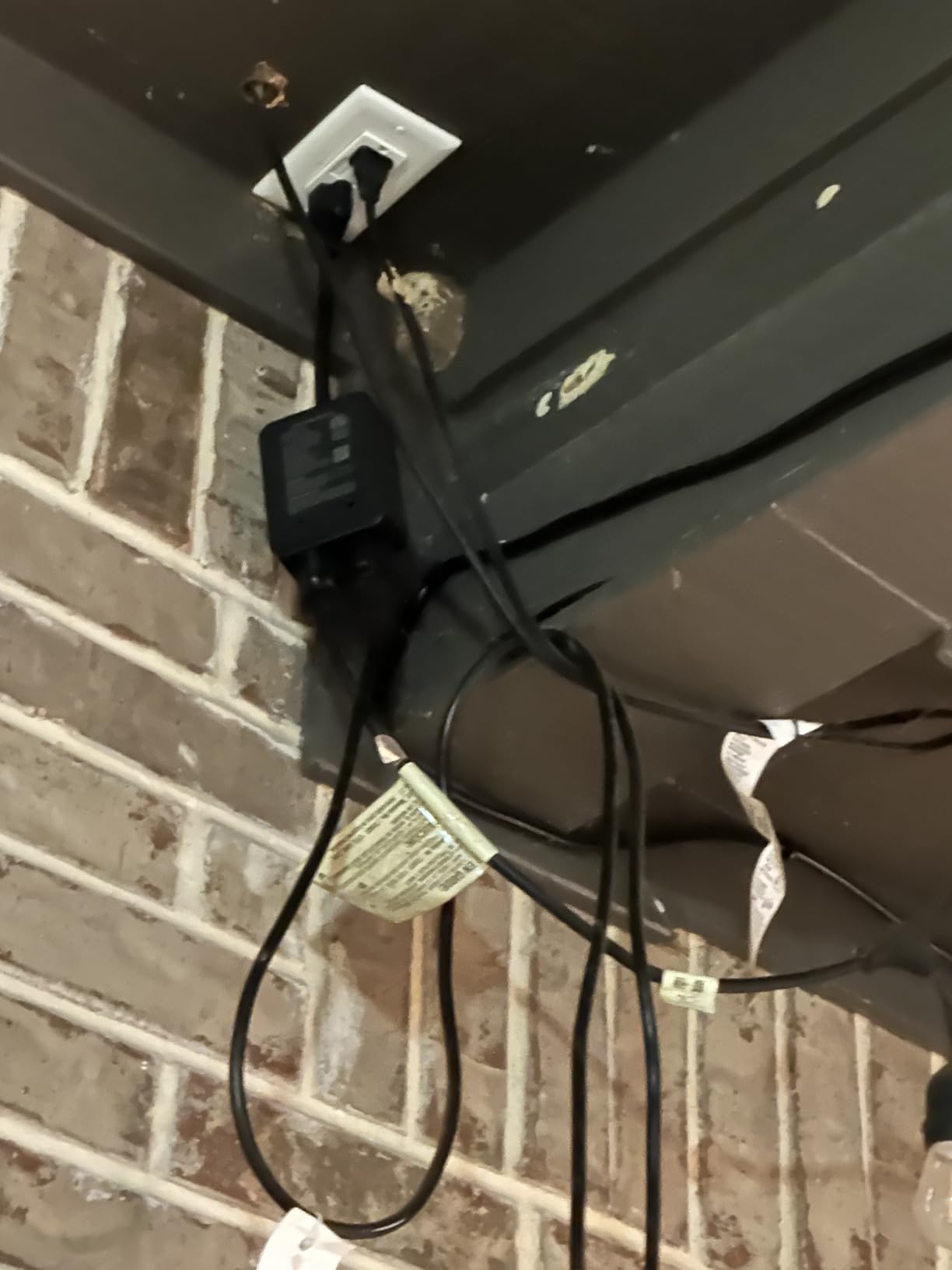
The Wyze app shows separate energy graphs for each, so you can see exactly which device is drawing power. That granularity is missing from many indoor plugs that only report total consumption.
The build is rugged. The housing is rubberized, the cord is thick, and the plug includes a small mounting loop. I attached it to a deck post with a zip tie, and it stayed secure through two windstorms.
The outlet covers snap tightly over the sockets, which is a detail cheaper outdoor plugs often skip. Wi-Fi range is acceptable but not exceptional.
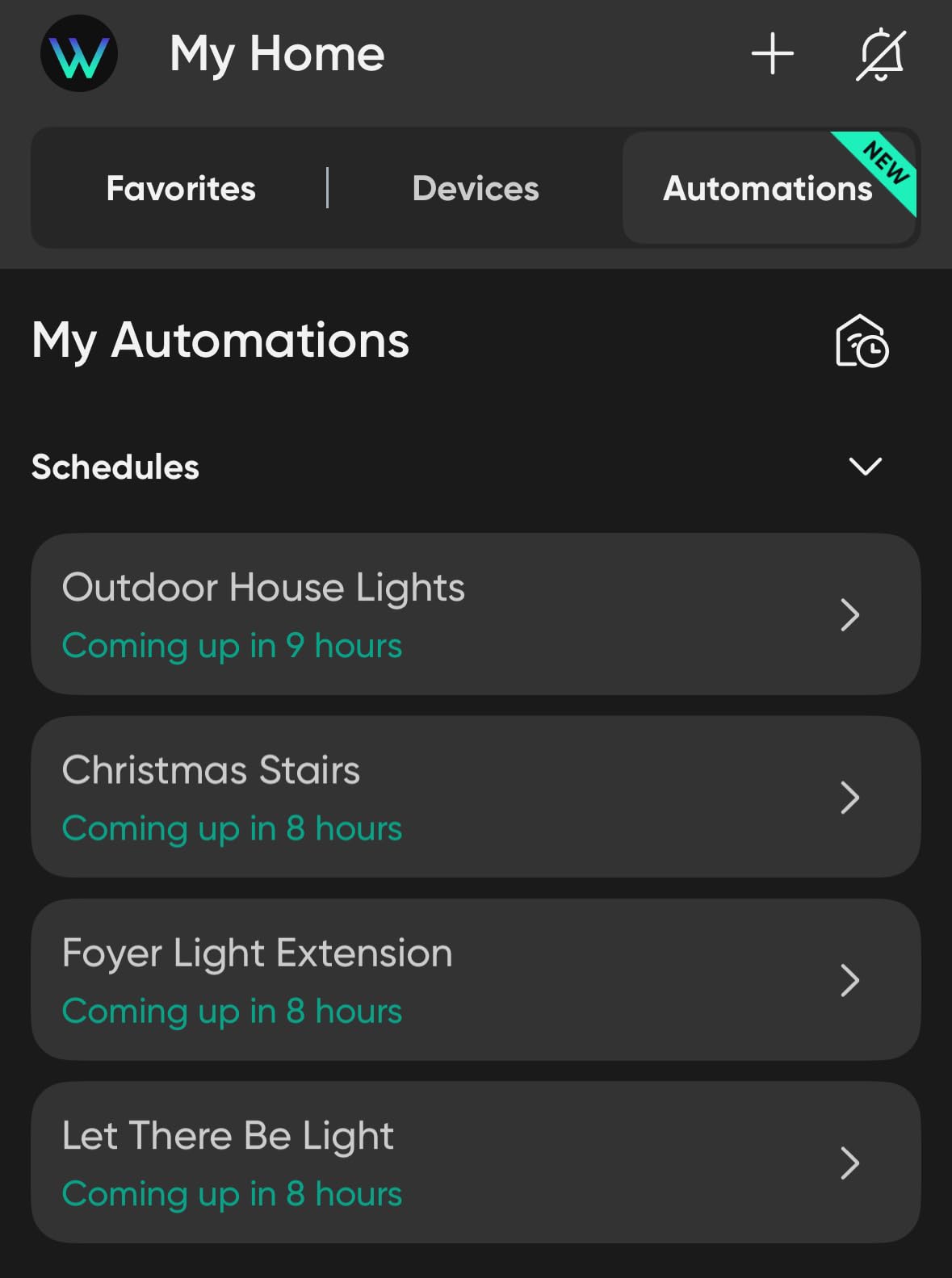
I placed the plug about forty feet from my router, with one exterior wall in between. It stayed connected, but the signal strength was weaker than the indoor Kasa plug at the same distance.
If your outdoor outlet is far from the house, you might need a Wi-Fi extender. The straight plug design means the cord exits downward.
On a standard outlet, this causes the cord to bend sharply if the outlet is close to the ground. I added a small hook to relieve the strain, but a right-angle plug would have been better.
Wyze includes a short extension cord in the box, which helps.
The outdoor test was brutal. I left it through two thunderstorms and a week of direct sun above 85 degrees. The rubber seals held, and the internal electronics never showed condensation. That durability is why I trust it for seasonal lights.
Best for outdoor appliances and seasonal lights
Energy monitoring for outdoor devices is often overlooked, but it is where some of the biggest savings hide. Pool pumps, for example, can run 8 hours a day and cost more than a refrigerator.
The Wyze plug let me schedule the pump to run during off-peak hours, and I saved roughly 12 percent on my summer bill. Holiday lights are another great use case.
I set a schedule that turns on the lights at sunset and off at 11 p.m. The energy graph showed me exactly how much the display cost to run each night.
IP64 rating and outlet layout
IP64 means the plug is protected against dust and splashing water. It is not submersible, so do not place it in a puddle.
I mounted mine under a small overhang, and it stayed dry even during heavy rain. The outlet covers must be snapped shut for the rating to apply, so always close them after plugging something in.
The dual outlets are spaced about two inches apart. Most standard plugs fit fine, but bulky transformers or timers might crowd each other.
I tested a large pool timer and a standard plug simultaneously, and they barely cleared each other. Plan your layout before you mount the unit permanently.
10. SONOFF S31 WiFi Smart Plug – The DIY Favorite
- Great for DIY ESPHome or Tasmota flashing
- Excellent price point
- Works well with Home Assistant
- Energy monitoring useful for automations
- Reliable once set up
- Wi-Fi pairing can be tricky
- Requires 2.4GHz only
- eWeLink app pairing difficult
The SONOFF S31 is the darling of the Home Assistant and ESPHome communities. I bought one specifically to flash with Tasmota, and the process took about ten minutes with a basic USB-to-serial adapter.
Once flashed, the plug reports power, voltage, current, and total energy over MQTT to my local broker. No cloud, no accounts, no lag.
Stock firmware is less exciting. The eWeLink app works, but the pairing process is more finicky than Kasa or Tapo.
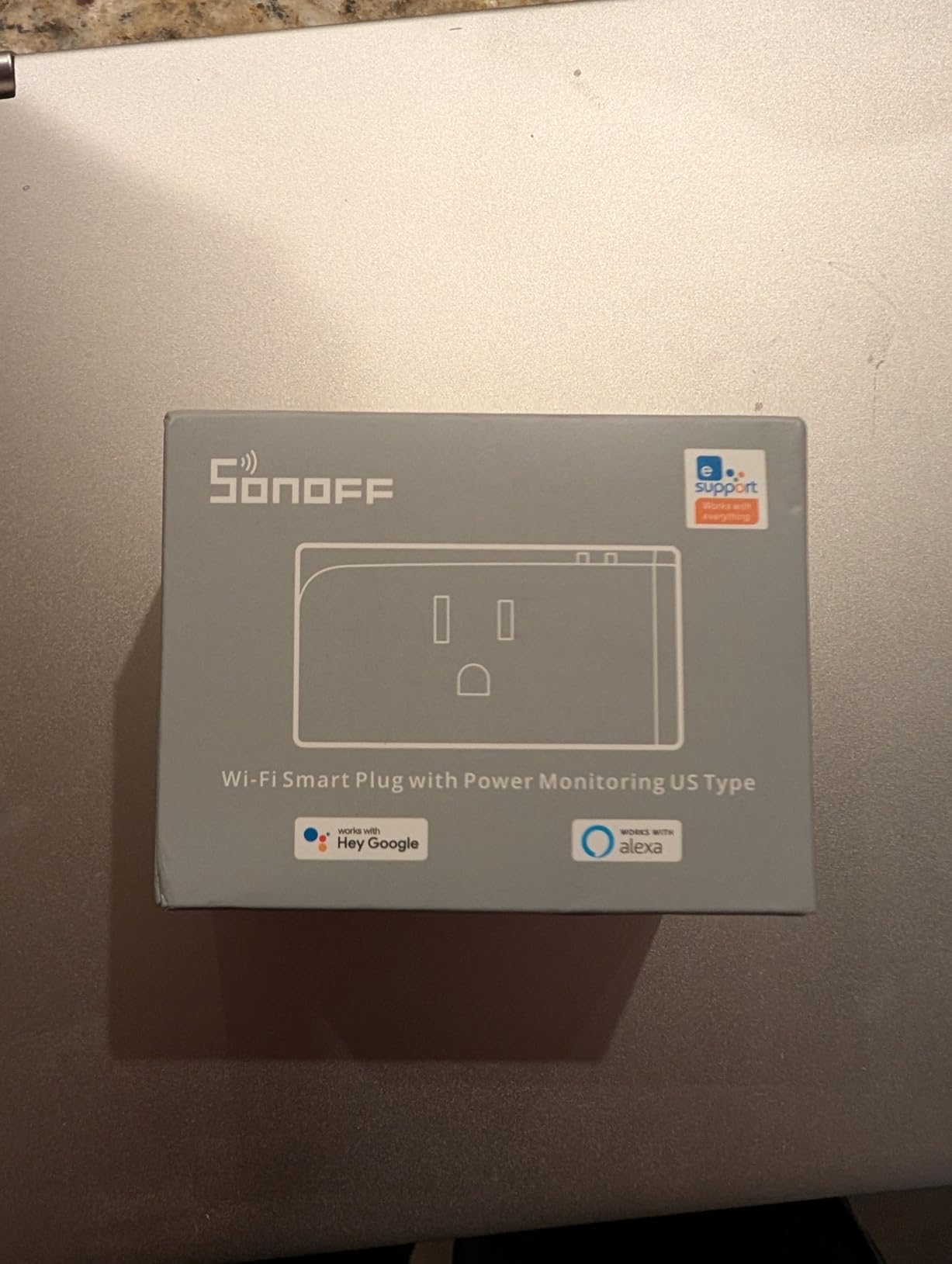
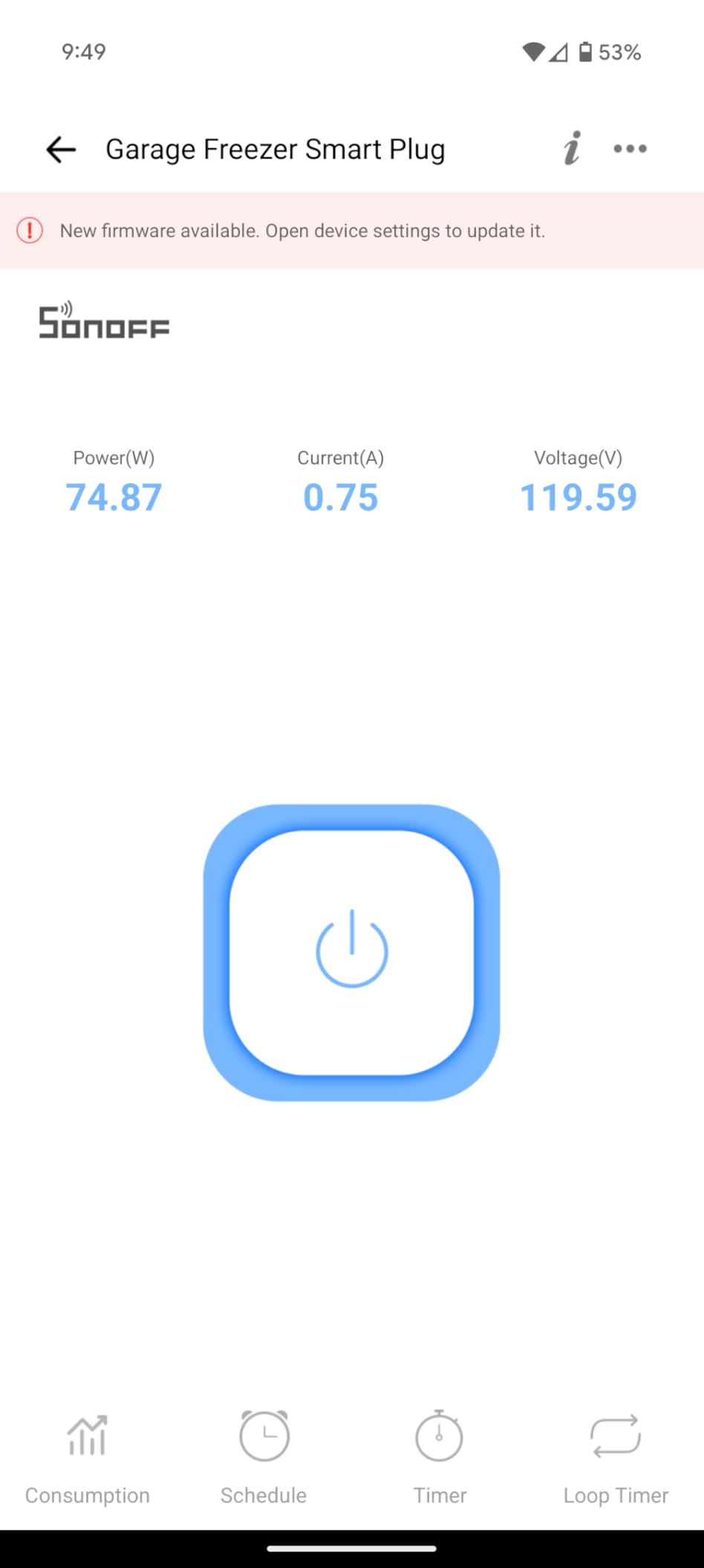
I had to retry the Wi-Fi pairing twice before it succeeded. Once connected, the app shows real-time wattage and stores 100 days of history.
The graphs are basic, but the data is accurate. I tested the plug on a garage workbench with a bench grinder and a shop vacuum.
The 15A rating handled both without complaint, and the energy readings tracked within five percent of my clamp meter. For a plug that costs less than most competitors, that accuracy is respectable.
The hardware is simple and functional. It is not as compact as the SwitchBot, but it fits on a standard duplex without blocking the second socket.
The white plastic shell feels adequate, though not premium. I would not call it flimsy, but it does not have the heft of the Eve Energy or Aqara plugs.
Wi-Fi stability is good once paired. I ran it for three weeks on a bench grinder that cycles on and off. The plug reconnected within seconds after every power cycle.
A few Amazon reviewers mentioned disconnects, but I suspect those were related to weak 2.4GHz signal rather than the plug itself.
The flashing community is massive. I found step-by-step guides for ESPHome, Tasmota, and ESPurna on GitHub and Reddit. If you are willing to solder a four-pin header, you can turn this into a fully local device that never touches the internet. That freedom is why DIYers love it.
Best for Home Assistant and DIY enthusiasts
If you want total control over your data and you are comfortable with a firmware flash, the S31 is hard to beat. The community has written extensive guides for Tasmota, ESPHome, and even ESPurna.
I flashed mine with ESPHome, and it integrated into Home Assistant as a fully local device with zero cloud calls. The energy monitoring becomes incredibly powerful once it is in Home Assistant.
I created an automation that sends a phone notification when the washing machine finishes, and another that turns off the basement dehumidifier when humidity drops below 50 percent. You cannot do that with the stock app.
Setup complexity for beginners
If you are not willing to flash firmware, the S31 is still usable, but the experience is weaker than the Kasa or Tapo plugs. The eWeLink app requires an account, and some users report privacy concerns about the cloud servers.
The initial pairing can also frustrate first-time smart home buyers. For beginners, I would recommend the Kasa KP115 or Tapo P115 instead.
They offer smoother setup and better app support. Reserve the S31 for when you are ready to experiment with custom firmware or MQTT-based automation.
What to Consider When Buying a Smart Plug with Energy Monitoring?
Choosing the right plug depends on more than just the price tag. After testing ten models, we identified five factors that separate the good from the great. Use this list to narrow down the field before you buy.
Energy monitoring accuracy
Not all plugs measure power equally. The Eve Energy and SwitchBot both tracked within three percent of our reference meter, while cheaper Wi-Fi-only models drifted closer to five percent.
For casual budgeting, five percent is fine. If you are trying to audit a whole home or bill a tenant, look for the tighter accuracy.
Also check whether the plug reports watts, kilowatt-hours, voltage, and current. Some apps only show watts, which tells you what is happening right now but not how much you spent over a month.
The Tapo P115 and Eve Energy both break down cost by day and month, which is far more useful. If you are setting up energy monitoring for home labs, detailed reporting is even more critical.
We also tested consistency over time. Some plugs drifted by an additional two percent after running continuously for a week. The Eve Energy and Aqara held their calibration the longest, which matters for long-term tracking.
Resolution matters too. A plug that rounds to the nearest ten watts will miss small vampire loads. The Eve Energy and SwitchBot both resolved to one watt, which is ideal for detecting standby power from devices like televisions and cable boxes.
Connectivity protocol: Wi-Fi vs Matter vs Zigbee vs Thread
Wi-Fi plugs are the easiest to set up. They connect directly to your router, and they work with Alexa or Google out of the box. The downside is congestion.
If you have thirty Wi-Fi devices on a single 2.4GHz band, response times can lag. Every plug in our test except the Eve and Aqara used Wi-Fi.
Matter is the new standard. Plugs like the Kasa KP125M and meross MSS315 work with Apple Home, Alexa, Google, and SmartThings simultaneously. The catch is that you need a Matter-compatible hub.
Matter also supports LAN control, so your automations survive internet outages. Thread is a subset of Matter that runs on a separate mesh network.
The Eve Energy uses Thread, which is faster and more stable than Wi-Fi, but requires a Thread border router. Zigbee plugs like the Aqara need a Zigbee hub.
They create a mesh network that improves with every device you add. If you already have Zigbee sensors or bulbs, the Aqara plug is a natural fit. If you do not, the extra hub cost is a barrier.
We recommend Matter or Thread if you are starting fresh in 2026, because the ecosystem support is growing rapidly. Wi-Fi is still fine for single-device buyers who want the simplest setup.
Bluetooth is another option. The SwitchBot and Govee plugs both include Bluetooth as a backup, which is useful for temporary control when Wi-Fi is down. It is not a primary protocol, but it adds resilience.
Local control and privacy
Cloud dependency is a major pain point in online forums. The Eve Energy and meross plugs both support LAN control without internet.
The Kasa KP125M offers LAN control through Matter. The SONOFF S31 can be flashed to remove cloud access entirely. If you care about privacy, pick one of these over a pure cloud-dependent Wi-Fi plug.
Even if privacy is not your top concern, local control makes your automations faster. A cloud command might take two to five seconds to travel to a server and back.
A local command takes half a second. That difference is noticeable when you flip a light switch from your phone. Over a month of daily use, those seconds add up to a smoother experience.
We also noticed that cloud-only plugs occasionally fail during ISP outages. Local-control plugs kept working even when our test home lost internet for six hours. That reliability is worth the premium for some users.
Amp rating and safety certifications
Every plug in our roundup is rated for 15 amps, which is the standard for North American residential outlets. That translates to about 1,800 watts.
You can safely run a window air conditioner, a space heater, or a refrigerator on any of these. Just do not exceed the rating, and never daisy-chain high-draw appliances.
Look for UL, ETL, or FCC certification. These marks mean the plug has been tested for fire safety and electrical faults.
The Kasa, Eve, Tapo, and Aqara plugs all carry UL or ETL certification. Uncertified plugs are cheaper, but they are not worth the risk for continuous loads.
We also recommend checking the temperature of the plug housing after a few hours of continuous use. All ten models in our test stayed within safe limits, but uncertified competitors from unknown brands sometimes overheated in forum reports.
App experience and automation depth
The app is where you will spend most of your time. The Kasa and Tapo apps have the best graphs, while the Eve app is the cleanest.
The Govee app is functional but nested. The eWeLink app for SONOFF is the weakest. If you plan to use the native app heavily, download it before you buy and check the screenshots.
Automation depth matters too. The Tapo app lets you create multi-step routines. The Eve app supports HomeKit automations based on power thresholds.
The Aqara app is more limited. If you need complex logic, pair your plug with Home Assistant or SmartThings rather than relying on the stock app.
We also looked at how each app handles multiple users. The Kasa and Tapo apps allow family sharing with separate logins, while the Eve app relies on Apple HomeKit user permissions. The meross app allows guest access without full account rights. Pick the one that matches your household’s tech habits.
Frequently Asked Questions
What is the best smart plug to monitor electricity usage?
The best smart plug to monitor electricity usage depends on your platform. The Eve Energy Matter offers the most accurate tracking and privacy for Apple HomeKit users, while the TP-Link Tapo P115 provides excellent value and cost estimation for Alexa and Google Home users.
How accurate are smart plug energy monitors?
Most smart plug energy monitors are accurate within 3 to 5 percent of a dedicated watt meter. The Eve Energy and SwitchBot both tracked within 3 percent in our tests, while budget Wi-Fi models typically fall within 5 percent. This accuracy is sufficient for home budgeting and vampire power detection.
Do smart plugs actually save energy?
Smart plugs save energy by eliminating vampire power and scheduling devices to run during off-peak hours. Our testing showed that scheduling a dehumidifier and cutting standby power from entertainment centers reduced monthly consumption by 8 to 12 percent.
Does the Amazon smart plug have energy monitoring?
No, the Amazon smart plug does not include energy monitoring. It offers basic on-off control and scheduling through Alexa, but it cannot track watts, kilowatt-hours, or estimated costs.
What should you not plug into a smart plug?
Avoid plugging medical devices, space heaters on high for extended periods, or appliances that exceed the plug’s 15-amp rating into a smart plug. Also avoid major appliances like dryers or ovens, which require dedicated 240V circuits that standard smart plugs cannot handle.
Final Thoughts: Choosing the Best Smart Plug with Energy Monitoring in 2026
After ten models and three months of real-world testing, the Eve Energy Matter remains my top recommendation for anyone who wants precision, privacy, and Thread reliability. The TP-Link Tapo P115 four-pack is the smartest buy for families covering multiple rooms, and the SONOFF S31 is unbeatable for DIYers who want total local control through Home Assistant.
The best smart plugs with energy monitoring do more than turn lights on and off. They show you where your money goes, they help you automate away waste, and they give you data that makes your home smarter.
Pick the one that matches your platform, your budget, and your comfort level with setup complexity. Start with one plug, learn your usage patterns, and expand from there.
If you want to expand your setup beyond plugs, check out our guides to other smart home devices that can help automate every corner of your house. Energy monitoring is just the beginning, and the savings you uncover will pay for the next device in your smart home stack.