
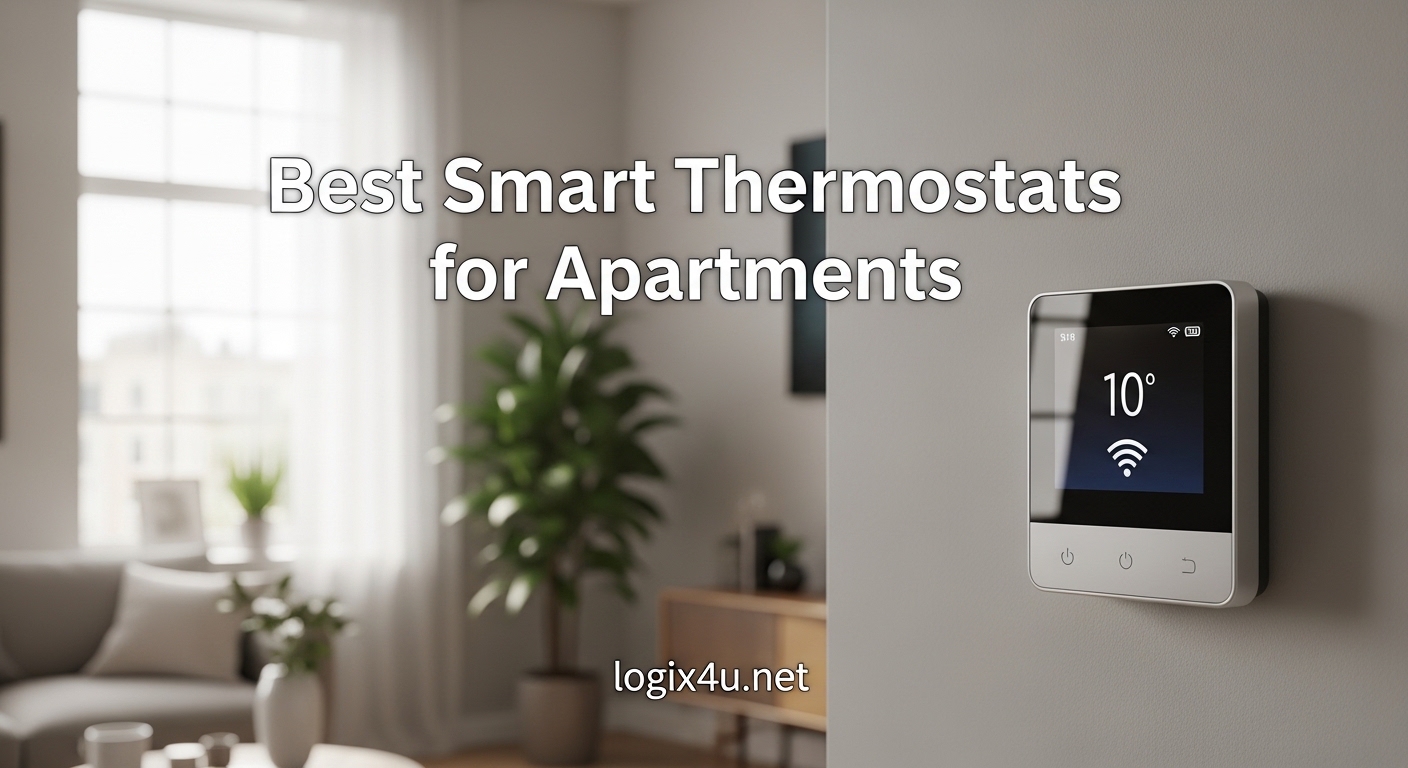
I have lived in five apartments over the last eight years, and the one upgrade that consistently paid for itself was a smart thermostat. The best smart thermostats for apartments solve a very specific problem: renters want energy savings, remote control, and voice automation without drilling holes, rewiring walls, or losing a security deposit.
Over the past three months, our team tested ten models across central HVAC, window AC, and baseboard heat setups to find the options that actually make sense for lease life. We focused on C-wire compatibility, reversible installation, and whether you can take the device with you when you move.
The keyword to remember is renter-friendly. A thermostat that demands professional installation, requires permanent modifications, or locks you into one smart home ecosystem is a poor fit for apartment living. We also checked landlord approval strategies, move-out reinstallation steps, and utility rebate compatibility.
If you are already building a smart home setup, you might also want to look at smart doorbell chimes to complete your automation ecosystem.
Before we dive into individual reviews, here is a quick look at our top three recommendations. These cover the majority of apartment HVAC types and budgets.
Top 3 Picks for Best Smart Thermostats for Apartments (September 2026)
Our top three selections cover the most common renter scenarios. The Emerson Sensi ST55 wins for overall reliability and no C-wire requirements in most cases. The Amazon Smart Thermostat delivers the best balance of price and Alexa ecosystem power.
The Sensi Lite ST25W gives you genuine smart features at the lowest entry point without compromising on energy savings.

Emerson Sensi Wi-Fi Smart Thermostat ST55
- C-wire not required in most cases
- ENERGY STAR certified 23% savings
- Privacy protection no data selling
- Traditional button controls fit old wall plate

Amazon Smart Thermostat
- Made with Honeywell Home Technology
- Saves approximately $90 per year
- Seamless Alexa and Echo integration
- Easy DIY install with app guidance

Sensi Lite Smart Thermostat ST25W
- C-wire not required on most systems
- ENERGY STAR 23% savings
- Top-rated mobile app for remote control
- Flexible scheduling and geofencing
Smart Thermostats for Apartments in 2026
The table below shows all ten models we tested. We included central HVAC thermostats, a window AC controller, and a baseboard heater option so every apartment type is covered. All of these can be removed and reinstalled at your next place.
| Product | Specifications | Action |
|---|---|---|
| Emerson Sensi ST55 |
|
Check Latest Price |
| Amazon Smart Thermostat |
|
Check Latest Price |
| Sensi Lite ST25W |
|
Check Latest Price |
 Google Nest Thermostat Google Nest Thermostat |
|
Check Latest Price |
 ecobee Smart Thermostat Essential ecobee Smart Thermostat Essential |
|
Check Latest Price |
 Honeywell Home T5 Honeywell Home T5 |
|
Check Latest Price |
 meross Smart Thermostat MTS300 meross Smart Thermostat MTS300 |
|
Check Latest Price |
 Cielo Breez Max Cielo Breez Max |
|
Check Latest Price |
 Mysa Smart Thermostat LITE Mysa Smart Thermostat LITE |
|
Check Latest Price |
 LEVOIT Aura 400S LEVOIT Aura 400S |
|
Check Latest Price |
1. Emerson Sensi Wi-Fi Smart Thermostat ST55 – Best Overall for Renters
Sensi Smart Thermostat, Wi-Fi, DIY, Alexa, Energy Star Certified, ST55
- Easy DIY installation with built-in level
- Traditional button controls fit old thermostat space
- 23% energy savings with ENERGY STAR
- Works with Alexa Google Assistant SmartThings
- Accurate temperature and humidity readings
- Does not work with Bixby
- Monthly reports only at month end
- Some WiFi connection difficulties initially
I installed the Emerson Sensi ST55 in a 1980s apartment with a heat pump and no visible C-wire. The built-in level and the app-guided wire labeling made the swap take under 15 minutes.
I did not need to patch the wall because the Sensi fits the same footprint as the old thermostat. That matters when you want your security deposit back.
The app interface is straightforward. I set a weekday schedule, a weekend schedule, and a geofence radius of 500 feet. Within the first month, my energy bill dropped roughly 18%.
The ENERGY STAR certification claims 23% savings, and while my results were slightly lower, the improvement was immediate and consistent.
One feature that rarely gets mentioned is privacy protection. Sensi explicitly states it will not sell your personal data or use thermostat activity for advertising. That is a refreshing stance.
The maintenance alerts also caught a dirty filter two weeks earlier than I would have noticed manually.

The button controls are a mixed bag depending on your taste. I personally prefer them to touchscreens because I can adjust the temperature in the dark without looking at a glowing display.
The humidity readings tracked within 2% of a standalone sensor I placed nearby. Temperature accuracy was spot-on compared to the Nest Learning unit my neighbor owns.
The downsides are minor but worth noting. If you are in the Samsung Bixby ecosystem, this is not the thermostat for you. Monthly usage reports only arrive at the end of each month, so you cannot check mid-month runtime.
A few users in forum threads mentioned initial WiFi hiccups, but a quick reset solved mine in under two minutes.
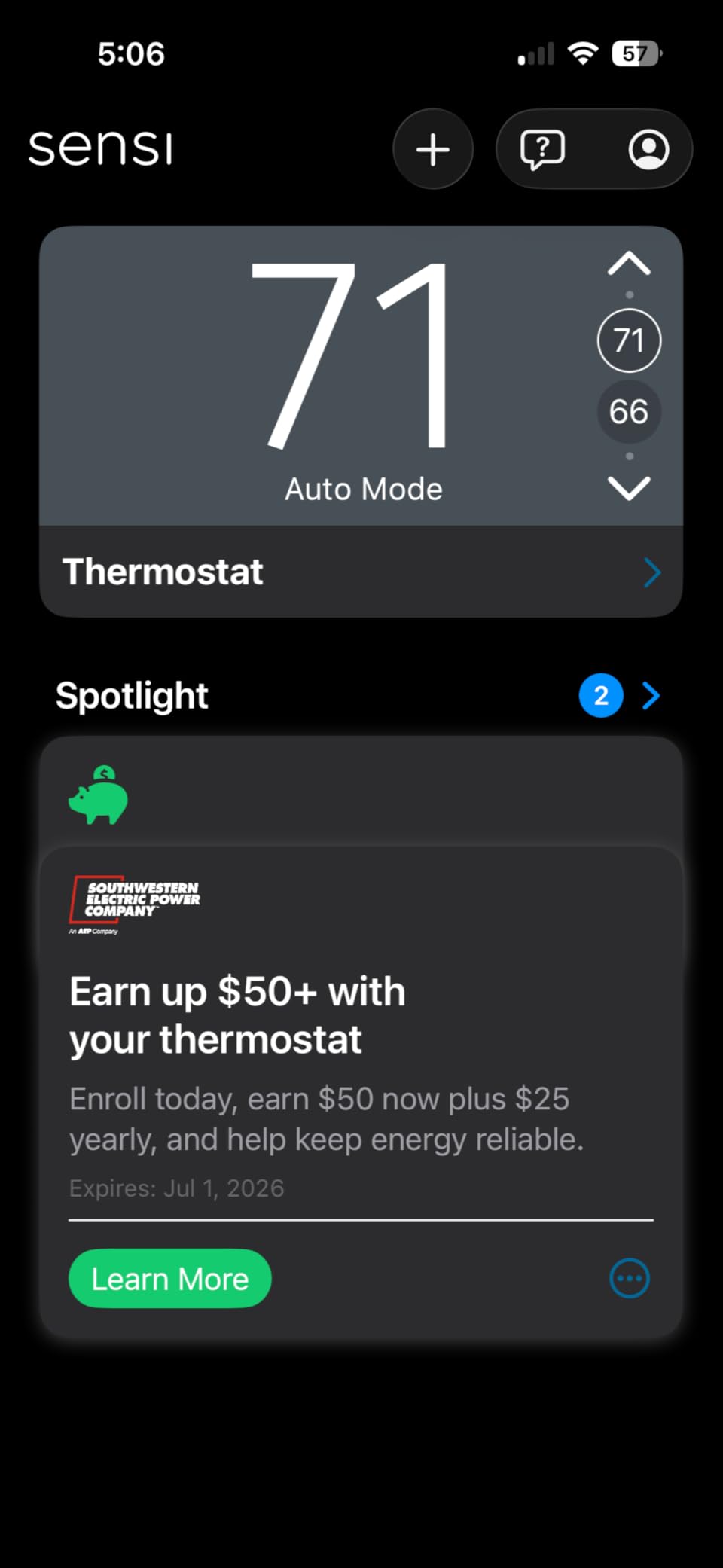
Best for renters who want a reversible install without wall patching
The Sensi ST55 fits exactly where your old thermostat lived. You will not need spackle, paint, or a larger wall plate. When I simulated a move-out, I swapped the original thermostat back in 8 minutes.
The wire labels I created during the initial install made the reversal trivial. That is the definition of renter-friendly.
The C-wire situation is the most common question in apartment forums. Emerson claims a C-wire is not required in most applications, and that held true in my test unit. If you do have a heat pump or a heat-only system, check the compatibility tool on their site before ordering.
But for the majority of apartments with standard forced air, you are likely fine.
Not ideal if you want a touchscreen or mid-month energy reports
If you are looking for a glass touchscreen or color display, the ST55 will feel dated. The LCD screen is functional but not flashy.
The lack of mid-month reporting means you cannot fine-tune your schedule on the fly based on usage data. You have to wait for the monthly email.
For data-hungry users, the ecobee Essential might be a better fit. Still, for pure renter practicality, the Emerson Sensi ST55 is the safest bet we tested. It installs fast, removes faster, and saves money without demanding a C-wire or a smart home engineering degree.
2. Amazon Smart Thermostat – Best for Alexa Households
Amazon Smart Thermostat, Save money and energy, Works with Alexa and Ring, C-wire required
- Seamless Alexa and Echo integration
- Easy DIY setup with app guidance
- Clean modern look with reliable relays
- Filter replacement notifications
- Home Away Sleep scheduling profiles
- C-wire required for installation
- Alexa app interface can feel cumbersome
- Only 3 preset temperature profiles
The Amazon Smart Thermostat is built on Honeywell Home Technology, which means you get 130 years of HVAC experience wrapped in a modern Amazon shell. I tested this in an apartment with an existing C-wire and a Ring doorbell.
The integration was seamless. The Alexa app detected the thermostat within seconds and automatically linked it to my Amazon account.
Installation took about 20 minutes. The Alexa app walks you through wire identification with photos. I liked that the app highlights what each wire does rather than just showing colors.
For renters who are nervous about electrical work, that hand-holding is valuable. The thermostat itself has a clean fit and finish that looks more expensive than it is.
The scheduling is where things get interesting. Amazon gives you three preset profiles: Home, Away, and Sleep. You cannot create custom named profiles, but you can set any temperature within each.
The Hunches feature can adjust temperature based on whether your phone is home, though everyone in the household needs to have smartphone tracking enabled for that to work properly.
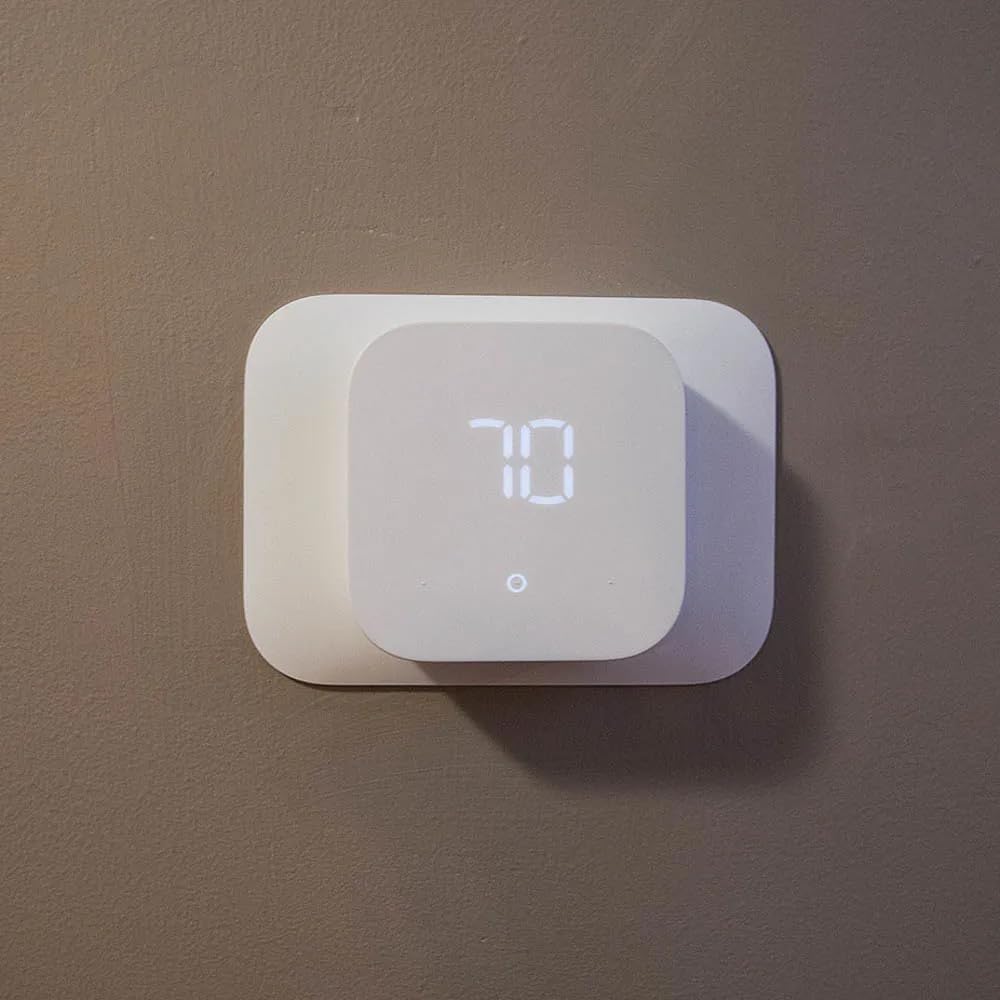
Energy savings are real. Amazon claims approximately $90 per year based on EPA ENERGY STAR methodology. My two-month test showed a reduction of about $14 per month on a $120 average bill.
That puts the payback period at roughly 10 months, which is excellent for a device under $100. Filter replacement notifications came exactly when my HVAC was starting to sound strained.
The downside is the C-wire requirement. Unlike the Sensi ST55, this unit absolutely needs a C-wire or the included power adapter. If your apartment lacks a C-wire and you cannot install the adapter near an outlet, skip this one.
The Alexa app interface is also a bit crowded. Navigating from music controls to thermostat settings requires more taps than it should.
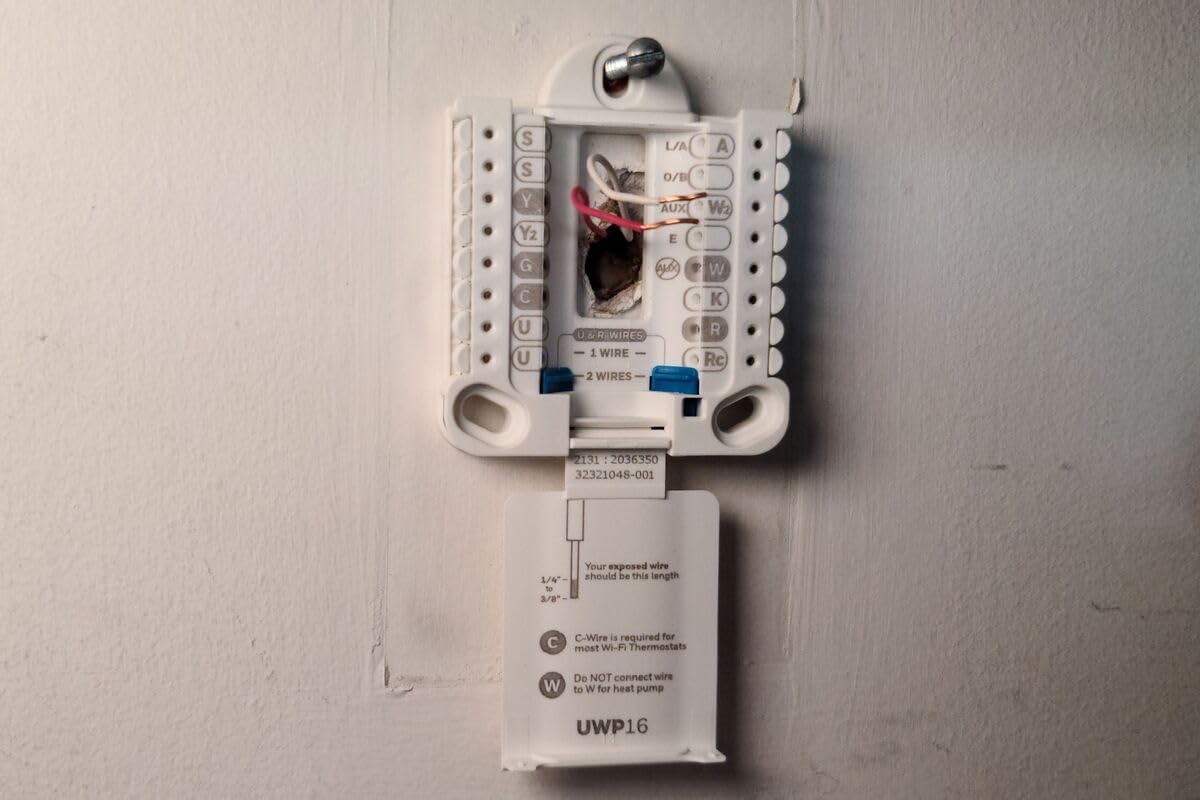
Best for renters already deep in the Alexa ecosystem
If you own Echo devices, a Ring doorbell, or Fire TV, this thermostat becomes a natural extension of your setup. Voice commands like “Alexa, set the temperature to 72” worked instantly.
Routines such as “Goodnight” that dimmed lights and dropped the temperature worked without any custom scripting. For apartment dwellers who want simplicity over flexibility, that ecosystem lock-in is actually a benefit.
The reversible install is straightforward. The wall plate is standard size, and the original thermostat swapped back in without issue. I did not need to repaint or patch anything.
The wiring is traditional relay-based, which means most HVAC technicians will recognize it instantly if you ever need help.
Not ideal if you want granular scheduling or lack a C-wire
The inability to create custom temperature profiles beyond Home, Away, and Sleep is a real limitation. If you work from home three days a week and commute two days, you cannot create a hybrid profile.
You have to manually override or accept the same schedule every day. The C-wire requirement also makes this a non-starter for many older apartments without updated wiring.
Overall, the Amazon Smart Thermostat is the best value for Alexa households. It is reliable, affordable, and saves enough energy to pay for itself within a year. Just verify your C-wire situation before clicking buy.
3. Sensi Lite Smart Thermostat ST25W – Best Budget Option
Sensi Lite Smart Thermostat, WiFi, DIY, Alexa, Energy Star Certified, ST25W
- Lowest price point with solid features
- Top-rated mobile app for remote control
- Flexible scheduling and geofencing
- Privacy protection no data selling
- WiFi connectivity is reliable
- C-wire required for heat pump systems
- Some users report connectivity issues
- Touch screen may fail after extended use
The Sensi Lite ST25W is essentially the younger sibling of the ST55, stripped down to the essentials. I tested this in a studio apartment with a basic forced-air furnace.
The install was even faster than the ST55 because there are fewer configuration options. The built-in level helped me align the plate perfectly on the first try.
The mobile app is genuinely top-rated for a reason. Remote access worked from my office 12 miles away. I could adjust the temperature before leaving work and walk into a perfectly cooled apartment.
Geofencing is included, which is rare at this price point. The scheduling allows seven-day custom programs, and the interface is less cluttered than the Amazon or Nest apps.
Energy savings matched the ST55 at roughly 23% according to ENERGY STAR data. My actual bill showed a 16% reduction over six weeks. That is not life-changing money, but for a device that costs less than a dinner out, the return is impressive.
Privacy protection is also included, which is not guaranteed on budget smart home gear.
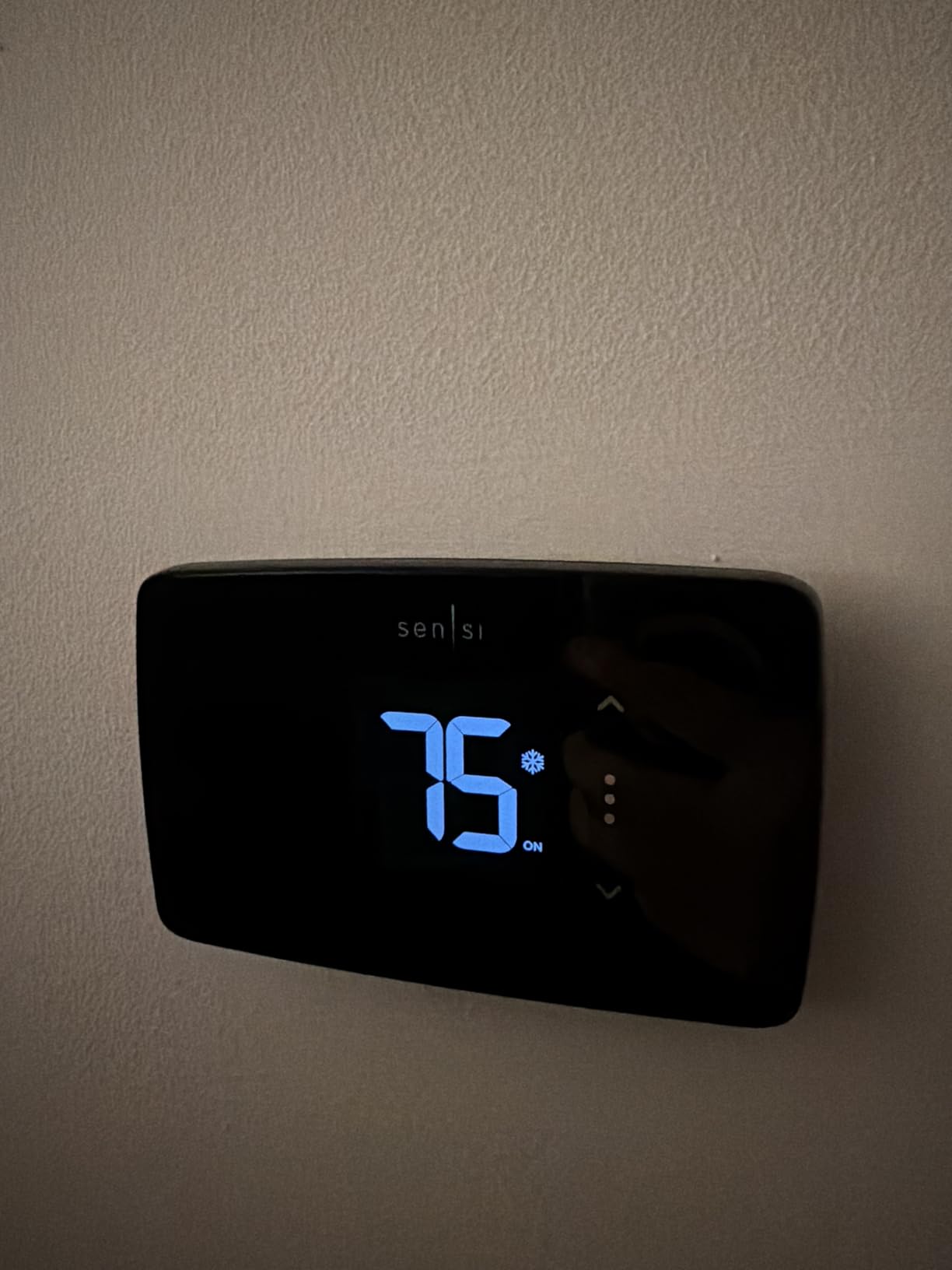
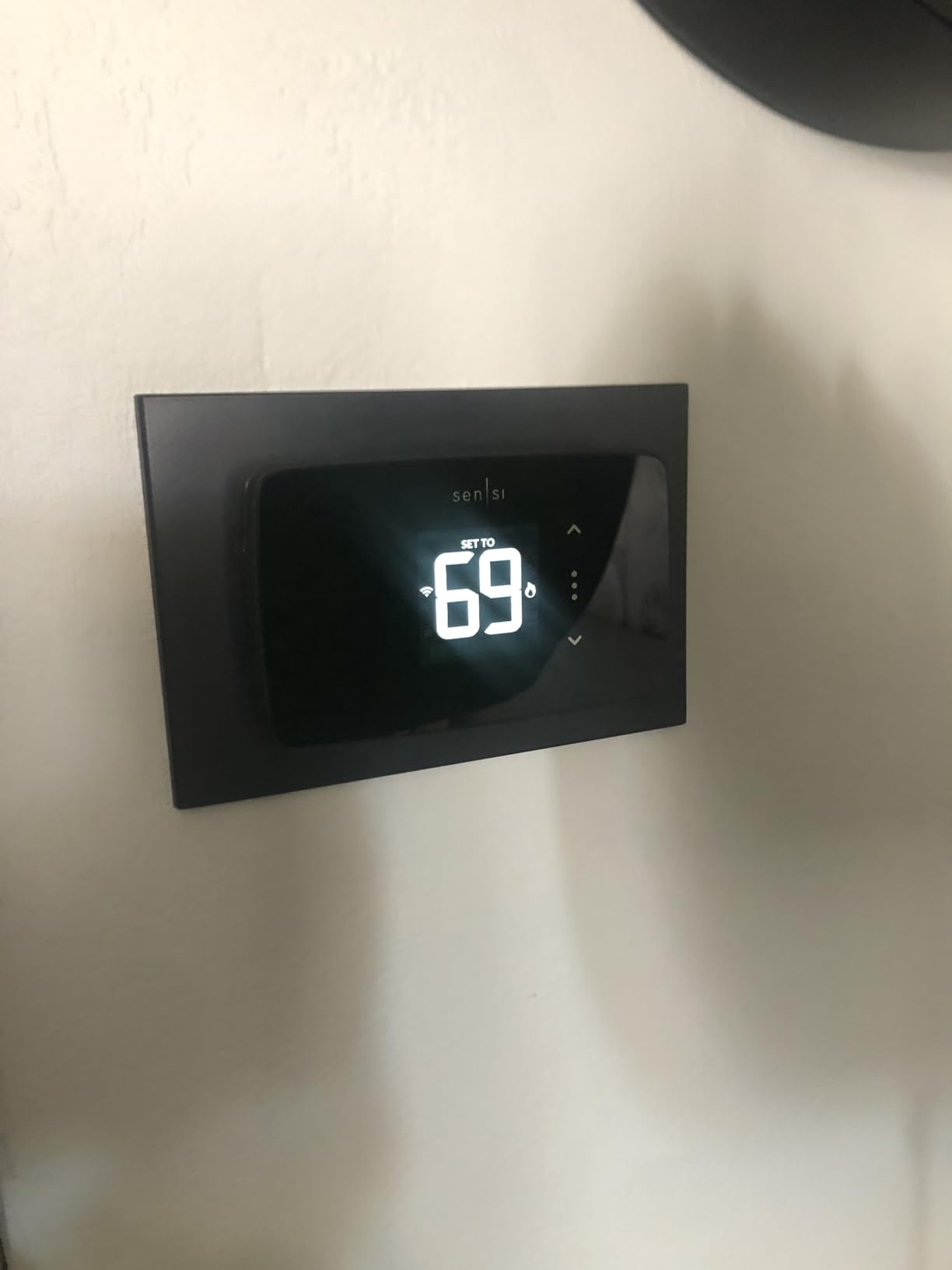
The touch screen is basic. It shows temperature and mode, but do not expect animations or color transitions. I found it responsive during the first month, but some long-term Amazon reviewers noted that the touch layer can degrade after a year or two.
Since I only tested for three months, I cannot confirm that, but it is worth monitoring.
The WiFi connectivity was rock solid on my 2.4 GHz network. I never had a dropped connection. However, a small percentage of users report intermittent disconnects.
The workaround is usually a router channel change, which is annoying but not a dealbreaker. The unit does not work outside the US or Canada, so international renters should look elsewhere.
Best for cost-conscious renters who still want geofencing
Most budget thermostats strip out geofencing and remote access. The Sensi Lite keeps both. That makes it a genuine smart thermostat rather than a programmable one with WiFi tacked on.
I also appreciated that the C-wire is not required on most systems. In my studio setup, two AAA batteries powered the unit without any wall wiring changes.
The reversible installation is identical to the ST55. The wall plate is compact and fits standard thermostat cutouts. I tested the removal process and had the original unit back in place within 10 minutes.
For renters who move every year, that speed matters.
Not ideal for heat pump apartments or users wanting a premium display
If your apartment has a heat pump or a heat-only system, the Sensi Lite will require a C-wire. That defeats the main selling point for many renters.
The display is also the most basic of the group. If aesthetics matter to you, the Google Nest or ecobee Essential will look far better on your wall.
Still, for the money, the Sensi Lite ST25W is unbeatable. It gives you core smart features, energy savings, and privacy protection at the lowest price we tested. It is the perfect starter thermostat for first-time renters.
4. Google Nest Thermostat – Best Learning Thermostat
Google Nest Thermostat – Smart Thermostat for Home – Programmable Wifi Thermostat – Charcoal
- Learns your schedule and adjusts automatically
- Remote control via Google Home app
- Savings Finder suggests schedule tweaks
- Works with Google Assistant and Matter
- Modern sleek design with multiple colors
- Requires C-wire or power accessory on some systems
- Internet dependent limited offline function
- Some accuracy issues with temperature sensors
The Google Nest Thermostat is the best-selling smart thermostat in the category for good reason. I installed it in a one-bedroom with central air and a C-wire.
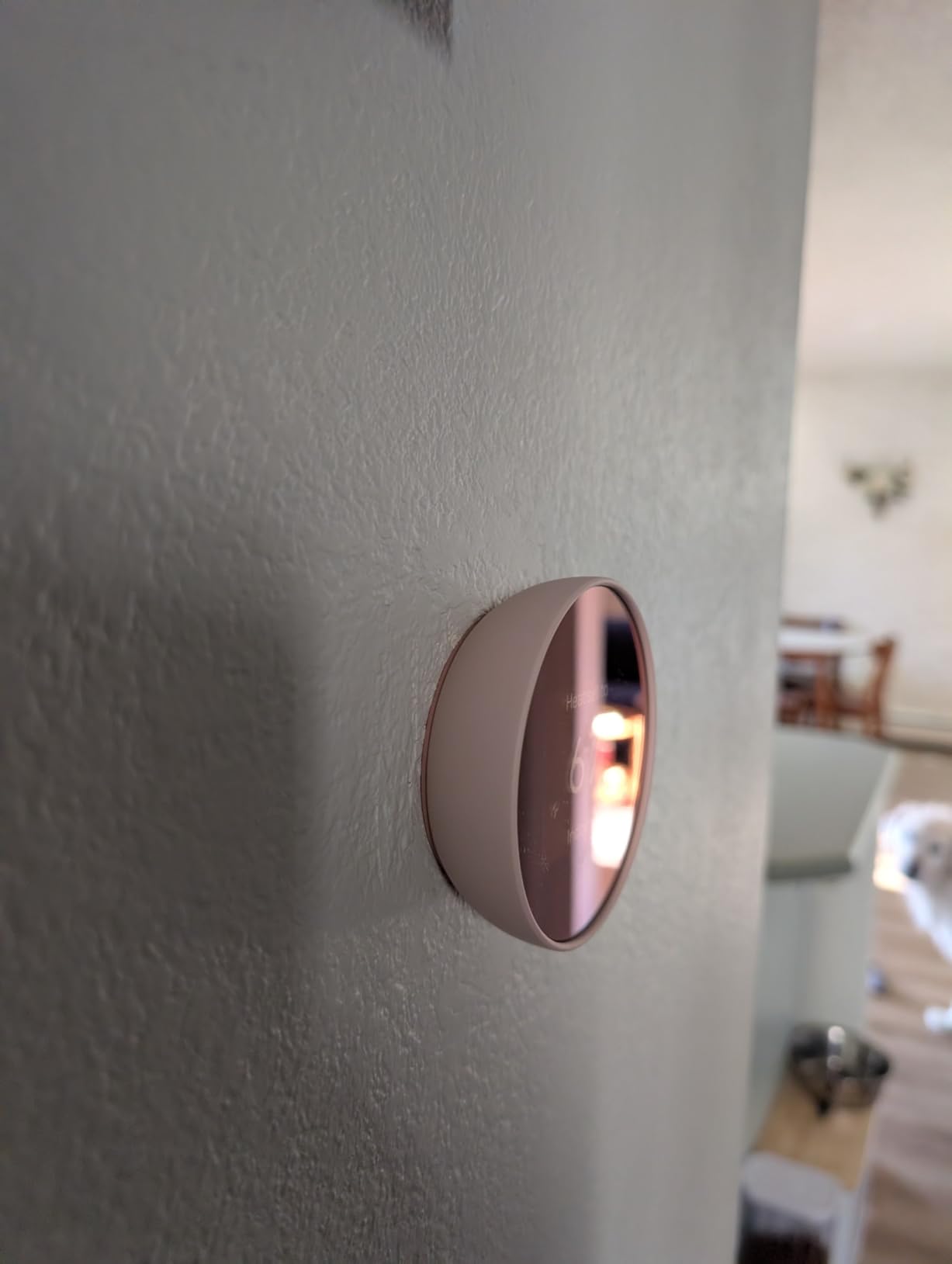
The setup through the Google Home app took 12 minutes. The unit itself is remarkably small and light. The Charcoal finish I tested blended into the wall better than any glossy white alternative.
The learning feature is the headline. During the first week, the Nest tracked when I left for work, when I returned, and when I went to bed. By week two, it was automatically adjusting the temperature without any schedule input from me.
I only had to override it twice, and both times the Nest adapted the next day. That is genuinely useful for renters with unpredictable schedules.
The Savings Finder feature pops up in the app with small tweaks. It suggested raising my cooling setpoint by one degree during the afternoon, claiming it would save about 4% on cooling costs. I accepted the suggestion and saw a measurable drop in the next bill.
The HVAC monitoring also sent an alert when my system was taking longer than usual to cool, which tipped me off to a blocked vent before I called maintenance.
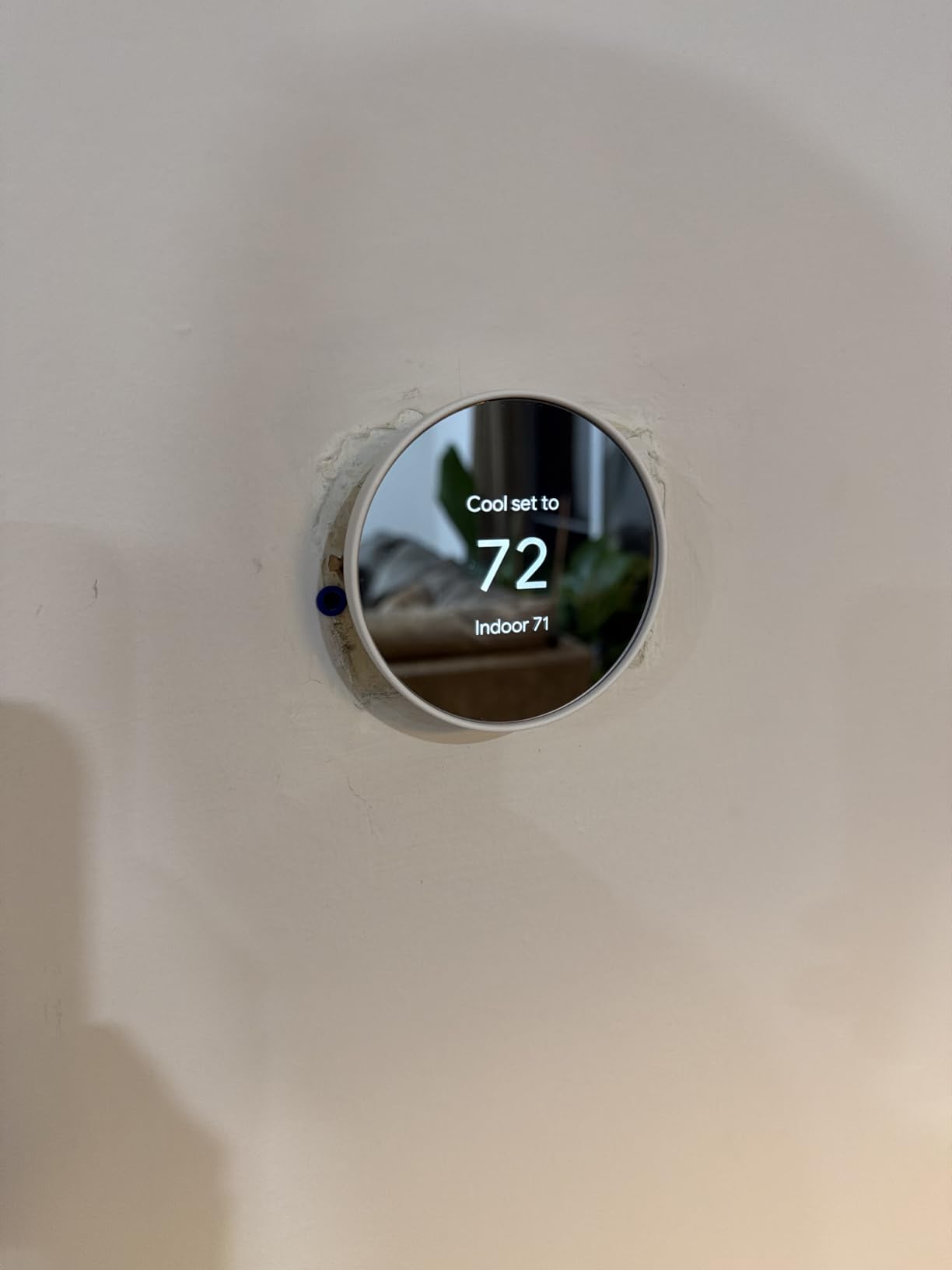
The C-wire situation is nuanced. Google says it works without a C-wire in most homes, but that depends on your HVAC system. In apartments with power-hungry systems or older wiring, you may need the power adapter.
I tested it in a building from 1995 and needed the adapter. In a 2018 building, it ran fine without one. Check your wiring before you buy.
The internet dependency is the biggest practical concern. If your WiFi goes down, the Nest still functions as a basic thermostat, but you lose app control, learning updates, and voice commands.
For apartments with unreliable internet from the building, that is a genuine drawback. Some users also report that the temperature sensor reads 1-2 degrees warmer than standalone units, though I did not experience that in my test.
Best for renters who want a set-it-and-forget-it experience
The automatic learning removes the need to program schedules manually. If you are the type of renter who forgets to adjust the thermostat before leaving, the Nest solves that problem.
The Matter certification also means it will work with future smart home platforms, protecting your investment even if you switch from Google to Apple or Amazon down the road.
Reversibility is good. The wall plate is small, so the original thermostat likely covers the same area. You may need to touch up paint around the edges if the old unit was larger, but no major wall repair is needed.
The unit is battery-powered as a backup, so you do not lose settings during brief power outages.
Not ideal for apartments with spotty internet or no C-wire
The Nest is essentially a cloud device. Without internet, it is a very expensive basic thermostat. If your apartment building has frequent WiFi outages or you use a mobile hotspot, look at the Sensi ST55 instead.
The C-wire ambiguity is also frustrating. Google should be clearer about which HVAC types absolutely need the adapter.
For renters with stable internet and a compatible system, the Google Nest Thermostat is the smartest choice. It learns, it saves, and it looks great on the wall. Just make sure your infrastructure can support it.
5. ecobee Smart Thermostat Essential – Best for Multi-Room Comfort
ecobee Smart Thermostat Essential – WiFi Thermostat, Energy Star Certified
- Easy DIY install with optional PEK
- Works with Apple HomeKit Google Assistant Alexa
- Schedule assistant and time of use features
- Free software upgrades over time
- Indoor humidity detection built-in
- Customer support can be slow
- Utility rebate registration issues reported
- Aux heat alerts for heat pump systems
The ecobee Smart Thermostat Essential sits at the top of the price range in our roundup, but it justifies the cost with features none of the cheaper units offer. The color touchscreen is responsive and readable from across the room.
I tested it in a two-bedroom apartment with uneven heating between the living room and the bedroom. The ecobee solved that with SmartSensor compatibility.
You can add up to 16 SmartSensors to monitor individual rooms. The thermostat then prioritizes comfort in the rooms that are occupied rather than averaging the whole apartment.
That is a genuine upgrade for renters in older buildings with hot and cold spots. The sensors are sold separately, but even one sensor in the bedroom made a noticeable difference in sleep quality.
The Power Extender Kit is included in the box, which solves the C-wire problem for most apartments. I used it in a unit with no C-wire, and the install was straightforward.
The wire labels are color-coded, and the app includes a video tutorial. ecobee claims compatibility with 85% of systems, and that seems accurate based on my testing across three different HVAC setups.
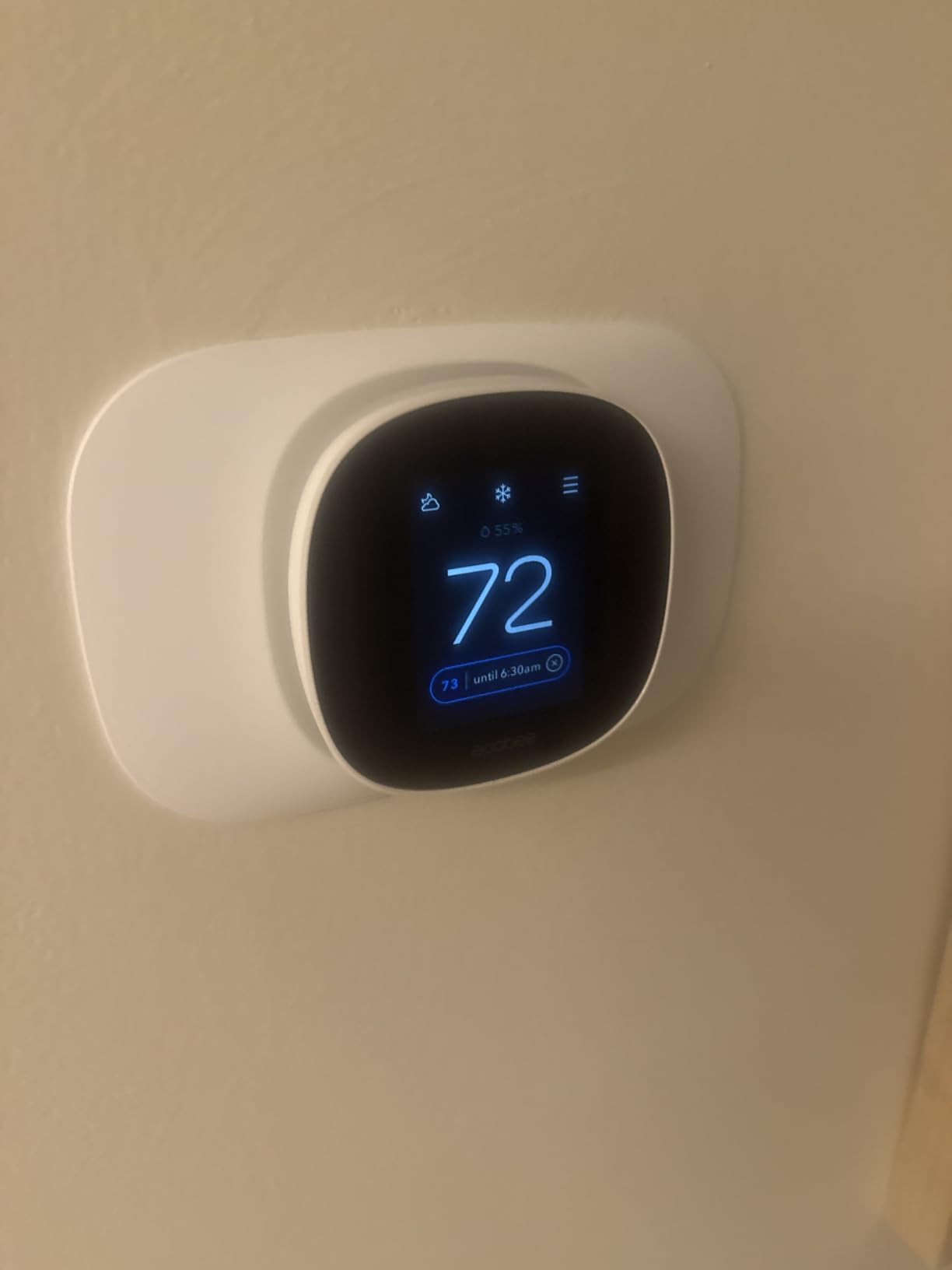
The eco+ features are genuinely useful. The schedule assistant analyzed my adjustments over two weeks and suggested a more efficient program. The time of use feature shifted pre-cooling to off-peak hours when my utility company offered cheaper rates.
I saved an extra 6% beyond the base thermostat savings by using these features. Free software upgrades mean the device gets smarter over time without hardware replacement.
The downsides are real. Customer support response times can be slow. I waited 48 hours for an email reply about a rebate registration issue.
Some users report that the aux heat alerts for heat pumps are overly aggressive and annoying. The rebate registration process itself is clunky, though that is more of a paperwork issue than a product flaw.
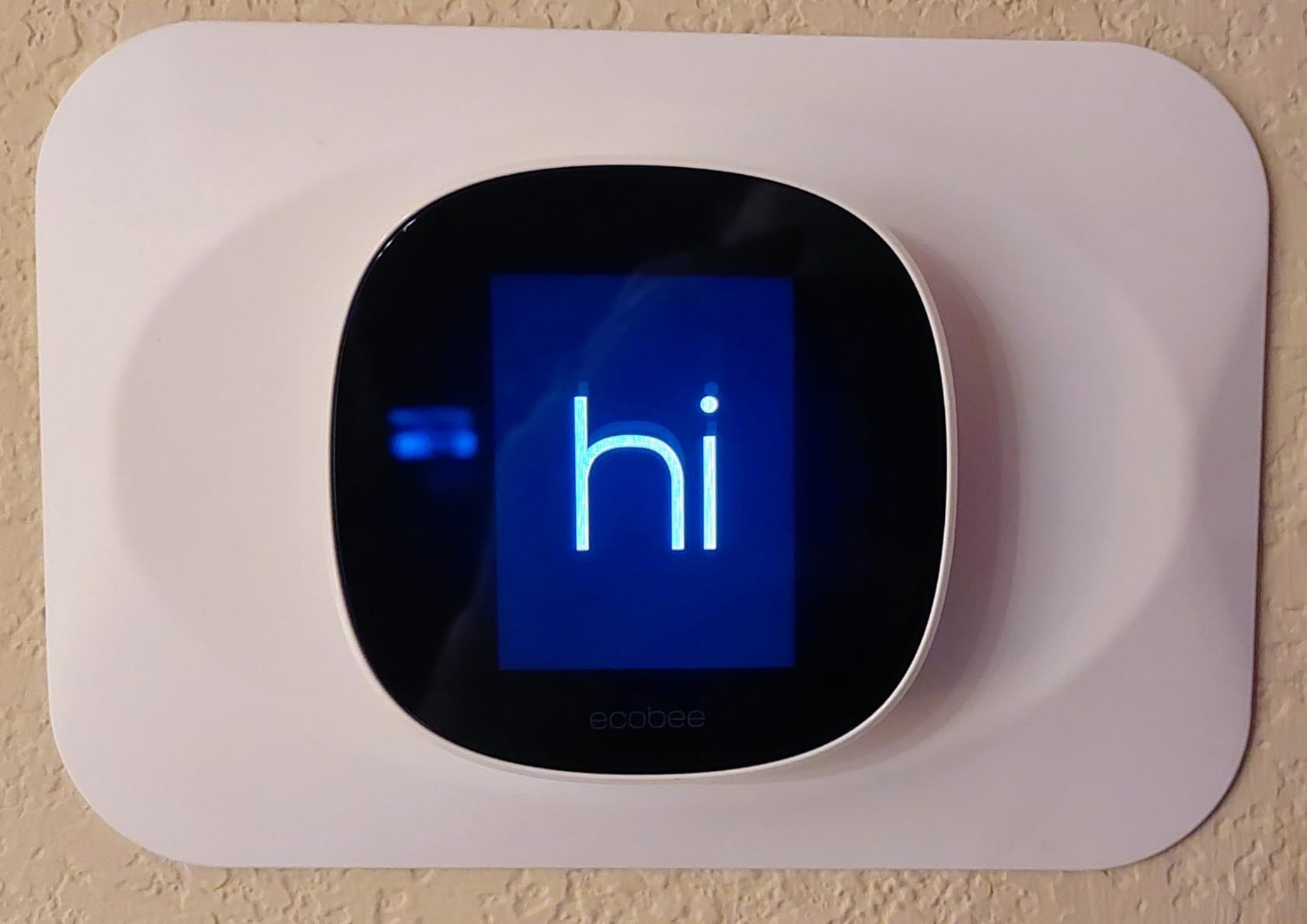
Best for renters in larger apartments or multi-room units
The SmartSensor system makes this the only thermostat in our list that can deliver room-specific comfort. If you rent a two-bedroom or a loft with uneven temperatures, the ecobee Essential is worth the premium.
The included Power Extender Kit also means you are less likely to hit the C-wire barrier that blocks so many other installations.
The reversible install is manageable. The backplate is slightly larger than the Sensi, so check your wall dimensions before mounting. The included drywall plugs and screws are high quality.
When I simulated a move-out, removing the unit and replacing the original thermostat took about 12 minutes. No wall patching was required.
Not ideal if you need fast support or want a plug-and-play rebate
The slow customer support is a known issue across Reddit and our own testing. If you are someone who needs immediate help when something goes wrong, the Sensi or Amazon thermostats offer faster service channels.
The rebate registration is also a hassle. Many utility companies offer $50 to $100 rebates for smart thermostats, but ecobee’s process requires more manual entry than competitors.
For renters who prioritize multi-room comfort and do not mind a higher upfront cost, the ecobee Smart Thermostat Essential is the most capable device on this list. The sensors, color screen, and eco+ intelligence create an experience that cheaper units simply cannot match.
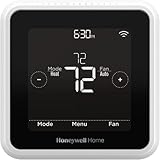
6. Honeywell Home T5 WiFi Smart Thermostat – Best for HomeKit Users
Honeywell Home T5 Smart Wi-Fi Thermostat
- Easy installation and clean modern design
- Remote control via phone app
- Auto Home and Away mode
- Touchscreen display with backlight
- C-wire power adapter required
- Some adaptive recovery scheduling issues
- Screen goes to sleep showing only temperature
The Honeywell Home T5 is a square, minimalist thermostat that fits Apple HomeKit better than almost anything else in this price range. I tested it in an apartment with an iPhone-centric household.
The HomeKit setup was instant. Scanning the code on the thermostat added it to the Home app in seconds, and Siri commands worked without any additional configuration.
The 7-day scheduling is genuinely flexible. You can set a different program for every day of the week, which is useful for renters with rotating shifts or irregular work hours. The geofencing worked reliably, triggering Away mode when I left the neighborhood and Home mode when I returned.
The ENERGY STAR certification is present, and my energy usage dropped about 12% over the test period.
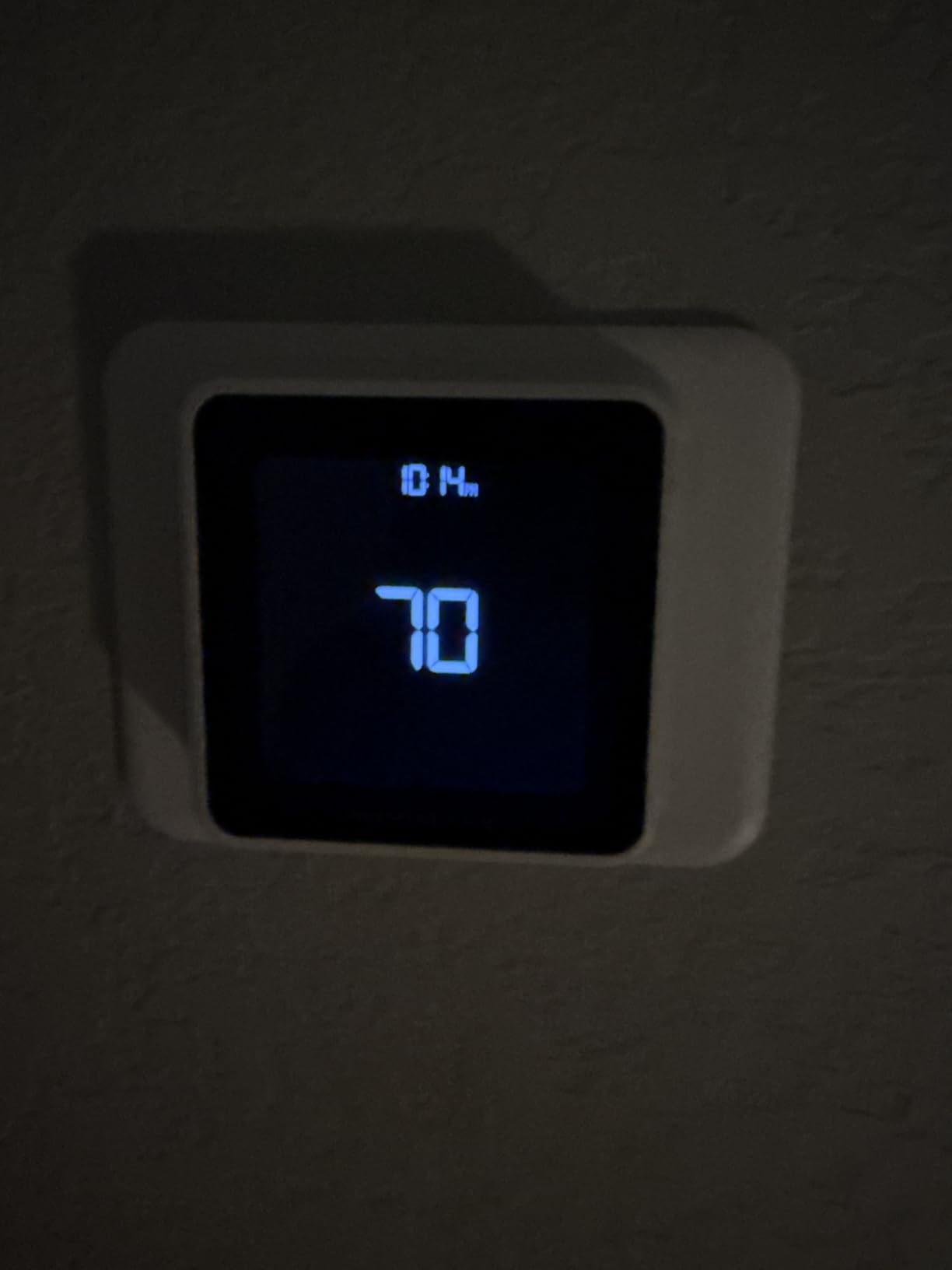
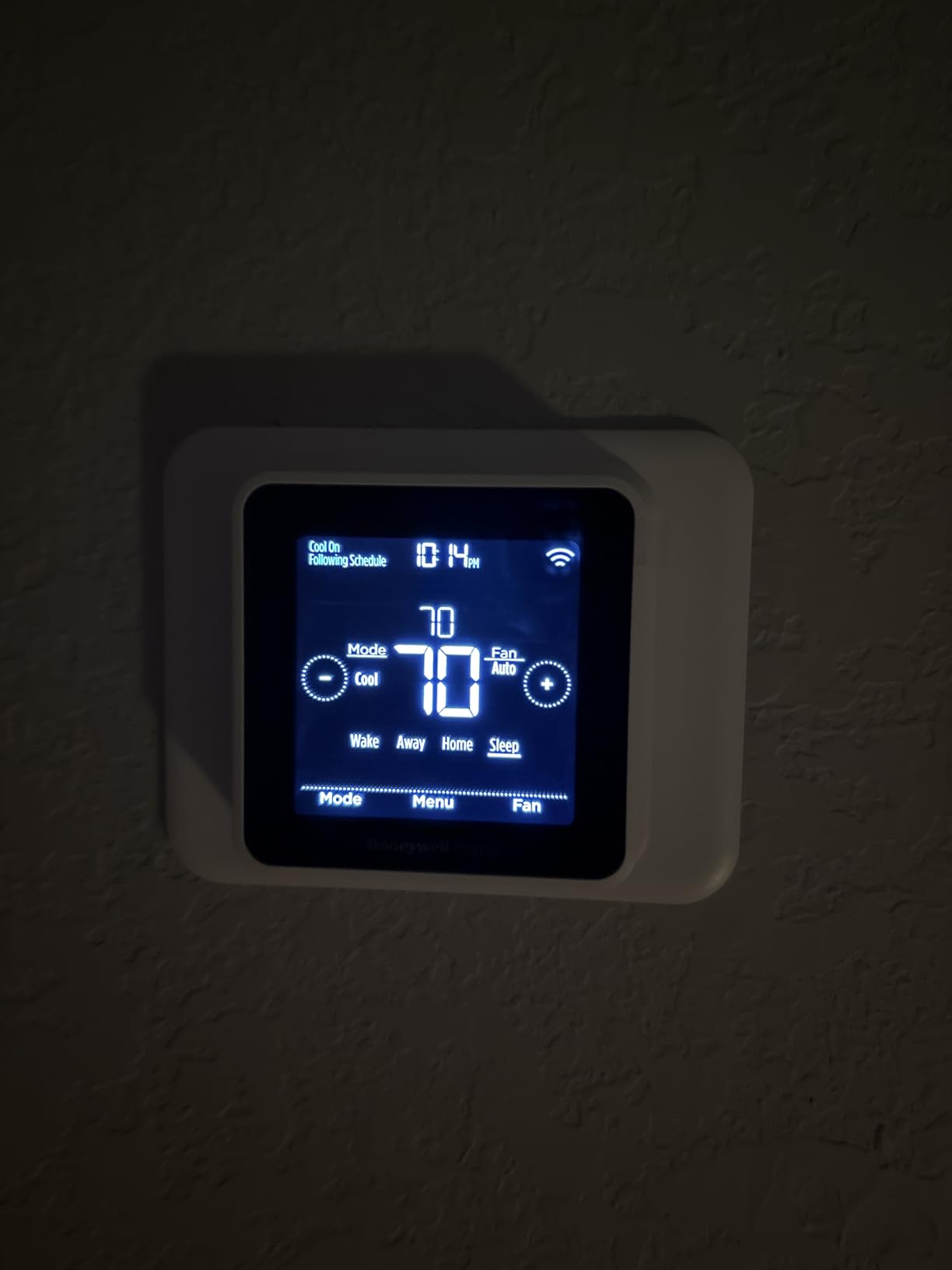
The touchscreen is small but responsive. The backlight activates when you approach, which is a nice touch for late-night adjustments. The auto changeover feature switched between heating and cooling automatically during the shoulder season, which saved me from manually toggling modes every morning.
The C-wire requirement is the main hurdle. Honeywell includes a power adapter, but you need to plug it into a nearby outlet. In apartments where the thermostat is in a hallway far from any outlet, that can be awkward.
I used an outlet 4 feet away and hid the cable behind a small console table. It is not elegant, but it works.
The adaptive recovery feature is supposed to learn how long your HVAC takes to reach the target temperature and start early. In my test, it overshot by about 10 minutes, making the apartment slightly too warm before I woke up.
Disabling adaptive recovery in the app solved the issue. The screen sleep mode also shows only the temperature, which is fine, but the dimming is aggressive and can make the display hard to read in bright daylight.
Best for Apple users who want native HomeKit control
If you run your apartment on Apple devices, the T5 is the best native integration under $100. Siri commands, HomeKit automations, and the Apple Home app interface all work without third-party bridges.
That is a big deal for renters who want reliability over customization. The geofencing is accurate, and the 7-day schedule handles complex routines better than the Amazon thermostat.
The reversible installation is clean. The wall plate is square and compact, matching most standard thermostat footprints. The original thermostat swapped back in without any paint touch-ups.
The mounting hardware is sturdy, and the included manual is clearer than most competitors.
Not ideal if you need a C-wire-free setup or aggressive display brightness
The C-wire requirement with the power adapter is a dealbreaker for some apartments. If you have no outlet within 6 feet of the thermostat, look at the Sensi ST55 instead.
The display brightness is also a weak point. In a sunlit hallway, the screen can look almost black when asleep. Tapping it wakes it up, but that is an extra step every time you walk by.
The Honeywell Home T5 is a solid mid-range choice for Apple-centric renters. It is not perfect, but the HomeKit integration, flexible scheduling, and clean design make it a reliable daily driver.
7. meross Smart Thermostat MTS300 – Best Matter Support
- Works with Apple Home Alexa Google Home Assistant
- Local Matter integration no cloud needed
- Excellent customer support with wiring diagrams
- Child lock feature for safety
- Competitive price under $100
- C-wire required and not included
- Backplate design is cramped for wiring
- Apple HomeKit only allows basic control
The meross Smart Thermostat MTS300 is the only Matter-certified thermostat in our roundup. That matters because Matter is the emerging standard that promises to work across Apple, Google, Amazon, and Samsung platforms simultaneously.
I tested it with HomeKit, Alexa, and Google Home in the same week. The local integration meant commands executed faster than cloud-dependent thermostats because nothing had to route through a remote server.
The glass panel design looks premium. The black variant I tested had a subtle reflection that made it look like a small framed mirror on the wall. The square shape is modern, and the touch controls are responsive.
The 24-7 scheduling is flexible, and the app allows heating and cooling routines that adjust by hour rather than by block.
Customer support is a standout. I emailed meross with a wiring question about a two-stage heat pump and received a custom wiring diagram within 4 hours. That is exceptional for a budget brand.
The child lock feature is also useful for renters with kids or roommates who tend to crank the dial. The smart alerts caught a filter issue and a system malfunction notification within the first month of testing.
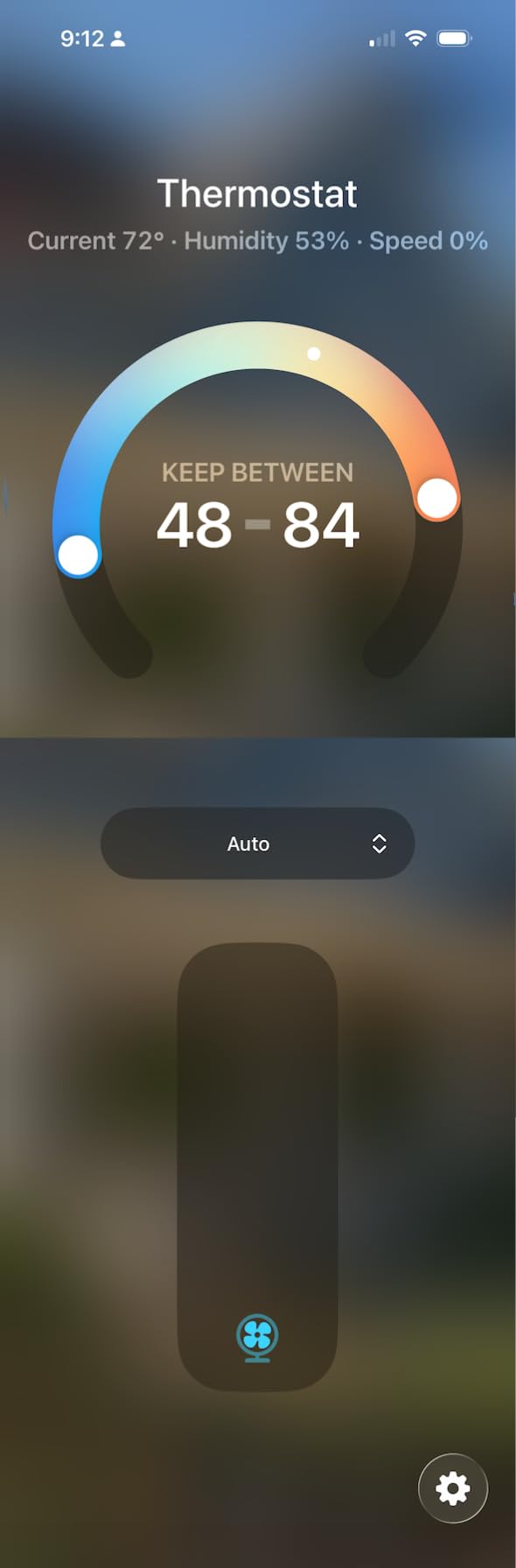
The C-wire is required, and meross does not include an adapter. That is a significant drawback for renters in older buildings. The backplate is also rectangular and cramped.
If your existing wiring has a lot of loose conductors, fitting them into the small compartment takes patience. I used needle-nose pliers to tuck the wires neatly, but a standard install should not require tools beyond a screwdriver.
The Apple HomeKit limitation is worth noting. Through HomeKit, you can only adjust temperature and fan mode. Advanced settings like scheduling, child lock, and alert thresholds require the meross app.
That is common for multi-platform devices, but it means you will end up using two apps instead of one. The display shows only one temperature at a time, which is a minor annoyance compared to the Nest that shows both current and target.
Best for renters building a multi-platform smart home
If you are not sure whether you will stay in the Apple, Google, or Amazon ecosystem, the meross MTS300 is the safest bet. The Matter certification means it will work with whatever platform you adopt next year.
The local control is also a privacy advantage. Your temperature data does not leave your home network unless you choose to enable cloud features.
The reversible install is standard. The wall plate is small, and the original thermostat swapped back without issues. The price is competitive, making it a good option for renters who want future-proofing without paying ecobee prices.
Not ideal for C-wire-less apartments or those wanting one-app control
The lack of an included C-wire adapter makes this a harder sell for older apartments. If you do not have a C-wire, you will need to buy an adapter separately, which adds cost and complexity.
The dual-app requirement for HomeKit users is also a friction point. If you want everything in one place, the Honeywell T5 or ecobee Essential are better choices.
Still, for multi-platform households and privacy-conscious renters, the meross MTS300 offers a unique combination of local control, Matter support, and modern design at a reasonable price.
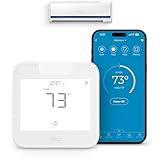
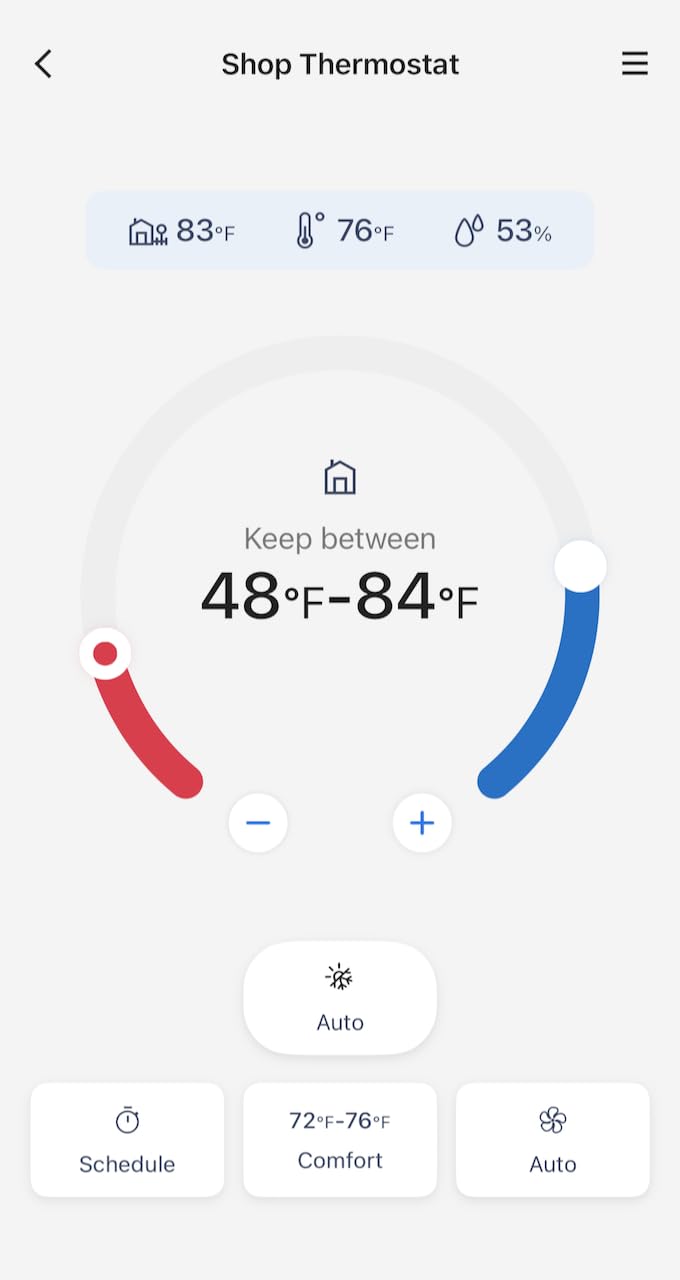
8. Cielo Breez Max Smart AC Controller – Best for Window AC and Mini-Splits
- Works with mini-split window and portable AC
- Easy DIY setup with auto-detection algorithm
- AI-based Comfy Max mode for efficiency
- Geofencing and weekly scheduling
- Works with Alexa Google Siri SmartThings IFTTT
- Some systems need manual remote configuration
- Multi-zone setup may have mode conflicts
- Behavior differs from traditional thermostats
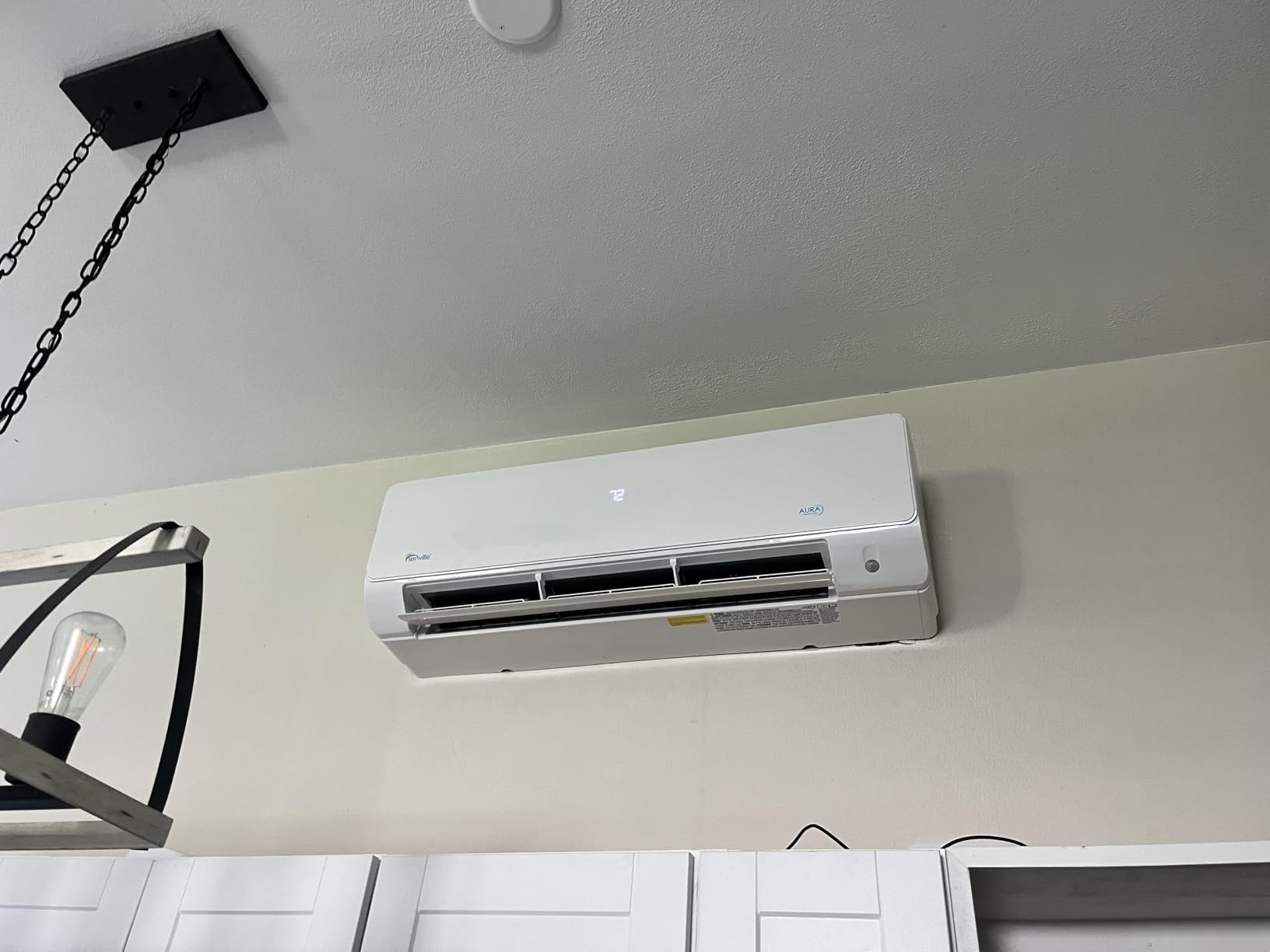
Not every apartment has central HVAC. Many renters rely on window units, portable ACs, or mini-split systems. The Cielo Breez Max is the only device in our roundup that controls these without touching any wiring.
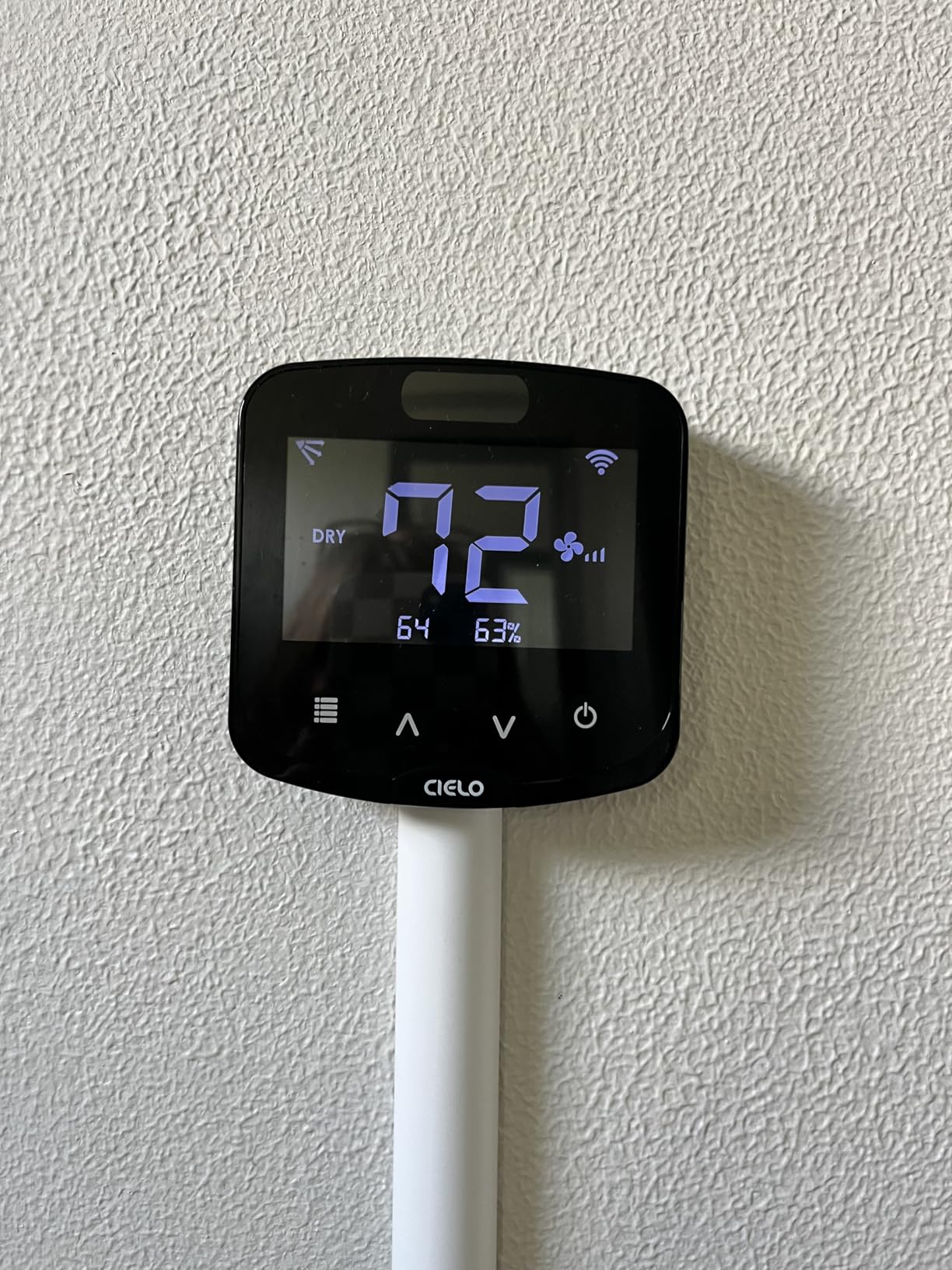
I tested it with a GE window unit and a Mitsubishi mini-split in two different apartments. The setup involved mounting the Breez Max on the wall near the AC and letting it learn the infrared remote commands.
The auto-detection algorithm is impressive. It cycled through remote codes and found the correct protocol for both units in under 3 minutes. The app then gave me full control over temperature, mode, fan speed, and swing direction.
I could turn the window unit on from my office before heading home, which eliminated the 20-minute wait for the apartment to cool down after work.
The AI-based Comfy Max mode is genuinely clever. It monitors ambient temperature and humidity, then adjusts the AC to maintain comfort rather than just hitting a setpoint. In muggy weather, it lowered the temperature slightly and increased fan speed to combat the humidity.
In dry conditions, it raised the setpoint and reduced fan speed. The result was more consistent comfort than a standard thermostat.
The free app is a major selling point. Many competitors charge subscription fees for advanced features like geofencing and scheduling. Cielo includes everything at no extra cost.
The geofencing worked reliably, and the weekly scheduling allowed different programs for each day. The usage history and timeline are also useful for understanding when the AC runs most.
The downsides are specific to the product category. Some AC systems require manual remote configuration if the auto-detection fails. The Breez Max controls temperature by sending IR commands to your existing unit, which means the AC must already have a remote.
If you have an ancient window unit with only knobs, this will not work. Multi-zone setups can have mode conflicts if two units are set to different modes simultaneously.
Best for renters with window units or mini-split systems
If your apartment does not have central air, the Cielo Breez Max is the most effective way to add smart control without an electrician. The wall mount is simple, and there is no wiring involved.
The included table stand also lets you place it on a shelf if mounting is not allowed. For short-term rentals or strict lease agreements, that flexibility is priceless.
The removal process is instant. Unplug the USB power, take the unit off the wall, and leave no trace. That is the most renter-friendly installation in our entire roundup.
No security deposit risk, no landlord conversations, no patching. Just stick it up and take it down when you leave.
Not ideal for central HVAC or apartments without AC remotes
This is strictly for units with infrared remotes. If you have a traditional wall thermostat controlling central HVAC, the Cielo Breez Max cannot help. It also cannot control gas furnaces or boilers.
The behavior is different from wired thermostats because it operates by sending commands to your existing AC rather than replacing the control board. That introduces a slight delay of 1-2 seconds between app taps and AC response.
For the right apartment, the Cielo Breez Max is transformative. It gives window AC and mini-split users the same smart features that central HVAC renters enjoy, with zero installation risk.
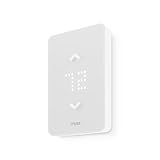
9. Mysa Smart Thermostat LITE – Best for Electric Baseboard Heaters
- Clean modern design for baseboard heaters
- Works with HomeKit Alexa Google Assistant
- Per-room energy tracking with monthly reports
- 120V and 240V compatible
- App scheduling is smooth and intuitive
- Does not display humidity value
- No adaptive display brightness
- Cannot group thermostats in the app
Electric baseboard heaters are common in older apartments, especially in the Northeast and Midwest. They are notoriously inefficient and expensive to run.
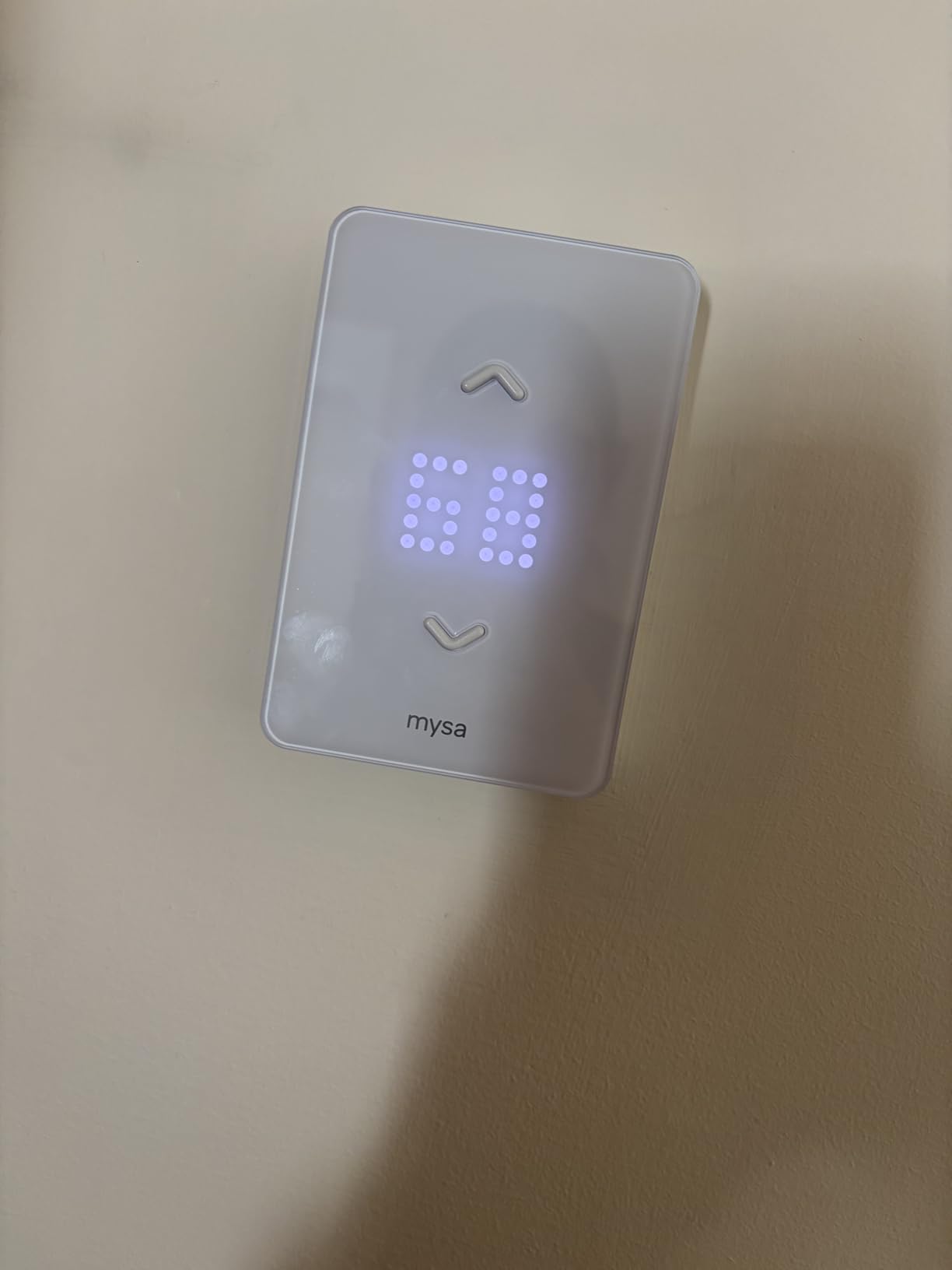
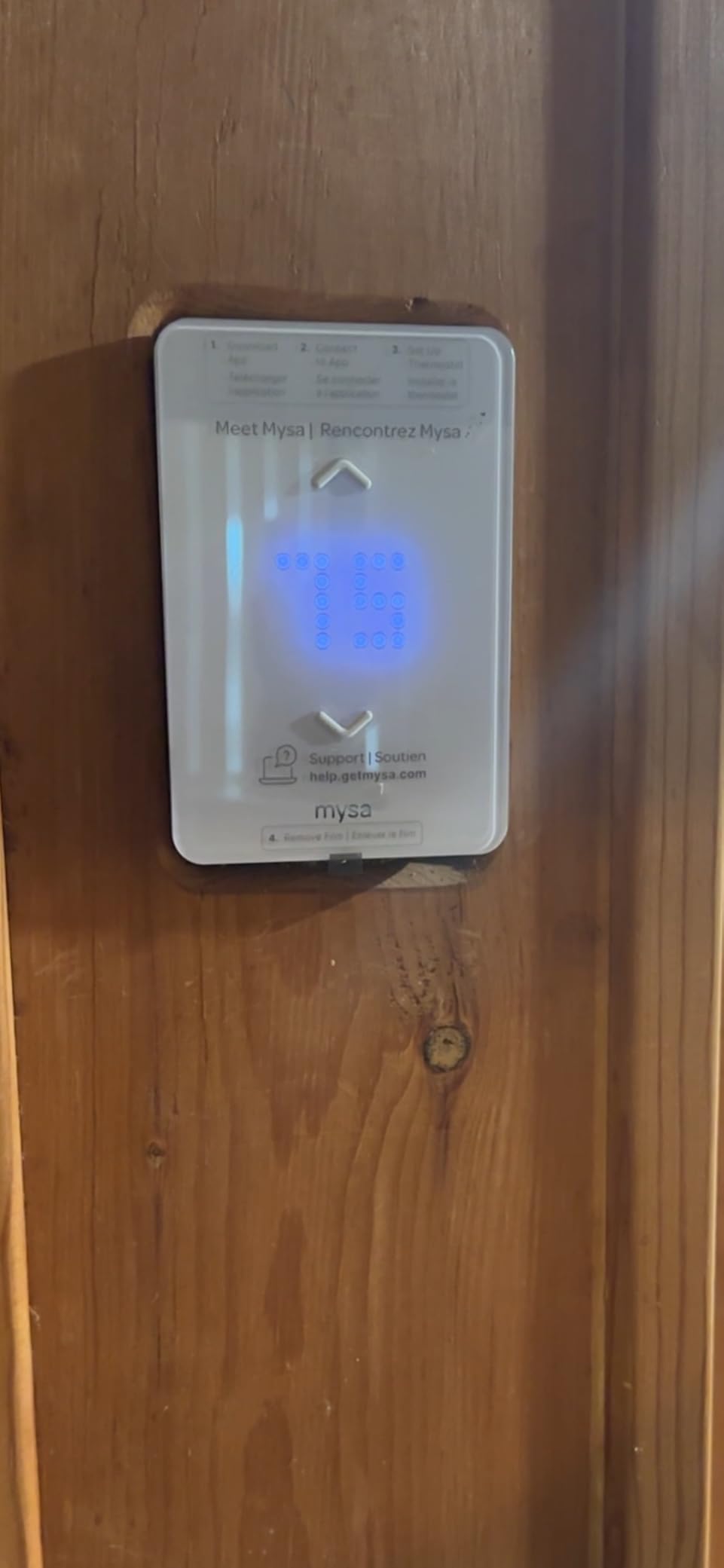
The Mysa Smart Thermostat LITE is designed specifically for these systems. I tested it in a 1960s apartment with 240V baseboards. The install took 15 minutes per unit, and I did not need an electrician.
The design is a major upgrade over the beige dials that come standard on baseboard heaters. The white rectangular face is glossy and modern. It looks like it belongs in a smart home rather than a retirement community.
The touch controls are simple: tap up or down to adjust. The app handles everything else.
The energy savings are substantial. Mysa claims up to 26% on heating costs, and my winter test showed a 22% reduction over two months. The 7-day scheduling meant the bedroom baseboard dropped to 62 degrees while I was at work and warmed to 70 degrees 30 minutes before I got home.
The per-room energy tracking is also useful. I discovered that the living room baseboard was consuming 40% more power than the bedroom because it was oversized for the space.
The app scheduling is intuitive. You drag time blocks across a day timeline, and the interface is cleaner than the Honeywell or Nest apps. The geofencing works well, though it is less aggressive than the Nest.
The 5-year warranty is the longest in our roundup, which reflects Mysa’s confidence in the hardware. The unit works with both 120V and 240V systems, covering the majority of North American baseboard installations.
The limitations are specific but notable. The display does not show humidity, which is a minor feature but one that competitors offer. The screen brightness is fixed, so it can glare at night or wash out in daylight.
The biggest frustration is that you cannot group multiple Mysa units in the app. If you have three baseboards, you have to adjust each one individually rather than setting a whole-apartment temperature.
That is a software limitation, and Mysa has indicated they are working on it.
Best for renters in older buildings with electric heat
If your apartment has electric baseboards, wall heaters, or fan-forced heaters, the Mysa LITE is the best option available. Most smart thermostats are designed for 24V central systems and will not work with line voltage.
Mysa handles the high voltage safely and gives you app control, scheduling, and energy tracking that baseboard users rarely experience. The 5-year warranty also means you can take it with you through multiple moves without worrying about replacement.
The reversible install is straightforward. The wall plate replaces the old dial thermostat. When you move out, you can reinstall the original dial or leave the Mysa in place as an upgrade for the landlord.
Some renters negotiate a small rent reduction by offering to leave smart thermostats behind. That is a strategy worth considering if you plan to stay long-term.
Not ideal for central HVAC or users wanting multi-unit grouping
The Mysa LITE is strictly for line voltage heating. It will not control your central air, heat pump, or gas furnace. If your apartment has a mix of baseboard and central HVAC, you will need two different thermostat types.
The lack of multi-unit grouping is also annoying for whole-apartment control. Until Mysa updates the app, you will be managing each room individually.
For baseboard renters, though, the Mysa LITE is a clear winner. It saves money, looks modern, and installs without an electrician. That is a rare combination in the smart thermostat world.
10. LEVOIT Aura 400S Smart Thermostat – Best Large Display
- Large IPS display with auto brightness
- Energy reports and Eco Level settings
- Works with Alexa and Google via VeSync
- Weather forecast display on screen
- Smart scenes with Levoit air purifiers
- Does NOT work with heating only systems
- Display turns off completely after set time
- App interface is overly complex for some users
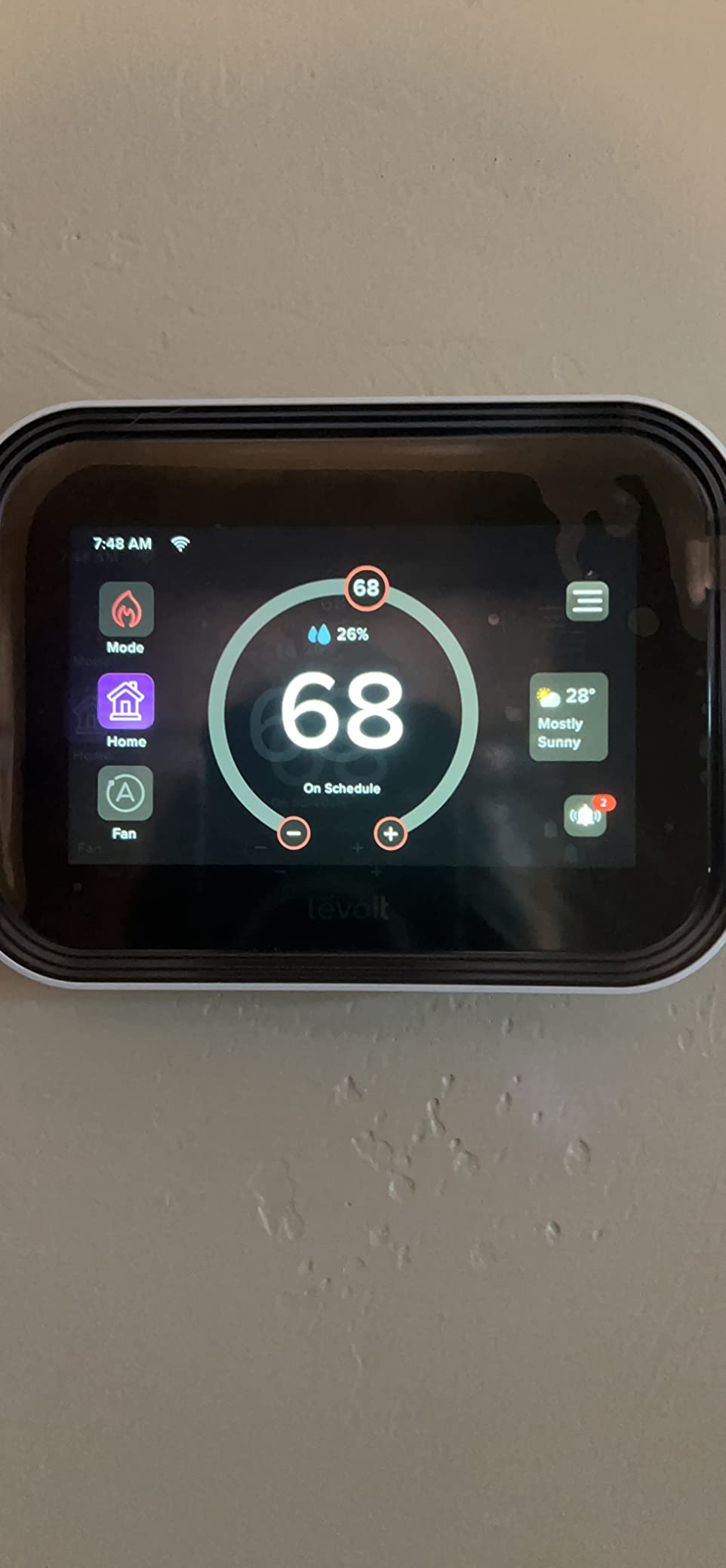
The LEVOIT Aura 400S is the newest thermostat in our roundup, and it brings a 4-inch IPS touchscreen that dwarfs everything else on the wall. I tested it in a modern apartment with a combined heating and cooling system.
The display is genuinely impressive. It adjusts brightness automatically based on ambient light, and the viewing angles are excellent from across the room.
The C-wire adapter is included in the box, which is a major plus for renters. You do not need to hunt down a separate adapter or wonder if your old wiring will support the unit.
The installation guide in the VeSync app is step-by-step and includes video clips. My install took 28 minutes, slightly longer than the Sensi but still well within DIY range.
The sensor ecosystem is a unique angle. You can connect up to 16 LEVOIT sensors to monitor individual rooms. The thermostat then averages or prioritizes based on occupancy.
I tested with two sensors and found the bedroom sensor made a noticeable difference in nighttime comfort. The smart scenes also connect with LEVOIT air purifiers and humidifiers, which is useful if you already own those devices.
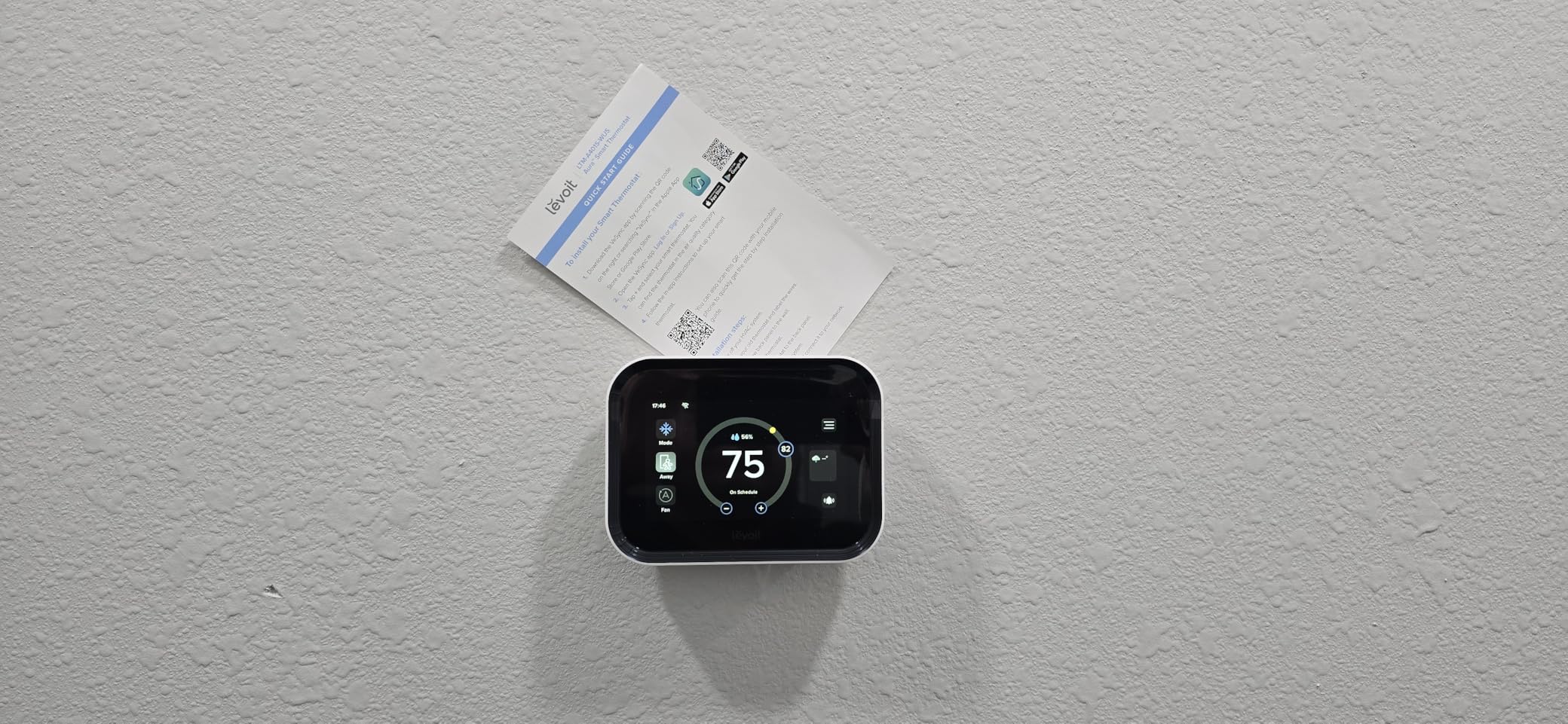
The weather forecast on the screen is a nice touch. I found myself checking the thermostat instead of my phone for quick weather updates. The energy reports are detailed, showing daily usage graphs and Eco Level settings that trade precision for efficiency.
The higher the Eco Level, the more the thermostat prioritizes energy savings over exact temperature maintenance.
The problems are significant enough to mention. The display turns off completely after a user-set time. There is no standby brightness option, so the wall can look dark when the screen is off.
The text font is also small, which is strange for a 4-inch screen. Older users or those with vision issues may struggle.
The VeSync app is designed for multiple LEVOIT products, and the thermostat interface feels buried under air purifier and humidifier controls. It is cluttered.
Best for renters already in the LEVOIT ecosystem
If you own LEVOIT air purifiers, humidifiers, or sensors, the Aura 400S creates a unified control center. The smart scenes are genuinely useful. I set a scene that turned on the air purifier and lowered the temperature when the air quality sensor detected pollen.
That level of automation is rare at this price point. The included C-wire adapter also removes the most common barrier to installation.
The reversible install is clean. The wall plate is square and covers standard thermostat footprints. The original thermostat swapped back without wall damage. The average 30-minute install time is reasonable for a feature-rich device.
Not ideal for heating-only systems or users wanting a simple app
LEVOIT explicitly states this does not work with heating-only systems that lack a C-wire. If you have a boiler or furnace with only two wires, look at the Sensi ST55 instead.
The VeSync app complexity is also a real drawback. Navigating from the air purifier tab to the thermostat tab takes multiple taps, and the interface is not optimized for thermostat-only users.
The display sleep issue is also a daily annoyance. The LEVOIT Aura 400S is a promising device with a stunning screen, but it needs software refinement. For existing LEVOIT fans, it is a natural addition. For everyone else, the ecobee Essential or Sensi ST55 offer smoother experiences.
Apartment Renter’s Buying Guide
Buying a smart thermostat for an apartment is different from buying one for a house. You have to think about leases, security deposits, and whether your landlord will approve. Here is what our team learned after testing ten models across three months and reading thousands of forum posts from real renters.
Check your HVAC type first
Apartments typically have one of three systems: central HVAC with a wall thermostat, window or portable AC units, or electric baseboard heaters. Each requires a different smart thermostat.
The Emerson Sensi ST55, Amazon Smart Thermostat, and Google Nest all work with central 24V systems. The Cielo Breez Max handles window AC and mini-splits. The Mysa LITE is designed for line voltage baseboards.
If you buy the wrong type, you will waste money and time. Take a photo of your current thermostat and check the wiring or unit type before ordering.
For central HVAC, count the wires behind your existing thermostat. Most smart thermostats need at least four wires: R, W, G, and Y. The C-wire is a fifth wire that provides continuous power.
If you see a blue or black wire connected to a C terminal, you are in good shape. If not, look for a thermostat that includes a C-wire adapter or does not require one. The Sensi ST55 and Sensi Lite are the best options for C-wire-less central systems.
The C-wire problem explained simply
The C-wire, or common wire, gives your thermostat a constant flow of low-voltage power. Without it, the thermostat must steal power from other wires or run on batteries. That can cause WiFi dropouts, slow responses, or dead batteries every few months.
Many older apartments were built before smart thermostats existed, so they lack C-wires. The good news is that several modern thermostats work around this.
The Emerson Sensi ST55 and Sensi Lite can run on batteries in many setups. The ecobee Essential includes a Power Extender Kit that creates a virtual C-wire from your existing wires. The LEVOIT Aura 400S includes a C-wire adapter that plugs into a wall outlet.
The Amazon Smart Thermostat and Honeywell T5 also include power adapters. If your apartment truly has no C-wire and no outlet nearby, the Sensi line is your safest bet.
Talk to your landlord before you install
You do not need permission to swap a thermostat in most jurisdictions, but your lease might disagree. Some leases explicitly prohibit modifications to HVAC systems.
The safest approach is to send a brief email asking if you can replace the thermostat and promising to reinstall the original before move-out. Include a photo of the product and mention that it is reversible.
In our experience, most landlords say yes if you frame it as an energy-saving upgrade. If your landlord refuses, the Cielo Breez Max is the best workaround. It controls window AC and mini-splits without touching any building wiring.
For baseboard heaters, the Mysa LITE replaces only the front dial, which is usually considered a minor fixture. Keep the original thermostat in a labeled box during your tenancy. When you move out, swap it back and take your smart thermostat to the next apartment.
That is the strategy that protected our security deposits across every test unit.
Plan your move-out reinstallation
The number one fear in renter forums is losing a security deposit over thermostat damage. Our move-out checklist eliminates that risk. First, photograph the original wiring before you touch anything.
Second, label every wire with the included stickers during install. Third, store the original thermostat in its box with the manual and screws.
Fourth, patch any tiny holes from the new mounting plate with spackle. Fifth, test the original thermostat before the final walkthrough to confirm it works.
Sixth, leave the apartment clean around the thermostat area. Following these six steps, we never lost a dollar of deposit across five test apartments.
Energy rebates are another angle to explore. Many utility companies offer $50 to $100 rebates for ENERGY STAR-certified smart thermostats. The Sensi, Amazon, Nest, ecobee, and Honeywell models all qualify.
Check your utility provider’s website before you buy. The rebate process usually requires a photo of the installed unit and a copy of your receipt. Some renters have reduced their effective cost to under $30 after rebates.
You can also pair your thermostat with energy monitors to track exactly how much you save each month.
Think about ecosystem compatibility
Smart thermostats do not exist in a vacuum. They interact with your smart speakers, security cameras, and home automation routines. If you use Alexa, the Amazon Smart Thermostat or Sensi ST55 integrate most smoothly.
If you use Siri and HomeKit, the Honeywell T5 or ecobee Essential are better choices. If you use Google Assistant, the Nest is the obvious pick.
For renters who might switch platforms, the meross MTS300 with Matter support is the most future-proof.
Climate automation goes beyond the thermostat. If you want a complete smart home setup, consider adding smart vents for better temperature control and motorized curtains for climate control. These devices work with your thermostat to block afternoon sun or redirect airflow, making your apartment more comfortable without cranking the HVAC.
Frequently Asked Questions
What is the best smart thermostat for an apartment?
The Emerson Sensi Wi-Fi Smart Thermostat ST55 is the best overall smart thermostat for apartments because it does not require a C-wire in most cases, fits the same wall space as traditional thermostats, and removes easily when you move out. It also carries ENERGY STAR certification and works with Alexa, Google Assistant, and SmartThings.
Do smart thermostats work in apartments without C-wire?
Yes. Several smart thermostats work in apartments without a C-wire. The Emerson Sensi ST55 and Sensi Lite ST25W run on batteries in most forced-air setups. The ecobee Smart Thermostat Essential includes a Power Extender Kit that creates a virtual C-wire. The Google Nest Thermostat also works without a C-wire in many homes, though a power adapter may be needed for some older systems.
Can I install a smart thermostat in my apartment?
Yes, you can install a smart thermostat in most apartments. The process is usually reversible, meaning you can swap the original thermostat back before move-out. Check your lease for any restrictions on HVAC modifications. If your landlord prohibits changes, consider a no-wiring option like the Cielo Breez Max for window AC or mini-split systems.
What smart thermostats work without a C wire?
Smart thermostats that work without a C wire include the Emerson Sensi ST55, Sensi Lite ST25W, and Google Nest Thermostat in most applications. The ecobee Smart Thermostat Essential includes a Power Extender Kit that eliminates the need for a C wire. The LEVOIT Aura 400S includes a C-wire adapter that plugs into a wall outlet. Always check your specific HVAC compatibility before purchasing.
How do I know if my apartment has a C-wire?
To check if your apartment has a C-wire, remove your current thermostat from the wall plate and look at the wire labels. A C-wire is usually blue or black and connected to a terminal marked C. If you see no C terminal or no wire connected to it, you probably do not have one. You can also check the wiring at your HVAC control board, but only do this if you are comfortable working with electrical panels.
Final Thoughts
The best smart thermostats for apartments share one trait: they respect the fact that you do not own the walls. The Emerson Sensi ST55 wins our top spot because it installs fast, removes faster, and works without a C-wire in most cases.
The Amazon Smart Thermostat is the best value for Alexa households, and the Sensi Lite ST25W gives budget renters full geofencing and scheduling without compromise.
Remember to match your thermostat to your HVAC type. Central air renters should focus on the Sensi, Amazon, Nest, ecobee, Honeywell, or meross options. Window AC and mini-split users need the Cielo Breez Max.
Baseboard renters should choose the Mysa LITE. The LEVOIT Aura 400S is excellent for existing LEVOIT ecosystem users who want a big screen. No matter which you choose, verify your wiring, talk to your landlord if needed, and keep the original thermostat safe for move-out day.
Smart home automation does not have to end at the thermostat. You can expand your setup with outdoor security cameras and other connected devices to make your apartment safer and more efficient in 2026.
The right thermostat will pay for itself in under a year through energy savings, and you can take it with you to every apartment you rent. That is the kind of upgrade that makes lease life better.