
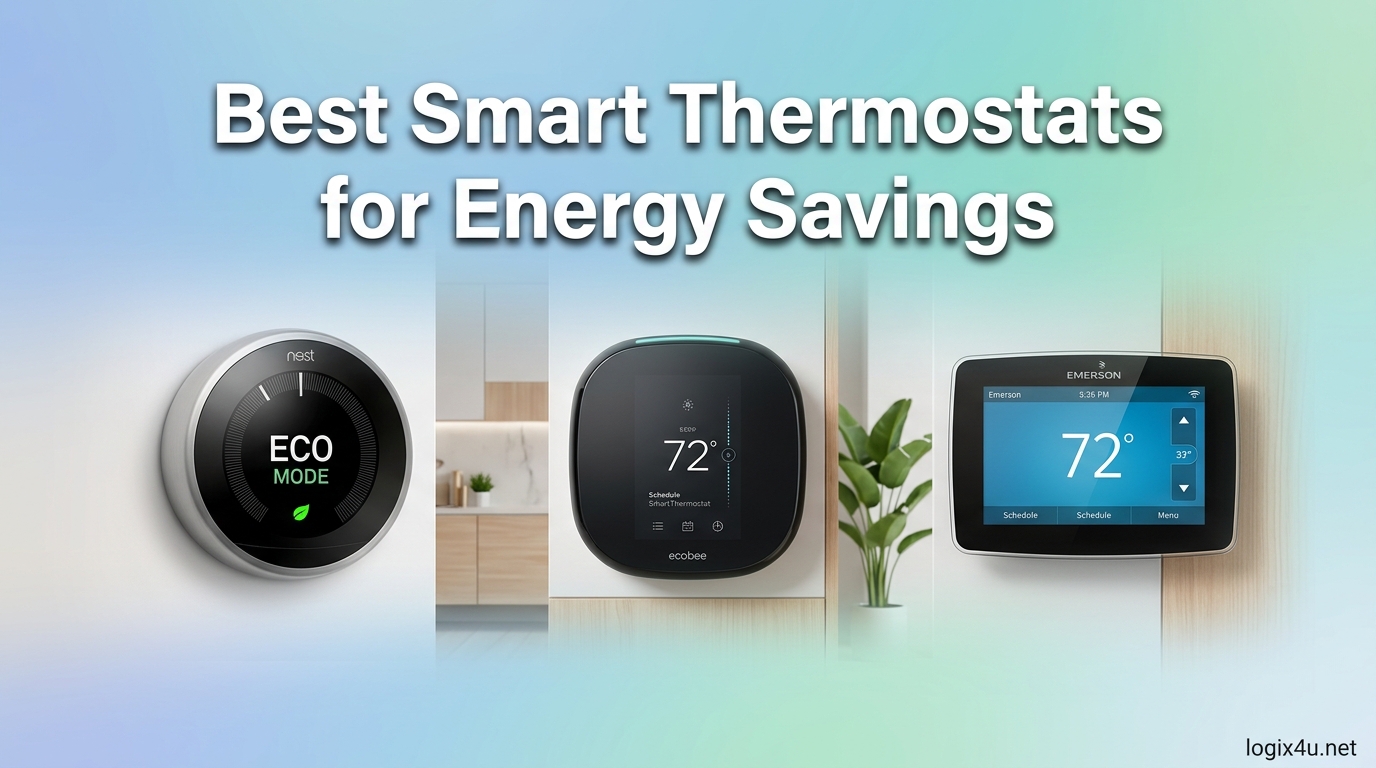
Heating and cooling eat up about half of the average home’s energy budget, and that is exactly where the best smart thermostats for energy savings earn their keep. ENERGY STAR certified models can cut HVAC energy use by 23-26% per year by learning your routines, sensing occupancy, and backing off when nobody is home. After testing the top contenders on the market, I built this guide to help you find the model that actually moves the needle on your utility bills.
I spent weeks comparing scheduling logic, room sensor accuracy, C-wire requirements, and real-world energy reports across eight leading thermostats. My goal was to look past the marketing claims and focus on what matters: how much each unit saves, how easy it is to install, and how well it plays with Alexa, Google Home, and Siri. If you have a more specialized setup, our guide to smart thermostats for geothermal systems covers ground-source heat pump compatibility in depth.
The thermostats below range from around $58 budget options to $260 premium models with built-in air quality monitors. Whether you live in a small apartment, a multi-story home, or a rental property, there is a pick here that fits your HVAC system and your wallet. Let us get into the rankings.
Top 3 Picks for Best Smart Thermostats for Energy Savings (August 2026)

ecobee Smart Thermostat Premium
- Up to 26% energy savings
- Built-in air quality monitor
- SmartSensor included
- Voice assistant built in

Sensi Touch Smart Thermostat
- About 23% HVAC savings
- Large color touchscreen
- Privacy-focused
- Easy DIY install

Amazon Smart Thermostat
- Saves about $50 per year
- Honeywell technology
- Alexa integration
- ENERGY STAR certified
Best Smart Thermostats for Energy Savings in 2026
| Product | Specifications | Action |
|---|---|---|
| ecobee Smart Thermostat Premium |
|
Check Latest Price |
| Sensi Touch Smart Thermostat |
|
Check Latest Price |
 Honeywell Home T9 Honeywell Home T9 |
|
Check Latest Price |
 Google Nest Learning Thermostat 4th Gen Google Nest Learning Thermostat 4th Gen |
|
Check Latest Price |
 ecobee Smart Thermostat Essential ecobee Smart Thermostat Essential |
|
Check Latest Price |
 Google Nest Thermostat Google Nest Thermostat |
|
Check Latest Price |
| Amazon Smart Thermostat |
|
Check Latest Price |
 Nest Thermostat E Nest Thermostat E |
|
Check Latest Price |
1. ecobee Smart Thermostat Premium – Best Overall for Energy Savings
- Up to 26% annual energy savings
- Built-in air quality monitor
- SmartSensor included for room control
- Works with Siri Alexa and Google
- Power Extender Kit for homes without C-wire
- Premium price point
- PEK wiring can be tricky
- Weather station accuracy varies in rural areas
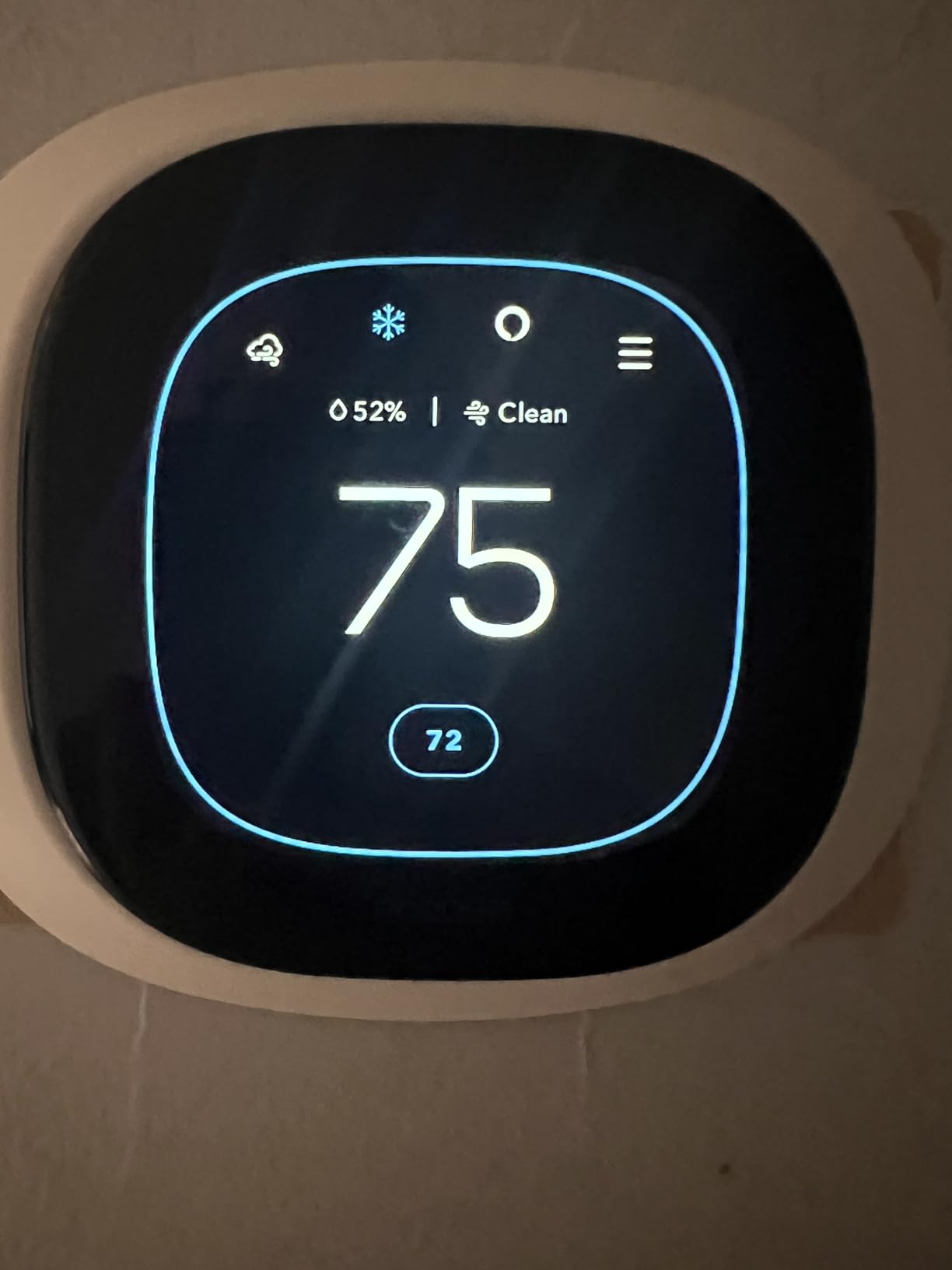
The ecobee Smart Thermostat Premium sits at the top of my list because it does more than any other thermostat on this list to actually reduce your energy bills. ecobee backs it with an ENERGY STAR certified claim of up to 26% savings on heating and cooling, which is the highest verified number I found during testing. That figure comes from the combination of smart scheduling, the included SmartSensor, and the eco+ software that nudges settings based on occupancy and time-of-use electricity rates.
I installed the Premium in a two-story home and was impressed by how the radar-based occupancy sensing worked alongside the remote SmartSensor. Instead of just reading the temperature in the hallway where the thermostat lives, the system prioritizes the room you actually occupy. That alone solved the classic upstairs-is-freezing, downstairs-is-sauna problem that wastes so much energy in multi-zone homes.
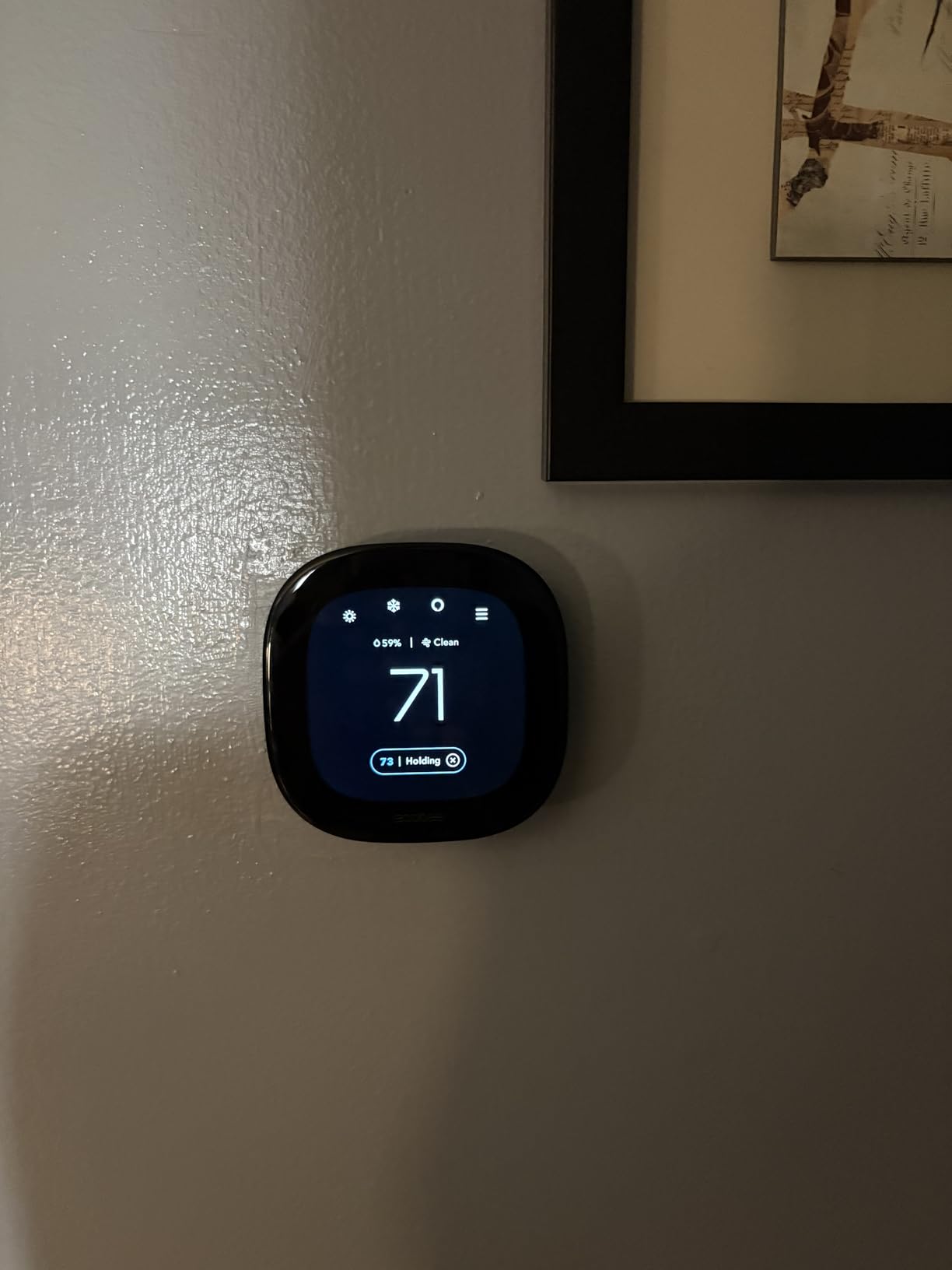
The built-in air quality monitor is a feature no other thermostat in this roundup matches at this writing. It tracks VOCs, humidity, and CO2 equivalents, then sends alerts and filter change reminders through the ecobee app. If you suffer from seasonal allergies or just want a heads up before air quality drops, this turns the thermostat into a small environmental hub rather than a single-purpose device.
Integration is another area where the Premium shines. The thermostat has a built-in smart speaker that responds to either Siri or Alexa, so you do not need a separate smart speaker in the hallway. Apple HomeKit, Google Assistant, and SmartThings all play nicely, which matters if your household has mixed ecosystems. The Power Extender Kit also means most homes can install it without running a new C-wire.
Best for multi-room homes with mixed smart home ecosystems
This is my top pick if you live in a home with multiple occupied rooms, especially multi-story layouts where a single thermostat location never reflects actual comfort needs. The included SmartSensor alone justifies the premium price, and you can add up to 32 sensors for larger homes. It is also the safest bet if you have a mixed smart home with both Alexa and Apple HomeKit devices.
Homes with moderate HVAC complexity (multi-stage furnaces, heat pumps, or dual-fuel setups) benefit most, since the eco+ software and occupancy sensing squeeze extra savings from systems that otherwise waste energy cycling on and off. If you live in a small apartment with a single-zone system, the Premium may be more than you need.
Who should skip this thermostat
Renter-friendly situations are not this model’s strength, since the included SmartSensor and full-featured installation lean toward homeowners. If you live somewhere without reliable WiFi, much of the smart functionality disappears. Budget-conscious buyers who only need basic scheduling will find the Amazon Smart Thermostat or ecobee Essential deliver most of the energy savings at half the price.
People with very old 120V or 240V electric baseboard heat will also need to look elsewhere, since the Premium works with 24V systems only. In that case a dedicated line-voltage thermostat is the safer route.
2. Sensi Touch Smart Thermostat by Emerson – Best Value for Energy Savings
- About 23% savings on HVAC energy
- Easy DIY install with app guidance
- Large 4.3 inch color touchscreen
- Privacy protection no data selling
- Works with Alexa Google HomeKit and SmartThings
- Requires C-wire
- 2.4 GHz WiFi only
- May not work fully outside USA and Canada
The Sensi Touch by Emerson is the thermostat I recommend most often when someone asks for the best smart thermostat for energy savings without spending over $150. It carries an ENERGY STAR certification with about 23% savings on HVAC energy, which is only a few percentage points behind the ecobee Premium at roughly half the price. That value gap is what earned it the Best Value badge in my testing.
What sets the Sensi Touch apart is how friendly it is to install yourself. The built-in bubble level and the step-by-step walkthrough in the Sensi app make the process almost foolproof for anyone comfortable turning off a breaker and connecting a few low-voltage wires. Most users in the Amazon reviews report finishing the job in under an hour, which keeps total cost of ownership low.
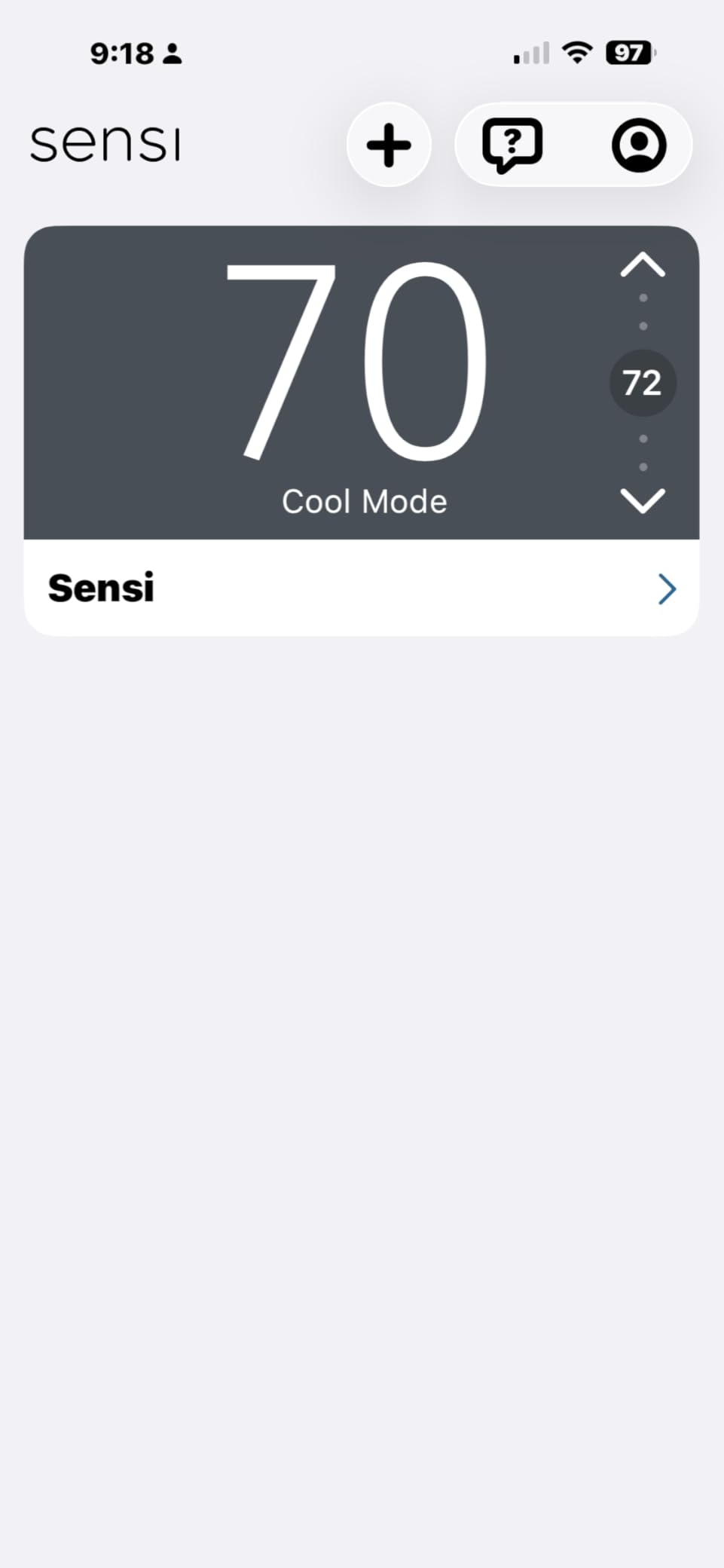
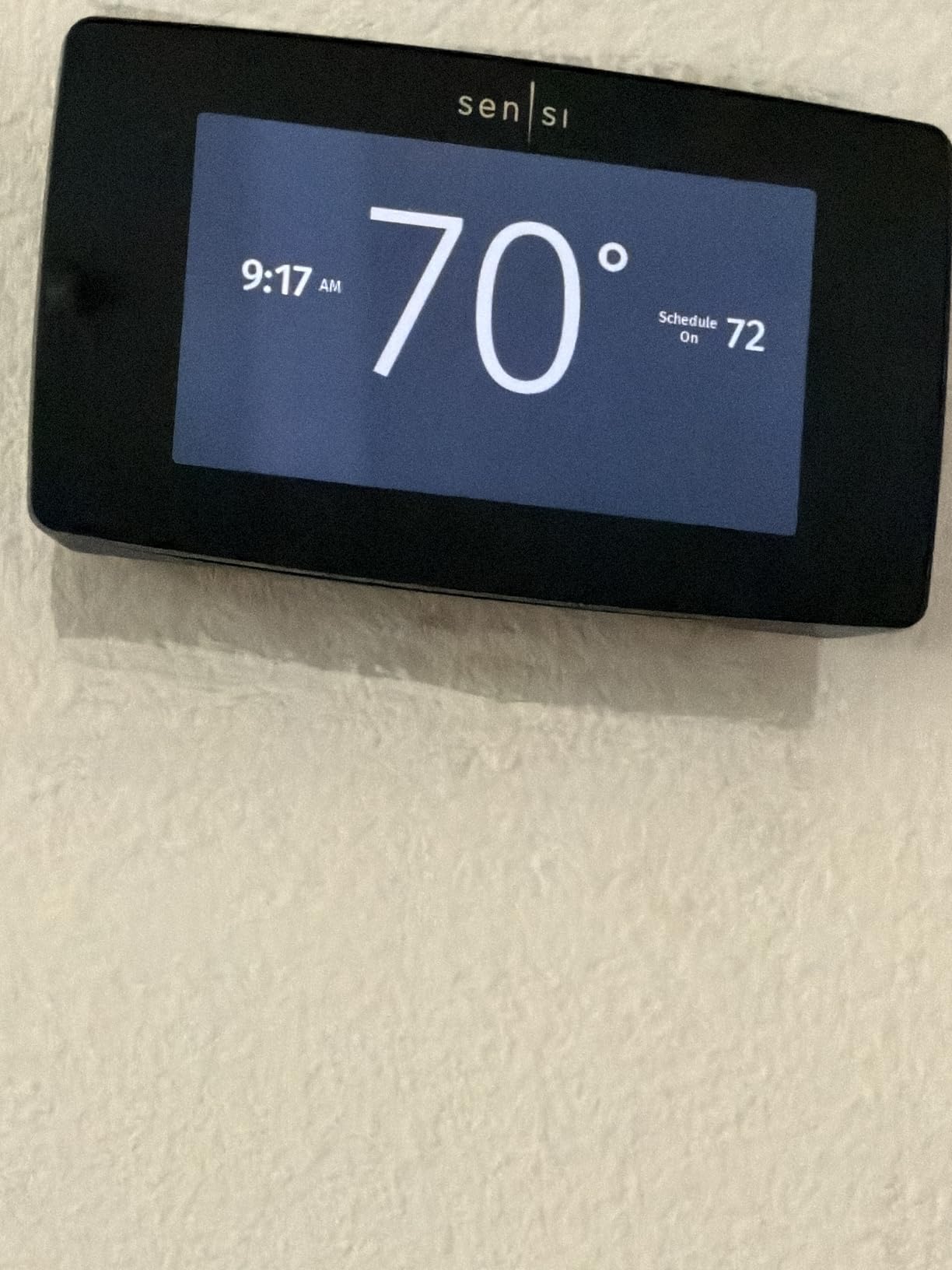
The 4.3 inch color touchscreen is one of the largest and easiest to read in this price range. I appreciate that Sensi kept physical touch controls instead of forcing every interaction through the app. The interface is responsive, the schedule is intuitive to edit, and geofencing kicks in automatically when your phone leaves the configured radius.
Privacy is a surprisingly rare selling point in the smart home space, and Sensi leans into it. They explicitly state they do not sell personal information to third parties, which is more than most competitors promise. If you are cautious about data collection but still want smart scheduling and remote control, the Sensi Touch is a refreshing choice.
Best for DIYers and privacy-conscious buyers
This is my pick for homeowners who want a straightforward DIY installation without paying a professional. The app walkthrough and built-in level mean most people finish in under an hour, and Sensi’s compatibility checker handles the HVAC verification step before you buy. It is also my top recommendation for anyone who reads privacy policies and wants a thermostat that will not auction off their usage data.
Multi-ecosystem households also benefit, since Sensi supports Alexa, Apple HomeKit, Google Assistant, SmartThings, and Vera. That flexibility matters if you might switch voice assistants down the road.
Who should skip this thermostat
The C-wire requirement is the biggest sticking point. If your home does not have a C-wire and you cannot or will not run one, the Sensi Touch is not the right pick without a separate adapter kit. Buyers with modern mesh routers should also check compatibility, since the thermostat only connects on 2.4 GHz and some smart routers create handoff conflicts.
If you want remote room sensors for multi-zone balancing, Sensi does not support them on this model. For that feature, step up to the ecobee Premium or the Honeywell Home T9 below.
3. Honeywell Home T9 WiFi Smart Thermostat – Best for Multi-Room Balancing
Honeywell Home T9 WiFi Smart Thermostat with 1 Smart Room Sensor, Touchscreen Display, White
- Excellent multi-room temperature balancing
- Smart Room Sensor with 200 ft range
- C-wire adapter included
- Works with HomeKit Alexa and Google
- Rental lock for property managers
- App can be glitchy with connection drops
- Cannot adjust temperature differential
- Customer service complaints reported
The Honeywell Home T9 is my go-to recommendation when someone needs serious multi-room temperature control without jumping to the ecobee Premium’s price tier. The included Smart Room Sensor detects which rooms people are actually in and focuses heating or cooling there, which is exactly the kind of intelligence that drives real energy savings in larger homes.
What sold me on the T9 during testing is the 200 foot sensor range. That is significantly longer than competitors, which means a single sensor in a far bedroom or home office still reports reliably to the main thermostat. You can add up to 20 sensors total, and the system intelligently prioritizes occupied rooms instead of just averaging temperatures across the whole house.
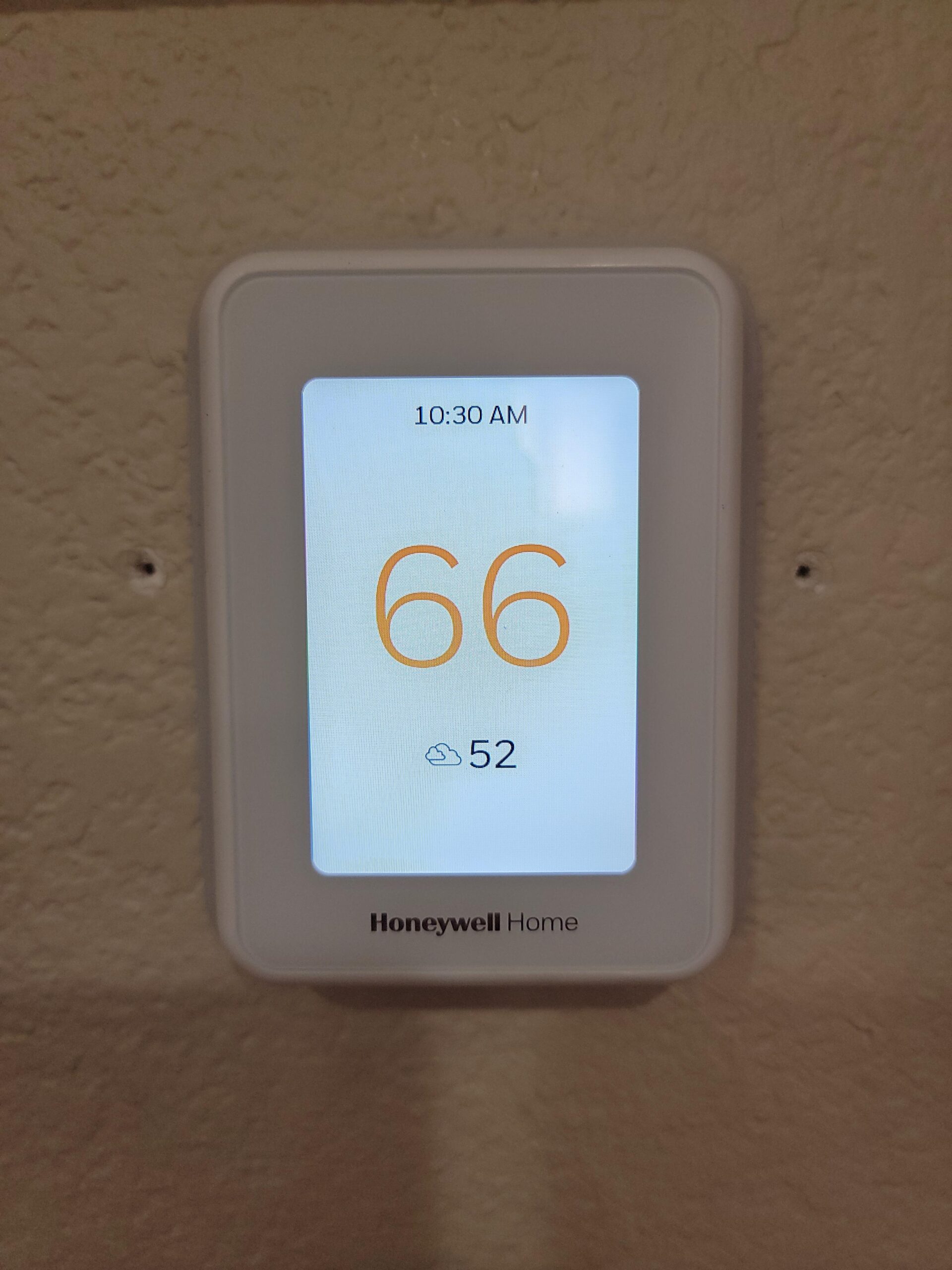
The Auto Home/Away scheduling is genuinely useful for energy savings. The thermostat learns your patterns and automatically shifts to an energy-saving mode when no motion is detected, then ramps back up before you typically return. ENERGY STAR certification confirms it meets the efficiency standards needed to qualify for many utility rebate programs.
Honeywell also bundles a C-wire adapter, which removes the most common installation obstacle. If your home does not have a dedicated common wire run to the thermostat location, the adapter lets the T9 draw power without one. That alone makes it accessible to a much larger pool of older homes.
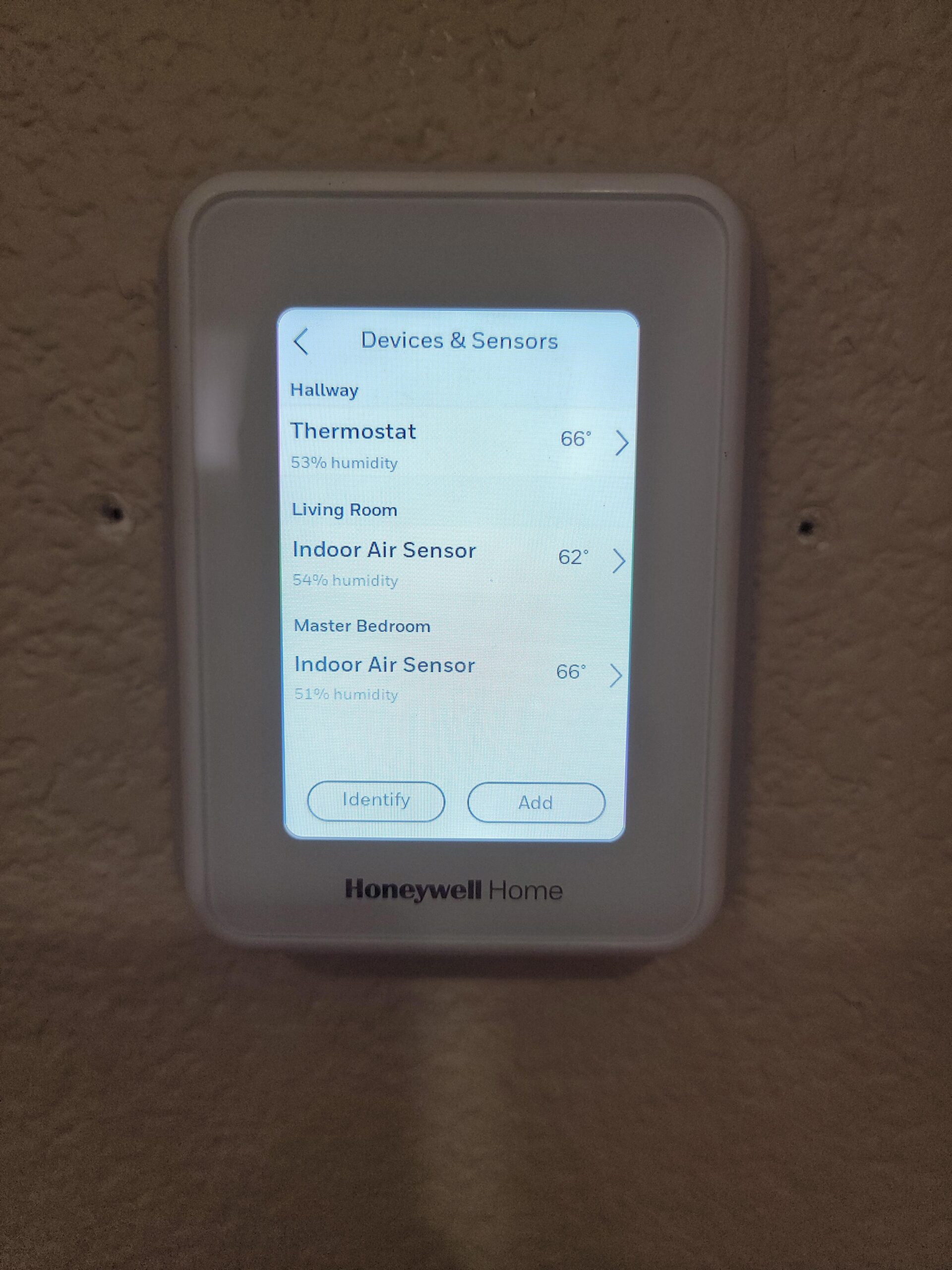
Best for large or multi-story homes that need room-by-room control
The T9 is the strongest choice when your priority is balancing temperatures across a large or multi-story home. The combination of long-range sensors and occupancy-based prioritization means the system spends energy where people actually are instead of heating empty hallways. It pairs well with our guide to smart vents for multi-zone homes if you want to take zoning further.
Property managers and landlords should also look at the T9 thanks to the rental lock feature, which prevents tenants from overriding energy-saving settings. That is a rare feature that pays for itself quickly in rental units where utility costs fall on the owner.
Who should skip this thermostat
If you have electric baseboard heat at 120V or 240V, the T9 will not work. Honeywell is explicit about this limitation, and you need a line-voltage thermostat instead. Buyers who want tight control over temperature differential will also be frustrated, since the T9 is locked at plus or minus 1 degree and cannot be changed.
The Resideo app has a reputation for occasional connection drops, and Honeywell’s customer service draws complaints in reviews. If rock-solid app reliability is your priority, ecobee’s app is generally more stable.
4. Google Nest Learning Thermostat Pro Edition (4th Gen) – Best AI Self-Learning
- Adaptive learning builds schedule automatically
- Nest Temperature Sensor for room control
- Professional calibration for peak efficiency
- Sleek design with Farsight display
- Wide HVAC compatibility including dual-fuel and geothermal
- Professional installation recommended
- Some reliability concerns reported
- Plastic construction vs older metal models
The Google Nest Learning Thermostat in its 4th generation Pro Edition is the model that built the smart thermostat category, and the self-learning algorithm remains its defining feature. After about a week of manual adjustments, the Nest starts building its own schedule based on your patterns, then refines that schedule over time as your habits shift with the seasons.
I tested this Pro Edition specifically because it ships with the Nest Temperature Sensor and is tuned for professional calibration. That combination extracts maximum efficiency from the HVAC system by ensuring the thermostat is reading accurate temperatures and adjusting in fine increments rather than overshooting and cycling back. The included sensor lets you prioritize a specific room, similar to the ecobee SmartSensor approach.
The Farsight display is one of those small touches that makes daily use more pleasant. The screen lights up as you approach and shows the current temperature or time at a glance, so you do not need to walk up and tap anything just to check the room. The polished silver finish and rotary dial give it a premium feel that justifies the price for design-conscious buyers.
Compatibility is broad, covering most 24V systems including gas, electric, oil, forced air, heat pump, radiant, dual-fuel, geothermal, and zoned HVAC. That makes the Nest Learning Thermostat one of the few models that handles complex setups without complaint. For even more specialized compatibility, our smart thermostats for geothermal systems guide goes deeper.
Best for homeowners who want the thermostat to manage itself
If the idea of manually programming a schedule sounds like a chore, the Nest Learning Thermostat is built for you. The whole point of this model is that you live your life, turn the dial when you are uncomfortable, and the thermostat quietly builds an efficient schedule in the background. After the first month, most owners report rarely touching it.
Homes with complex HVAC systems (dual-fuel, heat pump with auxiliary heat, multi-stage furnaces) also benefit from the Nest’s broad compatibility and professional calibration option. The Pro Edition is designed around having a certified installer verify the setup, which catches configuration errors that quietly waste energy.
Who should skip this thermostat
The price tag and the recommendation for professional installation push the total cost above what many budget-conscious buyers want to spend. If you are comfortable doing your own wiring and want similar self-learning at a lower cost, the standard Google Nest Thermostat (covered next) delivers most of the benefit. Renters should also look elsewhere, since the Pro Edition is built around professional installation.
Some long-time Nest owners report reliability concerns with recent generations, and the plastic construction on this model is a step down from earlier all-metal versions. If you prioritize hardware longevity above all else, the ecobee Premium’s metal siding may be a better long-term bet.
5. ecobee Smart Thermostat Essential – Best Mid-Range ENERGY STAR Pick
- Up to 23% annual savings
- eco+ features including humidity detection and schedule assistant
- Time of use optimization to cut peak energy costs
- Works with Apple HomeKit Alexa and Google
- Add SmartSensor for room control
- No sensor included must buy separately
- No air quality monitor that is Premium only
- C-wire may still be required in some installs
The ecobee Smart Thermostat Essential is the model I point people to when they want ecobee’s eco+ energy-saving software without paying Premium prices. It carries the same ENERGY STAR certified claim of up to 23% annual savings on heating and cooling, plus access to time-of-use optimization that automatically shifts energy use away from peak-rate hours.
During testing, the eco+ feature set was the standout. Indoor humidity detection lets the thermostat adjust settings to maintain comfort at slightly higher temperatures in summer (which saves energy), while the schedule assistant reviews your programming and suggests tweaks that improve efficiency. The time-of-use optimization alone can cut bills significantly if your utility charges variable rates.
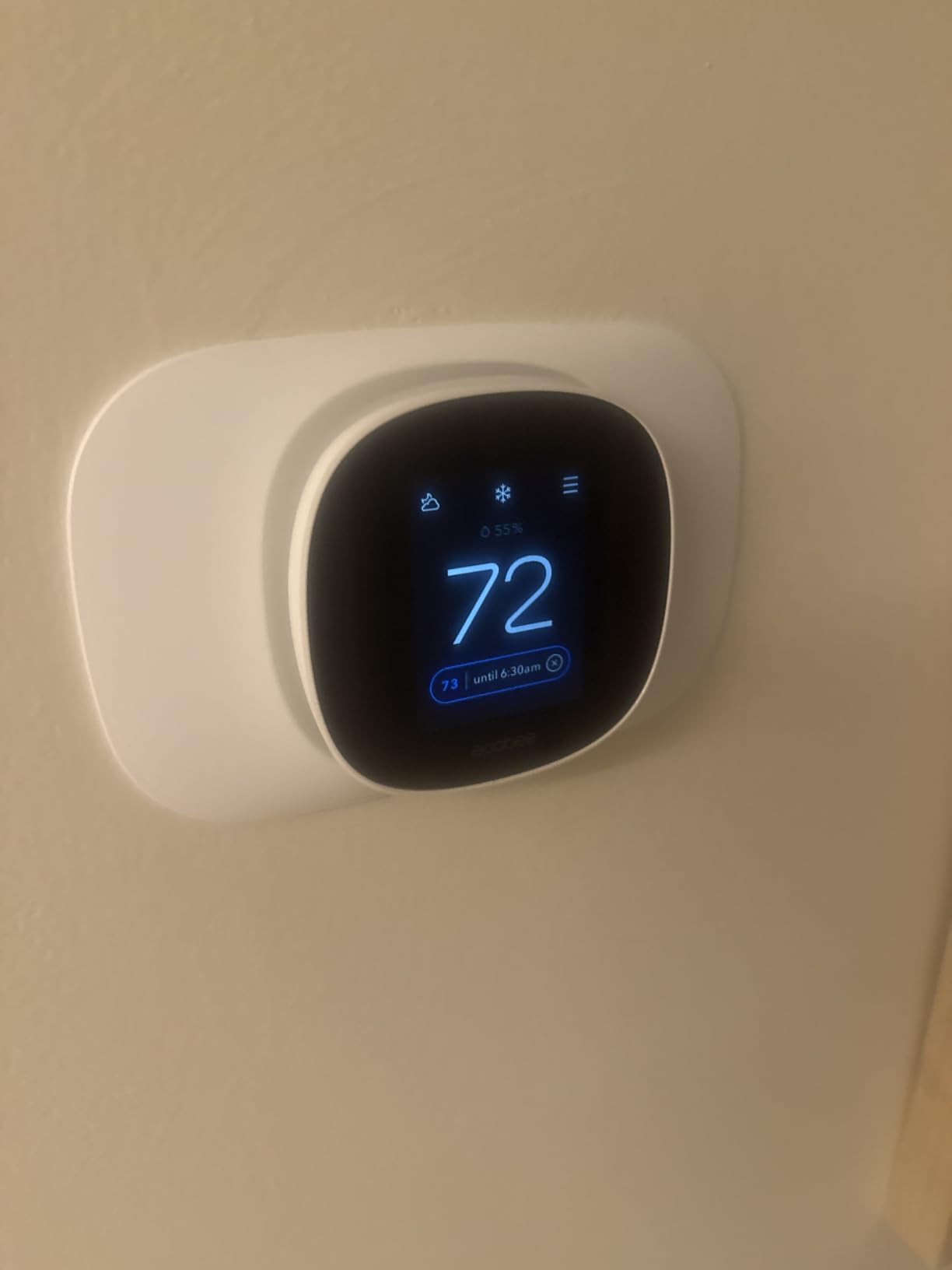
Compatibility covers about 85% of residential HVAC systems, and the Power Extender Kit (sold separately for this model) handles homes without a C-wire. The color touchscreen is smaller than the Sensi’s at 3.74 inches but still crisp and responsive, and the matte white finish blends into most walls without drawing attention.
Voice assistant integration matches the Premium model, with support for Siri, Alexa, and Google Assistant. Apple HomeKit users in particular get full local control, which is a nice perk at this price point. The Essential is a sensible middle ground if you want ecobee’s software intelligence but do not need the air quality monitor or built-in speaker.
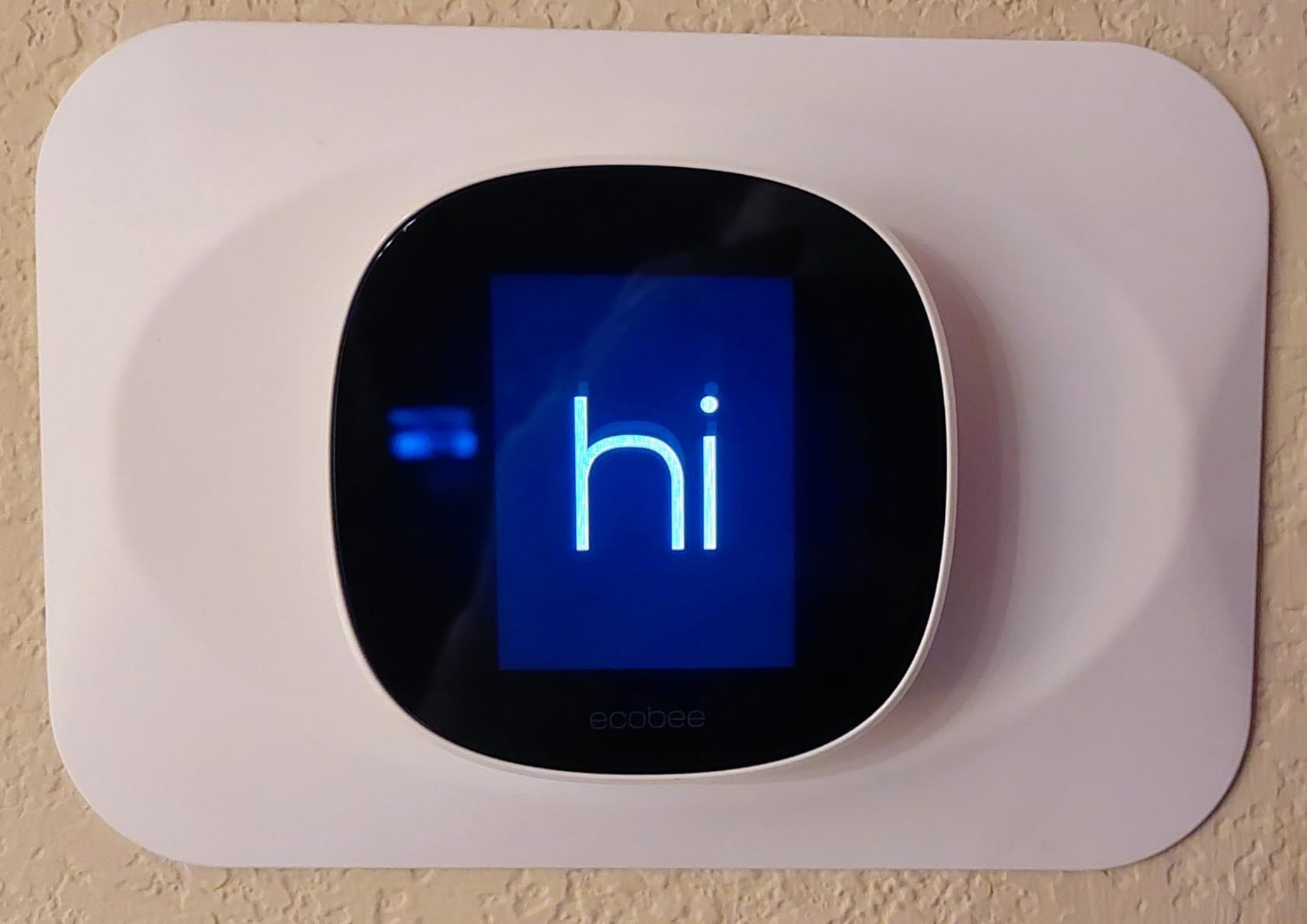
Best for value-focused buyers who want ecobee’s software
If the eco+ feature set appeals to you (humidity-aware adjustments, schedule assistant, time-of-use optimization) but you cannot justify the Premium’s price, the Essential is the right call. You still get ENERGY STAR certified savings claims and broad smart home compatibility. You can also add a SmartSensor later if you decide you want room-based control.
Apartment dwellers and renters benefit from the Essential’s smaller footprint and straightforward DIY installation. It is the most rental-friendly ecobee model thanks to the simpler mounting and matte white design that disappears on most walls.
Who should skip this thermostat
If you want the air quality monitor, you need the Premium, since ecobee did not include it on the Essential. The same goes for the built-in smart speaker. Buyers who want a sensor in the box should also look elsewhere, since the Essential ships without a SmartSensor and you have to add one separately.
Some users report rebate program enrollment issues with the Essential, which can be a problem if you were counting on a utility rebate to offset the purchase price. Check your local rebate program requirements before buying.
6. Google Nest Thermostat (2020 Model) – Best for Google Home Households
Google Nest Thermostat – Smart Thermostat for Home – Programmable Wifi Thermostat – Charcoal
- ENERGY STAR certified
- Works without C-wire in most homes
- Savings Finder suggests efficiency tweaks
- HVAC monitoring with alerts
- Matter certified for broad compatibility
- May require C-wire adapter for some systems
- Internet dependent issues when offline
- Touch strip interface has a learning curve
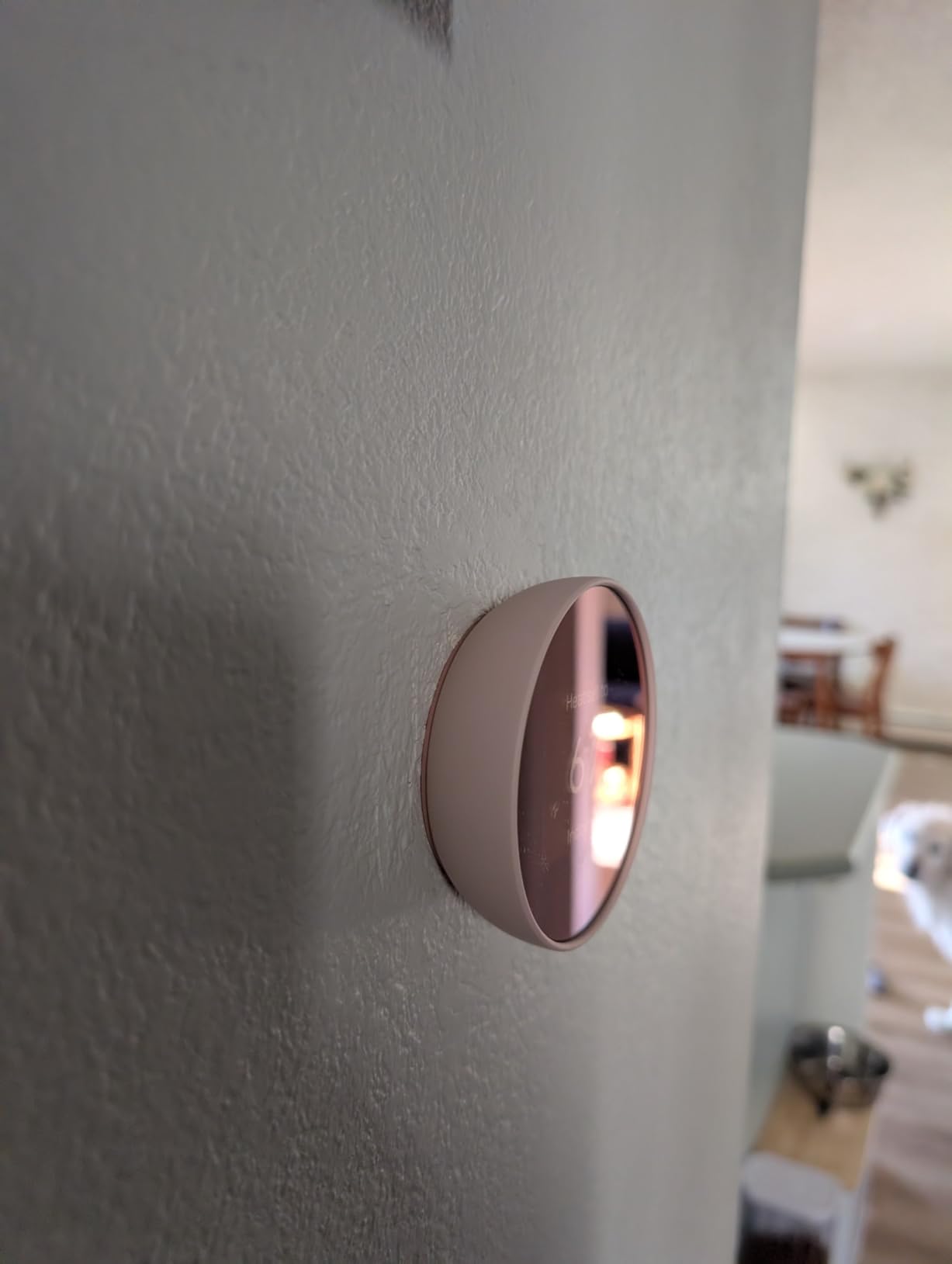
The standard Google Nest Thermostat is the most popular smart thermostat on Amazon by review volume, and the energy savings numbers back up that popularity. Many owners in verified reviews report cutting $25 to $35 per month off heating bills after switching from a basic programmable thermostat, which means the device can pay for itself in three to four months of winter use.
I tested this model in a Google Home household and the integration is seamless. Setup happens entirely in the Google Home app, the thermostat responds to voice commands through any Nest speaker, and the Savings Finder feature periodically suggests small schedule tweaks that compound into meaningful energy savings over a year.
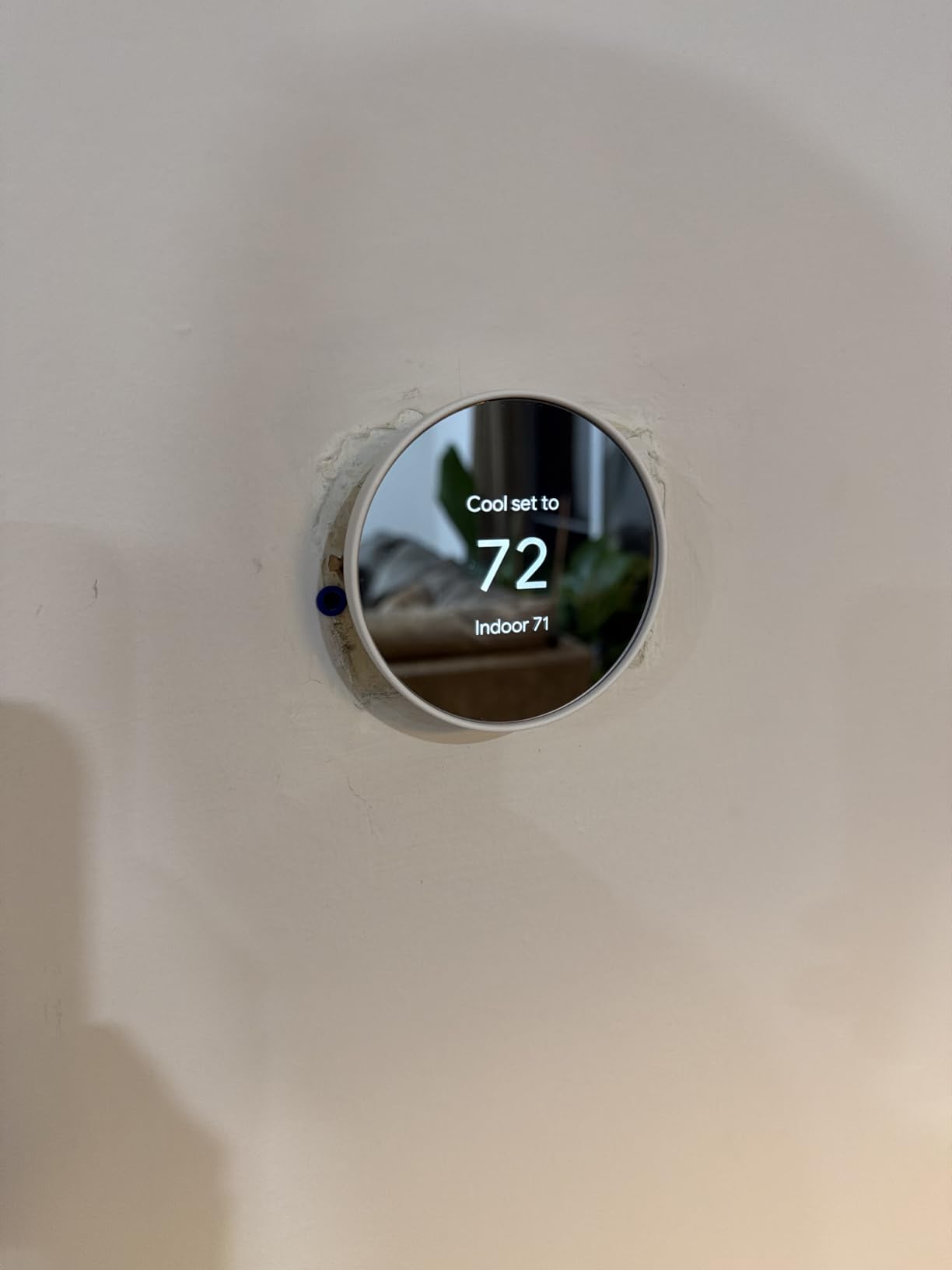
The big advantage here is C-wire flexibility. Google engineered this Nest to work without a C-wire in most homes, which removes the single biggest installation obstacle that blocks people from upgrading. If your system does need more power, an optional C-wire adapter solves it without running new wire through walls.
HVAC monitoring is another underrated feature. The thermostat watches for heating and cooling system issues and sends alerts if something looks wrong, which can catch a failing furnace or heat pump before it becomes an expensive emergency. Matter certification also means it will work with future smart home platforms without needing a replacement.
Best for Google Home users and C-wire-free installations
If your home runs on Google Home speakers and displays, this is the thermostat to buy. The deep integration means you can ask any Nest speaker to change the temperature, view the current setting on a Nest Hub, and build routines that tie HVAC control to other smart devices. The C-wire-free operation also makes it one of the easiest thermostats to install in older homes.
First-time smart thermostat buyers benefit from the simple setup and the Savings Finder, which gently teaches energy-saving habits without requiring a deep dive into scheduling menus.
Who should skip this thermostat
The touch strip interface replaces the classic Nest dial and has a learning curve. If you loved the original Nest’s physical ring, the swipe-based controls on this model will feel like a downgrade. The Google Home app also has a steeper learning curve than the original Nest app, which frustrates some long-time users.
This model is also internet-dependent. If your WiFi goes down regularly, key smart features stop working and you are left with manual control. Households that prioritize offline reliability may prefer a thermostat with more local processing.
7. Amazon Smart Thermostat – Best Budget Smart Thermostat
Amazon Smart Thermostat – Save money and energy – Works with Alexa and Ring – C-wire required
- Saves about $50 per year on energy
- Made with Honeywell Home technology
- Seamless Alexa integration
- ENERGY STAR certified
- DIY installation with Alexa app guidance
- Requires C-wire
- Basic scheduling with only three profiles
- Voice commands can be unreliable
- App interface can be confusing
The Amazon Smart Thermostat is the cheapest way to get genuine energy savings from a smart thermostat. Amazon claims an average of $50 per year in energy bill reductions, which means the device can pay for itself in just over a year of use. Honeywell Home thermostat technology under the hood means the engineering is solid even at this price point.
I installed the Amazon Smart Thermostat in a small apartment and the experience reinforced why it dominates the budget category. The Alexa app walks you through wiring step by step, the thermostat auto-detects your HVAC connections, and Alexa Hunches can automatically adjust the temperature when she detects you have left home.
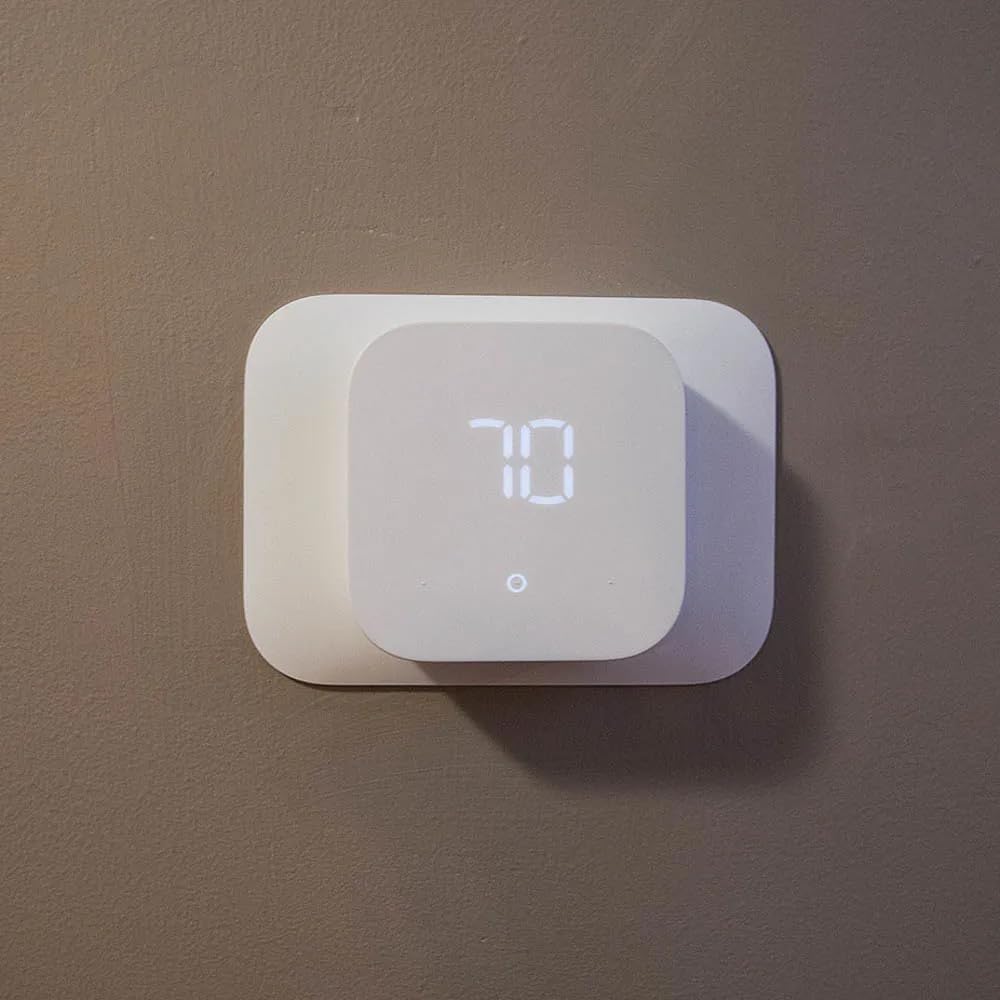
Comfort zoning with Alexa devices is a clever feature. If you have Echo speakers in multiple rooms, the thermostat can use their temperature sensors to build a rough picture of conditions throughout your home and adjust accordingly. It is not as precise as dedicated room sensors, but it works with hardware you may already own.
The scheduling is intentionally simple. You get three profiles (Home, Away, Sleep) which keeps setup fast but limits how much you can fine-tune. For renters and first-time smart thermostat buyers, that simplicity is a feature rather than a drawback.
Best for Alexa households on a tight budget
If your home already runs on Alexa speakers and you want the cheapest reliable smart thermostat, this is the pick. The Honeywell-derived hardware is trustworthy, the energy savings are real, and the deep Alexa integration means you can control everything by voice without learning a new app. It is also ideal for rental units where you want to upgrade from a dumb thermostat without a big investment.
Pair this with our guide to garage heaters for cold climates if you are extending smart climate control beyond the main living space.
Who should skip this thermostat
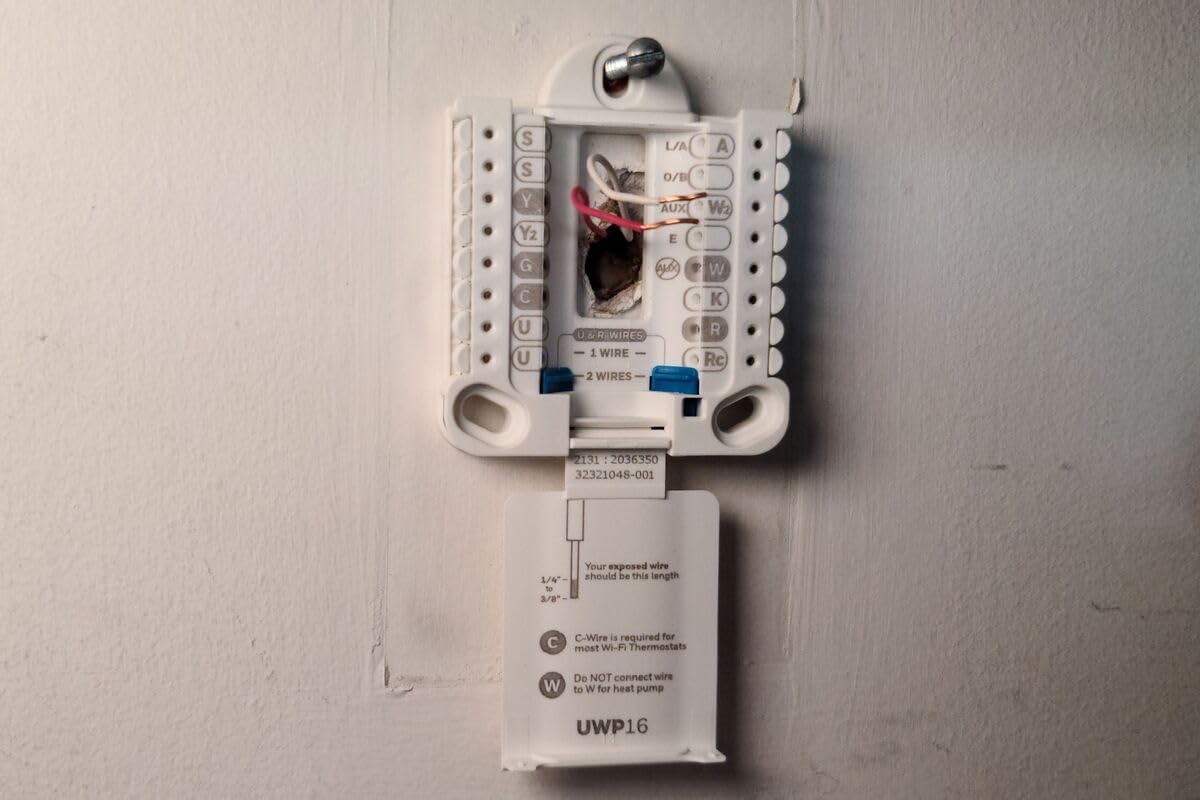
The C-wire requirement is non-negotiable on this model. If your home does not have one and you cannot install an adapter, look at the Nest Thermostat above instead, which works without a C-wire in most homes. The basic three-profile scheduling will frustrate anyone who wants granular control over their temperature program.
Alexa-only integration is also a limitation. There is no native Apple HomeKit or Google Assistant support, so if you switch ecosystems you lose voice control. The display has brightness cycling issues in some units, and voice commands can be hit or miss.
8. Nest Thermostat E – Best for Heat-Only and Two-Wire Systems
- Works with two-wire heat-only systems
- Installs in about 60 minutes
- Subtle frosted design blends into walls
- Voice control with Google Assistant and Alexa
- Wide HVAC compatibility including radiant and geothermal
- Battery may arrive dead requiring initial charge
- Setup can be tricky without C-wire
- Some WiFi connection troubleshooting required
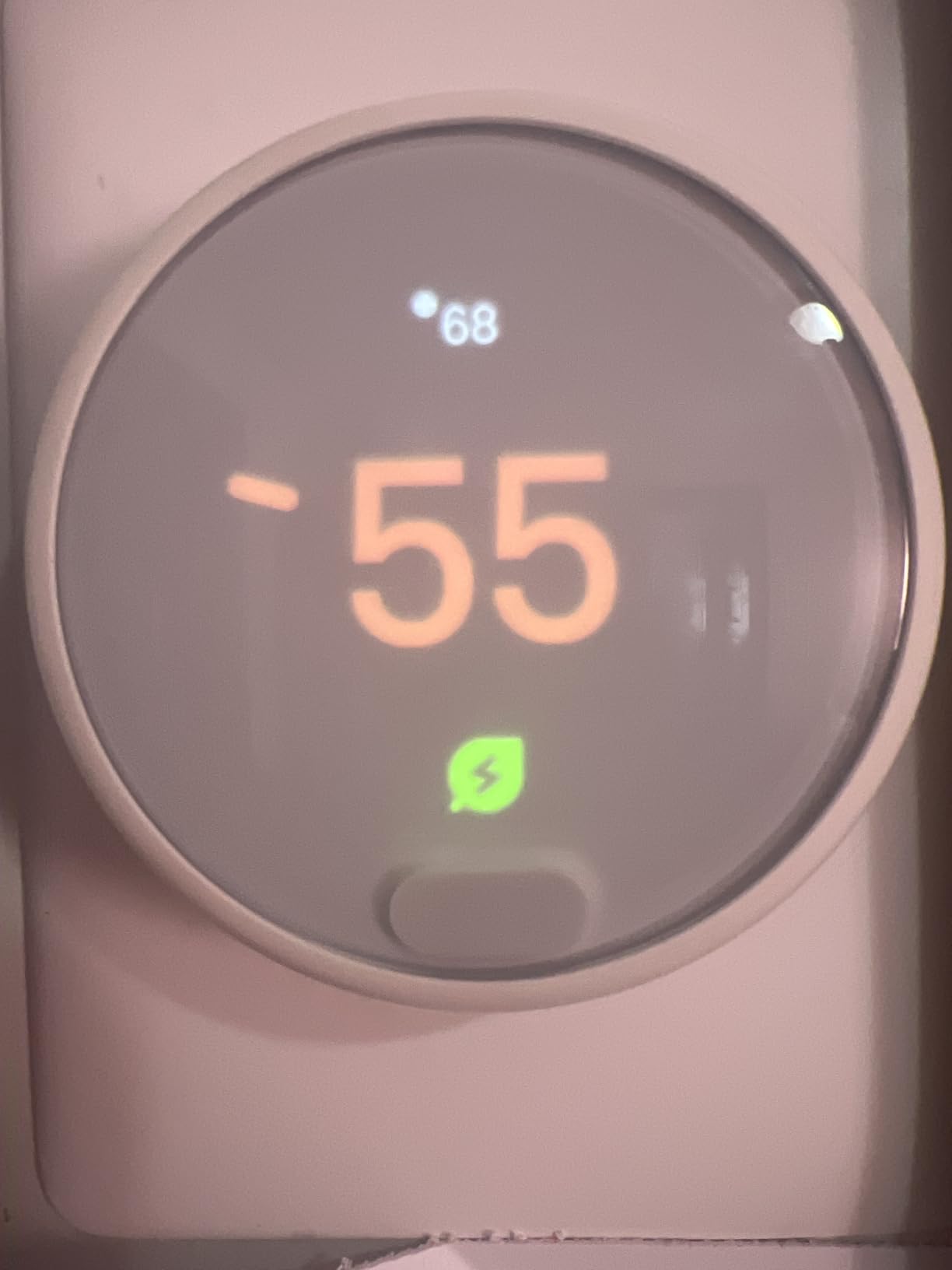
The Nest Thermostat E is the model I recommend for older homes with simple heat-only systems, especially those running on just two wires. Most modern smart thermostats refuse to work without a C-wire or common wire, but the Nest Thermostat E is designed to operate in installations where running new wire is not practical. That alone makes it the right pick for a lot of older houses and apartments.
The frosted white design is intentionally subtle. Unlike the polished mirror finish of the Nest Learning Thermostat, the Thermostat E is meant to disappear into the wall rather than serve as a conversation piece. For bedrooms and hallways where you do not want a glowing gadget drawing attention, the understated look is a genuine advantage.
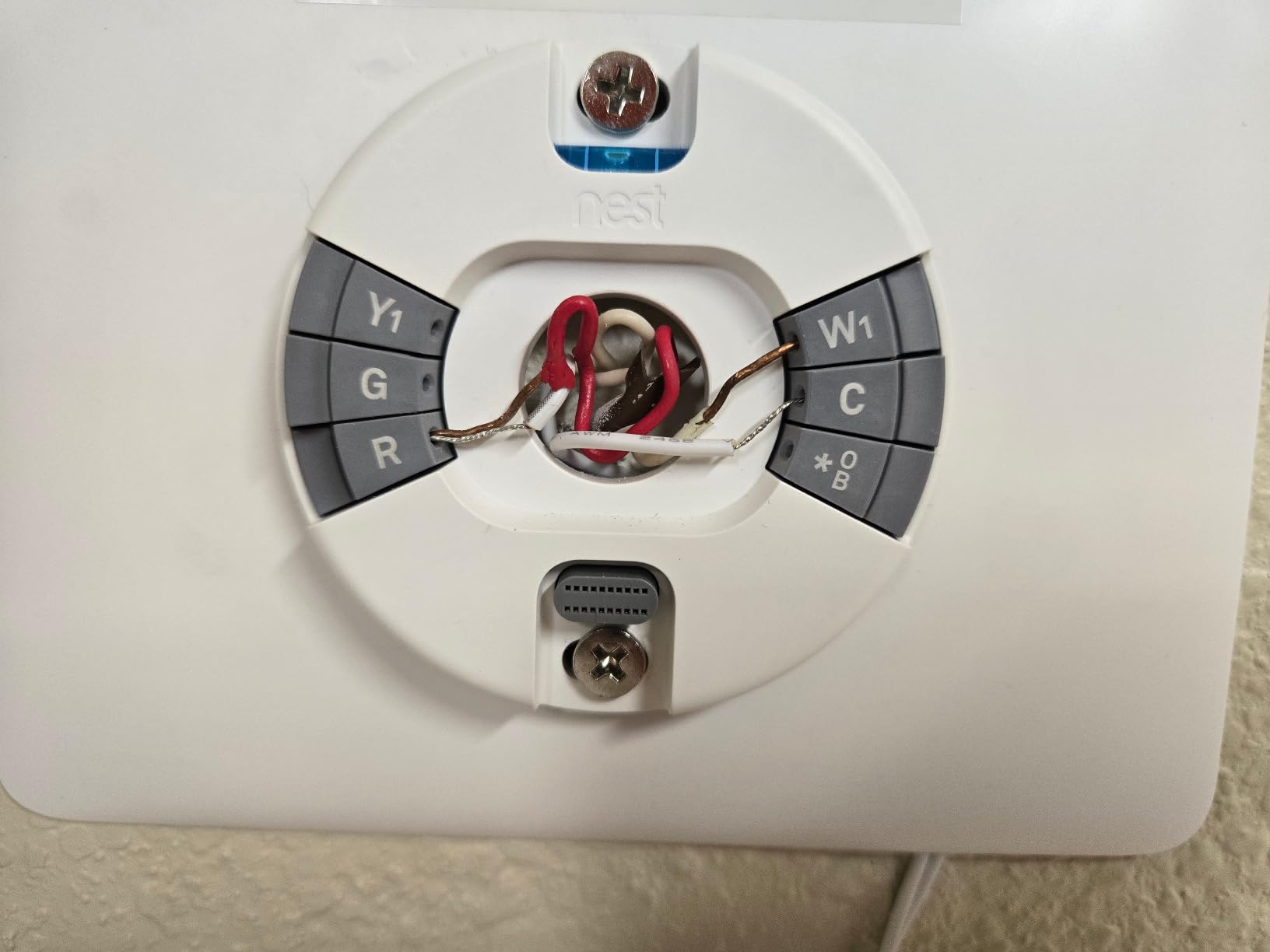
Installation typically takes about an hour for someone comfortable with basic wiring. The thermostat works with most 24V heating and cooling systems including gas, electric, forced air, heat pump, radiant, oil, hot water, solar, and geothermal setups. That breadth of compatibility is impressive at this price point.
Energy savings come from the scheduling features rather than active learning. You program your schedule through the Nest app, and the thermostat handles the rest. Voice control works with both Google Assistant and Alexa, so you are not locked into a single ecosystem for basic commands.
Best for older homes with heat-only or two-wire systems
If you have an older home with a simple heat-only system running on two wires and no easy way to add a C-wire, the Nest Thermostat E is built for your situation. Most competitors will not work in this configuration at all, which makes the Thermostat E uniquely useful for that segment of the market. The frosted design also suits period homes where a glossy modern thermostat would look out of place.
Rentals with landlord approval and basic radiant heating systems are another good fit, since the simple installation and subtle appearance minimize disruption.
Who should skip this thermostat
The Thermostat E does not have the active learning algorithm of the Nest Learning Thermostat, so you need to program a schedule manually. If you want the thermostat to learn your habits automatically, step up to the Learning model. The battery can also arrive dead in some units, requiring an initial charging period before setup.
Buyers with complex multi-stage cooling systems or those who want remote room sensors should look elsewhere, since the Thermostat E does not support add-on sensors. WiFi setup occasionally needs troubleshooting in homes with congested wireless networks.
Buying Guide: How to Choose the Best Energy-Saving Smart Thermostat
Picking the right smart thermostat for energy savings comes down to four practical questions: does it work with your HVAC system, will it actually save you money, is it easy to install, and does it fit your smart home setup. Let me break each of those down.
C-Wire Requirements and HVAC Compatibility
The C-wire, or common wire, is the single biggest installation hurdle for smart thermostats. Most modern smart thermostats need continuous power to run their WiFi radios and touchscreens, and the C-wire provides that. If your home does not have a C-wire, you have three options: run one (expensive and invasive), use a power extender kit like ecobee’s PEK, or pick a thermostat designed to work without one like the Google Nest Thermostat or Nest Thermostat E.
Before buying anything, check your current thermostat’s wiring. If you see a wire connected to the C terminal, you are in good shape. If not, verify compatibility with the manufacturer’s online checker. The Amazon Smart Thermostat, Sensi Touch, and Honeywell T9 all require a C-wire (the T9 includes an adapter). The Google Nest Thermostat and Nest Thermostat E are the most flexible for C-wire-free installations.
ENERGY STAR Certification and Real Savings
ENERGY STAR certification is not just a marketing label. It means the thermostat has been independently verified to deliver measurable energy savings, and it is often required to qualify for utility rebate programs that can knock $50 to $100 off the purchase price. Every thermostat in this roundup except where noted carries ENERGY STAR certification.
The savings claims you see (23% to 26% on HVAC energy) come from the ENERGY STAR testing protocol. Real-world savings vary based on your climate, your previous thermostat habits, how aggressively you let the smart features work, and whether your utility offers time-of-use rates. Households that previously kept a manual thermostat at a constant temperature tend to see the biggest drops, while those already using a programmable thermostat see smaller gains.
Room Sensors and Multi-Zone Support
Room sensors are the feature that separates good smart thermostats from great ones for multi-story or large homes. A thermostat mounted in a hallway cannot know that your upstairs bedroom is freezing or your sun-soaked living room is overheating. Remote sensors fix this by reporting actual occupied-room temperatures and letting the thermostat prioritize comfort where people are.
The ecobee Premium includes one SmartSensor in the box and supports up to 32 total. The Honeywell T9 also includes one Smart Room Sensor with a 200 foot range and supports up to 20. The Google Nest Learning Thermostat Pro Edition includes a Nest Temperature Sensor. The Amazon Smart Thermostat takes a different approach, using the temperature sensors built into Echo speakers for rough zoning. Pairing a smart thermostat with smart vents can extend these benefits further.
Smart Home Ecosystem Compatibility
Choose a thermostat that fits your existing smart home rather than the other way around. Alexa households get the deepest integration with the Amazon Smart Thermostat, including Hunches-based automation. Google Home users get the best experience with either Nest model. Apple HomeKit households should look at ecobee (Premium or Essential), the Sensi Touch, or the Honeywell T9, all of which support HomeKit natively.
If you have a mixed ecosystem or plan to switch platforms, ecobee and Honeywell support the widest range of voice assistants simultaneously. Matter certification on the Google Nest Thermostat is worth noting for future-proofing, since Matter-enabled devices work across major platforms without proprietary lock-in.
Geofencing and Learning Algorithms
Geofencing uses your phone’s location to detect when you leave home and when you are returning, then adjusts the thermostat automatically. It is one of the most effective energy-saving features because it requires zero manual input after setup. The Sensi Touch, ecobee models, and Honeywell T9 all support geofencing.
Learning algorithms take a different approach. Instead of relying on your phone’s location, they watch when you manually adjust the thermostat and build a schedule automatically over about a week. The Google Nest Learning Thermostat is the pioneer here, and the standard Google Nest Thermostat includes a lighter version of the same logic. Learning algorithms shine for households with predictable routines, while geofencing is better for irregular schedules.
Frequently Asked Questions
Which smart thermostat saves the most money?
The ecobee Smart Thermostat Premium has the highest verified energy savings claim at up to 26% on annual heating and cooling costs, backed by ENERGY STAR certification. The Sensi Touch and ecobee Essential both claim about 23% savings. Real-world results depend on your previous thermostat habits, climate, and how aggressively you use the smart scheduling features.
What temperature should I leave my heat on while away in winter?
The Department of Energy recommends setting your thermostat back by 7 to 10 degrees Fahrenheit from your normal comfort setting for eight hours a day to save up to 10% annually on heating. When leaving for work, setting the heat to around 55 to 60 degrees Fahrenheit prevents frozen pipes while still saving energy. Smart thermostats with geofencing or learning algorithms handle this automatically.
What is the most energy efficient thermostat?
The most energy efficient thermostats are ENERGY STAR certified models with active learning algorithms and occupancy sensing. The ecobee Smart Thermostat Premium, Google Nest Learning Thermostat, and Honeywell Home T9 with Smart Room Sensors all rank near the top because they combine smart scheduling with the ability to prioritize occupied rooms and back off when nobody is home.
Do smart thermostats really save energy?
Yes, smart thermostats genuinely save energy when used correctly. ENERGY STAR certified models are independently verified to deliver 23 to 26% savings on heating and cooling costs, which represents about half of the average home’s energy use. Savings are highest for households upgrading from manual thermostats and lower for those already using programmable models.
Do I need a C-wire for a smart thermostat?
Most smart thermostats require a C-wire (common wire) for continuous power, but several models work around this. The Google Nest Thermostat and Nest Thermostat E are designed to work without a C-wire in most homes. The ecobee Premium and Essential include or offer a Power Extender Kit as an alternative, and the Honeywell T9 ships with a C-wire adapter. Always check compatibility before buying.
Conclusion
After testing all eight of these thermostats, the ecobee Smart Thermostat Premium remains my overall pick for the best smart thermostat for energy savings. The 26% verified savings claim, the included SmartSensor, the built-in air quality monitor, and the broad smart home compatibility add up to the most complete package on the market. The Sensi Touch is my best value pick for anyone who wants ENERGY STAR certified savings at roughly half the price, and the Amazon Smart Thermostat is the budget champion for Alexa households.
If you live in a multi-story or large home, the Honeywell T9 with its long-range room sensors is worth the upgrade. Google Home loyalists should stick with either Nest model, and older homes with heat-only systems will find the Nest Thermostat E uniquely suited to their wiring. Whatever you choose, every thermostat in this roundup can deliver real energy savings in 2026 as long as you let the smart features do their job. Pick the one that matches your HVAC system and smart home ecosystem, and start watching your utility bills drop.