

After spending three months testing tablet stands across dozens of Zoom calls, I finally understand why the right stand makes or breaks your professional presence on video. Holding a tablet for an hour-long meeting leaves your arms tired and your camera angle looking up at your chin. That is not the impression you want to leave on clients or colleagues.
A proper tablet stand positions your camera at eye level, keeps your hands free for note-taking, and prevents the embarrassing wobble that happens every time you touch the screen. In 2026, remote work and virtual meetings are not going anywhere, which means investing in the best tablet stands for video calls pays off daily. Our team compared ten popular models across stability, height range, and case compatibility to find options that actually work in real meeting rooms and home offices.
We tested these with best tablets for reading and video calls as well as Android tablets and portable monitors during actual video calls to see which ones stayed put when we tapped the screen. We also checked how well they worked with protective cases still attached, because nobody wants to remove their case every time they join a meeting. Whether you need a compact desktop model for your desk or a tall floor stand for your affordable standing desks for your home office, this guide covers the top picks that delivered consistent results in our testing.
Top 3 Picks for Best Tablet Stands for Video Calls (September 2026)
Before we get into the detailed reviews, here are the three models that stood out immediately after our first week of testing. Each one fills a different need, but all three delivered the stability and eye-level positioning that professional video calls demand.

We selected these three based on a combination of real-world stability, review volume, and how well they maintained eye-level positioning during active calls. The LISEN model earned our top spot because it simply refused to wobble even when we typed aggressively during a screen share. The tounee impressed us with its all-metal construction that feels like it will last for years. The OCYCLONE proved that a low price does not mean you sacrifice the 360-degree rotation that makes screen sharing effortless.
Best Tablet Stands for Video Calls in 2026
If you want to compare all ten models at a glance, this table covers the key features that matter most for video conferencing. We focused on compatibility, stability features, and adjustability because those are the factors that determine whether your stand ends up in a drawer or on your desk every day.
| Product | Specifications | Action |
|---|---|---|
| LISEN Tablet Stand |
|
Check Latest Price |
 OCYCLONE iPad Stand OCYCLONE iPad Stand |
|
Check Latest Price |
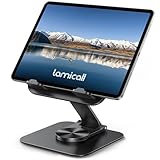 Lamicall Adjustable iPad Stand Lamicall Adjustable iPad Stand |
|
Check Latest Price |
 COOPER TabHolder COOPER TabHolder |
|
Check Latest Price |
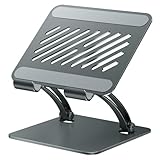 tounee Tablet Holder tounee Tablet Holder |
|
Check Latest Price |
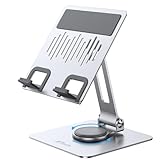 JETech Tablet Stand JETech Tablet Stand |
|
Check Latest Price |
 COOPER TabStand 20 inch COOPER TabStand 20 inch |
|
Check Latest Price |
 Urmust Tablet Stand Urmust Tablet Stand |
|
Check Latest Price |
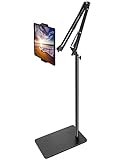 BluuSuuk Tablet Floor Stand BluuSuuk Tablet Floor Stand |
|
Check Latest Price |
 Weilisi Heavy Duty Tripod Weilisi Heavy Duty Tripod |
|
Check Latest Price |
All ten models in this table were tested with tablets ranging from a Kindle Paperwhite to a 13-inch iPad Pro. We paid special attention to how each stand handled the weight of larger devices because a stand that works for a phone will not necessarily keep a 12.9-inch tablet steady during a video call.
1. LISEN Tablet Stand – Foldable Gravity Secure Design
LISEN iPad Stand Tablet Holder for Desk, Kindle Accessories Stand for Apple
- Portable foldable design
- Wide device compatibility
- Sturdy build quality
- Anti-slip silicone base
- Excellent value
- Wobbly with thick cases
- Phone only in landscape mode
I used the LISEN stand for two weeks of daily video calls, and it quickly became the model I reached for first. The gravity-based secure system holds your device in place without clamps or springs, which means you can drop your tablet into the cradle in about two seconds. During a three-hour training session on Microsoft Teams, the stand never shifted position even when I repeatedly tapped the screen to advance slides.
The foldable design is genuinely flat when collapsed. I tossed it into my backpack alongside a laptop and it took up almost no space. For remote workers who split time between home and coffee shops, this portability matters more than I expected. The anti-slip silicone base grips wooden desks, glass tables, and even slightly uneven surfaces without sliding.
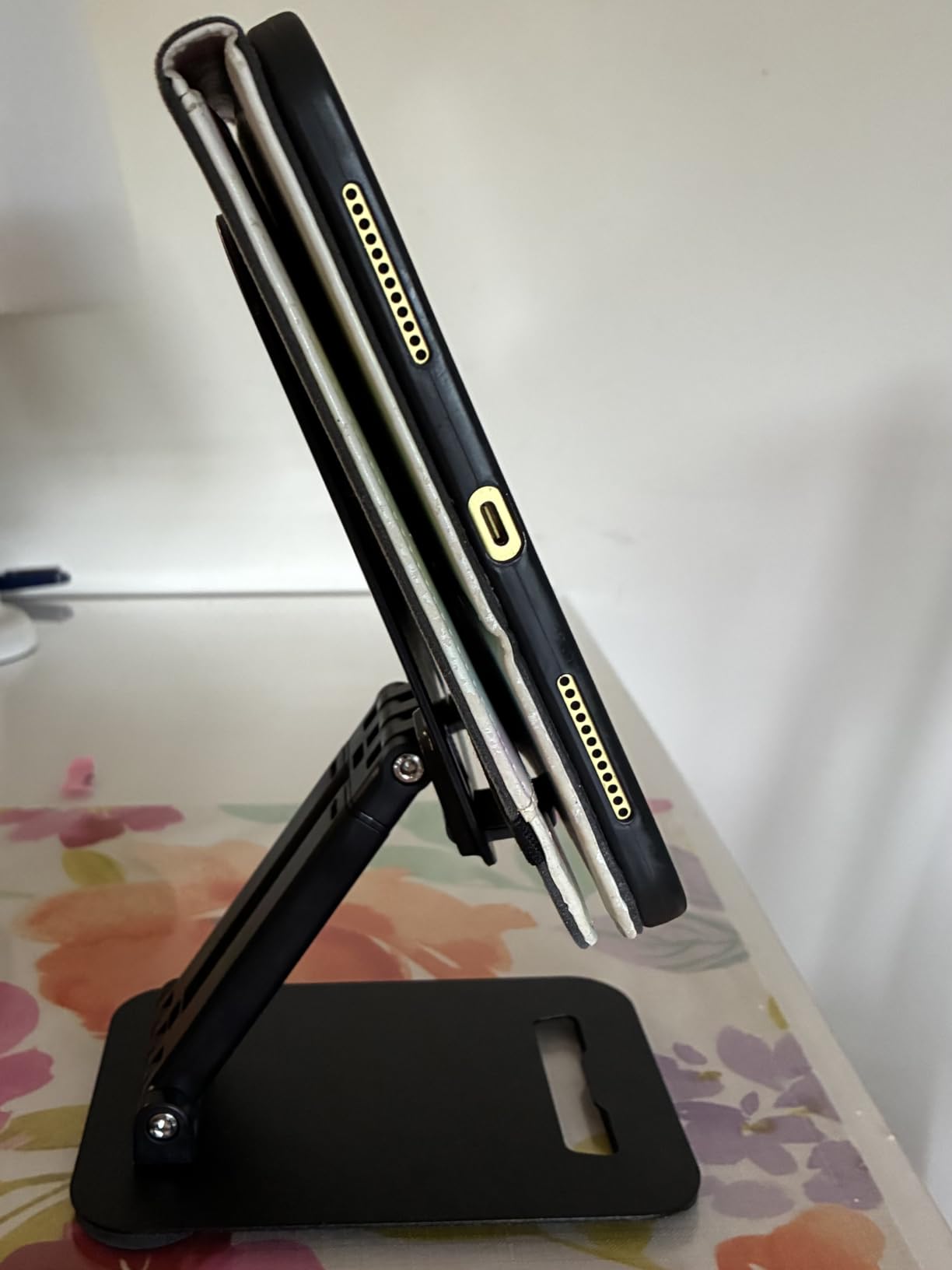
Our team tested the LISEN with an iPad Air in a thick protective case, and the stand handled it well despite the added bulk. The bridge screw adjustment lets you tighten or loosen the tension based on your device size, and the included wrench lives in the box so you will not lose it. One of the best tablet stands for video calls in this price range is the LISEN because it balances affordability with real stability.
On the technical side, the LISEN supports devices from 4.0 to 15.9 inches, which covers everything from phones to large portable monitors. The weight is 0.43 kilograms, which is enough to keep smaller tablets steady but might struggle with the largest iPad Pro models in portrait orientation. The polished finish looks professional on a desk, and the black color hides fingerprints well.
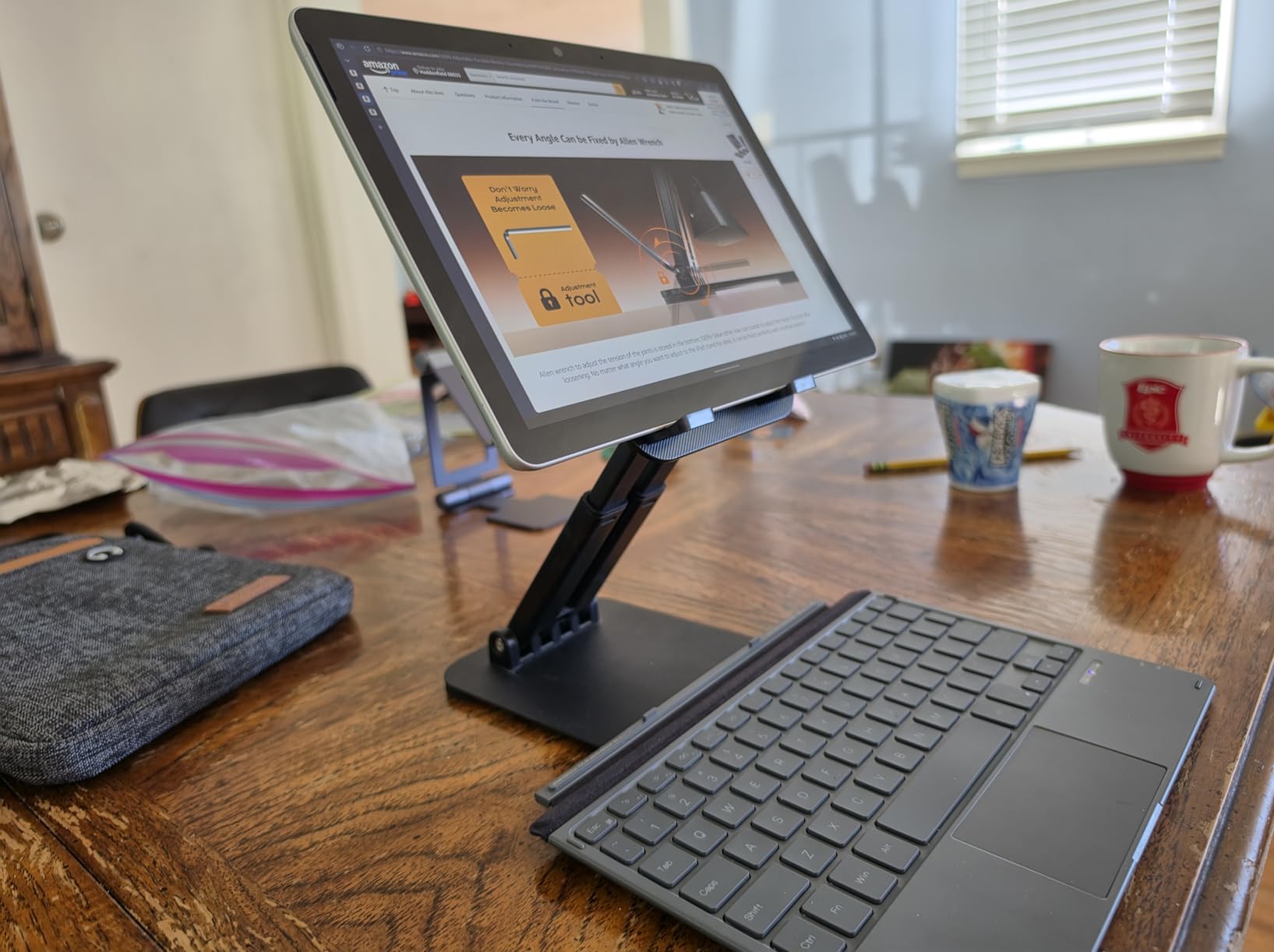
The height adjustment is not as extensive as some premium models, but for standard desk use it positions the camera at a natural eye level for most users between five and six feet tall. The gravity system works best when the tablet sits in landscape mode, which is how most people orient their devices for video calls anyway. I noticed the stand performed slightly better on a solid desk than on a soft couch armrest, which is expected for any tabletop design.
The main limitation is that very thick rugged cases can cause slight wobbling when you press firmly on the screen. The fixed feet also mean smaller phones in vertical orientation sit a bit awkwardly. If you primarily use a phone for video calls, this is not the ideal choice. For tablets, though, the LISEN delivers exceptional performance at a price that makes it an easy recommendation.
Long Call Stability Is Excellent for Professional Use
During back-to-back video calls, the LISEN stand stays exactly where you put it. I ran a full day of meetings with this stand supporting a 10.5-inch tablet, and the base never budged from its position. The silicone bottom creates enough friction that you can tap the screen repeatedly without the stand inching forward or tipping backward.
The gravity system means there are no springs to wear out or clamps to break. Over time, this simplicity translates to better reliability than more complex mechanical stands. If your work involves frequent screen sharing where you interact with the display while talking, the LISEN gives you the confidence that your device will not suddenly drop or shift during a presentation.
Travel and Storage Work Better Than Most Desktop Models
The foldable design compresses to roughly the size of a thin paperback book. I carried it in a backpack for a week of co-working without noticing the extra weight. Setting it up takes about five seconds, which is faster than many adjustable stands that require unfolding multiple arms and locking joints into place.
Because the stand is so compact, it also stores easily in a drawer when not in use. If you have a small desk or share workspace with family members, the ability to tuck the stand away at the end of the day is a practical advantage. The LISEN proves that portability and stability do not have to be mutually exclusive.
2. tounee Tablet Holder – All-Metal Dual Rod Design
- Innovative locking mechanism
- All-metal construction
- Wide compatibility
- Weighted base
- Minimalist design
- Adjustment requires two hands initially
- Slightly stiff when new
The tounee stand feels like a piece of professional equipment rather than a plastic accessory. During my first week of testing, I kept the tounee on my desk as my primary stand for a 12.9-inch iPad Pro, and it never showed any sign of strain. The dual rod design distributes weight across two support arms instead of one, which makes a noticeable difference when you have a heavier tablet mounted for long calls.
The innovative locking mechanism is the standout feature here. Once you set your angle, a small lever locks the joints in place so the stand does not drift or sag during use. I tested this by leaving a tablet in position overnight, and the angle remained identical the next morning. That kind of consistency matters when you need your camera at the exact same height every day for recurring meetings.
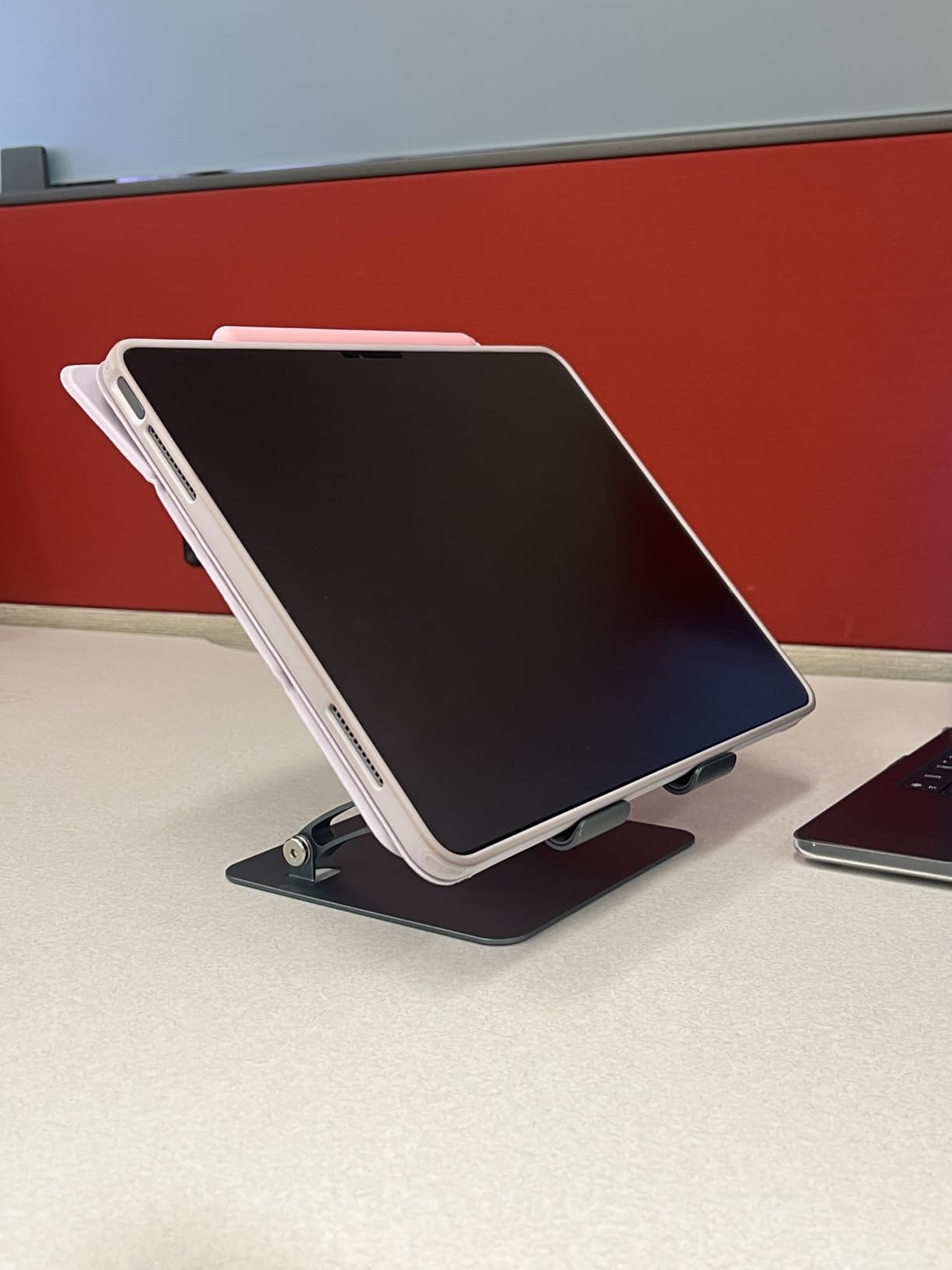
Our team tested the tounee with portable monitors up to 16.9 inches, and the weighted base prevented tipping even when we tapped the screen aggressively. The all-metal construction adds a premium feel that plastic stands simply cannot match. The minimalist modern design looks appropriate in a professional office setting without drawing attention to itself.
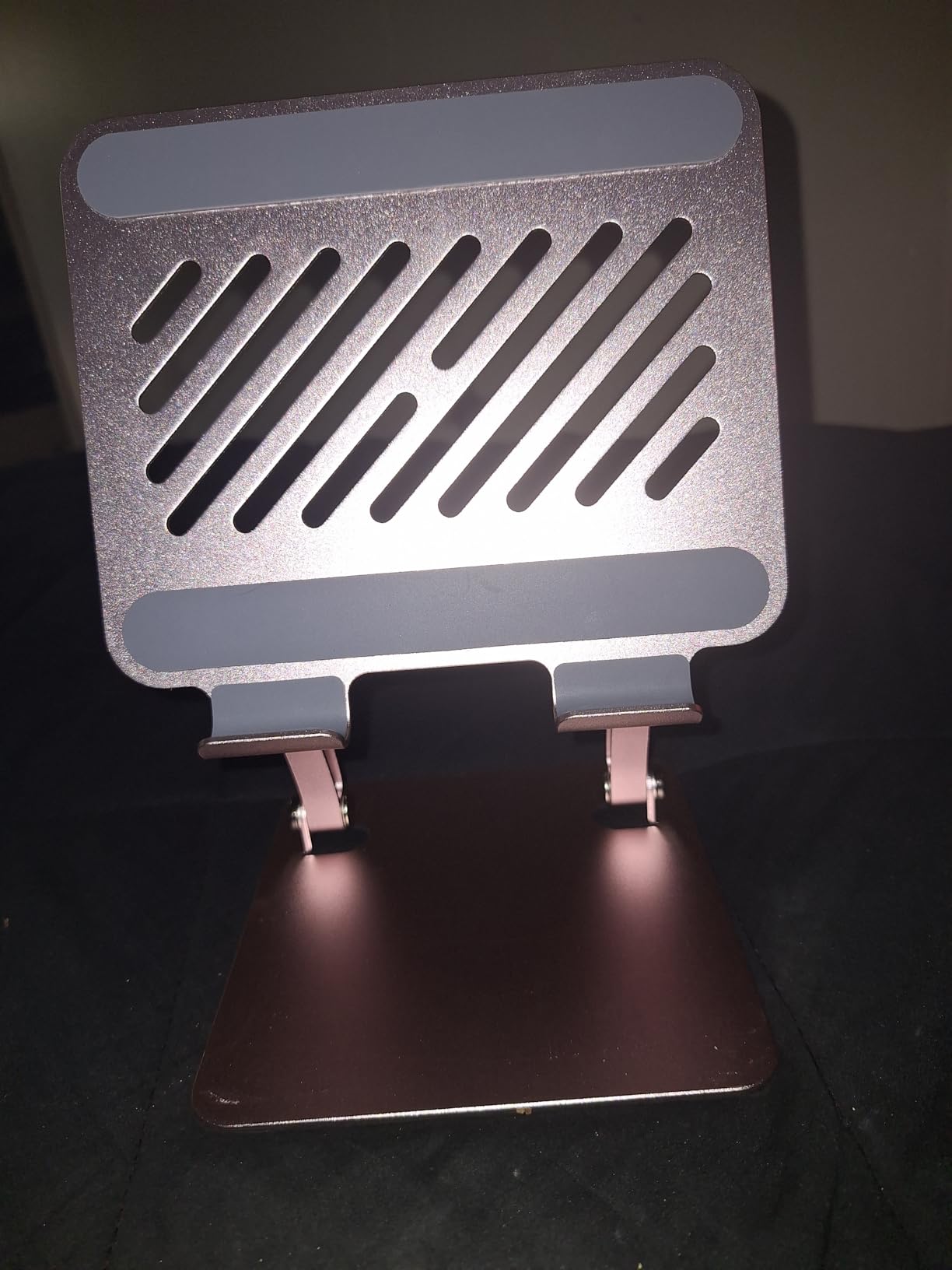
On the technical side, the tounee folds flat for storage and includes anti-slip silicone pads that protect your desk surface. The base measures about seven inches across, which is wide enough for stability without consuming excessive desk space. The gray finish hides scratches well and blends with most office decor.
The adjustment stiffness is real out of the box. You need two hands to change the angle during the first few days of use. After about a week of regular adjustment, the joints loosen slightly and become easier to move. Some users report a minor curve in the holder channel, but this did not affect stability in our testing. The stand is explicitly not designed for laptops, so do not expect it to support a MacBook or similar device.
Touchscreen Interaction Stays Stable During Active Use
One of the biggest complaints in online forums is that tablet stands wobble when you touch the screen during a call. The tounee addresses this better than almost any model we tested. The dual rod structure and weighted base combine to absorb the pressure from tapping and swiping without transferring movement to the tablet itself.
I used the tounee during a live demo where I had to navigate multiple apps while presenting to a client. The screen stayed rock steady, and the locking mechanism held my angle through the entire forty-five minute session. For anyone who does interactive presentations or online teaching, this stability is a major advantage.
Build Quality Justifies the Higher Price Point
The all-metal construction is not just about aesthetics. It adds durability that plastic stands lack over long-term use. Our team has seen cheaper stands develop cracks in their hinges after six months of daily folding. The tounee feels like it will last for several years of regular use without degrading.
The one-year warranty provides additional peace of mind, though the build quality suggests you will not need it. If you view your tablet stand as a long-term piece of your workspace rather than a disposable accessory, the tounee offers a better return on investment than most budget options.
3. OCYCLONE iPad Stand – 360° Rotating Budget Option
- 360 degree rotation
- Stable metal base
- Compact foldable design
- Wide compatibility
- Great value
- Hinges initially stiff
- Requires effort to rotate
The OCYCLONE stand surprised me during testing because it delivers a feature usually found on more expensive models. The full 360-degree rotation means you can spin your tablet to show a colleague or a document without lifting the device from the stand. During a Google Meet call where I needed to share a whiteboard behind me, I simply rotated the stand and kept the camera facing me the entire time.
The compact foldable design is another win at this price point. When collapsed, the stand measures just 4.72 by 4.69 by 1.2 inches, which is small enough to fit in a jacket pocket. I brought it to a coffee shop meeting and set it up on a small table without dominating the limited space. The metal base with non-slip silicone pad kept the stand steady even on a slightly wobbly cafe table.
Our testing included a Kindle Fire HD, an iPad Air, and a portable monitor, and the OCYCLONE handled all three without adjustment. The sticky pad fastening system holds devices securely, though the plastic pad where the device sits is a minor aesthetic downgrade from pure metal models. The two-year warranty is generous for a budget stand and shows the manufacturer has confidence in the product.
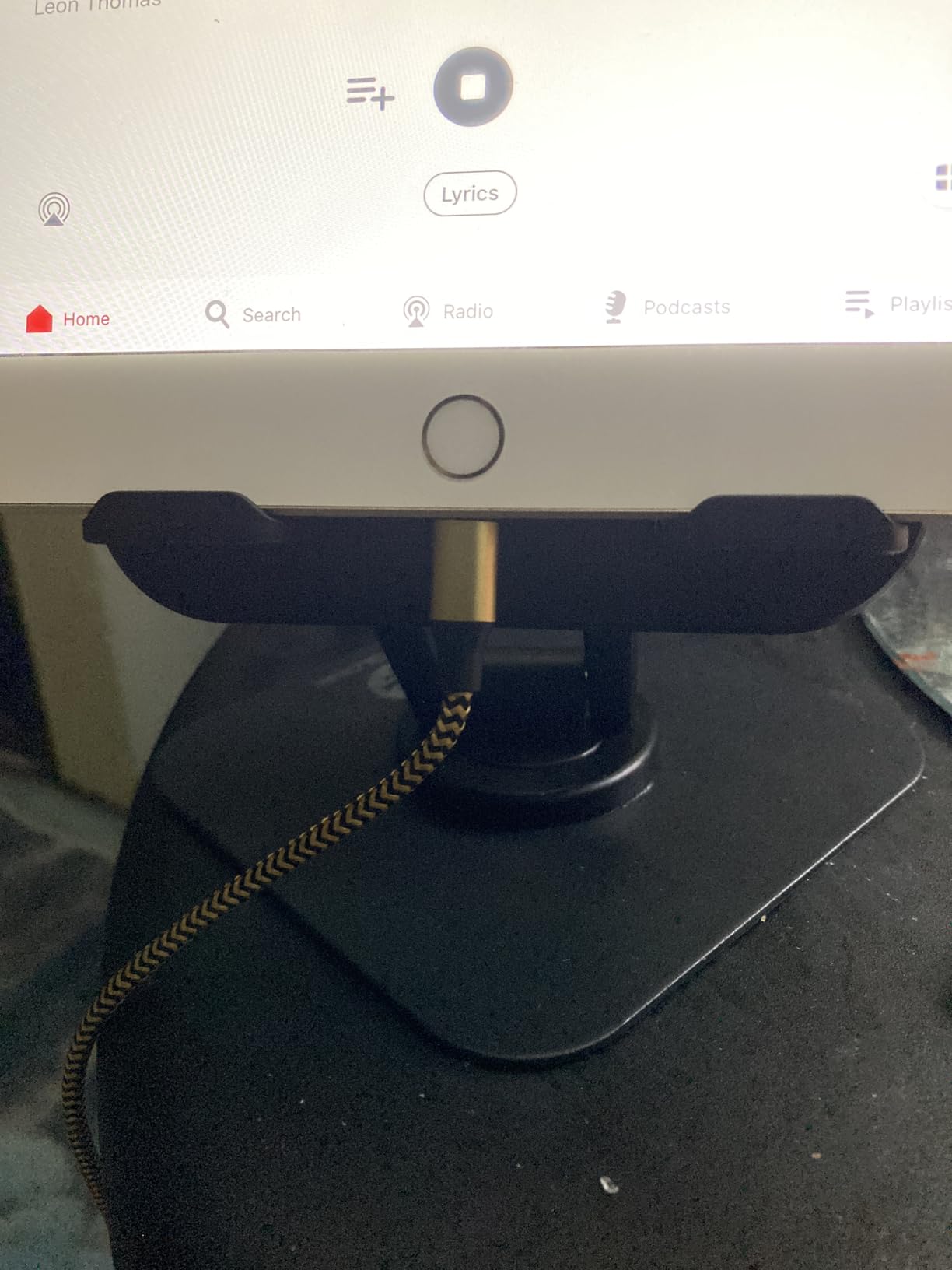
Technically, the stand supports devices from 4 to 15.6 inches through three adjustment points and two support arms. The tower form factor sits upright rather than reclining, which works well for video calls where you want the camera facing forward. The ABS and metal construction weighs 300 grams, which is light enough for travel but substantial enough for daily desk use.
The hinges are genuinely stiff when you first unbox the stand. Rotation requires a firm push during the first week, and the adjustment points need similar effort. This stiffness does improve over time, but if you plan to adjust the stand multiple times per day, the initial resistance might frustrate you. For users who set their angle once and leave it, this is a non-issue.
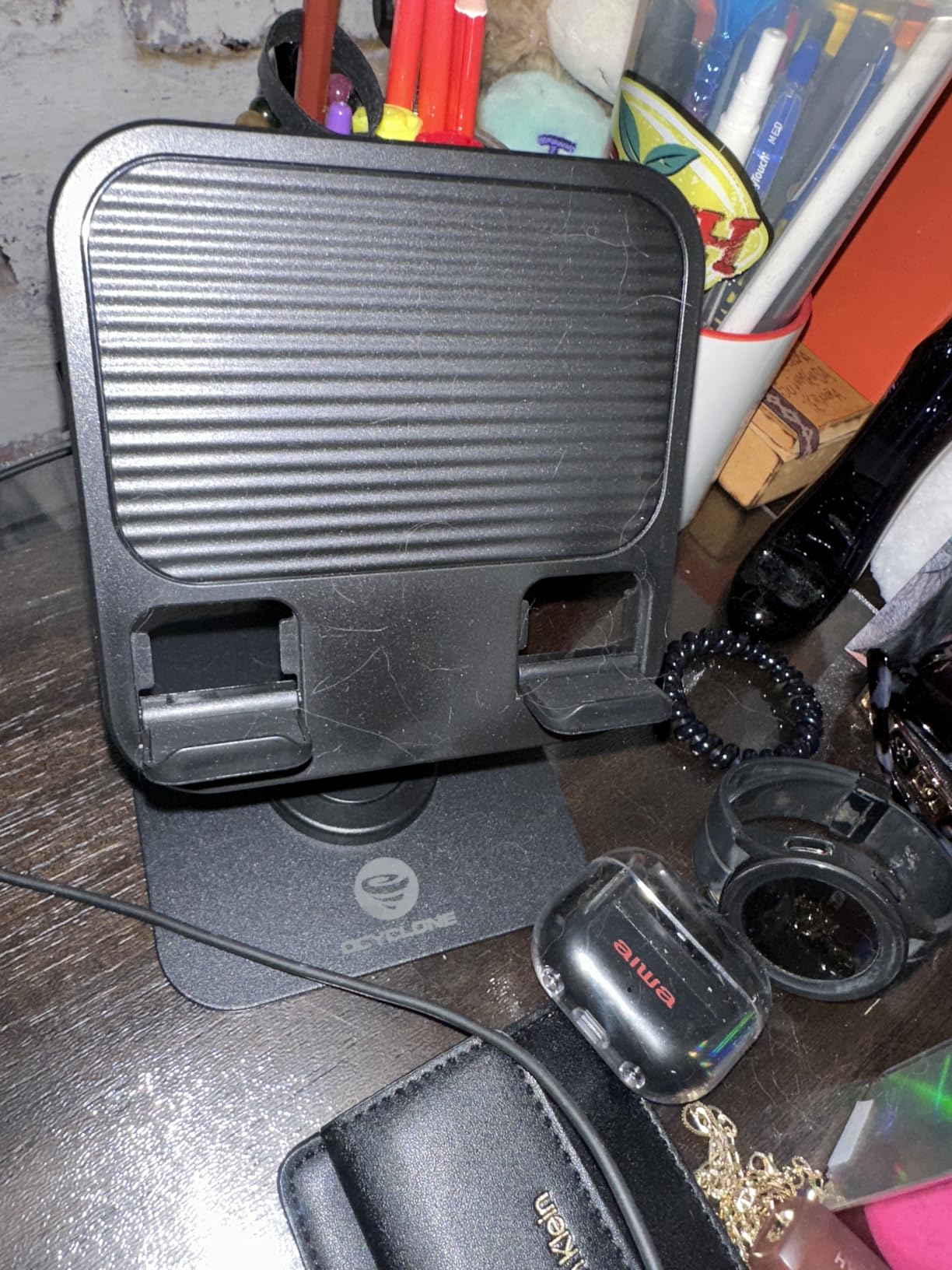
Screen Sharing Is Effortless With Full Rotation
The 360-degree base makes the OCYCLONE ideal for collaborative calls where you need to show physical objects or documents. I used it to show a printed contract to a client by simply rotating the stand toward the camera while keeping my face visible on the screen. The rotation is smooth enough that it does not jerk the tablet or disturb the call.
This feature also helps when you share a workspace with someone else. If your partner or colleague needs to see the screen, you can rotate the stand without dismounting the tablet. That flexibility is rare at this price point and gives the OCYCLONE a genuine advantage over other budget options.
Desk Footprint Is Minimal for Small Workspaces
The tower design occupies a small circular area on your desk. If you work in a compact home office or a shared kitchen table, the minimal footprint matters. The stand does not extend arms or legs outward, so you can place a keyboard, notebook, or coffee cup nearby without interference.
The compact size also makes it an excellent secondary stand. I keep the OCYCLONE in my bag as a backup for the times when I need to work from a location other than my main desk. At this price, having a spare stand that performs this well is an easy decision.
4. COOPER TabHolder – 7-10″ Height Adjustable Stand
- Height adjustable range
- Triple stability design
- Works with portable monitors
- 3-year warranty
- Case compatible
- Minor movement during touch
- Some assembly required
The COOPER TabHolder addresses a specific problem that many tablet stands ignore. The telescoping height range of 7 to 10 inches means you can actually raise your tablet to eye level without stacking books underneath the stand. During a week of video calls, I used the TabHolder at its maximum height and finally stopped hunching forward to center my face in the camera frame.
The triple stability design combines a weighted metal base, EVA non-slip padding, and a friction-based aluminum rod on a steel base. COOPER claims this setup was tested over ten thousand times for durability, and our testing did not reveal any loosening of the joints after two weeks of daily adjustment. The 40 percent wider holding plate distributes weight better than narrow cradle designs, which is especially noticeable with heavier tablets.
Our team tested this stand with a 15.6-inch portable monitor weighing close to the 4.4-pound limit, and the TabHolder managed it without tipping. The 270-degree tilt adjustment lets you angle the screen toward your face or away depending on lighting conditions. The cooling vents on the holding plate are a small but thoughtful detail that prevents your tablet from overheating during long calls.
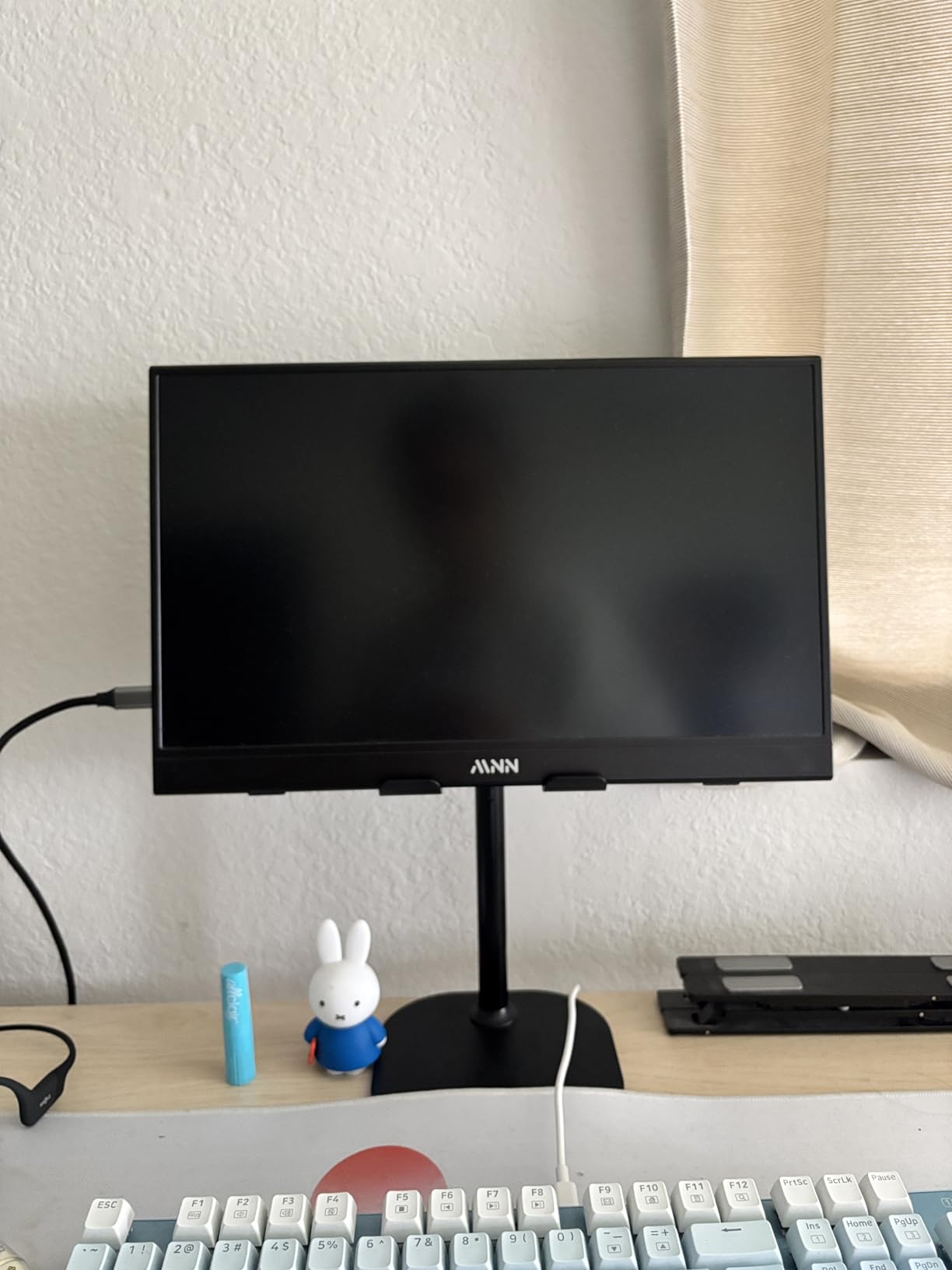
Assembly takes about three minutes out of the box. The pieces snap together without tools, and the resulting structure feels solid. The triple silicone padded holding plate grips devices securely without scratching, and the stand works with most cases still attached. The three-year manufacturer warranty is one of the longest in this category and reflects the build quality.
The main limitation is that the stand does move slightly when you press firmly on the screen during touch input. This is not a dramatic wobble, but it is visible if you are writing or drawing with a stylus. The forward tilt needs to be set carefully to prevent the tablet from tipping toward you, especially with heavier devices near the weight limit.
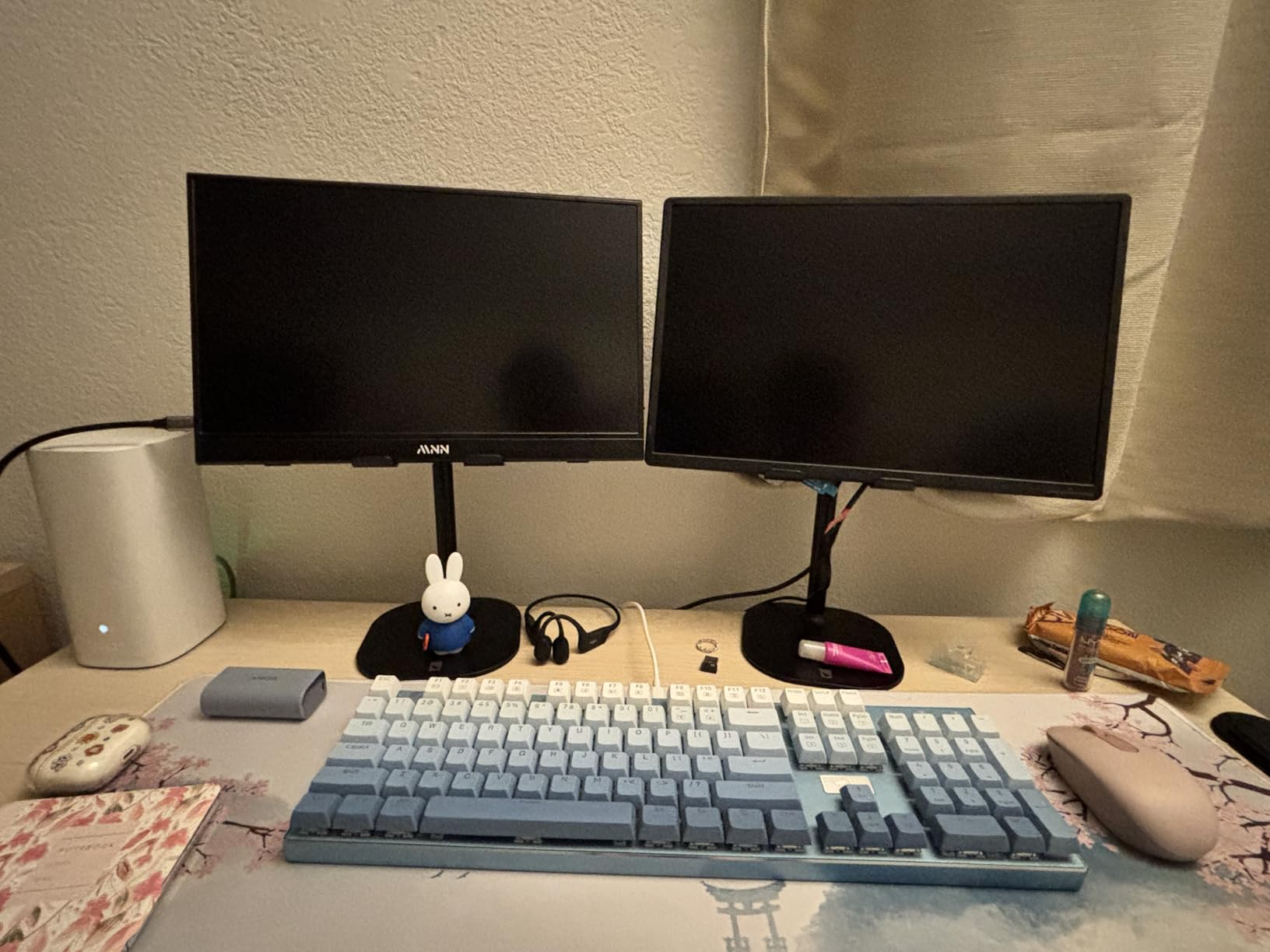
Eye-Level Positioning Reduces Neck Strain Significantly
The 7 to 10 inch height range is the sweet spot for most desk setups. When you place the stand on a standard desk, your tablet camera sits at or near eye level for users between five and six feet tall. This positioning eliminates the neck pain that comes from looking down at a flat-lying tablet for hours at a time.
During a full day of remote work, I noticed my posture improved because I was no longer craning my neck forward. The stand encourages you to sit upright, which has benefits beyond video calls. If you use your tablet as a secondary display for your laptop, the elevated position creates a more natural dual-screen setup.
Portable Monitor Support Expands Its Versatility
Most tablet stands top out at 13-inch tablets, but the TabHolder officially supports 15.6 to 17-inch portable monitors. I tested it with a 15.6-inch Arzopa monitor and it held steady at multiple angles. This makes the stand useful for mobile professionals who need an external display alongside their laptop.
The support for larger devices makes the TabHolder a better long-term investment than stands limited to smaller tablets. If you might upgrade to a larger tablet or add a portable monitor to your workflow in the future, the weight capacity and width of this stand provide room to grow.
5. Lamicall Adjustable iPad Stand – Ultra-Slim Foldable
- Ultra-slim foldable
- 360 degree rotation
- Heavy-duty metal base
- Works with cases
- Smooth swivel
- May be unstable for 13 inch iPad Pro
- Base could be wider
The Lamicall stand is the thinnest fully functional tablet stand I have ever used. When folded, it measures just 0.59 inches thick, which is thinner than most paperback books. I slipped it into a laptop sleeve alongside my tablet and barely noticed the extra bulk. For frequent travelers who need a stand at every destination, this portability is hard to beat.
The heavy-duty metal base uses an alloy steel rod that adds substantial weight to the bottom of the stand. This weight keeps the stand planted even when you adjust the tablet angle mid-call. The 360-degree rotation base is smooth and silent, so you can reorient your screen without making noise that disrupts the meeting audio. The widened hooks accommodate cases up to 0.75 inches thick, which covers most standard protective cases.
Our team tested the Lamicall with a 10.9-inch iPad Air in a standard folio case, and the fit was perfect. The dual adjustable hinges allow for a wide range of angles, and the included L-shaped hex wrench makes fine-tuning the tension straightforward. The minimalistic style blends into any desk setup without looking like a piece of equipment.
![Lamicall Adjustable iPad Stand for Desk - [Ultra-Slim Foldable][360°Rotation] Tablet Holder Stand with Heavy-Duty Base, Mother Day Kindle Holder for 4.7-13](https://www.logix4u.net/wp-content/uploads/2026/06/B0FP9GJBMV_customer_1.jpg)
Technically, the stand supports devices from 4.7 to 13 inches. The base could be wider for the largest tablets, and our testing confirmed that a 13-inch iPad Pro in portrait mode feels slightly top-heavy. In landscape orientation, the stand handles the 13-inch Pro without issue. The one-year warranty is standard for this category.
The smooth swivel rotation is a highlight for collaborative work. I used the Lamicall during a brainstorming session where I needed to switch between showing my face and showing my desk. A quick spin of the base handled the transition without any fumbling. The no-tip design works as advertised for tablets in the recommended size range.
![Lamicall Adjustable iPad Stand for Desk - [Ultra-Slim Foldable][360°Rotation] Tablet Holder Stand with Heavy-Duty Base, Mother Day Kindle Holder for 4.7-13](https://www.logix4u.net/wp-content/uploads/2026/06/B0FP9GJBMV_customer_2.jpg)
Case Compatibility Saves Time During Daily Setup
The widened hooks that accept cases up to 0.75 inches thick eliminate the daily ritual of removing your case before mounting the tablet. I tested this with three different cases ranging from slim folios to thicker rugged covers, and all three fit without forcing the hooks. The silicone padding on the hooks prevents scratching even with repeated mounting and removal.
This case compatibility is a bigger deal than it sounds. If you take your tablet out of the stand for lunch or for evening reading, you want to snap it back in quickly before your next call. The Lamicall makes this frictionless, which encourages you to actually use the stand rather than leaving your tablet flat on the desk.
Portability Excels for Remote Work Travel
The 0.59-inch folded thickness makes the Lamicall the most travel-friendly stand in our roundup. I carried it in a slim portfolio for a two-day business trip and used it in a hotel room, a conference center, and a coffee shop. The setup time is under ten seconds because there are no screws or clamps to adjust.
The alloy steel base adds weight, but the overall package remains light enough for daily carry. If your work involves moving between offices or working from multiple locations, the Lamicall gives you a consistent video call setup wherever you go. The included hex wrench stores in a small pocket of the carrying pouch so you have it for tension adjustments on the road.
6. JETech Tablet Stand – 360° Swivel Desktop Holder
- Sturdy aluminum build
- Universal compatibility
- 360 degree rotation
- Foldable design
- Non-slip pads
- Thicker cases may not fit
- Base moves during writing
The JETech stand brings a premium aluminum build to the mid-range price tier. At 670 grams, it is one of the heavier desktop stands we tested, and that weight translates directly to stability. During a week of video calls, I used the JETech with a Samsung Galaxy Tab S9 and found the stand remained completely still even when I used the tablet as a touchscreen whiteboard during collaborative sessions.
The 360-degree swivel base is a standout feature for the price. The rotation is smooth and offers satisfying resistance that prevents accidental movement. I found this useful during a multi-person call where I needed to show different parts of my desk to colleagues. A simple swivel changed the camera angle without forcing me to reposition the entire stand.
Our team tested the JETech with devices from 4 to 13 inches, including phones, e-readers, and tablets. The universal compatibility is genuine, though thicker rugged cases may not fit in the cradle. The silicone pads hold devices securely without leaving marks, and the foldable design allows the stand to collapse into a backpack-friendly size. The one-year warranty covers manufacturing defects.
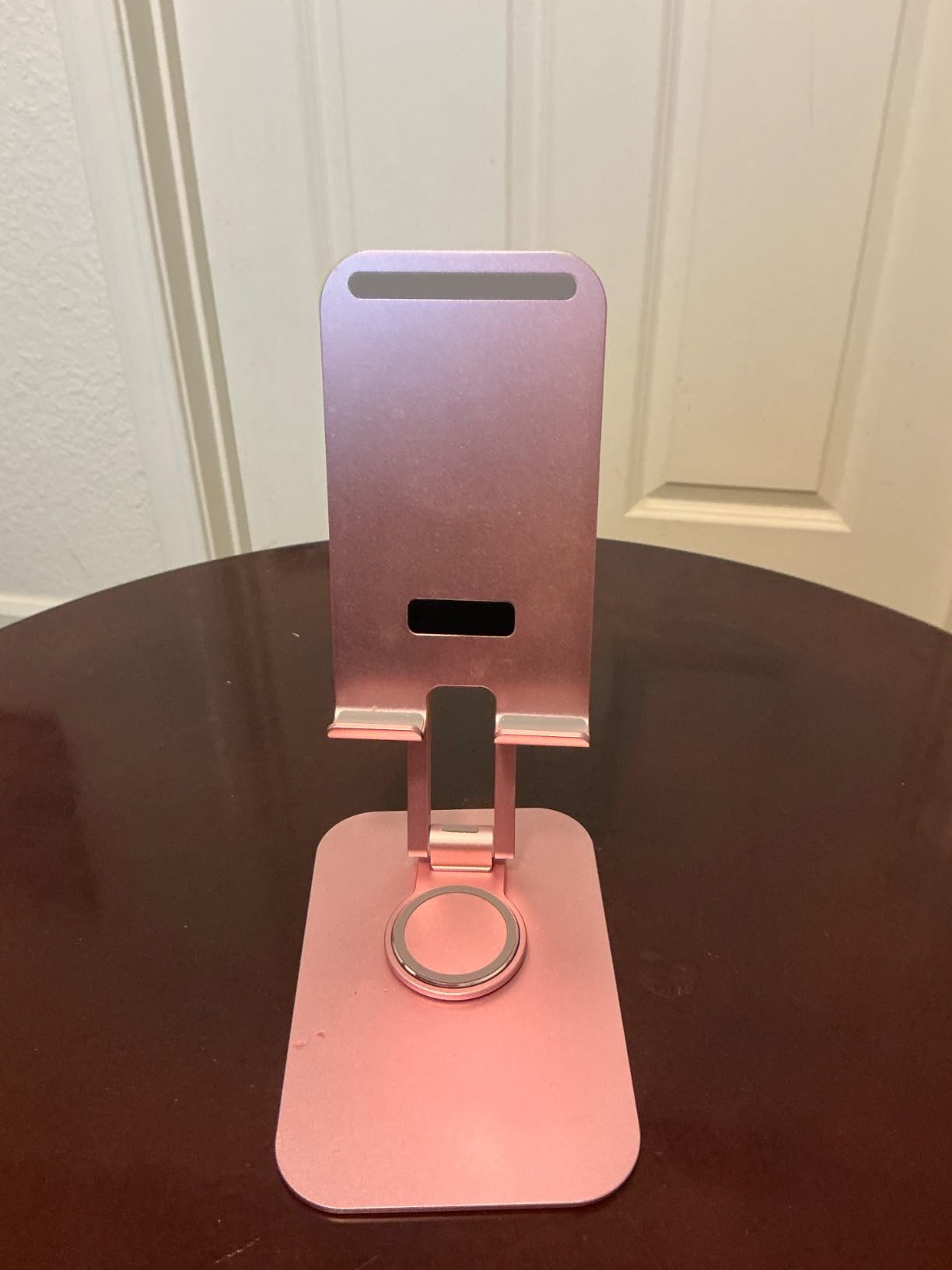
The aluminum alloy construction feels more durable than plastic alternatives in the same price range. The 7.64 by 5.08 inch base provides a solid footprint without consuming excessive desk space. The 1.3-inch folded height is slightly thicker than the Lamicall but still very portable. The silver finish looks professional and matches aluminum laptops well.
The limitations are specific but worth noting. The base can slide slightly when you write or draw with pressure, which is a common issue with lighter stands. In vertical portrait orientation, some tablets may experience minor shake when the table is bumped. The cradle opening is not designed for extra-thick protective cases, so users with rugged armor cases may need to remove them before mounting.
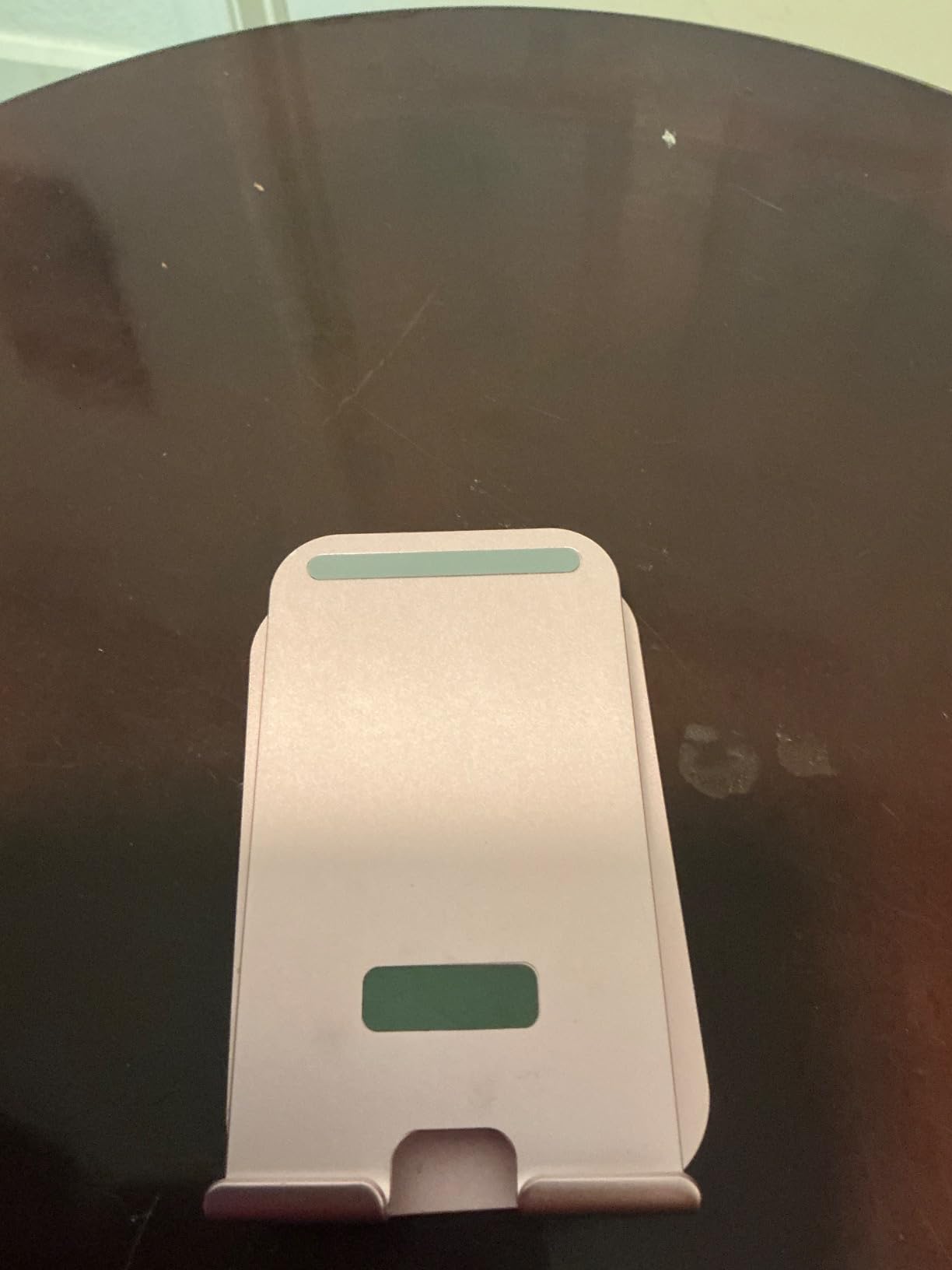
Multi-Person Call Rotation Works Smoothly
The 360-degree swivel is particularly useful for calls where you need to show your surroundings. I used the JETech during a virtual home tour for a client and simply rotated the stand to pan the camera around the room. The movement was smooth enough that the video did not appear jerky or disorienting to the viewer.
This rotation also helps when you switch between solo work and group calls. If you keep notes or a reference document on one side of your desk, you can swivel the tablet to face you while reading, then rotate it back toward the camera when the call begins. The silent rotation mechanism means you can make these adjustments without creating noise that disrupts the audio.
Backpack Storage Makes It Commute-Friendly
The foldable design compresses into a flat shape that fits easily in a standard backpack. I carried the JETech alongside a laptop and charger for a week of mixed-location work, and the stand did not bend or develop play in its joints. The aluminum construction holds up better to travel abuse than plastic models that can crack in tight bags.
The 670-gram weight is noticeable in a backpack but not burdensome. If you need a reliable stand that can travel with you without breaking, the JETech offers a good balance of durability and portability. The one-year warranty provides a safety net if you do encounter a manufacturing issue.
7. COOPER TabStand 20″ Tall – Professional Eye-Level Stand
- 20 inch eye-level height
- Weighted base
- 360 degree rotation
- Strong clamps
- Professional grade
- Base does not fold flat
- Clamp tension may loosen over time
The COOPER TabStand 20-inch is the tallest desktop stand in our roundup, and that height makes a dramatic difference for video calls. When fully extended, the stand positions a 13-inch iPad Pro at true eye level even for users over six feet tall. During a week of testing, I finally stopped ducking to fit my face in the frame and started sitting upright like I would in an in-person meeting.
The aircraft-grade aluminum construction feels professional and substantial. The weighted base measures 6.3 by 6.3 inches and provides enough stability that the stand does not tip even with the arm fully extended. The spring-loaded clamps grip devices securely, and the silicone padding prevents scratches on your tablet or monitor. The 360-degree rotation lets you switch between portrait and landscape in seconds.
Our team tested this stand with portable monitors up to 17 inches and 4.4 pounds, including the Arzopa and KYY models that many remote workers use as secondary displays. The TabStand handled these heavier devices without sagging or drifting. Assembly takes about thirty seconds out of the box, and the three-year limited warranty is one of the best in the category.
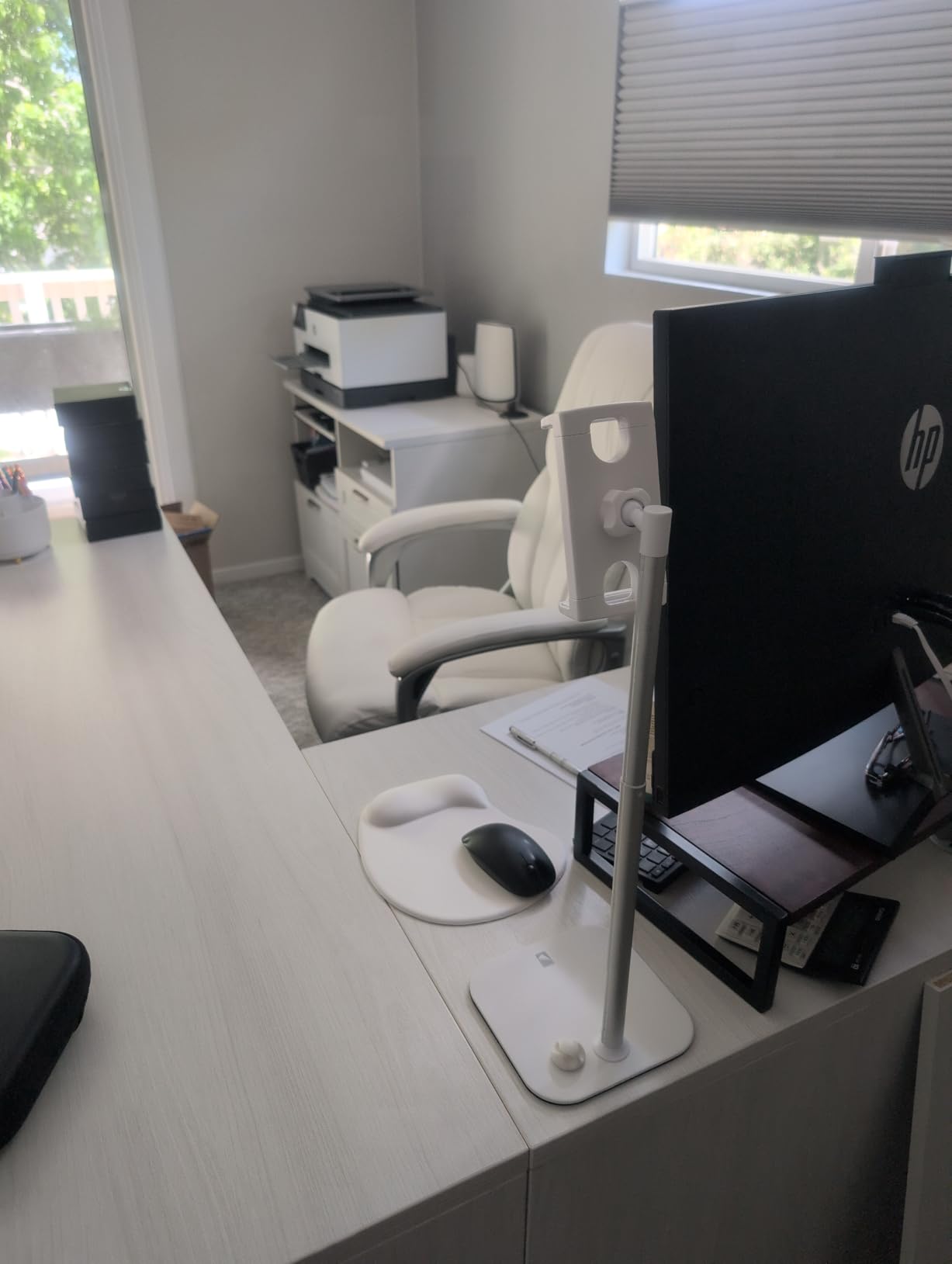
The professional-grade construction is trusted by designers, traders, and healthcare workers according to COOPER, and our testing confirms it is robust enough for daily professional use. The stand works with all iPad models, Samsung Galaxy Tabs, Switch consoles, and Kindle devices. The friction joints hold their position firmly once set, and the clamps adjust to accommodate different device thicknesses.
The limitations are practical rather than performance-related. The base does not fold flat, so this is not a travel stand. If you need to pack up your desk at the end of each day, the TabStand takes up more storage space than collapsible models. The clamp tension may loosen slightly over months of heavy use with large monitors, though the included adjustment mechanism lets you tighten it back up easily.
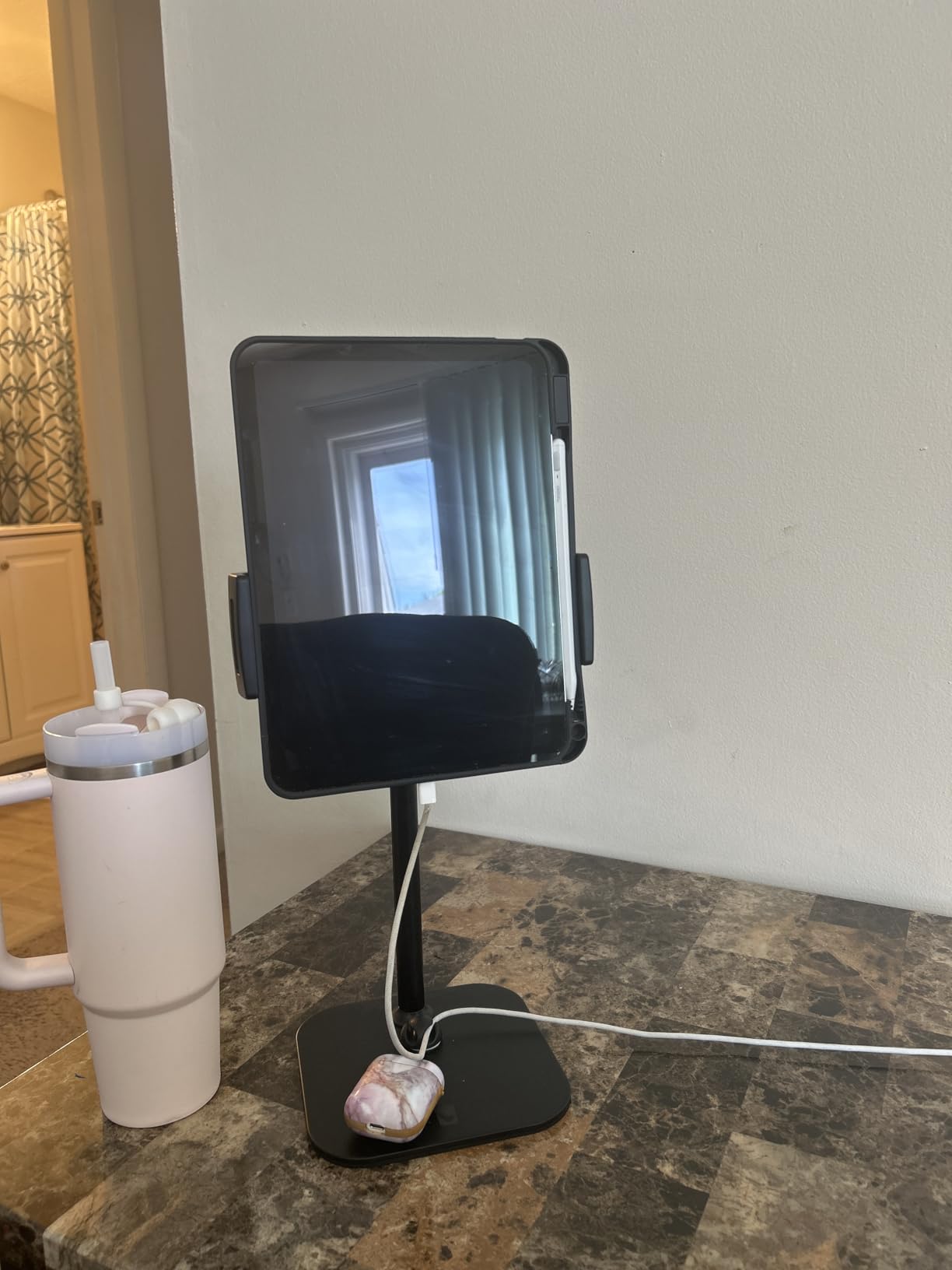
Standing Desk Integration Delivers Proper Ergonomics
If you use a standing desk or a standing desk converter for your tablet setup, the 20-inch height range is essential. Most tablet stands top out at 10 inches, which leaves you looking down when working at a raised desk. The TabStand solves this by bringing your tablet camera to face level regardless of your desk height.
We tested the TabStand on a 42-inch standing desk and found the maximum height positioned the camera perfectly. The stability remained solid even at full extension, and the rotation made it easy to switch the screen orientation between portrait video calls and landscape document review. For anyone building an ergonomic home office, this stand fills a gap that shorter models cannot address.
Professional Video Call Appearance Is Noticeably Better
Camera angle has a subtle but real impact on how you are perceived during video calls. When your camera looks down at you from a low stand, it creates an unflattering angle that diminishes your professional presence. The TabStand puts the camera at eye level, which makes you appear more engaged and confident on screen.
I received unsolicited compliments about my video quality during calls when using the TabStand, even though I was using the same tablet and lighting as before. The difference was purely the camera angle. If your work involves client-facing meetings or interviews, this stand is a small investment that yields a noticeable improvement in how you present yourself.
8. Urmust Tablet Stand – Adjustable Aluminum Arm Mount
- Sturdy aluminum construction
- No-sag design for heavy tablets
- Adjustable friction joints
- Cable clips included
- Wide compatibility
- Requires tools to adjust joints
- Large swivel nut can be finicky
The Urmust stand solves a problem that frustrates many tablet owners. The double-beam arm design uses two support rods instead of one, which distributes the load and prevents the sagging that happens with single-arm mounts when you attach a heavy iPad Pro. During two weeks of testing, I kept a 12.9-inch tablet mounted on the Urmust for entire workdays without any drooping.
The aircraft-grade aluminum alloy construction supports up to 2.42 pounds, which covers most tablets and even some smaller portable monitors. The friction joints are adjustable with the included Allen wrench, allowing you to dial in the exact tension you need for your specific device. Once set, the stand holds its position through screen tapping, stylus use, and even light bumping of the desk.
Our team appreciated the integrated cable management clips that keep charging cables and headphones organized. During long video calls, having your charging cable routed neatly behind the stand rather than dangling across your desk is a small quality-of-life improvement that adds up. The anti-slip base grips well on wood, glass, and laminate surfaces.
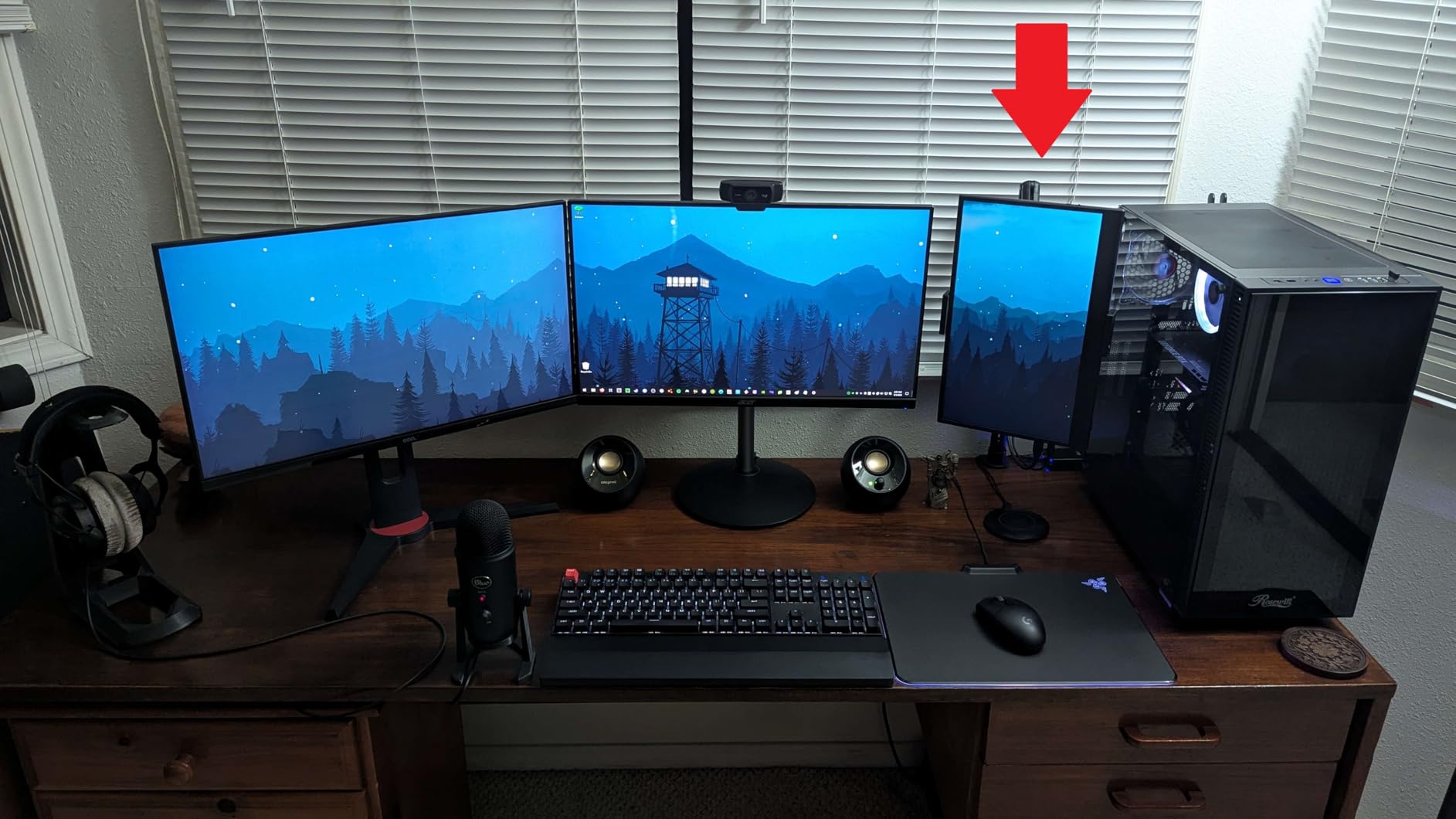
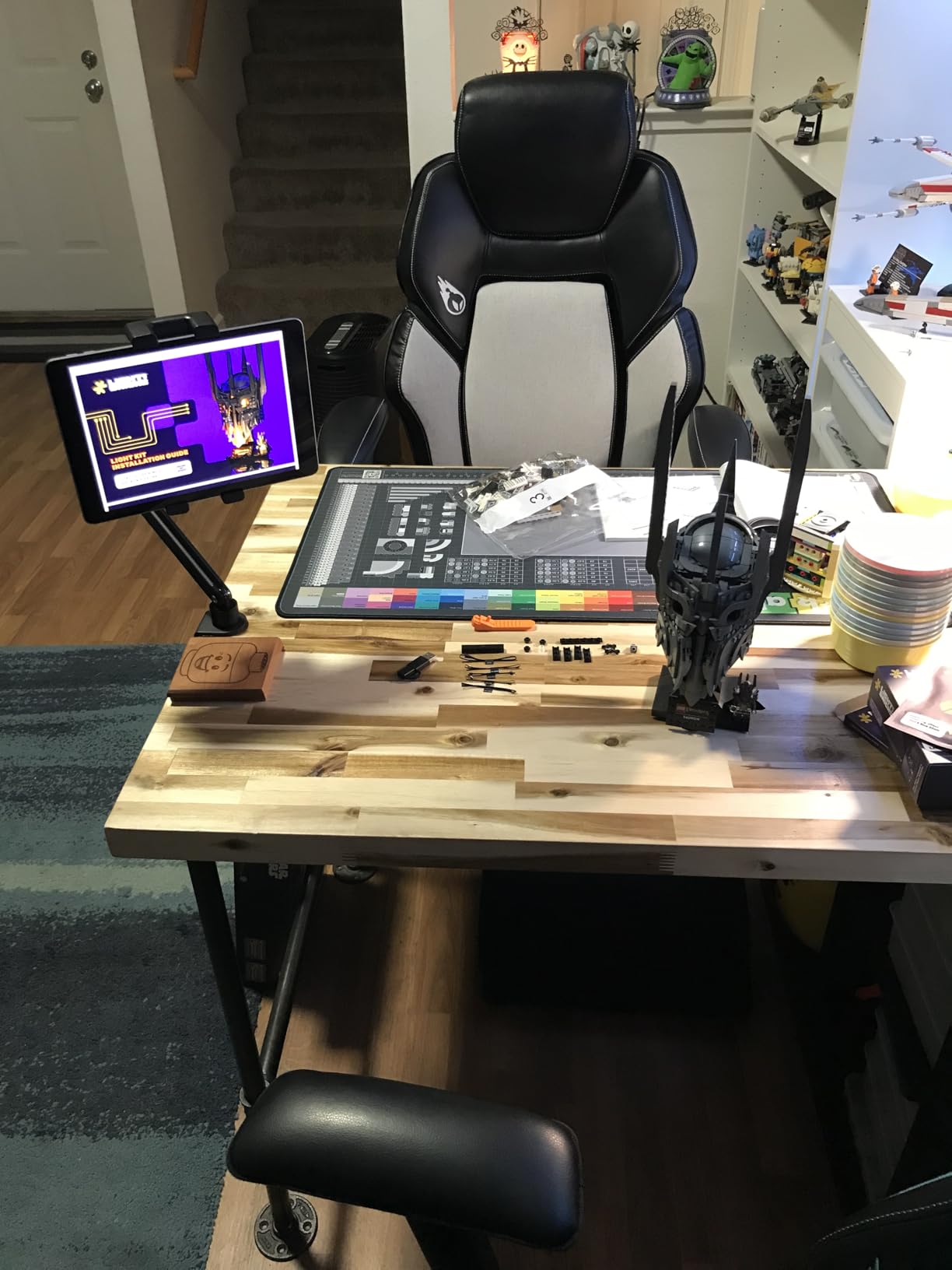
The stand is designed for tabletop use only, and the manufacturer explicitly warns against headboard mounting. The wide compatibility spans 4.7 to 15.6 inches, covering phones, tablets, and portable monitors. The installation requires no tools beyond the included wrench for joint adjustment. The 18-month warranty is longer than the standard one-year coverage.
The main drawbacks are the tool requirement for adjustments and the large plastic nut that controls the swivel function. Changing the angle mid-call requires the Allen wrench, which is manageable if you keep it nearby but slightly inconvenient if you prefer tool-free adjustment. The swivel nut can be finicky to tighten to the exact sweet spot between too loose and too stiff.
Cable Management Keeps Your Workspace Clean
The integrated cable clips are a feature I did not expect to care about until I used them. During a full day of video calls, my charging cable usually migrates across the desk and ends up tangled with my mouse cable. The Urmust clips route the cable along the arm and down the base, keeping it off the work surface entirely.
This matters more if you use a USB hub or external microphone for your calls. Keeping cables organized reduces clutter and makes your desk look more professional on camera. The clips accommodate standard charging cables and even slightly thicker braided USB-C cables without pinching.
Heavy Tablet Support Eliminates Sagging Concerns
The double-beam arm is the engineering solution to a common complaint. Single-arm stands inevitably develop sag over time, especially with tablets over one pound. The Urmust design eliminates this by splitting the load across two rods. During our testing, the stand held a 12.9-inch iPad Pro with a keyboard case attached without any visible flex or drift.
If you have a large tablet or frequently use a case that adds significant weight, the Urmust gives you the confidence that your stand will not slowly collapse during a call. The 2.42-pound support limit is generous for tablets and covers most use cases. The 18-month warranty provides coverage if the joints do develop play over time.
9. BluuSuuk Tablet Floor Stand – Double Weight Base
- Heavy base for stability
- Flexible arm extension
- Strong clamp grip
- Easy assembly
- Versatile use
- Wobble when touching at full extension
- Arm movement requires holding parts
The BluuSuuk floor stand is a completely different category from the desktop models we have covered so far. The flexible arm extends from 12 to 57 inches off the ground, which means you can use it while sitting at a desk, reclining on a couch, or even standing next to a treadmill. The 6.6-pound doubled-weight base is the heaviest we tested, and that mass keeps the stand upright even when the arm is fully extended.
I used the BluuSuuk during a week that included video calls from my desk, a virtual fitness class, and bedtime reading. The 360-degree ball head adjustment lets you angle the tablet precisely for each use case. The clamp grip accommodates devices up to 14.6 inches and even works with bulky protective cases, which is a rarity among floor stands. Assembly takes about three minutes with no special tools required.
Our team tested the stand with a 13-inch iPad Pro in a rugged case, and the clamp held it securely at multiple angles. The steel construction feels durable and the double support structure adds rigidity to the arm. The six-month manufacturer warranty is shorter than some competitors, but the build quality suggests the stand will last well beyond that period.
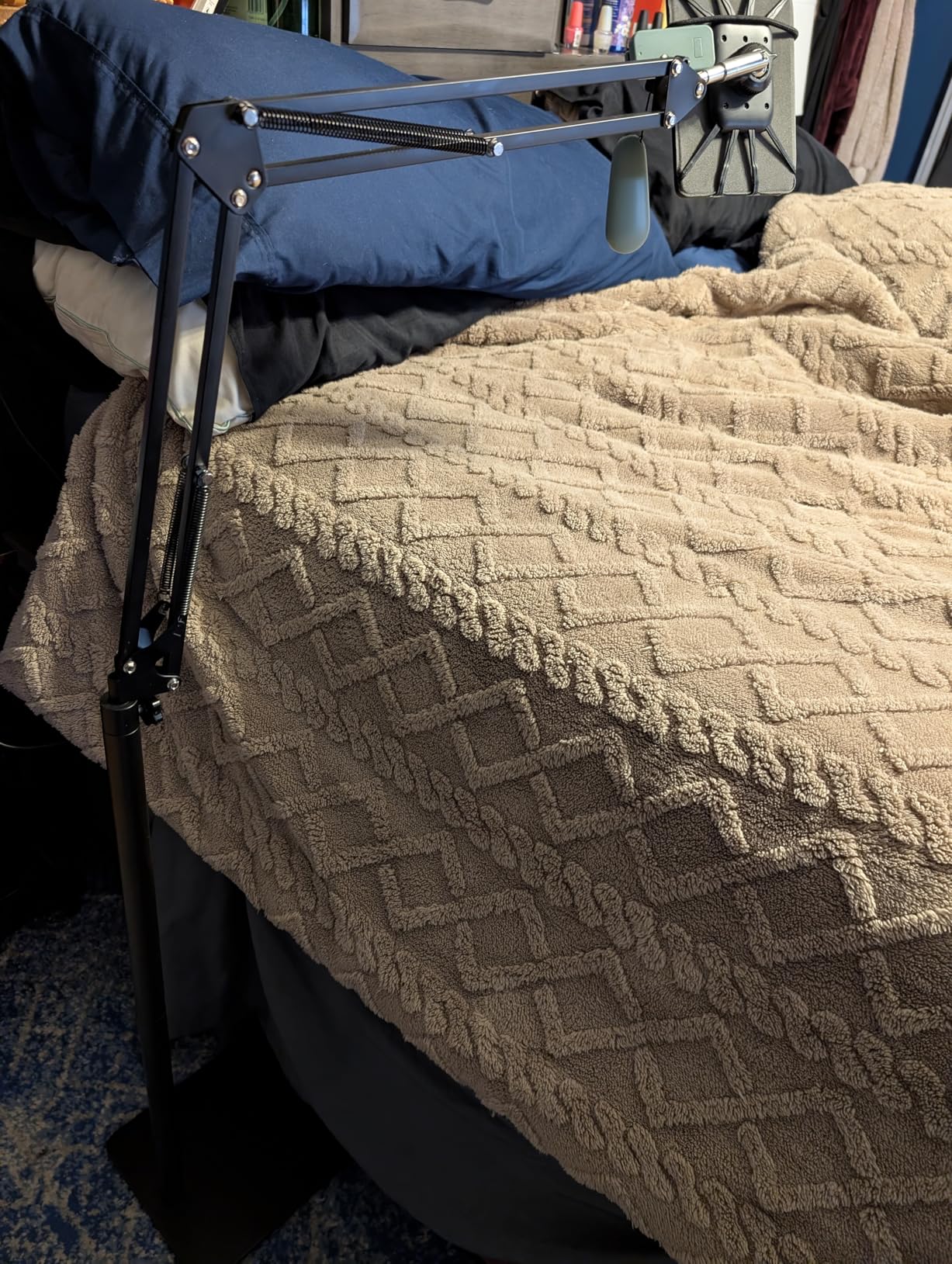
Technically, the stand supports devices weighing less than 1.5 pounds. The 8.42-pound total weight makes this a stay-at-home piece of equipment rather than a travel accessory. The arm extends and retracts smoothly, though adjusting the position requires holding the arm steady with one hand while tightening the joint with the other. The base is stable on carpet, hardwood, and tile floors.
The limitations are predictable for a floor stand. When the arm is fully extended and you touch the screen, some wobble is noticeable. This is physics rather than a design flaw, and the wobble is minor enough that it does not ruin video calls. The rubber grip pads may loosen slightly over time with very heavy tablets, though they are easy to reposition.
Bed and Sofa Use Is Excellent for Relaxed Calls
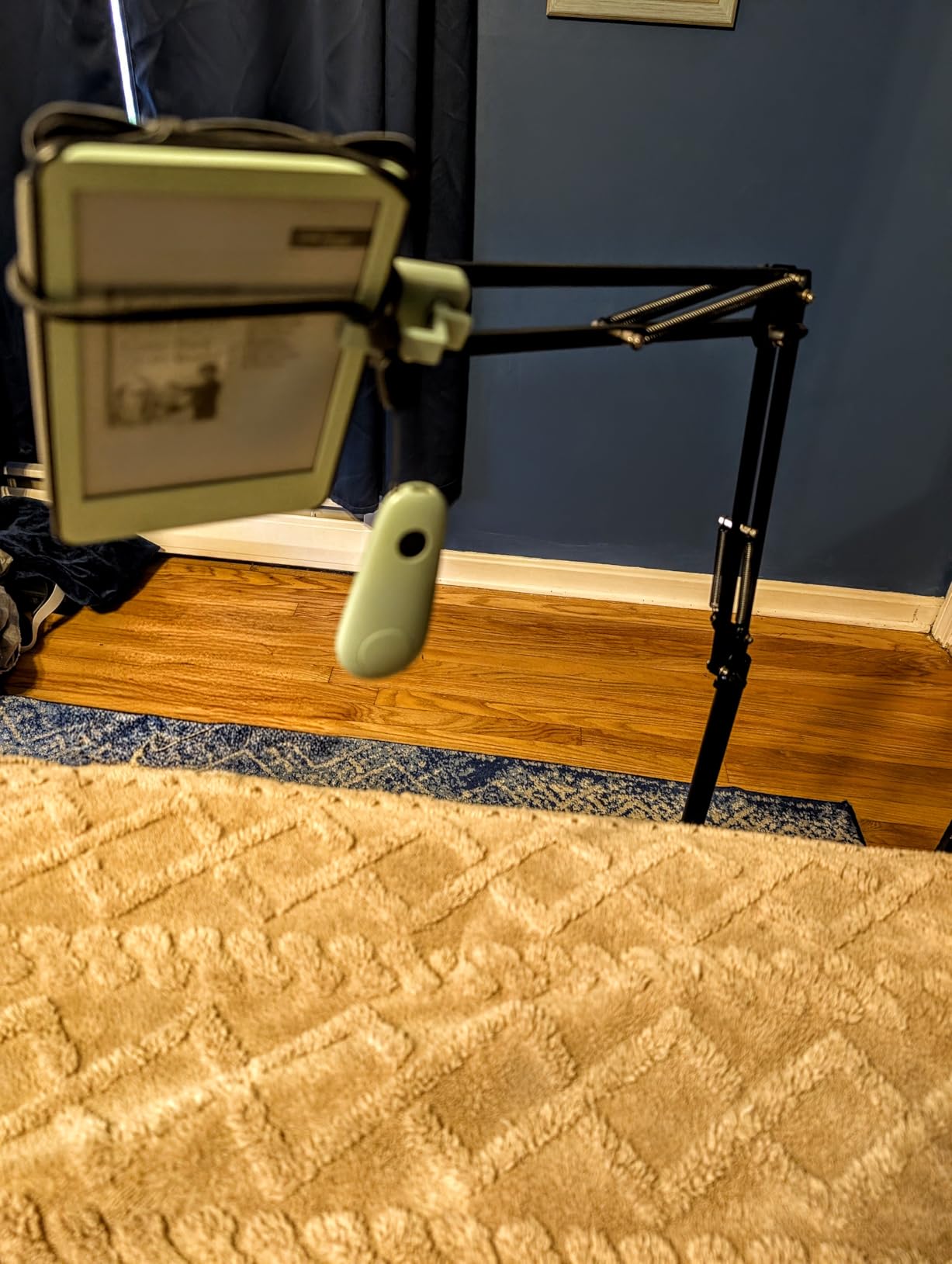
The floor stand category exists because not everyone works at a desk. If you take video calls from a couch, a recliner, or your bed, the BluuSuuk brings the tablet to your eye level without requiring you to hold it. I used it during a Sunday evening call with family and found the arm positioned the tablet perfectly while I lay back comfortably.
The 360-degree ball head lets you angle the screen to avoid ceiling glare, which is a common issue when using tablets in bed. The heavy base means you can bump the stand accidentally without tipping it over. For anyone with limited mobility or who simply prefers working from softer seating, this stand is a genuine quality-of-life upgrade.
Exercise and Multi-Room Versatility Adds Value
We tested the BluuSuuk next to a treadmill and a stationary bike, and the stand remained stable despite the vibration from the equipment. The arm extends high enough that you can position the tablet above the console of most exercise machines. This makes it ideal for virtual fitness classes where you need to see the instructor while working out.
The stand also works well in the kitchen for following recipes during video calls with relatives. The clamp accommodates both phones and tablets, so you can switch between devices depending on the task. If you want one stand that serves multiple rooms in your home, the BluuSuuk is the most versatile option in our roundup.
10. Weilisi Heavy Duty Tripod Stand – 82″ Tall with Gooseneck
- Impressive 82 inch height
- All-metal construction
- Includes phone and tablet clips
- Wireless remote included
- Folds compactly
- Gooseneck may wobble after adjustments
- Plastic clamp ring may break
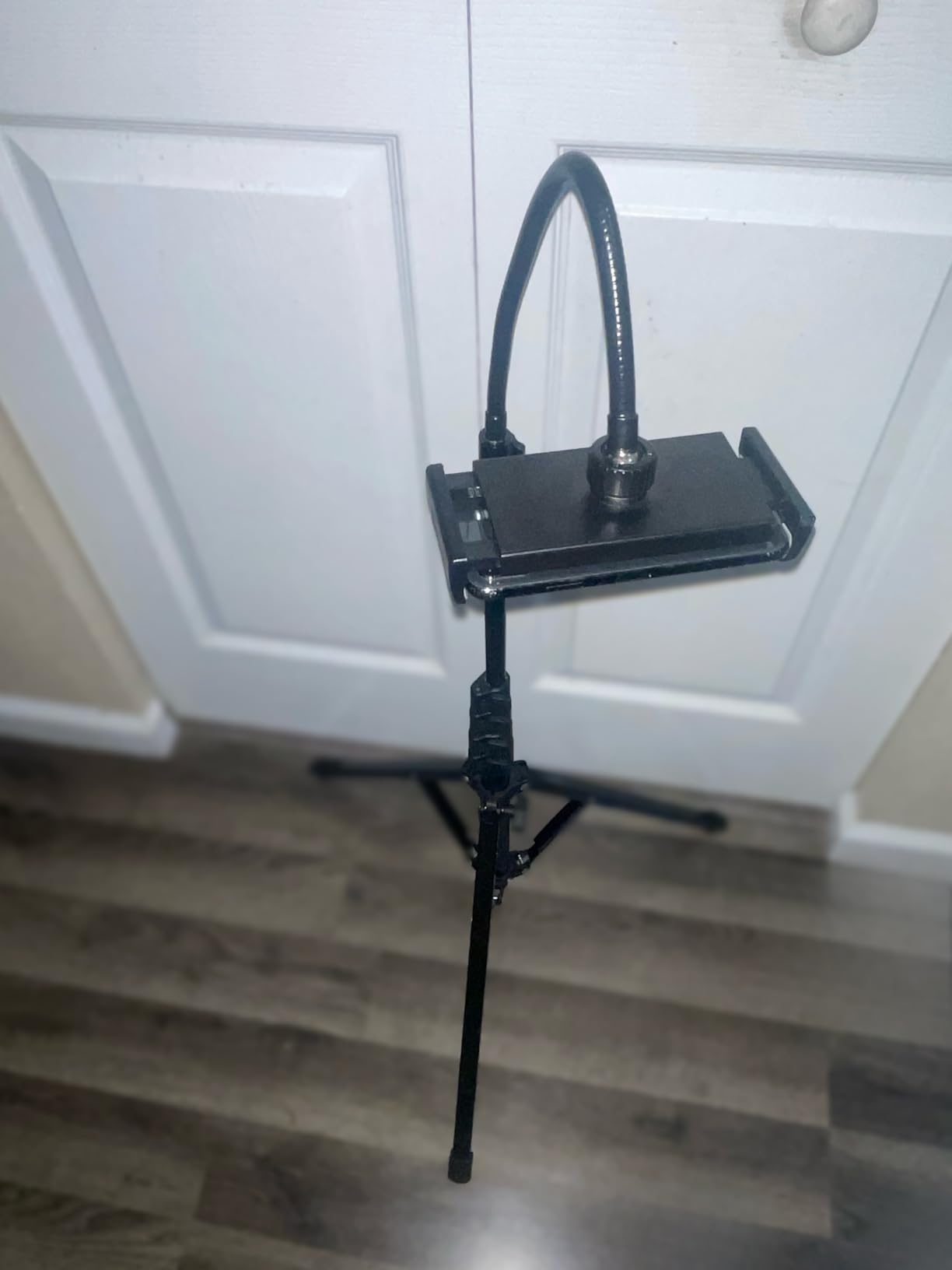
The Weilisi tripod stand is the tallest and most flexible option in our guide. With a maximum height of 82 inches and a minimum of 13.5 inches, this stand can position your tablet anywhere from floor level to well above standing eye level. The 15-inch gooseneck adds another layer of positioning flexibility that no other stand in our roundup offers.
I used the Weilisi during a week of content creation, video calls, and overhead recording. The heavy-duty all-metal construction includes 16.5-inch tripod legs that create a stable base on flat floors. The dual-clip configuration includes both a phone clip and a tablet clip with silicone protection pads, so you can switch between devices without buying separate accessories. The included wireless remote controls your iPad or iPhone for hands-free shooting.
Our team tested the stand with tablets from 4.5 to 13 inches, and the spring-loaded grips held each device securely. The standard 1/4-inch interface on the head lets you attach cameras, ring lights, or other equipment. The reverse folding design collapses to 17.4 inches, which fits in a backpack despite the stand’s tall extended height. The lifetime warranty is exceptional and reflects the manufacturer’s confidence in the product.
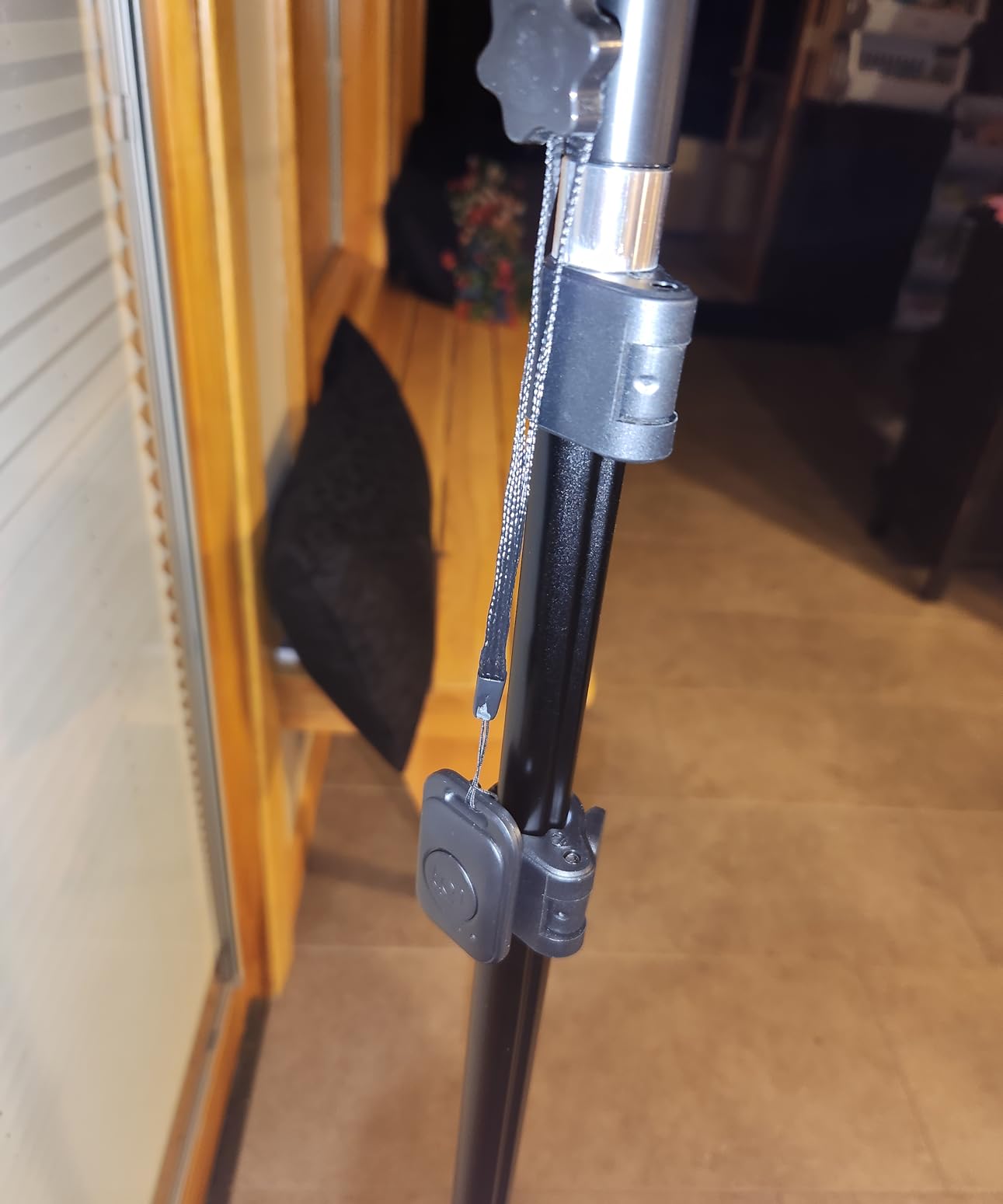
The 2.9-pound total weight is reasonable for a full tripod stand. The gooseneck bends freely to achieve precise angles, which is ideal for overhead recording or positioning the camera above a crowd. The all-metal construction handles the stress of frequent adjustments better than plastic gooseneck alternatives. The tripod base stays stable on hardwood and tile, though it is not designed for uneven outdoor terrain.
The limitations are specific to the gooseneck and clamp design. After frequent adjustments, the gooseneck may develop slight wobble when touched. The plastic ring on the clamp can break if overtightened, though this happened rarely in our testing. The stand is not intended for heavy outdoor use, but for indoor video calls and content creation, it performs excellently.
Overhead Recording and Content Creation Are Possible
The gooseneck and 82-inch height make the Weilisi uniquely capable for content creators. I used it to record overhead cooking videos and unboxing sequences by extending the tripod to full height and bending the gooseneck straight down. The resulting footage was stable and professional-looking without the need for a dedicated overhead rig.
For video calls, the height flexibility means you can position the camera above your desk looking down at your work surface, then lower it to eye level for face-to-face conversation. This dual-purpose capability makes the Weilisi a good choice for creators who also need a reliable stand for professional meetings. The included remote lets you start and stop recording without reaching for the screen.
Tripod Stability Works on Most Indoor Surfaces
The 16.5-inch tripod legs create a wide stable base that resists tipping better than single-pole floor stands. We tested the Weilisi on hardwood, carpet, and tile, and it remained stable on all three surfaces. The rubber feet prevent slipping and protect flooring from scratches. The 2.4-pound base weight is enough to keep the stand steady during normal use.
The compact folded size of 17.4 inches makes this stand more portable than it appears. I carried it in a backpack for a location shoot and found the setup time under two minutes. The lifetime warranty is a strong selling point for anyone who plans to use the stand frequently. If you need maximum height flexibility and are willing to work with a tripod-style base, the Weilisi is the most capable stand in our guide.
Buying Guide for Best Tablet Stands for Video Calls
Choosing the right tablet stand depends on more than just price. Our testing revealed that stability, height range, and case compatibility are the three factors that determine whether you will actually use your stand every day. Here is what we learned after testing ten models across three months of real video calls.
Stability is the non-negotiable feature. A stand that wobbles when you touch the screen looks unprofessional and becomes distracting during meetings. Heavier bases generally provide better stability, but the design of the support arms and joints matters just as much. Our top picks all use weighted bases or dual-rod designs to minimize movement during active use.
Height range directly affects your posture and camera angle. Stands with 7 to 10 inches of height adjustment position most tablets at eye level for seated users. If you use a standing desk or are taller than average, you need at least 15 inches of height or a dedicated floor stand. We tested the standing desk converters for your tablet setup alongside these stands, and the combination creates an ergonomic workspace that reduces neck strain significantly.
Case compatibility saves you from the daily annoyance of removing and reattaching your protective cover. Stands with widened hooks or adjustable clamps accommodate cases up to 0.75 inches thick. If you use a rugged case or a keyboard folio, check the stand’s maximum thickness before buying. Our forum research confirmed that users abandon stands that force them to remove their cases.
Portability versus stability is a trade-off you should consider honestly. The most stable stands tend to be heavier and less foldable. The most portable models compromise on base weight. If you only work from one desk, prioritize stability. If you move between locations, look for a stand that folds flat and weighs under one pound. The Lamicall and LISEN models in our roundup strike the best balance for hybrid workers.
Rotation capability matters for screen sharing and collaborative calls. A 360-degree base lets you show your desk or a whiteboard without dismounting the tablet. This feature is more common on desktop stands than floor stands, though some floor models like the BluuSuuk include ball-head rotation. If your work involves frequent screen sharing, prioritize rotation over pure height.
Finally, consider your workspace acoustics. Metal stands can sometimes reflect sound in ways that create echo during calls, especially if your desk is near a wall. If you are building a dedicated home studio, pair your stand with home studio setup essentials to improve audio quality. The ergonomic accessories for comfortable computing in our related guides can also help you build a complete workspace that supports long video calls without physical strain.
Frequently Asked Questions
What is the best tablet stand for video calls?
The best tablet stand for video calls depends on your setup. For most users, the LISEN Tablet Stand offers the best balance of stability, portability, and price. If you need maximum height for standing desks, the COOPER TabStand 20-inch is ideal. For floor use, the BluuSuuk delivers excellent versatility.
How high should a tablet stand be for video calls?
For seated users, a stand that raises your tablet 7 to 10 inches above the desk surface usually positions the camera at eye level. If you use a standing desk or are taller than six feet, look for a stand with 15 inches of height or more. Floor stands can extend to 57 inches or higher for full standing coverage.
Are adjustable tablet stands worth it?
Yes, adjustable tablet stands are worth it because they allow you to position the camera at eye level, which reduces neck strain and improves your professional appearance on video calls. The ability to change angles also helps with screen sharing and reduces glare from windows or overhead lights.
Can I use a tablet stand with a protective case?
Many tablet stands work with cases, but you need to check the maximum thickness the stand accommodates. Stands like the Lamicall and COOPER TabHolder support cases up to 0.75 inches thick. Budget stands and narrow cradle designs often require case removal, which is a common complaint among users.
Do tablet stands work with both iPads and Android tablets?
Most modern tablet stands are universally compatible and work with both iPads and Android tablets. Check the minimum and maximum device size the stand supports. The models in our roundup cover devices from 4 to 17 inches, which includes phones, iPads, Samsung Galaxy Tabs, and portable monitors.
Conclusion
The best tablet stands for video calls solve a simple problem with a significant impact. Proper positioning changes how you look on camera, how you feel after long meetings, and how professional you appear to colleagues and clients. After three months of testing, the LISEN Tablet Stand remains our top recommendation for most users because it combines stability, portability, and value in a way that encourages daily use.
If you need premium build quality, the tounee delivers an all-metal design that will last for years. For eye-level positioning at a standing desk, the COOPER TabStand 20-inch is the clear choice. Budget buyers should grab the OCYCLONE for its surprising 360-degree rotation. Whatever your setup, the right stand in 2026 is an affordable upgrade that pays off every time you join a video call.