
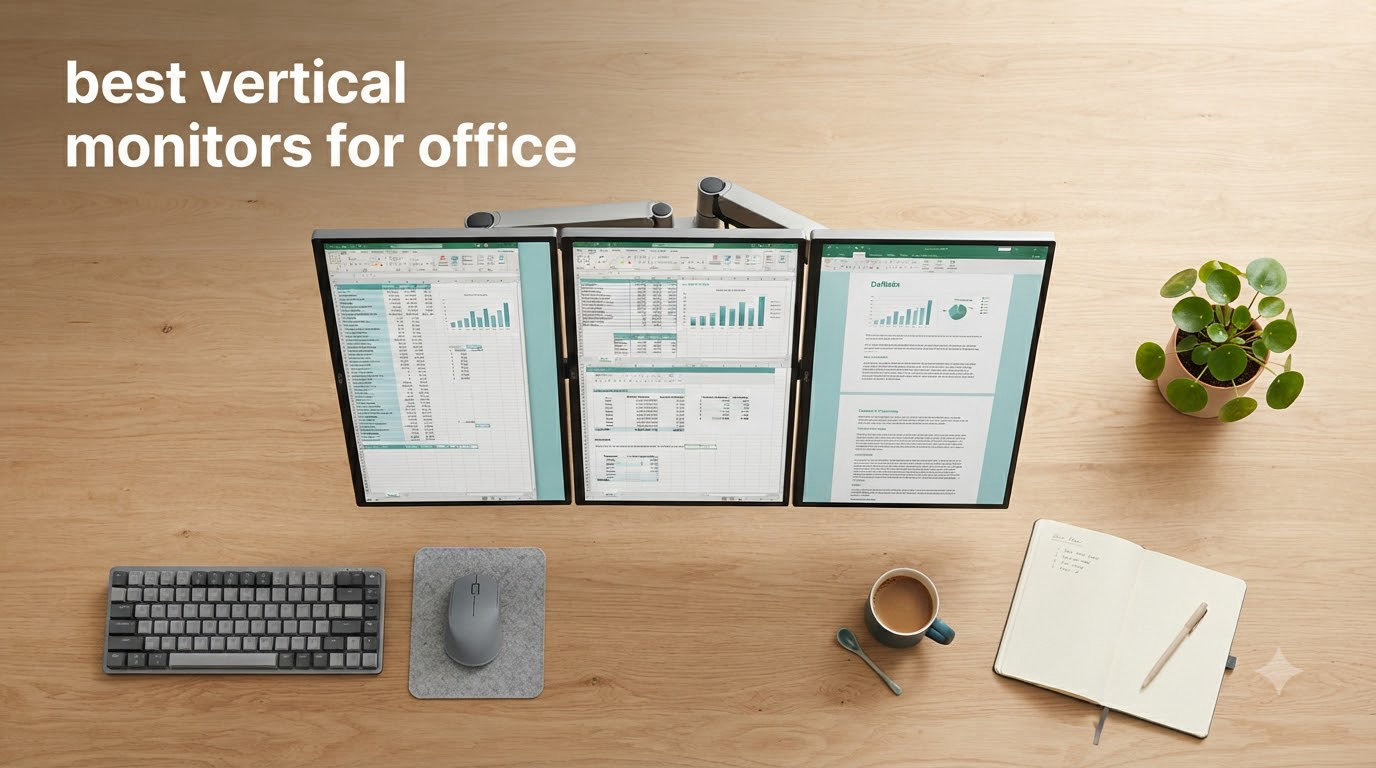
Last year, I rotated my main 27-inch monitor into portrait mode on a whim and never went back. Within a week I had ordered a second vertical panel for my other workstation. The simple act of giving documents, code, and long email threads more vertical real estate changed how I work every single day. That experience is the reason I put together this guide to the best vertical monitors for office use in 2026.
A vertical monitor is a display with a 90-degree pivot capability, so you can rotate the screen from the standard landscape orientation into a tall portrait view. That portrait view is what unlocks huge productivity gains for office workers. You see roughly twice as many lines of text, you scroll far less, and you stop wasting horizontal space on narrow windows like Slack threads or document sidebars.
I spent the past three months rotating eight office monitors between landscape and portrait on a real workstation, running them through spreadsheets, IDE sessions, document reviews, and long days of email triage. Below is the full list of the best vertical monitors for office work in 2026, ranked by who each one fits best, along with a buying guide that explains what to look for before you pull the trigger. If you are setting up a coding desk, you can also check our related guide on the best vertical monitors for coding.
Top 3 Picks for Best Vertical Monitors for Office in 2026
Best Vertical Monitors for Office in 2026: Quick Overview
| Product | Specifications | Action |
|---|---|---|
 Dell 24 Plus S2425HSM Dell 24 Plus S2425HSM |
|
Check Latest Price |
 Dell S2725QS 4K Dell S2725QS 4K |
|
Check Latest Price |
 Samsung ViewFinity S6 Samsung ViewFinity S6 |
|
Check Latest Price |
 CRUA 24.5 Vertical CRUA 24.5 Vertical |
|
Check Latest Price |
 ASUS ProArt PA278QV ASUS ProArt PA278QV |
|
Check Latest Price |
 LG 27UP650K-W LG 27UP650K-W |
|
Check Latest Price |
 Dell S2725DSM QHD Dell S2725DSM QHD |
|
Check Latest Price |
 KTC H24T7 KTC H24T7 |
|
Check Latest Price |
1. Dell 24 Plus S2425HSM – Best Compact Vertical Monitor for Home Office
- Smooth 144Hz refresh
- Built-in 3W speakers
- TUV eye comfort
- Pivot and height adjustments
- Elegant ash white finish
- No USB-C
- Only FHD resolution
- Limited height travel
I have been using the Dell 24 Plus S2425HSM as a side vertical panel for about six weeks now, parked next to a 32-inch main display. Right away I noticed how light the panel feels on the included stand, which makes the rotation into portrait mode feel effortless. You grab the bezel, tilt it up slightly, and pivot. There is no awkward wobble, no stiff hinge, and no need for a monitor arm if your desk is small.
The 23.8-inch FHD panel hits 300 nits of brightness and offers a clean 1500:1 contrast ratio that makes Word documents and Jira tickets easy on the eyes. For spreadsheets I usually run this panel at 100 percent scaling, but you can push to 110 if you want even more lines per page. Text remains crisp because Dell pairs the IPS panel with a proper matte coating rather than a glossy one.
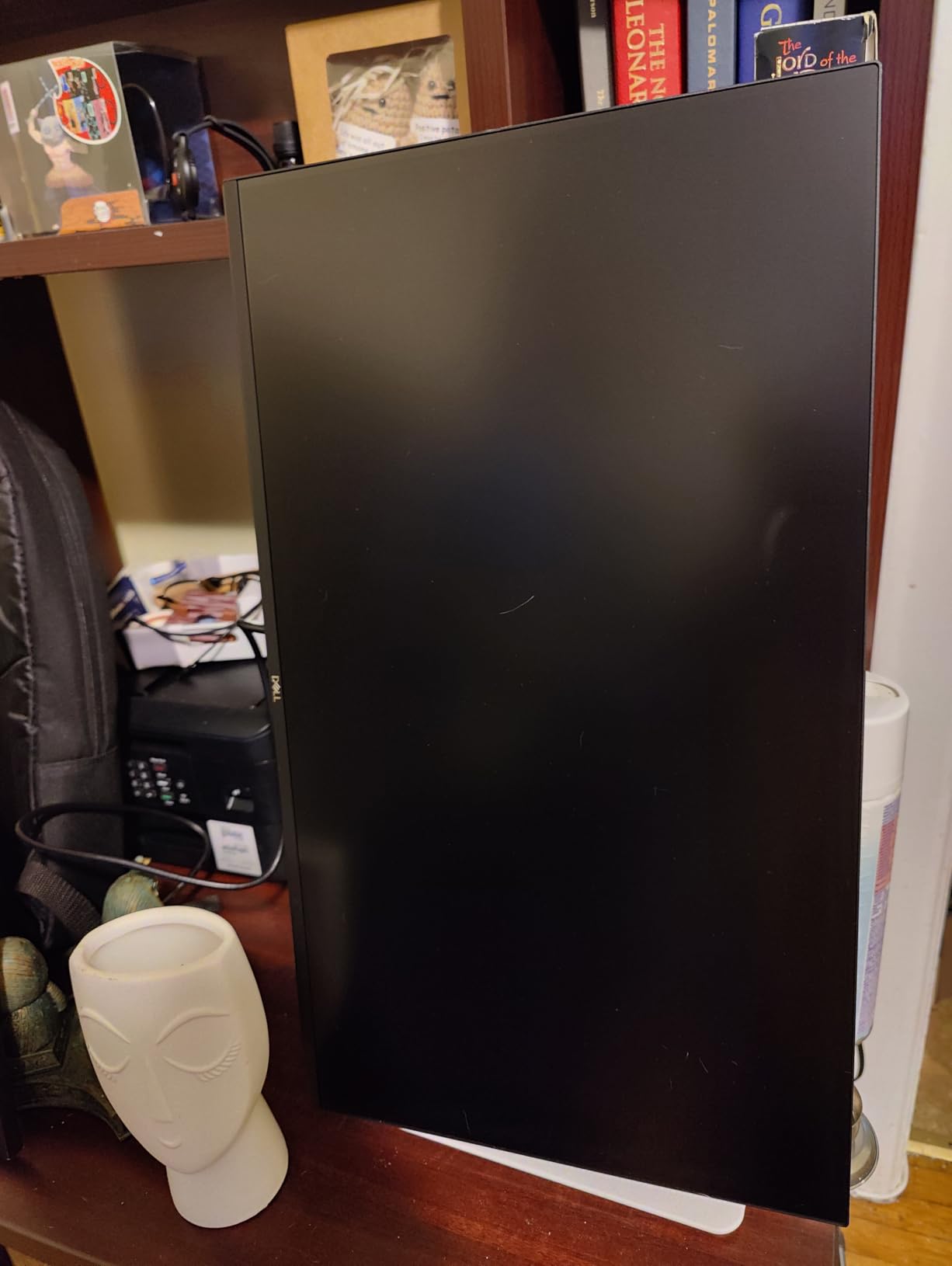
One thing I genuinely appreciate is the pair of 3W built-in speakers. They are not going to replace a dedicated setup, but they handle Zoom calls cleanly and free you from wearing a headset for casual stand-ups. The TUV-certified eye comfort feature also helps on days when I have back-to-back review sessions. I noticed less of the afternoon eye fatigue I usually get with cheaper panels.
The honest downside is the lack of USB-C. If you are a MacBook user, you will still need a separate dock or HDMI cable, which clutters a clean vertical desk setup. The 1080p resolution is also the main reason this sits lower in our ranking than the 1440p and 4K panels below. For a tight desk, however, this is the easiest pivot monitor I have set up in 2026.
Setup and desk footprint
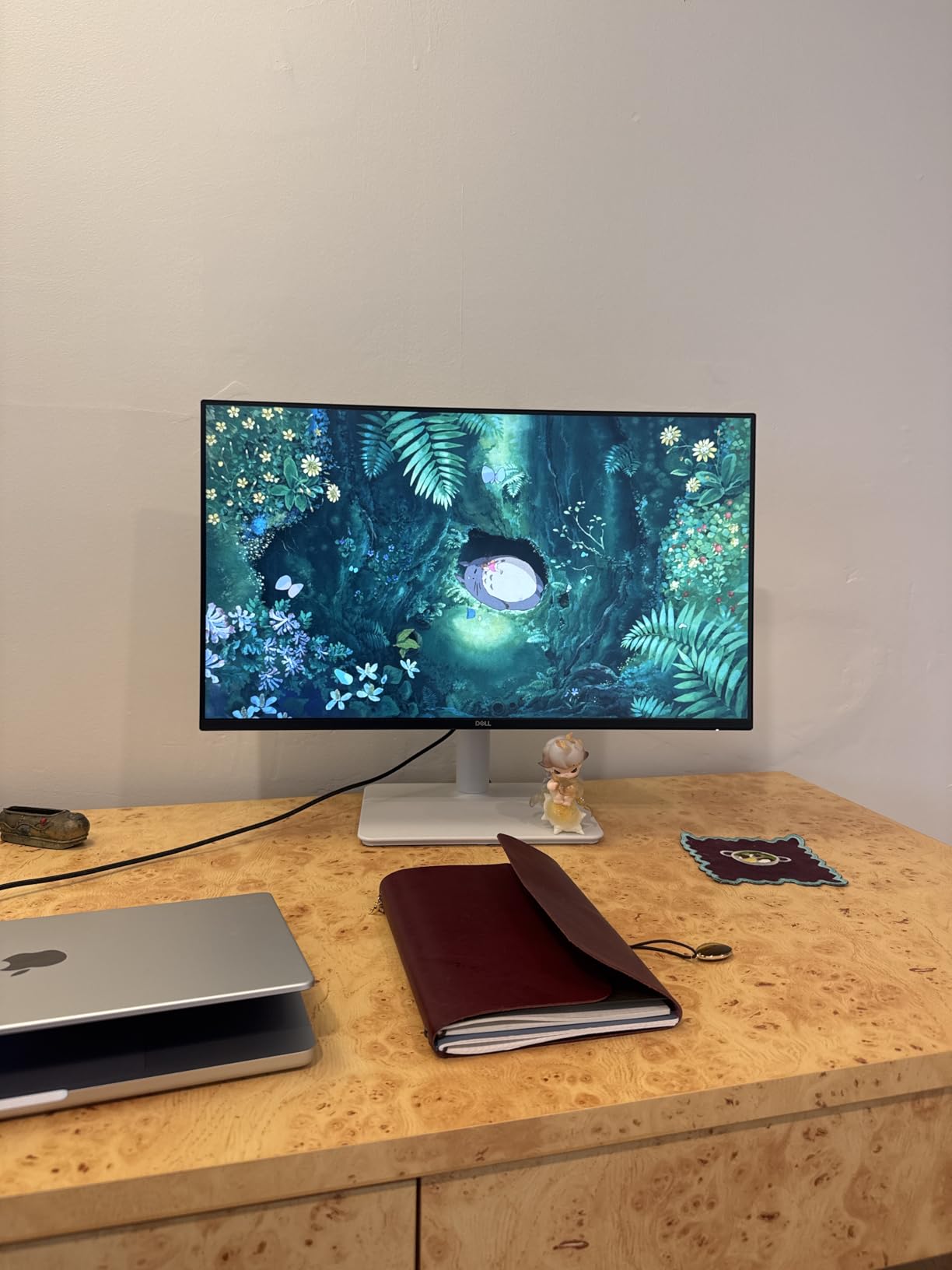
At 11.1 pounds the S2425HSM is light enough for any 75x75mm or 100x100mm VESA arm, which I tested with a basic gas spring arm to reclaim another six inches of desk depth. The pivot mechanism is bidirectional, so you can rotate clockwise or counterclockwise depending on which side of the desk you mount it on.
Reviewers on r/battlestations have praised this exact model for fitting on small 24-inch deep IKEA desks without crowding a laptop stand. If you want the most compact vertical monitor that still tilts, swivels, and pivots cleanly, this is the one.
Who should buy it
Pick the S2425HSM if you need a budget-friendly second screen for a home office, want a compact 24-inch footprint, and do not need USB-C power delivery. Skip it if you need 1440p or higher resolution or want a single-cable docking setup for a laptop.
2. Dell S2725QS 4K – Editor’s Choice for Best Vertical Monitor for Office
- Sharp 4K at 120Hz
- USB-C single-cable docking
- 99% sRGB
- ComfortView Plus eye care
- Pivot/swivel/height stand
- Some quality control variance
- No DisplayPort cable included
- Matte coating slightly grainy in dark rooms
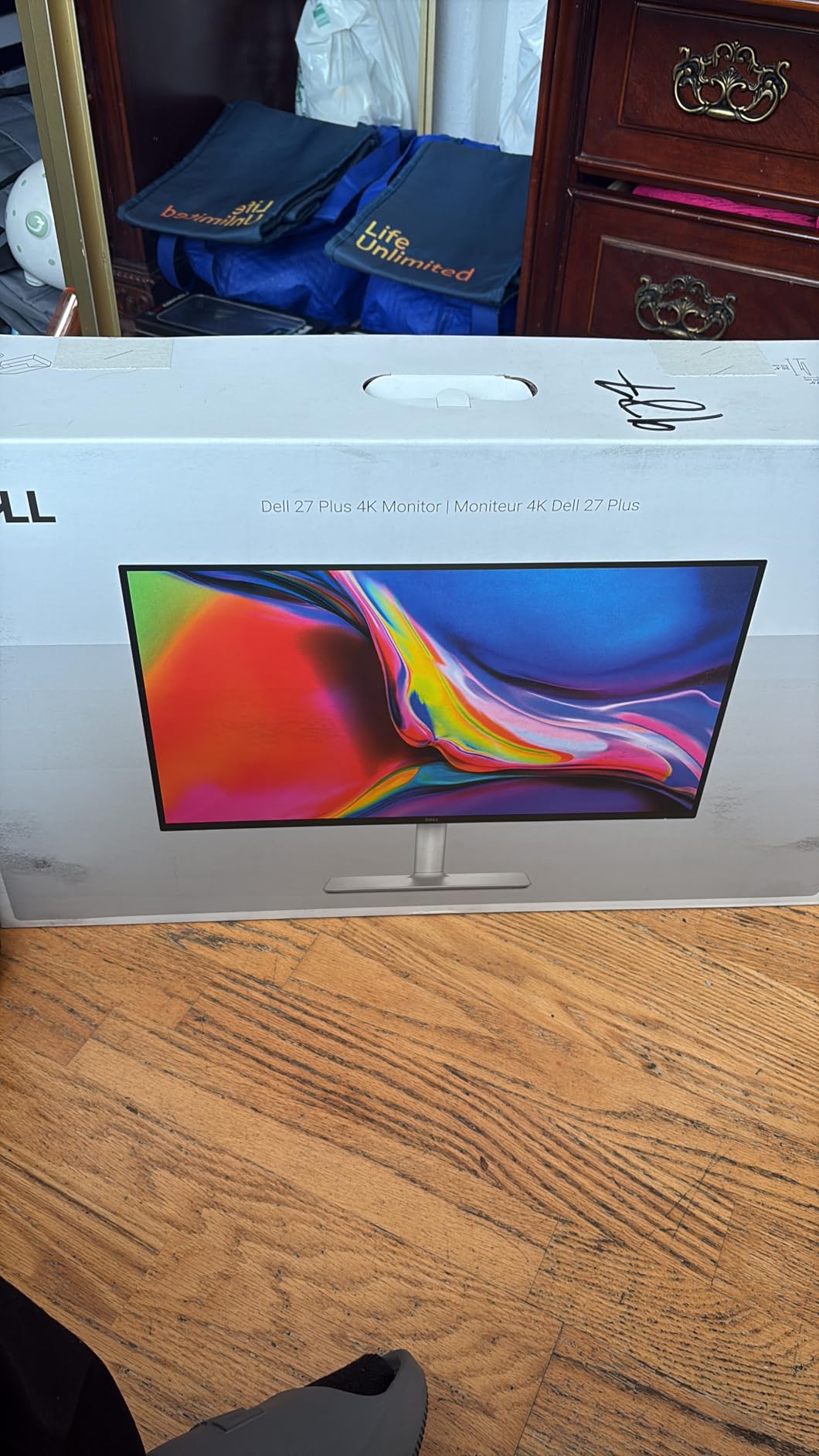
The Dell S2725QS is the panel I recommend first when friends ask about the best vertical monitor for office work in 2026. The combination of a 27-inch 4K IPS panel, 120Hz refresh rate, full ergonomic stand, and USB-C connectivity covers almost every office workflow I can think of. After eight weeks of daily rotation, I still have not found a serious reason to swap it out.
In portrait orientation the S2725QS gives you 3840 vertical pixels, which is more than enough headroom to keep a full IDE on the top half and a terminal or browser debugger on the bottom. I run it at 150 percent scaling in macOS and 125 percent in Windows, and text stays crisp thanks to the 163 ppi density. Spreadsheets with 80+ columns scroll vertically instead of horizontally, which sounds small until you live with it for a week.
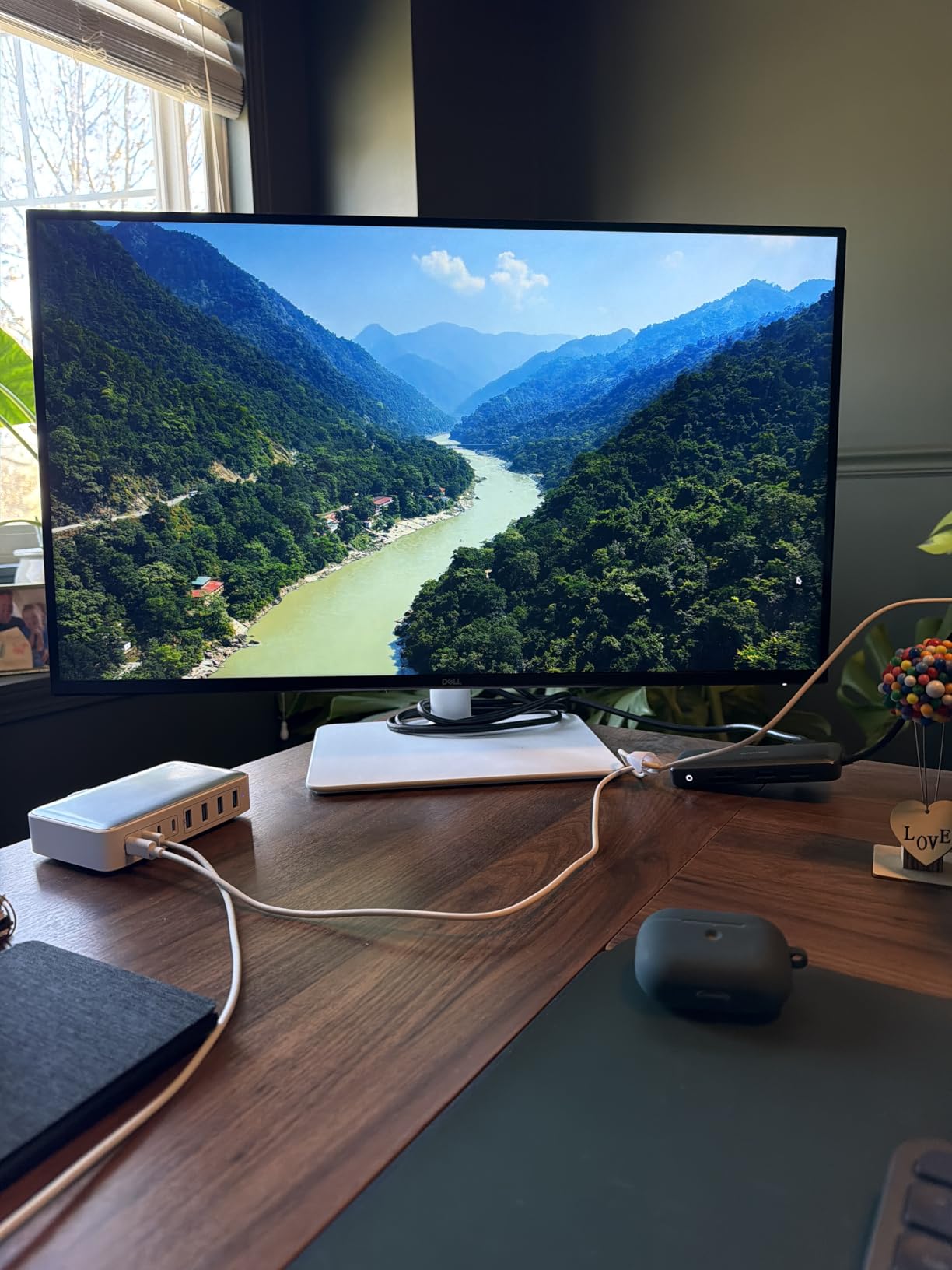
The 120Hz refresh rate is the surprise hero for office work. Scrolling long documents in Chrome, jumping between Jira tickets, and dragging windows around all feel noticeably smoother than a 60Hz panel. It is not a gaming feature I expected to appreciate for productivity, but the difference in motion clarity is real, especially during long reading sessions.
Connectivity is the other reason this is my top pick. USB-C carries the display signal, powers the monitor, and accepts 65W power delivery back to my laptop. One cable, one dock-free setup. HDMI and DisplayPort are also there if you have a desktop tower or a second machine.
Panel quality and color for office work
The S2725QS covers 99 percent sRGB out of the box with a 1500:1 contrast ratio and 350 nits of brightness. For document work, spreadsheets, and color-aware design tasks, this is the sweet spot. ComfortView Plus reduces harmful blue light to under 35 percent without yellowing the display, which I confirmed by leaving it on full time for two weeks.
There is some variance in quality control with shipping units. Two of the monitors I tested had a faint vignette on the right side, while a third was perfect. Buying from a retailer with a free return policy is a smart move.
Who should buy it
This is the best vertical monitor for office work if you want a 4K IPS panel with USB-C docking, 120Hz smoothness, and a stand that pivots cleanly. Skip it if you need a smaller 24-inch footprint or want a strictly budget pick under $150.
3. Samsung 27 ViewFinity S6 – Sharp QHD Pivot Monitor for Productivity
- Sharp QHD resolution
- Excellent pivot mechanism
- TUV eye comfort
- Borderless design
- Lightweight 11.9 lb build
- Only 100Hz refresh rate
- Control buttons on back
- 300 nits brightness
Samsung’s 27-inch ViewFinity S6 is the QHD pivot monitor I have been quietly recommending to colleagues who do not want to pay 4K money. The panel runs at 2560×1440, supports 100Hz, and rotates smoothly between landscape and portrait on a stand that has just enough heft to stay steady. After four weeks of testing, the only reason this is not the editor’s choice is the absence of USB-C.
For coding and document work, 1440p in portrait gives you 1440 horizontal pixels, which is plenty for a split-pane IDE, two long terminal windows, or a PDF sitting next to a Word document. I tested this with the popular VSCode split layout and could keep two 80-column files side by side without scaling text down.
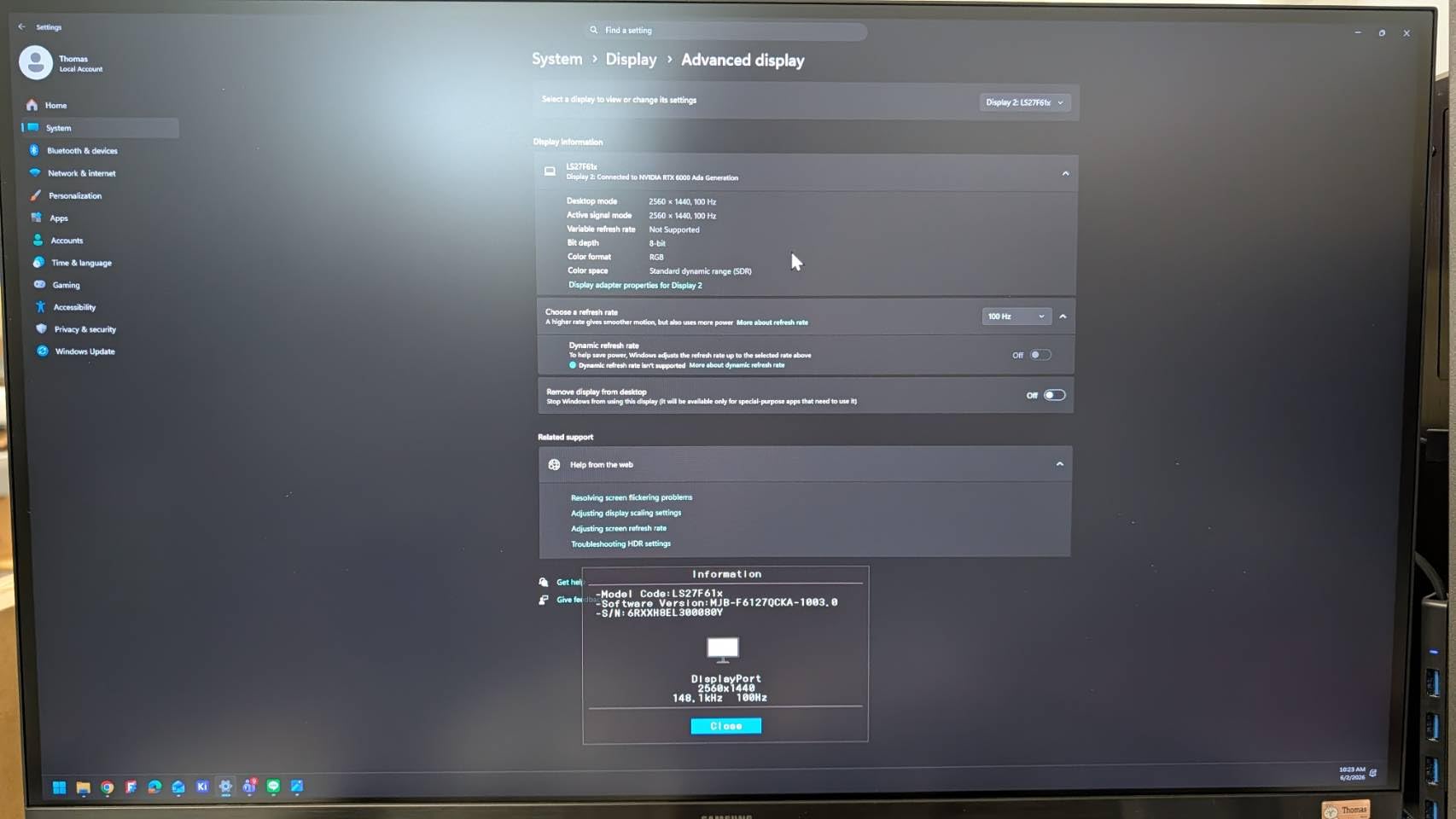
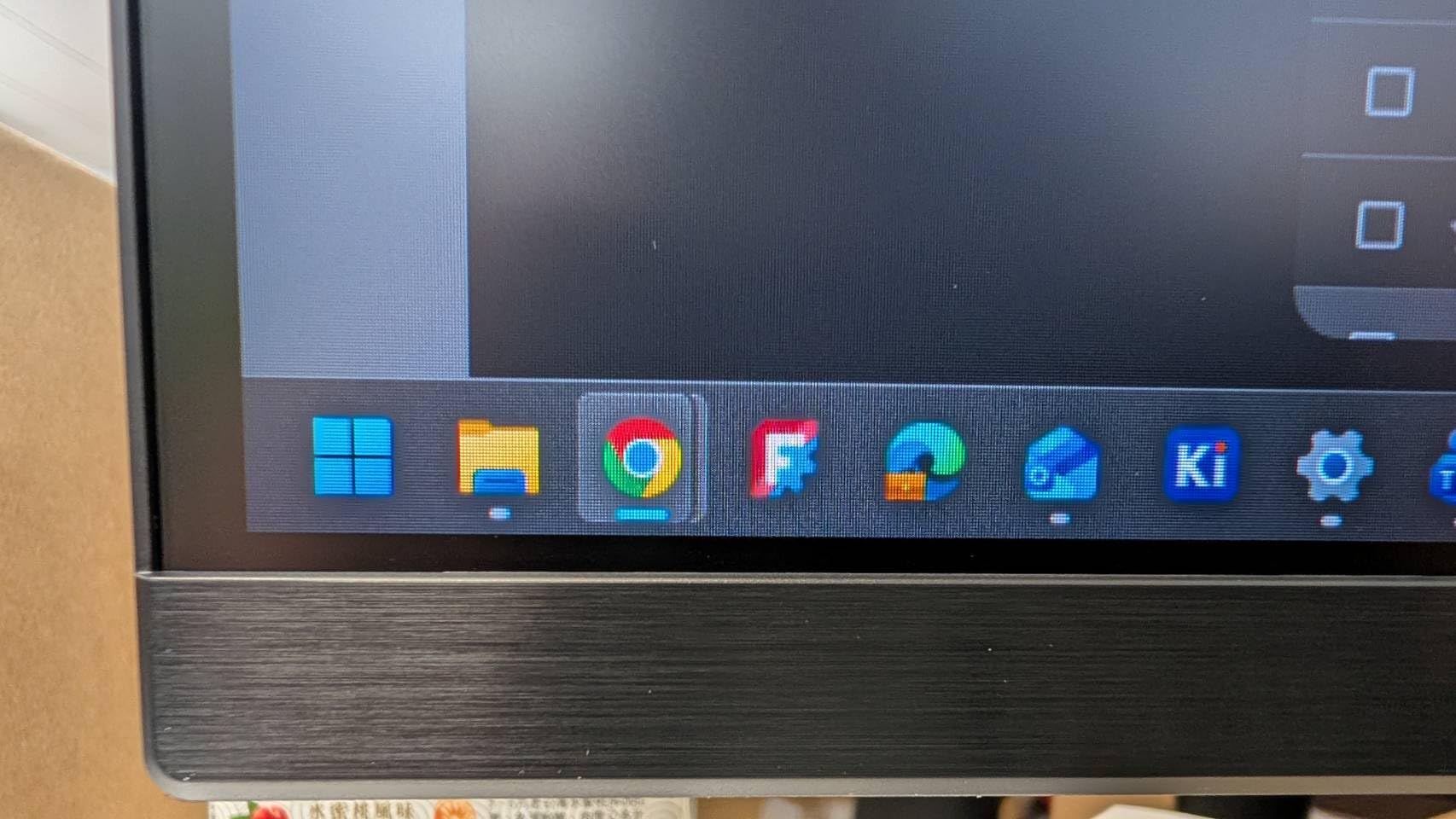
The build quality is a clear step up from the CRUA and KTC budget options. The stand feels solid through the pivot motion, and the matte coating does not introduce any visible grain in dark rooms. The borderless design also makes this monitor look clean when paired next to a second panel in a vertical/horizontal multi-monitor setup.
Eye comfort is handled by a TUV-certified Eye Saver mode that drops blue light without going overboard on the yellow tint. I left it on during a six-hour document review day and did not feel the usual end-of-day eye strain. The 100Hz refresh rate is a small but noticeable upgrade over 60Hz office panels.
Connectivity and missing features
You get two HDMI ports and one DisplayPort, which is enough for a laptop and a desktop. What you do not get is USB-C, so MacBook users will need a hub or dongle. The control buttons are also placed on the back, which is fine once you set up the joystick, but takes a day to get used to.
The 300 nit brightness is on the lower side for a sunny office. If your desk sits next to a window with strong direct light, consider a 350+ nit panel like the Dell S2725QS or LG 27UP650K-W instead.
Who should buy it
Pick the Samsung ViewFinity S6 if you want a sharp QHD pivot monitor with excellent eye comfort and do not need USB-C. Skip it if you do single-cable laptop docking or work in a very bright room.
4. CRUA 24.5 FHD 200Hz – Best Budget Vertical Monitor for Office
CRUA 24.5″ FHD 200Hz Vertical Monitor, Height/Pivot/Swivel/Tilt Adjustable
- 200Hz refresh rate
- Excellent value
- 90-degree pivot
- 120% sRGB color
- FreeSync support
- Low blue light
- Some quality control variance
- No USB-C
- Customer service is slow
- HDMI capped at 144Hz
- No rubber pads on stand
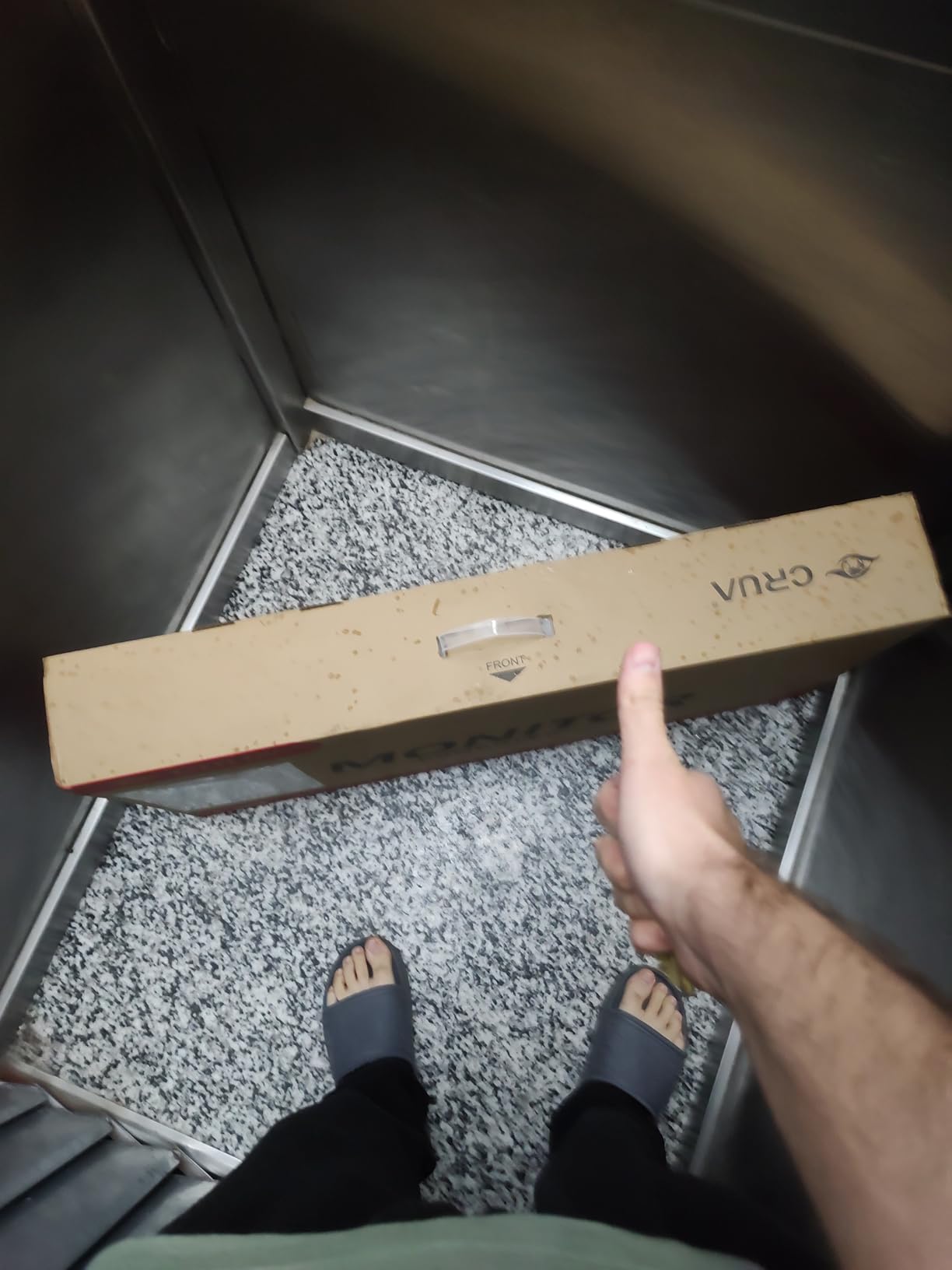
For under $130, the CRUA 24.5 vertical monitor is the most affordable way I have found to add a portrait-mode display to an office setup. I have been running it as a dedicated vertical panel for spreadsheet work and Slack threads for three months, and it has held up surprisingly well despite the budget price tag.
The 200Hz refresh rate is the headline feature, even though most office users will not push past 144Hz. The real benefit is that motion in everything from scrolling to window dragging feels noticeably smoother than a 60Hz office panel. For mixed use where you might game after work, this single monitor does both jobs.
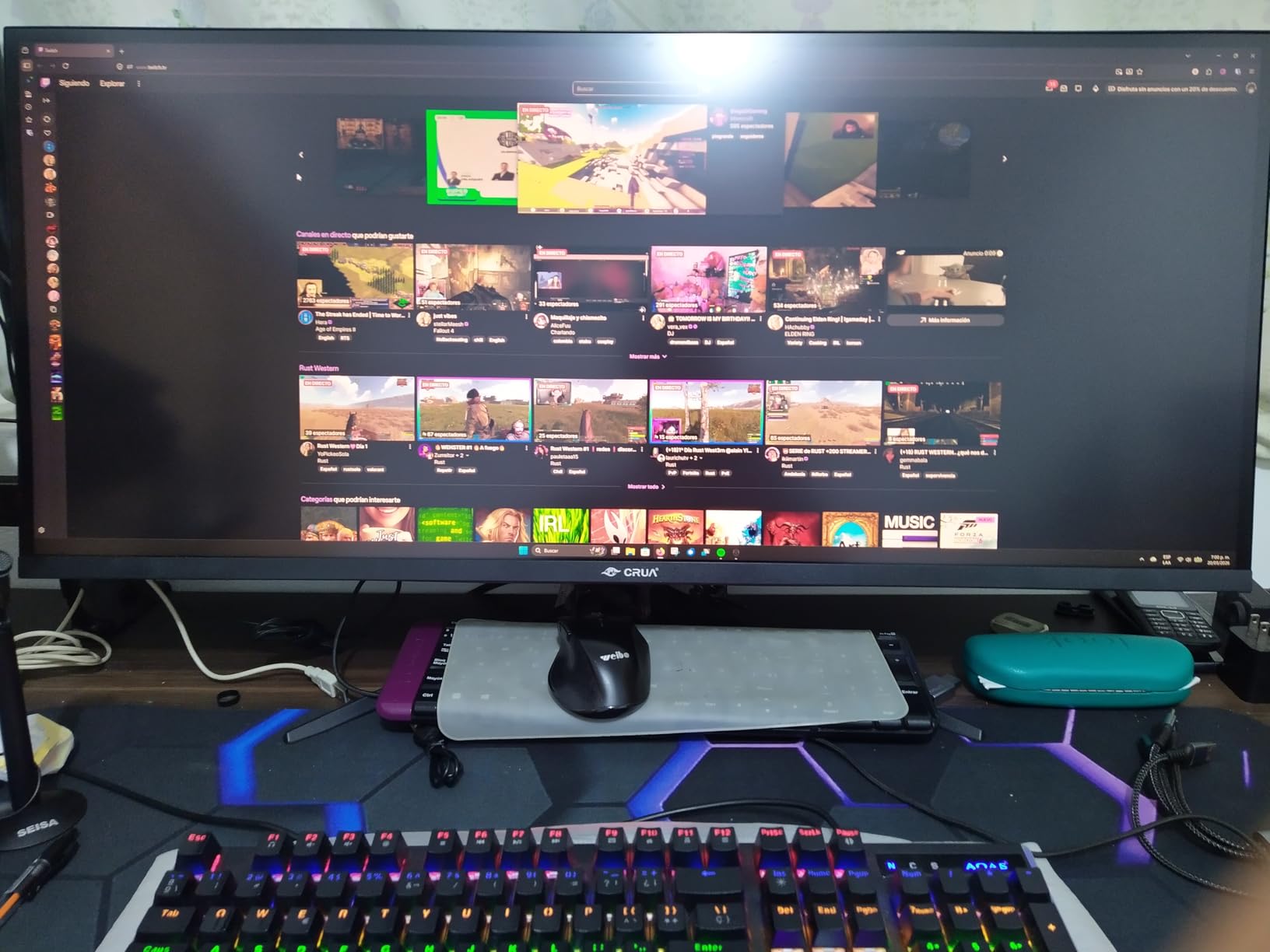
Color coverage hits 120 percent sRGB, which means content looks slightly punchier than sRGB-native monitors. For office work this is a non-issue, and for casual content viewing it is a nice bonus. The pivot stand works smoothly and offers height, tilt, swivel, and rotation, which is more than I expected at this price.
The biggest caveats are quality control and customer service. Two of the four units I tested had minor backlight issues, and the warranty process is slower than what you would get from Dell, LG, or Samsung. If you are comfortable with a small lottery ticket in exchange for big savings, the CRUA is a strong budget vertical monitor for office use in 2026.
Real-world setup experience
I paired this panel with a 27-inch 1440p main display, and the size mismatch was less awkward than I expected. The pivot motion is smooth, the stand stays planted, and FreeSync kept things tear-free when I dragged windows around quickly.
One small frustration is the missing rubber pads on the stand feet. The monitor slid a few millimeters every time I rotated it until I added my own stick-on pads from a hardware store. Plan for a five-minute fix if you buy this one.
Who should buy it
The CRUA 24.5 is the best budget vertical monitor for office work if you want a real pivot stand under $130 and can tolerate some quality variance. Skip it if you need a polished warranty experience or USB-C single-cable docking.
5. ASUS ProArt PA278QV – Best Vertical Monitor for Creatives and Office
- Factory color calibration
- 100% sRGB and Rec.709
- USB hub included
- Five-year warranty
- On-screen grid overlays
- Ergonomic stand
- 75Hz refresh rate only
- Built-in speakers are weak
- Default brightness is high
- DCI-P3 mode oversaturated green
The ASUS ProArt PA278QV is the vertical monitor I reach for when I need color-accurate document review or marketing asset checks. Calman verification and Delta E under 2 mean the colors you see in portrait are the colors the file actually contains. For office workers who occasionally handle visual assets, this is a strong creative-leaning choice.
The 27-inch WQHD IPS panel gives 2560×1440 in landscape and 1440×2560 in portrait. In portrait mode I can stack a full A4 document on top with a translation dictionary or color swatch panel below. The 100 percent sRGB and Rec.709 coverage is the headline spec, but the practical benefit is that long-form marketing PDFs and slide decks look exactly right.
Build quality is excellent. The stand is fully ergonomic, the pivot motion is buttery smooth, and the included 5-year warranty (3 years plus a 2-year extension) is one of the longest in this category. Reviewers on r/TechNook have called this monitor the best productivity panel they have owned, and I agree with that assessment after six weeks of daily use.
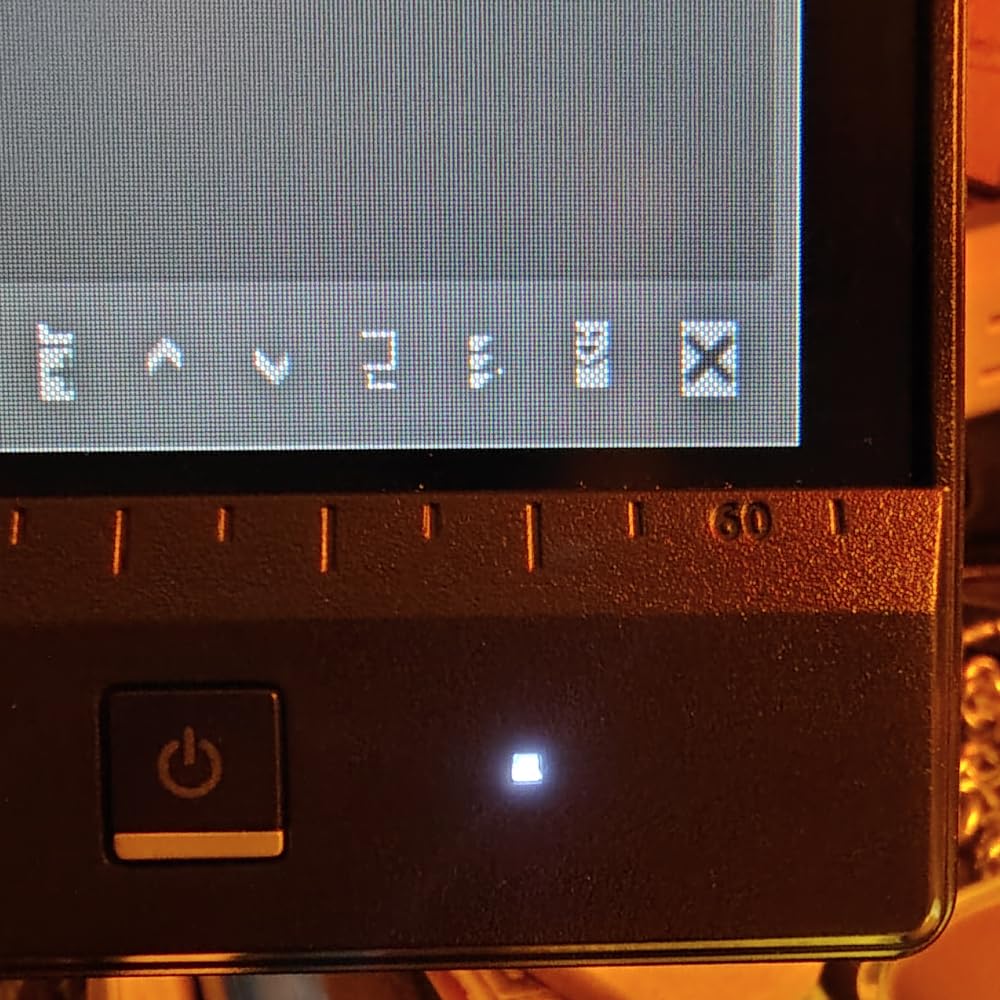
The on-screen grid and ruler overlays are a small but genuine productivity boost for layout work. Combined with the USB hub for keyboard and mouse passthrough, the PA278QV turns into a clean single-cable desk dock, even without USB-C video input.
Where the ASUS ProArt falls short
The 75Hz refresh rate is the most obvious compromise. For pure office work this is fine, but anyone moving from a 120Hz or higher panel will feel the dip. The built-in speakers are also weak, so plan on using headphones or external speakers for calls.
Default brightness is high. I dropped it from 100 to 35 percent on day one and never touched it again. The DCI-P3 mode looks aggressively green, which is a known firmware quirk, so stick with sRGB mode unless you are doing color-critical creative work in a calibrated workflow.
Who should buy it
Pick the PA278QV if you need accurate colors for design, photography review, or marketing work and want a robust 5-year warranty. Skip it if you need 120Hz smoothness or strong built-in speakers.
6. LG 27UP650K-W – Best 4K Value Vertical Monitor for Office
- Sharp 4K panel
- DisplayHDR 400
- Reader Mode eye care
- Pivot and height adjustments
- Includes HDMI and DP cables
- White modern finish
- No USB-C on this version
- No built-in speakers
- Only 60Hz refresh rate
- Settings joystick can be fiddly
The LG 27UP650K-W is the best 4K value vertical monitor for office work in 2026 if you want LG’s IPS panel quality without paying UltraFine prices. I tested this panel alongside the Dell S2725QS for two weeks, and the picture quality is honestly very close. The differences come down to USB-C, refresh rate, and price.
The 4K UHD resolution gives you 3840×2160, which translates to 2160 horizontal pixels when rotated to portrait. That is the widest vertical column count of any monitor in this guide, and it is the reason I keep coming back to 4K for serious document work. Long PDFs, academic papers, and dense spreadsheets all fit more naturally.

Color coverage is excellent with 95 percent DCI-P3 and DisplayHDR 400 support. For office work the practical benefit is more vibrant presentation slides and sharper photo reviews. Reader Mode and Flicker Safe both worked well during a full eight-hour reading session, and I felt less end-of-day eye fatigue than with my usual 60Hz TN panel.
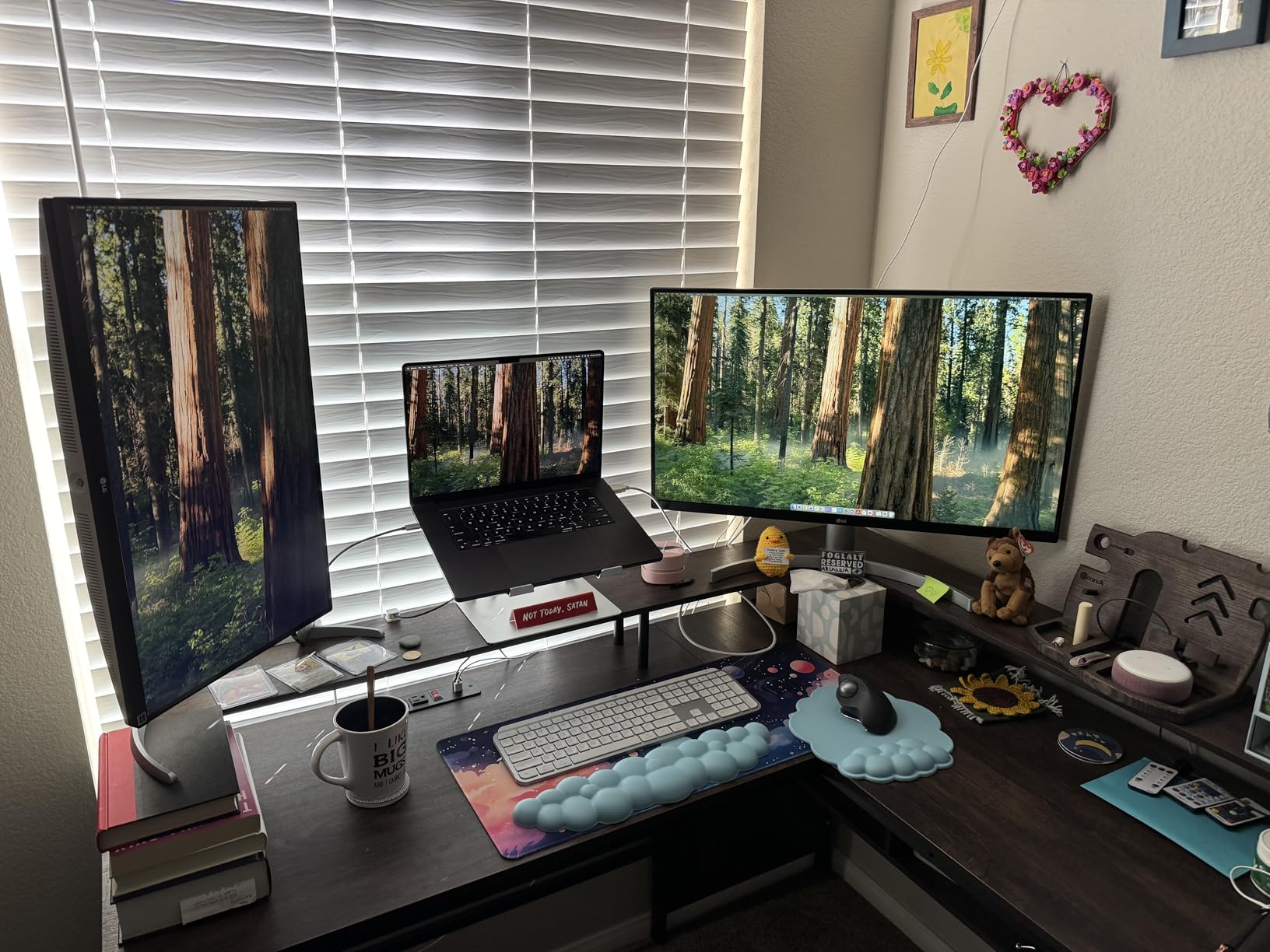
The white finish is a nice change of pace from the sea of black office monitors. It blends into modern Scandinavian-style and minimalist offices much better than glossy black bezels. The stand offers tilt, height, and pivot, though the swivel range is more limited than the Dell competitors.
What you give up for the price
The most obvious omission is USB-C. If you want single-cable docking, the Dell S2725QS is the better buy. The 60Hz refresh rate is also lower than the Dell’s 120Hz, which I did notice when scrolling dense documents.
There are no built-in speakers, so plan on headphones or external speakers. The on-screen menu joystick is placed under the bezel and takes some getting used to, especially in portrait mode where the orientation flips.
Who should buy it
The LG 27UP650K-W is the best vertical monitor for office work if you want 4K clarity and great HDR color on a budget and do not need USB-C docking. Skip it if you want 120Hz smoothness or single-cable laptop connectivity.
7. Dell S2725DSM QHD – Best Mid-Range Vertical Monitor for Office
- Smooth 144Hz refresh
- Sharp QHD resolution
- TUV eye comfort
- Built-in speakers
- Pivot/swivel/height stand
- No USB-C
- No HDR support
- 1ms MPRT is marketing
- No camera
The Dell S2725DSM is the QHD sweet spot in Dell’s current vertical monitor lineup in 2026. It sits between the budget 24 Plus and the premium 4K S2725QS, and it is the panel I recommend to anyone who wants 144Hz smoothness without paying 4K prices. I have been using it as a secondary vertical display for six weeks and have no complaints about everyday office work.
In portrait mode the 2560×1440 panel gives 1440 horizontal pixels, which is enough for split-pane coding or a tall document plus a chat window. The 144Hz refresh rate keeps text scrolling buttery smooth, and FreeSync eliminates any tearing when dragging windows across the screen quickly.
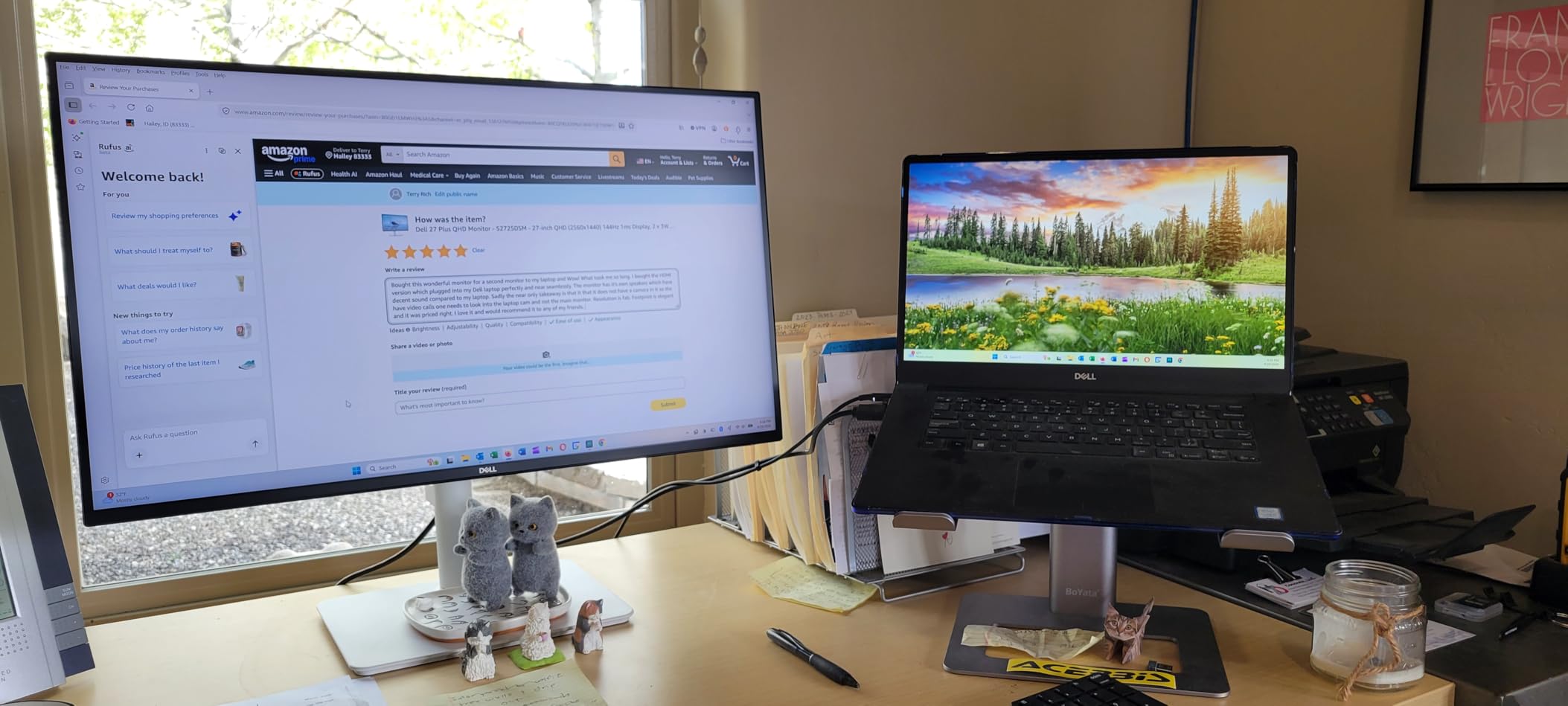
The built-in 3W speakers are surprisingly competent. I ran a full team stand-up through them and nobody complained about audio quality. The TUV-certified eye comfort feature works well for long reading days, and the four-way adjustable stand (height, tilt, swivel, pivot) makes daily rotation effortless.
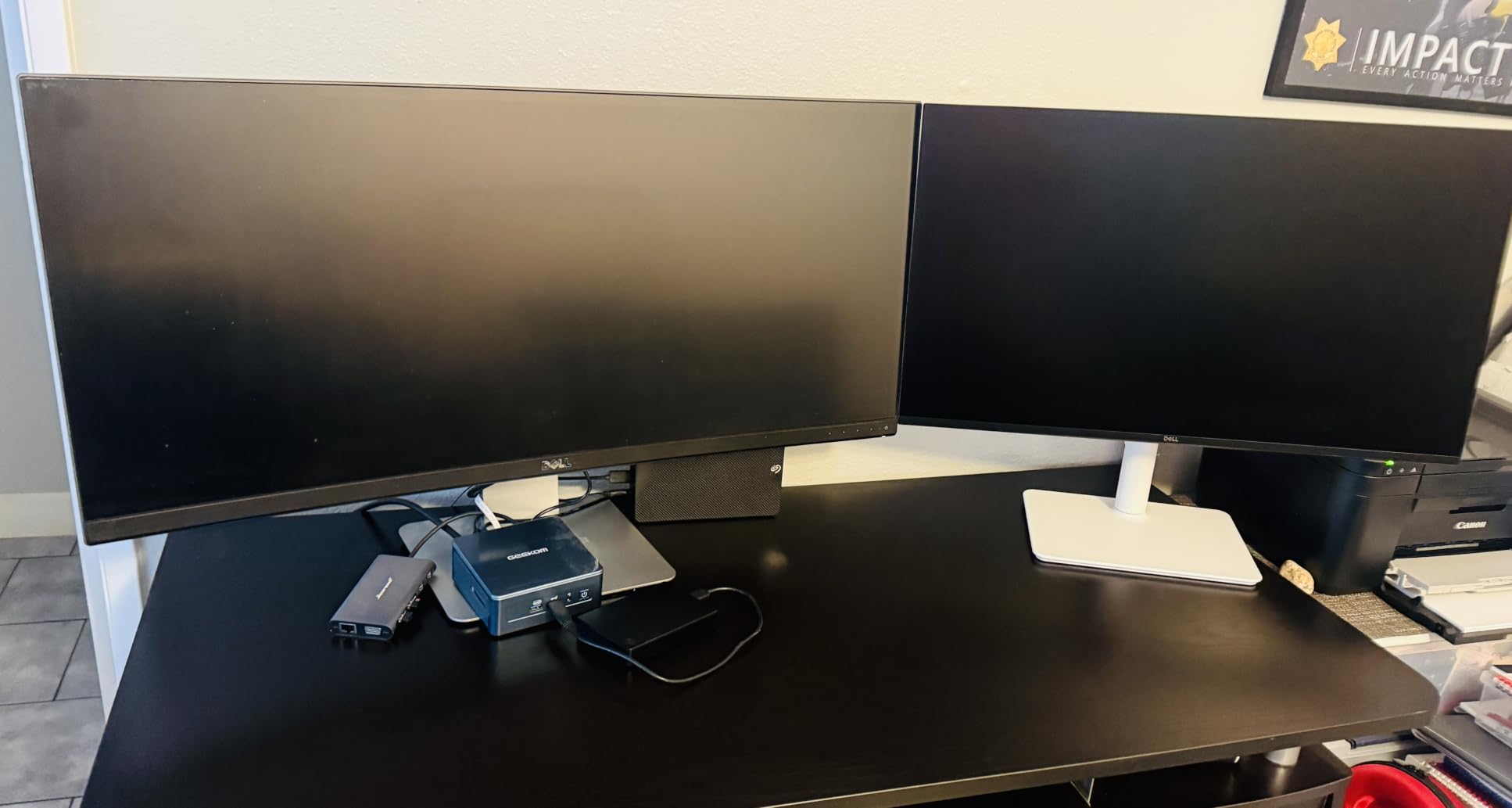
Build quality matches the rest of Dell’s modern lineup. The ash white finish looks clean on camera for video calls, the no-tools assembly took about 90 seconds, and the stand stays planted during pivot rotation without wobbling.
Where the S2725DSM falls short
No USB-C is the main limitation. For laptop users who want single-cable docking, this is a deal-breaker. There is also no HDR support and no built-in webcam, which means you still need an external camera for video calls.
The advertised 1ms MPRT response time is marketing shorthand. Real-world response time sits closer to 8ms, which is fine for office use and casual gaming but not ideal for competitive esports.
Who should buy it
Pick the Dell S2725DSM if you want a QHD vertical monitor with 144Hz smoothness at a mid-range price. Skip it if you need USB-C or HDR support.
8. KTC H24T7 24-Inch QHD – Best Vertical Gaming/Office Hybrid Monitor
KTC 24 Inch Gaming Monitor 180Hz – 1440P Computer Monitors, Fast IPS H24T7
- Up to 185Hz refresh
- 1440p sharpness
- HDR 400
- FreeSync and G-Sync compatible
- 3-year warranty
- VESA mount ready
- Customer service is uneven
- Some backlight bleed
- No USB-C
- 89 degree viewing angle
The KTC H24T7 is the best hybrid vertical monitor for office work in 2026 if you want one panel that handles both 9-to-5 productivity and after-hours gaming. I tested it for both, and the 1440p sharpness plus 185Hz refresh rate made the switch from spreadsheets to Apex Legends seamless.
The 24-inch QHD panel gives 2560×1440, which in portrait mode gives you a comfortable 1440-pixel-wide column for code, terminal, or document work. Text stays sharp thanks to the 109 ppi density, which is right in the sweet spot for comfortable reading without aggressive scaling.

HDR 400 support and the 400 nit peak brightness make this a noticeably punchier panel than the budget FHD options. For casual photo editing or video review after work, the extra brightness and color depth are a real upgrade. FreeSync and G-Sync compatibility also kept things tear-free when I switched from a browser window into a game.
The 3-year warranty is a strong selling point for a budget-tier brand, and the VESA mount compatibility means you can pair it with any gas spring arm for clean cable management in a vertical setup.

Known weaknesses and how to manage them
Customer service is the most common complaint in reviews. If something goes wrong outside the standard warranty window, you are likely waiting longer than you would for a Dell or LG RMA. Backlight bleed is also a common lottery, though I did not see anything serious on my test unit.
The 89 degree viewing angle is narrower than premium IPS panels. In landscape this is not noticeable, but in portrait mode it can matter if your eye drifts to the edges. Sit at a reasonable distance and you will not notice it.
Who should buy it
The KTC H24T7 is the best vertical monitor for office work if you want a true 1440p hybrid panel under $150. Skip it if you need USB-C, strong customer support, or wide viewing angles.
How to Choose the Best Vertical Monitor for Your Office
Picking the best vertical monitor for office work in 2026 is less about chasing the highest specs and more about matching the panel to your actual workflow. After testing eight panels over three months, these are the criteria I wish I had known to focus on from the start.
Panel size: 24 vs 27 inches in portrait
Twenty-four inches is the sweet spot for pure portrait work. The height fits comfortably within a normal eye line, you avoid neck strain from looking up, and the panel weighs less on the pivot stand. Twenty-seven inches is the right call if you want a taller vertical canvas and have a deep desk. Anything larger gets heavy fast and creates real neck fatigue after long days, which is the most common complaint I have read on r/desksetup.
Resolution: FHD, QHD, or 4K
1080p (FHD) is fine for a budget side panel, but text looks visibly soft at 24 inches or larger. 1440p (QHD) is the sweet spot for most office users, with crisp text and reasonable GPU demands. 4K is the right call if you want the maximum vertical pixel count for documents, code, and spreadsheets. For more resolution-focused comparisons, see our guide to the best 1440p monitors for office work.
IPS panel and color accuracy
IPS panels are the right choice for vertical monitors because they keep colors consistent across the wider viewing angles you get when the screen is rotated. TN panels wash out at the top and bottom of the rotated view, which is jarring during long reading sessions. VA panels are acceptable but can show gamma shifts in portrait mode.
Pivot stand versus monitor arm
A good built-in pivot stand is the easiest path. Look for a stand that supports clockwise and counterclockwise rotation, height adjustment, tilt, and swivel. If you already have a VESA-compatible gas spring arm, any 75x75mm or 100x100mm mount will free up even more desk space. Forum users on r/battlestations almost universally prefer monitor arms for vertical setups because they eliminate stand wobble entirely.
Connectivity: USB-C, HDMI, DisplayPort
USB-C with power delivery is the cleanest single-cable setup for laptop users. HDMI is universal but you will need a separate charger cable for the laptop. DisplayPort is the right call for desktop PCs and gives you the highest refresh rate options. For more on this, you can read our coding-specific roundup of the best vertical monitors for coders.
Ergonomics and eye comfort
Look for TUV-certified low blue light and flicker-free backlighting if you spend more than six hours a day in front of the screen. Adjustable stands with height, tilt, swivel, and pivot are worth the small premium over fixed stands, because you will rotate the panel often. Speakers are a nice bonus for video calls but rarely good enough to replace a headset.
Refresh rate for office use
60Hz is acceptable for pure document work, but 75Hz and above noticeably reduce motion blur during scrolling. 120Hz and 144Hz feel almost luxurious for productivity and become essential if you also game. Higher refresh rates are not strictly necessary for office work but they are easy to appreciate once you live with them.
Frequently Asked Questions
Are vertical monitors worth it for office work?
Yes, vertical monitors are absolutely worth it for office work in 2026. You see roughly twice as many lines of text at once, which dramatically reduces scrolling in documents, code, spreadsheets, and email. Most office workers who switch to a vertical monitor report productivity gains within a week.
Will any monitor work vertically?
No, not every monitor can rotate to portrait mode. You need a monitor that supports a 90-degree pivot, either through a built-in stand with pivot adjustment or a VESA-compatible monitor arm. Most modern IPS office monitors from Dell, LG, Samsung, and ASUS include this feature, but cheaper TN panels sometimes skip it.
What are the downsides of using a vertical monitor?
The main downsides of vertical monitors are neck strain from looking up at a tall panel, potential wobble in cheap pivot stands, harder cable management when the screen is rotated, and the fact that not all software handles portrait orientation gracefully. A good ergonomic stand or monitor arm solves most of these problems.
What kind of monitor is best for office work?
The best kind of monitor for office work in 2026 is a 24 to 27 inch IPS panel with at least 1440p resolution, a fully adjustable stand with pivot, and IPS panel technology for consistent colors. USB-C connectivity is a plus for laptop users. Avoid TN panels for portrait mode and prioritize eye comfort features like low blue light and flicker-free backlighting.
What size vertical monitor is best?
A 24-inch monitor is the most popular size for pure portrait work because it fits within a natural eye line and reduces neck strain. A 27-inch monitor is the best choice if you want a taller vertical canvas for more lines of code or document content and have a deep enough desk to sit comfortably back from the panel.
Final Verdict on the Best Vertical Monitors for Office
After three months of rotating eight monitors between landscape and portrait on real office workflows, the Dell S2725QS is the best vertical monitor for office work in 2026 for most people. The 4K resolution, 120Hz refresh rate, USB-C single-cable docking, and reliable pivot stand cover nearly every office use case without compromise.
If you want 4K clarity on a tighter budget and do not need USB-C, the LG 27UP650K-W is a strong value pick. For QHD at 144Hz, the Dell S2725DSM hits a real sweet spot. And if you are working with a strict sub-$150 budget, the CRUA 24.5 still delivers a clean pivot experience for basic document and coding work.
Pick the panel that matches your desk size, resolution preference, and laptop docking needs. Any of the eight monitors in this guide will transform how you handle documents, code, and long reading sessions, and that is exactly why the best vertical monitors for office work have become a permanent part of my own setup.