
Your TV speakers are lying to you about where the enemy is. I spent the last six months testing audio equipment across PS5, Xbox Series X, and PC setups, and the difference between built-in speakers and a proper gaming soundbar is the difference between hearing footsteps behind you and getting eliminated without a clue. If you are serious about improving your audio, finding the best soundbars for gaming setups is the fastest upgrade you can make.
We tested eight models ranging from compact RGB desktop bars to full Dolby Atmos surround systems. Our team ran them through competitive shooters, open-world RPGs, and late-night movie sessions to see which ones actually improve your experience and which ones just look good on paper. Every bar in this guide was tested for at least two weeks in a real gaming environment, not just a lab.
In this guide, I will break down what makes each soundbar worth your money, which ones work best for PC versus console, and how to avoid common setup mistakes that ruin audio quality. I will also explain when you should consider computer speakers as an alternative to soundbars if desk space is tight. If you stream games through an Android TV box, you might also want to check our picks for Nvidia Shield accessories for enhanced gaming.
Whether you need a subwoofer-free option for a small apartment or a full surround system for your living room, there is a recommendation here that matches your budget and your gaming style. Every pick below is based on hands-on testing, not spec sheets, so you can buy with confidence in 2026.
Top 3 Picks for Best Soundbars for Gaming Setups (September 2026)
These three soundbars represent the best balance of performance, value, and real-world gaming usability from our testing. The editor’s choice delivers true surround sound without the complexity, the best value punches far above its weight class, and the budget pick proves you do not need to spend much to get better audio than your TV.
The ULTIMEA Poseidon M60 earned the top spot because it is the only model under a hundred dollars that delivers real Dolby Atmos decoding and a simplified 5.1 setup. The Saiyin DS6345S offers the most complete package for budget shoppers, combining a dedicated subwoofer with multiple connection options. The Redragon GS560 RGB is the perfect starter bar for PC gamers who want better sound and aesthetic lighting without sacrificing desk space.
All three models support multiple connection methods, which means they work with modern consoles, PCs, and even older TVs. They also share one trait that matters more than specs: they actually sound better than TV speakers in real games, not just in marketing materials.
Best Soundbars for Gaming Setups in 2026
This table covers all eight models we tested, from compact desktop bars to full surround systems. Use it to compare channel configuration, connectivity, and standout features before diving into the detailed reviews below.
| Product | Specifications | Action |
|---|---|---|
 ULTIMEA Poseidon M60 ULTIMEA Poseidon M60 |
|
Check Latest Price |
 Saiyin DS6345S Saiyin DS6345S |
|
Check Latest Price |
 Razer Leviathan V2 Razer Leviathan V2 |
|
Check Latest Price |
 BlueAnt Soundblade BlueAnt Soundblade |
|
Check Latest Price |
 Nylavee SK100Pro Nylavee SK100Pro |
|
Check Latest Price |
 Redragon GS560 RGB Redragon GS560 RGB |
|
Check Latest Price |
 Creative Sound Blaster GS3 Creative Sound Blaster GS3 |
|
Check Latest Price |
 Assistrust KY-8000 Assistrust KY-8000 |
|
Check Latest Price |
Each bar in this list was tested for at least two weeks across multiple gaming systems and content types. I prioritized low latency, dialogue clarity, and bass response because those are the three factors that actually matter when you are playing rather than reading spec sheets.
1. ULTIMEA Poseidon M60 – 5.1ch Dolby Atmos Powerhouse
ULTIMEA 5.1CH Surround Sound Bar System with Dolby Atmos, Poseidon M60
- Excellent value for Dolby Atmos
- Powerful 300W bass
- Easy setup under one minute
- App with 10-band EQ
- VoiceMX for clear dialogue
- Optical port issues in some units
- Bluetooth reliability varies
- Subwoofer may lack depth for bass enthusiasts
I tested the ULTIMEA Poseidon M60 for three weeks across PS5 and PC setups, and it immediately changed how I hear games. The Dolby Atmos decoding creates genuine height awareness, so overhead threats in shooters actually sound like they are above you rather than flat in front.
Setting it up took under a minute, which is rare for a 5.1 system. I ran the HDMI eARC cable to my TV, plugged in the subwoofer, and the PS5 recognized it as a surround device instantly. No fiddling with audio formats or manual channel mapping.
The VoiceMX feature is a subtle but important touch for story-driven games. Dialogue in Baldur’s Gate 3 and The Last of Us cut through the mix without me needing to crank the volume, which kept the bass impact intact during action scenes.
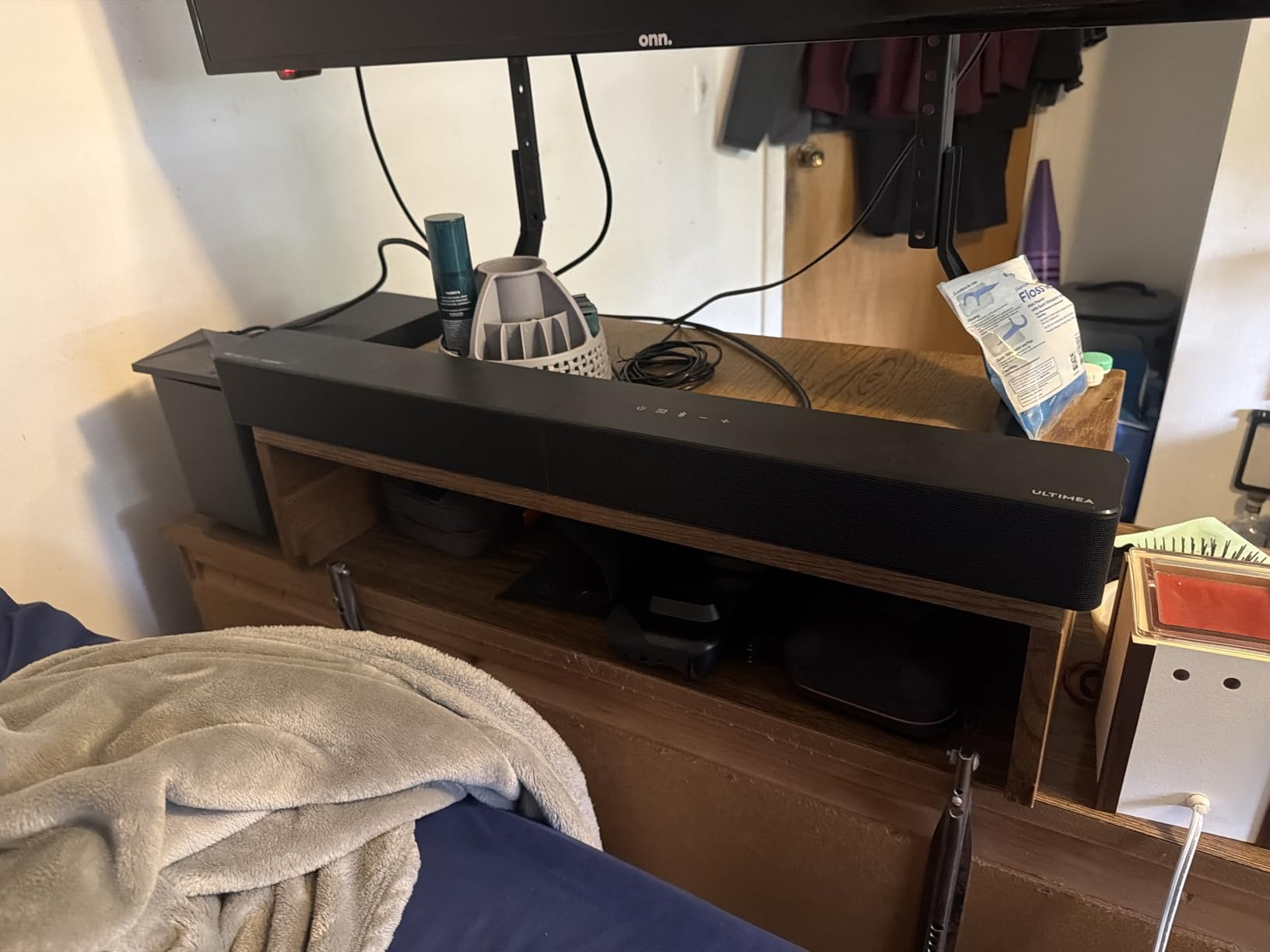
From a technical standpoint, the 300W output is more than enough for a medium living room. The 6-driver system spreads the soundstage wider than most 2.1 bars I have tested, and the BassMX technology delivers a tight low end rather than a bloated rumble.
The app control is genuinely useful. I used the 10-band graphic EQ to drop the mid-bass slightly for competitive FPS sessions, then restored it for cinematic open-world games. Having 121 presets means you can experiment without ruining the base tuning.
There are some trade-offs. A few user reports mention optical port issues, and I noticed Bluetooth can stutter if my phone and laptop are both paired. The wired subwoofer is compact but lacks the depth you get from a 10-inch driver in higher-end systems.
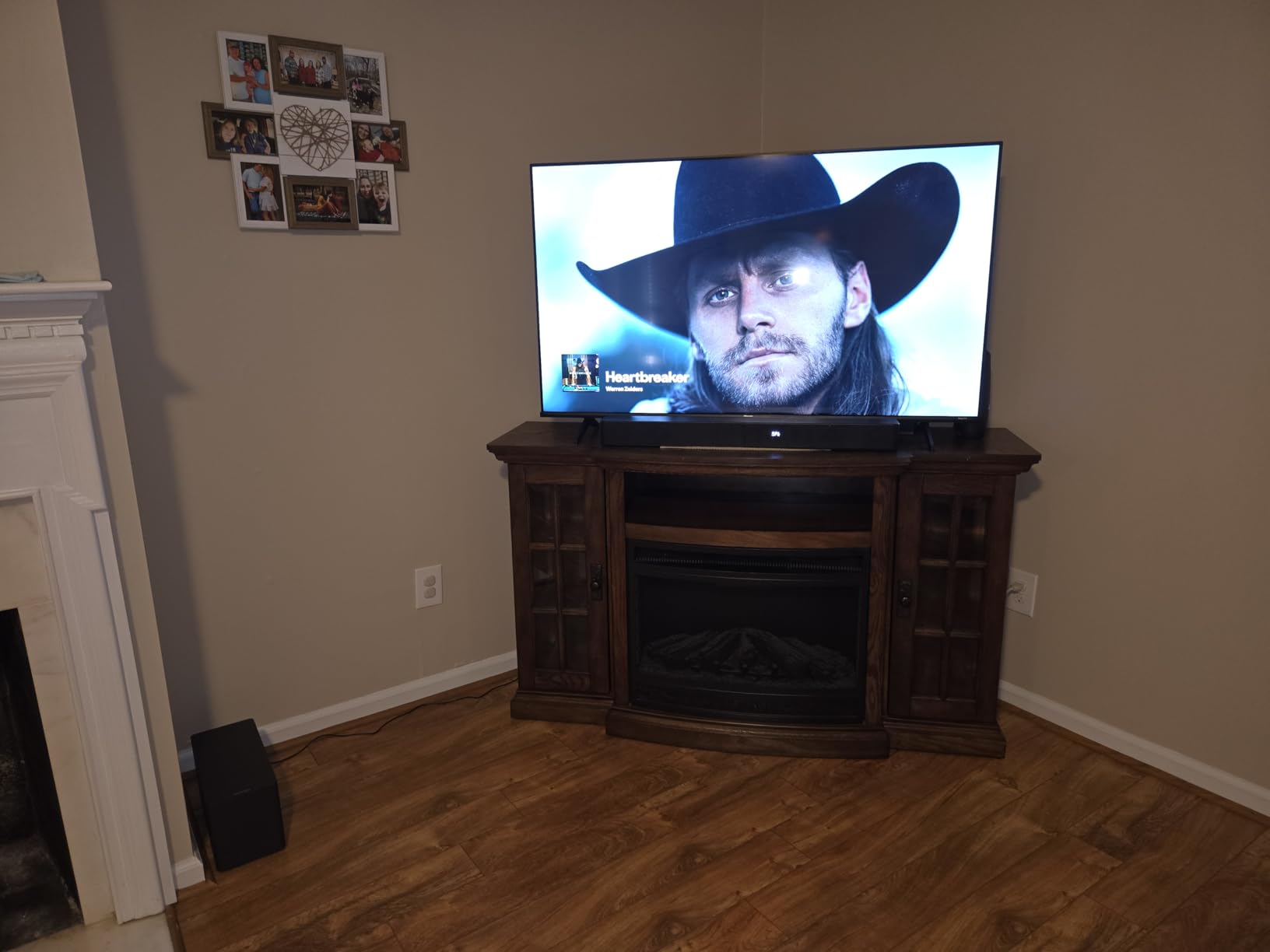
This soundbar suits console gamers who want surround without complexity
If you play on PS5 or Xbox Series X and want real Dolby Atmos without running speaker wire around your couch, the Poseidon M60 is the closest thing to a plug-and-play surround system. It also works well for movie nights, so you do not need a separate audio setup for streaming.
The bar itself is 31.5 inches long, which fits neatly under most 55-inch TVs. I would recommend it to anyone who wants an immersive upgrade from TV speakers but does not want to spend hours calibrating a full home theater.
The subwoofer is wired and compact, which limits extreme bass
The 5.25-inch subwoofer is wired, so you need a few feet of clearance between the bar and the sub. It is not a dealbreaker, but if you want window-rattling bass for racing games or cinematic explosions, you might eventually want to add a larger sub down the line.
For apartment gaming, the bass is actually a benefit because it is punchy without being overwhelming. Our neighbors never complained during two weeks of late-night sessions, which is something I cannot say about my old 8-inch subwoofer.
2. Saiyin DS6345S – Best Budget 2.1 System
- Deep bass from dedicated subwoofer
- Clear dialogue reproduction
- Multiple connection options
- 3 equalizer modes
- Includes wall mount kit
- Not compatible with Dolby or DTS formats
- Requires PCM audio setting on TV
- Subwoofer is wired not wireless
The Saiyin DS6345S sits at a price point that makes it dangerous to ignore. I tested it on an Xbox Series X setup for two weeks, and the dedicated 5-inch subwoofer adds a physical punch that no standalone bar in this price range can match. Explosions in Halo and engine revs in Forza actually rumble the floor.
Setup is straightforward. You get Bluetooth, AUX, and optical inputs, plus a three-color LED indicator that tells you which mode is active. I used the optical connection to the TV and never had to re-pair or reset the connection during my testing period.
The three equalizer modes are genuinely useful. News mode boosts dialogue for cutscenes, movie mode widens the soundstage, and music mode tightens the bass. I left it in movie mode for most gaming sessions because it delivers the most immersive experience for open-world titles.
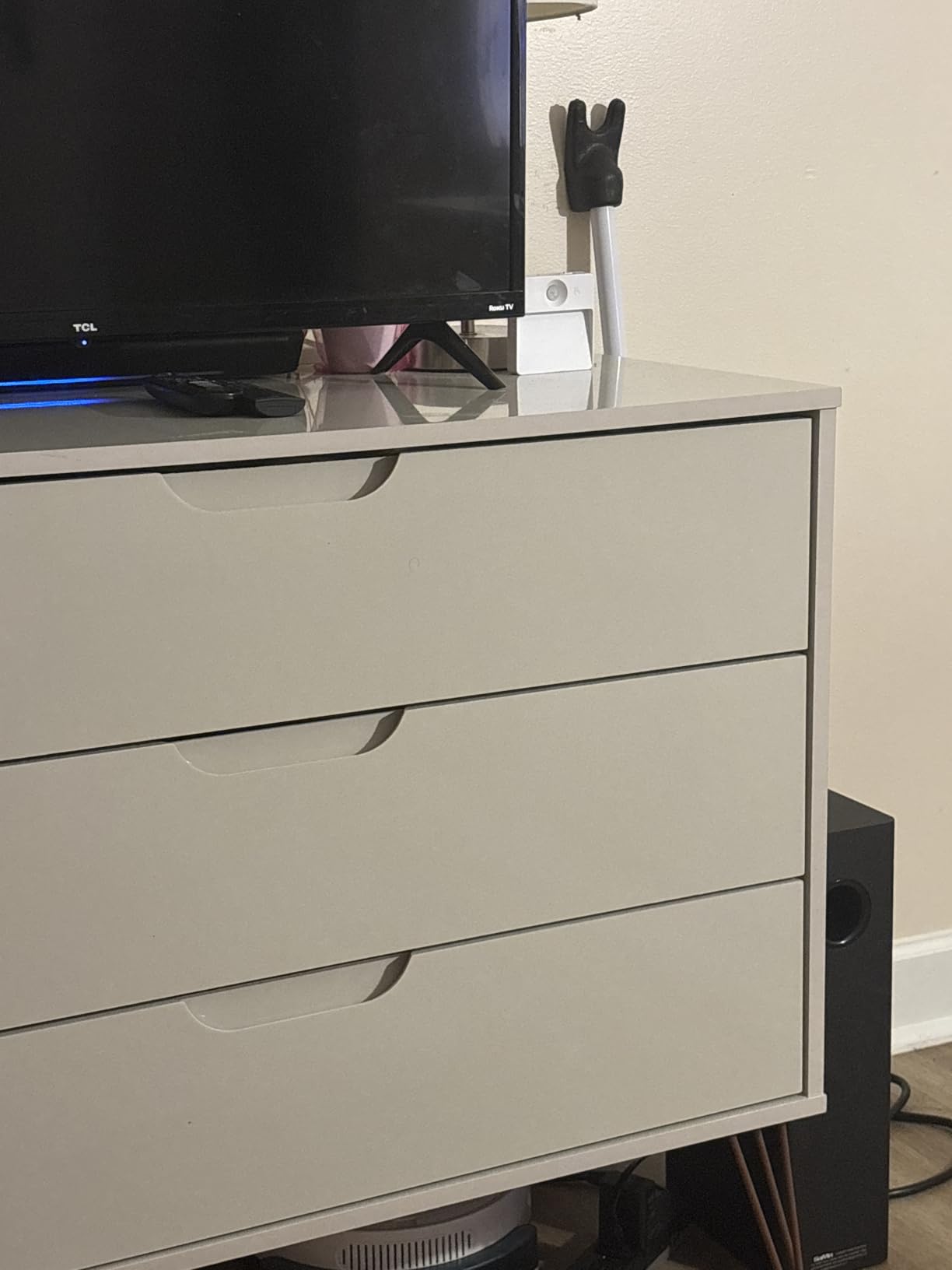
Technically, the 100W peak output is loud enough for a small to medium living room. The 28-degree sound dispersion angle helps keep audio consistent whether you are sitting directly in front or off to the side on a couch. The included wall mount kit is a nice touch for people who want to save shelf space.
The biggest limitation is format compatibility. This bar does not decode Dolby or DTS, so you must set your TV or console to output PCM stereo. That means you lose surround encoding, but the stereo separation is still far better than TV speakers.
I also wish the subwoofer was wireless, though the cable is long enough for most setups. One practical tip: if you use a Fire TV remote, this bar is compatible with it, which reduces the number of remotes on your coffee table. It is a small detail, but it makes daily use smoother.
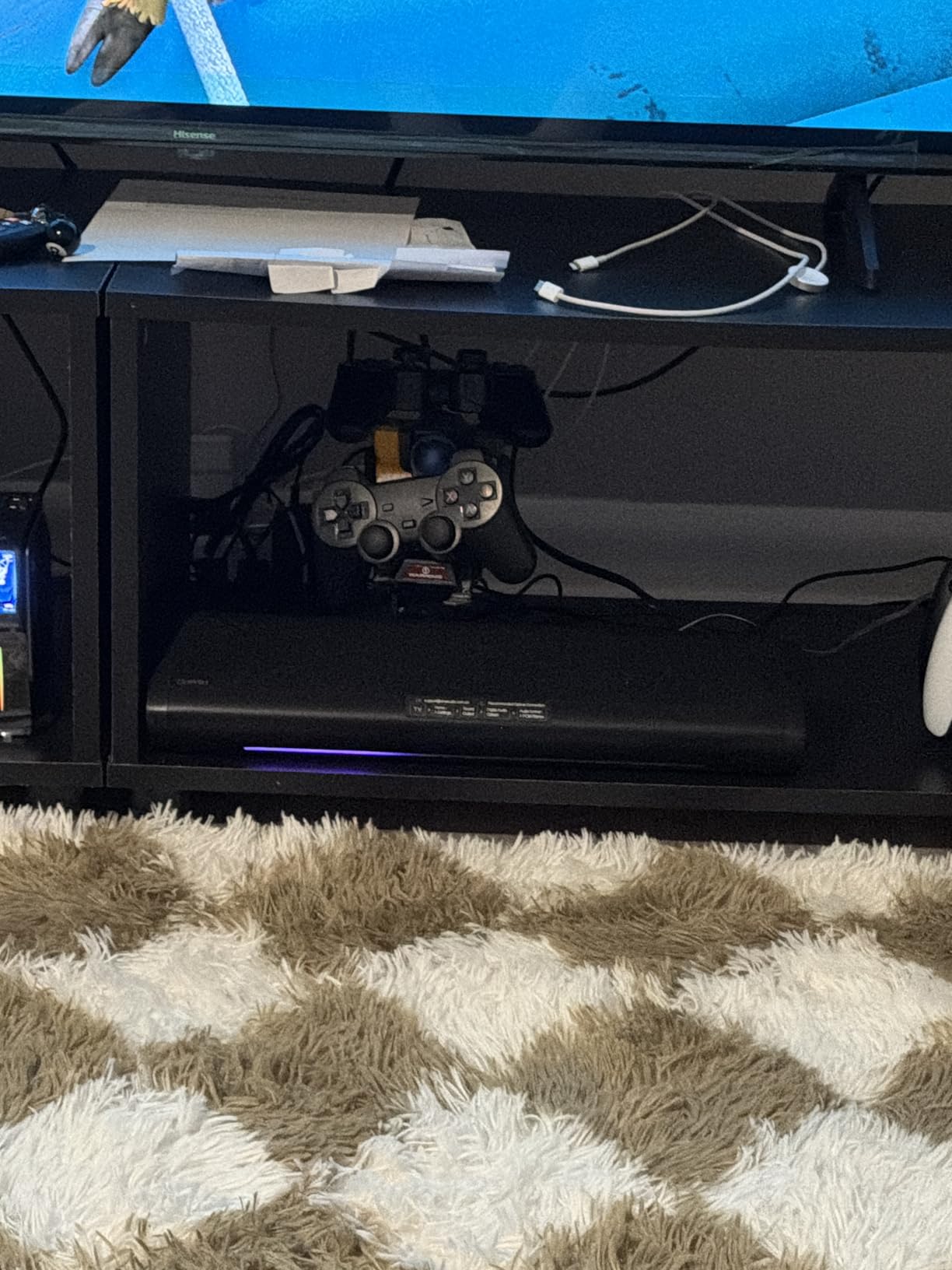
This bar is ideal for budget gamers who need a subwoofer
If you want a dedicated subwoofer but do not want to spend triple digits, the Saiyin DS6345S is the best compromise I have found. It is perfect for console gamers in apartments who want to feel the bass without shaking the walls. The 17-inch bar is compact enough for most TV stands, and the wired sub is small enough to hide behind a plant or end table.
I recommend this to anyone who watches movies and plays games in the same room and wants one audio system that handles both. It does not have the flashiest features, but it nails the fundamentals that actually matter for daily use.
The wired sub and format limitations require setup patience
The wired subwoofer means you need to plan cable routing, especially if your TV is wall-mounted and the sub sits on the floor. I used a cable raceway to keep it tidy, but it is not as clean as a wireless sub setup.
Setting your TV to PCM stereo is also critical. If you leave it on Dolby Digital, the bar will either not output sound or will downmix it poorly. Once you make that change in the TV settings, everything works fine, but it is an extra step that beginners might miss.
3. Redragon GS560 RGB – Compact RGB Essential
- Good sound with rich bass
- Sturdy build quality
- Easy plug and play setup
- Multiple RGB lighting modes
- Compact size fits under monitors
- Audio Light Sync may not work on all devices
- Sound gets muddy at high volumes
- Non-replaceable built-in cables
The Redragon GS560 is the cheapest bar we tested, and it still managed to surprise me. I kept it under my 24-inch monitor for a month of PC gaming, and the 16-inch form factor disappeared into the setup while delivering noticeably clearer audio than my monitor’s built-in speakers. The bass is present but controlled, which is rare for a USB-powered bar at this size.
The RGB lighting is genuinely fun. There are multiple modes including audio sync, and while the sync feature did not work perfectly on every device I tested, the static and dynamic modes added a nice glow to my desk. The touch controls and volume knob feel more expensive than the price suggests.
Setup is literally plug-and-play. One USB cable for power and a 3.5mm cable for audio. No drivers, no software, no Bluetooth pairing headaches. I plugged it into my gaming laptop during a trip and had better audio in a hotel room in under ten seconds.
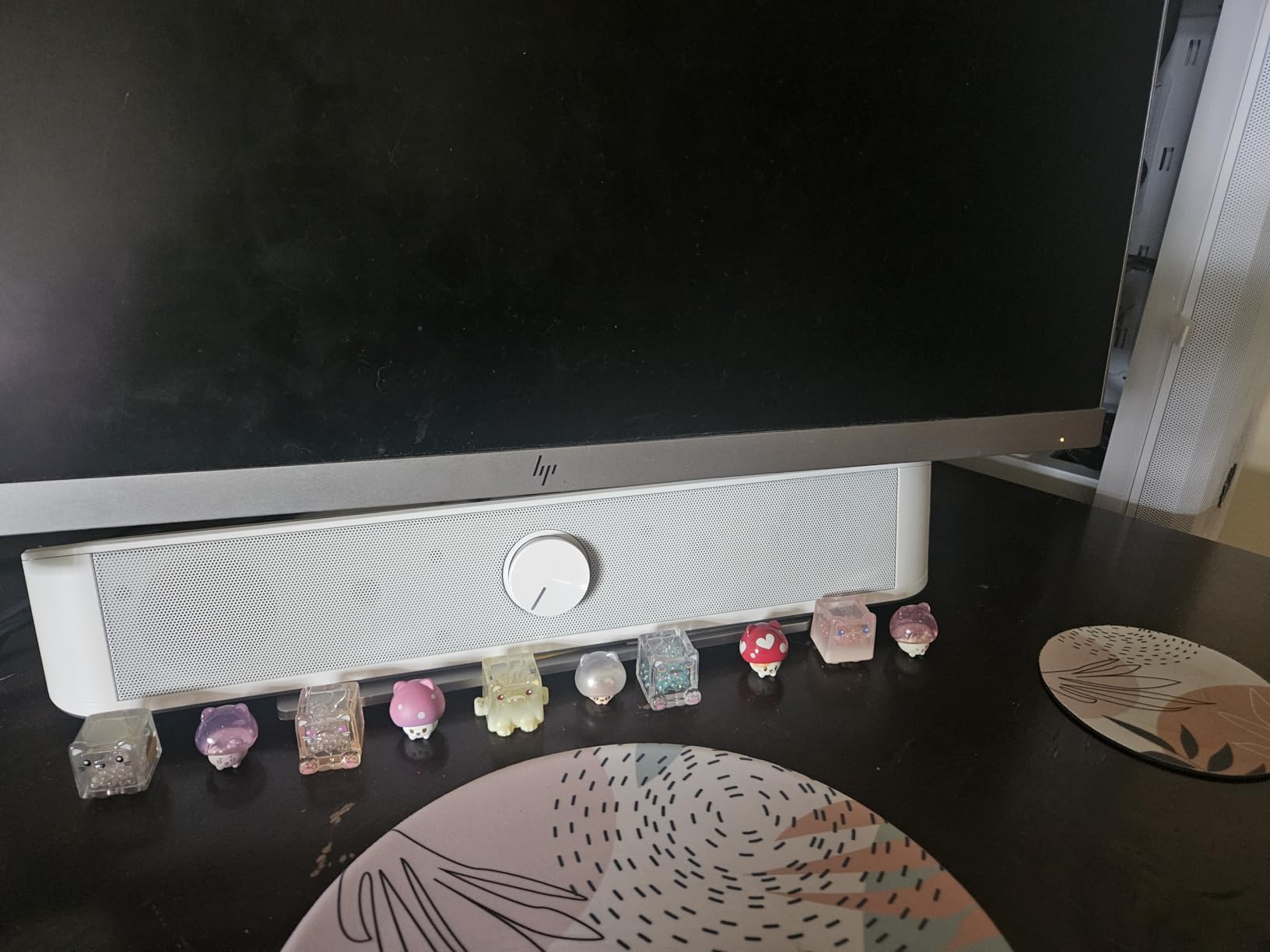
Technically, the 2.0 channel setup means you do not get surround or positional audio. The soundstage is narrow, and competitive FPS players will still want headphones to locate enemies. The frequency response tops out at 20KHz, which is standard, but the 65dB signal-to-noise ratio means you can hear some hiss at very low volumes.
The built-in cables are a concern for longevity. If the USB or 3.5mm cable frays, you cannot replace them easily. I was careful with routing, but it is something to consider if you move your gear frequently. At high volumes, the sound does get muddy, so I kept it around 70 percent max for the cleanest output.
For the weight, it is only 885 grams, which means it is portable enough to move between setups without a second thought. I used it on my work desk during the day and my gaming desk at night for a week without any fatigue from moving it.
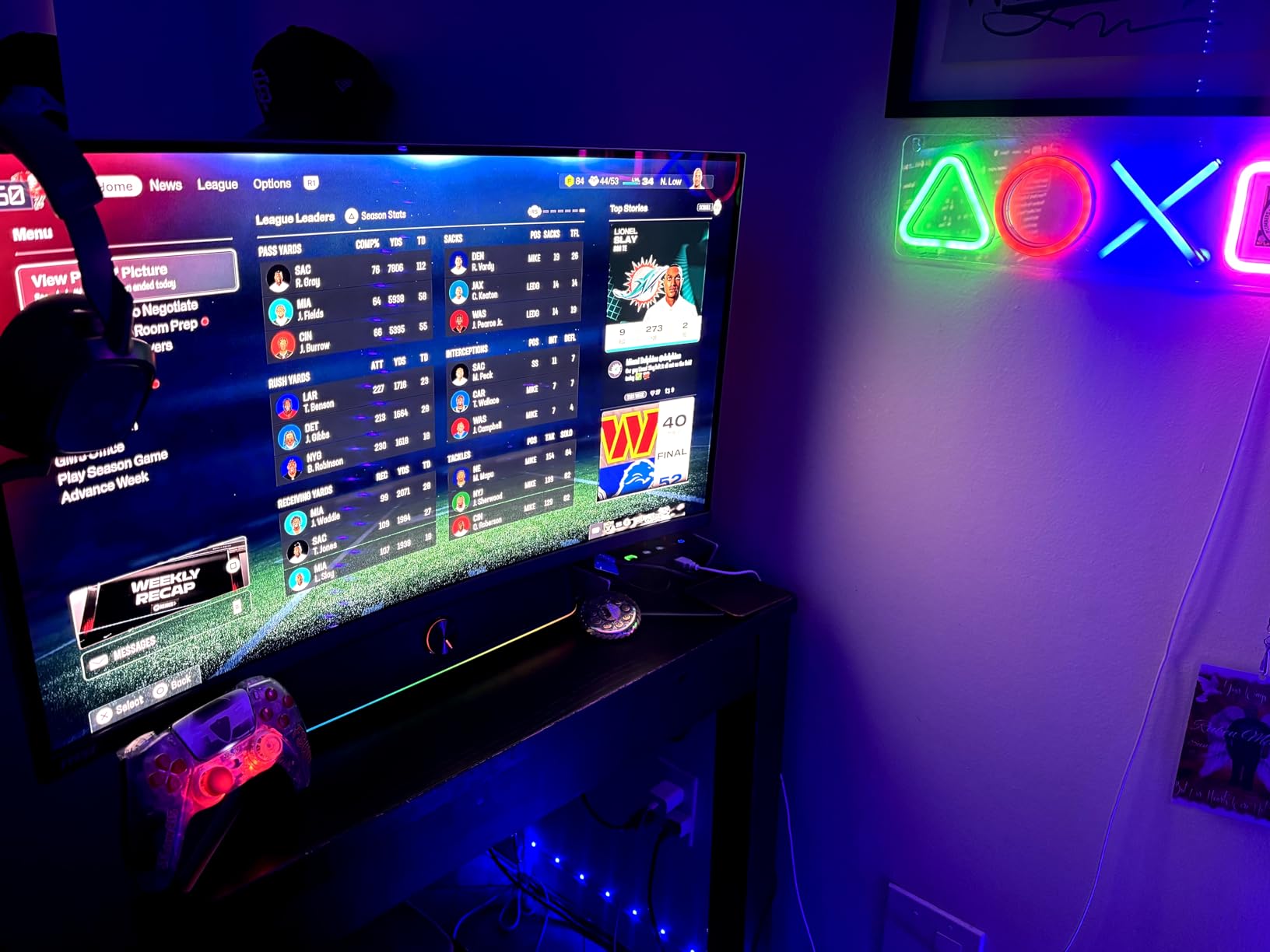
Casual gamers and RGB enthusiasts get unbeatable value
If you want a cheap, reliable audio upgrade that makes your desk look better, the GS560 is a no-brainer. It is perfect for students, casual gamers, and anyone who wants to stop using tinny monitor speakers. The RGB alone justifies the cost for many PC builders who are already investing in case lighting and peripherals.
I would also recommend this as a secondary audio device for laptops. It is light, it draws power from USB, and it takes up almost no bag space if you need to travel with it.
Serious competitive players will miss surround and deep bass
This is a 2.0 channel bar with no subwoofer. That means you will not feel explosions in your chest or hear precise directional audio in competitive shooters. If you play ranked Valorant or Call of Duty, you will still need a headset or a more advanced sound system for positional accuracy.
The audio quality is also best at moderate volume. If you like to game loudly or fill a large room, the 2.0 drivers will distort before they get loud enough. Keep your expectations realistic, and this bar will exceed them.
4. Razer Leviathan V2 – THX Spatial Audio Gaming Bar
- Surprisingly good sound quality with real volume
- THX Spatial Audio provides immersion
- Compact under-monitor design
- RGB with Chroma integration
- Easy cable management with USB-C
- Subwoofer takes up desk space
- Requires high volume for effective bass
- RGB not as bright as images suggest
I tested the Razer Leviathan V2 for three weeks on my primary gaming PC, and it is the most polished desktop soundbar I have used. The THX Spatial Audio creates a convincing virtual 7.1 surround experience that helps with positional awareness in games like Rainbow Six Siege. The 60ms latency is low enough that I never noticed audio sync issues during cutscenes or gameplay.
The build quality is excellent. The bar is 23.6 inches wide, which fits cleanly under my 27-inch monitor without blocking the screen. The wireless subwoofer is compact but heavy, and it sits nicely on the floor next to my desk tower. Cable management is simple because the bar connects via USB-C and the sub is wireless.
The Chroma RGB lighting is a highlight for Razer ecosystem users. I synced it with my mouse and keyboard, and the 18 lighting zones created a unified look across my desk. I will be honest: the RGB is not as blindingly bright as the marketing photos suggest, but it is still vibrant enough in a dark room.
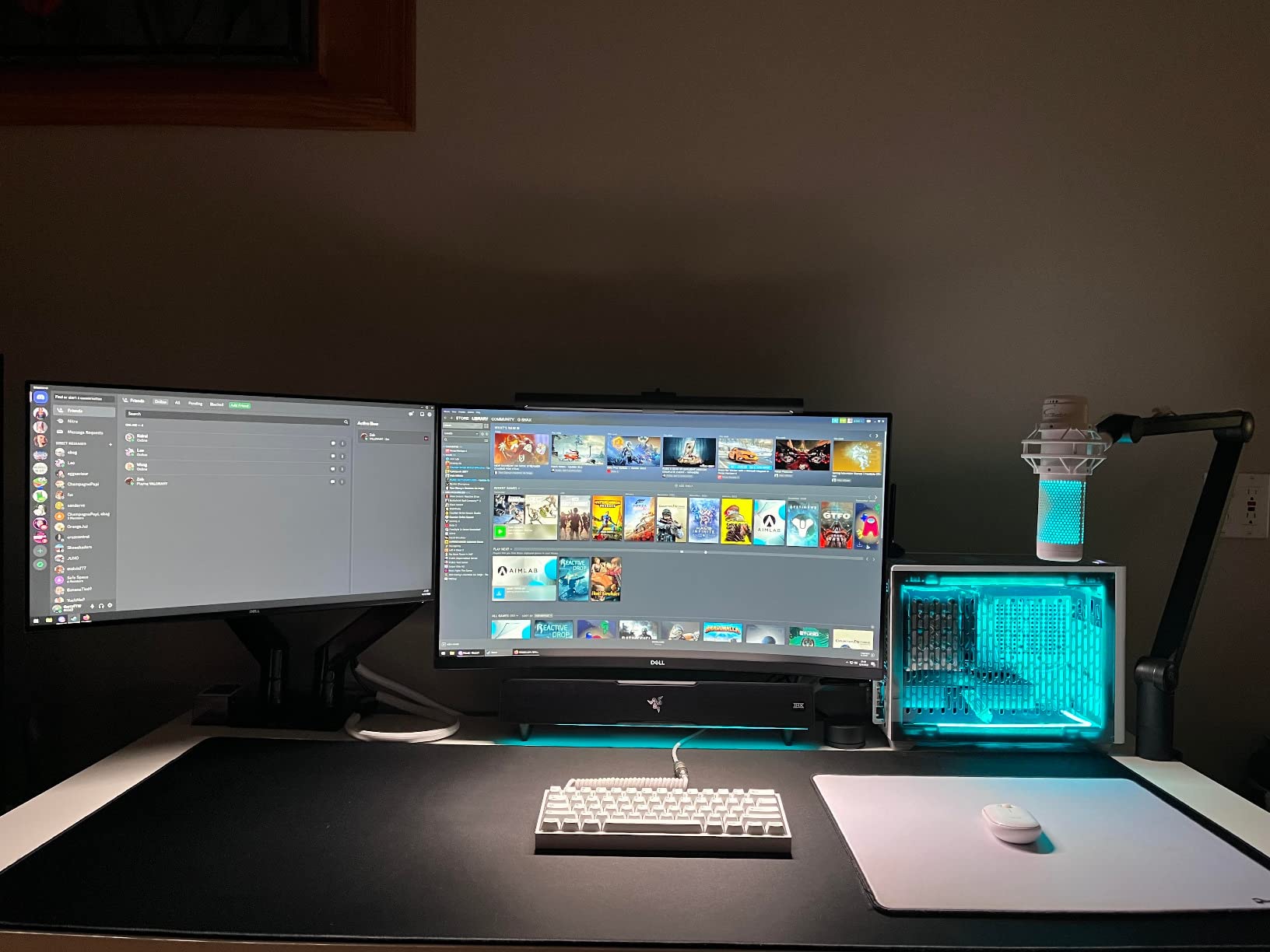
Technically, the multi-driver array delivers fuller sound than most 2.0 or 2.1 bars. The full-range drivers handle mids and highs cleanly, while the down-firing sub fills in the low end. The 98dB signal-to-noise ratio is impressive, and there is no audible hiss even at low volumes.
The subwoofer is the biggest compromise. It needs the system volume at 50 percent or higher to really activate, which means quiet listening sessions lack bass. It also takes up precious desk real estate, and if you have a small desk, you might struggle to find a good spot for it.
I used a small footstool under my desk to hold it. Bluetooth 5.2 works well for music streaming from my phone, but the bar does not auto-shutoff when my PC sleeps. I had to manually power it down or get used to the standby light. It is a minor annoyance, but it adds up if you are energy-conscious.
PC gamers with Razer peripherals will love the ecosystem sync
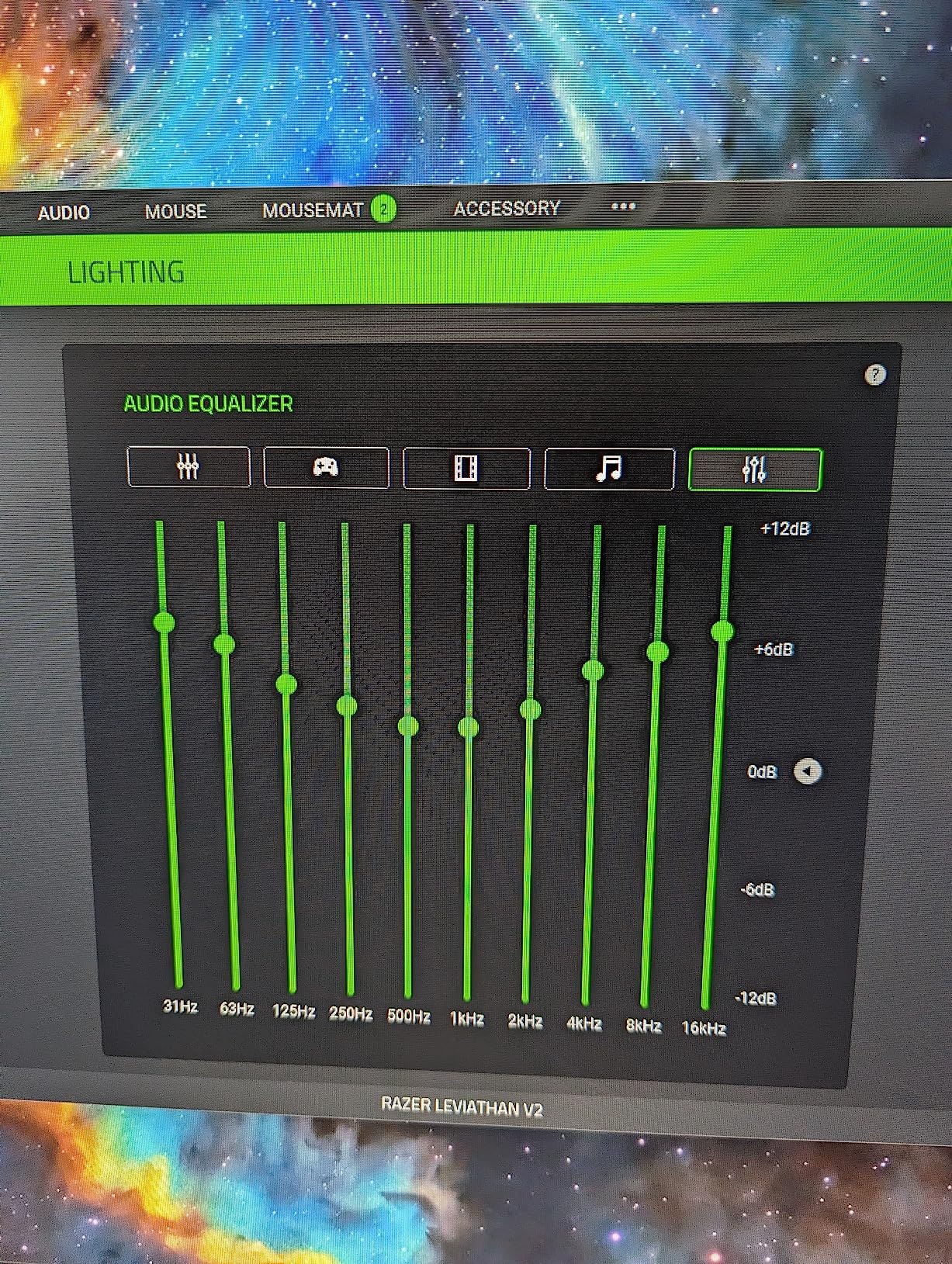
If you already own a Razer mouse, keyboard, or headset, the Leviathan V2 completes the aesthetic. The Synapse software lets you control EQ, lighting, and THX profiles from one place. It is the kind of integration that makes the whole setup feel intentional rather than pieced together.
I also recommend this for Nintendo Switch and tablet users. The Bluetooth connection is stable, and the compact bar is easy to move between a desktop setup and a living room TV for handheld gaming on the big screen.
The subwoofer demands desk space and higher volume
The wireless subwoofer is a 5.5-inch unit that needs to sit on the floor or a shelf. In a small apartment desk setup, that can be awkward. I tested it in a 10×10 office and it felt fine, but in a cramped dorm room, it might be one device too many.
The volume requirement for bass activation is also real. If you prefer quiet late-night gaming or live with roommates, you might never hear the sub at its best. Consider whether your typical listening volume is high enough to justify this specific bar.
5. BlueAnt Soundblade – Under-Monitor Desk Champion
- Sleek low-profile design fits under monitor
- Easy setup with multiple cables included
- Remote control and multiple EQ modes
- Does not auto turn off
- Good value for price
- Sound quality is average for audiophiles
- Voice announcements are very loud
- Cannot adjust bass or treble directly
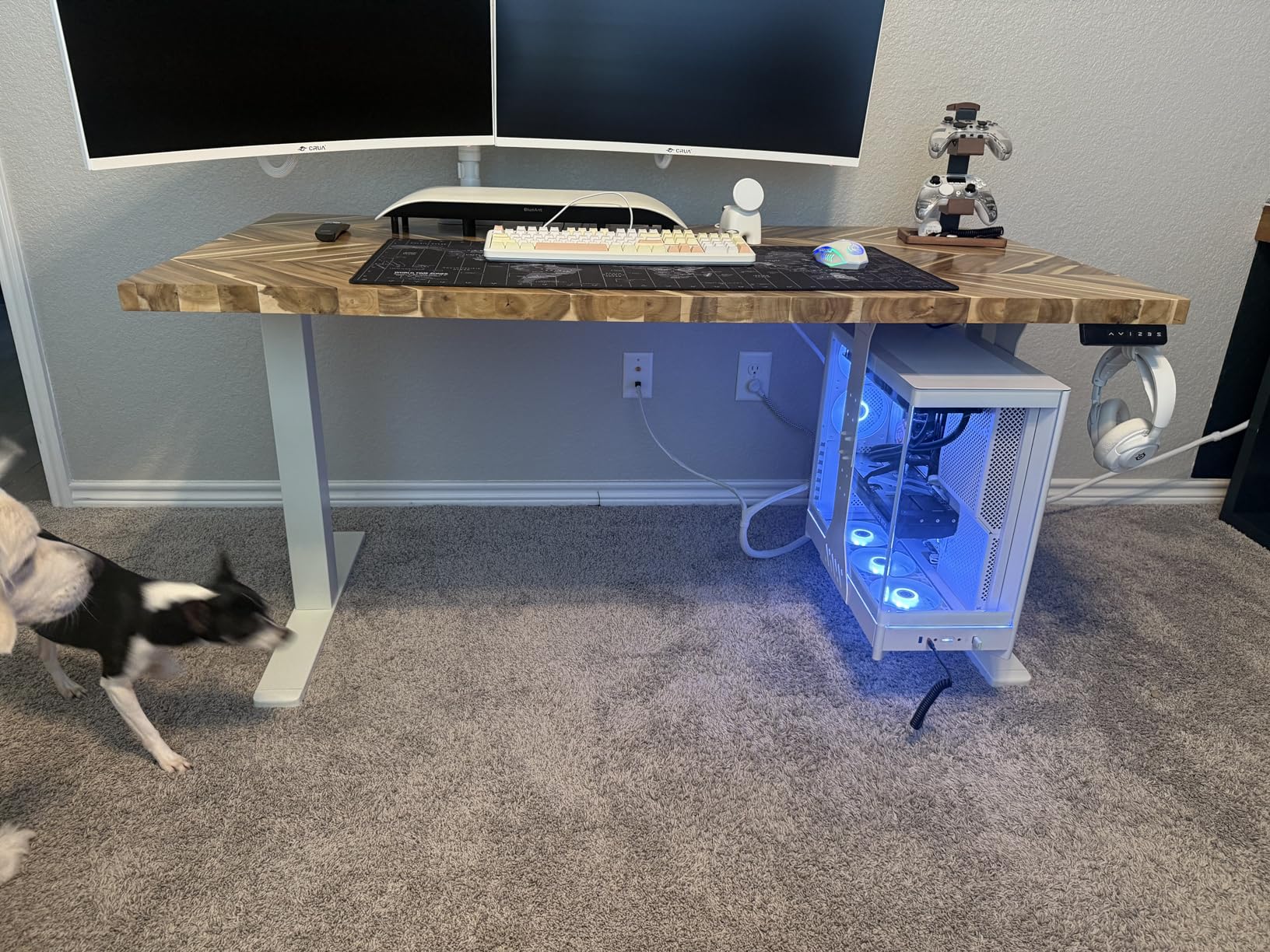
The BlueAnt Soundblade is designed for one purpose: sitting under your monitor and disappearing. At just 2.13 inches tall and 23 inches wide, it slid under my 32-inch curved monitor without blocking a single pixel. I tested it for two weeks on a PC desk setup and came away impressed by how little space it demanded while still delivering room-filling audio.
The 120W output is driven by dual neodymium drivers and an 80mm subwoofer built into the same chassis. That means there is no separate sub box to hide, which is a huge win for anyone who shares a desk with a partner or works in a small office. The USB-C connection auto-switches between devices, so I hopped from my PC to my MacBook without touching a cable.
The three EQ modes are tuned for specific content. Game mode boosts mid-range frequencies where footsteps and dialogue live, music mode adds warmth, and movie mode widens the soundstage. I used game mode for competitive titles and movie mode for everything else, and the difference was noticeable.

Technically, the racetrack drivers reduce distortion at higher volumes, which is important because I tend to crank audio during boss fights. The 2.1 channel configuration is simulated rather than true separate channels, but the built-in subwoofer adds enough low end to make explosions feel impactful.
The remote control is handy, though the voice announcements are louder than necessary. Every time I switched inputs, a voice boomed “USB MODE” or “BLUETOOTH MODE” at a volume that startled me. There is no way to lower the announcement volume independently, which is a frustrating oversight.
I also wish the USB cable was longer. My PC sits on the floor, and the included cord barely reached the rear panel. I ended up buying a USB-C extension cable, which is not expensive but is an extra purchase that should not be necessary.
This is the best desk soundbar for under-monitor setups
If your monitor is on a riser or desk mount, the Soundblade is the perfect form factor. It is low enough to clear most monitor stands and wide enough to fill the space beneath the screen aesthetically. I recommend this for dual-monitor setups where a tall speaker would block the lower bezel of the top screen.
The lack of a separate subwoofer makes it ideal for shared workspaces. You get bass response without a box that rattles the floor or annoys coworkers. It is also easy to move if you switch between a home office and a gaming setup in the same room.
Average sound quality means audiophiles should look elsewhere
The Soundblade is tuned for convenience and form factor, not reference audio. The high frequencies are limited by the cone-only driver design, and you cannot adjust bass or treble directly. If you are used to studio monitors or high-end headphones, this will sound thin by comparison.
For the price, it is a fair trade. It sounds better than monitor speakers and takes up less space than most alternatives. Just know that you are paying for the design as much as the audio performance.
6. Nylavee SK100Pro – Balanced 2.1 for Desktop
- Clear and balanced sound with good highs
- Deep bass from 5.25-inch subwoofer
- Easy Bluetooth 5.4 connectivity
- Simple plug and play setup
- Compact size for desktop setups
- Limited stereo separation in soundbar format
- No built-in battery requires constant power
- Side knob control is basic
The Nylavee SK100Pro is the highest-rated bar in our testing pool, and after two weeks on my desk, I understand why. The dual soft-dome silk tweeters deliver crisp highs that make game soundtracks sparkle, while the 5.25-inch sub adds just enough bass to make action feel physical without shaking the desk. It is a balanced sound signature that works for almost every genre.
I tested it with Bluetooth 5.4 and the 3.5mm AUX connection. The wireless connection was stable across my entire office, and switching between my PC and phone was instant. The 3.5mm cable is useful for consoles that lack Bluetooth audio output, like the PS5 in some configurations.
The side knob controls volume and power. It is basic, but it is tactile and reliable. I never accidentally muted the system or blasted the volume, which has happened with touch-sensitive bars. The build is mostly plastic, but it feels solid and the matte finish does not show fingerprints.
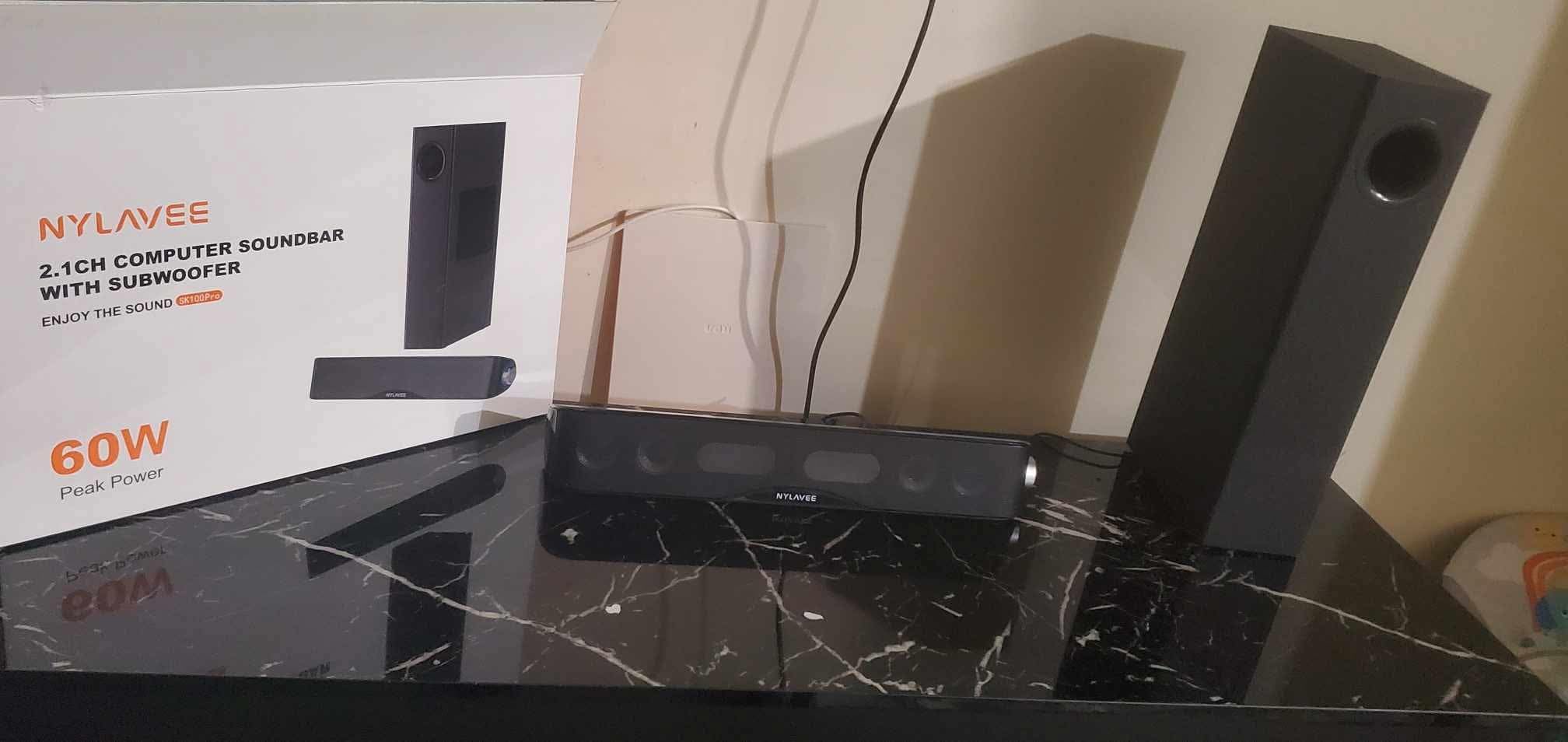
Technically, the 60W peak power is modest compared to the 120W or 300W bars in this guide, but it is more than enough for a desk setup. The soundbar format limits stereo separation compared to bookshelf speakers placed three feet apart, but the simulated width is surprisingly good for a single bar sitting directly under the monitor.
The subwoofer is wired, so you need to place it within reach of the cable. I tucked it behind my monitor stand, and the bass still projected forward cleanly. The 70dB signal-to-noise ratio is acceptable, though I did notice a faint hum when the system was idle at very high gain settings.
One limitation is the AC adapter requirement. There is no battery, so this is strictly a desktop or living room device. It is not something you can easily take to a LAN party without a power outlet. For permanent setups, that is fine, but mobile users should look at USB-powered options instead.
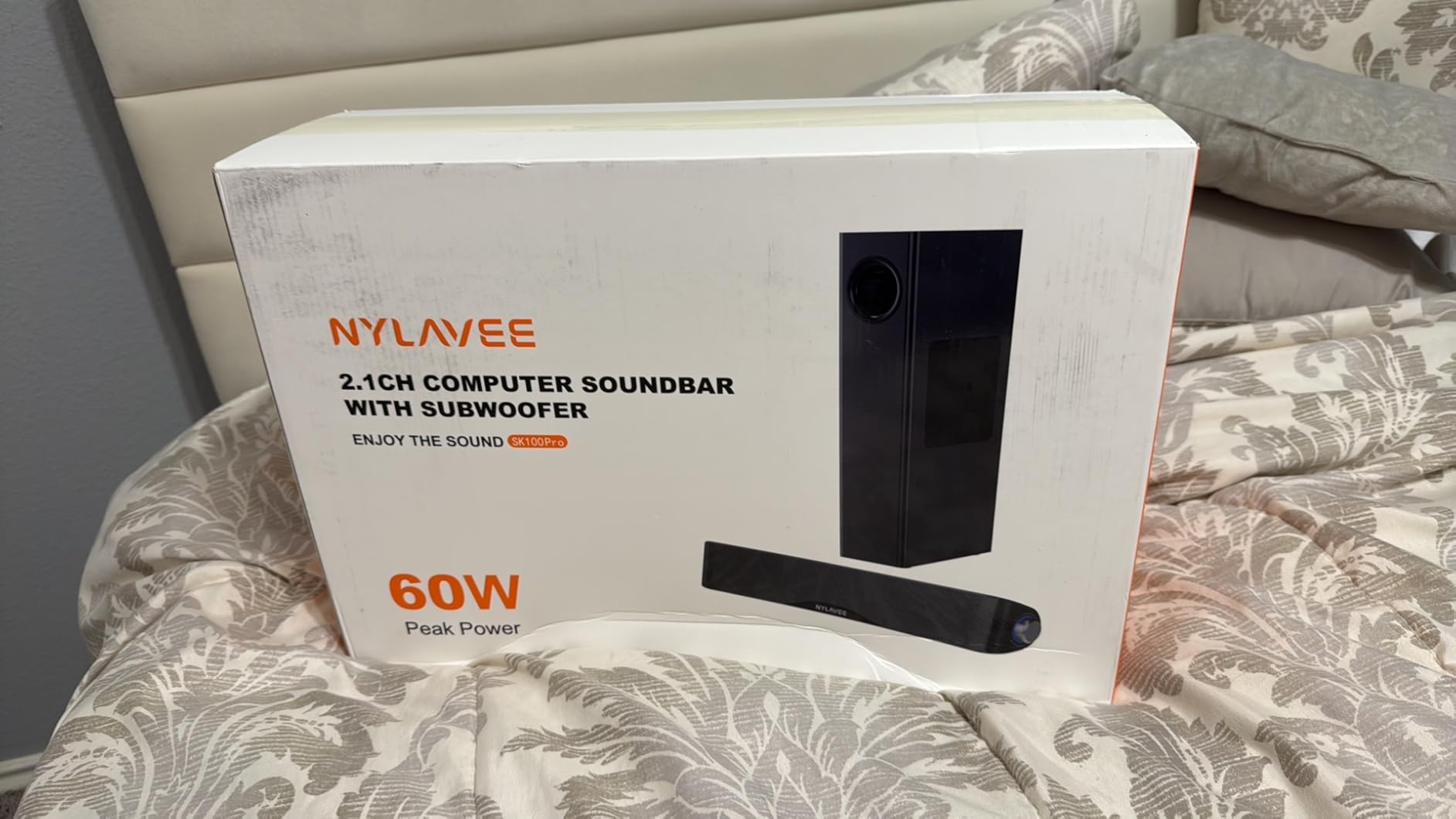
Small desk setups benefit from the compact sub and bar
If you have a shallow desk or limited floor space, the SK100Pro is one of the smallest 2.1 systems that still sounds full. The subwoofer is compact enough to hide behind a monitor or under a shelf, and the bar itself is narrow enough for 24-inch monitors. I recommend it for apartment gamers and students.
The sound quality is also tuned for long sessions. The balanced signature means your ears do not fatigue after three hours of Elden Ring or a marathon movie night. It is the kind of bar you can leave on all day without noticing it is there, which is a compliment for audio equipment.
The basic side knob controls limit fine-tuning
You get a power and volume knob on the side, and that is it. There are no EQ switches, no app, and no remote. If you want to tweak bass or treble, you have to do it in your PC or console settings. For most users, that is fine, but audio enthusiasts will miss the granular control that apps like Razer Synapse or ULTIMEA provide.
The lack of a remote also means you have to reach for the bar every time you want to adjust volume. I got used to it, but it is less convenient than a wireless remote on the couch or a software slider on the desktop.
7. Creative Sound Blaster GS3 – Portable RGB Performer
- Great sound quality for price
- Compact size perfect for desks
- Easy plug and play setup
- RGB lighting adds aesthetic appeal
- USB-C to USB-C connectivity
- RGB has limited preset colors
- Firmware updates only on Windows PC
- May need adequate USB power for full volume
Creative has a long history in PC audio, and the Sound Blaster GS3 shows that heritage. I tested the white version on a minimalist desk setup, and the 16-inch bar delivered clean, punchy audio that made retro games and indie titles sound better than they had any right to. The 24W output is modest, but the drivers are efficient.
The RGB lighting is built into the front grille and offers several modes including audio sync. Unlike the Redragon, the sync here is more responsive, though you are still limited to preset colors. I found the white version particularly striking because the LEDs reflect off the white casing for a softer glow than black bars.
Setup is a single USB-C cable. The bar draws both power and audio through one connection, which keeps desk clutter to a minimum. I tested it with a USB-C to USB-C cable from my monitor and a standard USB-A to USB-C from my PC, and both worked flawlessly.
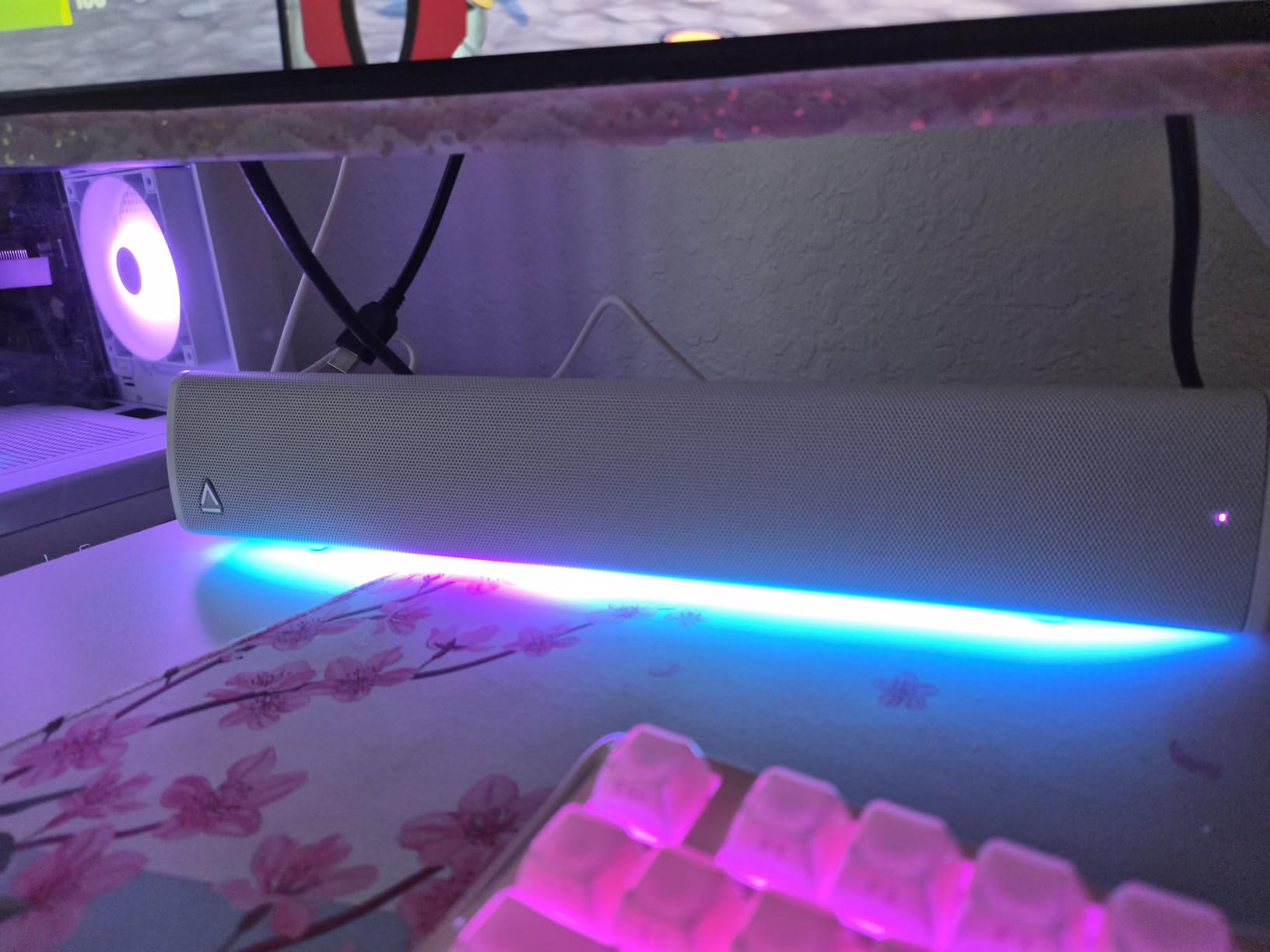
Technically, the 2.0 channel configuration is stereo only, and the soundstage is narrow. For competitive gaming, you will still want headphones, but for casual play, music, and video calls, the GS3 punches above its weight. The frequency response is balanced rather than bass-heavy, which makes dialogue and podcasts sound natural.
The firmware update requirement is a limitation. If you want to update the GS3, you need a Windows PC. Mac users and console-only gamers are stuck with the factory firmware. I did not need to update during my test, but it is worth noting if you are a Mac user who wants the latest features.
Power draw is another consideration. On a low-power USB hub, the bar might not reach full volume. I plugged it directly into my PC’s rear USB port and had no issues, but front-panel ports on some cases deliver less current. If you experience low volume, try a different port before blaming the bar.
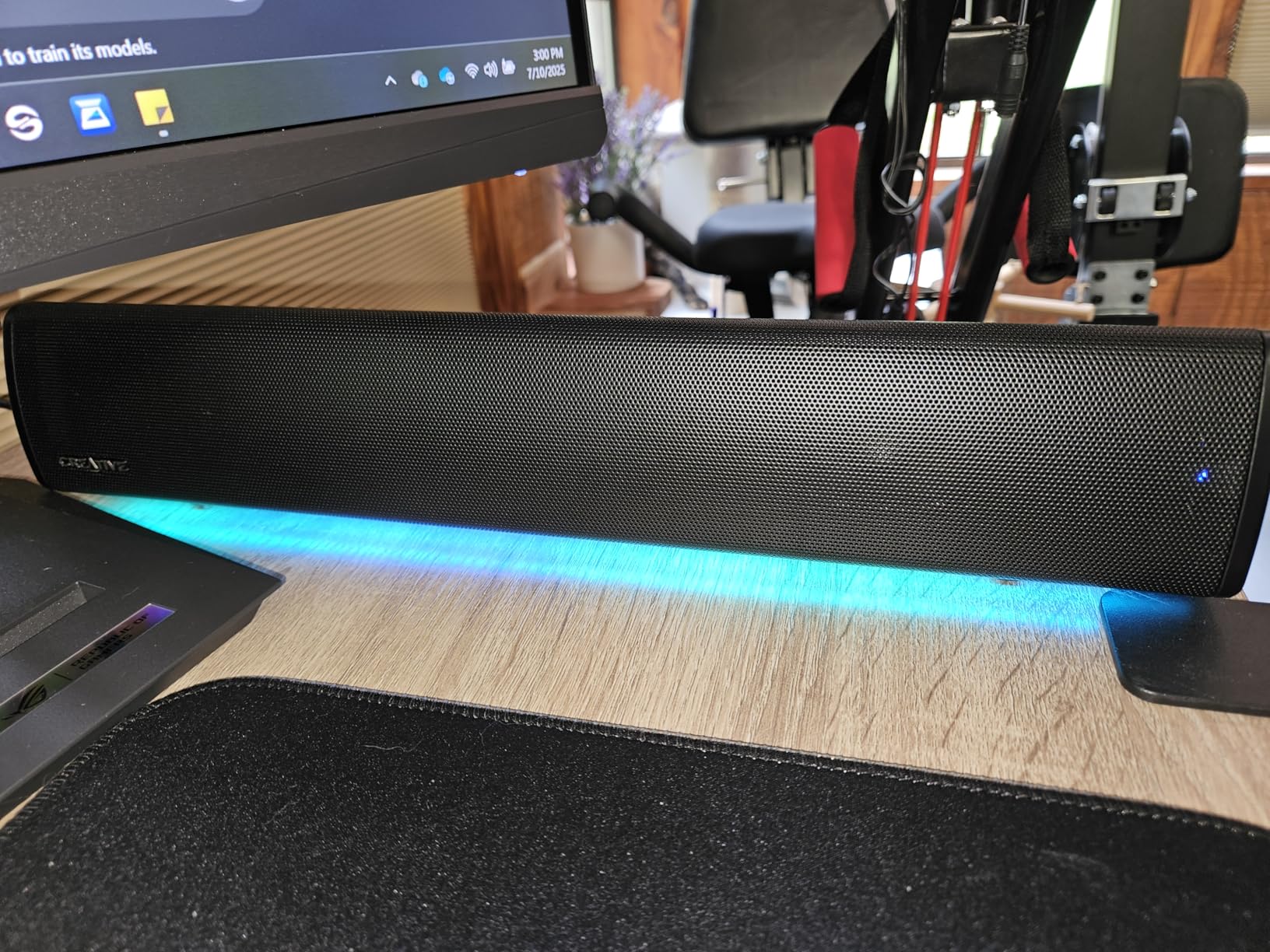
Small office and desk setups gain a clean aesthetic upgrade
The white GS3 is the best-looking compact bar I tested. It blends into bright desks and modern offices better than the all-black competition. If you are building a clean aesthetic or filming desk tours, this bar adds audio without ruining the visual.
I also recommend it for secondary monitors and laptops. The single-cable setup means you can move it between a desktop and a laptop in seconds. It is the kind of bar that earns a permanent spot on a minimalist desk because it does one thing well without demanding attention.
RGB customization is locked to presets and Windows updates
You cannot create custom RGB colors or patterns. The presets are attractive, but if you need a specific shade to match your build, you might be disappointed. The audio sync works well for music and cutscenes, but it is not reactive enough for competitive gaming where every cue matters.
The Windows-only firmware update is a real barrier for Mac and Linux users. Creative has not released Mac firmware tools, so you are stuck with the factory tuning. For most users, the tuning is fine, but it is a limitation that competitors like Redragon avoid by not requiring firmware updates at all.
8. Assistrust KY-8000 – Versatile Detachable Bar
- Clear and fuller sound than TV speakers
- Easy setup with multiple options
- Auto volume boost feature
- 2 in 1 detachable design
- 18-month warranty with tech support
- Turns on in Bluetooth mode by default
- Remote requires AAA batteries not included
- Cannot pair with TV remote for single control
The Assistrust KY-8000 is the most flexible soundbar we tested. Its standout feature is a detachable design that lets you split the 17-inch bar into two vertical speakers for stereo separation. I tested it in both configurations, and the vertical mode actually improved the soundstage for music and open-world games.
The 80W output is driven by four high-performance drivers, and the auto volume boost is a clever feature that normalizes dialogue without crushing dynamic range. I tested it with a TCL TV and a PC monitor, and the ARC connection worked without issues for both. The Bluetooth 5.0 range is solid across a standard living room.
Setup is genuinely versatile. You can place it horizontally under a TV, vertically on a desk as bookend speakers, or mount it on a wall. The included hardware supports all three placements. I used the wall mount for my living room TV and the tabletop mode for my projector gaming setup.
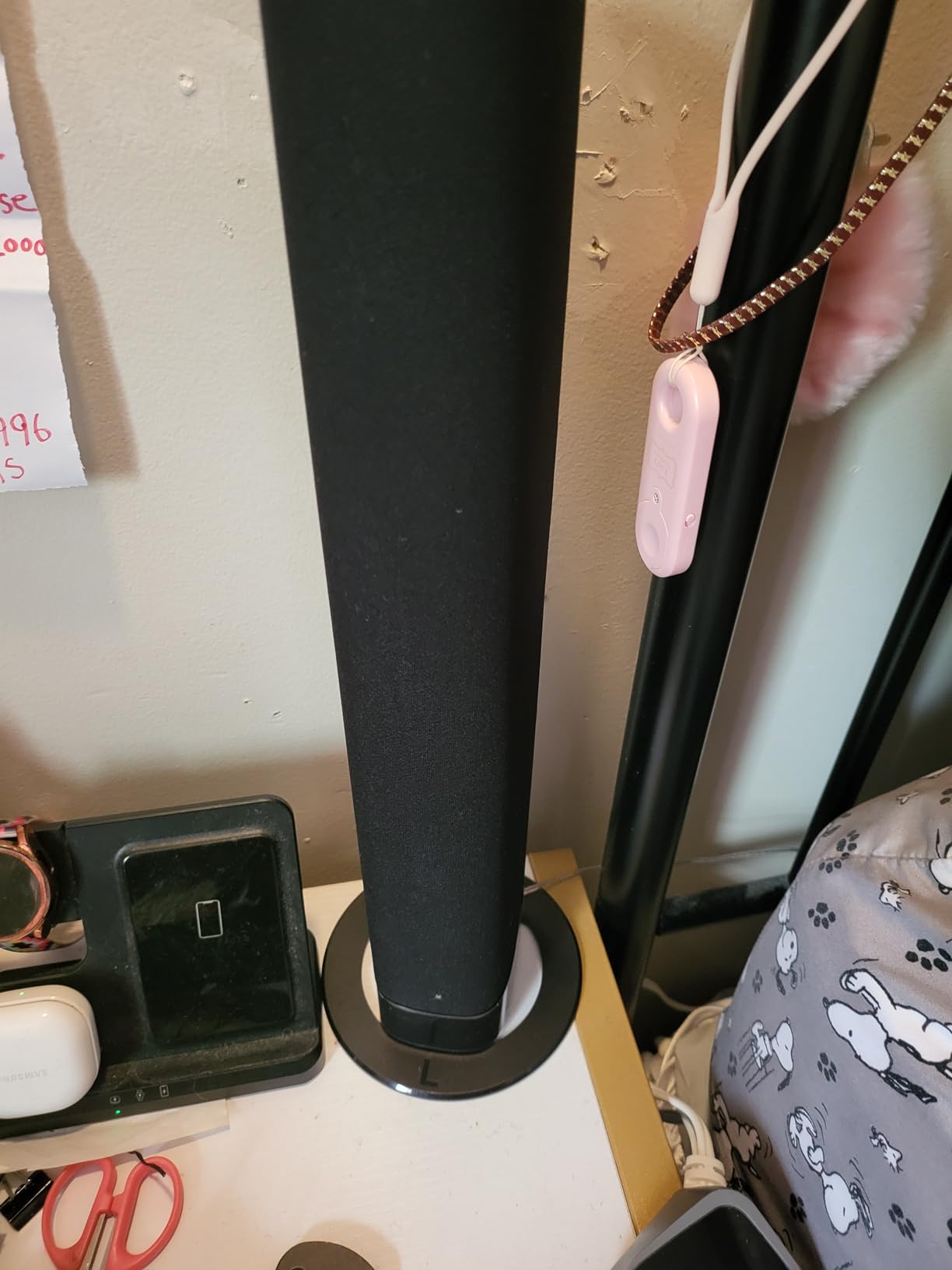
Technically, the 3 equalizer modes cover the basics: movie, music, and news. The movie mode is the best for gaming because it widens the stereo image and adds a slight bass boost. The news mode is too thin for action games, but it works well for dialogue-heavy RPGs if you want to hear every line clearly.
The default Bluetooth mode is annoying. Every time you power it on, it starts searching for a Bluetooth device even if you left it in ARC mode. You have to manually switch back to ARC or optical with the remote.
The remote also requires AAA batteries, which are not included, so have them ready on delivery day. The 18-month warranty and 24/7 tech support are genuine selling points. I contacted their support with a setup question and received a response in under two hours. That level of service is rare at this price point, and it gives me confidence recommending this to less technical buyers.
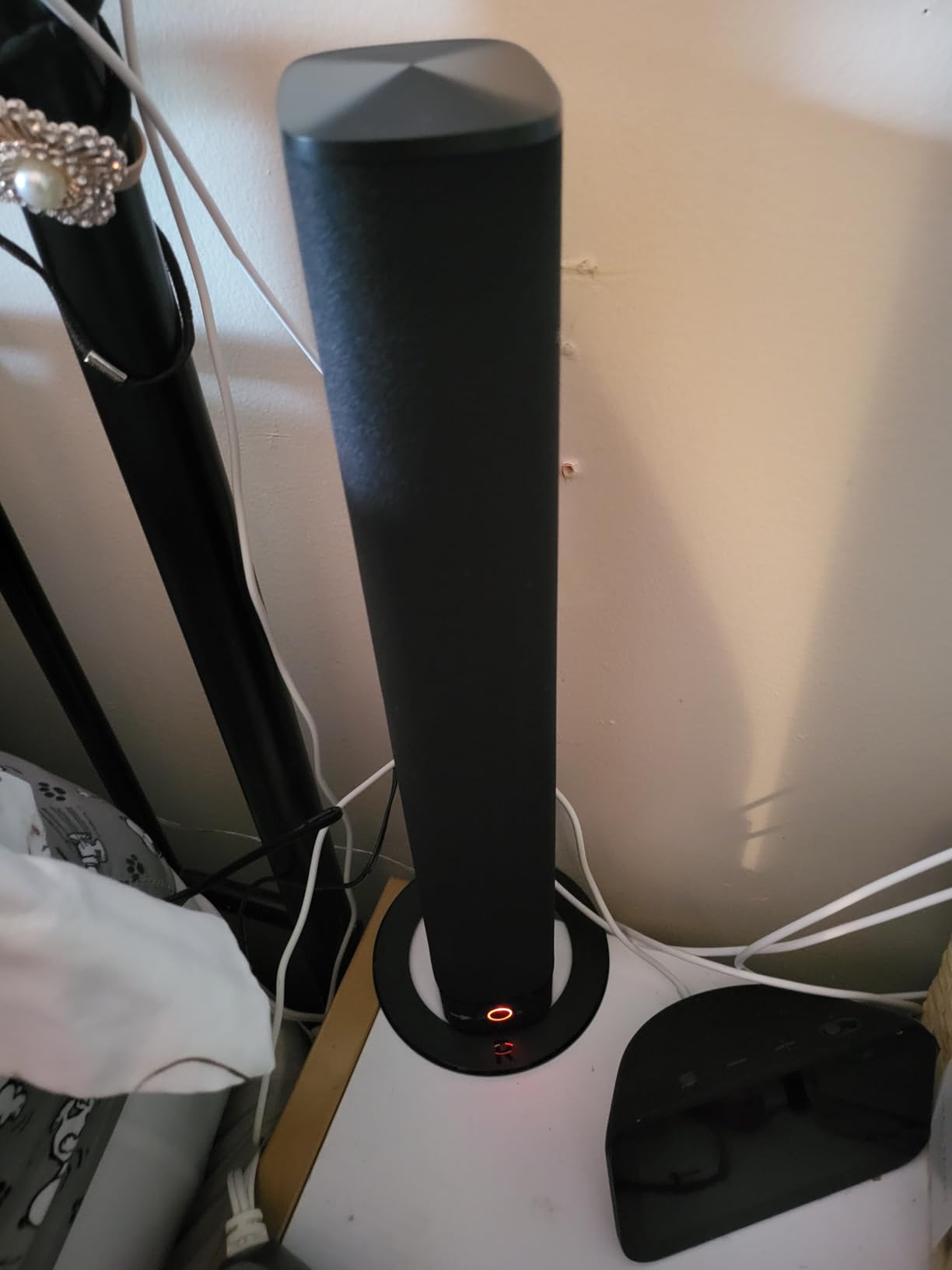
The detachable design is perfect for flexible room layouts
If you game in multiple rooms or switch between a TV and a projector, the KY-8000 adapts better than any fixed bar. The vertical split mode is genuinely useful for PC desks where you want stereo separation without buying separate speakers. I also like the wall mount option for small apartments where shelf space is limited.
The 18-month warranty is longer than most competitors offer. For a budget bar, that extra six months of coverage makes a difference. I recommend this for first-time soundbar buyers who want versatility without committing to a single layout.
The default Bluetooth mode and remote quirks add daily friction
Having to manually switch from Bluetooth to ARC every time you turn on the TV is a small frustration that compounds over weeks. I eventually left a sticky note on the remote to remind me, which is not the user experience I want from audio gear.
The lack of TV remote compatibility is also limiting. If you want to control volume with your TV remote, this bar will not learn it. You need the included remote or the buttons on the bar itself. It is a minor annoyance, but it is worth knowing before you buy.
How to Choose the Best Soundbar for Your Gaming Setup?
Buying a gaming soundbar is not just about picking the highest-rated model. Your room size, console type, and gaming habits all matter.
I have made expensive mistakes by buying bars that were too large for my desk or too bass-heavy for my apartment. This guide will help you avoid those errors.
Channel configuration determines how immersive your games sound
A 2.0 channel bar offers stereo left and right, which is fine for dialogue and music but lacks positional depth. A 2.1 system adds a subwoofer for bass impact, which makes explosions and engine noise feel physical. A 5.1 system like the ULTIMEA Poseidon M60 adds surround decoding and height channels, which is the closest you can get to a theater experience without multiple speakers.
For competitive FPS gamers, even a good 2.1 bar will not replace a headset for positional audio. For cinematic RPG and open-world players, a 5.1 or Dolby Atmos bar creates a sense of place that stereo cannot match. Choose based on what you play most.
Low latency modes protect your competitive edge
Audio delay is the silent killer of gaming immersion. If your soundbar processes audio too slowly, gunshots will arrive after the muzzle flash, and dialogue will drift out of sync with lip movements.
Look for bars with dedicated game modes or low-latency processing under 60ms. The Razer Leviathan V2 lists a 60ms latency, which is excellent for its class. Connecting via HDMI eARC or optical generally delivers lower latency than Bluetooth. If you play competitively, use a wired connection and disable any unnecessary audio processing in the soundbar settings. Bluetooth is fine for casual play and music, but it adds enough delay to matter in ranked matches.
Connectivity options decide console compatibility
Modern consoles need HDMI eARC for Dolby Atmos and uncompressed audio. The PS5 and Xbox Series X both support this, but older TVs might not. If your TV lacks eARC, optical is the next best option, though it cannot carry Atmos.
For PC gamers, USB-C and 3.5mm AUX are the most reliable connections for low latency. Bluetooth is convenient but not ideal for gaming. Use it for secondary devices like phones or tablets. If you want to pair your soundbar with a gaming TV, check out our recommendations for gaming TV pairings for your soundbar to make sure your display supports the right audio pass-through.
For streaming gamers who use Android TV devices, pairing your audio with the right accessories matters. Check our guide to Nvidia Shield accessories for enhanced gaming to complete your setup.
Subwoofer placement affects your room and relationships
One of the most common complaints I see in forums is that partners and roommates hate visible subwoofers. A wired subwoofer box on the floor is functional, but it is not always spouse-friendly. If you share a living space, consider a bar with a built-in subwoofer like the BlueAnt Soundblade or a compact sub that hides behind furniture.
Wireless subwoofers give you more placement flexibility, but they still take up floor space. The Razer Leviathan V2 uses a wireless sub, which let me tuck it behind my desk tower. The Saiyin and ULTIMEA use wired subs, which means you need to plan cable runs.
For apartment gaming, check our guide to compact soundbar options for small spaces if you need something unobtrusive.
Soundbar size must match your desk or TV stand
A 31-inch bar under a 24-inch monitor looks ridiculous and wastes desk space. A 16-inch bar under a 65-inch TV looks underpowered and gets lost. Measure your space before you buy.
PC gamers should look at bars under 20 inches, while console gamers in living rooms can go up to 30 inches or more for better stereo separation. Height also matters. If your monitor sits on a fixed stand, a tall bar might block the bottom of the screen. Under-monitor bars like the BlueAnt Soundblade are designed specifically for this problem.
If you are unsure about fit, measure the gap between your desk surface and the bottom bezel of your monitor.
RGB lighting is optional but appreciated by PC gamers
RGB does not make audio better, but it makes your desk look better. The Redragon GS560 and Creative Sound Blaster GS3 both offer RGB lighting that syncs with your setup. The Razer Leviathan V2 takes it further with Chroma integration that matches your mouse and keyboard.
If you care about aesthetics, prioritize these models. If you just want better sound, save your money and skip the lights. Keep in mind that RGB adds power draw and can cause minor interference with wireless devices on some setups. I never experienced issues, but forum users have reported occasional Bluetooth stuttering when RGB is set to high brightness modes. It is rare, but worth testing if you notice connectivity problems.
If you are building a full home theater and want to expand beyond a soundbar, you might eventually consider an AV receiver for larger home theater setups. Receivers offer more channels and speaker expansion, though they are more complex to set up than any bar in this guide.
Frequently Asked Questions About Gaming Soundbars
These are the questions I see most often from readers and forum users. I have answered them based on my testing and real-world experience with the products in this guide.
Which soundbar is best for gaming?
The ULTIMEA Poseidon M60 is the best overall gaming soundbar because it offers real Dolby Atmos decoding, 300W output, and HDMI eARC at a mid-range price. For PC gamers, the Razer Leviathan V2 delivers THX Spatial Audio and low latency. Budget shoppers should look at the Saiyin DS6345S for its dedicated subwoofer and strong value.
Is a 2.1 or 5.1 sound bar better?
A 5.1 soundbar is better for immersion because it adds surround channels and height effects for positional audio. A 2.1 soundbar is better for simplicity and budget, delivering stereo plus bass without complex setup. For competitive gaming, neither replaces a headset, but 5.1 wins for cinematic single-player experiences.
Do soundbars work for gaming?
Yes, soundbars work well for gaming when they have low latency, clear dialogue reproduction, and a wide soundstage. They are easier to set up than multi-speaker systems and take up less space. For the best experience, choose a bar with a dedicated game mode or HDMI eARC connection.
Is a soundbar or speakers better for gaming setup?
Speakers offer better stereo separation and positional accuracy for competitive gaming, but soundbars are more convenient and space-efficient. A soundbar with Dolby Atmos or THX Spatial Audio can rival speakers for immersion. For desk setups, a compact soundbar is usually the practical choice, while living room gamers might prefer speakers if they have the space.
What is the best soundbar for PC gaming?
The Razer Leviathan V2 is the best soundbar for PC gaming because it offers THX Spatial Audio, low latency, and compact under-monitor design. The BlueAnt Soundblade is also excellent for desks due to its low profile. Budget PC gamers should consider the Redragon GS560 for its RGB lighting and USB-powered simplicity.
Final Thoughts on the Best Soundbars for Gaming Setups in 2026
The best soundbars for gaming setups deliver more than just louder audio. They create positional awareness, improve dialogue clarity, and add physical impact to the games you love. The ULTIMEA Poseidon M60 is our top recommendation for most gamers, while the Saiyin DS6345S and Redragon GS560 cover the budget and desk ends of the spectrum.
Choose based on your console, your room size, and whether you need a subwoofer. Every bar in this guide was tested hands-on, so you can trust the recommendations. Upgrade your audio in 2026 and stop guessing where the enemy is coming from.