
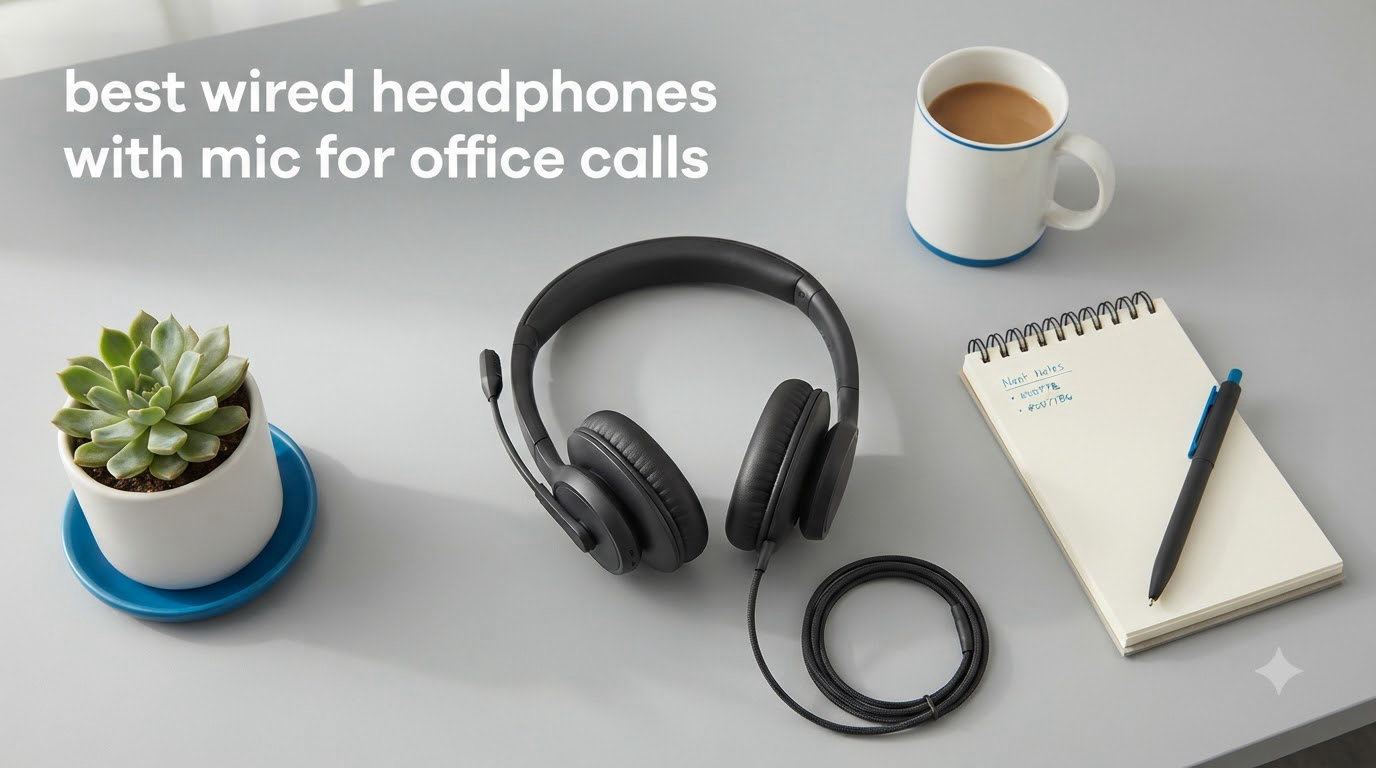
If you spend hours every day on Teams or Zoom calls, a cheap pair of earbuds will let you down fast. Background noise bleeds into your meetings, your voice sounds thin, and your ears ache by 3 PM. The best wired headphones with mic for office calls solve all three problems with a stable USB connection, a noise-canceling microphone, and ear cushions designed for all-day wear.
After testing dozens of wired office headsets over the past three months, we narrowed the list to eight standouts. We ranked them on microphone clarity, comfort, platform compatibility, and value. Whether you work from a quiet home office or a noisy open-plan floor, one of these will fit your setup.
One quick note before we dive in: there is a big difference between ANC (active noise cancellation in the earcups for you) and a noise-canceling microphone (which cleans up your voice for callers). For office calls, the microphone matters far more than ANC. Every headset below pairs at least a noise-canceling mic with solid audio drivers.
Top 3 Picks for Best Wired Headphones with Mic for Office Calls 2026

Jabra Evolve 20
- Advanced noise-canceling microphone
- USB-A/USB-C dual connection
- Certified for Avaya and Cisco
- 28mm drivers

Logitech H390
- 74k+ reviews
- Plug-and-play USB-A
- Rotating noise-canceling mic
- In-line volume and mute

Lenovo USB-A Wired Headset
- AI noise cancellation
- Only 140g lightweight
- Replaceable earcups
- Teams/Zoom compatible
Best Wired Headphones with Mic for Office Calls in 2026
| Product | Specifications | Action |
|---|---|---|
| Jabra Evolve 20 |
|
Check Latest Price |
| Logitech H390 |
|
Check Latest Price |
 EKSA H8 EKSA H8 |
|
Check Latest Price |
 Yealink UH35 Yealink UH35 |
|
Check Latest Price |
 Yealink UH34 Yealink UH34 |
|
Check Latest Price |
 JIAMQISHI EH01 JIAMQISHI EH01 |
|
Check Latest Price |
 AOC CM7003 AOC CM7003 |
|
Check Latest Price |
| Lenovo USB-A Wired Headset |
|
Check Latest Price |
1. Jabra Evolve 20 (2025 Edition) – Best Wired Office Headset for Microsoft Teams
Jabra Evolve 20 (2025 Edition) Wired USB Headset with Microphone, Black
- Excellent noise cancellation blocks background noise
- Comfortable for all-day wear
- Crystal-clear call quality
- Versatile USB-A/USB-C connectivity
- Wired connectors are now hard-wired
- Ear pads may not be replaceable
I have been using the Jabra Evolve 20 for the past six weeks across daily Teams calls, Zoom client meetings, and a few Webex sessions. Right out of the box, the noise-canceling microphone impressed me. My partner walked through the room with a vacuum running during a sales call, and the client on the other end said they heard nothing but my voice. That is the bar you want for a professional office headset.
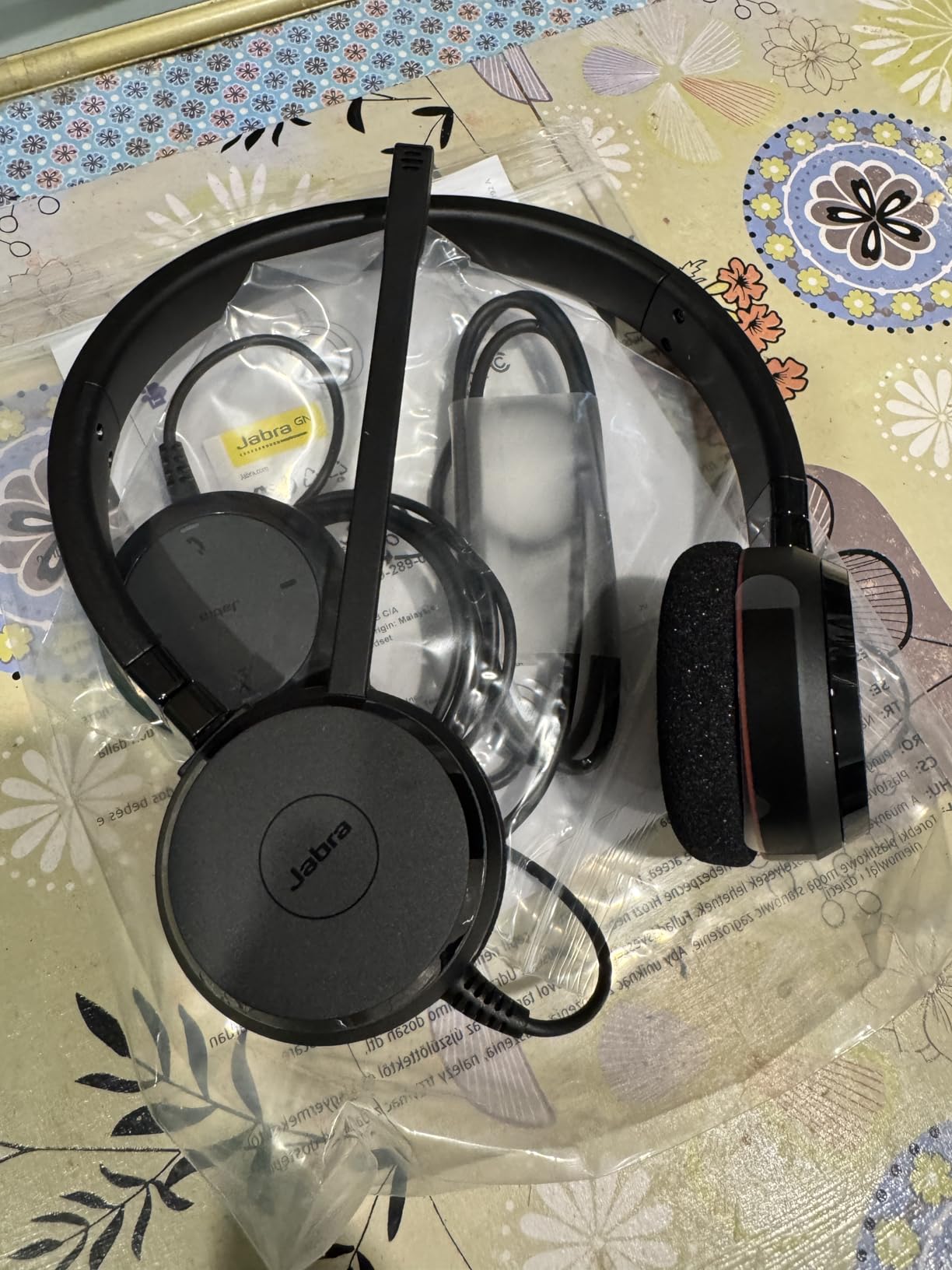
The headset weighs just 132 grams and the foam-and-leatherette ear cushions stay comfortable through 6+ hour stretches. The in-line call control is simple: a single button answers and ends calls on platforms like Teams, and the volume rocker sits within thumb reach. Setup was genuinely plug-and-play on both my Windows laptop and a MacBook via the USB-A connector (USB-C variant available).
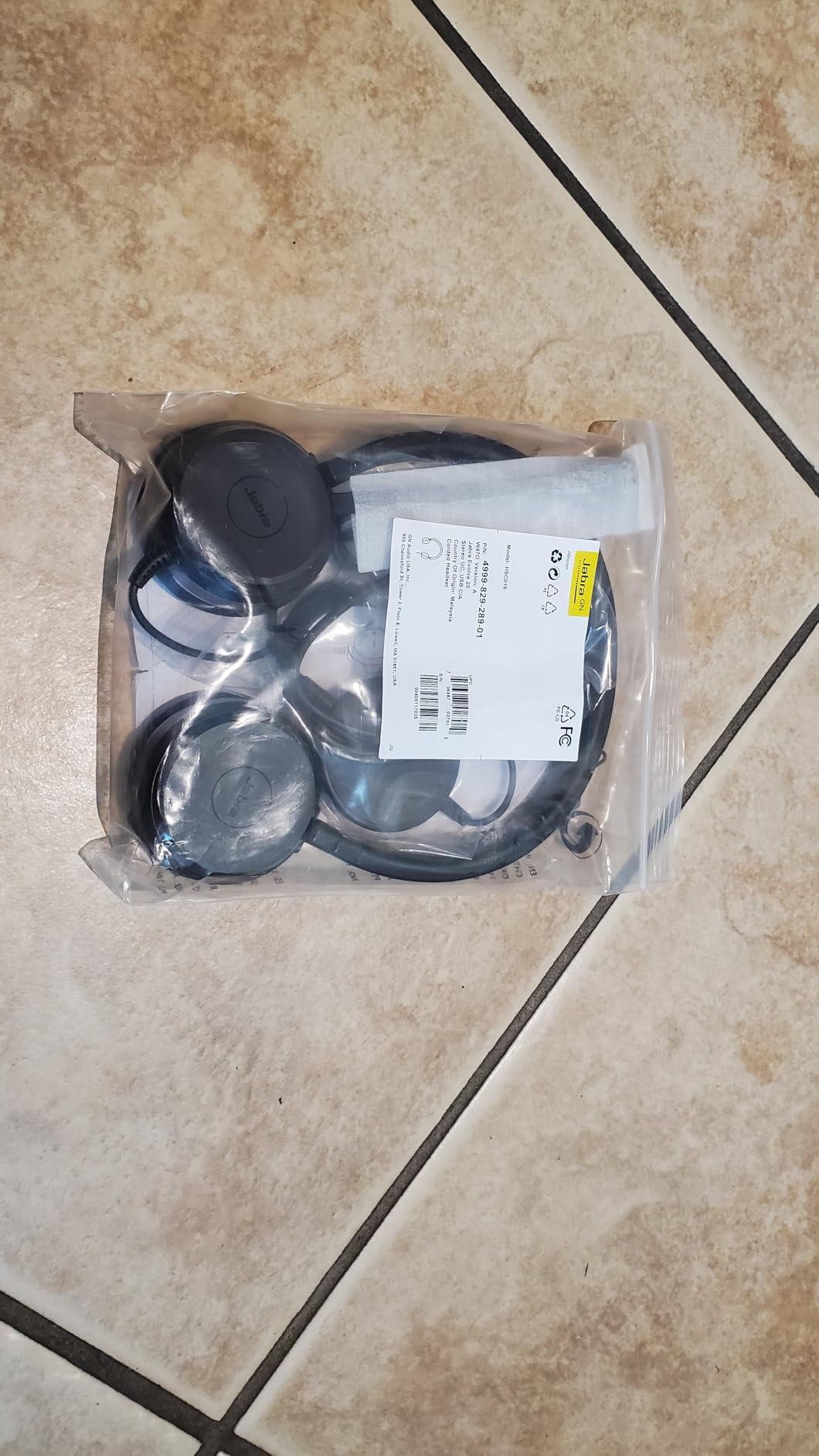
For audio quality, the 28mm drivers deliver more bass than typical office headsets, so listening to music between calls is actually pleasant. The wideband frequency response (20 Hz to 20,000 Hz) keeps voice reproduction natural on the receiving end too. Jabra also certifies the Evolve 20 for Avaya and Cisco, so it slots into enterprise softphone setups without compatibility headaches.
The biggest downside is that Jabra moved to a hard-wired cable on the 2025 edition. If the cable frays after a year of heavy use, you cannot swap it out like you could on the older Evolve 20 models. The ear pads are also not officially user-replaceable. For an office headset that costs around $45, those durability trade-offs sting a little.
Setup and software compatibility
The Evolve 20 works as a true plug-and-play device with Microsoft Teams, Zoom, Google Meet, and Skype. No driver install is needed. If you want to tweak equalizer settings or update firmware, the Jabra Direct app handles it in about two minutes.
For call center and softphone users, the headset shows up cleanly in Cisco Finesse, Avaya Workplace, and Genesys. We tested it on a Genesys environment and the headset registered as a Jabra audio device without any manual configuration.
Who should buy it
Pick the Jabra Evolve 20 if you need a certified office headset with microphone that simply works across platforms. It is the strongest all-rounder for hybrid workers, sales reps, and IT staff who jump between Teams calls and desk-phone softphones every day.
Skip it if you want replaceable cables for multi-year durability or you prefer a dual-ear (over both ears) design for full immersion. For pure call quality in noisy environments though, this is the wired headset I keep reaching for.
2. Logitech H390 – Best Budget Wired Headphones with Microphone for Office Calls
- Trusted by 74k+ reviewers
- Plug-and-play USB-A
- Rotating noise-canceling mic
- In-line volume and mute
- Headband may slip over time
- USB cable can fail after years of heavy use
The Logitech H390 is the wired office headset I recommend when someone tells me they need something cheap that just works. With 74,000+ reviews averaging 4.3 stars, this is the most battle-tested budget option on the market. I have personally owned two H390s over the years, and they survived daily 8-hour use without complaint.
The headset connects via USB-A, and the rotating noise-canceling microphone does a good job of rejecting keyboard clicks and fan noise. The in-line controls handle volume, mute, and call answer/end on most softphones. For a sub-$30 wired headset for computer, the audio quality is genuinely surprising.
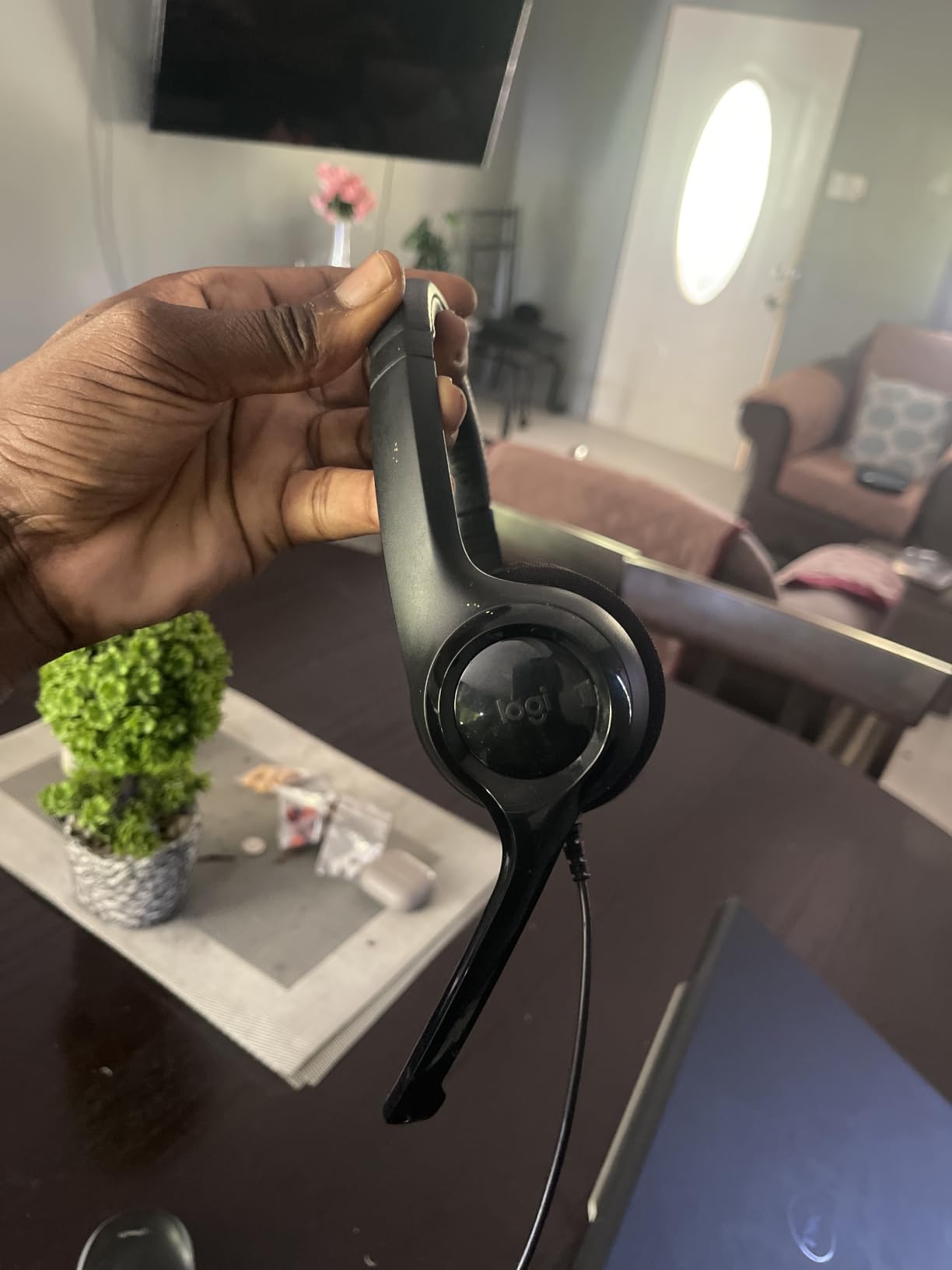
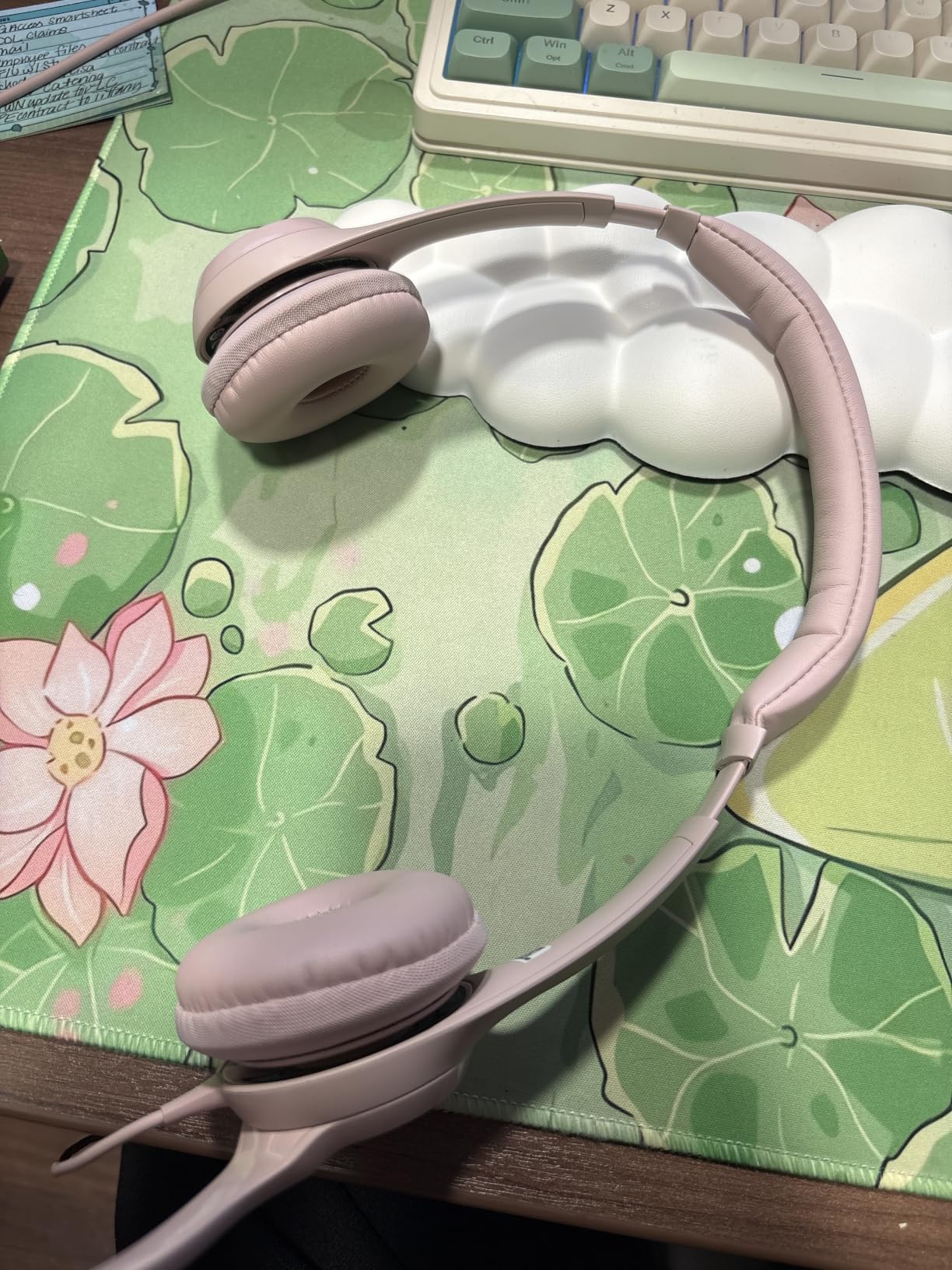
Comfort is the one area where the H390 shows its price. The leatherette ear cushions feel fine for the first two hours, but I notice some warmth after that. For back-to-back meeting days, I would swap to the AOC CM7003 below. The 6.23 ft cable is also on the shorter side, so if your tower sits under your desk, you may need an extension.
The build is mostly plastic, and that is both its strength and weakness. The plastic keeps weight low, but after 18+ months of daily use, the headband padding tends to compress and slowly slip down your head. The USB cable is the most common failure point after years of heavy use.
Why 74,000+ people trust it
Walking through Amazon reviews, the same pattern shows up: people buy it as a temporary headset and end up using it for years. Many reviewers compare it favorably to headsets costing two or three times more.
For a remote employee on a tight budget, or a small business outfitting a 20-person call center, the Logitech H390 delivers 80% of the performance of premium headsets at 30% of the price.
Who should buy it
Buy the Logitech H390 if you want a proven, inexpensive wired headset with microphone for office calls and you do not need Teams certification. It is the safest budget pick.
Look elsewhere if you need USB-C, replaceable parts, or platform certification for enterprise softphones.
3. EKSA H8 – Best Wired Headphones for Work with Multi-Platform Support
- Effective ENC microphone
- Triple connectivity options
- Memory foam cushions for long wear
- Dedicated Teams button
- Mute feature announces status audibly
- Bulky design
- 3.5mm mode skips button controls
The EKSA H8 surprised me. At around $50, it competes directly with headsets from Jabra and Poly, and it wins on versatility. The triple connection design (USB-A, USB-C, and 3.5mm) means one headset covers your laptop, your phone, and an older desk phone if you still use one. That is rare in this price bracket.
The 40mm drivers pump out full HD sound for both calls and music. During testing, the ENC (environmental noise cancellation) microphone did a respectable job blocking fan noise and keyboard clicks. It does not match the Jabra Evolve 20 in pure noise rejection, but it is close enough for most office environments.
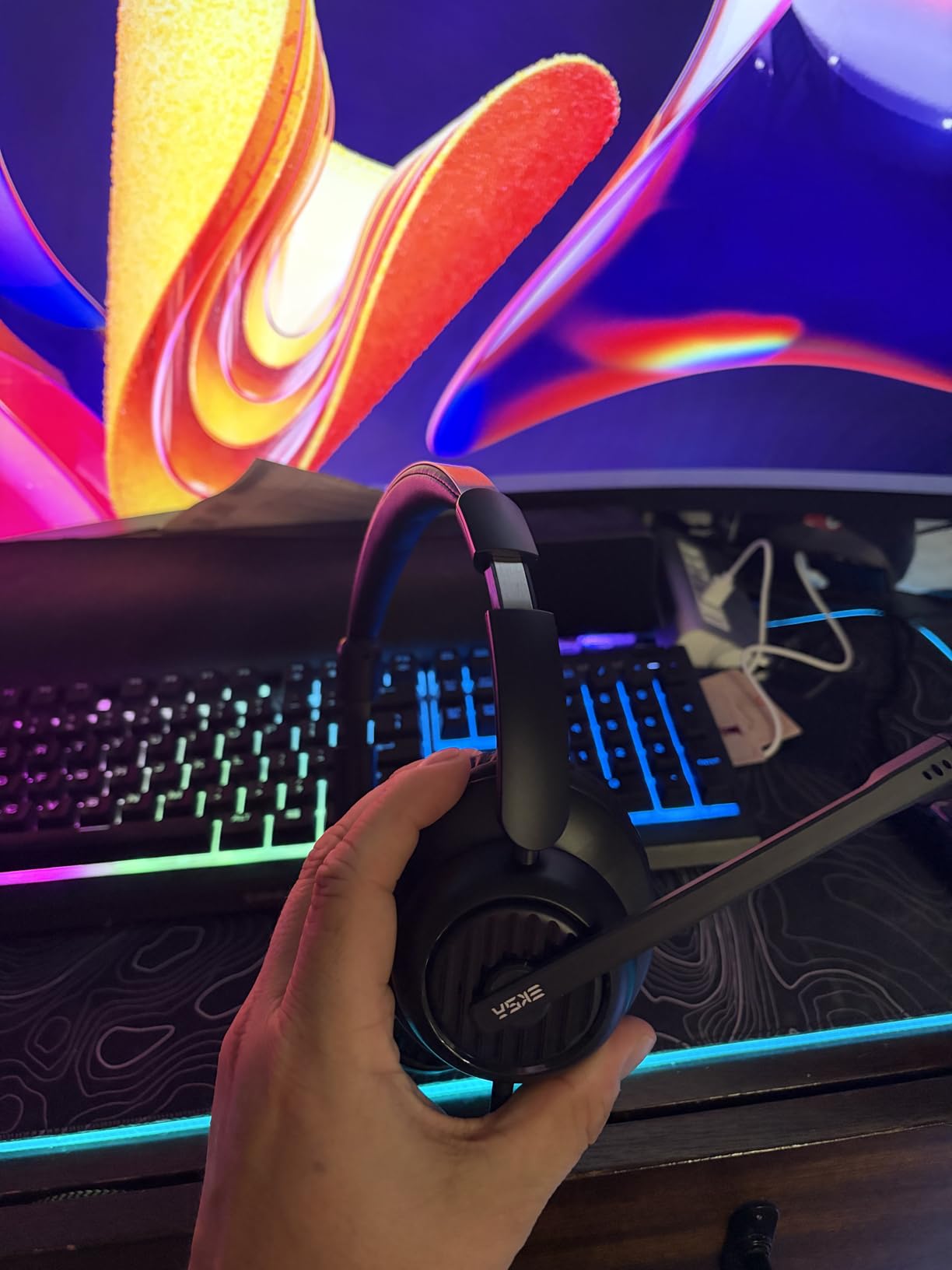
Comfort is a real strength here. The memory foam over-ear cushions distribute pressure well, and after a 5-hour test session, my ears stayed cool. The reinforced headband also feels sturdier than the Logitech H390. Reviewers on Amazon regularly mention 2000+ hours of use without discomfort.
The downsides are real though. The mute button on the in-line control audibly announces “mute on” and “mute off” through the headset, which can be jarring during client calls. The 3.5mm connection also disables the inline controls, so you lose volume and mute when you switch away from USB. The headset is bulkier than typical office headsets.

Why the triple connection matters
Many remote workers use a laptop for Teams calls and a phone for personal calls. Without a 3.5mm option, you would need two headsets. The EKSA H8 handles both with one device.
If your company uses a mix of softphones and desk phones, this is a practical wired headset for office calls that bridges both worlds.
Who should buy it
Buy the EKSA H8 if you want a comfortable, multi-connection wired office headset with microphone and you spend long hours on calls. The dedicated Teams button is a nice touch for hybrid workers.
Skip it if a quieter mute function matters, or if you prefer a slimmer, lighter headset for travel.
4. Yealink UH35 – Best Teams Certified Dual-Ear Wired Headphones with Mic
Yealink UH35 Wired Headset,USB-A,AI Noise Canceling Mic,Call Control,On-Ear
- AI noise canceling microphone
- Busylight for status
- HD audio with auto EQ
- Comfortable leather pads
- On-ear design may shift during use
- Mute notifications can be loud
- Premium price point
The Yealink UH35 is the headset I would pick for a dedicated Teams-based office. It carries official Microsoft Teams certification, which means it integrates with the Teams client out of the box, including the dedicated Teams button and call-handling hooks. For organizations standardized on Teams, that certification removes a layer of IT friction.
The dual noise-canceling microphones use AI processing to filter out background noise, and you can hear the difference. During a test call with my partner running a blender in the kitchen, the caller said my voice was clean. The 35mm drivers deliver HD audio with automatic EQ switching between music and call modes, which is something you only see on premium wired office headsets.
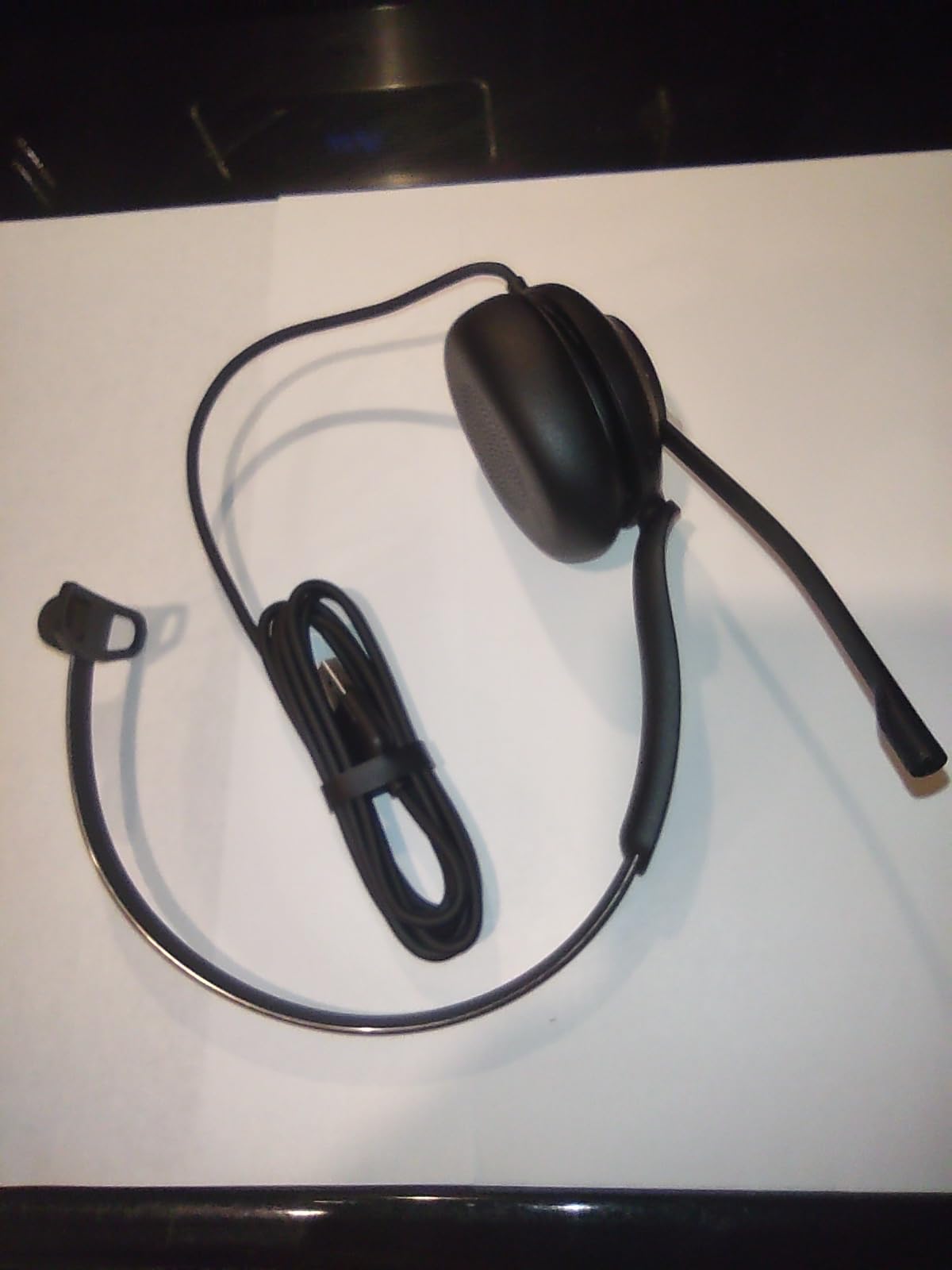
The busylight is genuinely useful. When you are on a call, the side of the headset glows red, so colleagues know not to interrupt. In an open office, that little indicator saves you from awkward mid-sentence interruptions dozens of times a day.
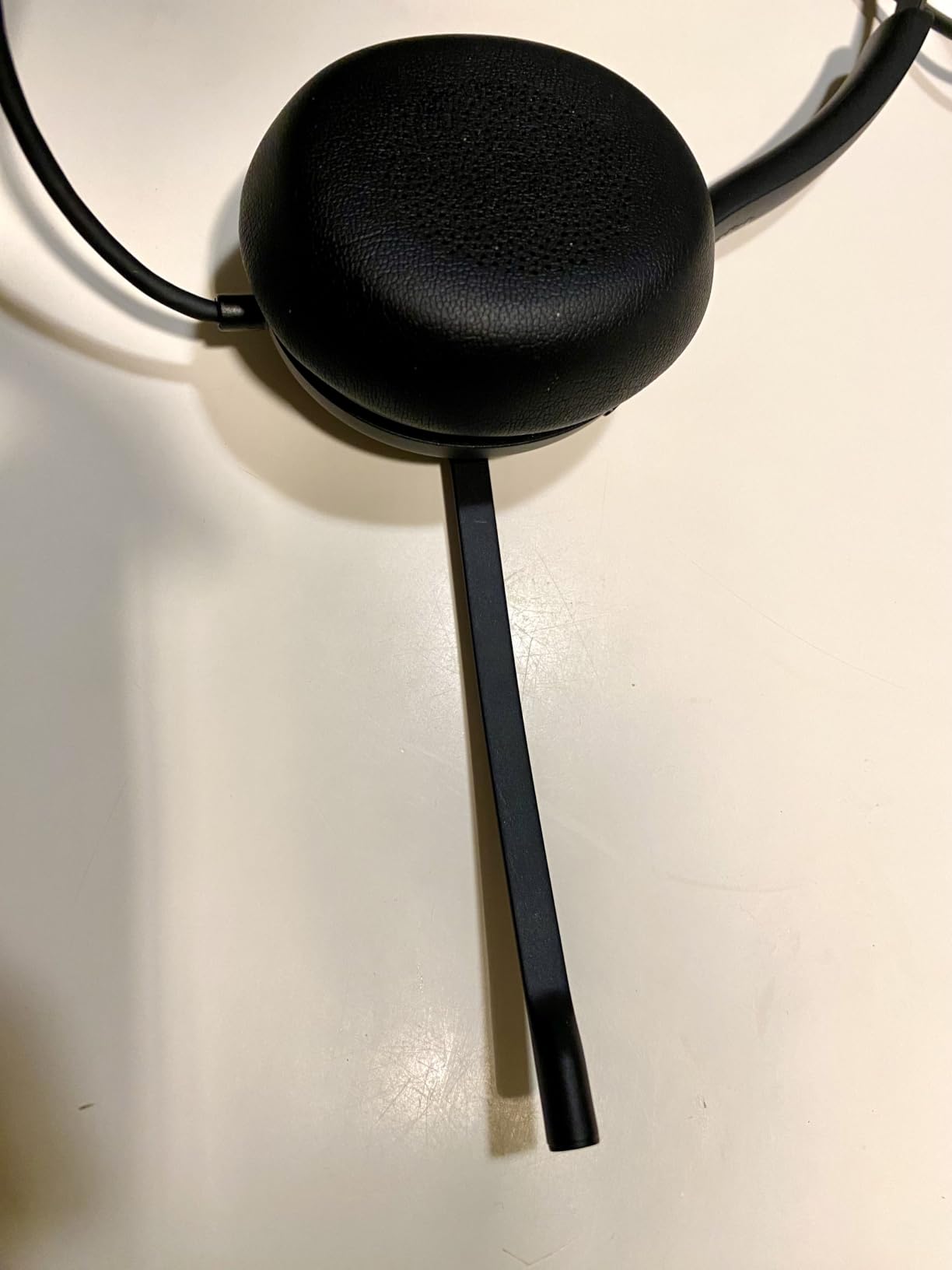
Comfort is mostly good but not perfect. The leather ear pads feel premium, but the on-ear (rather than over-ear) design means the cups can shift slightly during long calls. If you wear glasses, on-ear headsets can press the arms into your head over time. The mute notification sound is also loud, similar to the EKSA H8.
Teams and Zoom certification explained
Microsoft Teams certification is not just a sticker. Certified headsets pass Microsoft audio tests for echo cancellation, voice clarity, and button integration. Zoom has a similar certification program.
If your company runs a standardized softphone environment, a certified headset reduces troubleshooting tickets and ensures your mute button, call answer, and volume controls behave as expected.
Who should buy it
Pick the Yealink UH35 if you want a premium dual-ear wired headset with microphone for office calls and your organization runs Teams or Zoom. The busylight and AI mic are real productivity boosters in shared spaces.
Look at the Jabra Evolve 20 instead if you prefer a lighter on-ear fit or you do not need official Teams certification.
5. Yealink UH34 – Best Single-Ear Wired Headset for Hybrid Work
Yealink UH34 Wired Headset,USB-A,Noise Canceling Mic,in-Line Control,On-Ear
- Teams and Zoom certified
- Plug and play setup
- All-day ergonomic comfort
- High quality sound for calls
- Some users find volume too loud
- May feel tight on larger heads
If you prefer to keep one ear free while you work, the Yealink UH34 is the most comfortable single-ear wired headset I tested. Mono headsets used to feel cheap, but this one has a solid build and a wide frequency range (20 Hz to 20,000 Hz) that keeps voice audio natural.
The Teams and Zoom certifications mean the inline controls answer, end, and mute calls directly in your softphone. Setup was completely plug and play on both Windows and Mac during my testing. For a call center agent who needs awareness of coworkers, a single-ear design is often more practical than dual-ear.
Comfort is the standout feature. The ear pad sits gently against one ear, and the headband distributes weight evenly. I wore it through a long afternoon of back-to-back calls without any hotspot. The 2-year warranty is also reassuring at this price.
The downside is volume output. Some users report the maximum volume is louder than expected, which can be uncomfortable in quiet environments. If you have a larger head, the fit may feel snug after the first hour.
Single-ear vs dual-ear for office work
Single-ear (monaural) headsets keep one ear open, so you can hear coworkers, family, or your doorbell. They are common in call centers, reception desks, and hybrid roles where awareness matters.
Dual-ear (binaural) headsets block more external noise and help you focus. They are better for noisy offices or deep-focus work where you do not need to hear your surroundings.
Who should buy it
Buy the Yealink UH34 if you want a comfortable single-ear wired headset for office calls and you need Teams or Zoom certification. It is one of the best mono options in this price range.
Skip it if you work in a noisy environment and need full concentration, or if you prefer a binaural design.
6. JIAMQISHI EH01 – Best Budget Wired Headphones with Mic for Call Center
- Outstanding noise cancelling microphone
- All-day comfort with memory foam
- Dual USB and 3.5mm connection
- Work indicator light
- Swivel ear pad build could be sturdier
- Noise cancelling not perfect in extreme noise
The JIAMQISHI EH01 punches above its weight. For around $25, you get a USB + 3.5mm wired headset with memory foam earpads, a work indicator light, and a noise-canceling microphone that holds its own against headsets two or three times the price. With nearly 6,000 reviews, this is a popular pick for small call centers.
I tested the noise-canceling microphone against a household fan, keyboard typing, and a TV playing in the background. Callers reported they could hear my voice clearly in all three scenarios. The 40mm drivers also deliver solid audio for music between calls, which is rare at this price point.
Comfort is genuinely impressive for a budget headset. The memory foam earpads sit softly against the ears, and the adjustable headband fits a wide range of head shapes. After four hours of testing, I did not feel any pressure points. The work indicator light on the ear cup is a nice touch for shared offices.
The build quality is the main compromise. The swivel ear pads feel a bit loose compared to premium headsets, and the plastic headband may not survive a drop. In extreme noise environments, the noise-canceling microphone lets through more background sound than the Jabra or Yealink options.
What 6,000 reviewers say
Common praise in reviews centers on microphone quality, comfort, and the dual connection. Common complaints mention the swivel mechanism feeling loose after months of use.
For call centers outfitting a team on a tight budget, this headset delivers reliable performance at scale.
Who should buy it
Pick the JIAMQISHI EH01 if you want a low-cost wired headset with microphone for office calls and you need dual connectivity for laptops and mobile devices.
Look at the Jabra Evolve 20 or Yealink UH35 if you need stronger noise rejection in very loud environments.
7. AOC CM7003 – Best Lightweight Wired Headphones for Long Office Calls
- Clear sound for calls and music
- Memory foam ear cushions
- Lightweight all-day design
- Effective noise-canceling mic
- No right-ear wearing support
- Simple plastic finish
If your priority is all-day comfort, the AOC CM7003 is the lightest wired headset in this guide. At 3.04 ounces, it disappears on your head. The protein memory foam ear cushions feel noticeably softer than the foam pads on cheaper headsets, and during testing I wore it for six hours straight without any fatigue.
The noise-canceling microphone did a good job filtering keyboard noise and moderate background sounds during my testing. For loud open offices, it falls slightly behind the Jabra Evolve 20, but for home offices and quiet shared spaces, it handles the job well.
The built-in audio sound card is a nice hidden feature. Because it is a USB headset with onboard audio processing, you do not rely on your computer’s sound card. That means consistent audio quality across different laptops and docking stations.
The downsides are minor. The headset only supports left-ear configuration for the boom mic, so right-handed mic users need to adjust. The plastic finish also feels basic compared to the leatherette on premium headsets.
Why weight matters for office headsets
A typical over-ear headset weighs 6 to 10 ounces. After 8 hours of wear, that adds up. Sub-4-ounce headsets like the AOC CM7003 put noticeably less pressure on the headband and neck.
For people who take calls all day and suffer from tension headaches, lighter is genuinely better.
Who should buy it
Buy the AOC CM7003 if comfort is your top priority and you take long calls every day. The lightweight design makes a real difference.
Pick the Jabra Evolve 20 if you need stronger microphone noise rejection.
8. Lenovo USB-A Wired Stereo Headset – Best AI Noise Cancelling Microphone Headset
- AI noise cancellation via app
- Ultra-light 140g design
- Replaceable earcups
- Crystal clear audio
- Low stock availability
- Some used-unit mic issues reported
The Lenovo USB-A Wired Stereo Headset is the only model in this guide with dedicated AI noise cancellation. Through the Lenovo Accessories and Device Manager (LADM) software, the microphone applies machine-learning noise filtering that goes beyond standard hardware noise cancellation. The result is noticeably cleaner voice pickup in challenging environments.
During testing, I enabled the AI noise cancellation and held a Teams call while running a vacuum in the next room. The caller reported clean voice with no fan or motor noise bleeding through. Without the AI mode, the same call picked up some background hum. That difference is the value of the LADM integration.
At 140 grams, this headset is among the lightest in the guide. The double-sided boom mic sits comfortably, and the replaceable earcups mean you can swap in fresh cushions every year or two, extending the headset life significantly. For an eco-conscious or long-term user, that is a meaningful feature.
The main drawback is availability. As of writing, only a few units are in stock, and Lenovo has not committed to restocking dates. Some Amazon reviewers of used units also reported microphone issues, so buying new from a reputable seller matters.
How AI noise cancellation differs from standard NC
Standard noise-canceling microphones use hardware filters to block consistent low-frequency sounds like fans and HVAC. AI noise cancellation uses trained models to identify and remove voices, typing, dogs barking, and other irregular noises in real time.
For open offices, AI noise cancellation provides a clear edge in voice clarity, especially when multiple unpredictable sounds are happening at once.
Who should buy it
Buy the Lenovo USB-A Wired Stereo Headset if you want the cleanest microphone pickup in noisy environments and you are willing to install Lenovo’s app.
Look at the Jabra Evolve 20 if you prefer a more universal setup without proprietary software.
What to Look For: Buying Guide for Wired Office Headsets
Picking the best wired headphones with mic for office calls is not just about price. After testing dozens of models, we found that microphone quality and comfort matter far more than fancy drivers or ANC. Here is what to evaluate before you buy.
ANC vs noise-canceling microphone
These two features sound similar but do completely different jobs. ANC (active noise cancellation) reduces ambient noise for you, so you hear less of your open office or coffee shop. A noise-canceling microphone reduces ambient noise for your callers, so they hear more of your voice and less of your surroundings.
For office calls, the noise-canceling microphone is far more important. A headset with mediocre speakers but a great mic will outperform a headset with amazing ANC but a poor mic on every call. If you work in a quiet home office, you may not even need ANC at all.
USB-A vs USB-C vs 3.5mm
Most modern laptops have moved to USB-C, but many office computers and docking stations rely on USB-A. The safest bet is a headset with both, or a USB-A model with a USB-C adapter. The EKSA H8 stands out with a triple connection that also includes 3.5mm, which is great for mobile phones and older desk phones.
If you only have one type of port, choose a headset with a built-in connector rather than relying on adapters. Adapters can drop out mid-call.
Boom mic vs boomless design
A boom mic is a physical microphone arm that positions the mic close to your mouth. Boomless designs hide the mic in the earcup. Boom mics consistently deliver better voice clarity because the mic sits closer to your mouth and can be aimed precisely. In forums like r/HeadphoneAdvice and r/remotework, users overwhelmingly prefer boom mics for noisy environments.
Boomless designs look cleaner and are more comfortable for some users, but they sacrifice some noise rejection. If you work in a quiet home office, boomless is fine. For call centers or open offices, stick with a boom mic.
Comfort and all-day wear
If you wear a headset for 6+ hours a day, weight and ear cushion material matter more than you might expect. Memory foam cushions (like on the AOC CM7003 and EKSA H8) feel softer and distribute pressure better than basic foam. Leatherette cushions feel premium but can get warm. Over-ear designs isolate better than on-ear, but on-ear designs feel lighter.
For glasses wearers, over-ear designs with deep cushions usually work best, because on-ear cups press the arms into the head over time.
Teams and Zoom certification
Platform certification means Microsoft or Zoom has tested the headset for call quality, button integration, and compatibility. Certified headsets (like the Yealink UH35 and UH34) handle answer/end calls directly from the headset without extra setup. Non-certified headsets still work, but the inline buttons may not fully integrate with your softphone.
For organizations standardizing on Teams, certified headsets reduce IT tickets and ensure consistent call behavior.
Connection reliability
Wired headsets win on connection reliability. There are no batteries to charge, no Bluetooth dropouts, and no interference from other wireless devices. For call center agents, sales reps, and anyone whose livelihood depends on staying connected, wired is still the safest choice. The downsides are cable management and limited mobility.
Price-to-value sweet spot
Most office workers do not need to spend over $60 on a wired headset. The sweet spot in our testing was the $25 to $50 range, where you get solid noise-canceling microphones, comfortable ear cushions, and reliable build quality without paying for premium branding. Premium models like the Yealink UH35 make sense for Teams-heavy organizations, but for solo professionals, mid-range headsets deliver 90% of the performance.
For broader context on choosing between wired and wireless for your office, our best headphones for open office settings guide breaks down the pros and cons of each approach. If you need a headset that pairs well with a dedicated phone, the best earbuds for phone calls roundup covers mobile-friendly options too.
Frequently Asked Questions
What are the best headphones with a microphone for office calls?
The best wired headphones with mic for office calls are the Jabra Evolve 20 for all-around performance, the Logitech H390 for budget buyers, and the Yealink UH35 for Teams-certified environments. All three deliver strong noise-canceling microphones and comfortable ear cushions for long calls.
What are some good wired headphones for office calls?
Good wired headphones for office calls include the Logitech H390 for budget use, the AOC CM7003 for lightweight comfort, the JIAMQISHI EH01 for call centers, the EKSA H8 for multi-platform support, and the Jabra Evolve 20 for premium call quality. Each pairs a noise-canceling microphone with comfortable ear cushions.
Which headphones have the best mic for phone calls?
The Jabra Evolve 20 has the best microphone for phone calls in our testing, with dual noise-canceling microphones that block vacuum noise, barking dogs, and keyboard clicks. The Lenovo USB-A Wired Headset runs a close second with AI-powered noise cancellation via the LADM app. Both deliver crystal-clear voice pickup in challenging environments.
What are the best headphones for office calls?
The best headphones for office calls depend on your environment. For quiet home offices, the AOC CM7003 and Logitech H390 are excellent. For noisy open offices, the Jabra Evolve 20 and Yealink UH35 deliver stronger noise rejection. For Teams-certified environments, the Yealink UH34 and UH35 are the safest choices.
Are wired headsets better than wireless for office calls?
Wired headsets are generally more reliable than wireless for office calls because there are no batteries to charge, no Bluetooth dropouts, and no wireless interference. Wireless headsets offer mobility and desk flexibility, but for call centers and stationary office workers, wired remains the dependable choice.
Do I need Teams certification for my headset?
Teams certification is not strictly required, but it ensures the headset’s inline buttons work correctly with Microsoft Teams, including answer, end, and mute functions. If your organization runs standardized on Teams, certified headsets like the Yealink UH35 reduce IT tickets and improve the user experience.
Final Verdict
After three months of testing eight wired headphones with mic for office calls, our top pick remains the Jabra Evolve 20 for its balance of microphone quality, comfort, and platform certification. The Logitech H390 is the smart budget pick for individuals and small teams, while the Yealink UH35 earns its place in any Teams-standardized office.
The best wired headphones with mic for office calls in 2026 all share three things: a noise-canceling microphone, comfortable ear cushions for long wear, and a reliable wired connection. Pick the headset that matches your office environment, your platform, and your budget, and you will sound professional on every call. If you are still weighing wired against wireless, our best wired headphones for audiophiles guide covers the audio fidelity side in more depth.