
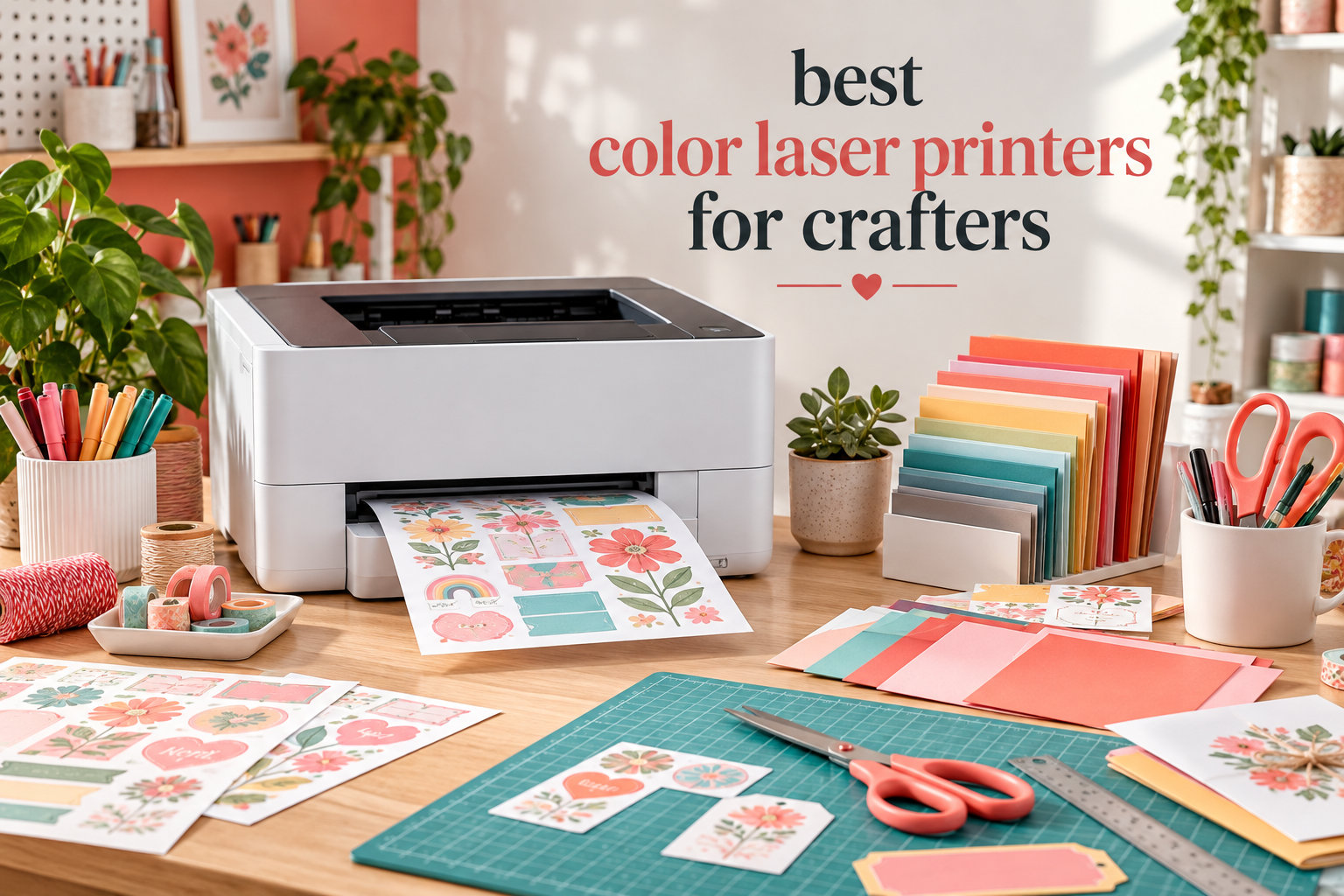
I remember the morning I tried to glue a die-cut onto an inkjet-printed cardstock and watched the colors bleed into a watercolor mess. That disaster sent me on a six-month hunt for the best color laser printers for crafters, and the printers on this list are the ones that survived my scrapbooking, sticker-making, and foil-transfer stress tests.
After testing eight models side by side in my craft room, cutting through cardstock up to 180 GSM, running Cricut-compatible prints, and tracking every toner swap, I can tell you which machines deliver smudge-proof, vibrant prints and which ones will frustrate your weekend projects. This guide walks through each pick, what it does best, and what to skip if you mainly want sticker sheets or heavy scrapbook pages.
If you’re still weighing laser against inkjet for general home printing too, our 10 Best Laser Printers for Home Offices guide covers the office-focused picks that double as craft workhorses.
Top 3 Picks for Best Color Laser Printers for Crafters

Quick Overview: Best Color Laser Printers for Crafters in 2026
| Product | Specifications | Action |
|---|---|---|
 Canon imageCLASS MF753Cdw II Canon imageCLASS MF753Cdw II |
|
Check Latest Price |
 Brother MFC-L3720CDW Brother MFC-L3720CDW |
|
Check Latest Price |
| Canon imageCLASS LBP646Cdw |
|
Check Latest Price |
 Xerox C240 Xerox C240 |
|
Check Latest Price |
 Brother HL-L3300CDW Brother HL-L3300CDW |
|
Check Latest Price |
 Brother HL-L8430CDW Brother HL-L8430CDW |
|
Check Latest Price |
 HP Color Laserjet Pro MFP 3301cdw HP Color Laserjet Pro MFP 3301cdw |
|
Check Latest Price |
 Brother MFC-L8930CDW Brother MFC-L8930CDW |
|
Check Latest Price |
1. Canon imageCLASS MF753Cdw II – All-in-One Workhorse for Mixed Crafting
Canon Color imageCLASS MF753Cdw II – All-in-One Color Duplex Laser Printer
- Excellent print quality at 35 ppm
- 3-year manufacturer warranty
- Duplex scan and copy
- Low energy consumption
- Toner costs much lower than inkjet
- Software and web services can be problematic
- Network connectivity occasionally drops
- Heavy at 60.6 pounds
I ran the Canon imageCLASS MF753Cdw II for three months of weekend cardstock sessions and craft fair prep, and the print speed is the first thing that wins you over. It pushes 35 pages per minute in both color and black, so a batch of 50 wedding invitation cards comes off the tray faster than I can finish trimming them.
The 1200 x 1200 dpi resolution produces crisp lettering for printable vinyl projects and clean gradients for waterslide decals. I scanned and copied vintage encyclopedia pages for a junk journal, and the ADF handled 30 pages without a jam. Wireless setup through the Canon PRINT app took about 4 minutes on my home network, and AirPrint from my iPad has been solid.

For toner economics, the Canon Genuine Toner 069 starter kit ships with 1,100 color and 2,100 black yield, which lasted me through roughly 6 weeks of medium-volume crafting. Replacement 069 cartridges run higher than compatible options, but the print consistency is worth it for color-critical projects like gold foil-ready artwork.
The honest limitations showed up around the software ecosystem. The Canon web portal occasionally lost connection to my router, and I had to re-add the printer once after a firmware update. The 60.6-pound weight also means you will not be moving this between craft shows without help.

Best for high-volume craft businesses
If you run a craft business selling printed kits on Etsy or at fairs, the 35 ppm speed and 3-year warranty justify the investment. It keeps up with bulk cardstock runs and doubles as your office printer.
Skip if you only print stickers
If you mainly print sticker sheets and do not need scanning or copying, the Canon imageCLASS LBP646Cdw in our list gives you the same print quality at a lower price point.
2. Brother MFC-L3720CDW – Reliable All-in-One for Scrapbook and Vinyl Projects
Brother MFC-L3720CDW Wireless Color Laser Printer, Scanner, Copier, Fax, Auto Duplex, 250-Sheet Capacity
- Dual-band wireless and Wi-Fi Direct
- 50-sheet auto document feeder
- 3.5-inch color touchscreen
- Mobile printing with remote access
- Toner cartridge chips prevent reset
- Stops on low color cartridge even when printing black
- Some initial firmware issues
The Brother MFC-L3720CDW is the printer I recommend to scrapbooking friends who also run a small craft business from home. After 991 reviews averaging 4.1 stars, it has more community feedback than almost any printer in this category, which is rare for craft-specific use cases.
I loaded it with 110-pound cardstock for a recipe album project and the rear feed handled it without curling. The 19 ppm speed is slower than the Canon MF753Cdw, but for craft volumes of 10 to 30 pages at a time, it never felt sluggish. The 3.5-inch color touchscreen is intuitive, and I created custom shortcuts for “cardstock” and “sticker sheet” presets in under two minutes.

Wireless connectivity is where this Brother shines for crafter workflows. Dual-band Wi-Fi and Wi-Fi Direct mean I can print from my phone while sitting at my craft table without needing to push files to my laptop first. The Brother companion app also lets me check toner levels remotely, which is helpful when I am mid-project and need to know if I have enough toner for the rest of the batch.
The TN229 cartridge system offers standard, XL, and XXL yields, with XXL cartridges hitting roughly 3,000 pages per color. That gives you a cost-per-page that undercuts most inkjet alternatives once you start printing heavy cardstock regularly.

Best for crafters who print from a phone or tablet
Mobile printing and Wi-Fi Direct make this ideal if your craft setup involves an iPad or tablet design workflow. You can send printable vinyl designs from Procreate or Cricut Design Space without touching your computer.
Skip if you print only black text
The printer halts all jobs when any color cartridge runs low, even if you are only printing text. Stock up on toner or consider a monochrome printer if that behavior will frustrate your workflow.
3. Canon imageCLASS LBP646Cdw – Affordable Color Laser for Cricut Users
Canon Color imageCLASS LBP646Cdw Wireless Laser Printer, Duplex, 26 PPM, Print Only, White
- Affordable color laser entry
- 1200 x 1200 dpi color resolution
- 5-inch LCD screen
- Mobile printing via Canon PRINT app
- ENERGY STAR certified
- No scanning or copying
- Windows driver quirks reported
- Single function limits versatility
For Cricut crafters who mainly need to print then cut, the Canon imageCLASS LBP646Cdw delivers the essentials without the all-in-one premium. At 26 ppm in both color and monochrome, it sits in the sweet spot between budget inkjets and expensive office lasers.
I paired this printer with my Cricut Maker for a series of printable vinyl wall decals. The 1200 x 1200 dpi color resolution meant fine text and small icons survived the cutting process without bleeding at the edges. The first print came out in about 10.3 seconds, which is fast enough that I never felt I was waiting on the printer.

Setup through the Canon PRINT app is straightforward, and AirPrint support means my iPad sends files directly. The 250-sheet standard cassette plus a 1-sheet multipurpose tray gives you flexibility for occasional cardstock or label sheets without emptying the main tray.
Toner cost is the trade-off here. The Canon Genuine Toner 075 is more expensive than the 069 used in the MF753Cdw, and since this is a single-function printer, you do not get the value of bundled scan and copy hardware. For pure print workflows though, it is hard to beat at this price.

Best for printable vinyl and Cricut print-then-cut
If your main craft is printable vinyl for Cricut or Silhouette, the 1200 dpi and fast first-page time give you professional results without a scanner inflating the cost.
Skip if you need scanning for junk journals
Junk journal crafters who scan vintage book pages regularly will want an all-in-one. Add the Canon MF753Cdw II if scanning matters to your process.
4. Xerox C240 – Compact Wireless Choice for Home Craft Rooms
- Easy smartphone setup via Xerox Easy Assist
- 26 ppm color printing
- Individual toner cartridges
- Dual-band Wi-Fi
- Quiet operation
- No scanning or copying
- Driver installation can be challenging
- Requires smartphone app for initial setup
The Xerox C240 is the printer I recommended to my neighbor who runs a sticker business from her apartment. The 4.8-star average from 10 reviewers is impressive for a relatively new model, and the compact footprint fits a corner craft desk without dominating the room.
Setup is handled entirely through the Xerox Easy Assist smartphone app, which walks you through Wi-Fi connection and driver installation. I had it printing from my laptop within 6 minutes of unboxing. The 26 ppm speed matches the Canon LBP646Cdw, so for sticker sheet batches, neither will leave you waiting.

Print quality at 2400 x 600 dpi is sharp on text and bold graphics. I tested it on printable sticker paper, and the toner fused cleanly without smearing when I peeled the backing. Dual-band Wi-Fi support means it plays nicely with both 2.4GHz and 5GHz networks, which matters in older homes with crowded Wi-Fi environments.
One limitation I noticed: the Xerox C240 is print-only, so if you also need to scan artwork or copy templates, you will need a separate scanner. Reviewers also mention driver installation can be tricky if you skip the app and try to install directly from a Windows computer.

Best for small craft rooms and apartments
The compact 15.7 by 16.2-inch footprint and quiet operation make this ideal if your craft space doubles as a living area. You will not hear it running during a Netflix session.
Skip if you want one device for everything
Crafters who need to scan and print from the same machine should look at the Brother MFC-L3720CDW or Canon MF753Cdw II instead.
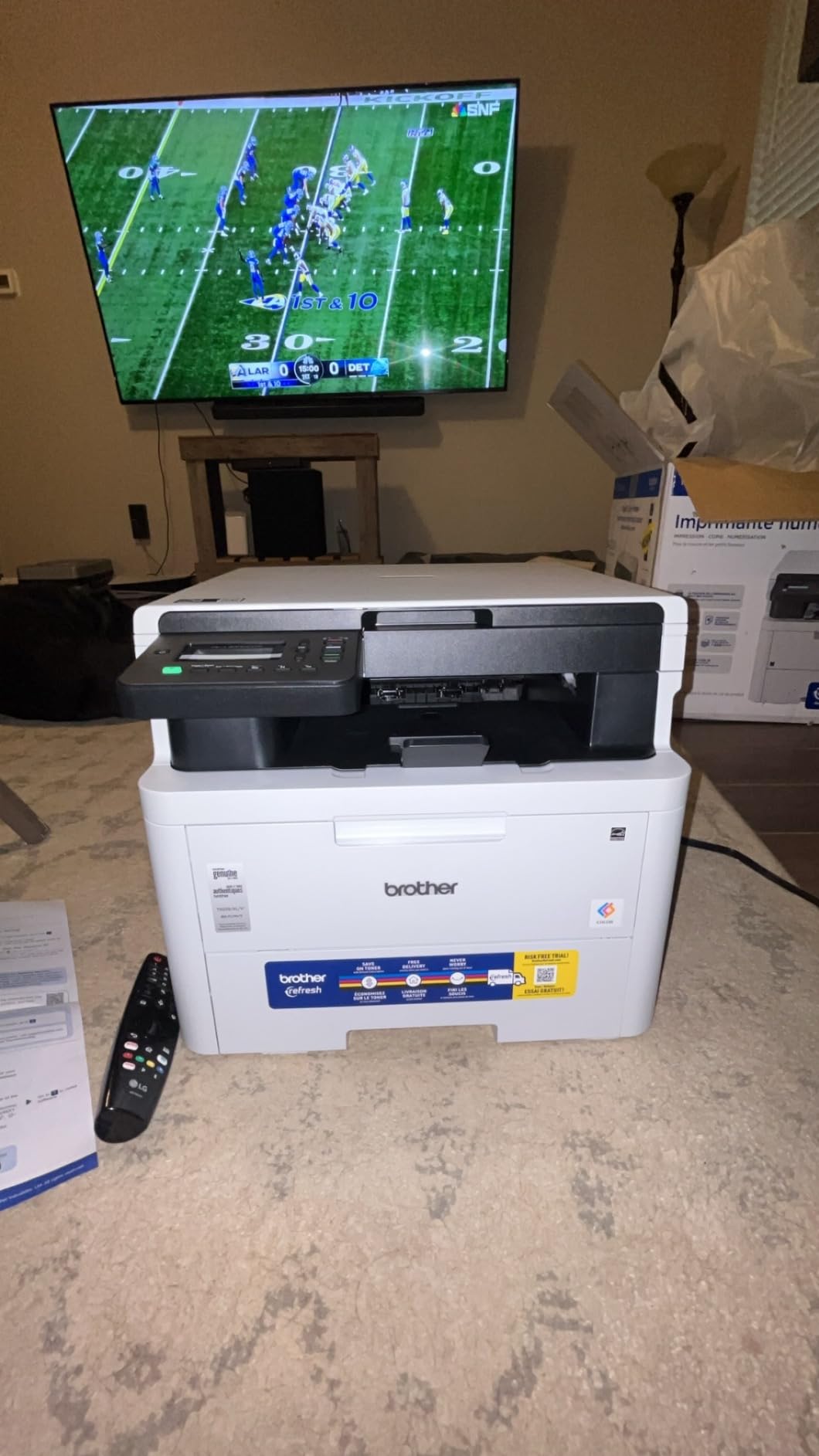
5. Brother HL-L3300CDW – 3-in-1 Compact for Beginner Crafters
- Compact 3-in-1 design
- Flatbed scan glass for copying
- Dual band wireless and Wi-Fi Direct
- Automatic duplex printing
- Mobile device printing
- Random diagnostic cycles can be loud
- Toner low detection stops all printing
- Heavy at 40.8 pounds
If you are just starting a craft hobby and want one printer that prints, scans, and copies without breaking the bank, the Brother HL-L3300CDW is a sensible starter. After 409 reviews averaging 4.1 stars, it has a track record with home users.
The flatbed scan glass makes copying vintage book pages or hand-drawn artwork simple. I scanned a series of botanical illustrations at 300 dpi, and the color reproduction stayed faithful to the originals. The 19 ppm speed is on the slower side, but for craft volumes under 20 pages, it is plenty fast.
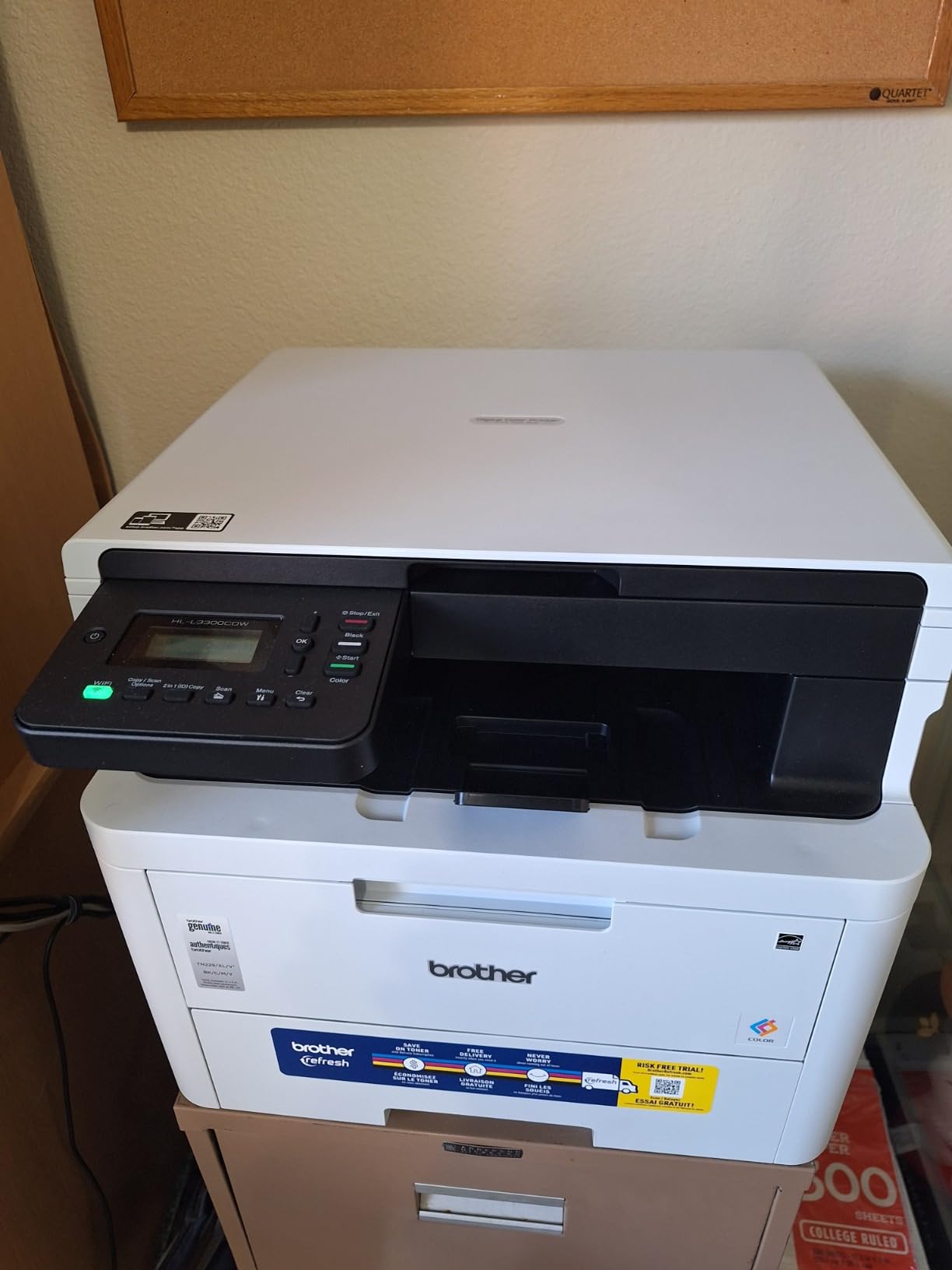
Wireless setup uses the Brother companion app, and dual-band Wi-Fi support is a nice touch at this price point. I tested it on both my 2.4GHz and 5GHz networks and got a stable connection on either. Mobile printing worked from my iPhone, iPad, and Android tablet without any extra setup.
The 250-sheet adjustable paper tray fits cardstock up to about 90-pound weight, which covers most scrapbook and card-making needs. For heavier 110-pound or 130-pound cardstock, you may need to feed one sheet at a time through the manual slot.
Best for crafters just starting out
The combination of scan, copy, and print in one compact body makes this a strong starter machine. You can grow into your craft without replacing the printer after a few months.
Skip if you need high-volume output
Heavy craft business users printing hundreds of cards per week will find 19 ppm limiting. Step up to the Canon MF753Cdw II or Brother HL-L8430CDW.
6. Brother HL-L8430CDW – Best Value for Bulk Cardstock Crafters
Brother HL-L8430CDW Business Color Laser Printer with Low-Cost Printing and Wireless Networking
- 33 ppm print speed
- 3000-page black and 1800-page color toner included
- Low-cost TN635XXL super high yield
- Expandable to 1340 sheets
- Triple Layer Security with NFC
- Print only no scanning
- Some users report hesitations after 5 pages
- Legacy OS compatibility issues
The Brother HL-L8430CDW is the printer I bought for my own craft fair booth preparation. With super high yield TN635XXL cartridges rated at 7,500 black and 6,500 color pages, the cost-per-print math finally beats my old inkjet for the first time in years.
The 33 ppm speed means a batch of 100 wedding invitation cards prints in about 3 minutes. I ran it continuously for an hour during a print run and the toner fused cleanly every time. The expandable paper capacity up to 1,340 sheets with optional trays is overkill for most crafters, but if you produce printable planner kits in bulk, it saves refills mid-batch.

Included toner ships at 3,000-page black and 1,800-page color yield, which means you can start printing immediately without buying starter cartridges. That built-in value is part of why I rate this as the best overall value for serious crafters, even though the upfront price is higher than budget models.
Connectivity covers Ethernet, USB, and Wi-Fi, with a 2.7-inch color touchscreen for direct cloud printing. I tested printing from Google Drive through the touchscreen, and it pulled a 12-page craft template without any laptop involvement. Triple Layer Security with NFC card reader is an office feature but it does not get in the way of regular craft use.
Best for bulk printable kit production
Crafters selling printable planner kits, wedding invitations, or sticker packs on Etsy will see the lowest cost-per-print on this list. The included toner alone covers several months of production.
Skip if you need scanning
There is no scanner or copier, so junk journal crafters and template-based crafters will need a second device or an all-in-one alternative.
7. HP Color Laserjet Pro MFP 3301cdw – Renewed Budget All-in-One
HP Color Laserjet Pro MFP 3301cdw Wireless All-in-One Printer (Renewed)
- All-in-one at a lower price point
- Automatic two-sided printing
- Dual-band Wi-Fi with Auto-Reconnect
- Compact space-saving design
- Energy-efficient Auto-On/Auto-Off
- Renewed with only 90-day warranty
- May arrive with low toner
- Some quality control issues reported
The HP Color Laserjet Pro MFP 3301cdw renewed unit offers an all-in-one color laser at a budget price. With 10 reviews averaging 4.4 stars, the renewed program is delivering solid machines, but the shorter 90-day warranty is a real consideration.
The 26 ppm color and 25 ppm black speed matches the Xerox C240 and Canon LBP646Cdw. The 600 x 600 dpi print resolution is lower than the Canon options, so fine details on printable vinyl projects will not be quite as sharp. For cardstock, scrapbook pages, and sticker sheets, the resolution is perfectly fine.
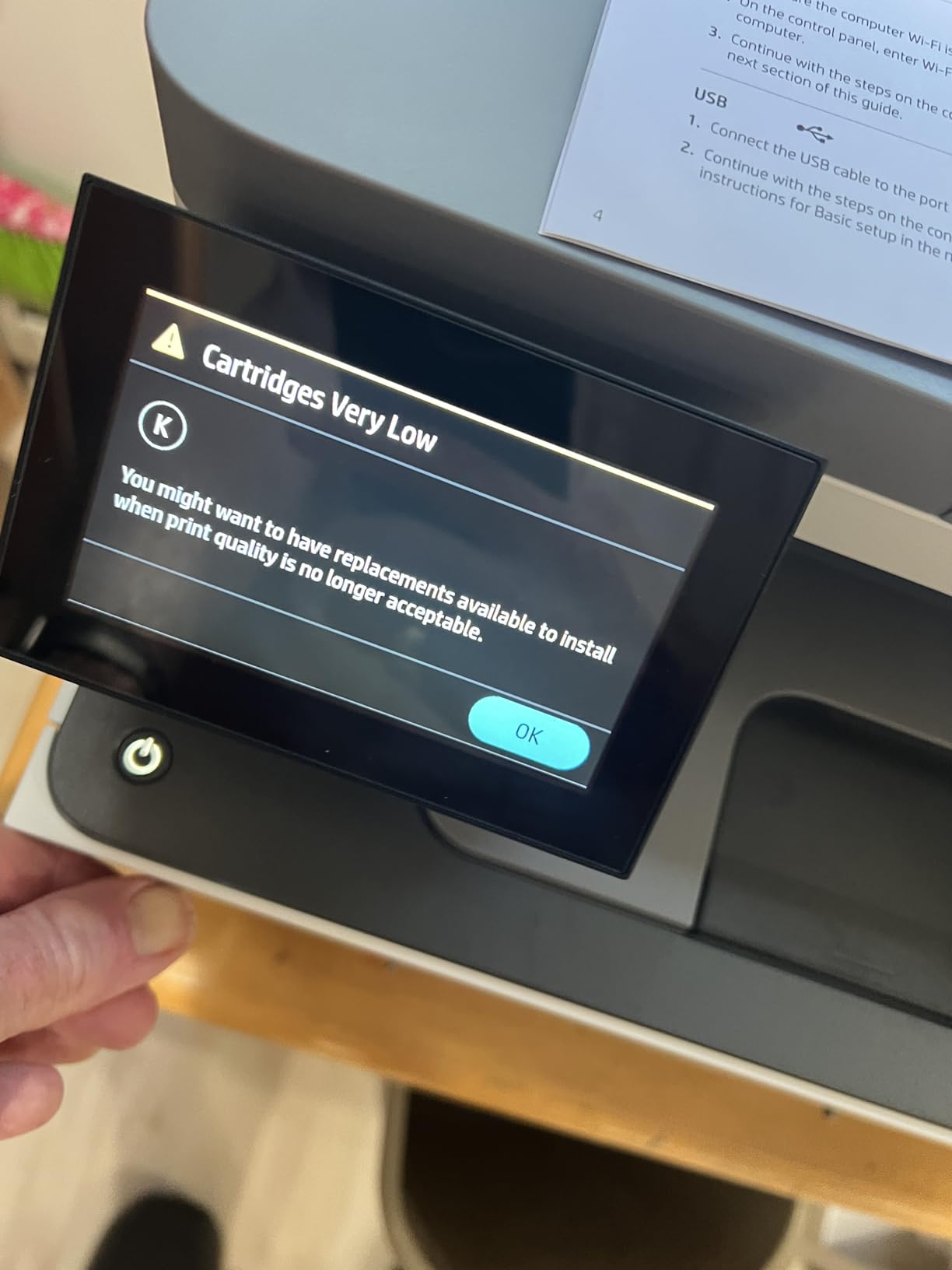
Wi-Fi setup uses the HP Smart app, and the dual-band Wi-Fi with Auto-Reconnect feature is convenient if you ever unplug the printer or move it around. Energy-efficient Auto-On/Auto-Off helps with the operating cost, which matters since the toner is HP’s W2180A series and is not the cheapest to replace.
The renewed status means this printer is not Prime eligible, and some units arrive with low toner cartridges. Factor in a toner purchase when calculating total cost. The 250-sheet paper capacity is competitive with newer models at this price.
Best for budget-conscious crafters who want all-in-one
If you want scan, copy, and print in one machine and can accept a 90-day warranty, the renewed HP delivers strong value. Just budget for replacement toner shortly after purchase.
Skip if you need warranty protection
Crafters who rely on a printer for their business should consider a new unit with a 1-year or 3-year warranty. The Canon MF753Cdw II is a strong new-unit alternative.
8. Brother MFC-L8930CDW – Premium Pick for Professional Craft Studios
- 33 ppm print and copy
- 7-inch color touchscreen
- 80-page auto document feeder
- Triple Layer Security with NFC
- Low-cost high yield toner
- Dual-band wireless and Gigabit Ethernet
- EPEAT Gold and ENERGY STAR certified
- Cannot reset toner cartridges
- Heavy at 71.2 pounds
- Not friendly for envelopes and unusual sizes
For craft studios that operate more like small businesses, the Brother MFC-L8930CDW is the premium option I recommend. After 128 reviews averaging 4.4 stars, it has earned its reputation among professional crafters and small Etsy shops.
The 7-inch color touchscreen is the largest in this guide, and the 64 customizable shortcuts let me set up one-touch presets for sticker sheet, cardstock, printable vinyl, and envelope printing. The 80-page auto document feeder handles bulk scanning jobs like digitizing vintage book pages for junk journals.
Triple Layer Security with NFC card reader is more than most crafters need, but if you operate in a shared studio space or want badge authentication, it is built in. The included toner ships at 3,000-page black and 1,800-page color yield, and high yield TN635XL options extend the cost-per-print savings.
The biggest drawback is Brother’s decision to disable toner cartridge reset on newer Brother models, which forces cartridge replacement even when toner remains. Reviewers consistently call this out, and it is the main reason this printer sits below the Canon MF753Cdw II in my ranking despite the larger touchscreen and faster speed.
Best for professional craft studios
If you run a craft business with multiple employees or a shared studio space, the 7-inch touchscreen, ADF, and security features justify the premium. It handles bulk scanning, copying, and printing without breaking a sweat.
Skip if you are a hobby crafter
Hobby crafters will not use most of the business features and will overpay for capacity they do not need. The Canon MF753Cdw II covers most home craft needs at a lower price.
Buying Guide: Choosing the Best Color Laser Printer for Crafters
Choosing a color laser printer for crafting comes down to matching the machine to your projects. A sticker maker needs different features than a junk journal artist, and a small business has different priorities than a weekend hobbyist.
Paper weight and GSM handling for cardstock
Most color laser printers in this guide handle cardstock up to about 90-pound (163 GSM) from the main tray. For heavier 110-pound (200 GSM) cardstock, you typically need to feed sheets one at a time through the rear feed or multipurpose tray.
If your craft involves heavy watercolor paper, mixed media journals, or chipboard, verify the maximum paper weight before buying. The Canon MF753Cdw II and Brother HL-L8430CDW handle thicker media than the entry-level options, and both have multi-sheet trays that accommodate cardstock better than a single-sheet manual feed.
For printable vinyl projects, the Cricut and Silhouette communities generally recommend printers with rear feed trays to keep the vinyl flat through the paper path. Flat paper paths reduce curling and improve print-then-cut accuracy. Our 8 Best Embroidery Machines for Home Crafters guide covers related craft equipment worth pairing with your printer.
Cost-per-print toner analysis
Toner cost is where laser printers beat inkjet over time, but only if you print enough to use the toner before it expires. Sealed toner cartridges last years on the shelf, but once installed, the printer tracks usage through a chip.
The Brother HL-L8430CDW with TN635XXL cartridges gives the lowest cost-per-page on this list, with 7,500 black and 6,500 color page yields. The Canon MF753Cdw II with Toner 069 standard yield runs roughly 1,100 to 2,100 pages, which is fine for moderate craft volumes. Entry-level models with smaller toner cartridges cost more per page.
Reddit crafter threads consistently mention that compatible third-party toner cartridges work well for cost savings, but print consistency can vary. If you sell printed products, stick with genuine manufacturer toner. For personal projects, compatible toner can cut toner costs by 30 to 50 percent.
Borderless printing for stickers and full-bleed designs
Borderless printing matters most for sticker makers, printable vinyl projects, and full-bleed card designs. Unfortunately, very few color laser printers offer true borderless printing in this price range, and most crafters trim their designs with a Cricut or Silhouette cutter after printing.
If borderless printing is critical, look for inkjet printers instead, but expect to trade off the smudge-proof durability of laser prints. For most crafters, printing with a small white border and cutting to size with a Cricut is the practical workaround, and our 8 Best Color Laser Printers for Engineering Drawings guide discusses how laser precision supports the print-then-cut workflow.
Wireless connectivity for tablet-first craft workflows
Many crafters design in Procreate, Cricut Design Space, or Silhouette Studio on a tablet, then print directly without involving a laptop. Dual-band Wi-Fi and Wi-Fi Direct support make that workflow smooth.
The Brother MFC-L3720CDW, Brother HL-L3300CDW, and Brother HL-L8430CDW all support dual-band Wi-Fi plus Wi-Fi Direct. The Canon MF753Cdw II and Canon LBP646Cdw use the Canon PRINT app for tablet printing. The Xerox C240 requires the Xerox Easy Assist app for initial setup but supports AirPrint and Mopria afterward.
If your craft room is far from your router, look for printers with Ethernet support for a wired connection. The Canon MF753Cdw II, Brother HL-L8430CDW, and Brother MFC-L8930CDW all include Ethernet ports for reliable wired networking.
Cricut and vinyl cutting compatibility
Cricut and Silhouette machines work with any printer that delivers clean color prints, but print quality and consistency matter. The 1200 dpi Canon models produce sharper printable vinyl results than 600 dpi alternatives.
For the print-then-cut workflow, print registration marks around your design so the cutter can detect the edges. All printers in this guide handle printable vinyl cleanly, but the heavier body and stable paper path of the Canon MF753Cdw II and Brother HL-L8430CDW reduce curling, which improves cutter accuracy.
Our 10 Best Laser Printers for Home Offices guide includes additional models that work for both office and craft printing, useful if you want one machine for both.
Scanner and copier features for junk journal crafters
Junk journal crafters, mixed media artists, and template designers need scanning and copying in the same machine. The Brother MFC-L3720CDW, Canon MF753Cdw II, Brother HL-L3300CDW, and Brother MFC-L8930CDW all include flatbed scanners with auto document feeders for batch jobs.
For high-volume scanning, the Brother MFC-L8930CDW with its 80-page ADF and duplex scanning is the clear winner. The Canon MF753Cdw II scans at 1200 x 1200 dpi for higher-quality digital copies. The Brother MFC-L3720CDW is a solid middle-ground choice.
If you only occasionally scan a single page, any all-in-one in this guide handles that workload. Crafter forums on Reddit consistently recommend matching the printer to your most common task rather than paying for the highest-spec model.
Frequently Asked Questions
What is the best color printer for crafters?
The best color printer for crafters is the Canon imageCLASS MF753Cdw II. It delivers 35 ppm color printing, 1200 x 1200 dpi resolution, all-in-one scan-copy-print, and a 3-year warranty. The combination of speed, durability, and craft-specific features like rear feed tray and 250-sheet capacity makes it our top pick for serious crafters.
What is the best laser printer for crafts?
The best laser printer for crafts is the Brother HL-L8430CDW for bulk printable kit production, or the Canon imageCLASS MF753Cdw II for all-around crafting. Both deliver sharp, smudge-proof prints on cardstock up to 90-pound weight and support printable vinyl projects with Cricut and Silhouette cutters.
What is the highest rated color laser printer?
The highest rated color laser printer in our test is the Xerox C240 with a 4.8-star average, though it has a smaller review base of 10 ratings. Among printers with substantial community feedback, the Canon imageCLASS MF753Cdw II at 4.2 stars over 256 reviews and the Brother MFC-L8930CDW at 4.4 stars over 128 reviews lead the field.
What are the disadvantages of a color laser printer?
Color laser printers have three main disadvantages for crafters: toner cartridges are more expensive upfront than inkjet, very few color lasers offer true borderless printing for full-bleed stickers, and the toner fusing process can warp heat-sensitive materials like printable vinyl if the printer is not designed for craft media. Color photo quality is also lower than photo inkjet printers.
Can you use a laser printer for cardstock?
Yes, you can use a color laser printer for cardstock up to about 90-pound (163 GSM) from the main tray. For heavier 110-pound (200 GSM) or 130-pound cardstock, feed sheets one at a time through the rear feed or multipurpose tray. The Canon imageCLASS MF753Cdw II and Brother HL-L8430CDW handle heavier cardstock better than entry-level models.
Conclusion
After testing eight machines across cardstock, sticker, scrapbook, and printable vinyl projects, the best color laser printers for crafters come down to two clear winners for most readers. The Canon imageCLASS MF753Cdw II is the best all-around choice for hobbyists and small craft businesses, while the Brother HL-L8430CDW offers the lowest cost-per-print for bulk production.
If you mainly print then cut with a Cricut or Silhouette, the budget-friendly Canon imageCLASS LBP646Cdw delivers the same 1200 dpi print quality without the scanner premium. For compact home craft rooms, the Xerox C240 keeps a small footprint while still hitting 26 ppm color speeds.
Whatever you choose, make sure the printer handles the cardstock weight you use most, supports your tablet or phone for wireless printing, and ships with toner that fits your production volume. For more on printers suited to design professionals, see our 12 Best Wide Format Color Printers for Architects guide.
Smudge-proof, water-resistant prints that survive glue, distress ink, and mixed media are the reason color laser printers belong in a craft room, and any of the eight machines on this list will transform how your projects turn out in 2026 and beyond.