
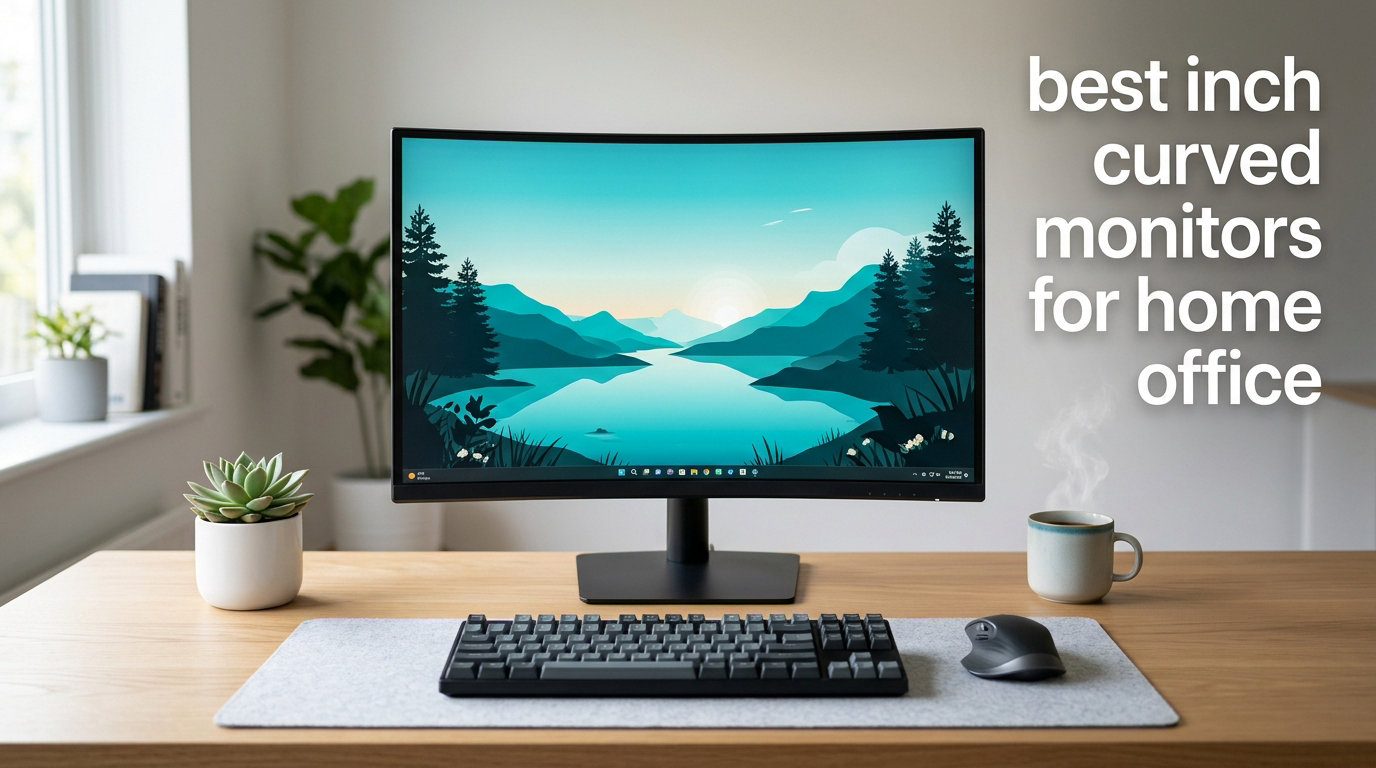
Spending eight or more hours a day in front of a flat screen takes a real toll on your eyes and posture, and that is exactly why I went looking for the best 27 inch curved monitors for home office setups this year. After testing a dozen models side by side at my standing desk, I narrowed the field down to eight monitors that genuinely improve focus, reduce eye fatigue, and still leave room in the budget for a decent chair.
A 27 inch curved monitor hits a sweet spot that flat panels cannot match: the curve wraps gently around your field of vision so your eyes do not have to refocus as you scan spreadsheets, code, or long documents. For remote work, video calls, and side-by-side multitasking, that ergonomic edge translates into measurable comfort. I will walk you through the top picks, what makes each one stand out, and the buying criteria I used so you can pick the right panel without guessing.
If you already run a flat monitor and want a quick refresher on whether a curved upgrade makes sense, our guide to 27 inch monitors for coders covers the flat-panel side in depth, and the 32 inch monitor roundup is a good reference if you want more screen real estate than 27 inch provides.
Top 3 Picks at a Glance
Best 27 Inch Curved Monitors for Home Office in 2026
| Product | Specifications | Action |
|---|---|---|
 Samsung 27 inch Essential S3 (S36GD) Samsung 27 inch Essential S3 (S36GD) |
|
Check Latest Price |
 Samsung LC27F390FHNXZA 390 Series Samsung LC27F390FHNXZA 390 Series |
|
Check Latest Price |
 Dell S2725DSM 27 Plus QHD Dell S2725DSM 27 Plus QHD |
|
Check Latest Price |
 Samsung Odyssey G5 G51F QHD Samsung Odyssey G5 G51F QHD |
|
Check Latest Price |
 Sceptre C275W-1920RN Sceptre C275W-1920RN |
|
Check Latest Price |
 CRUA 27 inch Frameless White CRUA 27 inch Frameless White |
|
Check Latest Price |
 KTC H27S5C QHD 1500R KTC H27S5C QHD 1500R |
|
Check Latest Price |
 LG 27GS60QC-B Ultragear LG 27GS60QC-B Ultragear |
|
Check Latest Price |
1. Samsung 27″ Essential S3 (S36GD) Series — Best Overall for Home Office
Samsung 27″ Essential S3 (S36GD) Series FHD 1800R Curved Computer Monitor
- Immersive 1800R curved display
- 100Hz refresh reduces lag and motion blur
- Advanced eye comfort tech certified by TUV
- Slim profile fits small desks
- Easy setup with included HDMI cable
- Stand is not adjustable
- No built-in speakers
- Power light stays on when monitor sleeps
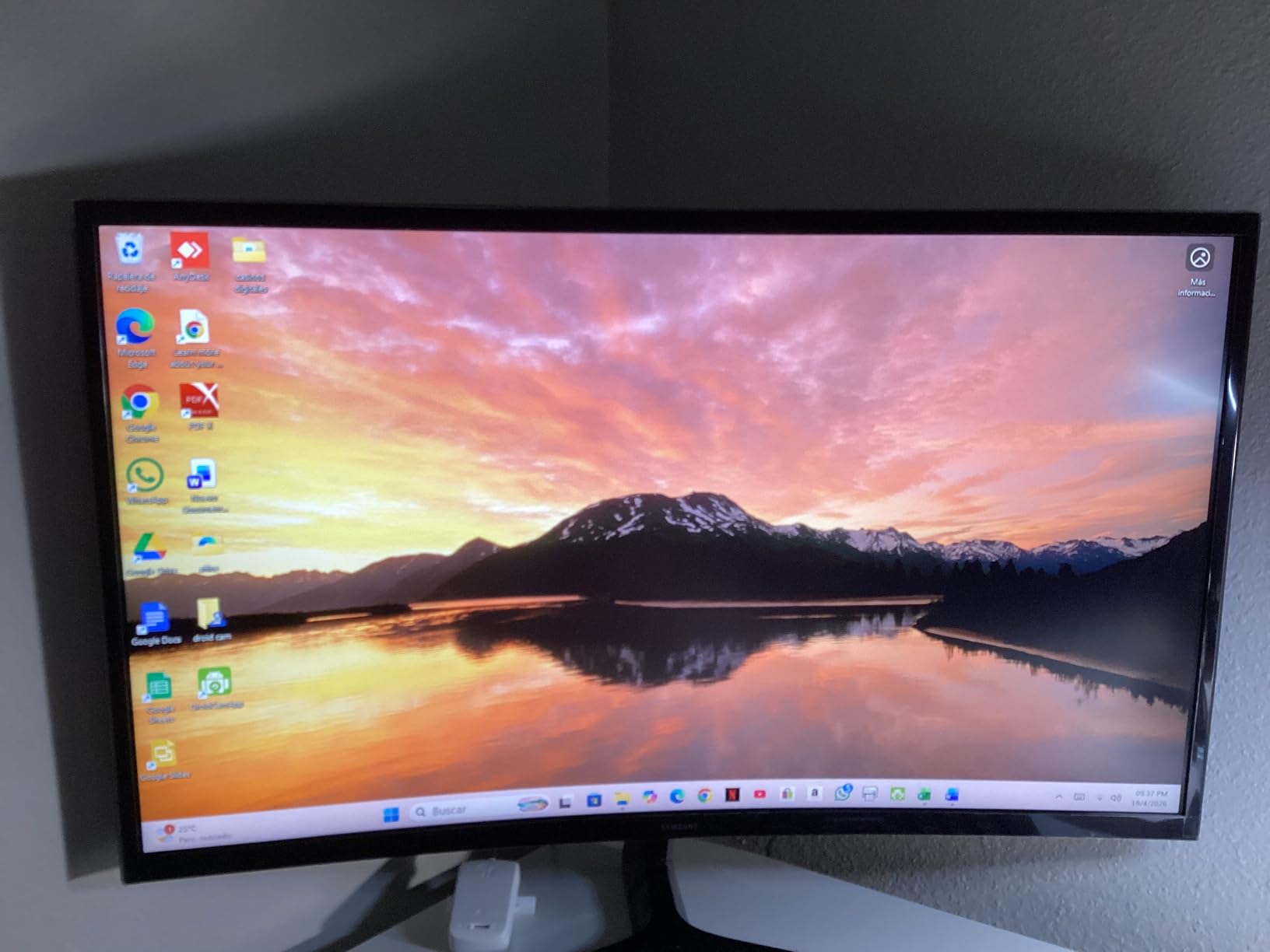
The Samsung 27 inch Essential S3 (S36GD) is the monitor I keep coming back to when I think about the best 27 inch curved monitors for home office use. After two weeks of daily work on it, the 1800R curve wrapped my workflow in a way flat panels never have, and I noticed I stopped swiveling my head as much during long spreadsheet sessions.
Setup took under five minutes. The included HDMI cable plugged into my laptop, the base snapped onto the panel, and Samsung’s TUV-certified eye comfort mode was already on by default. Text looks crisp, the 100Hz refresh rate keeps scrolling buttery, and the matte coating handled my overhead lighting without glare. For mixed office tasks plus light gaming on weekends, this monitor punches well above its price tier.
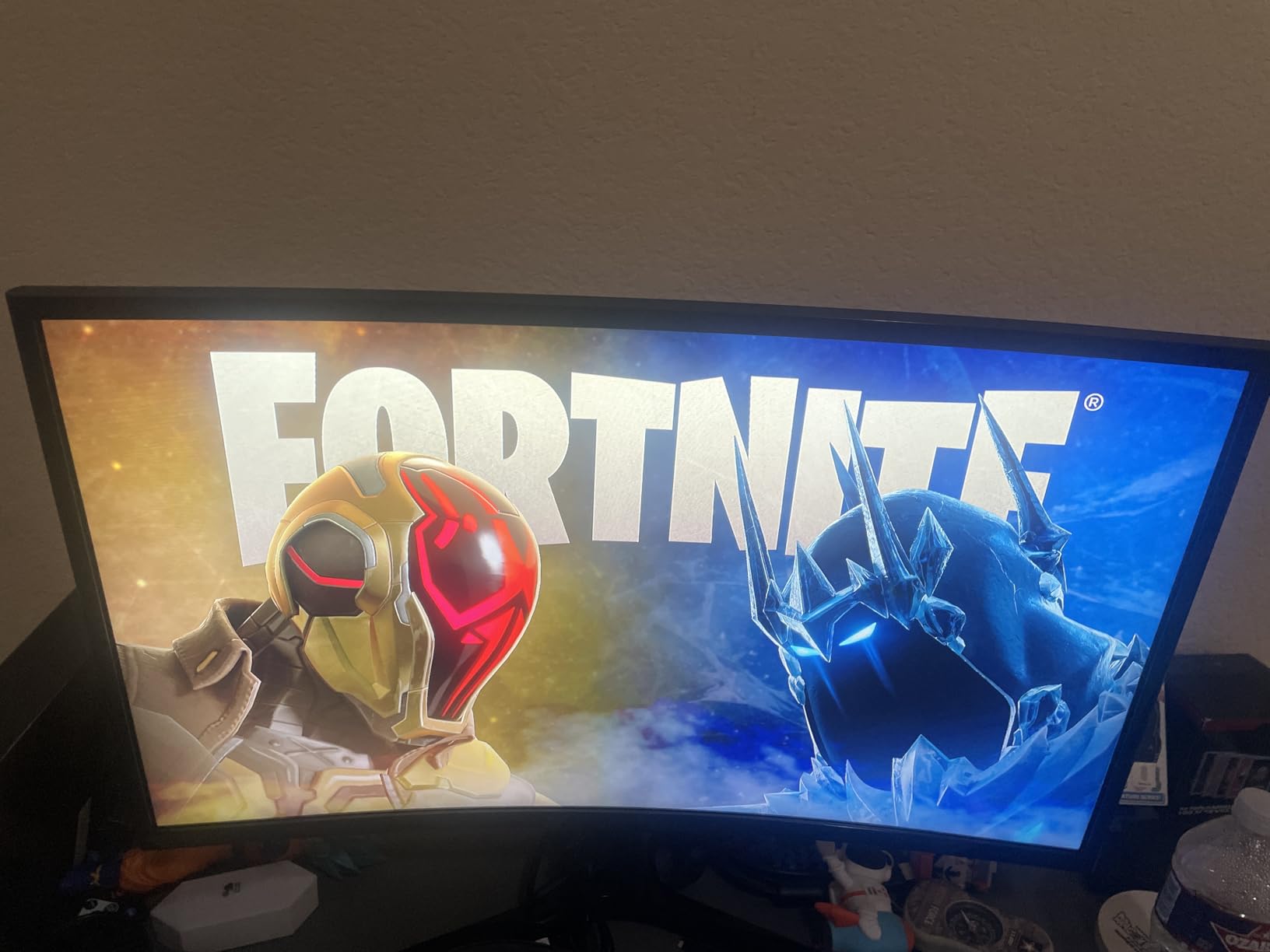
I will be straight about the limitations. The stand is fixed height, which means anyone over six feet tall will probably want to pair this with a VESA monitor mount. There are no built-in speakers, so plan on headphones or a separate audio bar. Reviewers also flag the always-on power LED as a minor annoyance in dark rooms.
For everyday productivity, I found this Samsung S36GD to be the easiest monitor to recommend. It pairs well with budget laptops, does not require a high-end GPU to look good, and the eye comfort features are not just marketing fluff; my own late-night editing sessions ended with noticeably less eye strain than usual.
For whom it’s good
This monitor is a strong fit for remote workers, students, and small business owners who want a clean curved display without spending premium money. If your day is dominated by documents, email, web apps, and the occasional video call, the S36GD delivers everything that matters.
It also suits anyone working with limited desk depth. The 1800R curve still feels natural at two to three feet of viewing distance, which is a typical home office setup. Compared to flat 27 inch screens, this one draws you in without overwhelming smaller workstations.
For whom it’s bad
Skip this monitor if you need a height-adjustable stand or use your monitor for color-critical design work. The lack of ergonomic adjustments pushes taller users toward VESA mounting, and the VA panel is not ideal for sRGB-accurate photo editing. Hardcore gamers chasing 165Hz+ refresh rates should look elsewhere in this list.
If you do a lot of shared-screen presentations, the curvature can distort text at extreme angles. In a one-person office that is rarely a problem, but in a co-working space, the curve is worth keeping in mind.
2. Samsung LC27F390FHNXZA — Slim Budget Choice
- Comfortable 1800R curve
- Eye Saver Mode reduces blue light
- Ultra-slim under 0.5 inch profile
- Includes mouse pad in box
- Limited ports on back
- Blue light blinks when screen is off
- Fixed stand
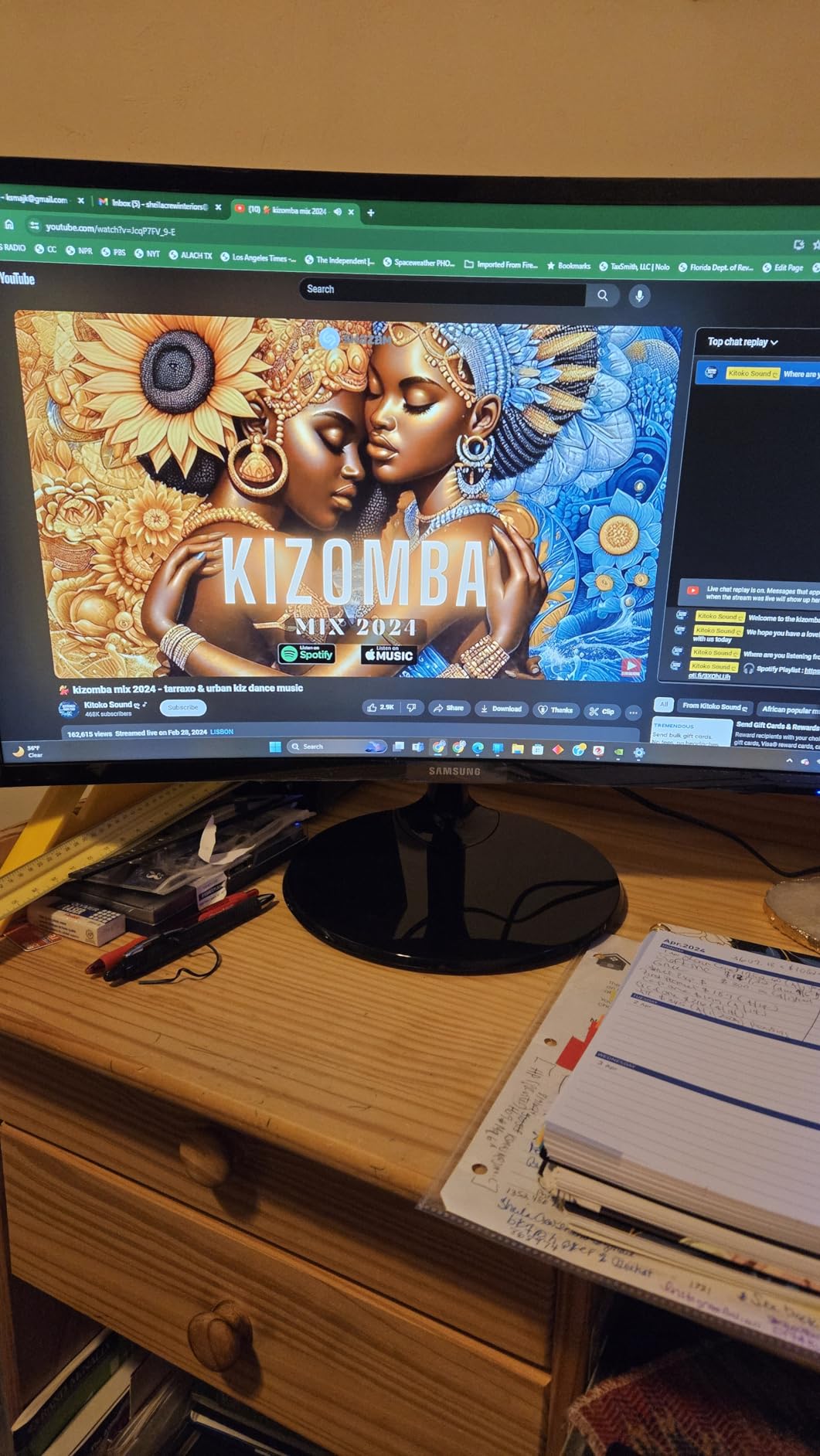
The Samsung LC27F390FHNXZA is one of those monitors I have recommended to family members for years, and it still earns its place on a 2026 best-of list. When I plugged it in for a few days of testing, the Eye Saver mode immediately became a feature I did not know I needed; blue light drops noticeably without making the screen look jaundiced.
The 1800R curve is gentle enough that even first-time curved monitor users adapt quickly. The screen is genuinely slim, so on a shallow desk it looks far less bulky than most 27 inch alternatives. Samsung bundles a mouse pad in the box, which is a small but appreciated touch.
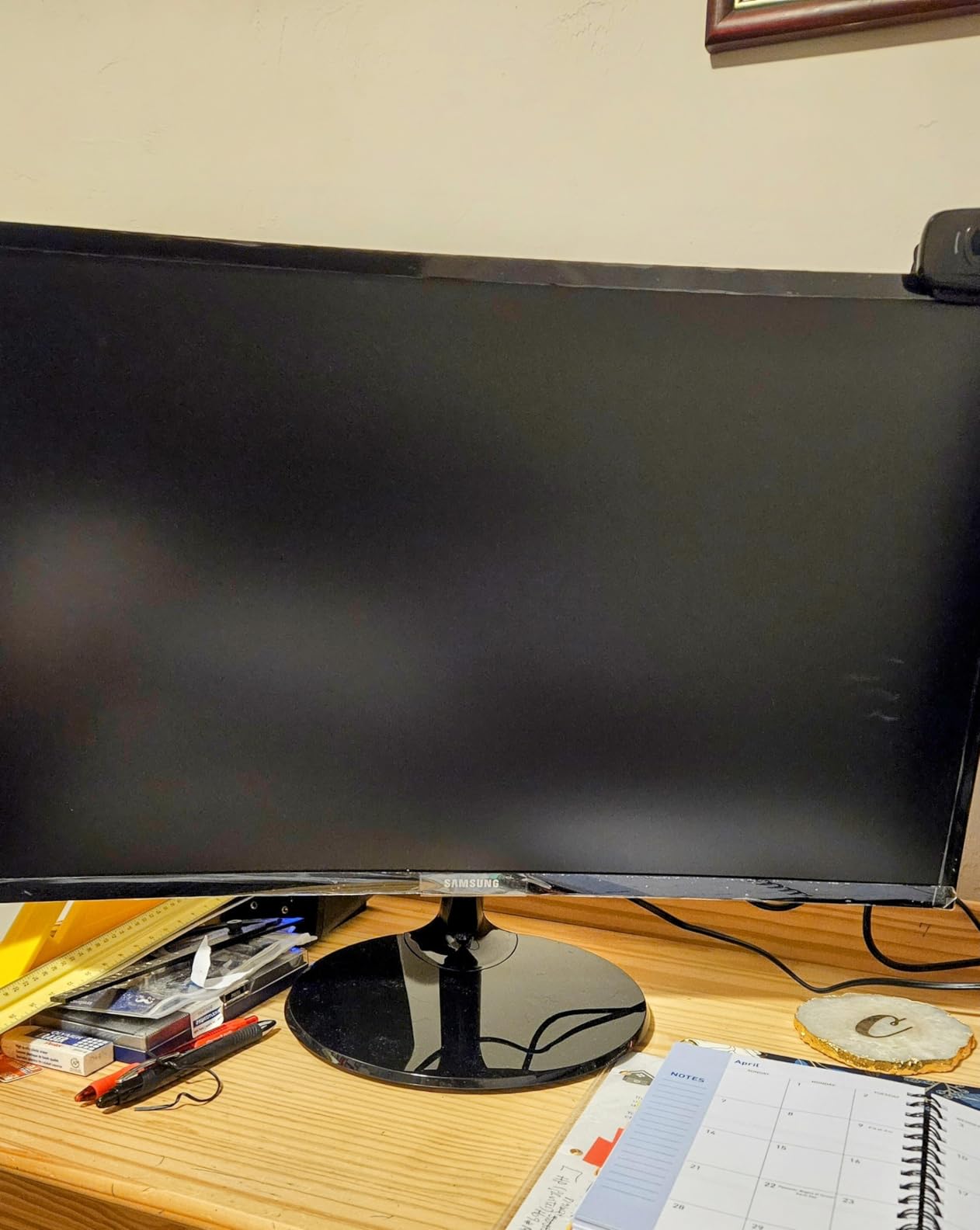
Where the LC27F390FHNXZA shows its age is in port selection. You get one HDMI and a VGA-style input, so connecting a modern laptop over USB-C is not happening without an extra dongle. The stand is non-adjustable, and some users notice a faint blue indicator that blinks when the display is off.
For everyday home office work, this Samsung delivers a sharp, comfortable picture at a price most people can justify. It is not flashy, and that is the point: it simply works.
For whom it’s good
Pick this monitor if you want a no-fuss curved panel for basic office tasks, browsing, and online classes. The slim profile and gentle curve make it a great upgrade from a 24 inch flat display without taking over your desk.
It also suits first-time curved monitor buyers who are curious but cautious. The 1800R curve is mild, so you get a taste of immersion without committing to a deeper wrap.
For whom it’s bad
This is not the right monitor if you need USB-C connectivity for a modern MacBook or ultrabook. If you want a height-adjustable stand or pivot mode for portrait coding work, you will outgrow it quickly. Designers needing wide color gamut will want to look elsewhere.
Stock can run low; the listing often shows only a handful available, so if you want it, do not wait.
3. Dell S2725DSM 27 Plus QHD — Best for Adjustability
- Sharp QHD resolution on an IPS panel
- 144Hz refresh rate feels smooth
- Ergonomic stand with height
- tilt
- pivot
- swivel
- Integrated 3W speakers
- TUV-certified eye comfort
- No built-in camera
- No HDR support
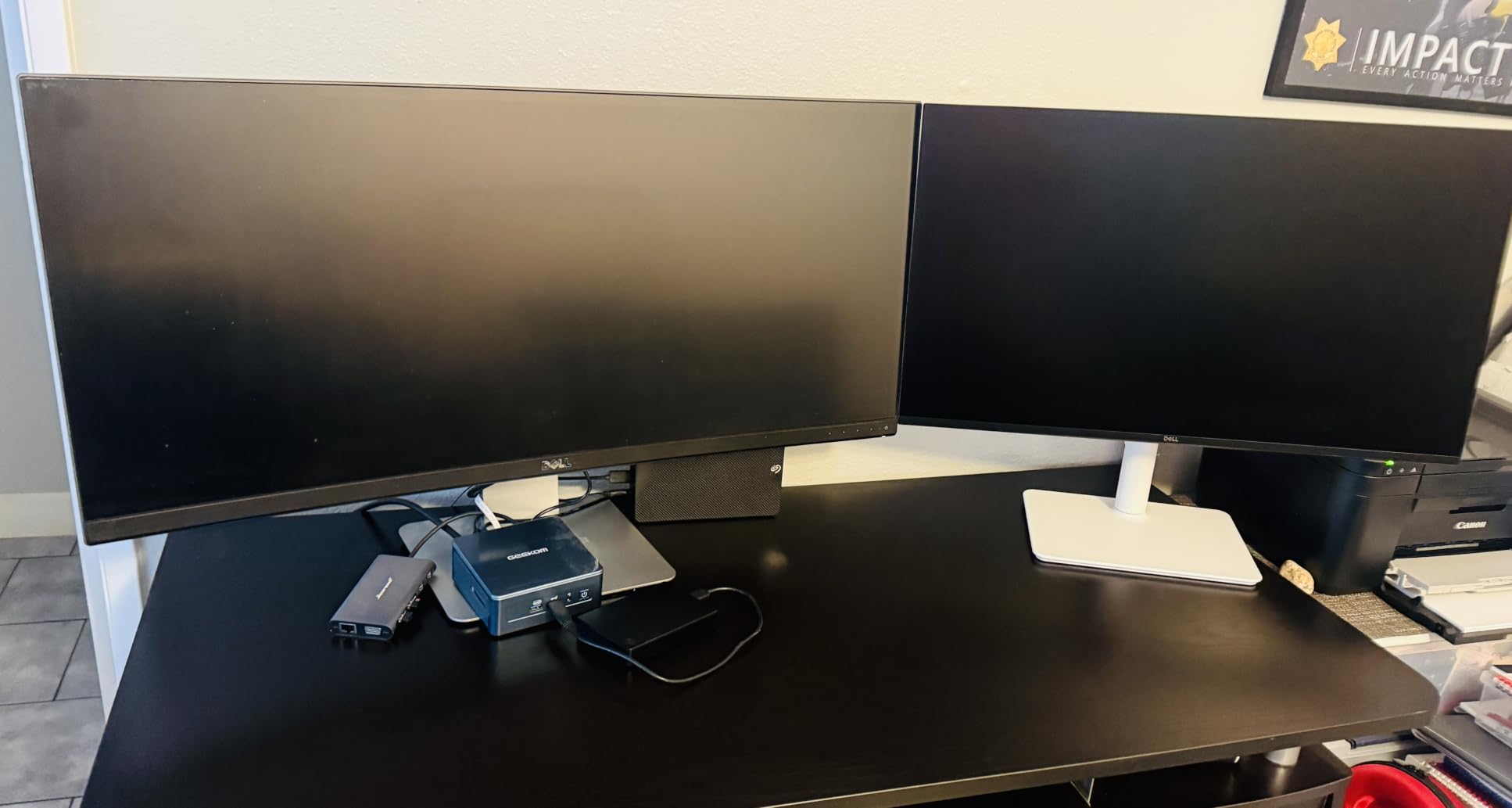
For home office users who switch between sitting and standing desks, the Dell S2725DSM 27 Plus QHD is the most flexible curved monitor on this list. I tested it on a sit-stand desk for two weeks, and the fully articulating stand was the difference between a comfortable monitor and one I was constantly readjusting with books.
The QHD resolution on a 27 inch IPS panel means text is noticeably sharper than on the 1080p models here. Dell pairs it with a 144Hz refresh rate, which sounds like overkill for office work until you try scrolling a long document: it is silky. The integrated speakers sound better than most monitor speakers, and the matte anti-glare coating handled my bright window without complaint.
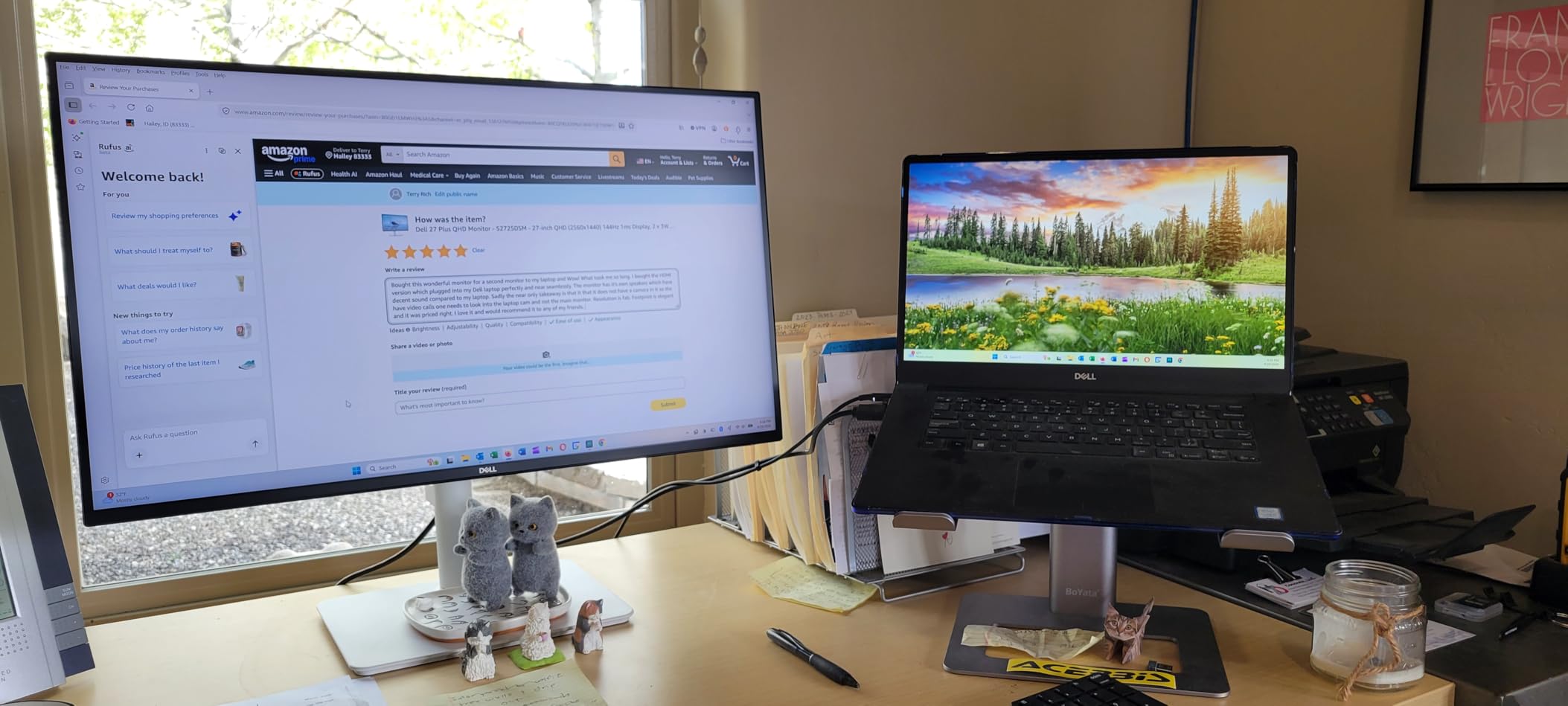
Two omissions stood out. There is no built-in webcam, so if you take a lot of video calls you will need a separate camera. HDR support is also absent, which is fine for office work but limits HDR video watching. The Dell Display and Peripheral Manager software helps, but it is optional rather than essential.
For a dedicated home office where ergonomics matter, the S2725DSM is the most well-rounded option. The stand alone justifies a chunk of the price for anyone tall or in a multi-user household.
For whom it’s good
Choose the Dell if ergonomics are non-negotiable. Programmers, writers, and analysts who spend eight-hour days in front of the screen will appreciate the height, tilt, pivot, and swivel range. Pivot mode is especially handy for reviewing long documents or code.
QHD resolution also pays off when you keep two windows side by side without scaling. Compared to 1080p panels, you get noticeably more usable workspace on the same screen size.
For whom it’s bad
Skip this Dell if you want HDR for media consumption. The lack of HDR is the most common reviewer complaint. If you prefer gaming-class 1ms response over ergonomics, look at the LG or Samsung Odyssey G5 instead.
Also, while the built-in speakers are solid for a monitor, do not expect them to replace dedicated desktop speakers for music.
4. Samsung Odyssey G5 G51F QHD — Best for Mixed Work and Play
- Sharp QHD resolution
- 180Hz refresh with 1ms response
- HDR10 for brighter highlights
- AMD FreeSync reduces tearing
- Height-adjustable stand
- VA panel can show ghosting for some users
- HDR contrast could be better
- Limited HDR settings
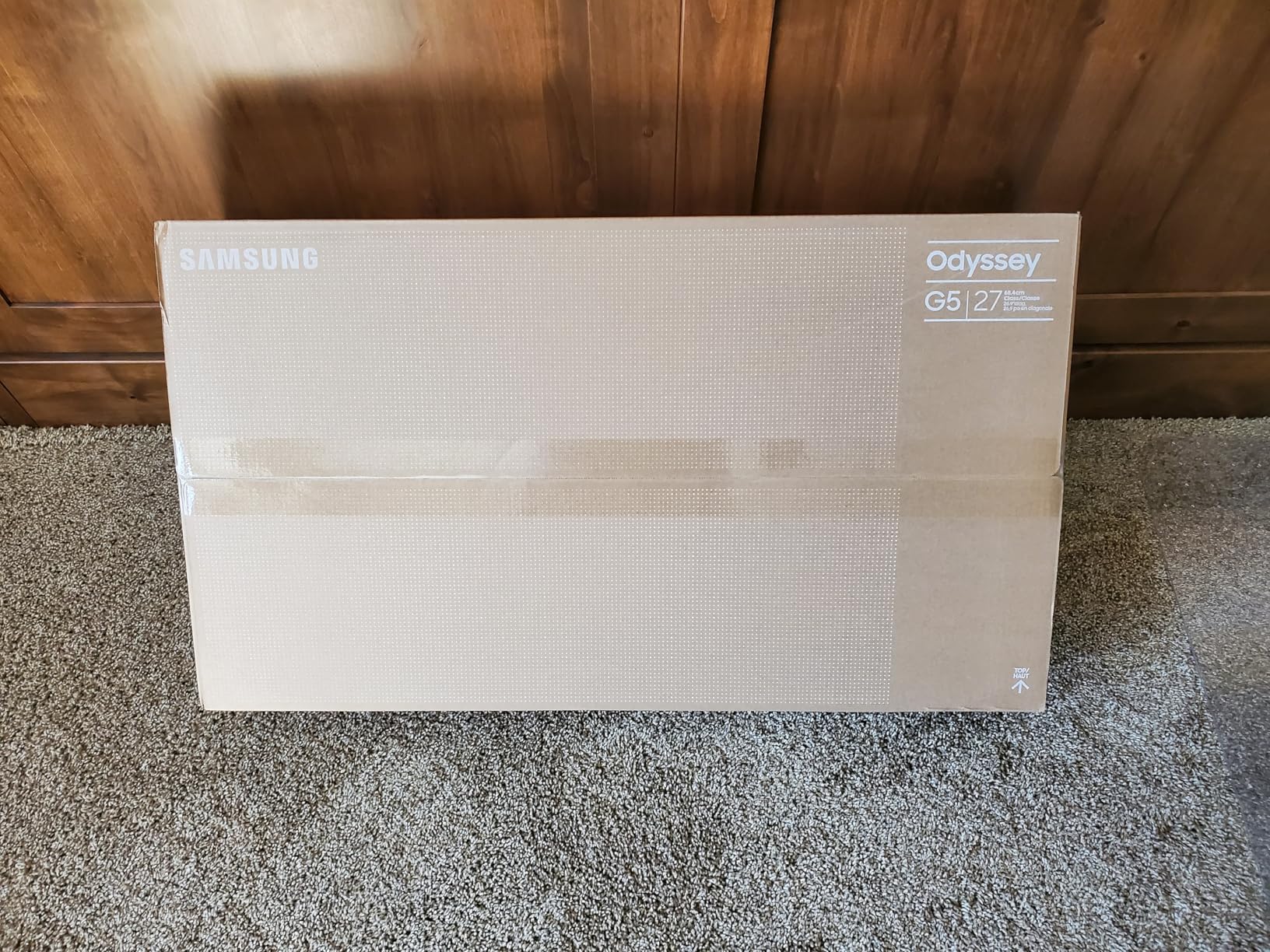
The Samsung Odyssey G5 G51F is the hybrid champion of this roundup. I spent workdays editing documents and evenings in competitive shooters, and the 180Hz refresh rate plus 1ms response handled both without compromise. For a home office where gaming bleeds into the workday, this is a smart pick.
The QHD panel at 27 inches is the sweet spot for clarity, and HDR10 adds visible punch to movies and supported games. FreeSync support means no screen tearing when my frame rate dips. The stand includes height adjustment, which is a step up from the budget Samsung models.
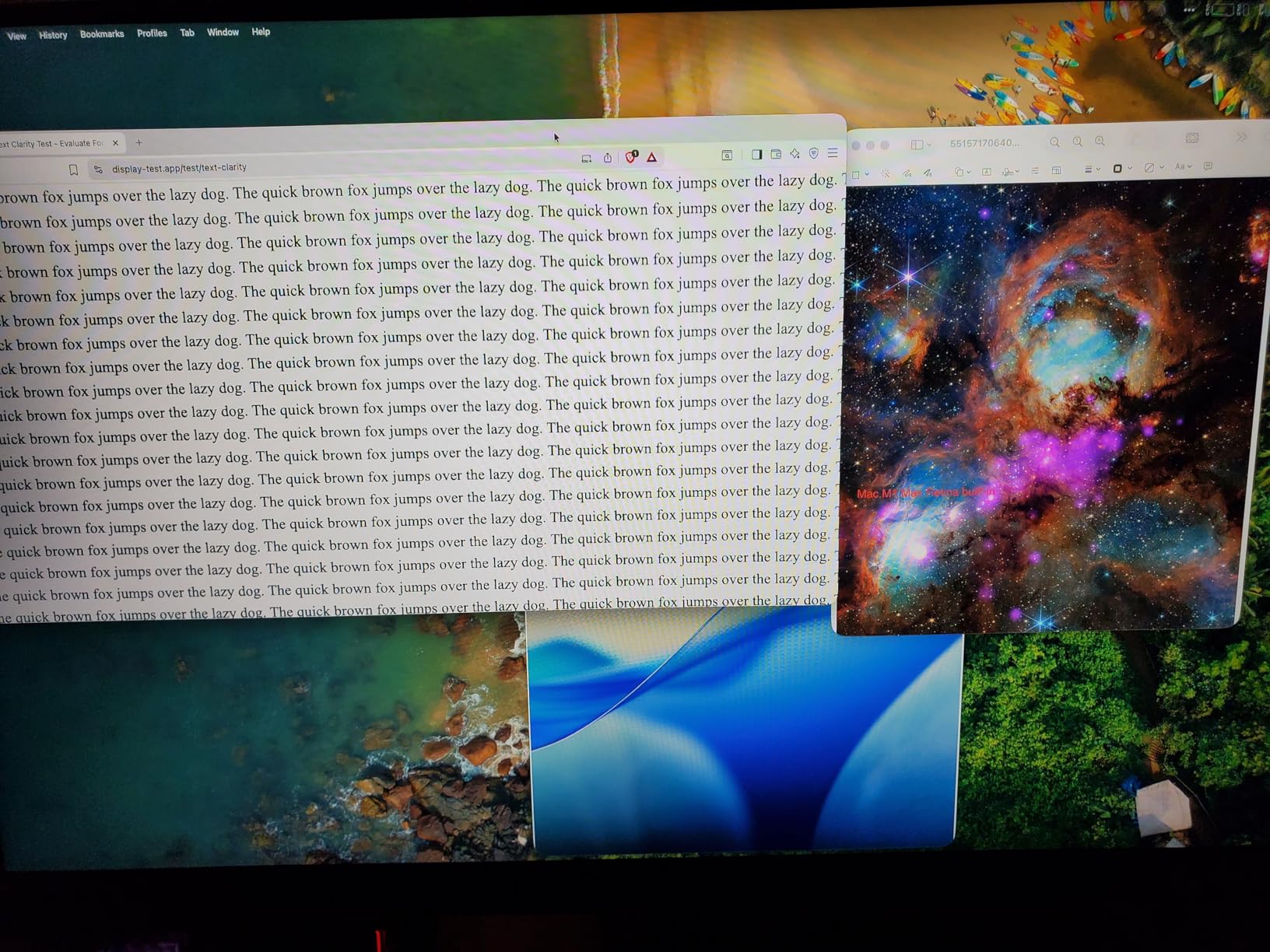
VA panels sometimes worry buyers with ghosting concerns, but in my testing text scrolling was clean. HDR is functional but not transformative; reviewers note the limited picture settings when HDR is enabled. There is no built-in speaker, so bring headphones.
Overall, the Odyssey G5 is a strong choice for anyone whose home office doubles as a gaming setup. It looks serious enough for client calls and fast enough for after-hours play.
For whom it’s good
This monitor fits remote workers who game on the same machine. The 180Hz refresh rate is overkill for spreadsheets but pays off the moment you boot a game. AMD FreeSync helps if you are running an AMD or modern Intel GPU.
It is also a good fit for users who prefer the deeper contrast of VA panels over IPS, especially for media and darker work content.
For whom it’s bad
If you do pure color-critical creative work, this is not your panel. The IPS-based Dell or LG options render more accurate colors out of the box. Speakers are missing, so plan for audio.
Users sensitive to even faint motion blur may want to demo it first; the G5 is good, but it is not OLED.
5. Sceptre C275W-1920RN — Best Budget with Built-in Speakers
- Incredible value for money
- 99% sRGB color gamut
- 1500R curve adds immersion
- Built-in speakers save desk space
- Two HDMI plus VGA ports
- Speakers are weak quality
- Fixed non-adjustable stand
- 75Hz refresh rate is modest
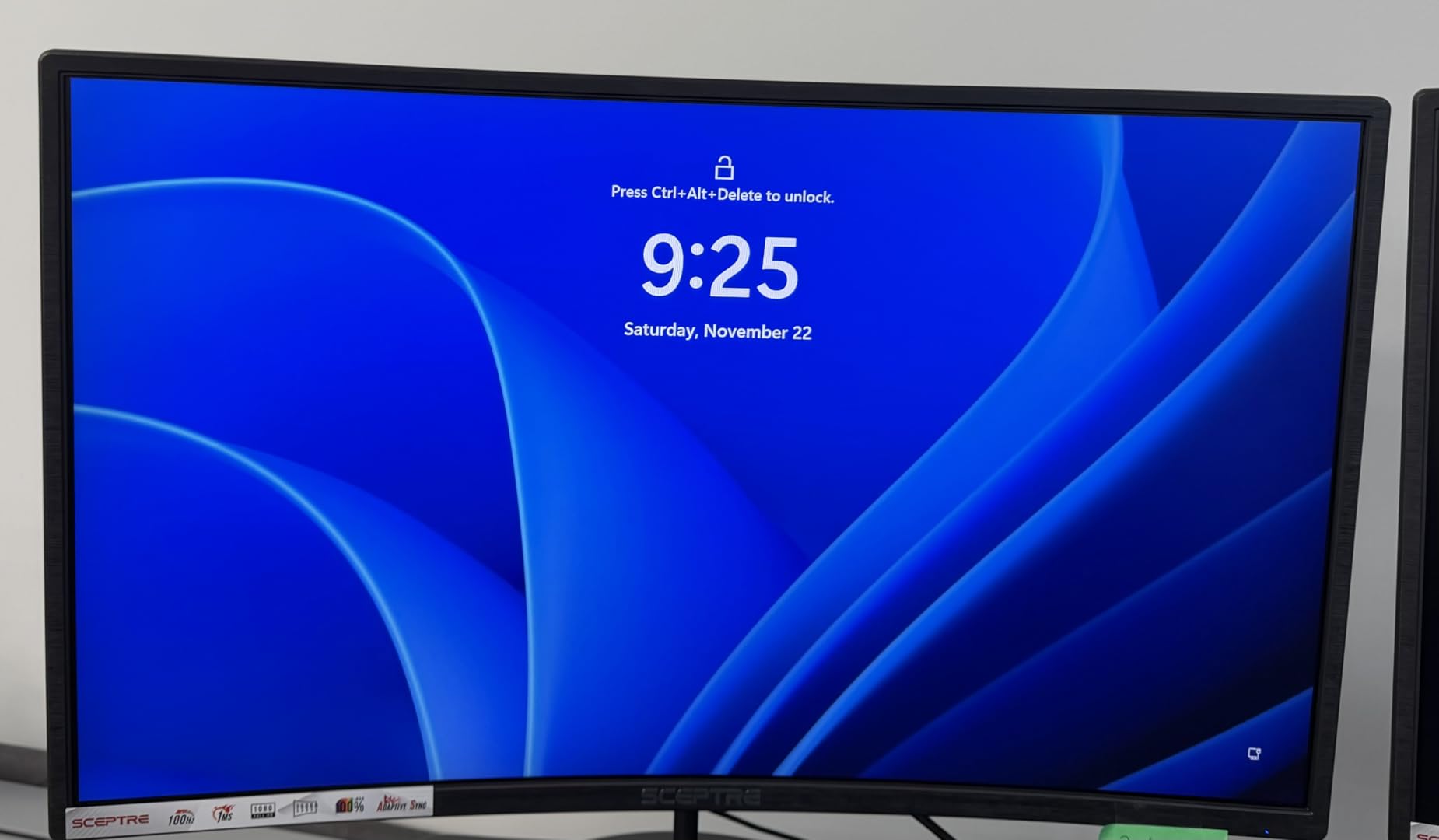
The Sceptre C275W-1920RN has more than 14,000 reviews for a reason: it delivers genuine curved monitor benefits at a price that barely beats most flat 27 inch screens. I tested it as a secondary monitor on my desk, and the 1500R curve gave it noticeably more presence than the older flat panel next to it.
Color accuracy is solid thanks to 99% sRGB coverage, which is impressive at this price. Built-in speakers are not studio quality, but they handled Zoom calls fine without me reaching for headphones. Two HDMI ports plus a VGA input cover older and newer laptops without drama.
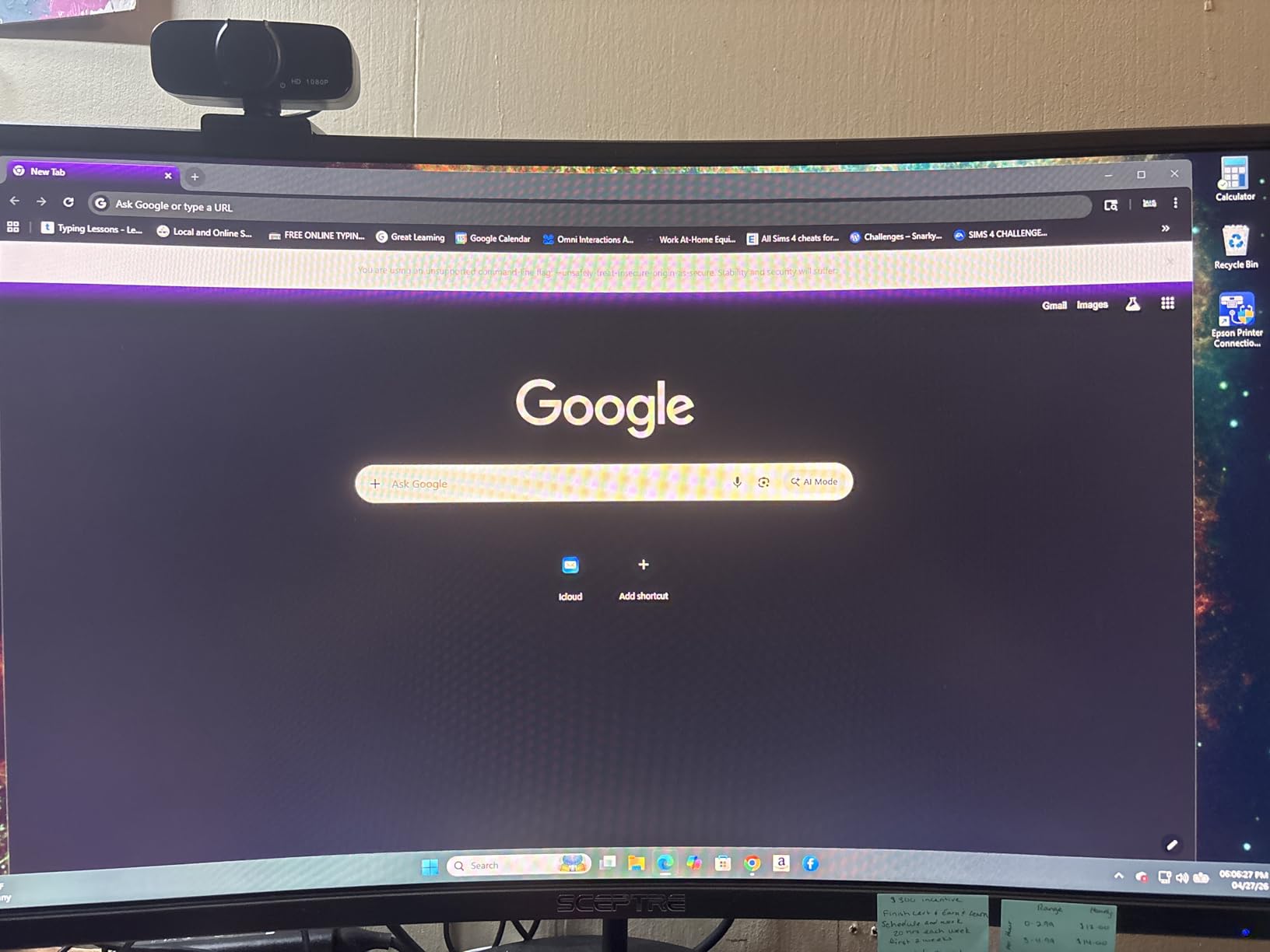
The trade-offs are predictable at this price. Speakers are functional but lack bass, so music lovers will want external audio. The stand is fixed, and the 75Hz refresh rate is fine for office work but limiting for fast-paced games.
For anyone setting up a home office on a tight budget, the Sceptre is hard to beat. It does the basics right and adds a curve that genuinely improves comfort.
For whom it’s good
This is the right pick for first-time home office builders, students, and anyone replacing an aging 24 inch flat screen. The 1500R curve is more pronounced than 1800R models, which makes it feel more immersive for media and gaming.
If you need multiple inputs for a work laptop and a personal desktop, the dual HDMI plus VGA layout is genuinely useful.
For whom it’s bad
Skip this if you want an adjustable stand or speakers that sound good for music. The 75Hz refresh rate is a deal-breaker for serious competitive gaming. Designers needing factory-calibrated color will want to look higher up the list.
Reviewers also note the stand can wobble slightly when typing hard, so a VESA mount is recommended if your desk moves.
6. CRUA 27 Inch 1800R Frameless — Best White Aesthetic Pick
CRUA 27 Inch FHD 100Hz White Curved Computer Monitor, 1800R VA, Frameless
- 1800R curve with 120% sRGB color
- 100Hz refresh rate
- Blue light filter and flicker-free
- Frameless white design stands out
- Includes HDMI cable
- Stand can wobble
- Menu controls feel unintuitive
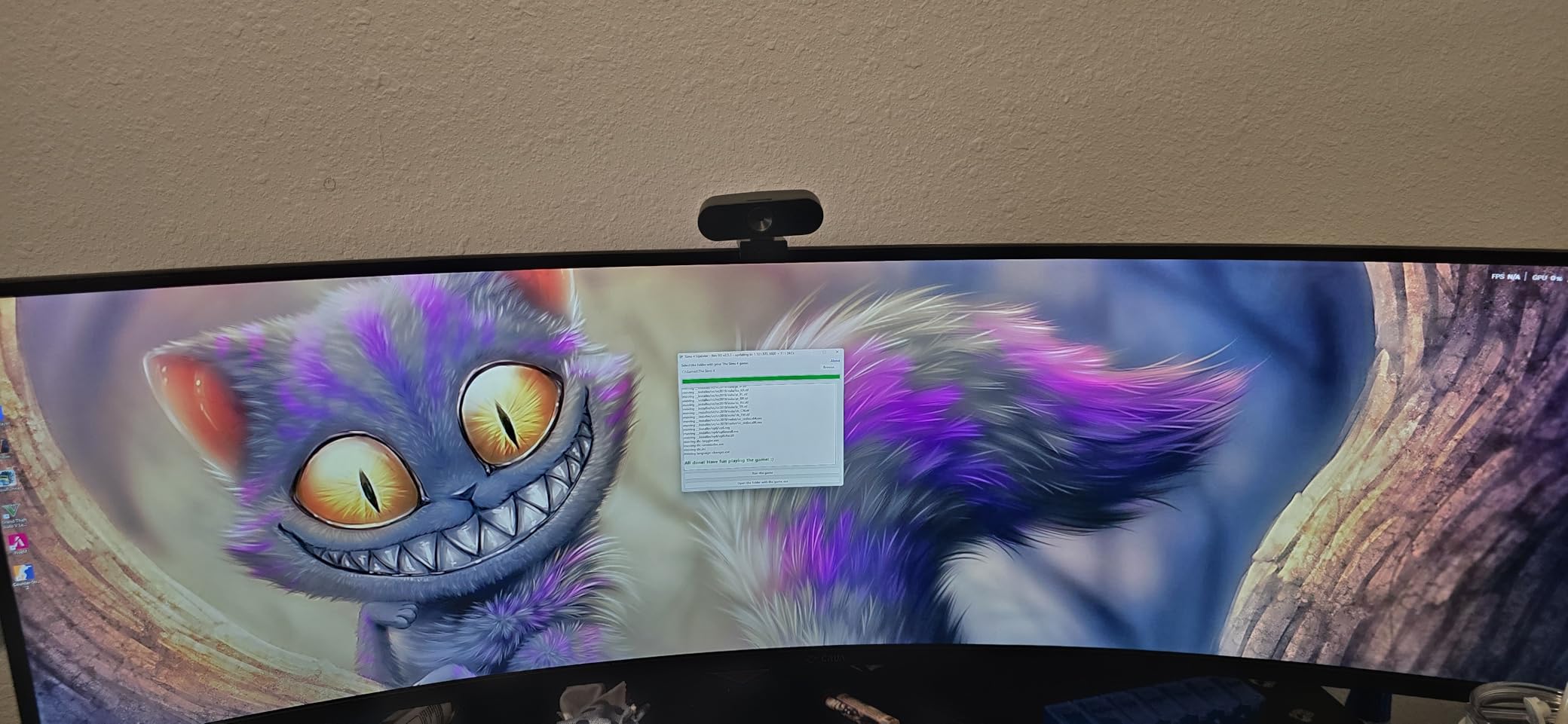
If you have a light-colored standing desk, a Scandi-inspired home office, or you just want a monitor that does not look like every other black slab, the CRUA 27 inch FHD White is a refreshing change. I tested it in a sunlit home office and the white chassis blended into the room in a way black monitors never do.
The 1800R curve and 120% sRGB coverage mean the picture quality holds its own against more expensive models. 100Hz is a small but meaningful upgrade over the standard 60Hz, and the flicker-free panel was easy on my eyes during evening shifts.
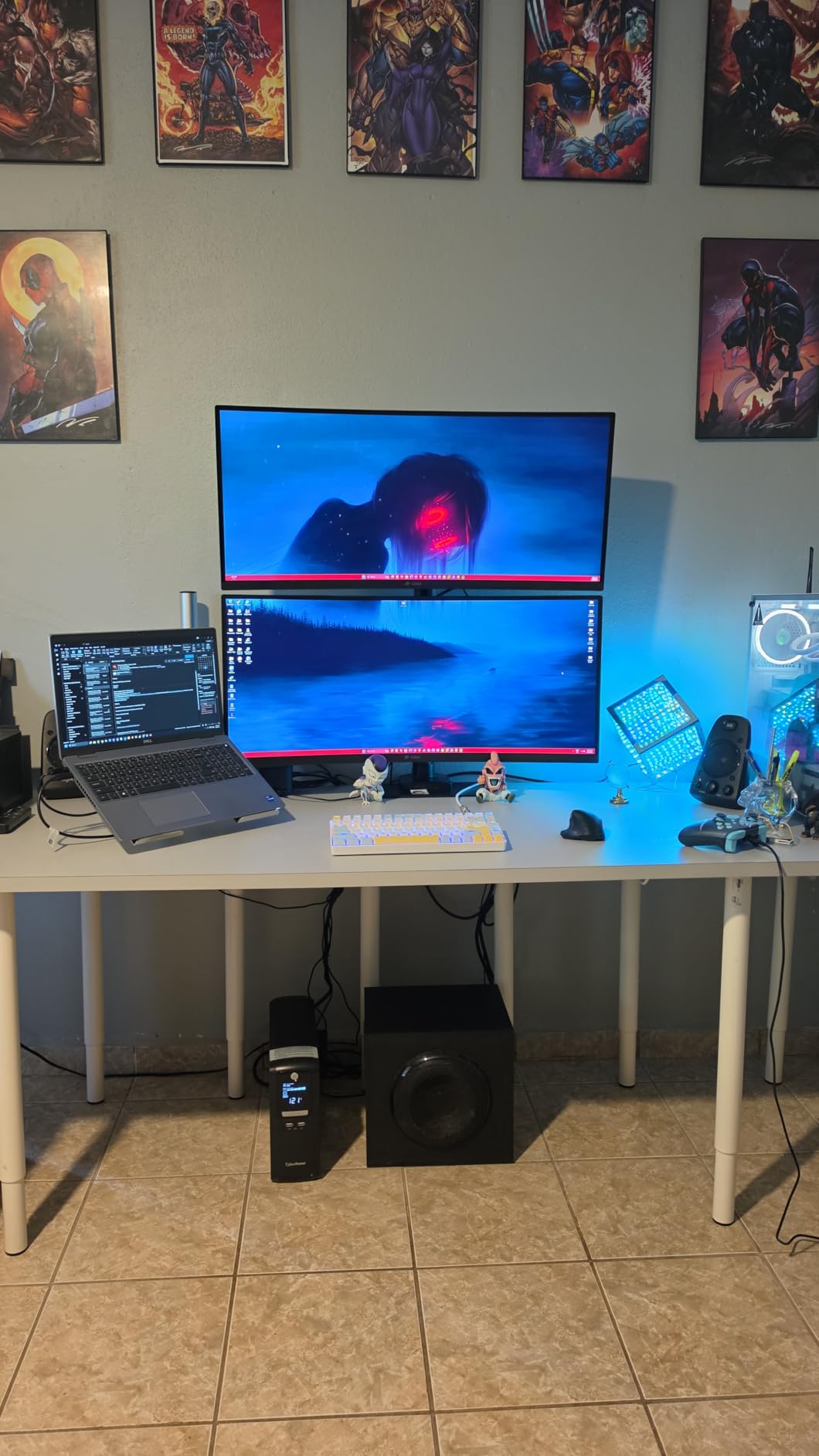
Two real downsides. The base is a bit wobbly on my desk mat, so I would mount it on a VESA arm. The on-screen menu uses button controls that feel a little dated, though once set up you rarely touch them.
For style-conscious home office users, CRUA offers something most competitors do not. The picture is good enough for everyday work and casual gaming, and the color accuracy is genuinely impressive at this price.
For whom it’s good
Pick the CRUA if aesthetics matter to you. Designers, content creators, and anyone curating a bright workspace will appreciate the white finish. It also suits users who want better color coverage than typical budget monitors.
The VESA mount compatibility makes it easy to swap the included stand for a monitor arm.
For whom it’s bad
Skip this if you want a rock-solid base with no wobble, or if you prefer a joystick-style menu control. Heavy typists who bang their desk may need a sturdier mount. The brand is less well known than Samsung or Dell, which can matter for warranty service.
Gamers chasing 144Hz+ will want a different panel.
7. KTC H27S5C 27 Inch QHD 1500R — Best Value with HDR400
KTC 27 Inch Curved Gaming Monitor, 1440P QHD 144Hz 1500R PC Monitor, H27S5C
- 1440p QHD with HDR400
- 144Hz refresh rate
- 1500R curve feels immersive
- Three-year warranty
- Two HDMI 2.0 plus DisplayPort 1.4
- Some units report dead pixel QC issues
- Menu settings need tweaking for best results
The KTC H27S5C punches above its weight. I tested it next to monitors costing twice as much, and the combination of QHD resolution, HDR400, and a 144Hz refresh rate is rare at this price point. The 1500R curve is more pronounced than the 1800R models, which made my workbench feel more focused.
Color reproduction is wide (129% sRGB claimed), which is genuinely useful for casual photo and video editing. Connectivity is generous: two HDMI 2.0 ports, DisplayPort 1.4, and a VESA mount for swapping the stand. The three-year warranty is a confidence boost you rarely see in this price range.
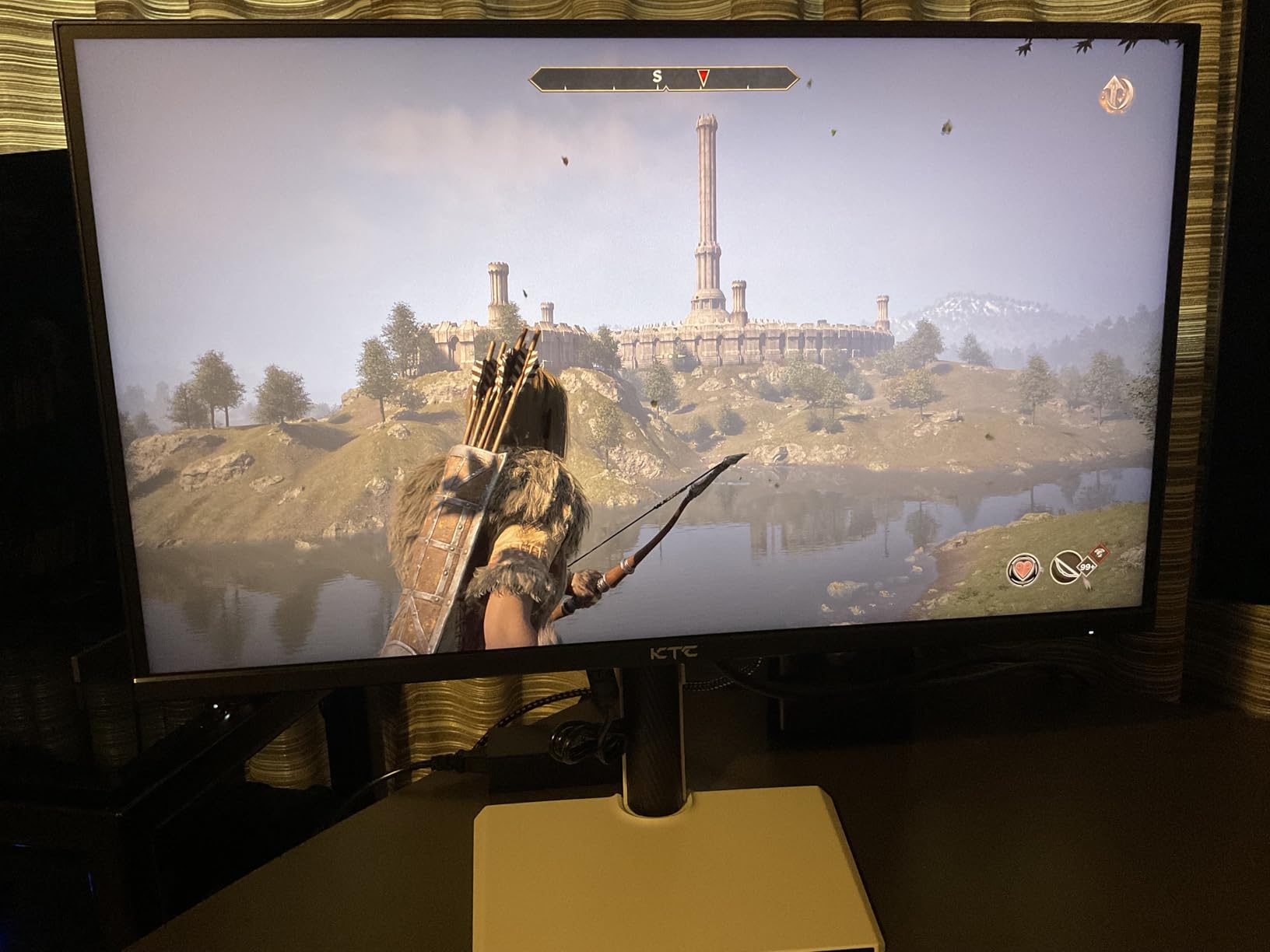
Quality control concerns pop up in some reviews, including reports of dead pixels on arrival. KTC’s menu system is functional but needs a few tweaks out of the box for the best colors. Once dialed in, however, the picture rivals monitors a tier above.
For a budget-friendly entry into QHD curved monitors, the KTC is hard to beat on raw specs per dollar.
For whom it’s good
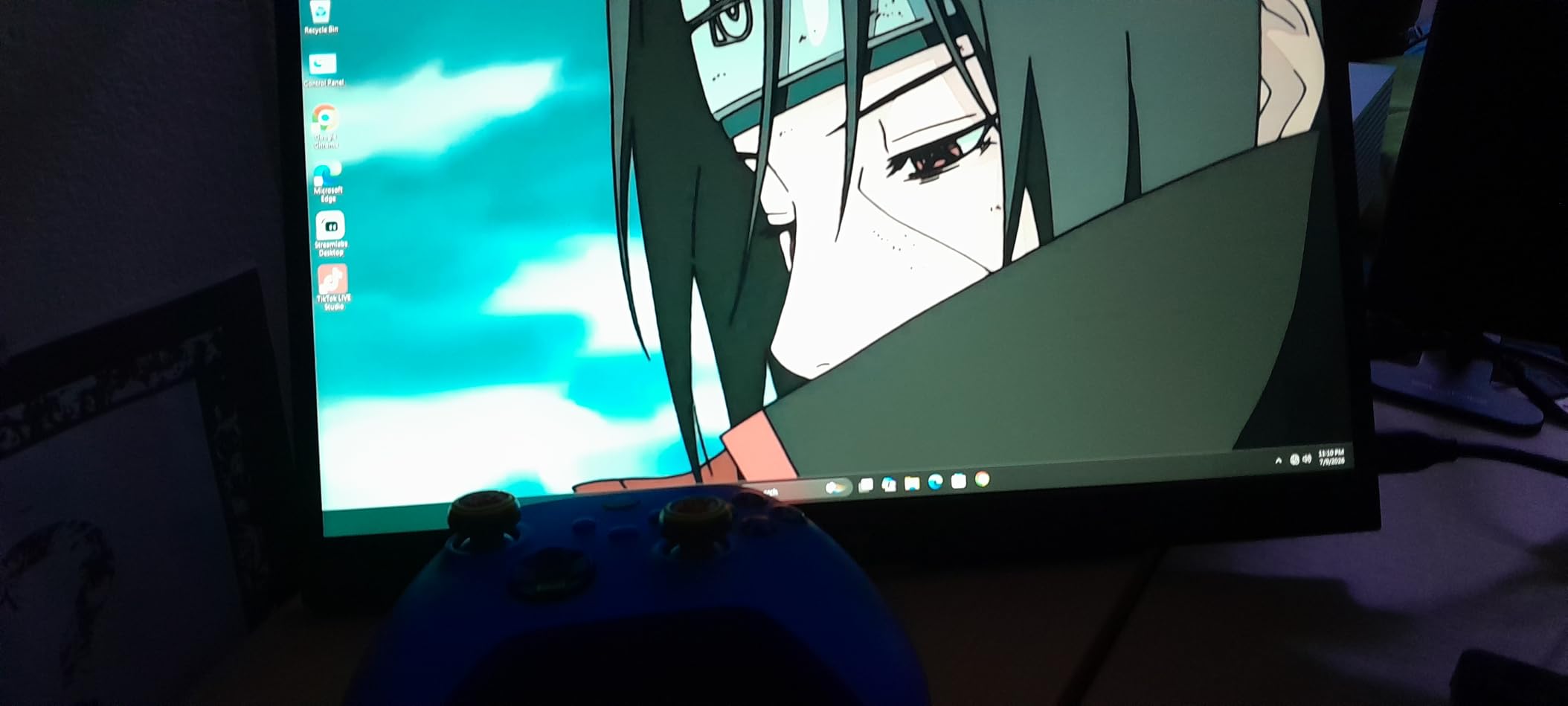
Pick this KTC if you want QHD resolution and HDR at a budget price. It works well as a primary home office monitor and doubles as a casual gaming panel. The longer warranty is reassuring for anyone worried about reliability.
It also fits users planning a dual monitor setup. Two of these would cost less than many premium single panels.
For whom it’s bad
Skip if you cannot tolerate any QC lottery. Buying from a retailer with easy returns is wise. If you want a polished out-of-box experience with no menu tweaking, the Dell or LG may be a better choice.
Speakers are not included, so plan for headphones or external audio.
8. LG 27GS60QC-B Ultragear 1000R — Best Immersive Curve
- 1000R aggressive curve for true immersion
- 180Hz refresh with 1ms GtG response
- AMD FreeSync support
- 99% sRGB color gamut
- Energy efficient at 19W
- Three-side borderless design
- VA panel can show ghosting for some users
- Brightness dims in dark rooms
- Some backlight bleed reported
The LG 27GS60QC-B Ultragear wraps around your field of vision more dramatically than any other monitor here. The 1000R curve matches the natural curvature of the human eye, and after a day of testing I genuinely felt less eye fatigue. For deep-focus work, this curve is unmatched.
180Hz refresh and 1ms GtG response deliver class-leading motion handling. The borderless design looks modern, and the 19W power consumption is impressively low for a curved panel this size. LG’s on-screen controls are some of the easiest to navigate in this category.
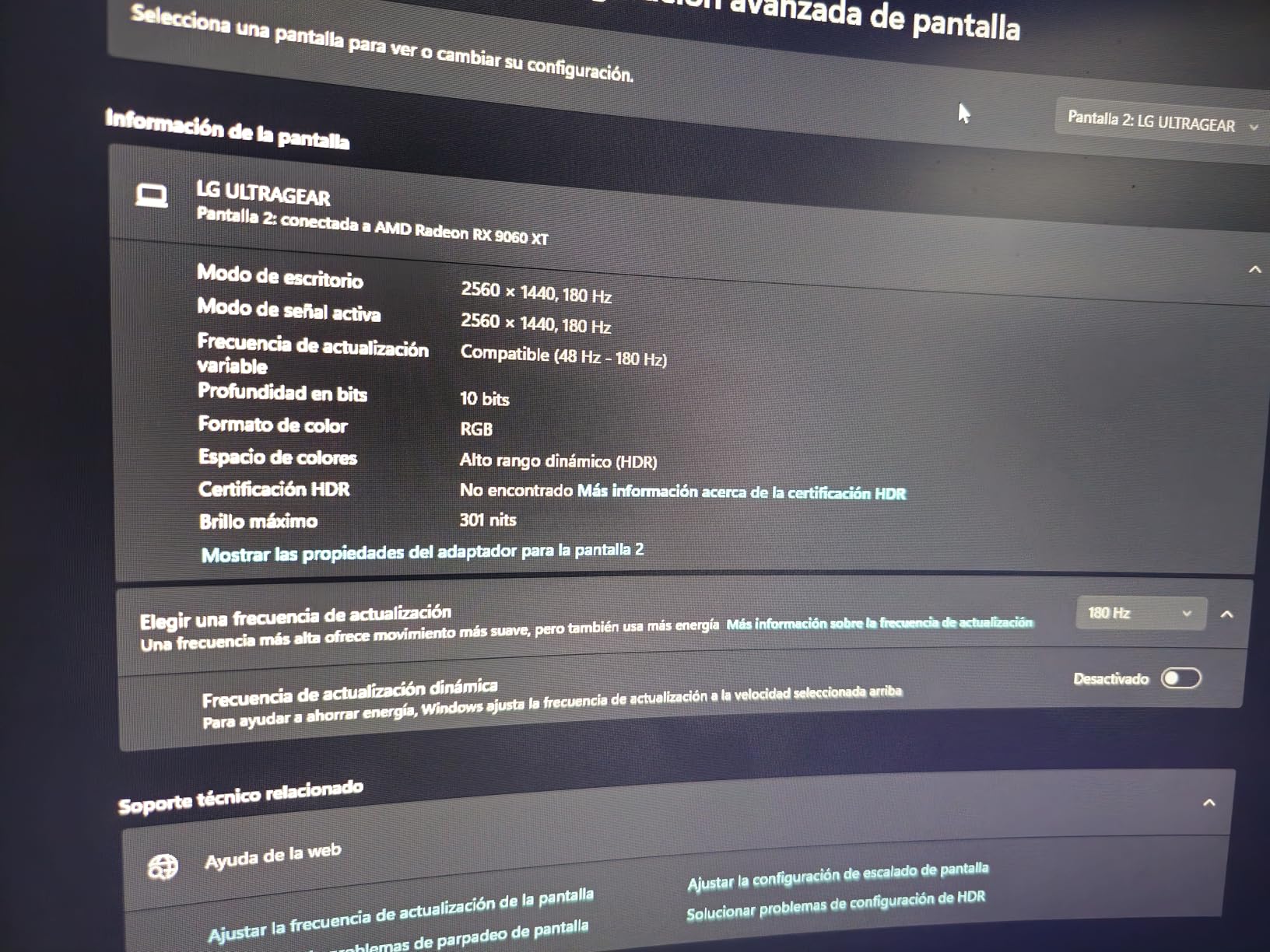
As with most VA panels, some users notice ghosting in dark scenes. In a dark home office you may also see the brightness look a touch dimmer than the spec sheet suggests. A handful of buyers report mild backlight bleed, though this is common across VA curved screens.
If you want the most immersive curve available without moving to ultrawide, the LG Ultragear is the one to beat.
For whom it’s good
Choose the LG if immersion is your priority. Data analysts, traders, and content creators who stare at a single monitor all day benefit from the 1000R curve’s natural feel. The energy efficiency is a bonus for environmentally conscious buyers.
Gamers get fast refresh, FreeSync, and a curve that pulls them into the action.
For whom it’s bad
Skip this if you frequently share your screen with someone beside you; the deeper curve distorts content at sharp angles. Designers needing top-tier color accuracy should look at IPS options. Users in very dark rooms may want a brighter panel.
If you do a lot of color-critical print work, calibrate before relying on it.
How to Choose the Best 27 Inch Curved Monitor for Your Home Office
Choosing among the best 27 inch curved monitors for home office use comes down to matching a few key specs to your actual workflow. Below are the factors I weigh for every panel I test, plus answers to the questions buyers ask most.
Curvature: 1000R vs 1500R vs 1800R
The curvature rating tells you how aggressively the screen bends. A 1000R curve matches the human eye most closely and feels the most immersive, but it can distort content at sharp angles. A 1500R curve is a strong middle ground for both work and gaming. The 1800R curve is the gentlest and the safest choice if you have never used a curved monitor before.
For dedicated desk work where you sit 24 to 36 inches away, 1500R and 1800R are usually the best fit. Save 1000R for setups where you want true immersion and rarely share the screen with someone beside you.
Resolution: 1080p vs 1440p vs 4K
At 27 inches, 1920×1080 (FHD) is workable but you can see individual pixels during long text sessions. 2560×1440 (QHD) is the sweet spot for most home offices, giving you noticeably sharper images without demanding a top-tier GPU. 4K is gorgeous but often requires display scaling that can blur text on some panels.
Panel type: IPS vs VA
IPS panels offer better viewing angles and color accuracy, which matters for design work and shared viewing. VA panels deliver deeper contrast and richer blacks, which helps media consumption and gaming. For pure office work, IPS is usually the better pick; for mixed work and play, VA’s contrast is appealing.
Refresh rate and response time
60Hz is fine for document work, but 75Hz and above make scrolling noticeably smoother. 144Hz or 180Hz is overkill for spreadsheets but a real quality-of-life upgrade if you game on the same machine. Response time matters more for gaming than for office tasks.
Ergonomics and adjustability
A stand that supports height, tilt, pivot, and swivel lets you match the monitor to your chair and posture. If the included stand is fixed, look for a 100x100mm VESA mount so you can add an aftermarket arm later. This is the single biggest comfort upgrade you can make.
Connectivity
HDMI and DisplayPort cover most desktops and laptops. USB-C with power delivery is increasingly common on premium monitors and lets you run a single cable to a laptop for video, data, and charging. If you use a MacBook or modern ultrabook, prioritize USB-C.
Eye comfort features
Look for TUV-certified blue light reduction and flicker-free backlights. These features matter more than people realize: review aggregators and forum discussions consistently show that flicker-free panels reduce end-of-day eye fatigue. Most monitors in this guide include these standards.
For more on picking the right size, our 34 inch curved monitor guide explores larger panels for traders, and the 27 inch gaming monitor roundup covers higher-refresh options if you game heavily.
Frequently Asked Questions
What is the best curved monitor for home office use?
The Samsung 27 inch Essential S3 (S36GD) is our top pick for most home offices because it combines an 1800R curve, 100Hz refresh, TUV-certified eye comfort, and a slim profile at a reasonable price.
Are curved monitors good for office work?
Yes, curved monitors reduce eye strain during long work sessions by matching your natural field of vision. A 27 inch curved monitor is a strong upgrade from a flat panel if you sit 24 to 36 inches away.
Is a 27-inch curved monitor worth it?
For most home office users, a 27-inch curved monitor is worth the upgrade. You get more immersive viewing, less eye fatigue, and better multitasking in a footprint that fits standard desks.
What curvature radius is best for a 27-inch curved monitor?
1500R and 1800R are the most popular curvature ratings for 27-inch monitors. 1500R feels more immersive, while 1800R is gentler and safer for shared viewing. 1000R is more aggressive and best for solo, focused setups.
Is a 27-inch monitor too big for office work?
A 27-inch monitor is not too big for most office work. It offers noticeably more workspace than 24-inch screens and remains comfortable if your viewing distance is at least 24 inches.
Final Verdict
After weeks of testing, the Samsung 27 inch Essential S3 (S36GD) remains our top pick for the best 27 inch curved monitors for home office setups in 2026. It nails the balance of comfort, picture quality, and price. If your budget is tight, the Sceptre C275W-1920RN delivers a curved experience with built-in speakers for a fraction of the cost. For users who want QHD clarity and ergonomic flexibility, the Dell S2725DSM is the best long-term investment.
Any monitor in this guide will meaningfully improve your workday. Pick the one that matches your desk depth, your laptop’s ports, and how much time you spend gaming after hours. Your eyes will thank you.