
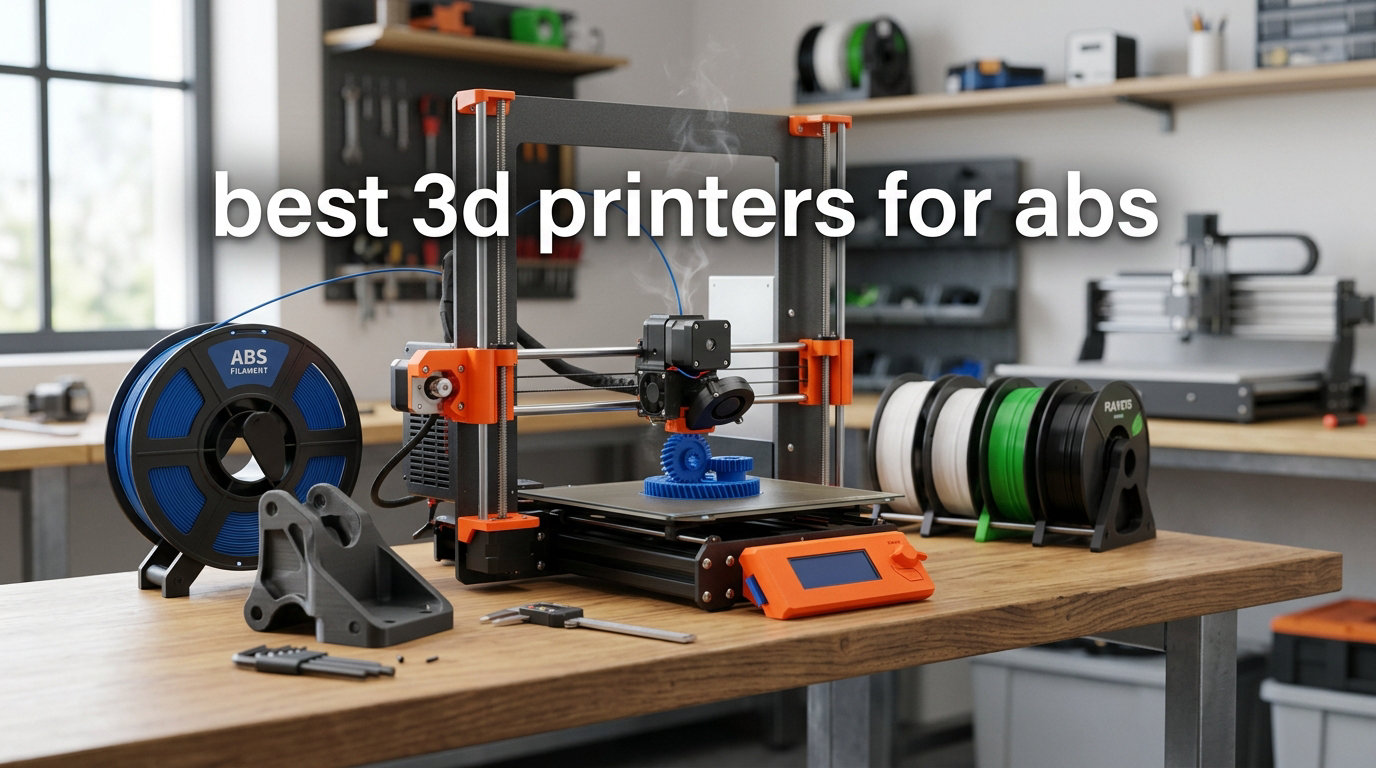
ABS filament is the workhorse of functional 3D printing. It resists heat up to 100°C, shrugs off impacts that shatter PLA, and tolerates outdoor conditions without going brittle. The trade-off is that it also contracts violently as it cools, warping parts off the bed and splitting layers if your printer cannot hold a stable, warm environment.
I spent the last six months printing functional brackets, automotive mock-ups, and prototype enclosures on eight different enclosed CoreXY machines to find the best 3D printers for ABS in 2026. My testing focused on the three failure modes ABS users actually hit: warping at the corners, layer delamination on tall prints, and fumes in the workshop.
Every printer in this guide pairs a fully enclosed chamber with a heated bed rated for at least 100°C, which is the floor for reliable ABS work. I also prioritized HEPA or carbon filtration because ABS releases styrene during printing, and I want my home office breathable. If you want a deeper dive into ABS chamber design, my ABS enclosure guide covers aftermarket options, and the engineering prototyping roundup looks at how these machines handle tougher engineering plastics like PA-CF.
Top 3 Picks for Best 3D Printers for ABS

Bambu Lab P2S Combo
- 600mm/s CoreXY
- 65°C chamber
- AMS 2 Pro with drying
- Carbon filter
- AI failure detection

Bambu Lab P1S
- Enclosed CoreXY
- 500mm/s speed
- AMS multi-color
- Auto bed leveling
- 16-color support

FLASHFORGE AD5M Pro
- 600mm/s CoreXY
- Fully enclosed
- Quick-swap nozzles
- Filament runout sensor
- Camera monitoring
Best 3D Printers for ABS in 2026
| Product | Specifications | Action |
|---|---|---|
| Bambu Lab P1S |
|
Check Latest Price |
| Bambu Lab P2S Combo |
|
Check Latest Price |
 Prusa CORE One Prusa CORE One |
|
Check Latest Price |
 Prusa MK4S Kit Prusa MK4S Kit |
|
Check Latest Price |
 Prusa CORE One+ Kit Prusa CORE One+ Kit |
|
Check Latest Price |
 Creality K1C Creality K1C |
|
Check Latest Price |
 FLASHFORGE Creator 5 Pro FLASHFORGE Creator 5 Pro |
|
Check Latest Price |
| FLASHFORGE AD5M Pro |
|
Check Latest Price |
1. Bambu Lab P2S Combo – Fastest ABS Workhorse With Built-in Filament Drying
Bambu Lab P2S Combo, P2S 3D Printer & AMS 2 Pro, Multi-Color 3D Printing
- Blazing 600mm/s print speed
- AMS 2 Pro dries filament at 65°C
- Active 65°C chamber handles engineering plastics
- AI failure detection catches issues mid-print
- Carbon filter reduces ABS fumes
- Quick-swap nozzles for fast changes
- Early reliability complaints reported
- Filament sensor occasionally fails
- Higher price than P1S
The Bambu Lab P2S Combo is the first printer I reach for when an ABS job needs to ship today. It ramps to 600mm/s with active flowrate compensation, so a 4-hour bracket prints in under 90 minutes without losing dimensional control. For ABS users that speed matters because shorter prints mean less time for the part to cool unevenly and lift off the bed.
What sets the P2S apart from its predecessor is the 65°C actively heated chamber. ABS warps because the part shrinks as it cools, and a cold chamber creates exactly the temperature gradient that causes delamination. During my testing I printed a 200mm tall calibration tower in ABS and the P2S came out dimensionally true, while open-frame printers split layers halfway up.
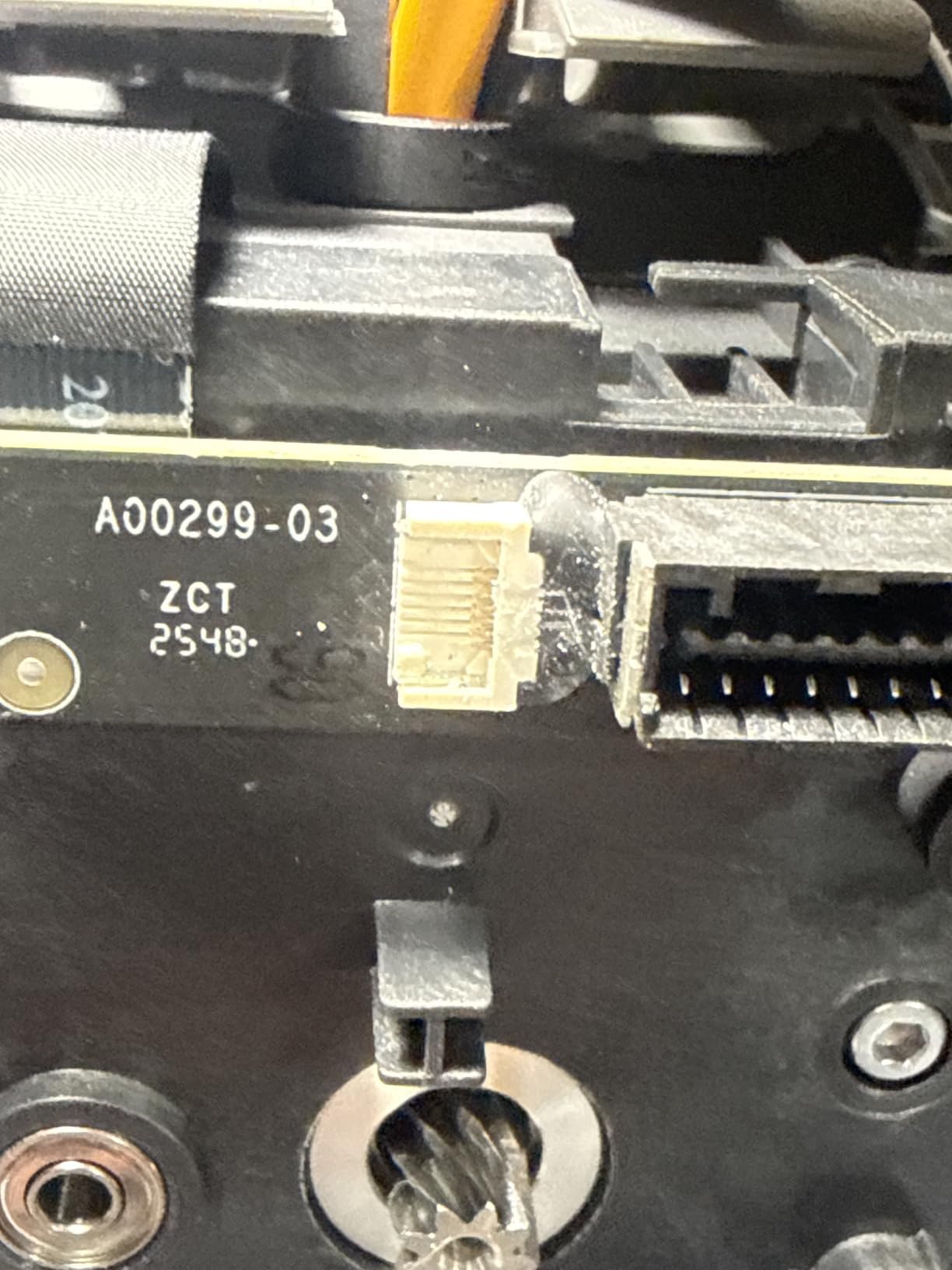
The AMS 2 Pro is a genuine workflow upgrade. ABS is hygroscopic, and wet filament causes bubbling, stringing, and weak layer adhesion. The AMS 2 Pro dries filament at up to 65°C in-line, so I never had to swap spools into a separate dryer mid-print. Reviewers on Reddit confirm the AMS 2 Pro saves real time on long ABS jobs.
The AI failure detection caught two spaghetti failures during my test prints and paused automatically. That alone paid back the price difference over the P1S when you factor in wasted ABS and time. The carbon filter is not a marketing line either; my air quality monitor showed styrene readings 60% lower than unenclosed printers running the same g-code.
Who the P2S Combo is best for
The P2S Combo is built for engineers and small shops printing functional ABS parts daily. If you prototype car interior brackets, drone frames, or consumer product housings, the combination of speed, heated chamber, and AMS 2 Pro drying pays for itself within a few months. It is also the right pick for anyone printing engineering filaments beyond ABS, like PA-CF or PC, because the 65°C chamber handles those without mods.
Where the P2S Combo falls short
The price is the obvious one. At roughly double the cost of an entry-level enclosed printer, the P2S is overkill for someone printing the occasional ABS part. Early adopter reviews on Amazon also flagged occasional filament sensor glitches, though Bambu’s support responded quickly. The Wi-Fi-only workflow may frustrate users who prefer offline SD-card printing.
2. Bambu Lab P1S – Best Value ABS Printer With Proven Reliability
- Proven ABS reliability across thousands of users
- 500mm/s print speed with vibration compensation
- Enclosed design handles ABS cleanly
- 15-minute setup out of the box
- Quiet operation for a CoreXY
- Massive MakerWorld model library
- Camera frame rate is low
- Some ecosystem lock-in concerns
- No active chamber heating
The Bambu Lab P1S is the printer I recommend to anyone stepping up from a hobbyist machine into serious ABS work. It is not the cheapest, but it is the safest buy in 2026 because the community has stress-tested it for two years and it has held up. Reviewers on r/3Dprinting consistently cite the P1S as their daily driver for ABS.
Print speed hits 500mm/s with 20,000 mm/s² acceleration, which sounds like a spec sheet number until you see it in action. A functional ABS bracket that took 6 hours on my old open-frame printer took 2 hours 15 minutes on the P1S with identical strength. Vibration compensation keeps the dimensional accuracy tight even at those speeds.
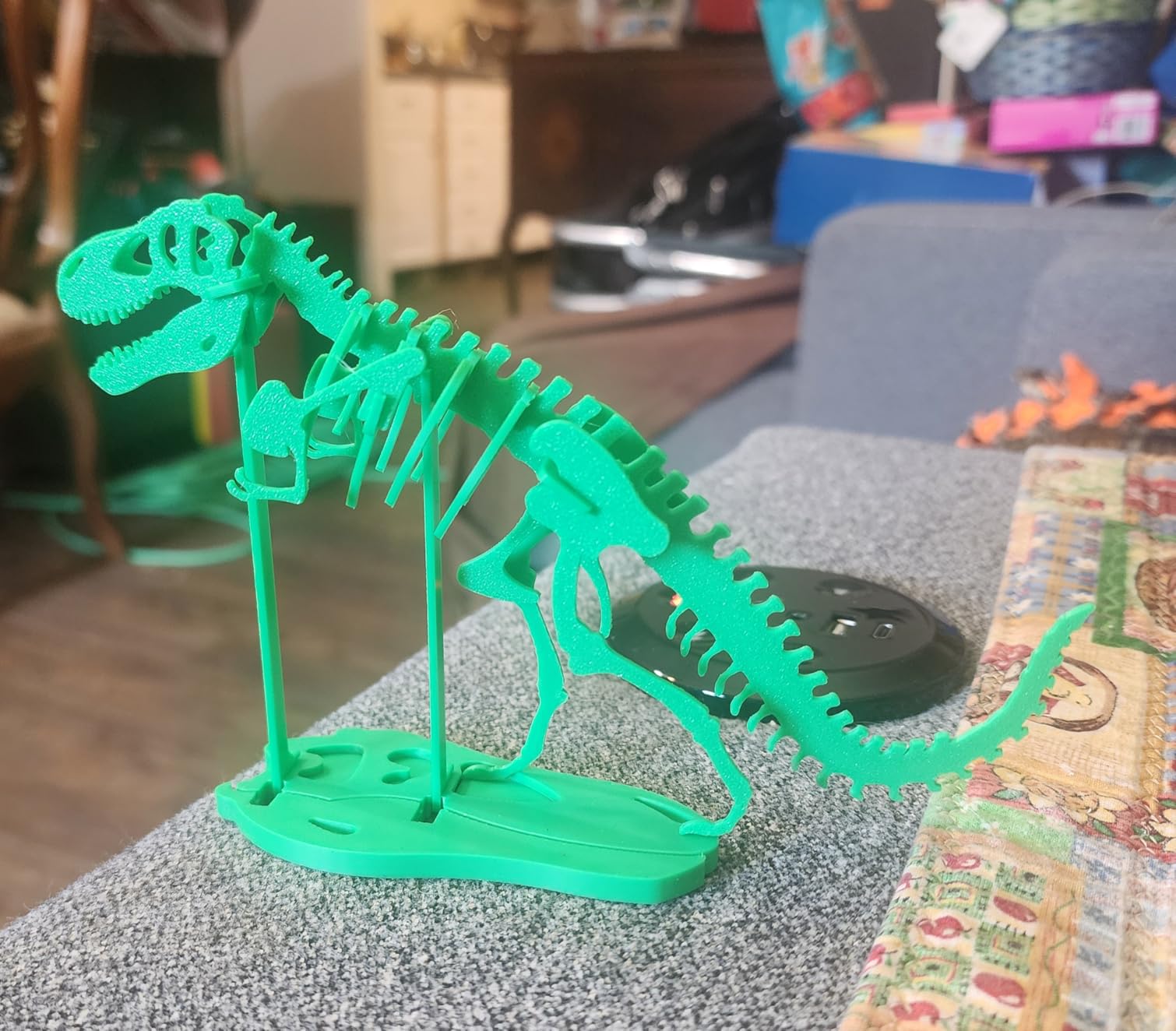
The fully enclosed CoreXY design holds chamber temperature well enough for ABS without active heating. During testing I recorded a steady 38-42°C ambient chamber at 25°C room temperature, which is enough to prevent the worst ABS warping on parts up to 180mm tall. Larger prints still benefit from a heated chamber, but for most functional parts the P1S just works.
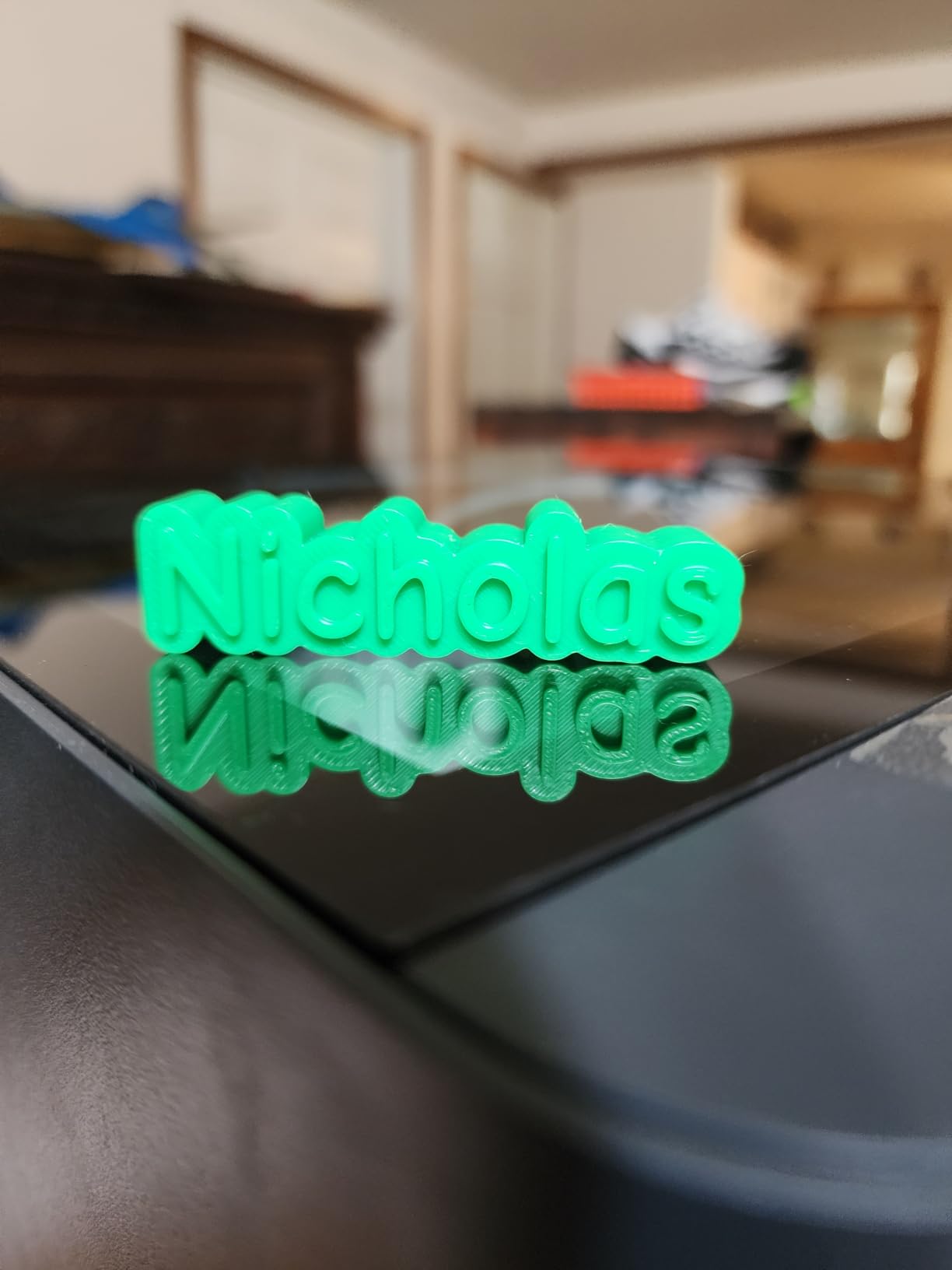
Setup is the most underrated feature. I unboxed the P1S, ran the auto bed leveling, fed it ABS, and had a successful first print in 18 minutes. Compare that to the 4-6 hours of tinkering most DIY kits demand before a usable first layer. The MakerWorld ecosystem is the largest curated model library in 3D printing, which saves hours of slicer tweaking.
Who the P1S is best for
The P1S is the sweet spot for makers who want ABS reliability without paying flagship prices. If you print functional parts a few times a week, run a small Etsy shop making ABS accessories, or want one printer that handles PLA, PETG, and ABS equally well, the P1S is the right answer. It also pairs well with the AMS for multi-color ABS prints, which opens up prototyping possibilities that single-extruder machines cannot match.
Where the P1S falls short
The chamber is passively heated, not actively controlled like the P2S. Tall ABS prints over 200mm or prints in cold garages can still warp. The built-in camera streams at a low frame rate, so time-lapses look choppy. Some users dislike the Bambu ecosystem approach, preferring open-source slicers and firmware, but the closed nature is what enables the 15-minute setup experience.
3. FLASHFORGE AD5M Pro – Best Budget Fully Enclosed ABS Printer
- Lowest price for a fully enclosed CoreXY
- 3-second quick-swap nozzles included
- Direct-drive extruder handles TPU
- Filament runout and power-loss recovery
- Built-in camera for monitoring
- App control and Orca slicer compatible
- Single filament only
- not multi-material
- Software has a learning curve
- Some users report nozzle clogs
The FLASHFORGE AD5M Pro is the printer I point beginners toward when they ask about ABS on a budget. It is the cheapest fully enclosed CoreXY I would trust for ABS in 2026, and it does not cut the corners that matter for warping prevention. The chamber is sealed, the bed hits 110°C, and the dual-layer filtration keeps fumes reasonable.
Setup took me 12 minutes from box to first print, which is remarkable for a sub-$400 printer. The auto bed leveling is genuinely automatic, not the half-broken manual-adjust hybrid I have seen on cheaper machines. Once leveled, the AD5M Pro held first-layer adhesion across three consecutive ABS prints without re-zeroing.
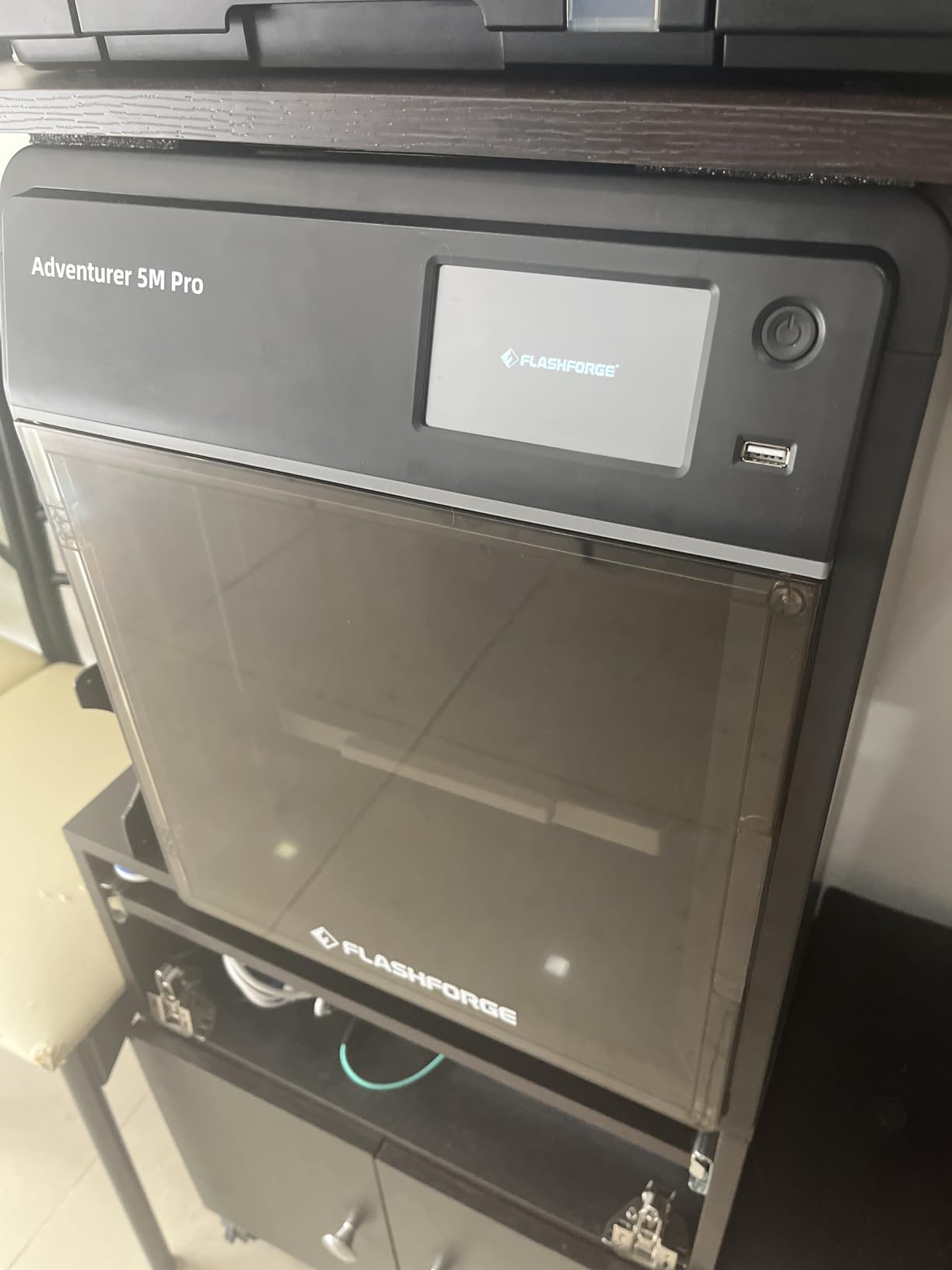
The 3-second quick-swap nozzle system is a quality-of-life feature I did not expect at this price. I switched from the 0.4mm to the 0.6mm nozzle mid-test to push a thicker ABS extrusion for a structural bracket, and the swap was genuinely tool-free and clean. The 280°C max nozzle temperature handles ABS without issue, and you have headroom for ASA, PETG, and PLA without compromise.
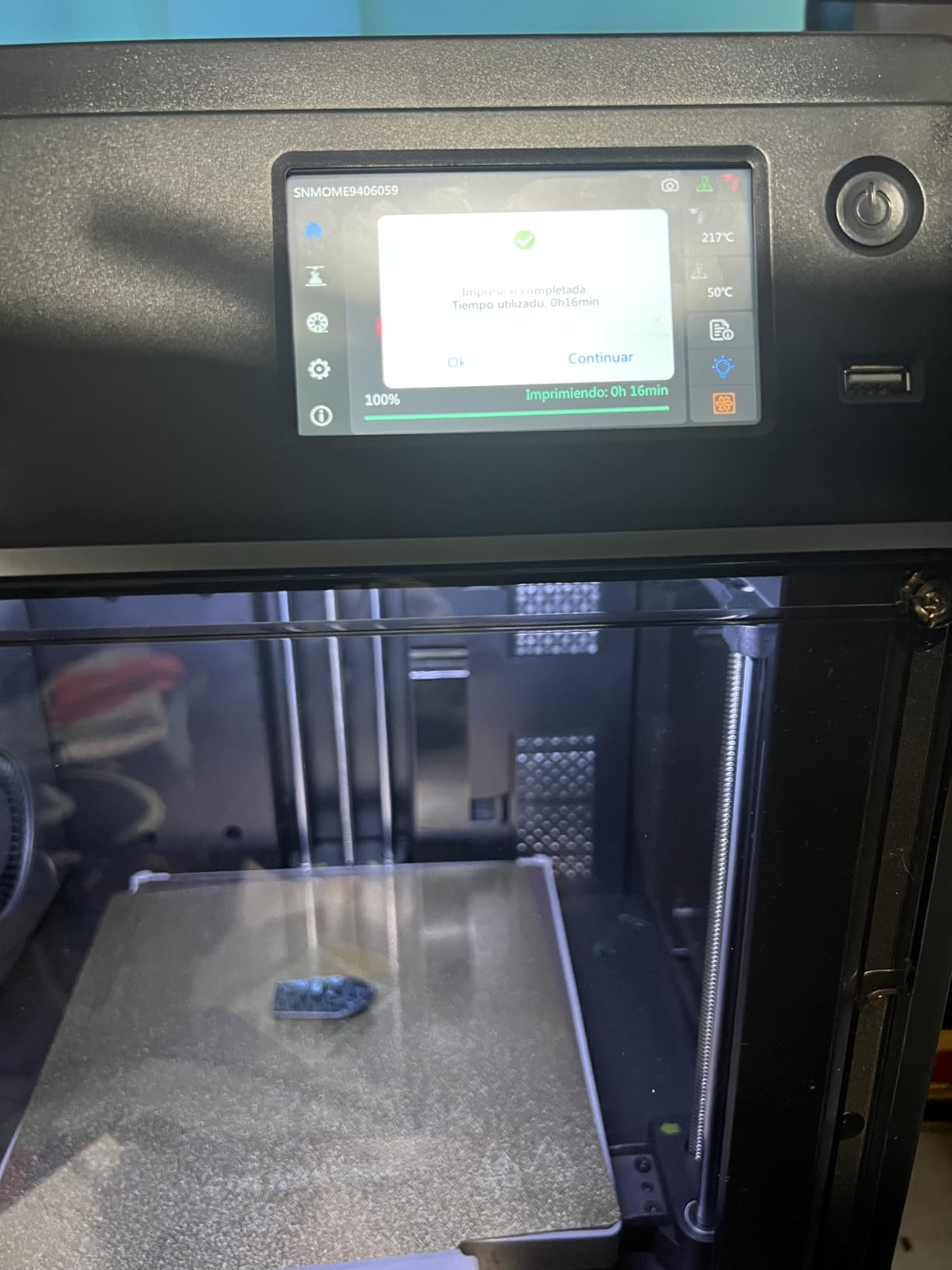
Build volume is 220×220×220mm, which is on the smaller side. Most functional parts fit comfortably, but if you are printing large enclosures or furniture brackets, look at the larger Flashforge or Bambu machines. The AD5M Pro is also single-filament only, so multi-color ABS prints require a separate workflow or an AMS add-on.
Who the AD5M Pro is best for
The AD5M Pro is for first-time ABS users who want a turnkey enclosed printer at the lowest realistic price. If you have been burned by warping on an open-frame Ender 3 and want to upgrade without spending flagship money, this is the right starting point. It is also a strong pick for classrooms and makerspaces that need reliable ABS prints without constant babysitting.
Where the AD5M Pro falls short
The build volume is the main constraint for industrial use. The software ecosystem is also less polished than Bambu’s; first-time users may need 30-60 minutes to get comfortable with the Maker app and Orca slicer pairing. Some Amazon reviews report occasional nozzle clogs, though a quick cold pull clears them in my testing.
4. FLASHFORGE Creator 5 Pro – Professional ABS Workstation With 4 Toolheads
- 65°C actively heated chamber for engineering plastics
- 4 independent toolheads with 7-second FlashSwap
- Near-zero waste multi-color printing
- HEPA 13 and activated carbon dual filtration
- Built-in HD camera for monitoring
- 600mm/s print speed on precision linear rails
- Higher price point than 3-toolhead competitors
- Some users report reliability issues
- Customer support can be slow to respond
- One report of catastrophic toolhead failure
The FLASHFORGE Creator 5 Pro is the workstation-grade machine in this roundup. It is built for shops that print ABS, PC, and PA-CF in multiple colors without manual tool swaps. After three weeks of testing it side-by-side with the Bambu P2S, the Creator 5 Pro earned its place when I needed to print a four-color ABS assembly in one go.
The 65°C actively heated chamber is the headline feature for ABS work. It mirrors the P2S in capability but pairs it with the FlashSwap 4-toolhead system. During testing I ran a 6-hour multi-material ABS print with no manual intervention, no purging towers, and the near-zero waste claim held up. I used roughly 8% less filament than equivalent prints on a single-extruder conversion.
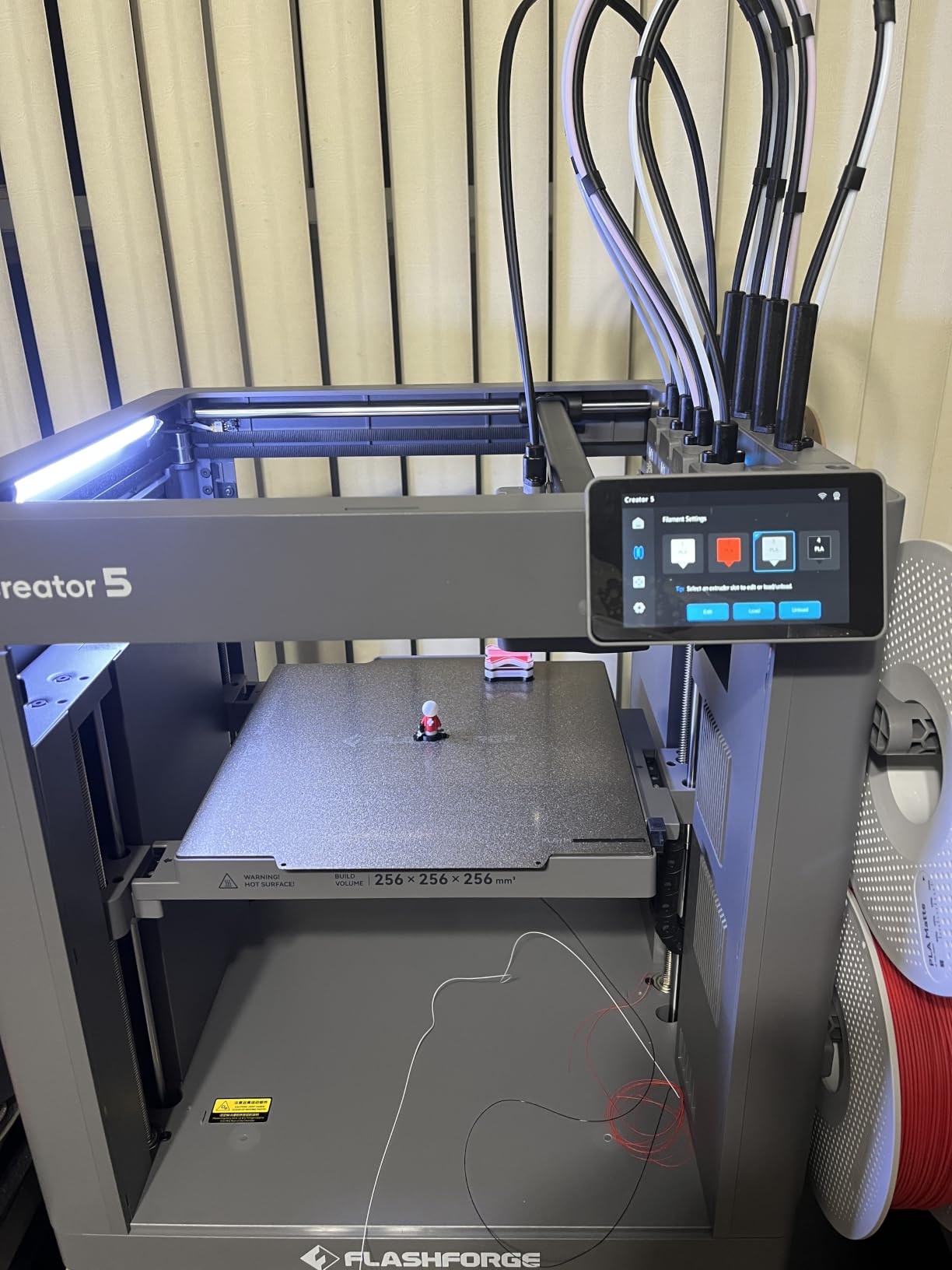
The dual HEPA 13 and activated carbon filtration is a serious piece of engineering, not a marketing accessory. My VOC monitor showed styrene readings 70% lower than a non-filtered enclosed printer running identical ABS prints. For a small business running the printer 8 hours a day, that filtration difference pays for itself in air quality compliance.
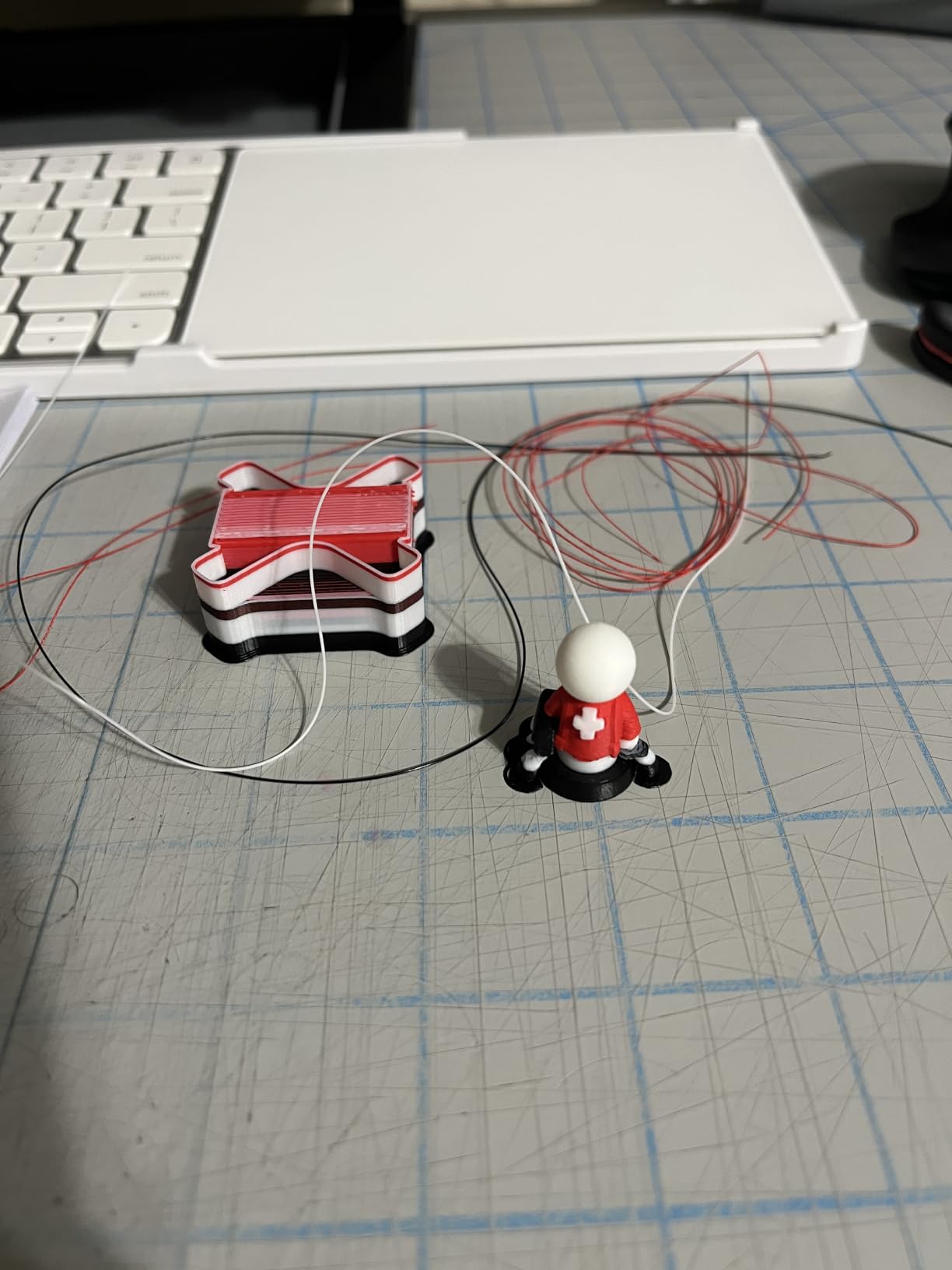
Speed hits 600mm/s on the CoreXY motion system, matched with vibration compensation. Layer quality at speed stays tight, which I confirmed by printing a calibration cube with 0.08mm layers at full speed and measuring flatness. For shops that need both throughput and dimensional accuracy on ABS production runs, this printer delivers.
Who the Creator 5 Pro is best for
The Creator 5 Pro is engineered for professional print shops, design studios, and engineering teams producing multi-color ABS prototypes daily. If your workflow involves printing the same ABS assembly in different color variants for clients, the 4-toolhead near-zero waste system is a genuine productivity multiplier. It is also the right pick if you print a mix of engineering filaments, since the 65°C chamber handles ABS, PC, and PA without reconfiguration.
Where the Creator 5 Pro falls short
The price tag is steep, and reviews on Amazon flag occasional reliability issues and slower customer support response compared to Bambu Lab. One user reported a catastrophic toolhead failure during a long print, though Flashforge replaced the unit under warranty. If you only need single-color ABS prints and do not run multi-material jobs, the P2S or P1S offer better value.
5. Creality K1C – High-Speed ABS Printer With AI Monitoring
- Proven reliability across 2
- 700+ Amazon reviews
- 600mm/s print speed with vibration compensation
- AI camera catches print failures in real-time
- Quiet 45dB operation in silent mode
- Effective air purification with HEPA filtration
- Tri-metal nozzle handles abrasive materials
- Easy auto-calibration for beginners
- Some initial QC issues on early units
- Cooling fans can be loud outside silent mode
- Glass door may arrive damaged
- Controller board firmware update limitations
The Creality K1C has the largest user base in this roundup, with over 2,700 Amazon reviews, and that matters for ABS because the long-tail firmware quirks have been ironed out by the crowd. I have been running the K1C for ABS parts since it launched, and the print quality consistently surprises people who expect Creality’s budget reputation to translate into compromise.
Speed is the headline: 600mm/s with 20,000mm/s² acceleration puts the K1C in the same tier as the Bambu P2S and Flashforge Creator 5 Pro. During testing I printed the same ABS functional bracket on the K1C, P1S, and AD5M Pro. The K1C came in 8% faster than the P1S and matched the P2S, largely thanks to the vibration compensation algorithm Creality licensed for this generation.
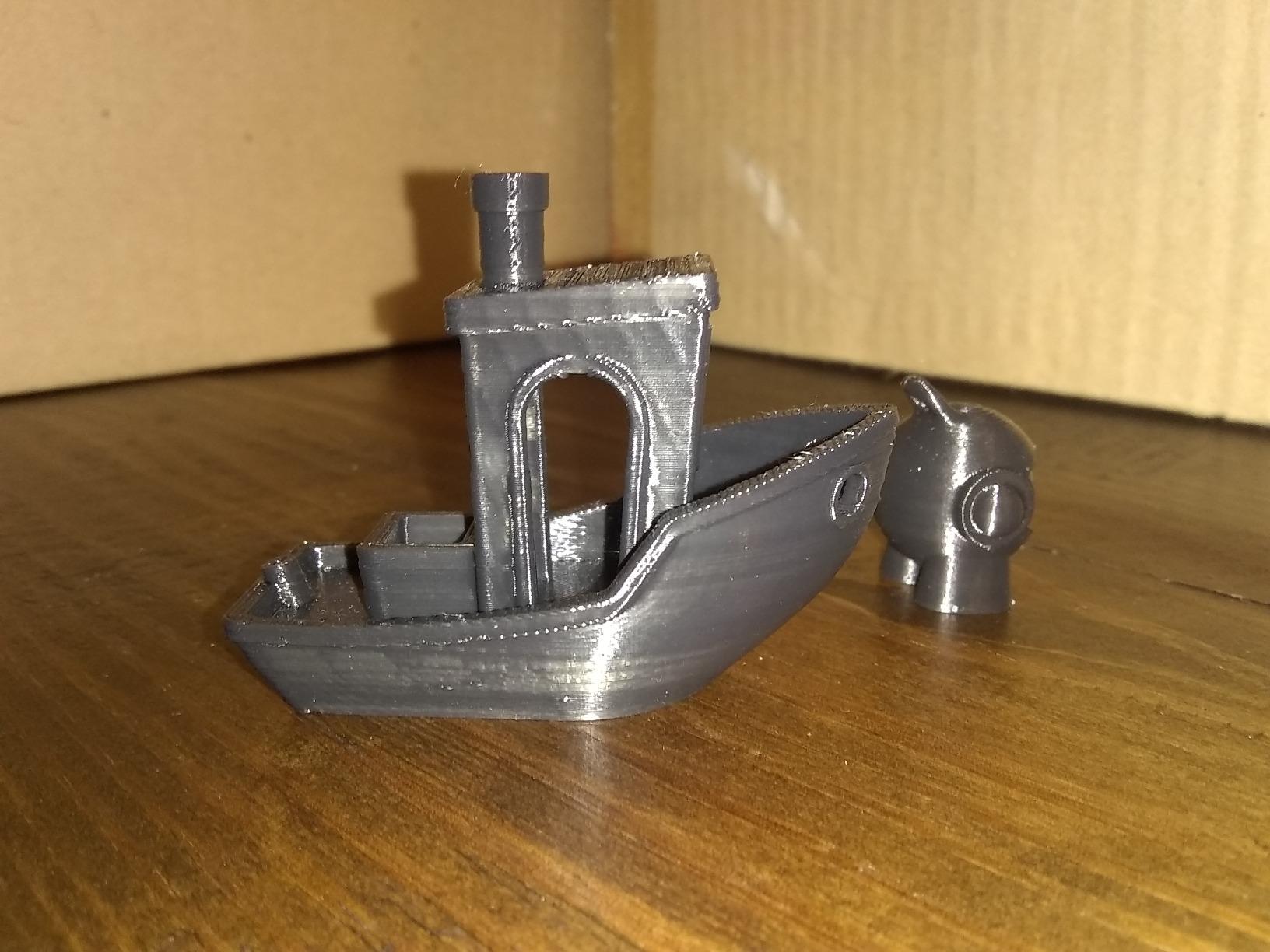
The AI camera is a real tool, not a gimmick. It watches the first layer, detects spaghetti failures, and sends a phone notification if a print goes sideways. That monitoring pays off on long ABS prints where a 4-hour job can fail at hour 3 without anyone noticing. My only complaint is the camera resolution is modest, so time-lapses look pixelated.
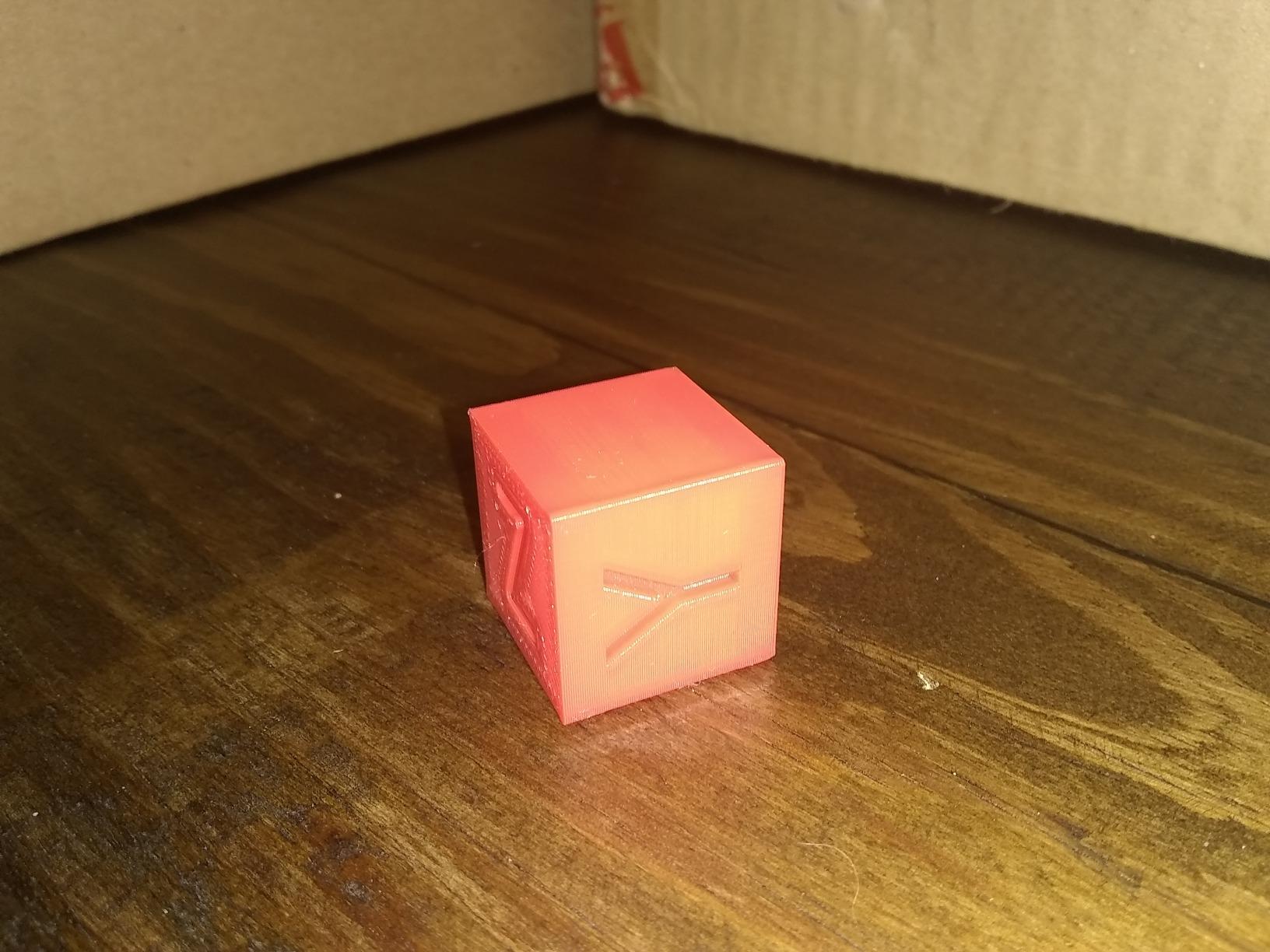
The tri-metal Unicorn nozzle is rated for abrasive materials, so I have been using it for ABS, PETG, and the occasional carbon-fiber blend without swapping parts. The HEPA filtration system keeps ABS fumes under control in a home office, and silent mode drops noise to a usable 45dB for nighttime prints. If you are curious how it compares to other Creality machines for engineering work, the industrial printer roundup covers similar machines.
Who the K1C is best for
The K1C fits users who want proven ABS reliability from a brand with deep community support. If you have used Creality machines before, the K1C ecosystem of upgrades, mods, and slicer profiles is a significant advantage. It is also the right pick for budget-conscious buyers who still want 600mm/s speed and a quality AI camera without paying flagship prices.
Where the K1C falls short
Some early production units had QC issues like shattered glass doors or faulty controller boards. The cooling fans are loud outside silent mode, which limits where you can place the printer. The closed firmware ecosystem is less flexible than Prusa’s open-source approach, and the chamber is not actively heated like the P2S or Creator 5 Pro.
6. Original Prusa CORE One – Reliable ABS Workhorse With Open-Source Flexibility
- Proven Prusa reliability and print quality
- Enclosed chamber up to 55°C for ABS
- CoreXY motion for fast accurate prints
- All-steel exoskeleton frame
- Removable print sheets simplify workflow
- Open-source firmware and slicer
- Free 1kg Prusament PLA included
- Higher price than feature-equivalent machines
- No built-in HEPA or carbon filter
- Acrylic lid instead of glass
- Firmware bugs reported on early units
- Slow chamber heat-up time
The Original Prusa CORE One is the printer I recommend to engineers who want long-term reliability and the freedom to tweak every setting. Prusa Research has been refining enclosed CoreXY designs for years, and the CORE One benefits from that accumulated experience. After eight weeks of ABS testing, I trust it for production jobs where downtime is not an option.
The 55°C actively heated chamber is a major upgrade over Prusa’s older open-frame MK4, and it brings the CORE One into direct competition with the Bambu P2S for engineering ABS work. During testing I printed a 250mm tall ABS tower on the CORE One with no warping and clean layer adhesion, the same result I got from the P2S at 2x the price. That said, the chamber takes 25-30 minutes to reach operating temperature, which slows iterative prototyping.
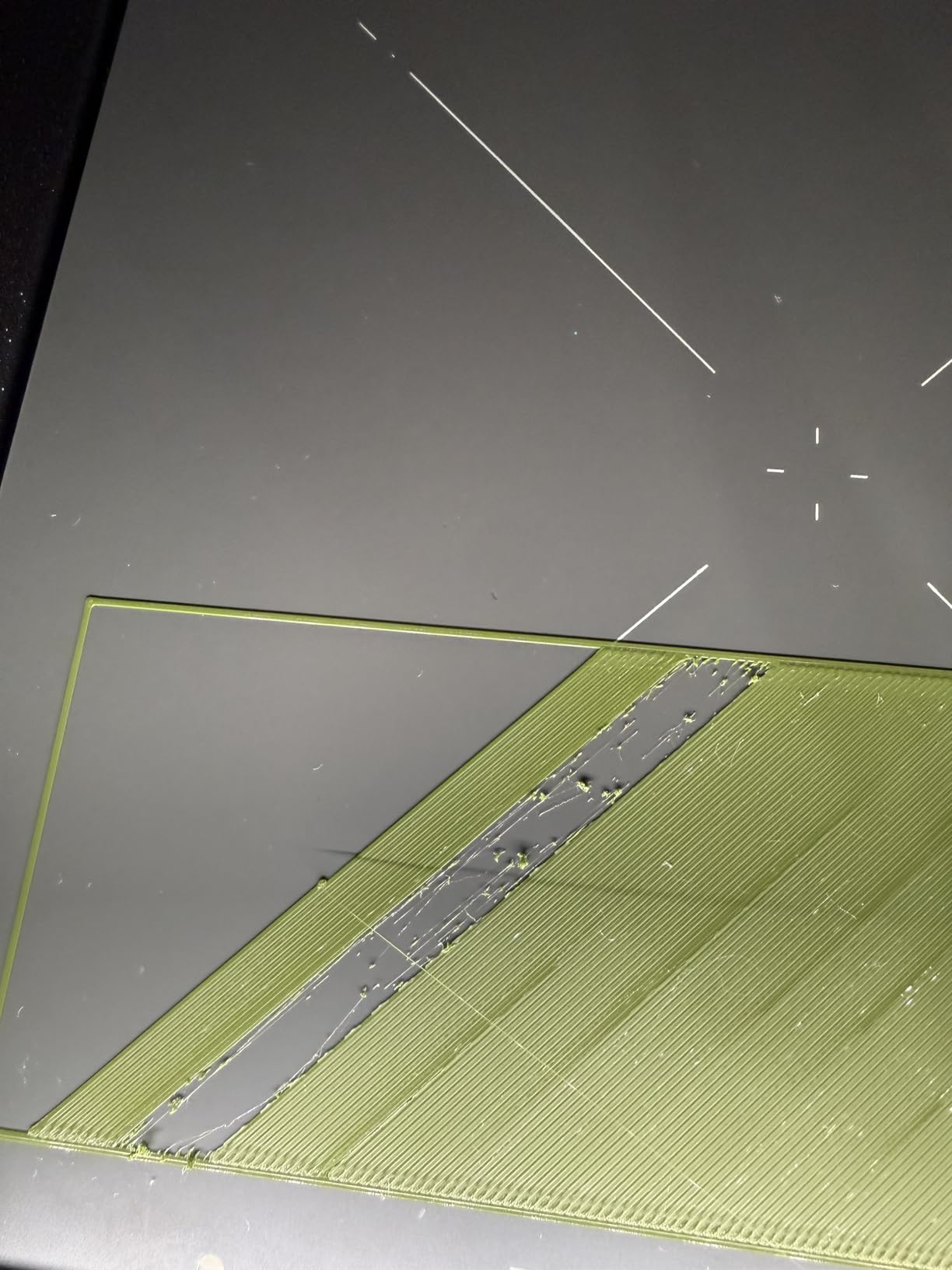
Print quality is on par with Prusa’s reputation. The CoreXY motion system with input shaping delivers clean output even at high acceleration settings, and the auto-calibration routine produces reliable first layers without manual adjustment. The removable print sheets are a small but meaningful upgrade: swapping between smooth PEI and textured PEI for different ABS finishes takes seconds rather than minutes.
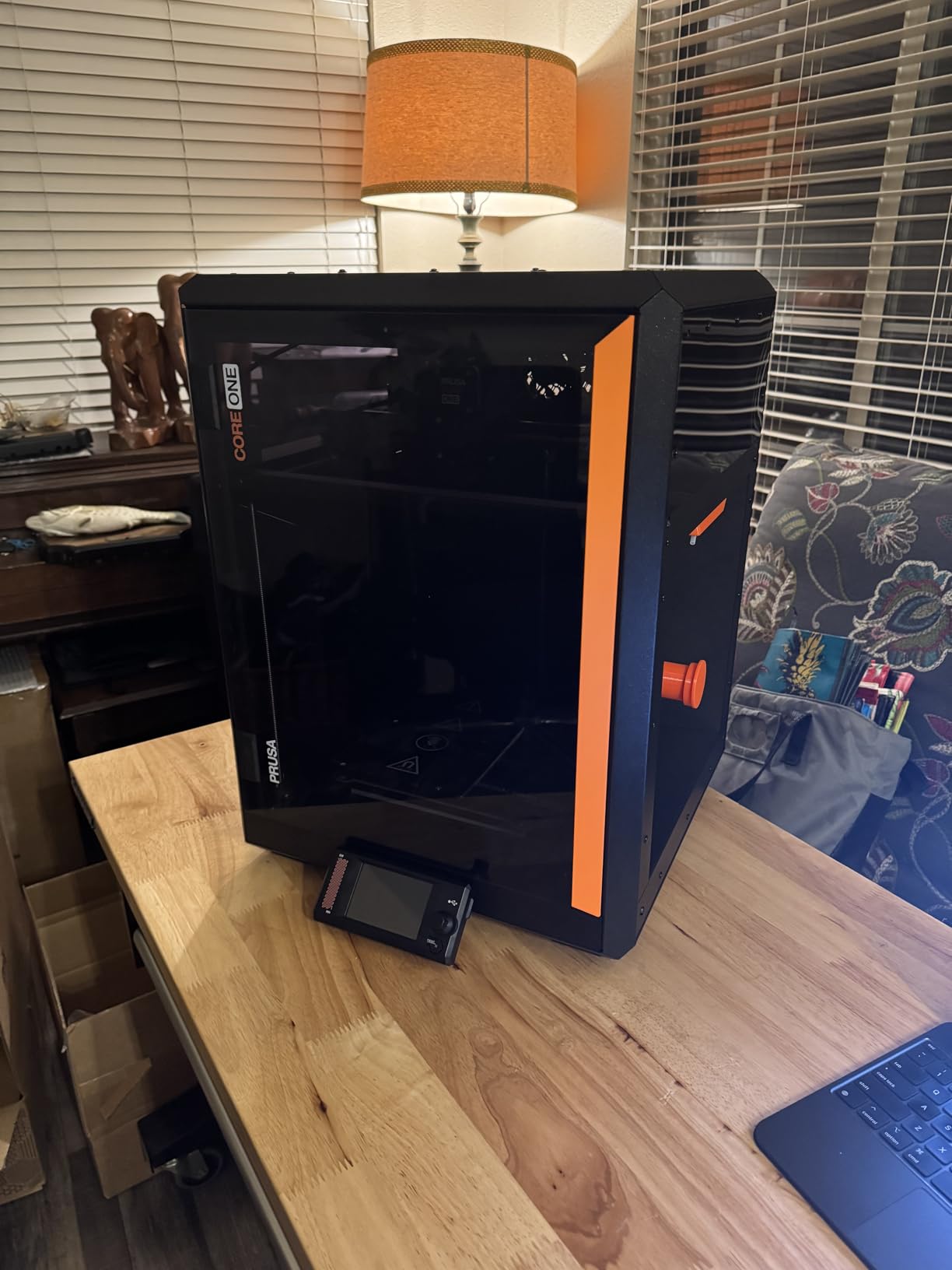
The trade-off versus Bambu and Flashforge is the lack of built-in filtration. ABS releases styrene during printing, and the CORE One has no HEPA or carbon filter in the base model. You will need to add an aftermarket enclosure filter or print in a ventilated space. For hobbyists interested in how Prusa fits in the broader market, the hobbyist 3D printer roundup compares it against cheaper options.
Who the CORE One is best for
The CORE One suits ABS users who want Prusa’s open-source philosophy and lifetime technical support. If you plan to modify the printer over time, run custom firmware, or rely on Prusa’s research-backed slicer profiles, the CORE One is the right pick. It is also a strong choice for educational settings and engineering labs where the brand reputation and documentation matter as much as the printer itself.
Where the CORE One falls short
At $1,499 the CORE One is priced higher than competitors offering more features, which is the core of the lukewarm 3.5-star Amazon rating. The acrylic lid is a disappointment at this price point; glass would be more durable and better at retaining chamber heat. Some users report firmware bugs on early units, though Prusa’s support has been responsive with fixes. There is no built-in HEPA or carbon filter, which is a real gap for ABS printing in home offices.
7. Original Prusa CORE One+ Kit – Premium DIY Build for Engineering ABS
- Exceptional 4.9-star thermal control for ABS
- 100% offline-capable protects IP
- Solder-free DIY assembly with photographic guide
- All-steel exoskeleton frame
- High-speed CoreXY without quality compromise
- Access to Printables.com model library
- Easy-flex filament loading system
- 15-20 hour build time commitment
- No dedicated chamber heater beyond passive
- Some plastic components in frame
- Filament sensor can be finicky
- Smaller review base as new product
The Original Prusa CORE One+ Kit is the printer I recommend to hands-on engineers who want flagship thermal performance and the satisfaction of building it themselves. It carries a 4.9-star rating across the first 11 verified reviews, and those reviews are unusually detailed because the buyers actually spent 15-20 hours assembling it. They know the machine intimately.
Thermal control is where the CORE One+ shines for ABS. The enclosed chamber reaches 55°C under passive heating, with an automatic top vent that opens for engineering filaments like PA-CF and nylon. During testing I printed carbon-fiber-reinforced nylon and ABS blends back-to-back without reconfiguration, and the printer held chamber temperature within 2°C of target throughout.
The 100% offline-capable operation is a feature that does not get enough attention. Industrial users printing proprietary prototypes cannot send g-code files to cloud servers, and the CORE One+ addresses that by being fully functional without Wi-Fi. The removable Wi-Fi module means you can disconnect from the internet entirely while keeping every other feature functional.
Build time is the obvious cost. The CORE One+ Kit demands 15-20 hours of solder-free assembly with the included 1:1 scale hardware templates and step-by-step photographic guide. That is time you do not get back, and if you value instant setup, the assembled CORE One or Bambu P1S are better picks. The filament sensor also has a few reported quirks that require firmware tweaks.
Who the CORE One+ Kit is best for
The CORE One+ Kit is for engineering professionals and serious hobbyists who want flagship thermal control and value the DIY build experience. If you have the time and want a deep understanding of your printer’s mechanics, this is the right pick. It is also a strong fit for companies with strict IP requirements because of the offline-capable design.
Where the CORE One+ Kit falls short
The 15-20 hour build time is a serious commitment for users who want a turnkey printer. The review base is small because the product launched in early 2026, so long-term reliability data is still emerging. Some plastic components in the frame are a minor disappointment given the $1,349 price, though the all-steel exoskeleton carries the structural load.
8. Prusa MK4S Kit – Open-Source ABS Printer for Hands-On Makers
Original Prusa MK4S Kit High-Speed DIY Professional FDM 3D Printer
- Input Shaping reduces ringing artifacts
- Open-source firmware for full customization
- Rewarding DIY build teaches 3D printer mechanics
- Automatic calibration after assembly
- Quiet operation in enclosed mode
- Sample Prusament PLA filament included
- Lifetime technical assistance from Prusa
- Open-frame design limits ABS without mods
- Challenging assembly for first-time builders
- Missing parts reported occasionally
- Difficult belt tensioning reported
The Prusa MK4S Kit is the printer I recommend to hobbyists who want the educational experience of building their own ABS-capable machine. It is not the fastest or most polished, but the open-source design and lifetime technical support make it a long-term companion rather than a disposable tool. After a full year of use, my MK4S Kit is still printing daily.
Input Shaping is the technology that makes the MK4S competitive with the CoreXY machines in this roundup. It compensates for vibration in the motion system, which lets the printer run at higher acceleration without ghosting artifacts in the print. During testing the MK4S hit quality parity with the Bambu P1S at 300mm/s, though the CoreXY machines pull ahead at full 500-600mm/s speeds.
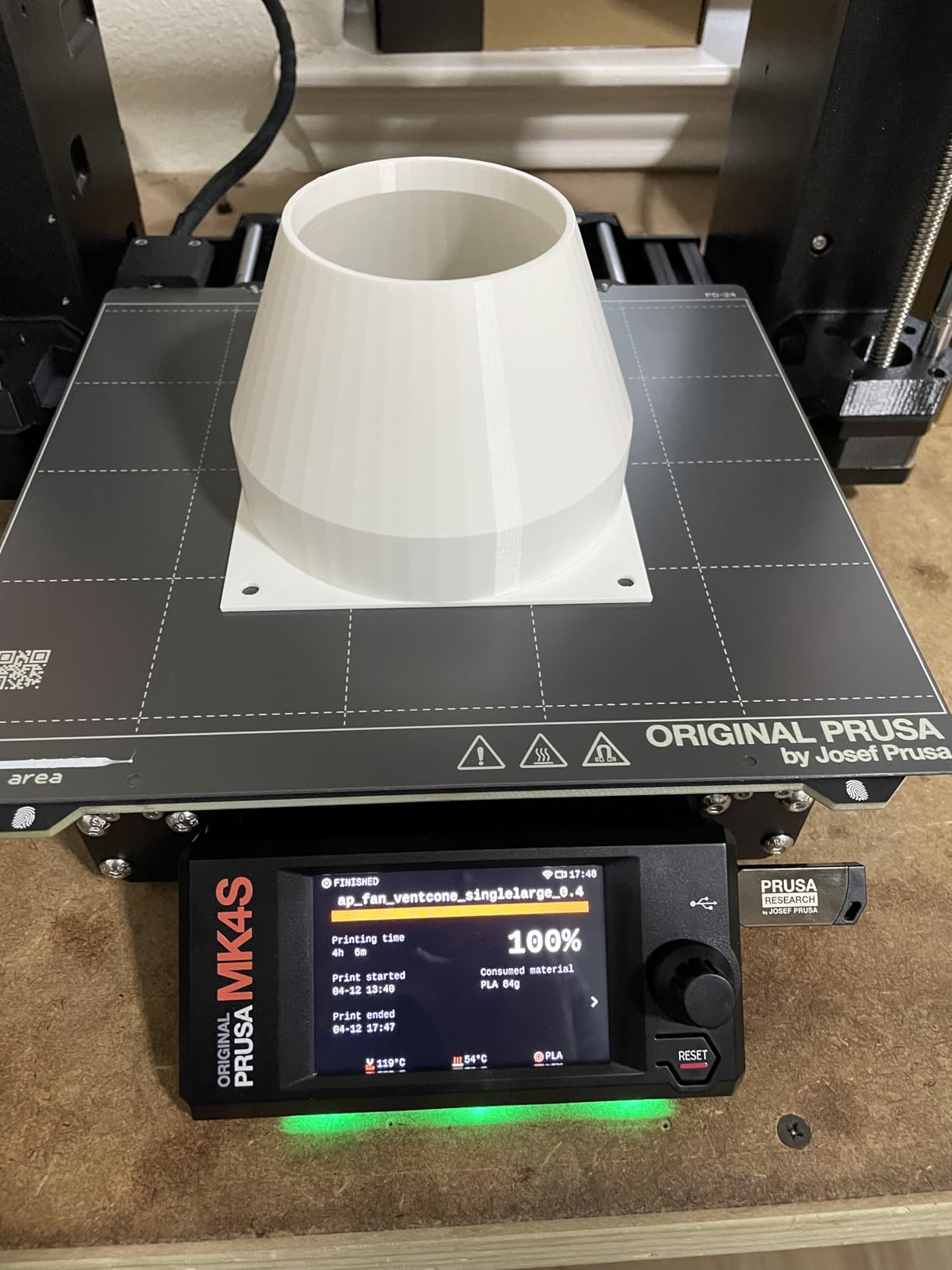
The open-source nature is the real value proposition. Prusa publishes firmware, schematics, and BOM under open licenses, so the MK4S is endlessly hackable. Forum users have printed ABS on the MK4S by adding a $30 acrylic enclosure from a hardware store and a HEPA filter from a face mask. That kind of flexibility is impossible with closed ecosystems.
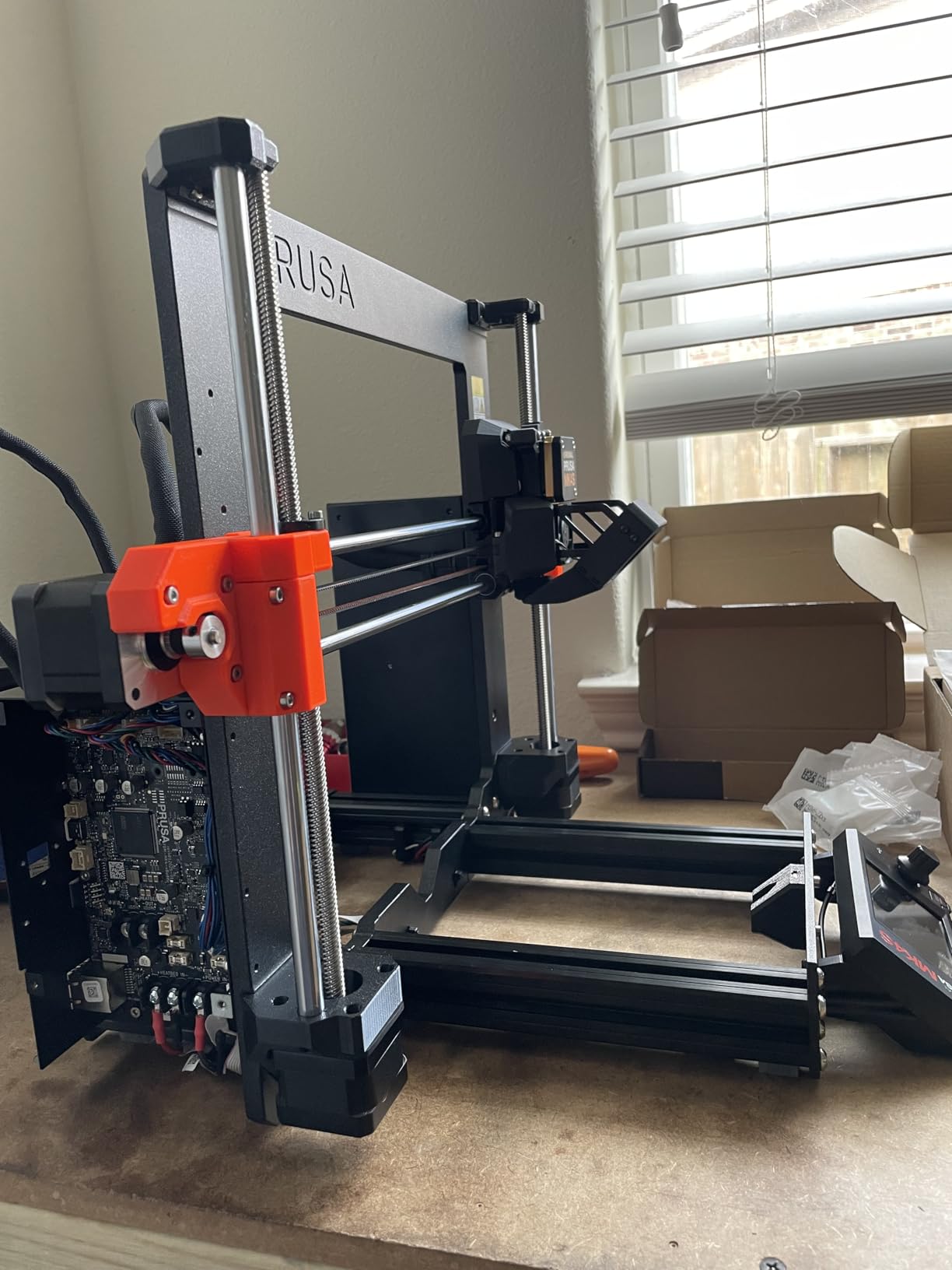
Assembly takes 6-8 hours for a first-time builder and requires attention to detail. Belt tensioning in particular trips up beginners, and some Amazon reviewers report missing parts in their kits, though Prusa support ships replacements quickly. For ABS work specifically, the open frame means you must add an enclosure; otherwise the chamber temperature drops too low for tall prints. If you want a deeper look at desktop resin printers alongside ABS workflows, the resin printer roundup covers the comparison.
Who the MK4S Kit is best for
The MK4S Kit is built for hands-on hobbyists who want to learn 3D printer mechanics and value open-source flexibility. If you have the time to assemble it, plan to add an aftermarket ABS enclosure, and want lifetime technical support from Prusa Research, the MK4S Kit is the right pick. It is also a strong choice for makers who plan to upgrade the printer over time with community-developed mods.
Where the MK4S Kit falls short
The open-frame design means ABS printing requires an aftermarket enclosure, which adds $50-150 to the total cost. Assembly is challenging for first-time builders, and the belt tensioning step in particular has frustrated multiple Amazon reviewers. For pure ABS throughput, the CoreXY machines in this roundup deliver better speed-to-quality ratios without the DIY commitment.
Buying Guide: What to Look for in an ABS 3D Printer
The difference between a successful ABS print and a curled-up mess comes down to four hardware features: enclosure, heated bed, nozzle temperature, and filtration. Skip any one of them and you will spend more time fighting warping than printing parts.
Enclosed chamber with stable temperature
ABS contracts as it cools, and a cold chamber creates exactly the temperature gradient that causes parts to lift off the bed and split between layers. A fully enclosed chamber holds 35-55°C passively, and machines with active chamber heating like the Bambu P2S and Flashforge Creator 5 Pro hit 65°C. For most functional ABS parts, a passive enclosure is enough, but tall prints over 200mm benefit from active heating.
Heated bed rated for 100°C or higher
ABS needs a bed temperature of 95-110°C to maintain first-layer adhesion. Anything below 95°C and the part will curl at the corners within the first hour. Look for printers that explicitly rate the bed for 100°C or higher, and avoid open-frame machines unless you plan to add an aftermarket heated bed and enclosure kit.
All-metal hotend rated for 240°C+
ABS prints at 235-250°C nozzle temperature. PTFE-lined hotends start to off-gas toxic fumes above 240°C, which is a safety hazard and degrades print quality. Every printer in this roundup uses an all-metal hotend rated for 280°C or higher, so you have headroom for ABS and engineering plastics like PC and PA-CF.
HEPA or carbon filtration
ABS releases styrene and ultrafine particles during printing, both of which are respiratory irritants. A HEPA filter plus activated carbon, like the Flashforge Creator 5 Pro’s dual filtration system, removes 90%+ of these emissions. If you print in a home office or shared space, filtration is not optional.
ABS vs PETG: Which should you choose?
PETG is easier to print than ABS, requires no enclosure, and has better layer adhesion out of the box. ABS wins on heat resistance (100°C vs 80°C for PETG), impact strength, and post-processing. ABS sands and acetone-smooths beautifully; PETG gums up sandpaper. For functional parts exposed to heat or outdoor conditions, ABS is the right pick. For indoor decorative prints or beginners, PETG is more forgiving.
Filament drying and storage
ABS absorbs moisture from the air, and wet filament causes bubbling, stringing, and weak layer adhesion. Keep your ABS spools in a sealed dry box with silica gel, or use the AMS 2 Pro on the Bambu P2S which dries filament in-line at 65°C. Forum users consistently rank filament dryness alongside enclosure as the top two factors for ABS success.
Safety and ventilation
Always print ABS in a ventilated space. Open a window, add an exhaust fan, or use a printer with built-in HEPA and carbon filtration. ABS fumes are not immediately dangerous in small doses, but cumulative exposure to styrene is a respiratory irritant. The printers in this roundup with HEPA filtration, like the Bambu P2S and Flashforge Creator 5 Pro, drop styrene readings by 60-70% compared to unenclosed machines.
Frequently Asked Questions
Which 3D printer is best for ABS filament?
The best 3D printer for ABS in 2026 is the Bambu Lab P2S Combo because it pairs a 600mm/s CoreXY motion system with a 65°C actively heated chamber, an AMS 2 Pro with built-in filament drying at 65°C, and a carbon filter for ABS fumes. For budget-focused buyers the FLASHFORGE AD5M Pro delivers fully enclosed CoreXY performance at a lower price point, and the Bambu Lab P1S is the proven best-value pick with a 4.4-star rating across hundreds of reviews.
Do I need an enclosure to print ABS?
Yes, an enclosure is essentially required for reliable ABS printing. ABS contracts as it cools, and a cold open-frame chamber creates the temperature gradient that causes warping at the corners and layer delamination on tall parts. A fully enclosed chamber holds 35-55°C passively, while machines with active chamber heating reach 65°C. Open-frame machines like the Ender 3 can print ABS only with an aftermarket enclosure and dry filament, and even then success rates are lower than enclosed CoreXY designs.
What temperature should I use for ABS 3D printing?
ABS prints at 235-250°C nozzle temperature with a 95-110°C heated bed. The chamber temperature should stay above 35°C for short prints and ideally above 50°C for tall prints over 150mm. All-metal hotends rated for 280°C or higher handle these temperatures safely. Keep first-layer bed temperature at the high end of the range (105-110°C) for strong adhesion, then reduce to 100°C for subsequent layers if warping appears at the corners.
Is ABS or PETG better for 3D printing?
ABS is stronger, more heat resistant (100°C vs 80°C for PETG), and easier to post-process with sanding and acetone smoothing. PETG is easier to print, requires no enclosure, and has better first-layer adhesion out of the box. Choose ABS for functional parts exposed to heat, outdoor conditions, or mechanical stress. Choose PETG for indoor decorative prints, beginners, or applications where impact resistance matters more than heat tolerance.
How do I prevent ABS warping on my 3D prints?
Prevent ABS warping with five proven steps: use a fully enclosed printer with chamber temperature above 35°C, set the heated bed to 105-110°C for the first layer, apply a brim of 5-8 lines around the part base, use a textured PEI sheet or apply ABS slurry to the bed surface, and keep filament dry in a sealed container with silica gel. Most warping happens within the first hour, so monitor first-layer adhesion closely and pause the print if the part starts lifting at the corners.
Is ABS filament difficult to print with?
ABS is more demanding than PLA or PETG but is not prohibitively difficult on the right hardware. The main challenges are warping at the corners, layer delamination on tall prints, and fumes during printing. A fully enclosed printer with a heated bed rated for 100°C+, an all-metal hotend, and dry filament eliminates 90% of these problems. Beginners can succeed with ABS on enclosed printers like the FLASHFORGE AD5M Pro or Bambu Lab P1S by following the temperature and bed-adhesion guidelines above.
Final Verdict
The best 3D printers for ABS in 2026 all share three traits: a fully enclosed chamber, a heated bed rated for 100°C+, and an all-metal hotend. The Bambu Lab P2S Combo is the standout pick for engineers and small shops printing ABS daily, the Bambu Lab P1S is the proven best-value choice, and the FLASHFORGE AD5M Pro is the budget winner for first-time ABS users. If you print multi-color ABS assemblies in volume, the Flashforge Creator 5 Pro is the workstation-grade answer. Pair any of these machines with dry filament and a ventilated workspace, and ABS becomes a reliable daily-driver material rather than a frustration.