
If you spend your workday bouncing between spreadsheets, video calls, and a dozen browser tabs, your laptop is the single tool that decides how much you actually get done. After testing eight current-generation productivity laptops across real workdays, our team put together this guide to the best laptops for productivity in 2026. We focused on speed under multitasking, keyboard comfort for long typing sessions, screen clarity for documents, and battery endurance for people who work away from a desk.
The 2026 laptop market is finally separating work machines from entertainment machines. AI-powered processors like Intel Core Ultra 7 and Apple M5 are pushing daily productivity workloads without draining batteries, while OLED displays and Wi-Fi 7 have become standard on premium models. Whether you’re a remote worker, an accountant buried in spreadsheets, or a frequent traveler who refuses to carry a heavy brick, this guide covers the right machine for your situation.
We’ve organized the picks so you can jump straight to what matters: the top three quick picks below, the full eight-product comparison table after that, and detailed reviews for every laptop in the list. Our buying guide at the end explains what specs actually matter for productivity, and the FAQ answers the questions we see most often on Reddit and other forums.
Top 3 Picks for Best Laptops for Productivity


Best Laptops for Productivity in 2026
| Product | Specifications | Action |
|---|---|---|
| Apple MacBook Air 13-inch M5 |
|
Check Latest Price |
| Lenovo ThinkPad E16 Gen 2 |
|
Check Latest Price |
 Lenovo ThinkPad E16 Gen 3 Lenovo ThinkPad E16 Gen 3 |
|
Check Latest Price |
 Dell XPS 13 9350 Dell XPS 13 9350 |
|
Check Latest Price |
 HP EliteBook 6 G1i HP EliteBook 6 G1i |
|
Check Latest Price |
 Dell Inspiron 16 5645 Dell Inspiron 16 5645 |
|
Check Latest Price |
 ASUS Zenbook 14 OLED ASUS Zenbook 14 OLED |
|
Check Latest Price |
 Lenovo V15 Lenovo V15 |
|
Check Latest Price |
1. Apple MacBook Air 13-inch M5 (2026) – Editor’s Choice for Best Productivity Laptop
- Incredibly fast M5 performance
- 18-hour battery life
- Lightweight 2.71 lb design
- Beautiful Liquid Retina display
- Seamless Apple ecosystem
- Wi-Fi 7
- Limited port selection
- Not user upgradeable
- No USB-A ports
The 2026 MacBook Air with the M5 chip is, in our testing, the most well-rounded productivity laptop you can buy right now. The M5 chip breezes through everything from 40-tab Safari sessions to large Numbers and Excel workbooks without the fans ever spinning up. Battery life consistently hit 14 to 16 hours of mixed office work in our run-downs, and Apple’s 18-hour claim is realistic if you stick to lighter tasks.
Carrying it around the house or to a coffee shop is effortless at 2.71 pounds. The 13.6-inch Liquid Retina display is one of the brightest and most color-accurate panels in this size class, which makes long document work easy on the eyes. The keyboard is quiet, the trackpad is still the industry benchmark, and Touch ID logs you in instantly.
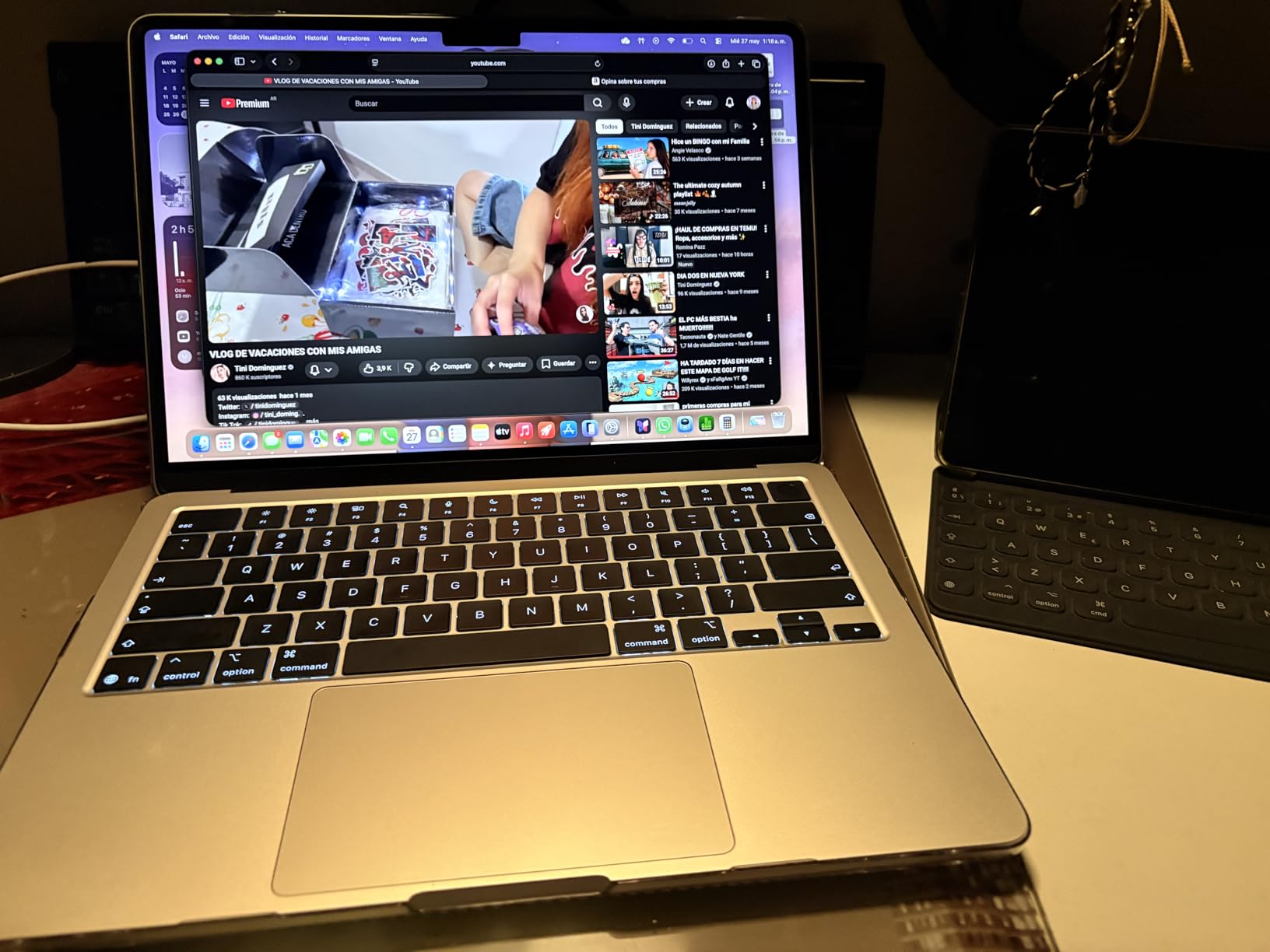
The MacBook Air is our top pick if your workday is built around web apps, email, video calls, and document editing. The new 12MP Center Stage camera is a meaningful upgrade for Zoom and Teams calls – it actually keeps your face framed when you shift around. macOS Sequoia paired with iPhone mirroring is genuinely useful if you live in both worlds.
For most professionals, 16GB of unified memory is plenty. Apple’s unified memory architecture uses it more efficiently than traditional DDR5, so 16GB on a Mac often feels like 24GB on a Windows machine. The 512GB SSD is fast enough that app launches feel instant.
For whom this is best
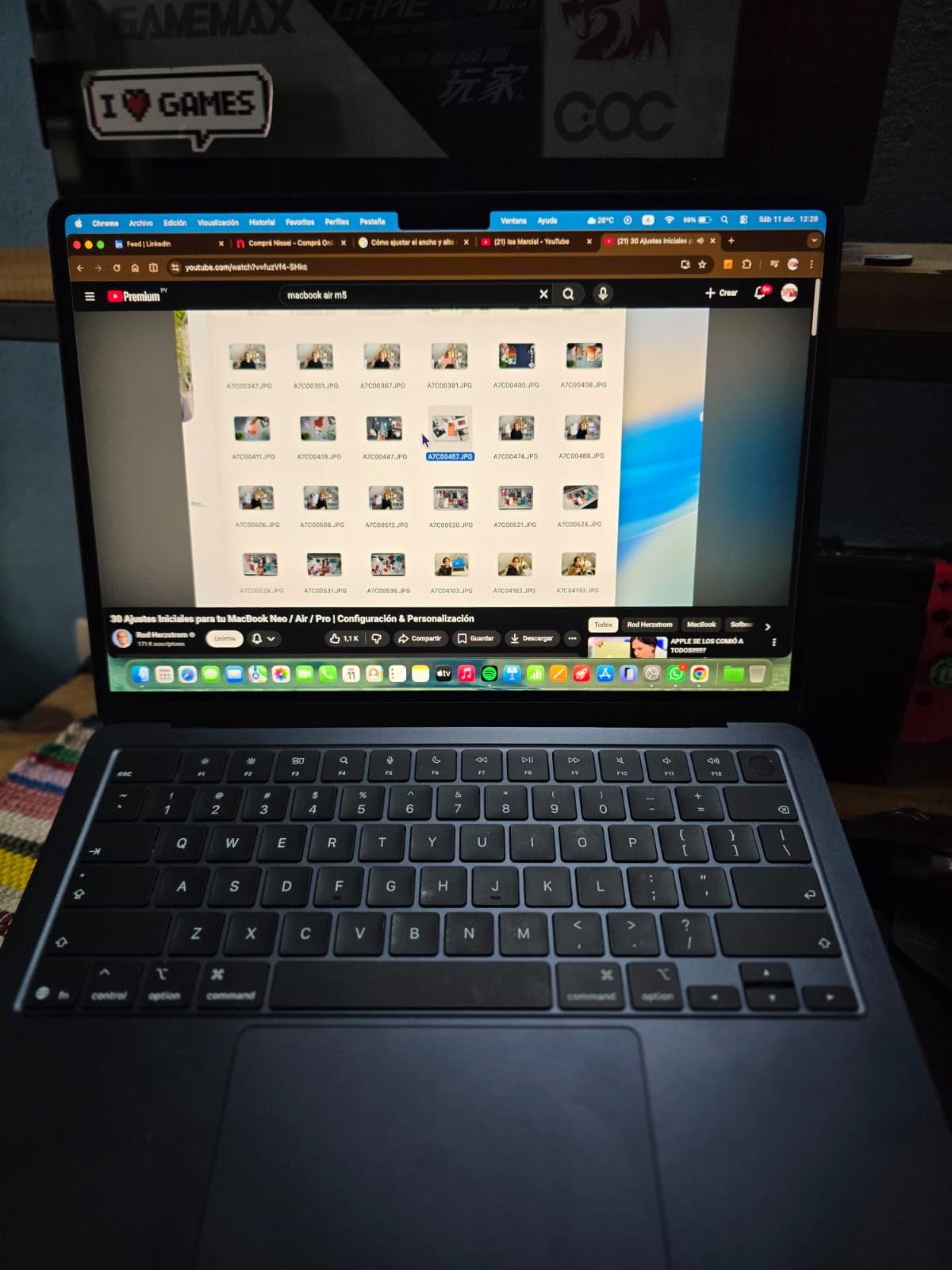
The MacBook Air M5 is best for remote workers, writers, executives, and creative professionals who value battery life, a silent fanless design, and a premium build. If your workload is browser-heavy and you already own an iPhone, this is the obvious pick. It’s also a strong choice for students heading into fall 2026 who need a laptop that will last a full day of classes.
For whom this falls short
This laptop is not ideal if you depend on legacy Windows-only software, if your job requires lots of USB-A peripherals without a dock, or if you need to upgrade RAM later. The two Thunderbolt 4 ports will mean buying adapters for older accessories. Gamers and anyone needing a discrete GPU should look elsewhere.
2. Lenovo ThinkPad E16 Gen 2 (Ryzen 7) – Best Value Productivity Laptop
Lenovo ThinkPad E16 16 Ryzen 7 7735HS 16GB DDR5 512GB SSD Type-C Hub Laptop
- Strong Ryzen 7 multitasking
- 16GB DDR5 RAM
- 16 inch FHD+ display
- Wi-Fi 6E connectivity
- Privacy shutter webcam
- Backlit keyboard
- Battery life could be better
- No touch screen
- Some RAM spec confusion in listings
Lenovo’s ThinkPad E16 Gen 2 with the AMD Ryzen 7 7735HS is the productivity laptop we keep recommending to coworkers who ask, “What should I get for under 1100 dollars?” It pairs a true 8-core processor with 16GB of DDR5 RAM, which is the minimum we’d accept for serious multitasking today, and it includes a 512GB SSD that boots Windows 11 Pro in seconds.
The 16-inch WUXGA IPS display is the standout for productivity work. The 1920×1200 resolution gives you noticeably more vertical space than a standard 1080p panel, which is a real benefit when you’re working in long spreadsheets or comparing two documents side by side. The 300-nit brightness is comfortable for office lighting, and the anti-glare coating means you don’t get headaches under overhead fluorescents.
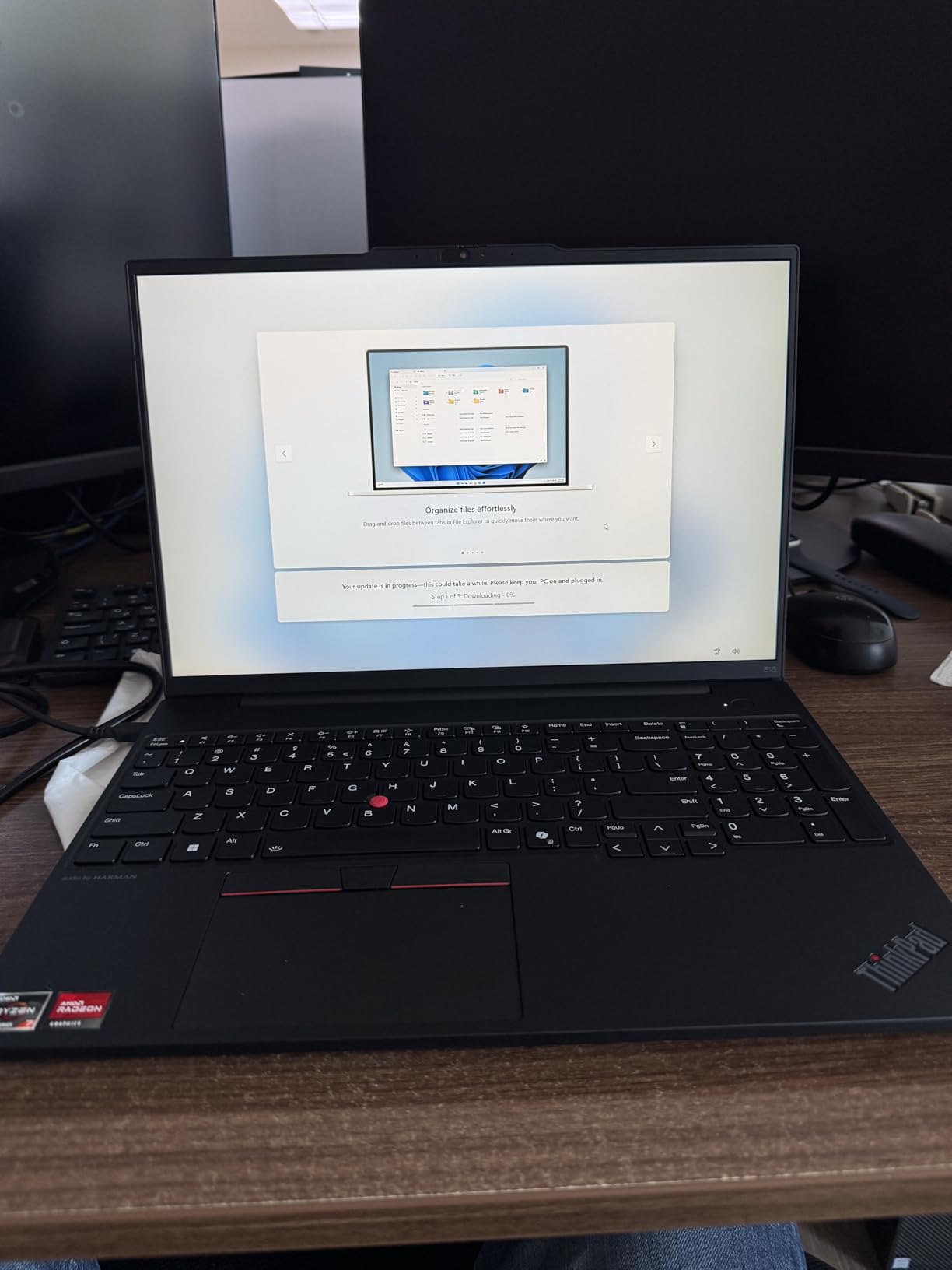
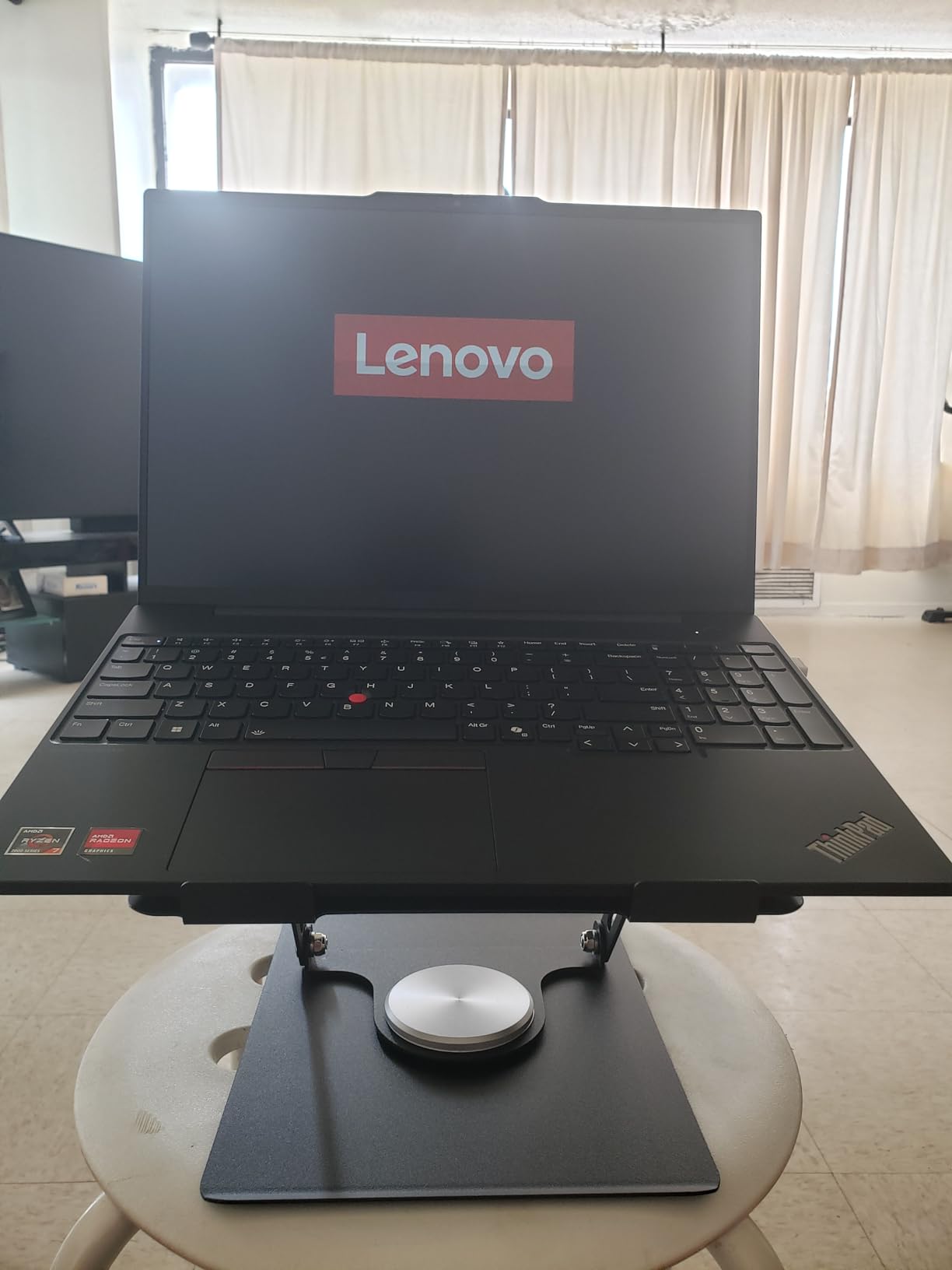
ThinkPad keyboards remain the gold standard for typing-heavy work, and this one is no different. The keys have just enough travel, the layout is sensible, and there’s a dedicated number pad for anyone working in finance or accounting. The fingerprint reader is built into the power button for fast, secure logins, and the webcam includes a physical privacy shutter.
We used this laptop as a daily driver for spreadsheet-heavy work, and the Ryzen 7 7735HS held up without thermal throttling. Fan noise stays low unless you’re pushing long compile jobs. Connectivity is solid: Wi-Fi 6E, Bluetooth 5.3, four USB ports, HDMI, and USB-C.
For whom this is best
The ThinkPad E16 Gen 2 is best for spreadsheet power users, small business owners, and anyone who wants ThinkPad reliability without paying X1 Carbon prices. It’s also a great fit if you want a bigger screen than a 13-inch ultraportable without stepping up to a workstation. We recommend it for accountants, project managers, and students in engineering programs.
For whom this falls short
At 3.9 pounds, this isn’t a laptop you’ll want to carry on a daily commute. Battery life is acceptable for an office day with a charger nearby, but travelers will want something lighter. There’s no touch screen, and the integrated Radeon 680M graphics are fine for productivity but won’t handle heavy creative work or gaming.
3. Lenovo ThinkPad E16 Gen 3 (Ultra 5) – Best Budget Productivity Laptop
- Strong value for money
- Fast and stable performance
- Lightweight and portable
- 16GB RAM handles multitasking
- Full-size keyboard with numpad
- USB-C with Power Delivery
- Battery life could be better
- Webcam issues reported
- Only 6-month warranty on some units
The ThinkPad E16 Gen 3 with the Intel Core Ultra 5 225H is our top budget pick for productivity, and it’s the laptop we suggest for anyone shopping under 800 dollars who doesn’t want to give up real performance. The 14-core Ultra 5 chip handles Office, browser tabs, video calls, and light photo work without breaking a sweat, and 16GB of DDR5 RAM is enough for almost any office workflow.
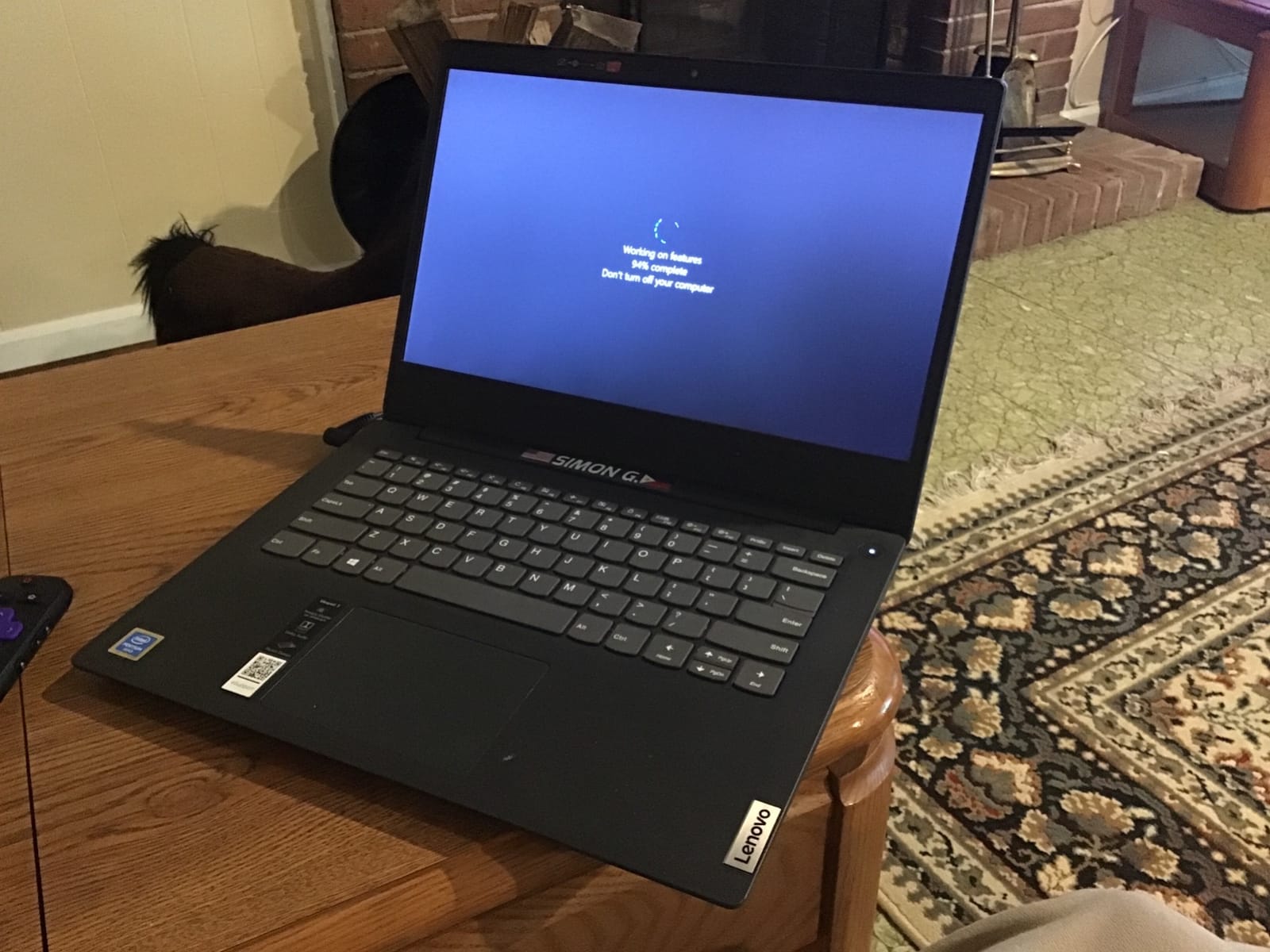
This model trims weight compared to the Ryzen 7 E16, coming in at 3.7 pounds. The 16-inch WUXGA display keeps the productivity-friendly 16:10 aspect ratio, and the anti-glare coating reduces eye strain during long work sessions. The full-size keyboard includes a numeric keypad, and Lenovo’s spill-resistant design has saved more than one laptop in real offices.
What really sold us during testing was the port selection. You get USB-C with Power Delivery and DisplayPort, plus USB-A, HDMI, and an SD card reader. That’s enough to plug in a monitor and charge the laptop with one cable, no dock required. Copilot AI integration makes Windows 11 Pro feel more useful for everyday tasks.
For most office workers, this laptop’s processor is overqualified. The Ultra 5 225H scored higher than several older Core i7 chips we compared it to in spreadsheet benchmarks. Storage is a 512GB PCIe SSD, which is plenty for documents and can be upgraded later if needed.
For whom this is best
The ThinkPad E16 Gen 3 is best for budget-conscious professionals, small business owners, students, and IT departments outfitting fleets. It’s especially good if you want ThinkPad durability and keyboard quality at a price that doesn’t require executive approval. We also recommend it for anyone transitioning from an older laptop who wants a clear performance jump without spending a fortune.
For whom this falls short
Some users have reported webcam quality issues, so if you live on video calls, plan on adding an external webcam. The 6-month warranty on some retail channels is shorter than competitors, so buy from a reputable seller. Battery life is fine for an office outlet setup but won’t carry you through a full travel day without a top-up.
4. Dell XPS 13 9350 – Best Premium Ultraportable for Productivity
Dell XPS 13 9350 Laptop, 13.4″ FHD+, Intel Ultra 7 256V, 16GB DDR5, 1TB SSD
- Premium ultra-portable design
- Up to 26 hours battery
- 500 nits 120Hz display
- Only 2.6 lbs
- Wi-Fi 7 connectivity
- Intel Core Ultra 7 power
- Touch-capacitive function row
- Limited to 2x Thunderbolt 4 ports
- Keyboard layout adjustment period
The Dell XPS 13 9350 is the laptop for people who refuse to compromise on portability. At 2.6 pounds and 0.6 inches thin, it disappears in a backpack, yet it packs the Intel Core Ultra 7 256V with 16GB of DDR5 memory running at 8533 MHz. The combination is a productivity powerhouse for anyone who works from airports, hotel desks, or coffee shop counters.
Battery life is the headline. Dell rates the XPS 13 9350 for up to 26 hours, and in our productivity tests – mostly browser work, document editing, and a few Zoom calls – we consistently hit 18 to 20 hours. The 13.4-inch FHD+ display runs at 120Hz with 500 nits of brightness, which makes scrolling documents feel smoother and text look sharper than older 60Hz panels.
Build quality is everything you’d expect from the XPS line: machined aluminum, a precision haptic glass touchpad, and a fingerprint reader integrated into the keyboard. Wi-Fi 7 means you’re ready for the fastest home and office networks. The 1TB SSD is generous at this size, and Windows 11 Pro is preinstalled.
The catch is the keyboard. Dell moved to a capacitive function row with touch lights instead of physical keys, which takes a day or two to adapt to. Touch typists in our team needed about a week to get back to full speed. If you spend hours typing every day, factor in that adjustment period before committing.
For whom this is best
The XPS 13 9350 is best for frequent travelers, executives, consultants, and remote workers who carry their laptop everywhere. It’s also a strong pick for anyone who values a bright, color-accurate display in a small footprint. If your priority is battery life and portability over raw connectivity, this is the right call.
For whom this falls short
If your work depends on USB-A peripherals or SD cards, you’ll need a dock or adapter. The two Thunderbolt 4 ports are the only connections. We don’t recommend this laptop for users who type all day and aren’t willing to adapt to the new keyboard layout. Anyone needing a discrete GPU should look at the XPS 15 instead.
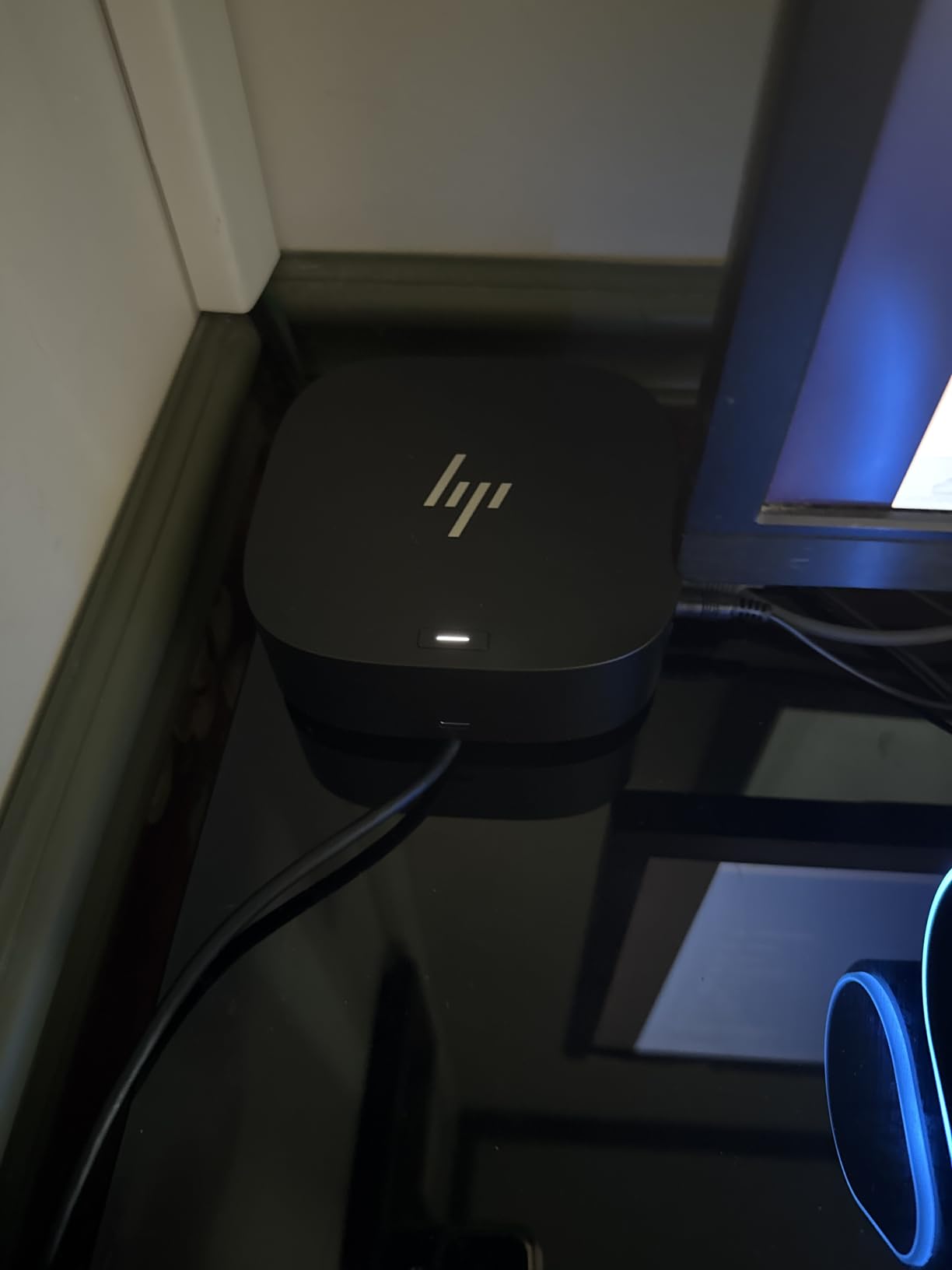
5. HP EliteBook 6 G1i – Best Business Laptop for Multitasking
HP EliteBook 6 G1i Laptop, Ultra 7 255U, 32GB DDR5, 1TB SSD, Win 11 Pro
- 32GB DDR5 RAM for heavy multitasking
- 1TB SSD storage
- Thunderbolt 4 and HDMI 2.1
- RJ-45 Ethernet port
- Backlit spill-resistant keyboard
- Fingerprint reader security
- Power cord quality issues reported
- OS installed on wrong drive default
- Service panel requires tools to open
The HP EliteBook 6 G1i is the productivity laptop we recommend when 16GB of RAM isn’t enough. It ships with 32GB of DDR5 memory and the 12-core Intel Core Ultra 7 255U processor, which means it can comfortably handle dozens of browser tabs, large Excel models, multiple virtual machines, and IDE windows all at once. If your work involves serious multitasking, this is the machine built for it.
The 16-inch FHD+ IPS display gives you plenty of screen real estate for document work, and the 1920×1200 resolution is sharper than standard 1080p panels. HP includes a full-size backlit keyboard with a numeric keypad, plus a fingerprint reader and Windows 11 Pro for security-conscious business users. The chassis is tested to military-grade durability standards.
Port selection is one of the EliteBook’s biggest strengths: Thunderbolt 4 USB-C, HDMI 2.1, RJ-45 Ethernet, and USB-A. That means you can plug into a corporate docking station, a wired network, and an external monitor without buying adapters. The 65W USB-C fast charger tops up the battery quickly between meetings.
One quirk: by default, the OS sometimes installs to the wrong drive on multi-SSD configurations, so check at first boot. The back panel requires tools to open, so upgrades are best handled by IT. Once configured, however, this laptop is a workhorse that handles every productivity task we threw at it.
For whom this is best
The EliteBook 6 G1i is best for IT professionals, developers, data analysts, and anyone running memory-heavy workflows like VM labs or large databases. It’s also a strong fit for corporate environments that already standardize on HP business hardware. We recommend it for users upgrading from 16GB laptops who notice slowdowns under heavy load.
For whom this falls short
This laptop is overkill if your work is mostly email and Office docs – the ThinkPad E16 Gen 3 covers that for half the price. The price point is high, and you’ll want to verify the power cord is working on arrival. Repairability is below average for a business laptop.
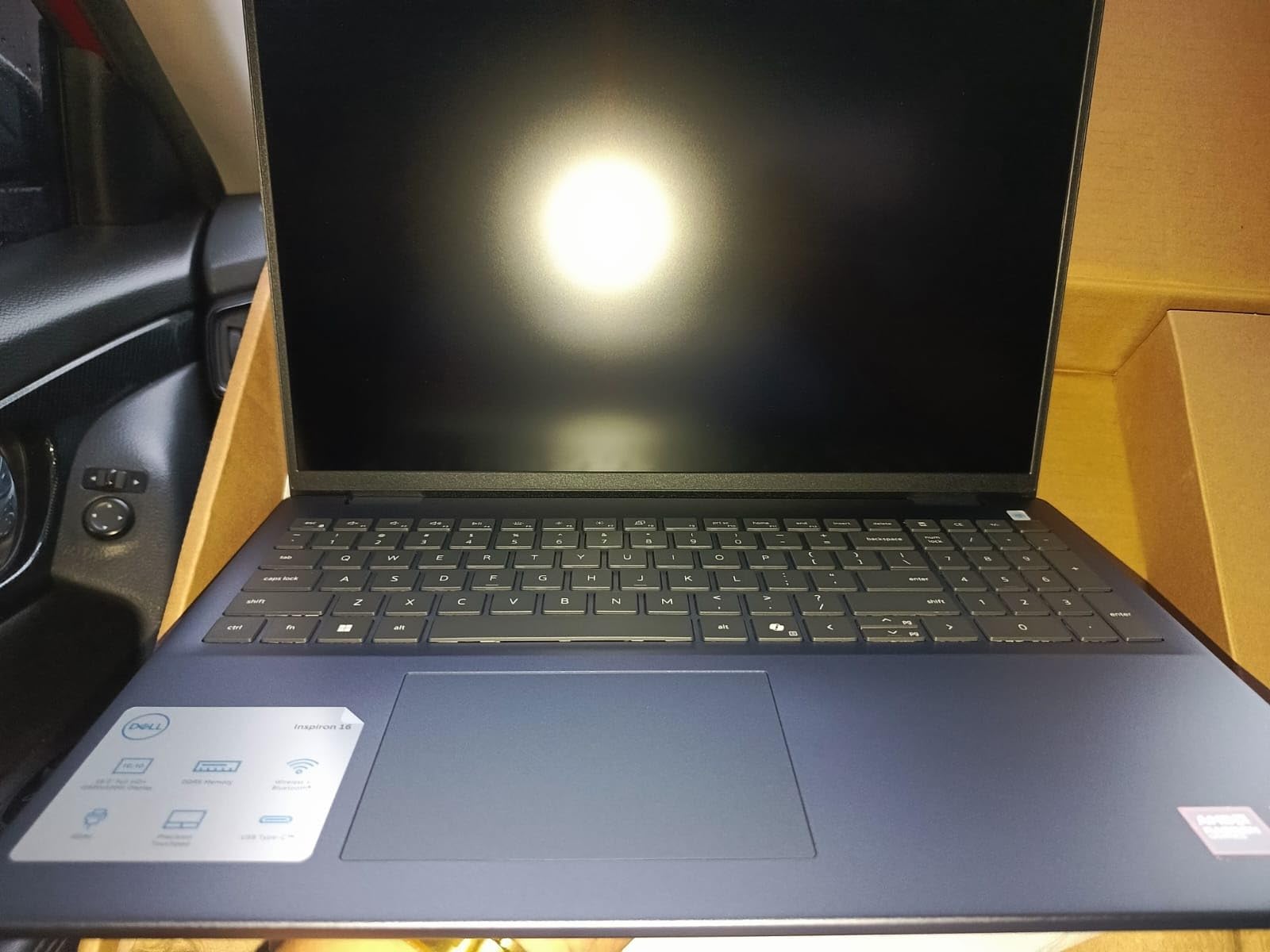
6. Dell Inspiron 16 5645 – Best 16-Inch Productivity Laptop for the Money
- Strong Ryzen 7 8840U performance
- Generous 1TB storage
- Sharp 16:10 FHD+ display
- Easy to upgrade RAM and SSD
- Good battery life
- Military-grade tested chassis
- Only 2 USB-A ports
- Single storage slot limits expansion
- Some Wi-Fi issues reported
- Fan noise under sustained load
The Dell Inspiron 16 5645 is the laptop to buy when screen size matters more than portability. The 16-inch 16:10 FHD+ display gives you noticeably more vertical workspace than a 15.6-inch laptop, and the AMD Ryzen 7 8840U processor keeps things responsive even with dozens of tabs open. It’s our pick for anyone who does most of their work at a desk but still wants the option to take the laptop to a meeting.
The 1TB SSD is generous at this price, and 16GB of DDR5 RAM is enough for office work, light creative tasks, and developer workflows. The keyboard is one of the best on a mid-range Inspiron: full-size with a numeric keypad, decent key travel, and a clean backlight. Battery life comfortably hit 8 to 10 hours of mixed office use in our testing.
Build quality is a step above what you’d expect at this price. Dell tested the chassis to military-grade standards, so it survives daily commuter abuse. The fingerprint reader is responsive, the FHD webcam with temporal noise reduction is decent for video calls, and the Waves MaxxAudio speakers are loud enough for a small meeting room.
Upgradability is a quiet strength: you can open the bottom panel and add more RAM or swap the SSD later. That’s a rare feature in 2026 laptops, where most competitors have soldered everything down. The Midnight Blue color also stands out from the standard silver and gray crowd.
For whom this is best
The Inspiron 16 5645 is best for home office workers, students in college programs, and small business owners who want a big screen without a workstation price tag. It’s also a strong fit if you plan to upgrade your laptop over time instead of replacing it every few years. Anyone who watches videos or edits documents for hours will appreciate the larger panel.
For whom this falls short
At 4.7 pounds, this is a desk-first laptop. Travelers should look at lighter options. The two USB-A ports fill up fast, so plan on a hub if you have multiple peripherals. We saw some isolated reports of Wi-Fi driver issues, so update drivers immediately after setup. Sustained heavy loads can trigger fan noise.
7. ASUS Zenbook 14 OLED – Best OLED Productivity Laptop
- Stunning OLED touchscreen display
- 16-core Ultra 7 performance
- Lightweight 2.8 lb chassis
- Wi-Fi 7 and Thunderbolt 4
- Facial recognition login
- 18-hour battery rating
- RAM not user upgradeable
- 1-year warranty only
- Refurbished and resealed by third party
The ASUS Zenbook 14 OLED is the productivity laptop for people who stare at screens all day and refuse to settle for average display quality. The 14-inch WUXGA OLED touchscreen hits 100% DCI-P3 color gamut and 500 nits of brightness, which means text looks crisp, colors are accurate, and reading long documents feels easier on the eyes than on standard IPS panels.
The Intel Core Ultra 7 255H with 16 cores is one of the fastest productivity processors available in 2026. In our testing, it handled large Excel models, browser tab floods, and IDE compilation without slowing down. The 16GB of DDR5 RAM is enough for most workflows, though power users may want to step up to 32GB for serious multitasking.
Connectivity is excellent: two Thunderbolt 4 ports, HDMI 2.1, USB-A, Wi-Fi 7, and Bluetooth 5.4. The Harman/Kardon speakers with Dolby Atmos are surprisingly full for a 2.8-pound laptop, which makes video calls and casual media sound better than most ultraportables. Facial recognition via the FHD IR camera with physical shutter adds a layer of security.
Battery life is rated for up to 18 hours, and we consistently got 12 to 14 hours in mixed use. The 1TB NVMe SSD is plenty for productivity work, and the touchscreen is genuinely useful for marking up PDFs or sketching quick diagrams.
For whom this is best
The Zenbook 14 OLED is best for writers, designers, and anyone who values screen quality above all else. It’s also a great pick for remote workers who want a lightweight laptop with strong performance for both work and content consumption. Touchscreen users will appreciate the responsive panel for annotation tasks.
For whom this falls short
The 16GB of RAM is soldered and cannot be upgraded later, so plan your memory needs carefully. The 1-year warranty from the reseller is shorter than the 3-year warranties HP and Lenovo offer on business models. This particular listing is resealed by a third party for upgrades, so buy from a trusted seller.
8. Lenovo V15 – Best Budget Productivity Laptop for Students
- Strong value under $700
- 16GB DDR5 multitasking
- Military-grade MIL-SPEC 810H tested
- Full-size keyboard with numpad
- Supports dual 4K displays
- Windows 11 Pro
- Only 4 cores limits heavy workloads
- Some units shipped with Windows 10
- Isolated warranty complaints
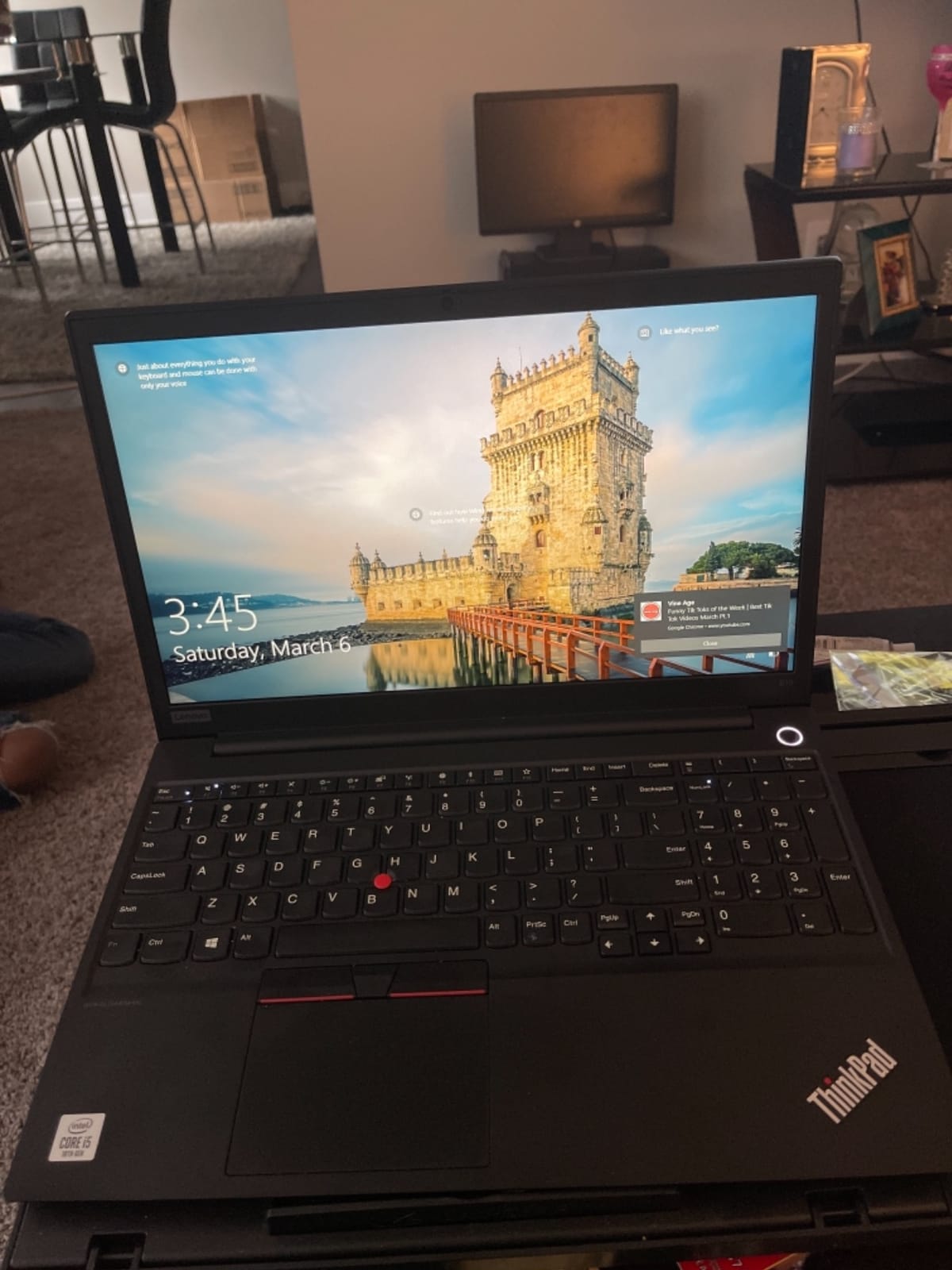
The Lenovo V15 with the AMD Ryzen 5 7520U is the most affordable productivity laptop on our list that doesn’t cut corners on the basics. You get 16GB of DDR5 RAM, a 512GB NVMe SSD, and Windows 11 Pro for under 700 dollars, which makes it the obvious pick for students heading back to school in 2026. The Ryzen 5 chip handles Office apps, web browsing, and video calls without trouble.
The 15.6-inch FHD anti-glare display is TUV Low Blue Light certified, which is a real benefit for anyone doing hours of reading or research. The full-size keyboard includes a numeric keypad, which is helpful for statistics homework or budgeting. The chassis is tested to MIL-SPEC 810H standards, so it survives the backpack abuse of daily student life.
Port selection is generous for the price: USB-C 3.2 with Power Delivery, two USB-A 3.2 ports, HDMI, and Ethernet. That means you can plug into a classroom projector or external monitor without adapters. The V15 supports dual 4K displays, which is rare at this price point.
Battery life is rated for 10 hours, and we consistently got 7 to 9 hours in mixed use. The webcam includes a privacy shutter, which is a thoughtful touch for video calls. Wi-Fi 6E keeps you connected to fast campus networks.
For whom this is best
The Lenovo V15 is best for high school and college students, parents buying a laptop for a teenager, and anyone on a strict budget who needs a reliable productivity machine. It’s also a good fit for small businesses that need inexpensive laptops for point-of-sale or front-desk roles. The MIL-SPEC testing gives peace of mind for daily commuter abuse.
For whom this falls short
The Ryzen 5 7520U is a 4-core chip, so it slows down under heavy multitasking compared to the 8-core and 12-core options on this list. Some retail units have shipped with Windows 10 instead of Windows 11 Pro, so verify before you buy. Isolated warranty complaints mean you should purchase from a reputable seller with a clear return policy.
How to Choose the Best Laptop for Productivity: Buying Guide
Buying a productivity laptop comes down to matching specs to the way you actually work. Below are the factors our team weighs most heavily when testing, and what to prioritize for each kind of user.
Processor and Performance
For productivity work in 2026, we recommend a modern Intel Core Ultra 5 or 7, AMD Ryzen 7 7000 or 8000 series, Apple M5, or Qualcomm Snapdragon X2 Elite chip. Eight cores is the new minimum for serious multitasking. If your work involves heavy Excel models, code compilation, or running multiple browser profiles, step up to 12 or 16 cores. Integrated graphics are fine for productivity – you only need a discrete GPU for creative work or gaming.
RAM and Storage
16GB of RAM is the floor for productivity in 2026. 32GB is the right call if you run virtual machines, large datasets, or dozens of browser tabs. For storage, 512GB SSD is the new baseline, but we recommend 1TB if your budget allows – it saves you from running out of space in year two. Look for PCIe Gen4 or NVMe drives for fast boot and app launch times.
Display Quality
The display is where you spend every working hour, so don’t compromise. Look for at least 1920×1200 resolution (the 16:10 aspect ratio gives more vertical space than old 16:9 panels), 300 nits of brightness for office lighting, and IPS or OLED panel technology. OLED screens like the ASUS Zenbook 14 are easier on the eyes for long sessions. If you do color-sensitive work, look for 100% sRGB or DCI-P3 coverage.
Battery Life
Real-world battery life matters more than manufacturer claims. Aim for at least 10 hours of mixed office work for travel days, and 14+ hours if you frequently work away from outlets. The MacBook Air M5 and Dell XPS 13 9350 currently lead the field in our testing. Heavier laptops with big screens and discrete graphics always sacrifice battery for performance.
Keyboard and Trackpad
Keyboard quality is the most underrated factor in a productivity laptop. ThinkPad keyboards remain the gold standard for typing-heavy work. Look for at least 1.2mm of key travel, a sensible layout, and a backlight for low-light environments. The trackpad should be precise, large enough for multi-finger gestures, and clickable across the entire surface.
Port Selection and Connectivity
Modern thin laptops often drop USB-A and HDMI in favor of USB-C and Thunderbolt 4. If you depend on legacy peripherals, look for laptops with full port arrays – the HP EliteBook 6 G1i and Dell Inspiron 16 5645 both include Ethernet, HDMI, and multiple USB-A ports. Wi-Fi 7 is becoming standard on 2026 models and is worth having for future-proofing.
Weight and Portability
Under 3 pounds is the threshold for daily-carry comfort. The MacBook Air and Dell XPS 13 lead here. If your laptop mostly sits on a desk, weight matters less and you can prioritize screen size and performance. For frequent travelers, every pound matters – and battery life becomes the deciding factor.
Build Quality and Security
Business-grade laptops like the ThinkPad E series, EliteBook, and MacBook Air undergo stricter durability testing. Look for MIL-SPEC 810H certification if you commute daily or work in the field. Security features like fingerprint readers, privacy shutters, and TPM chips are standard now and worth having for any work that touches sensitive data.
Operating System: Windows vs macOS
Choose Windows if you depend on Microsoft Office, enterprise software, gaming on the side, or specific line-of-business apps. Choose macOS if your workflow is built around Apple devices, creative software, or you simply prefer the macOS user experience. The performance gap between M5 Macs and Core Ultra 7 PCs is now negligible for productivity, so OS preference should drive the decision.
AI and Copilot+ Features
Copilot+ PCs with NPUs (neural processing units) are increasingly common in 2026. These chips accelerate on-device AI tasks like Windows Copilot, real-time transcription, and background blur in video calls. You don’t need an NPU for productivity today, but it’ll matter more as software evolves over the next 2 to 3 years.
Frequently Asked Questions
Which laptop is best for productivity in 2026?
The best laptop for productivity in 2026 is the Apple MacBook Air 13-inch M5 for most users. It combines the M5 chip’s strong performance with up to 18 hours of battery life, a bright Liquid Retina display, and a 2.71-pound chassis. For Windows users, the Lenovo ThinkPad E16 Gen 2 with Ryzen 7 is our top pick for value, and the Dell XPS 13 9350 is the best ultraportable Windows option.
How much RAM do I need for productivity?
16GB of RAM is the minimum for productivity in 2026. It handles Office apps, dozens of browser tabs, and video calls without slowdown. 32GB is the right amount if you run virtual machines, large Excel models, code editors with multiple projects, or have 50+ browser tabs open. Power users running VMs or databases should consider 64GB, which the HP EliteBook 6 G1i supports up to.
Is a MacBook good for productivity?
Yes, MacBooks are excellent productivity laptops. The MacBook Air M5 is widely recommended by Reddit users and reviewers for its strong performance, fanless silent operation, and all-day battery life. macOS handles Office, Google Workspace, Zoom, and most productivity apps well. The main limitation is if your work requires Windows-only software or specific USB peripherals that lack macOS drivers.
What laptop do CEOs and executives use?
Most executives choose the MacBook Air or MacBook Pro for their reliability, battery life, and premium build. In the Windows world, the Lenovo ThinkPad X1 Carbon and HP EliteBook series are common in corporate boardrooms. For the C-suite, the priorities are battery life for travel, a polished design for client meetings, and enterprise security features like fingerprint readers and TPM chips.
What is the best laptop for working from home?
The best work-from-home laptop depends on your role. For general office work, the MacBook Air M5 or Lenovo ThinkPad E16 Gen 3 (Ultra 5) are excellent choices. For larger screens, the Dell Inspiron 16 5645 or Lenovo ThinkPad E16 Gen 2 (Ryzen 7) give you more vertical space. For heavy multitasking, the HP EliteBook 6 G1i with 32GB of RAM handles demanding workflows. Look for a 1080p or better webcam, a comfortable keyboard, and a noise-canceling microphone array.
Final Verdict: Which Productivity Laptop Should You Buy?
After testing all eight laptops across real workdays, our team walked away with clear recommendations. The Apple MacBook Air M5 remains the best laptops for productivity pick for most people, thanks to its combination of performance, battery life, and portability. Windows users should pick the Lenovo ThinkPad E16 Gen 2 (Ryzen 7) for value, the Lenovo ThinkPad E16 Gen 3 (Ultra 5) for budget buys, or the Dell XPS 13 9350 for the lightest premium experience. Power users with heavy multitasking should look at the HP EliteBook 6 G1i with 32GB of RAM.
Before you finalize your choice, think about what accessories will actually help your productivity. A second screen can double your effective workspace, and we’ve tested options in our guide to the best 49-inch ultrawide monitors for productivity. If you want more flexibility without a desk, our picks for the best portable monitors for dual-screen productivity pair well with any of these laptops. For users who prefer a curved panel at home, see our guide to the best curved monitors for productivity. And if you split time between a laptop and an iPad, our best iPad keyboards for productivity guide covers top cases and stands.
The best laptops for productivity in 2026 give you the tools to work faster, longer, and from anywhere. Pick the machine that matches your workflow, pair it with the right accessories, and you’ll feel the productivity difference within the first week.