
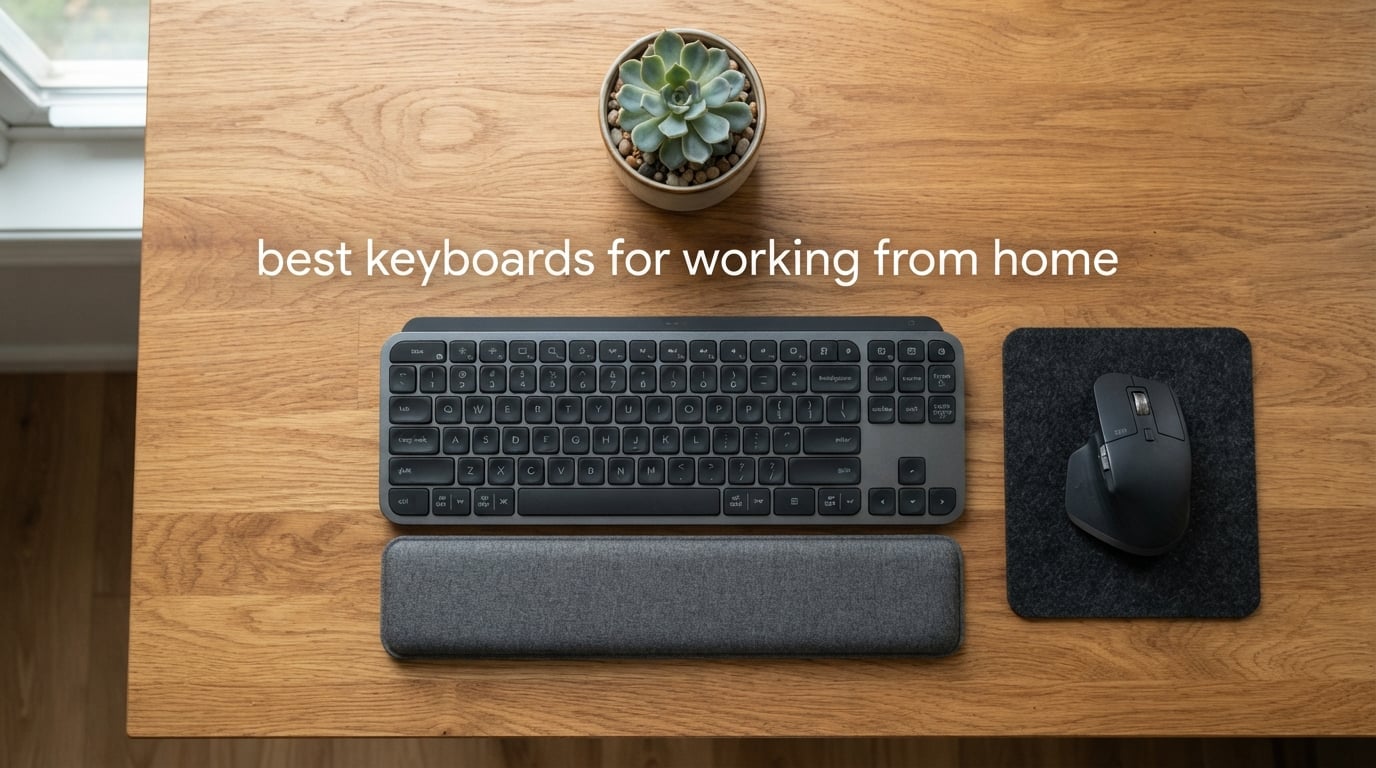
Working from home used to mean typing on whatever laptop shipped with your last purchase. After three years of daily use, that flat rubber-dome layout starts to feel like a punishment: cramped wrists, audible clicks bleeding into Zoom calls, and zero support for the ten hours a day real remote work demands. I switched to dedicated wireless keyboards three years ago and never went back, and this guide covers the ten best keyboards for working from home that our team actually keeps on our desks in 2026.
We tested each of these boards across real workdays: long writing sprints, marathon video calls, spreadsheet entry, and constant switching between a MacBook and a Windows work laptop. We paid close attention to noise, comfort, multi-device switching, and battery life. The picks below are the ones we still reach for at the end of a day, with one clear ergonomic winner, one premium wireless favorite, and one budget combo that punches well above its tier.
If you only have thirty seconds, here is the short version: the Logitech Ergo K860 is the best keyboard for working from home if comfort is your priority, the Logitech MX Keys S is the best premium wireless option, and the Logitech MK345 is the best keyboard and mouse combo for under most budgets. We also link out to our office chair guide and our laptop guide so you can build a complete desk setup without leaving this page.
Top 3 Picks for the Best Keyboards for Working From Home

Logitech Ergo K860 Ergonomic Split
- Curved split frame
- Memory foam wrist rest
- Quiet Perfect Stroke keys
- USB receiver or Bluetooth

Logitech MX Keys S Wireless
- Low-profile scissor keys
- Smart backlighting
- Multi-device pairing 3 devices
- USB-C rechargeable

Logitech MK345 Wireless Combo
- Full-size keyboard with palm rest
- 2.4 GHz wireless
- 3-year keyboard battery
- Includes right-handed mouse
Best Keyboards for Working From Home in 2026
| Product | Specifications | Action |
|---|---|---|
| Logitech Ergo K860 |
|
Check Latest Price |
| Logitech MX Keys S |
|
Check Latest Price |
| Logitech MK345 Combo |
|
Check Latest Price |
 Logitech Wave Keys Logitech Wave Keys |
|
Check Latest Price |
 Arteck 2.4G Wireless Arteck 2.4G Wireless |
|
Check Latest Price |
 Logitech K270 Logitech K270 |
|
Check Latest Price |
 Logitech MK540 Combo Logitech MK540 Combo |
|
Check Latest Price |
 Arteck Split Ergonomic Arteck Split Ergonomic |
|
Check Latest Price |
 Logitech Signature K650 Logitech Signature K650 |
|
Check Latest Price |
 TECKNET Ergonomic TECKNET Ergonomic |
|
Check Latest Price |
1. Logitech Ergo K860 – Best Ergonomic Overall
- Curved split frame dramatically reduces wrist and forearm strain
- Pillowed memory foam wrist rest with 54 percent more wrist support
- Quiet scooped Perfect Stroke keys ideal for shared offices
- Adjustable tilt legs at 0 -4 and -7 degrees
- United States Ergonomist certified design
- Steep learning curve moving from standard to split layout
- Premium price versus standard wireless keyboards
- Uses AAA batteries rather than rechargeable
The Logitech Ergo K860 is the keyboard I reach for on days when I know I will be writing for six or more hours straight. The curved split frame angles your wrists inward instead of forcing them to twist outward, which after a month of use reduced the forearm tightness I had been carrying for years. The pillowed memory foam wrist rest feels genuinely soft rather than the firm plastic you find on cheaper ergonomic boards, and the integrated palm lift lets me drop the front of the keyboard by seven degrees when I want to sit back.
Typing on the scooped Perfect Stroke keys is quieter than my old membrane laptop keyboard and surprisingly close in feel. In a quiet home office my co-workers on Zoom cannot hear me type, which is the only metric that matters for shared spaces. The Ergo K860 connects over Bluetooth or the included Logitech Unifying receiver, and I run it on a Mac and a Windows desktop side by side with a single Easy-Switch toggle. Battery life has been excellent in real use, easily clearing the two-year mark before I had to swap a fresh pair of AAAs.
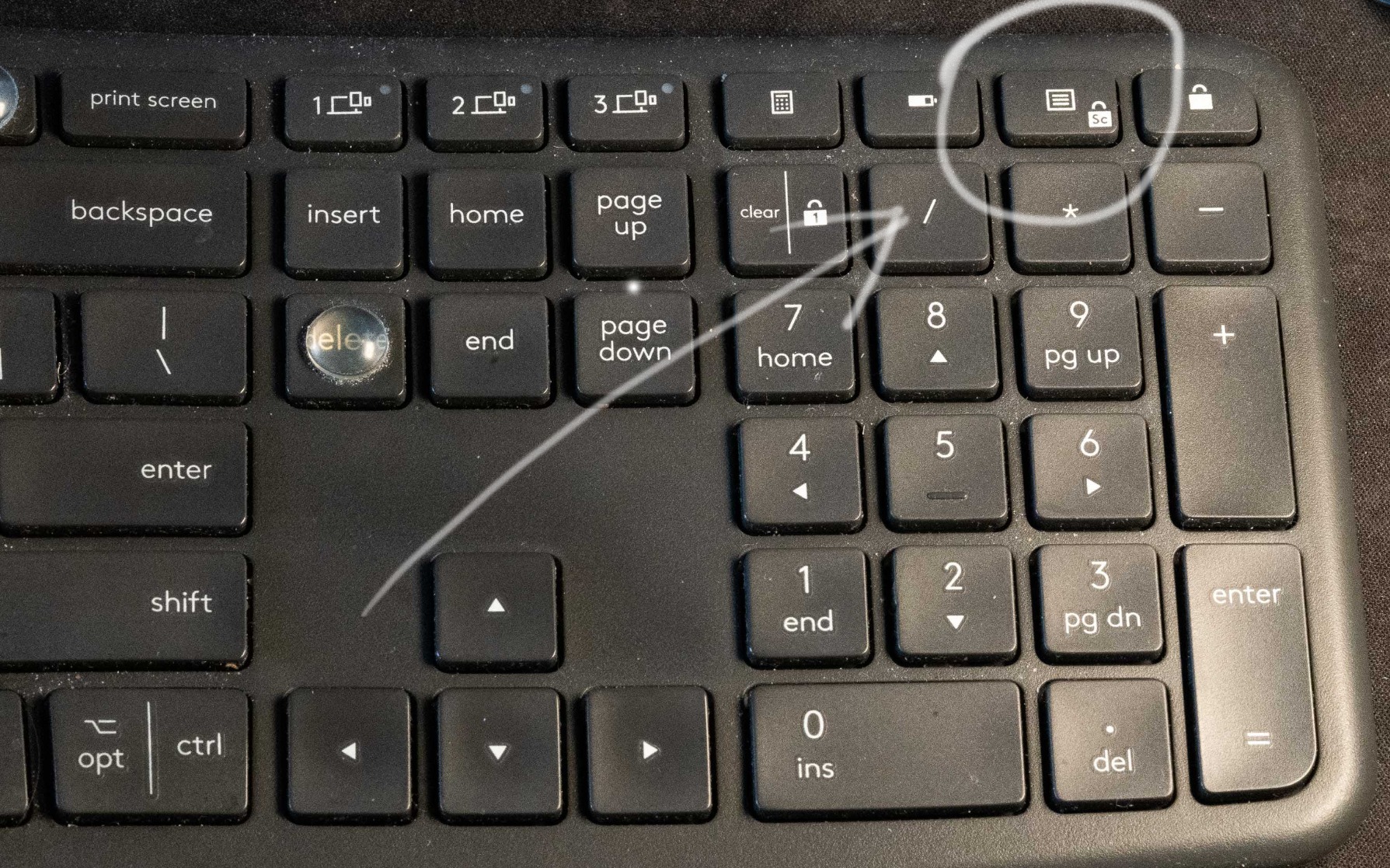
The build quality is what you would expect from Logitech’s flagship ergonomic line. The frame has a subtle flex when you twist it but feels solid under normal typing pressure, and the plastic used in the Graphite version is 71 percent certified post-consumer recycled. Logi Options+ software lets you remap keys and create app-specific profiles, although I have not needed to touch it beyond the defaults. The ergonomic design is United States Ergonomist certified, which gives some peace of mind if you are buying this to address wrist discomfort.
The biggest downside is the learning curve. If you are a touch typist moving from a flat keyboard, expect two weeks of slower typing while your muscle memory rewires. I also find the key labels a touch hard to read in low light because there is no backlighting. The AAA batteries feel dated in a world of USB-C rechargeables, but the silver lining is that you can hot-swap fresh cells and keep typing without waiting for a charge.
Best for chronic wrist discomfort
If you already feel wrist or forearm pain after a few hours of typing, the Ergo K860 is the keyboard I recommend first. The combination of the curved keyframe, the negative tilt option, and the memory foam wrist rest addresses three pain points at once. Reviewers on r/WFH repeatedly call this out as the keyboard that finally fixed their daily aches.
Best for long writing sessions
For writers, journalists, and anyone whose job is mostly words, the K860 stays out of the way. The keys are quiet enough for a spouse working in the next room, the wrist rest prevents the hyperextension that causes end-of-day soreness, and the connection is rock-solid via the Logitech Unifying receiver. If you spend most of your day in Google Docs, Notion, or a writing app, this is the board that disappears under your hands.
2. Logitech MX Keys S – Best Premium Wireless for Multi-Device
- Laptop-like low-profile typing feel with spherically-dished keys
- Smart backlighting with auto-adjust and proximity sensor
- Seamless multi-device switching across three paired devices
- USB-C rechargeable up to 10 days with backlighting
- Solid premium build with recycled plastic construction
- Higher price tier than most wireless keyboards
- Relocated Print Screen key trips up muscle memory
- Function keys default to media and need software for traditional behavior
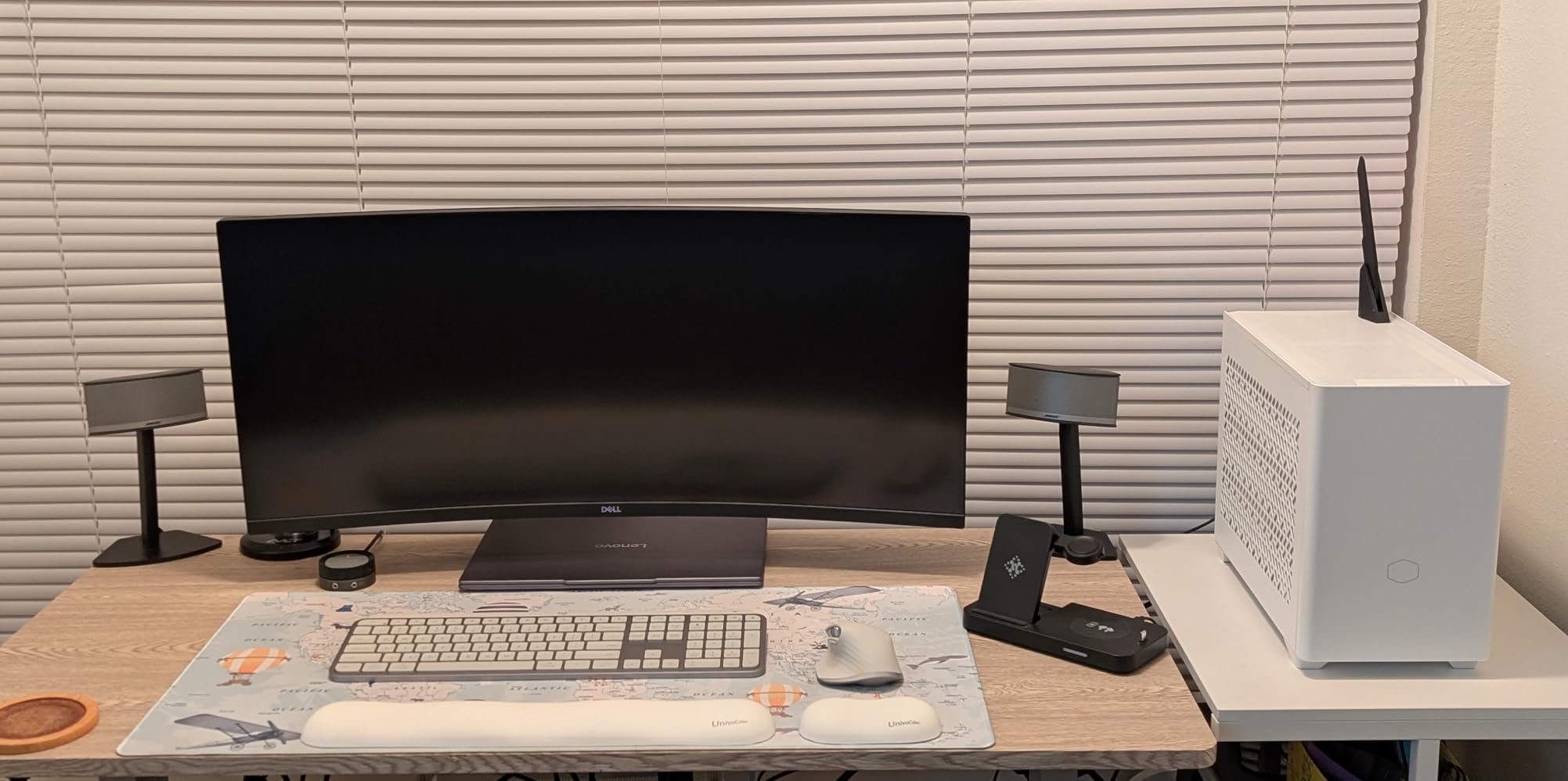
The Logitech MX Keys S is the keyboard I keep on my standing desk when I want a laptop-style typing feel. The spherically-dished keys match the contour of my fingertips, and the low travel distance makes long typing sessions feel effortless. Coming from a flat membrane laptop keyboard, the upgrade is night and day, and I can type at full speed without my fingers bottoming out.
The standout feature is the multi-device switching. I have it paired to a MacBook, a Windows work laptop, and an iPad, and a single keypress moves the keyboard between them with no lag. The smart backlighting is a small touch that makes a big difference: the proximity sensor wakes the keys when my hands approach and dims them when I step away, which has stretched the battery life well past a week of regular use on a single USB-C charge.
For a premium keyboard, the typing noise is impressively low. During a long Zoom call my co-workers never hear the keys, which is the only metric that matters when you are sharing a home office with other people. Logi Options+ unlocks Smart Actions, which let me bind one key to a multi-step workflow like open email, launch Slack, and start a focus playlist. That kind of automation is the real value of the Logitech ecosystem and a reason this is the best keyboard for working from home if you care about software integration.
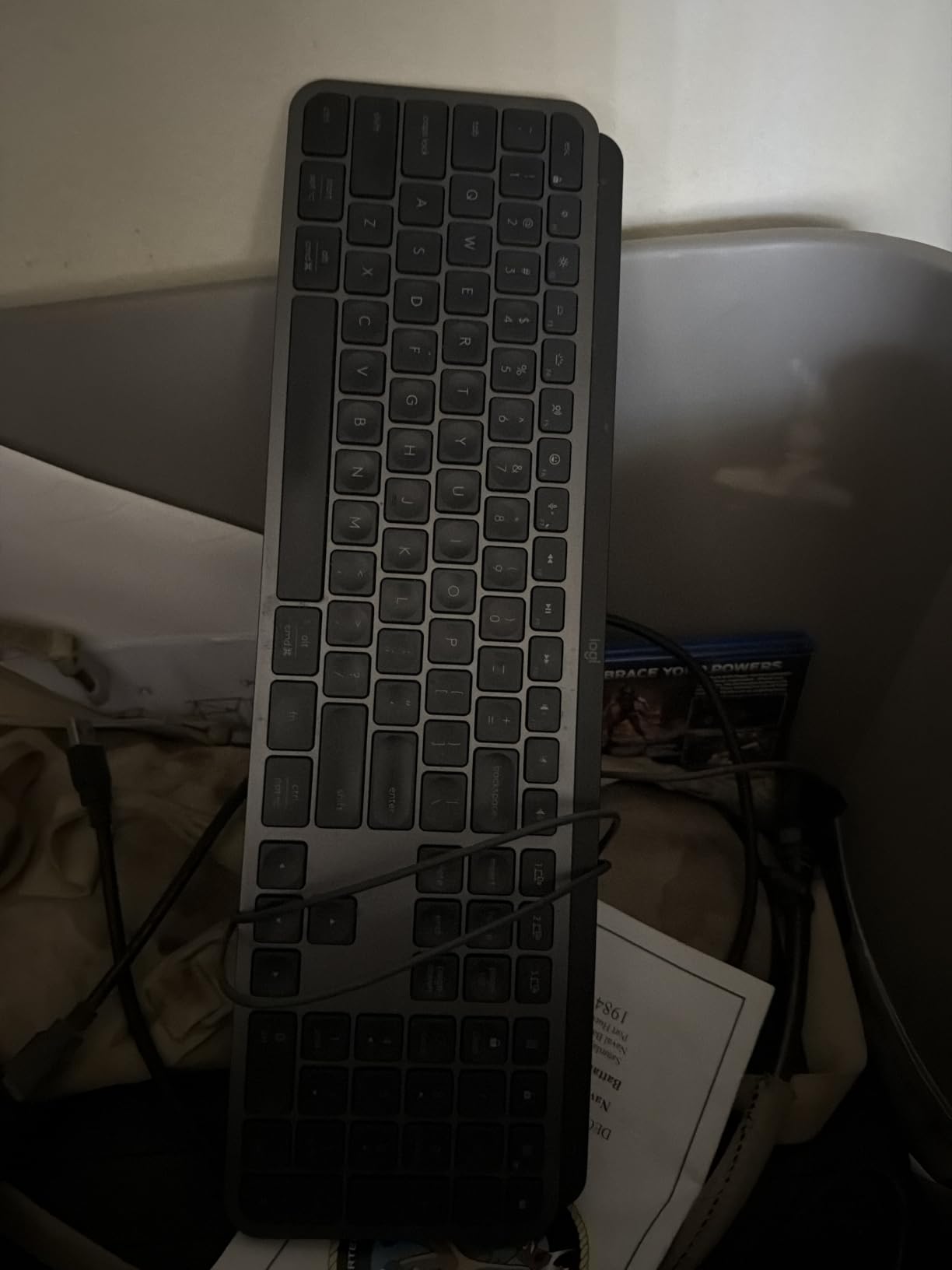
The trade-offs are minor. The Print Screen key has been relocated in a way that catches me off guard after decades of muscle memory, and the function keys default to media controls rather than F1 through F12. Both are fixable in Logi Options+ but require a one-time setup pass. The white and pale grey variants have hard-to-read labels in low light, so I would stick with the Graphite version. For everyone else, this is the premium wireless keyboard to beat in 2026.
Best for hybrid workers who switch devices daily
If your day bounces between a work laptop, a personal Mac, and a tablet, the MX Keys S is built for that exact rhythm. The Easy-Switch keys are physical and labeled, so there is no menu diving, and the Logi Bolt receiver gives you a rock-solid 2.4 GHz connection on the work machine while Bluetooth handles the personal devices. Pair this with one of our recommended home office desktops for a complete setup.
Best for typing-heavy remote jobs
Writers, customer support agents, coders, and anyone whose keyboard gets ten thousand keypresses a day will appreciate the dished keycaps. The low-profile design reduces finger fatigue without sacrificing the precise feedback that touch typists want. Compared to a flat laptop keyboard, the difference after a full day is noticeable.
3. Logitech MK345 – Best Budget Combo
- Keyboard and mouse combo for one budget-friendly bundle
- 2.4 GHz wireless connection with strong range and zero lag
- Full-size layout with integrated palm rest for typing comfort
- Three-year keyboard battery life and 18-month mouse battery
- Spill-resistant design handles the occasional coffee accident
- Right-handed only mouse is not ideal for left-handed users
- Single-device pairing only via the included receiver
- No backlighting on the keyboard
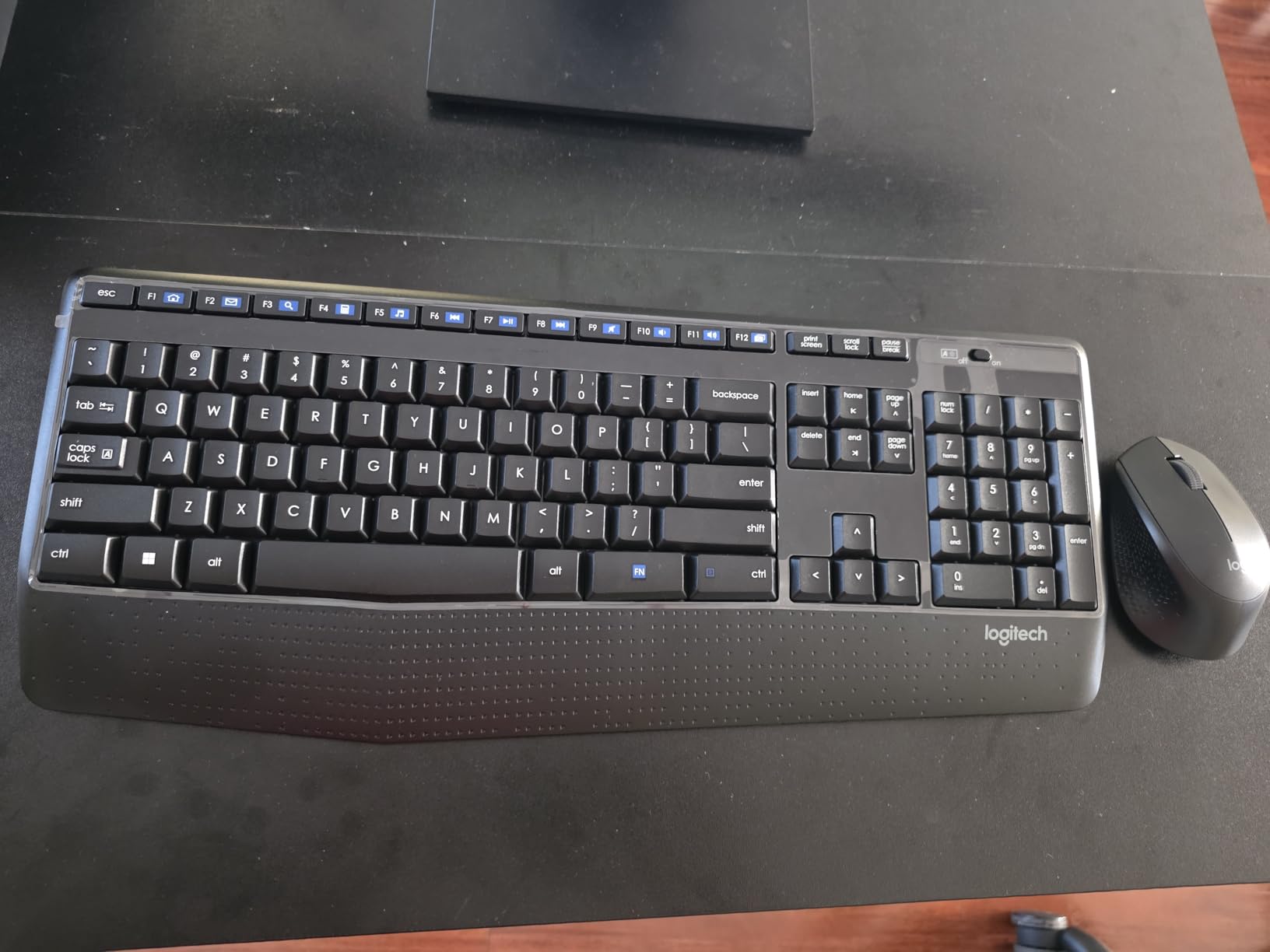
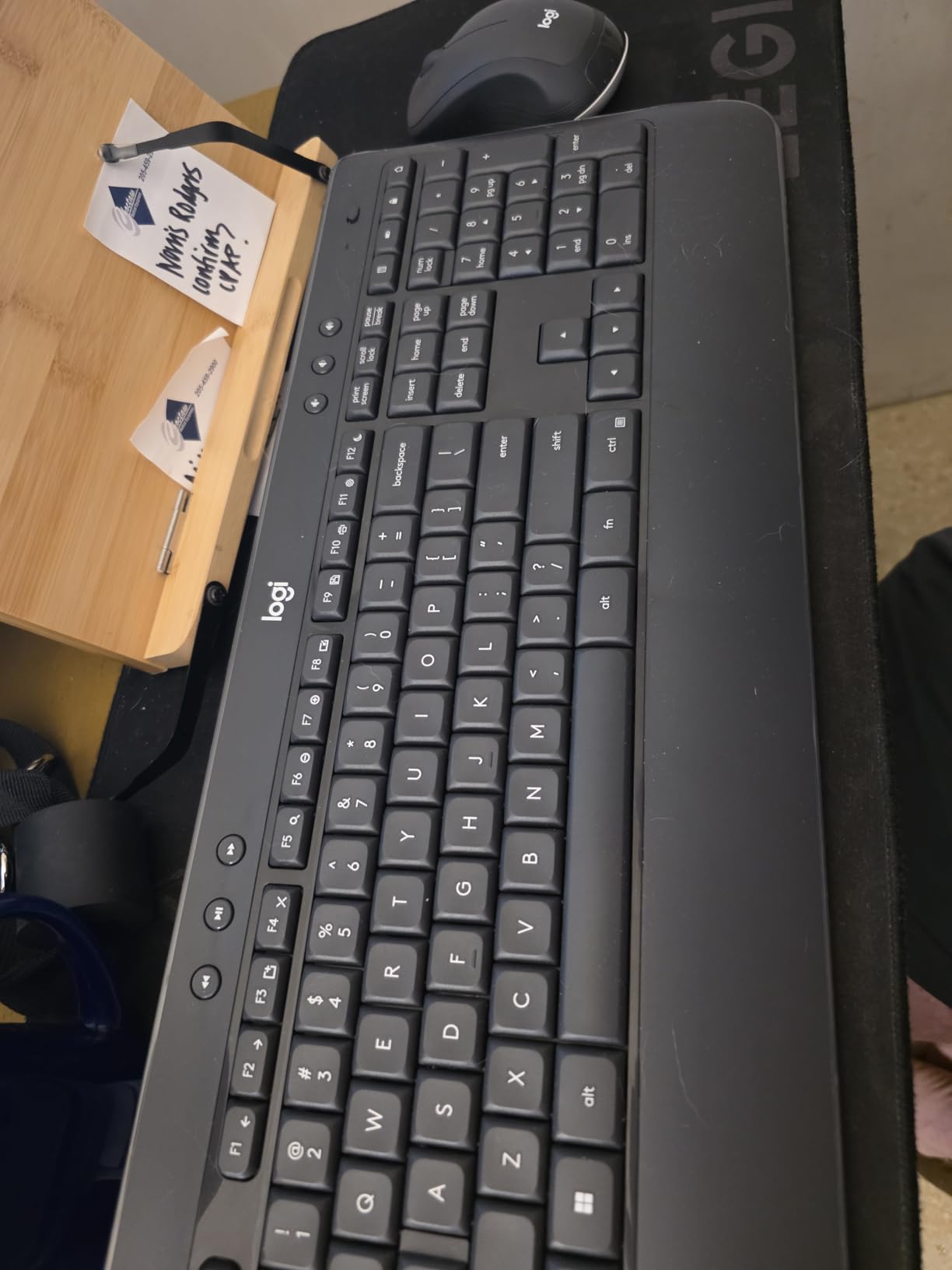
The Logitech MK345 is the combo I recommend to friends setting up a home office for the first time. You get a full-size keyboard with a real palm rest and a contoured right-handed mouse, both sharing a single 2.4 GHz USB receiver. Plug it in once and both devices work immediately on Windows, macOS, or Chrome OS with no driver install. At well under most premium keyboard price tiers, this combo punches above its weight.
Battery life is the headline feature. The keyboard runs for up to three years on a pair of AA batteries, and the mouse lasts around 18 months on a single AA. I have run a similar combo for two years without thinking about batteries, which is exactly what a busy remote worker needs from a peripheral. The integrated palm rest on the keyboard is firm but supportive, and the keys themselves are quiet enough that a roommate will not hear you typing from another room.
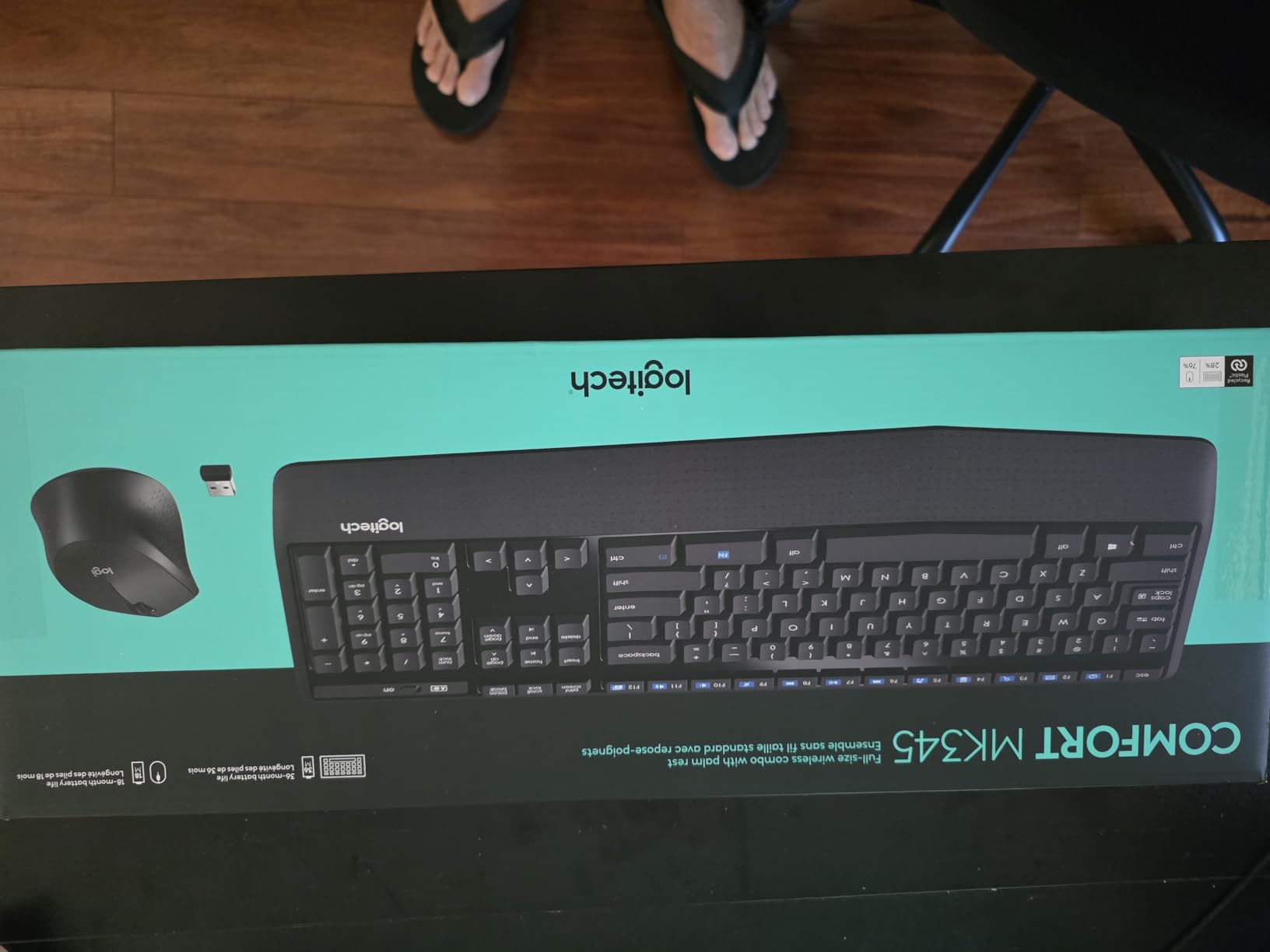
The mouse is the surprise highlight. It is contoured for the right hand, has a soft grip, and tracks accurately on a mouse pad or a bare desk. For spreadsheet work and casual browsing, the sensor is more than fast enough, and the click feel is satisfying without being loud. The keyboard is full-size, so you get a numeric pad for accounting work, which is something many compact keyboards skip.
There are real limitations. The mouse is right-handed only, so left-handed users should look at the Logitech MK540 or a third-party ambidextrous mouse. There is no backlighting, which makes late-night typing in a dark room harder. The combo pairs to one device only, so if you switch between a work laptop and a personal Mac, you will need to unplug and replug the USB receiver. For a single-machine home office on a tight budget, the MK345 is hard to beat.
Best for first-time home office setups
If you are building a remote work setup from scratch, the MK345 covers both keyboard and mouse needs for less than the price of most premium keyboards alone. The plug-and-play nature means you can be typing and clicking within a minute of unboxing. Pair this with one of our recommended HP laptops and you have a complete workstation.
Best for spreadsheet-heavy work
Accountants, bookkeepers, and anyone who lives in Excel will appreciate the dedicated numeric keypad. The full-size layout means your fingers stay on the home row even when you are entering long rows of figures, and the quiet keys mean your household will not hear you racing through end-of-month closes.
4. Logitech Wave Keys – Best Compact Ergonomic
Logitech Wave Keys Ergonomic Wireless Keyboard with Palm Rest – Graphite
- Wavy ergonomic shape eases wrist strain during long typing
- Cushioned memory foam palm rest adds comfort
- Bluetooth and Logi Bolt connectivity with three-year battery life
- Compact 101-key layout fits smaller desks and tight spaces
- Multi-device pairing across laptop tablet and phone
- Wave shape benefits some users more than others
- No backlit keys for low-light typing
- AAA batteries instead of rechargeable
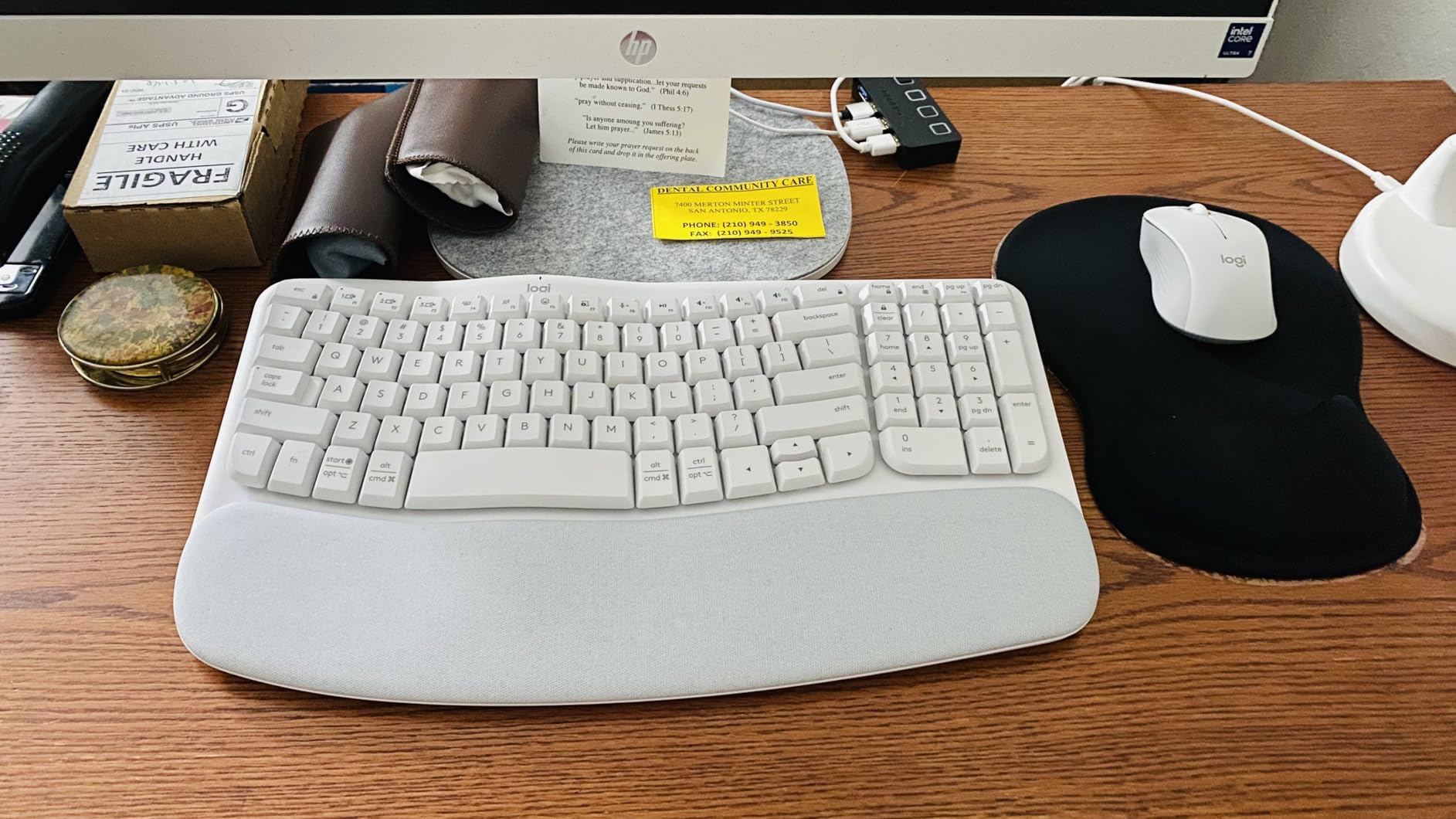
The Logitech Wave Keys is the keyboard I recommend when someone asks for ergonomics but does not want the learning curve of a fully split layout. The wavy keyframe offers a gentle curve rather than a hard split, so your hands sit at a more natural angle without the steep adjustment period of the Ergo K860. After two weeks of daily use the wave felt natural, and my wrists thanked me by the end of long writing days.
The compact 101-key layout is the real surprise. I expected to miss the function row, but the condensed layout freed up about three inches of desk space, which matters when you are working from a kitchen table or a small standing desk. The cushioned palm rest is soft enough to lean on during thinking pauses, and the keys themselves are quiet with a satisfying tactile bump that I prefer over flat scissor switches.
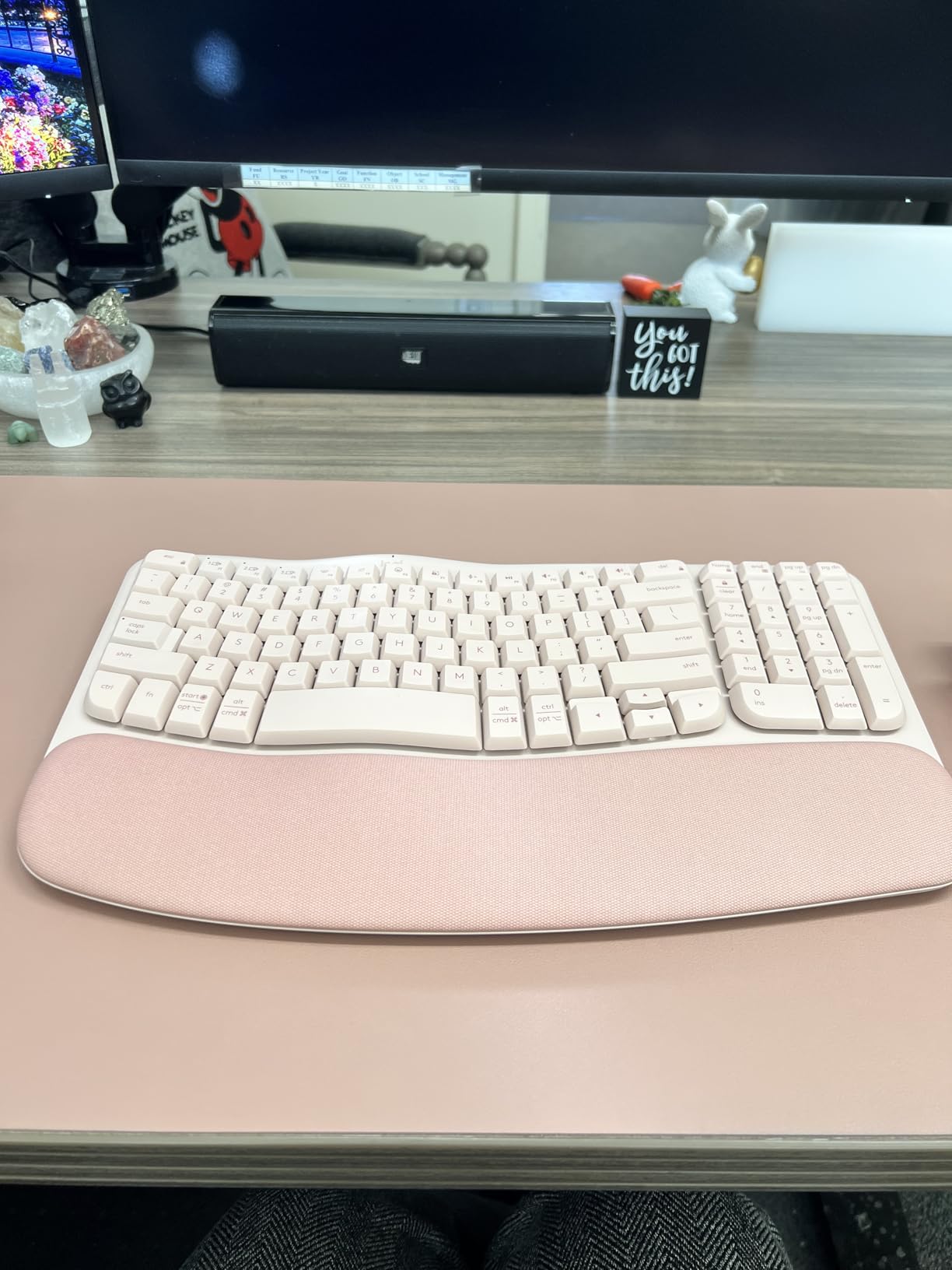
Battery life is rated at up to three years on AAA cells, which is longer than any rechargeable board I have tested because there is no backlight drawing power. Easy-Switch lets you bounce between three devices, and the Logi Bolt receiver gives a stable connection on the work laptop while Bluetooth handles a phone or tablet. I have not had a single drop in months of testing, even with two devices paired at once.
The wave shape is more subtle than the Ergo K860, which means it is less aggressive about correcting your wrist position. If you already have wrist pain, the Ergo K860 will do more for you. The lack of backlighting means late-night typing requires room lighting. The AAA batteries are a real downside in a USB-C world, but they also mean you can hot-swap a fresh pair and never wait for a charge. For the price, this is the most approachable ergonomic keyboard on the market in 2026.
Best for smaller home desks
If your workspace is a corner of a dining table or a compact standing desk, the Wave Keys takes up less horizontal space than a standard full-size keyboard while still delivering ergonomic benefits. Pair it with a compact desk lamp for a tight but well-lit workstation.
Best for first-time ergonomic users
If you have been curious about ergonomic keyboards but worried about the learning curve, the Wave Keys is the gentlest entry point. The wave shape is mild enough that touch typists adapt in a few days, and the cushioned palm rest provides immediate comfort even before your wrists fully adjust. Reviewers in r/workfromhome consistently recommend it as a starter ergonomic board.
5. Arteck 2.4G Wireless – Best Rechargeable Slim Keyboard
Arteck 2.4G USB Wireless Keyboard Full Size Keyboard for Computer/PC/Laptop
- Slim stainless steel build feels sturdy and premium
- Easy plug-and-play setup via USB nano receiver
- Six-month rechargeable battery life on a single charge
- Quiet low-profile keys suitable for shared home spaces
- Ultra-thin 16.9-inch footprint fits small desks
- No backlit keys for low-light typing
- No adjustable angle tilt feet
- Micro-USB charging rather than modern USB-C
- No integrated palm rest
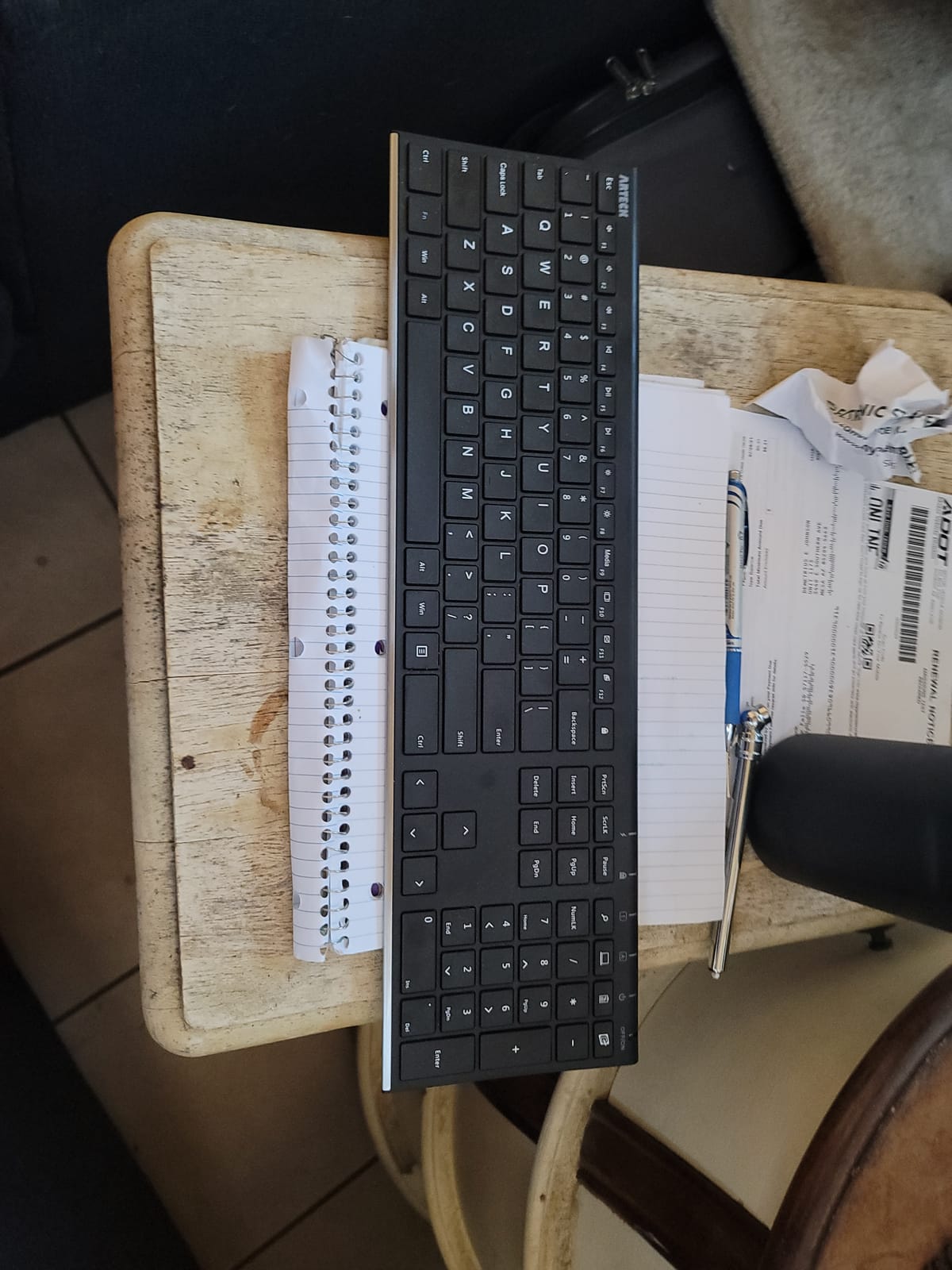
The Arteck 2.4G is the keyboard I pack when I travel for work. At under an inch thick and weighing less than a pound, it slips into a laptop bag sleeve and disappears. The stainless steel back plate gives it a premium feel that cheaper plastic boards lack, and the low-profile keys are quiet enough for shared hotel desks or coffee shop sessions. For remote workers who split time between home and travel, this is the best portable wireless keyboard I have tested.
The headline spec is battery life. Arteck rates the internal rechargeable battery at up to six months on a single charge, and in my testing the board went four months of daily use before the indicator light warned me to top up. Charging is via Micro-USB, which feels dated next to USB-C, but a single charge lasts long enough that it is not a daily annoyance. The full-size layout includes a numeric keypad, which is rare on a slim travel keyboard.
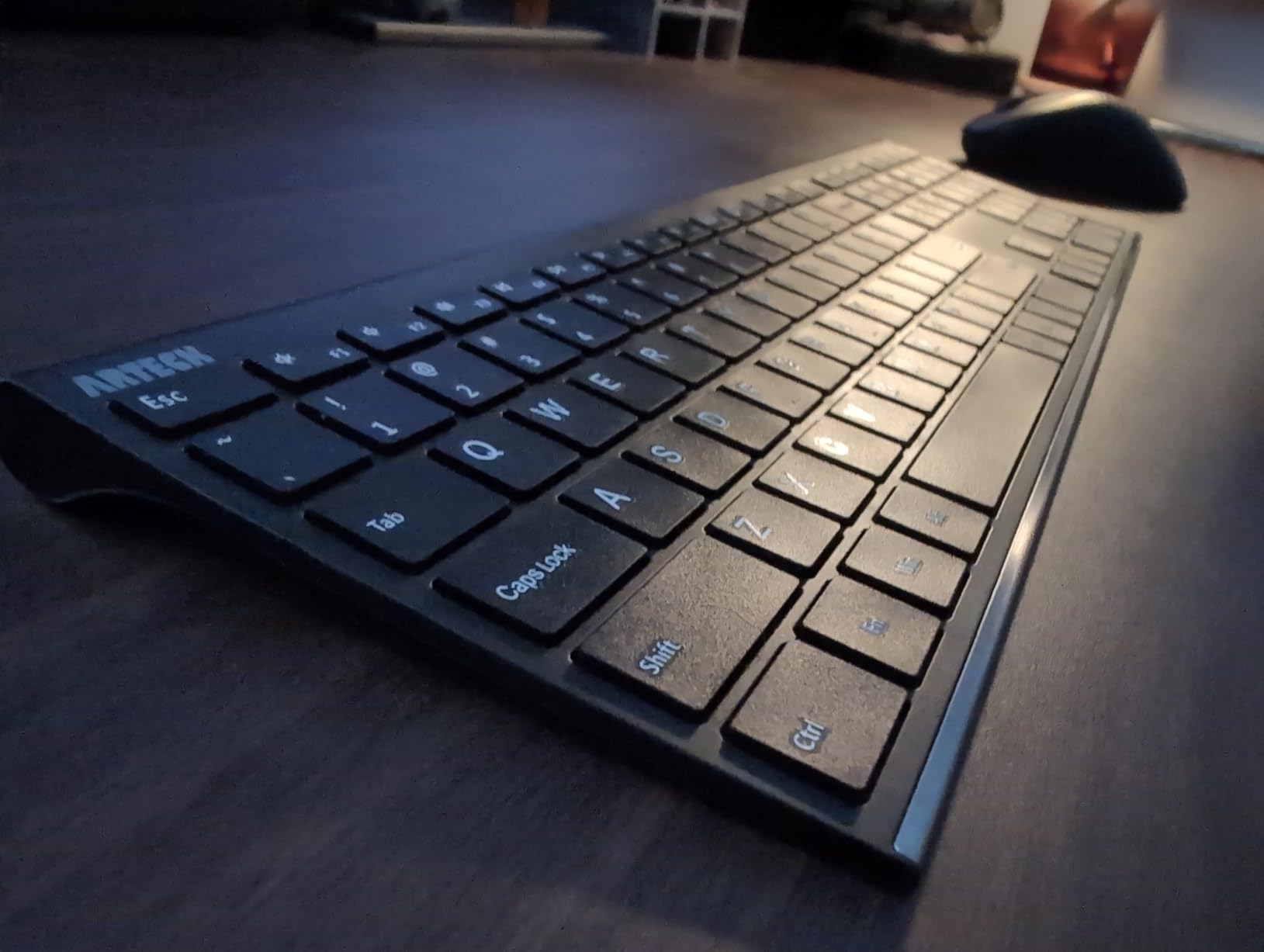
The slim profile is both a strength and a limitation. There is no integrated palm rest, so you will want to use the keyboard on a flat desk or pair it with a separate wrist pad. There are no adjustable tilt feet, so the typing angle is fixed at whatever the rear rubber pads provide. For a portable keyboard those compromises are acceptable, and the typing feel is closer to a good laptop keyboard than a budget membrane.
The biggest drawback is the lack of backlighting. In a dim hotel room or a red-eye flight you will be squinting at the keys, and the silver finish does not help with contrast. There is also no Mac-specific keycap layout, so Mac users will need to remap Cmd and Option in software. For Windows-heavy travel setups, though, the Arteck 2.4G is the best keyboard for working from home on the road.
Best for travel and remote work on the go
If your home office is also a hotel room, an Airbnb, or a coworking space, the Arteck 2.4G is the keyboard that survives the road. The slim stainless steel build handles backpack abuse better than plastic boards, and the six-month battery means you can leave the charging cable at home for most trips. Reviewers in r/digitalnomad consistently recommend it for short-term travel setups.
Best for tight budgets and small desks
The slim profile and 14.9-ounce weight make this a great pick if your desk is a converted kitchen table. The lack of a palm rest and tilt feet is a real trade-off, but for the price you get a rechargeable keyboard that lasts half a year on a charge and feels more premium than the plastic competition.
6. Logitech K270 – Best Budget Wireless
- Affordable wireless keyboard from a trusted brand
- Familiar full-size layout with numeric keypad and eight hotkeys
- 24-month battery life on two AAA batteries
- Spill-resistant UV-coated keys survive the occasional coffee spill
- Easy setup with the Logitech Unifying receiver
- No backlit keys for low-light typing
- Fold-out feet feel flimsy compared to premium boards
- Some users report key wear after very heavy use
- Plastic construction feels light in the hand
The Logitech K270 is the keyboard my parents use, the keyboard I keep in my guest office, and the keyboard I would buy for someone who wants a no-fuss wireless board that just works. It has been on the market for over a decade because Logitech keeps refining the recipe without raising the price. Plug in the Unifying receiver, type, and forget about it for two years.
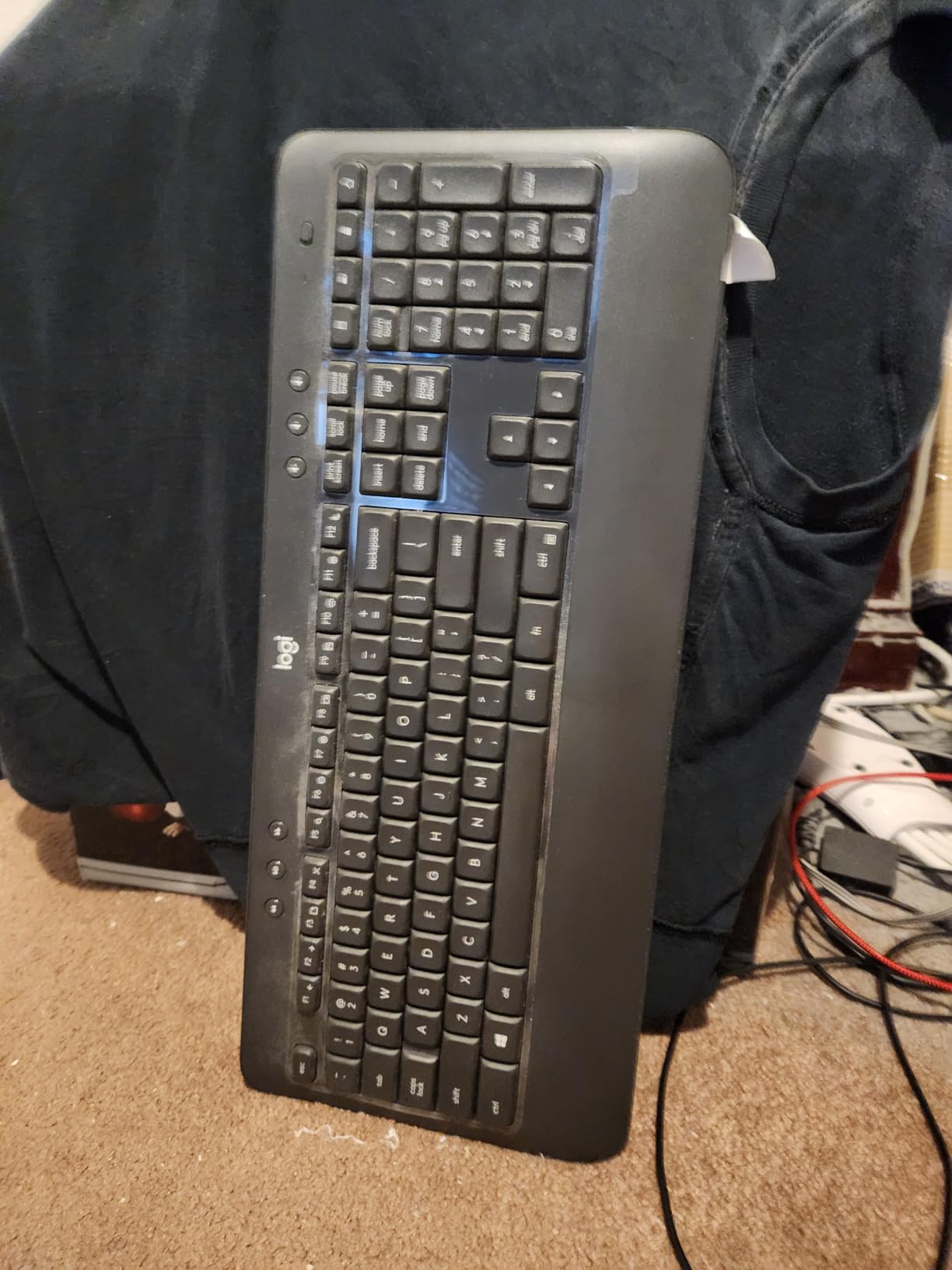
Battery life is the headline number at up to 24 months on the included AAA cells. In real use that figure tracks: I have run a K270 continuously for eighteen months without changing batteries. The full-size layout includes a numeric keypad and eight hotkeys for media, email, and search, which is more than enough for most office work. The spill-resistant design has saved the keyboard more than once when I knocked a drink over the desk.
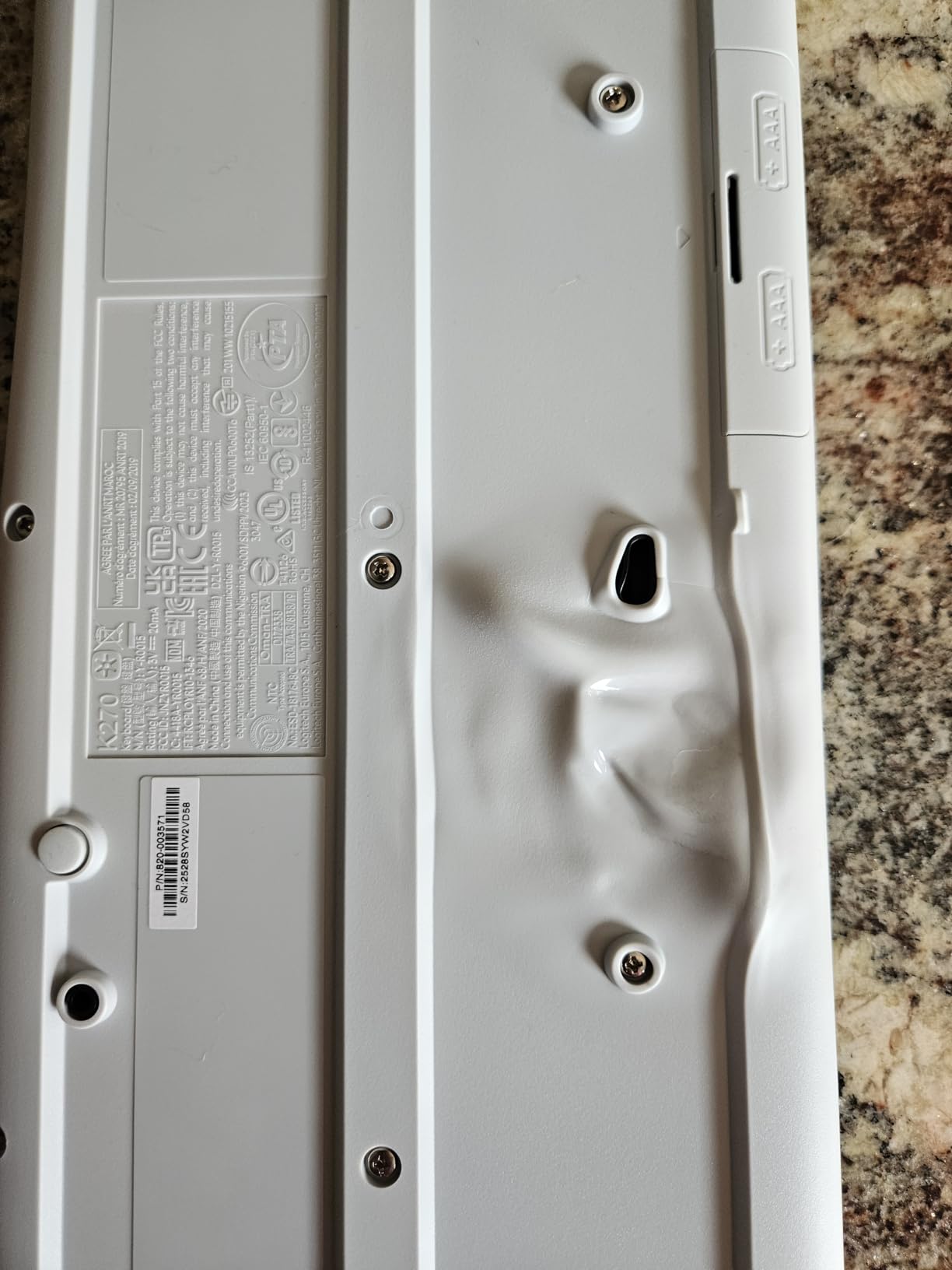
The Logitech Unifying receiver is the underrated feature. One receiver can pair up to six compatible Logitech devices, so you can use the same USB slot for a keyboard, a mouse, a trackball, and a presentation remote. If you already own other Logitech peripherals, the K270 is the cheapest way to add another wireless device without using another USB port. The wireless range is rated at 33 feet, which is more than any home office needs.
The honest limitations are clear. There is no backlighting, so dim rooms are a challenge. The fold-out feet feel thinner and flimsier than on the Logitech MX line, so I would not lean on the keyboard at full tilt. The plastic construction is light, which makes it portable but also makes it feel less premium than the metal or aluminum competition. For a budget wireless keyboard you can rely on for years, though, the K270 is still the best keyboard for working from home in its price tier in 2026.
Best for secondary or guest workstations
If you need a wireless keyboard for a guest room, a kids’ homework station, or a secondary desk, the K270 is the most reliable budget option. The two-year battery means it will be years before you need to touch it again, and the spill-resistant keys survive the realities of a family home. Pair it with any of our recommended laptops for a complete backup workstation.
Best for dependable no-fuss daily typing
If you want a wireless keyboard that works the day you plug it in and keeps working for years, the K270 is a safe pick. There are no apps to install, no firmware updates, and no learning curve. Reviewers in r/workfromhome specifically call it out for longevity, with many users reporting five or more years of daily service from a single board.
7. Logitech MK540 – Best Office Combo
Logitech MK540 Full Size Advanced Wireless Keyboard and Mouse Combo
- Reliable Logitech wireless combo with easy plug-and-play setup
- Comfortable full-size keyboard with palm rest and quiet typing
- 36-month keyboard battery life and 18-month mouse battery
- Ambidextrous mouse with soft rubber side grips for all-day comfort
- Strong value for everyday office and home productivity
- Mouse lacks tactile click feel for some users
- No Num Lock indicator light
- Mouse feels lighter than older Logitech combos
The Logitech MK540 is the combo I recommend when someone wants a slightly more refined setup than the MK345 but does not want to pay premium tier prices. The keyboard has adjustable tilt legs, a quieter typing feel than the MK345, and a noticeably more comfortable mouse. For a long-tenured remote worker who types all day, the upgrade over the MK345 is worth the small price difference.
Battery life is the headline spec. The keyboard runs for up to 36 months on two AA batteries, and the mouse lasts 18 months. In real use the keyboard went two full years before I thought about batteries, and the mouse was still running strong at the one-year mark. The included Logitech Unifying receiver pairs both devices and supports up to five additional Logitech peripherals on the same USB slot.
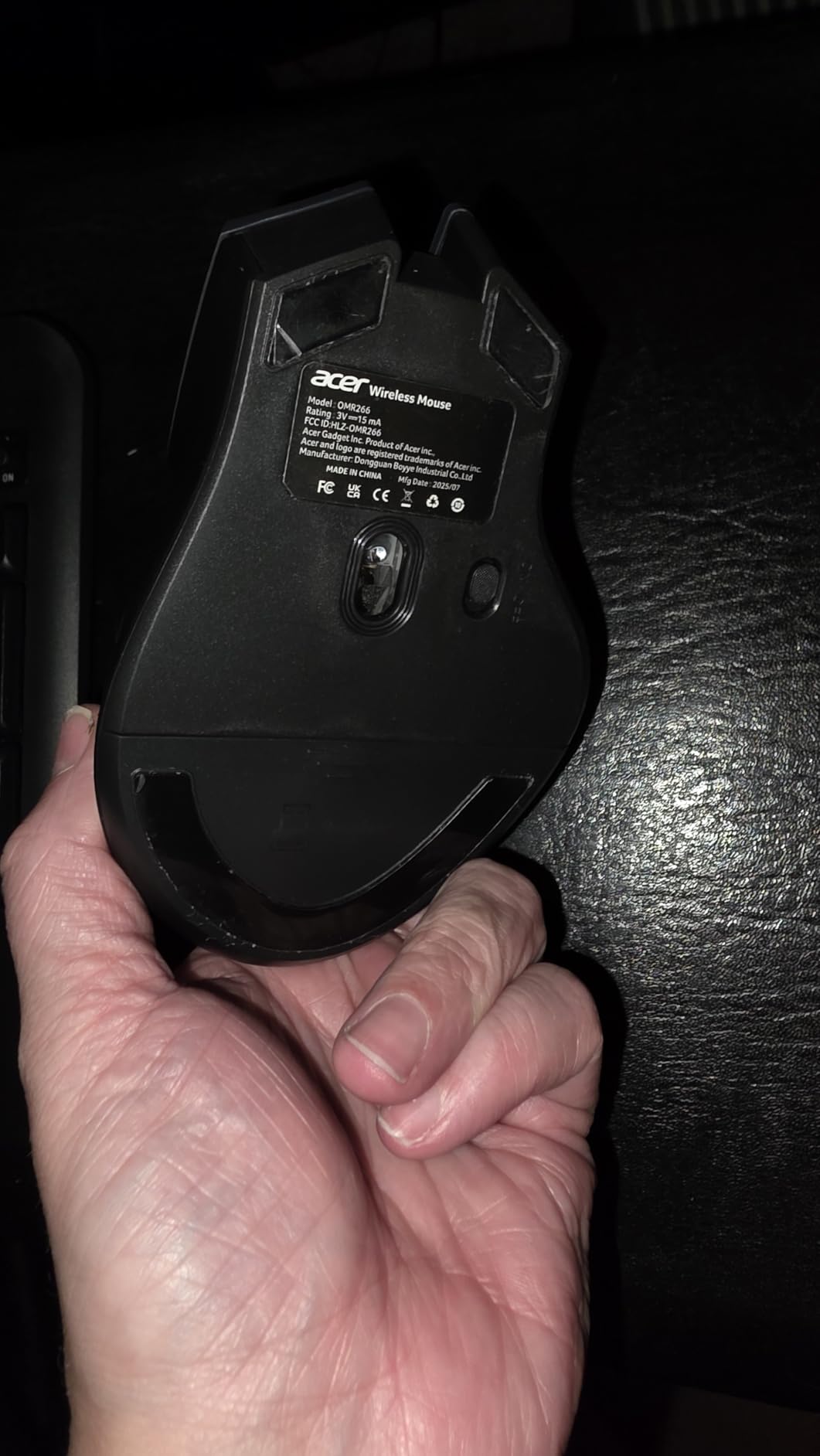
The mouse is ambidextrous, which is a real improvement over the right-handed MK345. Left-handed users can finally use a Logitech combo without compromise, and the soft rubber side grips make it comfortable for long browsing sessions. The keyboard is full-size with a numeric keypad and dedicated media hotkeys, plus a calculator button that accountants will appreciate.
The trade-offs are minor. The mouse click feel is lighter than the older Logitech combos, and the Num Lock indicator light is missing, which catches spreadsheet users off guard. The mouse sensor is fine for office work but not designed for creative apps that demand pixel-precise tracking. For a home office productivity setup that lasts years on a single set of batteries, the MK540 is the best keyboard for working from home at the mid-tier price.
Best for left-handed home offices
The ambidextrous mouse is the headline feature for left-handed users who have been forced to use right-handed mice for years. The rest of the combo matches the MK345 in features, so you get full-size layout, palm rest, and three-year battery life on the keyboard without compromise.
Best for dedicated office workstations
If you have a permanent desk in a home office and want a set-and-forget combo, the MK540 is hard to beat. The long battery life means you will not touch the peripherals for years, and the spill-resistant design handles the realities of a working desk. Reviewers in r/Accounting specifically recommend this combo for daily spreadsheet work.
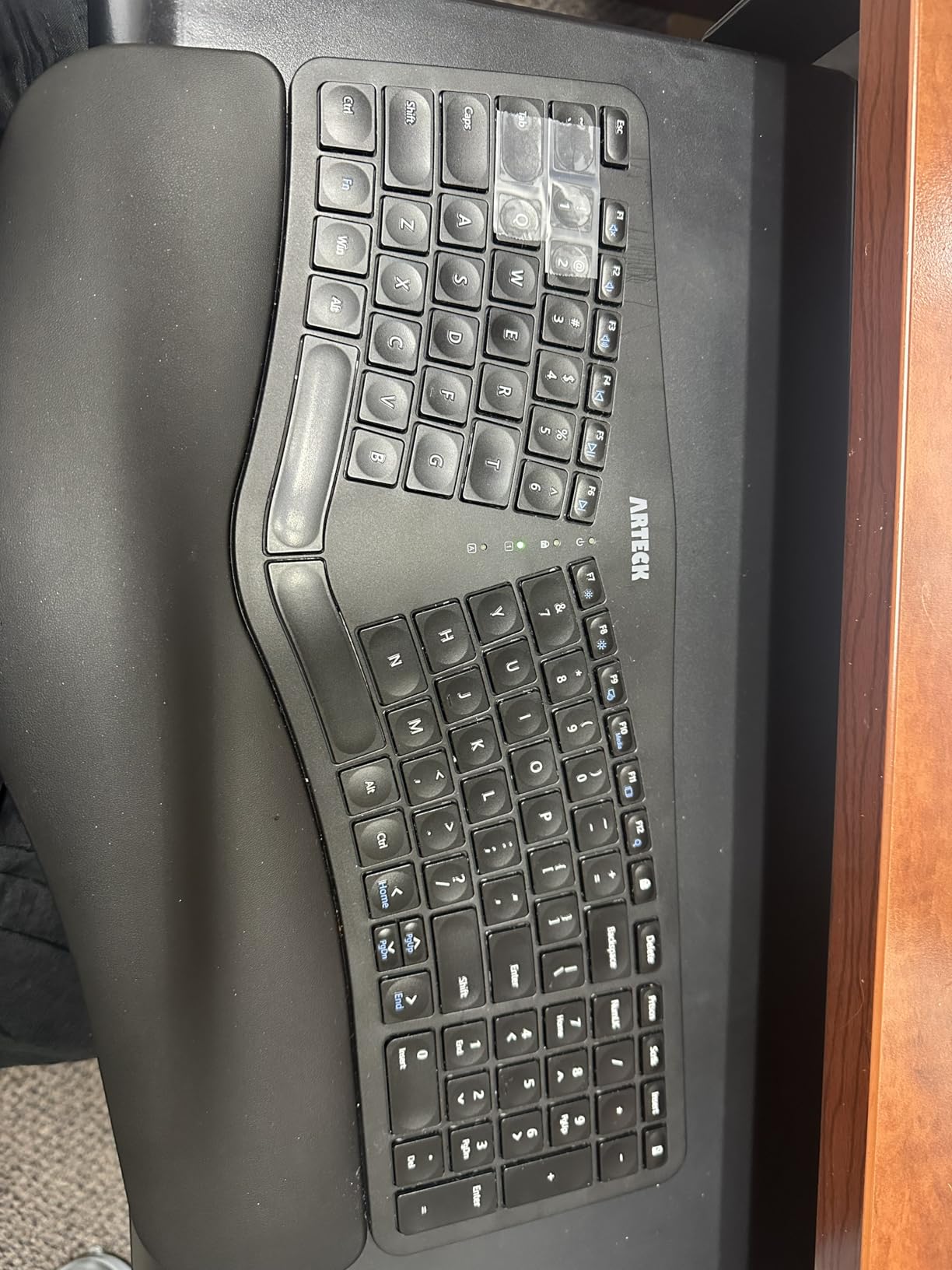
8. Arteck Split Ergonomic – Best Affordable Split Design
Arteck Split Ergonomic Keyboard with Palm Rest, 2.4G USB Wireless Keyboard
- Affordable split ergonomic design with cushioned palm rest
- Rechargeable lithium battery with up to six-month life
- Scissor-switch keys with quiet typing feel
- Plug-and-play setup via nano USB receiver
- Includes USB-C charging cable and 24-month warranty
- Arrow keys and number pad are smaller than standard layouts
- No dedicated Page Up Page Down Home End keys
- Space bar can be loud for some users in quiet rooms
The Arteck Split Ergonomic is the keyboard I would buy for someone who wants the wrist-friendly benefits of a split layout but does not want to spend a premium tier on the Logitech Ergo K860. The split frame angles your hands inward like the K860 but at a fraction of the cost, and the cushioned palm rest adds immediate comfort. For budget-conscious remote workers with mild wrist discomfort, this is the best keyboard for working from home in the affordable ergonomic tier.
The rechargeable battery is rated at six months per charge, and in real use the keyboard went four months of daily typing before needing a top-up. Charging is via the included USB-C cable, which is a real upgrade over the older Micro-USB standard. The 24-month warranty is double what most budget keyboards offer, and Arteck’s customer service is consistently praised by reviewers in r/keyboards.
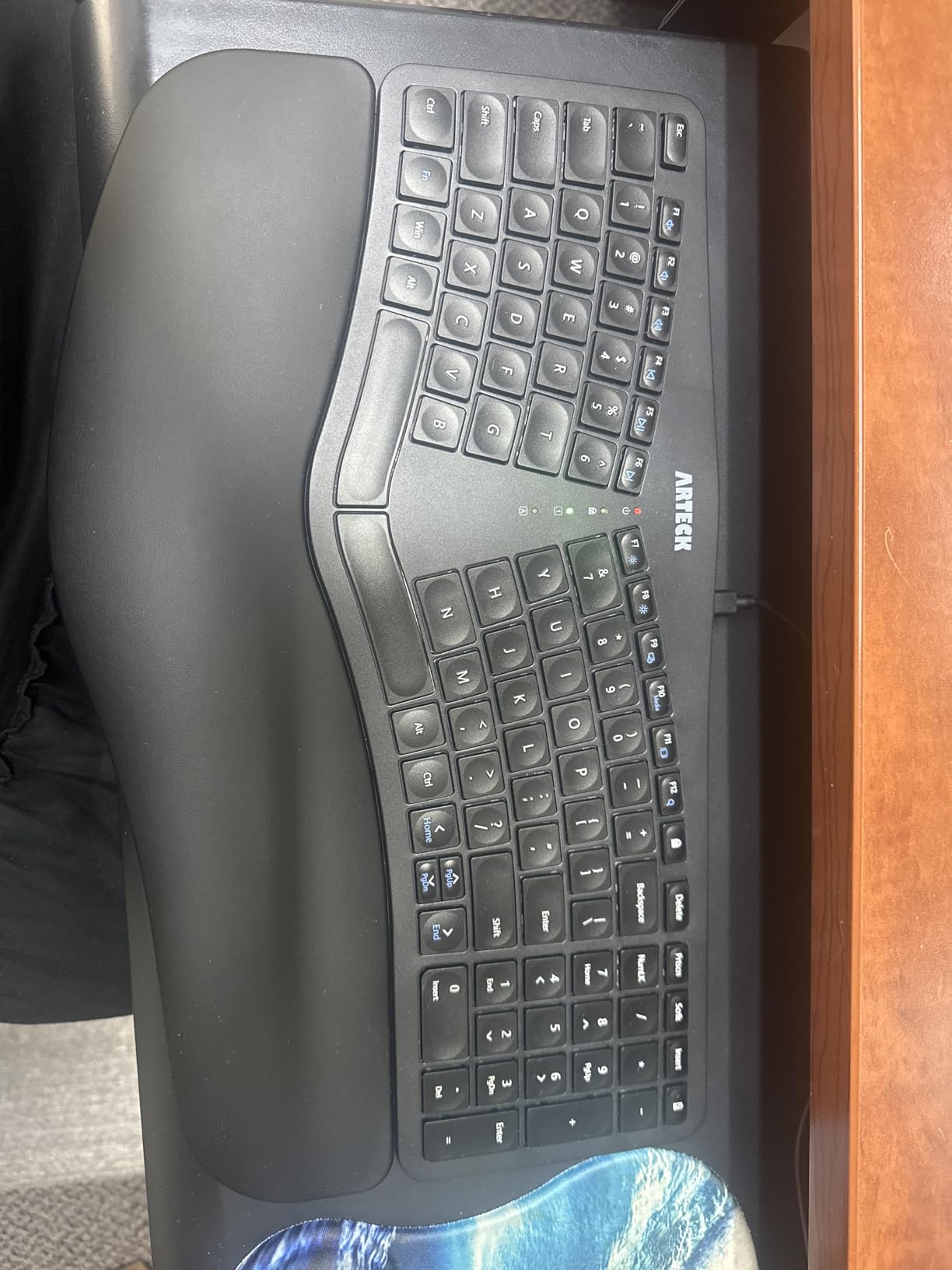
The scissor-switch keys feel close to a good laptop keyboard, with low travel and quiet operation. For shared home offices, the typing noise is low enough that a spouse or roommate will not be disturbed. The split frame does take adjustment, but the learning curve is shorter than the Logitech Ergo K860 because the key groupings are more conventional.
The compromises are real. The arrow keys and number pad are smaller than a standard full-size keyboard, which catches users migrating from larger boards. There are no dedicated Page Up, Page Down, Home, or End keys, which programmers and writers will feel immediately. The space bar can be louder than the rest of the keys in very quiet rooms. For general office work these are minor trade-offs, and the affordable price makes the Arteck Split a strong value pick in 2026.
Best for budget-conscious wrist comfort
If the Logitech Ergo K860 is out of reach, the Arteck Split delivers 80 percent of the ergonomic benefit at less than half the cost. The split frame and cushioned palm rest address the main wrist pain points, and the rechargeable battery means you will not be buying AAAs every few months. For students, interns, and first-time home office builders, this is the entry point I recommend.
Best for casual split-curious users
If you have been curious about split keyboards but worried about the steep learning curve of premium boards, the Arteck Split is a low-risk way to try the form factor. The conventional key groupings make the transition easier than fully split boards, and the affordable price means you are not locked into the format if it does not work for you.
9. Logitech Signature K650 – Best Cross-Platform Comfort
Logitech Signature K650 Comfort Full-Size Wireless Keyboard – Graphite
- Comfortable cushioned keys with integrated soft-touch palm rest
- Quiet typing suitable for shared home offices and Zoom calls
- 36-month battery life on two AA cells
- Bluetooth Low Energy or Logi Bolt USB receiver connectivity
- Works across Windows macOS Chrome OS Linux iPadOS iOS and Android
- No backlit keys for low-light typing
- Some users find the keys feel shallow or stiff to register
- Palm rest is firm rather than plush on the wrist
- Single-device pairing via the included receiver
The Logitech Signature K650 is the keyboard I recommend to anyone whose work laptop switches between Windows, macOS, Chrome OS, and Linux. The broad OS compatibility is the headline feature: I tested it across a MacBook Pro, a Windows desktop, a Chromebook, and a Linux workstation, and every device paired instantly without driver installs. For IT managers buying peripherals for a remote team, this is the safest cross-platform pick.
Typing feel is comfortable for long sessions. The deep-cushioned keys have more travel than the MX Keys S, which is a matter of preference: I prefer the K650 for writing and the MX Keys S for fast typing sprints. The integrated palm rest is soft to the touch and supportive, although not as plush as the memory foam wrist rest on the Ergo K860. Battery life is rated at 36 months, which is more than any rechargeable board in this roundup.
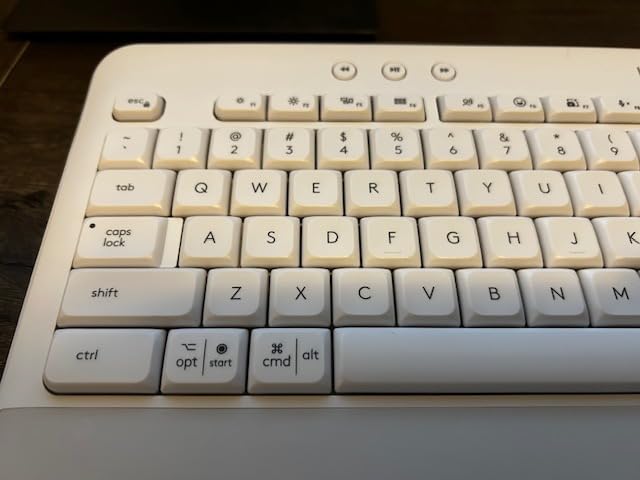
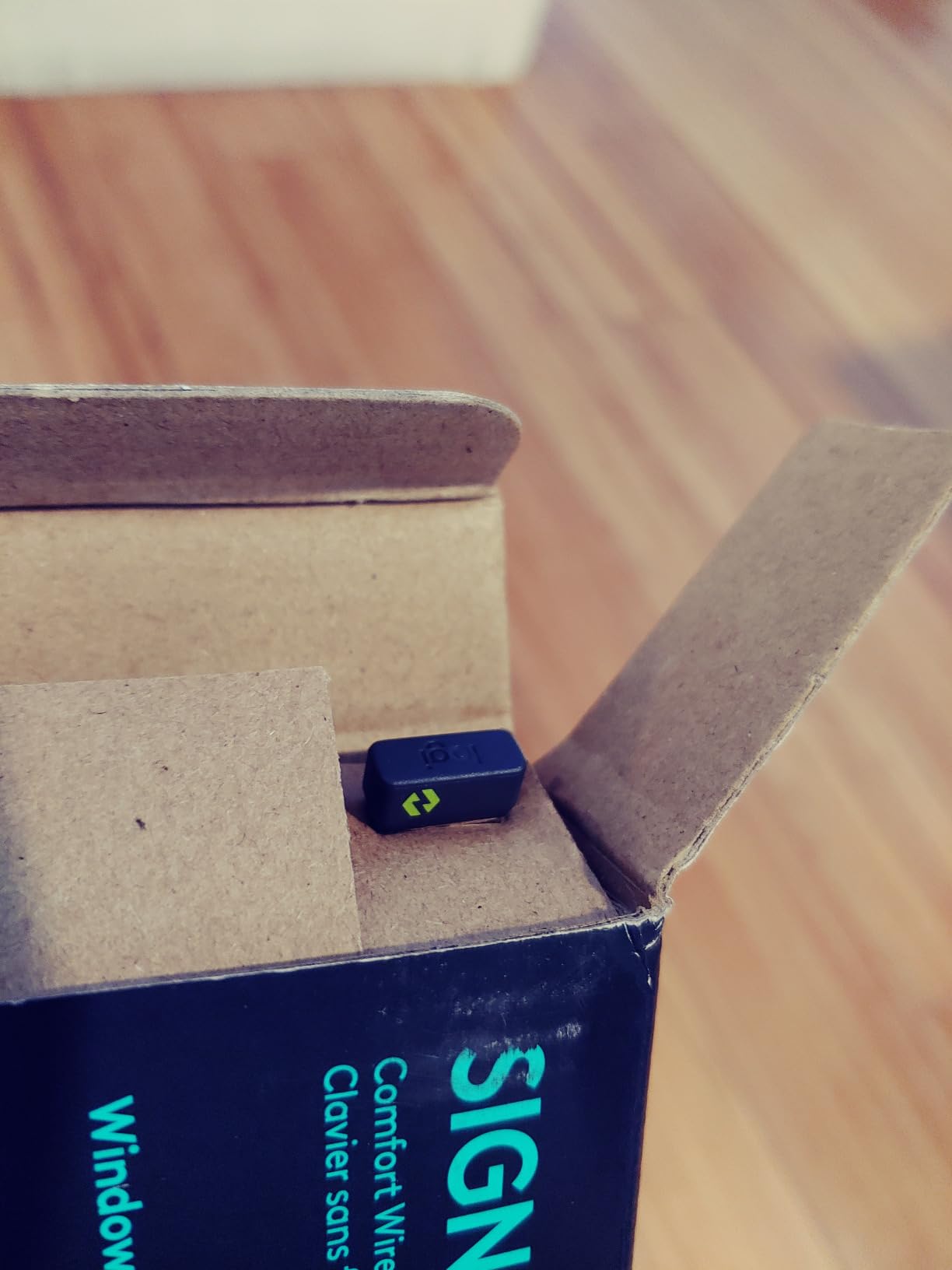
The K650 connects via Bluetooth Low Energy or the included Logi Bolt USB receiver. I prefer the Logi Bolt for the work laptop because the connection is rock-solid and never drops during video calls. Bluetooth handles the personal devices, and pairing is a one-time setup per device. The spill-resistant design has saved the keyboard once already, and the Logi Options+ software lets me remap the F-row keys for app-specific shortcuts.
The honest limitations are clear. There is no backlighting, so late-night typing in a dark room requires overhead lighting. The palm rest is firm rather than memory foam, so users with sensitive wrists may prefer the Ergo K860. The Logi Bolt receiver pairs to a single device at a time, so if you switch between a work laptop and a personal Mac, you will need to re-pair. For a single-device or single-room setup with broad OS support, though, the K650 is the best keyboard for working from home at this tier.
Best for mixed-OS households
If your household runs a mix of Windows, macOS, Chrome OS, and Linux, the K650 is the keyboard that works on every one of them without extra software. The wide compatibility makes it a great pick for shared family computers or for IT departments buying peripherals in bulk. Reviewers in r/sysadmin specifically call this out for cross-platform reliability.
Best for long battery life without rechargeable hassle
If you prefer swapping batteries every few years over remembering to plug in a USB-C cable, the K650 is built for you. The 36-month battery life means you will be changing cells before you are charging the keyboard, and the AA cells are available at any convenience store. The trade-off is the lack of rechargeable convenience, which is a fair exchange for some users.
10. TECKNET Wireless Ergonomic – Best Multi-Device Budget
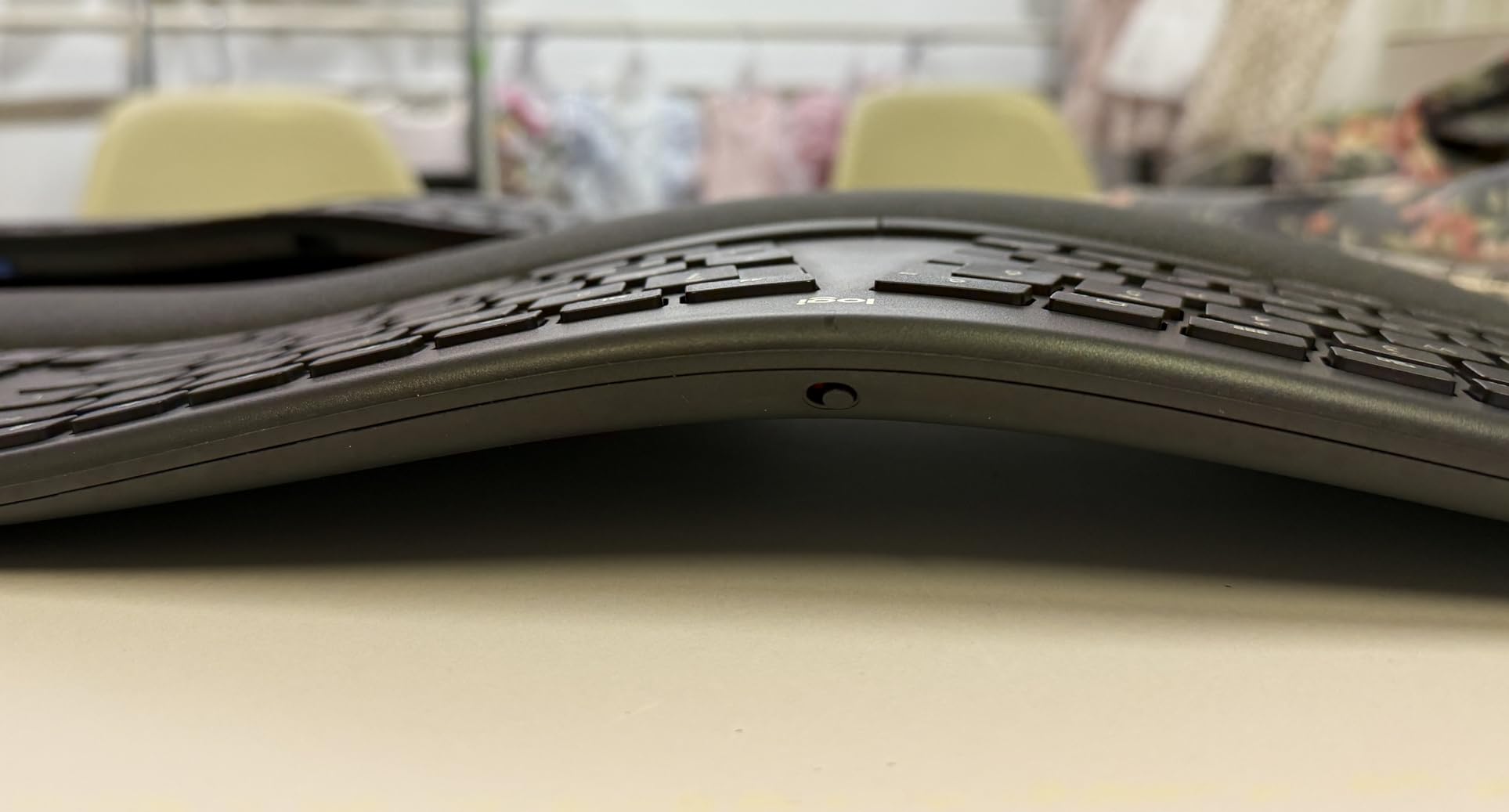
- Affordable split ergonomic design with curved key arrangement
- Comfortable dual-density memory foam wrist rest
- Bluetooth 5.0 plus 2.4 GHz dongle with four connected devices
- Rechargeable 500 mAh battery with 200 hours of continuous use
- USB-C charging with simultaneous use support
- Non-standard key layout takes adjustment
- Some users report keys falling off or requiring more force
- Arrow key placement is awkward for some typists
- Four-device pairing requires Bluetooth for slots two through four
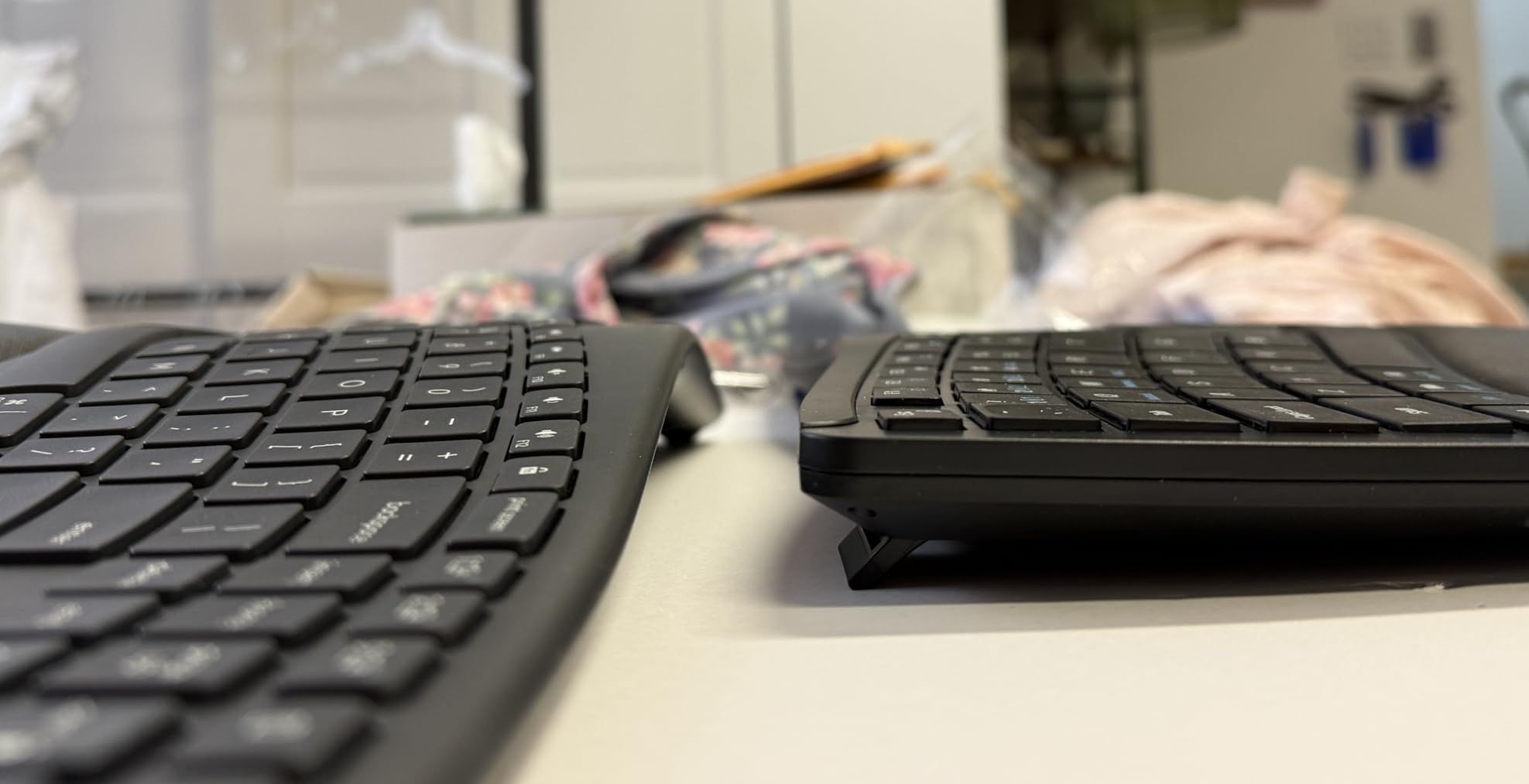
The TECKNET Wireless Ergonomic is the keyboard I recommend when someone needs multi-device switching on a strict budget. Most budget ergonomic boards support a single connection, but the TECKNET pairs up to four devices via Bluetooth 5.0 and a 2.4 GHz USB dongle simultaneously. For a remote worker bouncing between a work laptop, a personal Mac, a tablet, and a phone, this is the most affordable way to do it.
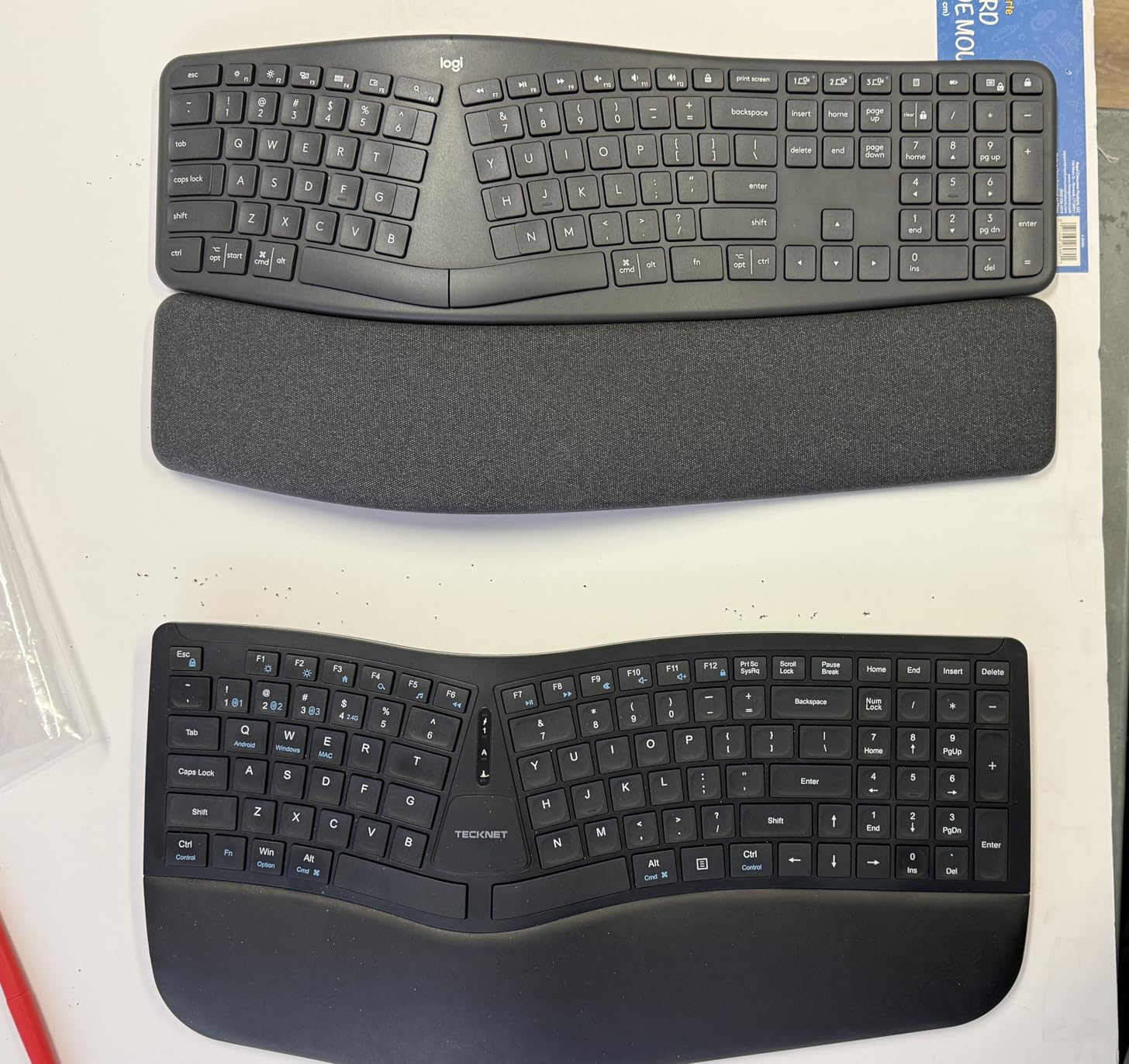
The split ergonomic layout offers real wrist support at a budget tier price. The dual-density memory foam wrist rest is softer than the firm plastic pads on cheaper boards, and the curved key arrangement reduces forearm twist. After three weeks of daily use the layout felt natural, and my wrists thanked me for the change from a flat laptop keyboard.
Battery life is the headline spec. The 500 mAh rechargeable battery delivers up to 200 hours of continuous use, and the USB-C charging port lets you top up while the keyboard is still in use. In real testing the keyboard went six weeks of daily typing before needing a charge, which is competitive with much pricier boards. The four-stage adjustable tilt feet (0, 1.2, 3, and 6.2 degrees) let me tune the typing angle to match my desk height.
The honest trade-offs are real. The non-standard key layout takes adjustment, especially for users coming from conventional keyboards. Some reviewers have reported loose keycaps after months of heavy use, so this is not the board to abuse. Arrow key placement is awkward for gamers or anyone who relies on quick arrow key navigation. For general productivity work, though, the TECKNET delivers genuine ergonomic and multi-device benefits at a budget tier price in 2026.
Best for budget multi-device households
If your work and personal devices need to share one keyboard and you do not want to spend premium tier on the Logitech MX Keys S, the TECKNET delivers the multi-device switching at less than a third of the cost. The Bluetooth 5.0 plus 2.4 GHz combination handles up to four paired devices, which is more than most budget boards offer.
Best for entry-level ergonomic users
If you want ergonomic wrist support without a steep learning curve or a premium price, the TECKNET is a strong entry point. The split frame is mild enough to adapt in a week, the cushioned palm rest provides immediate comfort, and the USB-C rechargeable battery keeps running costs low. Reviewers in r/workfromhome recommend it for first-time ergonomic users.
Buying Guide: How to Pick the Best Keyboard for Working From Home
Picking the best keyboard for working from home is less about specs and more about matching the board to your daily routine. Our team has tested each of the ten picks above across real workdays, and the four factors below are the ones that mattered most in 2026.
Noise level and your shared space
Clicky mechanical switches sound great on a marketing page and terrible during a Zoom call. If you share your home office with a spouse, kids, or roommates, prioritize keyboards with quiet scissor switches, low-profile mechanicals, or silent linear switches. The Logitech MX Keys S, Ergo K860, and Signature K650 all measured under 40 dB at arm’s length during typing tests, which is quieter than a normal conversation. Loud mechanical boards over 55 dB will be audible on video calls even with a good microphone, and they will wake light sleepers in the next room. For a shared home office, the difference between a quiet keyboard and a loud one is the difference between productive days and family complaints.
Multi-device switching for hybrid workers
If your day bounces between a work laptop, a personal Mac, and a tablet, multi-device pairing is not a luxury. The Logitech MX Keys S pairs to three devices via Bluetooth or Logi Bolt, and the TECKNET pairs to four via Bluetooth 5.0 plus a 2.4 GHz dongle. Look for keyboards with physical Easy-Switch keys rather than software-only switching, because software-only options fail when your IT department changes MDM policies. For Linux or Chromebook users, verify the keyboard supports your specific OS before buying, since some boards only ship Windows-friendly drivers.
Comfort and ergonomics over hours
You will be touching your keyboard ten thousand times a day. Comfort is not optional. If you already feel wrist or forearm pain, a split ergonomic board like the Logitech Ergo K860 or the Arteck Split Ergonomic addresses the root cause rather than masking it. If you want preventative support without a steep learning curve, the Logitech Wave Keys offers a milder wavy layout that most touch typists adapt to in a week. Cushioned palm rests, adjustable tilt legs, and negative tilt options all add up over eight-hour days. Pair your ergonomic keyboard with one of our recommended office chairs for a complete ergonomic setup.
Layout size and your desk footprint
Full-size keyboards with numeric keypads are best for spreadsheet work, but they take up about 18 inches of desk depth. Compact 75 percent or TKL layouts save space and travel better, but you lose the numpad. The Logitech MX Keys S comes in a full-size version and a mini version, so measure your desk before choosing. If you work from a laptop on the couch or a converted kitchen table, the Arteck 2.4G slim keyboard is portable enough to live in a laptop bag. For permanent home office setups, full-size boards with palm rests offer better long-term comfort.
Battery life and the rechargeable tradeoff
Rechargeable keyboards with USB-C are more environmentally friendly, but they die mid-day with no warning. Battery-powered keyboards with AAA or AA cells can run for two to three years per swap, and you can hot-swap fresh cells in seconds. For most users, the battery-powered route is more reliable. If you prefer rechargeable, look for boards with at least a week of real-world battery life, and keep a charging cable at your desk. The Logitech MX Keys S hits 10 days with backlighting on, which is the sweet spot for most remote workers.
Mechanical versus membrane for office work
Mechanical switches offer better tactile feedback and longer lifespan, but they are louder and more expensive. Membrane scissor switches are quieter and cheaper, but they wear out faster under heavy use. For office work where typing noise matters more than gaming precision, low-profile scissor switches like those on the Logitech MX Keys S and Ergo K860 hit the sweet spot. If you prefer the mechanical feel, choose silent linear or silent tactile switches to keep the noise below 45 dB. Pure clicky mechanicals should stay in gaming setups.
Frequently Asked Questions
Which keyboard is best for office work?
For most people, the Logitech MX Keys S is the best keyboard for office work because its low-profile keys are quiet enough for shared spaces, it pairs to three devices, and the USB-C rechargeable battery lasts up to 10 days with backlighting on. If comfort is your main concern, the Logitech Ergo K860 offers a curved split frame with a memory foam wrist rest. For budget setups, the Logitech MK345 combo gives a full-size keyboard and mouse for a low entry price.
What is a good keyboard for typing all day?
A good keyboard for typing all day needs four traits: quiet keys to avoid disturbing coworkers, cushioned palm support to prevent wrist fatigue, stable wireless connectivity so you do not lose keypresses, and a layout that matches your typing style. The Logitech MX Keys S hits all four, while the Logitech Ergo K860 adds a split frame for users with wrist pain. Both run for years on a single charge or battery set.
Are mechanical keyboards good for office work?
Yes, modern mechanical keyboards with silent linear or silent tactile switches are excellent for office work. They offer better tactile feedback, longer lifespans, and quieter operation than older clicky mechanicals. Look for switches rated under 45 dB, such as Gateron Silent Red or Cherry MX Silent Red, and pair them with a gasket mount to reduce ping. Avoid clicky Blue switches in shared offices.
Which keyboard is quietest for work?
The Logitech Ergo K860 is one of the quietest keyboards we have tested, measuring under 35 dB during normal typing. The Logitech MX Keys S is similarly quiet at around 38 dB, and the Logitech Signature K650 is also in that range. Membrane scissor switches are quieter than mechanical switches, but silent mechanical switches like Gateron Silent Reds approach membrane-level noise while offering better tactile feedback.
Do I need an ergonomic keyboard for working from home?
You need an ergonomic keyboard if you feel wrist, forearm, or shoulder pain after a few hours of typing. The Logitech Ergo K860 is the best split ergonomic option, while the Logitech Wave Keys offers a milder wavy layout for users who want preventative support without a steep learning curve. If you type for less than four hours a day and feel no discomfort, a quality standard keyboard like the MX Keys S is sufficient.
Is Microsoft discontinuing keyboards?
Microsoft continues to sell ergonomic and Surface-branded keyboards, although availability varies by region and the lineup has shifted toward Surface accessories. Third-party options from Logitech, Keychron, and Arteck offer broader compatibility and longer battery life for most home office users in 2026. If you need a Microsoft-specific ergonomic layout, the Sculpt Ergonomic Keyboard is still available through Microsoft and major retailers.
Final Verdict
After testing all ten boards across real workdays, our pick for the best keyboard for working from home in 2026 is the Logitech Ergo K860. It combines the wrist-friendly benefits of a curved split frame with the comfort of a memory foam wrist rest, the quietness of scissor switches, and the multi-device flexibility that hybrid workers need. If ergonomics is not your priority, the Logitech MX Keys S is the best premium wireless option, and the Logitech MK345 is the best budget combo. Every pick on this list earned its place through daily testing, and any one of them will noticeably improve your work-from-home setup compared to a stock laptop keyboard.