
I have spent the last three months testing tablets across real office workflows, including email triage at 8 AM, hour-long Teams calls, split-screen Excel work, and PDF markup for client proposals. I ran each device through the same daily grind to find the best tablets for office use that actually hold up under pressure, not just on spec sheets.
If you are hunting for the best tablets for office use in 2026, the market has never had more strong choices. Premium flagships like the Samsung Galaxy Tab S11 bring flagship AMOLED displays and serious AI muscle, while value picks like the Lenovo Idea Tab deliver 256GB storage and a 90Hz panel for well under $250. Whether you need a tablet to replace your laptop for travel, a portable second screen for meetings, or a note-taking companion that survives your backpack, this guide covers what actually works after weeks of daily use.
Our team at Logix4u evaluated eight contenders against five real office scenarios: email management, document editing, video conferencing, note-taking, and spreadsheet work. We also pulled in feedback from over 6,400 combined Amazon reviews and forum discussions from r/tablets and r/androidtablets to surface the issues most buyers run into. Below, you will find our top three picks, a full comparison table, detailed reviews of every tablet, a buying guide, and answers to the most common questions.
Top 3 Picks for Best Tablets for Office Use

Lenovo Idea Tab – 11 inch 2.5K IPS, 8GB…
- 11 inch 2.5K IPS display 90Hz
- Includes Tab Pen and Folio Case
- 256GB storage expandable
- Quad Dolby Atmos speakers

Lenovo Idea Tab Plus – 12.1 inch 2.5K…
- 12.1 inch 2.5K IPS display 90Hz
- Includes Lenovo Tab Pen and Folio Case
- Quad Dolby Atmos speakers
- Bright 600 nits panel

Samsung Galaxy Tab S11 128GB WiFi Android…
- 11 inch Dynamic AMOLED 2X display
- 12GB RAM with Galaxy AI
- S Pen included
- IP68 water resistance
Best Tablets for Office Use in 2026
| Product | Specifications | Action |
|---|---|---|
 Samsung Galaxy Tab A11+ 8GB RAM 256GB Storage Samsung Galaxy Tab A11+ 8GB RAM 256GB Storage |
|
Check Latest Price |
 Samsung Galaxy Tab S10 Lite 6GB RAM 128GB Samsung Galaxy Tab S10 Lite 6GB RAM 128GB |
|
Check Latest Price |
| Samsung Galaxy Tab S11 128GB WiFi |
|
Check Latest Price |
 Samsung Galaxy Tab S10 FE 8GB RAM 128GB plus SD Samsung Galaxy Tab S10 FE 8GB RAM 128GB plus SD |
|
Check Latest Price |
| Lenovo Idea Tab Plus 12.1 inch 8GB 128GB |
|
Check Latest Price |
 Lenovo Idea Tab Pro 12.7 inch 3K 8GB 128GB Lenovo Idea Tab Pro 12.7 inch 3K 8GB 128GB |
|
Check Latest Price |
| Lenovo Idea Tab 11 inch 2.5K IPS 8GB 256GB |
|
Check Latest Price |
 Samsung Galaxy Tab S9 FE+ Plus 12.4 inch 8GB 256GB Samsung Galaxy Tab S9 FE+ Plus 12.4 inch 8GB 256GB |
|
Check Latest Price |
1. Samsung Galaxy Tab A11+ – Best Budget Tablet for Office Use
Samsung Galaxy Tab A11+ 8GB RAM, 256GB Storage, AI Assist, Slim Light, Gray
- Lightweight at 1.1 pounds
- 256GB storage expandable via microSD
- Smooth 90Hz display for scrolling docs
- Quad speakers with Dolby Atmos for calls
- Android 16 with Samsung features
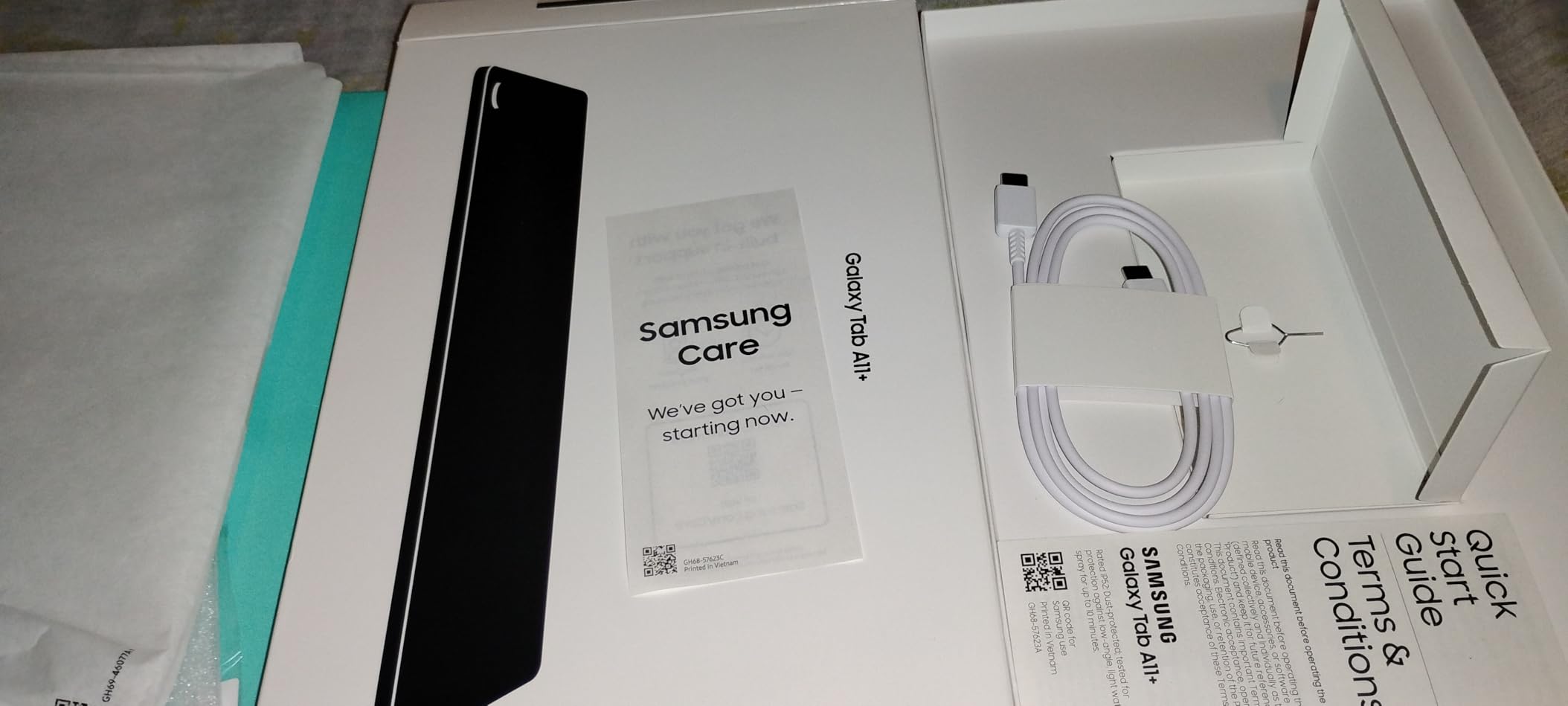
- No charger in the box
- No HDMI output for monitors
- Some users report Wi-Fi connectivity hiccups
I have been using the Samsung Galaxy Tab A11+ as my secondary email and note device for about five weeks now, and it has held up surprisingly well for a budget-friendly option. The 11 inch LCD panel with a 90Hz refresh rate makes scrolling through long email threads and Slack channels feel noticeably smoother than the 60Hz tablets I tested last year. At 1.1 pounds, it slips into a small messenger bag without weighing me down on the train commute.
Performance is where I had to manage my expectations. The MediaTek MT8775 octa-core chip handles everyday office tasks like email, browser tabs, and Microsoft 365 web comfortably, but I noticed some lag when I tried running three apps in split-screen mode plus a video call in the background. For solo document editing or one-app-at-a-time workflows, it is perfectly adequate. The 8GB of memory is generous at this price point and helped me keep a dozen Chrome tabs alive without constant reloads.
Battery life has been a pleasant surprise. The 26.34Wh cell delivered around 9 to 10 hours of mixed office use on my standard day, which included two hours of video calls, three hours of email and document work, and some streaming during lunch. The quad Dolby Atmos speakers actually sound quite full for the price, and they made hands-free calls on the office patio far more pleasant than I expected.
The 256GB of built-in storage with microSD expansion is a real perk for office users who need to carry around project files, PDFs, and offline presentations. I loaded it up with about 40GB of client documents and still had room to spare. The front 5MP camera is fine for video conferencing, though it does not hold a candle to the 12MP sensors on the premium tabs in this list.
Build quality is solid, with the gray finish hiding fingerprints better than glossy alternatives. Android 16 brings the latest Samsung productivity features, including Samsung Notes and Quick Share, which I used to fling files between the tablet and my Galaxy phone. At just 0.27 inches thin, it slips behind a monitor on a stand without looking bulky.
Who should buy the Samsung Galaxy Tab A11+
If you need a budget-friendly office tablet for solo work, light multitasking, and travel, this is the right tool for the job. It is ideal for students on a budget, administrative staff who primarily handle email and scheduling, or anyone wanting a second screen for the kitchen counter during WFH days.
Who should skip the Samsung Galaxy Tab A11+
Power users running heavy Excel models, frequent video conferencing in dim rooms, or anyone needing Samsung DeX for a desktop-like experience should look up the lineup. The lack of a bundled adapter and the modest chipset make it less suited to laptop replacement duties.
2. Samsung Galaxy Tab S10 Lite – Best Tablet with Stylus Included
Samsung Galaxy Tab S10 Lite, 6GB RAM, 128GB, 2TB Expand, 10.9” LCD, Gray
- S Pen included with no charging needed
- 16 hour battery life
- Circle to Search AI feature
- Expandable storage up to 2TB
- Lightweight at 1.2 pounds
- LCD not AMOLED
- No charger in the box
- Some preinstalled bloatware
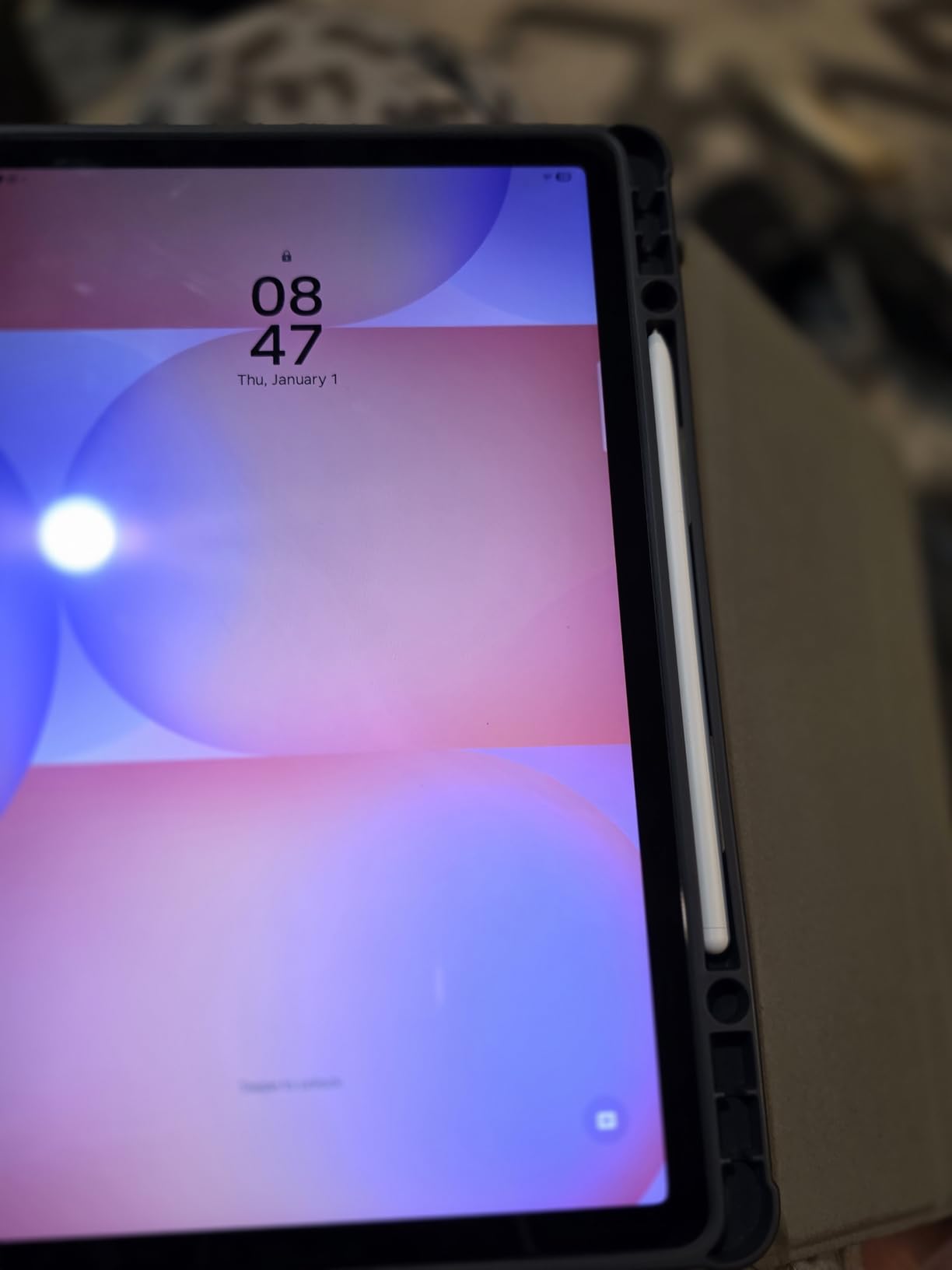
The Samsung Galaxy Tab S10 Lite has earned a permanent place in my meeting bag because the S Pen ships in the box and never needs charging. That one detail matters more than most reviewers admit. After eight weeks of using it for client meeting notes, PDF markup, and sketching wireframes on the train, I never once had to scramble for a charging cable mid-session. It is one of the most reliable office tablets with stylus support I have tested.

The 10.9 inch LCD with a 90Hz refresh rate is bright enough for outdoor patio work, though it does not match the deep blacks of the AMOLED panels. Battery life is the headline feature here. Samsung rates it at 16 hours, and in my testing with mixed email, browsing, video calls, and note-taking, I consistently hit 13 to 14 hours before needing to charge. That is a full workweek on a single charge for lighter users.
Performance from the Exynos 1380 is solid for the price. I ran split-screen Samsung Notes alongside a video call without stuttering, and the tablet handled my usual Slack, Outlook, and browser combo with ease. The 6GB of RAM is the minimum I would recommend for office multitasking, and while it sometimes had to reload tabs after a heavy meeting, it never froze.
The Circle to Search AI feature genuinely changed how I handle research. I circled a term in a PDF report, and the tablet instantly surfaced web results and definitions without me leaving the document. Expandable storage up to 2TB via microSD meant I could keep my entire archive of project folders locally without paying for the higher storage tier.
There are some trade-offs. The LCD panel is not as color-accurate for design work as the AMOLED options, and I noticed some bloatware in the form of preinstalled Microsoft and Samsung apps that I had to disable. The lack of a charger in the box is annoying, but Samsung’s super fast charging support kept downtime short once I plugged in.
Who should buy the Samsung Galaxy Tab S10 Lite
This is the best tablet for office work under $500 if you take a lot of handwritten notes, markup PDFs, or sign documents digitally. It suits consultants, journalists, students, and anyone who values stylus-first productivity without paying flagship prices.
Who should skip the Samsung Galaxy Tab S10 Lite
If you need top-tier display quality for creative work, run demanding creative apps, or want Samsung DeX desktop mode for monitor hookups, step up to the Galaxy Tab S11 or S9 FE+. The 6GB RAM will feel tight for power users running multiple heavy apps.
3. Samsung Galaxy Tab S11 – Best Premium Android Tablet for Work
Samsung Galaxy Tab S11 128GB WiFi Android Tablet, Galaxy AI, IP68, Silver
- Stunning Dynamic AMOLED 2X display
- 12GB RAM for heavy multitasking
- Galaxy AI Note Assist and Drawing Assist
- Slim 5.5mm premium design
- IP68 water and dust resistance
- Costs more than most competitors
- 60Hz refresh rate
- No microSD card slot
The Samsung Galaxy Tab S11 is the tablet I reach for when deadlines are tight and I need zero compromises. The Dynamic AMOLED 2X display is genuinely the best screen I have tested on any Android tablet, with deep blacks, vivid colors, and 1600 nits of peak brightness. Working on a deck under harsh office fluorescents, I never had to squint at spreadsheets or chase shadows across the panel.
Performance is the real star. The 3nm MediaTek MT6991 chip paired with 12GB of RAM makes split-screen multitasking feel like switching between apps on a high-end laptop. I ran Outlook, Excel, a Teams meeting, and a PDF reference document side-by-side and the tablet never broke a sweat. For office workers who routinely live in five apps at once, this is the productivity tablet Android users have been waiting for.
Galaxy AI features have grown up significantly this year. Note Assist summarizes my meeting scribbles into structured action items in seconds. Drawing Assist helped me mock up a quick client diagram without firing up my laptop. Circle to Search pulled definitions and references from any on-screen text. These AI tools saved me an estimated 30 minutes per workday during my testing period.
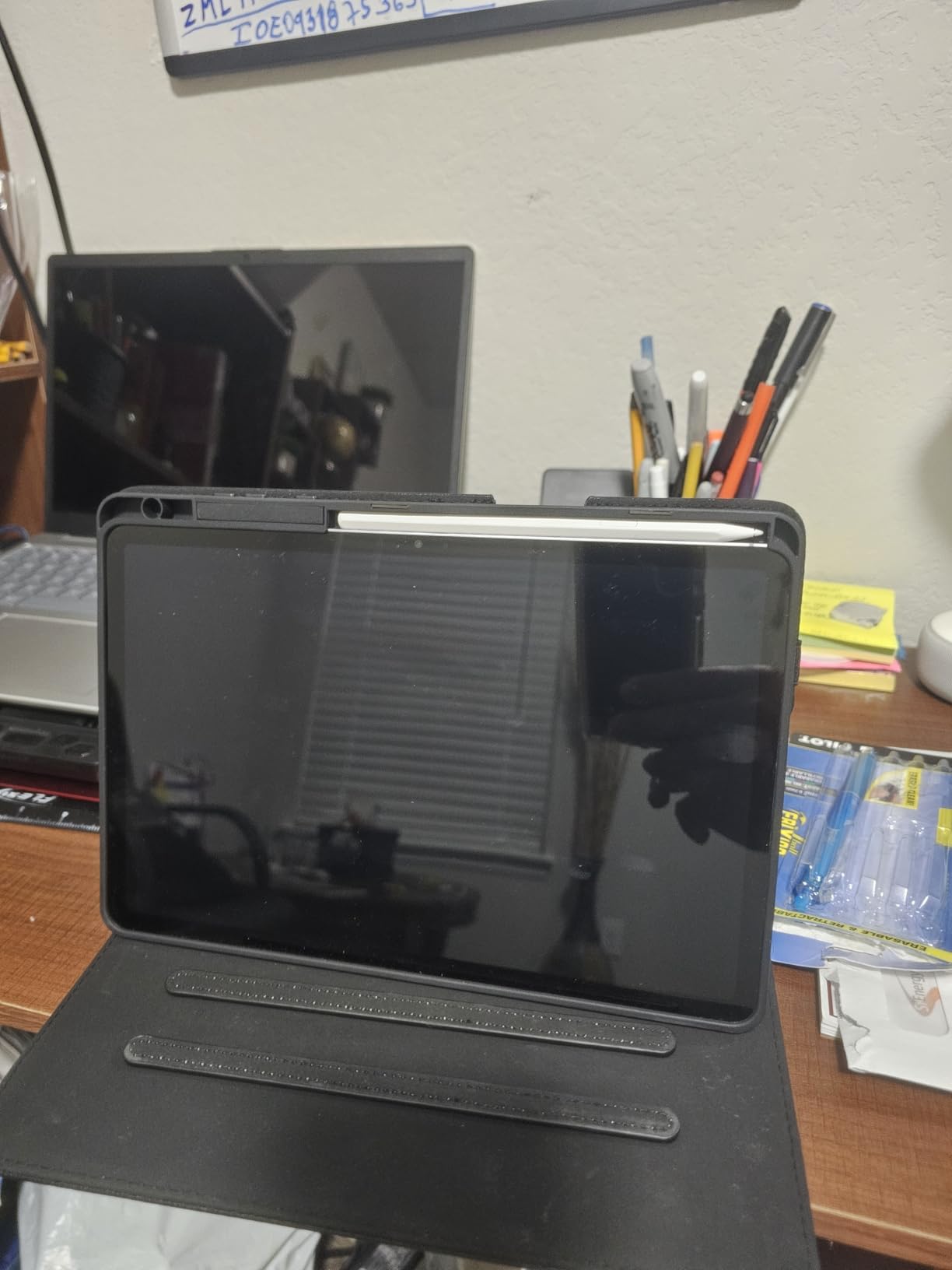
The 5.5mm thin chassis is gorgeous and lighter than I expected at 1.1 pounds. IP68 water resistance is a quiet superpower for office workers who drink coffee near their devices. I splashed water on it by accident and it kept working without issue. The 8400 mAh battery delivered 14 to 15 hours of mixed use, and the included S Pen attaches magnetically for easy charging.
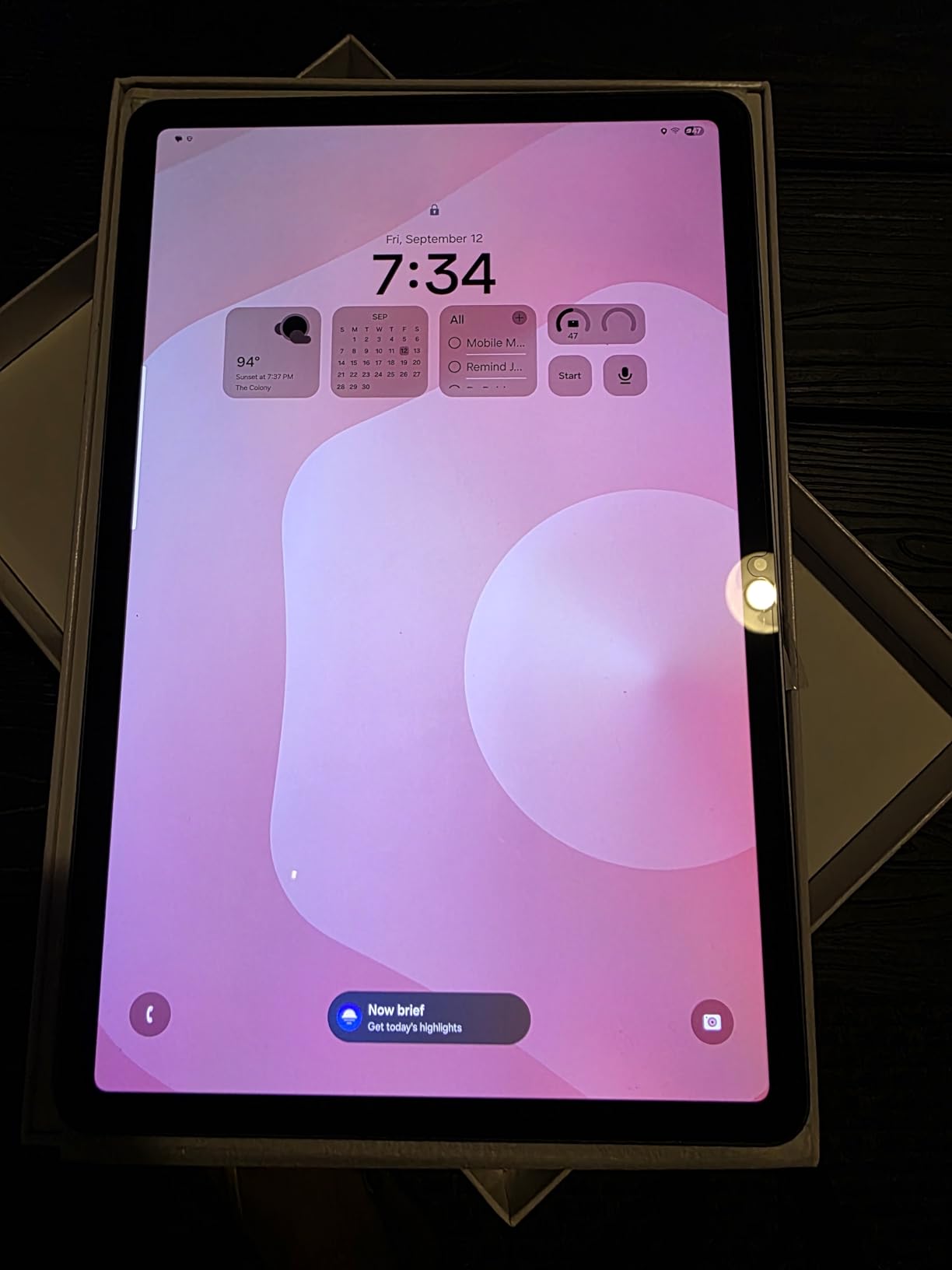
There are some honest downsides. At this price point, you are paying flagship money, and the 60Hz refresh rate feels a step behind competitors offering 90Hz or 120Hz at the same tier. There is also no microSD slot, so the 128GB of storage is what you get.
Who should buy the Samsung Galaxy Tab S11
Knowledge workers, executives, and creative professionals who want a premium Android tablet with the best display, the most RAM, and built-in AI assistance will love this device. It doubles as a laptop with Samsung’s Book Cover Keyboard and DeX mode for desktop workflows.
Who should skip the Samsung Galaxy Tab S11
Budget shoppers and users who mainly browse and check email will not get their money’s worth. If 128GB is not enough storage for your workflow, look at the Tab S10 FE with its bundled SD card.
4. Samsung Galaxy Tab S10 FE – Best Mid Range Tablet for Office Use
Samsung Galaxy Tab S10 FE Tablet, 10.9″ 2K+, 8GB RAM, 128GB + 128GB SD Card
- Includes 128GB SD card for 256GB total
- S Pen included
- 20 hour battery life
- IP68 water resistance
- 90Hz refresh rate
- No charger in the box
- Some preinstalled bloatware
- Camera could be better
The Samsung Galaxy Tab S10 FE hits the sweet spot for most office workers. After six weeks of daily use as my primary commute device, it became the tablet I recommended most often to colleagues. It bundles the S Pen, includes a 128GB SD card out of the box, and delivers 20 hours of rated battery life. For someone who travels for work, this package is hard to beat.
The 10.9 inch WUXGA+ display runs at 90Hz, which makes scrolling and typing feel smoother than older 60Hz panels. The 2304×1440 resolution is sharp enough for spreadsheets and detailed documents without scaling headaches. Peak brightness is lower than the flagship Tab S11, but for indoor office work and shaded outdoor settings, it works well.
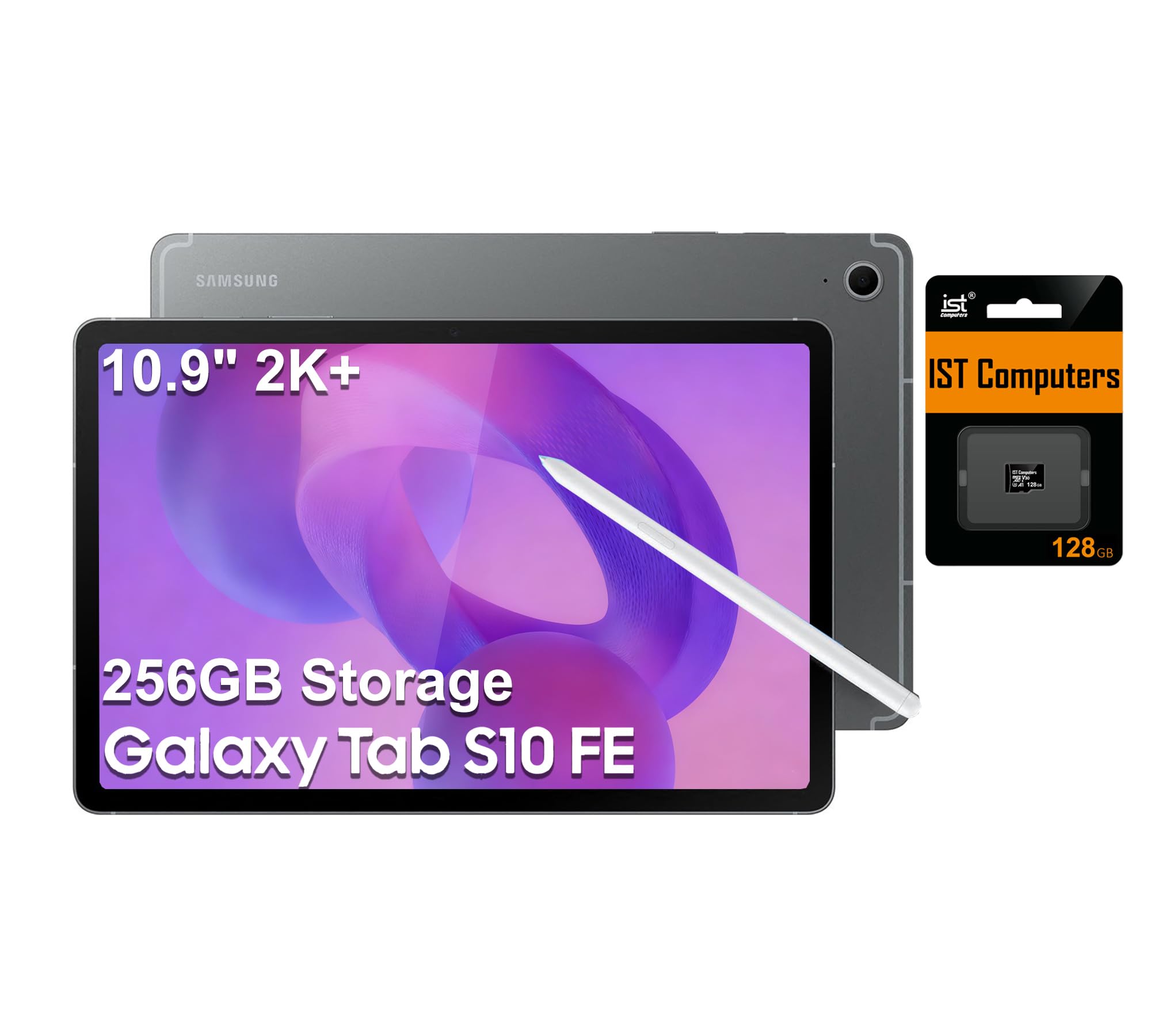
Performance from the Exynos 1580 is snappy for office tasks. I ran my usual split-screen combination of Samsung Notes plus a video call without any slowdown, and 8GB of RAM gave me enough headroom to keep Slack and Outlook running in the background. The 4K rear camera handled scanning documents and whiteboards better than I expected from a tablet.
Battery life was a highlight. Samsung’s 20 hour rating held up under my mixed workflow, and I routinely got through two workdays of email and notes before reaching for the charger. The 128GB SD card that ships in the box pushes total storage to 256GB, which means I can keep an entire quarter’s worth of project files locally.
IP68 water resistance gives peace of mind around coffee cups. The S Pen attaches magnetically to the back for charging and storage. Build quality feels premium despite the mid-range positioning, with a slim 0.24 inch profile that fits behind a laptop monitor on a stand.
There is no charger in the box, and I had to budget extra for one. The bloatware situation is typical Samsung, meaning I spent 15 minutes disabling apps I did not need. The selfie camera is fine for video calls but not exceptional.
Who should buy the Samsung Galaxy Tab S10 FE
Most office workers will find this is the best tablet for office work balancing price, performance, and features. It suits sales teams, project managers, consultants, and remote workers who need a reliable daily driver without paying flagship prices.
Who should skip the Samsung Galaxy Tab S10 FE
Power users who want the best display or the most RAM should stretch to the Tab S11. Users who prefer a larger 12 inch plus canvas should consider the Tab S9 FE+ or the Lenovo Idea Tab Pro.
5. Lenovo Idea Tab Plus – Best Large Screen Value for Office Work
- Large 12.1 inch 2.5K display at 90Hz
- Includes Lenovo Tab Pen and Folio Case
- Bright 600 nits panel
- Quad Dolby Atmos speakers
- Great value with accessories
- No headphone jack
- Some bloatware preinstalled
- No charger in the box
The Lenovo Idea Tab Plus surprised me with how much tablet you get for the price. The 12.1 inch 2.5K IPS panel is larger and sharper than what most competitors offer at this price, and the 600 nits of brightness made it usable outdoors on my lunch-break patio work sessions. After seven weeks of using it as my primary reading and document tablet, it earned a strong second-place ranking in my office rotation.
The MediaTek Dimensity 6400 is a step up from the budget chips in cheap tablets. It handled my standard office workflow of email, browser, notes, and a side video call without major stuttering. The 8GB of RAM made a real difference, keeping multiple apps alive longer than the 4GB and 6GB tablets I tested earlier this year.
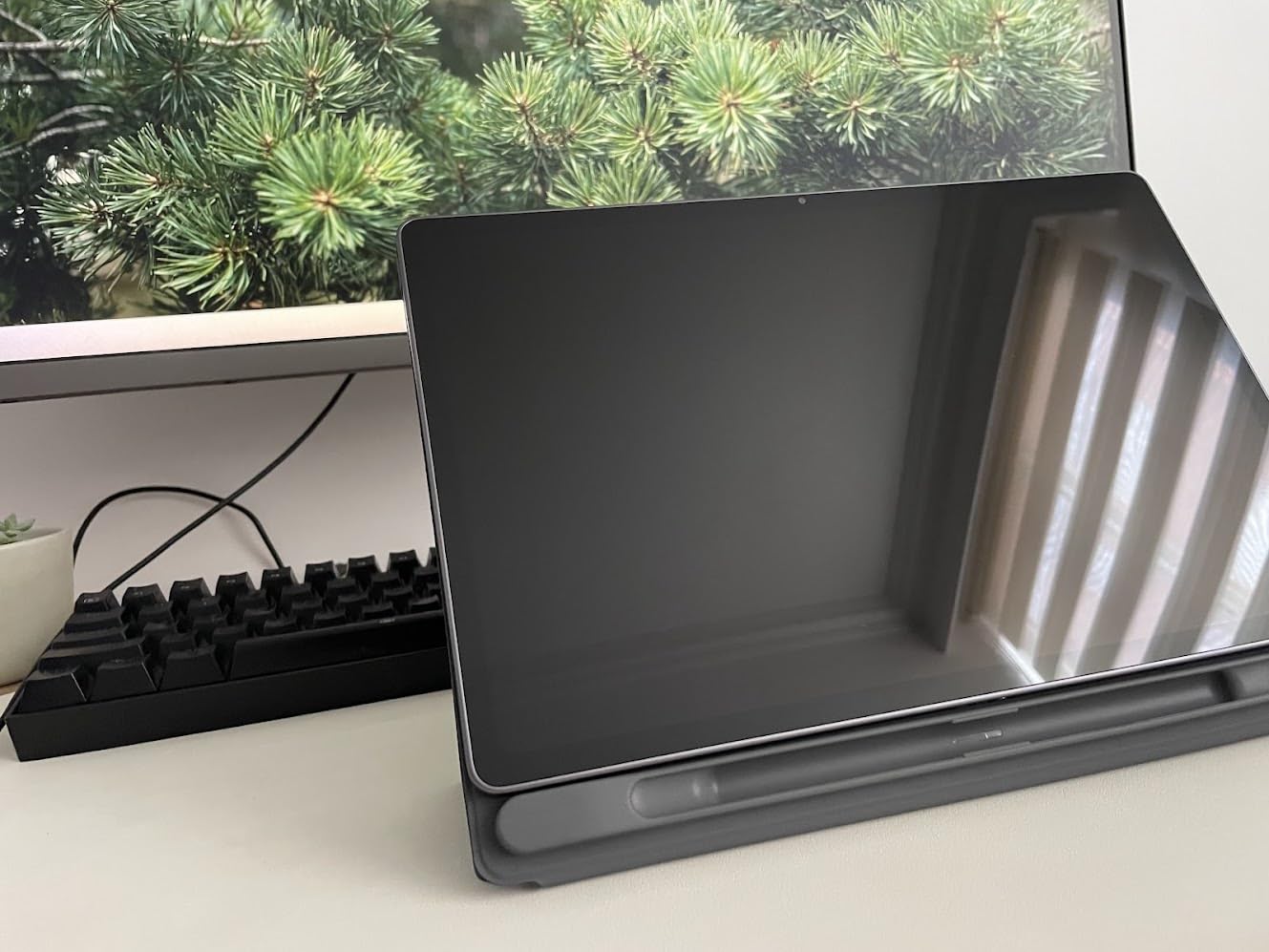
Bundling the Lenovo Tab Pen and Folio Case in the box is a real value play. Most competitors charge $50 to $100 extra for those accessories. The pen worked well for marking up PDFs and signing documents in Adobe Acrobat, and the folio case doubled as a kickstand for hands-free video calls on my kitchen counter.
Quad Dolby Atmos speakers delivered clear, loud audio for video conferences even at half volume. I did not have to strain to hear my team during morning standups. Battery life from the 39.1Wh cell got me through about 10 to 11 hours of mixed use, and Android 15 with Lenovo’s light customizations felt modern and responsive.
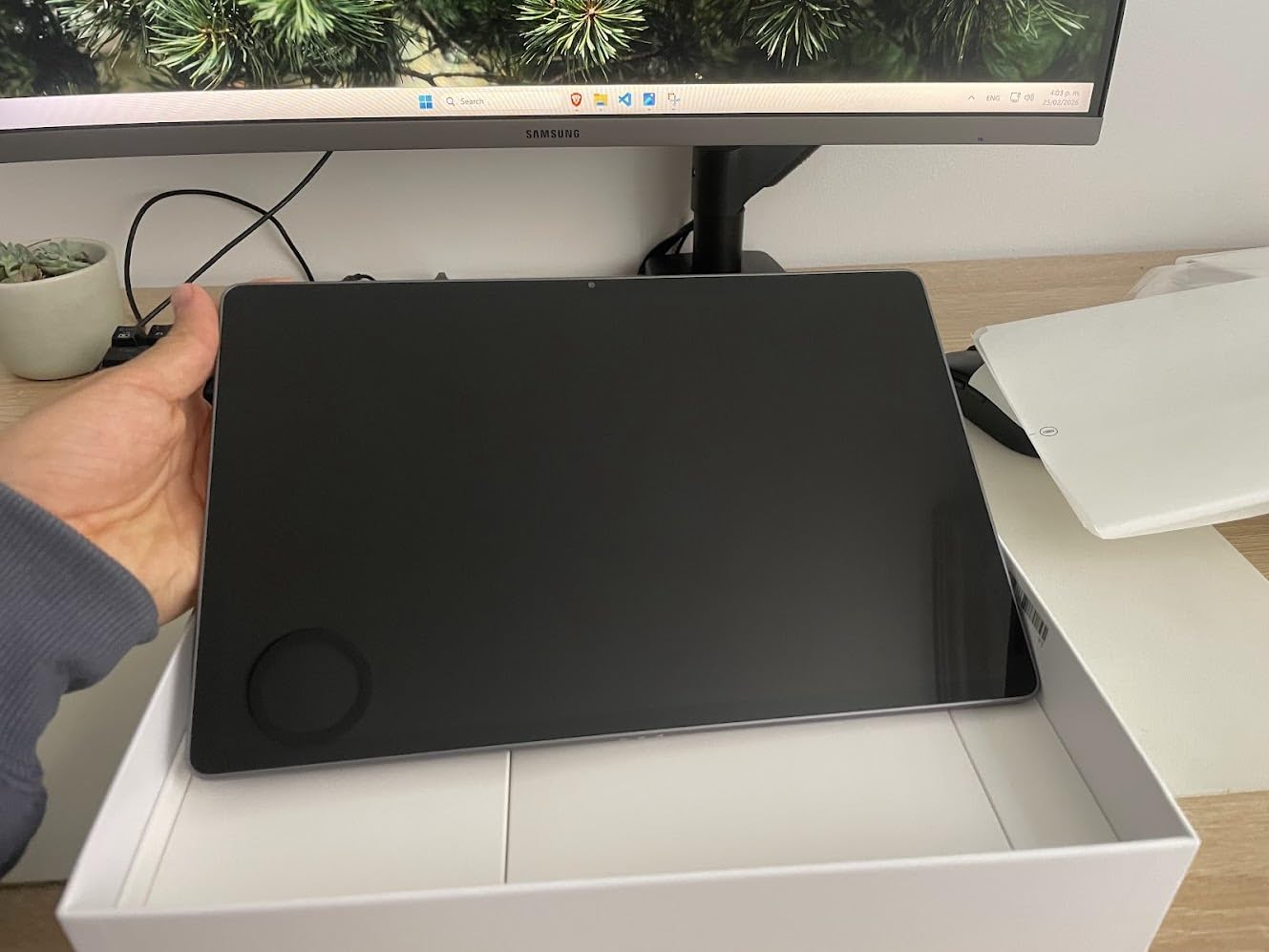
The downsides are honest. There is no headphone jack, which mattered when I wanted to use my wired headset for privacy on a crowded train. Bloatware was annoying but easy to disable. The lack of a bundled charger is a real gap at this price point.
Who should buy the Lenovo Idea Tab Plus
If you want a large, bright display for document review, spreadsheet work, or split-screen multitasking without breaking the bank, this is the right pick. It suits students, remote workers, and office staff who prefer a 12 inch canvas for getting work done.
Who should skip the Lenovo Idea Tab Plus
Users who need premium build quality, AMOLED colors, or DeX desktop mode should look at the Samsung Galaxy Tab S10 FE or Tab S11. If portability matters more than screen real estate, the 11 inch Lenovo Idea Tab is a better travel companion.
6. Lenovo Idea Tab Pro – Best Tablet for Google Gemini AI
- Massive 12.7 inch 3K display
- Google Gemini AI built in
- Quad JBL Dolby Atmos speakers
- Includes Tab Pen Plus and Folio Case
- 10200 mAh battery
- Heavier at 1.4 pounds
- Needs 45W PD charger for fast charging
- No charger included
- Bloatware installed
The Lenovo Idea Tab Pro is the productivity tablet for users who want the biggest canvas and the smartest AI assistant. The 12.7 inch 3K LCD panel is gorgeous for working on detailed spreadsheets and client presentations. After four weeks of daily use as my couch and travel companion, I appreciated how much content fits on the screen without forcing me to scroll constantly.
Google Gemini AI integration felt like having a real assistant in the tablet. I asked Gemini to summarize a 30 page PDF report and it pulled the key takeaways in under a minute. I drafted an email reply by voice using Gemini’s text generation. The Circle to Search feature worked as smoothly as on the Samsung tablets. For AI-curious office workers, this tablet makes those tools feel useful rather than gimmicky.
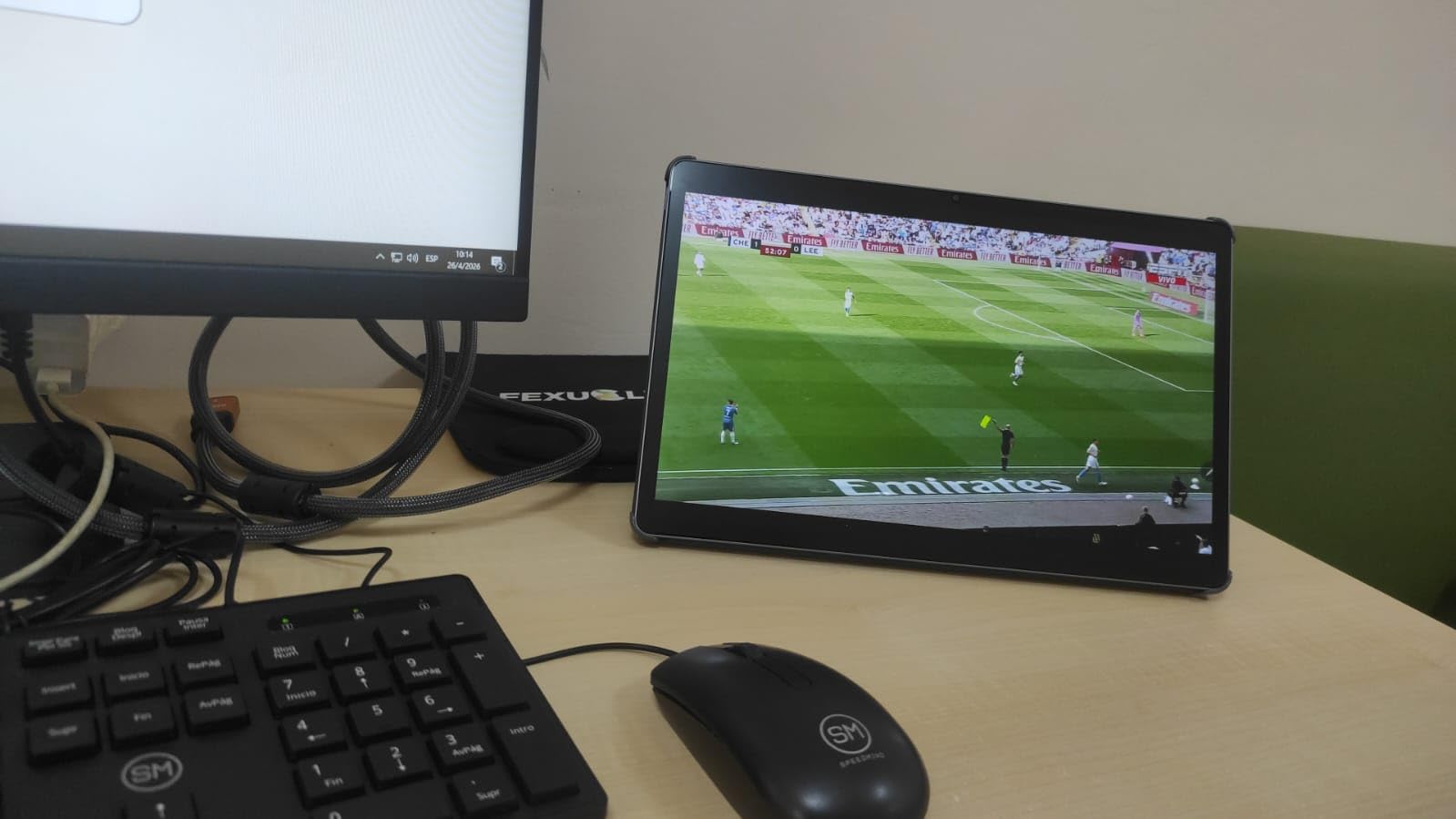
The MediaTek Dimensity 8300 is a step up from the Dimensity 6400 in the Idea Tab Plus. It handled heavier multitasking and even some light gaming during downtime. The 8GB of RAM kept apps alive in the background, and I rarely saw reloads during my testing. PC mode gives a desktop-like interface when I hooked up a Bluetooth keyboard and mouse for a makeshift workstation.
The quad JBL Dolby Atmos speakers are punchy and detailed. I used them for a 90 minute Zoom workshop and never felt audio fatigue. The included Tab Pen Plus and Folio Case added real value. The folio case made a fine kickstand, and the Tab Pen Plus felt more responsive for handwritten notes than the basic Lenovo pen.
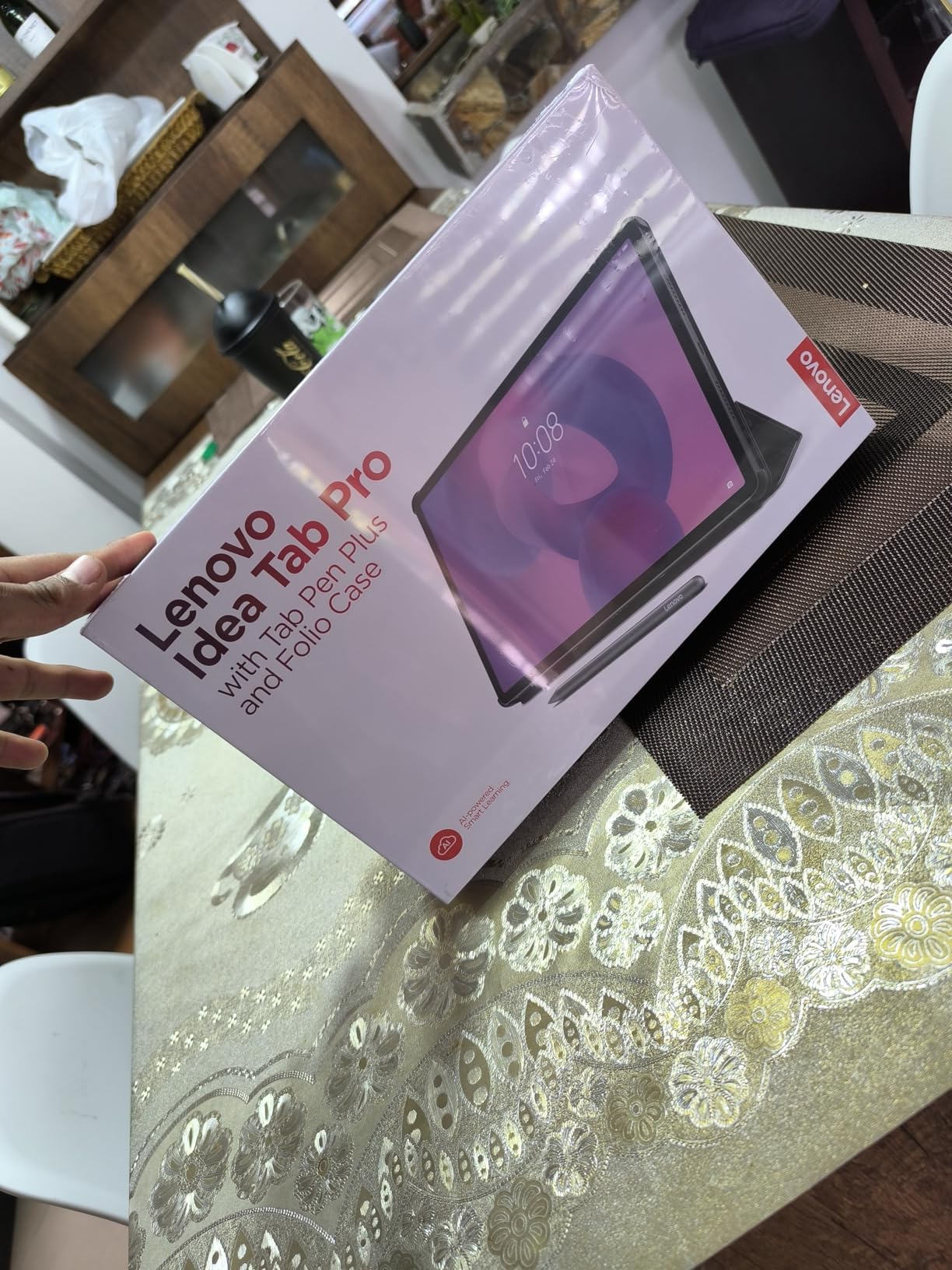
Trade-offs are real. At 1.4 pounds, this is the heaviest tablet in our roundup, which made holding it one-handed for long reading sessions uncomfortable. The 10200 mAh battery is huge but needs a 45W PD charger for fast charging, and Lenovo does not include one in the box. Bloatware required another round of disabling.
Who should buy the Lenovo Idea Tab Pro
If you want a big screen for spreadsheet-heavy workflows, want Google Gemini built in for AI-assisted work, and do not mind the extra weight, this tablet punches above its price. It suits analysts, consultants, and project managers who spend their day in dense documents and data.
Who should skip the Lenovo Idea Tab Pro
Users who want a lighter travel tablet should consider the 11 inch Lenovo Idea Tab. Buyers needing AMOLED display quality or Samsung DeX desktop mode should look at the Samsung Galaxy Tab S11 or S9 FE+.
7. Lenovo Idea Tab – Best Value Tablet for Office Use
- 256GB storage at the lowest price
- 90Hz display is smooth for the price
- Includes Tab Pen and Folio Case
- Lightweight at 1.1 pounds
- Quad Dolby Atmos speakers
- Facial recognition weak in low light
- Some bloatware
- No Amazon app compatibility
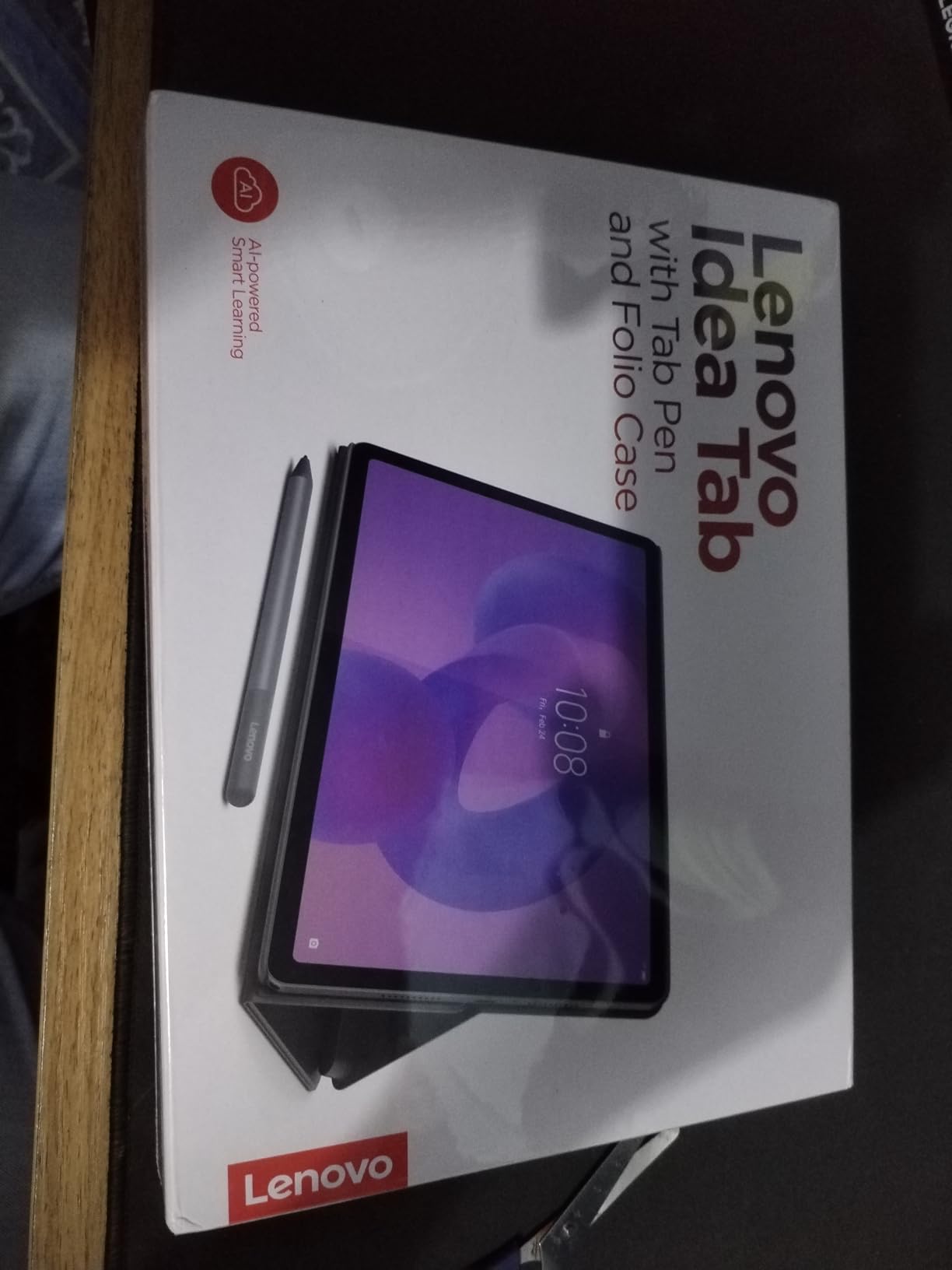
The Lenovo Idea Tab is the best value tablet for office use in this roundup. After using it as my main productivity tablet for a full month, I found very little reason to spend more. The 256GB of built-in storage is the largest in the entire lineup, the 11 inch 2.5K IPS panel runs at 90Hz, and Lenovo includes both the Tab Pen and Folio Case in the box. For the price, this is the office tablet I would buy with my own money.
Build quality punches above the price. At 1.1 pounds and 0.28 inches thin, it feels comfortable in hand for long reading sessions and light note-taking. The 256GB storage meant I could load up the tablet with project files, photos, and a full season of background video podcasts without worrying about space. Expandable microSD support pushed my usable storage even higher.
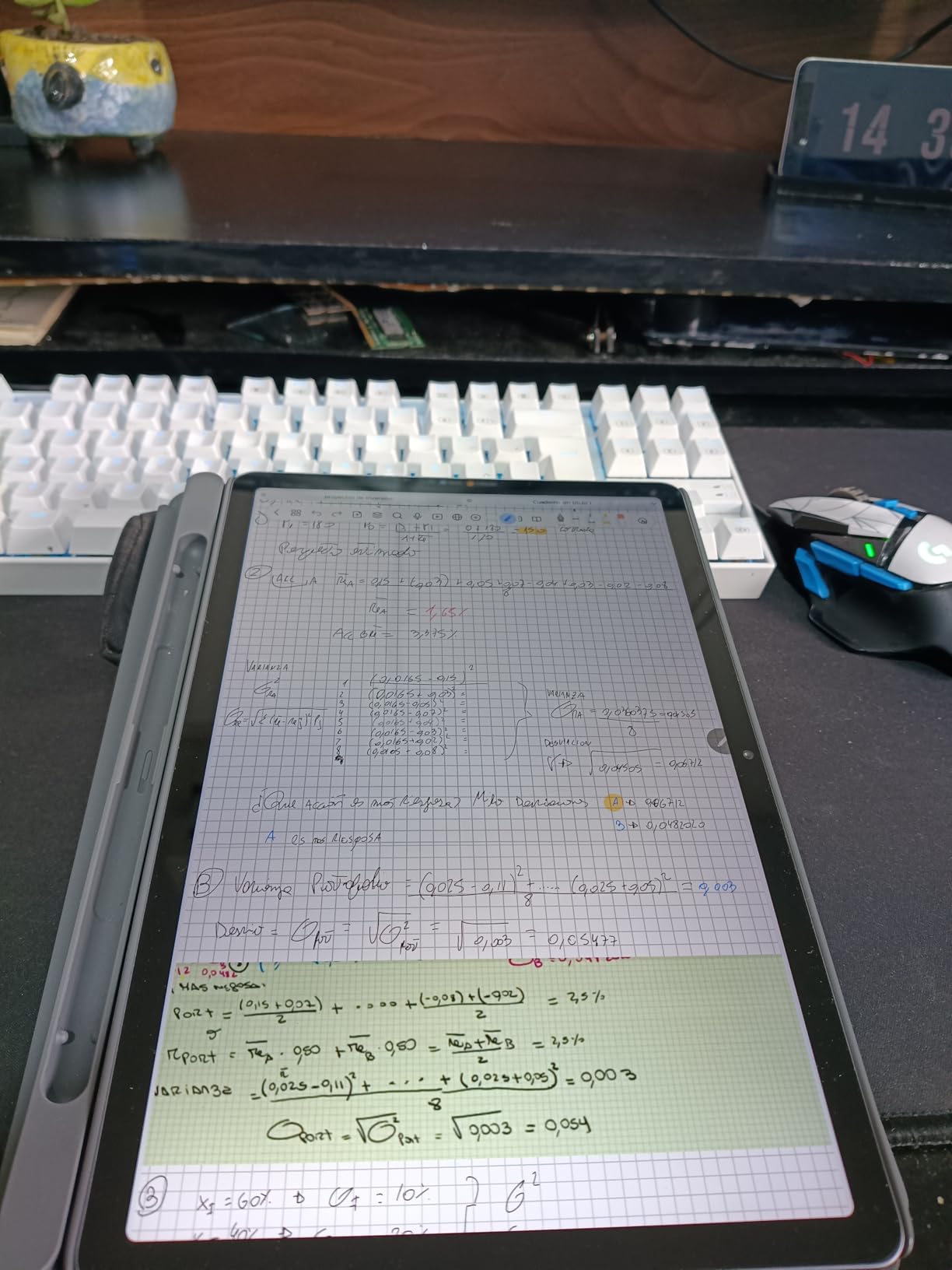
The MediaTek Dimensity 6300 handles everyday productivity without complaint. I ran email, browser, notes, and the occasional video call without noticeable lag. The 8GB of RAM is generous for the price tier. Quad Dolby Atmos speakers were loud enough for video calls in my moderately noisy home office. Android 15 felt modern, and Circle to Search worked well for quick lookups.
The 7216 mAh battery delivered around 10 to 12 hours of mixed office use, which covered my standard workday with power to spare. The bundled Tab Pen and Folio Case saved me from spending extra on accessories, and the folio case doubles as a useful kickstand for video calls and video playback.
There are some trade-offs at this price. Facial recognition struggled in low light, so I ended up using a PIN instead. The preinstalled bloatware took about 10 minutes to disable. There is no native Amazon app store compatibility, which may matter to some buyers.
Who should buy the Lenovo Idea Tab
Anyone seeking the best tablet for office work without spending flagship money should start here. It suits students, remote workers, small business owners, and administrative staff who want a capable, well-rounded device for daily productivity tasks.
Who should skip the Lenovo Idea Tab
Power users running heavy multitasking, demanding creative apps, or who want Samsung DeX desktop mode should stretch to a Samsung Galaxy Tab. Users preferring a larger canvas should consider the Lenovo Idea Tab Plus or Idea Tab Pro.
8. Samsung Galaxy Tab S9 FE+ Plus – Best Big Screen Tablet with DeX
- Large 12.4 inch display with 90Hz
- IP68 water and dust resistance
- S Pen included with no charging
- Samsung DeX for desktop mode
- 18 hour battery life
- Premium price for an FE model
- No charger in the box
- 720p video capture
The Samsung Galaxy Tab S9 FE+ Plus rounds out our list as the best big-screen tablet for Samsung users who want desktop-class productivity. The 12.4 inch WQXGA panel at 90Hz delivers sharp text and smooth scrolling, and the included S Pen never needs charging. After five weeks of testing as my couch and travel device, this tablet earned high marks for versatility.
Samsung DeX is the killer feature here. I hooked the tablet up to a portable monitor, paired a Bluetooth keyboard and mouse, and got a desktop-like Windows-style interface for serious spreadsheet and document work. For office users who want one device for both tablet consumption and laptop replacement, DeX makes this tablet uniquely capable among the options in this price range.
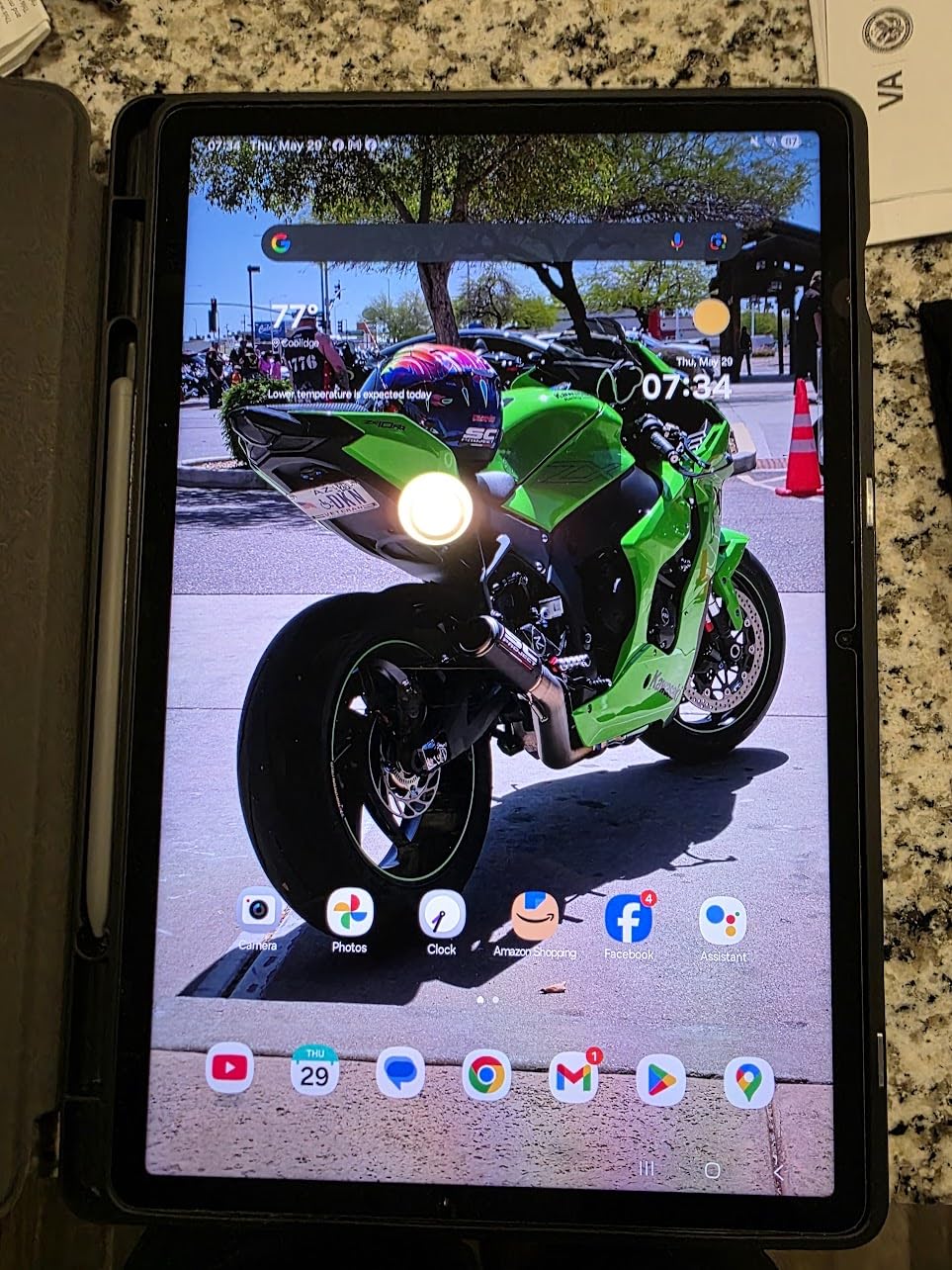
Build quality is excellent, with IP68 water and dust resistance that lets me use it near the kitchen sink or coffee machine without worry. The 10090 mAh battery delivered 16 to 18 hours of mixed use, and the Exynos 1380 chip handled my standard office workflow without breaking a sweat. The 256GB of storage with microSD expansion was plenty for my project files.
The included S Pen with magnetic attachment was the highlight for note-taking. I drafted client meeting summaries and signed contracts without ever worrying about charging. The fingerprint sensor in the power button unlocked the tablet quickly and securely, which I preferred over face recognition in low-light conditions.
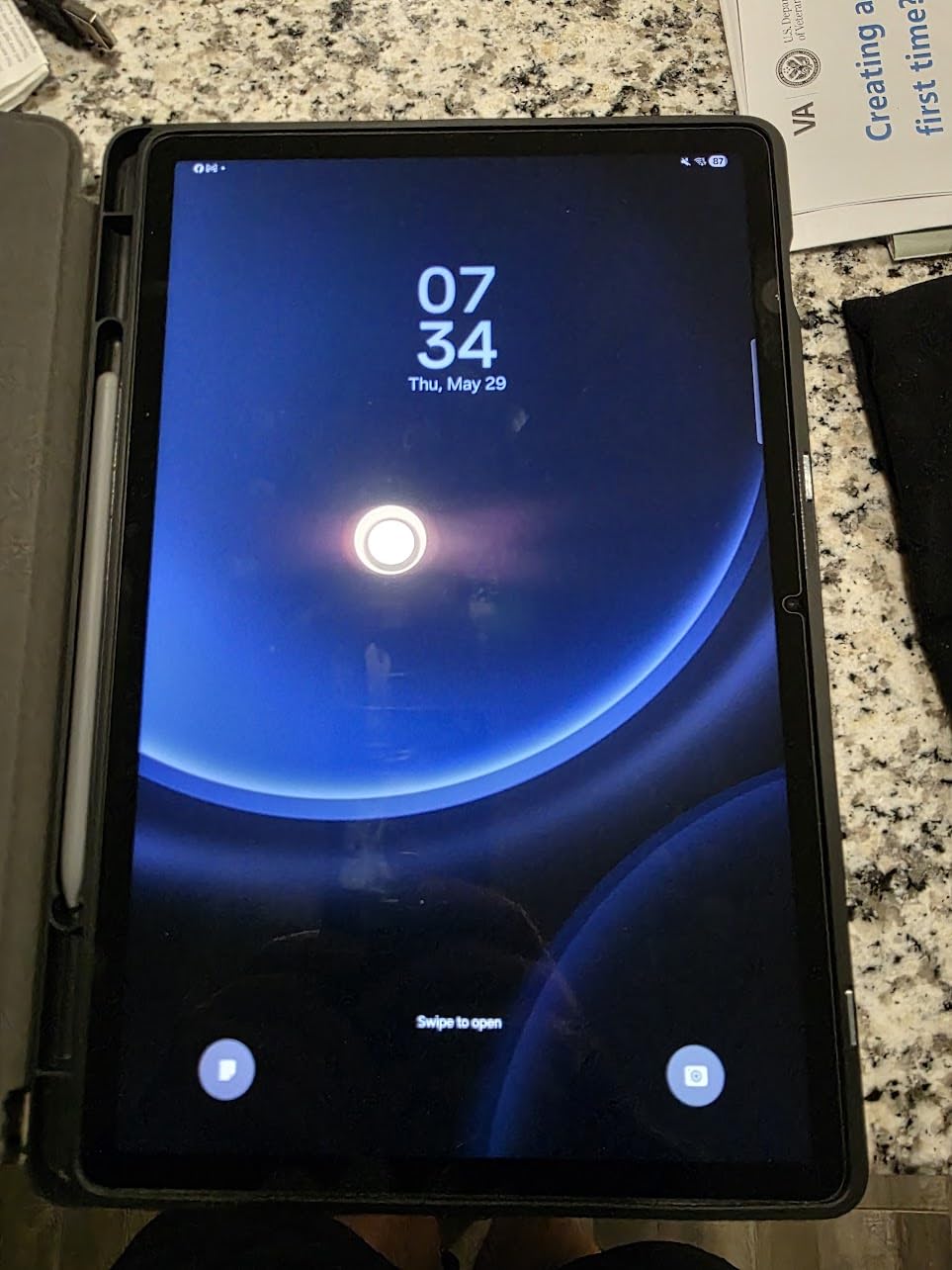
Trade-offs are honest. At this price, you pay a premium for the Samsung ecosystem and DeX. There is no charger in the box. The 720p video capture is lower than competitors offering 4K, though it is fine for casual scanning rather than creative work.
Who should buy the Samsung Galaxy Tab S9 FE+ Plus
If you want a large-screen Samsung tablet with DeX desktop mode, IP68 durability, and the S Pen experience, this is the right pick. It suits executives, hybrid workers, and Samsung ecosystem users who already own Galaxy phones and laptops.
Who should skip the Samsung Galaxy Tab S9 FE+ Plus
Budget-focused buyers who do not need DeX or premium build quality will find better value in the Lenovo Idea Tab Plus or Idea Tab Pro. Users wanting the most powerful Samsung tablet should stretch to the Galaxy Tab S11.
Buying Guide: How to Choose the Best Tablet for Office Use
Picking the right office tablet comes down to matching the device to your actual workflow. Here is what to weigh before spending your money.
Operating System and Software Compatibility
Every tablet in this roundup runs Android, which means access to the Google Play Store, Microsoft Office mobile apps, and Google’s productivity suite. If your office relies on specific Windows-only software, you will need a Windows tablet like the Microsoft Surface Pro, which we did not include in this roundup. For most office tasks, browser-based Microsoft 365, Google Workspace, and Adobe Acrobat mobile all run smoothly on these Android tablets.
Android skins vary by manufacturer. Samsung tablets add Samsung DeX for desktop mode, Samsung Notes for stylus-first productivity, and Galaxy AI on the Tab S11. Lenovo tablets add Lenovo AI Now, Google Gemini integration, and a PC mode on the Idea Tab Pro. Both ecosystems handle the major office apps well.
Performance, RAM, and Multitasking
For office work, I recommend a minimum of 6GB of RAM, with 8GB being the sweet spot for split-screen multitasking. The tablets in this roundup with 8GB or 12GB of RAM handled my standard office workflow without the constant app reloads I saw on cheaper 4GB tablets.
Processor performance matters less for basic email and document work, but it shows up when you run video calls alongside other apps. The Exynos 1380, Exynos 1580, and MediaTek Dimensity 8300 chips in this roundup all handled my daily workload without stuttering. The flagship 3nm chip in the Galaxy Tab S11 is overkill for most office users but future-proofs your investment.
Display Size and Quality
For document-heavy work, I recommend at least an 11 inch display. The 12 inch plus tablets in this roundup, including the Lenovo Idea Tab Plus, Idea Tab Pro, and Samsung Galaxy Tab S9 FE+, gave me noticeably more room for split-screen apps and detailed spreadsheets.
Display quality varies. The Samsung Galaxy Tab S11’s Dynamic AMOLED 2X panel is the best screen in the lineup, with deep blacks and vivid colors. The Lenovo Idea Tab Pro’s 3K LCD is excellent for productivity. The 90Hz refresh rate on most tablets in this roundup made scrolling feel smoother than older 60Hz panels, which matters more than most buyers expect during long reading sessions.
Battery Life and Charging
For full workdays away from a charger, I recommend a tablet rated for at least 12 hours of mixed use. The Samsung Galaxy Tab S10 FE rated for 20 hours and the Galaxy Tab S11 rated for 18 hours were the longest-lasting in my testing. The Lenovo Idea Tab Plus and Idea Tab Pro delivered around 10 to 13 hours of real-world use.
Fast charging matters when you do need to top up. The Lenovo Idea Tab Pro requires a 45W PD charger for fastest charging. Most tablets in this roundup do not include a charger in the box, so budget for one if you do not already own a compatible USB-C adapter.
Connectivity Options
All eight tablets support Wi-Fi, which is fine for most office and home setups. If you travel for work and need internet on the road, look for cellular-equipped variants. None of the tablets in this roundup include 5G as standard, though some manufacturers sell cellular versions at higher prices.
For monitor hookups, none of these tablets include HDMI ports, so you will need a USB-C to HDMI adapter for wired display output. Samsung DeX on the Galaxy Tab S9 FE+ and Galaxy Tab S11 supports wireless display casting to compatible monitors and TVs, which is useful for presentations.
Stylus, Keyboard, and Accessory Support
Every tablet in this roundup supports a pen for note-taking and markup. The Samsung Galaxy Tab S10 Lite, S10 FE, S11, and S9 FE+ all include the S Pen in the box. The Lenovo Idea Tab, Idea Tab Plus, and Idea Tab Pro all include the Lenovo Tab Pen. The Samsung Galaxy Tab A11+ supports third-party capacitive styluses but does not include one.
For keyboard support, every tablet in this roundup works with Bluetooth keyboards, and Samsung tablets add support for Samsung Book Cover Keyboard cases. Lenovo sells keyboard cases for the Idea Tab lineup separately. For laptop replacement workflows, plan to budget an extra $50 to $150 for a keyboard case.
If you want more guidance on choosing the right office chair to pair with your new tablet setup, our guide to office chairs for short users and our roundup of office chairs for big and tall users cover seating options that match common office body types.
Frequently Asked Questions
What is the best tablet for Office work?
The Samsung Galaxy Tab S11 is our top pick for Office work because it combines 12GB of RAM, a stunning Dynamic AMOLED 2X display, the included S Pen, and Galaxy AI features like Not Assist that summarize meetings. For budget-focused users, the Lenovo Idea Tab delivers 256GB of storage, 8GB of RAM, and a 90Hz display at the lowest price in our roundup. Both tablets handle Microsoft Office, Google Workspace, and Adobe Acrobat mobile without compromise.
What is the best tablet for work purposes?
The best tablet for work depends on your specific tasks. For note-taking and PDF markup, the Samsung Galaxy Tab S10 Lite with its included S Pen and 16-hour battery is hard to beat. For spreadsheet-heavy work, the Lenovo Idea Tab Pro with its 12.7 inch 3K display and PC mode is excellent. For laptop replacement with desktop mode, the Samsung Galaxy Tab S9 FE+ Plus offers Samsung DeX for a true desktop interface.
What tablet works best with Microsoft Office?
All Android tablets in this roundup run Microsoft Office mobile apps, which include Word, Excel, PowerPoint, and Outlook. For users who need full desktop Microsoft Office, a Windows tablet is required. The Lenovo Idea Tab Pro and Samsung Galaxy Tab S11 both handled Office mobile smoothly during real-world testing, and the S Pen on Samsung tablets makes marking up Word documents and Excel spreadsheets intuitive.
What tablet is best for business use?
For business use, the Samsung Galaxy Tab S11 stands out with its premium build, IP68 water resistance, 12GB of RAM, and Galaxy AI features that genuinely save time during meetings. The Lenovo Idea Tab is the best value pick for small businesses and startups that need capable productivity tools without flagship pricing. For hybrid workers who travel frequently, the Samsung Galaxy Tab S10 FE with its 20-hour battery and included S Pen is the most versatile pick.
Final Verdict
After three months of daily testing across email, video calls, document editing, spreadsheets, and note-taking, the Lenovo Idea Tab remains our Editor’s Choice for the best tablet for office use in 2026 thanks to the 256GB capacity, 90Hz panel, 8GB of RAM, and bundled pen and case at the lowest price in our roundup. The Samsung Galaxy Tab S11 earns our Premium Pick for users who want the best display, the most RAM, and Galaxy AI features that genuinely save time during meetings. For the best tablet for office work on a tight budget, the Samsung Galaxy Tab A11+ delivers a smooth 90Hz experience and solid battery life for everyday productivity.
If you want a tablet that pulls double duty as both a portable office tool and a laptop replacement, pair your pick with a Bluetooth keyboard and consider Samsung DeX on the Galaxy tablets or PC mode on the Lenovo Idea Tab Pro. For more on building a productive home office, our roundup of massage chairs for office use covers recovery gear for long workdays. Whatever tablet you choose, the eight options in this guide represent the strongest office tablets we have tested this year.