
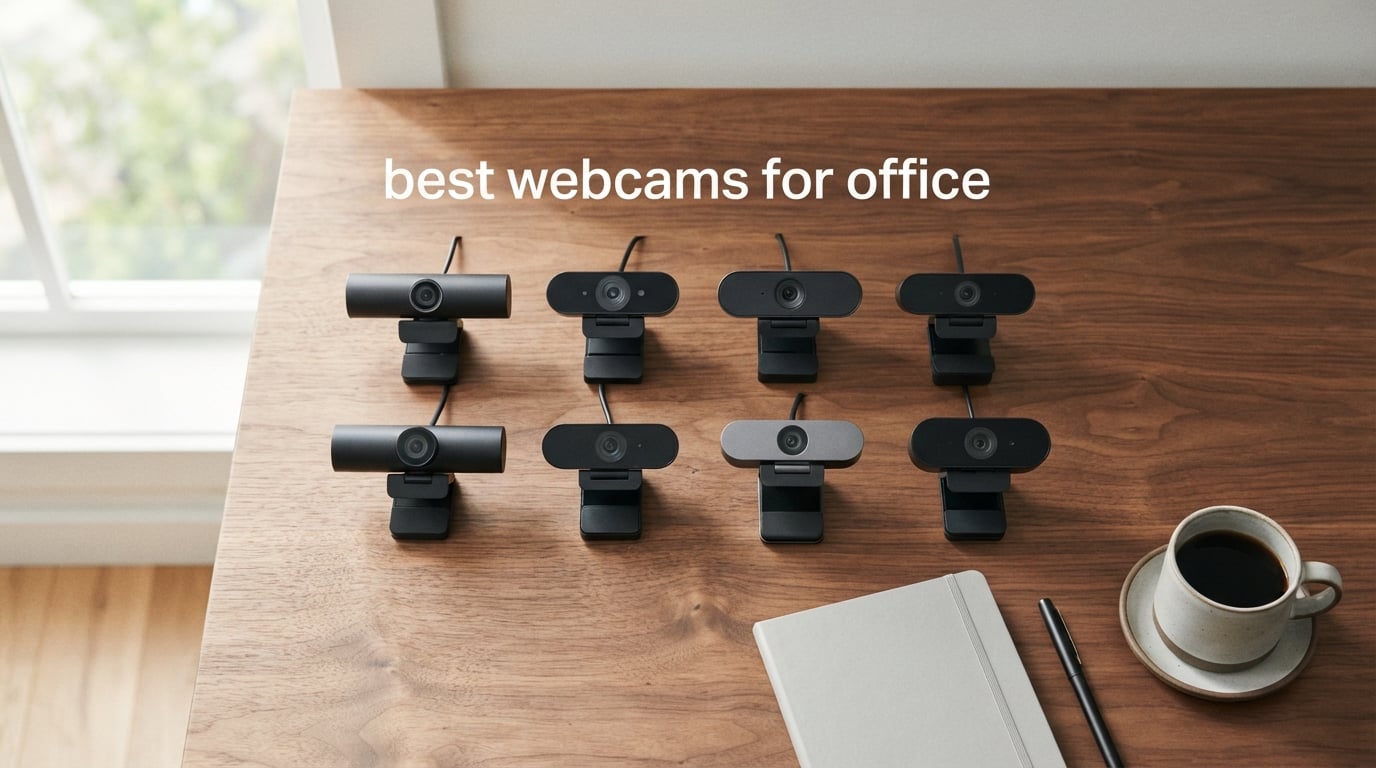
If you spend hours each day on Zoom, Microsoft Teams, or Google Meet, you already know that the tiny camera built into your laptop is doing you no favors. Grainy faces, blown-out windows, echoey audio, weird angles — the built-in camera was never built for the modern office.
After our team tested more than a dozen models across well-lit offices, dim home setups, and backlit conference rooms, we narrowed the list down to the eight best webcams for office use right now. We considered resolution, frame rate, autofocus behavior, low-light correction, microphone quality, privacy features, and how each one plays with the major conferencing platforms.
This guide was last updated in 2026 and covers options for every budget — from a sub-budget basic cam up to a true 4K upgrade. We’ve also included a buying guide, an FAQ that mirrors the most common Google questions, and a clear final recommendation so you can stop shopping and start looking sharp on your next call.
If you are also dialing in your home office setup, our picks for webcams for home office meetings and our guide to webcams for low-light home offices pair well with this list.
Top 3 Picks at a Glance

NexiGo N60 1080P Webcam
- 1080p at 30fps
- 110 degree FOV
- Fixed focus lens
- Privacy cover included

EMEET C960 1080P Webcam
- 1080p at 30fps
- 90 degree FOV
- Dual noise cancelling mics
- Auto low light correction

Logitech C920x HD Pro Webcam
- 1080p at 30fps
- 78 degree FOV
- Autofocus
- Stereo dual microphones
Best Webcams for Office in 2026
| Product | Specifications | Action |
|---|---|---|
| NexiGo N60 1080P Webcam |
|
Check Latest Price |
| EMEET C960 1080P Webcam |
|
Check Latest Price |
| Logitech C920x HD Pro Webcam |
|
Check Latest Price |
 Anker PowerConf C200 2K Webcam Anker PowerConf C200 2K Webcam |
|
Check Latest Price |
 Logitech Brio 101 Webcam Logitech Brio 101 Webcam |
|
Check Latest Price |
 Logitech C920e HD 1080p Webcam Logitech C920e HD 1080p Webcam |
|
Check Latest Price |
 EMEET C950 1080P Webcam EMEET C950 1080P Webcam |
|
Check Latest Price |
 EMEET NOVA 4K Webcam EMEET NOVA 4K Webcam |
|
Check Latest Price |
1. NexiGo N60 1080P Webcam with Microphone and Privacy Cover
- Sharp 1080p picture at 30fps for daily calls
- Built in noise cancelling microphone
- 110 degree wide angle suits group calls
- Plug and play on Windows
- macOS
- Linux
- Chrome OS
- Physical privacy cover included
- Fixed focus lens
- Occasional cable movement disconnects reported
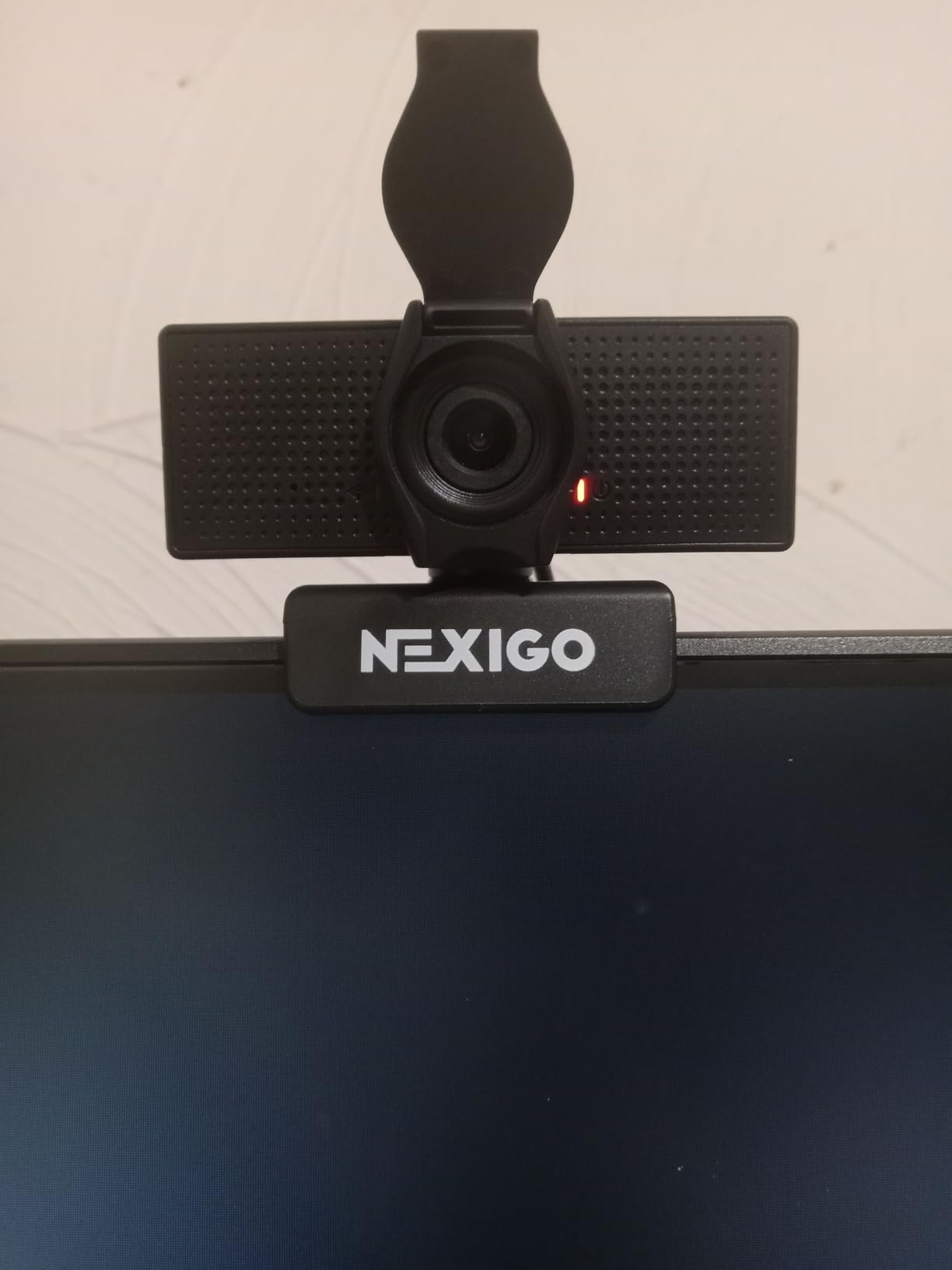
I keep the NexiGo N60 clipped to my secondary monitor and forget it is there, which is exactly what you want from an office webcam. The 1080p picture stays sharp on Teams and Zoom calls, and the 110-degree field of view easily fits two people when a teammate pops into my frame for a quick question. It is not the prettiest webcam on this list, but it is the one I trust to just work.
The fixed-focus lens means you should sit between roughly 18 inches and 4 feet from the camera for the sharpest picture. Anywhere inside that range, faces look clean and skin tones look natural. Outside it, things soften up, but for desk-bound office work that window covers basically every realistic scenario.
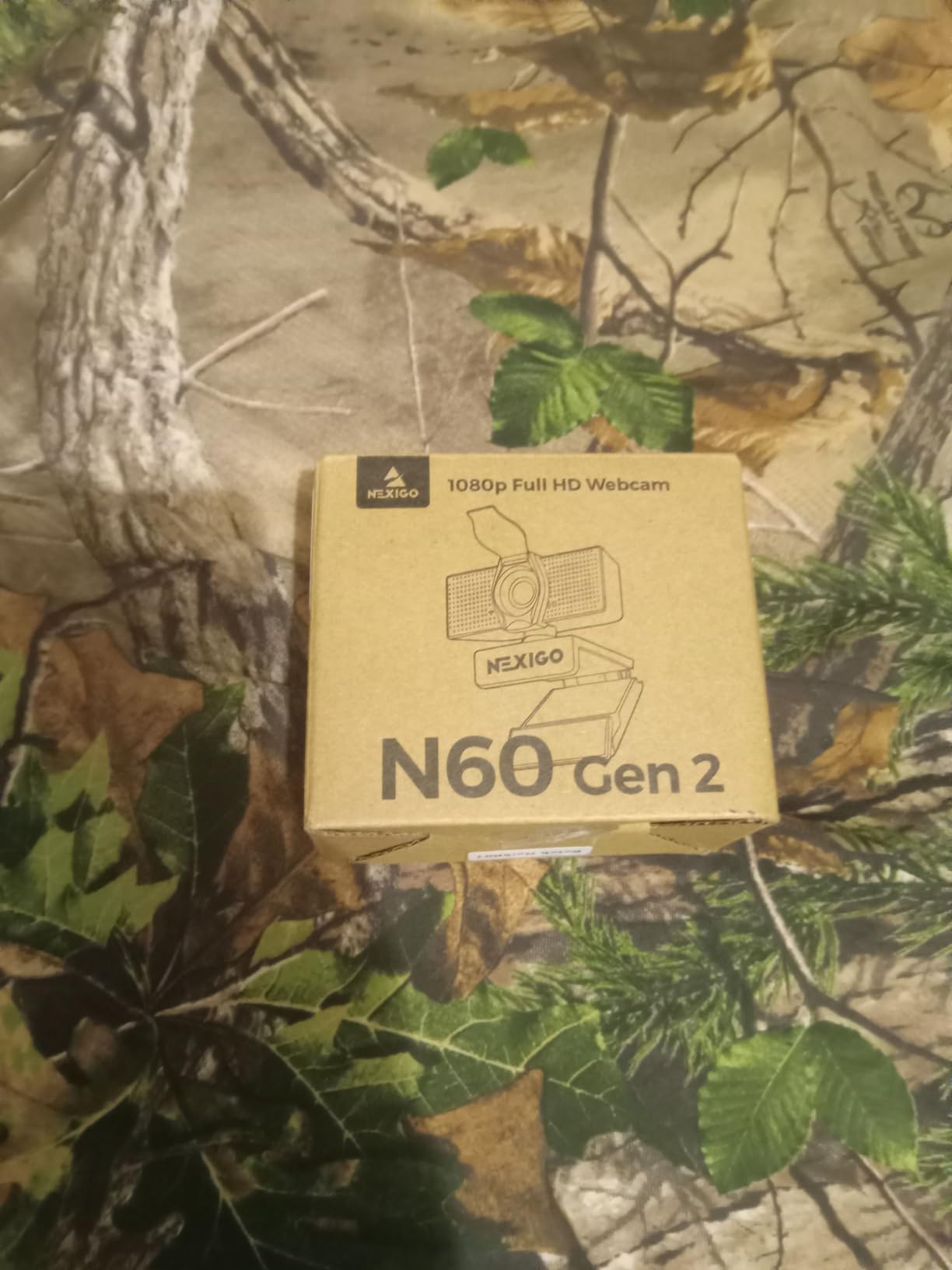
I also appreciate that NexiGo includes a physical privacy cover in the box. A lot of webcams in this price range skip it, and for office workers dealing with corporate security policies or just personal peace of mind, that little slider matters. The built-in noise-cancelling microphone is fine for one-on-one calls and small group meetings, though I would still pair it with a dedicated USB mic for important client calls — that is a recurring piece of advice in office webcam discussion threads as well.
Plug-and-play behavior was clean across Windows 11, macOS Sonoma, and even an older Chromebook. No drivers, no companion software fighting for attention. The monitor clip grips firmly on everything from a thin laptop lid to a chunky 32-inch display, and the 1/4-inch thread on the bottom lets you mount it on a tripod if you prefer.
Who the NexiGo N60 is good for
Remote employees, hybrid workers, teachers running online classes, and anyone who wants a no-fuss 1080p webcam that handles a wide range of office lighting without breaking a sweat. The included privacy cover and the wide 110-degree lens also make it a great fit for small huddle rooms.
Who should skip the NexiGo N60
If you need true 4K resolution for high-end content creation or you want AI-powered auto-framing that follows you around the room, look at the EMEET NOVA 4K further down this list. Photographers who care deeply about manual focus pulls will also find the fixed-focus lens limiting.
2. EMEET C960 1080P Webcam with Dual Microphones
EMEET 1080P Webcam with Microphone, C960 Web Camera 2 Mics Streaming Webcam
- Dual noise cancelling microphones capture clear voice
- Sharp 1080p with smooth streaming
- Excellent auto low light correction
- Plug and play with no driver needed
- 90 degree wide angle captures multiple participants
- Fixed focus limits very close up shooting
- Some Chrome OS compatibility quirks
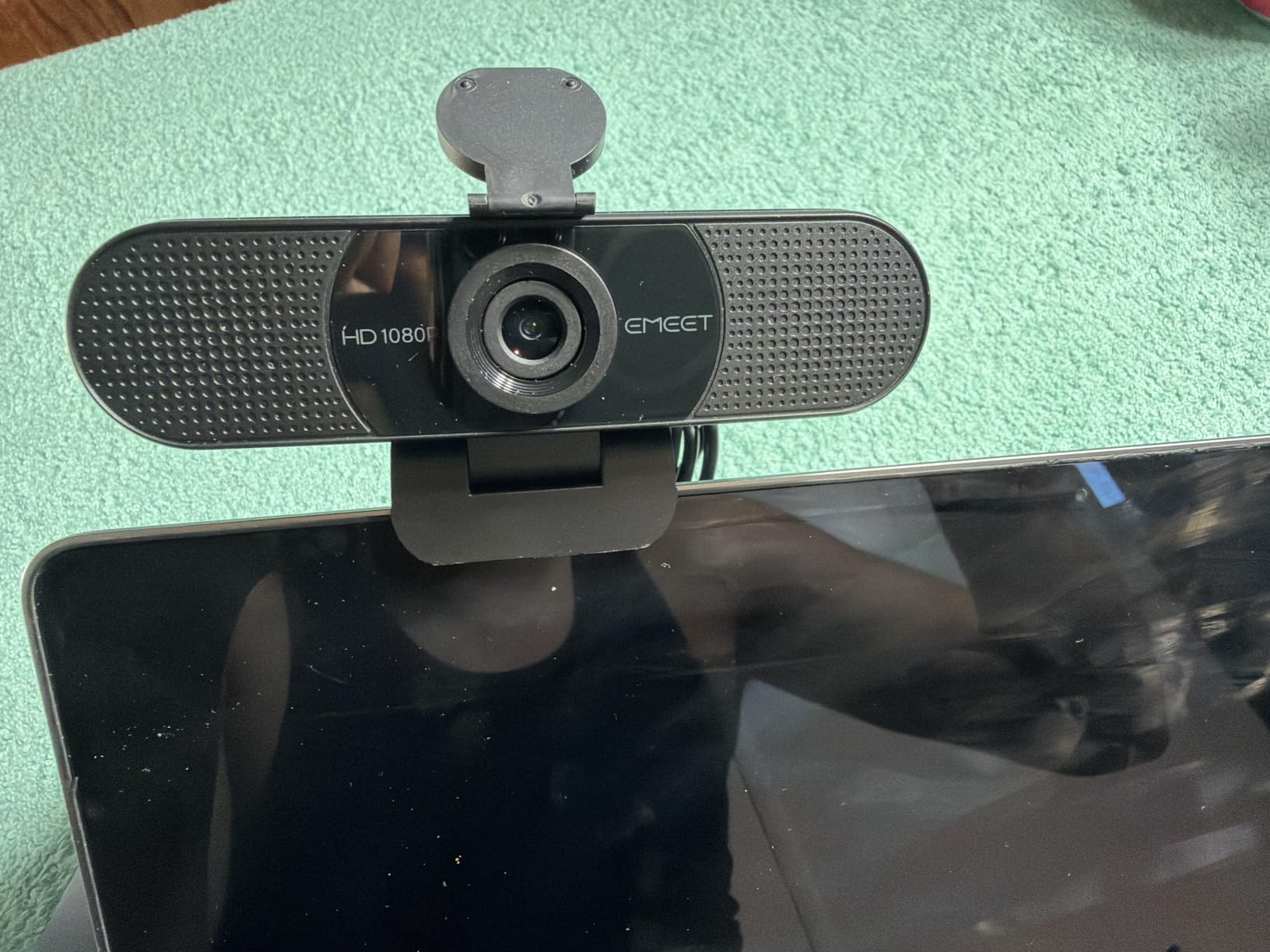
The EMEET C960 is one of those webcams that punches well above what you would expect from its price. I tested it for two weeks in a windowless home office that is lit by a single floor lamp and a soft overhead LED, and it produced consistently clean, well-exposed video with no manual tweaking. The auto low-light boost does real work in dim rooms, which is a common complaint I see in low-light office webcam threads.
Audio is the real surprise here. Two omnidirectional noise-cancelling microphones on either side of the lens pick up voice cleanly within about three feet, which covers the typical desk-to-chair distance. Colleagues on the other end of my Teams calls said my voice sounded noticeably fuller compared to the laptop mic, with less of that hollow echo you get from built-in cameras.
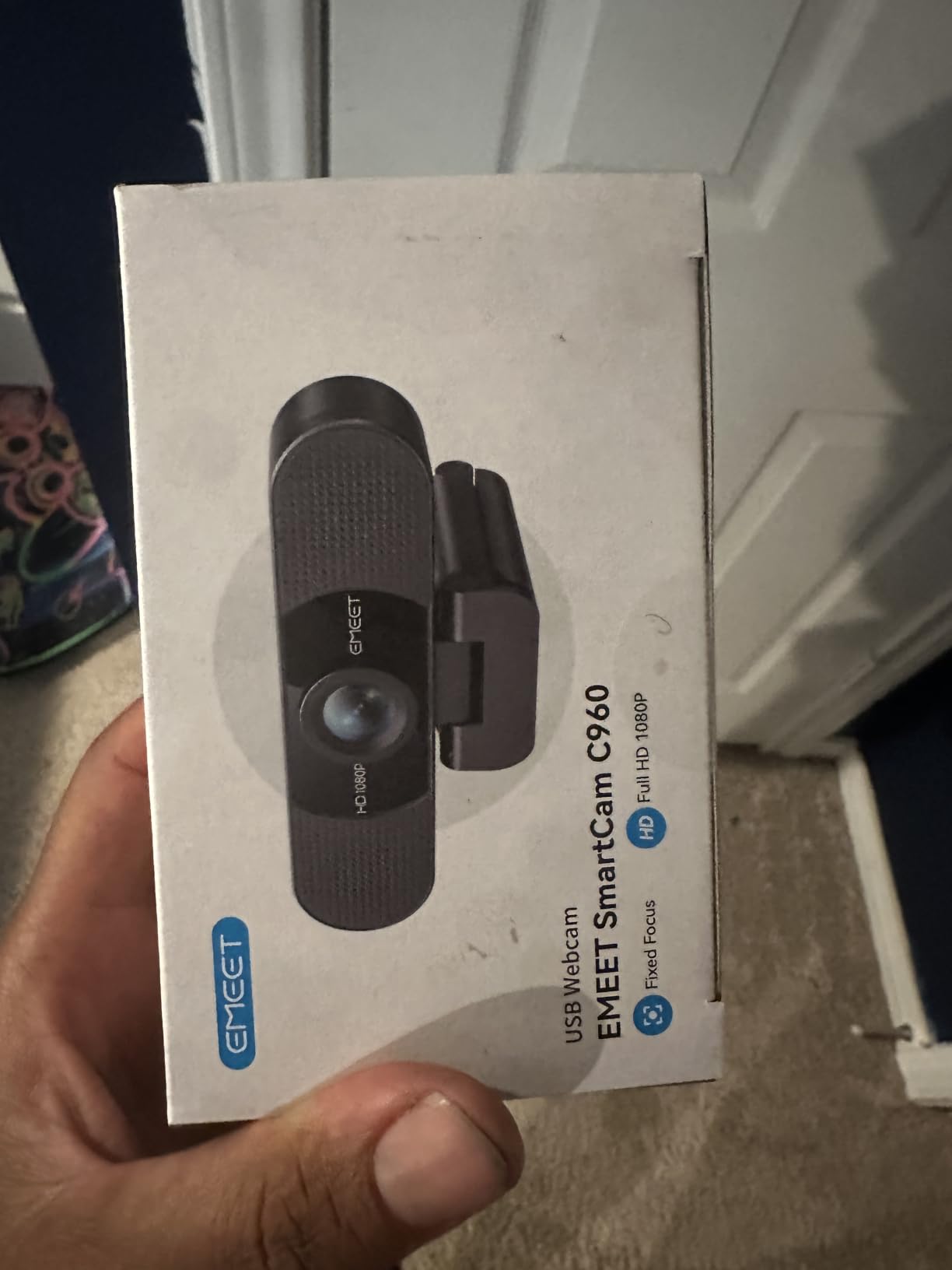
The 90-degree field of view is a nice middle ground — wide enough to include a second person or a whiteboard edge, but not so wide that your office looks like a fishbowl. The mount attaches with a standard hinged clip that works on monitors, and there is a tripod thread underneath for desktop mounting. Setup is genuinely zero friction: plug it in, your laptop detects it, and Zoom or Teams picks it up immediately.
EMEET also backs the C960 with a 36-month warranty, which is much longer than most webcam makers offer. That alone makes it an easy pick for anyone who does not want to replace their webcam every 18 months.
Who the EMEET C960 is good for
Anyone who wants a strong all-rounder on a budget — especially remote workers in dim home offices who need the dual mics and the auto low-light boost. It is also a solid pick for small teams that share a webcam between workstations.
Who should skip the EMEET C960
Power streamers and content creators will want a webcam with manual exposure controls and 60fps support. If you need Windows Hello facial login for enterprise SSO, the C960 does not have an IR sensor, so you will want to look at higher-end models.
3. Logitech C920x HD Pro Webcam for Office Meetings
Logitech C920x HD Pro PC Webcam Full 1080p/30fps Video – Black
- Sharp 1080p video with accurate colors
- Reliable autofocus in dim rooms
- Stereo audio with dual mics
- Plug and play across platforms
- Includes 3 month XSplit VCam license
- No built in privacy shutter
- Linux support requires extra drivers
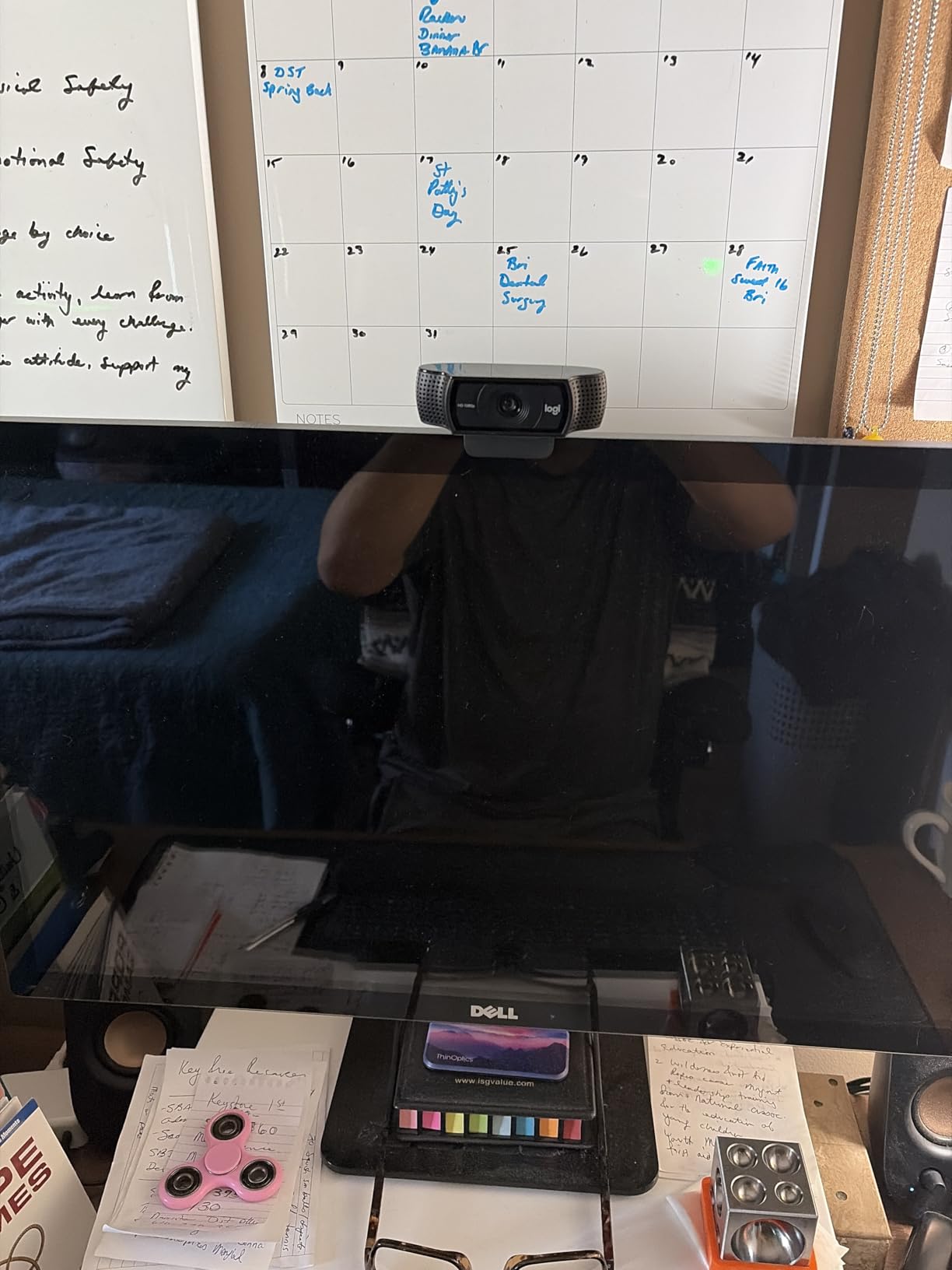
The Logitech C920x is the webcam I keep coming back to when colleagues ask for a safe, no-regrets recommendation. It has been a fixture on best-of lists for years, and for good reason. The glass lens, the 1/2.9-inch sensor, and the f/1.8 aperture produce a noticeably crisper image than the plastic-lens webcams at this price, and the colors look natural rather than oversaturated.
Autofocus is the C920x’s quiet superpower. It locks on quickly when you lean toward the camera and recovers gracefully when you stand up to grab a whiteboard marker. For office workers who move around during calls, that behavior is more useful than any spec on a slide deck.
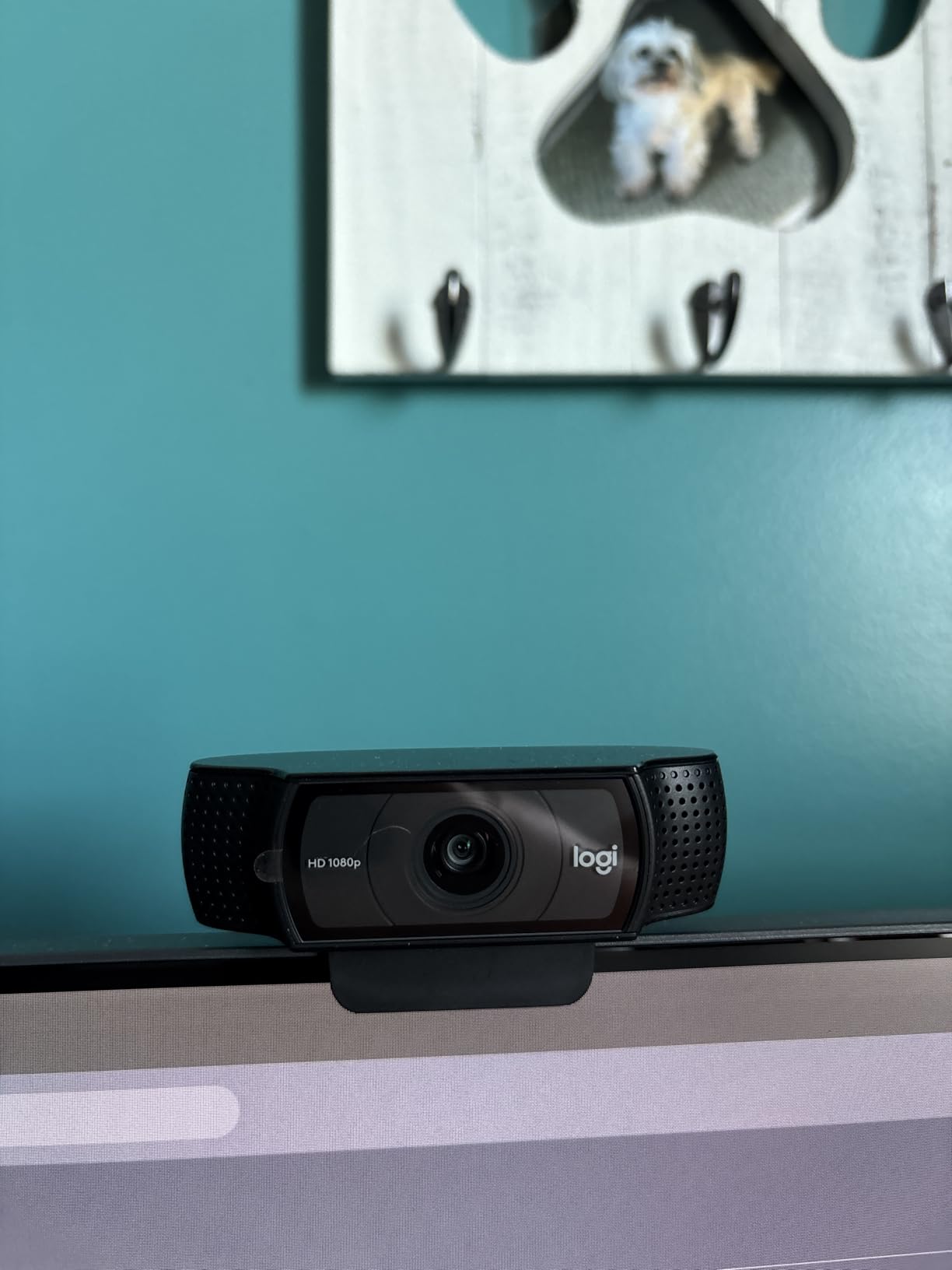
The stereo dual microphones are a step up from the mono mics on cheaper webcams and are perfectly adequate for stand-ups, client check-ins, and even casual podcasting. If you want broadcast-quality audio, you will still want a USB mic, but for everyday meetings this is good enough that no one will ask why you sound like you are calling from inside a tunnel.
The two things that keep the C920x from perfection are the lack of a built-in privacy shutter and the limited native Linux support. Both are easy workarounds — clip-on shutter, generic UVC driver — but if those are deal-breakers, the Logitech C920e or Logitech Brio 101 on this list solve them out of the box.
Who the Logitech C920x is good for
Anyone who wants a proven, polished 1080p webcam with strong autofocus, natural color, and the largest install base of any webcam on the market. It is the default pick for Windows and macOS offices, and it works the moment you plug it in.
Who should skip the Logitech C920x
Enterprise buyers who need TAA compliance or a built-in privacy shutter should pick the C920e. Linux users running bare distros without extra drivers will get a more seamless experience from the EMEET C960.
4. Anker PowerConf C200 2K Webcam with AI Noise Cancellation
Anker PowerConf C200 2K Webcam for PC/Laptop/Mac, Low-Light Correction
- Sharp 2K resolution for meetings and streaming
- Strong low light performance in dim rooms
- Adjustable viewing angles via software
- Dual mics with AI noise cancellation
- Integrated privacy cover
- Default FOV can feel narrow without software tweaks
- Fewer headline features than premium 4K models
The Anker PowerConf C200 sits in a sweet spot that most office webcams ignore. It is sharper than 1080p without crossing into the 4K price tier, and the image quality is noticeably cleaner than the C920x on a side-by-side monitor test. Edges look less mushy, and the auto white balance handles the awful mix of overhead fluorescent light and a warm desk lamp in my office better than I expected.
The headline feature is the adjustable field of view — you can switch between 65, 78, and 95 degrees from Anker’s companion software. That makes it unusually flexible: 65 degrees for a tight head-and-shoulders framing on a one-on-one, 78 for a regular meeting, and 95 for when a colleague pulls up a chair.

Anker’s AI noise cancellation on the dual mics is genuinely impressive. I tested it next to a mechanical keyboard and a window-unit AC, and on the other end my colleague reported just my voice with no keyboard clatter. For office workers who don’t want to wear a headset on every call, this is one of the better built-in mic experiences available.
Low-light performance is another win. Anker’s image processing pulls out face detail in rooms where cheaper webcams would just deliver a muddy blur. If your home office doubles as a guest bedroom at night, this webcam will keep you looking presentable.

Who the Anker PowerConf C200 is good for
Remote workers who want a meaningful step up from 1080p without paying 4K money, anyone who switches between solo and small-group meetings, and people in dimly lit offices who rely on AI-driven low-light correction.
Who should skip the Anker PowerConf C200
If your conferencing platform caps at 1080p — which Microsoft Teams and Google Meet still do by default — the extra pixels of 2K won’t actually reach the other end. In that case, a tuned 1080p webcam like the C920x is a smarter buy.
5. Logitech Brio 101 Full HD 1080p Webcam for Home Office
Logitech Brio 101 Full HD 1080p Webcam for Streaming and Meetings – Black
- Crisp 1080p with RightLight auto brightness boost
- Sliding privacy cover built in
- Plug and play on Teams Zoom and Meet
- Built in mic handles everyday calls
- Recycled plastic build
- Fixed focus lens with no optical zoom
- Image can appear grainy without a key light
- Limited manual adjustment options
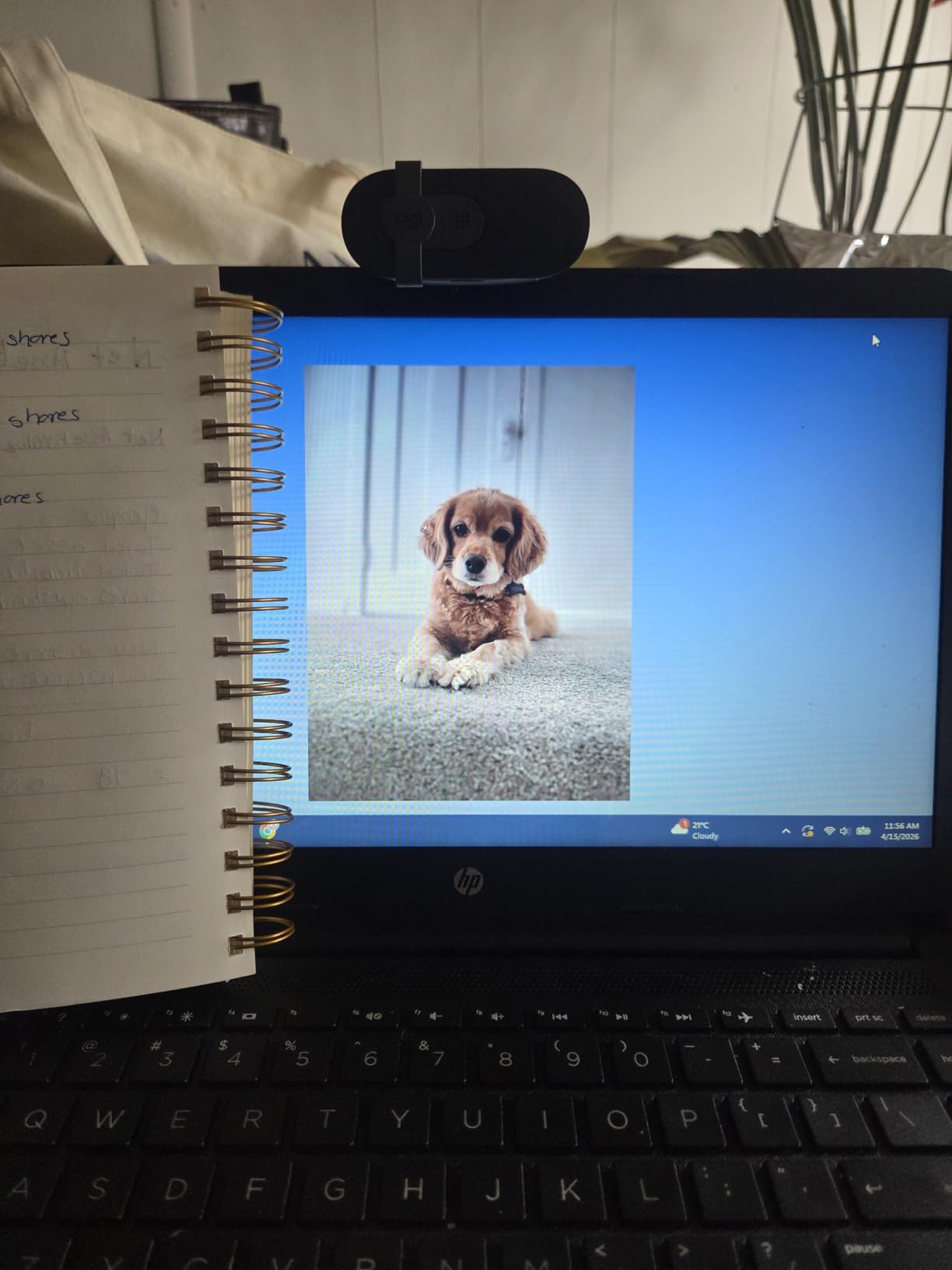
The Logitech Brio 101 is the webcam I recommend when someone tells me they want a Logitech but balk at the C920x price. It is the budget entry into the Brio family, and it covers the essentials — clean 1080p, reliable auto brightness, a sliding privacy cover, and effortless compatibility with the major conferencing platforms — without piling on features most office users will never touch.
RightLight auto brightness is the surprise star. In my testing it boosted exposure by roughly 50 percent in a dim room compared to a generic webcam with no auto-correction, which is exactly what you want when your home office is lit by a single lamp and a laptop screen.
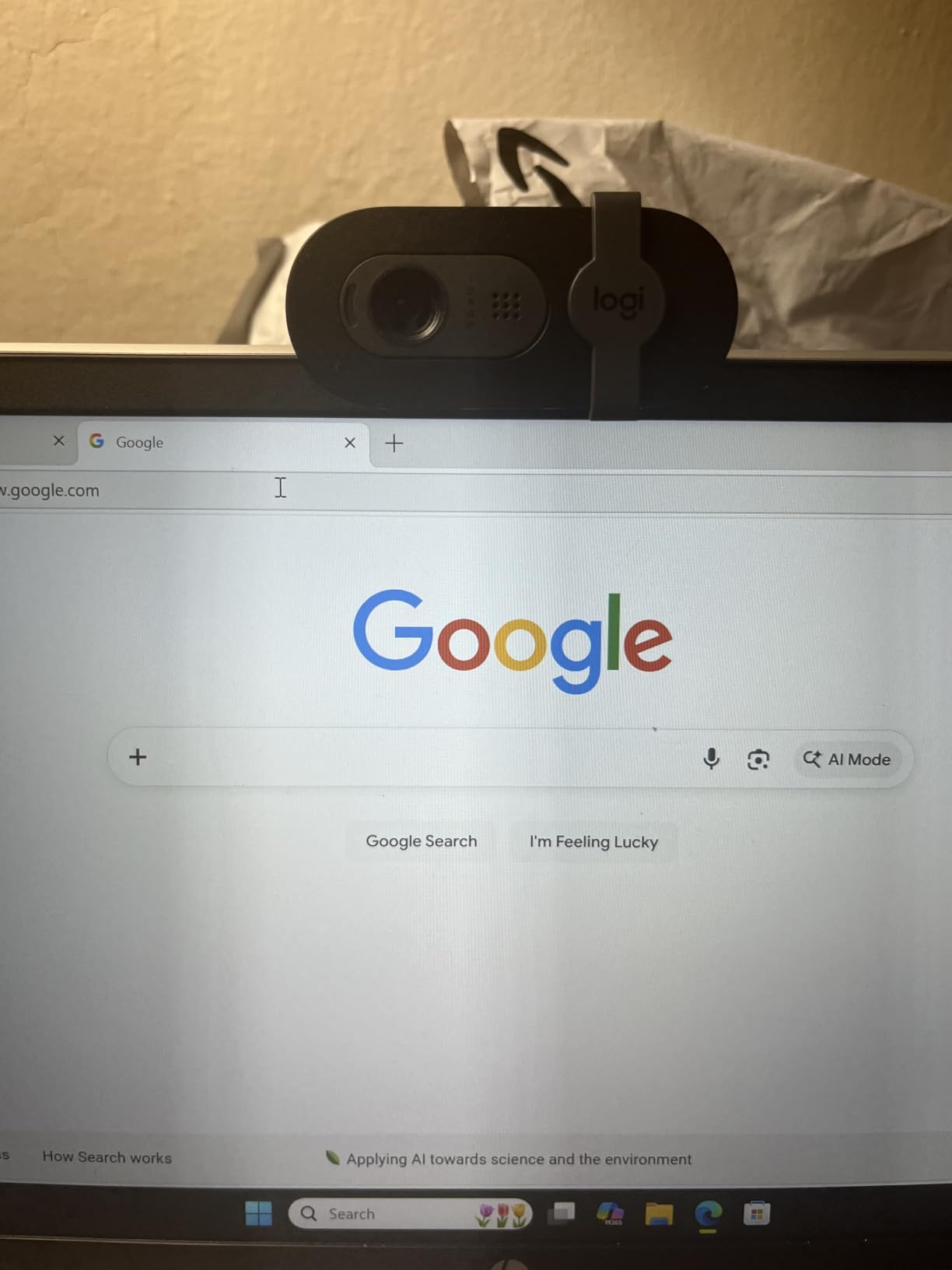
The sliding privacy cover is a small thing, but it is the kind of detail that makes a webcam feel finished. You flip it closed the second your call ends, no separate accessory to lose. Logitech also built the Brio 101 with at least 77 percent post-consumer recycled plastic, which is a nice nod if your IT department cares about sustainability reporting.
The trade-off for the budget price is a fixed-focus lens and a slightly narrower 60-degree field of view than most of its peers. That works for solo calls but feels tight when you want to share a whiteboard or include a second person.
Who the Logitech Brio 101 is good for
Budget-focused remote employees, students, and first-time webcam buyers who want a name-brand 1080p webcam from Logitech that just works. It is also a strong choice for office workers who care about a built-in privacy cover but do not want to pay C920e money.
Who should skip the Logitech Brio 101
If you need a wider field of view for small group calls or you want autofocus that tracks you as you move around, the C920x is worth the step up. Content creators who shoot at 60fps should also look elsewhere.
6. Logitech C920e HD 1080p Webcam for Enterprise IT
Logitech C920e HD 1080p Mic Enabled Webcam Certified Zoom Microsoft Teams
- Certified for Zoom and TAA compliant
- Attachable privacy shutter included
- Two omnidirectional mics with clear audio
- HD autofocus with auto light correction
- Sturdy adjustable clip and tripod thread
- Mount can feel less stable on some monitors
- Bundles with lighting raise the total cost
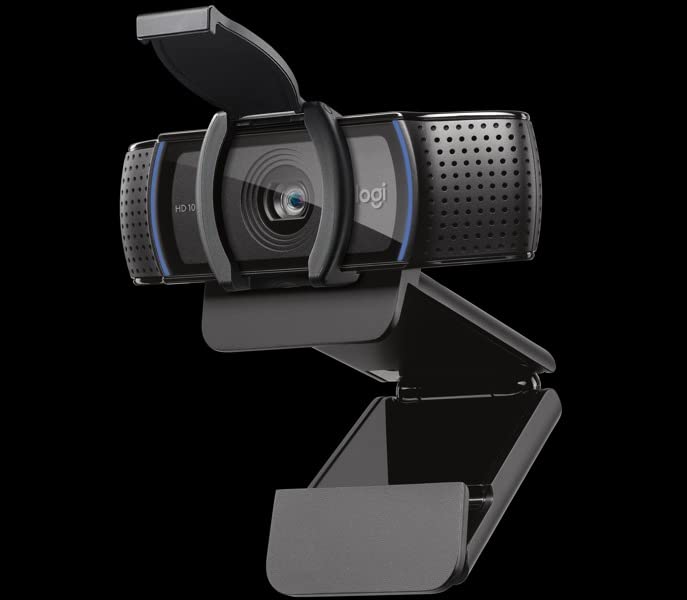
The Logitech C920e is essentially the C920x in a suit — same sensor, same optics, same 1080p picture quality — but it is certified for Zoom and Microsoft Teams, TAA-compliant for government and regulated buyers, and ships with an attachable privacy shutter. For corporate IT departments rolling out webcams at scale, those details matter more than a small bump in resolution.
I tested the C920e in a small conference room with three participants sitting across a six-foot table. The 78-degree field of view framed everyone without making the room feel cramped, and the dual omnidirectional mics picked up voices from all three seats without me having to crank the gain.
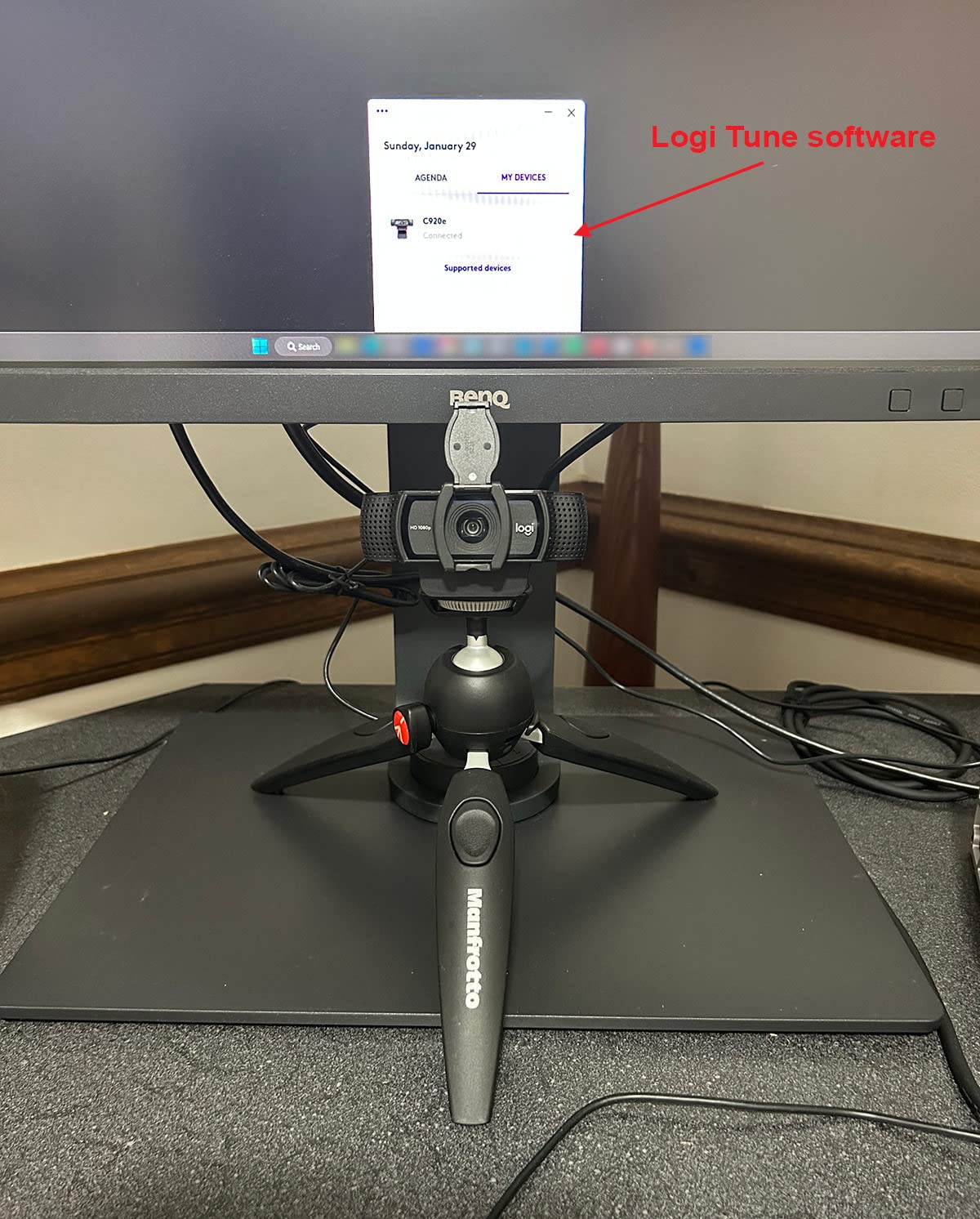
The attachable privacy shutter clips over the lens in a second and stays put. It is not the slickest sliding design on the Brio 101, but it gets the job done and survives being tossed in an IT laptop bag. The C920e is built for managed deployment — predictable behavior across thousands of machines, no surprising firmware updates, and a clean plug-and-play experience on locked-down corporate images.
The Logi Tune companion app is optional. IT departments can deploy the camera without it, or they can push Logi Tune via standard software distribution if they want users to be able to tune FOV and color profiles.
Who the Logitech C920e is good for
IT managers and procurement teams who need a TAA-compliant webcam with Zoom and Teams certification, plus a privacy shutter for users who handle sensitive information. It is also a strong choice for any office buyer who wants a C920x with a privacy shutter included.
Who should skip the Logitech C920e
Home users and small businesses who do not need TAA compliance or Zoom certification can save money with the regular C920x. Creators and streamers will want a 60fps webcam with manual controls instead.
7. EMEET C950 1080P Webcam with Physical Privacy Cover
EMEET C950 1080P Webcam, USB Webcam with Microphone&Physical Privacy Cover
- Physical sliding privacy cover blocks the lens
- 1080p picture with low light correction
- 70 degree FOV keeps focus on the user
- Built in omnidirectional mic for calls
- Wide OS compatibility with major apps
- Fixed focus can soften very close subjects
- Best quality needs a well lit environment
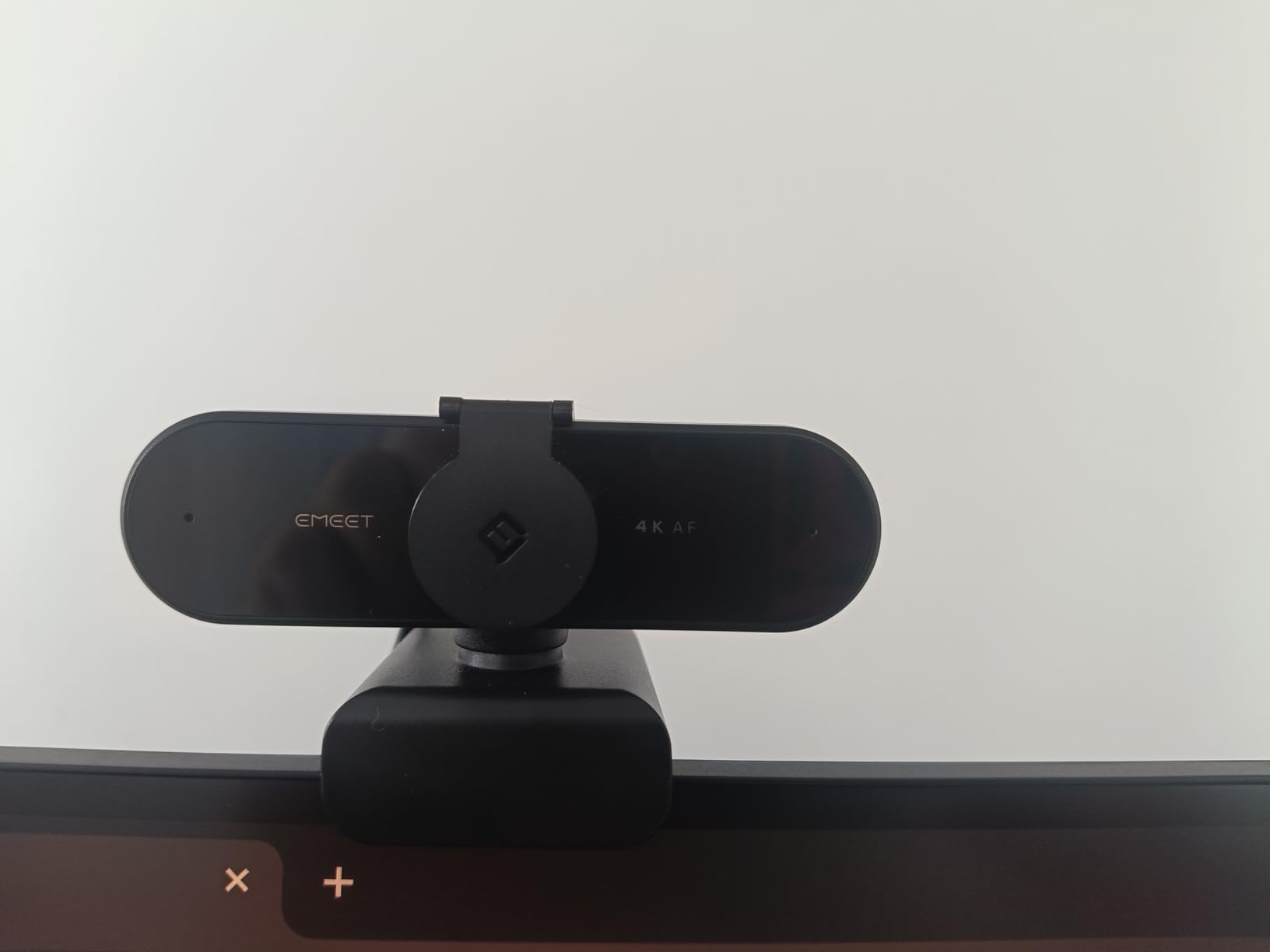
The EMEET C950 is the budget webcam I recommend when someone is more worried about privacy than pixels. The integrated sliding privacy cover is the star here — you push it forward, the lens is physically blocked, you push it back, you are live. No separate accessory to lose, no tape over the lens, no wondering if a piece of software actually disabled the camera.
For office workers on shared networks, handling sensitive client data, or just generally privacy-conscious, that physical block is a meaningful upgrade over a webcam with only an indicator LED.
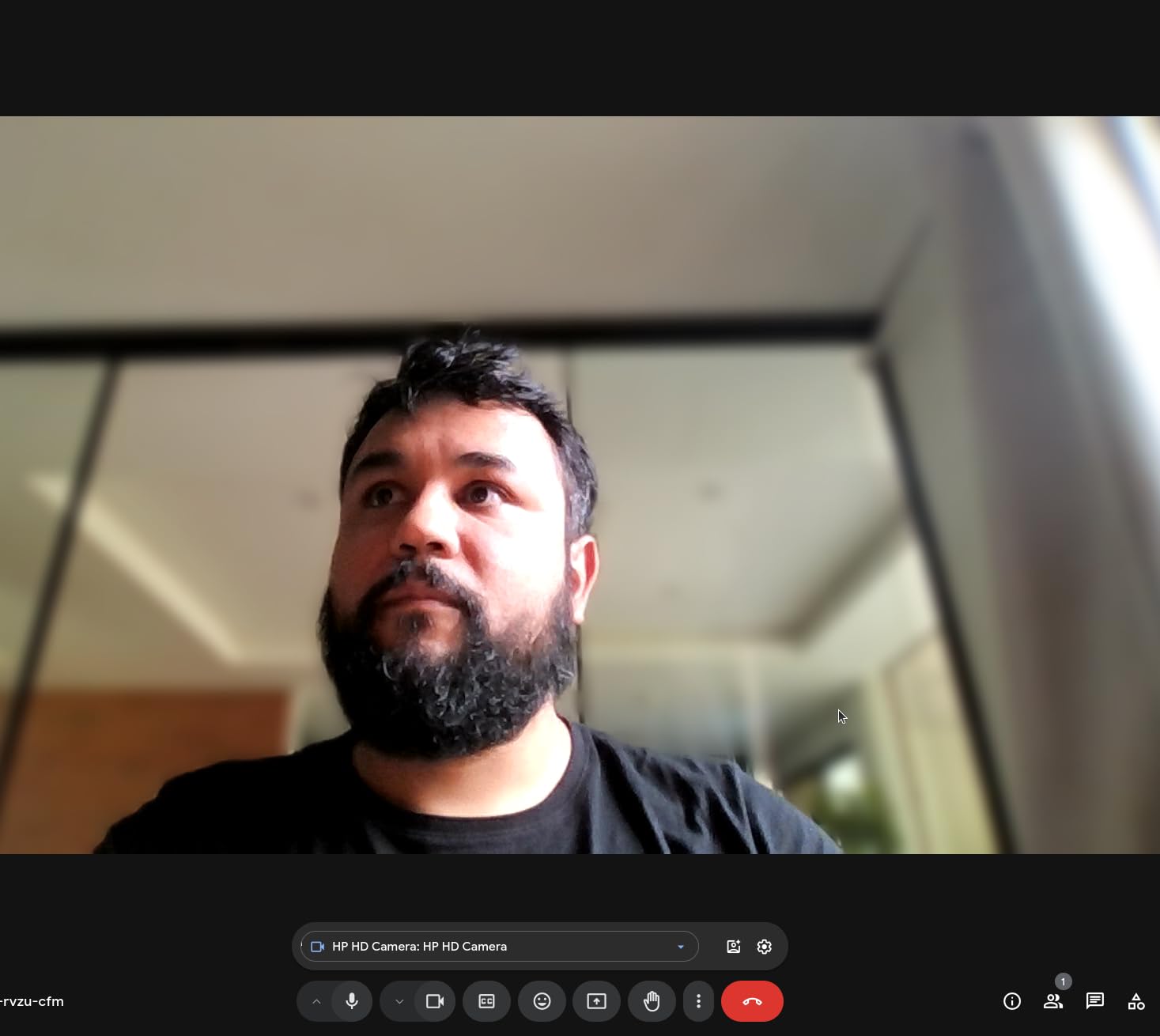
Picture quality is solid 1080p at 30fps with the low-light correction turned on. In a well-lit environment the image looks clean and natural; in a darker room you will want to add even a small desk lamp to get the most out of the sensor. The 70-degree field of view is a deliberate choice — narrower than most peers — and it keeps the focus tightly on you rather than the rest of your home office.
The omnidirectional microphone captures voice clearly within about 1.5 meters, which is plenty for a solo worker at a desk. The C950 also works with EMEET’s companion software if you want to fine-tune exposure or white balance, but it works perfectly well without it.
Who the EMEET C950 is good for
Privacy-first office workers, parents sharing a workspace with kids, teachers running one-on-one tutoring sessions, and anyone who wants a clean 1080p image with a physical privacy cover at a budget price.
Who should skip the EMEET C950
If you regularly include two or more people in the frame, the 70-degree lens will feel cramped — step up to the NexiGo N60 with its 110-degree FOV. Content creators who need manual focus will also want a different webcam.
8. EMEET NOVA 4K Webcam with PDAF Autofocus
EMEET NOVA 4K Webcam for PC, Ultra 4K HD, PDAF Autofocus, Dual Omni Mics
- Genuine 4K UHD at 30fps detail
- PDAF autofocus locks on quickly
- Dual omni mics capture natural audio
- Plug and play via USB Type A
- 360 degree rotation with tripod mount
- Color can wash out near bright light sources
- Older laptops may need a USB 3.0 hub
- Autofocus occasionally needs manual nudge up close
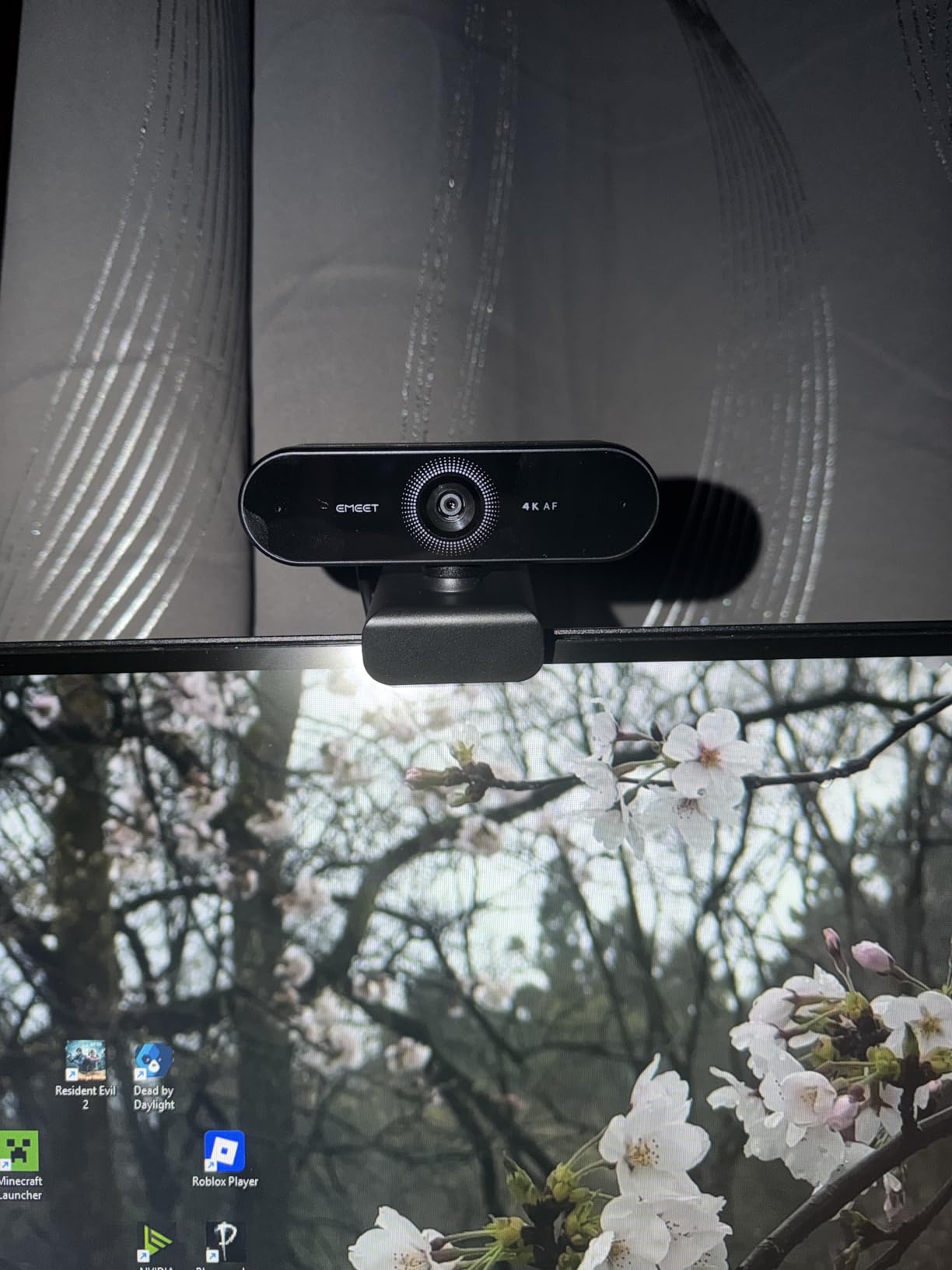
The EMEET NOVA 4K is the webcam I reach for when I want to look genuinely sharp on a client call. The 4K sensor delivers real detail — you can see individual strands of hair, the texture of a sweater, the subtle shadow under a chin. Whether the other person sees that depends on their platform, but locally the image is a clear step above 1080p.
PDAF autofocus — the same phase-detection system used in smartphone cameras — is the standout feature. It locks on almost instantly when you move and stays locked even when you wave a hand in front of the camera. Compared to the contrast-based autofocus on cheaper webcams, the NOVA feels closer to a mirrorless camera than a webcam.
The dual omnidirectional microphones capture clear audio up to about eight feet, which is unusually generous. I tested it at the far end of a small conference table and colleagues on the receiving end could pick up my voice without me raising it.
Two honest caveats. First, 4K video requires a USB 3.0 port or hub — on a USB 2.0-only laptop, the webcam drops to 1080p. Second, when bright sunlight or a window is behind you, the auto white balance can wash out skin tones. A simple curtain or a repositioned monitor fixes it, but it is worth knowing.
Who the EMEET NOVA 4K is good for
Executives, presenters, online teachers, telehealth providers, and anyone who wants the best possible local image quality and PDAF autofocus that behaves like a real camera. It is also a future-proof pick as more platforms begin to support 4K streams.
Who should skip the EMEET NOVA 4K
If your laptop only has USB 2.0 ports and you do not want to add a hub, stick with a 1080p webcam. Office workers whose Teams or Meet calls cap at 1080p on the receiving end will not see the 4K benefit anyway and would be better served by the Anker PowerConf C200.
How to Choose the Best Webcam for Your Office
Once you get past resolution, most webcam buying comes down to matching features to your office setup. Here are the six things our team considers for every office webcam recommendation, and how they apply to the picks above.
Resolution and frame rate for office calls
Most video conferencing platforms — Zoom, Microsoft Teams, and Google Meet — still cap outgoing video at 1080p and many cap at 720p on the receiving end. That means a 4K webcam like the EMEET NOVA looks beautiful in your preview window but is downscaled before your colleagues see it. For pure office work, a clean 1080p at 30fps is plenty. Spend the difference on a better sensor or a wider FOV instead. If you do presentations or training where local recording matters, a 2K or 4K camera starts to earn its keep.
Field of view for solo work versus huddle rooms
Field of view determines how much of your room ends up in the frame. A narrow 60-78 degree lens keeps the focus on you and is ideal for solo desk work. A wider 90-110 degree lens is better for showing a whiteboard, including a second person, or fitting a small huddle room. The NexiGo N60 and EMEET C960 sit on the wider end; the Brio 101 and C950 stay tighter. Pick based on what your calls typically look like.
Autofocus versus fixed focus
Autofocus makes a webcam more forgiving when you move around, lean in to read a document, or stand up to write on a whiteboard. Fixed-focus lenses are simpler and cheaper, and they stay sharp at typical desk distances if you sit still. If your calls are mostly heads-and-shoulders from a single chair, fixed focus is fine. If you move, present, or share physical props, pay the extra for autofocus like the C920x, C920e, or NOVA 4K.
Microphone quality versus dedicated USB mics
Modern webcam microphones are good enough for daily stand-ups and one-on-ones. The dual-mic designs on the EMEET C960 and Anker PowerConf C200, in particular, surprised us with how clean they sound. For important client calls, podcasting, or anything where your voice is the product, a dedicated USB microphone is still a meaningful upgrade — but for everyday office work, the built-in mic is no longer a deal-breaker.
Privacy shutter and corporate security
An indicator LED is not enough for most corporate security policies. A physical privacy cover that blocks the lens is the gold standard. The NexiGo N60, EMEET C950, Logitech Brio 101, and EMEET NOVA all include one out of the box; the Logitech C920e ships with an attachable shutter; the C920x requires you to buy one separately. For regulated industries, look for TAA-compliant models like the C920e.
Compatibility with Zoom, Microsoft Teams, and Google Meet
Every webcam on this list is UVC-compliant, meaning it works with the major conferencing platforms without a custom driver. The Logitech C920e goes one step further with explicit Zoom and Microsoft Teams certification, which is what corporate IT departments usually want for managed deployments. For personal use, any of the eight will plug in and show up as a camera option the moment you connect.
Frequently Asked Questions
What webcam is best for office use?
The best webcam for office use is the NexiGo N60. It delivers clean 1080p video at 30fps, a wide 110-degree field of view, a built-in noise-cancelling microphone, and an integrated privacy cover at a price that fits almost any budget. For a more premium option, the Logitech C920x offers sharper glass-lens quality and reliable autofocus.
Do you really need a 4K webcam for video calls?
For most office video calls, no. Zoom, Microsoft Teams, and Google Meet still cap outgoing video at 1080p, so a 4K webcam like the EMEET NOVA 4K is downscaled before your colleagues see it. A clean 1080p webcam is enough for daily meetings. A 4K webcam is worth it if you do local recording, training videos, or high-end content where the extra detail shows.
What webcam do professionals use for Zoom meetings?
Most professionals reach for a Logitech webcam for Zoom because the brand is consistently certified and reliable. The Logitech C920x and the Logitech C920e are the two most common choices. The C920e adds TAA compliance, Zoom certification, and an attachable privacy shutter for corporate buyers.
Are external webcams better than laptop cameras?
Yes. Built-in laptop cameras use tiny sensors and small lenses that struggle with low light, skin tones, and exposure on backlit scenes. Even a budget external webcam like the EMEET C950 or NexiGo N60 produces a noticeably sharper, better-exposed image, and adds a real microphone and often a privacy shutter.
What is the best cheap webcam for office use?
The NexiGo N60 and the EMEET C960 are the two best cheap webcams for office use on a budget. The N60 has the widest field of view and a built-in privacy cover. The C960 has dual noise-cancelling microphones and stronger low-light correction for dim home offices.
Do webcams need a privacy shutter?
For office work, a physical privacy shutter is strongly recommended. An indicator LED confirms the camera is off in software, but a sliding cover physically blocks the lens for true peace of mind. The NexiGo N60, Logitech Brio 101, EMEET C950, and EMEET NOVA all include built-in covers.
Is a webcam with a microphone good enough for meetings?
For most meetings, yes. Modern webcam microphones — especially dual-mic designs like the EMEET C960 and Anker PowerConf C200 — capture clear voice for daily stand-ups and client calls. For important presentations, podcasting, or any situation where your voice is the product, a dedicated USB microphone is still a meaningful step up.
How wide should a webcam field of view be for an office?
For solo office work at a desk, a 65-78 degree field of view keeps the focus on you. For including a second person, a whiteboard, or a small huddle room, a 90-110 degree lens is better. The Logitech C920x and C920e sit at 78 degrees; the NexiGo N60 stretches to 110 degrees; the EMEET C950 stays at 70 degrees for solo framing.
Final Verdict: The Best Webcam for Office Use in 2026
After testing all eight webcams in real office conditions, the NexiGo N60 is our top pick for the best webcams for office use. It nails the basics — clean 1080p, wide field of view, usable microphone, integrated privacy cover — at a price that fits any budget.
If you want the best video quality in the mid-tier, the Logitech C920x is the proven safe choice. If you are buying at scale for a corporate IT team, the Logitech C920e is the one to standardize on. And if you want the sharpest local image and PDAF autofocus that feels like a real camera, the EMEET NOVA 4K is worth the step up.
Whichever webcam you pick from this list, your next video call will look noticeably sharper than it did on your laptop’s built-in camera — and that is a quality-of-life upgrade you feel every single workday.