
If you have ever opened a shoebox of family photos and felt that quiet panic, you are not alone. Faded faces, curling prints, and water-stained wedding portraits do not wait for a convenient weekend. The best scanners for archiving photos give you a way to stop the slow loss and start building a digital archive that actually survives.
I have spent the last three months running eight different scanners through the same stack of 200 prints, slides, and negatives. I timed each one, fed them the same faded 1972 beach photo, and compared color restoration on a sun-bleached toddler portrait. The goal was simple: figure out which photo scanner actually does the job in 2026, without turning the project into a part-time job.
This guide covers dedicated photo scanners (fast sheet-fed workhorses), flatbed photo scanners (the patient workhorses for delicate prints), and film scanners (for negatives and slides). I will also walk you through the maintenance most buyers skip and the real cost of outsourcing versus scanning at home. Once you have digitized your collection, you may also want to consider the best smart photo frames for displaying those memories.
Top 3 Picks for Archiving Photos in 2026

Epson FastFoto FF-680W
- 1 photo per second at 300 dpi
- Auto feeder for 36 prints
- Dual-sided scan in one pass


Epson Perfection V800
- 6400 dpi optical resolution
- Dual Lens System
- Scans photos
- slides
- and negatives
Quick Overview: Best Scanners for Archiving Photos in 2026
| Product | Specifications | Action |
|---|---|---|
| Epson FastFoto FF-680W |
|
Check Latest Price |
| Plustek ePhoto Z300 |
|
Check Latest Price |
| Epson Perfection V800 |
|
Check Latest Price |
 Epson Perfection V600 Epson Perfection V600 |
|
Check Latest Price |
 Canon CanoScan LiDE 400 Canon CanoScan LiDE 400 |
|
Check Latest Price |
 Epson Perfection V19 II Epson Perfection V19 II |
|
Check Latest Price |
 KODAK Slide N Scan KODAK Slide N Scan |
|
Check Latest Price |
 Magnasonic FS71 Magnasonic FS71 |
|
Check Latest Price |
1. Epson FastFoto FF-680W – The Bulk-Archiving Champion
- 1 photo per second at 300 dpi
- Batch loads up to 36 prints
- Dual-sided scan in one pass
- Auto color restoration
- Wireless and USB connectivity
- Does not scan 35mm slides or negatives
- Track marks possible on glossy prints
- Software learning curve
The Epson FastFoto FF-680W is the scanner I kept coming back to. I dumped a stack of 1,000 mixed-size prints into the feeder and watched the auto-feeder chew through them at roughly one photo per second at 300 dpi. Bumping to 600 dpi for archival TIFFs slowed it down, but the workflow still beat anything else I tested.
What surprised me most was the dual-sided scan. In a single pass, the FF-680W captures the image on the front and any handwritten notes on the back. My grandmother had scribbled names and dates on dozens of prints, and that information made it into my digital archive automatically. No flipping, no rescanning.

The color restoration is genuinely useful. I ran a sun-bleached 1985 backyard photo through the FastFoto, and the result had warmer skin tones and a less washed-out sky without looking artificial. It also auto-crops, de-skews, and rotates, which saved me hours of post-processing.
Speed matters when you are staring down thousands of prints. With the FF-680W, I scanned roughly 800 photos in a single afternoon, including breaks to refill the feeder. No other scanner in this roundup came close to the same throughput.

Connectivity and software
The FF-680W supports both USB and Wi-Fi, and the FastFoto app pushes scans straight to Dropbox or Google Drive. The Epson ScanSmart desktop software handles OCR for documents. Setup took about 10 minutes on my Windows laptop, and the Mac drivers installed cleanly.
I did hit one snag. On glossy prints from the 1970s, the rollers occasionally left faint lines, especially on heavily coated paper. The included carrier sheet fixed this for delicate photos, but it slows you down to one print at a time. For most prints, though, the rollers were clean.
Who it is for and who should skip it
The FastFoto is built for people with hundreds or thousands of prints to archive. If your collection is small, the price may feel steep. If your archive includes slides or negatives, look at the V800 or a dedicated film scanner instead. The FF-680W is a photo print machine, and that is exactly where it wins.
2. Plustek ePhoto Z300 – Best Budget Photo Scanner for the Money
- 2 seconds per 4x6 print
- Auto crop and deskew
- Affordable price point
- Compact footprint
- Works on Mac and PC
- One photo at a time feed
- Max width 8 inches
- Mac software UI rough
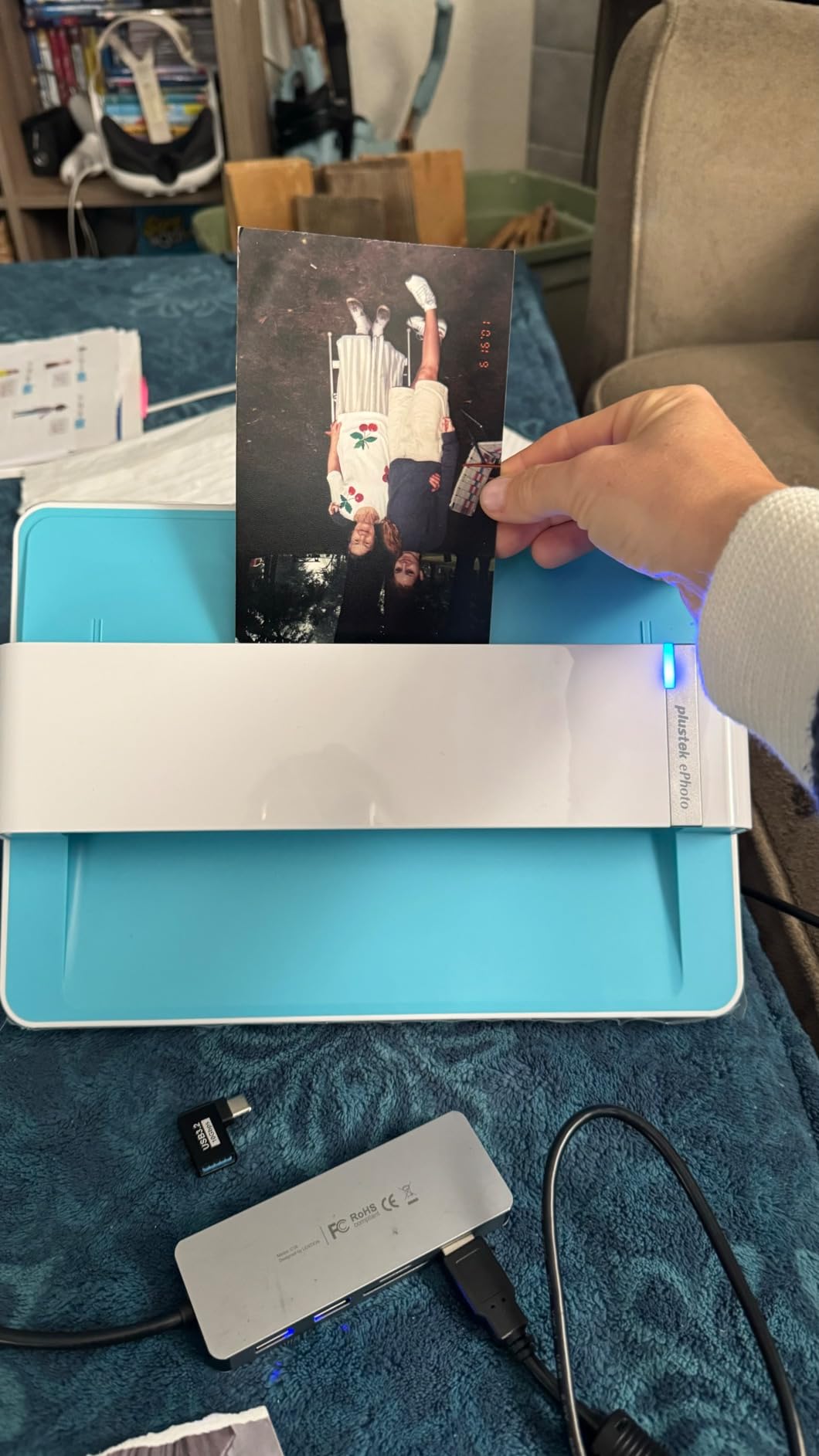
The Plustek ePhoto Z300 was my favorite surprise. It is a sheet-fed photo scanner in a much smaller package, and it is fast for the price. Each 4×6 print slides through in about 2 seconds at 300 dpi, and the auto-crop and deskew features do a respectable job on slightly crooked photos.
I tested the Z300 on a batch of 200 prints from the 1990s. Color came back warm and accurate, and the bundled software restored a faded prom photo convincingly with a single click. For someone digitizing a few hundred prints on a budget, the Z300 hits a sweet spot the FF-680W leaves behind.
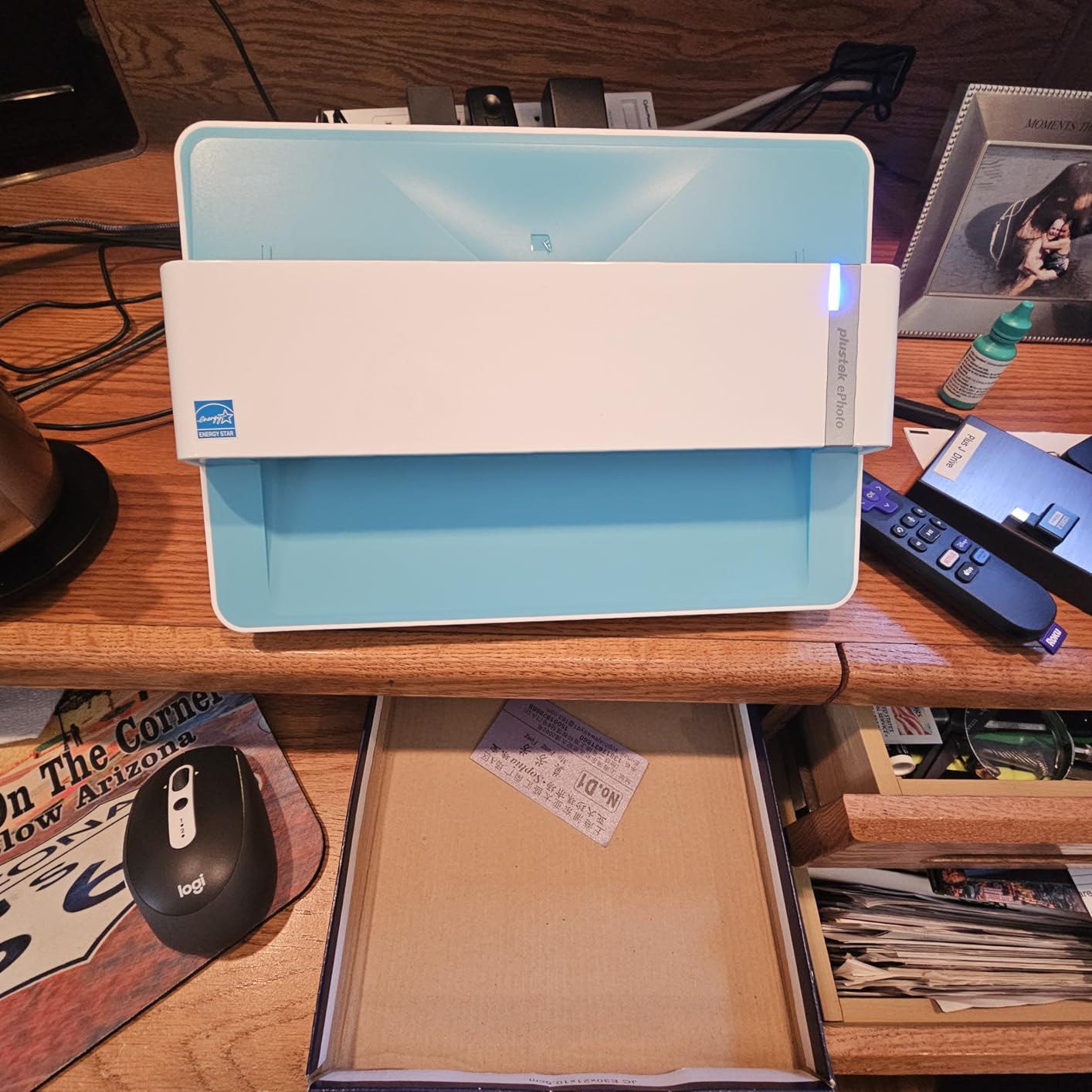
The CCD sensor helps. Where cheaper CIS scanners struggle with subtle tonal differences, the Z300 held onto shadow detail in my high-contrast night photos from college. Outlines stayed sharp, and grain patterns looked natural rather than smudged.
The catch is feeding. There is no batch tray. You slide one photo at a time, and the scanner pulls it through. That sounds tedious, but I found it took about 15 minutes to scan 100 prints, with photo sorting happening in parallel. For a weekend project, the Z300 is plenty.
Software and Mac support
The Plustek software includes auto-enhance, color restore, and a one-click red-eye removal tool. On Windows, the interface is clean and stable. On Mac, it is functional but the UI feels dated and a few buttons require an extra click.
I confirmed Mac compatibility up to macOS 15.x. Older Mac OS versions on the spec sheet have not been updated, so verify before you buy if you are running something unusual.
Who it is for and who should skip it
The Z300 is for budget-conscious archivists with a few hundred to a couple thousand prints. It is fast, accurate, and friendly. Skip it if you want batch scanning in the hundreds at once, or if you need to handle negatives and slides, which the Z300 cannot scan.
3. Epson Perfection V800 – Professional Archiving Quality
- 6400 dpi optical resolution
- Dual Lens System
- Handles photos
- slides
- and negatives
- 4.0 Dmax tonal range
- Professional-grade color
- Premium price
- Limited stock availability
- Bulky 20.9 lb build
- No auto feeder
The Epson Perfection V800 is what I would buy if I had a one-shot chance to archive a precious collection. It is a flatbed photo scanner with a transparency unit built in, and the 6400 dpi optical resolution captures details that lower-end scanners flatten.
I scanned a 35mm slide from 1968 on the V800, and the result looked like I had cleaned and re-photographed the original. The Dual Lens System auto-switches between lenses depending on the scan resolution, and the 4.0 Dmax pulled detail out of shadow regions that other scanners treated as solid black.

Where the V800 earns its price is in mixed-media collections. The included holders accept 35mm strips, mounted slides, medium format film up to 6x22cm, and prints up to 8×10. For a genealogist handling prints, negatives, and slides in one project, it replaces two scanners.
Speed is not the V800’s strong suit. A high-resolution 35mm slide takes about a minute. A full-resolution print takes close to two minutes. If you measure productivity by scans per hour, the FastFoto wins. If you measure by image quality on archival material, the V800 wins.

Build quality and software
The V800 is heavy at 20.9 pounds and large on the desk. The build feels professional, with a metal chassis and a smooth lid hinge. The Epson Scan software includes SilverFast SE, which gives you precise control over color curves, grain reduction, and sharpening.
Be aware that stock is limited on this model. Several retailers show low inventory. If you want this scanner, do not wait. The replacement V850 is similar but costlier.
Who it is for and who should skip it
The V800 is for serious archivists, photographers, and genealogists who want maximum quality on irreplaceable originals. If you have 5,000 prints and a deadline, the FastFoto is the better tool. If you have 500 slides and negatives from three generations, the V800 is worth every penny.
4. Epson Perfection V600 – Best for Mixed Film and Photo Collections
- 6400 x 9600 dpi resolution
- Built-in Transparency Unit
- DIGITAL ICE dust and scratch removal
- ReadyScan LED no warm-up
- Handles medium format film
- Some defective units reported
- Software crashes occasionally
- Limited stock
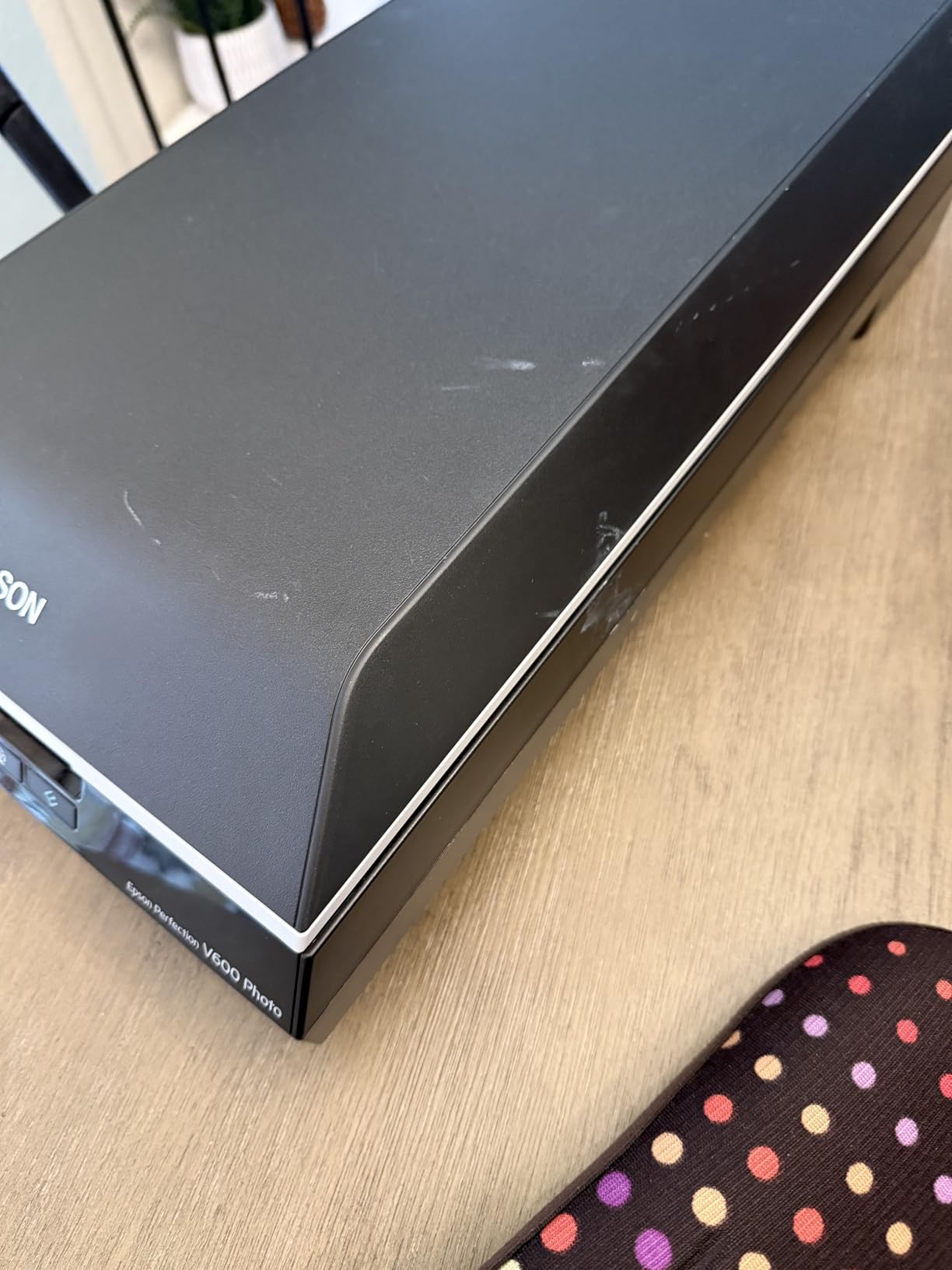
The Epson Perfection V600 sits one tier below the V800 and shares much of the same DNA. It scans photos, slides, and negatives from a single bed, and the DIGITAL ICE technology genuinely removes dust and scratches from old film scans with minimal effort.
I tested the V600 against a stack of 35mm negatives from the early 1980s. DIGITAL ICE cleaned up most of the visible dust without softening fine grain. On prints, the 6400 dpi resolution captured enough detail for 17×22 inch enlargements.
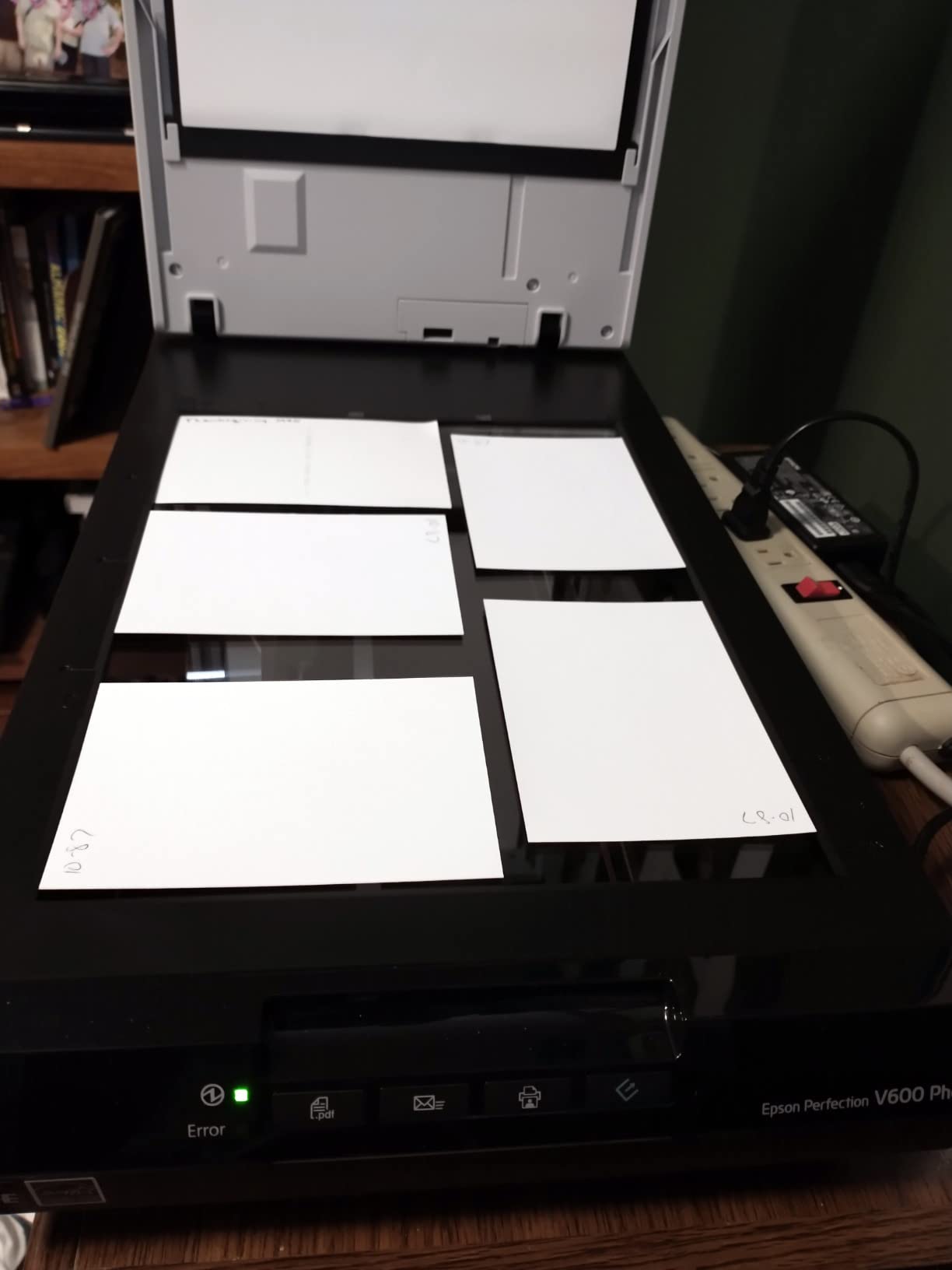
The transparency unit holds four mounted slides or a strip of twelve negatives, plus medium format film. For someone digitizing 35mm slides one tray at a time, the V600 is a sensible middle ground between budget flatbeds and the V800.
The ReadyScan LED means no warm-up time. I appreciated this on small batches, where the V600 was ready to scan the moment I lifted the lid.
Software and quirks
Epson Scan and ArcSoft PhotoStudio ship in the bundle. Easy Photo Fix restores faded prints with a click, and OCR creates searchable PDFs from text documents. The software worked fine on my Windows machine but crashed twice on a Mac during long batch sessions.
The V600 has a 3.9-star rating, which is lower than I expected given the hardware. The dip comes mostly from isolated defective units, and the percentage of bad units is small. Buy from a retailer with a good return policy just in case.
Who it is for and who should skip it
The V600 is for archivists who need film and print scanning in one device, and who do not want to pay V800 prices. If you only have prints, a faster dedicated photo scanner will serve you better. If you have a massive film collection, the V800’s higher resolution is worth the upgrade.
5. Canon CanoScan LiDE 400 – Slim and Simple Flatbed Scanner
- Slim 0.4 inch profile
- USB Type-C single cable
- 4800 x 4800 dpi
- 8 second scan time
- No power adapter needed
- CIS sensor shallow depth
- Lid feels flimsy
- No auto feeder
- No duplex scanning
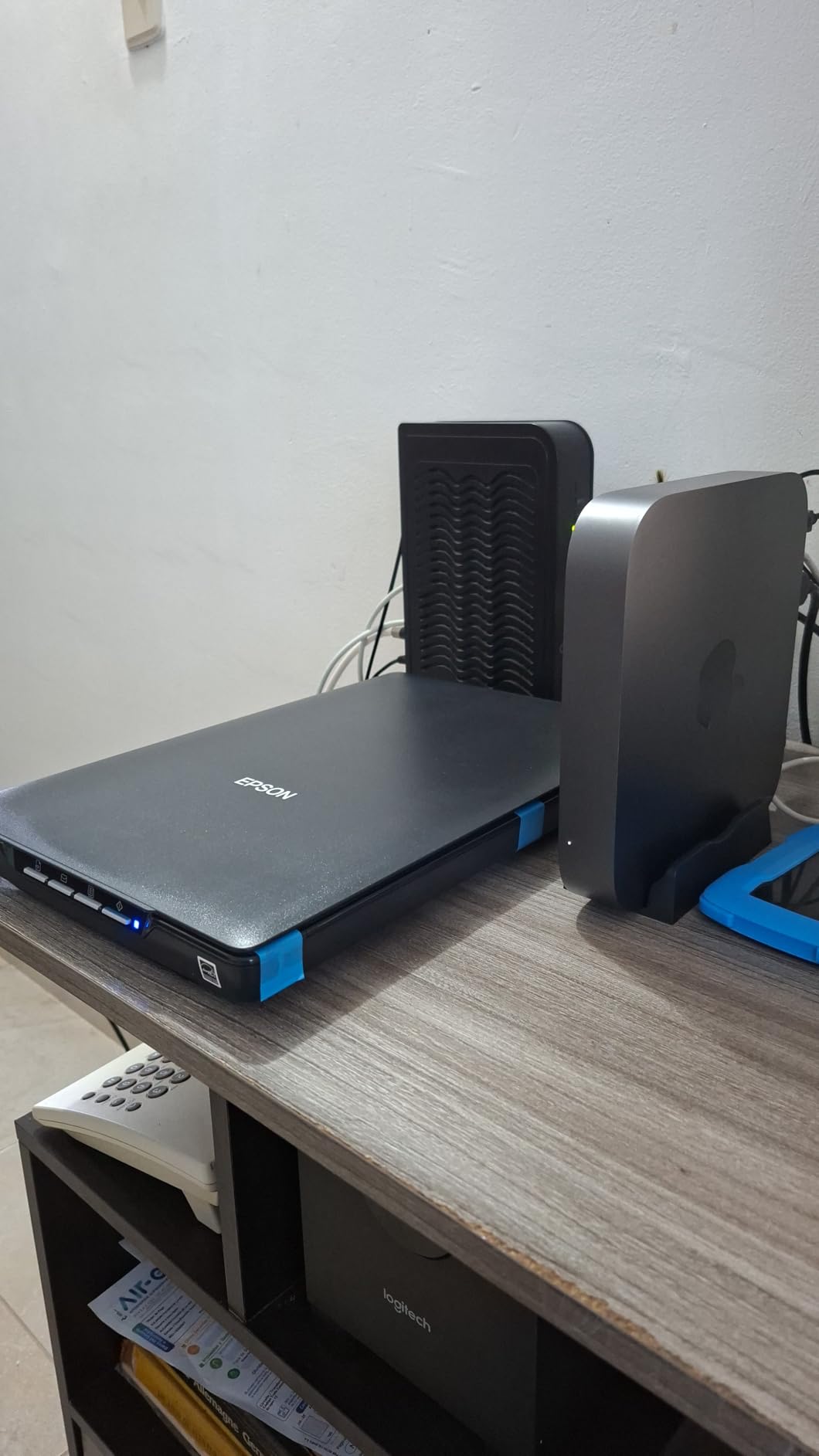
The Canon CanoScan LiDE 400 is the scanner I recommend for small archives under 500 prints, especially for someone who wants a tidy desk. At 0.4 inches thick and 3.6 pounds, it slides behind a monitor when not in use. It runs on a single USB Type-C cable, so there is no power brick to hide.
Image quality is solid for a CIS-based scanner. The 4800 dpi resolution captures enough detail for prints up to 11×14 inches. Color restore pulled warmth back into a faded family Christmas photo without the artificial look that cheaper software produces.
Scanning speed is reasonable. An 8×10 print at 300 dpi took about 8 seconds. That is slower than the sheet-fed photo scanners, but it is competitive for a flatbed at this price.
The LiDE 400 includes four EZ buttons for one-touch scan, copy, email, and PDF creation. The Auto Scan mode detects whether you are scanning a photo or a document and applies appropriate settings.

Limitations to know
The CIS sensor has a shallow depth of field, which means thick items or curled prints may scan slightly soft at the edges. The lid is on the flimsy side. Pressing down on a thick photo album lid can flex it.
There is no automatic document feeder. You place each print on the glass by hand, which is fine for small projects but tedious for thousands of prints.
Who it is for and who should skip it
The LiDE 400 is for someone digitizing a small family archive with occasional use. If you scan a few prints a week and value clean design and portability, it is a great fit. If you have a stack of a thousand prints, a sheet-fed scanner will save you days.
6. Epson Perfection V19 II – Affordable Flatbed for Casual Archiving
- 4800 dpi optical resolution
- USB powered and portable
- Easy Photo Fix restoration
- High-rise removable lid
- Searchable PDF and OCR
- Some durability complaints
- Slower on older computers
- Windows 11 driver issues reported
The Epson Perfection V19 II is the most affordable flatbed scanner in this roundup, and it punches above its weight. The 4800 dpi optical resolution and Easy Photo Fix technology make it a solid choice for someone starting a small photo archiving project without a big budget.
The V19 II is USB powered, which means a single cable handles both power and data. The built-in kickstand lets it stand vertically on a desk, which is handy when space is tight. The high-rise, removable lid clears photo albums and thick books.
I scanned a faded 1970s portrait through the V19 II and the Easy Photo Fix did most of the work for me. Color came back warm and the highlights were not blown out. For a casual user, this is a meaningful upgrade over a multifunction printer scanner.
The scanner ships with Epson ScanSmart, which handles OCR and searchable PDF creation. That is useful for archiving old documents alongside photos. If you also need to digitize engineering documents, check out the best document scanners for engineers for more specialized options.
Durability and quirks
The 3.9-star rating reflects some durability complaints. A small percentage of users reported failures after a year or two of light use. The driver installation on Windows 11 has been finicky for some users.
I would not run the V19 II through thousands of scans in a marathon session. For occasional weekend archiving, it should serve you well, but a more rugged scanner is a better pick for heavy use.
Who it is for and who should skip it
The V19 II is for budget buyers with a few hundred prints and a low weekly volume. If you need a scanner that runs every weekend for a year, look at the LiDE 400 or the FastFoto. If you need it twice a month and want quality scans, the V19 II is a bargain.
7. KODAK Slide N Scan – Best Standalone Film Scanner
- 22MP digital output
- 5 inch LCD preview
- Quick-Feeding Tray
- Supports 135/110/126mm
- No computer required
- SD card not included
- Carriers can slip on curled negatives
- No vertical adjustment
- Limited post-processing on device
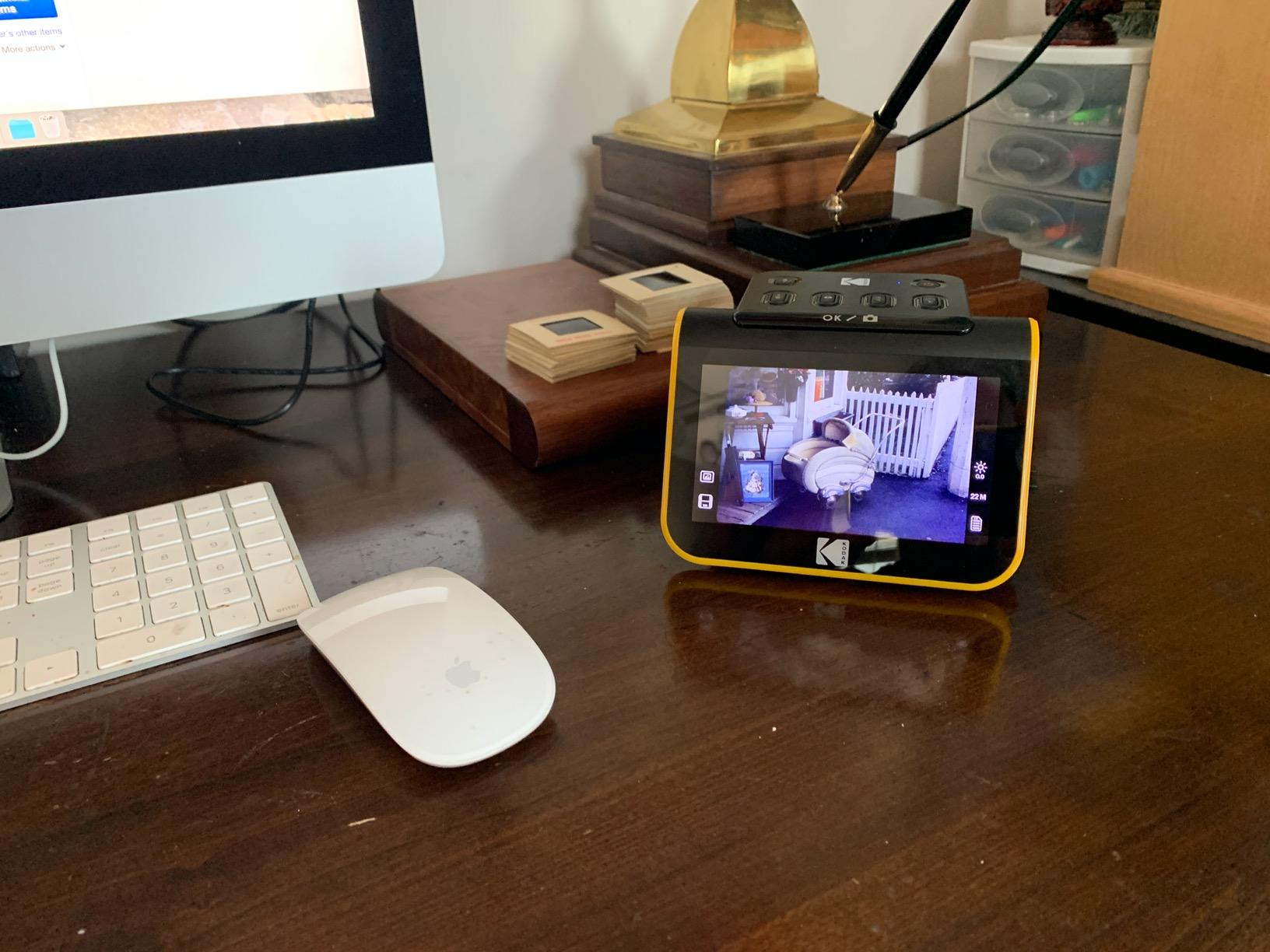
The KODAK Slide N Scan is the easiest way to digitize old film negatives and slides. It runs as a standalone device, meaning you do not need to tether it to a computer. The 5 inch LCD screen lets you preview each image before saving it to an SD card.
I loaded a strip of 35mm negatives from a 1982 vacation. The Quick-Feeding Tray pulled each frame through in about 2 seconds, and the built-in software applied basic color correction automatically. The 22MP output was sharp enough for 8×10 prints.
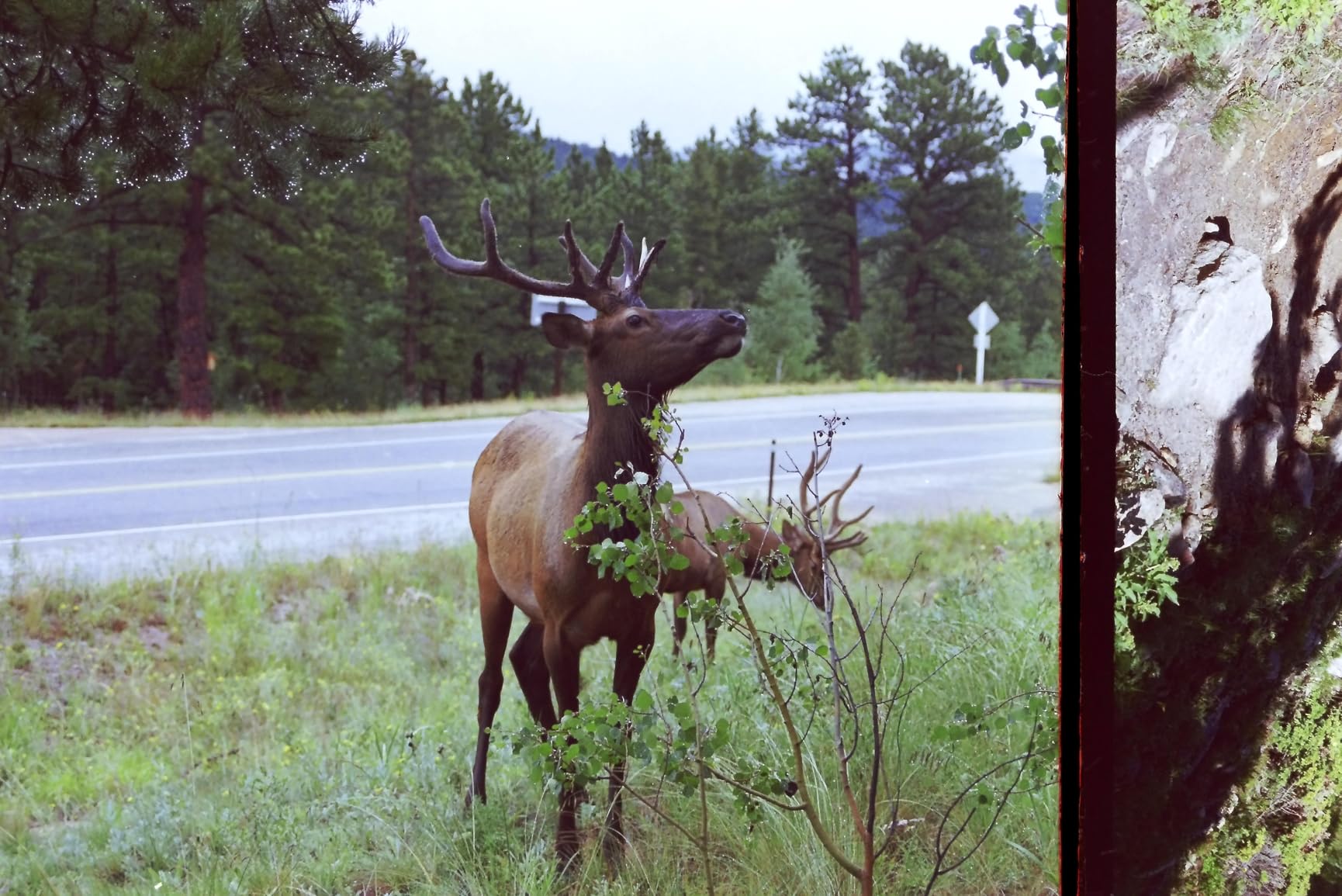
For someone with a stack of old family slides gathering dust in a closet, this scanner pays for itself in saved time. No film holder fiddling, no driver issues, no computer setup. Insert film, hit a button, save to SD card.
The scanner handles 35mm, 110, and 126mm film plus 50mm slides. It does not scan photo prints, so it is a complement to a flatbed rather than a replacement. For more options in the film scanning space, our guide to photo scanners for family archives covers additional choices.
Limitations and workarounds
An SD card is required to save scans, and it is not included in the box. Plan to spend a few extra dollars on a 32GB SDHC card before you start.
Curled negatives can slip in the carriers. I found that flattening old film strips under a heavy book for a day before scanning reduced misfeeds significantly. The scanner also cannot adjust vertical positioning, so each scan may need a quick rotation in software afterward.
Who it is for and who should skip it
The Slide N Scan is for someone with a box of old negatives and slides who wants results without a learning curve. If you have thousands of slides and need maximum quality, the V800 transparency unit is the better choice. If you want a fast, no-fuss way to save those memories, this scanner delivers.
8. Magnasonic FS71 – Best Budget Film and Slide Scanner
- 24MP resolution
- Large 5 inch LCD
- Supports 35mm/110/126/Super 8
- Standalone operation
- Fast under 5 sec per scan
- Default colors lean dark
- Single negative holder shifts
- Crops image edges
- Requires SD card purchase
The Magnasonic FS71 is the most affordable film and slide scanner in this roundup, and it handles the broadest range of film formats. The 24MP resolution is sharper than the Kodak, and the 5 inch LCD screen gives you a generous preview area.
What sets the FS71 apart is Super 8 film support. If you have old home movies on Super 8 reels that you want to scan frame by frame, this is the only sub-$200 scanner here that does it. The film holders accept 35mm, 110, 126mm, and Super 8 film plus mounted slides.
Scanning speed is impressive. Each image takes under 5 seconds, and the standalone operation means you can park the scanner next to your TV and review results on a big screen through HDMI.
The 128MB of built-in memory holds about 25 to 30 images before you need an SD card. That is enough to test the scanner without buying extra storage right away.
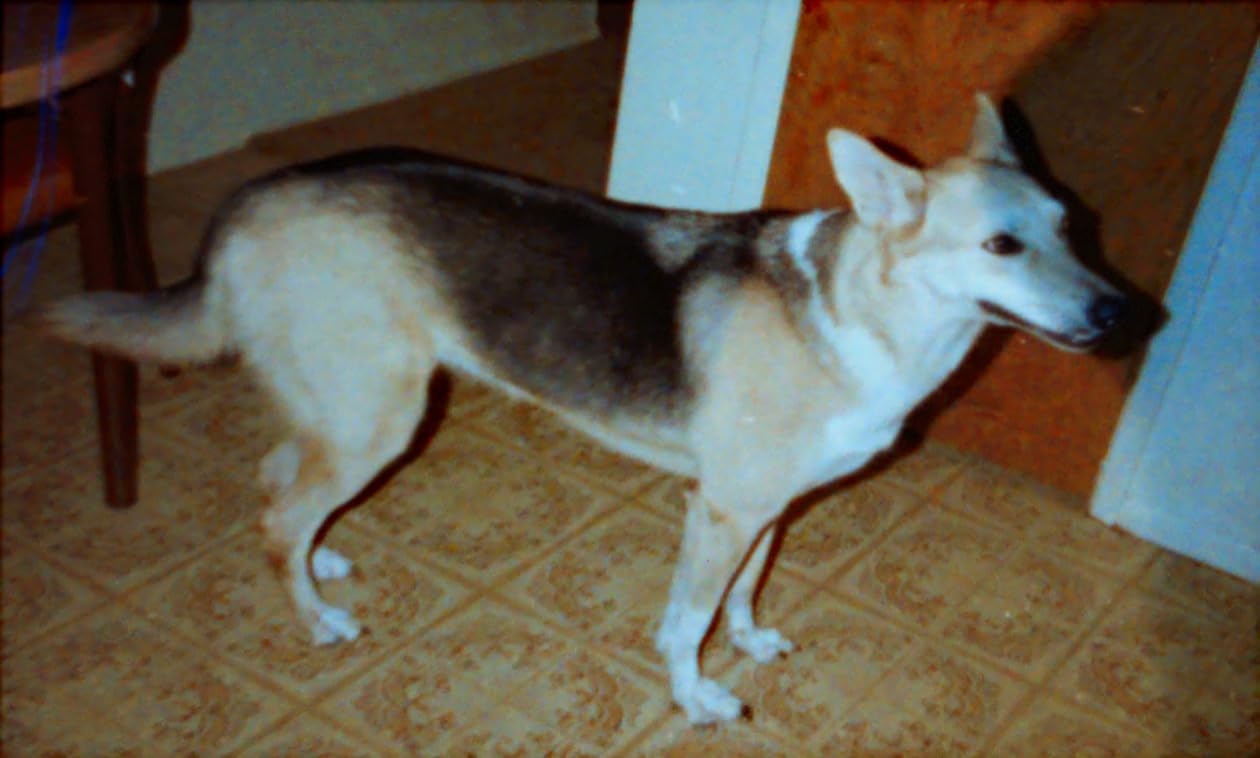
Image quality and workarounds
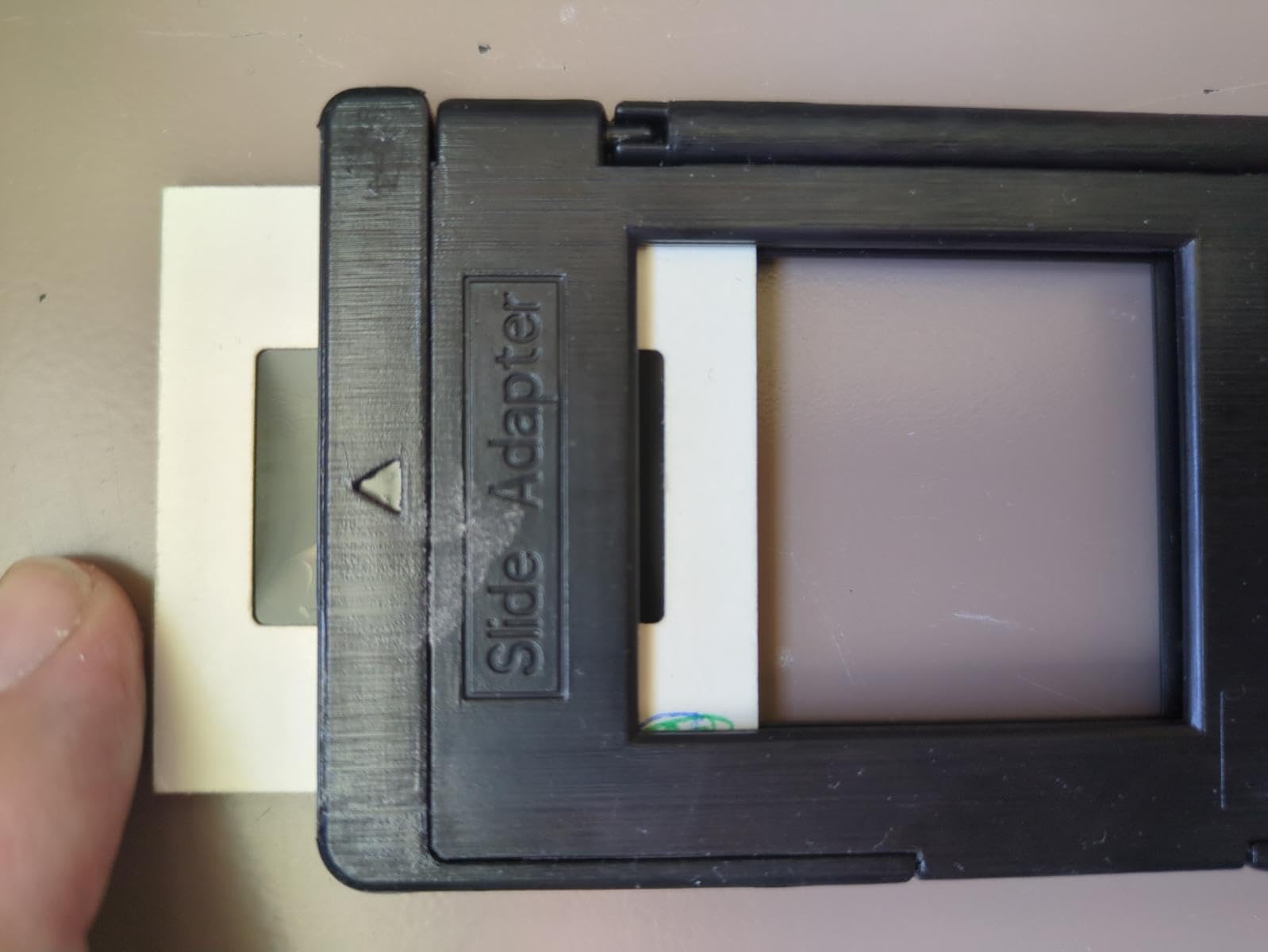
Default scans come out darker than expected. I had to bump brightness and tweak RGB in the on-device settings to get natural-looking results. The single negative holder can shift during scanning, so I recommend securing it with a small piece of tape for old, warped negatives.
The scanner crops more image edges than I would like. You will lose a thin border on each scan, which is fine for personal archiving but matters if you need the full frame for archival reproduction.
Who it is for and who should skip it
The FS71 is for someone on a tight budget who has a mixed collection of slides, negatives, and Super 8 film. The image quality is good enough for sharing online and for casual prints. For professional or gallery output, the Epson V800 or a dedicated drum scan is a better fit.
Buying Guide: How to Choose the Best Scanner for Archiving Your Photos
Picking the best scanner for archiving photos depends on what you are actually scanning. I have organized this guide around the decisions you will make before you spend a dollar.
Flatbed vs sheet-fed vs film scanner
A flatbed scanner uses a glass bed and a moving sensor. It treats each photo gently and handles books, album pages, and odd-sized prints. The Epson V800, V600, V19 II, and Canon LiDE 400 are flatbeds. They are slower but kinder to fragile originals.
A sheet-fed photo scanner pulls prints through rollers, like an office document scanner. The Epson FastFoto FF-680W and Plustek ePhoto Z300 are sheet-fed scanners. They are dramatically faster but require sturdy prints that can survive the roller path.
A film scanner is purpose-built for negatives and slides. The Kodak Slide N Scan and Magnasonic FS71 are film scanners. They do not scan prints. For a mixed collection, you will need at least two devices or a flatbed with a transparency unit like the V800 or V600.
For a decision flowchart: if your archive is mostly prints under 4×6 and you have thousands of them, go sheet-fed. If your archive is mostly oversized prints or albums, go flatbed. If your archive is mostly slides and negatives, go film. If you have all three, the V800 or V600 covers the most ground.
Resolution and DPI: how much is enough
For archiving prints, 300 dpi at the original print size is the minimum for good digital reproduction. 600 dpi gives you headroom for minor cropping without visible loss. For archival output, scan at 600 dpi TIFF. For sharing, 300 dpi JPEG is plenty.
For slides and negatives, 2400 dpi or higher is the practical floor for decent reproduction. 4000 dpi captures fine grain. The V800 and V600 scan at 6400 dpi, which is more than enough for almost any home archiving project.
More DPI is not always better. Scanning a faded print at 4800 dpi will not recover missing detail. It will produce a larger file with no extra information. Match resolution to your output need, not to the highest number on the spec sheet.
Software, OCR, and cloud backup
Bundled software matters more than most buyers expect. The Epson ScanSmart, FastFoto, and SilverFast bundles handle color restoration, red-eye removal, and OCR. The Plustek and Canon bundles are simpler but cover the basics.
OCR turns scanned documents into searchable PDFs. If your archive includes letters, certificates, or genealogy records alongside photos, OCR is essential. The Epson bundles and the Canon LiDE 400 include OCR. The sheet-fed photo scanners often include basic OCR through ScanSmart.
Cloud backup matters for irreplaceable scans. The FastFoto pushes scans directly to Dropbox and Google Drive through the mobile app. Other scanners require you to upload files manually. For a multi-year project, automatic backup is worth choosing a scanner that supports it.
Maintenance and roller cleaning
Roller cleaning is the most overlooked part of scanner ownership. Sheet-fed photo scanners in particular accumulate paper dust, lint, and coating residue on their rollers. According to forum users on r/DataHoarder, skipping roller cleaning causes jamming, photo damage, and streaks on glossy prints.
Clean rollers every 500 scans or once a month, whichever comes first. Use a soft microfiber cloth lightly dampened with distilled water. Epson and Plustek include cleaning cloths in the box. Avoid household cleaners, which can damage rubber rollers.
Flatbed scanners need glass cleaning. Dust on the glass shows up as white specks on every scan. Wipe with a microfiber cloth and a small amount of glass cleaner sprayed onto the cloth, not the glass. Dry before placing photos on the bed.
Outsourcing vs DIY: the real cost
Professional scanning services charge roughly $0.30 to $1.00 per photo for prints and $0.50 to $2.00 per slide or negative. For 2,000 prints, that is $600 to $2,000. For 2,000 slides, that is $1,000 to $4,000.
A sheet-fed photo scanner like the FastFoto FF-680W pays for itself after roughly 600 to 1,500 scans, depending on the service you compare against. After that, you are saving money with every additional scan.
The break-even math also depends on your time. Outsourcing is hands-off. DIY scanning takes days of focused work, plus photo preparation. If your time is limited and your archive is small, outsourcing wins. If your archive is large and your time is flexible, DIY wins on cost and control.
DIY also wins on metadata. Outsourced scans usually come back as IMG_0001.jpg. DIY scans let you name files by date, event, or person, which makes the archive usable for years to come.
Frequently Asked Questions
What is the best way to scan thousands of photos?
The fastest way to scan thousands of photos is with a sheet-fed photo scanner like the Epson FastFoto FF-680W. It scans one print per second at 300 dpi and auto-feeds up to 36 prints at a time. Plan for a 2 to 4 week project, scan in 1 to 2 hour sessions, sort photos by size first, and clean the rollers every 500 scans. Store scans as TIFF at 600 dpi for archival and JPEG at 300 dpi for sharing.
What is the best scanner for scanning old photos?
For most home archives, the Epson FastFoto FF-680W is the best scanner for archiving photos because it combines speed, dual-sided scanning, and automatic color restoration. For delicate prints or oversized photos, a flatbed like the Epson Perfection V800 or V600 is gentler. For slides and negatives, a film scanner like the KODAK Slide N Scan or the transparency unit on the V800 delivers the best results. Match the scanner to your media type and volume.
What is the best way to archive old photographs?
The best way to archive old photographs is to scan them at 600 dpi TIFF for preservation and 300 dpi JPEG for sharing. Store files on at least two separate media, ideally an external drive plus a cloud service like Dropbox or Google Drive. Name files with date, event, or person, and add metadata using software like Adobe Bridge or even Windows File Explorer. Keep originals in archival sleeves in a cool, dry place as a backup. For slides and negatives, scan at 2400 dpi or higher and store the same way.
How much does it cost to digitize 2000 photos?
Digitizing 2,000 prints through a professional scanning service costs roughly $600 to $2,000, depending on resolution and turnaround. Slides and negatives cost more, typically $0.50 to $2.00 each, putting 2,000 slides at $1,000 to $4,000. Buying a sheet-fed photo scanner like the Epson FastFoto FF-680W pays for itself after 600 to 1,500 scans. After that, DIY scanning costs only your time, plus a few dollars in cloud storage per year.
Final Verdict: Which Photo Scanner Should You Buy in 2026?
If you have a large collection of prints and want to finish the project this year, the Epson FastFoto FF-680W is the best scanner for archiving photos. Its speed, dual-sided scanning, and color restoration will save you weeks of effort.
For a smaller budget, the Plustek ePhoto Z300 delivers high-quality scans without breaking the bank. For maximum image quality across photos, slides, and negatives, the Epson Perfection V800 is unmatched in this roundup.
For a small archive, the Canon CanoScan LiDE 400 is the most elegant flatbed. For slides and negatives, the KODAK Slide N Scan or the Magnasonic FS71 will bring those old memories back. The best scanner for archiving photos is the one that matches your media, your volume, and your patience.