
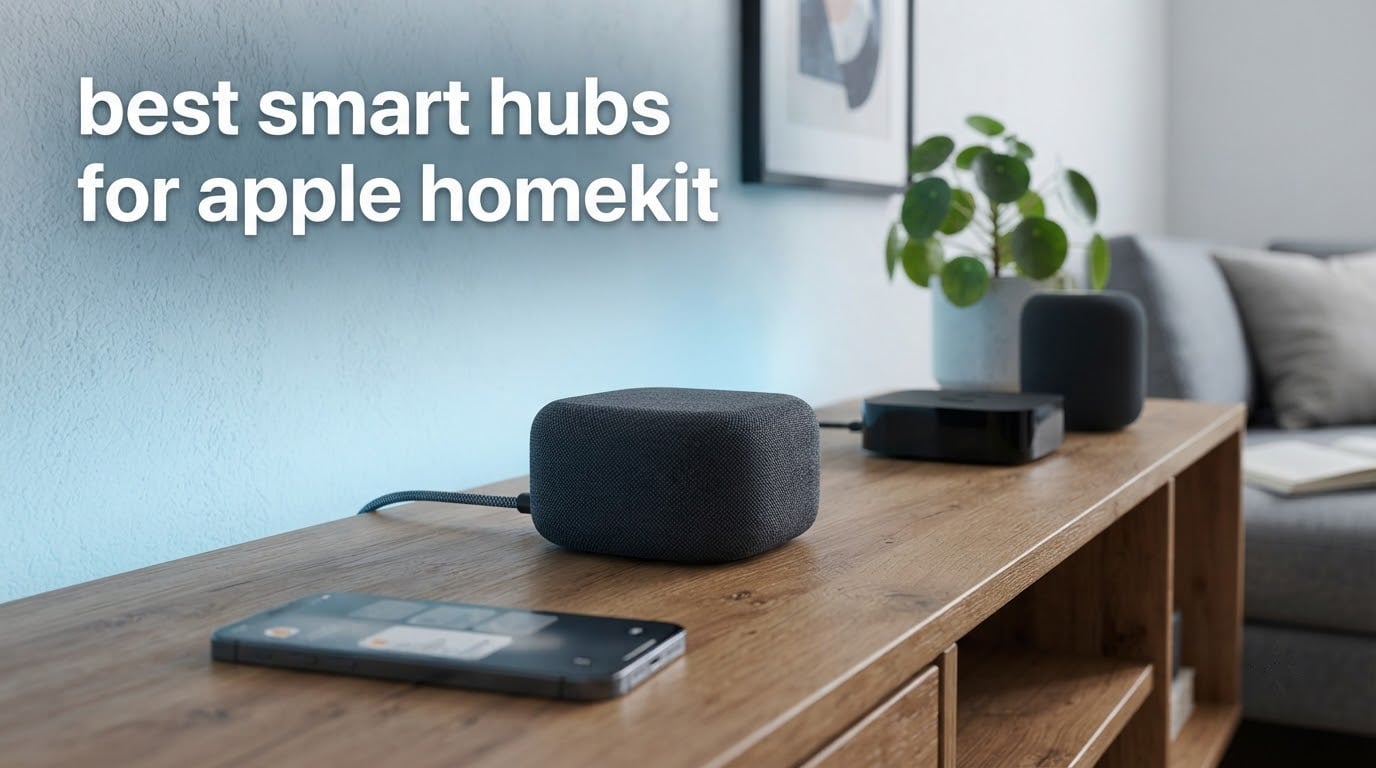
If you have spent any time on a smart home forum, you already know the debate: HomeKit users keep asking whether they need a hub at all, and the answers contradict each other. The confusion is real, and it comes from one word doing two different jobs.
Apple HomeKit needs an Apple home hub to run automations and remote access. That role belongs to an Apple TV or a HomePod, and no third-party box replaces it. What a third-party hub does is different: it adds radios your Apple hardware does not have, so Zigbee sensors, Z-Wave locks and infrared appliances can be brought into the Apple Home app. Most people end up running both, one small box for each job.
We went through the current smart hub market for 2026 and reviewed ten units that can all sit behind Apple Home. Some are protocol translators for one brand, some are multi-radio coordinators, and one is a full home automation platform that reaches HomeKit through a bridge integration. This guide ranks all ten for best smart hubs for Apple HomeKit, grouped by the job each one actually does, with the differences between them spelled out plainly.
10 Best Home Automation Hubs for Smart Homes covers the wider hub market if you are not locked to Apple. And if you are still building from scratch, our smart home hubs for beginners guide is a better first stop.
Do You Actually Need a Hub for Apple HomeKit?
Yes, you need an Apple home hub (Apple TV or HomePod) for HomeKit itself, but you only need a separate bridge if you own non-certified devices such as Zigbee sensors, Z-Wave locks or infrared appliances. If every device you own is already HomeKit-certified, your Apple TV or HomePod is enough and no third-party hub is required.
That distinction explains almost every confusing thread on this topic. A Lutron Caseta dimmer, a Philips Hue bulb and an Aqara motion sensor are not Wi-Fi devices. They speak their own low-power radio protocols, and something has to translate them into something HomeKit understands. That translator is the bridge, and it is an entirely separate requirement from the home hub role.
HomeKit will only pair accessories Apple has certified. That list is short and, for sensors in particular, expensive. A bridge hub is what unlocks the rest of the market while letting the Apple Home app stay your only interface.
Top 3 Best Smart Hubs for Apple HomeKit In 2026


SwitchBot Hub 2
- IR blaster
- temp and humidity sensor
- light sensor
- Matter bridge to HomeKit
- 2 smart buttons

Philips Hue Bridge
- Zigbee mesh
- Ethernet backhaul
- 50 lights and accessories
- Matter compatible
- 2 year warranty
All 10 Smart Hubs for Apple HomeKit Compared (October 2026)
Every hub below reaches the Apple Home app somehow. The difference is whether it exposes devices natively as HomeKit accessories, through Matter, or only by bridging an entire platform. HomeKit support appears first in this list for that reason.
| Product | Specifications | Action |
|---|---|---|
| SwitchBot Hub Mini |
|
Check Latest Price |
| SwitchBot Hub 2 |
|
Check Latest Price |
| Philips Hue Bridge |
|
Check Latest Price |
 Aeotec Smart Home Hub Aeotec Smart Home Hub |
|
Check Latest Price |
 Lutron Caseta Smart Hub Lutron Caseta Smart Hub |
|
Check Latest Price |
 Aqara Hub M3 Aqara Hub M3 |
|
Check Latest Price |
 Home Assistant Green Home Assistant Green |
|
Check Latest Price |
 Aqara Hub M1S Gen 2 Aqara Hub M1S Gen 2 |
|
Check Latest Price |
 Philips Hue Bridge Pro Philips Hue Bridge Pro |
|
Check Latest Price |
 Tapo Smart IR and IoT Hub H110 Tapo Smart IR and IoT Hub H110 |
|
Check Latest Price |
1. SwitchBot Hub Mini – Best Overall for HomeKit on a Budget
- Compact and USB-powered so it fits anywhere
- Smart learning mode clones existing remotes in seconds
- Works with Alexa
- Google Assistant
- Siri and IFTTT
- Largest installed base in this roundup
- 2.4 GHz Wi-Fi only
- IR-only so RF-controlled fans and lighting cannot be added
- Materials between router hub and appliance can interrupt the signal
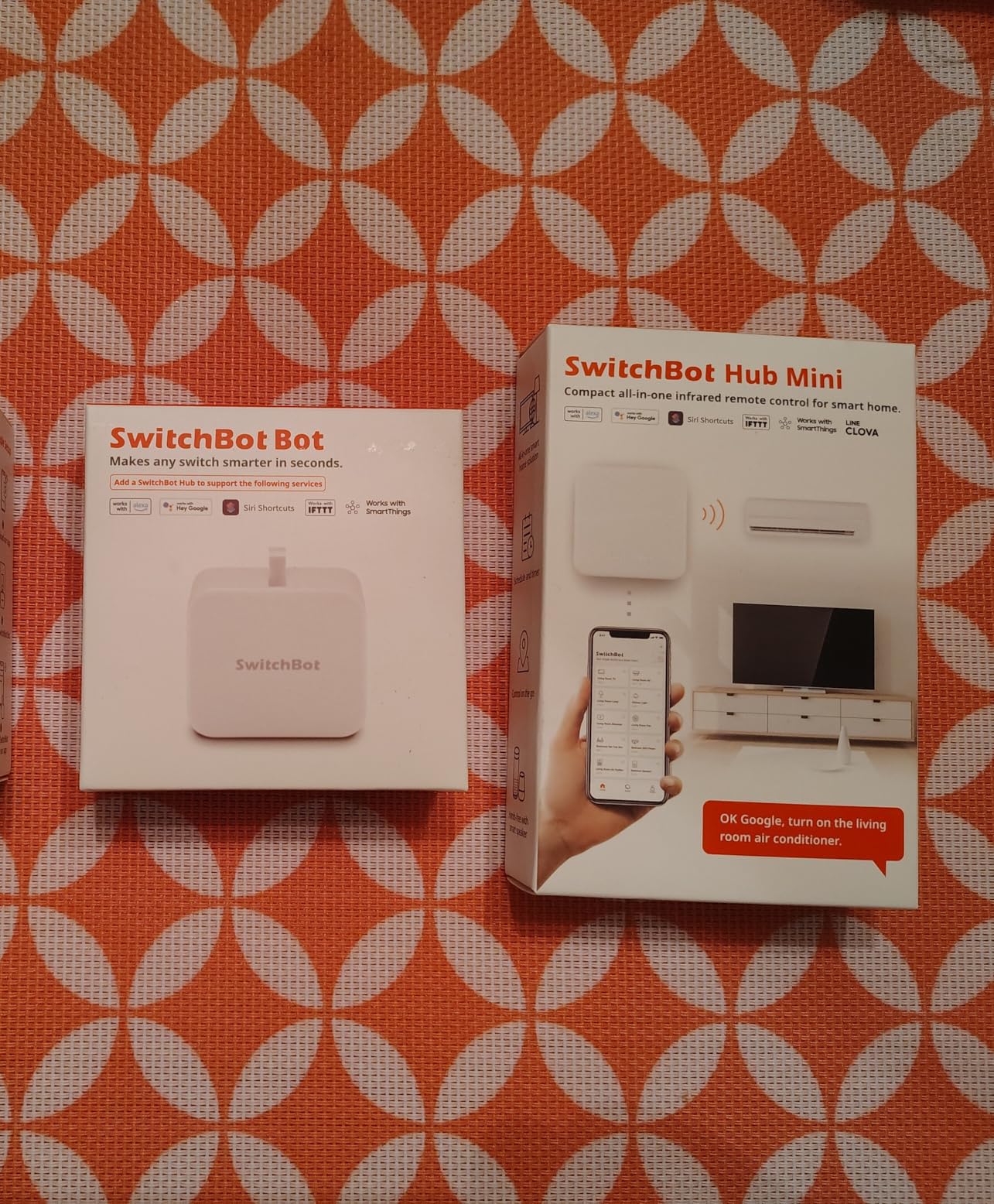
The SwitchBot Hub Mini is the box I recommend first for most Apple households. It is the most reviewed product in this roundup by a wide margin, and that volume matters because it tells you the failure modes are already known rather than still being discovered. Setup takes a couple of minutes: plug it into a USB port, join it to a 2.4 GHz network, and point it at your remote.
Its smart learning mode is the part that surprises people. Hold the Hub Mini’s button and point it at your existing television or air conditioner remote, and it copies the signal. Once an appliance is in the SwitchBot app it can be exposed to the Apple Home app, so Siri can change the channel or turn the bedroom unit off without you ever opening a second interface after setup.
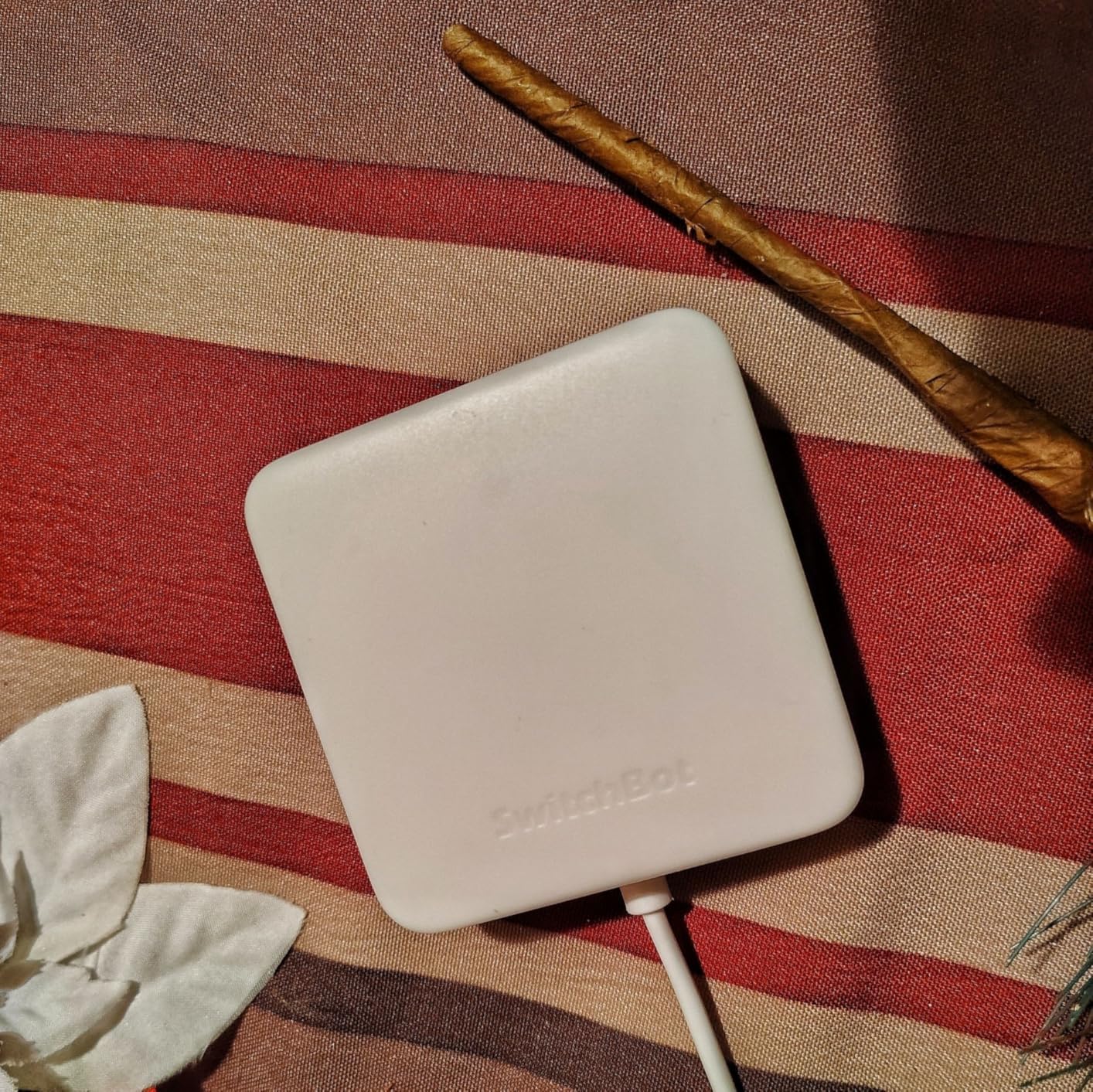
The catch is scale. This is a gateway for up to ten devices, which is generous if your world is infrared appliances and a handful of SwitchBot switches, and completely wrong if you are planning sensors across a two-floor house. It also has no Zigbee radio, so Aqara sensors and Hue bulbs are entirely out of reach.
Reviewers report the Wi-Fi limitation more than anything else. If your router splits 2.4 GHz and 5 GHz onto separate SSIDs, you will need to join the slower one before pairing or the hub will simply not appear. Materials and metal objects between the router, the hub or the appliance can interrupt the signal too, which matters in kitchens and finished rooms with reflective surfaces.
Setup and how it fits into the Apple Home app
Pairing happens entirely inside the SwitchBot app, and the learning step is forgiving. If a button does not respond on the first try you simply hold longer and press the remote again, which is faster than hunting for a model code in a compatibility database. Once the appliance is added it becomes a standard accessory in Apple Home with an exposure, not a switch.
When to pick a different hub
Choose something else if you plan to add Zigbee sensors, or if you want the hub to also serve as your Apple home hub. It cannot do that job. It is also the wrong choice for anyone whose air conditioner or fan is controlled by an RF remote rather than infrared, since RF signals are a different animal entirely.
2. SwitchBot Hub 2 – Best Value Hub with Built-in Sensors
- Reliable IR control for mini-split air conditioners
- Built-in temperature humidity and light sensors can trigger scenes
- Exposes SwitchBot locks curtains and blinds to Apple Home via Matter
- Two physical buttons for household members without phones
- Detailed setup documentation
- No Ethernet port so it relies on 2.4 GHz Wi-Fi
- IR-only with no RF support for older ceiling fans
- Few pre-programmed IR templates so most codes must be learned
The Hub 2 is the more interesting of the two SwitchBot boxes. It keeps the infrared blaster from the Mini and adds a thermometer, a hygrometer and a light sensor in the same body, so the hub itself becomes a usable input for automations. The Swiss-made sensing chip is specified at up to plus or minus 0.36 degrees Fahrenheit and plus or minus 1.8 percent relative humidity.
Where it matters for Apple users is the Matter bridge. SwitchBot locks, curtains and blind tilts come into Apple Home through Matter rather than through a cloud relay, which means those devices behave like first-party accessories. The two included smart buttons give non-phone household members a physical tap control that triggers scenes.
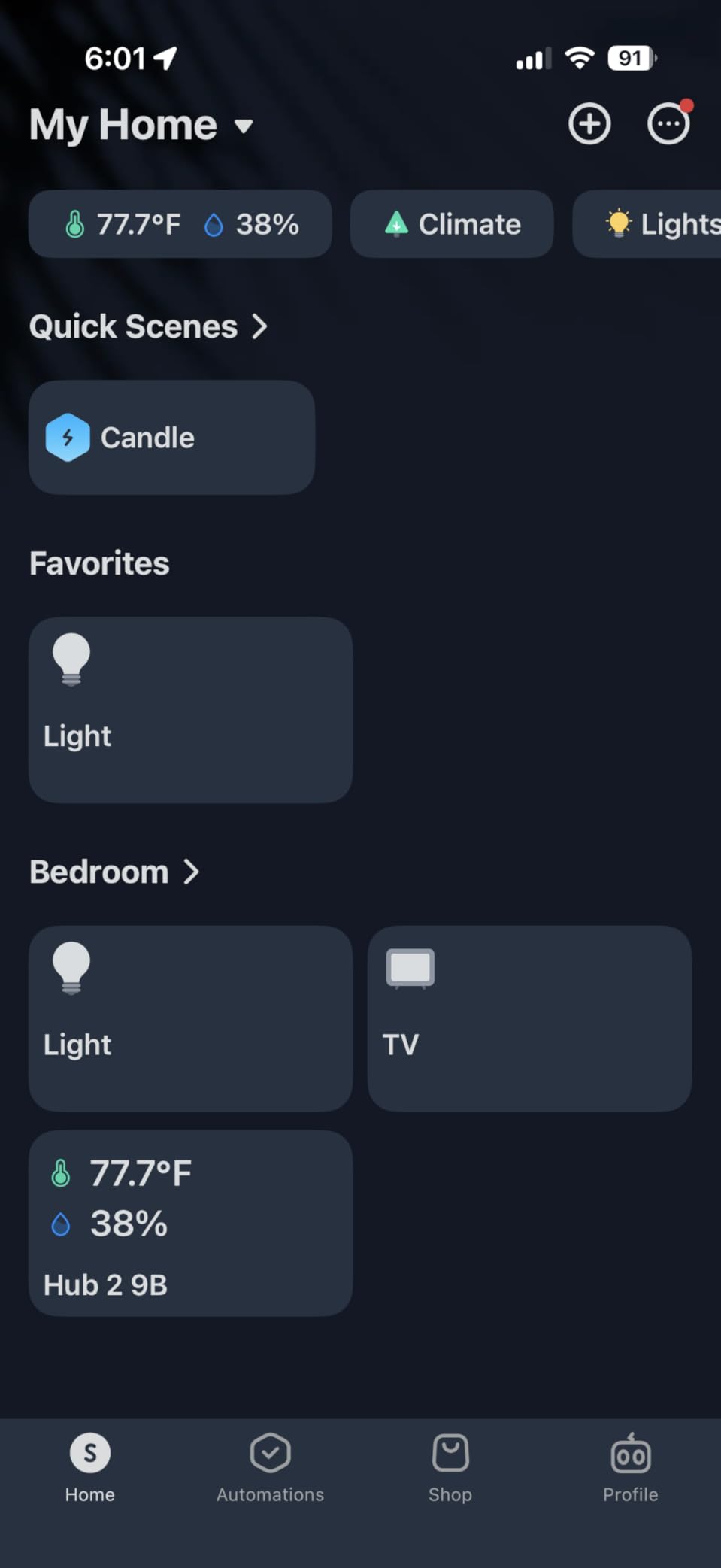
Geofencing is the feature owners mention most in practice. Leaving home can shut down the air conditioner and lights, arriving home can restore them, and all of it runs from the phone rather than from motion sensors. For a two-person household with a mini-split and a few motorised blinds, that combination covers most of the daily automation people actually want.
Be aware of two limitations before you commit. There is no Ethernet port, so the hub depends entirely on a stable 2.4 GHz Wi-Fi signal, and several reviewers report IR devices taking several hours to appear in the Apple Home app after pairing. If you are planning a large estate with dozens of accessories, that delay gets old fast.
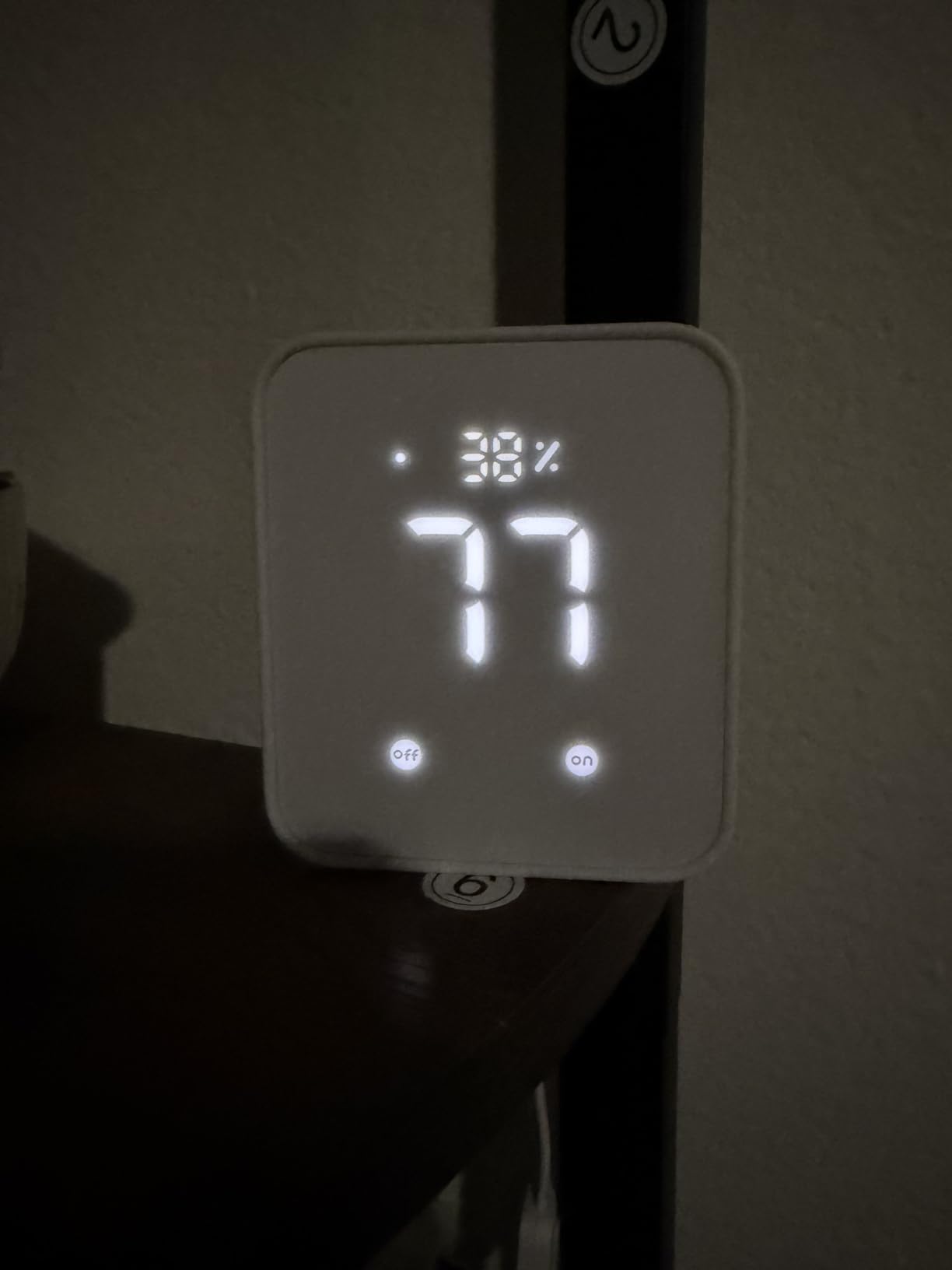
Sensor data you can actually automate on
The built-in sensors are the reason to step up from the Mini. Humidity above a threshold can trigger a dehumidifier or a fan, and the light sensor can switch night-time scenes without a separate occupancy sensor on the ceiling. The included two-metre temperature and humidity cable extends the probe away from the hub body if the shelf position runs warm.
When to pick a different hub
This is still an infrared and SwitchBot-focused box. It has no Zigbee radio and no Z-Wave radio, so third-party sensors and smart locks are out of scope. If your list includes Aqara motion sensors or Schlage locks, look at the Aqara or Aeotec options further down instead.
3. Philips Hue Bridge – Best All-Hue Lighting Hub
- Wired Ethernet connection keeps lights reliable when Wi-Fi drops
- Long ownership history with very few failures reported
- Works seamlessly with Apple Home for scenes and zones
- Set-and-forget design with clear status LEDs
- Must be plugged into a router with an Ethernet cable
- Individual lights can show unreachable which makes HomeKit control spotty
- Around 50 light and accessory ceiling
- One bridge per home with no multi-hub support
The Hue Bridge has been shipping since 2015 and that longevity is its strongest argument. If your smart home is lights, this is the correct answer and has been for a decade. It coordinates a Zigbee mesh over a wired Ethernet backhaul, which is why owners report years without a hiccup while Wi-Fi devices around them churn.
Because it is a bridge rather than a hub, it has no opinion about your Apple home hub. Lights, zones and scenes surface in the Apple Home app as native accessories, and Hue outdoor lights require this bridge to be controlled at all. Entertainment sync works too, though that needs a separate HDMI Sync Box.
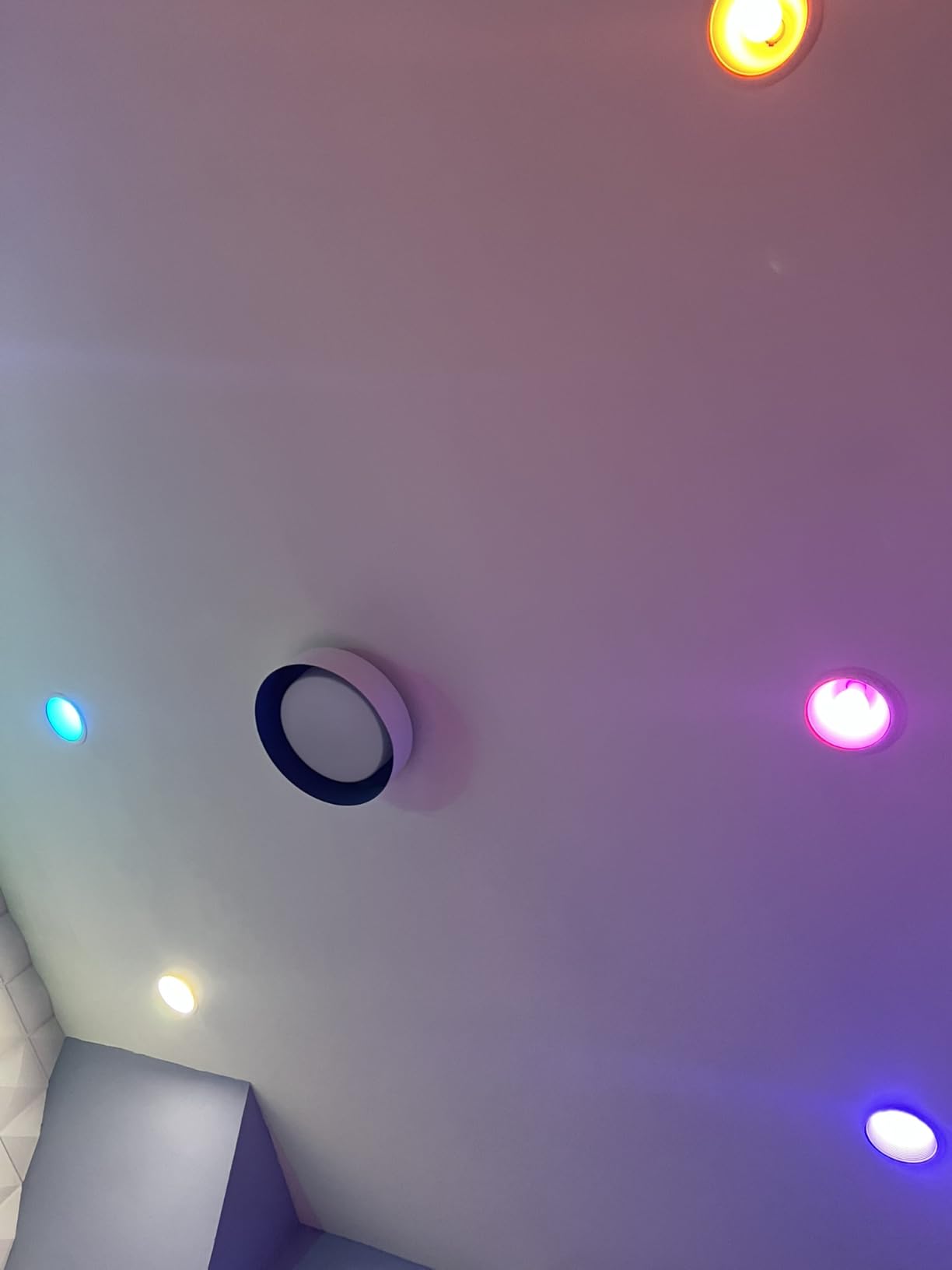
The most useful thing about Ethernet here is failure behaviour. When Wi-Fi drops, Hue lights keep working locally. Reviewers consistently describe the bridge as invisible infrastructure, which is exactly what you want from a device whose only job is keeping other devices talking.
The recurring complaint is an occasional light reporting as unreachable in the Apple Home app while the Hue app still controls it fine. That gap between the two views is a Hue mesh quirk rather than a network problem, but it does make Siri responses less reliable until the light rejoins.
Wiring is the one thing to plan for
This is not a wireless device and it needs a free Ethernet port on your router. If your router is full, a cheap unmanaged switch solves the problem. It is also worth knowing that the app supports a single bridge, so a house that needs more than fifty accessories needs the Bridge Pro instead.
When to pick a different hub
Skip it if you own any non-Hue lighting, sensors, locks or appliances. It coordinates Hue accessories and nothing else. And if your Hue install is already large, the fifty-device ceiling is a real limit rather than a rounding error.
4. Aeotec Smart Home Hub – Best Z-Wave and Zigbee Combination
Aeotec Smart Home Hub, Works as a SmartThings Hub, Z-Wave, Zigbee, Matter Gateway, Compatible with Alexa, Google Assistant, WiFi
- One hub covers Z-Wave Zigbee Matter and Wi-Fi devices
- Many automations now execute locally for faster response
- Supports both Ethernet and Wi-Fi for flexible placement
- SmartThings app runs on iOS as well as Android
- Z-Wave Plus only on the V3 hardware revision
- North America regional design at 908.42 MHz
- Premium price against single-protocol bridges
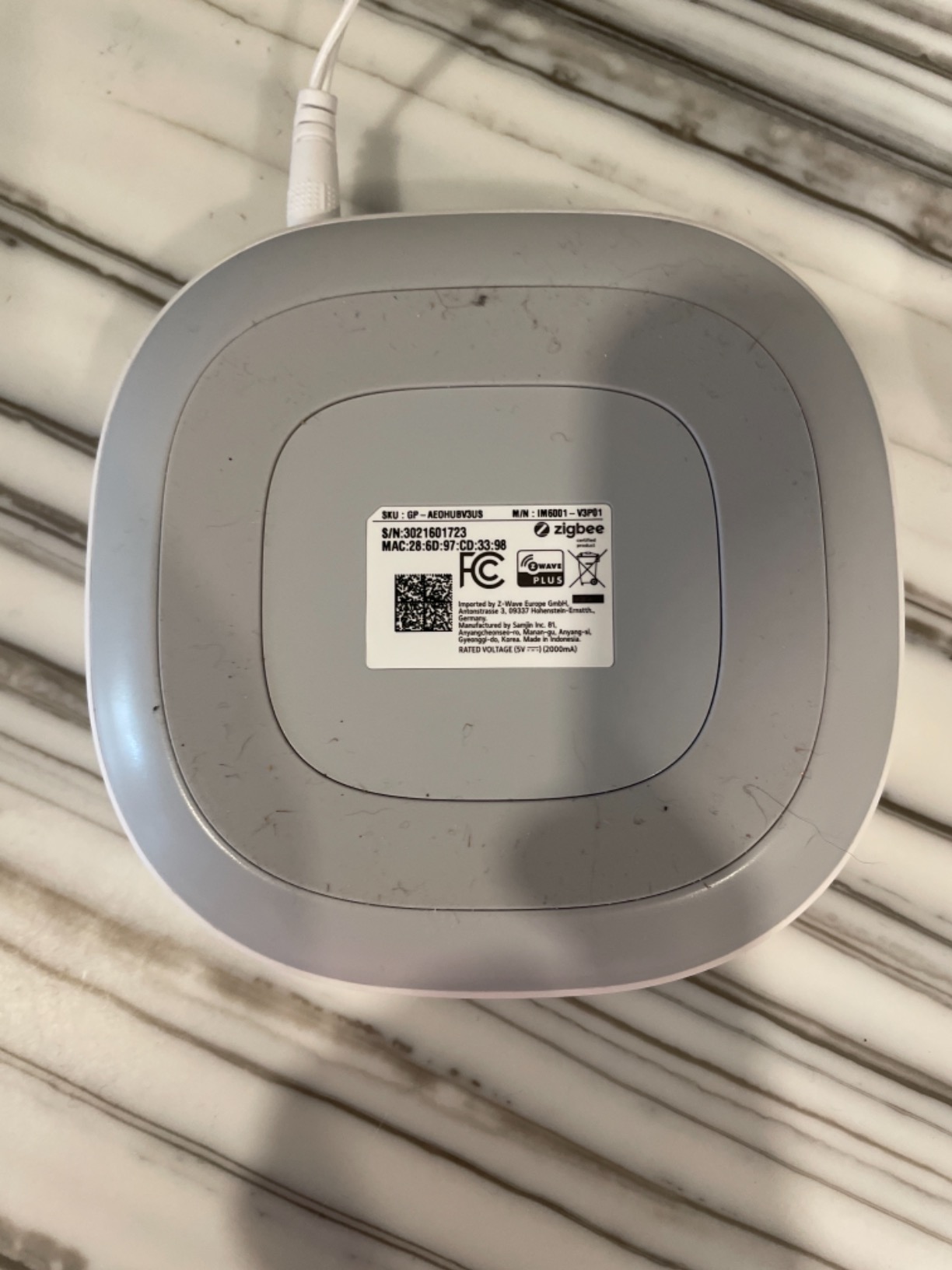
The Aeotec Smart Home Hub is the successor hardware to the SmartThings Hub and it is the only box here that speaks Z-Wave and Zigbee in the same unit. That combination is not a niche spec. It decides whether your smart locks, which are almost all Z-Wave, can sit alongside your sensors, which are almost all Zigbee, without two separate coordinators.
It registers as a SmartThings hub, so the automation engine, the device database and the app are all familiar territory. The listing notes that many automations now run locally, which is the meaningful change for anyone who cares about response time and about what happens during an internet outage.
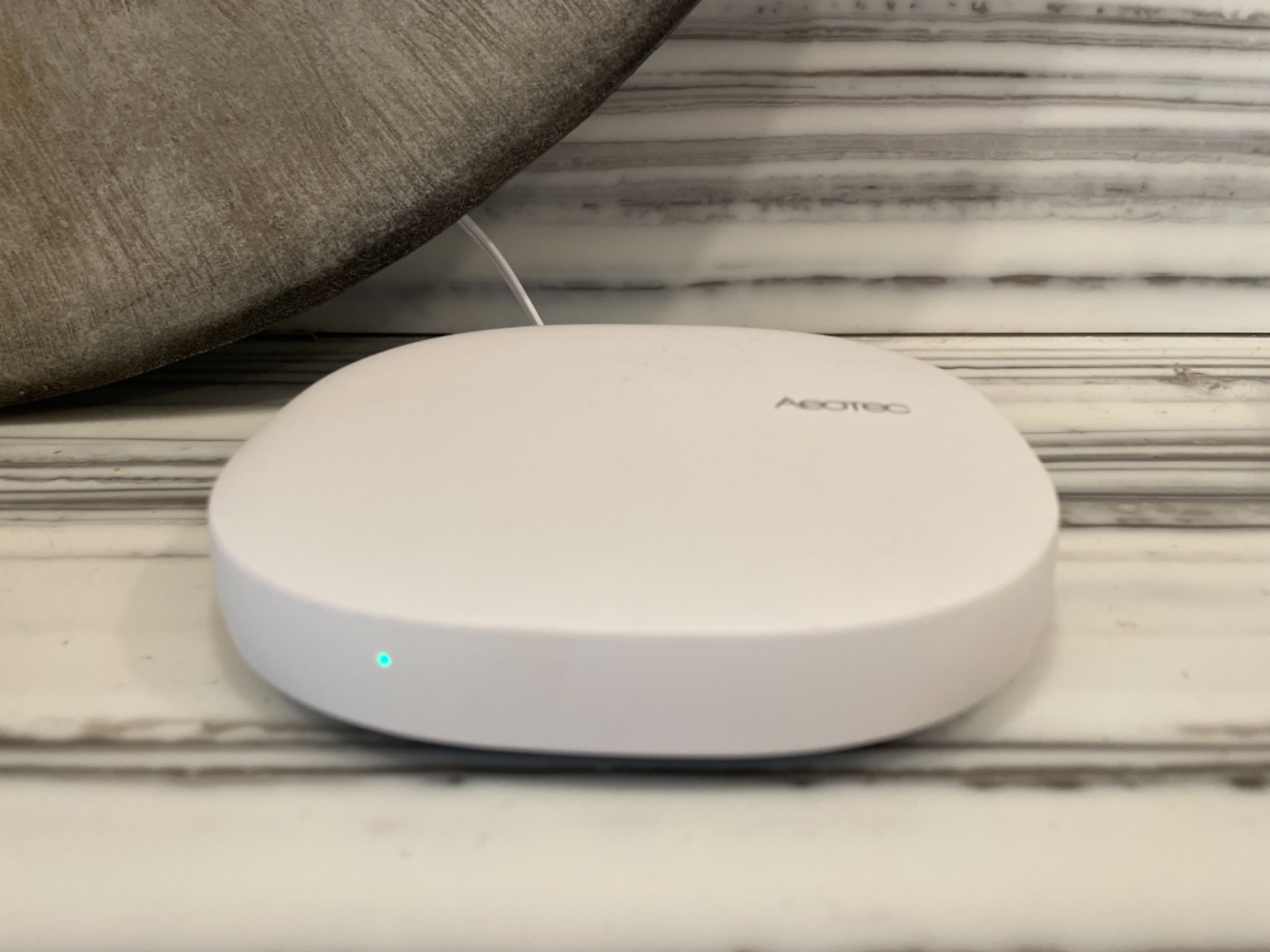
Ethernet or Wi-Fi setup is genuinely useful, and unlike the Hue Bridge this unit does not insist on a wired connection. The included adapter and cable cover the wired case, and it will fall back to 2.4 GHz Wi-Fi if a cable run is impractical.
Two details matter before you buy. Z-Wave Plus support is limited to the V3 model, and the V4 variant drops it, so confirm which revision you are receiving. The Z-Wave radio is fixed at 908.42 MHz for the North American market, which means this unit is not the right choice outside that region without a regional variant.
How Apple Home fits into a SmartThings setup
Here the Home app is a secondary view rather than the whole system. Devices appear in Apple Home, but the SmartThings app stays the place where automations are built, because it has the deeper device library. Anyone who wants a single-app household should weigh this carefully before committing.
When to pick a different hub
Choose elsewhere if you only run Hue bulbs, only run Aqara sensors, or only need to control air conditioners. It is a broad coordinator rather than a focused bridge, and that breadth costs you simplicity. It is also not suited to non-North-American installs.
5. Lutron Caseta Smart Hub – Best for Existing Caseta Installs
- Highest average rating in this roundup at 4.6 out of 5
- Clear Connect mesh avoids competing with 2.4 GHz Wi-Fi
- Covers large multi-floor homes reliably
- Integrates cleanly with Apple HomeKit Alexa Google Home Ring and Sonos
- Lutron-specific so it will not pair with Leviton devices
- Some switches need a factory reset before re-pairing
- Remote access and some voice features need the separate SmartBridge Pro
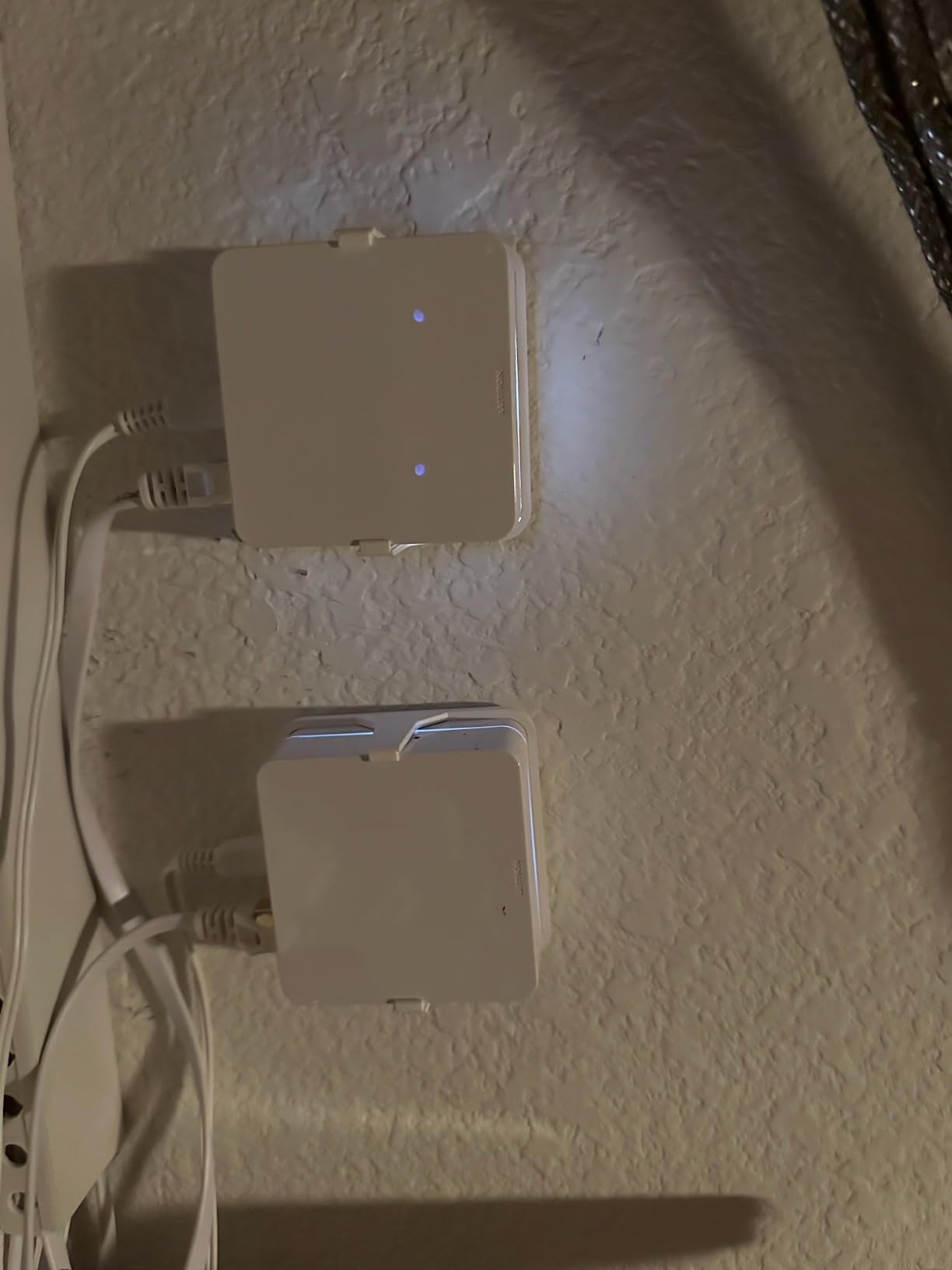
The Caseta hub is the specialist in this list and it earns its place because Lutron hardware is genuinely excellent. Caseta dimmers and switches use Lutron’s own Clear Connect mesh on its own frequency band, which means they do not compete with your Wi-Fi at all. Installers consistently single that out as the reason Caseta installs behave differently from other brands.
It is also the highest-rated hub we cover, at 4.6 out of 5 across its review history. Owners describe near-instant response and clean integration with the Apple Home app, along with Alexa, Google Home, Ring, Serena shades and Sonos. One hub covers up to 75 Caseta devices, which is enough for a large multi-floor house.
This is the hub most often bought as an afterthought, and that is the right way to think about it. Owners of Lutron Caseta hardware already installed treat the bridge as settled and are looking for what to pair it with. A reader posting in r/smarthome asked exactly that question, wanting to know which HomeKit hub to run alongside Caseta gear.
Two rough edges are worth flagging. Switches previously joined to another hub usually need a factory reset before they will re-pair, which is a wall-plate job rather than a software job. And remote access plus some voice features require the separate SmartBridge Pro rather than this hub.
Why Clear Connect mesh is worth caring about
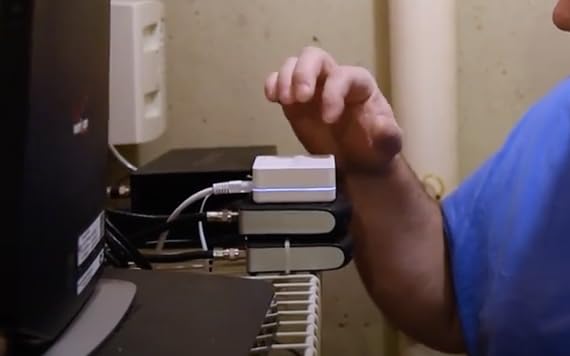
Every Wi-Fi smart switch is another radio competing on the same 2.4 GHz band your hub needs. Clear Connect operates on its own band, so a house full of Caseta dimmers does not congest the network the way mixed-brand installs tend to. For large homes that difference shows up as reliability.
When to pick a different hub
Skip it if your switches or dimmers are Leviton, SmartThings or anything other than Lutron Caseta. It will pair with nothing else. If you need remote access while away from home, budget for the SmartBridge Pro as well.
6. Aqara Hub M3 – Best Multi-Protocol Hub with Thread Border Router
Aqara Smart Home Hub M3 for Advanced Automation, Matter Controller, IR
- Zigbee Thread Bluetooth Wi-Fi and Matter in one box
- PoE plus USB-C gives noticeably steadier connectivity
- No microphone or camera with end-to-end encrypted local storage
- Migrates Zigbee devices from older Aqara hubs to local automations
- Wall and ceiling mounting hardware included
- Only one air conditioner can be exposed to Matter
- Only Aqara Zigbee devices supported and third-party Zigbee excluded
- Apple Home exposure runs through Matter rather than the HomeKit integration
- 2A USB power adapter not included
The Aqara Hub M3 is the most capable multi-protocol box here, and the one most often described as the definitive HomeKit hub. It carries Zigbee, Thread, Bluetooth, dual-band Wi-Fi with WPA3 and a 360-degree infrared blaster in a 4.13 inch square body, and it acts as both a Matter controller and a Matter bridge.
Thread border router support is the piece that matters for Apple homes. Thread is the low-power mesh transport underneath Matter-over-Thread accessories, and a border router is what lets those accessories join your home network at all. The M3 supports up to 127 Aqara Zigbee devices and 127 Thread devices, with repeaters recommended as the mesh grows.
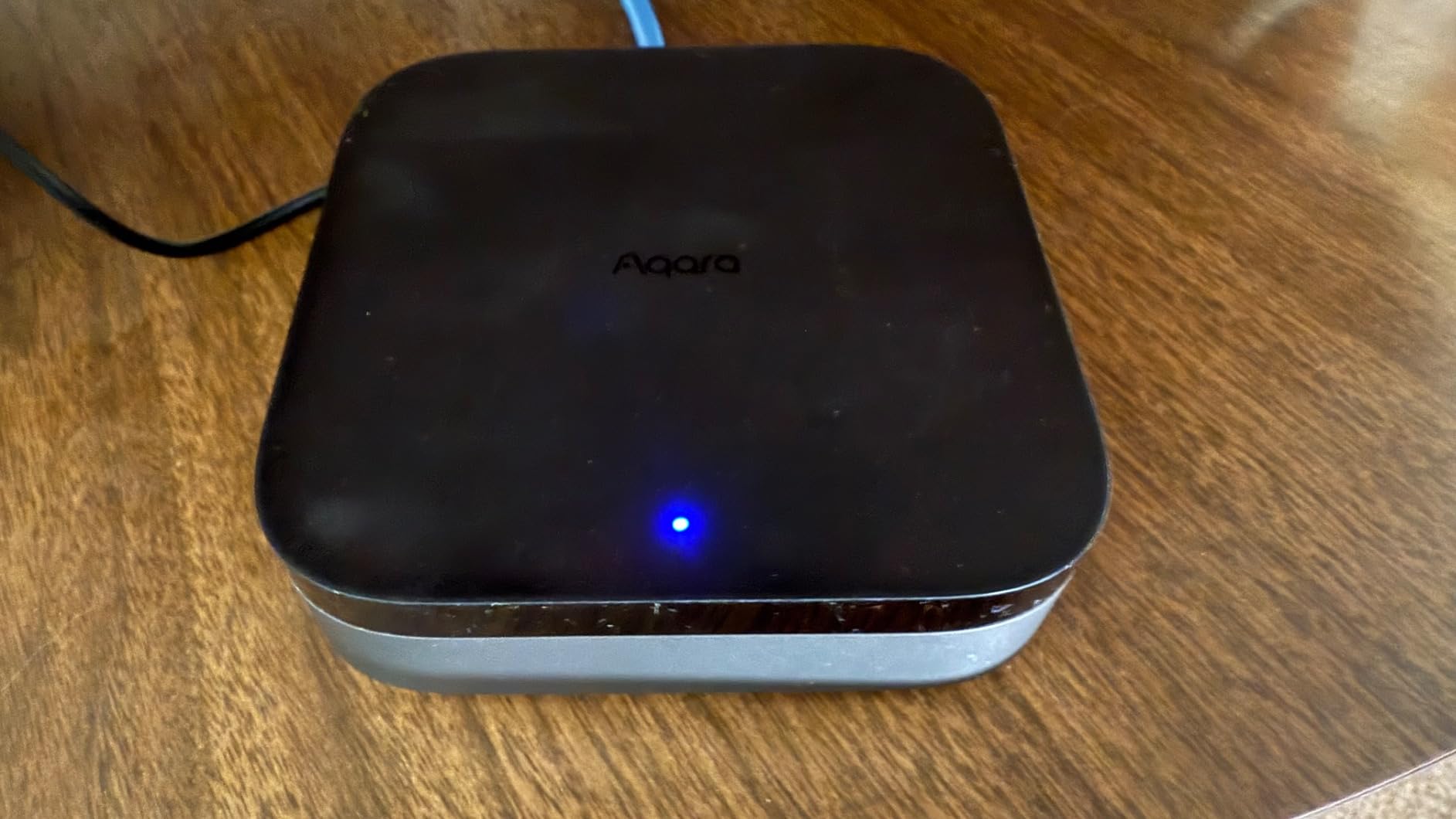
Power is handled better here than on most rivals. A Power over Ethernet port plus a USB-C port for a mini-UPS or power bank means the hub can stay alive and connected during a mains outage, which is exactly the scenario local automations are supposed to survive. There is also 8GB of end-to-end encrypted local storage, and no microphone or camera.
It is rated 4.0 out of 5 in our data, the lowest of the ten, and the reviews explain why. Only one air conditioner can be exposed to Matter at a time. Only Aqara Zigbee devices are supported, so third-party Zigbee sensors are excluded. For Apple Home, exposure runs through the Matter integration rather than the HomeKit one. And the 2A USB power adapter is not in the box.
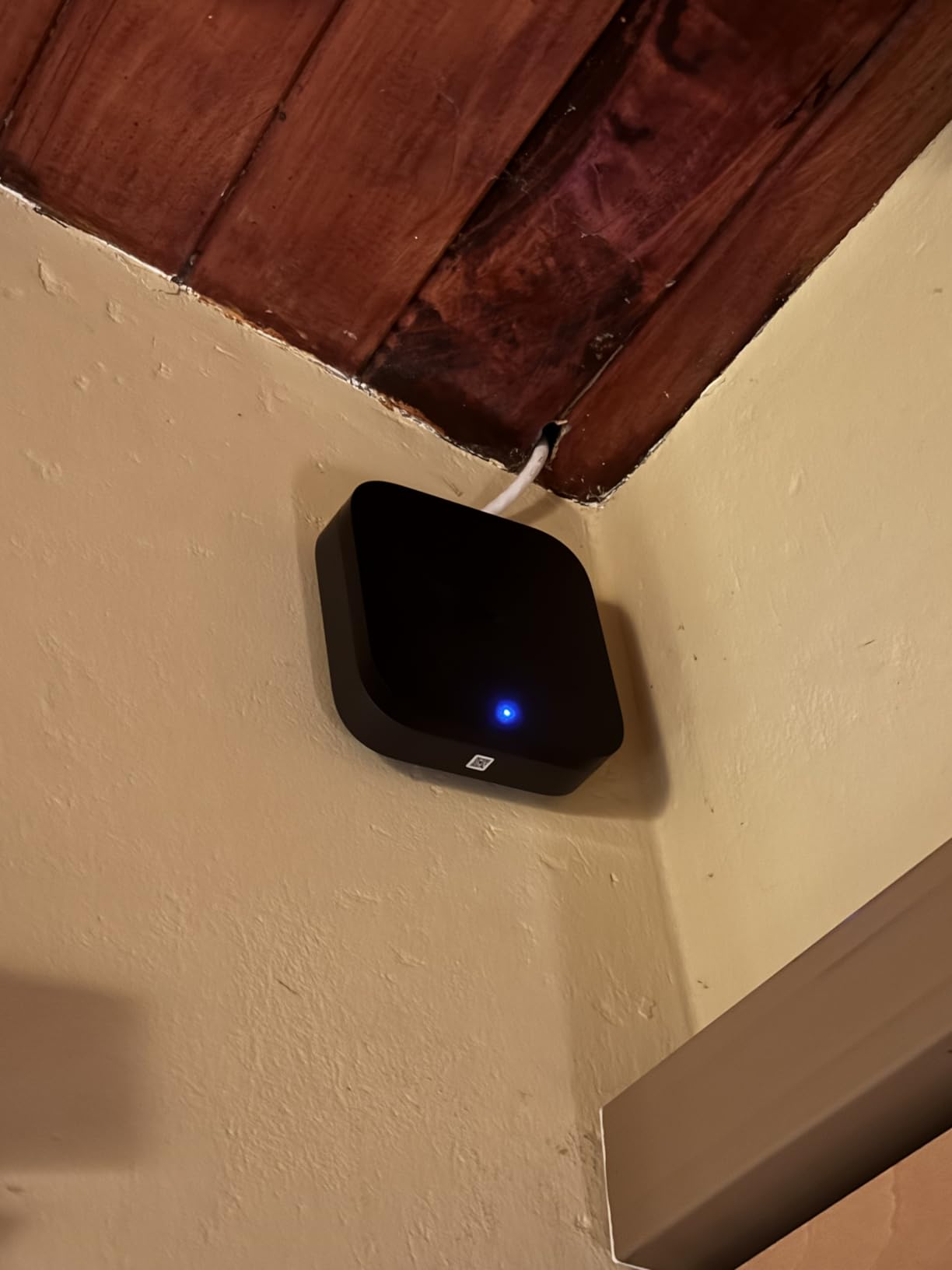
Thread border router explained
A Thread border router is the bridge between a Thread mesh and your home IP network. Thread accessories speak IPv6 over their own low-power mesh and cannot reach the internet on their own. Add a border router such as the M3, and every Matter-over-Thread accessory on that mesh becomes controllable from Apple Home alongside your Wi-Fi devices.
When to pick a different hub
Choose something else if you need Z-Wave locks, since there is no Z-Wave radio here. Also skip it if you plan to mix in non-Aqara Zigbee sensors, because those will not pair. For an Aqara household with Thread accessories, it is hard to argue with.
7. Home Assistant Green – Best Local-First Route to HomeKit
Home Assistant Green | Smart Home hub with Advanced Automation | Official Home Assistant Hardware
- Runs everything locally with no cloud dependency
- Fanless and silent drawing a couple of watts
- Handles 60+ devices with community add-ons
- Gigabit Ethernet with international power supply
- Home data stays on the device
- Steep learning curve since it is a platform not a turnkey hub
- Remote access needs a cloud subscription or self-hosted work
- Misconfigured Thread border routing can disrupt an existing Apple Thread network
Home Assistant Green is not a smart home hub in the way the other nine products are. It is the official appliance for Home Assistant, a platform that runs entirely on the device and can pull in almost any device library through the HomeKit Bridge integration. Owners call it the most private option in this list and the most powerful, and they also call time the real cost.
Hardware is modest and unremarkable in the best way. A quad-core processor with 4GB LPDDR4X RAM, 32GB of storage, Gigabit Ethernet, Bluetooth and two USB ports, in a fanless 4.41 inch square that draws a couple of watts. Home Assistant OS is already installed, so plugging in the power supply and Ethernet cable is genuinely the whole setup.
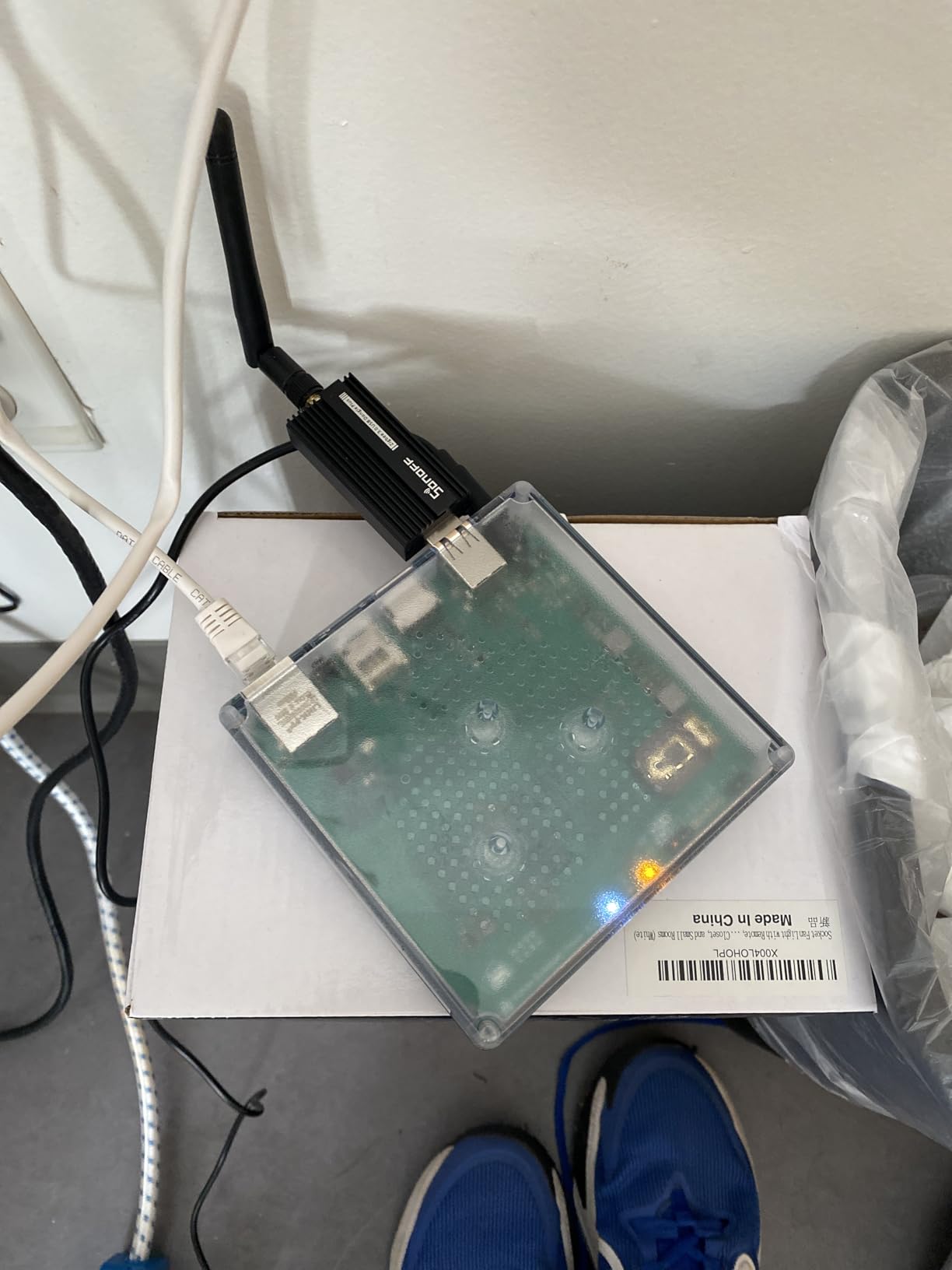
The USB ports are where radios go. Z-Wave, Zigbee and Thread adapters plug in there, so you choose your protocols rather than inheriting them. That is the opposite trade from the Aqara M3, where one box covers everything but only for one brand’s devices. A minority of owners also report difficulty importing large existing Matter or Thread estates.
Local processing is the whole argument. Automations run on the Green, your home data stays there, and an internet outage changes almost nothing. The catch is that remote access and voice assistant integration normally require a cloud subscription, or self-hosting workarounds such as a tunnel service.
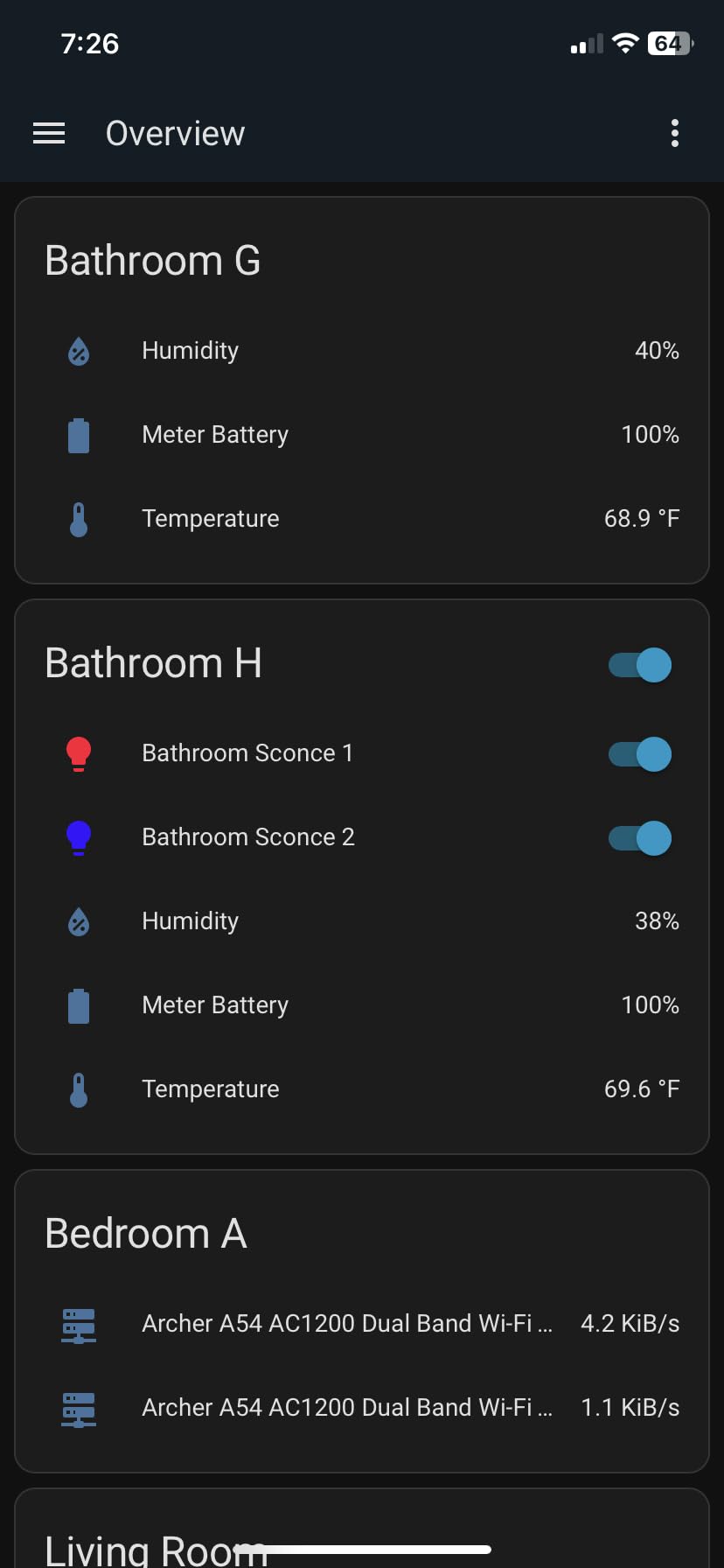
Getting HomeKit on a Home Assistant install
The route is the HomeKit Bridge integration, which exposes selected entities to Apple Home as native accessories over your local network. You choose which entities to publish, and HomeKit then treats them like certified hardware. This is the same escape hatch Homebridge users rely on, but on a supported platform with automatic updates.
When to pick a different hub
Do not start here if you want a box that works in ten minutes. The honest criticism from reviewers is that Home Assistant is a platform, not a turnkey hub, and it assumes some technical comfort with add-ons, YAML and networking. For a first smart home, our beginners hub guide is the safer path.
8. Aqara Hub M1S Gen 2 – Cheapest Aqara Bridge with Alarm Features
Aqara Hub M1S Gen 2, Smart Home Bridge for Alarm System, Home Automation
- RGB night light doubles as an alarm and doorbell chime
- Built-in illumination sensor usable as an automation trigger
- Low-cost entry point for Aqara sensors into Apple Home
- Small form factor
- Backs all four HomeKit alarm modes
- 2.4 GHz Wi-Fi only and should sit within about 33 feet of the router
- Aqara Zigbee devices only so third-party Zigbee is unsupported
- Aqara app interface is not the most intuitive
- Re-pairing requires scanning the QR code on the back
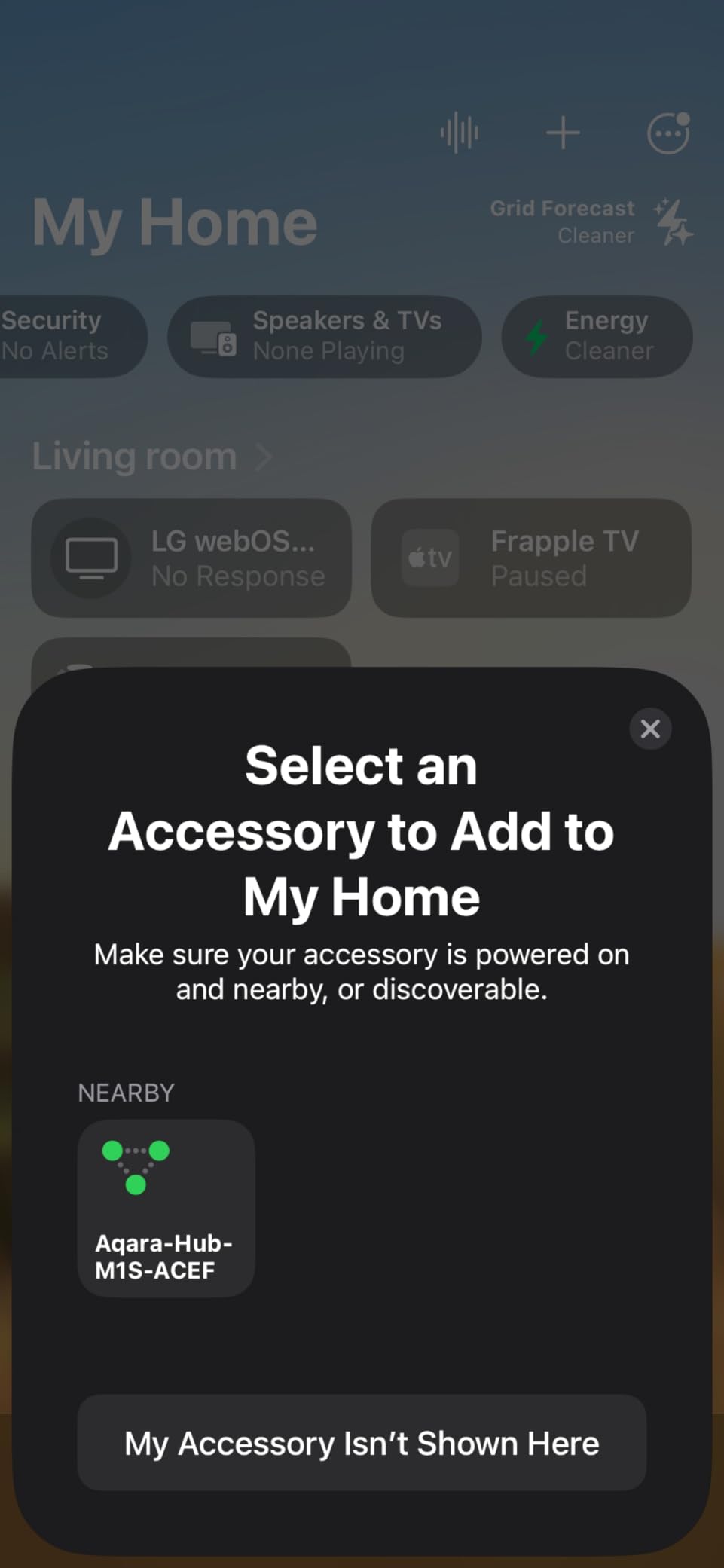
The M1S Gen 2 is the older Aqara design that still makes sense in a specific situation: you own Aqara sensors, you want them in Apple Home, and you want a visible hub rather than a black box. Its RGB night light and 2-watt speaker are unusual features that no other hub in this list combines.
As an alarm hub it backs all four HomeKit alarm modes, and the speaker doubles as a doorbell chime with customisable ringtones. That makes it a genuinely useful third device if you already have a HomePod or HomePod mini elsewhere in the house.
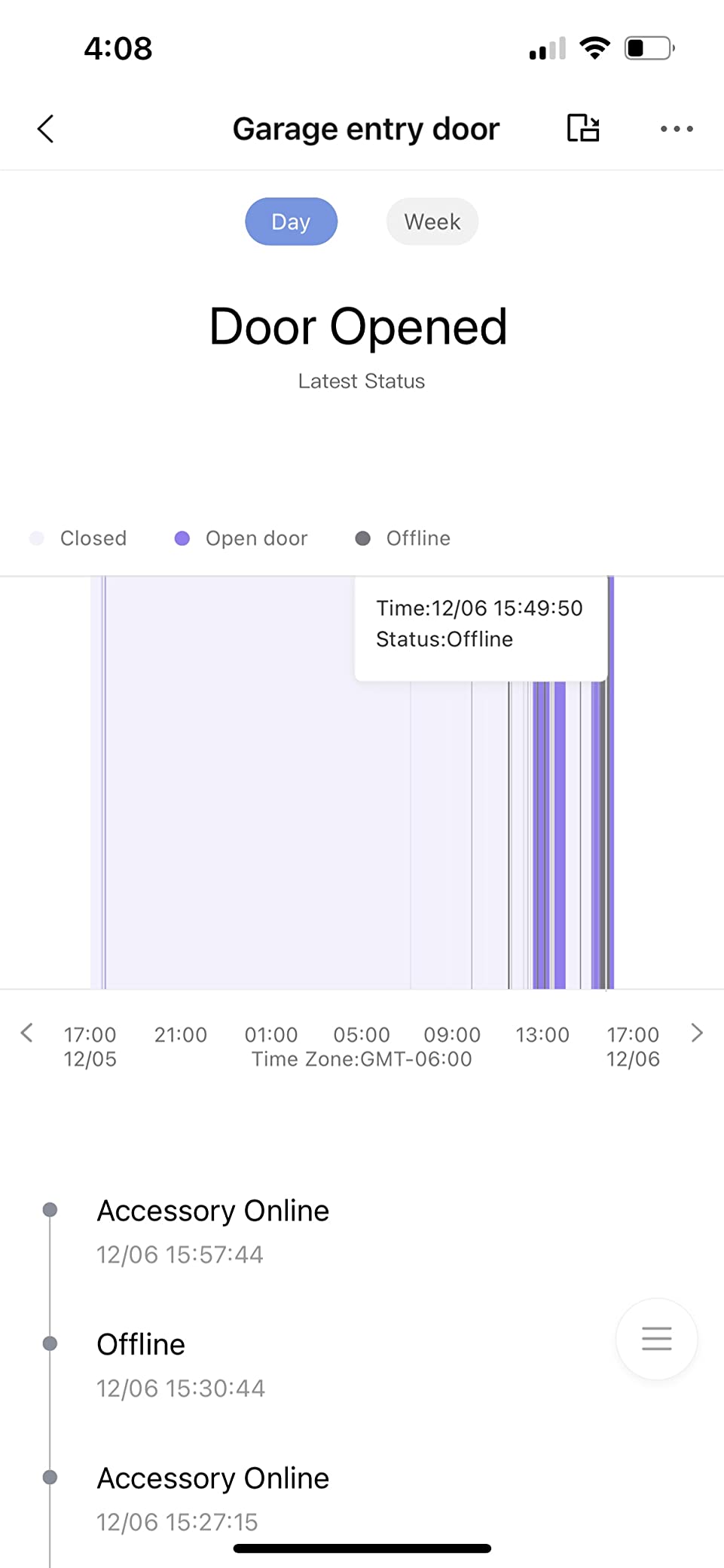
Zigbee 3.0 coordination covers up to 128 Aqara devices, and the built-in illumination sensor can trigger automations on its own. Placement guidance is to keep it within about 400 inches of the router on the same LAN, and when integrating through an Apple home hub, the hub and your phone should share that same LAN.
The constraints are honest ones. It is 2.4 GHz only with no Wi-Fi 6, it will only pair Aqara Zigbee devices, and reviewers report occasional HomeKit drops as well as an app interface that is not the most intuitive. If a unit needs re-pairing you are scanning the QR code on the back with your phone.
Why the night light matters more than it sounds
An 18-LED RGB light with configurable brightness and colour is not a gimmick if you have small children or a hallway at night. It gives you a low-level path light that can be driven by the HomeKit automations running in your Apple home hub, which is a role every other hub in this roundup leaves empty.
When to pick a different hub
Skip it if your sensors are not Aqara devices, or if you need Thread, Matter bridging, Z-Wave or infrared control. If you want those, the Aqara Hub M3 covers several of them in one unit. Reach for the M1S when the alarm and night light features are what you actually want.
9. Philips Hue Bridge Pro – Best Bridge for Large Hue Setups
- Noticeably faster light and scene response than the original bridge
- Collapses multiple legacy bridges into one
- Supports Wi-Fi as well as Ethernet so it frees a router port
- 4GB RAM and a newer chipset for AI features
- Zigbee Trust Center for unauthorised access protection
- Migration is one-way and devices cannot be moved back
- Migration instructions for resetting the old bridge reported as incorrect
- Hue app still described as bloated against rivals
- A minority of units drop Wi-Fi and need a power cycle
The Bridge Pro is the successor to the box in section three, and the reason to choose it over the original is capacity plus speed. The Hue Chip Pro runs at 1.7 GHz on a quad-core Cortex-A35, backed by 4GB of DDR4 memory and storage for up to 500 personalised scenes. It supports more than 150 lights and over 50 accessories.
Owners running whole-home Hue systems describe it as a decisive upgrade in responsiveness, particularly with many switches in the mix. MotionAware is the notable software addition: it can trigger lights from movement detected using just three Hue devices, with no separate motion sensor required.
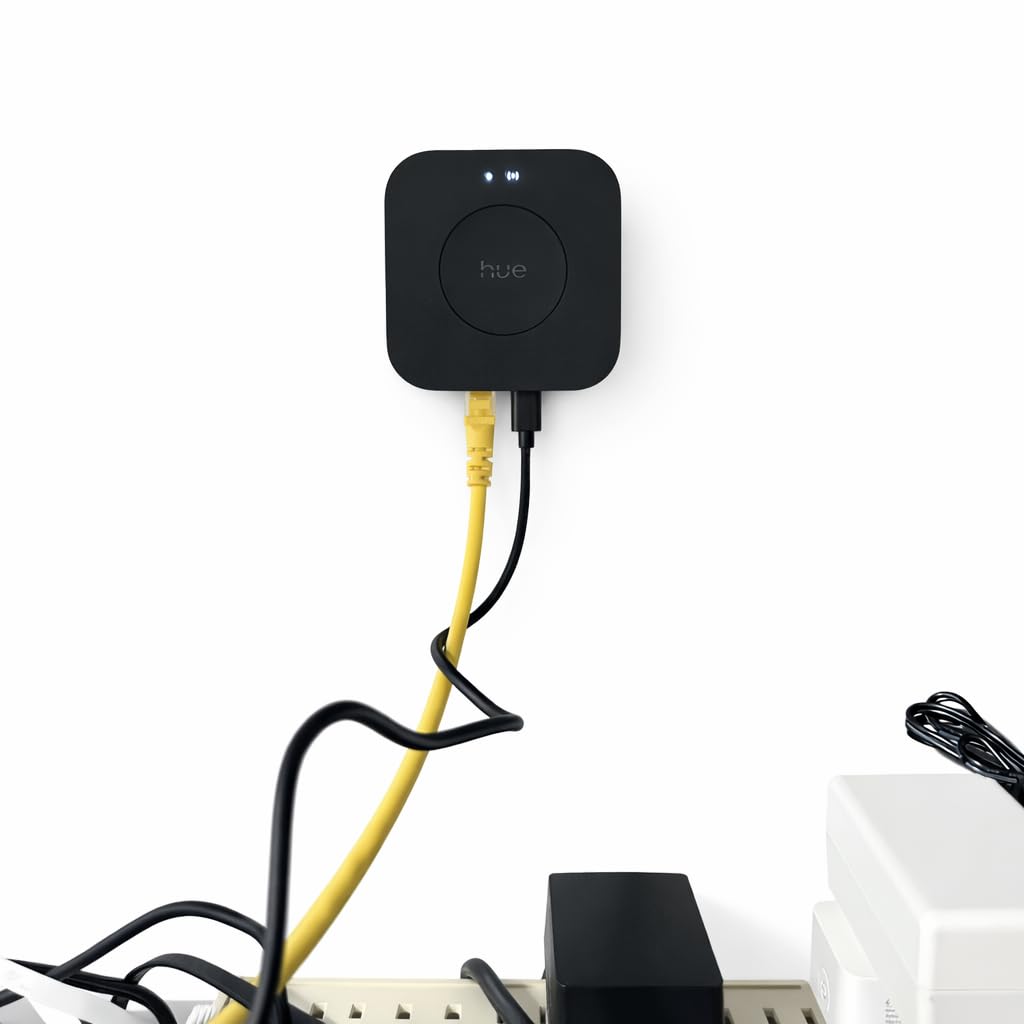
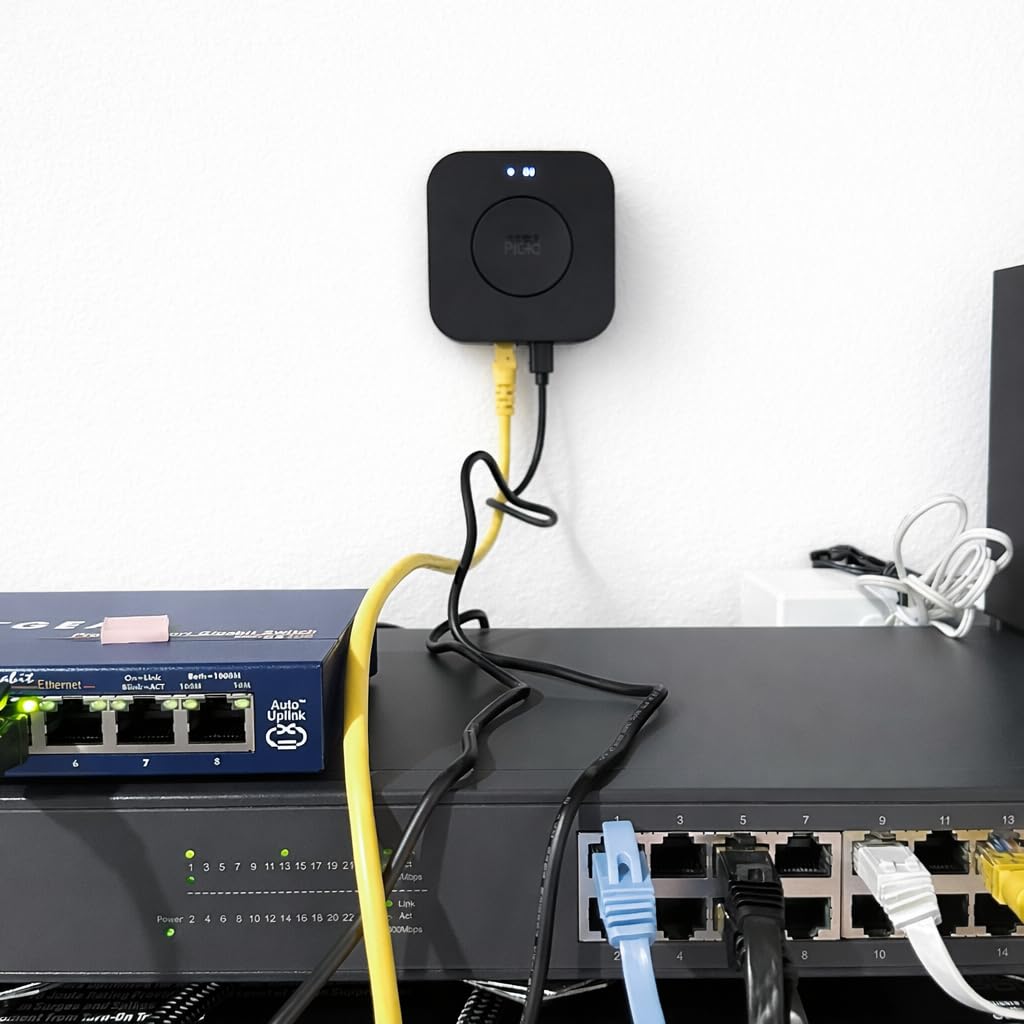
Unlike the original bridge, this one can run on Wi-Fi as well as Ethernet, which frees a router port in a crowded network cabinet. USB-C power replaces the old barrel connector, and the Zigbee Trust Center adds protection against unauthorised access to the mesh.
Plan the migration carefully. It is one-way, so devices cannot be moved back to an older bridge or between two Bridge Pro units, and reviewers report the printed instructions for resetting the old bridge being wrong, which costs setup time. The Hue app itself is still described as arcane by people who came from the SwitchBot app.
When one bridge becomes the wrong answer
The original Hue Bridge caps out around fifty accessories. Owners with roughly 140 lights report consolidating three legacy bridges into this single unit with every switch responding on the first press, which is the clearest argument for buying it outright rather than adding a second original bridge.
When to pick a different hub
Skip it for a small or new Hue install where the original bridge already covers the device count. It also has no value if you own other Zigbee brands, since it coordinates Hue accessories exclusively. Its Wi-Fi support is a bonus, not a reason to buy a second hub for a home you already have covered.
10. Tapo Smart IR and IoT Hub H110 – Lowest-Cost Matter Infrared Hub
Tapo Smart IR & IoT Hub w/ Chime, Matter-Certified, H110, Universal Remote
- Least expensive hub in this roundup while still Matter-certified
- Unusually broad IR library covering 18 appliance categories
- 93 dB chime lets Tapo sensors trigger audible alerts
- GPS geofencing and Matter support route devices into Apple Home
- Wall mountable with adhesive included
- Smallest review pool at 151 ratings so reliability history is thin
- No Zigbee Z-Wave or Thread radio of its own
- 2.4 GHz Wi-Fi only
- Learning IR codes depends on the original remote being available
The Tapo H110 is the newest and least-reviewed product here, at 151 ratings, and it makes up for that with a specification nobody else matches. TP-Link claims support for more than 8,000 infrared brands across 18 appliance types, including TVs, air conditioners, set-top boxes, robot vacuums, fans, air purifiers, humidifiers, water heaters and projectors.
It is Matter-certified, which is how it reaches Apple Home. Accessories exposed through Matter behave like native accessories, and voice control works with Siri, Alexa and Google Assistant through the same standard rather than through a vendor cloud relay.
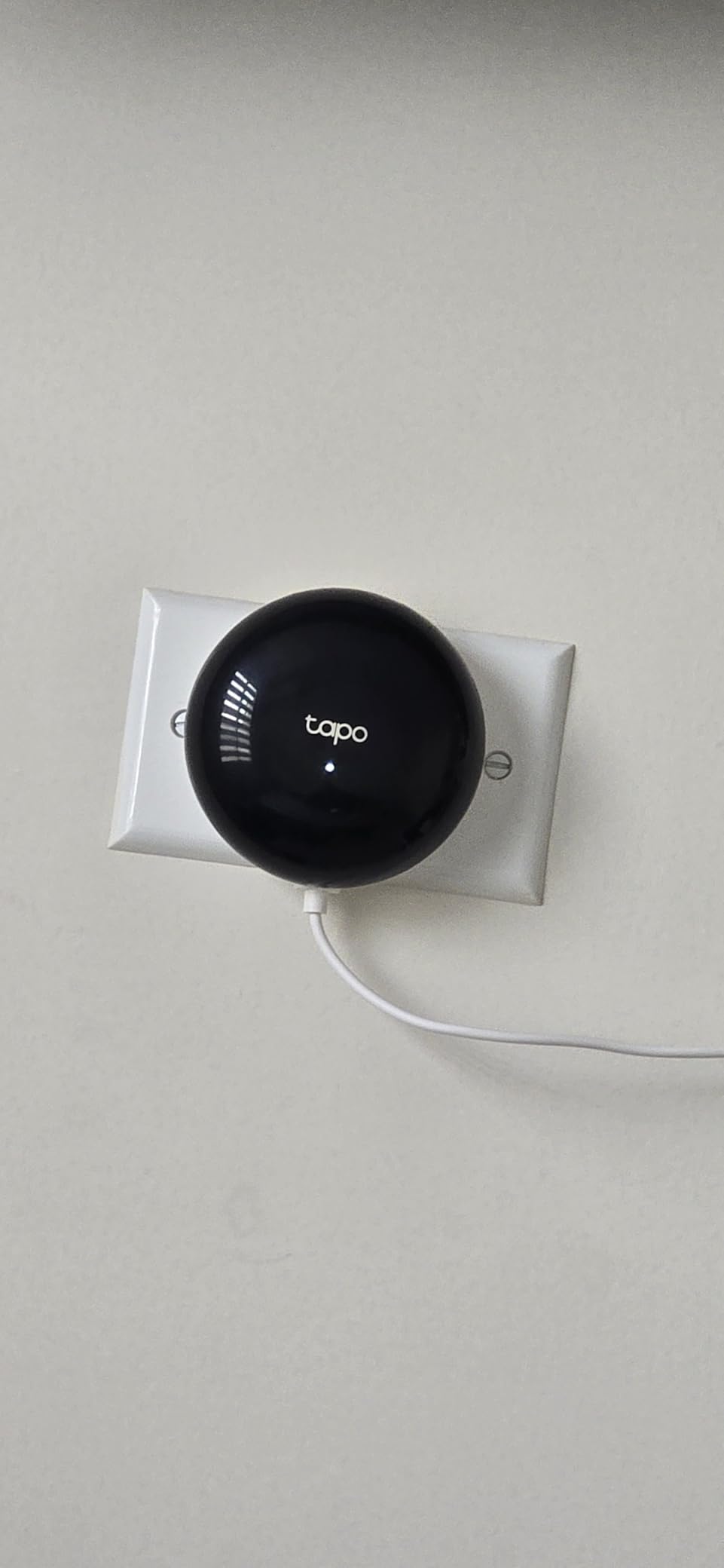
The 93 dB built-in alarm is unusual at this end of the market. Paired with Tapo motion, door or window sensors it gives audible alerts without a separate speaker, and the wall-mount adhesive in the box makes placement near a door straightforward. GPS geofencing handles the arrival and leaving automations.
The limits are real. It has no Zigbee, Z-Wave or Thread radio of its own, it is 2.4 GHz only, and learning an IR code depends on having the original physical remote in hand. With 151 ratings behind it, long-term reliability data simply does not exist yet, so treat it as the entry point rather than the foundation of a large home.
Matter versus vendor cloud, in practice
Exposing an appliance through Matter means the command travels locally from your phone to the hub to the device. A cloud-relayed integration adds a server round trip, which is why Matter exposure tends to feel more immediate and also keeps working when your connection drops. TP-Link is a signatory of the CISA Secure-by-Design pledge, which is a reasonable baseline in 2026.
When to pick a different hub
Choose elsewhere if you need sensors rather than appliances. There is no radio here for third-party hardware, so it is an infrared and Tapo-device box only. It is also the wrong pick for anyone who wants a single hub to coordinate an entire mixed-brand house.
How to Choose a HomeKit Hub: What Actually Matters
Most buying mistakes come from ranking hubs by protocol count when the question is really about radios you own today. Work through these criteria in order and the choice usually makes itself.
1. Confirm how HomeKit support actually works
Three different mechanisms appear in this roundup and they are not interchangeable. Native HomeKit exposure means the hub advertises itself as an accessory and its devices appear in Apple Home directly, which is what the SwitchBot Hub 2, the Aqara units and the Lutron hub do. Matter exposure is the modern standard and is functionally similar once paired. Platform bridging, used by the Aeotec hub and by Home Assistant Green, publishes devices into Apple Home from a much larger platform, and the vendor app remains the place automations are built.
Ask which one you are getting. A Matter badge is meaningful, but it does not tell you whether the hub will accept the specific sensors you already own.
2. Match radios to the devices in your house, not the ones you plan
Here are the definitions that matter. A Zigbee coordinator joins Zigbee mesh accessories such as most Aqara sensors, many bulbs and plug-in relays. Thread is a newer low-power mesh, and a Thread border router is required for Matter-over-Thread devices to reach your network at all. A Matter controller commissions and manages Matter devices, while a Matter bridge simply re-publishes devices it already controls into the Matter fabric. Z-Wave is the other big smart home radio, common in locks and thermostats, and it uses a different topology. Infrared is line-of-sight remote replacement and shares no radio with any of the above.
Write down what you own before you shop. Aqara sensors mean Zigbee. Schlage or Kwikset locks mean Z-Wave. Legacy air conditioners and televisions mean infrared. HomeKit-certified accessories need none of these, which is why some people never need a bridge at all.
3. Check what happens when the internet goes out
This is the question local-first owners argue about most, and it is a fair one. A hub that processes automations locally keeps your lights and locks working during an outage. A hub that relays commands through vendor cloud will sit there doing nothing until the connection returns. Among these ten, the Hue Bridge, the Aqara M3 and Home Assistant Green are built around local execution, and the Aeotec hub runs many automations locally too.
On the Apple side, the same concern applies to your home hub. Users running an Apple TV as the home hub report automations intermittently showing as unavailable, especially around camera accessories. That is a HomeKit-level behaviour rather than a bridge problem, but it is one more reason some people run a dedicated local-first hub instead.
4. Translate the device limit into a home size
The SwitchBot Hub Mini supports up to 10 devices, which is one living room of infrared appliances. The Aqara M1S Gen 2 and the Aqara Hub M3 each handle up to 128 Aqara devices, with the M3 also taking 127 Thread devices. The Hue Bridge covers about 50 lights and accessories, the Bridge Pro more than 150 lights plus 50 accessories, the Lutron hub up to 75 Caseta devices, and Home Assistant Green has no fixed per-hub ceiling in practice.
Two-room apartment: the Mini is fine. Three-bedroom house with lighting across floors: the Bridge Pro or the M3. Fifty-plus devices across mixed brands: the Aeotec hub or Home Assistant Green. Our DIY enthusiast hub roundup goes deeper on the power-user end.
5. Add a non-HomeKit device to the Apple Home app
Whatever route you take, the sequence is the same. First, pair the device to its own hub in the vendor app, so the hub can talk to it locally. Second, enable the hub’s HomeKit or Matter integration and put the hub in pairing mode. Third, scan the code from the Apple Home app, which appears as an accessory rather than as a bridge. Fourth, assign the device to a room and give it a name you will actually say to Siri. Fifth, build the automation and test it with the internet disconnected if local processing matters to you.
Step one is the step people skip and it is the reason half of all bridge pairing threads go sideways. The hub has to know the device before Apple Home can see anything.
6. Account for the ongoing cost and the vendor behind it
Several hubs here are a one-time purchase with no subscription, which is a genuine advantage for anyone wary of cloud lock-in. Home Assistant Green is the one unit where you may want a cloud subscription for remote access, or you self-host a tunnel instead. The Hue and Aqara hubs are hardware purchases, though the apps they pair into are services.
Vendor longevity matters as much as the hardware. Support promises are worth reading literally, because the category has a track record of abandonment. If a hub is going to sit in your network for a decade, pick one whose maker has committed to software updates and check what happens to your automations if that commitment lapses.
7. Be honest about the second-app problem
Almost every bridge on this list needs its own vendor app during setup. The good news is that once a device is exposed to HomeKit, most people open the vendor app only for firmware updates. If maintaining two apps permanently would bother you, Home Assistant Green reverses the relationship: Apple Home becomes a view onto a platform whose app is the primary one.
For whole-home locks and cameras, it is also worth seeing how they behave before committing. Our smart deadbolt guide for HomeKit covers the accessories side of that decision, and mini desktops used as smart home hubs is relevant if you want more compute than any box here provides.
Frequently Asked Questions
Do I need a hub for Apple HomeKit?
Yes, you need an Apple home hub such as an Apple TV or HomePod for the HomeKit role itself, since it runs automations and remote access. A separate third-party bridge is only needed if you own non-certified devices such as Zigbee sensors, Z-Wave locks or infrared appliances. If every device you own is already HomeKit-certified, no bridge is required.
What is the best home hub for HomeKit?
For most Apple households the SwitchBot Hub Mini is the easiest first bridge, and the Philips Hue Bridge is the strongest choice for an all-Hue home. If you run Aqara sensors and Thread accessories, the Aqara Hub M3 covers more protocols in one unit. If privacy and full device freedom come first, Home Assistant Green reaches HomeKit through the HomeKit Bridge integration.
Can an Apple TV replace a smart home hub?
An Apple TV can act as the HomeKit home hub, which handles automations, remote access and HomeKit Secure Video, but it has no Zigbee radio. That means it cannot coordinate sensors or bulbs built on that protocol. Most Apple users end up running an Apple TV or HomePod for the home hub role plus a separate bridge for the radio-based devices.
Do I need the Aqara hub?
You need it if you already own Aqara Zigbee sensors or Aqara Thread accessories, because those need a coordinating hub before Apple Home can see them. Skip it if your Aqara devices are newer Matter-over-Thread models that already join Apple Home directly, and skip it if everything you own is already in the Apple Home app. It is also pointless if you have no Aqara hardware at all.
Which is better, Homey Pro or Hubitat?
Neither is in this roundup, so the fair comparison is protocol breadth against local control. Homey Pro covers more radio types including infrared and 433 MHz with a polished app, while Hubitat runs fully locally and supports Z-Wave 800 Long Range. For HomeKit specifically, the practical question is whether the hub exposes its devices natively or only through Homebridge.
What is replacing HomeKit?
HomeKit is not being replaced at the Apple layer, since Apple TV and HomePod remain the home hub. What is changing is the device-pairing layer: Matter is replacing the older per-vendor integrations and changing what a hub has to do. In practice a capable hub now bridges Matter-over-Thread and Zigbee devices into Apple Home instead of only certified accessories.
Conclusion: Which HomeKit Hub Should You Buy?
The best smart hubs for Apple HomeKit are not interchangeable, and picking the wrong one means buying a box with the wrong radios. Start by writing down the non-certified devices you already own, then match the protocol: Zigbee sensors point to the Aqara units or the Hue Bridge, Z-Wave locks point to the Aeotec hub, and infrared appliances point to the SwitchBot or Tapo boxes.
For most people our first pick is the SwitchBot Hub Mini, because it is the least complicated way to get non-HomeKit hardware into Apple Home and its review history is the largest we found. If you want sensors as well as remotes, step up to the SwitchBot Hub 2. If lighting is your whole world, the Philips Hue Bridge or the Bridge Pro for larger installs are the settled answer.
Remember the second half of the job: none of these replaces the Apple home hub. If you do not own an Apple TV or HomePod yet, that purchase comes first, and one of the bridges above handles everything the Apple layer cannot.