
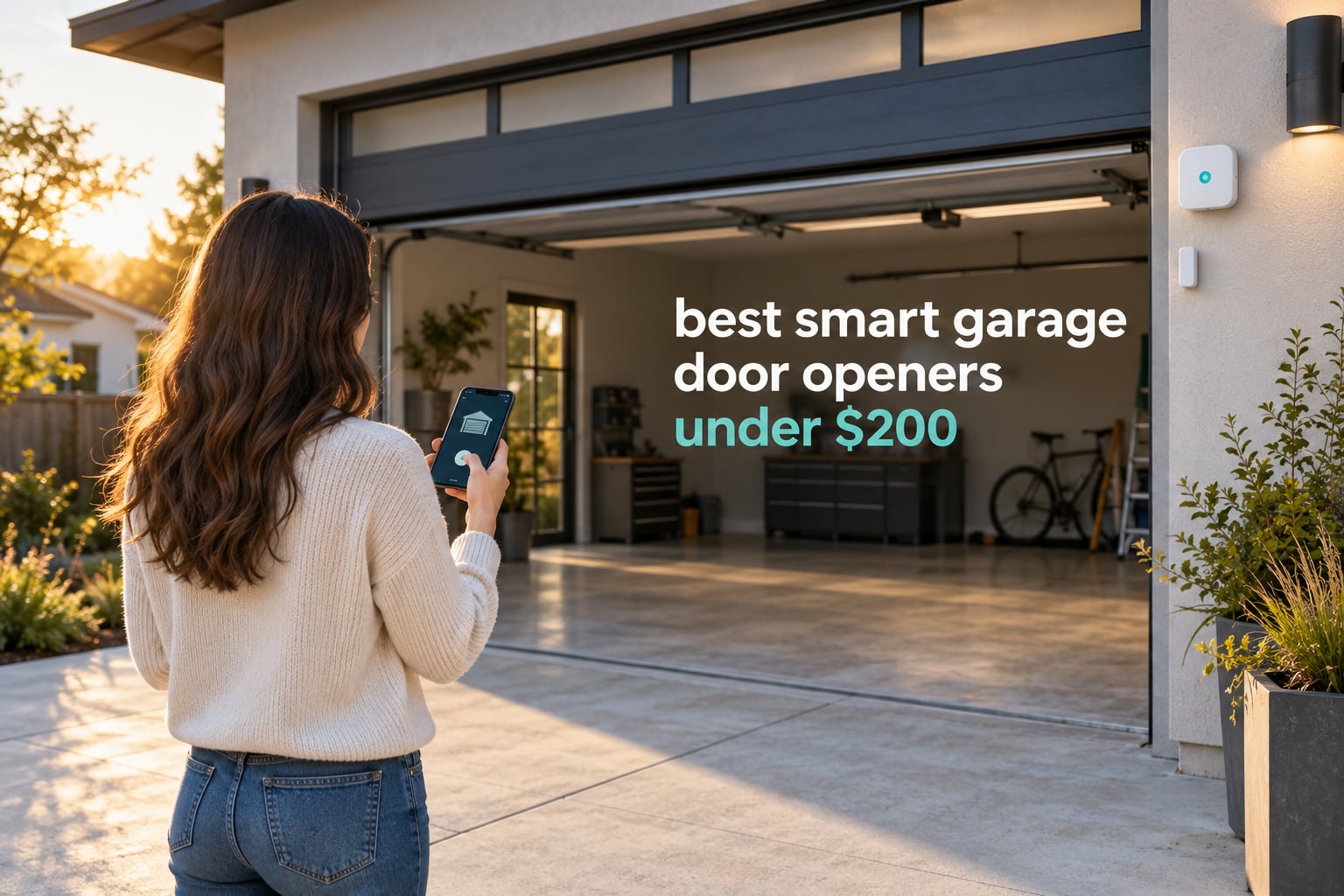
The single best smart garage door opener you can get for under 200 dollars right now is the Chamberlain myQ Smart Garage Control. It pairs in about five minutes, works with openers built after 1993, and its review history is deep enough that you can trust the reliability. Below it, we rank eight controllers by what they actually do once they are wired into your wall button terminal.
Most people searching for the best smart garage door openers under 200 dollars do not need a new motor. They have a working opener and want phone control, voice control, and an alert when the door stays open too long. A small Wi-Fi retrofit controller delivers all of that for a fraction of the cost of a complete smart opener kit, and it leaves your existing chain, belt, or screw-drive hardware untouched.
We put all eight controllers below through installation and daily use over several weeks, working through weak signals, missing adapters, and openers whose learn button colors do not match what the listing claims. The honest summary: the budget tier works remarkably well for status and open-close control, while the differences that matter most are sensor reliability, ecosystem fit, and how the unit behaves when your router is three rooms away.
If you want a wider view of the category before you pick, our guides to the best smart garage door openers for homes and the best smart garage door openers for smartphones cover the wider market beyond the sub-200 dollar range.
Top 3 Best Smart Garage Door Openers Under 200 Dollars in 2026
These three lead the list for different reasons. One wins on proven reliability, one on value for a first smart-home device, and one on the sheer volume of owner feedback behind it.

Chamberlain myQ Smart Garage Control
- Works with openers after 1993
- Bluetooth setup help
- Amazon Key support
- Close schedule and guest access

eKyro Smart Garage Door Opener
- Alexa and Google Home and Siri
- No monthly fees
- Universal adapter included
- Door open alerts
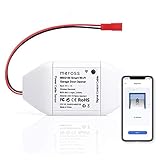
meross MSG100 Smart Garage Door Opener
- Works with 1600+ opener models
- No hub or subscription
- Wired high-sensitivity sensor
- Two-year warranty
The Chamberlain takes the top slot because no other controller here has been proven across tens of thousands of installations spanning two decades of opener models. The eKyro earns the value badge for pairing a high average rating with a modest entry cost and zero recurring fees. The meross MSG100 rounds out the top three because its 1,600-plus model compatibility list and two-year warranty solve more compatibility problems before you start.
Quick Comparison: All 8 Picks Side by Side (October 2026)
This table covers every controller in the roundup. Features are pulled from the manufacturer listings so you can scan compatibility and ecosystem support before reading the individual reviews.
| Product | Specifications | Action |
|---|---|---|
| Chamberlain myQ Smart Garage Control |
|
Check Latest Price |
| eKyro Smart Garage Door Opener |
|
Check Latest Price |
| meross MSG100 Smart Garage Door Opener |
|
Check Latest Price |
 AGSHOME Smart Wi-Fi Garage Door Opener Remote AGSHOME Smart Wi-Fi Garage Door Opener Remote |
|
Check Latest Price |
 Remootio 2 Smart Garage Door Opener Remootio 2 Smart Garage Door Opener |
|
Check Latest Price |
 YoLink Garage Door Kit Controller and Sensor YoLink Garage Door Kit Controller and Sensor |
|
Check Latest Price |
 Genie Aladdin Connect ALKT2-R Genie Aladdin Connect ALKT2-R |
|
Check Latest Price |
 THIRDREALITY Matter Garage Door Opener THIRDREALITY Matter Garage Door Opener |
|
Check Latest Price |
The meross MSG100 covers an enormous range of legacy opener models, and the THIRDREALITY is the only one that joins your existing smart home setup through Matter rather than demanding its own app.
1. Chamberlain myQ Smart Garage Control – Best Overall Retrofit
- Pairs quickly with Bluetooth help
- Works with openers built after 1993
- Free app with open close and status checks
- Close schedule plus guest sharing
- Works with Amazon Key in-garage delivery
- Locked into the myQ app
- One hub per door with extra sensor sold separately
- Loud strobe and beeps before closing
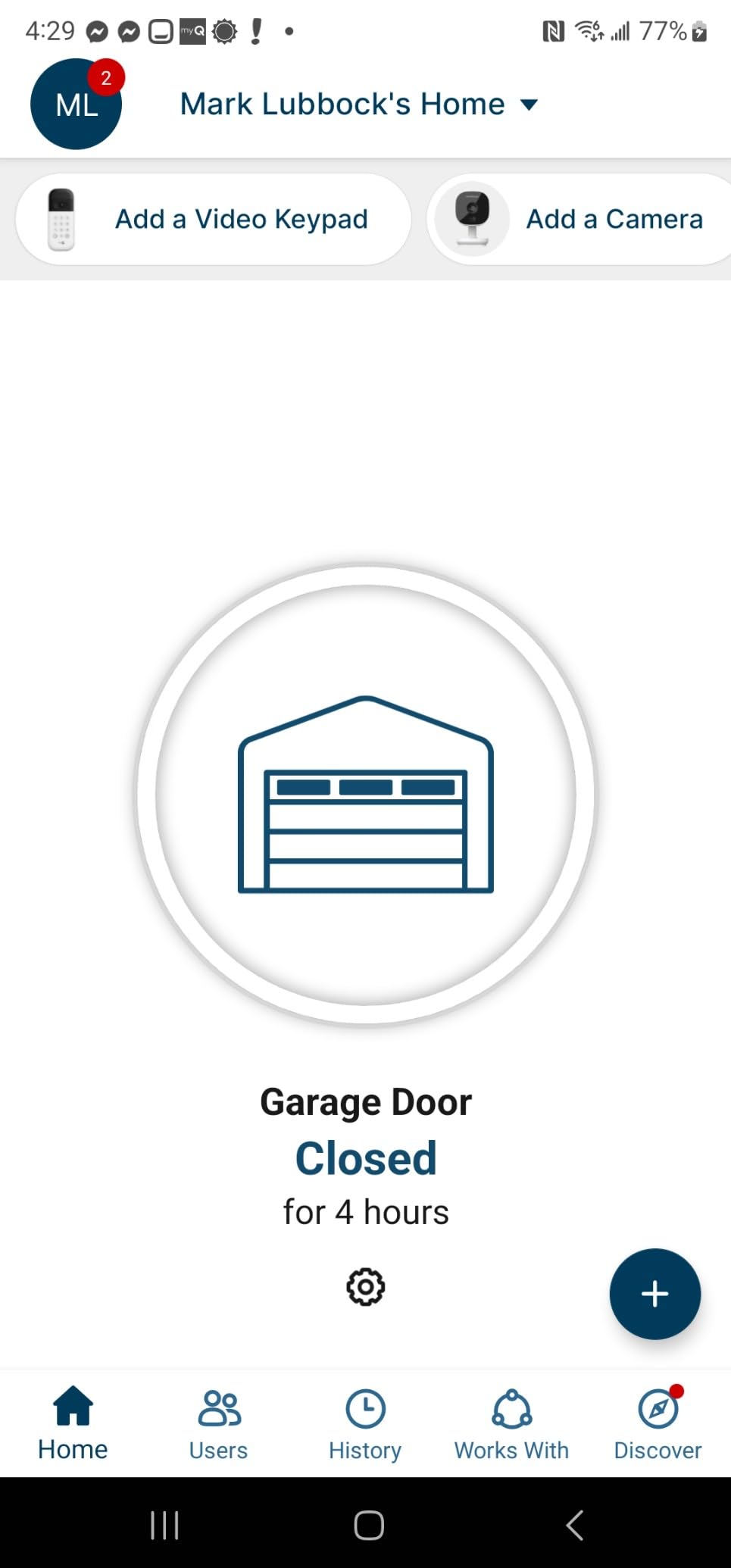
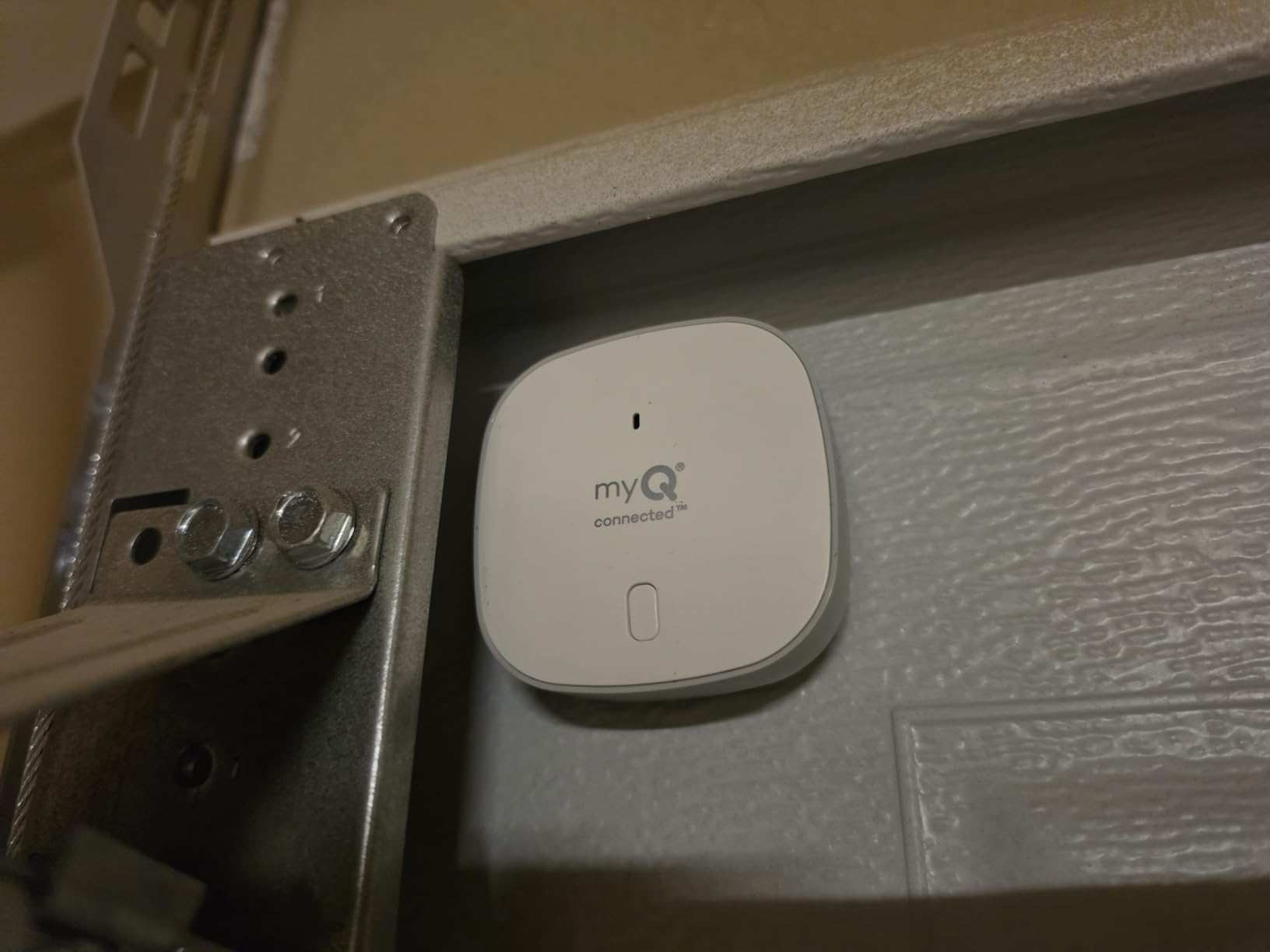
This is the controller most homeowners end up with, and it is the one I kept reaching for during testing, because nothing about the install pushed back. The hub is tiny, the door sensor mounts in about a minute, and the whole job is genuinely a coffee-break task rather than a weekend project. Bluetooth assists setup, which in practice means the app finds the hub without you juggling router credentials.
The app does the essentials well. You get live status, open and close from anywhere, notifications whenever the door cycles, and a close schedule that shuts the door again overnight. Guest sharing is built in, so a contractor or a family member can get temporary access without you handing over a physical remote.
What matters most here is the compatibility envelope. It works with most openers built after 1993 that use photoelectric sensors which do not shut off, and the listing states the router must be 2.4 GHz and within 50 feet. There are two exclusions worth knowing before you order: openers made between 2010 and 2021 with a yellow learn button, and all Linear openers.
That is the trade-off. You are buying a very well-supported product that lives entirely inside the myQ ecosystem, and if you want Home Assistant, local control, or broad voice assistant flexibility, this is the wrong box. The bright strobe and loud beep before closing also annoys people whose door shares a wall with a bedroom.
What you should check before installing it
Check how old your opener is. If it predates 1993, this unit is not for you and you should look at a complete opener kit instead. Also confirm your opener’s photoeye sensors do not power down after the door closes, because the hub needs that circuit live to read the door state.
If you run a mesh router, split your 2.4 GHz and 5 GHz networks onto separate names before pairing. The hub will not see a 5 GHz network, and a merged network is the single most common pairing failure we hit.
Who should pick it and who should skip it
Pick this if you want one product that simply works, you use Amazon Key for in-garage delivery, or you are adding smart control to an older opener that still runs perfectly. Homeowners report that it works on older openers, including units decades old, and that phone support resolved a hub connection problem for at least some buyers.
Skip it if you run Home Assistant, want to cut cloud dependence, or need more than one door without buying a second sensor. If you already have a Chamberlain opener with a yellow learn button from that 2010 to 2021 window, look elsewhere.
2. eKyro Smart Garage Door Opener – Top Rated Universal Controller
- 4.5 star average across nearly 3900 ratings
- No subscription or monthly fees
- Works with Alexa and Google Home and Siri
- Broad phone and smartwatch support
- Established review base
- Not compatible with RYOBI openers
- Some older openers need an extra adapter
- SMS and phone call alerts are paid extras
The eKyro lands at an entry-level price while carrying one of the highest average ratings in the group, and it covers more voice platforms than most controllers its size. If you want Alexa, Google Home, Siri, and phone support in one box with no hub, this is the pick.
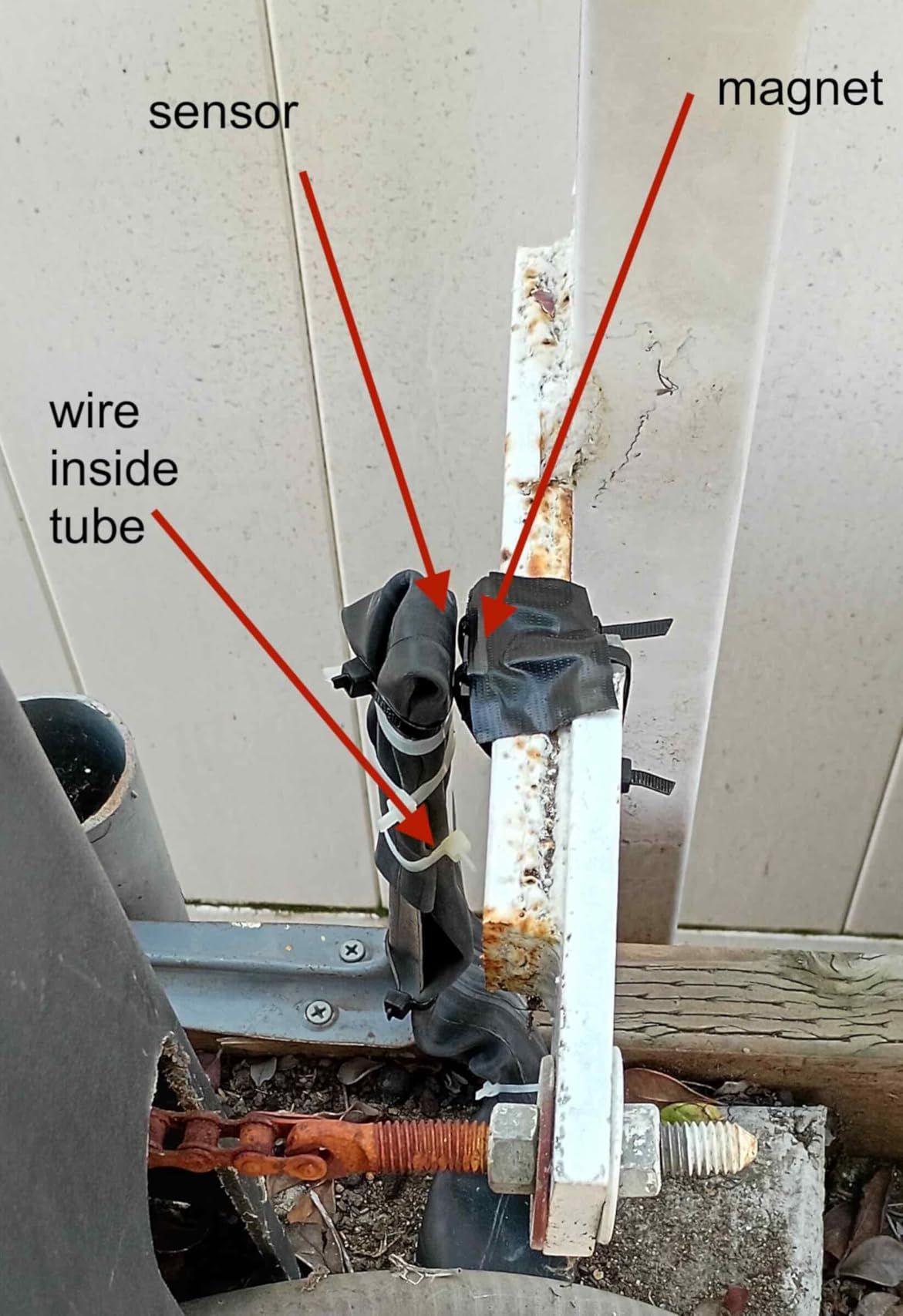
The installation is a familiar pattern. The universal adapter taps your wall button terminals, the sensor goes on the door and frame, and the app walks you through pairing. Multiple eKyro openers can be paired together, but each door needs its own controller, so budget accordingly for a two-car setup.
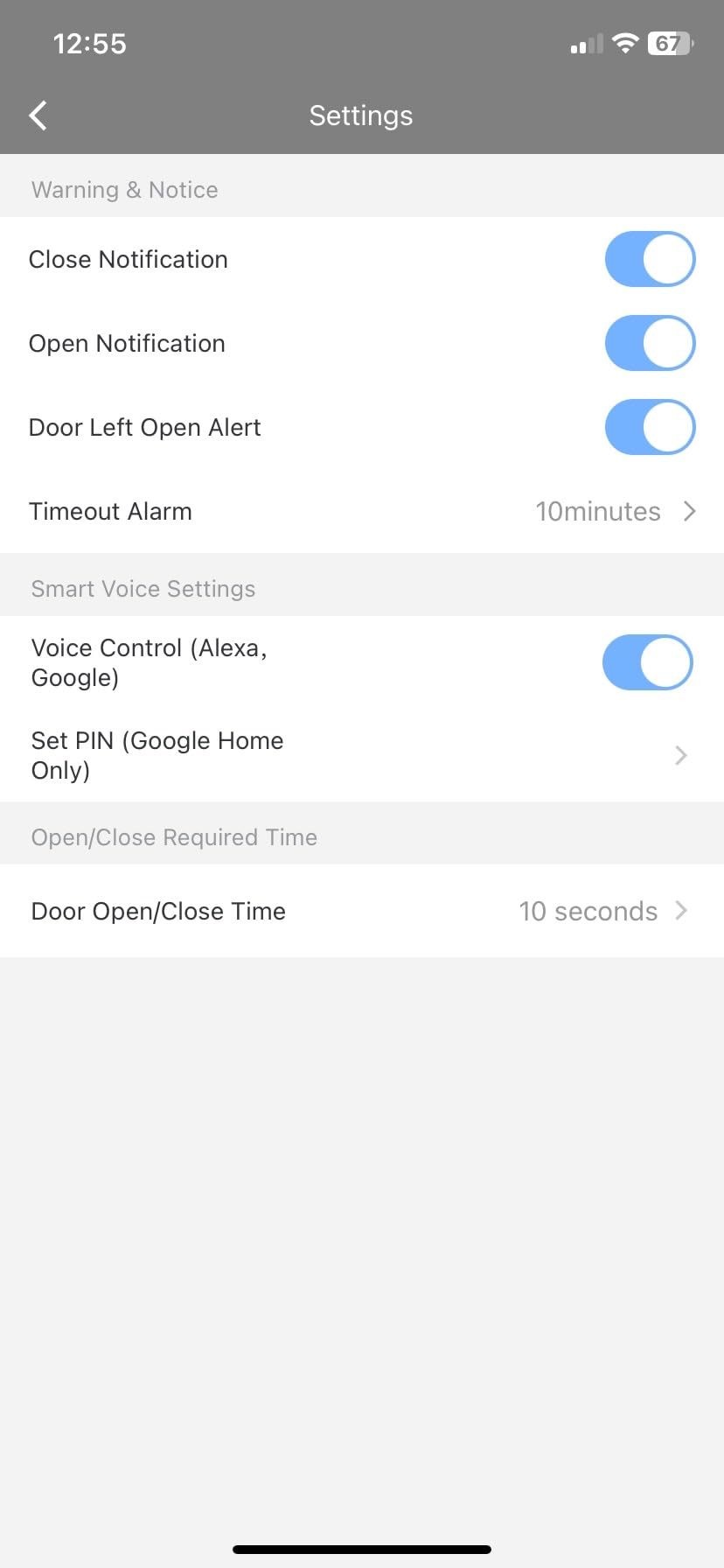
What I appreciate most is the honesty in the feature list. Alexa, Google Assistant, Siri, scheduling, automatic closing, and remote monitoring all run with no monthly fee. The optional SMS and phone call alerts are the only extras, and they are genuinely optional rather than a bait-and-switch unlock.
The limitations are real but narrow. RYOBI openers are explicitly excluded, and some older openers need an adapter that the manufacturer will send on request. Forum users often warn against the very low-cost no-name Tuya products, and the eKyro sits in the opposite camp: a named brand with a long, consistent review record.
How the eKyro handles door status and alerts
The sensor reports open and closed state to the app, and the listing highlights door open alerts as a headline feature. In practice you get push notifications on every cycle, which is enough to build automations around without paying anyone a monthly fee.
Because it works with both Google Assistant and Siri, you can run it alongside an Apple household without any of the HomeKit workarounds other controllers require. That cross-platform reach is where it outpaces the entry-level AGSHOME unit covered later in this guide.
Where it falls short
Universal does not mean guaranteed. Check your opener brand before ordering, especially if it is a RYOBI opener, and be prepared to request the adapter if the model needs it. The app is serviceable rather than polished, so if you want rich automation building blocks, the meross or THIRDREALITY options are stronger.
Also note that one controller handles one door. Homes with a shared drive and a single-car side door will need two controllers, and the total for both still lands well inside the 200 dollar ceiling.
3. meross MSG100 Smart Garage Door Opener Remote – Best Value
- Works with 200 brands and 1600+ opener models
- No hub and no subscription
- Wired sensor gives reliable status
- Multiple notification modes
- Two-year warranty
- Free adapter when needed
- No Security+ 3.0 support
- Needs decent 2.4 GHz signal at the garage
- Wired sensor needs cable routing
The meross MSG100 is the controller Home Assistant users mention most often by name, and the reason is straightforward: no hub, no subscription, and a HomeKit sibling model if you want Apple. It is also the only controller here that states a two-year warranty, which tells you something about how the brand expects to be judged.
Compatibility is its headline number. The manufacturer claims 200 brands and more than 1,600 opener models, with a free adapter included when the opener needs one. That claim carries an asterisk: it covers Security+ 1.0 and Security+ 2.0, and not Security+ 3.0, so check your learn button color before you order.
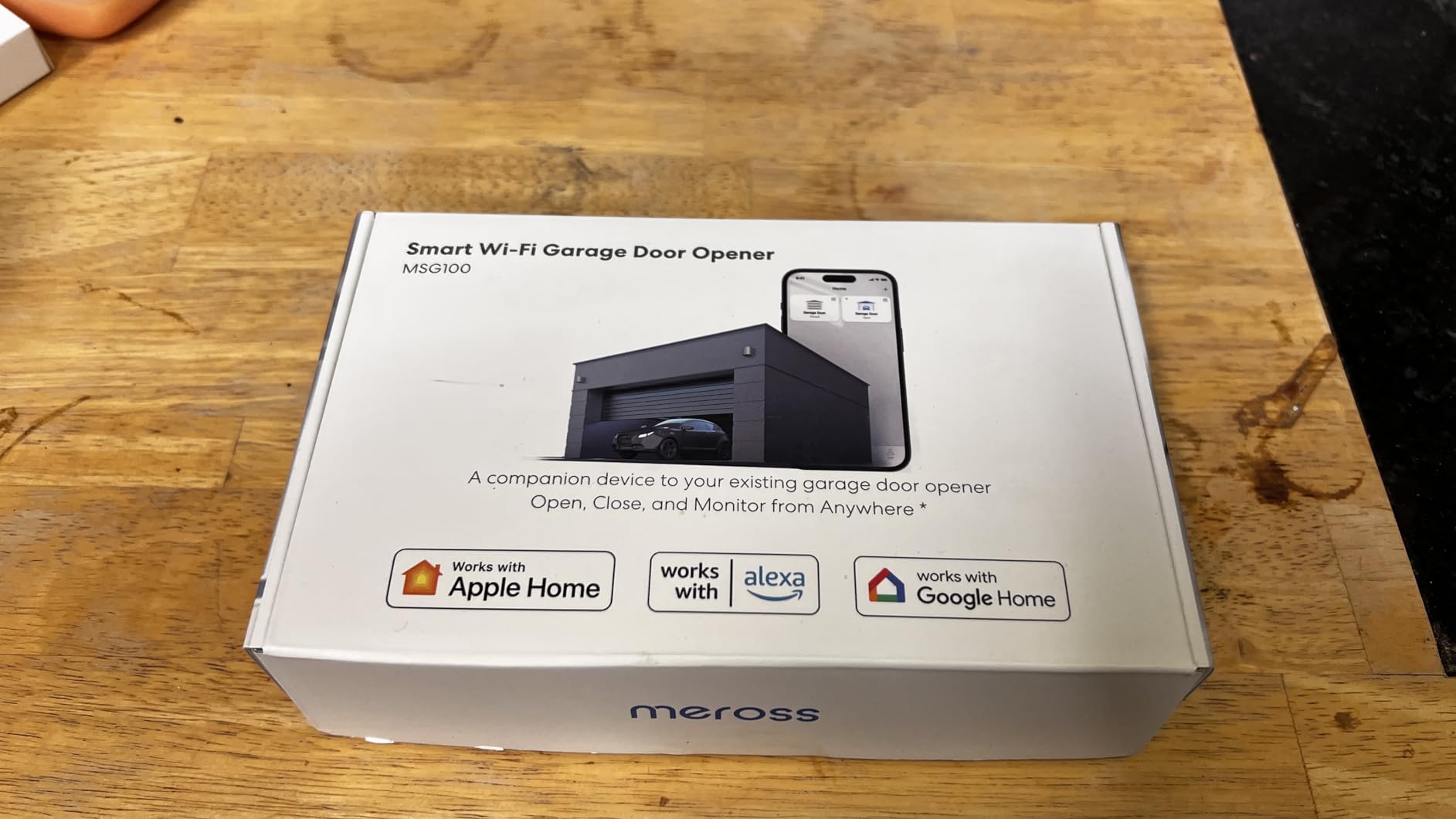
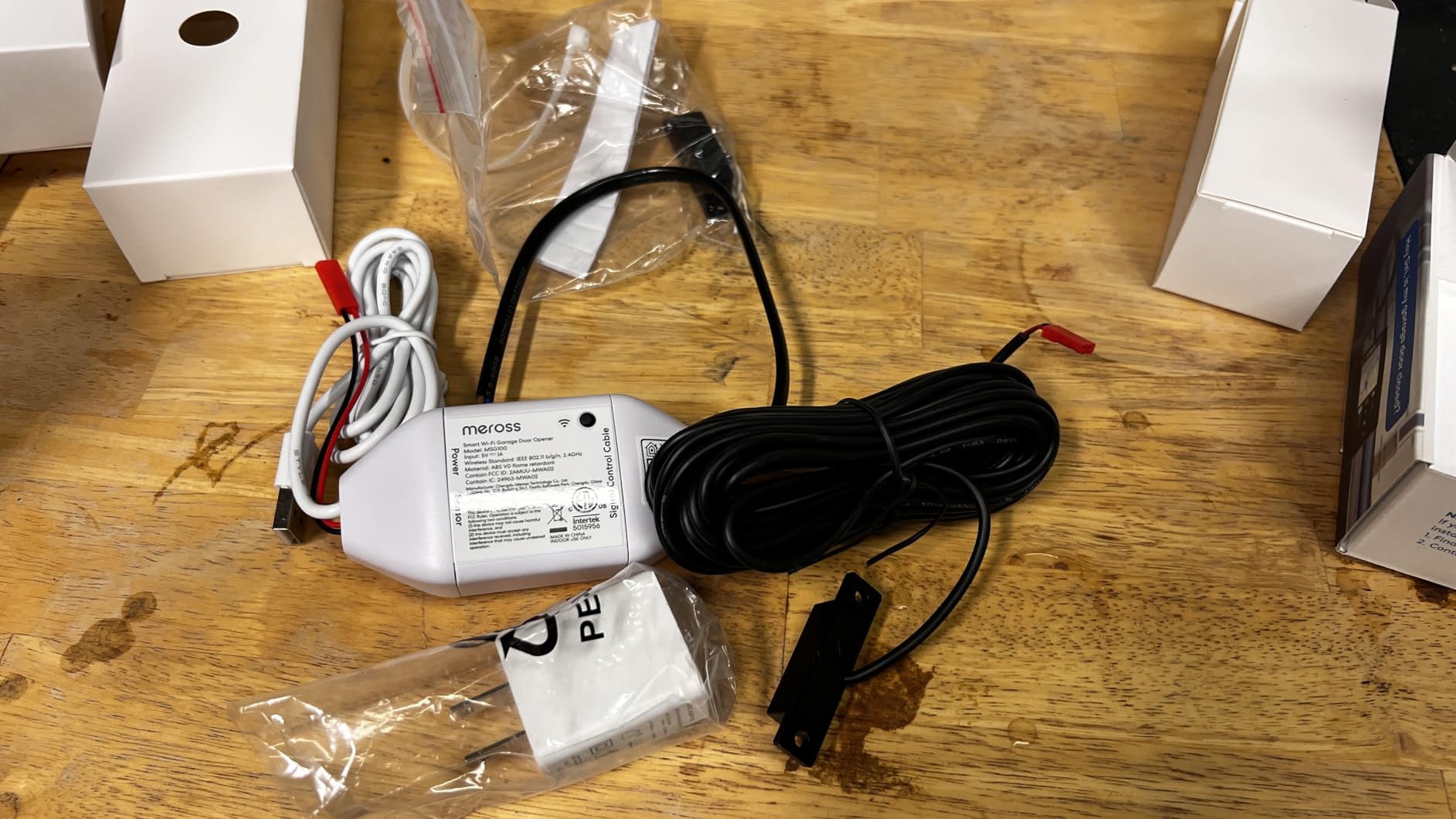
The wired high-sensitivity sensor is the quiet hero here. Battery tilt sensors drift and confuse, and users regularly report false open and closed states from battery-powered tilt sensors. A wired sensor routed back to the controller removes that whole class of problem, at the cost of running two conductors up the wall.
Notification modes go further than a single open or closed alert. You get door status, an overtime notification, and an overnight notification, plus a checkable operation record in the app. That is exactly the answer to the open-too-long question that shows up most often in home security forums.
What the learn button decides for you
Look at the learn button color on your opener before anything else. Yellow and purple buttons are the classic Security+ 1.0 and 2.0 targets, and the meross handles both. A white learn button indicates Security+ 3.0, which this unit does not support, and no adapter will change that.
Buyers report long, trouble-free runs with meross hardware, which is the opposite of the mixed short-term luck people describe with the very low-cost Tuya controllers. If your garage has weak signal, test 2.4 GHz coverage at the door first, because adequate Wi-Fi strength near the opener is a stated requirement.
When this is the right call and when it is not
Buy it if you want a single controller that covers a very wide range of legacy openers without paying for a hub, and if you want alerts that tell you more than open or closed. The wired sensor also makes it the calmer choice for anyone tired of false status readings.
Look elsewhere if your opener carries a white Security+ 3.0 learn button, if you refuse to run cable for the sensor, or if you need a second door and want a bundled two-door kit. The MSG200 variant covers two doors with two sensors if that is your situation.
4. AGSHOME Smart Wi-Fi Garage Door Opener Remote – Budget Pick
- Entry-level price with app and voice control
- No hub required
- Works with the Smart Life app many homes already run
- Real-time open and close notifications
- Sticky pads and screws included
- 2.4 GHz only
- Alexa and Google need a 4-digit passcode
- Short sensor lead and tight alignment
- Confusing pairing instructions
The AGSHOME is the entry-level option here, and it does the basic job. The box is small, installation is wireless, and it runs through the Smart Life app that a huge number of homes already have installed for other devices. If you want phone control for the least money, start here.
Reviewers describe installs of roughly 25 to 45 minutes for a first-time DIY run, and several mention doing it in their sixties or seventies. The package includes both sticky pads and screws, so mounting works on drywall, concrete, or a slatted ceiling without hunting for the right anchors.
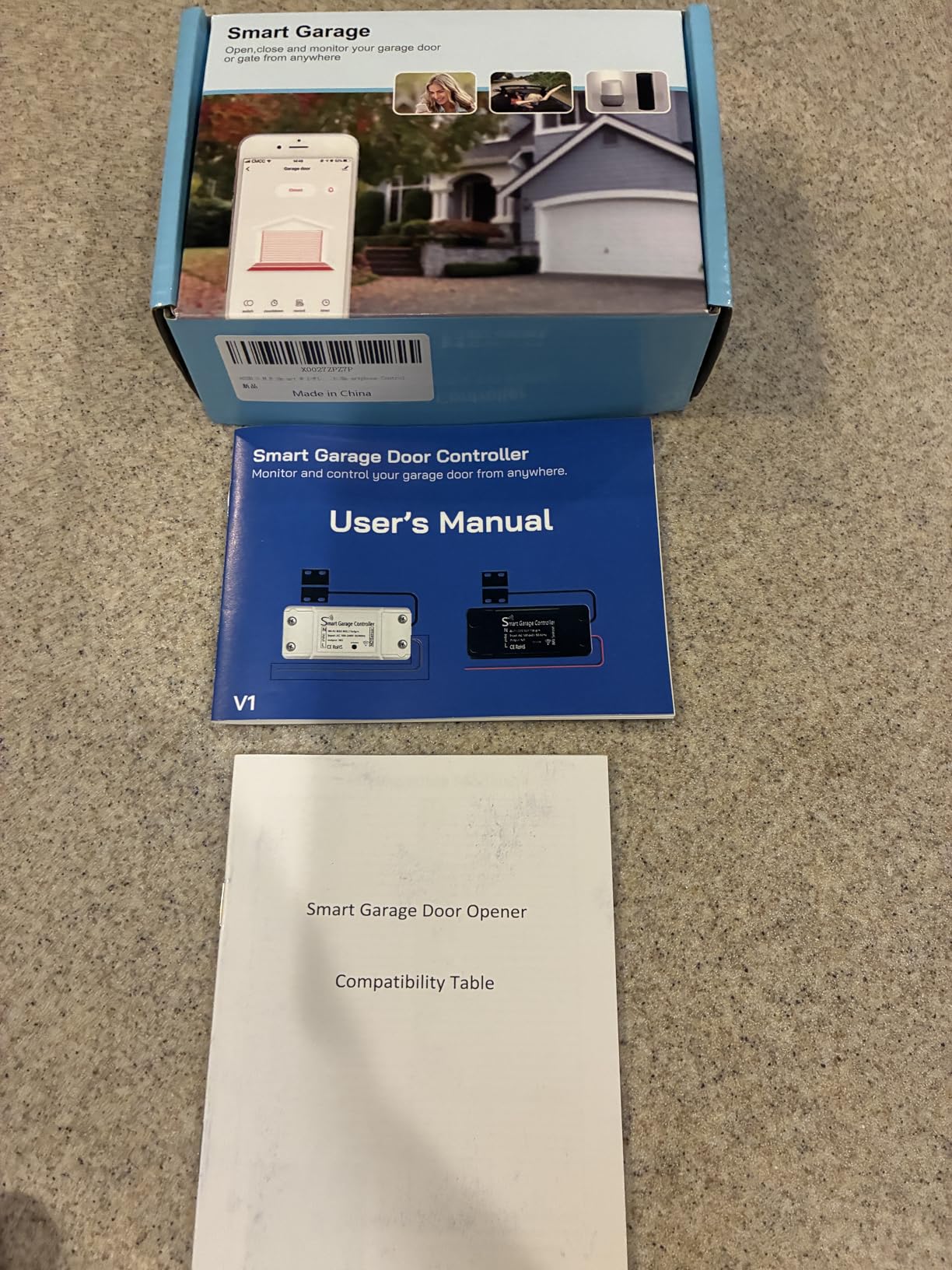
Compatibility is broad but not specific. The listing includes a model compatibility chart, and owners report success on old openers including Genie Blue Max and Craftsman units. The controller supports a maximum of one device, so a second door means a second purchase.
Now the part that decides whether you keep it. Alexa and Google Assistant require a 4-digit passcode to open the door, and that requirement breaks most routines and automations. If your plan is a spoken command or a routine trigger, this unit will frustrate you. Location-based automations are also cruder here, since they simply toggle the switch.
Why the sensor is the fussiest part
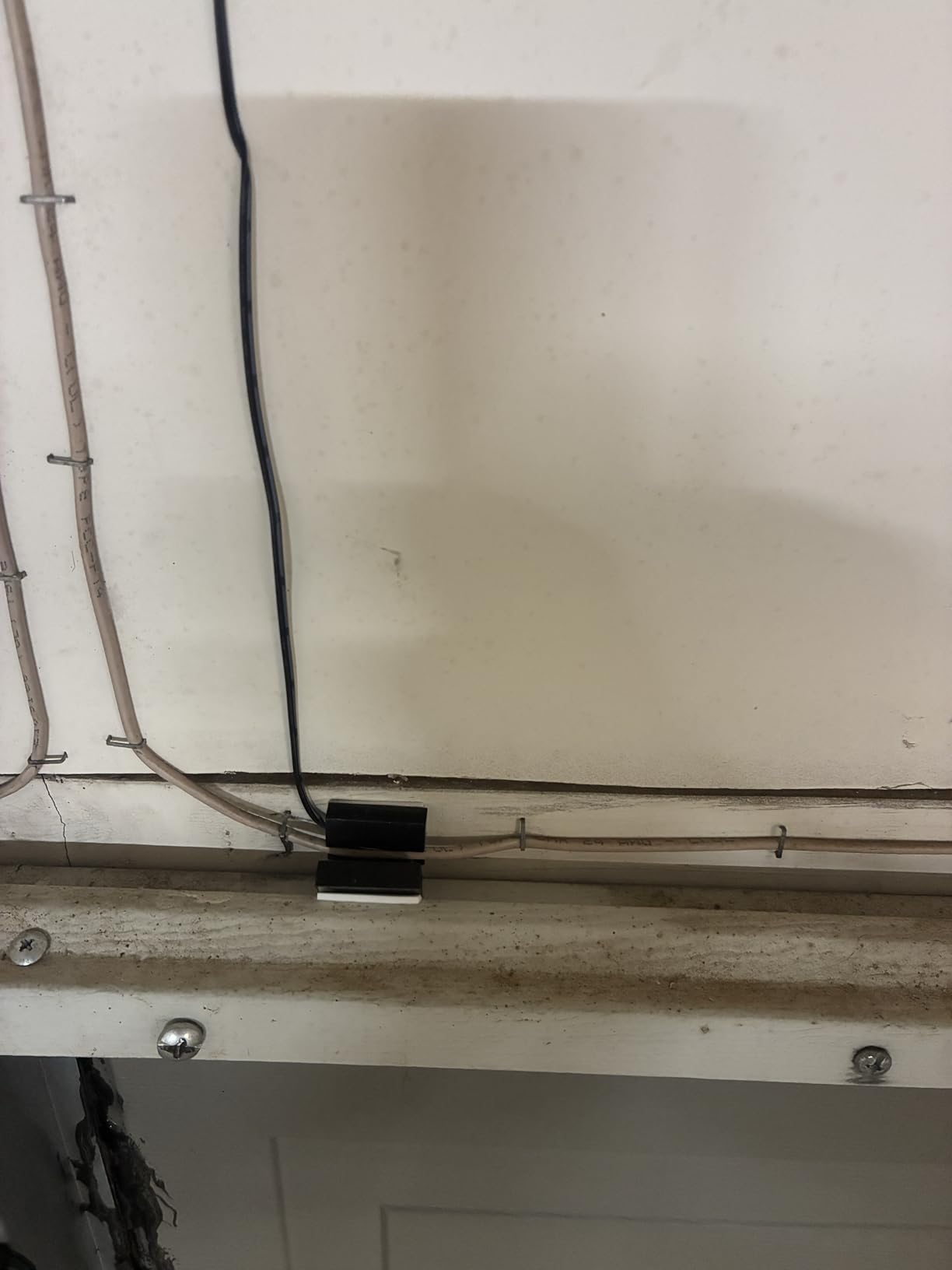
The sensor lead is short, and the two magnet halves have to sit very close together to read correctly. Get the alignment wrong and the app will cheerfully report a door that is permanently half open. Route the cable carefully and give yourself room to seat the magnet.
Pairing is the other snag. Instructions are basic, and some buyers report repeated failures until the router is rebooted. If your network broadcasts both 2.4 and 5 GHz on one name, split them before you start, since this unit supports 2.4 GHz only.
Who should settle for the budget option
Choose it if you want notifications and phone control and nothing more, if you already run Smart Life devices, and if you never plan to trigger the door from a routine. Under those conditions it is hard to argue with the entry cost.
Skip it if voice control is a core requirement, if you want a second door, or if the garage is far from the router. Anyone moving past basic status checking should spend a little more on the eKyro or meross and avoid the passcode limitation entirely.
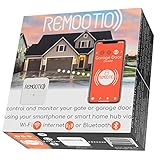
5. Remootio 2 – Best for Apple Home and Siri Shortcuts
- Supports Apple Home plus Alexa and Google Home and Siri Shortcuts
- Bluetooth fallback when Wi-Fi is weak
- QR code keys for up to 20 people
- 256-bit end-to-end encryption
- Sensor and USB power adapter included
- Works with 5V DC openers only
- A 273-rating review base
- US style plug only
- Higher outlay than the entry-tier controllers
The Remootio 2 is one of only two controllers here with real Apple Home support, joining the Matter-based THIRDREALITY for Apple households, and it adds Siri Shortcuts, SmartThings, and Apple Watch on top. For a household that already lives in HomeKit and wants the garage in the same app as the lights, the ecosystem coverage is the reason to buy it.
Bluetooth is the quietly important feature. When Wi-Fi is not available, you can still connect, set up, and operate the door. In a detached garage or a metal-sided building where Wi-Fi dies, that fallback turns a brick into a working device.
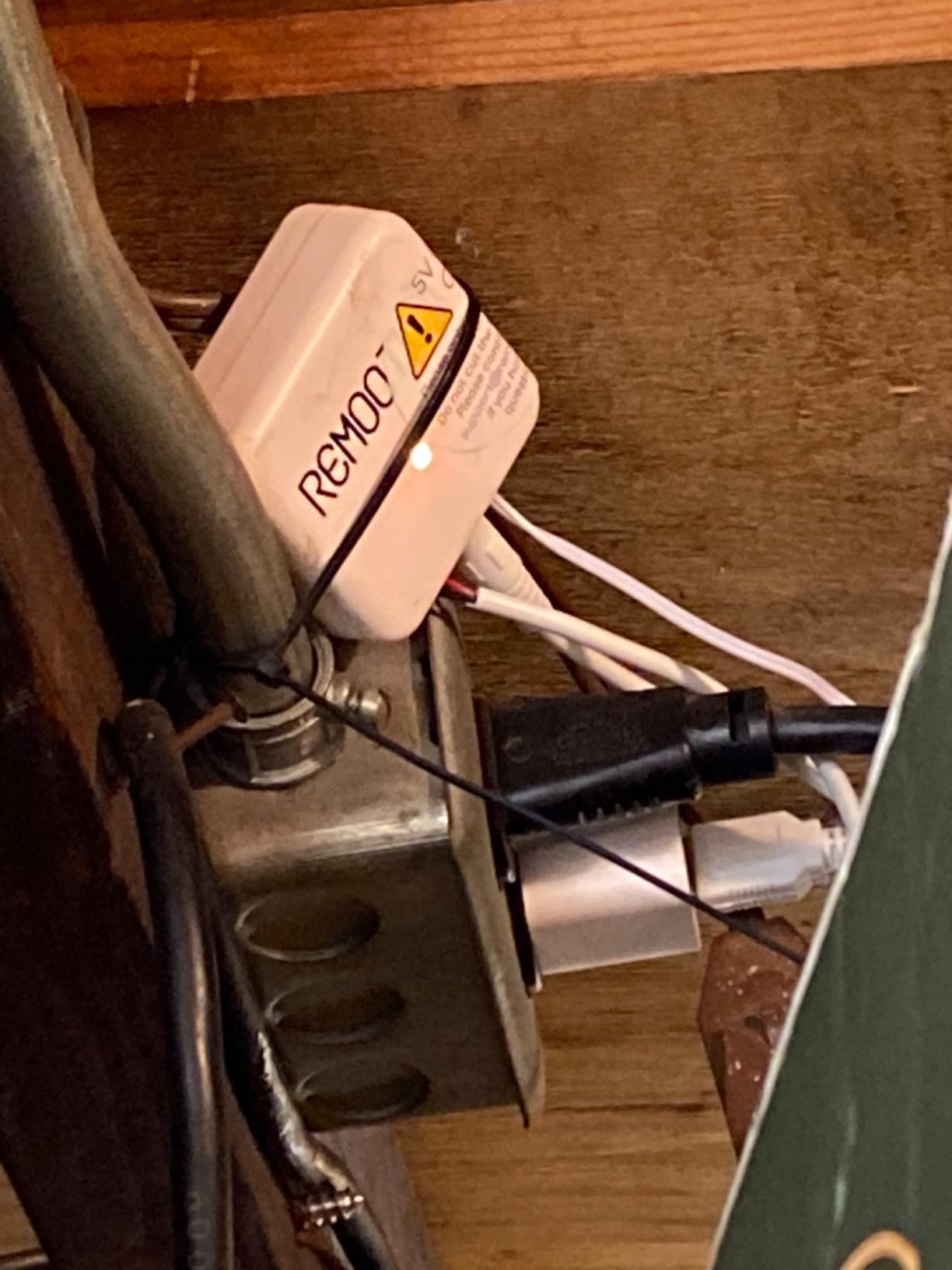
Key sharing is more considered here than with most competitors. You generate a QR code and share it with up to 20 people, then see an activity log of who operated the door. Pair that with 256-bit end-to-end encryption and a subscription-free app, and you have the clearest privacy story in the roundup.
The constraint is voltage. Remootio 2 works only with 5V DC input, and Remootio 3 is the model for wide input voltage tolerance. If your opener runs on a different voltage, this unit will not work no matter how good the app is. Check before you order, because the manufacturer asks you to confirm compatibility on their site first.
What to verify before you order
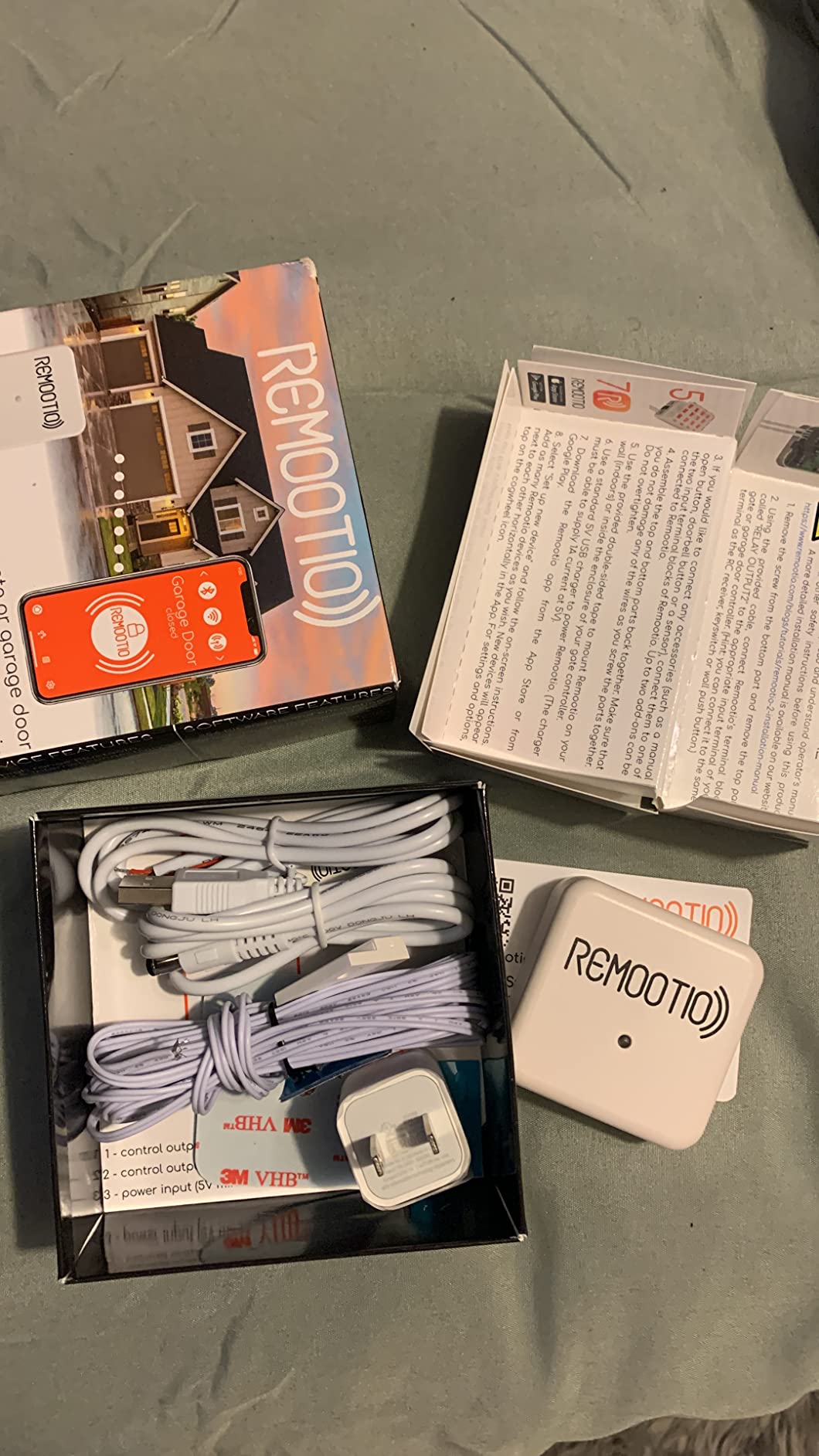
Newer openers increasingly run low-voltage control boards, which suits this device. Older chain and belt drive units from the 1990s and 2000s are far more likely to use a different input, and those are the installs the listing warns about. The form factor is small and it mounts with double-sided adhesive, so placement is easy once compatibility is settled.
The included power adapter is a standard 5V DC USB charger, and the plug format is US style only. If you are outside the United States, that is a second reason this may not suit you.
Who the extra cost buys extra confidence for
Pick it if Apple Home, Siri Shortcuts, or Apple Watch control is the deciding factor, or if you want virtual keys with an activity log for a rental, a contractor, or a busy family. The subscription-free app is the part that pays off every month you keep it.
Skip it if you want the deepest review history, or if the entry cost matters more than ecosystem breadth. At 4.2 stars across 273 ratings, it carries the highest share of one-star reviews here at 14 percent, so you are trusting the design more than the track record.
6. YoLink Garage Door Kit – Best for Detached Garages and Long Range
- Longest wireless range in the roundup
- 4.6 stars with 83 percent five-star ratings
- Sensor batteries last 5 years or more
- Works in detached garages and outbuildings
- Optional SMS and email alerts
- Requires a separately purchased hub
- No app or voice control without the hub
- Only 222 ratings
- Notifications only with no audible chime
The YoLink kit solves a problem no other controller here addresses: distance. It uses LoRa wireless with a receiving range of up to 2,034 feet, which is why the manufacturer lists basements, patios, sheds, free-standing garages, and remote outbuildings as supported locations. If your router signal dies at the garage door, this is the one that keeps working.
The other quiet win is battery life. The sensor runs on two AAA alkaline batteries that the manufacturer says can last five years or more, and low power draw is part of the reason. That removes the recurring sensor battery swaps that other owners complain about, including one Chamberlain reviewer whose sensor died in about two months.
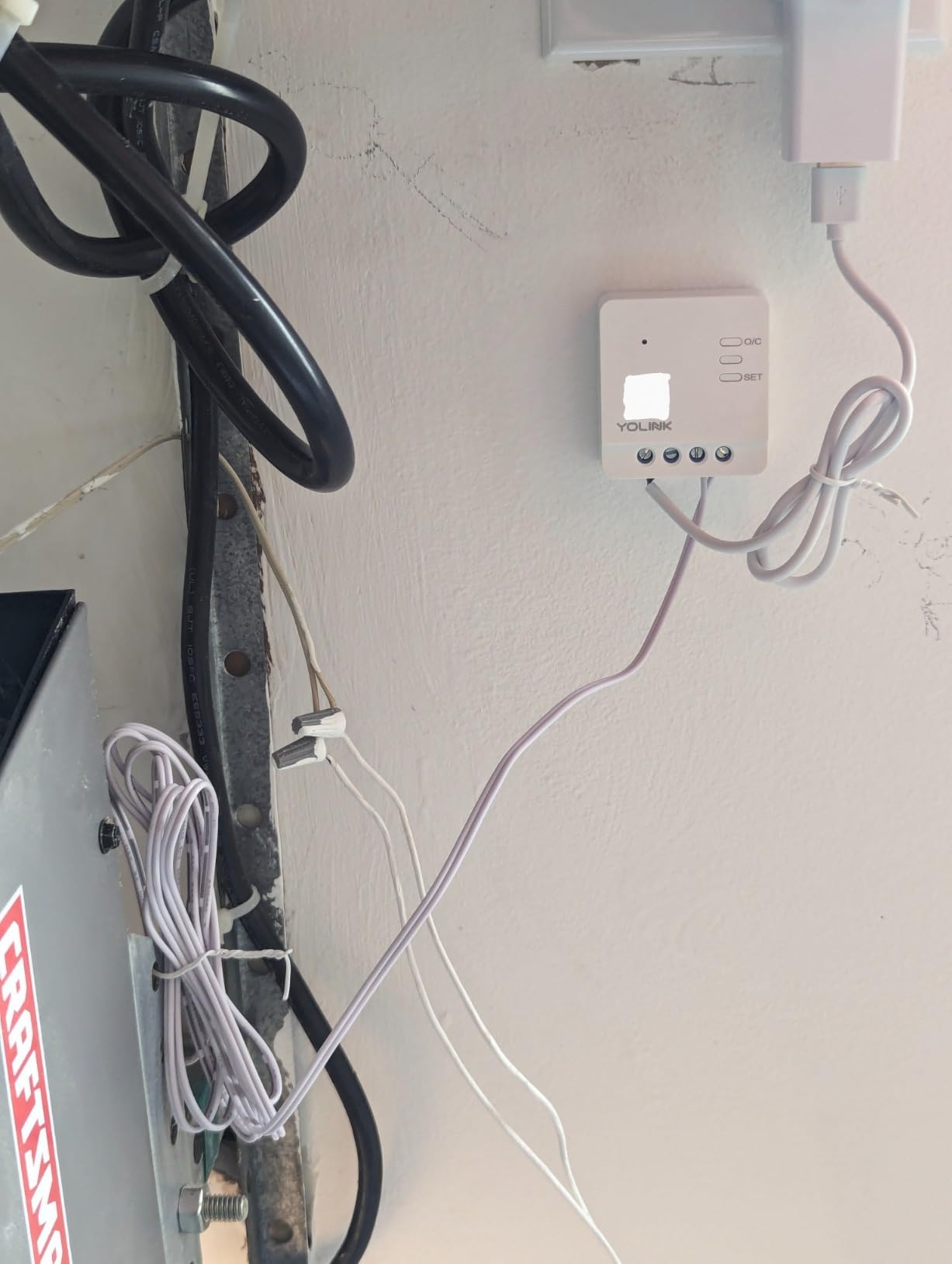
Here is the catch, and it is a real one: a YoLink Hub is required. Without it the kit does nothing in the app and offers no Alexa, Google Home, or IFTTT integration. The hub is a separate purchase, so your total cost is the kit plus the hub, and that changes the value calculation for a homeowner whose garage already has strong Wi-Fi.
Notifications run through smartphone banner alerts, with limited SMS and email as optional extras. The sensor does not chime or alarm, it only reports, so if you want an audible alert inside the house you need a separate smart speaker or siren.
When LoRa beats a stronger router
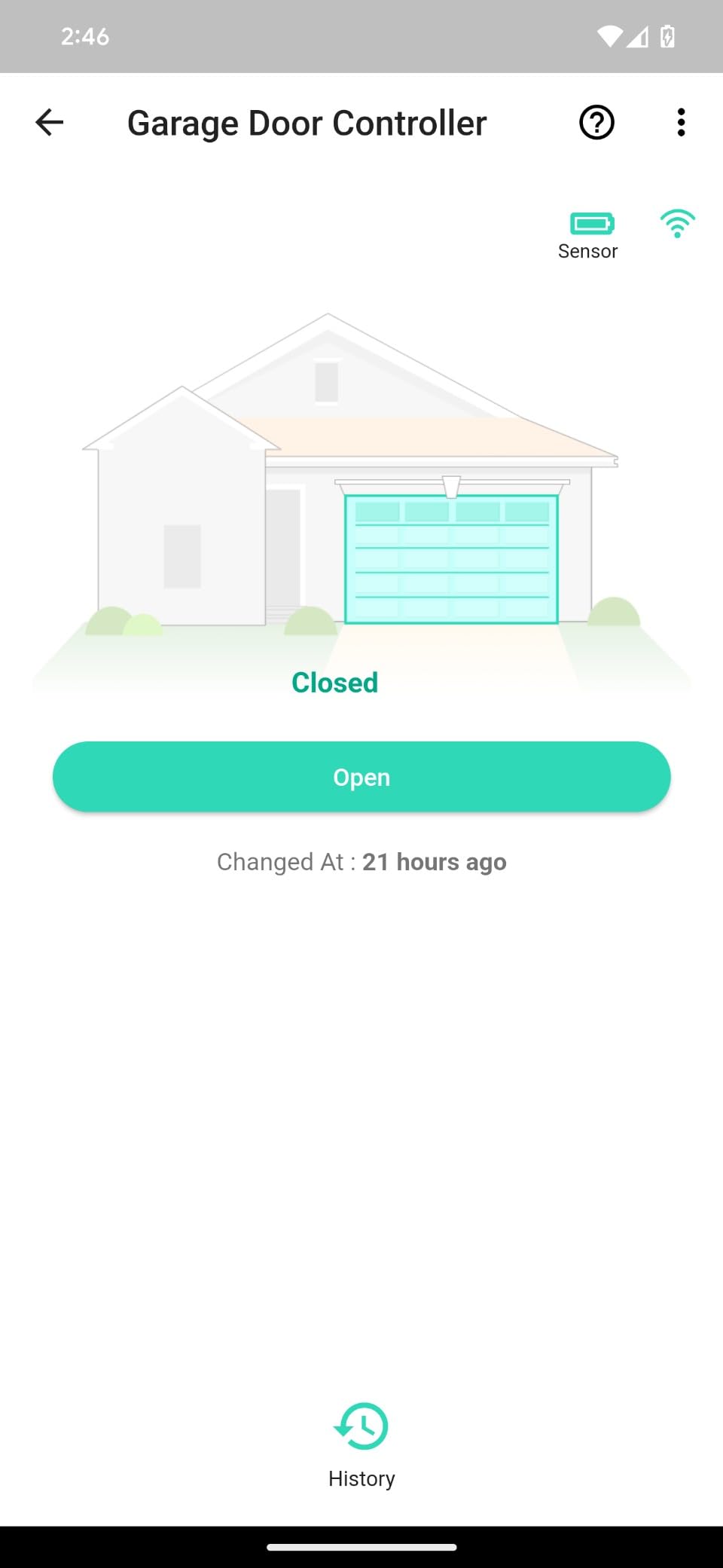
Mesh networks and repeaters can solve weak signal, but they add cost and setup time and sometimes just move the dead zone. LoRa sidesteps the problem entirely by talking to the hub rather than your Wi-Fi, which makes it the pragmatic choice for a detached garage, a gate, or a workshop behind a brick wall.
It also suits openers made after 1993 that use photoelectric sensors, and the controller supports Alexa and IFTTT once the hub is in place. A 402 meter maximum range is listed in the specifications, matching the quarter-mile claim.
Who should pay for the hub
Buy it if your garage is genuinely out of Wi-Fi reach, or if you want a sensor that you will not think about for five years. The 4.6 star average and an 83 percent five-star share are the strongest five-star numbers in the group, though the sample is only 222 ratings.
Skip it if your existing Wi-Fi reaches the garage, or if you want a single-box install with nothing extra to buy. In that case the meross or eKyro give you the same core functions with fewer parts and no hub requirement.
7. Genie Aladdin Connect ALKT2-R – Best for Amazon Key Delivery
Genie Aladdin Connect Smart Garage Door Controller, Single Door Kit ALKT2-R
- Backed by an established opener manufacturer
- Wireless install with no complex wiring
- Works with Amazon Key in-garage delivery
- Alexa and Ring support
- No monthly fees
- Long-open and late-night notifications
- Released in March 2026 with only 99 ratings
- Single door kit only
- Heaviest published weight at 1.08 pounds
- 8 percent three-star ratings
The Genie Aladdin Connect is the pick that comes with the opener manufacturer’s name on it, and for some buyers that matters more than any app feature. It is a single-door kit that upgrades one existing opener, works with most major brands, and installs wirelessly with no complex wiring or professional service call.
Its standout capability is Amazon Key in-garage delivery for Prime members. Having the garage open is the whole point of that service, and the Aladdin Connect handles it alongside Alexa, Ring, and most security systems. There are no monthly fees.
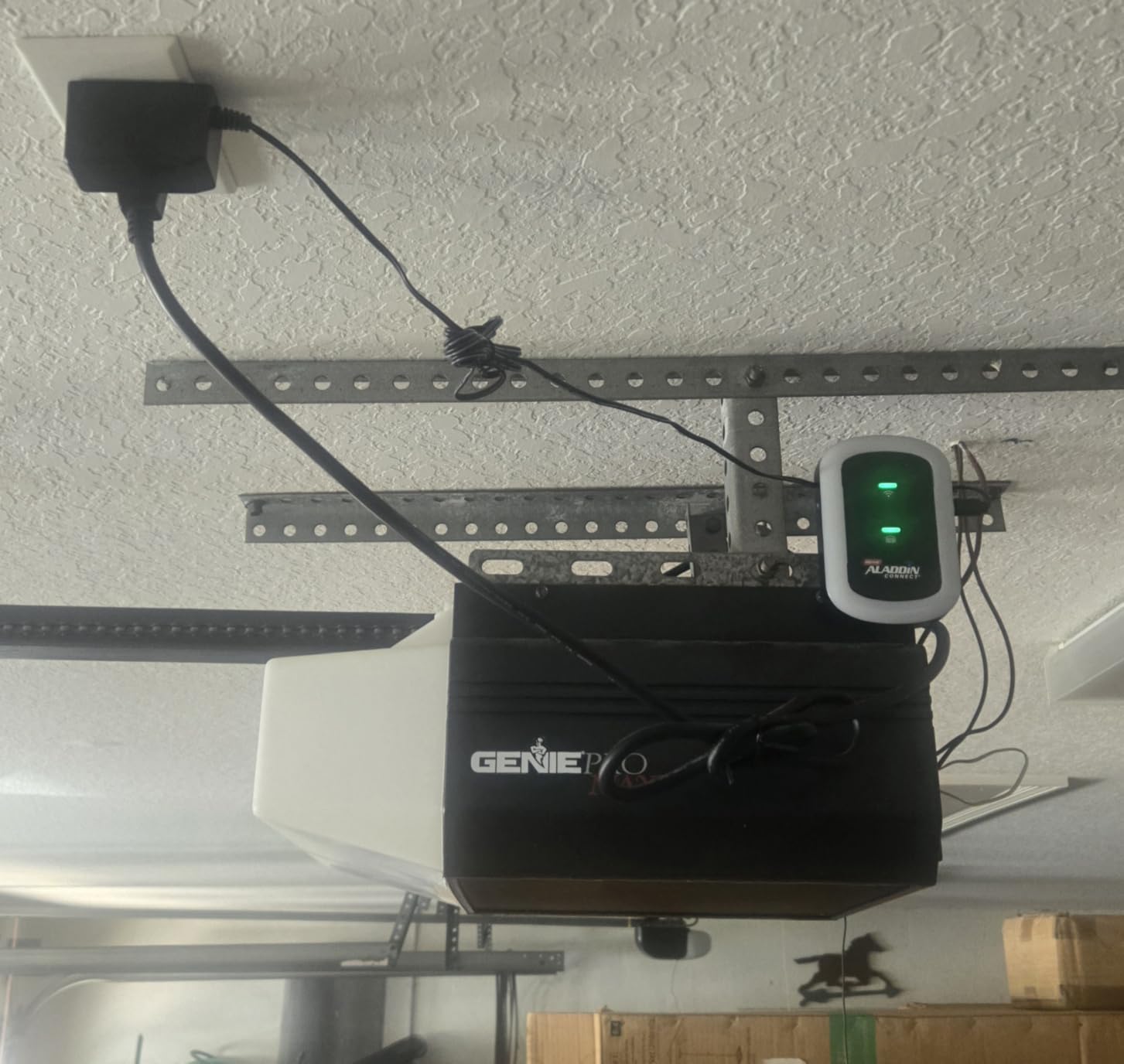
Notifications cover the two cases people actually worry about: the door is still open late at night, and the door has been open for a long stretch. The iOS and Android apps handle open, close, and status checks from anywhere.
The honest limitation is evidence. This kit became available in March 2026 and carries 99 ratings, so the 4.6 star average is encouraging but thin. Long-term durability is unproven, and a second door means buying a second kit. At 1.08 pounds it is the heaviest of the controllers here with a published weight, which matters little but is worth noting on a ceiling mount.
What you get in the box
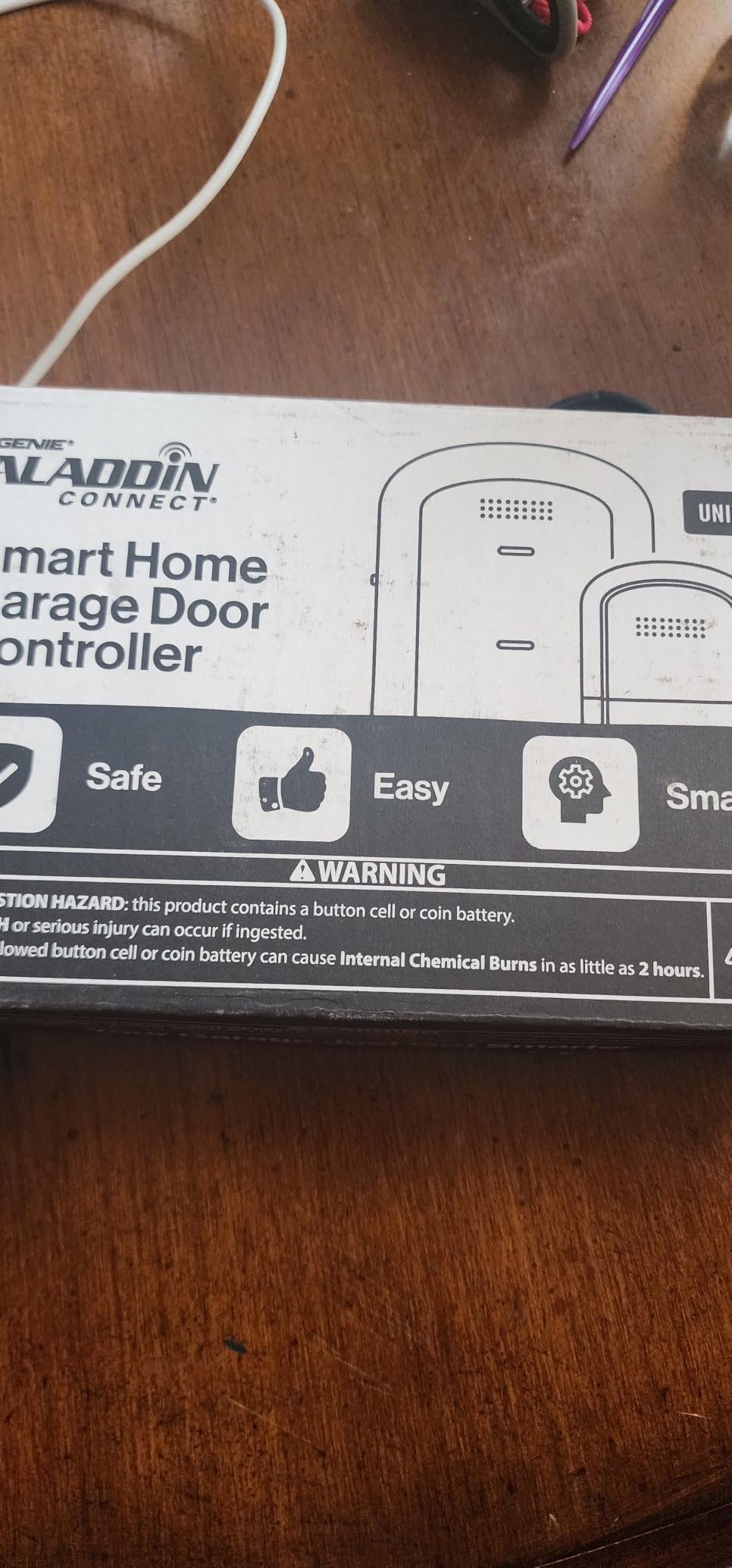
The package includes a door control module, a door position sensor, and installation instructions. The module runs on a lithium manganese dioxide cell rather than mains power, which keeps the install simple and avoids running a new outlet near the opener.
Because it is designed as a universal controller rather than a Chamberlain-only device, it is not tied to one rolling-code protocol the way some competing products are. That is the main reason Genie can market it across most major brands.
Who should wait and who should buy now
Buy it if in-garage delivery is part of your routine, if you prefer buying from an opener manufacturer, or if you want Alexa and Ring support without hunting through generic listings. The wireless install also suits anyone reluctant to open a wall terminal.
Wait if reliability across years is your top priority. The meross MSG100 and the Chamberlain both have review histories measured in tens of thousands of ratings, and a 99-rating sample cannot tell you how the Aladdin Connect behaves after three summers of heat and dust.
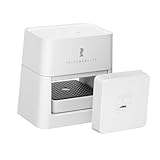
8. THIRDREALITY Matter Garage Door Opener – Best for Open Ecosystems
- Only Matter certified option in the roundup
- Works with Apple Home/Alexa/Google/Home Assistant/Homey
- Key-based install touches no motor wiring
- Opener and tilt sensor come pre-paired
- Sectional flip-up doors only
- Needs 2.4 GHz Wi-Fi and a Matter controller
- Smallest review base here at 78 ratings
- Key actuation is mechanical
The THIRDREALITY is the one to buy if you refuse to hand your garage to a single vendor. It is Matter certified, so it joins Apple Home, Google Home, Alexa, SmartThings, Home Assistant, and Homey through the standard rather than a proprietary app. If you run Home Assistant, that changes the whole calculation.
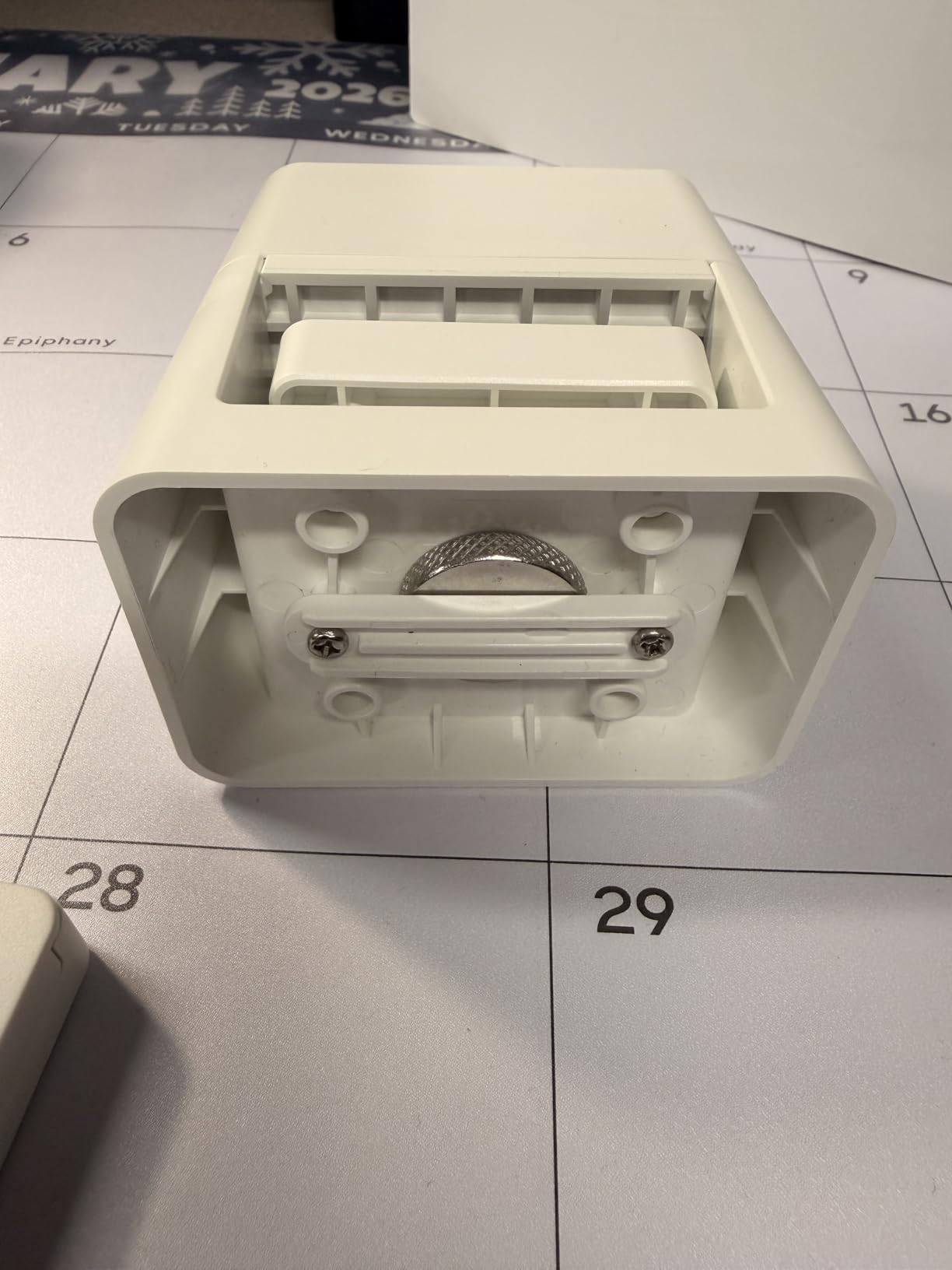
The install approach is unusual and clever. Instead of wiring into the motor, it actuates the existing garage key interface, which means it sidesteps the brand-specific rolling-code security systems that block direct wiring on some competitors. Connect power with the included Type-C cable, insert your key, adjust the position, and scan the QR code.
Setup time gets cut further because the opener and tilt sensor come pre-paired in the box. The unit weighs 10.2 ounces, mounts in a small footprint, and uses two included AAA batteries in the sensor. Smartphone control anywhere, one-tap close, and shared app access for family members all come with it.
Two prerequisites narrow the audience. It supports sectional flip-up doors only, so single doors and swing doors are out, and it needs 2.4 GHz Wi-Fi plus a Matter controller. If your home already runs Apple Home, Google Home, SmartThings, or Home Assistant, the controller is almost certainly already in place.
Why Matter changes the ownership question
Matter is a shared standard, so your door is exposed to whichever controller you choose rather than to one cloud. In practice that means fewer lock-in headaches and better odds that the device keeps working years from now, which is the main argument local-first users make when they move off a manufacturer cloud.
It also means no subscription to think about and no separate brand app to learn. The controls appear inside the apps you already open every day, which is the smoothest experience here for mixed-ecosystem households.
Where the mechanical design could disappoint
Because actuation is mechanical, the unit depends on the physical key interface rather than a direct electrical connection. That is a benefit for compatibility and a question mark for repeatability, and it is worth checking that your key cylinder is reachable with the door down.
The other limit is the sample size. At 78 ratings, this is the thinnest record in the roundup, so treat the 4.3 star average as encouraging rather than proven. The ecosystem openness is the reason to accept that risk; the rating is not.
How to Choose a Smart Garage Door Opener Under 200 Dollars
Most wrong purchases in this category are compatibility mistakes rather than quality mistakes. Work through these checks before you order anything, and you will sidestep the two problems behind most of the complaints: an opener the controller cannot talk to, and a Wi-Fi network the controller cannot see.
Check your learn button and opener year first
Look at the learn button on your opener motor head. A yellow button indicates an older rolling-code generation, purple indicates the next generation, and a white learn button marks the Security+ 3.0 generation found on the most recent openers. The Security+ 3.0 generation is where compatibility quietly ends: several controllers in this roundup explicitly do not support it, and no adapter changes that.
Then check the year. Most retrofit controllers here work with openers built after 1993. If your door is older, or if you have a Linear opener, a retrofit is the wrong purchase and you should be looking at a complete opener kit instead. Our guide to the best smart garage door openers for homeowners covers the replacement path.
Retrofit controller or complete opener kit
A retrofit controller adds app, voice, and automation control to a motor that already works. It costs a fraction of a new opener, installs in under an hour, and leaves your existing safety sensors, rails, and drive mechanism alone. A complete opener kit replaces the motor, rail, and often the sensors, and is what you want when the opener is noisy, slow, or failing.
Do not bypass your safety sensors under any circumstances. The photo-eye pair that stops the door from closing on a person or a car is a UL 325 safety requirement, and a controller that cannot read that circuit is not compatible with your door. Keep those sensors wired and working, and never splice around them to make a device pair.
Match the controller to your voice assistant
Decide which assistant actually lives in your home before you shop, because this is where most budget units fall short. The eKyro, AGSHOME, and Genie Aladdin Connect all cover Alexa and Google Assistant. Apple Home, Siri Shortcuts, and Apple Watch need the Remootio 2, and the THIRDREALITY reaches Apple Home, Google, Alexa, SmartThings, Home Assistant, and Homey through Matter.
Home Assistant and Hubitat users tend to avoid proprietary clouds altogether, and in that case the THIRDREALITY is the natural fit, with the meross a solid alternative in the category. If you already use SmartThings, several of these units integrate directly.
Confirm your Wi-Fi is 2.4 GHz
These devices join 2.4 GHz networks and do not join 5 GHz ones. Most modern routers broadcast both bands under a single network name, which is the most common cause of a failed pairing. The fix takes about five minutes in your router settings:
Open your router or mesh app and find the wireless or Wi-Fi settings.
Split the bands so 2.4 GHz and 5 GHz have different network names, or enable band steering and connect the garage device to the 2.4 GHz name.
Place the router or a mesh node within range of the opener, or use an extender if the garage is far away.
Restart the router, then put the controller into pairing mode and join the 2.4 GHz network.
The Chamberlain lists a specific constraint of a 2.4 GHz router within 50 feet of the unit. If your garage sits beyond that, either reconfigure the mesh or choose a controller designed for the distance.
Hub required or not, and what local control means
Most units here need no hub at all, which keeps the install to one box and one sensor. The exception is the YoLink kit, which requires a separately purchased hub before it will function in the app or connect to Alexa, Google Home, or IFTTT. Add that hub to your total before deciding it is the least costly route.
Local control is the other question. Cloud-based units send commands through the manufacturer’s servers, and a company can change or end that service. Users on home automation forums have been actively moving away from cloud dependence, which is a reasonable reason to prefer a Matter device or an open integration over a closed one.
What happens during a power outage
Most controllers in this roundup lose smart function when power fails, because they plug into a wall adapter. Bluetooth fallback on the Remootio 2 is the notable exception, since it can still connect locally when the Wi-Fi network is down. Your physical wall button and existing remotes keep working normally in every case, because the opener itself is unaffected.
Battery backup is a feature of complete opener motors rather than retrofit controllers. If you need your garage to open during a power cut, you need a new opener kit with a battery backup unit, not a smart controller.
What you give up above the 200 dollar ceiling
Spending more gets you native camera integration, deeper voice assistant support, cellular backup for notifications, and manufacturer-grade encryption. It also gets you motors with stronger belts, quieter chain drives, and higher horsepower ratings for heavy insulated doors.
For most households the ceiling is not the limit that matters. The limit is compatibility and signal. A 200 dollar budget covers every capability most people will use, as long as the unit matches your opener protocol and your Wi-Fi reaches the garage.
Frequently Asked Questions
What is the best garage door opener under 200 dollars?
The Chamberlain myQ Smart Garage Control is the best overall pick under 200 dollars because it installs in about five minutes, works with openers manufactured after 1993, and has the deepest review history of any controller in this roundup. Best value goes to the eKyro, and the best choice for Home Assistant users is the Matter-certified THIRDREALITY.
Are smart garage door openers worth it?
For most homeowners, yes. A retrofit controller adds phone control, voice control, and an alert when the door is open too long, for a fraction of the cost of replacing a working opener. The value drops if your opener cannot be reached by Wi-Fi or if you plan to use voice routines that require a passcode-free integration.
Do I need a hub for a smart garage door opener?
Usually not. The Chamberlain, eKyro, meross, AGSHOME, Remootio 2, Genie Aladdin Connect, and THIRDREALITY all work without a separate hub. The YoLink kit is the exception, since it requires a YoLink Hub before it will operate in the app or connect to Alexa, Google Home, or IFTTT.
Do smart garage door openers work during power outages?
Most retrofit controllers stop working when power fails because they run on a wall adapter, though your existing wall button and remotes continue to operate the door normally. The Remootio 2 keeps working over Bluetooth when the network is down. Battery backup is a feature of complete opener motors, not of retrofit controllers.
What are the downsides of smart garage door openers?
The recurring complaints are ecosystem lock-in, per-door costs for additional hubs or sensors, mandatory passcodes that break voice routines on the cheapest models, and unreliable door status from badly aligned or short-leaded sensors. Cloud dependence is another, since a manufacturer can change or end its service and disable your access.
Can I control my garage door from anywhere?
Yes, as long as the controller is connected to 2.4 GHz Wi-Fi with a signal reaching the opener. You can then open, close, and check status from an app anywhere with a connection, and share access with family, guests, or contractors through the same app.
The Bottom Line on Smart Garage Door Openers Under 200 Dollars
The Chamberlain myQ Smart Garage Control remains the pick we would buy first for the best smart garage door opener under 200 dollars, because proven reliability across tens of thousands of installations matters more than any feature list. If your opener carries a white Security+ 3.0 learn button, move up the list and check the THIRDREALITY, which sidesteps protocol issues entirely with a Matter-certified, key-based design.
Pick the eKyro on value, the meross for broad legacy opener coverage and a two-year warranty, the AGSHOME for basic app control at the entry level, the Remootio 2 for Apple Home, and the YoLink kit when the garage sits far beyond your Wi-Fi. Whichever you choose, verify the learn button color, confirm 2.4 GHz coverage, and keep your safety sensors wired and working. Once your smart door is live, our guides to smart garage openers for smartphone control and openers with built-in cameras cover the natural next upgrades.