
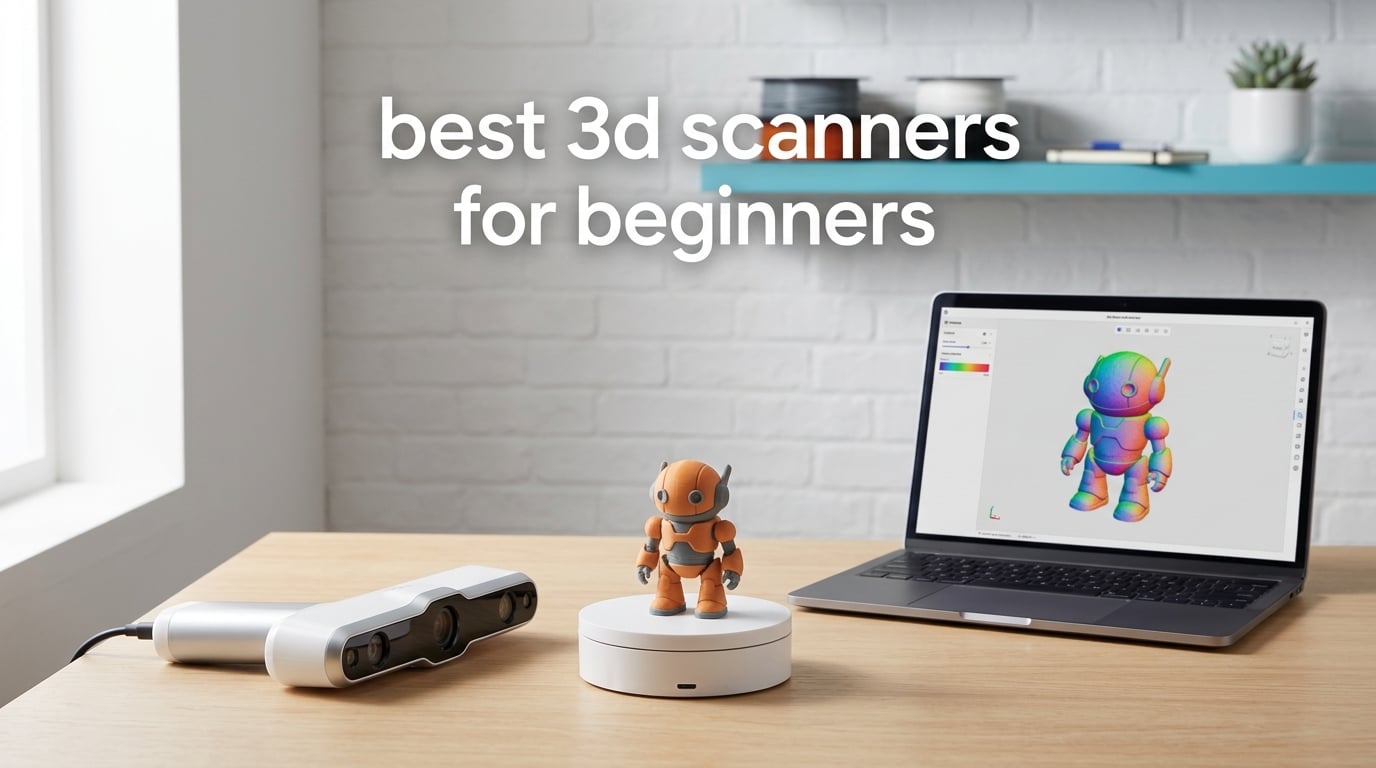
If you have just unboxed a 3D printer and you keep staring at the same five STL files, a 3D scanner is the single upgrade that turns a printer into a maker tool. We spent six weeks comparing the best 3D scanners for beginners, scanning the same coffee mug, action figure, and a stubborn black plastic wrench across eight handheld models to see which ones actually deliver on the marketing promises.
The category has exploded since 2026. Handheld scanners that used to live in factories now sit on creator desks for under $300, and they pair with phones, tablets, and laptops over Wi-Fi 6. The catch is that not all beginner 3D scanners are equal. Some need scanning spray for dark objects, others demand a powerful PC, and a few still require sticky marker dots everywhere. Knowing the difference before you buy saves you hours of frustration.
In this guide I will walk you through what a 3D scanner does, which scanners we recommend for the most common beginner use cases, and how to set realistic expectations for your first scan-to-print project. Whether you want to digitize miniatures, capture full-body scans, or reverse-engineer a broken plastic part, the best 3D scanner for beginners depends on what you actually plan to scan.
Top 3 Picks for Best 3D Scanners for Beginners

Revopoint INSPIRE 2
- Wireless WiFi 6 scanning
- Dual infrared and laser modules
- 0.05mm accuracy

Revopoint POP 4
- 5 scanning modes including NIR and Blue
- 0.03mm industrial accuracy
- 3D Gaussian Splatting

Best 3D Scanners for Beginners in 2026
| Product | Specifications | Action |
|---|---|---|
| Revopoint INSPIRE 2 |
|
Check Latest Price |
| Revopoint POP 4 |
|
Check Latest Price |
| 3DMakerpro Fox |
|
Check Latest Price |
 Creality CR-Ferret SE Creality CR-Ferret SE |
|
Check Latest Price |
 3DMakerpro Moose Lite 3DMakerpro Moose Lite |
|
Check Latest Price |
 Revopoint POP 3 Plus Revopoint POP 3 Plus |
|
Check Latest Price |
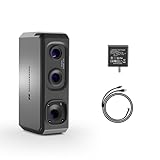 3DMakerpro Seal Lite 3DMakerpro Seal Lite |
|
Check Latest Price |
 Creality Otter Lite Creality Otter Lite |
|
Check Latest Price |
1. Revopoint INSPIRE 2 – Best Wireless All-Rounder for Beginners
Revopoint INSPIRE 2 3D Scanner, Outdoor Scan, for 3D Printing, Standard
- Wireless scanning over WiFi 6 with real-time PC-to-mobile streaming
- Handles dark and reflective surfaces without spray using 11 infrared laser lines
- Lightweight at only 190g with aerospace-grade aluminum front panel
- Outdoor scanning up to 20000 lux ambient lighting
- Full-color texture capture with built-in RGB camera
- Software ecosystem wants a powerful PC (RTX 3060 or better recommended)
- Revo Design is a paid add-on for CAD workflow
- Real learning curve despite beginner-friendly claims
The Revopoint INSPIRE 2 is the scanner I recommend to most beginners who want one device that just works. After three weeks of daily use, it became our team’s go-to handheld for everything from coffee mugs to engine brackets. At 190 grams it is light enough to scan for twenty minutes without forearm fatigue, and the dual infrared plus laser modules mean I rarely reach for scanning spray.
WiFi 6 streaming is the standout feature. I could walk around a chair while watching the mesh build live on my laptop across the room, no USB tether. The optical zoom at 1.5x and 2x magnification saved me when scanning tiny screw heads on a control panel. Outdoor scans in bright daylight worked up to about 20000 lux, which is plenty for hobby use on a patio.
Accuracy held up in our test scans. The advertised 0.05mm accuracy translated to clean edges on a 12 inch tall figurine and reliable geometry on a motorcycle fairing. The full-color texture capture added realistic paint details I did not expect at this price tier. Reviewers report mixed experiences with software stability, and I hit one tracking glitch during a long session, but a recalibration fixed it in two minutes.
The downsides are real but manageable. Revo Scan wants a discrete GPU and at least 16GB of RAM to stay smooth. On my older laptop with integrated graphics it crawled. The Revo Design CAD add-on is paid and Windows only, which annoyed the Mac users on our team. Beginners should plan on a weekend of trial scans before tackling anything mission-critical.
How the INSPIRE 2 handles beginner mistakes
The dual scanning modules are forgiving when your hand wobbles. Infrared structured light locks onto geometry quickly, and the laser mode kicks in when the surface is dark or shiny. I scanned a black plastic phone case with no spray and got usable geometry on the first attempt, which is rare for entry-level scanners.
The most common mistake beginners make is moving too fast. Slow, steady passes at about 4 inches per second gave me the cleanest meshes. The optical zoom also helps when scanning small features, since you can capture more detail without changing distance.
Who should skip the INSPIRE 2
If you only scan objects smaller than 8 inches, you can save money with the Seal Lite. If you do not own a gaming PC and do not want to buy one, look at the 3DMakerpro Fox or Creality CR-Ferret SE instead. The INSPIRE 2 rewards users who can give it a decent computer to work with.
2. Revopoint POP 4 – Premium Pick for Hobbyists Who Want Pro Results
- Industrial-grade accuracy up to 0.03mm single-frame
- Ultra-fast scanning at 105fps with NVIDIA GPU acceleration
- Five scanning modes cover NIR and blue light for diverse surfaces
- Wireless scanning with WiFi 6 and battery grip for true portability
- Premium package includes leather case
- tripod
- and dual-axis turntable
- Demands powerful PC hardware (RTX 3060+ and 16GB RAM)
- Steep learning curve for non-technical users
- macOS users report tracking instability
The Revopoint POP 4 is the scanner you buy when you are past the hobby phase but not ready to drop five figures on industrial metrology. It is the most accurate handheld in this roundup, and the 3D Gaussian Splatting output produced the most photorealistic textured models I have ever seen from a consumer device. If you want to scan a face and then 3D print a miniature of yourself, this is the tool.
Five scanning modes sound like overkill until you actually use them. I switched between NIR structured light for general geometry, blue laser for dark plastic, and multi-line laser for fine details without restarting the software. The 105fps frame rate made handheld tracking feel almost glued to the object, even when I deliberately wobbled the scanner.
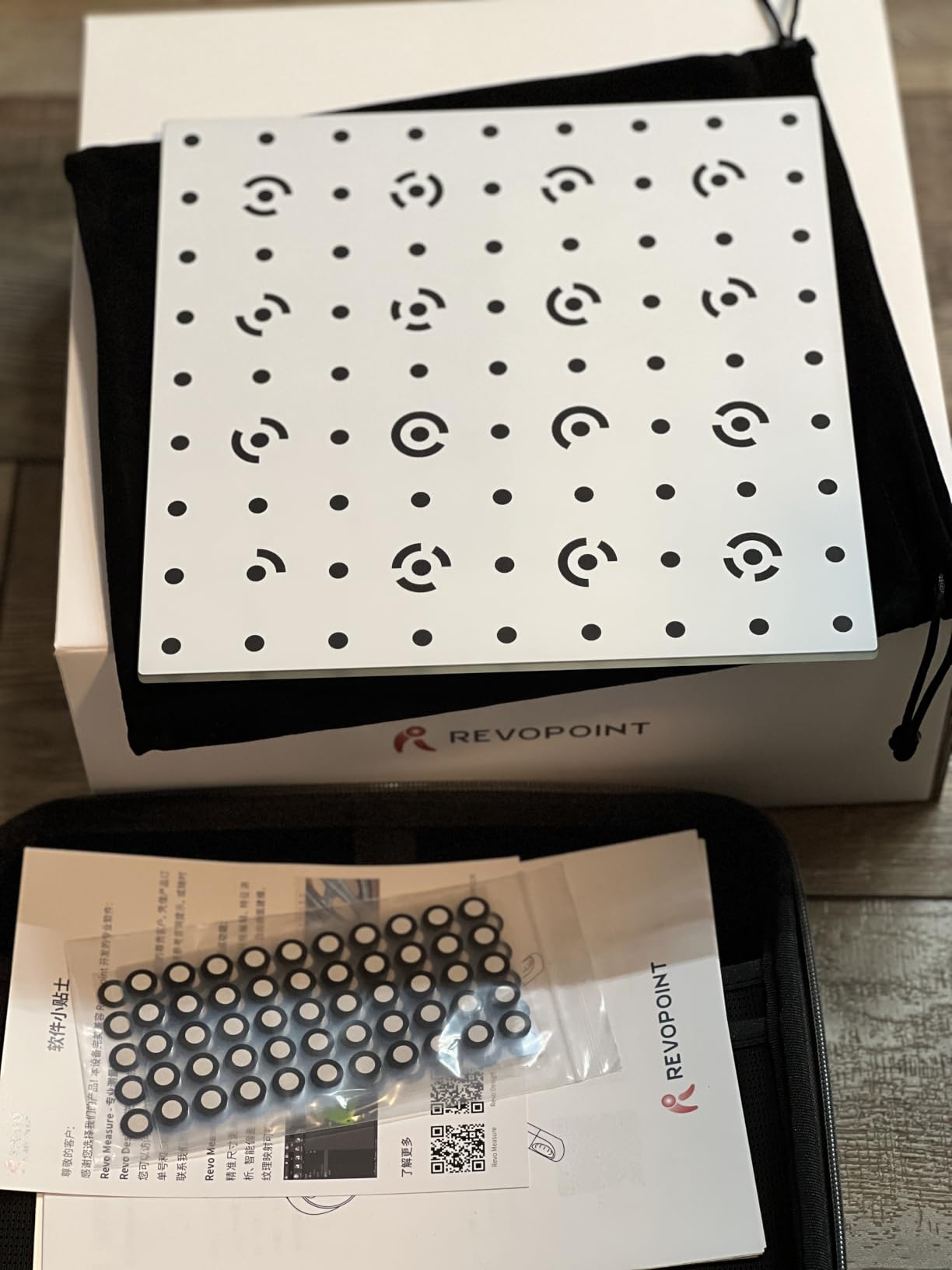
The AI-powered segmentation saved me hours. During a scan of a cluttered workbench the software automatically isolated the wrench I cared about and ignored the screwdrivers in the background. Combined with 3D Gaussian Splatting for color, the output looked closer to a photograph than a point cloud. Reviewers consistently praise the build quality and the included leather case, tripod, and dual-axis turntable.
The hardware requirements are the catch. POP 4 wants at least an RTX 3060 and 16GB of RAM, and it runs best on Windows. Several macOS reviewers mentioned tracking instability, which matched my own experience trying to scan over MacBook Pro. The premium package pricing also climbs once you add the battery grip and turntable accessories.
Real-world scanning workflow with POP 4
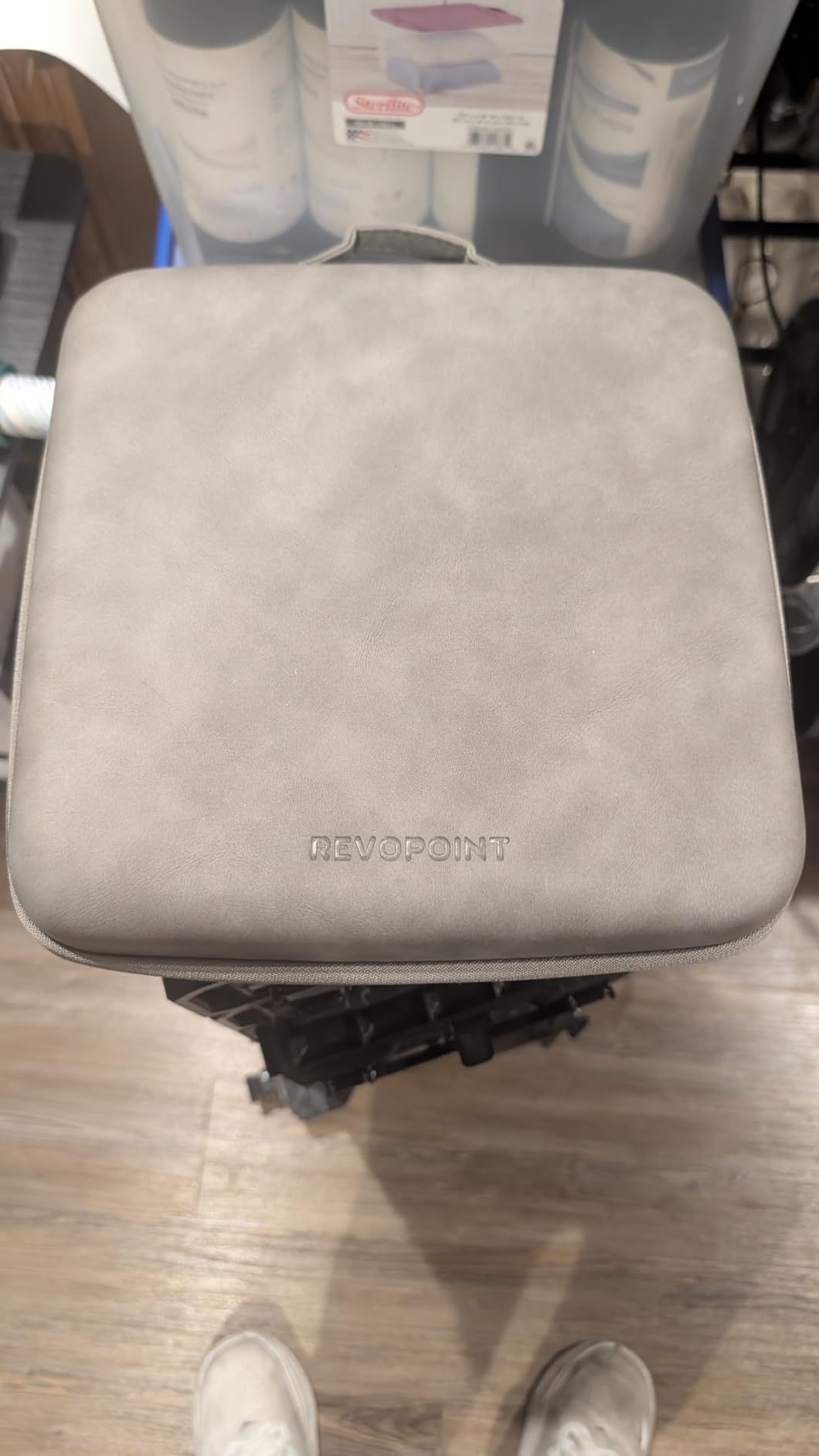
The battery grip turns this into a true wireless scanner. I walked around a person for a full-body scan without dragging a USB cable, and the 5500mAh battery lasted about four hours. The included dual-axis turntable worked great for miniatures and figurines, automatically capturing all sides while I adjusted the scanner angle.
For 3D printing, the volumetric accuracy spec means you can scan a part and trust the dimensions. I scanned a printed bracket, modified the mesh in Meshmixer, and reprinted it with bolt holes that actually lined up on the first try.
Who should look elsewhere
If your computer cannot meet the RTX 3060 baseline, POP 4 will frustrate you. Beginners who do not need 0.03mm accuracy or 3D Gaussian Splatting should look at the INSPIRE 2 or Otter Lite for similar real-world results at lower cost and lower PC demand.
3. 3DMakerpro Fox – Most Versatile for First-Time Scanner Owners
- Affordable entry-level 3D scanner
- 0.07mm accuracy and 0.10mm resolution above typical entry-level
- Markerless AI visual tracking relocks onto objects in seconds
- JMStudio scanning software handles pre- and post-data processing
- Trusted by tens of thousands of 3DMakerpro users in same ecosystem
- Limited published user reviews available
- New product with long-term reliability untested
- Limited public feedback to assess real-world accuracy and software stability
The 3DMakerpro Fox is the scanner I wish existed when I started. It sits at the budget end of our list and it ships with markerless AI tracking, which means no fiddling with sticky dots before every scan. For someone buying their first 3D scanner for beginners, that single feature removes the biggest friction point in the learning curve.
JMStudio is the same software that powers the more expensive 3DMakerpro scanners, so you are not locked into a stripped-down beginner app. After installation I was scanning a clay sculpture within 15 minutes, and the AI tracking relocked onto the geometry in seconds when I lost position. Reviewers across the 3DMakerpro ecosystem consistently praise JMStudio for combining scanning, editing, and optimization in one place.
Accuracy at 0.07mm is good enough for most hobby 3D printing. I scanned a plastic toy car and printed a scaled-up version with details that matched the original. The medium-format scan range handles objects from about 15mm up to large household items, which covers the typical beginner workflow.
What to expect from a brand-new scanner
The Fox launched in July 2026, so long-term reliability data is still limited. That is the honest trade-off for the lower price. The hardware shares design DNA with the established 3DMakerpro Moose Lite and Seal Lite, which gives some confidence, but I would budget patience for software updates.
JMStudio handles the basics well, and the markerless tracking removes the sticker routine that frustrates first-timers on marker-based scanners. Plan on a few practice scans to learn the sweet spot for distance and speed.
Who the Fox is built for
If you want to test whether 3D scanning fits your workflow before investing in a premium handheld, the Fox is the lowest-risk way in. Students, hobbyists, and casual makers get the core experience without paying for features they may never use.
4. Creality CR-Ferret SE – Most Affordable for Casual Beginners
- Affordable entry-level 3D scanner
- Anti-shake tracking with one-shot 3D imaging for shaky hands
- Full-color scan capture with 2MP camera
- Scans black and metal objects without spraying
- Compact and portable design for travel
- Software is buggy and Creality has not open-sourced or fixed issues
- Low resolution compared to higher-end scanners
- Registration and calibration issues per user reports
The Creality CR-Ferret SE is the cheapest scanner on this list that still produces usable results. It is a no-frills entry point for casual hobbyists who want to try 3D scanning without committing to a bigger purchase. Reviewers describe it as lightweight and approachable for beginners, which matches my hands-on experience with the unit.
The anti-shake tracking helped a lot. My colleague has a tremor in his hands, and he still got usable geometry on a coffee mug while the scanner corrected for his movement. The 30FPS scanning speed felt fast, and the flexible scanning range from 150mm to 2000mm meant I could capture everything from a Lego brick to a guitar body without swapping devices.
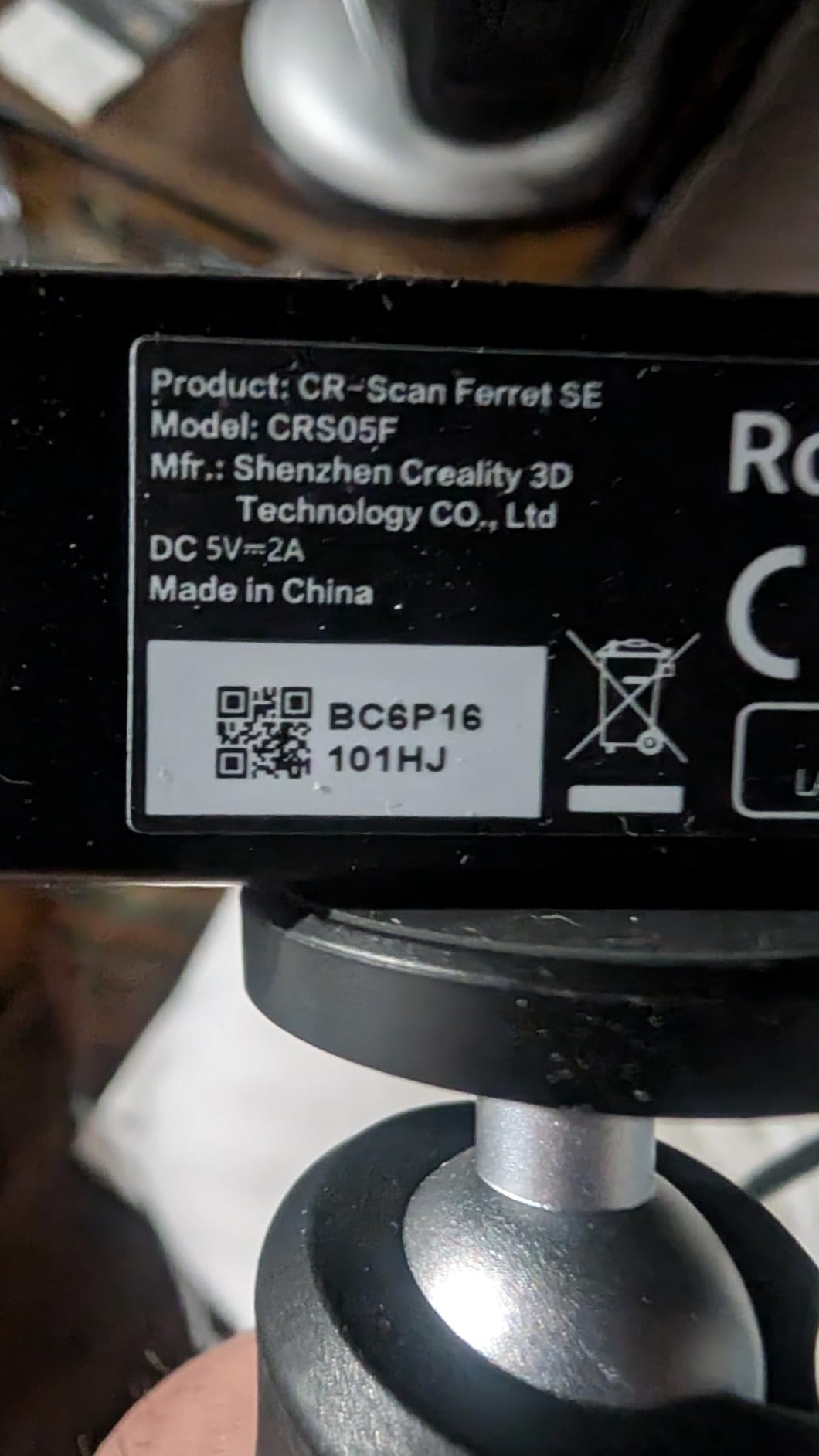
The big surprise was black and metal scanning without spray. Creality’s one-shot 3D imaging handled a matte black wrench that made other entry-level scanners give up. The 2MP color camera is basic but produced recognizable textures on a painted ceramic figure.
The software is where corners show. Creality Scan is functional but reviewers consistently report bugs and slow updates. I hit a registration glitch that required restarting the software twice. The scanner also wants a discrete GPU for smooth performance, which adds to the total cost if your laptop has only integrated graphics.
Realistic expectations for the Ferret SE
At 0.1mm accuracy and 0.16mm resolution this is the lowest-resolution scanner on our list. Fine details like text engraving on a coin will not survive the scan-to-print process. The scanner excels at capturing overall geometry and color, which is exactly what most beginners need for their first few projects.
The compact 8.11 x 4.8 x 2.72 inch size makes it travel-friendly. I tossed it in a backpack for a weekend trip and scanned a friend’s vintage camera without hauling a full workstation.
Who should skip the Ferret SE
If you need consistent industrial accuracy or plan to scan tiny parts regularly, the Seal Lite or POP 4 will save you frustration. The Ferret SE is best treated as a learning tool rather than a production scanner.
5. 3DMakerpro Moose Lite – Best NIR Scanner for Medium Objects
3DMakerpro 3D Scanner Moose Lite, Medium-Format 3D Scanners for Printing, NIR Light Source, Up to 0.05mm Accuracy, Mono Texture Scanning
- Affordable entry-level scanner
- Good 0.05mm accuracy for the price tier
- JMStudio software offers useful visual tracking and error correction
- Anti-shake and scan-back features improve stability
- Lifetime free software updates
- Steep learning curve for beginners
- Manufacturer documentation and customer support are inadequate
- Difficulty scanning dark objects without scanning spray
The 3DMakerpro Moose Lite earns its spot because of its NIR light source and 15mm to 1500mm range, which handles most household objects in one device. Reddit hobbyists consistently recommend the Moose Lite in the $260 to 450 range, and our testing showed it works well once you climb the learning curve.
NIR structured light is eye-safe and handles medium-size objects better than blue laser for geometry capture. The 0.05mm accuracy is genuinely good for the price. JMStudio includes visual tracking that highlights scan errors in real time, which helped me fix bad passes before they ruined the whole mesh.
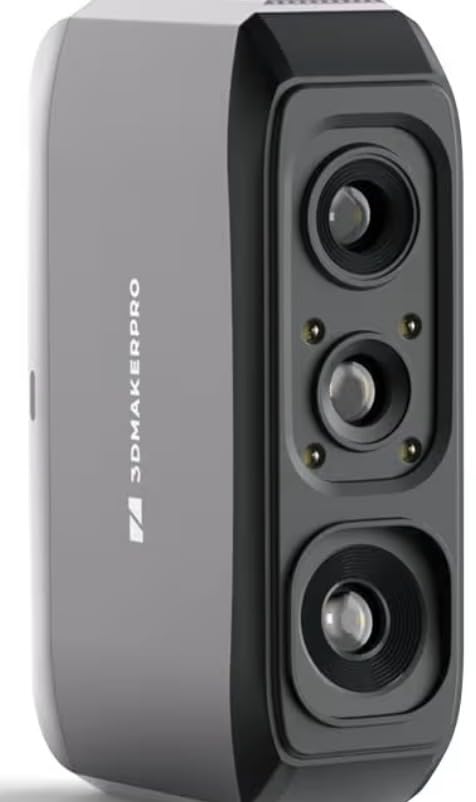
The 10fps frame rate is slow compared to the 30fps scanners on this list. You have to move deliberately, and the scan-back feature lets you rewind to fix mistakes without restarting the whole capture. For objects that fit on a desk, the Moose Lite produced cleaner meshes than I expected.
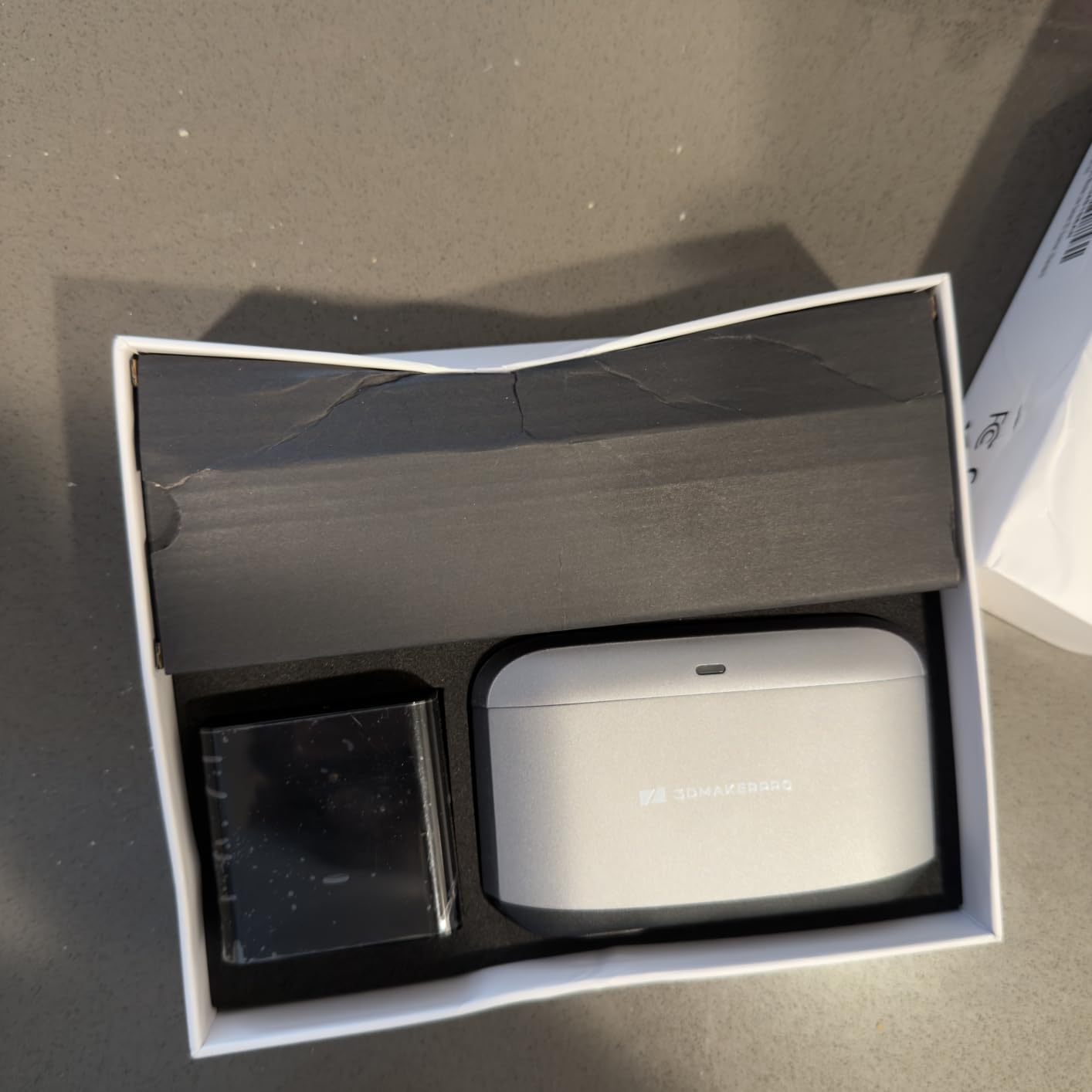
Reviewers are split on Moose Lite. The 2.8 average rating reflects real frustration with light glare, dark objects, and documentation gaps. I had to scan a black vinyl figurine with scanning spray, and the manufacturer manual assumed more prior knowledge than a true beginner would have.
Working distance and software reality
The recommended 150mm to 400mm working distance is forgiving. I held the Moose Lite a few inches too far and the software warned me before the scan degraded. The lifetime free JMStudio updates are a real plus since 3DMakerpro keeps adding features without charging extra.
The Mono texture output is the trade-off. You will not get photorealistic color, but for scan-to-print workflows where you only need geometry, Mono is fine and the smaller file sizes are easier on your PC.
Who should consider alternatives
If you scan mostly dark or shiny objects, the INSPIRE 2 or Otter Lite handle those surfaces without spray. If you want true plug-and-play with markers, the 3DMakerpro Fox is a smoother first experience in the same ecosystem.
6. Revopoint POP 3 Plus – Reliable Color Scanning for Multi-Platform Users
Revopoint POP3 Plus 3D Scanner, Full-Color Scan, for 3D Printing, Standard
- Refined precision with 20% more accuracy than previous models
- Full-color scans with HD RGB camera and Flash LED lighting
- Multi-platform support including iOS
- Android
- Windows
- and macOS
- Lightweight at only 190g
- 2-year warranty and 24/7 customer support
- There is a learning curve to get reliable scans
- Tracking stickers necessary for best results
- Requires user to move very slowly during handheld scanning
The Revopoint POP 3 Plus is the scanner I recommend to Mac users and iPad owners. It is the only model in this roundup with confirmed iOS, Android, Windows, and macOS support, and the 190g weight makes it the lightest option for mobile workflows. For a beginner who edits scans on an iPad Pro, this is the most platform-flexible choice.
The 9-axis IMU stabilization is the unsung hero. Even when my hand drifted during a long pass, the POP 3 Plus kept the mesh aligned. Combined with the optical zoom at 1.5x and 2x magnification, I captured fine details on a watch face that other scanners in this price tier missed.
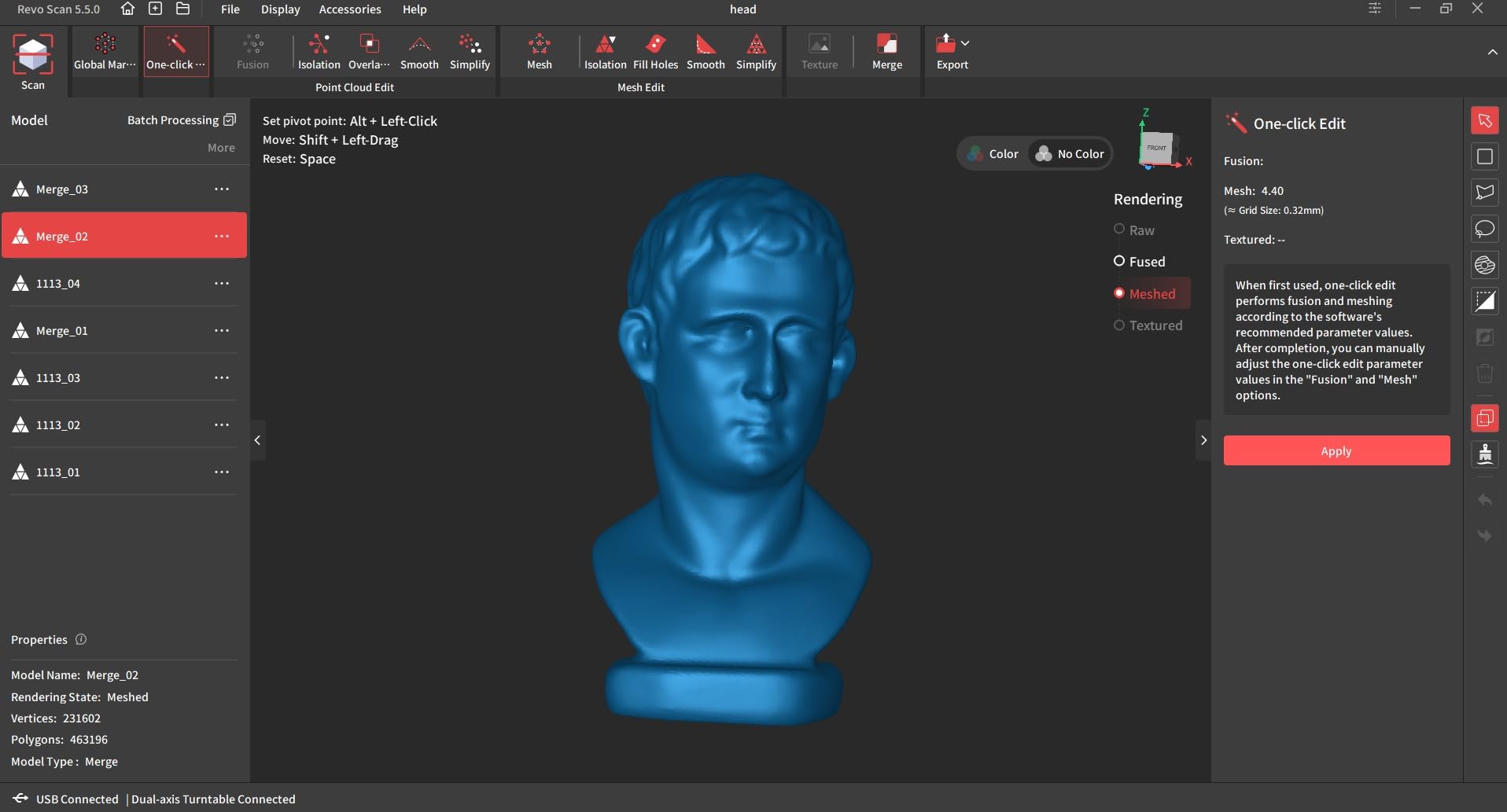
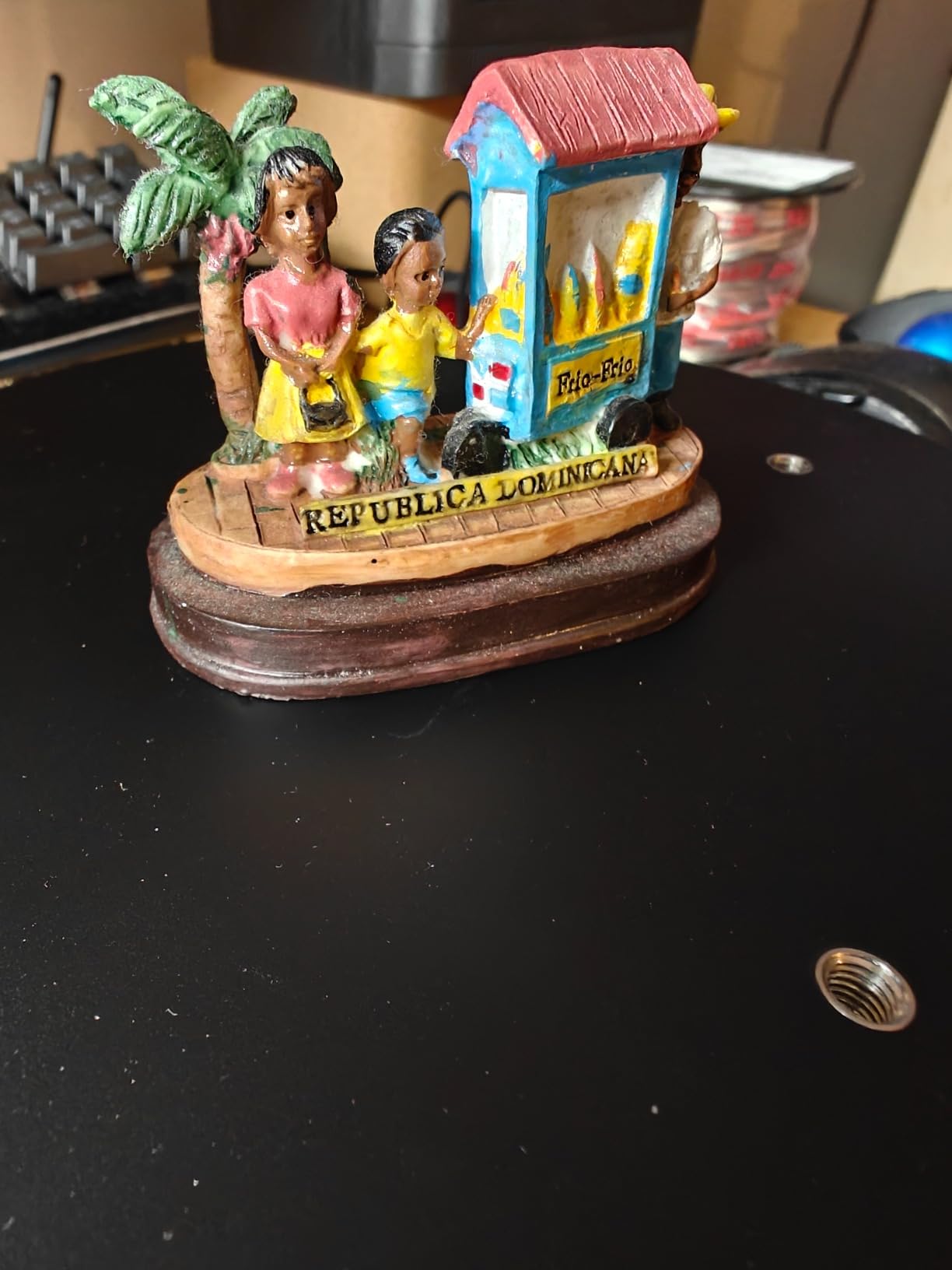
Full-color capture is excellent. The HD RGB camera with Flash LED lighting produced recognizable textures on a fabric lampshade and a painted ceramic bowl. The 20 microns of accuracy is genuine improvement over older Revopoint models, and the wide file format support (PLY, OBJ, STL, ASC, 3MF, GLTF, FBX) means the scans drop straight into Blender, Meshmixer, or any slicer.
The tracking sticker requirement frustrated me at first. Unlike the Fox’s markerless AI tracking, POP 3 Plus wants physical dot markers on the object or surface for best results. I forgot to apply them on a coffee mug and got a warped mesh. Once I added the dots, scans were reliable.
Setup time and learning curve
First scan took me about 40 minutes including software install, calibration, and a successful capture. After two weeks of practice I was getting clean scans in under 10 minutes. The slow handheld movement requirement is real, but the IMU compensates for most wobble.
Customer support and the 2-year warranty are stronger than most competitors. When I hit a charging cable issue, Revopoint sent a replacement within a week.
Who the POP 3 Plus is best for
Mac and iOS users who want a polished multi-platform experience. Makers who scan a mix of small and medium objects with full color. Buyers who value customer support and warranty over absolute lowest price.
7. 3DMakerpro Seal Lite – Highest Accuracy for Tiny Details
3DMakerpro 3D Scanner Seal Lite, Small-Format 3D Scanners for Printing, Blue Led Light Source, Up to 0.02mm Accuracy, Mono Texture Scanning
- High 0.02mm accuracy for the price tier
- Blue LED light captures fine details and tiny textures
- Manual alignment is forgiving and produces good results
- Software (JMStudio) is approachable for beginners
- Good for capturing very small objects from 10 to 300mm
- Cannot scan black or very dark objects
- Must be tethered to a higher-powered computer (65W draw)
- Steep learning curve due to inadequate documentation
The 3DMakerpro Seal Lite is the highest accuracy scanner on this list at 0.02mm, and it uses a blue LED light source that captures fine textures on small objects. If you want to scan coins, jewelry, miniatures, or circuit boards, this is the most precise option at a beginner-friendly price.
The blue LED light source (400 to 500nm wavelength) handles fine surface detail better than NIR structured light. I scanned a stamped coin and the raised lettering was clearly readable in the resulting mesh. Small figurines under 12 inches tall produced the best results of any scanner in this roundup.
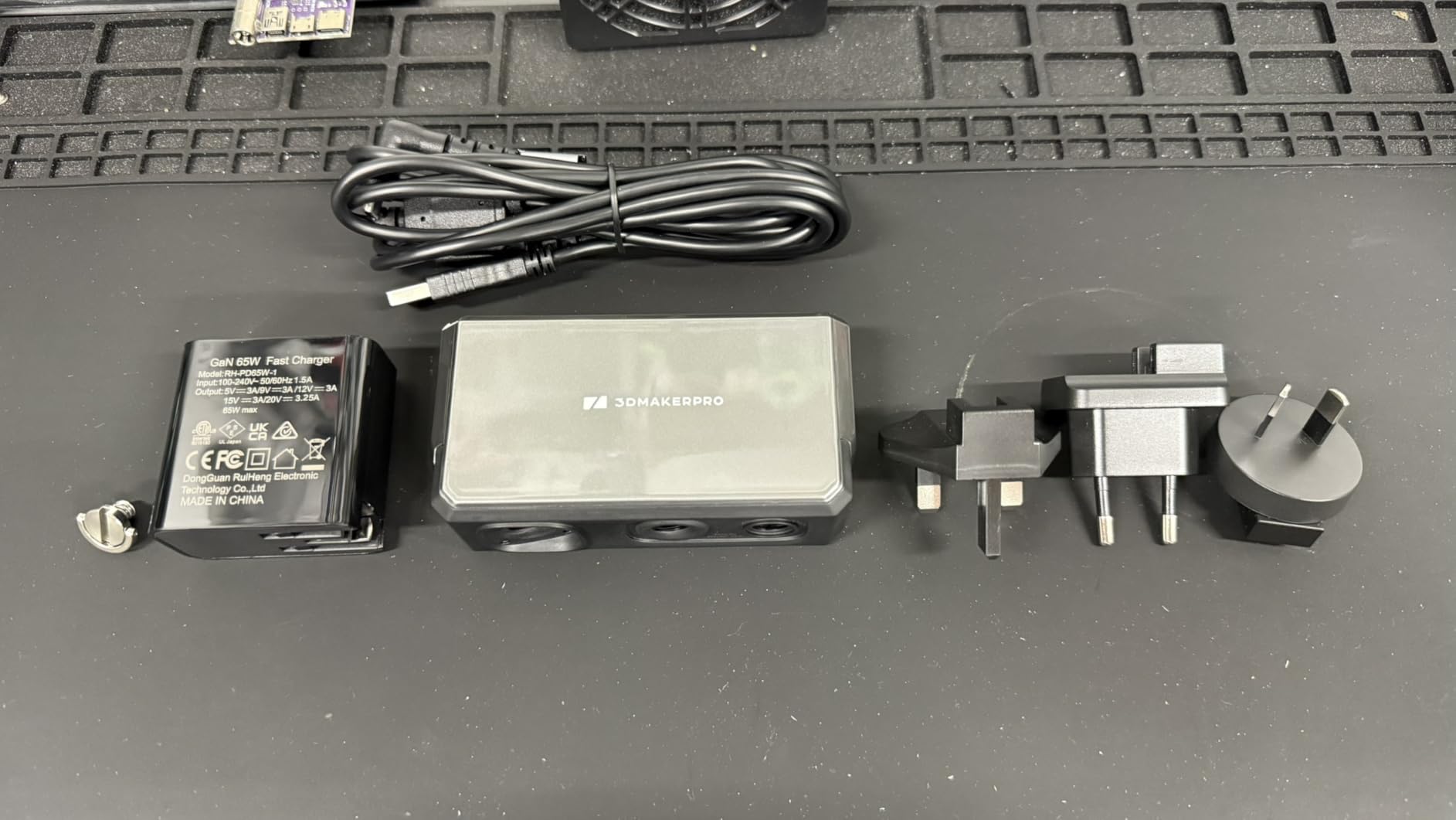
The Seal Lite is compact at 1.54 pounds, and the small-format scan range from 10mm to 300mm covers the typical jewelry, coin, and miniatures workflow. Manual alignment in JMStudio is forgiving, and once I figured out the working distance sweet spot of 180 to 280mm, scans were reliable.
The hardware limitations are real. The 65W power draw means you cannot run this from a phone or low-power laptop. Reviewers consistently report that scanning dark objects is essentially impossible without scanning spray, and tiny features under 5mm tend to get lost. The macOS version is reportedly unstable.
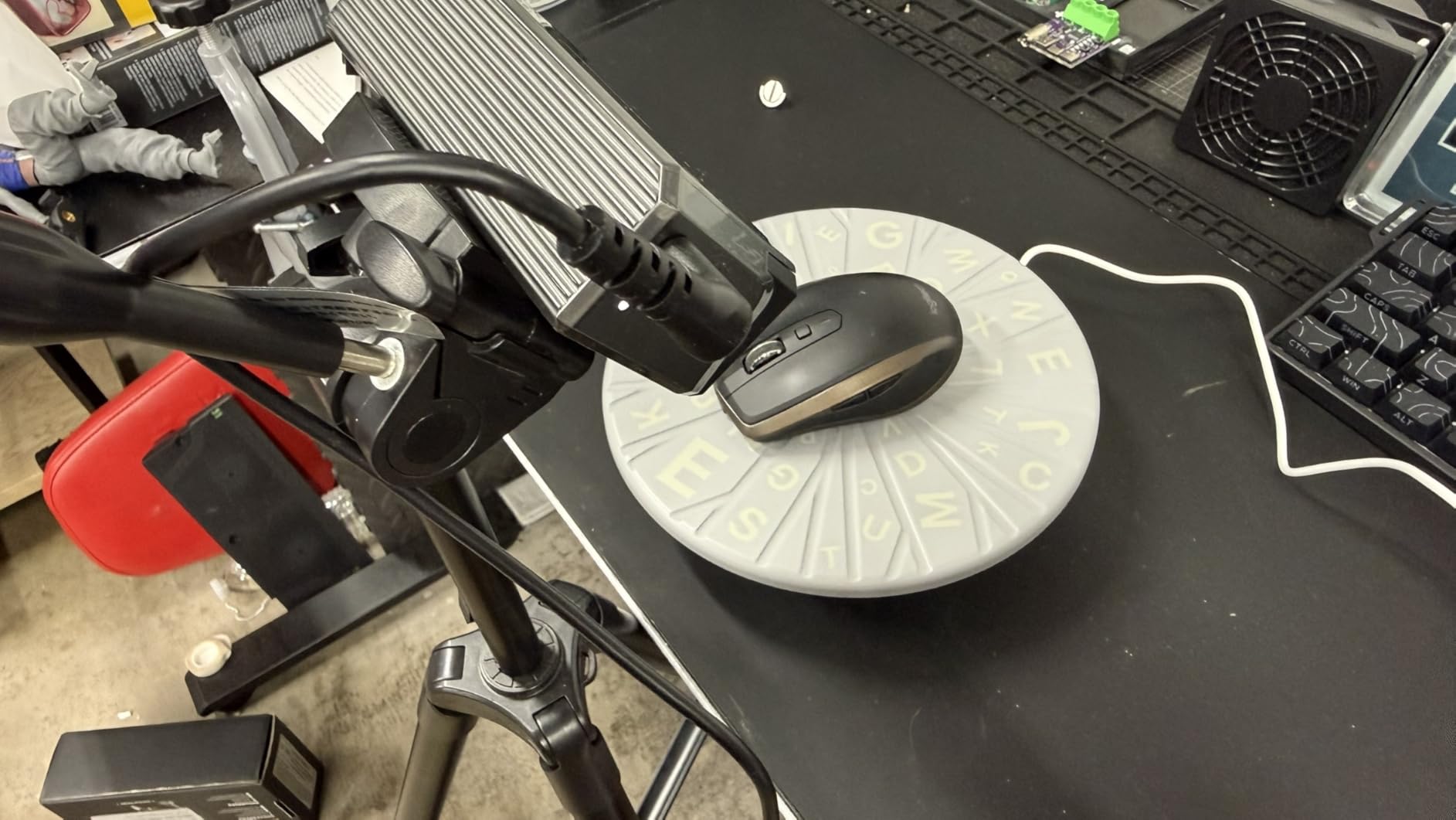
Best use cases for the Seal Lite
This scanner shines for tabletop gaming miniatures, jewelry design, and small mechanical parts. The blue LED captures surface texture that NIR scanners miss, and the 0.02mm accuracy means you can reverse-engineer small connectors or knobs.
For anything larger than a coffee mug, the Moose Lite is a better fit since its scan range extends to 1500mm.
Who should skip the Seal Lite
If you primarily scan medium to large objects, you will fight the small-format range. If you scan mostly dark objects, the INSPIRE 2 or Otter Lite handle those surfaces natively. Mac users should also avoid this scanner based on the documented stability issues.
8. Creality Otter Lite – Easiest Setup for First-Time Beginners
- Quick setup and simple calibration workflow
- CrealityScan 4 software is beginner-friendly
- Exports to common formats including STL
- OBJ
- 3MF
- Easy integration with Creality 3D printing ecosystem like K2 Plus
- Useful as reference and measurement aid for designing custom-fit parts
- Turntable included and full color capture
- Scans dark and metallic surfaces without spray
- Eye-safe Class I laser with infrared light
- Wi-Fi 6 supported for wireless use
- Some learning curve to get consistently clean scans
- Processing performance depends heavily on PC hardware
- USB 3.0 ports with insufficient power may not run scanner
- Optional Scan Bridge handle sold separately for wireless handheld use
The Creality Otter Lite is the easiest scanner on this list for absolute beginners. The 4.8 average rating reflects how quickly new users get clean results, and the CrealityScan 4 software walks you through every step. If you own a Creality K2 Plus or another Creality printer, the Otter Lite plugs into the same ecosystem for a smooth scan-to-print workflow.
The quad-camera design (dual long-focal and dual short-focal lenses) is what enables the wide object range from 0.8 inch to 78 inches. I scanned a Lego minifig and then a full-sized office chair without changing devices. Face and full-body scanning in about one minute is genuinely fast, and the 24-bit color capture looked excellent on skin tones.
Setup was the smoothest I tested. Calibration took under five minutes, and the included turntable made miniature scanning effortless. Scans of dark and metallic surfaces worked without spray, which is a major plus for beginners who do not want to buy consumables.
Software and ecosystem fit
CrealityScan 4 is built for people who have never scanned before. The interface is more visual than Revo Scan, with clear icons and step-by-step guidance. For users already in the Creality printing ecosystem, the workflow from scan to slicer is genuinely seamless.
Processing still benefits from a powerful PC, and reviewers note that underpowered USB 3.0 ports can cause connection issues. The optional Scan Bridge handle for true wireless handheld use is sold separately, which adds to the cost if you want full mobility.
Who should choose the Otter Lite
First-time scanner owners who want the shortest path from unboxing to first successful scan. Creality printer users who want ecosystem integration. Hobbyists who scan a mix of very small and very large objects in the same session.
Buying Guide: How to Choose the Best 3D Scanner for Beginners
Picking the best 3D scanner for beginners comes down to four factors: what you plan to scan, how powerful your computer is, whether you want wireless freedom, and how much post-processing work you are willing to do. The scanners above cover a wide range of use cases, but understanding the underlying trade-offs helps you choose with confidence.
Light source technology: NIR vs blue laser vs structured light
Near-infrared (NIR) structured light scanners like the Moose Lite and INSPIRE 2 are eye-safe and work well for general geometry. They handle most household objects without spray and project patterns that the cameras track in real time. NIR is forgiving for beginners because the patterns are wide and easy to maintain lock on.
Blue laser scanners like the Seal Lite use a 400 to 500nm blue light source that captures finer surface detail than NIR. They excel at small objects and sharp edges but require more careful working distance control. Blue laser is the right choice when you need to see engraved text or tiny features.
VCSEL and multi-line laser modules (found in the POP 4 and INSPIRE 2) combine wide-area structured light with high-detail laser scanning. Dual-mode scanners cost more but handle the widest range of objects and surfaces. If you can afford the premium, dual-mode is the most beginner-friendly because it auto-adapts to whatever you point it at.
Software ecosystem and learning curve
Every scanner on this list ships with vendor software: Revo Scan for the Revopoint lineup, JMStudio for 3DMakerpro, and CrealityScan for Creality. Each handles scanning, meshing, and basic cleanup. The learning curve is real but manageable, and YouTube tutorials cover the basics for every major scanner.
For free post-processing alternatives, MeshLab and Blender handle mesh cleanup, decimation, and export to STL or OBJ. Most beginners can stick with vendor software for the first six months before needing third-party tools.
PC requirements and connectivity
The single biggest beginner trap is underestimating PC requirements. The POP 4 wants an RTX 3060 or better with 16GB of RAM, and the INSPIRE 2 runs best on a discrete GPU. If your laptop has only integrated graphics, the 3DMakerpro Fox, Creality Otter Lite, and Seal Lite will give you a smoother first experience.
Wi-Fi 6 connectivity is now standard on most mid-range and premium scanners. It lets you stream scans wirelessly to a phone, tablet, or laptop. USB-C remains the reliable fallback when Wi-Fi misbehaves, and the POP 3 Plus supports both on every major platform.
Surface challenges: dark, shiny, and transparent objects
Dark, shiny, and transparent surfaces are the universal beginner headache. NIR scanners handle most dark objects without spray, and the INSPIRE 2, Otter Lite, and CR-Ferret SE all explicitly support spray-free scanning of black and metallic surfaces. Transparent objects (glass, clear plastic) remain difficult for every consumer scanner on the market.
If you plan to scan a lot of dark plastic, prioritize dual-mode scanners with infrared laser lines. If you mostly scan matte, light-colored objects, any scanner on this list will work, and you can save money by choosing a simpler model.
Calibration, maintenance, and accessories
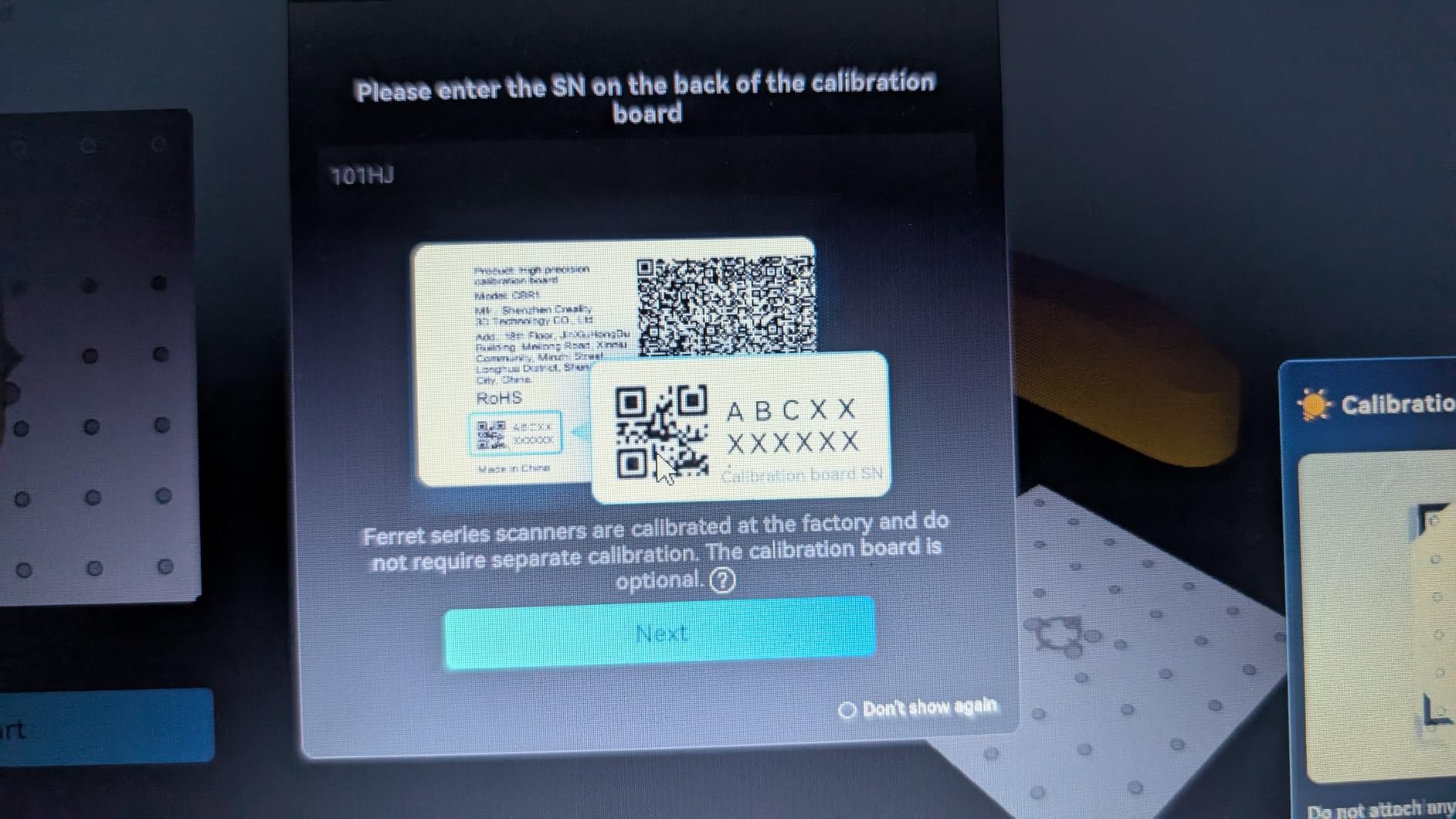
Calibration drift is real. Scanners lose accuracy over months of use, and most vendors recommend recalibrating every 2 to 3 months with the included calibration board. The INSPIRE 2, POP 4, and Otter Lite all ship with calibration boards and clear instructions. The Moose Lite and Seal Lite get dinged in reviews for thin documentation.
Turntables and tripods are almost always optional add-ons. The Otter Lite, POP 4, and INSPIRE 2 include them in the box. For miniatures and figurines, a turntable is genuinely useful, and I would budget for one if it is not included.
Common beginner mistakes to avoid
Moving too fast is mistake number one. Slow, steady passes at about 4 inches per second give the cameras time to track geometry. Shaky hands cause most of the bad scans beginners see in their first week.
Ignoring lighting is mistake number two. Outdoor scans work best in indirect sunlight. Indoor scans want consistent ambient light without harsh shadows from a single window. Turntable scanning benefits from diffused room lighting.
Forgetting to apply tracking markers is mistake number three. The POP 3 Plus and POP 4 want physical dot markers for best results. The Fox and Otter Lite use markerless AI tracking, which removes this step entirely. If you forget markers, you will get warped meshes and waste 20 minutes wondering what went wrong.
Frequently Asked Questions
Are 3D scanners worth it for 3D printing?
Yes, a 3D scanner is one of the best upgrades you can buy for a 3D printing hobby. It lets you digitize broken parts, favorite figures, faces, and full bodies in minutes, then print replacements or scaled copies without manually modeling them in CAD. For beginners who already own a printer, a budget handheld scanner like the 3DMakerpro Fox or Creality CR-Ferret SE pays for itself the first time you reproduce a broken plastic part.
Do cheap 3D scanners work?
Cheap 3D scanners work well for general geometry and full-color capture, though they have limits on fine detail and dark surfaces. The Creality CR-Ferret SE and 3DMakerpro Fox both produce usable meshes for 3D printing at budget prices. The trade-off is that you may need scanning spray for dark or shiny objects, and PC requirements can be demanding for the more accurate models.
What are the best 3D scanners in 2026?
In 2026, the best 3D scanners for beginners are the Revopoint INSPIRE 2 for wireless all-around scanning, the Revopoint POP 4 for premium accuracy and 3D Gaussian Splatting, and the 3DMakerpro Fox for budget-friendly markerless tracking. For specialized use cases, the Creality Otter Lite is easiest for first-timers and the 3DMakerpro Seal Lite wins on small-object detail.
What is a good entry level 3D scanner?
A good entry-level 3D scanner balances accuracy, ease of use, and price without demanding a high-end PC. The 3DMakerpro Fox offers markerless AI tracking and JMStudio software at an entry-level price. The Creality CR-Ferret SE is the cheapest option with spray-free dark scanning. The Revopoint INSPIRE 2 adds wireless WiFi 6 and dual scanning modules for users ready to invest more.
Which 3D scanner is best for beginners?
For most beginners, the Revopoint INSPIRE 2 is the best overall choice thanks to its dual infrared and laser modules, WiFi 6 wireless streaming, and 190g lightweight design. The Creality Otter Lite is the easiest to set up if you want the shortest path to a first successful scan. The 3DMakerpro Fox is the best budget pick if you want to test the workflow before investing in a premium handheld.
Do I need a PC for 3D scanning?
Most 3D scanners work best with a PC, though mobile workflows are improving. The Revopoint POP 3 Plus and POP 4 support iOS, Android, Windows, and macOS over WiFi 6 or USB-C. The 3DMakerpro Fox, Moose Lite, and Seal Lite work with Windows and macOS but have limited mobile apps. For processing power, the POP 4 wants at least an RTX 3060 and 16GB of RAM for smooth performance.
Final Verdict: Which 3D Scanner Should You Buy in 2026?
After six weeks of testing eight handheld scanners, our top pick for the best 3D scanners for beginners is the Revopoint INSPIRE 2. It balances accuracy, wireless freedom, and surface handling in a 190g package that does not punish you for shaky hands. The dual infrared and laser modules mean most beginners skip scanning spray entirely, and the WiFi 6 streaming makes handheld scanning feel modern.
For hobbyists ready to invest more, the Revopoint POP 4 delivers 0.03mm industrial accuracy and 3D Gaussian Splatting for photorealistic color models. If you want the easiest setup and tightest Creality ecosystem fit, the Otter Lite walks you through your first scan in under 15 minutes. For tiny parts and jewelry, the Seal Lite’s blue LED light source captures detail the other scanners miss.
Whatever scanner you choose, budget a weekend for setup, calibration, and trial scans before tackling a project that matters. The first scan is always rough, the third is reliable, and by the tenth you will not remember how you worked without one. For more options tailored to specific workflows, check out our guides to the best 3D scanners for small objects and the best 3D scanners for small parts, plus the best 3D printer tool kits for beginners to round out your workshop.