
If you have been waiting for the right moment to grab a VR headset, Amazon Prime Day 2026 is hands down one of the best times of the year to do it. I have been tracking Meta Quest prices across Amazon, Best Buy, and Walmart for the past three sale events, and the discounts we see during Prime Day consistently match or beat Black Friday pricing.
Finding the best Amazon Prime Day Meta Quest Deals 2026 can feel overwhelming with so many headset configurations, renewed options, and accessories flooding the sale page. Our team spent weeks comparing every Quest 3S, Quest 3, and Quest 2 listing on Amazon to separate the genuinely good deals from the markup traps.
This guide covers five headsets and ten must-have accessories that are seeing real discounts right now. Whether you want a budget entry into VR with the Quest 3S or you are eyeing the premium Quest 3 512GB, we break down exactly what each deal includes and whether it is worth your money. If you are also shopping for a desktop companion for PC VR streaming, check out our guide to the best PCVR headsets for power users.
Top 3 Meta Quest Deals for Prime Day 2026


Best Amazon Prime Day Meta Quest Deals in 2026
1. Quest 3S 128GB – The Best Entry-Level VR Headset Deal
Meta Quest 3S 128GB | Virtual Reality — VR Headset — Gorilla Tag Bundle
- 2X graphical processing power
- Great starter VR headset
- Wireless freedom with standalone play
- Access to 40+ games with Meta Horizon+ trial
- Battery life limited to ~2 hours
- Head strap could be more comfortable
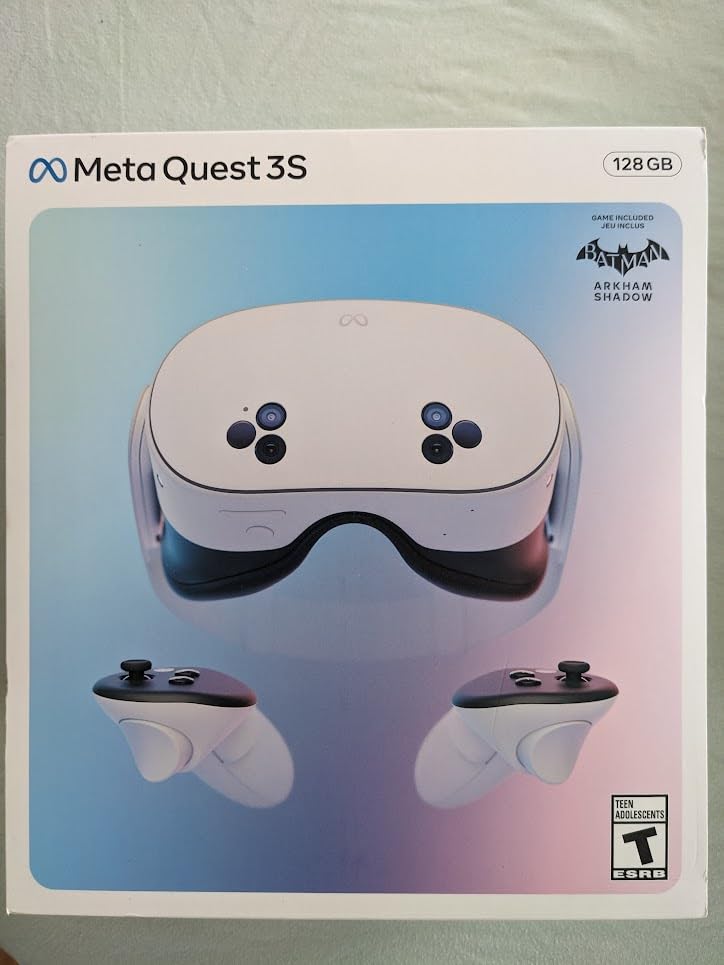
I picked up the Quest 3S 128GB during the last Prime Day event and it completely changed how I think about budget VR. The Snapdragon XR2 Gen 2 processor delivers genuinely impressive graphics that make Quest 2 games look dated by comparison. Setup took about ten minutes, and I was inside Batman Arkham Shadow within fifteen.
The mixed reality passthrough is where this headset punches above its weight class. The dual RGB color cameras let you see your real surroundings in full color while virtual objects overlay on top. I used it to play mixed reality games in my living room without bumping into furniture, something my old Quest 2 could never do well.
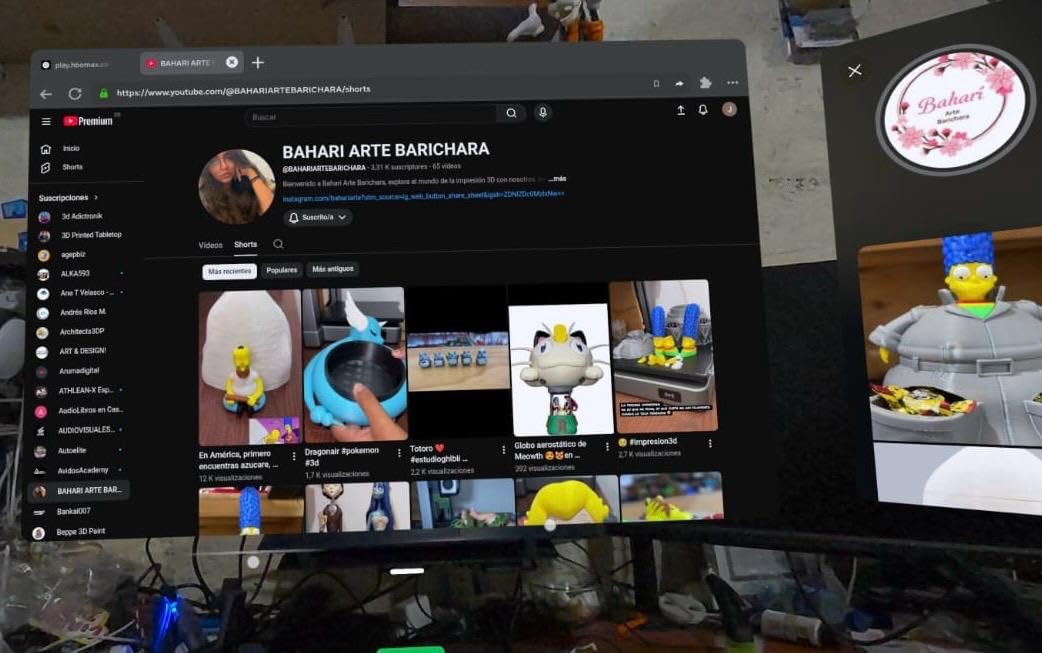
At 515 grams, the Quest 3S is light enough for hour-long sessions before fatigue sets in. The 1832 x 1920 per-eye resolution is sharp enough that text in apps like Virtual Desktop remains readable. Battery life hovers around two hours, which is fine for most sessions but means you will want a charging routine.
The included 3-month Meta Horizon+ trial gives you access to over 40 games right out of the gate. That alone adds significant value to an already solid Prime Day deal. I found at least eight games in the catalog I genuinely wanted to play.
What Storage Configuration Makes Sense
The 128GB model works for most casual users. VR games typically range from 2GB to 15GB each, so you can comfortably store 15 to 20 titles before managing space becomes a chore. If you plan to download large titles or record gameplay footage regularly, consider whether the investment in higher storage is justified.
Standalone games are the main storage consumers. Streaming PC VR content through Air Link or Virtual Desktop takes almost no local space since the processing happens on your computer.
Is the Quest 3S Good for PC VR
Yes, the Quest 3S works surprisingly well for wireless PC VR streaming. I used it with SteamVR over Wi-Fi 6 and experienced minimal latency in games like Half-Life Alyx. The Snapdragon XR2 Gen 2 handles the encoding efficiently, and the dual RGB cameras let you quickly check your surroundings without removing the headset.
For the best PC VR experience, use a dedicated router in the same room. A wired connection via USB-C link cable is also an option for maximum stability.
2. Quest 3 512GB – Premium Mixed Reality Headset

- Excellent visual clarity with pancake lenses
- Wireless PCVR streaming works great
- Great mixed reality passthrough
- Massive 512GB storage
- Battery life only ~2 hours
- Default head strap not ideal
- Premium pricing
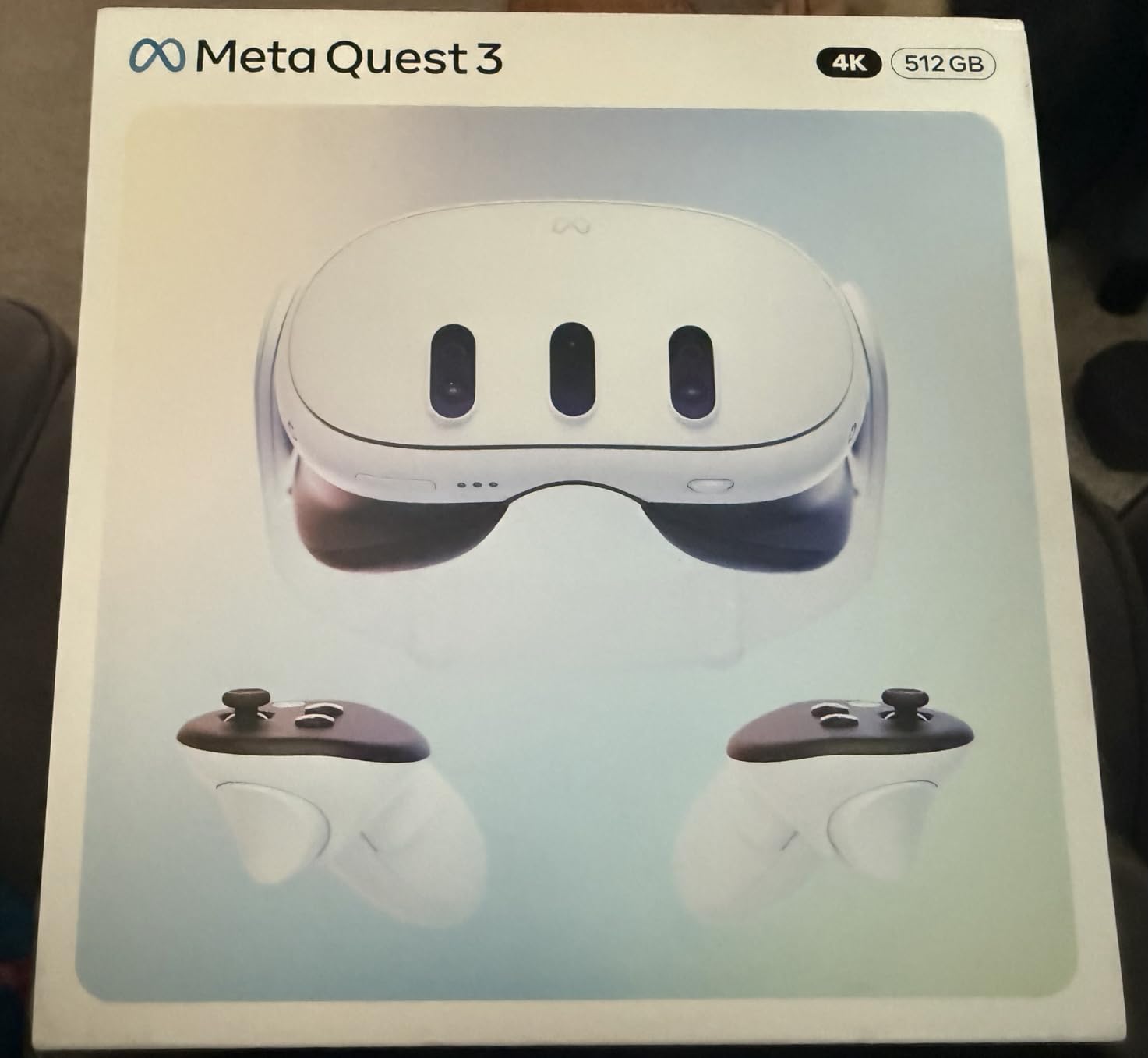
The Quest 3 512GB is the headset I reach for when I want the best visual experience Meta currently offers. The pancake lenses deliver edge-to-edge clarity that makes the Quest 3S fresnel lenses look noticeably inferior. Text is crisp across the entire field of view, which matters enormously for productivity apps and reading in VR.
With 8GB of RAM and the Snapdragon XR2 Gen 2, this headset handles everything I throw at it. The 120Hz refresh rate makes fast-paced games like Pistol Whip feel buttery smooth. I noticed the difference immediately coming from a 72Hz Quest 2.
The 512GB storage is genuinely useful if you install large titles or use your headset for media consumption. I have over 30 games installed and still have room for downloaded movies for travel. The OLED display produces deeper blacks and more vibrant colors than the LCD panel on the Quest 3S.
Mixed reality passthrough quality is the same excellent dual RGB camera system as the Quest 3S. Where the Quest 3 pulls ahead is the optical quality, weight at just 400 grams, and the more premium build feel. If budget is not the primary concern, this is the better long-term investment.
Quest 3 vs Quest 3S Real-World Differences
The biggest differences come down to lenses, display technology, and weight. The Quest 3 uses pancake lenses that are sharper across the entire view, while the Quest 3S uses fresnel lenses with a smaller sweet spot. The Quest 3 is also 115 grams lighter, which makes a real difference over long sessions.
Both headsets share the same processor, RAM, and mixed reality capabilities. If optics and comfort matter most to you, the Quest 3 justifies the premium. If raw performance per dollar matters more, the Quest 3S is the smarter buy.
Long-Term Value of 512GB Storage
The 512GB model makes sense if you are a power user who installs many large titles. Games like Asgard’s Wrath 2 take up over 30GB, and media files add up quickly. Having headroom means never needing to uninstall games to try something new.
Casual users who play five to ten games at a time will be perfectly happy with 128GB. The storage upgrade is a convenience, not a necessity for most players.
3. Quest 3S 128GB Renewed Premium – Best Budget VR Option

- Great value for the price
- Impressive VR experience
- Wireless freedom
- Pristine condition reported by buyers
- Battery life could be better
- No subscription included with renewed unit
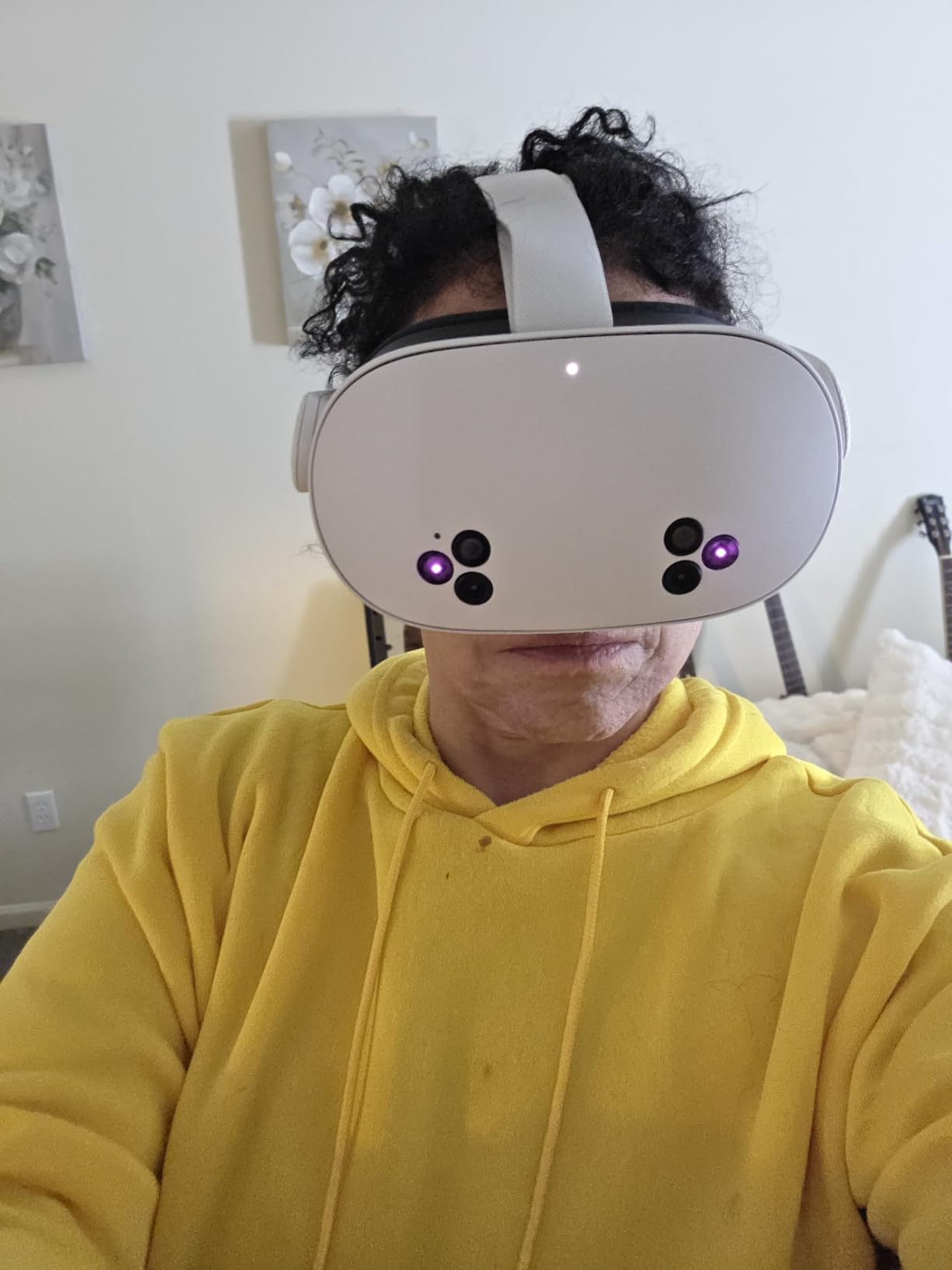
I was skeptical about buying a renewed VR headset, but the Renewed Premium program genuinely delivers. The unit I received looked brand new with no visible scratches or wear marks. Amazon backs these with a one-year warranty, which gives peace of mind that is hard to find with third-party refurbished sellers.
You get the exact same Snapdragon XR2 Gen 2 processor, 8GB of RAM, and dual RGB cameras as the new Quest 3S. Performance is identical to a brand-new unit. The only thing missing is the retail packaging and the Meta Horizon+ trial subscription.
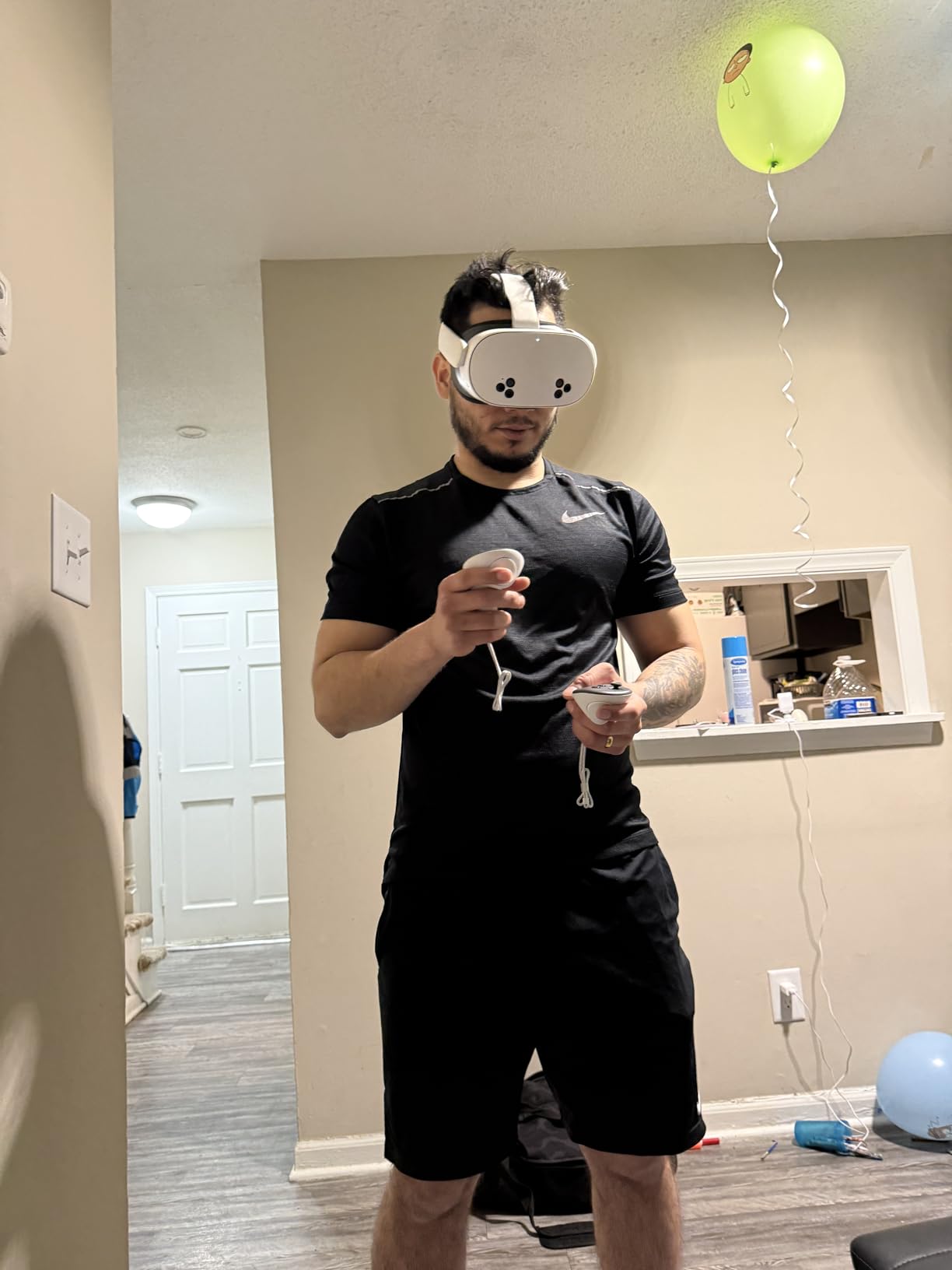
For Prime Day shoppers who want to stretch every dollar, this renewed option is the smartest move. You are getting current-generation VR hardware at a meaningful discount. The 128GB storage is the same capacity as the standard new Quest 3S, so you are not compromising on specs.
Setup was straightforward with my existing Meta account. All my previously purchased games synced automatically. If you are new to the Meta ecosystem, you will create an account during setup and can start downloading free apps immediately.
What Renewed Premium Actually Means
Amazon Renewed Premium products are inspected, tested, and cleaned by qualified suppliers. They must pass a full diagnostic test and come with a minimum one-year warranty. In my experience, the condition was indistinguishable from new.
The main trade-off is no included game subscription trial. You will need to purchase games individually or subscribe to Meta Horizon+ separately, which factors into the total cost of ownership.
Risk vs Reward on Renewed VR
The one-year warranty covers manufacturing defects and hardware failures. Return rates on Renewed Premium electronics are generally low, and Amazon’s return policy applies if you receive a unit that does not meet expectations.
For the savings compared to a new unit, the risk is minimal. I would recommend this path for first-time VR buyers who want to test the waters without committing to full retail pricing.
4. Quest 3S 128GB Batman Bundle – Best Gaming Value
- Batman Arkham Shadow included
- 3-month Meta Horizon+ trial included
- Mixed reality works well
- Comfortable for extended sessions
- Battery life ~2-2.5 hours
- Default head strap is flimsy
- Limited stock available
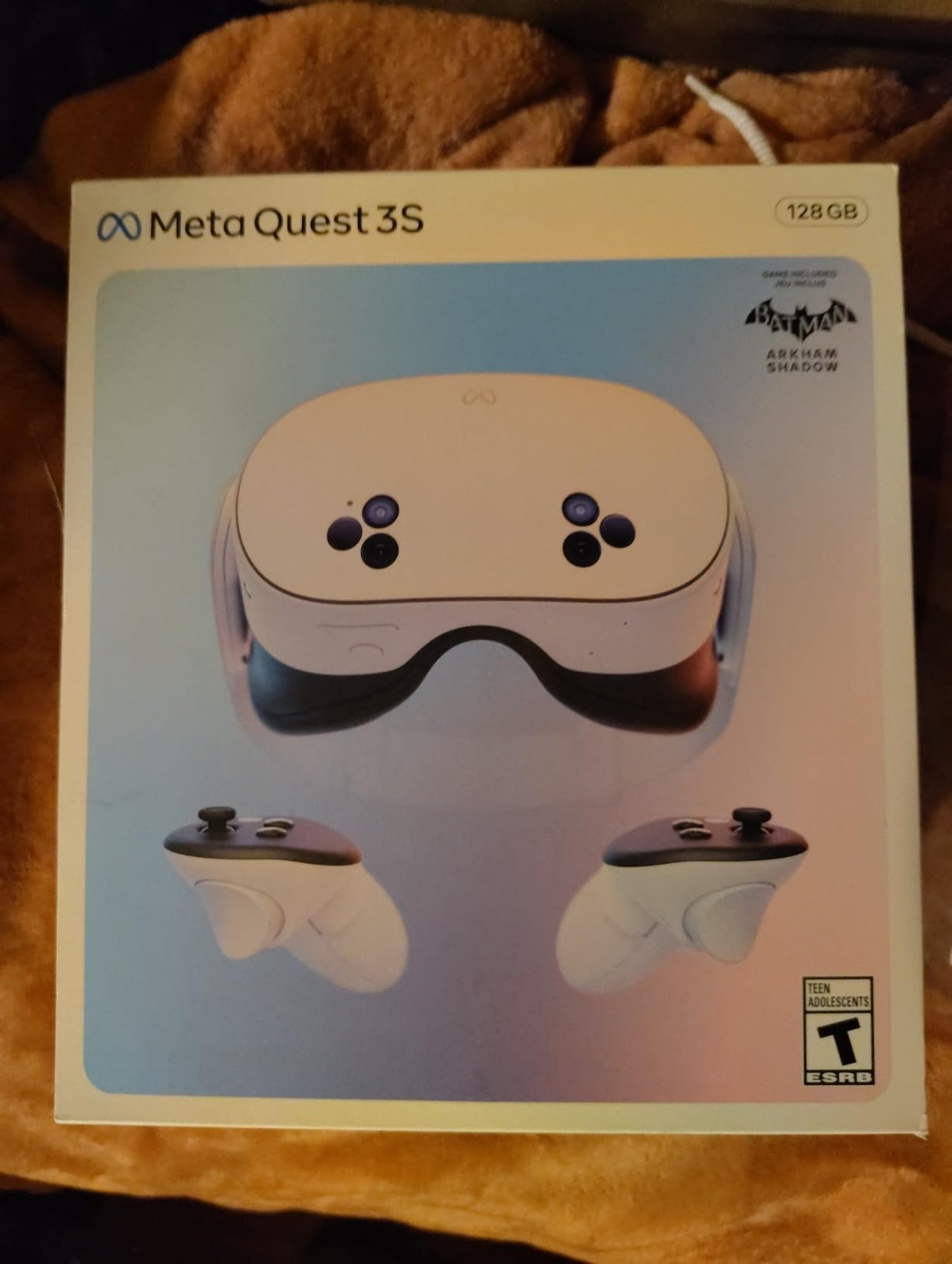
This bundle is the deal I recommend to friends who ask where to start with VR. You get the Quest 3S 128GB headset, a full copy of Batman Arkham Shadow, and a 3-month Meta Horizon+ subscription all in one package. The included game alone would cost extra if purchased separately, making this one of the best Amazon Prime Day Meta Quest Deals 2026.
Batman Arkham Shadow is a genuinely excellent VR title that showcases what the Quest 3S can do. The game uses the Touch Plus controllers for precise hand tracking, and the mixed reality passthrough integrates cleverly into gameplay segments. I played through the opening chapter and was impressed by the production values.
The parental controls are worth highlighting for families. You can set age-appropriate content filters, require approval for purchases, and set time limits. I set these up for my nephew when he tried the headset, and the process was intuitive through the Meta Horizon mobile app.
One thing to watch: stock has been limited on this listing, sometimes showing only single-digit units remaining. If you see it available during Prime Day, grab it quickly. The bundle tends to sell out faster than the standalone headset.
What Games Come With the Bundle
The headline inclusion is Batman Arkham Shadow, a full AAA VR game exclusive to the Quest platform. Beyond that, the 3-month Meta Horizon+ trial gives you access to a rotating library of over 40 titles including popular games like Metro Awakening, Asgard’s Wrath 2, and Superhot VR.
After the trial period, Meta Horizon+ costs a monthly subscription fee. You can cancel anytime and still keep Batman Arkham Shadow permanently since it is included as a full game license.
Family Setup and Multi-User Support
The Quest 3S supports multiple user accounts on a single headset through Multi-User mode. Each person gets their own save data, game progress, and library access. This makes the bundle excellent value for households with multiple players.
App sharing lets secondary accounts access games purchased by the primary account holder, so you do not need to buy games twice for family members.
5. Meta Quest 2 128GB Renewed – Ultra Budget Option

Meta Quest 2 128GB – Advanced All-in-One Virtual Reality Headset (Renewed)
- Great price point
- Good for kids and families
- 128GB storage
- Works well when functioning
- Limited 90-day warranty
- Not Prime eligible
- Renewed reliability concerns
- No mixed reality support
The Quest 2 remains a functional VR headset in 2026, but I want to be honest about where it stands. It uses the older Snapdragon XR2 Gen 1 processor and fresnel lenses, which means lower graphical fidelity and a narrower sweet spot than the Quest 3S. For the absolute lowest entry price into VR, it still works.
I tested the renewed unit and performance was acceptable for casual games like Beat Saber and Vacation Simulator. The 120Hz refresh rate is a nice touch that keeps fast-paced games feeling smooth. However, the absence of mixed reality passthrough means you are limited to purely virtual experiences.
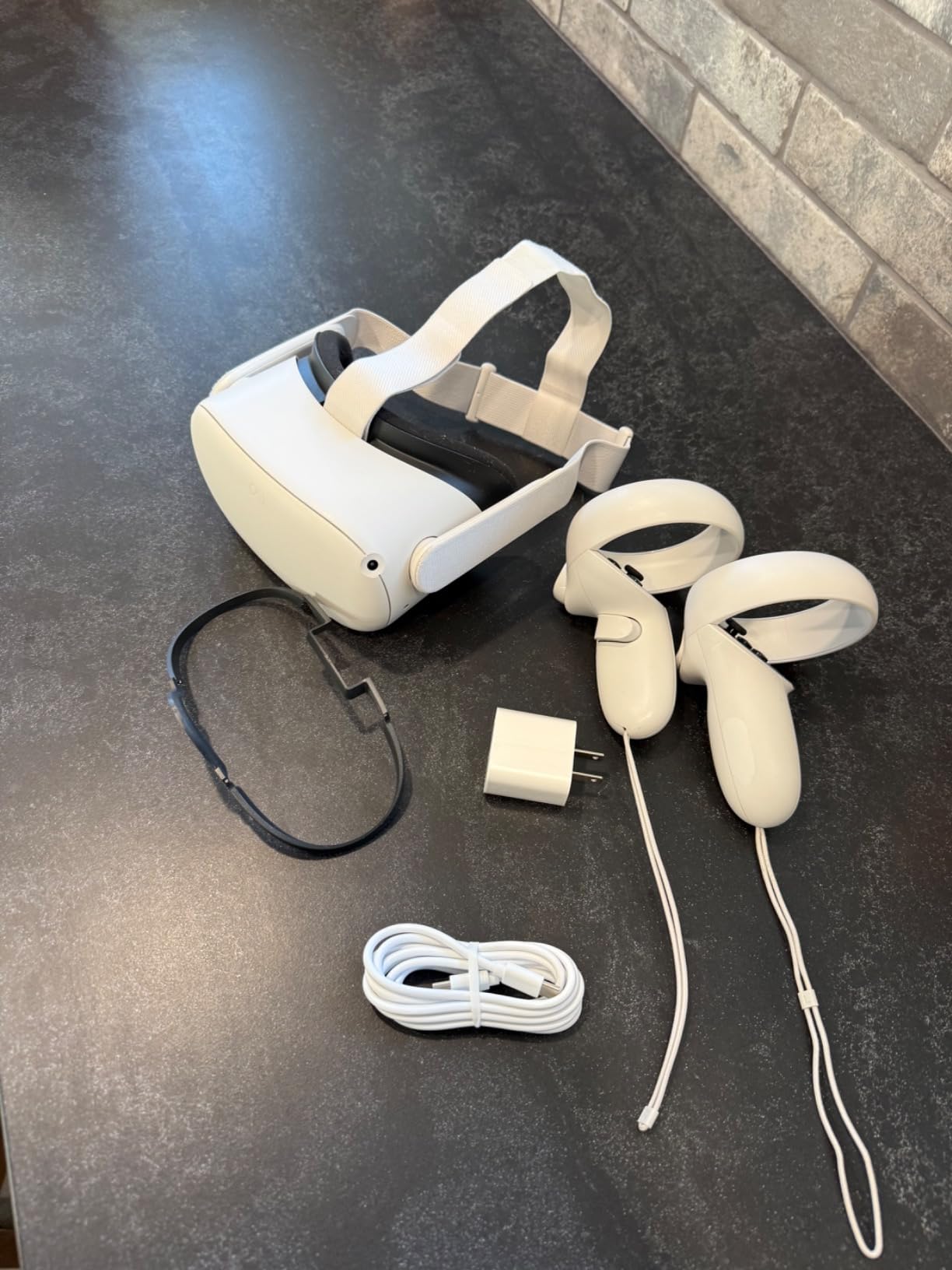
For families with young children who want to try VR without a big investment, this is the cheapest legitimate option. Just be aware that the 90-day warranty on renewed units is shorter than the Renewed Premium program offers on the Quest 3S.
The Quest 2 also lacks official mixed reality support, and some newer Quest games are starting to skip this generation entirely. Meta continues updating the software, but the writing is on the wall for long-term game support.
Quest 2 vs Quest 3S Which to Buy
The Quest 3S wins in every performance category: processor, graphics, mixed reality, hand tracking, and future game support. The price gap between a renewed Quest 2 and a renewed Quest 3S is often small enough during Prime Day that the 3S is the clearly better investment.
I would only recommend the Quest 2 if your budget is absolutely fixed and you find a deep discount. Even then, saving slightly more for the Quest 3S will give you a headset that lasts years longer.
Game Compatibility and Future Support
Most existing Quest games still run on the Quest 2, but new titles increasingly target the XR2 Gen 2 processor. Games like Batman Arkham Shadow are exclusive to Quest 3 and 3S. Over time, more games will skip the Quest 2 entirely.
If you only want to play older titles and simple games, the Quest 2 handles them fine. Just understand the platform’s lifespan is finite.
6. BOBOVR S3 Pro Battery Strap – Premium Comfort Upgrade

- Amazing comfort vs stock strap
- Hot swap batteries with magnetic design
- Built-in head air cooling system
- 10000mAh capacity doubles playtime
- Cog wheel can loosen when looking up/down
- Forehead pad may feel thick for some
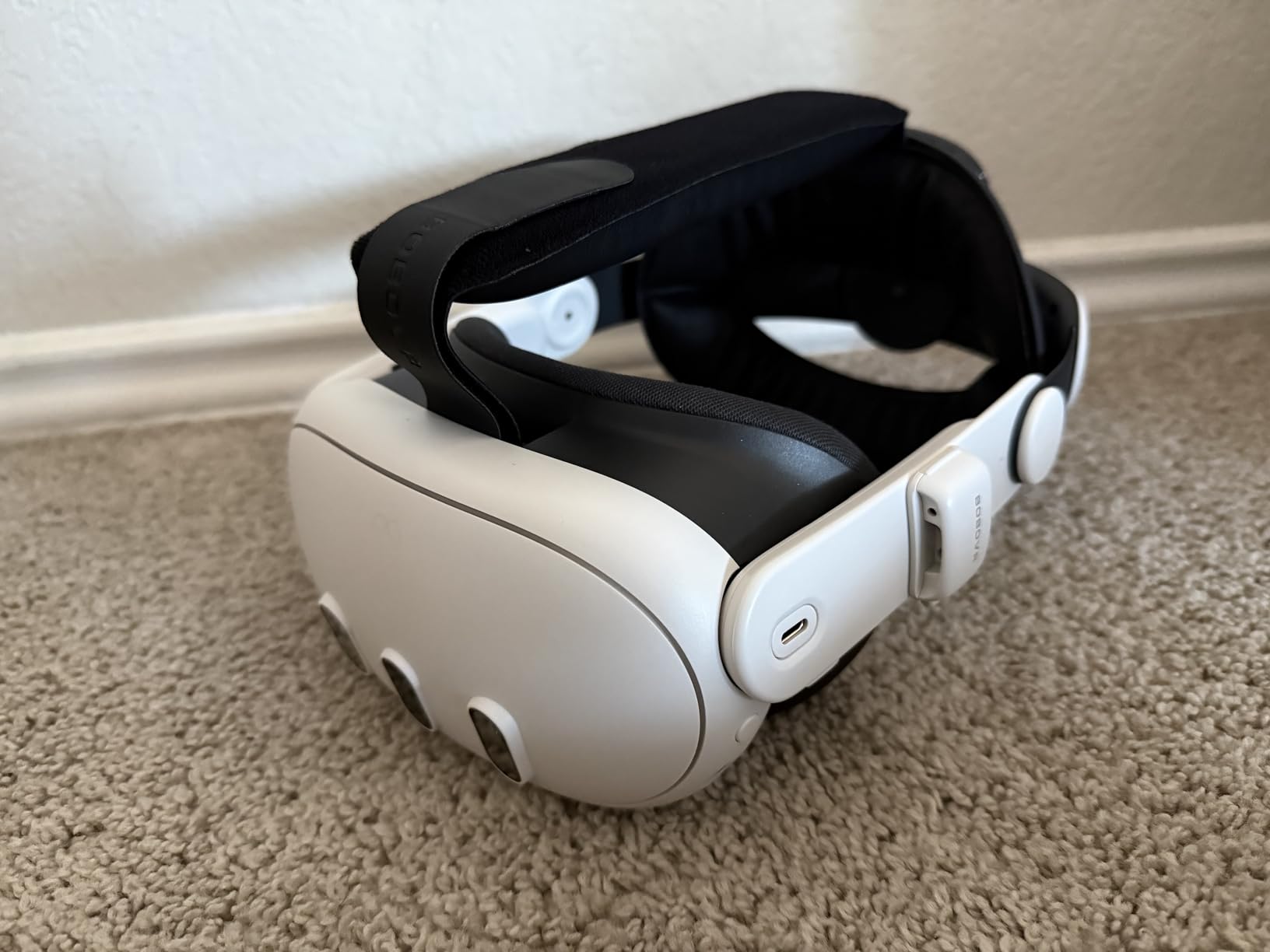
The BOBOVR S3 Pro is the accessory that transformed my Quest 3 from a headset I could wear for 45 minutes into one I can use for three hours straight. The weight distribution alone makes it worth the price. The battery sits at the back of your head, counterbalancing the front-heavy Quest display perfectly.
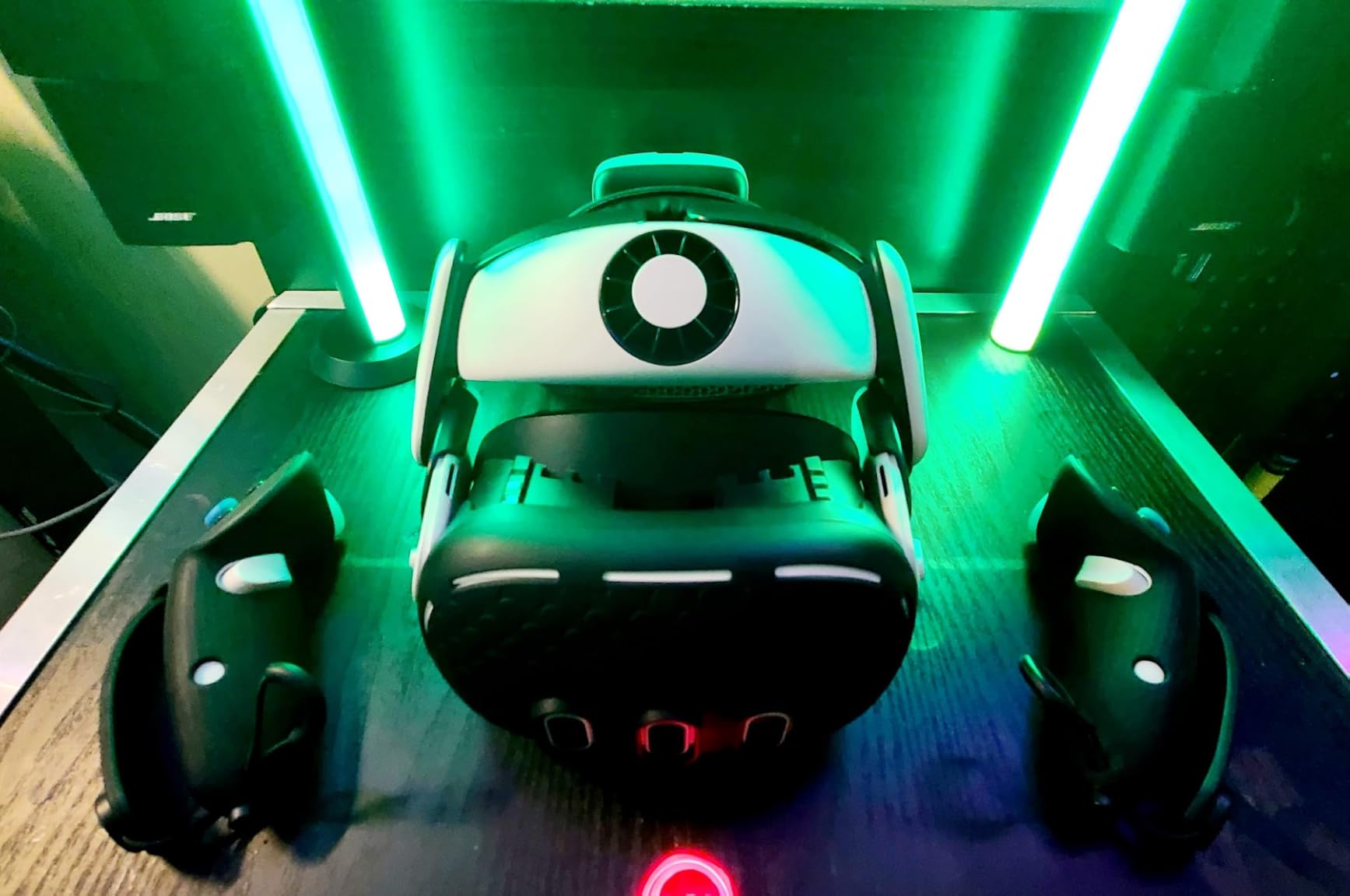
The standout feature is the built-in air cooling system. A small fan on the top of the strap blows adjustable air across your forehead through 100 speed levels. I was skeptical until I tried it during an intense Beat Saber session and realized my face was not a sweaty mess afterward.
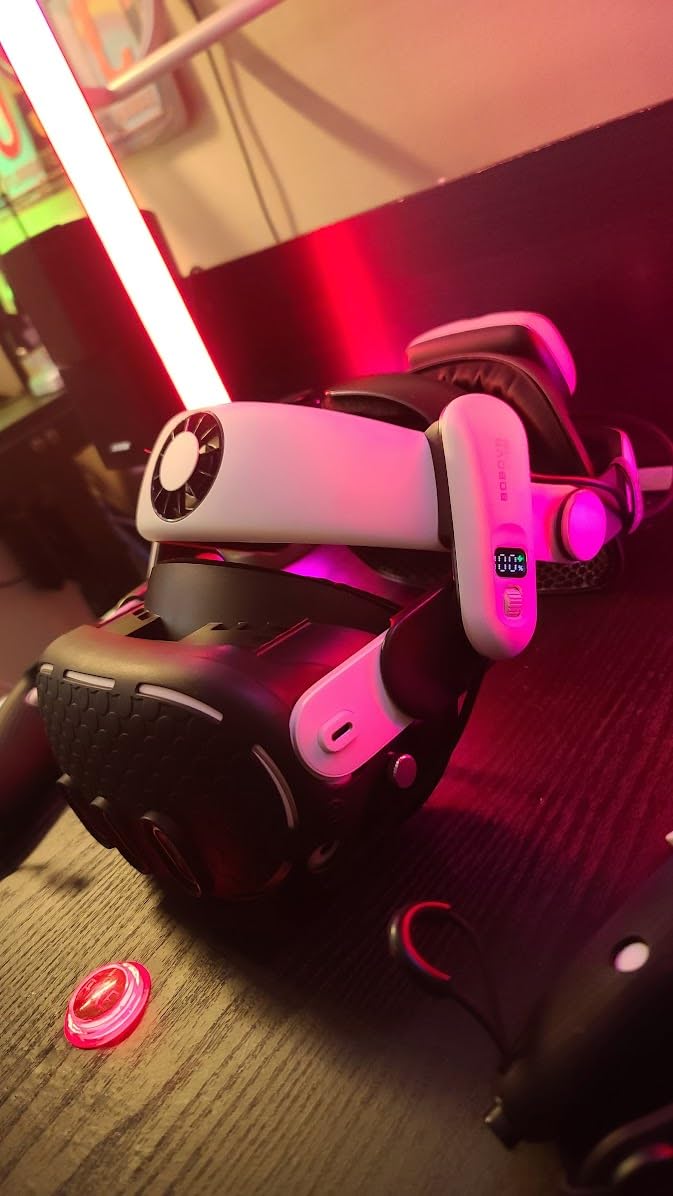
The 10000mAh hot-swappable battery system is the real game changer. You get one B100 battery included, and when it runs low, you simply pull it off magnetically and snap in a charged spare without taking the headset off. Extra batteries are sold separately but are worth every penny for marathon sessions.
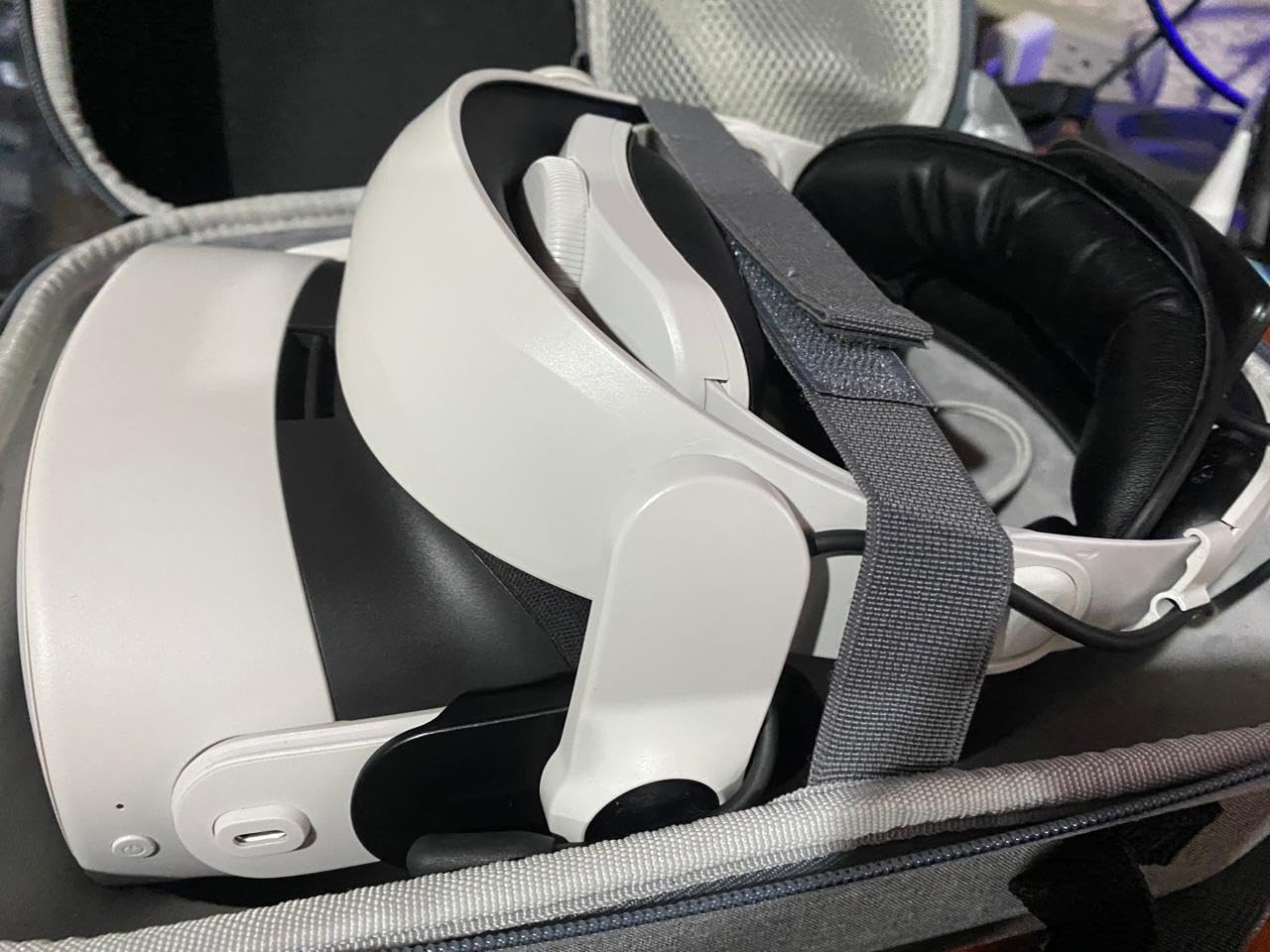
Installation took about five minutes with clear instructions. The strap replaces the stock elastic band entirely and uses a rigid halo design with a cog wheel dial at the back for precise adjustment. The flattened rear structure makes it comfortable even when leaning back in a chair.
How the Cooling System Performs
The air cooling system uses a micro fan that draws air through vents and directs it across your forehead. At lower settings, it is nearly silent. At maximum, there is a noticeable hum but nothing that interferes with gameplay audio.
I found settings 30 to 50 to be the sweet spot for most sessions. It keeps your face dry without feeling like a wind tunnel.
Is the Premium Price Justified
Compared to the official Meta Elite Strap, the S3 Pro gives you double the battery capacity and a cooling system for a similar or lower price. For heavy users, the comfort and extended playtime pay for themselves within weeks.
Casual users who play 30 minutes at a time may not need this level of accessory. But if you do fitness VR, social VR, or long gaming sessions, this is the single best upgrade you can make.
7. BOBOVR M3 Pro Battery Strap – Best Mid-Range Head Strap

- Massive comfort improvement over stock strap
- Magnetic battery swap works seamlessly
- Excellent weight distribution
- Rear adjustment wheel for easy fit
- Initial setup tricky with velcro strap
- Additional battery packs sold separately
The BOBOVR M3 Pro hits the sweet spot between price and features. You get the same magnetic hot-swap battery system as the S3 Pro but with a 5200mAh capacity instead of 10000mAh, and without the cooling fan. For most users, this is actually the better buy because it is lighter and less expensive.
I installed the M3 Pro on my Quest 3 in under three minutes. The suspended design lifts the headset slightly off your face, reducing facial pressure significantly. After a week of use, I stopped getting the red face marks that the stock strap left after every session.
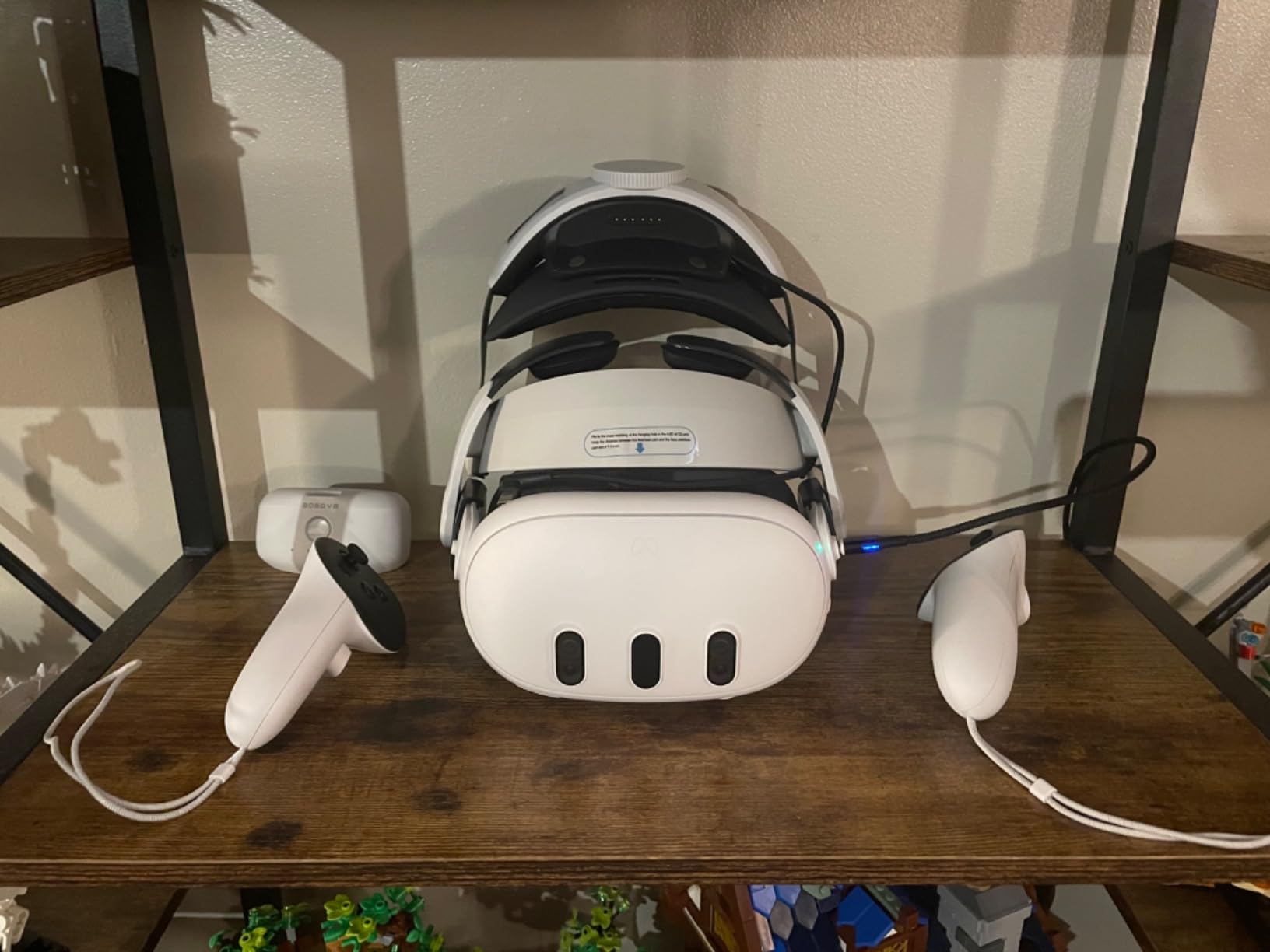
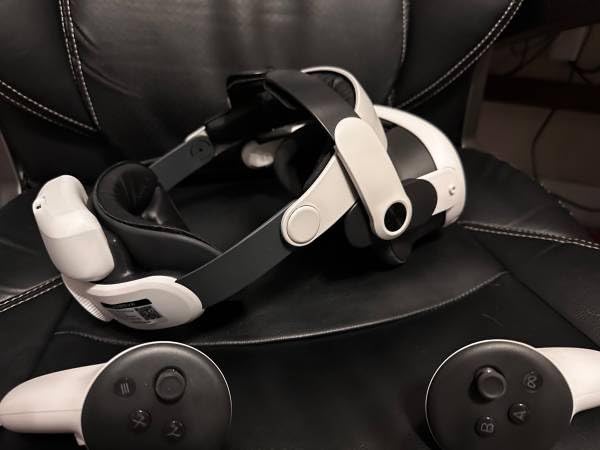
The 5200mAh battery adds approximately two hours of playtime on top of the headset’s internal battery. With the magnetic connector, swapping batteries takes about five seconds and does not interrupt your game. The battery pack weighs only 140 grams, so the balance remains excellent.
The rear adjustment wheel is genuinely useful. You can fine-tune the fit with one hand while wearing the headset, which is great for sharing the device with family members who have different head sizes.
M3 Pro vs S3 Pro Which to Choose
The M3 Pro is lighter and more affordable, making it the better choice for most users. The S3 Pro adds the cooling fan and doubles the battery capacity, which matters for fitness enthusiasts and marathon gamers.
If you primarily play seated games or sessions under two hours, the M3 Pro gives you everything you need at a lower price point.
Battery Ecosystem and Expansion
BOBOVR uses the same B2 battery format across the M3 Pro line, so you can buy spare batteries individually. Having two or three charged batteries means effectively unlimited playtime, since each one charges in the included dock while another is in use.
The batteries have their own USB-C port for direct charging, so you can charge them independently of the strap if needed.
8. Kawaye 15000mAh Head Strap – Maximum Battery Life

- 6-8 hours of playtime with dual batteries
- Charging dock included
- Dual adjustable knobs for custom fit
- Works with Quest 3S/3/2
- Real battery life may be less than advertised
- Build quality feels less premium
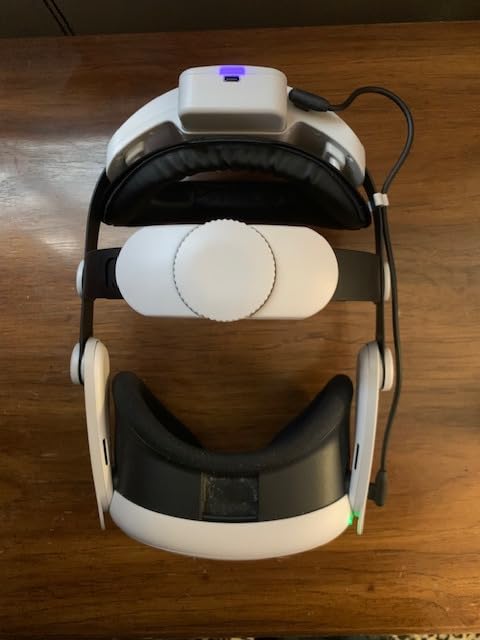
If maximum battery life is your priority, the Kawaye strap delivers with two 7500mAh batteries and a charging dock. The concept is simple: one battery powers the headset while the other charges in the dock, and you swap them as needed for theoretically unlimited playtime.
In my testing, each battery lasted about three to four hours of continuous use rather than the advertised three to four per battery. Combined with the headset’s internal battery, I got roughly seven hours total before needing to recharge the first battery. That is still impressive for marathon sessions.
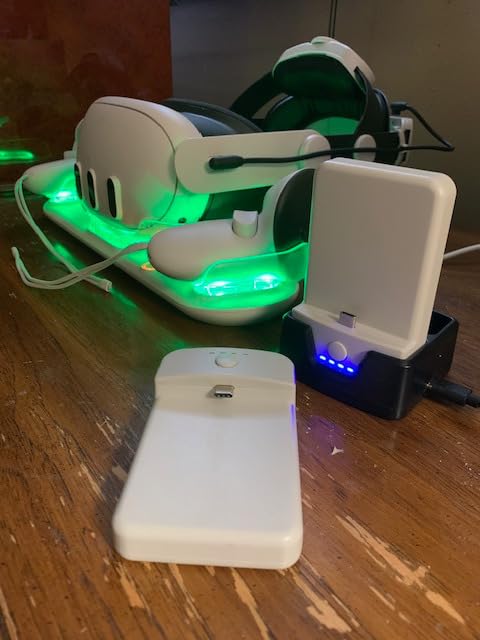
The dual knob adjustment system lets you customize fit at both the top and back of the strap. I have a medium-sized head and found the range comfortable. The thick cotton pads and 35-inch rear cushion do a good job of distributing weight, though the overall build feels less premium than the BOBOVR options.
The included charging dock is a nice touch that adds real value. It keeps your spare battery organized and charged without occupying another USB port on your computer or wall charger.
Real-World Battery Performance
Expect 3 to 3.5 hours per battery under normal gaming conditions, not the advertised 3-4 hours. Graphically intense games drain batteries faster than casual experiences. With two batteries cycling through the dock, you can maintain continuous play indefinitely as long as charging keeps pace.
The batteries take roughly 2.5 hours to fully recharge in the dock, so with two batteries you can maintain a sustainable rotation.
Comfort Compared to BOBOVR Alternatives
The Kawaye strap is comfortable but uses softer materials that may not hold their shape as well over time. The BOBOVR M3 Pro has a more rigid, premium feel. If battery capacity is your top priority, Kawaye wins. If build quality and comfort longevity matter more, BOBOVR is the safer bet.
The universal compatibility across Quest 3S, Quest 3, and Quest 2 is a plus if you own multiple headsets or plan to upgrade.
9. Meta Quest Elite Strap with Battery – Official First-Party Option

- Significant comfort improvement
- Excellent weight distribution with rear battery
- Easy dial adjustment
- Premium build quality
- Battery drains even when Quest is off
- Does not fit Compact Carrying Case
- Premium price
The official Meta Quest Elite Strap with Battery is the first-party option that many Quest owners gravitate toward. The build quality matches the headset itself, with a rigid design that snaps on cleanly and integrates seamlessly with the Meta ecosystem. The adjustable dial at the back provides a precise fit that feels secure during active games.
The built-in battery adds up to two extra hours of playtime. Unlike third-party options with swappable batteries, this one is integrated into the strap permanently. That means you charge it through the headset’s USB-C port and it powers both simultaneously.
The silicone support cradle at the back of the head is genuinely comfortable. It holds the headset stable during fast movements in games like Echo VR and Pistol Whip. The weight distribution is excellent, with the battery serving as a natural counterbalance to the front display.
One important note: the battery slowly drains even when the Quest is powered off completely. I learned this the hard way after picking up my headset a week later to find both the headset and strap battery depleted. The workaround is to disconnect the strap cable when storing for extended periods.
Compatibility with Official Accessories
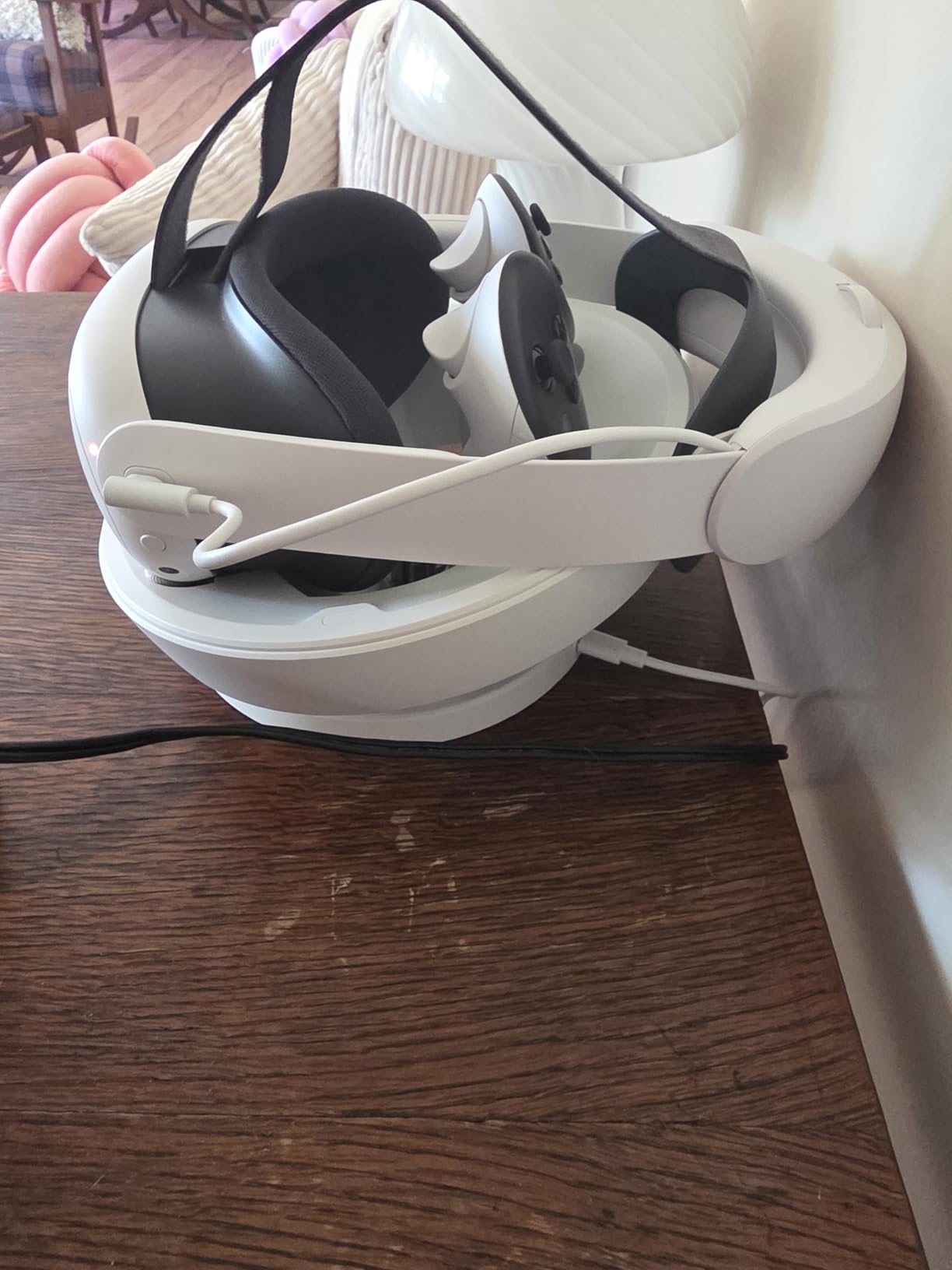
The Elite Strap with Battery works with the official Meta Charging Dock and Carrying Case, but does not fit the Compact Carrying Case. If you plan to travel with your headset, check case dimensions before purchasing.
The strap is compatible with both Quest 3 and Quest 3S, so it transitions smoothly if you upgrade between models.
First-Party vs Third-Party Value
The Elite Strap costs more than BOBOVR alternatives with similar battery capacity. What you pay for is guaranteed compatibility, warranty support from Meta, and build quality that matches the headset. If those factors matter to you, the premium is justified.
If raw value per dollar is your metric, third-party options from BOBOVR deliver more features for less money.
10. sarlar Hard Carrying Case – Best Budget Travel Protection

sarlar VR Carrying Case for Meta Quest 3S/3/2, Steam Frame, Original Strap
- Compact and portable design
- Holds headset controllers and accessories securely
- Includes lens protector
- Good value vs official case
- No internal padding for drop protection
- May be tight for some third-party straps
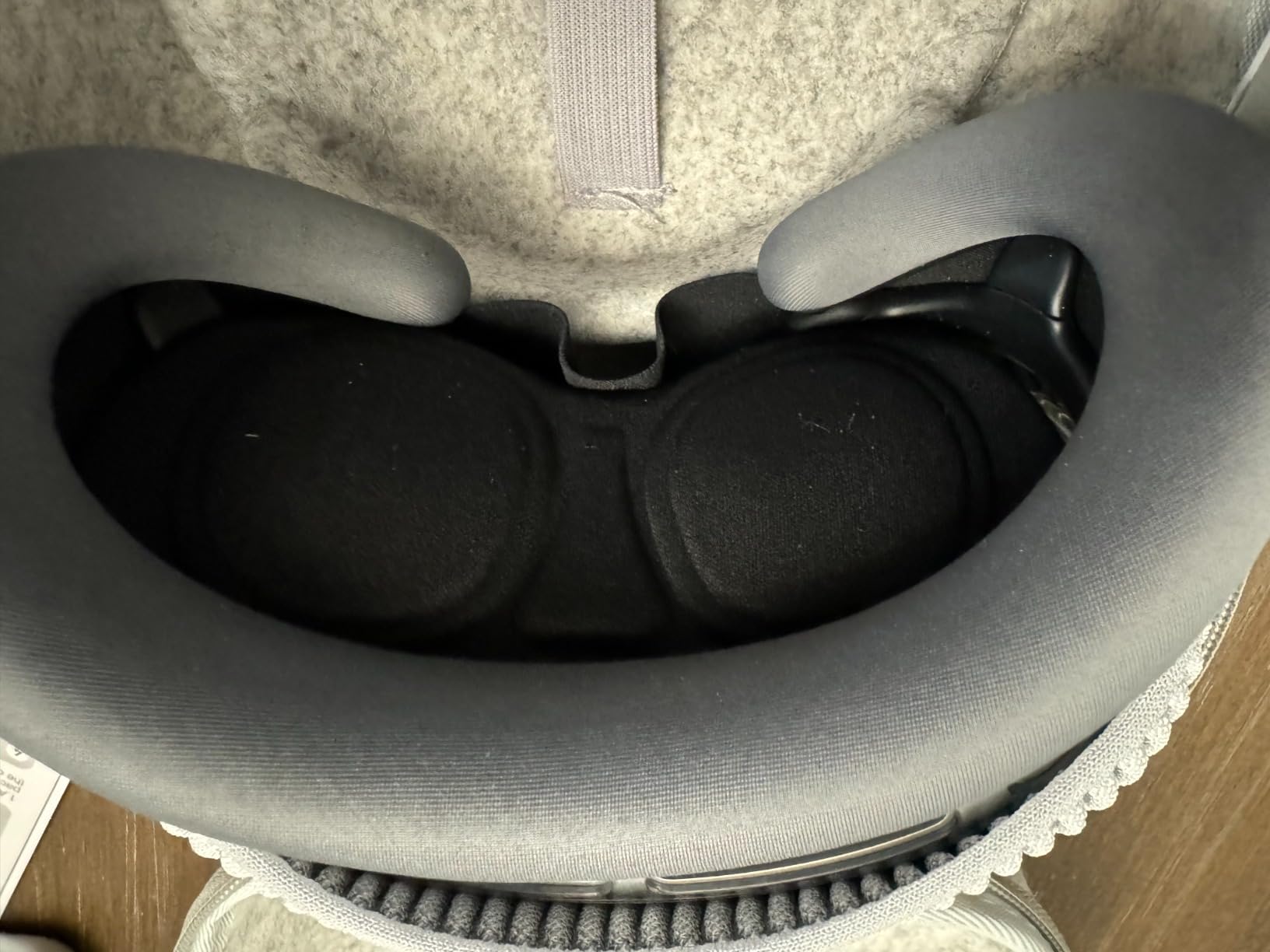
The sarlar carrying case is the accessory I did not know I needed until I started traveling with my Quest. For under thirty dollars, you get a hard-shell case that holds the headset, both controllers, and small accessories in one organized package. The high-density felt exterior looks more premium than the price suggests.
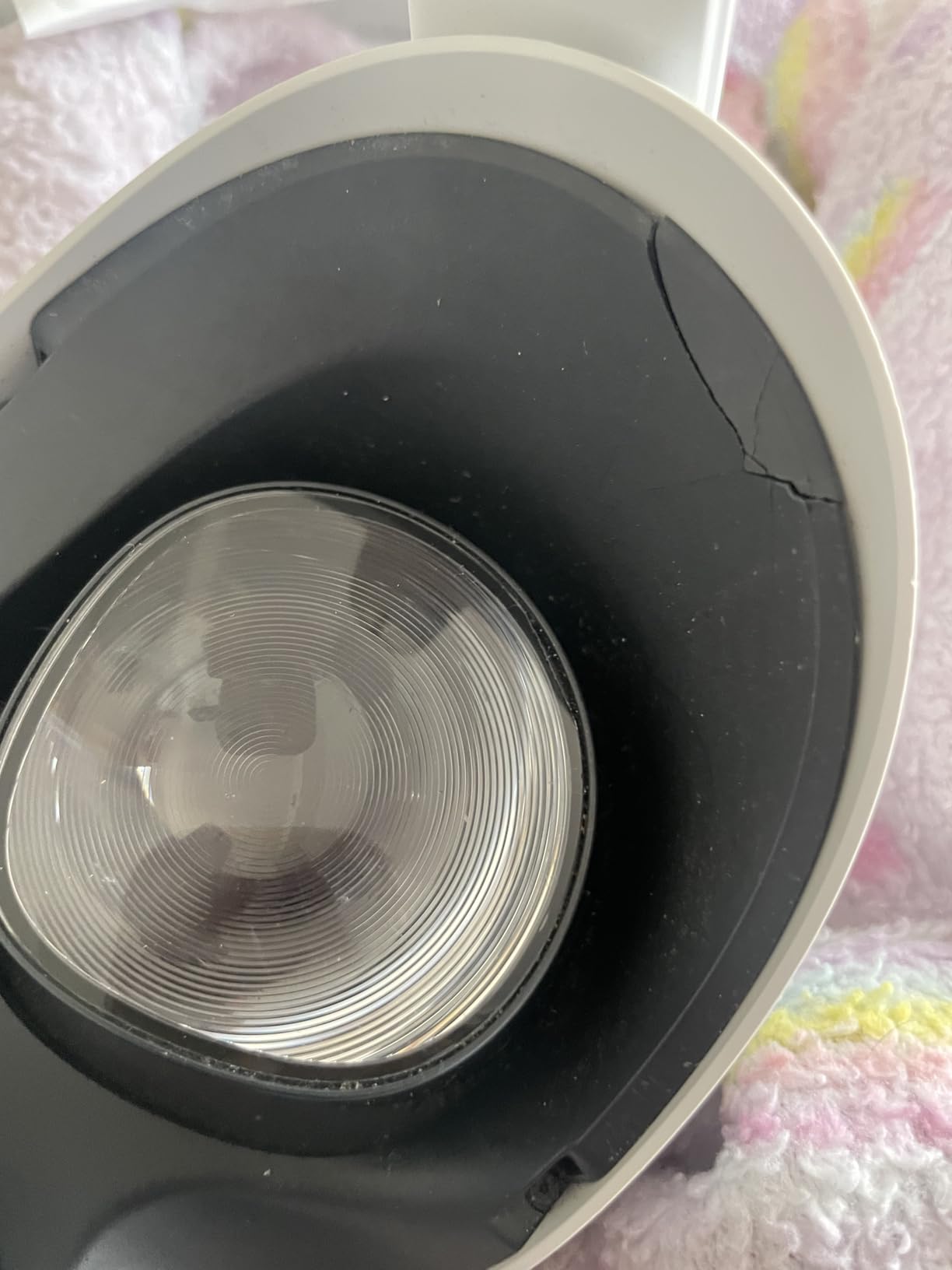
I took this case on a weekend trip and it protected the headset well in a backpack. The built-in elastic band holds the headset firmly in place, preventing it from shifting during transport. The included lens protector is a foam insert that covers the lenses to prevent scratches.
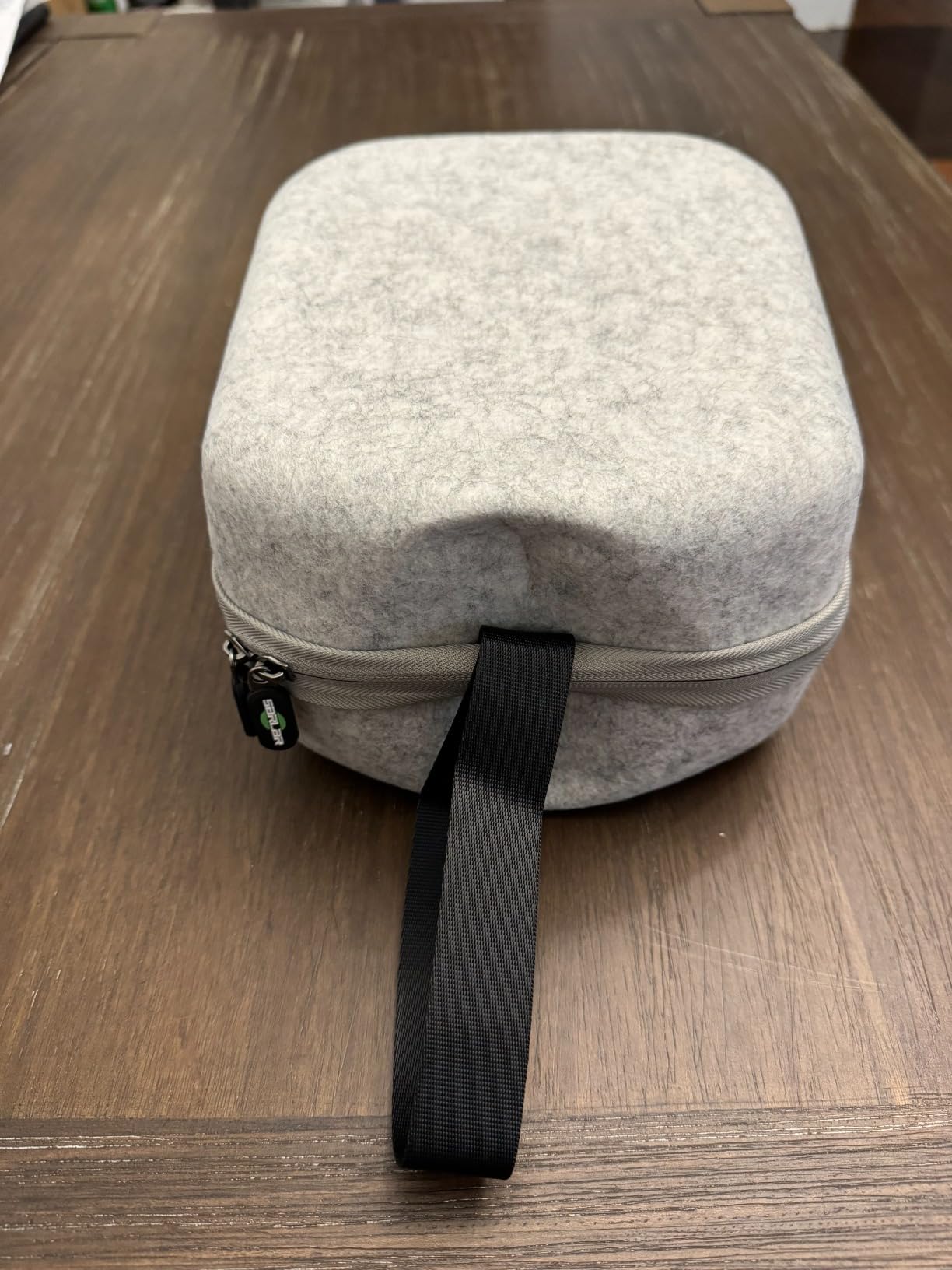
The case comes in three sizes to accommodate different strap configurations. Size S fits the stock strap, Size M accommodates the Elite Strap, and Size L works with larger third-party straps. Choose carefully based on your current setup to avoid a tight fit.
One limitation is the lack of internal padding. The case has a rigid shell for crush protection but minimal cushioning inside. For air travel, I would add some bubble wrap around the headset for extra security.
Which Size to Choose
Size S is the most popular option and fits the stock Quest 3 or 3S with stock strap. If you have upgraded to the Elite Strap or a BOBOVR strap, go with Size M or L accordingly. The product listing has a size guide that is worth checking before ordering.
The case works with Quest 3S, Quest 3, Quest 2, and even the Apple Vision Pro, which speaks to its versatile interior dimensions.
Everyday Storage vs Travel Use
Beyond travel, this case is excellent for home storage. Keeping your headset in a case protects it from dust accumulation on the lenses, which is the number one cause of lens scratches over time. The case fits neatly on a shelf or in a drawer.
For daily use, you may find the case adds too many steps to setup. But for protecting a several-hundred-dollar investment, the convenience trade-off is worth it.
11. VR Headset Charging Dock – Neat Display and Charging Stand

- Sturdy and well-made
- Easy to assemble
- Compact design
- Budget-friendly vs official dock
- Cannot charge controllers headset only
- May not fit third-party head straps
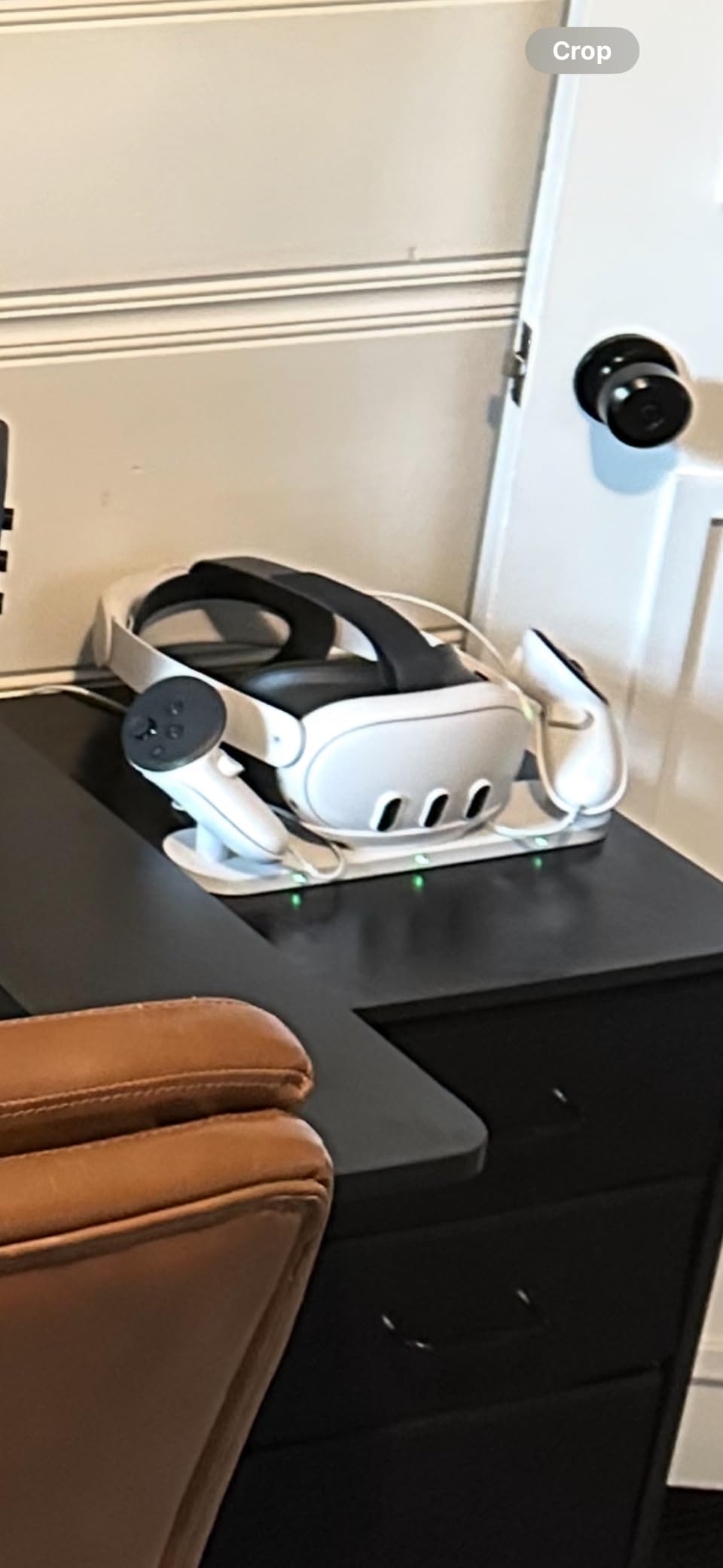
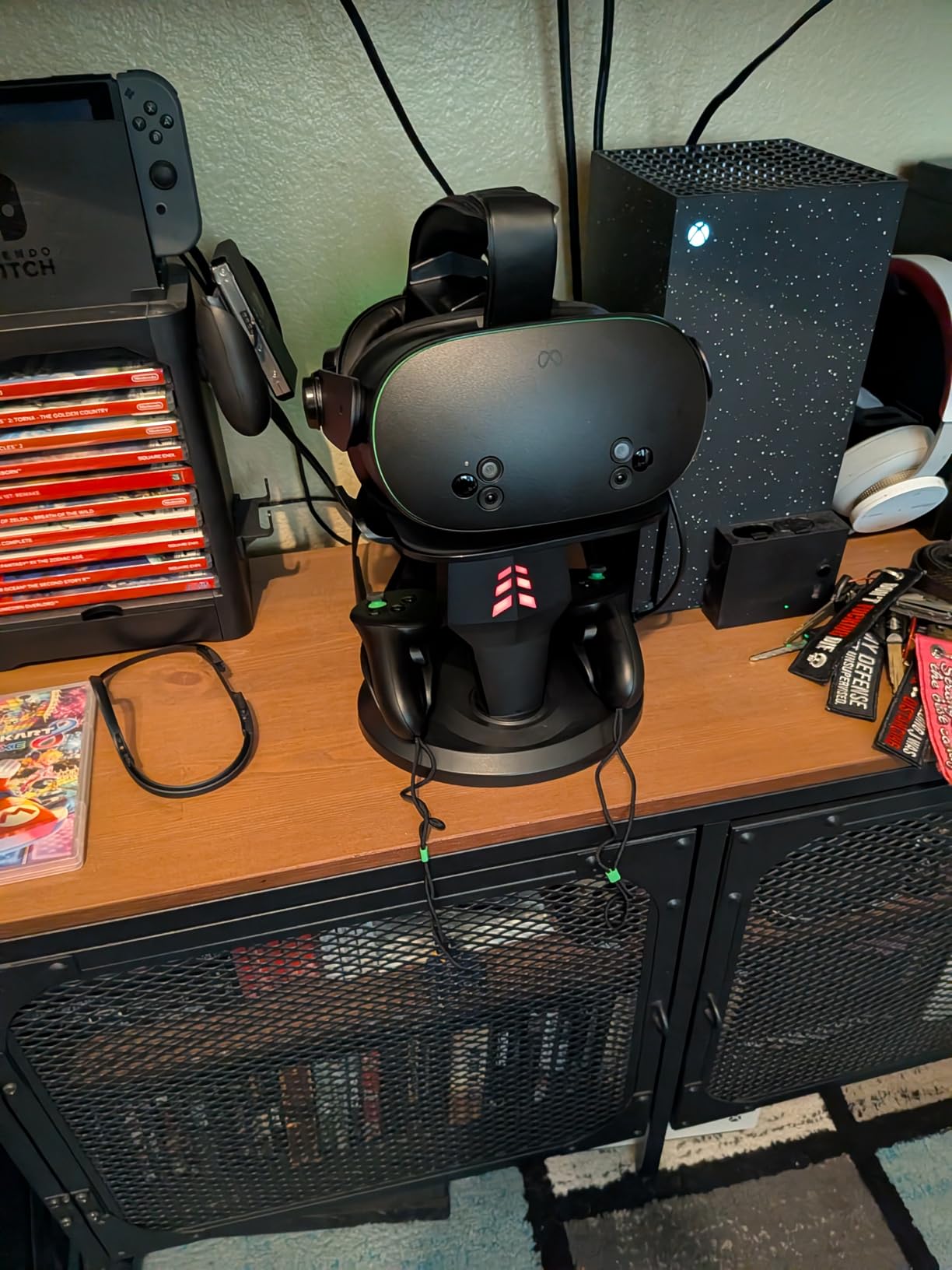
This charging dock solved the cable mess on my desk. Instead of plugging the headset into a USB-C cable that lays across the table, the headset sits upright on a neat stand with the charging cable routed through the base. It looks like a proper display piece when the headset is not in use.
The dock works with Quest 2, Quest 3S, and Quest 3, which is convenient if you own multiple headsets or plan to upgrade. The Type-C cable connects directly to the headset charging port, and the stand holds both controllers on either side for a clean, organized appearance.
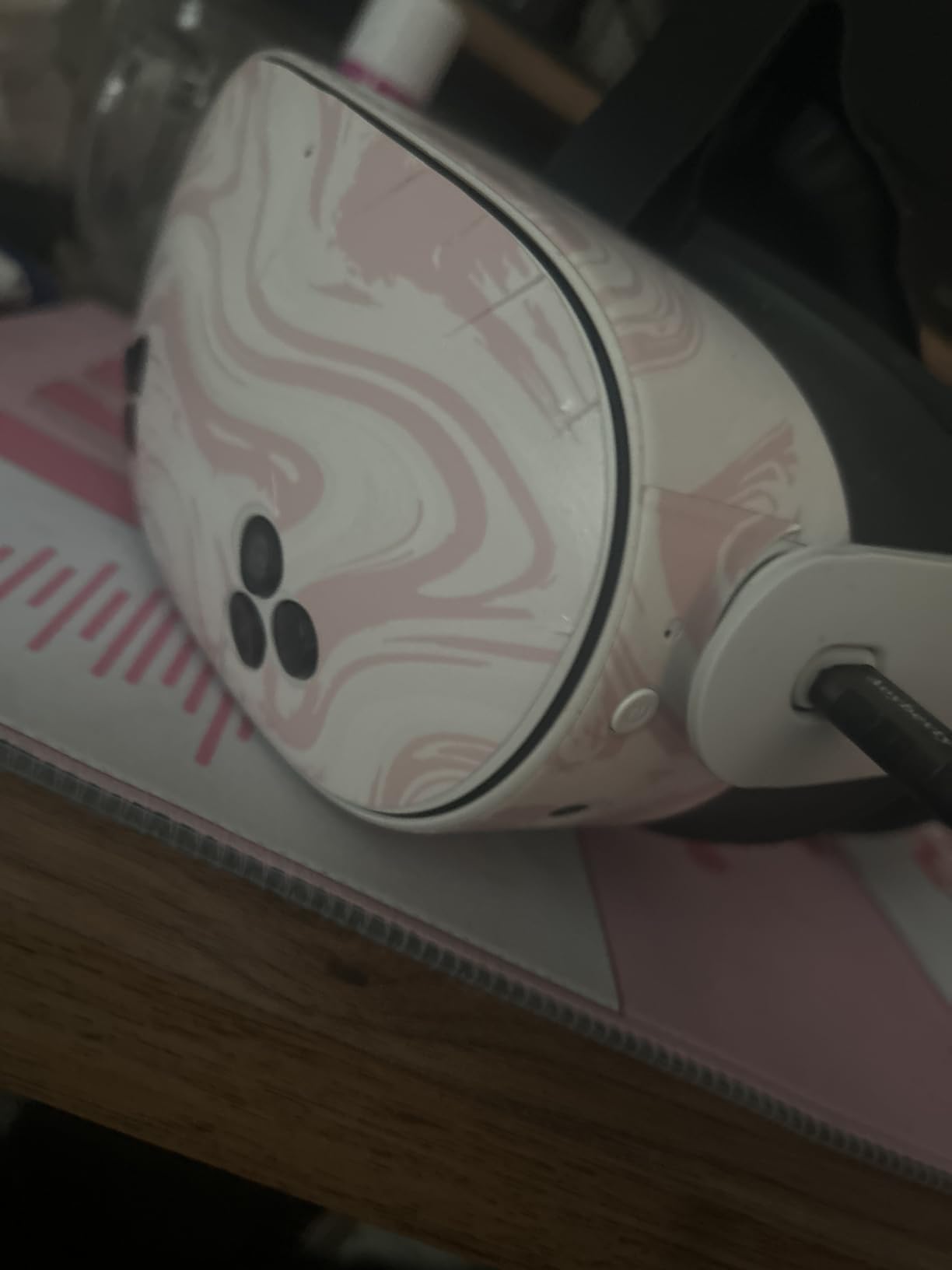
Assembly took about five minutes with no tools required. The ABS plastic construction feels solid, and the non-slip pads on the bottom keep the dock firmly planted on your desk. The tilted angle provides better balance for the headset.
The main limitation is that this dock charges the headset only, not the controllers. If you use rechargeable AA batteries in your controllers, you will need a separate charging solution for those.
Fitting With Third-Party Straps
The dock is designed for the stock strap configuration. If you have added an Elite Strap or BOBOVR battery strap, the dock may not accommodate the larger form factor. Check the stand dimensions against your strap size before purchasing.
The dock works best for users who keep the stock strap or use a slim third-party option.
Value Compared to Official Charging Dock
Meta sells its own charging dock at a significantly higher price point. This third-party option provides the same core functionality, headset charging and display, at a fraction of the cost. The main advantage of the official dock is controller charging capability.
For budget-conscious buyers, this dock covers the essentials well.
12. Rechargeable Controller Battery Pack – Never Buy AAs Again

- 2400mAh ultra-high capacity
- Constant 1.5V output
- 1600 charge cycles
- Compact charging storage case
- One battery may be defective out of the box
- Insulation caps need removal before charging
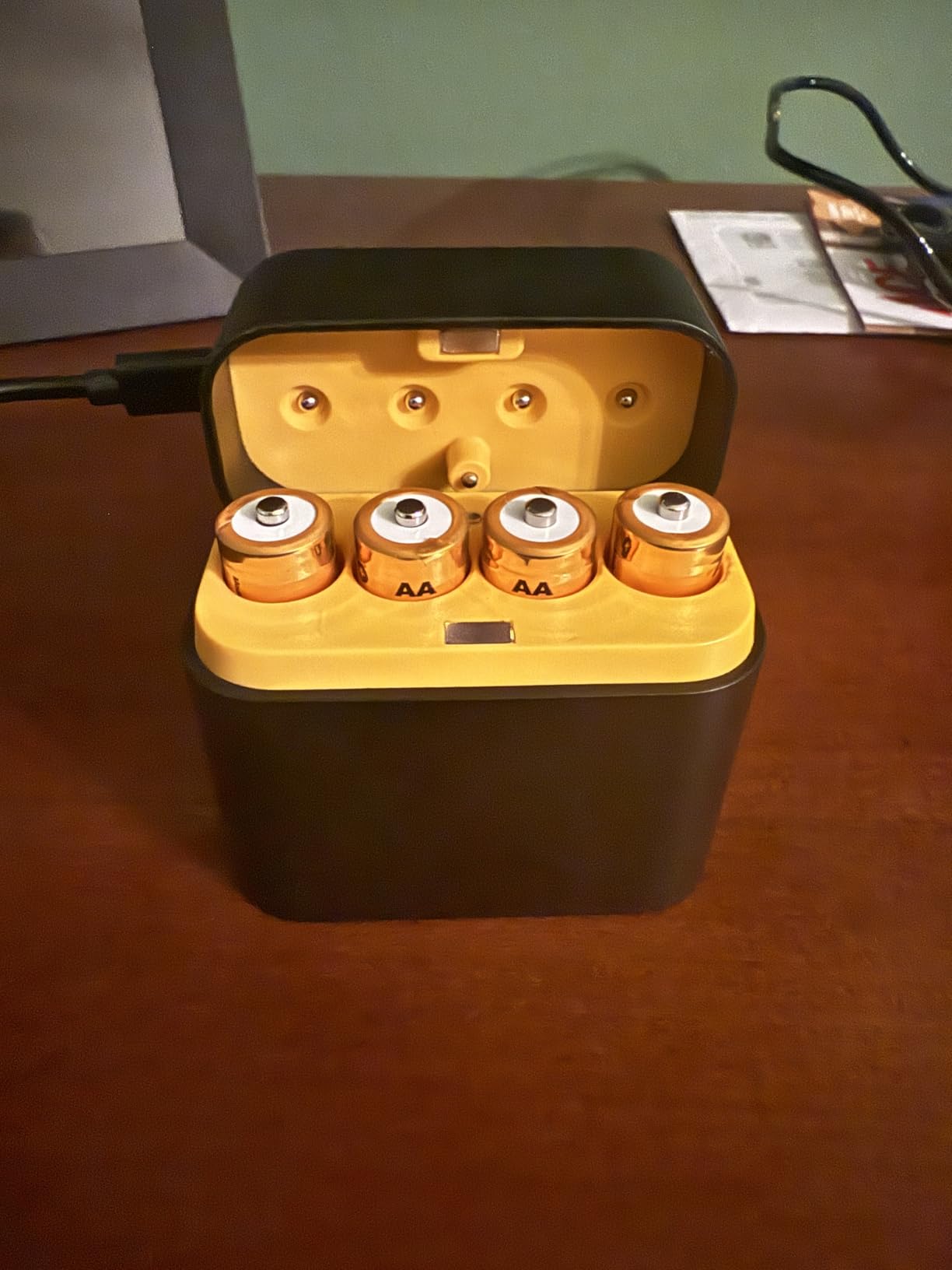
If you play VR regularly, disposable AA batteries are a recurring cost that adds up fast. This rechargeable battery pack from CSHRUETEN includes four 2400mAh batteries and a compact charging case that stores neatly alongside your VR setup. At under twenty-five dollars, it pays for itself within a couple of months of regular play.
The 1.5V constant output is important because some rechargeable batteries deliver inconsistent voltage that causes controllers to randomly disconnect. These maintain a steady 1.5V until depleted, matching the performance of fresh alkaline batteries. I have not experienced a single controller dropout since switching.
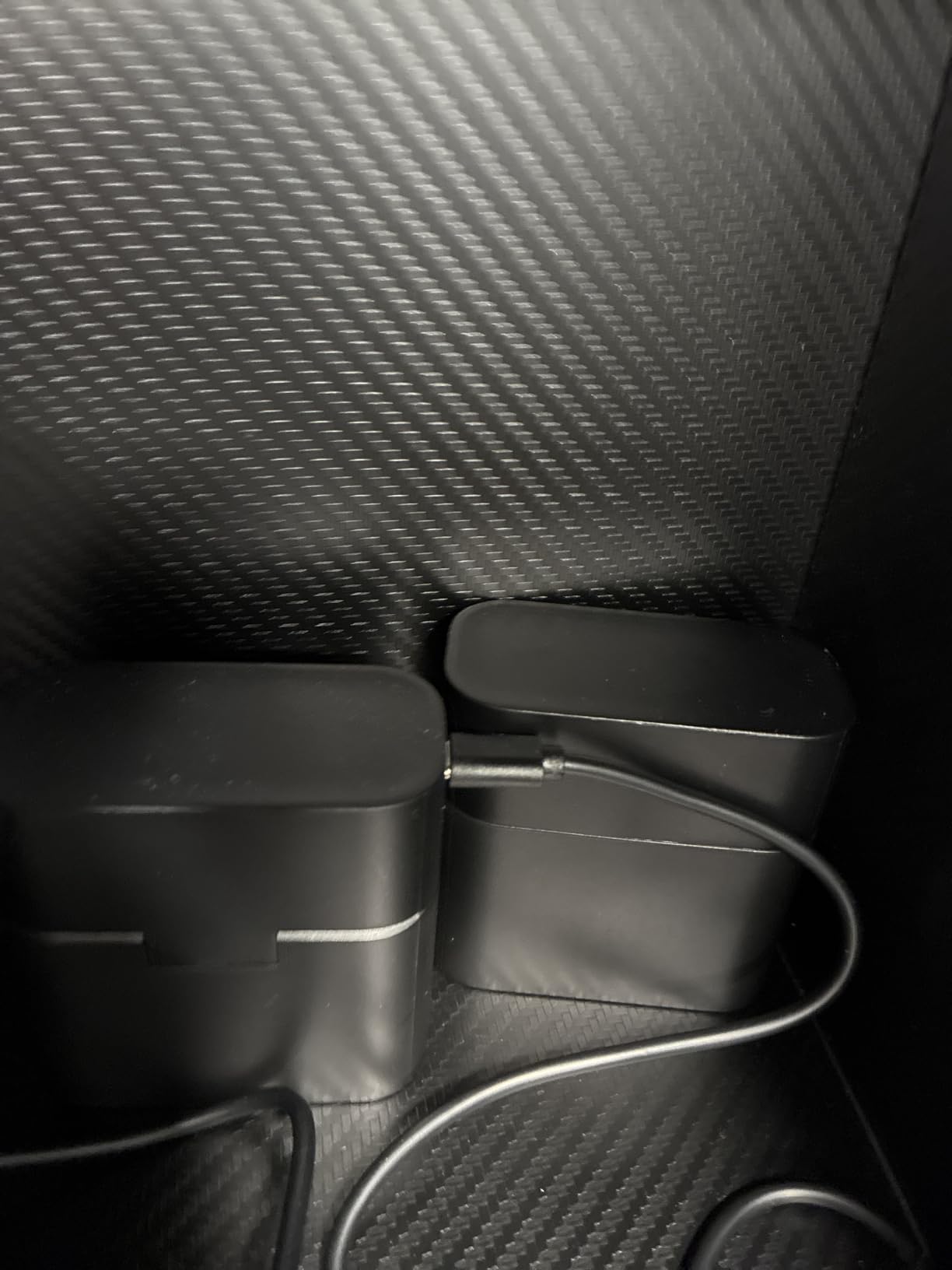
Charging takes about 2.5 hours via the Type-C port on the storage case. The case itself is compact enough to fit in a drawer or on a shelf next to your headset stand. Each battery supports up to 1600 charge cycles, which translates to years of use before degradation.
The batteries work in any device that takes AA batteries, not just Quest controllers. I use spares in my wireless mouse and game controllers around the house.
Installation and Compatibility Notes
The batteries drop directly into the Quest Touch controller battery compartments with no adapters needed. Make sure to remove the insulation caps before inserting them into the controllers or the charging case, as they ship with caps on for safety.
These work with Quest 2, Quest 3, and Quest 3S controllers since all three use standard AA batteries.
Long-Term Savings Calculation
A pair of quality alkaline AA batteries costs roughly two to three dollars and lasts about 30 hours of VR use. If you play 10 hours per week, that is a new pack of batteries every three weeks. Over a year, you would spend over fifty dollars on disposables alone.
This rechargeable set costs less than half that upfront and lasts for years, making it one of the best value accessories for any Quest owner.
13. Saqico Halo Head Strap – Budget Comfort Upgrade

- Extremely comfortable padding
- 360 rotatable knob for easy adjustment
- Memory foam reduces pressure
- Lightweight at 6.5 oz
- May add bulk to headset
- Elastic may loosen over time
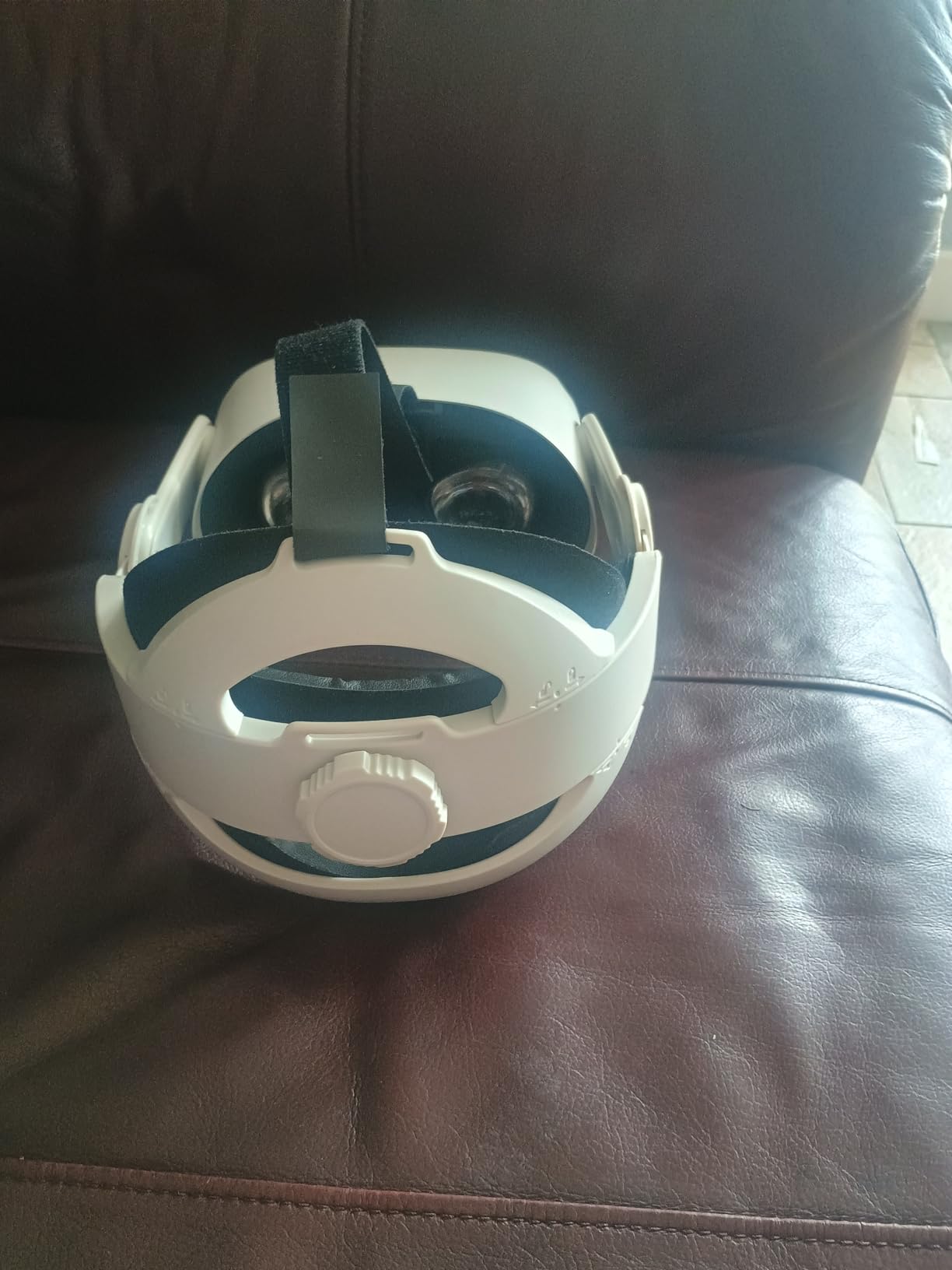
The Saqico Halo Head Strap is the budget comfort upgrade I recommend to anyone not ready to spend fifty dollars or more on a battery strap. At under thirty dollars, it transforms the feel of the stock Quest strap with a halo design that distributes weight across the top of your head instead of pressing against your face.
The 360-degree rotatable knob makes adjustment genuinely easy. I can tighten or loosen the fit with one hand while wearing the headset, which is useful when handing it off between players of different head sizes. The memory foam cushion at 0.67 inches thick provides substantial padding.
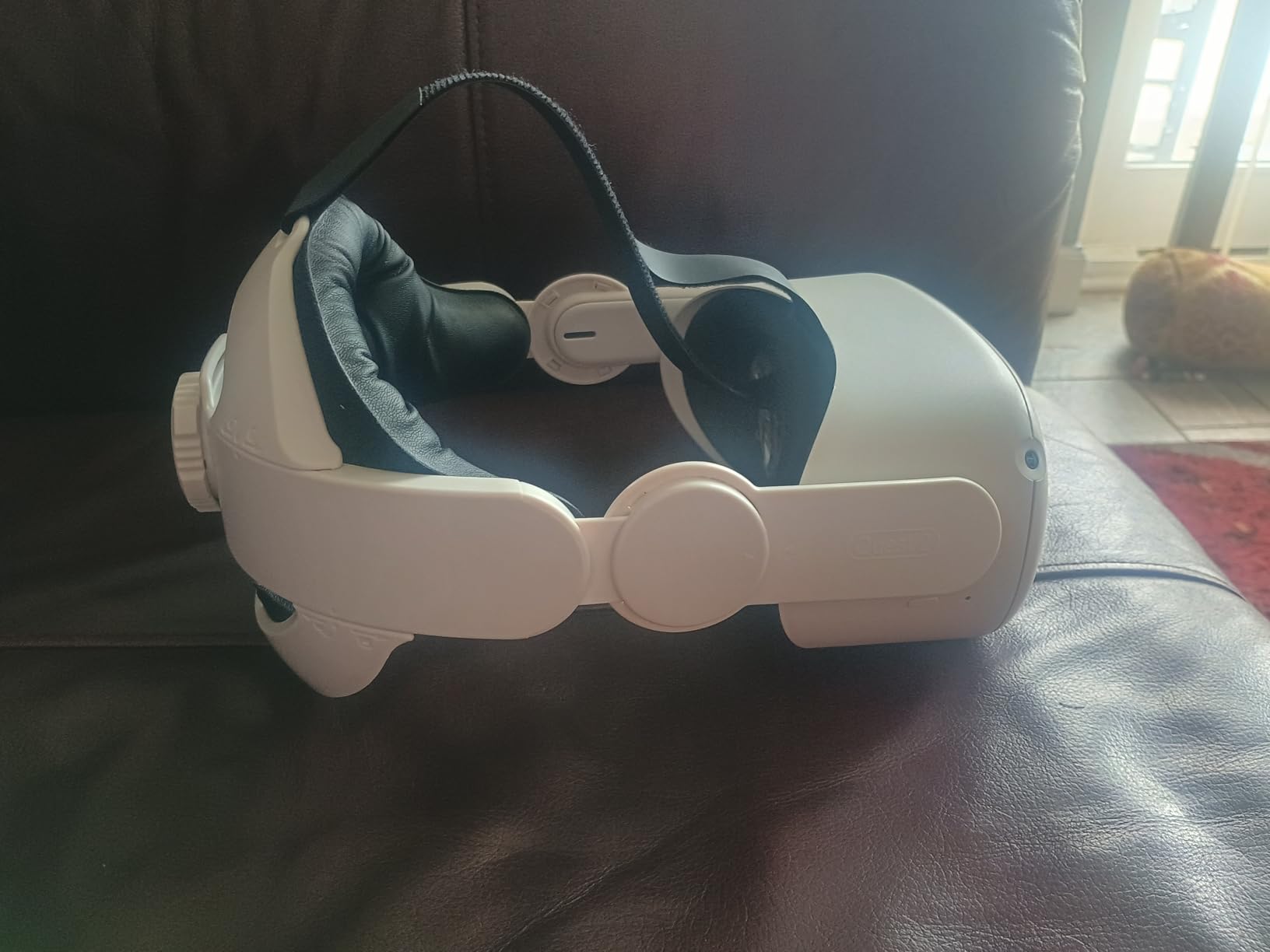
At just 177 grams, this is one of the lightest replacement straps available. It adds minimal weight to the headset, which is important for users who found the stock strap uncomfortable due to front-heavy pressure. The detachable design means you can easily pack it flat for travel.
The strap fits Quest 2, Quest 3, and Quest 3S, making it versatile across Meta’s lineup. Installation is straightforward with the included fastener kit and requires no tools.
No Battery vs Battery Strap Trade-Off
This strap does not include a battery, so your total playtime is limited to the headset’s internal capacity of about two hours. If battery life is your main concern, consider a BOBOVR option instead. If comfort on a budget is the priority, this is the best value option available.
Many users pair this strap with a separate power bank connected via USB-C cable for extended sessions.
Durability Over Time
The elastic components may loosen slightly after months of regular use, based on user reports. The memory foam holds up well, and the rigid halo structure maintains its shape. For the price, the build quality is impressive.
The one-year warranty covers manufacturing defects, giving you a safety net on this budget purchase.
14. INIU VR Link Cable 16FT – PC VR Gaming Essential
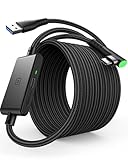
INIU 16ft VR Link Cable with Separate Charging Port, USB 3.0 to USB C Cable
- 16FT length for full range of motion
- Charges headset while playing
- USB 3.0 high-speed data transfer
- 3-year warranty
- Some users reported connection issues
- Power splitter box can get hot
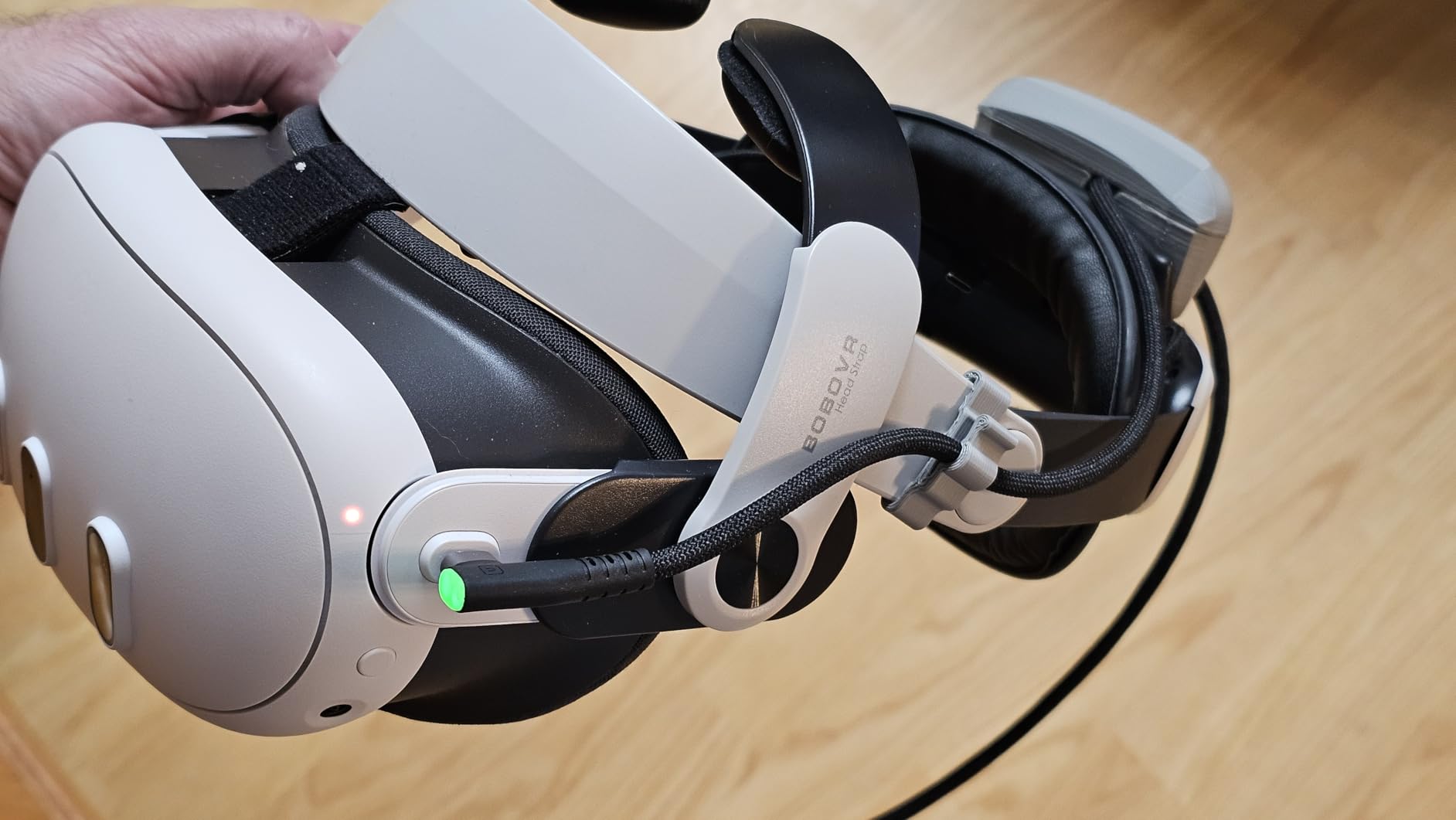
The INIU VR Link Cable is what I use for reliable wired PC VR when wireless streaming is not cutting it. At 16 feet long, it gives enough slack to stand up, crouch, and move around without yanking the cable from the headset. The separate USB-C charging port on the cable means your headset stays powered during long sessions.
Data transfer runs at USB 3.0 speeds up to 2.5 Gbps, which handles the video feed from PC to headset with minimal compression artifacts. I compared it against wireless Air Link and found the wired connection more stable in games where latency matters, like racing simulators and competitive shooters.
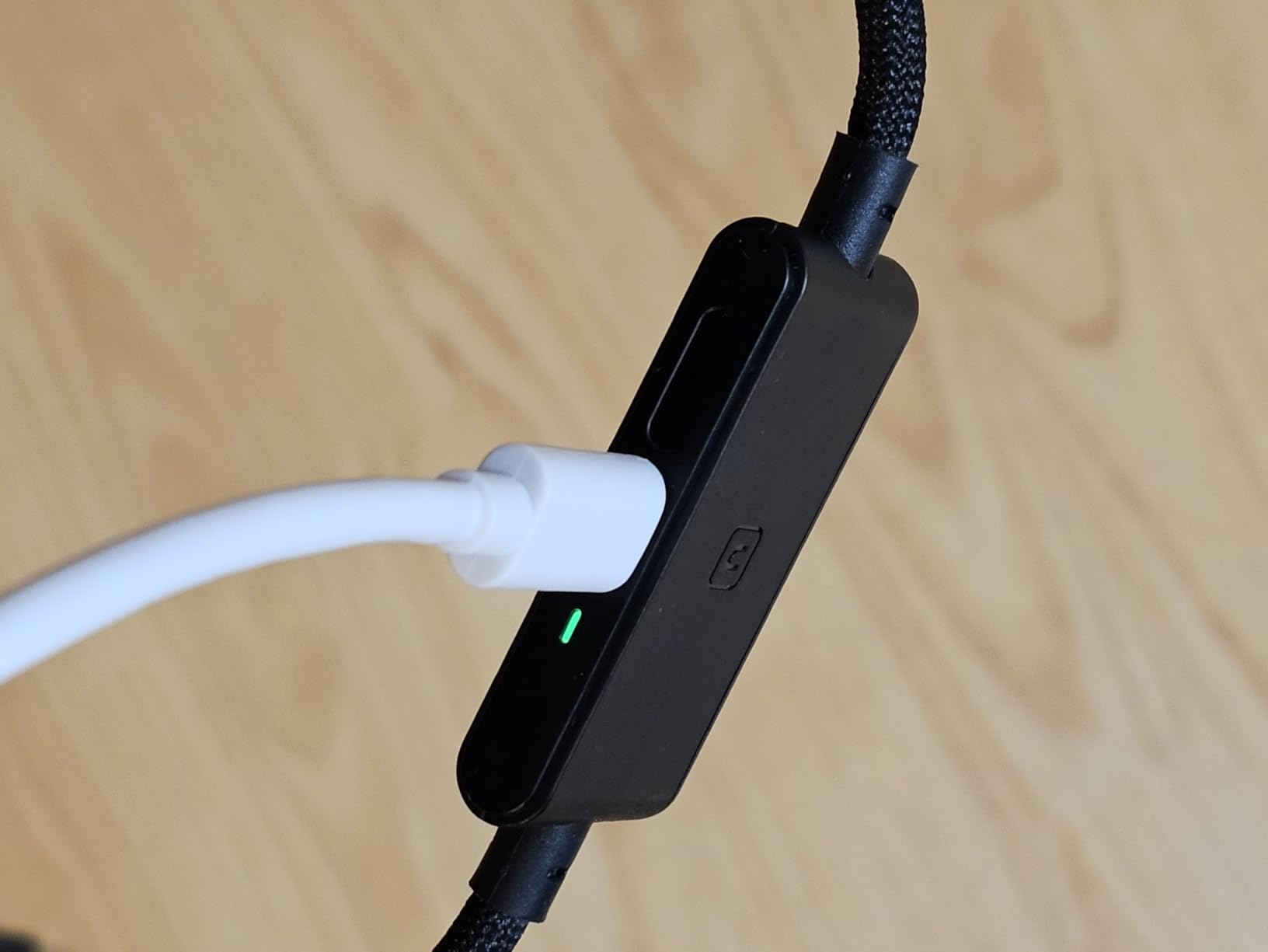
The SmartProtect2.0 chip provides safe charging at up to 3 amps. The 90-degree USB-C connector has been bend-tested over 45,000 times, so durability should not be a concern. The cable works with Quest 3S, Quest 3, Quest 2, Quest Pro, and even Pico 4 headsets.
One thing to note: the power splitter box where you connect a separate charging adapter can get warm during use. Position it where it has some airflow rather than burying it under anything.
Wired vs Wireless PC VR Performance
Wireless PC VR via Air Link or Virtual Desktop has improved significantly, but a wired connection still offers the most consistent performance. You get zero network-related latency spikes and full bandwidth for the video stream. For competitive gaming, this matters.
For casual exploration games, the difference is negligible and wireless freedom may be worth the minor trade-off.
Setting Up SteamVR With This Cable
Connect the USB-A end to your PC and the USB-C end to the headset. Launch the Meta Quest Link app on your PC, enable Oculus Link in the headset settings, and select SteamVR from your library. The cable handles the data and power connection simultaneously.
Make sure your PC has a USB 3.0 port available, as USB 2.0 ports do not provide enough bandwidth for VR video streaming.
15. AMVR Controller Grips Cover – Better Controller Handling

AMVR Upgraded Non-Slip Controller Grips with Battery Opening for Quest 3/3S
- Comfortable soft silicone material
- Enhanced grip prevents slipping
- Battery opening cover for easy replacement
- Knuckle straps included
- Not compatible with some charging docks
- May not fit Quest 2 controllers
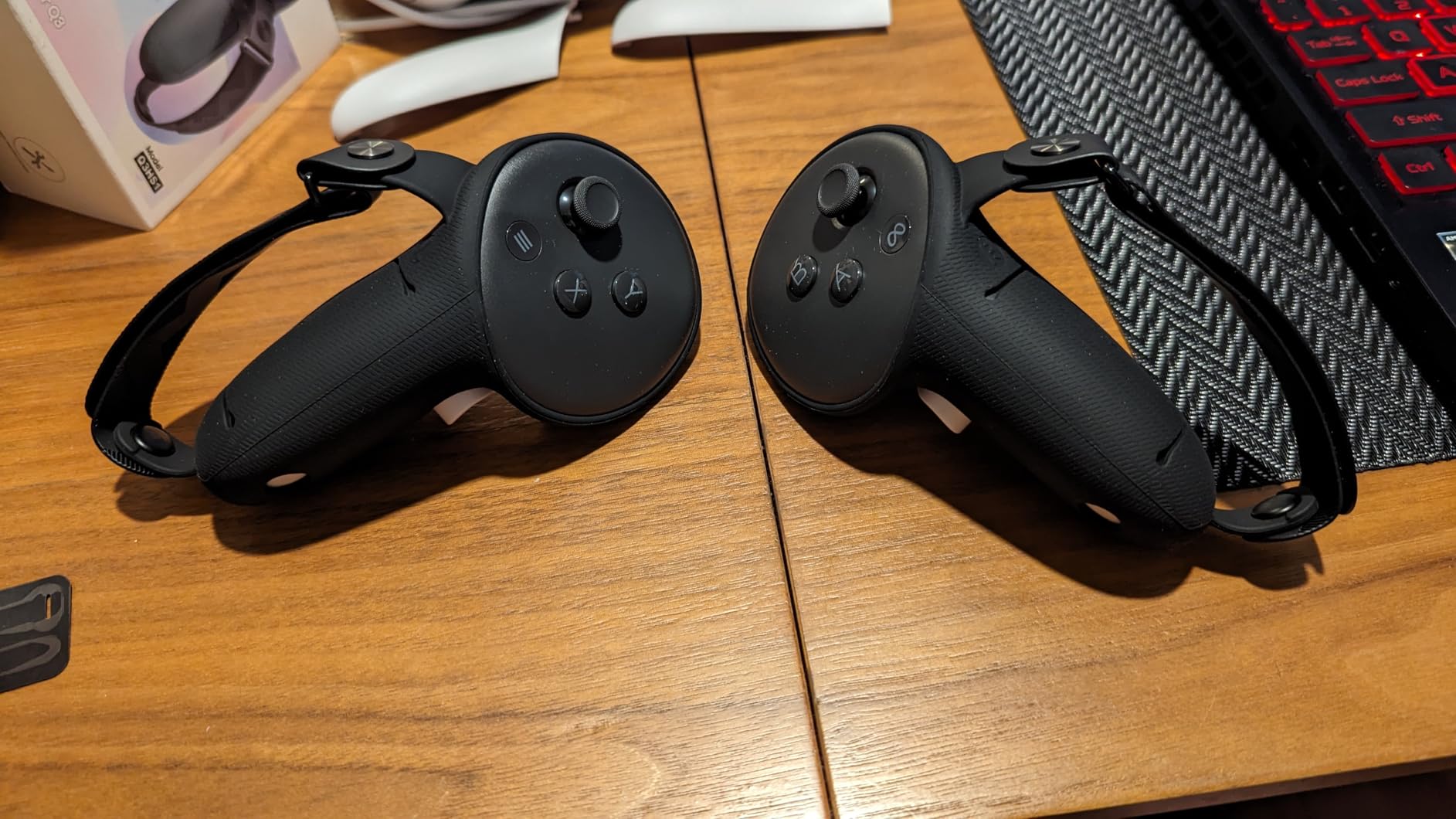
The AMVR Controller Grips Cover is a small accessory that makes a surprisingly big difference. The soft silicone material wraps around the Touch Plus controllers and provides grip that prevents slipping during intense gameplay. I noticed the improvement immediately in games like Echo VR where your hands move fast.
The knuckle straps let you release the controllers entirely without dropping them. This is useful for games where you need to use hand tracking or grab virtual objects with open hands. The straps are adjustable with Velcro to fit different hand sizes.
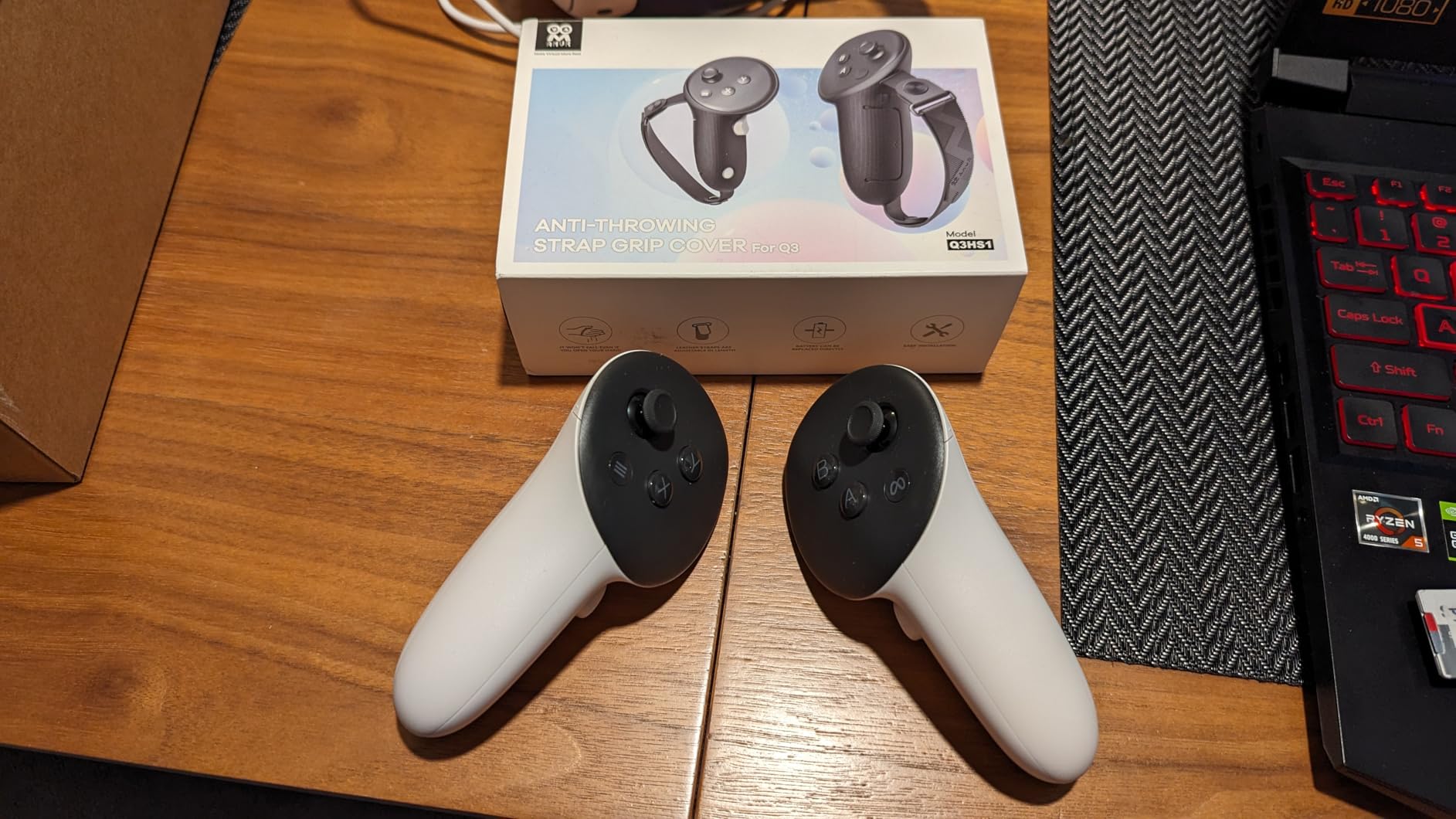
The battery opening cover is a thoughtful design touch. You can swap AA batteries without removing the grip cover, which saves time and frustration. The one-piece installation means the grips slide on and stay firmly in place.
The grips protect the controllers from scratches and minor impacts. After months of use, my controllers still look new underneath. For under twenty-five dollars, this is one of the cheapest meaningful upgrades you can make to your VR setup.
Compatibility With Charging Docks
Some controller charging docks require you to remove the grips to make contact with the charging contacts. If you use a dock that charges controllers, check compatibility before purchasing. The grips work fine with battery-swapping systems where you open the controller compartment.
The grips are designed specifically for Quest 3 and Quest 3S controllers and do not fit Quest 2 Touch controllers.
Grip Feel During Different Game Types
For rhythm games like Beat Saber, the enhanced grip prevents the controllers from flying out of your hands during fast swings. For shooting games, the textured silicone helps maintain a consistent hold. For fitness games, the added comfort reduces hand fatigue during extended sessions.
The rotatable rivets on the knuckle straps let you adjust the angle of the strap relative to your wrist for maximum comfort.
How to Choose the Best Meta Quest Deal This Prime Day
With so many headset variants and accessories on sale, it helps to narrow down what actually matters for your situation. Here is how I think about Quest purchases based on months of hands-on testing.
Quest 3S vs Quest 3 vs Quest 2 Quick Guide
The Quest 3S is the best value for most buyers. It gives you the same processor, RAM, and mixed reality capabilities as the Quest 3 at a significantly lower price. The trade-offs are fresnel lenses instead of pancake lenses, a lower refresh rate on the base model, and slightly more weight.
The Quest 3 is worth the premium if visual clarity is your top priority. The pancake lenses are noticeably sharper across the entire field of view, and the lighter weight makes a difference during long sessions. The 512GB model is ideal for power users who install many large titles.
The Quest 2 is only worth considering at deep discount prices. It lacks mixed reality support, uses an older processor, and new games are increasingly skipping this generation. I would only recommend it for absolute budget buyers or as a second headset.
Which Accessories Are Actually Worth Buying
From my testing, the accessories that provide the most value are a replacement head strap with battery, a carrying case, and rechargeable controller batteries. The stock Quest strap is the weakest link in the entire package, and upgrading it transforms the experience.
A head strap with battery solves two problems at once: comfort and playtime. The BOBOVR M3 Pro is my top recommendation for most users, while the S3 Pro is worth the premium for the cooling fan and larger battery.
A carrying case is essential if you ever travel with your headset. Lens scratches from dust and contact are the most common form of VR headset damage, and a case prevents this entirely.
Should You Buy Now or Wait for Black Friday
Based on my three years of price tracking, Prime Day and Black Friday typically offer similar discounts on Meta Quest headsets. The advantage of buying during Prime Day is that stock is usually higher and lightning deals appear throughout the event. Black Friday can see stock shortages on popular bundles.
If you see a deal that drops the Quest 3S to around 250 dollars or the Quest 3 to under 500 dollars, those represent historical low prices worth grabbing immediately. Waiting for a marginally better deal risks stockouts.
If you are also shopping for other tech this sale season, check out our roundup of Prime Day gaming laptop deals for PC VR-ready machines.
Understanding Bundle Value
The Batman Arkham Shadow bundle adds genuine value because the included game is a full AAA title, not a demo or mini-game. The Meta Horizon+ trial gives you three months of access to over 40 games, which lets you explore the platform extensively before deciding which titles to purchase permanently.
When comparing deals, calculate the standalone cost of included items. If the bundle price is lower than buying the headset and game separately, it is a good deal regardless of the headline discount percentage.
FAQs
Is it worth getting a Meta Quest 2 in 2026?
The Meta Quest 2 is only worth considering if you find it at a steep discount under $200. It lacks mixed reality support, uses an older processor, and newer games increasingly skip this generation. For most buyers, the Quest 3S is a better investment since it offers the same processor and mixed reality capabilities as the Quest 3 for a similar price to a discounted Quest 2.
Who has the best deal on Meta Quest?
Amazon typically offers the best Meta Quest deals during Prime Day, often matching or beating Black Friday prices. Best Buy and Walmart sometimes price-match, but Amazon has the widest selection of bundles and renewed options. Costco occasionally offers bundles with extended return policies that add value beyond the sticker price.
What is the lowest price for a Meta Quest 3?
The lowest recorded price for the Meta Quest 3 512GB was around $499 during previous Prime Day events. The Quest 3S 128GB has hit $249 at its all-time low. Prices fluctuate during sales events, so grab the deal when you see it rather than waiting for a potentially lower price that may not materialize.
Is there another Amazon Prime Day in 2026?
Amazon typically runs two Prime Day events per year. The main Prime Day happens in July, and a second event called Prime Big Deal Days usually occurs in October. Both events feature Meta Quest discounts, so if you miss the summer sale, the October event offers another opportunity.
Should I wait for Prime Day to buy a Meta Quest?
Yes, waiting for Prime Day is generally worth it if you can. Meta Quest headsets typically see their deepest discounts during Prime Day, often dropping to all-time low prices. If you need a headset immediately, renewed options offer year-round savings, but for new units, Prime Day and Black Friday are the best times to buy.
Wrapping Up the Best Amazon Prime Day Meta Quest Deals 2026
The best Amazon Prime Day Meta Quest Deals 2026 offer real savings across the entire Quest lineup. The Quest 3S 128GB remains my top pick for most buyers, combining current-generation performance with an accessible price point. The Batman bundle adds incredible value for gamers, while the Quest 3 512GB is the premium choice for enthusiasts who want the best optics Meta offers.
Do not overlook accessories during the sale. A quality battery head strap, rechargeable controller batteries, and a carrying case transform the VR experience and protect your investment for years. For more Amazon Prime Day deals across all categories, browse our complete sale coverage.
Grab these deals quickly when you see them. Popular bundles sell out fast during Prime Day, and the best prices do not always return before the event ends.