
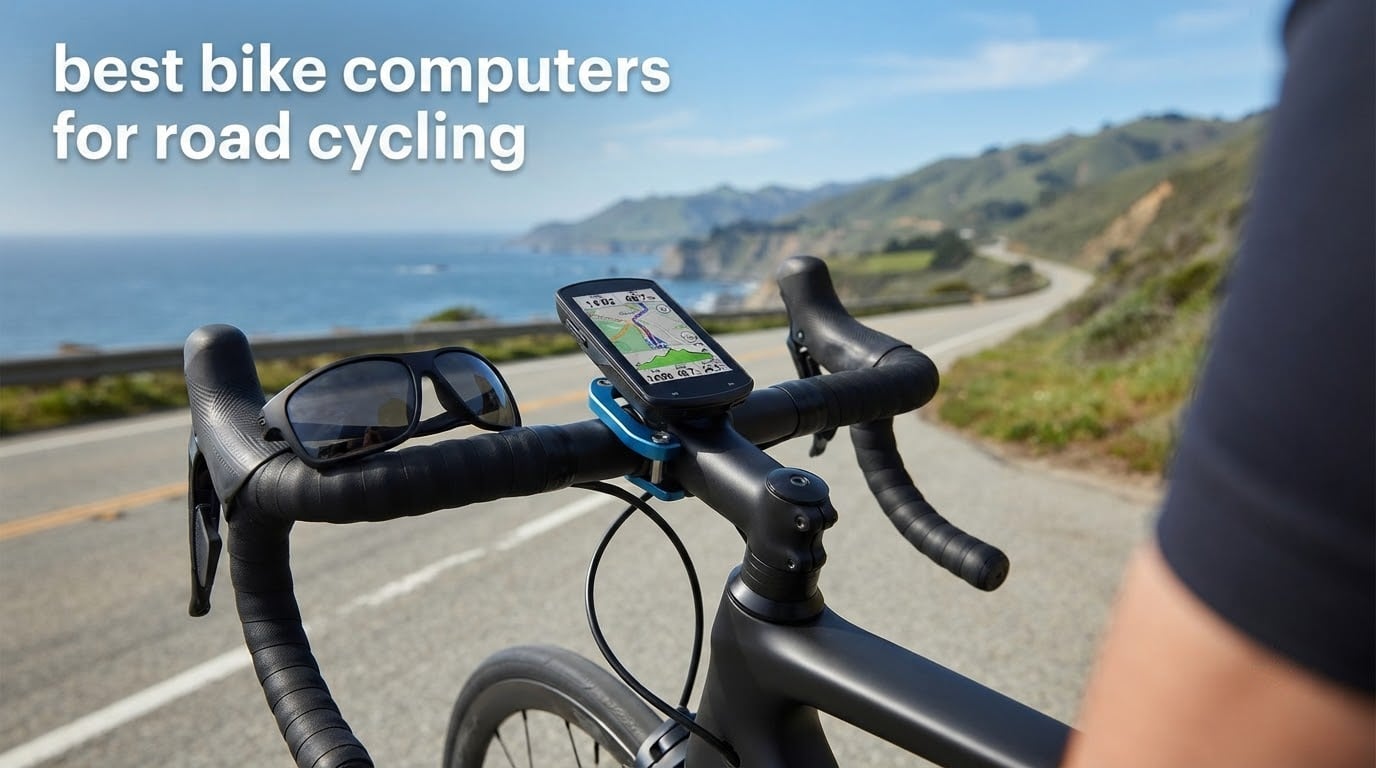
If you only read one thing before you buy, read this: the Garmin Edge 1050 is the best bike computer for road cycling in 2026. It pairs a bright 3.5-inch colour touchscreen with multi-constellation positioning, 64 GB of storage, Wi-Fi auto-sync and a built-in speaker, and it holds a 4.7 rating across 372 rider reviews. For riders who want the same Garmin data engine in a smaller, cheaper body, take the Edge 540. For new riders who want navigation without a steep learning curve, the Edge Explore 2 does the job for less again.
That is the shortlist. Below it sit nine more devices that solve narrower problems, from a 2.4-inch iGPSPORT model with free offline maps to a Wahoo Elemnt Roam V3 that still had battery left after a very long day out. We spent 2026 cycling through owner reviews across these twelve head units and compared them on the seven things that actually change a road ride: GPS accuracy, screen readability, battery, control method, connectivity, feature depth and value per pound spent.
A bike computer is a handlebar-mounted GPS cycling computer that tracks speed, distance, cadence, heart rate and power, records the ride internally, and on mapping models gives turn-by-turn guidance and rerouting without your phone. It pairs with sensors over Bluetooth and ANT+, then syncs to Strava, Garmin Connect or the Wahoo app over Bluetooth or Wi-Fi. On rough tarmac, where a phone is uncomfortable and drains fast, that is the entire argument for spending money on a dedicated head unit.
Riders keep asking the same question on forums, and the honest answer is that most current-generation devices from Garmin, Wahoo and Hammerhead are excellent. The differences live in ecosystem, mapping depth and how long the battery lasts with the screen on full brightness. If your riding is mostly on known roads and you already own a Garmin watch, your decision is already made. If you ride unfamiliar routes for hours at a time, mapping and battery become the deciding factors.
One note before we start. Every battery figure in this guide is a manufacturer claim, not a lab measurement, and brands use different test modes. Garmin quotes demanding-use and battery-saver figures, Wahoo quotes a single number, and the gap between a headline figure and a real 8-hour day in bright sun can be large. We flag the claims as claims and tell you which units have margin to spare.
Related reading: if you ride gravel as well as tarmac, our guide to the best bike computers for gravel riding covers the off-road angle, and riders who also trail should look at our MTB bike computer picks.
Top 3 Best Bike Computers for Road Cycling in 2026
These three cover most road riders. The Edge 1050 wins on features and refinement, the Edge 540 wins on size and data-per-pound, and the Wahoo Elemnt Roam V3 wins for anyone who wants spoken navigation and a long day out.

Garmin Edge 1050
- 3.5 inch colour touchscreen
- 64 GB storage
- Built-in speaker and audible prompts
- Up to 60 hours in battery saver

Garmin Edge 540
- 2.6 inch button-driven display
- Multi-band GNSS
- Up to 42 hours in battery saver
- ClimbPro on every ride

Wahoo Elemnt Roam V3
- 2.8 inch 480x800 screen
- Dual-band GPS
- Spoken turn-by-turn directions
- About 25 hours stated
All 12 Bike Computers Compared at a Glance
Every device below, with the specifications that decide whether it fits your road riding. Screen size, control method, stated battery figure and connectivity tell you more than any marketing line.
| Product | Specifications | Action |
|---|---|---|
| Garmin Edge 1050 |
|
Check Latest Price |
| Garmin Edge 540 |
|
Check Latest Price |
 Garmin Edge Explore 2 Garmin Edge Explore 2 |
|
Check Latest Price |
 Hammerhead Karoo Hammerhead Karoo |
|
Check Latest Price |
| Wahoo Elemnt Roam V3 |
|
Check Latest Price |
 iGPSPORT BSC300T iGPSPORT BSC300T |
|
Check Latest Price |
 Sigma ROX 11.1 EVO Sigma ROX 11.1 EVO |
|
Check Latest Price |
 Bryton Rider 460 Bryton Rider 460 |
|
Check Latest Price |
 Magene C506 Magene C506 |
|
Check Latest Price |
 iGPSPORT BSC200S iGPSPORT BSC200S |
|
Check Latest Price |
 GEOID CC700 Pro GEOID CC700 Pro |
|
Check Latest Price |
 iGPSPORT BiNavi iGPSPORT BiNavi |
|
Check Latest Price |
1. Garmin Edge 1050 Review – Best Overall Bike Computer for Road Cycling
- Bright high-resolution 3.5 inch colour touchscreen readable in direct sunlight
- On-device course creation with road surface type
- Strong Varia radar and light integration
- ClimbPro plus power guide with stamina and wind
- Speaker with audible prompts and a tap-to-ring bike bell
- No points of interest search so you must enter exact addresses
- Default alerts are noisy until you switch them off
- Larger and heavier than most rivals on the bars
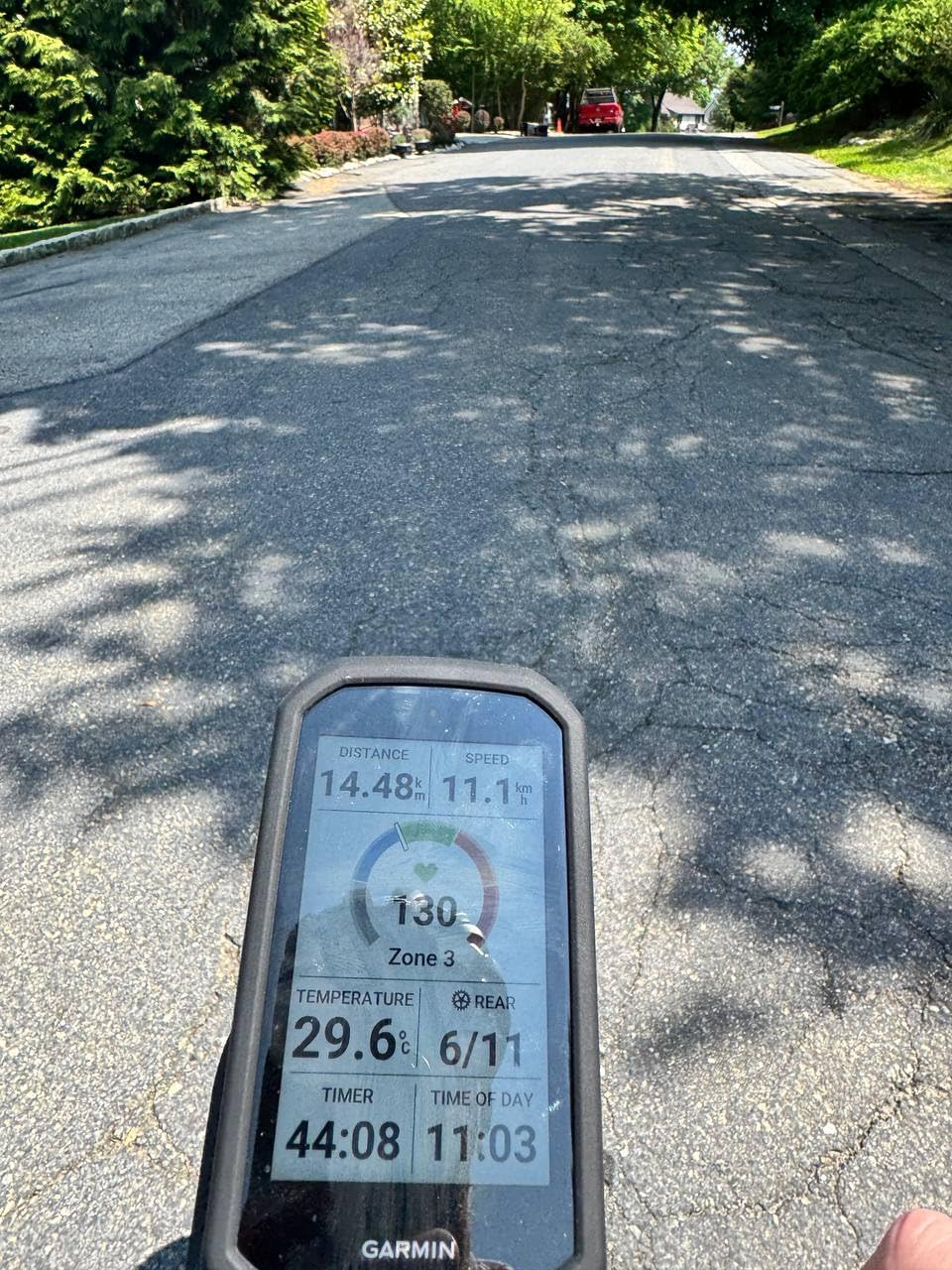
The Edge 1050 is the one I keep reaching for when a ride is going somewhere unfamiliar. The 3.5-inch capacitive touchscreen is bright enough to read at speed in open sun, and it registers a press through damp full-finger gloves, which matters more than any spec sheet suggests once your hands are wet on a descent.
Positioning is handled by GLONASS, GPS and Galileo across a 64 GB of internal storage, which is enough to hold full regional map sets and a long library of saved courses. Owners consistently report clean navigation in remote areas, and the on-device course builder shows road surface type so you can see in advance whether the shortcut you are about to take is tarmac or gravel.
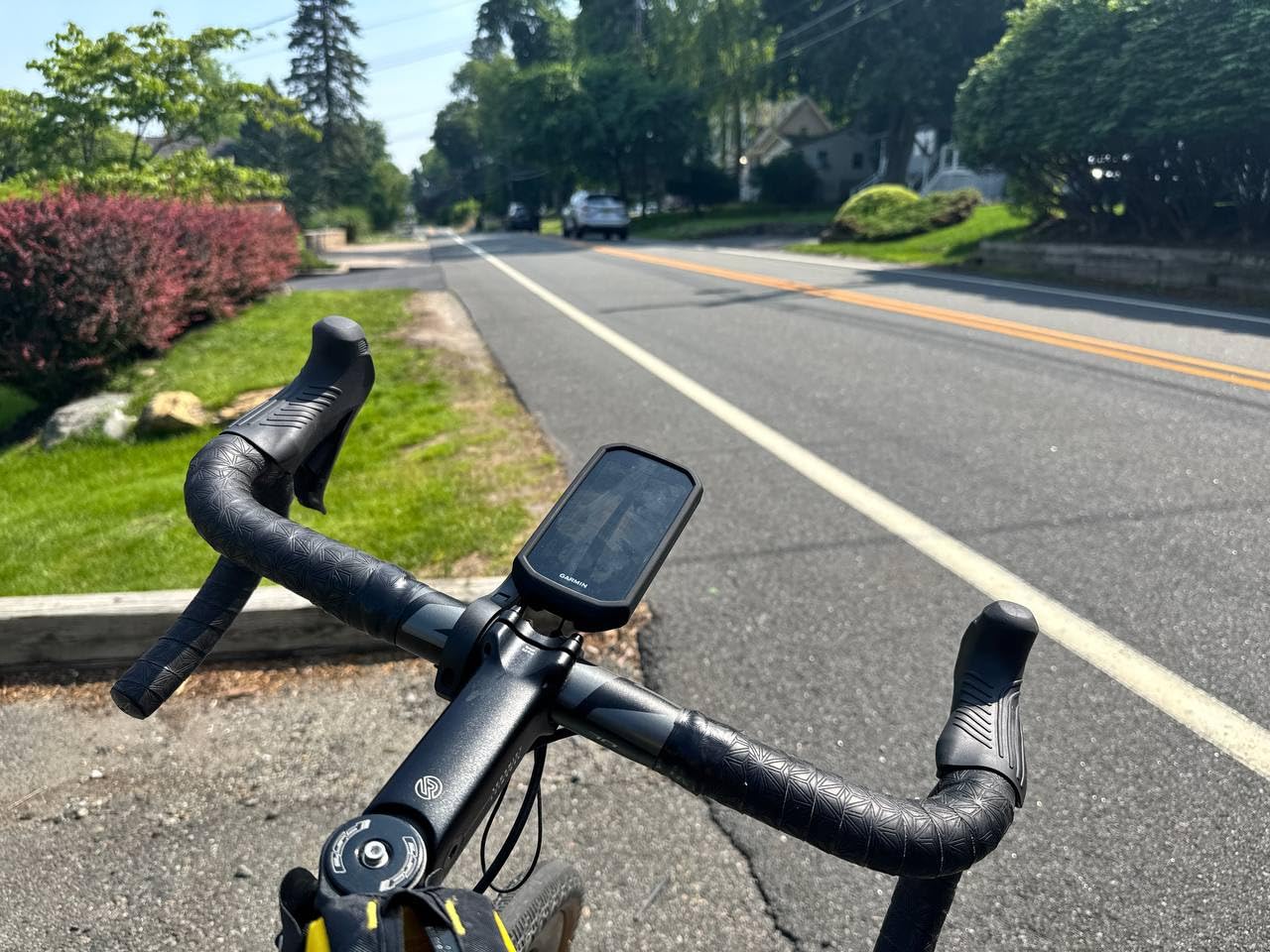
Battery is quoted at up to 20 hours in demanding use and up to 60 hours in battery saver mode. The 60-hour figure is real but only in saver mode with the screen dimmed, so treat 20 hours as the honest number for a full-brightness day ride. In practice a full day of mixed sun and shade sits comfortably inside that.
The speaker is more useful than it sounds. Audible turn prompts mean you can keep your eyes on the road in traffic, and the tap-to-ring bike bell has replaced my actual bell on group rides. Garmin Pay, in-ride messaging, live location sharing and GroupRide leaderboards all work through the built-in speaker or screen.
What to check before you buy the Edge 1050
Understand the point of interest limitation. You cannot search for a coffee stop or a public toilet by typing a name. You need an exact address, which turns a spontaneous detour into a phone-based operation. Riders who plan spontaneous routes should know this before they commit.
Then look at the alerts. The default set includes eat, drink, rest and notification prompts that most people disable within a week. Budget twenty minutes with the menus after the first ride, because the defaults do a poor first impression of an otherwise excellent device.
Who the Edge 1050 suits and who should skip it
It suits road riders who want training analysis as much as navigation. Adaptive coaching, recovery guidance, power guide with real-time stamina and wind, and ClimbPro for unplanned climbs form the deepest analytics package in this roundup, and they only make sense if you train with a power meter.
Skip it if you ride three times a month on the same loop. The feature set is substantial and the body is the largest here at 5.7 ounces, so a smaller Garmin like the 540 gives you the same core data for far less money and mass. Our Garmin buying guide for MTB covers the trail side of the same lineup.
2. Garmin Edge 540 Review – Top Rated Road Bike Computer
- Excellent GPS accuracy with fast satellite lock
- Buttons are glove-friendly and immune to mis-taps
- ClimbPro works on every ride without a course
- Compact 2.8 ounce body
- Seamless ANT+ and Bluetooth sensor pairing
- Initial setup takes time to dial in
- Included mount offers limited versatility
- Small non-colour screen is weak for map-heavy navigation
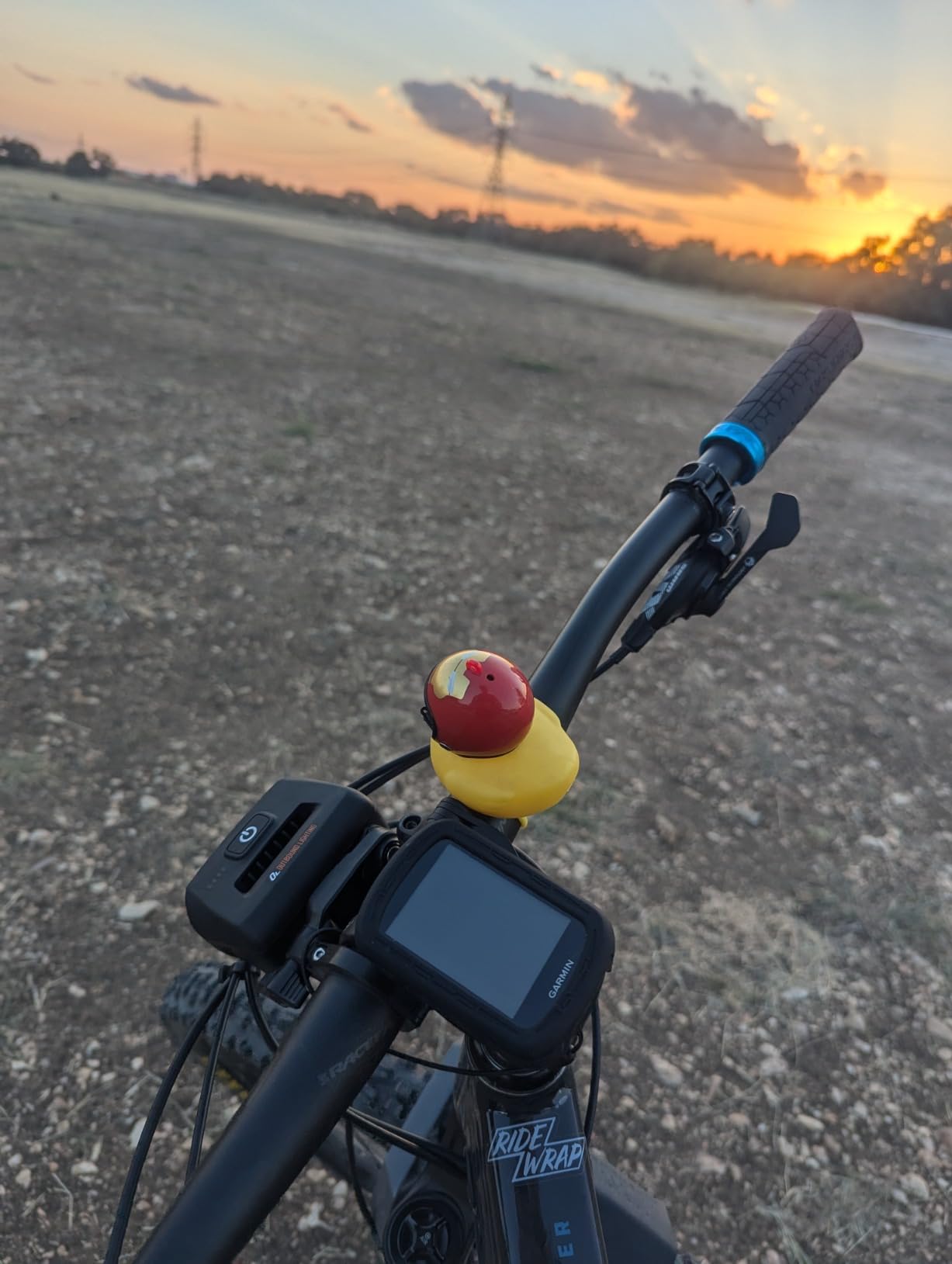
The Edge 540 is the reason most road riders never need to spend flagship money. It delivers essentially the same GPS accuracy, sensor pairing and training logic as bigger Garmin devices in a 2.8-ounce body, and at 4.4 stars from 569 reviews it has the largest owner base in this roundup, which means long-term reliability is well documented.
Everything is a physical button. On a long ride in the rain, on rough tarmac, with gloves on, buttons simply do not misfire the way a touchscreen can, and the interface logic is close to a phone menu rather than a nested settings maze. ClimbPro gives hill guidance without needing a downloaded course, which is the feature road riders mention most.
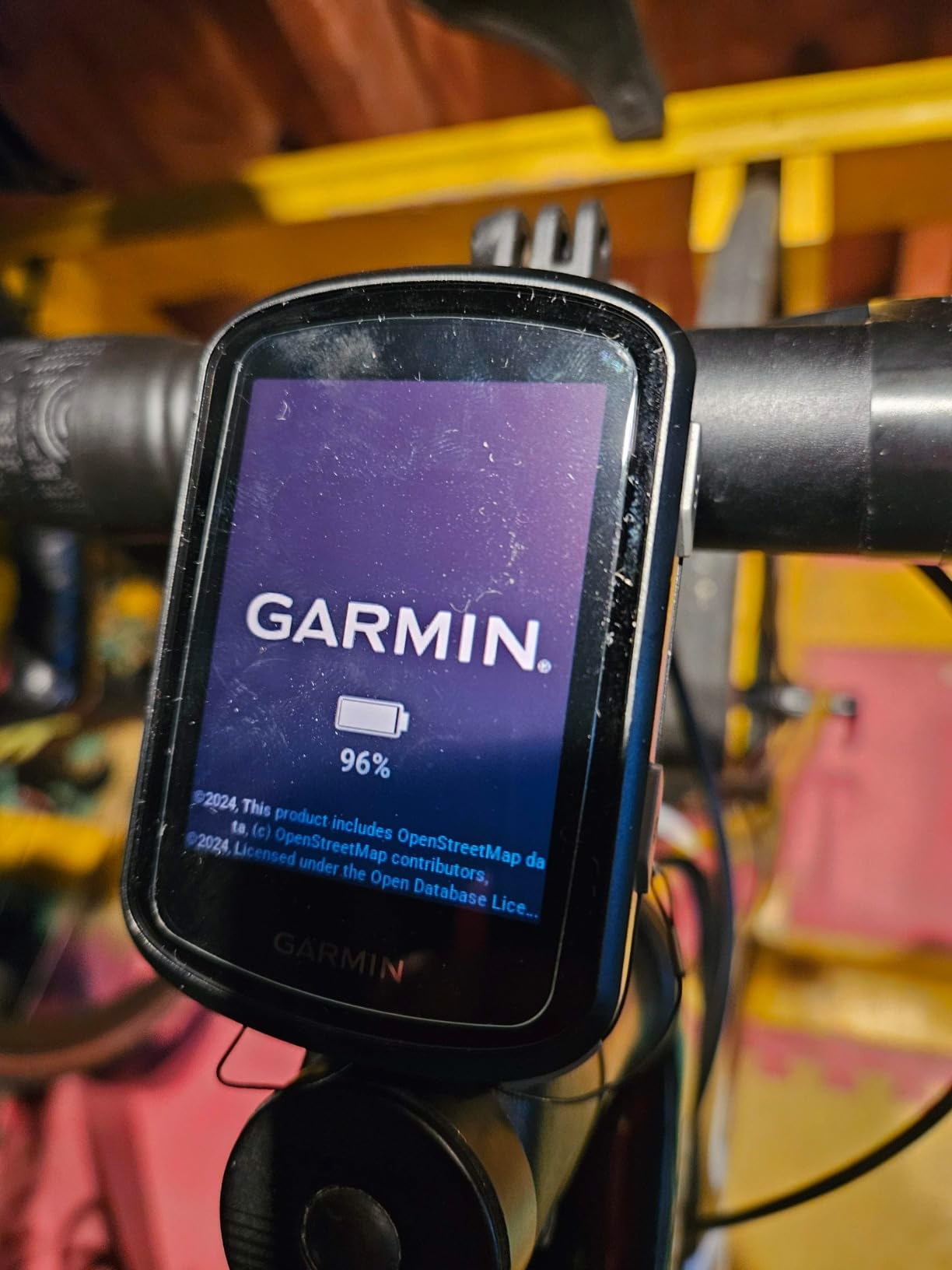
Battery is quoted at up to 26 hours in demanding use and up to 42 hours in battery saver mode. Those are the most honest numbers in the Garmin range for a normal full-brightness ride, and owners regularly report long days on a single charge without touching the saver setting.
Multi-band GNSS, daily suggested workouts and adaptive coaching based on training load and recovery all come as standard. Power guide and stamina insights appear once a power meter is paired, and ride type-specific maps come with searchable points of interest, which the 1050 lacks.
What to check before you buy the Edge 540
Accept that the screen is the trade. A 2.6-inch monochrome display at 246 x 322 pixels is readable in sunlight and fine for data, but it is not a map you will want to study. If turn-by-turn guidance through unfamiliar country is your main reason for buying, look at a larger colour screen instead.
Plan for the setup hour. Owners consistently describe first-time configuration as clunky, so give yourself an evening with a charger and your sensor list before a long ride. There is also a known quirk where the device must be fully powered down after a ride or it drains in standby, which catches people out on multi-day trips.
Who the Edge 540 suits and who should skip it
It suits the rider who wants serious training data, a power meter and long days, and who does not need a big screen. It is also the safest buy in this list for anyone nervous about long-term support, because the volume of owner feedback behind it is by far the largest.
Skip it if navigation is the priority. The 540 is a performance computer with map support, not a navigator. Climb detection and completion can also lag by five to ten seconds, which is fine for training and irritating when you are following a cue in a race. Riders who want to see why these Garmin models are shaped the way they are will find our broader cycling computer buying guide useful.
3. Garmin Edge Explore 2 Review – Best Garmin for Beginners
- Bright 3 inch touchscreen that responds to gloves and rain
- Preloaded road off-road and indoor profiles out of the box
- High-traffic road highlighting for safer routing
- eBike battery and assist level integration
- LiveTrack GroupTrack and incident detection
- Shorter battery life than most rivals in this class
- Maps can be harder to read than simpler line-following devices
- Missing the deeper training analytics of higher Edge models
The Explore 2 is the Garmin to buy if this is your first head unit and you ride tarmac rather than trails. Setup takes minutes rather than an evening, the road, off-road and indoor profiles are preloaded, and the 3-inch capacitive touchscreen is glove- and rain-friendly and stays readable in direct sun.
The mapping is genuinely safety-focused rather than athletic. High-traffic roads are highlighted so you can see at a glance whether a suggested route sends you down a busy arterial, and popular roads are called out on the ride type-specific maps. For commuters and newer riders that is a real advantage over a pure performance screen.
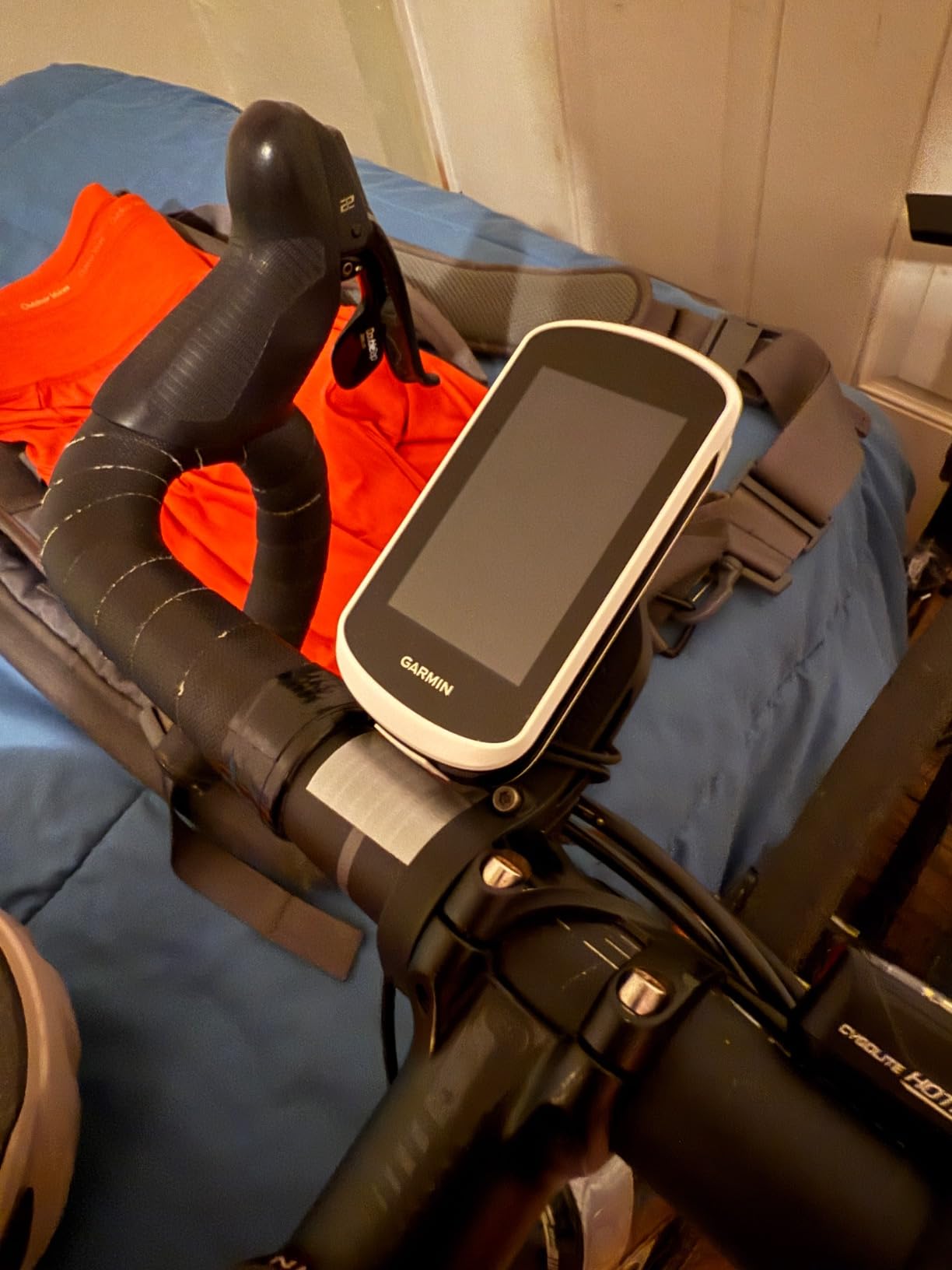
Connectivity covers the essentials: LiveTrack, GroupTrack, smart notifications, rider messaging and incident detection, with pairing for heart rate, speed, cadence sensors and Varia awareness devices. The 16 GB of storage holds regional maps and saved routes without becoming a bottleneck.
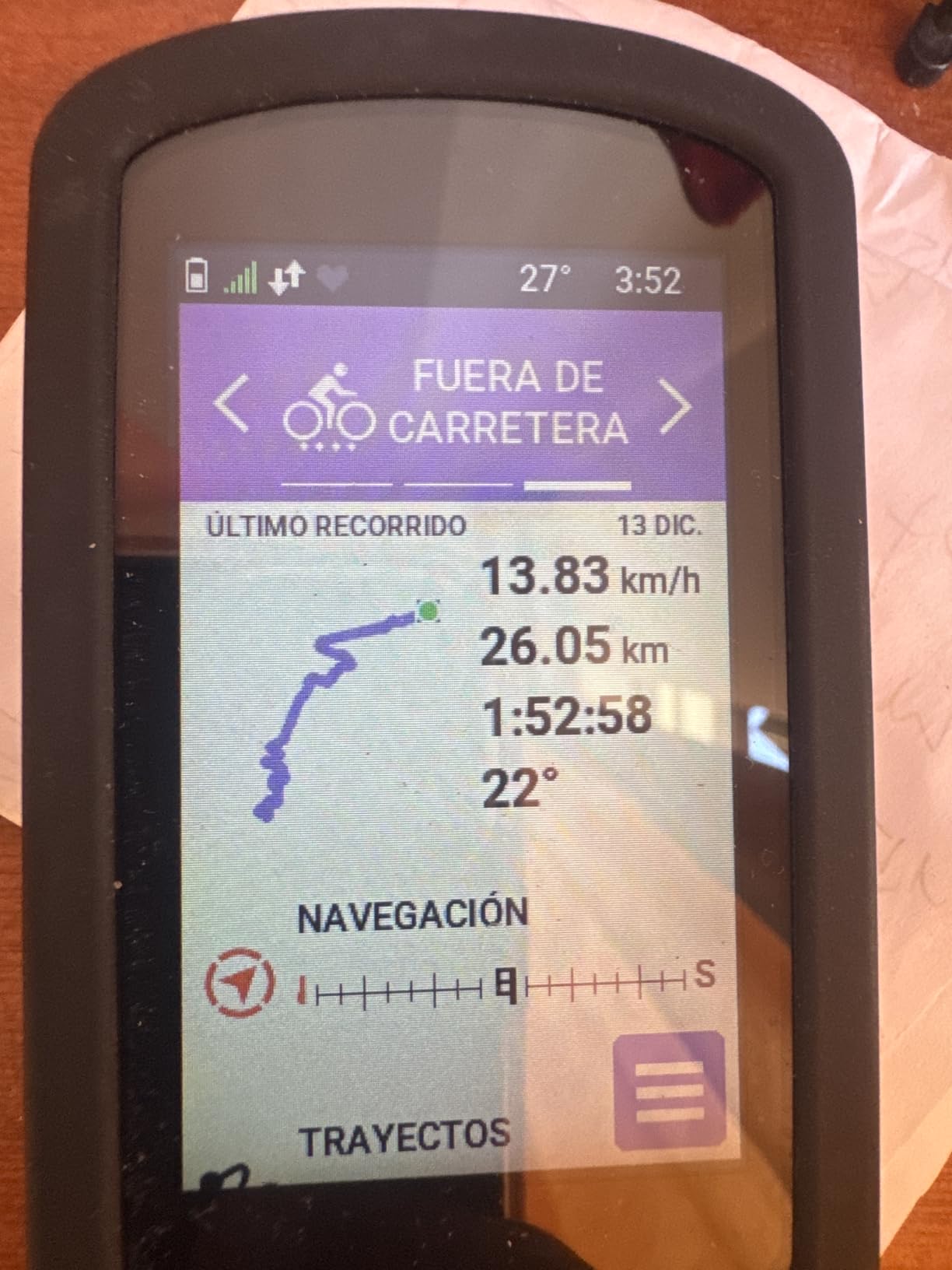
Battery is the weakness, quoted at about 16 hours. That is fine for a typical week of rides and marginal for a double century in summer, so if long days are on the horizon, budget for a midweek charge or a different device. There is also a learning curve to the touch interface and customisation that takes some riders a few rides to get used to.
What to check before you buy the Explore 2
Measure your longest ride against the 16-hour figure honestly. This is the single most common disappointment, because the box feels premium and the runtime is the shortest of the three Garmins here. If you regularly ride six hours or more, the Edge 540 buys you a large margin for a modest step up.
Also test the map readability on a phone-sized screen photo before you commit. Some riders find the Explore 2 map less legible than a simple line-following device, particularly in unfamiliar areas with dense street detail. If you mostly ride known routes with occasional wayfinding, that will not matter.
Who the Explore 2 suits and who should skip it
It suits first-time buyers, eBike riders who want battery and assist data, and anyone who wants Garmin navigation without the training-depth price tag. The eBike integration shows battery status, assist level and range-based guidance, which is the feature most Explore 2 owners actually cite.
Skip it if you are chasing training load, recovery time and adaptive coaching. Those metrics live on the 540 and 1050, and without a power meter the Explore 2 leaves most of its screen unused. Recurring recommendation on forums for budget riders lands on this device, and that consensus holds up.
4. Hammerhead Karoo Review – Best Head Unit for SRAM AXS Riders
Hammerhead Karoo Bike Computer Wireless GPS ANT+/BLE/GPS/GNSS
- Multi-band GNSS holds a clean track through city streets and open terrain
- Ample memory for fast map rendering and long uptime
- Deep integration with SRAM AXS drivetrains and e-bikes
- Button and touch control in one body
- Unobtrusive layout that keeps ride data and maps out of the way
- About 15 hours is short for ultra-distance and bikepacking riding
- Bundle is heavy at roughly 0.41 kg
- Thinner third-party app ecosystem than Garmin Connect
The Karoo is the most focused head unit in this roundup. There is no fitness subscription, no coaching layer and no attempt to be a training platform. It is a navigation and ride-data device that renders maps quickly and stays out of the way, and that restraint is exactly what a road rider who knows where they are going wants.
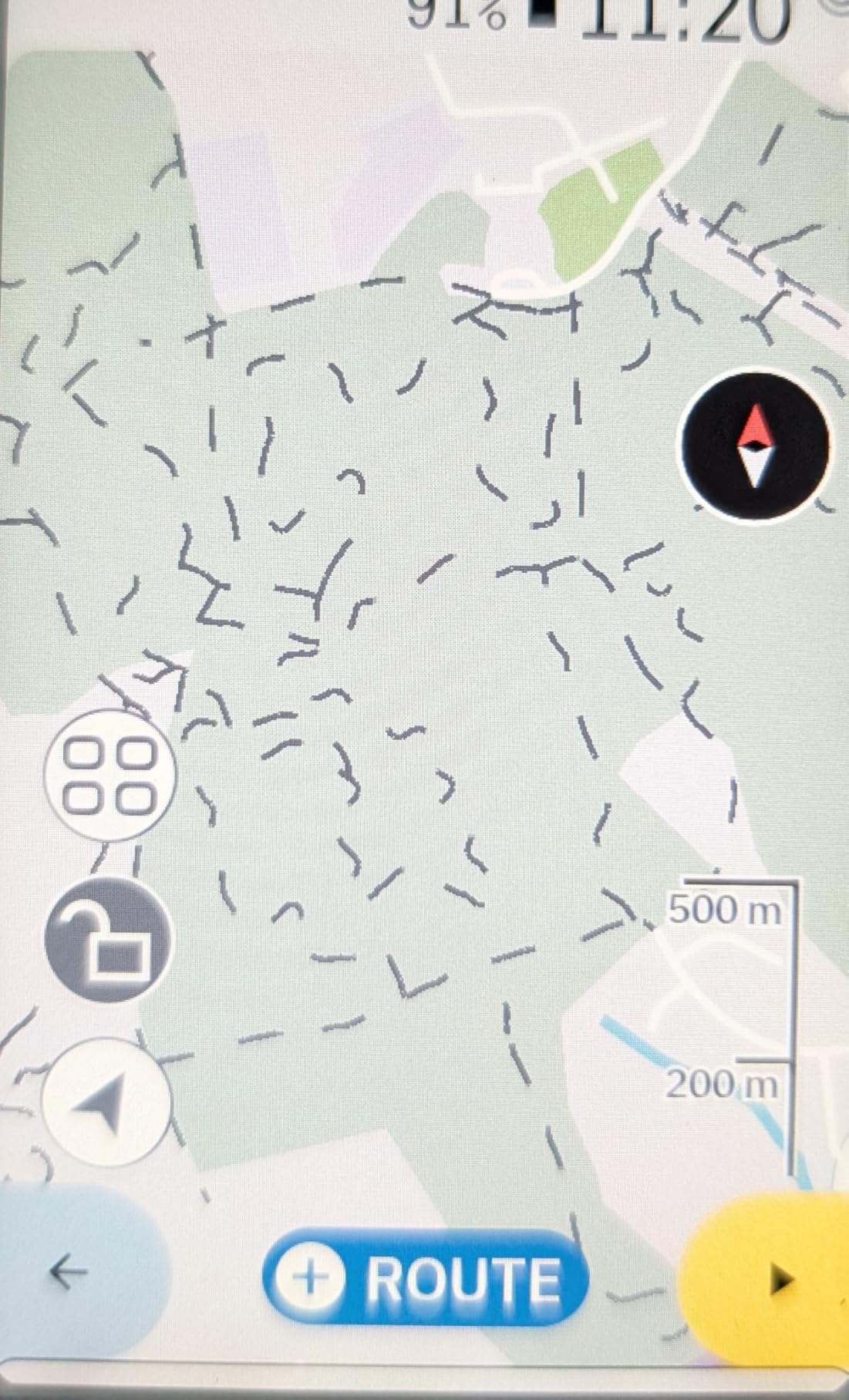
Multi-band GNSS gives it one of the most consistent tracks in this test, holding position through dense city streets and open terrain without the drift you see on cheaper multi-satellite units. The 3.2-inch display is controlled by both buttons and touch, so you can page through data on rough tarmac without swiping at a moving map.
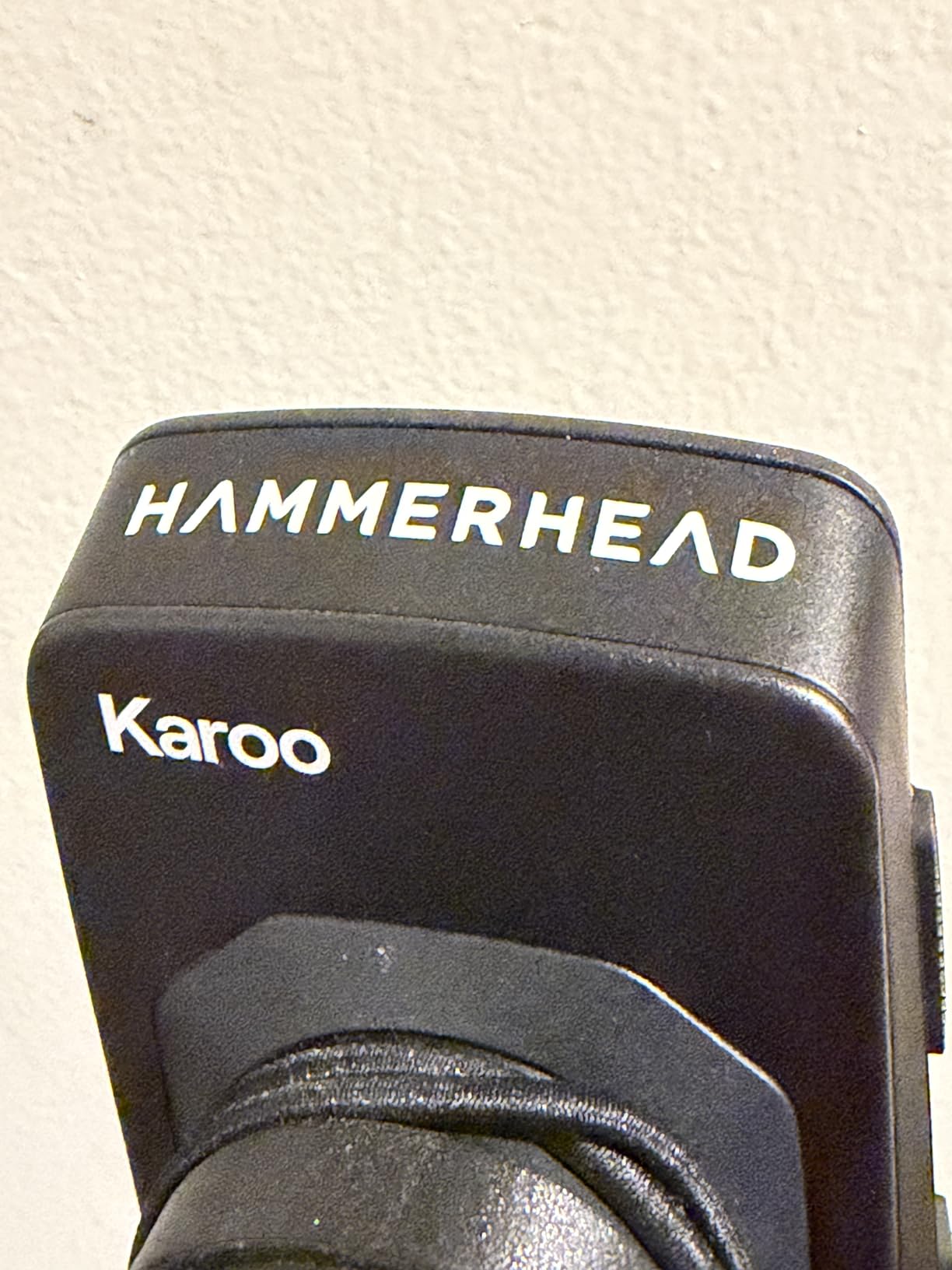
The reason to buy it is SRAM. If you run an AXS drivetrain or an AXS-equipped eBike, the integration goes deeper than anything else here, including ANT+ light control. Pair it with electronic shifting and the head unit stops being a separate device and becomes part of the bike.
Battery is quoted at about 15 hours, which is the honest limitation for this unit. Owners doing multi-day rides report carrying a cable or a power bank. The review base is also smaller at 115 ratings than the Garmin and Wahoo devices, so long-term reliability is less well documented and the bundled package is heavy at roughly 0.41 kg.
What to check before you buy the Karoo
Count your bike against the 15-hour figure. The Karoo is a superb day computer and an average touring computer. Riders on multi-day trips and ultra-endurance events need to plan around that, and the ecosystem offers fewer third-party integrations than Garmin Connect if your workflow depends on them.
Also accept a thinner companion app. Post-ride analysis, route building and the wider training ecosystem all live less deeply here than on Garmin or Wahoo, and forum riders running structured indoor work note that the app experience is not the strong point. Check that your normal workflow is covered before you commit.
Who the Karoo suits and who should skip it
It suits SRAM AXS riders, eBike riders wanting drivetrain and battery data on one screen, and anyone who wants a big map and minimal menus. The hardware and software design is clean enough that it disappears within a week of riding.
Skip it if you need training analytics, Strava segment work or long multi-day endurance. It is also the least proven unit here by owner volume, which matters if you keep bikes for a decade. Our road cycling kit guide covers the other half of what a fast road rider actually needs.
5. Wahoo Elemnt Roam V3 Review – Best Bike Computer for Navigation
- Dual-band GPS with GPS GLONASS BEIDOU Galileo QZSS SBAS and NavIC
- Spoken turn-by-turn directions instead of beeps
- Battery beats comparable Garmin devices at the same tier
- Large readable screen with simple page swiping
- Physical button fallback for every function
- Auto-dimming in shade is too aggressive especially with sunglasses
- Voice prompts are terse and quiet even at maximum volume
- Screen customisation happens in the app not on the device
The Roam V3 is the navigation specialist. Dual-band GPS covers GPS, GLONASS, BEIDOU, Galileo, QZSS, SBAS and NavIC, and one owner running a 14-hour, 200-mile day reports roughly 50% charge remaining at the finish. That kind of headroom is what separates a navigation-first computer from a performance-first one.
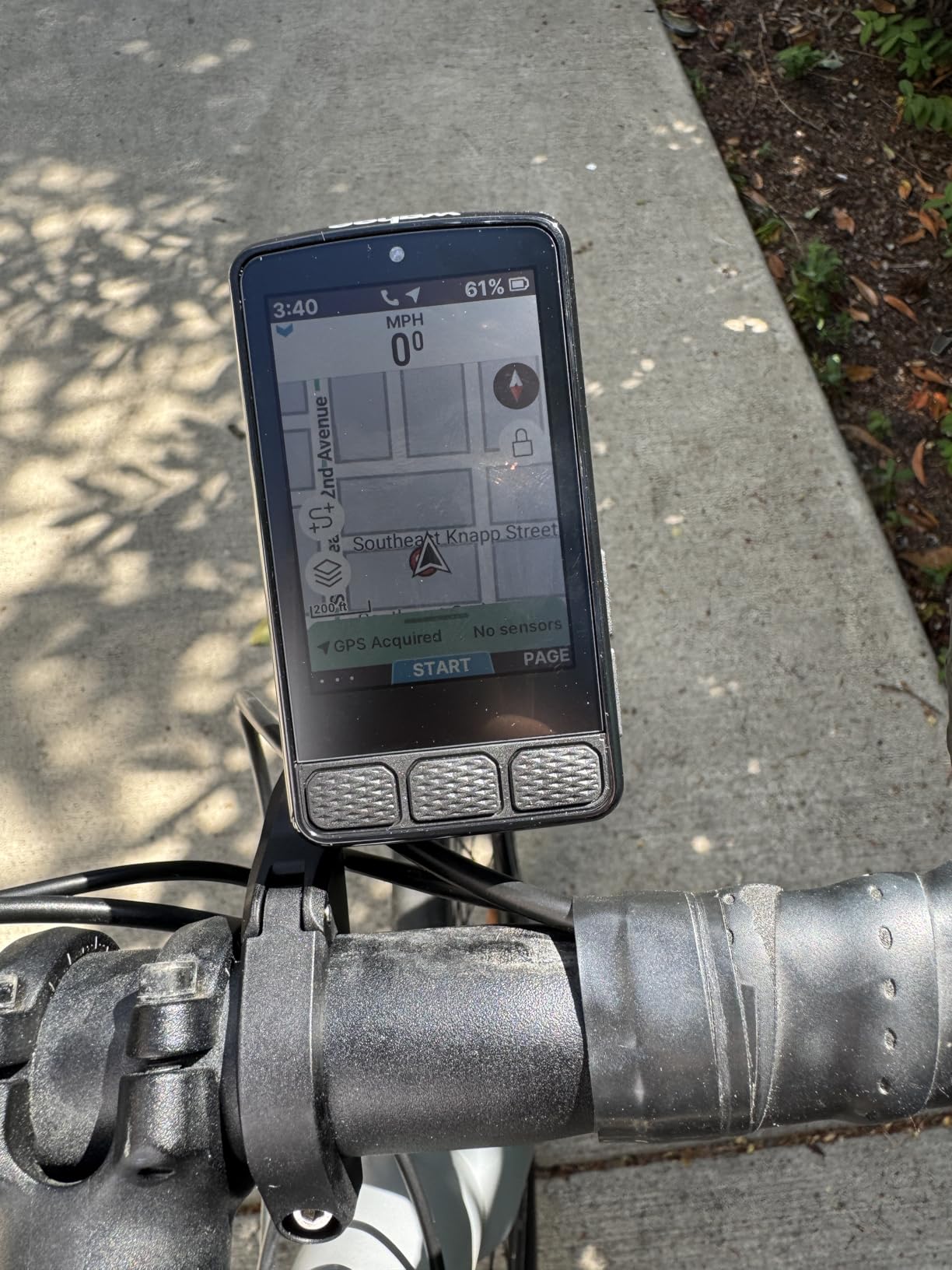
Instead of beeps, it speaks its directions. It will tell you to turn left, turn right or continue, which means you can keep your eyes up in traffic. Map graphics use clear route chevrons, the 2.8-inch 480×800 screen is easy to read while riding, and swiping between pages including the elevation view takes no learning at all.
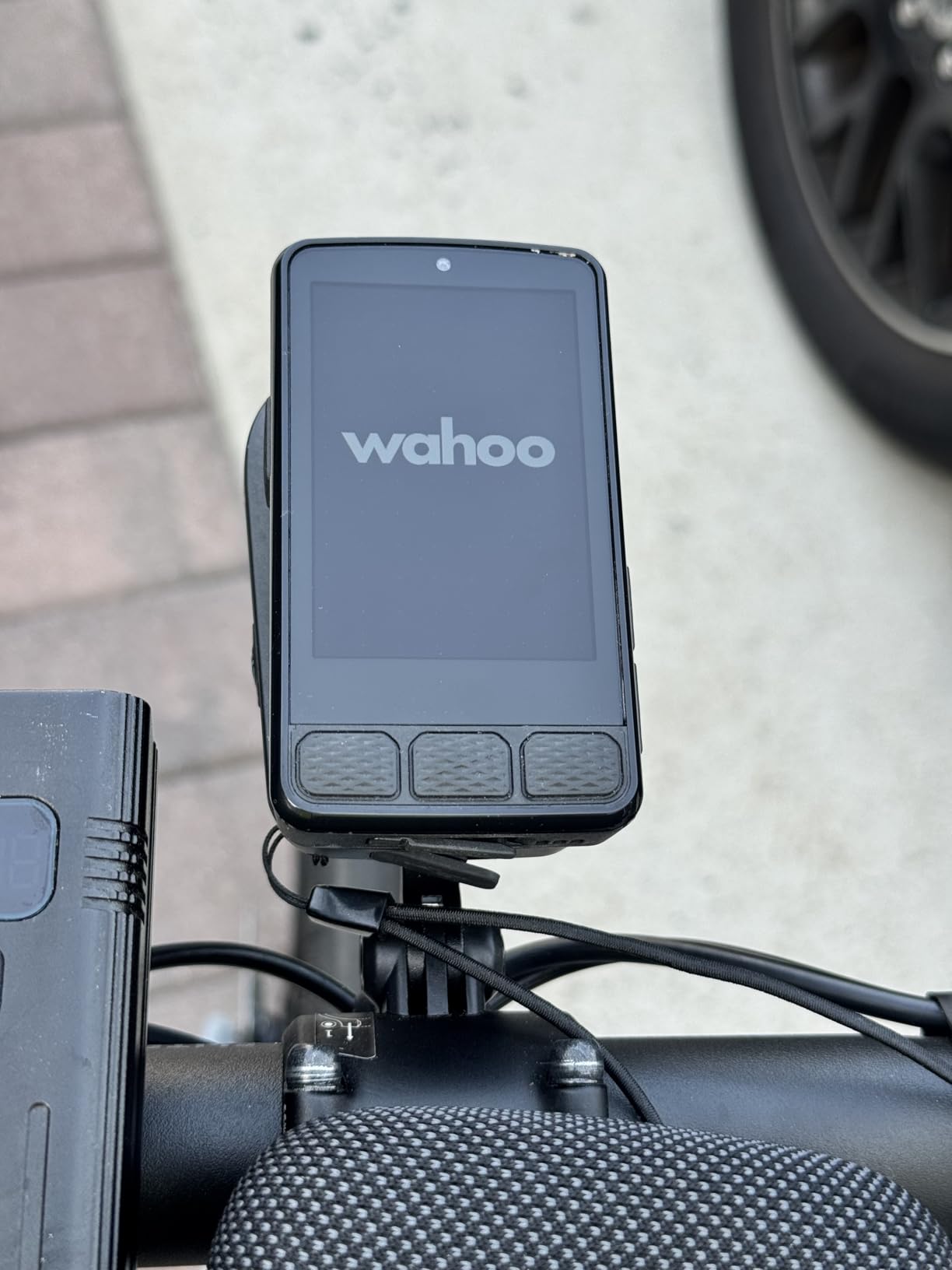
Every key function also has a physical button behind it, so a rough road surface does not break your navigation. That combination of touchscreen convenience and button reliability is the thing Wahoo does better than most rivals, and it is why the Roam keeps working on a bad day.
Routes can be generated on demand by picking a location on the map or entering an address, and public route sharing lets nearby ELEMNT riders load your route. Automatic turn-by-turn prompts handle GPX and TCX files and routes imported from Strava, Ride with GPS and Komoot. The out-front and stem mounts in the box are comfortable and usable in winter gloves.
What to check before you buy the Roam V3
Test the auto-dimming before you commit, ideally in shade with sunglasses on. Owners repeatedly report the screen dropping too far too quickly out of sunlight, which makes the otherwise excellent sunlight readability a partial trade. Screen customisation also happens only in the Wahoo app, not on the device.
Plan your workflow around the app. Route and data management, and deep post-ride analysis, live in the phone app rather than a desktop web tool, and that app is a common source of forum frustration. Garmin FIT courses also do not import cleanly, so check how your existing routes are stored.
Who the Roam V3 suits and who should skip it
It suits road riders who navigate unfamiliar routes, run long days, and want spoken guidance. It also pairs happily with Garmin watches and third-party sensors, so a mixed-brand setup is not a problem here. The 4.0 rating from 270 reviews reflects a solid device with a few software rough edges.
Skip it if your priority is fine-grained configuration of data fields, because the customisation workflow is app-only, or if you want deep training analytics. There are also pairing and syncing complaints, plus route navigation glitches on very long rides, which is ironic on a navigation-focused device. Riders who want the Garmin equivalent of this approach should read our road cycling computer guide.
6. iGPSPORT BSC300T Review – Best Offline Navigation on a Budget
iGPSPORT BSC300T GPS Bike Computer, Smart Map Navigation 2.4” Touch Screen
- Touchscreen plus six buttons for flexible control while riding
- Offline map download with saved routes and turn prompts
- Five-satellite GPS BeiDou GLONASS Galileo and QZSS
- Off-course warning that persists until you are back on route
- Over 130 data fields with eBike power level display
- 8 GB of storage limits how many offline maps fit on the device
- Type-C charging cable is not included in the box
- Companion app required for full route and data management
The BSC300T is the value pick for anyone who wants real offline navigation without paying flagship money. Five-satellite positioning across GPS, BeiDou, GLONASS, Galileo and QZSS gives fast, accurate fixes, and the offline map download with route preview and turn prompts works without a phone connection once loaded.
Control is a 2.4-inch touchscreen combined with six physical buttons, which is the ideal hybrid for road riding. You can tap a map when you are stopped at a light and use buttons when you are descending. The off-course warning is unusually persistent, continuing to alert until you are genuinely back on the route rather than cutting out after a few seconds.
Over 130 data fields cover speed, distance, grade, cadence, calories and temperature, and eBike mode displays power level with support for road, mountain and eBike use. Real-time tracking lets teammates see you during a group ride, and ANT+ plus Bluetooth 5.0 dual-protocol pairing covers sensors, e-bikes and smart trainers.
Data analysis and sharing run through the iGPSPORT app with export to Strava and Komoot. Storage is the real constraint at 8 GB, which limits how many regional map sets you can keep installed, and the Type-C charging cable is not in the box. The app is required for full route and data management, so factor that into your workflow.
What to check before you buy the BSC300T
Count your offline maps against 8 GB before you commit. This is a storage-first decision for riders who need many regions, and anyone running a single home region will never notice the limit. Bring your own Type-C cable, because the box does not include one.
Plan to use the companion app. Route building, ride review and export all run through it, and the 2.4-inch screen is cramped for reviewing a detailed map after a long ride. If post-ride analysis is a big part of how you train, this is not the device for it.
Who the BSC300T suits and who should skip it
It suits eBike riders, group riders who want teammate tracking, and anyone who needs dependable offline navigation at a modest outlay. The 4.3 rating from 203 reviews reflects a well-regarded mid-budget unit rather than a bare-bones one.
Skip it if you ride in many countries, want deep post-ride analysis, or need a larger screen for map review. The small internal storage is the same constraint that keeps the price down, and the six-button-plus-touch layout is excellent rather than premium.
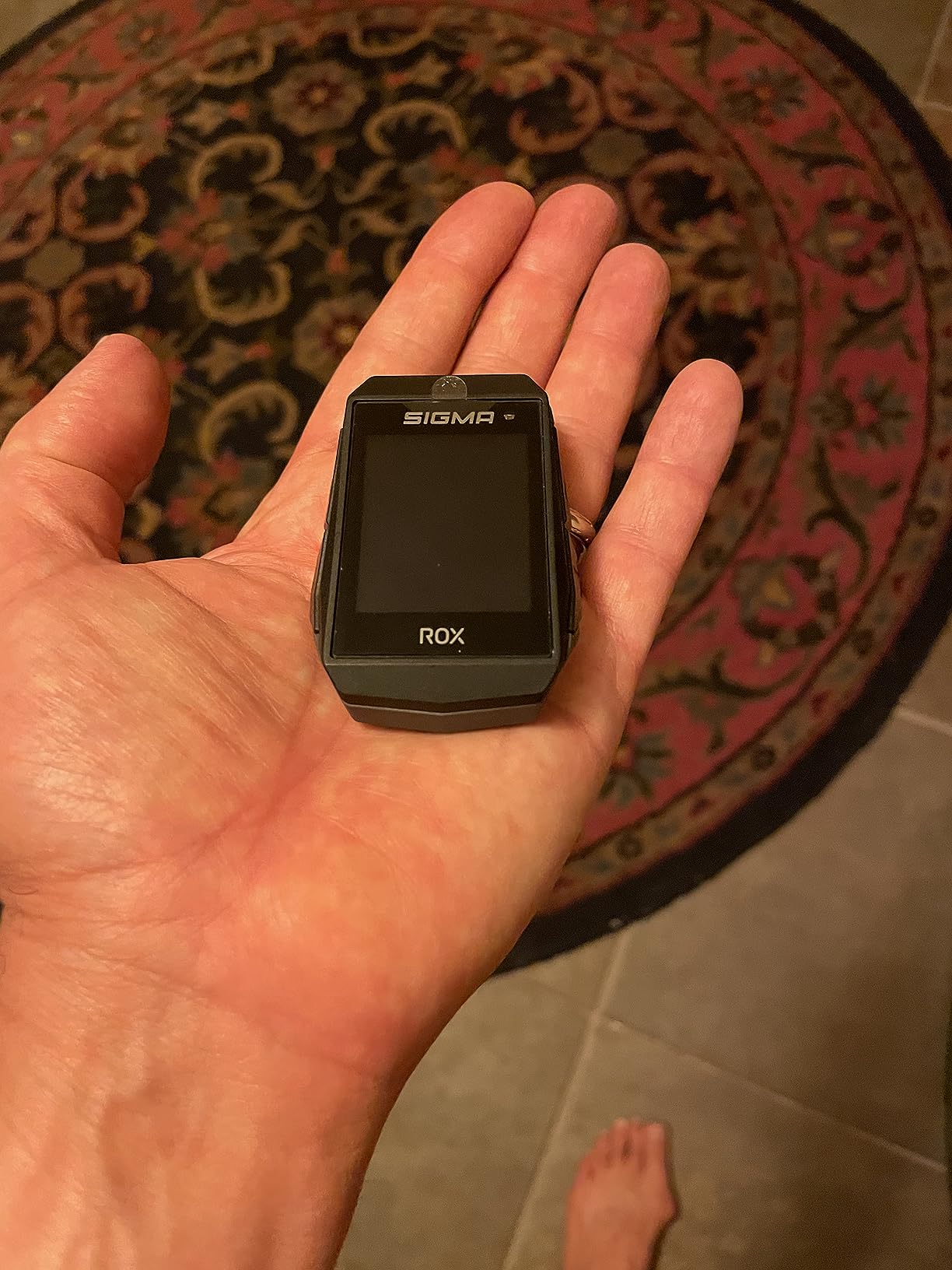
7. Sigma ROX 11.1 EVO Review – Lightest Bike Computer in the List
- Very small and light at 55 g and unobtrusive on the bars
- Transmissive display stays legible in direct sun and at night
- Real-world battery with 80% remaining after a four-hour ride
- Strong Komoot and Ride with GPS route compatibility
- 20 bike and activity profiles with configurable colour screens
- Small 1.77 inch 128 x 160 non-touch display limits map detail
- On-device route recalculation is weak against phone navigation
- GPS track accuracy drifts by roughly 80 to 90 feet in some settings
The ROX 11.1 EVO is the smallest and lightest head unit in this roundup at 55 g, and on a race bike where every gram out front is a real cost, that matters. It also mounts to standard Garmin-style out-front arms, so you can reuse an existing mount from another computer.
The transmissive display is an old technology with a modern advantage. It reflects ambient light rather than emitting it, which means it stays highly legible in direct sun and remains visible at night without the glare a backlit screen produces. It is a small screen, but a very readable small screen.
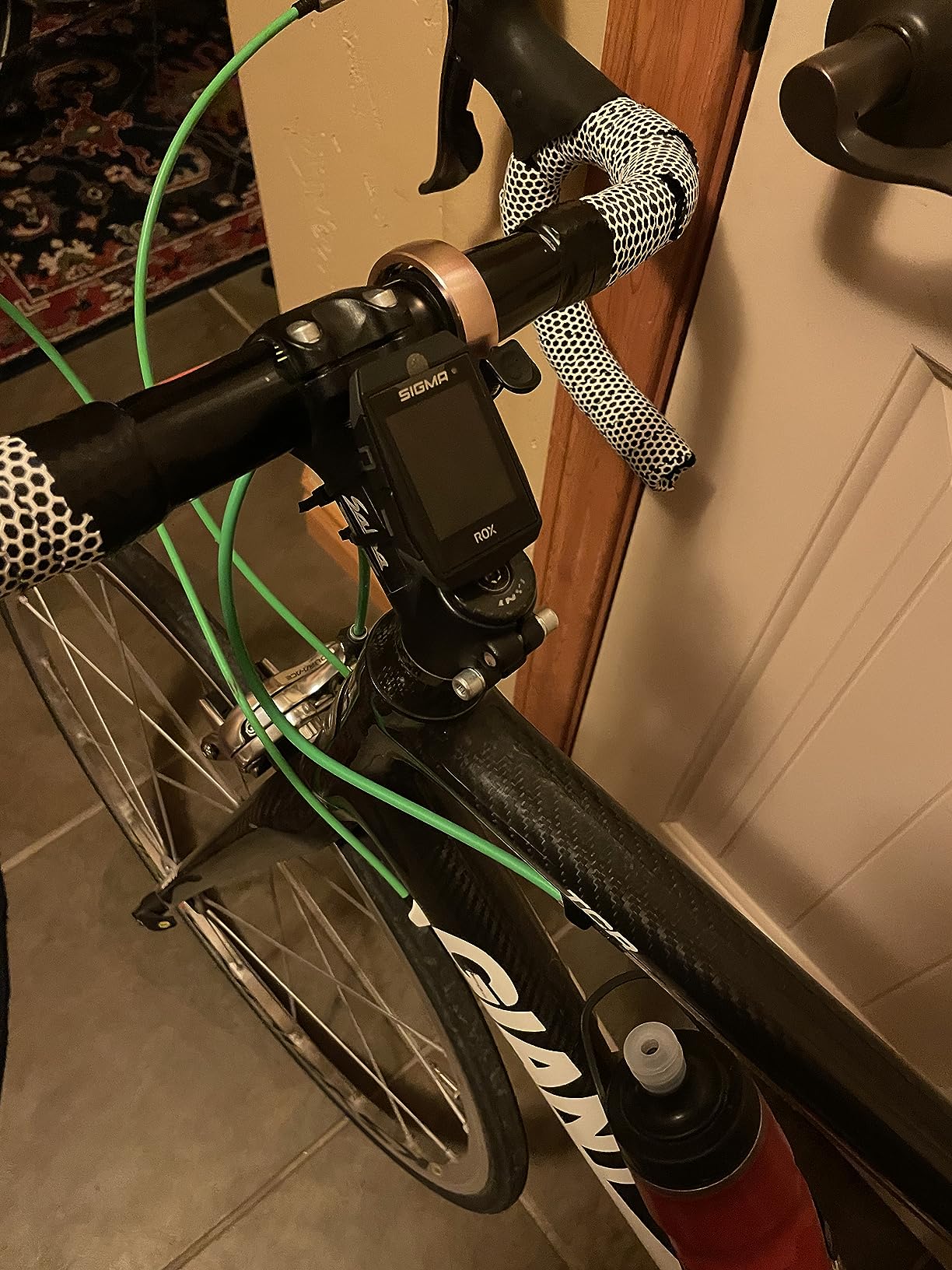
Battery claims are about 15 hours, and real-world results beat that. Owners report 80% charge remaining after a four-hour ride, which is the kind of margin you want for a long day with the screen visible the whole time. Physical buttons, ANT+ sensor support and good eBike recognition including Fazua round out a sensible package.
Navigation uses turn-by-turn track following with an adjustable 30-metre advance notice and deviation alerts, plus excellent Komoot and Ride with GPS compatibility with Sigma cloud auto-sync. Twenty bike and activity profiles with fully configurable colour-coded screens give you plenty of setup flexibility.
What to check before you buy the ROX 11.1 EVO
Accept the screen limit honestly. At 1.77 inches and 128 x 160 pixels with no touchscreen, this is a data display with basic wayfinding, not a mapping device. On-device route recalculation is weak compared with phone-based navigation, so unplanned detours will usually involve your phone.
Check your route workflow too. Call and text notifications must be dismissed with a button press, and app activity transfer occasionally fails with corrupted-file errors. Sigma support in the US is also more limited than Garmin or Wahoo, which matters if something goes wrong.
Who the ROX 11.1 EVO suits and who should skip it
It suits racing-focused road riders, gravel riders who value weight and sunlight legibility above all, and anyone who already owns a compatible out-front mount. The 4.1 rating from 421 reviews reflects a consistent, unglamorous performer.
Skip it if navigation is your priority, since the small display and weak recalculation make it a poor choice for unfamiliar territory. GPS track accuracy can also drift by roughly 80 to 90 feet in some environments, which is irrelevant on a road and unacceptable on tight switchbacks. Riders who also ride trails should read our MTB head unit guide instead.
8. Bryton Rider 460 Review – Best Bike Computer for Radar and Group Rides
Bryton Rider 460 2.6 Inch LCD GPS Bike Computer Innovative Navigation Assistance, Compatible with E-Bike and Bike Radar, 32hrs Long Battery Life, Bluetooth ANT Waterproof
- Very readable monochrome LCD with large numbers in bright sun
- Up to 32 hours of stated battery life for long-distance riding
- Physical buttons plus a Quick Menu for sensor and route status
- ANT+ radar support with three warning levels and group tracking
- Automatic resistance control on ANT+ FE-C smart trainers
- Routes must be moved manually as files with no Strava or Komoot apps on device
- GPX only so turn cues and points of interest are limited
- Bundled rubber-band mount is soft and wears with rough riding
The Rider 460 stands out on two features you rarely see at this level: a 32-hour stated battery and real ANT+ rear-view radar integration. If your road riding involves a lot of group riding, being able to see vehicle warnings on your bars is a genuine safety step up, with three selectable warning levels.
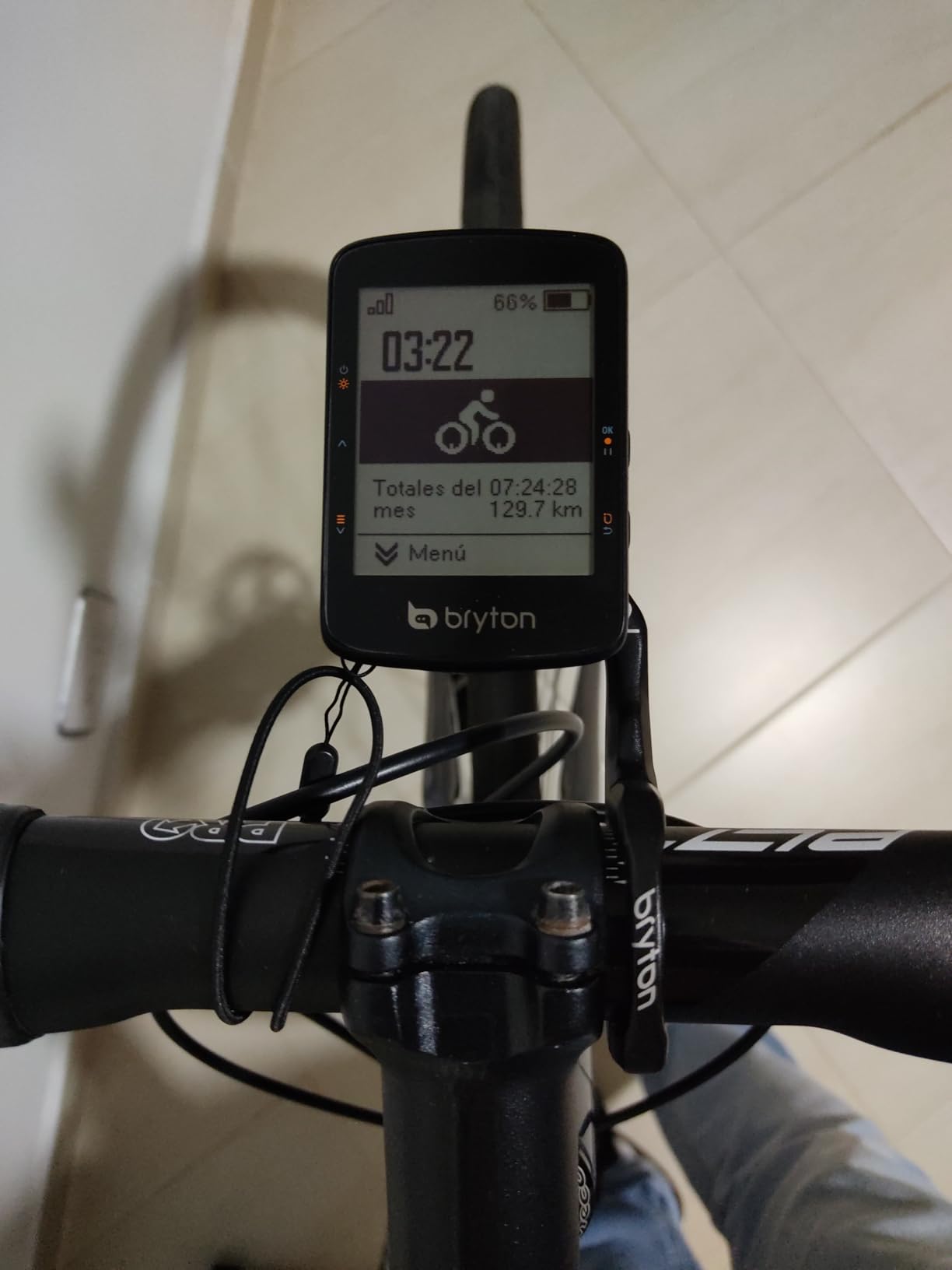
The 2.6-inch black-and-white LCD stays readable in bright sunlight and shows large numbers when you reduce the number of fields. Control is entirely by physical button, with a Quick Menu giving fast access to sensor status, smart notifications, route and workout control and settings. You will never mis-tap it.
Group ride support includes live rider status and messaging, which is a rarity below the flagship tier. The Climb Challenge preview shows distance, altitude and ascent data as you approach a climb, automatic resistance control works on ANT+ FE-C smart trainers, and rides auto-sync to Strava, TrainingPeaks and Today’s Plan.
E-bike support covers Shimano Steps and ANT+ LEV, showing assist mode, battery, range and gear. Five-satellite GPS provides turn prompts, points of interest and rerouting when you go off track. Bluetooth and ANT+ connectivity extend to electronic gear shifting and ESS battery displays.
What to check before you buy the Rider 460
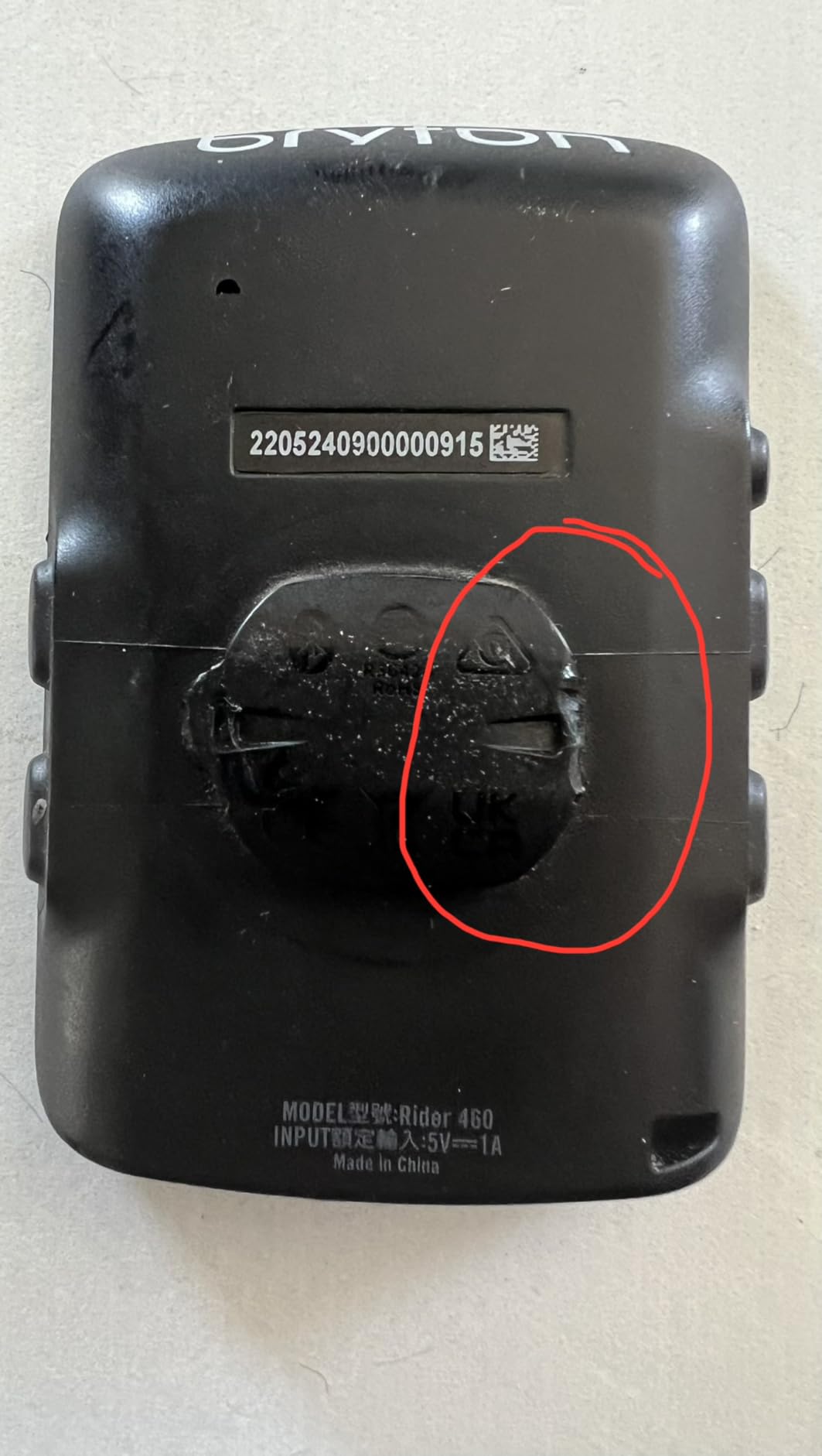
Understand the file workflow. Strava and Komoot apps cannot be installed on the device, so routes must be moved manually as GPX files, and only .gpx is supported. That means turn cues and points of interest are limited, generated cues can be wrong, and you can end up with loops.
Budget a mount replacement. The bundled rubber-band mount is soft and wears or breaks with rough riding, and a twist-lock out-front arm is the sensible upgrade. The turn-by-turn page can also be slow, and a climb prompt can knock you out of the turn screen mid-manoeuvre.
Who the Rider 460 suits and who should skip it
It suits group riders, radar owners, eBike riders on Shimano or ANT+ LEV systems, and anyone who wants a very long battery for the money. Indoor riders doing structured work also benefit from automatic FE-C resistance control.
Skip it if route planning is complex or you rely on apps on the device, because GPX-only handling is restrictive. GPS accuracy also drops noticeably on tight switchback trails, so it is a road and gentle-route computer rather than an all-road one. With 135 reviews the owner base is smaller than most here, so treat the long-term picture as less well documented.
9. Magene C506 Review – Best Bike Computer for First-Time Buyers
Magene C506 GPS Bike Computer – 2.4″ Color Touchscreen, Smart Navigation, Fast WiFi & Bluetooth, Riding Assistant Wireless, Indoor Cycling & Training
- Colour 2.4 inch touchscreen with bold fonts readable in bright sun
- Airoha chipset with positioning in as fast as 5 seconds
- Wi-Fi sync far faster than Bluetooth with automatic uploads
- Free global map downloads with turn-by-turn guidance
- ANT+ and Bluetooth support for nine device types
- Does not support Strava Live or starred segments
- OnelapFit app is less refined than Garmin or Wahoo ecosystems
- Map detail is too coarse to show the whole route at a glance
The C506 is the most complete package for a first dedicated bike computer, and the standout detail is Wi-Fi. Sync is roughly 28 times faster than Bluetooth, and automatic Strava and TrainingPeaks uploads mean your ride is on the platform before you have found your shoes. That convenience alone changes how often people record.
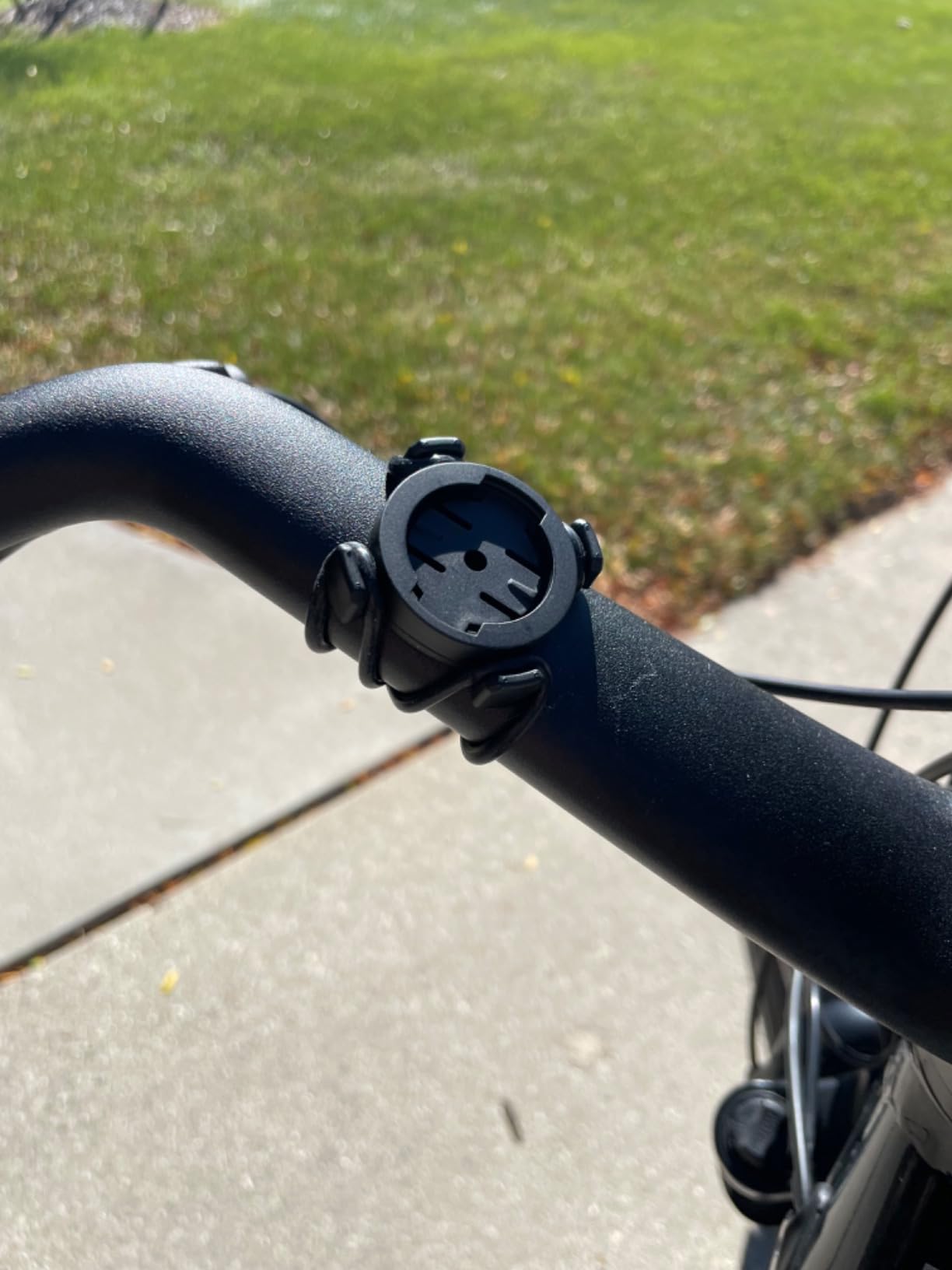
Positioning is quick. The Airoha chipset delivers a fix in as fast as 5 seconds with automatic AGNSS sync, and free global map downloads come with turn-by-turn navigation plus custom routes through OnelapFit or plain GPX upload. The 2.4-inch colour touchscreen carries bold fonts that are readable in bright sun at just 76 g.
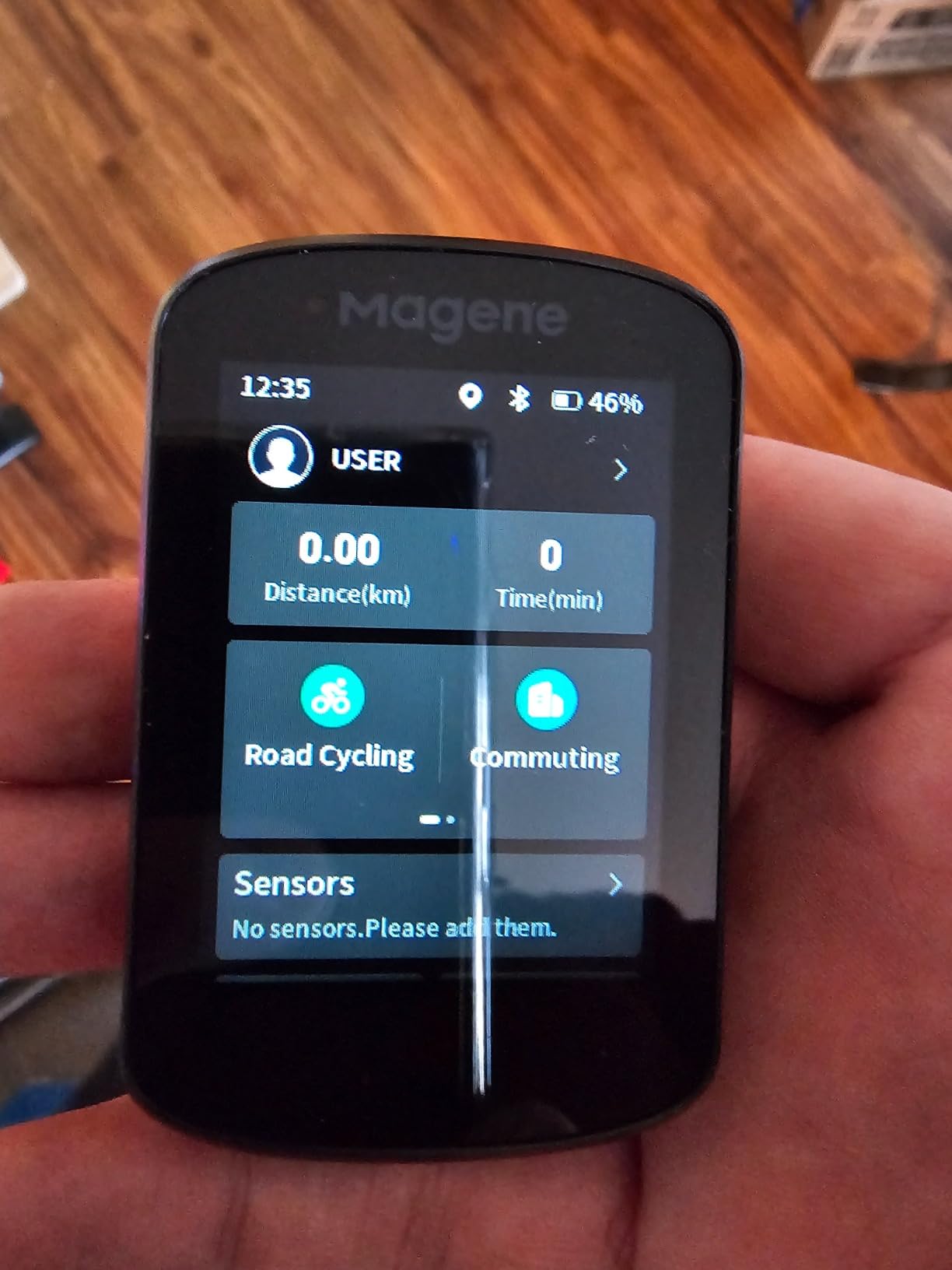
The smart features are unusually good for the money. Riding Assistant controls Magene L508 and L308 tail lights and auto-activates the front light at 10 km/h, indoor trainer support handles FIT file simulation with power targets, resistance and gradient, and an ambient light sensor keeps the screen clear in any weather with up to 24 hours in endurance mode.
Sensor support covers nine device types over ANT+ and Bluetooth, including radar, Shimano Di2 and SRAM eTap, plus call and message notifications and customisable layouts showing 105 data items across 14 categories. This is more breadth than most riders will ever use.
What to check before you buy the C506
Check the segment limitation first. The C506 does not support Strava Live or starred segments, confirmed by Magene support, and only the C706, C606 Pro and C606 V2 models do. If segment competition is part of your motivation, this device will not serve you.
Then set expectations for the app and the map. OnelapFit is less refined than the Garmin or Wahoo ecosystems and can be slow or poorly translated, map downloads are unintuitive, and the navigation map is not detailed enough to show your whole route at once. Some street names are missing and roundabouts are not always detected, so you still need to watch the screen.
Who the C506 suits and who should skip it
It suits first-time buyers, indoor trainers who want FIT file simulation, and anyone who wants automatic Wi-Fi uploads to Strava and TrainingPeaks without a flagship outlay. Magene light owners get the best integration in the range.
Skip it if you compete on Strava segments, need precise roundabouts and complete street naming, or want deep recovery and load analytics. Riders comparing it to a high-end smartwatch sometimes report inaccurate track lines, so if precision of the recorded line matters to you, test before committing.
10. iGPSPORT BSC200S Review – Budget Pick Bike Computer
- Semi-transparent semi-reflective colour screen stays clear in sunlight
- Route creation plus import from Strava Ride with GPS and Komoot
- One-touch navigation to saved locations and back to start
- Turn and yaw reminders with direction guidance
- 25 hours from a 600 mAh cell charging in about 1.5 hours
- Only 320 x 240 resolution so map and data detail is limited
- No touchscreen and button-only control
- Type-C charging cable is not included in the box
The BSC200S is the cheapest route to a proper cycling computer in this roundup, and it does not feel like a compromise device. The 2.4-inch semi-transparent semi-reflective colour display is the same technology idea as the Sigma, and it stays clear in direct sunlight in a way most budget backlit screens do not.
Navigation is better than the price suggests. You create routes in the iGPSPORT app or import them from Strava, Ride with GPS and Komoot, then customise the navigation colour module. One-touch navigation reaches saved locations, back-to-start and your recorded ride, and smart notifications include turn reminders, yaw reminders with direction guidance, call and SMS alerts.
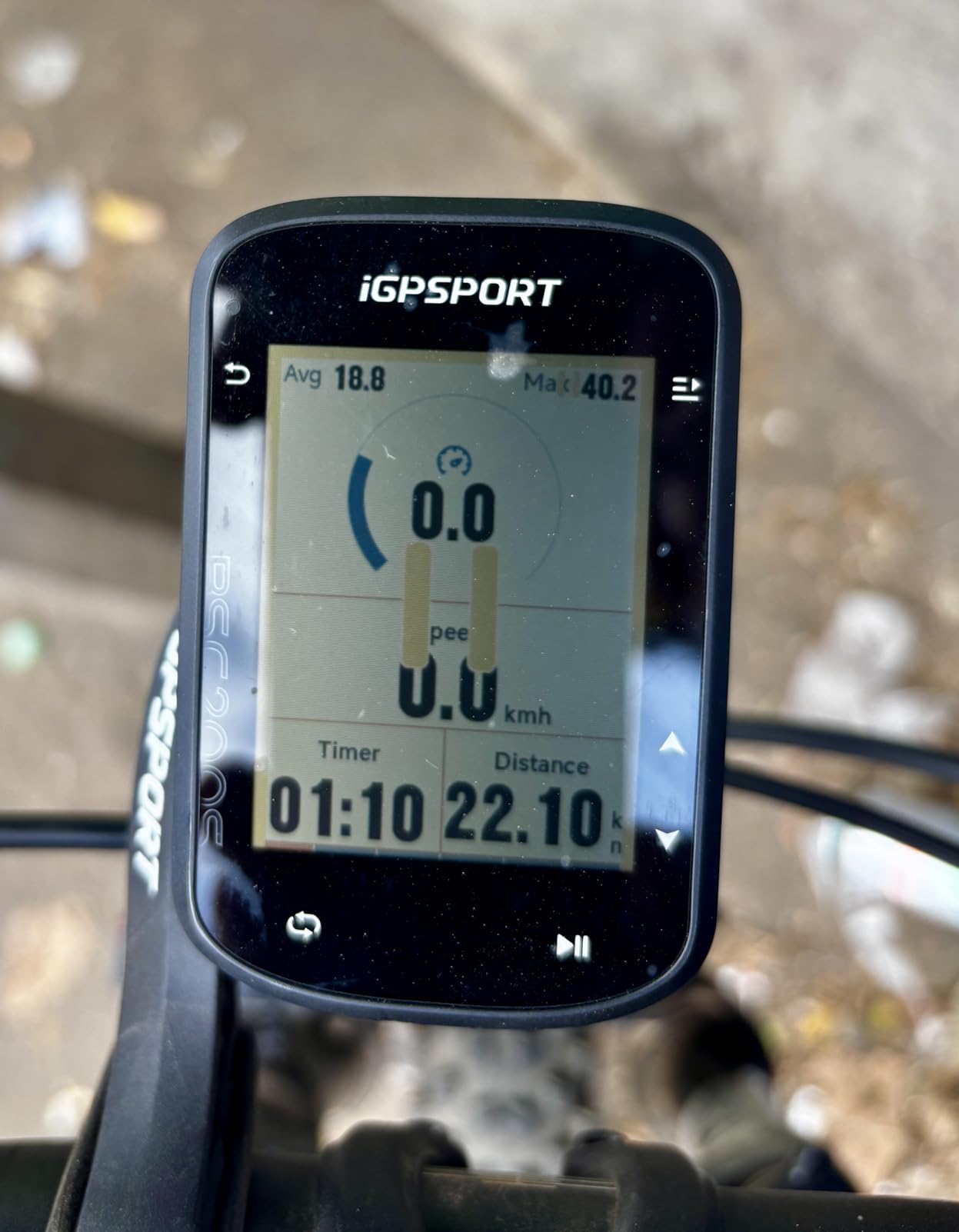
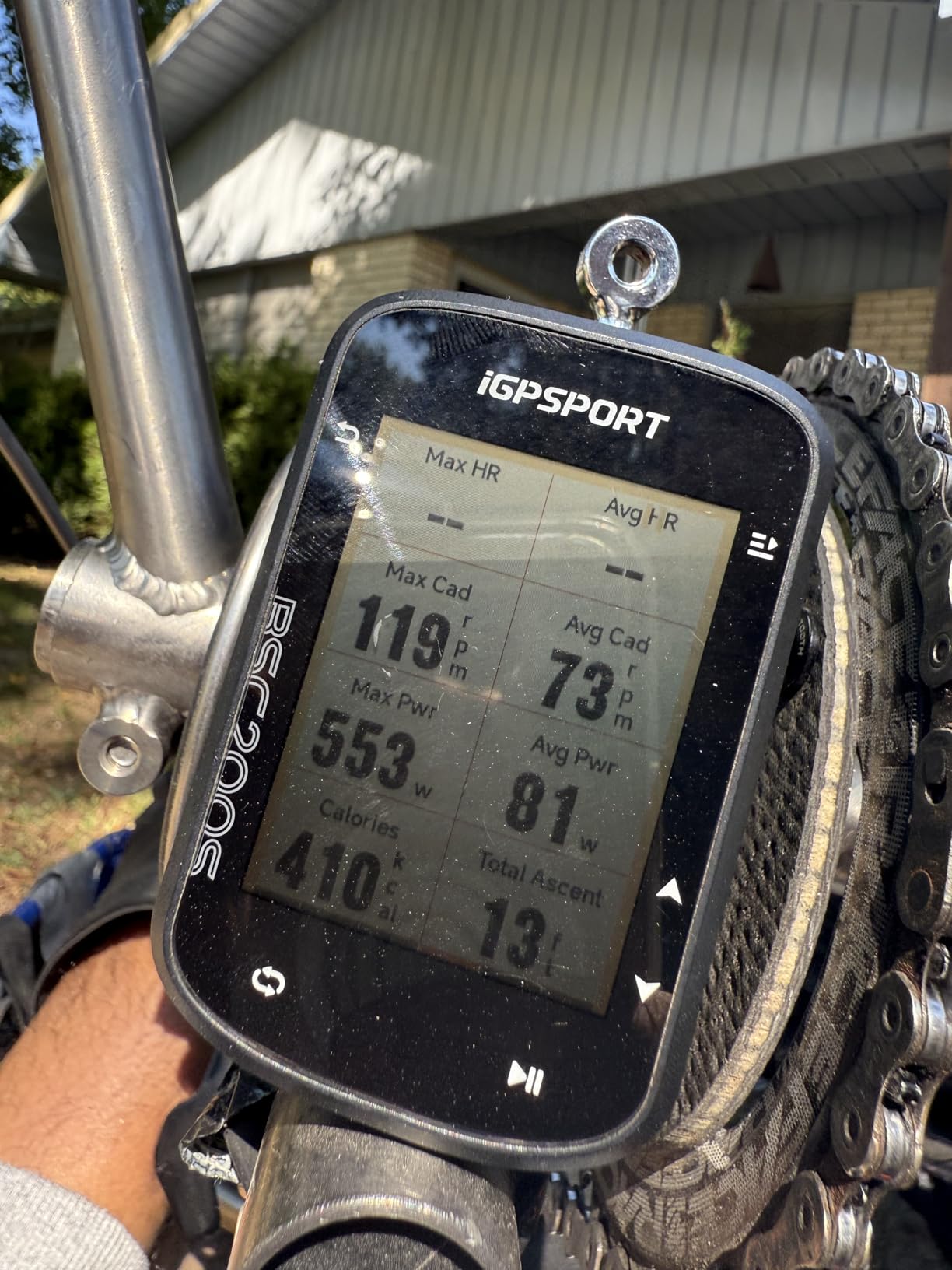
The 25-hour figure comes from a 600 mAh cell that fully charges in about 1.5 hours over Type-C, which is a real advantage on multi-day trips. A continue-last-ride function resumes interrupted activities, so a crash or a coffee stop does not lose the file, and more than 100 data fields include speed, distance, grade, cadence, calories, temperature and FTP.
It also works with iGPSPORT front lights and radar lights, letting you control lights, check power and monitor approaching vehicles. Storage holds up to 400 hours of rides, which is far more than most riders will record in a year.
What to check before you buy the BSC200S
Look at the resolution honestly. At 320 x 240 on a 2.4-inch screen with no touchscreen, you get readable data fields and workable wayfinding rather than detailed map work. If your rides are mostly on known roads with the occasional route file, that is exactly enough.
Bring your own charging cable and plan to use the app. The Type-C cable is not included, and route plus data management depends on the iGPSPORT app throughout. IPX7 water resistance covers rain and road spray without worry, which is one less thing to check.
Who the BSC200S suits and who should skip it
It suits first-time buyers on a tight budget, commuters, and anyone who wants a long battery and reliable navigation without spending much. The 4.2 rating from 210 reviews shows a consistently well-regarded entry device.
Skip it if you want a large map, a touchscreen, or deep post-ride analysis. Button-only control is fine on smooth tarmac and less pleasant when you are climbing out of the saddle on a rough surface. For a first dedicated computer on a road bike it is hard to argue with.
11. GEOID CC700 Pro Review – Best Big Screen on a Budget
- Bright responsive 2.8 inch colour touchscreen readable in direct sun
- Offline maps with turn-by-turn routing and re-route planning
- Five-satellite plus AGNSS with 5-second acquisition when synced
- Wi-Fi sync much faster than Bluetooth with FIT export to Strava and TrainingPeaks
- Stem mount spare and screen protector included in the box
- Screen brightness resets to the lowest setting on every power on
- Maps are not bike-specific so turn cues can be incomplete
- Re-route calculation needs the phone connected to the device
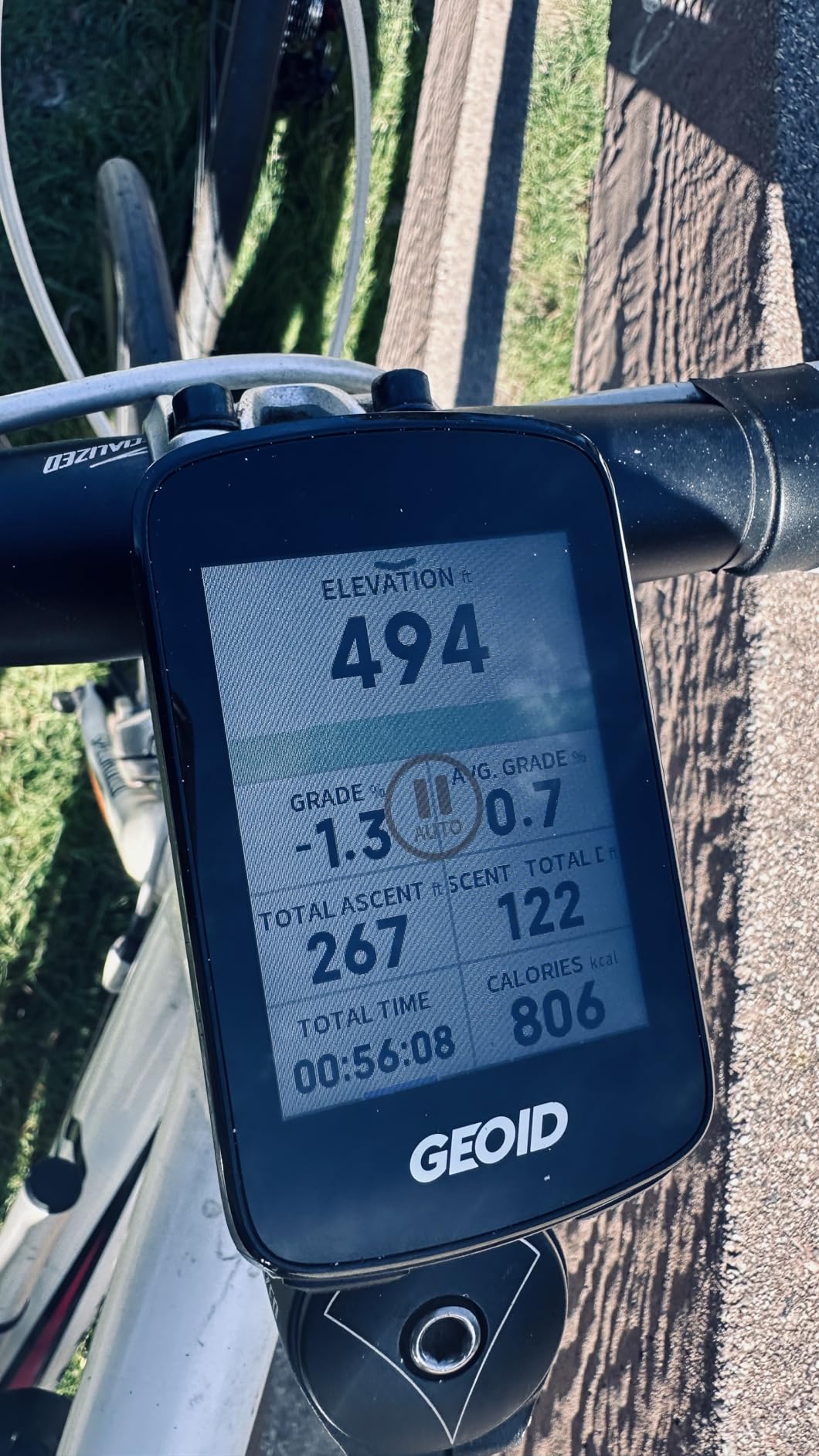
The CC700 Pro is the one that most often makes people check the listing twice, because a 2.8-inch colour touchscreen with offline maps, re-route planning and Wi-Fi sync at this outlay looks like a typo. What you get is a large, bright screen and genuine navigation, wrapped around a companion app that is the weakest part of the package.
Positioning uses five satellite systems plus AGNSS for a 5-second acquisition once the assisted data is synced over Wi-Fi. Global offline map downloads use 4 GB of storage, with turn prompts, street names, zoom and dual-perspective views, and the three buttons under the screen give you a fallback for control.
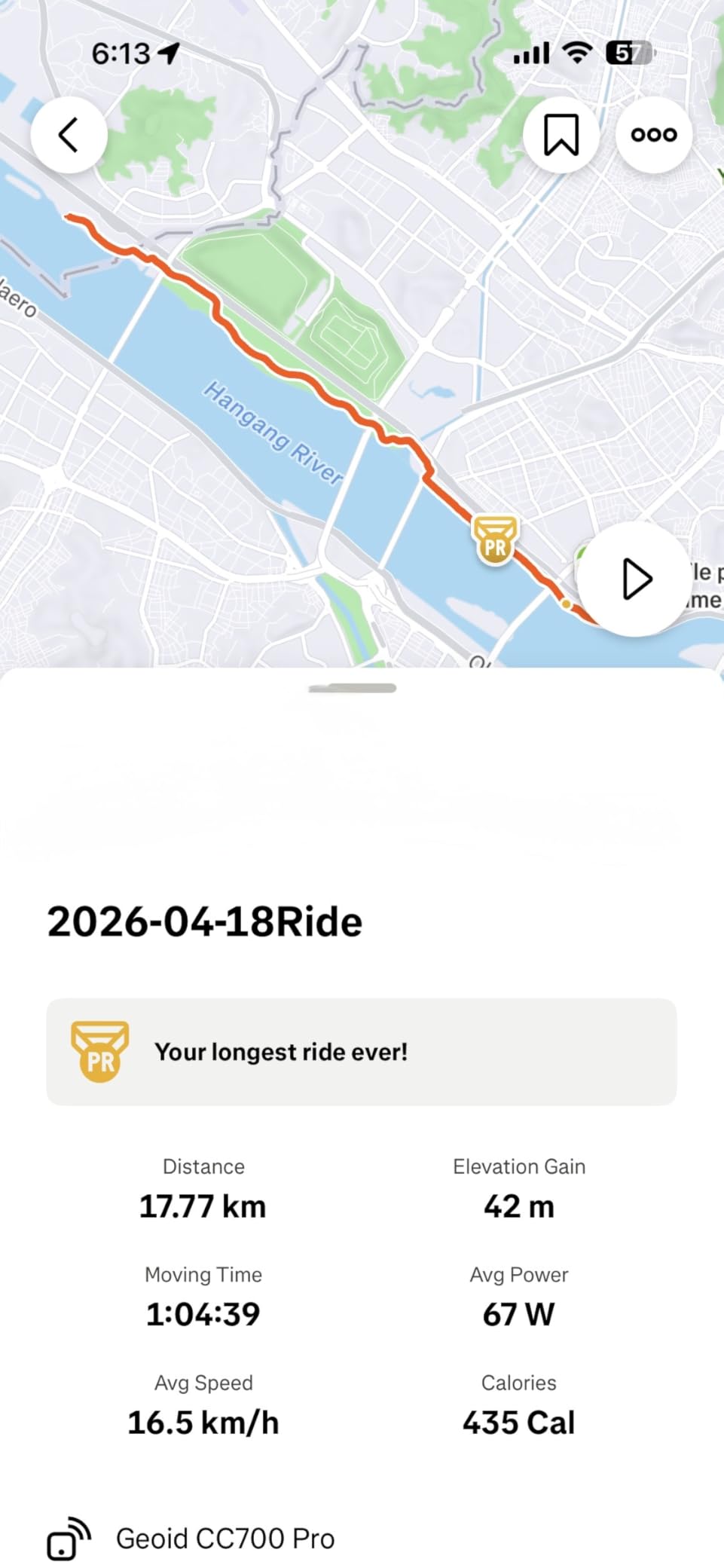
Wi-Fi handles AGNSS, ride records and firmware updates far faster than Bluetooth, and portable FIT export auto-syncs to Strava and TrainingPeaks. Free indoor training supports smart trainer power targets, resistance levels and gradients, and it pairs with heart rate, speed, cadence, power meters and Di2 groups. Eleven languages are supported.
The box is unusually generous, with a stem mount, a replacement stem mount, a tempered glass screen protector and a Type-C cable included. That is more in the box than most devices at twice the tier, and it saves an extra accessory purchase.
What to check before you buy the CC700 Pro
Test the brightness behaviour on day one. The screen resets to the lowest setting every time the unit powers on, and on a bright road ride you will be adjusting it constantly. It is an irritating quirk rather than a fault, but budget for it.
Read the map caveat carefully. The maps are not bike-specific, so turn cues can be incomplete and custom trail imports may snap to the nearest road. Re-route calculation also requires your phone to stay connected to the device, which means offline rerouting is not something this unit does on its own.
Who the CC700 Pro suits and who should skip it
It suits riders who want a large colour screen and offline maps for very little, plus anyone training indoors who wants smart trainer power targets and gradients. At 429 reviews the owner base is large enough to be a useful reference point.
Skip it if you cannot tolerate a confusing companion app, because many low ratings here trace back to the app and the unintuitive map download flow rather than the hardware. The stated 20-hour battery also lands closer to 10 hours in practice, so plan around half the headline figure. Riders wanting rock-solid offline rerouting should read our broader cycling computer guide.
12. iGPSPORT BiNavi Review – Best Bike Computer for Multi-Day Touring
iGPSPORT BiNavi GPS Bike Computer, 3.5” Touch Screen MAP Navigation
- Large 3.5 inch colour touchscreen with clear graphics
- Outstanding multi-day battery with about 60% remaining after 20 hours
- Turn-by-turn directions with multiple routes stored on the device
- Route re-routing and back-to-start for unplanned detours
- Wireless music control by pairing with a phone
- Re-routing is slow and blocks access to other screens while it runs
- Loading a route to navigate can be buggy and slow to start
- Companion app often offers a single route option rather than alternatives
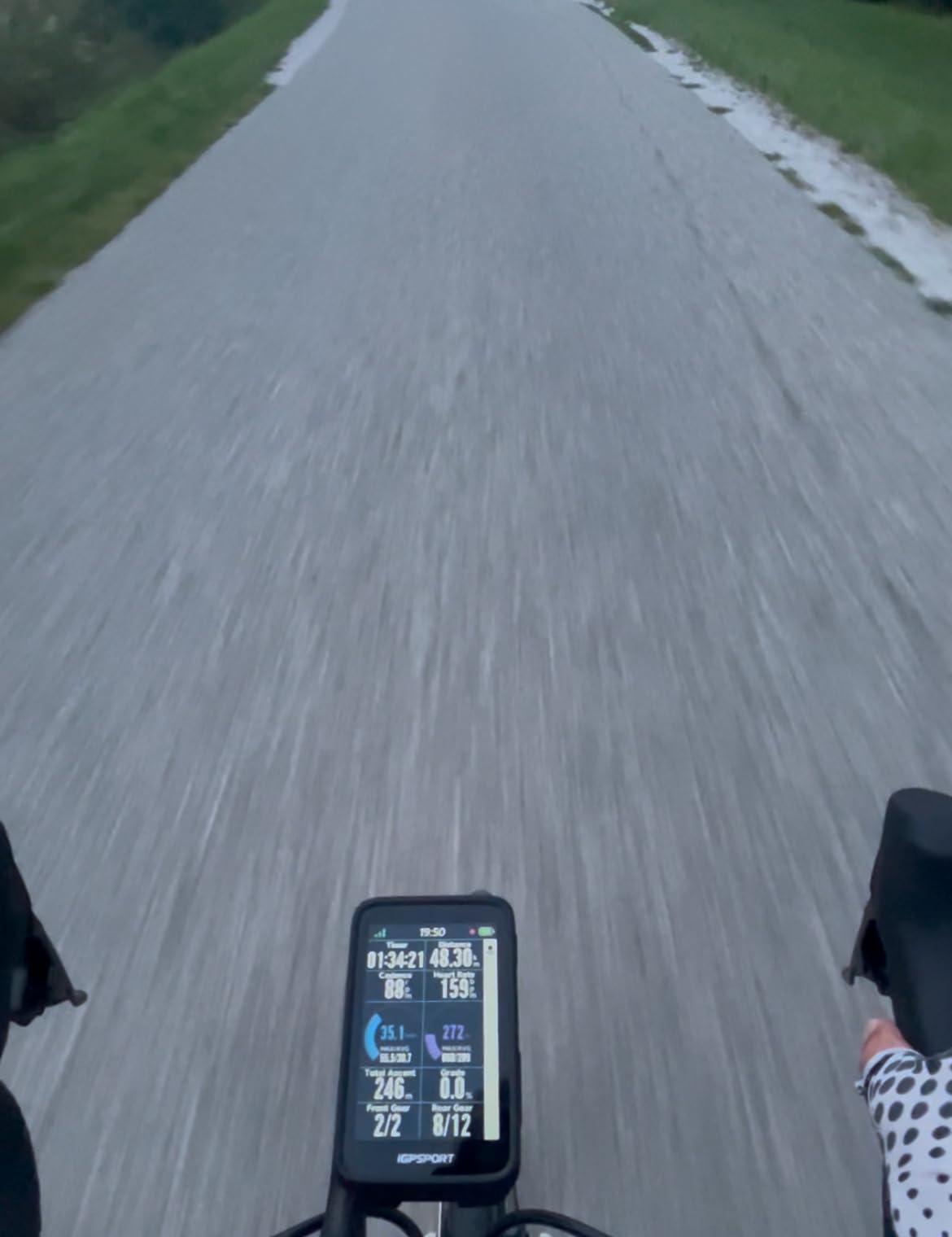
The BiNavi is built for the rider who leaves the computer on for a whole day, and the battery is the headline. One owner reports about 60% charge remaining after roughly 20 hours of multi-day touring, against a stated figure of up to 35 hours. That margin is what makes multi-day and stage-racing use realistic rather than aspirational.
The 3.5-inch colour touchscreen has clear graphics and a sunlight-readable display, backed by 32 GB of internal storage. That is enough for multiple saved routes directly on the device, which matters when you are riding somewhere with patchy mobile coverage. Turn-by-turn directions work well once a route is loaded.
Positioning is dual-band GPS on L1 and L5 across GPS, BeiDou, GLONASS, Galileo and QZSS, so track quality is strong even in harder conditions. Yaw planning gives automatic reroute when you go off course, saved point navigation returns you to stored locations, and the continue-last-ride function protects an interrupted activity.
Wireless music control by pairing with a phone is a genuine road-cycling feature, as is broad sensor support across speed, cadence, heart rate, radar and power meters. iClimb Pro handles hill planning with route preview and training analysis, giving it more training flavour than most of the value tier.
What to check before you buy the BiNavi
Plan around the navigation processing. Re-routing is slow, sometimes slow enough to look frozen, and it blocks access to other screens while it runs. Loading a route to navigate can be buggy and slow to start, so give it time before a race start or an unfamiliar junction.
Check your route-planning expectations in the app. It often offers a single route option rather than optimised alternatives, and route changes sometimes have to be handled manually on a phone. One reviewer also reported a cracked screen with no impact, so consider a screen protector.
Who the BiNavi suits and who should skip it
It suits long-distance road riders, stage racers, tourers and anyone who wants a large screen with a large battery. At 4.4 stars from 132 reviews, it holds the second-highest rating in this roundup and delivers flagship-like screen real estate at a mid-tier outlay.
Skip it if you need instant rerouting on a technical route, want deep ecosystem integration, or need recovery and load analytics. It is a navigation and long-ride computer rather than a training platform, and pairing covers sensors well but stops short of the wider app ecosystems.
How to Choose a Bike Computer for Road Cycling
Start with navigation or tracking, because that single question removes most of the options. If you ride known routes and only want data, a button-driven performance computer like the Edge 540 or the Sigma ROX 11.1 EVO is more than enough. If you ride unfamiliar roads, want turn-by-turn prompts and rerouting, you need a mapping model with enough storage for regional maps, and that points at the Edge 1050, the Wahoo Elemnt Roam V3, the BiNavi or one of the value-tier mapping units.
Second, decide how far you are going in one session. A typical weekend road ride is four to six hours, and almost everything here covers that comfortably. Double centuries, alpine days and stage races are where the 15-hour devices like the Karoo and the Sigma start to feel tight, and where the 32-hour Bryton, the 35-hour BiNavi and the 60-hour-saver Garmin figures start to matter.
Third, look at the control method against where you actually ride. Touchscreens are excellent for map work at a junction but unreliable with wet gloves at speed. Buttons are dull but bulletproof. The strongest compromise in this roundup is the hybrid: the Wahoo Elemnt Roam V3, the iGPSPORT BSC300T, the GEOID CC700 Pro and the Magene C506 all pair a touchscreen with physical buttons for exactly this reason.
Fourth, count bar space and weight, which almost no roundup bothers with. A computer sits out front of your hands in an aero position, so grams matter and so does clamp diameter on a narrow bar. The Sigma at 55 g and the Garmin Edge 540 at 2.8 ounces are the lightest options here, while the Edge 1050 at 5.7 ounces is the largest. Check that your existing mount accepts the unit before you commit, and note that twist-lock mounts are quicker to remove at a cafe stop than bolt-on ones.
Fifth, understand ecosystem lock-in, which is the most under-discussed cost. Once your training history lives in Garmin Connect or the Wahoo app, and your sensors are paired to a platform, switching is not free. You re-pair every sensor, your post-ride analysis changes shape, and years of training history fragment. The good news is that sensor hardware is more open than it used to be: ANT+ radar and lights from either brand pair to both, and a Wahoo computer works with a Garmin watch. The lock-in is in the software and the data, not the sensors.
Sixth, check the training features against whether you actually use them. Garmin offers the deepest analytics here with adaptive coaching, recovery guidance, VO2 max, FTP zones, power guide with stamina and wind, and ClimbPro. Wahoo keeps configuration fully editable and focused on workouts. If you train with a power meter and follow a plan, the extra depth is worth paying for. If you ride on feeling, most of it is noise.
Seventh, test the sync workflow, which is where owner frustration concentrates. Wi-Fi auto-upload is a real quality-of-life upgrade that the Magene C506 and GEOID CC700 Pro deliver at low tiers. Strava and TrainingPeaks auto-sync work on the Bryton, Magene and GEOID units. If your workflow depends on Ride with GPS or Komoot, confirm compatibility before you buy, and remember that Garmin FIT courses do not import cleanly into the Wahoo app.
Finally, set realistic battery expectations rather than trusting a headline. Manufacturers quote different test modes, and a number measured with the screen dimmed in saver mode tells you little about a bright summer day at full brightness. Ask two questions: what is the demanding-use figure, and does it cover my longest ride with margin? Then read the first-person owner reports on our gravel and all-road picks if you also ride beyond tarmac.
Frequently Asked Questions
What bike computer should I buy in 2026?
For most road riders the Garmin Edge 1050 is the best all-round choice, pairing a 3.5-inch colour touchscreen, 64 GB of storage, multi-constellation positioning and a built-in speaker for audible turn prompts. If you want training data without a large screen, the Garmin Edge 540 is the better value. Beginners who mainly need navigation should look at the Edge Explore 2, and riders on a tighter budget will find plenty of capable options in the value tier.
Which bike computer is better, Garmin or Wahoo?
Garmin wins on training analytics, mapping depth and the breadth of its ecosystem, with adaptive coaching, recovery metrics, power guide and full colour maps. Wahoo wins on simplicity, battery headroom, fully editable data fields and spoken turn-by-turn navigation. Neither locks you out of ANT+ sensors from the other brand. The real question is whether you already have years of training history and paired sensors in one of the two apps.
Is Garmin worth it for cycling?
Garmin is worth it if you train with a power meter, follow structured plans, or want climb guidance and recovery metrics without extra hardware. The Edge 540 and Edge 1050 give you nearly identical data at very different screen sizes. If you ride casually on known roads, the analytics go unused and a simpler device serves you better. The main argument against is size and the lack of points of interest search on the 1050.
Can I use a Wahoo bike computer with a Garmin watch?
Yes. A Wahoo bike computer pairs with a Garmin watch, and Wahoo devices support ANT+ radar and lights from other brands too, including Garmin Varia. Sensors connect over standard ANT+ and Bluetooth, so a Garmin heart rate strap, cadence sensor or power meter works with either platform. The only real lock-in is software: your training history and ride analysis live in Garmin Connect or the Wahoo app, not in the computer itself.
Which is better for training, the Wahoo Elemnt Ace or the Garmin Edge 1050?
For structured indoor and outdoor training the Garmin Edge 1050 leads, with adaptive coaching, daily suggested workouts, power guide with stamina and wind, and ClimbPro guidance. The Wahoo side of the range is deliberately simpler, with fully editable data fields and reliable workout execution that plenty of riders find easier to read at a glance. Choose Garmin for depth, Wahoo for a cleaner training screen and better battery headroom.
Which Chinese bike computer is considered the best?
The value tier has improved quickly. The GEOID CC700 Pro, iGPSPORT BiNavi and iGPSPORT BSC300T all offer colour touchscreens, offline maps and multi-satellite positioning at a fraction of flagship cost, and the Magene C506 adds Wi-Fi auto-sync to Strava and TrainingPeaks. The trade-offs are consistent: coarser maps, a weaker companion app and rerouting that sometimes needs a phone connected. For road riding on known routes with a route file loaded, they are genuinely good.
Best Bike Computers for Road Cycling: The Verdict
The Garmin Edge 1050 is the best bike computer for road cycling in 2026, and it wins on the combination riders actually notice: a bright 3.5-inch colour touchscreen, reliable multi-constellation positioning, 64 GB of storage and a speaker that reads your turns aloud. The 4.7 rating across 372 reviews backs that up, and the only real sacrifices are size and the absence of points of interest search.
Take the Edge 540 if you want the same Garmin training engine in a 2.8-ounce button-driven body, and the Edge Explore 2 if you are new to head units and mostly need safe, simple navigation. Run SRAM AXS and the Hammerhead Karoo is a serious contender. Want spoken directions and long-day battery headroom, and the Wahoo Elemnt Roam V3 is the pick.
Below the flagship tier, the iGPSPORT BiNavi, the GEOID CC700 Pro and the Magene C506 prove that large colour screens, offline maps and Wi-Fi uploads no longer need a flagship budget. Read the specification table, match the stated battery figure to your longest ride, and check the companion app does what your training workflow needs. Use the buttons on each card to see the current listing.