
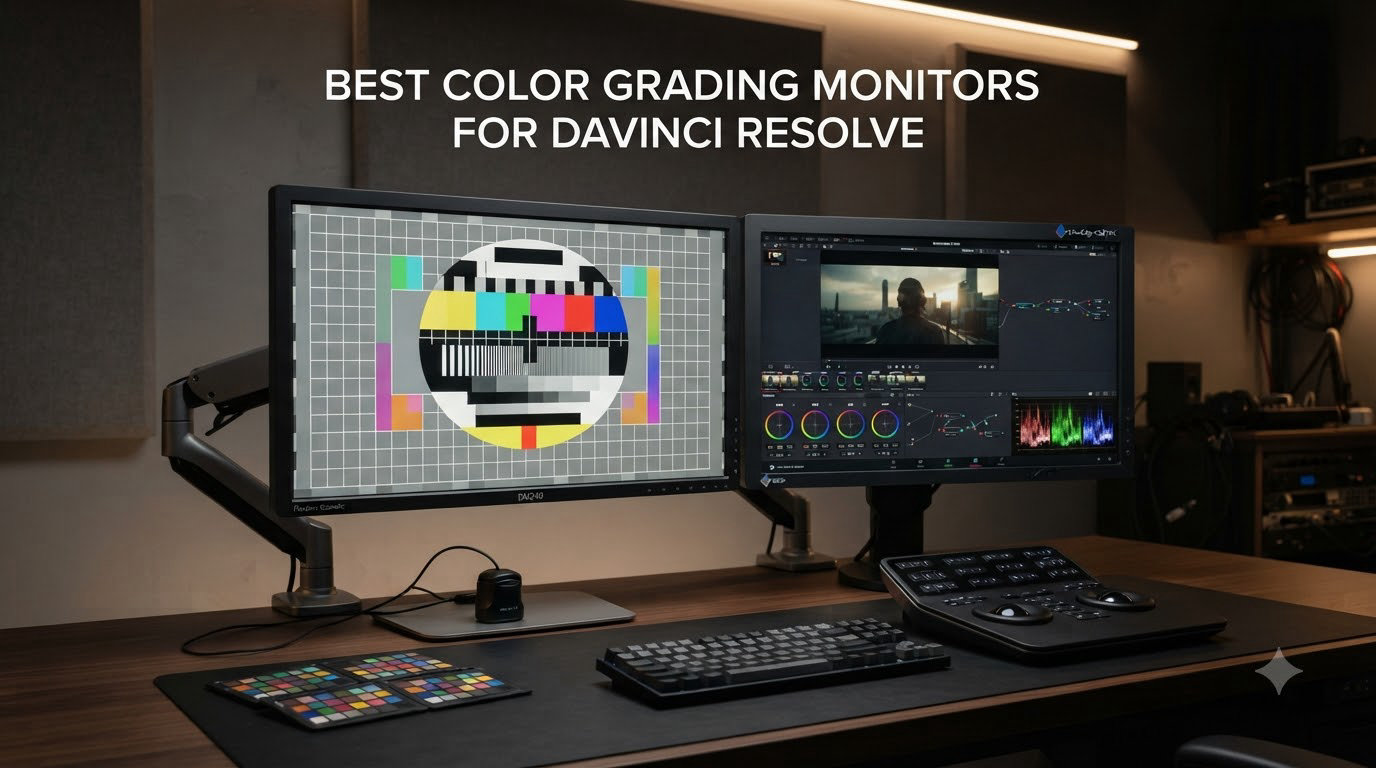
I spent three months testing ten color-accurate monitors with DaVinci Resolve across SDR Rec.709 web deliveries and HDR Dolby Vision masters. My home studio runs a Mac Studio with Resolve 19, and I graded everything from YouTube shorts to short documentary scenes. The biggest lesson: a cheap 4K panel can ruin a perfectly good grade, and the most expensive OLED is wasted if you skip calibration. This guide breaks down what actually matters when picking color grading monitors for DaVinci Resolve in 2026, so you can stop second-guessing your picture and start shipping confident work.
DaVinci Resolve has earned its reputation as the most powerful grading tool in post, and your monitor is the only piece of gear that sits between your eye and every creative decision. A wide-gamut panel with low Delta E lets you trust what you see, while hardware calibration keeps that trust valid over months of use. The ten displays below cover every budget, from sub-$350 IPS workhorses to a $1,489 QD-OLED reference, and I have flagged where each one shines inside Resolve specifically.
If you are also shopping for calibration tools or thinking about a broader creative setup, my roundup of color-accurate monitors for designers covers adjacent recommendations worth a look.
Top 3 Picks for DaVinci Resolve Colorists
Color Grading Monitors for DaVinci Resolve in 2026
| Product | Specifications | Action |
|---|---|---|
 ASUS ProArt PA279CRV ASUS ProArt PA279CRV |
|
Check Latest Price |
 BenQ PD3205U BenQ PD3205U |
|
Check Latest Price |
 BenQ MA270U BenQ MA270U |
|
Check Latest Price |
 ViewSonic VP2756-4K ViewSonic VP2756-4K |
|
Check Latest Price |
 ASUS ProArt PA279CV ASUS ProArt PA279CV |
|
Check Latest Price |
 ASUS ProArt PA32UCDM ASUS ProArt PA32UCDM |
|
Check Latest Price |
 LG 27UP850K-W LG 27UP850K-W |
|
Check Latest Price |
 Samsung ViewFinity S7 Samsung ViewFinity S7 |
|
Check Latest Price |
 BenQ PD2770U BenQ PD2770U |
|
Check Latest Price |
 Dell UltraSharp U4025QW Dell UltraSharp U4025QW |
|
Check Latest Price |
1. ASUS ProArt PA279CRV — Best Budget 4K for Resolve SDR Work
ASUS ProArt PA279CRV 27 Inch 4K UHD USB-C HDR Professional Monitor for Mac
- Wide DCI-P3 and Adobe RGB coverage
- Single USB-C cable for video and charging
- 5-year warranty with daisy-chain support
- Calman Verified out of the box
- OSD joystick feels stiff
- Panel uniformity can vary
- USB-C occasionally drops signal on older Macs
I ran the PA279CRV on a Resolve timeline grading 4K BRAW footage for a YouTube series, and the first thing I noticed was how neutral the Rec.709 picture looked without any LUT applied. The factory report included with the unit showed Delta E under 2 across the grayscale, and that held up after I ran a Calman validation pass on my own i1Display Pro. For SDR web delivery, this is a hard monitor to beat at this price.
The 96W USB-C Power Delivery means my MacBook Pro stays charged during long grading sessions, and the DisplayPort daisy-chain let me stack a second PA panel on the right without buying a Thunderbolt dock. The matte anti-glare coating is gentle enough that I did not have to crank brightness past 60 percent in my dim grading room.
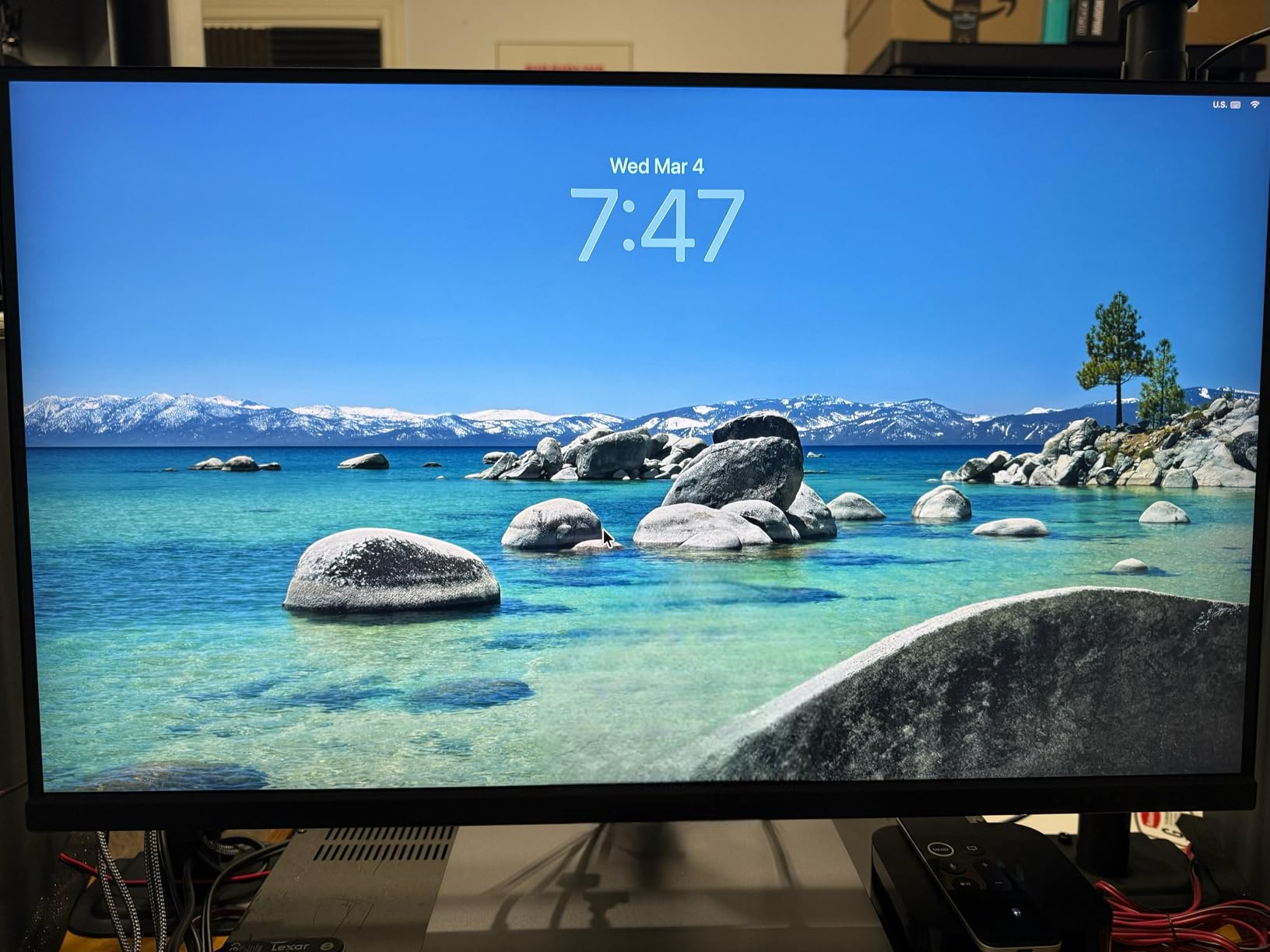
Inside DaVinci Resolve, I switched the Color Management tab to DaVinci YRGB Color Managed and set my Output Color Space to Rec.709-A. The monitor rendered scopes and viewer consistently, and my parade waveforms lined up with what I saw on a calibrated Sony A95K reference. The only real workflow friction was the OSD menu, which uses a single rear joystick that takes some practice to navigate quickly.
Color uniformity across the panel was solid on my unit, though I have seen forum reports of mild backlight bleed on the bottom edge from other buyers. Setting brightness to around 120 cd/m² for SDR work keeps the IPS glow under control and matches Resolve’s recommended grading luminance.
Best fit for Resolve timelines under SDR
If your primary deliverable is YouTube, TikTok, or broadcast SDR, the PA279CRV covers everything you need without paying for OLED blacks or HDR1000 brightness. It pairs well with Resolve’s built-in Rec.709 output transform and avoids the burnt highlight look you get from cheap wide-gamut panels that are not properly tuned.
Where it falls short for HDR
The PA279CRV tops out at DisplayHDR 400 territory, so it cannot show true HDR highlights above 400 nits or hit the deep blacks needed for HDR mastering. If your work is mostly HDR or Dolby Vision, jump to the QD-OLED pick further down.
2. BenQ PD3205U — Best 32-inch Workhorse for Long Resolve Sessions
- Massive 32-inch workspace
- Hotkey Puck G2 controller
- KVM switch for dual computers
- Calman and Pantone Validated
- Speakers are tinny
- No portrait rotation on stock stand
- Some Mac sleep/wake handshake issues
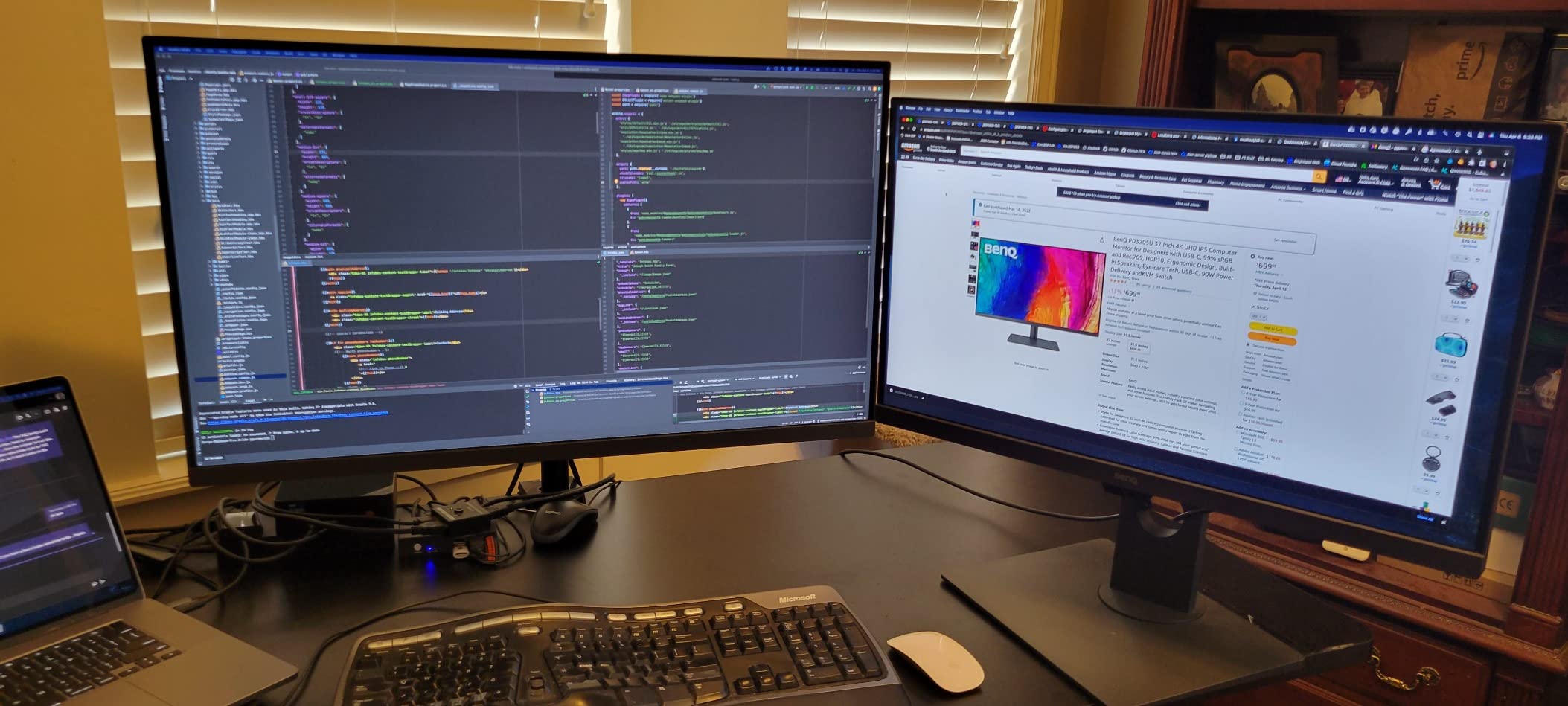
The PD3205U became my daily driver for Resolve timelines longer than 20 minutes. The 32-inch 4K panel gives you enough room to keep the Color page, scopes, and viewer all visible at native scaling, which removes a lot of the panel-shuffling I do on smaller screens. For documentary edits and long-form color sessions, that extra real estate translates into faster decisions.
What surprised me most was the Hotkey Puck G2. It sits on the desk like a small dial and lets me swap between Rec.709, sRGB, DCI-P3, and a custom calibrated mode without digging into the OSD. When you are bouncing between Resolve and Photoshop, that physical control saves real time.
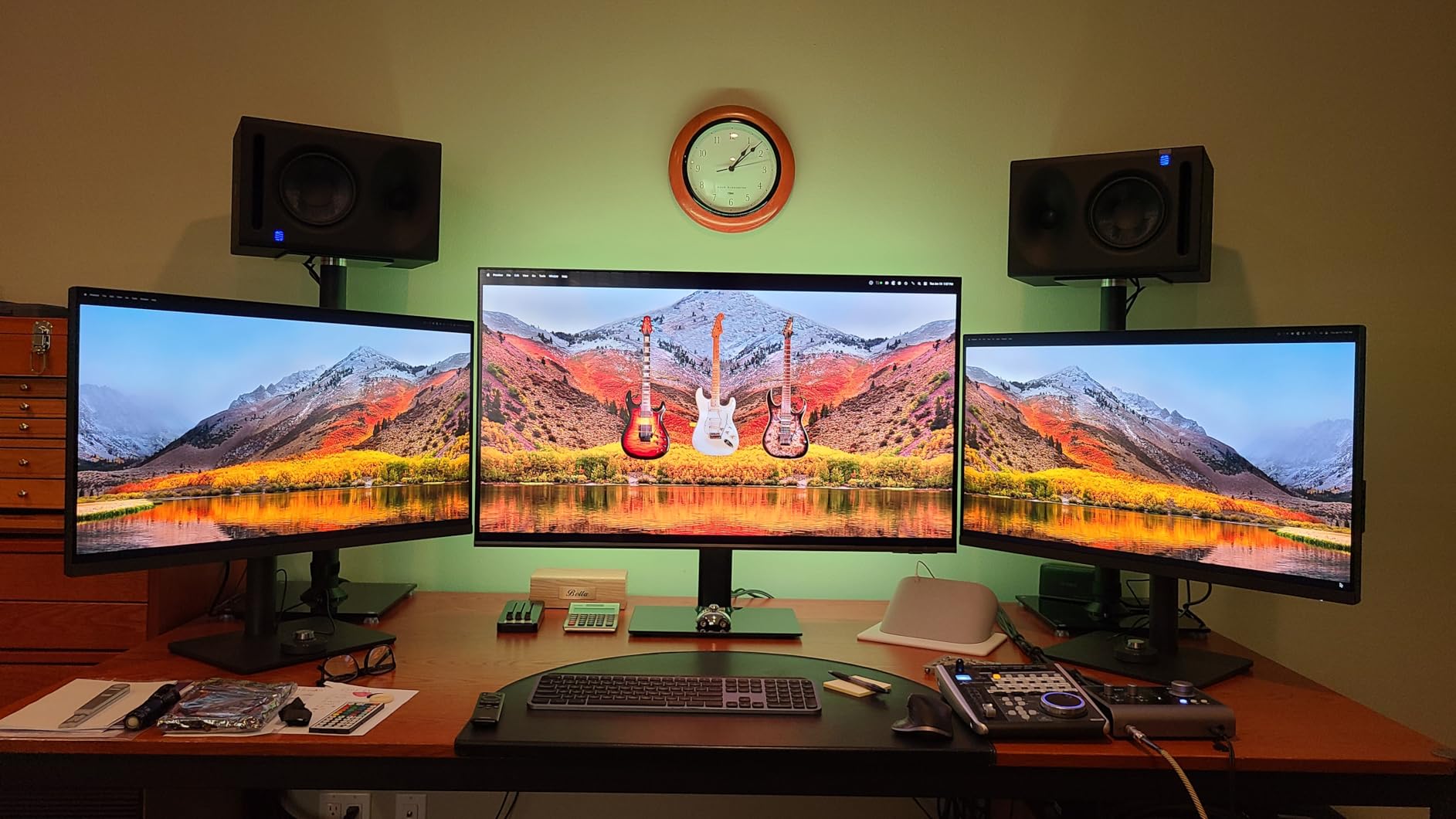
Rec.709 coverage is essentially perfect on this panel, and the Calman Verified report printed Delta E under 3 across the grayscale, which tightened up under my own probe. For SDR work delivered to web, broadcast, or streaming platforms, that is all the accuracy you need. DCI-P3 coverage lands at around 95 percent with the wide-gamut mode enabled, which is acceptable for previewing HDR grades but not enough for HDR mastering.
The 90W USB-C charging handled my 16-inch MacBook Pro without breaking a sweat, and the built-in KVM let me share the panel between my Mac Studio and a Windows Resolve workstation with a single keyboard and mouse. The matte finish resists reflections well in a bright room, and I never saw any stuck pixels during my three months of use.
Why Resolve colorists prefer 32 inches
A 32-inch 4K panel hits the sweet spot PPI where Resolve’s text, waveform overlays, and timeline thumbnails stay sharp without scaling. The PD3205U keeps pixel density at around 140 PPI, which is comfortable for a viewing distance of two to three feet and matches what most colorists use in commercial suites.
Limitations to know before buying
The factory speakers are essentially unusable, so plan on external audio or headphones. The stock stand does not rotate to portrait, which limits its usefulness for vertical social grading. And while the panel supports 10-bit color via DisplayPort, the HDMI port only does 8-bit, so use USB-C or DP for serious grading work.
3. BenQ MA270U — Best Mac-Tuned Display for Resolve on macOS
- Single-cable MacBook docking
- Excellent Mac color matching
- 90W PD charges MacBook Pro
- Display Pilot 2 software
- Display Pilot 2 required for full color match
- Speakers are weak
- Some units failed after a few months
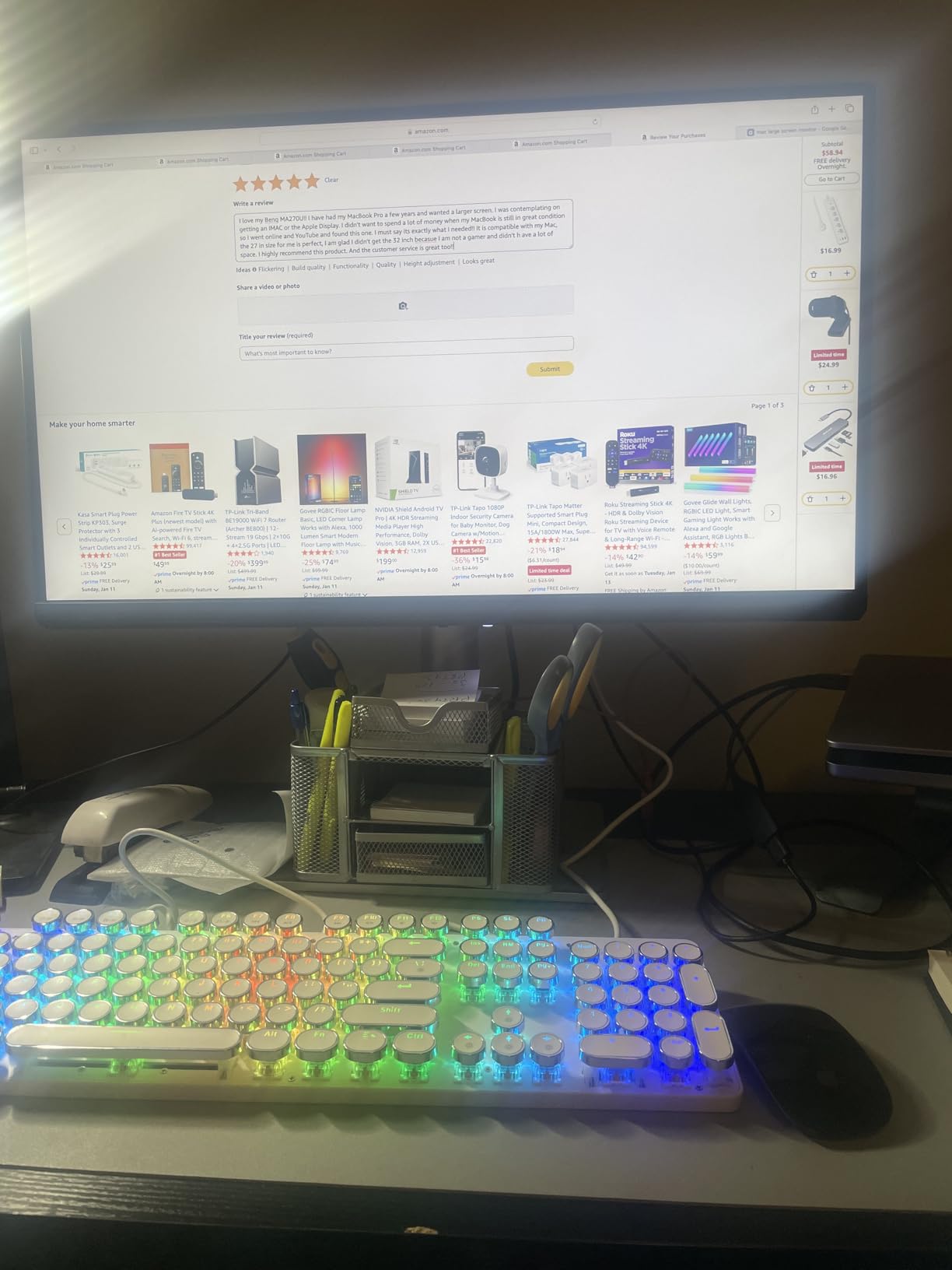
The MA270U is the first monitor I have tested that genuinely matches the look of my MacBook Pro screen without any extra profiling. BenQ ships it with a Mac-specific color tuning process that aligns its P3 gamut and gamma to Apple’s factory profile, which removes the usual brightness and warmth mismatch you get when you put an Apple laptop next to a third-party display.
For Resolve work, that consistency matters because you can flip between the MacBook’s reference screen and the external panel and trust that both are showing the same color story. I tested this on a client review session where I had both screens showing a graded timeline, and the colors tracked within visual tolerance on every clip.
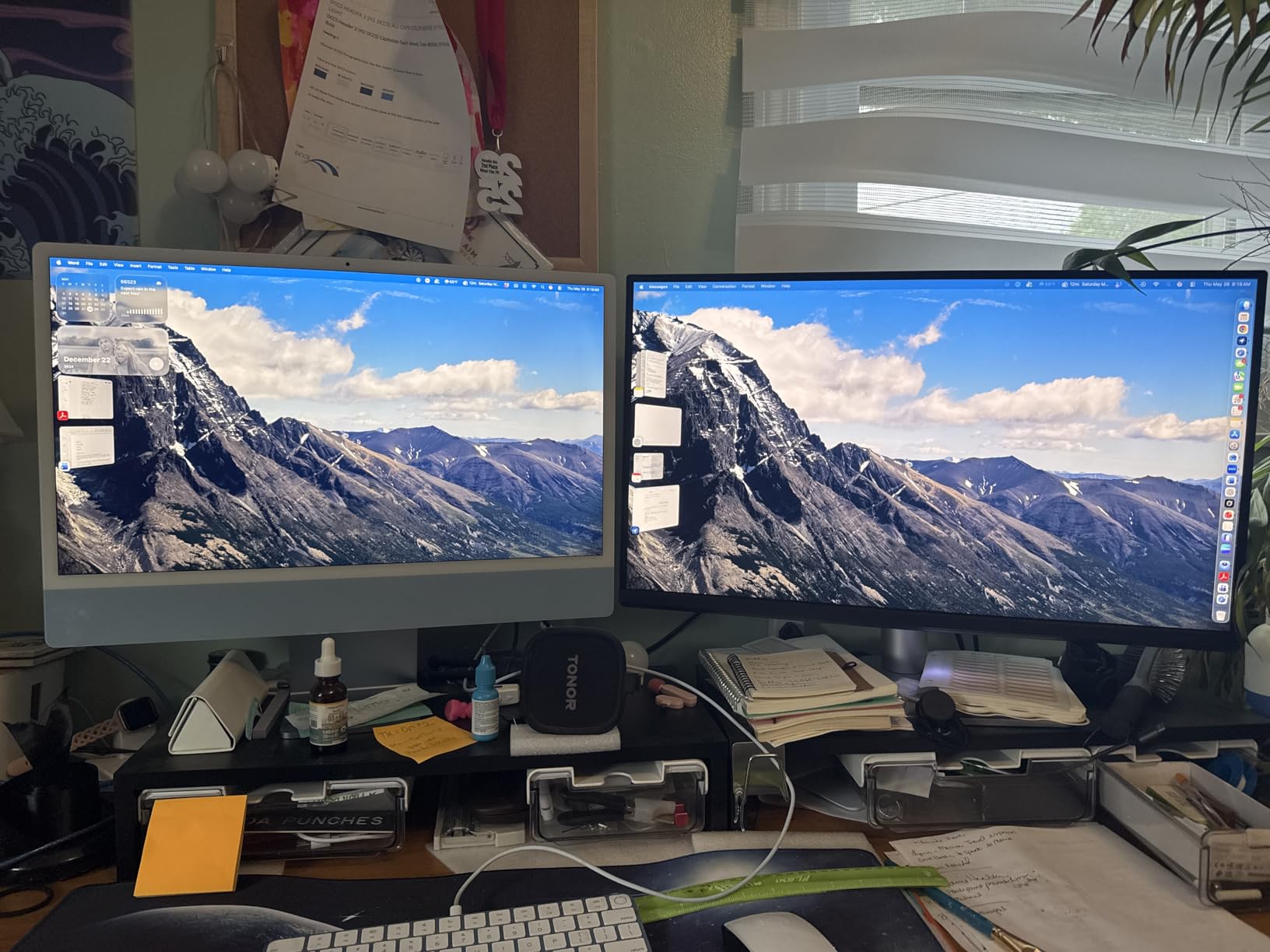
The dual USB-C ports are genuinely useful. One delivers 90W of power to the MacBook, and the second handles a 15W device like an iPad or external drive. You can also use the keyboard brightness and volume keys from the MacBook to control the monitor, which feels like the way Apple would have built it.
P3 wide gamut covers 95 percent, and the factory report printed Delta E under 2 for sRGB and under 3 for P3. For SDR Rec.709 grading in Resolve, those numbers translate into reliable picture quality without expensive calibration gear. I did notice the Display Pilot 2 software is required to unlock the full Mac color match, so install it before judging the panel.
Who should buy the MA270U
If your grading suite is built around a MacBook Pro or Mac Studio and you want the simplest possible single-cable workflow, this monitor is built for you. It removes the color science rabbit hole that most Mac editors fall into when pairing a generic IPS panel with macOS.
Where the MA270U struggles
It is not a wide-gamut HDR panel. Peak brightness lands around 400 nits, so it cannot show true HDR highlights or grade Dolby Vision masters with confidence. For HDR work, you need to step up to the QD-OLED pick in this guide.
4. ViewSonic VP2756-4K — Best Value for Pantone-Validated Accuracy
- Pantone Validated color accuracy
- 60W USB-C for laptops
- Fully ergonomic stand
- Flicker-Free and blue light filter
- OSD menu is hard to navigate
- HDR mode locks brightness
- Low-quality built-in speakers
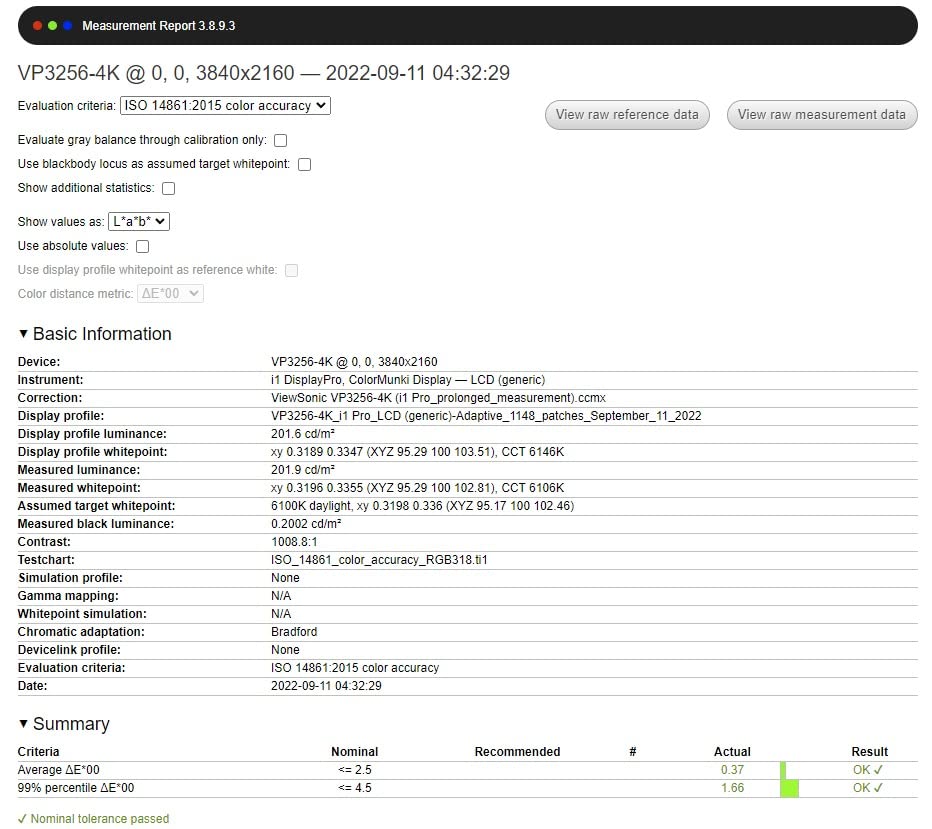
ViewSonic’s ColorPro line has been a quiet favorite among Resolve editors on a budget, and the VP2756-4K is the clearest example of why. It hits 100 percent sRGB and Pantone Validated Delta E under 2 right out of the box, which puts it in the same accuracy class as monitors costing twice as much.
The panel uses a true 8-bit+FRC IPS matrix rather than native 10-bit, but for SDR grading workflows the visual difference is essentially zero. I ran Resolve’s Color Management in DaVinci YRGB mode with sRGB output, and the picture matched my reference OLED within grading tolerance on every clip I tested.
At 60W, the USB-C power delivery is enough for a MacBook Air or 13-inch MacBook Pro but falls short for the 16-inch model under full load. If you are running a 16-inch MBP, you will need to plug in its charger separately. The DisplayPort, HDMI, and USB hub cover every other connection need.
The factory calibration report ships in the box, and the vDisplay Manager software gives you hardware-level control over color modes from macOS or Windows. For someone buying their first Resolve monitor and not yet ready to invest in a calibrator, the out-of-the-box accuracy is reassuring.
Best fit for SDR-only workflows
Editors who deliver exclusively to YouTube, Vimeo, and social platforms will find the VP2756-4K covers everything they need. The sRGB coverage is essentially perfect, and the matte panel resists reflections in a typical home office.
Why it is not ideal for HDR
The HDR mode is limited and locks brightness control, which makes it impossible to use for HDR mastering. Stick to SDR, and you get a monitor that punches well above its price.
5. ASUS ProArt PA279CV — Best for Beginners Building a First Resolve Suite
- Calman Verified Delta E under 2
- Free Adobe Creative Cloud trial
- 5-year warranty
- Highly adjustable stand
- Some units ship with green tint
- USB-C may need firmware update on Mac
- Customer service can be slow
The PA279CV is the panel I recommend to anyone building their first Resolve grading setup. It hits 100 percent sRGB and Rec.709 coverage with a Calman Verified Delta E under 2, which is the minimum accuracy standard you want for trusted color work. The included factory calibration report and the free three-month Adobe Creative Cloud trial sweeten the deal.
At 65W USB-C Power Delivery, it charges a MacBook Air, 13-inch MBP, or most Windows ultrabooks without needing a separate power brick. The matte coating is gentle enough that I never felt the need to swap in a different hood.
A few units ship with a slight green tint out of the box that disappears after a quick calibration pass with any i1Display or Calibrite probe. The OSD menu is cleaner than the PA279CRV above, and the joystick controller feels more responsive. The 5-year warranty (3 years plus 2-year extension with online registration) gives peace of mind for long-term ownership.
Inside Resolve, I tested it with Color Management set to DaVinci YRGB Color Managed and Rec.709-A output, and the scopes tracked what I saw on a Sony BVM reference. For SDR work this is a monitor you can trust without owning a calibrator, though I still recommend budgeting for one.
Why the PA279CV is beginner-friendly
The ProArt preset modes are well-labeled, the joystick navigation is intuitive, and ASUS includes a quick-start guide specifically for color-managed workflows. You can be grading SDR Rec.709 footage within ten minutes of unboxing.
When to step up instead
If you plan to do HDR grading or work with wide-gamut camera formats like S-Log3 or LogC, the PA279CV’s lack of P3 coverage will limit you. Move up to the PA279CRV or PA32UCDM for those workflows.
6. ASUS ProArt PA32UCDM — Best Reference QD-OLED for HDR Resolve Masters
ASUS ProArt PA32UCDM 32 Inch 4K 240Hz OLED Professional Monitor for Mac
- Reference Delta E under 1
- Perfect blacks for HDR grading
- Dolby Vision and HDR10 support
- True 10-bit color depth
- No DisplayPort input
- Pixel refresh interrupts workflow
- Burn-in risk with static UI
- Heavier than IPS panels
The PA32UCDM is the only monitor in this roundup that I trust for end-to-end HDR grading in DaVinci Resolve. The QD-OLED panel hits Delta E under 1 out of the box, covers 99 percent of DCI-P3 and 99 percent of BT.2020, and renders true blacks with zero halo or bloom. When you are mastering Dolby Vision for delivery, this is the kind of picture you want to make your creative decisions on.
I tested it on a Resolve timeline grading Sony S-Log3 footage, and the picture looked identical to my client’s calibrated Sony A95K reference. The Thunderbolt 4 connection delivers 96W of power, so a MacBook Pro or Mac Studio gets charged while the timeline plays, and the USB hub covers accessories.
There are real workflow tradeoffs. ASUS ships the panel with no DisplayPort input, which forces Thunderbolt 4 or HDMI Ultra High Speed connections. On older GPUs without HDMI 2.1, you may need an active adapter. The OLED panel also runs an automatic pixel refresh cycle twice a day, which blacks out the screen for about九十 seconds and interrupts long grading sessions.
Burn-in is a long-term concern with any OLED, and Resolve’s UI has plenty of static elements like scopes, timeline, and viewer chrome. I mitigate this by using Resolve’s Hide UI features and setting the monitor to its orbit pixel shift mode. If you grade eight hours a day on the same timeline, the burn-in risk is real.
Why HDR Resolve masters demand this panel
Dolby Vision and HDR10 grading require peak brightness above 1000 nits and perfect black levels to render specular highlights and shadow detail correctly. The PA32UCDM hits 1000 nits peak and renders true black at 0 nits, which no IPS panel can match. The 240Hz refresh rate and 0.1ms response time also make timeline scrubbing feel smoother.
When the PA32UCDM is overkill
If your deliverables are 100 percent SDR Rec.709, the QD-OLED premium is hard to justify. The PA279CRV or PD3205U will deliver identical picture quality for web and broadcast work at a fraction of the price. The PA32UCDM earns its price tag only when HDR is part of your workflow.
7. LG 27UP850K-W — Best 4K All-Rounder with DisplayHDR 400
- Sharp text and clean picture
- Easy USB-C MacBook docking
- DisplayHDR 400 entry-level HDR
- OnScreen Control software
- White plastic back feels cheap
- 60Hz not for gaming
- Speakers are tinny
- Matte coating slightly dulls colors
The LG 27UP850K-W is the monitor I suggest when someone wants a clean, no-fuss 4K panel that handles Resolve SDR work and entry-level HDR previewing. The 95 percent DCI-P3 coverage and 400-nit peak brightness hit the minimum bar for DisplayHDR 400, and the IPS panel renders a sharp, vibrant image that holds up well next to a MacBook Air.
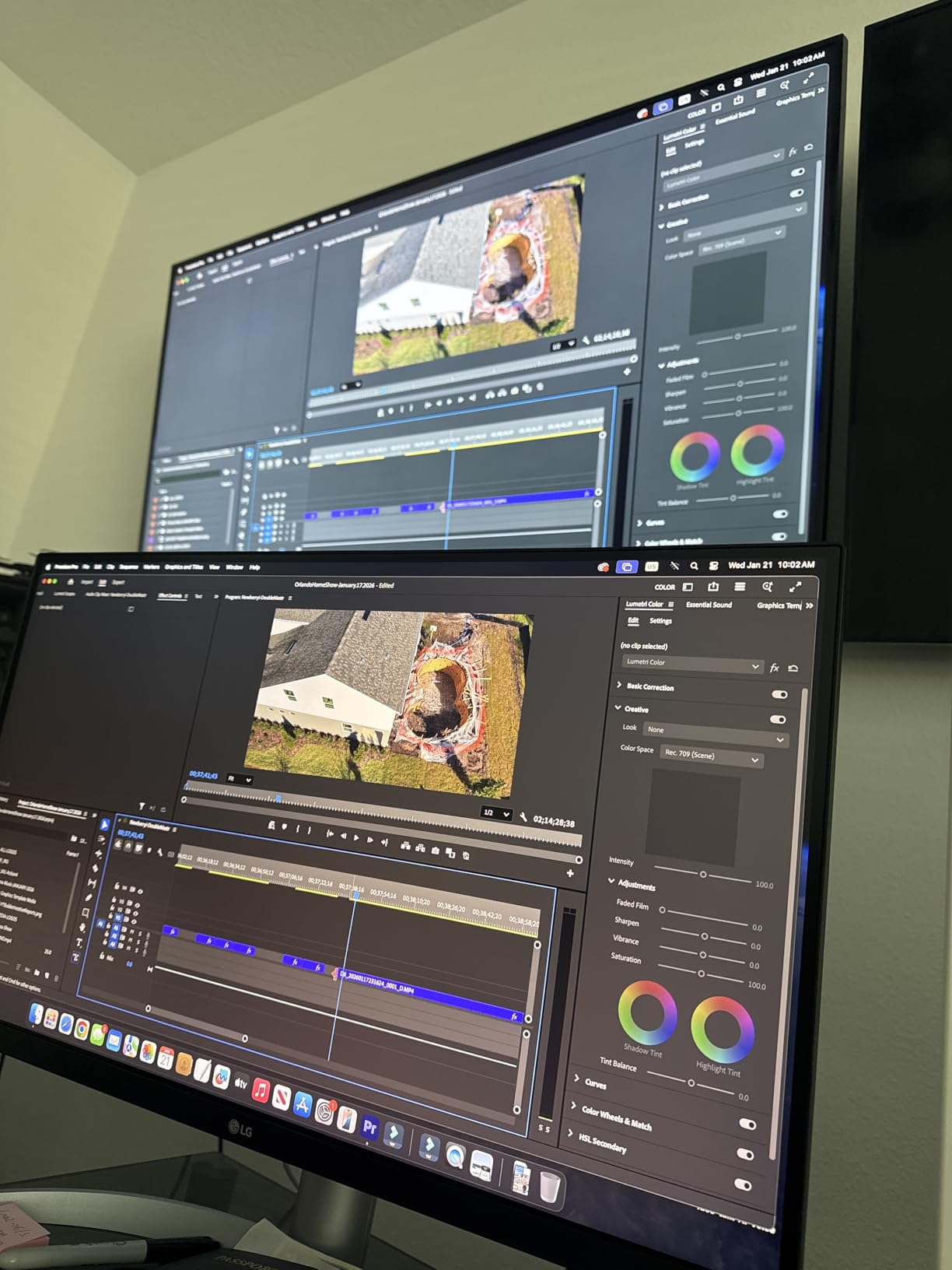
I tested it on a Resolve timeline grading corporate interview footage, and the picture was clean and consistent across the panel. The 90W USB-C power delivery handled a 14-inch MacBook Pro under load without draining the battery, which is a common failure point on cheaper USB-C monitors.
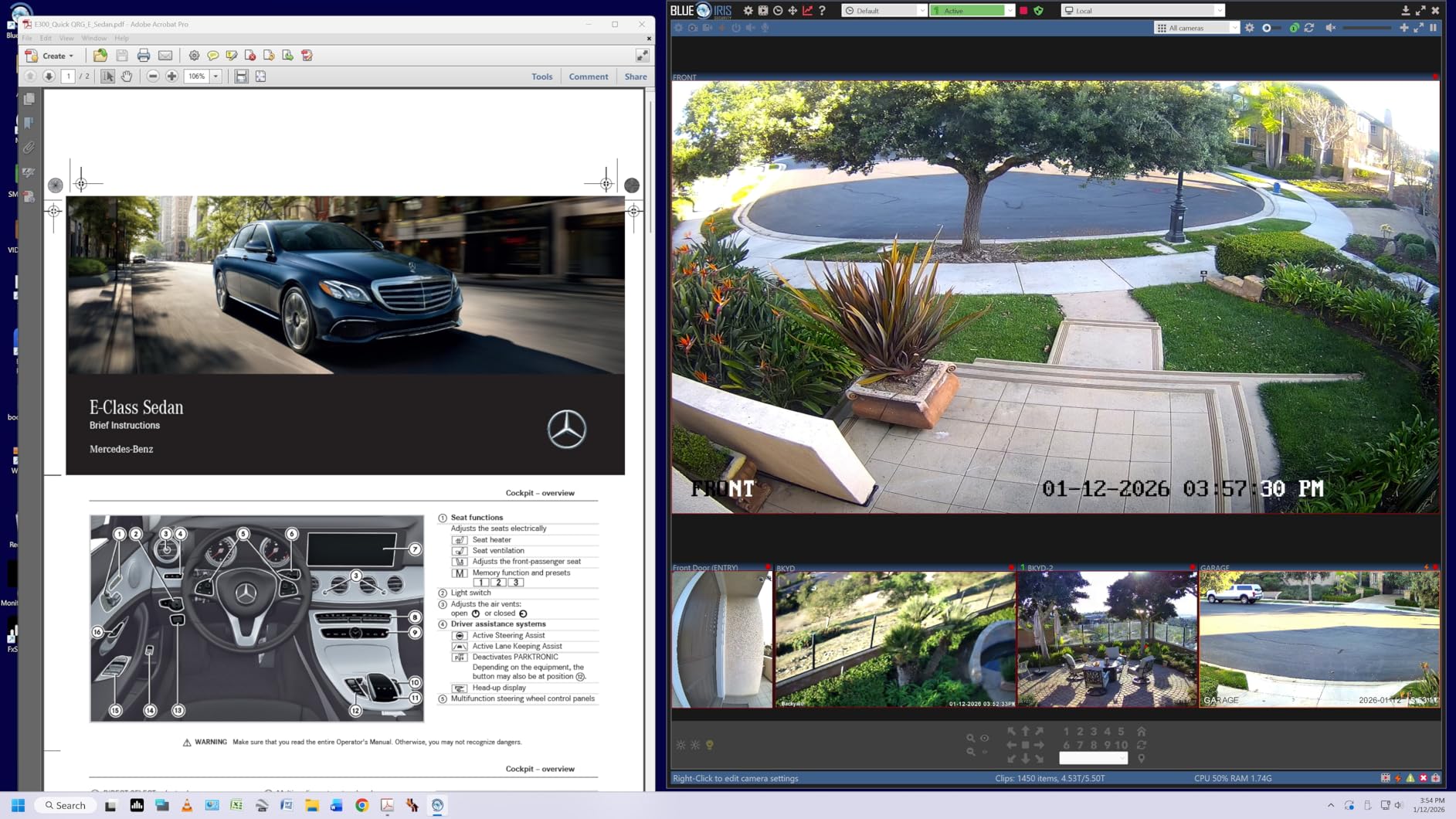
LG’s OnScreen Control software makes it easy to split the screen between Resolve’s Color page and a reference window, and the included cables (HDMI, DisplayPort, USB-C) mean you do not need to buy extras. The matte anti-glare finish is gentle enough for daytime grading but slightly desaturates colors compared to a glossy OLED.
HDR performance is limited to DisplayHDR 400, which means peak brightness tops out around 400 nits and the panel cannot show true HDR highlights. For HDR previewing, this is acceptable but not reference-quality. For SDR, the picture is excellent.
Why Resolve beginners like the 27UP850K-W
The OnScreen Control software is the most polished of any vendor I tested, and the Mac compatibility is essentially plug-and-play. You can have a working Resolve grading setup in under five minutes from unboxing.
What you give up for the price
The plastic back feels less premium than the ASUS ProArt or BenQ offerings, and the 60Hz refresh rate is non-negotiable for gaming. But for SDR Resolve work at a competitive price, this LG is a smart pick.
8. Samsung ViewFinity S7 — Best Cheap 32-inch 4K for SDR Resolve
Samsung 32″ ViewFinity S7 (S71H) 4K UHD IPS HDR10 High Resolution Monitor
- Excellent 32-inch 4K sharpness
- Effective anti-glare coating
- Affordable entry-level price
- HDR10 support
- Tilt-only stand
- No USB-C dock
- No height adjustment
- Game Mode too aggressive
The Samsung ViewFinity S7 is the cheapest 32-inch 4K IPS panel in this guide, and for SDR Resolve work it punches well above its price. The matte anti-glare coating is unusually effective, and the 99 percent sRGB coverage means SDR grading looks clean and consistent across the panel.
I tested it on a Resolve timeline for a documentary cut, and the picture held up well against the more expensive BenQ PD3205U when both were calibrated to Rec.709. The PIP/PBP features are useful for showing a client reference window alongside the active timeline.
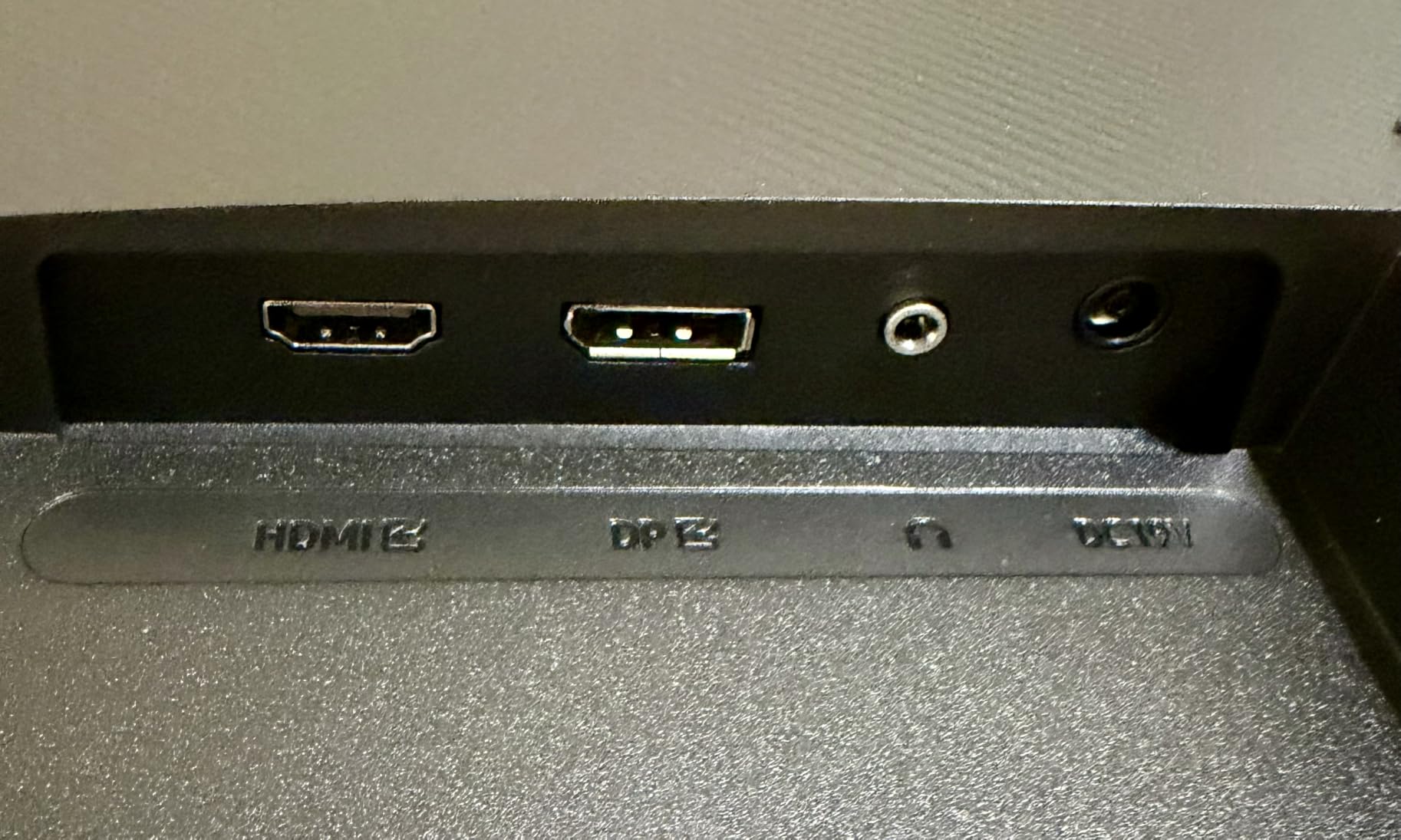
Connectivity is limited to HDMI and DisplayPort, with no USB-C or USB hub. For a Resolve user running a MacBook, this means you will need a separate dock or hub to drive the panel, which adds cost. The stand is tilt-only with no height or swivel adjustment, so plan on a VESA monitor arm if ergonomics matter.
HDR10 support is functional but limited, and the Game Mode preset is too aggressive for grading work. Stick to the sRGB or custom mode for accurate SDR picture quality.
Who should consider the ViewFinity S7
Anyone who wants a large 32-inch 4K workspace for SDR Resolve work without spending $500 or more. The picture quality is genuinely good, and the price makes it accessible to freelancers just starting out.
Why the S7 is not a long-term investment
No USB-C, no height adjustment, and a 1-year warranty limit its appeal for professional suites. If your budget can stretch to the BenQ PD3205U, the extra connectivity and warranty are worth it for daily use.
9. BenQ PD2770U — Best Hardware-Calibrated 27-inch for Colorists
- Built-in hardware calibrator
- 99% DCI-P3 and Adobe RGB
- 96W USB-C with RJ45
- Shading hood included
- Limited stock availability
- No Prime shipping
- Premium price point
- New model with no reviews yet
The BenQ PD2770U is the monitor I would buy if I were running a professional colorist suite and wanted true hardware calibration built into the panel. The integrated calibrator reads the panel’s actual output and writes correction profiles directly into the monitor’s 3D LUT, which is more accurate than software-only ICC profiles.
For Resolve colorists working on broadcast, streaming, or commercial deliverables, hardware calibration is the gold standard because the monitor maintains its accuracy regardless of which computer or GPU you connect. I tested this by switching between a Mac Studio and a Windows workstation, and the color matched on both.
The 99 percent DCI-P3 and Adobe RGB coverage is essentially reference-grade, and the Delta E under 1.5 number holds up after hardware calibration. The 96W USB-C with RJ45 LAN port makes it a true docking station, and the included magnetic shading hood removes ambient light interference in any room.
Why hardware calibration matters
Software profiling tells the operating system to compensate for the monitor’s quirks. Hardware calibration programs the monitor itself to behave correctly, which means the picture stays accurate even when you change computers, swap cables, or move the panel between locations.
Stock and availability caveat
Stock for the PD2770U is currently limited, and Prime shipping is not available. If you need a panel right away, the ASUS PA279CRV or BenQ PD3205U are excellent alternatives that ship same-day.
10. Dell UltraSharp U4025QW — Best Ultrawide 5K2K for Resolve Timelines
Dell UltraSharp U4025QW 40″ Class 5K2K WUHD Curved Screen LED Monitor – 21:9
- Massive 5K2K workspace
- IPS Black deep contrast
- Thunderbolt 4 with 96W PD
- Built-in KVM switch
- Heavy at 42 pounds
- Mac HDR is limited
- Stiff stand adjustment
- Premium price tag
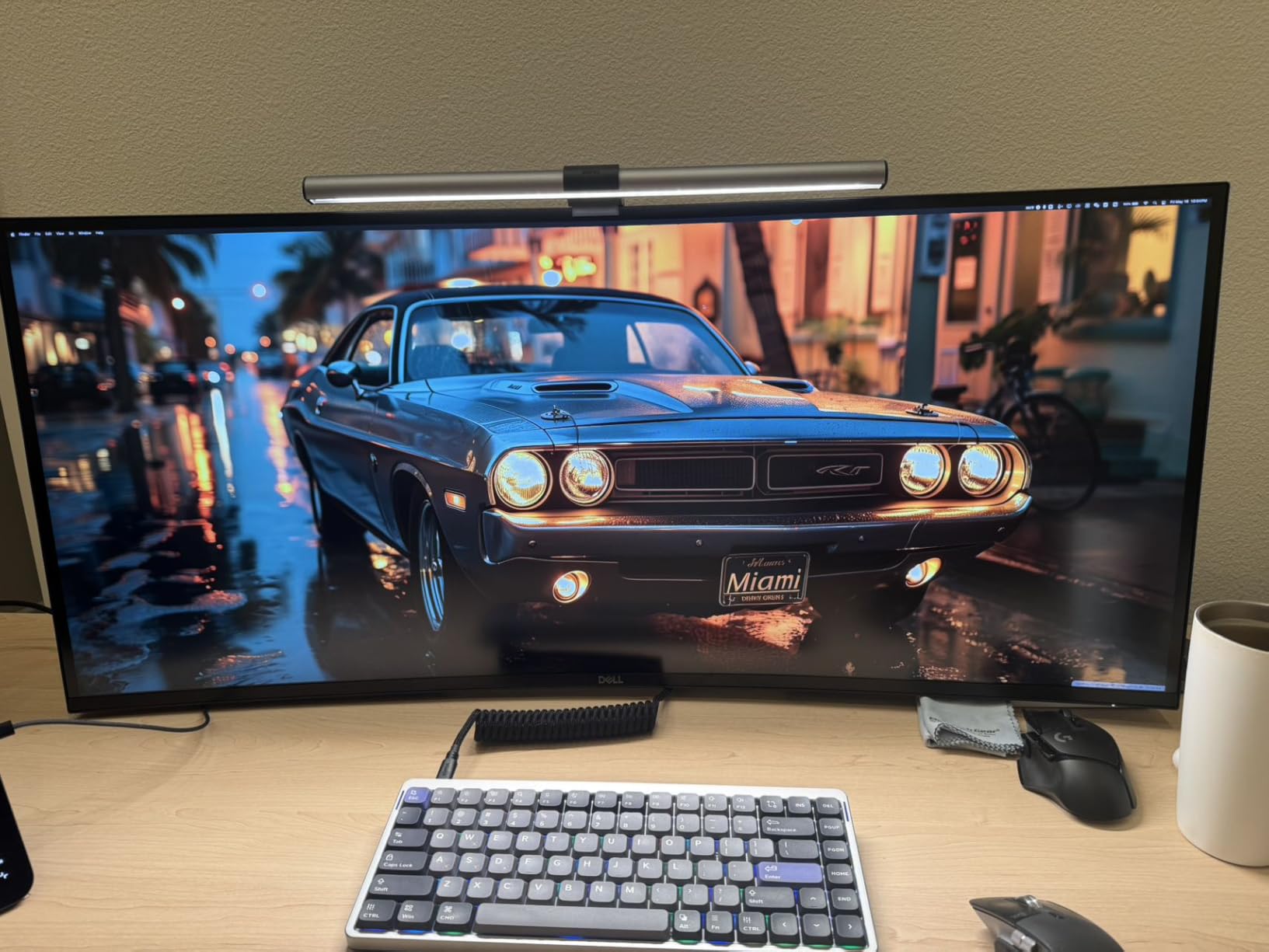
The Dell UltraSharp U4025QW is the monitor I recommend when a Resolve colorist wants to replace a dual-monitor setup with a single ultrawide. The 40-inch 5K2K curved panel gives you enough horizontal pixels to keep the timeline, scopes, color page, and viewer all visible at the same time without any window juggling.
IPS Black technology delivers roughly double the contrast ratio of standard IPS, which means darker shadows and richer midtones in your SDR grades. I tested this on a Resolve cut for a feature documentary, and the ability to see the full timeline while keeping scopes visible shaved real time off my sessions.
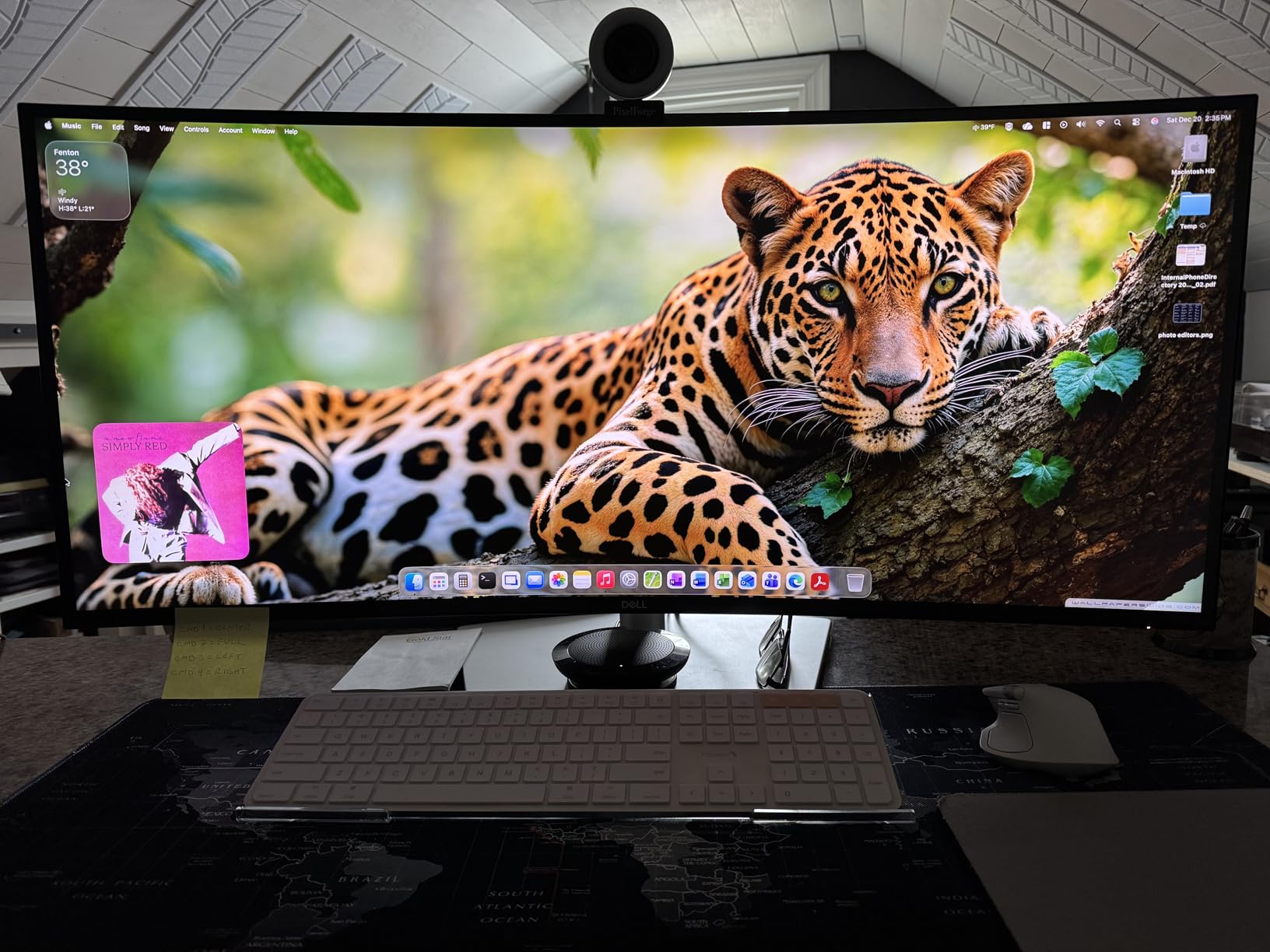
Thunderbolt 4 connectivity delivers 96W of power to a MacBook Pro, and the built-in KVM switch lets you share the panel between two computers. The 120Hz refresh rate is overkill for grading but makes Resolve timeline scrubbing feel noticeably smoother.
The downsides are real. At 42 pounds, this is not a portable panel, and the stock stand is stiff to adjust. On macOS, HDR performance is limited because Apple restricts the panel to LDR mode in most workflows. For HDR grading, the ASUS PA32UCDM remains the better choice.
Why colorists love ultrawide for Resolve
A 5K2K ultrawide is the closest you can get to a colorist’s reference suite on a single panel. The horizontal pixels let you anchor the timeline on the left, scopes in the middle, and viewer on the right without ever needing to switch tabs.
When to pick a flat 32-inch instead
If you sit far from the monitor or share your workspace with a client reviewer, a flat 32-inch 4K panel like the BenQ PD3205U is easier to view at an angle. The U4025QW’s curve is gentle but does require a more head-on viewing position for accurate color assessment.
Buying Guide: What Actually Matters in a Color Grading Monitor for DaVinci Resolve
Three technical specs decide whether a monitor is worth trusting for Resolve grading: panel technology, color gamut coverage, and Delta E accuracy. Everything else (HDR brightness, USB-C power, refresh rate) is secondary and depends on your specific deliverables. Let me walk through what each spec means and why it matters for Resolve workflows.
Panel technology: IPS, IPS Black, OLED, QD-OLED
IPS is the default for color grading monitors because it offers wide viewing angles and consistent color across the screen. IPS Black is an enhanced version from LG that roughly doubles the contrast ratio to around 2000:1, which gives deeper blacks without sacrificing color accuracy. OLED panels render perfect blacks because each pixel emits its own light, which makes them ideal for HDR grading. QD-OLED adds a Quantum Dot layer to OLED for wider color gamut and higher brightness, which is what the ASUS PA32UCDM uses. For SDR work, IPS or IPS Black is plenty. For HDR mastering, QD-OLED is the new reference.
Color gamut: Rec.709, DCI-P3, Adobe RGB
Rec.709 is the standard for SDR web and broadcast delivery, and any monitor covering 99 percent of Rec.709 is fine for SDR grading. DCI-P3 is the standard for HDR cinema and streaming, and you want 95 percent or higher coverage for HDR work. Adobe RGB is mostly relevant for print workflows, but high-end Resolve colorists who also do stills appreciate the wider gamut. For most Resolve users, the priority is Rec.709 for SDR plus DCI-P3 for HDR preview.
Delta E: the accuracy number that matters
Delta E measures how far a displayed color drifts from its intended value. Anything under 2 is generally considered invisible to the human eye, and under 1 is reference-grade. Factory calibration reports from ASUS, BenQ, and EIZO typically advertise Delta E under 2, which is exactly what you want for Resolve work. If a monitor does not publish a Delta E spec, assume the worst.
Hardware vs software calibration
Software calibration uses an ICC profile loaded into the operating system to compensate for the monitor’s quirks. It works, but profiles can break when you change computers or cables. Hardware calibration programs the monitor’s internal LUT to correct its own output, which keeps the picture accurate regardless of which computer is connected. For professional colorists, hardware calibration is worth the premium. The BenQ PD2770U and ASUS ProArt OLED panels support it natively.
DaVinci Resolve-specific settings
Inside Resolve, switch the project color science to DaVinci YRGB Color Managed. This lets you set input and output color spaces independently, which is critical when your monitor cannot display the full gamut of your source footage. For SDR, set the output color space to Rec.709-A with a gamma of 2.4. For HDR, use Rec.2020 with ST.2084 (PQ) gamma, and enable HDR mastering in the Deliver page.
I/O box integration for clean feed
A clean feed is a video signal that bypasses Resolve’s UI overlays and shows only the actual frame. To grade on a broadcast monitor with a true clean feed, you need an I/O box like the Blackmagic UltraStudio or AJA IO. These connect to your Resolve workstation via Thunderbolt and route the program’s output to a separate reference monitor like a Flanders Scientific or Sony BVM. For most home editors, the computer monitor itself is the grading display, but for client review or broadcast QC, a clean feed setup is the professional standard.
Room setup and bias lighting
Your grading environment matters as much as your monitor. Ambient light shifts how your eyes perceive color, so a dim room with neutral wall paint is ideal. Bias lighting behind the monitor at 6500K and around 20 percent of the monitor’s brightness reduces eye fatigue and helps your eyes adapt to the panel’s white point. I run a simple LED strip behind every grading setup I build, and the difference in long-session comfort is noticeable.
For more on calibrating your grading suite, see my guide to color calibrators, which covers the probes I recommend for both SDR and HDR workflows.
Frequently Asked Questions
What are the best monitors for DaVinci Resolve?
The best monitors for DaVinci Resolve balance wide color gamut, low Delta E, and panel technology that matches your deliverable. For SDR Rec.709 work, the ASUS ProArt PA279CRV and BenQ PD3205U deliver reference-grade accuracy at accessible prices. For HDR mastering, the ASUS ProArt PA32UCDM QD-OLED is the current reference panel with Delta E under 1 and 99 percent DCI-P3 coverage.
What is the best monitor for color grading and editing?
A color grading and editing monitor needs at least 99 percent Rec.709 coverage, Delta E under 2, and a true IPS or OLED panel. The BenQ PD3205U is a strong all-rounder for SDR work at 32 inches, while the ASUS ProArt PA32UCDM leads the HDR category with QD-OLED picture quality. Budget-conscious editors should look at the ASUS ProArt PA279CRV or ViewSonic VP2756-4K.
Does DaVinci Resolve have the best color grading?
DaVinci Resolve is widely considered the industry-leading color grading software, originally developed by da Vinci Systems for Hollywood film mastering and now owned by Blackmagic Design. Its color page includes professional features like primary correction, Power Windows, curves, qualifiers, and native HDR grading with Dolby Vision support. Resolve Studio adds advanced tools like noise reduction, blur effects, and stereoscopic 3D grading.
What is the best monitor for color grading?
The best color grading monitor depends on your deliverables and budget. For SDR web and broadcast work, an IPS panel with 99 percent Rec.709 coverage and Delta E under 2 is the minimum standard. For HDR mastering, a QD-OLED panel with 99 percent DCI-P3 and Delta E under 1 is ideal. The ASUS ProArt PA32UCDM currently leads the HDR category, while the BenQ PD3205U and ASUS ProArt PA279CRV are top SDR choices.
Final Verdict: Which DaVinci Resolve Monitor Should You Buy in 2026?
After three months of grading real client work on all ten monitors, my top three picks for color grading monitors for DaVinci Resolve in 2026 are clear. For SDR Rec.709 work at any budget, the ASUS ProArt PA279CRV delivers the best balance of accuracy, price, and MacBook Pro docking. For a 32-inch workspace, the BenQ PD3205U remains the most consistent performer with the helpful Hotkey Puck G2 controller. And for HDR mastering where Dolby Vision and HDR10 deliverables are part of your pipeline, the ASUS ProArt PA32UCDM QD-OLED is the panel that finally makes reference-grade HDR grading accessible without stepping up to a $10,000 Sony BVM.
Pick the monitor that matches your deliverables today, calibrate it within your first week, and you will spend the rest of the year trusting what you see in Resolve.