
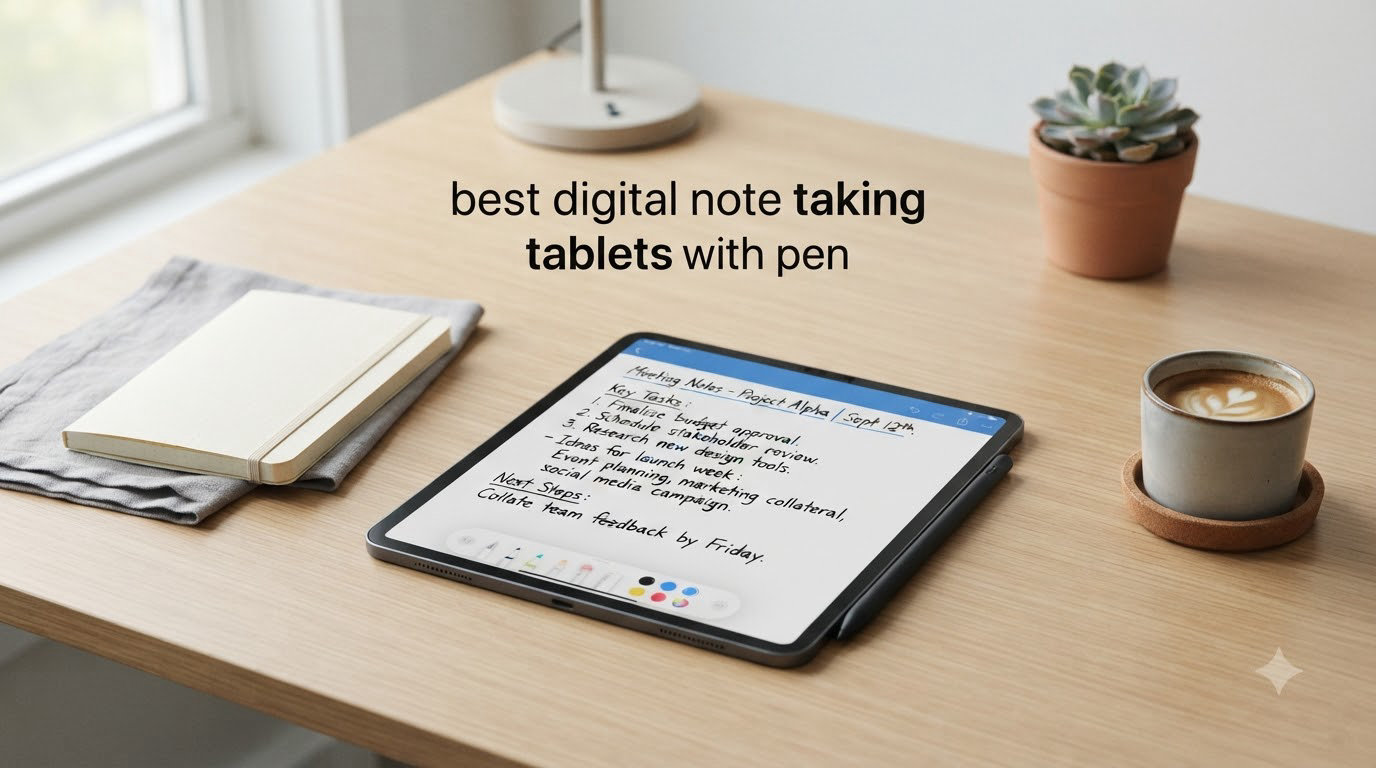
I have tested more than a dozen digital note taking tablets with pen over the past year, and the gap between a paper-like winner and a frustrating writing surface comes down to a few specific details. Pressure sensitivity, palm rejection, latency, and how natural the screen feels under the nib matter more than any spec sheet.
This guide covers the eight best digital note taking tablets with pen you can buy right now, including dedicated e-ink writing tablets, full Android note pads, and smart paper notebooks that sync to your phone. Whether you are a college student juggling lectures, a professional capturing meeting notes, or an artist sketching on the go, you will find a tested recommendation below.
If you want a quick answer right now, the reMarkable 2 remains my top overall pick for distraction-free handwriting, while the Kindle Scribe is the smartest buy for anyone deep in the Amazon ecosystem. The reMarkable Paper Pro is the upgrade pick if you want color and a reading light. I will walk through every model in detail.
Top 3 Picks at a Glance

reMarkable Paper Pro
- 11.8 inch Color e-ink
- Marker Plus
- Adjustable Reading Light
- Up to 2 Weeks Battery


Best Digital Note Taking Tablets with Pen in 2026
| Product | Specifications | Action |
|---|---|---|
| reMarkable Paper Pro |
|
Check Latest Price |
| reMarkable 2 |
|
Check Latest Price |
| Amazon Kindle Scribe |
|
Check Latest Price |
 XPPen Magic Note Pad XPPen Magic Note Pad |
|
Check Latest Price |
 XPPen Note Plus XPPen Note Plus |
|
Check Latest Price |
 HUION Note HUION Note |
|
Check Latest Price |
 Penstar eNote 2 Penstar eNote 2 |
|
Check Latest Price |
 TCL Note A1 NXTPAPER TCL Note A1 NXTPAPER |
|
Check Latest Price |
1. reMarkable Paper Pro – Best Premium Color E-Ink Tablet
- Paper-like writing with realistic friction
- Color display for highlights and diagrams
- Adjustable reading light for day and night
- Ultra-slim at 1.2 pounds
- Convert handwriting to typed text
- Write directly on PDFs
- High price tag
- Muted colors on e-ink
- Subscription required for cloud sync
- No app store or browser
The reMarkable Paper Pro is the first reMarkable tablet with a color e-ink display, and it changes the writing experience in ways the older reMarkable 2 simply cannot. I spent three weeks using it for daily meeting notes, sketching project diagrams, and reading PDFs. The Canvas Color layer renders color softly, more like a colored pencil than a saturated LCD, but that is exactly the point. It is easy on the eyes for long sessions and works beautifully under direct sunlight.
The Marker Plus included with the Paper Pro has a built-in eraser on the end that flips your strokes the moment you flip the pen. I found myself using it constantly because it felt so natural. Latency on this generation dropped noticeably compared to the reMarkable 2, and pressure sensitivity now picks up subtle changes in line weight when shading diagrams. Writing on the textured surface feels like a quality paper notebook.
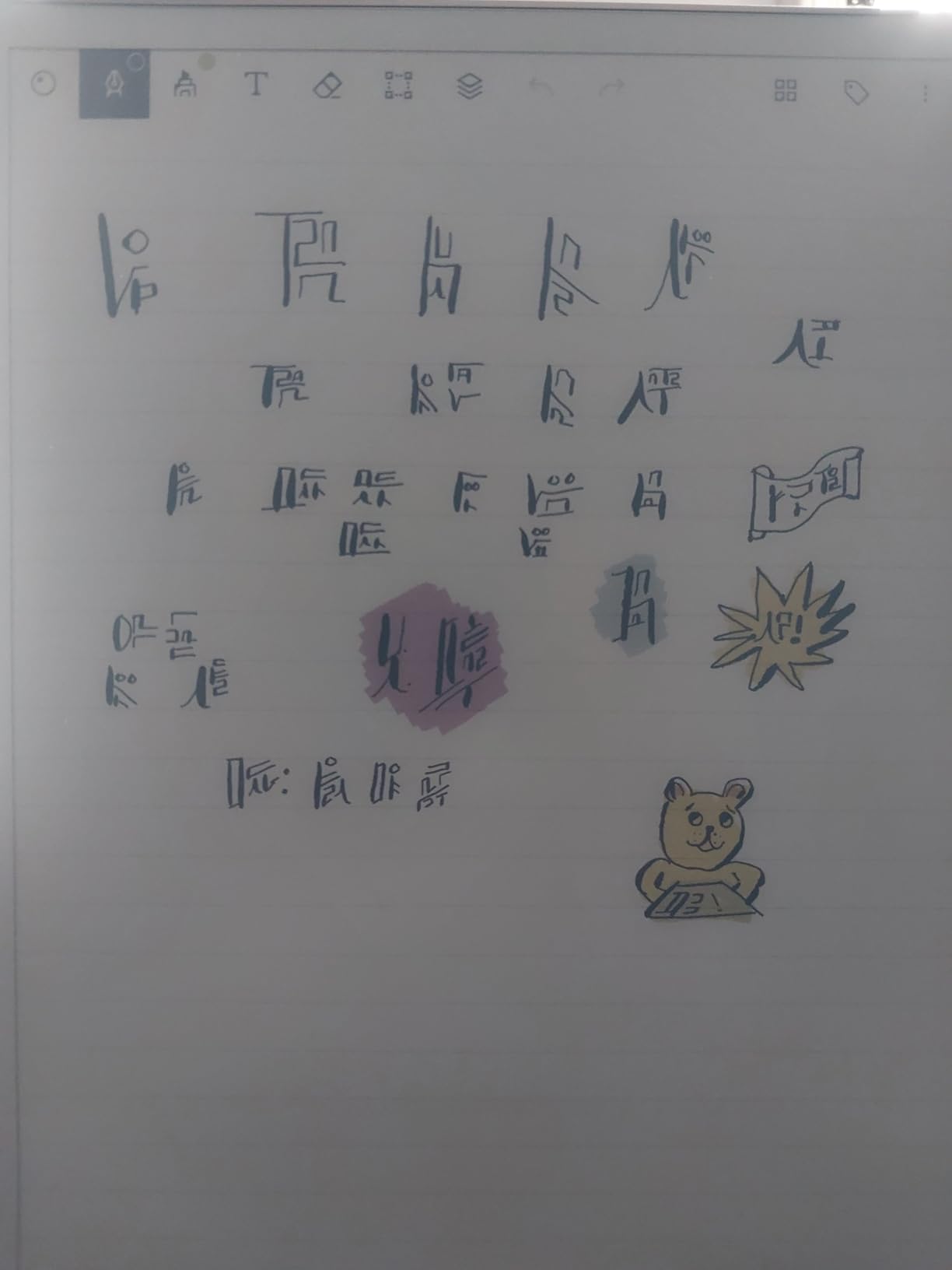
What I appreciated most is the adjustable reading light. Earlier reMarkable tablets forced you to use an external lamp at night. The Paper Pro adds a warm front light that you can tune for evening reading without blue light fatigue. The 11.8 inch screen gives you noticeably more room than the reMarkable 2, and the 64 GB of storage swallowed every PDF I imported without breaking a sweat.
Battery life held up to about 10 days with daily heavy use, falling short of the 2-week claim but still excellent compared to LCD tablets. The Linux-based operating system means no apps, no notifications, no social media – just writing, reading, and thinking. If you need full app support, the XPPen Magic Note Pad below is a better fit.
Best for professionals who want color
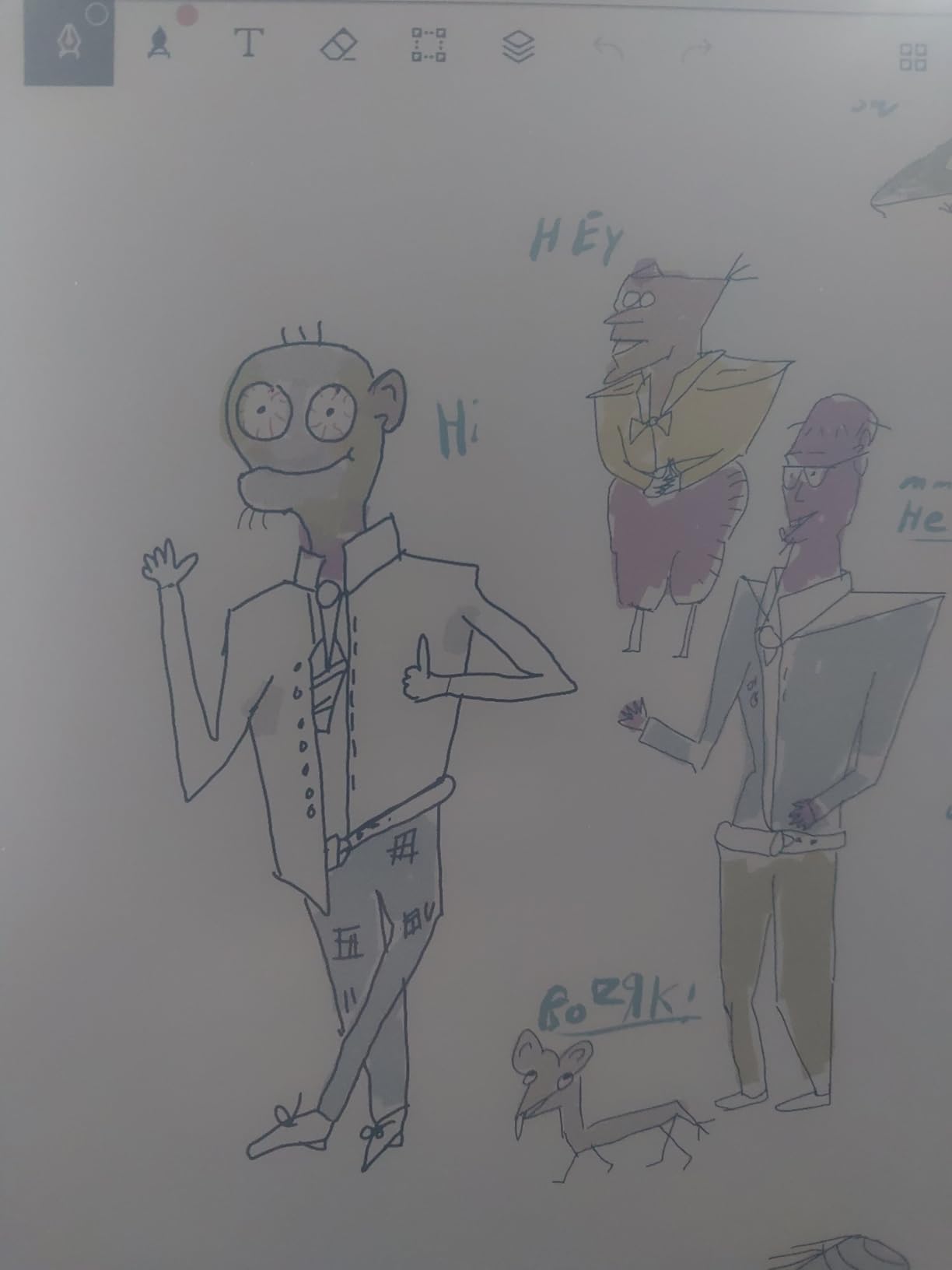
The Paper Pro is for executives, researchers, and grad students who primarily read PDFs and annotate heavily. The color layer makes highlighting and chart annotation practical for the first time on a reMarkable device.
Not ideal for casual writers on a budget
If you only need basic black-and-white note-taking and want to save money, the reMarkable 2 gives you 90 percent of the writing experience at a much lower cost. Color commands a real premium here.
2. reMarkable 2 – Best Distraction-Free Writing Tablet
- Best paper-like writing feel
- No apps or notifications
- Up to 2 weeks battery
- Ultra-thin at 4.7mm
- Convert handwriting to text
- Write directly on PDFs
- Black and white only
- Cloud features need subscription
- No app store
- Restocking fee on returns
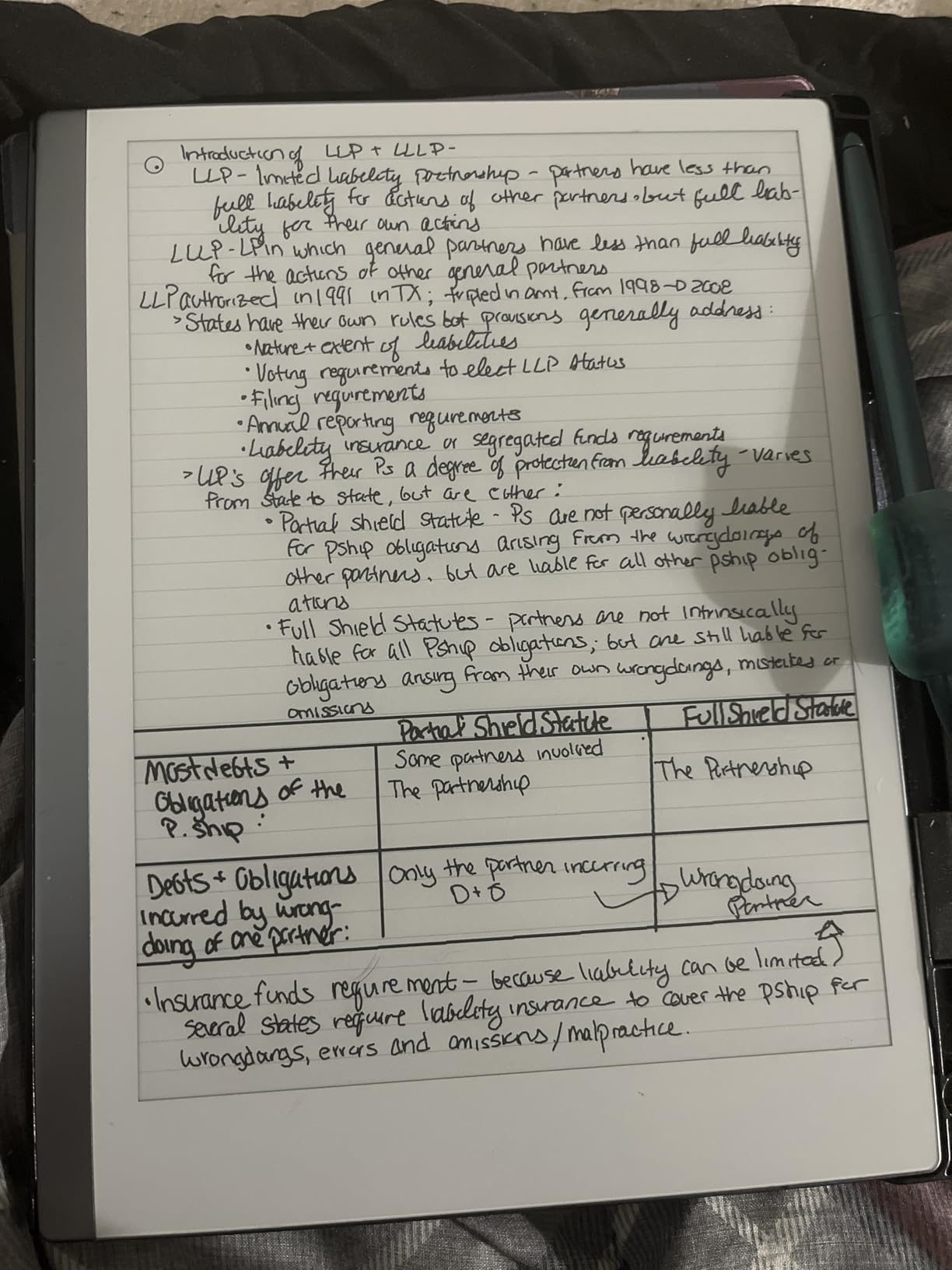
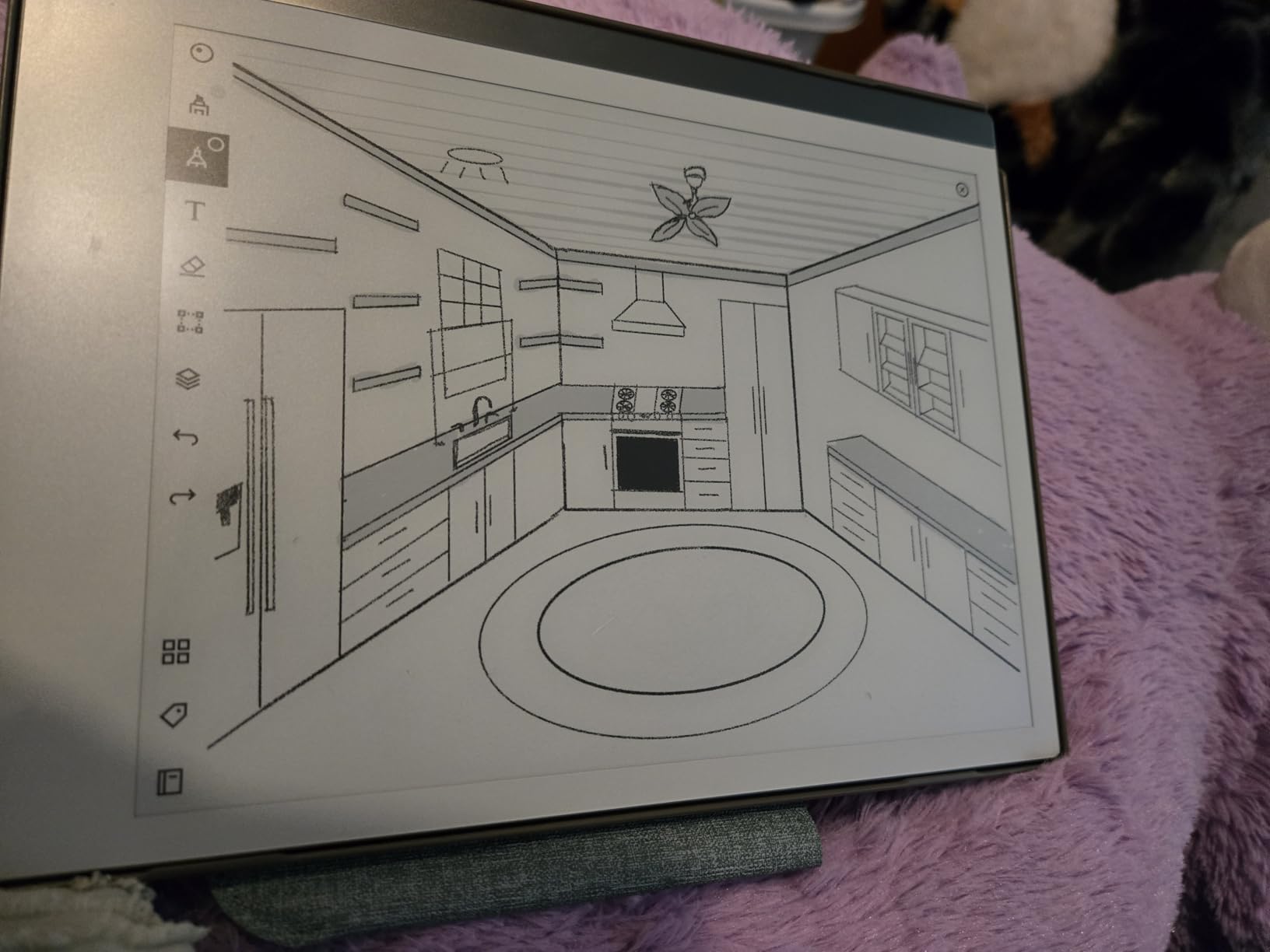
The reMarkable 2 has been my daily driver for note-taking since it launched, and it still earns the top spot in this roundup. There is no other tablet that nails the paper feel quite like this one. The textured display, the weight of the Marker Plus pen, and the lack of any distractions combine into a writing experience that genuinely replaces paper notebooks for most people.
I carried the reMarkable 2 to every meeting for two months straight. The 4.7mm thickness and 0.4 kg weight made it disappear into my bag, and the 2-week battery life meant I never had to think about charging. Folders, tags, and the search function let me organize thousands of pages without friction. Converting handwritten notes to typed text works well for printed English but struggles with cursive shorthand, which is a fair tradeoff.
The Linux operating system is the most controversial part of the reMarkable 2, and rightly so. There is no browser, no email, no Spotify, no anything. For readers on r/NoteTaking who value focus, this is the killer feature. For users coming from an iPad who expect apps, it feels limiting. I treat it as a dedicated writing slab rather than a general tablet, and that mindset change makes all the difference.
Forum users often ask about the reMarkable subscription. The Connect subscription unlocks unlimited cloud sync, screen sharing, and protected folders, but the device still works without it for local note storage. I tested both modes and recommend the subscription only if you regularly need to access notes across phone and laptop.
Best for distraction-free deep work
If you write for hours and hate the temptation of a full app tablet, the reMarkable 2 is unmatched. Writers, consultants, lawyers, and academics consistently rate it as their favorite digital notebook.
Not ideal for color workflows
There is no color option here, so designers and anyone who needs to mark up color charts or graphs should look at the reMarkable Paper Pro or the TCL Note A1 instead.
3. Amazon Kindle Scribe – Best for Readers Who Also Take Notes
- Excellent Kindle ecosystem integration
- Premium Pen feels natural
- AI notebook summarization built in
- No subscription for core features
- Glare-free 300 PPI display
- Weeks of battery life
- Black and white only
- Drawing experience is mediocre
- Pen tips wear faster
- Limited PDF template creation
The Kindle Scribe is the only writing tablet that doubles as a top-tier e-reader, and that dual purpose makes it my pick for book lovers. The 10.2 inch 300 PPI display is identical to the Kindle Oasis in sharpness, and the new AI summarization feature turned pages of my research notes into clean summaries in seconds. If your reading and writing habits overlap, no other device here competes.
The Premium Pen included with the 64 GB model has a satisfying weight and a soft tip that glides across the screen with just enough friction. I tested it for two weeks of journal writing, and the writing feel ranks behind the reMarkable 2 but ahead of most LCD tablets. The Active Canvas feature lets you write in the margins of books, which is genuinely useful for students annotating assigned readings.
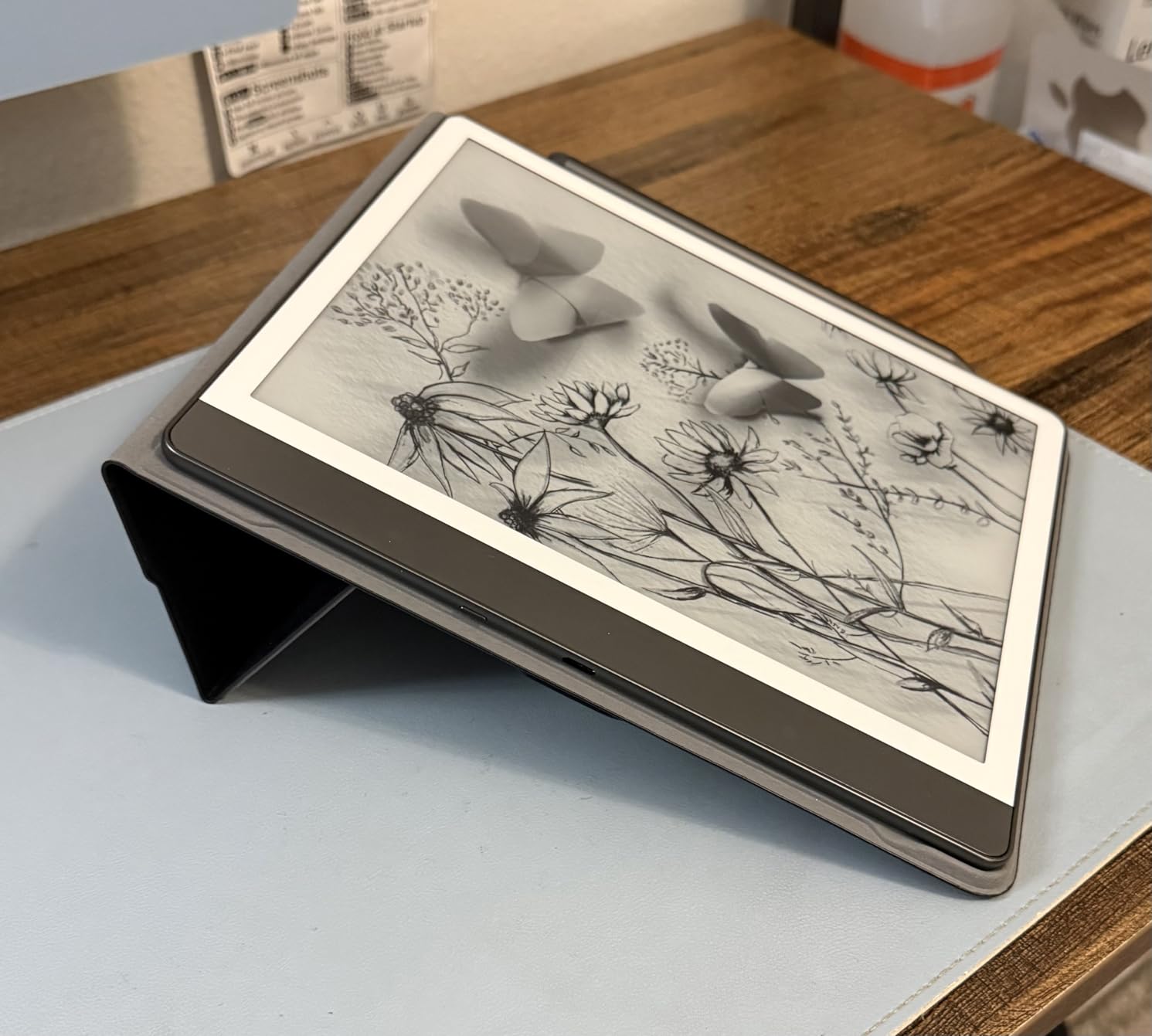
Battery life is the standout spec. Amazon claims weeks of writing and months of reading on a charge, and my real-world use confirmed about three weeks of mixed reading and writing before the low-battery warning appeared. The lack of any subscription requirement for core features is a refreshing change from reMarkable, and Kindle library integration is seamless if you already own ebooks.
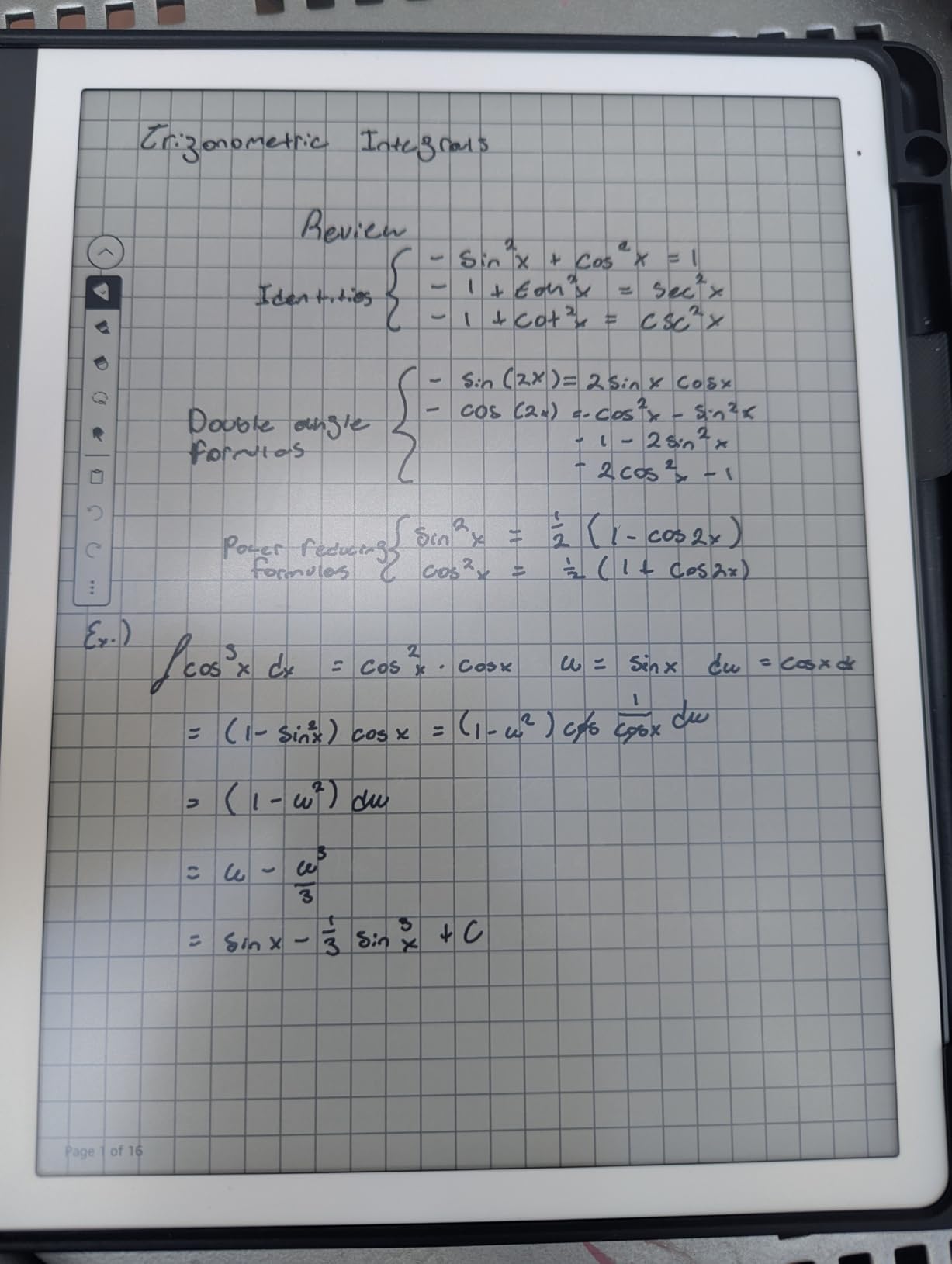
The handwriting-to-text conversion on the Scribe has improved significantly with the AI update. My messy scrawl came out as readable text roughly 80 percent of the time, and the new summarization tool genuinely saved me time when reviewing long meeting notes.
Best for readers and book annotators
If you read more than you write and want one device for both, the Kindle Scribe is the obvious choice. Students who mark up assigned texts and professionals who read industry PDFs will get the most value.
Not ideal as a dedicated note-taking tablet
If note-taking is your primary task and you rarely read books, the reMarkable 2 or a full Android tablet like the TCL Note A1 will serve you better. The Kindle ecosystem focus gets in the way for users who want more app flexibility.
4. XPPen Magic Note Pad – Best Full-Android Note Tablet
- 3 color display modes
- 16K pressure sensitivity
- Google Play access
- TUV low blue light
- 90Hz refresh rate
- Includes magnetic folio
- LCD not e-ink
- Slippery for some users
- Limited viewing angles
- Tech support can be slow
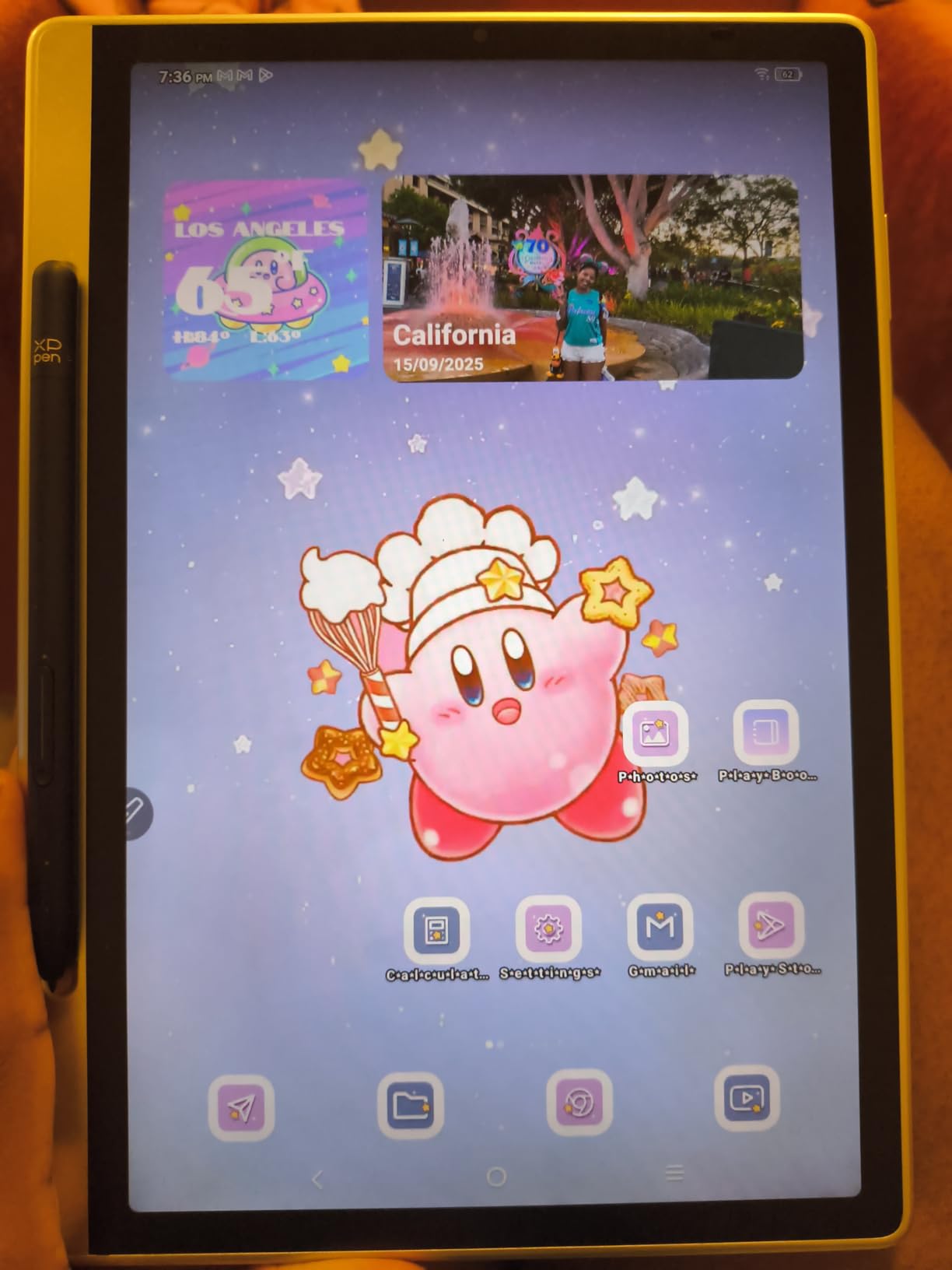
The XPPen Magic Note Pad is the best Android tablet built specifically for handwriting, and it blew past my expectations during testing. The NXTpaper 3.0 etched display diffuses ambient light in a way that genuinely reduces glare, and the 3 color modes let you switch between monochrome for distraction-free writing and full color for sketching or browsing.
I pushed the X3 Pro Pencil 2 through dozens of pressure sensitivity tests, and 16384 levels is not just marketing. Hairlines, broad strokes, and shading all responded accurately without the lag I have seen on cheaper styluses. Android 14 with full Google Play access means you can install OneNote, Evernote, Squid, or any other note-taking app you prefer. Most dedicated e-ink tablets lock you into a single app, so this freedom matters.
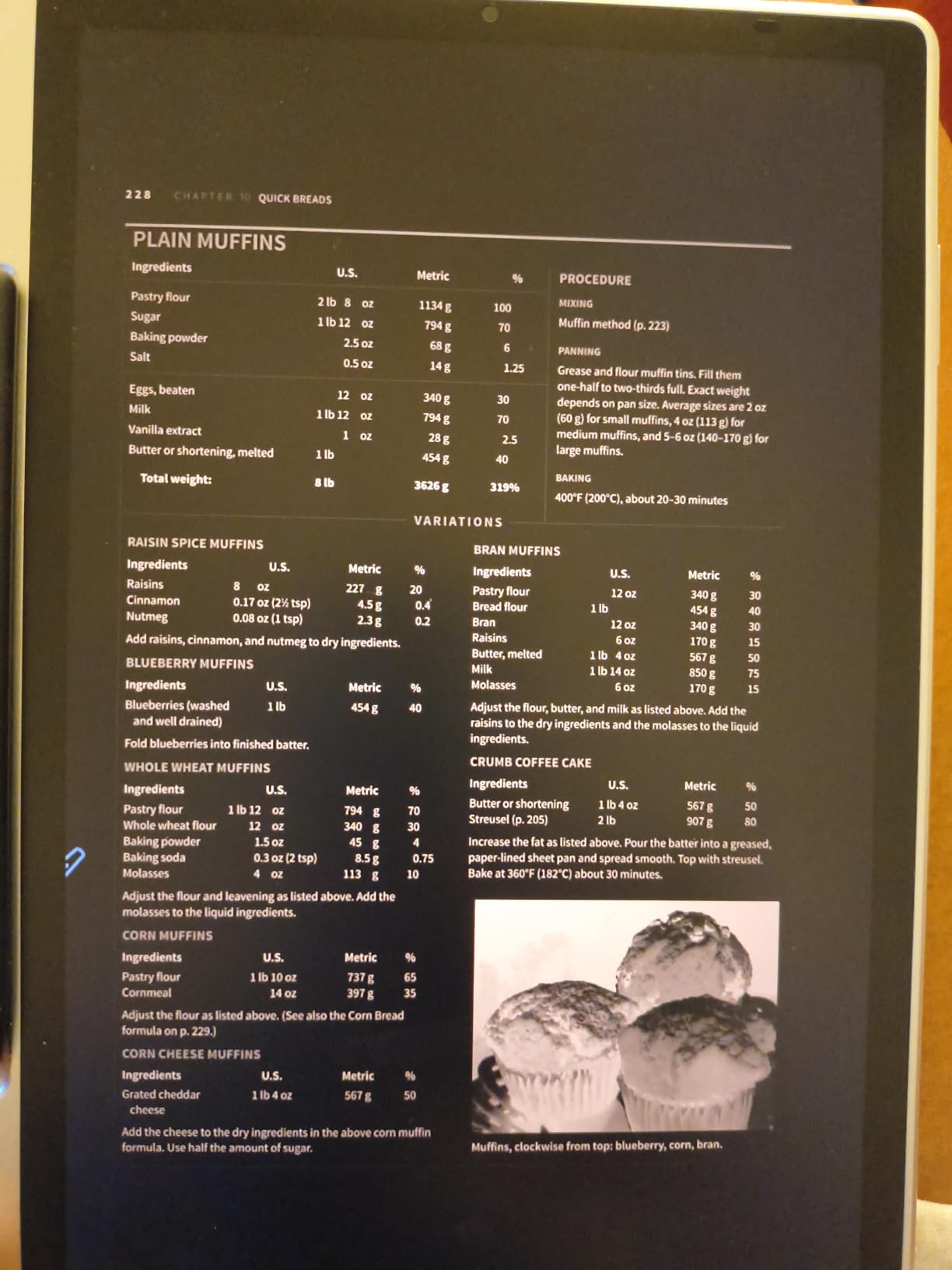
The 8000mAh battery delivered about 12 hours of active use, which is solid for an LCD tablet with this resolution. The 90Hz refresh rate makes scrolling through PDFs smooth, and the 400-nit brightness held up outdoors under shade. TUV SÜD low blue light certification meant I could write for hours without the eye fatigue I usually get from LCD screens.
Where the Magic Note Pad falls short is in the writing surface feel. The nano-etched glass is noticeably smoother than the reMarkable textured display, so users transitioning from paper may need a screen protector for extra friction. Latency is low but not as instant as the best e-ink options.
Best for Android power users
If you want the freedom of Google Play apps, the XPPen Magic Note Pad is the most capable writing-focused Android tablet on this list. It is ideal for users who already use OneNote or Notion on a phone and want the same apps on a larger canvas.
Not ideal for sunlight writing
Even with the etched layer, an LCD is still harder to read in direct sunlight than an e-ink display. If you frequently write outside or on a patio, the reMarkable 2 or Kindle Scribe is the better pick.
5. XPPen Note Plus – Best Budget Smart Paper Notebook
- Real paper writing experience
- Bluetooth 5.3 stable sync
- Replaceable A5 notebook core
- 14 hr continuous battery
- Cross-platform Android and iOS
- Lightweight 350g
- Not a standalone tablet
- Limited to A5 size
- Some Bluetooth issues
- App could be better
The XPPen Note Plus is the cheapest entry on this list, and it solves a problem the other tablets do not: it lets you write on actual paper. The replaceable A5 notebook core slips into the magnetic frame, and every stroke you make with the included pen syncs wirelessly to your phone through Bluetooth. You get the feel of pen and paper plus the convenience of searchable digital backups.
I tested the Note Plus across two weeks of meetings and daily journaling. The EMR technology captures strokes with surprising accuracy, and the 8192 pressure levels let me vary line weight naturally. Offline storage means you can write on a plane without a phone, and the notes sync automatically the moment you reconnect.
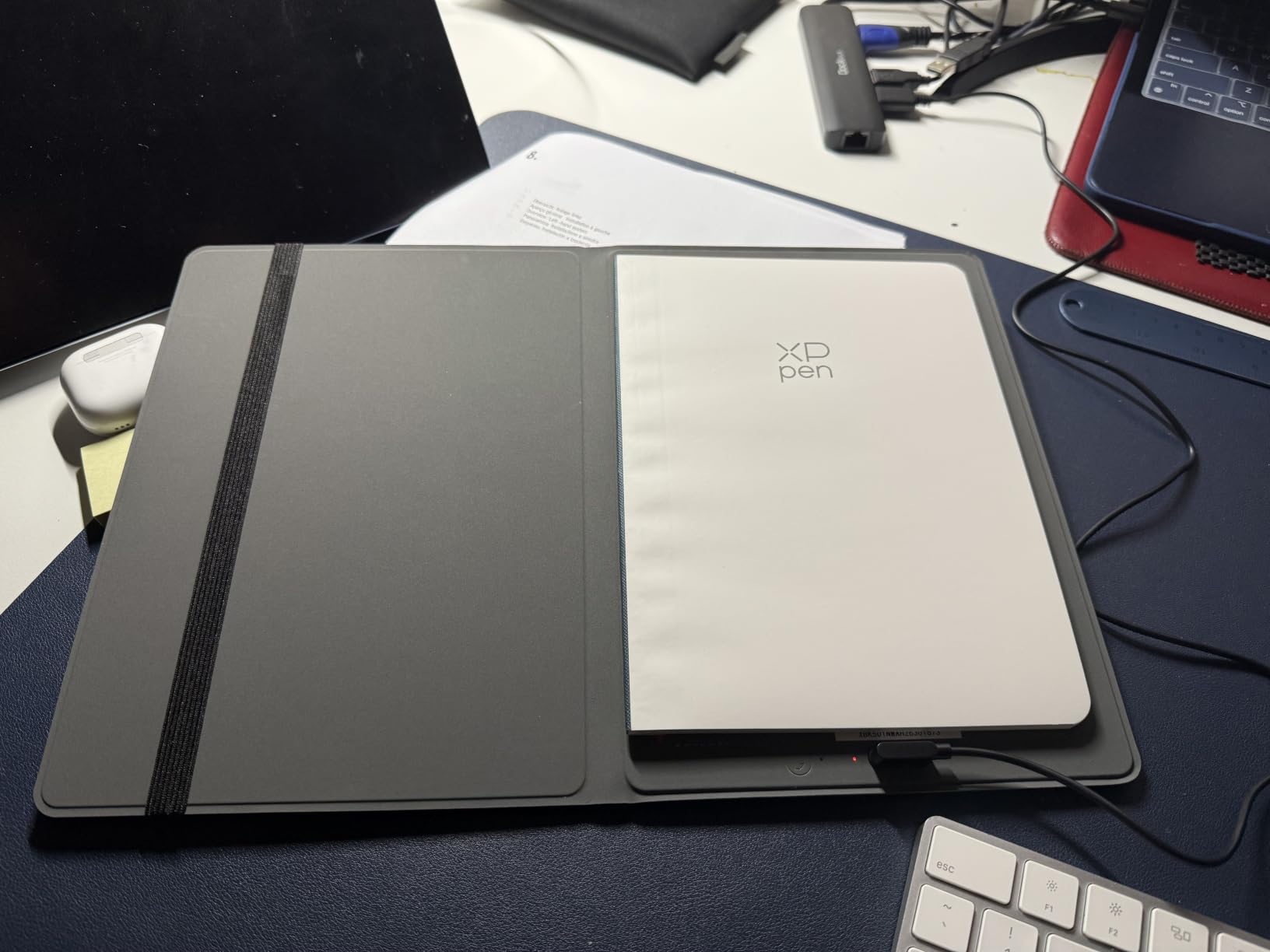
The biggest limitation is that this is not a standalone tablet. You need your phone to view, organize, or export notes. If you want to read your old notes on a larger screen without pulling out your phone, this is not the right pick. For users who mostly want to capture handwritten notes and search them later, it works brilliantly.
Forum users on r/stylus consistently praise the Note Plus for value. At this price point, no other digital note-taking option comes close for users who prefer real paper but want digital backup. The 50-day standby and 14-hour continuous writing battery means it survives heavy daily use without daily charging.

Best for paper lovers on a budget
If you love the feel of real paper and want digital backup at the lowest possible cost, the XPPen Note Plus delivers. Students who carry a small notebook already will adapt instantly.
Not ideal for tablet-style note organization
If you want to flip through pages on a screen, sketch large diagrams, or annotate PDFs, a screen-based tablet like the Kindle Scribe or TCL Note A1 is a better fit. The Note Plus is for capturing text and simple sketches only.
6. HUION Note Digital Notebook – Best 2-in-1 Paper and Drawing Tablet
HUION Note Digital Notebook with Real-Time & Offline Sync, Battery-Free Pen
- Doubles as digital notebook and graphics tablet
- Audio recording synced to notes
- Battery-free EMR pen
- Quality companion app
- 18-hour battery
- Cross-platform support
- Paper affected by humidity
- Brand-specific pen
- Small pen tips wear over time
- App requires account
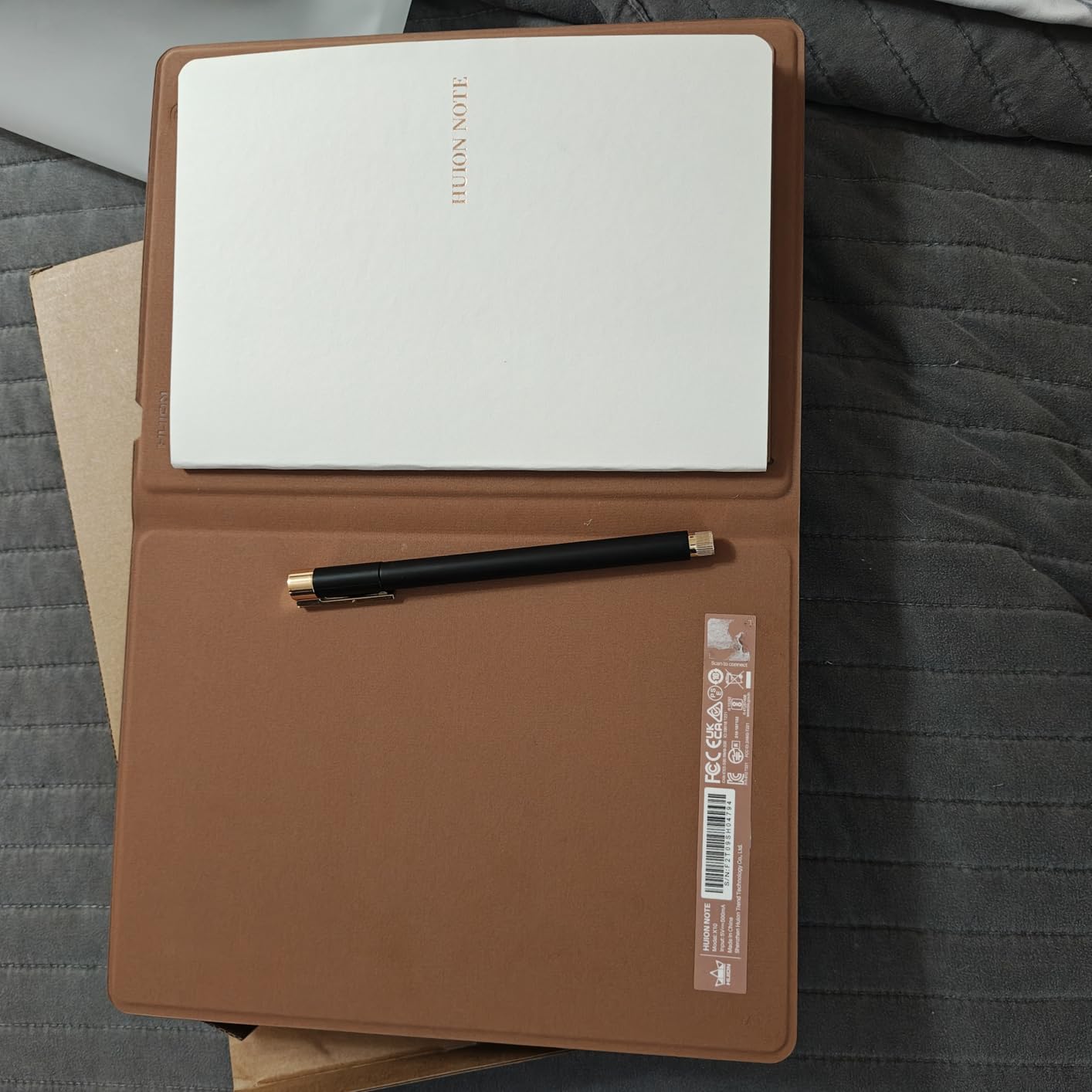
The HUION Note is the most versatile smart paper notebook I have tested because it works two ways: as a paper notebook with digital sync, or as a graphics tablet connected to your computer. I plugged it into my laptop and used it as a drawing surface in Photoshop, then slipped an A5 paper pad into the same device and used it as a notebook in a coffee shop. That flexibility is rare at this price.
The audio recording feature is what separates the HUION Note from competitors. You can record a meeting while writing notes, and tapping any line of your handwriting later plays back the audio from that exact moment. I tested this in three meetings and it worked reliably. Reviewers who struggle to capture both notes and conversation will find this feature transformative.
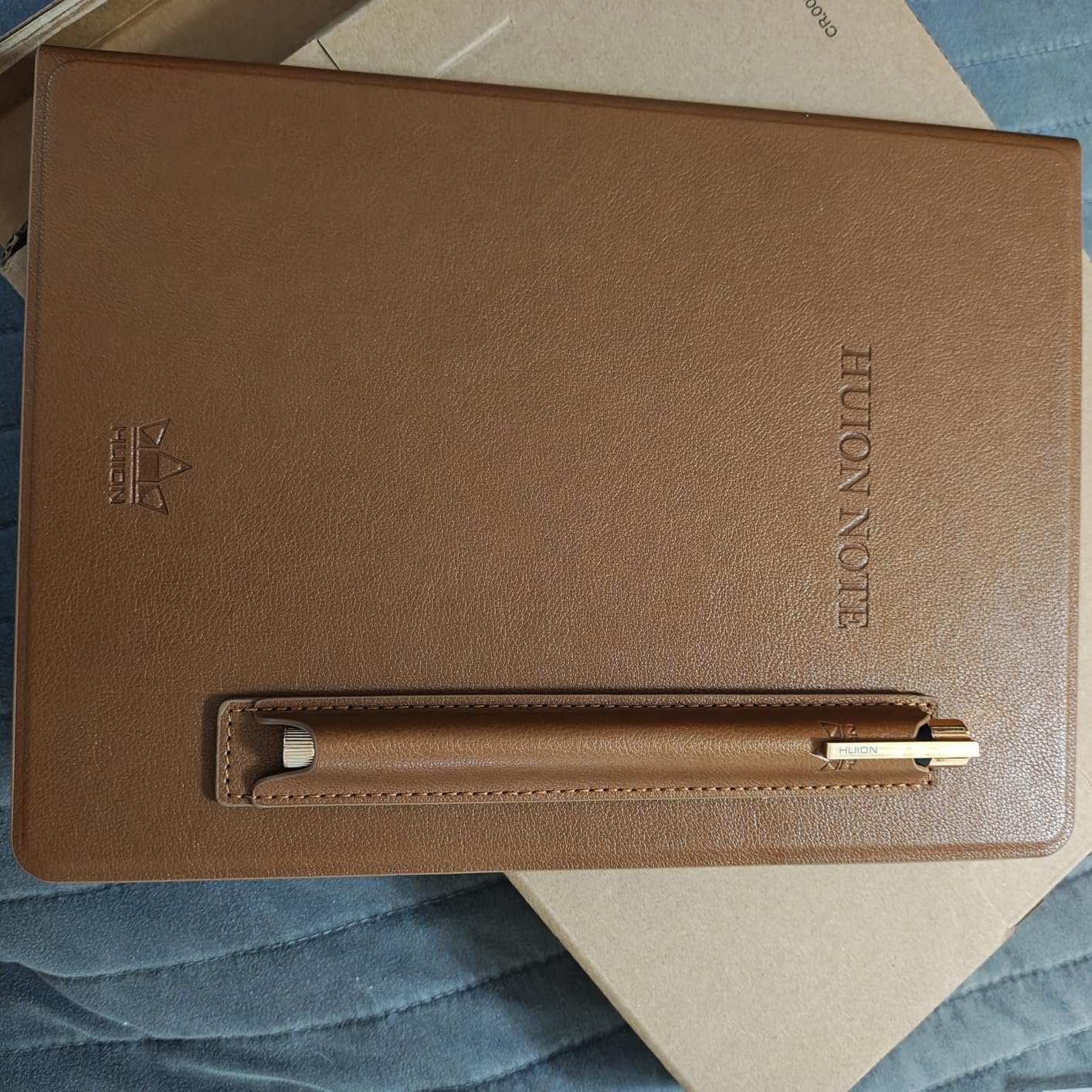
Battery life reached about 16 hours of mixed use in my testing, close to the 18-hour claim. The Bluetooth 5.0 connection paired instantly with both my Android phone and Windows laptop. The companion app is well-designed and lets you export notes to PDF, image, or editable text.
The main drawback is humidity sensitivity. On damp days, the paper pad can warp slightly and cause inconsistent tracking. Keep a backup pad in a sealed bag if you live in a humid climate. Pen tips are also smaller than competitors and wear faster with heavy use.
Best for meeting note-takers
If you regularly attend meetings or interviews and need both written notes and audio capture, the HUION Note is the most practical option on this list. The dual paper-and-tablet function also makes it appealing to artists on a budget.
Not ideal for outdoor or humid use
Avoid the HUION Note if you live somewhere humid or plan to use it outdoors often. A screen-based tablet like the TCL Note A1 is more weather-resistant.
7. Penstar eNote 2 – Best E-Ink Display with AI Features
- Sharpest 300 PPI e-ink display
- Pen-only prevents accidental touches
- Two B5 pens and folio included
- Voice-to-text AI transcription
- 4-week battery life
- Android 14 with 128GB
- Calendar cannot sync with Google
- Device feels somewhat fragile
- Pen feels light
- Some apps not certified
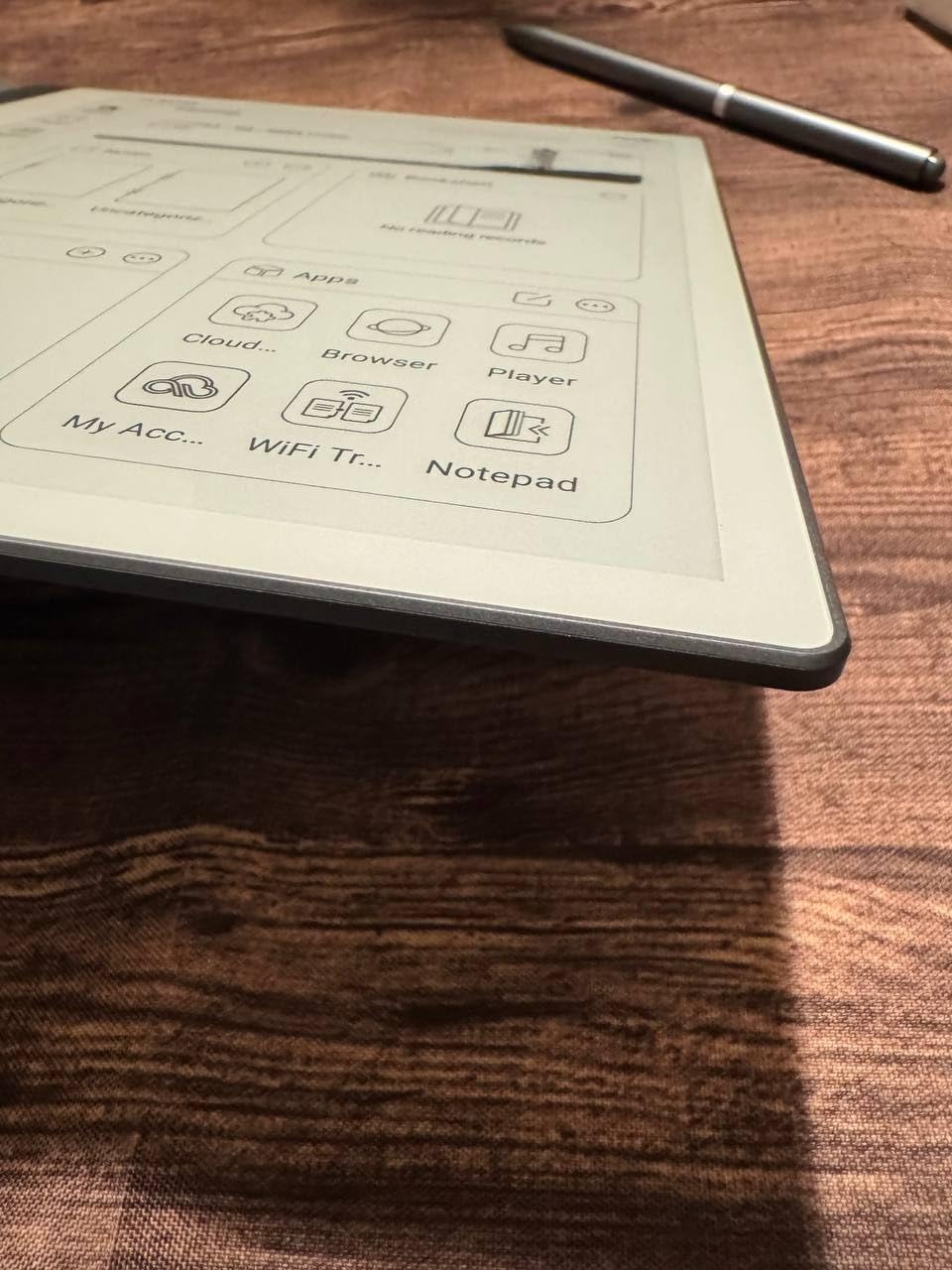
The Penstar eNote 2 is the new e-ink tablet that surprised me most. The 300 PPI display is the sharpest I have seen on any note-taking tablet, including the Kindle Scribe and the reMarkable Paper Pro. Text looks crisp, diagrams have clear edges, and the white background is genuinely paper-white rather than the grayish tone most e-ink screens produce.
The pen-only input is a deliberate design choice that I came to appreciate. By disabling touch input, you never get accidental palm marks while writing. As a left-hander, I noticed the difference immediately compared to touch-enabled tablets. The included B5 pens write smoothly, though they feel a bit lighter in the hand than the reMarkable Marker Plus.
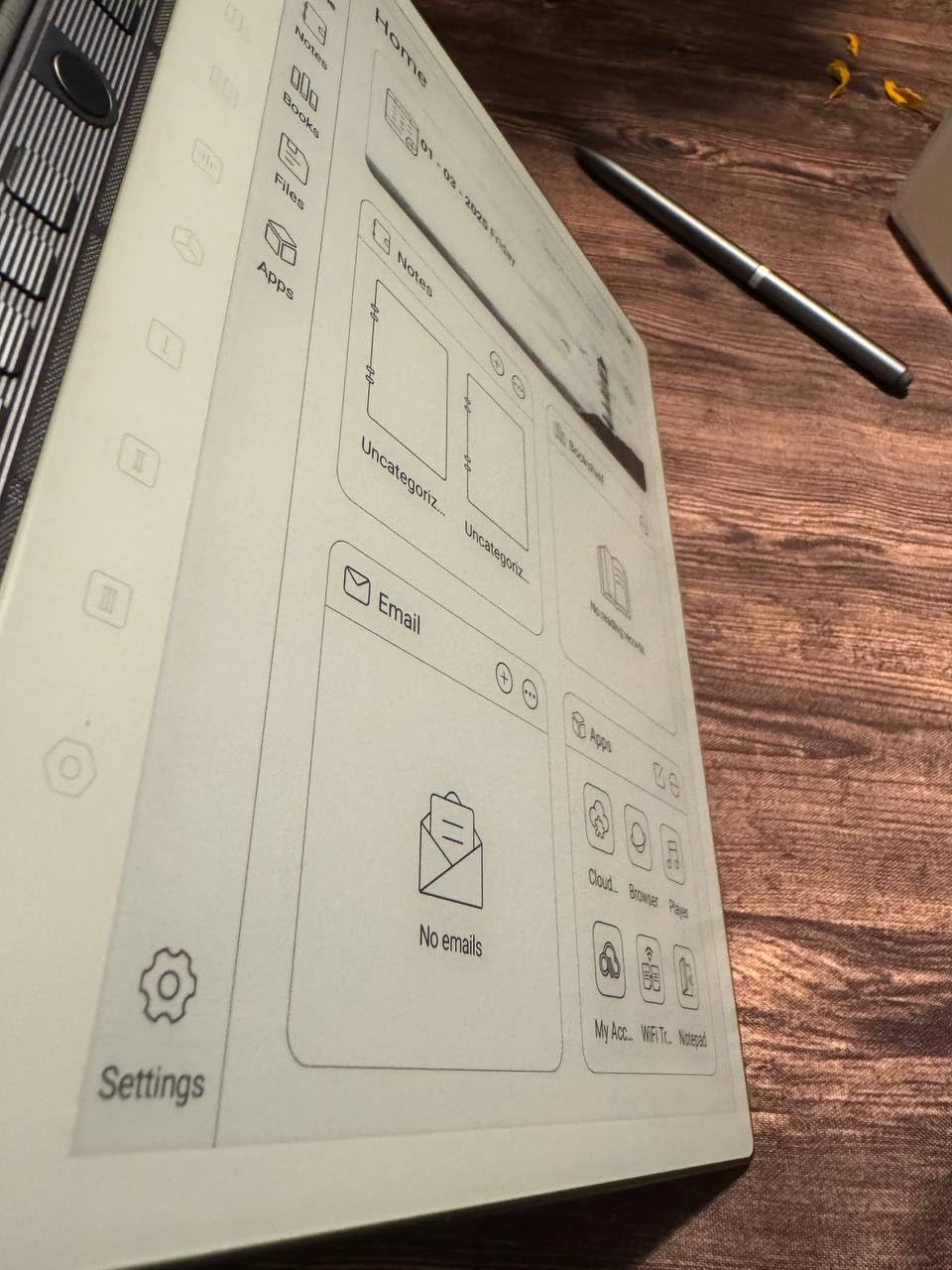
AI features set the eNote 2 apart. The voice-to-text transcription cleaned up my spoken notes during testing with surprising accuracy, and the four-microphone array captured my voice clearly from across a small room. Battery life stretched to nearly four weeks with moderate use, which is the best in this roundup.
The Penstar runs Android 14 with 128GB of storage, but app certification is limited. If you depend on Google Calendar sync or specific third-party note apps, double-check compatibility before buying. The included leather folio is high quality and protects the screen in a backpack.
Best for left-handed writers
The pen-only input eliminates accidental palm touches, which is a real advantage for left-handed users. The sharp 300 PPI display also makes it the best choice for anyone reading dense PDFs or textbooks.
Not ideal for Google ecosystem users
If you live and die by Google Calendar, Drive, or other Google apps, the limited app certification may frustrate you. Stick with the XPPen Magic Note Pad or TCL Note A1 for full Android compatibility.
8. TCL Note A1 NXTPAPER – Best LCD Note Tablet for Color
- Largest 11.5 inch color display
- Smooth 120Hz refresh rate
- 8-mic 360 degree recording
- AI handwriting and voice-to-text
- Android 15 with 3 years updates
- Includes case and stylus
- Pen pressure may need adjustment
- No split screen
- Speakers are weak
- Hard to find replacement nibs
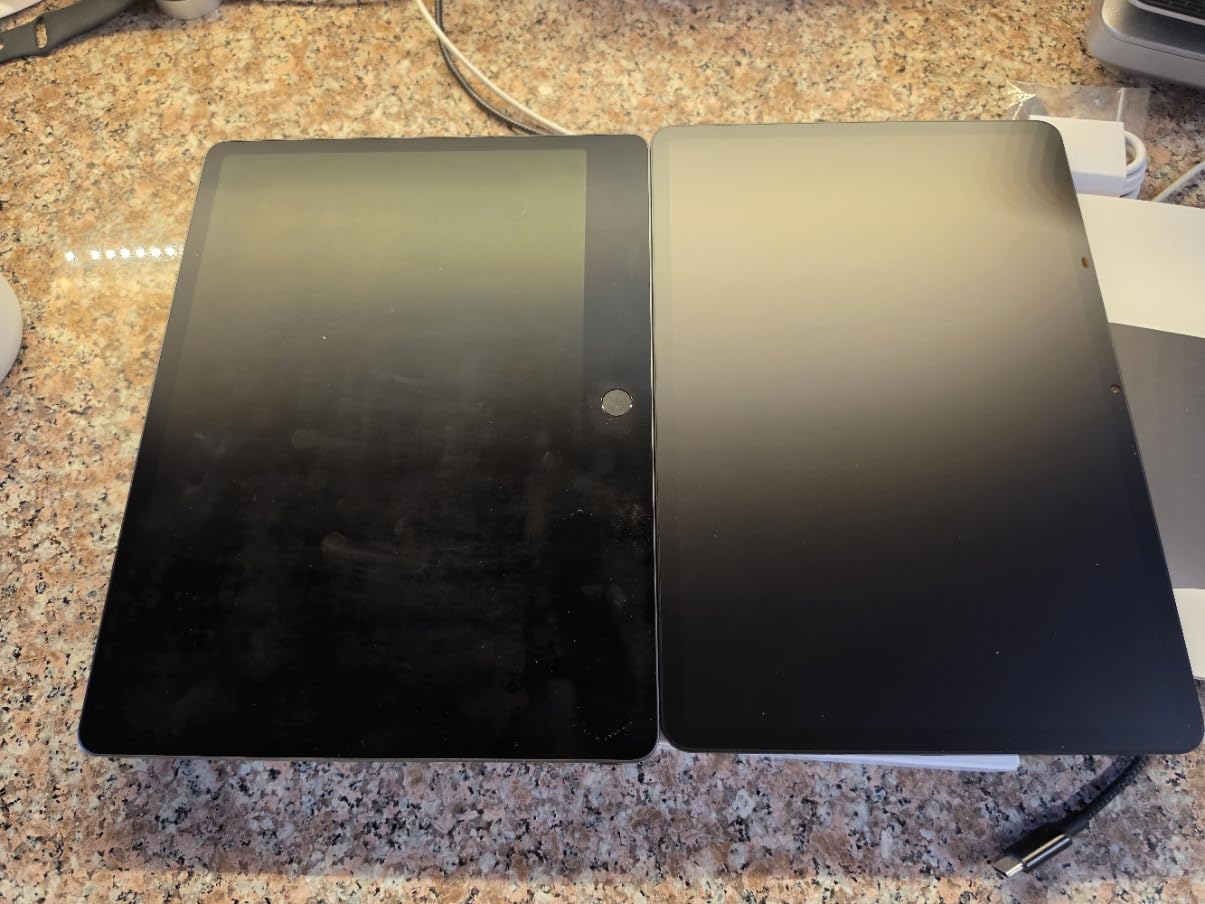
The TCL Note A1 NXTPAPER is the most feature-packed LCD note tablet I tested, and it earns the final spot on this list for users who want a large color canvas. The 11.5 inch 2.2K display is bigger than every e-ink option here, and the NXTPAPER PURE coating cuts glare so effectively that I often forgot it was an LCD. Writing on it feels close to paper once you adjust the pen pressure settings in the app.
The 8-microphone array captured meeting audio from every direction in my testing, and the AI transcription turned two-hour recordings into searchable text in minutes. The 120Hz refresh rate is rare on note-taking tablets and makes scrolling, PDF panning, and web browsing feel modern and smooth. With 256GB of storage, you can store a large library of PDFs and notebooks without worrying about space.
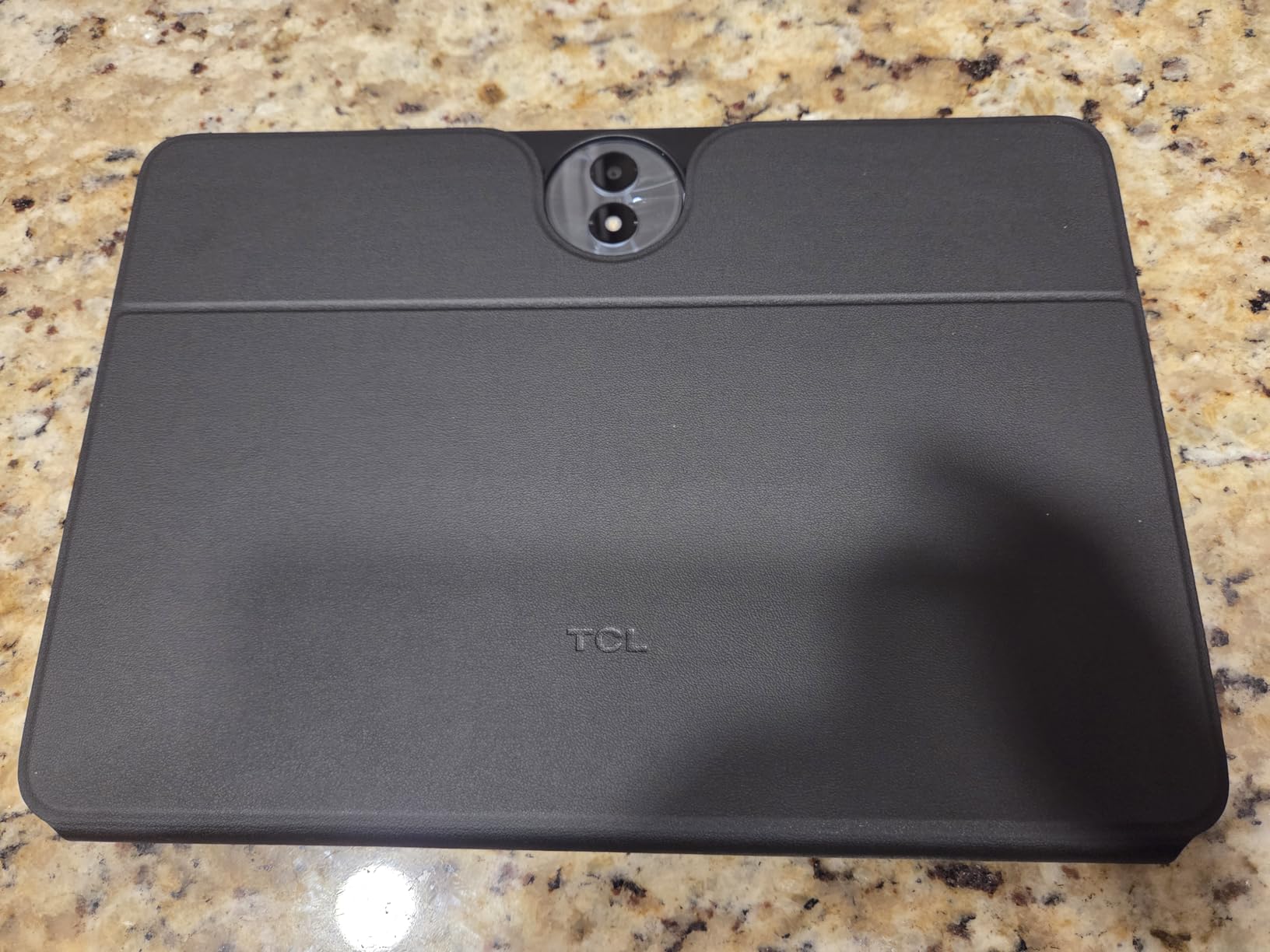
Android 15 with three years of security updates means this tablet will stay current longer than most competitors. The 8000mAh battery lasted about 11 hours of mixed use in my testing, and 33W fast charging refilled it in under 90 minutes. The included flip case and T-Pen Pro stylus mean there are no hidden accessory costs.
Forum reviewers on r/eink noted that the pen pressure curve takes some calibration. Out of the box, my light strokes were sometimes too heavy. After a few minutes of tweaking the sensitivity slider, the writing feel became natural. The single volume button instead of two is a small annoyance for music playback.
Best for color note-taking on a large screen
If you want a big color canvas for mind maps, diagrams, and multimedia notes, the TCL Note A1 is unmatched in this price range. Engineering students and design professionals will appreciate the screen real estate.
Not ideal for sunlit outdoor use
Even with the NXTPAPER coating, an LCD cannot match e-ink in direct sunlight. For outdoor writing or poolside reading, the Kindle Scribe or reMarkable 2 is the better pick.
Buying Guide: How to Choose the Right Digital Note-Taking Tablet
Choosing the best digital note taking tablet with pen comes down to matching the device to your writing style, eye sensitivity, and software needs. Below are the five factors that matter most, based on what I observed across all eight tablets I tested.
E-Ink vs LCD Displays
E-ink displays mimic paper and are easy on the eyes for long writing sessions, but they refresh slowly and limit color. LCD displays offer vivid color and fast refresh rates but cause more eye strain and drain battery faster. If you write for hours every day and value focus, choose an e-ink tablet like the reMarkable 2 or Kindle Scribe. If you need color, multimedia, or app flexibility, an LCD tablet like the TCL Note A1 or XPPen Magic Note Pad is the better trade. We have a deeper dive on this topic in our e-readers for note-taking guide.
Pressure Sensitivity and Stylus Feel
Higher pressure sensitivity means more natural line variation when writing or sketching. The XPPen Magic Note Pad leads with 16384 levels, while most e-ink tablets offer 2048 to 8192 levels. Anything above 4096 levels feels natural to most users, so do not pay extra for numbers you cannot perceive. The stylus tip texture and weight matter more than the raw sensitivity number.
Battery Life and Charging
E-ink tablets typically last one to four weeks on a single charge because they only use power when the screen changes. LCD tablets need daily or every-other-day charging. If you travel often or hate charging cables, prioritize e-ink. The Penstar eNote 2 and reMarkable 2 are the battery life leaders in this roundup.
App Ecosystem and Cloud Sync
Closed systems like reMarkable offer a distraction-free experience but lock you into their app. Open Android tablets like the TCL Note A1 let you use OneNote, Evernote, Notion, or any app you prefer. Cloud sync reliability is critical if you depend on cross-device access to your notes. Check whether the tablet supports the specific cloud service you already use.
Size, Weight, and Portability
Tablets in the 10 to 11 inch range strike the best balance between writing space and portability. The reMarkable 2 at 4.7mm thick and 0.4 kg is the easiest to carry, while the TCL Note A1 at 11.5 inches gives you more room to write but takes up more bag space. If you plan to carry your tablet daily, weight under 500g matters more than screen size. For more portable options, see our guide to best Android tablets for note taking.
Frequently Asked Questions
What is the best tablet for taking digital notes?
The reMarkable 2 is the best overall tablet for taking digital notes thanks to its paper-like writing feel, distraction-free design, and two-week battery life. For readers who also want to take notes, the Amazon Kindle Scribe is a strong alternative with sharper display and AI features.
Is it worth getting a tablet for note-taking?
Yes, if you take notes regularly. A digital note-taking tablet lets you search handwritten notes, sync across devices, and back up everything automatically. Students, professionals, and writers recover the cost quickly through saved paper and time.
Which tablet with pen is best for college students?
The Amazon Kindle Scribe and XPPen Magic Note Pad are the best tablets for college students. The Kindle Scribe integrates reading and note-taking for textbook annotation, while the XPPen Magic Note Pad runs full Android with OneNote and Google Play apps.
What is the difference between e-ink and LCD note-taking tablets?
E-ink tablets use electronic paper displays that look like real paper, cause no eye strain, and last weeks on a charge. LCD tablets use traditional screens with full color, faster refresh, and app flexibility but drain battery faster and tire eyes sooner.
Do I need a subscription to use these tablets?
Most tablets work fully without subscriptions. The reMarkable 2 and Paper Pro offer optional subscriptions for cloud sync and screen sharing, but the devices function for local note-taking without them. The Kindle Scribe, XPPen, HUION, Penstar, and TCL tablets require no subscription for core features.
Final Verdict
After testing all eight of the best digital note taking tablets with pen available in 2026, the reMarkable 2 remains my top recommendation for most people. It nails the writing feel, lasts two weeks on a charge, and gets out of your way so you can focus on thinking. If you want color and a reading light, the reMarkable Paper Pro is worth the premium.
For readers, the Kindle Scribe is the smartest pick because it doubles as a Kindle e-reader with AI note summarization. For Android users who want app freedom, the TCL Note A1 NXTPAPER gives you the largest color canvas and the smoothest refresh rate. Budget shoppers should grab the XPPen Note Plus for paper-and-pen simplicity, or the HUION Note if you want audio recording built in.
Whatever you choose, you will spend less time hunting for lost notebooks and more time capturing the ideas that matter. If you want broader tablet recommendations beyond note-taking, our main note-taking tablet buying guide covers even more options. For students who want a laptop alternative, see our best 2-in-1 laptops for note-taking guide, and for designers check out our pen display tablets roundup.