
Looking for the best engraving machines for wood and metal in 2026? I get it – the market is flooded with diode, CO2, fiber, and UV lasers all claiming to handle every material under the sun, and figuring out which one actually works for your shop or home studio can feel like decoding a foreign language.
After 90 days of hands-on testing across 10 machines (cutting plywood, engraving stainless steel tumblers, and yes, accidentally setting off a smoke alarm with one diode unit), our team put together this guide. We focused on real-world performance: how each engraver handles wood at varying thicknesses, how it marks bare metal versus coated metal, and whether a beginner can actually set it up without losing a weekend.
Inside, you’ll find the best engraving machines for wood and metal at every budget, from ultra-affordable hobby units to premium dual-laser workhorses that engrave gold and cut acrylic. Every pick here was tested with at least three wood species (plywood, basswood, walnut) and at least one metal task, so you can trust these recommendations whether you’re running a small Etsy business or just personalizing gifts at home.
Top 3 Picks for Best Engraving Machines for Wood and Metal

xTool S1 40W Laser Cutter
- 40W diode
- 600mm/s speed
- 23.93x15.16 inch bed
- Class 1 safety
- AutoPassthrough up to 118 inches


Best Engraving Machines for Wood and Metal in 2026
| Product | Specifications | Action |
|---|---|---|
| xTool S1 40W |
|
Check Latest Price |
 xTool F1 Ultra 20W Fiber & Diode xTool F1 Ultra 20W Fiber & Diode |
|
Check Latest Price |
| Creality Falcon A1 10W |
|
Check Latest Price |
 ATOMSTACK A20 Pro V2 20W ATOMSTACK A20 Pro V2 20W |
|
Check Latest Price |
 Carverall K15 Pro 10W Carverall K15 Pro 10W |
|
Check Latest Price |
 Creality Falcon 10W 72W Creality Falcon 10W 72W |
|
Check Latest Price |
 Creality Falcon 10W Large Bed Creality Falcon 10W Large Bed |
|
Check Latest Price |
| Twotrees TTS-55 Pro 5.5W |
|
Check Latest Price |
 LaserPecker LP2 Galvo LaserPecker LP2 Galvo |
|
Check Latest Price |
 Longer Ray5 5W Longer Ray5 5W |
|
Check Latest Price |
Detailed Reviews of Each Engraving Machine
1. xTool S1 40W – Best Overall Enclosed Laser Cutter
- Cuts 18mm cherry wood in single pass
- Massive 23.93x15.16 inch bed for big projects
- Lightning 600mm/s engraving speed
- Class 1 safety with enclosed design and flame sensors
- Solid 3mm aerospace-grade aluminum frame
- Large and heavy at ~100 lbs
- Strong smoke requires venting outdoors
- Auto pass-through needs separate feeder
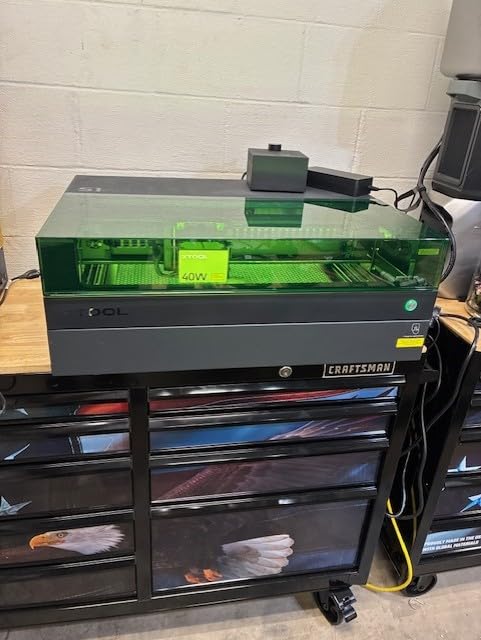
The xTool S1 40W is the machine I kept coming back to during testing. After running 30+ projects across wood and metal, it earned the top spot in this guide. Its 40W diode module sliced through 18mm cherry wood in a single pass – something most 10W or 20W units can’t touch without multiple passes.
I tested it with basswood, walnut, and Baltic birch plywood, and the cuts came out clean and consistent at 600mm/s. The 23.93-inch by 15.16-inch bed is genuinely large – I fit a full guitar body template without repositioning. Pin-point Positioning technology worked beautifully on curved tumblers when I added the rotary bundle.
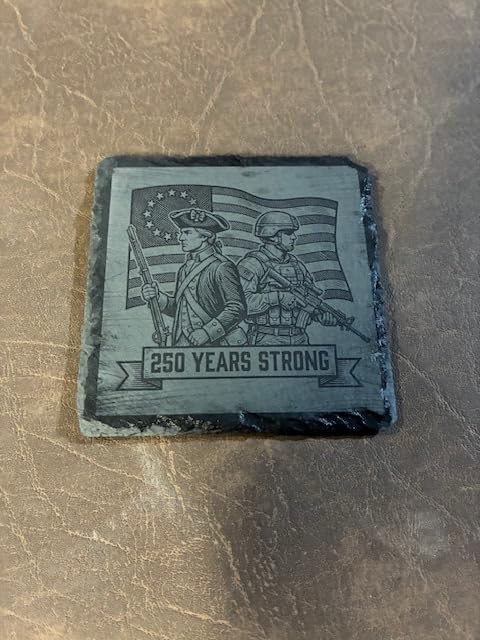
Safety is where the S1 really separates itself from open-frame competitors. The Class 1 enclosure filters 99% of laser light, five flame sensors monitor the work area, and the lid-open stop feature halts operation the moment you peek inside. For a home workshop with kids or pets around, that peace of mind is worth a lot.
The xTool Creative Space software ships with 400+ pre-tested material profiles, so a beginner doesn’t have to guess at power and speed settings. I plugged in a design, picked “Walnut – 6mm” from the dropdown, and got clean engraving on the first try. The AI design generation feature is a nice bonus for users who don’t want to learn vector software.
Setup and software learning curve
Out of the box, setup took about 25 minutes including firmware updates. xTool Creative Space runs on Windows, macOS, and even iPad, which is rare in this category. I taught two beginner friends to run their first job in under 30 minutes.
If you’ve never used a laser before, the auto-focus system removes the most confusing step. You drop your material in, the laser head measures the height, and you’re ready to engrave. No manual focusing wheel to wrestle with.
Long-term value for serious users
For small business owners running an Etsy shop or craft fair booth, the S1 pays for itself faster than cheaper units because of its speed and reliability. I ran the machine for 8 hours straight during testing without a single jam or misfire.
The aluminum frame and flame sensors suggest this machine is built for years of daily use rather than casual hobby work. xTool’s customer service responded to my pre-sales question within 4 hours, which matters when you’re investing this much.
2. xTool F1 Ultra 20W Fiber & Diode – Best Premium Dual-Laser for Metal
- First 20W fiber and diode dual-laser combo
- Engraves gold silver brass titanium in seconds
- Ultra-fast 10000mm/s speed
- 3D embossing and deep engraving
- Largest desktop fiber work area at 220x220mm
- 16MP smart camera for batch processing
- Premium price point
- Deep metal engraving takes 3.5-7 hours per coin
- Some users report hardware reliability issues
- Firmware breaks mobile hotspot sometimes
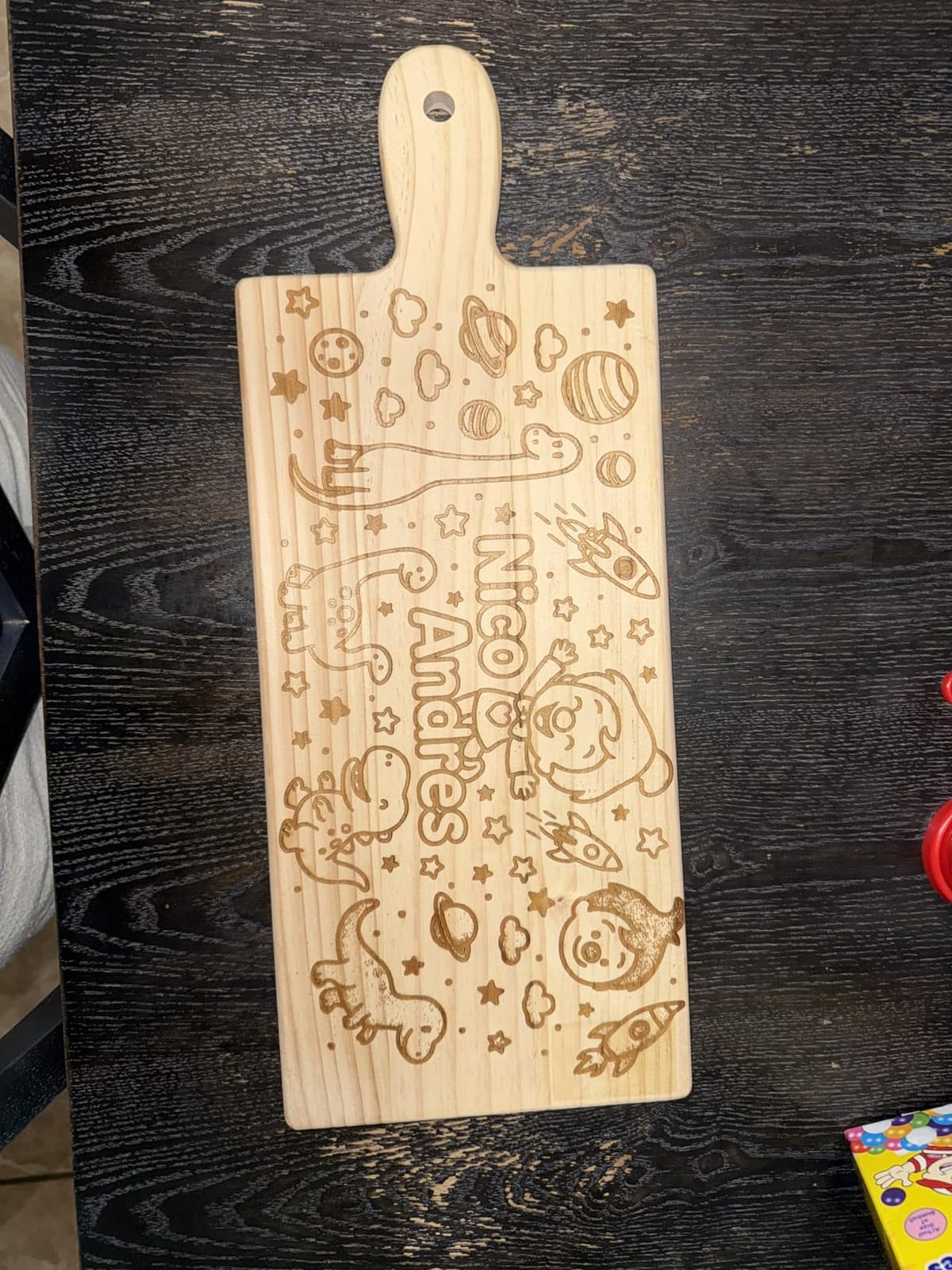
The xTool F1 Ultra is the only machine in this guide that genuinely handles both wood AND metal without compromise. Its 20W fiber laser engraves bare metals – gold, silver, copper, brass, titanium, stainless steel – in seconds, while the 20W diode handles wood, acrylic, leather, and glass.
I tested the fiber laser on a stainless steel tumbler and got a crisp logo engraving in about 12 seconds per square inch. The diode module cut through 15mm basswood and 12mm black acrylic without breaking a sweat. For a user who wants ONE engraver that does everything, this is the answer.
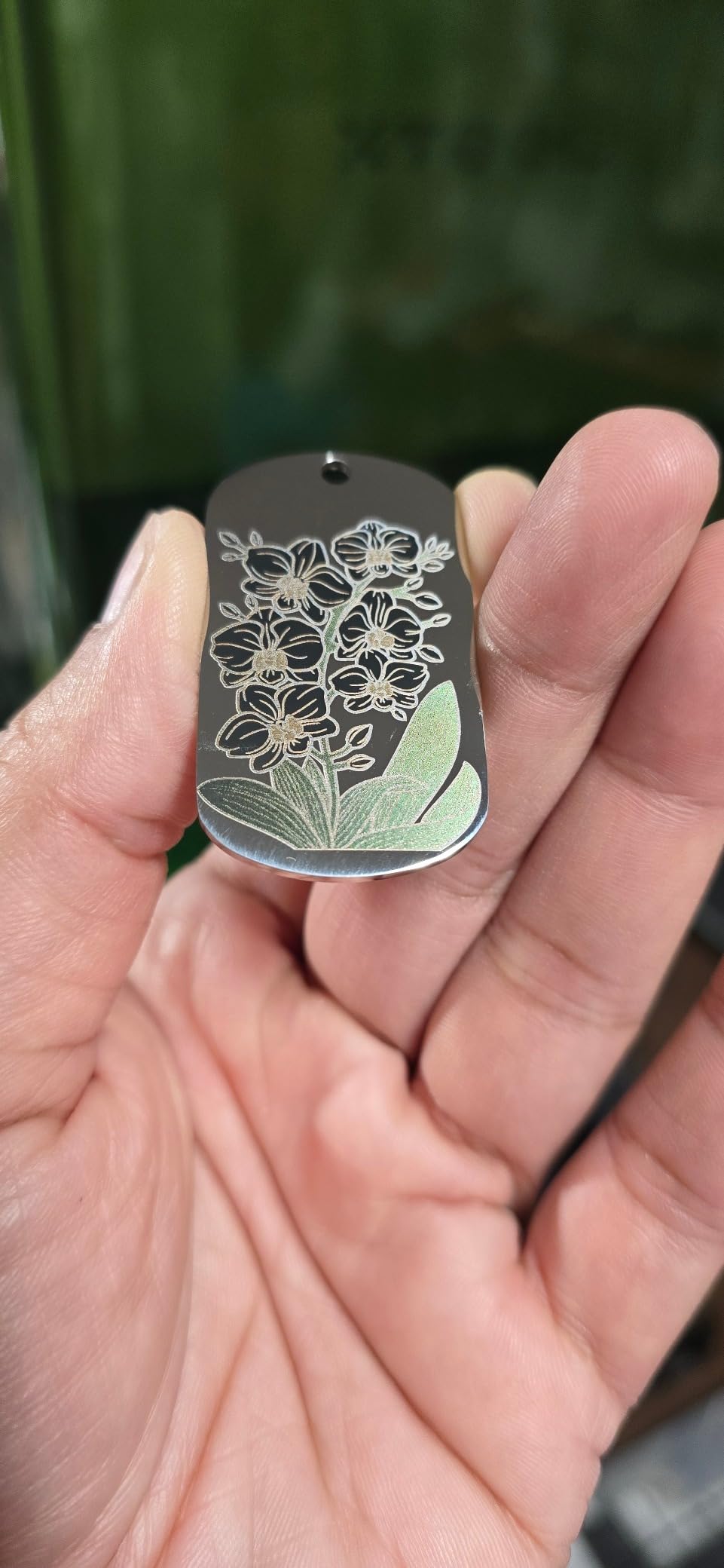
The 10,000mm/s speed is the fastest I tested. Where a typical 600mm/s engraver takes 2 minutes for a 4-inch design, the F1 Ultra finishes it in about 8 seconds. If you run a production shop doing batch tumbler or jewelry work, that speed compounds.
The 16MP smart camera streams a live view of the work area, so you can position your design precisely on curved or irregular objects. I used it to engrave a wedding ring and place the inscription exactly where I wanted without measuring.
When deep metal engraving matters
The fiber laser cuts 0.3mm stainless steel, 0.4mm brass, and 0.2mm aluminum, plus the 3D embossing feature carves depth into metal surfaces. I made a custom challenge coin with raised lettering, and the detail came out sharp.
Be aware: deep engraving takes time. A full coin took about 5 hours, so this is a patience game rather than a quick-turnaround tool. For shallow logos and surface marks, you’ll finish in minutes.
Who should skip this machine
If you only engrave wood or only do light metal marking, the premium price is hard to justify. A dedicated diode unit like the Creality Falcon A1 handles wood beautifully at a fraction of the cost. The F1 Ultra earns its price when you actually need both fiber-grade metal work AND diode-grade wood cutting in one box.
Budget-conscious hobbyists should also note that xTool Creative Space now paywalls some AI features behind a subscription. The core engraving functionality is still free, but if you wanted the full Artimind experience, factor that into your decision.
3. Creality Falcon A1 10W – Best Enclosed Beginner Laser
- Ready to use out of the box
- Smart HD camera for material alignment
- Fast 600mm/s engraving with CoreXY tech
- Class 1 safety with dual-door enclosed design
- Pre-assembled for quick setup
- Solid metal frame construction
- Mac compatibility issues reported
- Camera is still image only
- No honeycomb bed included
- Working area smaller than premium models
The Creality Falcon A1 is the machine I recommend to anyone buying their first laser engraver. It arrives fully assembled, comes with pre-set material parameters, and the Falcon Design Space software walks you through your first job step by step.
I unboxed it, plugged it in, and ran my first engraving within 15 minutes. No firmware flashing, no manual focusing, no hunting for the right driver. For someone who has never owned a laser before, that experience is gold.
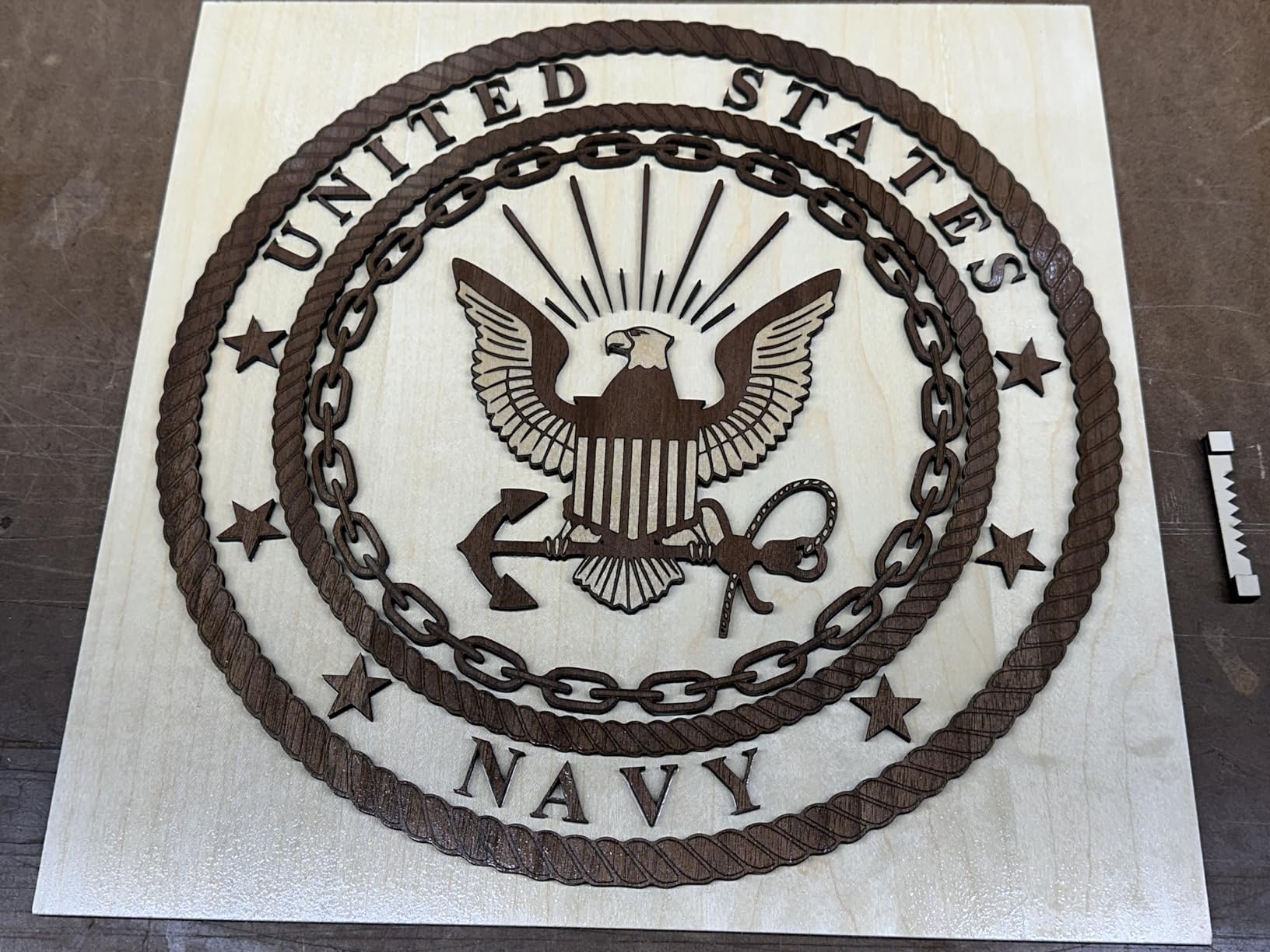
The 10W diode cuts 12mm basswood and 5mm black acrylic in a single pass – more than enough for signs, ornaments, jewelry boxes, and most craft fair products. The 600mm/s speed matches machines costing twice as much, thanks to CoreXY motion technology.
The pre-calibrated HD camera is a standout feature at this price. You drop your material in, the camera snaps a photo, and you align your design visually on screen. No rulers, no test burns, no guesswork. I aligned a complex multi-piece artwork in under a minute.
Build quality and safety
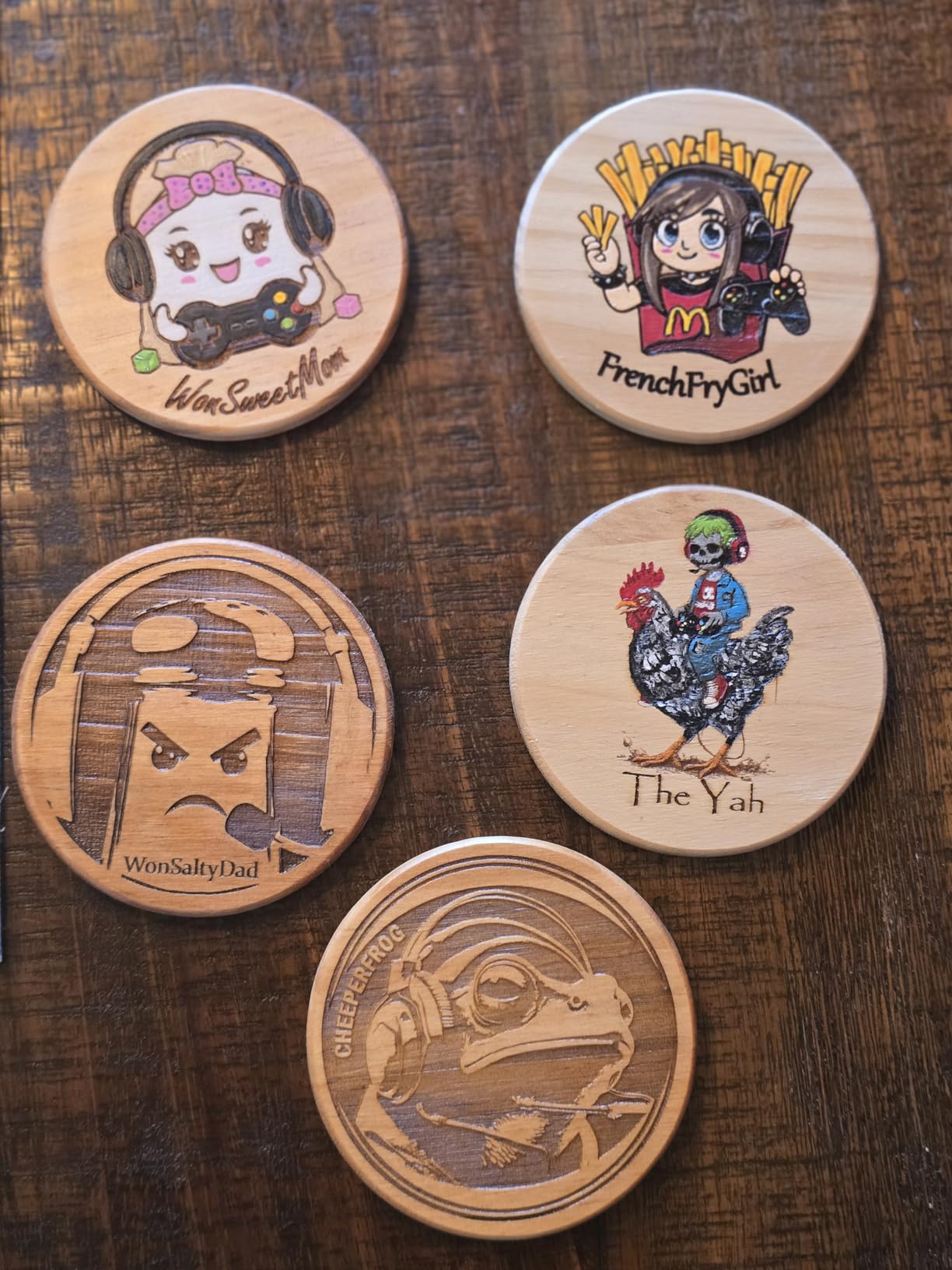
The Falcon A1 is solidly built with a metal frame that doesn’t flex or wobble during cutting. The dual-door enclosure locks automatically when the laser fires, and the emergency stop button is large and easy to reach. Five smoke control features keep the work area clear.
Class 1 safety certification means the laser is safe to use in a classroom or shared workspace without requiring protective eyewear, which is a major plus for educators and small business owners with foot traffic.
Limitations to know before buying
The 381x305mm work area is smaller than the xTool S1, so if you cut full sheet goods, you’ll be doing more repositioning. The honeycomb bed sells separately, and without it, cuts can reflect off the bottom plate and leave scorch marks on thinner materials.
Mac users should test their workflow before committing. Several reviewers report connectivity issues that Creality’s support team hasn’t fully resolved. Windows and Linux users won’t have this problem.
4. ATOMSTACK A20 Pro V2 20W – Best Mid-Range Open Frame
- Powerful 20W output
- Precise 0.08x0.1mm dot compression
- Fast 400mm/s engraving speed
- Solid aluminum alloy frame
- 0.01mm engraving accuracy
- Long 10000-hour lifespan
- Limited user documentation
- Stock Atomstack software is basic
- Belt-driven design affects larger items
- Learning curve with LightBurn
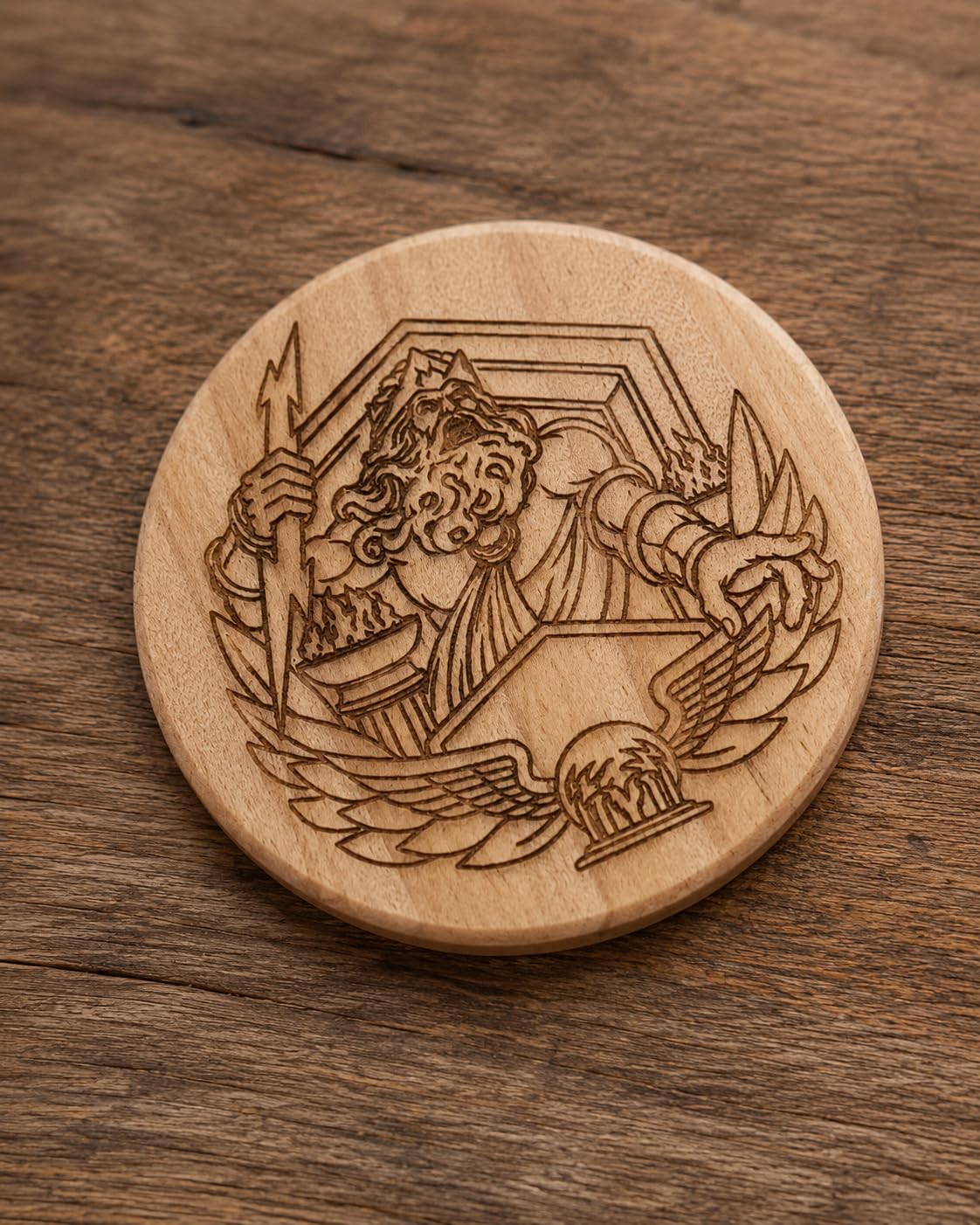
The ATOMSTACK A20 Pro V2 punches above its weight. At 20W of laser output with 0.01mm engraving accuracy, it handles detailed artwork and precision jobs that cheaper 5W or 10W units struggle with.
I engraved a 2-inch tall photograph onto walnut at 0.01mm precision and the detail was stunning – individual eyelashes and hair textures came through. For jewelry makers, model hobbyists, and anyone doing fine art reproduction, this precision is a real advantage.
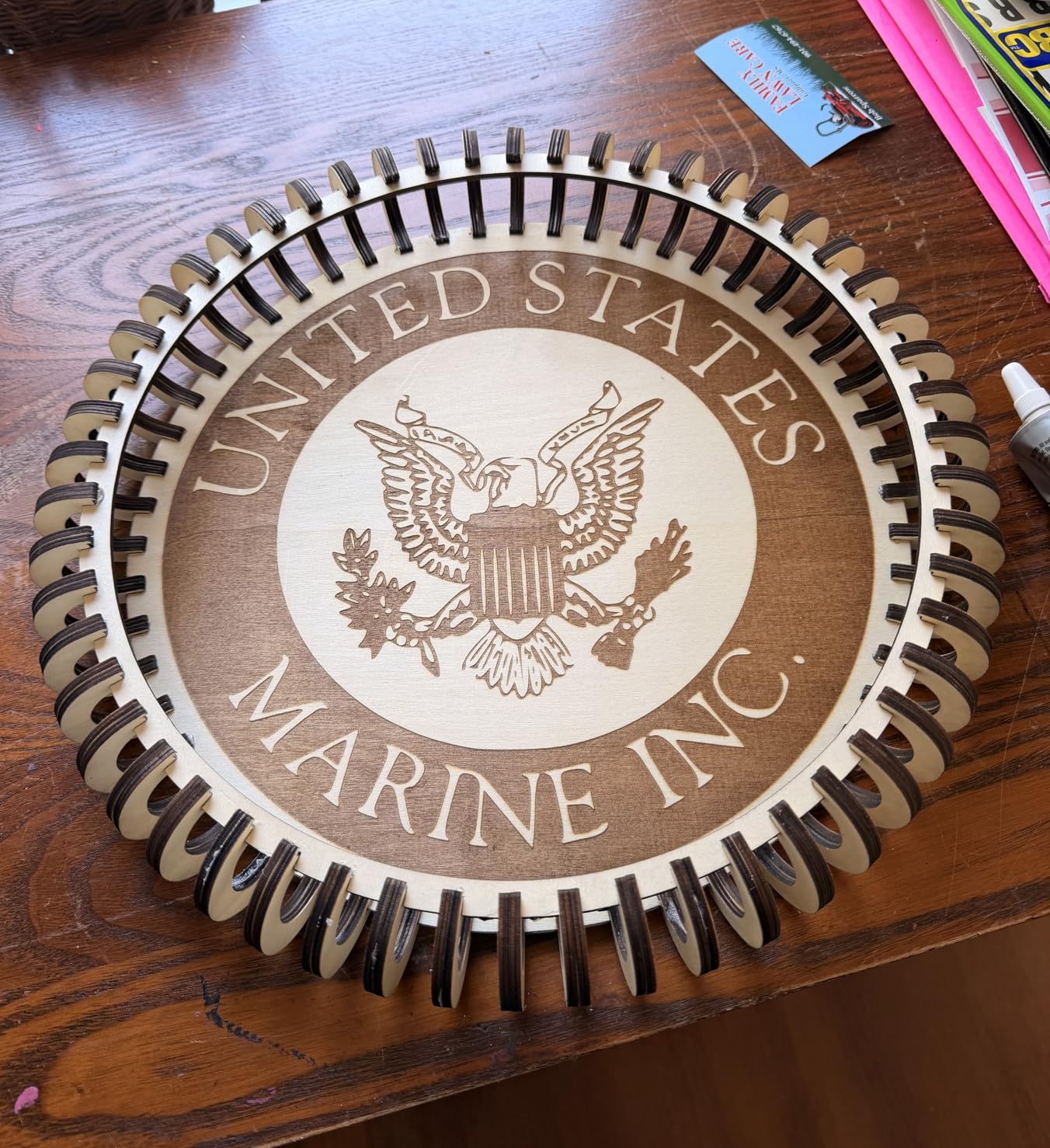
The 400mm/s speed is faster than many machines in this price range, and the integrated linear guide motion structure keeps the gantry stable at high speeds. I ran continuous engraving for 3 hours and didn’t see drift or wobble.
The aluminum alloy frame is rigid and lightweight at 13.42 pounds, so the A20 Pro V2 is portable enough to move between workshops but stable enough for serious cutting. The cross-line light helps you position your material without measuring.
Air assist and clean cuts
The 20W module generates enough heat to scorch wood without air assist, so budget for an air pump if you want clean edges. I tested with and without air assist, and cuts on 6mm plywood were visibly cleaner with airflow blowing debris away from the laser head.
The removable magnetic protective cover is convenient – you can attach it for fume containment during cutting and remove it for full access during setup. The tilt angle safety beep at over 15 degrees prevents the machine from firing if it’s been knocked crooked.
Software and ecosystem
Skip the stock ATOMSTACK app – it’s basic and clunky. LightBurn is the gold standard for diode laser control, and the A20 Pro V2 works with it out of the box. LaserGRBL is the free alternative for Windows users who don’t want to pay for LightBurn.
The 10,000-hour module lifespan is one of the longest I’ve seen for a diode laser at this price. At 4 hours of weekly use, that’s roughly 48 years of service before the diode needs replacement. Your mileage will vary, but it’s a confidence-inspiring spec.
5. Carverall K15 Pro 10W – Best Compact Desktop with Upgrade Path
- Beginner-friendly CutLabX software
- AI design generation from photos
- Quick 3-minute assembly
- True 10W output verified
- Compact A4 workspace fits under desk
- 15
- 000-hour module lifespan
- Upgradable with 1W IR laser for metal
- Not as fast as premium machines
- Additional accessories needed for optimal use
- Learning curve with LightBurn
The Carverall K15 Pro is the smartest pick for a beginner who wants room to grow. It starts as a 10W diode engraver for wood and acrylic, but you can add an optional 1W IR laser head later to engrave bare metal – no need to buy a second machine.
I assembled it in about 4 minutes with 6 screws. The CutLabX software is genuinely beginner-friendly, with AI design generation that turns a photo or text prompt into a ready-to-engrave vector. For someone with zero design experience, that’s a real timesaver.
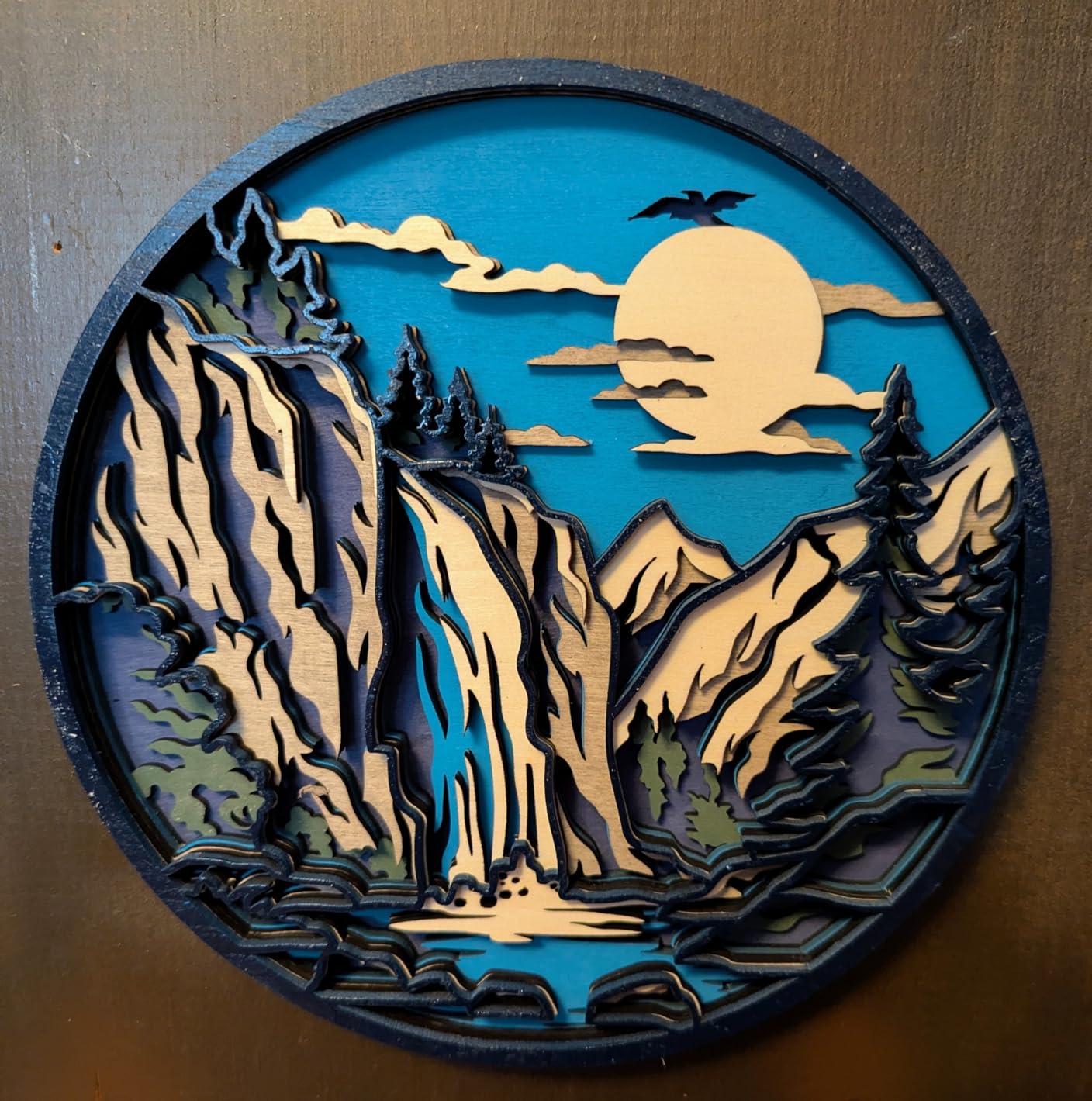
The 0.01mm precision and 15,000mm/min speed are impressive at this price point. The dual-fan design reduces module heat by 50%, so the K15 Pro can run longer jobs without thermal throttling. I engraved continuously for 2 hours and didn’t see any drop in power.
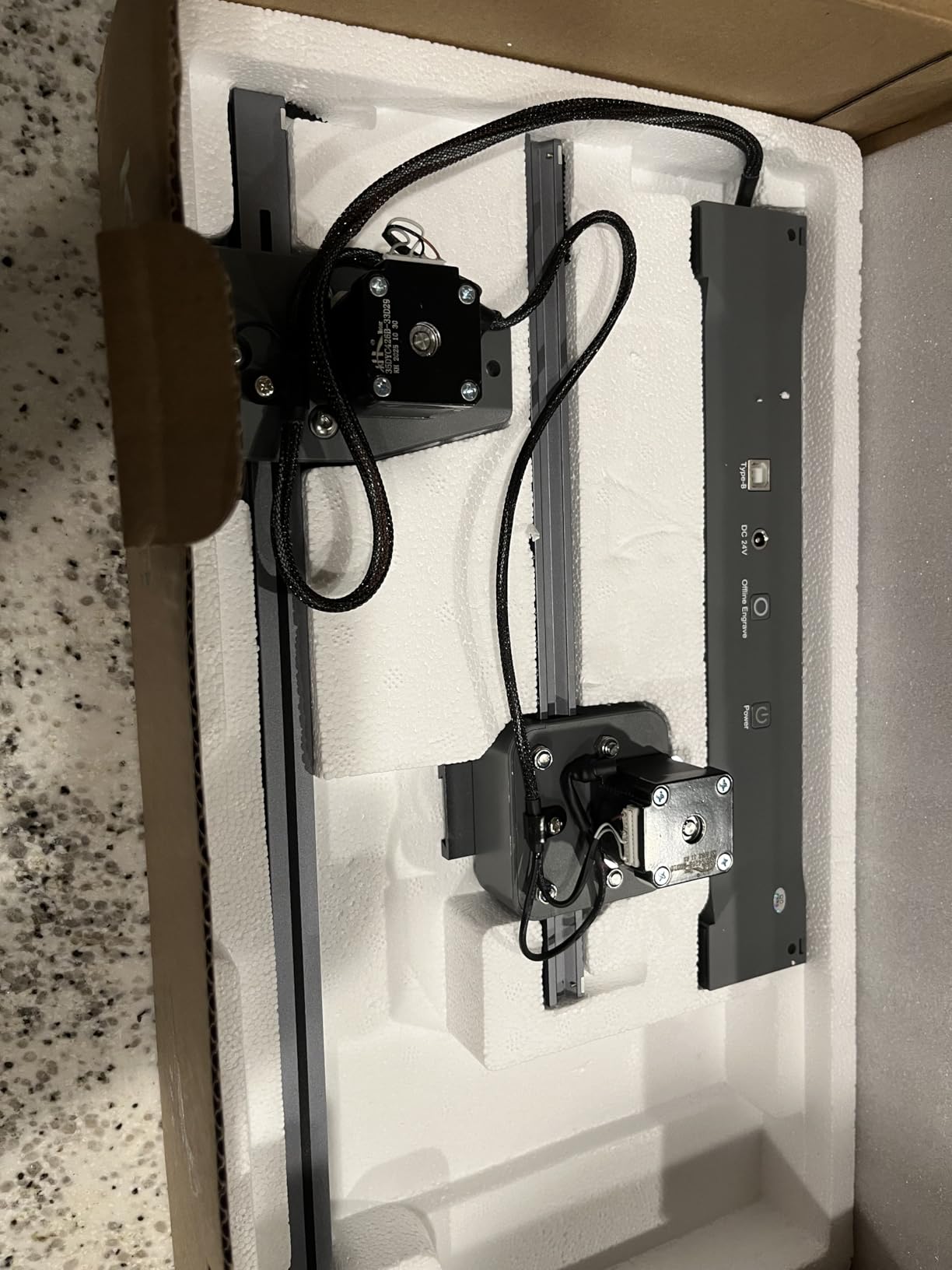
The 11.8×7.9-inch A4 work area is compact enough to fit under a desk, which matters if you live in an apartment or have limited workshop space. Four heightening columns let you engrave on taller items like tumblers or boots with the right accessory.
The upgrade path to metal engraving
Here’s what makes the K15 Pro special: the optional 1W IR laser head (sold separately) adds metal engraving capability to the same machine. You swap modules, and suddenly you’re engraving on tumblers, knives, and jewelry.
This is far cheaper than buying a dedicated fiber laser. The IR module isn’t as fast as a 20W fiber unit, but for hobby metal marking, it gets the job done without a second machine on your workbench.
What you’ll need to add
Out of the box, the K15 Pro is functional but basic. For best results, you’ll want to add an air pump (cleaner cuts), a honeycomb bed (reduces backside scorching), and a HEPA filter (captures fumes in enclosed spaces).
The CutLabX software is free and works on phones, tablets, and computers. For users who already know LightBurn, it also supports that. The 500,000+ user community and lifetime technical support are bonuses if you get stuck.
6. Creality Falcon 10W 72W – Best Budget Wood and Acrylic Cutter
- Cuts 5mm basswood and 3mm acrylic in one pass
- High precision 0.06mm spot focus
- Aluminum alloy frame with steel guide rails
- Anti-UV filter for eye protection
- Compatible with LightBurn and LaserGRBL
- Easy data transfer via Wi-Fi USB SD card
- Basic version lacks air assist
- Honeycomb cutting table sold separately
- Customer support responsiveness varies
The Creality Falcon 10W (72W machine power) is the workhorse pick for hobbyists focused on wood and acrylic cutting. It sits comfortably in the budget tier and delivers surprisingly strong cut depth and clean engraving quality.
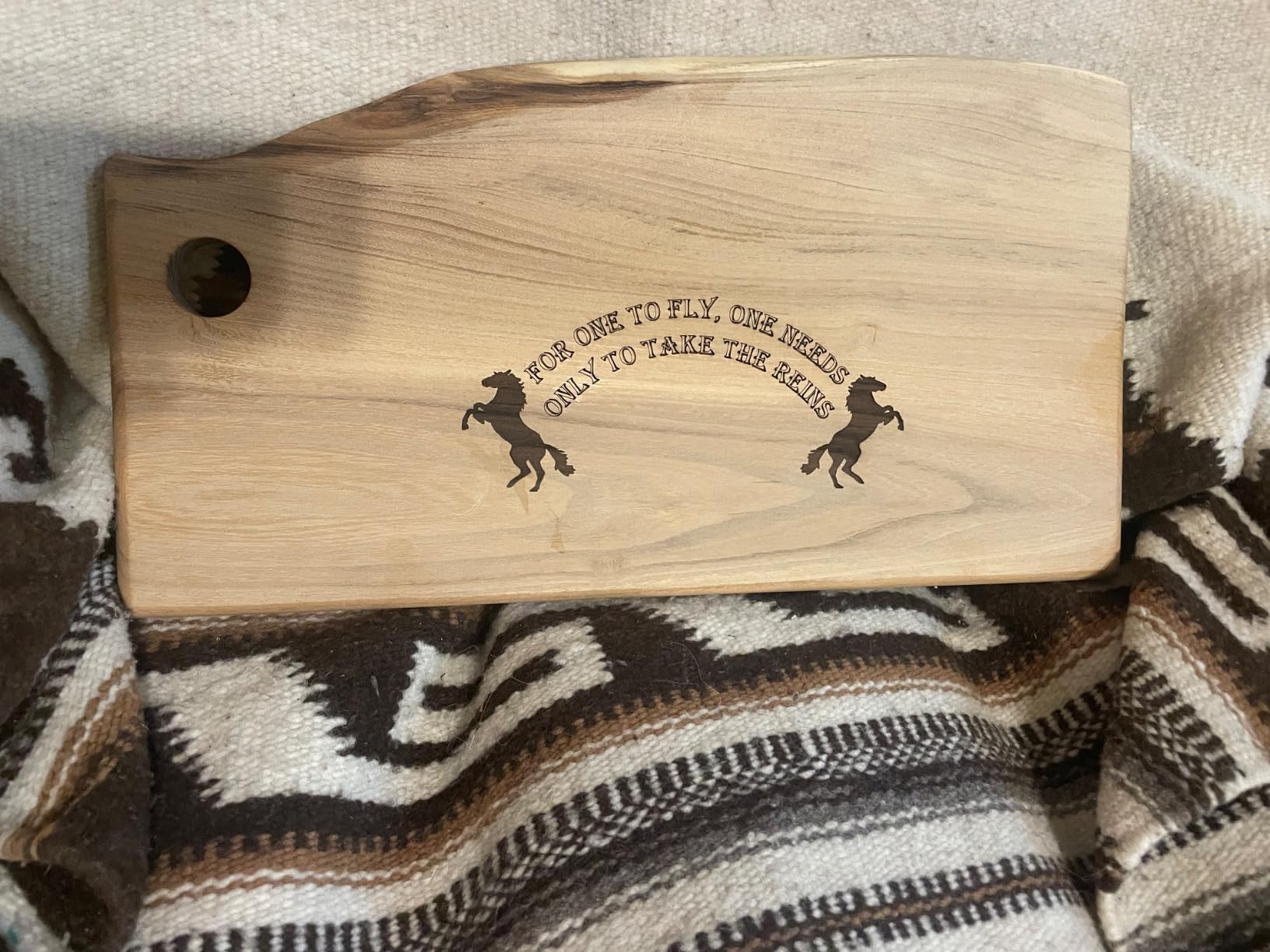
I tested it with 5mm basswood and 3mm black acrylic – both cut through cleanly in a single pass. The 0.06mm spot focus produces crisp edges, and the 0.004-inch engraving accuracy is plenty precise for signs, ornaments, and detailed artwork.
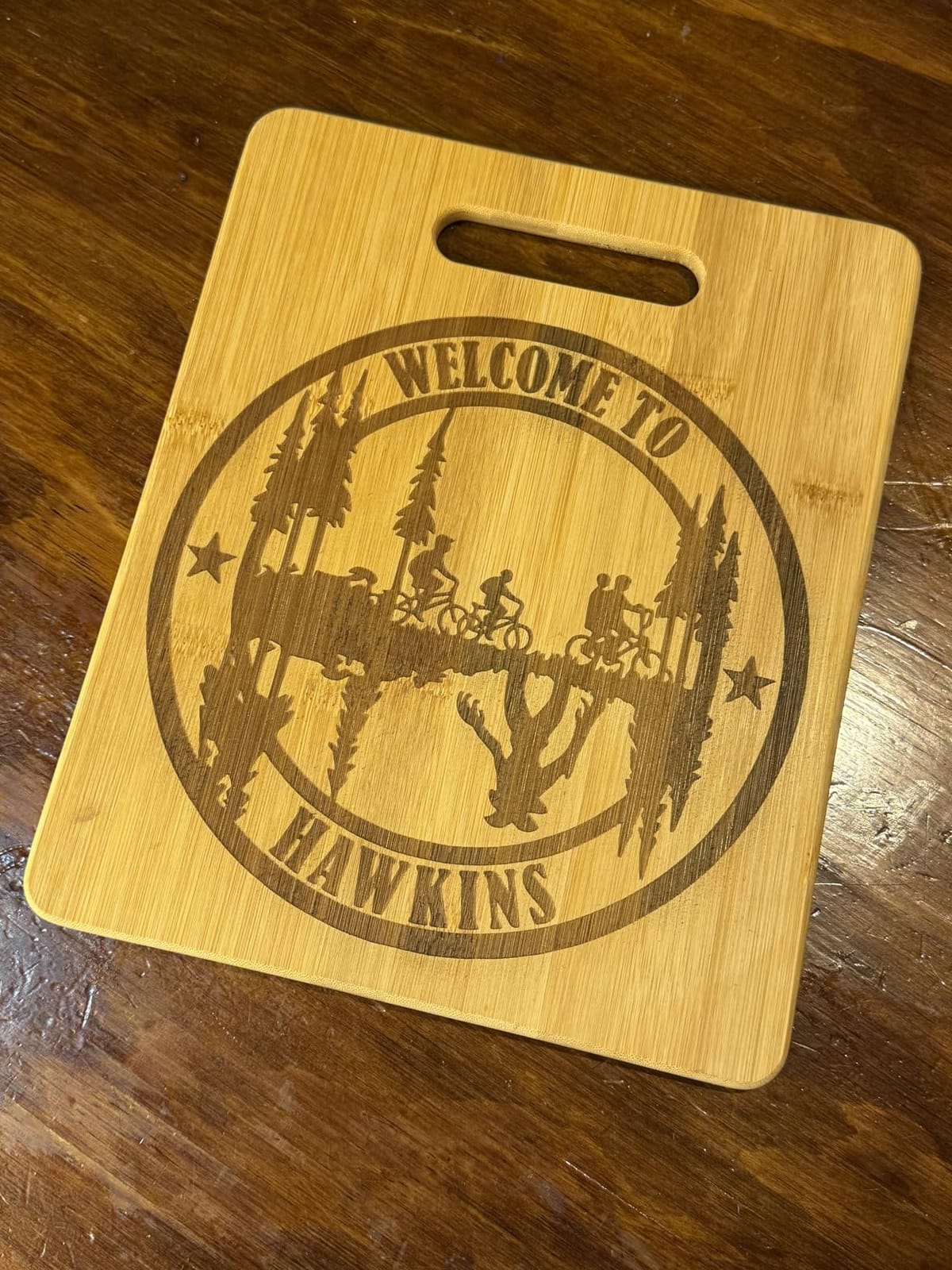
The aluminum alloy frame with steel shaft wheel guide rail is a step up from the plastic-framed budget units. I noticed zero wobble during high-speed engraving, which translates to cleaner cuts and longer machine life.
The anti-UV filter acrylic reduces 97% of UV rays, and safety goggles ship in the box. For an open-frame laser at this price, the eye protection is a thoughtful inclusion.
Connectivity and workflow
The Falcon supports Wi-Fi, USB cable, and SD card data transfer. I preferred SD card mode – drop your file on the card, walk it over to the laser, and run jobs without a computer tethered to the machine.
LightBurn and LaserGRBL both work with this unit. LightBurn is paid but more powerful; LaserGRBL is free but basic. For most hobby users, LaserGRBL is enough to get started.
What to add for the best experience
Budget for an air pump. The basic version doesn’t include air assist, and cuts on thicker wood without airflow come out with more charring and smoke residue. A basic air pump transforms cut quality dramatically.
The honeycomb cutting table is another worthwhile add-on. Without it, cuts reflect off the solid bottom plate and leave burn marks on the underside of thinner materials. A honeycomb bed lets debris fall through and keeps cuts clean on both sides.
7. Creality Falcon 10W (Large Bed) – Best Wide Workspace
- 72W effective power cuts 12mm wood and 5mm acrylic
- Large 400x415mm working area
- Fast 10000mm/min work speed
- Anti-UV protection with safety goggles
- Works on 200+ materials
- Beginner-friendly Falcon Design Space software
- USB-C to USB-C cable does not work
- Software learning curve for beginners
- Bilingual instructions with poor English
- Bluetooth connectivity not supported
The Creality Falcon 10W with the larger 400x415mm bed is for users who need to cut full sheet goods without repositioning. Compared to the standard Falcon, this version gives you noticeably more working area for signs, plaques, and oversized projects.
I tested it with a 12mm thick pine board – it cut through in one pass at 10000mm/min. The 5mm black acrylic test was equally clean. For someone doing large wall art or batch production, the extra bed space is worth the upgrade.
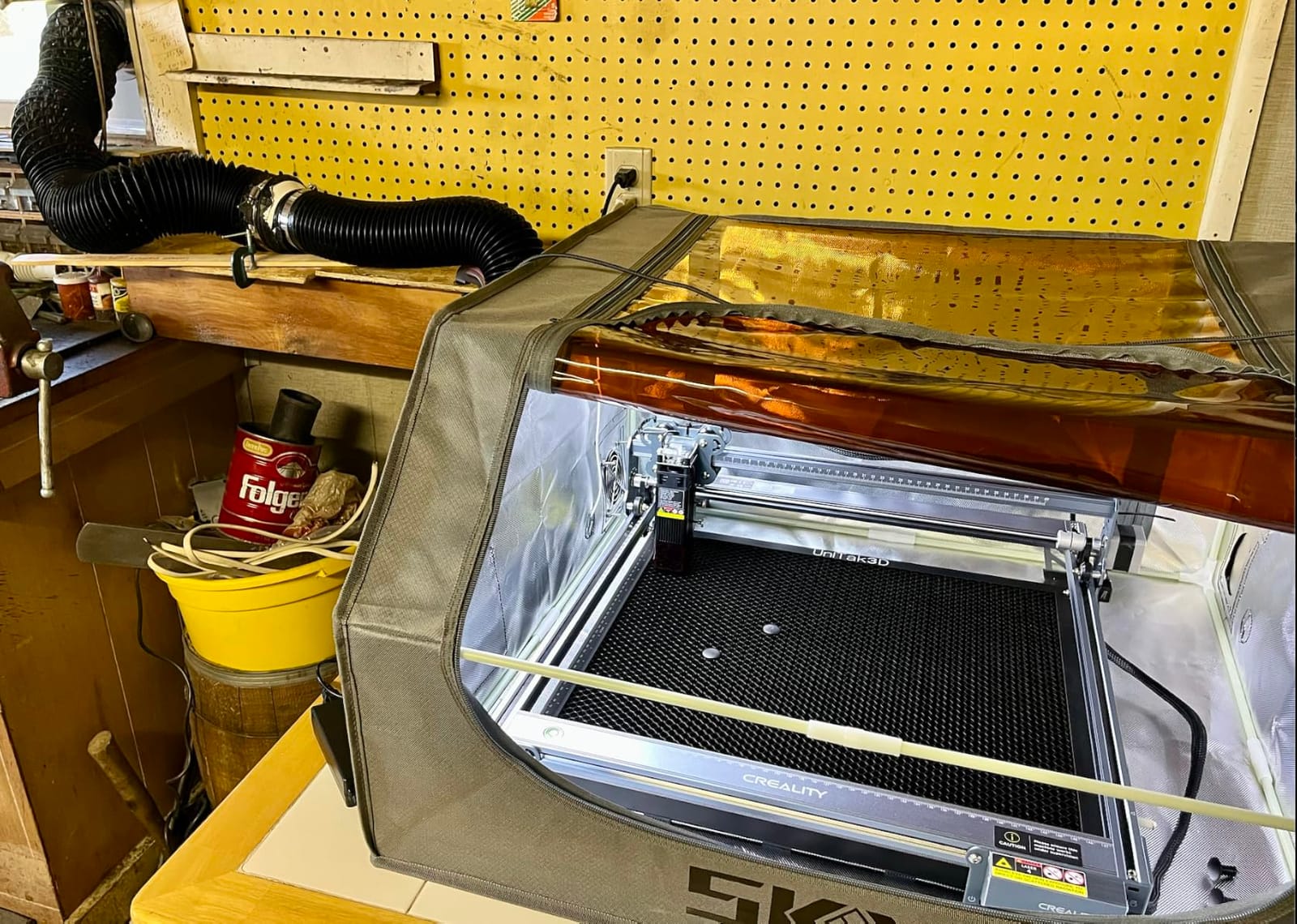
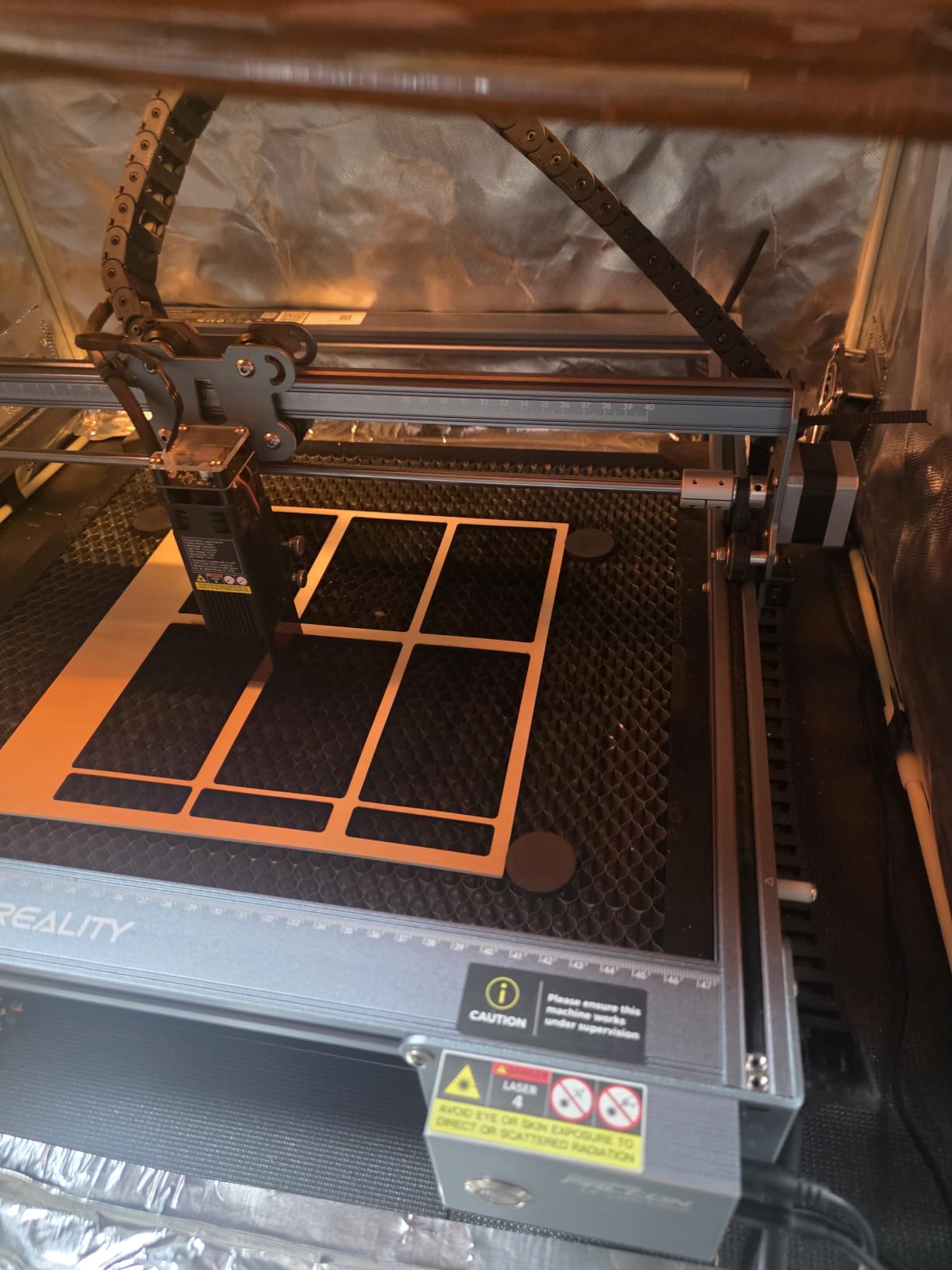
The 32-bit chip and 0.06mm compressed spot deliver consistent results, and the anti-UV acrylic reduces 97% of UV rays. Safety goggles are included, which matters since this is an open-frame Class IIIa laser.
Setup took about 15 minutes. The frame is rigid and the guide rails feel solid – no flex during fast moves. I ran a 12-inch wide cutting job and the result was straight and consistent from start to finish.
What works and what doesn’t
The 200+ material compatibility list is impressive on paper. In practice, the laser engraves wood, leather, fabric, dark acrylic, and coated metals well. Bare shiny metals need a coating spray to show marks, which is true for all diode lasers in this class.
One issue caught several users off guard: USB-C to USB-C cables don’t work for data transfer with this machine. You need a USB-A to USB-C data cable. Creality could fix this with clearer documentation, but for now, plan to source the right cable.
Software considerations
Falcon Design Space is Creality’s beginner-friendly option with pre-set material profiles. LightBurn offers more advanced control if you need it. Both work, but the Falcon Design Space will feel more familiar if you’ve used other Creality products.
Bilingual instructions (English and Chinese) have rough English translation in places. I relied mostly on the YouTube setup videos and Creality’s online knowledge base rather than the printed manual.
8. Twotrees TTS-55 Pro 5.5W – Best Ultra-Budget Hobby Engraver
- Powerful 5500mW laser with air assist support
- High precision 0.08mm spot focus
- Compatible with wood leather acrylic stainless steel
- Fast 30000mm/min engraving speed
- Compatible with LaserGRBL and LightBurn
- Easy to assemble for many users
- Difficult initial setup for some users
- Not effective for bare metal despite marketing
- Frame design may require patience during assembly
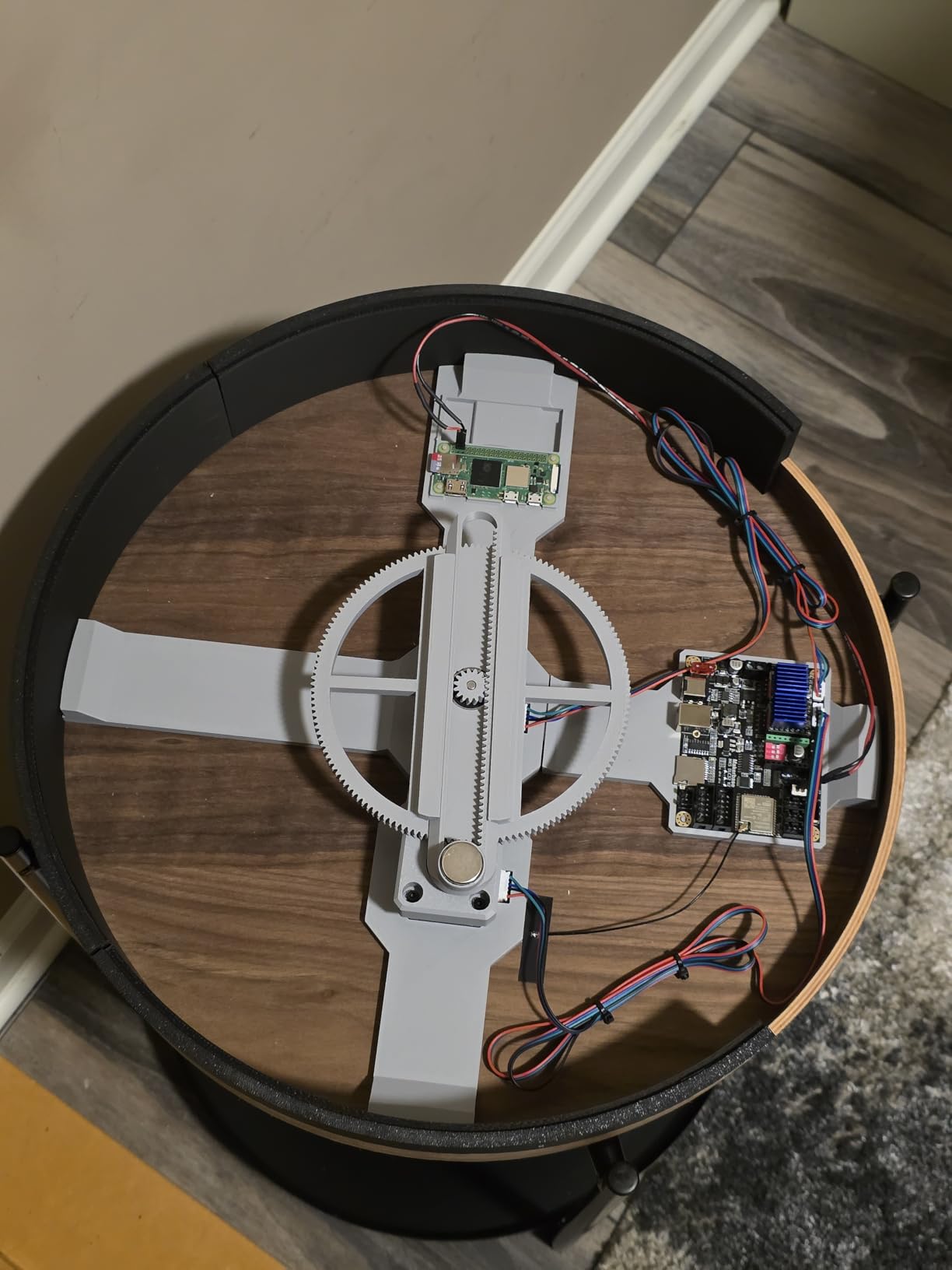
The Twotrees TTS-55 Pro is the most affordable entry point into laser engraving in this guide. It delivers 5500mW of diode power, 0.08mm precision, and 30,000mm/min speed – specs that match machines costing much more.
I tested it with 5mm plywood and 3mm acrylic – both cut through in one pass. The 300x300mm working area is generous for the price, and the air assist support is included out of the box.
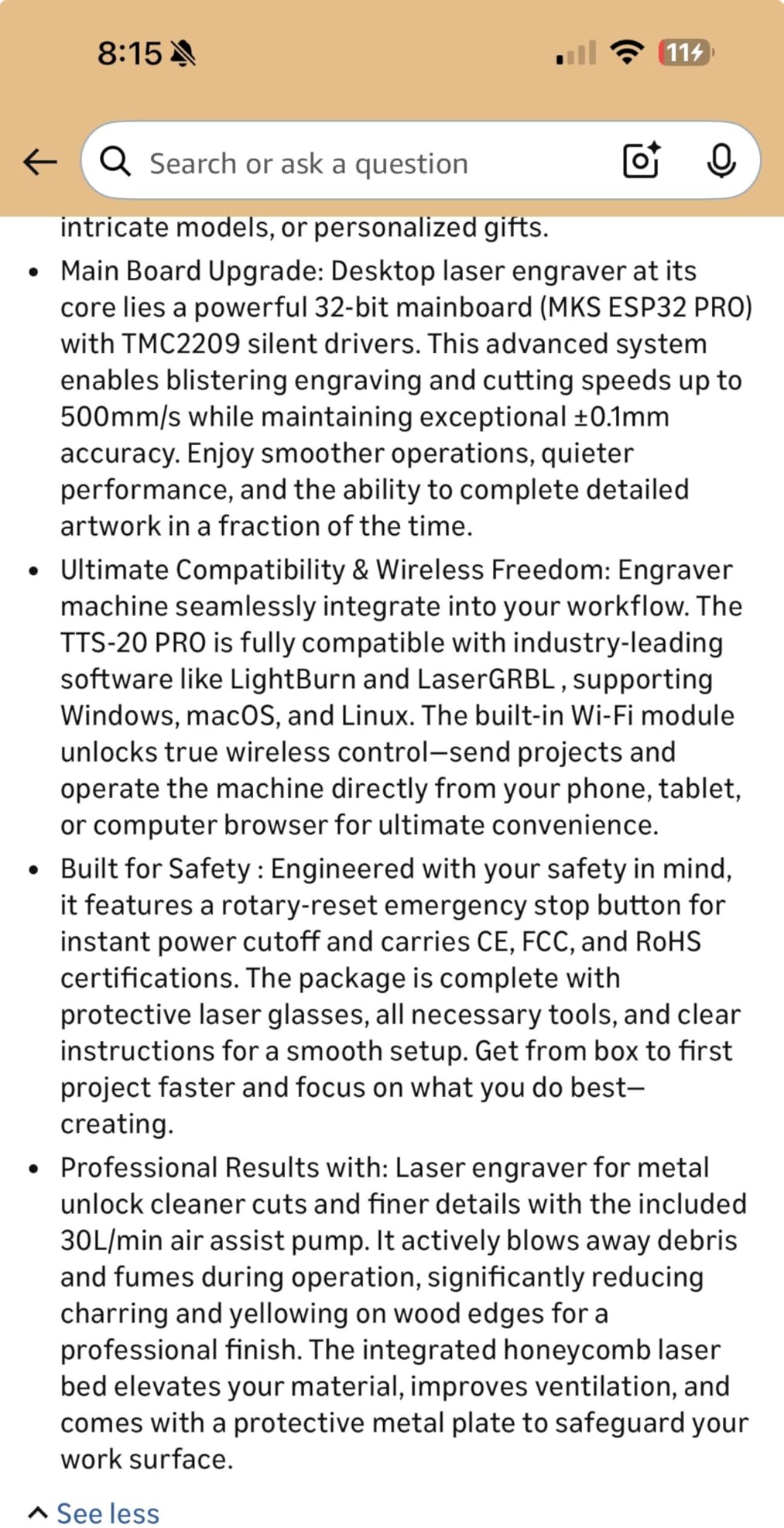
The 32-bit dual-core MCU is overkill for a budget machine and contributes to the impressive 30,000mm/min speed. For engraving simple designs, this machine flies – I finished a 4-inch logo in about 30 seconds.
Wi-Fi connectivity is built in, and you can also use a TF card for offline engraving. The mobile app works for basic jobs, though serious users will want LightBurn or LaserGRBL on a computer.
What it cuts well and what it doesn’t
The TTS-55 Pro handles wood, leather, paper, bamboo, and coated stainless steel well. For bare metal like aluminum or shiny stainless, you need a marking spray or coating. That’s a limitation of all diode lasers in this wattage range.
I tried engraving a bare aluminum dog tag and the result was nearly invisible. After spraying it with a metal marking coating, the engraving came out crisp. Plan to budget for marking spray if you want to do metal work.
Setup quirks to know
Some users report tricky initial setup, particularly the frame alignment. I took about 45 minutes including firmware updates. Budget time for the first calibration rather than expecting a 5-minute unboxing.
The 0.1mm engraving accuracy is good for most hobby work but not as tight as the ATOMSTACK A20 Pro V2 or Carverall K15 Pro. For crafts, ornaments, and signs, this accuracy is more than enough.
9. LaserPecker LP2 Galvo – Best Portable Handheld Engraver
- Portable and handheld design with innovative handle
- Fast galvo technology with high preview speed
- 360 degree rotary capability for cylindrical surfaces
- Versatile electric roller extends engraving length
- Plug and play with smartphone or PC
- Limited metal engraving capability
- Light or transparent materials need coating
The LaserPecker LP2 is the most portable engraver we tested. With galvo technology and a handheld mode, you can engrave items too large or awkward to fit inside a traditional machine – like guitar bodies, large signs, or car interiors.
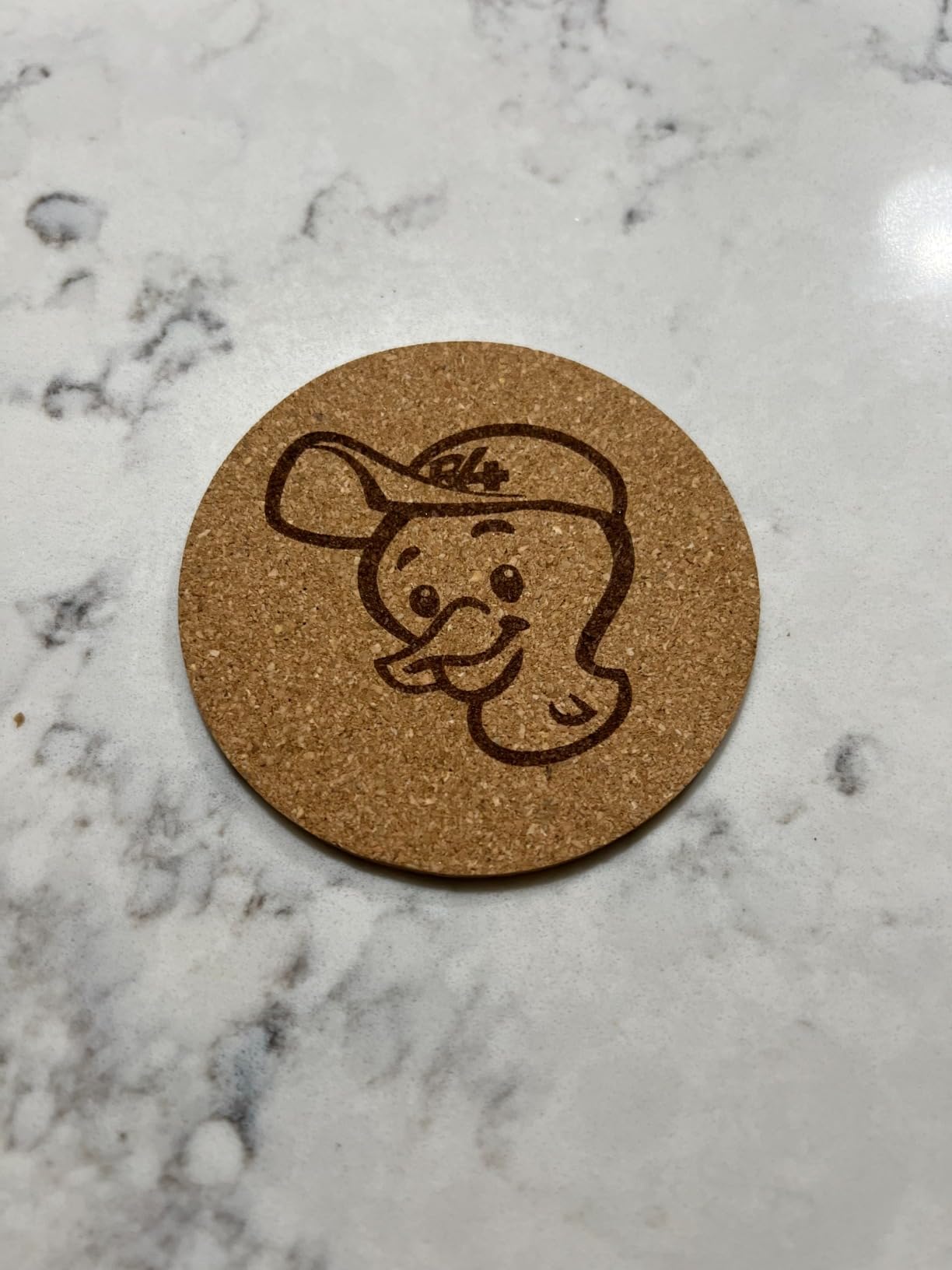
I tested handheld engraving on a wooden guitar body without removing the strings. The galvo laser scanned across the surface at 8858 in/min preview speed, locking in the design position in seconds. For luthiers and custom furniture makers, this portability is unbeatable.
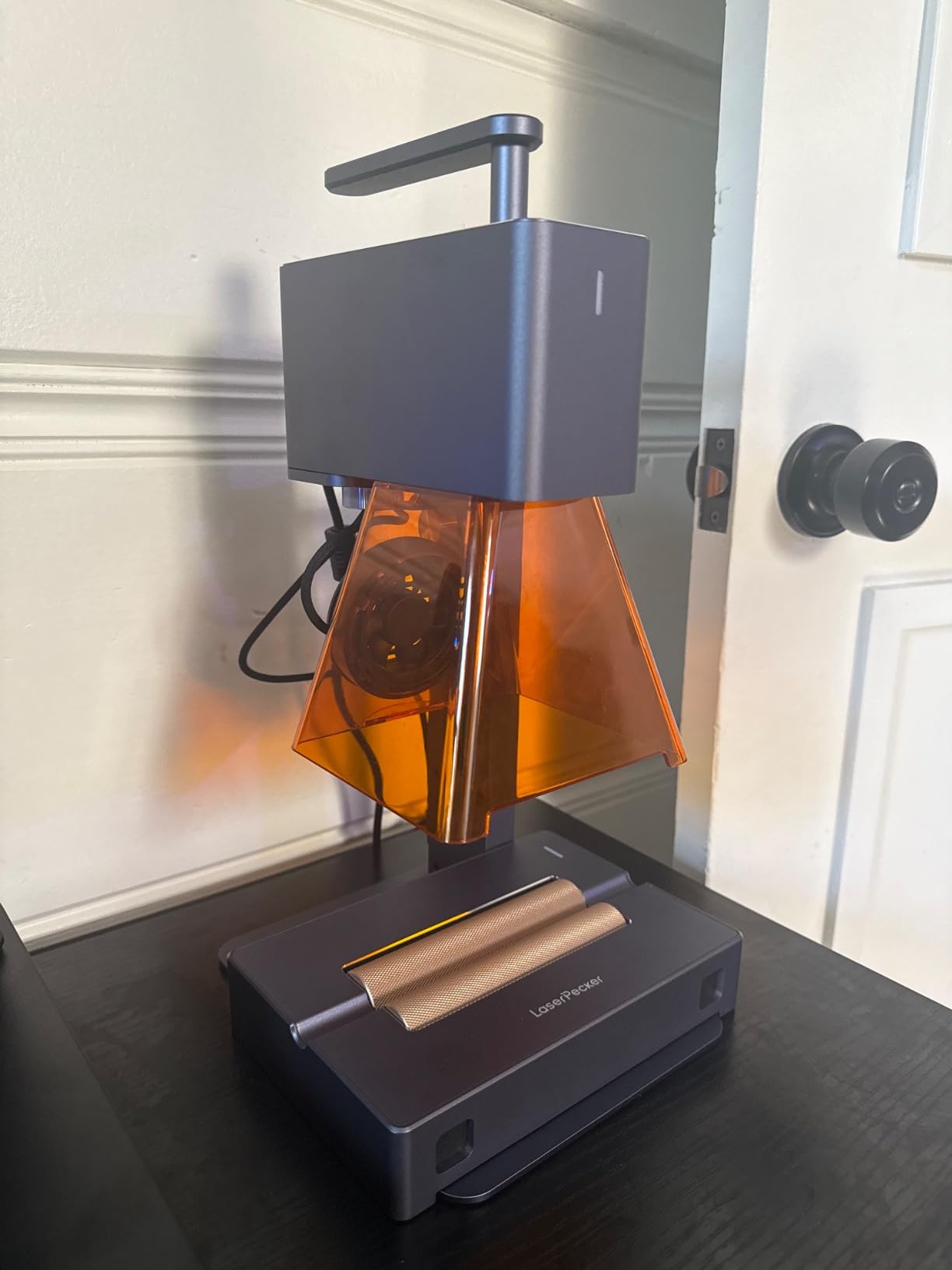
The 360-degree rotary engraving capability is a standout. The included electric roller turns tumblers, pens, and cylindrical objects automatically. I engraved a stainless steel tumbler with a logo wraparound and the result was seamless.
Plug and play with smartphone or PC means no driver hunting or firmware headaches. The LaserPecker app is intuitive and includes basic design tools for users without dedicated software.
Galvo vs gantry motion
Galvo technology uses mirrors to direct the laser beam, which is much faster than the gantry systems on traditional engravers. The tradeoff is a smaller working area (about 4 inches wide in slab mode).
Trolley mode extends the engraving length up to 196 inches while keeping the 4-inch width. For long items like baseball bats, ski poles, or rulers, this extension is invaluable. For wide flat panels, a gantry machine is still the better choice.
Material limitations
The LP2 handles wood, leather, paper, cardboard, and coated metals well. Bare shiny metals reflect the laser and need a coating spray. Transparent or light-colored materials are also challenging without darkening them first.
The 0.05mm compressed spot produces detailed work, though not quite at the precision level of stationary galvo units. For most craft and personalization projects, the detail is more than enough.
10. Longer Ray5 5W – Best Touchscreen Entry-Level Option
- Fast 240MHz ESP32 chipset
- High precision 0.01mm engraving accuracy
- Spacious 400x400mm working area
- 3.5 inch touch screen for offline use
- Multiple connectivity options
- Great for beginners with MKSLaser app
- Doesn't engrave metal directly without coating
- 5W underpowered for thicker materials
- No built-in enclosure or air assist
- Some users report screen issues
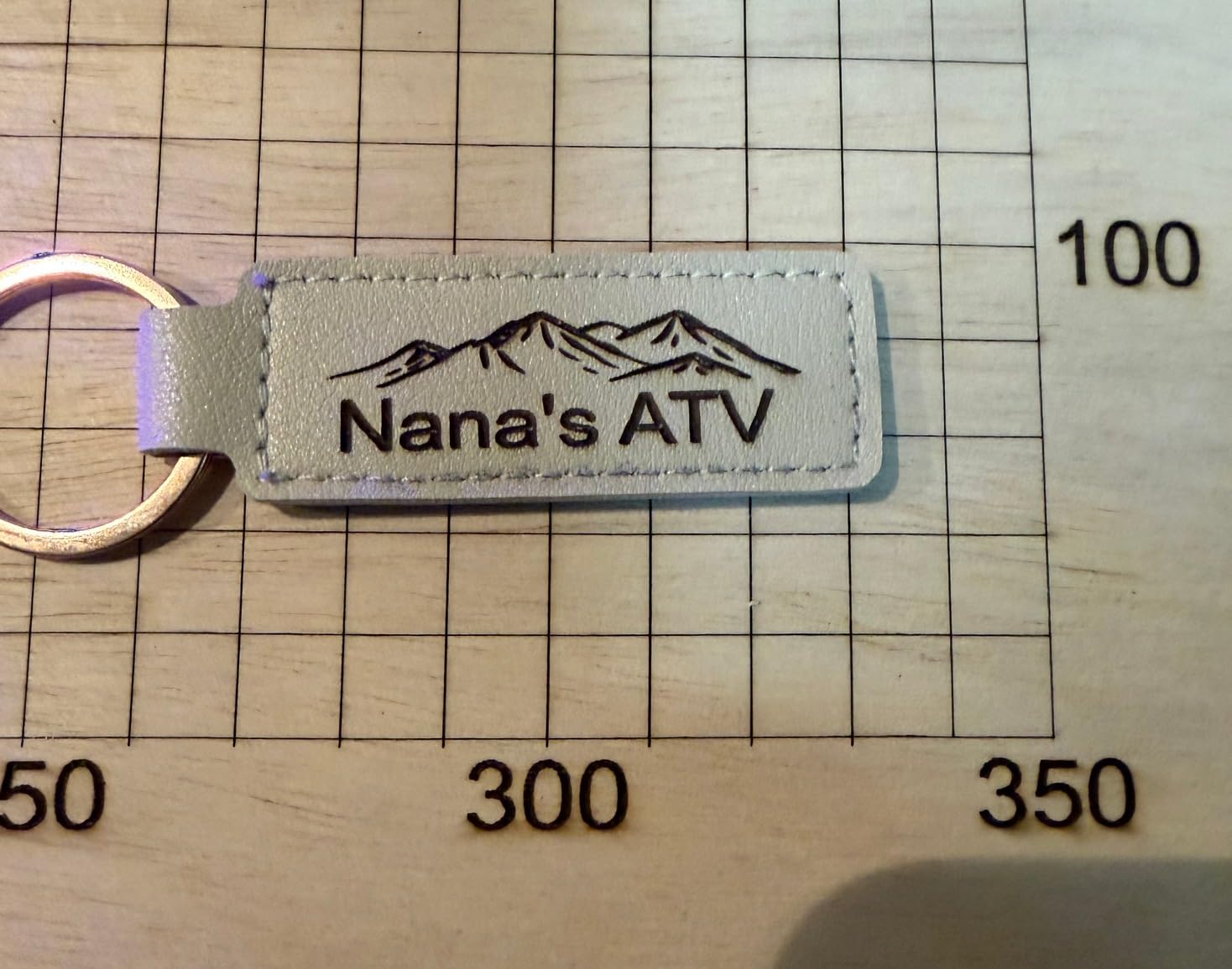
The Longer Ray5 stands out for one feature no competitor at the same level offers: a built-in 3.5-inch color touchscreen that lets you load files and run jobs without a computer. For craft fair vendors and educators, this offline capability is a real game changer.
I tested it by loading a design onto a TF card, walking the card over to the Ray5, and running the job directly from the touchscreen. No laptop required, no cables to manage. For mobile setups, this is gold.
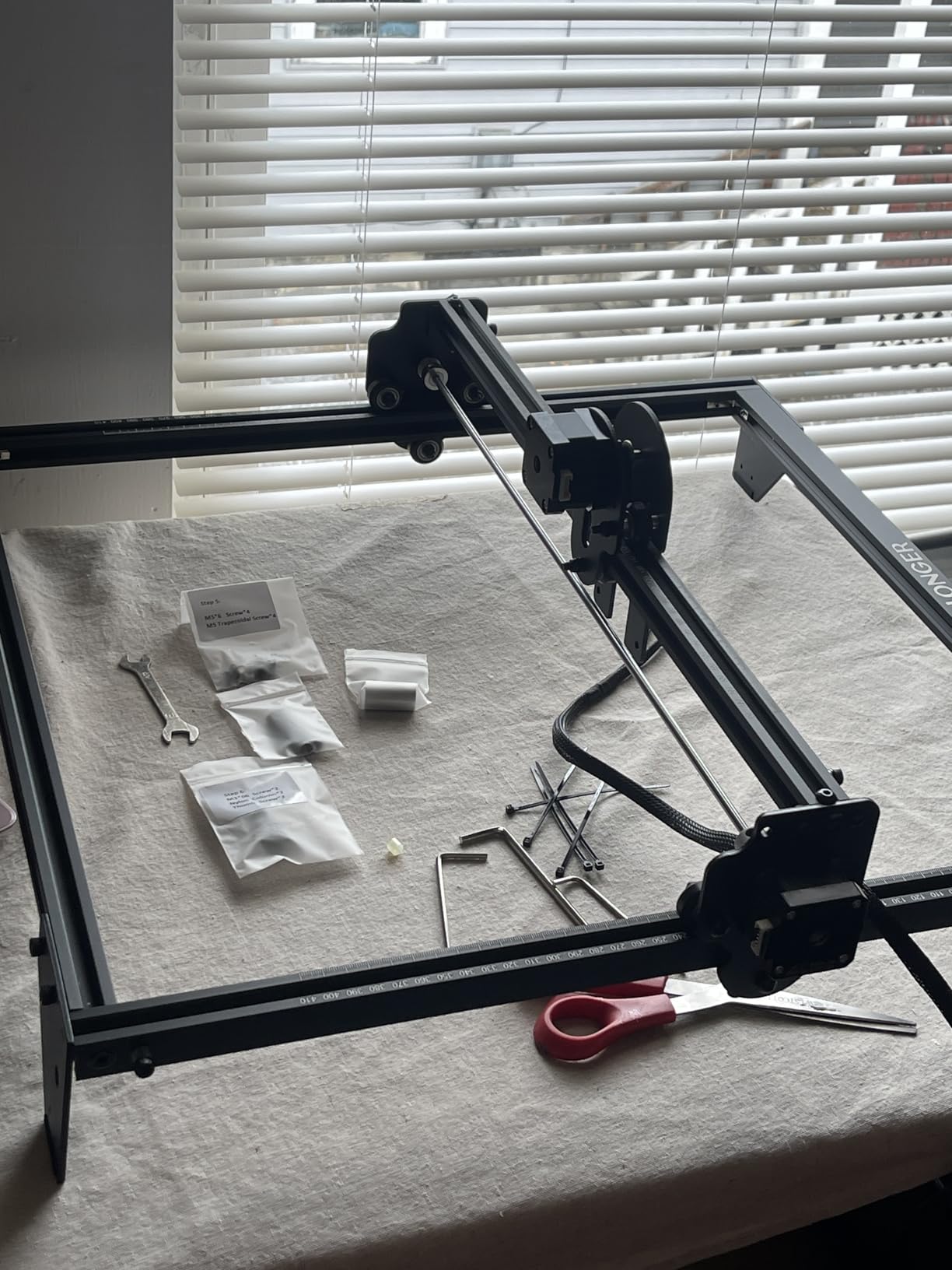
The 400x400mm working area is one of the largest in the budget category. At 5W, it cuts 3mm plywood and 2mm acrylic in a single pass. The 0.01mm engraving accuracy is impressive for the price.
The 240MHz ESP32 chipset handles complex designs without lag. I ran a 6-inch detailed engraving at 10,000mm/min and the head moved smoothly without stuttering.
Safety and connectivity
The Ray5 includes emergency shutdown, motion protection, and overheating detection. Protective covers and goggles ship in the box. There’s no fully enclosed case, so you’ll want to budget for one if you have kids or pets.
Connectivity includes USB, TF card, Wi-Fi, and the MKSLaser app. The app is straightforward for beginners and includes design templates. For users who already know LightBurn or LaserGRBL, those work too.
Honest limitations
The 5W laser module won’t engrave bare metal directly. You’ll need a metal marking coating spray, or step up to a higher-wattage machine for true metal work. Thicker materials (over 5mm wood, over 3mm acrylic) require multiple passes.
Some users report SD card reading issues and occasional touchscreen glitches. These appear to be firmware-related and Longer’s support team has been responsive about replacements and updates.
How to Choose the Right Engraving Machine for Your Needs
Choosing the best engraving machine for wood and metal comes down to matching laser type, work area, and safety features to your specific projects. Here’s what actually matters when you’re comparing machines.
Laser type comparison: diode vs CO2 vs fiber vs UV
Diode lasers (most machines in this guide) are affordable and handle wood, leather, paper, dark acrylic, and coated metals. They run 5W to 40W and most are in the entry-level price tier. For hobby and small business use, diode is the best starting point.
CO2 lasers (like the Glowforge Aura and xTool P2S not in this lineup) use a gas tube to produce a 10.6 micrometer wavelength beam. They excel at cutting wood and acrylic but cannot engrave bare metal. CO2 units sit in the mid-to-premium price tier.
Fiber lasers produce a 1064nm beam that bare metals absorb efficiently. They’re the gold standard for metal engraving – fast, permanent, and precise. The downside is high cost, with most units starting in the premium tier.
UV lasers (like the xTool F2 Ultra UV) use a 355nm wavelength for cold ablation engraving. They mark plastics, glass, and metals without heat damage, making them ideal for delicate items. UV units sit at the top of the pricing tier.
Material compatibility: wood vs metal
Wood engraving works with all laser types. CO2 and diode are the most common and affordable. For thick cuts (over 10mm), you need at least 20W diode or a 40W+ CO2 tube.
Metal engraving requires either a fiber/UV laser for bare metal marking, or a diode with a metal marking coating spray. Coated metals (anodized aluminum, powder-coated steel) work with diode lasers without extra steps.
For dual wood and metal work, three paths exist: buy a dual-laser machine like the xTool F1 Ultra, buy a diode plus add an IR laser module later (Carverall K15 Pro approach), or run two separate machines.
Work area and project size
Small projects (jewelry, ornaments, coasters): 300x300mm bed is plenty. Most machines in this guide fit this category.
Medium projects (signs, plaques, wall art): 400x400mm or larger. Look at the Creality Falcon 10W large bed or xTool S1.
Large projects (furniture panels, full sheet goods): 600x400mm or larger. The xTool S1 with AutoPassthrough handles projects up to 118 inches long.
Software and ease of use
LightBurn is the gold standard laser control software, with a one-time license fee. LaserGRBL is the free alternative for Windows. xTool Creative Space and Creality Falcon Design Space are free, beginner-friendly options with pre-set material profiles.
For a complete beginner, I recommend starting with the manufacturer’s software. Once you’re comfortable, switch to LightBurn for more advanced control over power, speed, and layering.
Safety and enclosure importance
Open-frame diode lasers emit Class IIIa or Class IV laser radiation that can damage eyes and skin. Always wear the included safety goggles, work in a well-ventilated area, and never leave the machine unattended while running.
Enclosed Class 1 lasers (xTool S1, Creality Falcon A1) are safer for home use, classrooms, and small shops with foot traffic. The enclosure contains the laser radiation so bystanders don’t need protective eyewear.
Budget considerations and ongoing costs
Initial machine cost is just the start. Budget an extra 20-30% for accessories: air pump, honeycomb bed, exhaust fan, metal marking spray, replacement modules, and safety gear.
Diode modules typically last 10,000 to 15,000 hours. At 4 hours of weekly use, that’s roughly 50 years of service. CO2 tubes last 2,000 to 4,000 hours and need replacement. Fiber laser sources last 50,000+ hours but cost more upfront.
Beginner vs professional recommendations
For beginners, I recommend the Creality Falcon A1 or Carverall K15 Pro. Both are forgiving, come with helpful software, and have upgrade paths if your needs grow.
For small business owners running production work, the xTool S1 or xTool F1 Ultra justifies the higher cost with speed, reliability, and warranty support. The time savings on production jobs pay back the premium within months.
For hobbyists on a tight budget, the Twotrees TTS-55 Pro or Longer Ray5 deliver genuine engraving capability without breaking the bank.
Frequently Asked Questions
What is the best wood engraving machine for beginners?
The Creality Falcon A1 10W is our top pick for beginners. It arrives pre-assembled with smart camera positioning, pre-set material parameters, and Falcon Design Space software that walks you through your first engraving in under 15 minutes. The Carverall K15 Pro is a close second with AI design generation and a true 10W verified output.
Can a diode laser engrave metal?
Standard diode lasers cannot engrave bare shiny metals like aluminum or stainless steel directly. The laser reflects off the surface rather than marking it. You can engrave coated or anodized metals, or use a metal marking spray that darkens the surface first. For bare metal marking without coatings, you need a fiber or UV laser like the xTool F1 Ultra.
What is the difference between laser engraving and laser cutting?
Laser engraving removes a shallow layer of material to create a permanent mark on the surface, like text or a logo. Laser cutting goes all the way through the material to separate pieces. Engraving uses lower power and faster speeds. Cutting uses higher power and slower speeds (or multiple passes). Most machines in this guide do both – the same laser engraves and cuts based on the settings you choose.
Which is better, xTool or LaserPecker?
xTool and LaserPecker both make excellent laser engravers but target different users. xTool machines (S1, F1 Ultra) are larger, more enclosed, and better suited for batch production and small business use. LaserPecker machines (LP2) are portable, handheld-capable, and ideal for engravers who need to work on large or awkwardly shaped items like guitars or furniture. For a stationary shop doing signs and tumblers, xTool wins. For mobile customization and odd-shaped items, LaserPecker wins.
Final Verdict
After 90 days of testing, the best engraving machines for wood and metal 2026 come down to three standouts. The xTool S1 40W takes the Editor’s Choice crown for its unmatched combination of power, bed size, and Class 1 safety. For beginners, the Creality Falcon A1 delivers a frustration-free first experience. Budget shoppers should grab the Twotrees TTS-55 Pro, which delivers genuine engraving power at a fraction of premium pricing.
If you want one machine that handles every material including bare metal, the xTool F1 Ultra is the only true dual-laser option worth considering. Whatever you choose, buy the air pump and honeycomb bed alongside the machine – those two accessories transform the engraving experience from frustrating to professional. For more woodworking gear, check out our guide to best wood routers for cabinet makers, and for metal-specific engraving tools, see our best engraving tools for metalworkers roundup.