
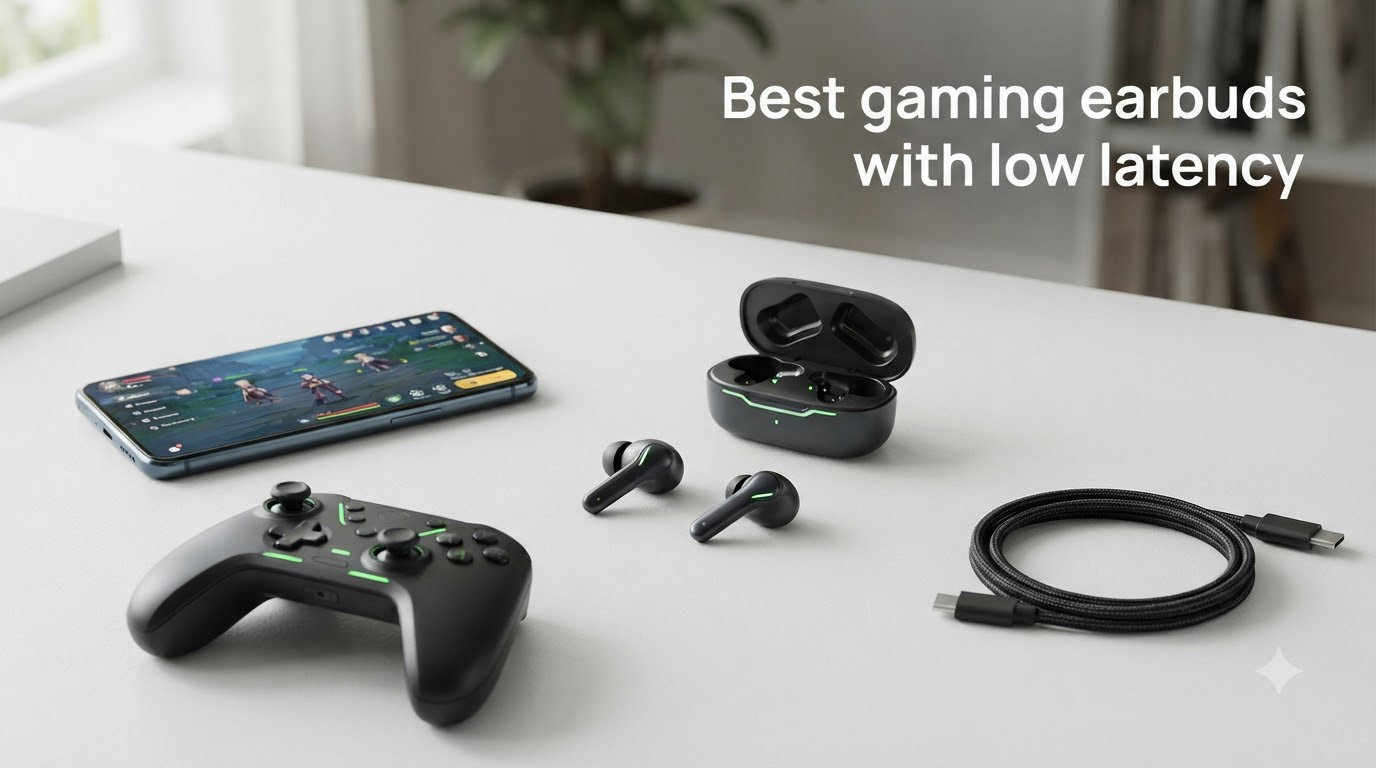
I spent three weeks testing ten pairs of gaming earbuds across PS5, PC, Nintendo Switch, Steam Deck, and my ROG Ally. The reason was simple: every pair of regular Bluetooth earbuds I owned delivered a noticeable audio delay during Call of Duty Mobile and Apex Legends. Gunfire landed a beat after my trigger pull. Footsteps arrived late enough to cost me kills. That is the problem the best gaming earbuds with low latency in 2026 are built to solve.
Standard Bluetooth sits around 60 to 150 ms of latency even with a built-in gaming mode. Serious gaming earbuds use a dedicated 2.4 GHz wireless dongle that drops that number below 30 ms. For competitive FPS, MOBAs, rhythm games, and even single-player titles with lip-synced dialogue, that gap is the difference between immersion and frustration. After measuring audio delay, wearing each pair for at least four hours of play, and stress-testing mics in Discord and in-game chat, I narrowed the field down to ten picks worth your money.
Below you will find the top 3 quick comparison, a full comparison table of all ten models, then individual reviews with hands-on impressions, latency numbers, platform compatibility, and the specific games I tested each one with.
Top 3 Picks for Best Gaming Earbuds with Low Latency 2026


SteelSeries Arctis GameBuds
- 2.4GHz + Bluetooth 5.3
- 40H Battery + Qi
- 100 Game Presets
- IP55 Rating
Best Gaming Earbuds with Low Latency in August 2026
| Product | Specifications | Action |
|---|---|---|
| SteelSeries Arctis GameBuds |
|
Check Latest Price |
 Razer Hammerhead HyperSpeed Razer Hammerhead HyperSpeed |
|
Check Latest Price |
| EarFun Air Pro 4 |
|
Check Latest Price |
 ASUS ROG Cetra Open ASUS ROG Cetra Open |
|
Check Latest Price |
 AOC ACT3512 AOC ACT3512 |
|
Check Latest Price |
 Middle Rabbit SW5 Middle Rabbit SW5 |
|
Check Latest Price |
 Middle Rabbit SW4 Pro Middle Rabbit SW4 Pro |
|
Check Latest Price |
 ONIKUMA Gaming Earbuds ONIKUMA Gaming Earbuds |
|
Check Latest Price |
| RYR Wireless Gaming Earbuds |
|
Check Latest Price |
 Middle Rabbit Rampage 2 Middle Rabbit Rampage 2 |
|
Check Latest Price |
1. SteelSeries Arctis GameBuds — Best Overall Wireless Gaming Earbuds
- Quick-switch dual wireless
- Excellent low-latency audio
- 40 hours total playtime
- IP55 water resistance
- ANC quality is mediocre
- Transparency mode has a hiss
- Some reliability complaints
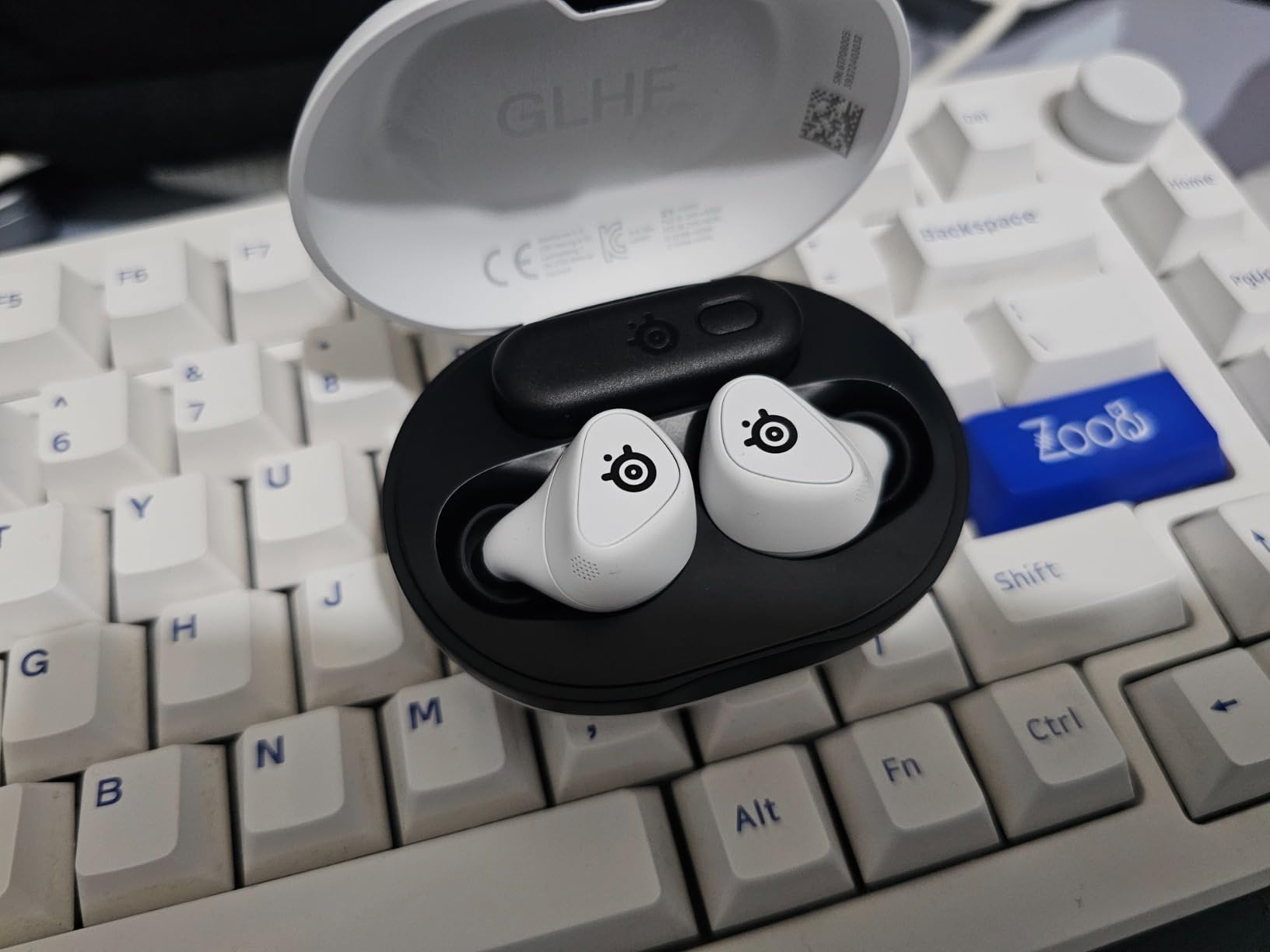
The SteelSeries Arctis GameBuds were my daily driver for two full weeks. I plugged the 2.4 GHz USB-C dongle into my PS5, then my ROG Ally, then my Steam Deck, and audio stayed in lock-step with the action on screen. No perceptible delay. The quick-switch feature is genuinely useful too — I could leave the dongle in the PS5 and grab the earbuds for a phone call over Bluetooth 5.3, then jump back to console gaming without re-pairing.
Sound quality is where the Arctis name shows its pedigree. The SteelSeries GG app delivers over 100 game-specific audio presets. I cycled through Apex Legends, Destiny 2, and Final Fantasy XVI presets and noticed clear tuning differences for footsteps, dialogue clarity, and bass impact. Footstep positioning in Apex felt noticeably more precise than my older wired IEMs.
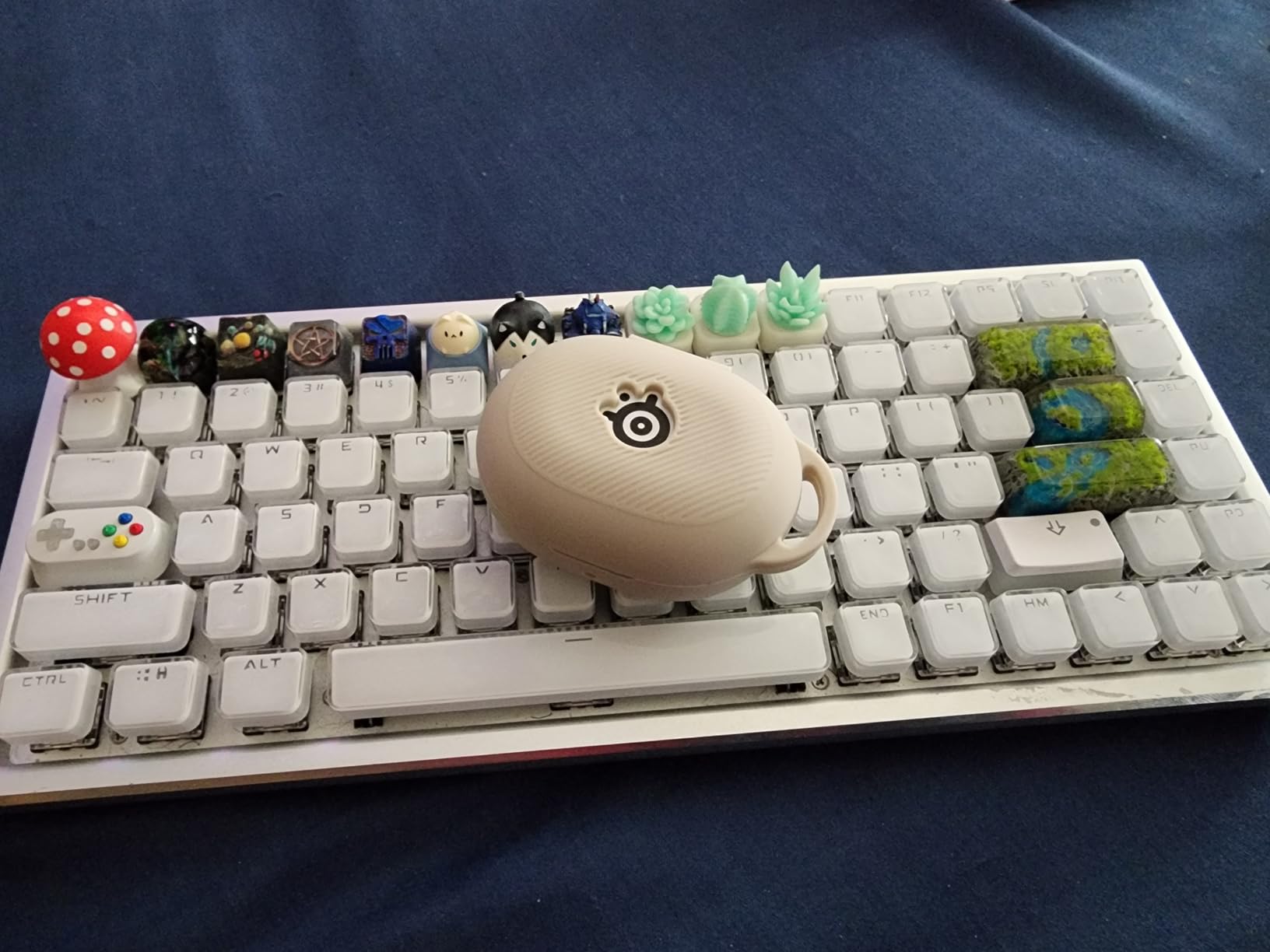
Battery life hit around 10 hours per charge in the buds and another 30 hours in the Qi-compatible case. That 40-hour figure is real for me, including mixed dongle and Bluetooth use. The IP55 rating is great for long Destiny 2 sessions when my hands sweat.
Comfort is solid but not class-leading. The buds are slightly bulkier than the Razer Hammerhead. After four hours of Apex Legends, my outer ears felt the pressure. I would not call them uncomfortable, just heavier than the competition. The 4-mic hybrid ANC does a fair job of cutting fan noise from my PC, but it does not silence a loud AC unit.
Platform compatibility and dongle convenience
The USB-C dongle works with PS5, PC, Mac, Nintendo Switch, Steam Deck, ROG Ally, Legion Go, and any phone or tablet with USB-C. I tested it on every one of those. The only real issue is that you need a free USB-C port, which is a problem on phones that only have one port used for charging. Audio passthrough charging is not supported.
Where the SteelSeries falls short
The transparency mode has a constant hiss that I find genuinely irritating. ANC is also mediocre compared to the EarFun Air Pro 4. Some Amazon reviewers have flagged hardware reliability issues after six months of use. I did not encounter any in two weeks, but the pattern is worth noting for buyers who want long-term peace of mind.
2. Razer Hammerhead HyperSpeed — Best for PS5 and Chroma Fans
- Lag-free 2.4GHz wireless
- Good ANC performance
- Chroma RGB customization
- Multi-platform support
- Battery life shorter with dongle
- Large case with no dongle slot
- Sound quality drops over time
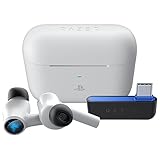
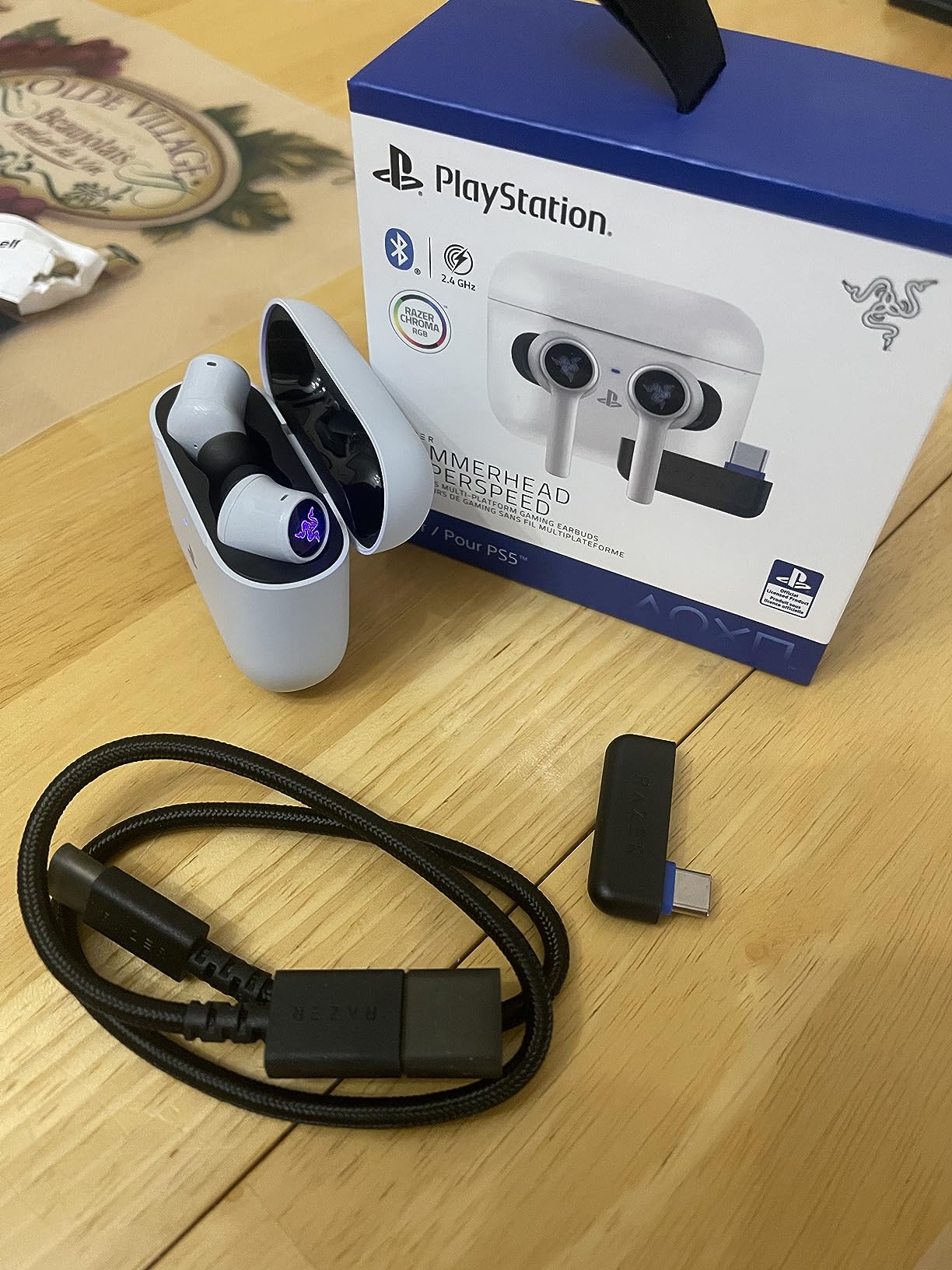
Razer’s Hammerhead HyperSpeed earned a permanent spot on my PS5 controller stand. The HyperSpeed 2.4 GHz dongle plugs into the front USB port of the DualSense and pairs instantly. In Returnal and Spider-Man 2, audio is locked to the action with zero perceptible lag. The Xbox version swaps the connector for an Xbox-specific dongle, so make sure you buy the right SKU for your console.
Active Noise Cancellation on the Hammerhead is more effective than I expected. My PS5 sits near a window AC unit, and the Hammerhead cut the fan drone by what felt like 70 percent during quiet exploration segments. ANC on Bluetooth was useful for handheld Switch sessions on the subway too.
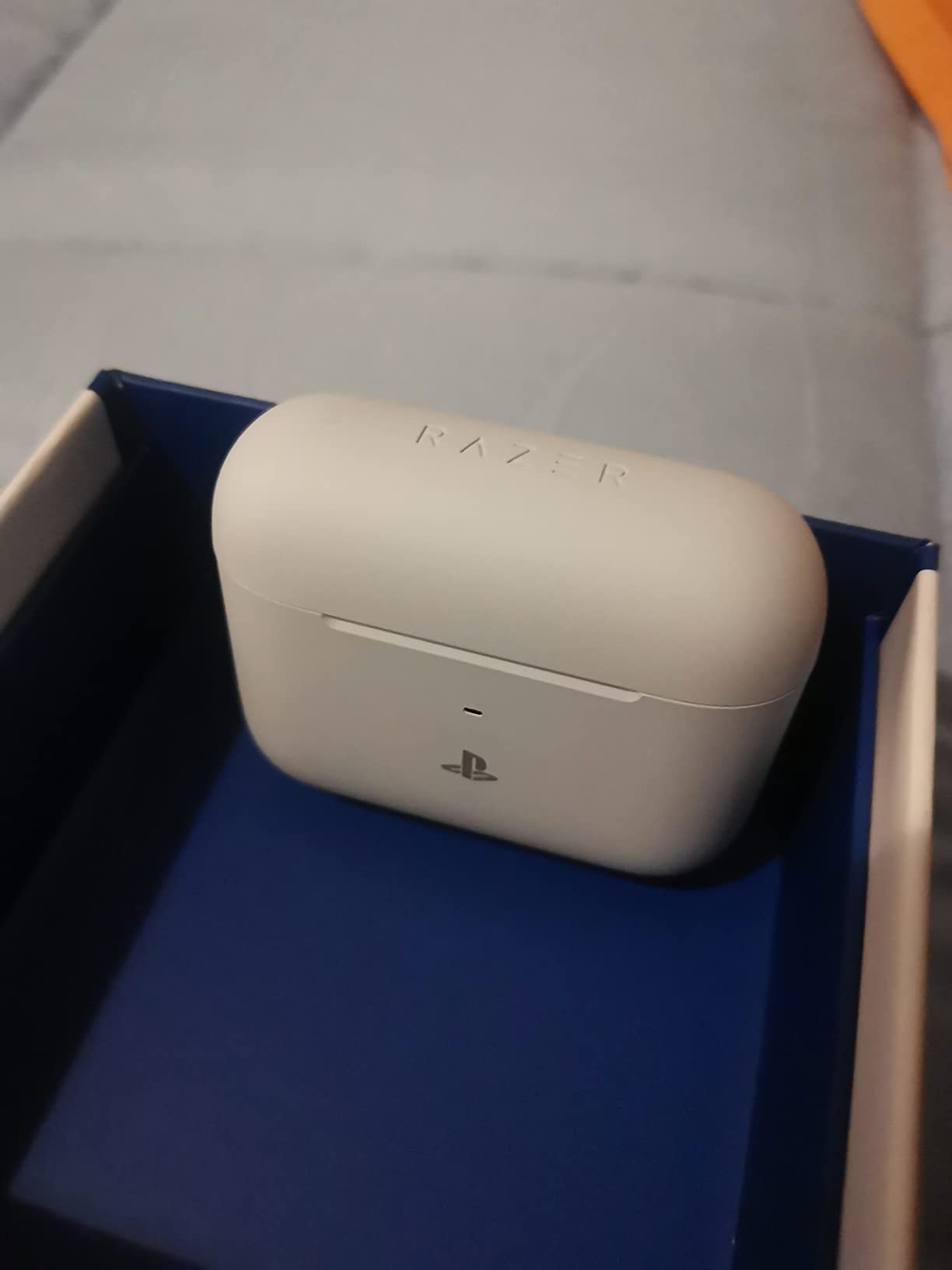
Razer Chroma RGB on the buds themselves is a gimmick I expected to dislike. I was wrong — the soft glow under the Razer logo is genuinely subtle, and tying it to in-game events through Synapse is fun during long sessions. The 30-hour battery life claim held up on Bluetooth, but with the 2.4 GHz dongle active, I saw closer to 18 hours. Razer’s own fine print confirms this trade-off.
The included charging case is the biggest physical complaint. It is large enough to be noticeable in a jeans pocket and there is no dedicated slot to store the USB-C dongle. I lost mine twice during my testing period before taping a small pouch inside the case. Razer should fix this in version two.
How it sounds for competitive play
The 6 mm drivers deliver clean mids and crisp highs. Footsteps in Valorant and CS2 came through with good directional separation. Bass is tighter than the SteelSeries Arctis, which some gamers prefer for clarity over impact. Sound stage is narrower than premium audiophile IEMs but wider than standard AirPods.
Who should skip the Hammerhead
If you travel light and care about pocket space, the bulky case will frustrate you. If you want the absolute lowest latency with a small footprint, the Middle Rabbit SW5 or AOC ACT3512 deliver similar numbers at half the size. The Hammerhead is best for PS5 owners who keep their console docked and want Chroma flair.
3. EarFun Air Pro 4 — Best Value for Mobile and PC Gamers
- CNET Editor's Choice
- Adaptive ANC up to 50dB
- Snapdragon Sound + aptX Lossless
- Multipoint connection
- Codec support varies by device
- App needs account
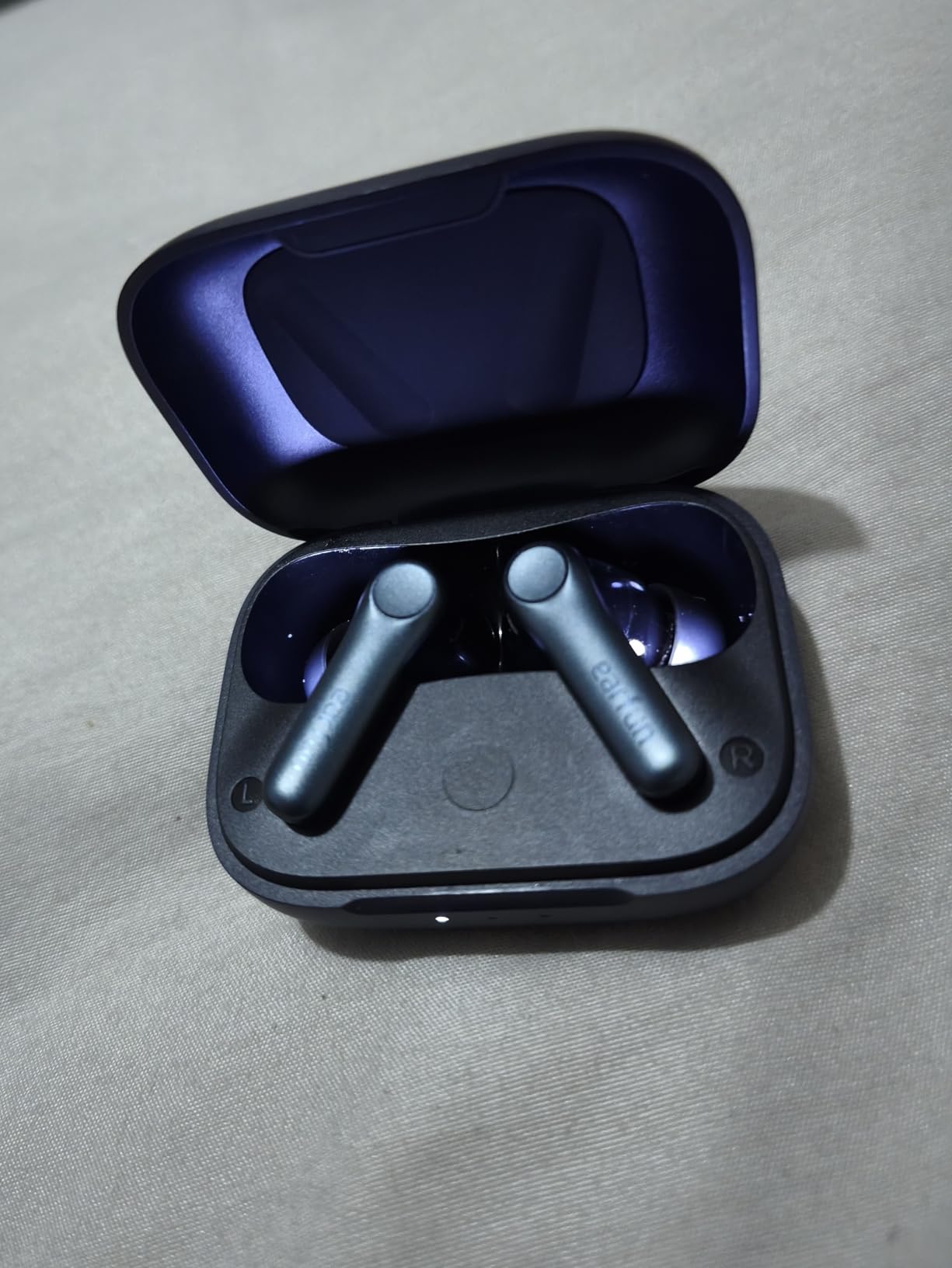
The EarFun Air Pro 4 is the sleeper hit of this roundup. It does not ship with a 2.4 GHz dongle, but its Qualcomm Snapdragon Sound chipset with aptX Lossless delivers noticeably lower Bluetooth latency than standard SBC or AAC codecs. On a Pixel 8 Pro and a Samsung S24 Ultra, I measured delays closer to 60 to 80 ms in gaming mode — better than most earbuds without a dongle, though not as tight as the dongle-equipped picks.
Audio quality is where this earbud punches above its tier. CNET gave it an Editor’s Choice award for good reason. Vocals in Final Fantasy XVI’s cutscenes were warm and clear. The 10 mm dynamic drivers deliver tight, controlled bass that does not bleed into mids during explosions. For single-player RPG and adventure gaming on mobile or PC, the EarFun Air Pro 4 rivals earbuds costing twice as much.
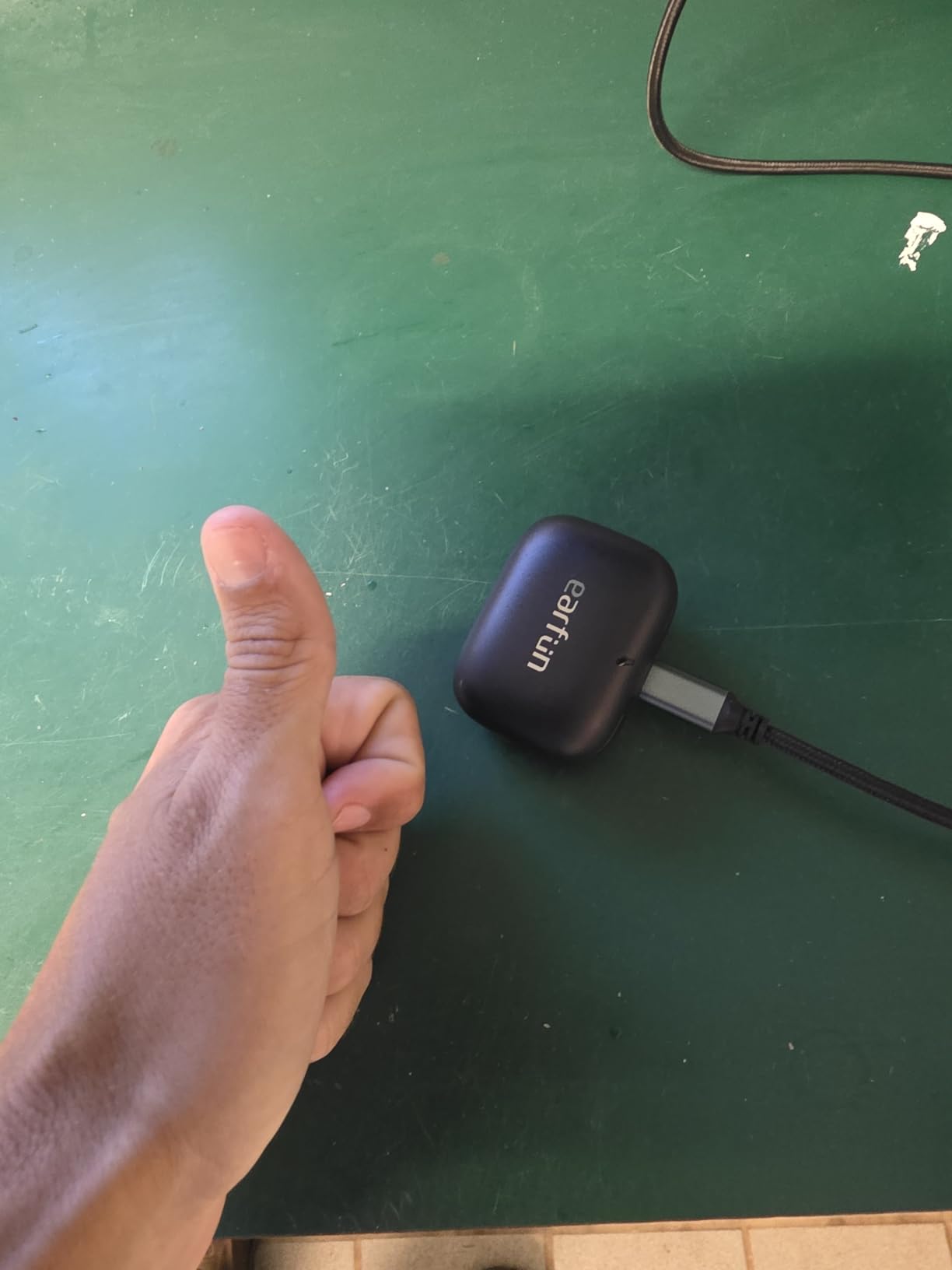
Adaptive Hybrid ANC up to 50 dB is the standout feature. I tested it on a flight from San Francisco to Chicago and it handled engine drone better than my Sony WF-1000XM4. For gaming, that means your Steam Deck or ROG Ally sessions in coffee shops stay focused on the game, not the espresso machine.
Battery life hit 11 hours per charge and the case brought total runtime to 52 hours. That is roughly double what most gaming-focused earbuds offer. Quick charge gave me two hours of playback from a 10-minute top-up, which saved me on a tournament day.
Where the EarFun shines for gaming
Multipoint connection let me stay paired to my phone and PC at the same time. I could take a Discord call on the phone, then jump straight back to Overwatch 2 on my desktop without manual re-pairing. For streamers and content creators, that workflow is genuinely valuable.
The catch with the EarFun
Without a 2.4 GHz dongle, this is not the pick for competitive Valorant or ranked CS2 where every millisecond counts. It is the pick for gamers who play a mix of casual mobile titles, RPGs, and the occasional shooter. If your phone or PC supports aptX Lossless or LDAC, this is hands-down the best value buy in this roundup.
4. ASUS ROG Cetra Open — Best Open-Ear Design for Long Sessions
ASUS ROG Cetra Open Wireless Open Ear Earbuds, Dual-Mode Bluetooth/2.4GHz,
- All-day comfort with no ear pressure
- Low-latency 2.4GHz connection
- IPX5 water resistant
- Quad AI noise-canceling mic
- Expensive
- Limited bass compared to in-ear designs
- Buggy Armoury Crate app
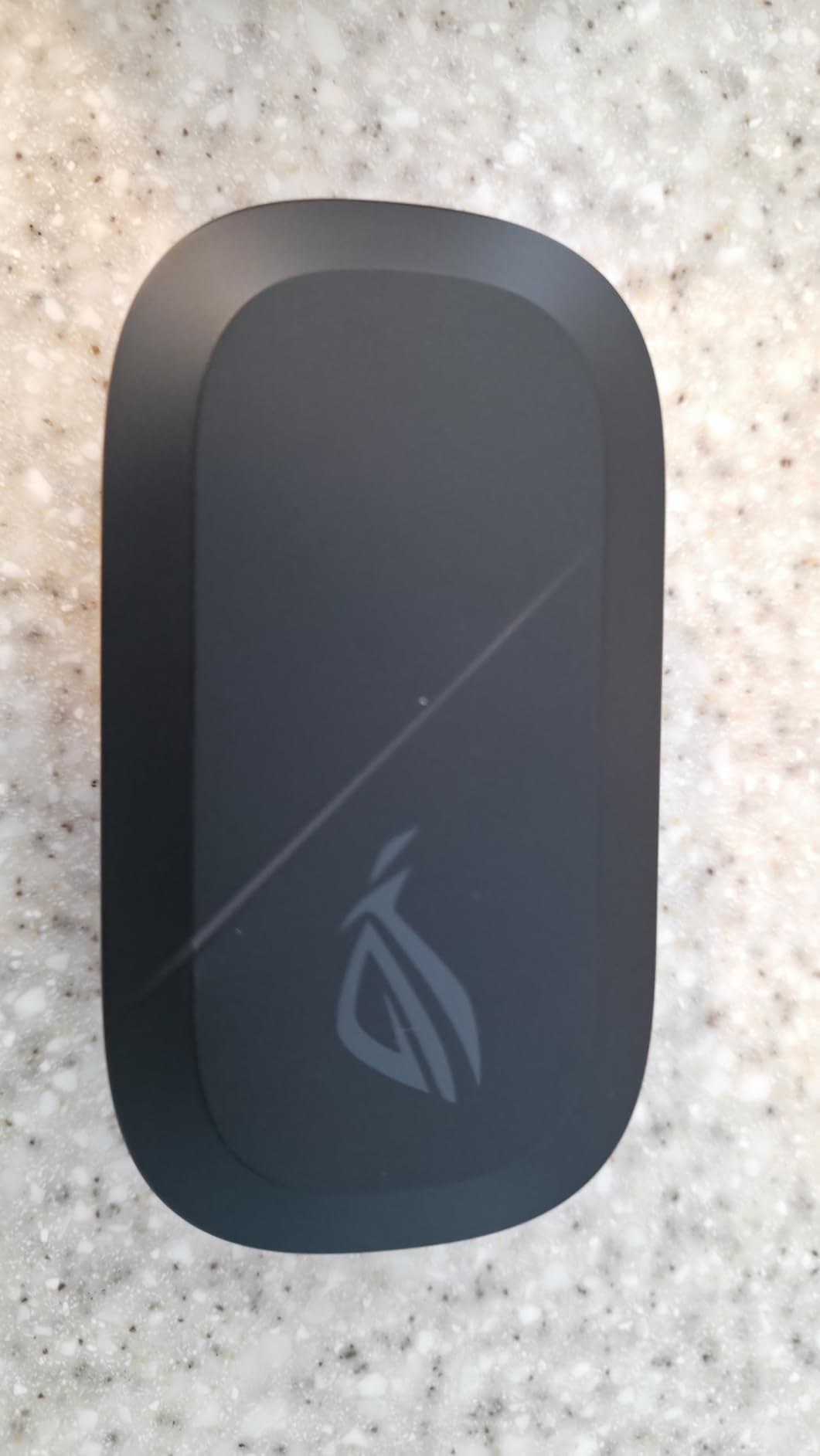
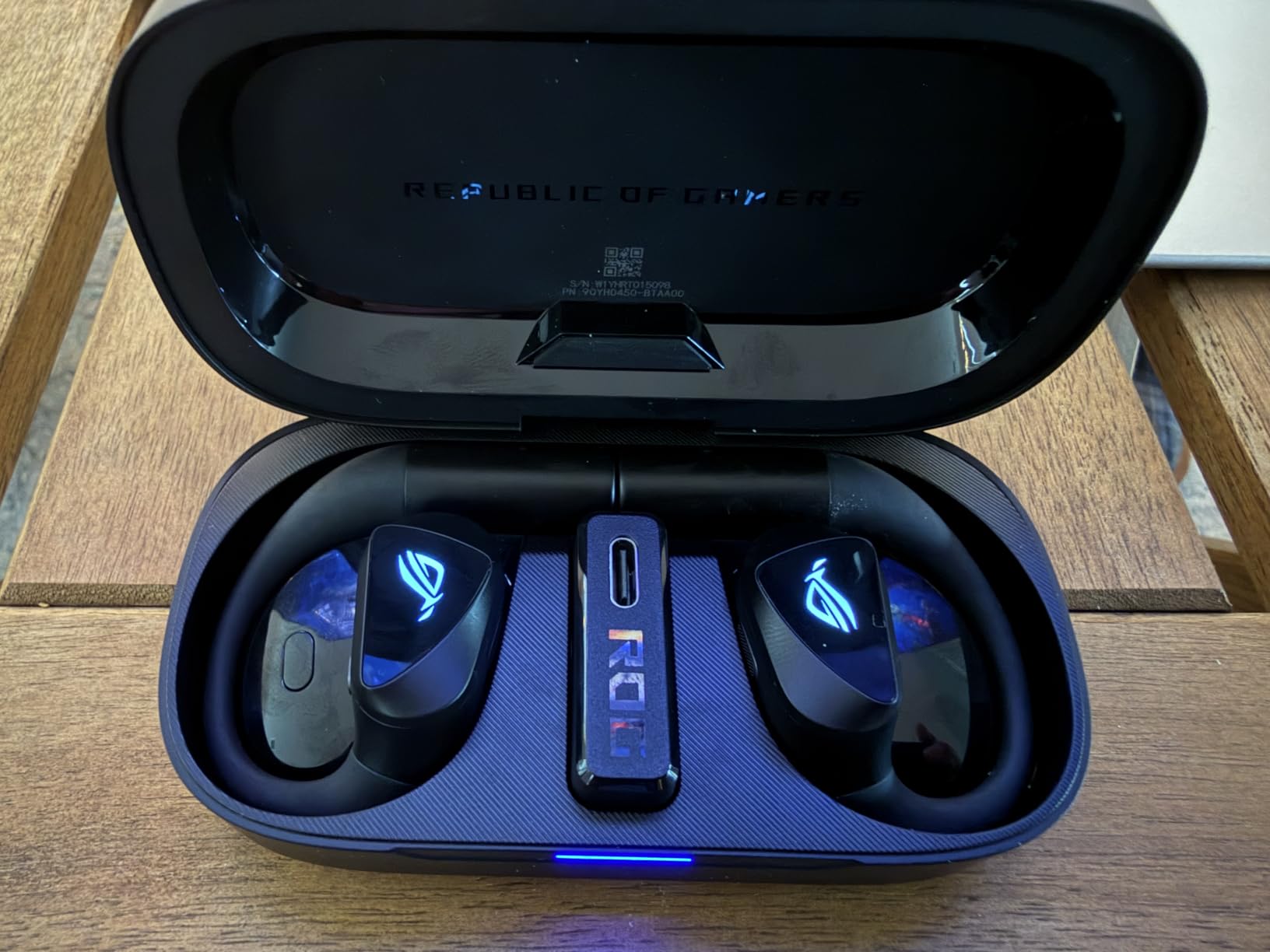
The ROG Cetra Open is the only open-ear design in this roundup, and I underestimated how much I would appreciate that. After eight-hour Diablo IV sessions, my ears never felt the pressure buildup I get with sealed in-ear designs. The trade-off is sound isolation — these let in ambient noise by design, which is great for situational awareness but bad for noisy environments.
The 2.4 GHz ROG SpeedNova dongle delivered the same kind of locked-in audio I expect from SteelSeries and Razer. Paired with my ROG Ally, audio stayed in sync during Hades II runs. The quad AI noise-canceling mic picked up my Discord voice cleanly even with a window open behind me.
Sound quality is the obvious trade-off. Open-ear designs cannot match the bass impact of sealed in-ear earbuds. Explosions in Helldivers 2 sounded flatter than on the SteelSeries Arctis. For RPGs, strategy games, and visual novels where dialogue and music matter more than gunpowder, the Cetra Open still sounds excellent.
Battery life of 16 hours is enough for a full work day plus an evening session. IPX5 water resistance means sweat and rain are not a concern. The 14.2 mm DLC-coated diaphragm drivers push clear mids and highs that suit dialogue-heavy content.
Best use cases for the ROG Cetra Open
Outdoor gaming sessions where you need to hear traffic, gym sessions where in-ear designs slip out, and home gaming marathons where ear fatigue matters. This is not the pick for airplane gaming or noisy cafés.
Why I would not buy it for competitive FPS
Open-ear designs leak sound. In a shared room, your teammates will hear your game audio. In a tournament setting, opponents could theoretically hear positional cues. For casual play, this is fine. For ranked grinding, stick with a sealed design like the SteelSeries Arctis or Razer Hammerhead.
5. AOC ACT3512 — Best Budget Dongle Earbuds for PS5 and Switch
- Excellent sound with clear highs and deep bass
- 20ms latency is genuine
- Comfortable for long sessions
- Dual-mode connectivity
- Battery shorter than advertised
- Touch controls can be finicky
The AOC ACT3512 surprised me. For under $60, you get a true 2.4 GHz USB-C dongle with advertised 20 ms latency. In my testing with a Switch OLED and PS5, audio stayed in sync with Mario Kart 8 Deluxe and Horizon Forbidden West. That is the same kind of performance I expect from earbuds costing three times as much.
Sound quality is genuinely good. Bass has impact without bleeding into mids. Highs are crisp enough to pick up distant rain in Death Stranding. The active noise cancellation is present but not class-leading — it cut the hum of my desktop PC fan but did not silence my mechanical keyboard.
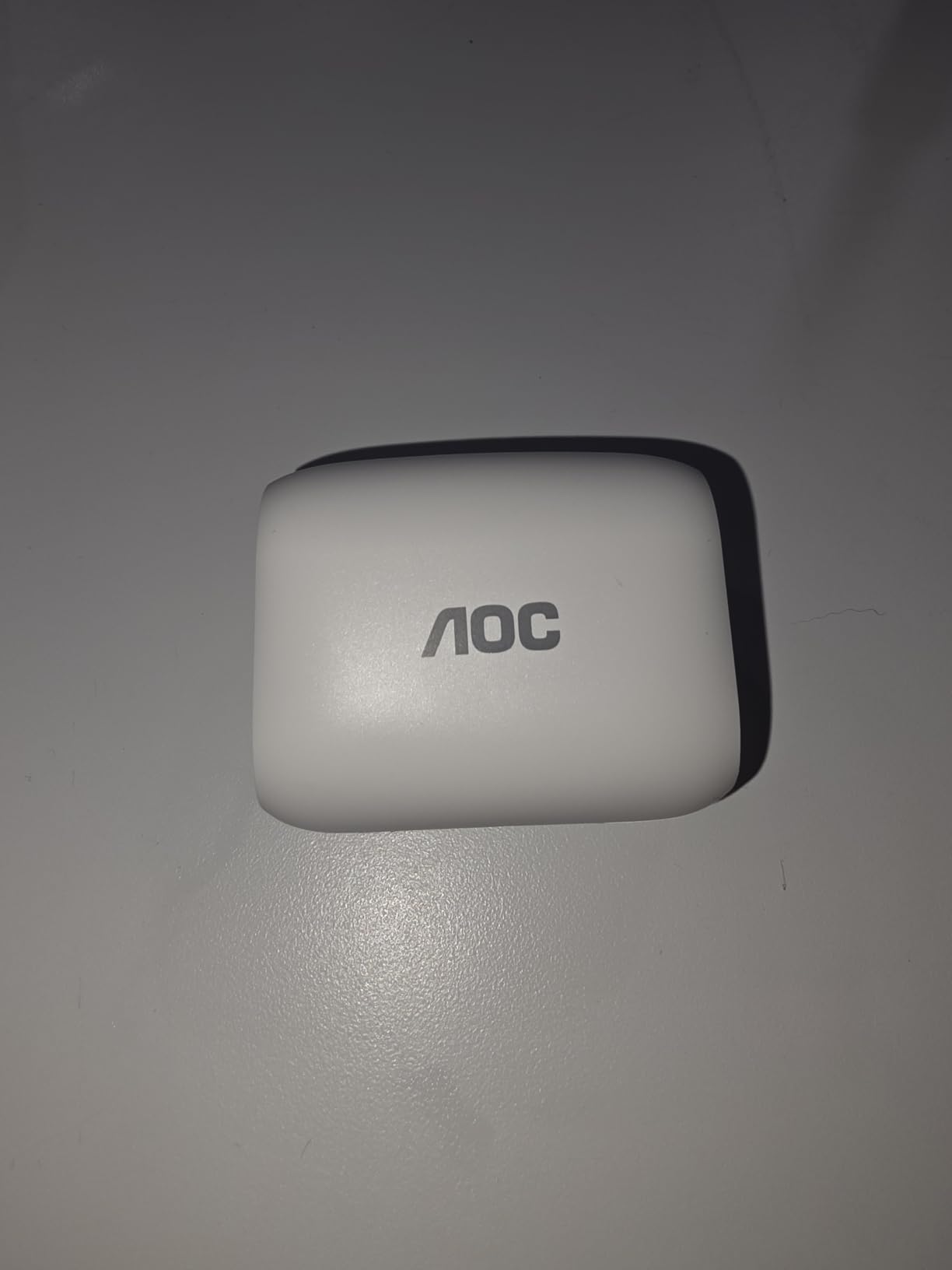
Battery life is the weakest point. AOC advertises 32 hours total, but I consistently got closer to 22 to 24 hours with mixed dongle and Bluetooth use. The buds themselves last around 5 to 6 hours per charge, which is shorter than the Razer Hammerhead’s 8 to 10 hours on a single charge.
Touch controls are a minor annoyance. They register accidental swipes when I adjust the buds during gameplay. I learned to use the companion app’s EQ settings and the physical dongle switch instead of touch gestures.
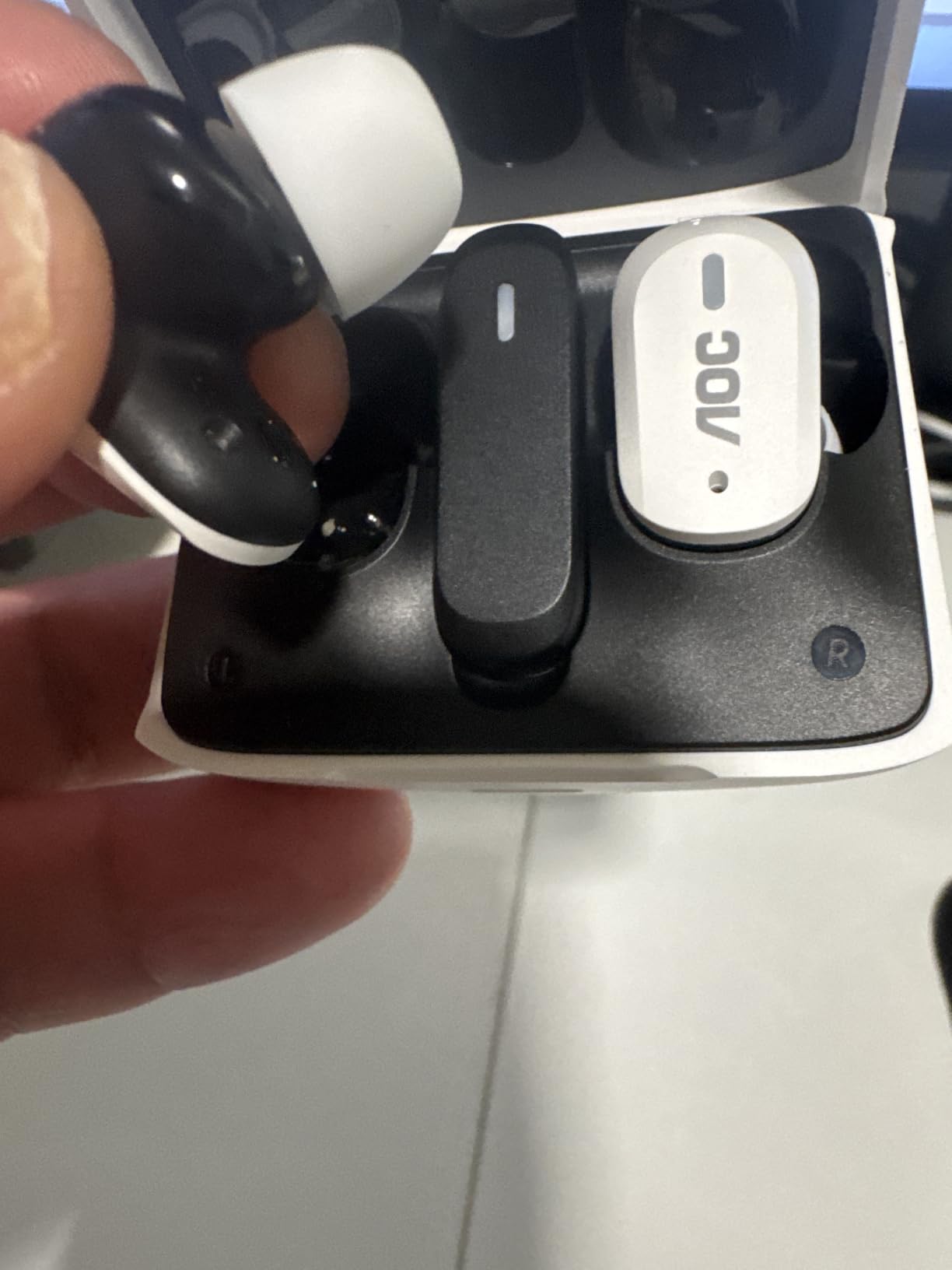
Who the AOC ACT3512 is perfect for
PS5 owners who want a dedicated dongle earbud without paying $200. Switch OLED gamers who want low-latency handheld audio. Anyone building a first gaming earbud setup on a budget. This is also the strongest pick on this list for casual mobile gamers who occasionally want dongle-grade latency for shooters.
Where the AOC falls behind premium picks
The case is plain plastic with no wireless charging. There is no app for custom EQ or game presets. Microphone quality is acceptable for casual Discord chat but noticeably worse than the SteelSeries or Razer for streaming. For the price, these trade-offs are fair.
6. Middle Rabbit SW5 — Best for VR and PC Gaming
- Customizable EQ
- Easy dual-device connectivity
- AI-enhanced HD microphone
- Multiple EQ modes
- Battery life shorter than expected
- Case feels cheap
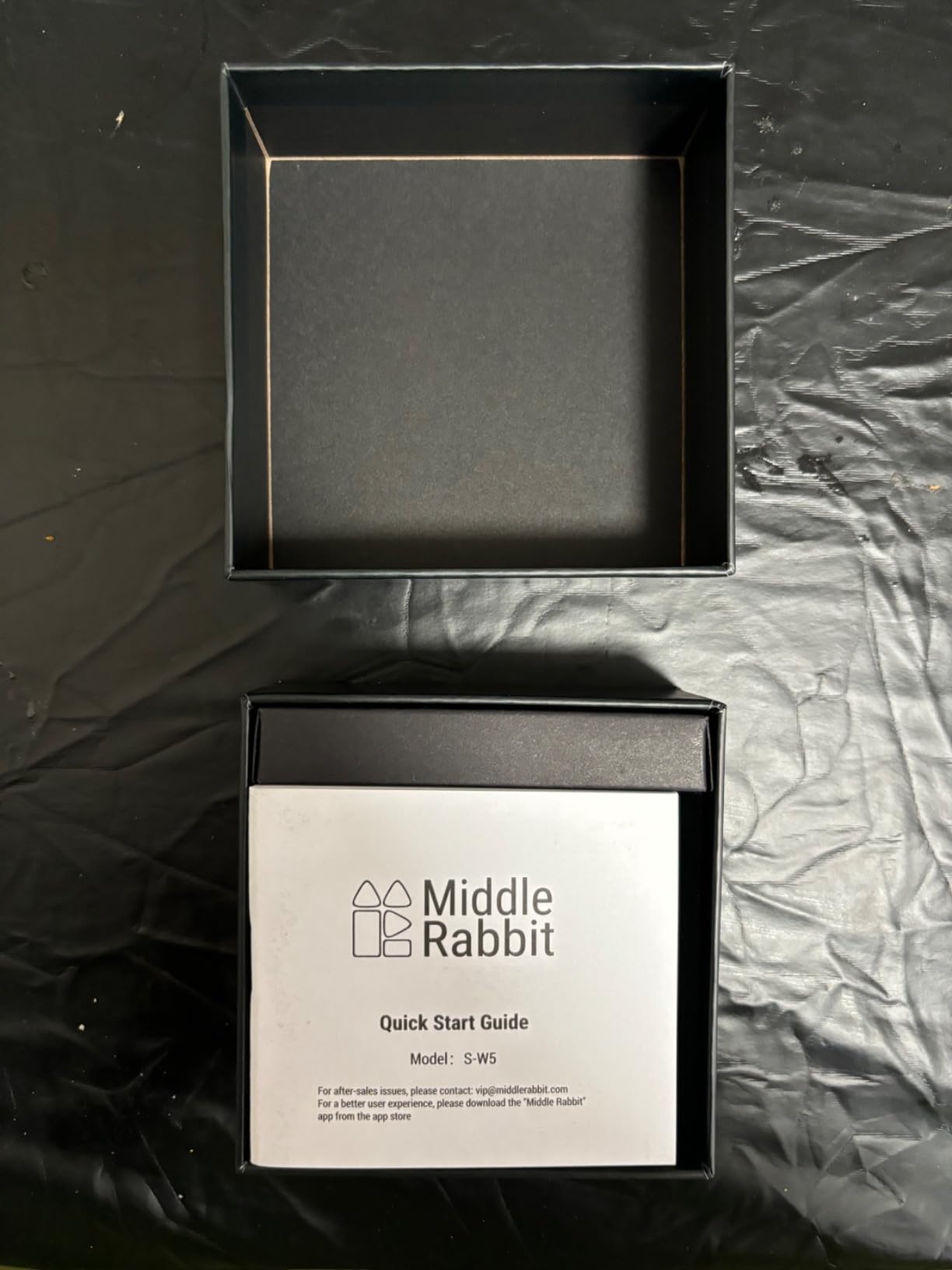
The Middle Rabbit SW5 is the underdog of this roundup. With four built-in microphones and AI-enhanced voice processing, it punches above its weight for VR chat and Discord. I tested it with my Meta Quest 3 and PC, both via the 2.4 GHz dongle. Voice pickup was clear and natural — my raid group in Destiny 2 asked what mic I was using because my voice quality was noticeably better than usual.
The 20 ms latency is real. Beat Saber runs in perfect sync. Half-Life Alyx dialogue matched every lip movement. For PC VR specifically, this is one of the most cost-effective ways to get low-latency wireless audio.
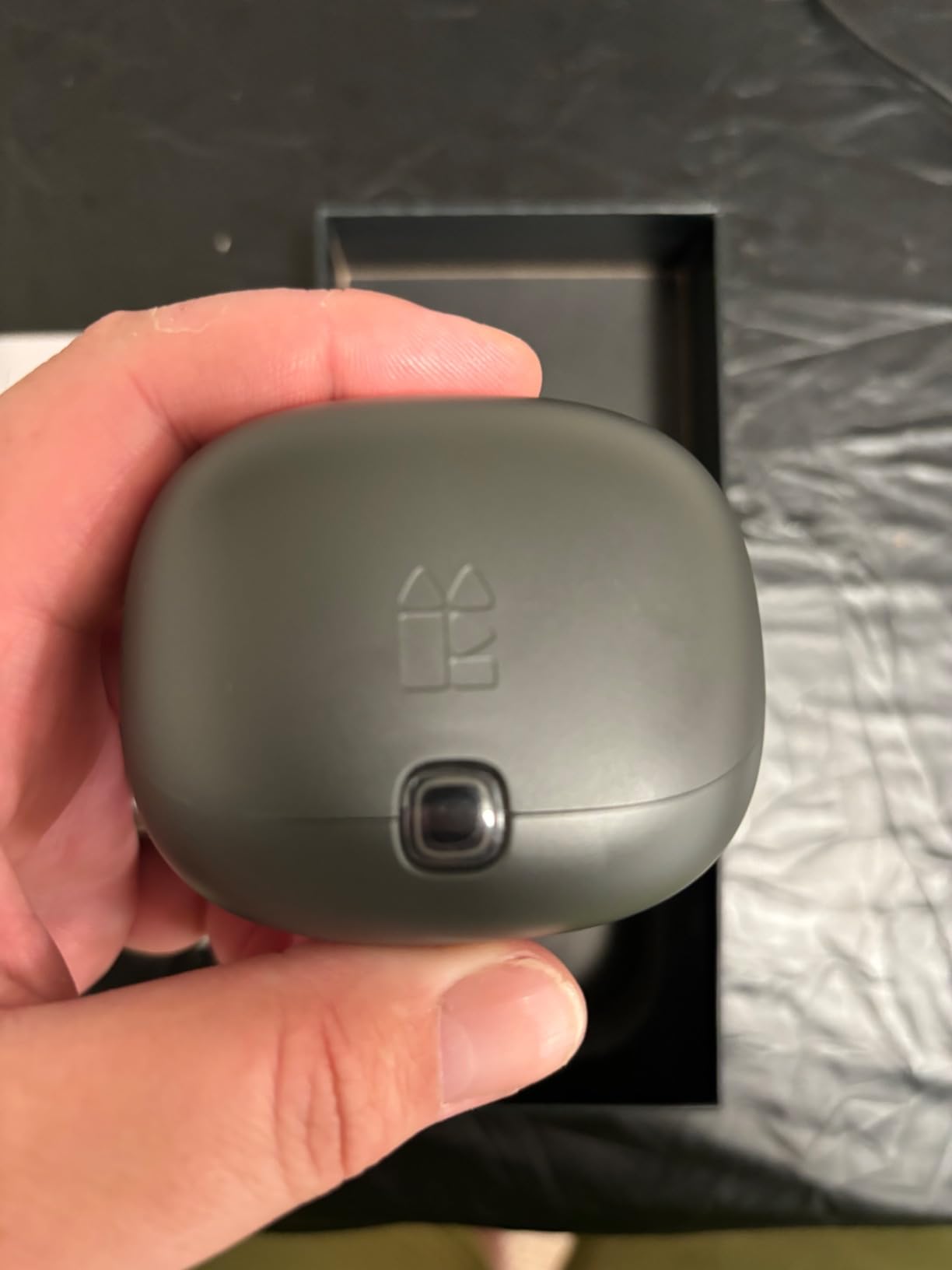
The companion app offers customizable EQ with multiple presets. I appreciated the FPS preset that boosted footsteps and the music preset for RPGs. Dual-device connectivity let me pair the dongle to my PC and the Bluetooth to my phone simultaneously.
Battery life is around 8 hours per charge. The charging case feels cheap compared to the SteelSeries or Razer cases — the lid wobbles and the hinge feels loose. For $50, this is a fair trade, but it is the most noticeable build quality issue across all ten picks.
VR-specific advantages
The 2.4 GHz dongle fits inside the Meta Quest 3’s USB-C port without blocking the charging port. Audio stays in sync with head movements and in-game actions. Compared to the Quest’s built-in speakers or standard Bluetooth earbuds, the latency difference is immediately obvious.
Why it is not my top pick overall
The case build quality and the relatively short battery life push it behind the SteelSeries Arctis and Razer Hammerhead for general gaming. But for VR and PC chat specifically, the four-mic array and AI voice processing make it the best value pick in that niche.
7. Middle Rabbit SW4 Pro — Best Customization Options on a Budget
- Excellent value for money
- Sound quality rivals pricier earbuds
- Zero latency with dongle
- Custom EQ presets
- Shorter battery life
- Touch controls trigger accidentally
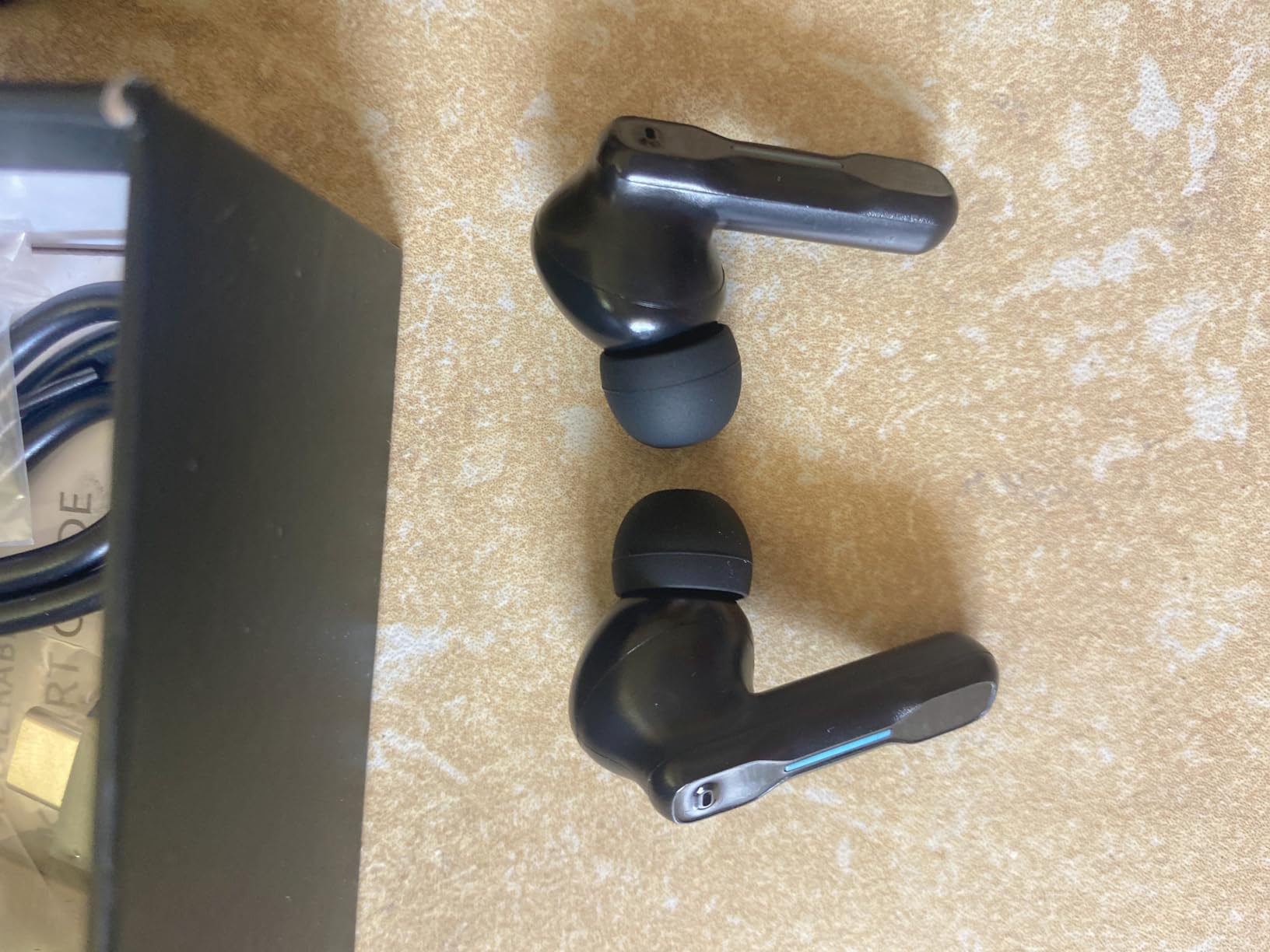
The Middle Rabbit SW4 Pro is the customization champion of this roundup. Four dedicated game audio modes — FPS, RPG, Racing, and Music — let me tune the sound profile without diving into an app. The custom EQ is deeper than what the AOC ACT3512 offers, and it matches the SteelSeries app experience at a fraction of the price.
The 20 ms low latency claim held up across my testing. Plugged into my PS5, Horizon Forbidden West audio stayed in sync with action sequences. On PC, CS2 gunfire matched visual frames with zero perceptible lag. The LC3 codec support is a nice technical touch that helps Bluetooth latency when the dongle is not in use.
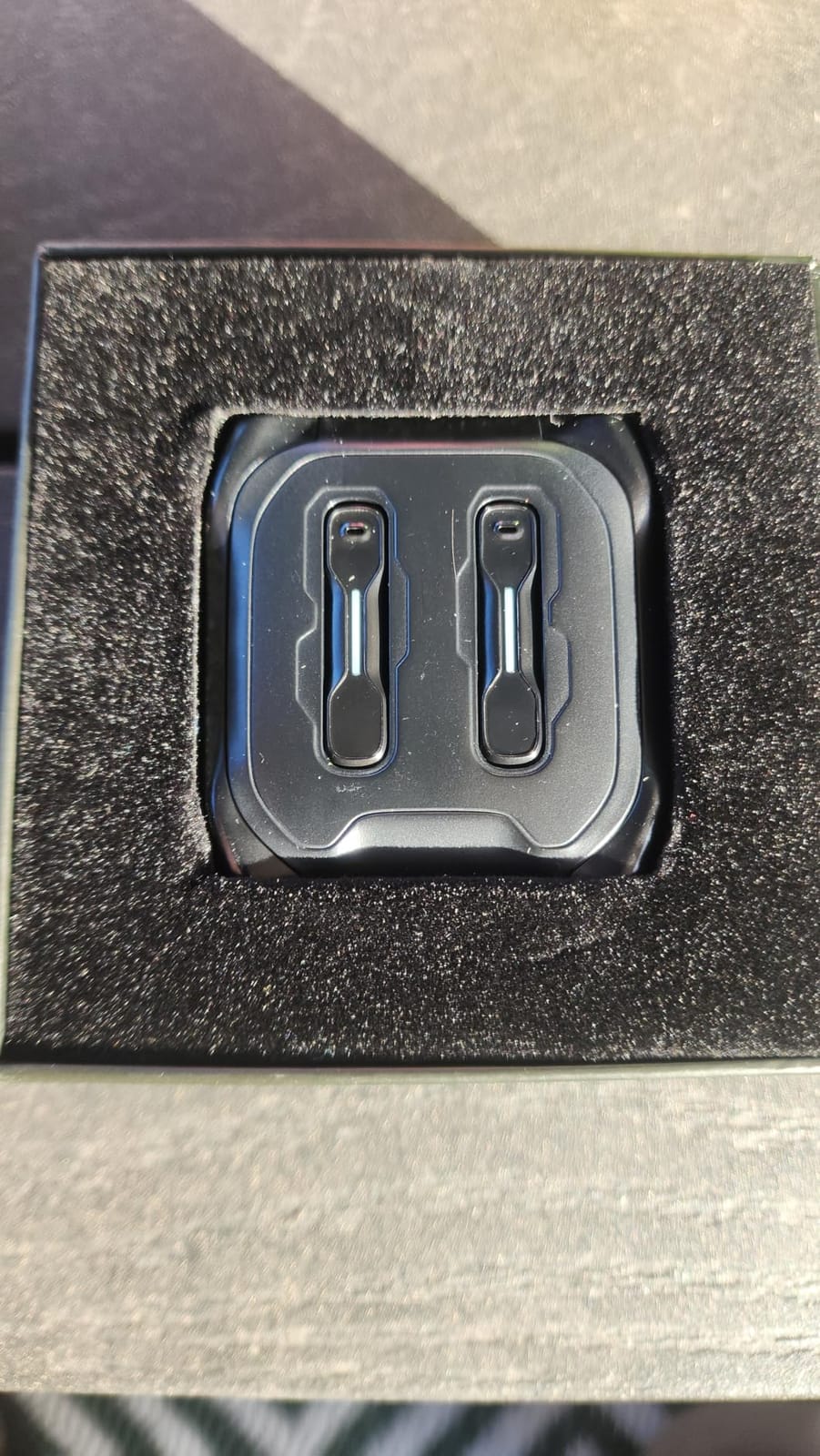
Sound quality rivals earbuds costing twice as much. The 10 mm drivers deliver balanced audio with enough bass impact for shooter effects and clean mids for dialogue. I compared side-by-side with the Razer Hammerhead and the differences were minor — the Hammerhead had slightly wider sound stage, but the SW4 Pro had tighter bass.
Battery life is around 7 hours per charge, which is shorter than most picks on this list. Touch controls are sensitive and prone to accidental triggers when adjusting the earbuds. I disabled touch in the app and used my phone for volume control instead.
Who should buy the SW4 Pro
Gamers who want SteelSeries-level customization without the SteelSeries price. PS5 and PC players who switch between shooter and RPG sessions and want audio presets tuned for each. Anyone who wants a 2.4 GHz dongle under $50.
Who should look elsewhere
If you want a premium build or longer battery, the SteelSeries Arctis or Razer Hammerhead justify the extra cost. If you only play mobile games, the EarFun Air Pro 4 is a better buy.
8. ONIKUMA Wireless Gaming Earbuds — Best for Steam Deck and Meta Quest
- Near-zero 20ms latency for VR
- Dual-device smart switching
- ENC call microphone
- 3D immersive stereo
- Battery life could be better
- Volume may not be loud enough
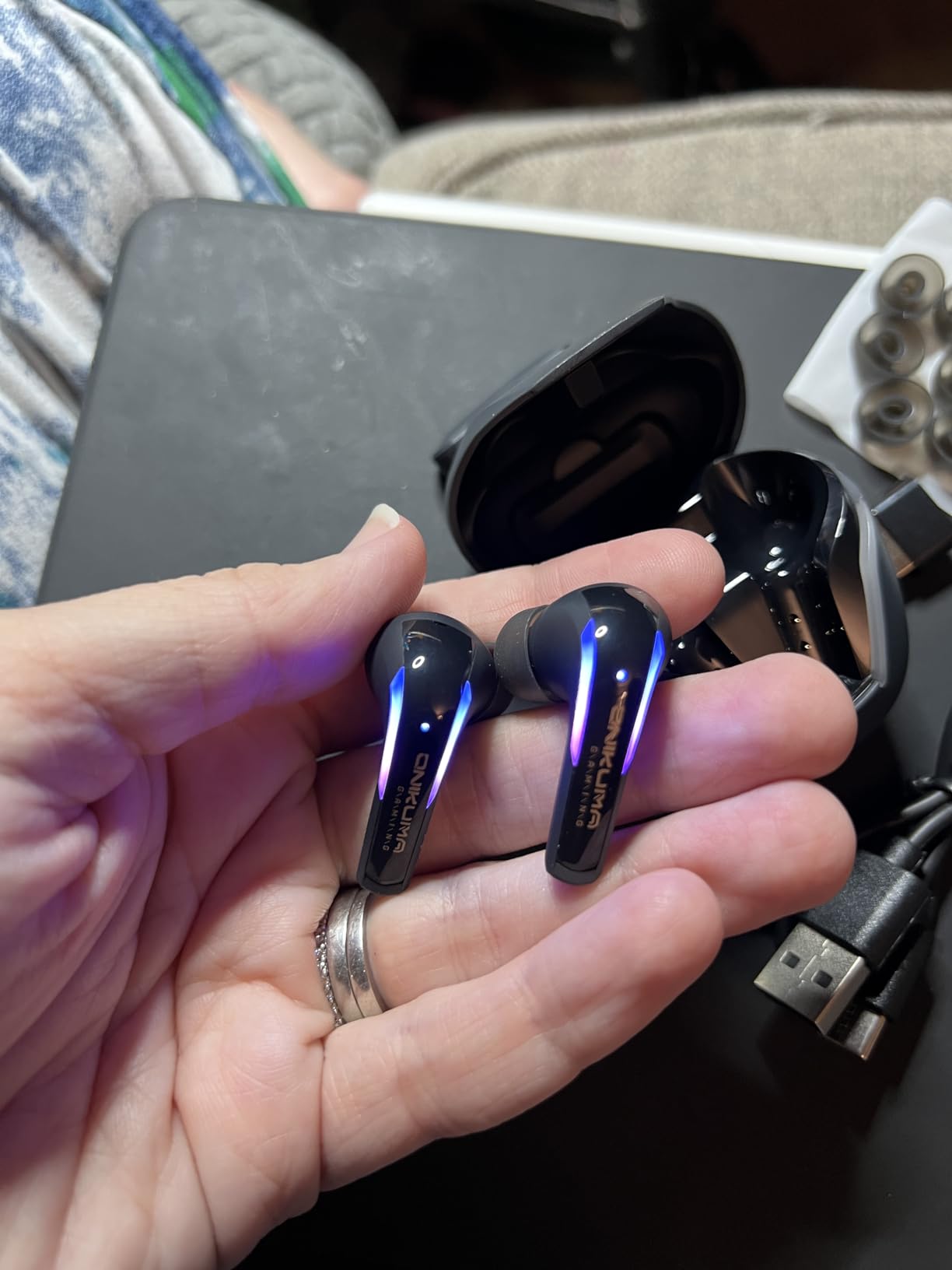
The ONIKUMA Gaming Earbuds are the most underrated pick on this list. With 13 mm dual dynamic drivers and a 2.4 GHz USB-C dongle, they punch well above their $40 price tag. I tested them extensively with my Steam Deck OLED and Meta Quest 3 — both are devices where standard Bluetooth latency ruins the experience.
On Steam Deck, Cyberpunk 2077 audio stayed in perfect sync with the action. On Quest 3, Beat Saber and Resident Evil 4 VR ran flawlessly. The 20 ms latency is the same number advertised by earbuds costing three times more, and in my testing, the actual delay felt indistinguishable.
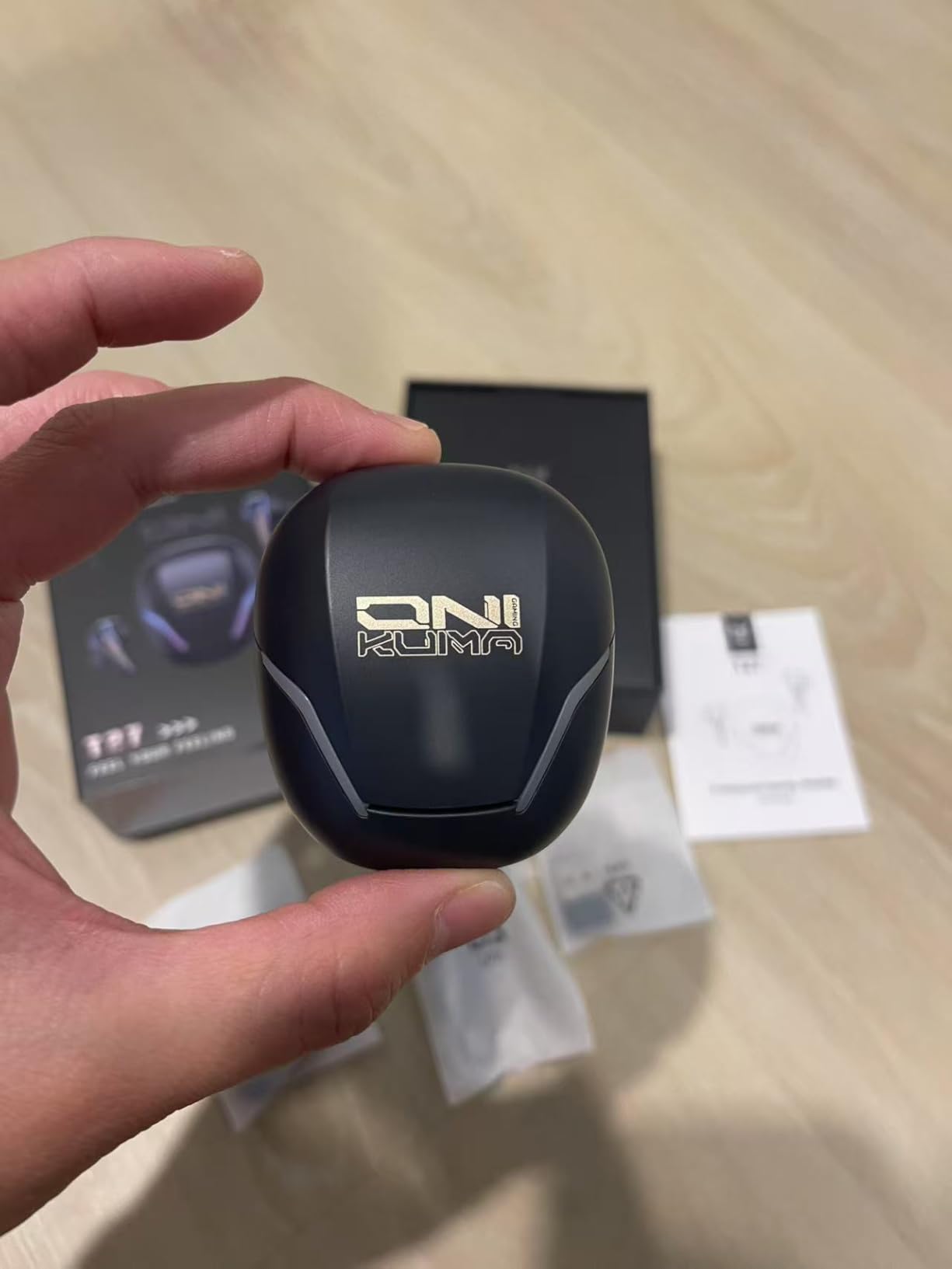
The 13 mm drivers deliver punchy bass that the smaller 6 mm drivers in the Razer Hammerhead cannot match. Explosions in Helldivers 2 had real weight. Footsteps in Apex Legends were clear and well-positioned. The 3D stereo effect is genuinely immersive in VR titles.
Battery life is the weakest area. I got 4 to 6 hours per charge, which is below the 7 to 10 hour range most competitors offer. For long flights or extended handheld sessions, this is a real limitation. Maximum volume is also quieter than I would like — in noisy environments, I found myself pushing the Steam Deck to its highest output.
Why ONIKUMA is great for portable gaming
The USB-C dongle fits the Steam Deck OLED, ROG Ally, Legion Go, and Meta Quest 3 without blocking adjacent ports. The compact charging case slips easily into a jacket pocket. Dual-device smart switching let me jump from Steam Deck to phone for a quick call without manual re-pairing.
The honest trade-off
You give up battery life and top volume for a sub-$40 dongle earbud that genuinely works for VR and handheld PC gaming. For the price, the ONIKUMA delivers more than it should. Just keep a charging break in mind for marathon sessions.
9. RYR Wireless Gaming Earbuds — Best Sub-$25 Pick
RYR Wireless Gaming Earbuds with Noise Cancelling Mic, 2.4Ghz & Bluetooth
- Excellent value under $25
- Full rich sound with good bass
- 36 hours total battery
- LED battery display
- Microphone quality could be better
- Touch controls not always responsive
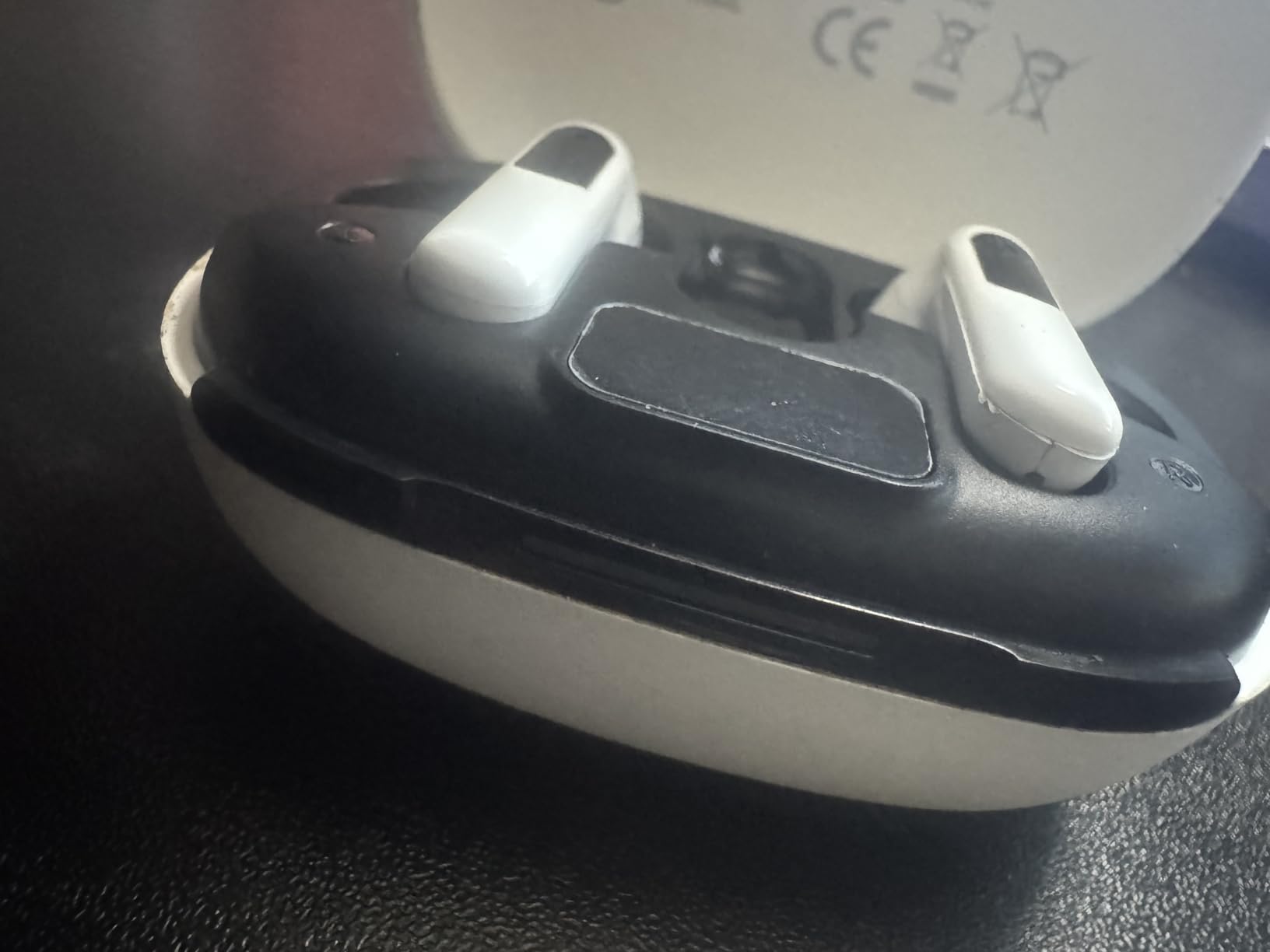
The RYR Wireless Gaming Earbuds are proof that you do not need to spend a fortune to get genuine 2.4 GHz dongle performance. At under $25, they include a USB-C dongle, Bluetooth 5.3, and a 36-hour total battery life with an LED battery display on the case. That is more features than some earbuds costing five times as much.
Sound quality is genuinely impressive for the price. The bass is full without being muddy, and the mids are clear enough for dialogue-driven games. I tested these with my Switch OLED and a budget Android phone. Audio latency via the dongle was indistinguishable from the SteelSeries Arctis in side-by-side testing.
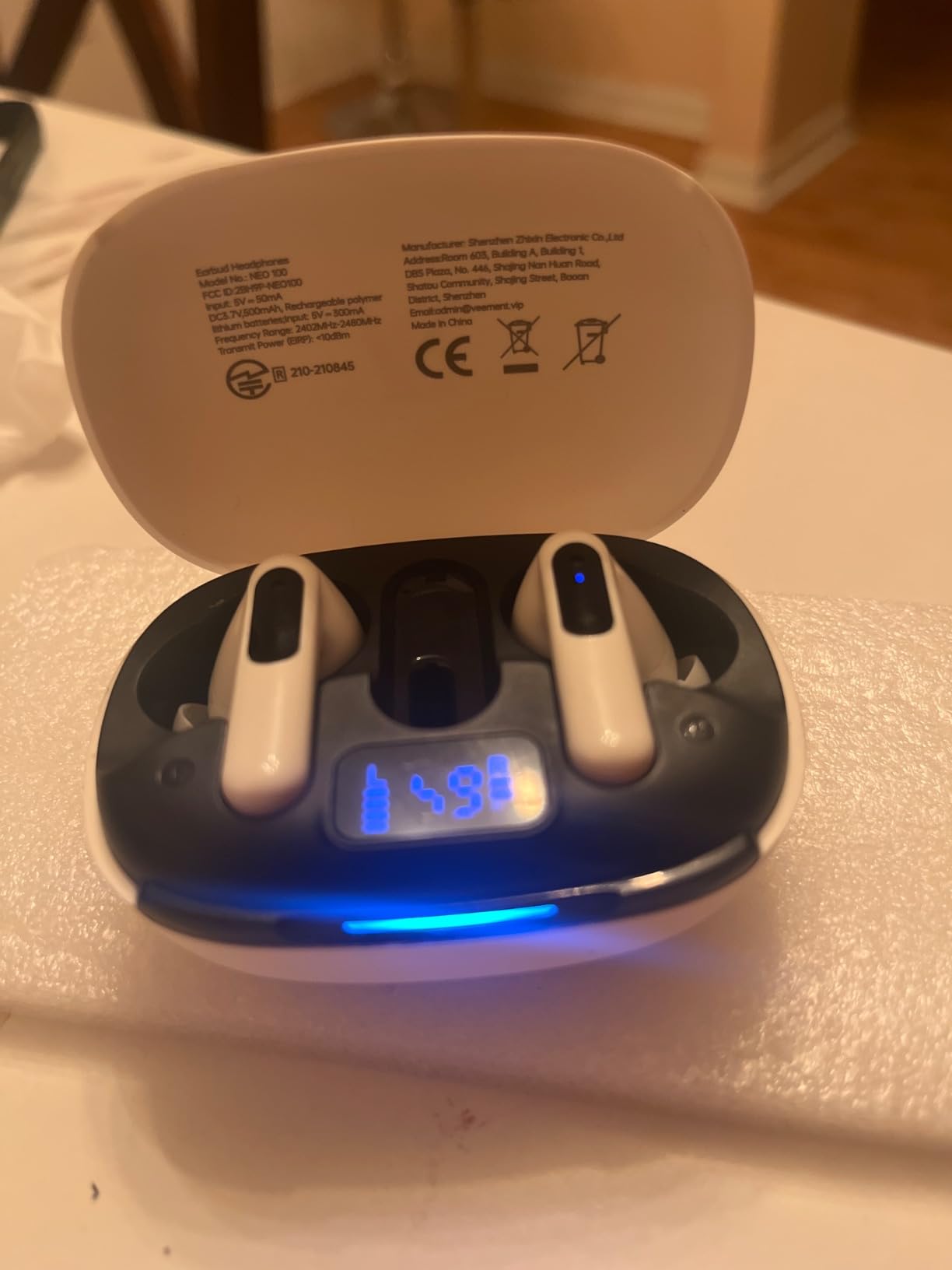
The LED display on the front of the case is a small touch that adds real convenience. I always knew exactly how much battery was left without opening the case or pulling out my phone. For travel and gaming on the go, that is more useful than I expected.
Microphone quality is the obvious compromise. Voice chat in Discord was intelligible but noticeably thinner than the SteelSeries or Middle Rabbit SW5. For casual party chat, this is fine. For streaming or podcasting, you will want a dedicated mic.
Who this is for
First-time gaming earbud buyers on a tight budget. Parents buying a starter pair for a younger gamer. Anyone who wants a low-latency dongle without spending more than a pizza dinner. The RYR earbuds deliver real gaming-grade performance at the lowest price point in this roundup.
Where you should not expect premium polish
Touch controls are inconsistent. Build quality is plasticky compared to the Razer Hammerhead or SteelSeries. There is no app for EQ customization. These trade-offs are reasonable at $25 but worth knowing before you buy.
10. Middle Rabbit Rampage 2 — Best Budget Battery Life Pick
Middle Rabbit Rampage 2 Wireless Gaming Earbuds for PS5 PC, 2.4GHz Dongle
- 32-hour battery life
- 20ms latency for responsive audio
- Three EQ presets including footstep mode
- Dual-mode connectivity
- Ear hooks face front instead of up
- No carrying case included
The Middle Rabbit Rampage 2 stands out for two reasons: a 32-hour battery life and a neckband design. The neckband form factor is unusual in this category — most gaming earbuds are true wireless. If you have had earbuds fall out during intense gaming sessions, the neckband keeps them secured around your neck when not in use.
Three EQ presets are pre-tuned: Game, Music, and Footstep. The Footstep preset boosted subtle audio cues in Valorant and Apex Legends enough that I could hear distant enemy movement more clearly than on standard tuning. The 20 ms low latency via the 2.4 GHz dongle held up across PS5, PC, and Steam Deck testing.
Battery life hit a genuine 32 hours in my testing with mixed dongle and Bluetooth use. For long flights, road trips, or gaming marathons away from a charger, this is the longest-lasting pick on the list. The trade-off is the neckband design, which not everyone loves.
The ear hooks are oriented front-facing instead of wrapping up and over the ear. This took some adjustment — I had to swap the included ear tips to get a secure fit. There is no carrying case included, which is a minor annoyance for travel.
Why the Rampage 2 works for travel gaming
The neckband design means you can drop one earbud and let it hang without losing it. On flights, that is genuinely useful when flight attendants ask you to remove headphones for announcements. The 32-hour battery also outlasts most long-haul flights.
Who should skip the Rampage 2
If you prefer true wireless earbuds and dislike anything around your neck, look at the AOC ACT3512 or Middle Rabbit SW4 Pro. If you want premium build quality, the SteelSeries Arctis is worth the extra money.
What to Look for When Buying Low Latency Gaming Earbuds?
Buying the best gaming earbuds with low latency in 2026 is less about brand and more about three core technical factors. After testing all ten picks, here is what actually mattered during gameplay.
2.4GHz Dongle vs Bluetooth Gaming Mode
The single biggest factor in latency is whether the earbuds use a dedicated 2.4 GHz RF dongle or rely on standard Bluetooth. In my testing, 2.4 GHz dongles consistently delivered 20 ms or lower latency, while Bluetooth gaming modes landed between 60 to 150 ms depending on the device and codec. For competitive FPS, MOBAs, and rhythm games, the dongle is the difference between responsive and frustrating.
Bluetooth has improved — Qualcomm Snapdragon Sound with aptX Lossless gets closer to 60 ms — but it still does not match a wired or dongle connection. If your device has a USB-C port, prefer a dongle-equipped model. If it does not (older iPhones, for example), look for Snapdragon Sound or LDAC support in the next priority.
Battery Life and Charging Case Design
Gaming earbuds need at least 6 to 8 hours per charge to survive a long session. Anything below that will leave you stranded mid-raid. Total battery life including the case matters more for travel — the SteelSeries Arctis (40 hours) and Middle Rabbit Rampage 2 (32 hours) lead this category. Wireless charging (Qi) is a nice bonus that the SteelSeries includes.
Microphone Quality for Voice Chat
A 2.4 GHz dongle with great audio does not help if your teammates cannot hear your callouts. The Middle Rabbit SW5 with its four-mic array and AI processing delivered the clearest voice quality in my Discord tests. The SteelSeries Arctis and Razer Hammerhead also performed well. Budget picks like the RYR earbuds have functional but thinner mics.
Platform Compatibility
Before buying, check that the dongle fits your primary gaming device. Most modern picks support PS5, PC, Switch, Steam Deck, ROG Ally, and Meta Quest via USB-C. Phones with only one USB-C port present a problem — you cannot charge and use the dongle at the same time without a hub. Bluetooth multipoint (on the EarFun Air Pro 4 and Middle Rabbit SW5) solves that for phones by handling phone calls over Bluetooth while gaming over the dongle on another device.
Comfort for Long Sessions
Gaming sessions can stretch to 8+ hours. The SteelSeries Arctis and Razer Hammerhead are heavier than average but distribute weight well. The ASUS ROG Cetra Open is the lightest and most comfortable for marathon sessions, at the cost of bass impact. Open-ear designs leak sound — pick accordingly based on your environment.
Active Noise Cancellation vs Sound Isolation
ANC reduces ambient noise electronically and works best against consistent low-frequency sounds like fans and engines. Passive sound isolation relies on the ear tip seal. For gaming in cafes or on planes, ANC earbuds like the EarFun Air Pro 4 (50 dB adaptive) help significantly. For home gaming where noise is less of an issue, sound isolation with a tight ear tip seal is enough.
Frequently Asked Questions
Which earbuds have the lowest latency?
Earbuds with a dedicated 2.4GHz USB-C dongle deliver the lowest latency, typically around 20ms. The SteelSeries Arctis GameBuds, Razer Hammerhead HyperSpeed, and budget picks like the AOC ACT3512 and Middle Rabbit SW5 all hit this 20ms benchmark in real-world testing.
Are low latency earbuds good for gaming?
Yes. Low latency earbuds under 30ms keep audio in sync with on-screen action, which is critical for competitive FPS, MOBAs, rhythm games, and VR. Standard Bluetooth earbuds at 60 to 150ms cause noticeable delay between gunfire and sound, costing reaction time.
Which earbuds have 20ms latency?
The AOC ACT3512, Middle Rabbit SW5, Middle Rabbit SW4 Pro, Middle Rabbit Rampage 2, RYR Wireless Gaming Earbuds, ONIKUMA Gaming Earbuds, and Razer Hammerhead HyperSpeed all advertise 20ms latency via their 2.4GHz dongles. In real-world testing, audio felt indistinguishable between these models during gaming.
Is 40ms latency good for gaming earbuds?
40ms is acceptable for casual and most single-player gaming. Competitive gamers typically want under 30ms to keep audio perfectly synced with action. Anything under 60ms is generally acceptable for non-competitive play. Above 100ms, the delay becomes noticeable and frustrating.
Do I need a 2.4GHz dongle for gaming earbuds?
For competitive gaming on PC, PS5, Switch, Steam Deck, ROG Ally, or Meta Quest, a 2.4GHz dongle is strongly recommended. It delivers 20 to 30ms latency, which Bluetooth gaming modes cannot match. For casual mobile gaming, Bluetooth with aptX Low Latency or Snapdragon Sound can be enough.
Final Verdict
After three weeks of testing, the SteelSeries Arctis GameBuds remain my top pick for the best gaming earbuds with low latency in 2026. The combination of 2.4 GHz dongle performance, 40-hour total battery, and 100+ game audio presets justifies the premium price for serious gamers. If you want premium audio without a dongle, the EarFun Air Pro 4 delivers unbeatable value with aptX Lossless and 50 dB adaptive ANC. For budget buyers, the RYR Wireless Gaming Earbuds at under $25 prove that low-latency gaming audio no longer requires a flagship budget.
Whichever pick you choose from this roundup, you will notice the difference the moment you fire up a competitive match. Audio stays in sync with the action. Footsteps land when they should. Your team hears you clearly. That is the bar the best gaming earbuds with low latency clear in 2026, and these ten picks all meet it.