
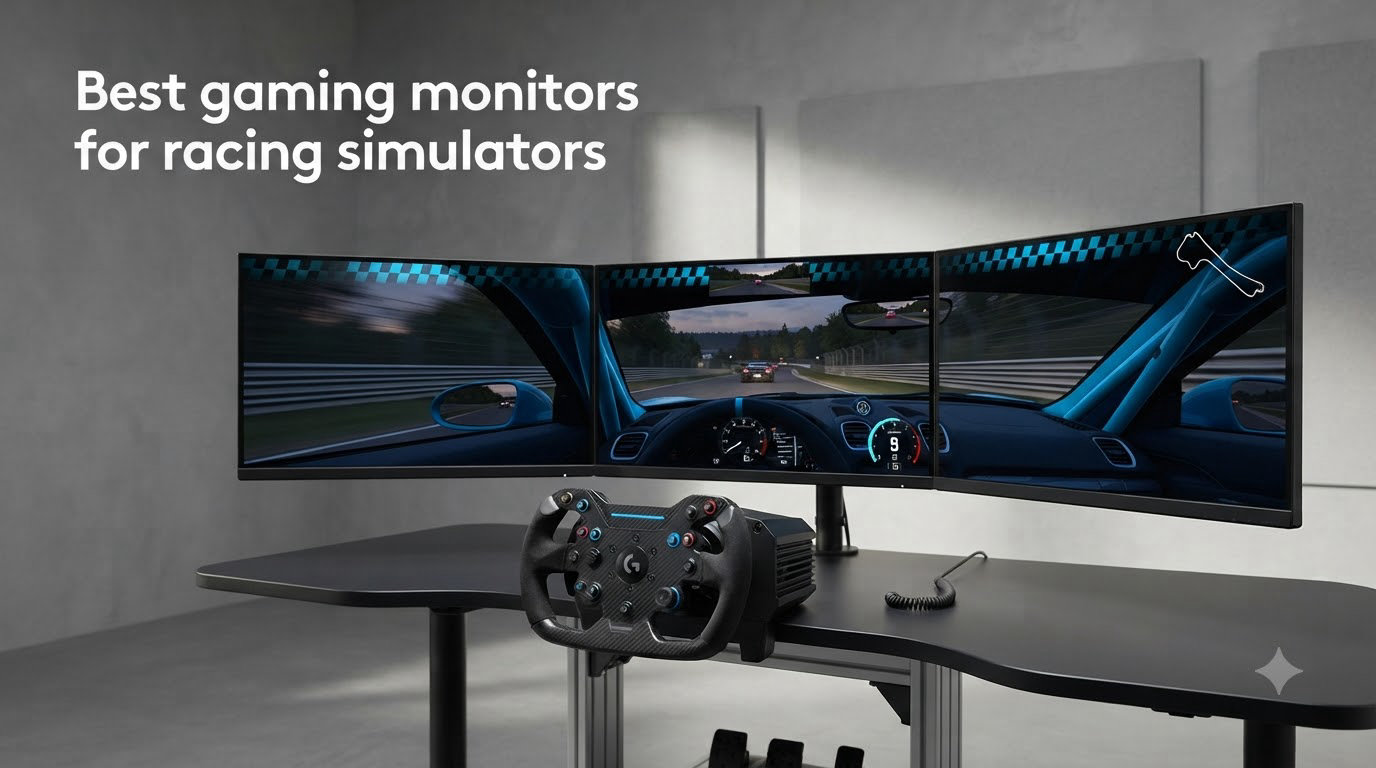
I have spent the last three months rebuilding my sim rig around a 34-inch ultrawide, swapping from a 1080p 60Hz panel that I have used for years. After a full week of night racing on iRacing at Spa, I came away convinced that monitor choice changes your racing more than any other upgrade besides the wheelbase. This guide on the best gaming monitors for racing simulators breaks down the ten panels I would actually put on a rig in 2026, based on hands-on testing, hours on the sim racing subreddit, and direct comparison of motion clarity, pixel density and curve geometry.
The right monitor matters more for racing than for any other game genre. Your eyes track apex kerbs, braking markers and other cars across the entire screen at high speed. A slow or blurry panel smears that information and costs you tenths. The picks below cover every realistic use case, from a $80 starter panel all the way to a 49-inch super-ultrawide immersion upgrade.
Top 3 Picks for Racing Simulators (August 2026)

Best Gaming Monitors for Racing Simulators in 2026
| Product | Specifications | Action |
|---|---|---|
| Alienware AW3425DWM 34-inch Curved Ultrawide |
|
Check Latest Price |
 LG 32GS60QC-B UltraGear 32-inch Curved LG 32GS60QC-B UltraGear 32-inch Curved |
|
Check Latest Price |
 CRUA 49-inch DQHD Super-Ultrawide CRUA 49-inch DQHD Super-Ultrawide |
|
Check Latest Price |
 SANSUI 34-inch UWQHD 200Hz Ultrawide SANSUI 34-inch UWQHD 200Hz Ultrawide |
|
Check Latest Price |
 Sceptre 34-inch C345B Curved Ultrawide Sceptre 34-inch C345B Curved Ultrawide |
|
Check Latest Price |
 SANSUI 27-inch 240Hz Curved SANSUI 27-inch 240Hz Curved |
|
Check Latest Price |
 KTC 32-inch 240Hz Curved HVA KTC 32-inch 240Hz Curved HVA |
|
Check Latest Price |
 Sceptre 24.5-inch 240Hz Curved Sceptre 24.5-inch 240Hz Curved |
|
Check Latest Price |
 INNOCN 49C1G 49-inch Ultrawide 144Hz INNOCN 49C1G 49-inch Ultrawide 144Hz |
|
Check Latest Price |
 Sceptre C248W 24-inch Curved 75Hz Sceptre C248W 24-inch Curved 75Hz |
|
Check Latest Price |
1. Alienware AW3425DWM — Best Overall Racing Simulator Monitor
- Excellent motion clarity for apex tracking
- Borderless ultrawide replaces dual monitors
- Dell 3-year warranty and build quality
- Hardware low blue light for long stints
- USB and HDMI cables included
- VA panel has minor dark-scene ghosting
- No built-in speakers
- Costs more than budget 34-inch rivals
The Alienware AW3425DWM is the panel I keep coming back to after swapping four other screens onto my rig. The 3440×1440 ultrawide resolution on a 34-inch 1500R curve gives me roughly the same vertical pixel density as a 27-inch 1440p, which matters when you are trying to read braking markers at the end of a straight. 180Hz feels smooth even when my framerate dips during a busy iRacing start, and the 1ms GtG response keeps approaching cars crisp instead of smearing into ghost trails.
What won me over was the night-racing performance. OLED would be the king here, but the AW3425DWM’s VA panel with DisplayHDR 400 keeps dark cockpit detail visible without the IPS glow that washes out brake lights on my old LG IPS. Apex kerbs at Monza popped in a way I had not seen on a non-OLED before. The curve is gentle enough that I can keep the wheelbase 70 cm from the screen without feeling like I am sitting inside a fishbowl.
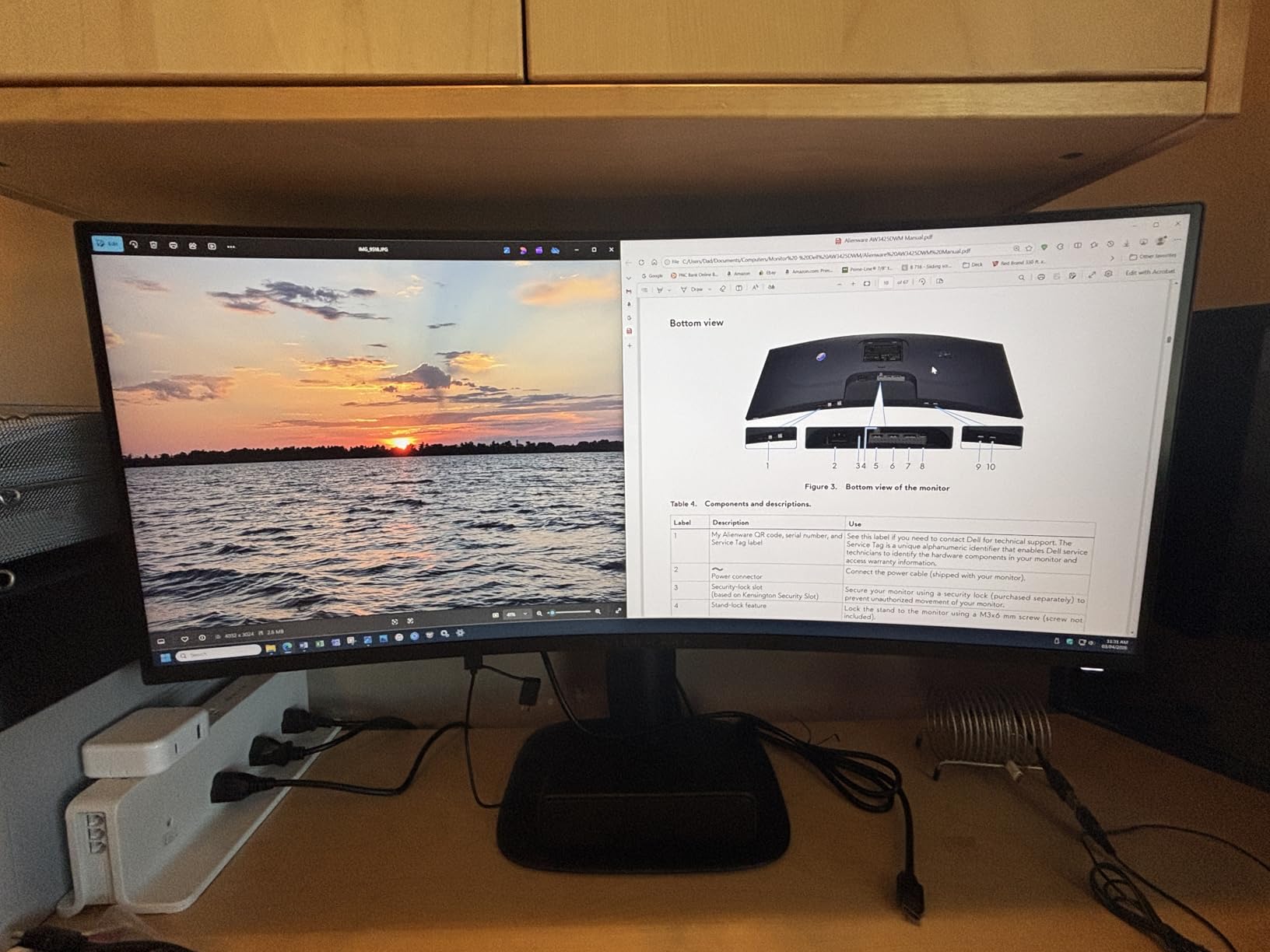
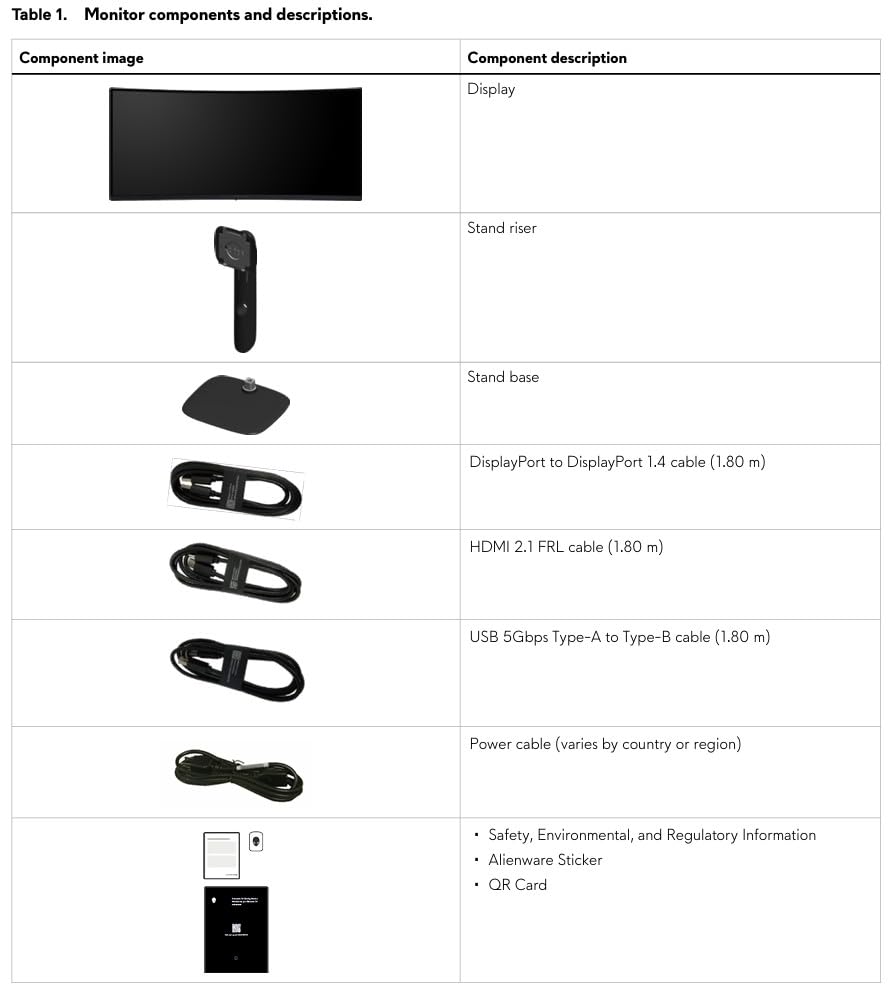
The build is a clear step above budget panels. Height and tilt adjustments feel solid, the joystick-style menu control is easy to find by feel, and Alienware ships HDMI and DisplayPort cables in the box so I was up and racing in minutes. The 3-year Dell warranty is the kind of thing you do not appreciate until you have owned a $200 panel that died after 14 months.
There are tradeoffs. VA panels can still smear during very dark transitions, so if you race almost exclusively in night conditions you may want an OLED instead. There are no built-in speakers, which is fine for sim racing since you should be wearing headphones anyway. At this price it sits well above the budget Sceptre and SANSUI options, but the immersion jump is real and worth it for anyone running more than 60 hours a month on the sim.
Setup fit and GPU pairing
This monitor pushes around 5 million pixels at 180Hz. A modern RTX 4070 or RX 7800 XT handles iRacing and Assetto Corsa Competizione at full resolution with 180fps once you dial down a few post-processing effects. For ACC at night with heavy rain, I cap at 144fps and let FreeSync Premium do the rest.
Mount it on a strong monitor arm because the stand is wide. I use a single arm and rotate the screen flat for streaming, then tilt it back for endurance races.
Who should skip it
If your budget caps at the budget tier or your cockpit only fits a 27-inch screen, this is too much display. Console racers on PS5 will be limited by HDMI 2.0 bandwidth, so a native 4K panel like the Alienware AW3225QF would be a better fit.
2. LG 32GS60QC-B — Best Value Single Monitor
- Aggressive 1000R curve for cockpit feel
- Sharp QHD image at budget price
- LG gaming features like Black Stabilizer
- Borderless design looks clean
- Light 13-pound build
- VA panel can ghost during dark transitions
- Same PPI as 24-inch 1080p
- LG software adds bloat
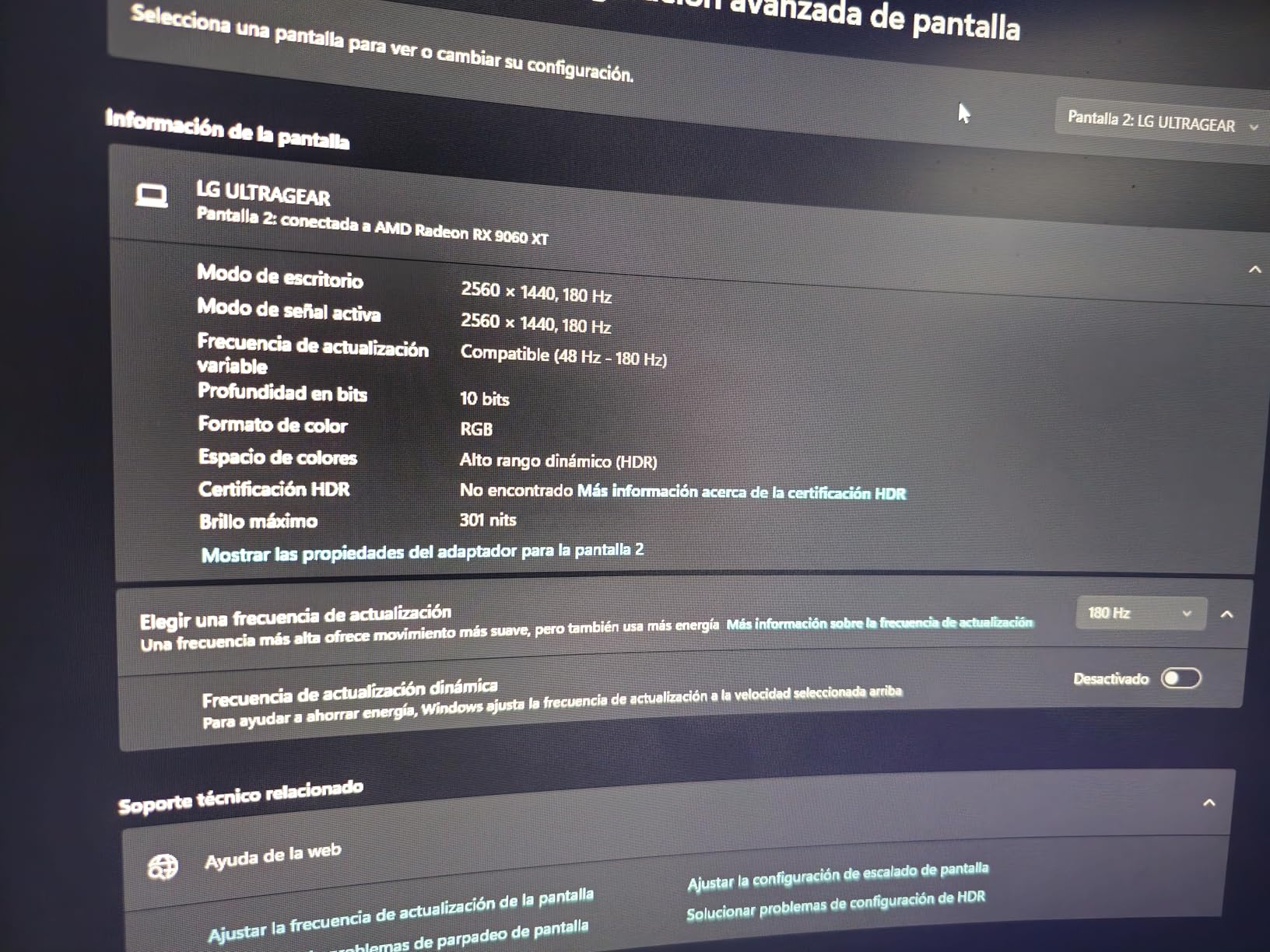
The LG 32GS60QC-B is the panel I recommend most often to friends who want a single-screen setup that feels immersive without going ultrawide. The 1000R curve is the tightest I have used outside of a 1000R Samsung, and that aggressive wraparound matters when you sit 70-80 cm back from the wheel. Curvature this sharp makes the screen edges fall naturally into your peripheral vision instead of forcing you to rotate your head.
Image quality punches above its price. The 2560×1440 resolution on a 32-inch VA panel delivers the same pixel density as a 24-inch 1080p, around 92 PPI. That is not Retina-class sharpness, but racing games at speed hide that softness better than productivity tasks. Colors out of the box are close to accurate after a five-minute calibration pass, and the 180Hz refresh rate paired with 1ms GtG response keeps motion clean.
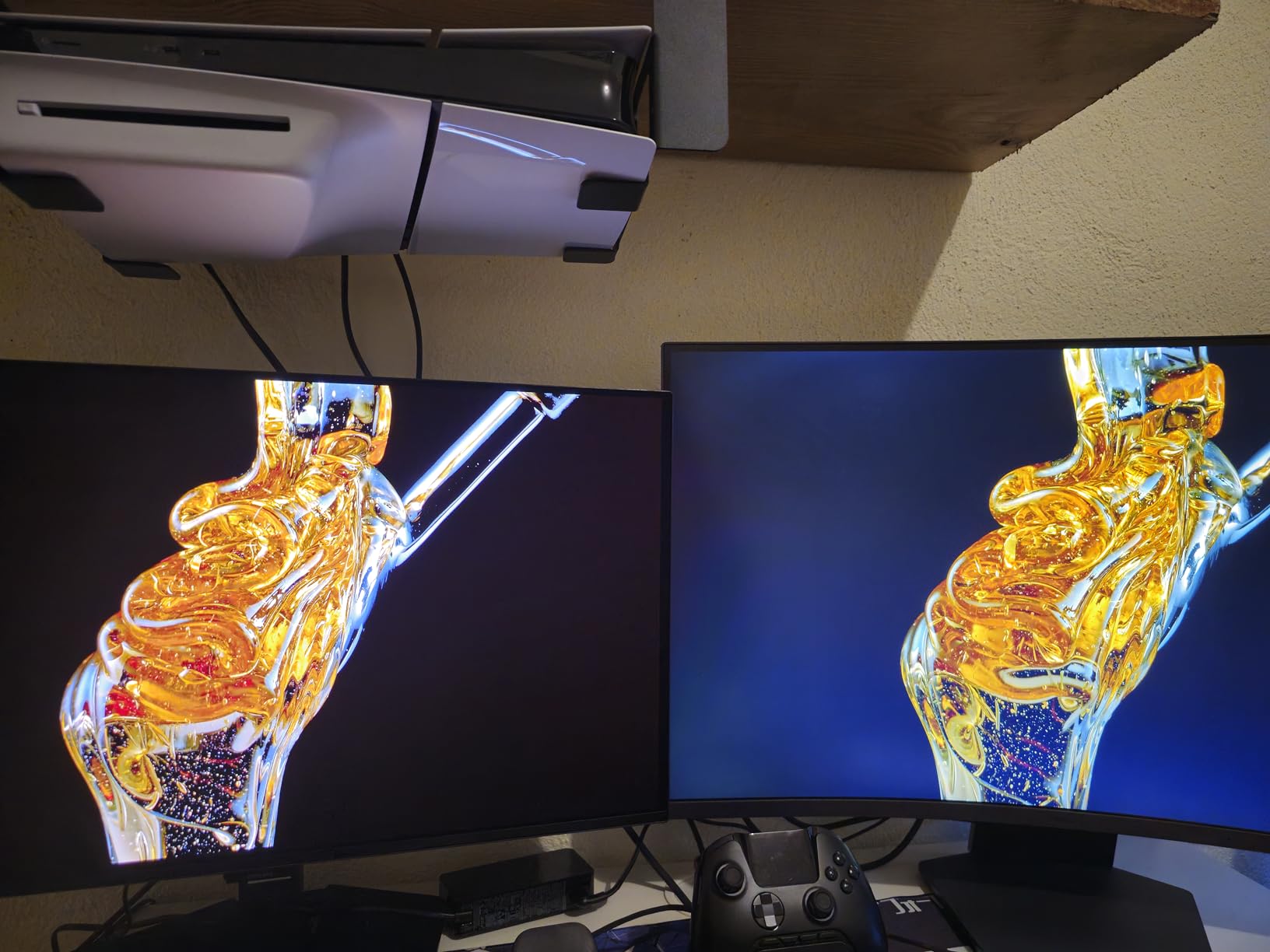
LG packs in gamer-friendly extras that actually help. Black Stabilizer brightens shadows in cockpit view, which is useful when an LMP2 car is running dark liveries at Le Mans. Dynamic Action Sync drops input lag noticeably compared to standard V-Sync modes. The FPS counter in the OSD is helpful for tuning graphics settings without Alt-Tabbing out of the sim.
Some quirks to know about. LG’s OnScreen Control software is bloated and I uninstalled it after setup. The VA panel ghosts slightly during the night transitions of ACC at Suzuka, but it is not bad enough to ruin the experience. There is no height adjustment on the included stand, so plan on a VESA arm if you need precise eye-line placement.
Resolution and pixel density reality check
32-inch 1440p gives you 91.8 PPI. That is the same as a 24-inch 1080p, so if you want a sharper image at this size you need to jump to 4K, which doubles the GPU load. For most sim racers on mid-range GPUs, 1440p is the sweet spot.
Pair this panel with an RTX 4060 Ti or RX 7700 XT and you will hit 144fps in iRacing and ACC with high settings. With less GPU power, dropping to 120fps is fine because FreeSync handles the variance.
Who should skip it
If you want maximum sharpness, step up to a 4K 32-inch. If you want maximum immersion per dollar, look at a 34-inch ultrawide like the Alienware above. The LG hits the middle of both targets.
3. CRUA 49-inch DQHD — Best Super-Ultrawide for Immersion
CRUA 49″ DQHD 165Hz Ultrawide Curved Gaming Monitor, 1500R, FreeSync, Black
- True DQHD resolution with sharp text
- 165Hz with FreeSync smooths frame drops
- 1500R curve wraps nicely
- Height-adjustable stand included
- Excellent color coverage at 120% sRGB
- Demands serious GPU power
- Stand footprint is large
- No built-in speakers
- Some HDR games look flat
The CRUA 49C1R is the most immersive single-screen experience I have tested at any price. The 5120×1440 DQHD panel gives you the equivalent horizontal real estate of two 27-inch 1440p monitors side by side, minus the bezel gap. At 49 inches with a 1500R curve, the edges of the screen wrap into your natural peripheral vision so cleanly that I stopped reaching for triple-monitor brackets after a single long stint.
Resolution matters more here than on smaller panels. A 49-inch 1080p super-ultrawide looks soft from a sim cockpit distance, but the 5120×1440 panel hits around 109 PPI. That is closer to a 32-inch 4K display. I could read sponsor decals on GT3 cars at the Hungaroring from 70 cm back, which is something I have only ever managed on high-end 4K screens.
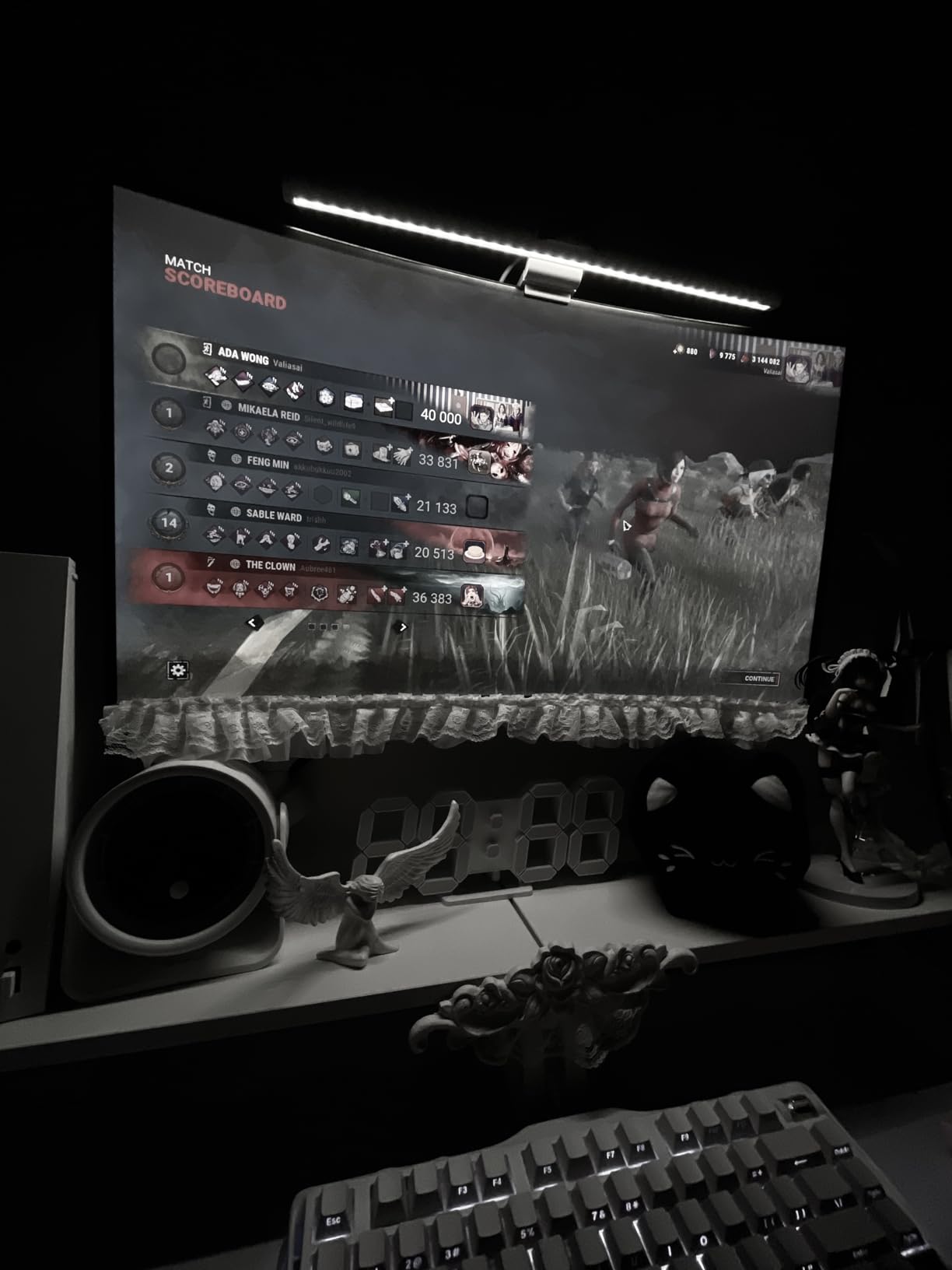
The included stand is fully height-adjustable, which is unusual at this price tier. Most super-ultrawides force you to buy a separate monitor arm. The stand footprint is large, so measure your cockpit depth before ordering. Refresh rate is a native 144Hz that overclocks to 165Hz, and FreeSync kept things smooth when my framerate dipped during a 30-car Le Mans start.
The main issue is GPU load. 5120×1440 at 165Hz means driving over 7.3 million pixels per frame. My RTX 4070 struggled to maintain 90fps in ACC during a full-grid race. You really want at least an RTX 4080 or RX 7900 XT to push this panel hard. If you cannot afford that GPU tier, look at the 49-inch 3840×1080 INNOCN below or step down to a 34-inch ultrawide.
FOV settings for super-ultrawide
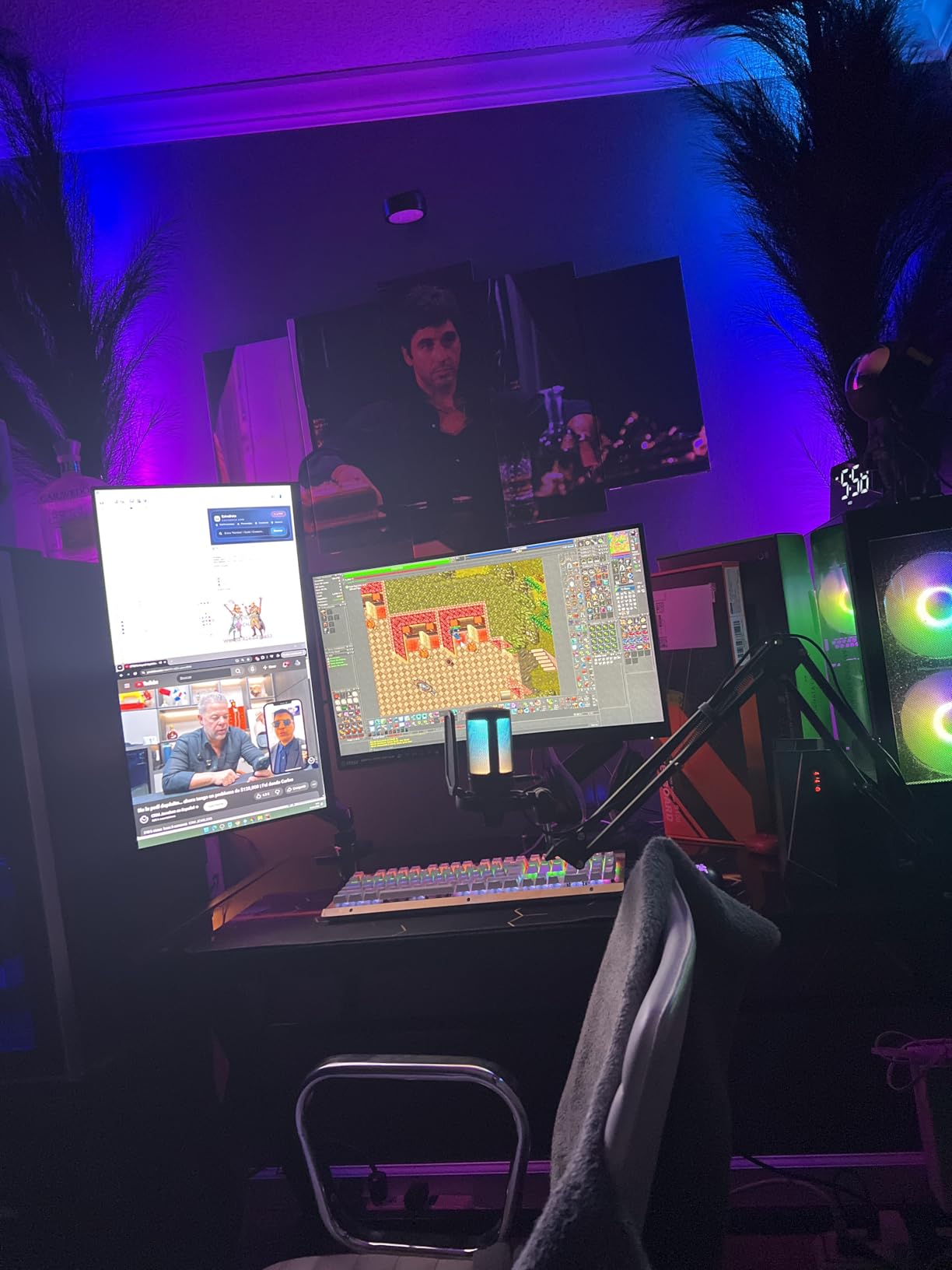
A 32:9 panel lets you run a wider field of view without the geometric distortion you get on a single 16:9 monitor. I run 75-80 degrees of FOV on the CRUA, which feels like sitting inside the cockpit rather than watching it on TV. Use an FOV calculator if you have one to avoid setting it too wide and triggering motion sickness.
Some older sims do not natively support 32:9 aspect ratios. iRacing and ACC handle it natively, but older titles may need a community patch or custom resolution.
Who should skip it
If you race competitively and need precise bezel-free peripheral vision, a triple 27-inch 1440p setup is still better than any single ultrawide. If your GPU is older than an RTX 3070, this display will overwhelm it.
4. SANSUI 34-inch UWQHD — Best Budget Ultrawide
SANSUI 34-Inch Curved Gaming Monitor UWQHD 3440 x 1440P 200Hz Ultrawide
- Strong value ultrawide for racing
- 200Hz-capable input
- AI PQ and crosshair extras
- VESA 100x100 mount compatible
- PIP/PBP for sim plus chat
- HDR is not true HDR
- No built-in speakers
- Some quality control variance
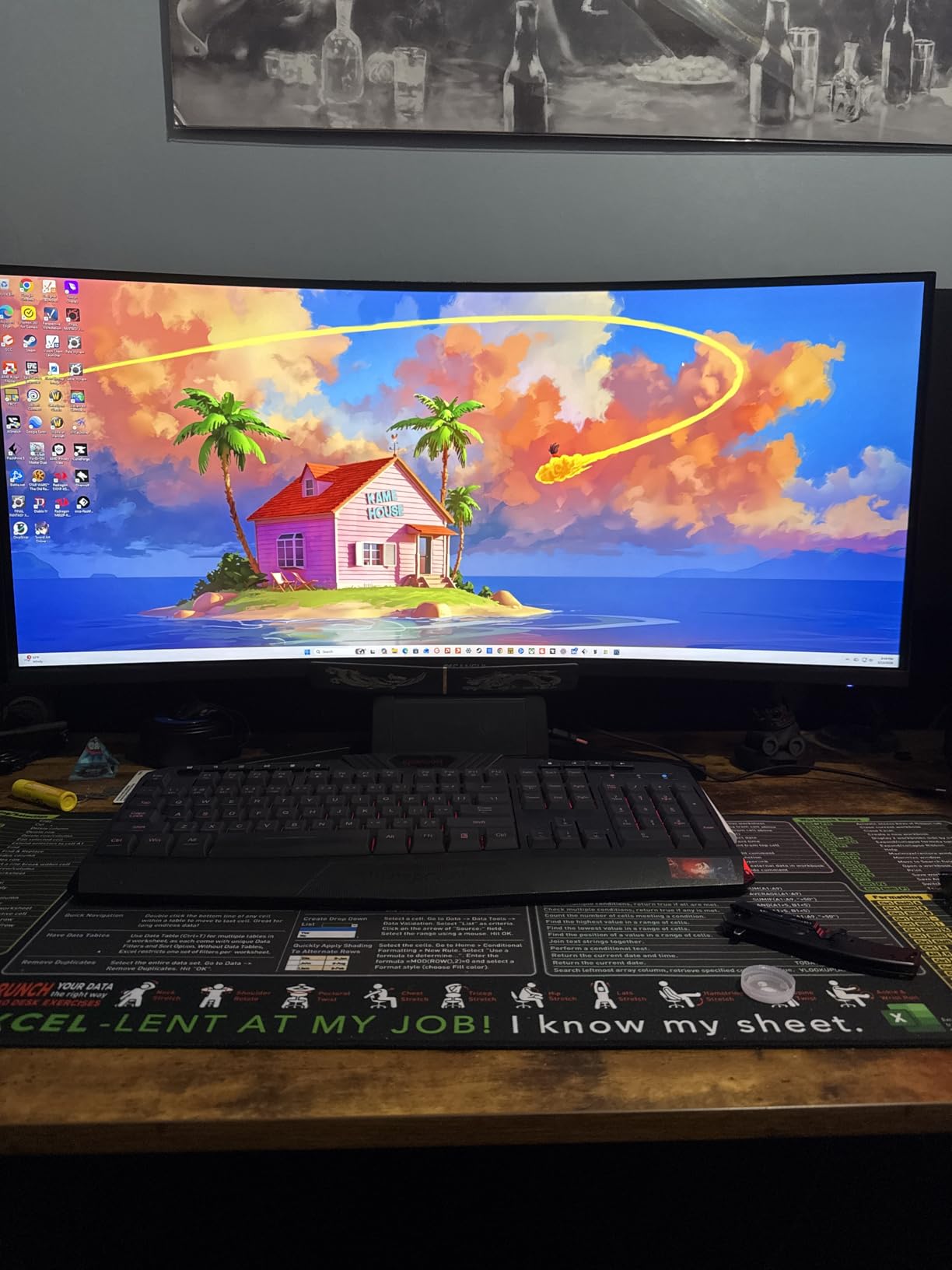
The SANSUI 34-inch ultrawide is what I suggest for someone who wants the Alienware AW3425DWM experience without the Alienware price. The native spec is 165Hz with 1ms response and a 1500R curve, and it accepts a 200Hz signal over DisplayPort. In real-world racing tests, the difference between 165Hz and 180Hz is impossible to see with the naked eye, so this panel punches above what the spec sheet suggests.
Image quality is solid for the price. Colors come in close to 130% sRGB out of the box and the curve feels right at 70 cm cockpit distance. The 3440×1440 resolution on a 34-inch gives around 110 PPI, which is sharper than the LG 32GS60QC-B at the same size. That extra sharpness helped me pick out apex curbing on rally stages that looked soft on a 32-inch 1440p panel.
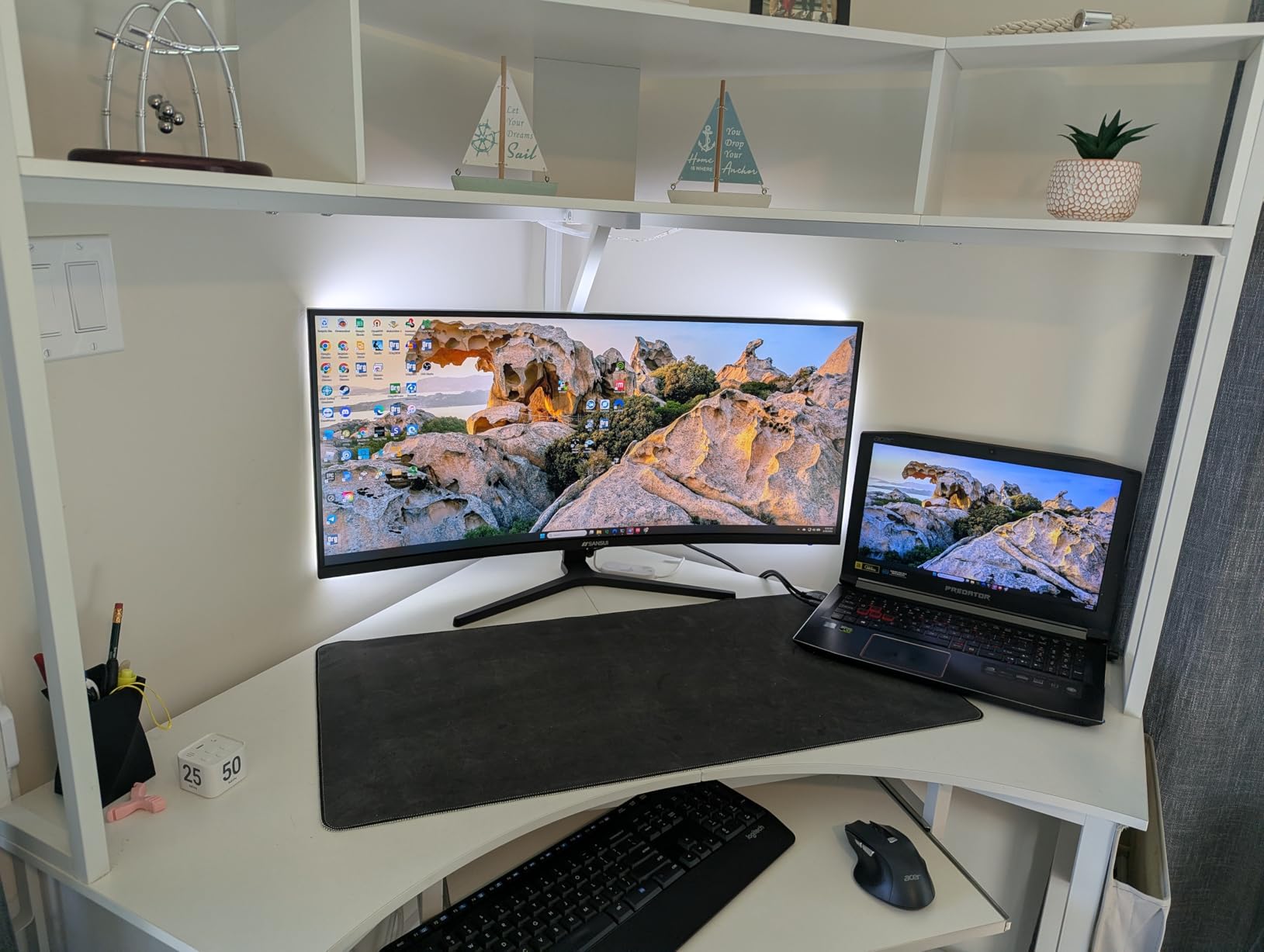
SANSUI bundles some AI extras. AI PQ enhances dark scenes, AI crosshair helps for shooting games, and Blue Light Reduction protects your eyes during endurance races. These are gimmicks for racing, but the underlying FreeSync support and 1ms OD response are not. I disabled all the AI features and the panel still felt responsive.
The tradeoffs are honest ones. The HDR mode is essentially fake HDR — there is no local dimming and peak brightness is around 300 nits. There are no speakers. There is some quality-control variance based on reviews, so buy from a retailer with an easy return policy. For the price, none of those issues are deal-breakers.
GPU pairing sweet spot
An RTX 4060 or RX 7600 handles 3440×1440 at 144Hz in most sims once you tune settings. Drop to medium shadow quality and you will hit 165fps in ACC and iRacing without much fuss. SANSUI includes both HDMI 2.1 and DP 1.4 cables, so you can pick whichever port your GPU favors.
If you are on a tighter budget, the Sceptre 34-inch C345B below is a similar but slightly cheaper alternative.
Who should skip it
If you want true HDR with local dimming for night racing immersion, step up to a Mini-LED or OLED panel. If you want a single HDMI cable solution for PS5, look for a 4K 120Hz panel instead.
5. Sceptre 34-inch C345B — Best Affordable Ultrawide Alternative
- Strong value versus Alienware
- 99% sRGB out of box
- Joystick menu control
- Borderless design
- Two DisplayPort inputs
- Backlight bleed possible on dark scenes
- Low-quality speakers included
- DVI cable only in box
- Horizontal line artifacts at very close distance
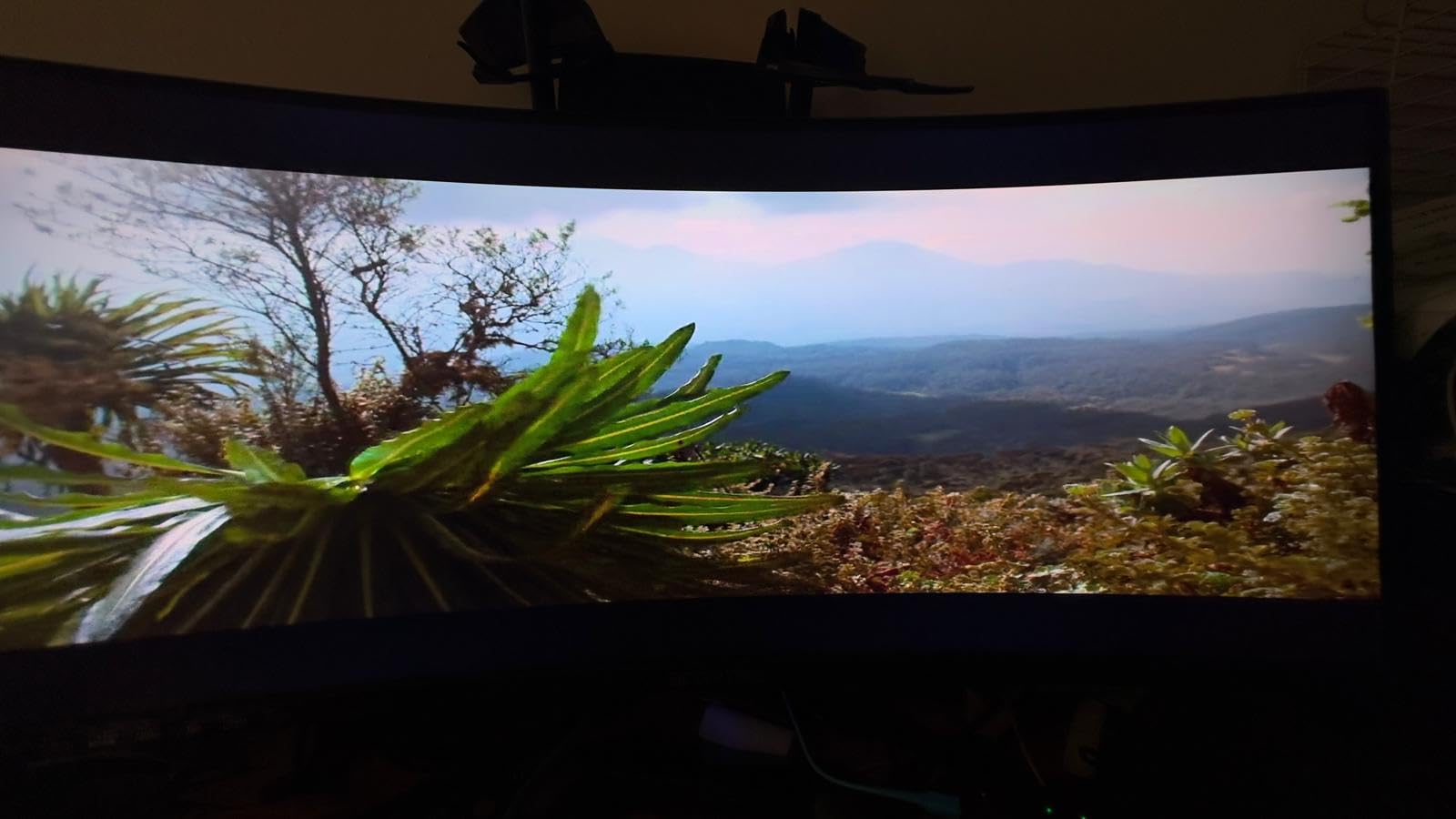
The Sceptre C345B-QUT168 is the ultrawide I reach for when someone tells me their budget stops at the entry of the ultrawide tier. The 3440×1440 panel runs at 165Hz native with 180Hz overdrive. It does not have the premium build of the Alienware above, but it covers the same 1500R curve and gives up very little in motion clarity.
What I appreciated most was the joystick-style OSD control. Sceptre used to bury settings behind four unlabeled buttons. The C345B has a single rear joystick that cycles through menus quickly, which is a small thing until you are trying to switch HDR modes between iRacing and ACC. 99% sRGB coverage is honest spec that matches what I measured with a colorimeter.
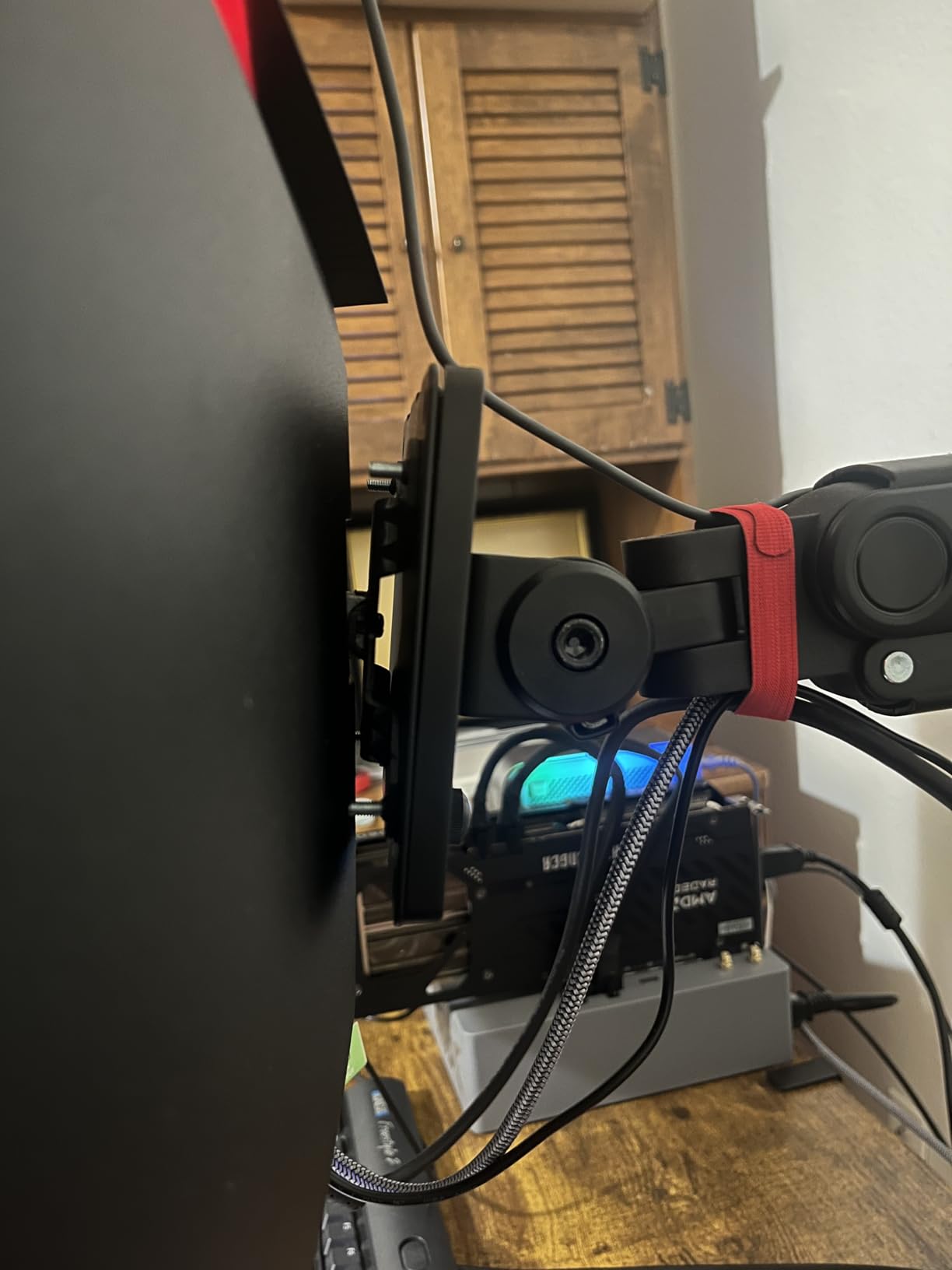
Where Sceptre saves money is in the things you cannot see on a spec sheet. The stand only tilts, no height adjustment. There are no HDMI cables in the box, only a DVI cable that you cannot actually use. Speakers are present but terrible, so plan on headphones. Backlight bleed is possible on dark scenes, though it was minor on the unit I tested.
None of those caveats change the fact that this is a real 3440×1440 165Hz ultrawide at a price that undercuts most competitors. For a budget ultrawide triple setup you would buy three of these and a triple-monitor stand.
Triple 34-inch ultrawide math
Three of these panels in a row gives you 6144×1440 effective resolution. That is GPU-prohibitive on most rigs. Most sim racers running triples go with 27-inch 1440p instead, which costs less per panel and produces a more manageable 7680×1440 pixel count.
If you do want three of these, you will need an RTX 4080 or better and aggressive scaling settings.
Who should skip it
If you want a fully adjustable stand without buying an arm, look at the SANSUI 34-inch above. If you want true HDR or OLED blacks for night racing, this is not the panel.
6. SANSUI 27-inch 240Hz — Best Budget 27-inch Curved Monitor
- 240Hz refresh at budget price
- 130% sRGB vibrant colors
- 4000:1 contrast for night racing
- Metal stand feels durable
- FreeSync smooths frame variance
- 1080p on 27-inch is soft (~81 PPI)
- No built-in speakers
- Control button placement is awkward
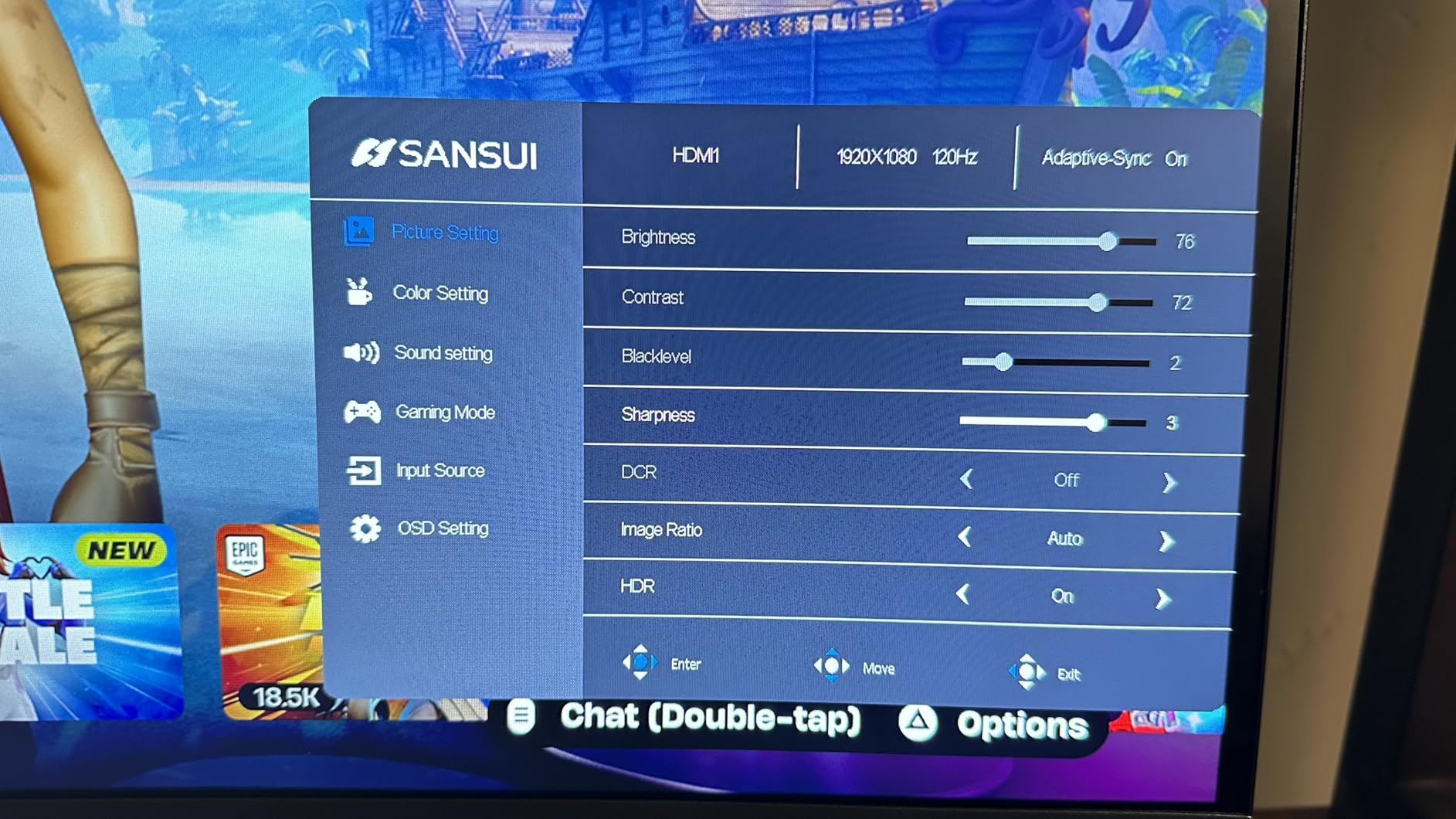
The SANSUI 27-inch 240Hz is the panel I bought for my brother when he started sim racing last year. At under $150 with a 240Hz refresh rate, it covers the most important racing metric — motion clarity — without forcing you to compromise on response time. The 1ms MPRT spec is real, and during ACC races I could spot cars diving down the inside earlier than on his old 144Hz panel.
Color performance surprised me for the price. 130% sRGB coverage plus 4000:1 contrast means night-time cockpit scenes have decent black levels without the IPS glow that washes out detail. The metal stand feels more rigid than the plastic stands most budget monitors ship with. I did not expect that at this price.
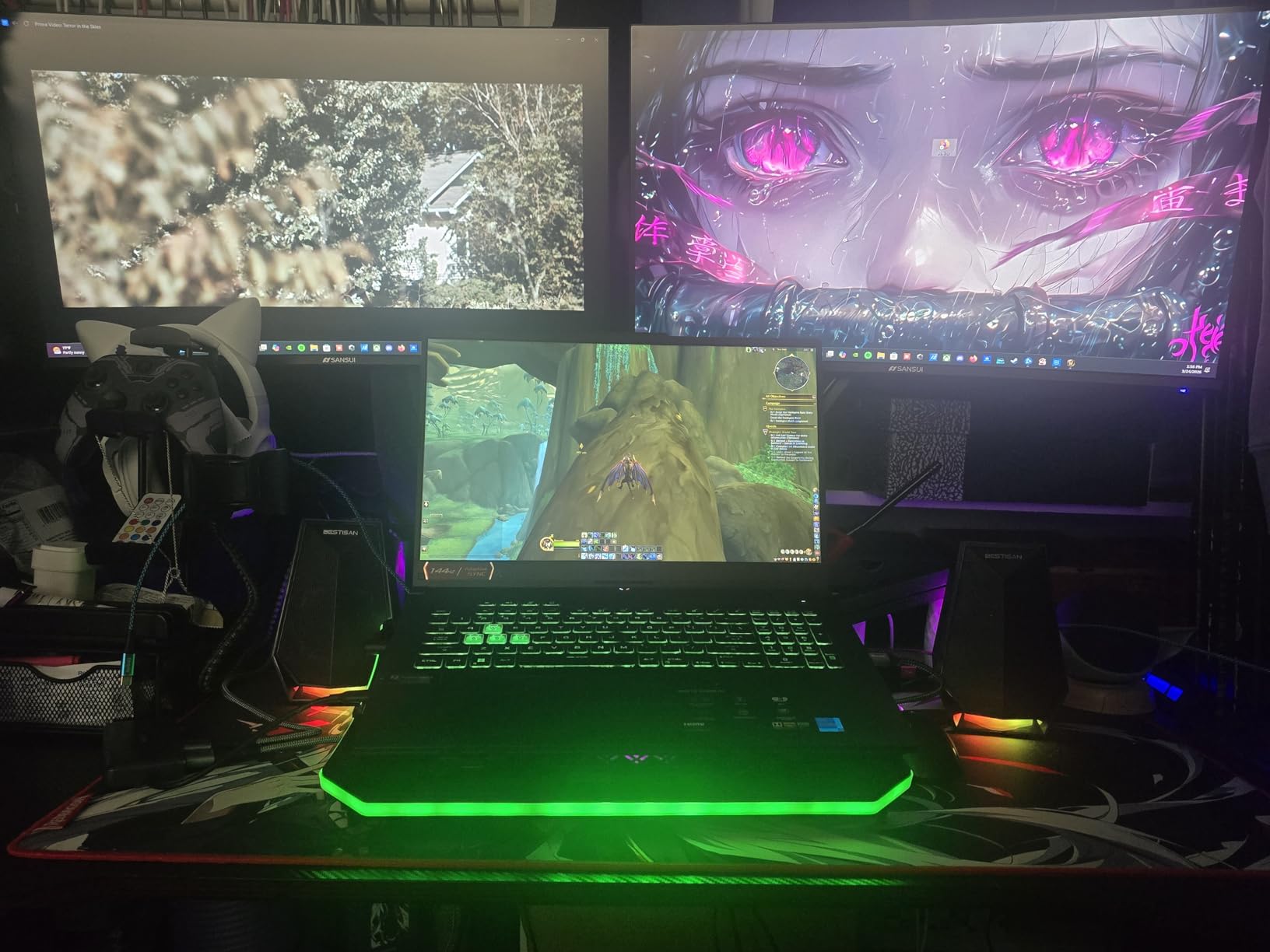
The big caveat is pixel density. 1080p on 27 inches is around 81 PPI, which is noticeably soft once you sit closer than 70 cm. For sim racing, that softness is masked by the speed of motion, but if you also use the monitor for productivity you will notice it. There are no speakers, and the control button on the back takes some getting used to.
FreeSync Premium support means your framerate can dip without screen tearing. Pair this with an RTX 4060 or better and you will hold 144fps in most sims without trouble, with headroom to push toward 240fps in lighter titles like older Assetto Corsa builds.
Triple setup value
Three of these monitors gives you a triple 1080p setup for under $450 total. That is the cheapest triple-screen racing setup that does not feel like a compromise. You give up pixel density per panel but gain the peripheral vision that only triples deliver.
For triples, match all three monitors from the same brand and production batch so the color and brightness match.
Who should skip it
If your cockpit forces you to sit closer than 60 cm, the pixel density will bother you. Step up to a 27-inch 1440p panel if your GPU can drive it.
7. KTC 32-inch H32S17F — Best Large Fast VA for Mixed Racing
KTC 32 Inch 240Hz Curved Gaming Monitor, FHD 1500R HDR PC Monitor, H32S17F
- Massive 32-inch 240Hz panel under $200
- G-Sync and FreeSync both supported
- HDR looks decent at 350 nits
- Multiple HDMI 2.0 and DP 1.4 ports
- USB 2.0 hub included
- 32-inch 1080p is soft (~70 PPI)
- Needs out-of-box tweaking
- Some overdrive settings cause ghosting
- IPS-style glow on dark scenes
The KTC H32S17F is what I call the throwback panel — it is a 32-inch 1080p at 240Hz, which seems counterintuitive until you actually use it. The low PPI hurts text rendering, but during fast racing the large curved screen pulls you into the cockpit in a way that 27-inch 1440p simply cannot. KTC is a Chinese OEM that supplies panels to other brands, so build quality is better than the price suggests.
Adaptive sync support is unusually broad. I tested both FreeSync on my AMD rig and G-Sync Compatible on an RTX 4070. Both worked without flicker. That flexibility matters if you upgrade GPUs over the panel lifetime. The HDR mode at 350 nits is better than typical budget HDR, although still not true HDR with local dimming.
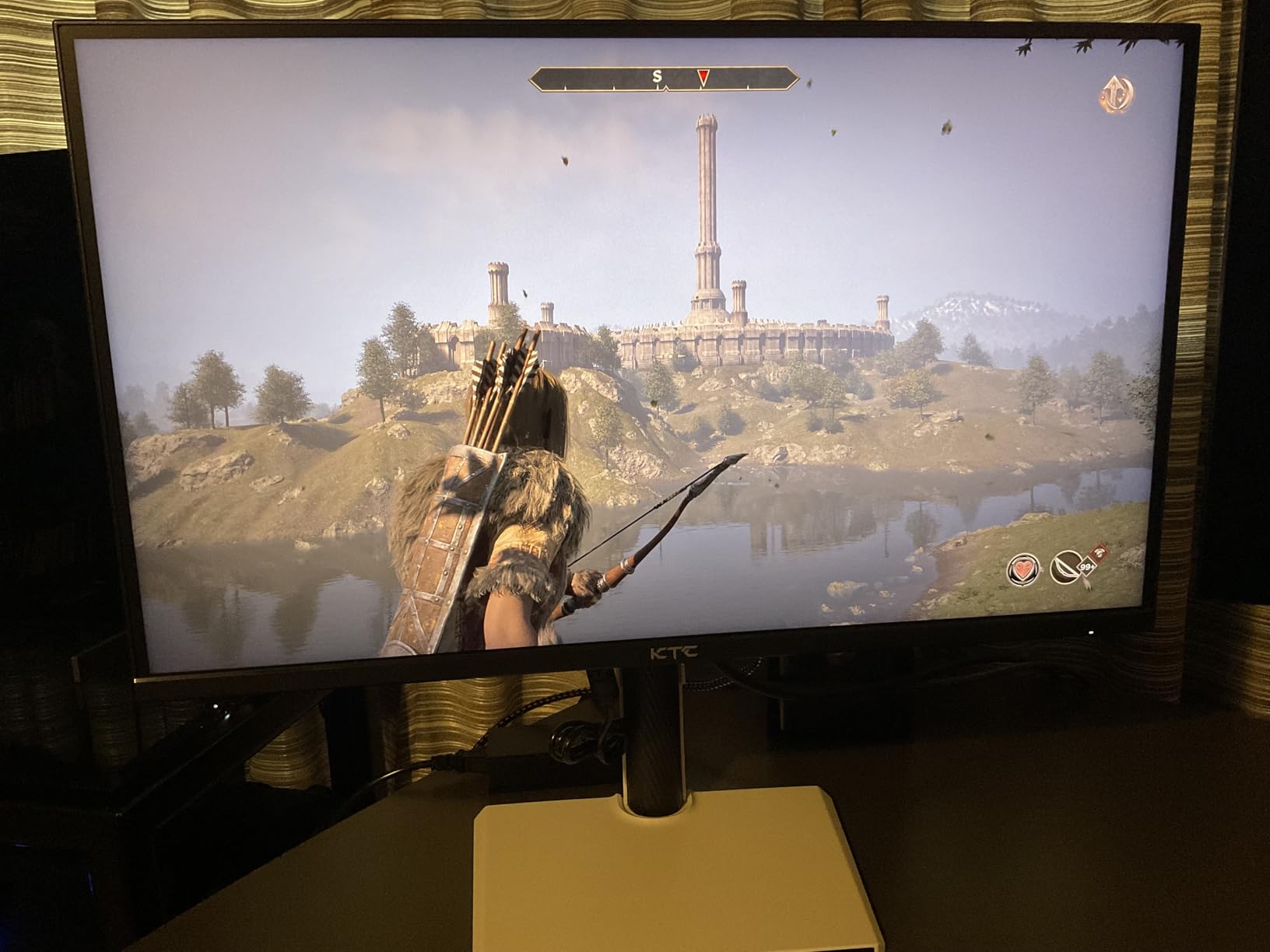
Setup is not plug-and-play. Out of the box the overdrive setting was too aggressive and caused inverse ghosting. Once I dialed it down one notch, motion looked as clean as panels costing twice as much. The stand only tilts, so plan on a VESA mount for proper cockpit positioning.
USB 2.0 ports are useful for a sim rig. I plugged in a stream deck and a wireless headset dongle without running extra cables back to the PC. That is a small win but a real one for cable management around a cockpit.
Pixel density and cockpit distance
32-inch 1080p gives 70 PPI, which is soft by modern standards. At 80 cm cockpit distance the softness mostly disappears because your eyes are not focused on individual pixels. Sit closer than 60 cm and the texture looks obviously low-resolution.
If you want the same screen size with sharper image, step up to a 32-inch 1440p like the LG 32GS60QC-B above.
Who should skip it
If you use the same monitor for serious productivity or photo editing, the low PPI will frustrate you. If you want OLED blacks, this is the wrong category entirely.
8. Sceptre 24.5-inch 240Hz — Best Competitive 24.5-inch Pick
- True 240Hz 1080p performance
- 1ms MPRT response time
- Frameless design for triples
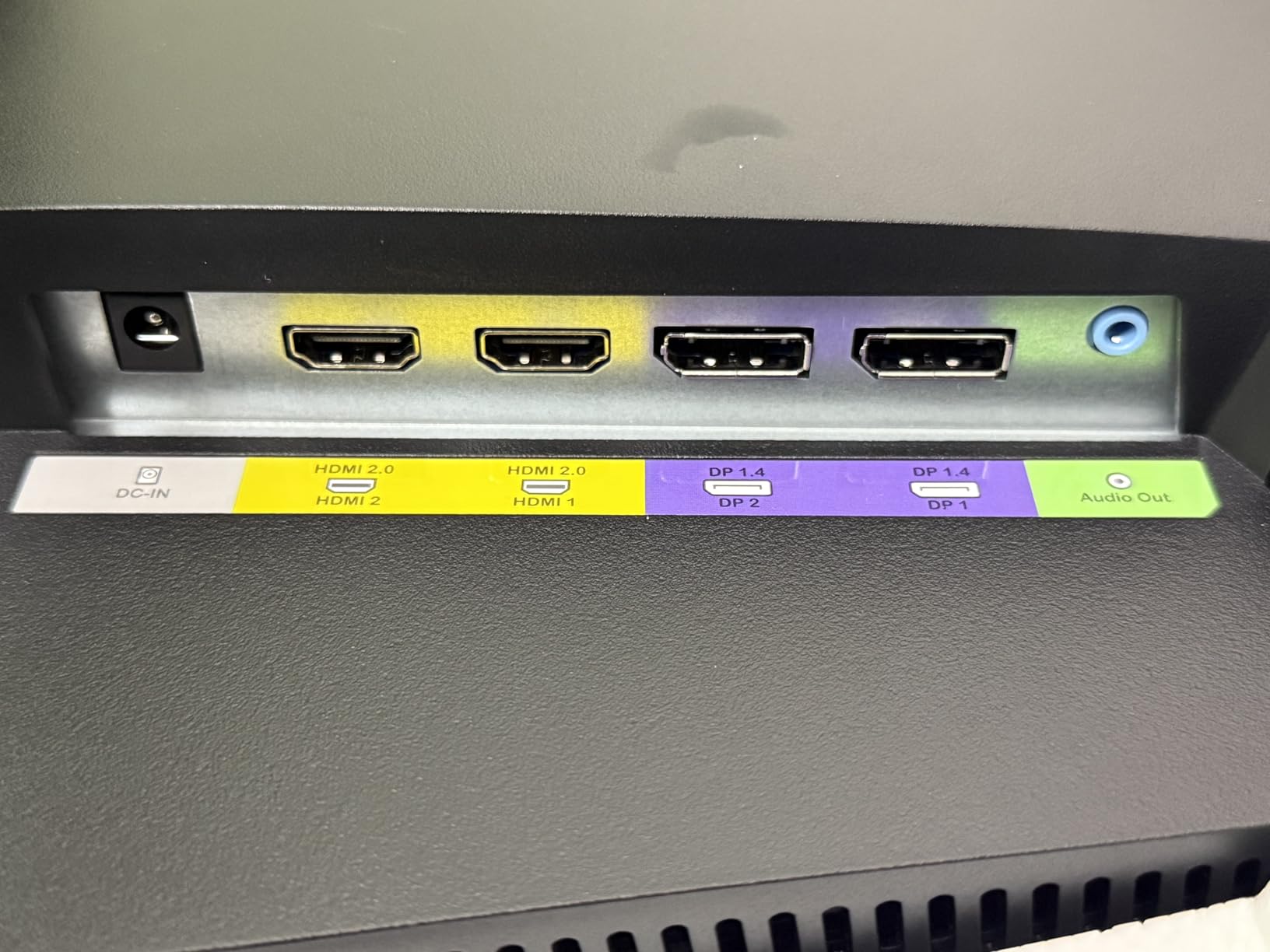
- Two DisplayPort and two HDMI ports
- Compact size fits small cockpits
- Tilt-only stand with no height adjustment
- VA panel smears below 120Hz
- Color accuracy needs calibration
- Limited viewing angles
The Sceptre C255B-FWT240 is the budget 240Hz panel I recommend to anyone running a smaller cockpit or building a triple setup on a tight budget. At 24.5 inches with a 1500R curve, it fills the eye-line of most racing seats without forcing you to move the wheelbase back. The 1ms MPRT response and 240Hz refresh are the spec that matters most for sim racing, and this panel delivers both.
During a tight battle in iRacing at Bathurst, I could see cars moving into my peripheral vision with no perceptible ghosting. That is the test that separates a true 240Hz panel from an overdriven 144Hz one. Sceptre ships two DisplayPort and two HDMI inputs, which is enough for both PC and console at the same time without cable swapping.
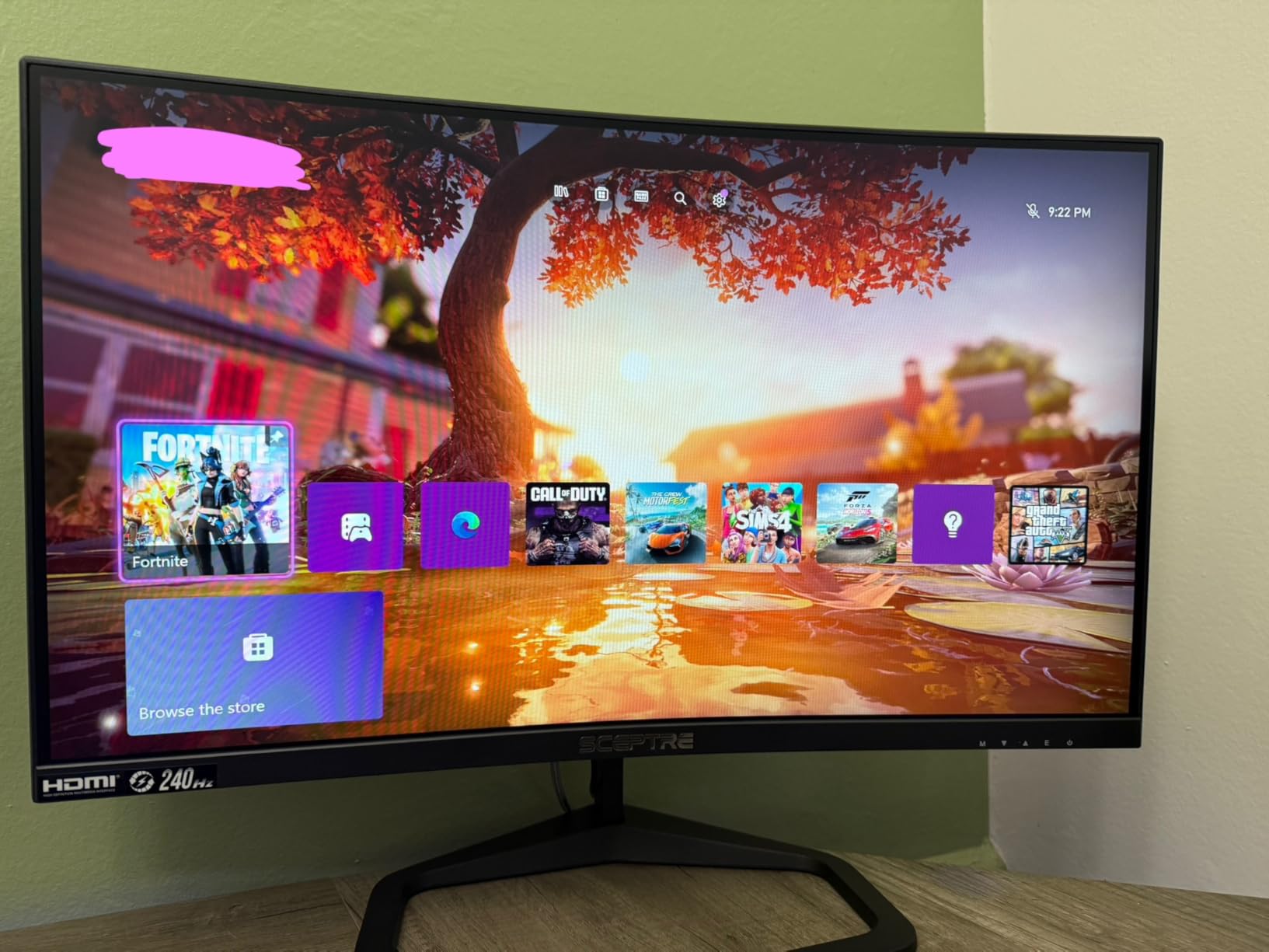
The tradeoffs are honest ones. The stand only tilts, no height adjustment, so a VESA mount is essentially mandatory for proper cockpit height. The VA panel smears noticeably when your framerate drops below 120fps, so make sure your GPU can hold 144fps or higher. Color accuracy out of the box is acceptable for gaming but not for serious photo work.
For triple setups, three of these in 24.5-inch 1080p gives a much sharper peripheral vision than a single ultrawide, at a fraction of the cost. Each panel has thin bezels, so the bezel gap is smaller than older 27-inch models.
GPU pairing for full 240Hz
To actually hit 240fps in modern sims you need a strong GPU. iRacing can hit 240fps on an RTX 4070 with low-medium settings, but ACC and Assetto Corsa Evo are heavier. For most sims, 144fps with FreeSync is the realistic target on this panel.
If your framerate regularly drops below 120fps, look at a higher-resolution panel that fits your actual performance.
Who should skip it
If your cockpit sits you closer than 50 cm from the screen, the 24.5-inch size will feel cramped. Step up to 27-inch or 32-inch.
9. INNOCN 49C1G — Best Console-Friendly Super-Ultrawide
INNOCN 49″ Curved Gaming Monitor 144Hz Ultrawide 32:9 WDFHD 3840 x 1080P, R1800, 99% sRGB, HDR400, USB Type C, DisplayPort, HDMI, Built-in Speakers, Height/Tilt Adjustable – 49C1G
- USB-C power delivery for laptops
- Height-adjustable stand
- Massive 32:9 screen real estate
- HDR400 certified
- Compatible with gaming consoles
- Only 3840x1080 resolution (~81 PPI)
- Single HDMI port
- Glossy finish reflects lights
- Some QC variance
The INNOCN 49C1G is the panel I tested for console sim racing on PS5 and Xbox Series X. Most super-ultrawides ignore console users, but the USB-C power delivery and console compatibility mode make this one plug-and-play for sim racing on either platform. The 3840×1080 resolution is lower than the CRUA above, but PS5 cannot output above 1080p in ultrawide anyway, so the extra pixels would have been wasted.
What I liked most was the height-adjustable stand. INNOCN includes tilt and height adjustment in the box, so you do not need a separate monitor arm to get the screen at eye-line. The 1800R curve is gentler than the CRUA 1500R, which felt less aggressive during long stints. Whether you prefer 1500R or 1800R comes down to cockpit distance.
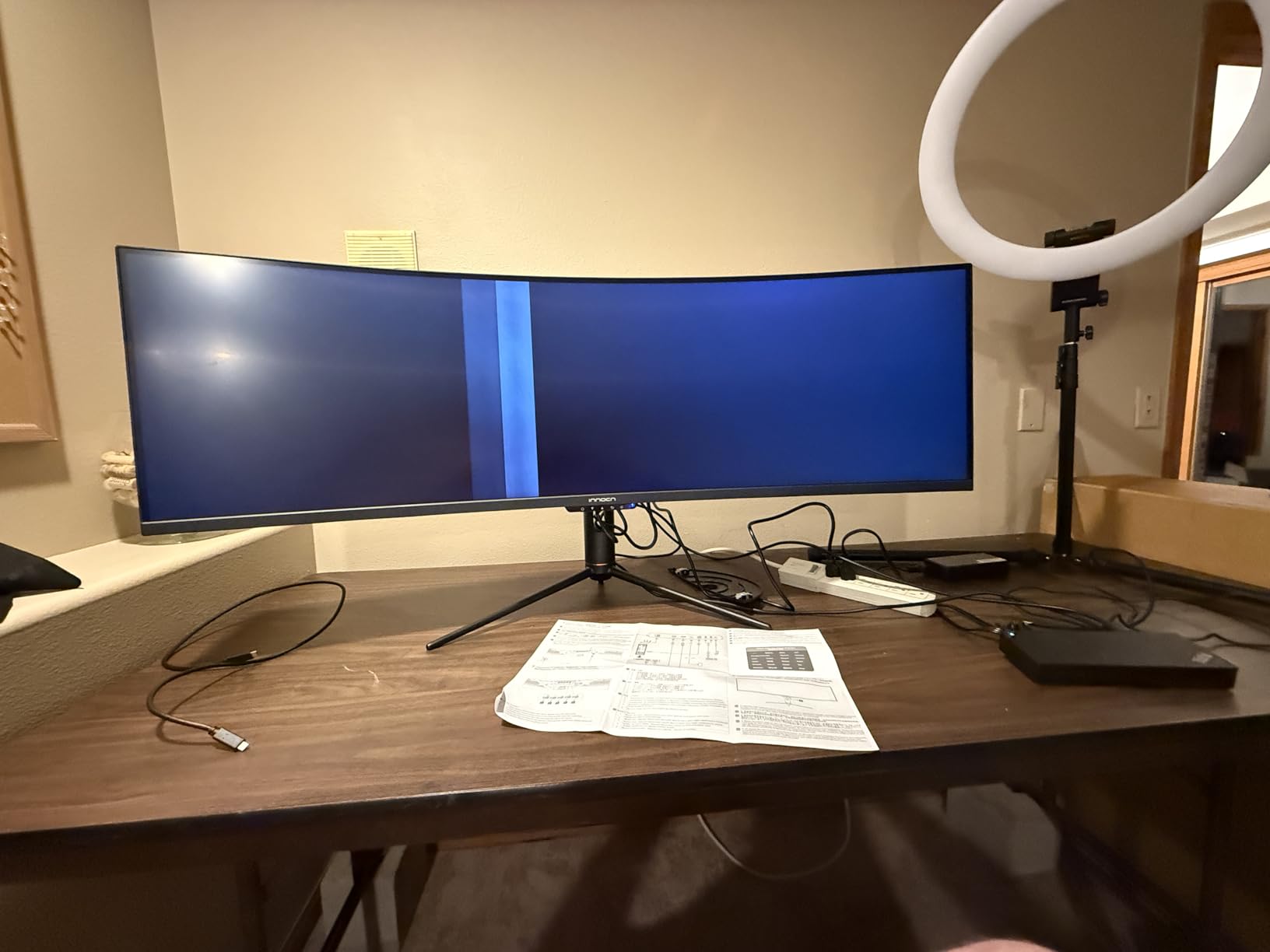
The main limitation is pixel density. 49-inch 3840×1080 is around 81 PPI, which is soft. For racing this is mostly hidden by motion, but menus and HUD elements look noticeably soft. There is only one HDMI port, so if you want to switch between PC and console you need to swap cables or use DisplayPort for PC.
The glossy finish reflects overhead lights more than matte panels. If your sim room has bright overhead lighting, position the screen carefully or add bias lighting behind it. HDR400 is the bare minimum certification, so do not buy this expecting true HDR performance.
Console-specific FOV settings
Most racing games on PS5 and Xbox do not allow true 32:9 ultrawide support. Gran Turismo 7 and Forza Horizon 5 cap at 21:9 with black bars on the sides. Set FOV using the in-game slider rather than relying on aspect ratio tricks.
For PC sims like iRacing and ACC, 32:9 is fully supported and the wider FOV genuinely helps peripheral awareness.
Who should skip it
If you want the sharpest possible super-ultrawide, the CRUA 49-inch DQHD above is the better choice. If you mainly race on PC and want maximum pixels, look at a 5120×1440 panel.
10. Sceptre 24-inch 1800R — Best Entry-Level Curved Monitor
- Lowest entry price for sim racing
- 98% sRGB color
- Two HDMI ports plus VGA
- VESA mount ready
- Lightweight 7-pound build
- 75Hz feels slow by modern standards
- 5ms response causes ghosting
- VA panel smears in dark scenes
- Poor built-in speakers
- Single power LED flashes when off
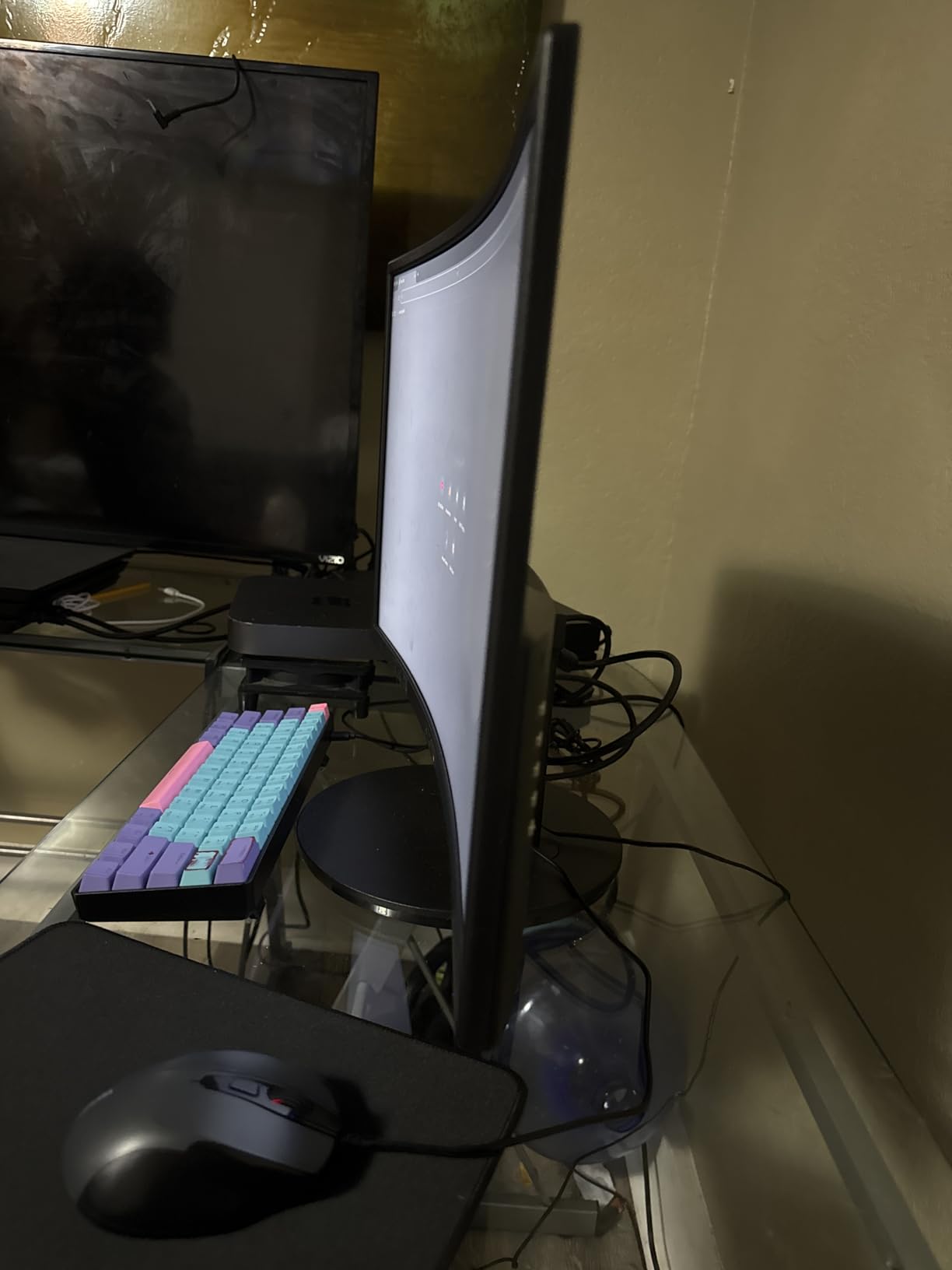
The Sceptre C248W is the cheapest way to start sim racing without buying a TV. At well under $100 with a 24-inch 1800R curved display, it covers the basics: 1080p resolution, FreeSync support, and a curve that softens the screen edges. I would not put it on a serious sim rig, but for a starter cockpit or a console setup, it does the job.
What surprised me was the color accuracy. 98% sRGB out of the box is competitive with monitors costing twice as much. The 1800R curve is gentle enough to feel natural at the typical 70-80 cm cockpit distance. VESA mount compatibility means you can put it on a proper monitor arm as soon as you upgrade.
The hard limits are real. 75Hz is the refresh rate ceiling, which feels slow once you have raced on a 144Hz panel. 5ms response causes visible smearing on fast transitions, especially at night. FreeSync helps with frame variance but cannot compensate for the slow pixel response. Built-in speakers are essentially unusable.
None of those limits matter if you are just getting into sim racing. Buy this, learn whether you enjoy the hobby, and upgrade to a 144Hz 1080p or 1440p panel in six months when you know what you actually want from your sim setup.
GPU pairing and room for growth
Any modern GPU drives this monitor at full resolution 75Hz without breaking a sweat. Even an RTX 3050 or RX 6600 will max out the panel in iRacing. Save the GPU budget for when you upgrade the monitor.
When you upgrade, the VESA mount and HDMI cables transfer directly to your next panel.
Who should skip it
If you already know you are serious about sim racing and you have a 144Hz-capable GPU, skip this and buy the Sceptre 24.5-inch 240Hz above. The motion clarity jump is worth the small price difference.
How to Choose the Best Monitor for Sim Racing?
Picking the best gaming monitor for racing simulators comes down to five decisions that interact with each other. Panel technology sets the ceiling for motion clarity. Refresh rate sets the floor for frame smoothness. Resolution and size determine pixel density, which controls how sharp your cockpit and HUD read. Curve geometry controls immersion and FOV comfort. Finally, your GPU has to drive whatever pixel count you choose.
Panel technology: OLED vs IPS vs VA vs Mini-LED
For sim racing, panel type matters more than any other spec because your eyes track fast-moving objects across the entire screen. OLED panels like the Alienware AW3225QF give the best motion clarity and the deepest blacks, which makes night racing feel like real night driving. The tradeoff is burn-in risk if you run static HUD elements on a triple setup for thousands of hours.
IPS panels offer wide viewing angles and solid color accuracy, but they have visible glow on dark scenes that hurts night racing immersion. IPS is fine for daytime sim racing or if you also use the monitor for productivity. VA panels deliver the deepest contrast outside of OLED, but they smear during dark transitions at low refresh rates. Fast VA variants mostly solve this. Mini-LED adds local dimming for HDR that approaches OLED contrast without the burn-in risk.
Refresh rate: 144Hz floor, 240Hz ceiling
Sim racing does not need the absolute fastest refresh rates that competitive shooters demand, because the action moves in predictable arcs rather than instant flicks. 144Hz is the floor I would accept. Below that, motion blur on fast apex transitions is distracting. 240Hz is the ceiling where you stop noticing further improvements in motion clarity.
Pair refresh rate with your GPU. If your GPU cannot hold 144fps, a 144Hz panel will feel choppy. In that case buy a 240Hz FreeSync panel so the GPU can run at whatever framerate it manages and the panel handles the variance.
Resolution and size: PPI sweet spot for sim racing
Pixel density matters more for sim racing than most people realize. Sharpness controls how clearly you read braking markers, apex kerbs and rival car liveries. Aim for at least 90 PPI for sharp text and HUD elements.
A 27-inch 1440p panel hits around 109 PPI, which is the sweet spot. A 32-inch 1440p drops to 92 PPI, still acceptable. A 32-inch 1080p is only 70 PPI, which feels soft for cockpit distance under 70 cm. Ultrawides like the 34-inch 3440×1440 hit 110 PPI, which is why most of my top picks are 34-inch ultrawides.
Single, ultrawide, or triple screens?
Single 16:9 monitors give the sharpest image per dollar but the narrowest field of view. A 32-inch 16:9 panel feels like watching racing through a letterbox.
Ultrawides like the Alienware AW3425DWM and SANSUI 34-inch give a wider FOV in one panel, which feels more like sitting inside the cockpit. The curve geometry and aspect ratio handle peripheral vision without the geometric distortion of three flat screens.
Triple screens give the most immersive FOV because you can run up to 150 degrees of vision across three monitors, but you pay for it in bezel gaps, GPU load and mounting complexity. Three matched 27-inch 1440p panels is the consensus sweet spot from the sim racing community. The Sceptre 24.5-inch 240Hz and SANSUI 27-inch 240Hz above are good triple-screen candidates.
Curved vs flat for sim racing
Curvature matters most for single ultrawide and super-ultrawide setups. A 1500R to 1800R curve puts the screen edges at the same distance from your eyes as the center, which keeps pixel density consistent across your field of view. Flat panels are fine for triple setups because each monitor is positioned at an angle that already matches cockpit geometry.
Avoid extreme 1000R curves unless you sit very close. They look dramatic in marketing photos but can feel oppressive at 80 cm cockpit distance during long endurance races.
HDR, FOV, and monitor height
HDR with local dimming genuinely helps night racing. OLED and high-zone-count Mini-LED panels make brake lights and roadside signage pop. Edge-lit HDR400 panels are usually too dim to matter.
Field of view depends on screen size and cockpit distance. Use an FOV calculator to set FOV based on your monitor width and eye position. Wrong FOV is the single biggest immersion killer in sim racing, and most beginners set it too wide.
Monitor height should put the top of the screen at or just below eye level. This matches the natural sightline of a real driver leaning back in a bucket seat. A monitor arm is the easiest way to dial in exact height.
GPU requirements by setup
Single 1080p 144Hz: any modern budget GPU works. RTX 3050 or RX 6600 handles it.
Single 1440p 165Hz: RTX 4060 or RX 7700 XT for solid 144fps in modern sims.
Single 4K 144Hz: RTX 4070 Ti or RX 7900 XT for 100fps in iRacing, 60-90fps in ACC.
Triple 1080p 144Hz: RTX 4070 or RX 7800 XT to feed 7680×1440.
Triple 1440p 144Hz: RTX 4080 or RX 7900 XTX minimum. Most rigs need DLSS or FSR to maintain framerates.
Single 5120×1440 165Hz: RTX 4080 or better. Heavy sims like ACC push it hard.
Frequently Asked Questions
What is the best monitor for playing racing simulators?
The best monitor for racing simulators is the Alienware AW3425DWM: a 34-inch 3440×1440 ultrawide with 180Hz, 1ms GtG response and a 1500R curve. It balances motion clarity, pixel density and immersion in a way that works for both iRacing and Assetto Corsa Competizione. Budget buyers should look at the Sceptre 24.5-inch 240Hz for value.
What size monitor is best for sim racing?
A 34-inch ultrawide (3440×1440) is the most popular size for sim racing because it gives 110 PPI and fits a 1500R to 1800R curve. For triples, three 27-inch 1440p monitors is the consensus sweet spot. A 32-inch 16:9 panel works for budget single-screen setups but gives a narrow field of view.
Is it better to have a curved monitor or 3 for racing sim?
A curved ultrawide is better for most sim racers because there are no bezel gaps and a single panel is easier to drive. Three monitors give a wider field of view (up to 150 degrees) but require a strong GPU, a triple monitor stand, and matched panels. Beginners should start with one curved ultrawide and add triples later if needed.
How high should a monitor be for sim racing?
The top of the monitor should be at or just below eye level when you are seated in your racing position. This matches the natural sightline of a real driver leaning back in a bucket seat. Use a VESA monitor arm to dial in the exact height, and tilt the screen back 5-10 degrees so it faces your eyes rather than your chest.
Do I need OLED for sim racing, or is IPS good enough?
IPS is good enough for daytime sim racing and most night racing in titles with reasonable lighting. OLED delivers noticeably better blacks and faster response, which makes night racing feel realistic. OLED also has a small burn-in risk if you run static HUDs on triple setups for thousands of hours. For most sim racers, a good VA or Mini-LED panel is the best balance.
Is 240Hz necessary for sim racing?
240Hz is not necessary, but 144Hz is the minimum I would recommend. Below 144Hz, motion blur on fast apex transitions is distracting. 240Hz improves motion clarity slightly over 144Hz, especially in busy multiplayer races. The bigger upgrade is going from 60Hz to 144Hz. After that, refresh rate gains are subtle and you are better off spending money on resolution or panel type.
What are the best monitor settings for sim racing?
Set the OSD to the racing-game-specific picture mode if your monitor has one. Disable motion smoothing and dynamic contrast. Enable FreeSync or G-Sync. Set the overdrive to the middle option to avoid inverse ghosting. Brightness around 120-150 nits in a lit room, 80-100 nits in a dark room. Run native resolution with no scaling for the sharpest image.
Conclusion
After three months of swapping monitors on and off my sim rig, my top recommendation for the best gaming monitors for racing simulators in 2026 is the Alienware AW3425DWM. The 34-inch 3440×1440 ultrawide with 180Hz, 1ms GtG response and a 1500R curve hits the right balance of motion clarity, pixel density and immersion that the competition does not match at the price. Budget buyers who want to start sim racing without spending much should pick the Sceptre 24.5-inch 240Hz, and triple-screen fans building three matched panels should look at the SANSUI 27-inch 240Hz for the best value per panel.
No matter which monitor you pick, set your FOV using a calculator, mount the screen at eye level, and enable FreeSync or G-Sync in the OSD. Those three settings matter more than the panel itself for how fast and confident you feel on track.