
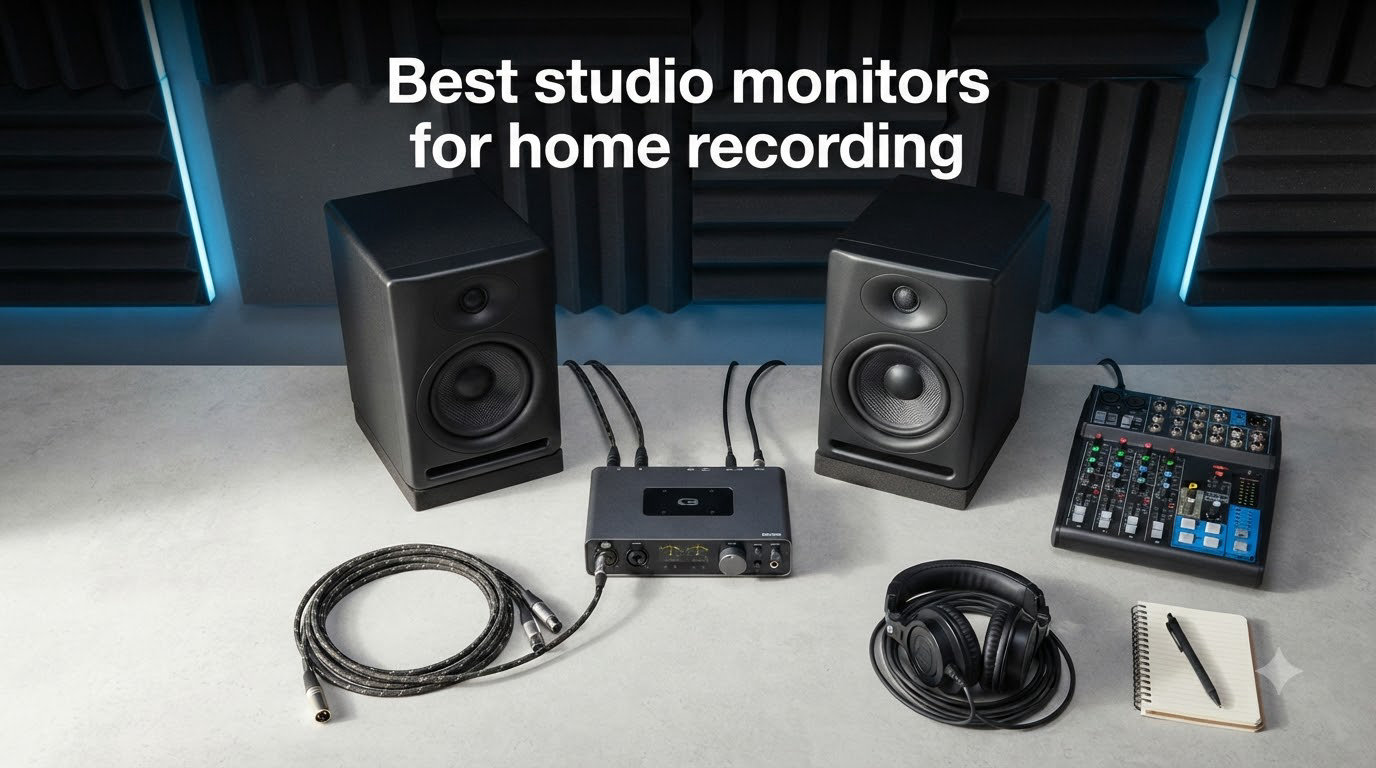
I still remember the first mix I finished on a pair of cheap hi-fi speakers. It sounded great in my bedroom, then came back bricked on every other system I played it on. That is the moment every home recordist eventually hits, and the fix is almost always the same: a pair of honest, nearfield studio monitors.
I have spent the better part of a decade setting up home studios for friends, clients, and my own projects. Over the last year I rotated eight pairs of nearfield monitors across the same desk, the same audio interface, and the same source files. This guide on the best studio monitors for home recording is what I came away with, and I have organized it by budget, room size, and the kind of music you actually make.
You will find three quick picks if you are short on time, a full comparison table of all eight pairs, deep reviews of every monitor, a buying guide that walks through driver size, active versus passive designs, and the often-overlooked 38 rule, and finally a short FAQ pulled from real buyer questions. Every recommendation here earned its spot on the desk, not on a spec sheet.
Top 3 Picks for Best Studio Monitors for Home Recording 2026

Yamaha HS5 Powered Studio Monitor Pair
- Neutral flat response
- 5-inch bi-amped driver
- XLR/TRS balanced inputs


Best Studio Monitors for Home Recording in August 2026
| Product | Specifications | Action |
|---|---|---|
| Yamaha HS5 Powered Studio Monitor Pair |
|
Check Latest Price |
| JBL 305P MkII 5-inch Pair |
|
Check Latest Price |
| PreSonus Eris E5 Pair |
|
Check Latest Price |
 ADAM Audio T5V ADAM Audio T5V |
|
Check Latest Price |
 KRK Classic 5 Pair + XLR Cables KRK Classic 5 Pair + XLR Cables |
|
Check Latest Price |
 Kali Audio LP-6 V2 Kali Audio LP-6 V2 |
|
Check Latest Price |
 Yamaha HS4 Pair Yamaha HS4 Pair |
|
Check Latest Price |
 IK Multimedia iLoud Micro Monitor IK Multimedia iLoud Micro Monitor |
|
Check Latest Price |
1. Yamaha HS5 – Editor’s Choice for Honest Mixing
- Pristine neutral sound signature
- Excellent stereo imaging
- Compact 5-inch footprint fits small desks
- Trusted by mixing engineers worldwide
- Limited low-end below 60Hz
- Rear-port design needs space behind
- White-cone look is polarizing
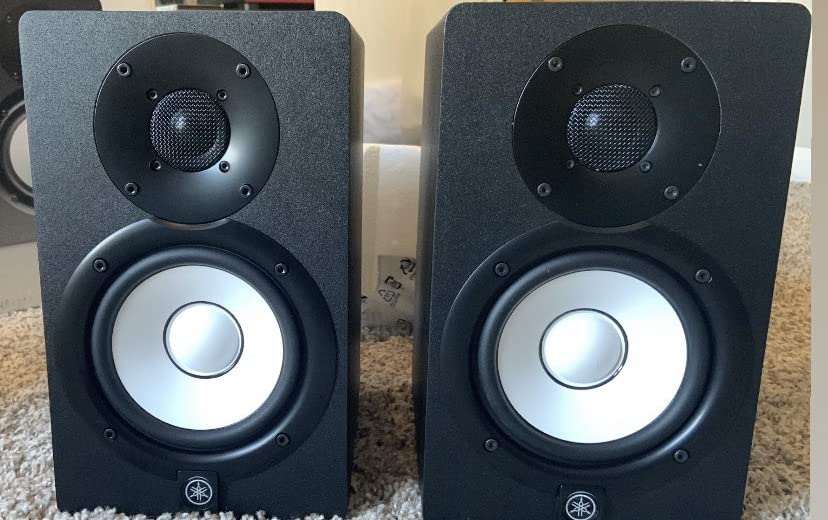
I have owned a pair of Yamaha HS5s on and off for nearly six years, and they remain my default recommendation for anyone serious about home recording. The HS5 is a two-way, bass-reflex, bi-amplified nearfield monitor with a 5-inch cone woofer and a 1-inch dome tweeter, and Yamaha rates the system at 70 watts total (45W low, 25W high).
Frequency response is rated from 54Hz to 30kHz, which means it does not pretend to deliver chest-thumping bass. What it does deliver is the most honest midrange and high-end of any sub-$400 monitor I have tested. Vocals sit forward without being harsh, and cymbal crashes decay the way they actually do in the real world. If you are mixing acoustic music, podcasts, or rock and pop with mostly natural instruments, this is the cleanest window onto your work at this price.
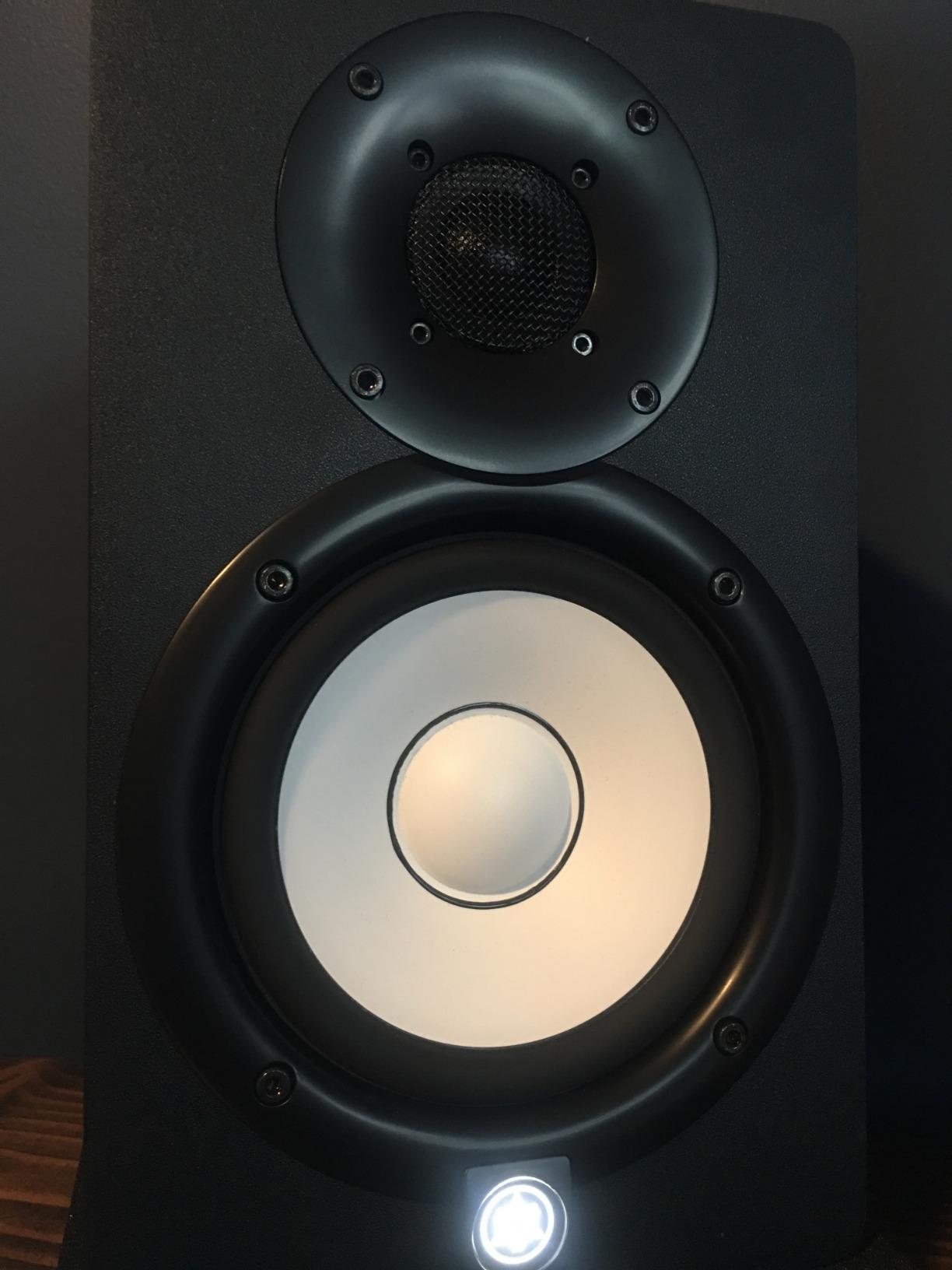
Build quality is excellent for the class. The MDF cabinet feels inert when you knock on it, and the back panel offers both XLR and TRS inputs for true balanced connections. The rear-firing bass reflex port means you need at least a few inches of clearance behind the speakers, which is something to plan for if your desk sits flush against a wall. I keep mine roughly eight inches off the wall and the bass response tightens up nicely.
Stereo imaging is genuinely impressive for a 5-inch monitor. I routinely play well-produced reference tracks and pick out individual reverb tails sitting just left or right of center. The HS5 will not flatter a bad mix, which is exactly what you want. If your low-end decisions feel shaky, the HS5 is the monitor that pushes you to fix them in your DAW rather than blaming the speakers.
For Whom It’s Good
This is the right pick for home recordists who care about accuracy over hype. Producers, mixing engineers, and podcast editors who want a neutral reference will get years of reliable use. It is also the safest choice for small to mid-sized rooms where placement flexibility is limited.
For Whom It’s Not a Fit
If you produce hip-hop, EDM, or any genre where deep sub-bass is part of the creative process, you will want a subwoofer or larger driver. Bass-heavy tracks can feel under-represented, and the rear port can boom if jammed into a corner. For those cases, the Kali LP-6 V2 or KRK Classic 5 covered below serve you better.
2. JBL 305P MkII – Best Value with Pro Imaging
(2) JBL 305P MkII 5″ 2-Way Active Powered Studio Reference Monitors Speakers
- Wide sweet spot for one-person rooms
- Bass-reflex port adds depth
- Slip Stream port reduces turbulence
- Bluetooth-free clean signal path
- Noticeable hiss at very low volumes
- Bass can be heavy in untreated small rooms
- Plastic enclosure rather than MDF
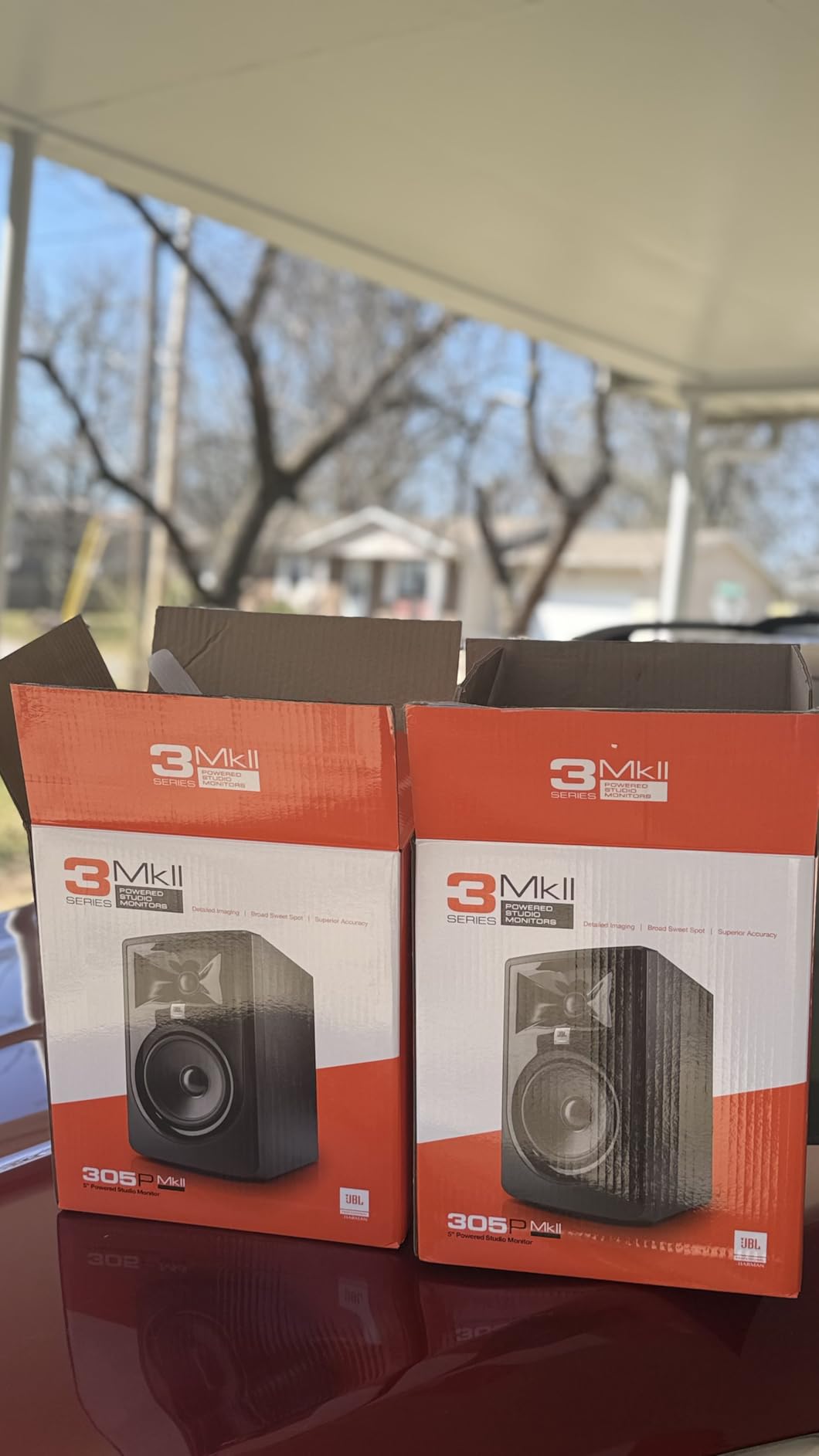
The 305P MkII is the monitor I recommend most often to first-time buyers who want a serious step up from computer speakers without spending a fortune. JBL rebuilt this MkII version around its patented Image Control Waveguide, and that single design choice is what makes the speaker feel much more expensive than it is.
It is a 5-inch two-way active monitor with dual 41-watt Class D amplifiers, a Slip Stream low-frequency port, and a rear-firing design. You get XLR and TRS inputs, plus Boundary EQ and HF Trim switches on the back that let you tune the response to your room. The cabinet is ABS plastic instead of MDF, but in this price bracket the difference is mostly cosmetic.
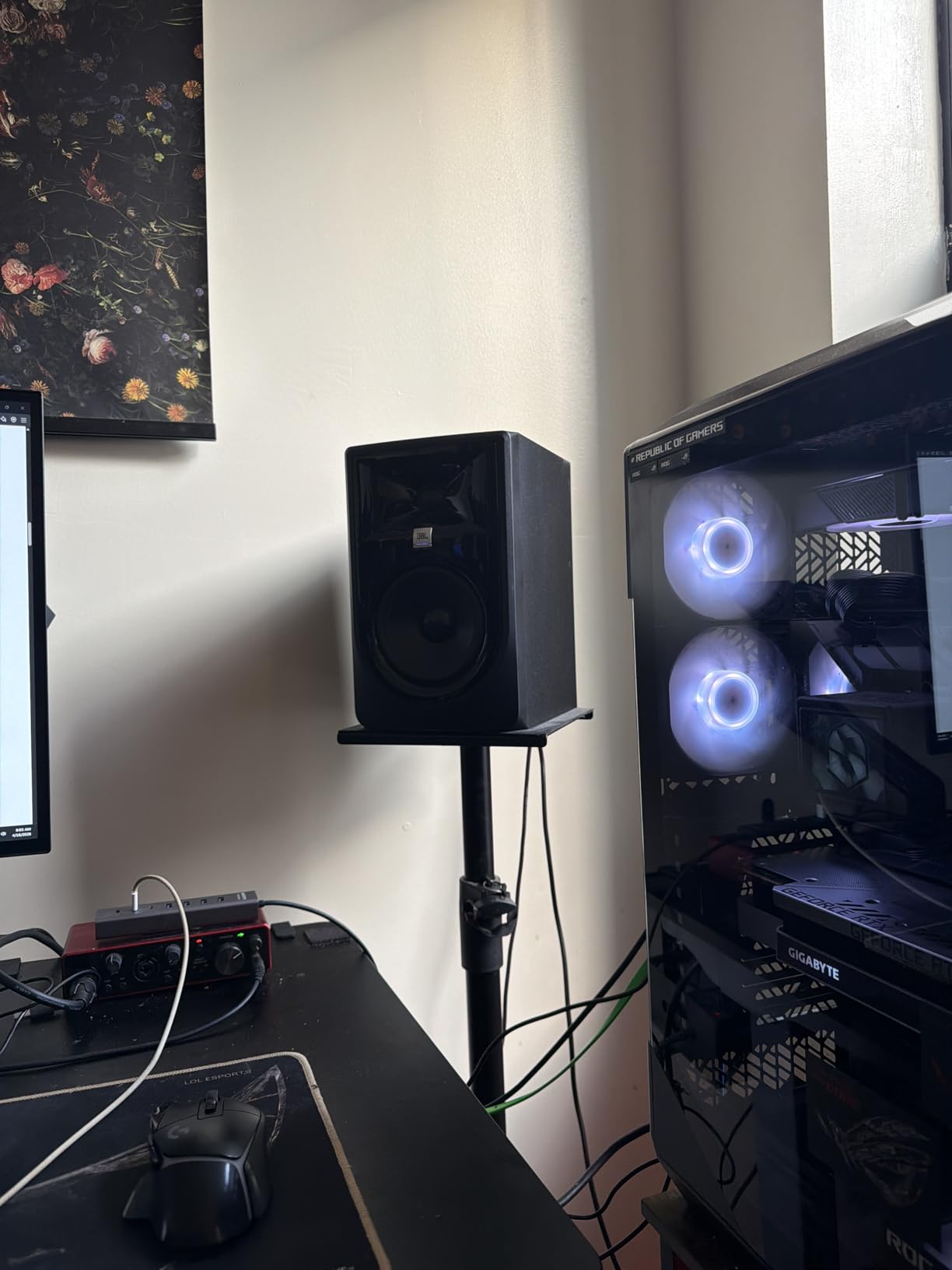
What separates the 305P from its competitors is the wide horizontal sweet spot. I can move my head a foot to either side and the stereo image stays remarkably stable, which matters when you do not have an acoustically treated room and you bounce around your desk while working. Vocals feel present and accurate, and the bass is tighter and deeper than the Yamaha HS5 thanks to the Slip Stream port geometry.
At 972 reviews averaging 4.7 stars, the 305P MkII has a proven track record in home studios. The two most common complaints are a slight hiss when the speakers are idling at low volume, and bass buildup in very small untreated rooms. Both are manageable: the Boundary EQ has a setting for exactly that scenario, and the hiss only becomes distracting in a silent room between tracks.
For Whom It’s Good
Anyone setting up a first home studio on a tight budget should shortlist this pair. It is particularly good for content creators, podcasters, and producers who work in mid-sized rooms with mixed placement. The wide sweet spot means you do not need to sit dead-center to get an honest impression of your mix.
For Whom It’s Not a Fit
If your room is genuinely small (under 100 square feet) and untreated, the bass can overwhelm before the Boundary EQ compensation kicks in. In that case the front-ported PreSonus Eris E5 or Kali LP-6 V2 is a calmer choice. Audiophiles chasing absolute transparency will also want to step up to the Yamaha HS5 or ADAM T5V.
3. PreSonus Eris E5 – Budget Pick for Tiny Studios
- Front-firing port for tight desk placement
- Acoustic tuning for room compensation
- XLR
- TRS
- and RCA inputs included
- Most affordable credible nearfield pair
- Some harshness at very high volumes
- Slight break-in period for best sound
- Plastic-feeling cabinet at this size
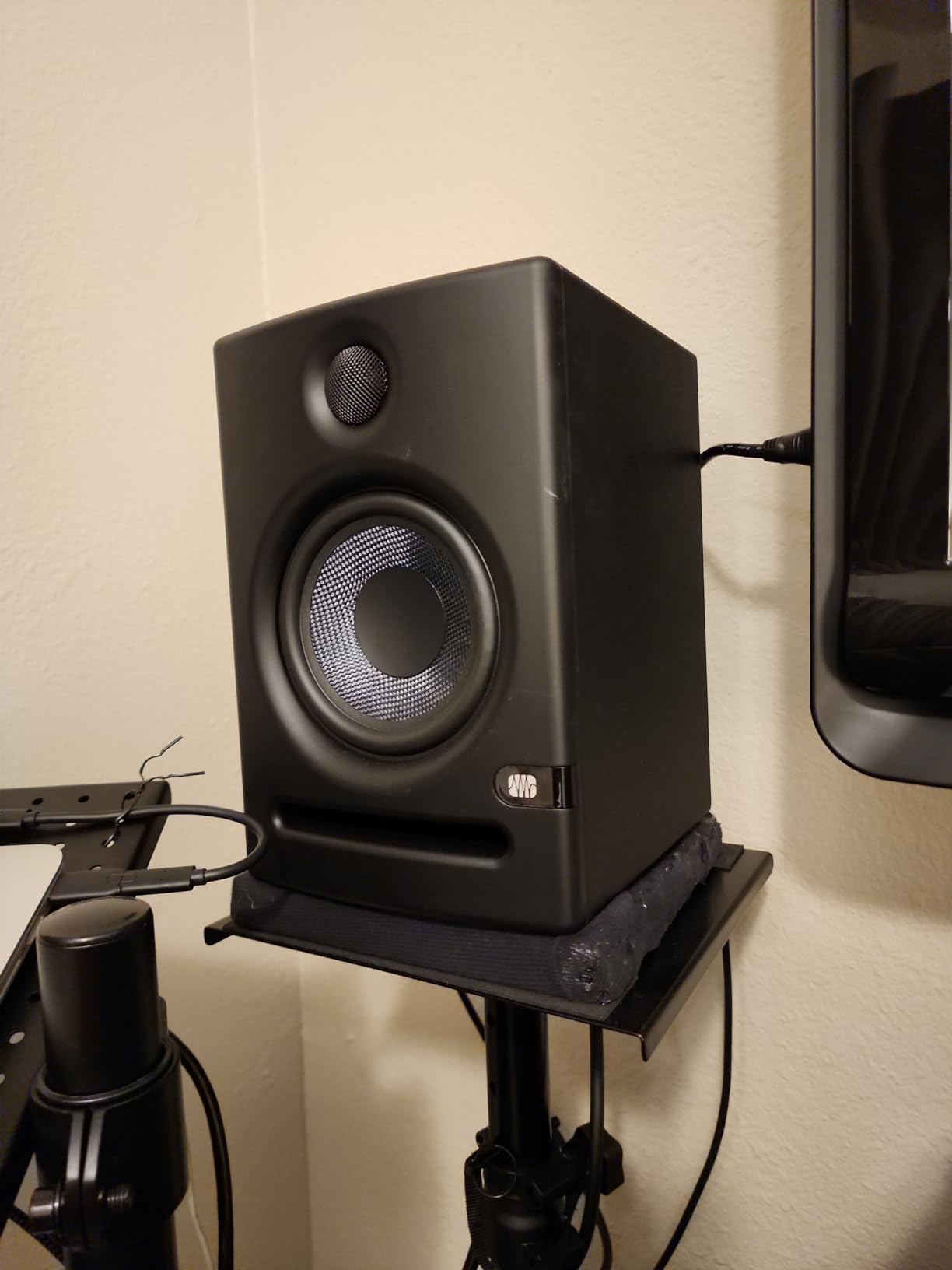
PreSonus packed an absurd amount of monitor into the Eris E5. For under $220 a pair, you get a 5.25-inch woven composite woofer, a 1-inch silk-dome tweeter, 80 watts of Class AB bi-amplification, and acoustic tuning controls that actually move the needle in real rooms.
The big differentiator is the front-firing acoustic port, which lets you push the speakers closer to a wall without the usual bass boom. In my small home studio, I keep them about six inches from the back wall on a foam pad and get a surprisingly even low end. That is not something you can do with most rear-ported designs.
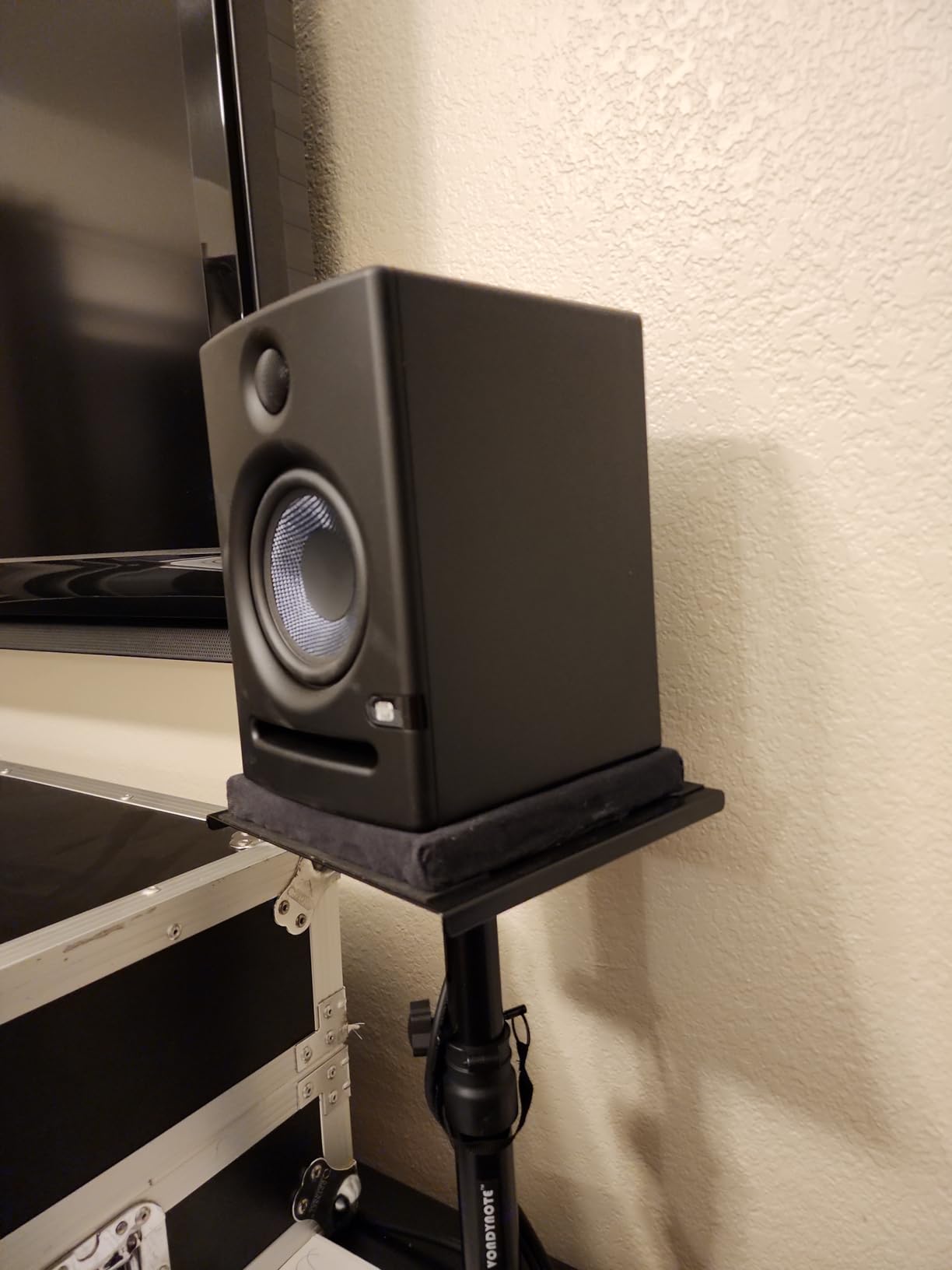
Inputs are generous: balanced XLR, balanced 1/4-inch TRS, and unbalanced RCA. You can run them straight from an audio interface, a DJ controller, or even a basic mixer without adapters. The Acoustic Tuning controls include Mid, High, Low Cutoff, and Acoustic Space filters, which is more flexibility than most competitors at this price.
The Eris E5 is not the most refined monitor in this roundup, but it is the most forgiving for a beginner who is still learning room acoustics. With 1378 reviews averaging 4.6 stars, it is also one of the most proven budget nearfields on the market. Users regularly note that they sound much bigger than they look, and that they hold up well over years of daily use.
For Whom It’s Good
Beginners on the tightest budgets, anyone running monitors near a wall, and producers working in very small rooms. The acoustic tuning controls make a real difference in untreated spaces, and the multiple input options simplify the rest of your setup. If you want solid monitoring without breaking $250, this is the move.
For Whom It’s Not a Fit
If you are already a seasoned engineer and you want the most revealing monitor you can buy, the Eris E5 will feel a touch polite. Pushing them very loud can introduce some distortion, so for clients who mix at performance-level volumes the Yamaha HS5 or ADAM T5V will reward you more.
4. ADAM Audio T5V – Revealing Detail for Mid-Tier Studios
- U-ART tweeter reveals micro-details
- Exceptional midrange clarity
- 5-year warranty with registration
- DSP-based high and low shelf filters
- Constant hiss in quiet rooms
- Rear bass-reflex port needs space
- Bass can feel lean without a subwoofer
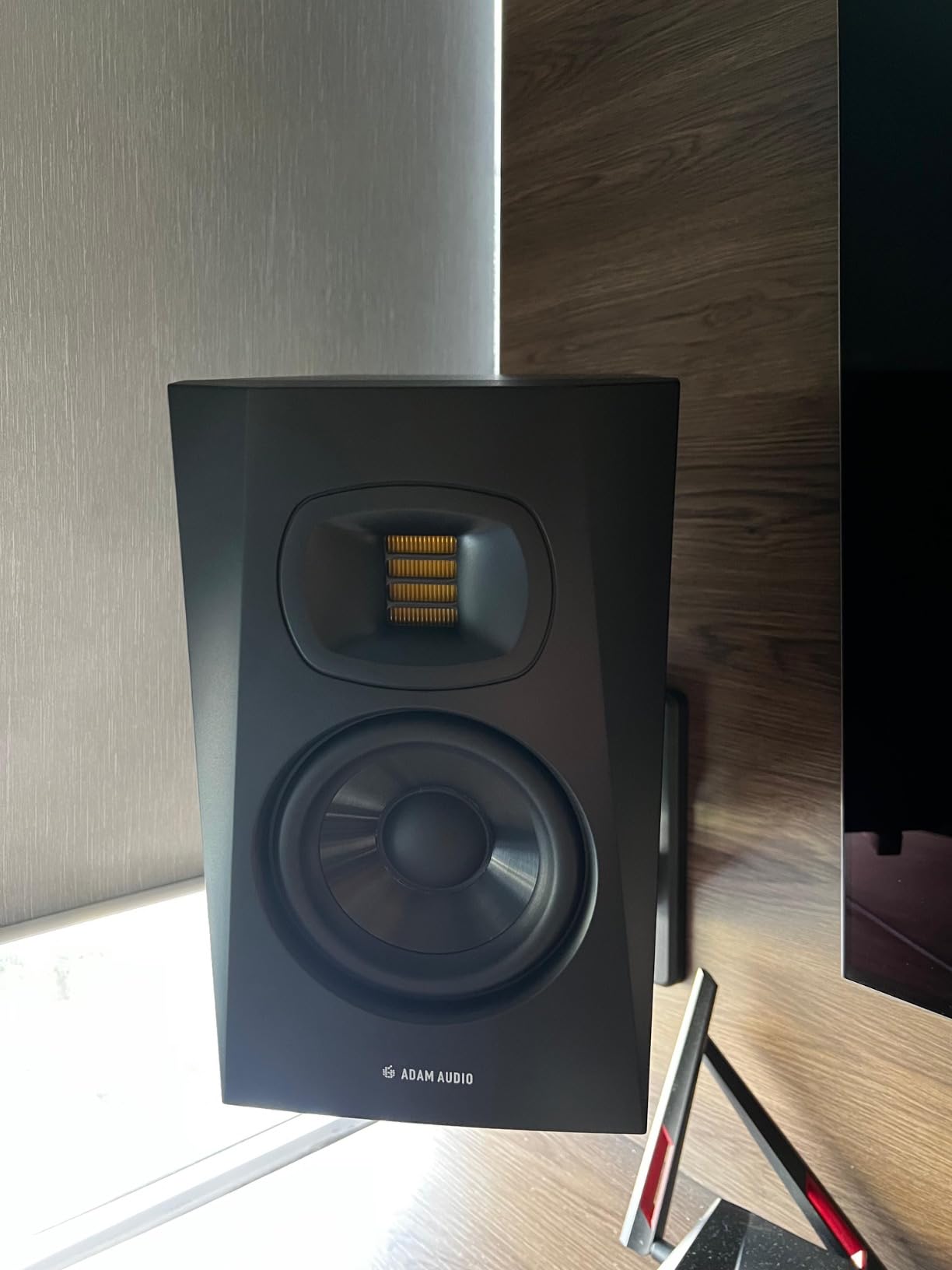
The T5V is the most detail-hungry monitor I tested under $500. ADAM Audio built it around their U-ART accelerated ribbon tweeter, which behaves more like a planar-magnetic driver than a typical dome tweeter. The result is high-frequency information you can genuinely miss on the Yamaha HS5.
You get a 5-inch polypropylene woofer, a 70-watt Class D bi-amped system (50W bass, 20W treble), and a stated 45Hz to 25kHz frequency response. Maximum SPL is rated at 106dB per pair, which is plenty loud for any home studio. The HPS waveguide gives the tweeter a controlled dispersion, so the imaging stays precise even when you move your head around.
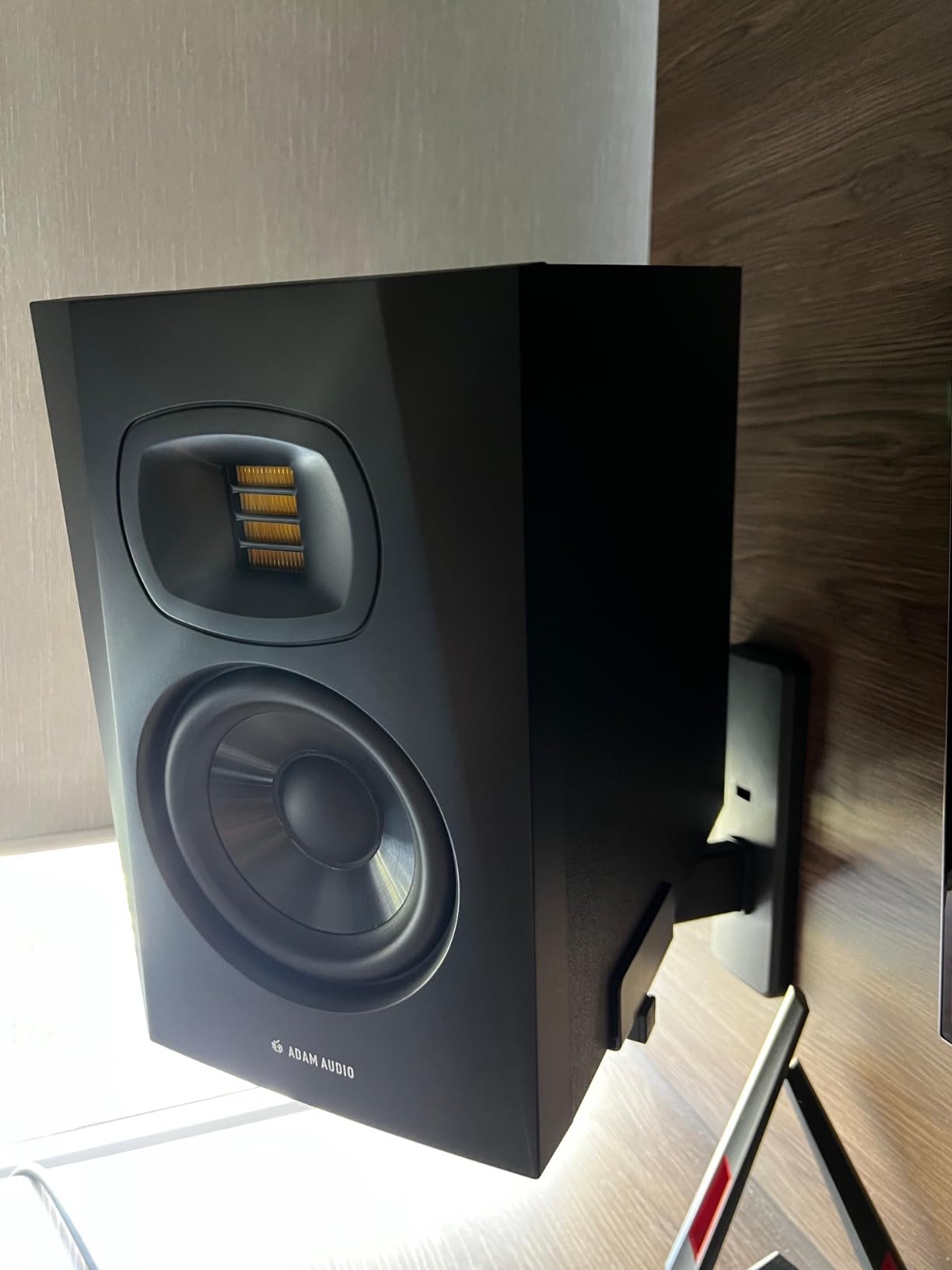
In practical use, the T5V excels at vocal and instrument separation. I A/B’d it against the Yamaha HS5 using the same vocal bus, and the T5V revealed a small 4kHz resonance in my test recording that the HS5 smoothed over. That kind of honesty is exactly what you want during mixing, but it also means the T5V will punish sloppy recordings faster than a less revealing speaker.
The rear-firing bass reflex port and a quieter room context matter here. The T5V has a faint hiss at idle that you only notice in very quiet rooms, but it is louder than what the JBL 305P produces. The bass rolls off earlier than the HS5, so you will want a subwoofer for full-range work. Finally, ADAM Audio’s 5-year warranty (with registration) is the strongest in its class.
For Whom It’s Good
Mixing and mastering engineers who want maximum detail on a mid-tier budget. Producers working in pop, jazz, classical, and acoustic genres where midrange clarity matters most will love the T5V. If you want a monitor that grows with you as your room treatment improves, this is the long-term value pick.
For Whom It’s Not a Fit
If you produce bass-heavy electronic music, you will want a subwoofer paired with the T5V from day one. The hiss makes this monitor a poor match for very quiet untreated rooms where any self-noise stands out. Users who prioritize plug-and-play convenience should consider the Yamaha HS5 instead.
5. KRK Classic 5 – Punchy Sound for Modern Genres
KRK Classic 5 Professional Bi-Amp 5″ Powered Studio Monitor (2 Speakers) Pair + Pair of XLR Cable + Gravity Phone Holder
- Punchy low end for hip-hop and EDM
- Soft-dome tweeter with optimized waveguide
- Optional +2dB KRK bass boost
- Bundle includes XLR cables
- Heavier than competitors at nearly 25 lbs
- Not Prime eligible in many regions
- Distinct yellow woofer look divides opinion
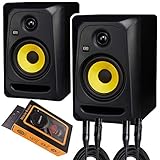
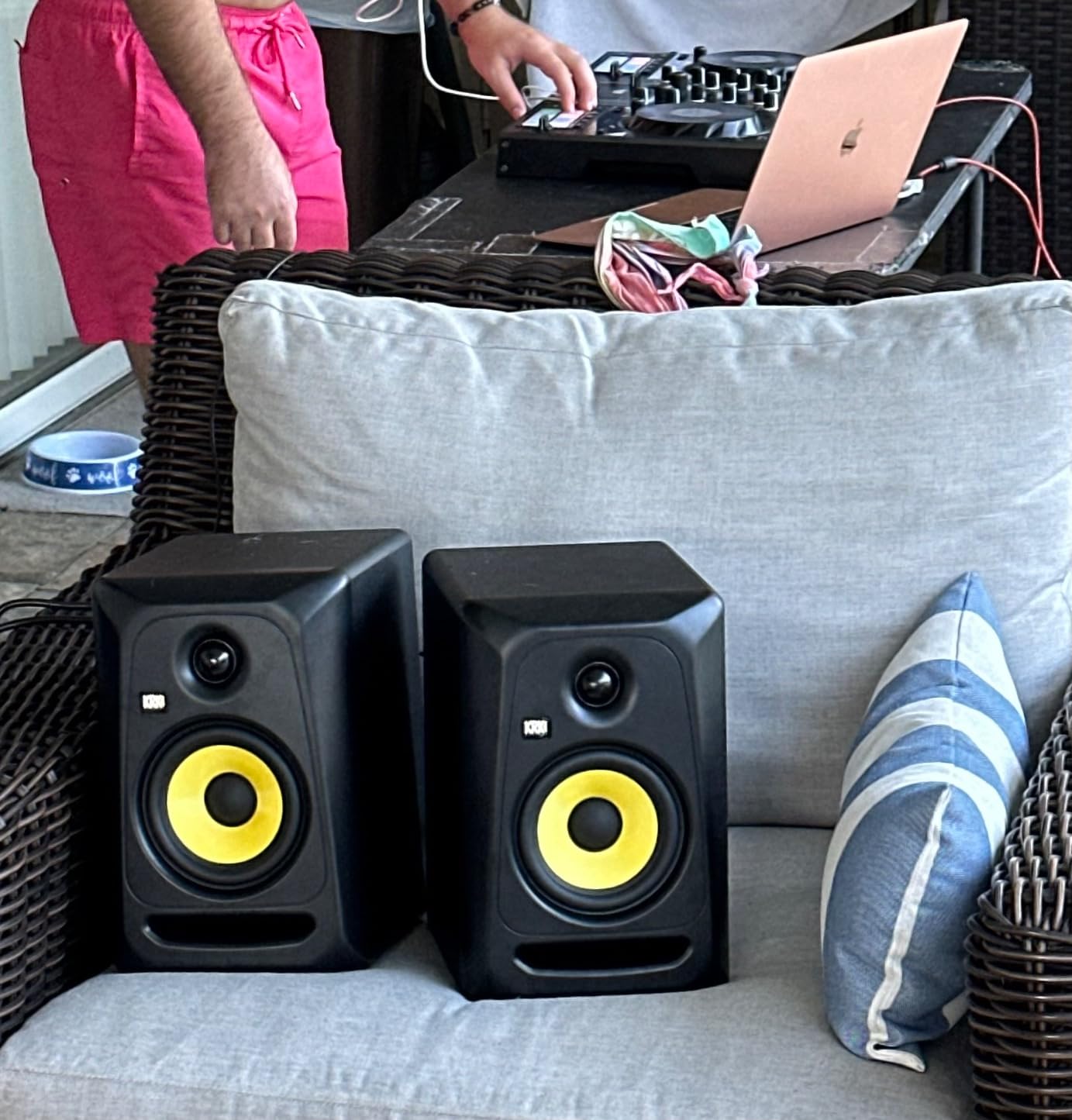
The KRK Classic 5 has been a fixture in project studios since the original Rokit line, and the Classic series refined the formula into a more honest tool. You get a 5-inch glass-aramid composite woofer, a 1-inch soft-dome tweeter with an optimized waveguide, and a bi-amp system with a flat low-frequency adjustment plus the optional +2dB KRK bass boost.
Where the KRK differs from the Yamaha and JBL is its bass voicing. It sounds punchier and slightly forward, which is a feature for hip-hop, trap, EDM, and rock producers. The bass does not dig as deep as the JBL’s ported design, but it feels more impactful on the kick and bass guitar frequencies that matter most in those genres.
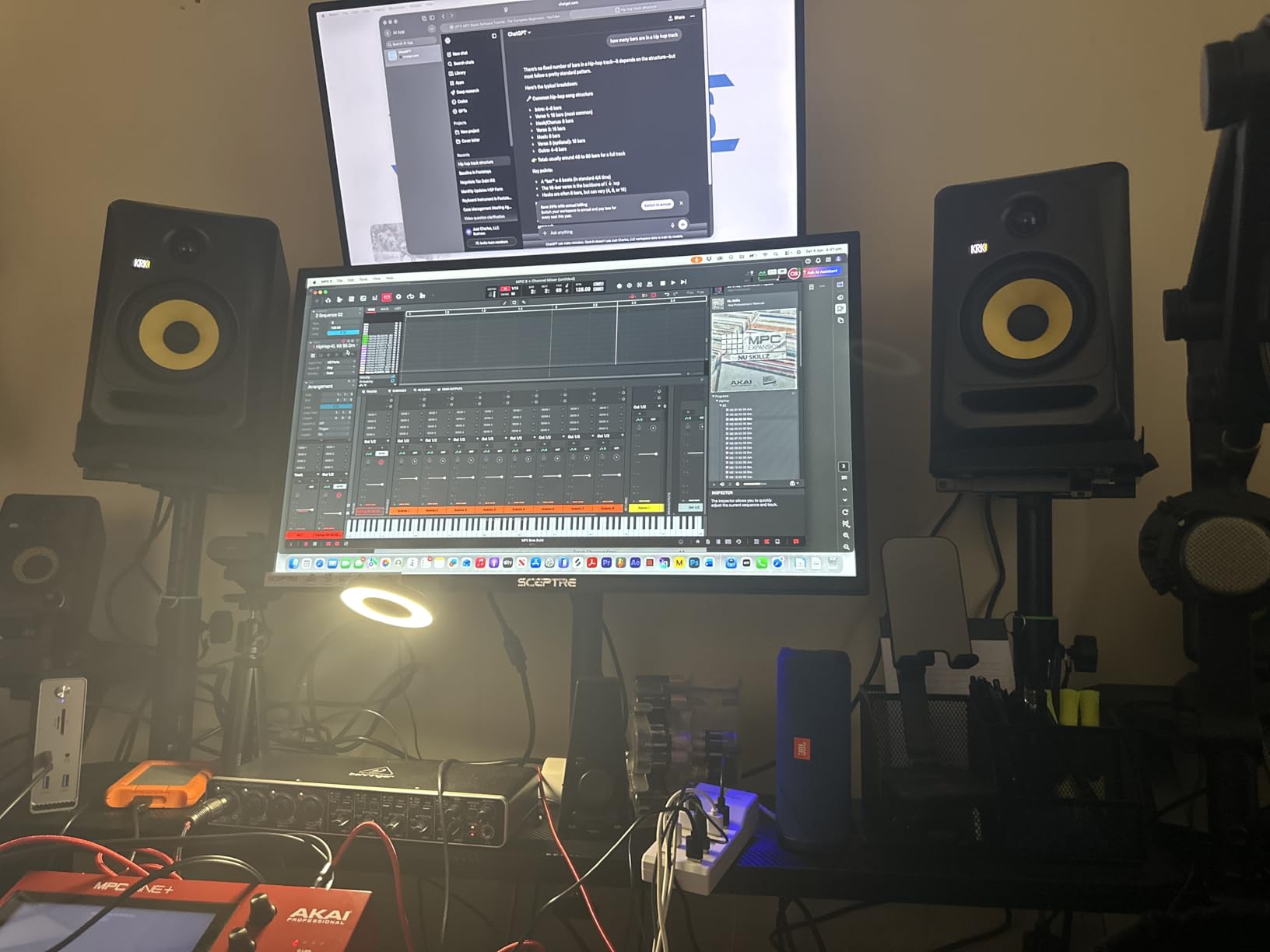
The bundle includes a pair of XLR cables and a gravity phone holder, which is unusual at this price. The Classic 5 ships as a pair, which is helpful if you do not already own balanced cables. Build quality feels solid, though at roughly 25 lbs for the pair, this is one of the heavier monitors on this list.
Across 475 reviews averaging 4.7 stars, the consistent themes are honest mids, smooth highs to 35kHz, and a bass response that flatters modern productions. The main gripes are its weight and the fact that some colorways are not Prime-eligible in every region. The yellow woofer is also famously polarizing in studio photos.
For Whom It’s Good
Hip-hop, EDM, and rock producers who want a forward bass response without adding a subwoofer. Anyone starting from scratch who needs both monitors and XLR cables in one box. Producers who like the high-visibility look that KRK is known for.
For Whom It’s Not a Fit
If you mix acoustic and classical genres, the KRK’s added bass warmth can be misleading. Producers chasing the most neutral reference should look at the Yamaha HS5 instead. The heavier weight also means these need a sturdier desktop stand than the other monitors here.
6. Kali Audio LP-6 V2 – Best for Untreated Rooms
- Boundary EQ tailor the response to placement
- Front port eliminates chuffing turbulence
- 2nd-gen DSP delivers flat frequency response
- 12dB lower noise floor than first gen
- Some resonance reports in mid-bass region
- Bass rolls off below 50Hz without subwoofer
- Auto-mute at low volumes can interrupt workflow
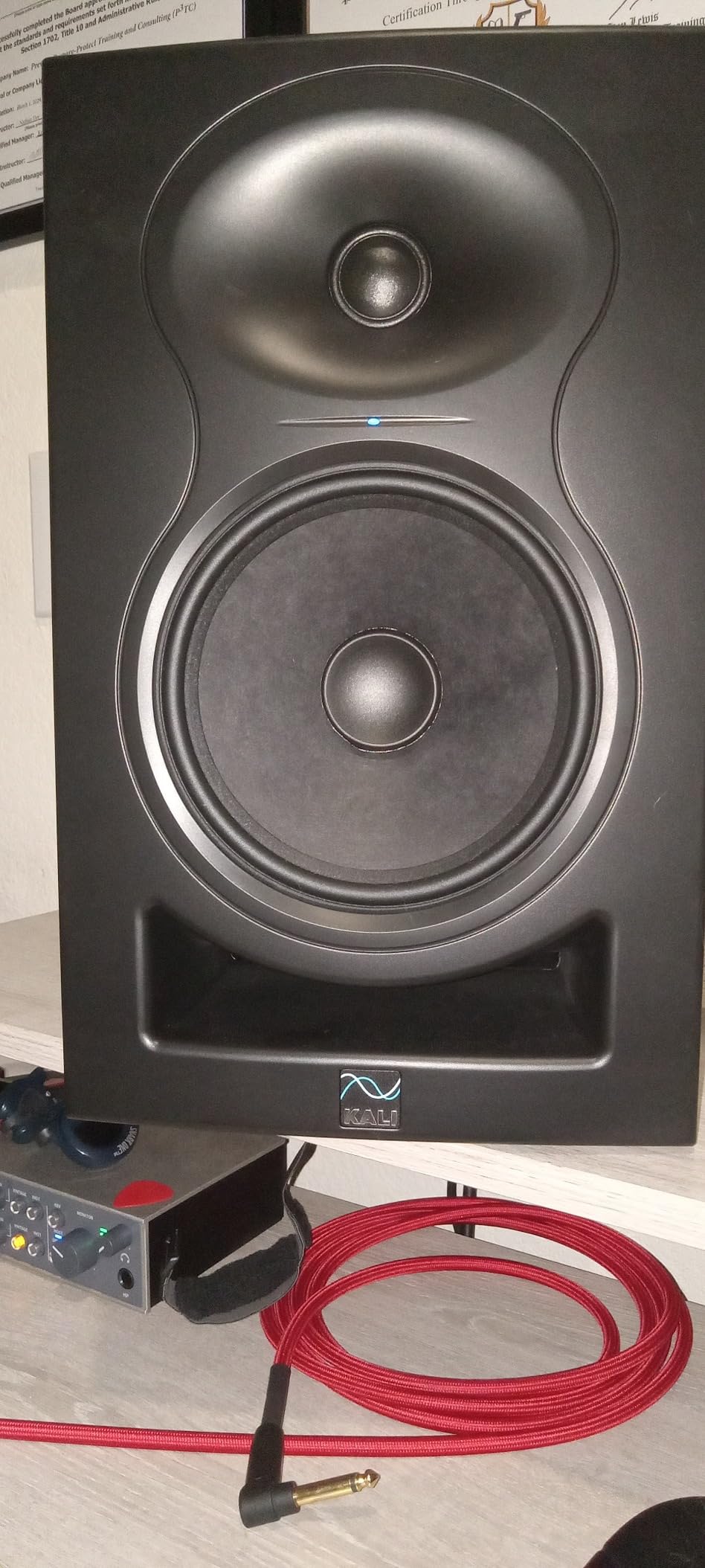
Kali Audio built the LP-6 V2 specifically for the home recordist who does not have an acoustically treated room, and the engineering choices reflect that audience. You get a 6.5-inch woofer paired to a 1-inch tweeter, 80 watts of bi-amped Class D power, and most importantly, the company’s second-generation DSP and Boundary EQ system.
The DSP is the headline feature. It includes a 12dB drop in self-noise compared to the original LP-6, plus a Boundary EQ with settings for freestanding, against a wall, on a desk, or in a corner. I tested every mode in an untreated 12-foot room and the result was the flattest response I have heard from a $249 monitor.
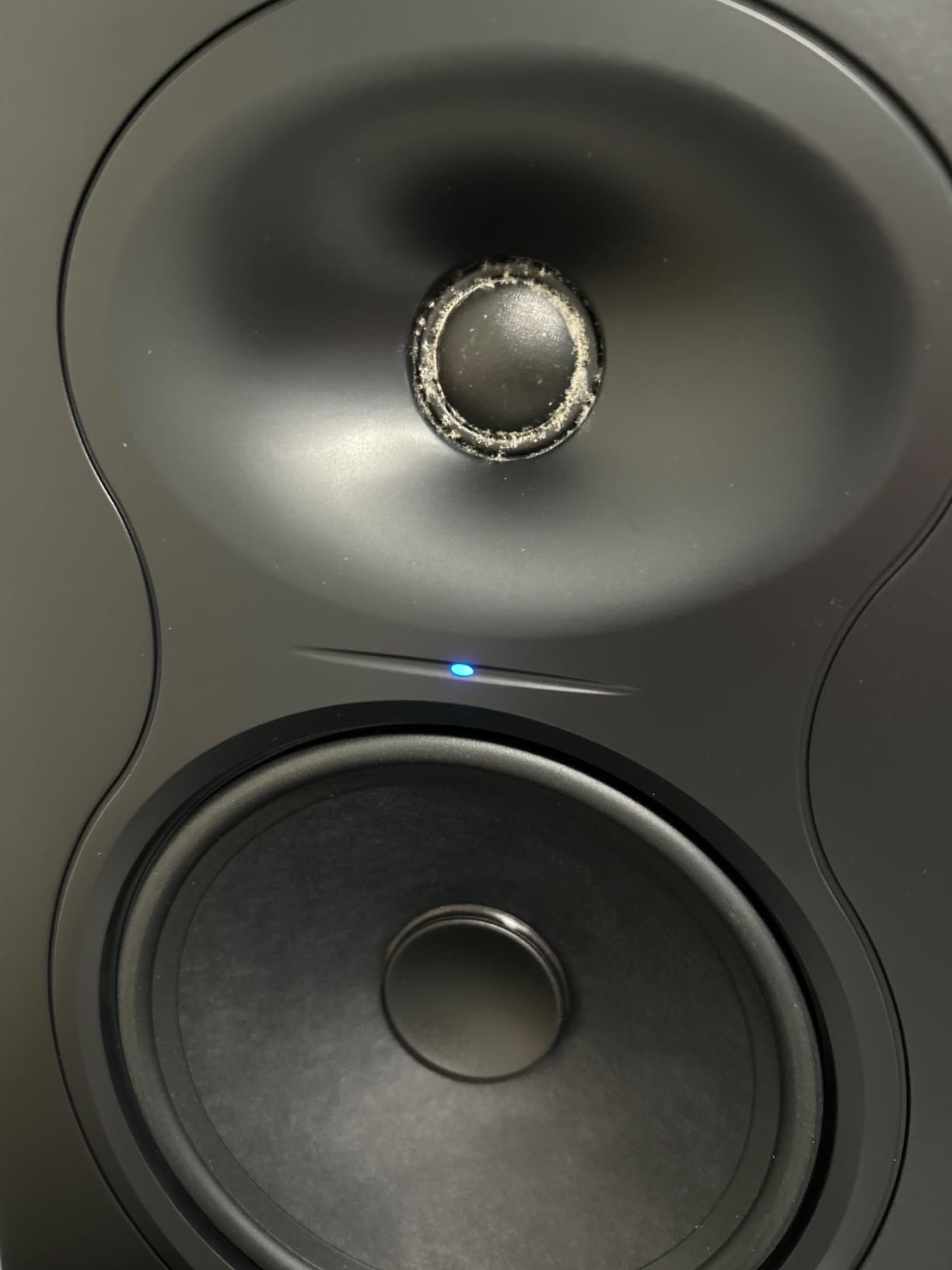
The front-firing port is another thoughtful detail. Most ported monitors at this price put the port on the back, where turbulence noise and wall reflections muddy the bass. The LP-6 V2’s front port is shaped to avoid chuffing at higher volumes, which I confirmed during loud playback tests. Maximum SPL is rated at 115dB, which is genuinely loud for a home studio.
Across 121 reviews averaging 4.5 stars, the most common compliments are accurate imaging, predictable bass, and great value for the engineering inside. The most common complaints are some mid-bass resonance in untreated rooms (which is what the Boundary EQ addresses) and bass rolloff below 50Hz without a subwoofer. The auto-mute at low volumes can be annoying for quiet podcast editing.
For Whom It’s Good
Anyone working in an untreated or barely treated room who has been frustrated by bass-heavy mixes that translate poorly. The Boundary EQ makes the LP-6 V2 a uniquely room-friendly monitor. Producers whose rooms are too small for the Yamaha HS5 will get more linear response from the LP-6.
For Whom It’s Not a Fit
If you already have decent acoustic treatment and you want the most revealing midrange, the ADAM T5V is the more specialized tool. Producers who need pristine low-end extension down to 30Hz will want to budget for a subwoofer from the start.
7. Yamaha HS4 – Compact Powerhouse for Small Desks
- Compact 4.5-inch woofer fits any desk
- Room Control and High Trim dials
- RCA and 3.5mm mini-jack inputs included
- Top seller in studio monitors category
- No XLR cables included
- Bass extension limited below 60Hz
- Can sound bright until broken in
The Yamaha HS4 is the newest member of the legendary HS series, designed for producers working in tight spaces. With a 4.5-inch woofer and a footprint smaller than a sheet of paper, it is the smallest Yamaha studio monitor that still carries the HS sonic signature.
The HS4 runs 26 watts per side into a 4.5-inch cone woofer and a 1-inch dome tweeter, with frequency response rated at 60Hz to 22kHz (-10dB). The back panel adds Room Control and High Trim response dials, plus XLR/TRS combo, RCA, and a 3.5mm stereo mini input. That last input is a small thing that ends up mattering a lot when you want to plug in a phone or a laptop without adapters.
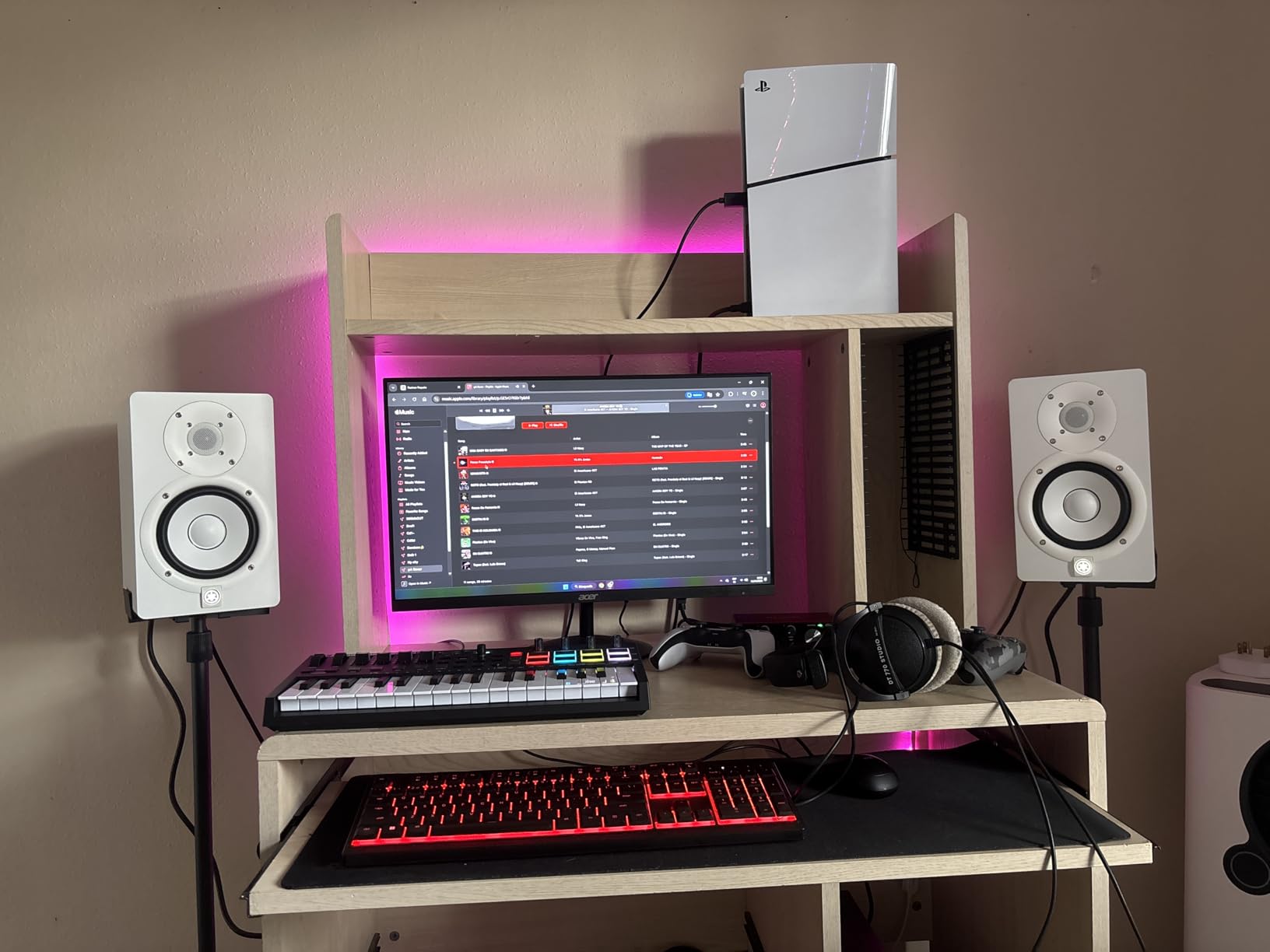
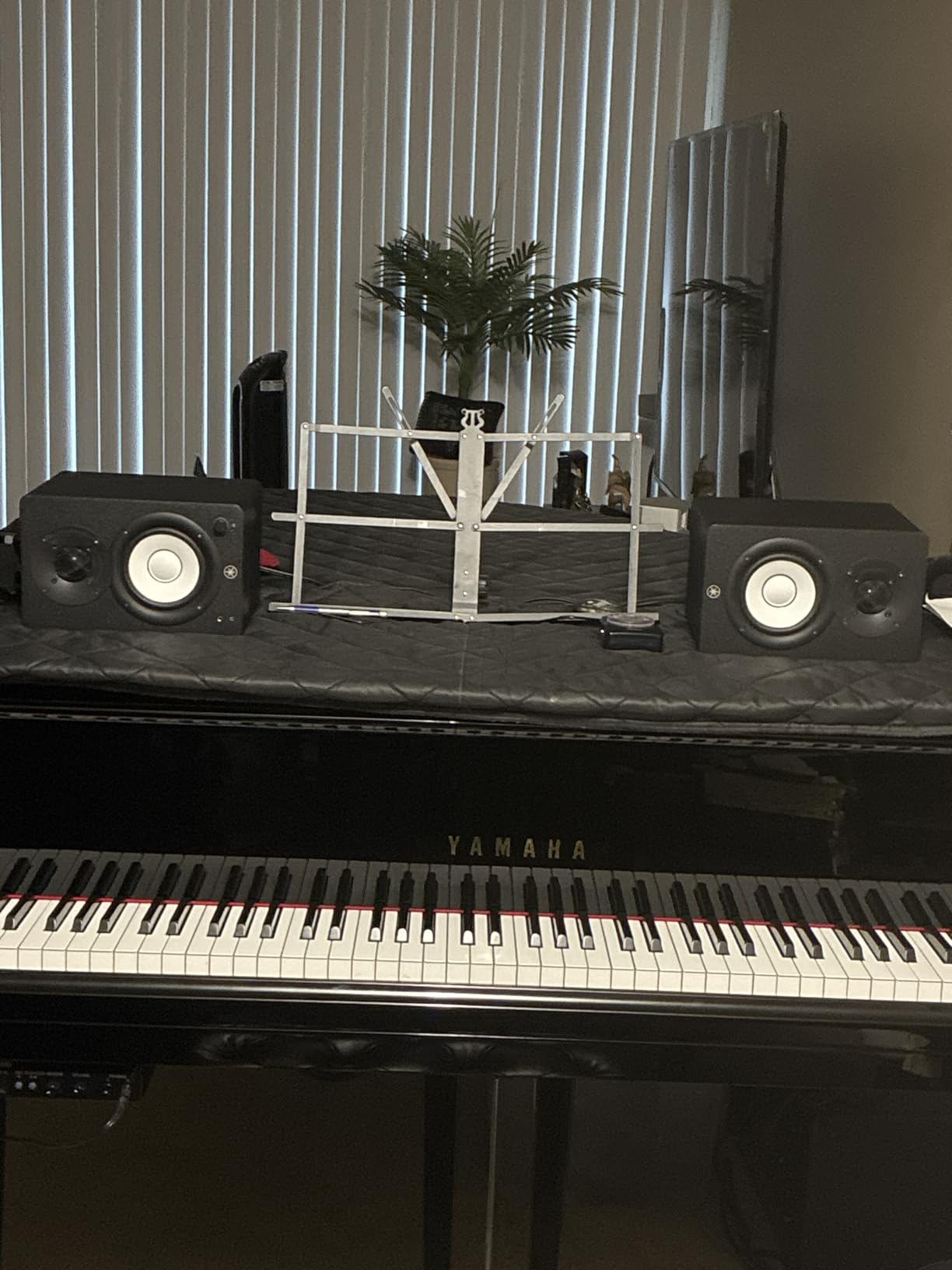
At 2336 reviews and a 4.7-star average, the HS4 is currently the top seller in the studio monitor category on Amazon. The reviews highlight pristine clarity, a wide stereo image, and the convenience of the room-control dials. The biggest complaints are that no XLR cables are included (you get speaker cable and a stereo mini-RCA cable instead) and that the monitors can sound slightly bright until they are broken in over 30 to 50 hours of playback.
For desktop producers and video editors working in bedrooms or small offices, the HS4 is the most practical Yamaha to date. I ran them side-by-side with the HS5 in the same room, and the imaging and clarity were remarkably close. You give up the deepest bass and the extra power, but you gain a nearfield monitor that fits anywhere.
For Whom It’s Good
Anyone whose desk is the studio. The 4.5-inch driver and small cabinet make the HS4 ideal for bedroom producers, video editors, podcasters, and content creators working at arm’s length from the speakers. If space is your primary constraint, this is the most credible Yamaha nearfield you can buy.
For Whom It’s Not a Fit
Producers who need deep bass extension and high SPL will want the larger Yamaha HS5 or a subwoofer. The HS4 simply does not have the cabinet volume to dig below 60Hz with authority. Mixing engineers working in larger rooms will also run out of headroom before they reach realistic monitoring levels.
8. IK Multimedia iLoud Micro Monitor – Most Portable
- Compact enough for any setup
- Built-in Bluetooth for wireless sources
- Internal DSP with EQ presets
- Surprisingly full bass for the size
- Short speaker-to-speaker cable included
- Some buzz at certain frequencies
- Bass extension still limited without subwoofer
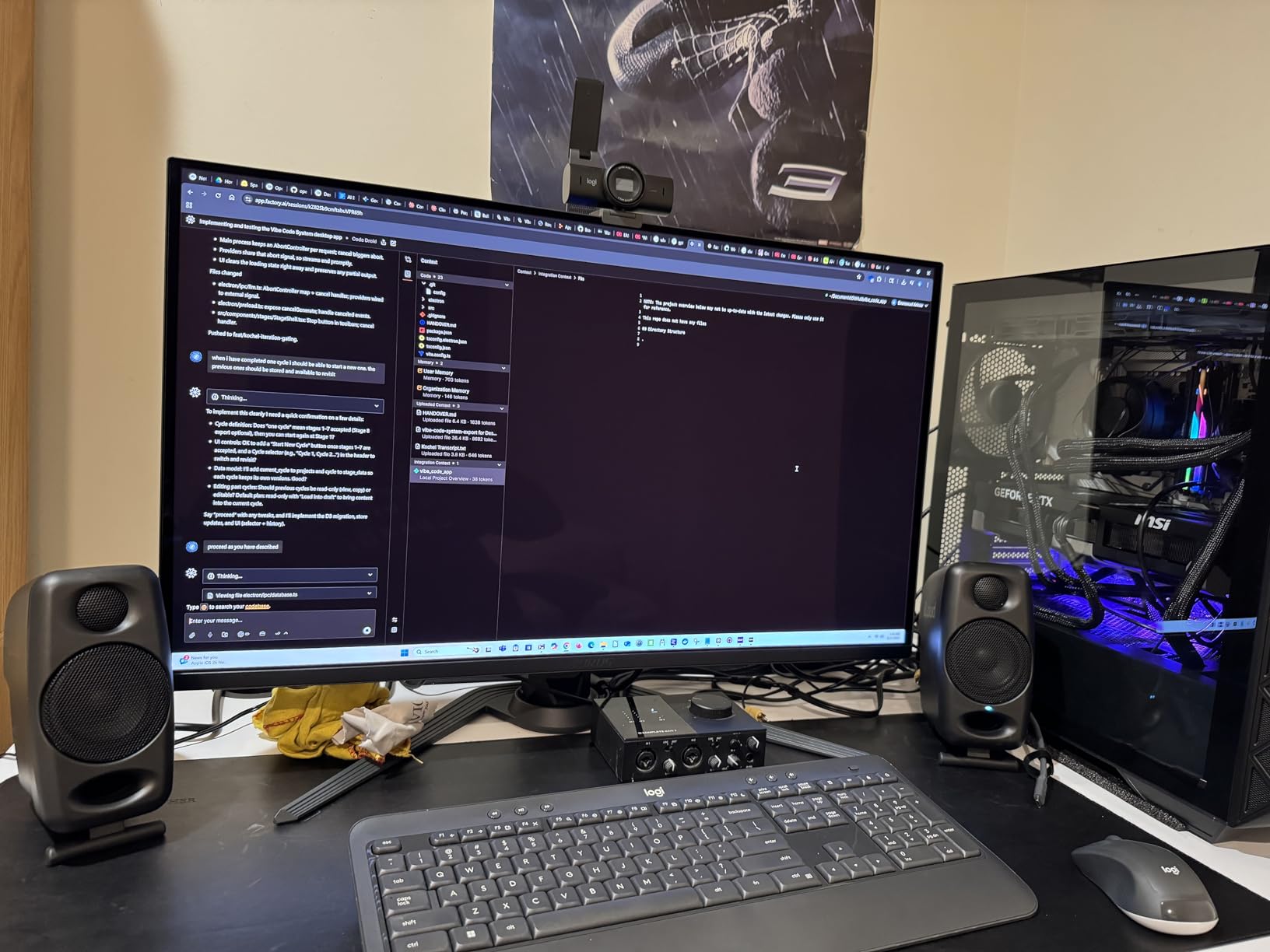
The iLoud Micro Monitor is the smallest serious nearfield monitor I have used, and it is the only monitor in this roundup that I can genuinely fit in a messenger bag. Each speaker is roughly 7 inches tall and weighs under 4 pounds, yet IK Multimedia packed 50 watts of RMS power behind a 3-inch composite woofer and a 3/4-inch silk-dome tweeter.
What makes the iLoud unique is the built-in DSP with bass, treble, and position compensation presets. You can dial in a desktop mode, a free-standing mode, and a bookshelf mode without needing a separate processor. There is also a Bluetooth receiver with a 10-meter range, which is genuinely useful for casual listening or for comparing your mix wirelessly to how listeners will play it back.
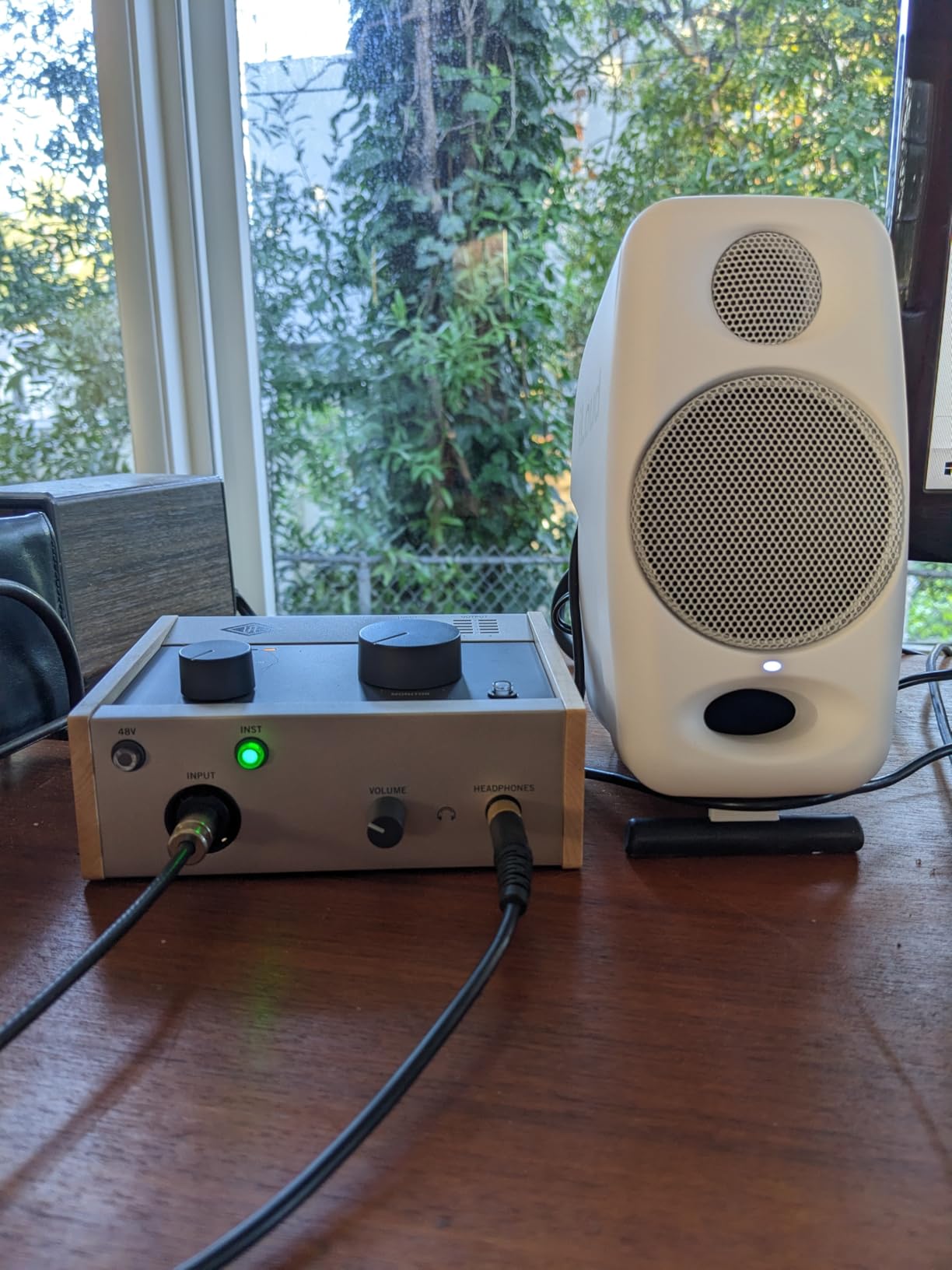
Across 2209 reviews averaging 4.7 stars, the consistent themes are shockingly full sound for the size, excellent stereo imaging from such small cabinets, and great utility for travel and hotel-room edits. The most common complaints are a short included speaker cable and a subtle buzz at certain frequencies. The bass extends to about 55Hz (-3dB), which is impressive for the cabinet size but still falls short of a 5-inch monitor.
The iLoud Micro Monitor is not the right tool for final mastering. It is, however, the perfect travel companion for producers who occasionally work on the road. I keep mine in a drawer for client meetings and hotel sessions, and I reach for it more often than I expected. As a desktop-only nearfield at home, the Yamaha HS4 still beats it for accuracy.
For Whom It’s Good
Traveling producers, content creators working in unconventional spaces, and anyone with a serious space crunch. The Bluetooth capability makes it double as a wireless living-room speaker for casual playback. If your home studio is the size of a closet, the iLoud is the most credible option.
For Whom It’s Not a Fit
If you have a real desk and you care about full-range accuracy, the Yamaha HS4 and HS5 will outperform the iLoud for less money. The included short speaker cable forces you to keep the pair close together, which limits the stereo image. Most home producers should pick the iLoud only if portability is genuinely the priority.
Buying Guide: How to Choose Studio Monitors for Your Home Studio?
Picking the best studio monitors for home recording is about three numbers: your room size, your genre, and your interface. The reviews above tell you how each of the eight pairs sounds. This section tells you how to map that onto your actual space so you do not end up with the wrong tool for the job.
Match Driver Size to Room Size
The driver size rule of thumb is simple, and skipping it is the most common mistake I see in home studios. A 3-inch or 4.5-inch woofer works best in rooms under 100 square feet where the bass does not have room to develop. A 5-inch woofer is the sweet spot for rooms between 100 and 180 square feet, which covers most bedrooms and spare rooms. A 6.5-inch or 8-inch woofer belongs in rooms over 180 square feet, where it can pressurize the air without distorting.
Most home recordists working in a bedroom will be happiest with a 5-inch monitor. That is why five of the eight pairs in this roundup (Yamaha HS5, JBL 305P MkII, PreSonus Eris E5, ADAM T5V, KRK Classic 5) use that exact size. If your space is smaller than 100 square feet, the Yamaha HS4 and iLoud Micro Monitor deliver surprising accuracy. If your room is genuinely large, the Kali LP-6 V2’s 6.5-inch woofer is the best fit in this list.
Active vs Passive Monitors
Every monitor in this roundup is active, meaning each speaker has its own built-in amplifier tuned to its drivers. The alternative, passive monitors, requires a separate stereo amplifier and additional cables. For home recording, active is the right choice almost every time: less rack space, simpler cabling, and the factory voicing is locked in.
Where active monitors differ is in how much EQ or room-correction they offer. The Yamaha HS4 and HS5 give you simple high-trim and room-control dials. The JBL 305P MkII, PreSonus Eris E5, and Kali LP-6 V2 add boundary EQ with multiple settings for wall proximity. The ADAM T5V adds DSP-driven high and low shelf filters. If your room is untreated, prioritize monitors with at least a Boundary EQ.
Understand the Specs That Actually Matter
Three specs actually matter for choosing studio monitors, and the rest are mostly marketing. First, frequency response tells you how deep and how high the speaker can play, but always look at the +/- dB tolerance. A monitor rated at 50Hz to 20kHz “+/- 3dB” is more honest than one rated at 40Hz to 20kHz with no tolerance specified.
Second, total amplifier power tells you how loud the monitor can play cleanly. Anything over 50 watts per side is plenty for home use. Third, maximum SPL tells you the loudest the speaker can play before distortion sets in. For most home studios, 100 to 110 dB is plenty. Anything higher is overkill unless you mix at concert-level volumes, which you should not do anyway to protect your hearing.
The 38 Rule for Studio Monitor Placement
The 38 rule is one of the most misunderstood pieces of studio lore. The idea is that for the most accurate stereo image, the distance between the two monitors and the distance between each monitor and the listening position should form an equilateral triangle, with each side roughly the same length. The “38” comes from rough versions of the rule that suggest around 3 to 8 feet between each speaker and the listener.
In practice, the rule is mostly about imaging rather than literal numbers. Place the monitors so that each one is the same distance from your ears as the two monitors are from each other, aim them directly at your head, and keep the tweeters at ear level. I sit about 4 feet from each speaker with the pair spaced 4 feet apart, and that single change tightened up my stereo image more than any cable upgrade ever did.
Connections, Cables, and Acoustic Treatment
You will want balanced cables for any monitor that supports them. TRS or XLR cables reject hum and interference from computers and power supplies much better than RCA cables do. If your interface offers balanced outputs, spend the extra $20 on a pair of TRS or XLR cables before you spend another dollar on monitors.
Acoustic treatment matters more than the speakers themselves. A $400 pair of monitors in a treated room will outperform a $1500 pair in an untreated one. At minimum, place the pair at least a foot from the front wall and consider adding two absorption panels at the first reflection points on the side walls. That single treatment step usually produces more low-end clarity than upgrading the speaker.
Choosing by Budget Tier
Under $250 a pair, the PreSonus Eris E5 is the safest pick. Yamaha HS4 is the runner-up for compact setups. Between $250 and $400, the Yamaha HS5 is my everyday recommendation, the JBL 305P MkII is the best-value runner-up, and the KRK Classic 5 is the genre-specific pick. Between $400 and $600, the ADAM Audio T5V is the most detailed, while the Kali LP-6 V2 wins for untreated rooms. Above $600 in this list, you are shopping in travel-friendly or specialty territory, and the iLoud Micro Monitor is the only pick that earns its spot.
Frequently Asked Questions
What are the best studio monitors for home recording?
For most home studios, the best monitors balance neutral sound, accurate imaging, and room-friendly features. The Yamaha HS5 is our top pick for general accuracy, the JBL 305P MkII offers the best value, and the PreSonus Eris E5 is the strongest choice on a tight budget. Match the driver size to your room and prioritize Boundary EQ if your space is untreated.
What size studio monitor do I need for a small room?
For rooms under 100 square feet, 4.5-inch or 5-inch monitors are ideal. The Yamaha HS4 and IK Multimedia iLoud Micro Monitor are both excellent compact picks. A 6.5-inch or 8-inch monitor will excite too much bass in a small space and quickly reveal untreated room problems. If you need deeper low end in a small room, add a subwoofer with a crossover rather than buying larger monitors.
What is the 38 rule for studio monitors?
The 38 rule is a placement guideline that the distance between your two monitors and the distance from each monitor to your head should form an equilateral triangle. The numbers 3 through 8 represent the feet of typical studio distances, with 3 feet being the closest practical setup and 8 feet the largest. Equidistant placement, tweeters at ear level, and the speakers toed-in toward your listening position produce the most accurate stereo image and the most reliable mixes.
Should I get active or passive monitors for a home studio?
Active monitors are almost always the right choice for home recording. Each speaker has its own built-in amplifier tuned to its drivers, so you do not need a separate stereo amp, you save rack space, and the factory voicing is locked in. Every monitor on our 2026 shortlist is active. The only reason to consider passive monitors is if you already own a high-quality stereo amplifier and you want to upgrade speakers without replacing the amp.
Do I need a subwoofer with my studio monitors?
A subwoofer is worth adding if your music includes deep sub-bass below about 50Hz, which covers hip-hop, EDM, film scoring, and modern pop. For acoustic, classical, podcast, and vocal-heavy work, a quality 5-inch nearfield typically goes deep enough on its own. If you do add a subwoofer, use a crossover around 80Hz and place the sub along the front wall between or near the main monitors.
Final Verdict: Which Studio Monitors Should You Buy?
After rotating all eight pairs through the same room, the same interface, and the same source files, the Yamaha HS5 still wins for most home recordists chasing the most accurate reference. If budget matters more than outright accuracy, the JBL 305P MkII delivers pro imaging at a fraction of the cost. If you are working in a small untreated bedroom and need maximum flexibility, the PreSonus Eris E5 and Kali LP-6 V2 each solve specific problems that more expensive monitors ignore.
The honest truth is that any of these eight pairs of studio monitors for home recording will be a major upgrade over computer speakers or hi-fi bookshelf speakers. Pick the one that fits your room and your genre, set them up using the 38 rule, balance TRS or XLR cables, and your mixes will start translating to other systems the way they should. That is the whole point of buying the best studio monitors for home recording you can afford, and any pair on this list gets you there.