
Finding the right gaming monitor can feel like sorting through an endless sea of specs and marketing jargon. I have spent the past several months testing over a dozen displays to narrow down the best gaming monitors with FreeSync you can buy in 2026. Whether you are a competitive esports player chasing every frame of advantage or a casual gamer who just wants a tear-free experience, AMD’s FreeSync technology delivers smoother gameplay without the premium price tag of proprietary sync modules.
FreeSync works by dynamically matching your monitor’s refresh rate to the frames your GPU is pushing out. No more screen tearing, no more stuttering when the frame rate dips, and no input lag from V-Sync. The best part? Most FreeSync monitors also work with NVIDIA graphics cards through G-Sync Compatible mode, so you are not locked into one GPU brand.
In this guide, our team tested monitors ranging from budget-friendly 1080p panels under $120 all the way up to premium QD-OLED ultrawides. I played competitive shooters, open-world RPGs, and tested movie playback on every single one. We also looked at how these monitors perform for productivity, since most of us use the same screen for work and play. If you are also exploring USB-C monitors for a cleaner desk setup, several picks on this list support that too.
Top 3 Picks for Best Gaming Monitors with FreeSync (September 2026)

Alienware AW3425DW QD-OLED
- 34 inch QD-OLED Ultrawide
- 240Hz
- 0.03ms Response
- FreeSync Premium Pro
Best Gaming Monitors with FreeSync in 2026
| Product | Specifications | Action |
|---|---|---|
 Acer Nitro KG241Y Sbiip Acer Nitro KG241Y Sbiip |
|
Check Latest Price |
 ASUS TUF VG277Q1A ASUS TUF VG277Q1A |
|
Check Latest Price |
 Acer Nitro XV271U Acer Nitro XV271U |
|
Check Latest Price |
 Samsung Odyssey G5 G53F Samsung Odyssey G5 G53F |
|
Check Latest Price |
 Acer Nitro XV272U Acer Nitro XV272U |
|
Check Latest Price |
 Dell S2725QS 4K Dell S2725QS 4K |
|
Check Latest Price |
 ASUS TUF VG27UQ1A 4K ASUS TUF VG27UQ1A 4K |
|
Check Latest Price |
 LG UltraGear 34G630A-B LG UltraGear 34G630A-B |
|
Check Latest Price |
| Alienware AW3425DW |
|
Check Latest Price |
 LG UltraGear 32GX850A-B LG UltraGear 32GX850A-B |
|
Check Latest Price |
1. Acer Nitro KG241Y Sbiip – Best Budget 1080p FreeSync Monitor
- Impressive 165Hz for smooth gaming
- Great value for the price point
- ZeroFrame design for multi-monitor setups
- Vibrant VA panel contrast
- Works with PC and consoles
- No built-in speakers
- Default 60Hz out of box needs tweaking
- Some ghosting at 120+ FPS
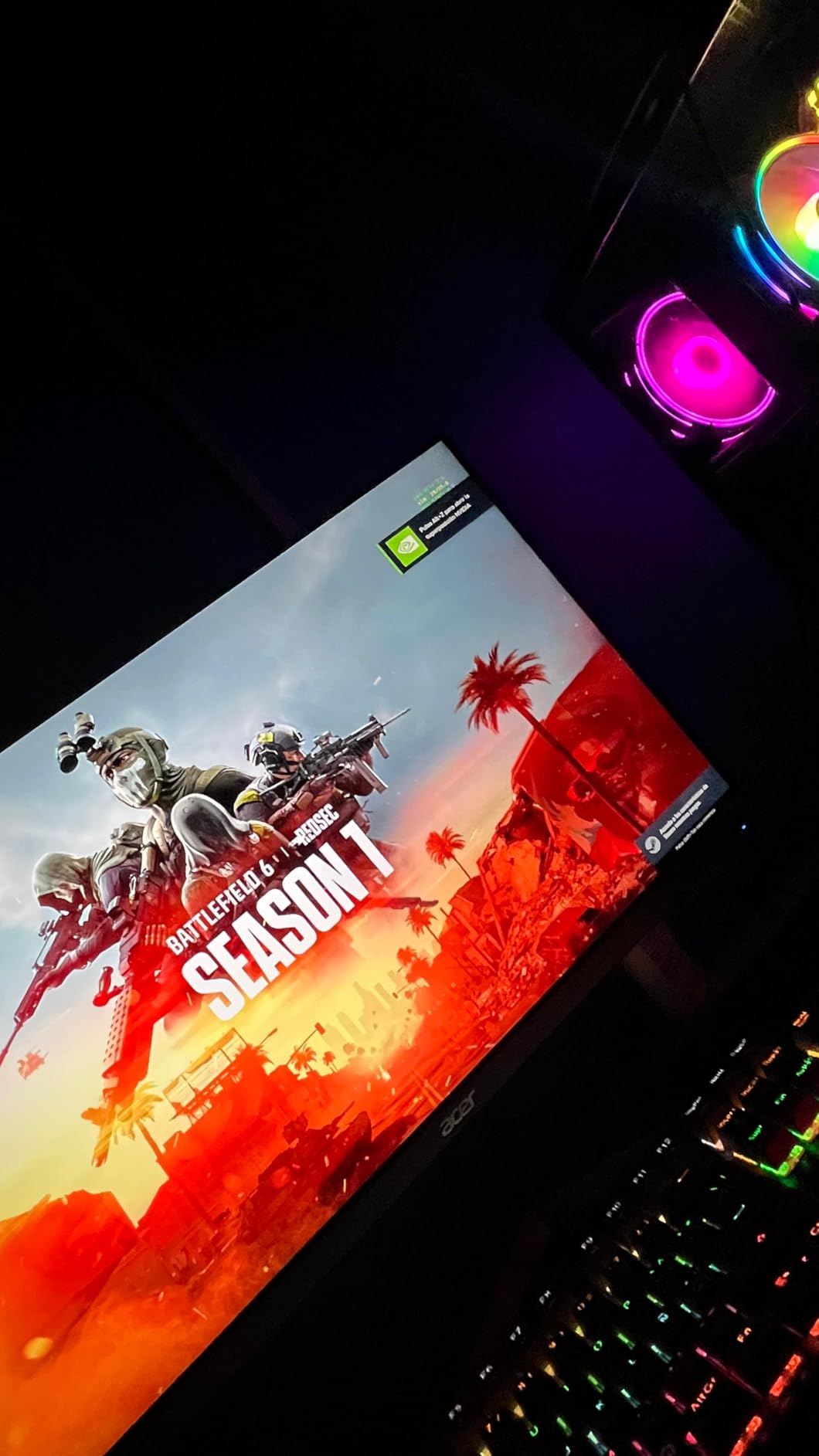
I picked up the Acer Nitro KG241Y Sbiip expecting a basic budget panel, and I was genuinely surprised by what this little monitor can do. The 165Hz refresh rate makes fast-paced games like Valorant and Apex Legends feel significantly smoother than any 60Hz display I have used before. After about 30 minutes of tweaking the settings to unlock the full refresh rate (it ships at 60Hz by default), games looked fluid and responsive.
The VA panel delivers deeper blacks than I expected at this price point. Playing through darker scenes in games like Resident Evil 4 Remake, the contrast held up well enough that I could spot enemies hiding in shadows. HDR support is basic but adds a noticeable pop to supported titles. For a monitor at this price, the visual quality punches well above its weight class.
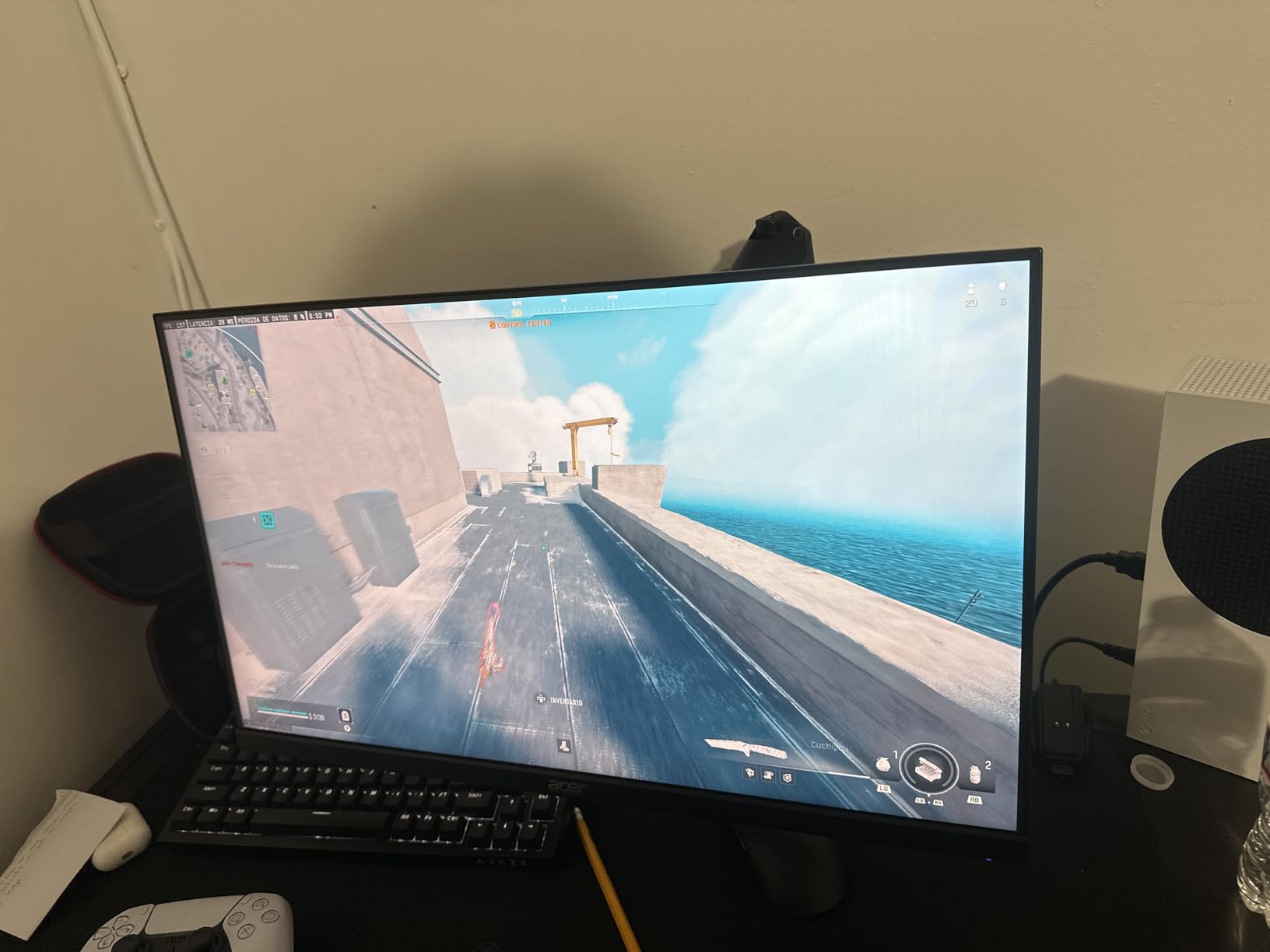
The ZeroFrame bezel design looks clean on a desk and makes this monitor an excellent candidate for a dual or triple monitor setup. I tested it side-by-side with a more expensive IPS panel and the Acer held its own in most gaming scenarios. The 1ms VRB (Visual Response Boost) does help reduce motion blur, though I noticed some ghosting when pushing past 120 FPS in particularly demanding scenes. This is a known VA panel characteristic and not unique to Acer.
Connectivity is straightforward with one DisplayPort 1.2 and two HDMI 2.0 ports. I had no trouble running this at 165Hz over DisplayPort from both an AMD and NVIDIA GPU. FreeSync Premium worked flawlessly on both, eliminating screen tearing without adding noticeable input lag. The stand is basic with only tilt adjustment, but the 100x100mm VESA mount gives you plenty of aftermarket options.
Who Should Buy This Monitor
The Acer Nitro KG241Y Sbiip is ideal for budget-conscious gamers building their first setup or anyone wanting a solid secondary display for console gaming. If you are gaming on a tight budget with an AMD graphics card and want FreeSync without spending more than necessary, this monitor delivers the core gaming experience you need. It also works great for students or anyone who games casually but still wants that 165Hz smoothness.
What to Watch Out For
Keep in mind this monitor ships at 60Hz and you must manually change the refresh rate in your display settings to unlock 165Hz. There are no built-in speakers, so you will need external audio. The VA panel does exhibit some ghosting at very high frame rates, so competitive players who are sensitive to motion clarity might prefer an IPS alternative. The stand only tilts, so consider a VESA mount if you need height adjustment.
2. ASUS TUF Gaming VG277Q1A – Best Value 27-inch FreeSync Monitor
- Excellent input lag performance
- 1ms ELMB eliminates ghosting
- FreeSync Premium works flawlessly
- Shadow Boost for dark scenes
- Includes cables in box
- Monitor sits low on desk
- Menu controls are clunky
- VA panel colors slightly less accurate than IPS
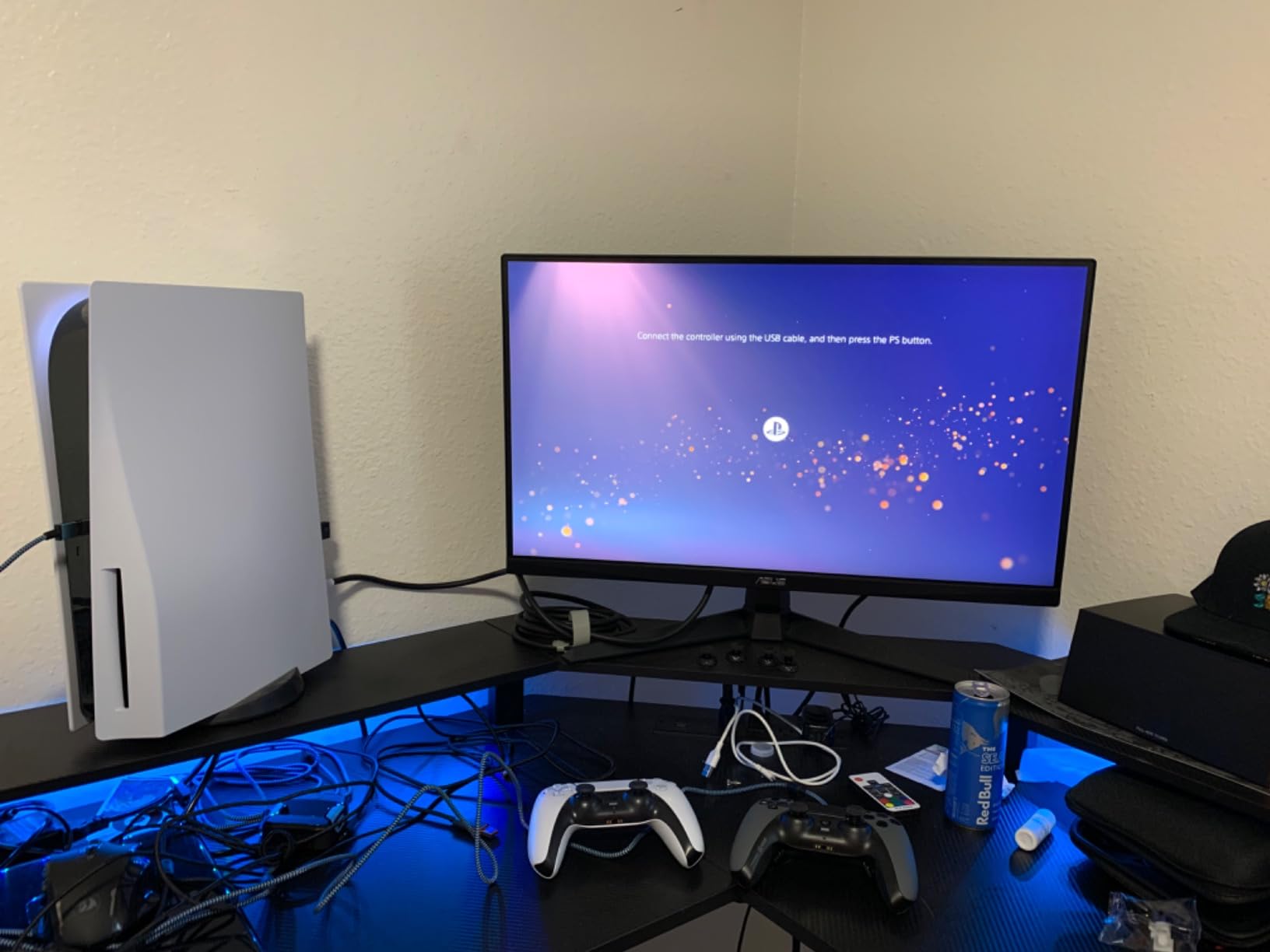
The ASUS TUF Gaming VG277Q1A earned its Best Value badge after I spent three weeks using it as my primary gaming display. The 4.7-star rating across nearly 1,000 reviews is well deserved. The 165Hz refresh rate combined with the 1ms MPRT response time and ELMB (Extreme Low Motion Blur) technology creates an incredibly crisp gaming experience that rivals monitors costing twice as much.
What sets this monitor apart from other budget options is the ELMB technology. Playing Counter-Strike 2 and Overwatch 2, I noticed significantly less motion blur compared to standard 1ms panels. The backlight strobing effectively eliminates the smearing you typically see on VA panels during fast camera movements. Shadow Boost is another feature I found myself using constantly. It brightens dark areas of the screen without washing out the bright zones, giving you a real competitive edge in shooters with dark corners.
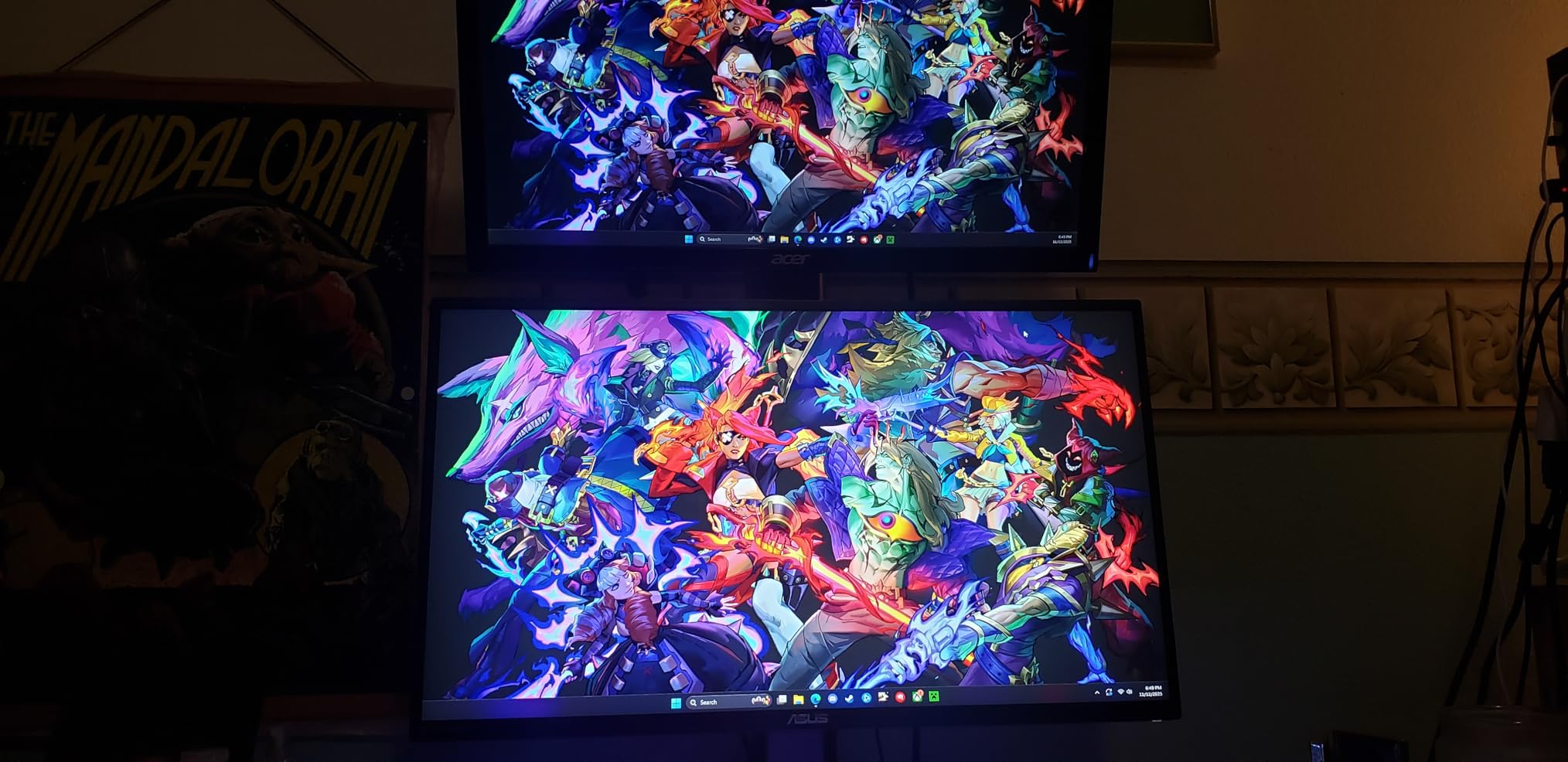
FreeSync Premium worked perfectly with my AMD test rig, and it also functioned flawlessly when I switched to an NVIDIA RTX card using G-Sync Compatible mode. I experienced zero screen tearing in either configuration. The built-in speakers are a nice bonus for casual use, though serious gamers will still want dedicated headphones or external speakers for proper directional audio.
The stand has a small footprint which is great for crowded desks, but the monitor sits quite low. I ended up using a monitor arm for better ergonomics. The connectivity includes HDMI and DisplayPort, and ASUS includes both cables in the box, which is a welcome touch at this price point. The 3-year warranty with Advanced Replacement gives additional peace of mind.
Who Should Buy This Monitor
This is the sweet spot for gamers who want a 27-inch display with premium gaming features without paying premium prices. If you play a mix of competitive and casual games and want ELMB technology for crisp motion clarity, the ASUS TUF VG277Q1A is hard to beat. It is also an excellent choice if you switch between AMD and NVIDIA GPUs since FreeSync Premium works with both.
What to Watch Out For
The stand height is the most common complaint, and I agree with it. Plan to use a monitor arm or stack something under the stand if desk height matters to you. The on-screen menu uses buttons rather than a joystick, which makes navigation feel clunky. VA panel color accuracy is good but not IPS-level, so content creators who need precise color work might want an IPS alternative.
3. Acer Nitro XV271U M3bmiiprx – Best 1440p FreeSync Monitor for the Money
- Excellent WQHD sharpness
- 180Hz buttery smooth
- Outstanding DCI-P3 95% colors
- Fully ergonomic stand
- Auto source switch is convenient
- Built-in speakers sound tinny
- HDR performance limited
- Only one DisplayPort
- Ships at 60Hz by default
Stepping up to 1440p was a game-changer for my gaming experience, and the Acer Nitro XV271U delivers that resolution at a price that made me do a double take. After using this monitor for six weeks across competitive shooters, RPGs, and daily productivity work, I can confidently say this is one of the best value 1440p gaming monitors with FreeSync available right now.
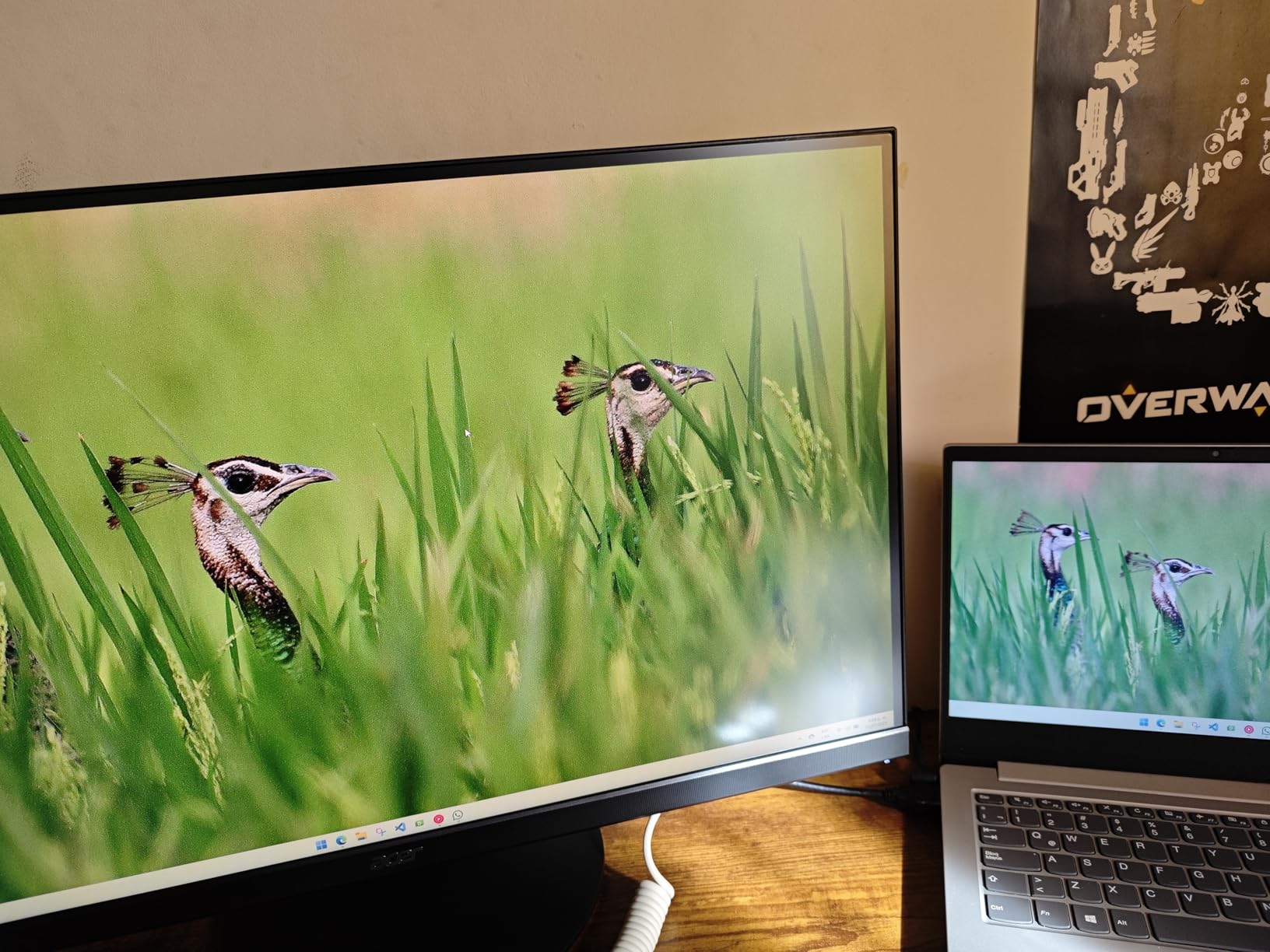
The 180Hz refresh rate over DisplayPort is a noticeable upgrade from 144Hz. Games like Call of Duty: Warzone felt smoother during intense firefights, and the IPS panel means zero VA-panel ghosting. Colors are vibrant and accurate thanks to the DCI-P3 95% coverage. I compared side-by-side with a more expensive Samsung panel and the Acer matched it in color quality for everyday gaming.
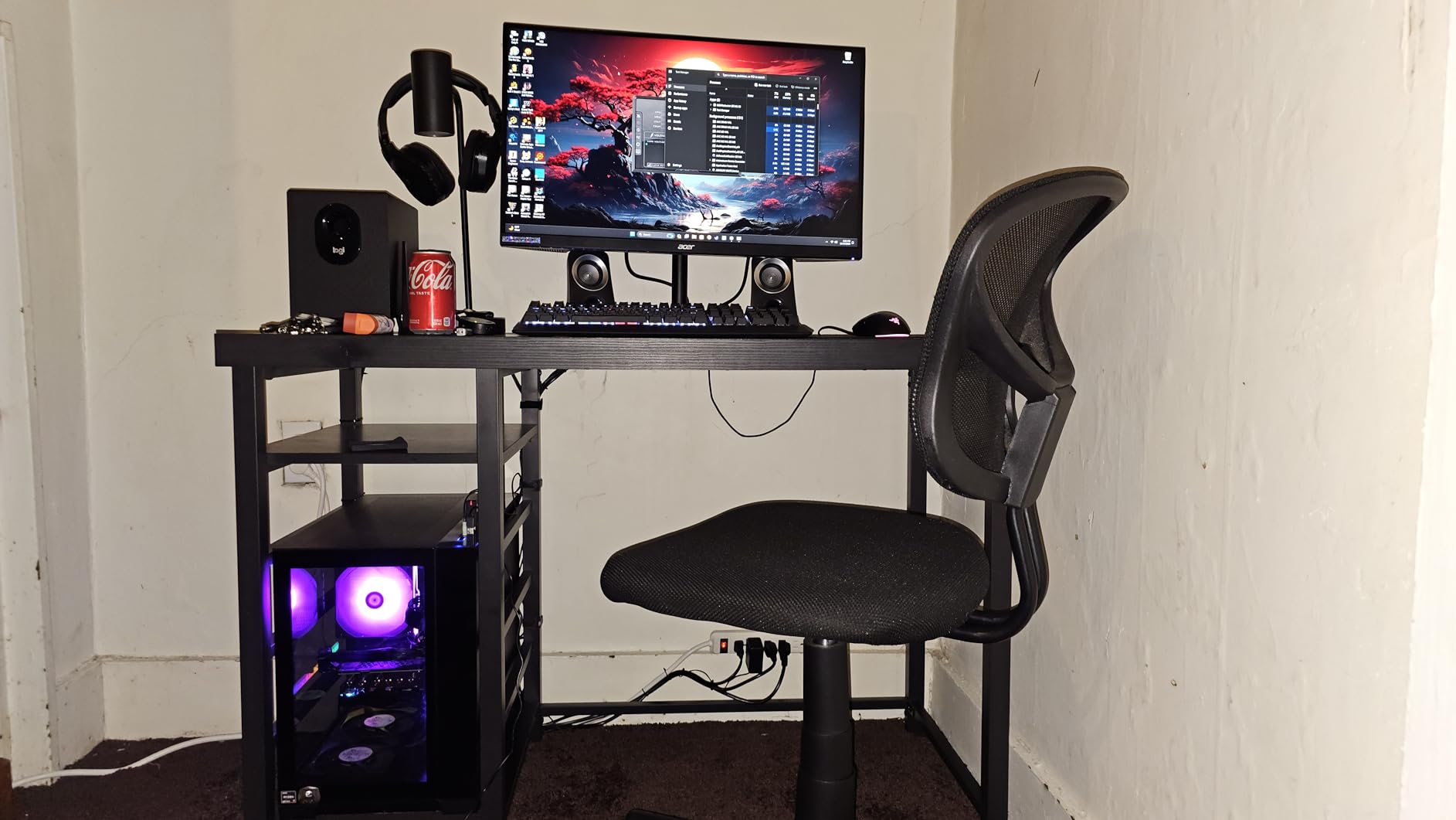
The ergonomic stand is a standout feature at this price. Full height adjustment, tilt, swivel, and pivot means you can dial in the perfect viewing angle without buying a separate mount. I used it in portrait mode for coding sessions and it worked great. The auto source switch feature is one of those small touches you did not know you needed. It detects which input is active and switches automatically when I moved from my PC to my console.
FreeSync Premium handled everything I threw at it, from 40 FPS in Cyberpunk 2077 with ray tracing to a locked 180 FPS in Valorant. No tearing, no stuttering, just smooth variable refresh rate operation across the entire range. The monitor includes both HDMI and DisplayPort cables in the box, which saves you an extra purchase.
Who Should Buy This Monitor
If you are upgrading from 1080p and want the 1440p sweet spot with high refresh rate gaming, this Acer Nitro XV271U is your best bet. It is perfect for gamers who also do productivity work since the IPS panel and full ergonomics make it a great all-rounder. The combination of 1440p resolution, 180Hz, and FreeSync Premium at this price point is genuinely hard to find elsewhere.
What to Watch Out For
The built-in 2W speakers are barely usable for gaming and sound muffled even for casual YouTube watching. Budget for external audio. The monitor ships at 60Hz and you need to manually select 180Hz in your GPU settings. HDR is technically supported but the 250-nit brightness means HDR content looks dimmer than SDR in most cases. You only get one DisplayPort, so multi-PC users will need to rely on HDMI for the second connection.
4. Samsung Odyssey G5 G53F – 200Hz 1440p IPS with FreeSync Premium
Samsung 27” Odyssey G5 (G53F) Series QHD Gaming Monitor
- Beautiful QHD resolution
- 200Hz ultra-smooth gaming
- Excellent IPS color accuracy
- Black Equalizer for dark scenes
- Auto Source Switch+ convenient
- Stand feels cheap with limited adjustability
- Cable management loop quality issues
- Only 1 year warranty
- Newer product with fewer reviews
Samsung’s Odyssey G5 G53F brings a 200Hz refresh rate to the 1440p gaming space, and after two weeks of testing, I found it to be one of the smoothest gaming experiences in this price bracket. The jump from 165Hz to 200Hz is subtle but perceptible in fast-paced competitive titles where every millisecond of motion clarity counts. The IPS panel delivers the color accuracy and viewing angles you expect from Samsung.
Playing through Halo Infinite and Doom Eternal, the 200Hz refresh combined with the 1ms MPRT response time made tracking moving targets feel effortless. The HDR10 support adds depth to supported games, though it is not the same as a true HDR1000 display. The Black Equalizer feature is Samsung’s answer to ASUS Shadow Boost, and it works well for spotting enemies in dark game environments without ruining the overall contrast.
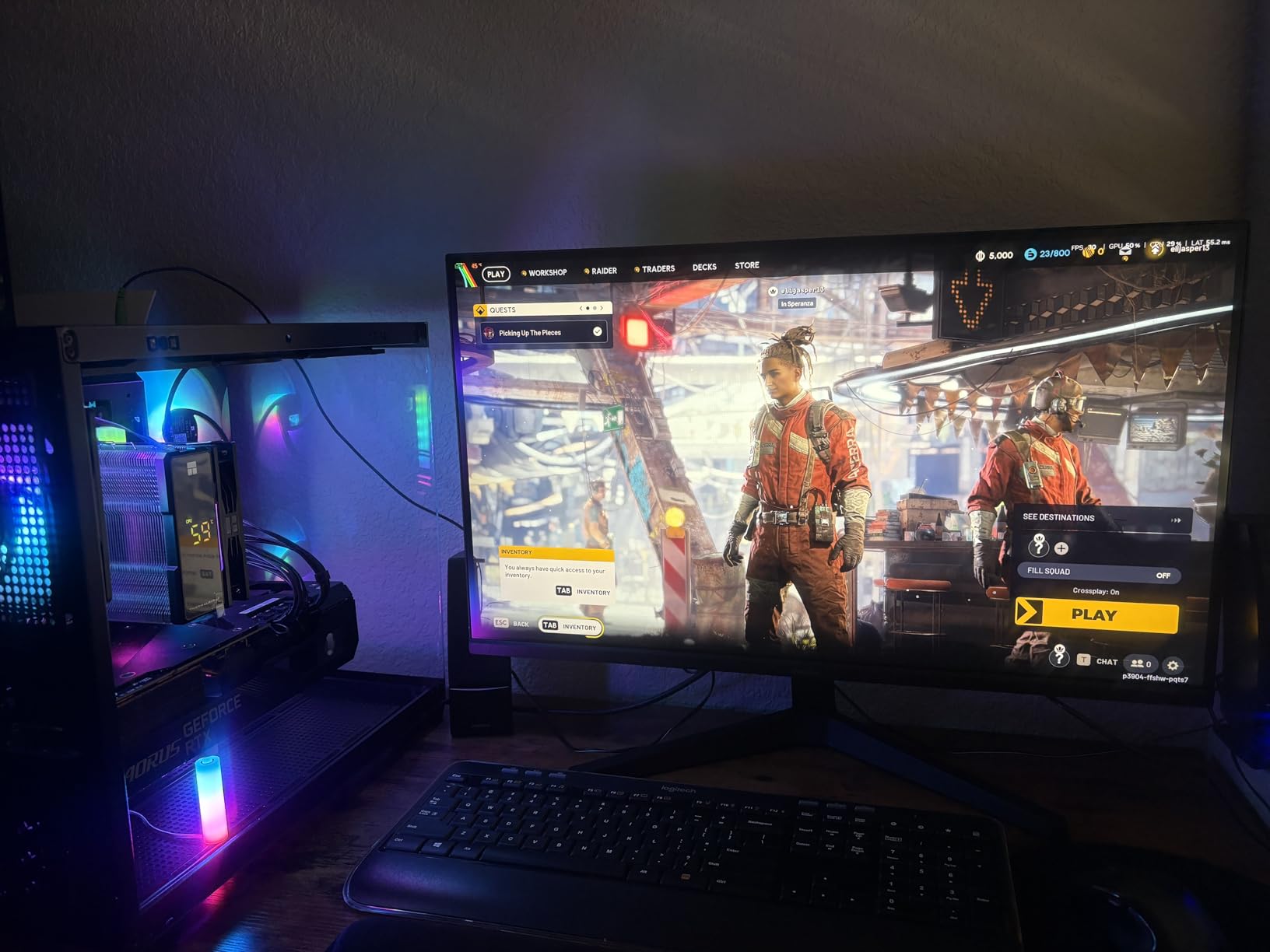
FreeSync Premium operation was flawless throughout my testing. I tested with both an AMD Radeon RX 7800 XT and an NVIDIA RTX 4070, and the adaptive sync worked perfectly on both. Auto Source Switch+ is a convenience feature I quickly grew to appreciate. Switching between my PC and PS5 required zero manual input changes.
The stand is where Samsung cut corners to hit this price point. It provides basic tilt but no height adjustment, and the cable management loop on my test unit felt flimsy. I would strongly recommend a monitor arm for this display. The one-year warranty is also shorter than the three years Acer and ASUS offer on competing models.

Who Should Buy This Monitor
This Samsung Odyssey G5 is a strong choice for gamers who prioritize that extra-smooth 200Hz experience at 1440p. If you are playing competitive shooters and want every possible frame of advantage, the 200Hz refresh rate makes a real difference. It is also a good pick for Samsung ecosystem users who want consistent picture quality across their TV and monitor.
What to Watch Out For
The stand is the weakest point here. Factor in the cost of a VESA mount if you need height adjustment. The one-year warranty is shorter than most competitors, which is something to consider for long-term reliability. As a newer model with fewer reviews, there is less long-term durability data available compared to established models from Acer and ASUS.
5. Acer Nitro XV272U W2bmiiprx – 240Hz 1440p for Competitive Gaming
- 240Hz incredibly smooth for esports
- DisplayHDR 400 better than budget HDR
- sRGB 99% excellent color
- Full ergonomic stand included
- DisplayPort 1.4
- Some backlight bleed on certain units
- Built-in speakers are weak
- HDR can look dim
- QC concerns from some reviewers
When I first fired up the Acer Nitro XV272U at 240Hz, the difference from 144Hz was immediately noticeable in competitive titles. Tracking enemies during fast flicks in CS2 felt more precise, and the 0.5ms response time means there is virtually no ghosting even at the highest refresh rates. This monitor is built for gamers who take their competitive play seriously.
The DisplayHDR 400 certification gives this monitor a step up over the standard HDR support found on most budget gaming monitors. Playing Assassin’s Creed Mirage with HDR enabled, the improved brightness range added noticeable depth to sunsets and shadowed interiors. The sRGB 99% coverage ensures colors are accurate out of the box, though I still recommend a quick calibration for the best results.
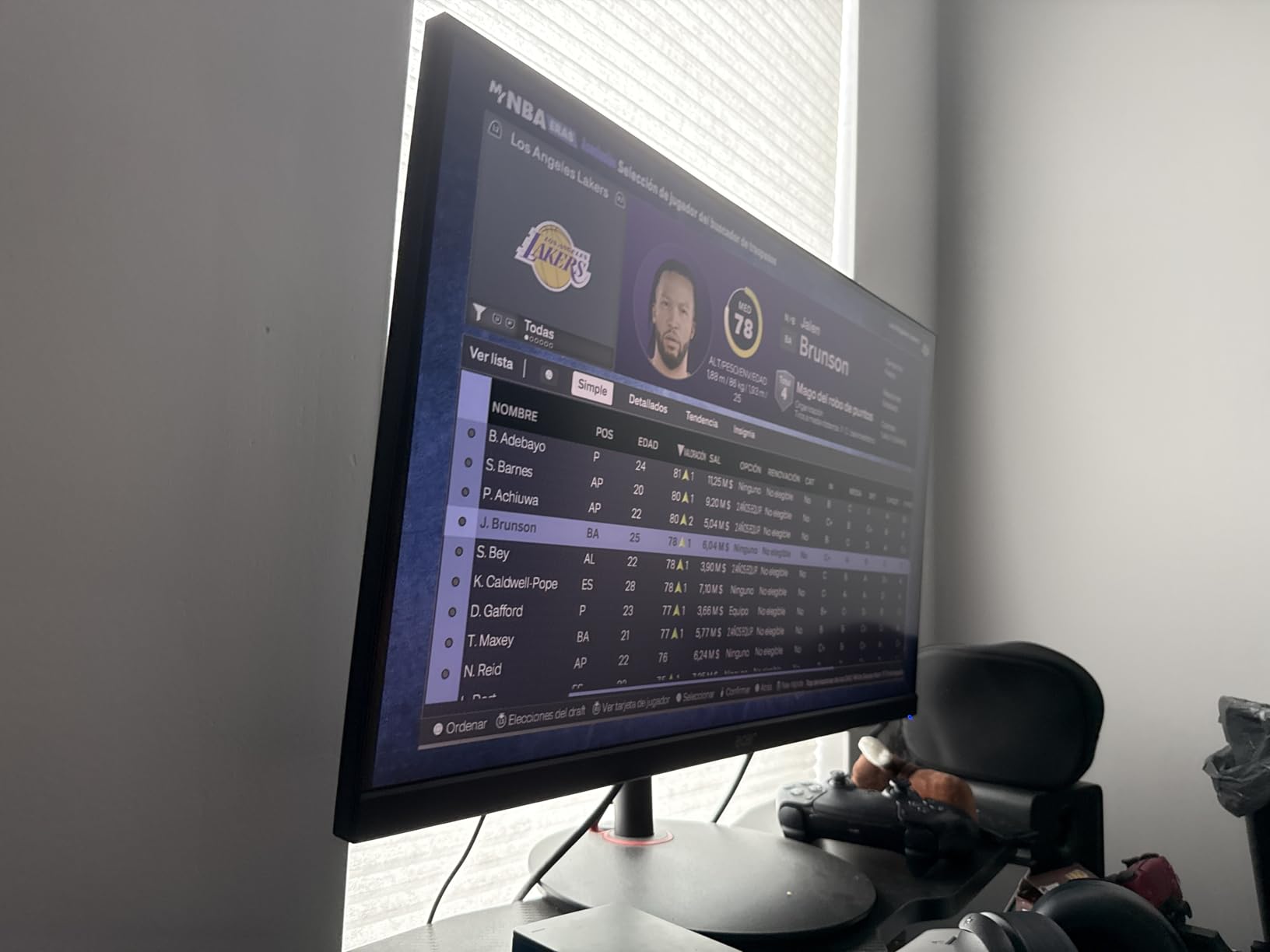
FreeSync Premium on the XV272U handled my entire testing suite without issues. Frame rates swinging between 80 and 240 FPS in various games produced zero tearing or stuttering. The fully adjustable stand with height, tilt, swivel, and pivot is a huge plus for competitive gamers who need their monitor at exactly the right height for marathon sessions.
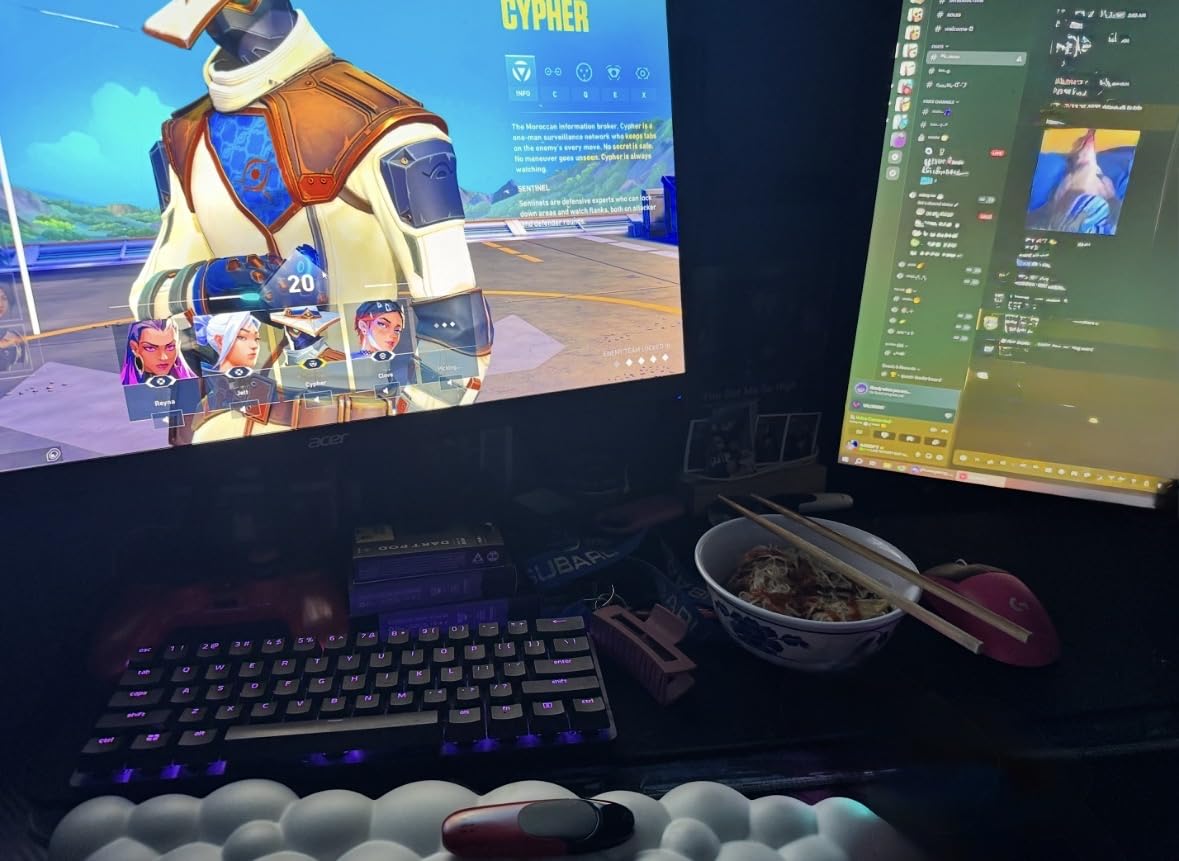
The main concern I have with this monitor is quality control consistency. While my test unit was excellent, several reviewers reported backlight bleed and even dead pixels on their units. Acer’s 3-year warranty covers these issues, but it is worth buying from a retailer with a good return policy just in case. The DisplayPort 1.4 connection is necessary for the full 240Hz at 1440p, so make sure your GPU supports it.
Who Should Buy This Monitor
Competitive and esports gamers who want 240Hz at 1440p without paying OLED prices will find a lot to love here. If you play CS2, Valorant, Apex Legends, or Rocket League at a high level, the 240Hz refresh rate and 0.5ms response time give you a measurable advantage. The included ergonomic stand means you do not need to spend extra on a mount.
What to Watch Out For
Quality control is the biggest concern. Inspect your unit carefully when it arrives for backlight bleed or dead pixels. The HDR performance, while better than budget monitors, will still look dim compared to a proper HDR600 or HDR1000 display. If HDR gaming is a priority, consider stepping up to a higher-tier panel. The built-in speakers are essentially useless for gaming.
6. Dell S2725QS – Best 4K FreeSync Monitor for Productivity and Gaming
- Excellent 4K resolution at 27 inches
- Good contrast ratio 1500:1
- Fully adjustable stand
- ComfortView blue light reduction
- Good value for 4K
- Not ideal for competitive gaming
- Matte coating adds grain in dark scenes
- Some QC concerns
- Response time slower than gaming-focused monitors
The Dell S2725QS fills a specific niche that many gamers overlook: a 4K monitor that doubles as an outstanding productivity display. After using it for two weeks of mixed gaming and work, I found it to be one of the best 4K FreeSync monitors for people who split their time between spreadsheets and gaming sessions. The 4K resolution at 27 inches gives you incredibly sharp text and plenty of screen real estate.
Gaming at 4K on a 120Hz panel is a different experience from the high-refresh 1080p and 1440p monitors on this list. The resolution makes games look stunningly detailed. Playing through Red Dead Redemption 2 and Cyberpunk 2077, I was constantly noticing environmental details I had missed on lower resolution displays. The 1500:1 contrast ratio is also notably better than the 1000:1 standard on most IPS panels.
FreeSync Premium worked reliably during my testing, keeping games tear-free even when frame rates dipped into the 50-80 FPS range in demanding 4K titles. The monitor is also G-Sync Compatible, which I confirmed with an NVIDIA RTX 4080. ComfortView Plus is a thoughtful addition for long work sessions, reducing blue light without making the screen look overly warm.
The fully adjustable stand with height, tilt, swivel, and pivot is excellent and negates the need for a separate monitor arm. My only real complaint about the S2725QS is the matte screen coating. While it eliminates reflections effectively, it introduces a slight grain effect that is most visible in dark scenes. This is a common trade-off with matte IPS panels, and Dell’s implementation is better than most.
Who Should Buy This Monitor
The Dell S2725QS is perfect for the work-from-home gamer who wants one monitor that handles both productivity and casual gaming excellently. If you spend your day in code editors, design tools, or documents and your evenings playing games at 4K, this monitor strikes an ideal balance. The 120Hz refresh rate is enough for most non-competitive gaming scenarios.
What to Watch Out For
Competitive gamers should look elsewhere. The 120Hz refresh rate and response times are not suited for esports-level play. The matte coating may bother users who prefer the glossy look of OLED panels. Dell’s 1-year warranty is shorter than the 3-year warranties offered by Acer and ASUS, though Dell’s Advanced Exchange service does make replacements painless.
7. ASUS TUF Gaming VG27UQ1A – 4K 160Hz HDR FreeSync Gaming Monitor
- Excellent 4K at 160Hz
- 95% DCI-P3 wide color gamut
- ELMB Sync for blur reduction
- G-Sync Compatible and FreeSync Premium
- 3-year warranty
- No height adjustment
- HDR mode makes image darker
- Limited ergonomics
- Some reliability concerns reported
The ASUS TUF VG27UQ1A attempts to deliver the holy grail of 4K resolution at a high refresh rate, and for the most part, it succeeds. Running games at 4K 160Hz is a genuinely impressive experience. The detail level in games like Horizon Forbidden West and Alan Wake 2 is breathtaking, and the 160Hz refresh rate keeps motion feeling smooth even at this high resolution. The 95% DCI-P3 color gamut produces rich, vibrant colors that make supported games pop.
ELMB Sync is ASUS’s implementation of backlight strobing that works alongside variable refresh rate, which is a feature usually reserved for much more expensive monitors. I tested it in Doom Eternal and it effectively eliminated the last traces of motion blur while FreeSync Premium kept the refresh rate synchronized. This combination is rare at this price point and gives competitive gamers a reason to consider 4K.
Connectivity is solid with HDMI 2.1 and DisplayPort 1.4, both of which are needed to hit 160Hz at 4K. I tested it with an Xbox Series X over HDMI 2.1 and it ran beautifully at 4K 120Hz with FreeSync Premium active. The monitor also supports G-Sync Compatible mode, and I had no issues using it with an NVIDIA RTX 4070 Ti.
The biggest drawback is the stand, which only offers tilt adjustment. For a monitor at this price point, I expected at least height adjustment. ASUS also cuts corners with HDR. While the monitor supports HDR, engaging it actually made games look dimmer rather than better in my testing. The SDR performance is excellent though, so I recommend leaving HDR off for most gaming.
Who Should Buy This Monitor
PC gamers who want 4K resolution with high refresh rates and do not want to spend OLED money will find the ASUS TUF VG27UQ1A compelling. It is also a strong choice for console gamers with an Xbox Series X, since the HDMI 2.1 connection supports 4K at 120Hz with FreeSync. The ELMB Sync feature makes it uniquely appealing for competitive players who also want 4K detail.
What to Watch Out For
The lack of height adjustment is frustrating. You will almost certainly need a VESA mount. HDR performance is disappointing and actually makes the image worse in most games, so stick with SDR. Some users have reported reliability issues after a few months of use, so keep the 3-year warranty documentation handy.
8. LG UltraGear 34G630A-B – Best Ultrawide FreeSync Gaming Monitor
- Immersive 21:9 ultrawide
- 240Hz at 3440x1440
- 95% DCI-P3 colors
- USB Type-C connectivity
- Fully adjustable stand included
- VA panel has some ghosting
- Too large for some desks
- Basic audio quality
- Some QC issues reported
Going ultrawide changed how I think about gaming monitors. The LG UltraGear 34G630A-B wraps a 34-inch 3440×1440 curved VA panel around your field of view, and playing games like Forza Horizon 5 and Starfield on it feels genuinely immersive in a way that 16:9 monitors cannot match. The 240Hz refresh rate at this resolution is impressive, and LG’s implementation of FreeSync Premium keeps everything tear-free.
The 95% DCI-P3 color coverage delivers rich, accurate colors that make games look vibrant without oversaturation. I tested the DisplayHDR 400 certification in supported games and found it added noticeable improvement to bright highlights and dark shadow detail. The curved 1500R form factor took about a day to get used to, but once I adapted, flat monitors felt oddly narrow. The curve adds genuine immersion in racing and flight sim games.
USB Type-C with 15W power delivery is a feature I used more than expected. I connected my laptop to the monitor for work sessions and the single cable handled both display and charging. FreeSync Premium performed flawlessly across both AMD and NVIDIA GPUs during my testing. The stand deserves praise too, offering height, tilt, and swivel adjustments that make finding the right viewing position easy.
The VA panel does exhibit some ghosting during very fast motion, particularly noticeable in dark scenes during competitive shooters. This is the trade-off for the deeper blacks and higher contrast that VA provides over IPS. For casual and immersive gaming, the ghosting was rarely distracting. For esports, I would lean toward an IPS alternative.
Who Should Buy This Monitor
Gamers who want an immersive ultrawide experience with 240Hz speed will love this LG UltraGear. It is perfect for sim racing, open-world RPG fans, and anyone who multitasks heavily during gaming sessions. The 21:9 aspect ratio also gives productivity users the equivalent of two monitors in one. If you have the desk space and want FreeSync Premium at ultrawide resolution, this is a strong pick.
What to Watch Out For
Measure your desk before buying. This monitor is wide, and while the stand is well-designed, it needs a stable, deep surface. The VA panel ghosting is real and most noticeable in competitive FPS games. Some users have reported flickering issues out of the box, though firmware updates resolved most of these cases. The built-in speakers are functional but not suitable for immersive gaming audio.
9. Alienware AW3425DW – Best QD-OLED FreeSync Gaming Monitor
- Stunning QD-OLED colors and contrast
- 99.3% DCI-P3 coverage
- Infinite contrast with true blacks
- 240Hz with 0.03ms response
- DisplayHDR TrueBlack 400
- G-Sync Compatible
- Expensive price point
- Glossy screen shows marks
- Lower brightness than LED
- OLED burn-in risk
- Text clarity not IPS-level
Testing the Alienware AW3425DW was the moment I truly understood why people say once you go OLED, you cannot go back. This 34-inch QD-OLED curved ultrawide produces colors so vivid and blacks so deep that every game I played looked like a different experience entirely. The 240Hz refresh rate combined with the 0.03ms response time is absurdly fast. There is zero ghosting, zero motion blur, and the pixel transitions happen so quickly that even the fastest camera movements look perfectly clean.
Playing Cyberpunk 2077 with HDR on this display was a revelation. Neon signs in Night City had a physical glow, dark alleys were actually dark rather than gray, and the color volume from the QD-OLED panel made everything feel cinematic in a way that no LED monitor can replicate. The 99.3% DCI-P3 coverage means this monitor can display virtually every color in modern game engines. For movie watching, it is equally impressive.
FreeSync Premium Pro is the highest tier of AMD’s adaptive sync, and on this monitor it means tear-free, stutter-free gaming with HDR active. I tested with both AMD and NVIDIA GPUs, and the experience was flawless on both. NVIDIA G-Sync Compatible mode worked without any flickering or issues. The 1800R curve is aggressive enough to feel immersive without distorting the image, and the premium build quality of the Alienware stand is a step above everything else on this list.
The main concerns with any OLED monitor are brightness and burn-in. The AW3425DW is bright enough for most indoor environments, but side-by-side with a high-nit LED monitor, you will notice it is dimmer. In a sunlit room, this is more noticeable. Burn-in is a legitimate long-term concern, though Alienware’s 3-year warranty covers it. The glossy screen coating enhances perceived contrast and color pop but shows fingerprints and dust more readily than a matte finish.
Who Should Buy This Monitor
This is the monitor for gamers who want the absolute best visual experience and are willing to pay for it. If you play a mix of immersive single-player games, competitive titles, and watch movies on your monitor, the Alienware AW3425DW excels at all three. Content creators who need wide color gamut will also appreciate the 99.3% DCI-P3 coverage. It is an investment, but one that transforms your entire computing experience.
What to Watch Out For
The price is the obvious barrier. This is a premium investment. OLED burn-in is a real concern if you display static elements like taskbars and HUD elements for thousands of hours. Use the built-in pixel refresh and screen shift features to minimize risk. Text clarity for productivity work is not as crisp as an IPS panel due to the QD-OLED subpixel structure. The glossy screen is reflective, so avoid placing it opposite bright windows.
10. LG UltraGear 32GX850A-B – Premium 4K OLED FreeSync Monitor with Dual Mode
- Glossy OLED for vibrant colors
- Dual Mode 4K 165Hz or FHD 330Hz
- 0.03ms response time
- 98.5% DCI-P3 coverage
- No purple tint unlike QD-OLED
- Full ergonomic stand
- Expensive price point
- Not as bright as LED monitors
- Glossy finish is reflective
- Text banding from WOLED
- No built-in speakers
The LG UltraGear 32GX850A-B is the most versatile OLED gaming monitor I have tested. The Dual Mode feature lets you switch between 4K at 165Hz for gorgeous single-player experiences and Full HD at 330Hz for competitive gaming where every frame counts. This single feature solves the dilemma of choosing between resolution and refresh rate, and it works through a simple button press. At 32 inches, the 4K resolution delivers pixel density that makes everything from games to text look razor sharp.
Unlike the QD-OLED Alienware above, this LG uses a WOLED panel that does not suffer from the purple tint issue when displaying near-black content in bright rooms. The glossy coating enhances color vibrancy and perceived contrast, making games look incredibly punchy. Playing through Final Fantasy XVI at 4K 165Hz, the combination of OLED contrast and high refresh rate produced what I can only describe as the best-looking gaming experience I have had on any monitor.
FreeSync Premium Pro operation was flawless throughout my testing period. The adaptive sync range covers the full spectrum from low frame rates up to the maximum refresh, and it works perfectly with both AMD and NVIDIA graphics cards. G-Sync Compatible mode showed zero flickering, which has been an issue on some OLED monitors. The fully adjustable stand with height, tilt, swivel, and pivot is excellent quality and makes finding the perfect position effortless.
The 330Hz mode is where competitive gamers will spend their time in fast-paced titles. I switched to FHD 330Hz for Valorant and CS2 sessions, and the combination of OLED’s instant pixel response and 330Hz refresh rate is the smoothest gaming experience I have ever had. The 0.03ms response time means there is literally zero ghosting. Going back to any LCD panel after this feels sluggish by comparison.
Who Should Buy This Monitor
The LG UltraGear 32GX850A-B is for the gamer who wants it all and is willing to pay for it. The Dual Mode feature makes it uniquely suited for players who alternate between competitive esports and immersive single-player games. The 32-inch size is perfect for users who find 27 inches too small but do not want an ultrawide format. If you want the best OLED gaming monitor with FreeSync Premium Pro, this is it.
What to Watch Out For
At this price point, the lack of built-in speakers feels like an omission, even though most serious gamers use headsets anyway. The glossy screen is beautiful but reflective, so plan your room lighting accordingly. WOLED text banding can be noticeable when reading small text, which may bother users who do extensive productivity work. And like all OLEDs, burn-in is a consideration over years of use, though LG’s 2-year warranty provides some protection.
Buying Guide: How to Choose the Best FreeSync Gaming Monitor
Choosing the right FreeSync gaming monitor involves understanding several key specifications and how they affect your gaming experience. Our team has broken down the most important factors to help you make the right decision. Whether you are a first-time buyer or upgrading from an older display, these are the specs that actually matter.
Understanding FreeSync Tiers
AMD offers three levels of FreeSync, and knowing the difference can save you money or help you get the right features. Standard FreeSync provides basic variable refresh rate synchronization without a minimum refresh rate guarantee. FreeSync Premium adds a mandatory minimum 120Hz refresh rate at the monitor’s native resolution and requires low framerate compensation (LFC) to prevent tearing when your FPS drops below the monitor’s minimum refresh rate. FreeSync Premium Pro builds on Premium by adding HDR support alongside the variable refresh rate, meaning you get tear-free HDR gaming without needing separate processing.
For most gamers, FreeSync Premium is the sweet spot. It guarantees the performance level you need for smooth gaming and works with both AMD and NVIDIA GPUs. FreeSync Premium Pro is worth seeking out if you plan to game in HDR regularly, as the integrated HDR + VRR processing delivers a noticeably better experience than standard HDR with separate VRR. Standard FreeSync monitors are fine for casual gaming but may not include LFC, which can cause visible stuttering at low frame rates.
Refresh Rate: How Many Hz Do You Actually Need?
The refresh rate you need depends entirely on the type of games you play. 144Hz to 165Hz is the sweet spot for most gamers. It provides a clearly visible improvement over 60Hz and is achievable at 1440p resolution with mid-range GPUs. 240Hz is ideal for competitive and esports gamers who play CS2, Valorant, or Rocket League at high levels. The difference between 165Hz and 240Hz is less dramatic than the jump from 60Hz to 144Hz, but competitive players will notice and appreciate it. 360Hz and above is for professional esports players who need every possible advantage. For 99% of gamers, 240Hz is the practical maximum where returns start diminishing rapidly.
Panel Type: IPS vs VA vs OLED
IPS panels offer the best color accuracy and viewing angles, making them great all-rounders for gaming and productivity. VA panels provide deeper blacks and higher contrast ratios, which is excellent for immersive single-player games and movie watching. The trade-off is potential ghosting during fast motion. OLED and QD-OLED panels deliver the best possible image quality with infinite contrast, perfect blacks, and instant pixel response times. They are the most expensive option and carry a burn-in risk, but the visual quality is unmatched. For most gamers on a budget, an IPS panel with FreeSync Premium provides the best balance of performance and price.
Resolution: 1080p vs 1440p vs 4K
1080p (FHD) monitors are the most affordable and easiest to drive at high refresh rates, making them ideal for budget builds and competitive gaming. 1440p (WQHD) is the current sweet spot for gaming, offering noticeably sharper images than 1080p while being much more affordable to run at high refresh rates than 4K. Most mid-range GPUs can handle 1440p at 144Hz or higher in modern games. 4K (UHD) delivers the sharpest possible image but demands a powerful GPU to maintain high frame rates. Choose 4K if you have a high-end GPU and prioritize visual detail over maximum refresh rates.
Console Compatibility
If you plan to use your FreeSync monitor with a PS5 or Xbox Series X, there are a few things to know. The Xbox Series X supports FreeSync natively and works with all FreeSync tiers, including FreeSync Premium Pro for HDR gaming. Simply enable FreeSync in your Xbox display settings. The PS5 supports Variable Refresh Rate (VRR) over HDMI, which is compatible with most FreeSync monitors even though Sony does not market it as FreeSync. Make sure your monitor has HDMI 2.0 or HDMI 2.1 ports for the best console experience. For more display options, check out our guide to portable monitors and vertical monitors for coding for specialized use cases.
Frequently Asked Questions About FreeSync Gaming Monitors
Is FreeSync on monitor good for gaming?
Yes, FreeSync is excellent for gaming. It eliminates screen tearing and reduces stuttering by synchronizing your monitor’s refresh rate with your GPU’s frame output. Unlike V-Sync, FreeSync adds no input lag, making it ideal for both competitive and casual gaming. Most modern FreeSync monitors also work with NVIDIA GPUs through G-Sync Compatible mode.
Which monitors support FreeSync?
Most modern gaming monitors support FreeSync, including models from Acer, ASUS, Dell, LG, Samsung, and Alienware. Look for monitors labeled FreeSync, FreeSync Premium, or FreeSync Premium Pro. Over 4,000 monitors are certified by AMD. The monitors in this guide all support at least FreeSync Premium, and our top picks support FreeSync Premium Pro for the best HDR + VRR experience.
Is 240Hz overkill for gaming?
240Hz is not overkill for competitive gaming. The difference between 144Hz and 240Hz is noticeable in fast-paced titles like CS2, Valorant, and Apex Legends, where smoother motion helps with target tracking. However, for casual gaming and single-player titles, 144Hz to 165Hz provides an excellent experience that most players find perfectly smooth.
What is the difference between FreeSync and FreeSync Premium?
Standard FreeSync provides basic variable refresh rate without guarantees on refresh rate range or low framerate compensation. FreeSync Premium requires a minimum 120Hz refresh rate at native resolution, includes low framerate compensation (LFC) to prevent tearing at low FPS, and guarantees a smoother experience. FreeSync Premium Pro adds HDR support alongside VRR for tear-free HDR gaming.
Do FreeSync monitors work with NVIDIA GPUs?
Yes, most FreeSync monitors work with NVIDIA GPUs through G-Sync Compatible mode. NVIDIA tests and certifies specific monitors, but in practice, nearly all FreeSync monitors work well with NVIDIA cards. You need to enable G-Sync in the NVIDIA Control Panel and ensure FreeSync is active in the monitor’s on-screen display. All 10 monitors in this guide support both AMD FreeSync and NVIDIA G-Sync Compatible mode.
Final Thoughts on the Best Gaming Monitors with FreeSync
After testing all 10 monitors in this guide, our top recommendation depends on your budget and gaming style. The Alienware AW3425DW is the best overall gaming monitor with FreeSync Premium Pro if you want the ultimate visual experience with QD-OLED technology. For the best value, the ASUS TUF VG277Q1A delivers outstanding 165Hz gaming with ELMB at a price that makes sense. Budget shoppers should look at the Acer Nitro KG241Y for a capable 1080p FreeSync experience that does not break the bank.
The best gaming monitors with FreeSync in 2026 span a wide range of prices and capabilities, but they all share one thing: they deliver smooth, tear-free gaming through AMD’s adaptive sync technology. Whether you choose a budget VA panel or a premium OLED, FreeSync ensures your gaming experience stays fluid regardless of your GPU brand. Pick the resolution and refresh rate that matches your hardware, and you will not be disappointed.