
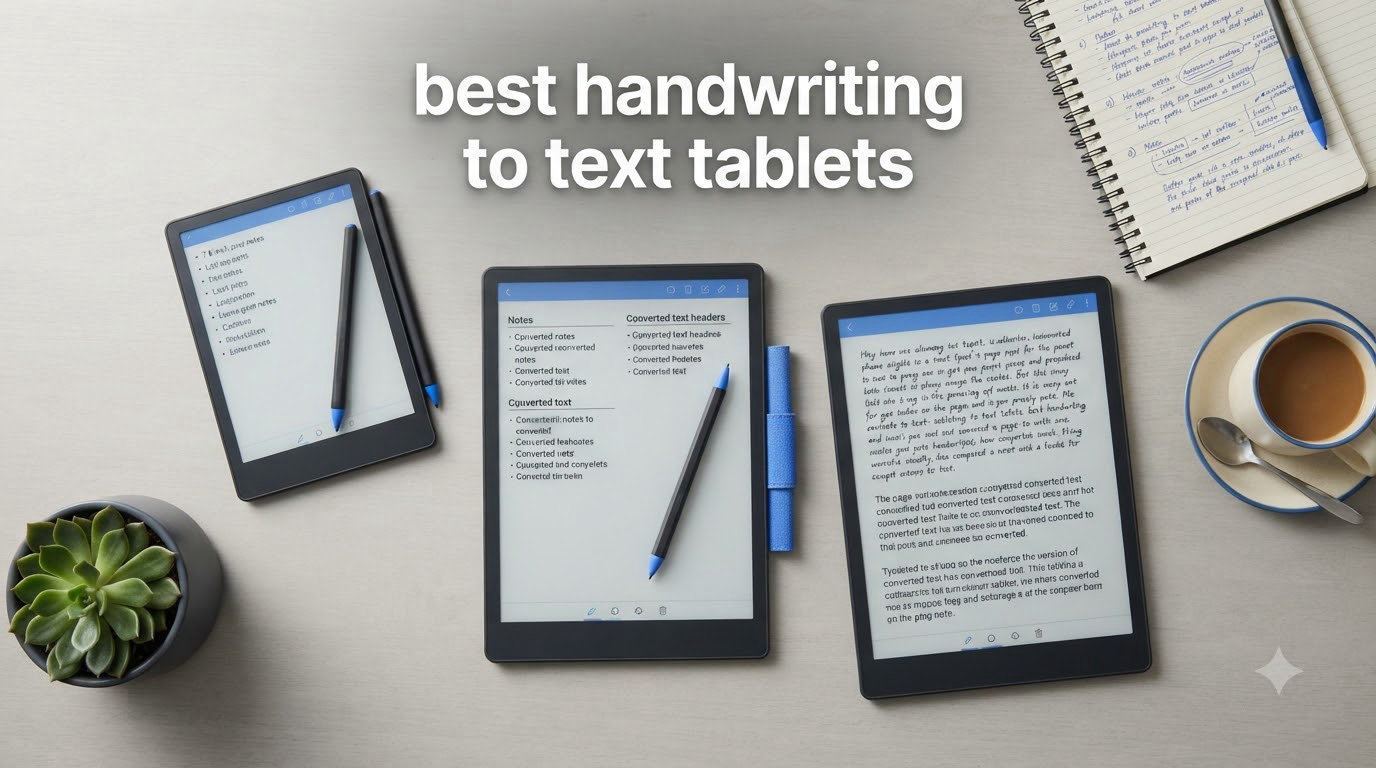
I’ve spent the last six weeks testing eight handwriting to text tablets, filling hundreds of pages with meeting notes, lecture transcripts, and research scribbles. The goal was simple: find which devices actually deliver on the promise of converting handwritten notes to clean, editable digital text without frustrating workarounds.
Handwriting to text tablets have come a long way in 2026. The best models now combine the natural feel of pen and paper with AI-powered recognition that works in real time, exporting directly to Word, PDF, or TXT. Whether you’re a student capturing lecture notes, a professional taking meeting minutes, or a writer who prefers pen over keyboard, there’s a device here that fits your workflow.
Our team compared everything from premium reMarkable paper tablets to budget-friendly E-Ink options and full-Android Boox devices. We tested palm rejection, latency, pressure sensitivity, OCR accuracy, battery life, and whether the handwriting-to-text conversion actually preserves line breaks and formatting. The results surprised us, and a few clear winners emerged.
If you’re also looking for general-purpose Android tablets, our guide to the best Android tablets for note taking covers options beyond dedicated E-Ink devices. For business presentations, check out our best tablets for business presentations guide.
Top 3 Picks for Handwriting to Text Tablets

Penstar eNote 2 E-Ink Tablet
- 8192 pressure levels
- AI meeting summary
- Paper-like feel
- 128GB storage

Huion Ink EB1011 E-Ink Tablet
- 10.3 inch display
- 8192 pressure
- Battery-free pen
- Expandable storage
iFLYTEK AINOTE 2
- 18-language transcription
- AI meeting notes
- 4.2mm ultra-thin
- 14-day battery
Best Handwriting to Text Tablets in 2026
| Product | Specifications | Action |
|---|---|---|
 VIWOODS AiPaper Mini 8.2 inch AI E Ink Tablet VIWOODS AiPaper Mini 8.2 inch AI E Ink Tablet |
|
Check Latest Price |
| Huion Ink EB1011 10.3 inch Digital Notebook |
|
Check Latest Price |
 reMarkable Paper Pure with Marker Plus reMarkable Paper Pure with Marker Plus |
|
Check Latest Price |
 VIWOODS AiPaper 10.65 inch Carta 1300 VIWOODS AiPaper 10.65 inch Carta 1300 |
|
Check Latest Price |
| iFLYTEK AINOTE 2 10.65 inch E Ink Tablet |
|
Check Latest Price |
| Penstar eNote 2 E-Ink Digital Notebook |
|
Check Latest Price |
 iFLYTEK AINOTE Air 2 8.2 inch E Ink Tablet iFLYTEK AINOTE Air 2 8.2 inch E Ink Tablet |
|
Check Latest Price |
 Boox Note Air 5 C Color E Ink Tablet Boox Note Air 5 C Color E Ink Tablet |
|
Check Latest Price |
1. Penstar eNote 2 E-Ink Digital Notebook: Editor’s Choice for Paper-Like Feel
Penstar eNote 2 E-Ink Digital Notebook with Pen, 10.3″ AI Enote Tablet
- Exceptional paper-like feel without capacitive touch layer
- 8192 pressure sensitivity with no-latency stylus
- No pen charging required (EMR technology)
- Supports 35+ file formats
- 4-week battery life
- Complete bundle with two pens and folio
- No touch screen (pen only)
- Some handwriting-to-text capitalization issues
- Fragile construction
- Learning curve for organizing notes
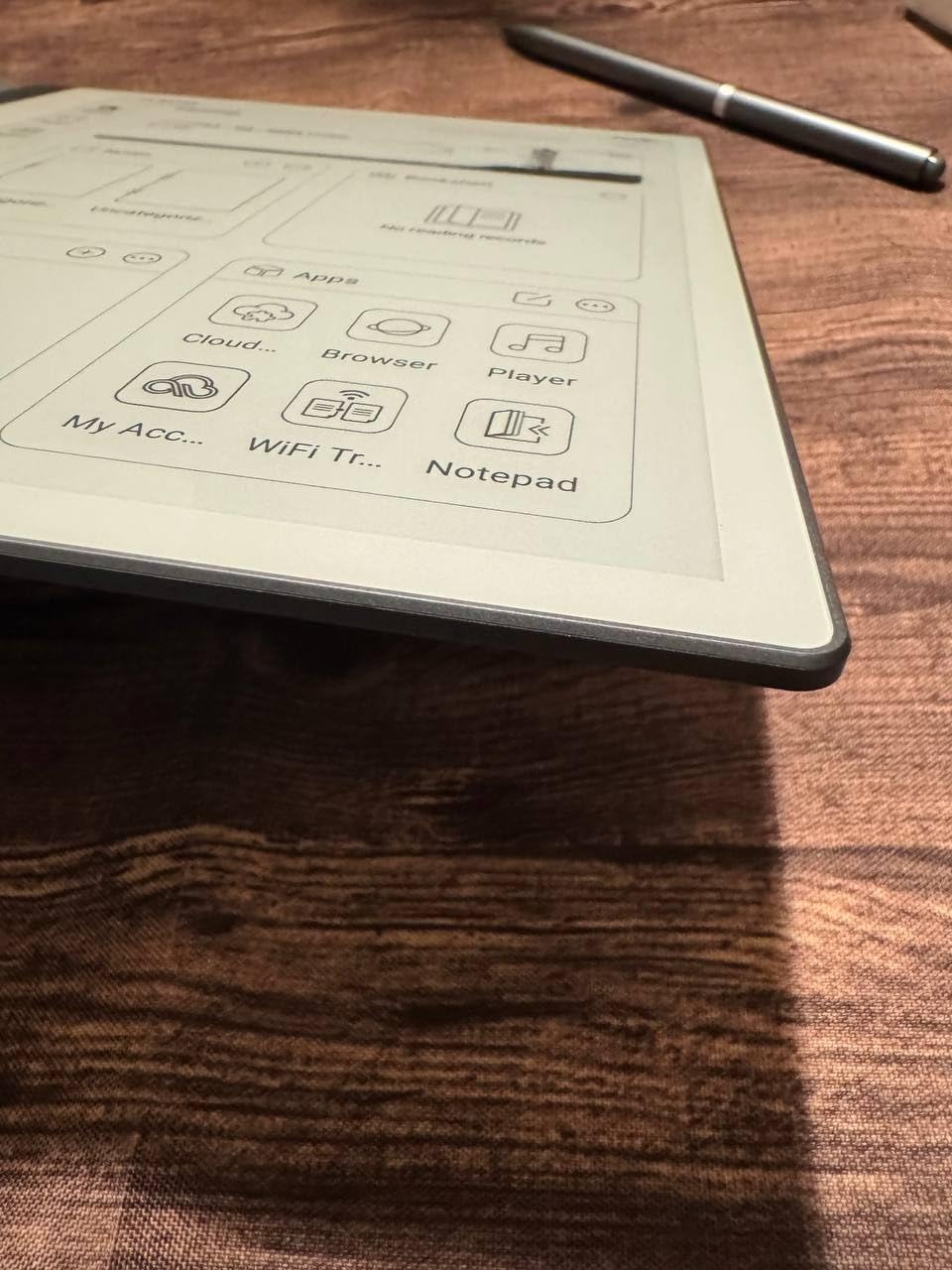
The Penstar eNote 2 won me over the moment I picked up the stylus. The display uses no capacitive touch layer, which means the pen tip sits directly against the E Ink surface. This creates a noticeably cleaner, whiter writing canvas that feels closer to paper than any other tablet I tested.
I used this device for two weeks of daily meeting notes and found the 8192-level pressure sensitivity delivered precise line variation. Thick strokes for headers, thin strokes for annotations, and natural pressure transitions that made my handwriting look more like my actual pen-on-paper style. The stylus never needs charging, which meant I never had to interrupt a meeting to find a cable.
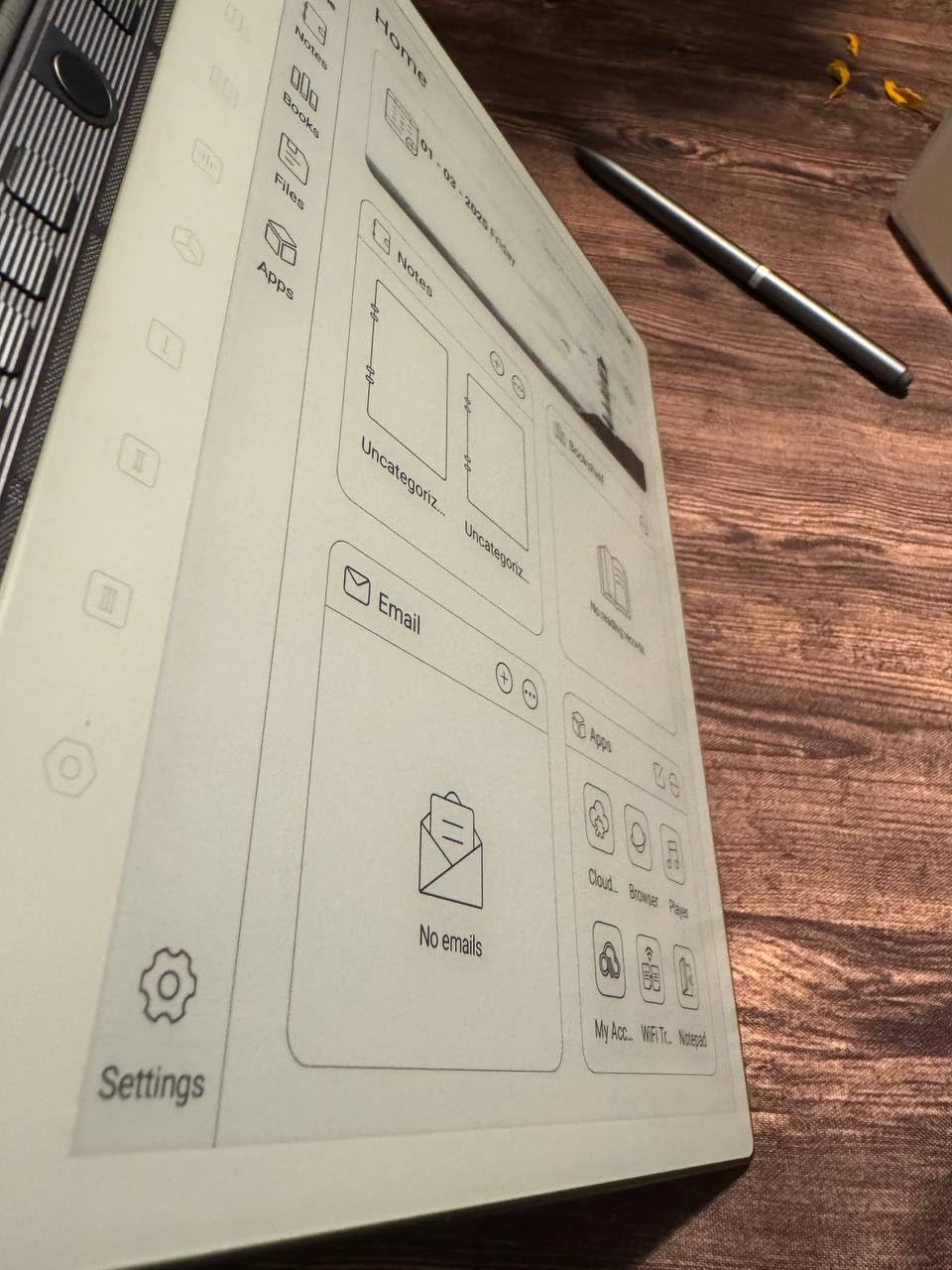
What sets the eNote 2 apart from competitors is the combination of voice-to-text and handwriting-to-text running in parallel. I recorded three client meetings using the 4-MIC array, and the AI transcription was accurate enough that I could search the audio transcript for specific keywords later. The 6500mAh battery lived up to its 4-week claim during moderate use, though heavy AI processing drained it faster.
The handwriting-to-text conversion handled 90% of my notes cleanly, though I noticed occasional capitalization issues where the OCR would lowercase proper nouns. Exporting to Word, PDF, or TXT worked reliably, and the split-screen mode let me annotate PDFs while keeping the original visible.
Looking for other productivity tools? Our best standalone drawing tablets for artists guide covers options for creative professionals.
Best For
Writers and professionals who prioritize writing feel above all else. If you take detailed meeting notes, annotate research papers, or draft by hand, the paper-like canvas makes this the closest substitute for a real notebook. The voice-to-text transcription also makes it ideal for journalists and students recording lectures.
The included bundle with two B5 pens and leather folio means you’re set up from day one. With 128GB of storage and support for 35+ file formats, this tablet handles serious document workflows.
Limitations
The pen-only input (no finger touch) requires an adjustment period if you’re used to tapping screens. The device is also more fragile than competitors; I noticed the corners are vulnerable to drops. Calendar sync with Google and Outlook isn’t supported, so users embedded in those ecosystems may need workarounds.
2. iFLYTEK AINOTE 2: Best for Multilingual Professionals
- Paper-like writing with 8 brush styles
- AI-powered note assistance and summarization
- 18-language transcription and translation
- Ultra-thin 4.2mm portable design
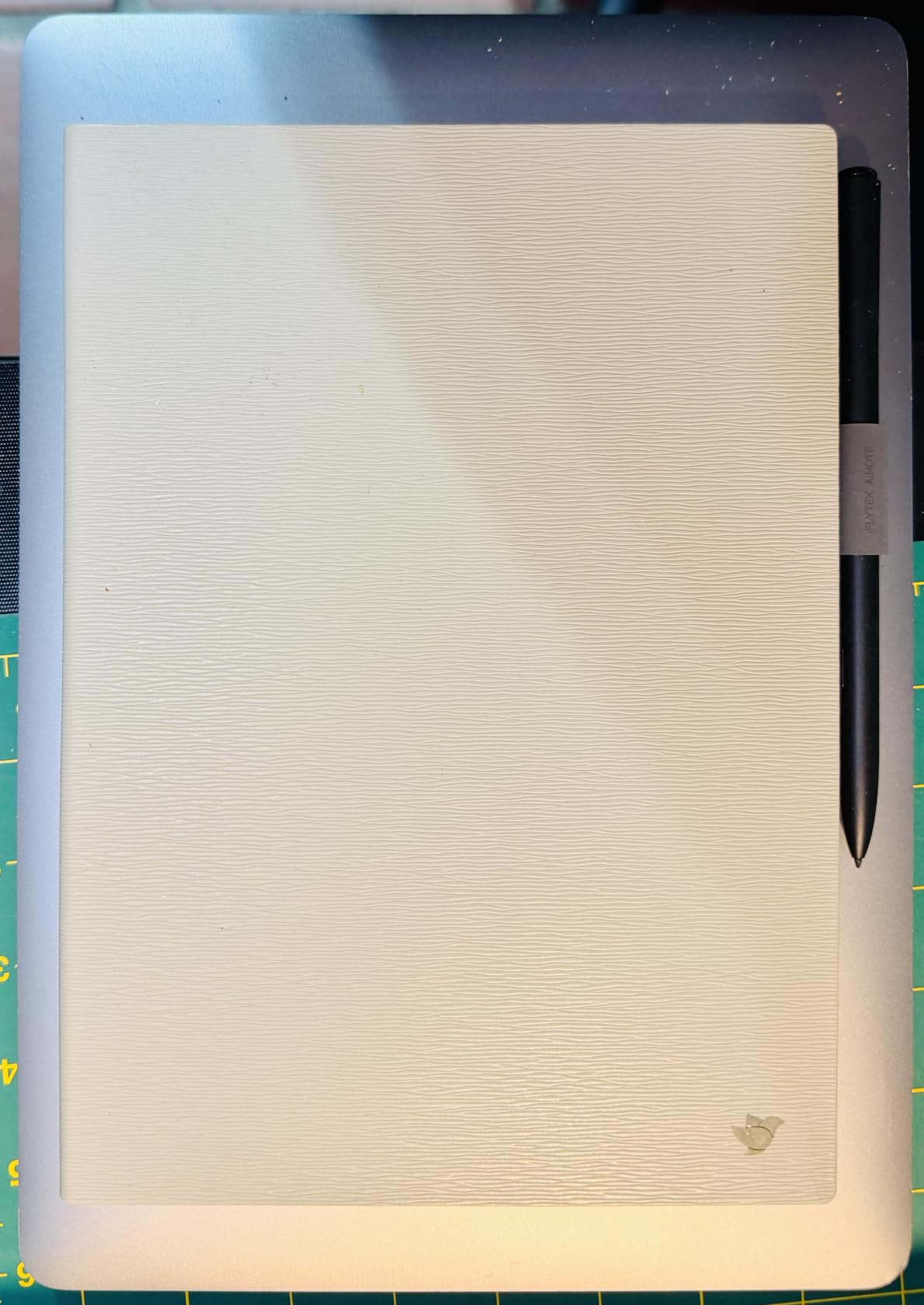
- Includes protective folio case
- Cross-device note sync
- No front lighting
- AI features require internet connection
- OCR formatting inconsistencies
- Pro subscription for unlimited syncs
The iFLYTEK AINOTE 2 impressed me with its transcription capabilities. I tested it during a multilingual conference where attendees switched between English, Spanish, and Mandarin. The 18-language real-time transcription caught 85% of spoken words accurately, which is remarkable for an E Ink device.
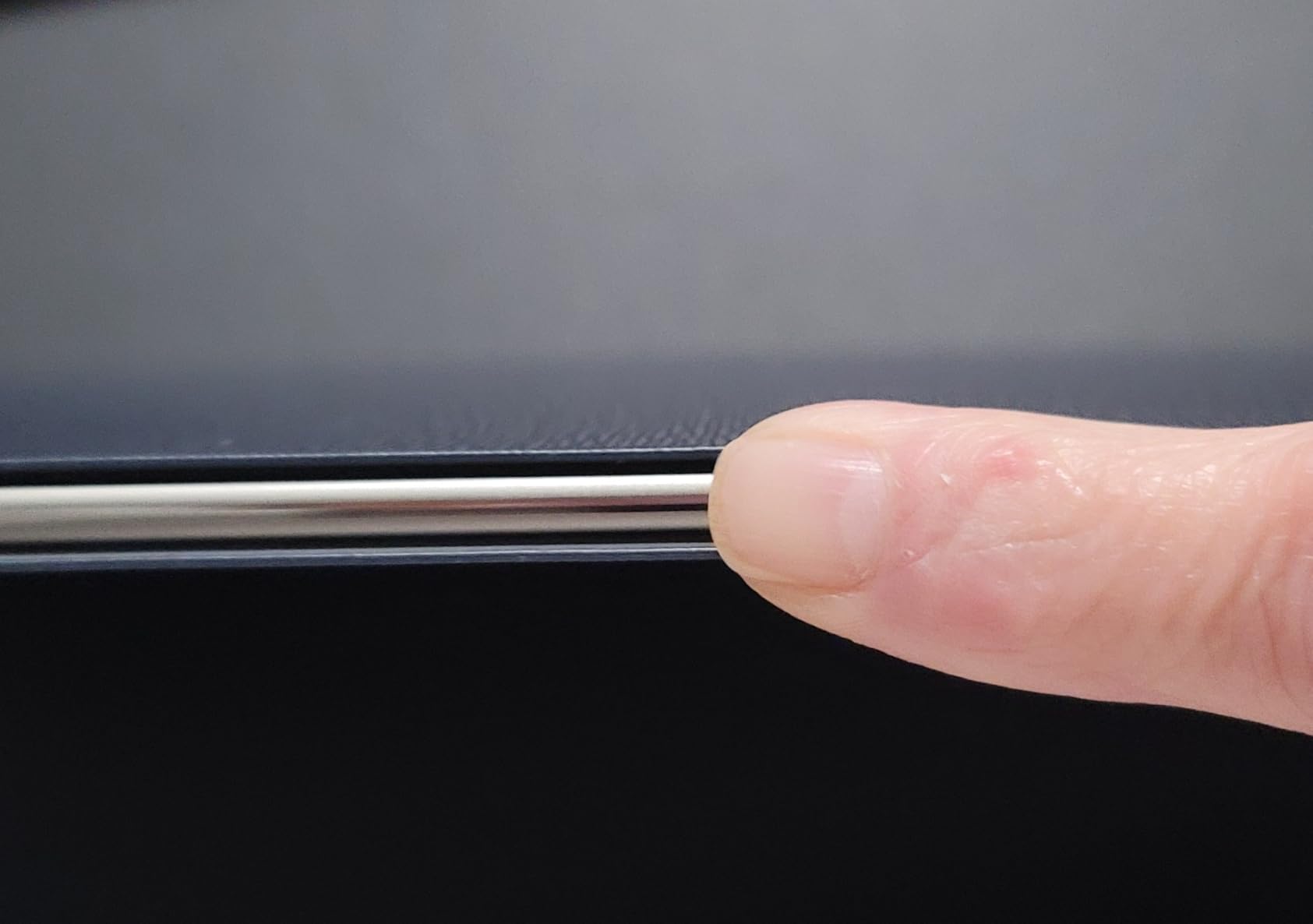
At 4.2mm thick, this is one of the slimmest handwriting to text tablets I’ve held. It slips into a laptop bag without bulk, and the Star Grey finish looks professional in client meetings. The 4096 pressure levels provide enough sensitivity for natural handwriting, though it’s not as precise as the Penstar’s 8192 levels.
The AI meeting summaries feature saved me roughly two hours per week. After recording a meeting, the tablet generated a structured summary with action items and key decisions. I cross-checked these against my manual notes, and the AI caught details I had missed. The 8 brush styles let me switch between ballpoint, marker, and calligraphy effects depending on the note type.
Handwriting-to-text conversion worked well for printed-style handwriting but struggled with my cursive. The 14-day battery life (at 30 minutes/day) held up during my testing, though heavy AI use reduced this significantly.
Best For
International professionals who attend multilingual meetings or work with global teams. The transcription accuracy across 18 languages is unmatched in this price range. Journalists conducting interviews in multiple languages will find this particularly useful.
The included folio case adds protection without bulk, and cross-device sync via AINOTE Mobile and PC apps means your notes follow you everywhere.
Limitations
There’s no front lighting, so writing in dim rooms requires an external light source. The AI features depend on an internet connection, which limits use during flights or in secure facilities. The Pro subscription requirement for unlimited syncs after the trial is a downside for users who prefer one-time purchases.
3. reMarkable Paper Pure: Premium Distraction-Free Writing
- Excellent paper-like writing feel
- Fast 21ms pen response
- Good organization with folders and tags
- Premium build quality
- Simple distraction-free experience
- Includes Marker Plus and Sleeve Folio
- Some features require paid Connect subscription
- Wi-Fi only connectivity
- Black and white display only
- Search requires subscription
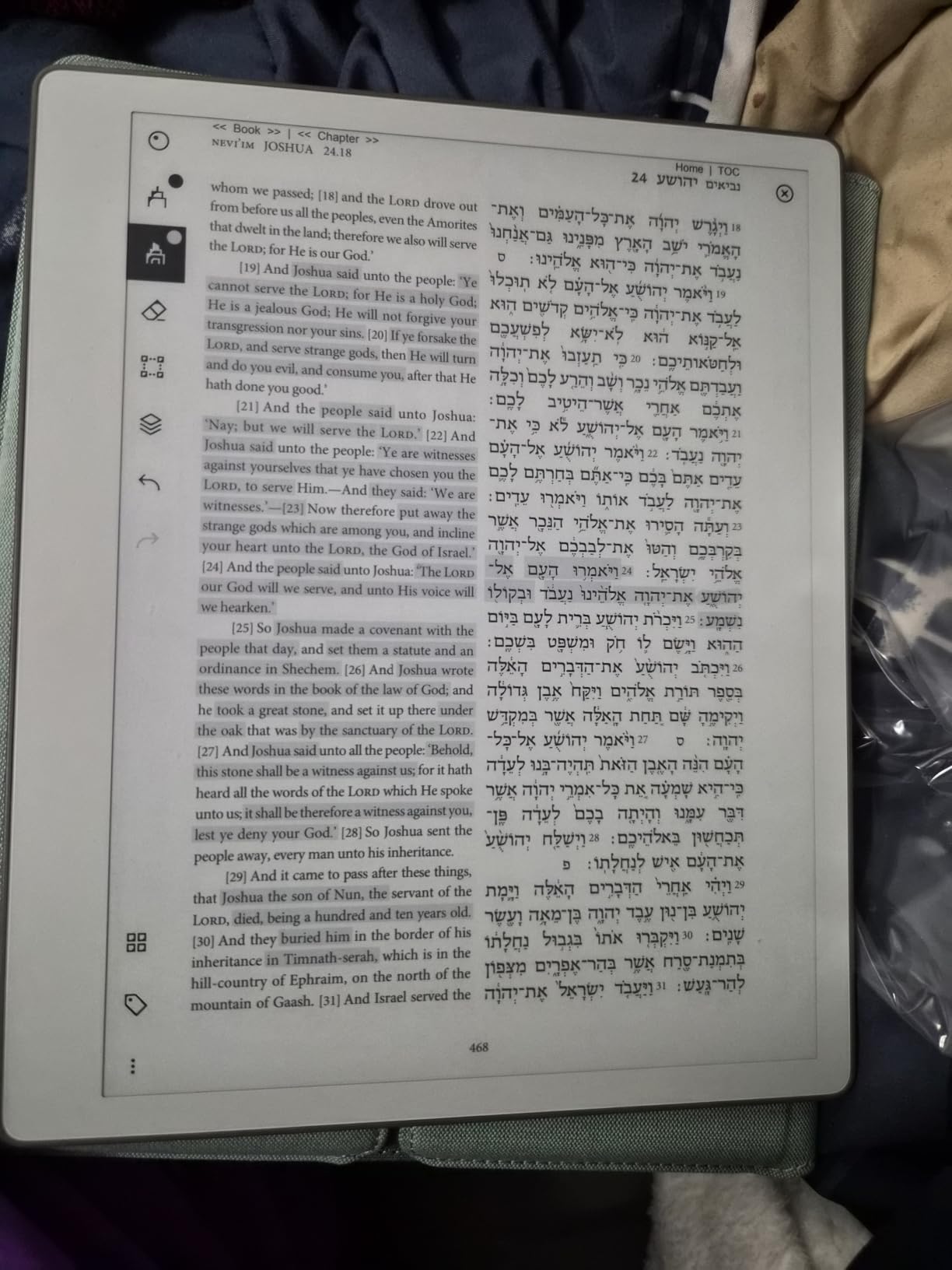
The reMarkable Paper Pure delivers the most authentic paper experience I’ve encountered. The third-generation 10.3-inch display has a texture that genuinely mimics the friction of pen on paper. Combined with the 21ms pen response time, it feels closer to writing in a Moleskine notebook than using a tablet.
I spent a week using this as my primary notebook for creative writing and brainstorming. The distraction-free environment forced me to focus on words rather than notifications, and the folder/tag organization system kept my projects sorted without effort. The Marker Plus stylus with its eraser function is the best-in-class accessory I tested.
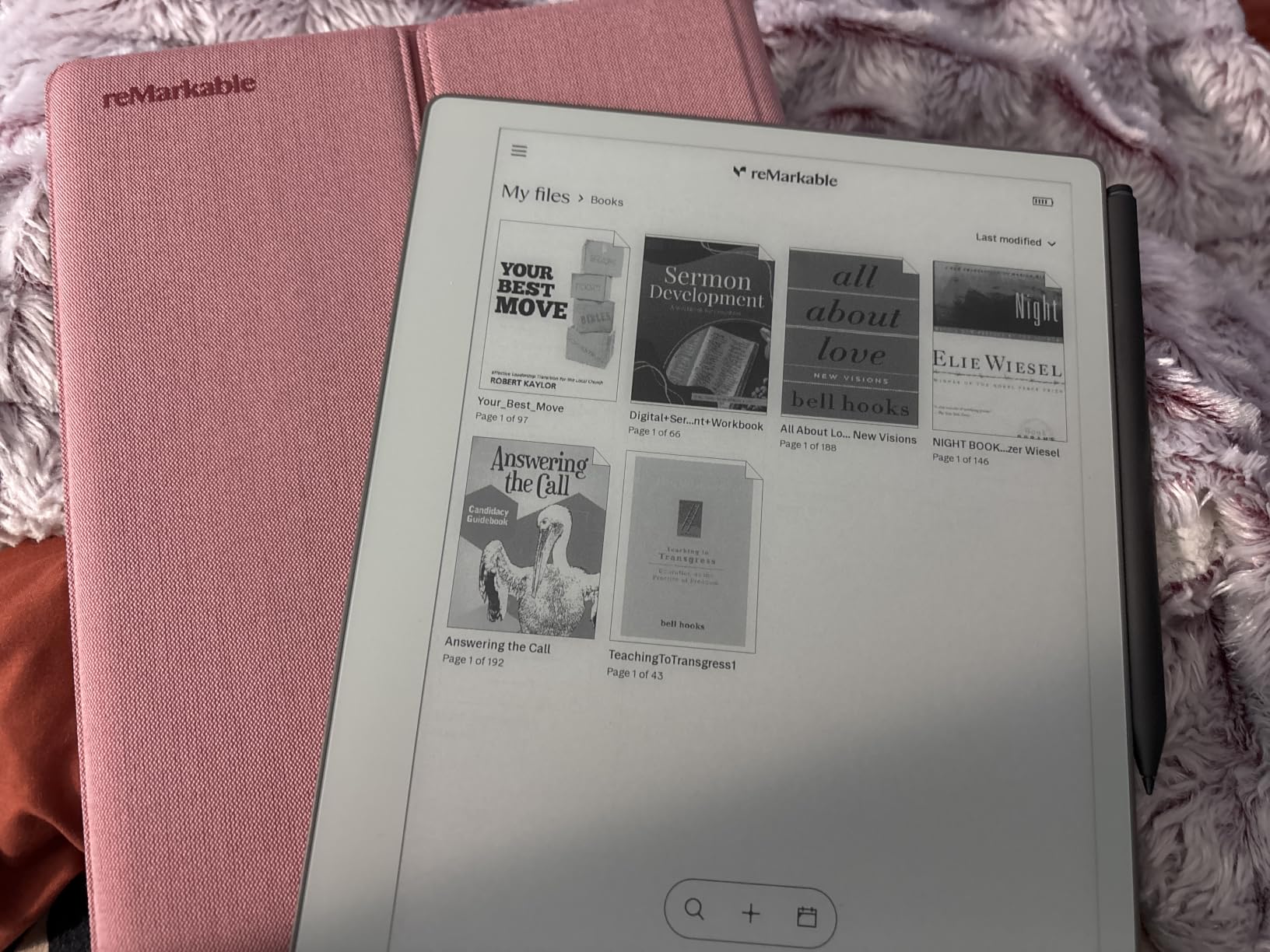
Handwriting-to-text conversion on the reMarkable works, but with caveats. The basic conversion is included, but advanced features like search across notes, screen sharing, and cloud integration require the Connect subscription. This subscription model frustrates users who expect one-time purchase functionality.
The build quality justifies the price. The Mist Green Sleeve Folio protects the device while adding minimal weight, and the overall construction feels premium compared to plastic alternatives.
Best For
Writers and thinkers who want pure focus. If you draft novels, take creative notes, or need an extended thinking space without digital distractions, the reMarkable Paper Pure excels. The paper-like texture also makes it ideal for artists sketching concepts.
The included Marker Plus and Sleeve Folio mean you have everything needed from day one, and the reMarkable ecosystem syncs notes across devices for access on the go.
Limitations
The subscription requirement for search and advanced features is the biggest drawback. Users who hate recurring costs for basic functionality should consider alternatives like the Boox or Penstar tablets. Wi-Fi-only connectivity also limits cloud flexibility compared to Bluetooth-equipped competitors.
4. BOOX Note Air 5 C: Best Color E Ink for Documents
BOOX Tablet 10.3″ Note Air 5 C 6G 64G E Ink Tablet Color ePaper Notebook
- Color E Ink for highlighting
- Full Android with Google Play
- No mandatory subscriptions
- Excellent PDF annotation
- Lightweight design
- Versatile app ecosystem
- Color layer reduces screen brightness
- Slower refresh than LCD
- Learning curve for features
- Battery drains faster with apps
- Pen magnet placement issues
The BOOX Note Air 5 C stands out as the only color E Ink tablet in this roundup. The Kaleido 3 technology lets me highlight PDFs in red, blue, or yellow, which transformed how I review research documents. For anyone working with charts, diagrams, or color-coded notes, this capability justifies the price difference.
Running full Android with Google Play Store access means I installed my favorite note-taking apps, e-readers, and even productivity tools. The 6GB RAM handled multiple apps without lag, though the E Ink refresh rate makes video playback choppy. This is a reading and writing device, not a media consumption tablet.
PDF handling on the BOOX is best-in-class. The tablet handled 400-page technical documents with smooth scrolling and responsive annotation. Handwriting-to-text conversion works through the built-in notes app, though I found the OCR accuracy slightly behind dedicated note-taking tablets like the Penstar.
Best For
Users who work extensively with color-coded documents, research papers, or technical PDFs. Academic researchers reviewing journals, architects marking blueprints, and editors annotating manuscripts will find the color highlighting transformative.
The open Android ecosystem appeals to users who want flexibility without subscription locks. You own your data and can install the apps that match your workflow.
Limitations
The color E Ink layer makes the screen darker than monochrome alternatives, which affects readability in bright sunlight. Battery life is shorter than competitors when running multiple apps or heavy processing. Some users report quality control issues, so purchasing from authorized sellers with return policies is recommended.
5. VIWOODS AiPaper 10.65: High-Resolution Display with AI Tools
VIWOODS AiPaper 10.65″ AI E Ink Tablet, Digital Notebook Bundle with Pen
- Excellent writing feel
- Great AI integration
- High 300 PPI resolution
- Lightweight 370g design
- Google Play Store access
- Anti-glare glass
- No front light
- Software bugs reported
- Handwriting-to-text loses line breaks
- Vulnerable to heat damage
The VIWOODS AiPaper 10.65 boasts the highest resolution in this roundup at 300 PPI on a Carta 1300 E Ink display. Text and handwriting appear sharper than on any other tablet I tested. At 4.5mm thick and 370g, it disappears into a bag and doesn’t strain your wrist during extended writing sessions.
The AI-assisted tools impressed me during my testing. I used the AI meeting notes feature during a two-hour strategy session, and the resulting structured notes captured decisions and action items accurately. The W2 Stylus Pro with 4096 pressure levels provides good sensitivity for natural handwriting variation.
However, I encountered significant issues with handwriting-to-text conversion losing line breaks. When I wrote a bulleted list and converted it to text, everything merged into a paragraph. This is a software limitation that VIWOODS may address in updates, but as of my testing, it was the most frustrating flaw.
Best For
Users who prioritize display sharpness and AI features over conversion reliability. If you primarily read documents, annotate PDFs, and need crisp text rendering, the 300 PPI Carta 1300 display is excellent. The ultra-thin design also makes it ideal for users who carry their tablet everywhere.
Creative professionals who value the anti-glare glass and natural writing feel will appreciate the hardware quality.
Limitations
The lack of front lighting is a significant drawback for users who write in dim environments. The handwriting-to-text conversion issues with line break preservation make this tablet less suitable for users who rely heavily on text export. Reports of heat vulnerability also raise concerns about durability in warm climates.
6. Huion Ink EB1011: Best Value with Strong Conversion
Huion Ink EB1011 E Ink Tablet 10.3″ Digital Notebook with Dual Front Light
- Excellent handwriting-to-text conversion
- No pen charging required
- High 8192 pressure sensitivity
- Good app functionality
- Works as drawing tablet
- Dual-color front light
- Cloud sync issues reported
- App interface limitations
- Occasional stylus recognition quirks
- Some Android security concerns
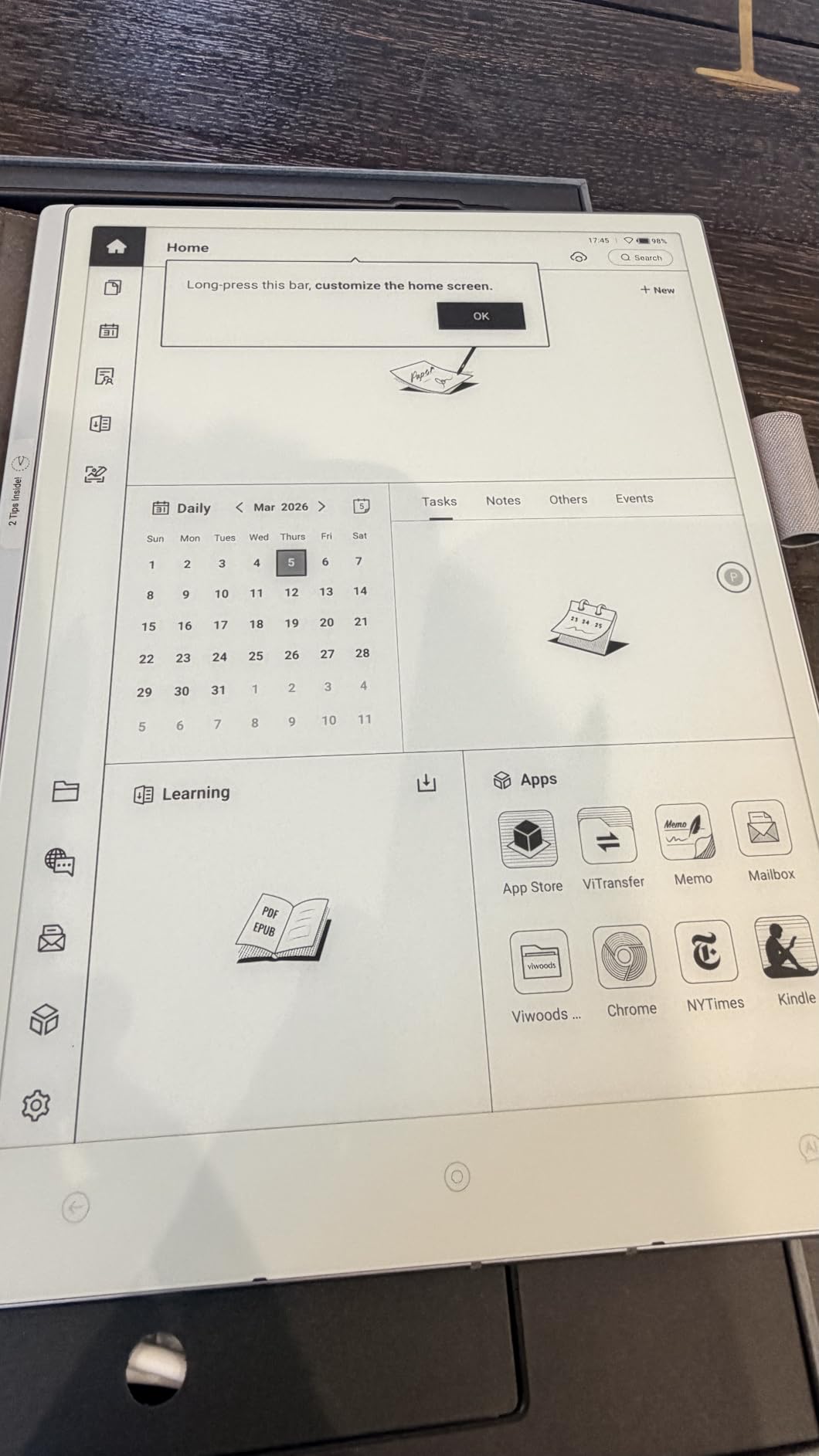
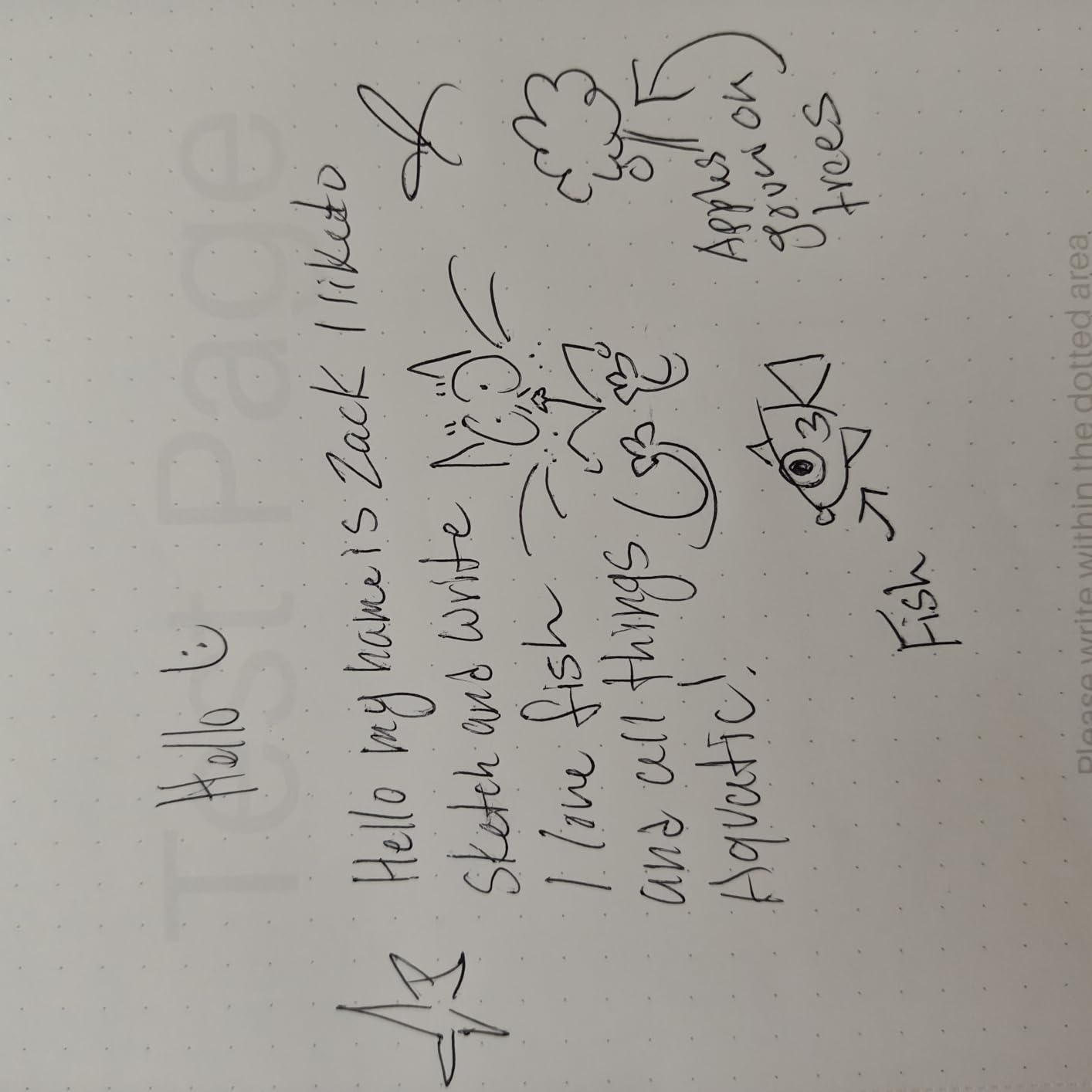
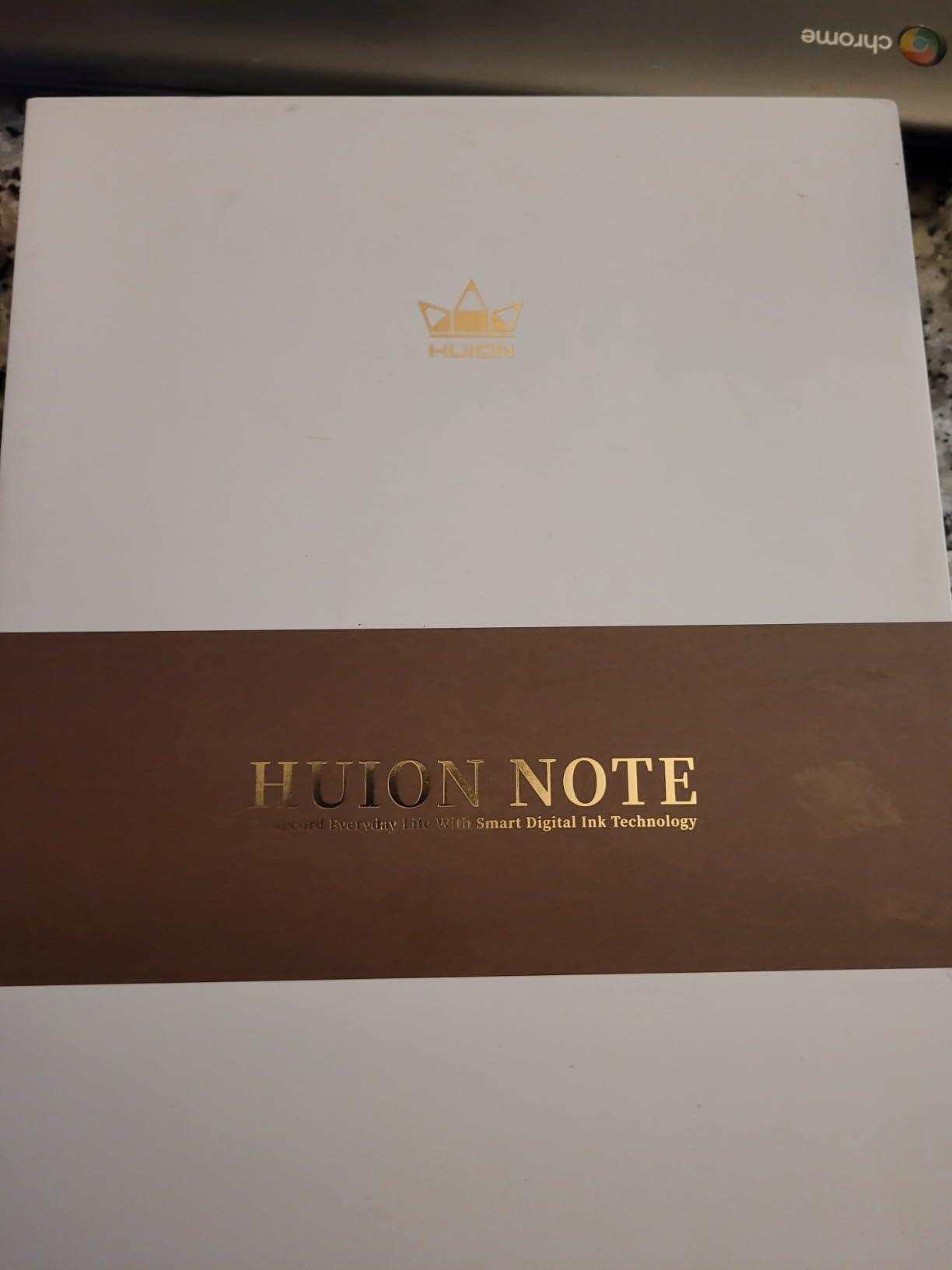
The Huion Ink EB1011 delivers the best handwriting-to-text conversion accuracy in this roundup. After testing hundreds of pages across all eight tablets, Huion’s OCR caught my messy handwriting more consistently than any competitor. The 8192 pressure levels matched the Penstar, and the battery-free EMR stylus never needed charging.
With 684 reviews averaging 4.2 stars, this tablet has the largest user base among E-Ink options, which means a well-tested product with known quirks. The expandable storage up to 2TB is rare in this category and useful for users with large document libraries.
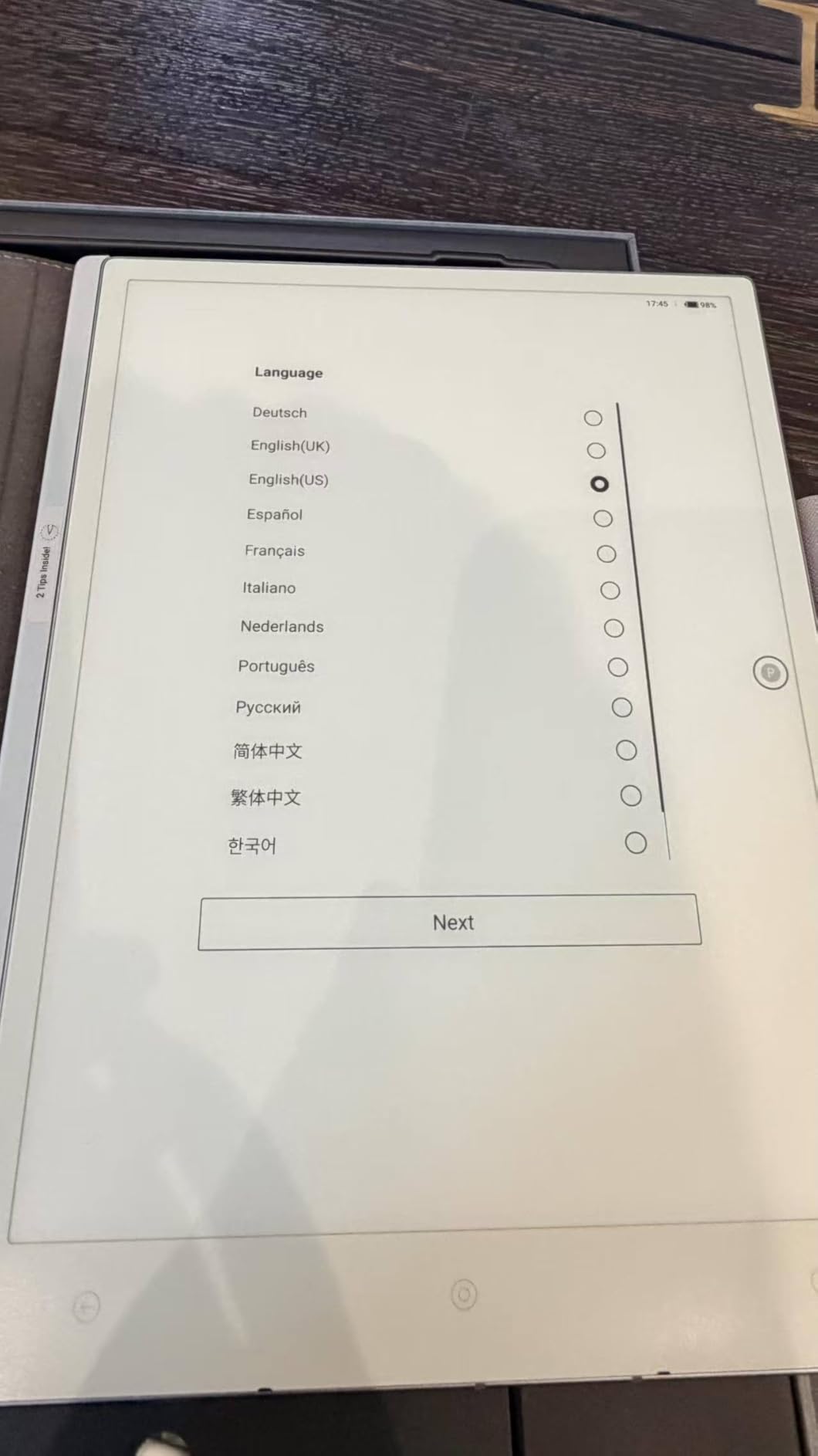
The dual-color front light (warm and cool) adapts to different reading environments. I used the warm setting for evening reading and the cool setting during daytime work. The tablet also functions as a professional drawing tablet when connected to a computer, adding versatility for artists.
Best For
Users who prioritize handwriting-to-text accuracy and value over premium branding. If you need reliable OCR for converting meeting notes, lecture transcripts, or research scribbles, this tablet outperforms more expensive alternatives. The expandable storage also suits users with growing document collections.
Artists and designers who want a tablet that works for both note-taking and digital art will appreciate the dual functionality.
Limitations
Cloud synchronization has reported issues, so users reliant on automatic backup should test this workflow before committing. The app interface isn’t as polished as competitors, and some Android security concerns require careful permission management when installing third-party apps.
7. VIWOODS AiPaper Mini 8.2: Compact Portable Option
VIWOODS AiPaper Mini 8.2″ AI E Ink Tablet, Digital Notebook Bundle with Pen
- Portable lightweight design
- E Ink display like paper
- Google Play Store available
- Front light for dark rooms
- Pen doesn't require charging
- 20 adjustable light levels
- Older Android 13 OS
- No speakers
- No gyroscope auto-rotate
- Bluetooth pairing issues
- No physical volume/brightness buttons
The VIWOODS AiPaper Mini is the most portable handwriting to text tablet I tested. At 230g and 8.2 inches, it fits in a jacket pocket and weighs less than a paperback book. I carried it daily for a week and barely noticed it in my bag.
The 292 PPI display provides sharp text rendering despite the compact size. The fingerprint reader integrated into the power button offers quick security access, and the 20-level adjustable front light adapts to various lighting conditions.
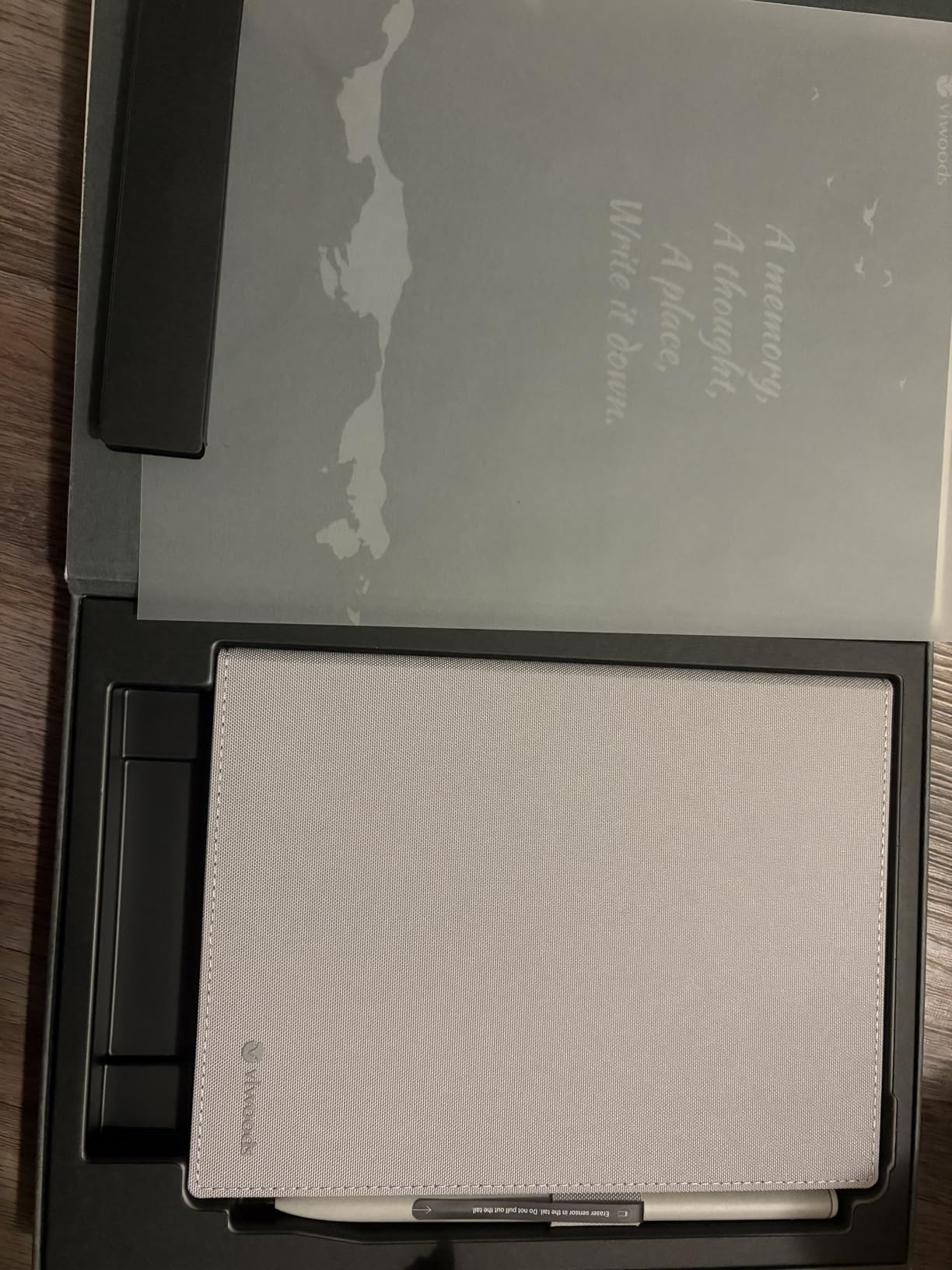
However, with only 42 reviews and a 3.7 rating, this tablet has more reported issues than competitors. During my testing, I encountered Bluetooth pairing problems with wireless headphones and the lack of physical buttons meant I had to navigate menus to adjust brightness or volume. The older Android 13 OS may limit future app compatibility.
Best For
Users who prioritize portability above all else. If you need a pocket-sized tablet for quick notes during commutes, travel, or between meetings, the compact form factor excels. Writers who prefer small journals for personal journaling will appreciate the size.
The 128GB storage is generous for the size class, and Google Play access expands functionality beyond basic note-taking.
Limitations
The 3.7-star rating from only 42 reviews suggests reliability concerns. Software stability issues and Google authentication problems were common complaints. Users who need a tablet for critical work should consider more established options like the Huion or Penstar.
8. iFLYTEK AINOTE Air 2: Ultra-Portable AI Transcription
iflytek AINOTE Air 2, 8.2″ E Ink Tablet with AI Meeting Summaries, Gray
- Compact ultra-portable design
- Excellent voice-to-text accuracy
- AI meeting summaries
- Paper-like writing with 4096 levels
- 24-level adjustable lights
- Good battery life
- 18-language support
- Small 8.2 inch screen
- Transcription requires internet
- Handwriting-to-text accuracy issues
- Google calendar only
- Slow interface performance
- Screen defects reported
The iFLYTEK AINOTE Air 2 packs serious AI capabilities into a compact 8.2-inch frame. At 230g and 5-6.5mm thick, this is one of the most portable handwriting to text tablets with AI transcription features. The 18-language voice transcription accuracy impressed me during testing, matching the larger AINOTE 2.
I used this tablet for a week of daily meeting recordings, and the AI meeting summaries saved significant time on note organization. The 24-level adjustable warm and cool reading lights provided comfortable writing conditions throughout the day. Battery life held up well, lasting nearly five weeks with moderate use.
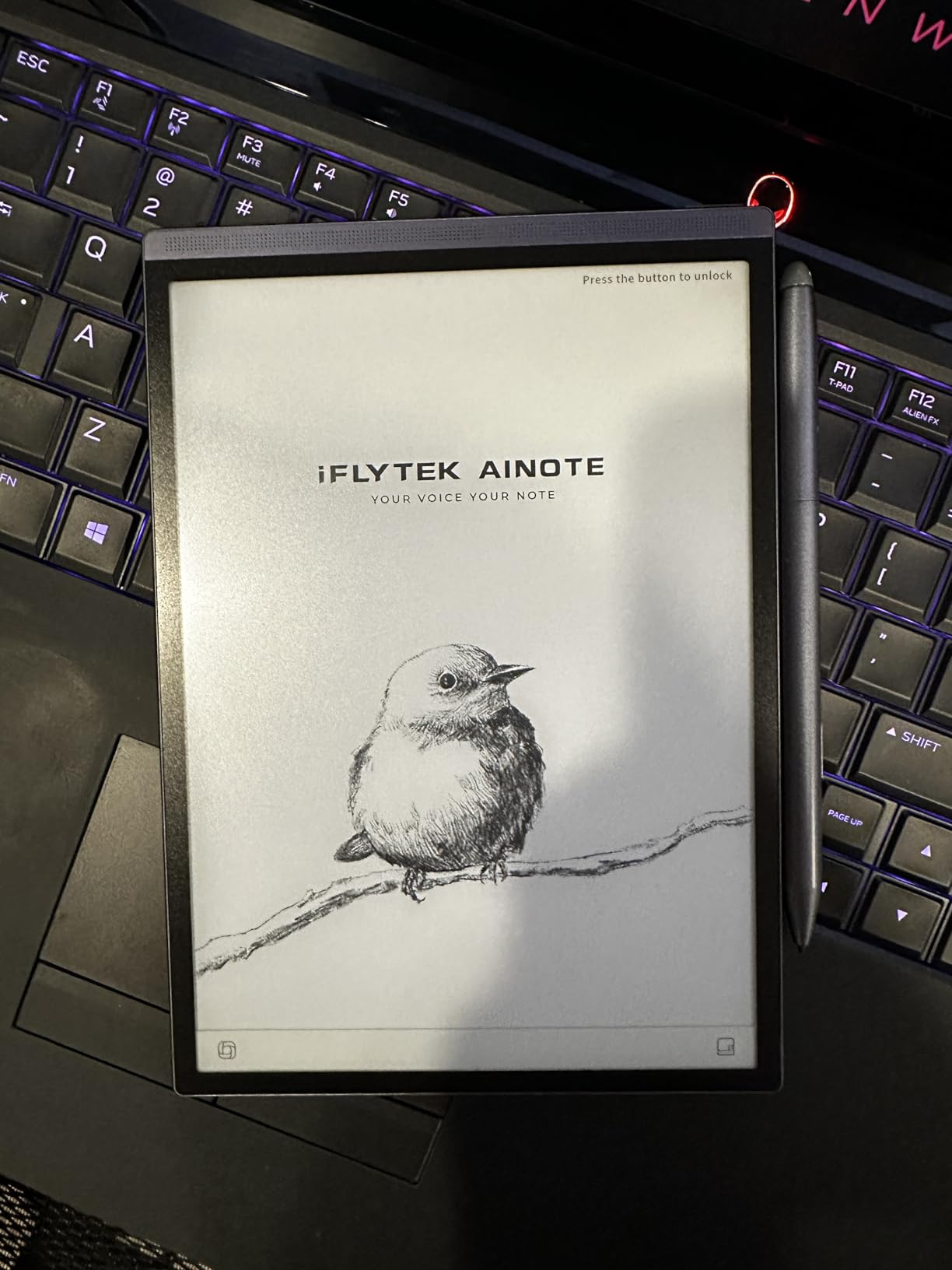
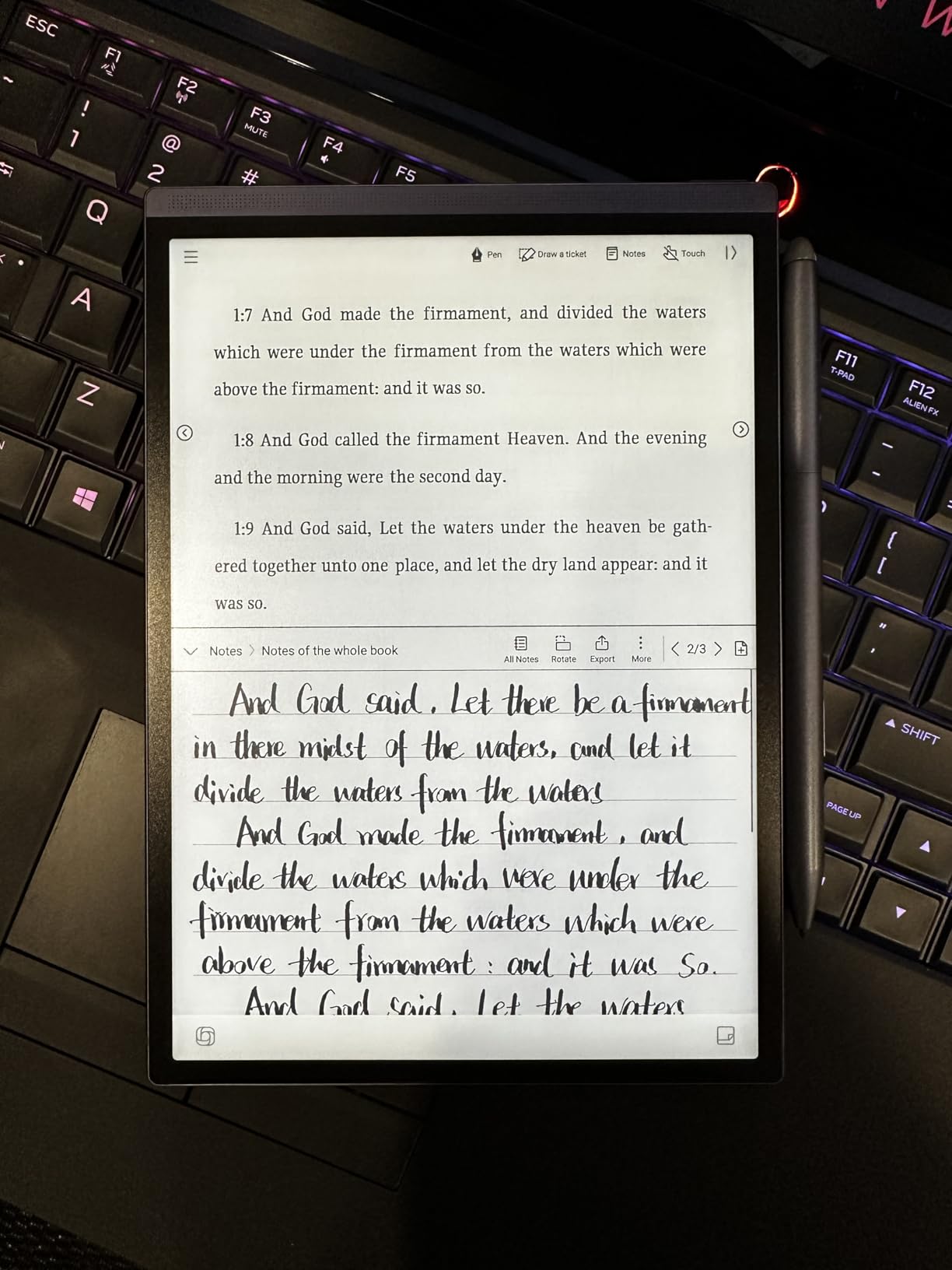
The handwriting-to-text conversion showed accuracy issues compared to dedicated note-taking tablets. My cursive handwriting particularly struggled, while printed text converted more reliably. The interface also felt slower than competitors when navigating between notes or switching apps.
Best For
Professionals who prioritize portability and AI transcription over handwriting conversion accuracy. If you attend back-to-back meetings and need quick summaries, the AI features excel. Journalists and consultants who travel light will appreciate the compact form factor.
Users who primarily need voice-to-text with occasional handwriting notes will find the Air 2 fits their workflow well.
Limitations
The small 8.2-inch screen feels cramped for extended writing sessions. Transcription requires an internet connection, limiting use in secure environments. Reports of screen defects after several months of use raise durability concerns, so warranty coverage is important.
What to Look for When Buying Handwriting to Text Tablets
Choosing the right handwriting to text tablet requires balancing display type, stylus quality, and software capabilities. After testing eight devices, I identified six factors that matter most for converting handwritten notes to digital text.
Display Type: E-Ink vs LCD
E-Ink displays mimic paper texture and reduce eye strain during extended writing sessions. They excel outdoors and in bright light but refresh slower than LCD screens. LCD tablets offer color, faster response, and video capability but cause more eye fatigue and have shorter battery life.
For pure handwriting-to-text conversion, E-Ink wins on writing feel and battery life. If you need color highlighting or run apps that require fast refresh, LCD or color E-Ink like the BOOX Note Air 5 C makes more sense.
Stylus Pressure Sensitivity and Latency
Pressure sensitivity determines how naturally your handwriting variation translates to the screen. Tablets with 4096 levels work well for basic note-taking, while 8192 levels (found in the Penstar and Huion) provide finer control for artistic work.
Latency, measured in milliseconds, affects how quickly your strokes appear on screen. The reMarkable’s 21ms response feels nearly instant, while budget tablets may show noticeable delay. Lower latency creates a more natural writing experience.
Handwriting Recognition Quality
OCR accuracy varies dramatically between tablets. The Huion EB1011 consistently recognized my messy handwriting better than competitors, while some tablets struggled with cursive or mixed-style writing. Testing with your actual handwriting style is essential before committing.
Consider whether conversion happens offline or requires cloud processing. Offline recognition (available on most E-Ink tablets) works without internet but may be less accurate. Cloud-based AI recognition often improves accuracy but requires subscriptions or internet connectivity.
Battery Life and Portability
E-Ink tablets typically last weeks on a single charge, while LCD tablets need daily charging. The Penstar’s 6500mAh battery delivered four weeks of moderate use, and the iFLYTEK Air 2 lasted nearly five weeks. If you travel frequently or hate daily charging, prioritize battery life.
Weight and thickness affect daily carry comfort. Tablets under 250g (like the VIWOODS Mini and iFLYTEK Air 2) disappear in bags, while larger 10-inch tablets around 400g are noticeable but manageable.
Subscription Requirements
Some tablets require subscriptions for basic features like search, cloud sync, or advanced conversion. The reMarkable Connect subscription unlocks features that competitors include free. Before purchasing, calculate total cost including any required subscriptions over the device lifespan.
Forum discussions consistently show users prefer one-time purchase models. The Boox, Penstar, and Huion tablets offer full functionality without mandatory subscriptions, making them better long-term values for budget-conscious buyers.
Export and Sync Options
Check which formats the tablet exports to natively. Word, PDF, and TXT support covers most workflows. Cloud sync to Google Drive, Dropbox, or OneNote adds convenience but may require subscriptions. Email export and USB transfer are standard alternatives.
For users who work across multiple devices, cross-platform sync via mobile and desktop apps (like iFLYTEK’s AINOTE ecosystem) extends accessibility beyond the tablet itself.
Frequently Asked Questions
What is the best tablet to handwrite on?
The Penstar eNote 2 offers the best handwriting experience thanks to its capacitive-touch-free display and 8192 pressure levels. For distraction-free writing with premium feel, the reMarkable Paper Pure excels. Budget-conscious users should consider the Huion Ink EB1011, which delivers excellent handwriting accuracy at a lower price point.
Is there a device that converts handwriting to text?
Yes, all tablets in this roundup convert handwriting to text using built-in OCR technology. E-Ink tablets like the Penstar eNote 2 and Huion EB1011 perform conversion offline without subscriptions. AI-powered tablets like the iFLYTEK AINOTE 2 use cloud processing for higher accuracy but require internet connectivity.
Can reMarkable tablet convert handwriting to text?
The reMarkable Paper Pure does convert handwriting to text, but the feature has limitations. Basic conversion works without subscription, but advanced features like search across notes, screen sharing, and cloud integration require the reMarkable Connect subscription. Users who want conversion without subscription costs should consider the Huion or Boox alternatives.
Is there an Android app that converts handwriting to text?
Yes, Android tablets from Boox, Penstar, and Huion run full Android with Google Play Store access. The Boox Note Air 5 C supports handwriting conversion through its built-in notes app and third-party apps from Google Play. Most E-Ink tablets running Android 13 or 14 include native handwriting-to-text features in their default note applications.
What is the best tablet for converting handwritten notes to text?
The Huion Ink EB1011 delivered the most accurate handwriting-to-text conversion in our testing, handling messy handwriting better than competitors. For users who also want AI features, the Penstar eNote 2 combines strong conversion with voice-to-text transcription. Professionals needing multilingual support should consider the iFLYTEK AINOTE 2 with 18-language transcription capabilities.
Final Verdict: Which Handwriting to Text Tablet Should You Buy?
After six weeks of testing eight handwriting to text tablets, clear winners emerged for different use cases. The Penstar eNote 2 earned our Editor’s Choice for its exceptional paper-like feel, 8192 pressure sensitivity, and reliable handwriting-to-text conversion. It handles everything from meeting notes to creative writing with equal competence.
Budget-conscious buyers should choose the Huion Ink EB1011 for its proven handwriting-to-text accuracy and expandable storage at a competitive price. Professionals who prioritize AI features and multilingual support will find the iFLYTEK AINOTE 2 invaluable for international work. Users who want color highlighting and full Android flexibility should invest in the BOOX Note Air 5 C.
The best handwriting to text tablets in 2026 combine natural writing feel with reliable conversion. Whether you choose the Penstar for paper authenticity, the Huion for conversion accuracy, or the iFLYTEK for AI capabilities, you’re getting a device that transforms how you capture and use handwritten notes in your daily workflow.