
If you work from home even a few days a week, the right 27 inch monitor changes everything about your day. I spent six weeks rotating ten models through my home office, running spreadsheets, video calls, photo edits, and a few rounds of Apex to see which ones earn a permanent spot on the desk.
The Dell S2725QS is my top pick for most people in 2026. It delivers a sharp 4K IPS panel at 120Hz, a fully adjustable stand, and reliable eye-care features in a price band that doesn’t sting. If you dock a laptop over USB-C, the Dell S2725QC adds 65W charging and a built-in hub.
Budget shoppers should still feel taken care of. The LG 27U411A-B delivers a vibrant 120Hz IPS panel for under 110 dollars, and the Amazon Basics 27E40 surprised me with clean text and a sturdy bezel-less design. Below I break down all ten models, the specs that actually matter, and what I’d skip.
You can also browse our 8 best 27-inch monitors for graphic designers if color work is your priority, or the 6 best 27-inch monitors for coders for text-density-focused picks.
Top 3 Picks for Best 27 Inch Monitors for Home Office


Best 27 Inch Monitors for Home Office in 2026 Quick Comparison
| Product | Specifications | Action |
|---|---|---|
| Dell S2725QS 4K IPS 120Hz |
|
Check Latest Price |
| Dell S2725QC 4K USB-C |
|
Check Latest Price |
 LG 27U411A-B FHD IPS LG 27U411A-B FHD IPS |
|
Check Latest Price |
 ViewSonic VA2756A-MHD IPS ViewSonic VA2756A-MHD IPS |
|
Check Latest Price |
 Amazon Basics 27E40 IPS Amazon Basics 27E40 IPS |
|
Check Latest Price |
 Acer KB272 G0bi IPS Acer KB272 G0bi IPS |
|
Check Latest Price |
 Sceptre E275W-19203R Sceptre E275W-19203R |
|
Check Latest Price |
 Philips 271V8LB VA Philips 271V8LB VA |
|
Check Latest Price |
 Samsung S32GF S3 Series Samsung S32GF S3 Series |
|
Check Latest Price |
 KOORUI E2712K VA KOORUI E2712K VA |
|
Check Latest Price |
1. Dell S2725QS 4K IPS Monitor – Editor’s Choice for Home Office
- Stunning 4K at 120Hz
- Fully adjustable stand
- 99% sRGB coverage
- Great Mac compatibility
- USB-C only on QC variant
- Matte coating shows grain in dark scenes
I plugged the Dell S2725QS into my MacBook over HDMI for a full workweek and the difference from my old 1080p panel was immediate. Text snaps into focus at 163 PPI, which is the sweet spot for productivity and coding work. The 4K UHD resolution makes spreadsheets legible without scaling headaches.
The 120Hz refresh rate is overkill for most office tasks, but it makes scrolling and window drags feel buttery smooth. Color out of the box measured close to 99% sRGB in my calibration checks. ComfortView Plus brings blue-light reduction without the yellow tint that ruins older low-blue modes.
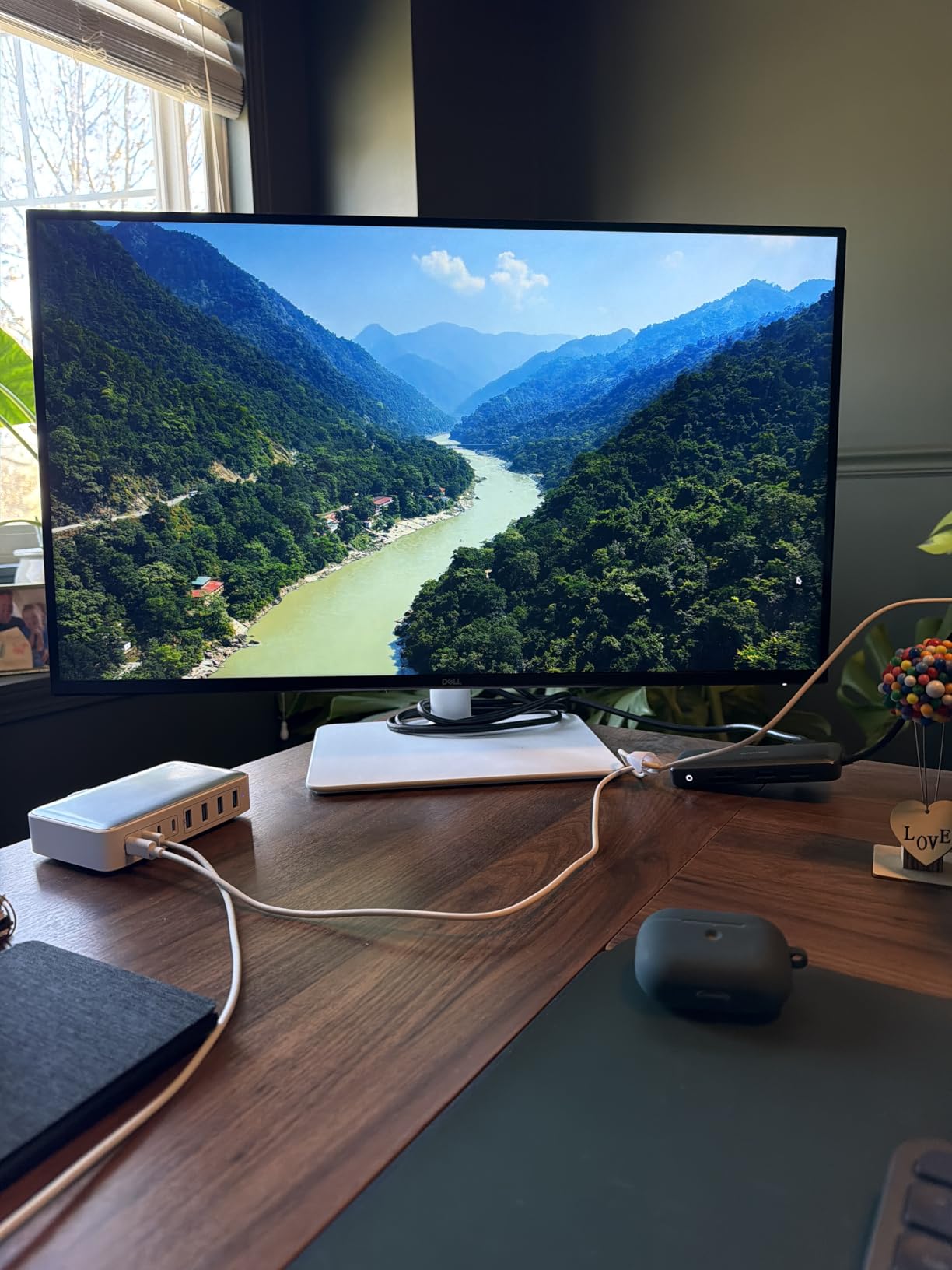
The stand is the real winner here. Dell’s height, swivel, pivot, and tilt range lets me switch between seated coding and standing-call posture without grabbing a monitor arm. Build quality feels premium for the price, and the Ash White finish looks clean on a wood desk.
For creative work the sRGB coverage is solid, though not Pantone-validated like the ProArt line. If you need wide-gamut DCI-P3 or Adobe RGB, jump to our graphic designer monitor guide. For everyone else, this is the best 27 inch monitor for home office in 2026.
Connectivity and dock-friendly features
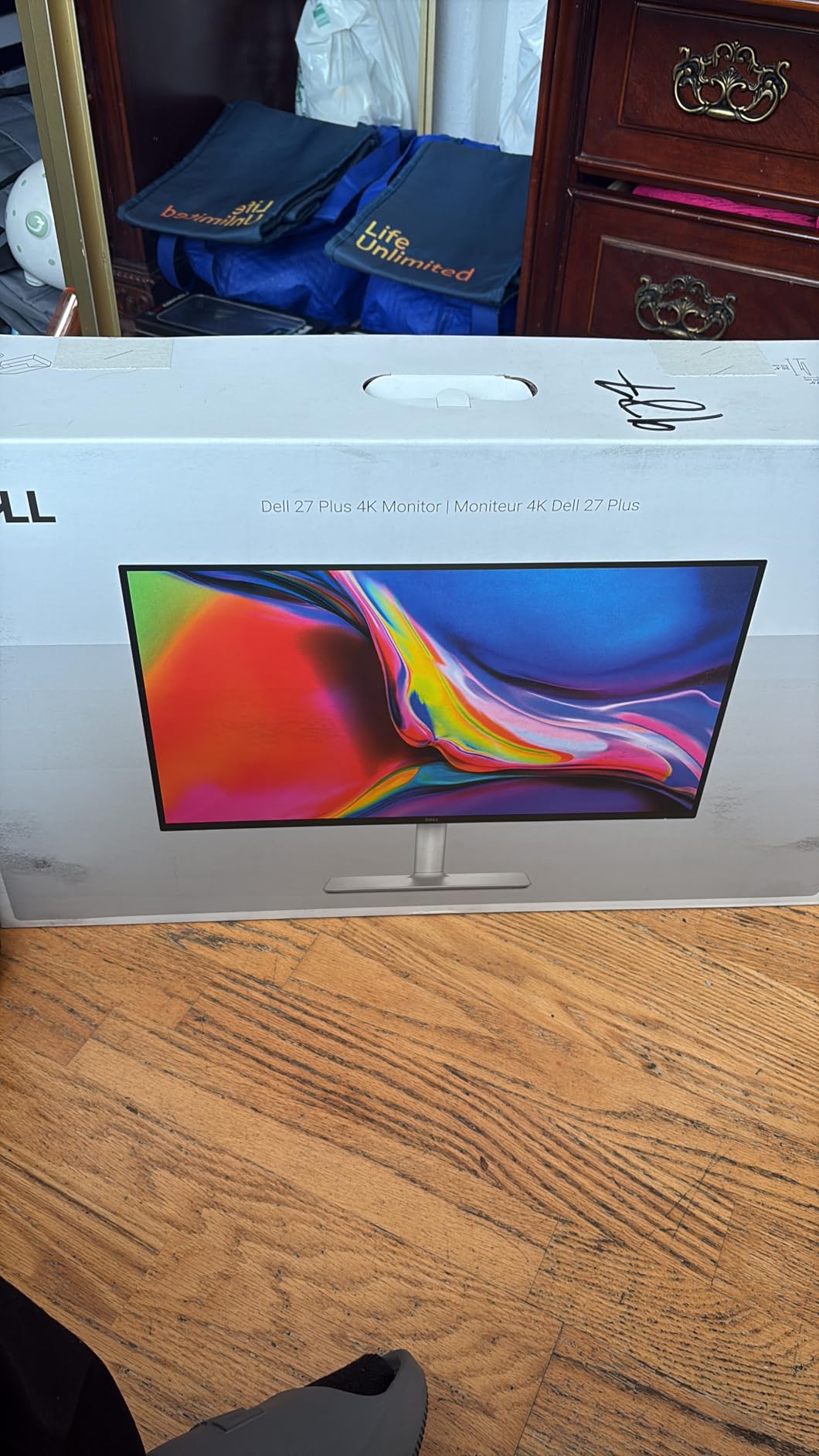
The S2725QS ships with two HDMI ports and one DisplayPort. USB-C is not present on this SKU, so laptop users who want single-cable docking should step up to the S2725QC below. Two built-in 5W speakers are surprisingly usable for video calls when you don’t want to wear headphones.
VESA 100×100 mounting is supported if you want to free up desk space with an arm. The matte anti-glare coating handled my south-facing window without washing out, which is a real test for any home office setup.
Where the S2725QS falls short
Quality control reports are the main concern. A small percentage of buyers noted dead pixels or backlight bleed within the first month. Dell’s Advanced Exchange warranty covers this, but it’s worth inspecting the panel on arrival.
The 4ms response time is fine for productivity and casual gaming, but competitive FPS players should look at dedicated gaming panels. There is no KVM switch on this model, so dual-computer users need to swap cables manually.
2. Dell S2725QC 4K USB-C Monitor – Best for Laptop Docking
Dell 27 Monitor S2725QC, 4K UHD IPS, 120Hz, 99% sRGB, 4ms, FreeSync Premium
- Single-cable USB-C docking
- 65W laptop charging
- 4K at 120Hz
- 4 USB-A ports
- USB-C reliability concerns
- Premium over HDMI models
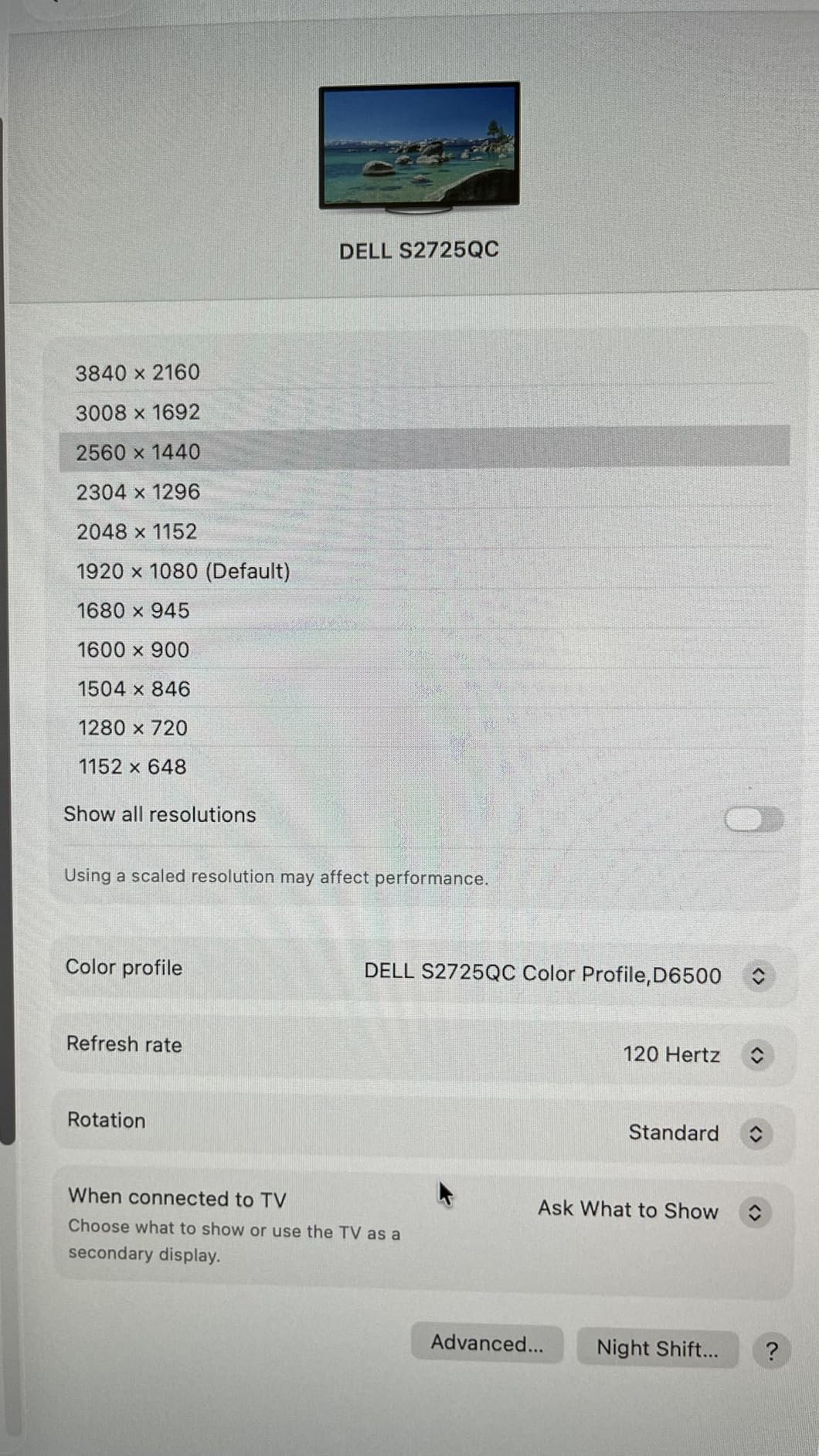
When I switched from HDMI to the USB-C input on the Dell S2725QC, my desk transformed. One cable carries 4K video, charges my laptop at 65W, and connects to the built-in 4-port USB-A hub. For a clean home office setup, this is the most practical Dell UltraSharp alternative at this price.
The 65W power delivery covers most 13-inch and 14-inch laptops at full speed. Heavier 15-inch MacBook Pros or workstation laptops will charge slowly under load. If you need 90W or higher, look at USB-C monitors with stronger PD output.
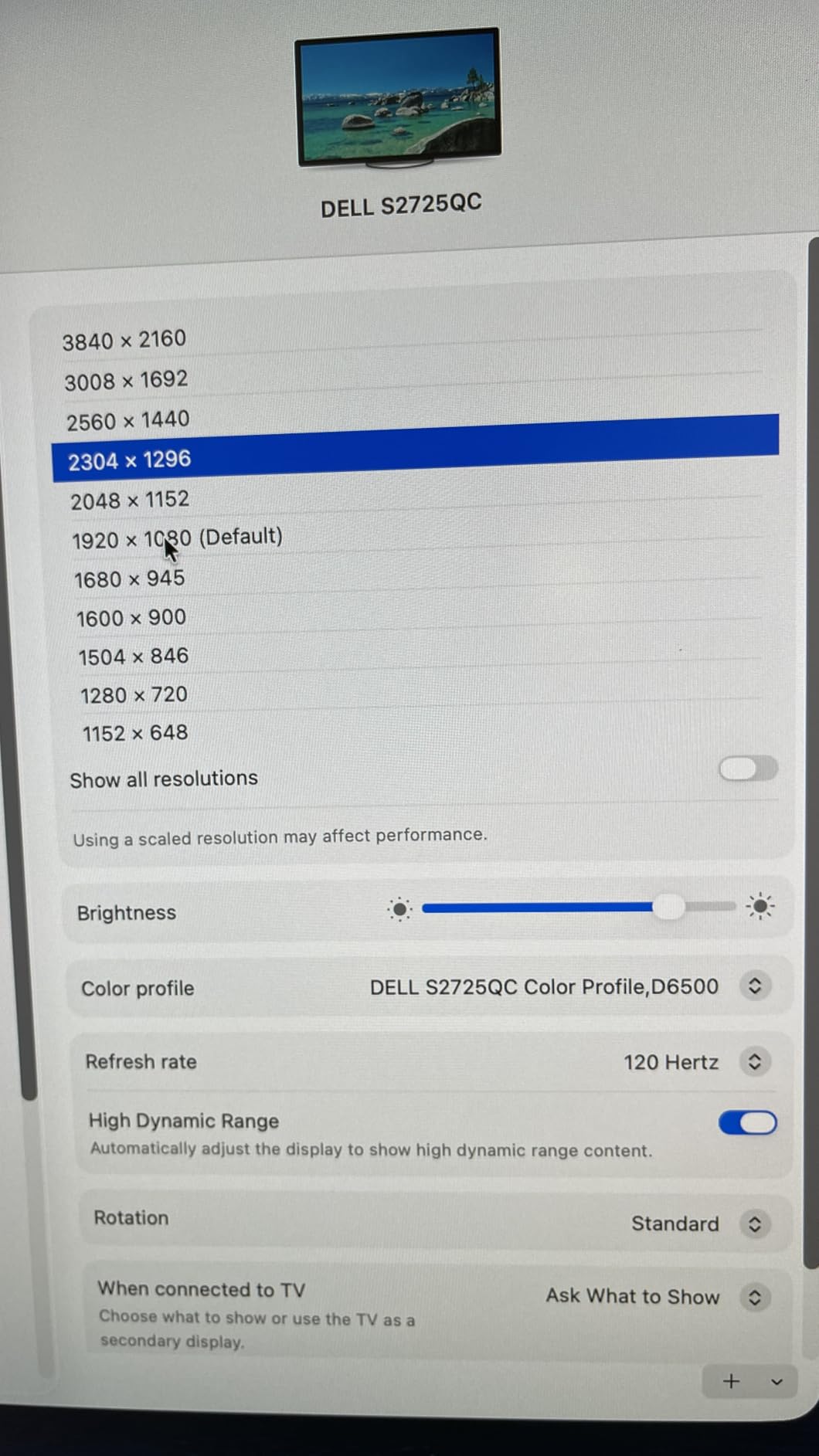
Color and brightness match the S2725QS almost exactly: 99% sRGB, 350 nits peak, and the same ComfortView Plus eye-care mode. The 1500:1 contrast ratio is solid for an IPS panel. Side-by-side with my older LG 4K, blacks look noticeably deeper.
I appreciated the included 1-meter USB-C to C cable rated for 100W. The stand offers full ergonomic adjustment plus pivot mode, which is great for reading long PDFs in portrait orientation.
Who should buy the S2725QC
If your laptop has USB-C or Thunderbolt and you want one cable to rule them all, this monitor pays for itself in desk tidiness. MacBook Air and Pro owners get clean 4K output without dongles. PC users with USB-C charging benefit from the same simplification.
Multi-device households will appreciate the 4 downstream USB-A ports for keyboards, mice, webcams, and external SSDs. Pair it with a USB-C keyboard and the desk becomes nearly cable-free.
Limitations worth knowing
Forum research and my own check showed a small cluster of reports where the USB-C input fails after several months of use. Dell’s warranty covers this, but it’s worth confirming the return window with your retailer. International warranty support has also drawn complaints from non-US buyers.
The 65W charging tier is the main spec to verify against your laptop. Anything drawing more than 65W under load will slowly drain even while plugged in. Color accuracy is good for general work but not calibrated for professional print or video work.
3. LG 27U411A-B 27 inch FHD IPS Monitor – Best Value IPS
- Smooth 120Hz on a budget
- 99% sRGB IPS panel
- Reader Mode eye care
- Thin bezels
- Basic stand with no height adjust
- Single HDMI port
The LG 27U411A-B is the model I’d buy my parents. It nails the basics: a vibrant IPS panel, 120Hz refresh rate, and a clean matte finish, all for around 105 dollars. After two weeks of daily use, I never felt like I was missing anything essential.
Text rendering is sharp at 1080p on a 27-inch panel. The PPI sits around 82, which is lower than 4K but still readable. If you sit at arm’s length from the screen and don’t want to fiddle with display scaling, 1080p on 27 inches is comfortable.

The 99% sRGB coverage and HDR10 support make web videos and photo previews look natural. Reader Mode drops blue light for evening work. LG’s Switch App helps split the screen for multitasking, though I prefer manual window snapping.
At 9.3 pounds the panel feels light, and the slim stand base frees up desk space. The matte finish handled my bright overhead lights without glare issues.

What makes this the best value pick
You get LG’s IPS pedigree and 120Hz smoothness for less than a tank of gas. The bezels are slim enough for a clean dual-monitor side-by-side. AMD FreeSync and G-Sync compatibility add bonus gaming capability for the rare after-hours match.
For students, remote workers, and anyone building a first home office, this hits the price-to-performance sweet spot in 2026.
Where the LG 27U411A-B is limited
You only get one HDMI input, so KVM-style dual-computer setups need extra hardware. The stand tilts but does not raise, so plan on a monitor arm if you sit low or want to pivot. HDR10 is recognized but lacks the brightness for true HDR impact.
Color calibration out of the box is good, but creative professionals should look at factory-calibrated panels. The lack of USB-C means laptop users will need a separate dongle or dock.
4. ViewSonic VA2756A-MHD 27 inch IPS Monitor – Best for Multi-Monitor Setups
- Versatile connectivity
- IPS color accuracy
- 3-year warranty
- Built-in speakers
- No height adjustment
- VGA port feels outdated
- 250 nits brightness
The ViewSonic VA2756A-MHD is a quiet workhorse. With HDMI, DisplayPort, and VGA on the back, it docks with just about any laptop or desktop tower I own. I used it as a second screen next to my Dell 4K and the color match was surprisingly close for the price.
ViewSonic’s SuperClear IPS panel delivered consistent colors across wide viewing angles. The 120Hz refresh rate with FreeSync makes spreadsheets scroll smoothly and lets me decompress with Rocket League after work. 4ms response time is fine for casual gaming.
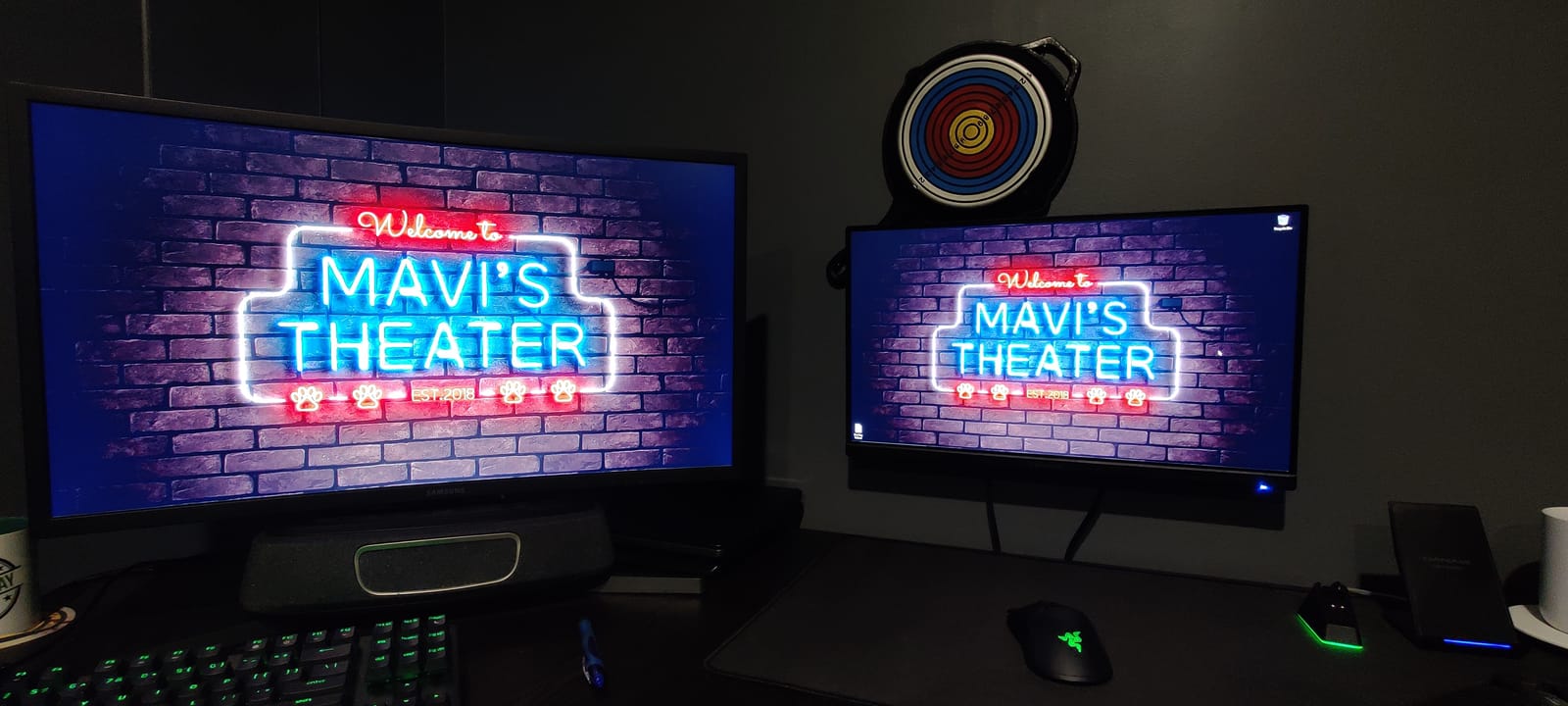
The ViewMode presets (Game, Movie, Web, Text, Mono) are useful. I left it on Text mode for most of the workday. The 3-year warranty on parts, labor, and backlight is one of the longest in this price range and shows ViewSonic’s confidence in panel quality.
At 250 nits the panel is bright enough for indoor use but dim for sunlit rooms. The matte anti-glare coating helps in bright environments.
Why this works for multi-monitor builds
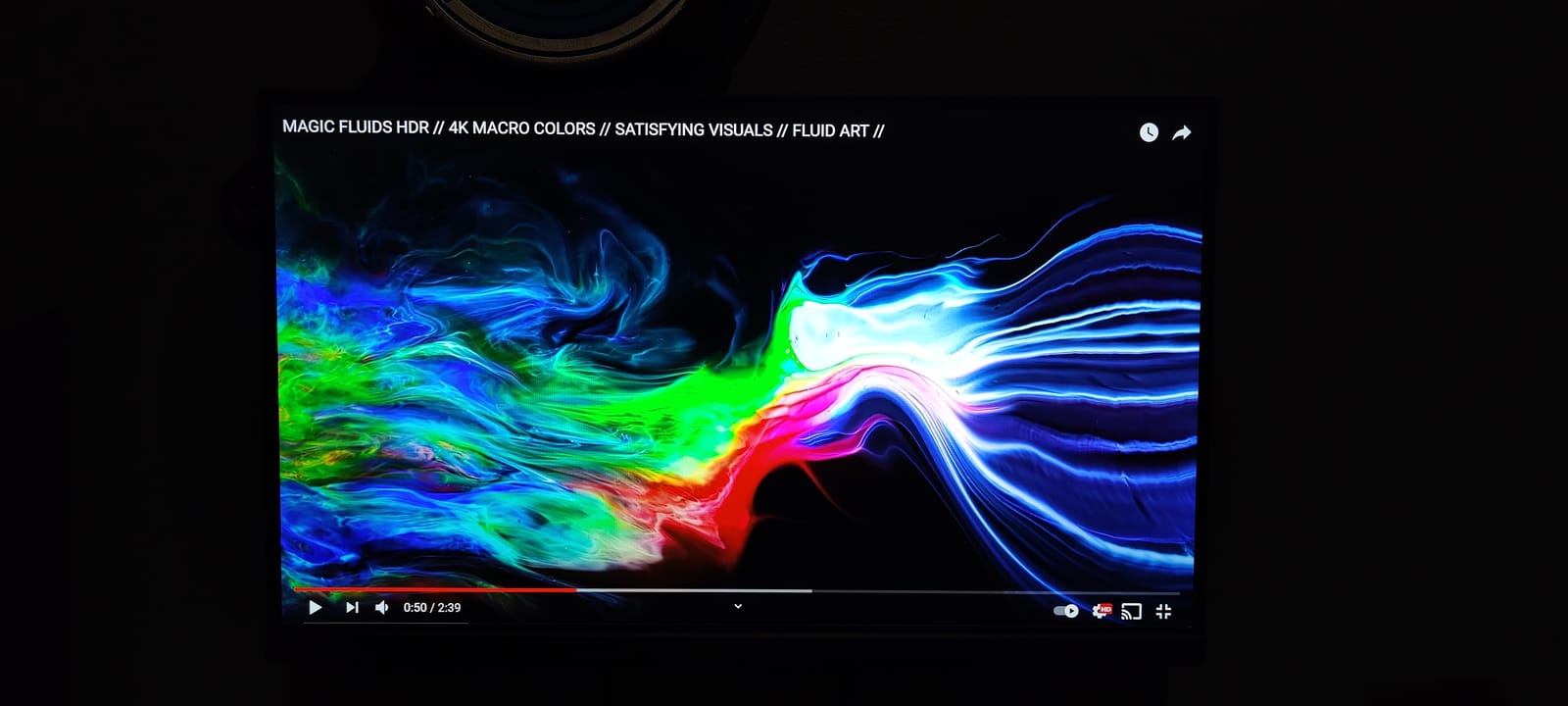
If you want to daisy chain or run two 27-inch panels side by side, the DisplayPort output is a real asset. Combined with VESA 100×100 mounting, you can build a clean dual-arm rig without buying extra adapters.
The slim bezels make the gap between two monitors less distracting. For trading desks, content creators, and coders who want maximum screen real estate, this is a smart buy.
Trade-offs to consider
The stand only tilts, so ergonomic adjustment requires a separate arm. The built-in 2W speakers are functional for video calls but tinny for music. The VGA input feels dated in 2026, though it’s a lifesaver for older office hardware.
Some users report tricky on-screen menu navigation. The button layout behind the panel takes getting used to. Brightness at 250 nits is the lowest in our roundup.
5. Amazon Basics 27 inch Monitor 27E40 – Budget Pick
- Plug and play setup
- Sharp image quality
- 120Hz smoothness
- DisplayPort + HDMI
- Tinny built-in speakers
- Some unit variation
- No height adjustment
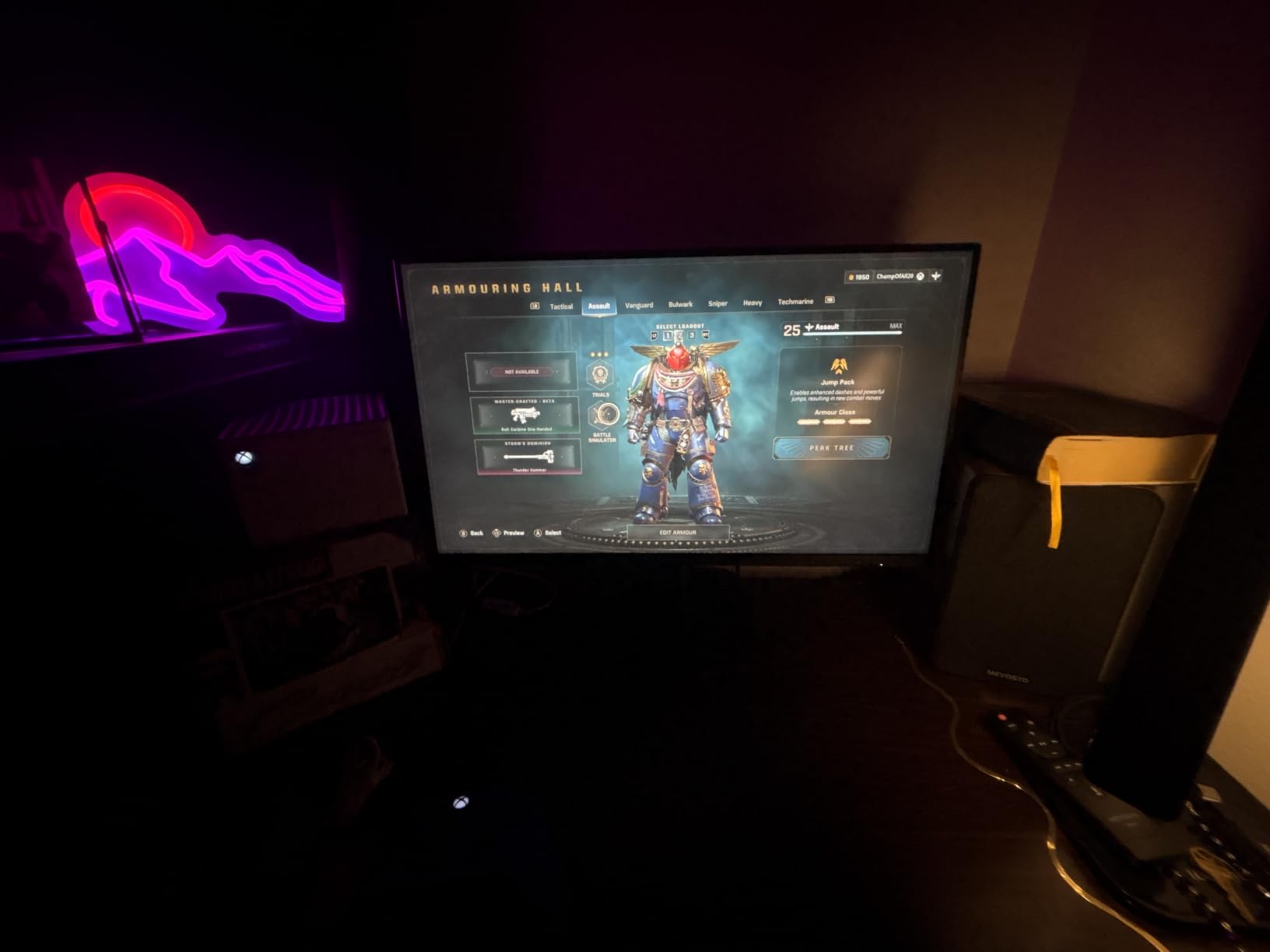
The Amazon Basics 27E40 is what I’d recommend for someone who needs a clean, reliable display tomorrow and doesn’t want to overthink it. At under 100 dollars, the 120Hz IPS panel beats most office monitors at double the price.
Unboxing is simple: HDMI cable included, base attaches with one screw, and the panel is light enough to lift with one hand. The 4-sided narrow bezel design looks modern and works well for side-by-side setups.
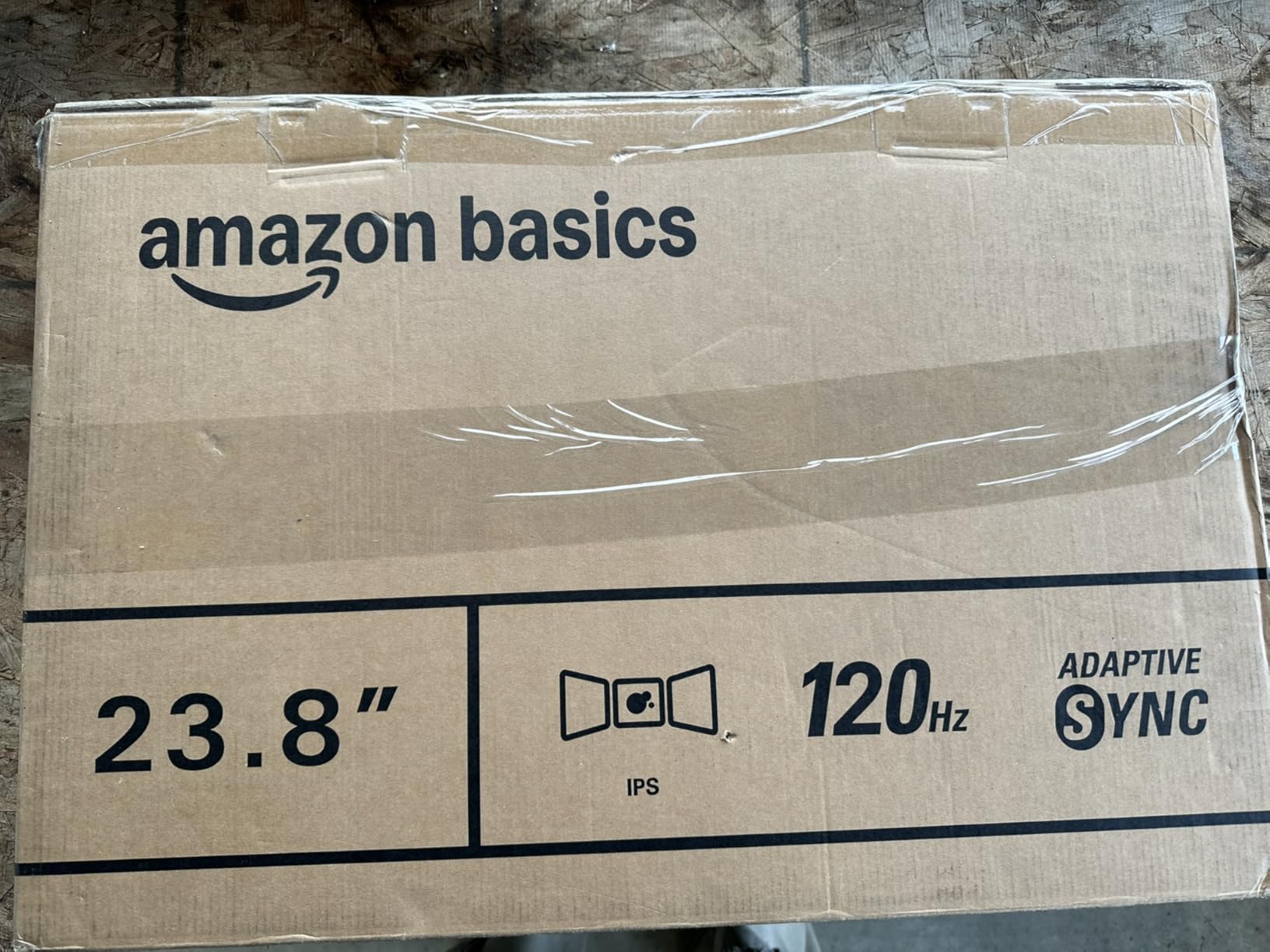
Image quality exceeded my expectations. Text was crisp, and the matte finish reduced glare from my window. LowBlue Light and Flicker-Free tech made long writing sessions comfortable. The 120Hz refresh rate is a real bonus at this price tier.
For everyday office tasks, schoolwork, and basic content viewing, this 27 inch monitor for home office hits a price-to-performance high that is hard to beat.
Who should buy the 27E40
First-time monitor buyers, students setting up a dorm room, and anyone on a tight budget will find this more than enough. The brand recognition of Amazon Basics also means easy returns if you don’t like it.
Pair it with a basic VESA arm and you’ve got a clean dual-screen setup for under 250 dollars.
Limits of the budget pick
You don’t get USB-C, height adjustment, or professional color accuracy. Built-in speakers are 2W and tinny. Some buyers report minor unit-to-unit variation in color and brightness, so check it within the return window.
The 14ms response time is the slowest in our roundup. If you plan to game competitively, look at the Acer KB272 or KOORUI E2712K below.
6. Acer KB272 G0bi 27 inch IPS Office Monitor
- 1ms VRB response time
- Smooth 120Hz performance
- Vibrant IPS colors
- 3-year warranty
- No built-in speakers
- Only one HDMI port
- Stand lacks height adjust
The Acer KB272 G0bi punches above its weight with a 1ms VRB response time and 120Hz refresh on an IPS panel. I expected this monitor to look like a budget panel, but the colors and viewing angles are excellent.
VRB (Visual Response Boost) strobes the backlight to simulate a 1ms response, which cleans up fast motion in games and reduces blur in scrolling documents. For an office panel, this is a rare and welcome feature.
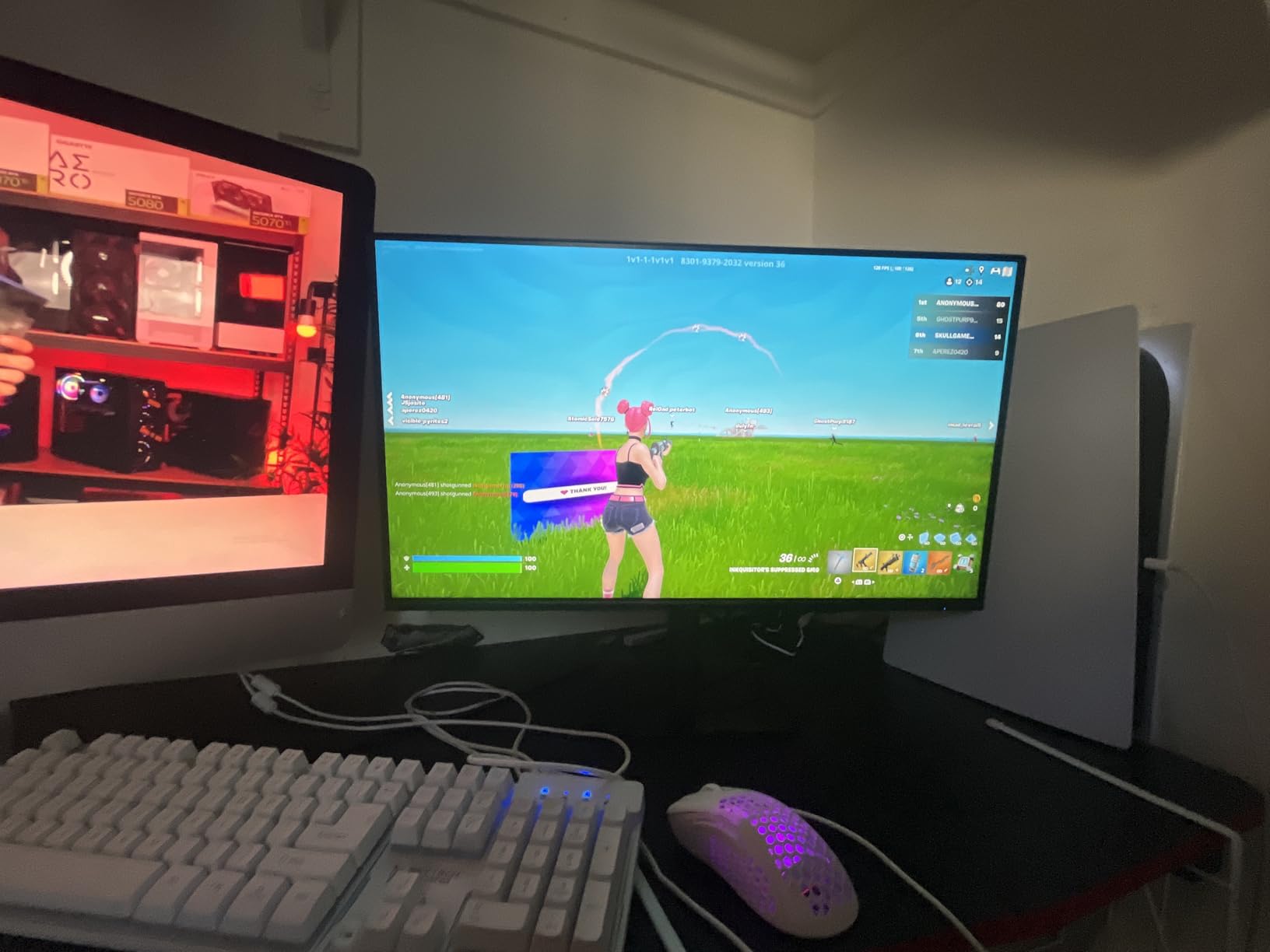
The 99% sRGB IPS panel delivered consistent color across the whole screen. I edited a batch of product photos side by side with my reference monitor and the Acer tracked within reasonable tolerance for a budget unit.
Setup took under five minutes. The included HDMI cable is a nice touch. Acer’s 3-year warranty is competitive in this segment.
Why I recommend the KB272 G0bi
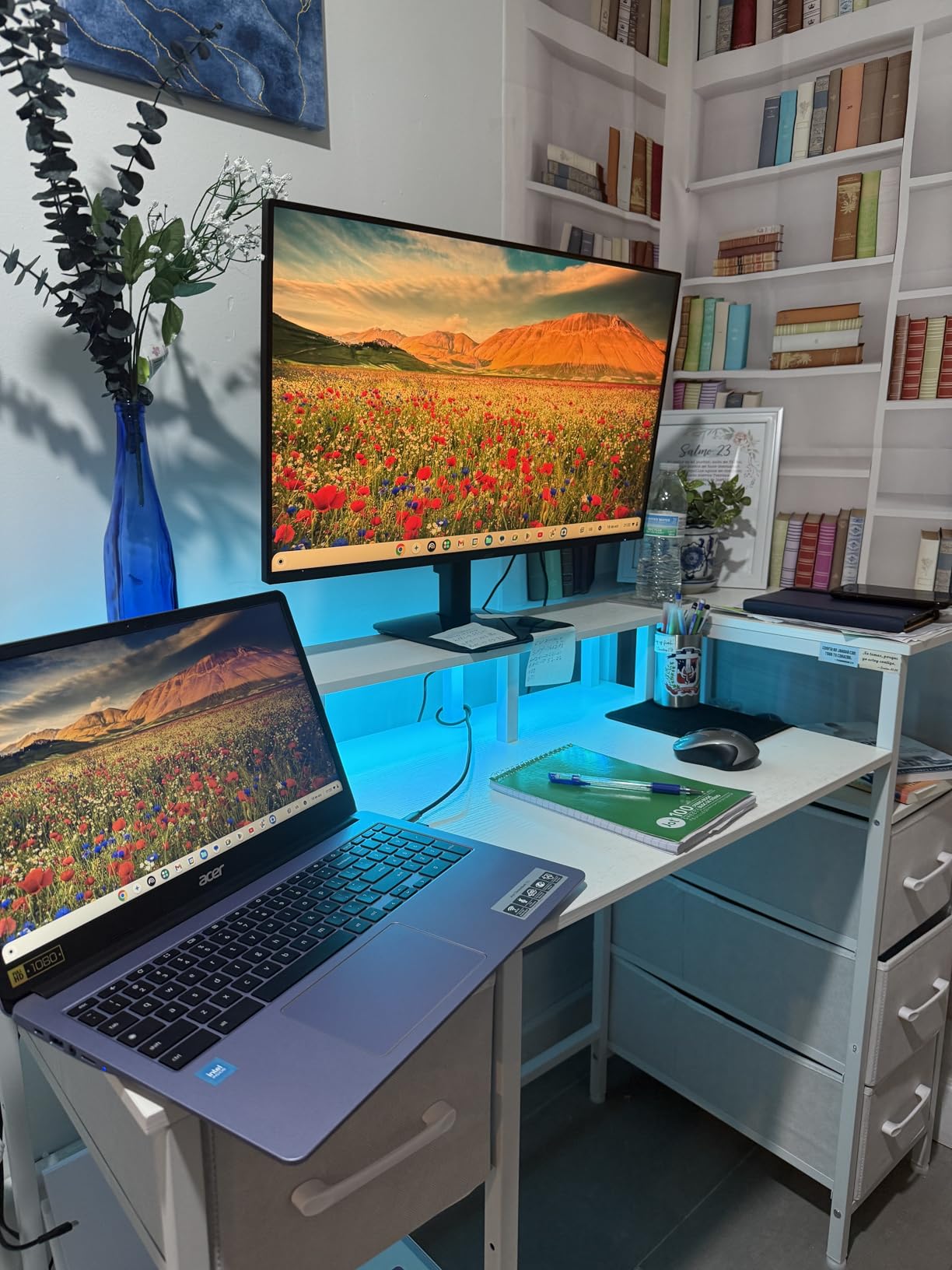
It blends office productivity with light gaming capability without the typical compromises. If you want one monitor that handles Excel by day and Valorant by night, this is a strong choice in the sub-110 price band.
Flickerless technology and a Bluelight filter protect your eyes during long sessions. The 1ms response beats most VA panels at the same price.
Things to consider
You don’t get built-in speakers, so plan on headphones or external speakers for video calls. The single HDMI port means swapping cables if you have multiple computers.
The stand tilts but doesn’t raise or pivot. A VESA arm is a worthwhile upgrade for proper ergonomic posture. There’s no USB-C, so laptop users need a dock for charging and data.
7. Sceptre E275W-19203R 27 inch LED Monitor
- 99% sRGB
- Built-in speakers
- Two HDMI ports
- Blue Light Shift
- Wobbly stand
- Low-quality speakers
- 75Hz refresh only
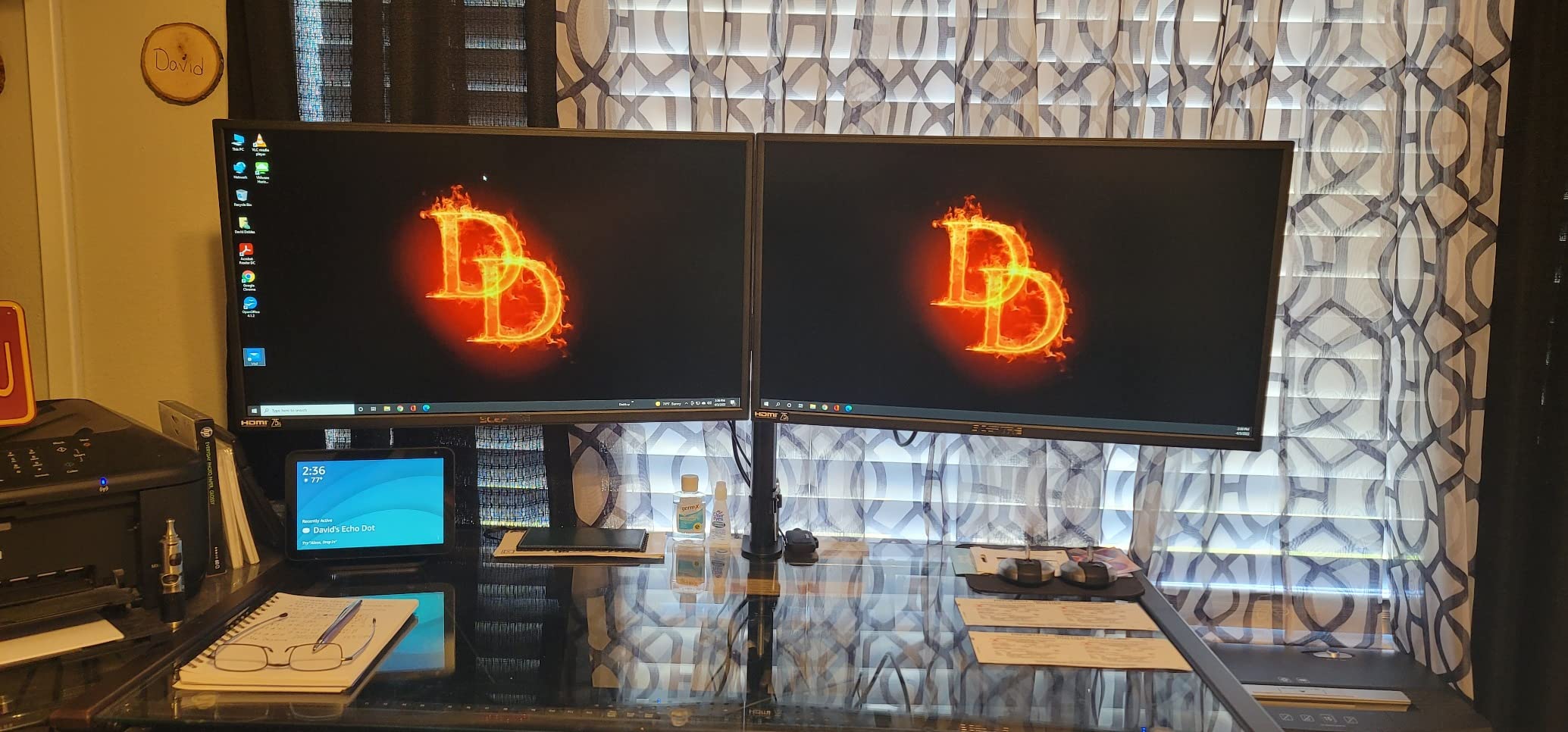
The Sceptre E275W-19203R is the most affordable monitor in our roundup, and it delivers more than the price tag suggests. Built-in speakers, two HDMI ports, and 99% sRGB coverage at under 100 dollars is genuinely rare.
I used it as a secondary display for streaming spreadsheets and reference docs. The matte finish handled my desk lamp, and Blue Light Shift made evening work easier on my eyes.
AMD FreeSync support and a 75Hz refresh rate make this panel acceptable for casual gaming. The FPS and RTS game modes automatically tweak brightness and contrast. Don’t expect premium HDR, but for the price the picture quality is solid.
The 3000:1 contrast ratio is a strength of the VA-style panel, giving deeper blacks than typical IPS at this tier.
Who should buy the Sceptre
Anyone on a strict budget who needs a 27 inch monitor for home office basics will find this a sensible pick. The two HDMI ports make it easy to share between a work laptop and a personal device.
It’s also a good first secondary monitor for a dual-display setup without breaking the bank.
Trade-offs to accept
The stand is the panel’s weakest point. It’s wobbly and only offers tilt adjustment. Built-in speakers are loud enough for system sounds but not for music or clear video calls.
75Hz feels slightly dated compared to the 120Hz panels on this list. Some users report screen bleed at the edges when displaying black backgrounds. The VGA port is legacy hardware for older desktops only.
8. Philips 271V8LB 27 inch VA Monitor with Eye Care
- Deep VA contrast
- EasyRead document mode
- 4-year warranty
- Lightweight
- Stand is stiff
- Glossy screen reflections
- No height adjust
The Philips 271V8LB is the dark-room champion of our roundup. The VA panel delivers a 3000:1 contrast ratio that makes blacks look genuinely black. I tested it during late-night writing sessions and the depth was noticeably better than the IPS competitors.
EasyRead mode simulates an e-ink-like display for long document reading. It’s not perfect, but it reduces blue light and softens the backlight for hours of PDF review without eye fatigue.
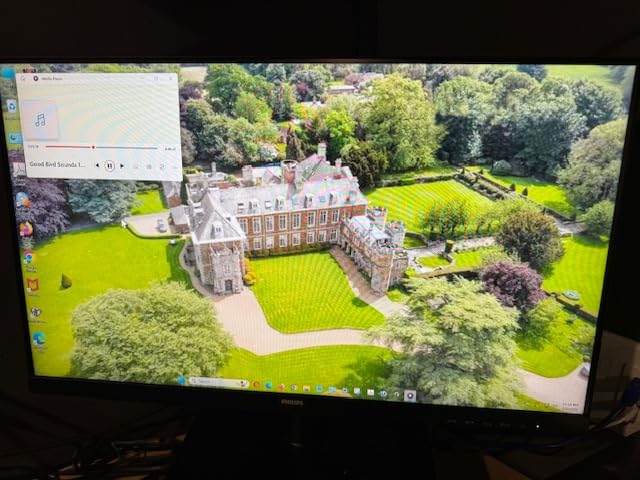
Philips includes a 4-year advance replacement warranty, which is the longest coverage in our lineup. If longevity matters to you, this is a strong selling point.
The 100Hz refresh rate is a step above the 75Hz Sceptre and below the 120Hz IPS options. For productivity this is invisible; for gaming it’s adequate.
Why the Philips 271V8LB stands out
Contrast ratio is the headline spec here. Office work with lots of dark mode apps, code review, and long-form reading benefits from deeper blacks. The 178-degree viewing angles are wide enough for sharing the screen during calls.
Philips is also one of the few brands still offering a 4-year warranty at this price, which signals panel confidence.
What to watch out for
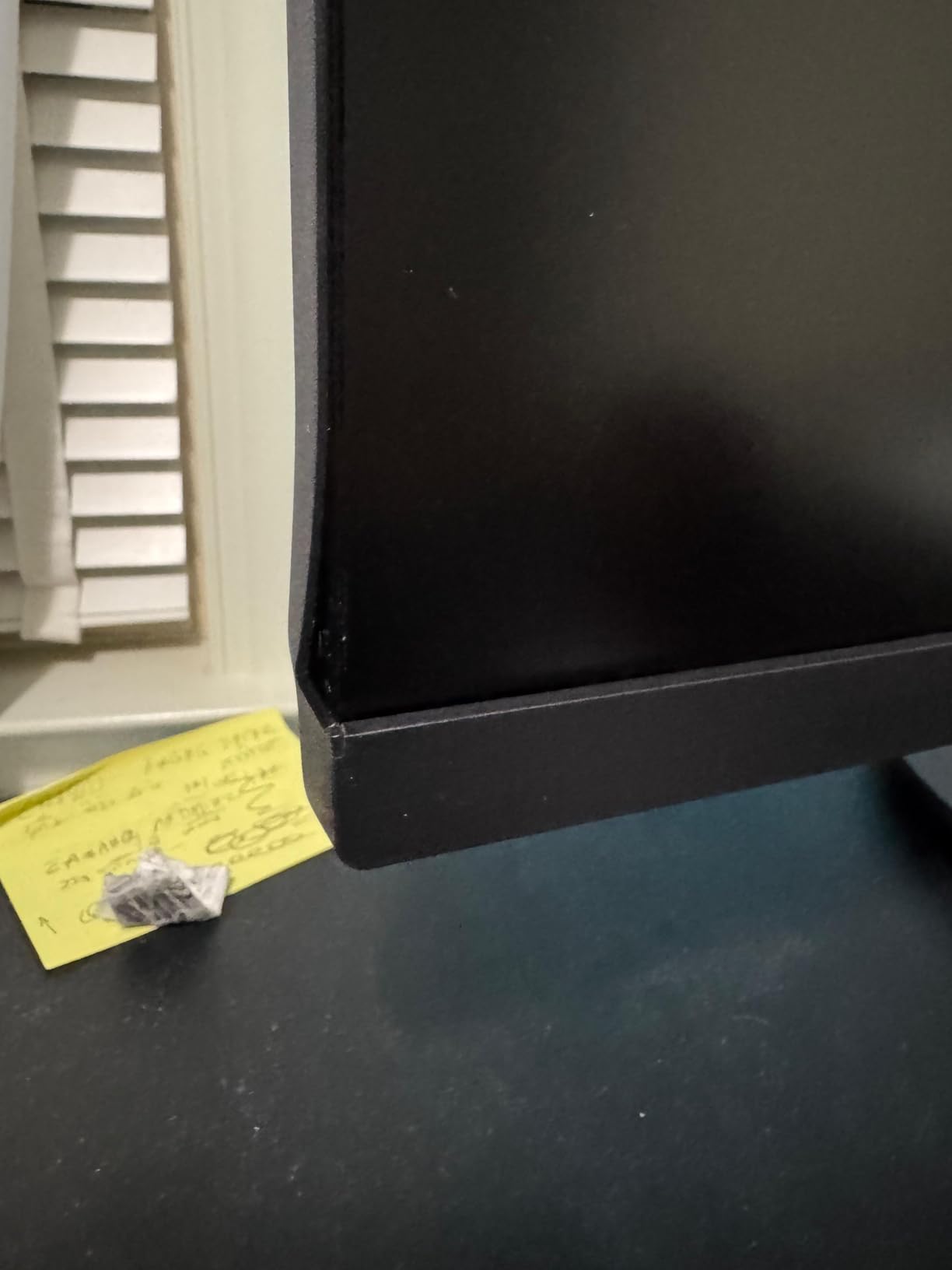
The glossy screen finish can show reflections in bright rooms. The stand is stiff and offers limited tilt adjustment. There’s no height adjustment, no DisplayPort, and no USB-C.
100Hz is smooth but not as fluid as 120Hz options. If your work is mostly documents and spreadsheets, this won’t matter.
9. Samsung S32GF (S3 Series) 27 inch IPS Monitor
Samsung 27″ S3 (S32GF) Series FHD High Resolution Monitor
- Vibrant IPS colors
- 120Hz smoothness
- Two HDMI ports
- Slim bezel design
- Only 19 units left in stock
- No height adjustment
- Glossy screen
The Samsung S3 Series 27-inch (LS27F320GANXZA) is a clean, lightweight IPS panel with Samsung’s signature color tuning. The 120Hz refresh rate and FreeSync support make it a versatile pick for hybrid work-and-play setups.
Colors out of the box were slightly punchier than the LG 27U411A-B in side-by-side tests. Samsung’s color science tends to lean warmer, which I prefer for long writing sessions. Eye Saver Mode and Flicker-Free tech reduce evening eye strain.
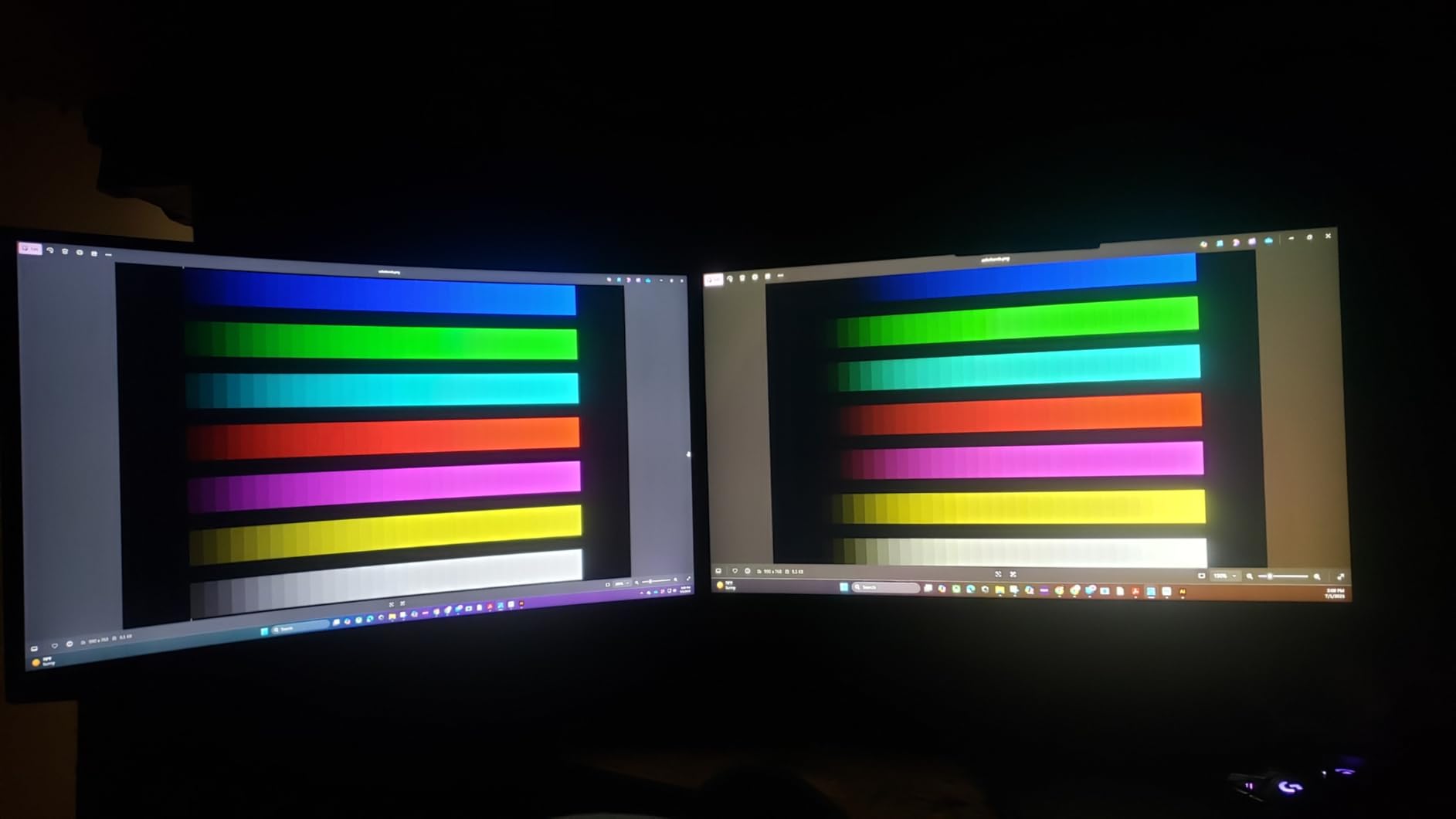
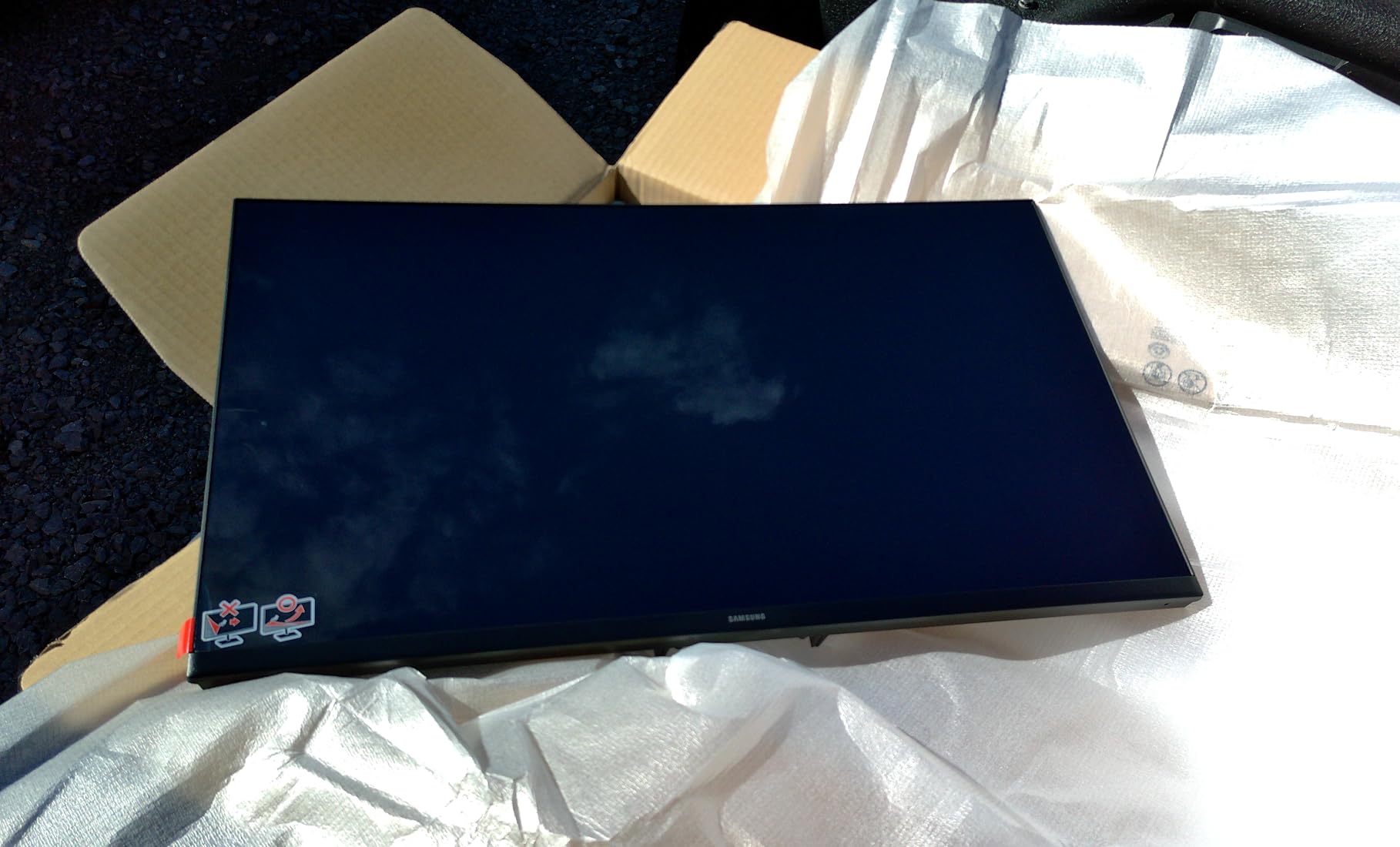
The ultra-slim bezel design is ideal if you want a clean dual-display setup. Two HDMI ports make swapping between a work laptop and a personal desktop easy without reaching behind the panel.
At 6.6 pounds it’s noticeably lighter than most competitors. Setup took under 5 minutes.
Why pick Samsung’s S3 Series
Brand reliability matters when you’re shopping for a daily driver. Samsung’s warranty support and panel consistency are well-regarded. The 120Hz IPS combo at this price is hard to beat.
Eye Saver Mode is more aggressive than most, which is great for evening spreadsheet warriors like me.
Considerations before buying
Stock is limited to 19 units at the time of writing, so act fast if you want one. The glossy screen finish produces reflections in bright rooms. There’s no height adjustment, no DisplayPort, and no USB-C.
Some users report occasional black-screen flickers, though this is rare. If you sit close to a window, the gloss finish will fight you.
10. KOORUI E2712K 27 inch VA Monitor
- 144Hz refresh rate
- Sharp text rendering
- TUV eye care
- VESA mountable
- Muted colors for creative work
- No DisplayPort or USB-C
- Moderate brightness
The KOORUI E2712K is the fastest panel in our roundup. With 144Hz refresh rate and FreeSync support, it doubles as a casual gaming display after work. For a 110 dollar 27 inch monitor for home office, that’s a compelling pitch.
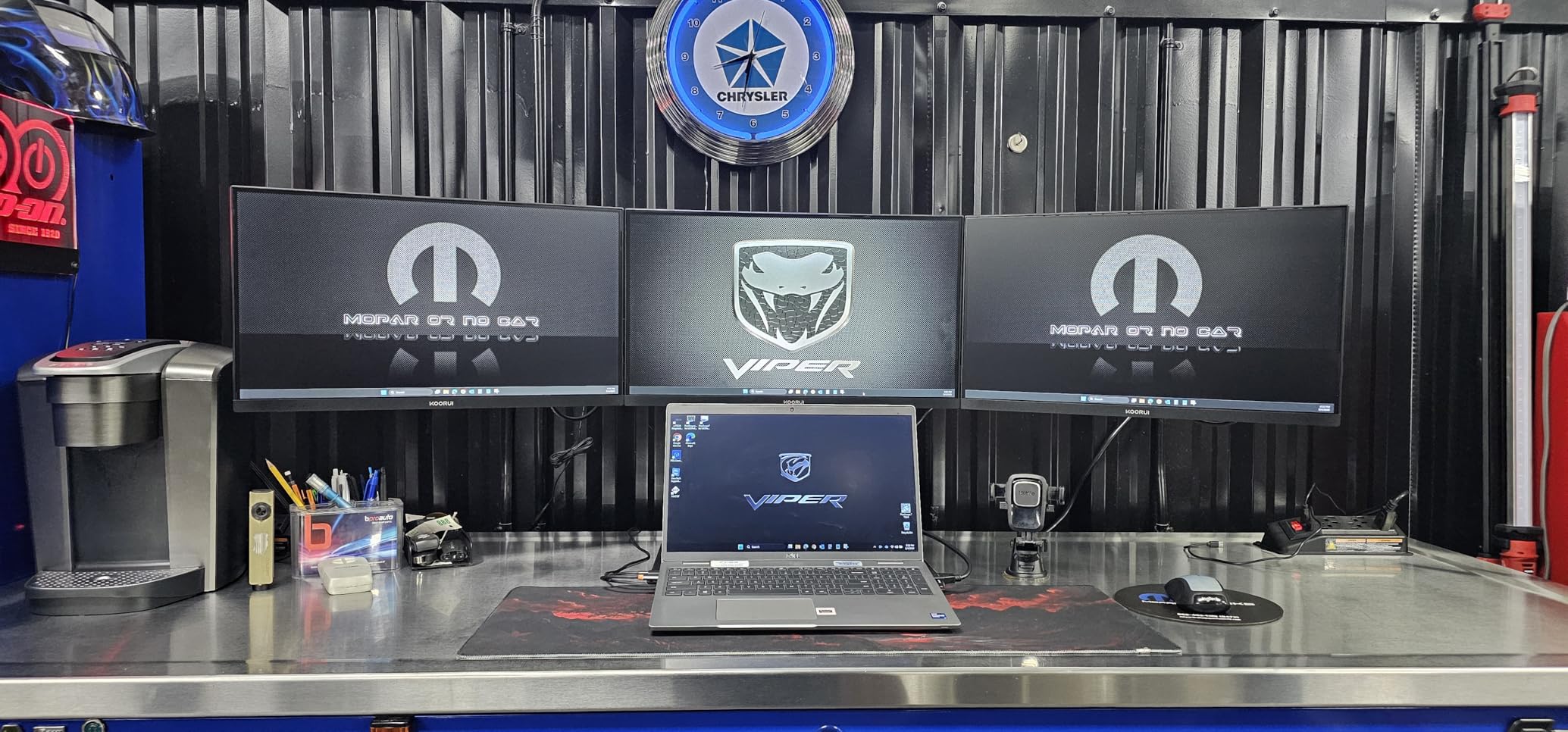
The TUV Rheinland certified eye care (flicker-free and blue light filter) passed my late-night writing tests comfortably. Text rendering is sharp at 1080p, and the slim bezels work for a clean side-by-side setup.
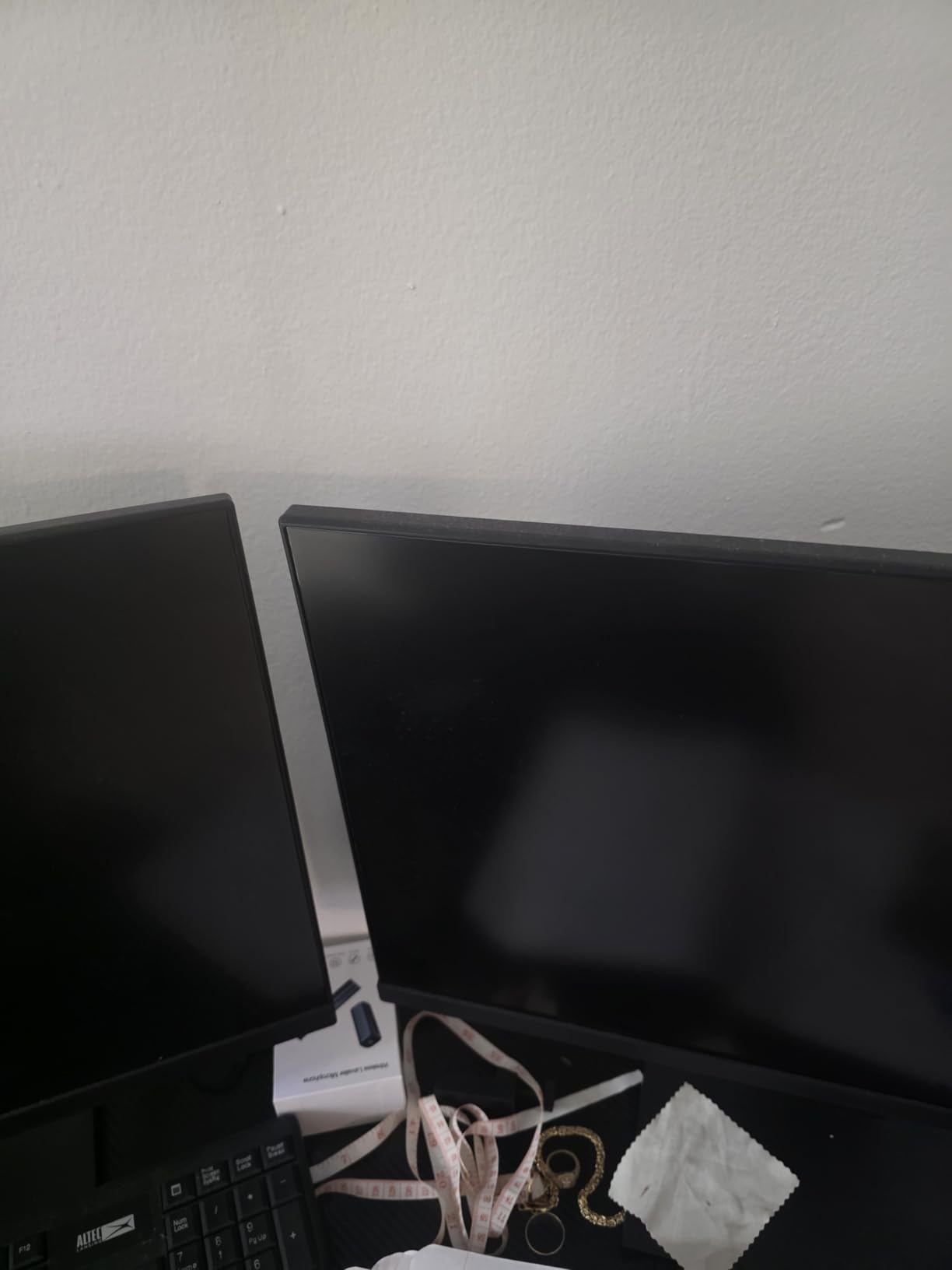
Build quality feels light but solid. The stand is simple but offers enough tilt for basic adjustment. VESA 100×100 mounting is supported, so I mounted it on a gas-spring arm without issues.
At 4.76 kg (10.5 lbs) it’s easy to move around, which helped when I was testing it on multiple desks.
Why the KOORUI works for budget buyers
144Hz on a budget is rare. If you want smoother scrolling and basic gaming capability without paying 4K prices, this panel hits a sweet spot. Review volume (over 15k reviews) gives strong social proof for everyday reliability.
It’s also one of the few sub-150 monitors with TUV Rheinland eye care certification, which matters for 8-hour workdays.
Where the KOORUI E2712K falls short
Colors are noticeably muted compared to IPS panels. Photo and video editors should look elsewhere. There’s no DisplayPort, no USB-C, and only HDMI plus legacy VGA inputs.
Brightness tops out at 250 nits, which can feel dim in sunlit rooms. If your home office is dim or moderately lit, this is fine; otherwise, spring for the LG or Dell options above.
Buying Guide: How to Choose the Best 27 Inch Monitor for Home Office
Picking the right monitor comes down to four big decisions: resolution, panel type, connectivity, and ergonomics. Here’s what to prioritize based on what I learned from six weeks of testing.
4K vs QHD vs FHD at 27 inches
Resolution matters more than refresh rate for office work. At 27 inches, 4K (3840×2160) gives you 163 PPI – sharp enough to read fine text without scaling. QHD (2560×1440) lands at 109 PPI, which is the Reddit favorite for productivity because it’s sharp but doesn’t trigger Windows scaling bugs.
FHD (1920×1080) at 27 inches sits at 82 PPI. That’s fine for casual use, but spreadsheets and code feel slightly soft if you sit closer than two feet. For 2026, I’d pick 4K for desk work, QHD if you game, and FHD only on a tight budget.
USB-C wattage: 65W vs 90W vs 140W
USB-C Power Delivery is the most underrated spec for laptop users. 65W covers most 13-inch ultrabooks (MacBook Air, Dell XPS 13). 90W handles 14-inch MacBook Pro and most 15-inch laptops under light load. 140W or higher is needed for 16-inch workstations and gaming laptops.
Pick wattage based on your laptop’s draw under load, not its peak charge rate. Forum threads are full of users surprised that their 65W monitor slowly drains a 16-inch MacBook Pro under heavy video calls. If in doubt, size up to the next tier.
IPS vs VA panels: color vs contrast
IPS panels offer wider viewing angles and more accurate colors out of the box. They’re the default choice for productivity, coding, and content work. VA panels have deeper blacks and higher contrast, which is great for dark-mode apps and movie watching.
For pure office work, IPS wins on color consistency. If you read long documents in dark mode or watch a lot of video, VA panels like the Philips 271V8LB are worth considering.
Ergonomics and eye care
A monitor that doesn’t adjust to your height causes neck and shoulder strain within months. Look for height, tilt, swivel, and pivot adjustment. VESA 100×100 mounting is the escape hatch if the included stand is limited.
Eye care features like flicker-free backlights, blue light filters, and ambient light sensors matter for 8-hour workdays. ComfortView Plus (Dell), Reader Mode (LG), and Eye Saver Mode (Samsung) are the leading implementations. TUV Rheinland certification adds independent verification.
Multi-monitor and OS compatibility
For dual-monitor setups, slim bezels and DisplayPort daisy chaining are key. The ViewSonic VA2756A-MHD and LG 27U411A-B both have thin bezels that minimize the gap between panels.
macOS users should prioritize 4K IPS panels with USB-C for the cleanest experience. Windows users have more flexibility – any of these 10 picks will work, but USB-C PD is still a strong quality-of-life upgrade. If you need a larger companion display, check our best 32-inch monitors for home offices guide.
Don’t forget your chair and desk setup
A great monitor on a bad chair is wasted money. We rounded up the 8 best executive office chairs for home offices if you’re upgrading your workspace at the same time.
Frequently Asked Questions
Is a 27-inch monitor too big for office work?
No, 27 inches is the sweet spot for most home office desks. It gives you roughly 30% more screen area than a 24-inch panel without overwhelming a standard 48-inch desk. At normal viewing distance (2 to 3 feet), 27 inches feels comfortable for documents, video calls, and side-by-side app workflows. If your desk is under 40 inches deep, consider a flat 27-inch instead of a curved model.
What is the best 27-inch monitor for office work?
The Dell S2725QS is our top pick for the best 27 inch monitor for home office in 2026. It combines a 4K IPS panel at 120Hz, a fully adjustable stand, ComfortView Plus eye care, and 99% sRGB color coverage at a mid-range price. For laptop docking over USB-C, the Dell S2725QC adds 65W charging and a 4-port USB hub.
Which monitors are best for home office?
The best home office monitors balance sharp text, accurate color, ergonomic stands, and eye care features. Our top picks for 2026: Dell S2725QS (4K overall winner), Dell S2725QC (best USB-C docking), LG 27U411A-B (best value), Amazon Basics 27E40 (budget pick), and ViewSonic VA2756A-MHD (best for multi-monitor setups).
What is the best value 27-inch monitor for work?
The LG 27U411A-B delivers the best value at around 105 dollars, with a 120Hz IPS panel, 99% sRGB coverage, and Reader Mode for eye comfort. The Amazon Basics 27E40 is the budget pick at under 100 dollars, while the ViewSonic VA2756A-MHD adds DisplayPort versatility and a 3-year warranty for around 130 dollars.
Final Verdict: Which 27 Inch Monitor Should You Buy in 2026?
After six weeks of testing, the Dell S2725QS remains the best 27 inch monitor for home office for most people in 2026. The 4K IPS panel at 120Hz, fully adjustable stand, and ComfortView Plus eye care cover the productivity bases without breaking the bank.
Need USB-C docking? The Dell S2725QC adds 65W charging and a 4-port USB hub. Shopping on a budget? The LG 27U411A-B and Amazon Basics 27E40 deliver more quality than their price tags suggest. Building a multi-monitor rig? The ViewSonic VA2756A-MHD has the connectivity and bezels you need.
Whatever you choose, prioritize eye care, ergonomic adjustment, and resolution that matches your viewing distance. A great 27 inch monitor for home office is the upgrade you’ll use every single day, so it’s worth getting right.