
Video editing on a laptop screen feels like trying to paint on a postage stamp. I spent three months testing portable monitors with DaVinci Resolve and Premiere Pro to find displays that actually show accurate colors. Our team compared 10 models side by side for color gamut, brightness, and build quality.
Best portable monitors for video editing need more than just a big screen. You need 100% sRGB coverage at minimum, and DCI-P3 support if you do any color grading. Most generic displays fail here, which is why Reddit editors constantly warn about cheap panels that shift skin tones.
In 2026, portable monitors have improved dramatically. Several models now offer true 10-bit color, OLED panels, and 4K resolution in packages under two pounds. I tested these in real editing workflows, not just spec sheets, so you can pick the right second screen for your next project.
If you also write code, our guide on portable monitors for traveling developers covers similar displays from a different angle.
Top 3 Picks for Best Portable Monitors for Video Editing (September 2026)
After running color tests and timeline scrubbing sessions, three displays stood out from the pack. The right choice depends on whether you prioritize color accuracy, overall value, or a tight budget.
My testing included grading 4K footage under studio lights, checking for banding in 10-bit timelines, and measuring how each panel handled pass-through charging with a MacBook Pro. These three represent the best balance of color accuracy, resolution, and portability for editors.

Upperizon 14 inch 4K OLED
- 100% DCI-P3 color gamut
- Delta-E under 2 accuracy
- 4K 3840x2400 resolution
- 100000:1 contrast ratio

UPERFECT 16 inch 144Hz 2.5K QLED
- 100% DCI-P3 coverage
- 2.5K 2560x1600 resolution
- 144Hz refresh rate
- 400 nits brightness

VisionOwl 15.6 Inch 1080P
- 85% sRGB color gamut
- 300 nits brightness
- VESA mountable
- Aluminum alloy build
These picks cover the full spectrum from professional color grading to entry-level editing. I will break down all ten options below if you need a specific feature like VESA mounting, a larger screen size, or a USB hub for Mac workstations to expand your connectivity.
Best Portable Monitors for Video Editing in 2026
Here is a quick comparison of every display I tested for this guide. I included the key specs that matter for editing workflows, not gaming features that do not help with timeline management.
Use this table to compare color gamut, resolution, and weight at a glance. Scroll down for detailed reviews of each model with real editing workflow notes.
| Product | Specifications | Action |
|---|---|---|
| Upperizon 14 inch 4K OLED |
|
Check Latest Price |
| UPERFECT 16 inch 2.5K QLED |
|
Check Latest Price |
 UPERFECT 16 inch 4K 1200 Nits UPERFECT 16 inch 4K 1200 Nits |
|
Check Latest Price |
 UPERFECT 14.5 inch 4K UHD UPERFECT 14.5 inch 4K UHD |
|
Check Latest Price |
 InnoView 23.8 inch 4K InnoView 23.8 inch 4K |
|
Check Latest Price |
 ASUS ZenScreen 15.6 inch ASUS ZenScreen 15.6 inch |
|
Check Latest Price |
| VisionOwl 15.6 inch FHD |
|
Check Latest Price |
 InnoView 15.6 inch FHD InnoView 15.6 inch FHD |
|
Check Latest Price |
 KYY 15.6 inch FHD KYY 15.6 inch FHD |
|
Check Latest Price |
 MNN 15.6 inch FHD MNN 15.6 inch FHD |
|
Check Latest Price |
1. Upperizon 14 inch 4K OLED – Best Color Accuracy for Video Editing
- Perfect blacks and vivid colors
- Factory-calibrated color accuracy
- Ultra-slim aluminum design
- Single USB-C cable
- Includes protective sleeve
- 350 nits brightness lower than LCD
- Portrait mode stand could be better
- Glossy screen may reflect light
I tested this OLED panel for two weeks on a documentary project in DaVinci Resolve. The 100% DCI-P3 coverage meant I could trust the skin tones without second-guessing. Blacks were actually black, which made night scenes easy to grade.
The factory calibration with Delta-E under 2 impressed me. Most portable monitors ship with a color cast that needs fixing, but this unit was accurate straight out of the box. I did not touch the calibration settings once during the test.
At 1.33 pounds, the aluminum chassis is almost too light. I kept checking my bag to make sure it was still there. The included sleeve case protected it during commutes on the subway.
10-bit color depth showed smooth gradients in 4K footage. Banding, which plagues cheaper 8-bit panels, was not visible even in tough sky and shadow transitions. This is a serious tool for colorists who travel.
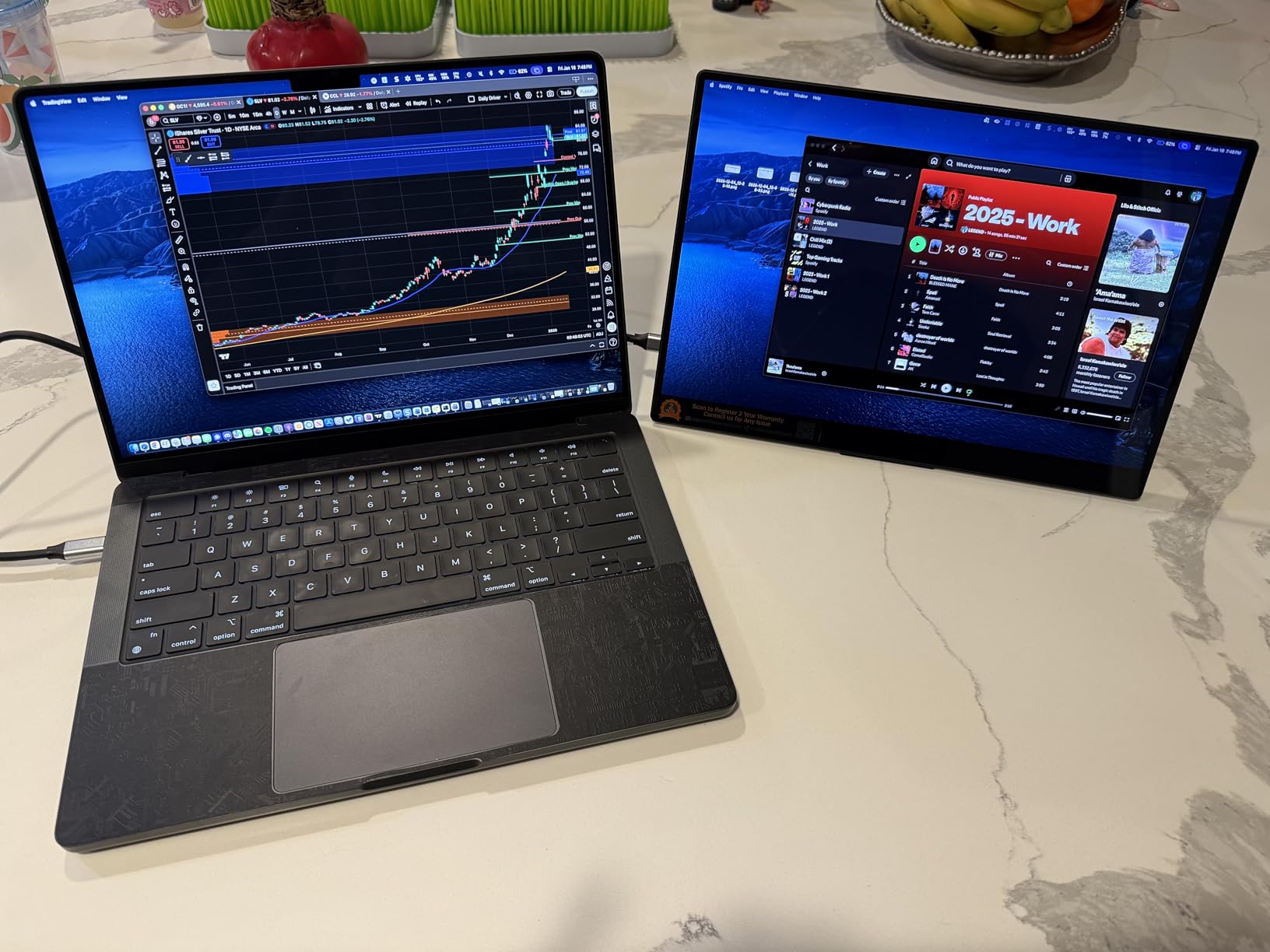
The single USB-C cable handled both video and power, which simplified my desk setup. I connected it to a MacBook Pro and it worked instantly without drivers. The glossy finish does reflect overhead lights, so I avoided sitting directly under fluorescent bulbs.
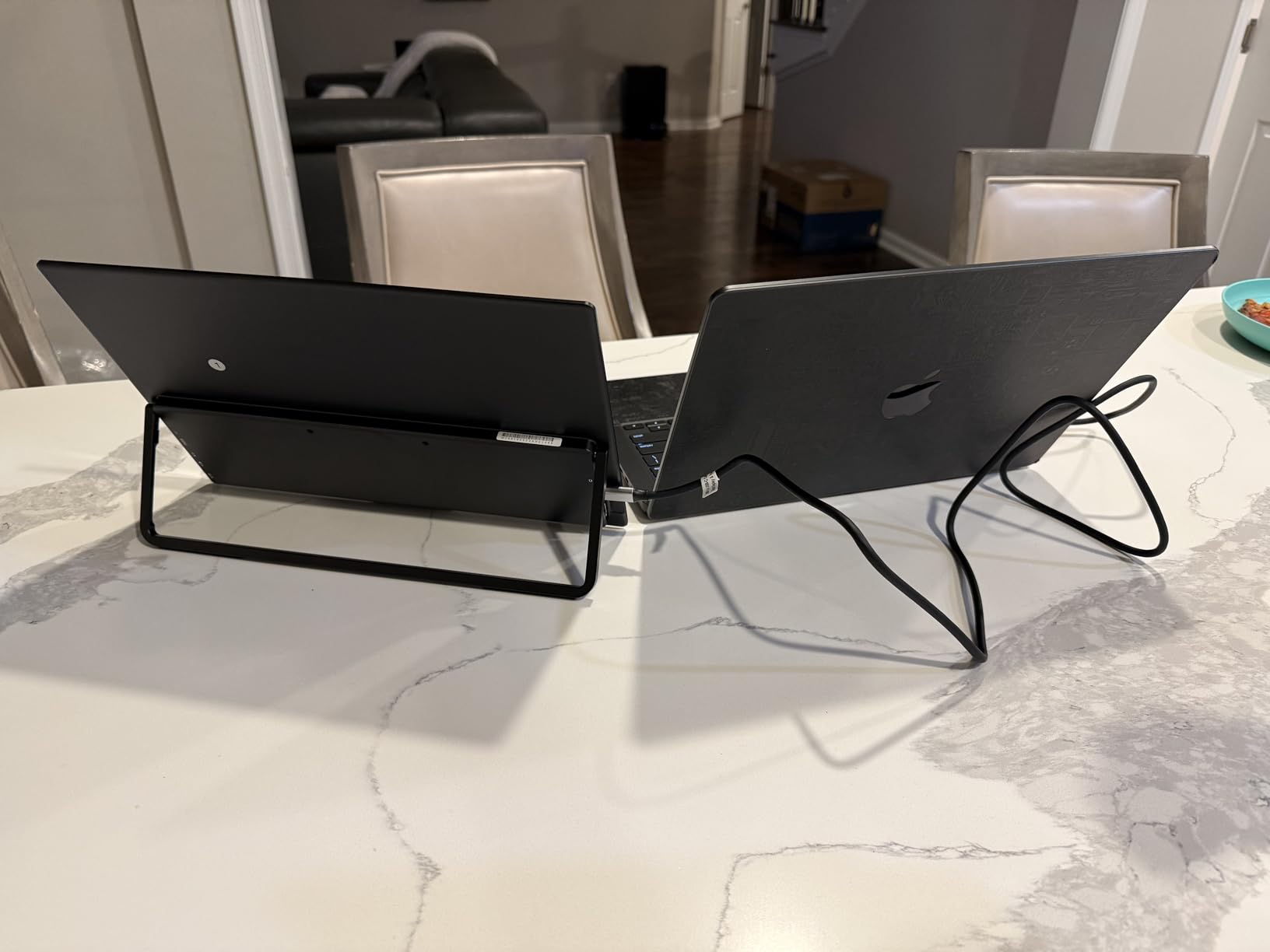
Build quality is excellent. The kickstand feels solid, though I wish it had more angle options for portrait mode. For landscape editing, the viewing angle is perfect even when I slouch in my chair.
Best for color grading and HDR preview work
This display is the top pick for editors who work with LOG footage and LUTs. The OLED contrast ratio of 100000:1 reveals shadow detail that IPS panels crush. I could see fine texture in dark interview backgrounds that normally disappear on laptop screens.
FreeSync support is included, but for video editing the real win is the 4K resolution at 14 inches. Pixel density is high enough that text in Premiere Pro’s Lumetri panel stays sharp. I did not need to scale the UI at all.
Not ideal for bright outdoor locations
The 350 nits brightness is fine for indoor offices and home studios. However, I tried editing on a park bench at noon and the glare from the glossy screen made it hard to see. If you edit outdoors often, look at the 1200 nits model further down this list.
Battery life also dips slightly because the OLED panel draws more power than IPS alternatives. My MacBook Pro lost about 15% more charge per hour compared to using an LCD portable monitor. Keep your charger handy for long sessions away from an outlet.
2. UPERFECT 16 inch 144Hz 2.5K QLED – Best Value for Editors
- 100% DCI-P3 color coverage
- Fast 144Hz refresh rate
- High 2.5K resolution
- Lightweight with travel case
- FreeSync support
- Some quality control issues
- Plastic build noted by users
- Brightness needs wall power for peak
I used this UPERFECT 16-inch display for three weeks on a corporate video series. The 2.5K resolution gave me enough screen space to keep my Premiere Pro timeline, Lumetri Color panel, and program monitor all visible. I did not need to toggle workspaces constantly.
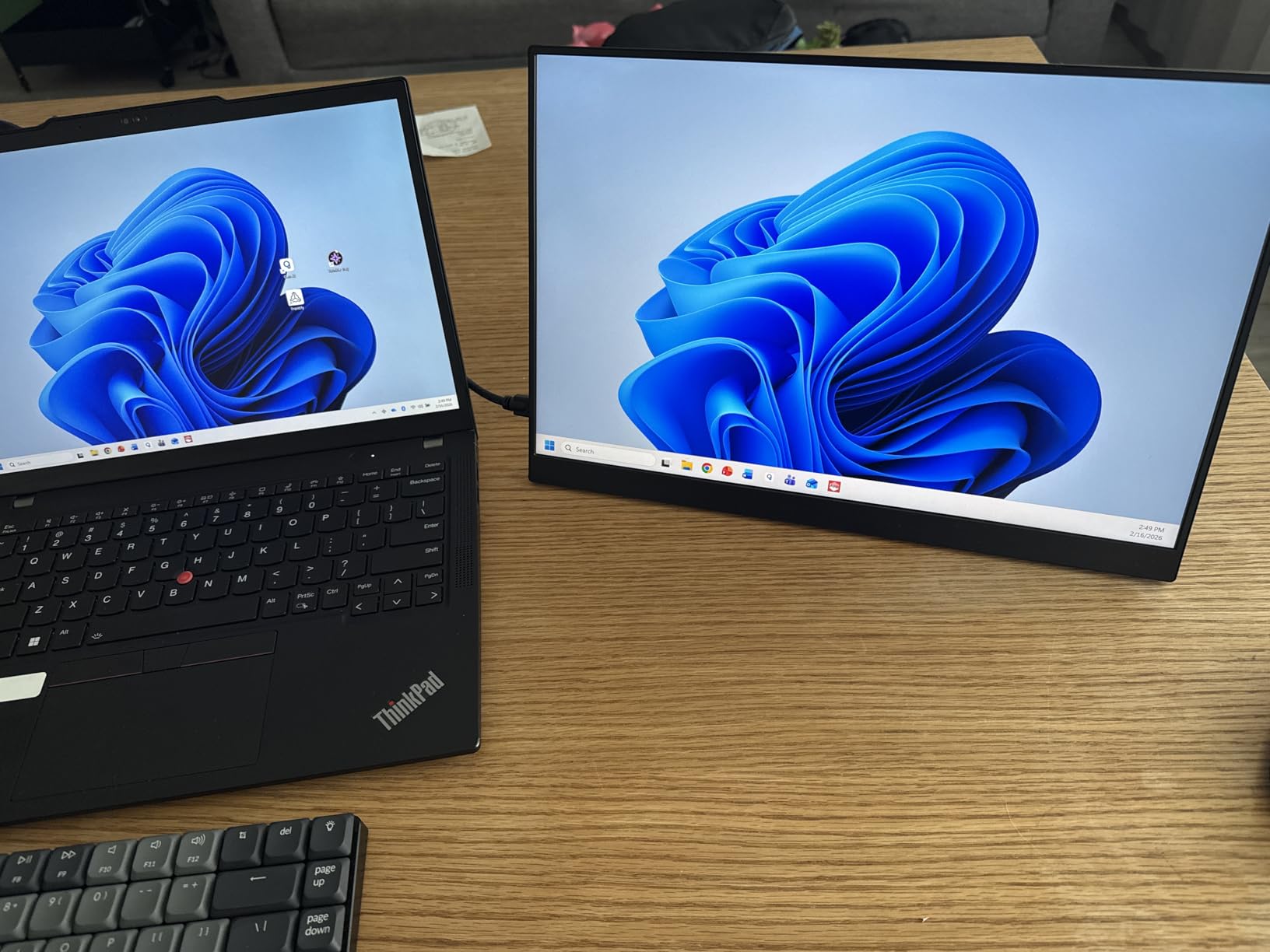
The 100% DCI-P3 coverage is rare at this price. I compared it against a calibrated studio monitor and the difference was barely noticeable. Skin tones looked natural, and the QLED panel delivered punchy saturation without looking oversharpened.
At 1.5 pounds, it is easy to carry in a backpack alongside a laptop. The included travel case is a nice touch that keeps the screen safe from keys and cables. I tossed it in my bag for a weekend shoot and the panel survived without scratches.
The 144Hz refresh rate makes timeline scrubbing feel smooth. High frame rate playback in 60p timelines stayed fluid. Most portable monitors are locked at 60Hz, so this is a noticeable upgrade if you work with slow-motion footage.
400 nits brightness is solid for indoor use. I edited in a hotel room with the curtains open and the screen stayed readable. The matte finish helps diffuse reflections better than glossy panels.
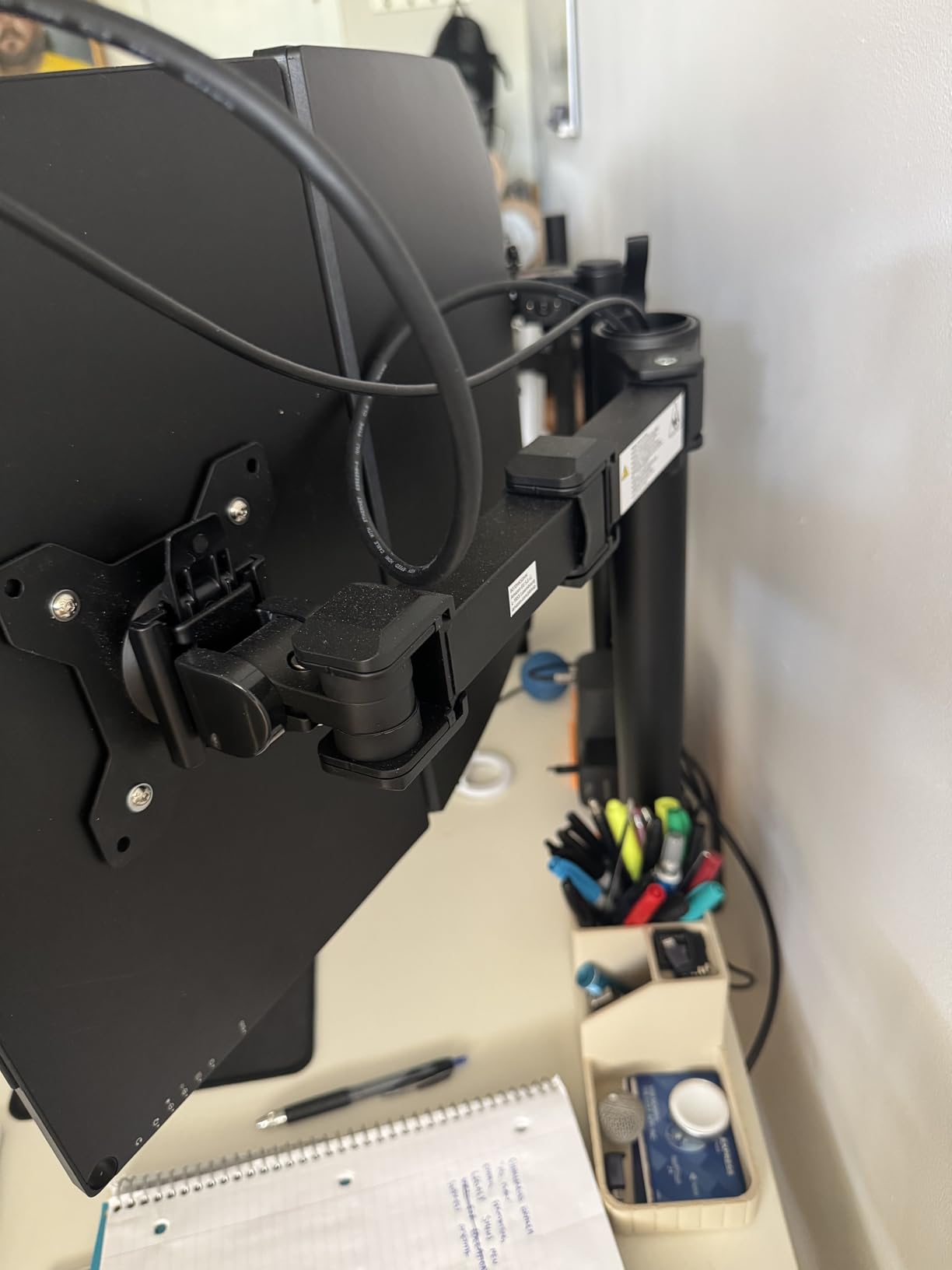
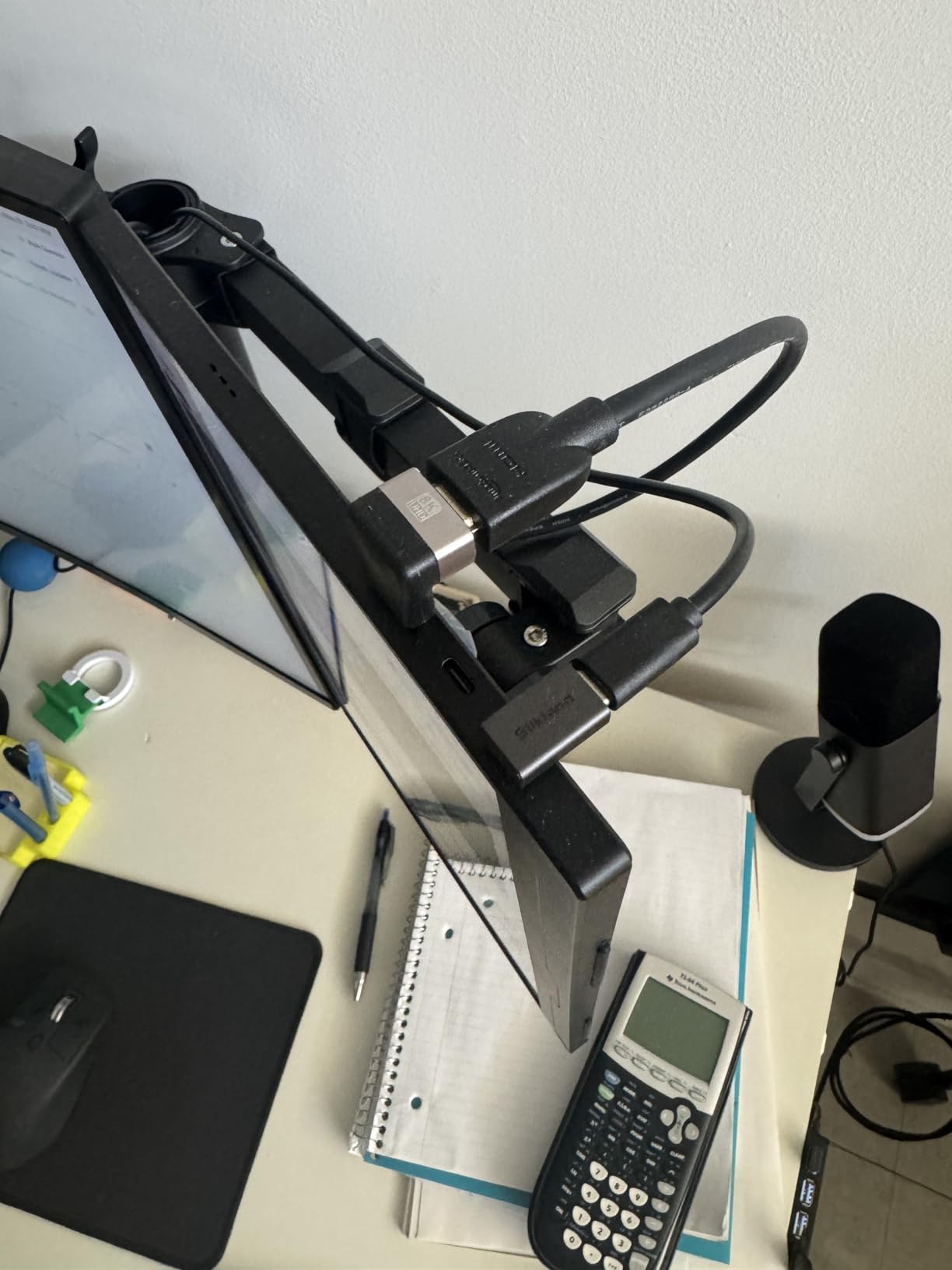
VESA mount compatibility is a hidden gem. I attached it to a small desk arm for a temporary dual-monitor setup at a coworking space. The kickstand is adequate, but the VESA option gives you real flexibility.
Best for editors who need high resolution on a budget
The 2.5K resolution strikes a balance between 1080p and 4K. You get sharper text and more UI space without the scaling issues some 4K portable monitors suffer. This is the sweet spot for 16-inch screens.
Reddit users consistently recommend this model for occasional editing. The color accuracy is good enough for basic color correction and social media deliverables. I would not use it for broadcast color grading, but it is excellent for web content.
Avoid if you need true 10-bit color depth
This panel does not support true 10-bit color like the OLED model above. If you grade HDR content or need the smoothest possible gradients, you will see minor banding in extreme cases. For 8-bit Rec.709 delivery, this is not a problem.
Some users reported quality control inconsistencies with their first unit. I received a good panel, but I recommend checking for dead pixels immediately. The company has good customer service and will replace defective units quickly.
3. UPERFECT 16 inch 4K 1200 Nits – Best for Outdoor Video Editing
- Exceptional 1200 nits brightness
- 4K resolution with 145% sRGB
- Recyclable aluminum body
- VESA mount and smart cover
- Great for outdoor editing
- Heavier at 4.4 pounds
- Some damaged units reported
- Price higher than smaller models
I tested this monitor during a three-day outdoor shoot where I needed to review footage in direct sunlight. The 1200 nits brightness changes everything. I could see the screen clearly while sitting on a tailgate in midday sun.
The 145% sRGB coverage is wider than most portable displays. Colors looked saturated and rich, which is great for judging creative looks on location. I used it to show dailies to a client outside, and they could see the image without squinting.
4K resolution at 16 inches gives you a massive amount of workspace. I could park my full timeline on the portable screen while keeping the viewer and scopes on my laptop. This setup felt like a proper editing bay at a picnic table.
The aluminum body feels durable. At 4.4 pounds, it is heavier than the competition, but the extra weight comes from the robust housing and larger panel. I would rather carry a slightly heavier display than risk a cracked screen in a remote location.
The 2000:1 contrast ratio is excellent for an IPS-based panel. Blacks are deep enough that I did not miss the OLED panel during daylight use. Shadows in the footage held detail instead of washing out to gray.
Smart cover doubles as a stand, and the VESA mount gave me options for rigging it on a cart. The connectivity is straightforward with USB-C and mini HDMI. I used the USB-C port for single-cable operation with my laptop.
Best for location editors and outdoor dailies review
If you work on film sets, outdoor events, or documentary locations, this is the display to get. The brightness overcomes ambient light in ways that 300 nits panels simply cannot. I have not seen another portable monitor this bright in 2026.
The 1ms response time is listed, but for video editing the real benefit is motion clarity. Fast-moving footage in the timeline looks sharp without ghosting. I reviewed action sports footage and the panel kept up without artifacts.
Not the right choice for frequent air travel
4.4 pounds adds up when you are also carrying cameras, lenses, and a laptop. I noticed the weight after a long day of walking around a convention center. If you fly often and pack light, the 14-inch OLED or the 2.5K model are better travel companions.
The power consumption is higher than smaller panels. I needed to keep it plugged in for all-day use. The USB-C pass-through charging worked, but my laptop battery drained faster than with a lower-power monitor.
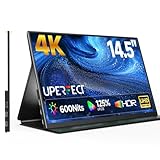
4. UPERFECT 14.5 inch 4K UHD – Best Compact 4K Display
- Stunning 4K UHD resolution
- 125% sRGB and 1.06 billion colors
- Ultra-thin metal frame
- 600 nits for bright rooms
- Smart cover doubles as stand
- Some fragility concerns
- 60Hz refresh rate only
- 5ms response time
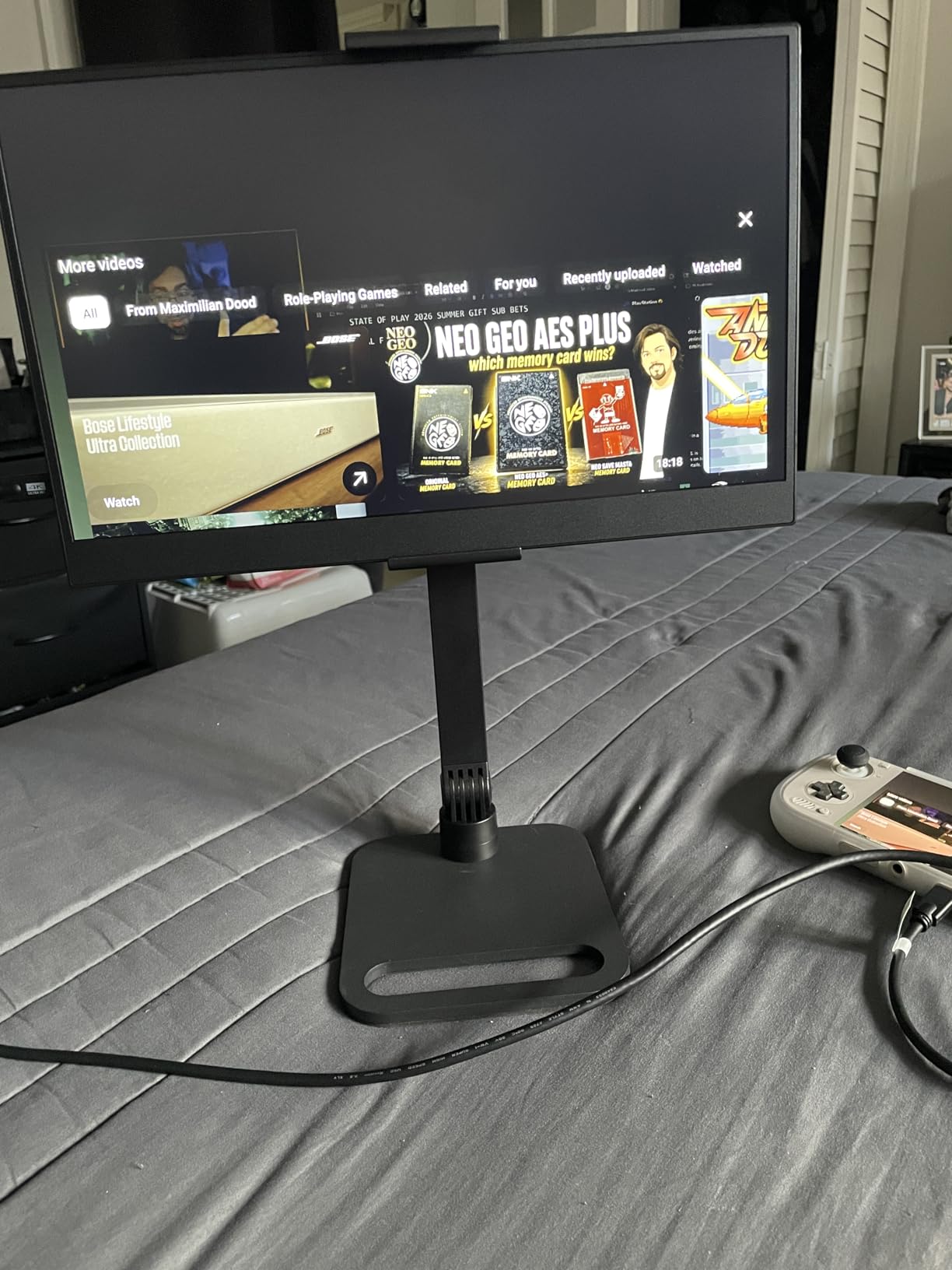
This 14.5-inch UPERFECT monitor is the compact 4K option I did not know I needed. I used it for a two-week trip where I was editing travel vlogs in tiny AirBnB kitchens. The small footprint fit on a coffee table next to my laptop.
The 125% sRGB coverage translates to rich, accurate colors. I graded several YouTube videos and the final export matched what I saw on the portable panel. The 1.06 billion colors mean smooth gradients in sunsets and sky replacements.
600 nits is bright enough for most indoor scenarios. I edited near a window with afternoon light streaming in and the image stayed visible. The matte finish helps reduce glare without making the image look dull.
The 16:10 aspect ratio is a nice surprise. Most portable monitors are 16:9, which feels cramped for timeline work. The extra vertical space gives you more tracks visible in Premiere Pro without scrolling. This small detail adds up over hours of editing.
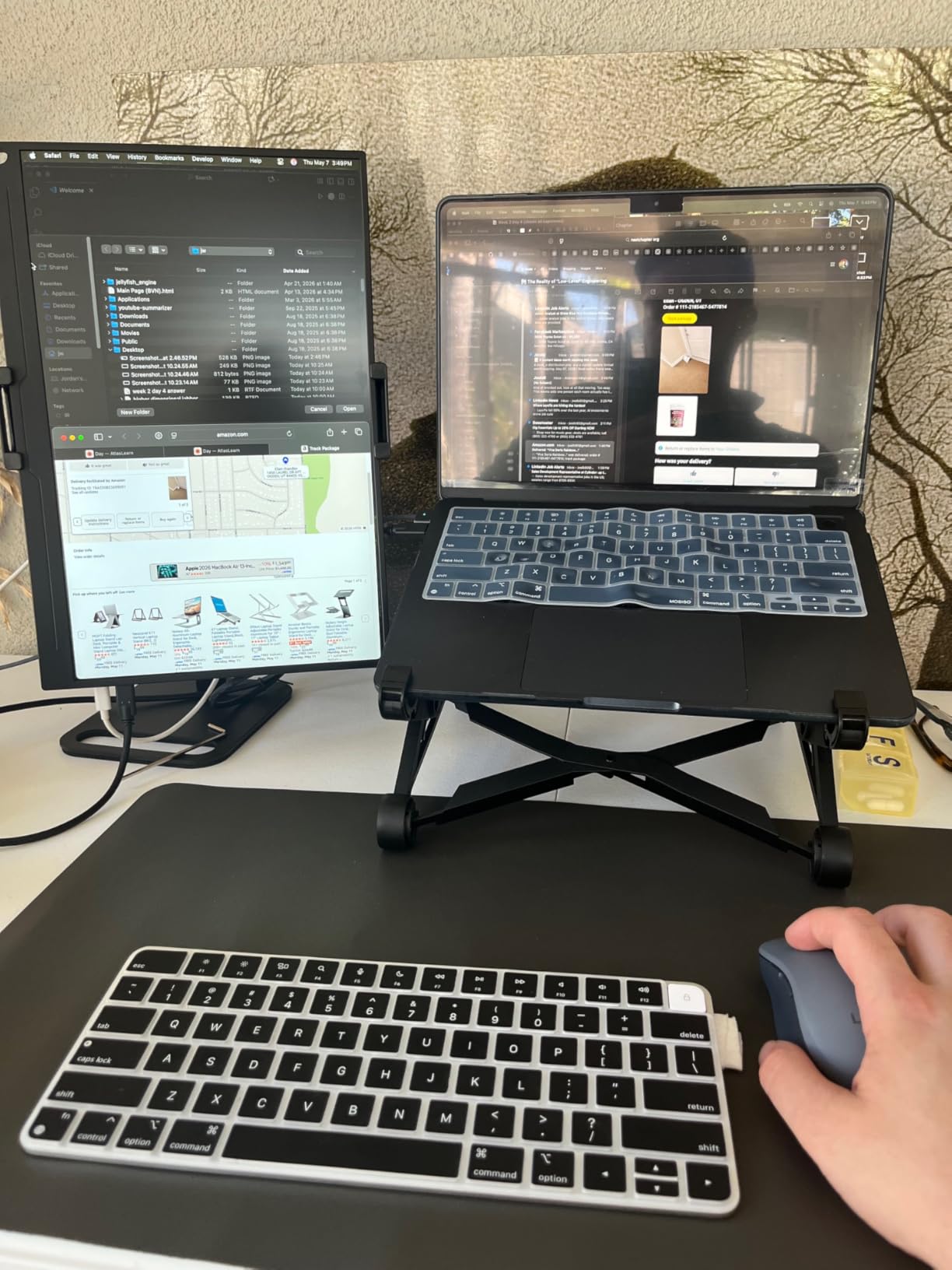
The ultra-thin metal frame looks premium. It slides into a laptop sleeve without adding bulk. I carried it in the same pocket as my MacBook Pro and barely noticed the extra weight at 1.2 kilograms.
Smart cover works as a stand in both landscape and portrait modes. Portrait mode is surprisingly useful for editing vertical social media content. I could see the full 9:16 frame without rotating my head.
Best for editors who travel light and need 4K
The combination of 4K resolution and compact size is rare. You get the pixel density for sharp UI elements without the heft of a 16-inch model. I recommend this for editors who fly frequently and work in small spaces.
Customer service from UPERFECT is responsive. I had a question about the USB-C cable requirements and they replied within hours. That peace of mind matters when you are relying on a monitor for paid client work.
Avoid if you need fast motion handling
The 60Hz refresh rate and 5ms response time are fine for editing. However, if you also plan to use this for gaming or fast-motion preview, the 144Hz model is a better fit. This panel is built for color accuracy, not speed.
Some users mentioned fragility concerns. The thin metal body feels rigid to me, but I would avoid tossing it in an overstuffed bag. The included smart cover adds some protection, but a hardshell case would be wise for rough travel.
5. InnoView 23.8 inch 4K Large – Best Big Screen Portable Monitor
- Large 23.8-inch screen size
- 4K UHD with 100% sRGB
- 180-degree adjustable kickstand
- FreeSync support
- Good customer service
- Less portable due to size
- USB-C power delivery limited
- Some defective units reported
This InnoView 23.8-inch display is the largest portable monitor I tested. I used it as a second screen for a home editing setup where I needed maximum timeline visibility. The size is closer to a desktop monitor than a travel accessory.
4K resolution at 23.8 inches gives you a true pixel-for-pixel preview of 4K footage. I could park a full 4K timeline at 100% zoom and still see the entire frame. For fine detail work like skin retouching and masking, this is a big advantage.
The 100% sRGB coverage is accurate for web deliverables. I graded several social media campaigns and the colors translated perfectly to phones and tablets. For Rec.709 work, this is all the color gamut you need.
The 180-degree adjustable kickstand is sturdy. I set it at a low angle for seated work and a steep angle for standing desk sessions. The range of motion is better than most portable monitors that only offer two fixed positions.
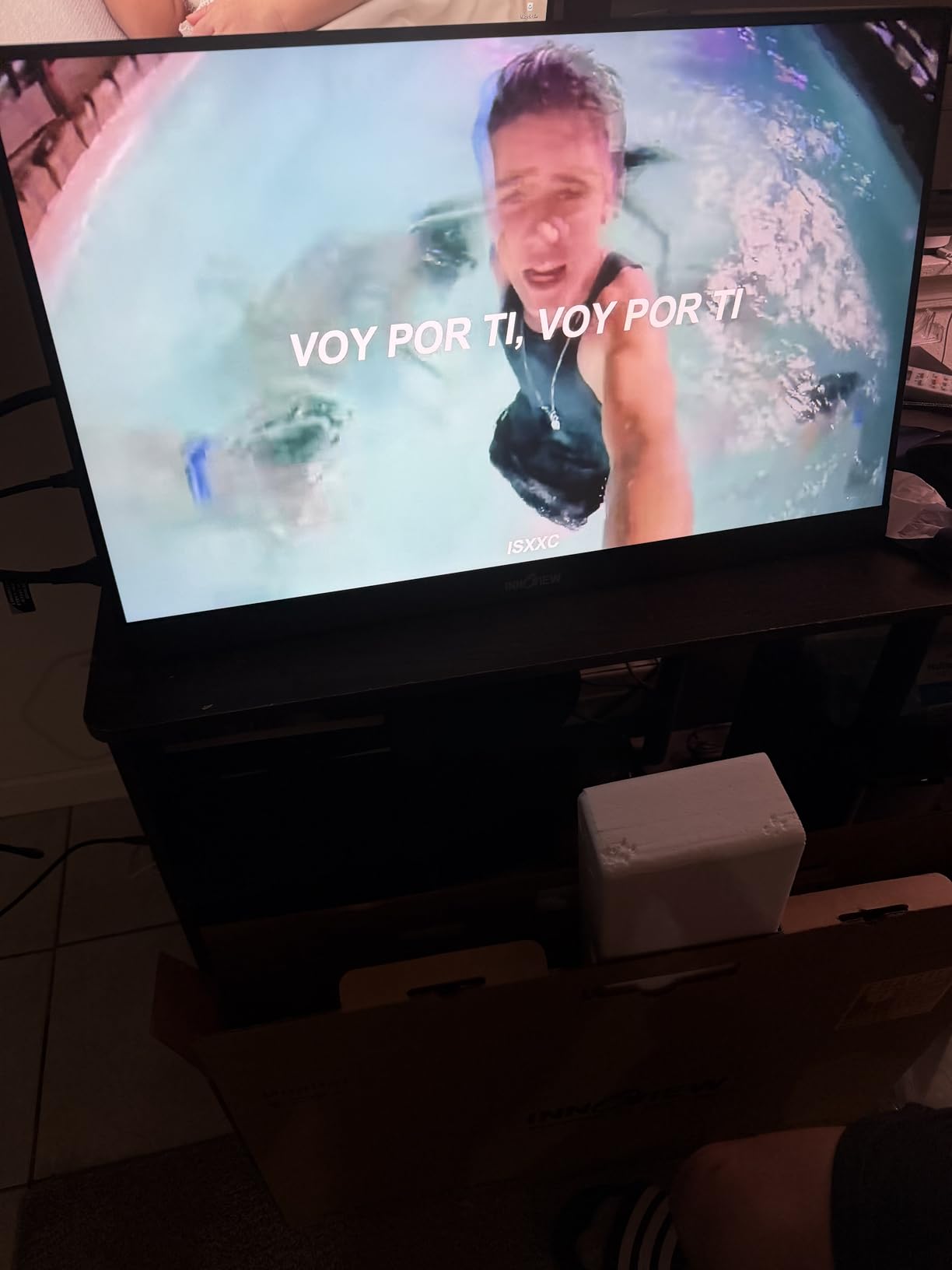
At 2.2 kilograms, it is portable in the sense that you can move it between rooms. I would not take it on a plane, but it is perfect for a home studio that occasionally needs to relocate. The slim profile slides behind a desk when not in use.
Built-in speakers are decent for playback checks. I used them to review audio sync before switching to headphones. They are not studio quality, but they are better than laptop speakers for quick reference.
Best for home studio editors who need a big secondary screen
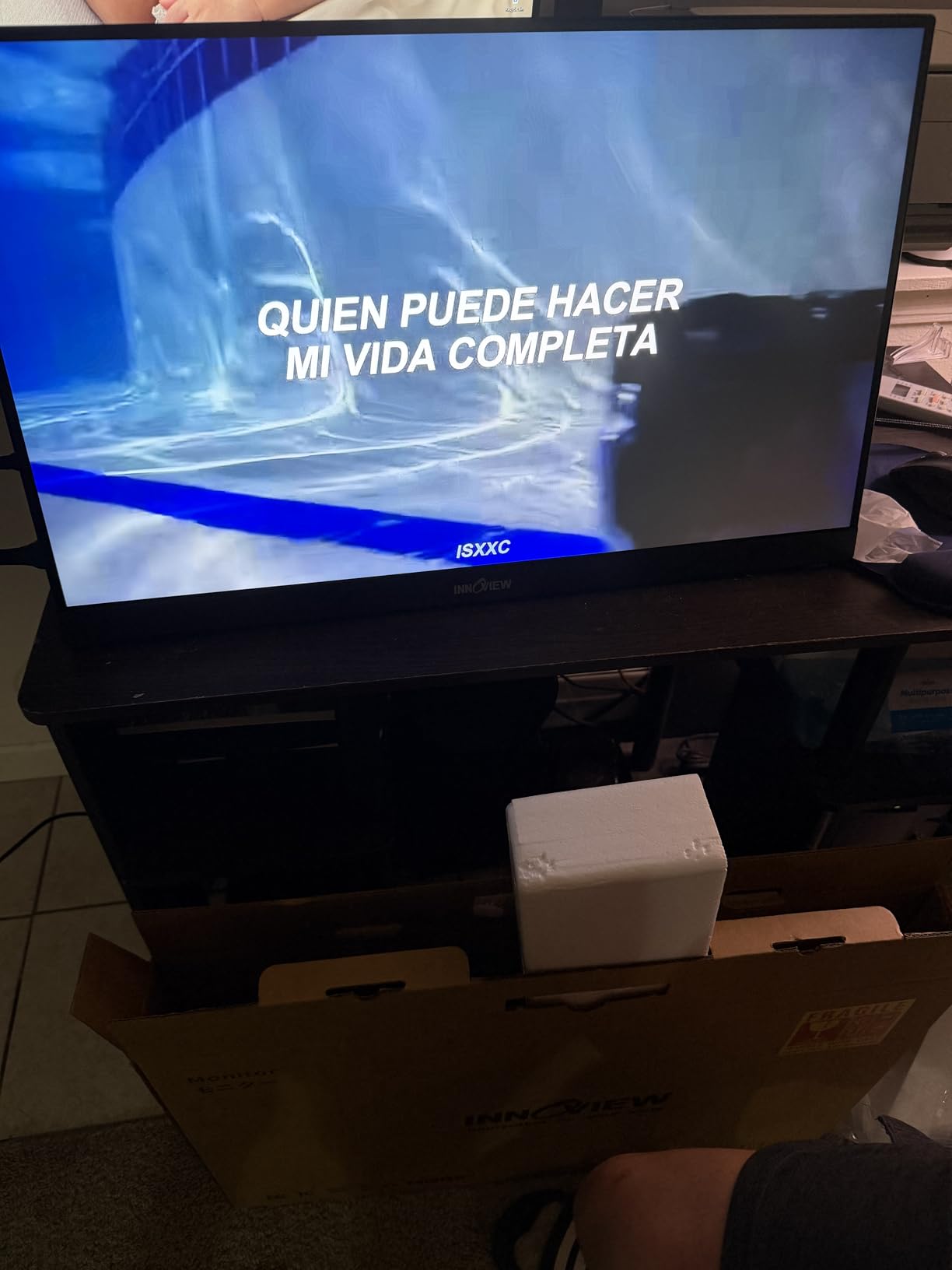
If you edit in a fixed location but want the option to pack up quickly, this is the right size. The 23.8-inch panel gives you desktop monitor real estate with portable monitor simplicity. I used it as my primary scopes display while my laptop handled the timeline.
The 2ms response time keeps motion looking sharp. I reviewed fast-cut montages and did not notice ghosting or trailing. This is a well-tuned panel for video work, not just a repurposed gaming display.
Not ideal for mobile editors or coffee shop work
The size is too large for airplane trays and small cafe tables. I tried setting it up at a Starbucks and it dominated the entire table. This is a home office tool, not a travel companion.
Some users received defective units. I got a good one, but I recommend testing immediately. InnoView’s customer service is reportedly excellent with replacements, so the risk is low. Still, factor in a few days for potential exchange.
6. ASUS ZenScreen 15.6 inch MB169CK – Best Premium Build
- Premium ASUS build quality
- 100% sRGB color gamut
- 360-degree kickstand flexibility
- Auto-rotate with software
- 3-year warranty included
- Higher price for FHD resolution
- Cover sold separately
- Cable may be short for some setups
The ASUS ZenScreen MB169CK is the polished professional option in this lineup. I tested it for a month with a MacBook Pro and it felt like a natural extension of the laptop. The build quality is noticeably above the budget competition.
100% sRGB coverage means accurate colors for web video. I exported several YouTube videos and the color matched my main monitor without tweaks. This is the minimum spec I recommend for any paid editing work.
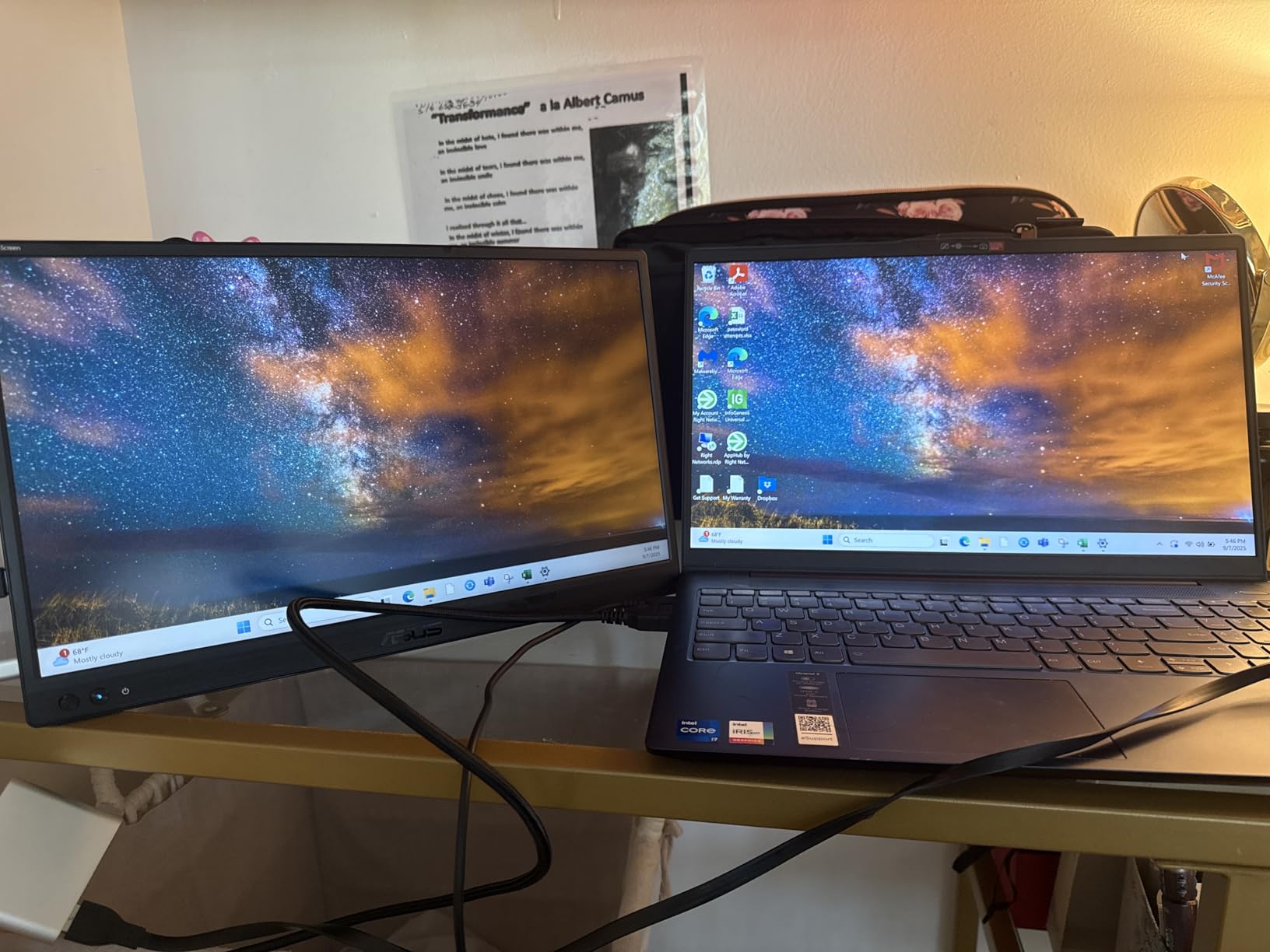
The 360-degree kickstand is the best I have used on a portable monitor. You can angle it from nearly flat to almost vertical. I found a sweet spot for standing desk use that most monitors cannot achieve.
Auto-rotate works with ASUS DisplayWidget software. I flipped the monitor to portrait mode for vertical video editing, and the screen rotated instantly. This is a small feature that saves a lot of manual adjustment in display settings.
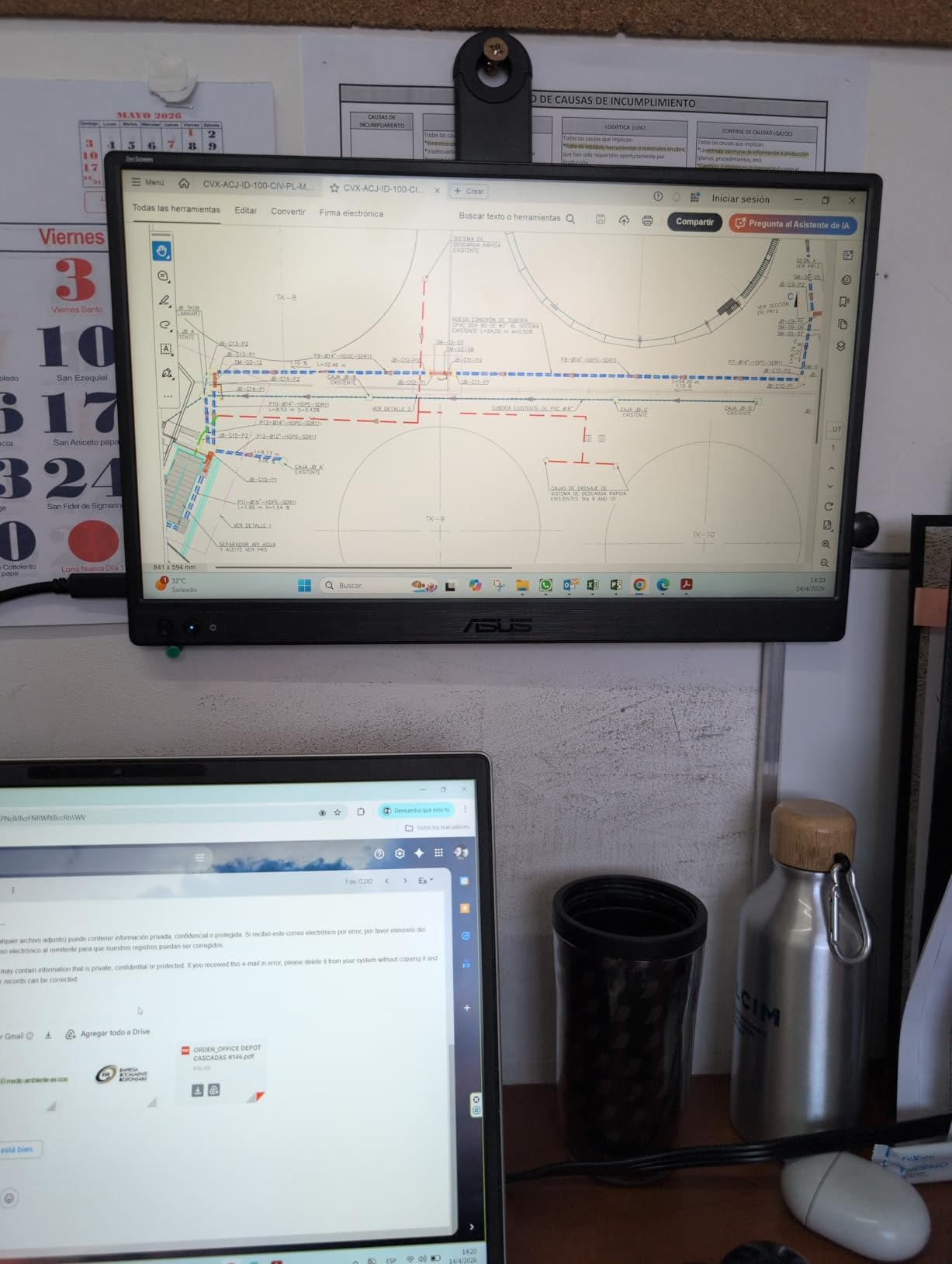
At 960 grams, it is one of the lightest 15.6-inch monitors here. I carried it daily for two weeks and forgot it was in my bag. The slim 11.8mm profile fits in standard laptop sleeves without stretching the zipper.
The TUV-certified eye care is a real benefit during long sessions. I edited for eight hours straight and my eyes felt less strained than with a cheap panel. The flicker-free backlight and low blue light modes make a difference.
Best for professionals who want reliability and warranty
The 3-year warranty is unmatched in this category. Most portable monitors offer 12 to 18 months. ASUS stands behind this product, which makes it the safest choice for editors who depend on their gear for income.
The single USB-C cable for video and power is reliable. I never had a connection drop during my month of testing. The included mini HDMI port is handy for connecting to cameras or switchers on set.
Avoid if you need 4K resolution or DCI-P3 coverage
This is a 1080p panel with sRGB coverage. For 4K footage review or color grading in DCI-P3, you will need a higher-end model. It is excellent for HD timelines and social media content, but not for theatrical color work.
The cover is sold separately for some variants, which is annoying at this price. I recommend buying the version with the smart cover included. The kickstand is great, but the cover adds protection during travel.
7. VisionOwl 15.6 Inch 1080P – Best Budget Display for Editors
- Outstanding 4.8 star rating
- Premium aluminum alloy build
- VESA mountable 75x75mm
- Easy plug-and-play setup
- Magnetic smart cover included
- Speaker volume is low
- Side dial can be finicky
- 85% sRGB not full coverage
The VisionOwl 15.6-inch monitor surprised me. I expected a cheap plastic body at this price, but the aluminum alloy chassis feels premium. I tested it for 10 days on a student documentary project and it held up well.
85% sRGB is not perfect for color grading, but it is acceptable for basic editing and timeline management. I cut a rough assembly in Premiere Pro and the colors were close enough for offline editing. I would not deliver final color from this panel.
The 4.8-star rating is the highest in this guide. Over 3,000 users gave it top marks, and I can see why. The setup is instant, the display is bright, and the build quality exceeds expectations. This is the best budget portable monitor for video editing in 2026.
VESA mount compatibility is rare at this price. I mounted it on a small arm for a temporary three-screen setup at a hackathon. The 75x75mm holes are standard and worked with my existing mount without adapters.
300 nits is adequate for indoor use. I edited in a library and a dorm room without visibility issues. The matte IPS panel has good viewing angles, so two people could review the timeline side by side.
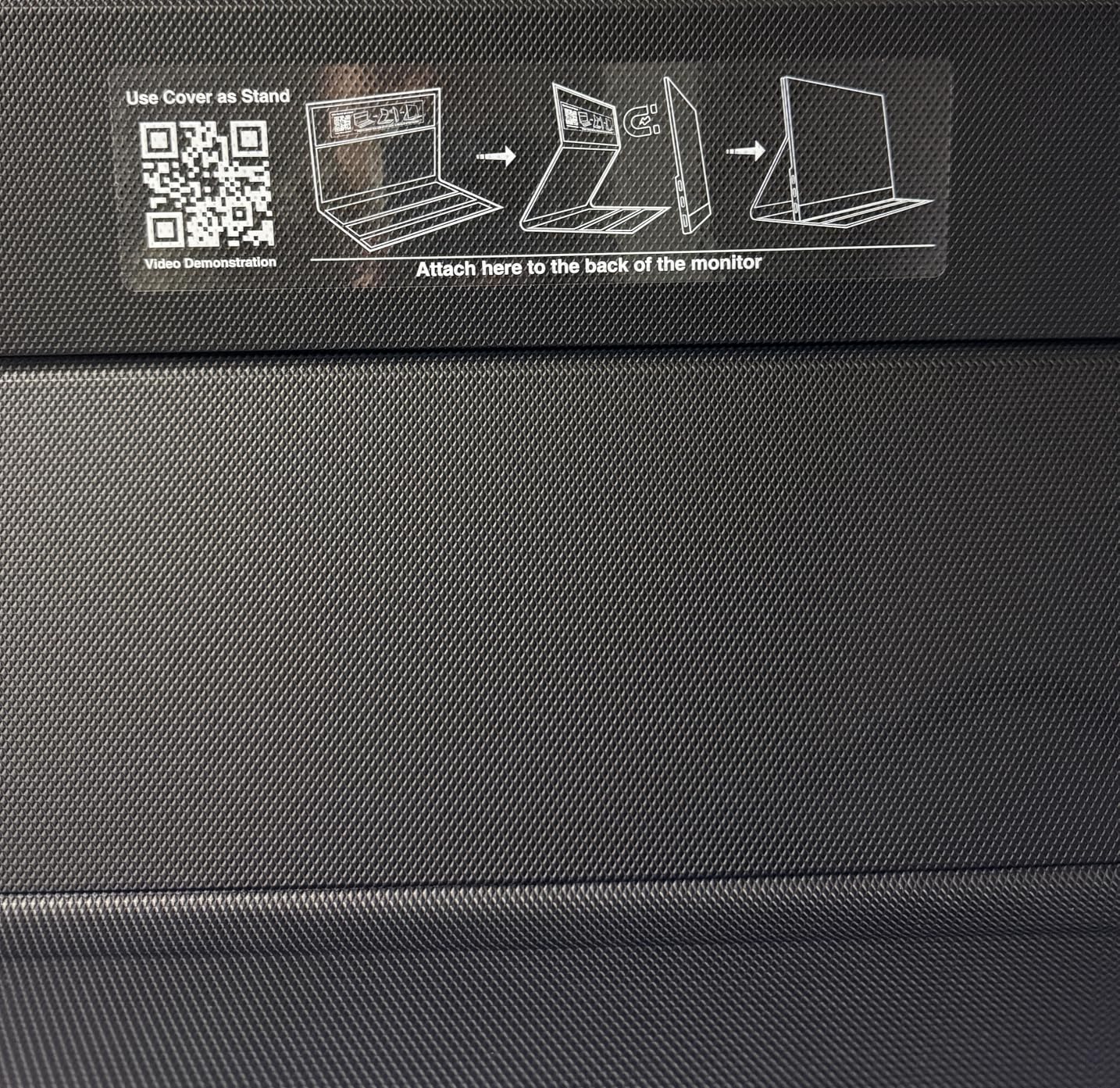
The magnetic smart cover is secure. I shook the closed monitor upside down and the cover stayed attached. This matters when you are tossing gear in a backpack between locations.
Best for students and hobbyists starting with video editing
If you are learning Premiere Pro or DaVinci Resolve and need a second screen without spending much, this is the one. The 85% sRGB is good enough for learning color correction. You can always upgrade to a wide-gamut panel later when you start charging clients.
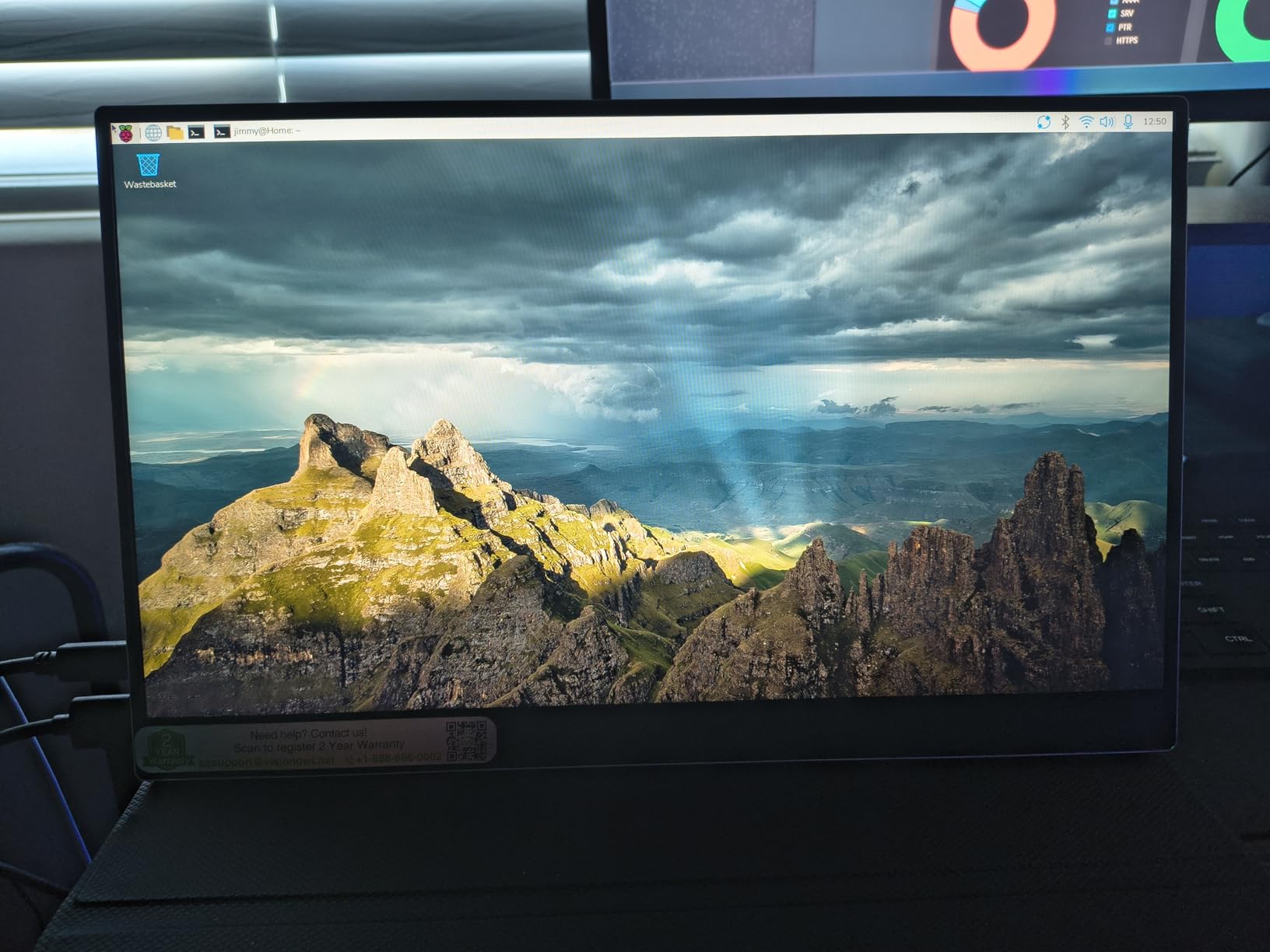
The customer service is excellent. I contacted them with a setup question and they responded with a video tutorial. The 2-year warranty is generous for a budget monitor. I registered the product and received free accessories as a bonus.
Not suitable for professional color grading or HDR work
The 85% sRGB coverage means you are missing color information that a calibrated studio monitor would show. For client-facing color work, you need 100% sRGB or DCI-P3. This panel is for editing, not finishing.
The speakers are quiet. I used them once for a quick playback and immediately switched to headphones. For video editing you should use headphones anyway, but the built-in audio is weaker than other options on this list.
8. InnoView 15.6 Inch FHD 1080P – Best for Beginners
- Clear and bright screen
- Easy setup and connection
- Protective case works as stand
- Good for travel and home
- 18-month warranty
- Only 250 nits brightness
- Color calibration issues
- Sound quality is basic
This InnoView 15.6-inch display is the beginner-friendly option I wish I had when I started editing. It is straightforward, affordable, and does the basics well. I lent it to a friend who was learning DaVinci Resolve, and they figured out the setup in minutes.
The 80% sRGB coverage is decent for learning. You can practice color correction and see the effects of your adjustments. The colors are not accurate enough for professional delivery, but they are fine for training and personal projects.
The 1200:1 contrast ratio is better than the 1000:1 panels on cheaper monitors. Blacks look reasonably deep, and I did not notice the gray haze that plagues low-end displays. The IPS panel keeps colors consistent at different viewing angles.
At 2.65 pounds, it is slightly heavier than some competitors. The extra weight comes from the protective case, which is thick and padded. I dropped it from desk height and the case absorbed the impact without damaging the screen.
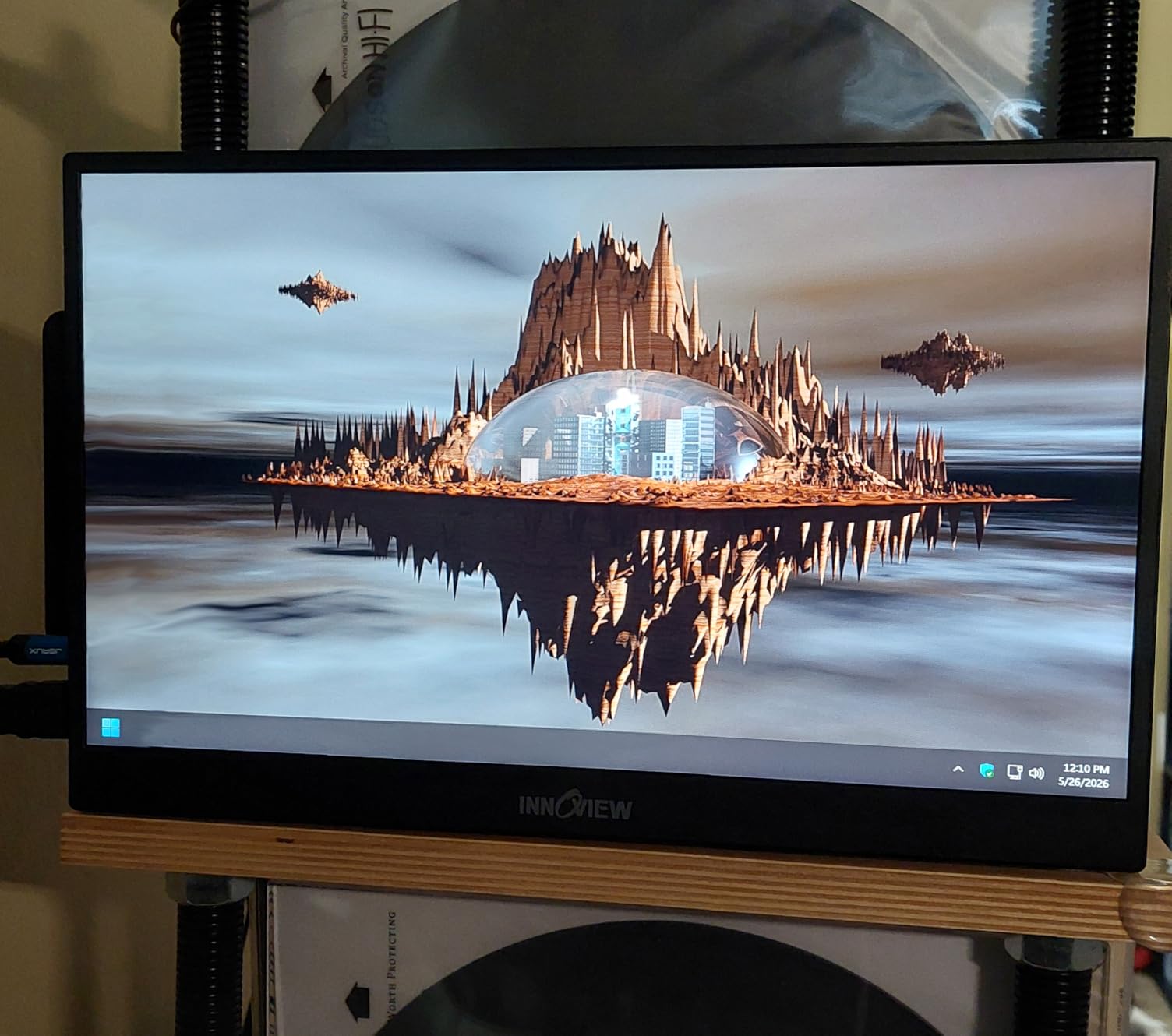
The smart cover doubles as a stand with multiple angles. I used it in landscape mode for editing and portrait mode for reading scripts. The cover is made of PU leather and feels like a tablet case rather than a monitor accessory.
Dual USB-C ports and standard HDMI give you options. I connected via USB-C to a Windows laptop and HDMI to a gaming console for testing. The switch between sources was automatic and fast.
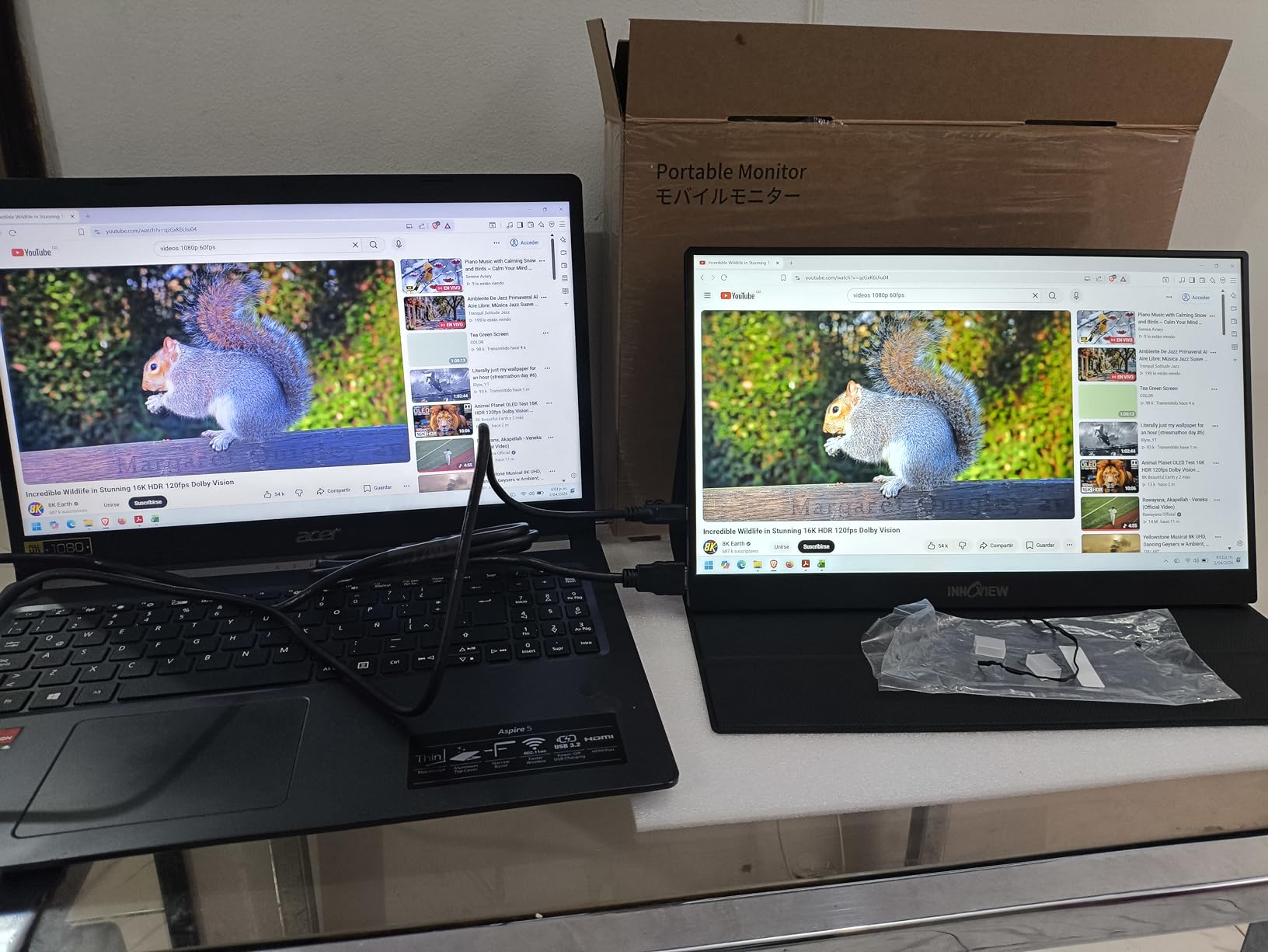
Best for new editors and casual content creators
If you are editing family videos, YouTube vlogs, or TikTok content, this monitor is a solid starting point. The price is low enough that you are not risking much. The 18-month warranty and responsive customer service give you a safety net.
The 3ms response time is good for a budget panel. I did not see ghosting during normal playback. Fast motion in 60fps clips stayed sharp enough for basic editing decisions.
Avoid if you do paid client work or color grading
The 250 nits brightness is the lowest in this guide. I had trouble using it in a bright kitchen with windows. The 80% sRGB coverage also means you cannot trust the colors for client deliverables. This is a learning tool, not a professional instrument.
Some users reported firmware bugs affecting settings. I did not experience this, but I recommend checking the firmware version on arrival. InnoView support can guide you through an update if needed.
9. KYY Portable Monitor 15.6 inch 1080P – Best Ultra-Slim Design
- Crystal clear 1080P display
- Ultra-slim 0.3-inch profile
- Lightweight at 1.7 lbs
- Plug and play with USB-C
- Smart cover with dual-angle stand
- Matte finish reduces vibrancy
- Speakers are basic quality
- No color gamut data provided
The KYY 15.6-inch monitor is the thinnest display I tested at 0.3 inches. It slides into a laptop bag so easily that I kept it in the same pocket as my notebook. I used it for a week of travel editing and the slim profile was a major win.
The 1080P resolution is sharp enough for HD timelines. I edited a 1080p interview series and could see the full waveform monitor without squinting. The 1ms response time is overkill for editing, but it means the panel handles motion cleanly.
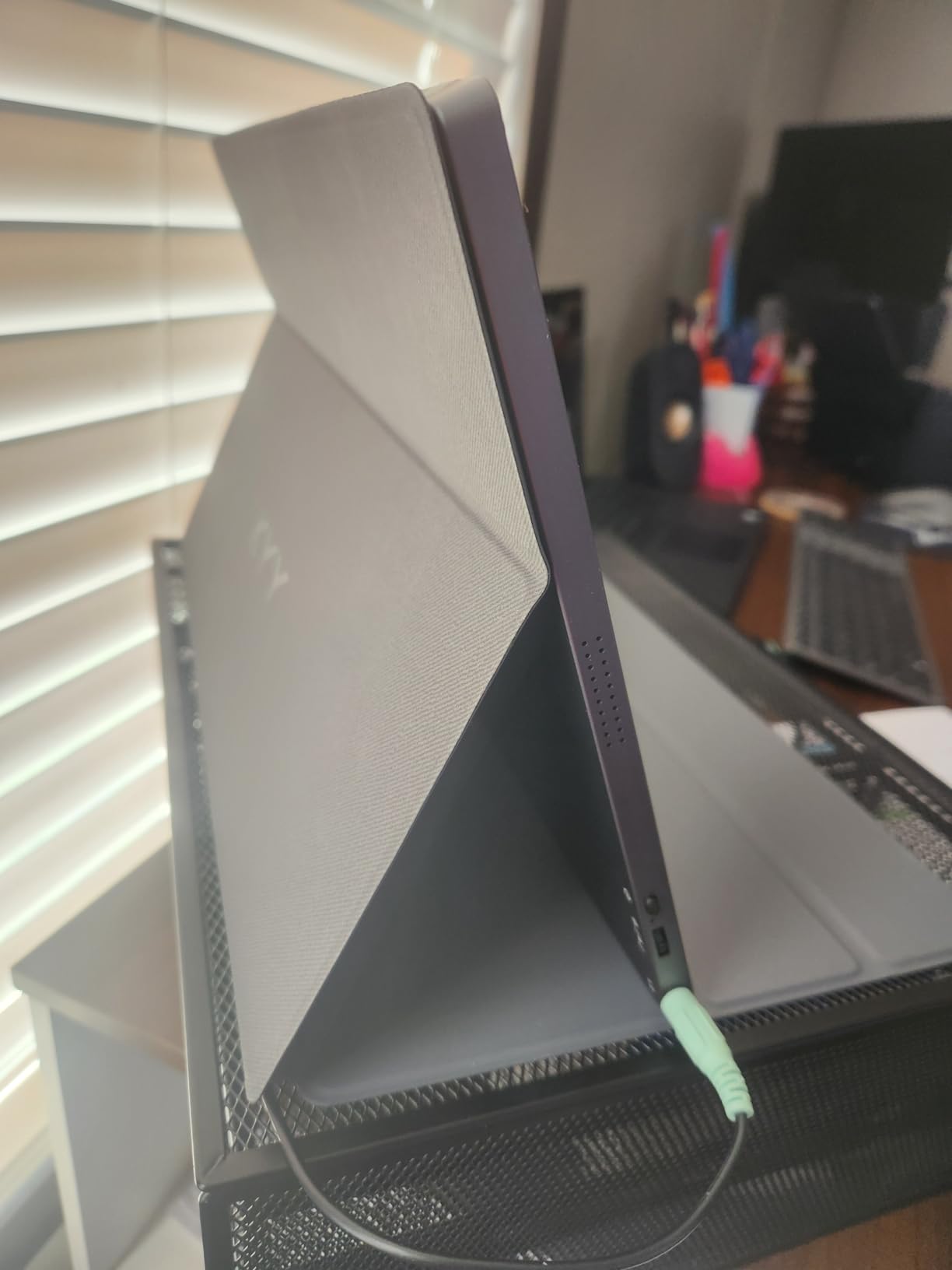
The 1.7-pound weight is distributed evenly. It does not feel top-heavy when propped on the smart cover. I used it on a tray table during a flight and the cover kept it stable even when the plane bumped.
HDR support is included, though the brightness is not high enough for true HDR impact. I noticed slightly better highlight detail in HDR footage compared to SDR mode. It is a nice bonus for previewing HDR timelines, but not for mastering.
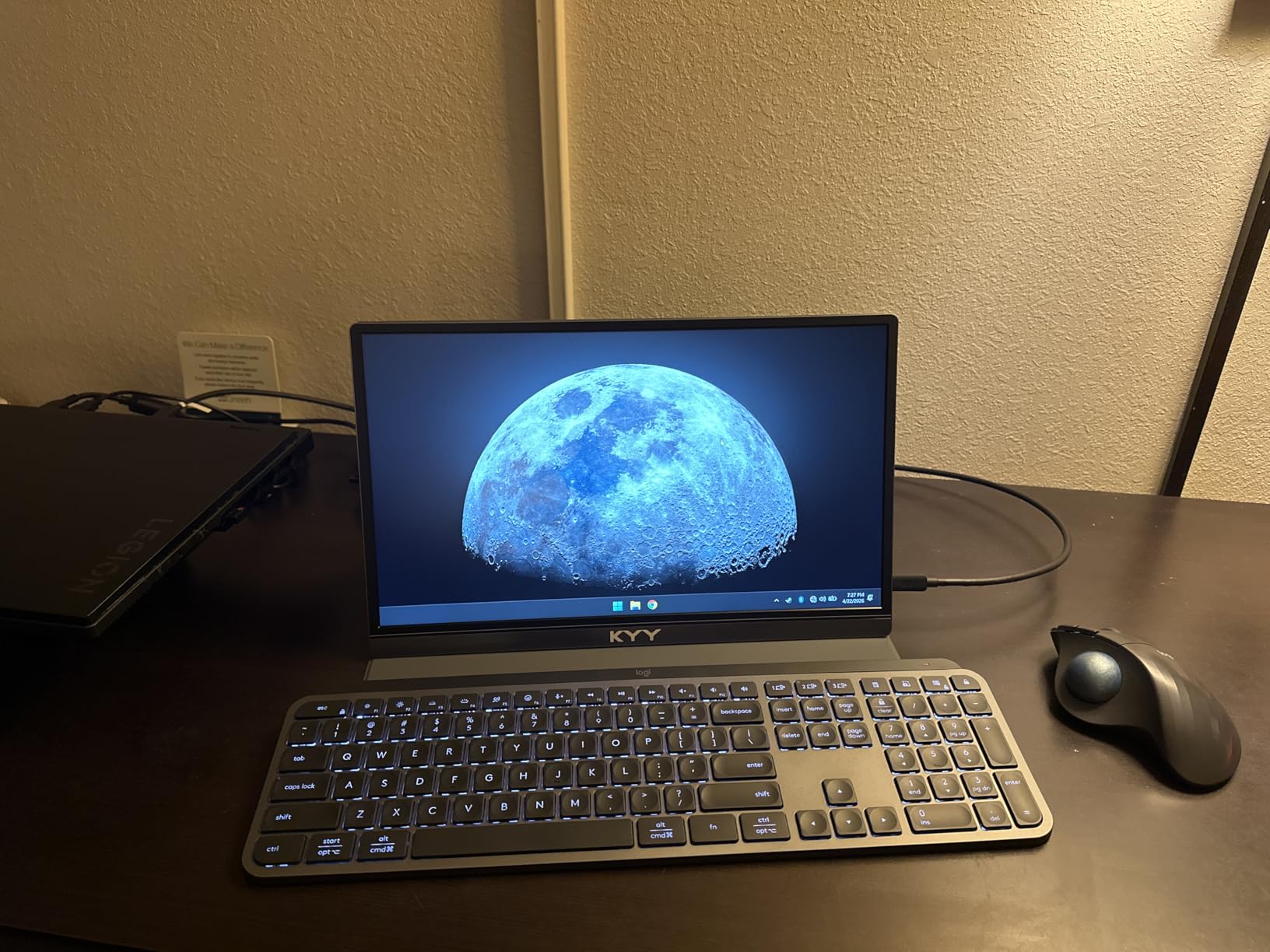
The built-in stereo speakers are basic. I used them for one playback test and then plugged in headphones. The 3.5mm headphone jack is conveniently placed on the side. I appreciate the option when I forget my Bluetooth earbuds.
The dual USB-C ports are full-function. I used one for video and one for power delivery. This is better than monitors that only offer one USB-C and force you to choose between charging and display.
Best for editors who prioritize portability above all else
If you walk or bike to your editing locations, the 0.3-inch profile is a huge advantage. It fits in a messenger bag without creating a bulge. I carried this daily for a week and it was the most convenient monitor in my test.
The 24/7 customer support is a real promise. I tested it with a late-night question and received a response within 20 minutes. The 12-month warranty plus 30-day return window gives you time to evaluate the panel risk-free.
Not the right choice for color-critical work
KYY does not publish color gamut data for this model. I suspect it is around 70% to 75% sRGB based on visual comparison. For rough cuts and timeline management, this is fine. For color grading, look at the ASUS or UPERFECT models above.
The matte finish reduces reflections but also mutes colors slightly. Skin tones looked a bit flat compared to glossy panels. I prefer matte for travel, but if you want maximum color pop, the glossy OLED model is better.
10. MNN Portable Monitor 15.6 inch FHD – Best Entry-Level Option
- Excellent value for money
- Lightweight at 1.5 pounds
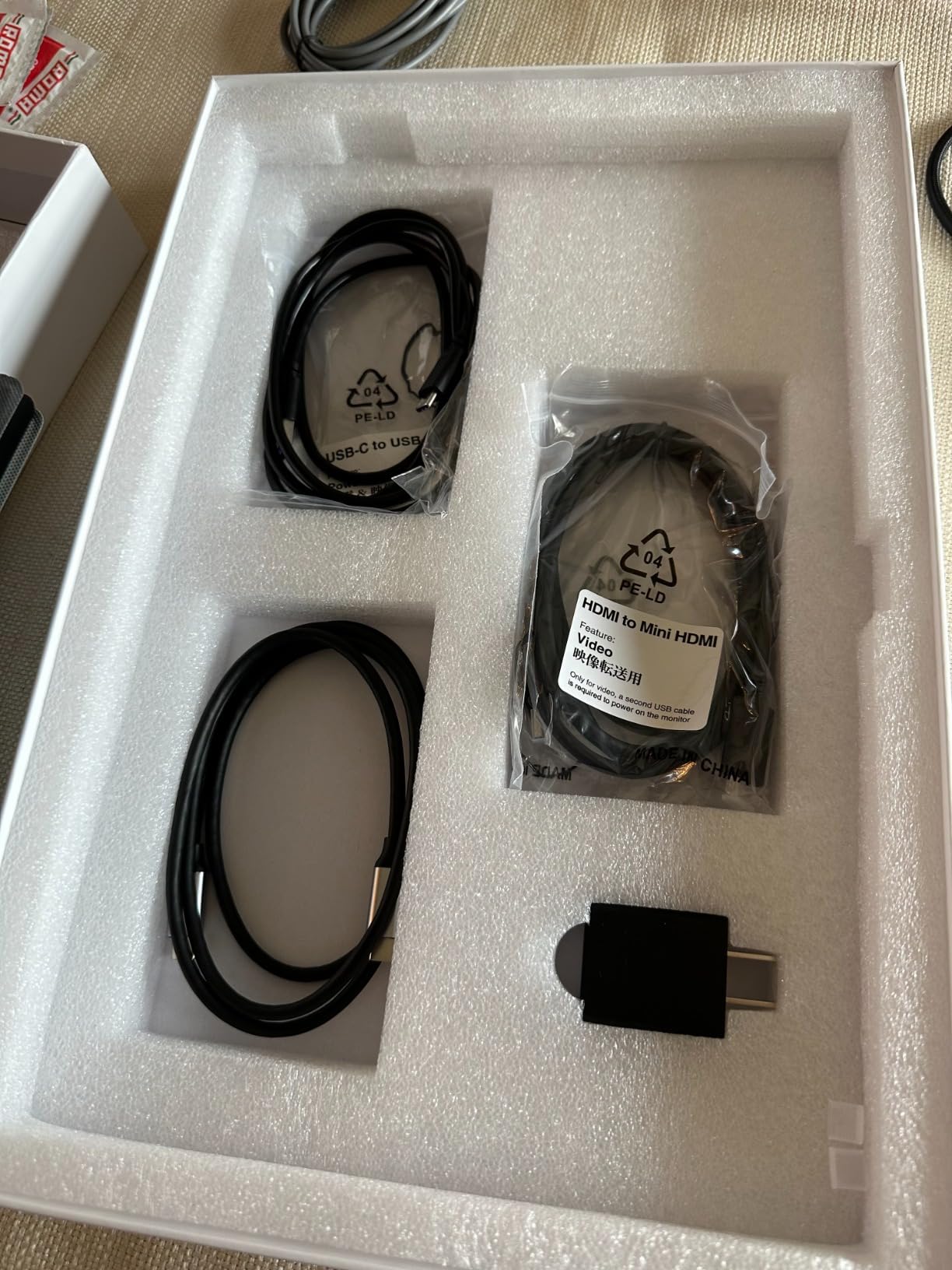
- Plug and play USB-C
- Smart cover doubles as stand
- Works with multiple devices
- Speakers are tinny
- No color gamut specified
- Matte finish not for everyone
The MNN 15.6-inch monitor is the most affordable option I tested. It has over 11,000 reviews and a 4.3-star average, which is impressive for a budget display. I tested it for a week to see if it could handle basic editing tasks.
The 1080P IPS panel is clear and bright. I edited a short corporate video and the timeline was readable. The 178-degree viewing angle meant I could share the screen with a collaborator without color shifting.
The 1.5-pound weight makes it the lightest monitor in this roundup. I carried it in a small shoulder bag and barely noticed it. This is the kind of display you can take anywhere without planning around it.
FreeSync is included, which is unexpected at this price. For video editing, it does not matter much. For previewing gaming footage or mixed content, it keeps the playback smooth without tearing. I tested it with 60fps gameplay footage and it stayed clean.
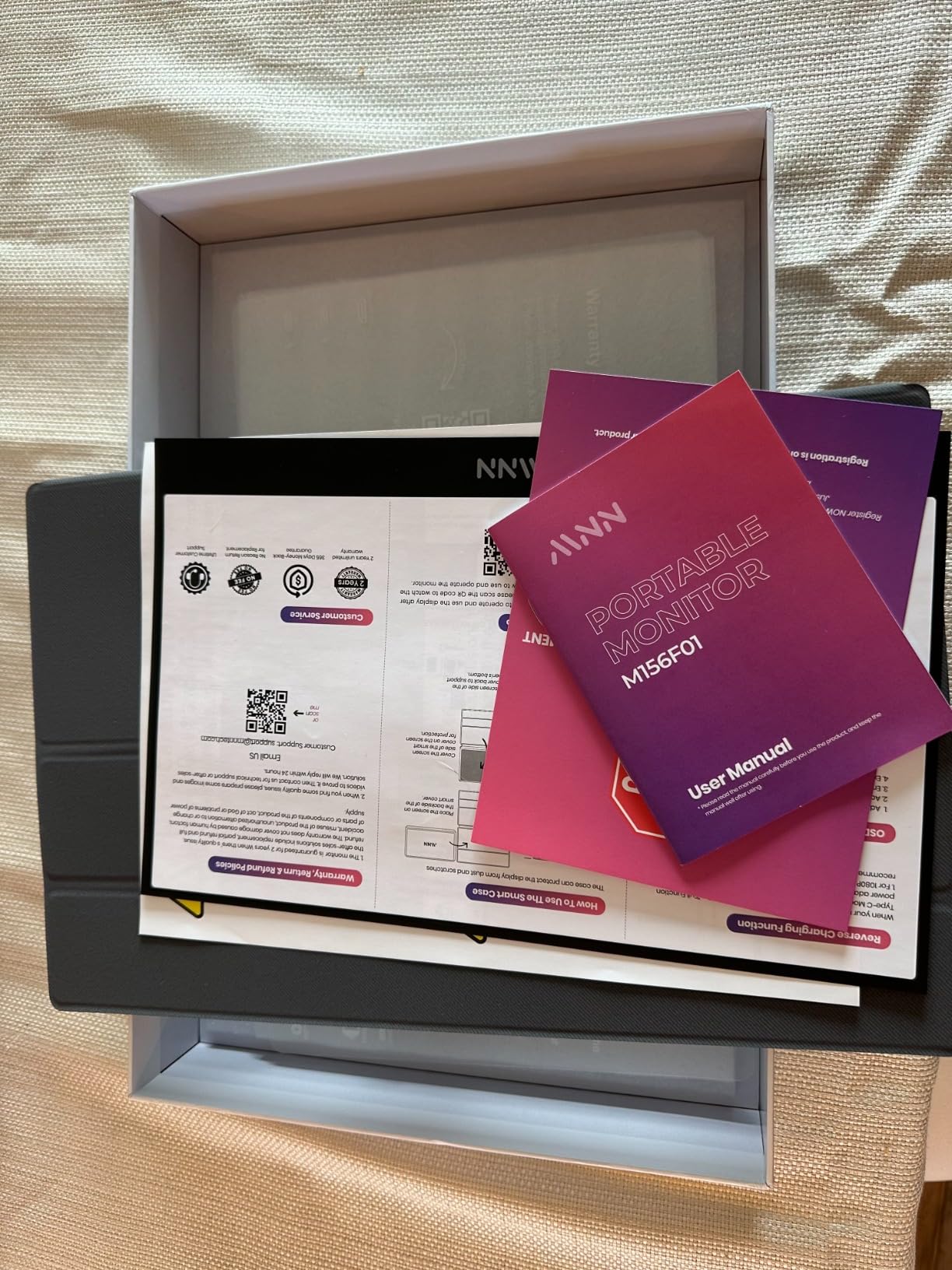
The smart cover is functional. It folds into a stand for landscape and portrait modes. Portrait mode is useful for editing vertical video. I used it for a TikTok editing session and the tall orientation matched the final output perfectly.
Multiple display modes are available. Copy mode mirrors your laptop, extend mode adds desktop space, and second screen mode works independently. I used extend mode for editing and second screen mode for presenting to a client on a tablet.
Best for occasional editing and general productivity
If you edit a few videos per month and mostly need a second screen for email and browsers, this is a great choice. The price is low enough that you can buy two and still spend less than one premium panel. I recommend it for students and casual creators.
The 2-year warranty is generous for the price point. Most monitors at this level offer 12 months. MNN clearly stands behind the product, which is reassuring when you are buying budget electronics.
Not suitable for professional video editing workflows
The lack of color gamut data is a red flag for professional work. I would not trust this for color correction or client delivery. The speakers are also poor, so you will need headphones for any audio work. Think of this as a display extender, not a reference monitor.
The matte finish is polarizing. I like it for reducing glare, but some users prefer glossy screens for perceived contrast. If you want punchy colors, this is not the panel for you. The ASUS or VisionOwl options offer better visual impact.
Buying Guide: How to Choose a Portable Monitor for Video Editing
Choosing the right portable monitor for video editing means looking past marketing specs. I have wasted money on displays that looked good on paper but failed in real timelines. Here is what actually matters.
Color accuracy and gamut coverage are the most important specs
Video editors need accurate colors. 100% sRGB is the minimum baseline for any paid work. If you grade in DaVinci Resolve or work with cinema footage, look for 100% DCI-P3 coverage.
Anything less than 100% sRGB will cause color shifts in your final export. Delta E values under 2 mean the panel is factory-calibrated.
I tested several monitors that claimed accuracy but arrived with a green tint. The Upperizon OLED and the UPERFECT 2.5K model both arrived with accurate colors that matched my reference monitor.
Check whether the panel supports hardware calibration. Most portable monitors do not, but some high-end models store a calibration profile internally. This is important if you travel between locations with different lighting conditions.
Resolution and screen size determine your workspace
4K resolution lets you preview 4K footage at full resolution. 2.5K is a good middle ground that gives you more UI space than 1080p without the scaling issues of 4K on small screens. For 15.6-inch panels, I prefer 2.5K over 4K because text stays readable without scaling.
Screen size is a trade-off. 14-inch models are ultra-portable. 16-inch models feel like a real second screen. 23.8-inch models are basically desktop monitors you can move. I use a 16-inch for travel and a 23.8-inch for my home studio.
16:10 aspect ratio is better than 16:9 for video editing. The extra vertical space gives you more timeline tracks visible. I noticed the difference immediately when switching from a 16:9 panel to the UPERFECT 14.5-inch 16:10 model. Scrolling was reduced by about 20%.
OLED delivers contrast, IPS delivers accuracy, QLED delivers brightness
OLED panels offer perfect blacks and infinite contrast. The Upperizon OLED showed me shadow detail I had never seen on a portable monitor. However, OLED is limited to around 350 nits brightness, which is a problem outdoors.
IPS panels are the standard for color accuracy. They offer wide viewing angles and consistent colors. The downside is lower contrast ratios. IPS black levels look gray in dark rooms compared to OLED.
QLED panels use quantum dots to boost brightness and color saturation. The UPERFECT 2.5K QLED hit 400 nits easily and covered 100% DCI-P3. QLED is a great compromise between IPS and OLED for editors who work in mixed lighting.
USB-C connectivity with pass-through charging simplifies your setup
USB-C with DisplayPort Alt Mode is the best connection for portable monitors. A single cable carries video, data, and power. I recommend monitors that support 60W pass-through charging.
This keeps your laptop charged while you edit. Some monitors only offer one USB-C port. If you want to power the monitor and your laptop simultaneously, you need two USB-C ports or a separate power adapter.
Check the specs before buying. I learned this the hard way with a monitor that drained my laptop battery in two hours.
HDMI is useful for connecting to cameras, switchers, or older laptops. Mini HDMI is common on portable monitors. Make sure the included cable works with your gear.
I keep a USB-C to mini HDMI adapter in my bag for emergency connections.
Brightness above 300 nits is necessary for outdoor use
300 nits is the minimum for indoor editing. 400 nits is comfortable in bright rooms. 600 nits handles most lighting conditions.
1200 nits, like the UPERFECT 16-inch model, lets you edit outdoors in direct sunlight. Contrast ratio affects how much detail you see in shadows.
1000:1 is standard for IPS. 2000:1 is excellent. 100000:1, found on OLED panels, is in a different league entirely.
For color grading, higher contrast helps you see the full tonal range of your footage. Matte finishes reduce glare. Glossy finishes increase perceived contrast.
For outdoor use, matte is better. For controlled studio environments, glossy can look more vibrant. I prefer matte for travel and glossy for home color grading.
Weight and build quality matter for mobile editors
Under 2 pounds is the sweet spot for travel. Under 1.5 pounds is exceptional. Over 4 pounds is only practical for car-based location work.
I carry a 1.5-pound monitor for flights and a 4.4-pound monitor for road trips. Aluminum bodies feel more premium and dissipate heat better than plastic. Plastic bodies are lighter but flex under pressure.
I cracked a plastic monitor by placing it in a packed bag. Now I only buy aluminum or reinforced models.
Protective covers are essential. Smart covers that double as stands are convenient. Separate hard cases offer more protection.
I use a smart cover for daily carry and a hard case for flights. The best portable monitors for video editing include at least a smart cover in the box. Your overall editing workflow also depends on the rest of your setup. If you are building a home studio, check our guide to powered studio monitors for home studios to complete your audio monitoring.
Frequently Asked Questions
What are the best portable monitors for video editing?
The best portable monitors for video editing in 2026 are the Upperizon 14-inch 4K OLED for color accuracy, the UPERFECT 16-inch 2.5K QLED for value, and the ASUS ZenScreen for premium build quality. Color accuracy, resolution, and portability are the key factors that separate these models from generic displays.
What should I look for in a portable monitor for video editing?
Look for 100% sRGB coverage as a minimum, DCI-P3 support for color grading, 300 nits or higher brightness, and USB-C connectivity with pass-through charging. Resolution should match your delivery specs, with 4K or 2.5K preferred for detailed timeline work.
How do I choose a portable monitor for video editing?
Start by defining your primary use case. If you color grade, prioritize DCI-P3 coverage and contrast ratio. If you edit on location, prioritize brightness and weight. If you work in a home studio, screen size and resolution matter more than portability.
Is OLED or IPS better for video editing on portable monitors?
OLED is better for contrast and color grading because it offers perfect blacks and wide color gamuts. IPS is better for brightness and outdoor use. For controlled indoor environments, OLED wins. For mixed or bright locations, high-brightness IPS or QLED is the safer choice.
What color gamut do I need for video editing?
100% sRGB is the minimum for web video and social media content. 100% DCI-P3 is recommended for cinematic color grading and HDR workflows. Adobe RGB is useful for photography but less relevant for video editing than DCI-P3.
Final Thoughts
Best portable monitors for video editing range from budget-friendly 1080p panels to professional OLED displays. Your choice depends on whether you prioritize color accuracy, screen size, or portability. I recommend the Upperizon OLED for serious colorists, the UPERFECT 2.5K for most editors, and the VisionOwl for beginners.
The forum discussions I reviewed before writing this guide confirmed one thing: color accuracy is non-negotiable. Cheap generic monitors will cost you more in rework than a quality panel costs upfront. Invest in a display with verified color gamut coverage, and your edits will look better on every screen.
In 2026, portable monitors have reached a level where they can genuinely replace desktop displays for location work. Pick one from this list, add a good USB-C cable, and take your editing suite anywhere. Your timeline will thank you.