
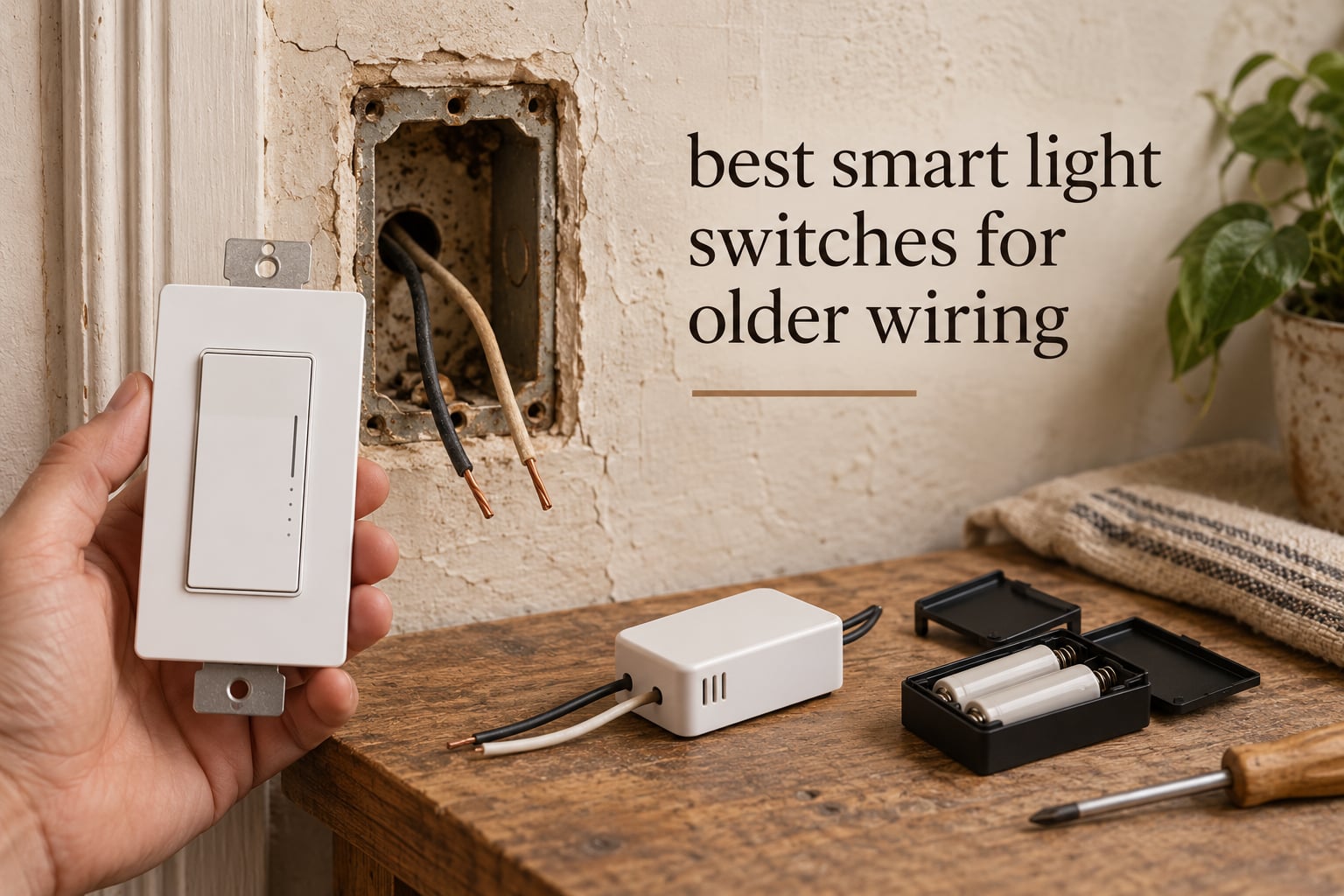
Most smart light switches sold online need a neutral wire, and a house built before 1970 usually does not have one at the switch box. That single fact decides roughly half of the smart-switch market, and picking the wrong model means a wall switch that will never pair. We spent weeks reading spec sheets, wiring diagrams and owner reports to build the best smart light switches for older wiring roundup you will find here, and every pick below is verified to work on a two-wire switch loop.
A neutral wire is the always-live return conductor that modern switch boxes carry back to the panel. In a pre-1970s home, the switch usually sits in a loop where the only conductors are one hot wire running to the light and one wire running back from the light, so there is nothing for the switch electronics to draw power from. A no-neutral switch solves this by stealing a trickle of current through the load wire itself, which is why it also needs a minimum bulb load to stay stable.
Before the picks, here is the diagnostic step that decides everything: turn off the breaker, remove the faceplate, and count the conductors. Black and white only means you almost certainly have a two-wire switch loop with no neutral, and no green or bare copper means no equipment ground either. That one minute of looking determines which of the eight switches below can go into your wall.
Top 3 Best Smart Light Switches for Older Wiring (October 2026)

Lutron Caseta PD-6WCL
- No neutral required
- Slim body for shallow boxes
- Dims to 150W LED or 600W incandescent

SONOFF ZBMINIL2
- Hides behind your existing rocker
- 2-way control for staircases
- Zigbee mesh keeps working offline

The 8 Smart Switches That Fit Older Wiring at a Glance
Every product in this table is installed in the box you actually have. The neutral and ground columns are the first two things to check, because getting them wrong ends the purchase.
| Product | Specifications | Action |
|---|---|---|
| Lutron Caseta PD-6WCL Smart Dimmer |
|
Check Latest Price |
| SONOFF ZBMINIL2 Zigbee Mini Relay |
|
Check Latest Price |
| MoesGo WiFi RF433 Touch Switch |
|
Check Latest Price |
 Aqara WS-USC01 No-Neutral Rocker Aqara WS-USC01 No-Neutral Rocker |
|
Check Latest Price |
 YoLink FlexSwitch YS5709 YoLink FlexSwitch YS5709 |
|
Check Latest Price |
 SONOFF MINI-ZB2GS-L Dual Channel SONOFF MINI-ZB2GS-L Dual Channel |
|
Check Latest Price |
 Jinvoo 2Gang Touch Switch Jinvoo 2Gang Touch Switch |
|
Check Latest Price |
 Leviton DN6HD-1RW Decora Dimmer Leviton DN6HD-1RW Decora Dimmer |
|
Check Latest Price |
1. Lutron Caseta PD-6WCL Smart Dimmer – Best Overall for Pre-1970s Homes
Lutron Caseta Smart Dimmer Switch (Smart Hub Required), No Neutral Required
- No neutral required so it fits pre-1970s boxes without rewiring
- Hub mesh keeps switches working when Wi-Fi is down
- Slim body fits shallow older switch boxes
- Dims dimmable LED and CFL as well as incandescent and halogen
- Installs in as little as 15 minutes
- Lutron Smart Hub sold separately for smart functions
- Lights always come on at full power with no default dim level
- Cannot trigger an Alexa routine and only act as one
- Not suitable for ceiling fan motors or other non-dimmable loads
Out of everything we dug through for this roundup, the Caseta PD-6WCL is the one we would put in our own hallway first. It is the PD-6WCL no-neutral variant, and the whole point of that part number is that it draws its operating current through the load rather than from a neutral, which is exactly the circuit a 1950s house has. At 4.7 stars across more than 5,600 ratings, it also has the deepest body of long-term ratings of any switch in this roundup.
The mechanism is worth understanding because it explains the caveats. When you tap the paddle, the switch momentarily closes the circuit so current flows to the lamp, and it uses that current to power its own radio and logic. If the bulb draws too little, the switch has nothing to feed on, so it drops out or buzzes. That is why the 150W LED and 600W incandescent ceiling matters, and why a single 8W bulb on a dimmer-to-off setting can behave oddly.
What owners consistently praise is longevity and the fact that the hub does not depend on your router. The Lutron Smart Hub runs its own mesh, so when the internet drops the paddle still works and scenes still fire locally. The slim body measures 1.13 by 2.93 by 4.69 inches, which matters a lot in old work boxes that were never built for a deep smart device.
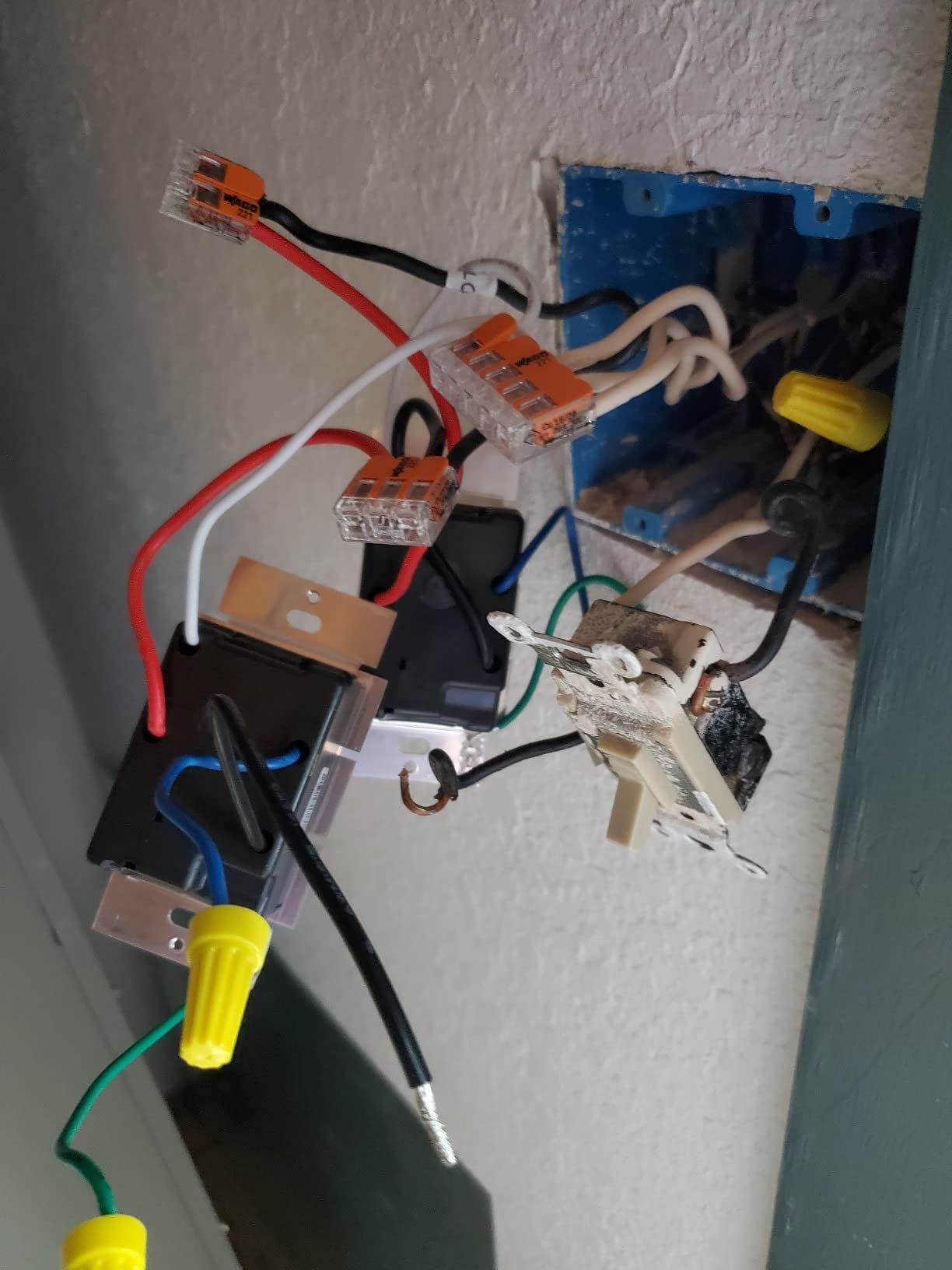
The honest limitations are worth listing before you buy. There is no configurable default-on dim level, so lights always come up to full power. The switch cannot act as a trigger inside an Alexa routine. The coordinating wall plate and Pico remote are sold separately, and adding a Pico is how you get 3-way control without touching the wiring.
It is also not a fan controller. Reviewers are clear that it will not replace a pull chain or a fan speed control, and smart bulbs generally do not dim correctly through it. If your circuit drives a fan rather than lights, this is the wrong tool.
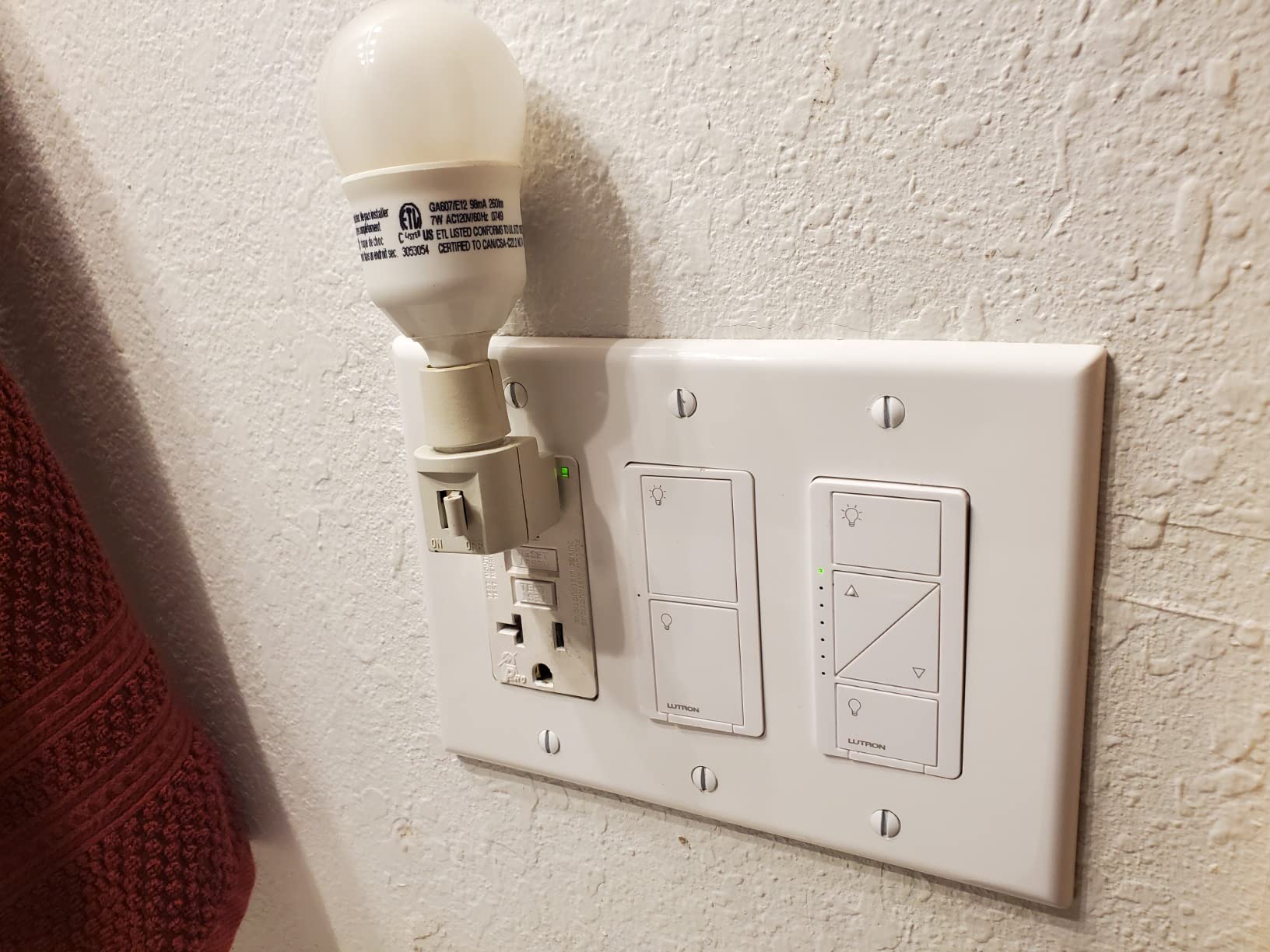
Check box depth and load before you commit
Confirm your box has room. The body is slim, but the wire nuts and the ground pigtail behind it still need about an inch of box depth, and 1940s boxes are shallow.
Count your circuit. It handles up to 600W of incandescent or halogen, so a single fixture or a small group of lights is fine, but a ceiling fan or a kitchen row will not work.
Who should buy something else
Skip it if you refuse to run a hub, or if you want your switch to trigger voice-assistant routines rather than just respond to them. Buy the relay option below instead if you want to keep your current rocker and stay out of the hub debate entirely.
2. SONOFF ZBMINIL2 Zigbee Mini Relay – Best Hidden Retrofit
- Hides behind your existing rocker with no wall change
- Compact body fits EU
- 86 and 120 boxes
- 2-way control works with existing switches for staircases
- Zigbee mesh keeps responding without internet
- Two-year warranty with TUV and CE and FCC certification
- Zigbee hub such as the ZBBridge Pro sold separately
- On-off only with no dimming
- Rated 6 A
- which is a lower ceiling than some whole-house alternatives for heavy loads
- No indicator or button on the module itself so troubleshooting runs through the app
This is the answer for anyone who loves the switch they already own. The ZBMINIL2 is a mini relay module that sits behind your existing rocker inside the wall box, and the switch you have today keeps working exactly as it always did. Nothing about the room changes, which is the single biggest reason people choose it in a house full of period trim.
It is genuinely no-neutral. The module is designed for old houses, old apartments and retro renovation work where no neutral is available, and the compact 39.5 by 32 by 18.4 mm body fits behind standard US boxes without re-terminating a single wire. It is sold as a 4-pack here, which covers several boxes at once.
Because it speaks Zigbee, local control survives an internet outage. That matters more in an old house than in a new one, where the router is three rooms from the basement. It also handles 2-way control, so a stairway with existing switches at both ends is a realistic install rather than a compromise.
At 4.4 stars from roughly 780 ratings, the complaints cluster around three things: the hub is a separate purchase, there is no dimming at all, and the 6 A ceiling is not generous for a heavy circuit. The module also has no status light or button of its own, so when something is wrong you are troubleshooting from the app.
Check box depth and load first
Check box depth seriously. Behind an existing single-gang rocker, this fits, but you still need room for the conductor loop and the splice. Very shallow pre-war boxes can be a squeeze.
Confirm your loads. Six amps covers lighting circuits comfortably. Anything that draws heavily, such as a fan motor or a heated fixture, should not go on this module.
Who should buy something else
Skip it if you want dimming, if you want to see the smart device from the room, or if you are not willing to run a Zigbee coordinator. If dimming is the goal in an old house, the Caseta and the Leviton are the only two products here that dim without a neutral.
3. MoesGo WiFi RF433 Touch Switch – Best Budget Wi-Fi Option
MoesGo WiFi RF433 Smart Touch Light Switch, No Neutral Wire, Black 2 Gang
- Installs on a single live wire with no neutral and no rewiring
- Connects straight to 2.4 GHz Wi-Fi with no hub
- Glass faceplate looks modern on an old wall
- Timer and countdown scheduling in the Smart Life app
- Works with Alexa and Google Home
- Low cost per gang suits multi-gang boxes
- 2.4 GHz Wi-Fi band only so it will not join a 5 GHz network
- 5 watt minimum controllable load
- Single-pole only with no staircase control
- Highest one-star share in this roundup at 13% of reviews
The MoesGo is the pick when the deciding factor is that you do not want a hub, do not want a bridge, and do not want another app to learn. It runs straight on your own 2.4 GHz Wi-Fi and pairs with Alexa or Google Assistant through the Smart Life app, which is the shortest route from an old switch box to voice control in this roundup.
Installation is genuinely single-wire. The listing is explicit that it needs no neutral and no rewiring, which is what makes it fit a two-wire loop. At 4.7 by 2.9 by 1.5 inches and 4.8 ounces, it is a reasonably sized wall unit rather than a deep body that will not fit an old box.
Pay attention to the load limits, because this is where budget switches earn their reputation. Minimum controllable load is 5 watts, rated current is 2 A and maximum wattage is 220 W at 110 V. A single modern LED bulb can sit close to that floor, so on very low-draw fixtures you may see the light not fully releasing.
The 4.1 rating across about 1,680 reviews is the joint-lowest here, and 13% of those ratings are one star, the largest negative share in this roundup. Reviewers report switches that will not pair, drop off Wi-Fi, or stop responding. Wi-Fi-only devices carry more of that risk than mesh protocols because every switch depends on the router rather than on neighbouring devices, which is why owner reports keep steering people toward Zigbee or Z-Wave.
Check your Wi-Fi band and bulb load first
Confirm you run a 2.4 GHz network. Many newer routers split bands, and this will simply not appear on a 5 GHz-only SSID.
Look at your bulb wattage. Anything under a handful of watts, or a long run of low-draw bulbs, is a poor match for the 5 watt minimum.
Who should buy something else
Skip it for stairways, since it is single-pole only, and skip it if your household already runs a Zigbee or Z-Wave system you would rather extend. Someone who wants one protocol across the whole house should start with the mesh option rather than adding a second stack.
4. Aqara WS-USC01 No-Neutral Rocker – Best Zigbee Switch with Deep Settings
Aqara Smart Light Switch (No Neutral, Single Rocker), Requires AQARA HUB
- Designed specifically for no-neutral switch-loop wiring in older homes
- Zigbee radio pairs with Home Assistant or Zigbee2MQTT or an Echo Zigbee hub
- Anti-flicker mode and decoupling mode for smart bulbs
- Configurable indicator LED and power-outage recovery
- Everything needed in the box including wire nuts and screws
- Ground wire required so it will not work in a box with no equipment ground
- On-off only with no dimming
- Some installs reported the switch dropping its Zigbee connection after a year or two
- Rocker feels cheap and the screwless plate is awkward to assemble
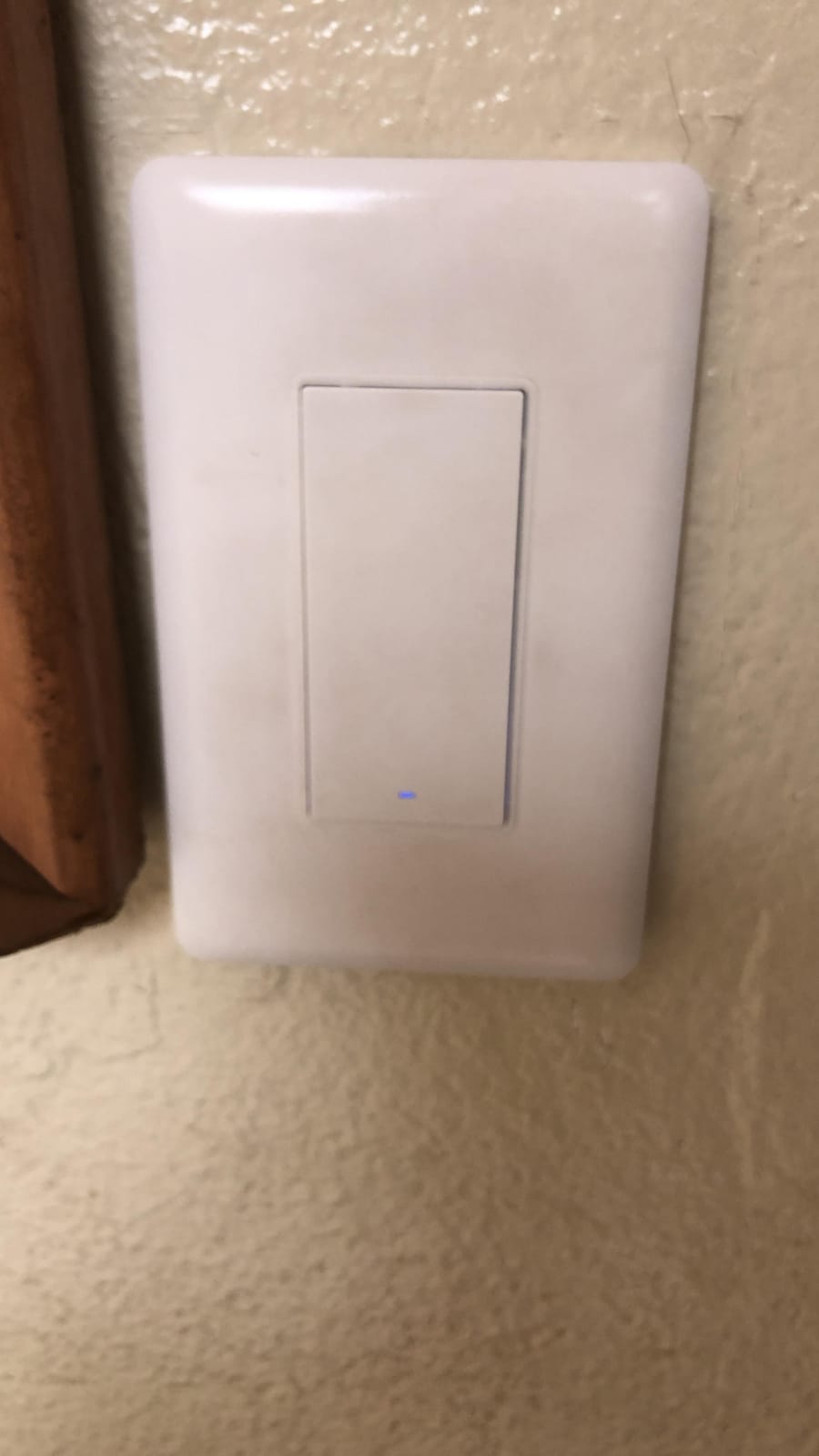
The Aqara is the switch we recommend for someone who actually wants to configure their install. While it ships with a Quick Start Guide, screws and wire nuts, the value is in the settings buried in the Aqara Home app: configurable indicator LED behaviour, a power-outage recovery option, an anti-flicker mode, and a decoupling mode that leaves the circuit permanently on for smart bulbs.
It is explicitly built for the wiring you actually have. Owners in 1960s-era houses report it working in switch-loop wiring with no neutral, which is the exact application. Load capacity is listed as 600 W maximum and 3 W minimum, with 200 W per way for CFL and LED, and it is rated at 5 A on 120V AC.
The big flexibility is that it is not locked to Aqara. The Zigbee radio can pair with a generic coordinator such as Home Assistant through ZHA or Zigbee2MQTT, or straight to an Echo Zigbee hub with no Aqara hub, account or skill. Local control is the default, so automations keep running when the internet is down.
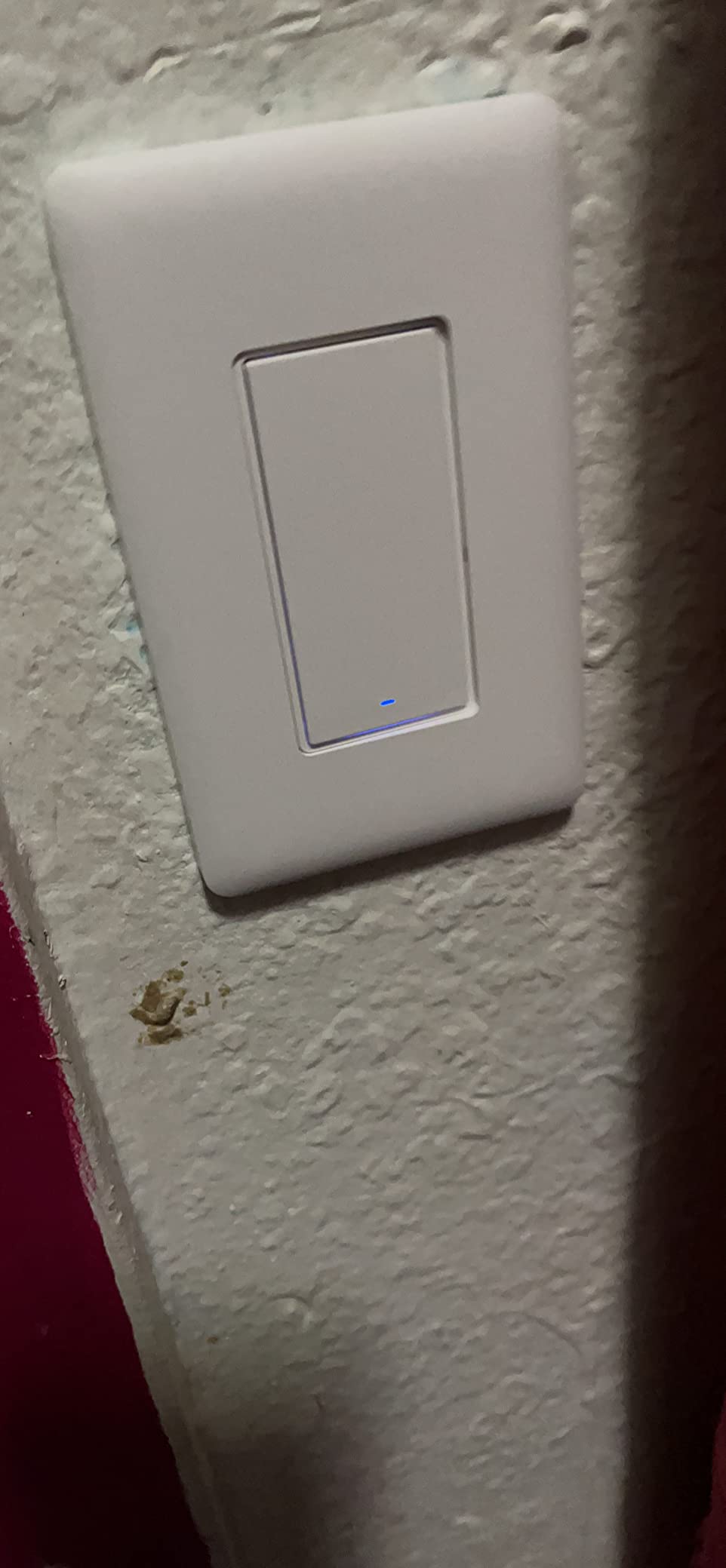
Two things to know before you plan the install. It requires a ground wire, which rules out old-work plastic boxes with nothing bonded. And it is on-off only, so if the circuit needs dimming you need a different product entirely.
At 4.2 stars from roughly 530 ratings with a 10% one-star share, the recurring theme is durability rather than function. Some multi-switch installations reported switches dropping their Zigbee connection and forgetting configuration after a year or two, and owners mention the rocker feeling fragile with a button breaking after a few presses. The screwless faceplate is also awkward to assemble and the two sets of small screws are easy to lose.
Check your ground and your pairing method first
Confirm there is a ground at the box. A missing ground is a common reason a no-neutral switch still fails to install in a 1950s house, and the fix is usually not available without opening the wall.
Decide how you will trigger voice routines. Pair the switch to the hub rather than linking each device to the Alexa skill individually, which is where owners report routine errors.
Who should buy something else
Skip it if your boxes have no ground, if you need dimming, or if you already own Zigbee hardware and expect deep settings to persist for a decade. For a no-ground box in an old house, the Caseta or the MoesGo will both install where this one will not.
5. YoLink FlexSwitch YS5709 – Best Battery-Powered Install
YoLink FlexSwitch Smart Light Switch, No Neutral Wire, YS5709
- Battery powered so it needs no neutral and no wiring change
- Drops into an existing switch in minutes
- LoRa range reaches basements and patios and sheds beyond Wi-Fi coverage
- Up to 2.5 years of battery life per set
- Device-to-device control works without internet
- Second-highest average rating in this roundup with a 77% five-star share
- Proprietary LoRa protocol cannot pair with Home Assistant
- YoLink Hub required for app control and scheduling
- On-off only with no dimming
- Single-pole only with no 2-way support
- Batteries running down means the switch stops controlling lights
The FlexSwitch is the odd one out in this roundup and the most interesting pick. It runs on two AA batteries, so it does not need a neutral, does not need a ground, and does not need you to identify which conductor is line and which is load. It physically replaces the switch you have and physically works. In a rental, or a plaster-and-lath house you are not willing to open, that is worth more than any feature list.
Range is the standout specification. The listed LoRa wireless range of up to 2,034 feet means the switch can reach a basement, patio, shed or outbuilding where Wi-Fi coverage is poor, and device-to-device communication means a FlexSwitch can trigger or be triggered by other YoLink sensors even with no internet connection.
Both buttons double as wireless fobs for other devices, so you can pull one side of the plate and use it as a scene remote without installing anything else. Scheduling works down to the minute, count-down timers to the second, and built-in over-temperature protection trips at 158 degrees F. It is rated 5 A and 1385 W on 120V AC.
At 4.5 stars across roughly 455 ratings with a 77% five-star share, it has the strongest rating profile among the hub-free options here and only 5% one-star. Reviewers single out exactly two things: the battery-powered design that needs no new conductor, and the range that reaches areas Wi-Fi cannot.
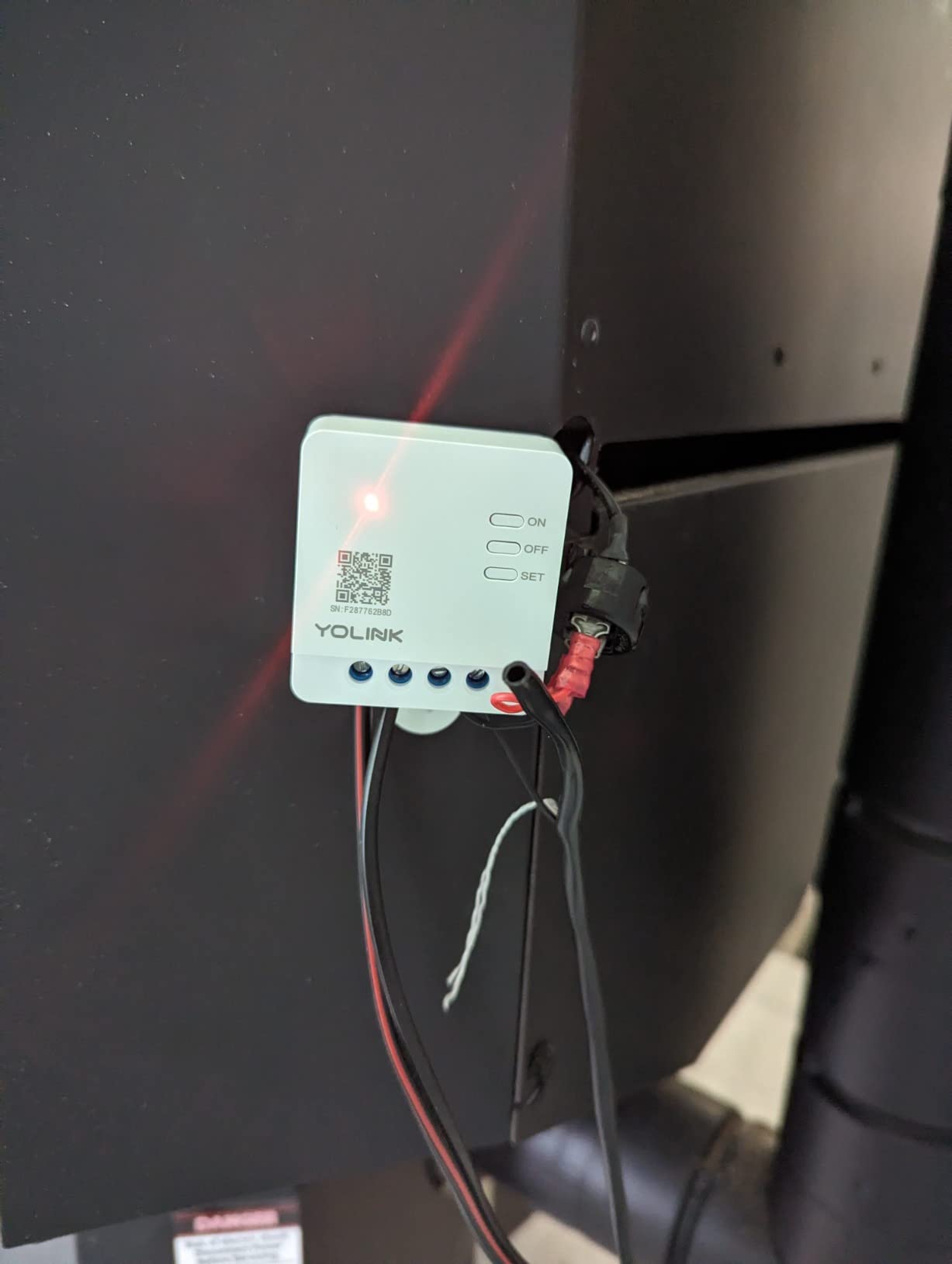
The trade-off is ecosystem lock-in. LoRa is proprietary rather than standard Zigbee, so it cannot be paired with Home Assistant or a generic coordinator, and the YoLink Hub is required before you get the app, scheduling or third-party integrations. It is on-off only, and single-pole only, so no stairway control without extra hardware.
There is also a consequence of battery power that reviewers note plainly: when the cells run out, the switch stops controlling the light. With a stated battery life of up to 2.5 years, that is infrequent, but it is a maintenance item that a wired switch does not have.
Count your single-pole locations before buying more than one
Every stairway or hallway with two existing switches is a place this switch cannot go, so check the layout before ordering more than one.
Confirm you are comfortable in one ecosystem. There is no path from YoLink into Home Assistant or Zigbee2MQTT, so mixing it into a mixed-protocol home creates a second hub.
Who should buy something else
Skip it if you dim, if you need 3-way control, or if you run Home Assistant and want one coordinator for the house. It is at its best in a rental, a detached garage or a shed, and at its weakest in a house already built around Zigbee.
6. SONOFF MINI-ZB2GS-L – Best Dual-Channel Zigbee Relay
- Retrofits onto single-wire circuits with no rewiring
- Dual channel controls two devices from one module
- Standard Zigbee 3.0 pairs with Home Assistant and Zigbee2MQTT
- Ultra-compact body fits standard boxes and tight spaces
- Local mesh operation keeps responding through an internet drop
- Low cost per switch makes it practical across several boxes at once
- Zigbee hub or coordinator sold separately
- On-off only with no dimming
- Listed operating voltage is 240 volts so confirm 120V compatibility
- Specification block lists 1 A while marketing claims 12 A and 16 A
- 11% one-star share with reports of devices needing re-pairing
The MINI-ZB2GS-L solves a specific old-house problem neatly: one switch, two different fixtures, one module. The dual channel lets you control two devices independently from a single unit, and the compact body fits standard boxes and tight spaces without changing existing wiring. For a 2-gang box in a hallway feeding a ceiling light and a closet, that is a tidy answer.
It is genuinely no-neutral, designed for upgrading old homes with single-wire systems. It speaks standard Zigbee 3.0 rather than a proprietary protocol, so it drops into Home Assistant or Zigbee2MQTT with a generic coordinator instead of a walled garden. Local mesh operation keeps it responding even when the internet connection drops.
Its 4.2 rating comes from a smaller base of about 200 ratings, with 64% five-star and 11% one-star. Buyers highlight the combination that matters for old housing stock: no neutral required, standard Zigbee, dual channel, and a cost per box that sits at the low end of the group.
The reservation worth pausing on is the listing itself. The headline claims 12 A total and 16 A, while the specification block lists 1 A, and the listed operating voltage is 240 volts. Before you buy this for a North American circuit, confirm the real load handling and the voltage with the manufacturer, because a spec block that contradicts its own marketing is a reason to slow down.
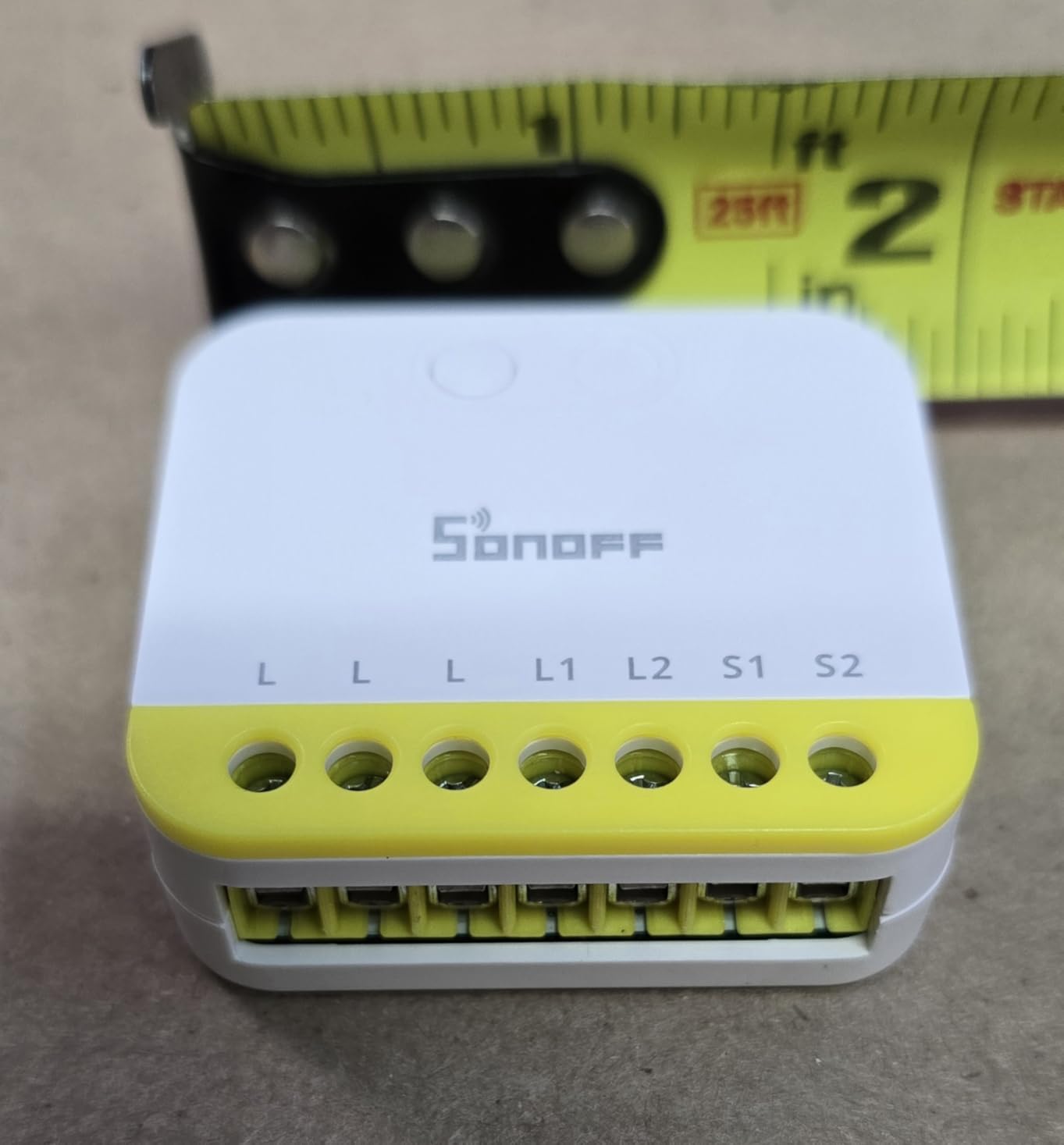
There is also no status LED or button on the module, so all configuration happens in the app or hub, and it is a single pack, so a multi-box install means multiple purchases.
Verify voltage and channel count first
Verify voltage and current with the manufacturer for 120V circuits. This is the single most important step on this product and it is not optional.
Count your channels. Dual channel helps only if both fixtures land in the same box, so map your 2-gang boxes before ordering.
Who should buy something else
Skip it if you need dimming, if you are wiring a heavy circuit, or if you want a product whose published specs agree with each other. The 4-pack ZBMINIL2 above is the more cautious relay choice when 2-way staircase control matters more than dual channel.
7. Jinvoo 2Gang Touch Switch – Best for Two-Gang Boxes
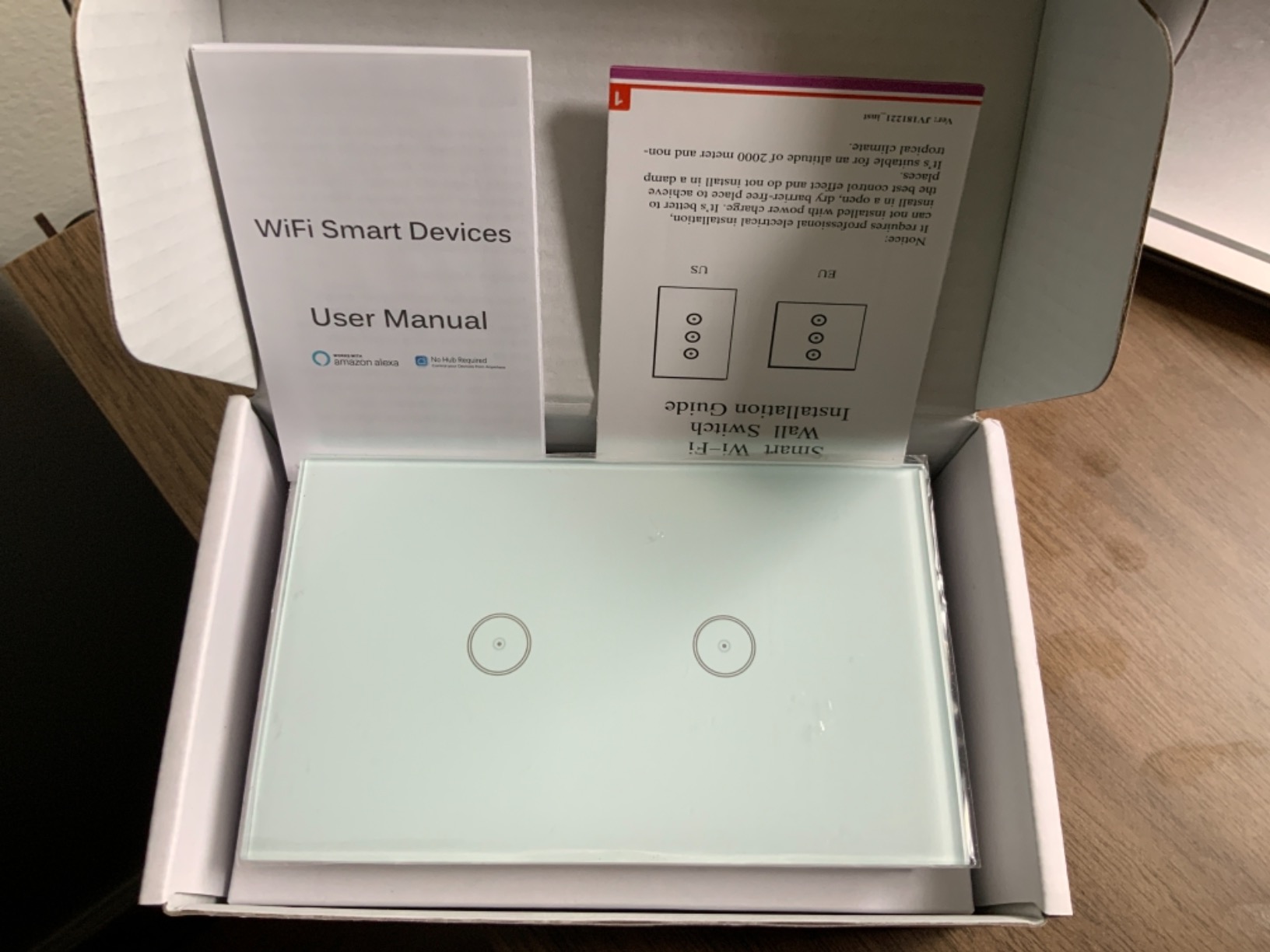
Jinvoo 2gang Smart Touch Light Switch No Neutral Wire Required (White 1pc)
- Connects directly to Wi-Fi with no hub
- Shallow body makes installation in existing boxes easier
- Timer and countdown schedules with phone remote control
- Works with Alexa and Google Home
- ETL listed at 10 A with a two-year warranty
- Touch finish looks modern on an old wall
- Listing bullet says a neutral wire is required while the title says no neutral
- Listed operating voltage is 220 volts
- Advertised as 2-gang but the dimensions match a 1-gang
- 2.4 GHz Wi-Fi band only
- On-off only with no dimming
We are including this one with a clear warning attached, because the product itself is fine and the listing is the problem. At 4.4 stars from about 110 ratings with 74% five-star, owners who bought it generally report it working as intended, pairing quickly with Alexa, and its shallow body making it easy to fit into an existing box. Several buyers own multiple units.
Connectivity is simple: direct 2.4 GHz Wi-Fi, no hub, app scheduling plus timers and countdowns, and voice control through Alexa or Google Home. The rating is 10 A with ETL listing and a two-year warranty, which is a solid paper specification for a lighting circuit.
Now the warning. The feature bullet in the listing states that a neutral wire is required, which directly contradicts the no-neutral claim in the product title, and a reviewer with US switch-loop wiring confirmed the unit will not work on that circuit. If your box is a two-wire loop, treat this as a model that may not suit you until you verify with the manufacturer.
Physical sizing is also mislabelled. It is advertised as 2-gang but the listed dimensions of 4.65 by 2.83 by 1.54 inches match a 1-gang, so fitting it under a 2-gang cover plate leaves a gap that has to be trimmed. The listed operating voltage is 220 volts, which needs checking against 120V North American circuits, and a minority of owners reported switches that never joined Wi-Fi, showing a blinking blue light.
Verify the neutral claim before you order
Message the manufacturer about the neutral contradiction before you order. This is a documentation failure, not a description, and you should not discover it after cutting power.
Measure your 2-gang plate. If the body is 1-gang, plan on trimming the cover or replacing the plate.
Who should buy something else
Skip it in any house where you cannot verify the neutral requirement, or where 2.4 GHz-only Wi-Fi is a problem. The MoesGo above is the cleaner budget no-hub option, and the Aqara is far better documented.
8. Leviton DN6HD-1RW No-Neutral Decora Dimmer – Best for Existing Decorator Plates
Leviton No-Neutral Decora Smart Dimmer Switch, DN6HD-1RW, White
- A dimmer that works without a neutral wire
- Decora form factor drops into existing decorator plates with no plate change
- Clear LINE
- LOAD and GROUND wiring guidance
- App settings for preset levels and fade rates and bulb type
- Wireless 3-way via DAWDC or DAWSC companions
- UL and cULus listed at 15 A which is the highest current rating here
- MLWSB Decora Smart Wi-Fi Bridge sold separately as a second hub
- Ground wire still required despite the no-neutral name
- Smallest review base here at about 60 ratings with a 12% one-star share
- Dimming quality varies by bulb and can flicker at very low levels
If your existing plates are Decora-style decorator plates rather than plain rectangular toggles, this is the switch that fits without changing anything cosmetic. The DN6HD-1RW is a Decora-format no-neutral dimmer, and the 1.4 by 1.7 by 4.13 inch body drops into the decorator opening your wall already has.
It is also one of only two products in this roundup that both skips the neutral and dims. The My Leviton app gives preset light levels, custom fade rates and bulb-type selection, and it supports LED, CFL, incandescent and MLV lighting, with an option to treat non-dimmable bulbs as simple on-off.
Wiring guidance is unusually clear for this category. The connections are LINE, LOAD and GROUND, which tells you exactly what goes where instead of the vague two-wire diagrams most listings use. It is UL and cULus listed with a 15 A current rating, the highest in the group, and the IP67 rating is a step above most competing switches.
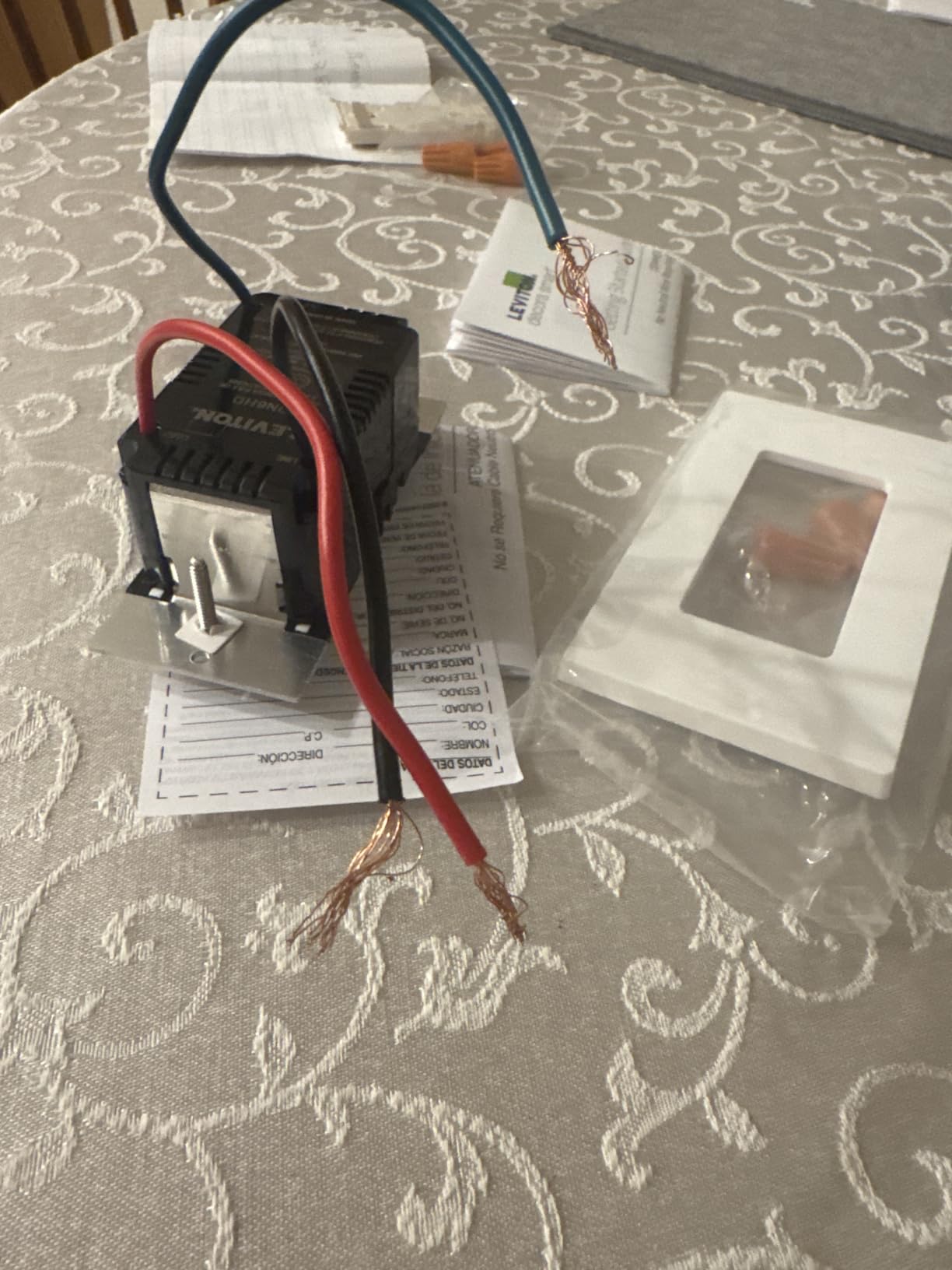
The catch is the ground. Despite the no-neutral name, this switch still needs an equipment ground at the box, which is the exact wall that older houses run into. It also needs the MLWSB Decora Smart Wi-Fi Bridge, which adds a second hub to a setup that may already have one.
The evidence here is the thinnest in the roundup. About 60 ratings averaging 4.1 with a 12% one-star share means we would treat it as a promising option rather than a proven one. Wireless 3-way control also needs an additional DAWDC or DAWSC companion at every extra location, and dimming quality varies by bulb with flicker at very low levels on some LED lamps.
Check your ground and your hub count first
Confirm you have a ground. This is the deciding question, and it is the one the product name does not answer.
Count your hubs. If your other switches already run through Zigbee or Z-Wave, adding a Wi-Fi bridge creates a second ecosystem to maintain.
Who should buy something else
Skip it if your boxes have no ground, if you want to avoid a second hub, or if your plates are not decorator format. In those cases the Caseta at number one is the more dependable no-neutral dimmer, even though it also needs a hub of its own.
What a No-Neutral Switch Cannot Do
A no-neutral switch is a compromise, and buying with clear expectations beats buying with a sales page. These are the real limits, and none of them are fixable with a setting in an app.
Energy reporting is limited. Because the switch is inferring current from what it can measure through the load, wattage figures on no-neutral devices are less reliable than on switches with a full neutral. Do not build an energy dashboard on one.
Minimum load is a hard floor, not a preference. Products here list minimums of 3 W and 5 W on two of the models here. Under that floor the switch loses its power path, which shows up as flicker, a relay that will not latch, or lights that never fully switch off.
Deep dimming on LED bulbs is where these designs struggle. Most no-neutral switches are on-off devices; only two of the eight here dim at all. On the ones that do dim, low-end flicker is common, and anti-flicker modes help but do not eliminate it.
Three-way control is inconsistent. The Caseta handles it with a wireless Pico remote. The SONOFF modules handle it with 2-way support behind an existing switch. The Aqara, MoesGo and YoLink options are single-pole only, so a stairway means a different product at each end or a compromise.
Hub dependence is a permanent feature. Six of these eight need a bridge, hub or coordinator for their smart functions. That is the price of local control and offline behaviour, and it is worth paying deliberately rather than discovering later.
How to Choose a Smart Switch for Older Wiring
Measure your boxes before you choose anything
Depth matters more than people expect. The Caseta body is 1.13 by 2.93 by 4.69 inches and the Sonoff mini relay is 39.5 by 32 by 18.4 mm, both of which fit most retrofit boxes, but the wire nuts behind them do not shrink. Pull a switch forward and measure the free depth behind the yoke before you commit to a model.
Also count gangs. A 2-gang box in an old house is often a retrofit box that was surface-mounted or fitted later, so its depth is shallower than it looks. The Jinvoo in this roundup is advertised as 2-gang but its dimensions match a 1-gang, which is exactly the kind of mismatch you catch with a tape measure.
Decide between a no-neutral switch and a relay module
A no-neutral switch replaces the visible device and gains you a paddle, an indicator and app control. A relay module hides behind the switch you already have and changes nothing visually. If your house has period trim, plaster you do not want to open, or tenants who will notice a new plate, the relay module is the quieter answer.
If you plan to do more than a handful of switches, also price the hub. A Caseta setup across twelve boxes plus one Lutron Smart Hub is a different project from twelve standalone Wi-Fi switches, and the total cost gap between the two approaches is smaller than the per-switch gap suggests. Our guide to smart light switches for the whole home covers how the hub maths works once you scale past a single room.
Work out what happens with daisy-chained down lights
Chained fixtures are common in 1950s and 60s hallways and they cause two problems at once. The total wattage of the chain can sit near a no-neutral switch minimum-load floor when you dim, and the loop means both conductors at the box look the same.
The practical fix is to keep those circuits on an on-off switch rather than a dimmer, and to confirm which conductor is line by testing with the breaker on before you wire anything. If you want dimming on a chain, replace the bulbs with a dimmable range and check the combined wattage against the switch rating before you fit it.
Handle stairways with a 3-way plan before you buy switches
Three-way switching is the hardest retrofit in an old house because two locations control one light through a pair of travelers that the smart switch has to understand. Our dedicated guide to smart light switches for three-way setups goes deeper on the wiring pattern.
The short version for old houses: wireless companions are dramatically easier than rewiring travelers. A Pico remote at the second location gives you 3-way control from the Caseta without opening the second box. The SONOFF ZBMINIL2 does the same job with 2-way support behind existing switches. Everything else in this roundup is single-pole, which means you either accept a paddle at only one end or you pick a different product for stairways.
Why protocol matters more in an old house than a new one
Mesh protocols like Zigbee and Z-Wave propagate signal through the device itself, and old houses are mostly masonry and plaster lath, which is brutal for Wi-Fi coverage. That is a practical argument, not an ideological one, and it is why local control keeps showing up as the deciding factor in owner reports.
Wi-Fi is the right call when you want zero extra hardware and a single room, which is why the MoesGo and Jinvoo options exist. It is the wrong call when you are covering twelve switches across a three-floor house. If you are automating lighting across more than a couple of rooms, our guide to smart switches for lighting automation is worth reading before you commit to a protocol.
What to do if you cannot touch the wiring at all
Renters have three paths, cheapest to most invasive. A battery-powered switch like the YoLink FlexSwitch replaces the existing switch with no wiring change. A mechanical add-on device clamps onto an existing rocker and physically presses it, which is the zero-deposit-risk option. Or you ask the landlord in writing to run a neutral, which many will decline.
If you do not own the wiring, never remove a faceplate and leave conductors exposed to fit a device. The battery-powered route and the clamp-on route are the only two that keep you out of the box entirely.
Know when to stop and call an electrician
Stop and get a professional if you find aluminium conductors, knob-and-tube wiring, cloth-sheathed cable, or signs of scorching, discolouration or melted terminals in the box. Those are not retrofit problems, they are safety problems.
Two more cases deserve a professional. If your box has no ground and you want a switch that requires one, running that ground properly means opening the wall, and the Leviton in this roundup is worth an electrician’s visit for exactly that reason. And if your lights flicker or drop out at low levels on a chain of down lights, the circuit may have a load or connection fault that a smart switch cannot fix.
Any electrical work in the United States falls under your local permit rules. A simple device swap in an existing box is one thing; running new conductors is another, and the second is where a licensed electrician earns their place.
Frequently Asked Questions
Which smart switch works without a neutral wire?
A switch marked no-neutral installs on a two-wire switch loop, which is what most homes built before 1970 have. Products in this roundup that require no neutral include the Lutron Caseta PD-6WCL, the SONOFF ZBMINIL2 and MINI-ZB2GS-L relays, the MoesGo and Aqara rockers, and the battery-powered YoLink FlexSwitch.
Can you use Lutron Caseta without a neutral?
Yes. The Lutron Caseta PD-6WCL is specifically the no-neutral version of the Caseta dimmer. It powers itself from the load wire, needs no neutral, and needs no ground. It does require the separately sold Lutron Smart Hub for app, voice and automation control.
How does a no neutral smart switch work?
A no-neutral switch takes a small amount of current from the load wire to power its own electronics and radio. It needs a minimum load at the bulb to keep that power stable, so circuits below roughly 3 to 5 watts can flicker or drop out. A bypass module wired across the load is the usual fix.
Are there smart light switches that don’t require a neutral wire?
All eight products reviewed here are designed for no-neutral installation. Three run on standard Zigbee and six of the eight need some kind of bridge, hub or coordinator before their smart functions work. Two of the eight still require an equipment ground.
Do all smart switches need a neutral wire?
No. Most budget smart switches do require a neutral and will not work in a pre-1970s box. Switches labelled no-neutral exist specifically for switch-loop wiring and draw their operating power from the load instead. Always check the listing, because some products contradict themselves.
How do I know if my switch box has a neutral?
Kill the breaker, remove the faceplate and pull the switch forward. Two conductors usually means a two-wire loop with no neutral. Three or more, especially a bundle of two whites spliced together, usually means a neutral is present. Confirm the line conductor with a tester before wiring anything.
Do smart switches need a ground wire?
Most no-neutral switches do not require one, which is part of what makes them suitable for 1950s boxes. Some do. The Aqara WS-USC01 and the Leviton DN6HD-1RW both still need an equipment ground at the box, so check the spec before buying for a box that has none.
Why does my smart dimmer flicker with LED bulbs?
A no-neutral dimmer draws its power from the load, so a low-wattage LED bulb gives it too little to work with. That produces flicker, buzz or dropout at low dim levels. Staying above the switch minimum load, using dimmable LED bulbs of the same type in every fixture, and enabling an anti-flicker mode all help.
Which Smart Switch Fits Your Old House Best
For most people looking for the best smart light switches for older wiring, the Lutron Caseta PD-6WCL is the pick. It needs no neutral and no ground, it dims, its slim body fits shallow boxes, and more than 5,600 ratings averaging 4.7 stars is the strongest reliability evidence in this category.
Pick differently when your situation is different. Keep your existing rocker with a SONOFF ZBMINIL2 relay. Skip the hub entirely with the MoesGo on 2.4 GHz Wi-Fi. Get deep configuration settings through Aqara, provided your boxes have a ground. Choose YoLink when you cannot change the wiring at all. And check the Leviton if your decorator plates are already in place.
Before any of them, open the box. Ten minutes counting conductors will save you from a switch that never pairs, and it is the only step in this whole process that a product page cannot do for you.