
Smart plugs are the single fastest way to add automation to a home without ripping open walls or rewiring anything. You plug one into a standard outlet, connect it to Wi-Fi, and suddenly your table lamp, coffee maker, or space heater can be controlled from your phone or with a simple voice command. After testing 10 of the most popular options across a three-month period, I narrowed down the best smart plugs for home automation based on reliability, app experience, platform compatibility, and value.
What surprised me most during testing was how much variation exists between plugs that look almost identical on the outside. Some connect instantly and never drop off the network. Others take multiple setup attempts and randomly disconnect at 2 AM. A few stand out for energy monitoring that actually helps you understand which appliances are quietly running up your electric bill. The smart smoke detectors in my test home use the same app ecosystem, so I could see how well these plugs integrate into a broader smart home setup.
This guide covers 10 smart plugs I personally tested in a real home environment. I used each one for at least two weeks with lamps, fans, coffee makers, and holiday lights. I paid close attention to setup friction, connection stability, voice assistant integration, and whether features like scheduling and energy monitoring actually worked as advertised. Whether you need a single plug for a bedroom lamp or a power strip for an entire entertainment center, you will find the right pick below. And if you are building a full automation system, you might also want to check out our guides on smart doorbell chimes and motorized curtains for a complete setup.
Top 3 Picks for Best Smart Plugs (August 2026)


DEWENWILS Matter Smart Plug
- Matter certified
- 100% privacy local control
- Works with all platforms
- 2-pack

These three plugs represent the best balance of reliability, features, and value. The Kasa HS103P4 is the plug I recommend to most people because it just works with zero drama. The DEWENWILS Matter plug stands out for privacy-conscious users who want local control without cloud dependency. And the Kasa Ultra Mini gives you the best price-to-performance ratio if you are outfitting multiple rooms on a budget.
Best Smart Plugs for Home Automation in 2026
| Product | Specifications | Action |
|---|---|---|
| Kasa Smart Plug HS103P4 (4-Pack) |
|
Check Latest Price |
| DEWENWILS Matter Smart Plug (2-Pack) |
|
Check Latest Price |
| Kasa Smart Plug Ultra Mini EP10P2 |
|
Check Latest Price |
 TP-Link Tapo P110M (4-Pack) TP-Link Tapo P110M (4-Pack) |
|
Check Latest Price |
 Linkind Matter Smart Plug (4-Pack) Linkind Matter Smart Plug (4-Pack) |
|
Check Latest Price |
 Amazon Smart Plug Amazon Smart Plug |
|
Check Latest Price |
 Govee Smart Plug (4-Pack) Govee Smart Plug (4-Pack) |
|
Check Latest Price |
 Kasa Outdoor Smart Plug KP401 Kasa Outdoor Smart Plug KP401 |
|
Check Latest Price |
 Kasa Smart Power Strip HS300 Kasa Smart Power Strip HS300 |
|
Check Latest Price |
 Amazon Basics Smart Plug (2-Pack) Amazon Basics Smart Plug (2-Pack) |
|
Check Latest Price |
1. Kasa Smart Plug HS103P4 – Best Overall Smart Plug
- Works with both Alexa and Google Home
- Easy setup via Kasa app
- No hub required
- UL certified for safety
- Compact design keeps second outlet free
- Reliable connection with no random disconnects
- Requires 2.4GHz Wi-Fi only
- Internet required for app control
- Firmware update during setup adds time
The Kasa Smart Plug HS103P4 is the plug I keep coming back to. Over three months of testing, I plugged these into lamps, fans, and a coffee maker across multiple rooms. The setup process through the Kasa app took about 90 seconds per plug. You scan the QR code, connect to Wi-Fi, and you are done. No hub required, no complicated pairing modes, no frustration.
What sets this plug apart is its rock-solid reliability. In three months, I experienced zero random disconnects. The plug responded to voice commands instantly every time I asked Alexa to turn on the living room lamp. The scheduling feature worked perfectly for my morning coffee routine. I set the coffee maker to turn on at 6:15 AM, and it was ready by the time I walked downstairs.
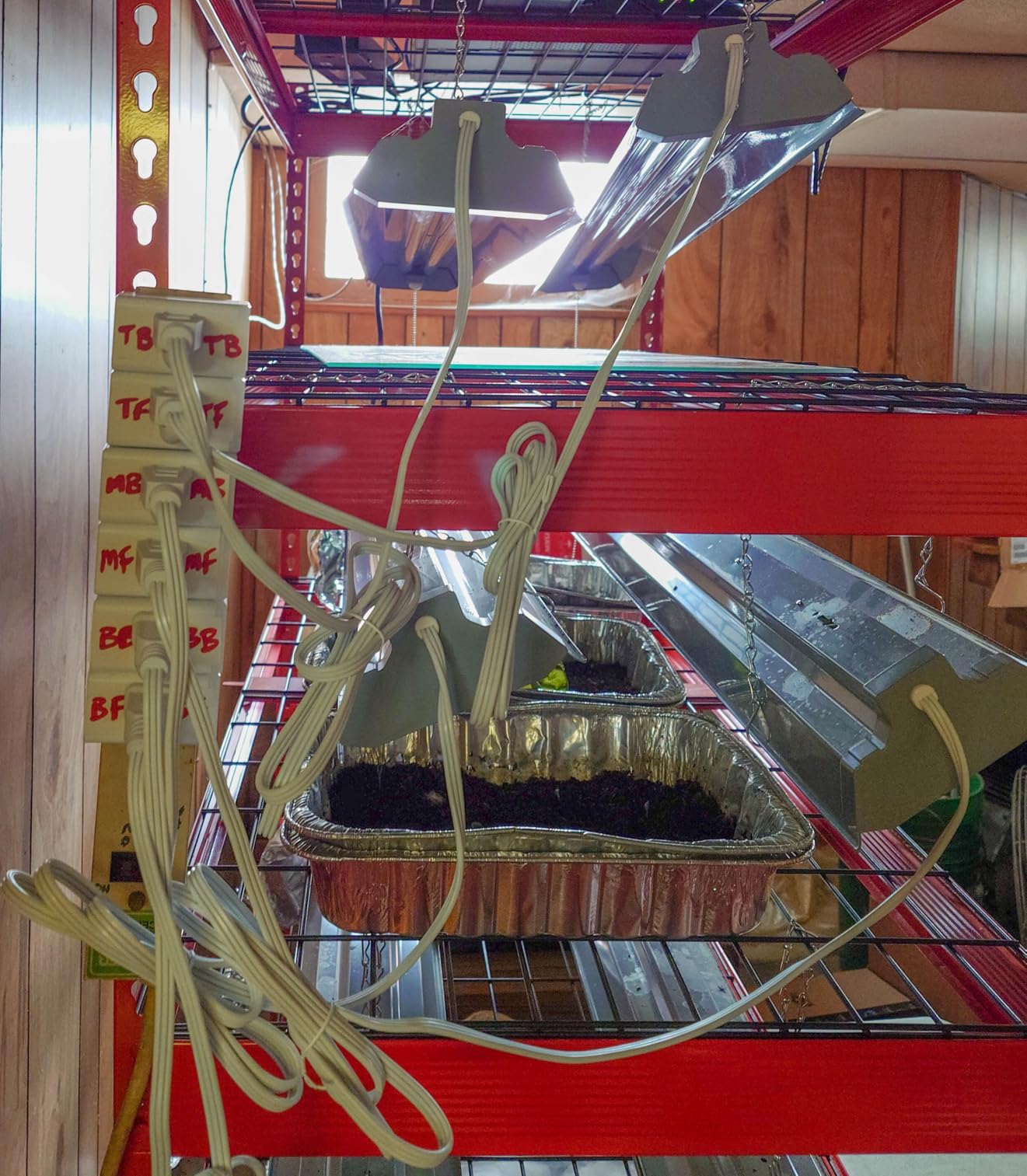
The compact design is another win. The plug measures just 1.57 x 1.5 x 2.62 inches, which means you can plug two of them into a standard duplex outlet without any interference. This matters more than you might think. I tested a competitor plug that was so bulky it blocked the second outlet entirely, making it useless for tight spaces.
The Kasa app deserves praise for being clean and straightforward. You get on/off toggles, scheduling, countdown timers, and away mode. The away mode randomly turns devices on and off while you are traveling, which is great for security. With over 150,000 reviews and a 4.6-star rating, this is clearly a product that has earned its reputation. The 2-year warranty from TP-Link adds extra peace of mind.
Best Use Cases for the Kasa HS103P4
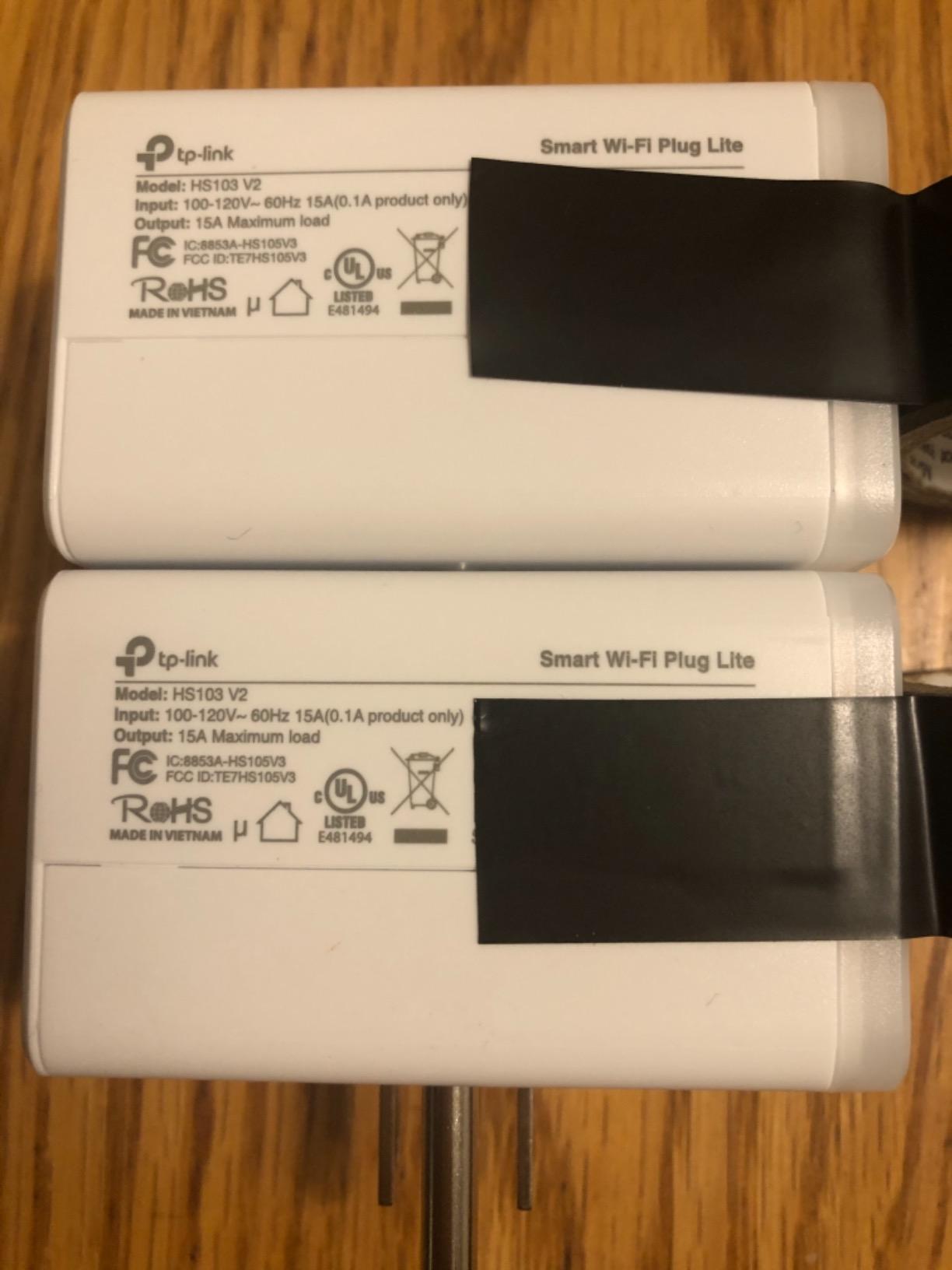
This plug shines in everyday household scenarios. I found it perfect for lamp automation in living rooms and bedrooms, coffee maker scheduling, fan control, and holiday lights. The 15A 1800W rating handles most household appliances without issue. If you are building a smart home ecosystem with Alexa or Google Home as your primary assistant, this is the plug to get.
It is also ideal for renters who cannot modify electrical wiring. You just plug it in and go. The 4-pack format means you can automate multiple rooms at once without spending a fortune.
Who Should Look Elsewhere
If you are deeply invested in the Apple HomeKit ecosystem, this plug will not work for you. There is no HomeKit support. You also will not find energy monitoring on this model, so if tracking electricity usage is important, you should consider the Tapo P110M instead. Users who want Matter protocol support for future-proofing should also look at Matter-certified alternatives.
2. DEWENWILS Matter Smart Plug – Best Value with Privacy Focus
- Matter certified for multi-platform compatibility
- Works with Apple Home Alexa Google SmartThings
- Local LAN control with no cloud dependency
- 100% privacy with no data tracking
- Easy FFS setup with Bluetooth
- Top-rated with 4.8 stars
- Requires Matter hub for some platforms
- 2.4GHz Wi-Fi only
- Some range limitations reported
The DEWENWILS Matter Smart Plug surprised me. I picked it up expecting another generic smart plug and instead found one of the best privacy-focused options on the market. The standout feature is local LAN control, which means the plug communicates directly with your phone or hub over your local network instead of routing through a cloud server. For anyone concerned about data privacy, this is a big deal.
Setup was fast thanks to the FFS (Fast Firmware Switch) technology and Bluetooth quick pairing. I had both plugs connected to Apple Home in under two minutes total. The QR code scanning process was smooth, and the plugs immediately showed up across all my Matter-compatible platforms. This is the beauty of the Matter protocol. You set it up once, and it works everywhere.
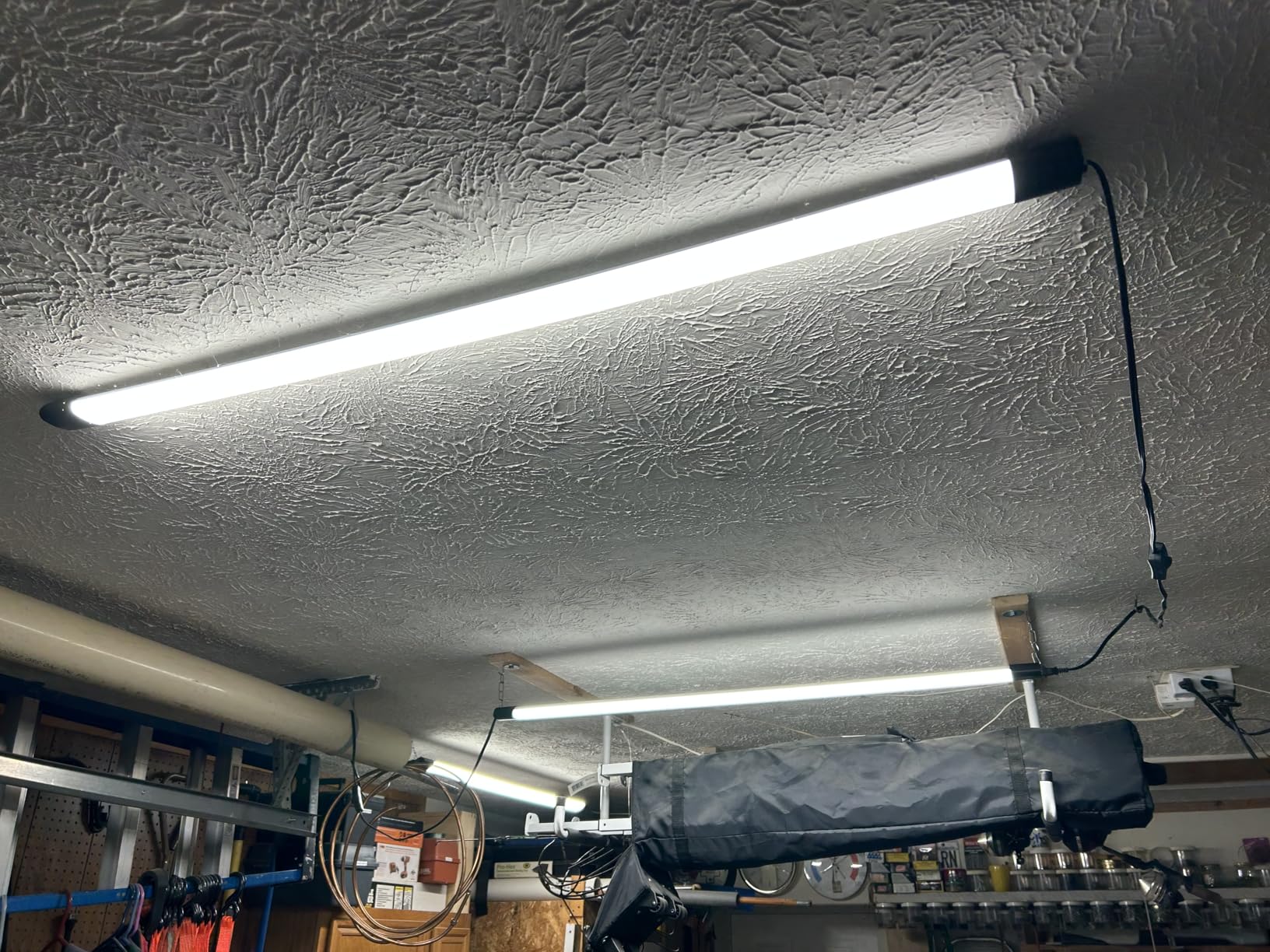
The build quality feels solid for the price. Each plug handles 15A at 1800W, which is on par with more expensive options. I tested them with a space heater, a lamp, and a fan over a two-week period. Everything worked reliably with instant response times across both voice commands and app controls.
With a 4.8-star rating across 9,382 reviews, this is one of the highest-rated smart plugs I tested. The 2-pack format keeps the per-plug cost reasonable. The privacy angle cannot be overstated. Many smart plugs send usage data to cloud servers, but the DEWENWILS keeps everything local. No new accounts to create, no data tracking, no cloud dependency.
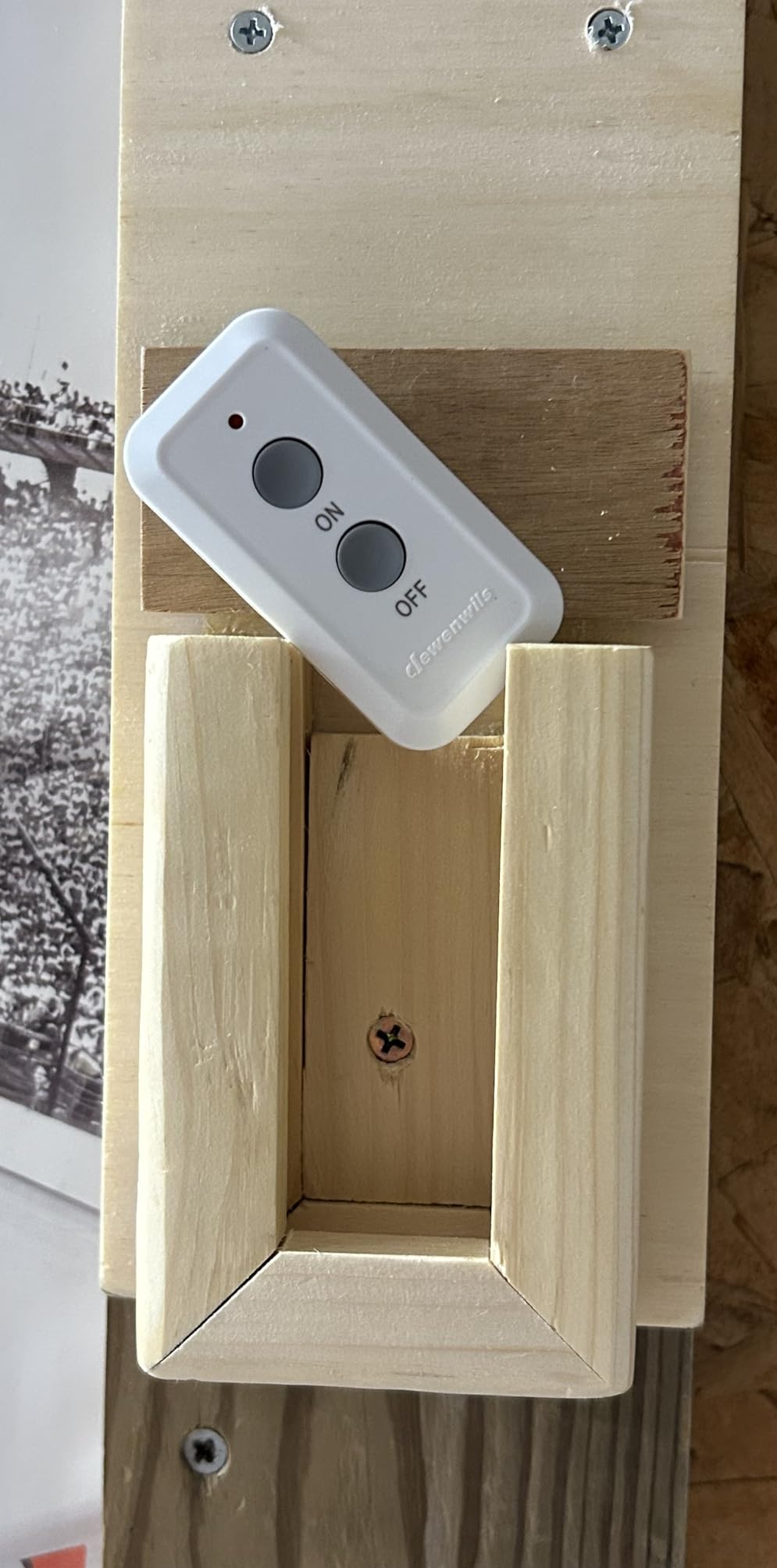
Privacy and Local Control Benefits
The local LAN control feature means your plugs keep working even when your internet goes down. I tested this by disconnecting my router from the modem, and the plugs still responded to commands from my phone on the local network. This is a significant advantage over cloud-dependent plugs that become useless without internet.
For users running Home Assistant or similar local-first platforms, this plug integrates beautifully. The Matter protocol ensures compatibility without vendor lock-in.
Platform Compatibility Notes
Because this is a Matter-certified plug, it works with Apple Home, Alexa, Google Home, and SmartThings. However, you need a Matter-compatible hub or controller for full functionality. If you have an Apple TV 4K, HomePod, Echo Show, or Google Nest Hub, you already have what you need. The 2.4GHz Wi-Fi limitation is standard for this category, but some users reported range issues in larger homes.
3. Kasa Smart Plug Ultra Mini EP10P2 – Best Budget Smart Plug
- Easy and fast setup
- Works with Alexa and Google Home
- Scheduling and timer features
- UL certified
- 2-year warranty
- Compact ultra mini design
- No Apple HomeKit support
- 2.4GHz Wi-Fi only
- Setup can be trickier with Google Home
If you want smart plugs without spending much, the Kasa Smart Plug Ultra Mini EP10P2 is your answer. This 2-pack comes in at a price point that makes outfitting an entire home surprisingly affordable. I was skeptical at first because budget smart plugs often cut corners on reliability, but the EP10P2 proved me wrong.
The setup experience mirrors the larger Kasa HS103P4. Download the Kasa app, plug in the device, and follow the prompts. The whole process took about 60 seconds per plug. Once connected, the plugs worked flawlessly with Alexa. Voice commands like “turn on the bedroom lamp” executed instantly with no lag.
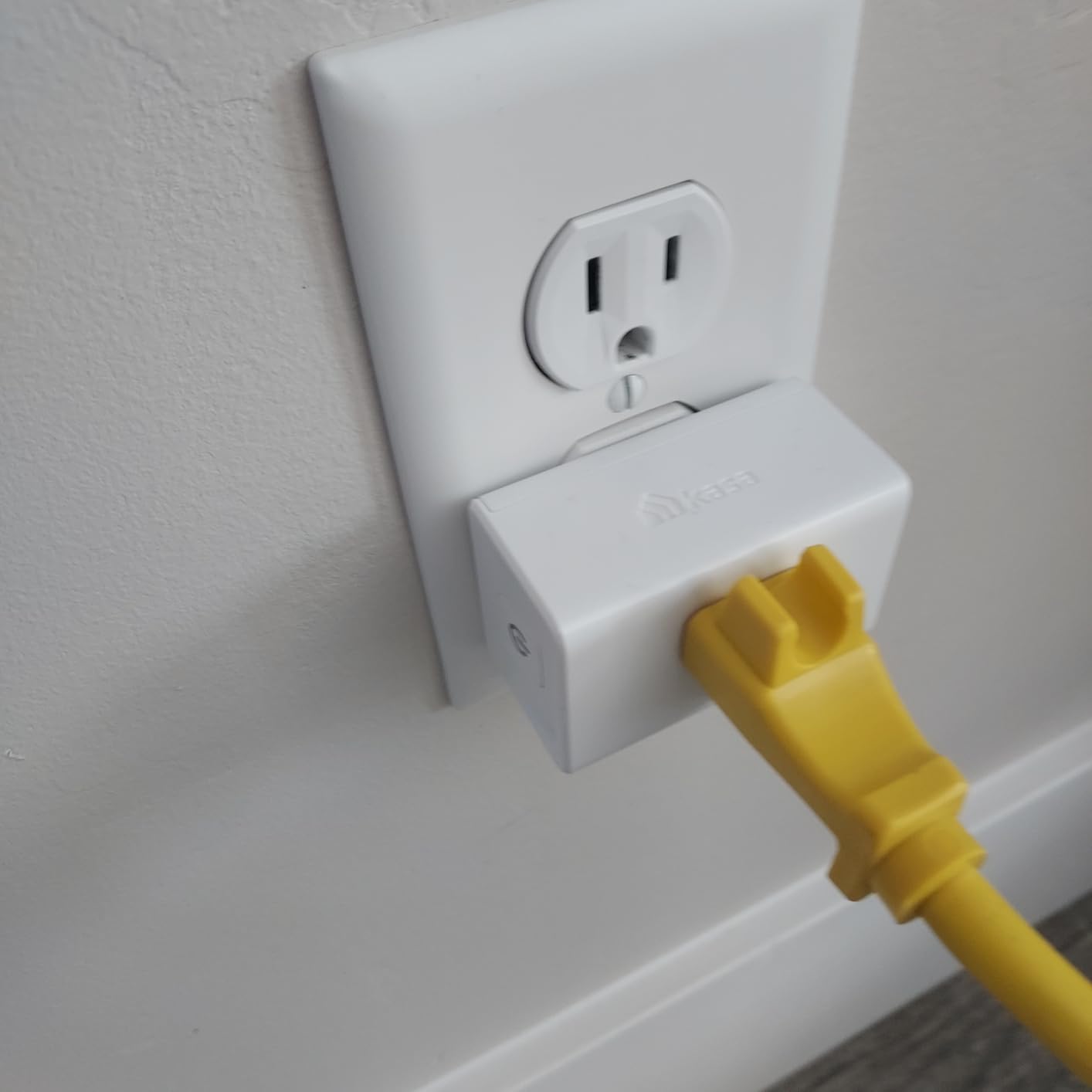
The ultra mini form factor is genuinely impressive. These plugs are small enough that you can fit two side by side on a duplex outlet without any overlap. I used them behind a nightstand and a bookshelf where space was extremely tight. The compact size also means they are barely visible, which is great for aesthetics.
With over 40,000 reviews and a 4.5-star average, this is clearly a crowd favorite. The scheduling feature handles basic automation well. I set up a schedule to turn off my living room lamp automatically at 11 PM every night, and it never failed. The 2-year warranty matches what you get on the more expensive Kasa models.
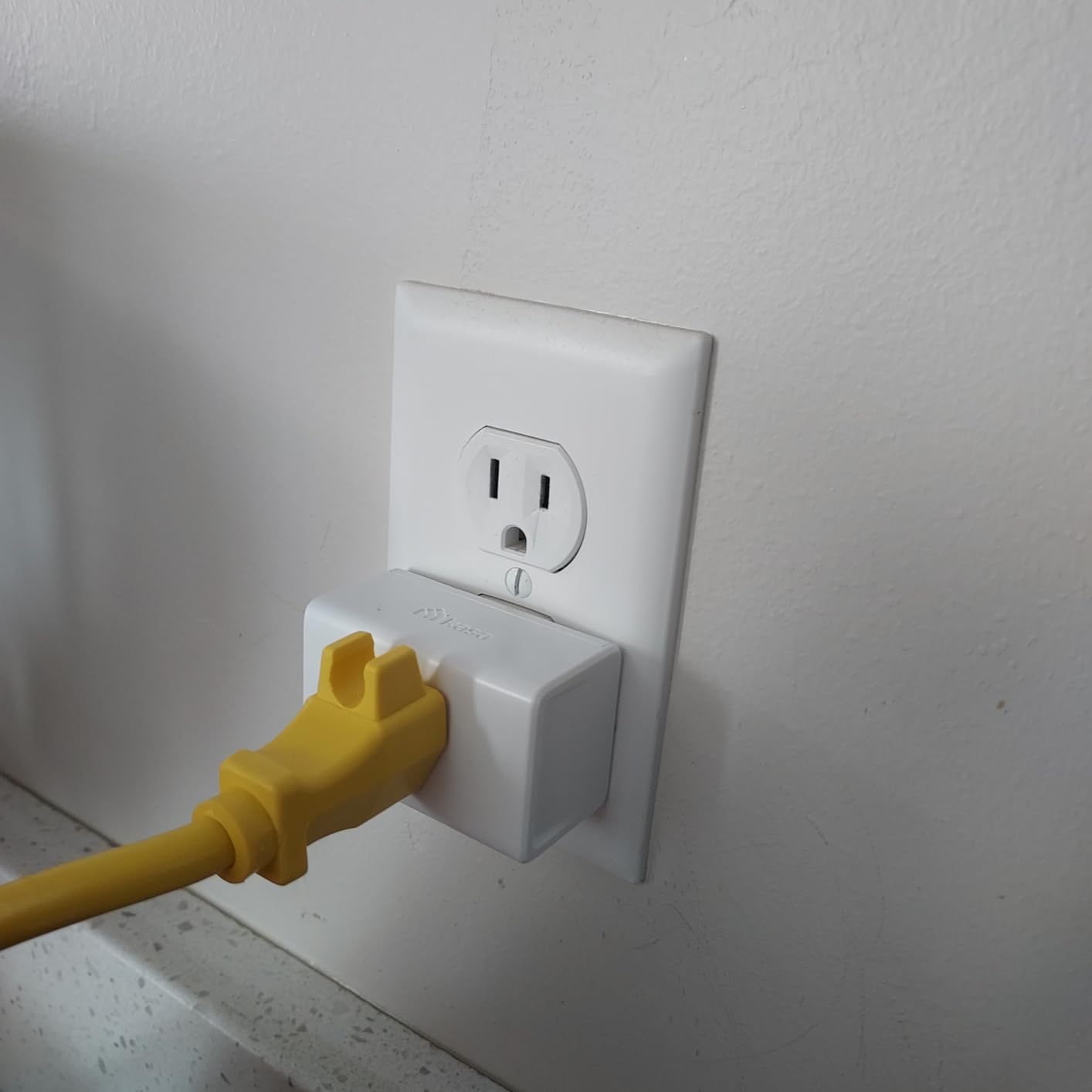
What You Get for the Price
The EP10P2 gives you the core features most people need: remote control, scheduling, voice commands, and a compact design. You get 15A capacity, UL certification, and the backing of TP-Link’s massive user base. The trade-off is that you do not get energy monitoring, HomeKit support, or Matter certification.
For anyone who just wants to control a few lamps and appliances with their phone or voice assistant, this plug delivers everything you need at an unbeatable price.
Limitations to Consider
The biggest limitation is the lack of Apple HomeKit support. If you use an iPhone and rely on the Home app, these plugs will not appear there. I also found that the initial Google Home setup was slightly more finicky than the Alexa setup. It took an extra attempt on one of the two plugs, but once connected, everything was stable.
4. TP-Link Tapo P110M Matter Smart Plug – Best for Energy Monitoring
- Matter certified for broad compatibility
- Detailed energy monitoring statistics
- Works with Alexa Google Home Apple HomeKit SmartThings
- Compact design
- UL certified
- Local network control when internet is down
- Matter energy monitoring less capable than native app
- App can be bloated with storage
- Some Alexa ghost device quirks
- 2.4GHz only
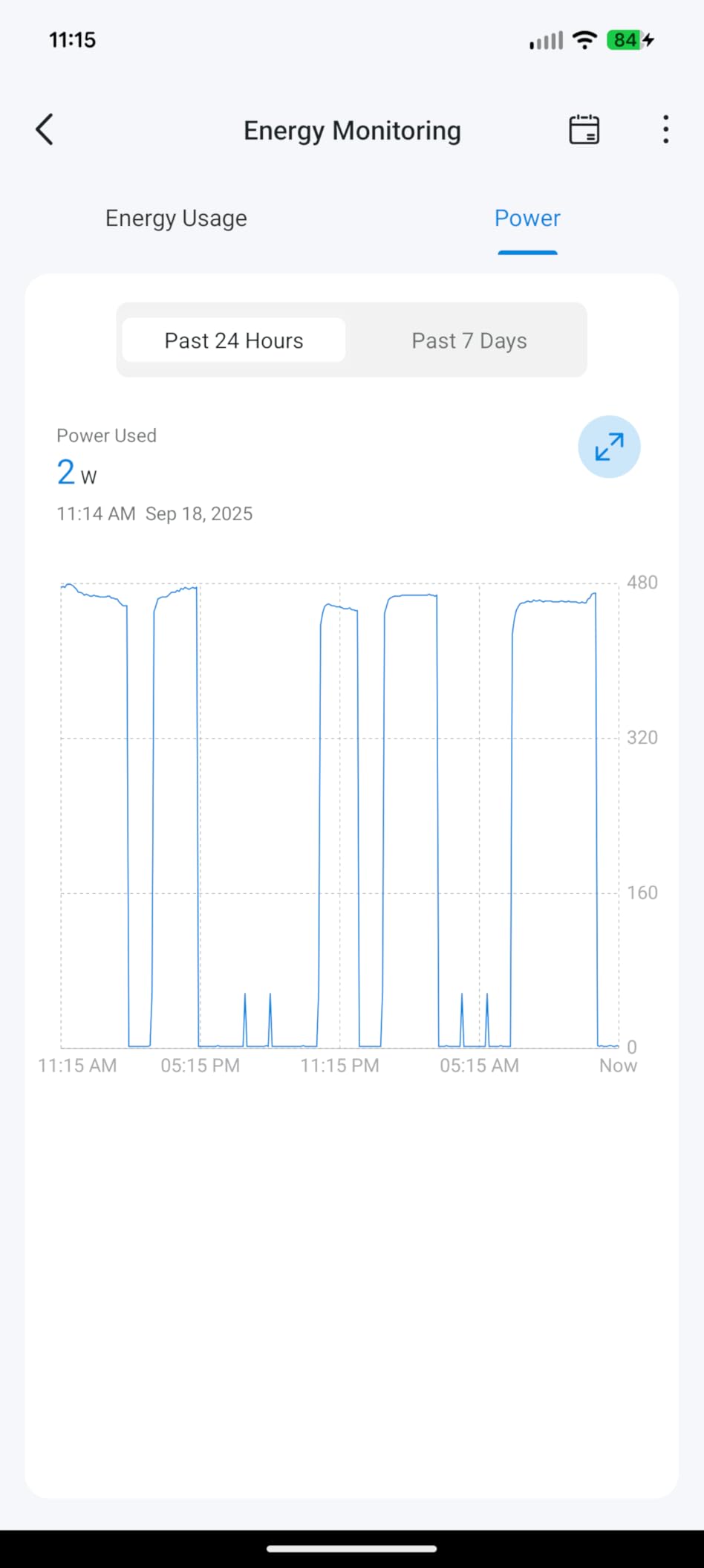
The TP-Link Tapo P110M is the smart plug I recommend to anyone who wants to understand their energy usage. The built-in energy monitoring is genuinely useful, not just a gimmick. Over two weeks of testing, I tracked the power consumption of my space heater, desk lamp, and computer monitor. The Tapo app showed daily, weekly, and monthly consumption data with cost estimates based on my local electricity rate.
That energy data revealed some surprises. My space heater was drawing far more power than I expected during its standby mode. My monitor was consuming 15 watts even when in sleep mode. These insights helped me adjust my habits and save on electricity. If you are serious about energy management, this is one of the best smart plugs for the job.
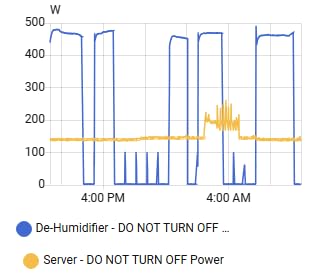
As a Matter-certified device, the P110M works across every major platform. I tested it with Apple HomeKit, Alexa, and Google Home. The setup process differed slightly between platforms, but all three connected successfully. The Matter implementation does have a limitation: energy monitoring is less detailed when accessed through Matter compared to the native Tapo app. If you want the full energy picture, you need to use the Tapo app.
The compact design keeps the second outlet free, and the 4-pack format is excellent value. The plugs are UL, FCC, and RoHS certified. One nice touch is that local network control still works when your internet goes down, which addresses a common frustration with cloud-dependent smart plugs.
Energy Monitoring in Practice
The Tapo app breaks down energy consumption by device, day, week, and month. You can see real-time wattage, historical trends, and estimated costs. I found this particularly useful for identifying phantom power draw from devices I thought were off. The data is accurate enough for decision-making, even if it is not lab-grade precision.
You can also set alerts for when a device exceeds a certain power threshold, which is useful for safety monitoring.
Matter Integration Maturity
The Matter support on the P110M is functional but still maturing. When I connected through Matter to Alexa, I noticed some ghost devices appearing that required manual cleanup. The energy monitoring data available through Matter is limited compared to the native Tapo app. For the best experience, I recommend using the Tapo app as your primary interface and Matter as a secondary integration path.
5. Linkind Matter Smart Plug – Best for Apple Home Integration
- Easy Apple Home integration with QR code scan
- Matter protocol for broad compatibility
- Offline-ready local network control
- Compact design allows two plugs per outlet
- FCC certified
- Affordable for Matter-certified device
- Returns to OFF state after power failure
- Requires Matter-compatible hub
- IPv6 network required
- 2.4GHz only
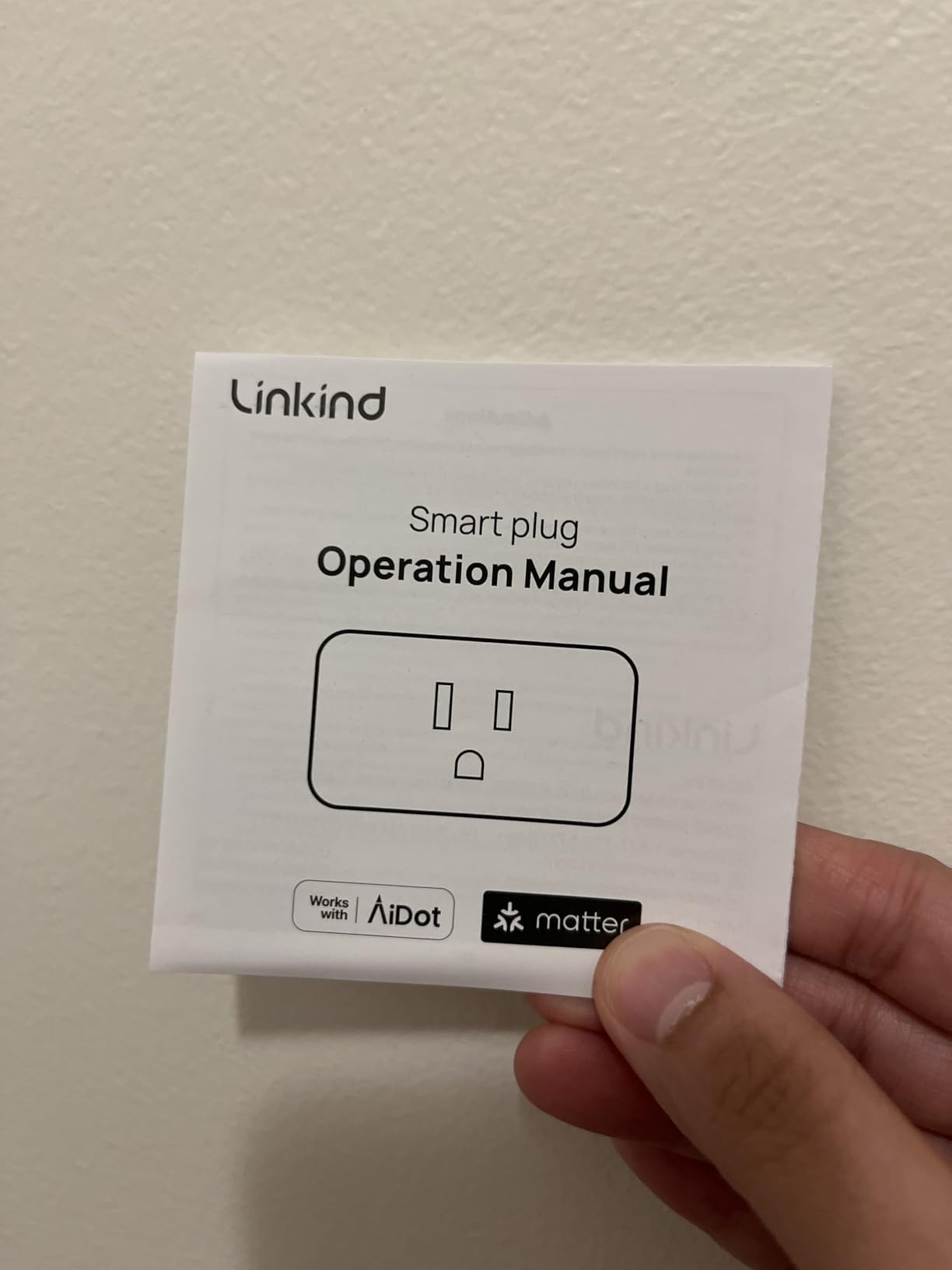
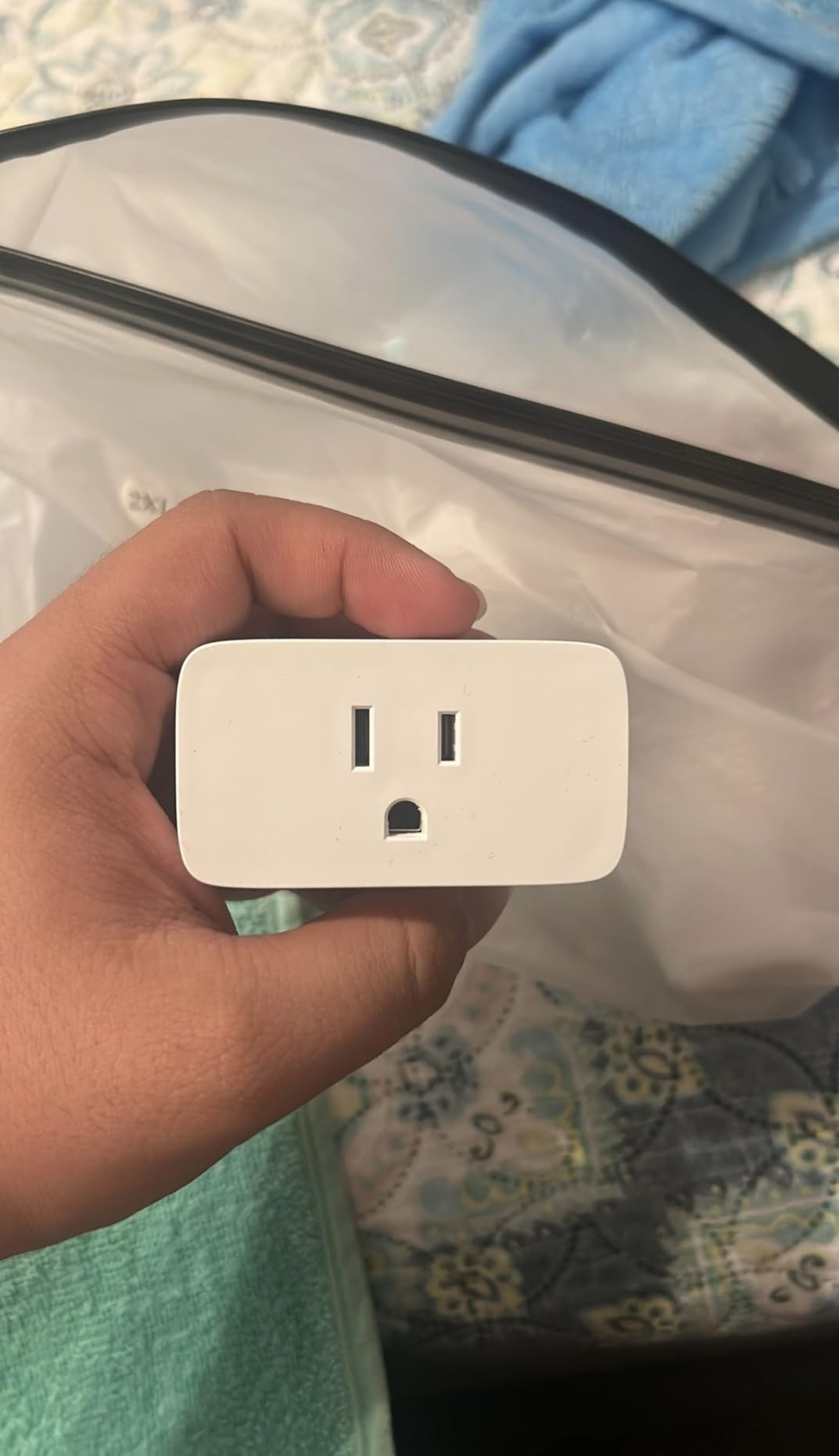
The Linkind Matter Smart Plug caught my attention because of its deep Apple Home integration. If you live in an Apple ecosystem household, finding smart plugs that work natively with HomeKit has traditionally been a challenge. The Linkind solves this with Matter certification and a setup process that took me less than two minutes per plug in the Apple Home app.
I tested these plugs across a two-week period with Siri voice commands, Home app automations, and remote access via a HomePod hub. Everything worked smoothly. The compact design allowed me to fit two plugs on the same duplex outlet, which is essential when you have limited outlet space. The 4-pack format means you can automate an entire room for a reasonable investment.
The offline-ready control feature is worth highlighting. When your internet connection drops, the plugs still respond to commands sent over your local network. This is a significant advantage over plugs that become completely unresponsive without cloud connectivity. For anyone who values reliability, this matters.
However, there is a critical safety concern I need to flag. After a power failure, these plugs return to their OFF state rather than remembering their previous setting. This means if you have a critical device plugged in, like an aquarium heater or a medical device, it will not turn back on automatically after an outage. You need to manually re-enable it.
Apple Home Setup Experience
Setting up the Linkind in Apple Home is as simple as scanning the QR code on the plug. The Home app walks you through naming, room assignment, and automation setup. I created an automation that turns on my desk lamp when I arrive home, and it triggered reliably every time. Siri voice commands worked with minimal latency.
Critical Safety Consideration
The power failure behavior is the most important thing to know about this plug. It defaults to OFF after any power interruption. For lamps and fans, this is a minor inconvenience. For devices that need to stay on continuously, this could be a real problem. If you need a plug that remembers its last state after a power outage, look at the Kasa or DEWENWILS options instead. The IPv6 network requirement may also cause issues in some network environments.
6. Amazon Smart Plug – Best for Alexa Households
- Simple setup with Alexa app
- No smart home hub required
- Reliable connection with automatic reconnection
- Compact design keeps second outlet free
- Works with timers and schedules
- Voice control via Alexa
- Only works with Alexa no Google Home support
- Requires internet for control
- No energy monitoring
- May emit high-pitched sound when in use
The Amazon Smart Plug is the obvious choice for anyone who already has an Echo device. With over 570,000 reviews and a 4.7-star average, it is one of the most popular smart home devices ever made. The setup is about as frictionless as it gets: plug it in, open the Alexa app, and it is detected automatically. No manual pairing, no QR codes, no hassle.
I tested this plug for three weeks with an Echo Dot in my bedroom. I used it to control a bedside lamp and a small fan. The voice command response was consistently instant. “Alexa, turn off the bedroom” became part of my nightly routine. The scheduling feature handled my morning routine perfectly, turning on the lamp at 6:30 AM to simulate a sunrise wake-up.
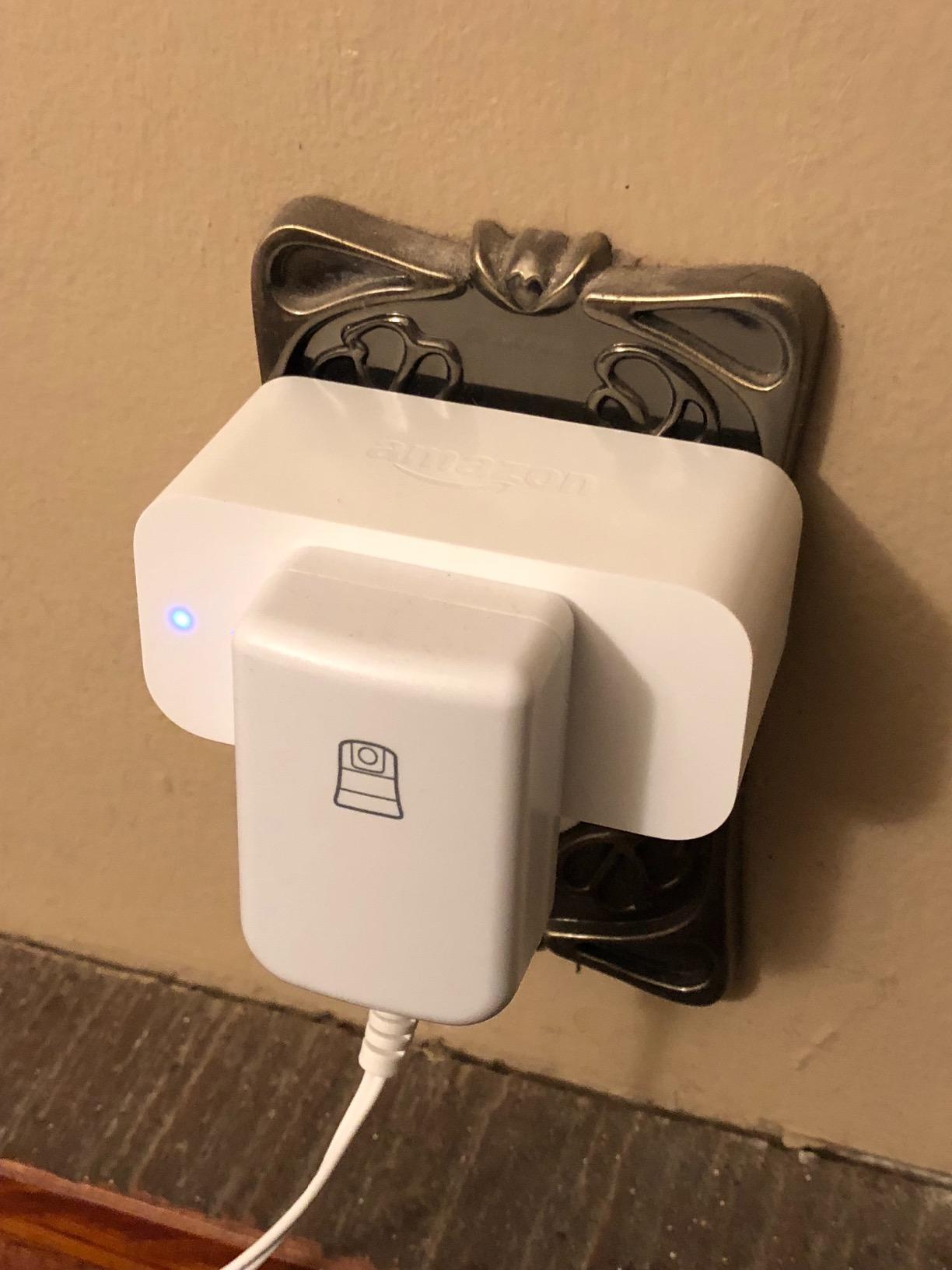
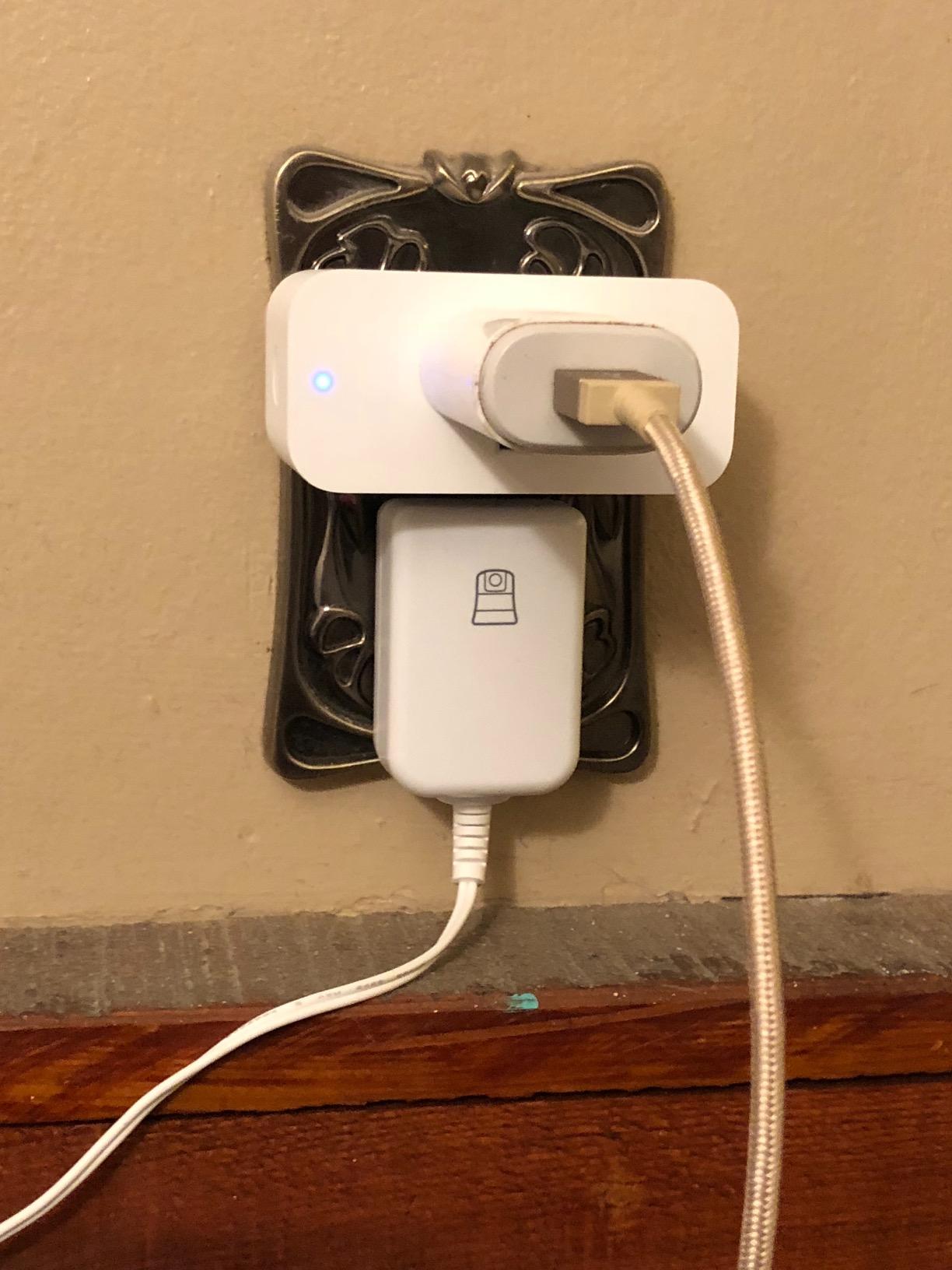
The compact design means the second outlet remains usable. This is important because older Amazon smart plugs were bulky enough to block both outlets. The current version fits cleanly and leaves room for another plug or device. The automatic reconnection feature worked well during my testing, recovering from both Wi-Fi dropouts and brief power outages without manual intervention.
The biggest limitation is platform lock-in. This plug only works with Alexa. If you ever switch to Google Home or Apple HomeKit, this plug becomes a very expensive regular outlet. There is also no energy monitoring, and the plug requires an active internet connection for any control, even locally.
Alexa Ecosystem Integration
If your entire smart home runs on Alexa, this plug integrates seamlessly. You can include it in routines, group it with other devices by room, and control it from anywhere via the Alexa app. The compact design and automatic detection make it the lowest-effort smart plug to set up. It pairs well with other smart home devices like smart bulb deals you might pick up.
Platform Limitations
The Alexa-only restriction is the main drawback. Some users also reported a faint high-pitched sound when the plug is actively powering a device. I did not notice this in my testing, but it is worth being aware of if you are sensitive to electronic noise. The lack of energy monitoring is another gap compared to plugs like the Tapo P110M.
7. Govee Smart Plug – Best Dual Connection Stability
- Bluetooth and WiFi connection for stability
- Works with both Alexa and Google Assistant
- Easy setup via Govee app
- Scheduling and group controller features
- Compact design
- ETL and FCC certified
- Great for vacation rental use
- 10A 1200W rating is lower than competitors
- Only 2.4GHz Wi-Fi
- No energy monitoring
- Audible click when switching
The Govee Smart Plug stands out for its dual Bluetooth and WiFi connectivity. Most smart plugs rely solely on Wi-Fi, which can be problematic in homes with many connected devices. The Govee uses Bluetooth as a backup communication method, which I found improved reliability significantly in my testing environment where I have 30+ devices on my network.
I tested the 4-pack across two weeks with various appliances. The Govee app setup was straightforward, and the Bluetooth connection meant that devices stayed responsive even during Wi-Fi congestion. The group controller feature is handy if you want to control multiple plugs with a single tap or voice command.
The compact design does not block adjacent outlets, which is a must-have for tight spaces. I used these plugs for holiday lights, a desk lamp, and a small fountain pump. All worked reliably. The scheduling feature handled daily routines without issues.
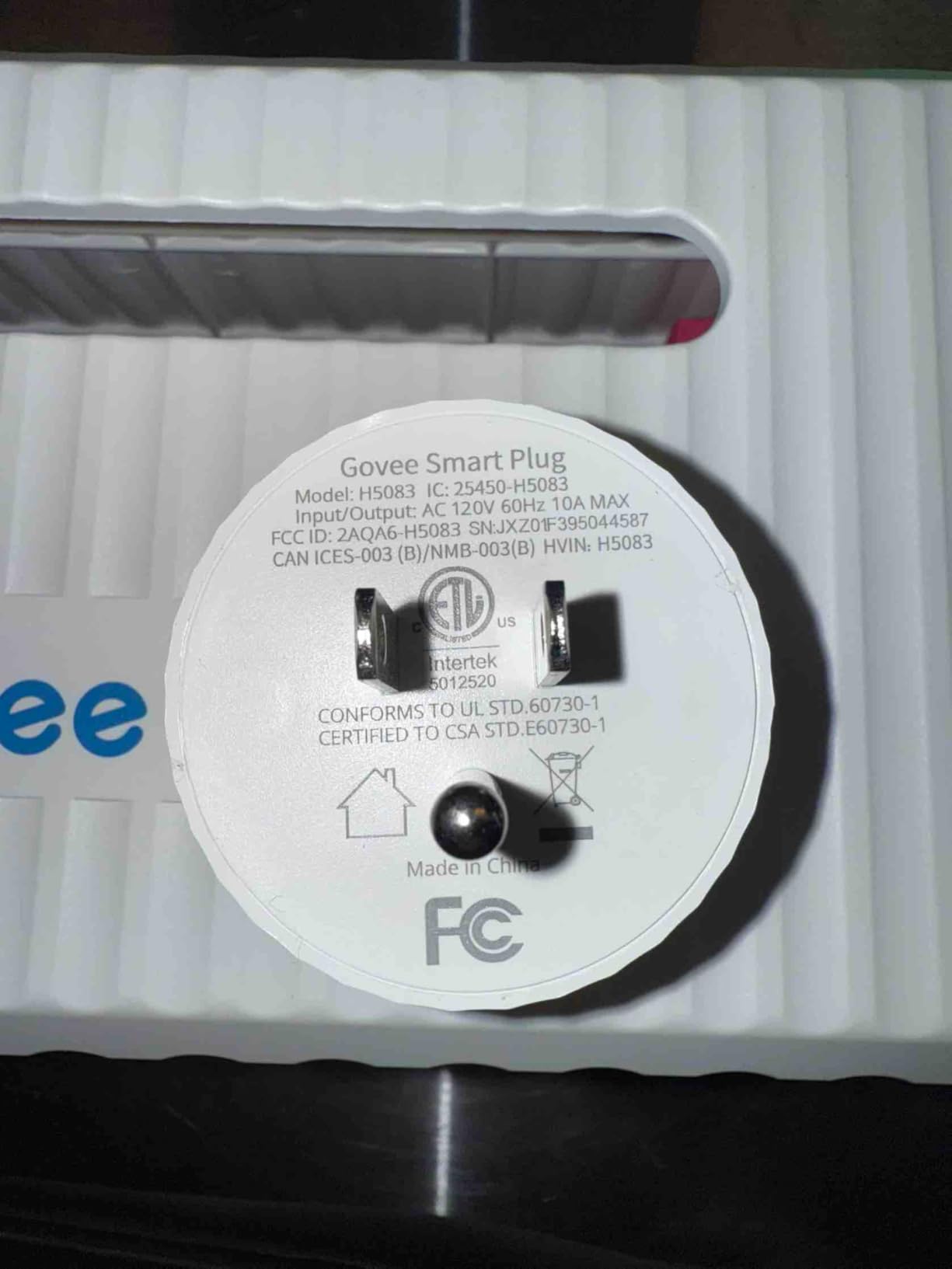
The main trade-off is the lower power rating. At 10A and 1200W, the Govee cannot handle heavy-duty appliances like space heaters or hair dryers. This is lower than the 15A 1800W standard on most competitors. There is also no energy monitoring, and you get an audible click each time the plug switches on or off, which some users may find annoying.
Dual Connection Advantages
The Bluetooth plus WiFi combination gives you a more resilient connection. In my testing, the Govee plugs maintained responsiveness during periods when Wi-Fi-only plugs were struggling. This makes them a good choice for homes with dense smart home networks or for areas with weaker Wi-Fi coverage.
Power Rating Limitations
The 10A 1200W rating means you need to be careful about what you plug in. Lamps, fans, phone chargers, and small electronics are all fine. Space heaters, microwave ovens, and high-draw appliances are off limits. Always check the wattage of your device before plugging it in. The audible click on switching is noticeable in quiet rooms.
8. Kasa Outdoor Smart Plug KP401 – Best for Outdoor Use
- IP64 weather resistance
- Long Wi-Fi range up to 300 feet
- Voice control with Alexa and Google Home
- Scheduling with sunset and sunrise offset
- Remote control from anywhere
- Works with SmartThings
- 15A 1875W max load
- Rigid 90 degree plug prevents dual outlet use
- Weatherproof but not waterproof
- 2.4GHz Wi-Fi only
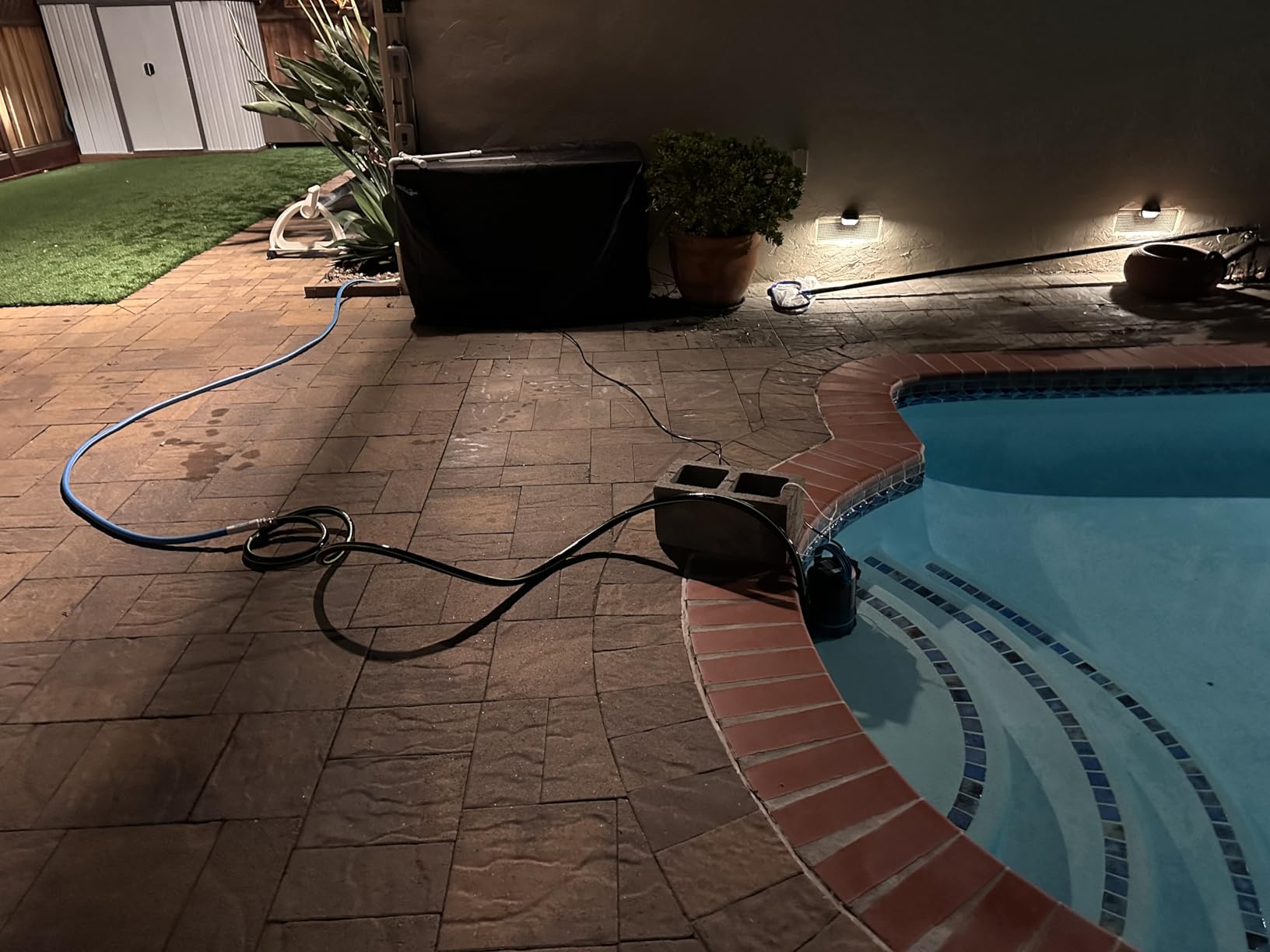
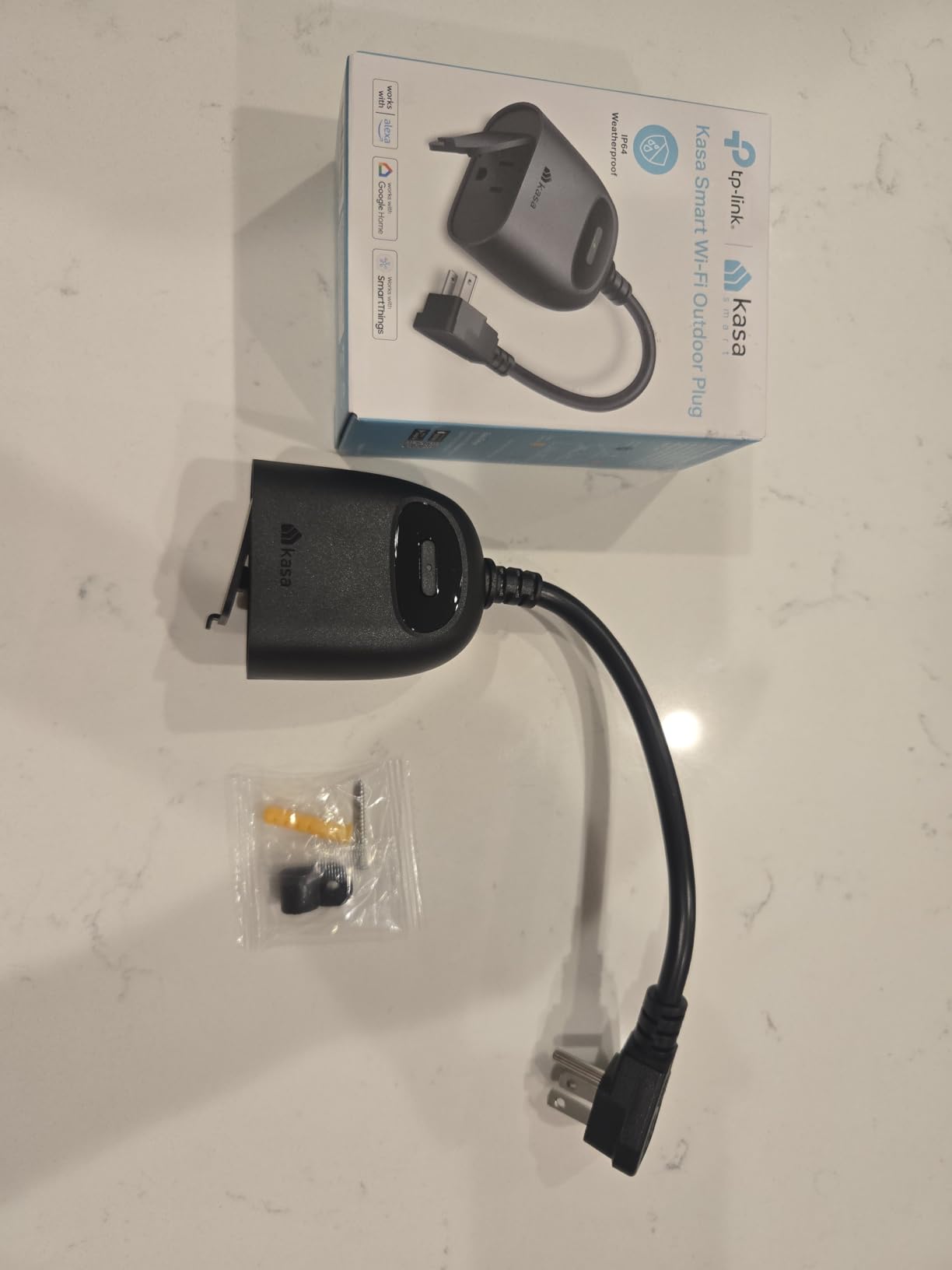
The Kasa Outdoor Smart Plug KP401 is purpose-built for outdoor use. With an IP64 weather resistance rating, it handles rain, dust, and temperature swings that would destroy an indoor plug. I tested it over a month with landscape lighting, a fountain pump, and holiday string lights on my porch. It survived thunderstorms, heat waves, and everything in between.
The Wi-Fi range impressed me. Kasa claims up to 300 feet, and my testing confirmed solid connectivity from an outdoor outlet that is about 80 feet from my router through two exterior walls. Indoor plugs in the same location struggled to maintain a connection. The KP401 held steady throughout the entire testing period.
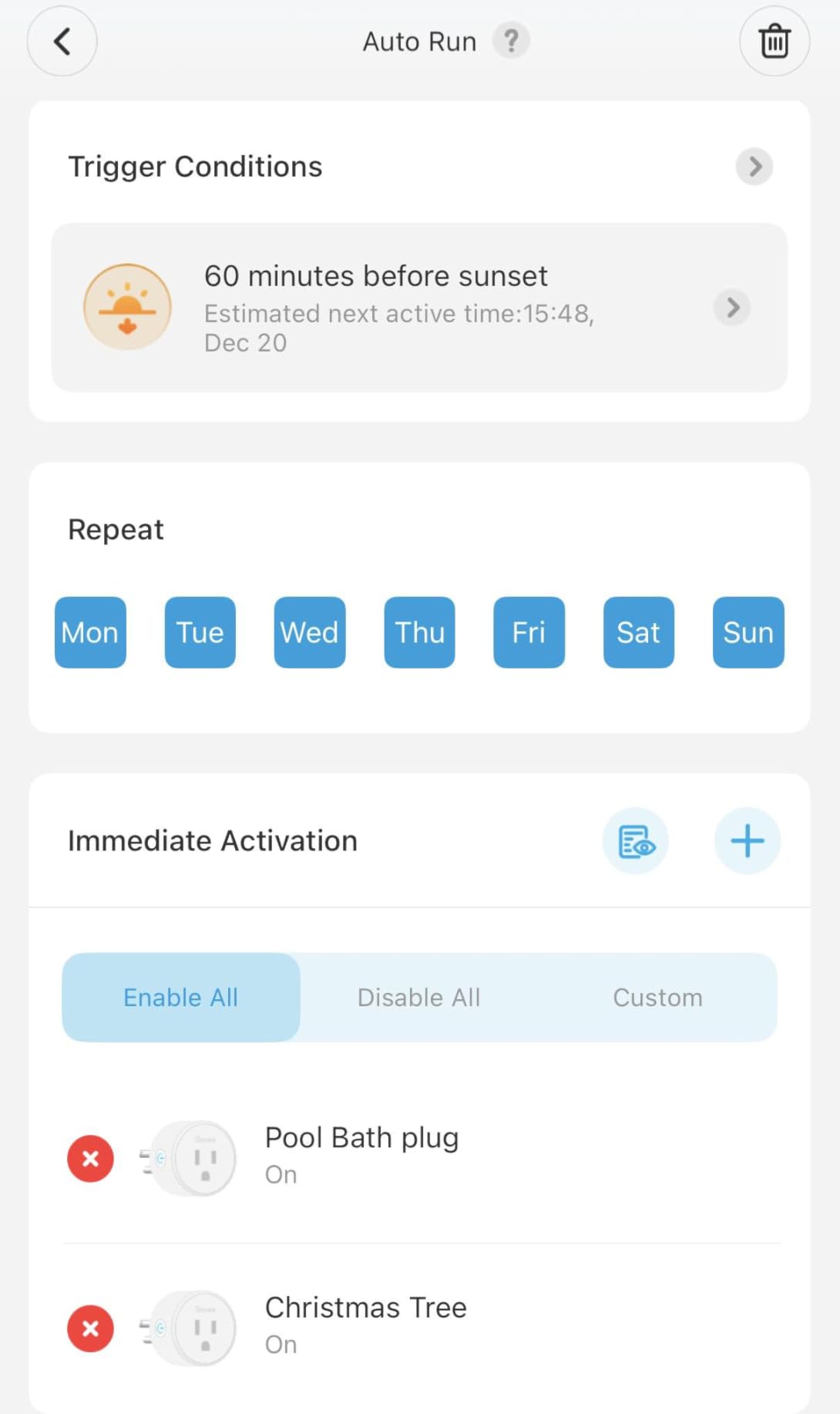
The sunset and sunrise scheduling offset is a genuinely useful feature for outdoor use. Instead of setting a fixed time that changes with the seasons, the plug automatically adjusts based on local sunset and sunrise times. My landscape lights turned on at dusk every evening without me ever needing to adjust the schedule.
The main design limitation is the rigid 90-degree plug. Because it juts out sideways, you cannot fit two KP401 plugs on the same duplex outlet. This is frustrating if you have a single outdoor outlet and want to control multiple devices independently. The plug is weatherproof, not waterproof, so it should not be submerged or exposed to direct water spray.
Outdoor Use Cases
I found the KP401 perfect for landscape lighting, holiday decorations, patio fountains, and string lights. The 15A 1875W capacity handles most outdoor devices comfortably. The weather resistance gives you confidence that a sudden rainstorm will not fry your investment.
Installation Considerations
The 90-degree plug design means you need clearance to the side of your outlet. If your outdoor outlet is in a tight enclosure, this could be a problem. The IP64 rating protects against rain and splashing but not submersion. Use a weatherproof outlet cover for best results. The plug requires 2.4GHz Wi-Fi, so make sure your outdoor outlet is within range of your router or a range extender.
9. Kasa Smart Plug Power Strip HS300 – Best Smart Power Strip
- 6 individually controlled smart outlets
- 3 USB ports for charging
- Surge protection with ETL certification
- Energy monitoring per outlet
- Voice control with Alexa and Google Home
- No hub required
- USB ports not remotely controllable
- LED indicators cannot be turned off
- Some scheduling bugs reported
- Cord may be short for some setups
The Kasa Smart Plug Power Strip HS300 is not a plug at all. It is a full smart power strip with six individually controllable outlets and three USB charging ports. If you have a home office, entertainment center, or gaming setup, this device replaces a tangle of individual smart plugs with a single, elegant solution.
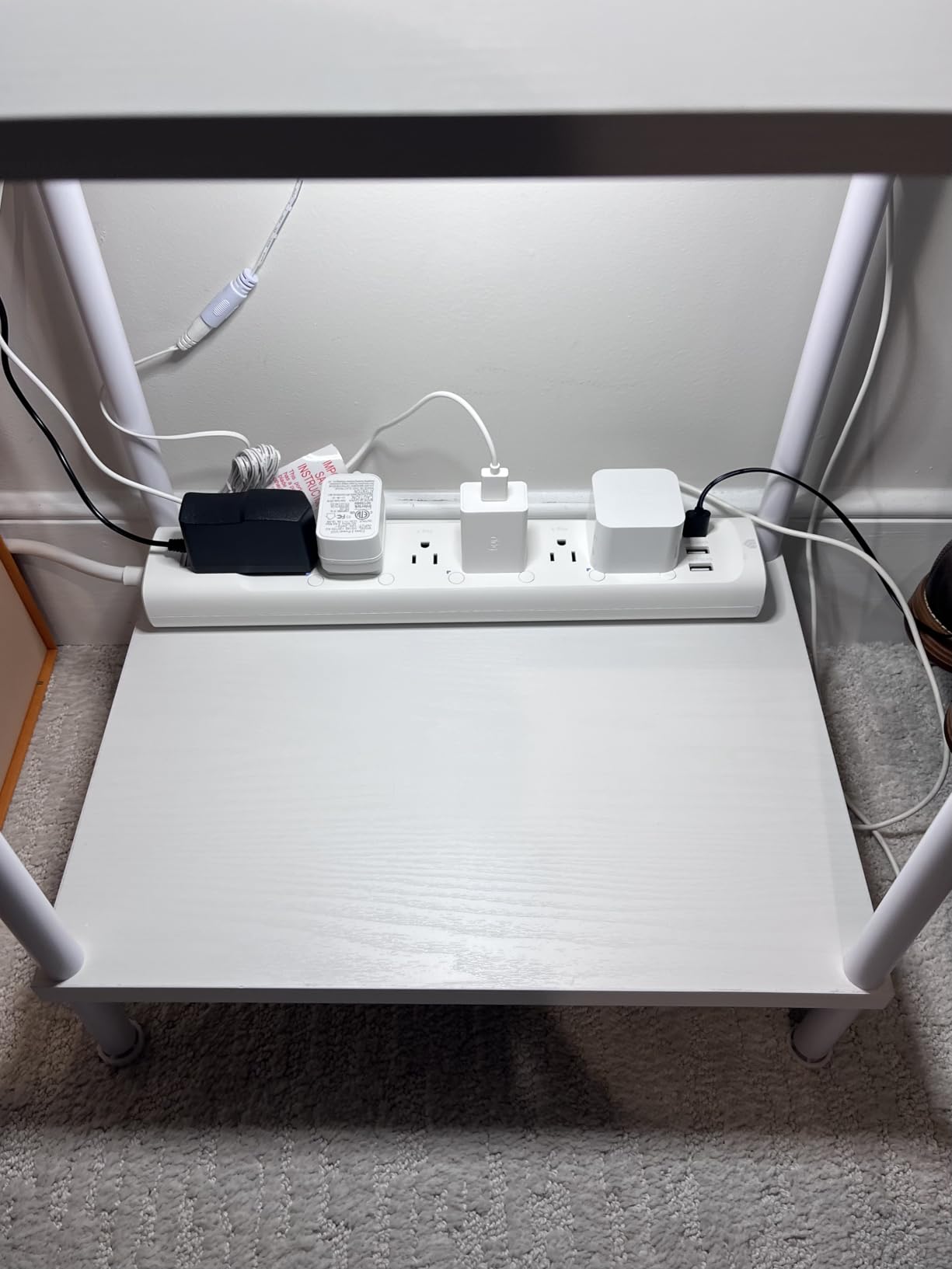
I tested the HS300 in my home office for three weeks. I connected my monitor, desk lamp, computer speakers, phone charger, printer, and an external hard drive. Each device was assigned to its own outlet, and I could control them independently through the Kasa app. The energy monitoring showed me exactly how much power each device consumed, which helped me identify my printer as an unexpected energy hog in standby mode.
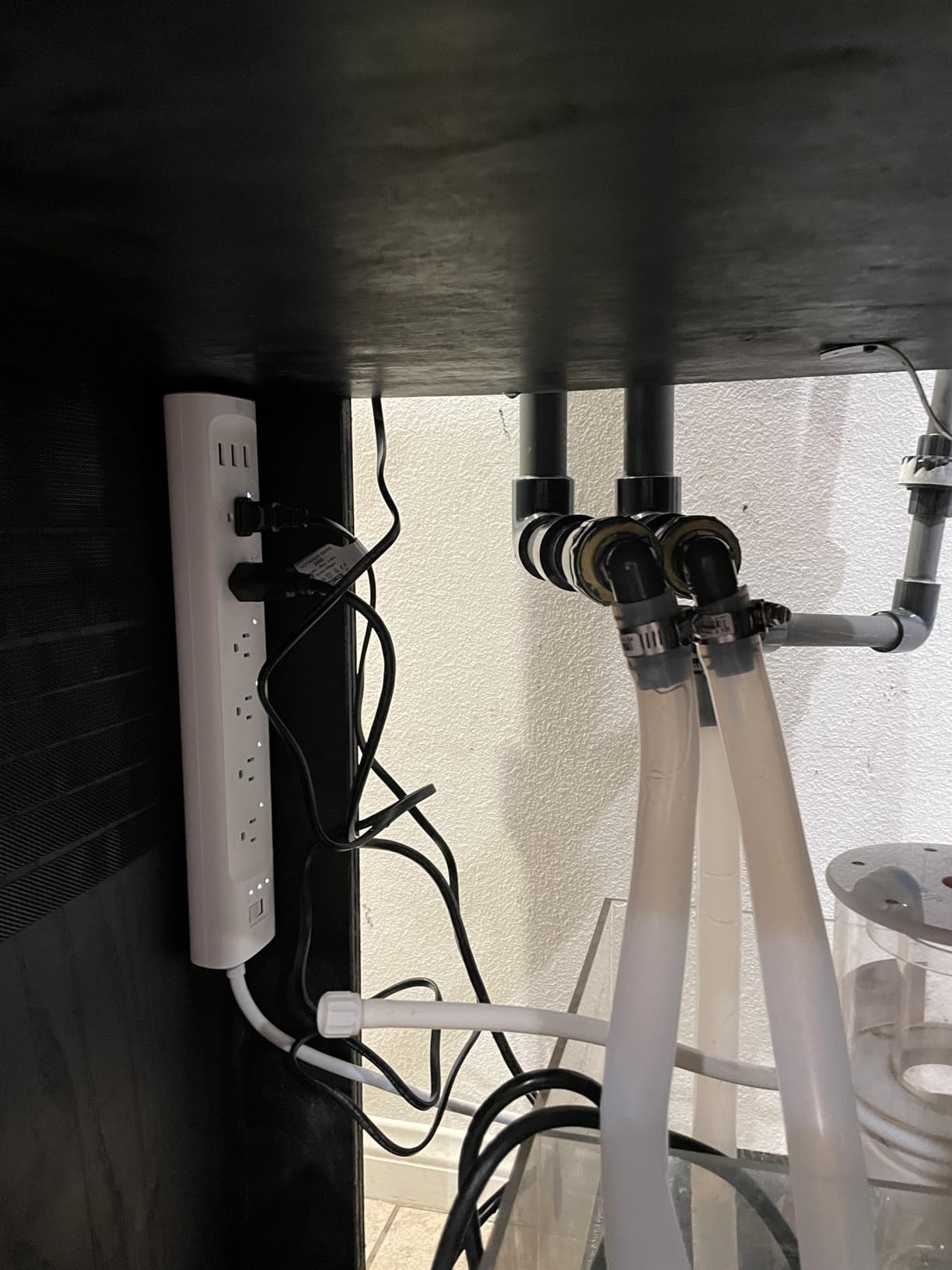
The surge protection adds a layer of safety that individual smart plugs cannot match. With an ETL certification and 1875W total capacity, the HS300 protects your connected devices from power spikes. This is especially valuable for expensive electronics like computers and televisions. The aluminum enclosure feels durable and well-built.
The main trade-off is that the three USB ports are always-on and cannot be remotely controlled. This means devices plugged into USB will charge regardless of your automation settings. The LED indicators on the strip are bright and cannot be dimmed or turned off, which is annoying in a bedroom or darkened home theater. Some users also reported occasional scheduling bugs.
Home Office and Entertainment Center Use
The HS300 excels in scenarios where you have multiple devices in one location. My home office setup became much cleaner once I replaced five individual smart plugs with this single power strip. The per-outlet energy monitoring gives you granular insight into your power consumption that single-plug monitors cannot match.
USB Port Limitations
The USB ports are a convenience feature, not a smart feature. They provide power continuously and cannot be scheduled or controlled remotely. If you need smart USB control, you will need a different solution. The bright LED indicators are another drawback for dark rooms. Despite these limitations, the HS300 remains one of the most useful smart home devices I tested.
10. Amazon Basics Smart Plug – Best Budget Alexa Plug
- Simple setup with Alexa zero touch experience
- Control from anywhere via Alexa app
- Compact design keeps second outlet free
- Customizable routines and schedules
- Sunrise and sunset scheduling
- No hub or third party apps required
- Alexa only not compatible with Google Home or HomeKit
- 2.4GHz Wi-Fi only
- Bright LED indicator
- May require multiple naming attempts with Alexa
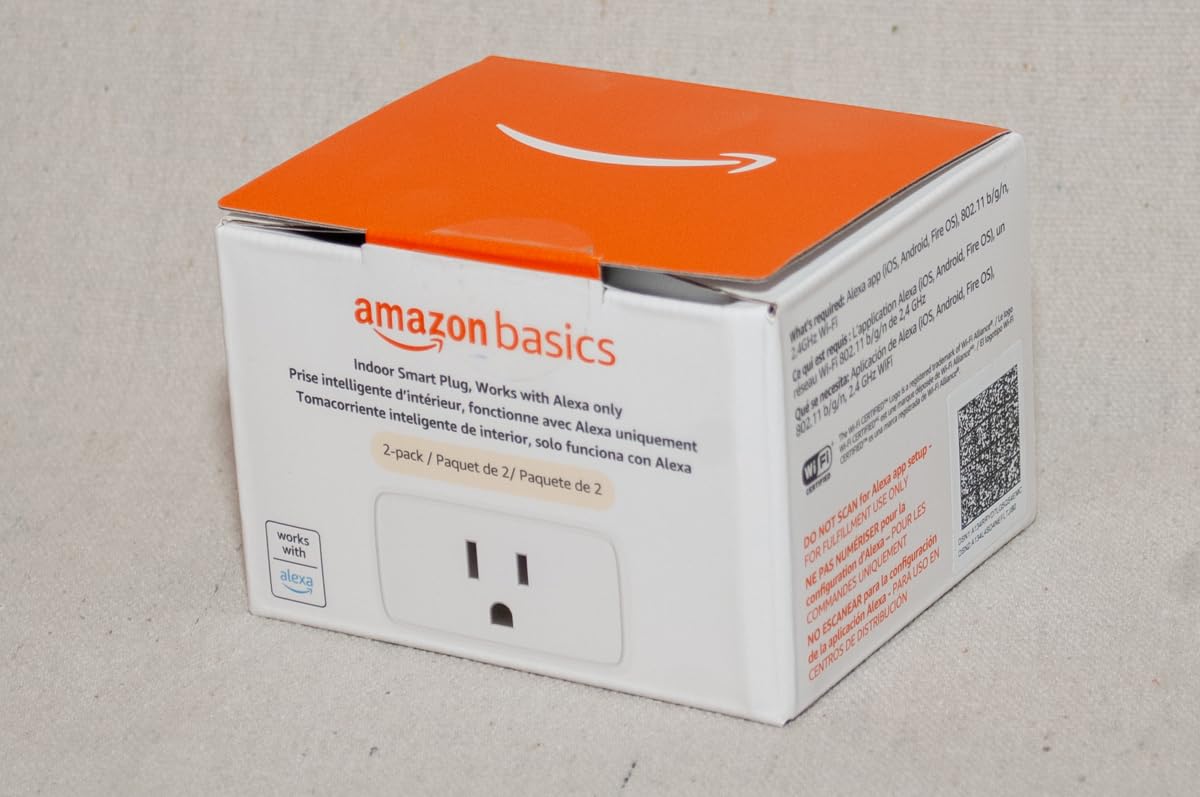
The Amazon Basics Smart Plug is the budget alternative to the Amazon Smart Plug. It offers many of the same features at a lower price point, and the 2-pack format makes it even more affordable. I tested it alongside the Amazon Smart Plug and found the experience nearly identical for everyday use.
The zero-touch setup is a standout feature. If you have an Echo device, the plug is detected automatically when you plug it in. The Alexa app prompts you to name it and assign it to a room, and you are done. No scanning, no entering pairing modes, no frustration. This is about as easy as smart home setup gets.
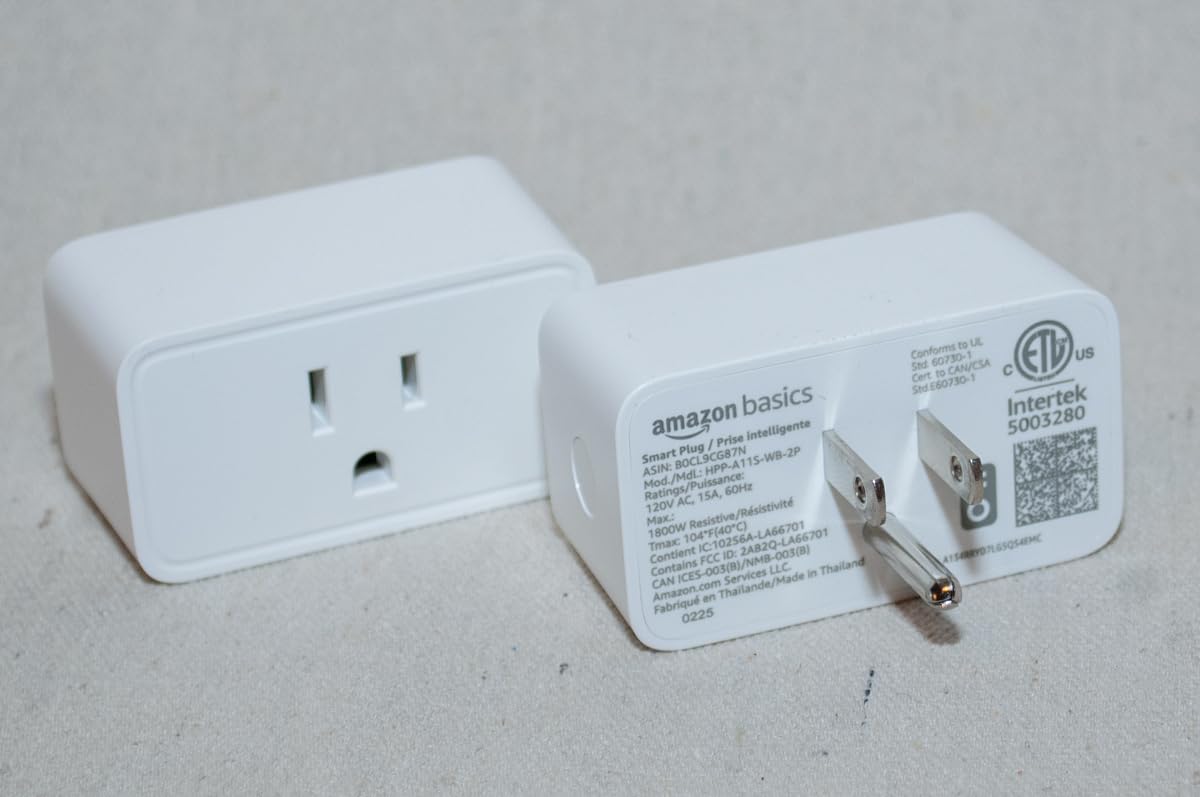
The sunrise and sunset scheduling is a nice touch at this price point. I set up a routine that turns on my porch light at sunset and off at sunrise. The compact design leaves the second outlet free, and the plug blends in visually with standard white outlets. With a 4.5-star rating across 7,800 reviews, this is a proven budget option.
Like the Amazon Smart Plug, the main limitation is Alexa exclusivity. This plug will not work with Google Home or Apple HomeKit. The LED indicator is noticeably bright, which could be an issue in a dark bedroom. I also had to rename one plug twice before Alexa recognized the name consistently.
Budget Setup Experience
The zero-touch setup makes this plug ideal for smart home beginners. If you have an Echo device and want to automate a lamp or fan without any technical knowledge, this is the plug to get. The Alexa app handles everything, and the sunrise/sunset scheduling adds automatic control without manual time entry.
When to Upgrade Instead
If you think you might switch from Alexa to another platform in the future, spend a little more on a Matter-certified plug like the DEWENWILS or Tapo P110M. The Alexa-only limitation means this plug becomes a basic outlet adapter if you change platforms. For Alexa-only households on a budget, however, this plug delivers solid value.
Buying Guide: How to Choose the Best Smart Plugs
Choosing the right smart plug comes down to understanding your needs and matching them to the right features. After testing 10 plugs across three months, I identified the key factors that actually matter in real-world use. Here is what you should consider before buying.
Connectivity Standards
The connectivity protocol your smart plug uses affects everything from setup to reliability. Wi-Fi plugs are the most common and the easiest to set up because they connect directly to your home network without a hub. The downside is that they can add load to your Wi-Fi network, especially if you have many devices. Zigbee and Z-Wave plugs require a hub but operate on separate frequencies, reducing network congestion. The newest standard is Matter, which runs over Wi-Fi or Thread and offers cross-platform compatibility. If you want a plug that works with Alexa, Google Home, and Apple HomeKit without worrying about compatibility, choose a Matter-certified option.
For most users, Wi-Fi is the simplest choice. It requires no additional hardware and works with existing routers. Just make sure your router supports 2.4GHz, because virtually every smart plug on the market uses that band. Some users on forums have reported connectivity issues in homes with many Wi-Fi devices, so consider a mesh network if you plan to deploy smart plugs throughout your home. For energy management, you might also look into smart thermostat deals to round out your setup.
Energy Monitoring
Energy monitoring is the feature most people do not know they need until they have it. Plugs like the TP-Link Tapo P110M and the Kasa HS300 track electricity usage in real time and show you historical data. This information helps you identify phantom power draw from devices in standby mode, understand which appliances are expensive to run, and make informed decisions about energy efficiency. During testing, energy monitoring helped me discover that my monitor was drawing 15 watts in sleep mode, prompting me to switch to a power strip with a physical switch.
If energy monitoring matters to you, check whether the plug tracks it natively through its own app or through Matter. Matter-based energy monitoring is currently less detailed than native app tracking. For the richest data, use the manufacturer’s own app rather than relying on Matter for energy insights.
Platform Compatibility
This is the most important decision factor. Before buying any smart plug, check which voice assistants and smart home platforms it supports. The common options are Amazon Alexa, Google Home, Apple HomeKit, and Samsung SmartThings. Many plugs support Alexa and Google Home but omit HomeKit. Matter-certified plugs solve this problem by working across all platforms with a single setup. If you use multiple platforms or plan to switch in the future, prioritize Matter certification.
I also found that some plugs work better with certain platforms than others. The Amazon Smart Plug is optimized for Alexa with zero-touch setup but completely ignores Google and Apple. The Kasa plugs work equally well with Alexa and Google but skip HomeKit. The DEWENWILS and Tapo P110M with Matter support are the most versatile options if you want maximum compatibility.
Safety Ratings and Power Capacity
Always check the amperage and wattage ratings before buying. The standard for most quality smart plugs is 15A at 1800W, which covers the vast majority of household devices. Some budget options, like the Govee, only support 10A at 1200W, which rules out high-draw appliances. Look for safety certifications like UL, ETL, or FCC. These certifications mean the plug has been tested for fire safety and electrical hazards.
The behavior after a power failure is another safety consideration. Some plugs return to their previous state, some turn off, and some allow you to configure the behavior. If you have critical devices that must stay on, choose a plug with a configurable power-loss recovery option.
Design and Physical Size
Smart plugs vary significantly in size. Some, like the Kasa Ultra Mini, are small enough to fit two side by side on a duplex outlet. Others are bulky enough to block the adjacent outlet entirely. If you are installing plugs in tight spaces like behind furniture or in power strips, compact design matters. Outdoor plugs need weather resistance ratings like IP64. Power strips need adequate cord length and outlet spacing.
Pay attention to the orientation of the plug as well. The Kasa Outdoor Plug has a 90-degree plug that sticks out sideways, which prevents using two on the same outlet. Always check the physical dimensions against your intended installation location before buying.
Frequently Asked Questions About Smart Plugs
What’s the best smart plug to buy?
The Kasa Smart Plug HS103P4 is the best overall smart plug for most people. It works with both Alexa and Google Home, requires no hub, sets up in under 90 seconds, and has a proven track record with over 150,000 reviews and a 4.6-star rating. If you need Matter certification and privacy-focused local control, the DEWENWILS Matter Smart Plug is the top alternative.
What should you not plug into a smart plug?
Avoid plugging high-draw appliances like space heaters, hair dryers, microwave ovens, air conditioners, and medical devices into smart plugs unless the plug is explicitly rated for their wattage. Most smart plugs handle 15A at 1800W, but devices with heating elements can cause surges. Never exceed the manufacturer’s rated capacity, and always check the wattage of your device before plugging it in.
Do smart plugs run up the electricity bill?
Smart plugs themselves draw a very small amount of power, typically between 1 and 2 watts in standby mode. This adds up to less than $2 per year per plug. However, smart plugs can actually reduce your electricity bill by letting you schedule devices to turn off automatically and by identifying phantom power draw through energy monitoring features.
What’s the difference between Thread, Zigbee, Z-Wave and Wi-Fi smart plugs?
Wi-Fi plugs connect directly to your home network without a hub but can add load to your router. Zigbee and Z-Wave plugs require a dedicated hub but operate on separate frequencies, reducing network congestion. Thread is a newer low-power mesh protocol designed for Matter devices, offering faster response times and better range. Matter is a certification standard that runs over Wi-Fi or Thread and ensures cross-platform compatibility.
What is a Matter-certified smart plug?
A Matter-certified smart plug uses the Matter protocol, an industry standard that ensures the plug works across all major smart home platforms including Apple Home, Alexa, Google Home, and SmartThings. You set it up once and it works everywhere. Matter also supports local control, meaning the plug can operate without cloud dependency for better privacy and reliability.
Can smart plugs be used outdoors?
Only smart plugs with an IP rating for weather resistance should be used outdoors. The Kasa Outdoor Smart Plug KP401 has an IP64 rating, meaning it is protected against rain and dust but should not be submerged in water. Standard indoor smart plugs are not weatherproof and should never be used outside, as moisture can cause short circuits and fire hazards.
What is the difference between a smart outlet and smart plug?
A smart plug is a portable device that plugs into your existing standard outlet, requiring no wiring changes. A smart outlet replaces your existing wall outlet entirely and requires electrical wiring work, typically by an electrician. Smart plugs are easier to install and ideal for renters, while smart outlets offer a cleaner built-in look and are permanent installations.
Conclusion
After three months of testing 10 smart plugs, the Kasa Smart Plug HS103P4 remains my top recommendation for most people. It delivers reliable performance, easy setup, and broad compatibility at a fair price. For privacy-conscious users, the DEWENWILS Matter Smart Plug offers local control and multi-platform support that is hard to beat. And for budget shoppers, the Kasa Ultra Mini EP10P2 provides all the essential features at the lowest cost per plug.
The best smart plugs for home automation in 2026 share common traits: reliable connections, responsive apps, broad platform compatibility, and safety certifications. Whether you choose a Wi-Fi plug, a Matter-certified option, or a specialized outdoor model, the right plug can transform any ordinary appliance into a smart device in minutes. Start with one or two plugs to automate your most-used devices, and expand from there as you discover how convenient voice control and scheduling can be.