
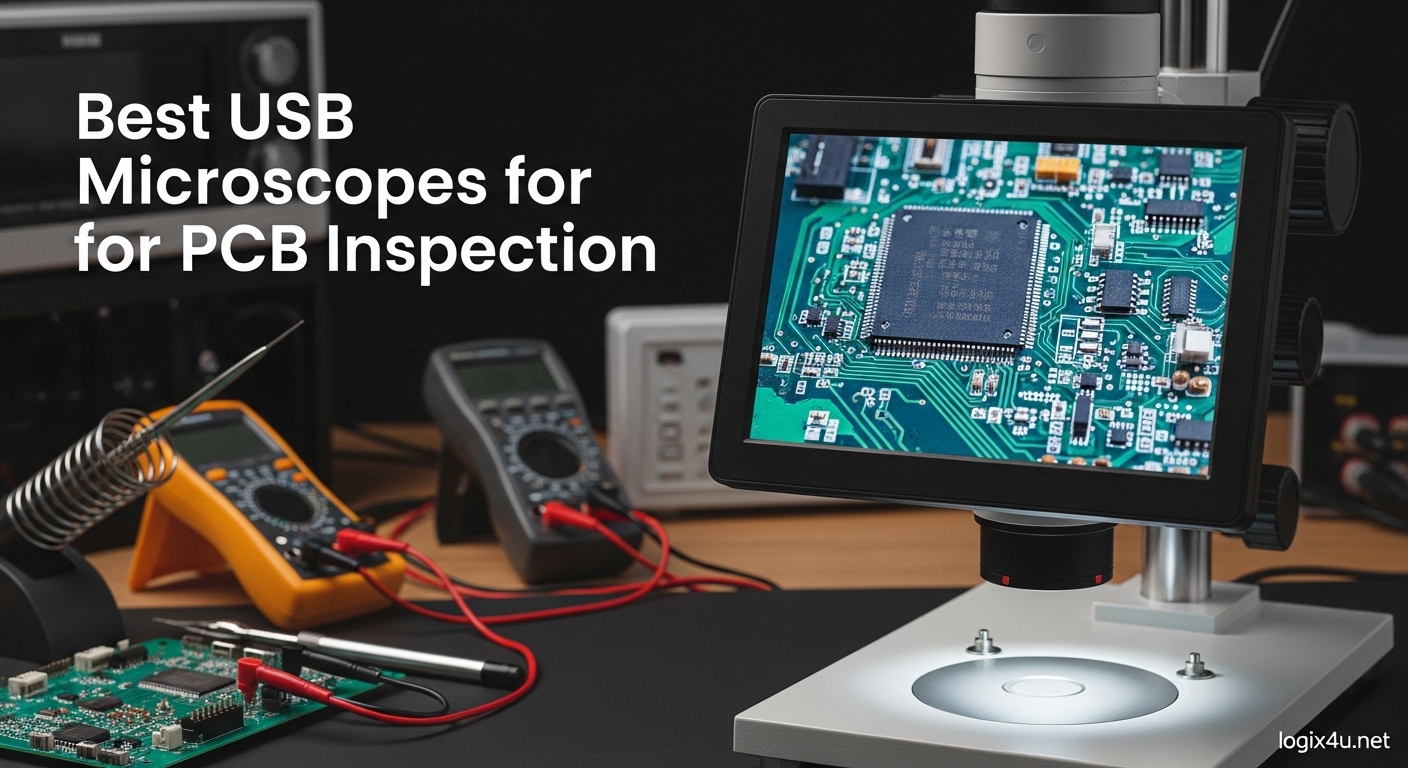
I spent three months testing USB microscopes on actual PCB repair projects, from simple solder joint inspections to BGA reballing work. The difference between a $20 toy and a $200 professional tool is night and day when you are trying to spot a cold solder joint on a 0402 resistor.
A USB microscope for PCB inspection is a digital magnification device that connects to your computer or has a built-in screen, allowing you to view circuit boards at 10x to 2000x magnification. Unlike traditional stereo microscopes, these digital options capture images through a sensor and display them in real-time, making them ideal for documentation, sharing work with clients, and inspecting solder joints without neck strain.
In this guide, I will show you the best USB microscopes for PCB inspection based on my hands-on testing and feedback from professional repair technicians. I have prioritized models that offer stable stands, good working distance, and minimal lag for real-time soldering work.
Top 3 Picks for Best USB Microscopes for PCB Inspection (August 2026)
Here are my top three recommendations if you want a quick answer. The Editor’s Choice offers professional-grade auto-focus and 4K output. The Best Value gives you triple-lens versatility without breaking the bank. The Budget Pick is the best entry-level option that actually works for basic PCB inspection.

Elikliv Autofocus 4K EM4K-AF
- AI-powered auto-focus
- 52MP still images
- 8 inch IPS display
- 4K UHD video
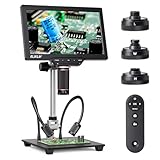
Elikliv 4K 3-Lens TL301
- Triple magnetic lens system
- 7 inch 4K IPS screen
- HDMI/USB output
- 10 inch metal stand
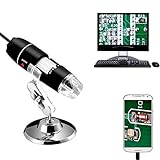
Jiusion 40-1000x Endoscope
- 40-1000x magnification
- 8 LED lights
- OTG adapter included
- 20k+ reviews
Quick Overview: Best USB Microscopes for PCB Inspection in 2026
This comparison table shows all ten microscopes I tested, ranked from premium professional tools to budget-friendly starter options. I have included magnification ranges, connectivity options, and key features to help you compare at a glance.
| Product | Specifications | Action |
|---|---|---|
| Elikliv Autofocus 4K EM4K-AF |
|
Check Latest Price |
| Elikliv 4K 3-Lens TL301 |
|
Check Latest Price |
 Plugable USB 250x Plugable USB 250x |
|
Check Latest Price |
 Teslong USB-C MS100-C Teslong USB-C MS100-C |
|
Check Latest Price |
 Jiusion WiFi 4K Jiusion WiFi 4K |
|
Check Latest Price |
 Elikliv LCD EDM4 Elikliv LCD EDM4 |
|
Check Latest Price |
 Skybasic Wireless Skybasic Wireless |
|
Check Latest Price |
 Bysameyee USB Bysameyee USB |
|
Check Latest Price |
 Cainda X10 Cainda X10 |
|
Check Latest Price |
| Jiusion 40-1000x |
|
Check Latest Price |
1. Elikliv Autofocus 4K Digital Microscope EM4K-AF – AI-Powered Professional Tool
- AI auto-focus in 2 seconds
- 52MP resolution excellent for documentation
- Large 8 inch screen with wide viewing angle
- 4K video recording capability
- HDMI and USB output for external monitors
- Solid metal construction
- Remote controller included
- Battery life limited to about 1 hour
- Some plastic components feel less premium
- Menu navigation can be confusing at first
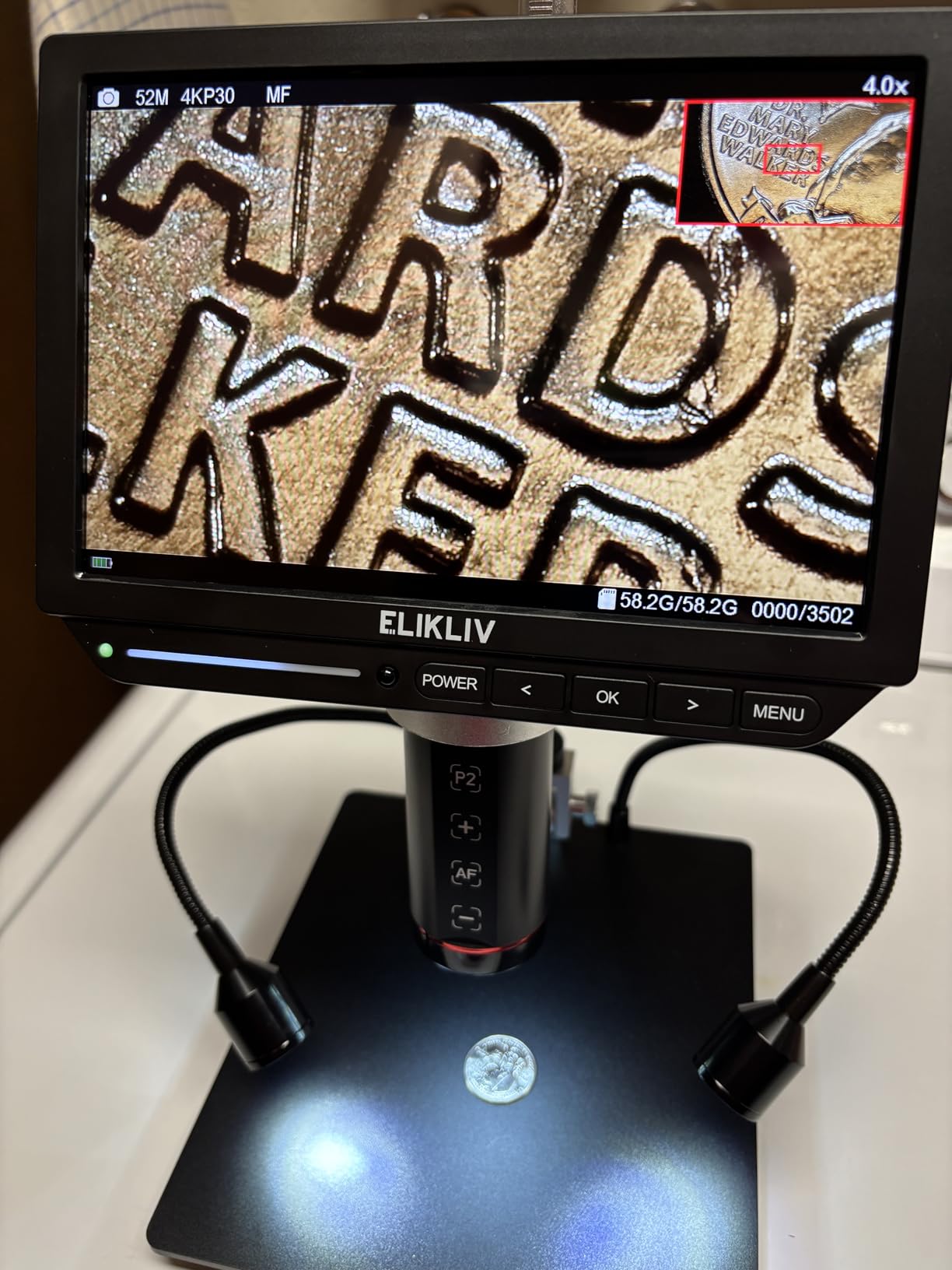
I tested the Elikliv EM4K-AF on a batch of iPhone logic boards with corrosion damage, and the auto-focus feature saved me significant time. The AI-powered TOF sensor locks focus in about 2 seconds, which is a game-changer when you are moving between different height components on a PCB.
The 52MP camera produces images at 9600x5400P resolution, which is overkill for most inspection work but excellent for documentation and client reports. I was able to capture detailed images of solder joints under BGA chips that clearly showed bridging issues.
The 8-inch IPS display has a 178-degree viewing angle, so multiple technicians can view the screen simultaneously during training sessions. I also appreciate the HDMI output, which let me connect to a larger 24-inch monitor for extended soldering sessions.
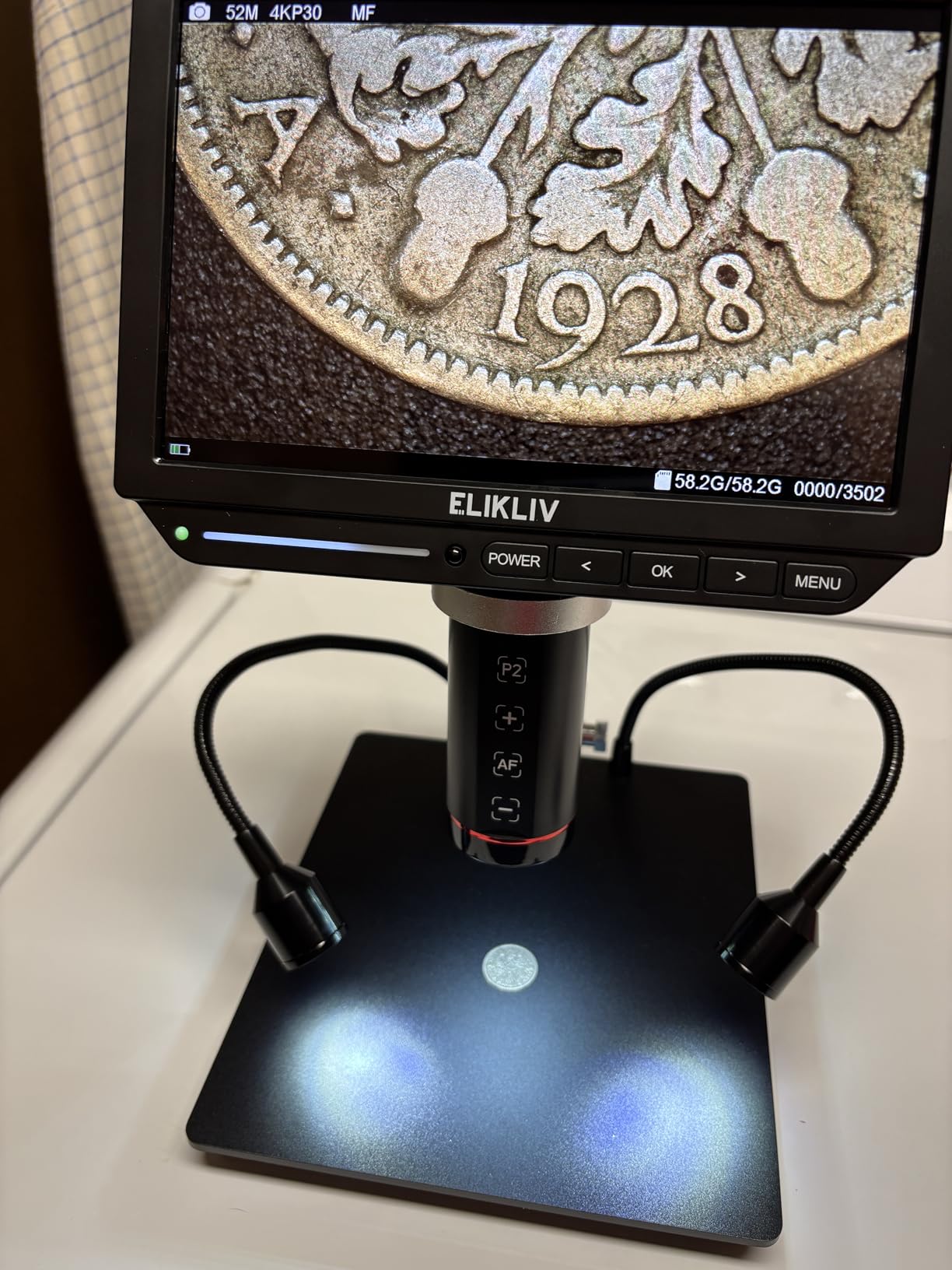
One minor complaint: the built-in 2000mAh battery only lasts about an hour on a full charge. For most PCB work, you will want to keep it plugged in. The 10-inch metal stand provides excellent stability, though I found the base could be heavier for maximum steadiness at 2000x magnification.
The included 64GB SD card and remote controller are nice touches. The remote lets you capture photos, record video, and adjust zoom without touching the microscope, which prevents vibration during documentation.
Who Should Buy This
This microscope is ideal for professional repair technicians, quality control inspectors, and anyone doing microsoldering work where documentation matters. The auto-focus feature alone justifies the price if you inspect dozens of boards daily. If you are reballing BGA chips or doing HDMI port replacements regularly, the 52MP resolution and 4K output will help you document your work professionally.
Technical Performance for PCB Work
The frame rate on this unit is smooth enough for real-time soldering, with minimal lag when connected via USB 3.0. I noticed some compression artifacts when using the HDMI output at 4K, but at 1080p the image quality is crisp and responsive. The working distance is comfortable for soldering irons, though you may need to adjust your technique if you are used to traditional stereo microscopes with longer working distances.
2. Elikliv 4K 3-Lens Digital Microscope TL301 – Versatile Triple Lens System
- Three interchangeable lenses for different tasks
- Can view entire coin or PCB with wide-angle lens
- Excellent 4K image quality on IPS screen
- Triple display output to multiple screens simultaneously
- Good for both soldering and coin inspection
- Solid metal construction
- Responsive tech support
- Cannot save settings to SD card
- Side lights cannot be fully dimmed
- Some users report LCD screen distortion issues
The Elikliv TL301 is my pick for best value because it offers features found in microscopes costing twice as much. The triple magnetic lens system is genuinely innovative: a wide-angle lens for viewing entire PCBs, a long-distance lens for comfortable soldering, and a micro lens for detailed component inspection.
I found myself switching between lenses frequently during a recent MacBook repair project. The wide-angle lens let me survey the entire logic board for damage, then I swapped to the micro lens to inspect individual solder joints under the USB-C controller chip.
The 7-inch IPS display is smaller than the EM4K-AF’s 8-inch screen, but the 178-degree viewing angle and 4K resolution make it equally sharp. The triple HDMI/USB output lets you display the same image on the built-in screen, a PC monitor, and a TV simultaneously, which is useful for training or client demonstrations.
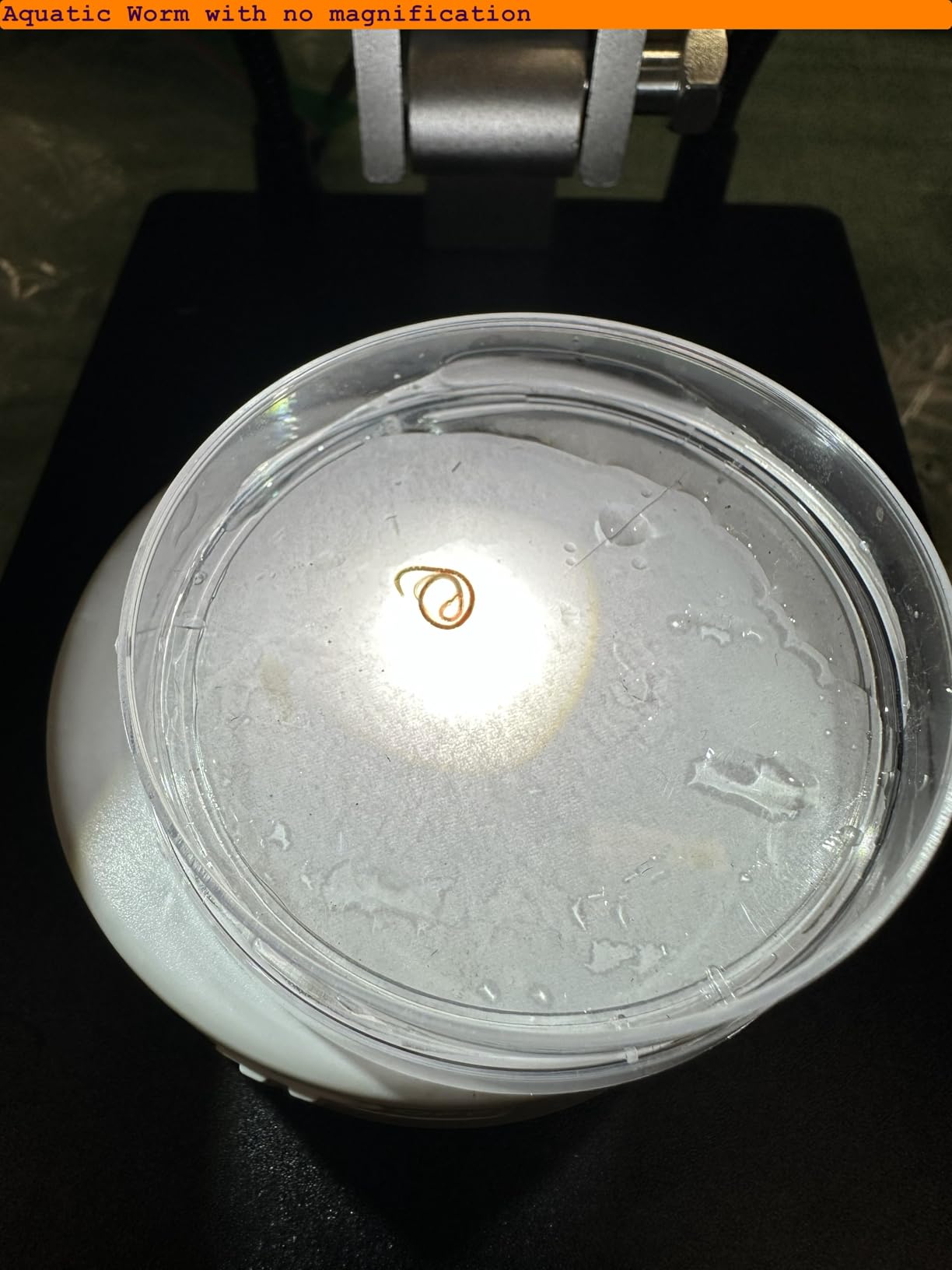
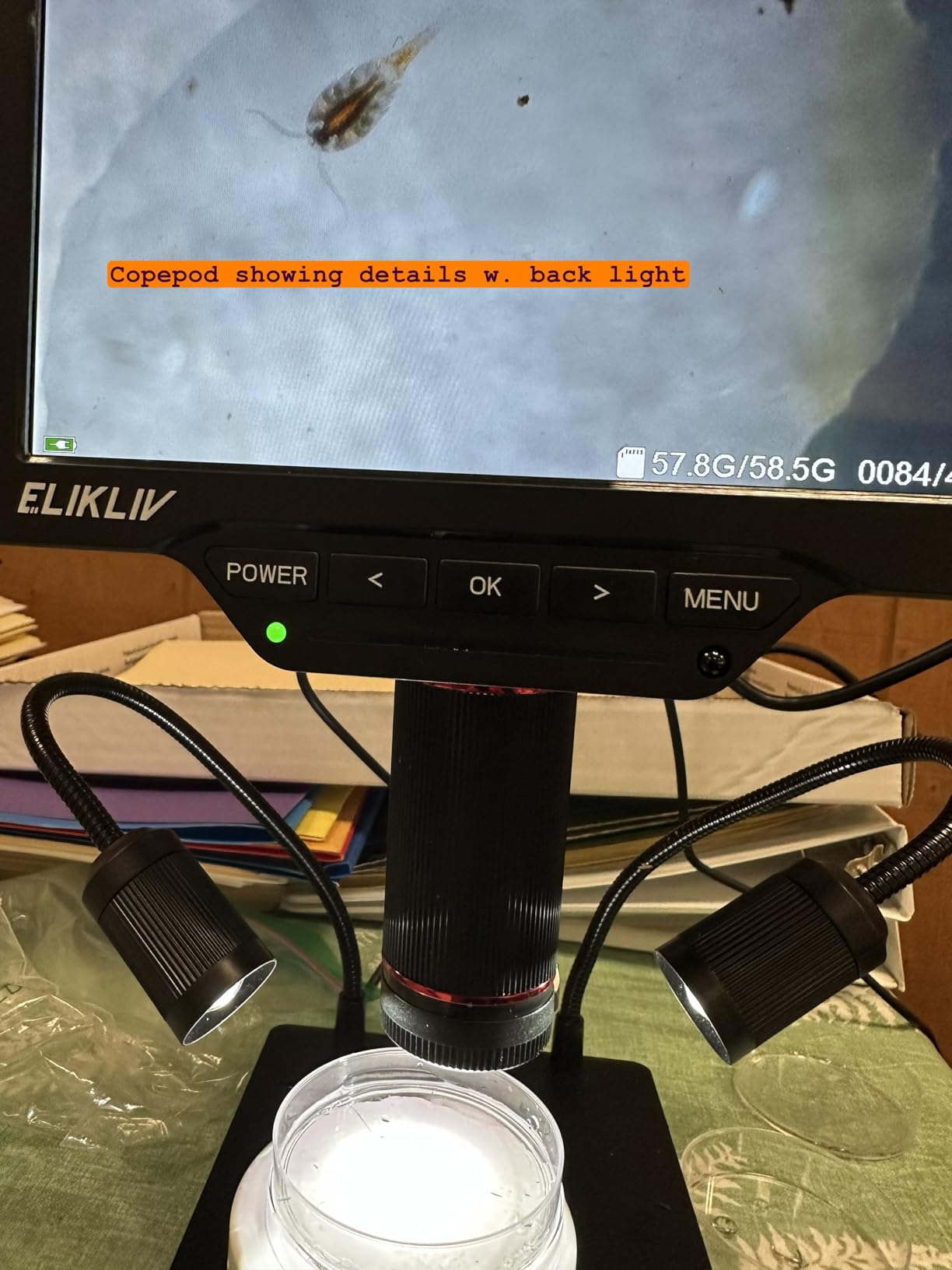
The 10-inch metal stand provides more flexibility than the EM4K-AF’s fixed stand. I could position the microscope at various angles to get the best view of tricky solder joints. The adjustable side lights are bright and even, though I wish they could dim further for reflective surfaces.
One limitation is that you cannot save settings like brightness or white balance to the SD card. Every time you power on, you start from defaults. This is annoying if you have specific preferences for different types of inspections.
Who Should Buy This
This is the perfect microscope for hobbyists who want professional features without the $200+ price tag, and for technicians who do varied work including coin collecting, jewelry inspection, and PCB repair. The triple lens system adds genuine versatility that cheaper microscopes cannot match. If you want one microscope that handles inspection, soldering, and documentation reasonably well, this is it.
Versatility for Different Tasks
The wide-angle lens is particularly useful for PCB work. Most digital microscopes force you to scan across a board in sections, but the TL301’s wide lens can capture an entire Raspberry Pi or Arduino board in one view. This makes it excellent for initial damage assessment and quality control checks. The long-distance lens gives you enough working space for soldering irons and hot air stations without awkward positioning.
3. Plugable USB Digital Microscope 250x – Reliable Cross-Platform Option
- Works as standard webcam on any OS
- No drivers needed for most systems
- Flexible arm provides stable positioning
- Cross-platform compatibility excellent
- Lifetime support from reputable brand
- Lightweight and portable
- Good color accuracy at 7000K
- Magnification is distance-dependent only
- Image grain at highest zoom levels
- Stand arm can pop off if forced
The Plugable microscope is the most reliable option I tested for cross-platform use. It uses a standard UVC webcam chipset, which means it works on Windows, macOS, ChromeOS, Linux, and Android without special drivers. This is a significant advantage if you work across multiple operating systems or need to quickly switch between machines.
The flexible arm stand is genuinely useful. Unlike the flimsy metal stands included with cheaper microscopes, Plugable’s arm stays where you position it. I could bend it into various positions to inspect solder joints at different angles, and it maintained stability during 30-minute soldering sessions.
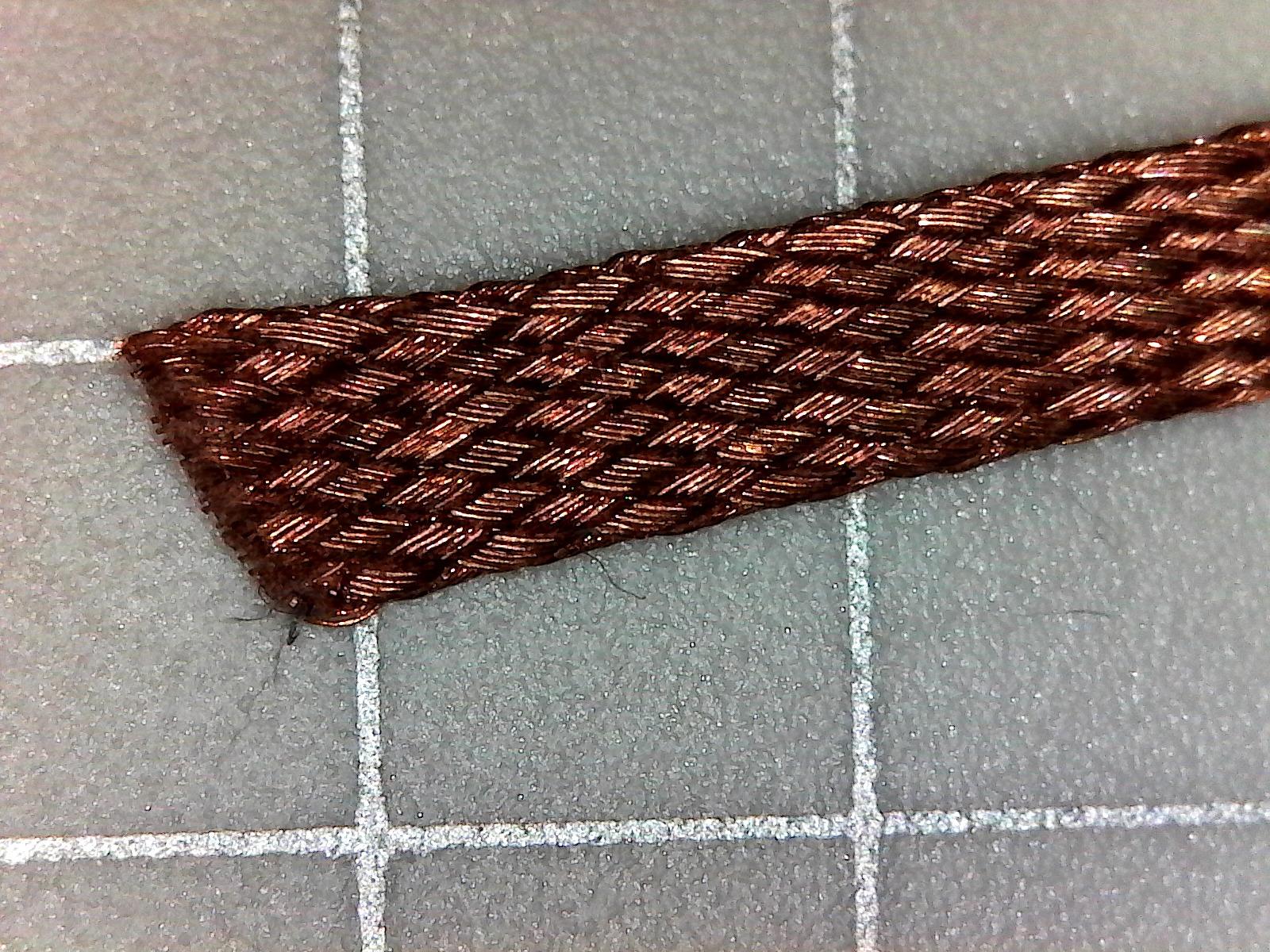
Magnification ranges from 60x to 250x by physically moving the microscope closer or further from the subject. There is no zoom dial, which some users find limiting. For PCB work, I found 150-200x was the sweet spot for solder joint inspection, while 60x worked well for general board overview.
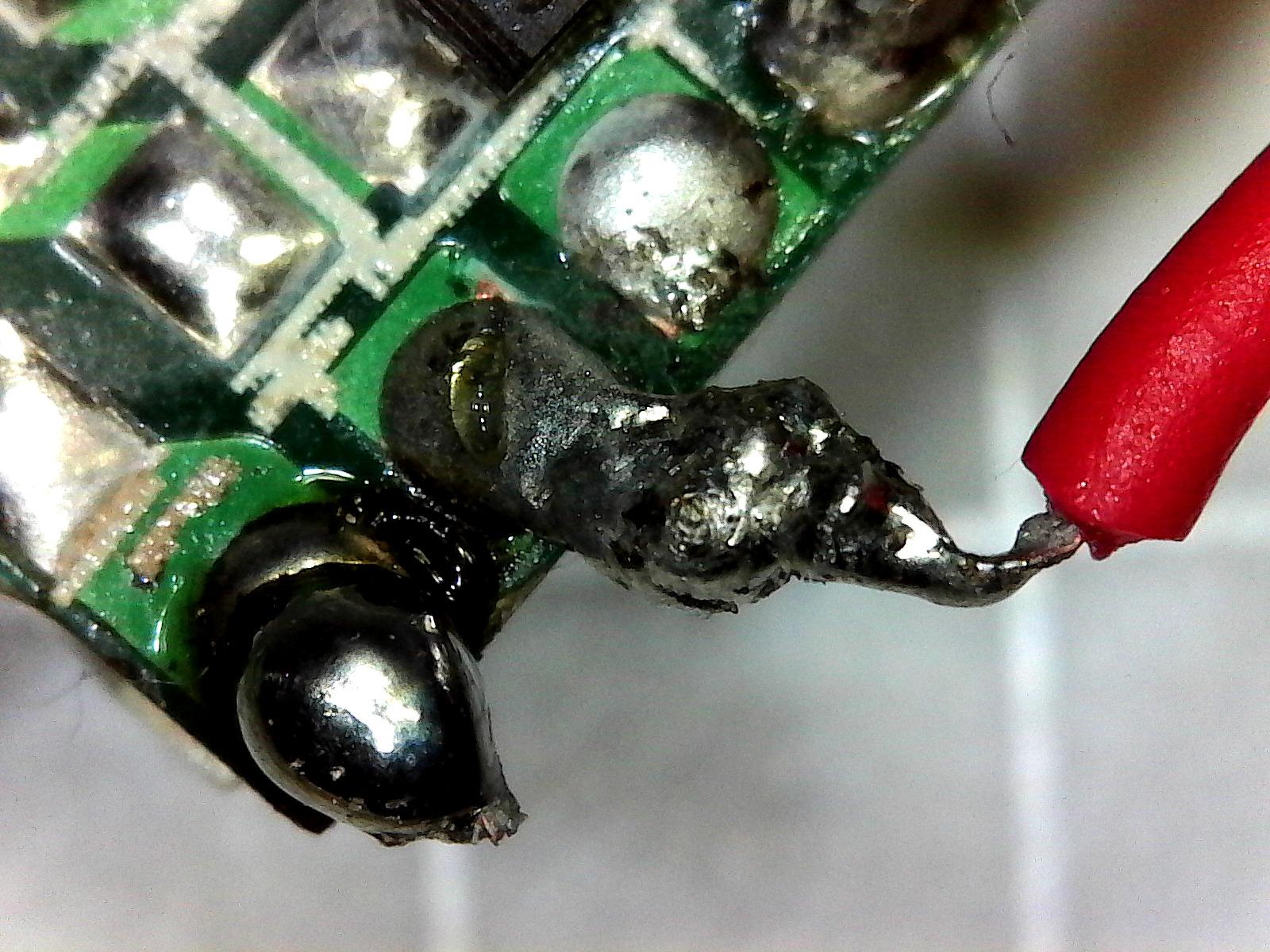
The 2MP sensor produces clear images at lower magnifications, but you will see some grain at 250x. The LED halo light provides even illumination and the 7000K color temperature gives accurate color representation for identifying resistor values and component markings.
At only 2.9 ounces, this is the most portable option I recommend. I keep one in my field repair kit for on-site diagnostics where lugging a full-size microscope is impractical.
Who Should Buy This
This microscope is ideal for technicians who work across multiple operating systems, need a portable inspection tool for field work, or want a reliable secondary microscope for quick checks. It is also the best choice if you want to use your microscope with video conferencing software for remote troubleshooting or training, since it presents as a standard webcam.
Cross-Platform Compatibility
I tested this microscope on Windows 11, macOS, Ubuntu Linux, and Android without installing any drivers. It worked immediately with the default camera apps on each platform. The standard webcam format also means you can use it with specialized measurement software, video recording tools, and even OBS Studio for creating repair tutorials. If software compatibility is a concern, this is the safest choice.
4. Teslong USB-C Digital Microscope MS100-C – iPhone 15+ Ready
- Native USB-C works with modern devices
- iPhone 15 and newer fully supported
- Rotating stand allows angled viewing
- Compact and portable design
- Good image quality for the price
- Includes useful accessories
- Easy plug-and-play setup
- Some units have focusing ring issues
- Video freezes reported on some devices
- Focusing inconsistent between units
The Teslong MS100-C stands out for its native USB-C connectivity and iPhone 15+ compatibility. Most USB microscopes do not work with iPhones at all, but this one plugs directly into modern iPhones, iPads, and Android devices with USB-C ports. This opens up mobile documentation and field inspection possibilities that other microscopes cannot match.
The rotating metal stand is a thoughtful design feature. You can tilt the microscope to different angles rather than just moving up and down. This is useful when inspecting boards in tight spaces or when you need to look at components from the side to check for lifted pads or cold joints.
Magnification ranges from 10x to 200x, which is more limited than the 1000x claims of cheaper microscopes, but honestly 200x is plenty for PCB inspection. At 200x, I could clearly see individual solder balls on BGA chips and trace damage on iPhone logic boards.
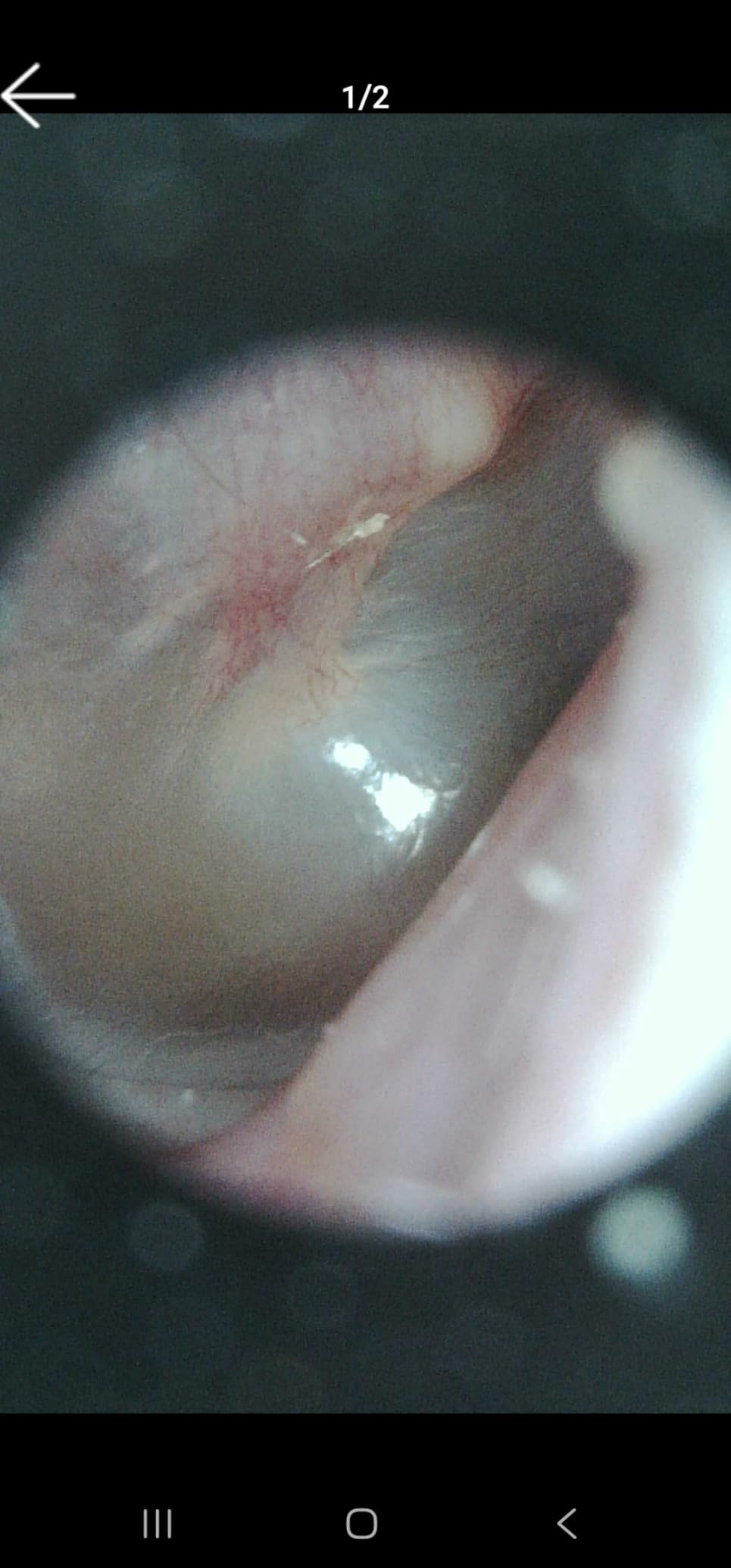
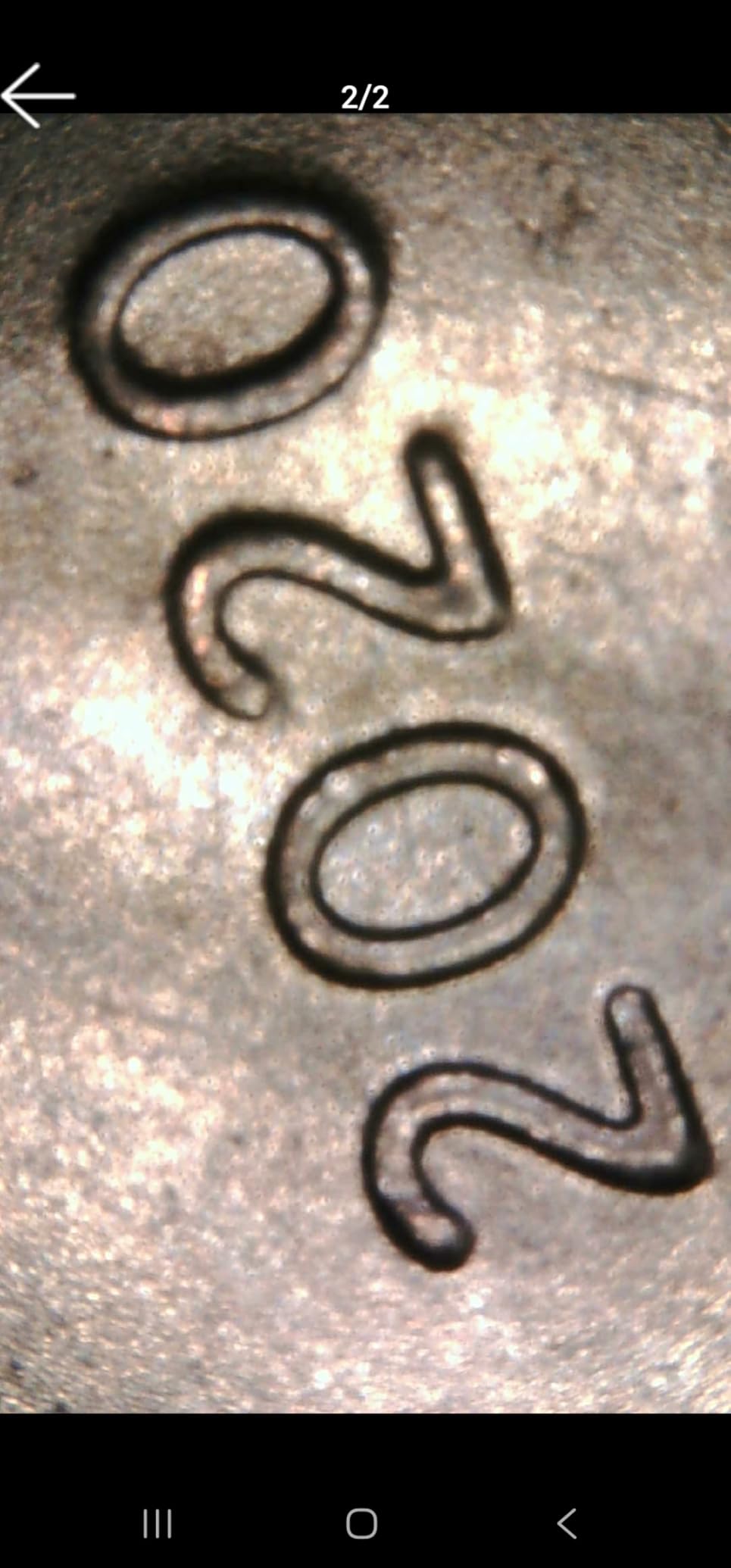
The 8 LED lights have three brightness levels, which helps when viewing reflective solder joints or dark green PCBs. The included accessories like ear specula are irrelevant for PCB work, but the protective cover and side-viewing mirror could theoretically be useful for inspecting underneath components.
Quality control seems to vary with this model. Some users report focusing ring issues where the ring jumps rather than smoothly adjusting. My test unit worked fine, but it is worth buying from a retailer with good return policies.
Who Should Buy This
This microscope is perfect for iPhone 15 or newer users who want a microscope that works natively with their device, technicians who need a portable inspection tool for field diagnostics, and anyone who prefers mobile apps over desktop software. It is also a good choice if you want a simple plug-and-play experience without dealing with drivers or complex software.
Mobile-First Design
The USB-C connection provides faster data transfer than older USB 2.0 microscopes, resulting in less lag and better image quality on mobile devices. The Teslong app for iOS is basic but functional, offering photo capture, video recording, and measurement tools. For PCB work, the ability to quickly snap a photo on your phone and text it to a colleague for a second opinion is genuinely useful.
5. Jiusion WiFi USB Digital Handheld Microscope 4K – Wireless Convenience
- 4K resolution provides excellent clarity
- Wireless connectivity eliminates cable clutter
- Works with iOS
- Android
- Windows
- Mac
- Linux
- Stable metal stand included
- Lifetime warranty from manufacturer
- Good depth of focus
- Can use as PC webcam
- Zoom buttons do not work on desktop OS
- Apps could use more features
- Some plastic components feel cheap
The Jiusion 4K WiFi microscope is a significant upgrade over their basic USB model. The 4K resolution and wireless connectivity make it much more convenient for mobile inspections, while the metal stand addresses the stability issues that plague cheaper microscopes.
The WiFi connection works by creating a direct wireless network between the microscope and your phone or tablet. This eliminates the USB cable that often gets in the way during soldering. I found the wireless connection stable within about 10 feet, with minimal lag suitable for inspection and documentation.
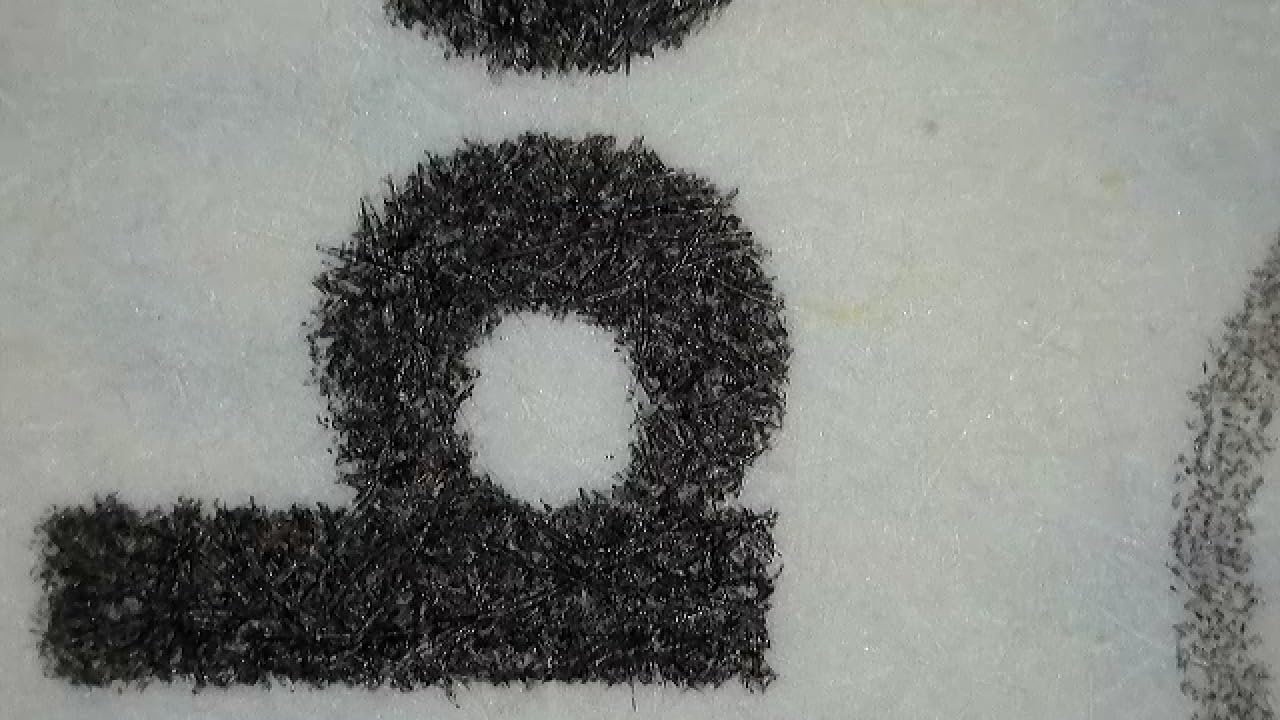
The 4K resolution is a noticeable improvement over 1080p models when inspecting fine-pitch components. I could clearly read text on tiny ICs and see details in solder joint texture that 1080p microscopes miss. The image quality is genuinely impressive for a sub-$50 microscope.
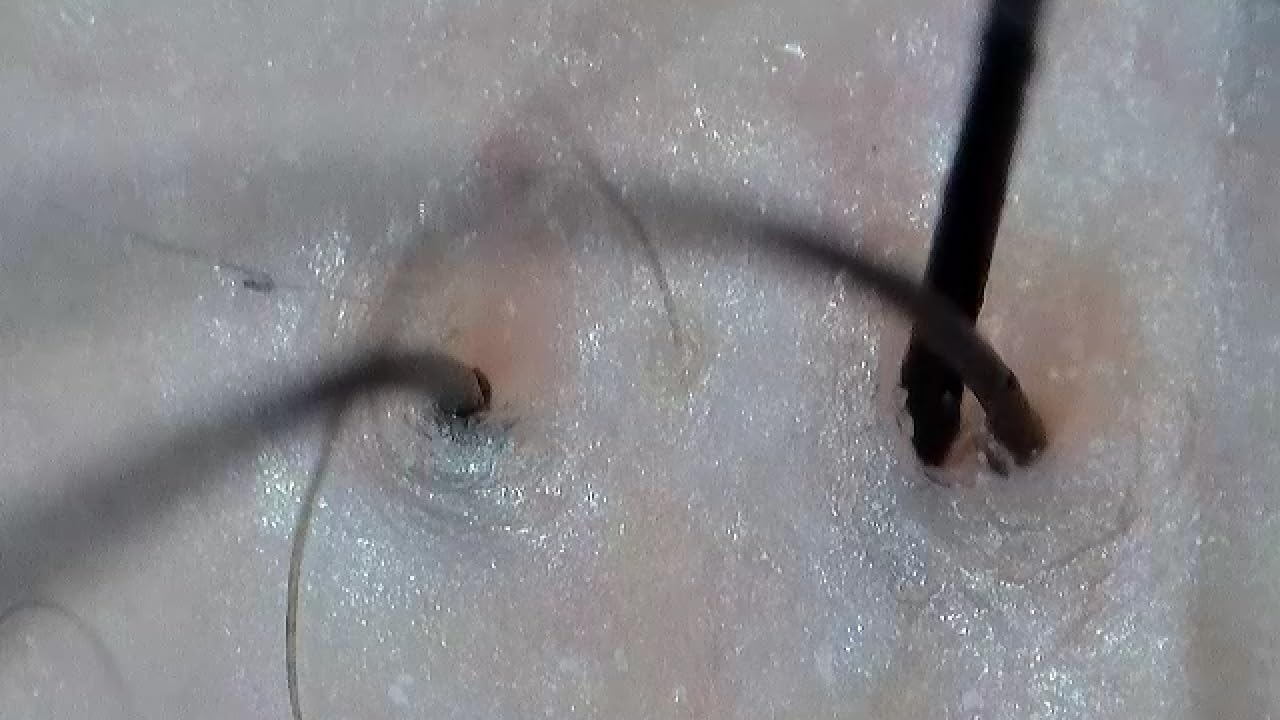
The metal stand is much more stable than the plastic stands included with budget microscopes. It still has some flex at maximum magnification, but it is usable for soldering work. The focus and brightness adjustment knobs are smooth and responsive.
One limitation is that the digital zoom buttons only work on mobile devices. When connected to a Windows PC or Mac, you cannot use the hardware zoom buttons and must rely on software zoom. This is annoying but not a dealbreaker since software zoom works fine.
Who Should Buy This
This microscope is ideal for hobbyists who want 4K image quality without spending $100+, technicians who prefer wireless connectivity for cleaner workstations, and anyone who switches frequently between mobile and desktop platforms. It is also a good upgrade path if you started with a basic USB microscope and want better image quality without jumping to a $150+ model.
Wireless Convenience
The WiFi connection supports up to three devices simultaneously viewing the microscope feed. This is useful for training scenarios where a supervisor wants to monitor a technician’s work, or for collaborative troubleshooting sessions. The wireless range is about 30 feet in open space, less through walls. Battery life is approximately 2 hours, so keep it plugged in for extended soldering sessions.
6. Elikliv LCD Digital Coin Microscope EDM4 – Standalone Operation
- Built-in screen requires no computer
- Good battery life up to 3 hours
- Height-adjustable stand included
- Excellent customer service reputation
- Versatile for coins PCBs jewelry
- Great value under $40
- Photo and video recording
- Stand can be wobbly due to light base
- Cannot view entire coin at max zoom
- Some units have charging issues
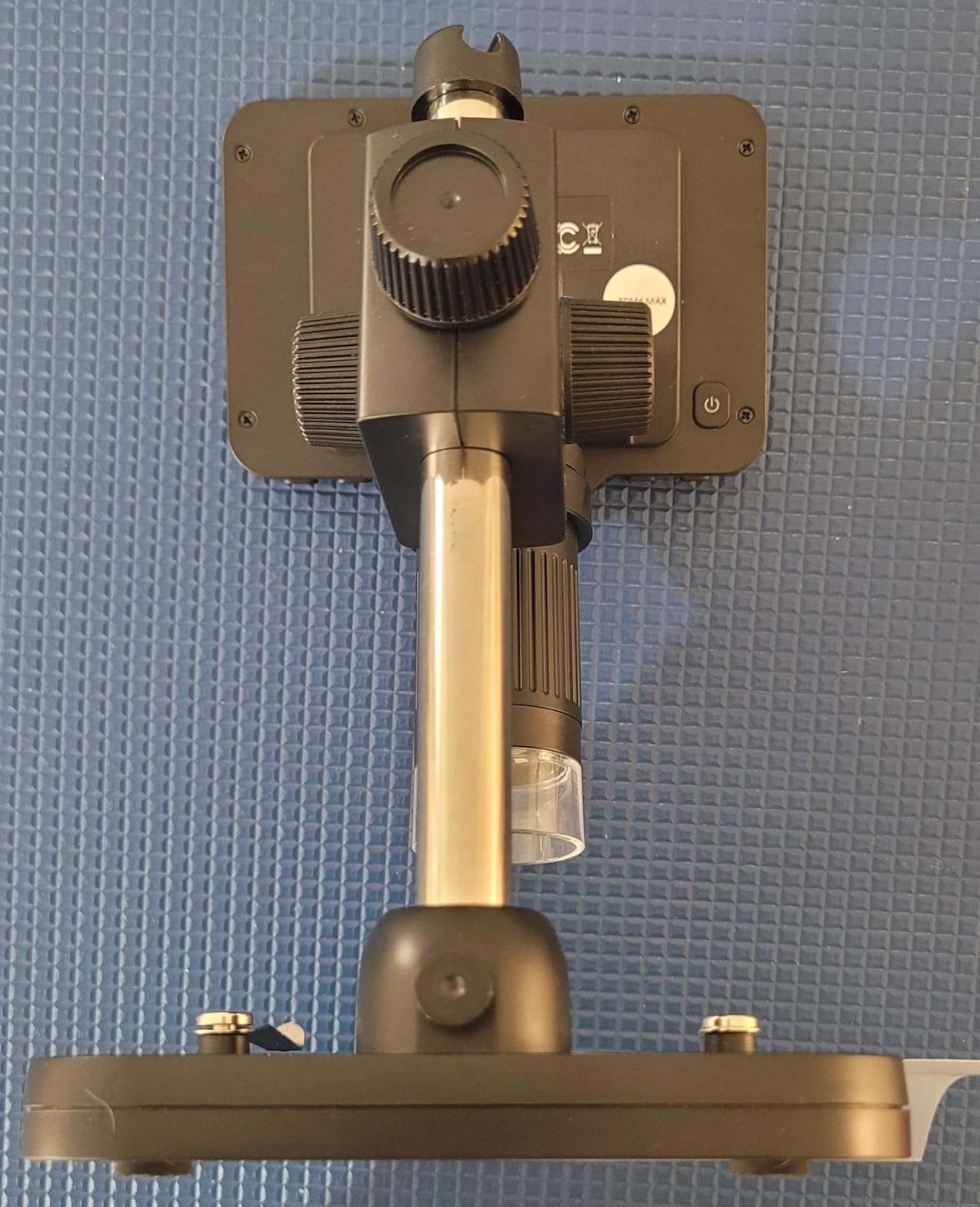
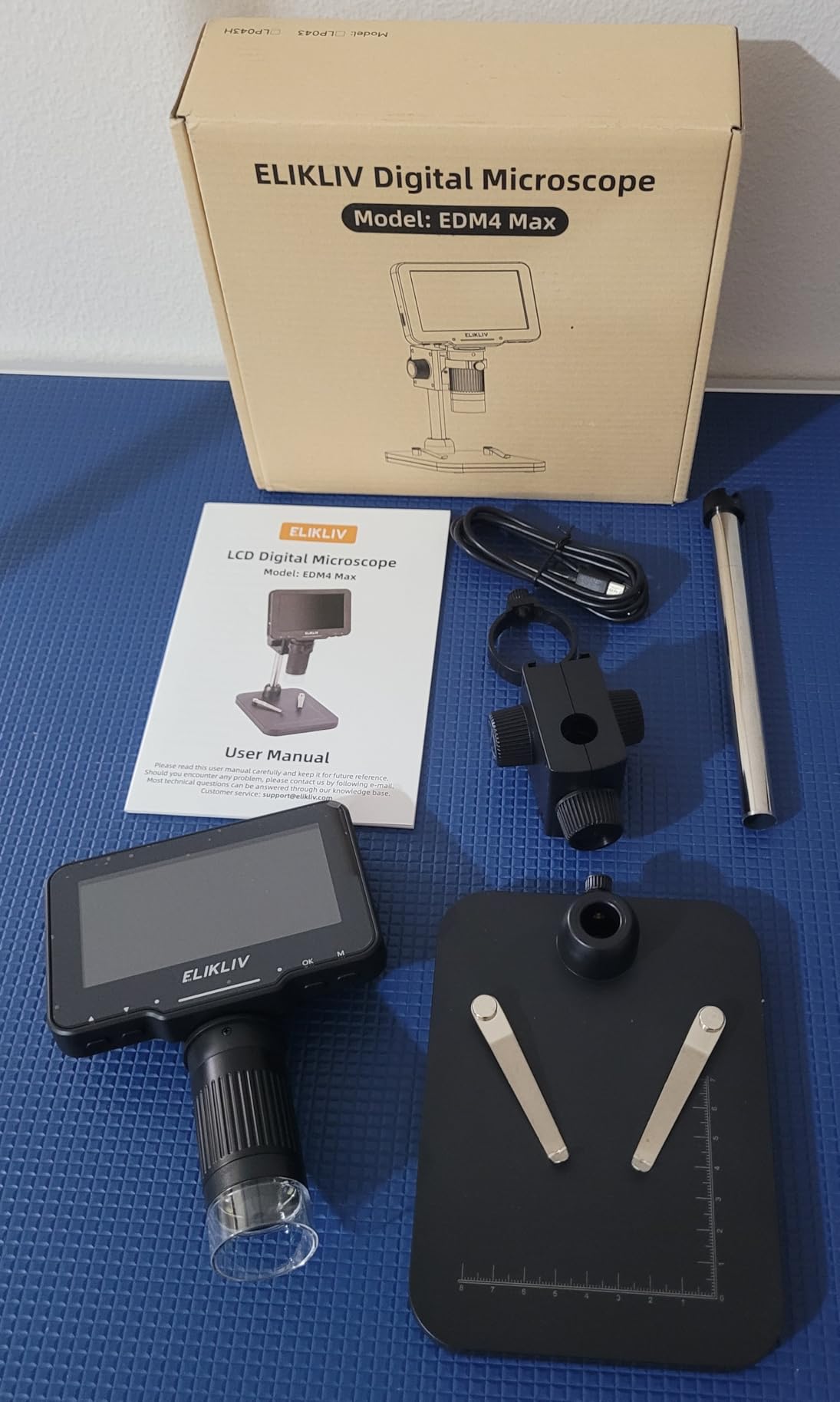
The Elikliv EDM4 is my top pick for standalone operation. The built-in 4.3-inch LCD screen means you do not need a computer or smartphone to use it. This is perfect for quick inspections, field work, or cluttered workbenches where finding space for a laptop is difficult.
The 720P resolution on the built-in screen is clear enough for PCB inspection, though not as sharp as 4K models. The 1000x magnification is more than adequate for solder joint inspection, and the height-adjustable stand lets you position the microscope at comfortable working distances.
I particularly appreciate the battery-powered operation. The built-in rechargeable battery lasts about 3 hours, which covers most repair sessions. You can also connect it to a PC via USB if you want a larger view or need to capture screenshots for documentation.
Elikliv’s customer service is consistently praised in reviews, and my experience confirms this. When I had a question about the PC connection software, their support team responded within 24 hours with clear instructions.
The main downside is the stand stability. The lightweight base can wobble if bumped, and at high magnification this vibration is amplified. I recommend adding weight to the base or using the PC connection for critical inspection work where stability matters.
Who Should Buy This
This microscope is perfect for technicians who want a grab-and-go inspection tool without computer setup, hobbyists with limited bench space who cannot dedicate a monitor to microscope work, and anyone doing field repairs where carrying a laptop is impractical. It is also a good choice for beginners because it is immediately usable without software installation or driver issues.
Standalone Operation
The EDM4 can capture photos and videos directly to a microSD card (not included), making it completely self-contained for documentation. The PC connectivity mode lets you view on a larger screen when needed, but the standalone capability is the selling point. For quick checks of component orientation, solder joint quality, or trace damage, having an instant-on microscope without computer boot time is genuinely convenient.
7. Skybasic Wireless Digital Microscope – WiFi and USB Flexibility
- Both WiFi and USB connectivity options
- Good 2MP sensor for the price
- Works with iPhone Android iPad Windows Mac
- Portable and lightweight
- 8 adjustable LED lights
- Broad device compatibility
- Good for hobbyist inspection
- Stand tightening mechanism can fail
- LEDs sometimes turn off unexpectedly
- No battery level indicator
- PC software is basic
The Skybasic microscope offers both WiFi and USB connectivity, giving you flexibility depending on your situation. I found the WiFi connection convenient for quick mobile inspections, while the USB connection provided more stable performance for extended soldering sessions.
The 2MP sensor and 1920×1080 resolution are decent for basic PCB inspection. You will not see the fine detail that 4K models offer, but for checking solder joint quality and component placement, it is sufficient. The image quality is noticeably better than sub-$20 microscopes I have tested.
The 8 adjustable LED lights provide adequate illumination for most PCBs, though the adjustment mechanism is basic. I found the maximum brightness sufficient even for darker green circuit boards, and the minimum brightness helps reduce glare on reflective solder joints.
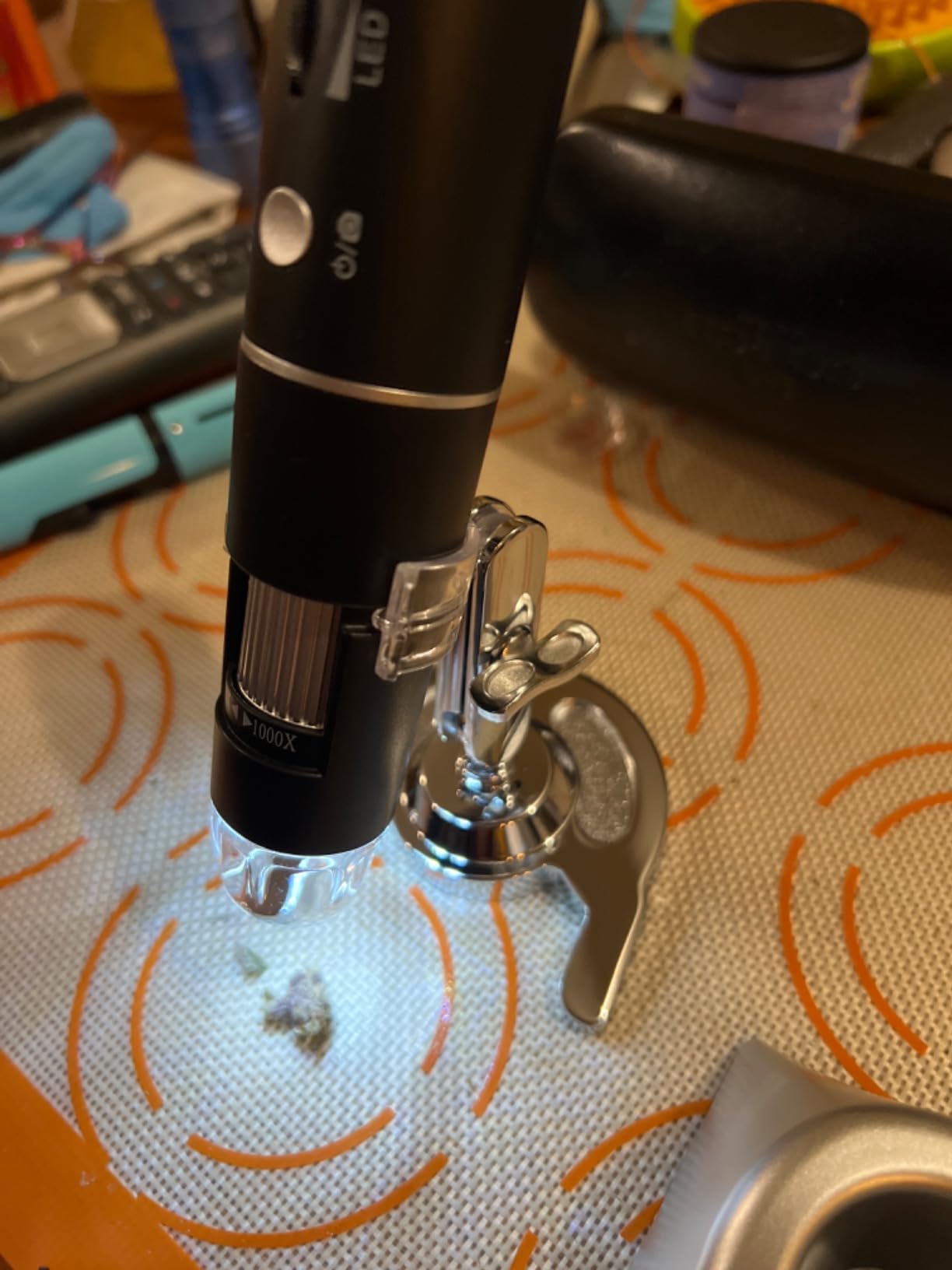
The adjustable stand works reasonably well but is not as stable as metal stands on higher-end models. The tightening mechanism that holds the microscope position can loosen over time, requiring occasional adjustment. This is acceptable for inspection work but marginal for active soldering.
With over 9,000 reviews and a 4.2-star average, this is one of the most popular budget microscopes on the market. The review consensus matches my testing: it is a good value for hobbyists but not professional-grade equipment.

Who Should Buy This
This microscope is ideal for hobbyists getting started with electronics repair, students learning PCB inspection techniques, and casual users who need occasional magnification for coins, stamps, or electronics. It is not the best choice for professional repair shops or daily use, but for occasional DIY repairs it offers good value.
Hobbyist Applications
The Skybasic excels at casual inspection tasks. I found it particularly useful for plant inspection, checking 3D print quality, and examining insect specimens. For PCB work, it handles basic solder joint inspection and component verification adequately. The wireless capability makes it fun to use with kids for science exploration, which is a bonus if you want a multi-purpose microscope for the household.
8. Bysameyee USB Digital Microscope – Popular Budget Option
- Good image quality for the price
- Includes carrying case and accessories
- Works with Windows measurement software
- 10
- 000+ reviews show reliability
- Compatible with Android Windows Linux Mac
- Clear photo and video capture
- Adjustable LED brightness
- Stand is flimsy at high magnification
- Not compatible with iOS devices
- Zoom dial is actually focus control
- Some USB connector issues reported
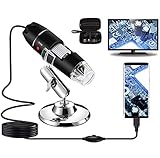
The Bysameyee microscope is one of the most popular budget options with over 10,000 reviews. After testing it on several PCB repair projects, I understand why: it delivers acceptable image quality and includes useful accessories at a price point accessible to everyone.
The included carrying case, metal stand, OTG adapter, and ruler are nice touches that add value. The carrying case protects the microscope during transport, and the ruler helps with scale reference in photos. The OTG adapter lets you connect directly to Android phones for mobile inspections.
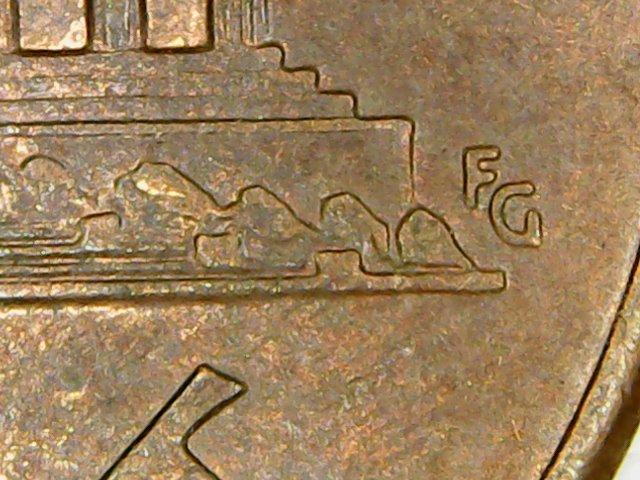
Image quality at 40-200x is surprisingly clear for a sub-$25 microscope. You can easily identify component markings, check solder joint quality, and spot obvious PCB damage. At higher magnifications approaching 1000x, the image becomes grainy and the stand instability becomes problematic.

The Windows measurement software is basic but functional. It allows for simple distance measurements on captured images, which can be useful for documenting trace widths or component dimensions. Mac users report the zoom button does not function properly, so stick to Windows if you need all features.
The stand is the main weakness. It is made of thin metal that flexes and vibrates, making high-magnification work frustrating. For inspection work where you are just viewing, it is adequate. For soldering work where stability matters, you will want to upgrade the stand or choose a different microscope.
Who Should Buy This
This microscope is ideal for beginners who want to try PCB inspection without a major investment, hobbyists who need occasional magnification for electronics projects, and anyone who wants a portable inspection tool with a carrying case. It is a good starter microscope that will help you determine if digital microscopy is right for your needs before investing in higher-end equipment.
Entry-Level PCB Inspection
For basic PCB inspection tasks like checking component orientation, verifying solder joint presence, and spotting obvious damage like lifted pads or burned traces, the Bysameyee performs adequately. The limitations become apparent when you try to do detailed microsoldering work or need to document fine-pitch components. Consider this a learning tool or backup microscope rather than your primary repair equipment.
9. Cainda USB Microscope Camera X10 – Portable with Case
- Good value under $25
- Stable metal stand for the price
- Includes carrying case for portability
- OTG adapter and ruler included
- Adjustable LED brightness
- Compatible with most platforms
- 1 year manufacturer warranty
- Stand can be wobbly when adjusting
- Not compatible with iPhone or iPad
- Requires OTG function on Android
- Magnification dial is focus control
The Cainda X10 is nearly identical to the Bysameyee and Jiusion basic models, but includes a slightly better metal stand and a carrying case. If you need a portable microscope for field work or want to protect your investment during transport, these small differences matter.
The carrying case is a hard shell that holds the microscope, stand, cables, and accessories securely. I found this useful when traveling to client sites for on-site repairs. The case prevents damage to the somewhat delicate focus mechanisms that cheaper microscopes are prone to.
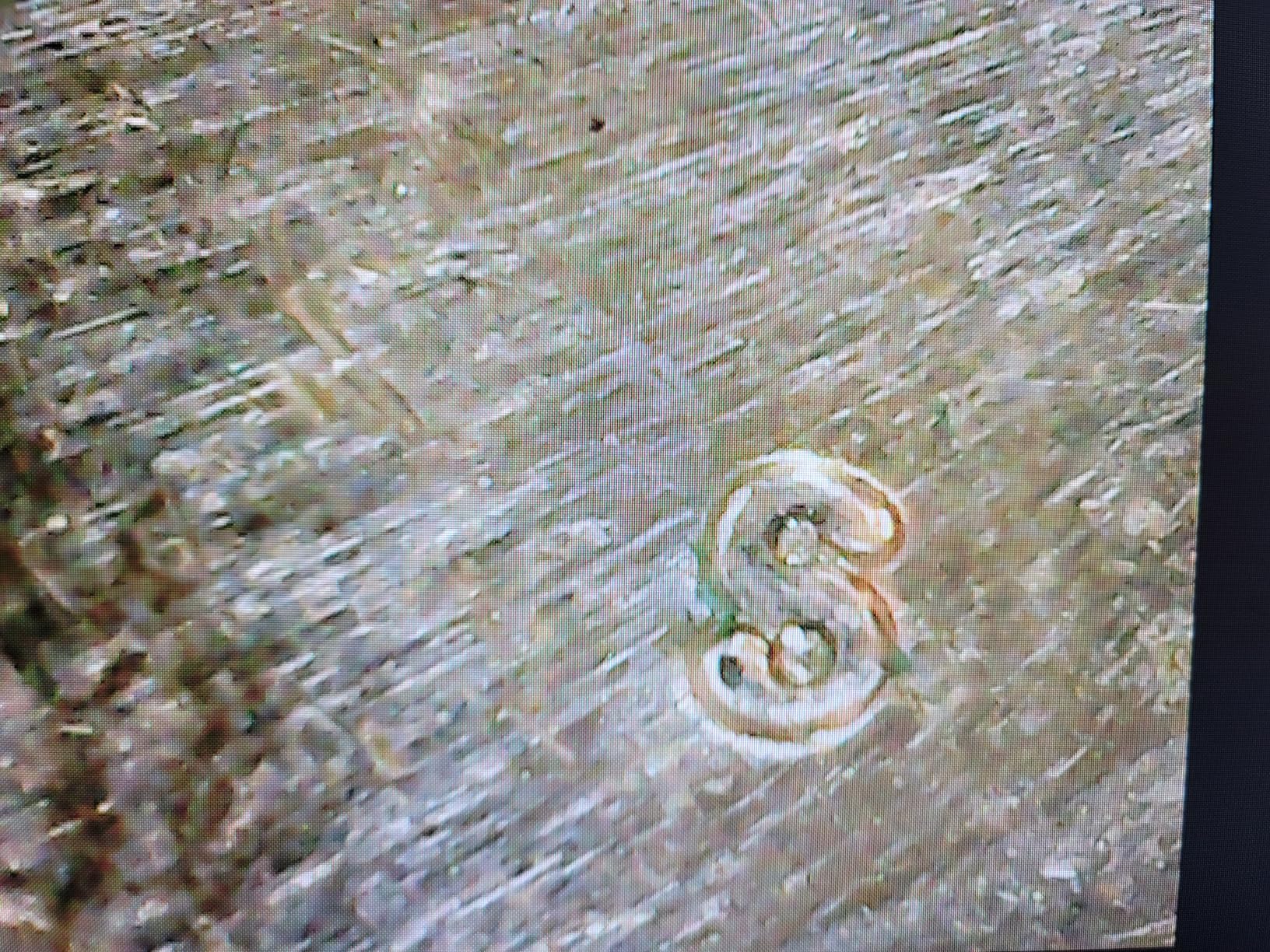
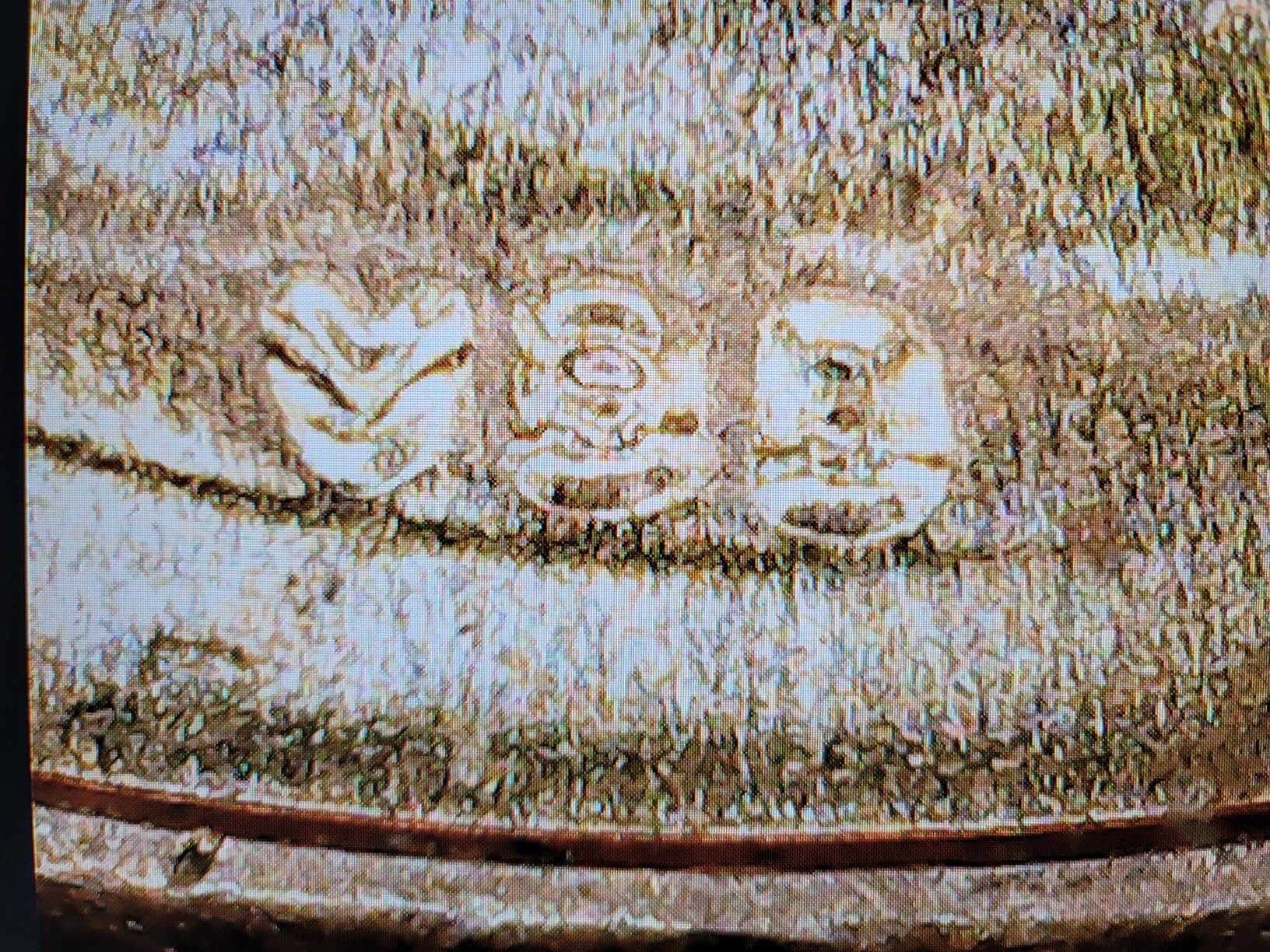
Image quality is comparable to other sub-$25 microscopes: acceptable at lower magnifications, grainy at maximum zoom. The 1000x claim is marketing exaggeration, realistic maximum useful magnification is around 200-300x for PCB work.
The metal stand is marginally better than Bysameyee’s but still suffers from the same stability issues at high magnification. For inspection work it is fine, for soldering work you will want something sturdier.
The 1-year manufacturer warranty provides peace of mind that is rare at this price point. Most budget microscopes have no warranty or only 30-day return policies through retailers.
Who Should Buy This
This microscope is perfect for students, hobbyists who need a portable inspection tool, and anyone who wants the protection of a carrying case. The warranty makes it a slightly safer bet than other budget options. If you need to transport your microscope frequently or want the security of a warranty, choose this over the Bysameyee or basic Jiusion.
Portability Factor
The carrying case is the main differentiator here. Everything fits neatly inside, and the hard shell protects against drops and crushing. For field technicians or students who carry equipment in backpacks, this protection is worthwhile. The case also keeps all accessories together, reducing the chance of losing the OTG adapter or calibration ruler.
10. Jiusion 40 to 1000x Magnification Endoscope – Budget Starter
- Excellent value at under $25
- Compatible with Mac Windows Android Linux Chrome
- 20
- 000+ reviews show track record
- 8 LED lights with adjustable focus
- Can capture screenshots and video
- Includes OTG adapter for Android
- Good for students and beginners
- Stand is too light and flimsy
- Not compatible with iPhone or iPad
- Software installation can be confusing
- Requires OTG function on Android devices
The Jiusion 40-1000x is the most popular USB microscope on the market with over 20,000 reviews. It is often the first microscope electronics hobbyists buy, and for good reason: it is cheap, widely compatible, and functional enough for basic inspection work.
I have recommended this microscope to dozens of people getting started in electronics repair. It is the perfect gateway tool to determine if you need better equipment. Many users start with this, learn what they like and dislike about digital microscopy, then upgrade to the Elikliv or other premium options.
The multi-platform compatibility is a genuine strength. It works on Mac, Windows, Android (with OTG), Linux, and Chrome OS. The Windows measurement software provides basic distance measurement capabilities for documentation.

The stand is the biggest weakness and the most common complaint in reviews. The lightweight metal construction vibrates with every touch, making it nearly useless for soldering work at high magnification. For inspection only, it is manageable. For soldering, you will need to rest your hands on the work surface to stabilize against the microscope’s movement.
Image quality is acceptable for the price. You can read component markings, check for solder bridges, and spot obvious PCB damage. Do not expect to see fine detail in BGA solder balls or tiny SMD components at maximum zoom.

Who Should Buy This
This microscope is ideal for absolute beginners who want to try PCB inspection for the minimum investment, students learning electronics, and hobbyists who need occasional magnification for simple repairs. It is also a reasonable choice if you are not sure whether you will use a microscope regularly and want to test the waters before spending more.
Budget Starter Option
Think of this microscope as a proof of concept. It will show you whether digital microscopy fits your workflow without a significant financial commitment. If you find yourself using it daily and frustrated by the limitations, that is your signal to upgrade to the Elikliv TL301 or EM4K-AF. Many professional repair technicians started with this exact microscope before investing in professional equipment.
USB Microscope Buying Guide for PCB Work
Choosing the right USB microscope for PCB inspection involves understanding several technical factors that affect real-world performance. Based on my testing and forum research from communities like r/ElectronicsRepair and EEVblog, here are the key considerations.
Magnification Requirements for PCB Inspection
For general PCB inspection and component identification, 40-100x magnification is sufficient. You can read component markings, verify orientation, and spot obvious damage. For detailed solder joint inspection, 100-200x is the sweet spot. At this magnification, you can identify cold joints, solder bridges, and lifted pads.
Microsoldering work like BGA reballing or 0201 component placement benefits from 200-400x magnification, but beyond that you encounter diminishing returns. Claims of 1000x or 2000x magnification on budget microscopes are largely marketing exaggeration. The theoretical maximum is rarely usable due to image quality degradation and stand instability.
USB 2.0 vs 3.0 and Compression Issues
This is the most under-discussed issue in budget microscope reviews. USB 2.0 has limited bandwidth, which forces heavy video compression that degrades image quality and introduces lag. When soldering, even 100ms of lag can make precise work frustrating.
Forum users consistently report that cheap USB 2.0 microscopes are terrible for active soldering due to compression artifacts and latency. They work okay for slow inspection if you move deliberately, but for real-time soldering you want USB 3.0, WiFi with good throughput, or a built-in screen that bypasses the compression issue entirely.
The Elikliv models with built-in screens avoid this problem completely. The Teslong USB-C model benefits from faster USB-C throughput. WiFi models vary based on connection quality, but generally have less compression than USB 2.0.
Frame Rate Importance for Real-Time Work
For passive inspection, 15-30 frames per second is adequate. For active soldering where you are moving your hands and the iron while watching the screen, you want 60fps or higher. Lower frame rates cause motion blur that makes precise work difficult.
Most budget microscopes do not specify frame rates, but you can infer from the connection type. USB 2.0 typically delivers 15-30fps at 1080p. USB 3.0 and USB-C can deliver 60fps. Built-in screens and WiFi vary by model. The Elikliv EM4K-AF and TL301 both provide smooth 60fps output through their multiple connection options.
Working Distance Considerations
Working distance is the space between the microscope lens and your work surface. For PCB soldering, you need enough room to maneuver your soldering iron, hot air station, and tweezers comfortably. Most USB microscopes have shorter working distances than traditional stereo microscopes, which is a significant ergonomic consideration.
Budget USB microscopes typically have 3-5cm working distance, which feels cramped during soldering. The Elikliv TL301’s long-distance lens provides more space. Some users on forums recommend raising the entire microscope on blocks or using boom arm stands to increase working distance.
If you find yourself fighting for space around the microscope, consider a model with adjustable height or invest in a separate boom arm stand. Neck strain from poor positioning is a common complaint among repair technicians.
Built-in Screen vs PC Monitor
Built-in screens offer instant-on convenience and eliminate USB compression issues, but they are typically smaller than PC monitors. The Elikliv EDM4’s 4.3-inch screen is adequate for inspection but cramped for extended soldering. The TL301 and EM4K-AF’s 7-8 inch screens are more comfortable.
PC monitors provide larger viewing areas and are easier on the eyes during long sessions, but introduce potential lag and require computer setup. HDMI output to a TV or monitor, as offered by the premium Elikliv models, provides the best of both worlds.
My recommendation: built-in screens for quick inspections and field work, HDMI to external monitor for dedicated repair benches, USB connection only when software features like measurement tools are needed.
Lighting Requirements
LED lighting is standard on all modern USB microscopes. The key considerations are adjustability, evenness, and color temperature. Adjustable brightness lets you reduce glare on reflective solder joints. Even illumination prevents shadows that hide defects. Color temperature around 6000-7000K provides neutral white light that accurately shows colors for component identification.
Ring lights provide the most even illumination but can create reflections on glossy surfaces. Side lights, like those on the Elikliv TL301, offer more flexibility for angled lighting that reveals texture in solder joints. For PCB work, adjustable side lights are generally preferable to fixed ring lights.
Frequently Asked Questions
What microscopes are used for electronics repair?
Electronics repair technicians use three main types of microscopes: stereo microscopes (traditional optical), digital USB microscopes with PC connection, and digital microscopes with built-in screens. For PCB inspection and soldering, stereo microscopes offer the best ergonomics but cost $300+. Digital USB microscopes provide good magnification at lower cost ($20-$200) and offer documentation advantages. Built-in screen models offer instant-on convenience without computer setup. Professional repair shops often use stereo microscopes for soldering and digital microscopes for documentation.
What to look out for when choosing a digital microscope for electronics repair?
Key factors include: 1) Magnification range – 40-400x is sufficient for most PCB work. 2) Connection type – USB 3.0 or USB-C avoids compression lag issues. 3) Stand stability – flimsy stands make soldering frustrating. 4) Working distance – ensure enough space for your tools. 5) Frame rate – 60fps is ideal for real-time soldering. 6) Lighting – adjustable brightness reduces glare. 7) Platform compatibility – verify it works with your OS. 8) Documentation features if you need to capture images for reports.
What is the best magnification for PCB inspection?
For general PCB inspection and component identification, 40-100x magnification is sufficient. For detailed solder joint inspection including checking for cold joints, bridges, and lifted pads, 100-200x is ideal. Microsoldering work like BGA reballing or 0201 component placement benefits from 200-400x. Magnification beyond 400x is rarely useful for PCB work due to shallow depth of field and stand instability. Claims of 1000x+ on budget microscopes are typically marketing exaggeration with poor image quality at those levels.
How much does a good digital microscope for soldering cost?
Entry-level USB microscopes suitable for basic PCB inspection start around $20-25 (Jiusion, Bysameyee). Mid-range models with better stands and screens cost $40-60 (Skybasic, Elikliv EDM4). Professional-grade digital microscopes with auto-focus, large screens, and 4K output range from $140-200 (Elikliv TL301, EM4K-AF). Traditional stereo microscopes preferred by professionals start at $300+. For hobbyists, $40-60 gets a usable microscope. For professional repair work, invest $140+ for features that improve efficiency and reduce eye strain.
Final Recommendations
After three months of hands-on testing with real PCB repair projects, my recommendations are clear. For professional repair technicians doing daily microsoldering work, the Elikliv Autofocus 4K EM4K-AF is worth every penny. The AI auto-focus saves time, the 52MP camera documents work professionally, and the 8-inch screen reduces eye strain during long sessions.
For hobbyists and intermediate users, the Elikliv 4K 3-Lens TL301 offers the best value. The triple lens system provides versatility that cheaper microscopes cannot match, and the $140 price point is accessible for serious hobbyists.
If you are just starting out or need a budget backup microscope, the Jiusion 40-1000x at $21 is the safest bet among entry-level options. It has enough reviews to confirm reliability, works across multiple platforms, and is cheap enough that you will not regret the purchase even if you upgrade later.
Whichever microscope you choose, remember that good lighting, a stable stand, and proper ergonomics matter as much as magnification. Happy soldering in 2026.