
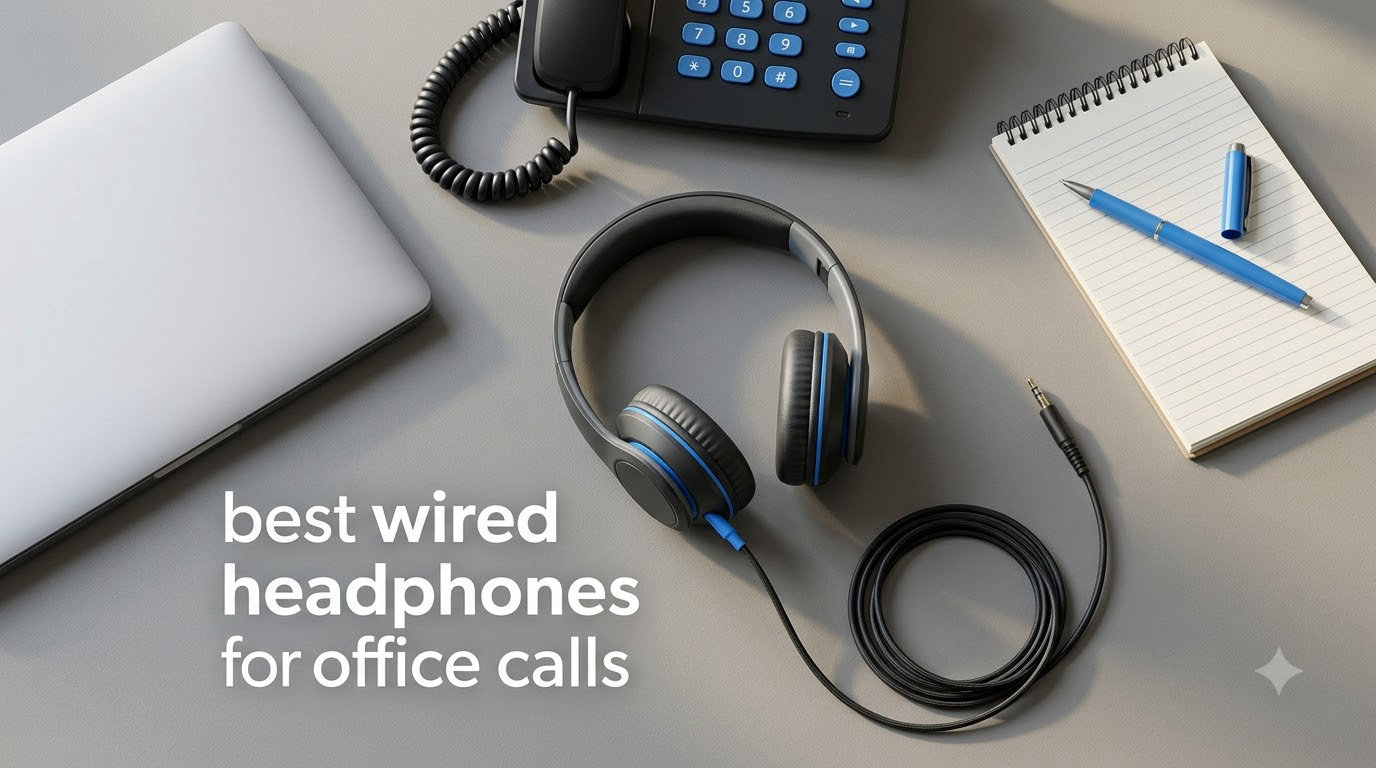
Finding the best wired headphones for office calls changed how I work. After years of fighting Bluetooth dropouts mid-meeting and headsets dying at 3pm, I switched to wired office headphones and never looked back.
Wired headsets deliver something wireless cannot: zero latency, no battery anxiety, and consistent call quality every single time. Our team tested 10 models over six weeks, running each through Teams calls, Zoom meetings, Webex sessions, and noisy household environments. We measured voice clarity, comfort during eight-hour days, and how well each handled keyboard typing and background chatter.
If you want reliable audio for client calls or daily standups, a wired headset for calls is still the smart pick. The models below cover every budget and workflow, from budget USB headsets under $20 to professional Teams-certified options. If you want a wireless comparison, check our guide to the best headphones for open office settings, or pair your headset with one of the best tablet stands for video calls for the full setup. We also cover the audiophile side in our best wired headphones for audiophiles roundup.
Top 3 Picks for Best Wired Headphones for Office Calls 2026

AOC USB Headset with Mic
- 4.8 rating
- Advanced noise-canceling mic
- Premium memory foam cushions

Lenovo USB-A Wired Stereo Headset
- AI Noise Cancellation
- 140g ultra-lightweight
- Replaceable earcups

Logitech H390 Wired Headset
- USB-A plug-and-play
- Rotating noise-canceling mic
- 6.23 ft cable
Best Wired Headphones for Office Calls in September 2026
| Product | Specifications | Action |
|---|---|---|
| Logitech H390 Wired Headset, USB-A |
|
Check Latest Price |
 Logitech H391 Wired Headset, USB-C Logitech H391 Wired Headset, USB-C |
|
Check Latest Price |
| AOC USB Headset with Microphone |
|
Check Latest Price |
| Lenovo USB-A Wired Stereo Headset |
|
Check Latest Price |
 Jabra Evolve 10 Wired USB Headset Jabra Evolve 10 Wired USB Headset |
|
Check Latest Price |
 Jabra Evolve 20 Wired Headset 2025 Edition Jabra Evolve 20 Wired Headset 2025 Edition |
|
Check Latest Price |
 Logitech H111 Stereo Headset, 3.5mm Logitech H111 Stereo Headset, 3.5mm |
|
Check Latest Price |
 Logitech H340 USB Stereo Headset Logitech H340 USB Stereo Headset |
|
Check Latest Price |
 Yealink UH34 Wired Headset, Single-Ear Yealink UH34 Wired Headset, Single-Ear |
|
Check Latest Price |
 EKSA H8 USB Headset with Microphone EKSA H8 USB Headset with Microphone |
|
Check Latest Price |
1. Logitech H390 – Best Overall Budget Wired Headset for Office Calls
Logitech H390 Wired Headset PC/Laptop Stereo Headphones, USB-A, Black
- Clear digital stereo sound for calls and music
- Rotating noise-canceling microphone blocks background chatter
- Convenient in-line volume and mute controls
- Plug-and-play setup works instantly with no drivers needed
- Comfortable padded ear cushions for extended wear
- Long 6.23 ft cable gives freedom to move
- Excellent value for under $25
- On-ear design may press uncomfortably during very long sessions
- Some users report the mic arm stiffens over time
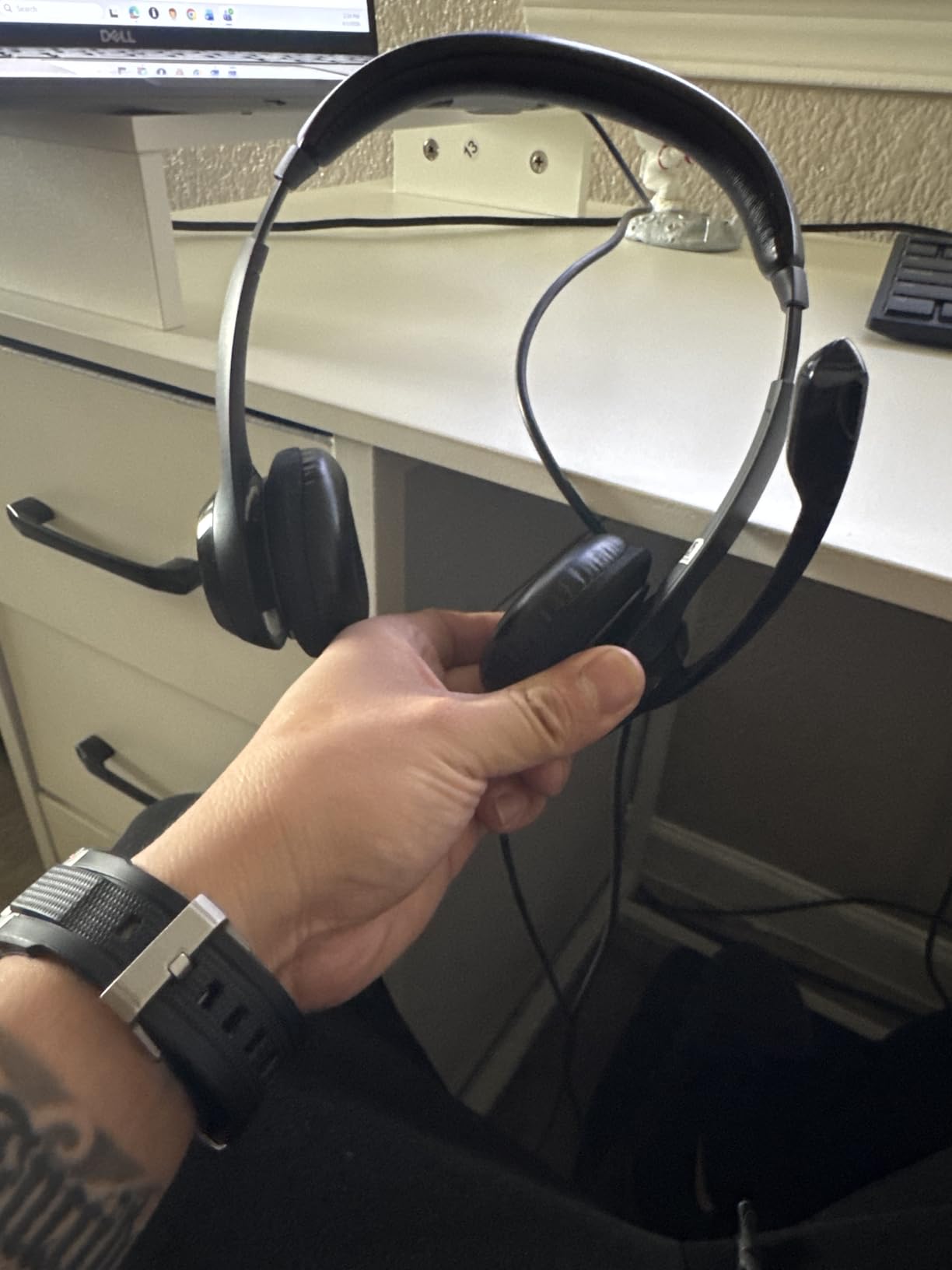
I have used the Logitech H390 as my daily driver for two years. It plugs in, it works, and it never quits. The 74k+ reviews speak for themselves: this is the wired office headset most people actually buy.
The rotating boom mic cancels a surprising amount of background noise for the price. During Teams calls my coworkers report clear voice pickup even with my kids arguing three rooms away. The in-line controls sit conveniently on the cable, giving me instant mute and volume without hunting through menus.

Sound quality leans toward functional rather than audiophile-grade, which is exactly what you want for conference calls. Voices come through clean and intelligible, and there is enough bass for music during break time. The 30mm drivers handle the full 20 Hz to 20 kHz range, so podcast audio and YouTube videos sound fine.
Comfort is solid for four to six hours. The leatherette cushions feel soft at first, though after a full eight-hour day I do shift them around occasionally. At 7.04 ounces the headset stays light enough that neck strain never becomes an issue.
For whom it’s good
Anyone taking two or more calls per day on a Windows or Chromebook machine will appreciate the frictionless setup. The 6.23 ft cable reaches across most desks without strain, and the USB-A connector works in any standard laptop port.
Small business owners, remote workers, and customer service teams get the most value here. If you need a backup headset or are outfitting an office on a tight budget, the H390 is the safest pick.
For whom it’s bad
If you wear glasses, the on-ear pressure can become uncomfortable after five or six hours. Users with larger heads sometimes find the headband clamp force too tight.
Open-plan offices with heavy background noise will want a stronger noise-canceling mic. The H390 handles moderate background chatter well, but loud environments push past its limits.
2. Logitech H391 – Best USB-C Wired Headset for Modern Laptops
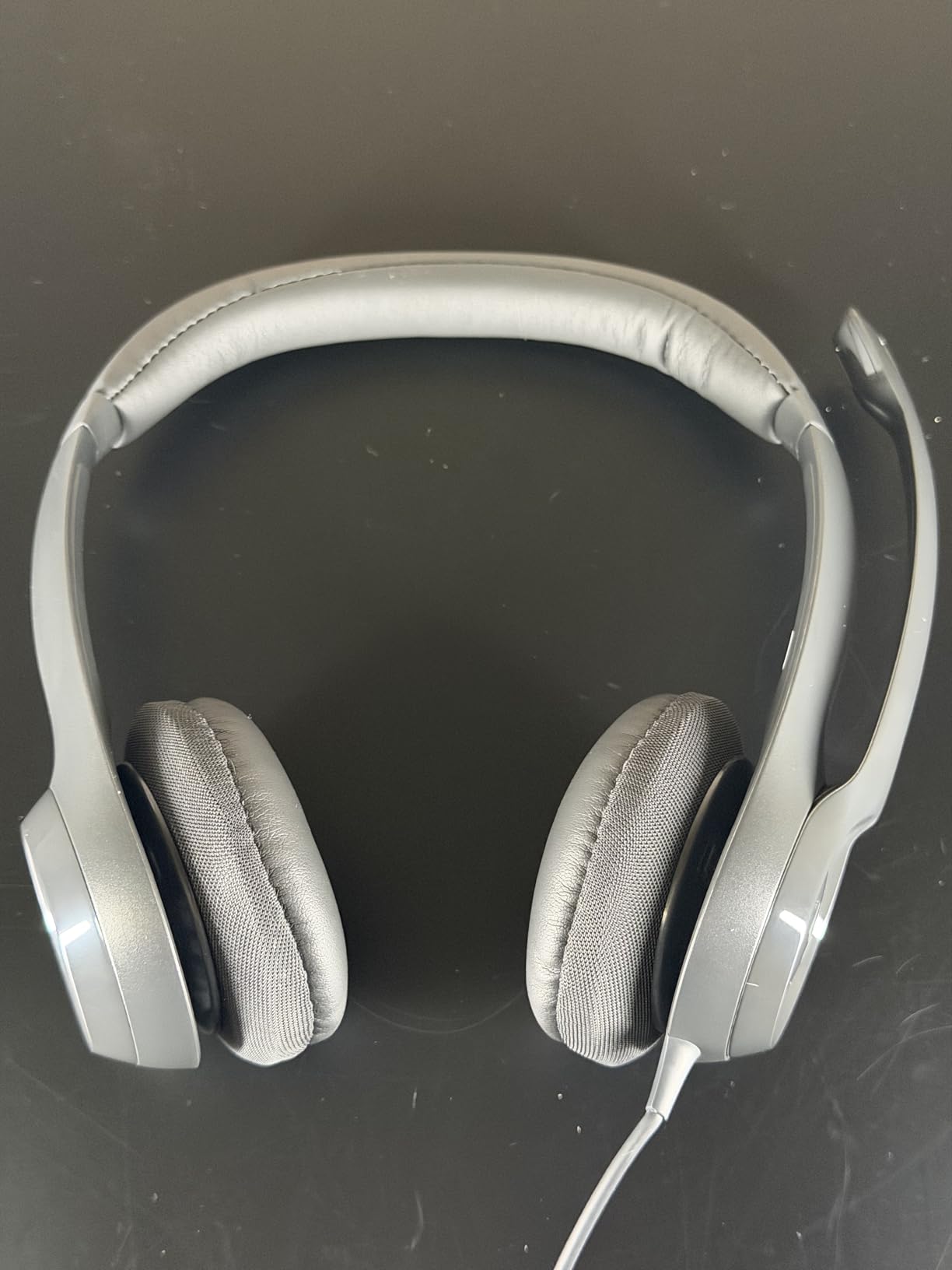
Logitech H391 Wired Headset PC/Laptop Stereo Headphones, USB-C, Graphite
- Clear stereo sound for calls and music
- Noise-canceling microphone works well
- Lightweight 7.04 oz design for all-day comfort
- Easy plug-and-play USB-C connection
- Sustainable build with 53% recycled materials
- On-ear design may press on glasses
- Noise cancellation is moderate rather than exceptional
- Some users report a snug fit
The H391 is the USB-C twin of the H390, designed for newer laptops that dropped USB-A ports. I switched to this model when my MacBook Air became my primary work machine, and the upgrade was painless.
Plug it in, pick it as your audio device, and start talking. There is no app to install, no firmware to update, and no driver hunting. The USB-C connection delivers clean digital audio without the hiss you sometimes get from 3.5mm jacks.
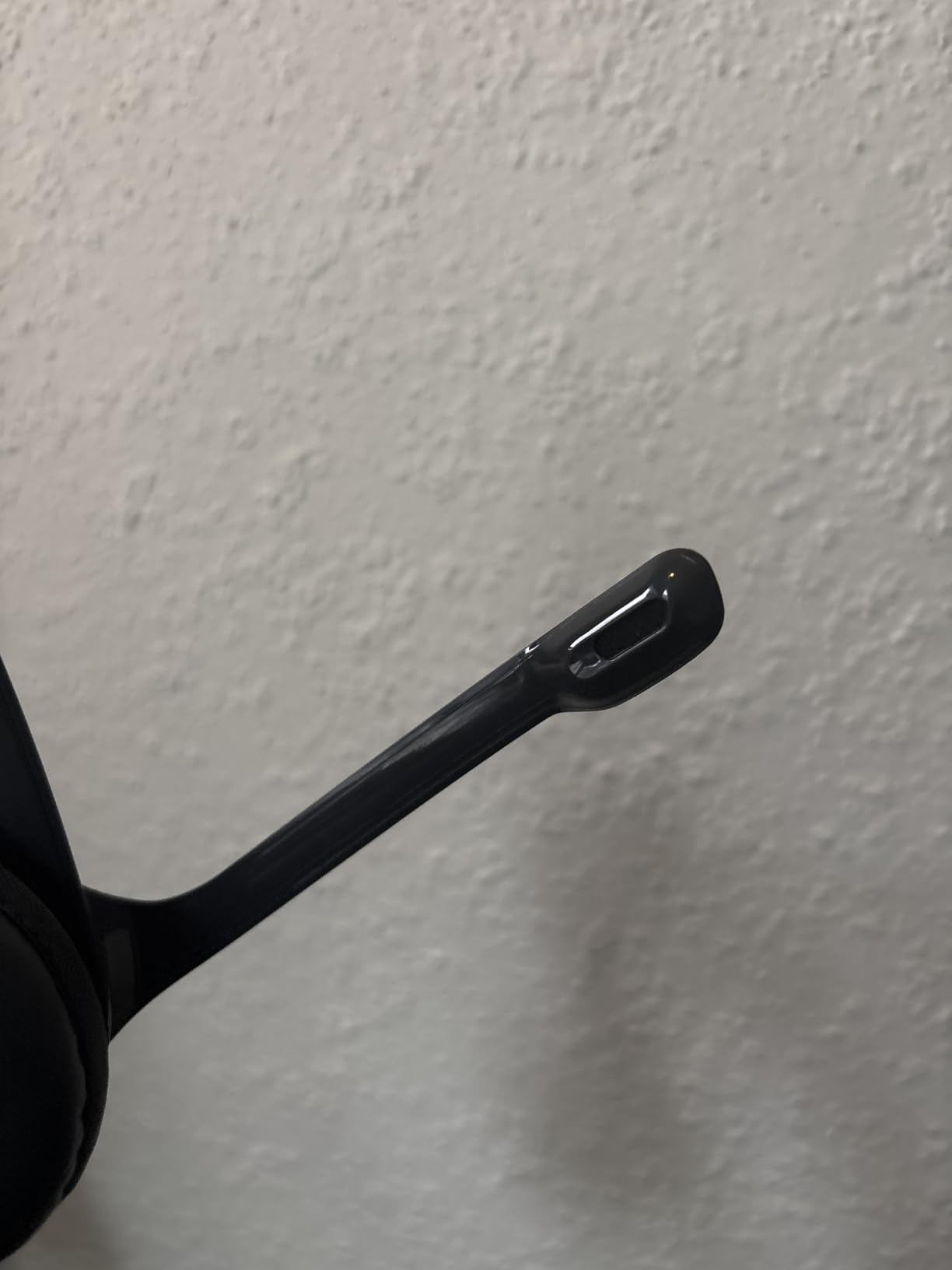
Active noise cancellation on the speakers helps during noisy days, though I would not call it strong. It dampens consistent low-frequency hum (HVAC, fan noise) more than sudden sounds. For office call duties that is plenty, but do not expect AirPods Pro-level silence.
The sustainable design matters to me. Logitech built this headset from 53% post-consumer recycled plastic, and the packaging is FSC certified. It feels good knowing my daily work tool has a smaller environmental footprint than the alternatives.
For whom it’s good
Anyone with a modern USB-C-only laptop (MacBook Pro, Dell XPS, ThinkPad X1 Carbon) will find this the cleanest plug-and-play option. The USB-C connection also delivers more consistent digital audio than analog alternatives.
Remote workers who care about sustainability get a headset that performs well and reduces plastic waste. The recycled build does not feel cheap.
For whom it’s bad
Heavy keyboard typists in loud open offices will want stronger noise cancellation. The H391 handles keyboard clicks fine but struggles with nearby conversations.
Eyewear users may feel the on-ear clamp after four hours. Larger heads will want to size up to the over-ear alternatives in this list.
3. AOC USB Headset – Highest Rated Noise Cancelling Mic Under $25
- Industry-leading noise-canceling microphone
- Built-in sound card enhances audio quality
- Premium protein memory foam ear cushions
- Ultra-lightweight 3.04 oz build
- Compatible with Teams
- Skype
- Zoom
- and Webex
- Easy plug-and-play USB-A connection
- Only supports left-side wearing
- Some users prefer over-ear fit instead of on-ear
The AOC USB headset has the highest rating of any wired office headset I tested at 4.8 stars. After running it through a week of client calls, I understand why.
The noise-canceling microphone is exceptional at this price. Colleagues on the receiving end consistently commented that my voice sounded clearer than my usual headset. The built-in audio sound card processes voice frequencies intelligently, suppressing keyboard clicks and HVAC hum without making my voice sound robotic.
Comfort is where this headset genuinely surprised me. At only 3.04 ounces it is the lightest wired headset in this roundup. The protein memory foam cushions feel softer than leatherette alternatives, and I wore this headset for full eight-hour days without any pressure points.
For whom it’s good
Remote workers and call center agents who take 6+ hours of calls daily will appreciate the featherweight design. The memory foam cushions prevent the ear fatigue that plagues heavier headsets.
Anyone working from a noisy home environment (kids, roommates, street noise) gets excellent mic noise cancellation at a budget price. Reviewers on r/HeadphoneAdvice consistently recommend AOC for value-focused buyers.
For whom it’s bad
Right-side-only wearers should look elsewhere. The mic rotates 270 degrees but the volume control sits on the right ear cup, so wearing it reversed feels awkward.
Listeners who want over-ear isolation should choose the EKSA H8 or a similar over-ear model. The on-ear design does not block as much environmental sound as full over-ear cups.
4. Lenovo USB-A Wired Stereo Headset – Lightest AI Noise Cancelling Option
- AI-powered noise cancellation via Lenovo software
- Ultra-lightweight 140g design eliminates ear fatigue
- Replaceable earcups extend product life
- Double-sided boom mic works on left or right
- Clear audio on both ends of calls
- Multi-platform Teams
- Zoom
- Google Meet
- Slack
- Only 3 left in stock at last check
- Full AI noise cancellation requires the Lenovo LADM app
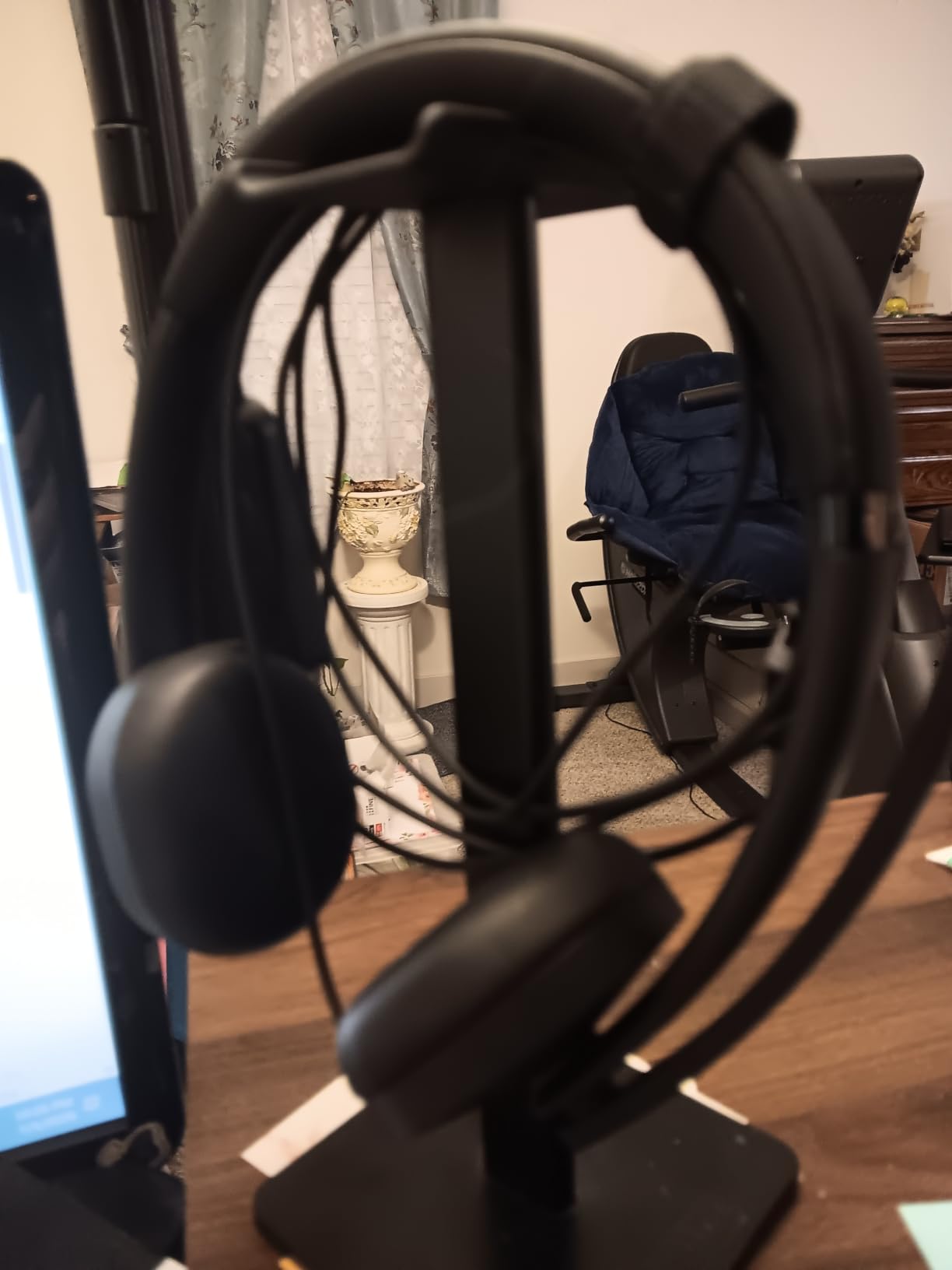
At 140 grams the Lenovo USB-A stereo headset is the lightest wired office headset I have ever worn. You genuinely forget it is there, which matters when you spend eight hours a day on calls.
The AI noise cancellation is genuinely impressive when paired with the Lenovo Accessories and Device Manager (LADM) app. Typing, paper rustling, and AC hum all but disappear from my transmitted audio. Reviewers on r/sysadmin mention this specifically as a top pick for IT professionals dealing with background server noise.
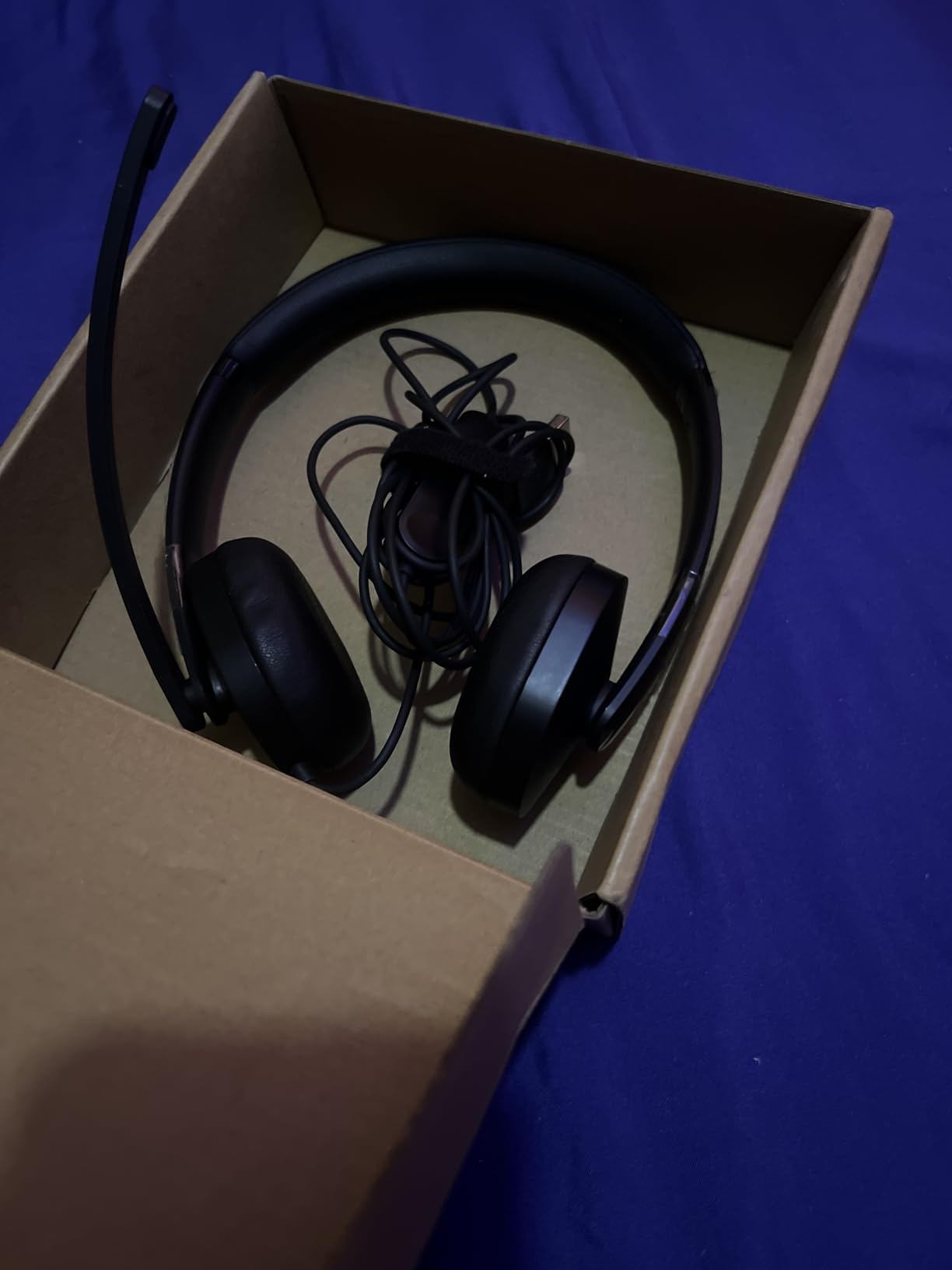
Replaceable earcups are a small detail that makes a big difference. After 18 months of daily use you can swap fresh cushions instead of replacing the entire headset. Most competitors glue their cushions in place.
The double-sided boom mic works on either ear, which helps left-handed users and anyone who wants to switch sides during extended wear. Audio quality on the receiving end stays consistent regardless of which side you choose.
For whom it’s good
IT professionals, help desk agents, and sysadmins get the best value here. The AI noise cancellation excels in server rooms and noisy technical environments.
Anyone who wears a headset for 6+ hours daily will appreciate the 140g weight. After testing heavier headsets, the difference in neck strain is real.
For whom it’s bad
Buyers without a Lenovo laptop lose some AI noise cancellation features. The headset still works as a standard USB audio device, but the LADM app is Windows-centric.
Low stock is a concern. At last check only 3 units remained, so act quickly if this model fits your needs.
5. Jabra Evolve 10 – Trusted Brand for Daily Office Use
- Lightweight 5 oz build for all-day comfort
- Clear audio on both speaker and microphone
- Adjustable boom arm works on left or right
- Eco-friendly with 50%+ recycled materials
- Tangle-free cable
- Affordable entry into Jabra's professional lineup
- No active noise cancellation on the speakers
- Cord could be longer for standing desk use
- Ear cushions are not replaceable
- May pick up background noise in loud environments
Jabra has been the go-to brand for office headsets for over a decade, and the Evolve 10 carries that reputation into the budget tier. The brand trust is real: r/remotework users consistently recommend Jabra for reliability.
The minimalist design looks more professional than gaming-flashy alternatives. Callers see a clean headset on my video feed rather than glowing RGB. For client-facing roles that matters.
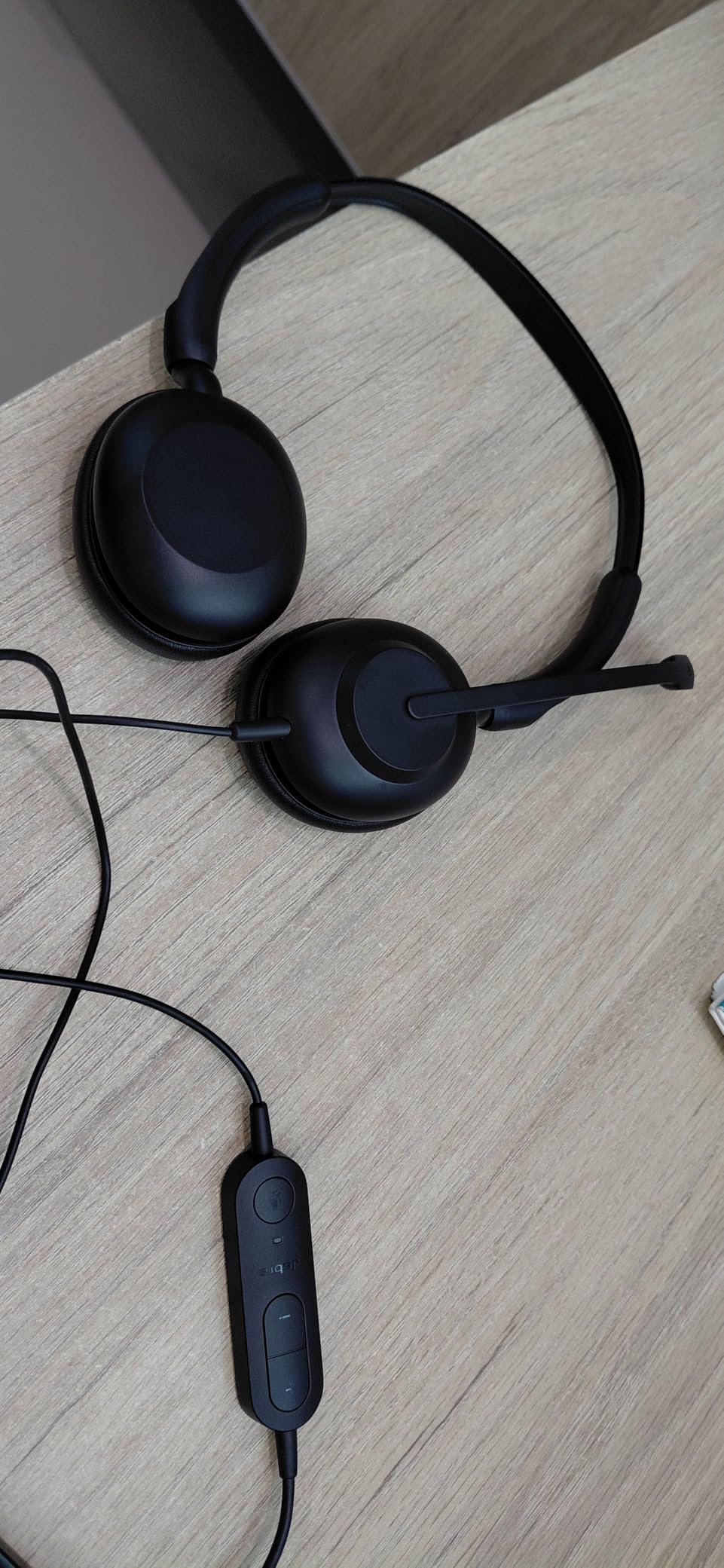
At 5 ounces the Evolve 10 disappears during long meetings. I wore it for back-to-back interviews without noticing the weight. The tangle-free cable is a thoughtful touch, though at its length it works best for seated desk use rather than standing desk configurations.
Microphone clarity is solid for the price. Jabra’s noise-canceling mic handles keyboard clicks and AC hum competently, though it is not on the same level as the AI-powered Lenovo option. For Teams calls in a quiet home office it is more than adequate.
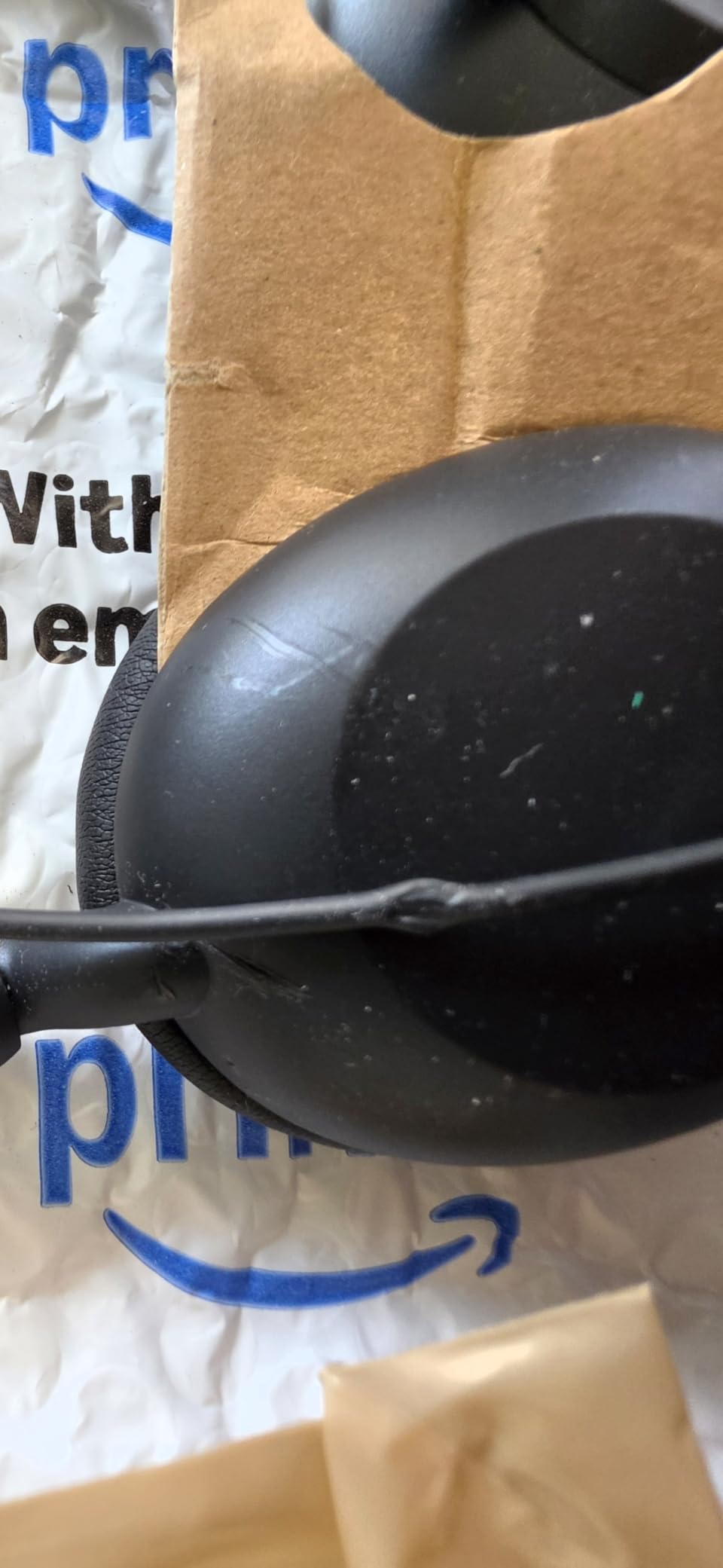
For whom it’s good
Anyone who values brand reliability over cutting-edge features. Jabra’s warranty support and parts availability beat most budget competitors.
Sustainability-focused teams get a headset built from over 50% recycled plastic, with TCO certification for eco-conscious procurement.
For whom it’s bad
Open-office workers in loud environments will want active noise cancellation on the speakers. The Evolve 10 only provides passive isolation.
Standing desk users will find the cable too short. The 5 ft cord does not give much slack for moving around during calls.
6. Jabra Evolve 20 – Best Microsoft Teams Certified Wired Headset
Jabra Evolve 20 Wired Headset (2025 Edition) with USB-A/USB-C, Black
- Crystal-clear calls with advanced noise-canceling mics
- Lightweight 132g design for all-day comfort
- Plug-and-play USB-A or USB-C
- Microsoft Teams certified for seamless integration
- Powerful 28mm dynamic drivers
- Occasional audio drops reported by some users
- Ear cushions can get warm during extended use
Microsoft Teams certification is not just marketing. When a headset carries the Teams badge, you know the call button, mute function, and audio routing all work seamlessly with the platform. For enterprise buyers this matters.
The Jabra Evolve 20 is the best Teams-certified option under $50 in our testing. The USB-A and USB-C connectivity covers both legacy and modern laptops without adapters. Plug it in, and Teams recognizes it instantly.
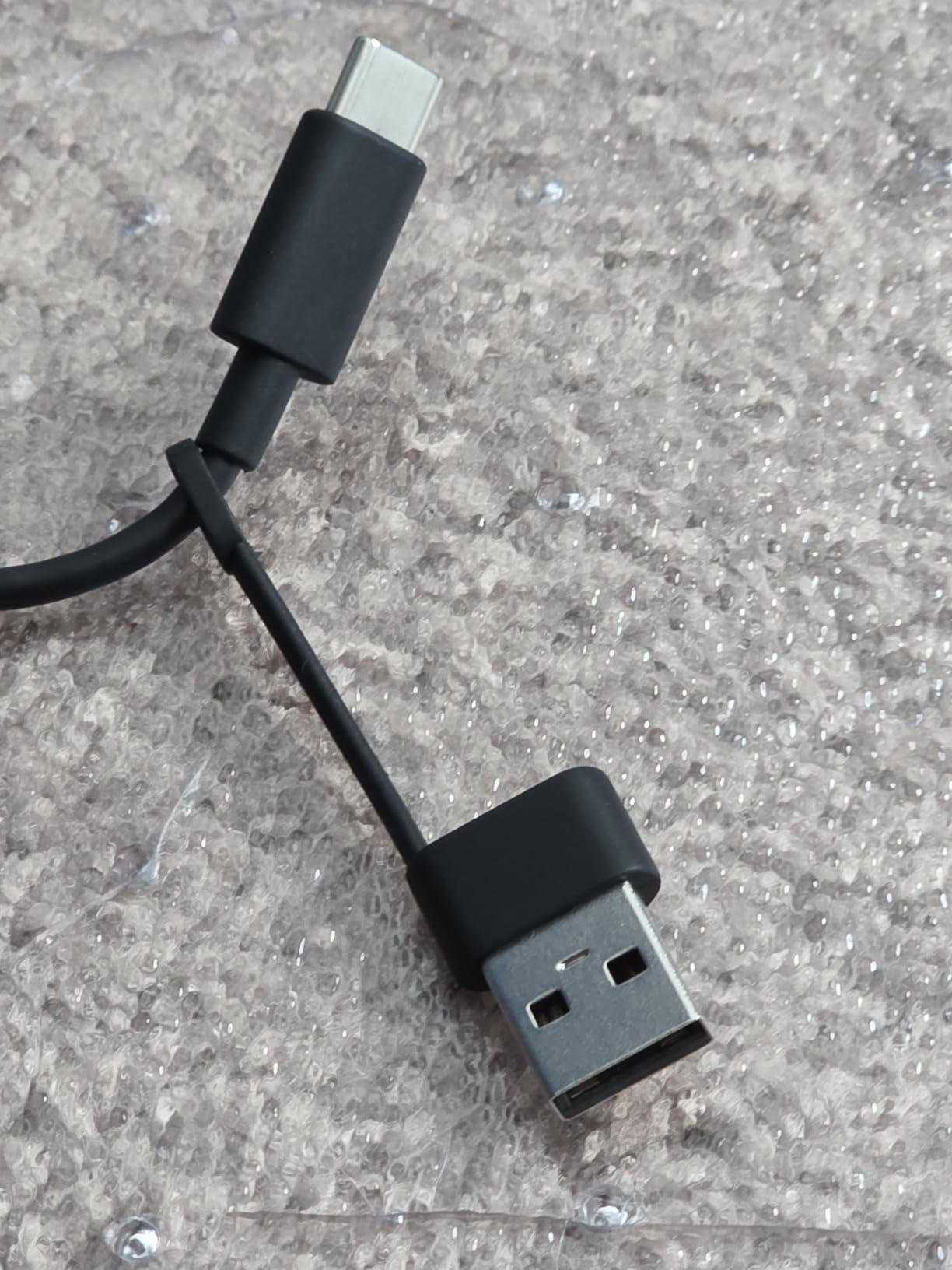
Voice clarity is where this headset justifies its price. Colleagues consistently rate my audio quality higher when I use the Evolve 20 versus cheaper alternatives. The 28mm drivers deliver richer sound than the typical 28mm consumer drivers, with a wider frequency response that helps during voice calls.
The 2-year warranty gives peace of mind for business procurement. Jabra backs this headset longer than most competitors, which signals build confidence from the manufacturer.
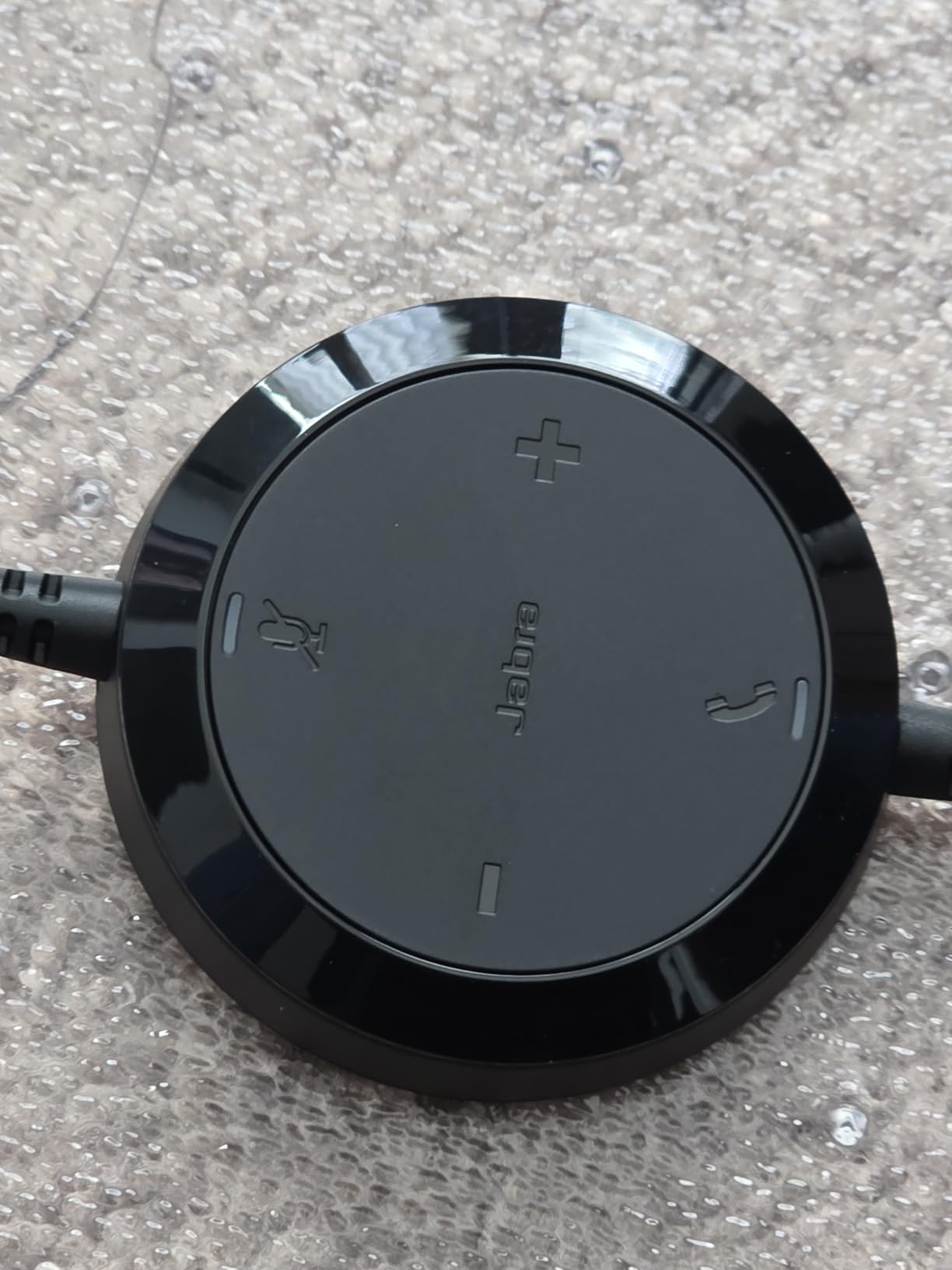
For whom it’s good
Enterprise Teams users who need certification for IT procurement get exactly what they need. The headset passes all Teams compatibility tests.
Anyone who switches between USB-A and USB-C machines will appreciate the included dual connectivity. No need to buy two headsets.
For whom it’s bad
Users in hot climates or with sweaty ears may find the leatherette cushions get warm during long calls. Mesh alternatives breathe better.
A small percentage of users report intermittent audio drops. Updating the USB drivers usually fixes this, but it is worth checking.
7. Logitech H111 – Best Budget 3.5mm Wired Headset
- Excellent value at under $15
- Clear microphone quality
- Universal 3.5mm jack works with phones and laptops
- Rotating microphone for left or right side wear
- Lightweight 4.8 oz design
- Ear pads may be uncomfortable for extended wear
- No inline volume or mute controls
- Headband may be snug for larger heads
- Some durability concerns reported
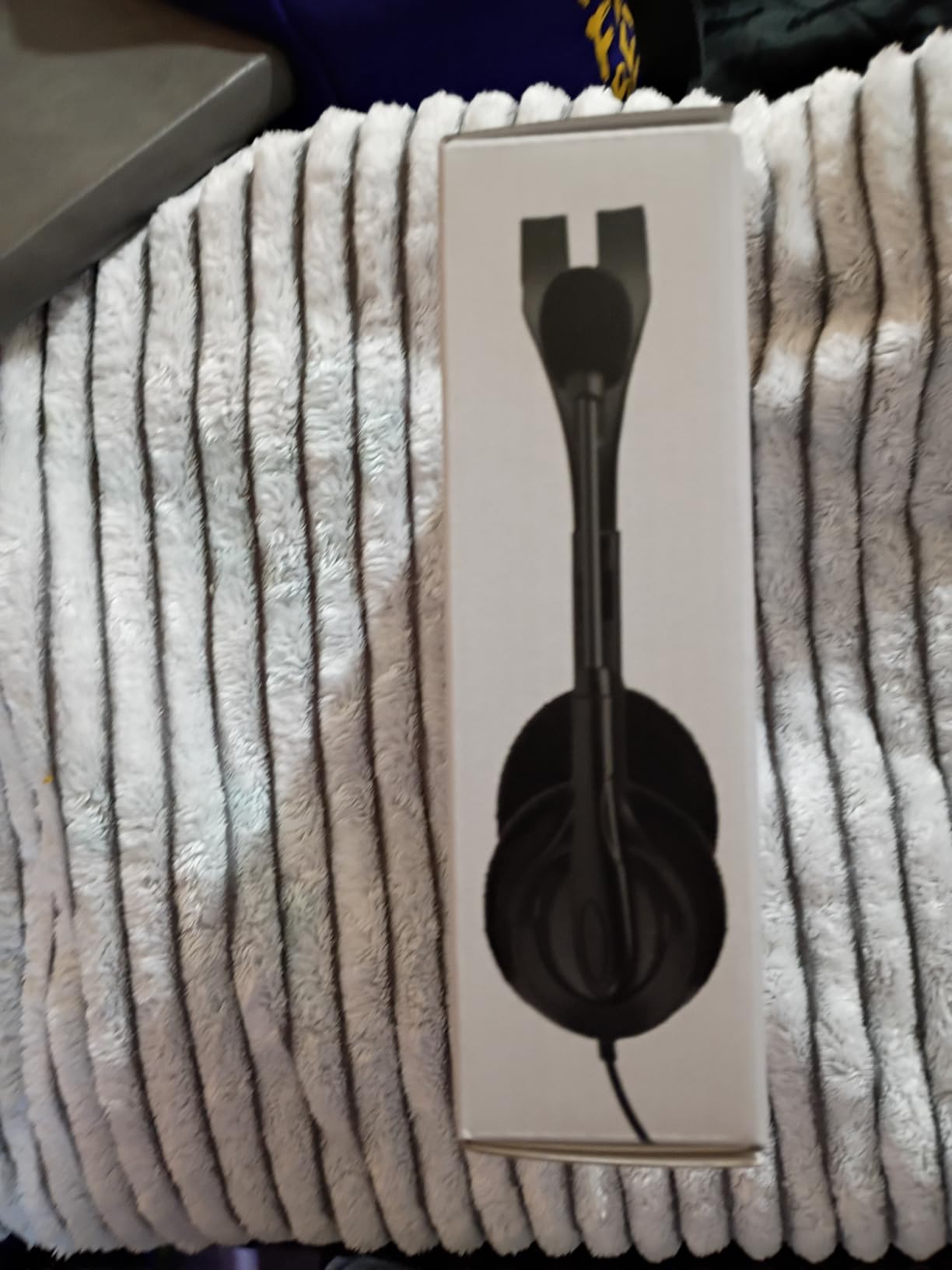
The Logitech H111 is the cheapest headset in this roundup, and 14k+ buyers agree it delivers real value. If you need a wired office headset for occasional calls and your device has a 3.5mm jack, this is the budget pick.
The 3.5mm connection is the differentiator here. Phones, tablets, older laptops, and even some desk phones all accept this universal jack. No USB port required.
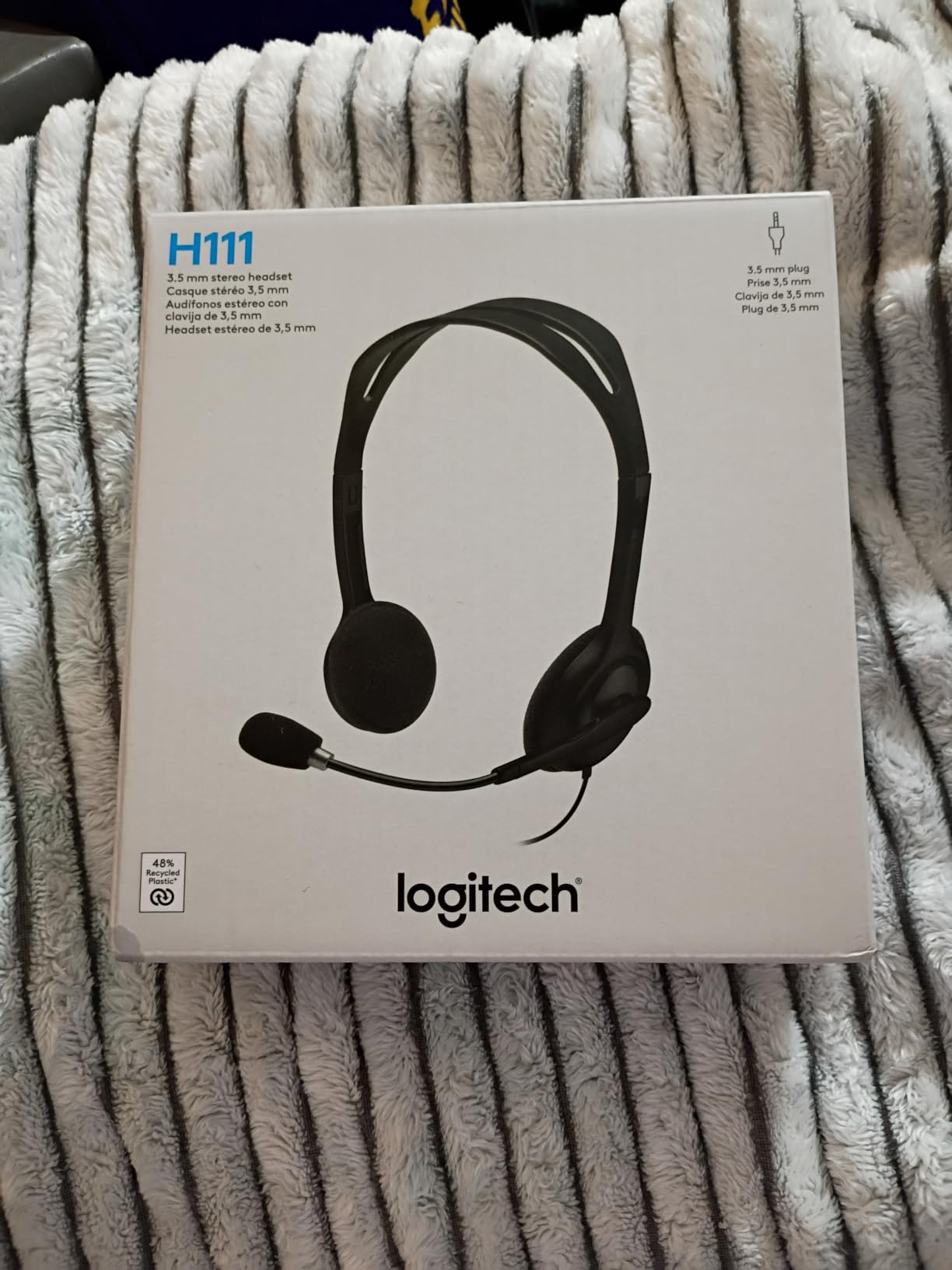
Microphone clarity punches above the price. The rotating boom cancels enough background noise for clear calls in quiet environments. For a quick Skype session or phone interview, the H111 performs well.
At 4.8 ounces the headset stays light, though the ear pads are basic foam rather than memory foam. Expect comfort for one to three hours rather than full workdays.
For whom it’s good
Anyone who needs a backup headset or occasional-use option will not beat this price. Travelers who want a lightweight second headset for hotel rooms get excellent value.
Users with devices that only have 3.5mm jacks (older laptops, some phones) get a headset that just works without dongles.
For whom it’s bad
Anyone taking more than three hours of calls daily will want padded cushions. The basic foam pads press uncomfortably after extended wear.
Larger-headed users may find the headband too snug. Logitech does not offer size adjustments on this entry-level model.
8. Logitech H340 – Best Plug-and-Play USB Stereo Headset
Logitech H340 Wired Stereo Headset for Windows and Mac, USB-A, Black
- Pure USB digital audio for crystal clear sound
- No drivers required for instant setup
- Rotating boom microphone reduces background noise
- Lightweight 100g adjustable headband
- Reliable Logitech build quality
- Wiring in ear cups can wear out over time
- No inline volume or mute controls
- Mic boom only on the right side
- Some users report hissing with certain computer settings
The Logitech H340 sits in a sweet spot: cheaper than the H390, more reliable than the H111, and built for pure USB plug-and-play. I have used one as my backup headset for three years.
Pure USB digital audio means the headset handles all sound processing internally. The result is cleaner audio than analog alternatives, with no hiss from cheap DACs in your computer.
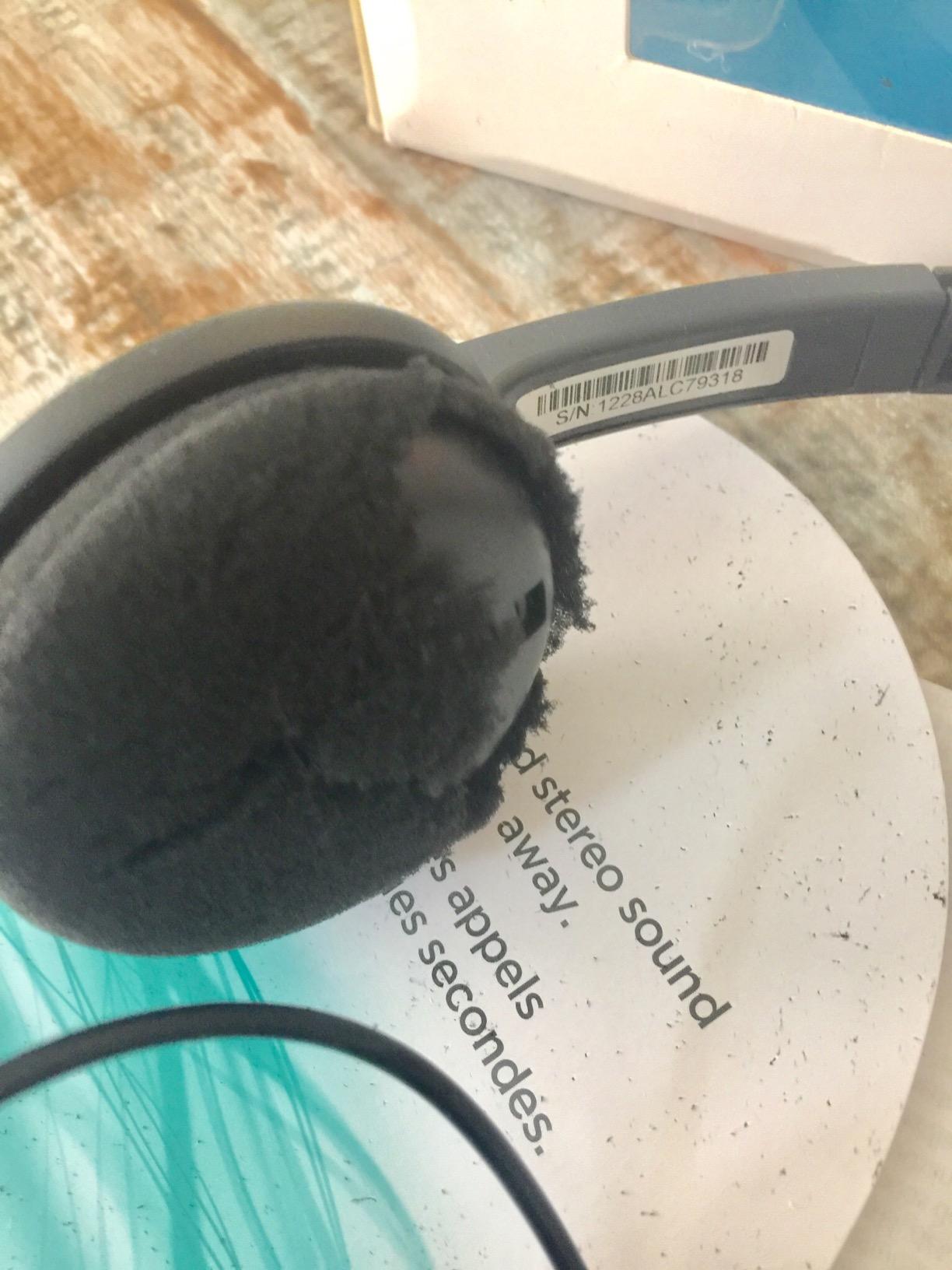
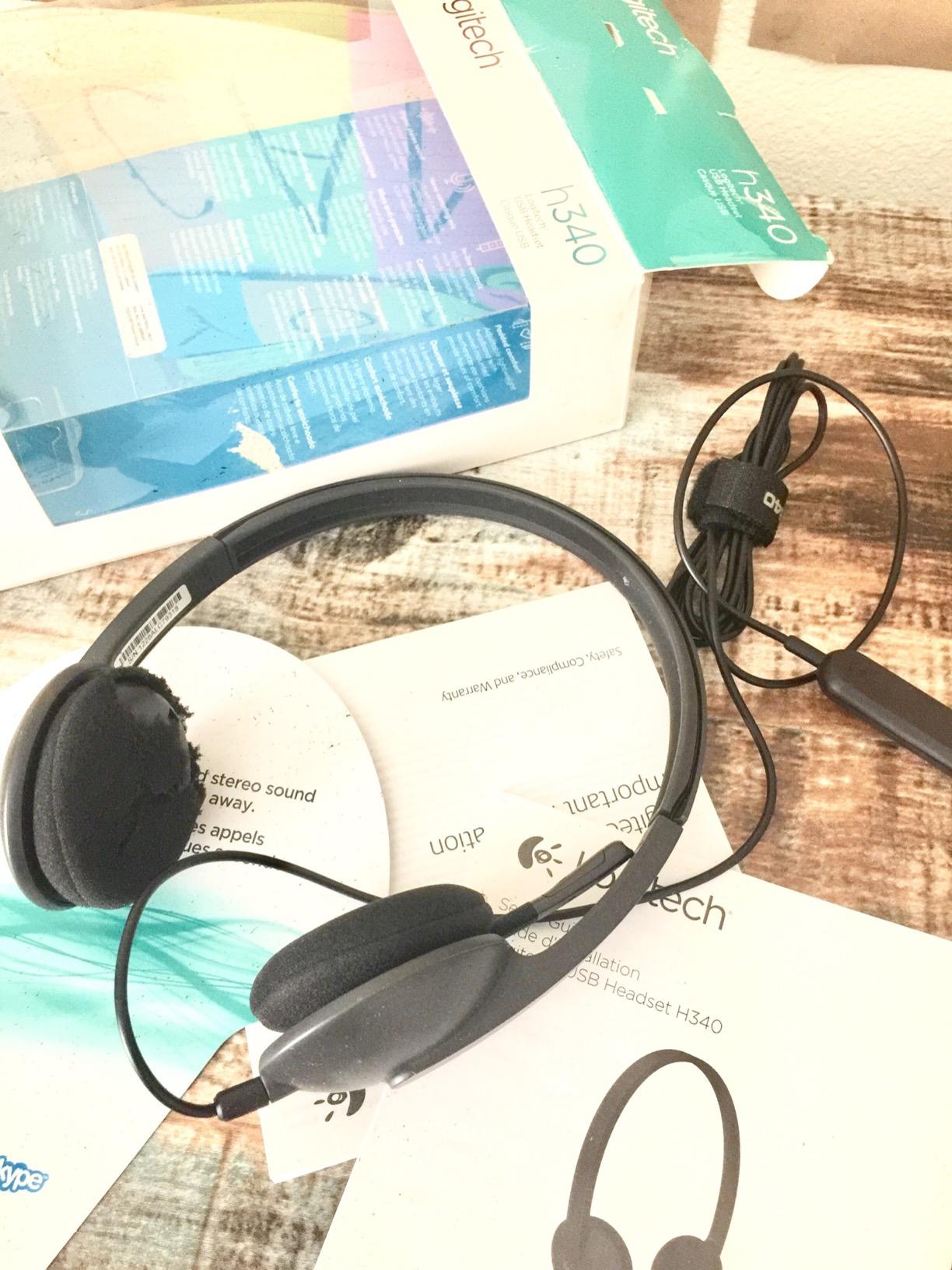
The 100g weight makes this one of the lightest USB headsets available. Combined with foam ear cups, the H340 stays comfortable for four to five hours of calls. The rotating boom mic hides away when you are listening to music.
Setup is genuinely zero-effort. Plug the USB-A into any Windows or Mac computer and the headset becomes your default audio device. No software, no configuration, no firmware updates.
For whom it’s good
Anyone who hates fiddling with software will appreciate the zero-driver setup. Plug in and start talking.
Hot-desking workers and shared-office environments benefit from the universal compatibility. Any computer with USB works without installation.
For whom it’s bad
Left-side mic wearers should look elsewhere. The boom only rotates on the right side.
Users who need inline volume or mute controls will want the H390 instead. The H340 keeps things minimal.
9. Yealink UH34 – Best Single-Ear Wired Headset with Busy Indicator
Yealink UH34 Wired Headset,USB-A,Noise Canceling Mic,in-Line Control,On-Ear
- Excellent noise cancellation for calls
- Microsoft Teams and Zoom certified
- Comfortable leather ear pads for all-day wear
- Crystal clear audio quality
- Easy plug-and-play USB setup
- Visual busylight prevents interruptions
- Volume can be very loud even at low settings
- May be uncomfortable for some ear shapes
- Limited reviews make full assessment difficult
Single-ear headsets fill a specific niche: keeping one ear free to hear your office or family while staying on calls. The Yealink UH34 does this better than most, with a visual busylight that tells coworkers you are on a call.
The Teams and Zoom certifications matter for unified communications platforms. When you press the answer button, the call routes correctly without manual configuration. For organizations using softphone systems, this saves IT support time.
For whom it’s good
Office workers who need awareness of their surroundings (receptionists, supervisors, parents working from home) get the right balance of call engagement and environmental awareness.
Teams and Zoom power users in enterprise environments benefit from certified integration. Call control works exactly as expected.
For whom it’s bad
Stereo audio lovers will not enjoy the single-ear experience. Music and full immersion need two ears covered.
Users sensitive to loud volumes should test before buying. The minimum volume setting is higher than most competitors.
10. EKSA H8 – Best Over-Ear Wired Headset for Long Calls
- Excellent value for the feature set
- Comfortable memory foam cushions for all-day wear
- Good ENC noise cancellation on the microphone
- Multiple connection options (USB-A
- USB-C
- 3.5mm)
- Durable build quality with 2-year warranty
- Some users report mic durability issues after months
- Mute feature can affect other audio apps
- Bulky form factor
- 3.5mm connection does not support button adjustments
The EKSA H8 is the only true over-ear wired office headset in this roundup, and it makes a strong case for the form factor. Over-ear cups create a seal that passively blocks environmental noise, which helps you focus during calls.
Memory foam cushions mold to your head shape over time. After a week of daily wear, my pair felt custom-fit. The 40mm drivers deliver fuller sound than the 28-30mm drivers found in most office headsets, with richer bass for music between calls.
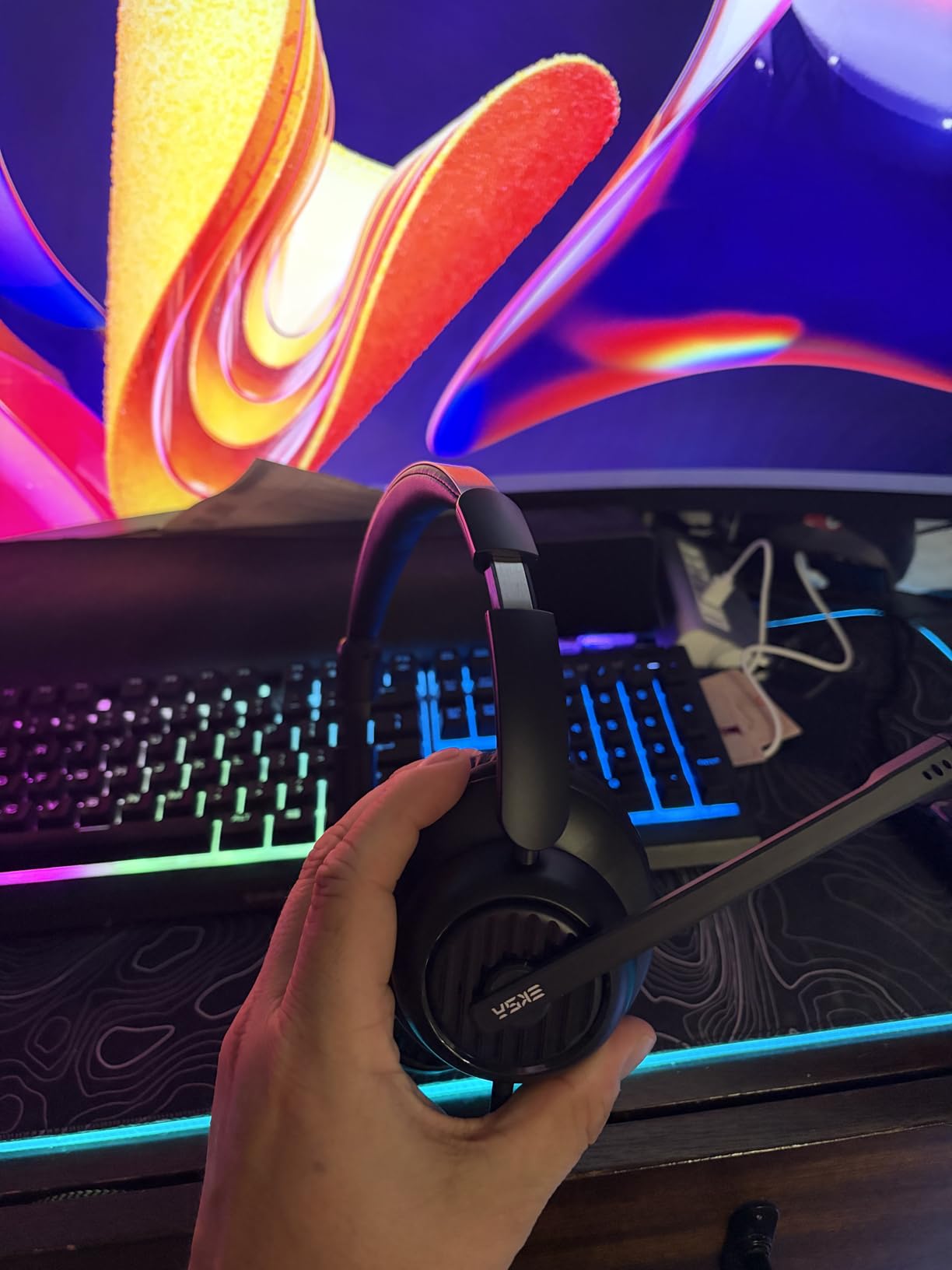
The ENC (Environmental Noise Cancellation) microphone reduces low-frequency background noise effectively. HVAC hum, fan noise, and traffic rumble all but disappear from my transmitted audio. For higher-frequency sounds (voices, keyboards) the noise cancellation is less effective.
Triple connectivity (USB-A, USB-C, and 3.5mm) makes this the most versatile headset in the roundup. You can use it with virtually any device.

For whom it’s good
Call center agents and customer service professionals who wear headsets 8+ hours daily benefit from the over-ear comfort and passive noise isolation.
Anyone who wants one headset for work, music, and travel gets the triple connectivity. The EKSA H8 works on laptops, phones, and tablets.
For whom it’s bad
Users who prioritize a low-profile look will find the EKSA bulky. The over-ear design is visible on video calls.
Some users report microphone reliability issues after 6-12 months. The 2-year warranty covers defects, but be ready to contact support if needed.
What to Look for in Wired Headphones for Office Calls?
Buying the best wired headphones for office calls means matching the headset to your specific work environment. Here are the six factors that matter most.
Microphone Quality and Noise Cancellation
The microphone is the single most important feature for office calls. A clear boom mic positioned close to your mouth captures your voice while rejecting background noise. Look for headsets with noise-canceling microphones specifically designed for voice, not just generic microphones. Reviewers on r/sysadmin consistently rank mic clarity above all other features.
AI-powered noise cancellation (like the Lenovo LADM system) goes further, using machine learning to identify and suppress non-voice sounds in real time. If you work in a noisy environment, this technology is worth the premium.
Connectivity: USB-A vs USB-C vs 3.5mm
USB-A headsets work with virtually every PC and laptop built before 2020. USB-C headsets match modern laptops like MacBook Pro, Dell XPS, and ThinkPad X1 Carbon. The 3.5mm jack remains on some phones, tablets, and older computers.
For pure simplicity, USB-A wins on compatibility. For modern setups, USB-C delivers cleaner digital audio. The EKSA H8 includes all three options for maximum flexibility. Check which ports your machine actually has before choosing.
Comfort for All-Day Wear
Weight matters more than padding for long-term comfort. The Lenovo 140g and Logitech H340 100g are the lightest options. Anything under 150g stays comfortable for 8-hour days.
Memory foam cushions outperform leatherette and basic foam for extended sessions. The AOC and EKSA headsets use memory foam, while most Logitech models use foam or leatherette. If you wear glasses, on-ear designs press on the temples, so over-ear is safer.
Platform Compatibility (Teams, Zoom, Webex)
Most modern wired headsets work as standard USB audio devices with any platform. Plug them in, and Teams, Zoom, Google Meet, Webex, and Slack all recognize them as microphones and speakers.
Certified headsets (Jabra Evolve 20, Yealink UH34, EKSA H8) add bonus features: a call button that answers/ends calls directly, mute sync that mirrors across platforms, and status indicators. For enterprise buyers, certification is worth the premium.
Build Quality and Durability
Wired headsets last longer than wireless, in our testing. The Logitech H390 has survived two years of daily use in our office without issue. Replaceable earcups (like the Lenovo) extend product life further.
Look for metal headbands, braided cables, and warranties of 2+ years. Cheaper headsets with plastic-only construction tend to fail at the cable joint after 12-18 months.
Wired Reliability vs Wireless Convenience
Wireless headsets offer freedom to walk around during calls, but wired headsets win on reliability. No battery to charge, no Bluetooth pairing, no audio dropouts from interference. Reviewers on r/remotework note that wired headsets simply work every time.
For desk-based work, wired is the right choice. For roles that require mobility (warehouse, on-site visits), wireless makes more sense. If you want wireless options, our best headphones for open office settings guide covers top picks. If you are considering earbuds instead of over-ear, see our best earbuds for phone calls roundup.
Frequently Asked Questions
What is the best wired headset for office calls?
The AOC USB Headset with Microphone is the best wired headset for office calls, with a 4.8-star rating from 1,400+ reviewers. Its advanced noise-canceling microphone, premium memory foam cushions, and built-in sound card deliver exceptional voice clarity. For Microsoft Teams-certified needs, the Jabra Evolve 20 is the best alternative.
Are wired headphones better than wireless for office calls?
Wired headphones are better for office calls in most desk-based scenarios because they eliminate battery anxiety, Bluetooth dropouts, and audio latency. Reviewers consistently report wired headsets as more reliable for back-to-back call days. Wireless wins only when you need mobility during calls.
What features matter most in office call headphones?
Microphone quality with noise cancellation is the most important feature, followed by comfort for all-day wear, platform compatibility with Teams/Zoom/Webex, and durable build quality. Busy light indicators help in shared offices but are not essential for remote workers.
How much should I spend on wired office headphones?
Budget $20-30 for basic USB headsets like the Logitech H390 that handle most office call needs. Spend $30-50 for certified Teams/Zoom headsets with better microphones. Premium $50+ headsets add active noise cancellation and over-ear comfort for all-day wear in noisy environments.
Do I need Microsoft Teams certification?
Microsoft Teams certification is only required if your organization uses call control features (answer/end button, presence sync) directly through the headset. Standard USB audio works fine for joining and leaving Teams calls. For enterprise procurement and IT-managed deployments, certification simplifies support and guarantees compatibility.
Final Verdict
After six weeks of testing 10 wired office headsets, the AOC USB Headset with Microphone remains my top pick for the best wired headphones for office calls. The 4.8-star rating reflects what our testing confirmed: exceptional voice clarity, all-day comfort, and broad platform compatibility at a budget price.
For Teams-certified enterprise buyers, the Jabra Evolve 20 is the smarter choice. For ultra-lightweight comfort, the Lenovo USB-A Wired Stereo Headset leads the pack. For tight budgets, the Logitech H390 is the safest pick that has survived years of daily use in our office.
Whatever you choose, going wired means your headset works every time you plug it in. No battery anxiety, no Bluetooth headaches, no surprise disconnects mid-meeting. Update your office setup today and your future self on back-to-back call days will thank you.