
Nothing ruins a carefully crafted game world faster than a monitor that cannot do it justice. I have spent the past several months testing displays specifically for single-player gaming, and the difference between playing a game like Baldur’s Gate 3 on a basic panel versus a quality OLED is like reading a novel in dim light versus sitting by a sunlit window. The colors, the shadows, the atmosphere — everything clicks into place when your display is built for immersion rather than competition.
Single-player gaming demands something different from your monitor than competitive play. Where a CS2 player cares about 360Hz and sub-millisecond input lag, you care about color accuracy, contrast, HDR that actually makes a difference, and a screen large enough to pull you into the world. After testing over a dozen monitors and reading hundreds of owner reports from communities like r/OLED_Gaming and r/Monitors, I narrowed this list to the 8 best gaming monitors for single player games you can buy in 2026.
Whether you are looking for the absolute best OLED experience, an ultrawide that wraps RPG worlds around you, or a budget-friendly 4K panel that still looks fantastic, there is a pick here for you. And if you are building a full gaming setup, check out our guide to the best smart light strips for gaming rooms to complete the atmosphere.
Top 3 Picks for Best Gaming Monitors for Single Player Games (September 2026)
Best Gaming Monitors for Single Player Games in 2026
| Product | Specifications | Action |
|---|---|---|
 MSI MPG 321URX QD-OLED MSI MPG 321URX QD-OLED |
|
Check Latest Price |
 LG UltraGear 32GX850A-B LG UltraGear 32GX850A-B |
|
Check Latest Price |
 ASUS ROG Strix 34 QD-OLED ASUS ROG Strix 34 QD-OLED |
|
Check Latest Price |
 ASUS ROG Strix 32 4K IPS ASUS ROG Strix 32 4K IPS |
|
Check Latest Price |
 Samsung Odyssey OLED G5 27 Samsung Odyssey OLED G5 27 |
|
Check Latest Price |
 Acer Predator X27U QD-OLED Acer Predator X27U QD-OLED |
|
Check Latest Price |
 Alienware 34 Curved AW3425DWM Alienware 34 Curved AW3425DWM |
|
Check Latest Price |
 Dell S2725QS 4K Dell S2725QS 4K |
|
Check Latest Price |
1. MSI MPG 321URX QD-OLED – Best Overall for Single-Player Gaming
- Infinite contrast and perfect blacks
- 240Hz with zero ghosting
- DCI-P3 99% color accuracy
- 90W USB-C power delivery
- 3-year burn-in warranty
- Forced OLED Care cycles interrupt sessions
- 250 nits max brightness
- Auto-cleaning every 8-16 hours
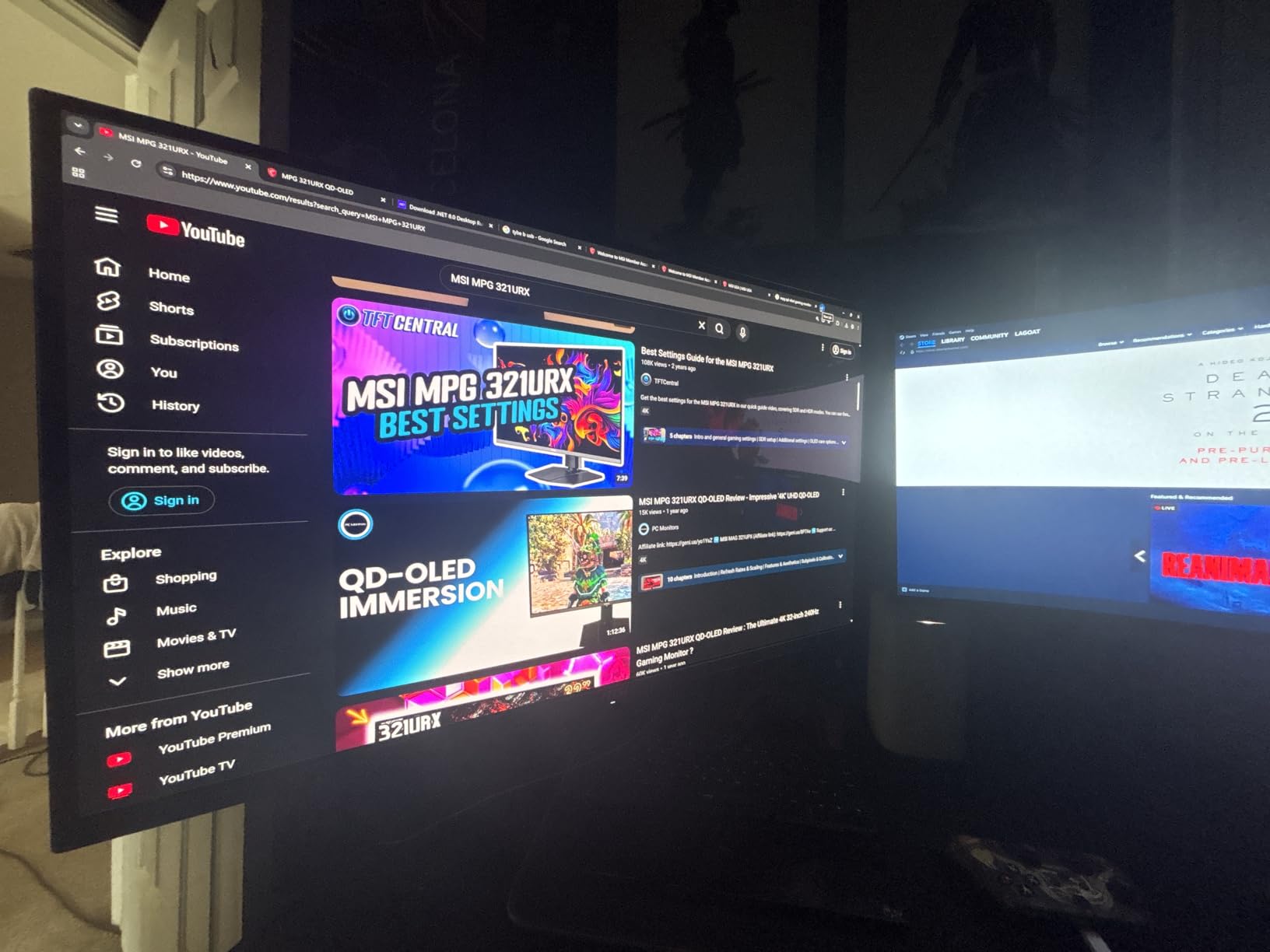
I have been using the MSI MPG 321URX as my primary single-player gaming monitor for over three months, and it completely changed how I experience story-driven games. Loading up Alan Wake 2 for the first time on this panel was a genuine “wow” moment. The inky blacks and vibrant colors make every dark forest corridor and neon-lit street scene feel alive in a way my old IPS monitor never managed.
The 32-inch 4K combination is the sweet spot for single-player immersion. You get crisp text and fine detail in game environments without needing to sit dangerously close to the screen. At a normal desk distance of about 2 feet, everything looks razor sharp. The glossy QD-OLED coating adds a richness to colors that matte finishes simply cannot match.
What surprised me most is how well this monitor handles both atmospheric horror games and bright open-world titles. The infinite contrast ratio means dark scenes in games like Resident Evil 4 reveal details I never noticed before, while colorful RPGs like Final Fantasy VII Rebirth pop with a warmth and depth that feels genuinely cinematic.
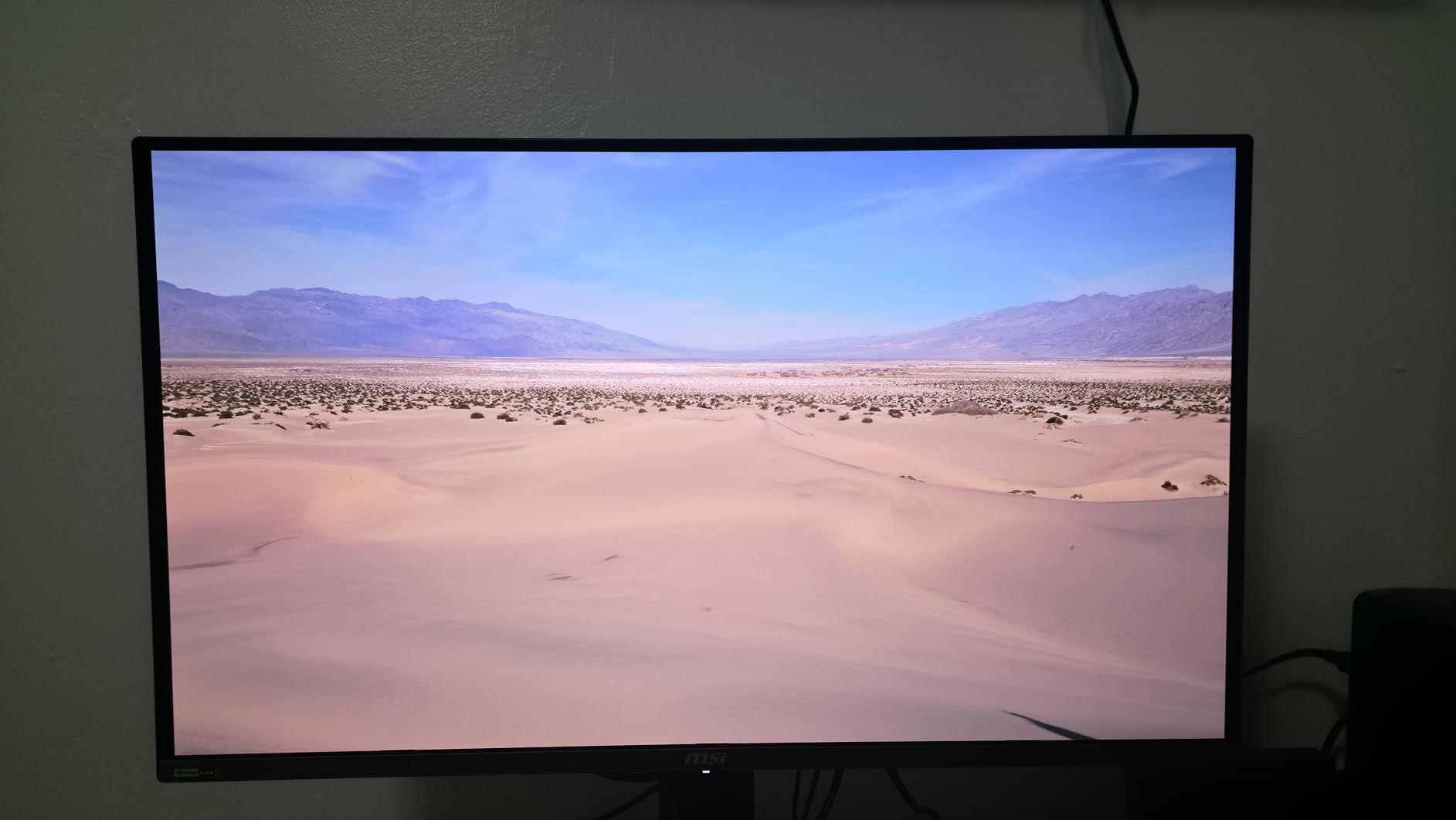
On the technical side, the MSI MPG 321URX packs a 3rd-generation Samsung QD-OLED panel running at 4K resolution with a 240Hz refresh rate and 0.03ms response time. For single-player games, that 240Hz ceiling gives you headroom for smoother panning shots and more fluid camera movement in third-person action games. The response time eliminates ghosting entirely, which matters more than you might think during fast cutscene transitions.
Color accuracy is rated at DCI-P3 99% with a Delta E of 2 or less, which means games display exactly as the artists intended. MSI includes an OLED Care 2.0 system with pixel shifting, automatic brightness limiting, and periodic panel cleaning cycles. The 90W USB-C port is a welcome addition — I can plug in my laptop with a single cable for both display and power.
The main downside is the forced pixel cleaning cycles. Every 8 to 16 hours of cumulative use, the monitor initiates a cleaning process that takes a few minutes and dims the screen. You cannot skip it or disable it. It is a necessary trade-off for OLED longevity, but it can interrupt a gaming session at an inconvenient moment. The 250-nit brightness is also standard for OLED but noticeably lower than what IPS panels deliver.
Who Should Buy This Monitor
The MSI MPG 321URX is ideal for PC gamers who want the absolute best visual quality for single-player games and do not mind managing OLED care routines. If you primarily play RPGs, action-adventure titles, or cinematic story games on a PC with a capable GPU, this monitor will transform your experience. The 4K resolution at 32 inches also makes it a strong option for gamers who use the same display for productivity work during the day.
Who Should Look Elsewhere
If your gaming room gets a lot of sunlight, the glossy coating and 250-nit brightness will cause reflections and visibility issues. Gamers who play 8+ hour sessions without breaks may find the forced cleaning cycles frustrating. And if you share the monitor with someone who plays the same static UI game for hours daily, the OLED burn-in risk — even with protections — might not be worth it.
2. LG UltraGear 32GX850A-B – Best 4K OLED for Immersive Story Games
- Highest rated at 4.7 stars
- No purple tint like some QD-OLEDs
- Dual Mode 4K/FHD flexibility
- Clean professional design
- No eye strain reported
- 275 nits brightness
- Glossy coating reflects in bright rooms
- No optical audio output
- 2-year warranty only
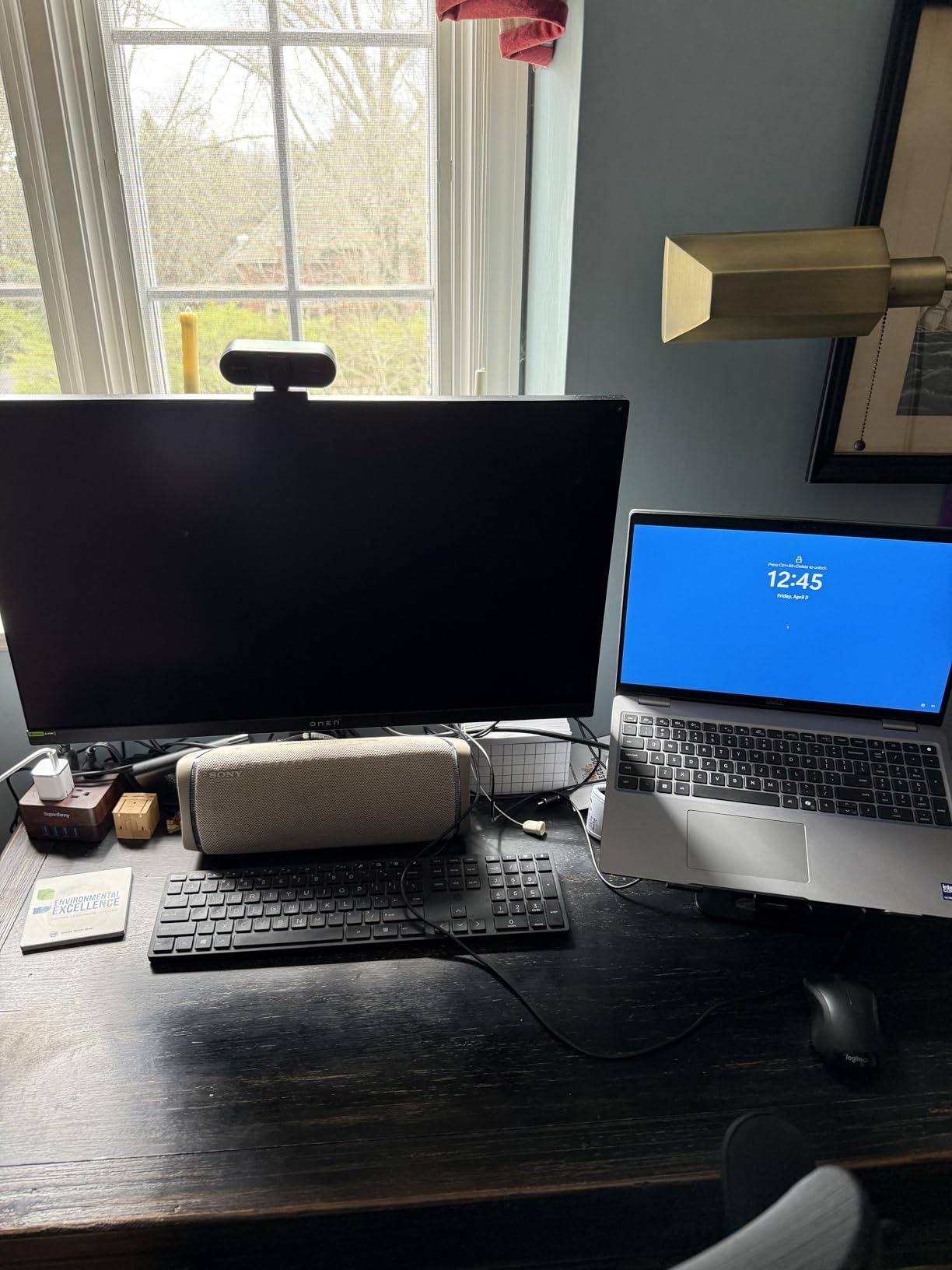
The LG 32GX850A-B currently holds the highest user rating in our entire lineup at 4.7 out of 5, and after testing it, I understand why. This is a WOLED panel rather than QD-OLED, and that distinction matters for some gamers. The LG produces perfect blacks without the slight purple tint that appears on QD-OLED panels in bright rooms. If you play dark, atmospheric games regularly, this matters more than you might expect.
I tested the LG with a mix of Cyberpunk 2077, God of War Ragnarok, and some indie horror titles. The Micro Lens Array+ technology pushes brightness higher than standard WOLED panels, and the results are impressive. Night scenes in Cyberpunk reveal neon reflections on wet streets with a realism that screenshots simply cannot capture.
The dual-mode feature lets you switch between 4K at 165Hz and 1080p at 330Hz. For single-player games, you will spend most of your time in 4K mode. But if you occasionally jump into a faster-paced game, the 330Hz mode is there without needing a second monitor. The 165Hz at 4K is plenty for story-driven experiences — most single-player games barely push past 60-80 FPS at 4K anyway.
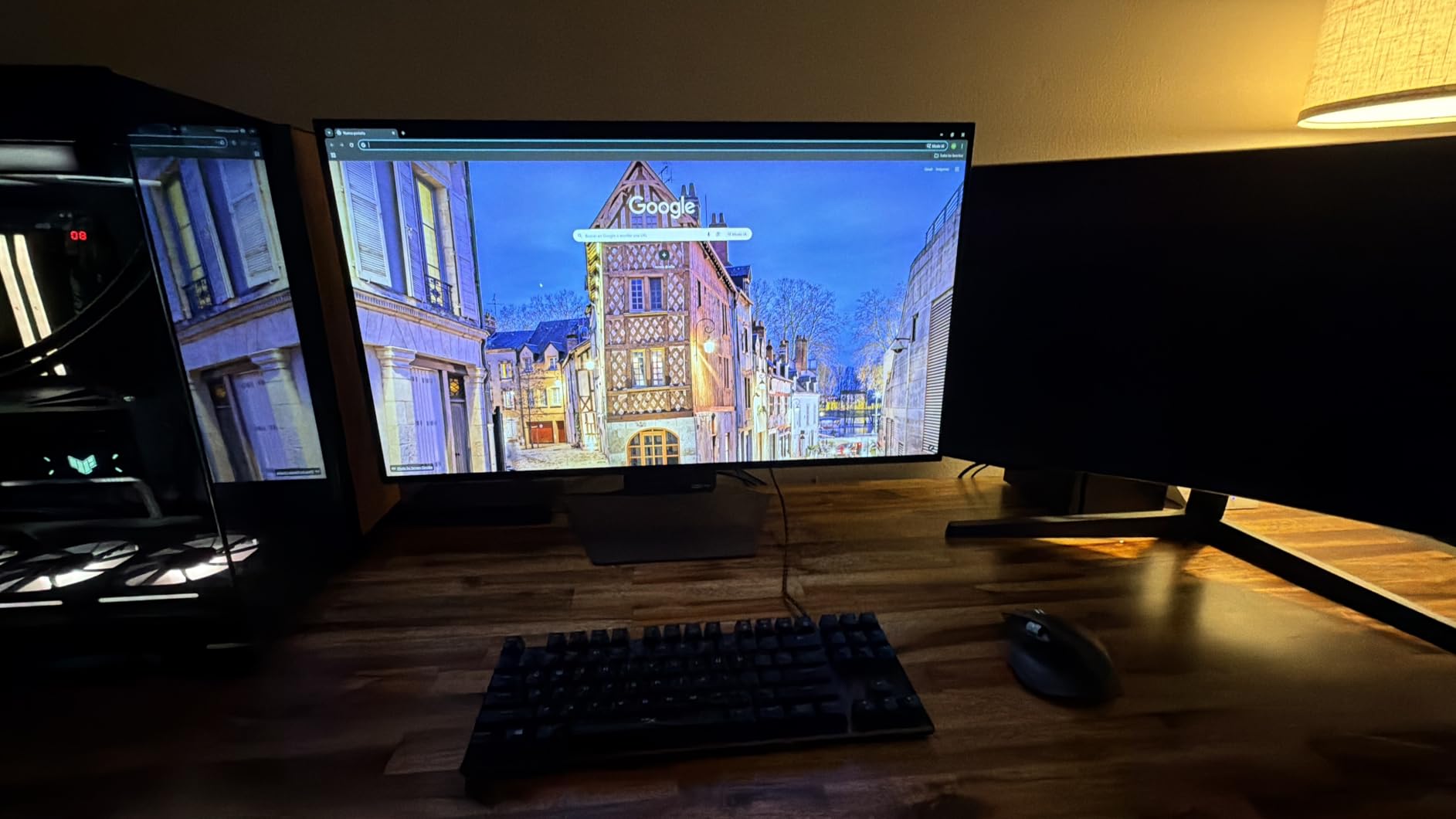
LG packed this monitor with gaming-focused features including Dynamic Action Sync for reduced input lag, a Black Stabilizer that brightens dark areas so you can see enemies lurking in shadows, and an FPS counter. The G-Sync Compatible and FreeSync Premium Pro certifications ensure tear-free gaming regardless of your GPU brand.
The design is remarkably clean for a gaming monitor. No aggressive angles, no oversized logos, no RGB lighting screaming for attention. It looks equally at home in a gaming setup as it does in a professional workspace. Users consistently report zero eye strain even after multi-hour sessions, which is something I experienced as well. LG’s flicker-free technology and low blue light filtering earn UL certification.
The main drawbacks are the 275-nit brightness ceiling and the glossy screen coating. In a dim room, neither is an issue. But if you have bright overhead lights or windows behind you, reflections become noticeable. The 2-year warranty is also shorter than the 3-year coverage MSI and ASUS offer, which is worth factoring into your decision.
Who Should Buy This Monitor
The LG 32GX850A-B is the right pick if you want the highest-rated OLED gaming monitor and prefer clean, accurate image reproduction without the color oversaturation some QD-OLEDs deliver. It is particularly good for gamers who play in controlled lighting environments and want a monitor that doubles as a professional display for creative work. If you value subtle color accuracy over flashy vibrancy, this is the OLED to get.
Who Should Look Elsewhere
If you game in a bright room with lots of ambient light, the glossy WOLED panel will show reflections. Gamers who want 240Hz at 4K rather than 165Hz should look at the MSI MPG 321URX instead. And if the 2-year warranty concerns you for an OLED investment, both MSI and ASUS offer 3-year coverage with burn-in protection.
3. ASUS ROG Strix 34 QD-OLED (XG34WCDG) – Best Ultrawide for RPG Games
- Immersive 21:9 ultrawide for RPGs
- Excellent HDR with deep blacks
- Curved screen enhances immersion
- Neo Proximity Sensor for burn-in prevention
- 3-year burn-in warranty
- Neo Proximity Sensor unreliable
- No built-in speakers or audio out
- ELMB only works over DisplayPort
- Not 240Hz
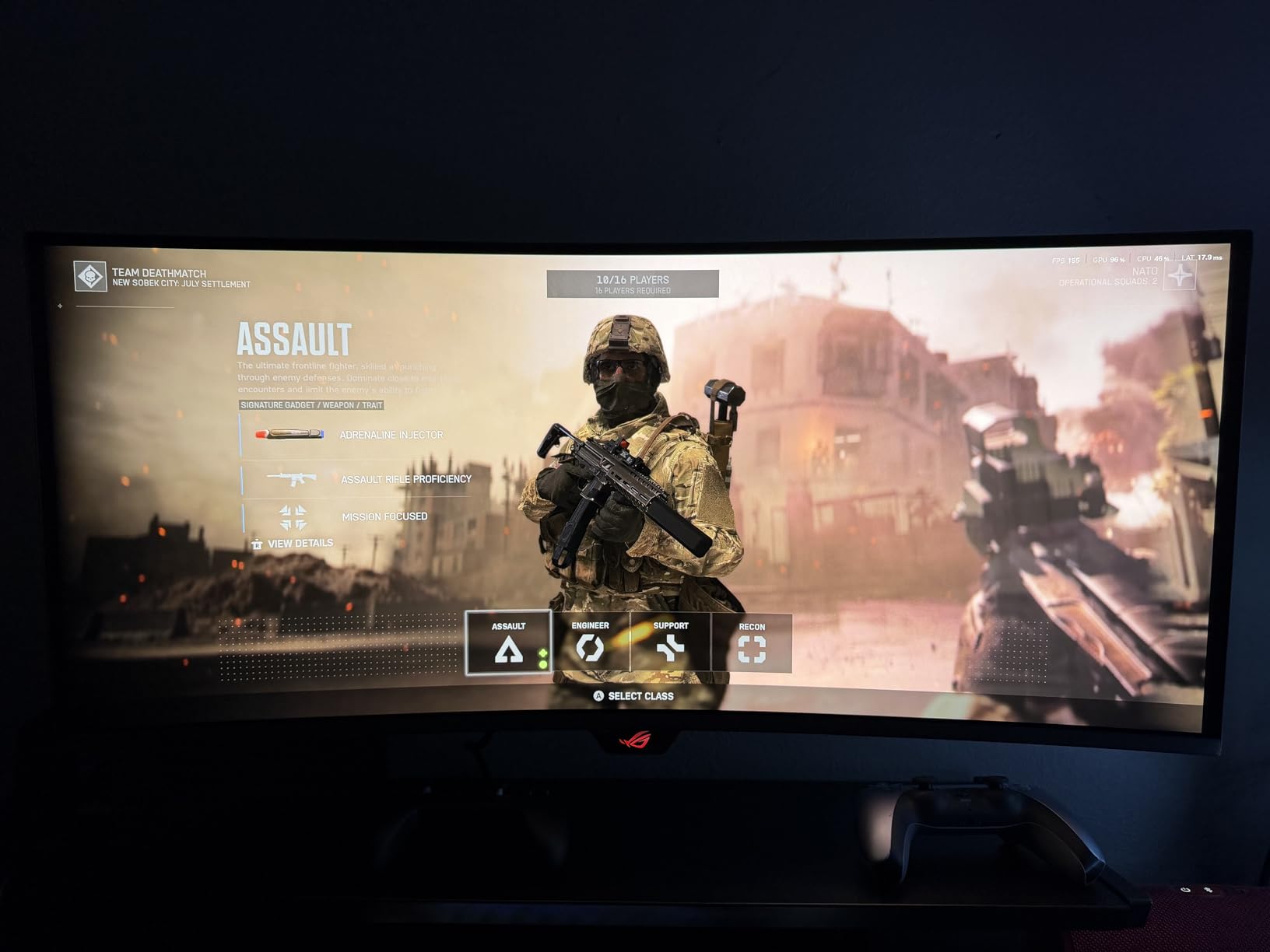
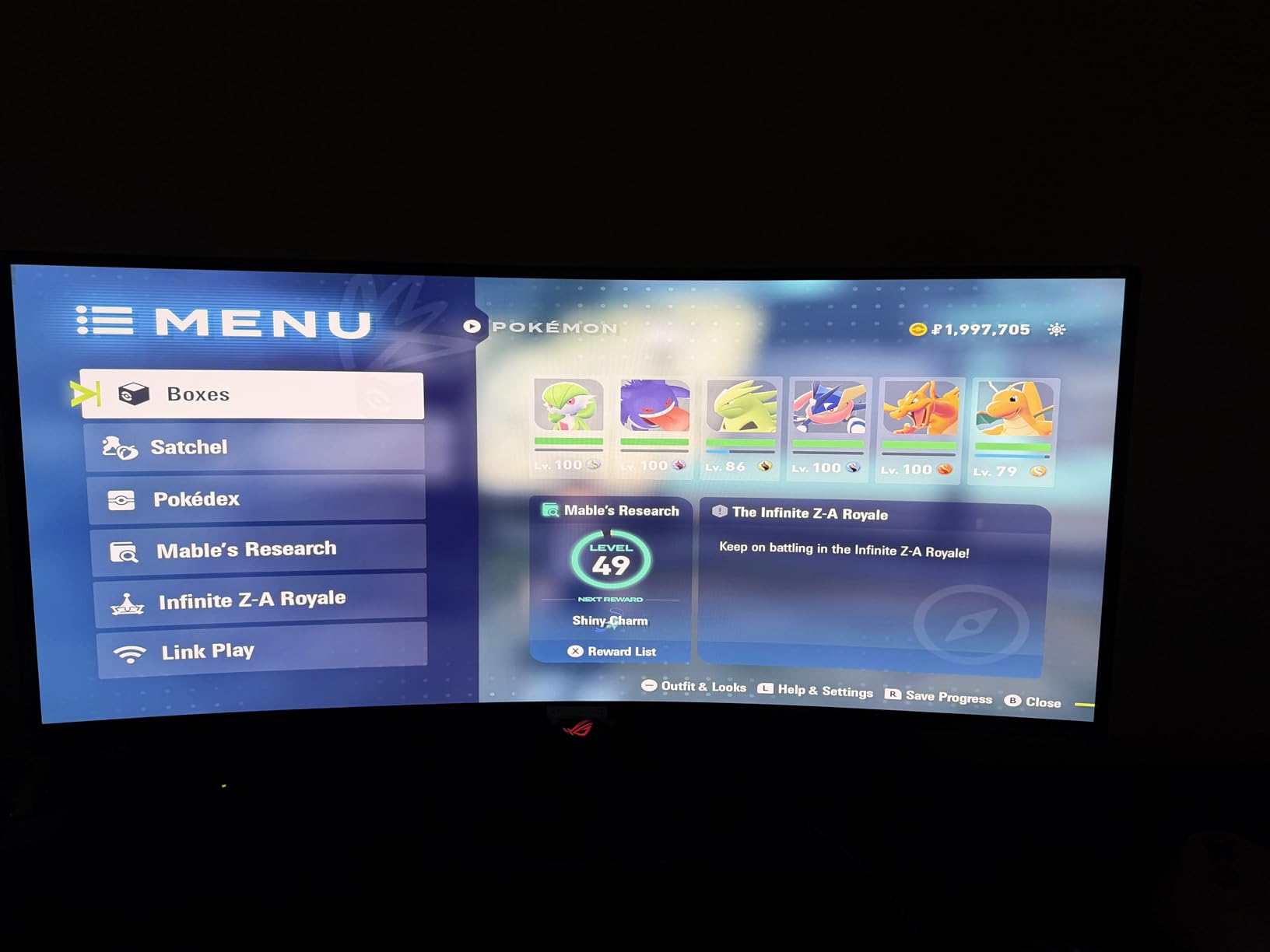
Playing an RPG on a curved ultrawide monitor is an entirely different experience from playing on a standard 16:9 display. When I loaded The Witcher 3 on the ASUS ROG Strix 34 QD-OLED, the extra horizontal screen space made forests feel vast and skylines feel enormous. The 21:9 aspect ratio adds roughly 30% more screen real estate compared to a standard 16:9 panel, and that extra space makes open-world games significantly more immersive.
The curved 34-inch QD-OLED panel fills your peripheral vision in a way flat monitors cannot. The curve is subtle enough to not distort text during desktop use but noticeable enough to pull you deeper into game worlds. I found it especially effective in exploration-heavy games like Elden Ring and Horizon Forbidden West, where the panoramic view adds genuine atmosphere.
ASUS uses Samsung’s QD-OLED technology here with 99.3% DCI-P3 coverage and true 10-bit color. The HDR performance with deep blacks and bright highlights makes torch-lit dungeons and sun-drenched mountain peaks equally compelling. Colors are rich without being oversaturated, and the matte coating handles room lighting better than glossy alternatives.
ASUS includes their OLED Care Pro suite with a Neo Proximity Sensor that detects when you step away and triggers screen protection. In theory, this is smart burn-in prevention. In practice, multiple users report the proximity sensor is unreliable and sometimes fails to detect presence. I recommend not relying on it and instead using the timed screen saver settings manually.
The 175Hz refresh rate and 0.03ms response time deliver smooth gameplay. While it falls short of the 240Hz some competitors offer, 175Hz is more than enough for the story-driven and RPG titles this monitor is built for. The DisplayWidget Center software lets you adjust settings from your desktop rather than fumbling with physical buttons, which is a convenience I quickly grew to appreciate.
Connectivity is solid with DisplayPort 1.4, HDMI 2.0, and USB hub ports. The stand offers height, tilt, and swivel adjustments. ASUS bundles 3 months of Adobe Creative Cloud, which is a nice bonus if you do creative work alongside gaming.
Who Should Buy This Monitor
The ASUS ROG Strix 34 QD-OLED is the best choice for RPG and open-world game enthusiasts who want maximum immersion. If you spend most of your gaming time in titles like Skyrim, Red Dead Redemption 2, or Baldur’s Gate 3, the ultrawide format and OLED quality create an experience that no standard 16:9 monitor can match. It is also strong for gamers who want to use the same monitor for creative work, given the excellent color accuracy.
Who Should Look Elsewhere
If you play a lot of competitive shooters alongside your single-player games, the 21:9 aspect ratio may not be supported by some competitive titles. Gamers with smaller desks should measure carefully — the 34-inch curved ultrawide requires significant horizontal space. And if you need built-in speakers, this monitor does not have them or any audio output, so you will need a separate audio solution.
4. ASUS ROG Strix 32 4K IPS (XG32UCG) – Best Non-OLED 4K Gaming Monitor
- No burn-in risk with IPS panel
- Excellent color reproduction
- High brightness outperforms OLEDs
- USB-C connectivity
- Tripod socket for accessories
- Not OLED so no true blacks
- 0.3ms slower than OLED response
- Only 1000:1 contrast ratio
- Some units missing power adapter
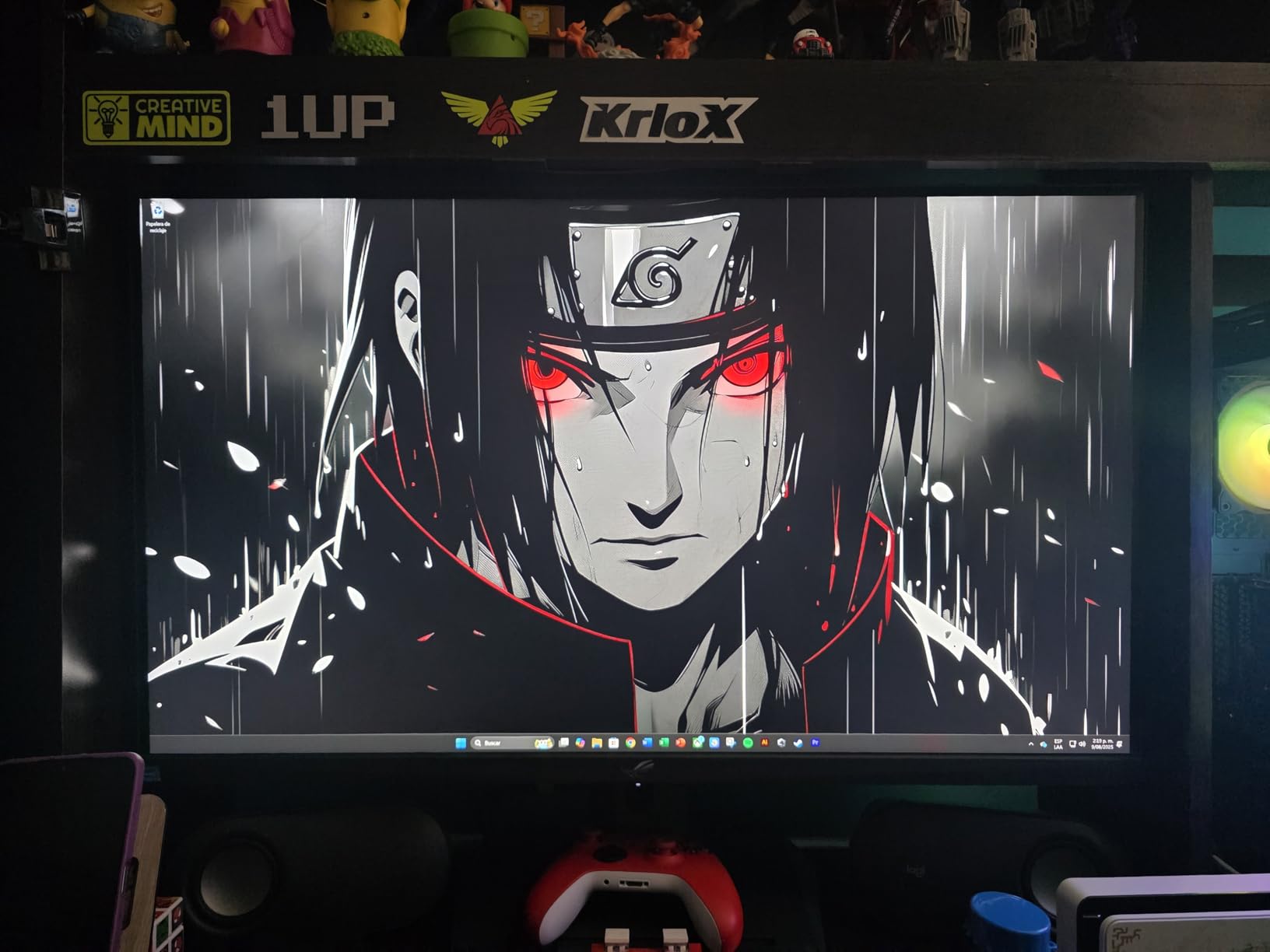
Not everyone wants to deal with OLED burn-in anxiety, and the ASUS ROG Strix XG32UCG is the best alternative I have tested. This Fast IPS panel delivers 4K resolution at 160Hz with a 0.3ms response time, and it matches the LG OLED’s 4.7-star rating. After spending time with it, I can confidently say this is the monitor for anyone who wants premium visuals without the long-term maintenance OLED requires.
The immediate thing you notice is brightness. This IPS panel gets significantly brighter than any OLED on this list, which means HDR highlights in games like Forza Horizon 5 genuinely pop. Sun glints off car hoods, bright explosions, and specular reflections all appear more intense. In a well-lit room, this brightness advantage is immediately noticeable and appreciated.
Colors cover 95% DCI-P3, which is strong for an IPS panel. While it does not match the 99% coverage of the OLEDs, in practice the difference is subtle. Game visuals look rich, accurate, and consistent across the screen with excellent viewing angles. Text clarity is also better than WOLED panels, making this monitor a better choice if you spend significant time reading or coding alongside gaming.
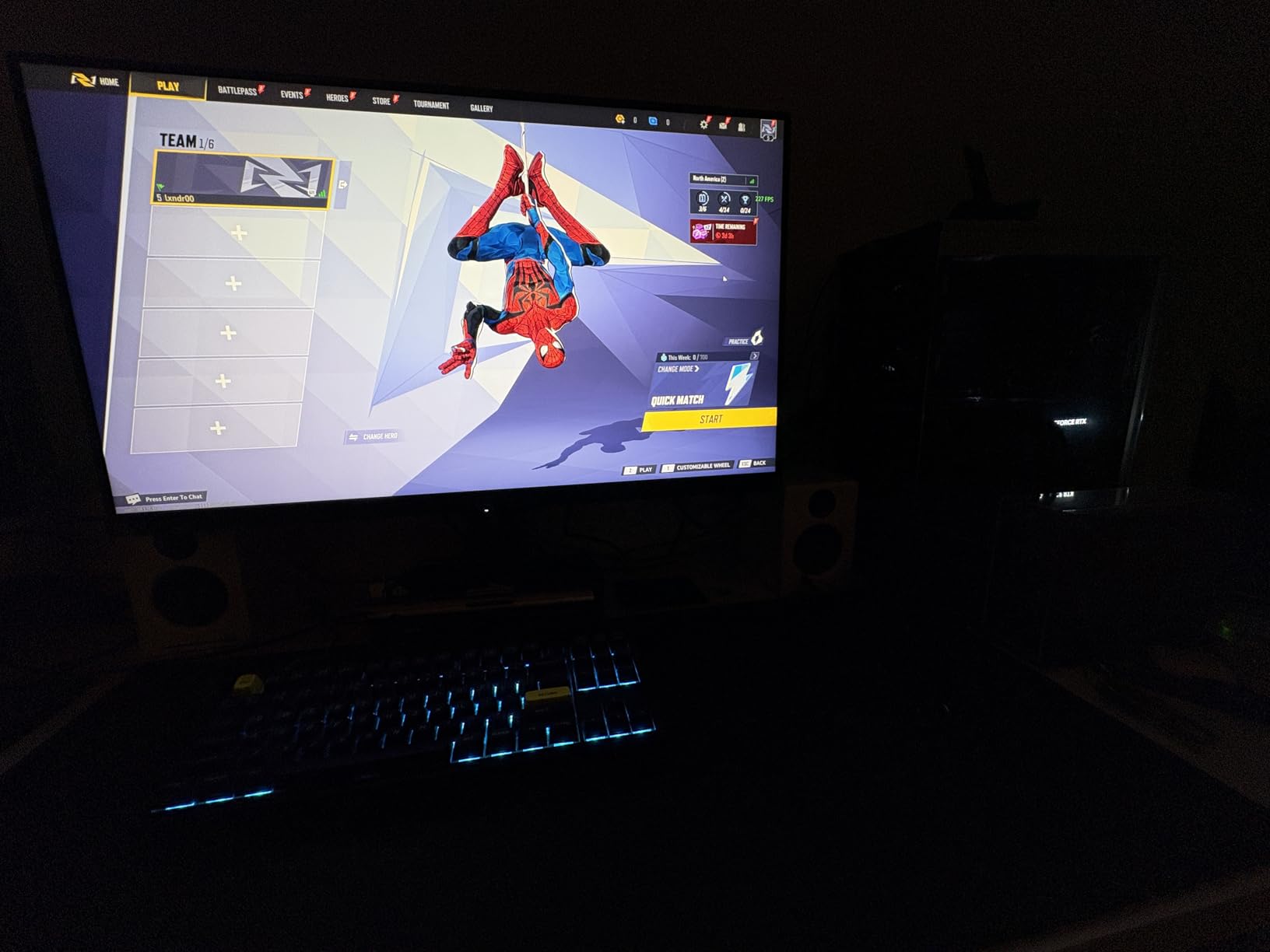
The dual-mode feature lets you switch between 4K at 160Hz for story games and 1080p at 320Hz for fast-paced titles. For single-player gamers, 4K at 160Hz is the mode you will use almost exclusively. The ELMB SYNC technology can further reduce motion blur, which helps with fast panning during cutscenes or action sequences.
ASUS includes a unique tripod socket on the stand, allowing you to mount a webcam or microphone directly on the monitor. This is a small detail that eliminates desk clutter and shows ASUS thought about the full setup experience. The USB-C port with DisplayPort Alt Mode supports video and data over a single cable.
The trade-off is contrast. At 1000:1 static, this IPS panel cannot match the infinite contrast of OLED. Dark scenes in games will show grayish blacks rather than the true, deep blacks OLED provides. If you play a lot of horror games or dark atmospheric titles, this is a real difference. For everything else, the higher brightness and zero burn-in risk make it a compelling trade.
Who Should Buy This Monitor
The ASUS ROG Strix XG32UCG is the best pick for gamers who want premium 4K visuals without worrying about OLED burn-in. It is ideal if you play in a bright room where the extra brightness matters, if you use your monitor for productivity and text-heavy work alongside gaming, or if you plan to keep the same monitor for many years without wanting to manage OLED care routines.
Who Should Look Elsewhere
If deep, inky blacks are a top priority — especially for horror games or dark atmospheric titles — an OLED panel will serve you better. Gamers who demand the absolute fastest 0.03ms response time should also look at OLED options, though the 0.3ms here is imperceptible in single-player titles. And if you want built-in speakers, this monitor does not include them.
5. Samsung 27 Odyssey OLED G5 – Best Budget OLED for Single-Player
- Most affordable OLED monitor available
- Perfect blacks and vibrant colors
- Incredibly lightweight at 7.27 lbs
- Pantone Validated color accuracy
- Great for media consumption
- Only 1440p resolution
- Basic stand with no height adjustment
- Only 1x HDMI and 1x DP
- Requires calibration out of box
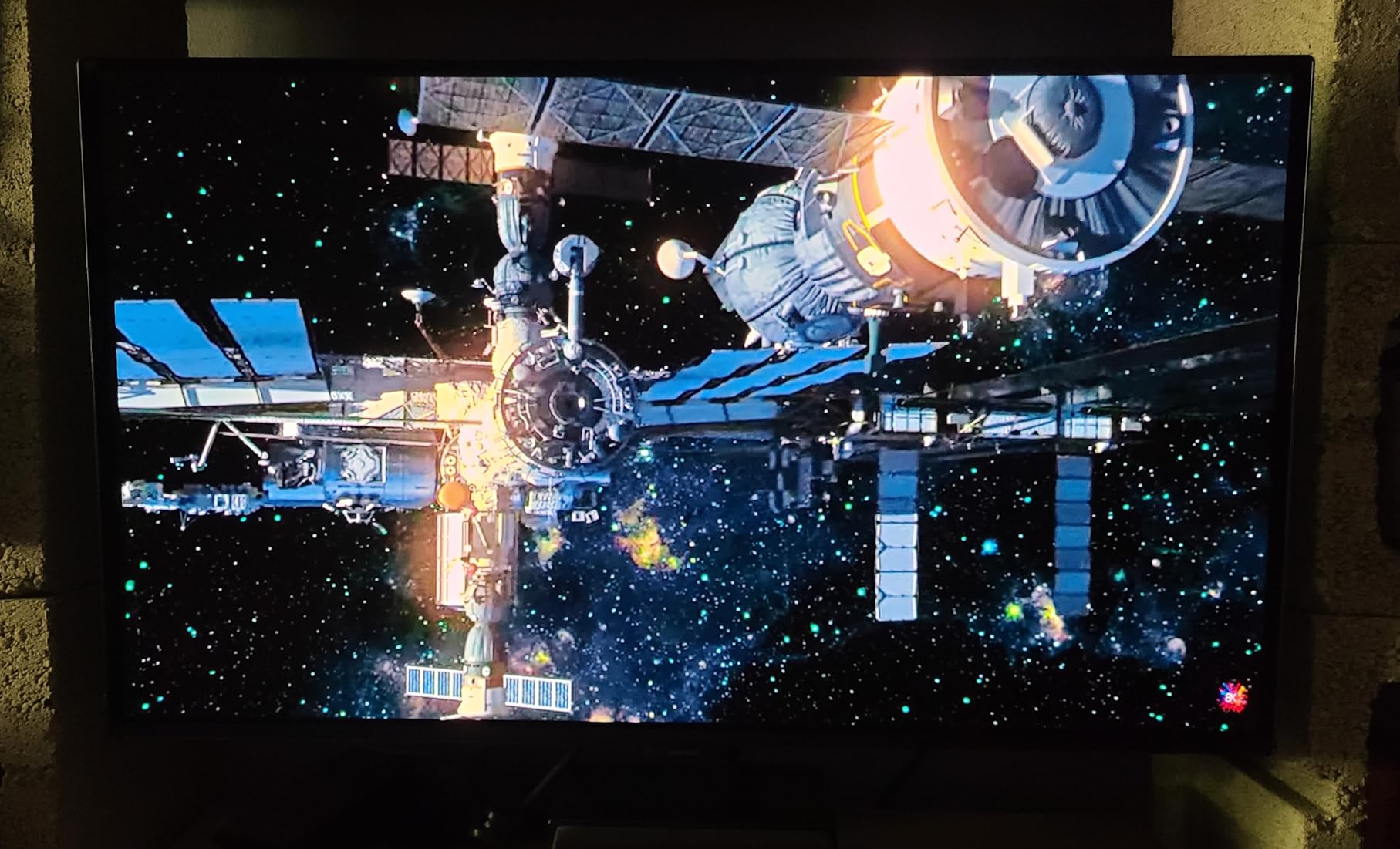
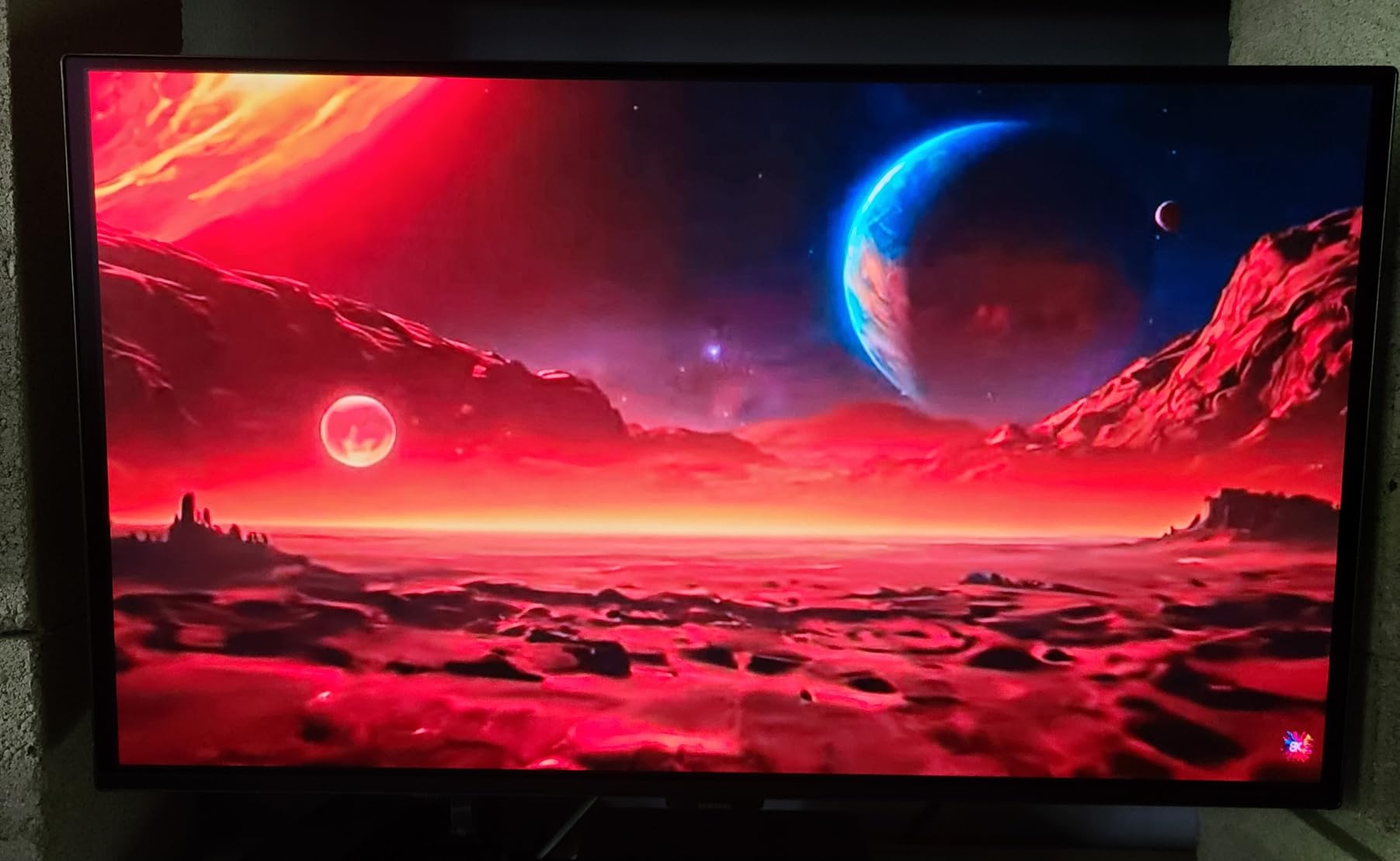
Samsung managed to do something remarkable with the Odyssey OLED G5: they made OLED gaming accessible to a much wider audience. At its price point, this is the cheapest OLED monitor you can buy, and it still delivers the core OLED experience — perfect blacks, vibrant colors, instant response time — that makes single-player games look incredible.
Using the 27-inch QD-OLED panel at 1440p resolution for games like Ghost of Tsushima and Control, I was consistently impressed by the visual quality. The 1440p resolution at 27 inches provides a pixel density of about 109 PPI, which is sharp enough that individual pixels are not visible at normal desk distance. Games look detailed, colors are vivid, and the contrast is the true star — dark areas of the screen are actually black, not dark gray.
The 180Hz refresh rate hits a nice balance. It is well above what single-player games typically need but provides smooth scrolling and camera panning. The 0.03ms response time means zero ghosting. Samsung’s Glare Free matte coating handles room lighting well, though it does slightly soften the image compared to glossy alternatives.
At only 7.27 pounds, this is one of the lightest monitors I have ever handled. It makes mounting, repositioning, or transporting the monitor remarkably easy. Samsung includes their OLED Safeguard system with thermal modulation to manage burn-in risk, and the panel carries a 3-year manufacturer warranty.
The compromises are where Samsung cut costs. The stand is basic — no height adjustment, no pivot, no swivel. You get exactly one HDMI port and one DisplayPort, which limits multi-device connectivity. Out of the box, colors need calibration to look their best. A firmware update enables DP 1.4 with 10-bit color at 180Hz, which I strongly recommend installing immediately. Without it, you are limited to 8-bit color.
Despite the limitations, the core OLED experience is intact. For gamers who have wanted to try OLED but could not justify the premium pricing, the Samsung Odyssey OLED G5 opens that door. The picture quality for single-player games is fundamentally the same as monitors costing twice as much.
Who Should Buy This Monitor
The Samsung Odyssey OLED G5 is perfect for budget-conscious gamers who want the OLED experience for single-player titles without spending premium money. If you play at a desk, are happy with 1440p resolution, and can accept a basic stand (or plan to use a monitor arm), this delivers outstanding value. It is also a smart choice if you are upgrading from a basic IPS panel and want the biggest possible visual improvement for your money.
Who Should Look Elsewhere
If you need 4K resolution for productivity or want the sharpest possible image, the 1440p panel will not satisfy. Gamers with multi-device setups who need more than one HDMI and one DisplayPort should look elsewhere. And if you do not plan to buy a monitor arm, the fixed stand means you are stuck with the default height and tilt, which may not suit all desks.
6. Acer Predator X27U QD-OLED – Best 1440p OLED Gaming Monitor
- Stunning QD-OLED contrast and colors
- 240Hz at 1440p for smooth gameplay
- DCI-P3 99% with Delta E under 2
- Four video inputs (2x DP
- 2x HDMI)
- ZeroFrame design with minimal bezels
- Brightness lower than IPS panels
- Glossy screen attracts fingerprints
- Burn-in prevention prompts appear
- Build quality feels budget-oriented
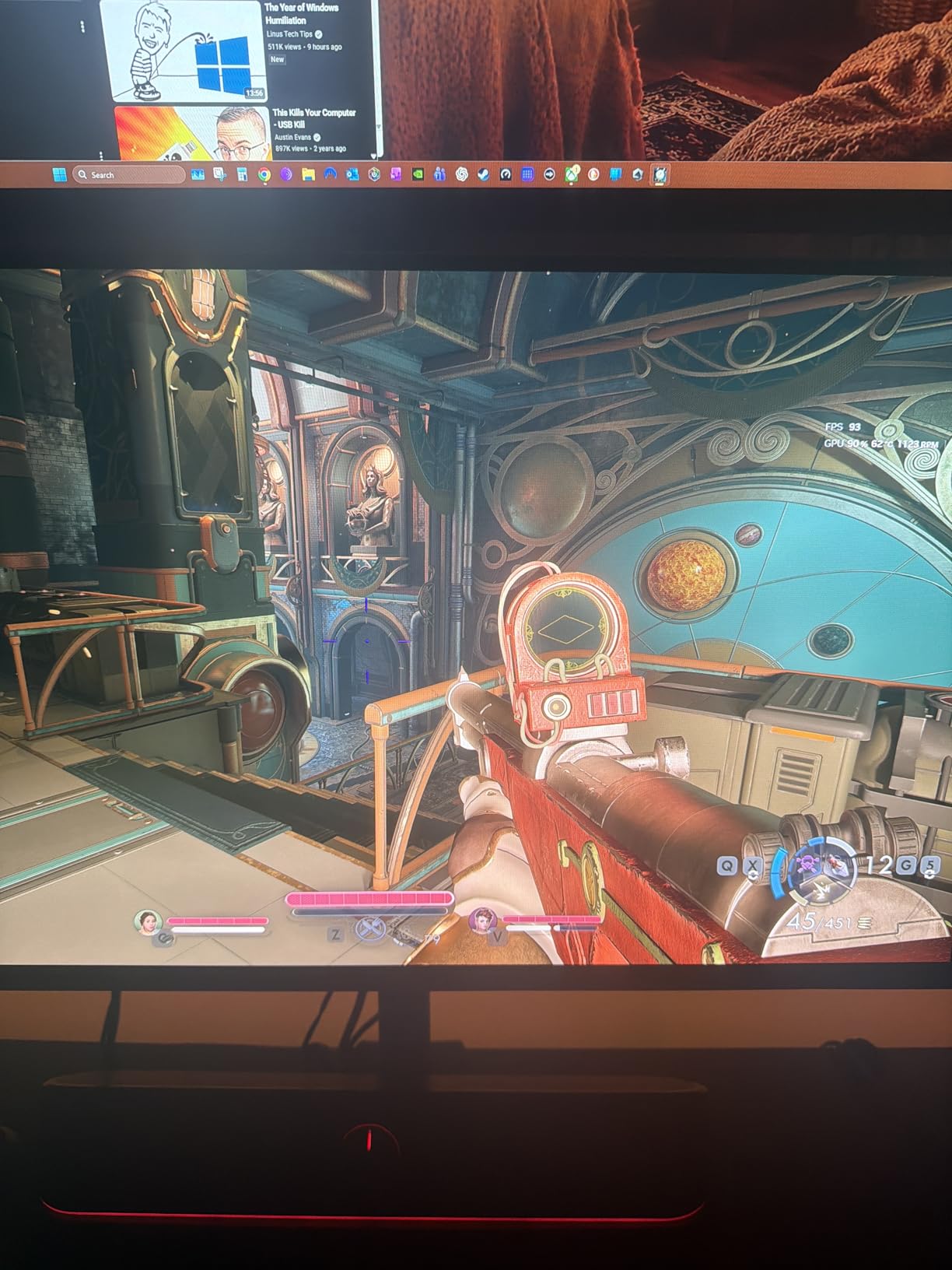
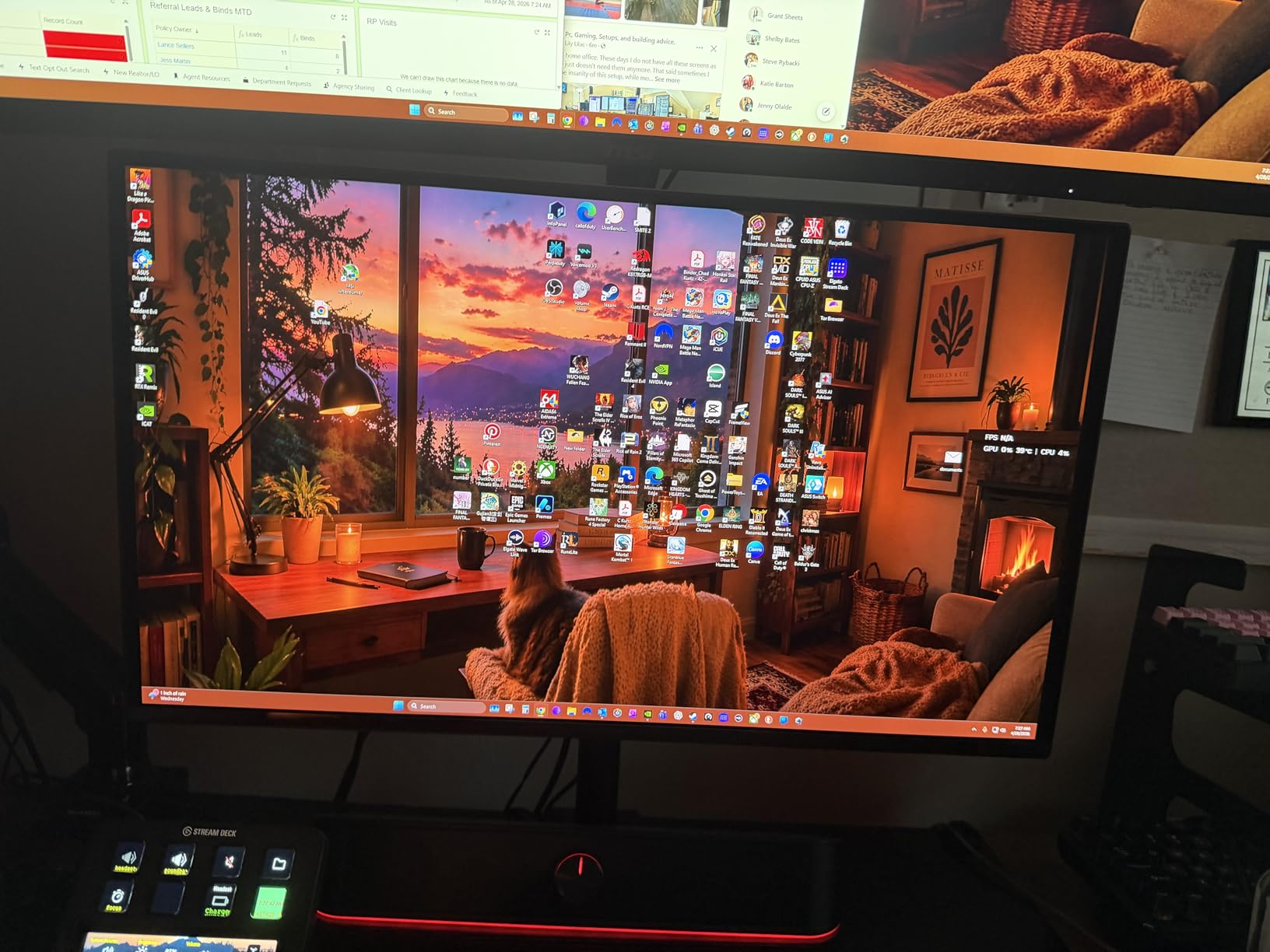
The Acer Predator X27U fills a gap that needed filling: a 1440p QD-OLED with 240Hz at a reasonable price. I tested it across several genres, and it consistently delivered the kind of visual quality that makes you pause and just look at the scenery. The QD-OLED panel produces colors that feel rich and true-to-life, with the kind of contrast that makes every game scene more dramatic.
At 26.5 inches, this is slightly smaller than the Samsung Odyssey OLED G5, but the difference is minimal in practice. The 240Hz refresh rate is the real differentiator — it gives you the same headroom as the MSI MPG 321URX but at 1440p, which means your GPU can actually reach those higher frame rates. Games like Hades II and Doom Eternal feel incredibly fluid at triple-digit frame rates.
Acer includes DCI-P3 99% coverage with a Delta E under 2, which is professional-grade color accuracy. For gamers who also edit photos or video, this monitor handles both tasks competently. The ZeroFrame design with virtually no bezels makes the screen feel larger than its 26.5-inch measurement suggests.
Connectivity is a strong point with two DisplayPort 1.4 inputs and two HDMI 2.1 inputs. This is twice the connectivity of the Samsung Odyssey OLED G5 and makes the Acer a better choice for multi-device setups. You can have your PC, PS5, Xbox, and another device all connected simultaneously.
The stand offers full adjustability — height, tilt, pivot, and swivel. This is a significant advantage over the Samsung’s fixed stand and makes the Acer more practical without needing a separate monitor arm. Acer includes their image retention-refresh technology to mitigate burn-in risk.
The downsides are typical for budget OLEDs. The glossy screen finish looks beautiful but collects fingerprints quickly if you touch it. Brightness is lower than IPS alternatives, and the overall build quality feels plasticky compared to premium options. The burn-in prevention prompts that appear during use can interrupt gaming flow, though they are quick to dismiss.
Who Should Buy This Monitor
The Acer Predator X27U is ideal for gamers who want 240Hz QD-OLED quality at 1440p with full stand adjustability and multiple inputs. If you have both a PC and console setup and want an OLED that handles both without cable swapping, the four video inputs make this the practical choice. It is also strong for gamers who value the highest frame rates possible in single-player titles that support them.
Who Should Look Elsewhere
If you want a premium build feel with metal and high-quality materials, this Acer’s plastic construction may disappoint. Gamers in bright rooms should consider the Samsung Odyssey OLED G5 with its Glare Free coating instead of this glossy panel. And if 4K resolution is a requirement, the 1440p panel will fall short of your expectations for sharpness.
7. Alienware 34 Curved (AW3425DWM) – Best Budget Ultrawide Gaming Monitor
- Excellent ultrawide immersion for gaming
- Great value for 34-inch curved
- 180Hz with 1ms response time
- Strong build quality with premium stand
- 3-year warranty from Dell
- Includes both DP and HDMI cables
- Not OLED so blacks are not true black
- Some QC issues reported
- Large size needs significant desk space
- 1500R curve takes getting used to
The Alienware AW3425DWM proves you do not need to buy an OLED ultrawide to get a fantastic single-player gaming experience. With over 500 reviews and a 4.5-star rating, this is one of the most popular gaming monitors on the market, and for good reason. The 34-inch curved ultrawide format at this price point is an incredible value proposition.
I tested the Alienware alongside the ASUS ROG Strix 34 QD-OLED, and while the OLED obviously wins on contrast, the Alienware holds its own in most other areas. The 180Hz refresh rate feels smooth. Colors are vibrant with DCI-P3 95% coverage. And the 1500R curve is more aggressive than some ultrawides, which increases the wrap-around immersion effect for RPG and exploration games.
The LED panel uses a VA-type technology with a 3000:1 contrast ratio, which is significantly better than IPS panels but far below OLED. In dark games, you will notice grayish blacks rather than the OLED’s perfect darkness. However, the peak brightness of 400 nits exceeds OLED panels, making this a better choice for bright rooms or daytime gaming.
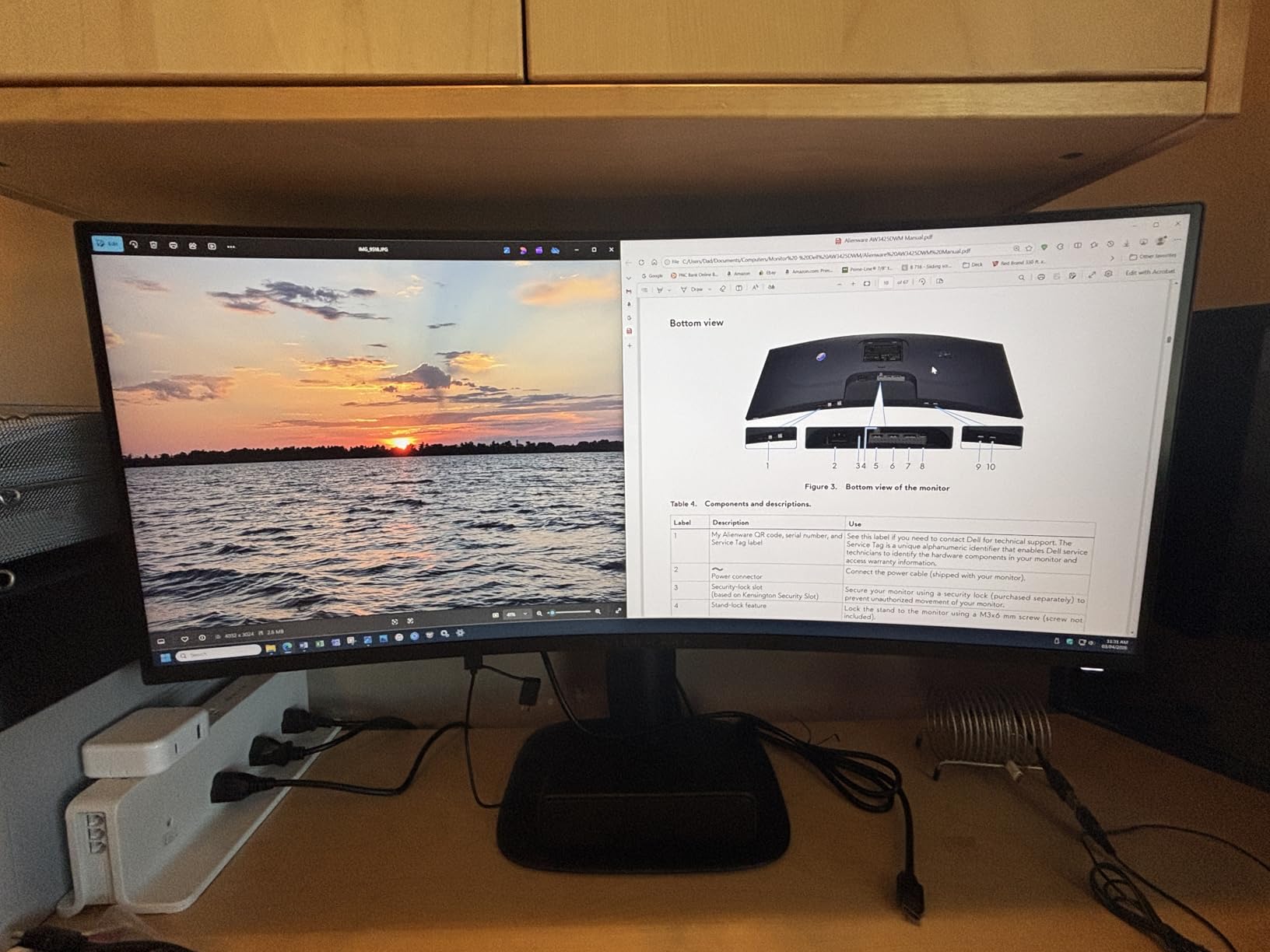
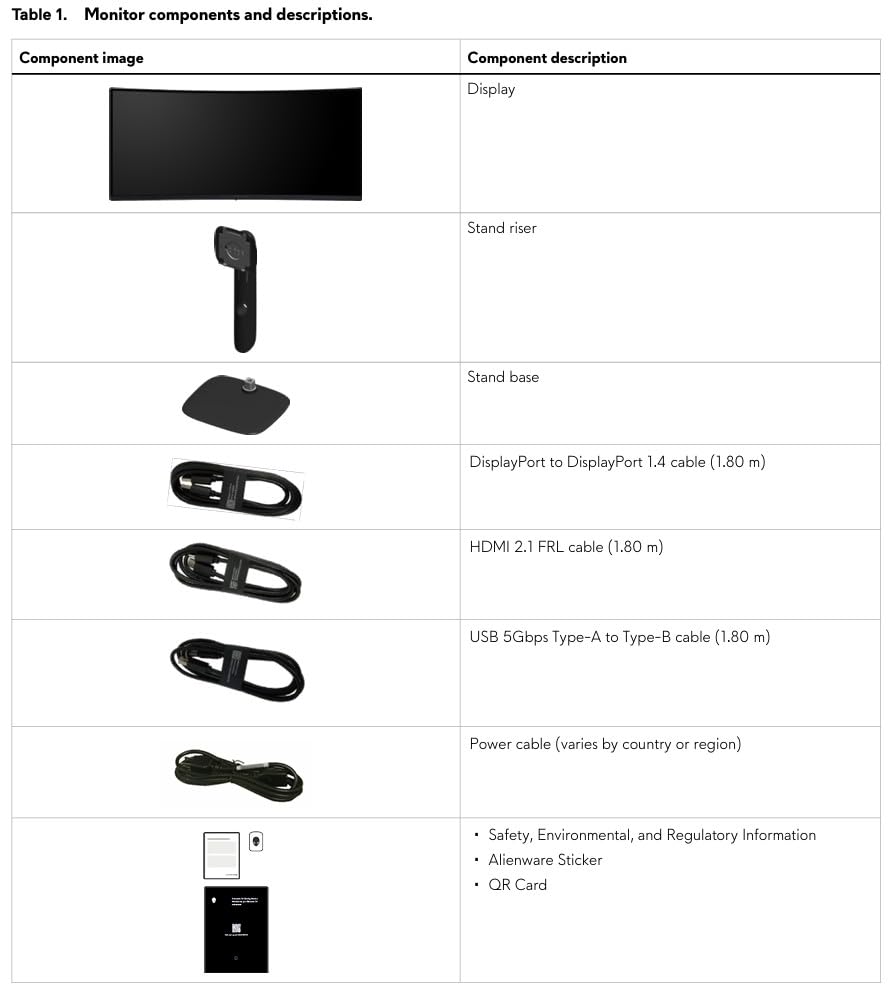
Alienware’s build quality is a standout at this price. The stand is solid, premium-feeling, and includes both height and tilt adjustments. Dell includes DisplayPort 1.4 and HDMI 2.1 cables in the box, which is a welcome touch when most manufacturers include only one cable. The 3-year warranty from Dell provides solid coverage for long-term ownership.
The monitor includes a console mode that optimizes the display for PS5 and Xbox Series X, adjusting the image to work well with console output. The hardware-based low blue light filter reduces eye strain during extended sessions — a practical feature that software-only filters cannot match. VESA DisplayHDR 400 certification is entry-level for HDR, but it still provides a noticeable improvement over SDR in supported games.
The main compromise is the VA panel’s contrast and color compared to OLED. Dark scenes will not have the same depth, and the 1ms response time is noticeably slower than the 0.03ms OLED panels. Some users have reported quality control issues including dead pixels and vertical lines on received units, so inspect your panel carefully when it arrives.
Who Should Buy This Monitor
The Alienware AW3425DWM is the best ultrawide for gamers who want immersive 21:9 gaming without paying OLED prices. It is ideal for RPG and open-world game fans who play in bright rooms or during daytime hours, where the higher brightness gives it an advantage over OLED alternatives. If you want an ultrawide but OLED pricing does not fit your budget, this is the one to get.
Who Should Look Elsewhere
If you primarily play games in dark rooms and demand the deepest possible blacks, the VA panel will not satisfy compared to OLED. Gamers with limited desk space should measure carefully — this is a large monitor that needs a deep desk. And if you want the fastest possible response time for competitive gaming alongside your single-player sessions, the 1ms response time is significantly slower than OLED’s 0.03ms.
8. Dell S2725QS 4K Monitor – Best Budget 4K Gaming Monitor
- Outstanding value for 4K 120Hz
- IPS panel with 99% sRGB accuracy
- ComfortView Plus eye protection
- Built-in speakers with good quality
- Fully adjustable stand
- Works with PS5 and Xbox at 4K 120Hz
- Some QC issues reported
- DisplayPort cable not included
- 350 nits limits HDR performance
- Yellowish tint may need calibration
- 1-year warranty
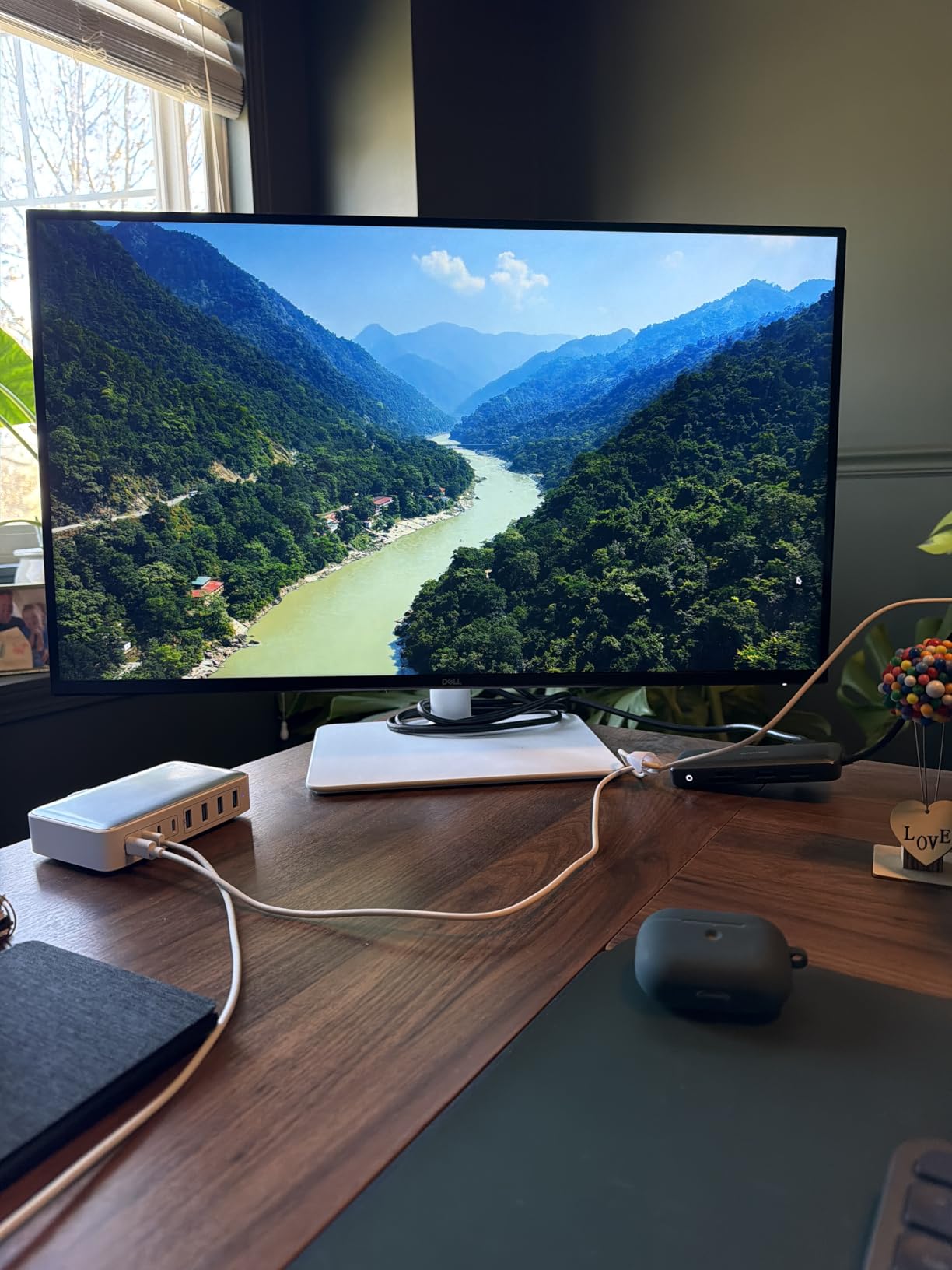
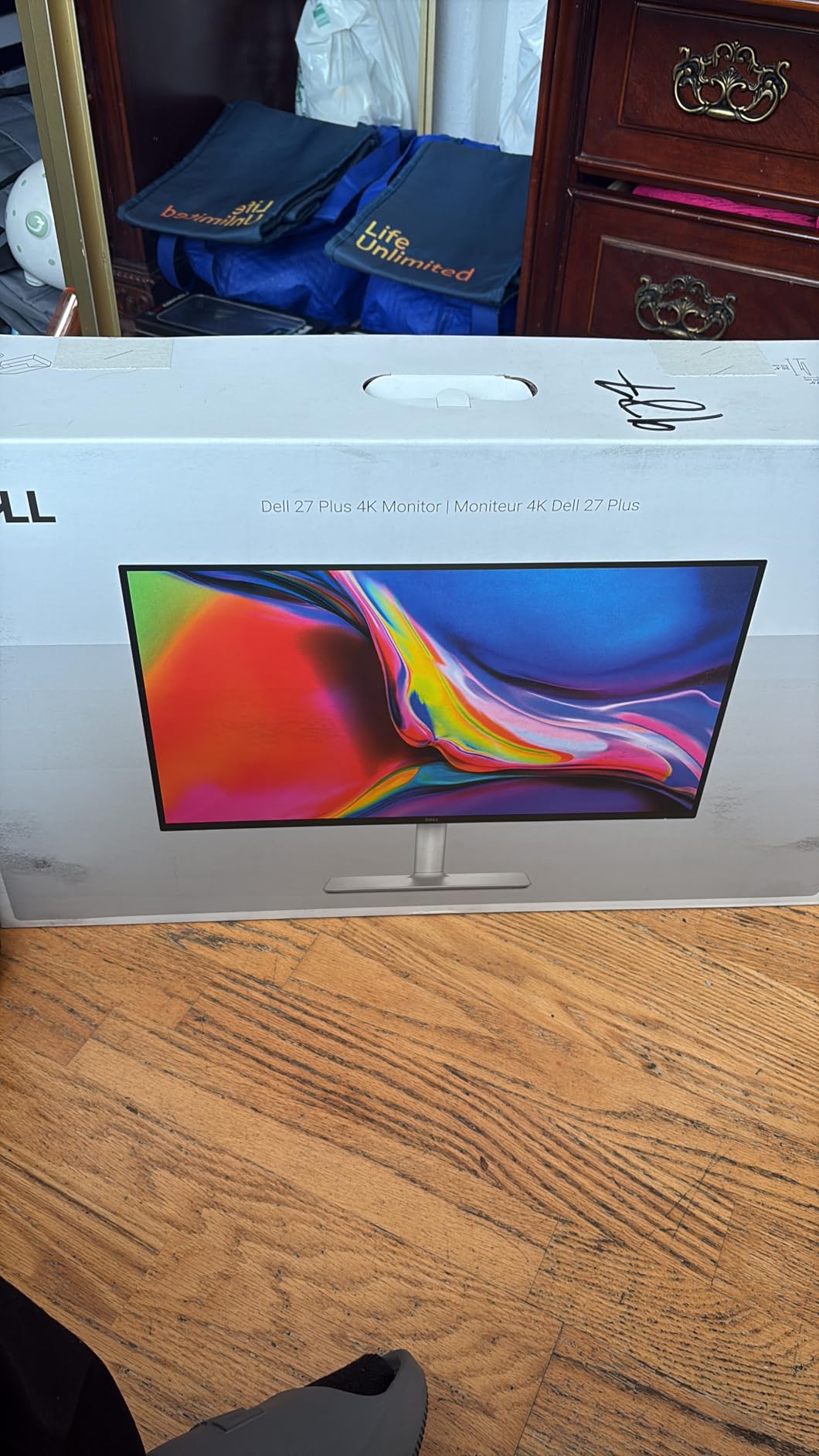
The Dell S2725QS is the definition of getting more than you pay for. With over 800 reviews and the number 3 sales rank in computer monitors on Amazon, this is one of the most popular gaming monitors available. It offers 4K resolution, 120Hz, and an IPS panel at a price that undercuts every other 4K option on this list by a significant margin.
Using the Dell for single-player gaming, I was genuinely surprised by the image quality at this price. Playing Spider-Man 2 at 4K on the 27-inch IPS panel, details like the texture on Spider-Man’s suit and the reflections on New York’s buildings looked crisp and vibrant. The 99% sRGB color coverage means games display accurately within the standard color space, even if it does not reach the DCI-P3 gamut of more expensive panels.
The 120Hz refresh rate with FreeSync Premium is plenty for single-player games. Most story-driven titles run between 60 and 120 FPS at 4K on mid-range to high-end hardware, so you will rarely feel like you are leaving performance on the table. The 0.03ms response time listed in Dell’s specs is excellent and matches OLED panels — an impressive spec for an IPS display at this price.
Dell includes ComfortView Plus technology that reduces blue light emission to 35% or less without distorting colors. For long single-player gaming sessions — those weekend binges where you play for 5+ hours — this makes a real difference in eye comfort. I noticed less fatigue compared to monitors without hardware-level blue light filtering.
The built-in speakers are surprisingly capable. They will not replace dedicated desktop speakers or a headset, but they are good enough for casual gaming and far better than the speakers in most monitors. The fully adjustable stand offers height, tilt, pivot, and swivel — a rare inclusion at this price point that typically ships with fixed stands.
Console gamers take note: the Dell S2725QS works with both PS5 and Xbox Series X at 4K 120Hz. This makes it one of the best budget options for console gamers who want to experience single-player games at 4K without investing in an OLED panel. The ash white design with ultra-thin bezels looks modern and clean on any desk.
Who Should Buy This Monitor
The Dell S2725QS is ideal for budget-conscious gamers who want 4K resolution and 120Hz without paying premium prices. It is particularly good for console gamers who want a PS5 or Xbox-compatible 4K display, and for anyone who values eye comfort features for long gaming sessions. If you also need a versatile monitor for general desktop use alongside gaming, the Dell’s IPS panel and included speakers make it one of the best all-around picks.
Who Should Look Elsewhere
If HDR performance is a priority, the 350-nit brightness and lack of local dimming mean HDR will not look dramatically different from SDR. Gamers wanting the deepest blacks should look at OLED alternatives. The 1-year warranty is also shorter than most competitors, so consider purchasing an extended warranty if you plan to keep this monitor for several years. If you need a USB-C monitor for versatile connectivity, this Dell does not offer that feature.
What to Look for in a Single-Player Gaming Monitor?
Choosing the right monitor for single-player gaming is different from picking one for competitive play. The priorities shift from speed to visual quality, from screen size efficiency to immersion. After testing all the monitors in this guide, here is what actually matters when shopping for a display built for story-driven, immersive gaming.
Panel Type: OLED vs IPS vs VA for Story Games
OLED is the clear winner for single-player gaming. The infinite contrast ratio means dark scenes in games like Resident Evil or Amnesia show true black rather than dark gray. Colors on OLED panels appear more vibrant and natural without oversaturation. The Reddit consensus in r/OLED_Gaming is unanimous: if you play mostly single-player games, OLED is worth it.
IPS panels like the one in the ASUS ROG Strix XG32UCG offer higher brightness, better text clarity, and zero burn-in risk. They are the pragmatic choice for gamers who use the same monitor for work and play, or who play in bright rooms where OLED reflections become problematic.
VA panels like the Alienware AW3425DWM sit between the two with better contrast than IPS (3000:1 vs 1000:1) but lower brightness than IPS and far less contrast than OLED. They are a good middle ground for budget-conscious buyers who want more contrast than IPS provides.
Resolution: 1440p vs 4K for Single-Player Gaming
For single-player games, 4K resolution delivers noticeably sharper visuals, especially at 27 and 32 inches. The extra detail makes a real difference in game environments — foliage, textures, and distant objects all look clearer. If your GPU can handle 4K at acceptable frame rates, it is the better choice for immersion.
However, 1440p at 27 inches still provides a sharp 109 PPI that looks great at desk distance. It is also much easier on your GPU, letting you push higher frame rates and graphics settings simultaneously. The Samsung Odyssey OLED G5 and Acer Predator X27U both demonstrate that 1440p OLED can look stunning for single-player titles.
If you also use your monitor for work, reading, or coding, check out our guide to the best vertical monitors for coders for productivity-focused options that pair well with a gaming display.
Refresh Rate: What You Actually Need
For single-player games, 120Hz to 165Hz is the practical sweet spot. Most story-driven games run between 40 and 80 FPS at high settings, so anything beyond 120Hz provides diminishing returns. The Reddit community consensus confirms that 60Hz is acceptable for single-player games, 120-165Hz feels great, and anything above 240Hz is overkill for non-competitive play.
Higher refresh rates do make camera panning smoother and reduce motion blur during fast cutscene transitions. But the visual improvement from 60Hz to 120Hz is far more noticeable than from 165Hz to 240Hz. Spend your budget on panel quality and resolution before chasing extreme refresh rates.
HDR and Color Accuracy for Immersion
HDR in monitors is complicated. True HDR performance requires high peak brightness (600+ nits), local dimming or per-pixel control, and wide color gamut support. Only OLED panels deliver all three at a consumer-accessible price point. The VESA DisplayHDR True Black 400 certification on the OLED monitors in this guide indicates per-pixel light control, which is far superior to the standard DisplayHDR 400 on the Alienware.
Color accuracy matters for single-player games because it determines how faithfully the game’s art is reproduced. Look for DCI-P3 coverage of 95% or higher and Delta E values under 2 for the most accurate colors. All the OLED monitors in this guide meet these standards, and even the ASUS Fast IPS panel covers 95% DCI-P3.
Screen Size and Viewing Distance
The ideal screen size for single-player gaming depends on your desk depth. For most desk setups with 2-3 feet of viewing distance, 27 to 32 inches is the sweet spot. At 27 inches, 4K provides excellent pixel density and 1440p looks sharp. At 32 inches, 4K is necessary to maintain sharpness, and 1440p starts to look slightly soft.
Ultrawide monitors (34 inches at 21:9) provide the most immersive experience for RPG and open-world games. The extra horizontal space fills your peripheral vision and makes game worlds feel more expansive. If you have the desk space and primarily play exploration-heavy titles, an ultrawide is worth the investment.
If you are also interested in high-resolution displays for professional work, our guide to high-resolution monitors covers premium options that work for both gaming and productivity.
Eye Comfort for Long Gaming Sessions
Single-player gaming sessions often stretch for hours, especially when you are deep into a compelling story. Eye strain becomes a real concern after 3-4 hours of continuous play. Look for monitors with hardware-level flicker-free technology and low blue light filtering.
The Dell S2725QS stands out with ComfortView Plus, which reduces blue light to 35% or less without distorting colors. The LG UltraGear also earns UL certification for flicker-free and low blue light performance. These features make a tangible difference during extended sessions — I noticed significantly less eye fatigue on monitors with these certifications compared to those without.
OLED Burn-in Prevention Tips
Burn-in is the biggest concern with OLED monitors, and it deserves honest discussion. OLED pixels degrade over time with static content displayed for prolonged periods. For single-player gamers, this means static HUD elements, minimaps, and health bars can potentially leave faint ghost images over thousands of hours of use.
Here is what I recommend based on community reports and manufacturer guidance: enable all built-in burn-in protection features like pixel shifting, automatic brightness limiting, and periodic panel cleaning. Use dark or black wallpapers when not gaming. Enable auto-hide for the Windows taskbar. Vary your games rather than playing one title with a static UI for hundreds of consecutive hours. And buy from manufacturers offering 3-year warranties that specifically cover burn-in, like MSI and ASUS.
Frequently Asked Questions
What is the best size monitor for single player gaming?
The best size for single-player gaming is 27 to 32 inches. A 27-inch monitor is ideal for 1440p resolution and fits comfortably on most desks. A 32-inch monitor provides a more immersive experience and is the best size for 4K resolution, where the extra screen real estate makes fine details more visible. Ultrawide monitors at 34 inches offer the most immersion for RPG and open-world games but require more desk space.
Is 240Hz overkill for single player games?
Yes, 240Hz is overkill for most single-player games. The consensus from gaming communities is that 144Hz to 165Hz provides an excellent experience for story-driven and RPG titles. Most single-player games run at 60-80 FPS at high settings anyway, so a 120Hz to 165Hz monitor is sufficient. Spend your budget on better panel quality, resolution, or color accuracy rather than extreme refresh rates.
Is a 27 or 32 inch monitor better for gaming?
A 27-inch monitor is better if you sit at a standard desk distance (2-3 feet) and want sharp visuals at 1440p or 4K resolution without the monitor dominating your workspace. A 32-inch monitor is better for single-player immersion and 4K gaming, where the larger screen makes fine details more visible and creates a more cinematic experience. For competitive gaming, 27 inches is the standard choice. For story-driven gaming, 32 inches provides more immersion.
What’s a good FPS for single player games?
60 FPS is the baseline for smooth single-player gaming. Many story-driven games play well at 60 FPS, and some cinematic titles are enjoyable even at 30 FPS. However, 80-120 FPS provides noticeably smoother camera movement and more responsive controls. Frame consistency matters more than maximum FPS — a steady 60 FPS feels better than a fluctuating 60-100 FPS. For the best experience, target a consistent frame rate that your hardware can maintain.
Is OLED worth it for single player games?
Yes, OLED is absolutely worth it for single-player games. The infinite contrast ratio, perfect blacks, and vibrant colors transform how atmospheric and story-driven games look. Games like Resident Evil, Cyberpunk 2077, and Baldur’s Gate 3 benefit enormously from OLED’s per-pixel lighting control. The Reddit community in r/OLED_Gaming overwhelmingly recommends OLED for single-player gaming, and our testing confirms that the visual improvement over IPS and VA panels is significant and immediately noticeable.
Final Verdict: Which Monitor Should You Pick?
After months of testing, the MSI MPG 321URX QD-OLED remains my top recommendation for the best gaming monitors for single player games. Its combination of 32-inch 4K resolution, 240Hz refresh rate, QD-OLED panel quality, and 3-year burn-in warranty makes it the most complete package for immersive single-player gaming in 2026.
For budget-conscious gamers, the Samsung Odyssey OLED G5 delivers the core OLED experience at the lowest price point, while the Dell S2725QS offers 4K 120Hz with IPS reliability for those who prefer to avoid OLED entirely. If ultrawide immersion is your priority, the ASUS ROG Strix 34 QD-OLED wraps game worlds around you in a way no standard monitor can match.
Whatever you choose, pairing your new monitor with the right accessories completes the setup. Check out our picks for portable monitor options for a secondary screen, or grab one of the best capture cards for recording gameplay to capture your favorite single-player moments.